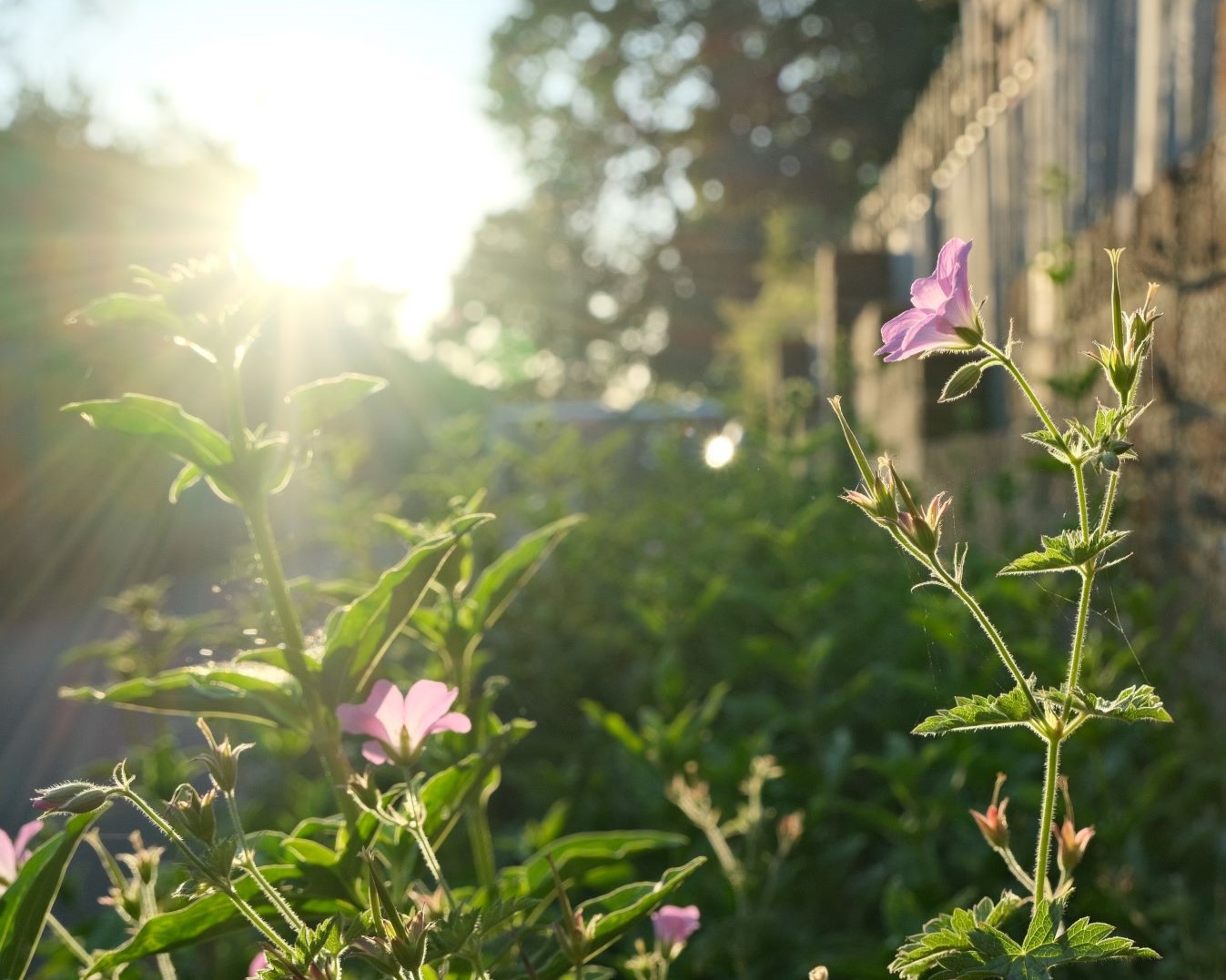
Provia film simulation recipe for a clean crisp look

Lucky 13
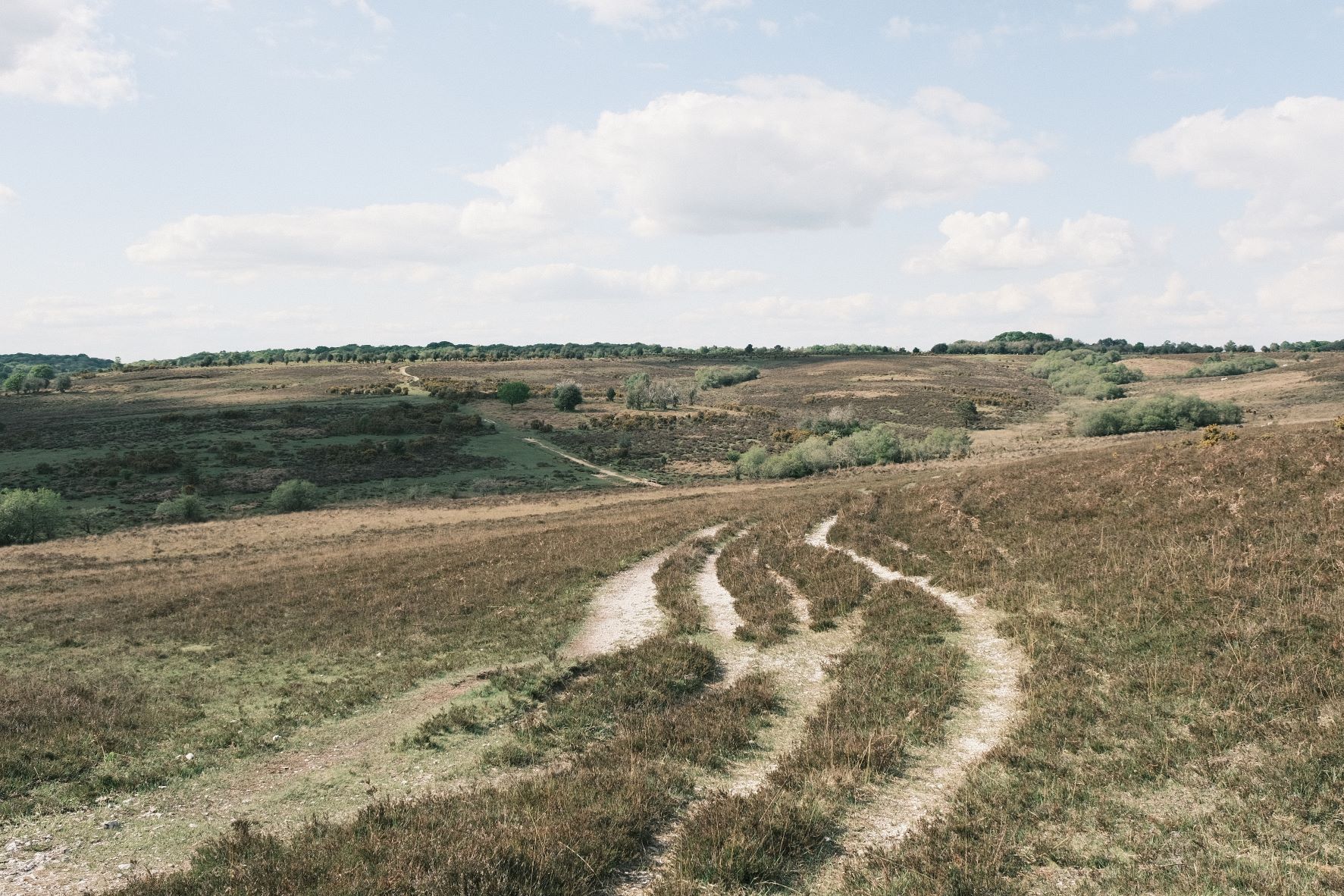
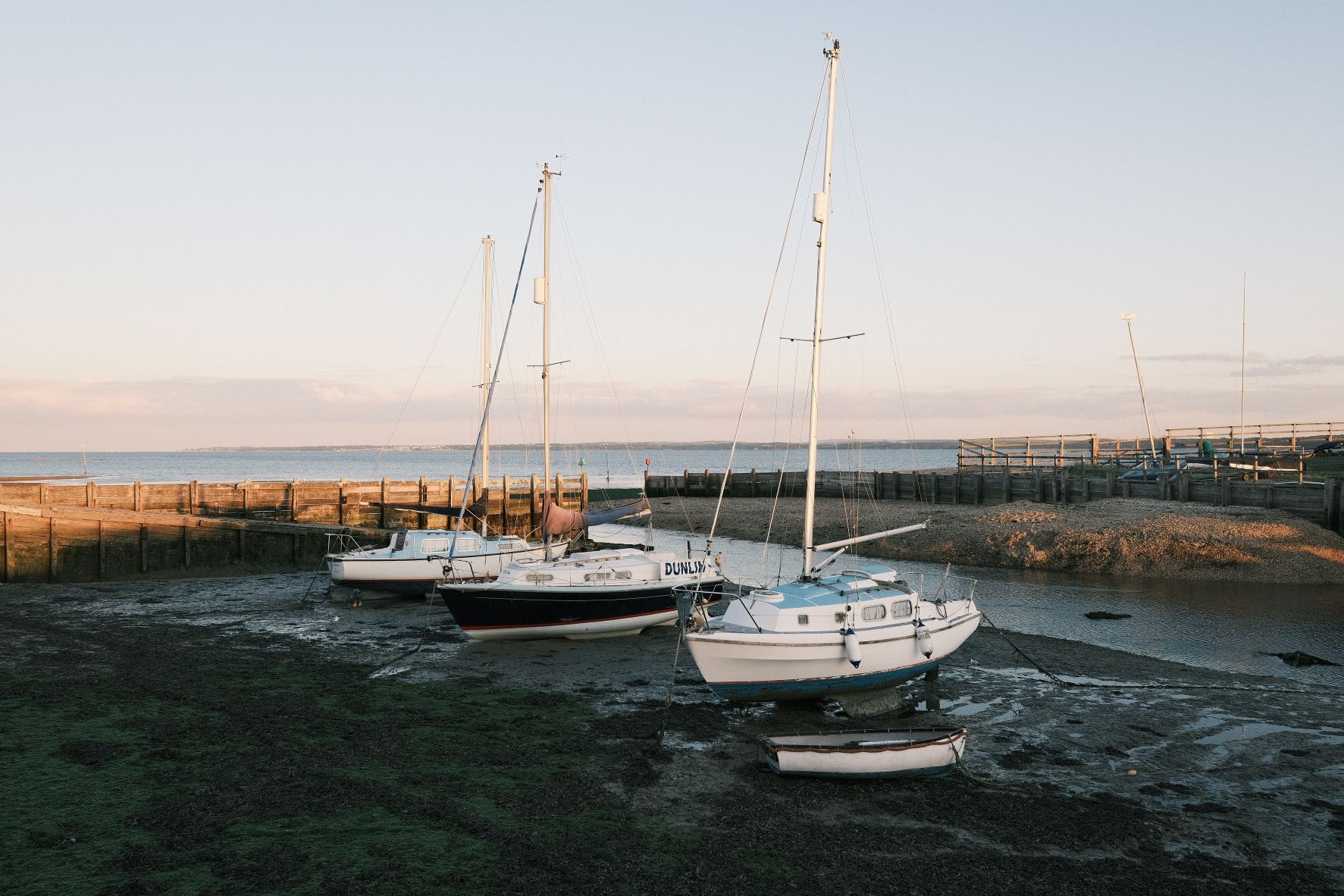
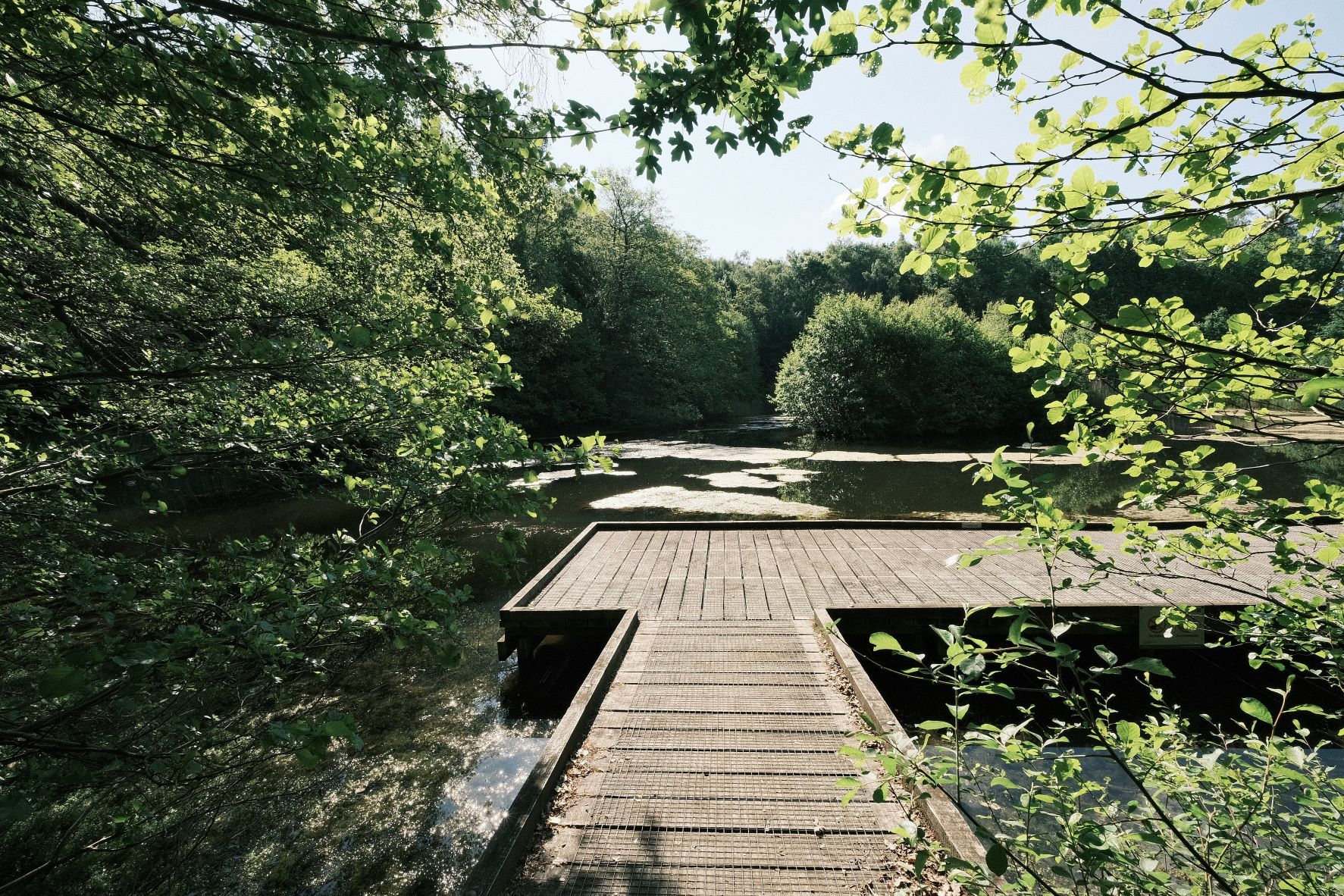
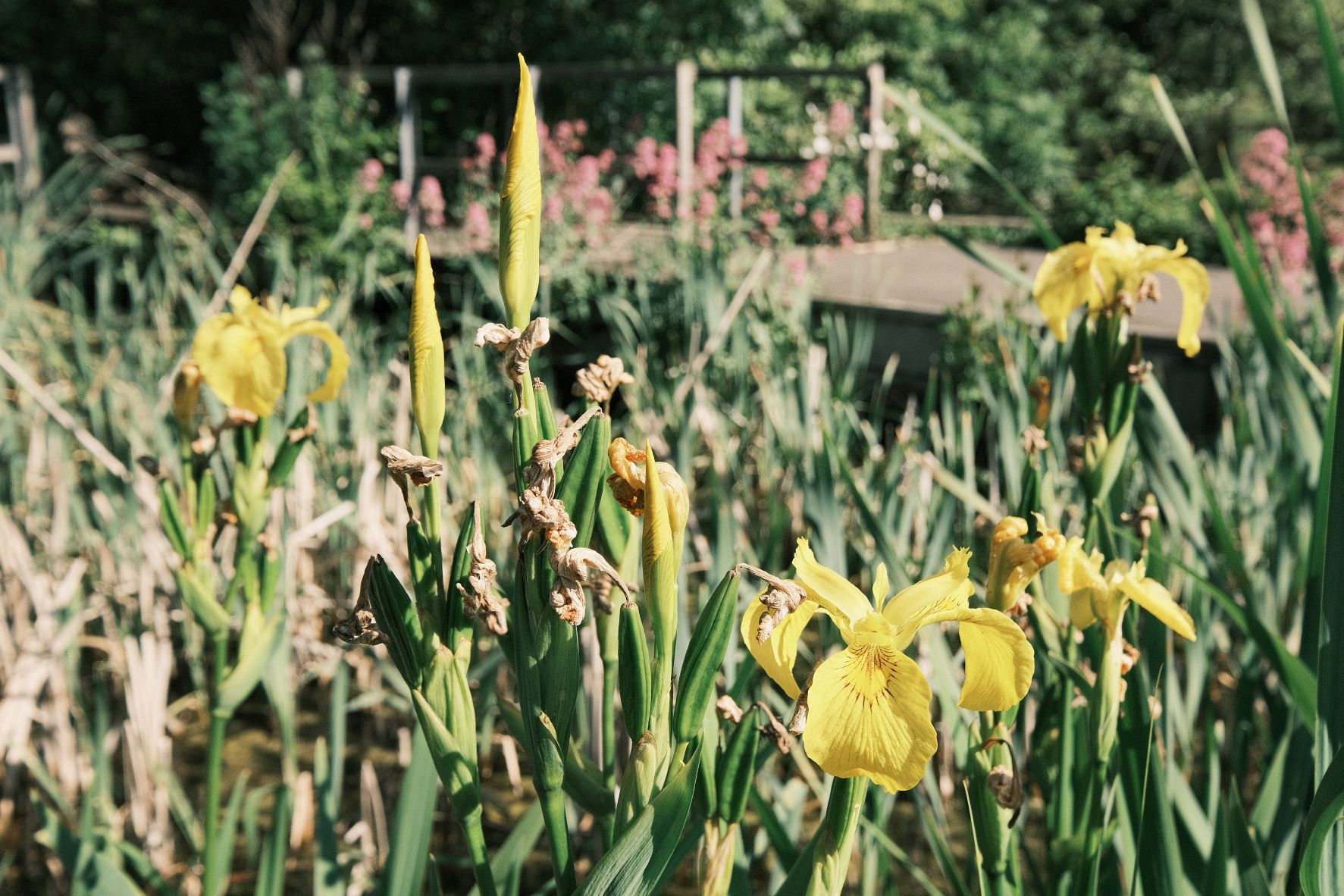
With all the fuss and hype that surrounds the nostalgic simulations, like Classic Chrome and Classic Negative, poor old Provia doesn’t get much love. Let’s change that now with a simple recipe that makes just a few adjustments to this reliable workhorse film simulation.
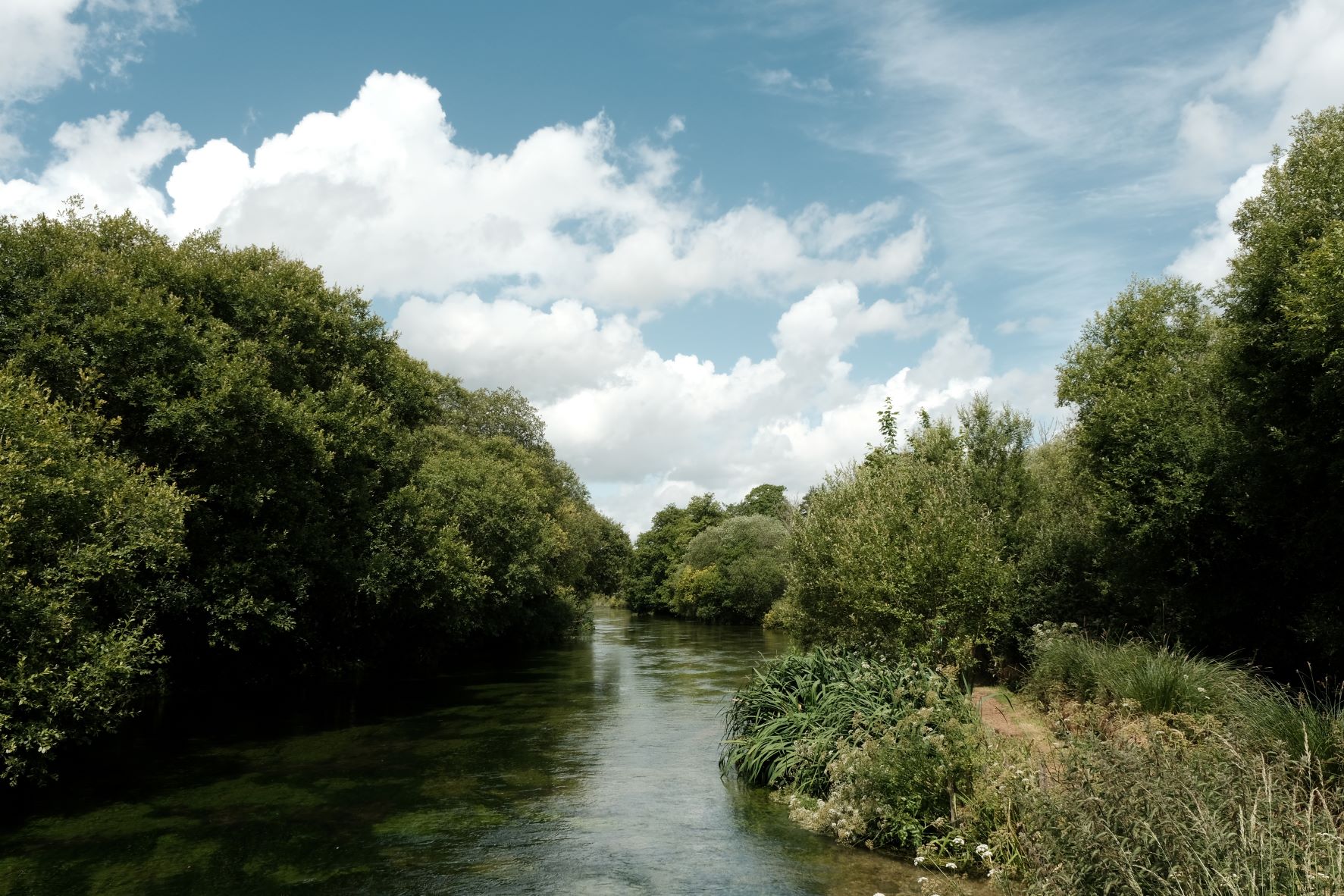
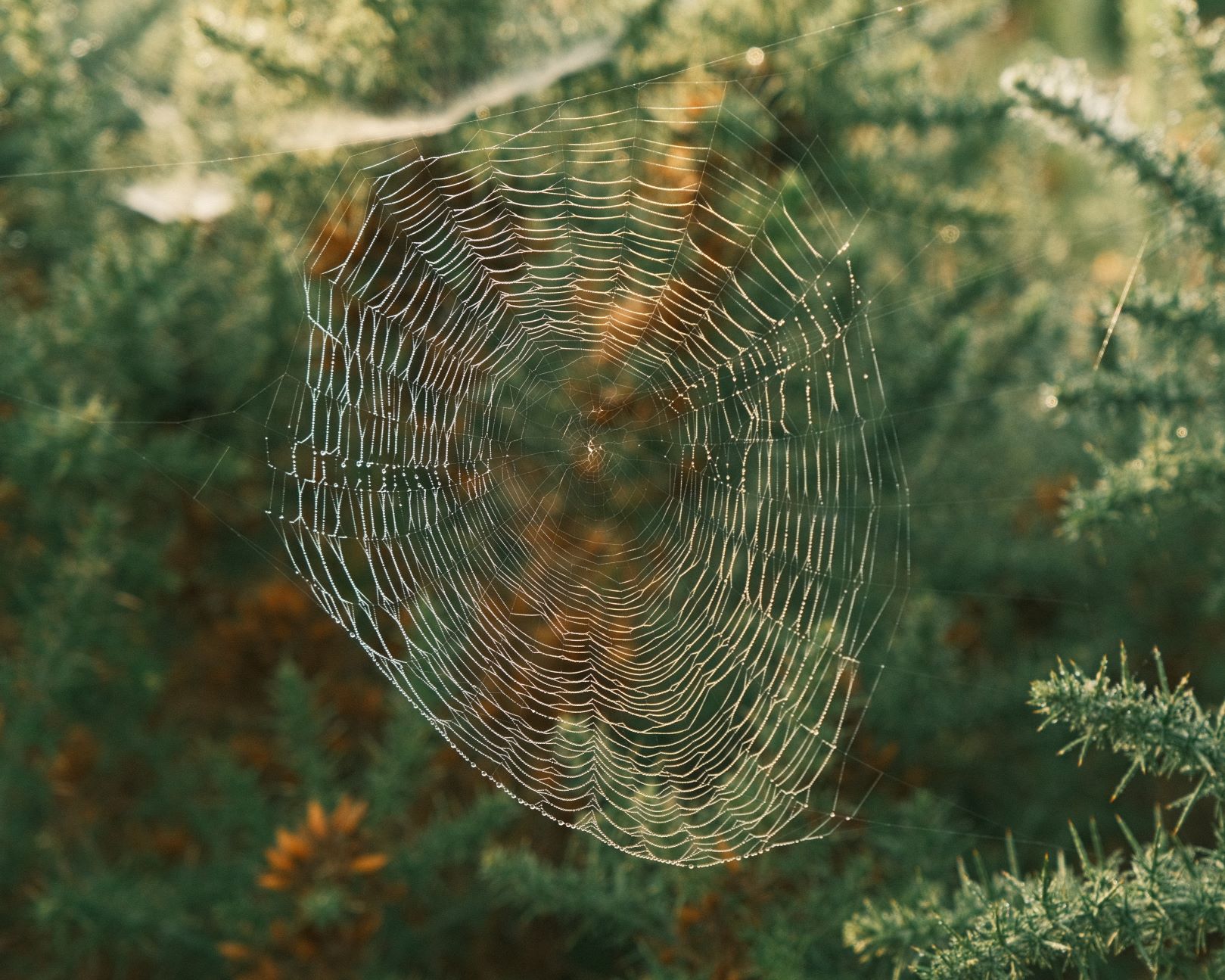
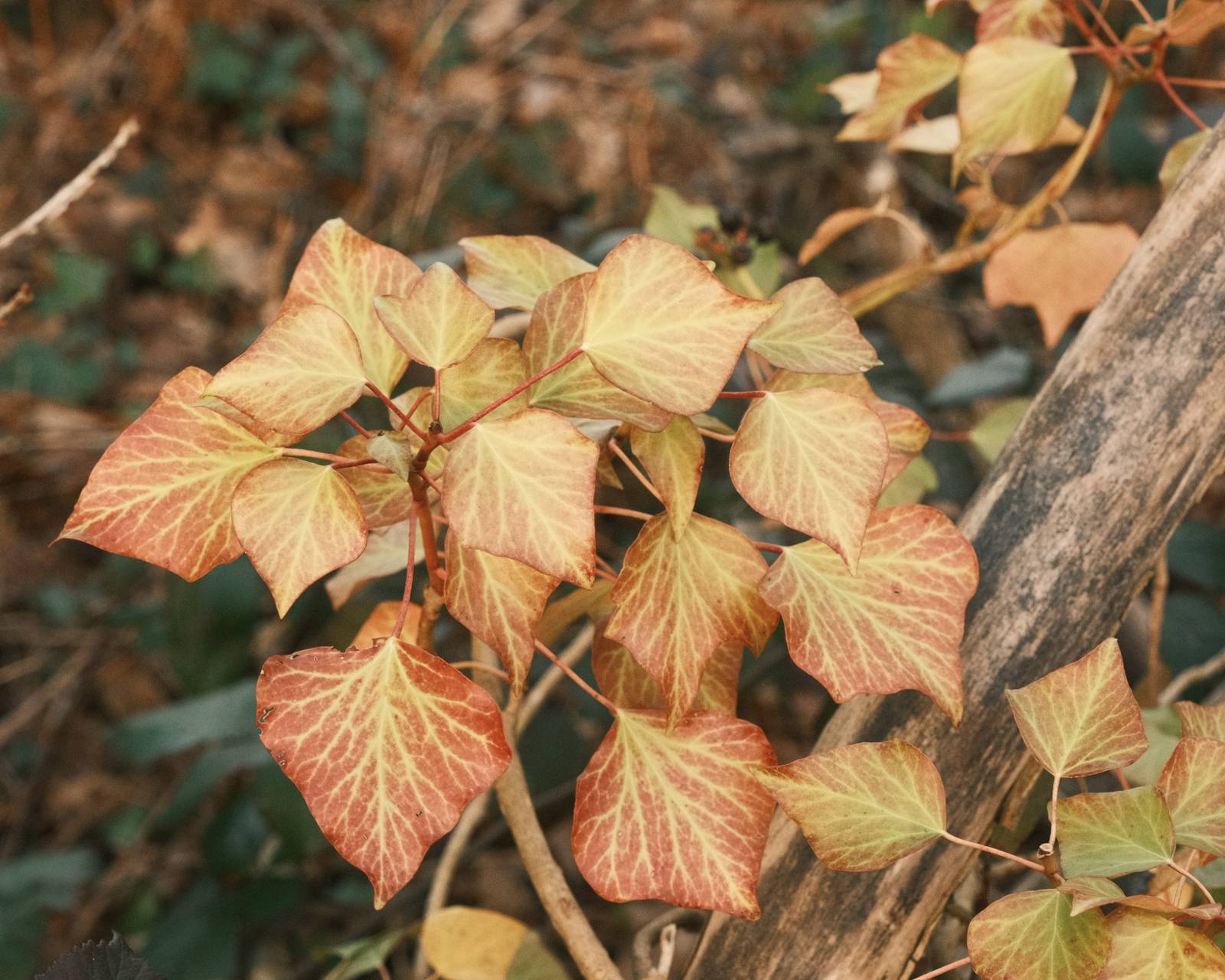
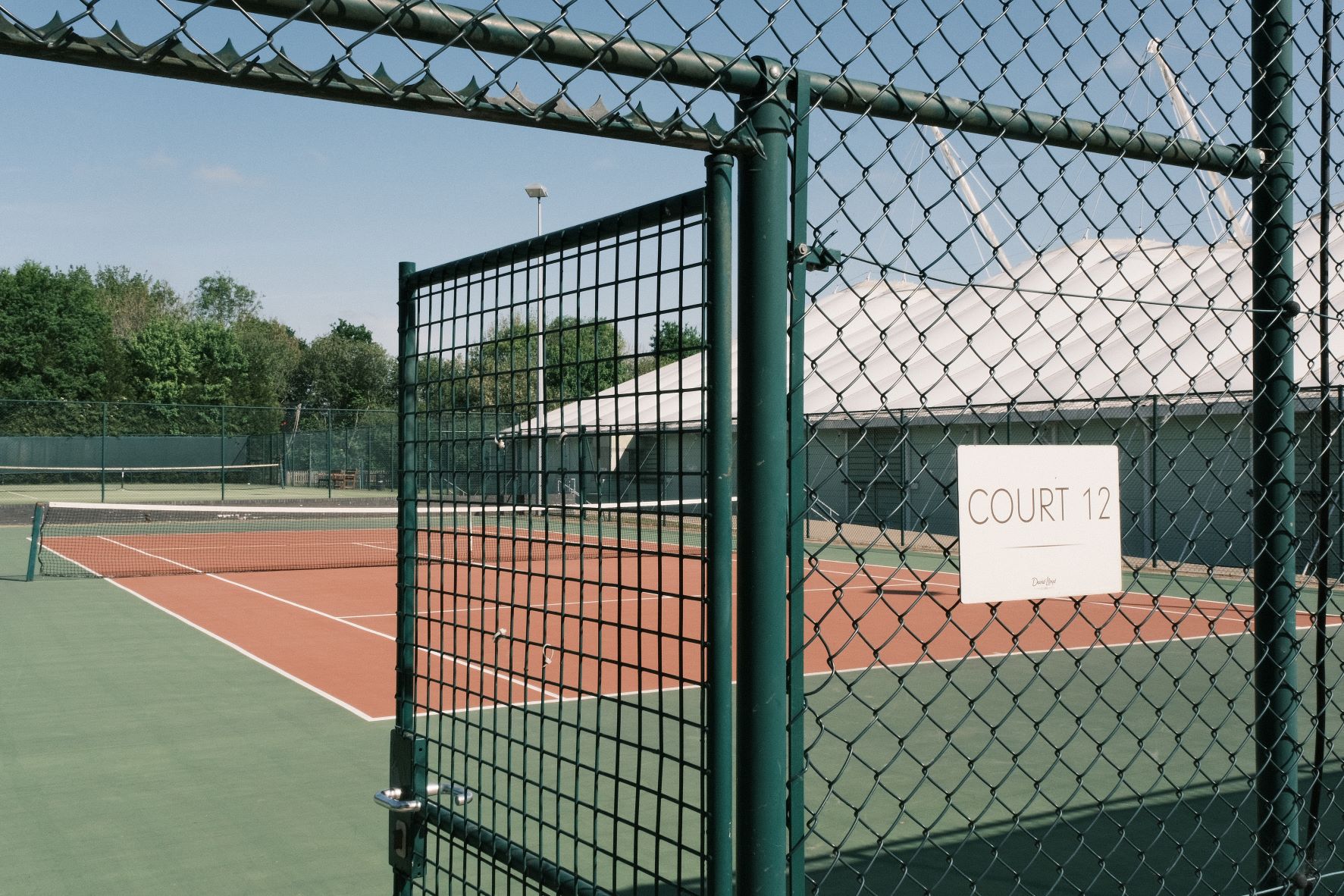
In developing this recipe, I wanted to keep the neutral clean colour of Provia, but make small nods toward my soft tones style. So, we have gently softened highlights and shadows, a little less saturation, and for a crisp finish, some positive clarity. You can leave this off however, if you prefer to keep shooting uninterrupted by the processing delay.
Lucky 13 Film Recipe Settings
| Film Simulation | Provia/Standard |
| Grain Effect | Off |
| Col. Chr. Effect | Weak |
| Col. Chr. Blue | Weak |
| White Balance | Auto, +1 Red, ‑3 Blue |
| Dynamic Range | DR400 |
| Highlights | ‑0.5 |
| Shadows | ‑0.5 |
| Colour | ‑2 |
| Sharpness | 1 |
| ISO N.R. | ‑4 |
| Clarity | 3 |
| EV Comp. | +1/3 |
Similar Recipes

More similar recipes, and hundreds more exclusive looks, are available in the Film Recipes App.

Get the Film Recipes App
App-exclusive recipes you won’t find anywhere else


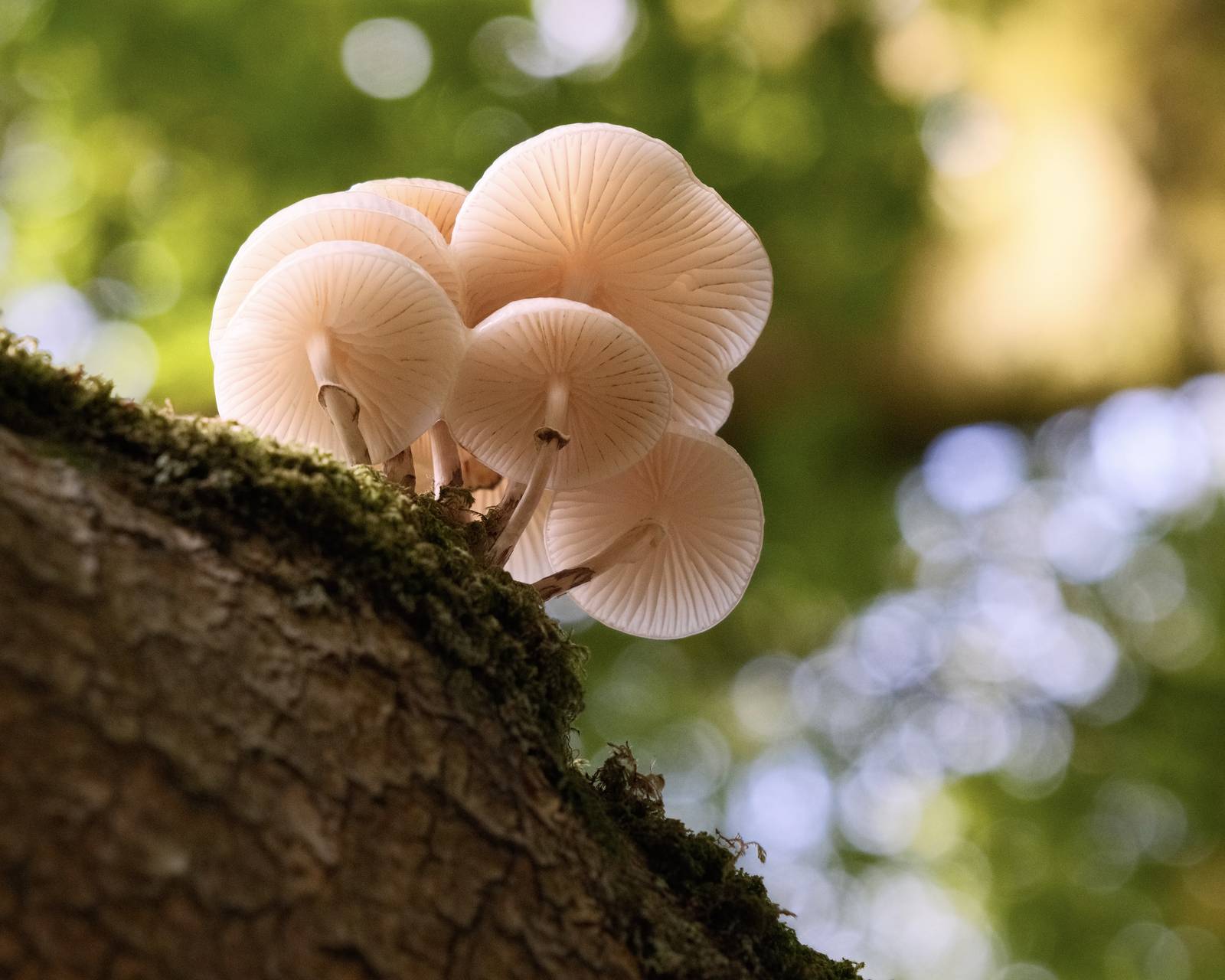
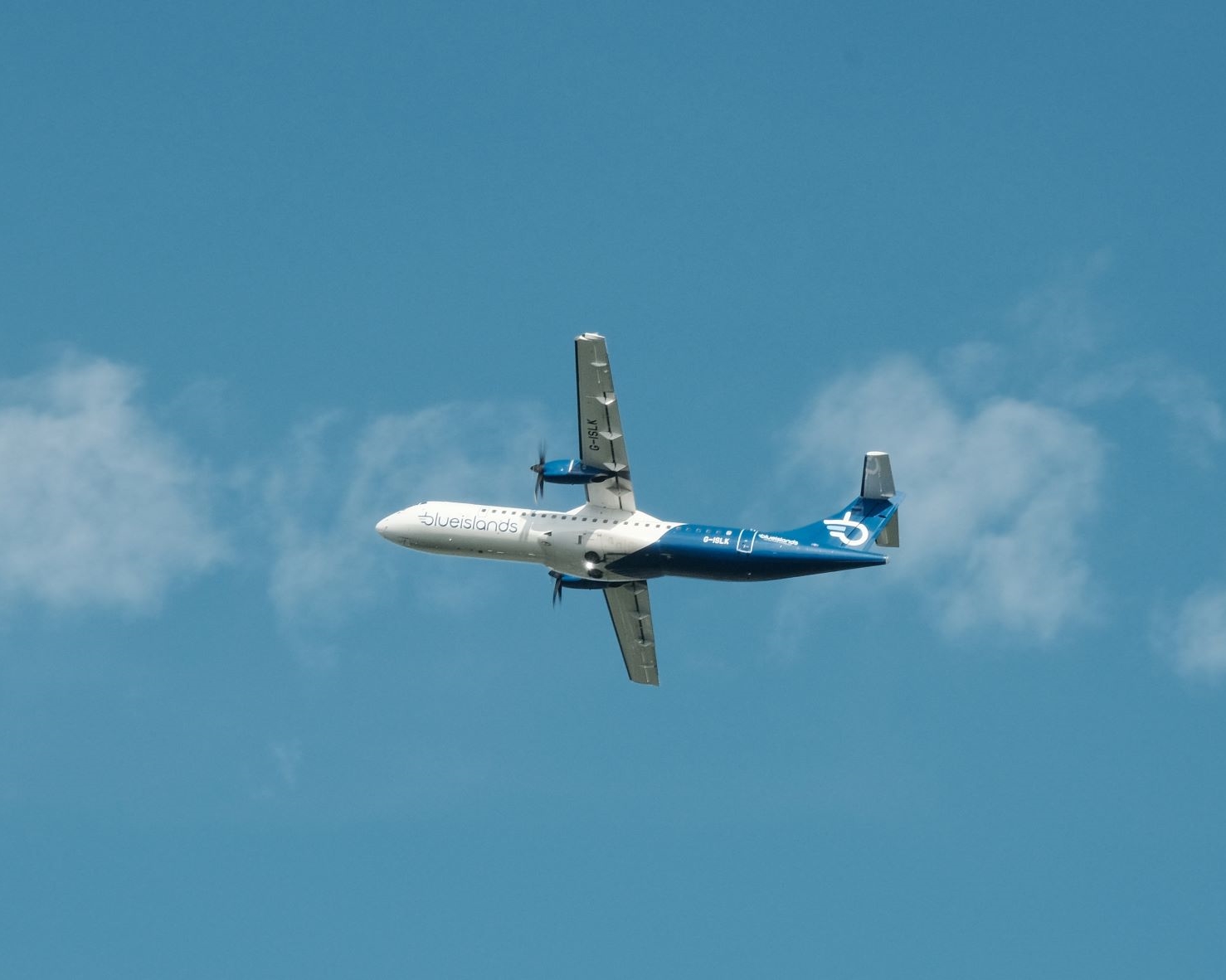
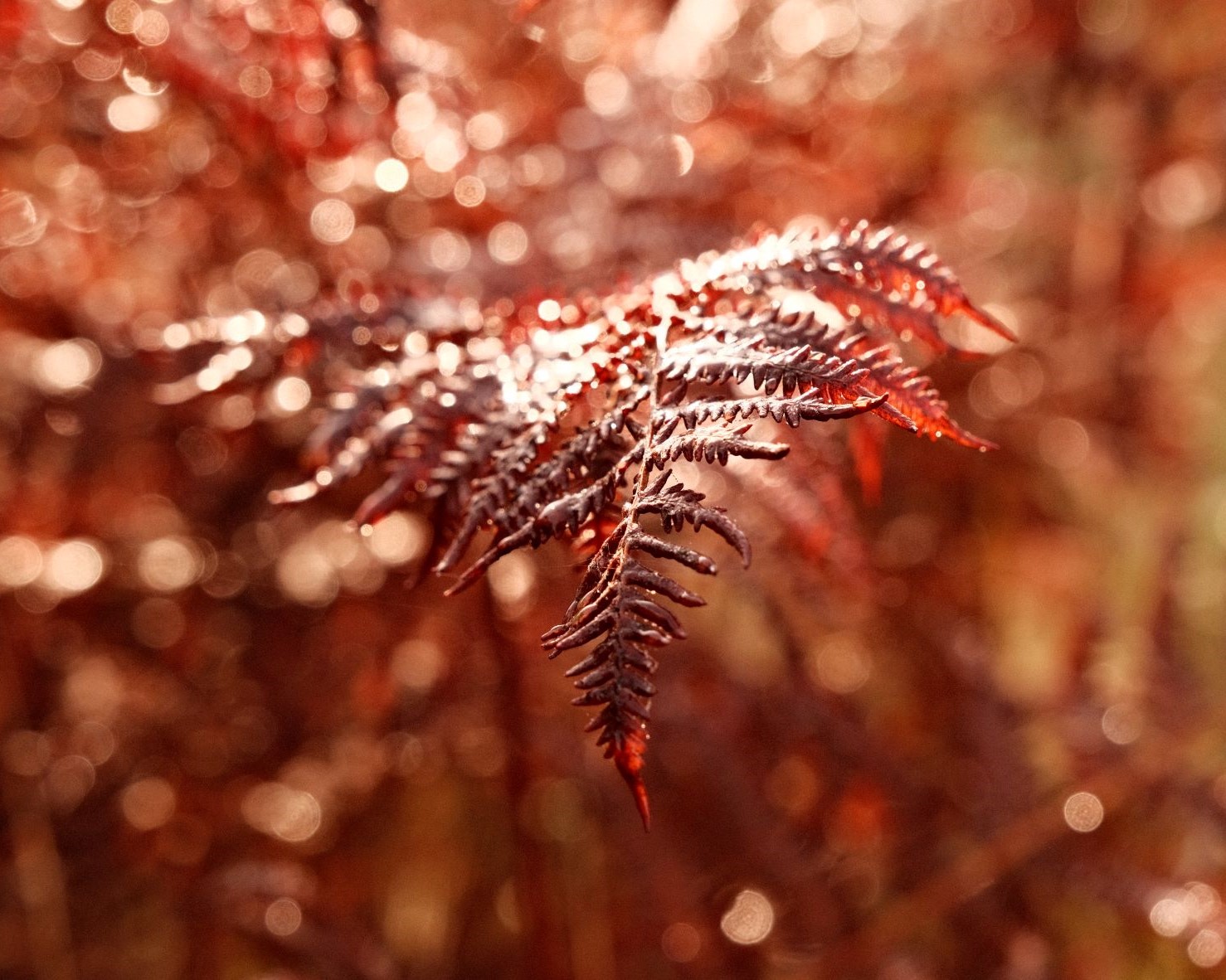
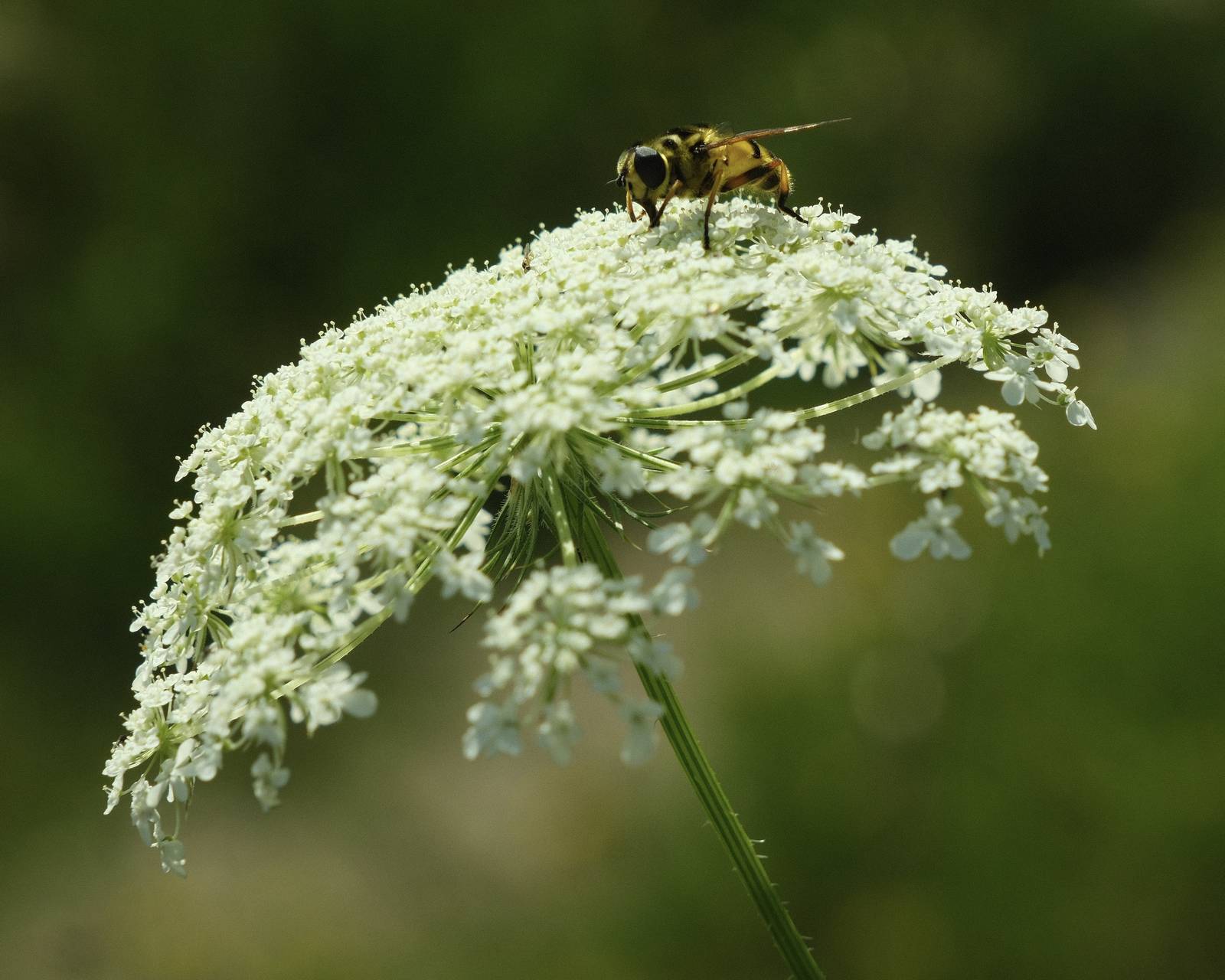
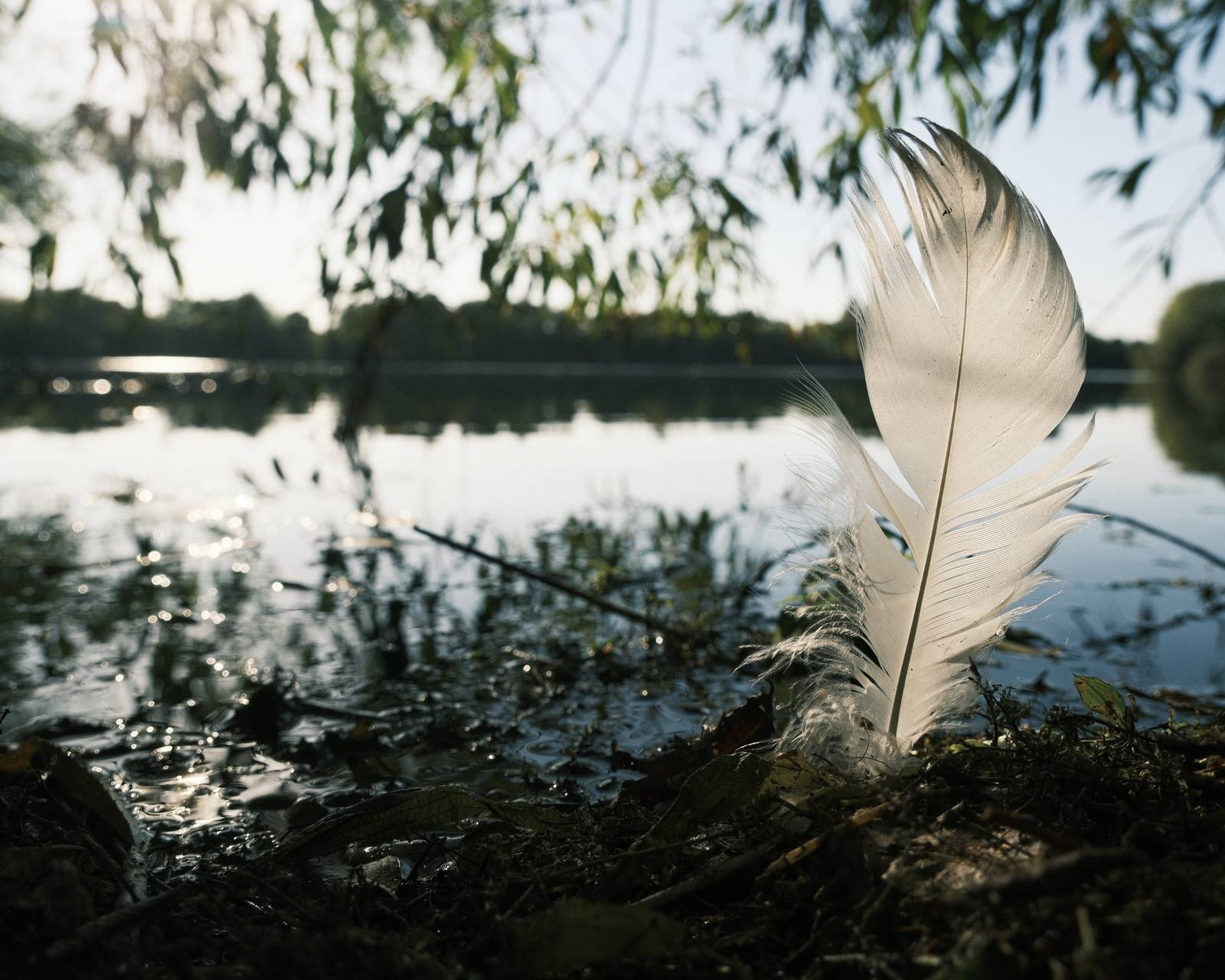
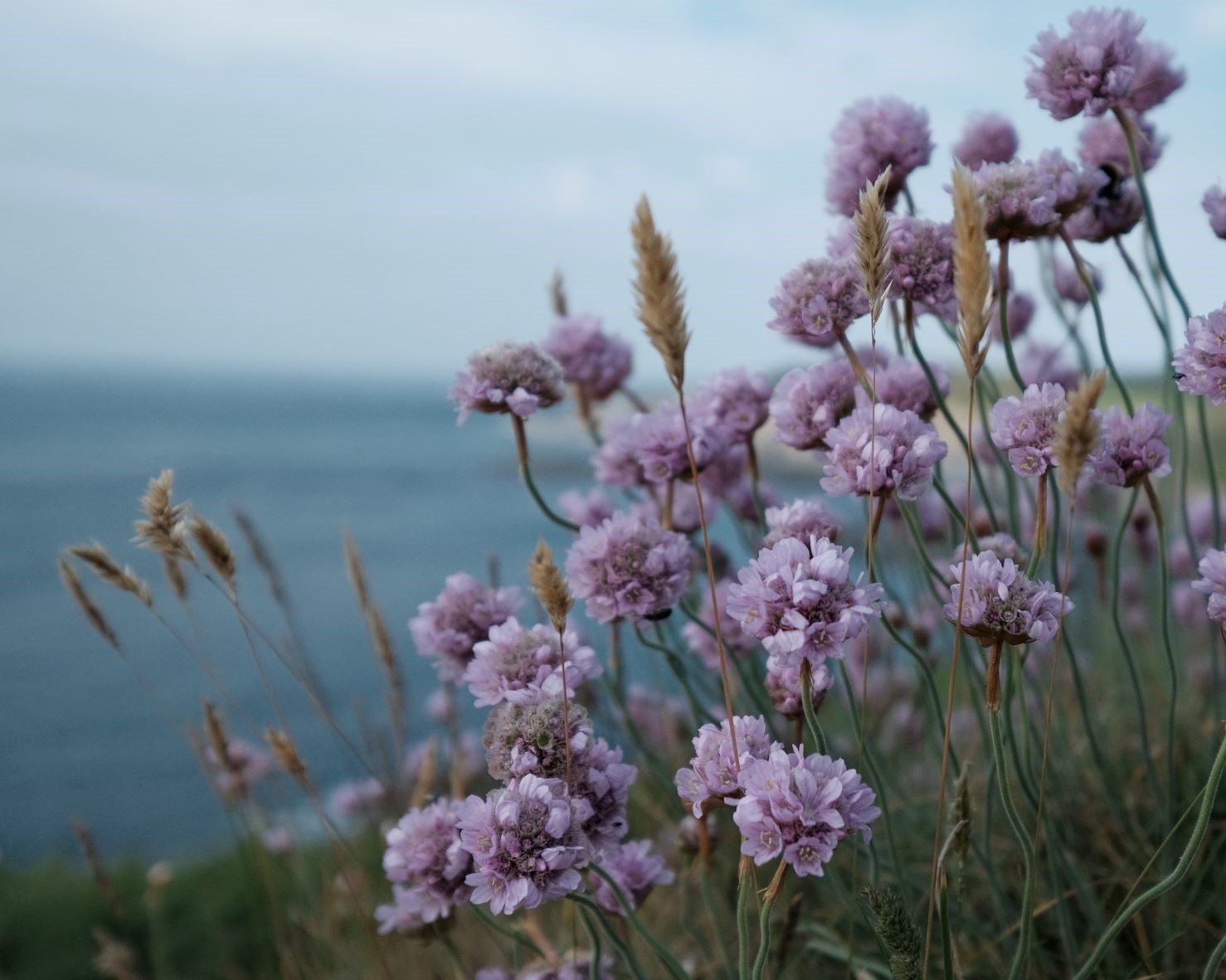
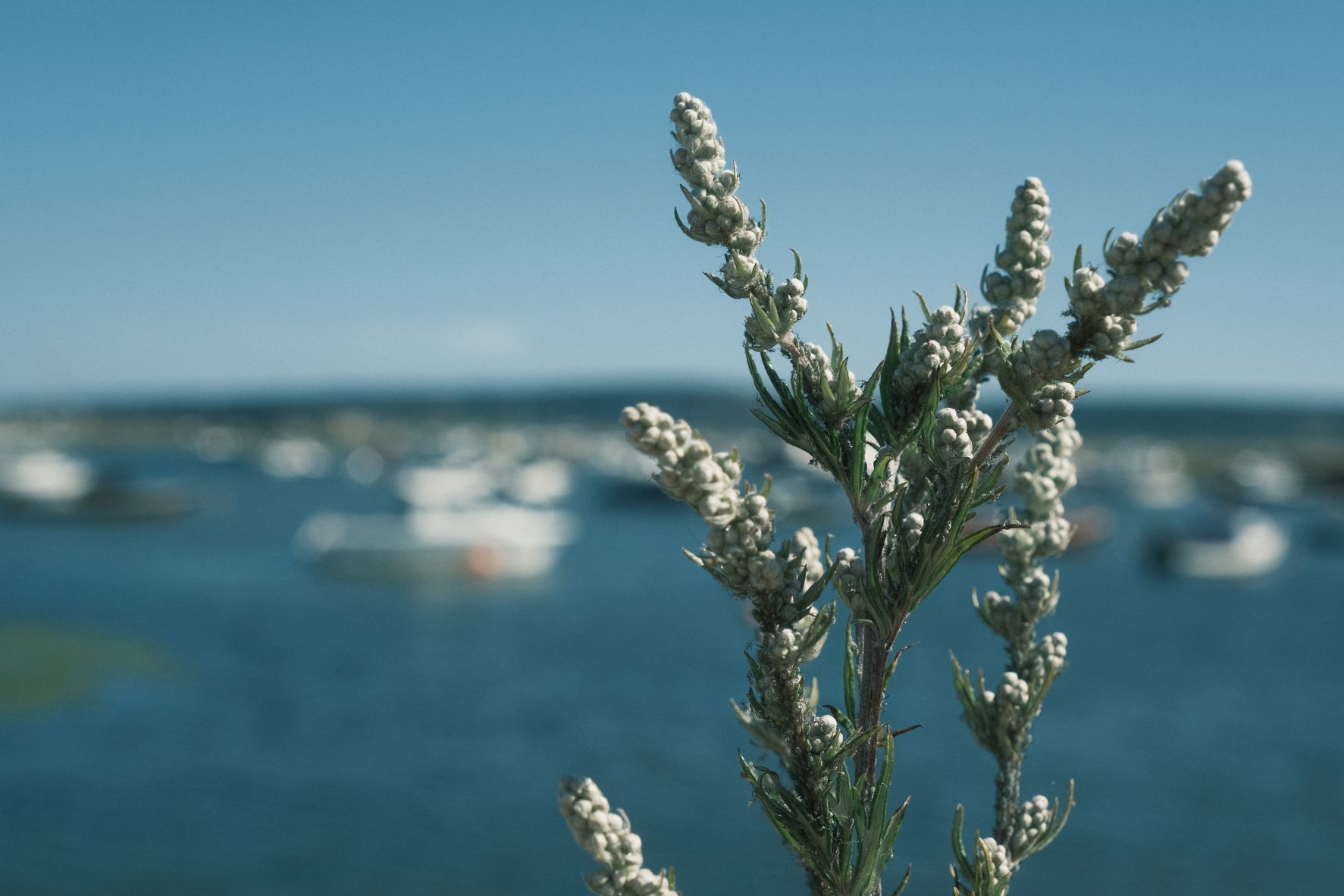
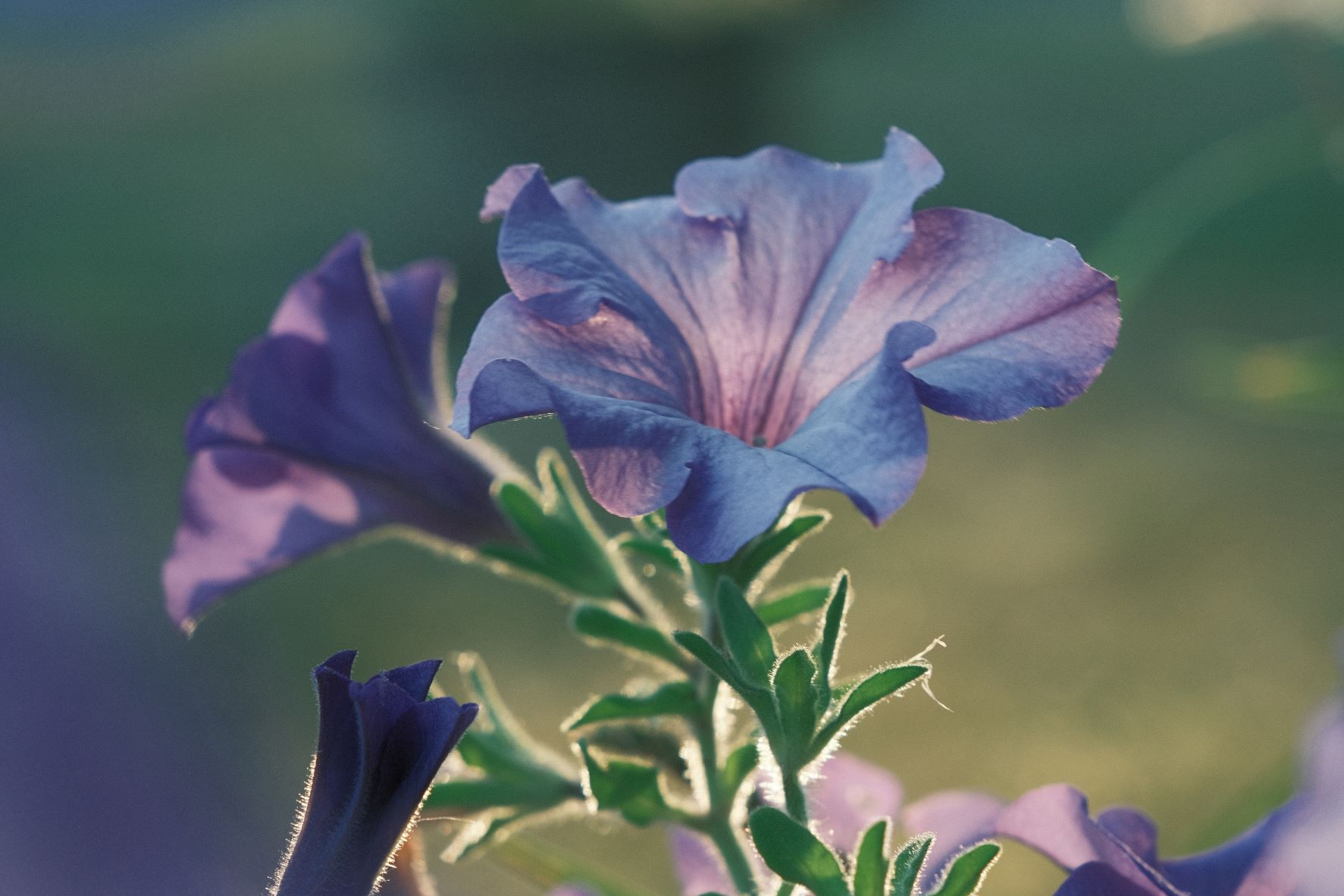
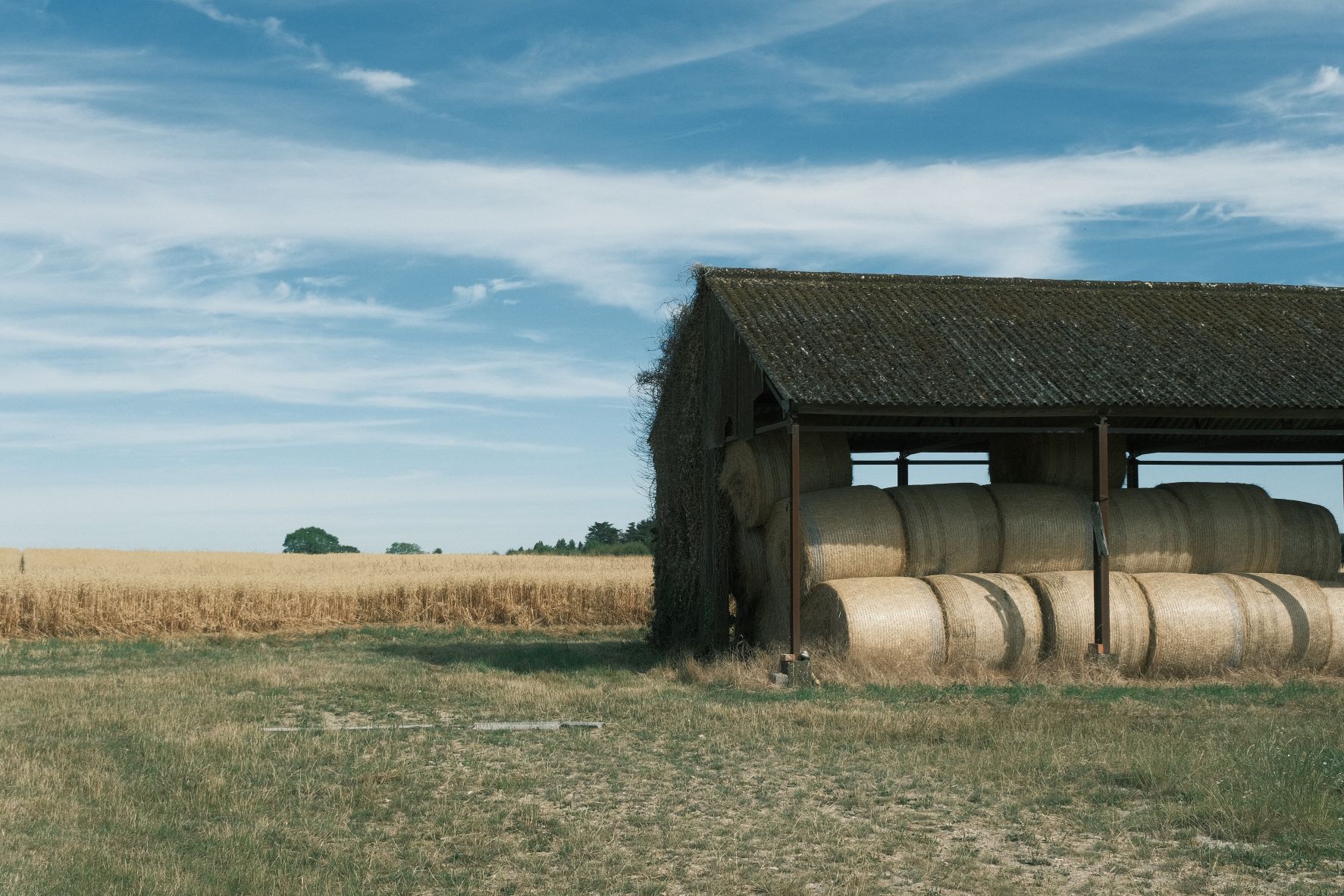
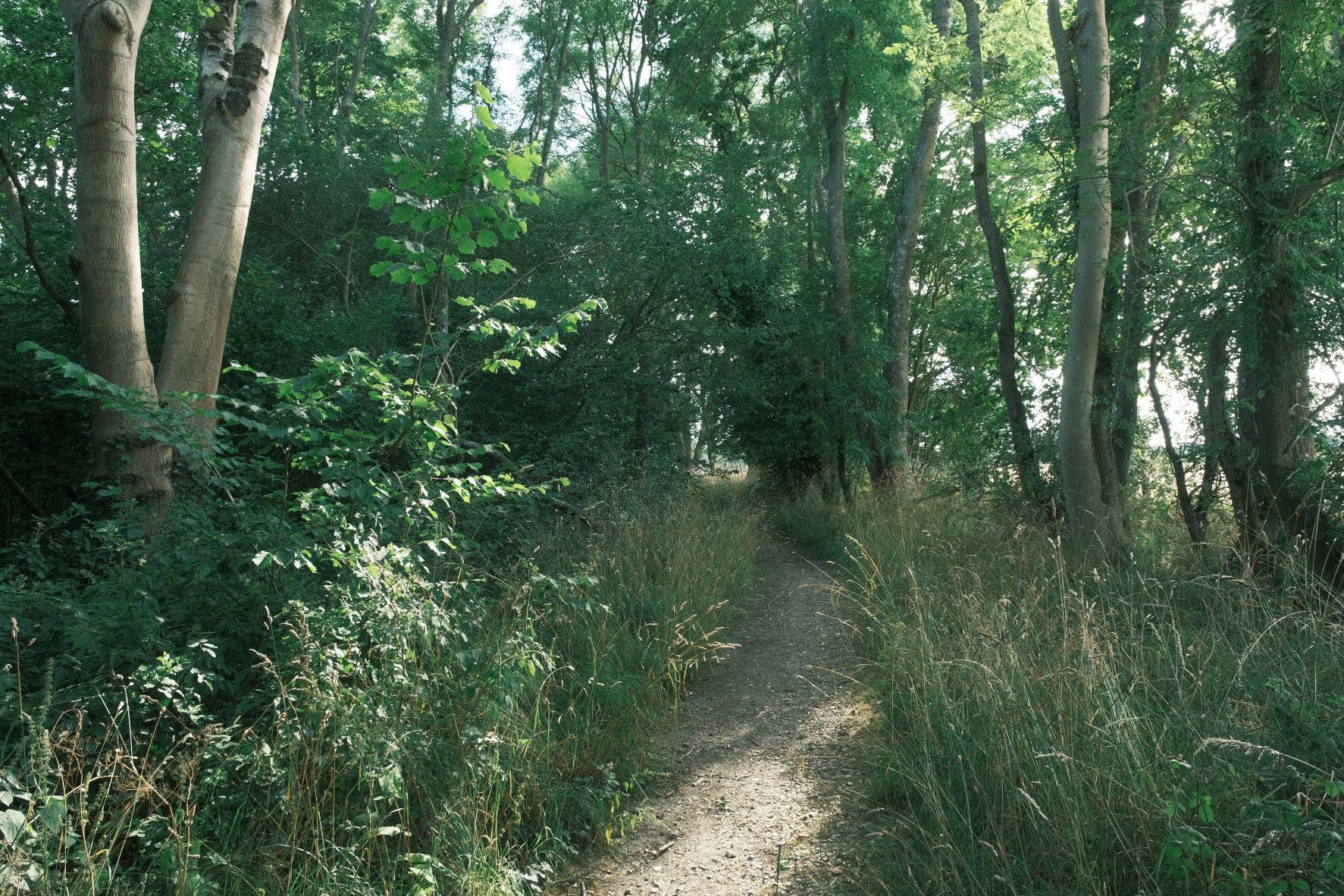
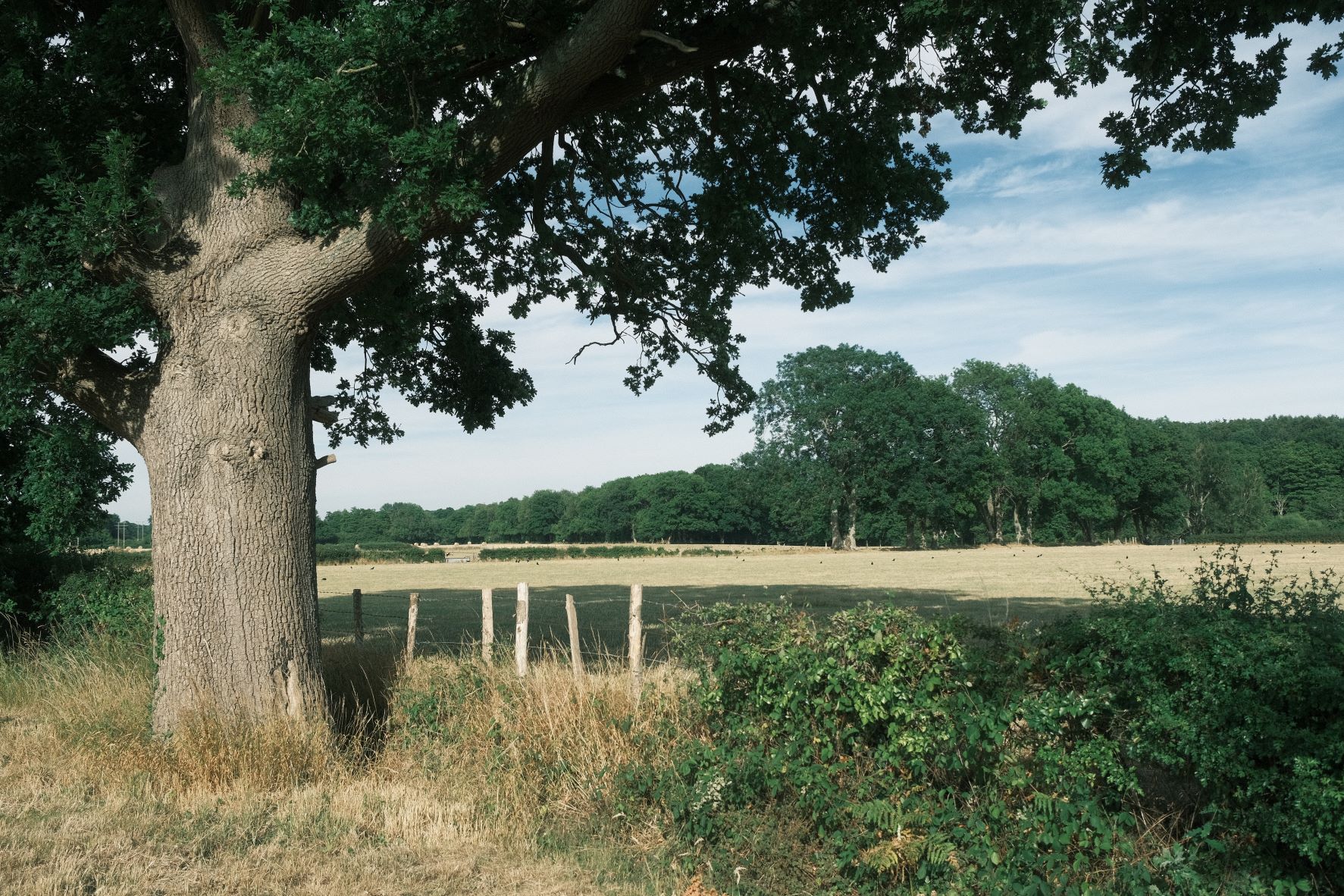
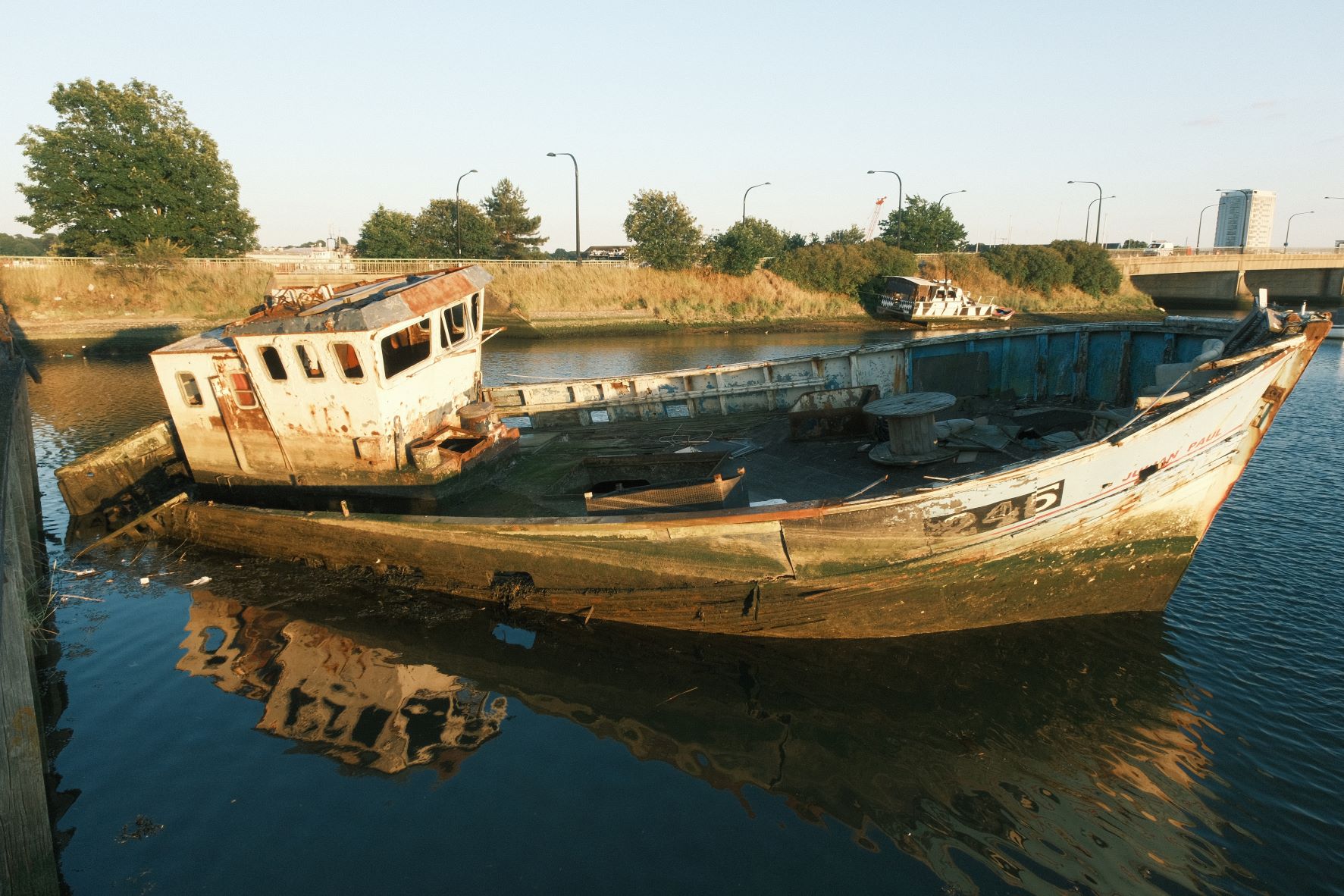
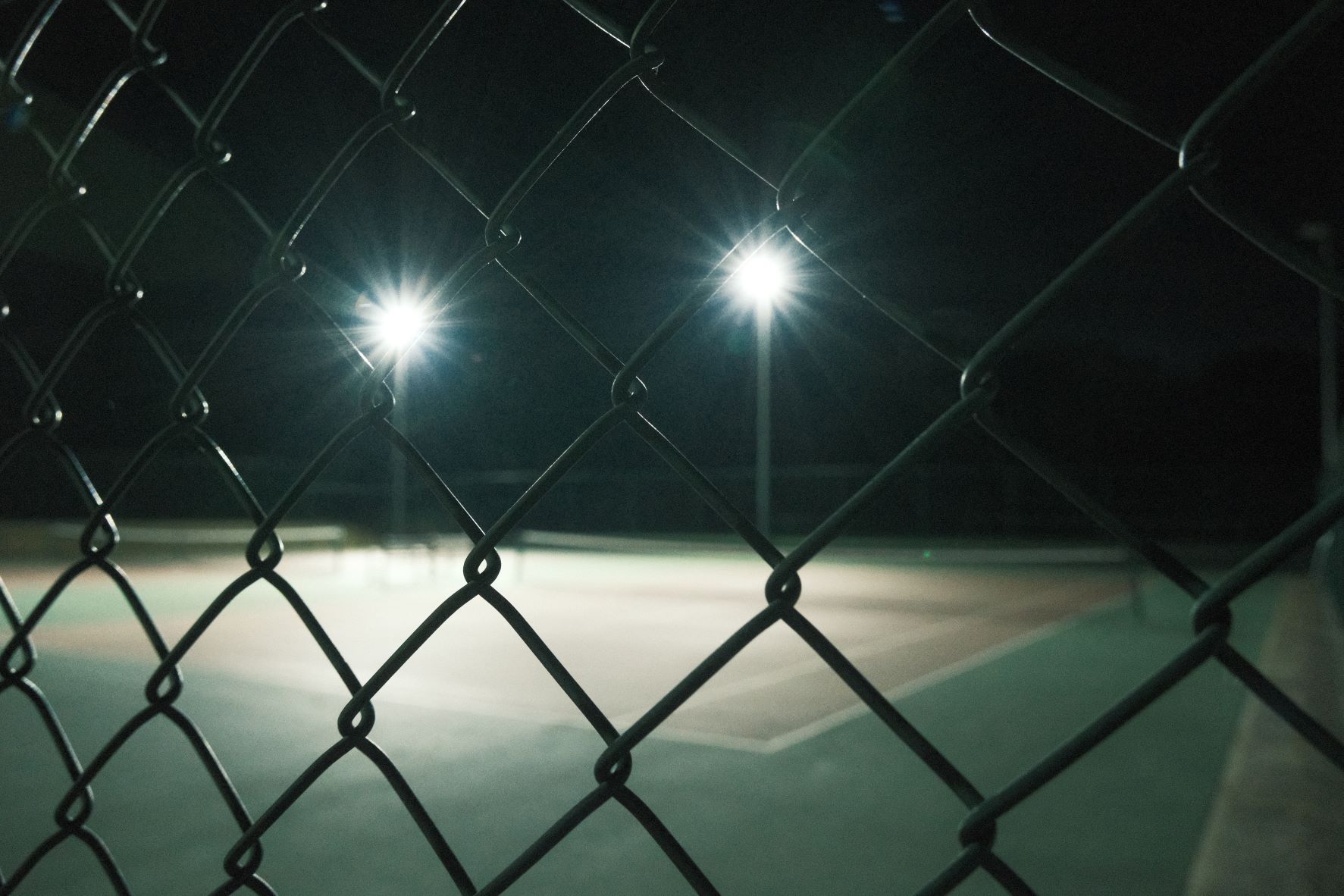
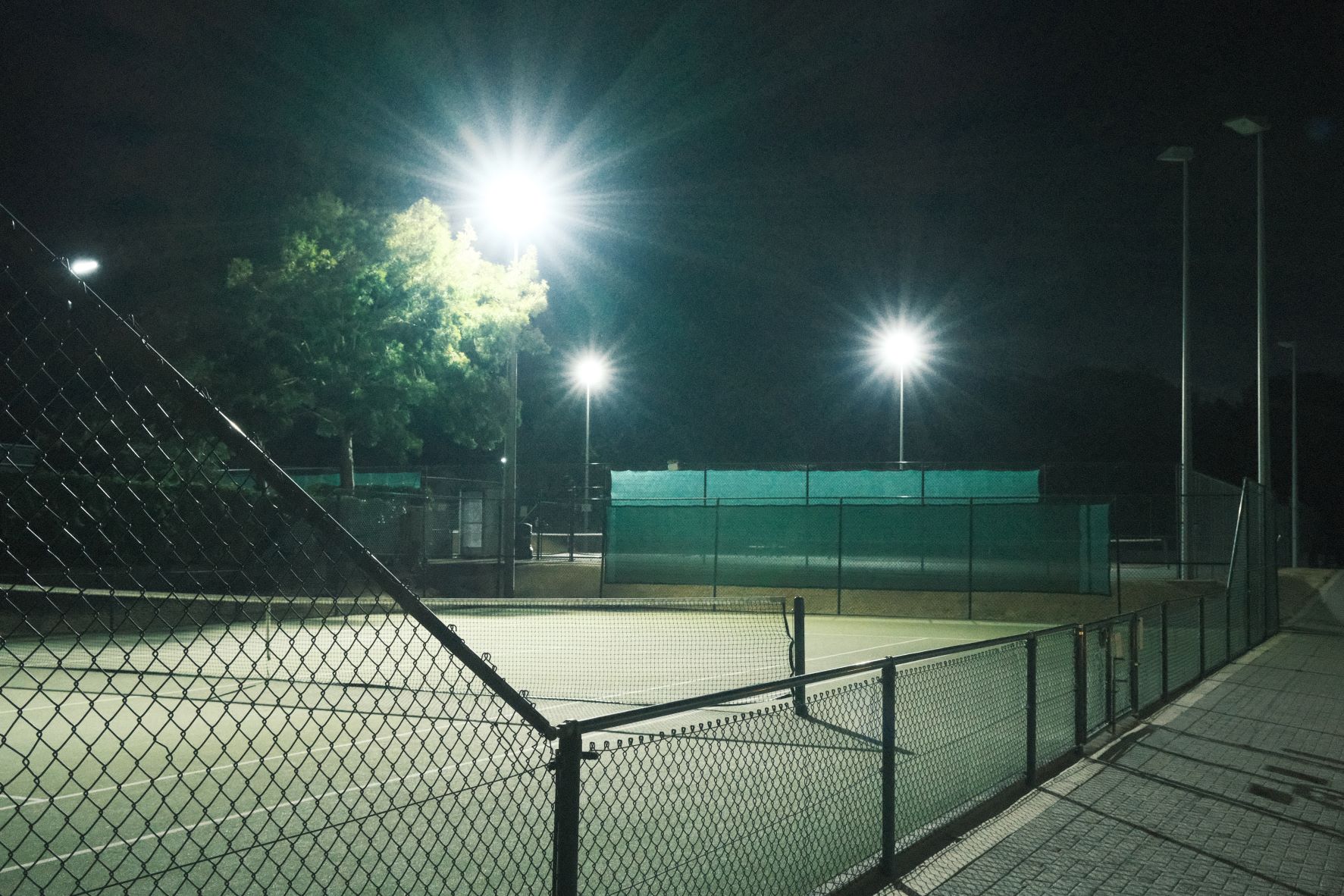
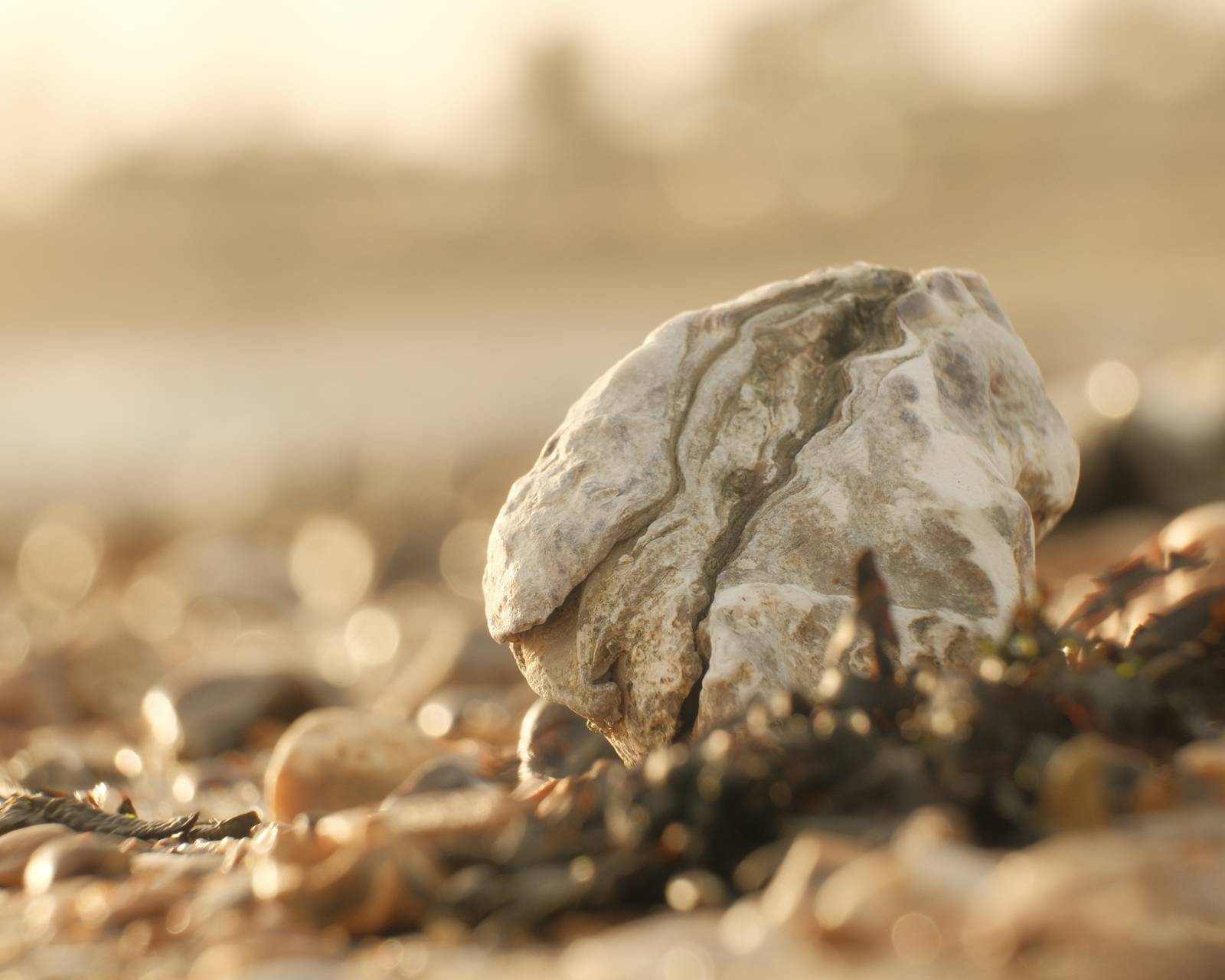
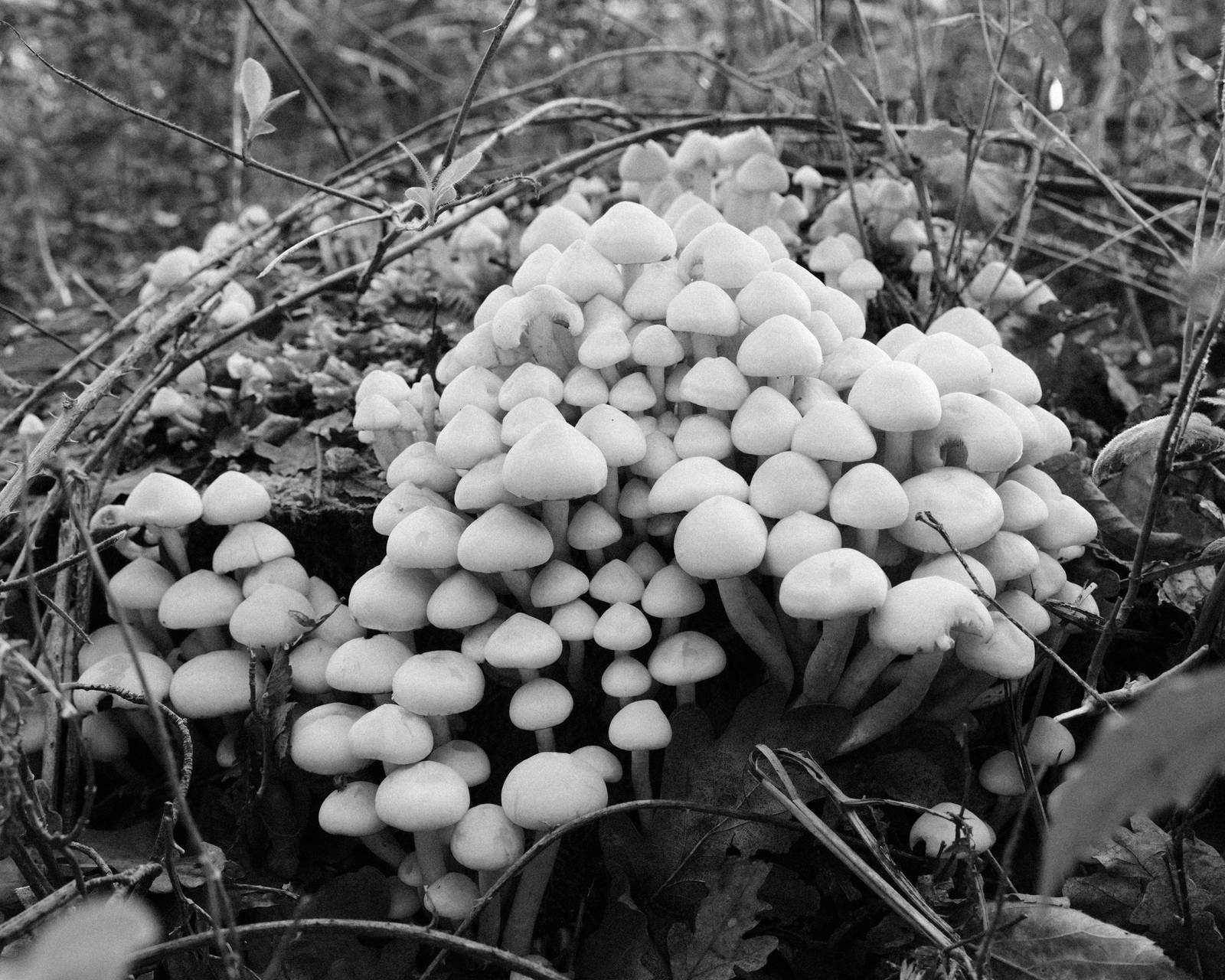
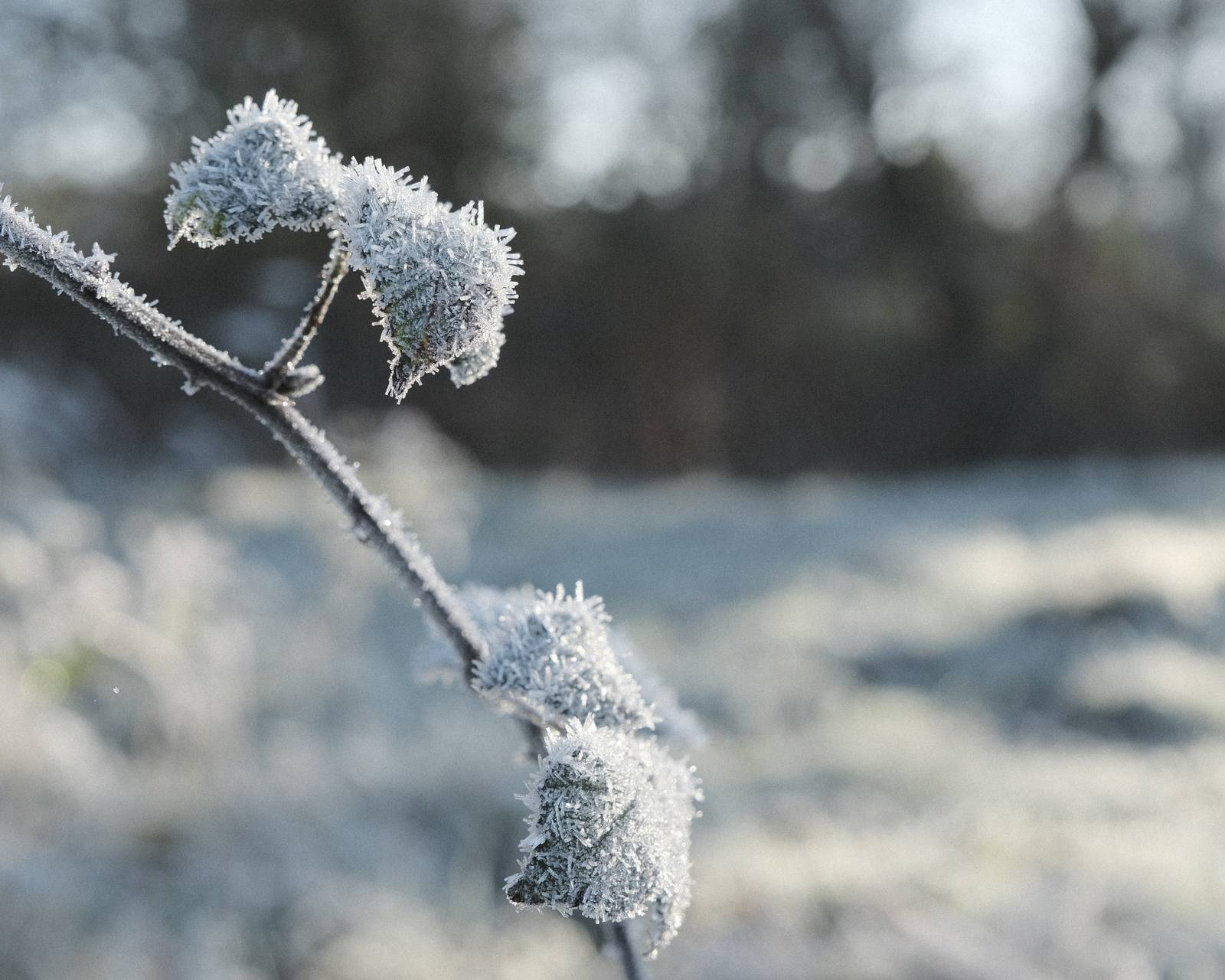
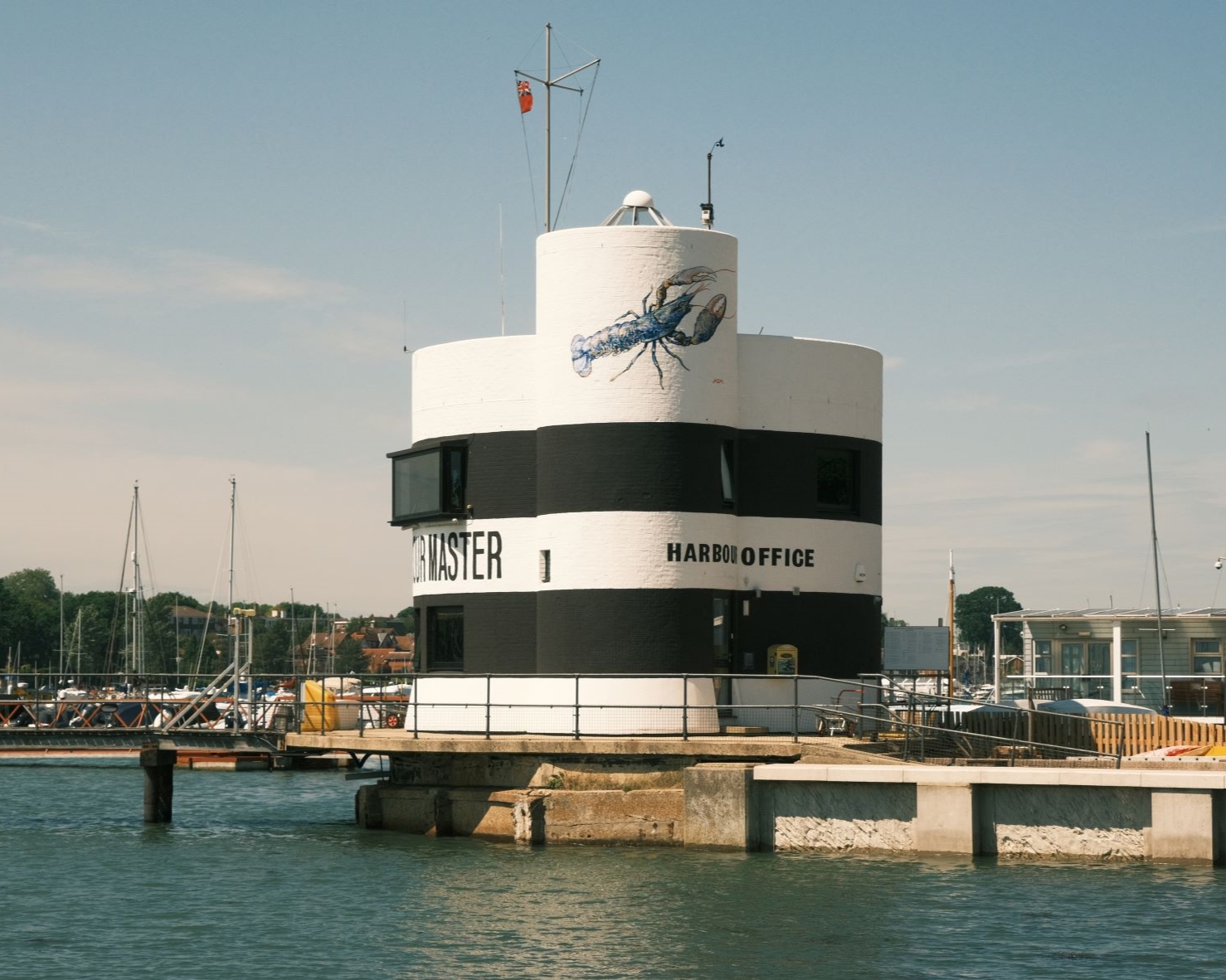
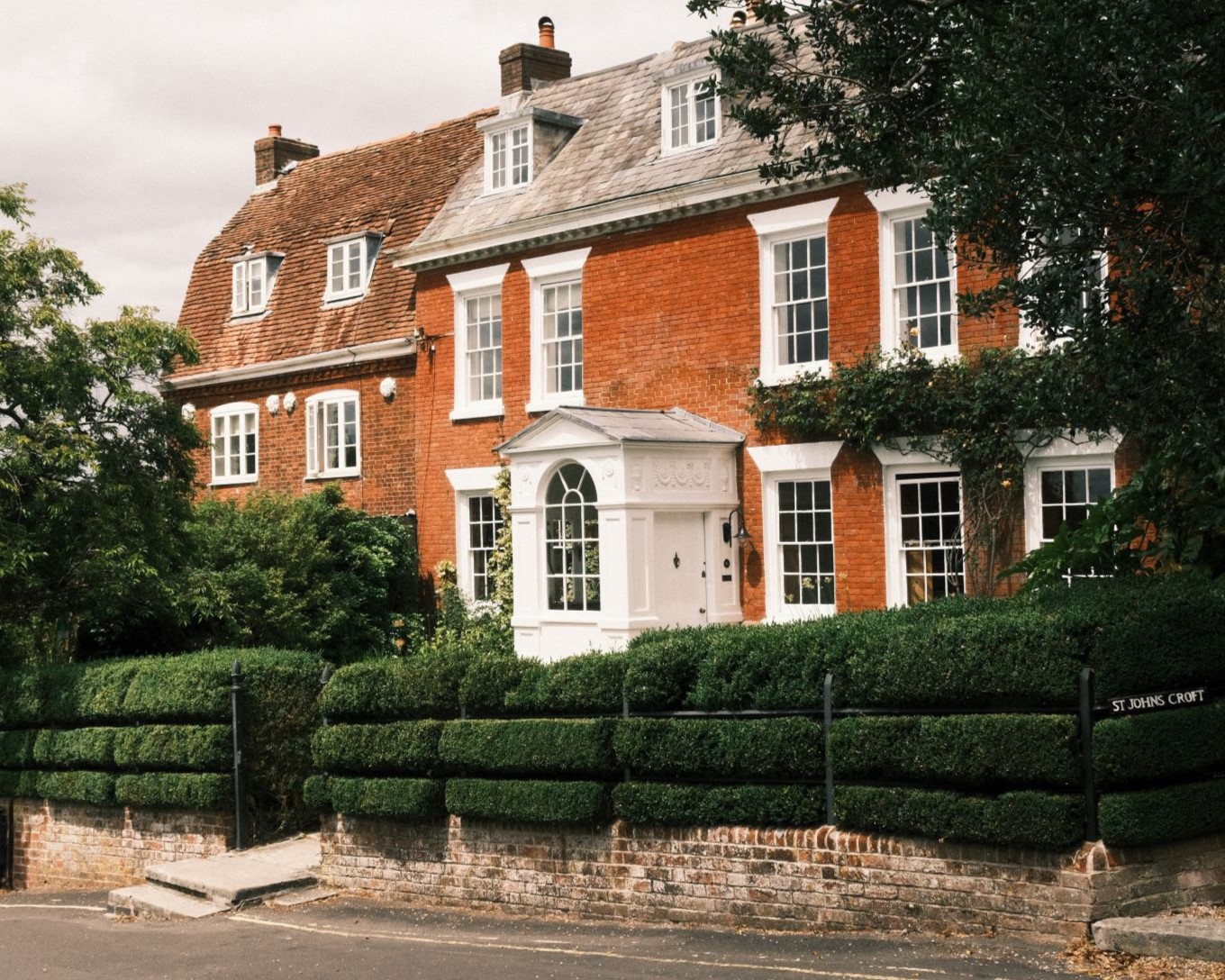
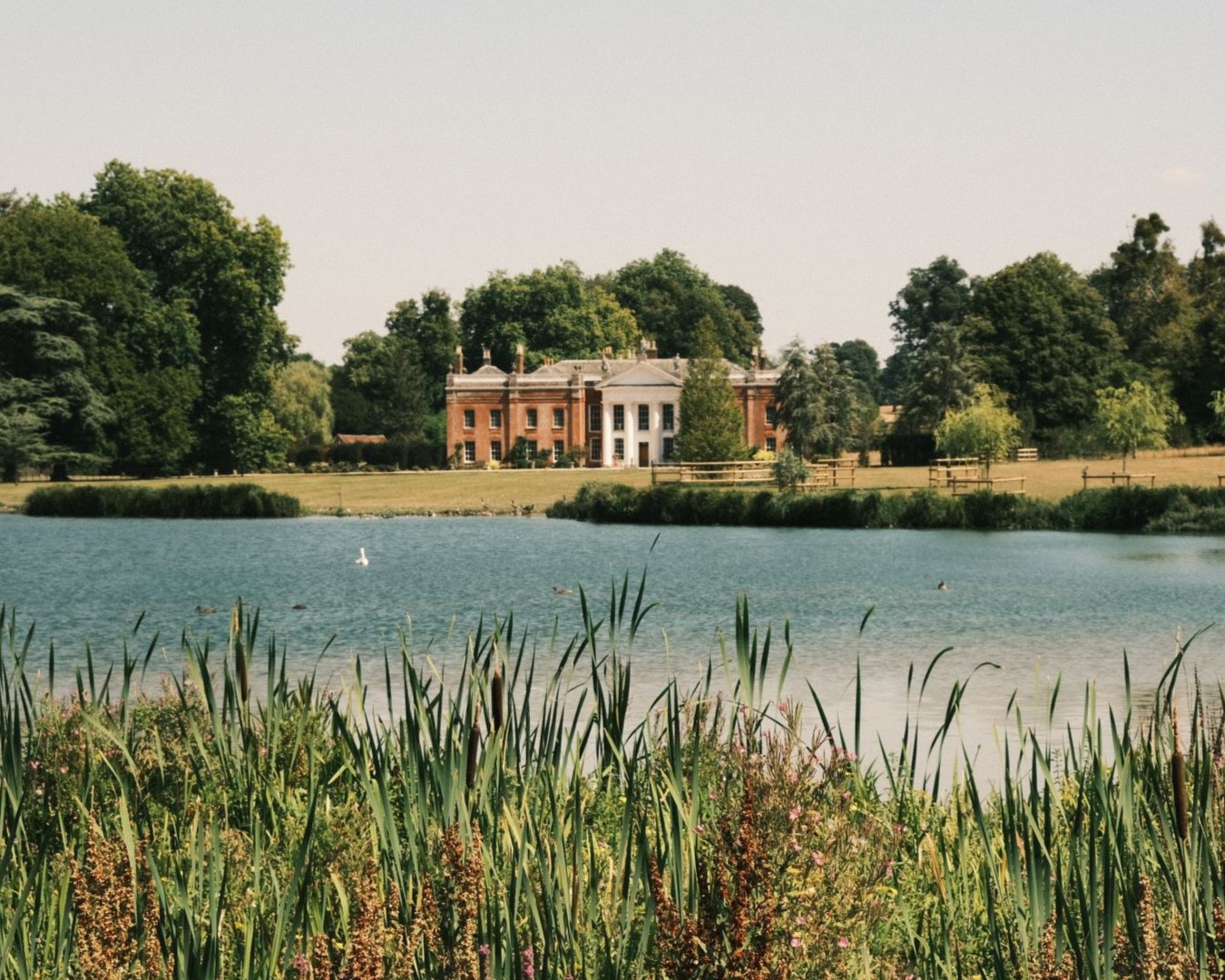
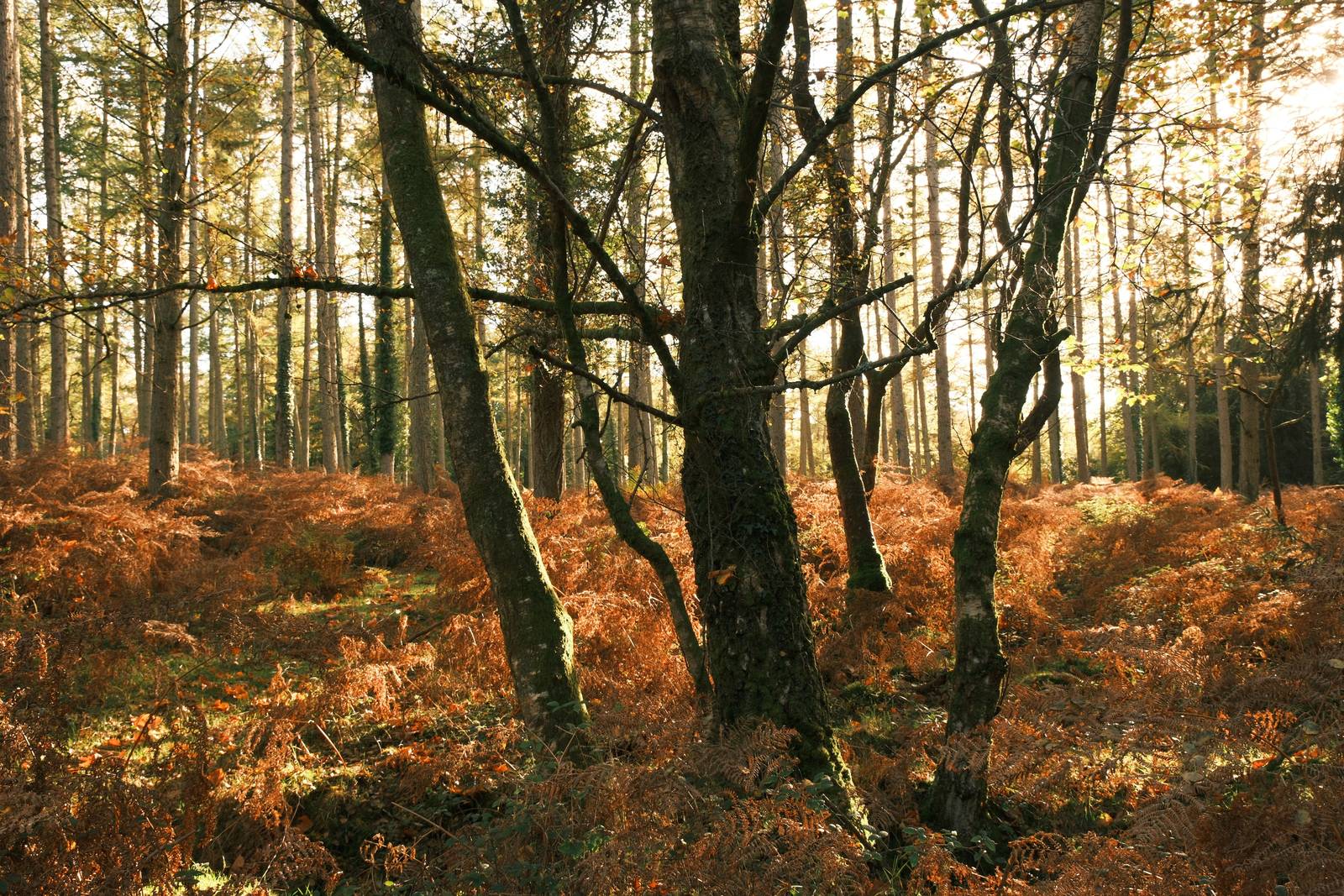
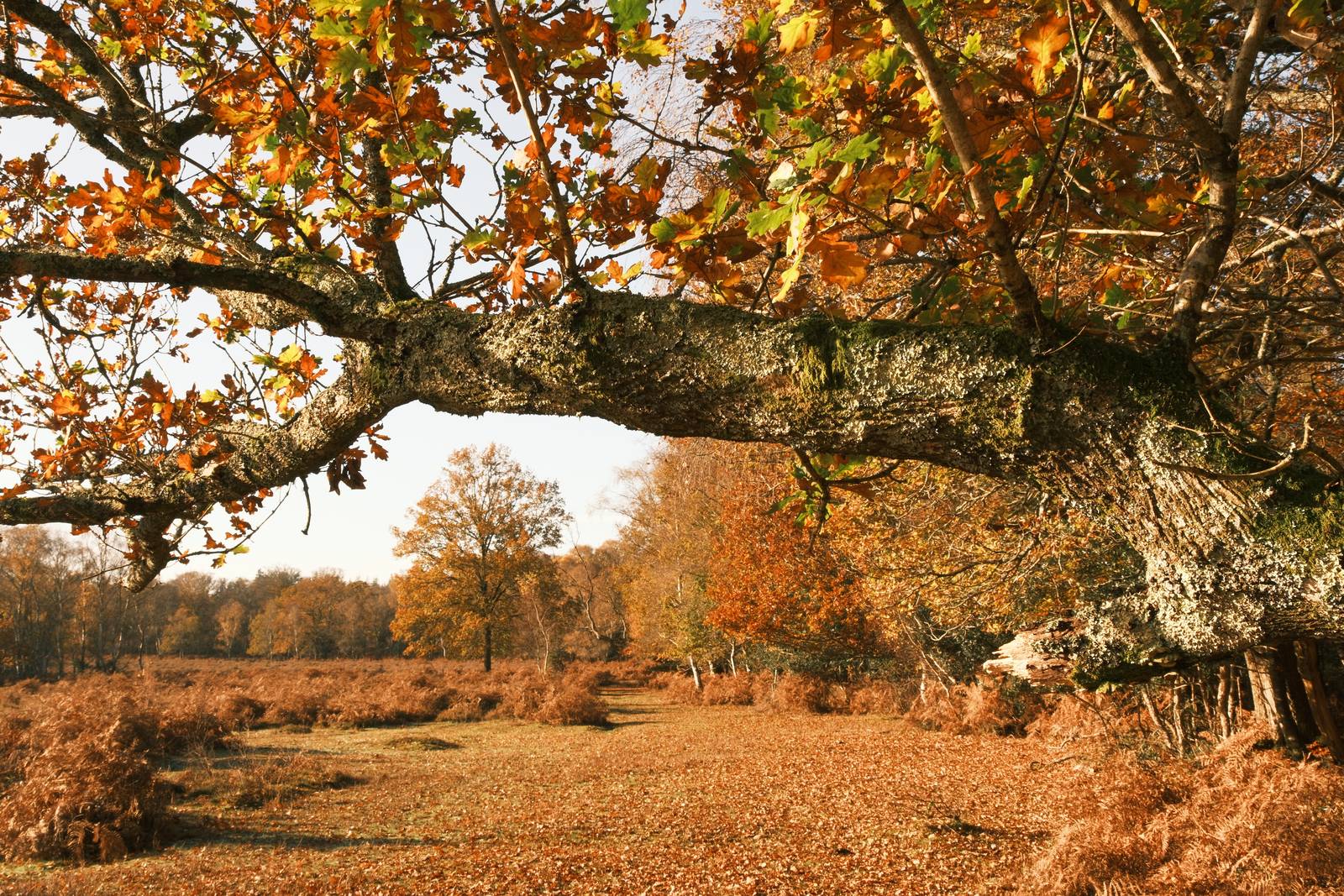
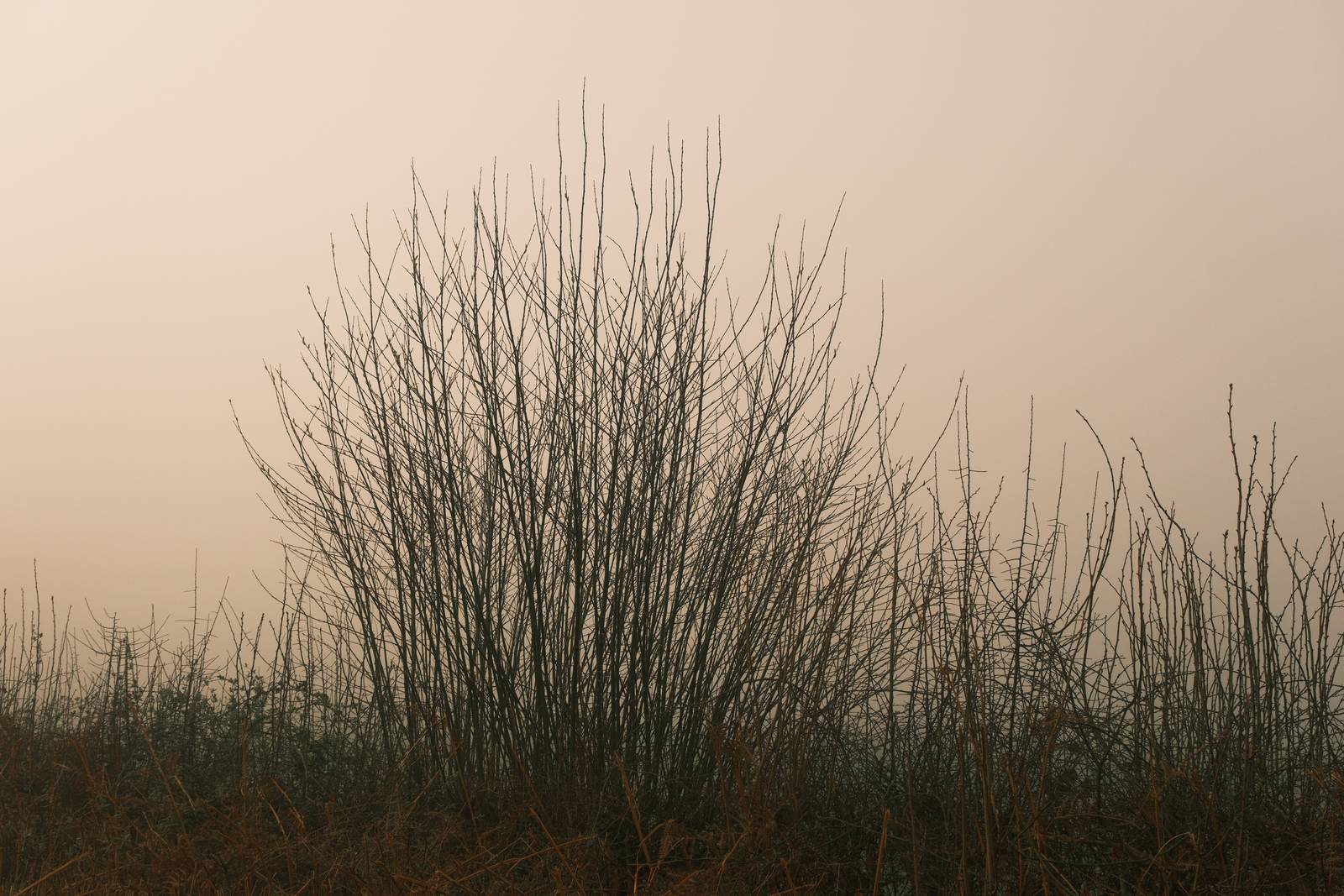
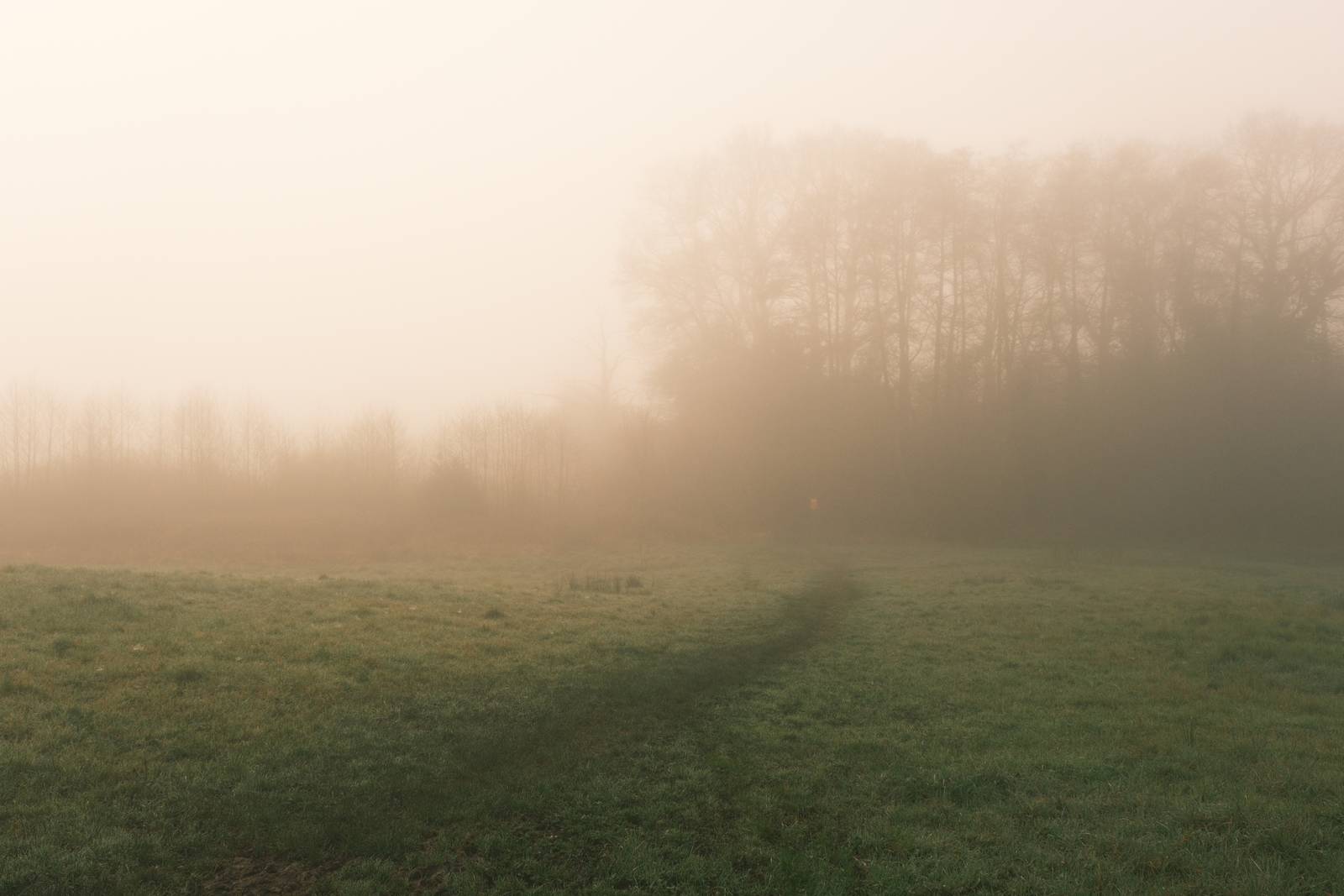
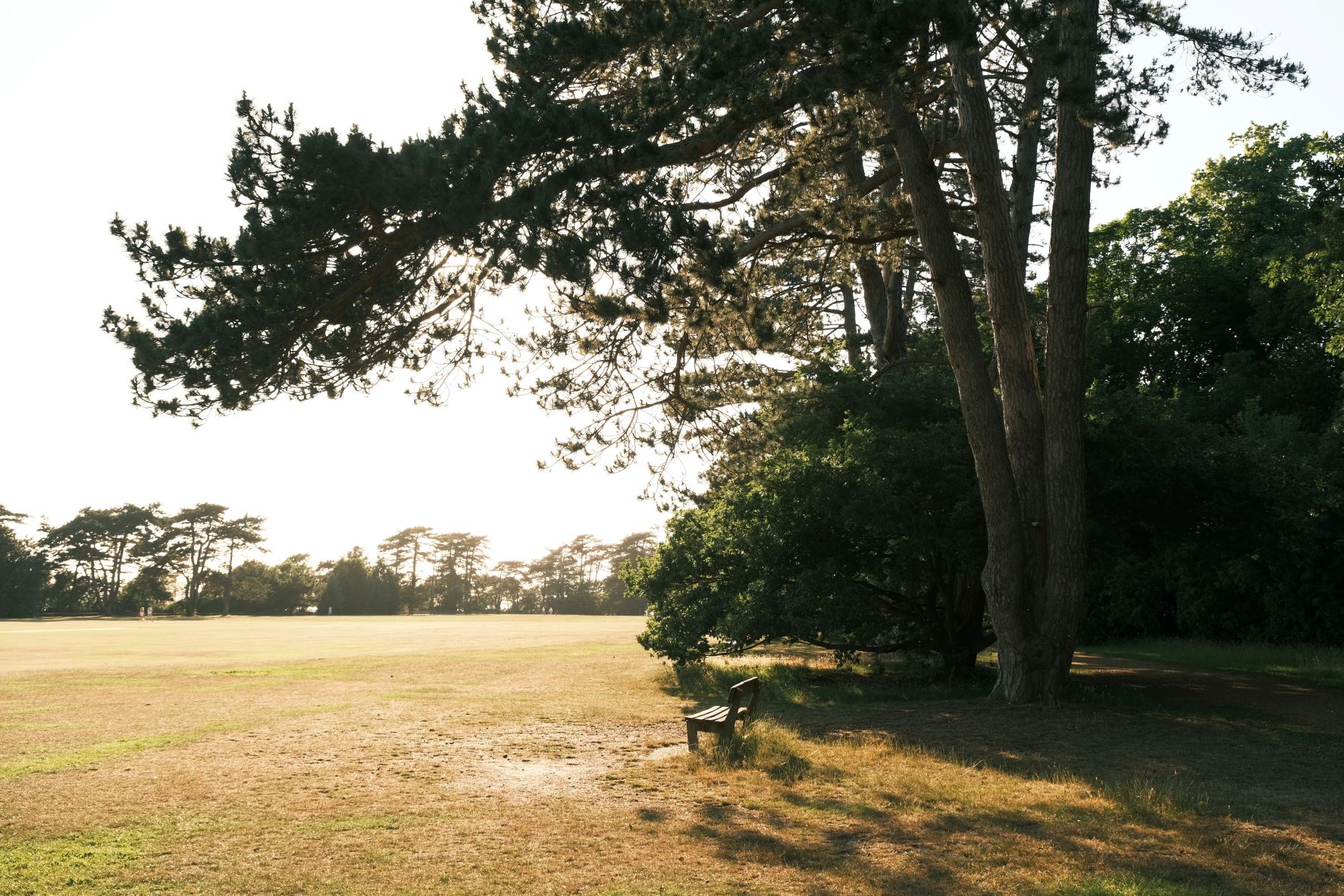
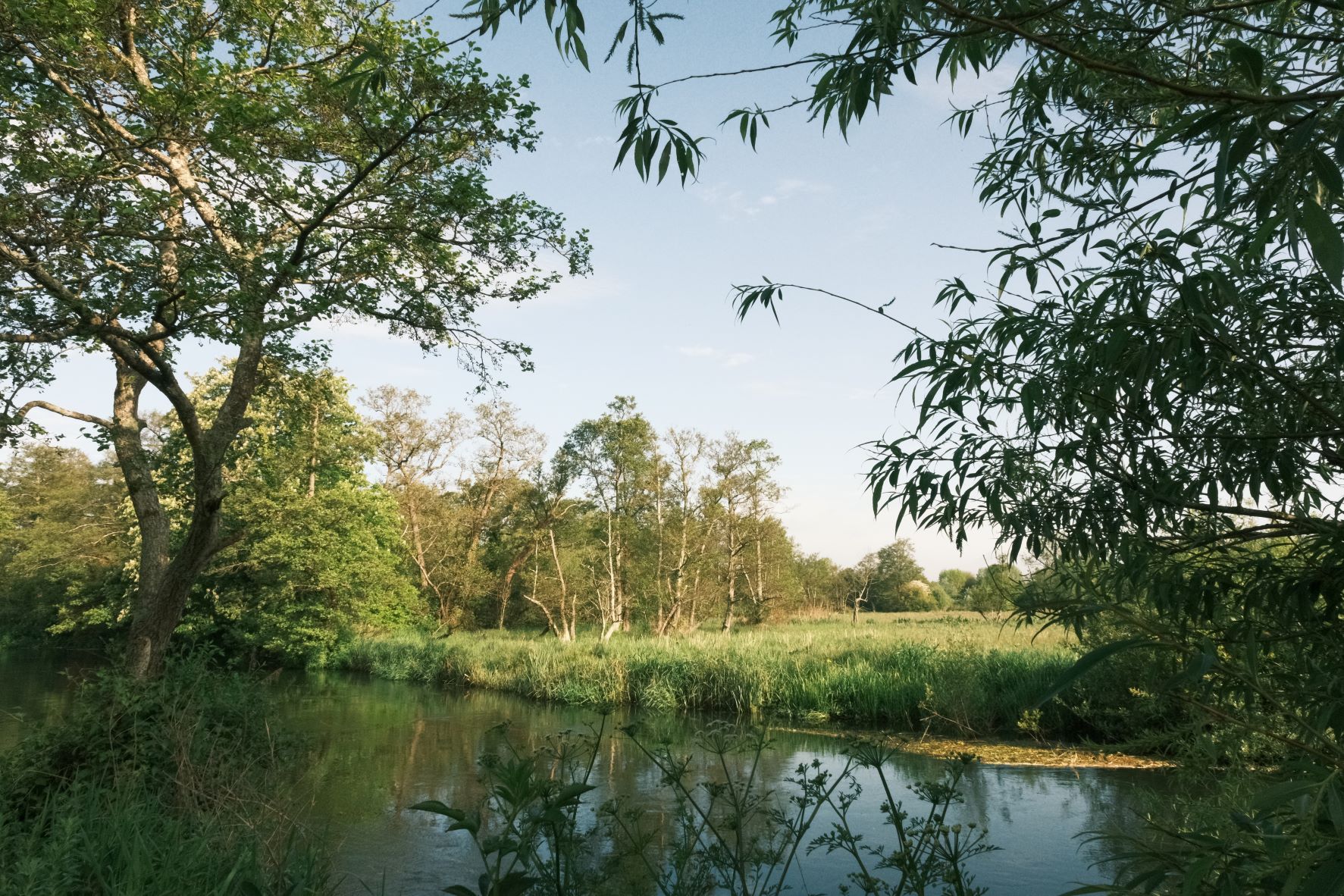
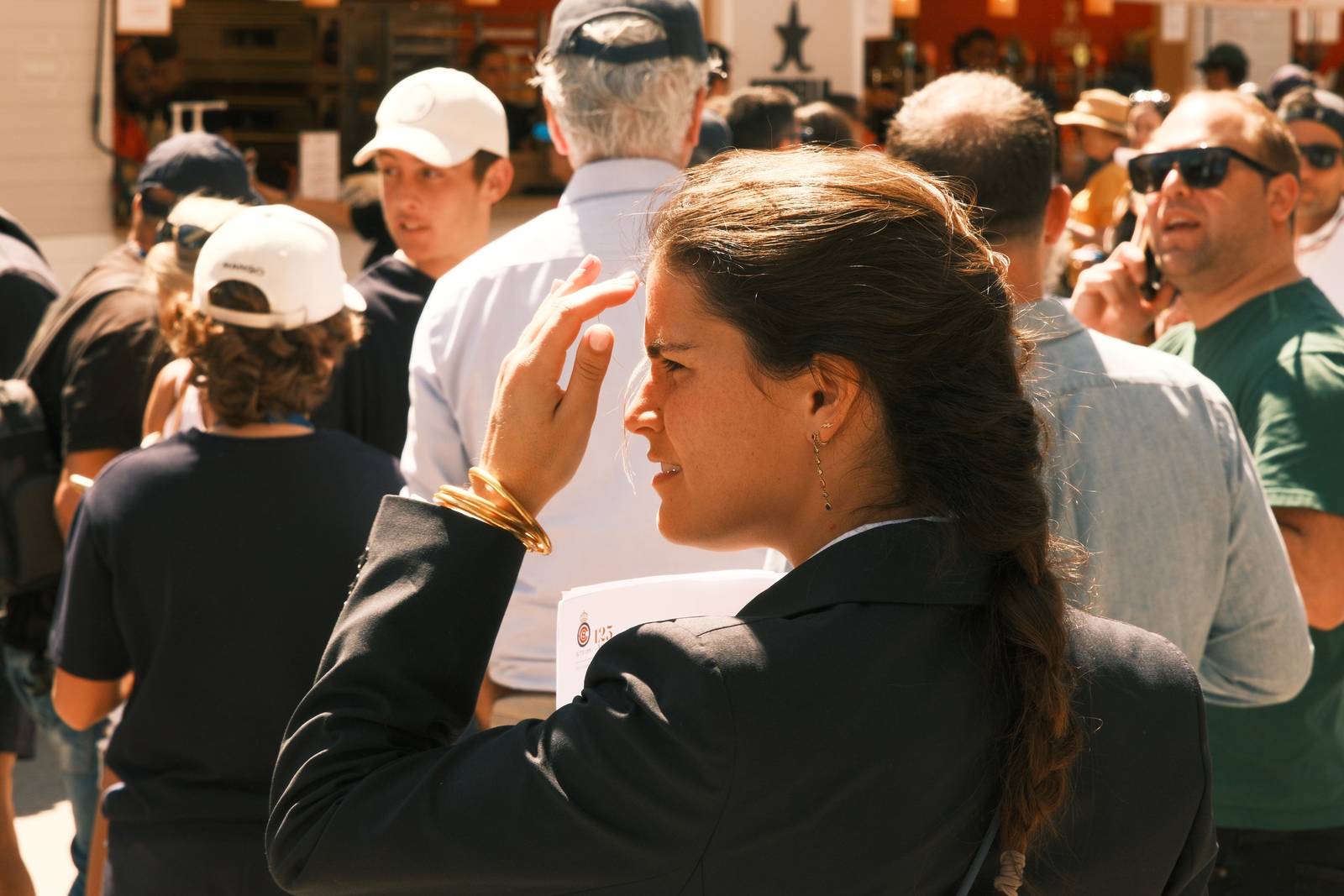
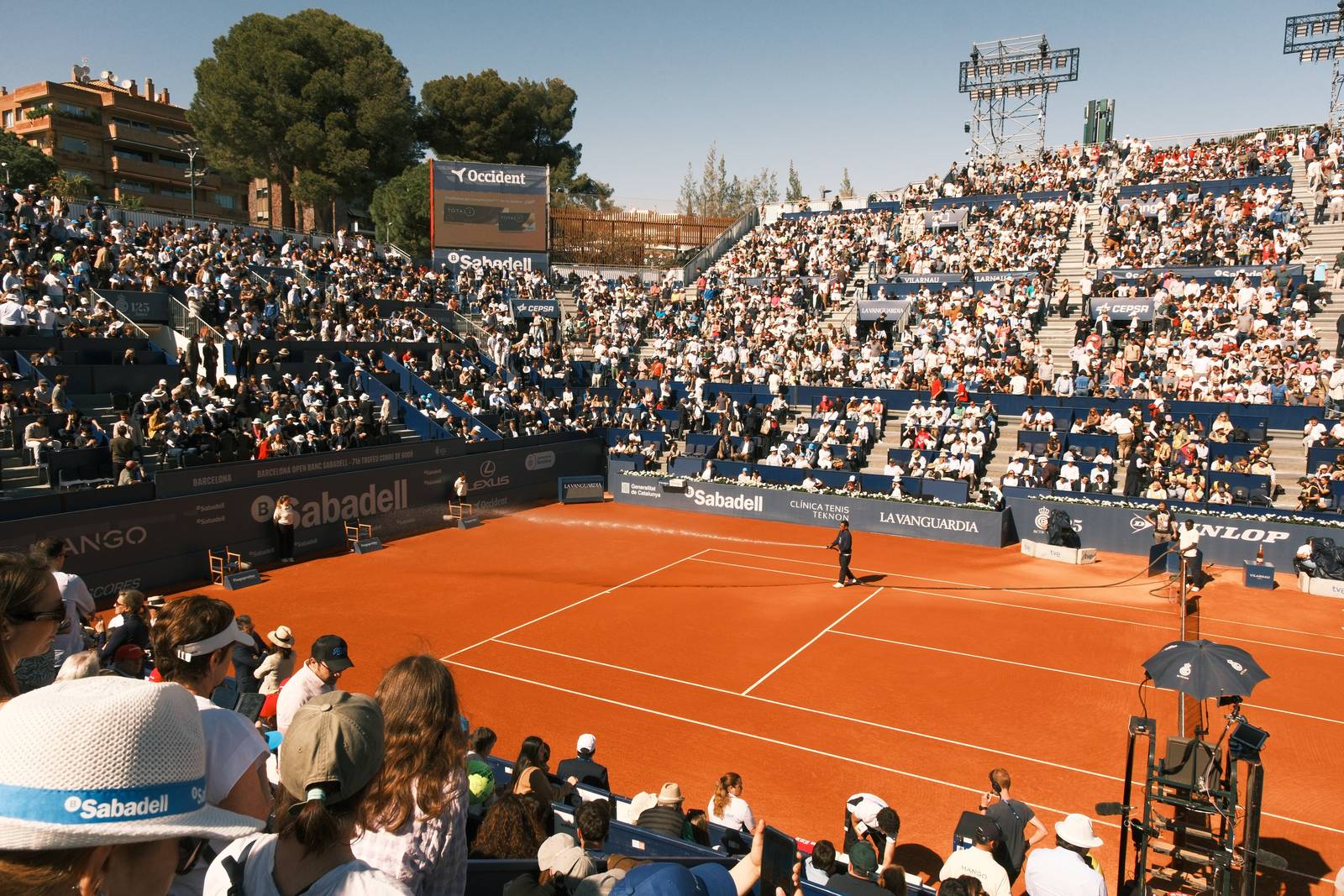
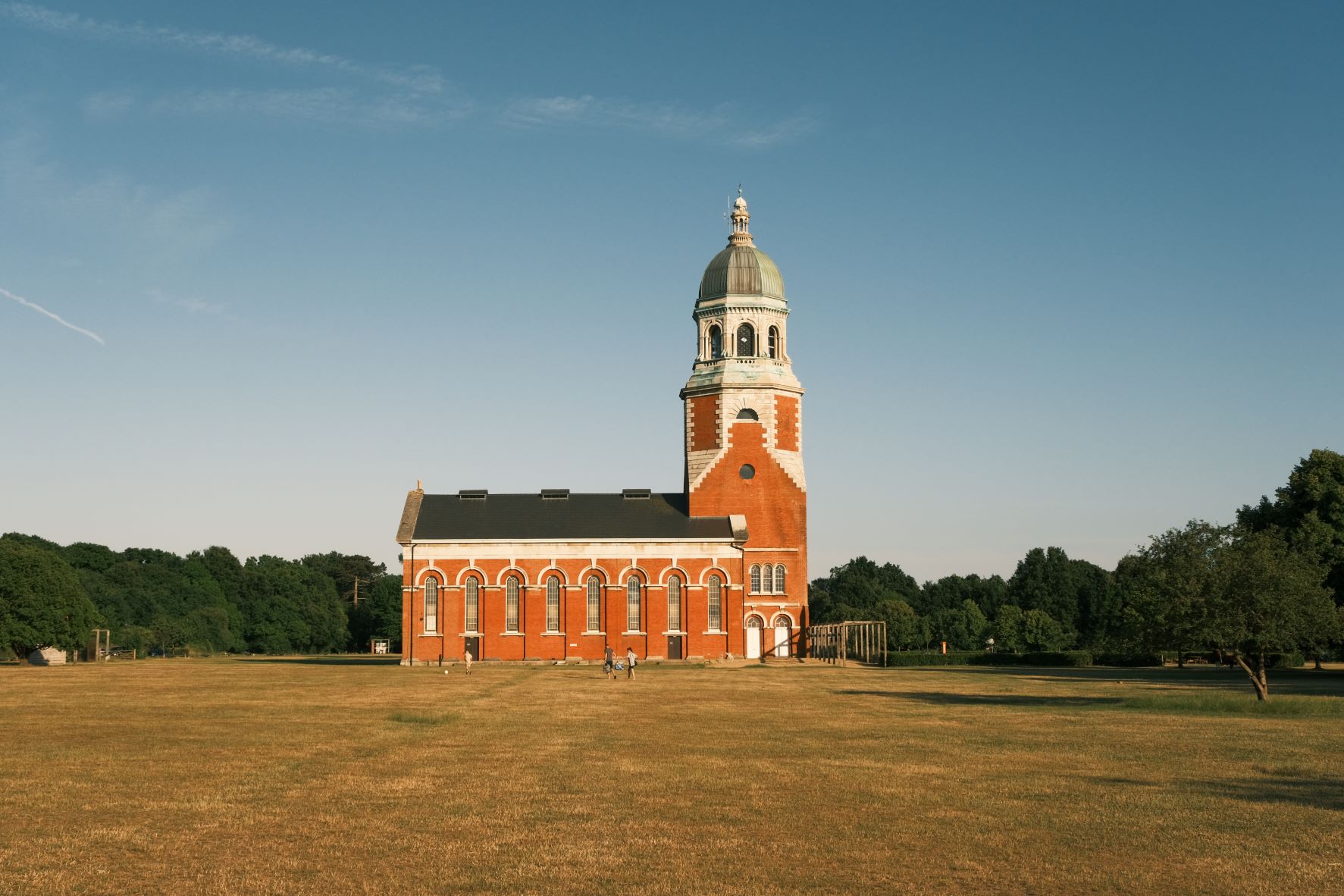
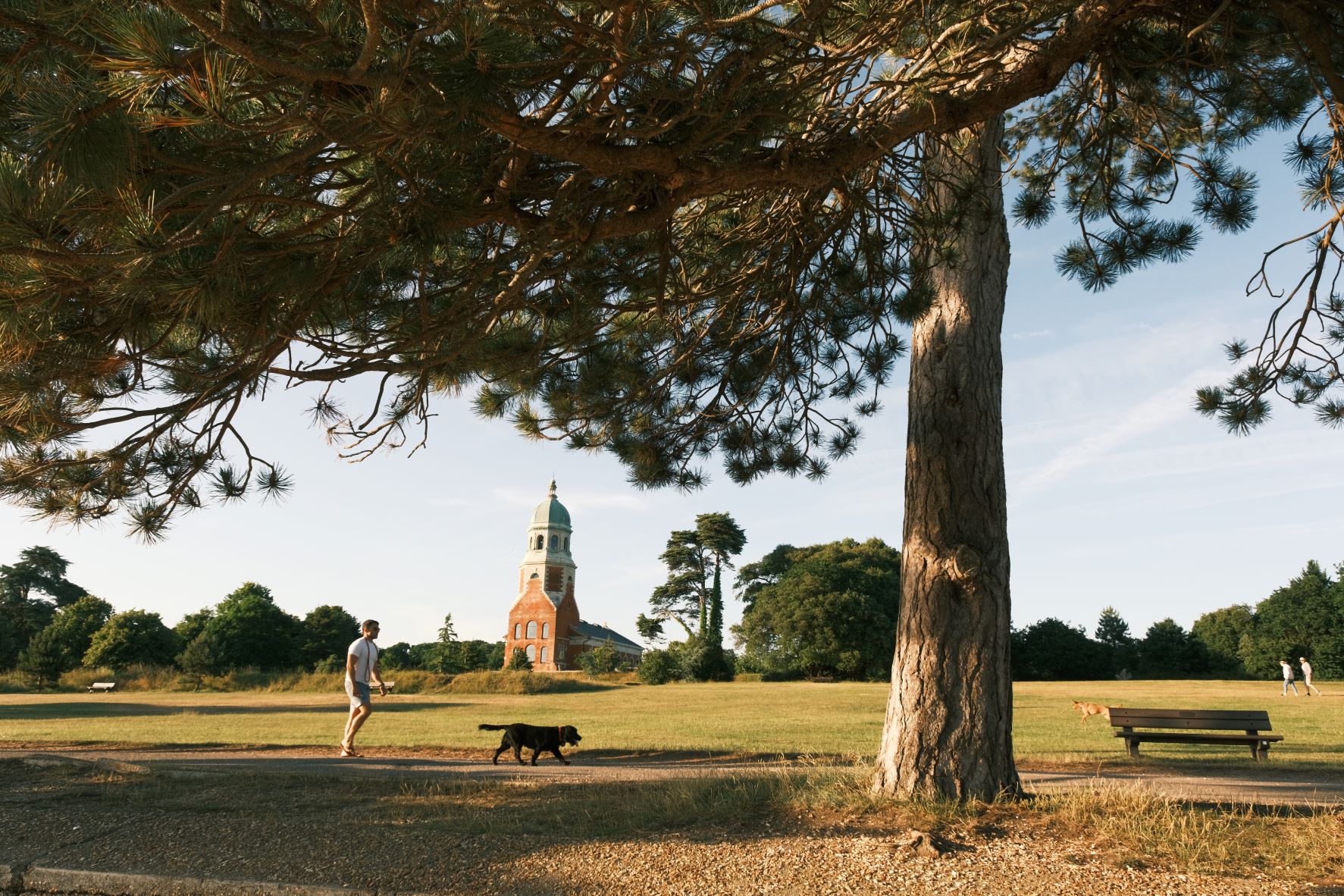
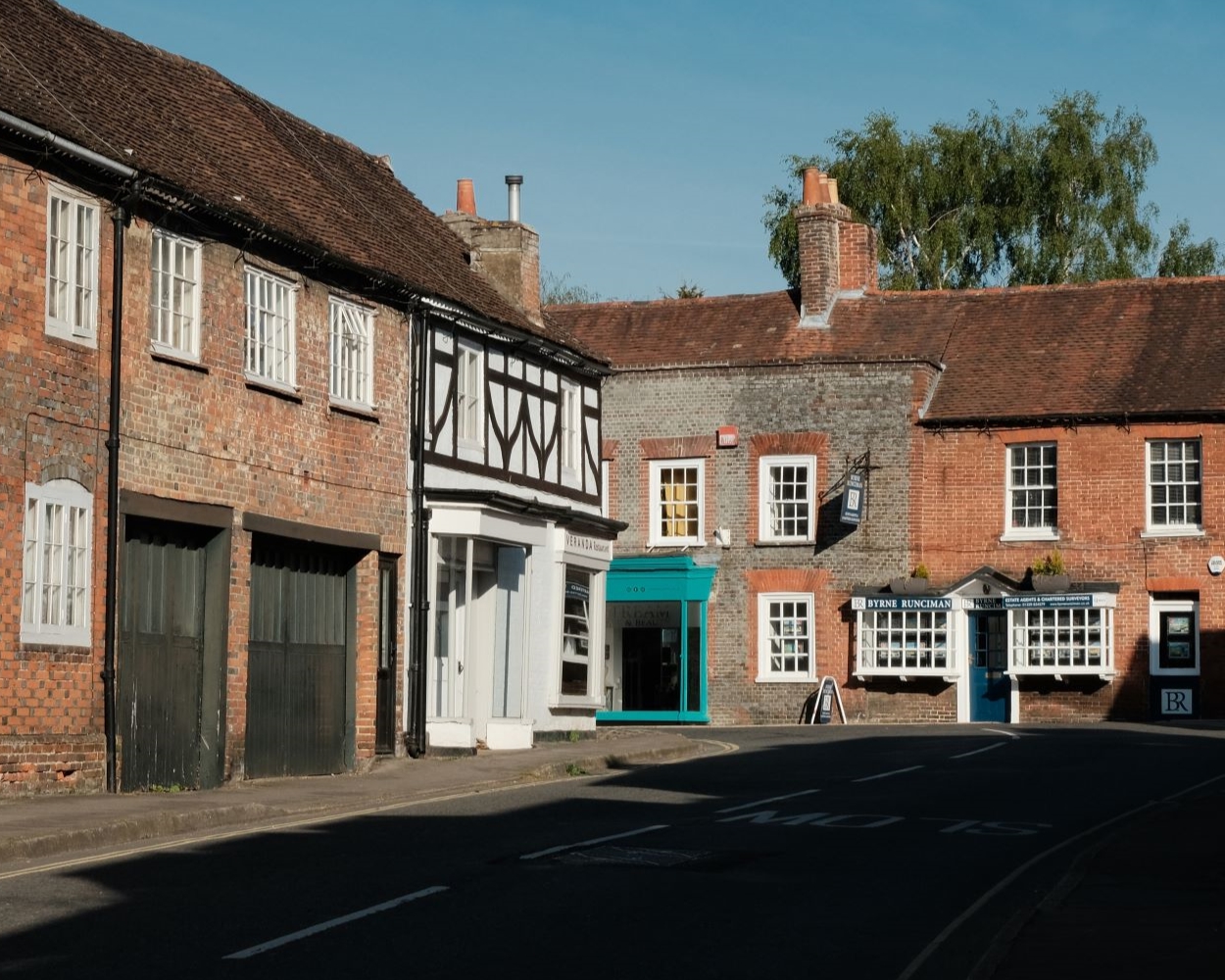
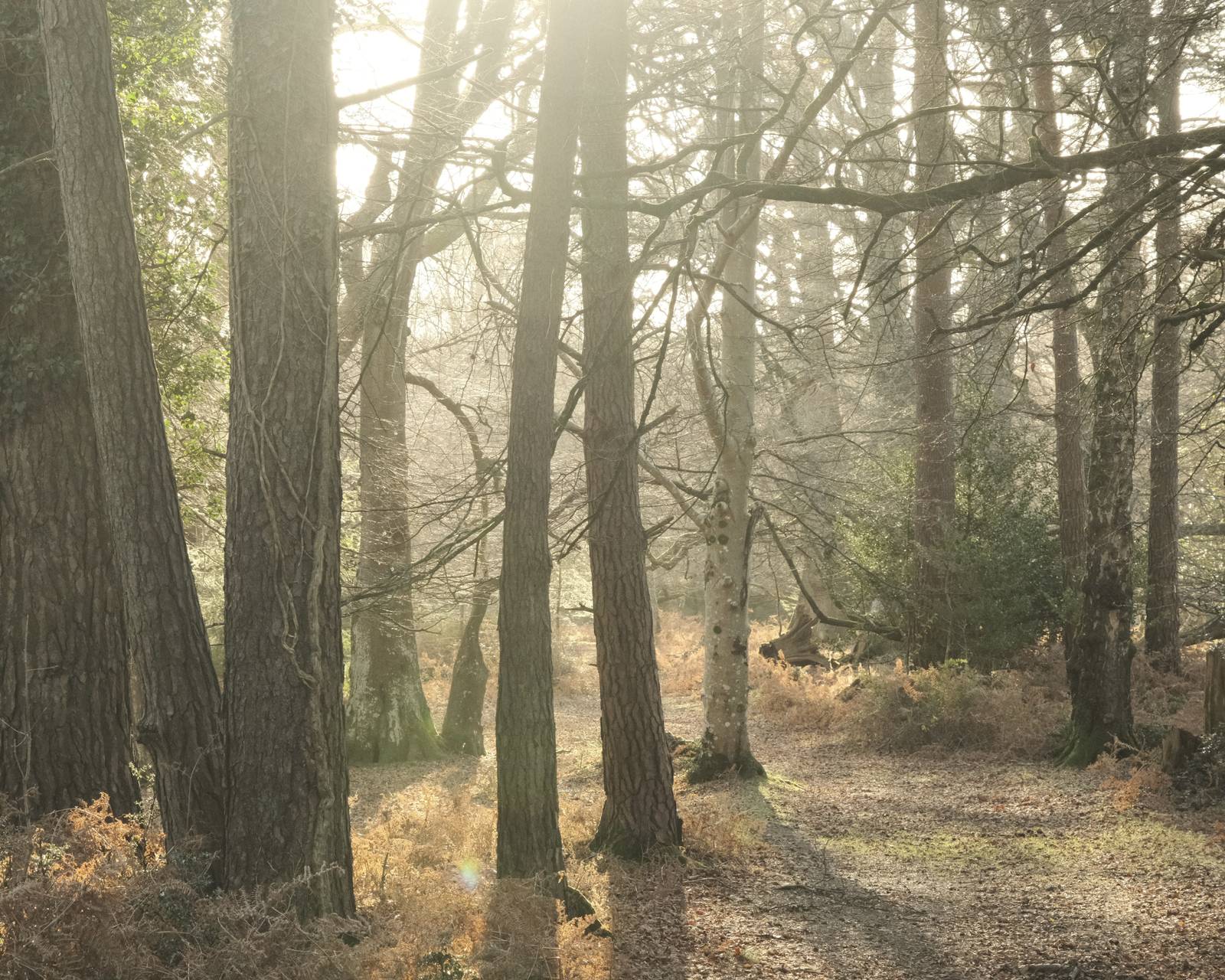
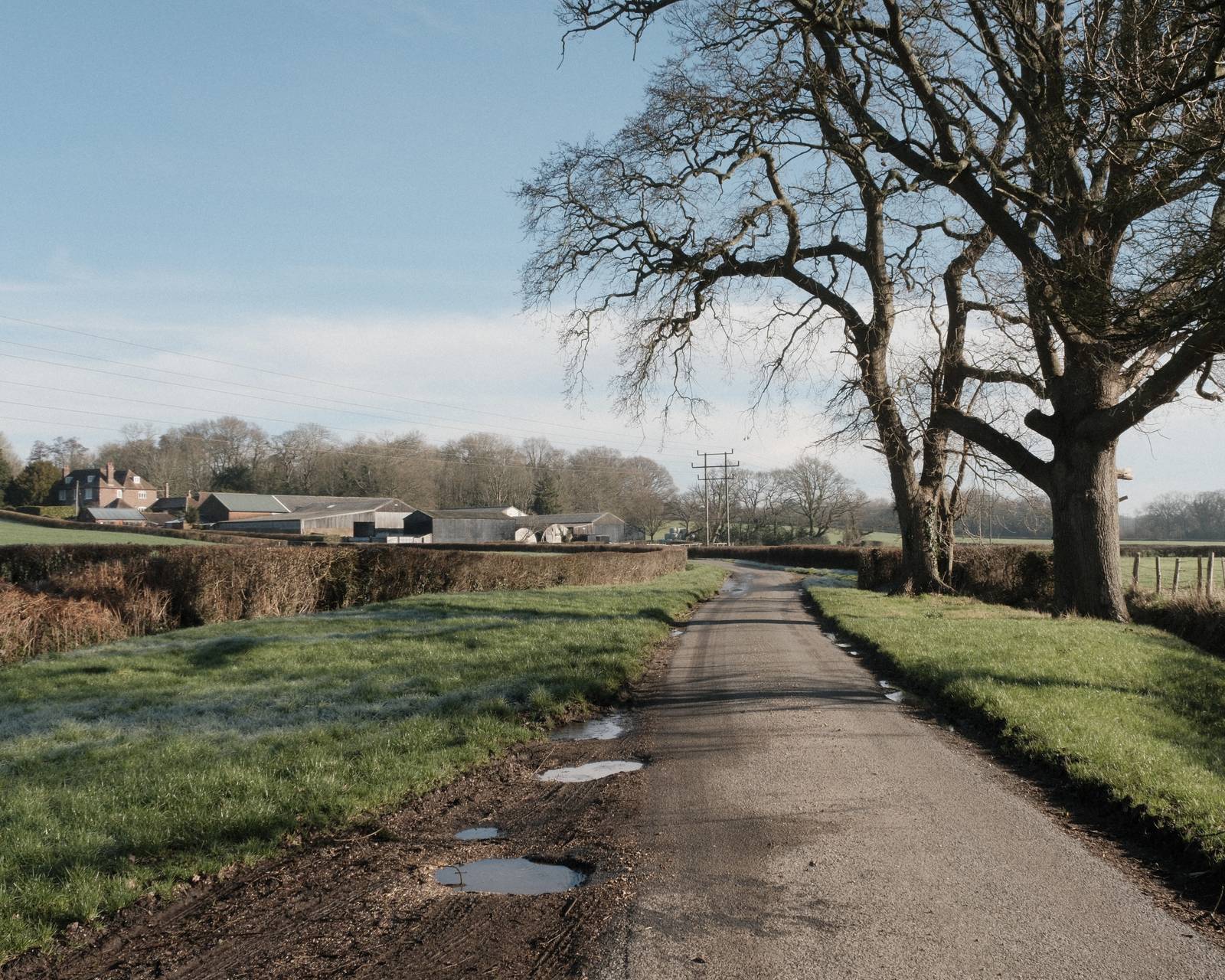
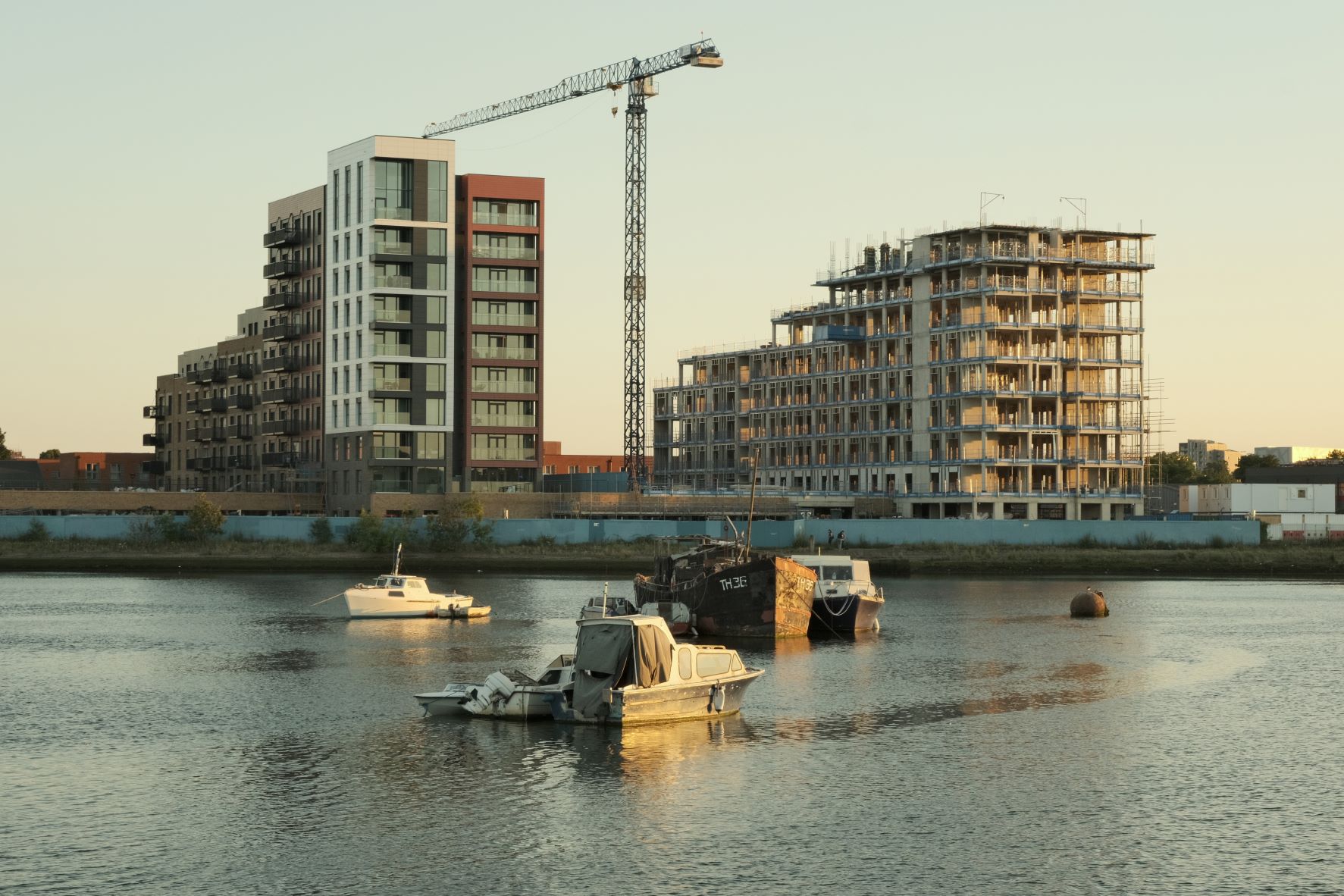
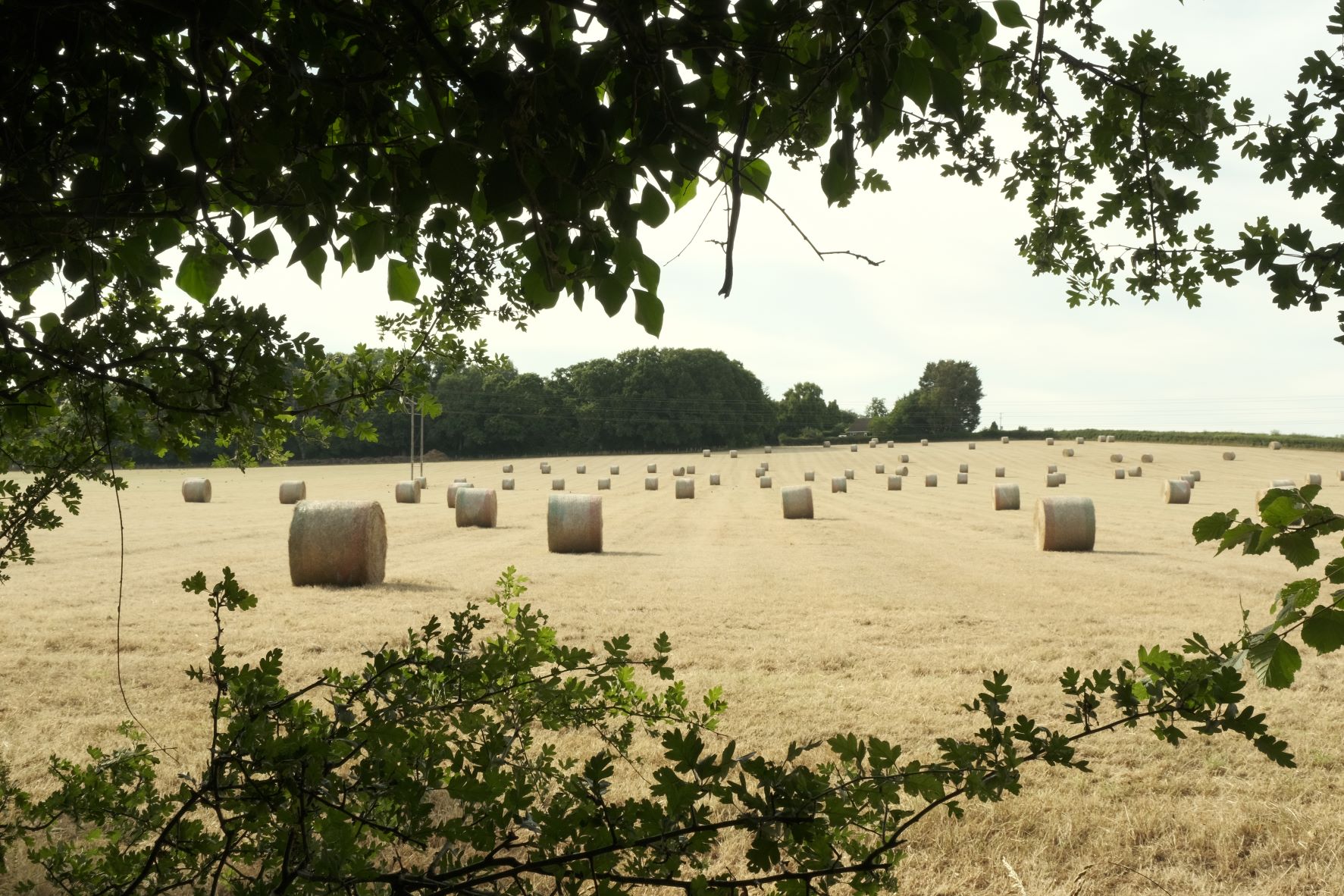
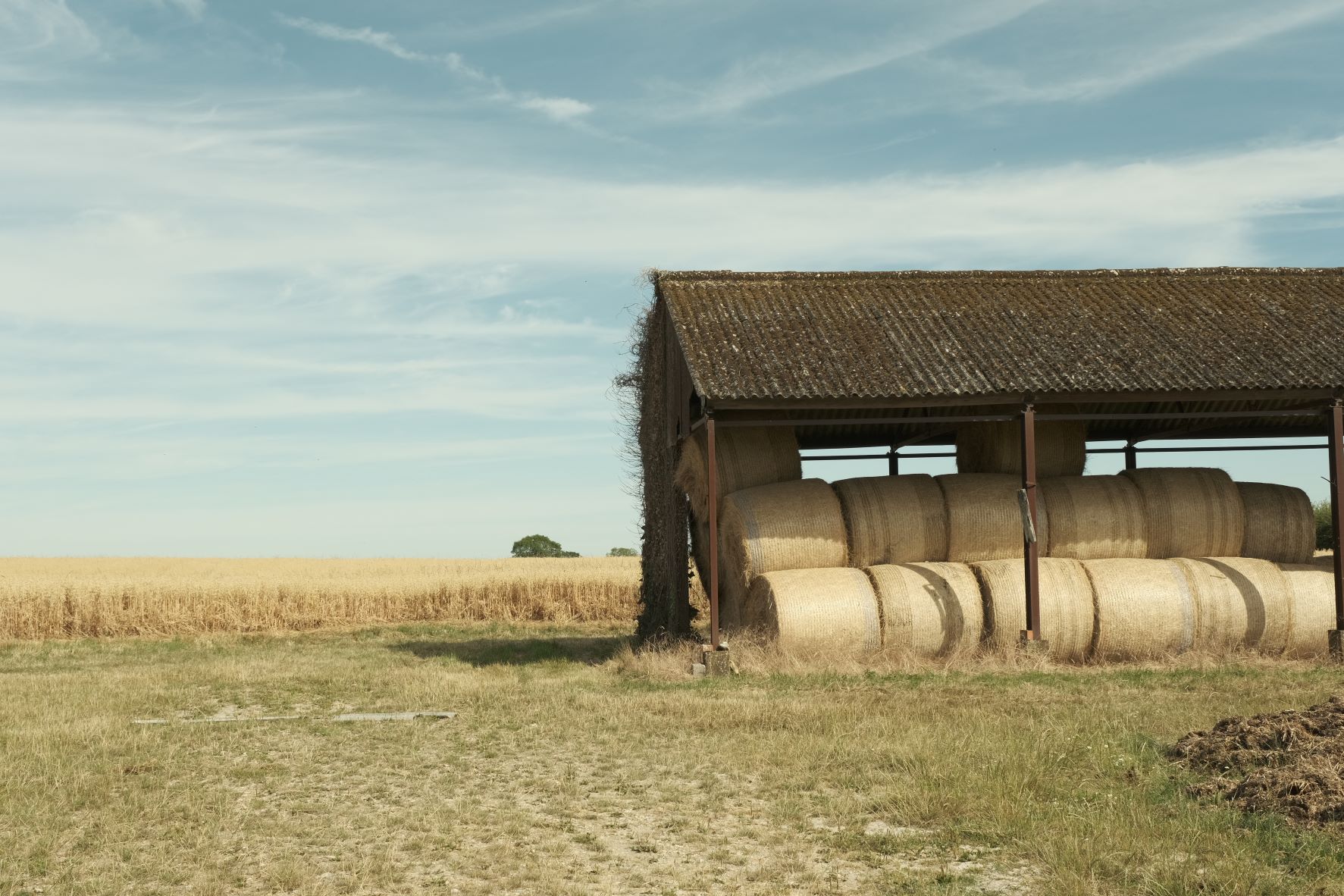
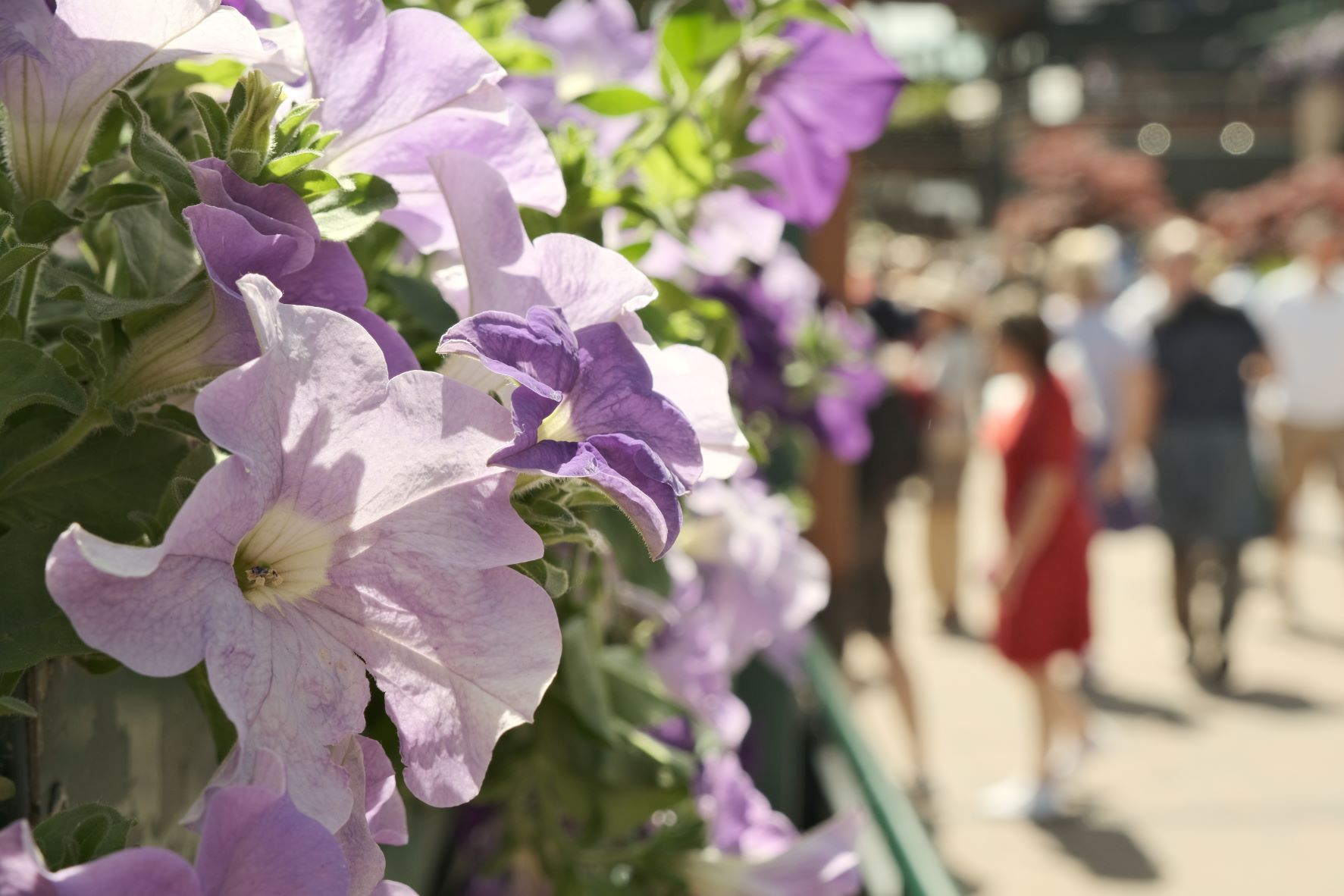
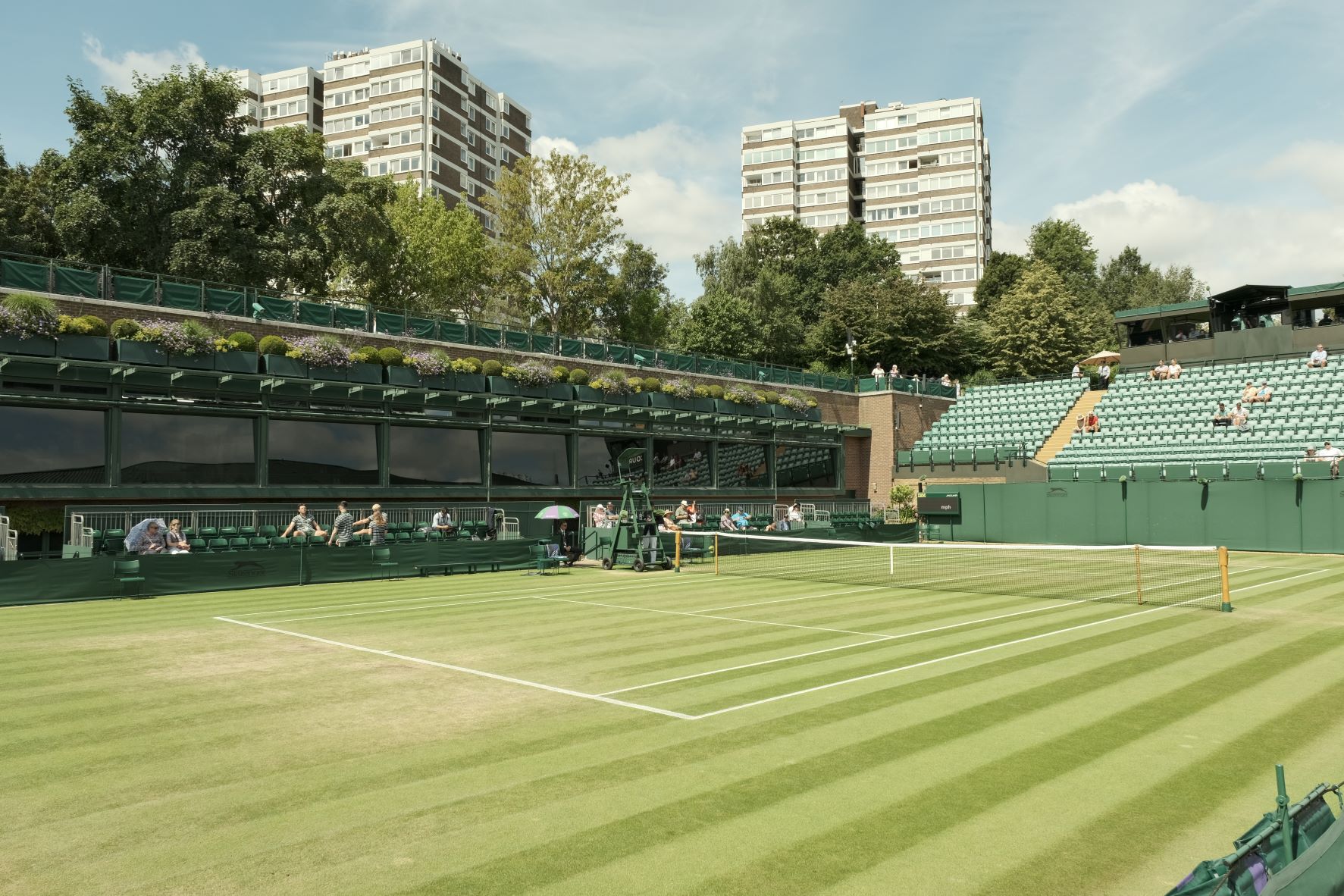
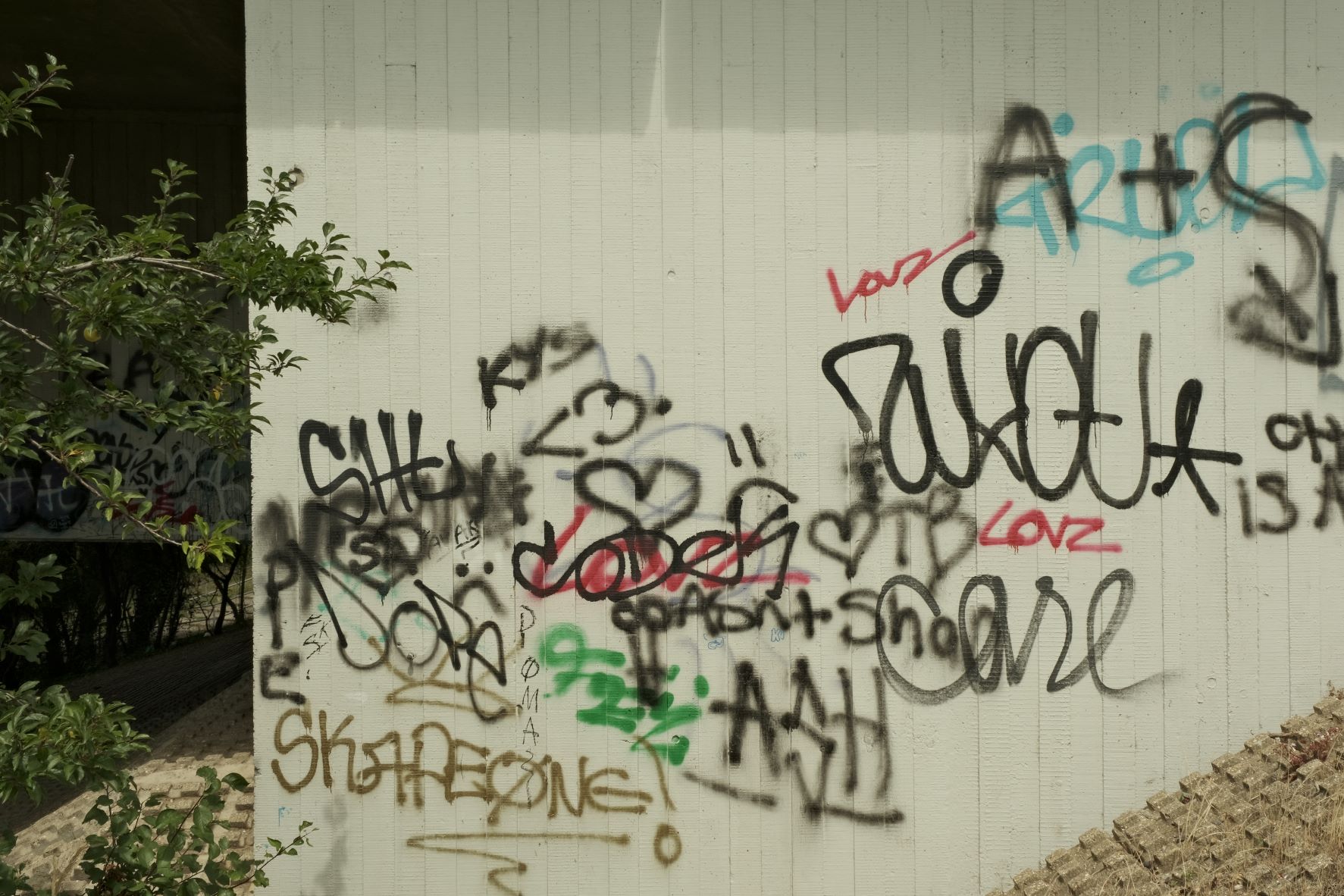
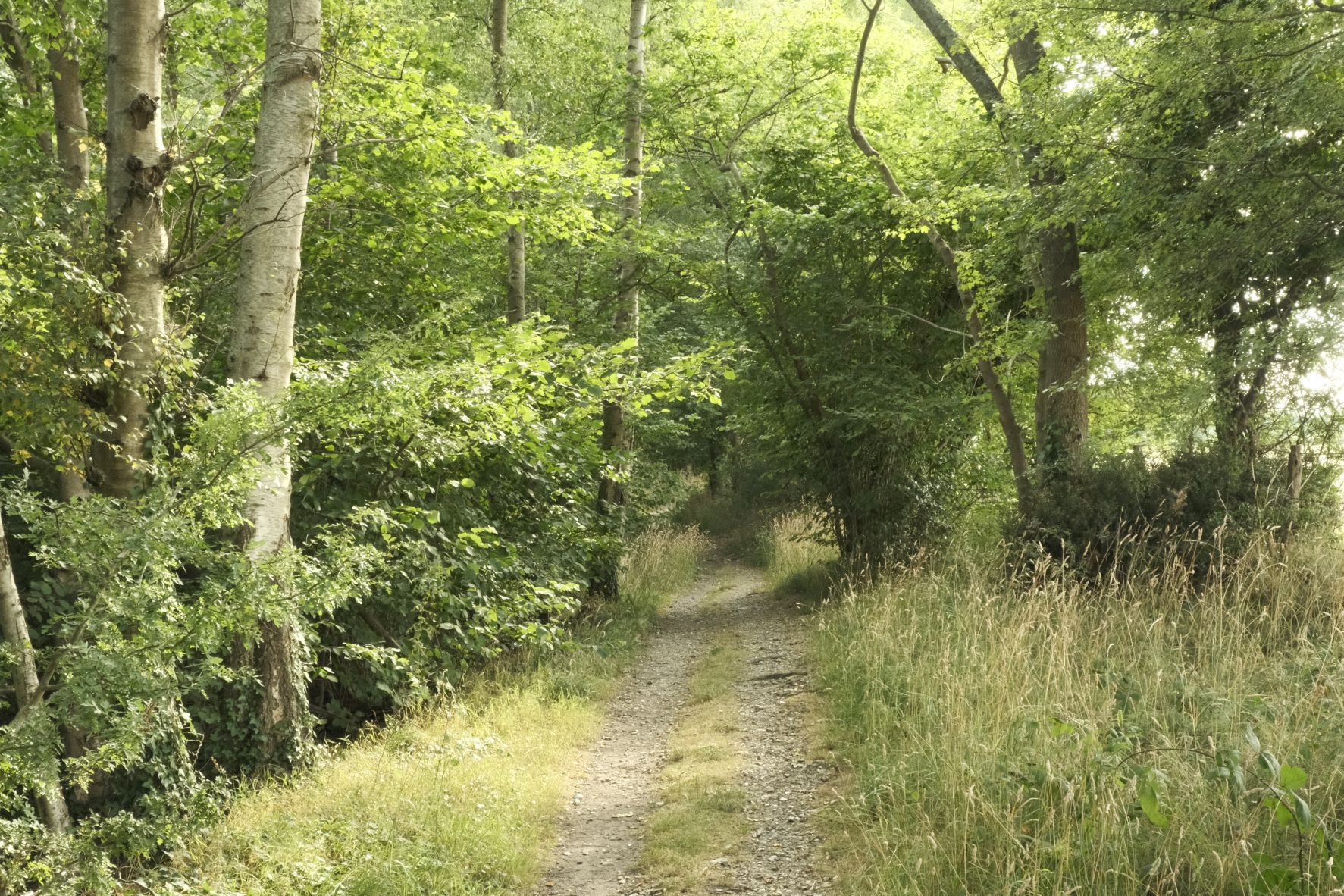
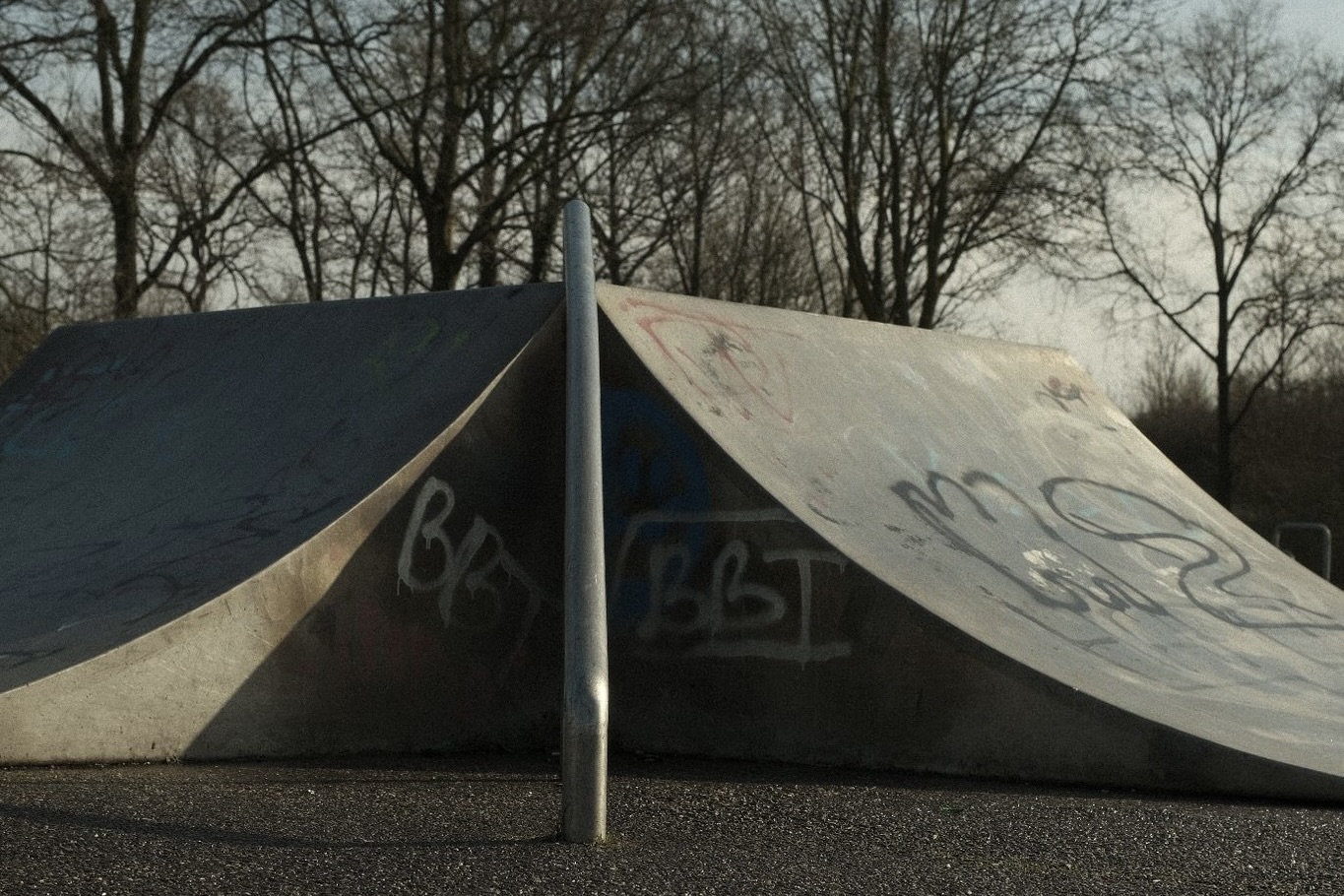
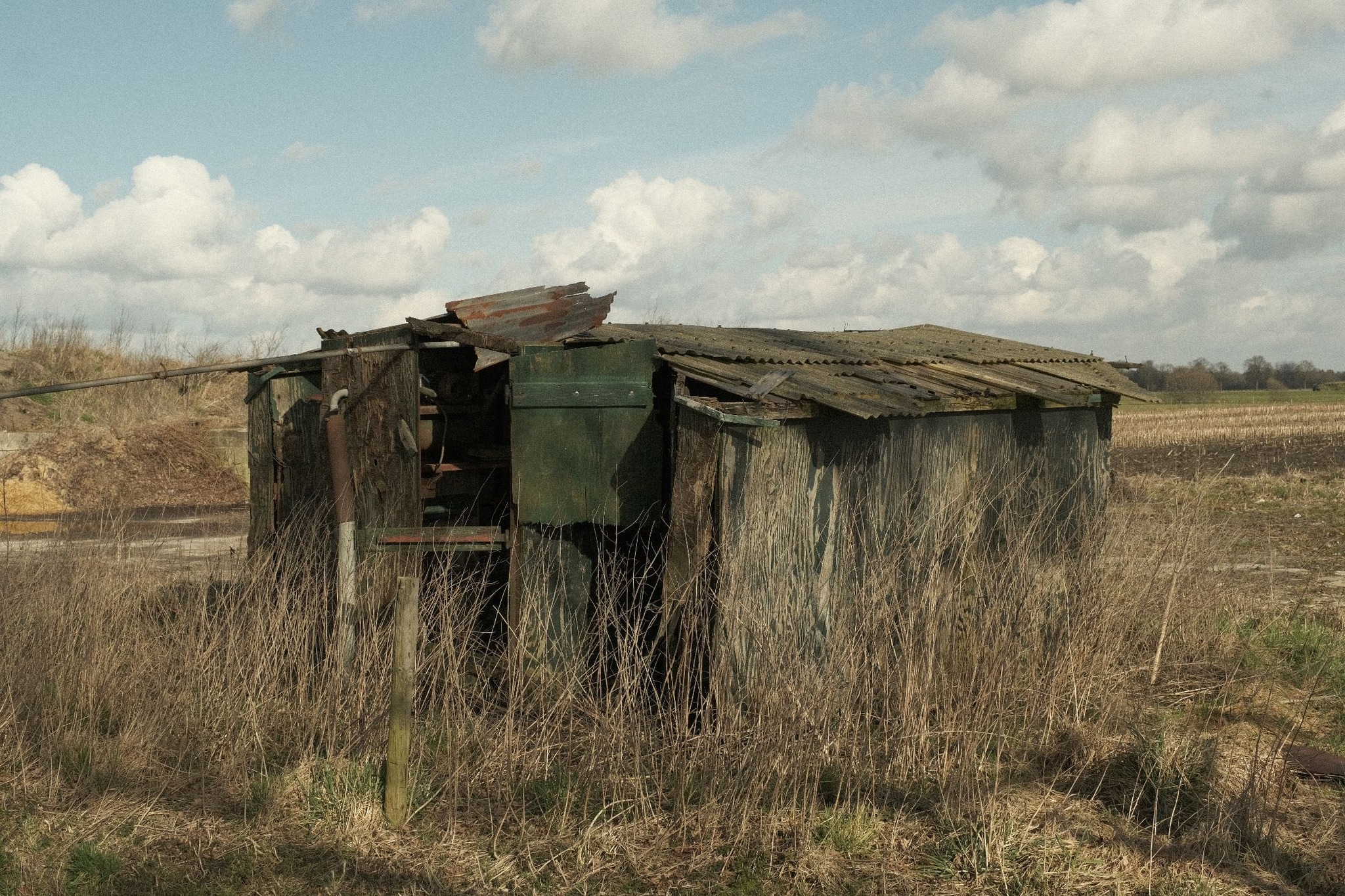
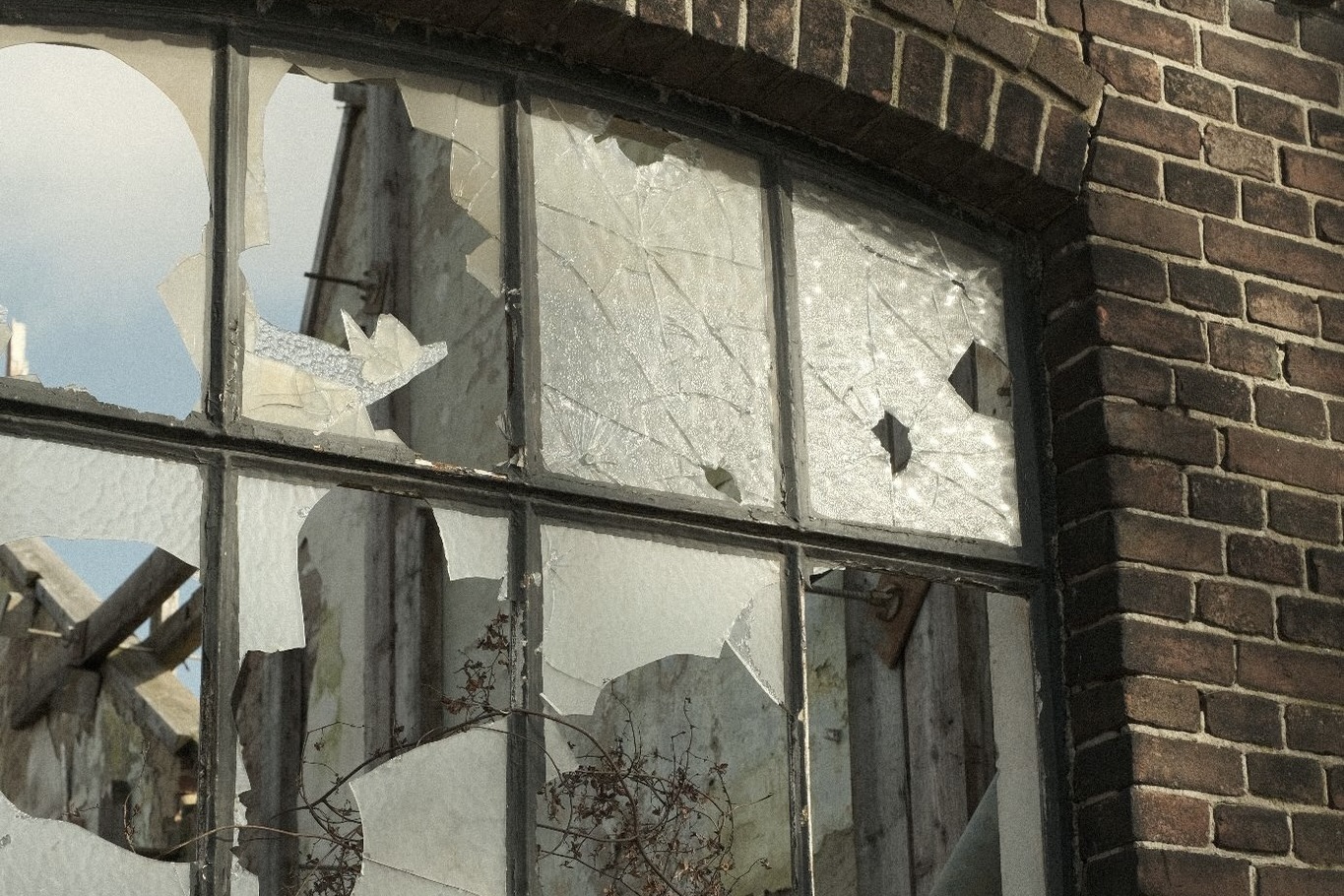
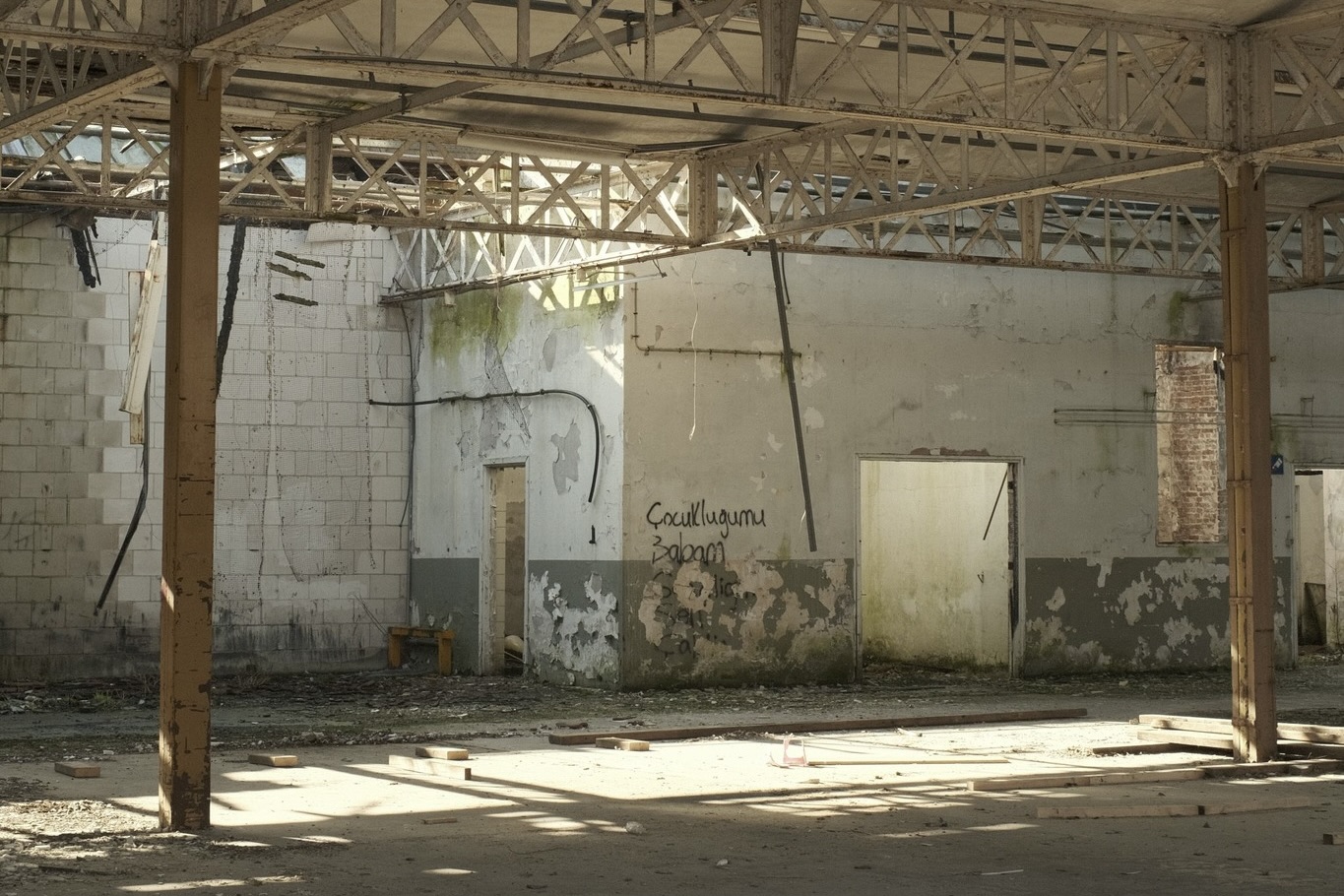
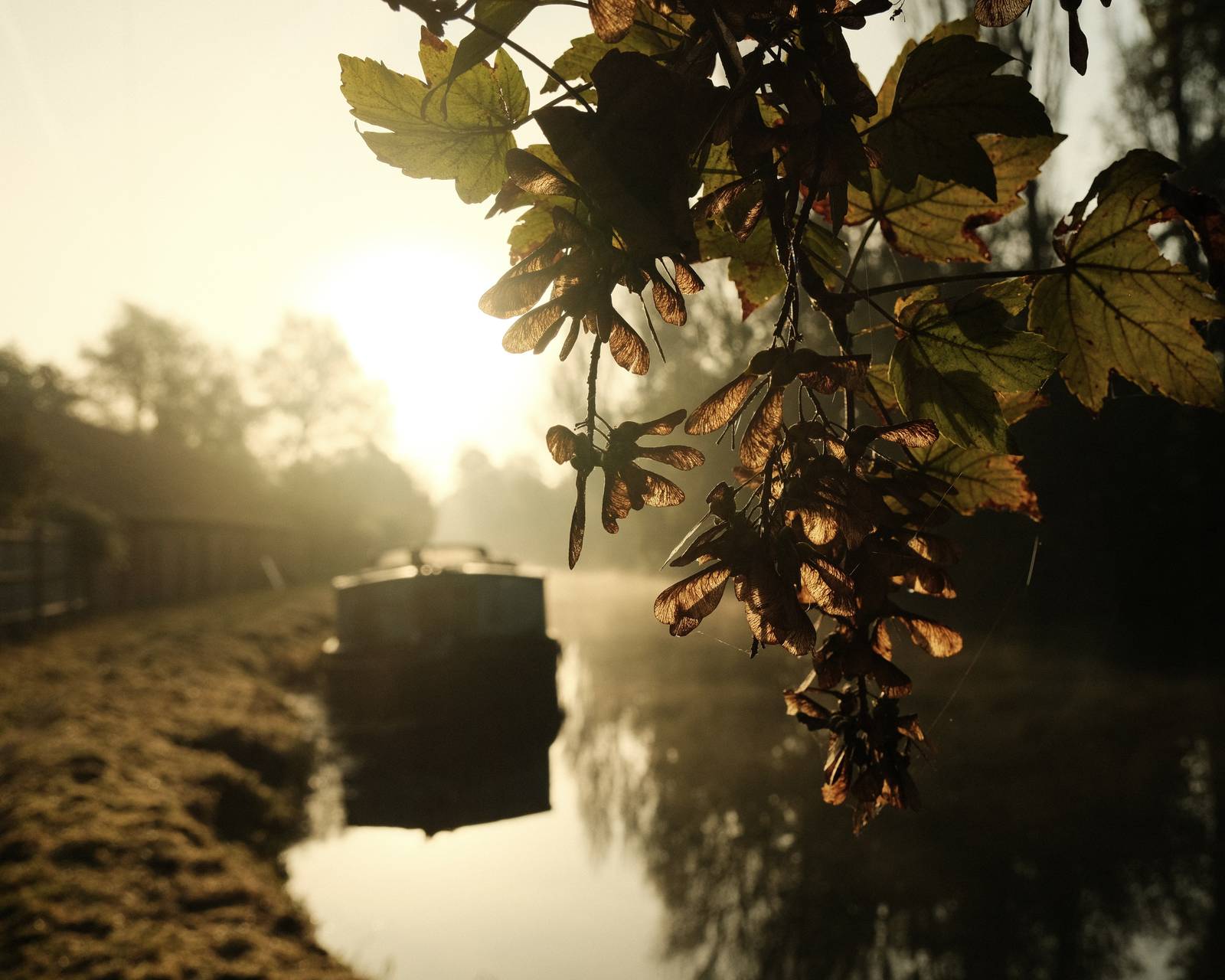
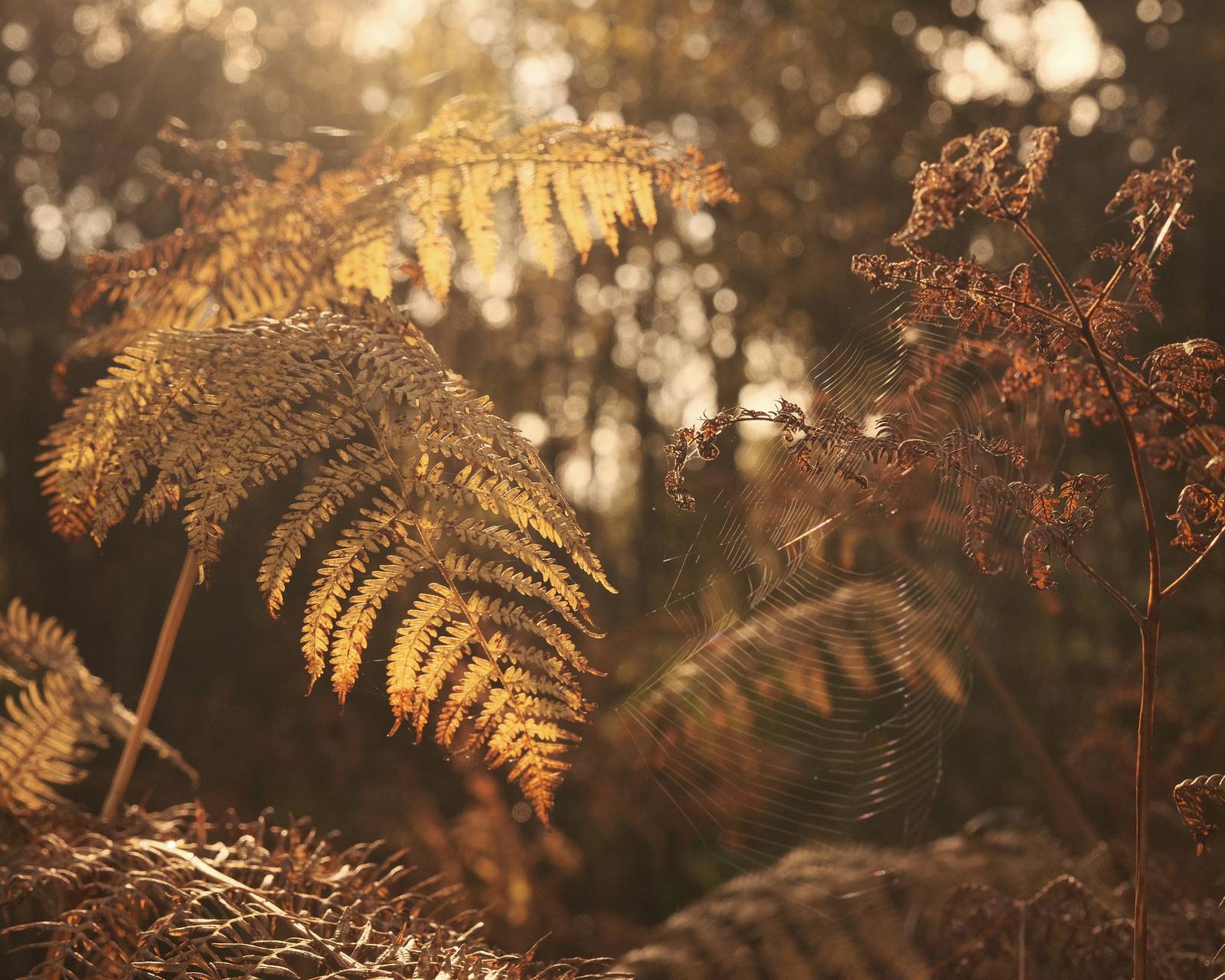
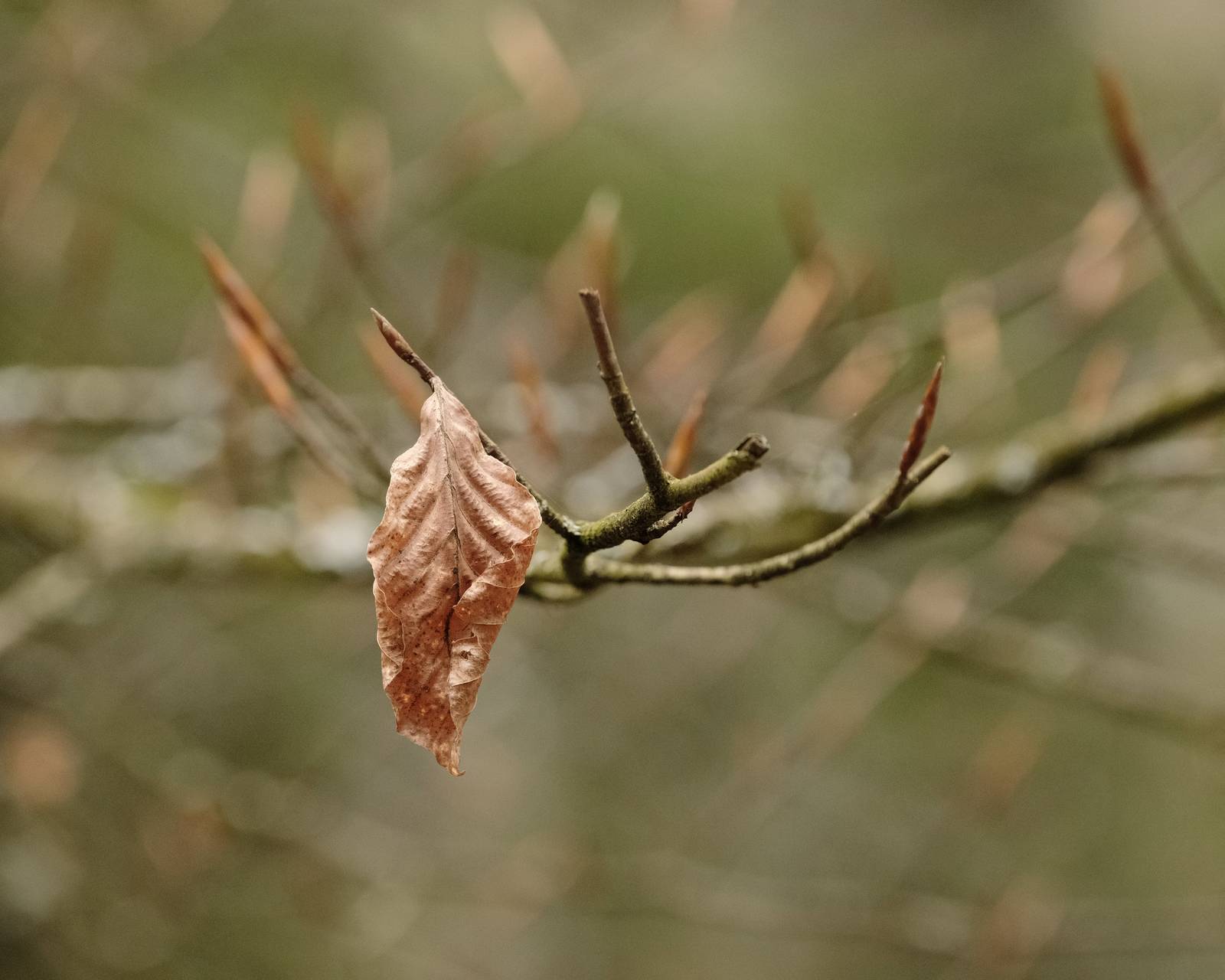
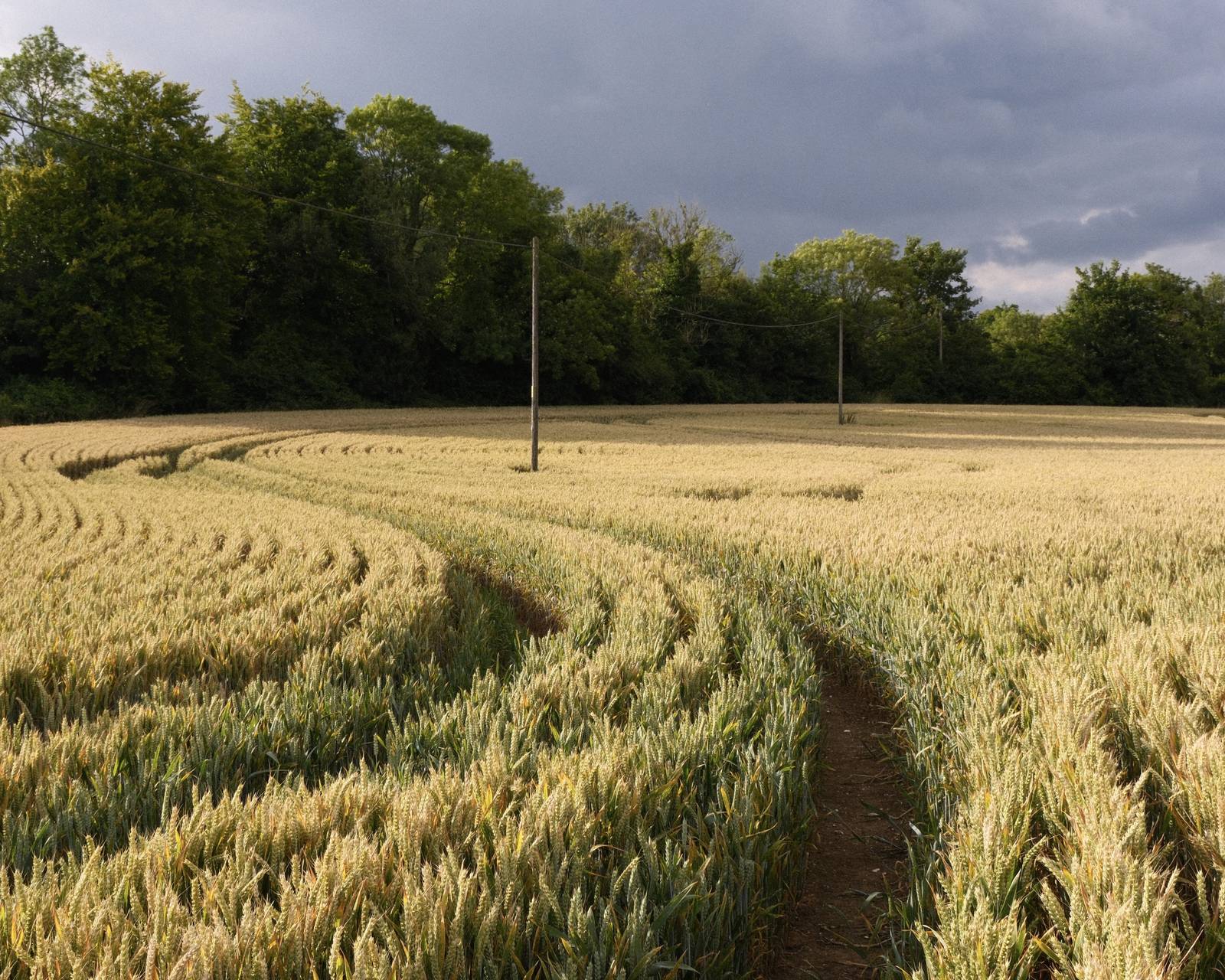
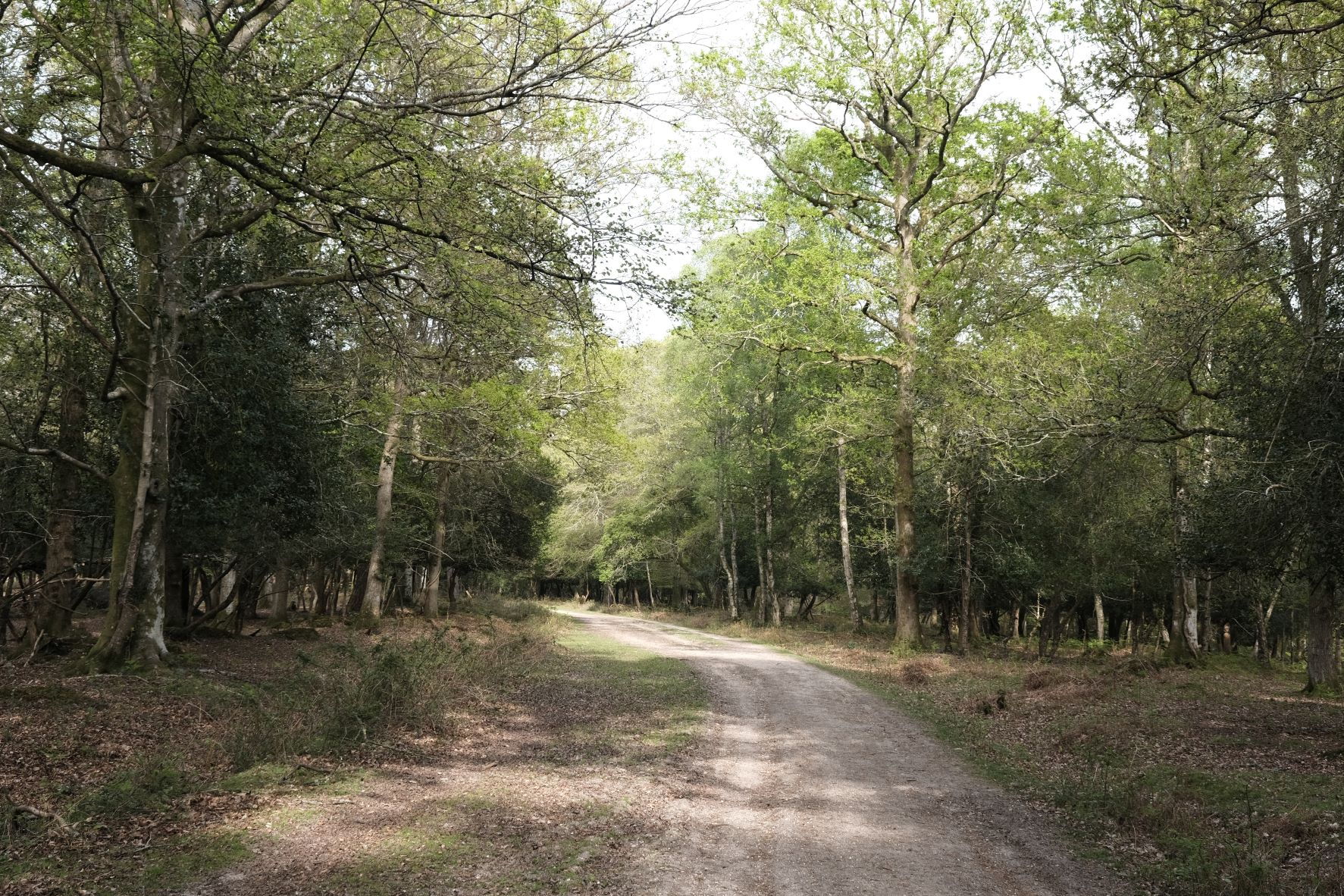
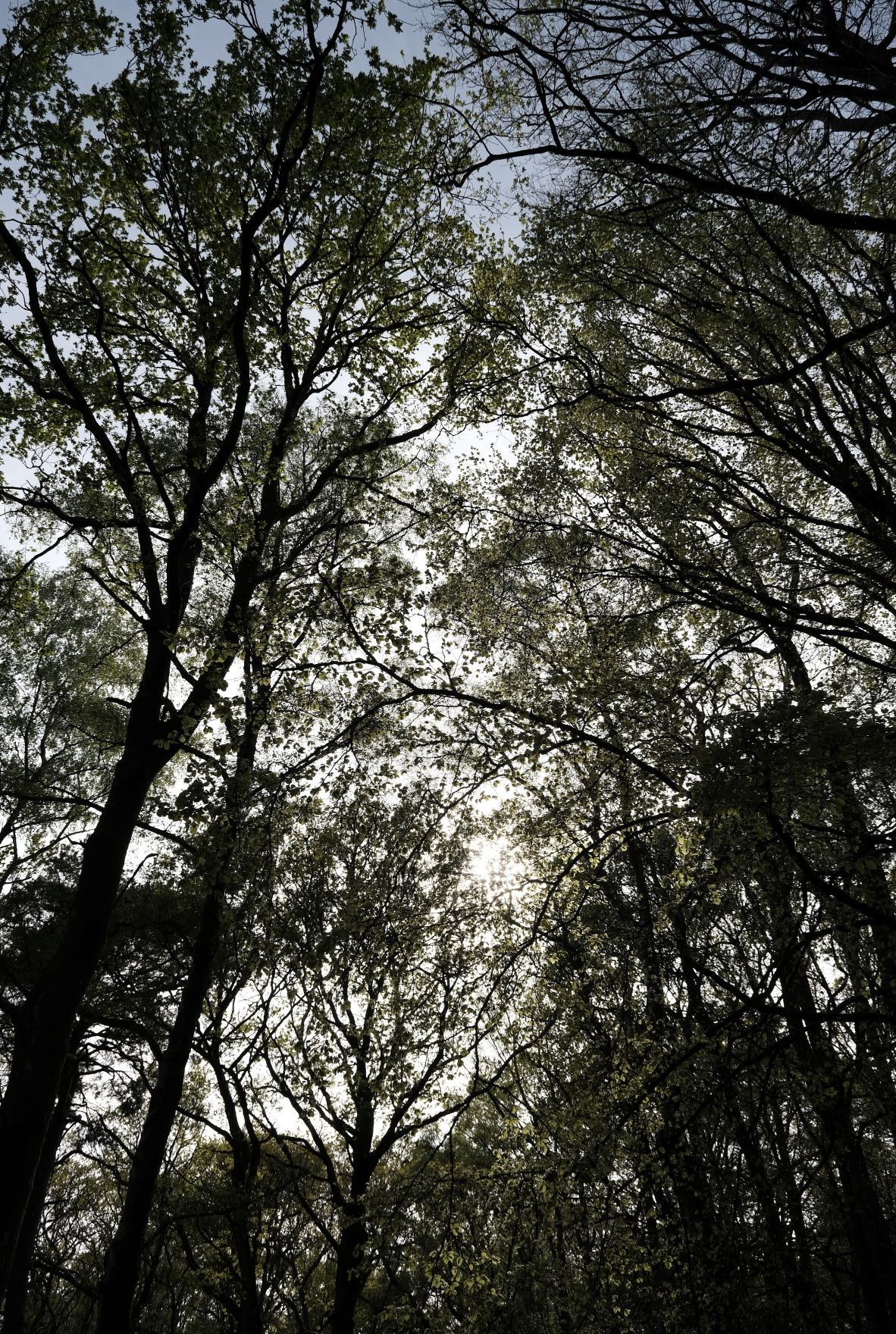
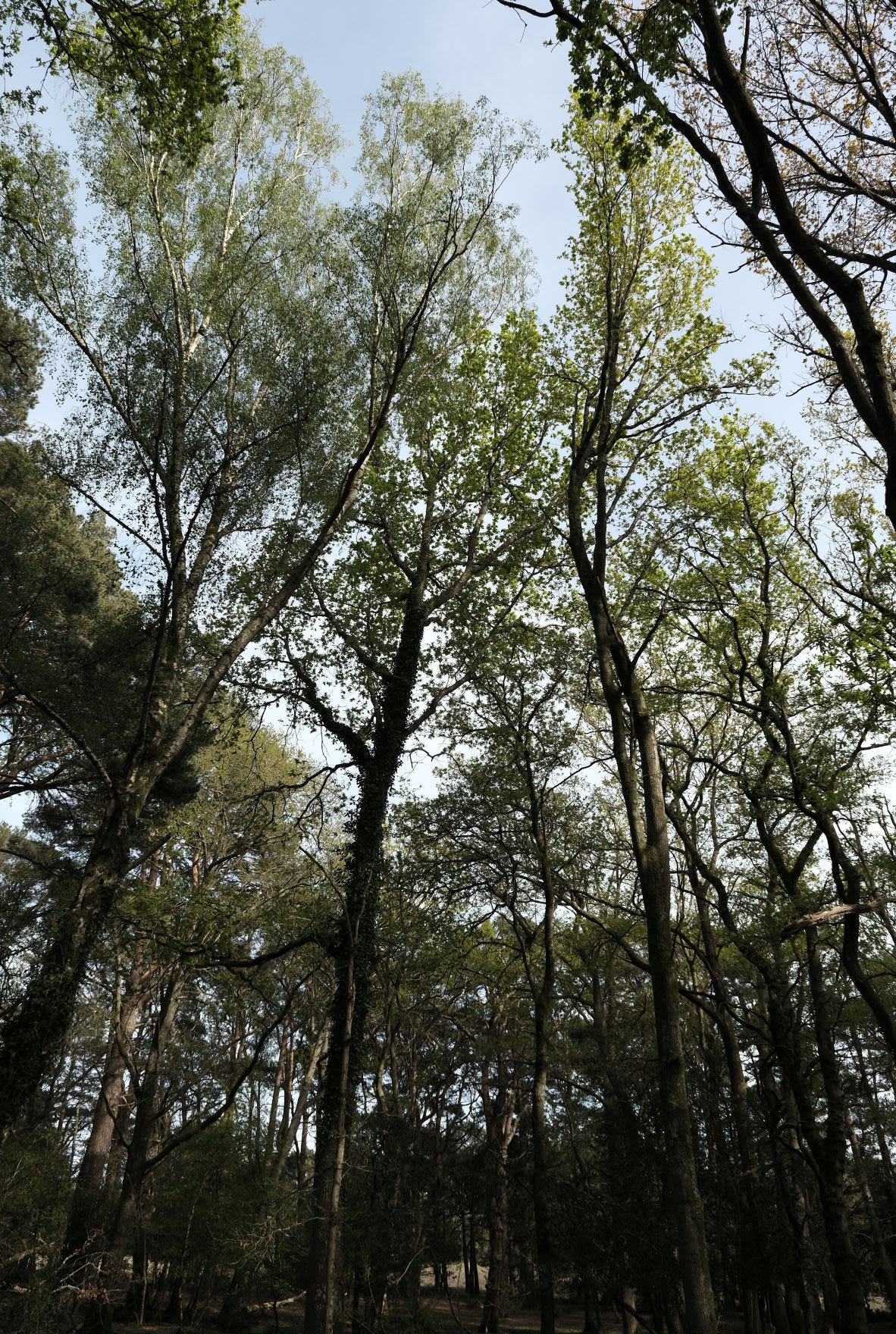
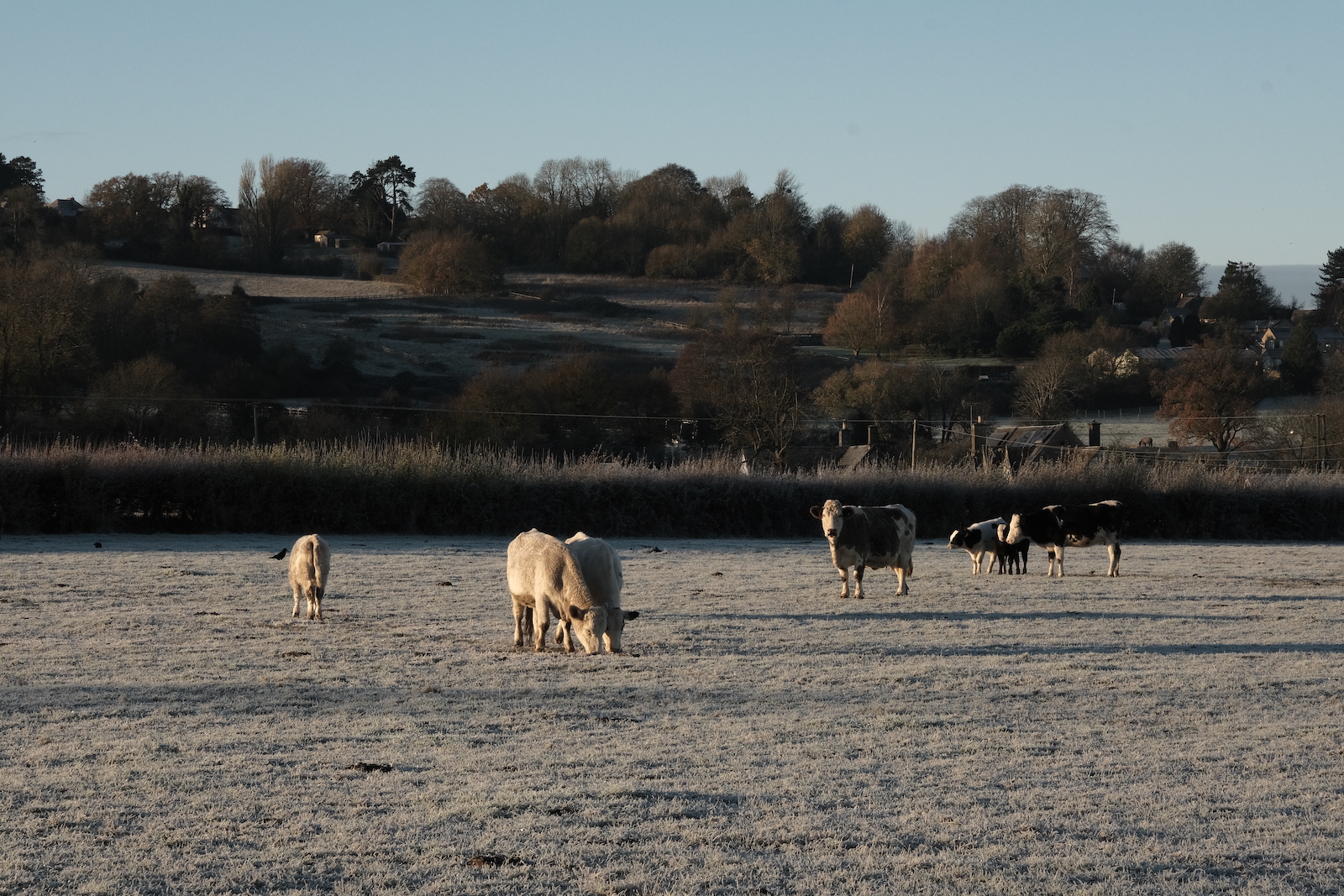
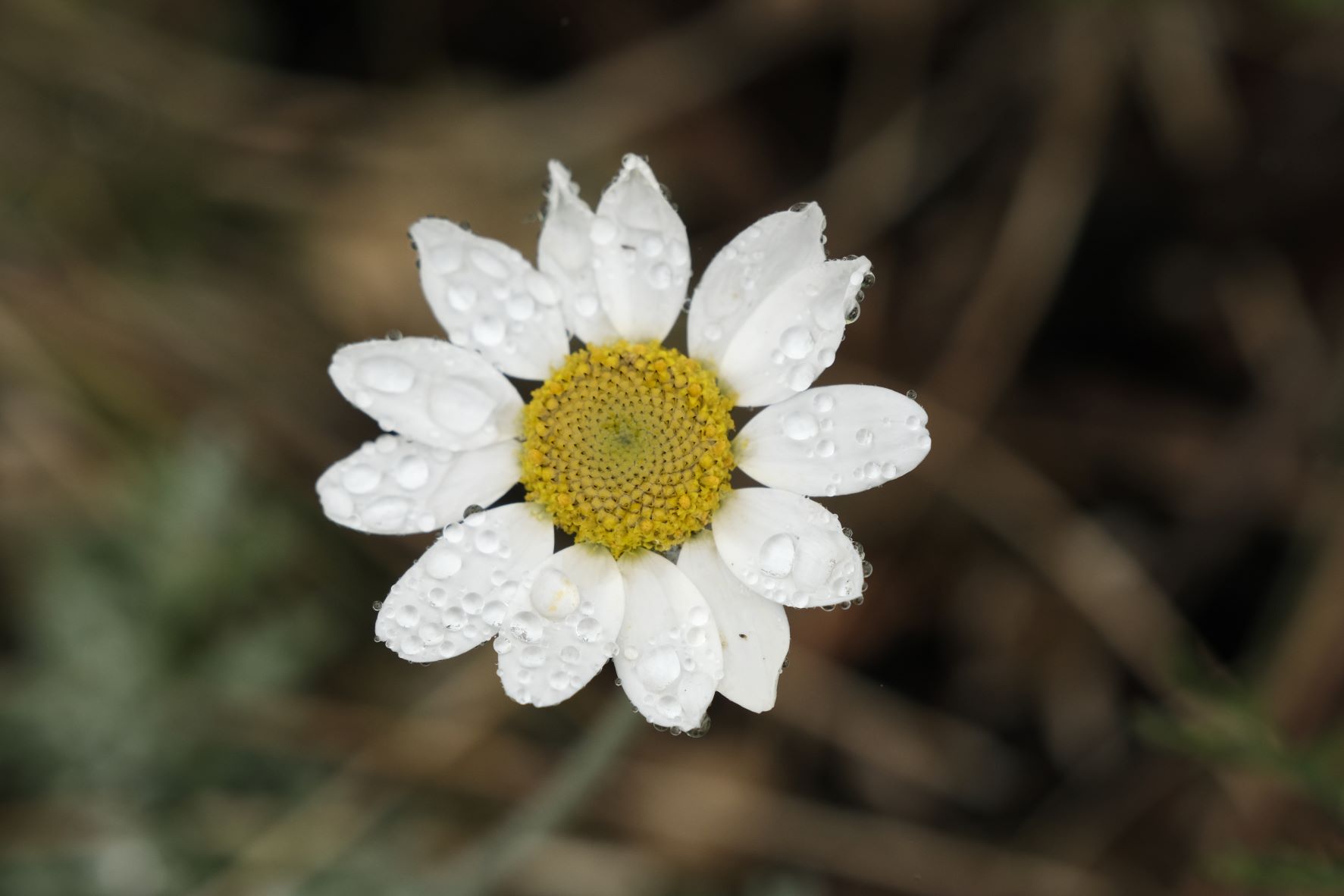
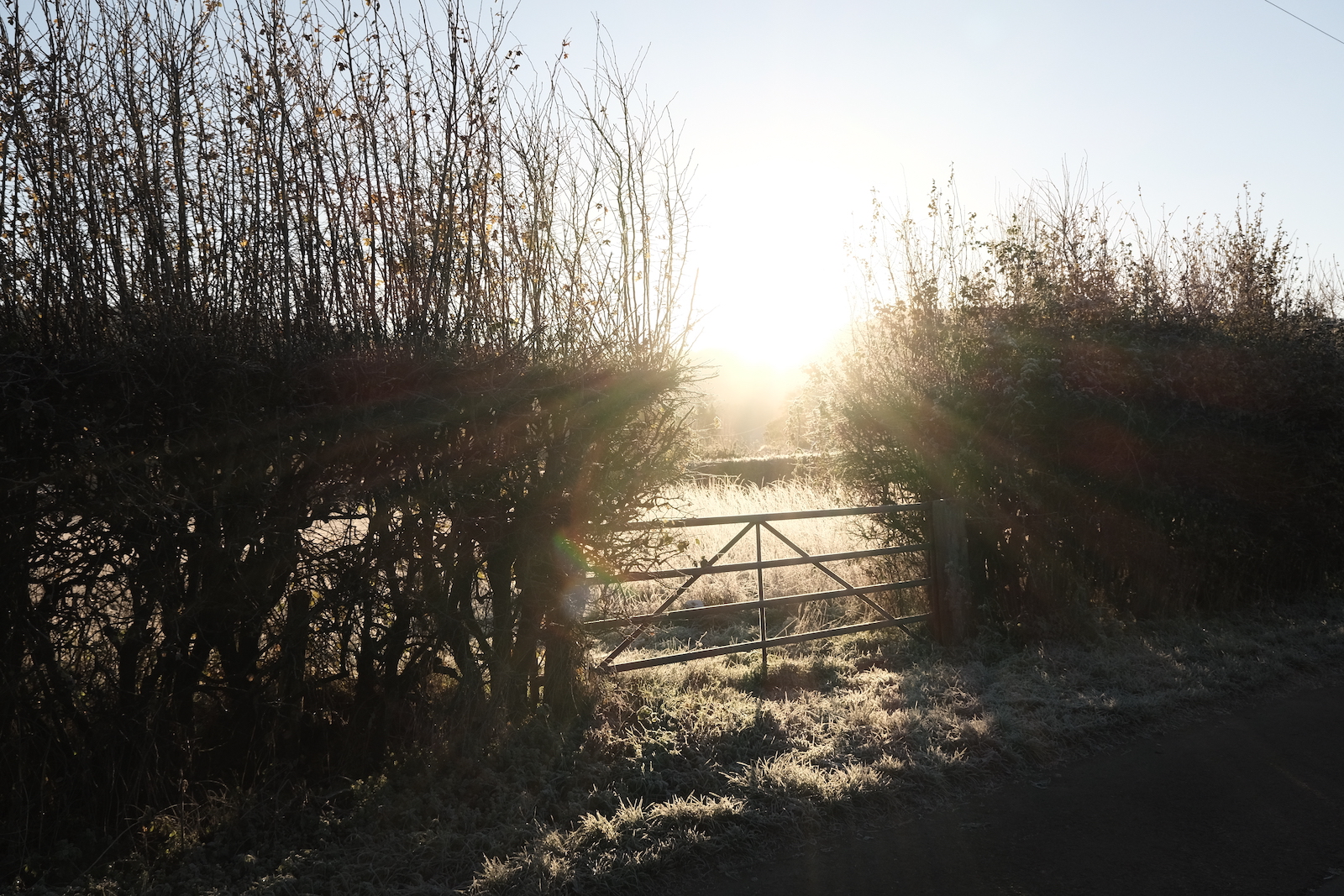
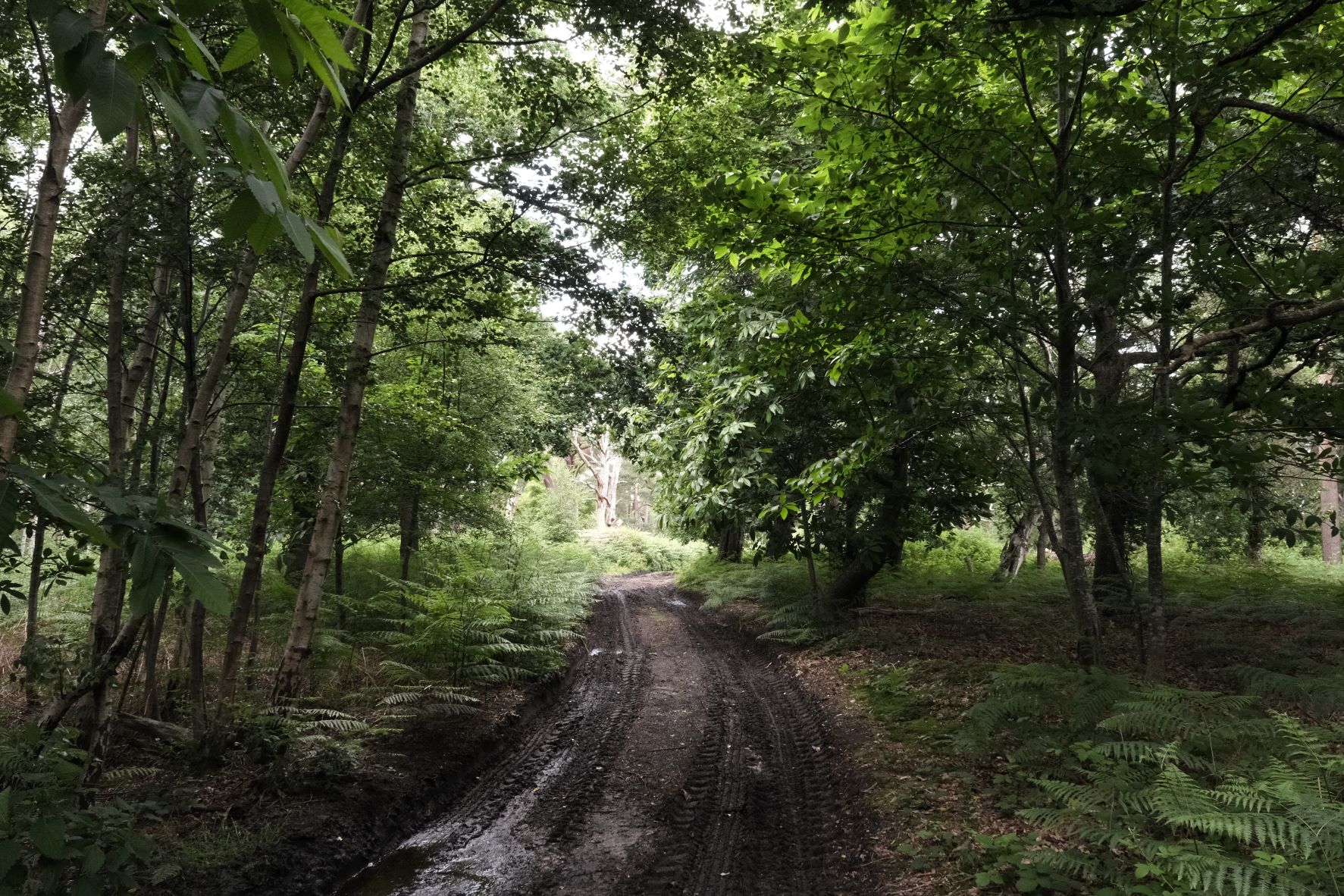
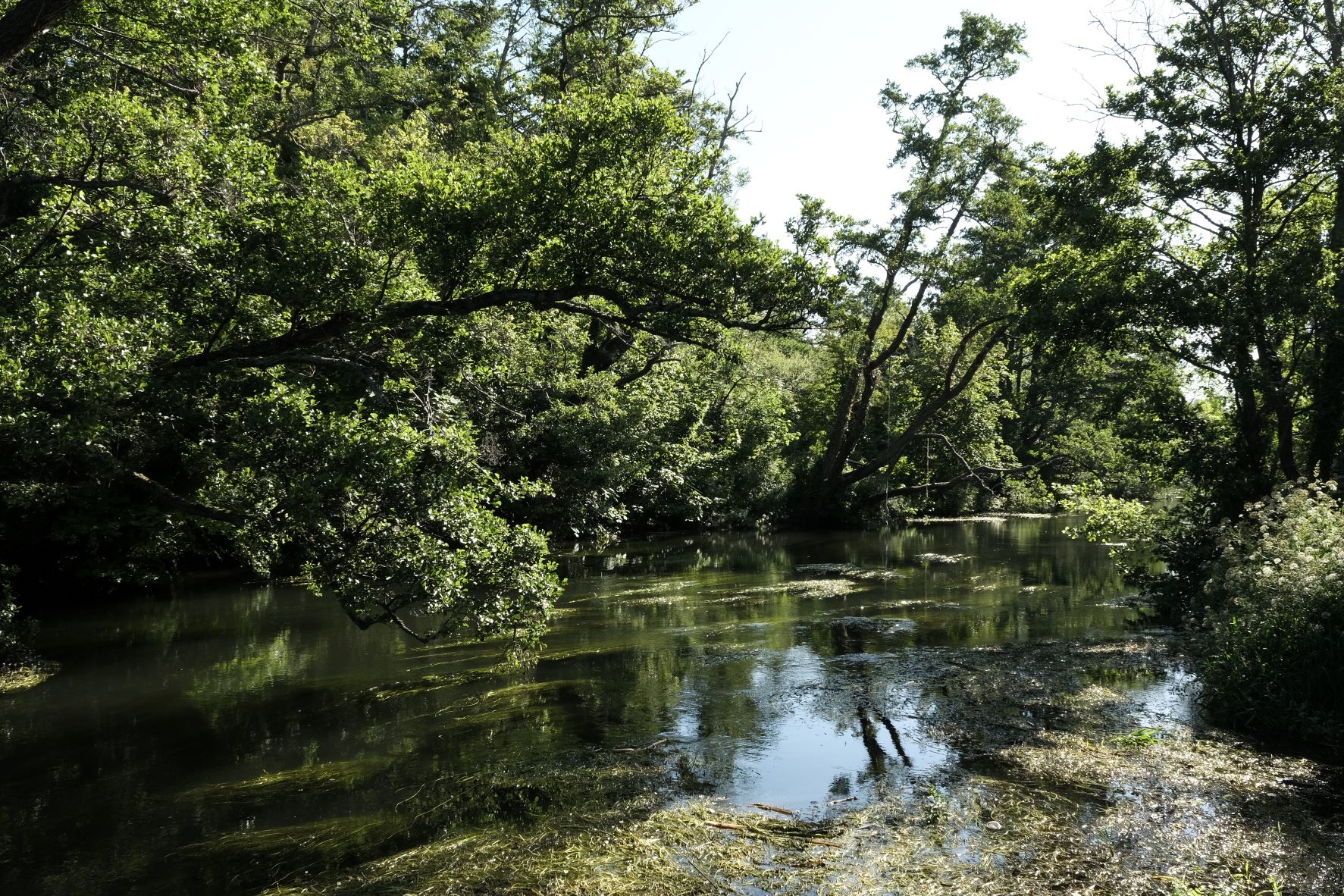
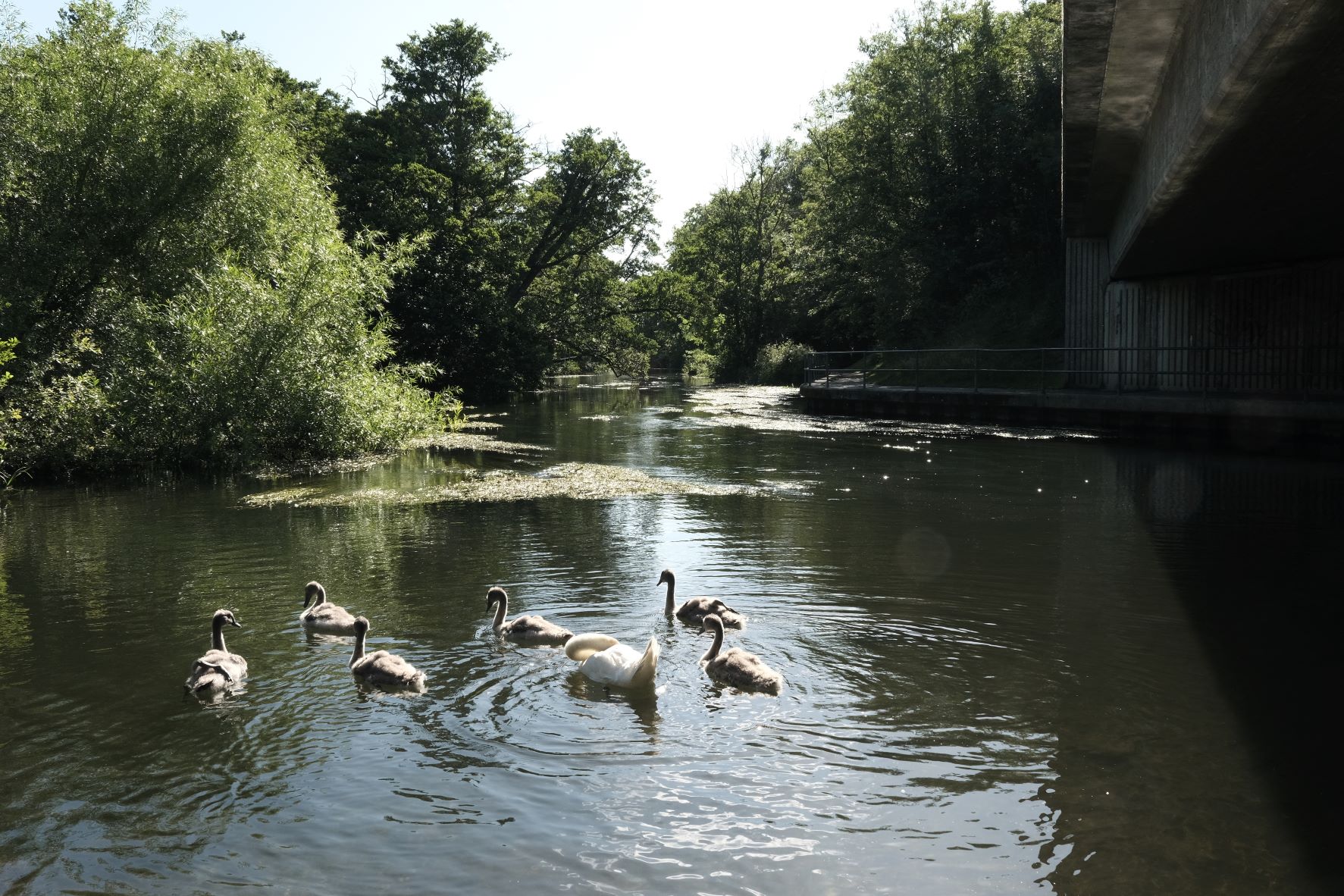
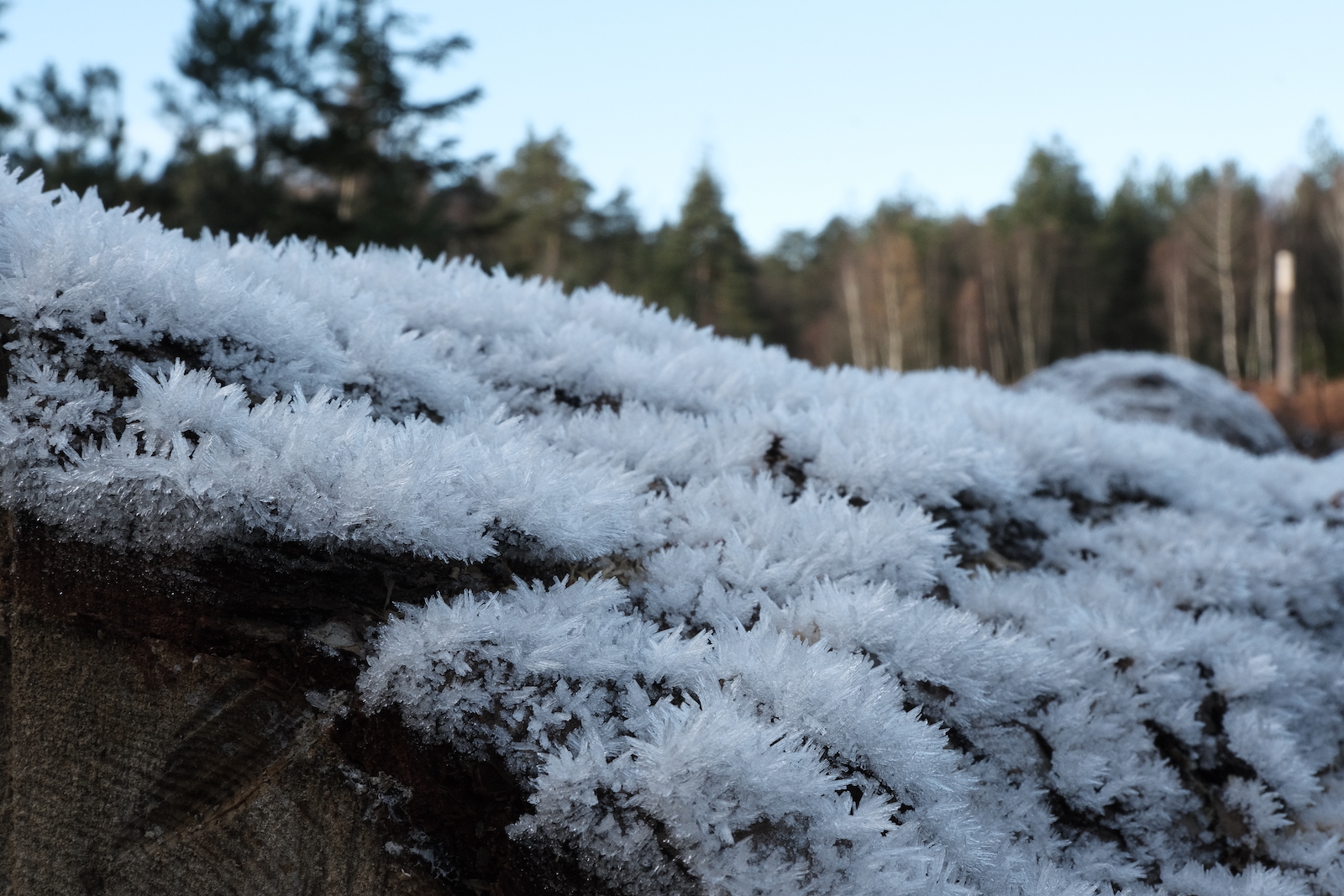
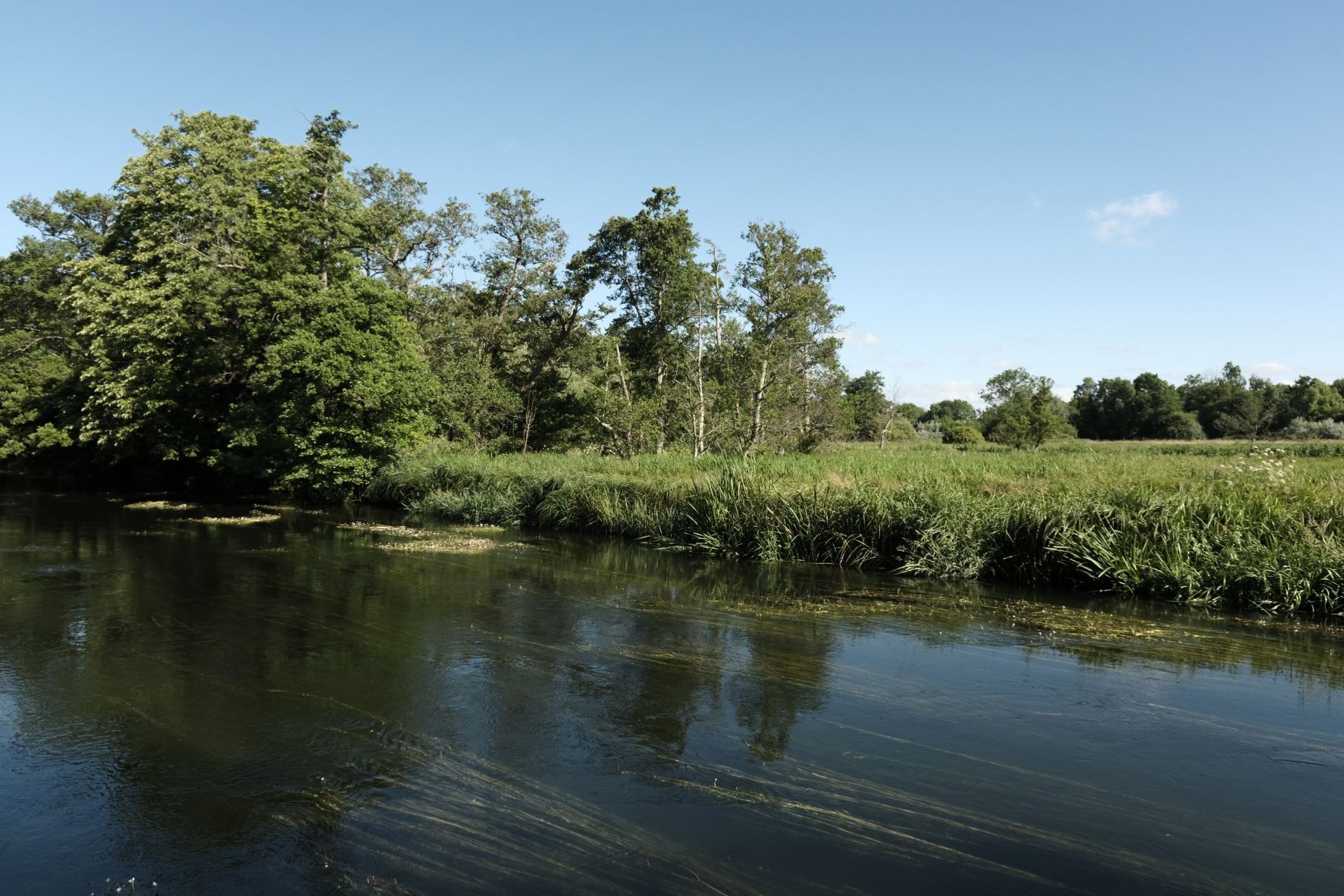
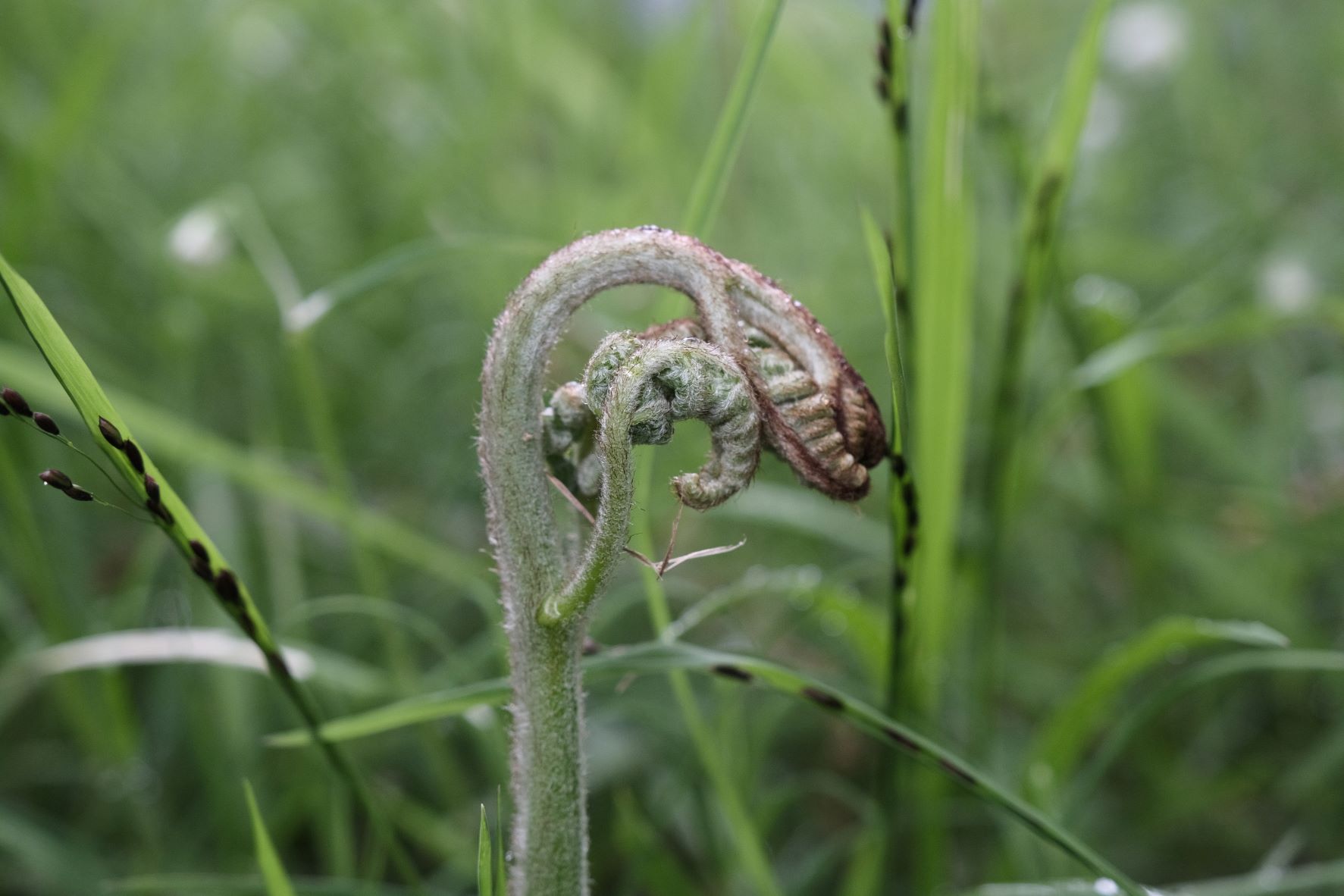
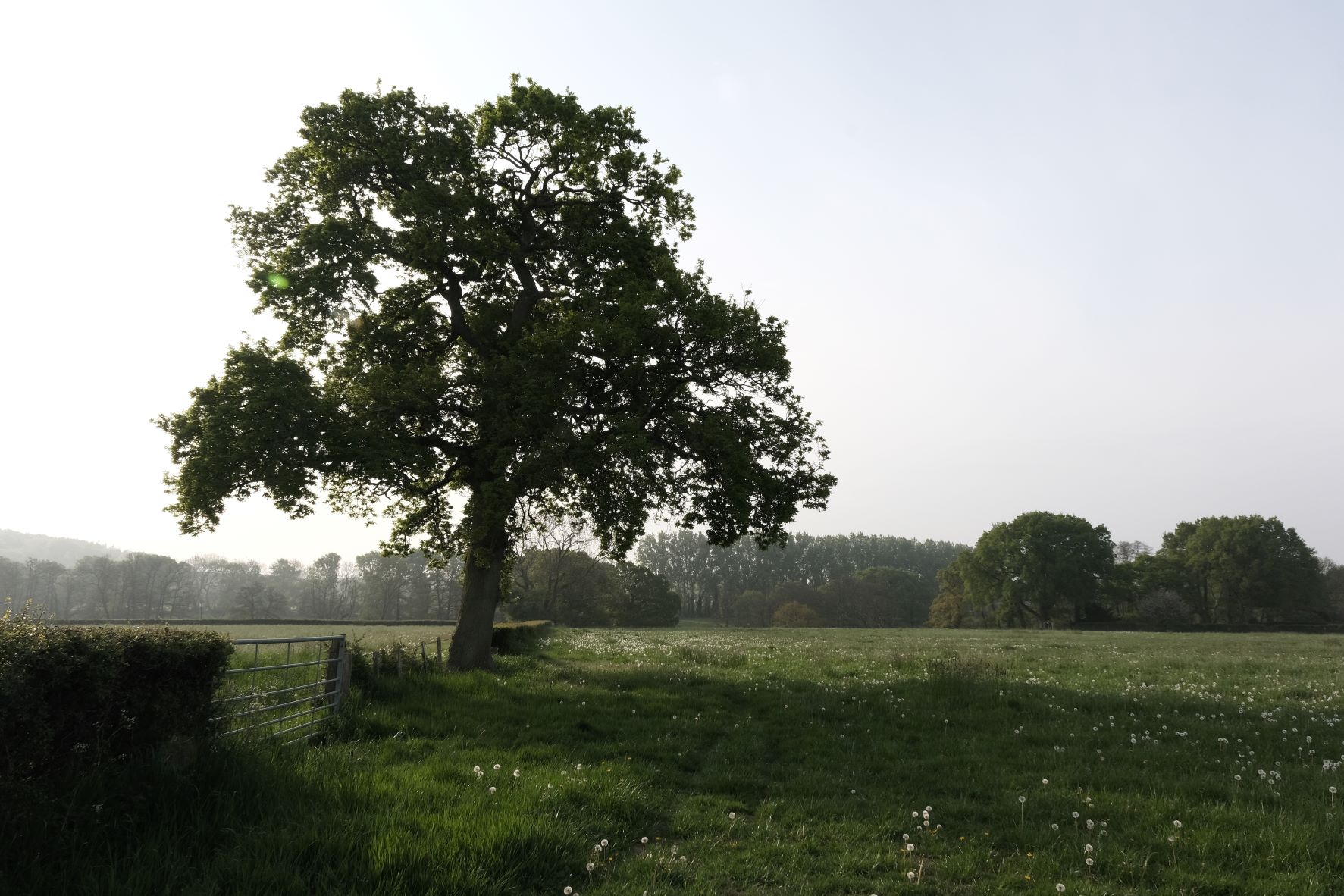
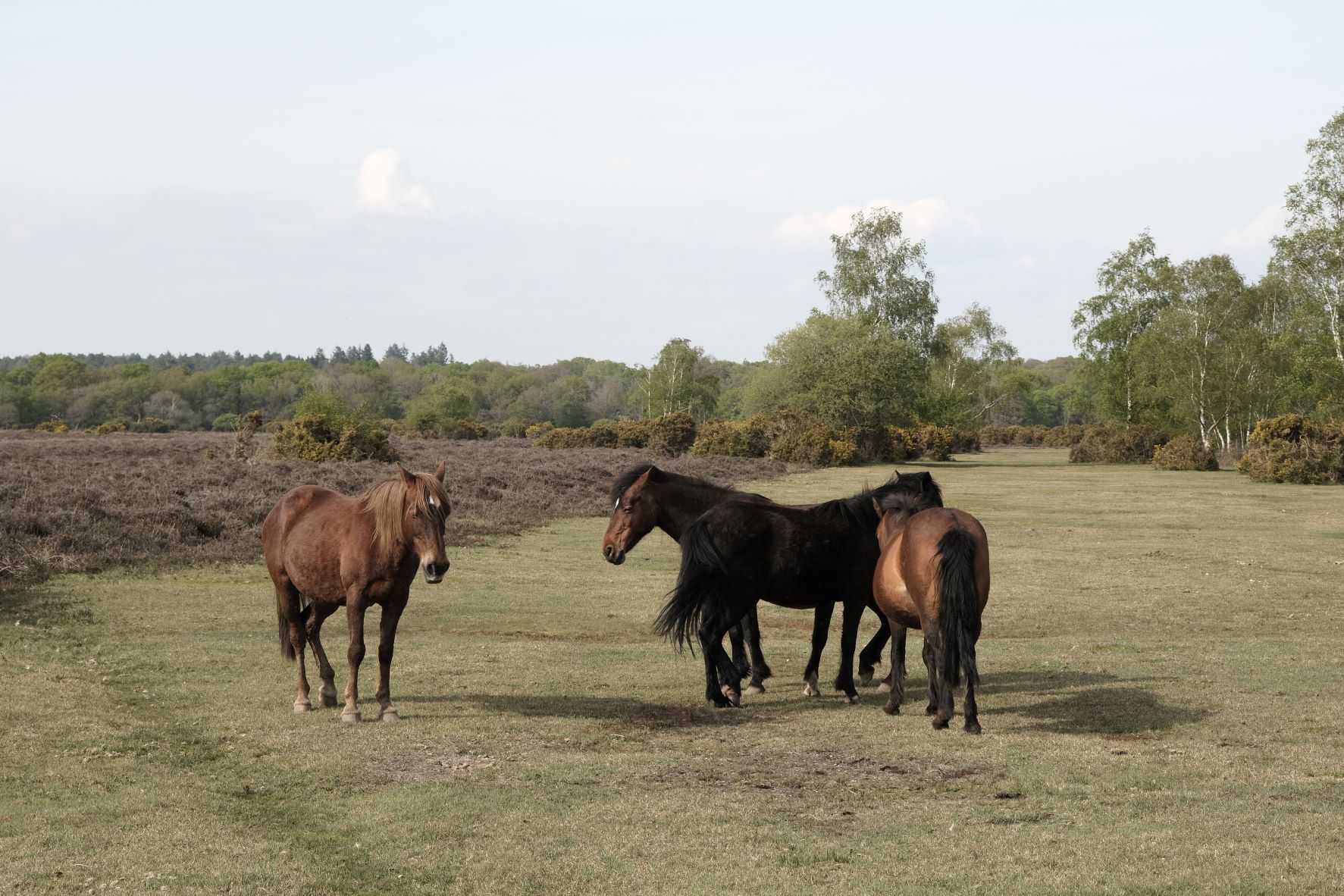
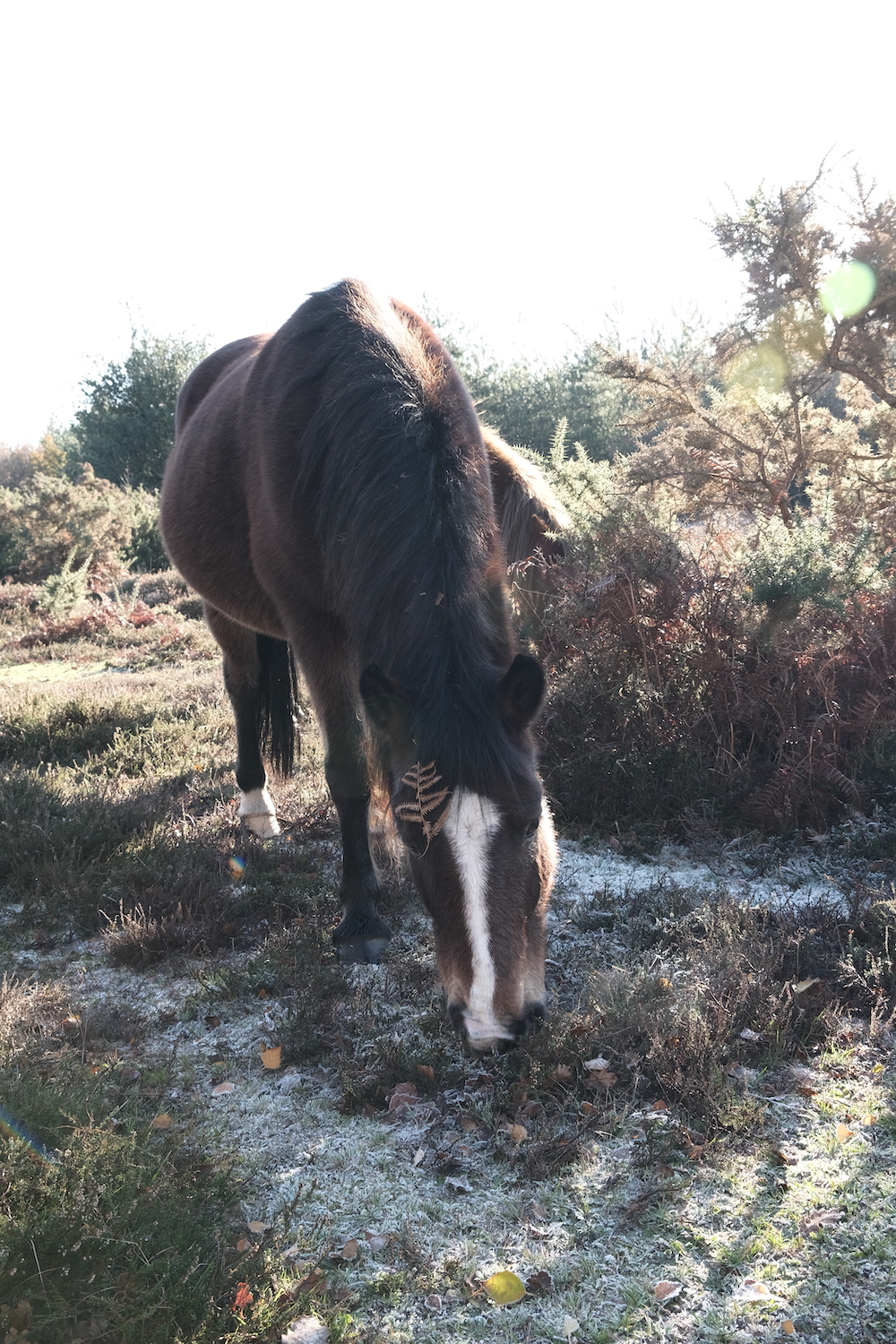
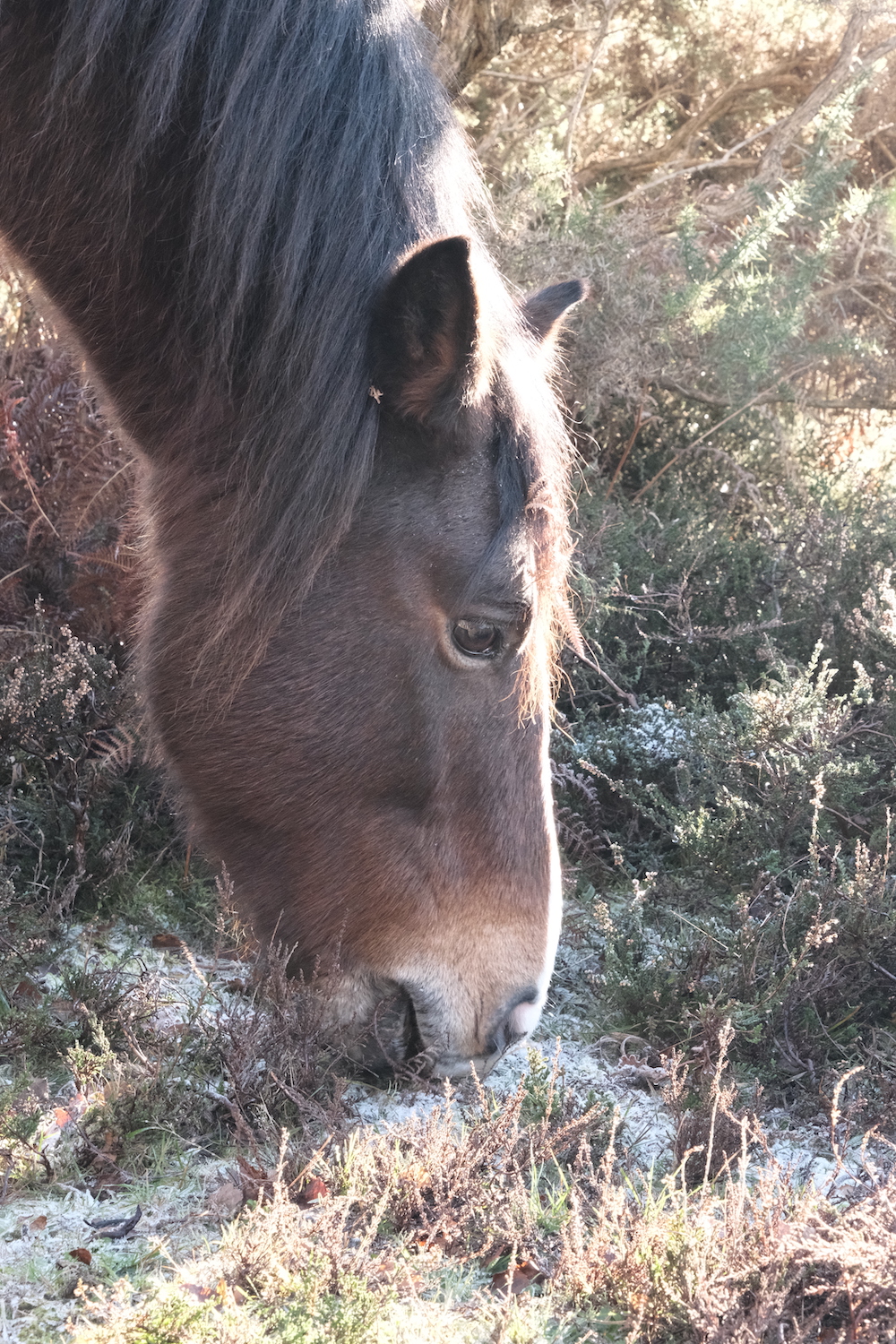
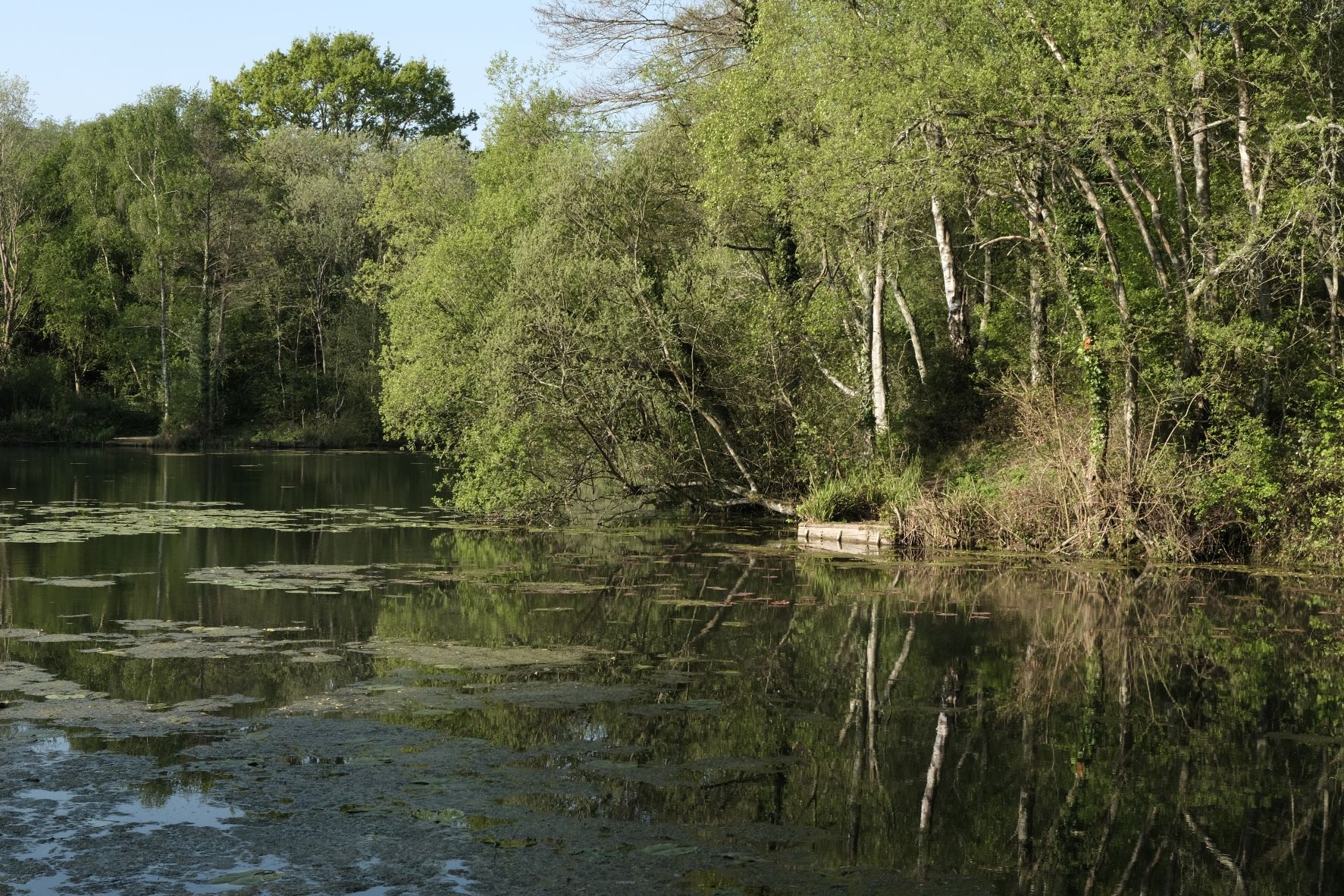
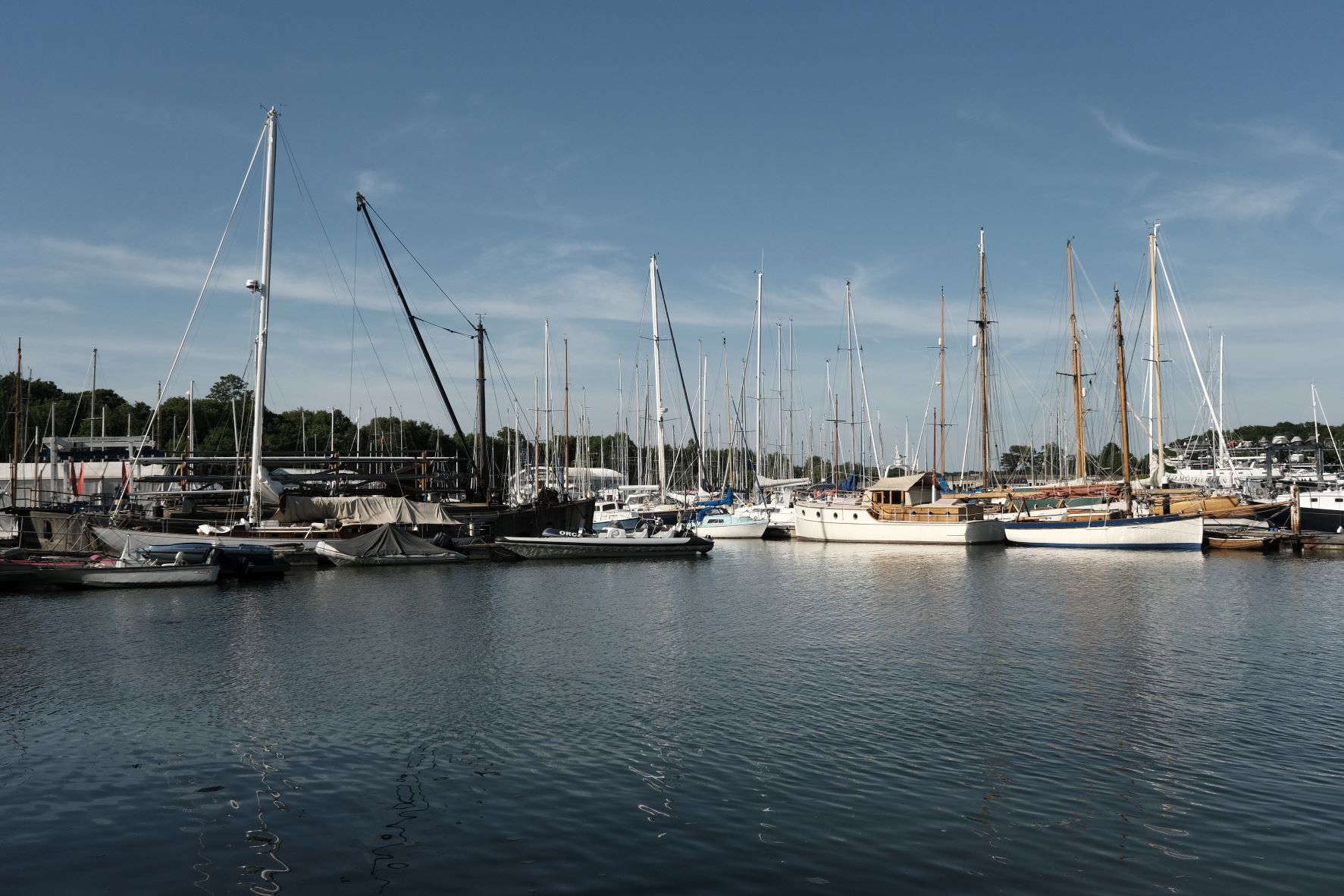
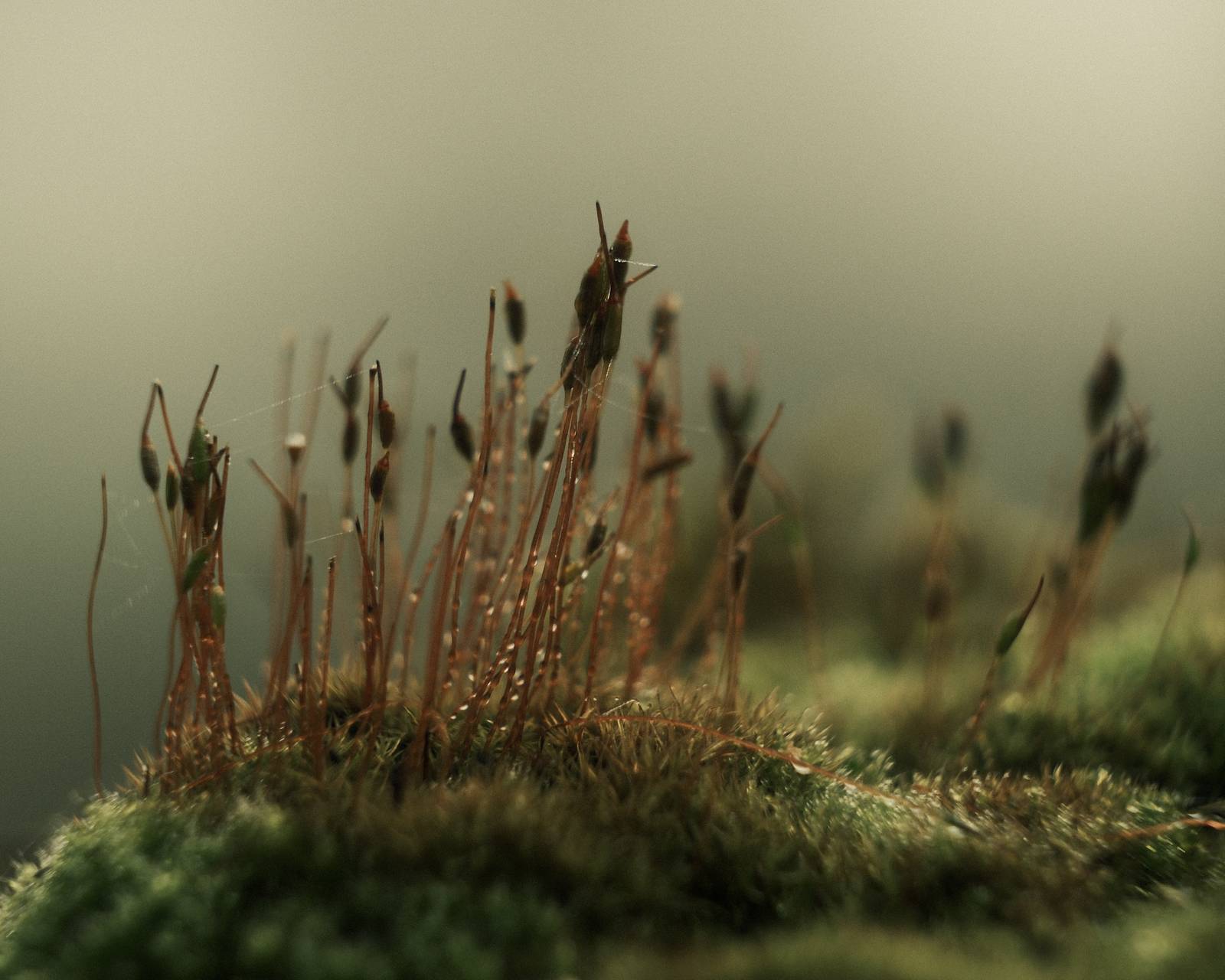
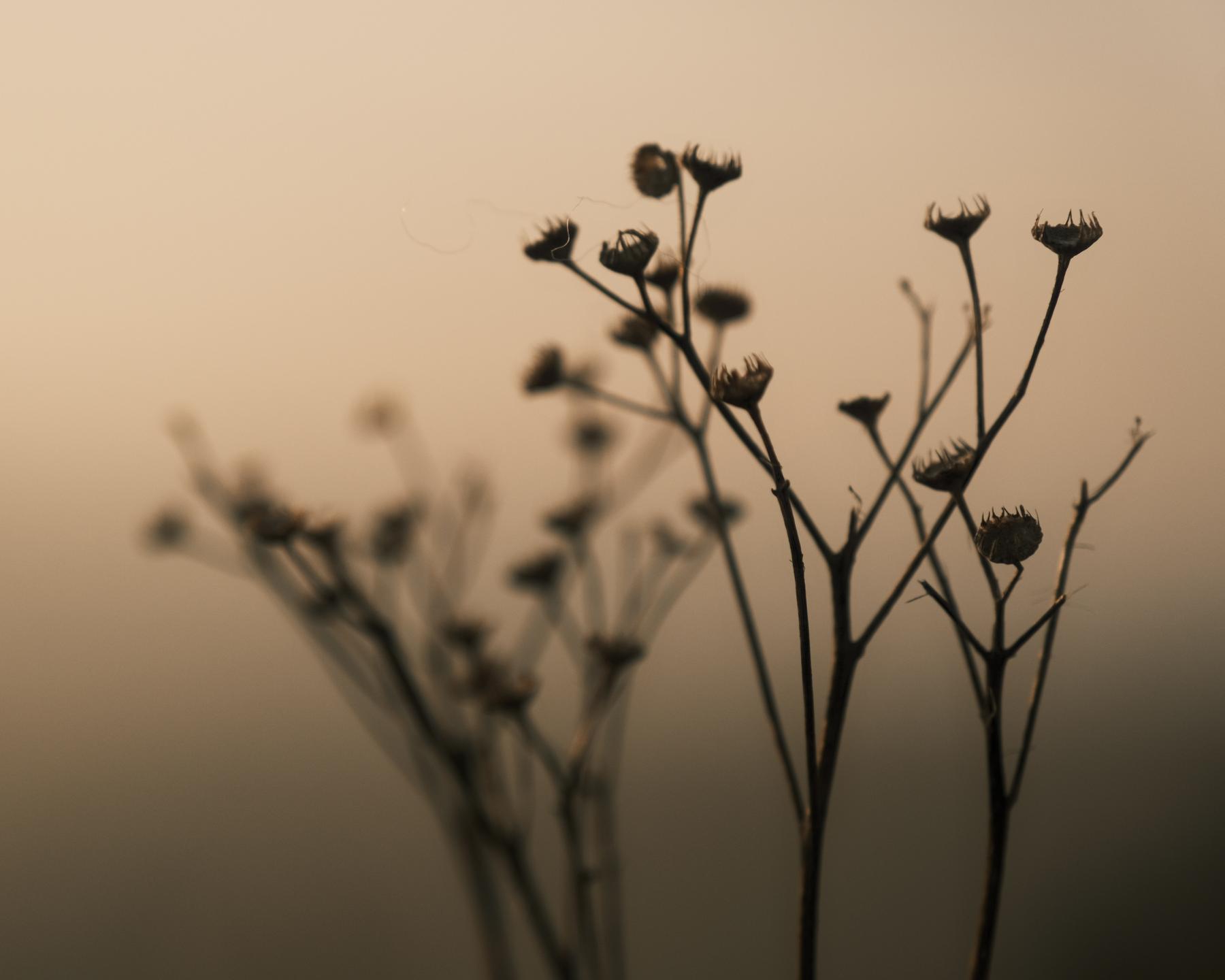
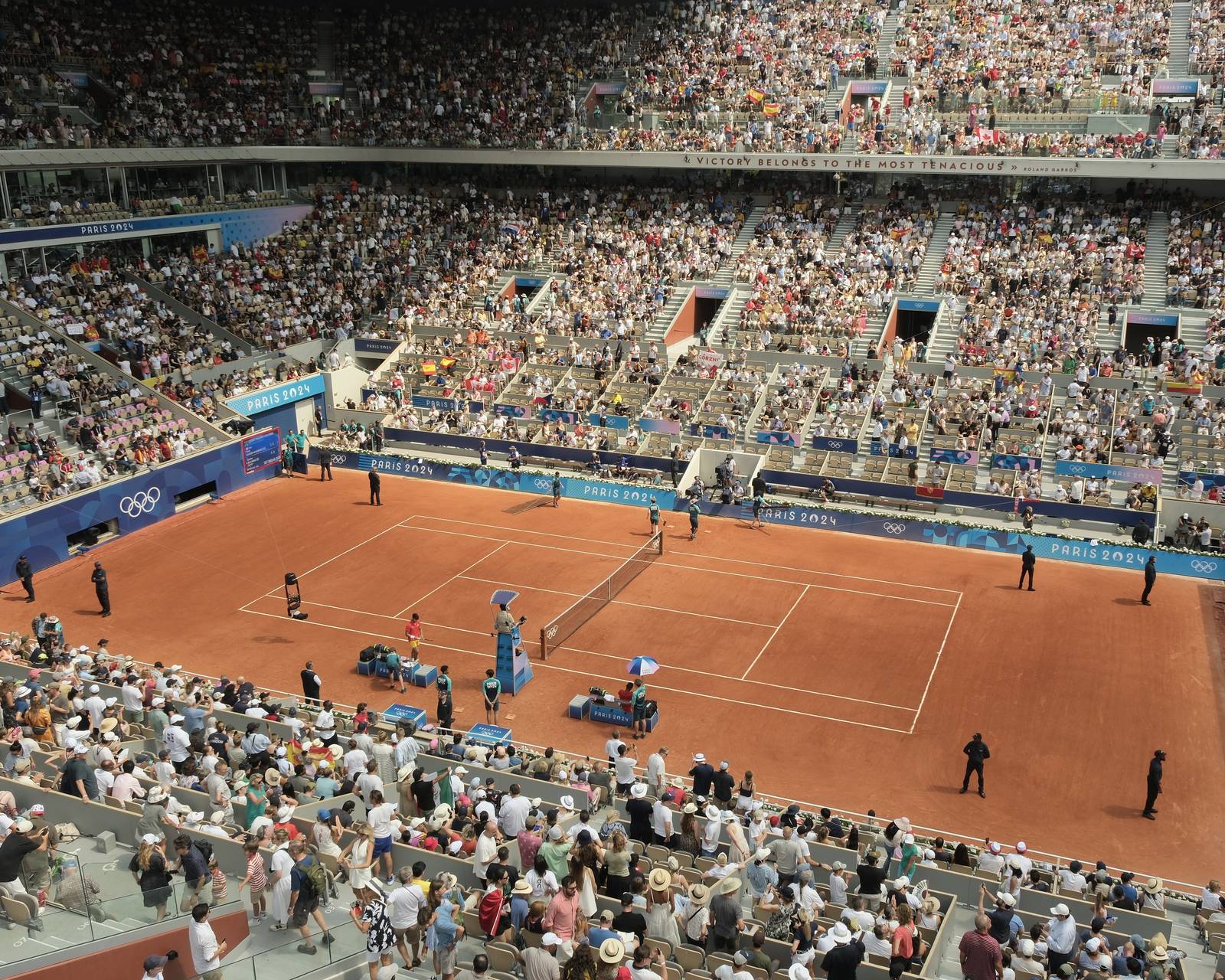
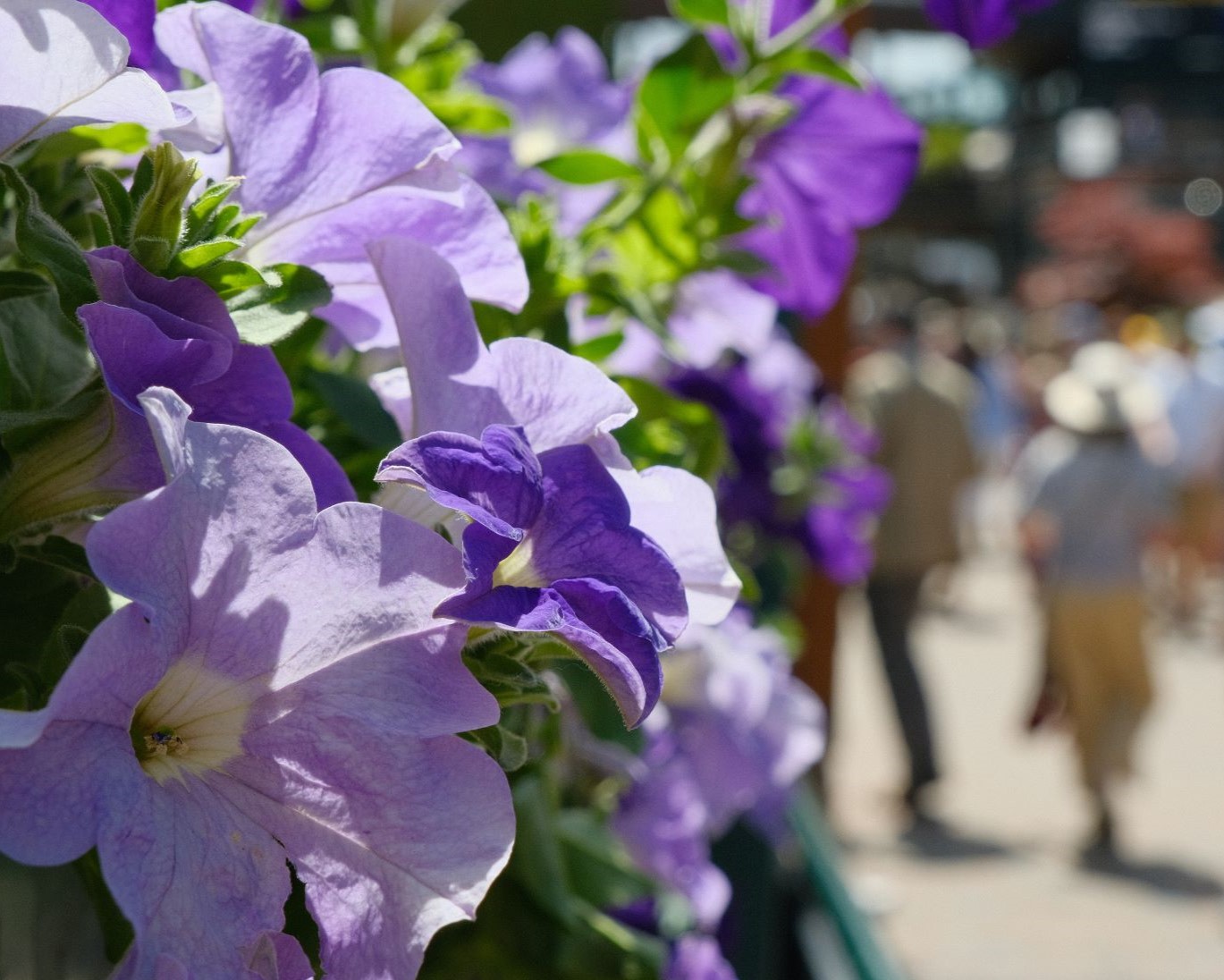
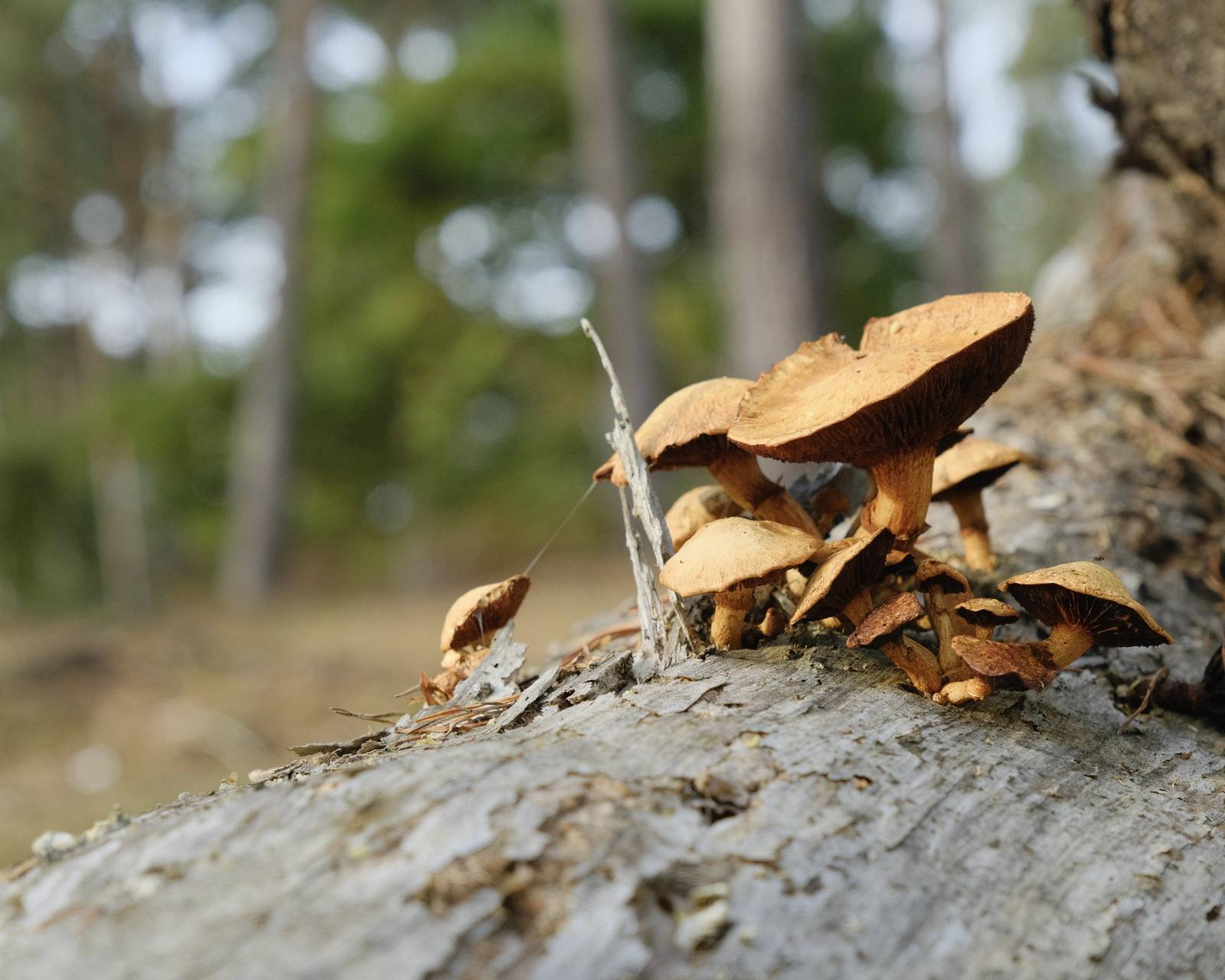
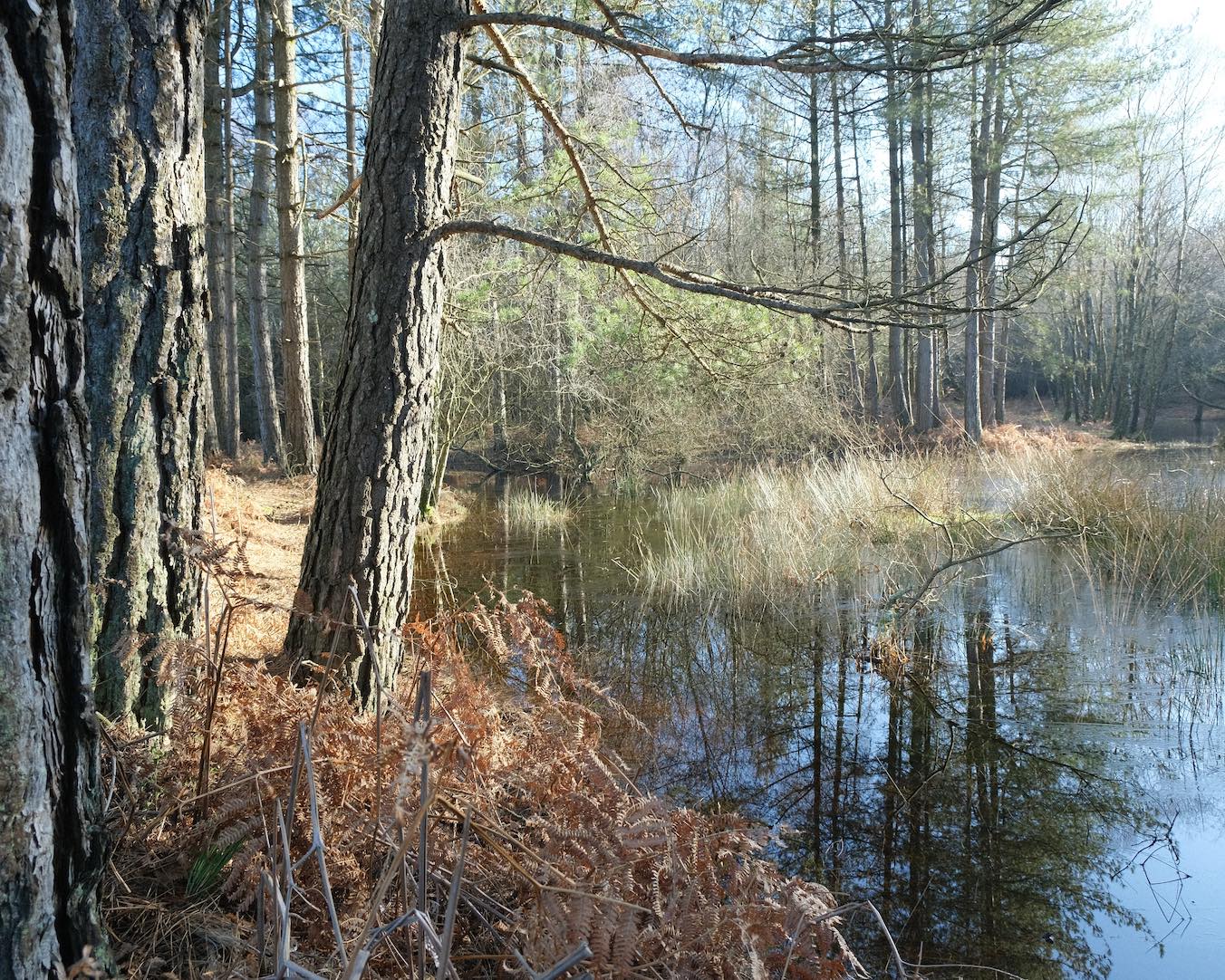
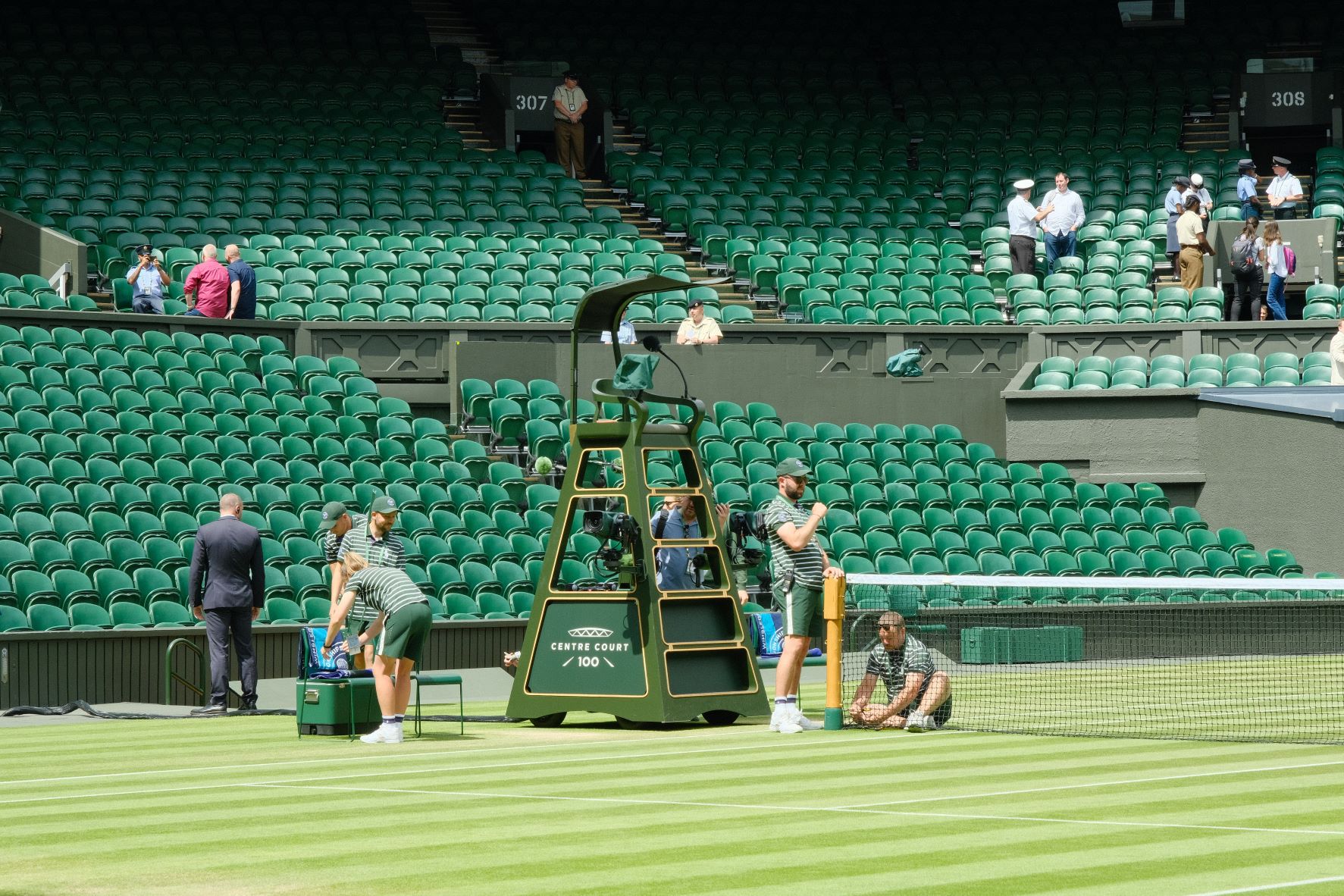
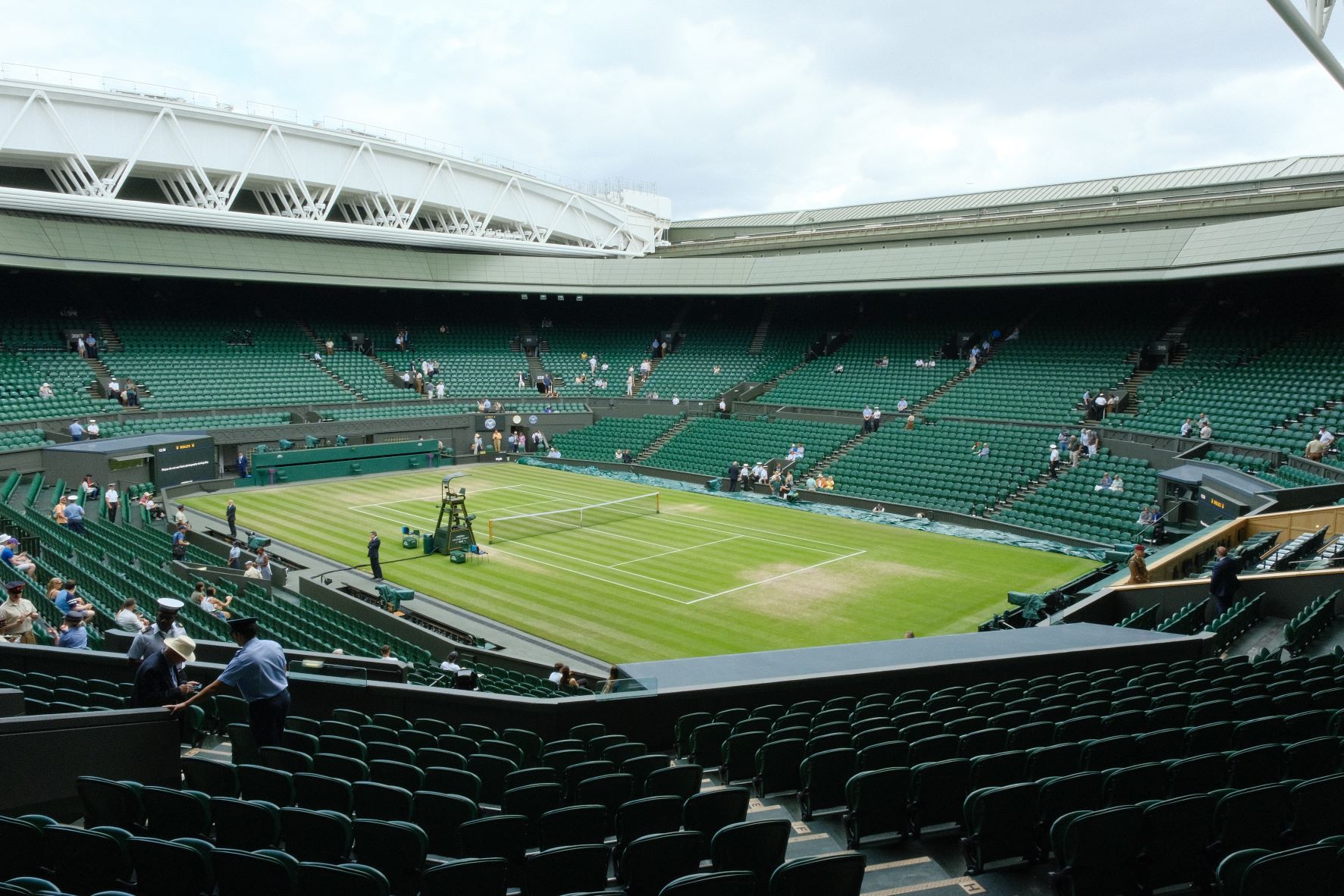
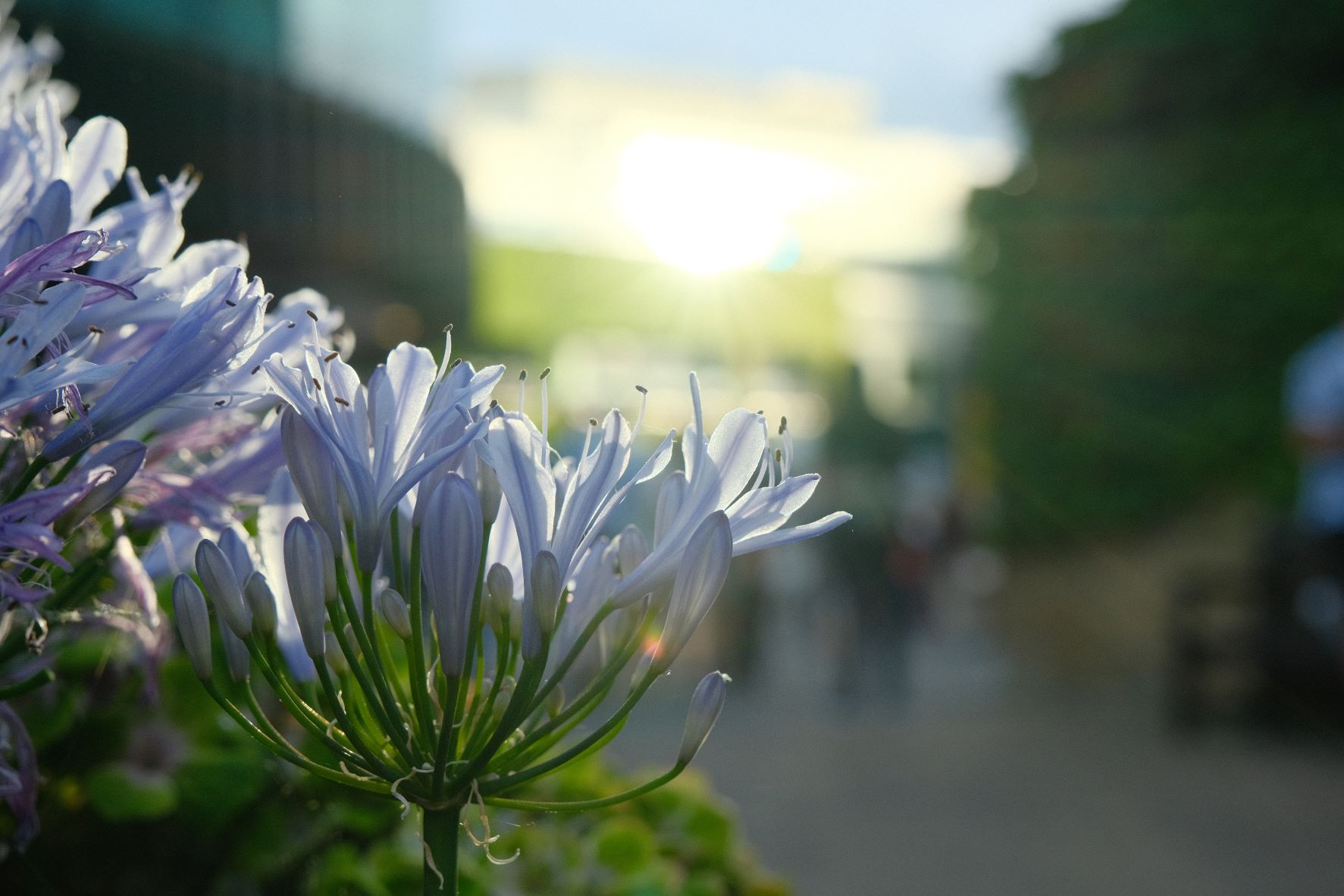
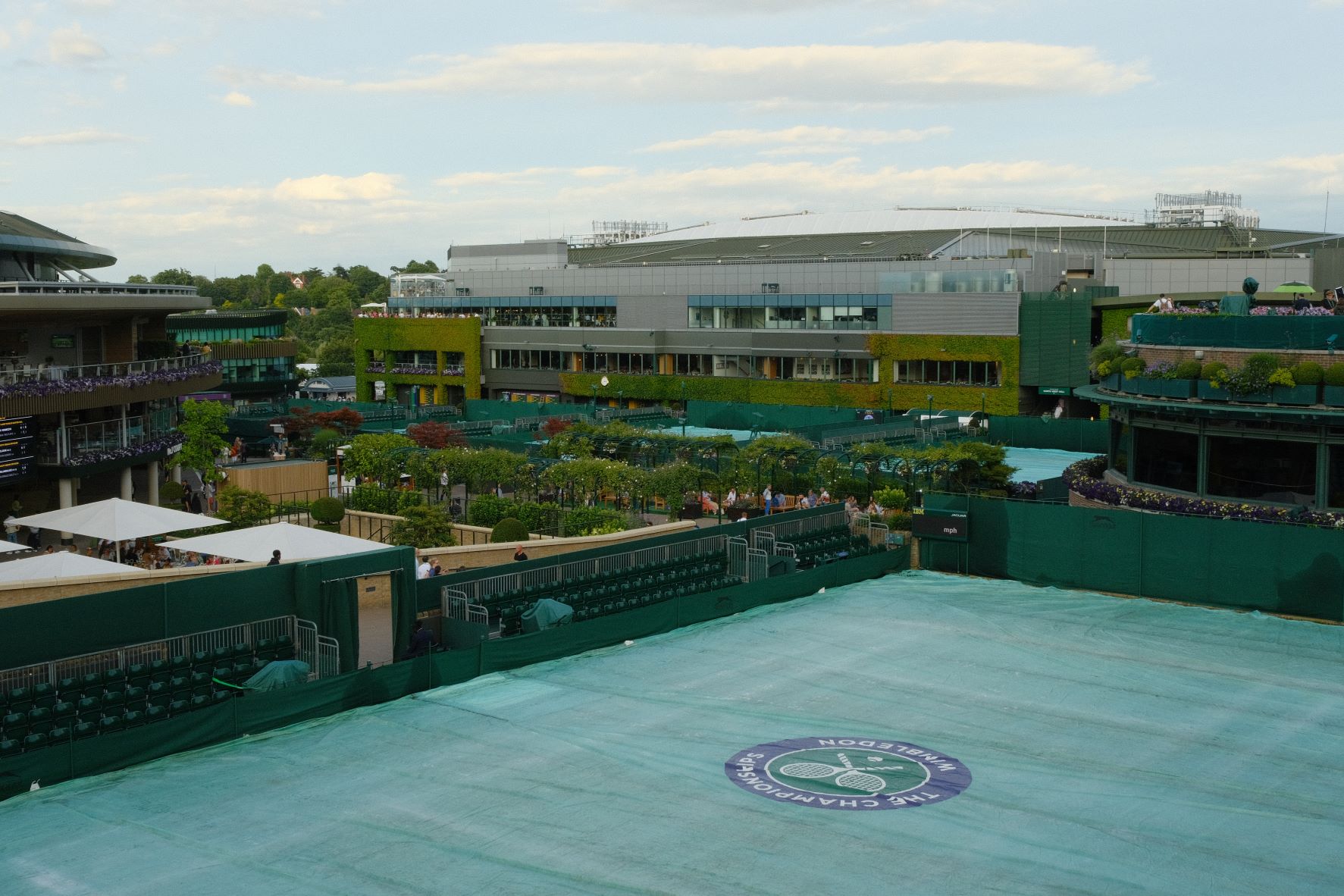
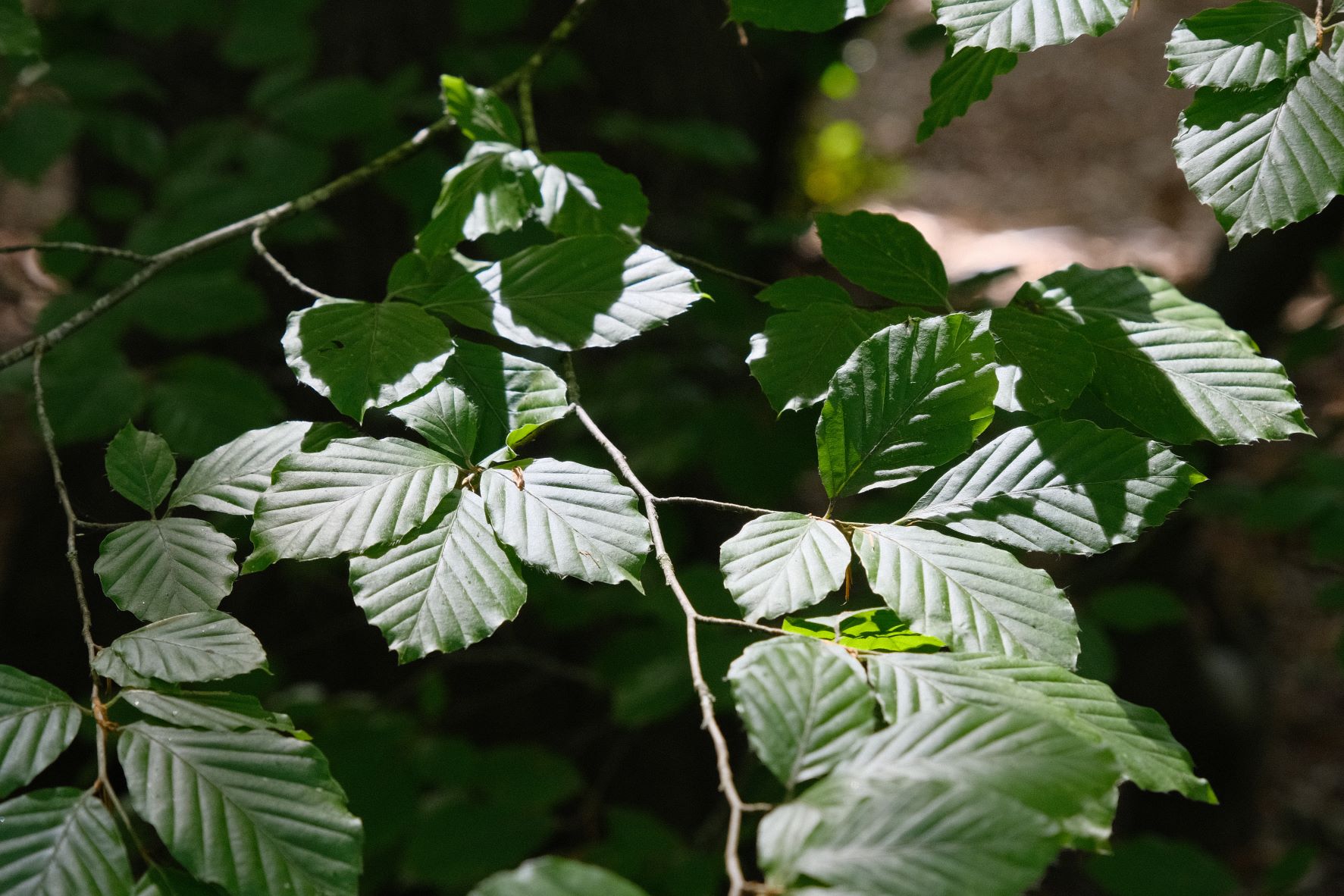
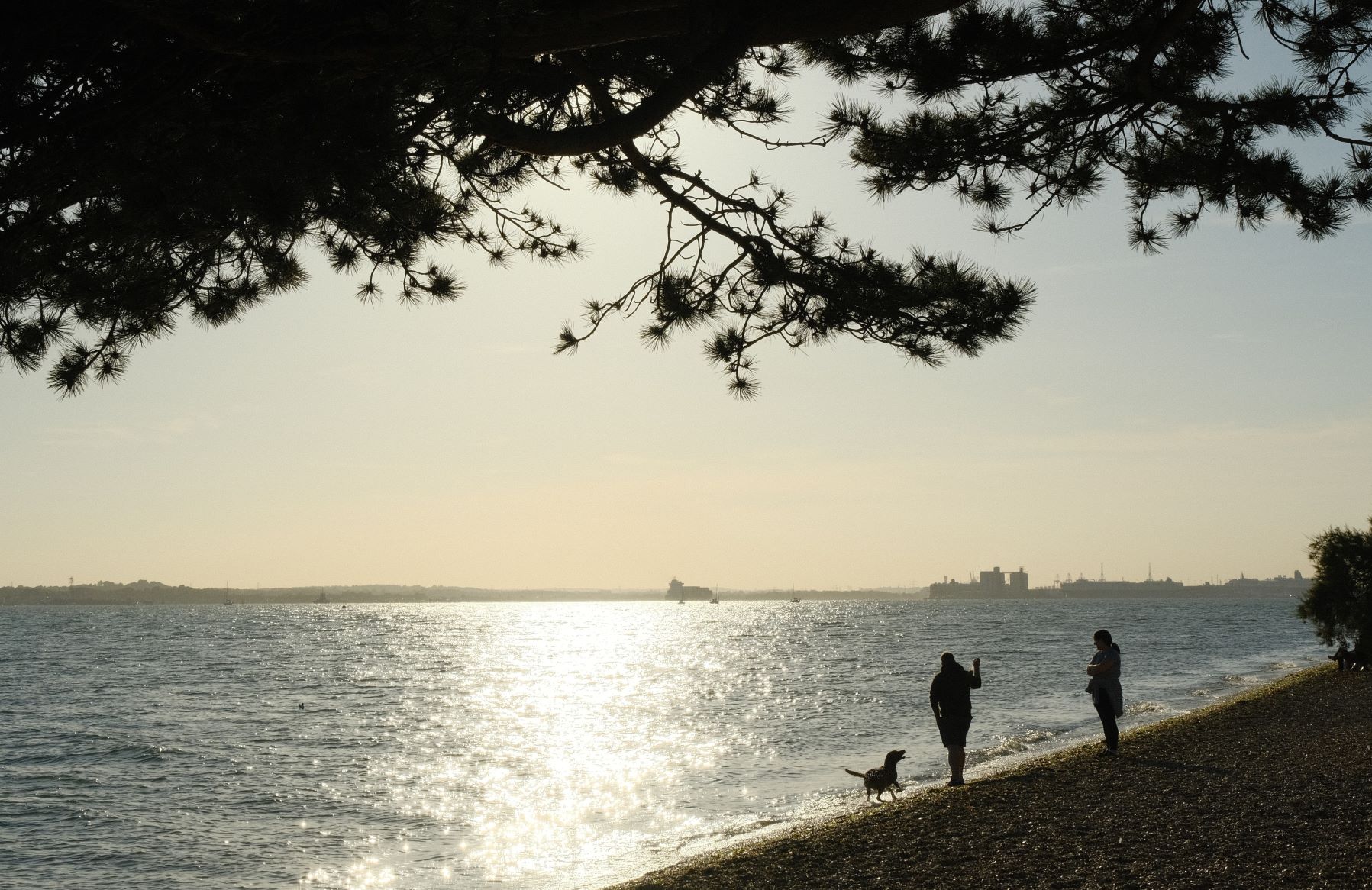
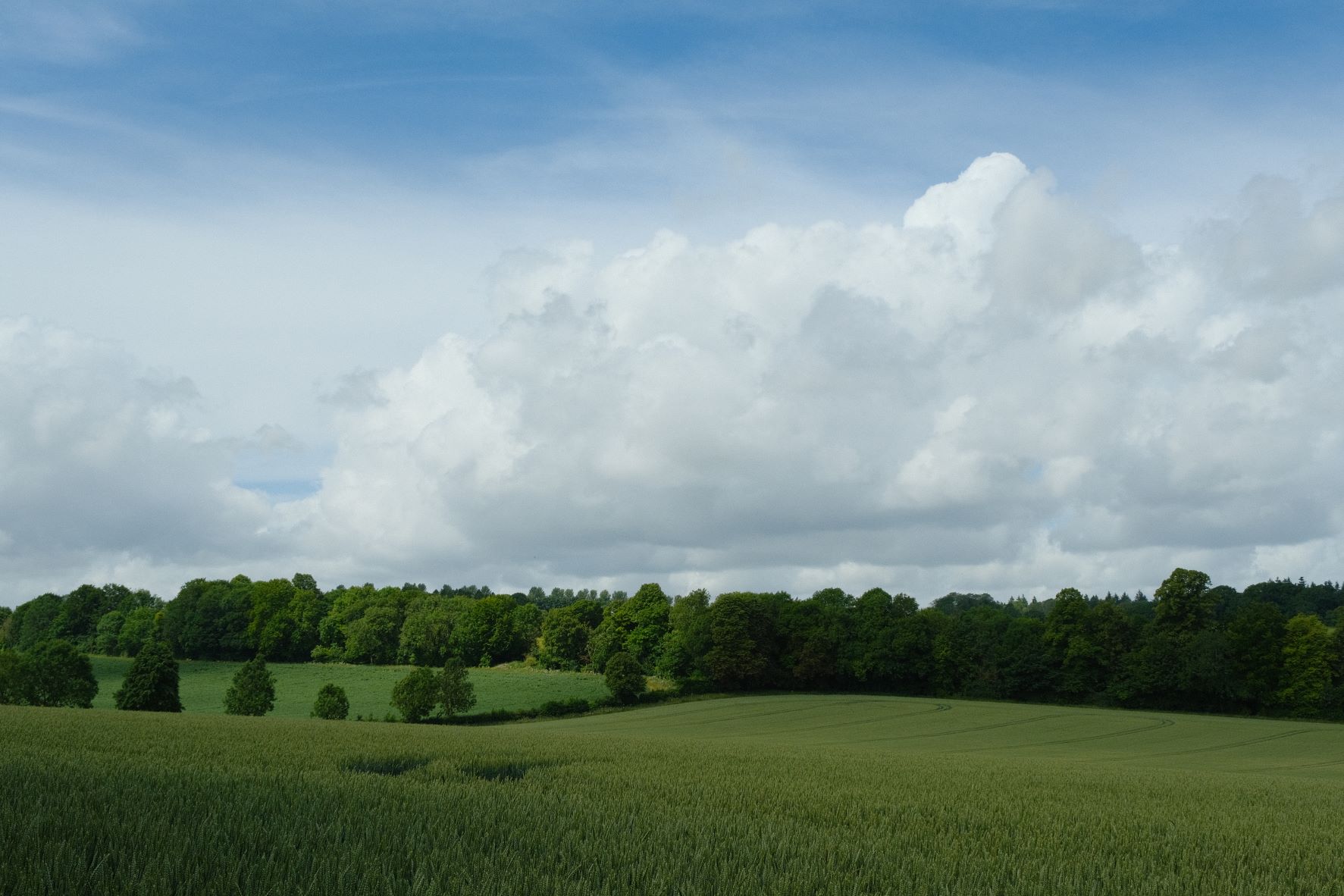
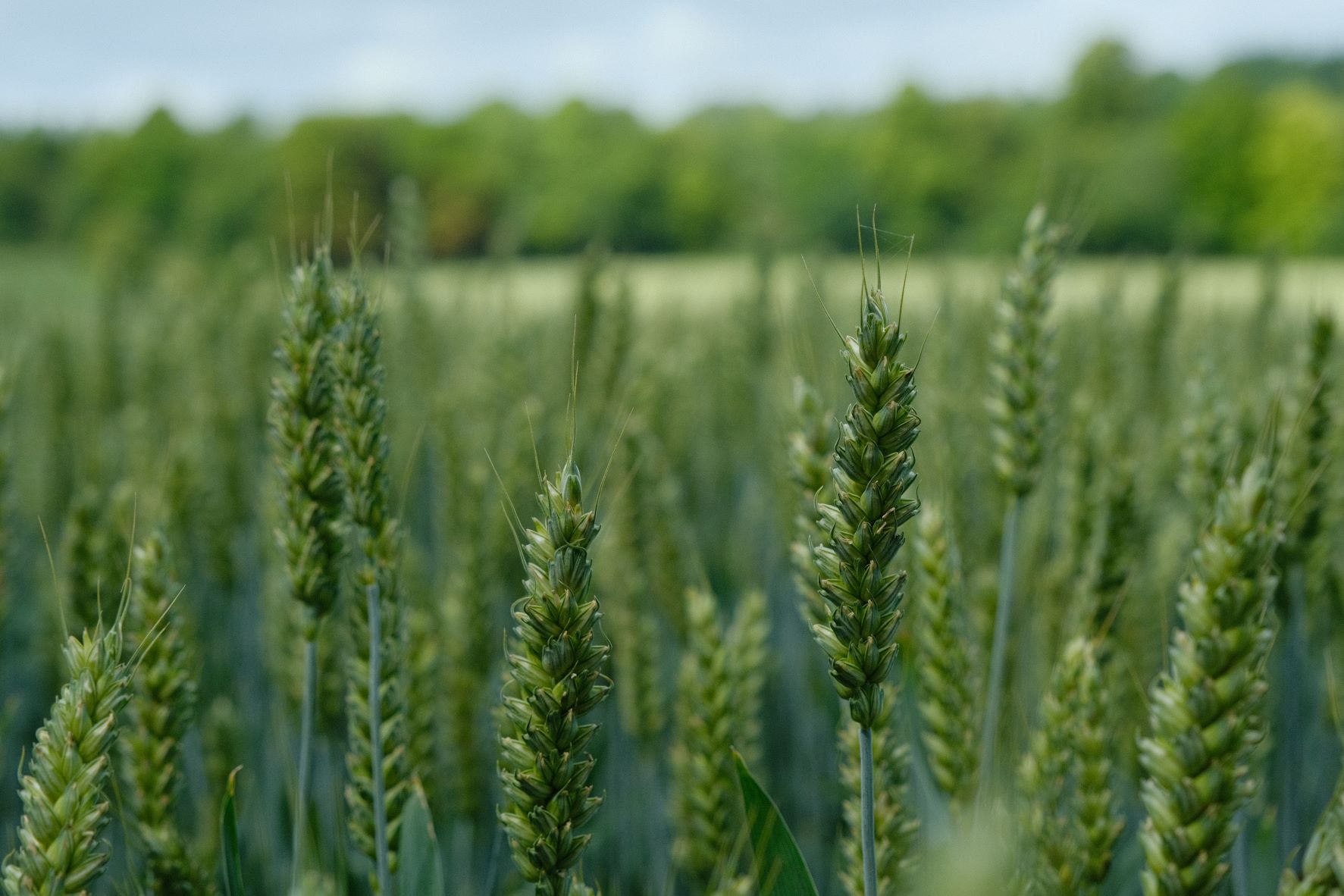
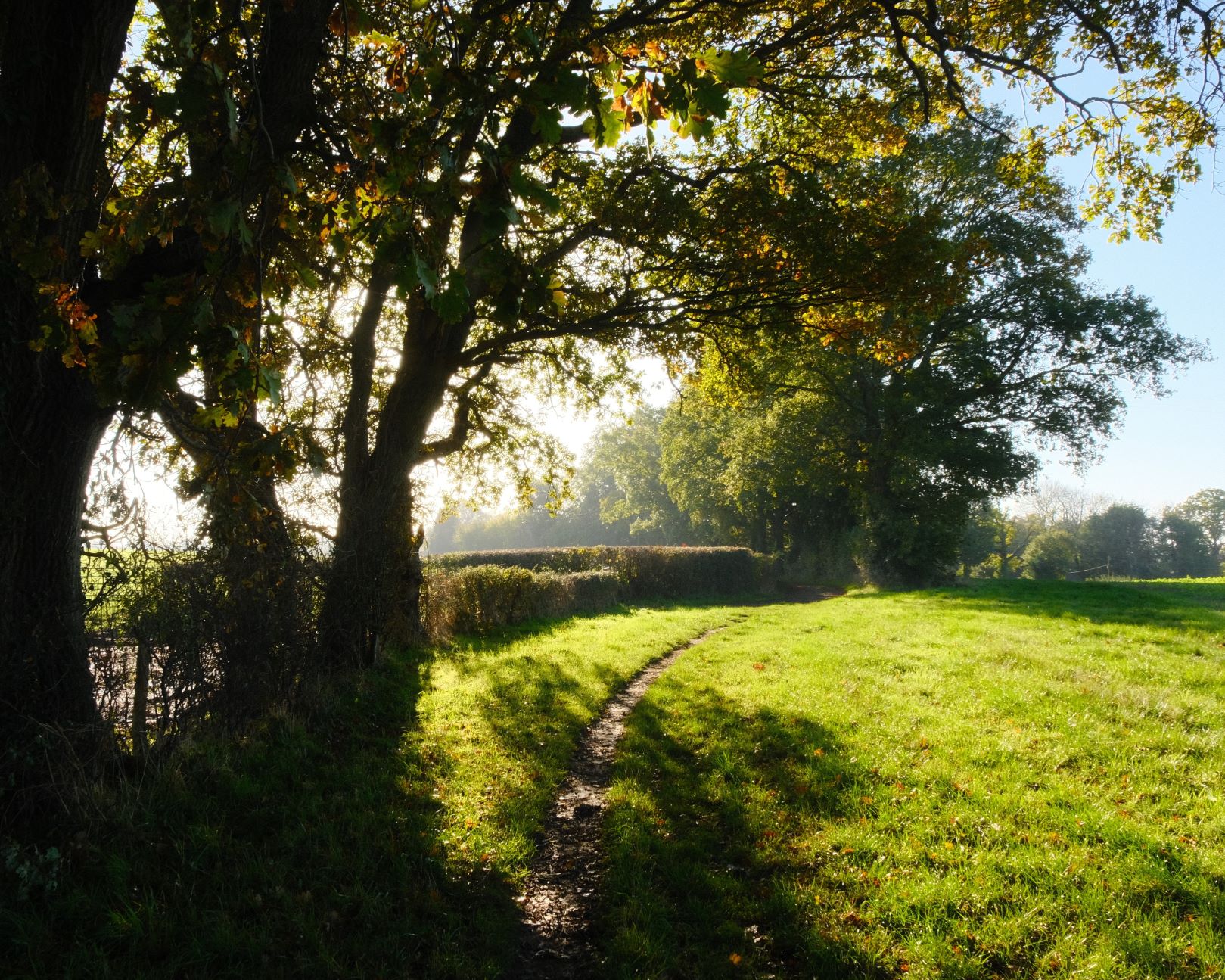
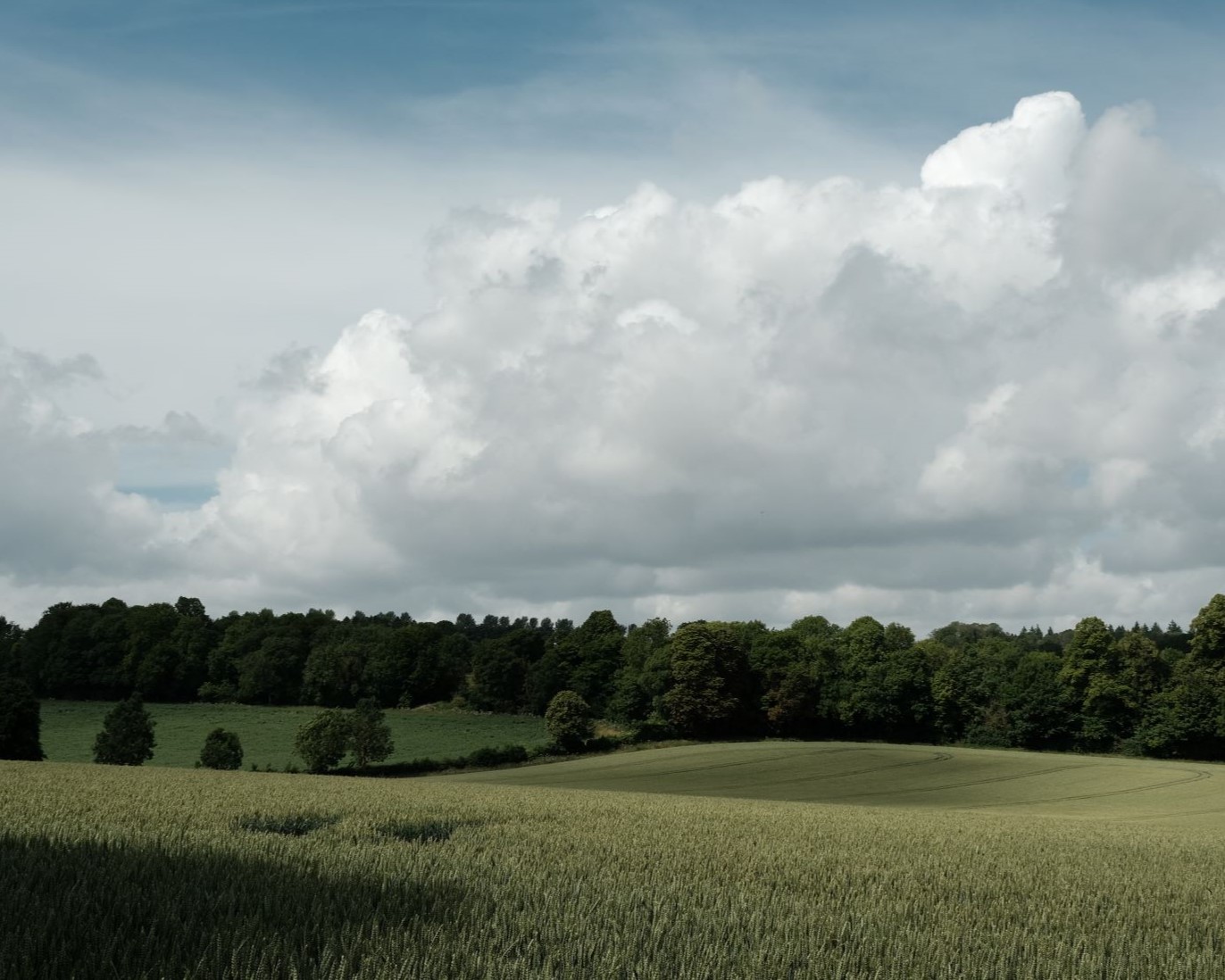
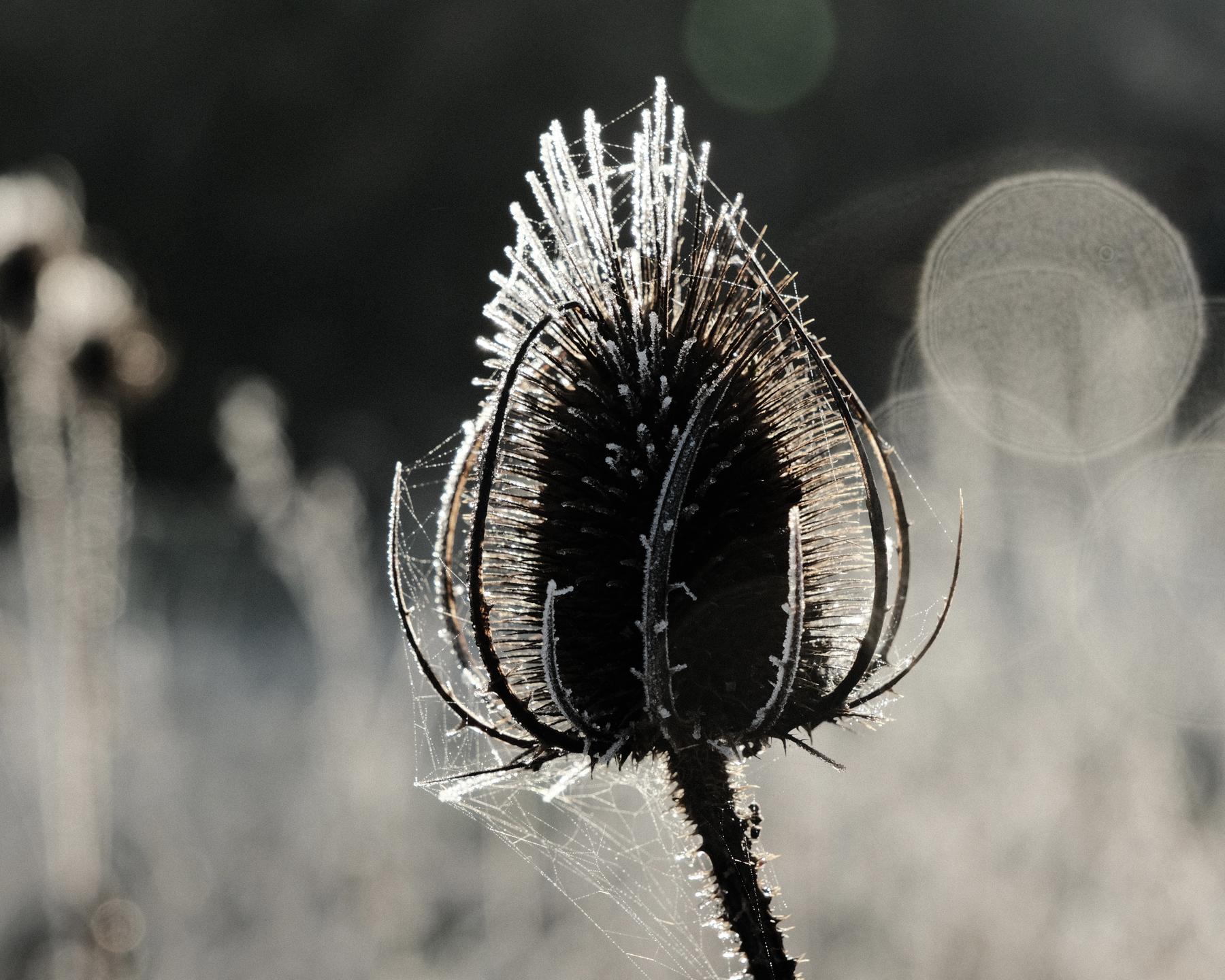
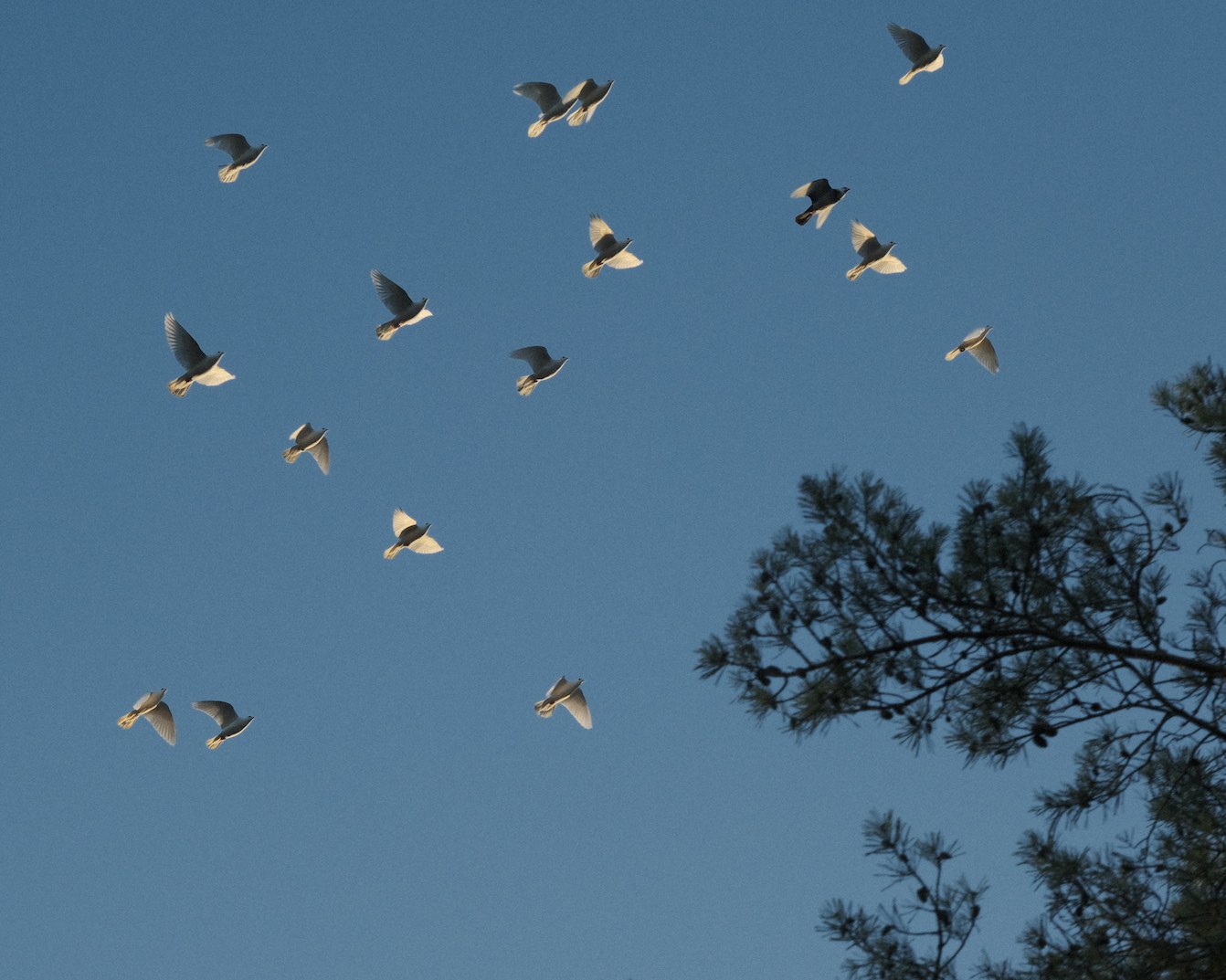
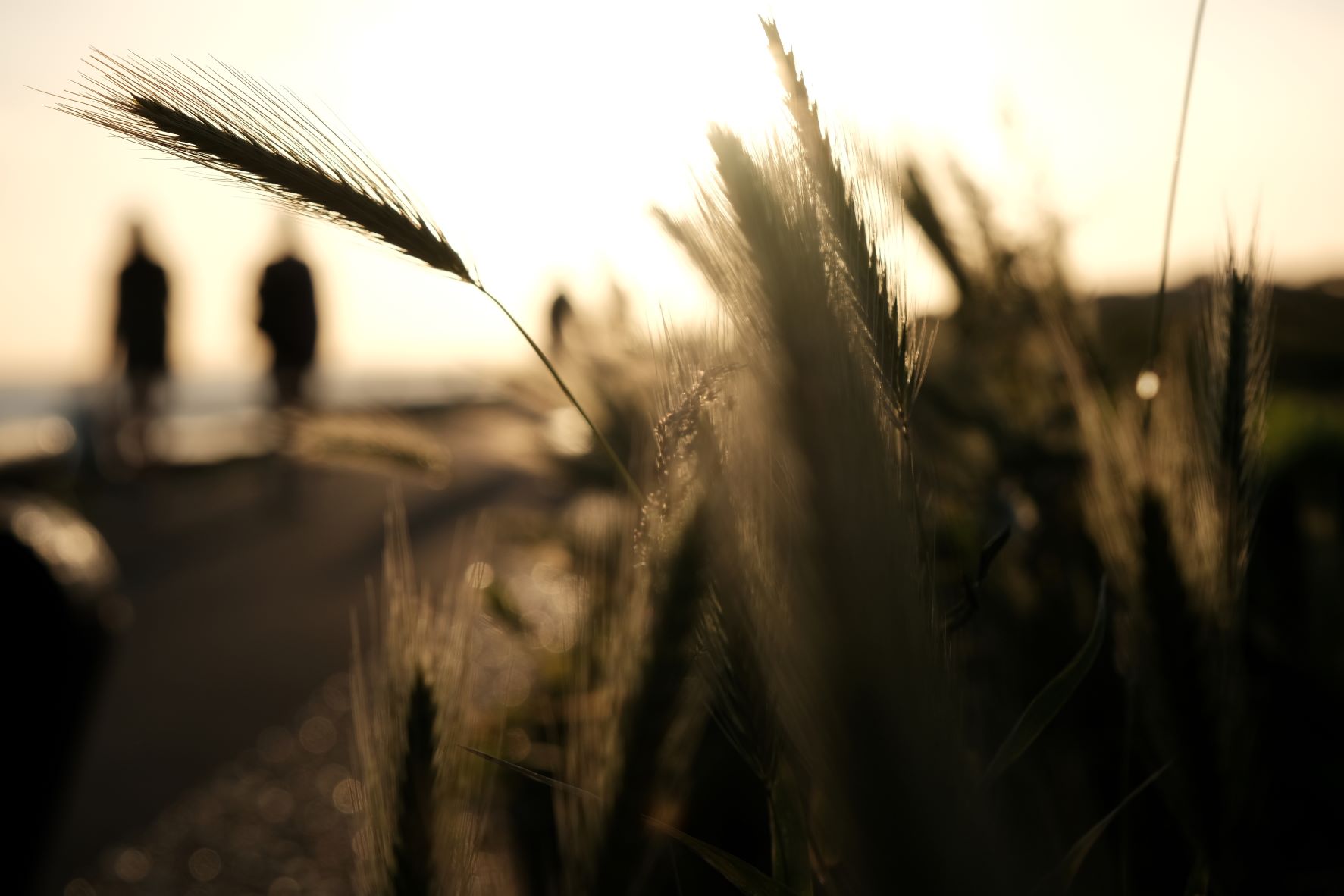
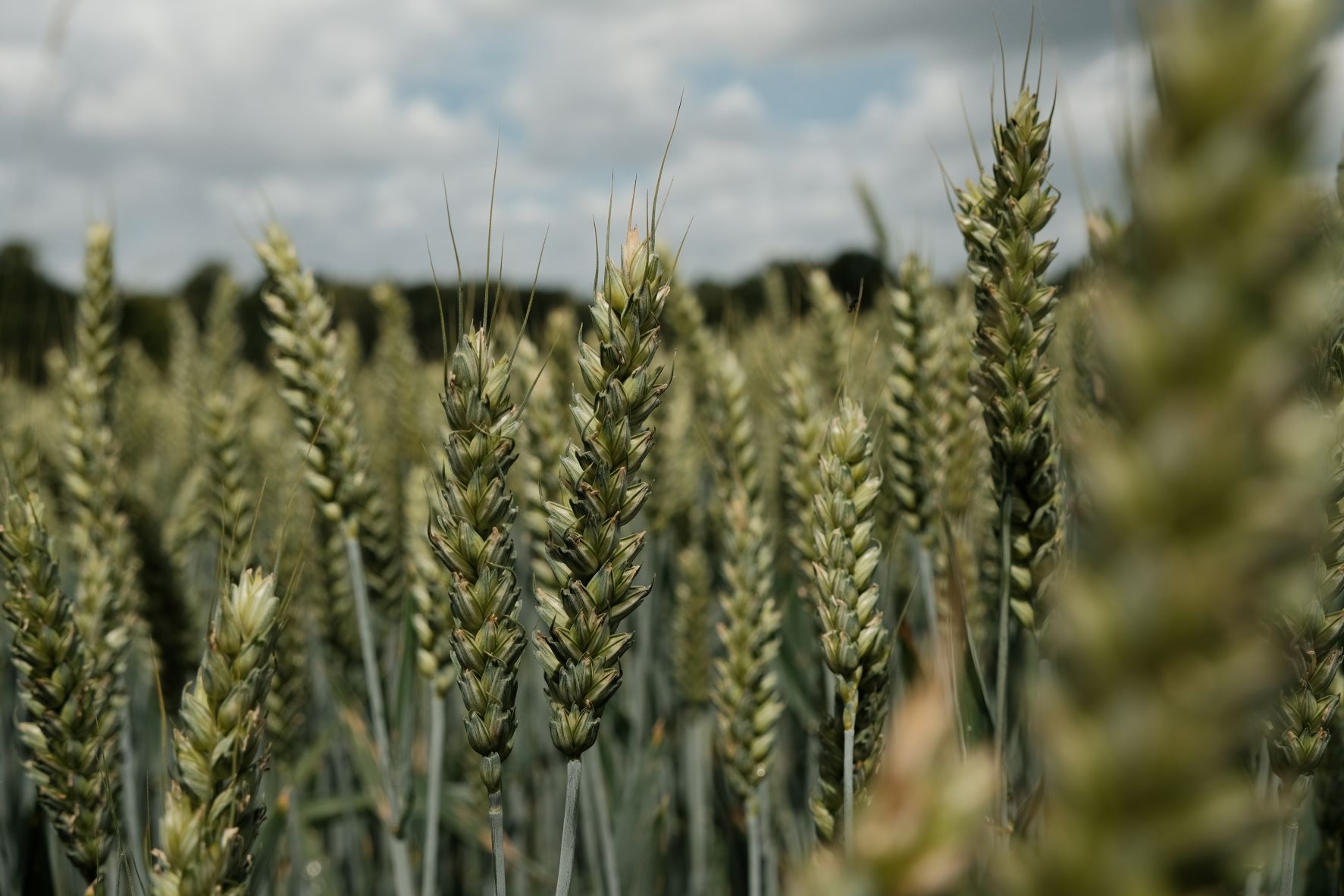
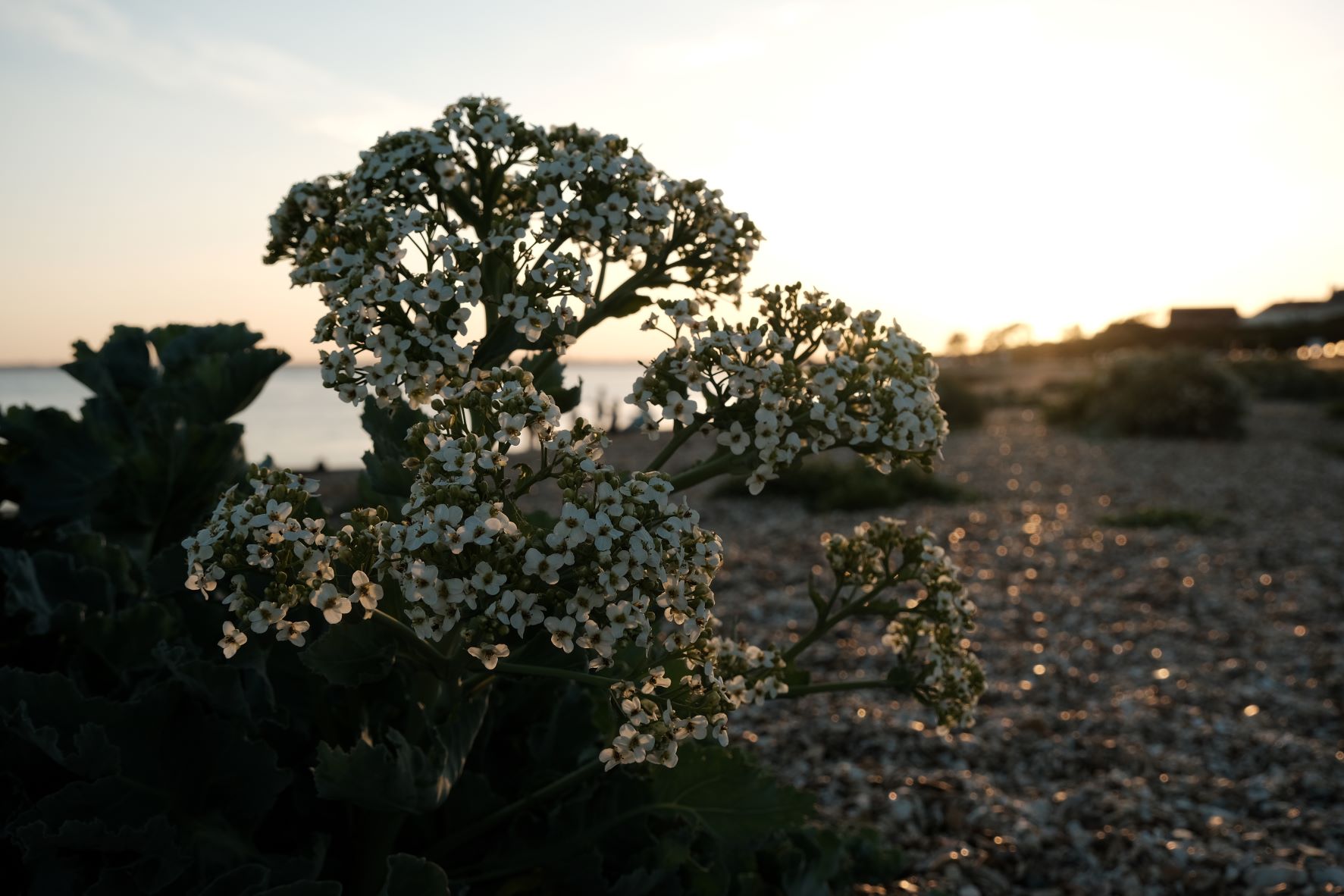
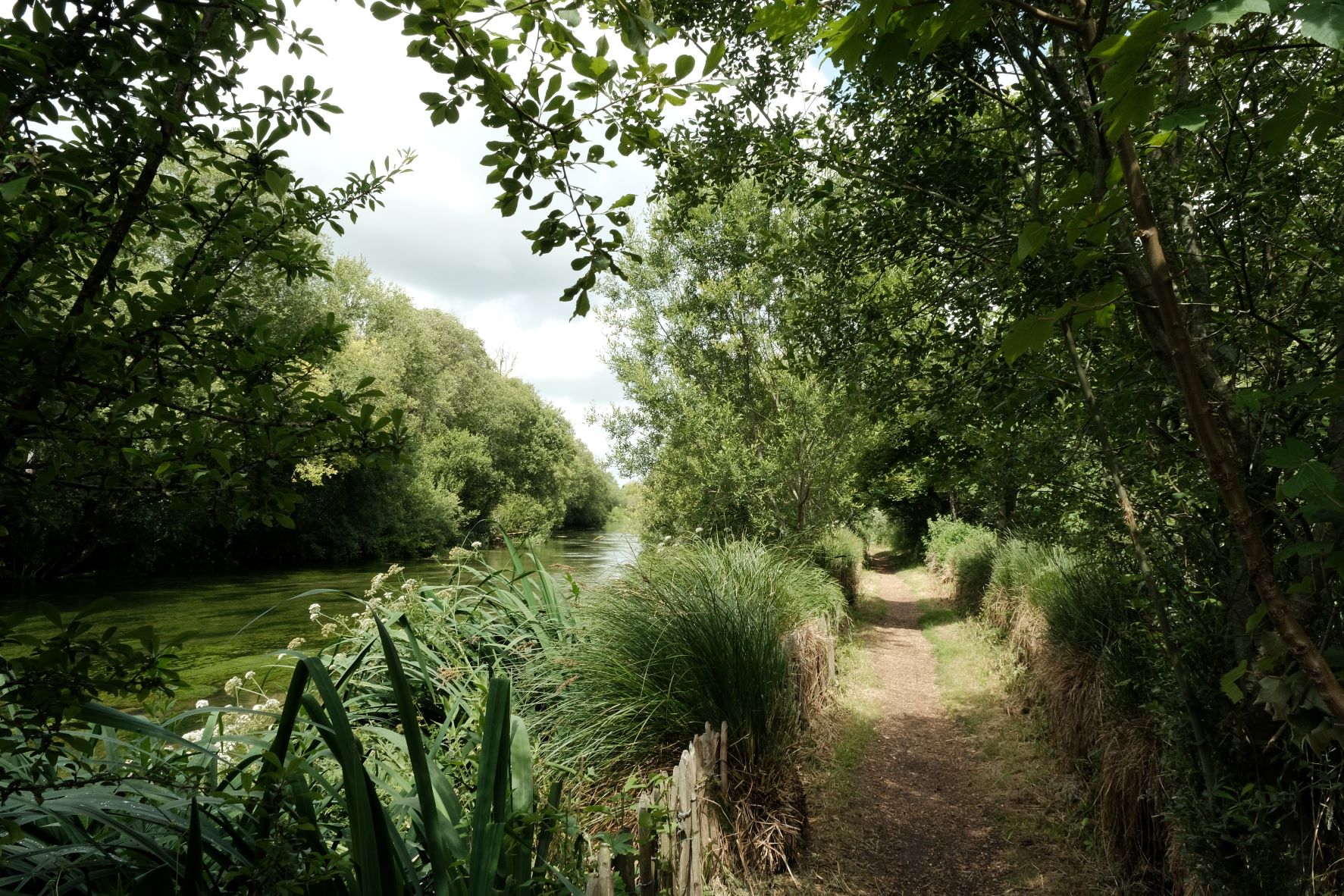
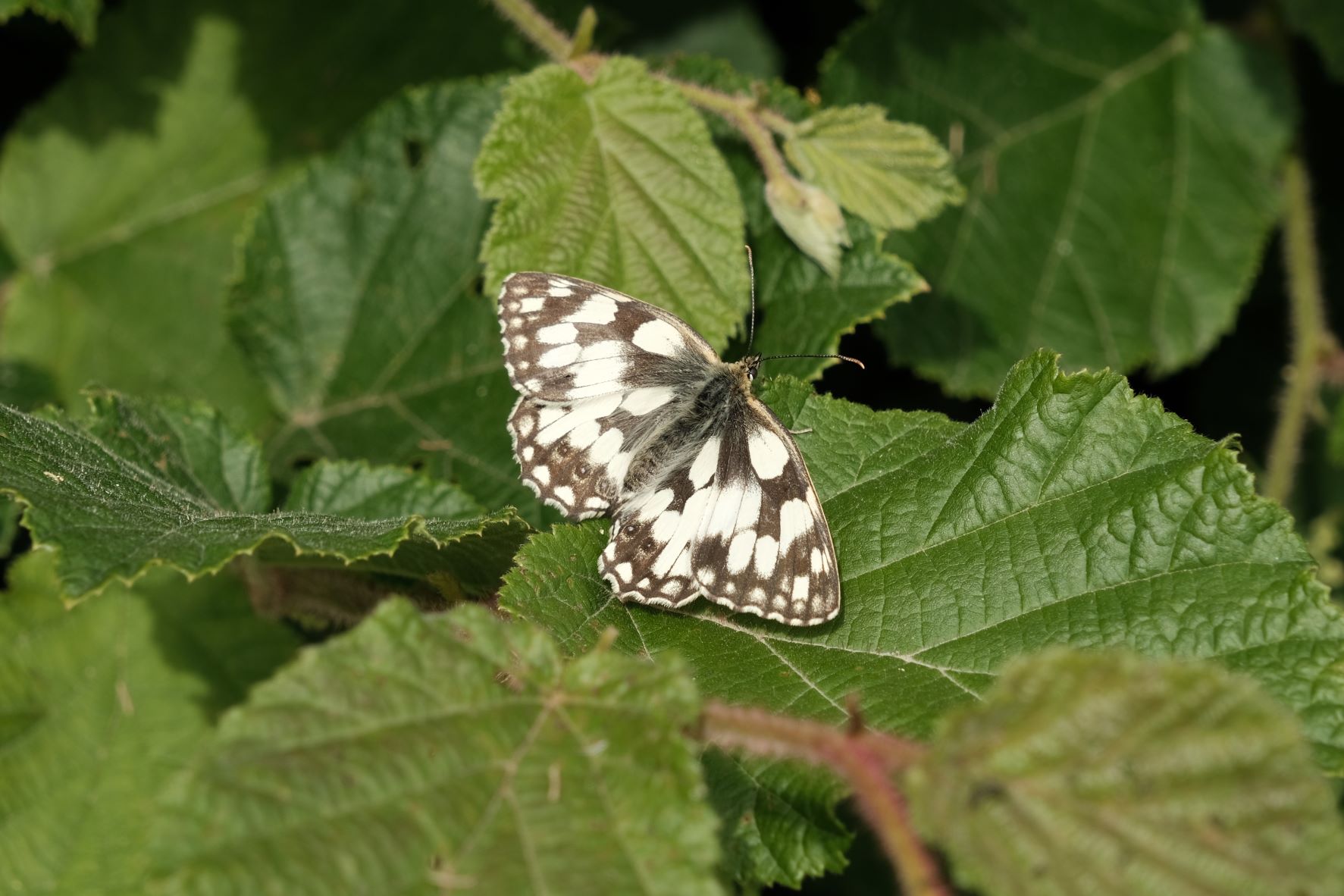
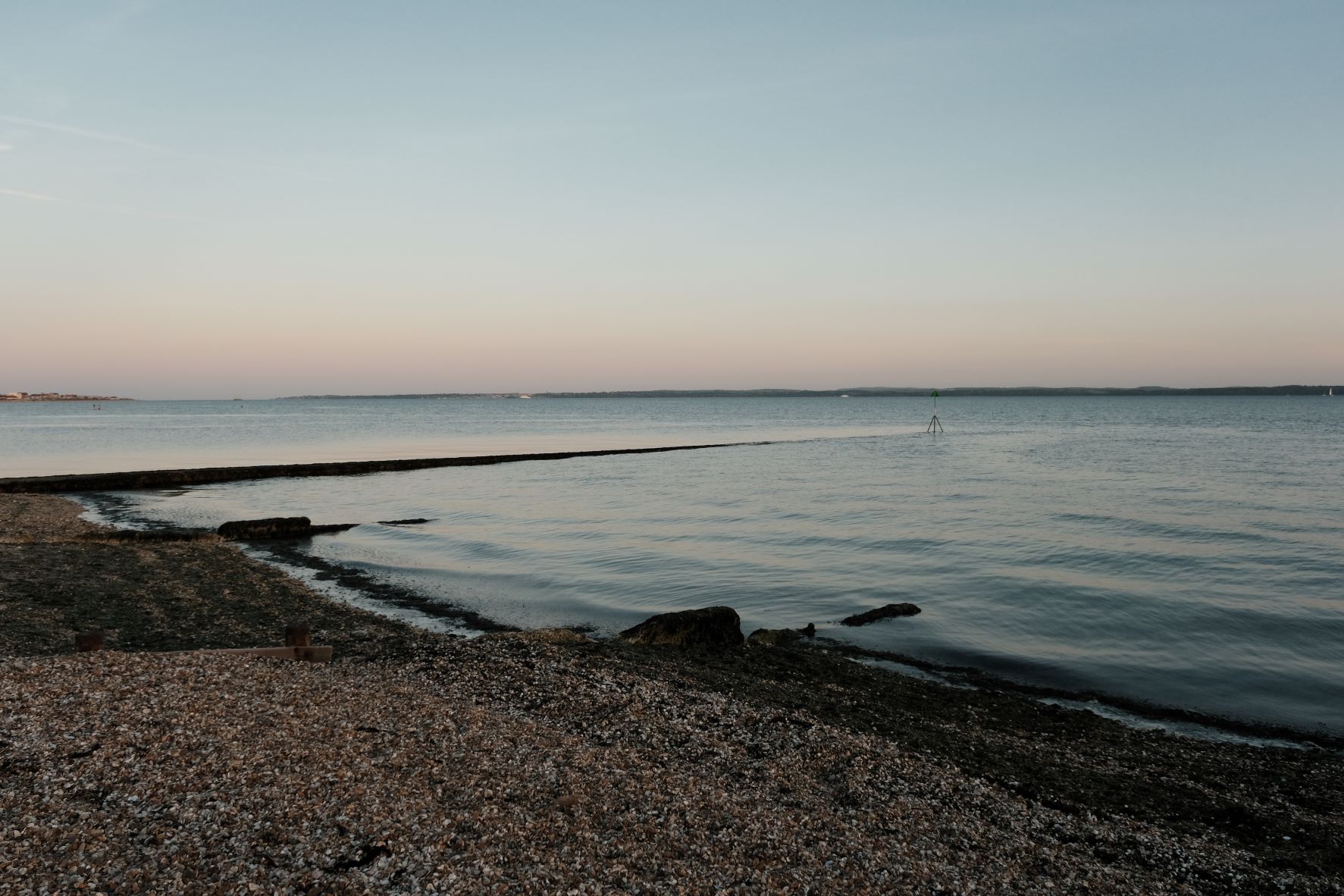
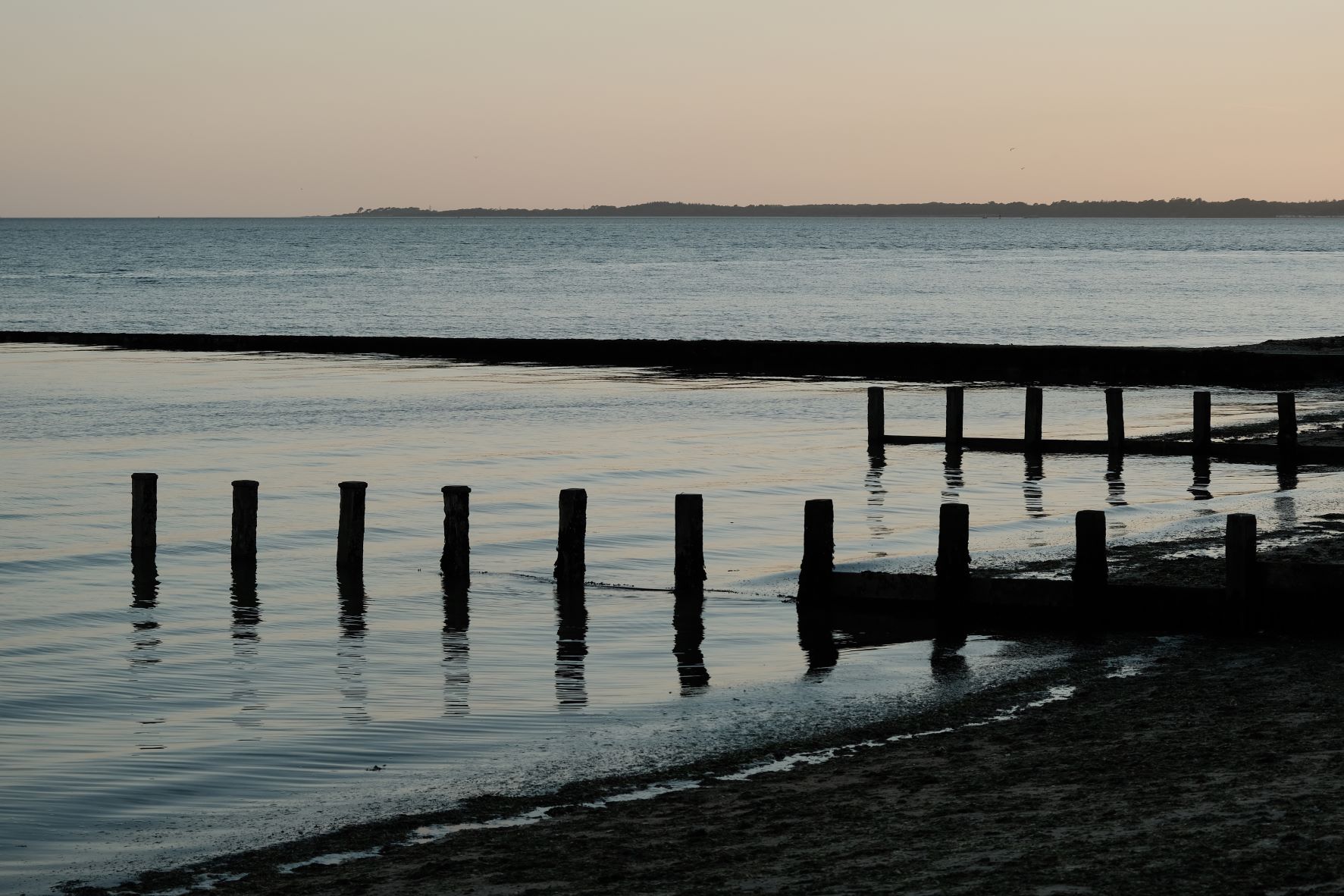
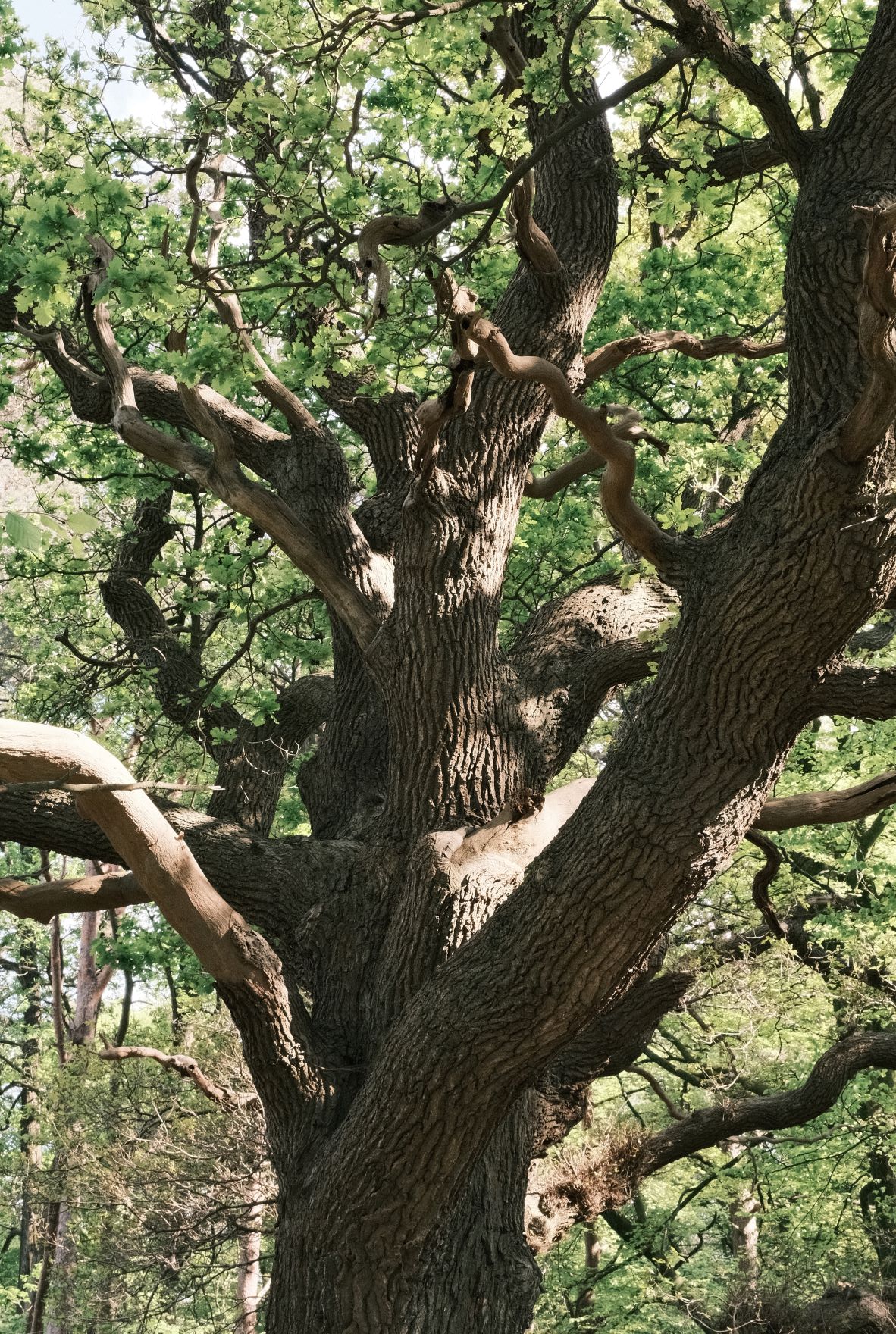
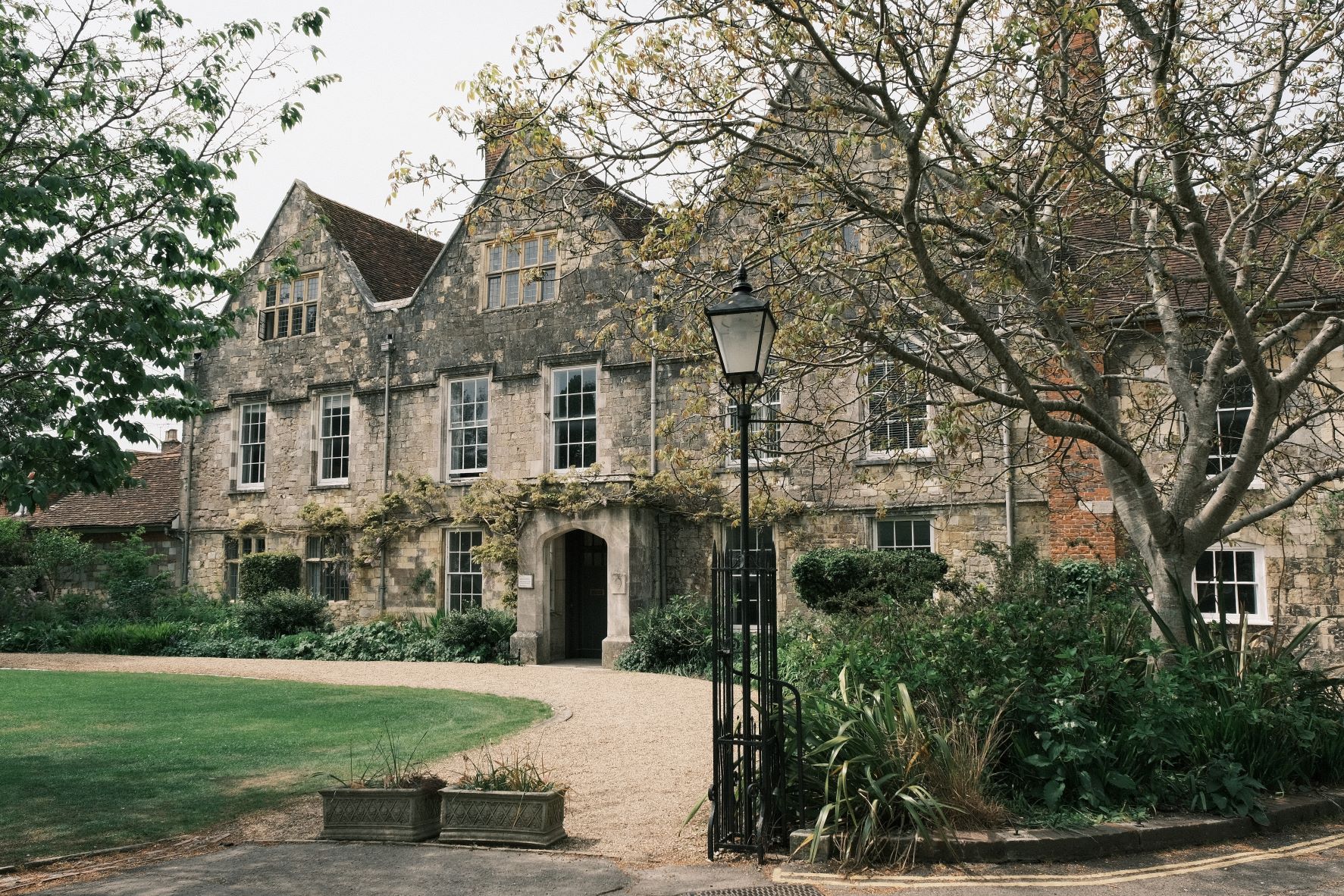
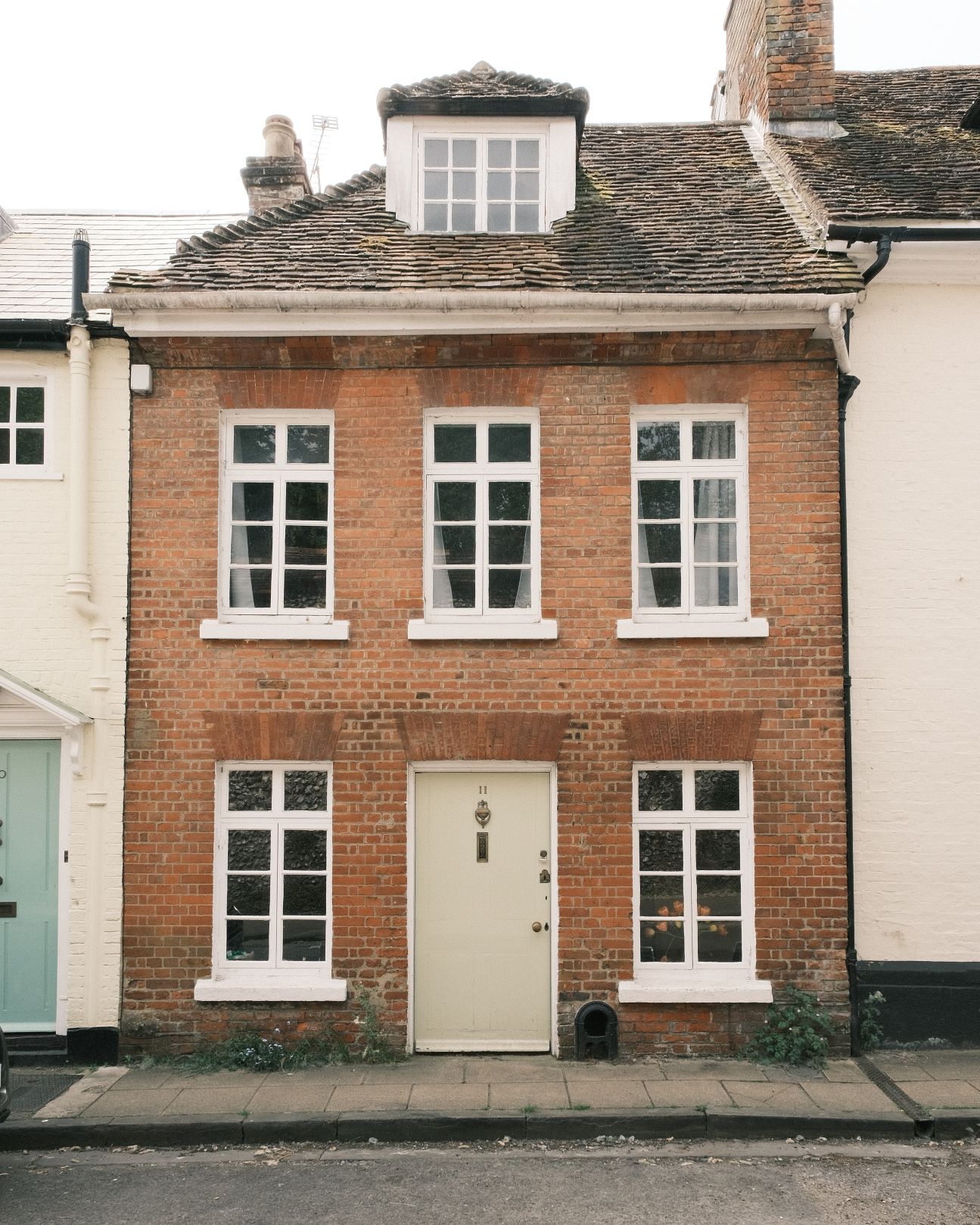
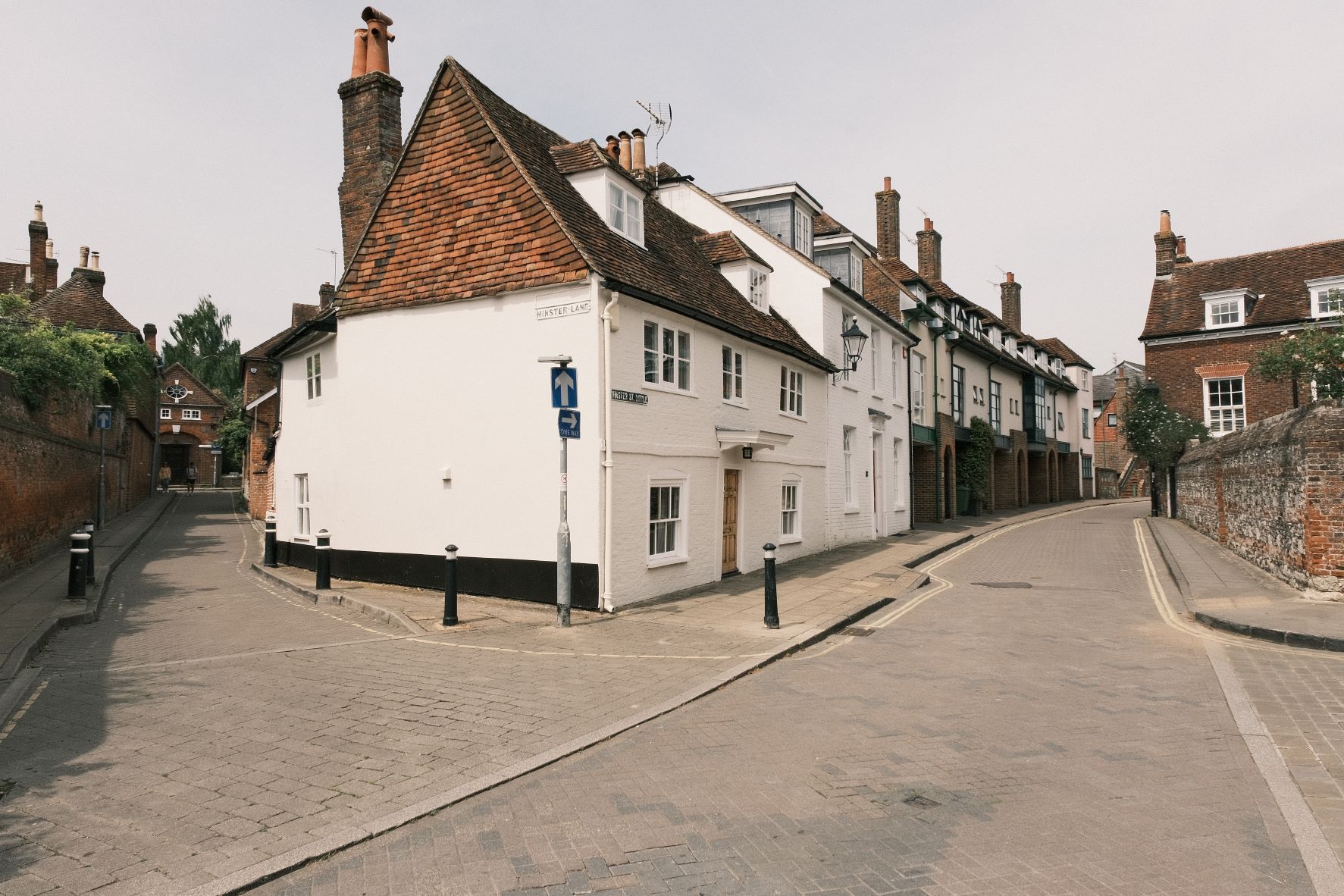
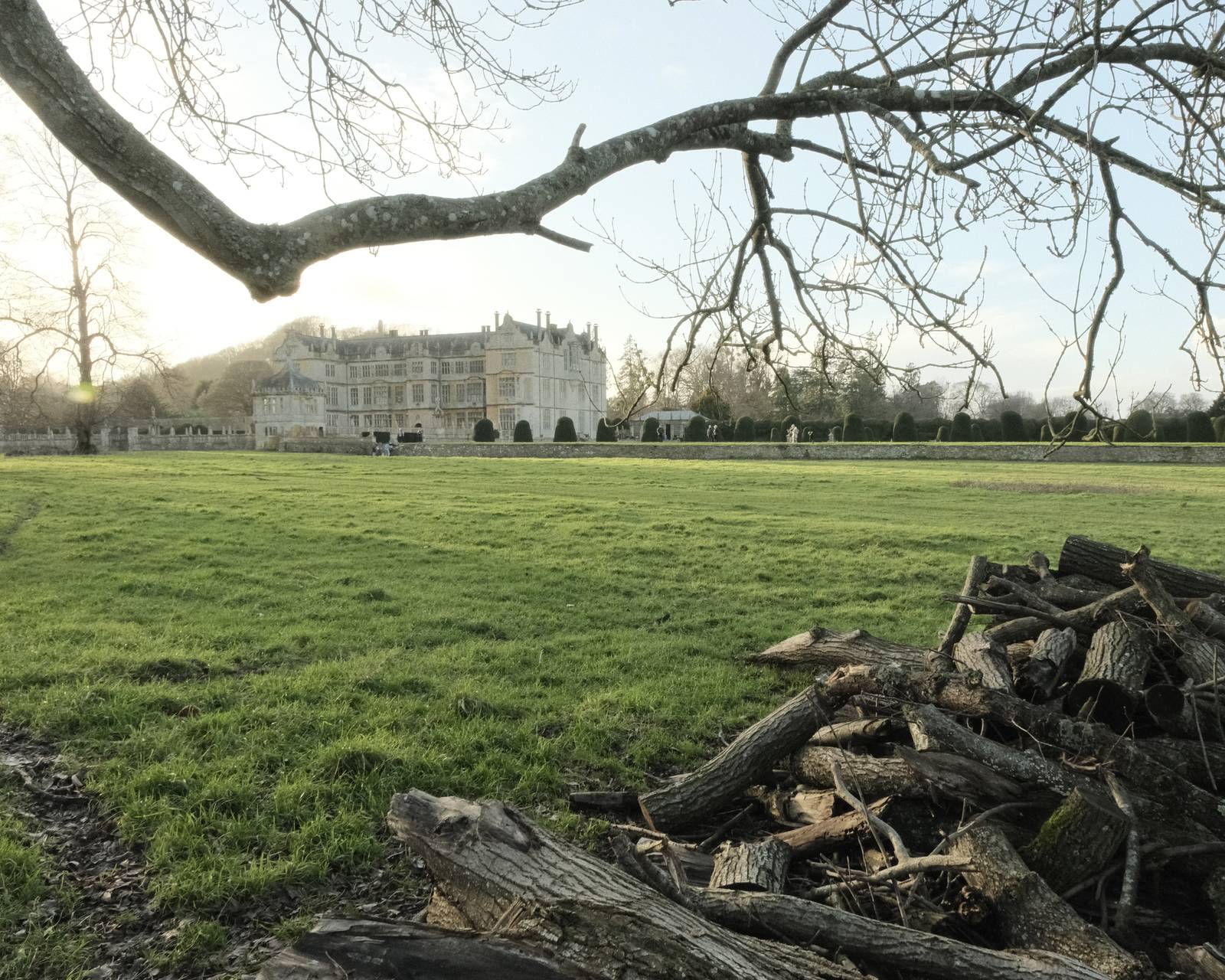
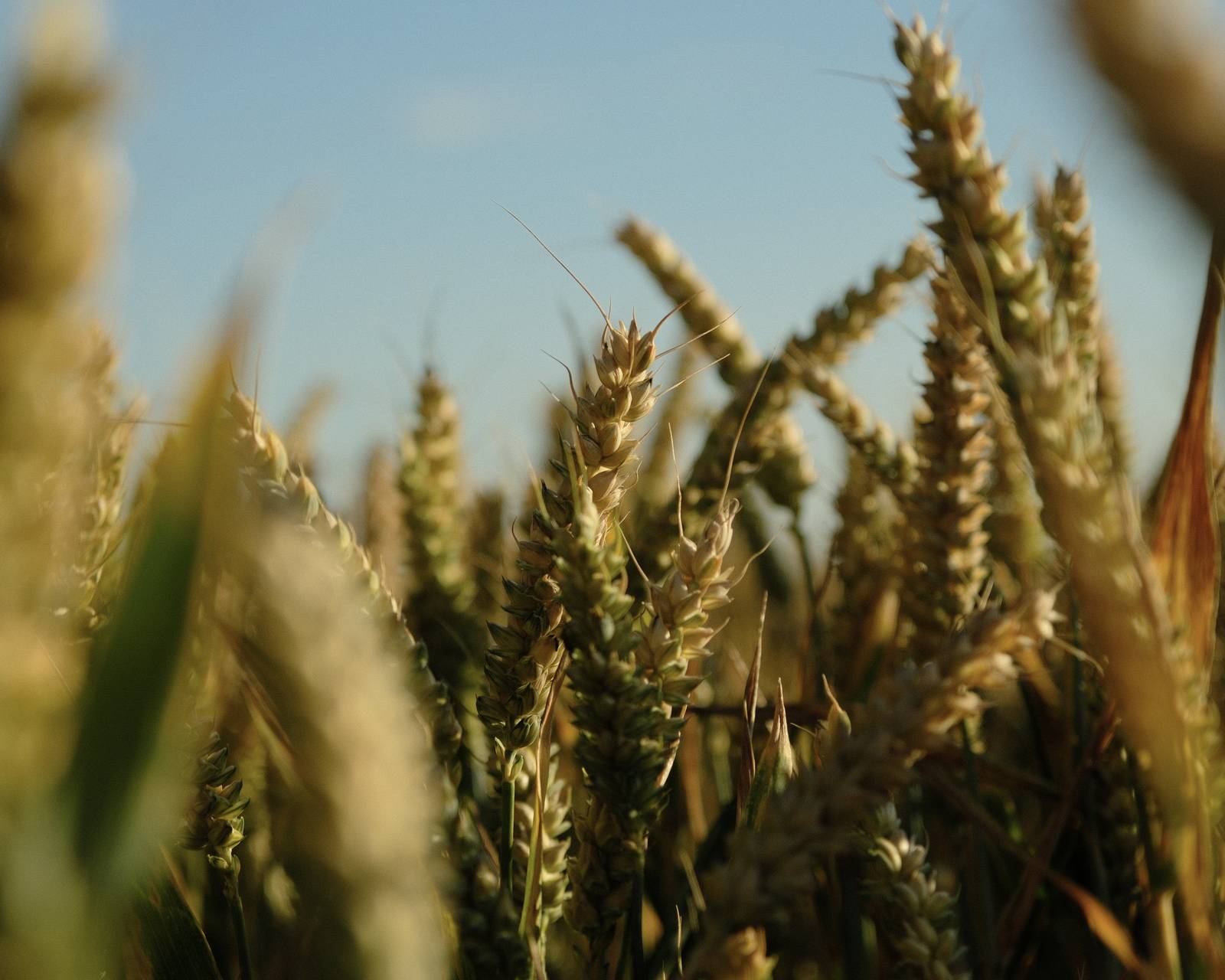
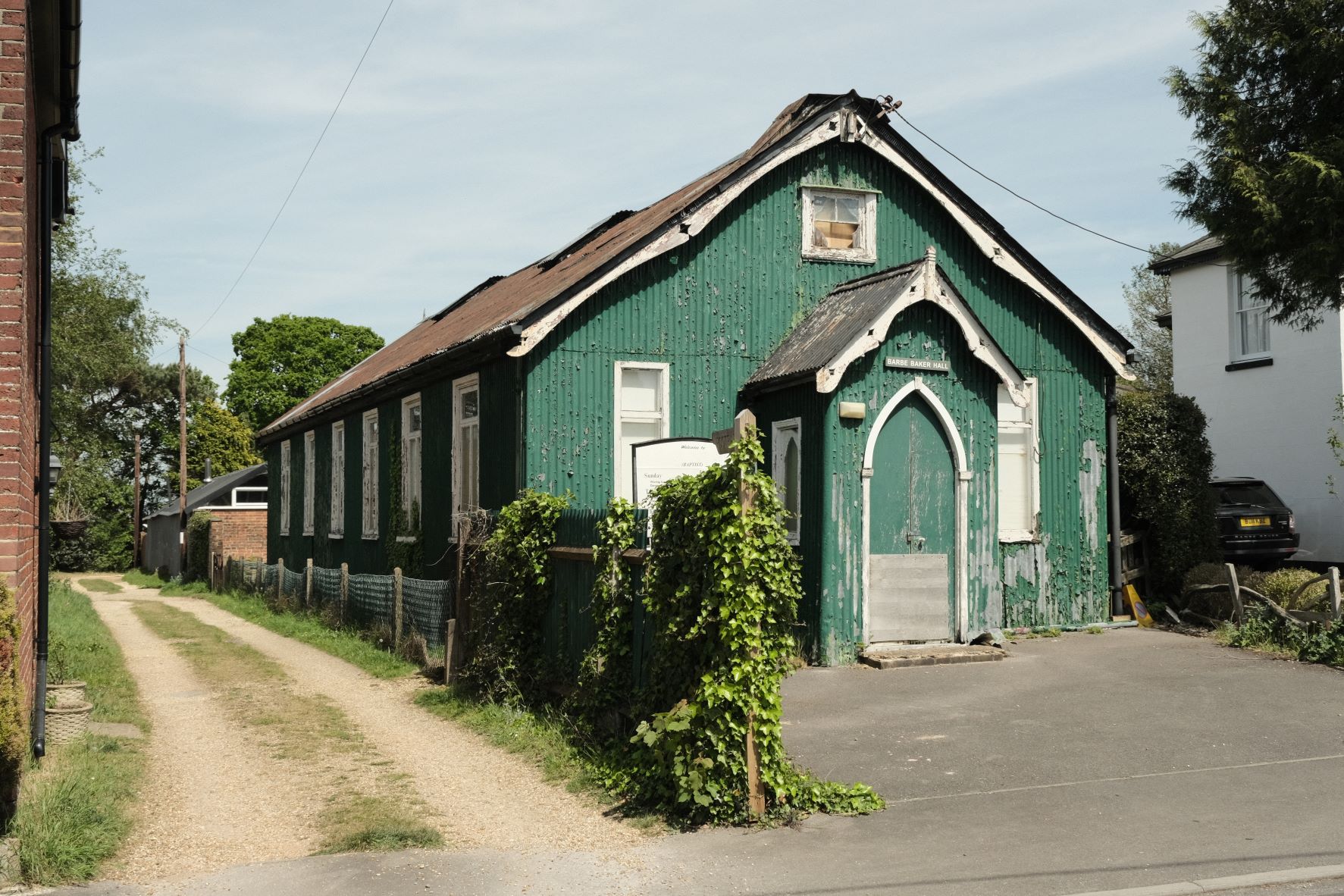
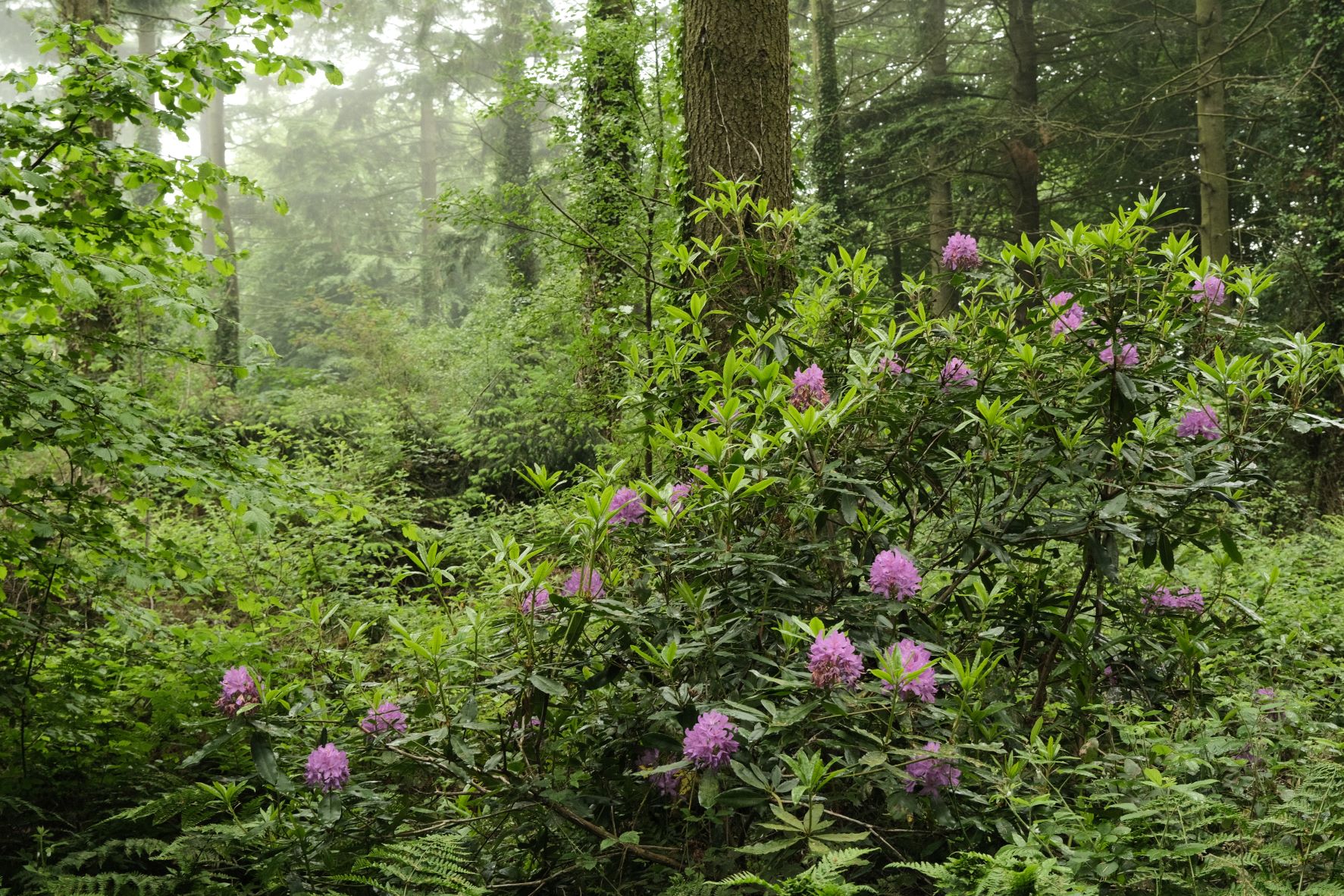
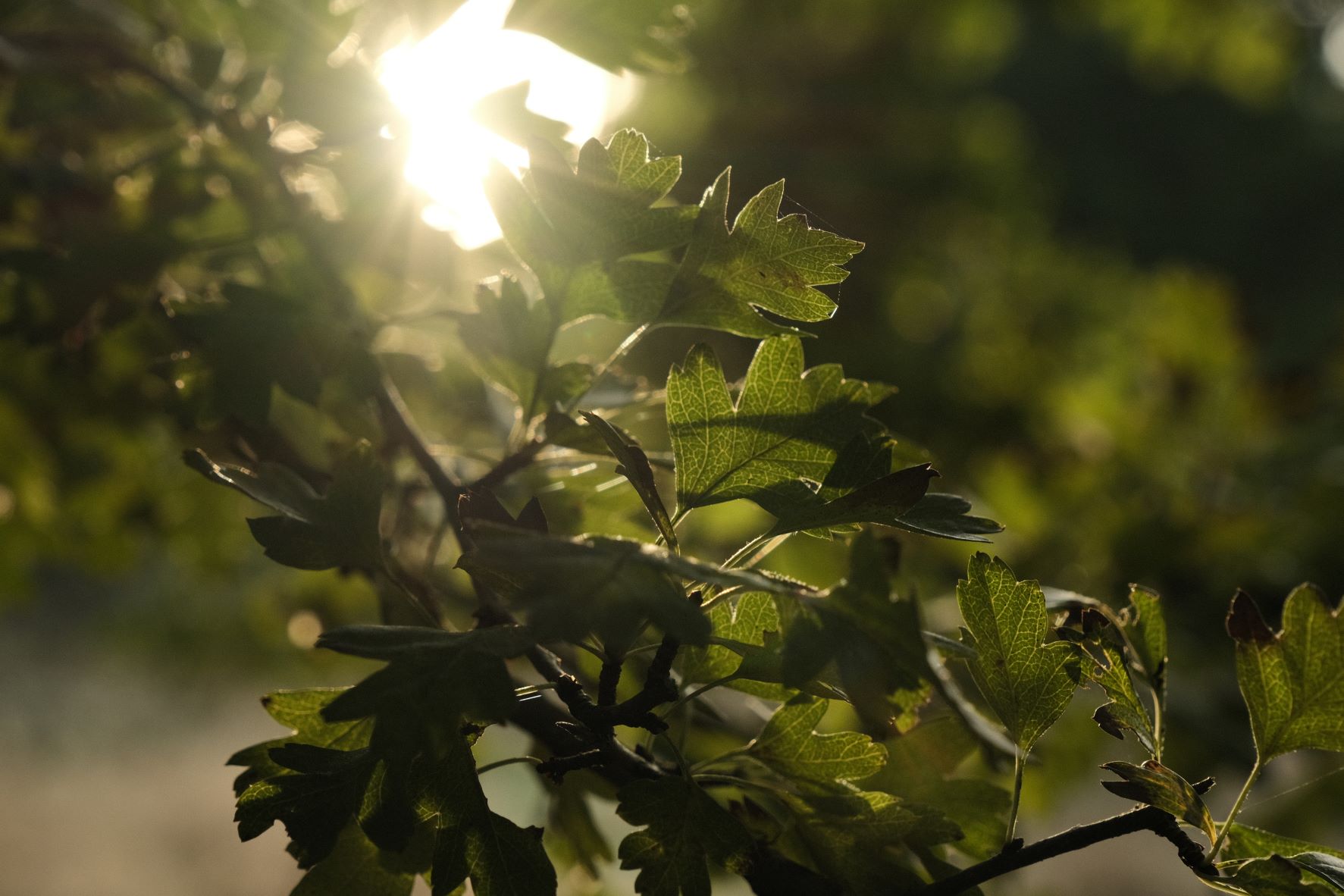
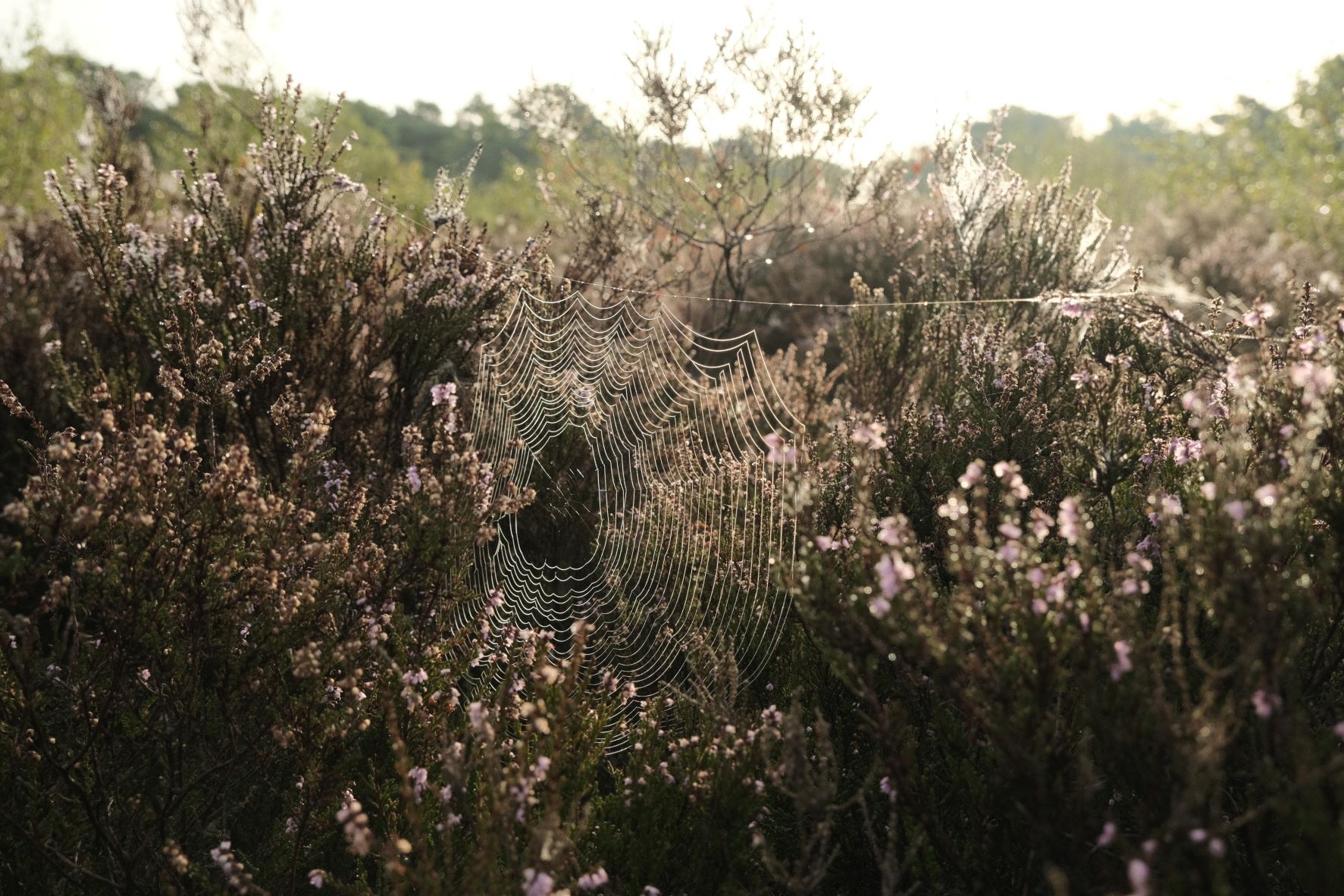
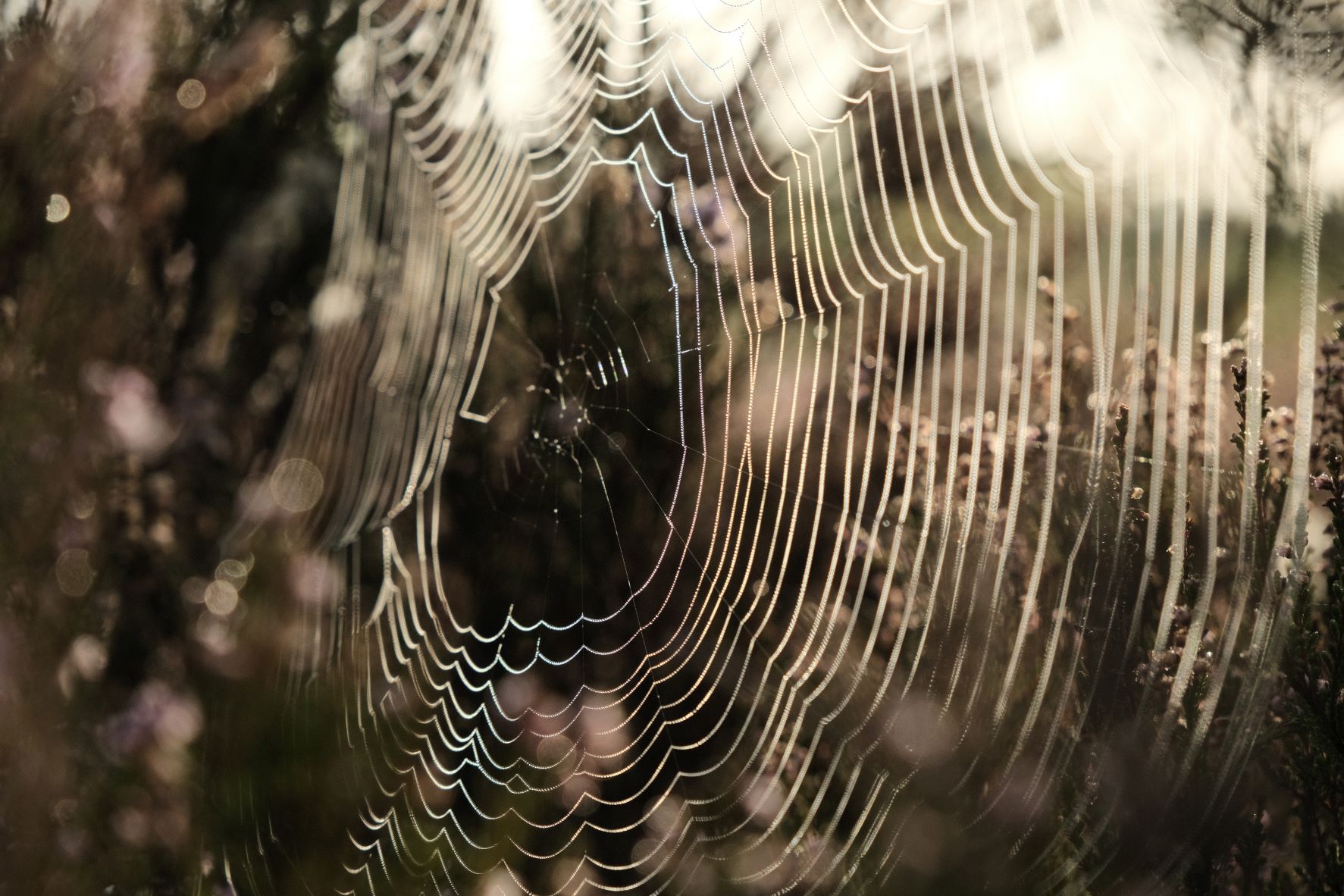
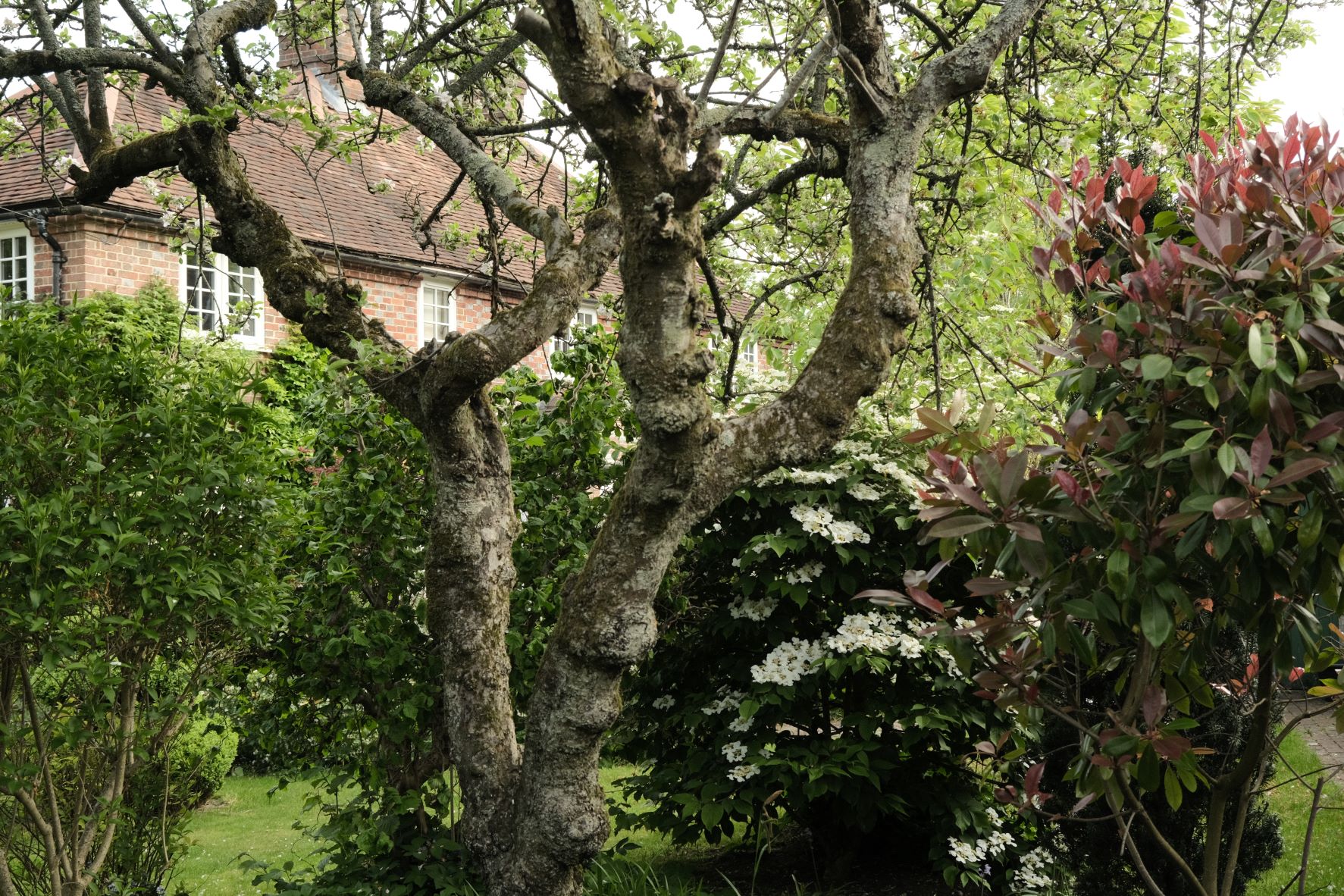
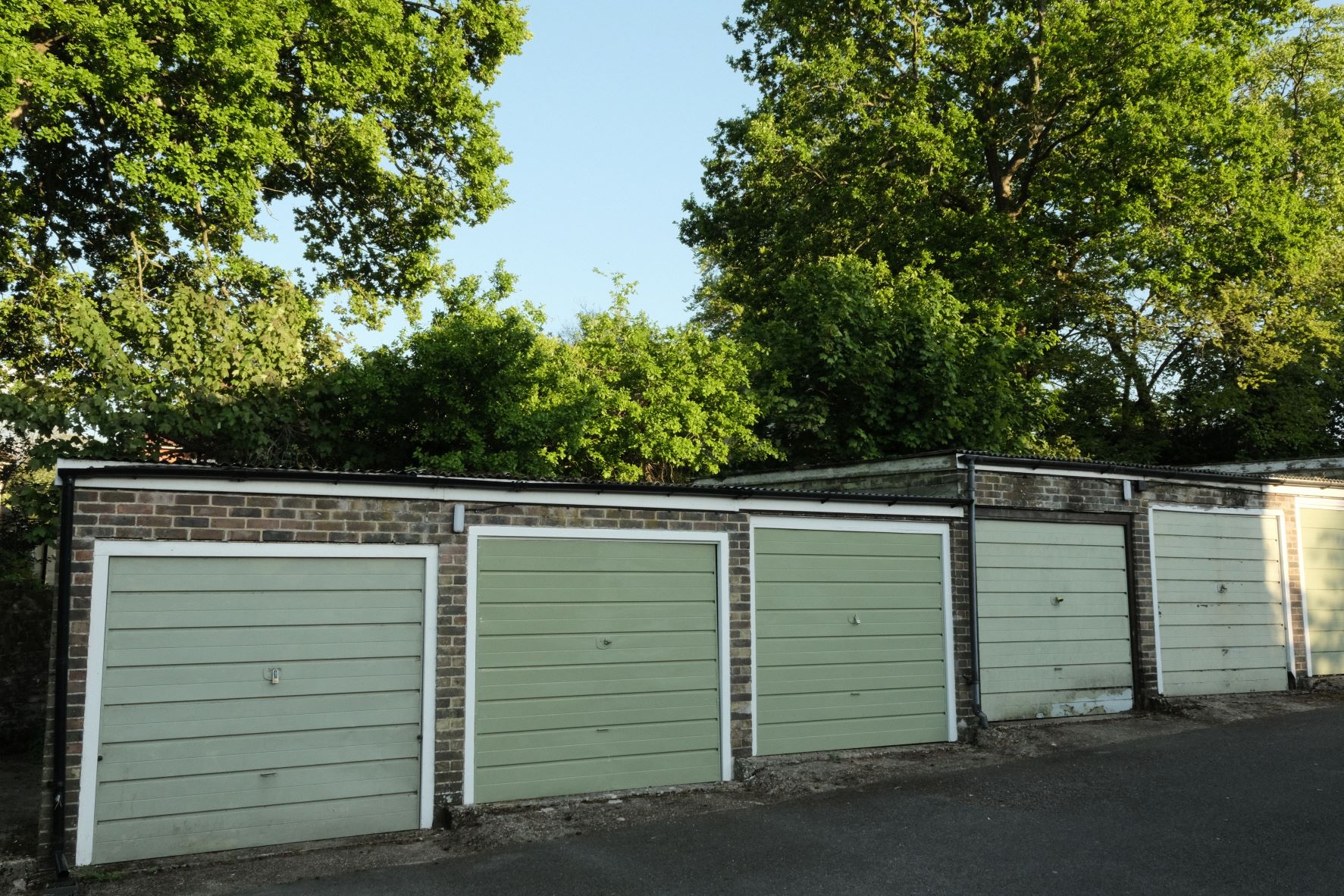
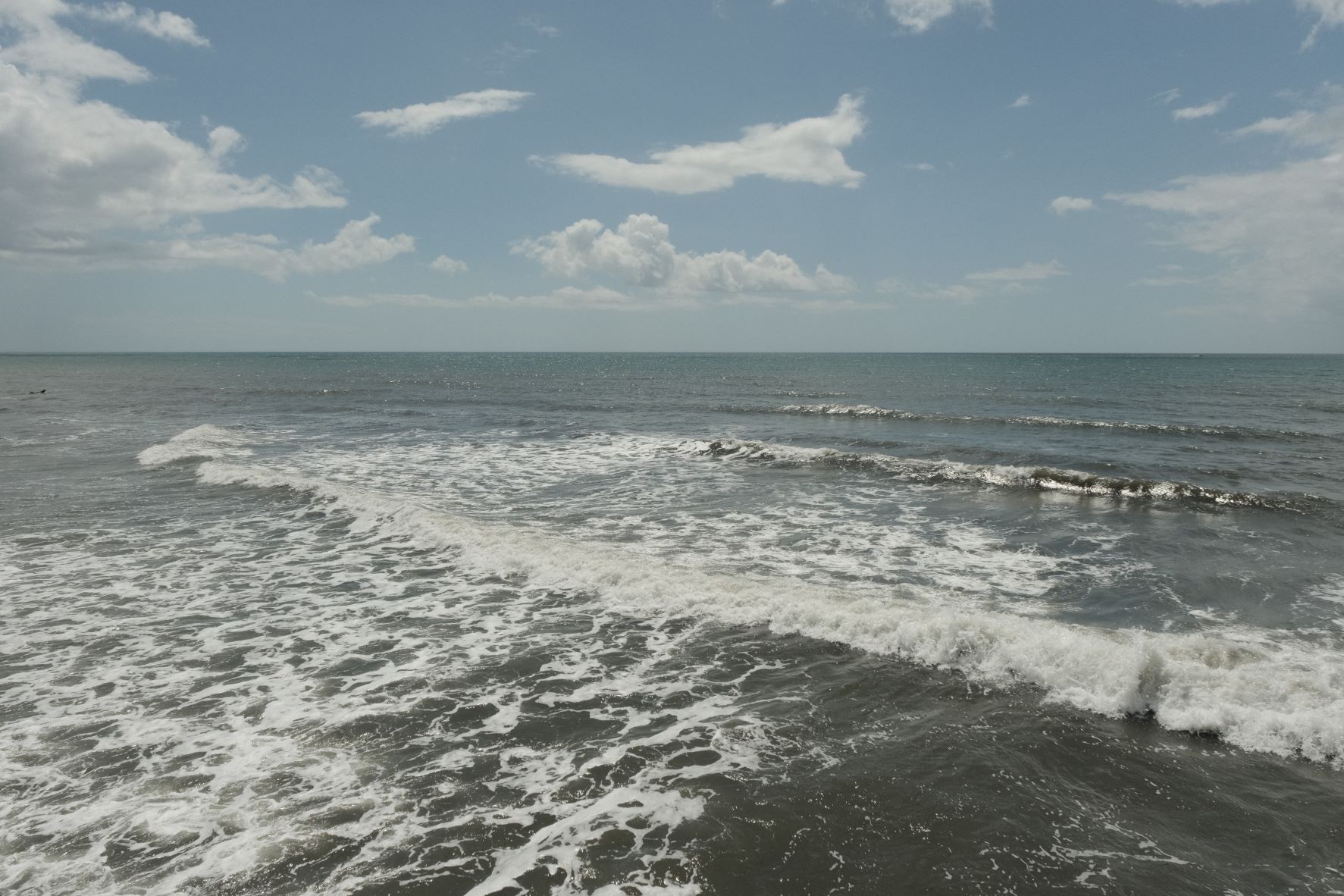
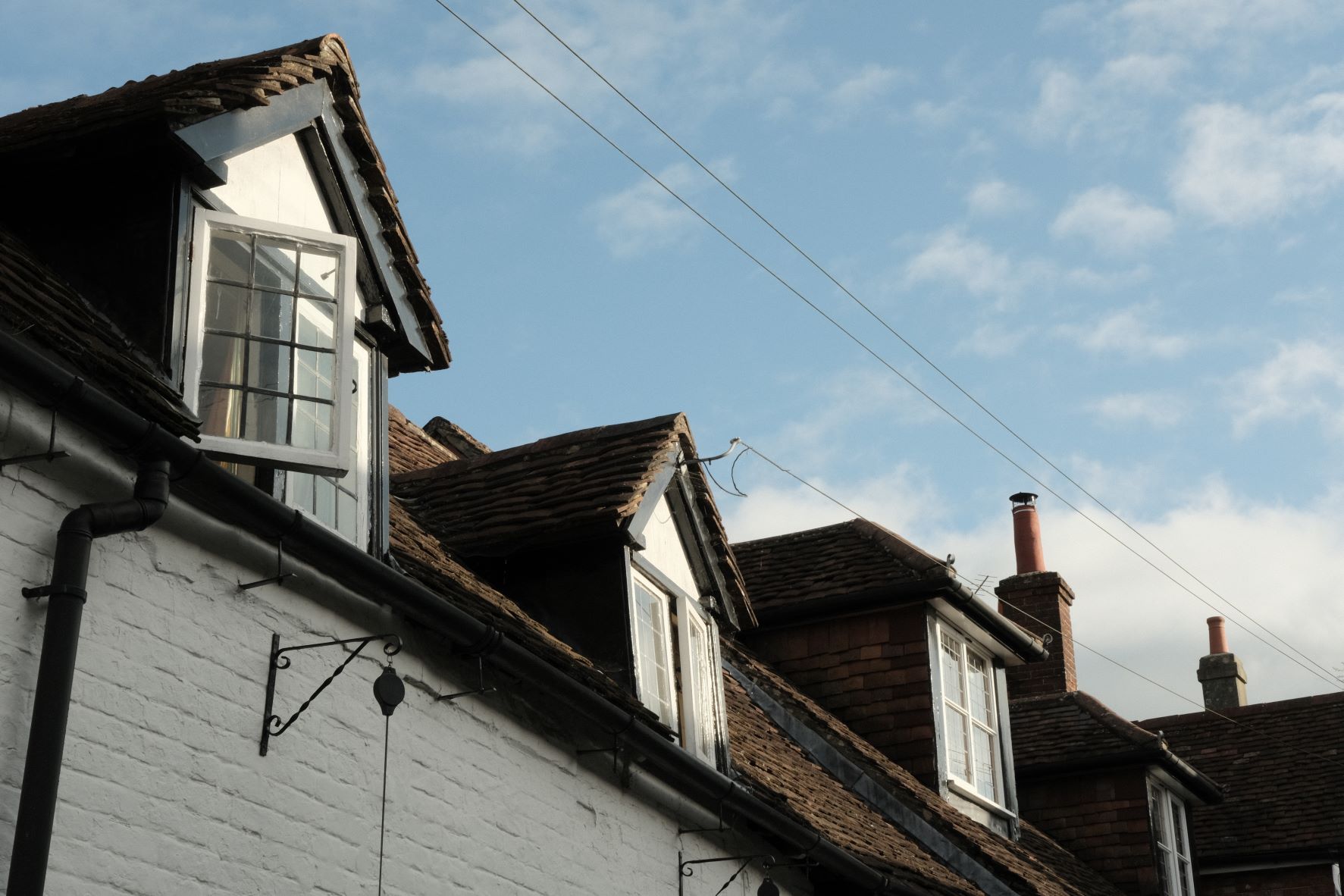
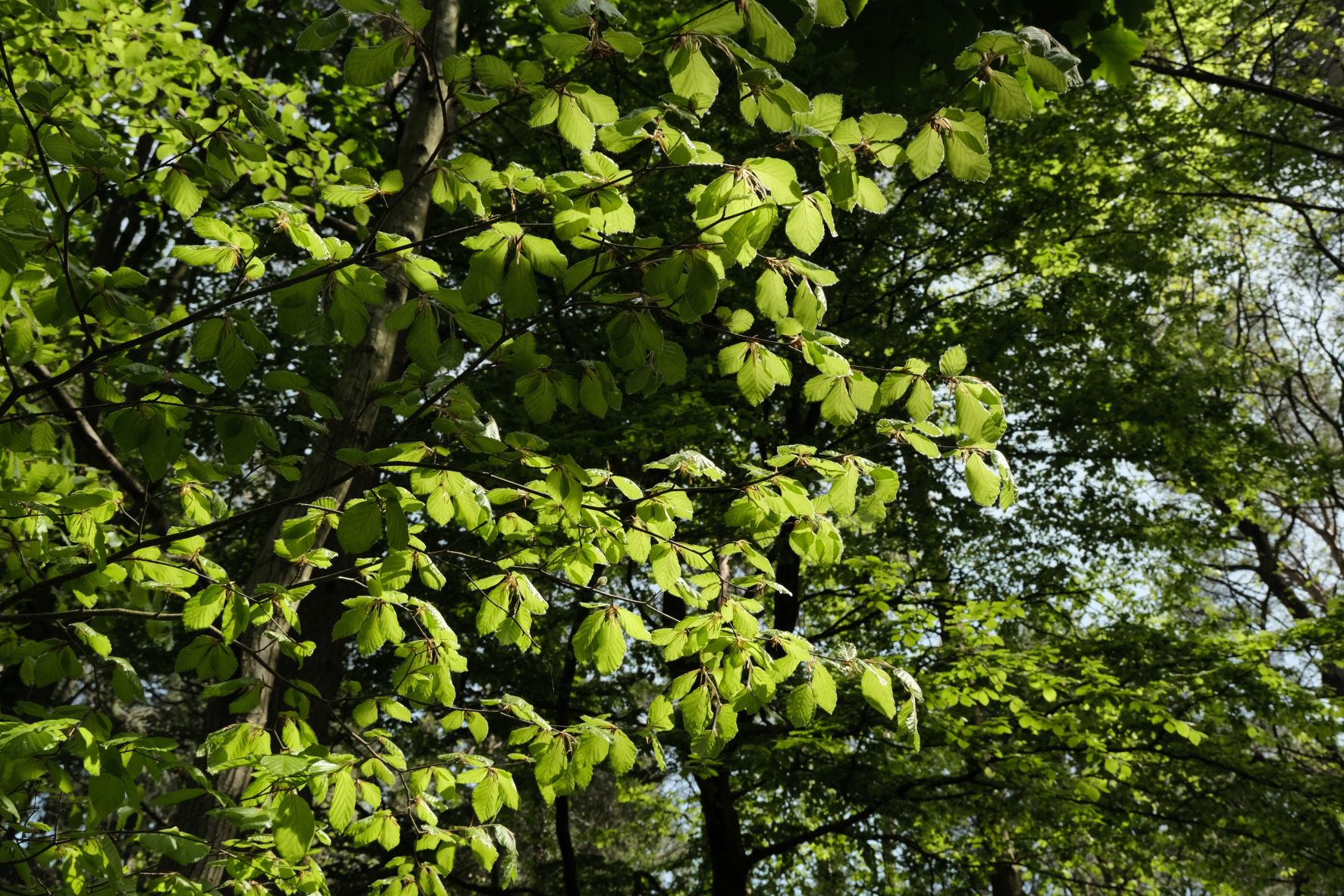
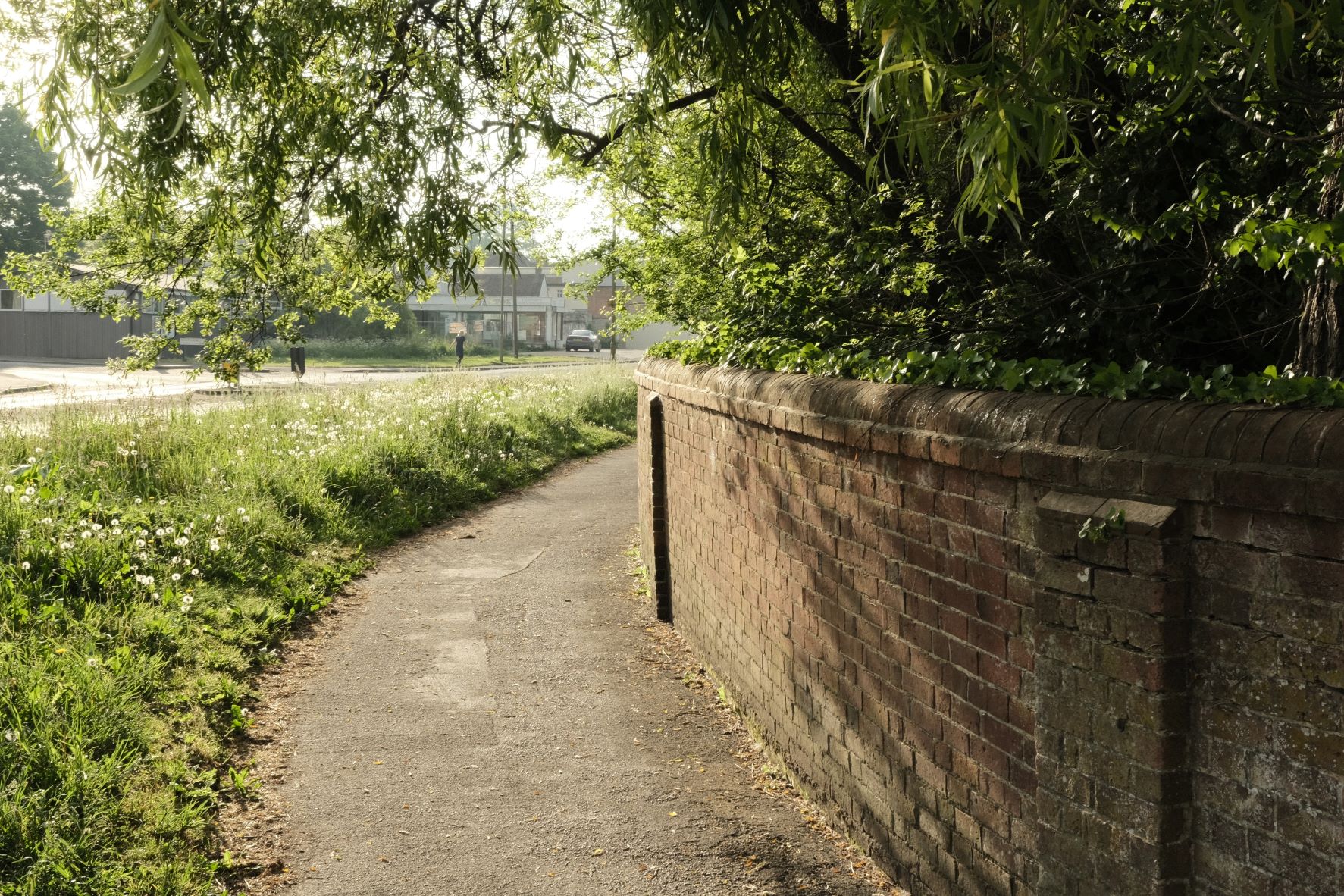
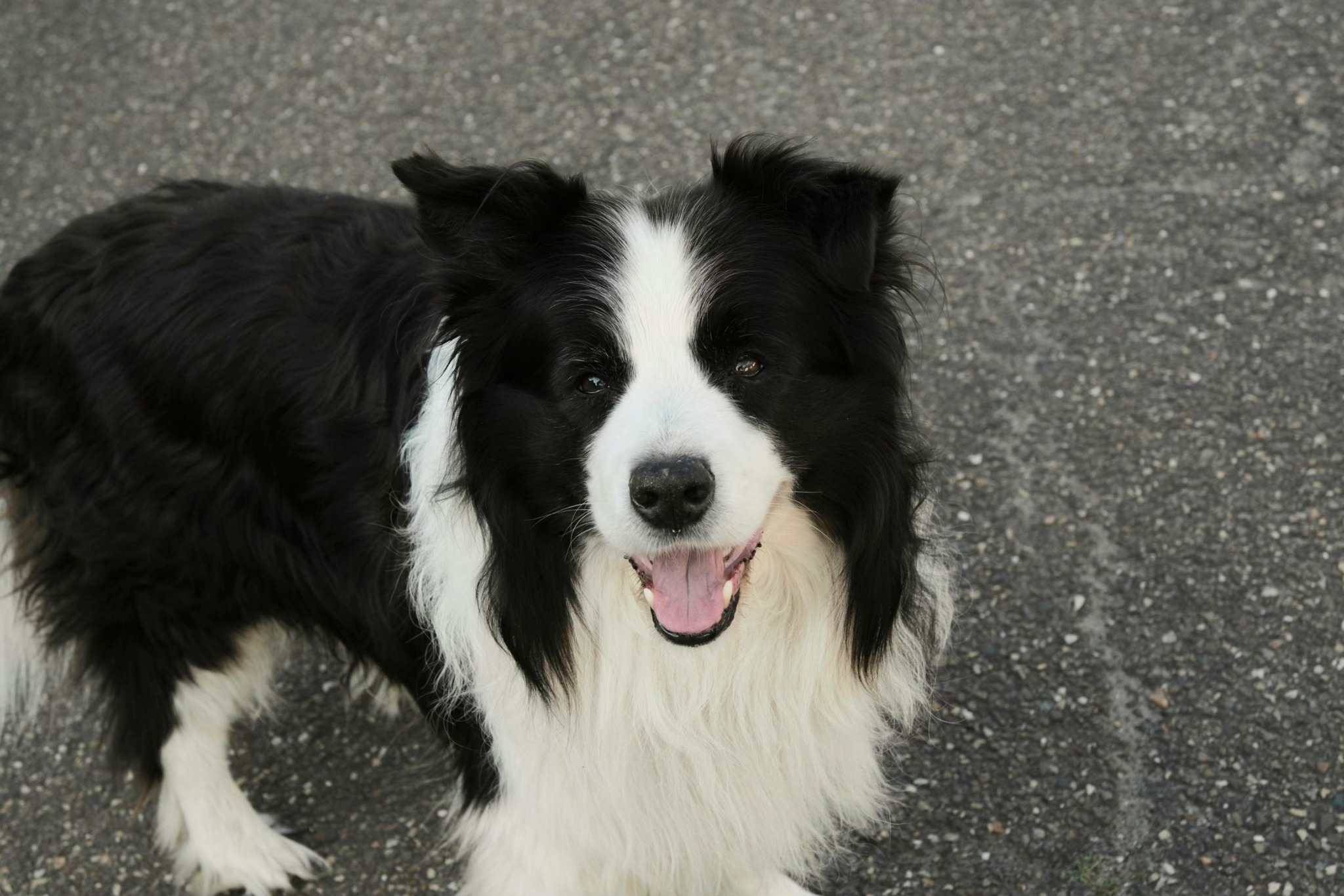
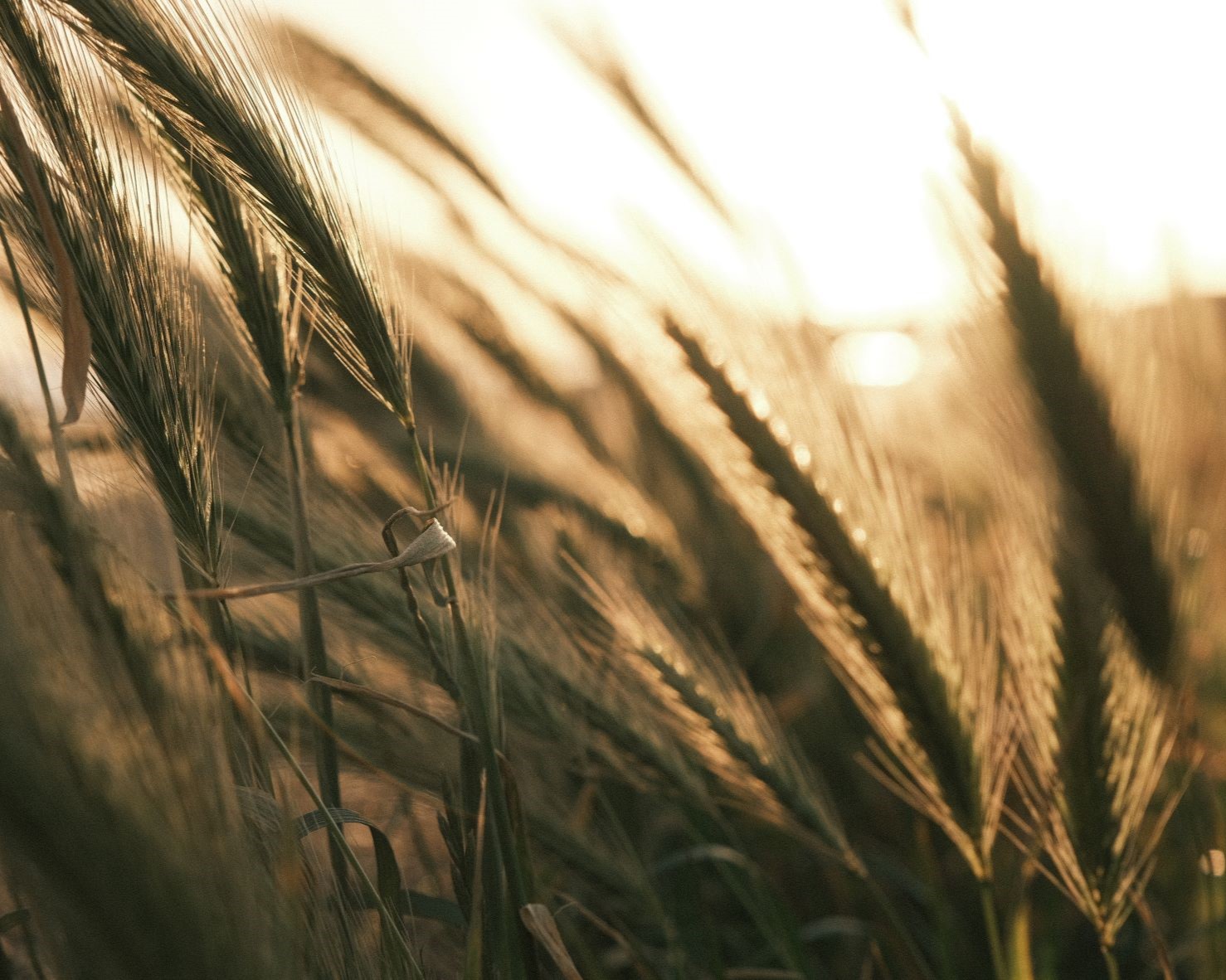
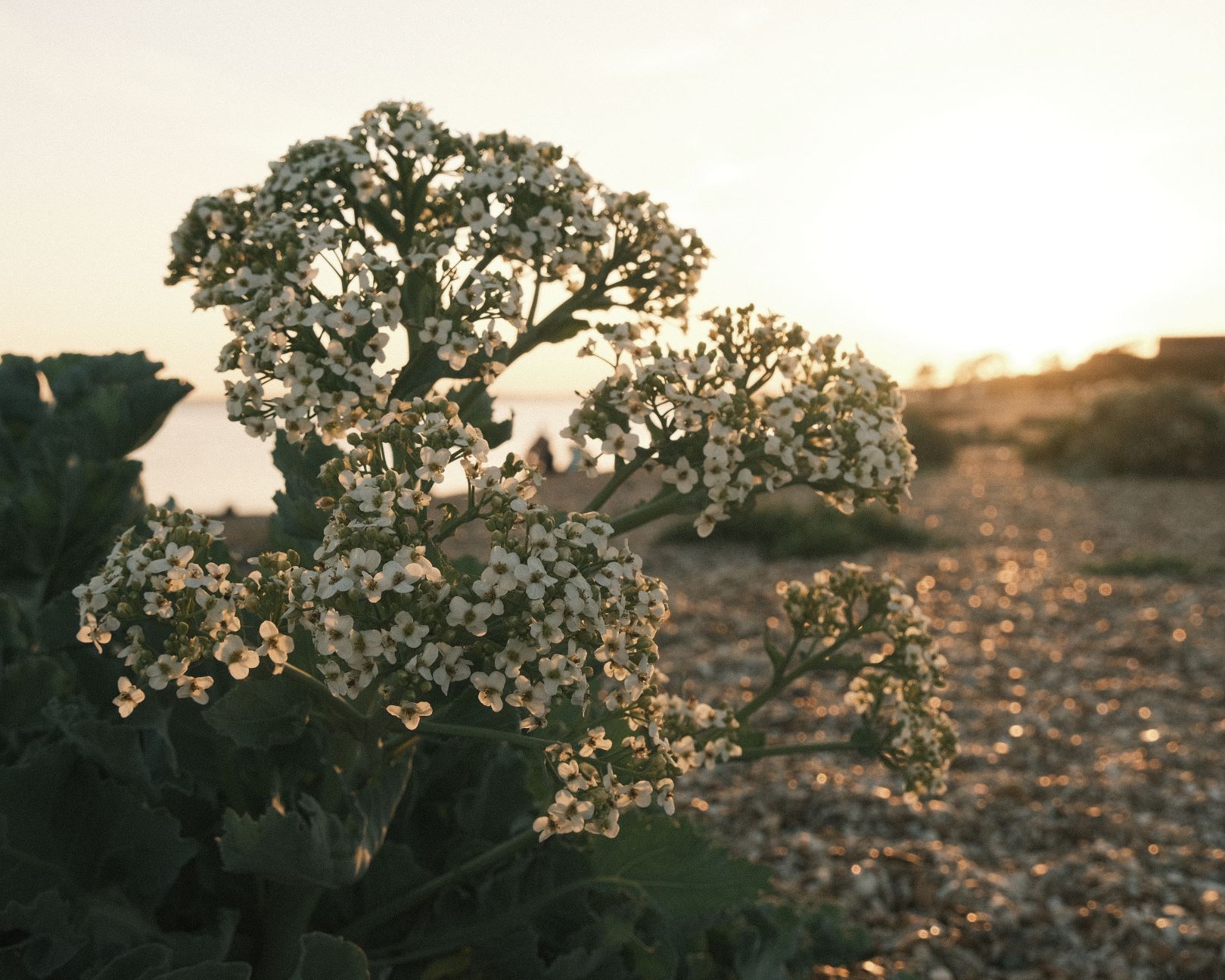
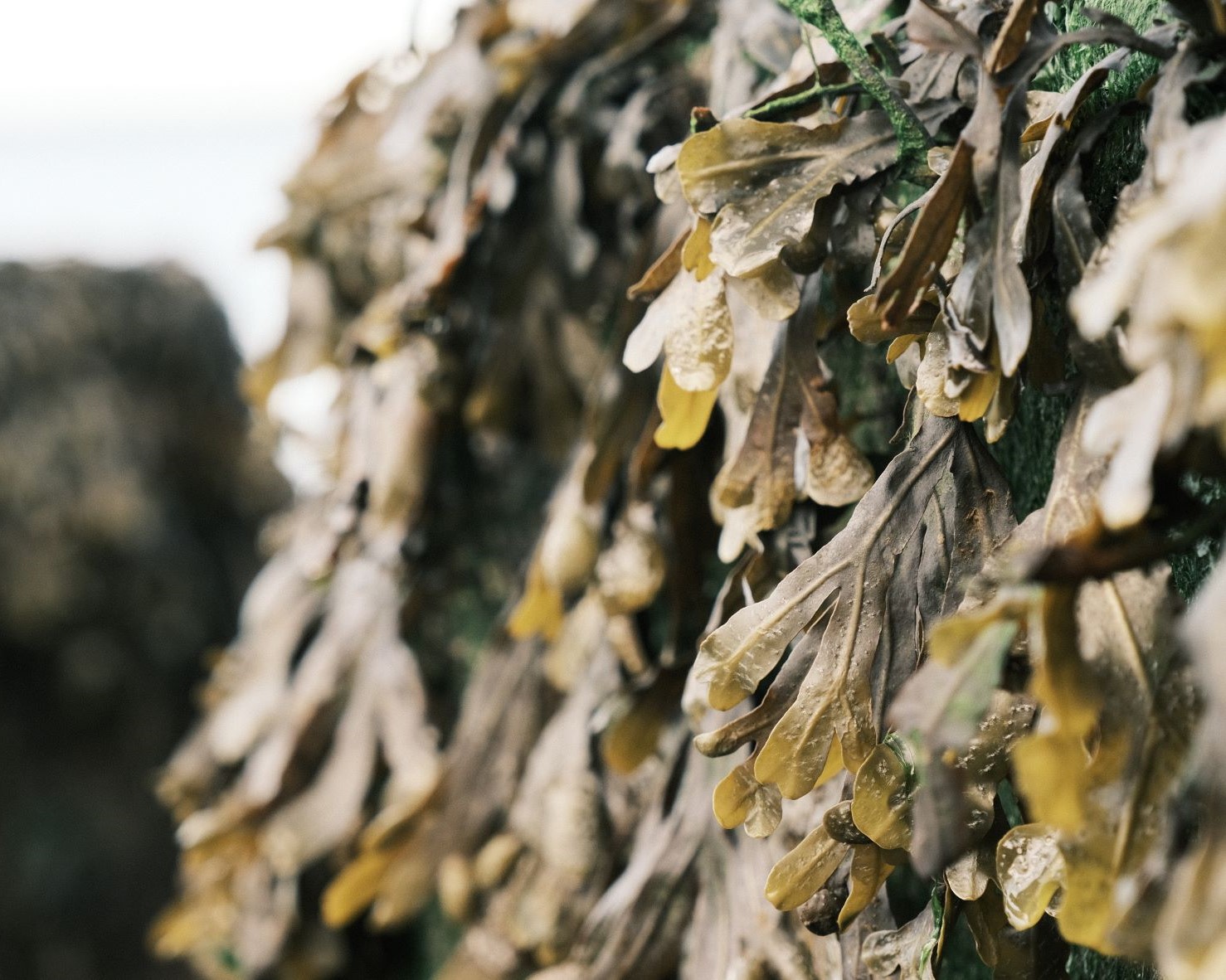
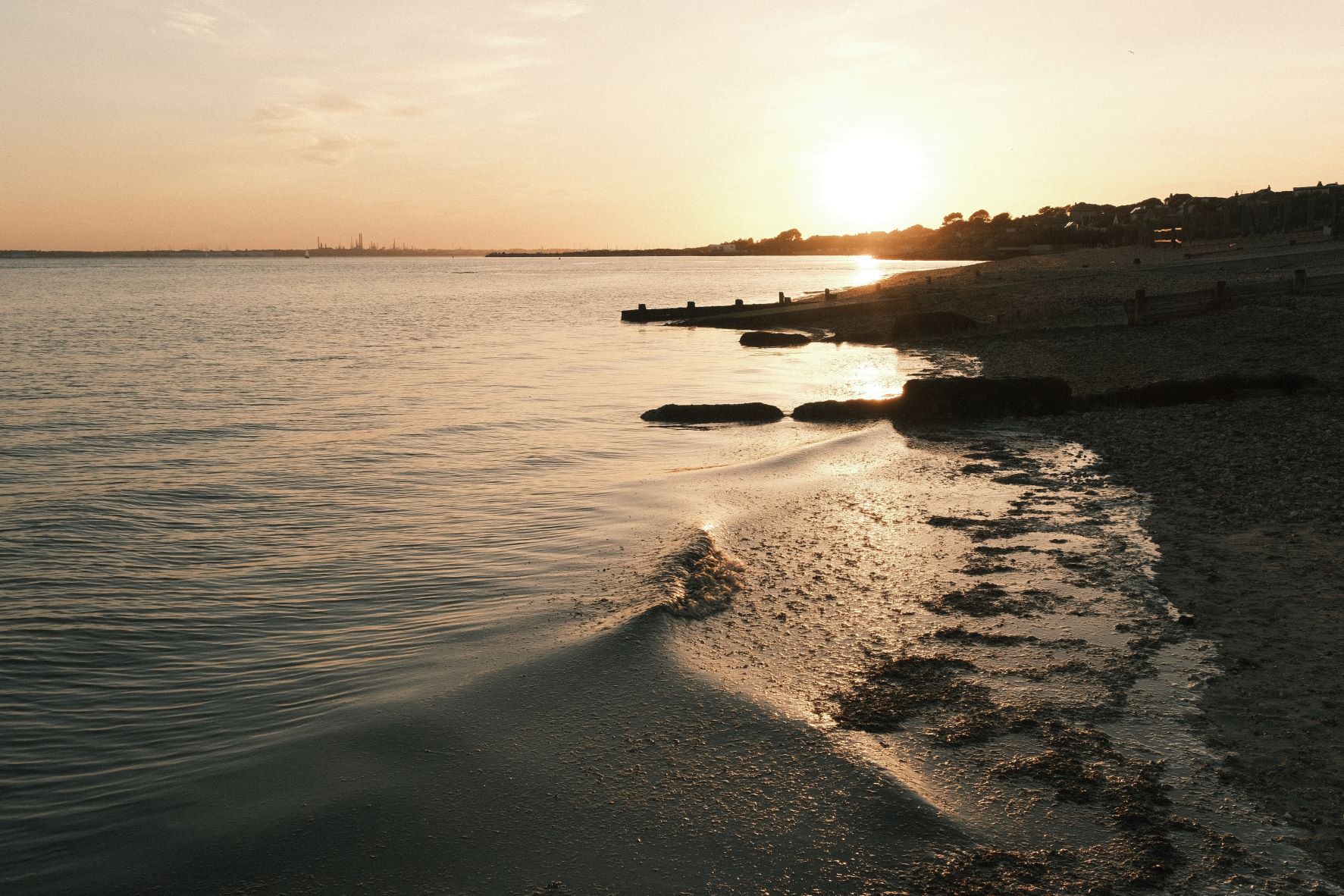
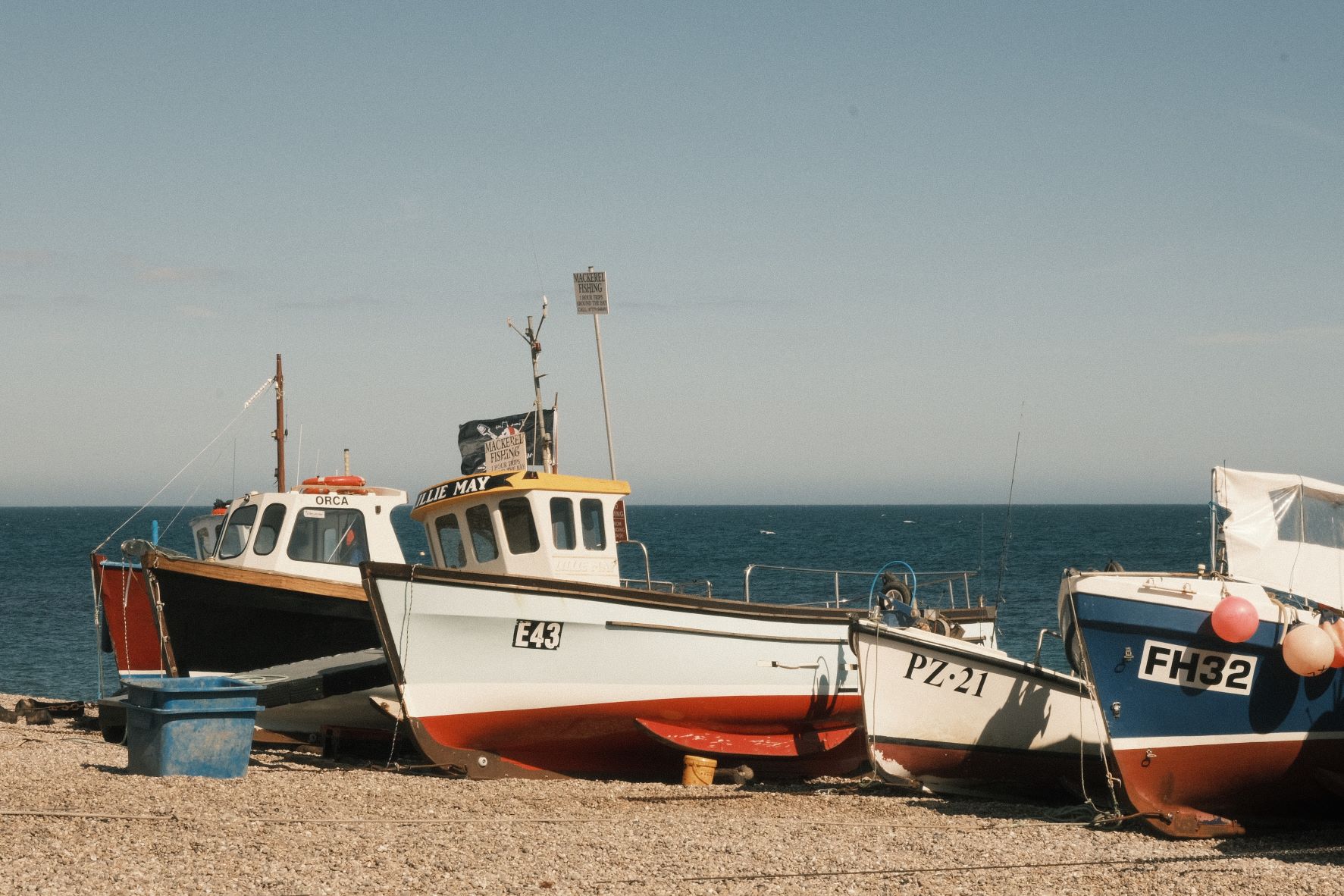
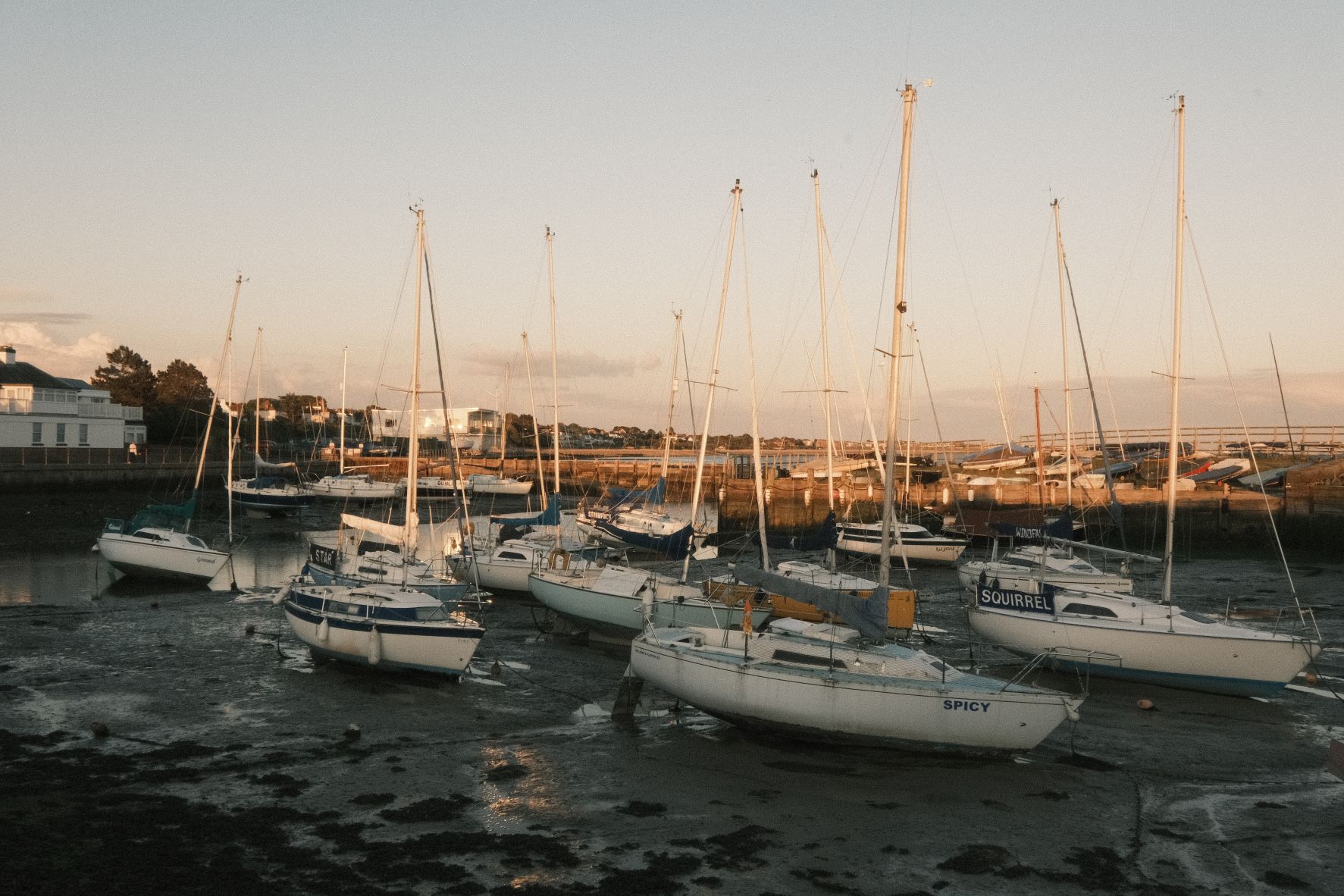
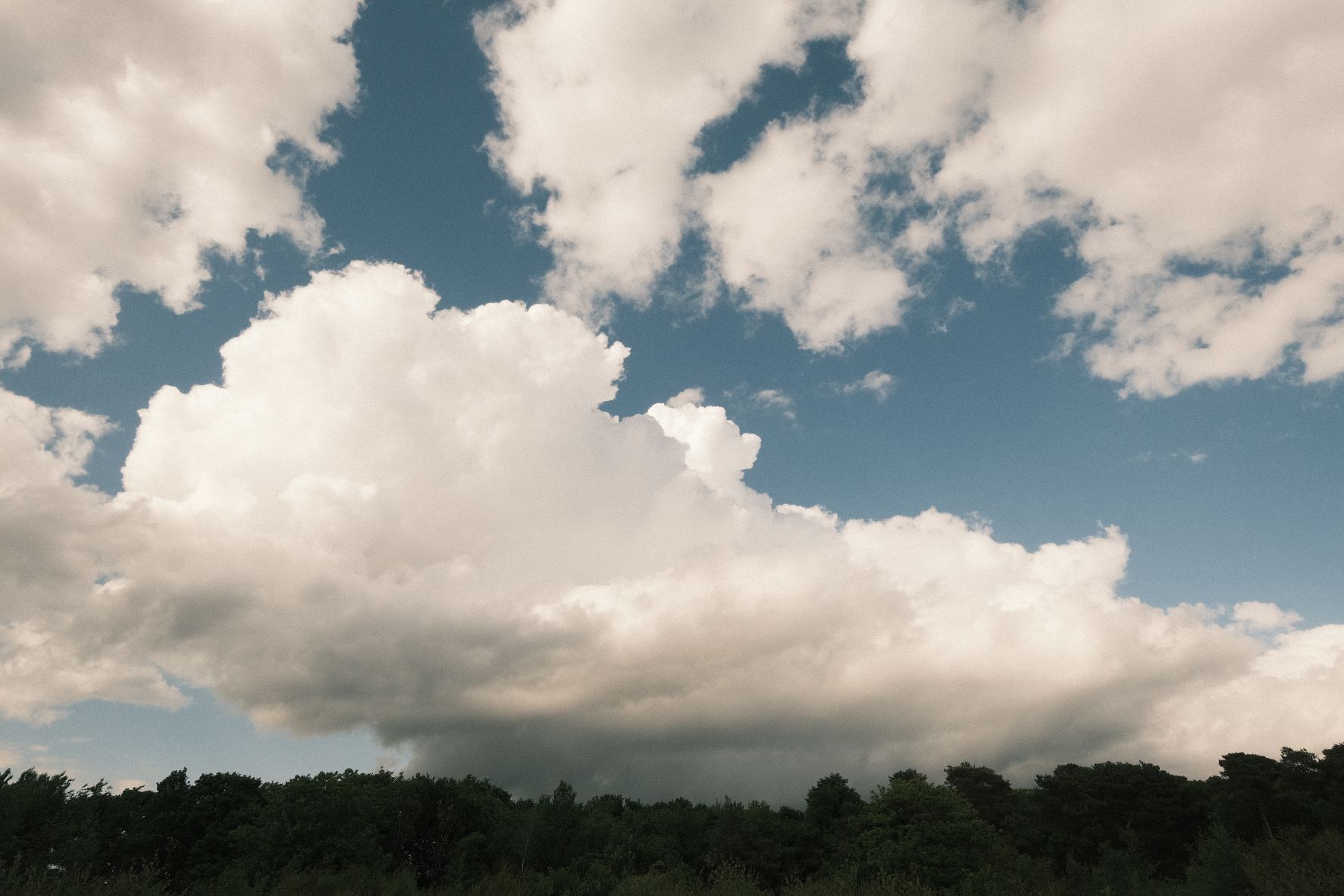
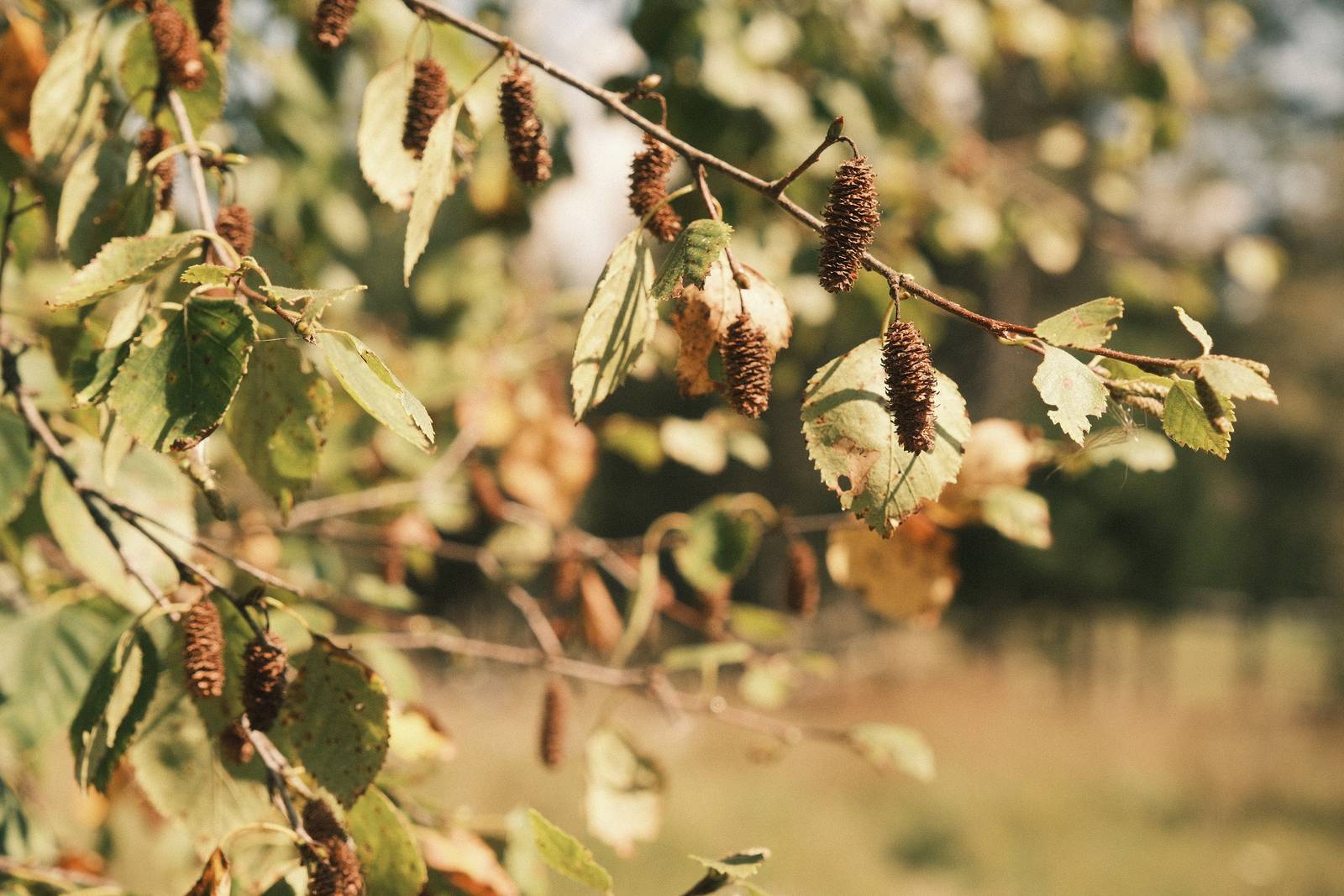
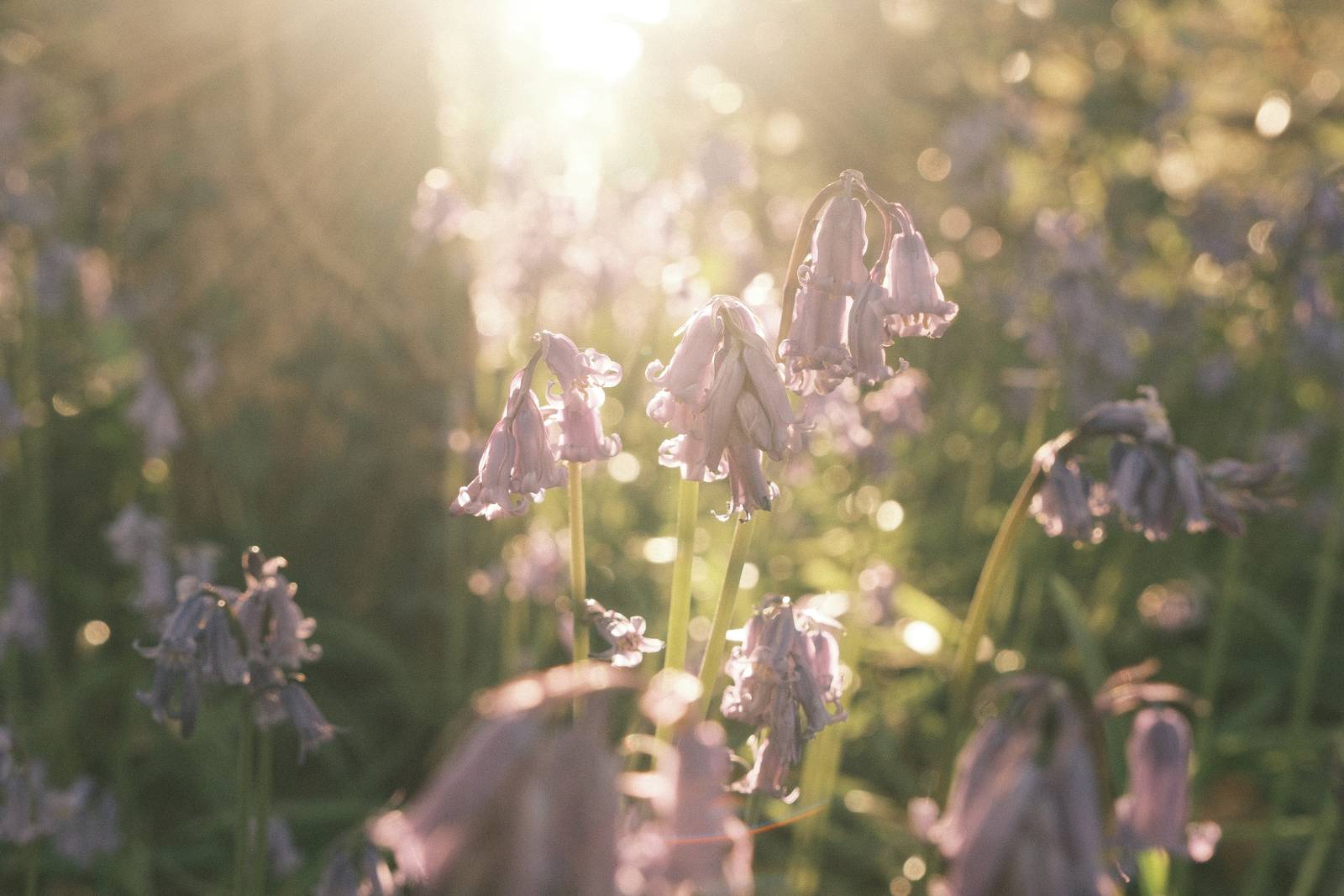
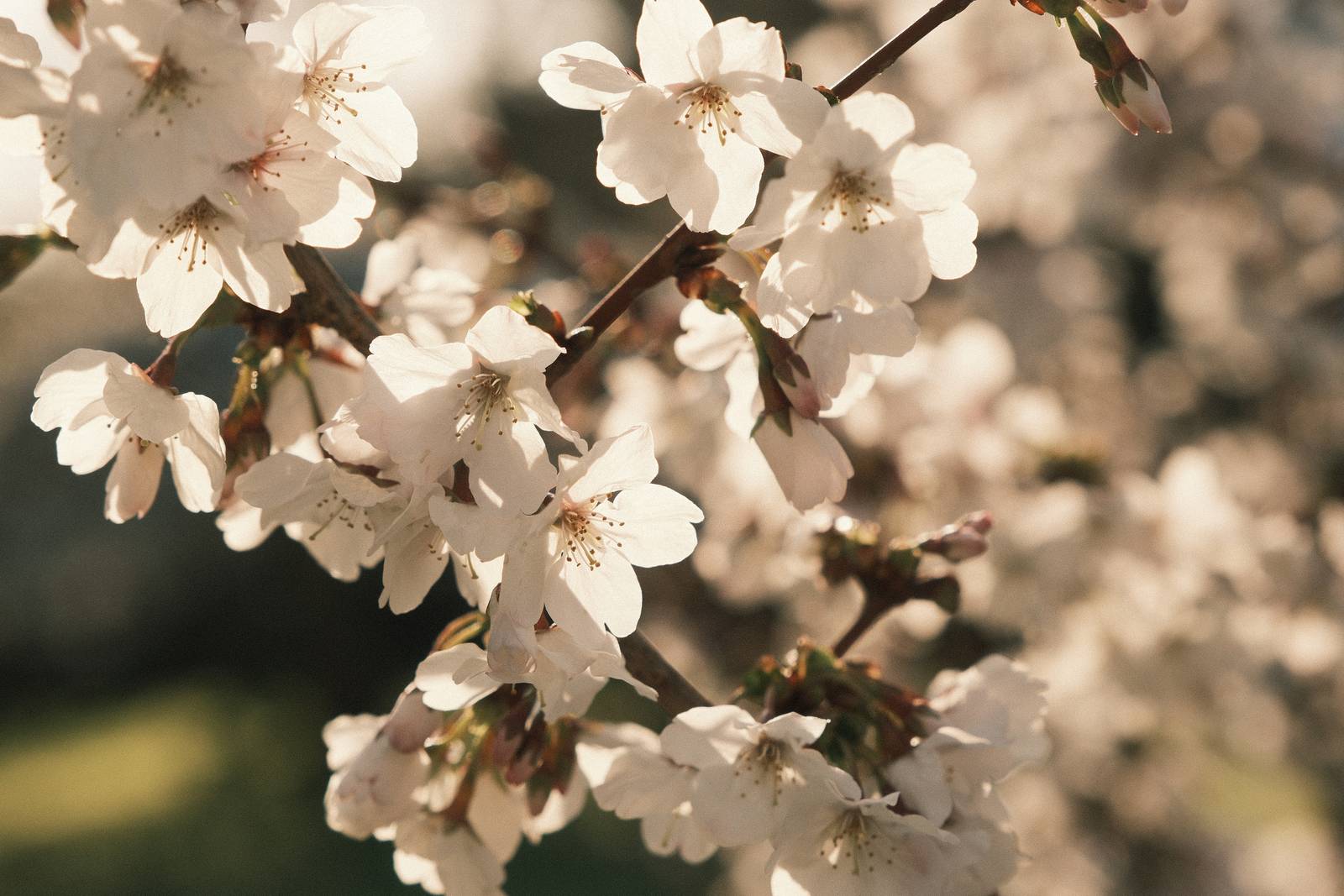
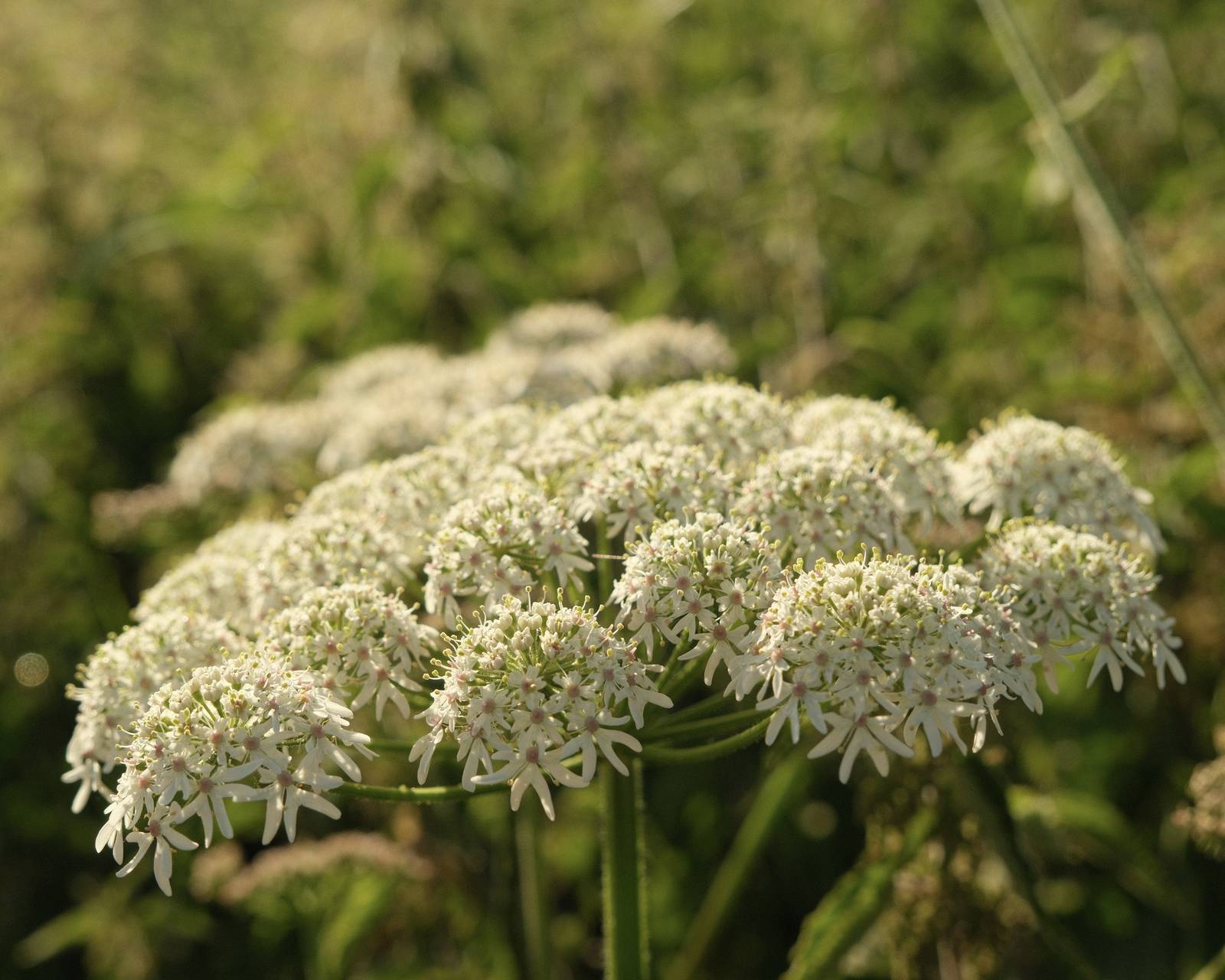
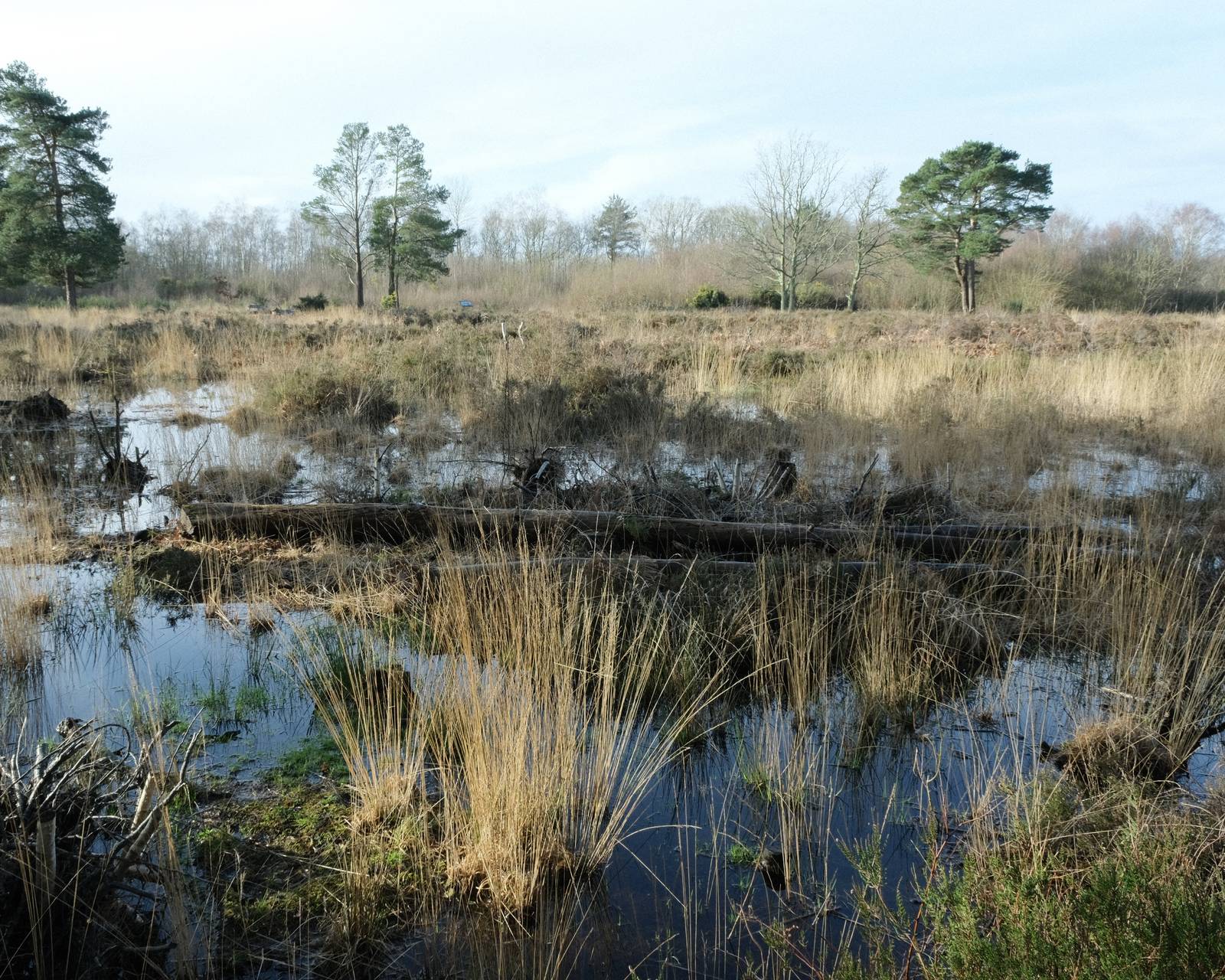
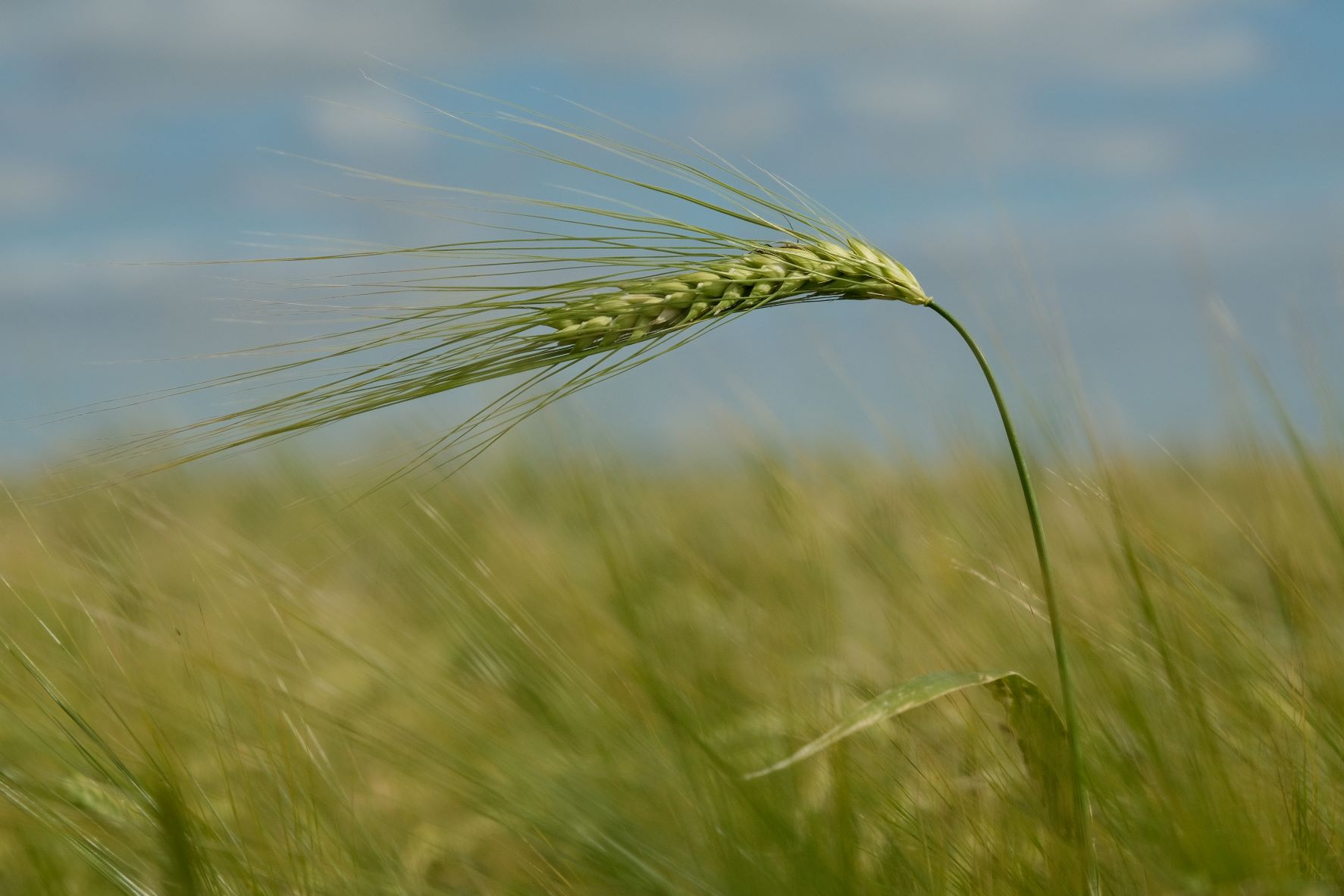
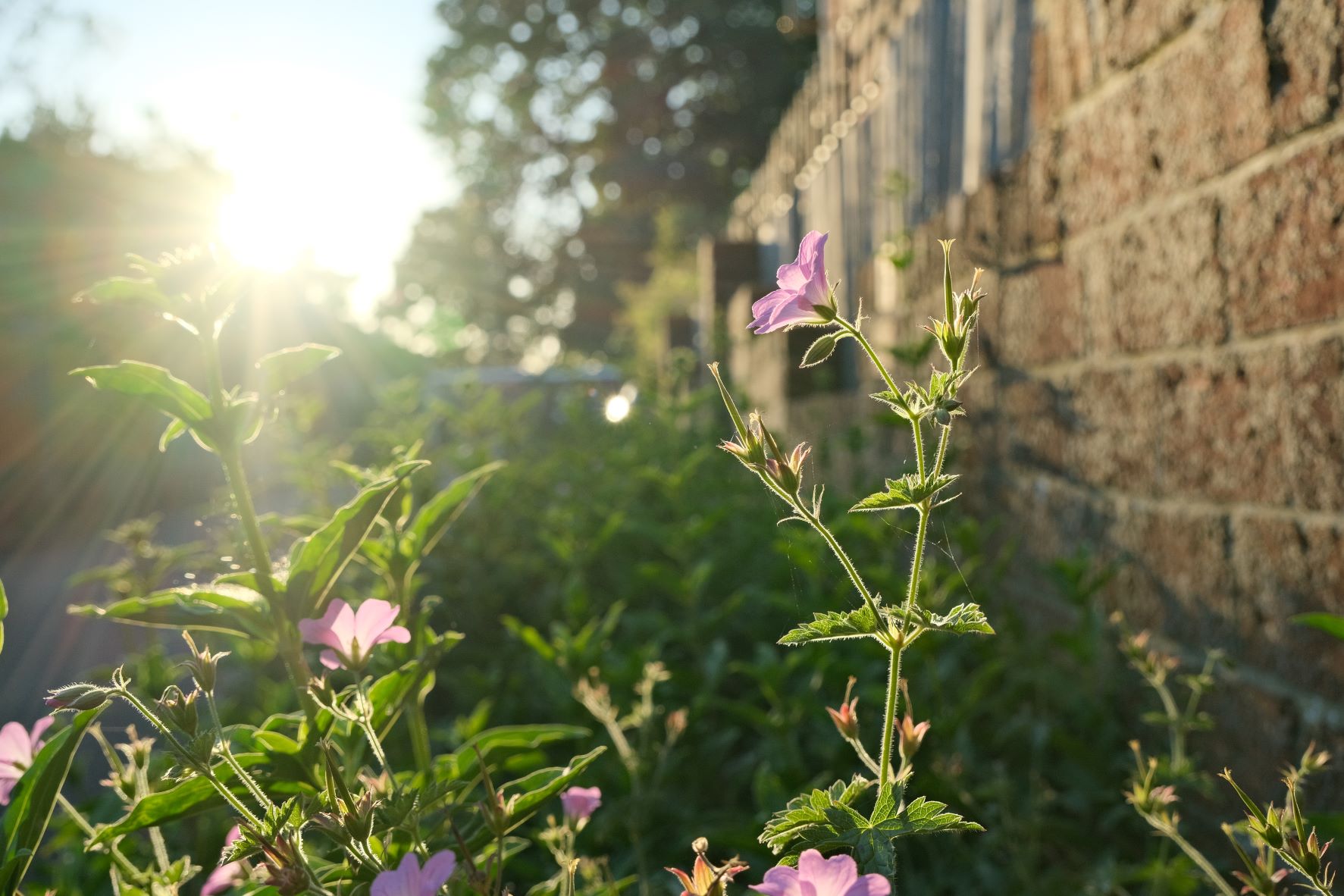
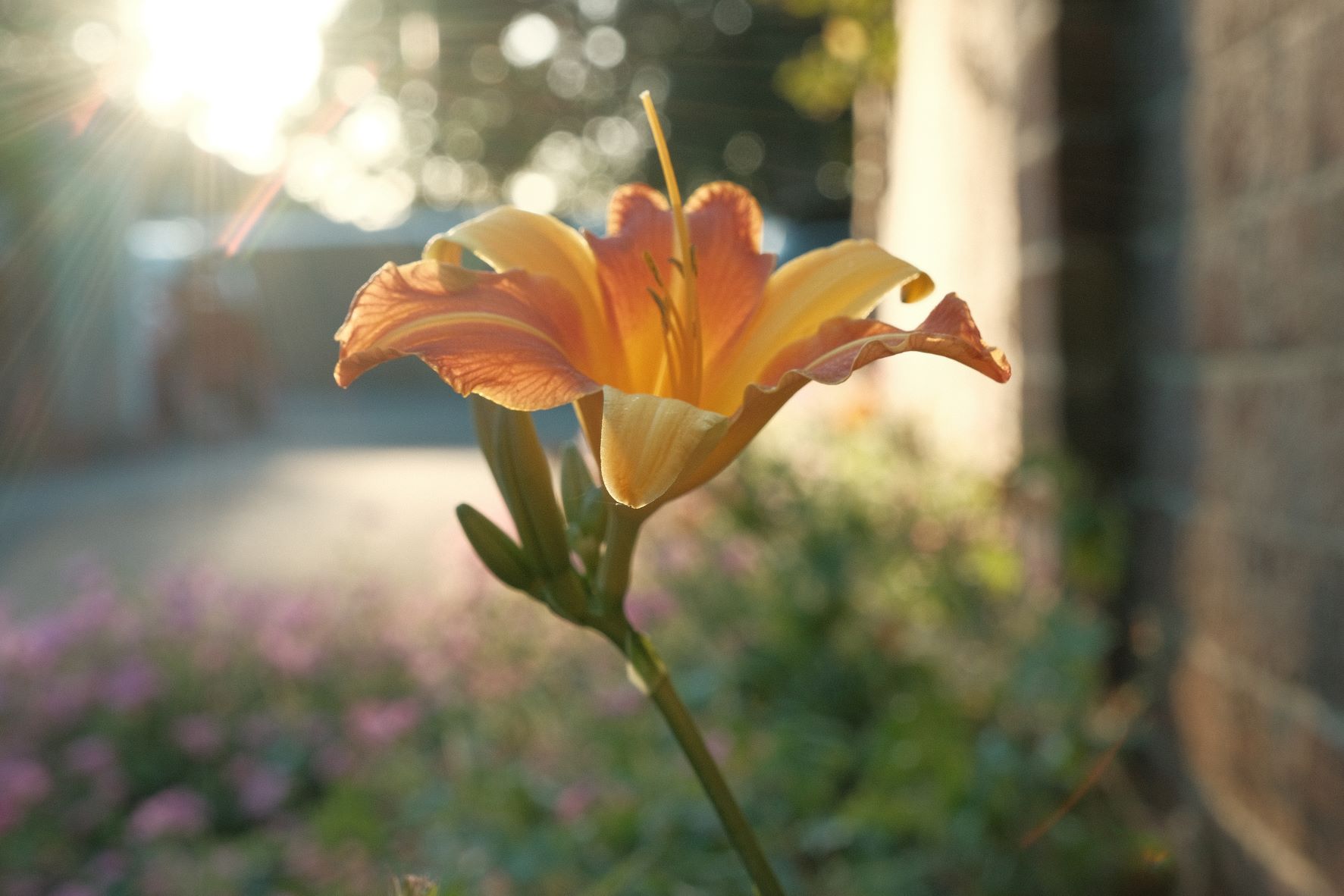
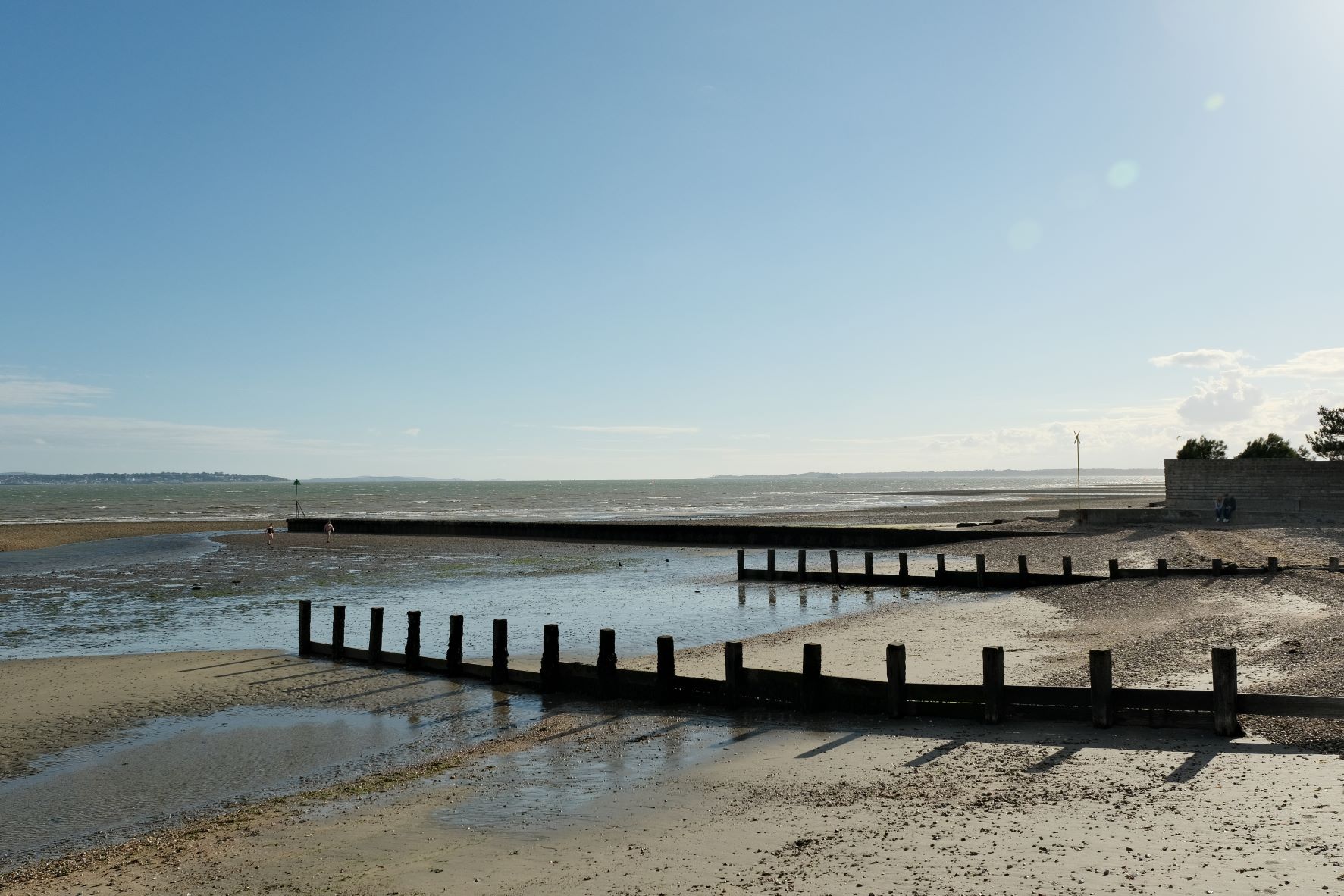
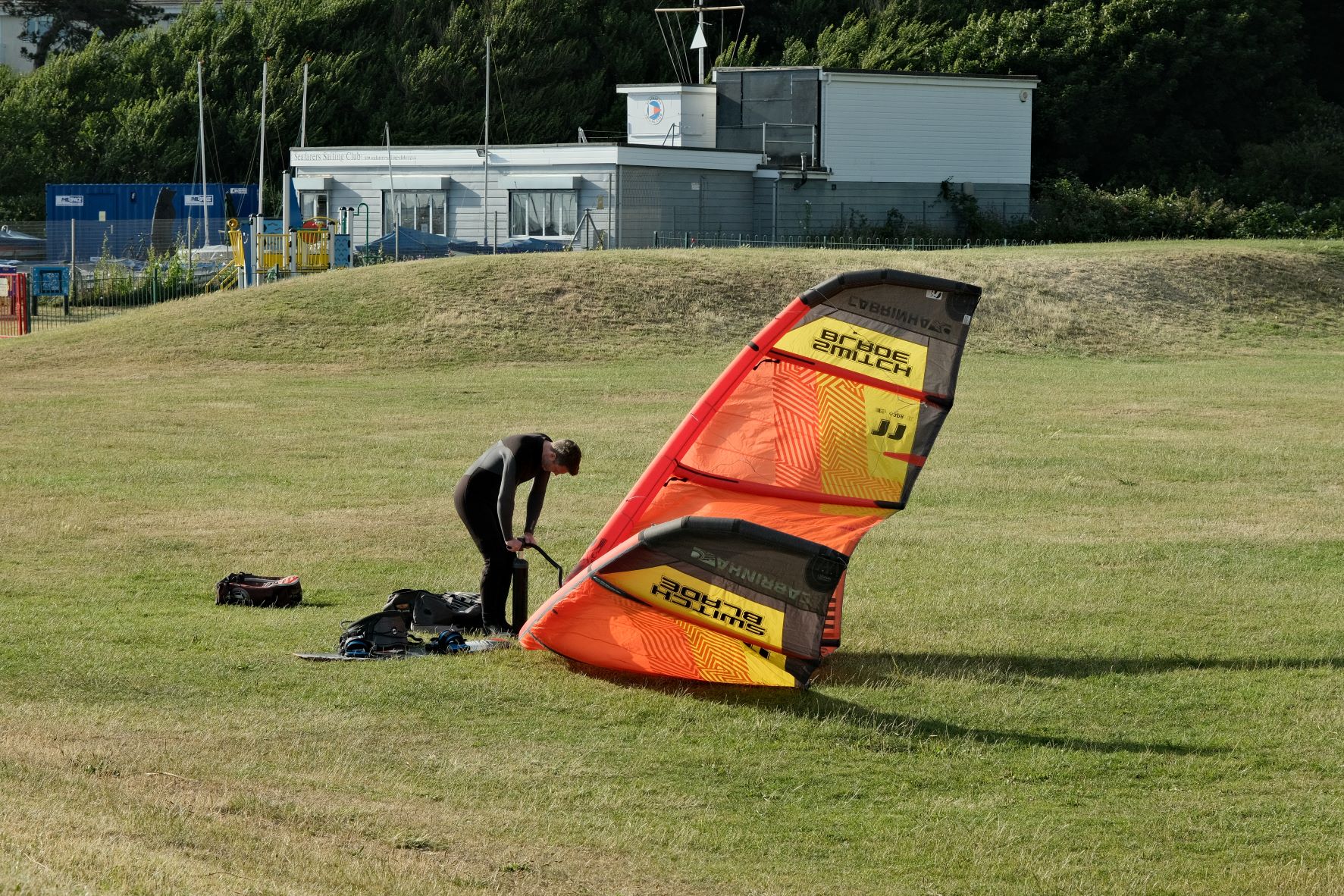
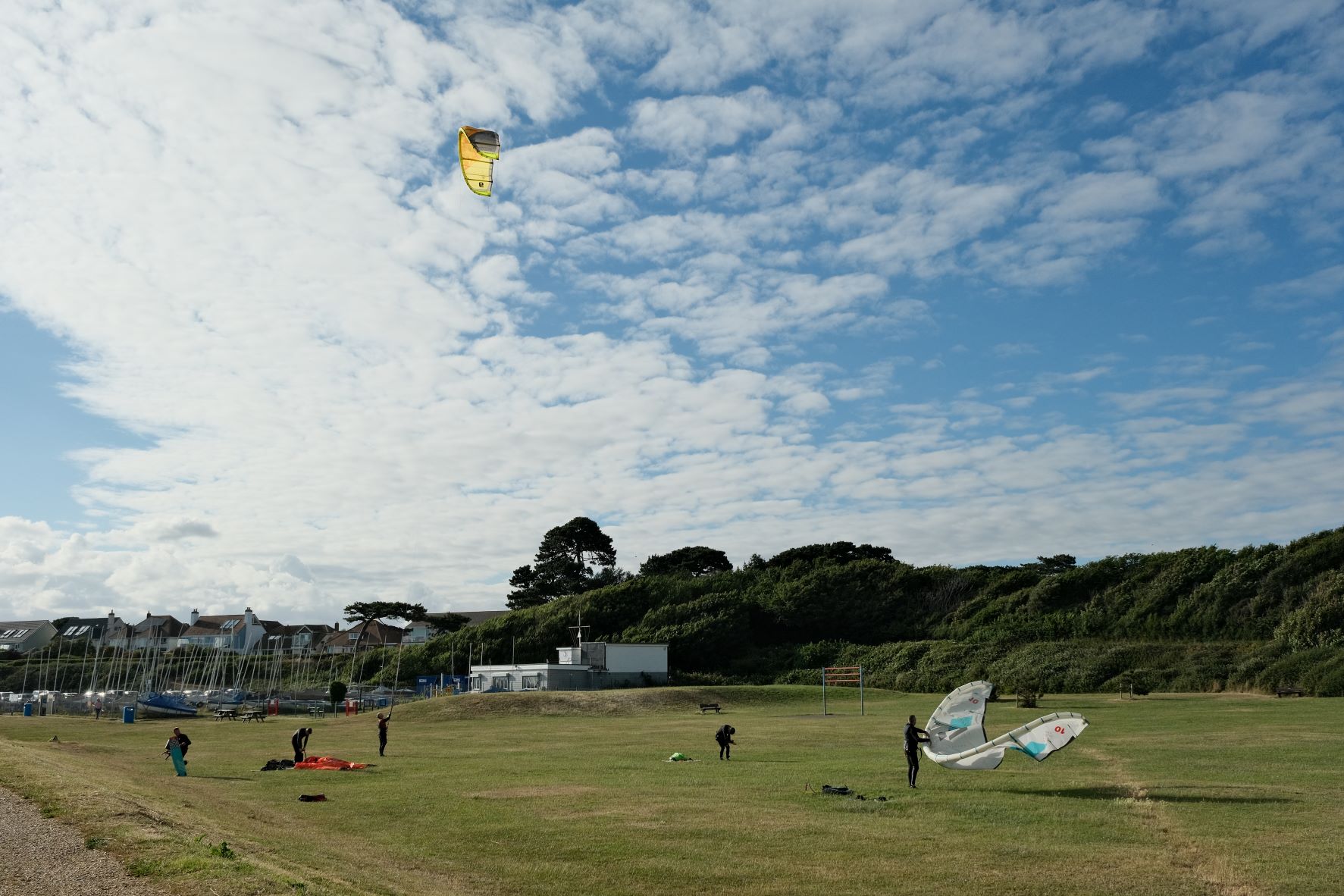
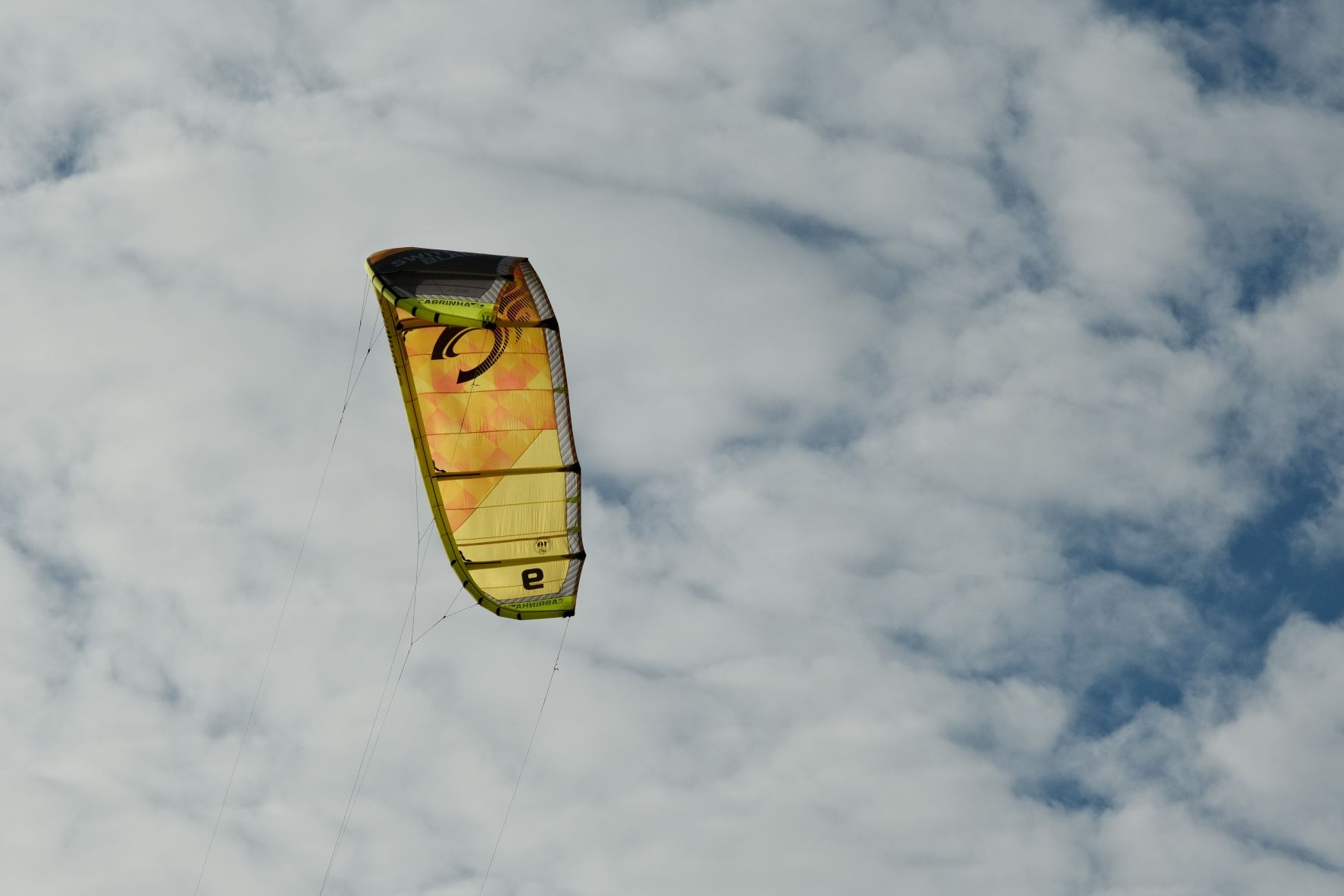
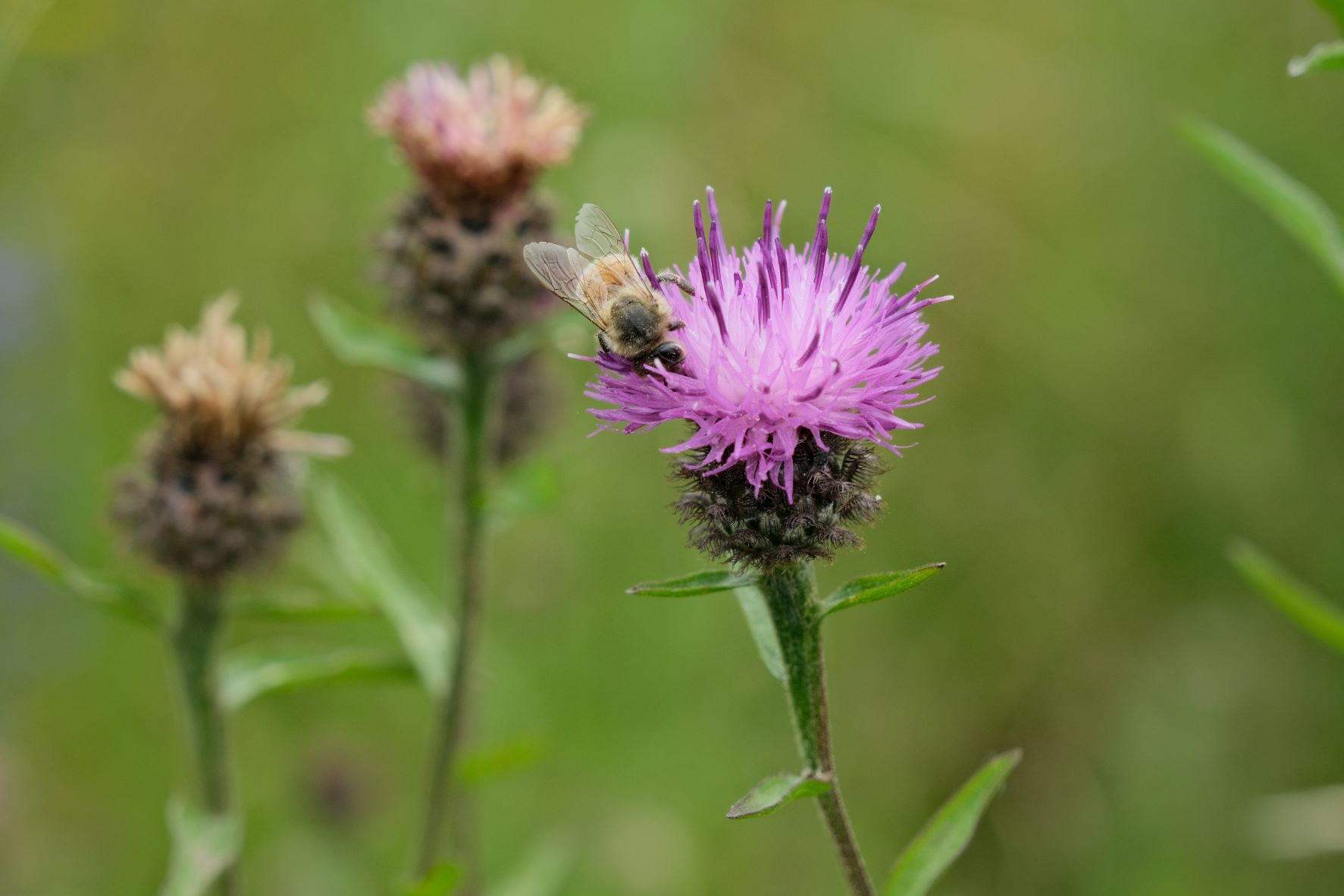
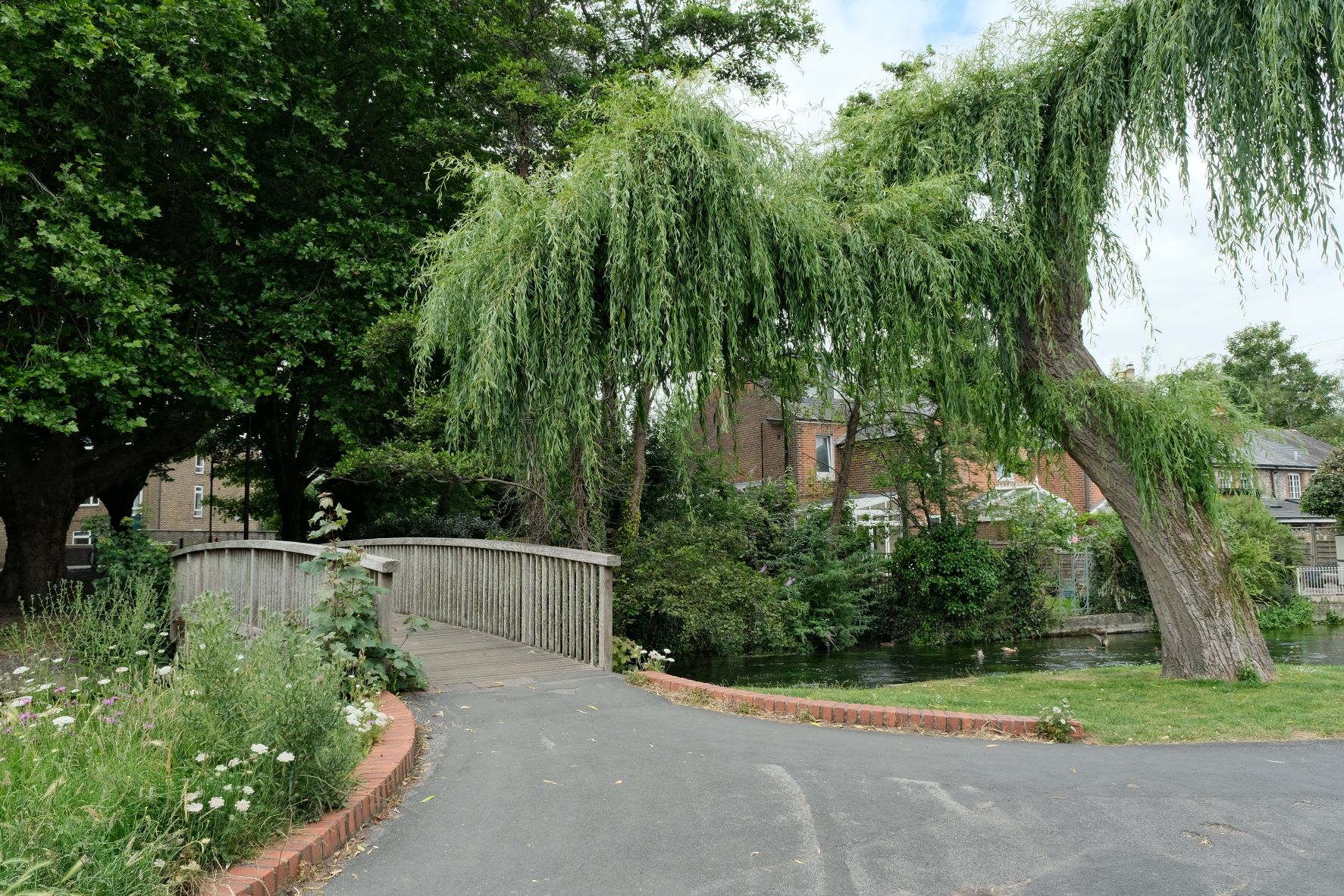
Lucky 13 Film Recipe: Sample Photos




Community Photos
Photos taken with the Lucky 13 film recipe by members of the Film Recipes community.
Photos by C Hakan Çuhadar



Using the Lucky 13 Film Recipe
Each film simulation recipe has its own character and style. These features mean recipes are more suited to certain situations, or when seeking a particular look. Here are the categories that Lucky 13 has been tagged with.