


Provia Natura
Provia Natura, a Versatile Natural Look
A go anywhere, do everything film recipe using Provia film simulation
Fujifilm X-series cameras are well known for their film simulations which bring film like looks with nostalgic tone to your photography. Sometimes forgotten is the wonderful image quality associated with the default simulation, Provia.
Provia was designed to be as useful as possible across the widest range of situations, and as such, it produces wonderfully natural images which aren’t styled in a nostalgic fashion, but are still identifiably Fujifilm in appearance.
In this recipe, there are subtle changes from the base simulation in terms of tone and saturation, and a subtle but unique colour pallete from the use of a fluorescent compensating white balance. This, along with the color chrome effects produce a new feel, but whilst retaining a natural color balance and the flexibility and all round usefulness of Provia.
Provia Natura Film Recipe Settings
| Film Simulation | Provia/Standard |
| Grain Effect | Weak, Large |
| Col. Chr. Effect | Weak |
| Col. Chr. Blue | Strong |
| White Balance | Fluorescent 1, ‑5 Red, 0 Blue |
| Dynamic Range | DR200 |
| Highlights | ‑1 |
| Shadows | ‑1 |
| Colour | ‑2 |
| Sharpness | 0 |
| ISO N.R. | ‑4 |
| Clarity | 0 |
| EV Comp. | 0 |
Similar Recipes
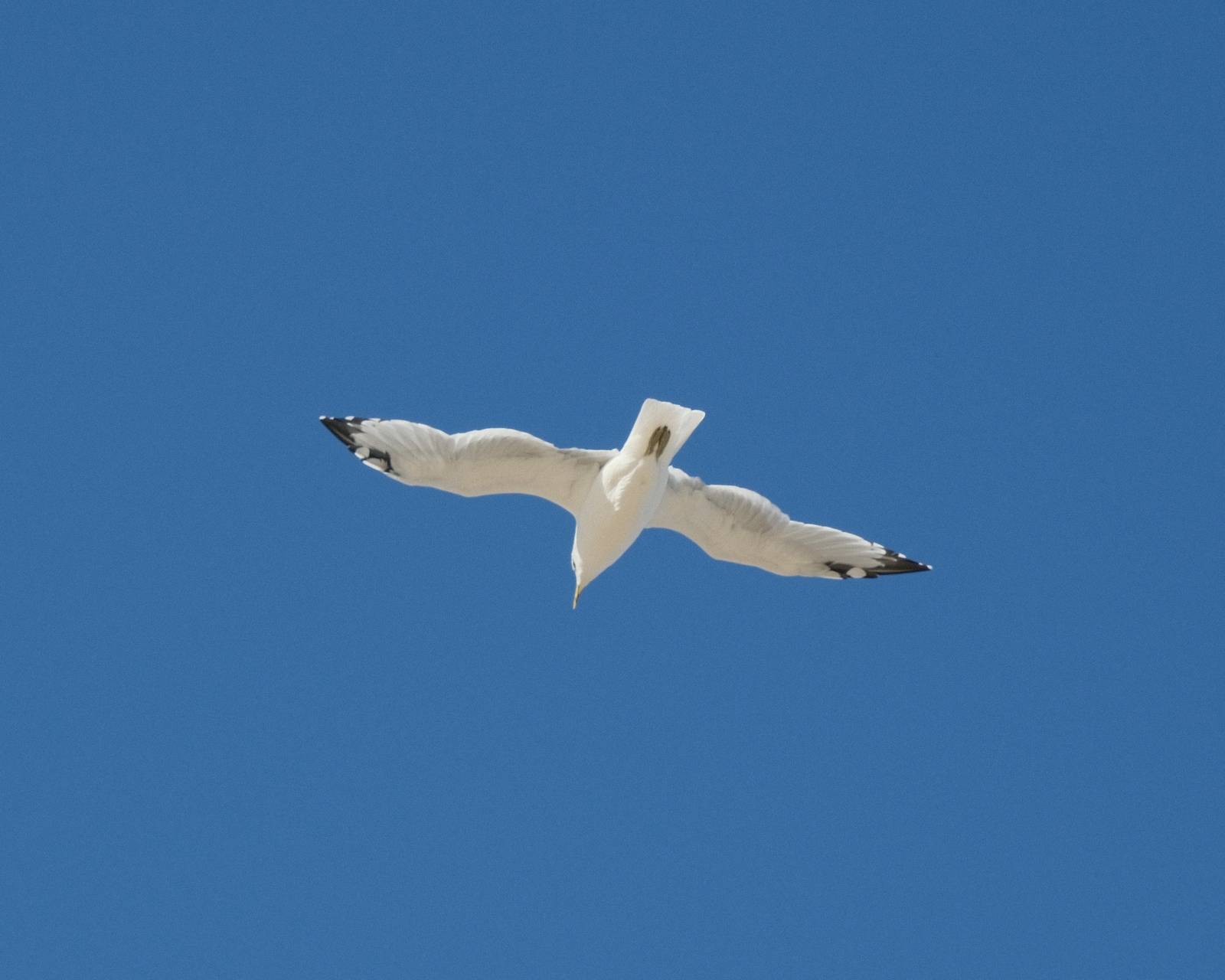
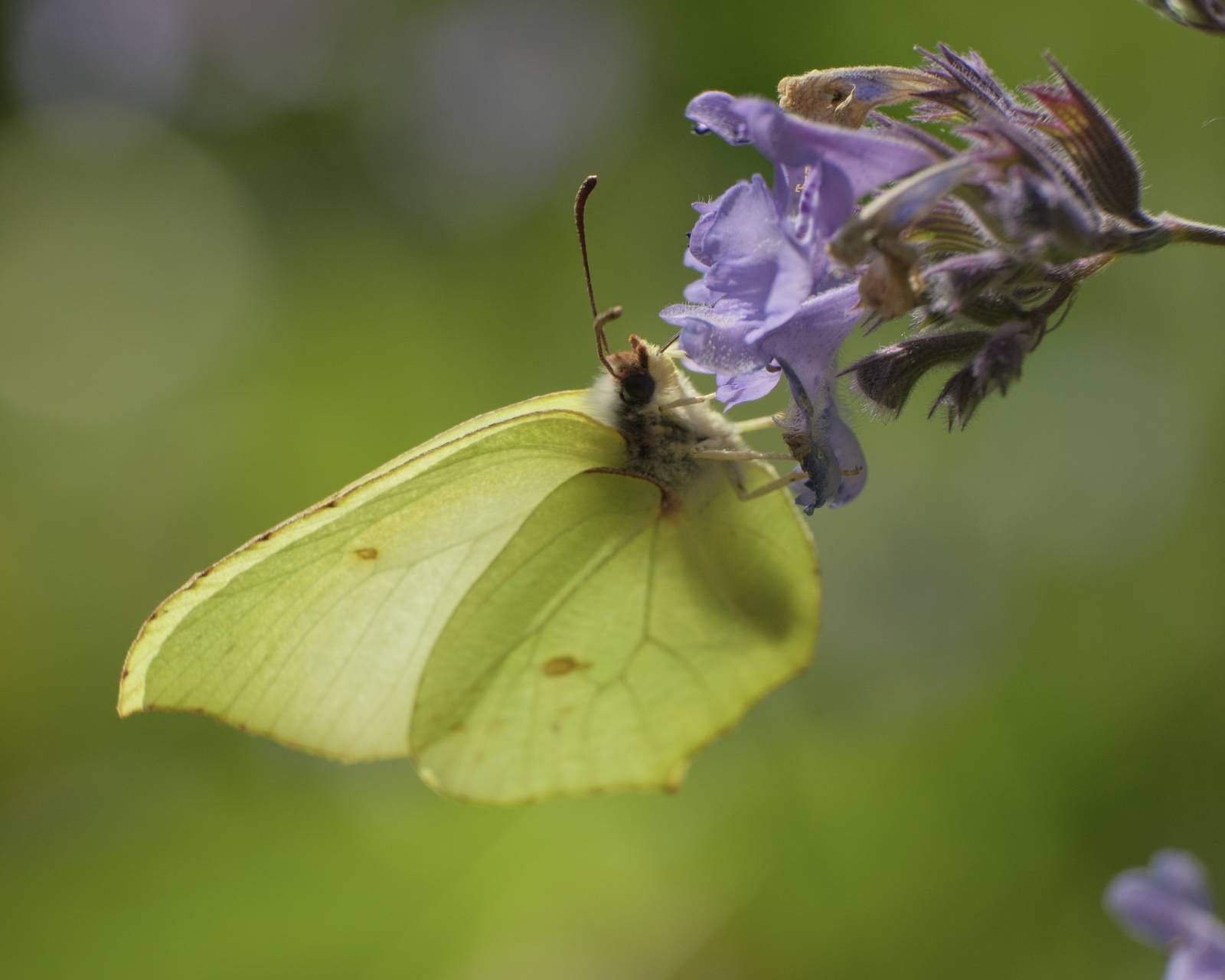
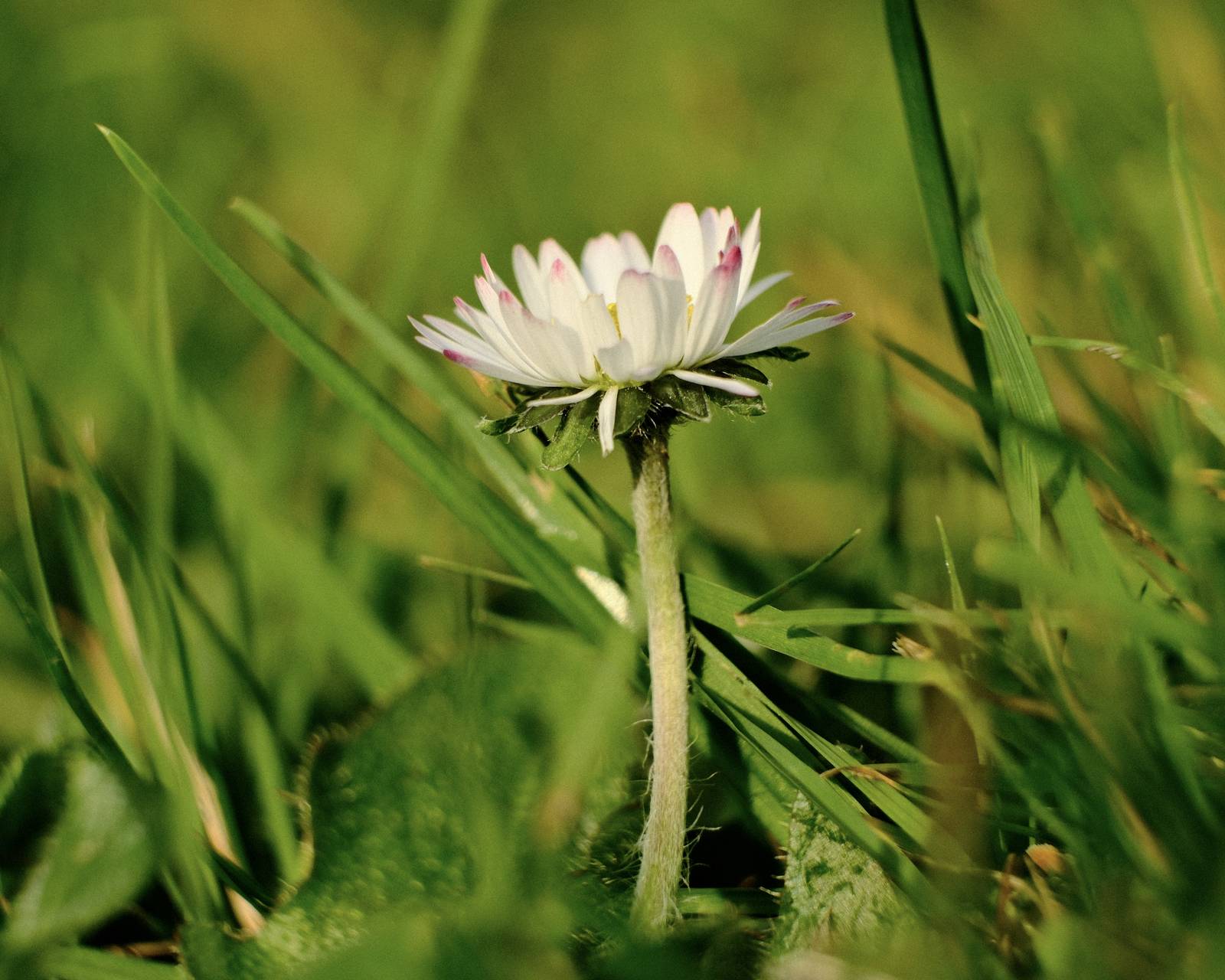
More similar recipes, and hundreds more exclusive looks, are available in the Film Recipes App.

Get the Film Recipes App
Rolling activity feed — see what’s trending in the app


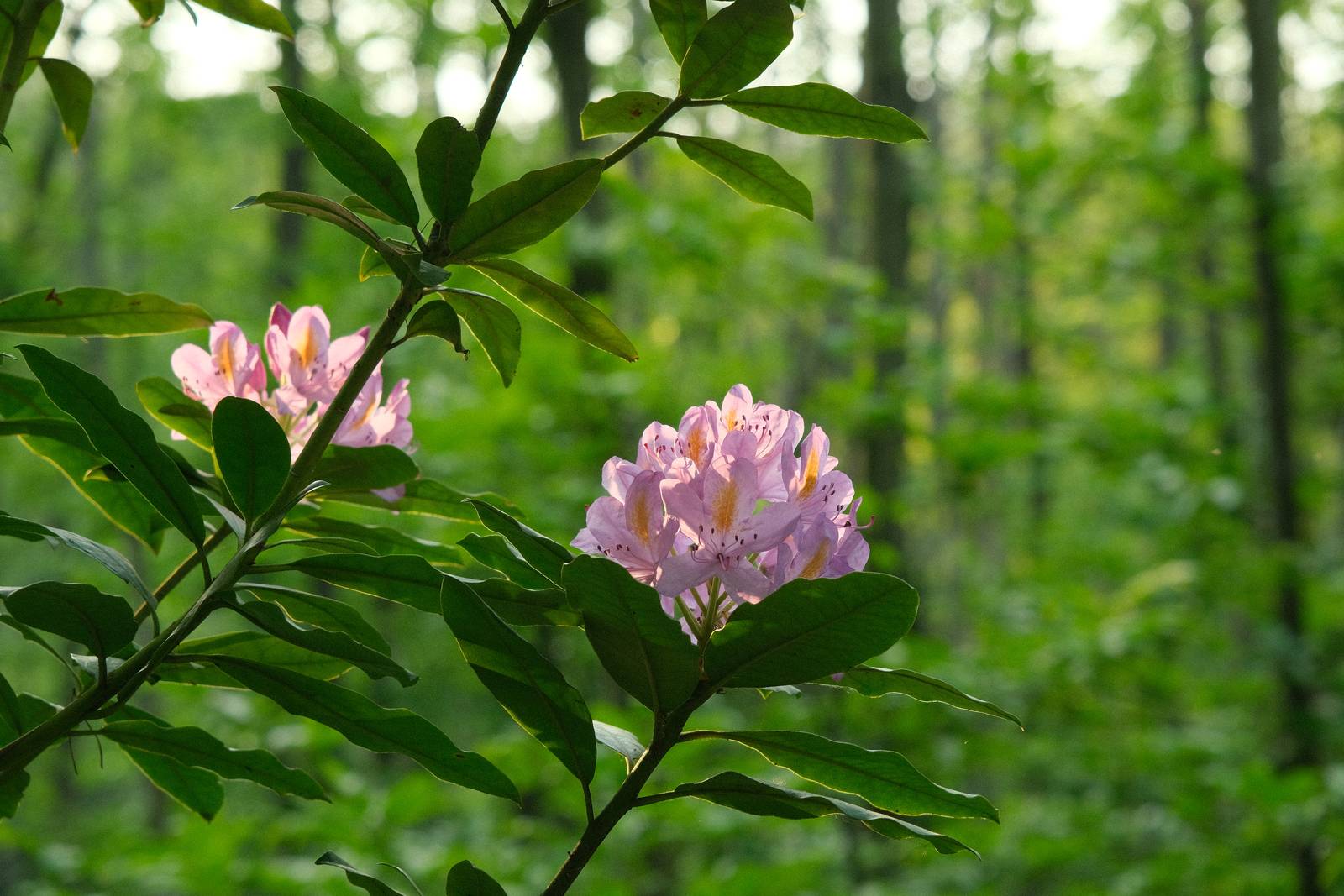
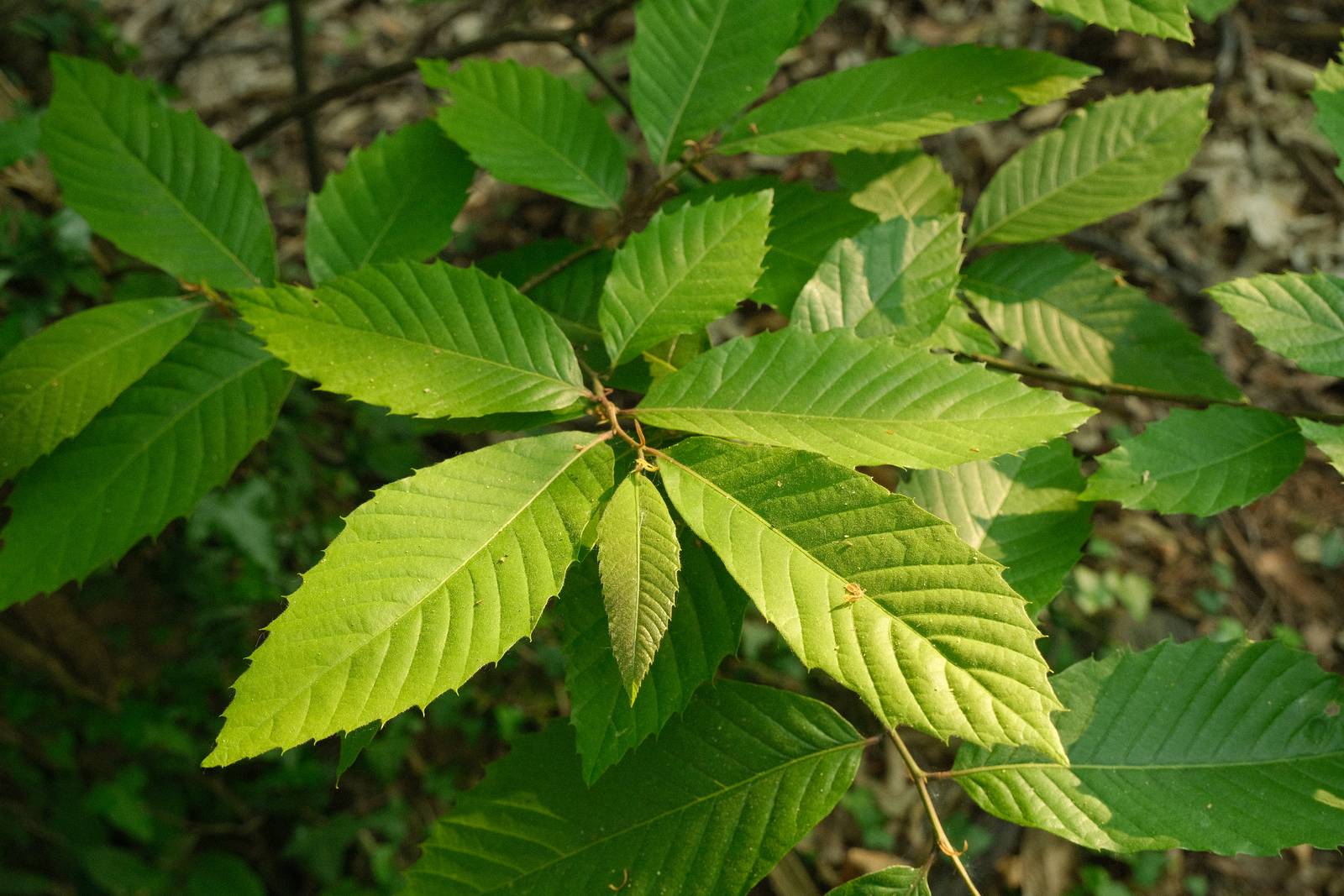
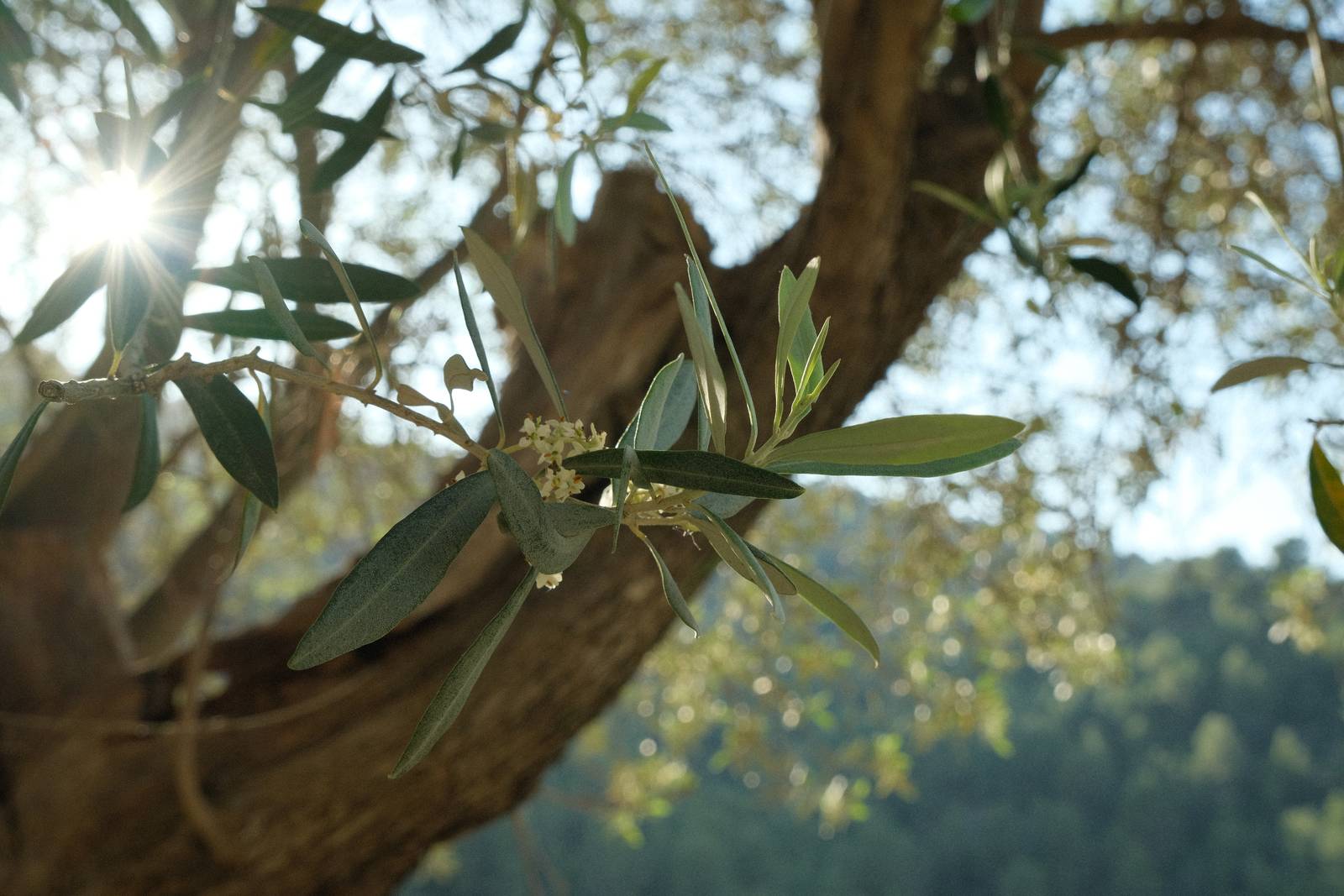
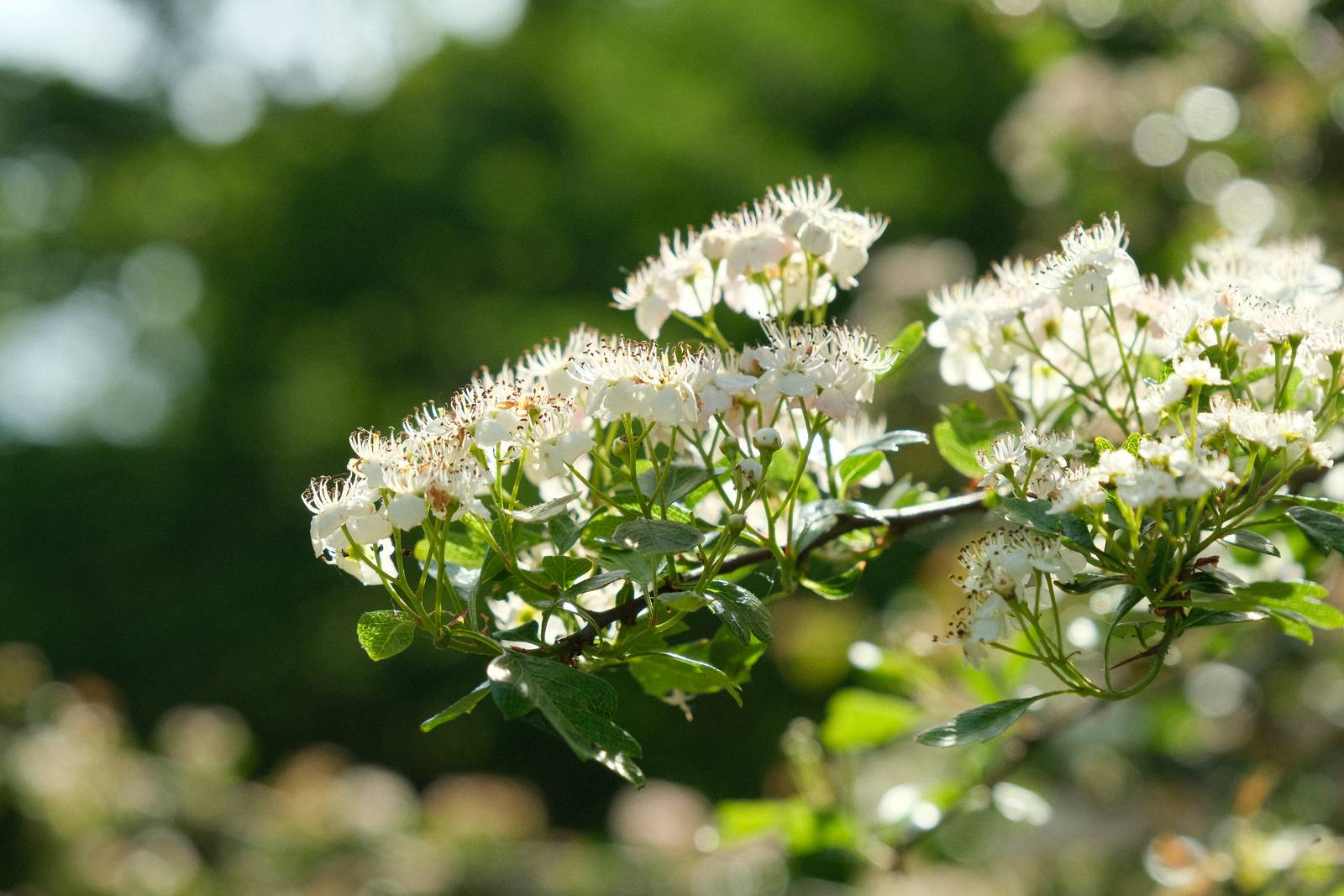
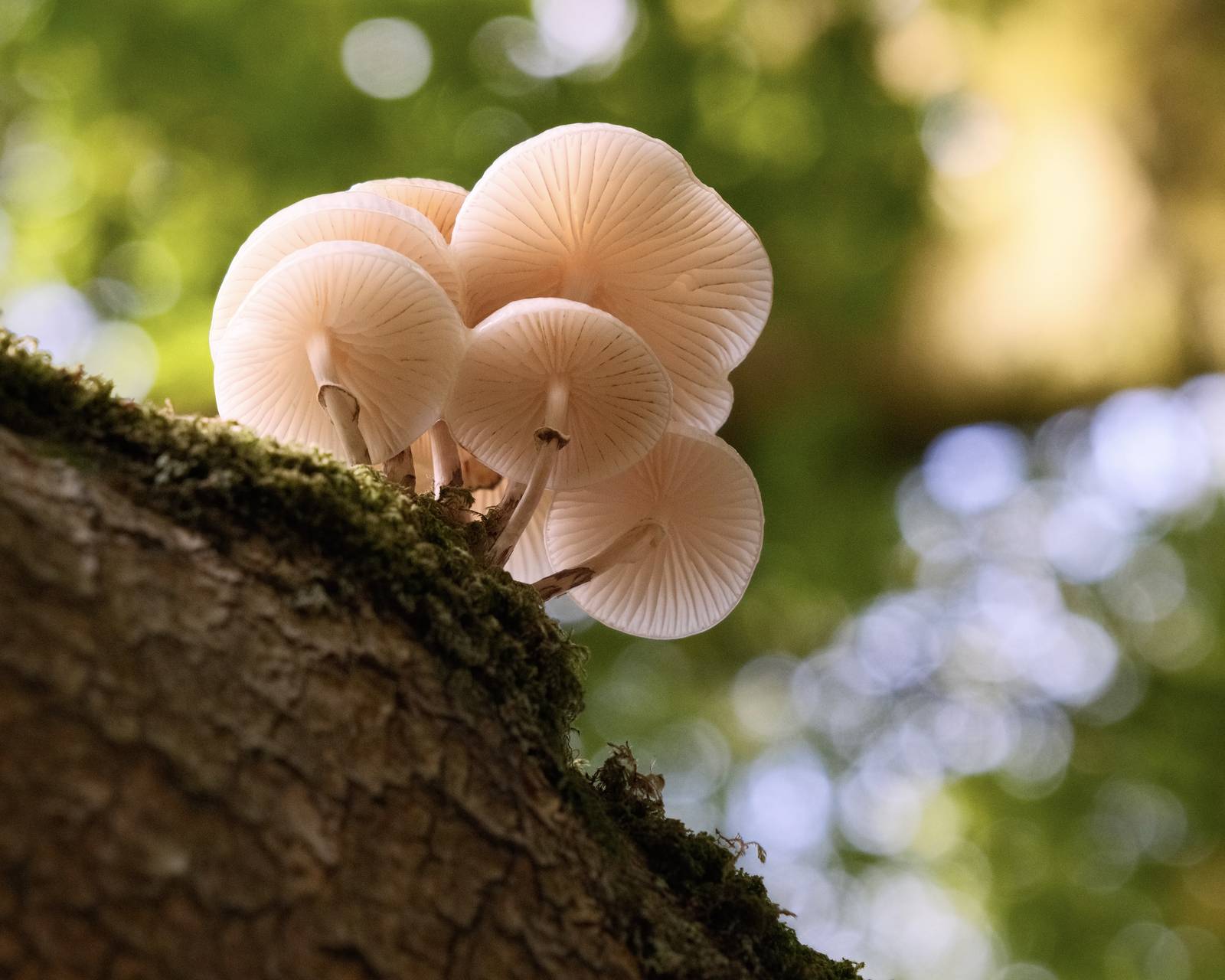
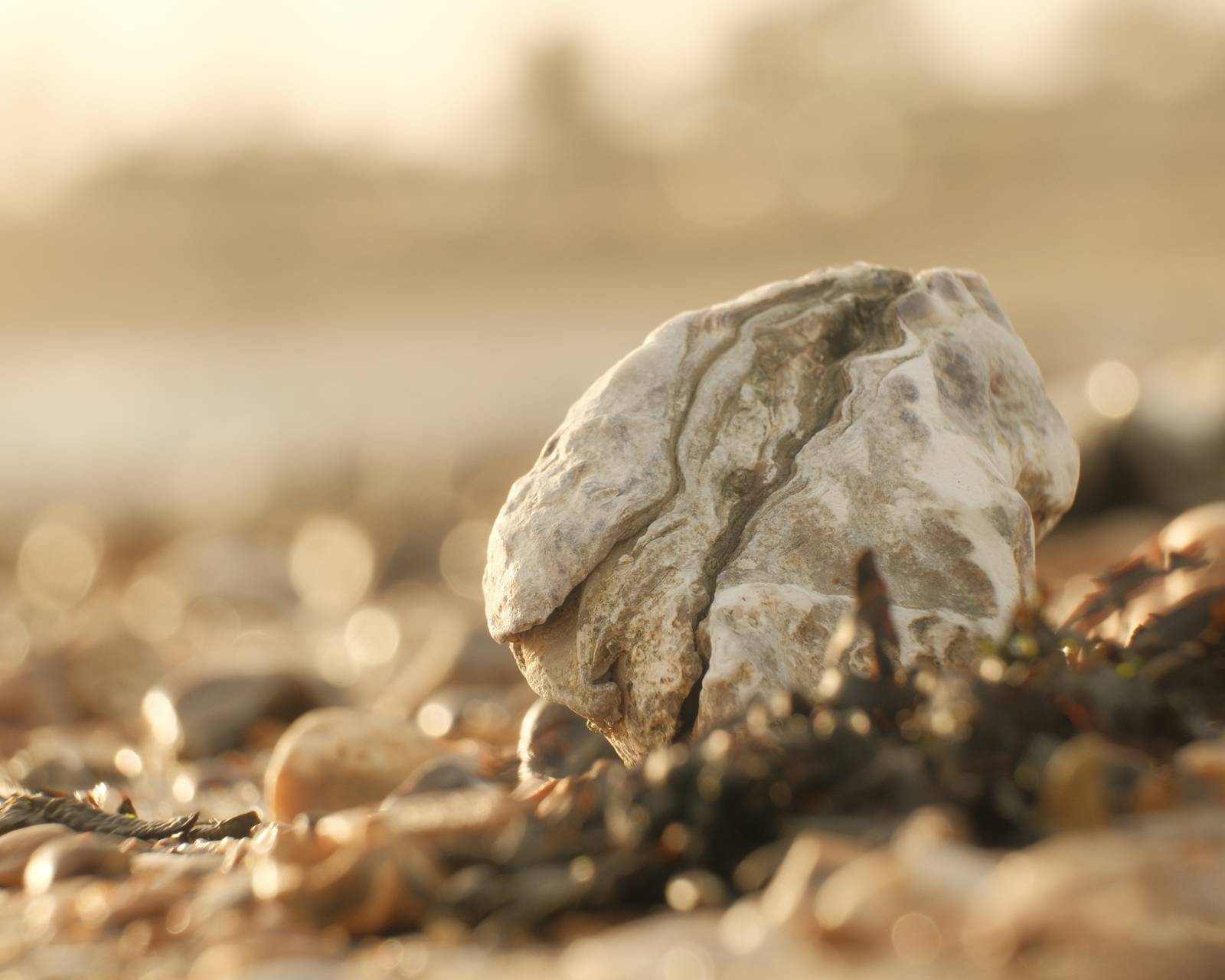
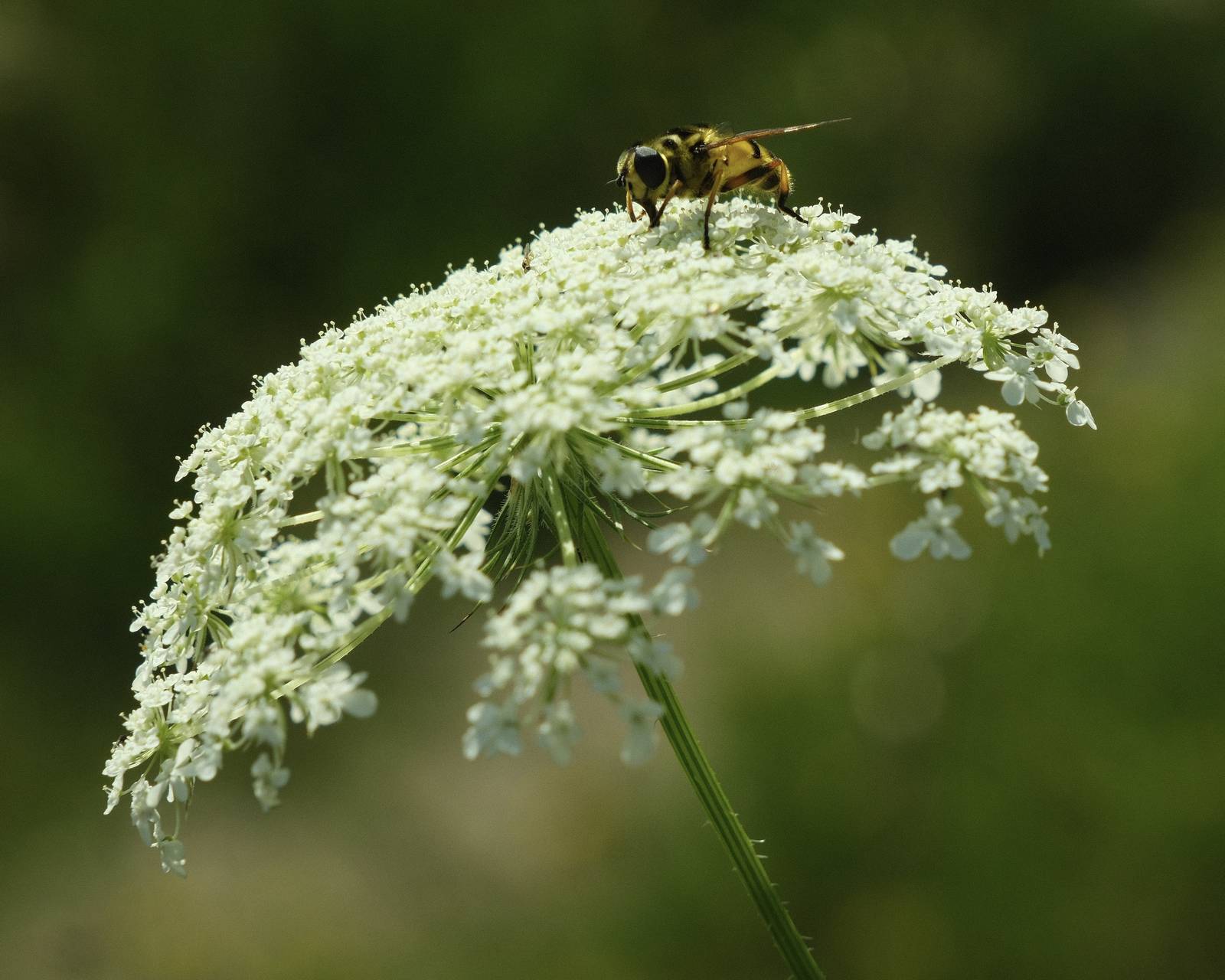
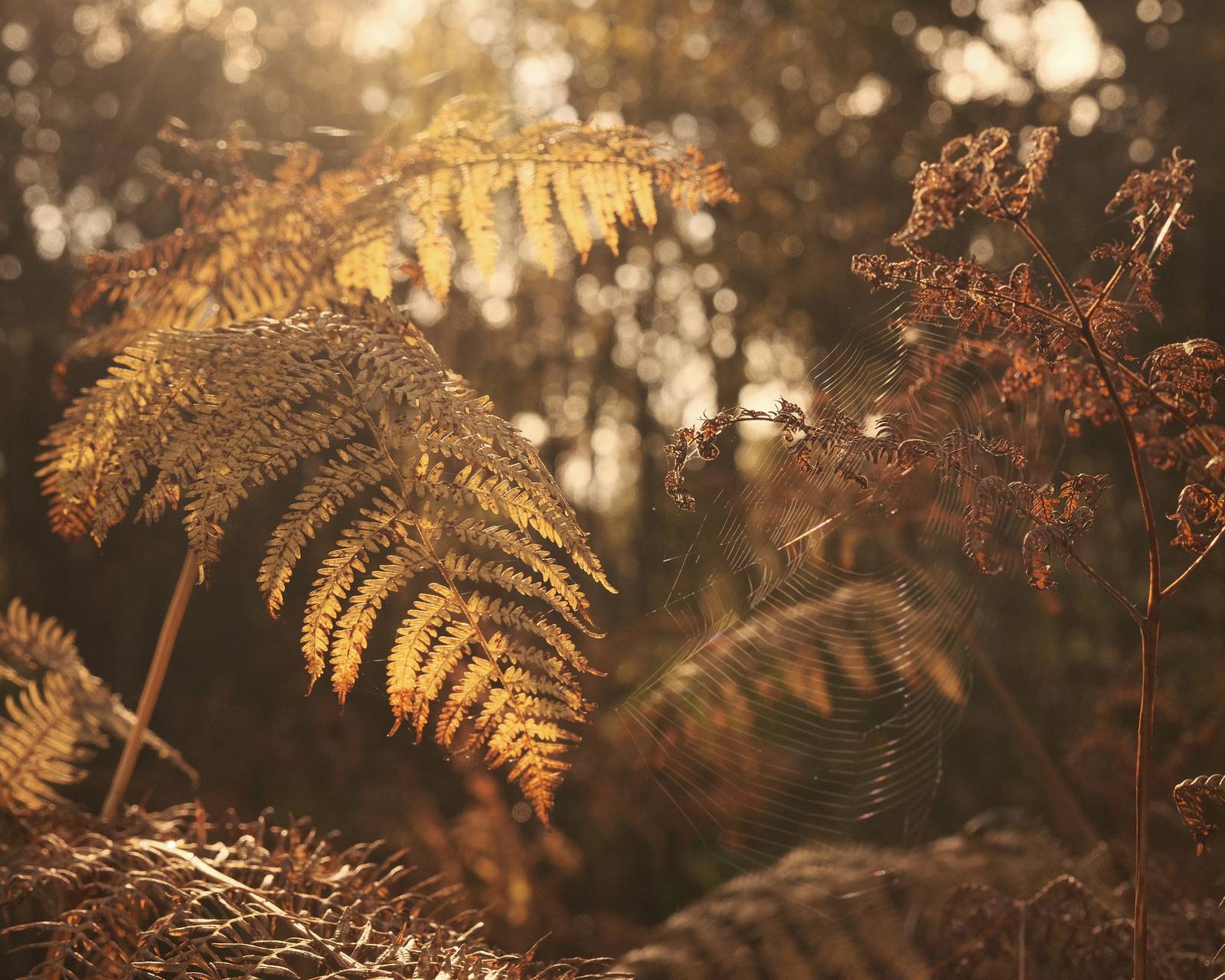
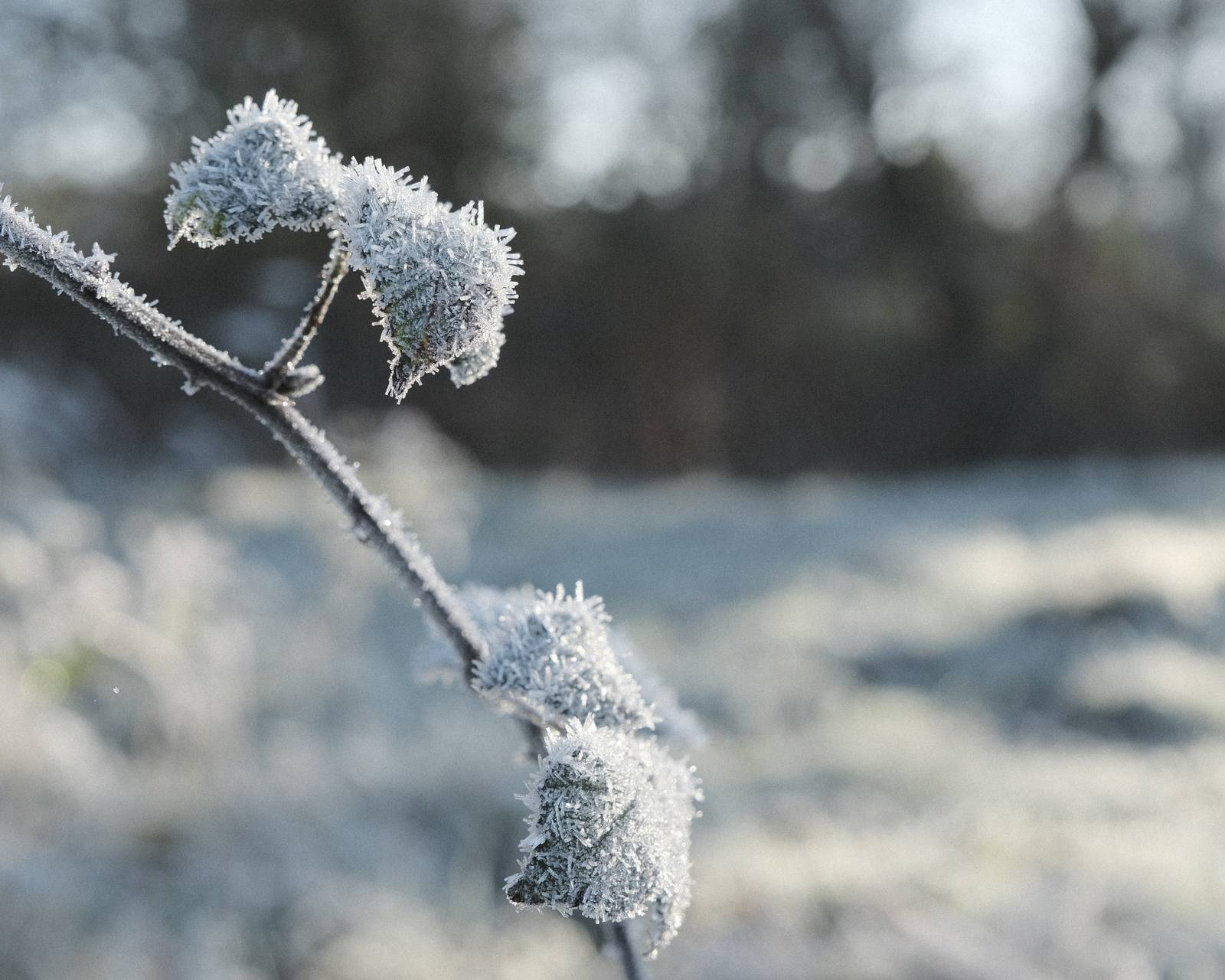
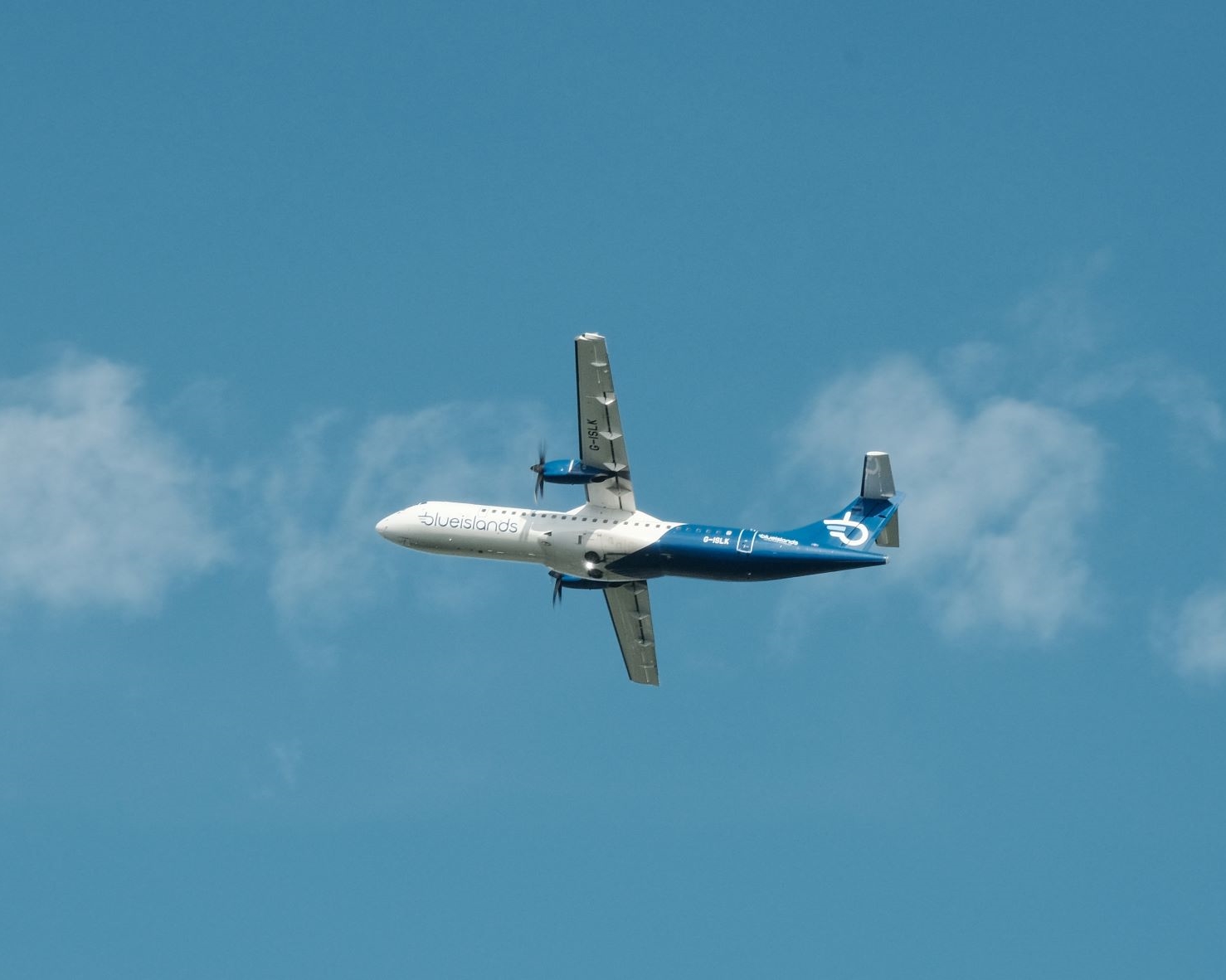
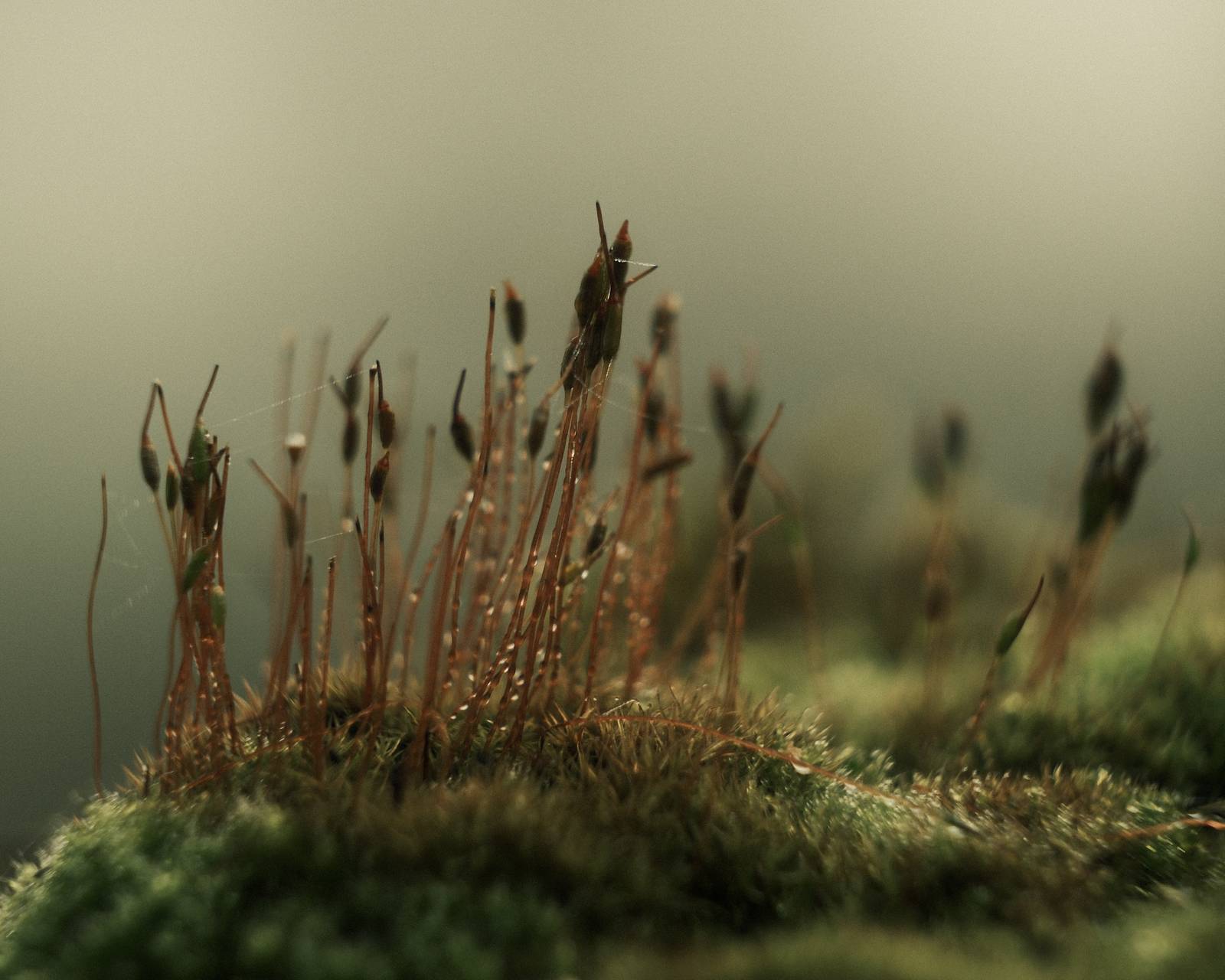
Provia Natura Film Recipe: Sample Photos

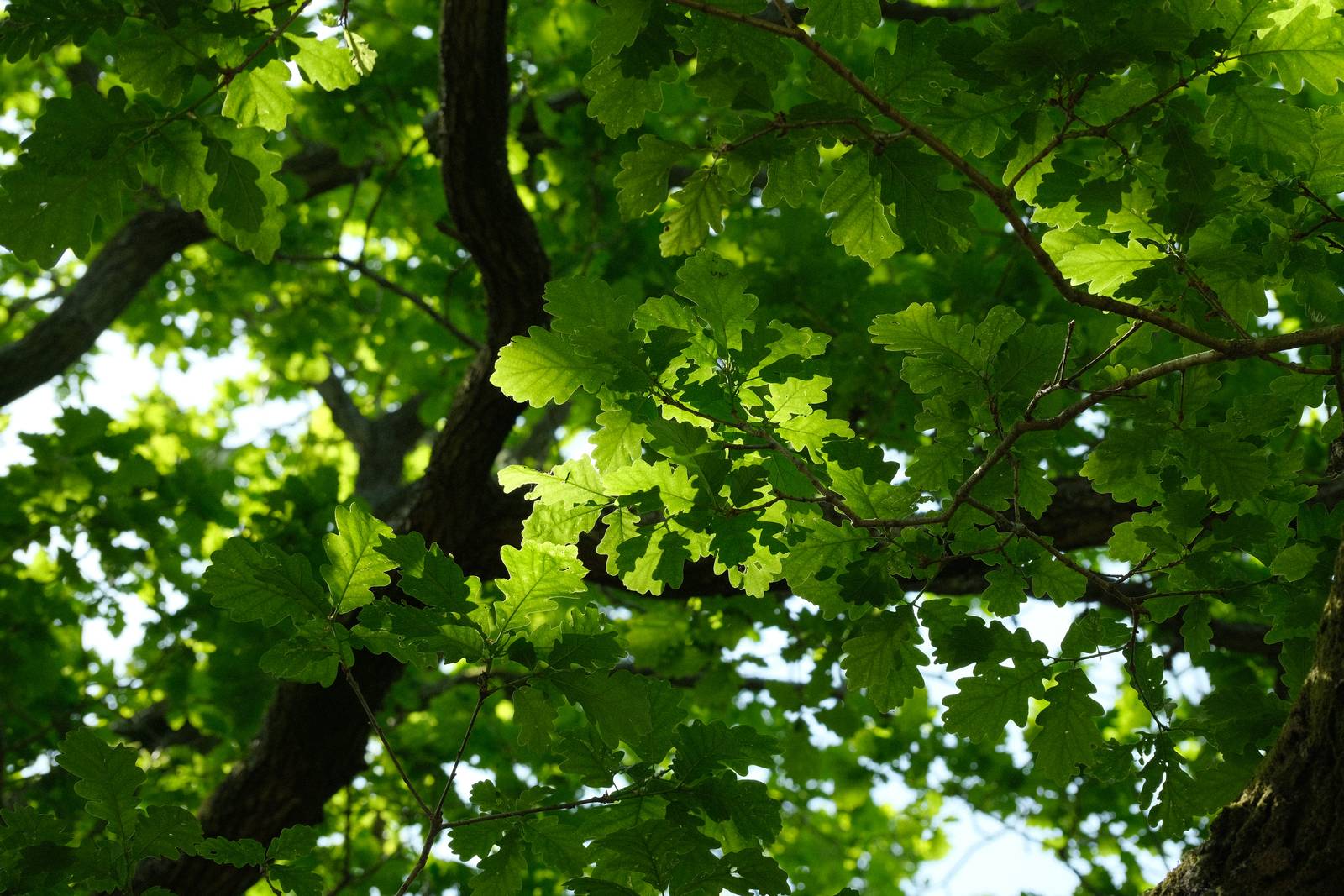
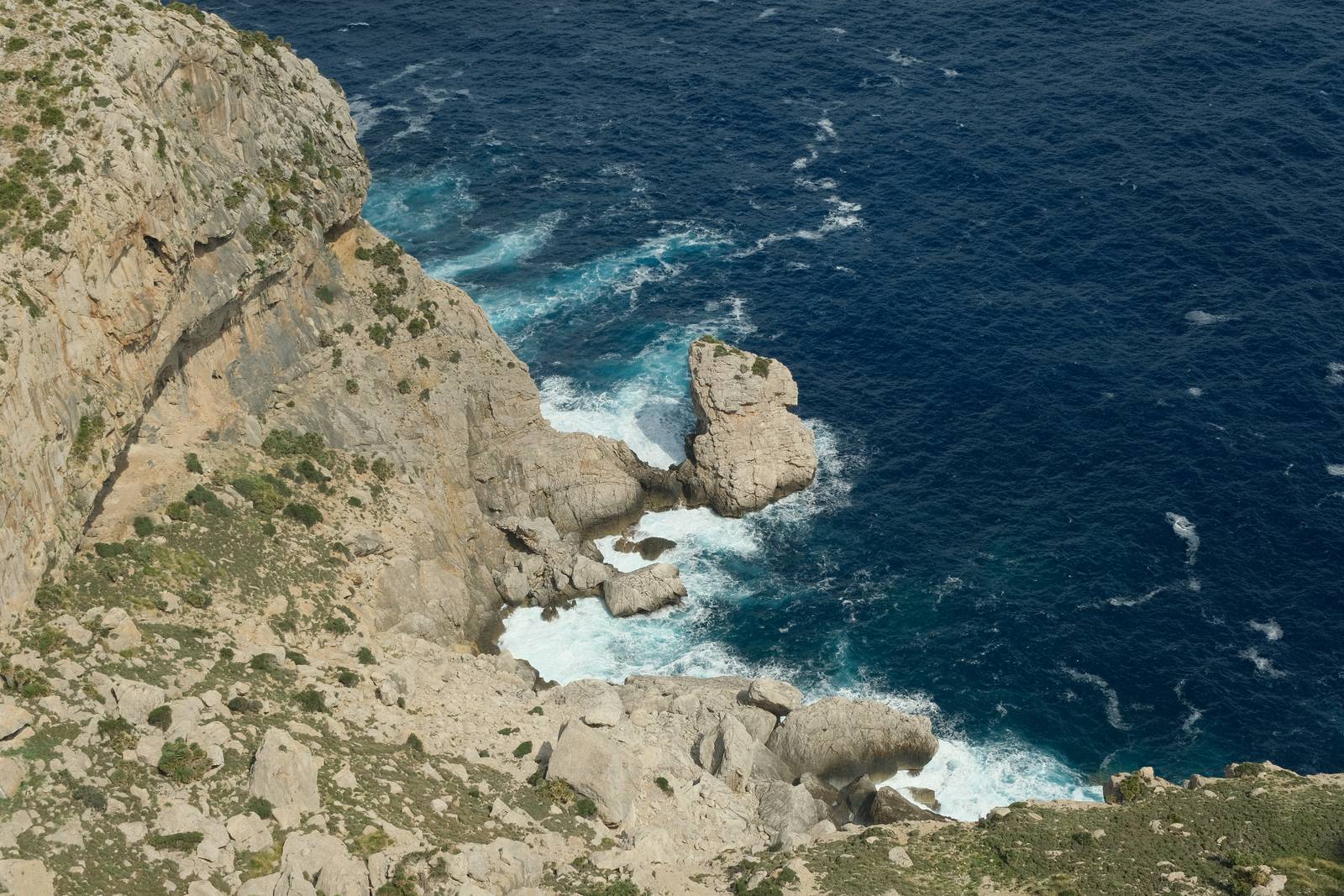

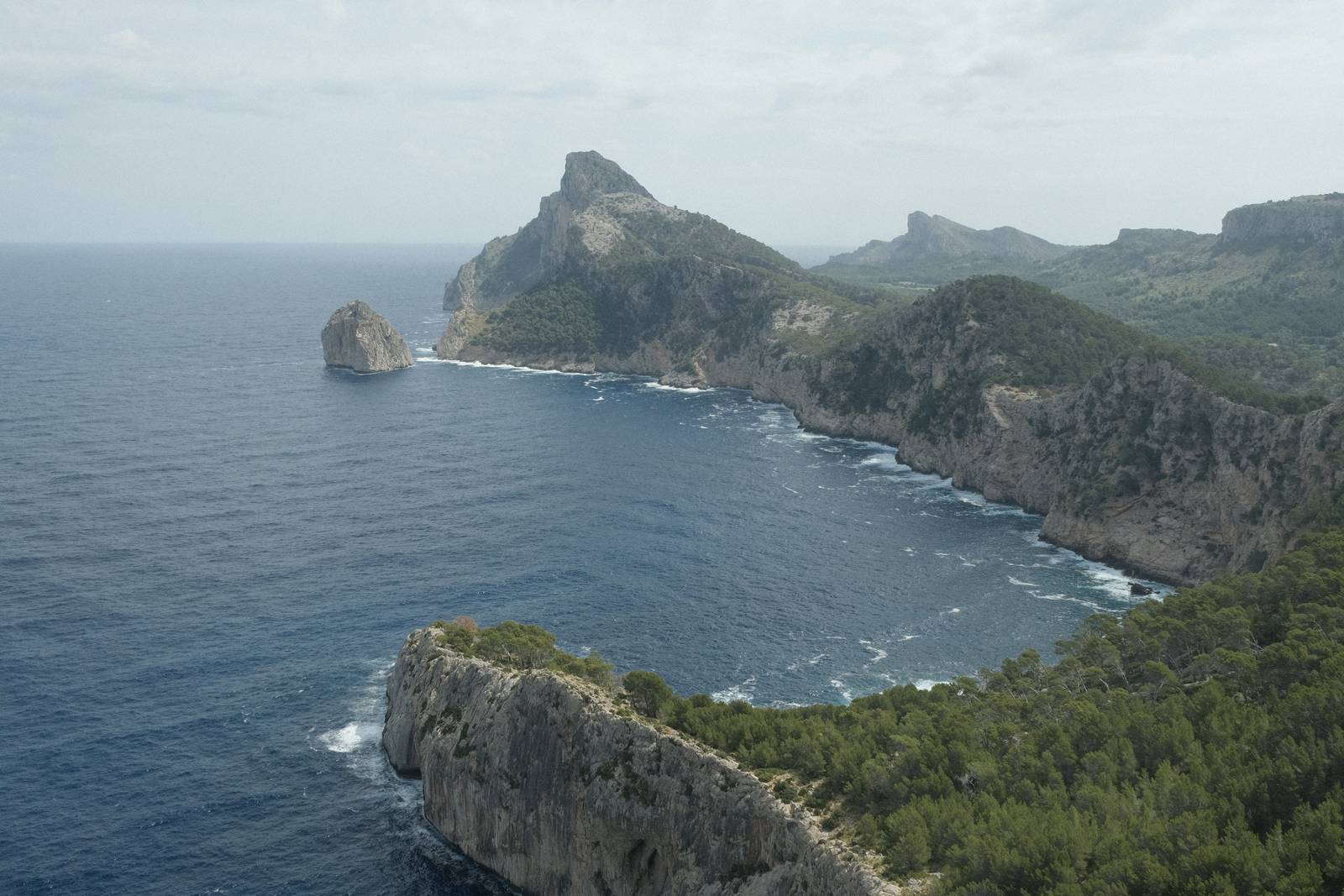
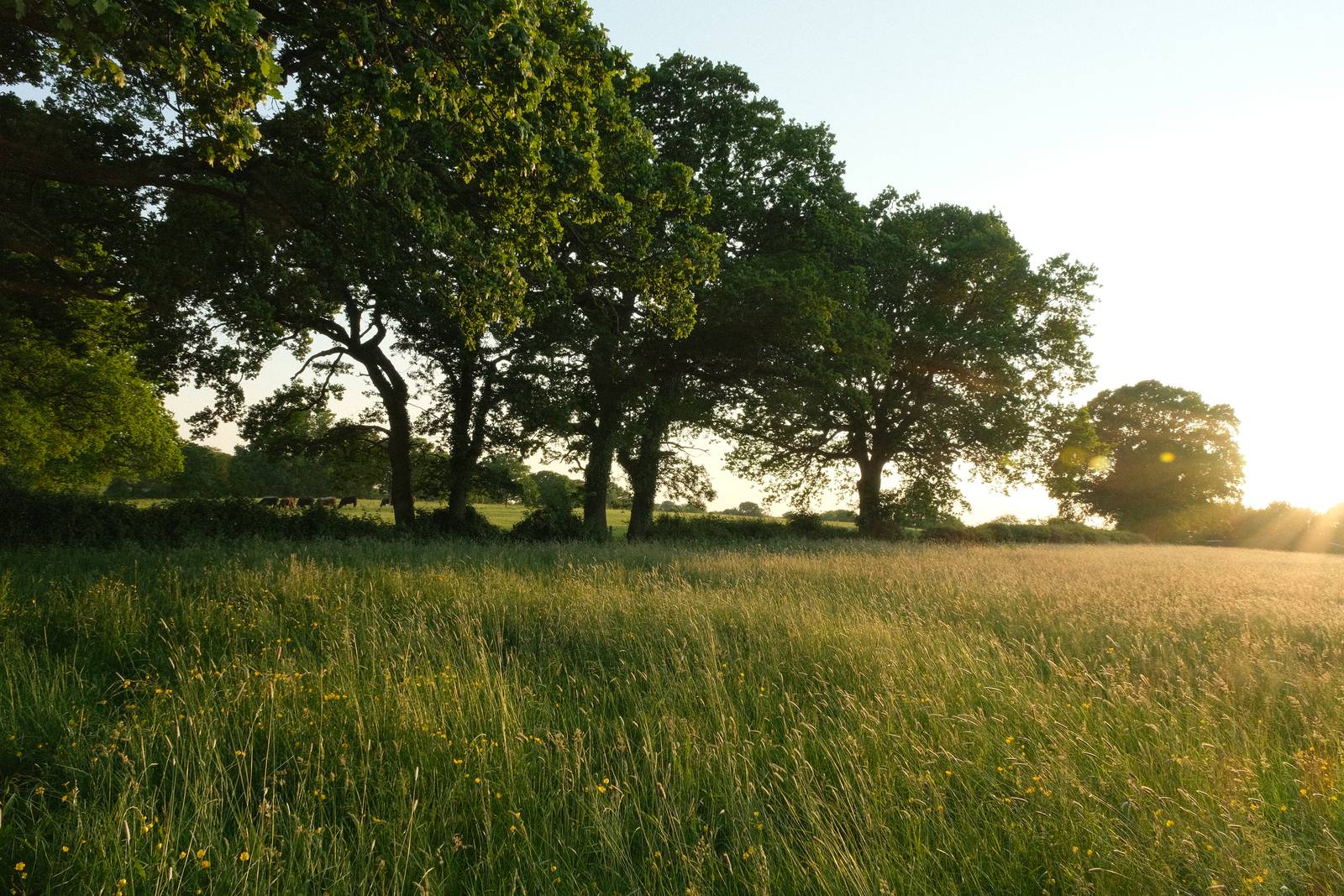
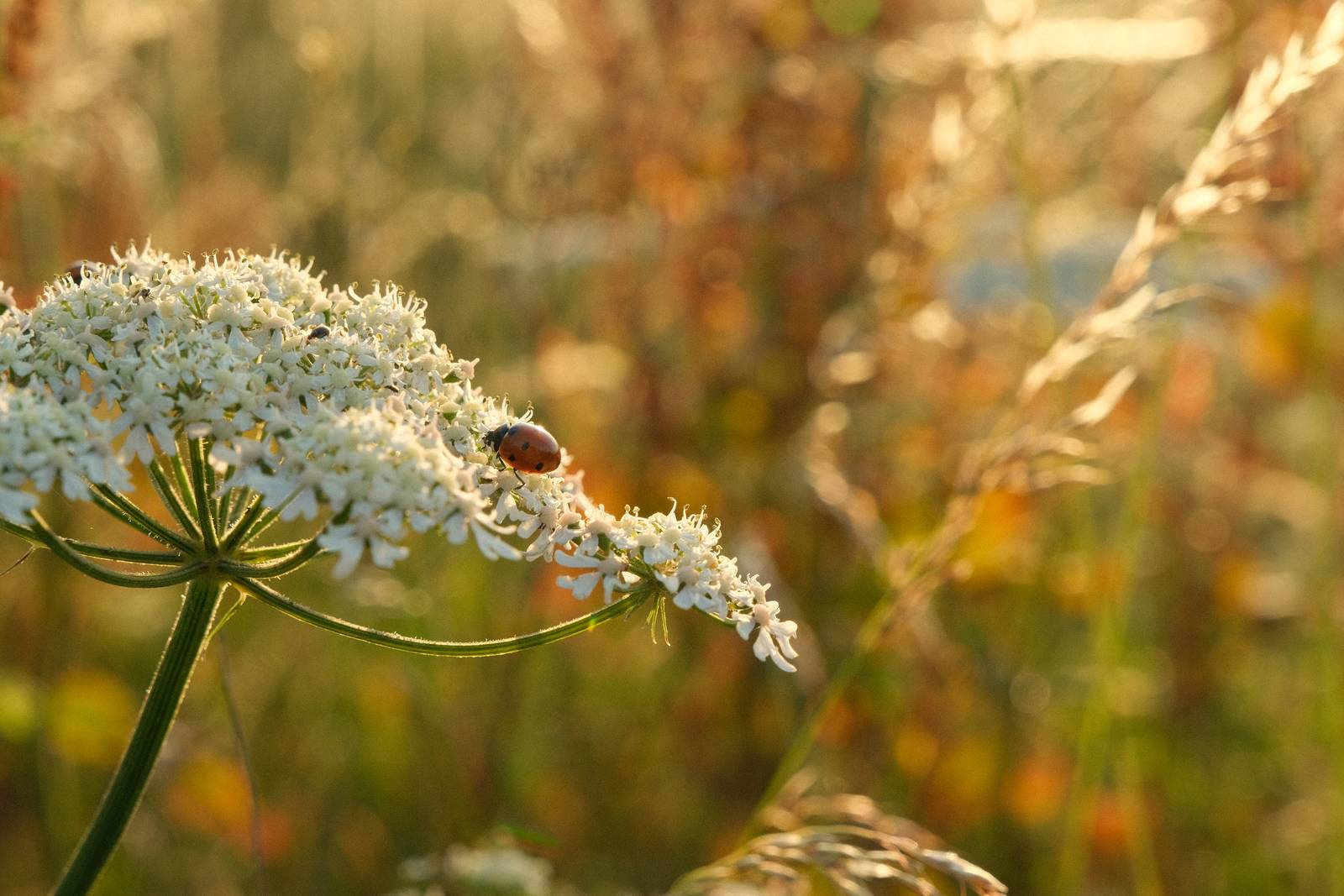






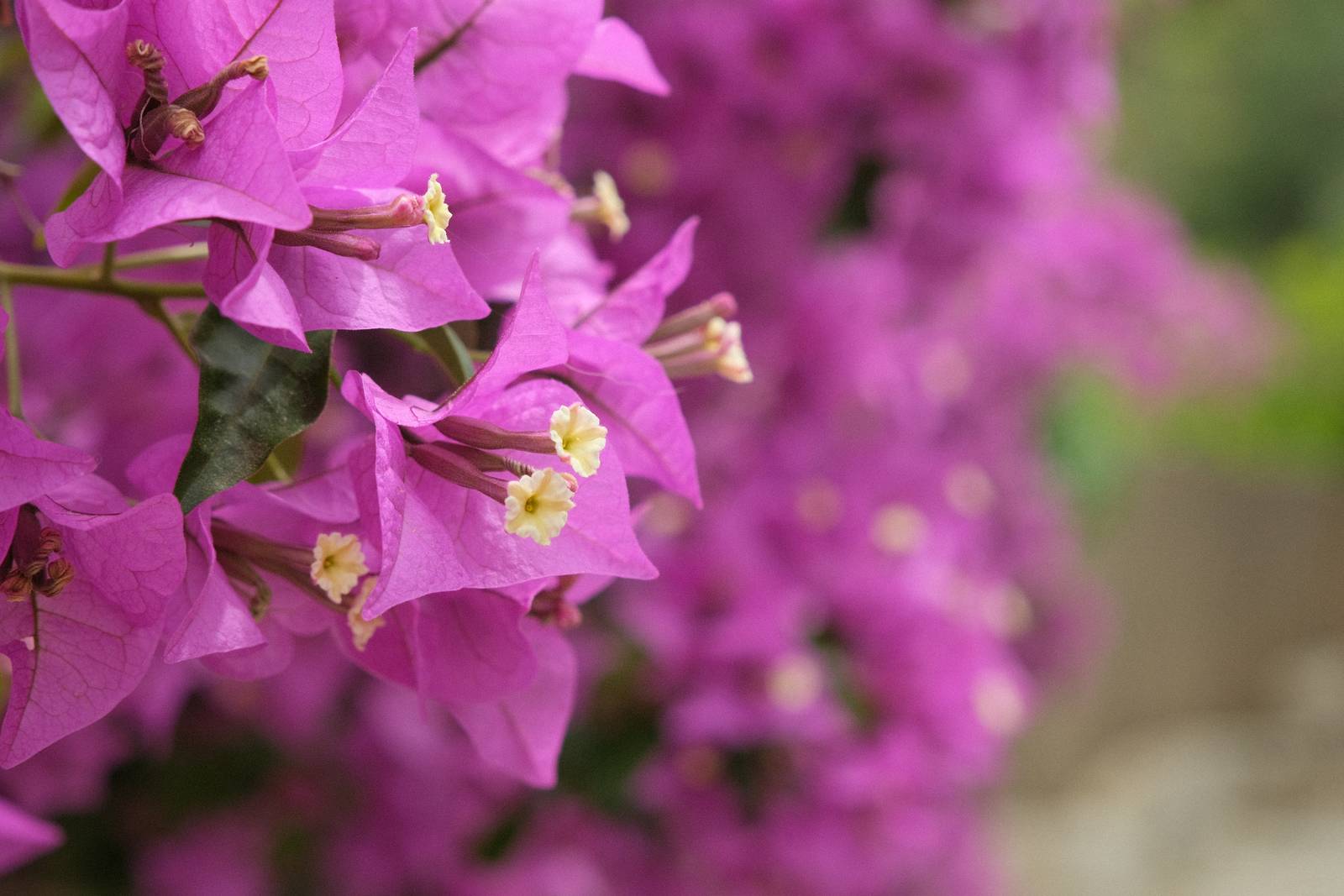

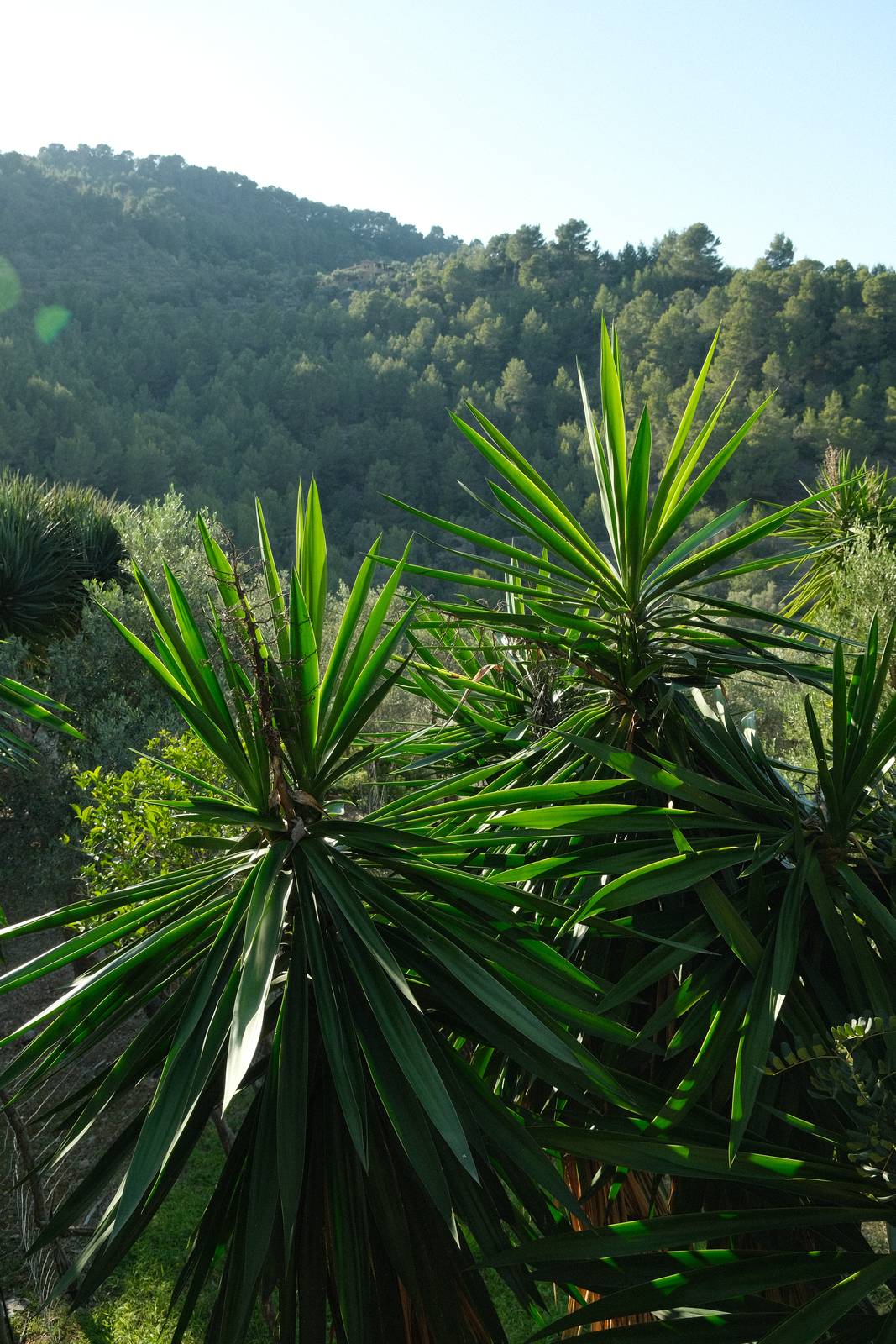

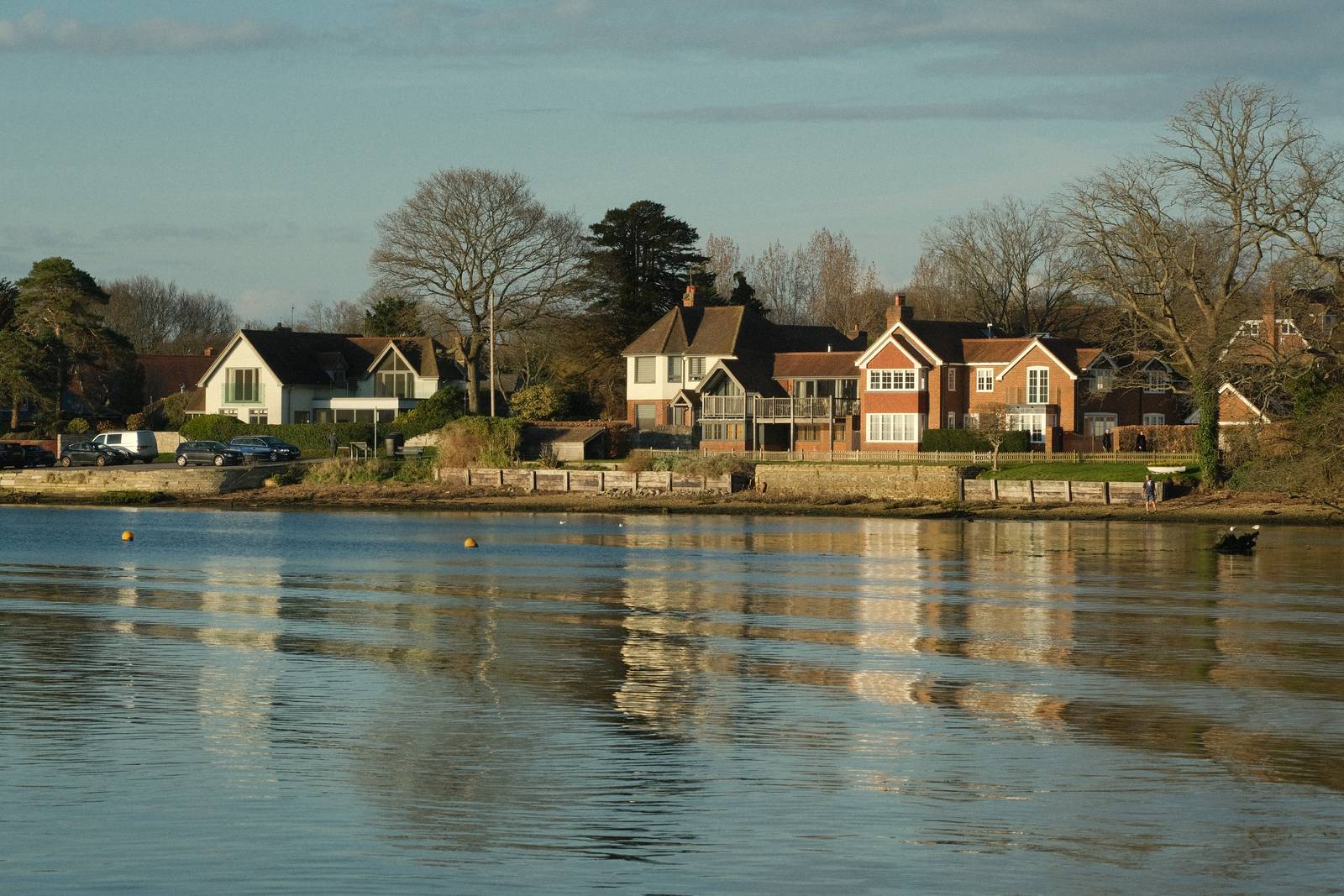
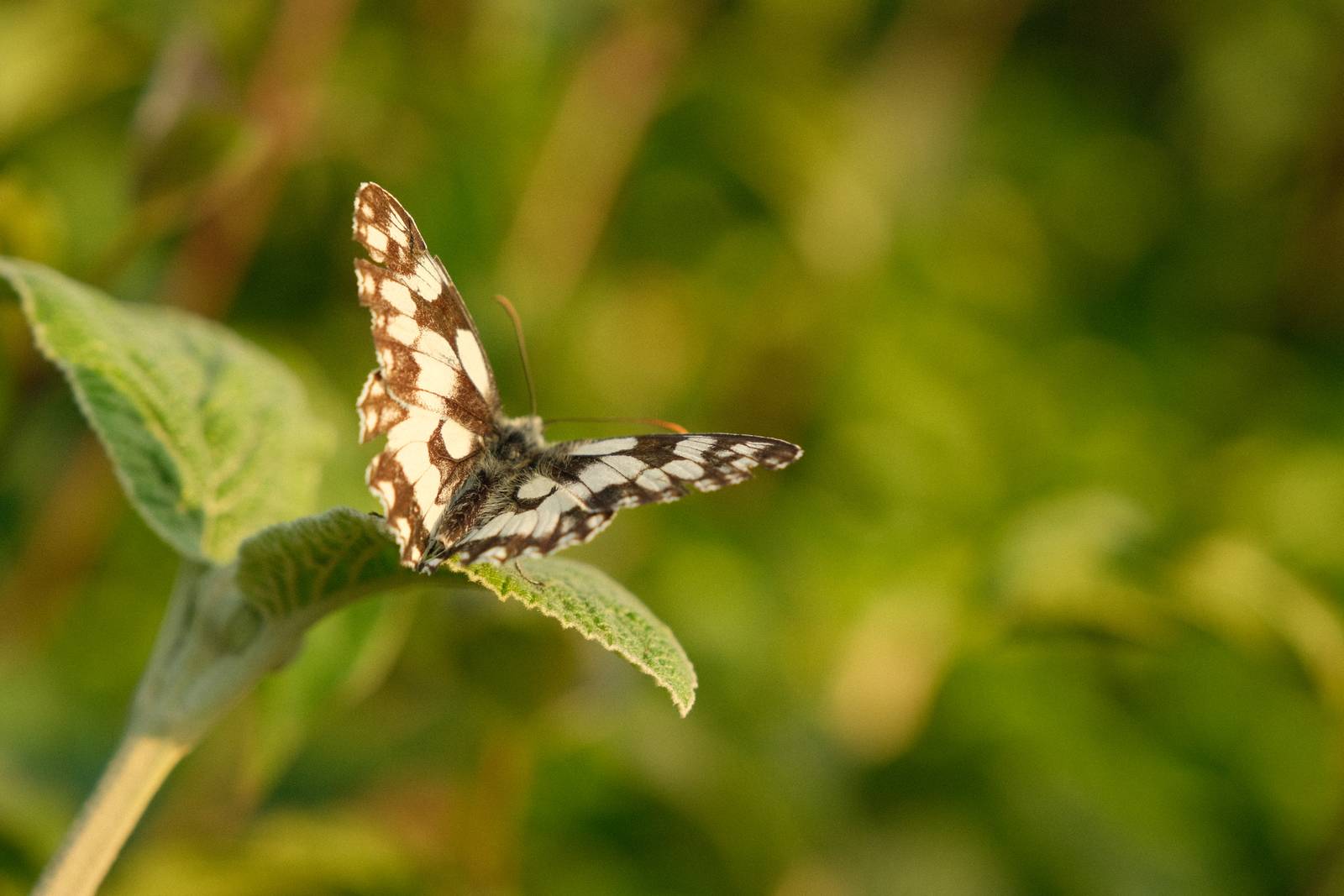

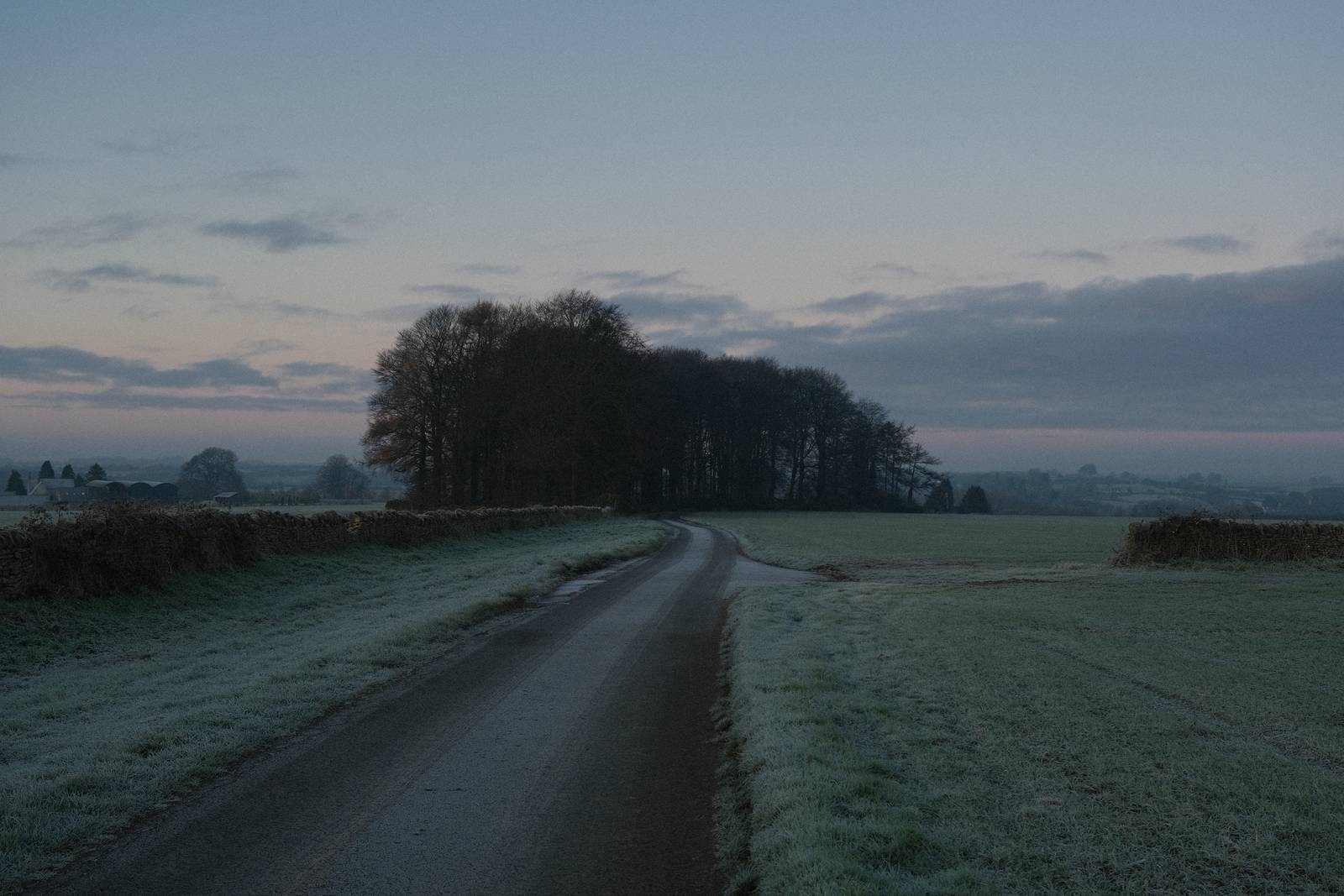

Using the Provia Natura Film Recipe
Each film simulation recipe has its own character and style. These features mean recipes are more suited to certain situations, or when seeking a particular look. Here are the categories that Provia Natura has been tagged with.



Leave a Reply