

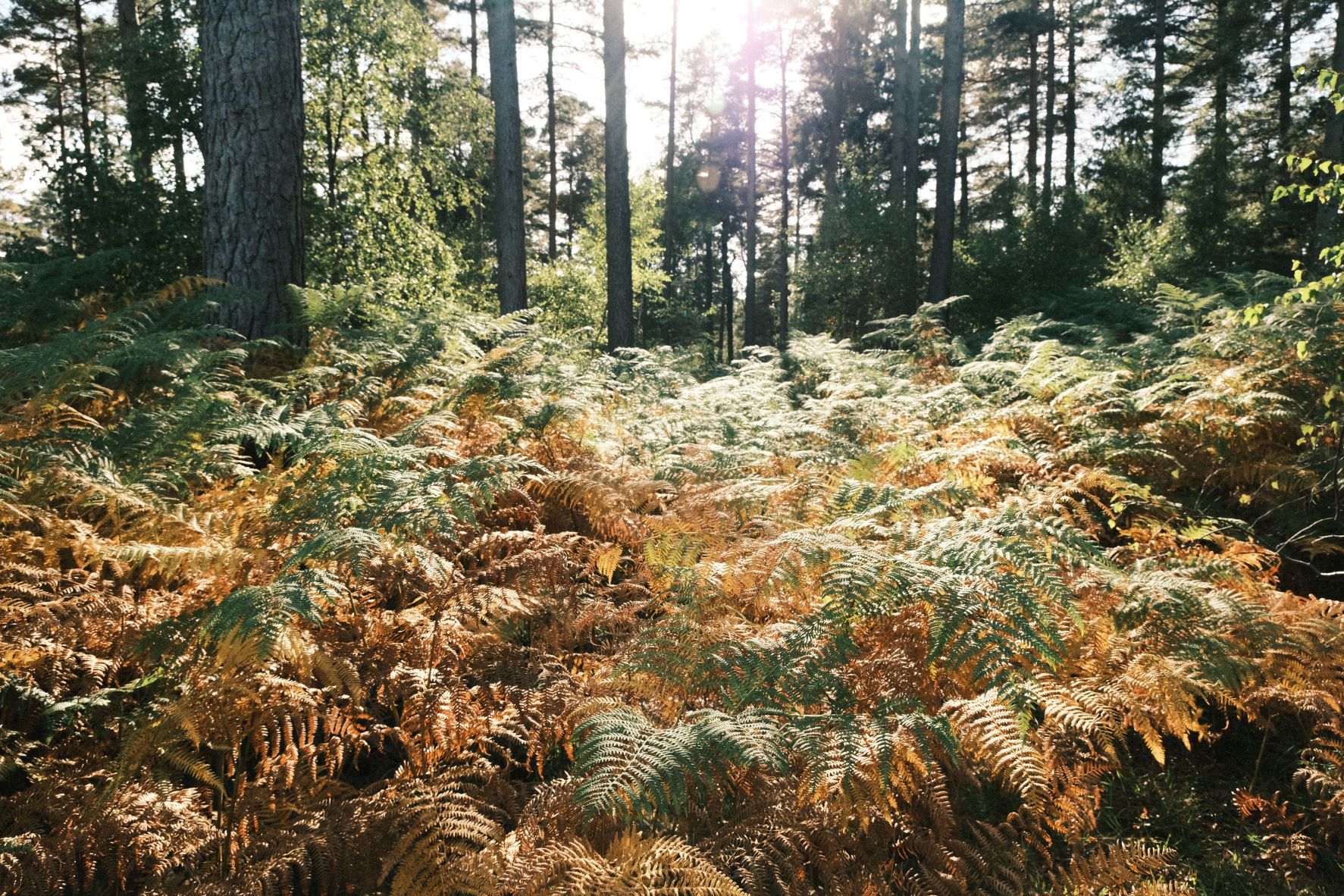
Restore from Backup
Restore from Backup, Nostalgic Print Recipe
Print like film recipe using the Classic Negative film simulation
Although there seems to be a lot of negative sentiment towards it nowadays, Instagram still has some excellent photography being shared, and I find that some of the best is found on some specific hashtags. One such tag is #restorefrombackup where users submit film photos and analog styled digital.
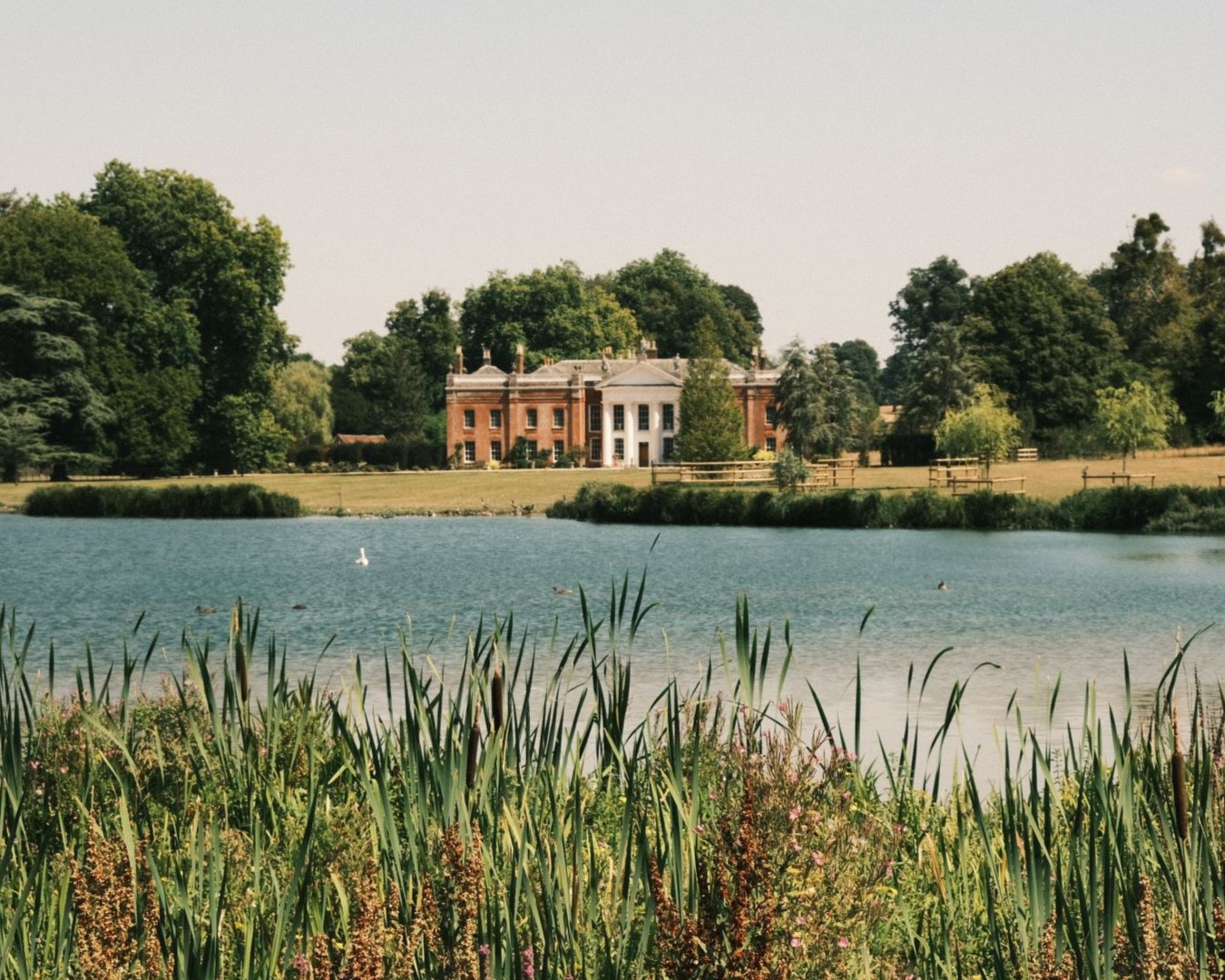
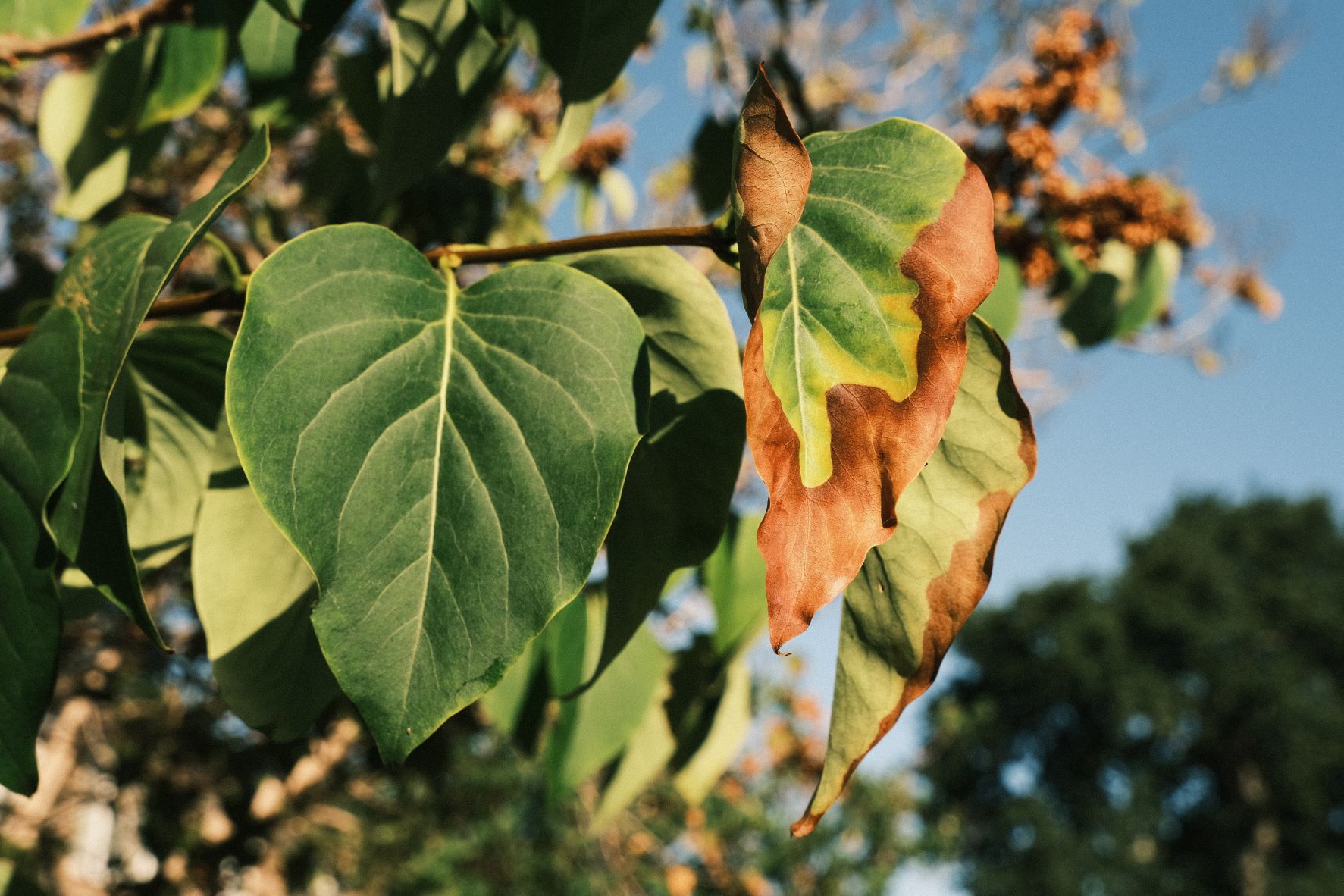
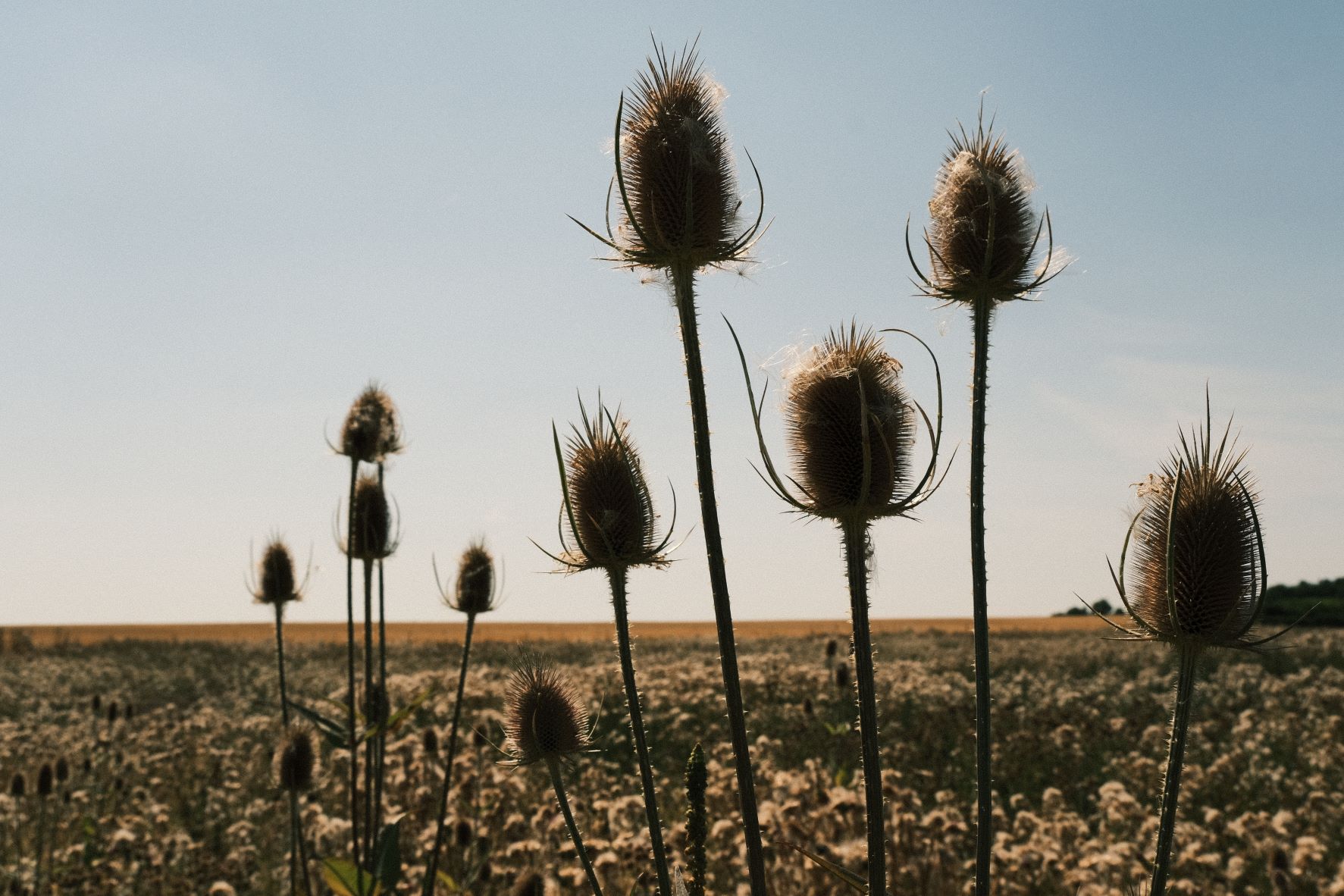
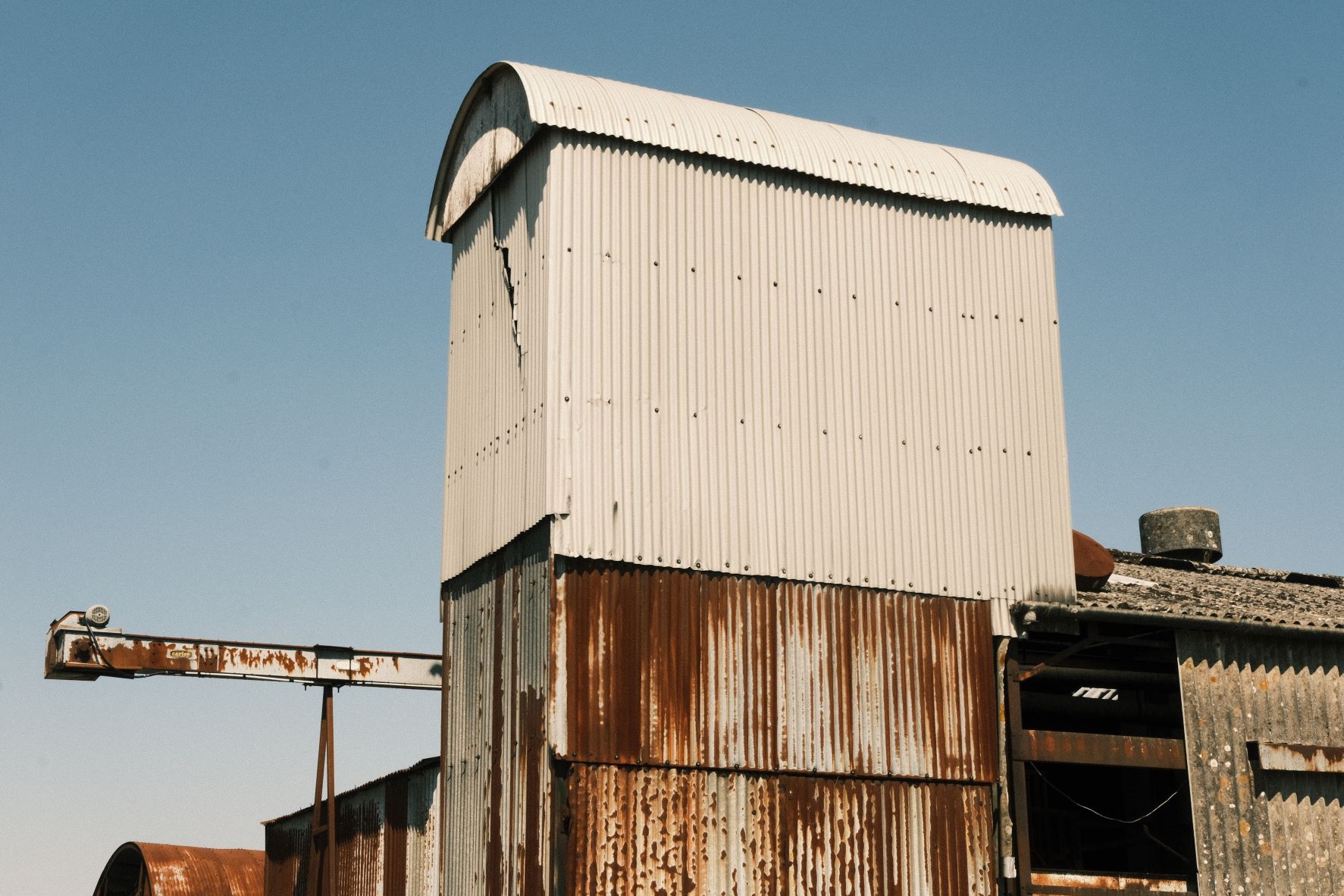
All the film favourites are there, with monotone, Portra, faded and classic negative print styles. In my Restore from Backup film recipe, I’ve taken Classic Negative and aimed to enhance its nostalgic 35mm print look with grain, warmth and punchy shadows. Most of the impact comes of course from Fujifilm’s tremendous Classic Negative simulation, and I love how print like the results can be with these settings.
Restore from Backup Film Recipe Settings
| Film Simulation | Classic Negative |
| Grain Effect | Strong, Small |
| Col. Chr. Effect | Off |
| Col. Chr. Blue | Off |
| White Balance | Auto (White Priority), +4 Red, ‑6 Blue |
| Dynamic Range | DR200 |
| Highlights | ‑0.5 |
| Shadows | 1.5 |
| Colour | 1 |
| Sharpness | ‑1 |
| ISO N.R. | ‑4 |
| Clarity | 0 |
| EV Comp. | +1/3 |
Similar Recipes

More similar recipes, and hundreds more exclusive looks, are available in the Film Recipes App.

Get the Film Recipes App
Save your favourites and build your personal shortlist


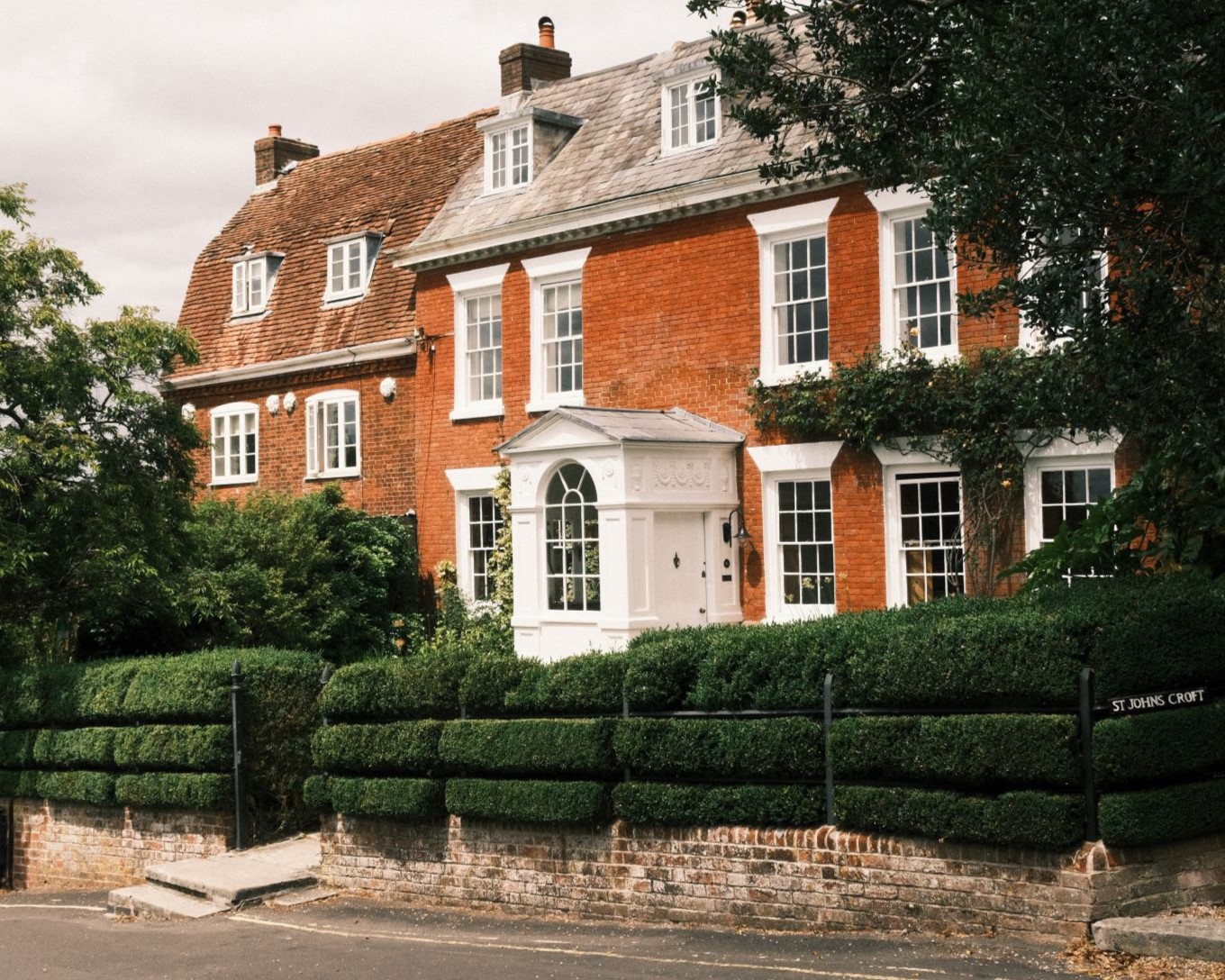
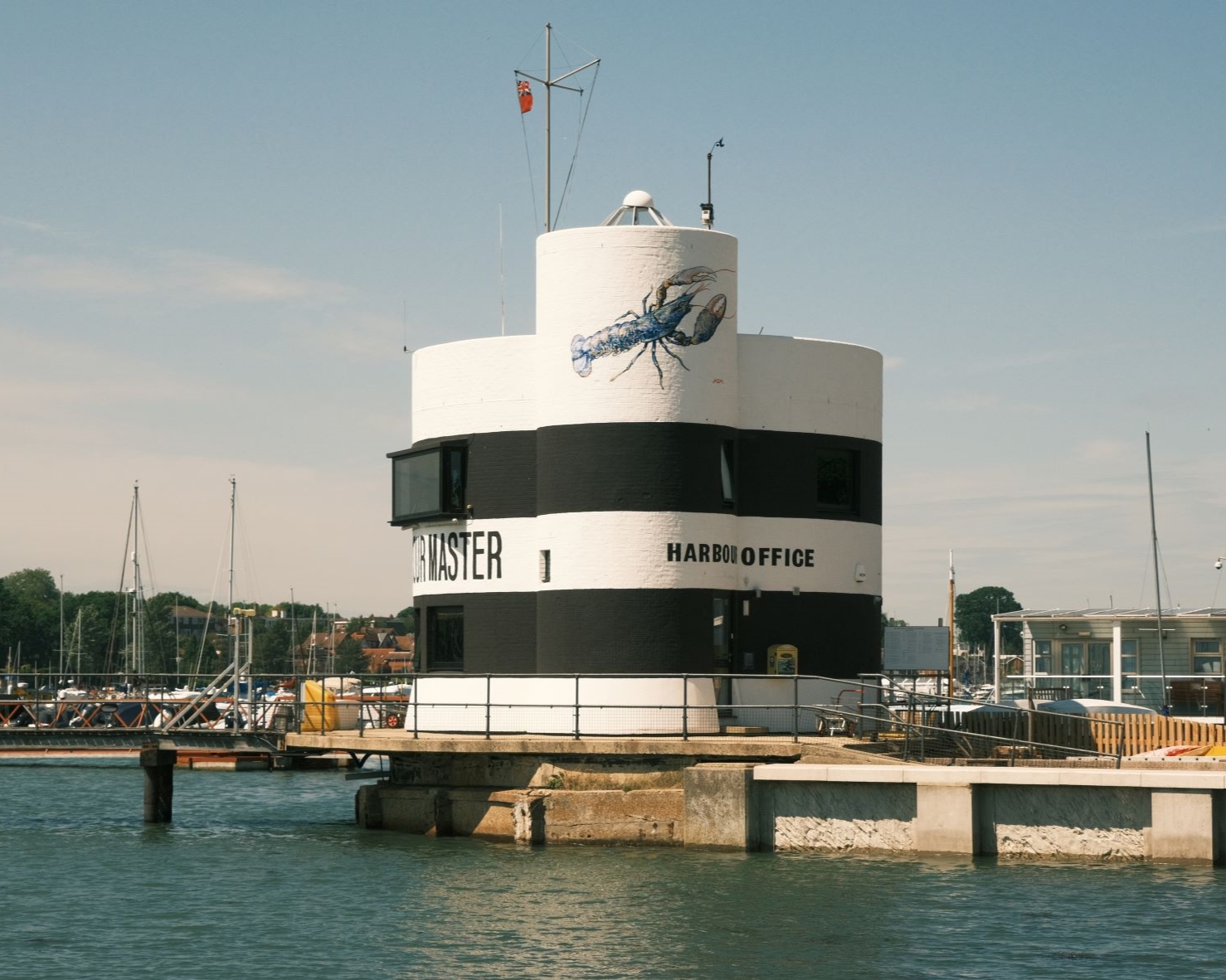
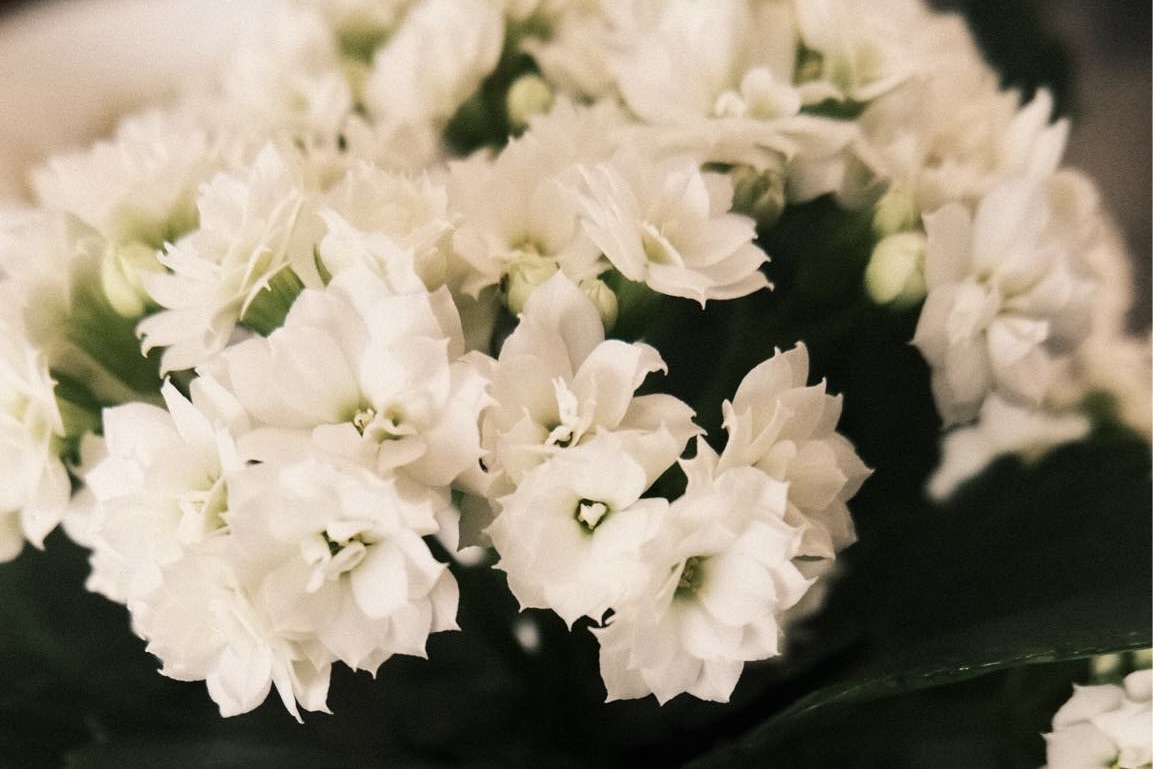
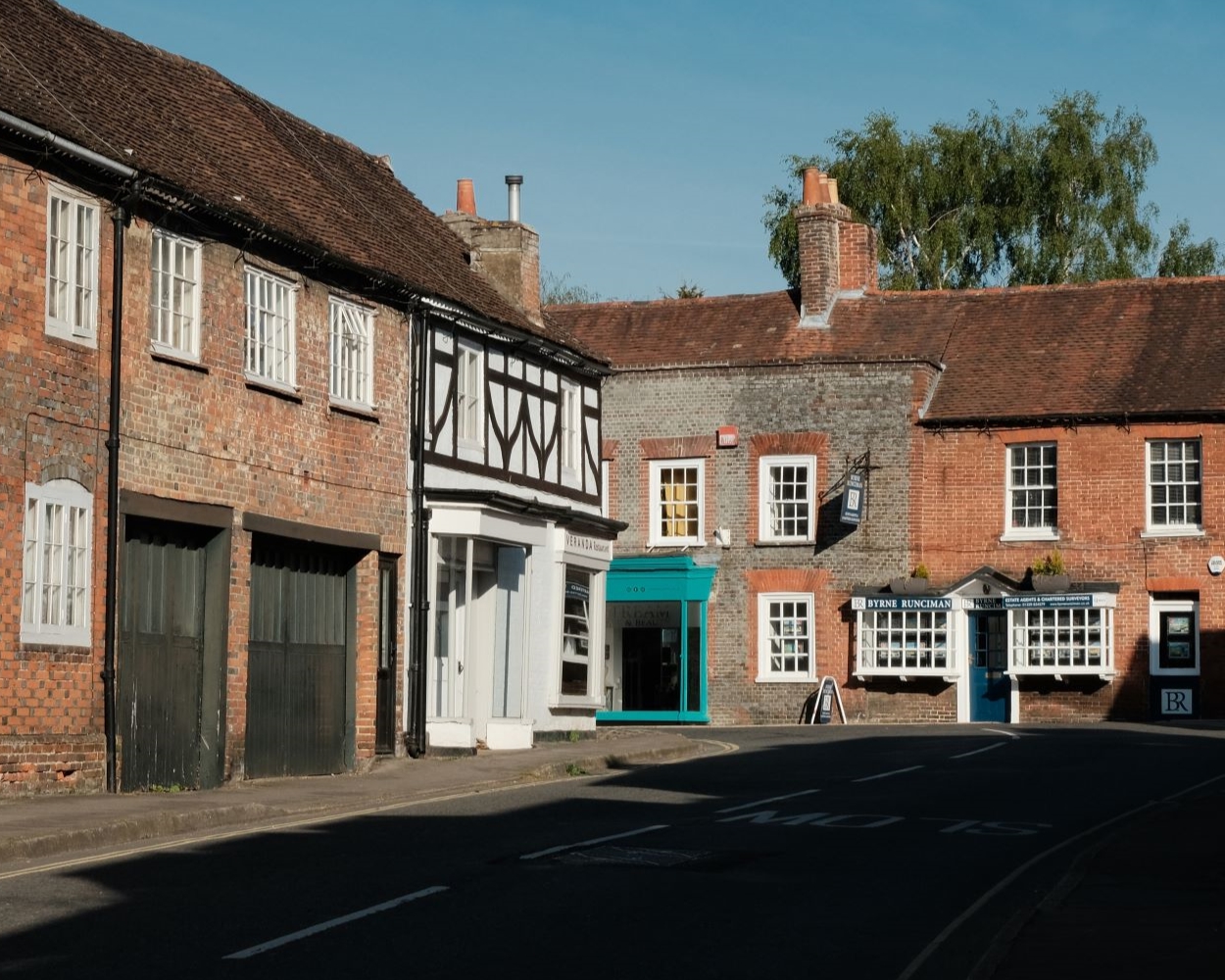
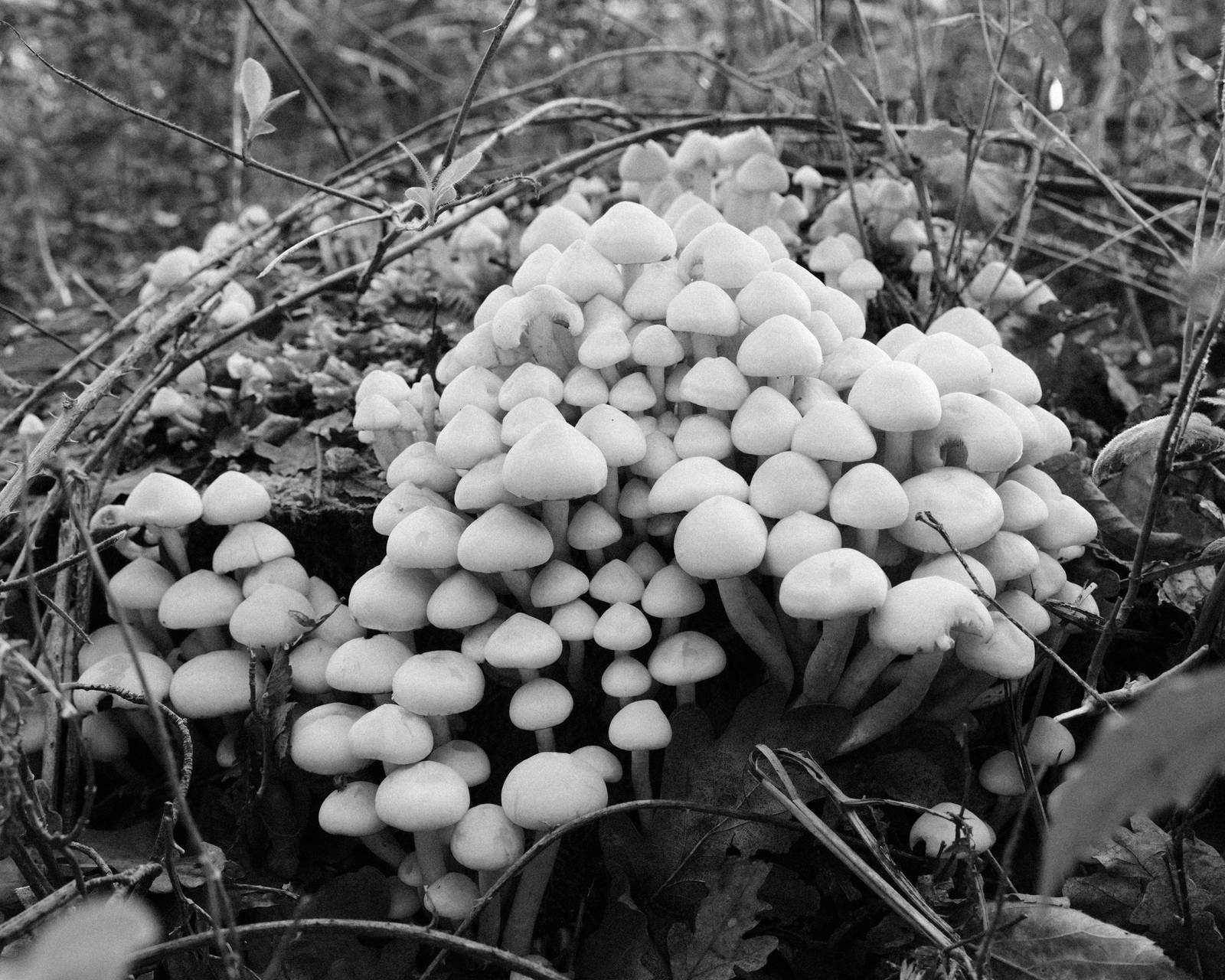
Restore from Backup Film Recipe: Sample Photos
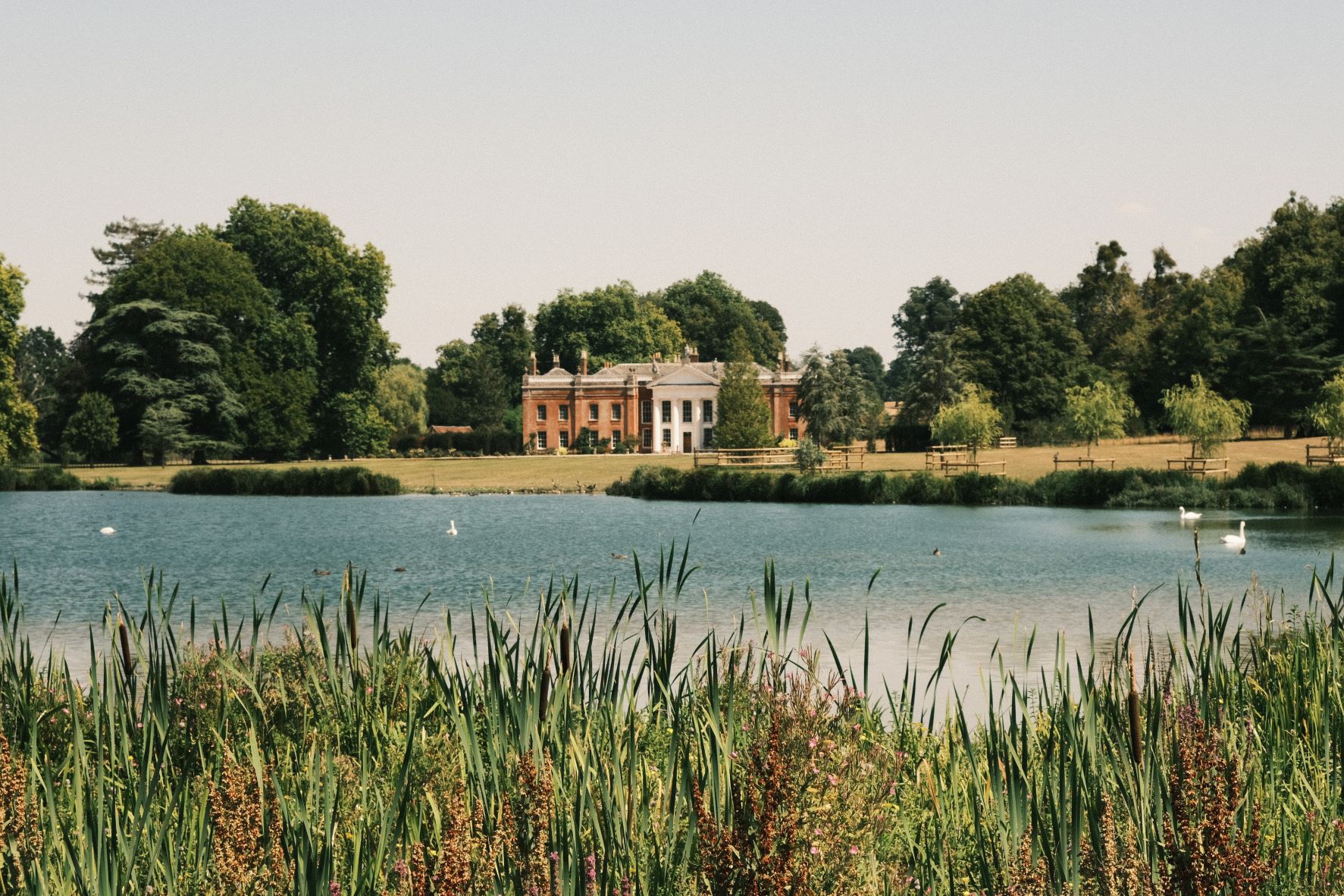

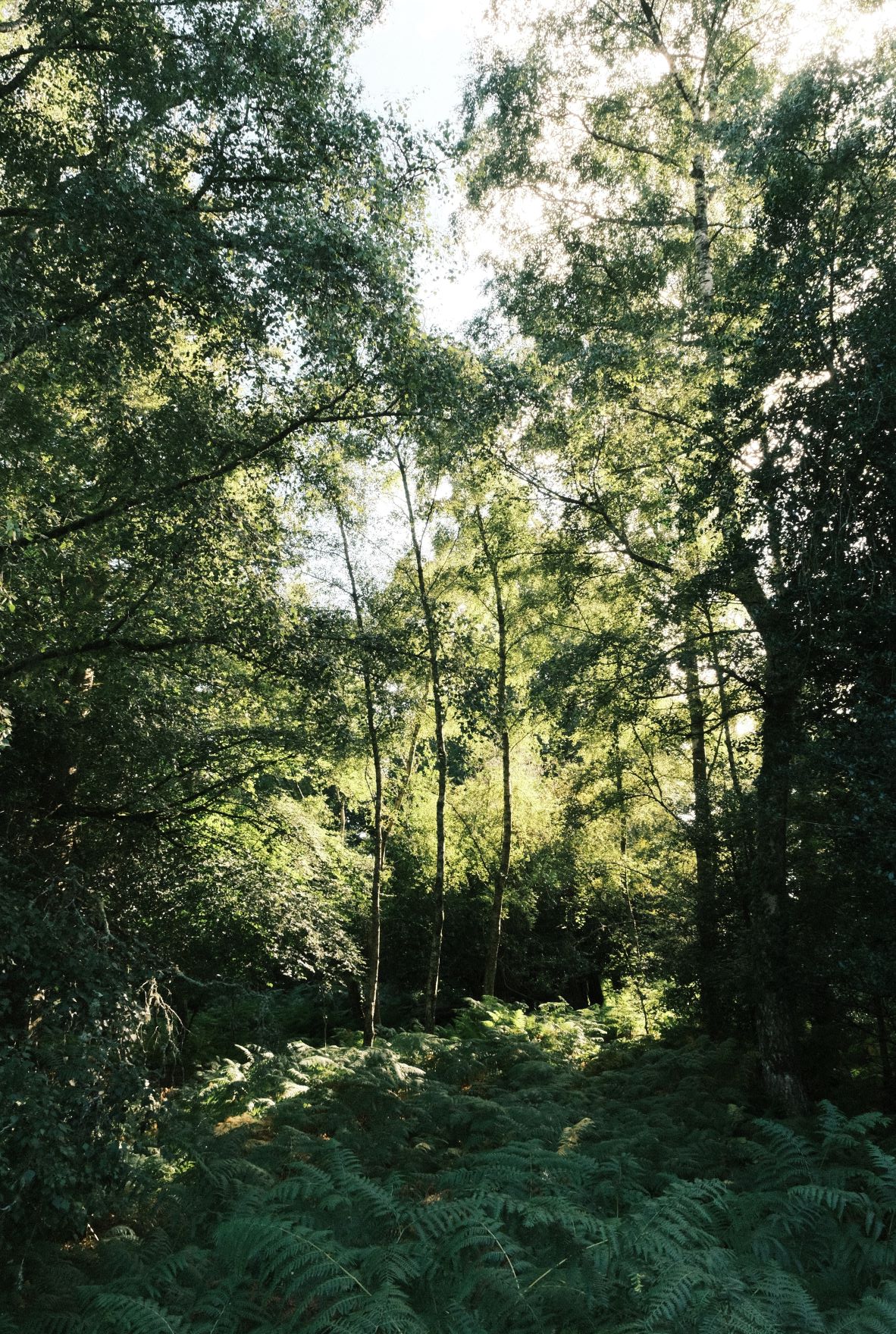
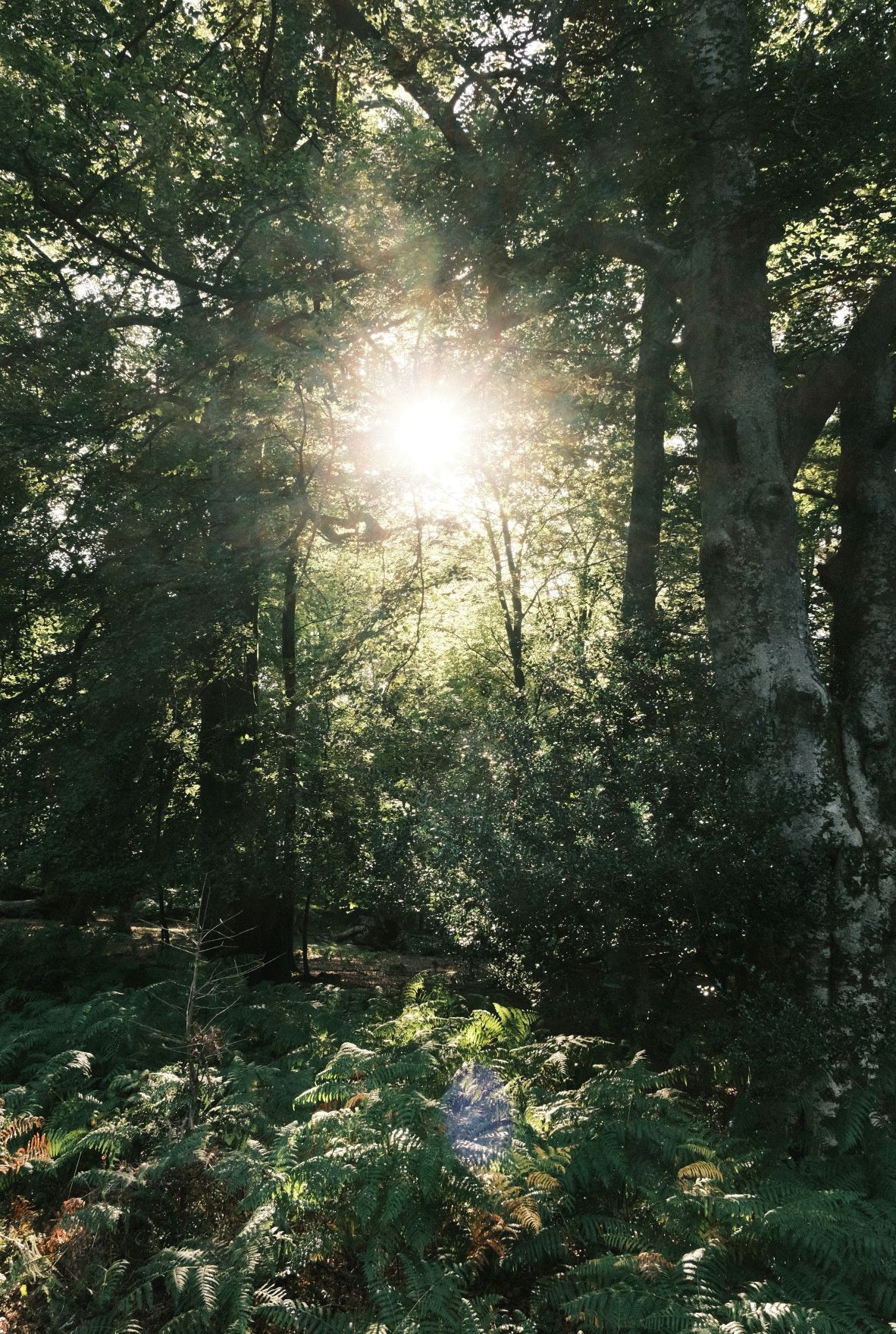
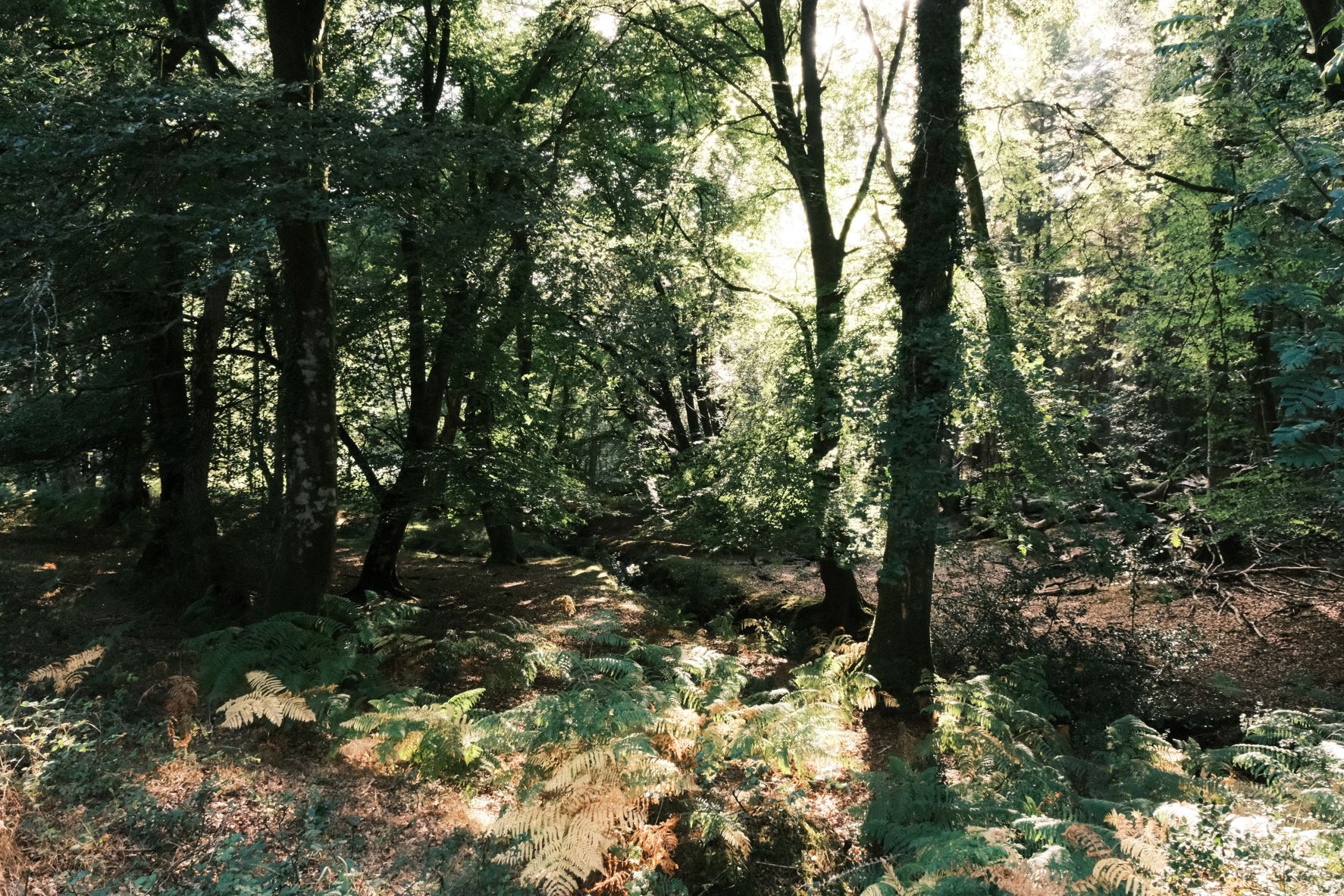

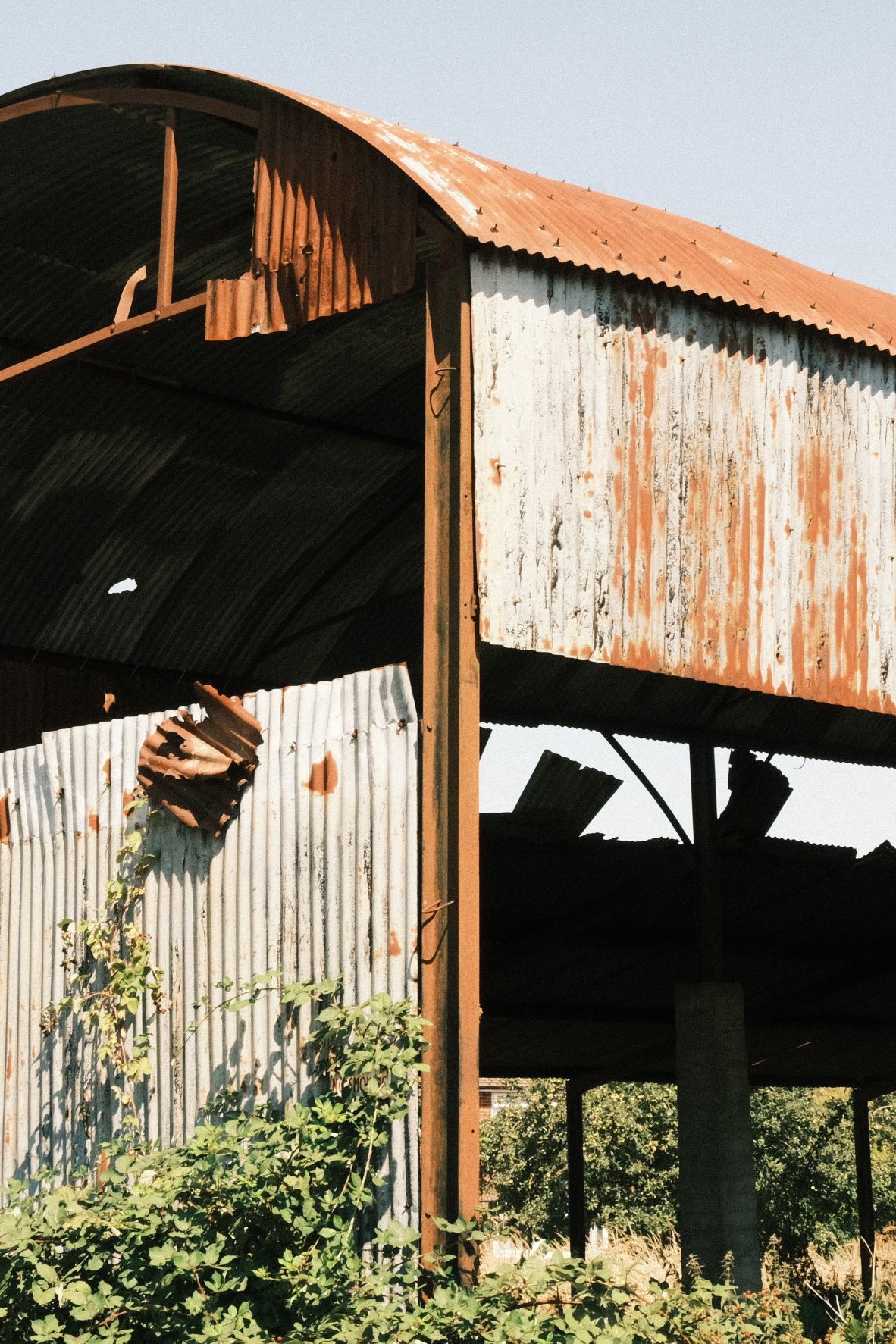

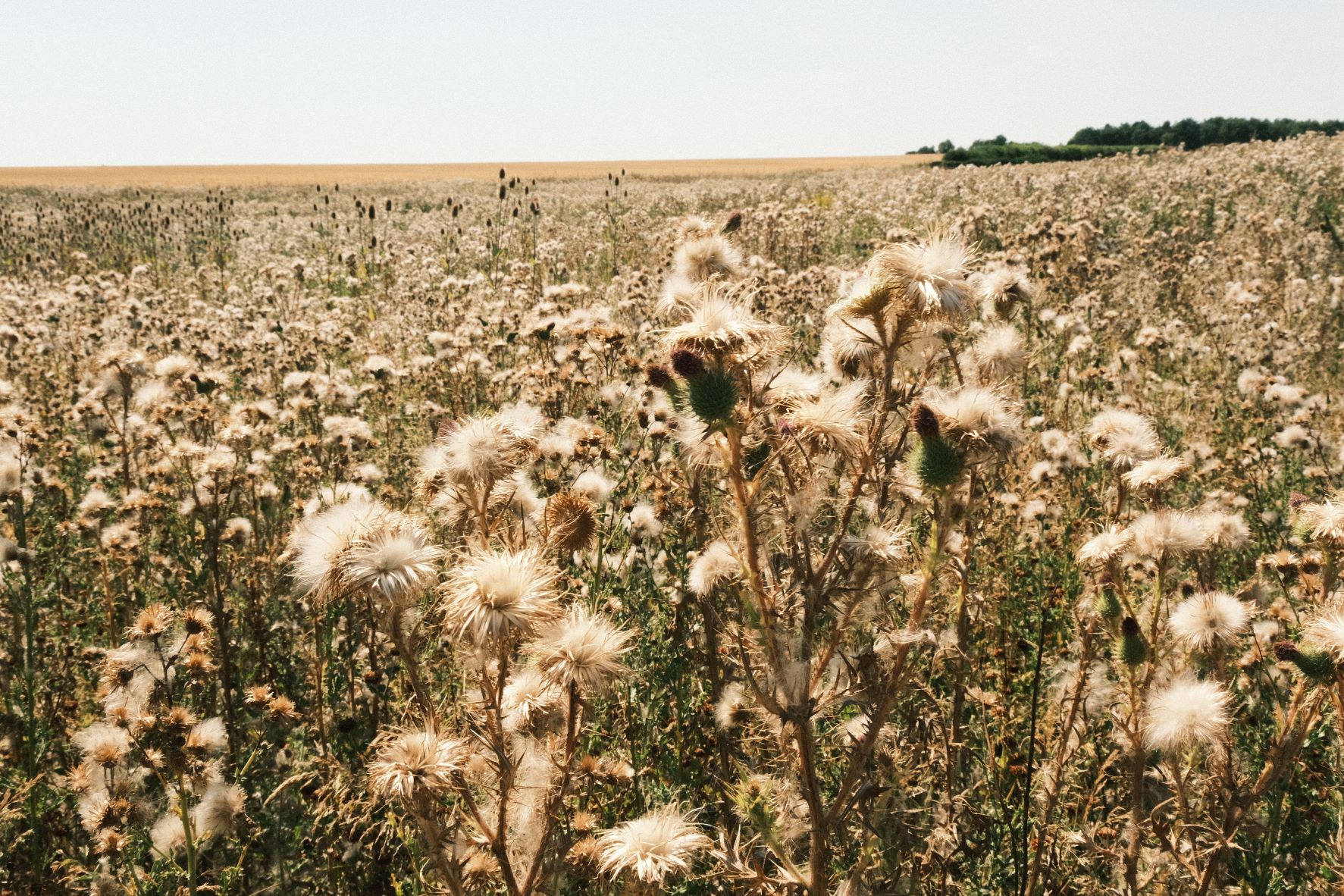




Community Photos
Photos taken with the Restore from Backup film recipe by members of the Film Recipes community.
Photos by Sara Kovacic


Using the Restore from Backup Film Recipe
Each film simulation recipe has its own character and style. These features mean recipes are more suited to certain situations, or when seeking a particular look. Here are the categories that Restore from Backup has been tagged with.






Leave a Reply