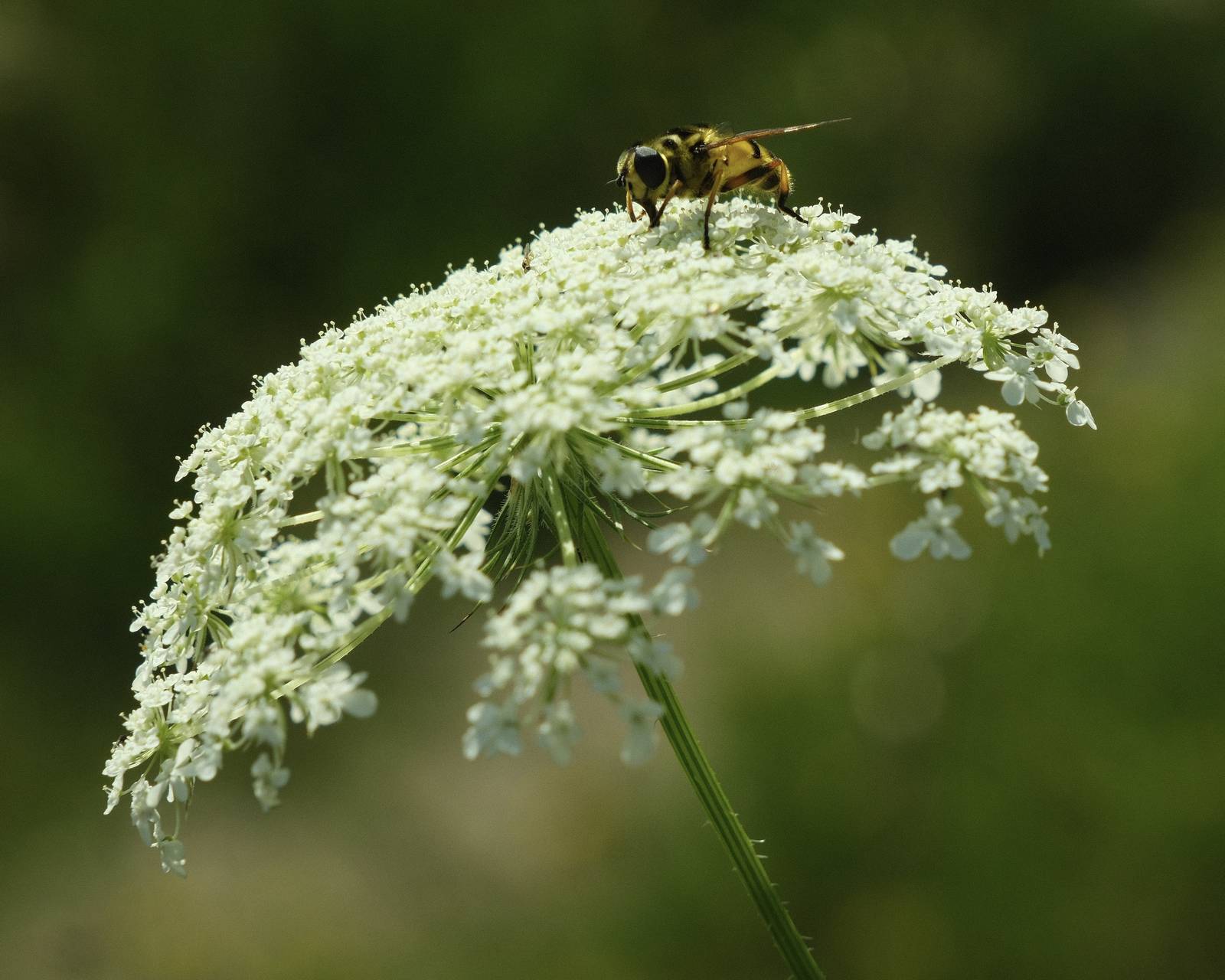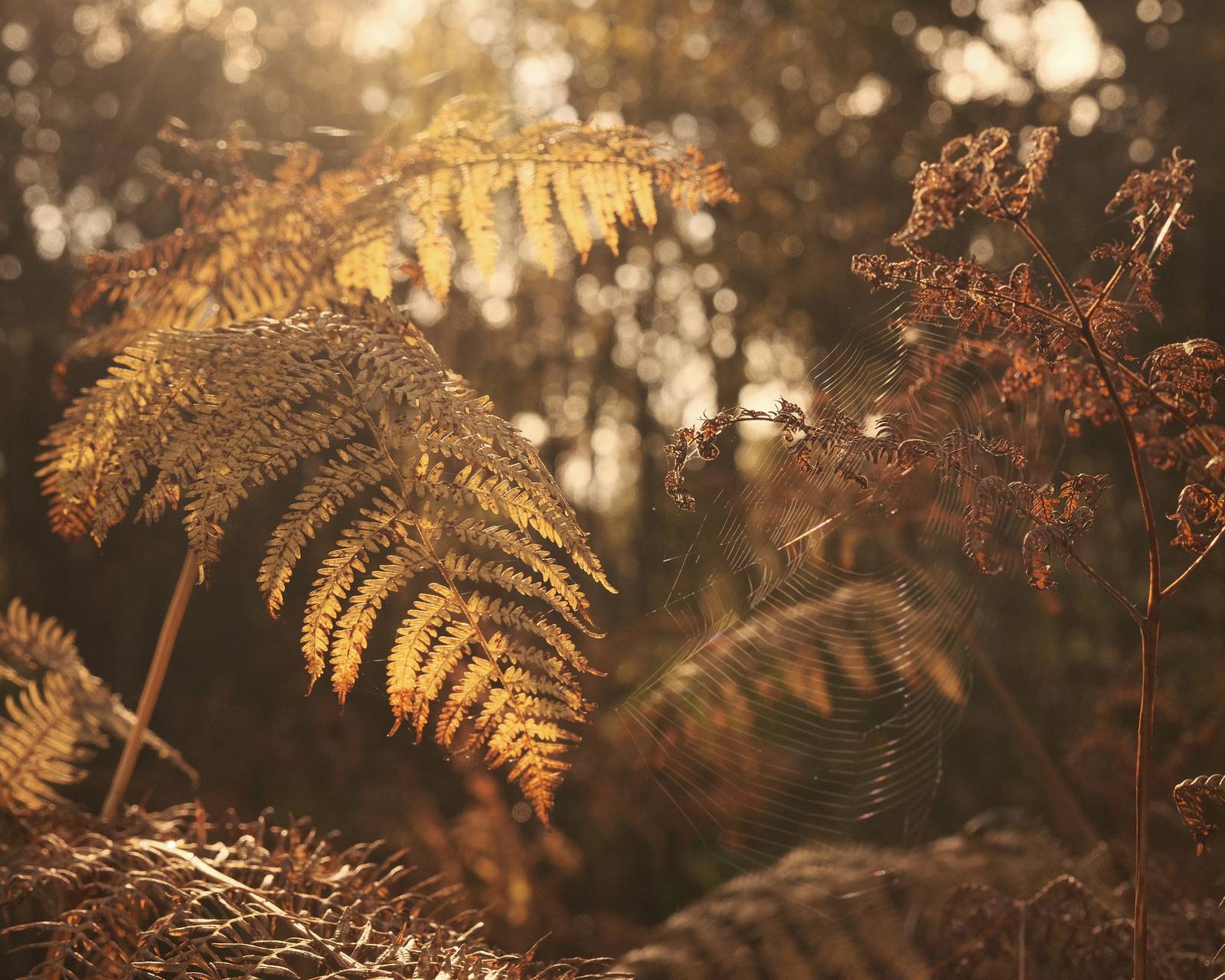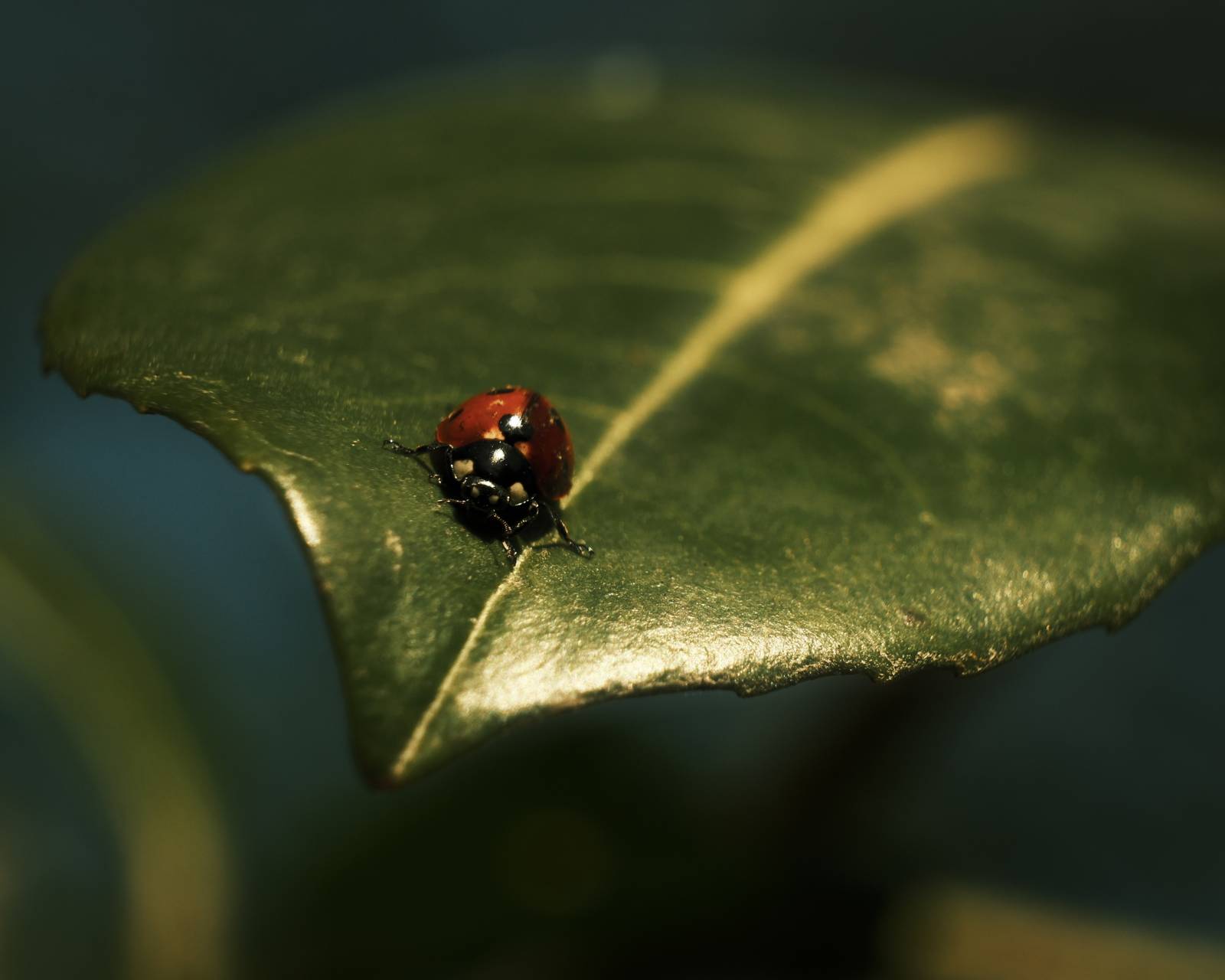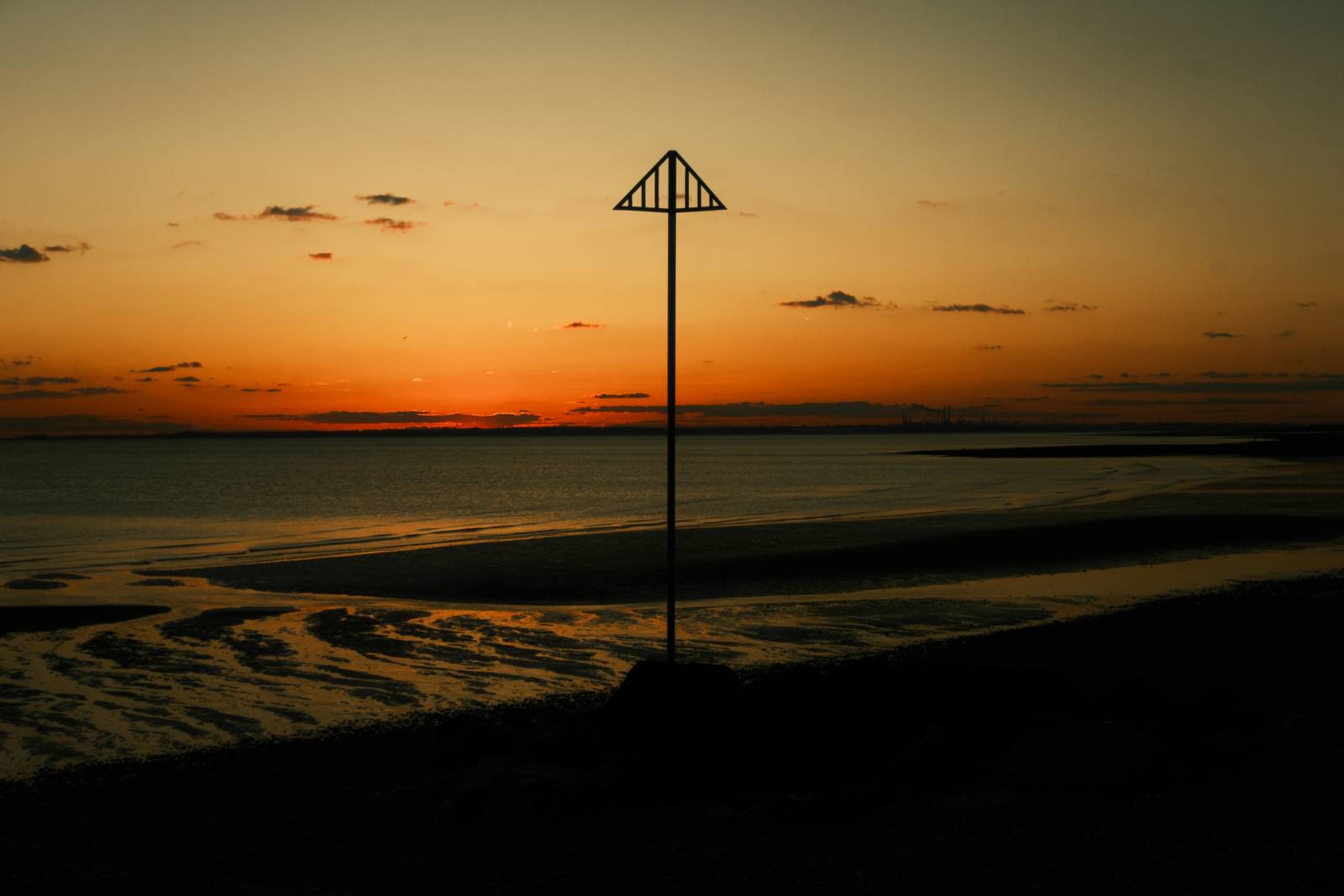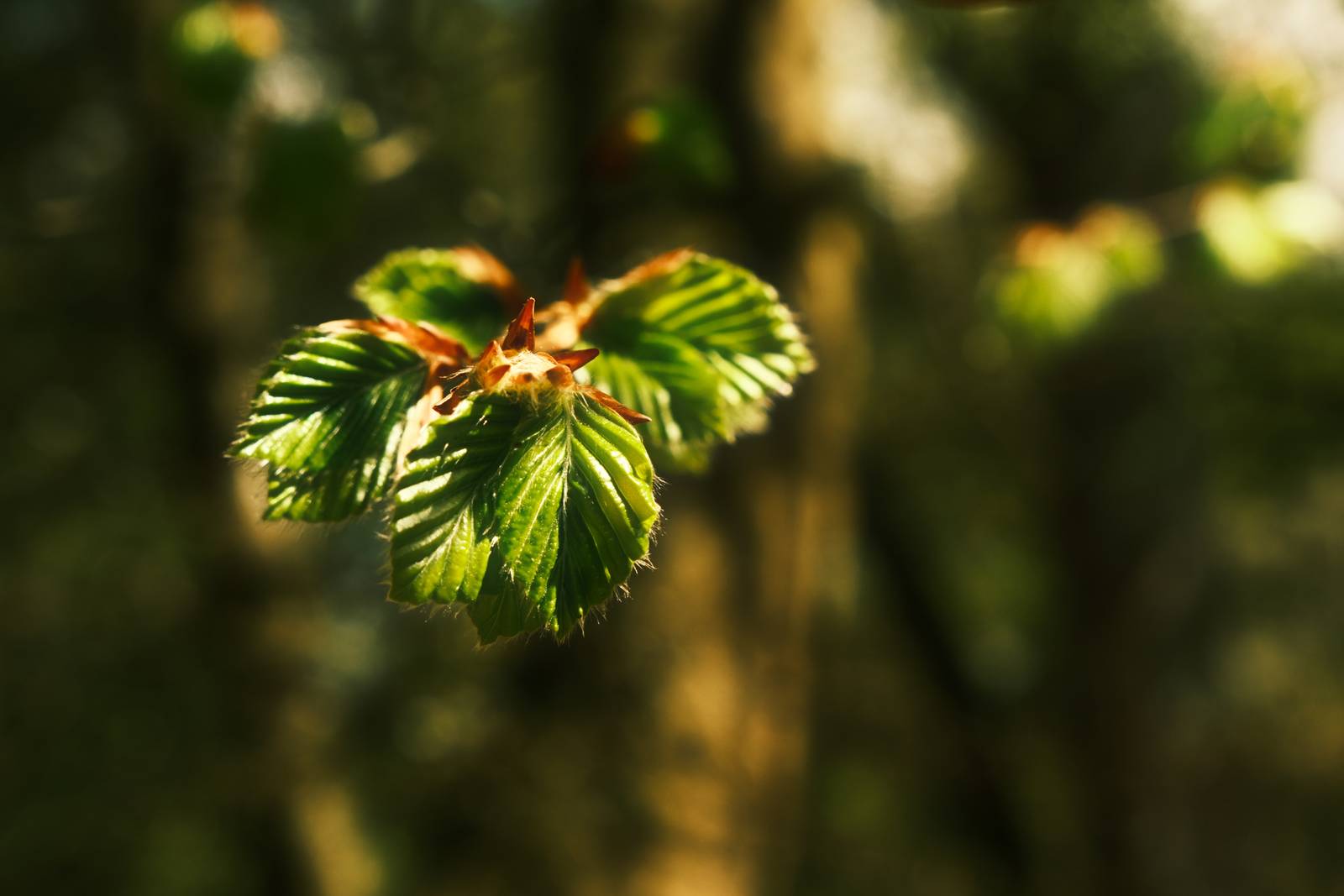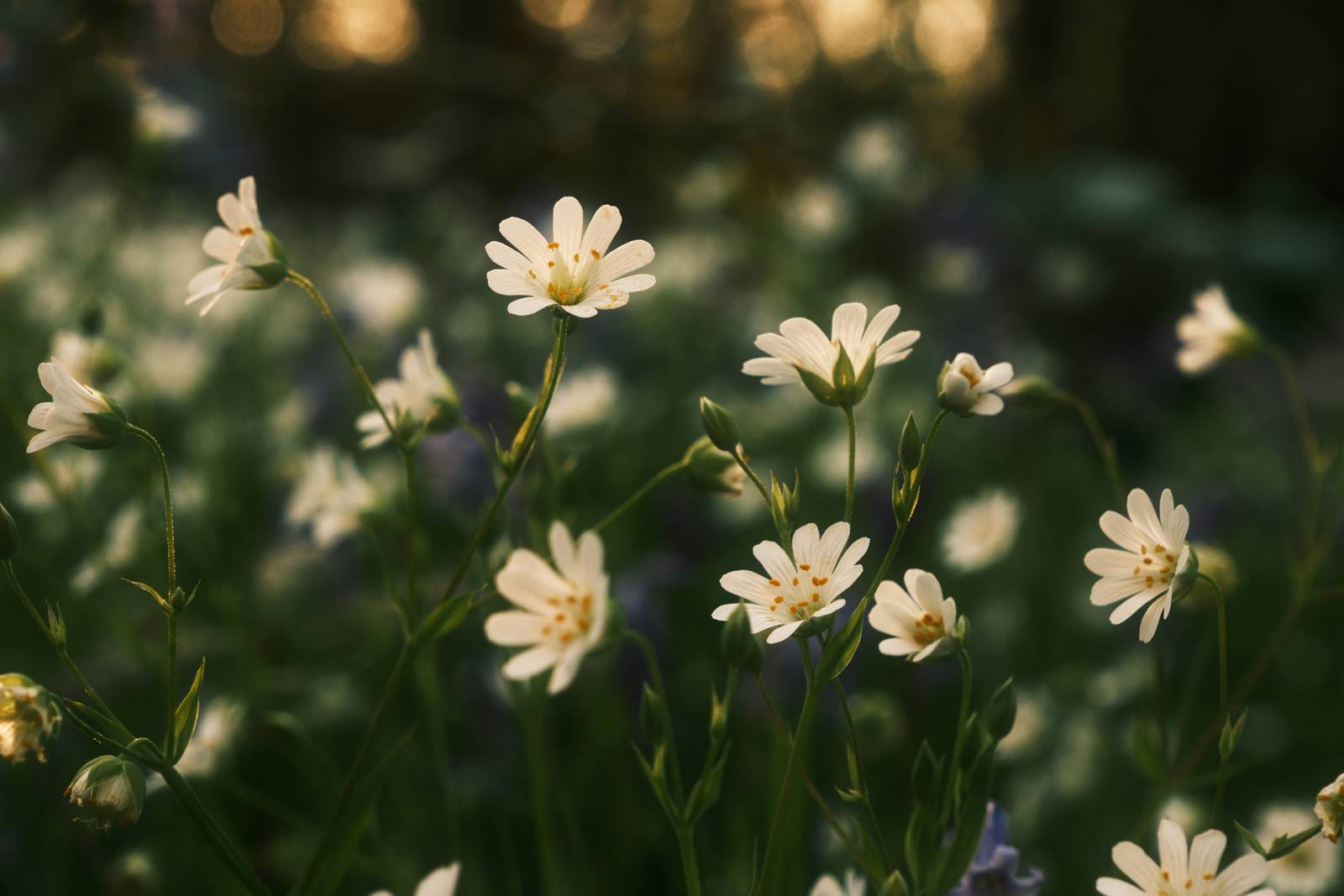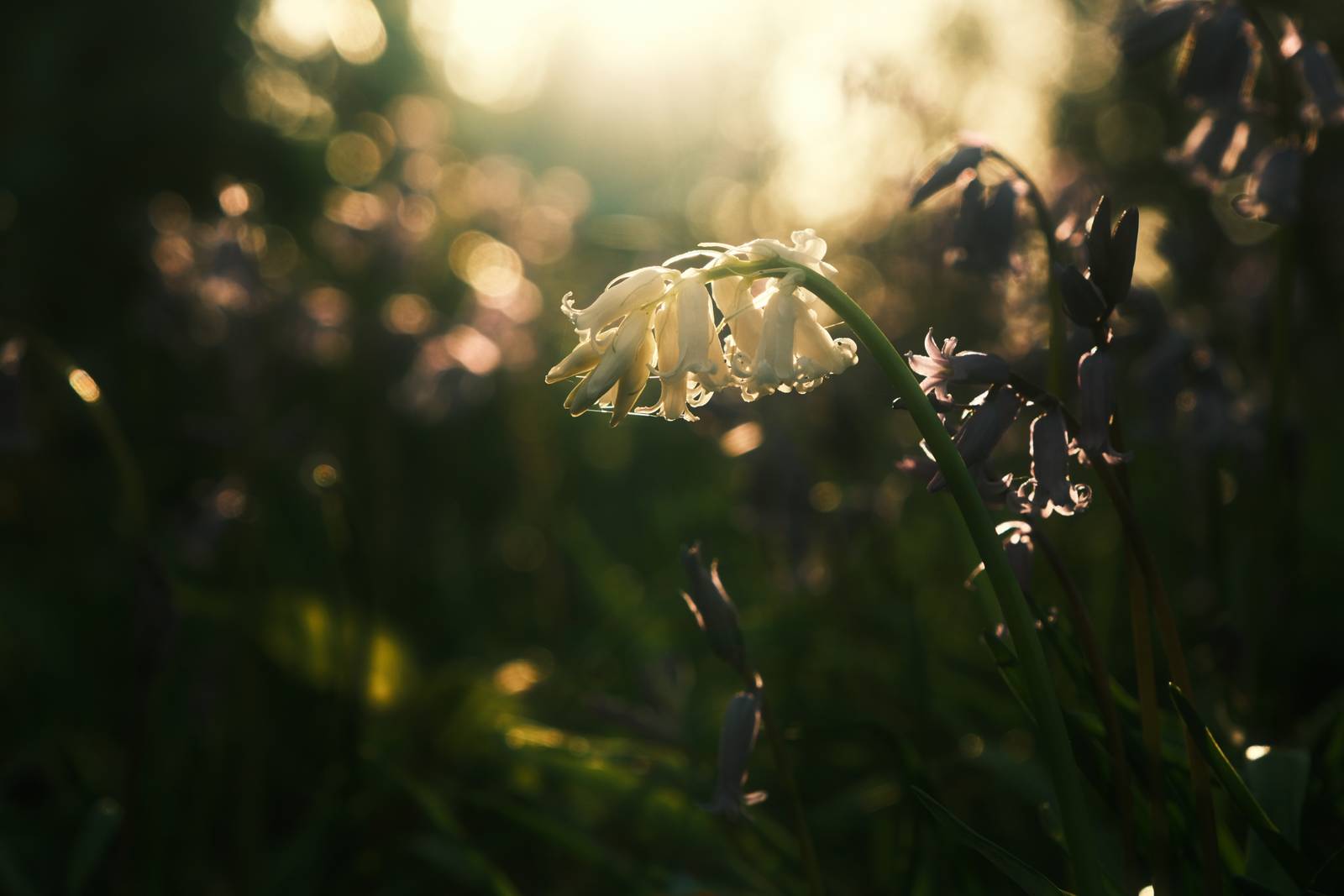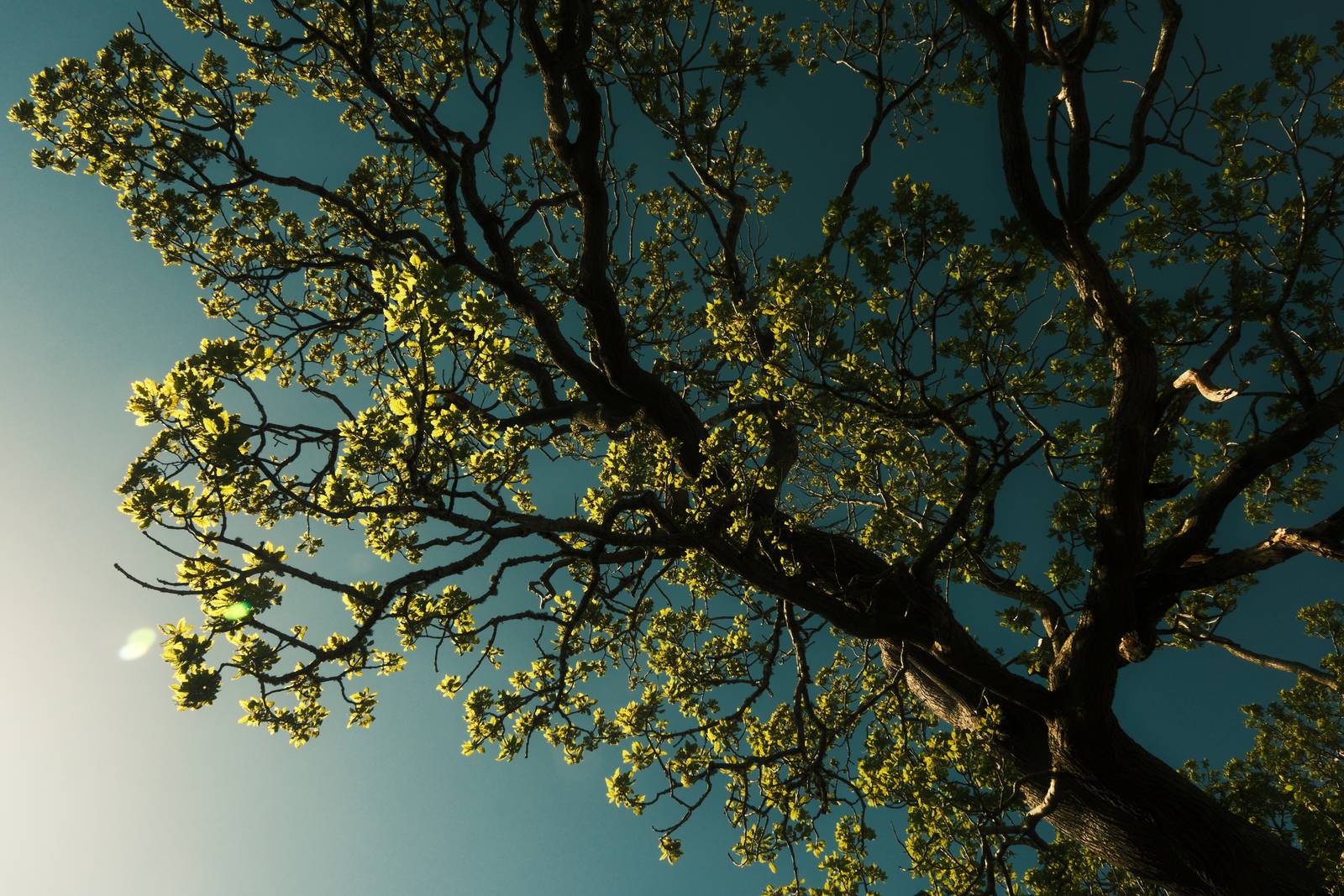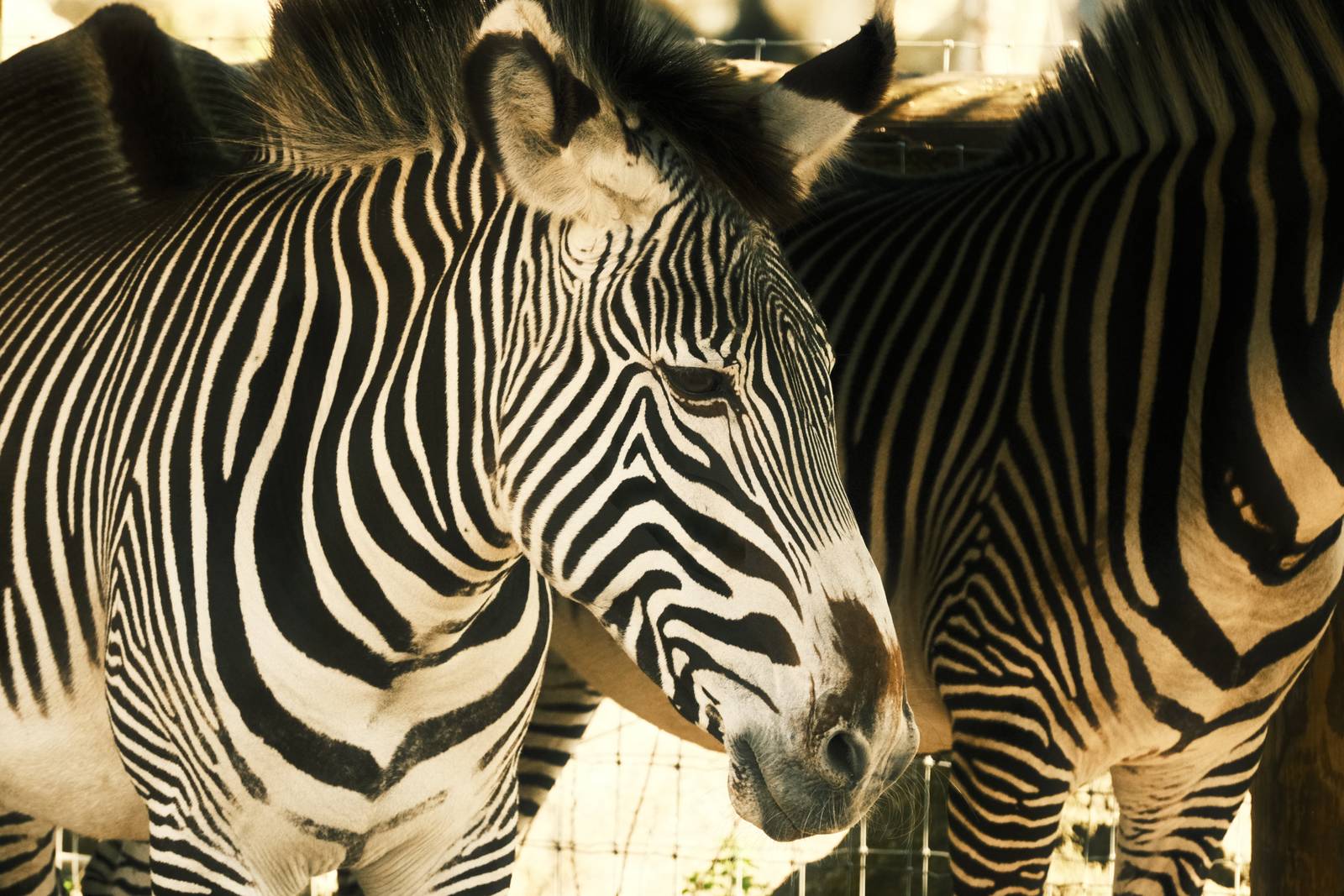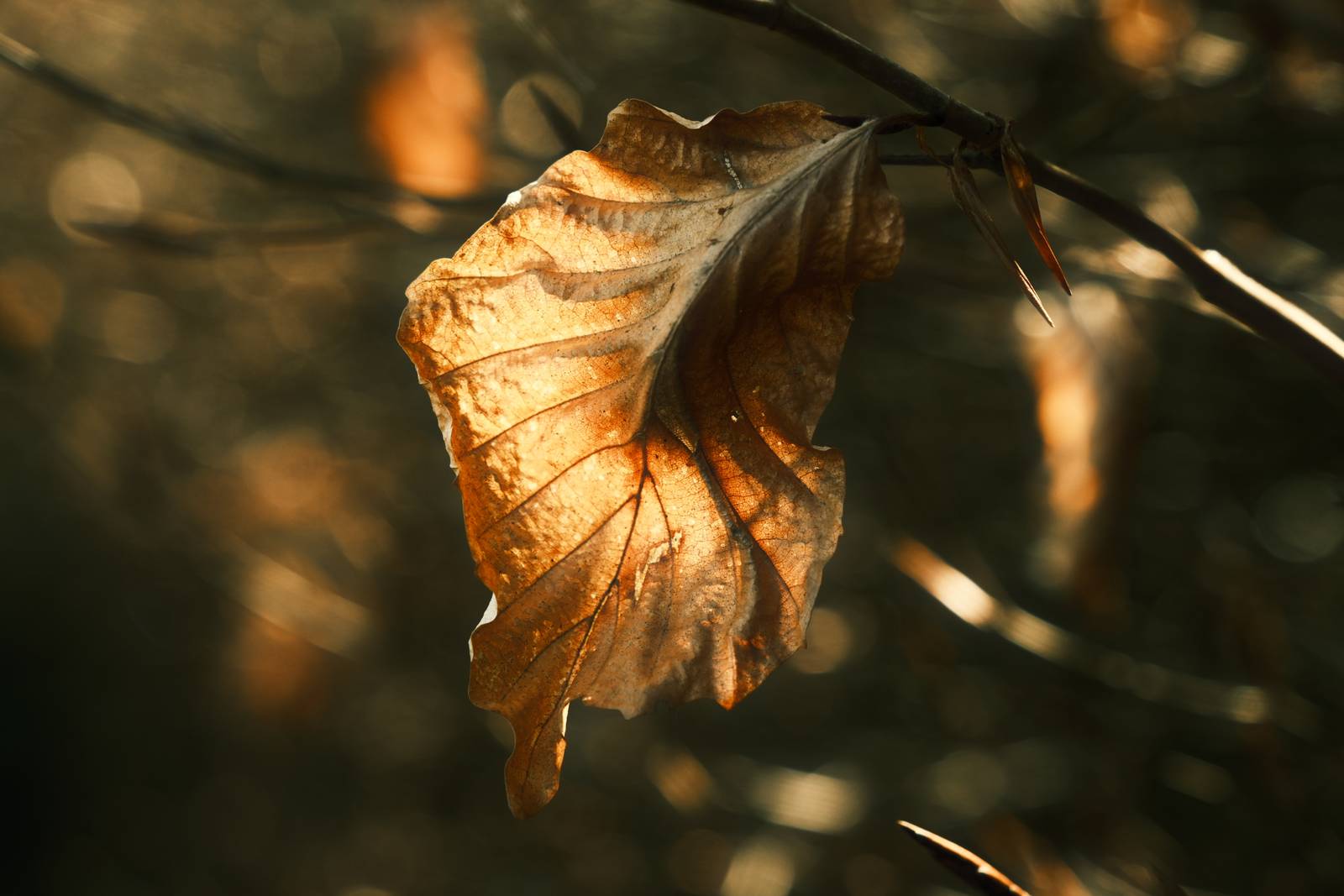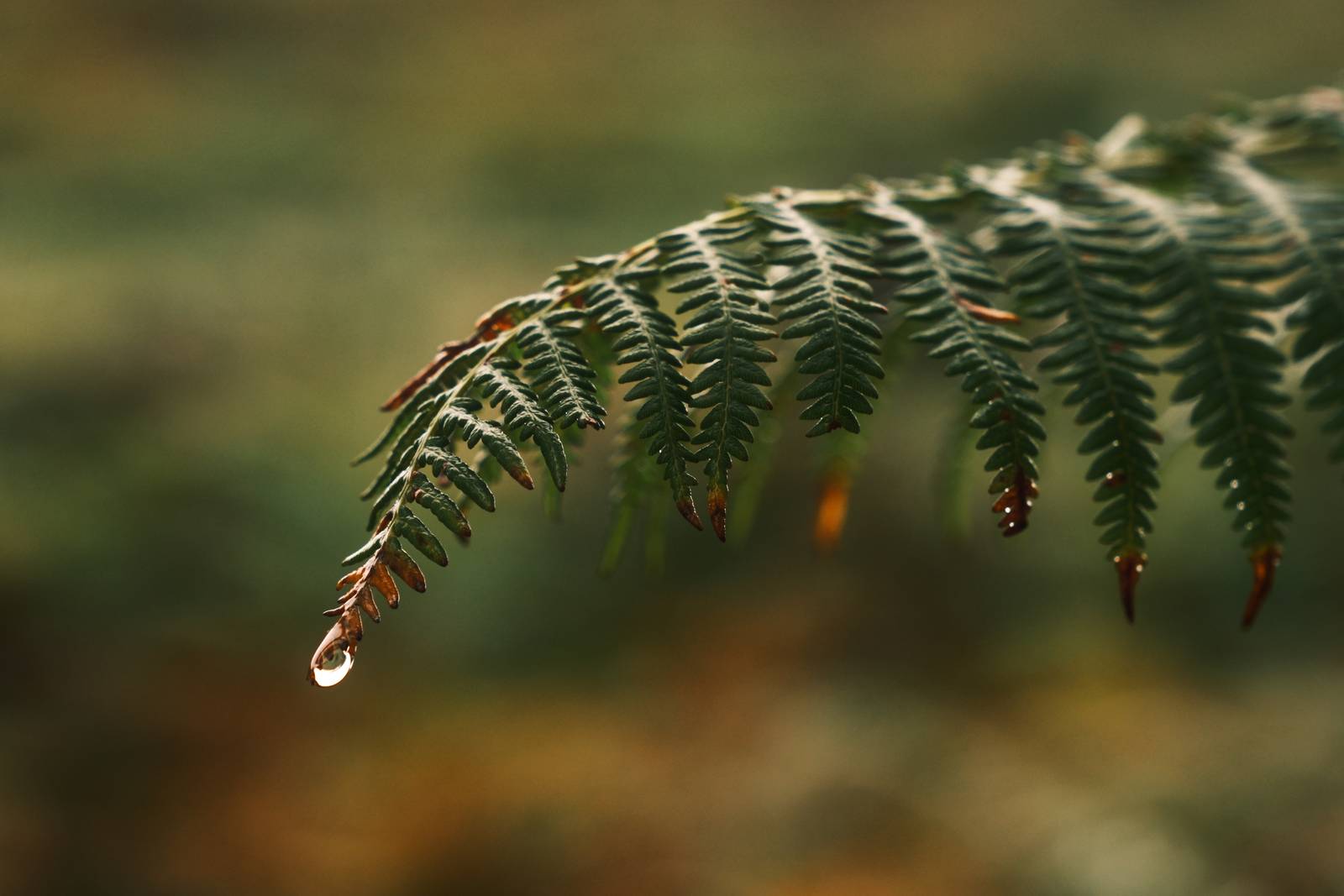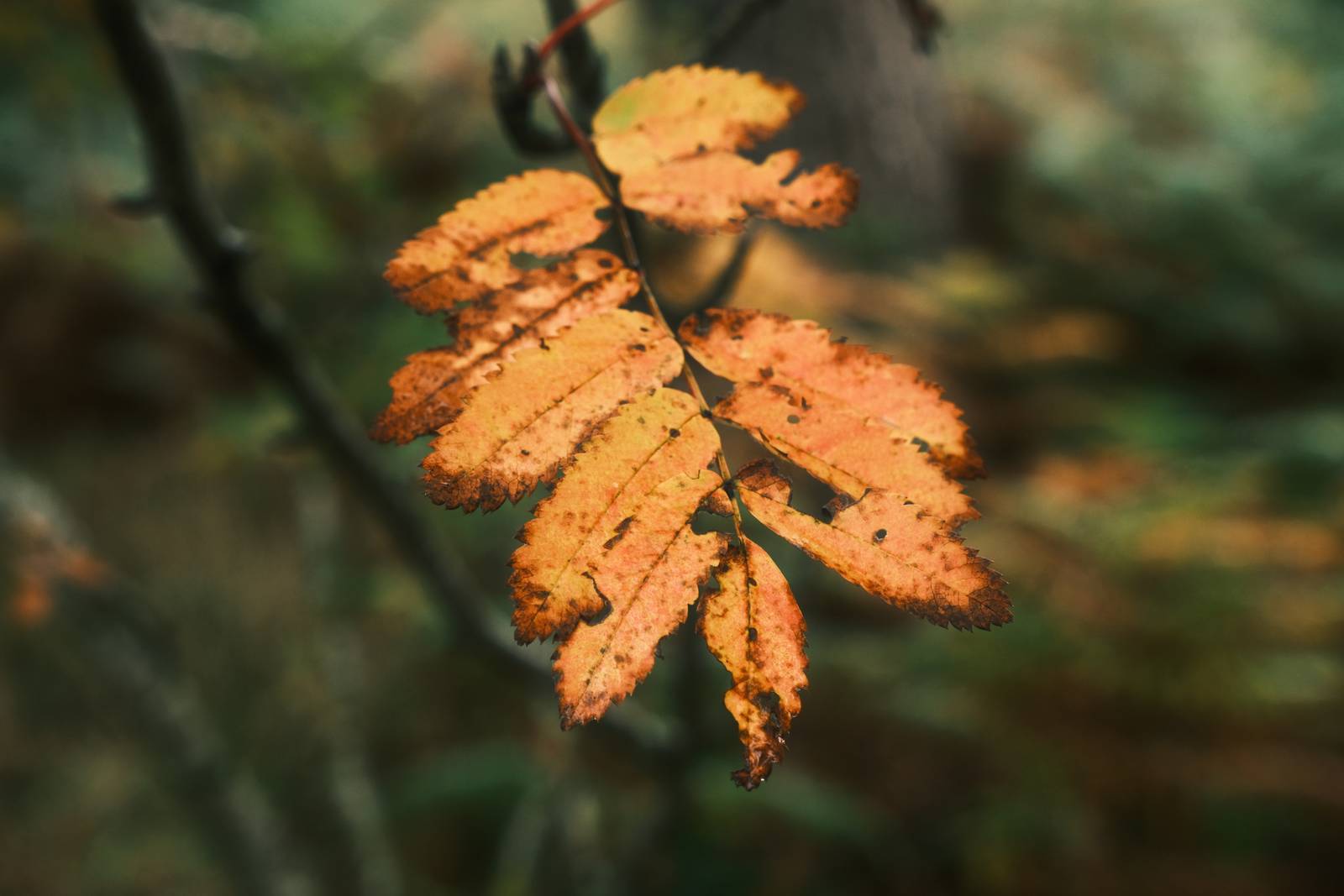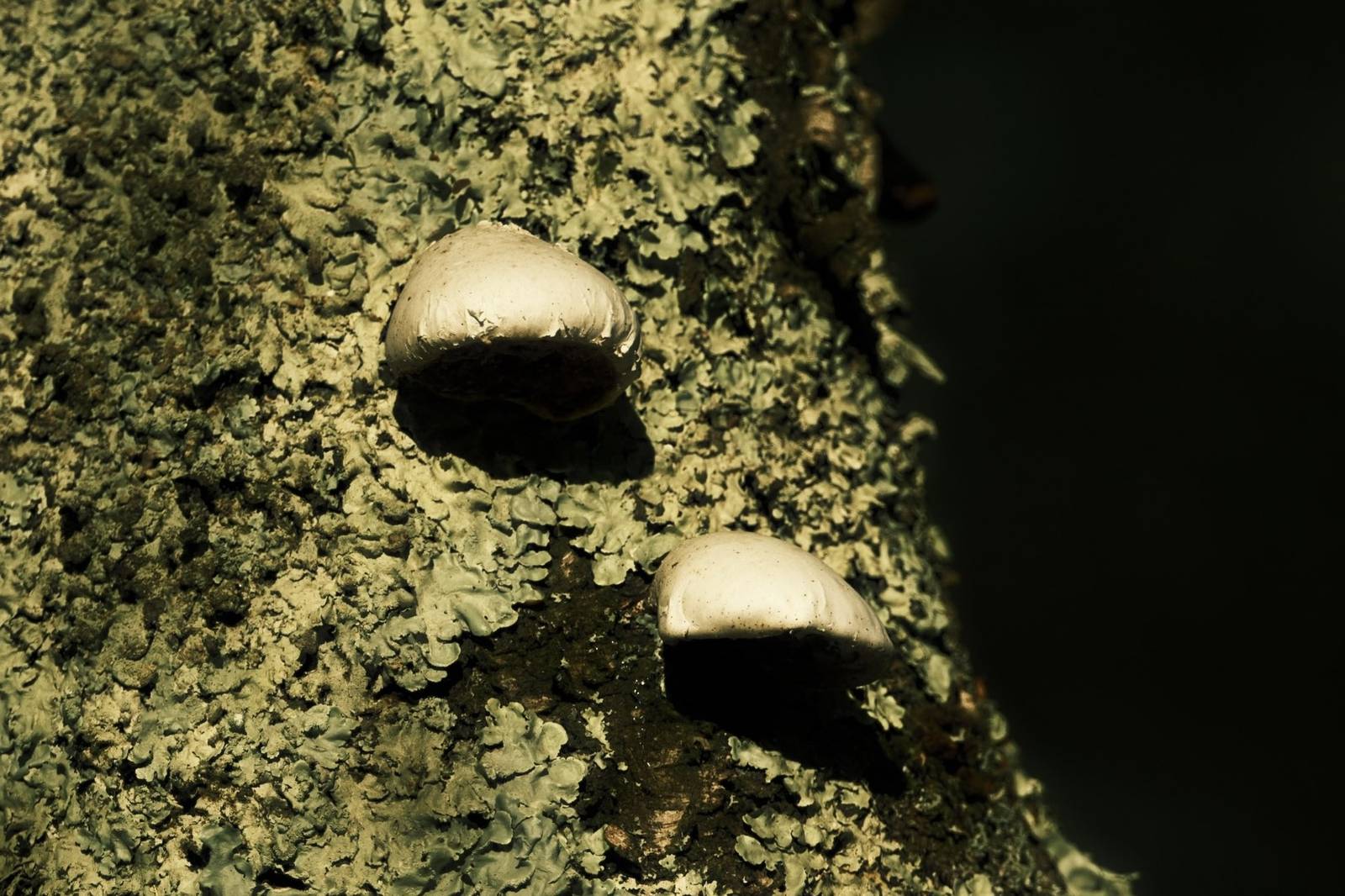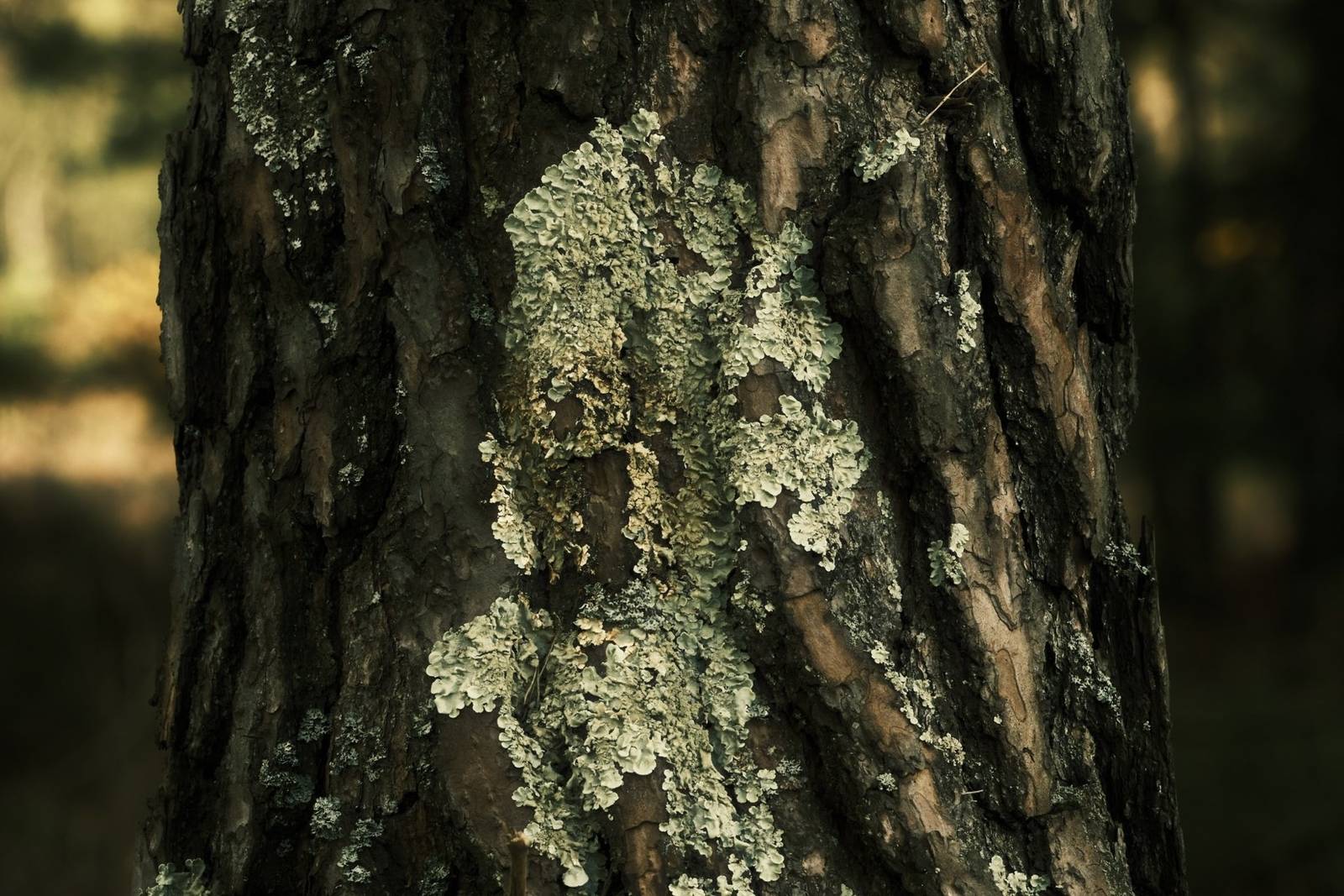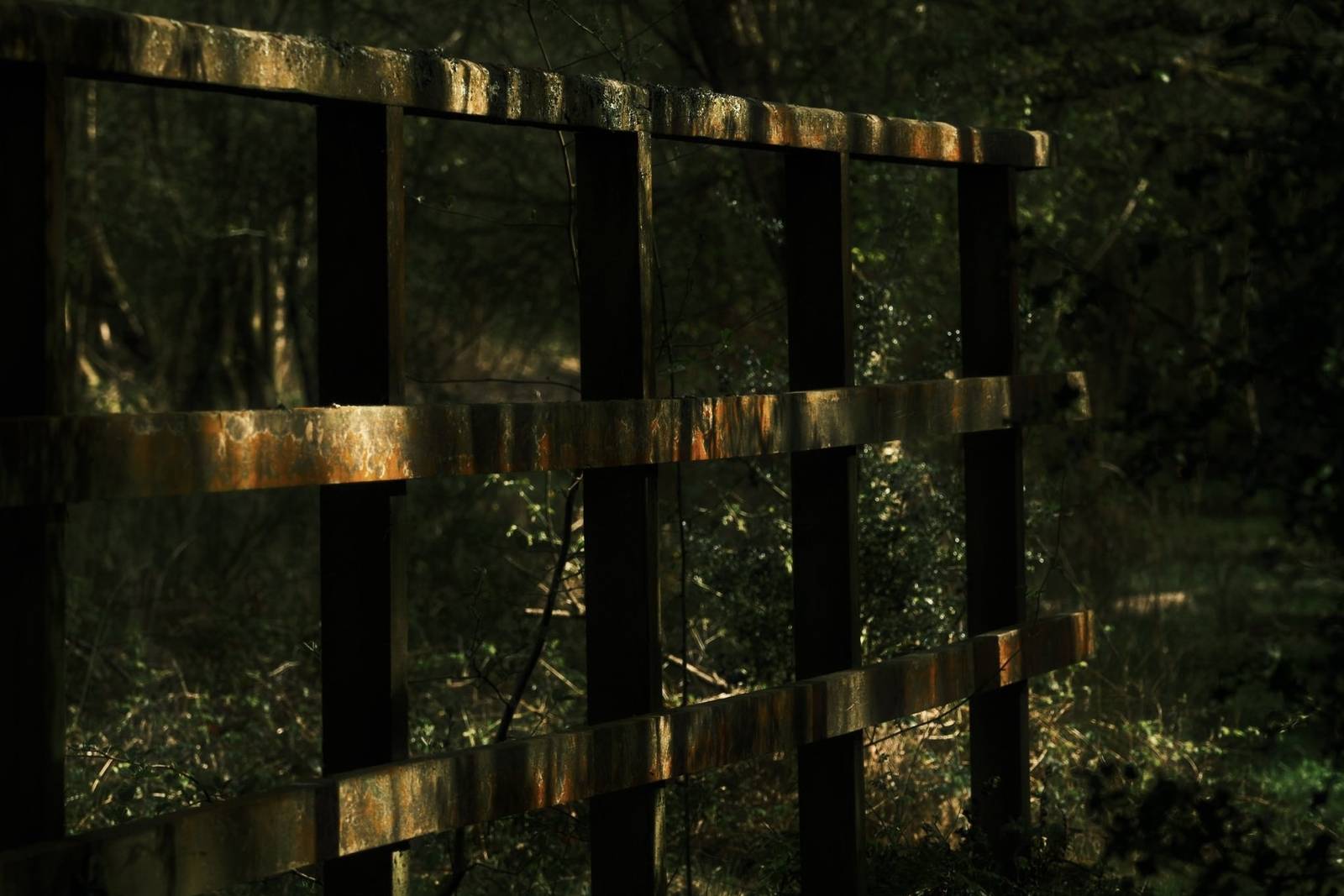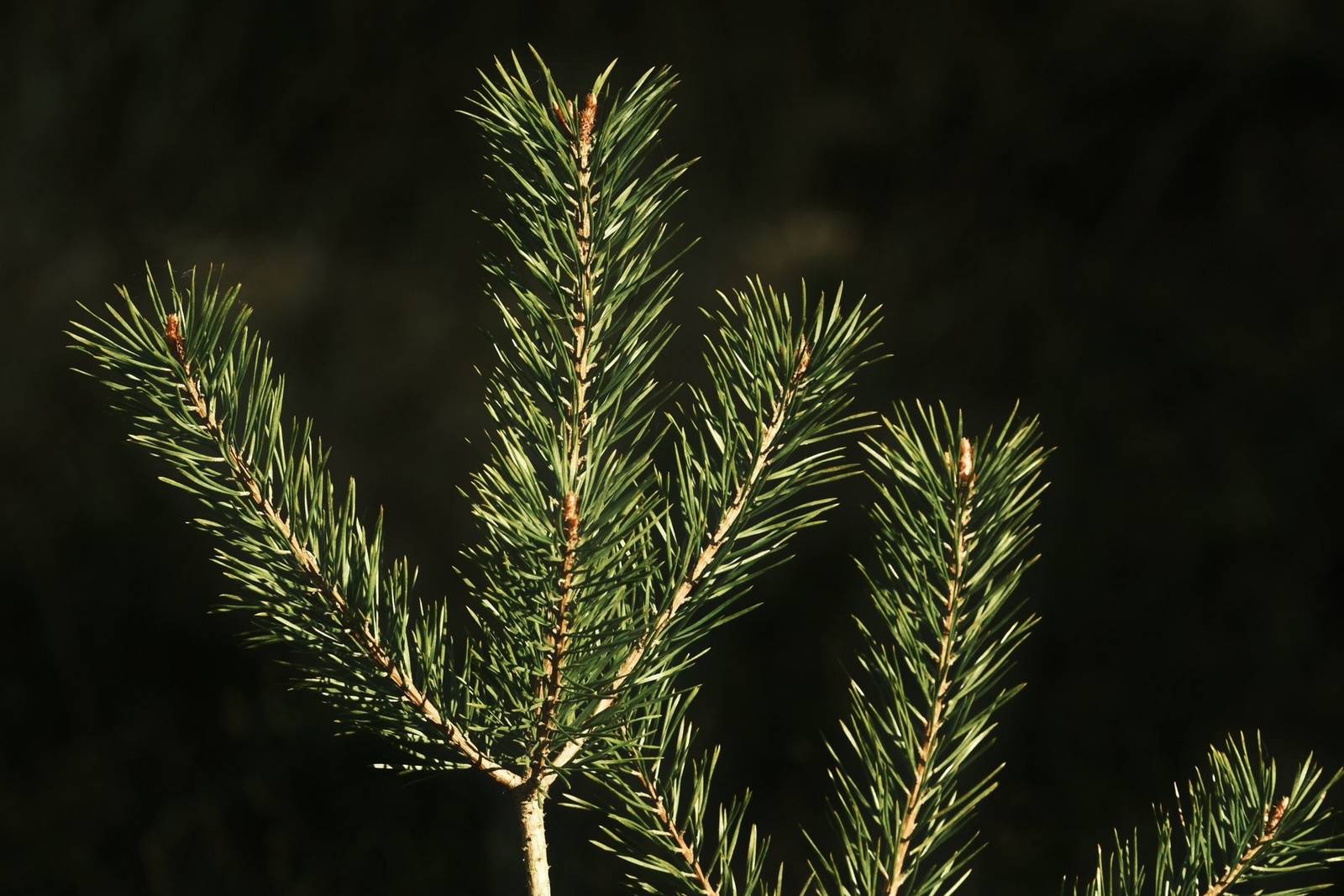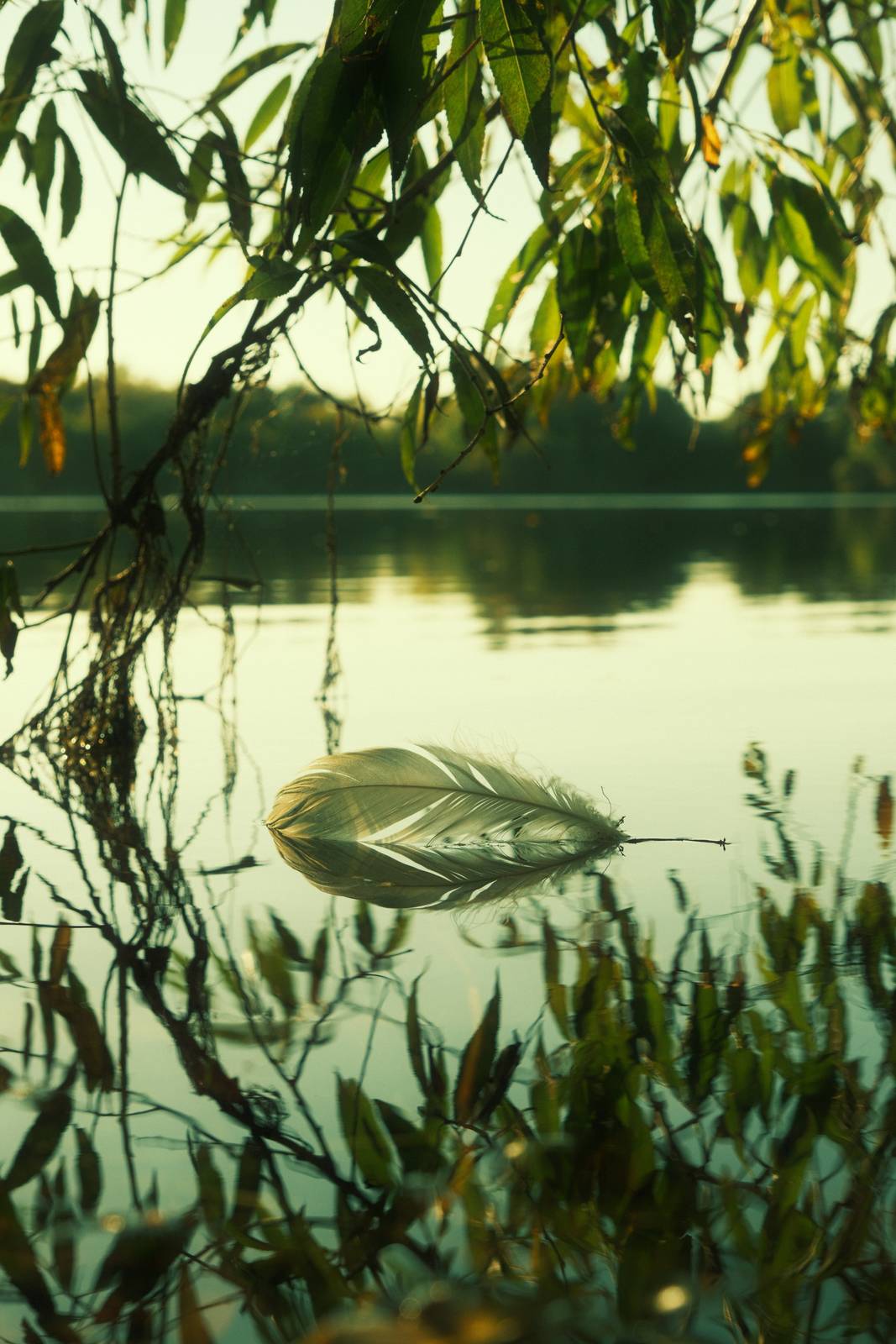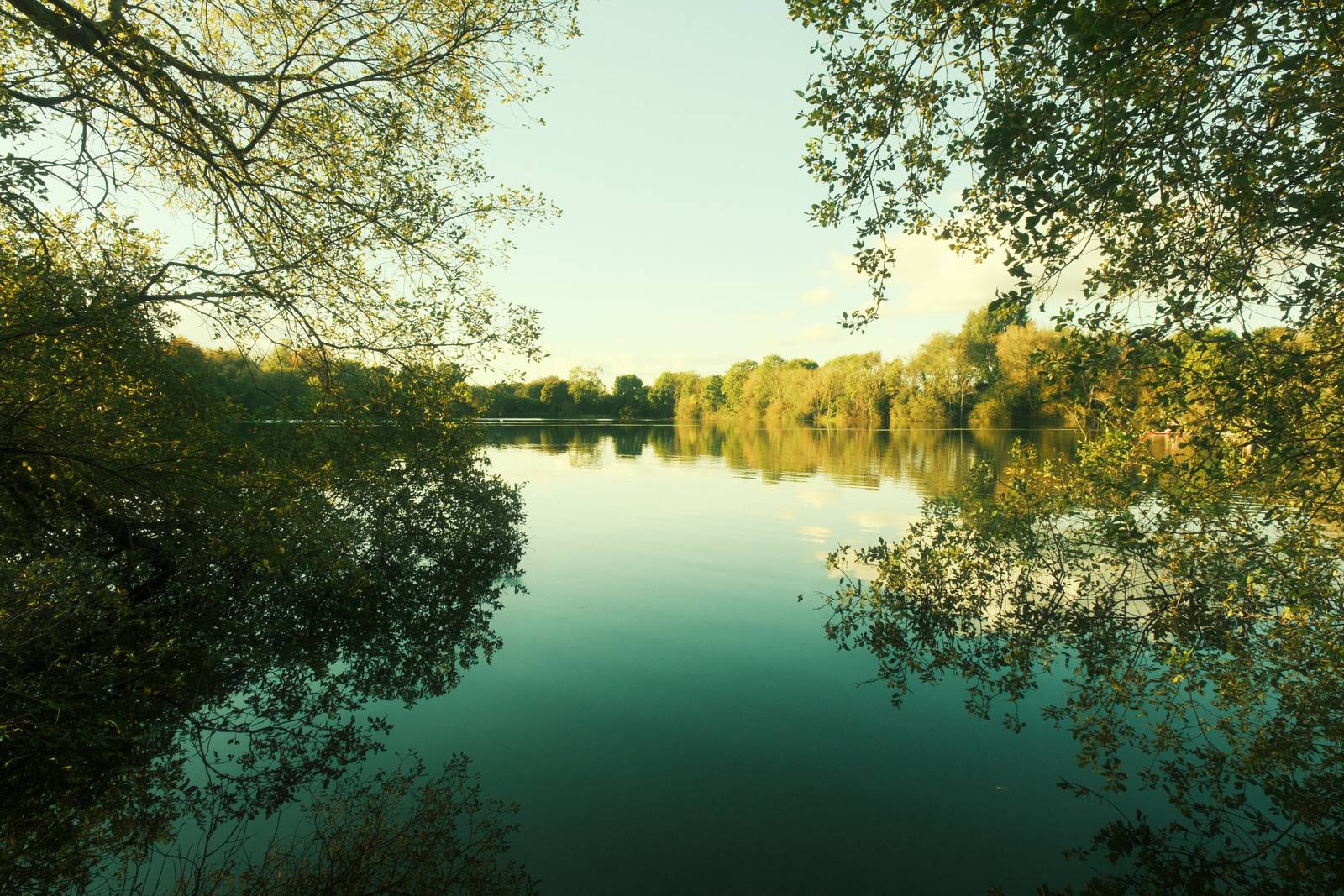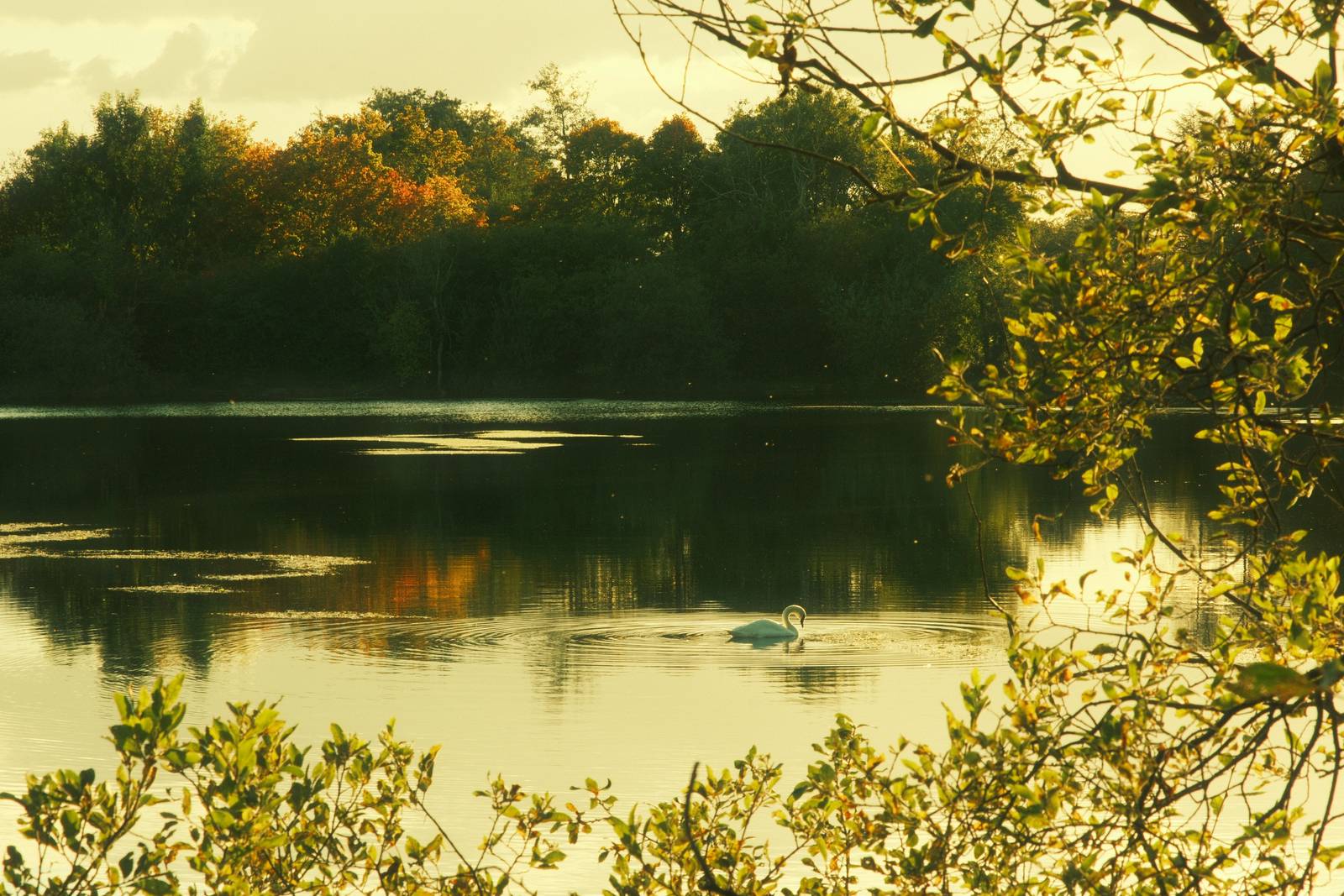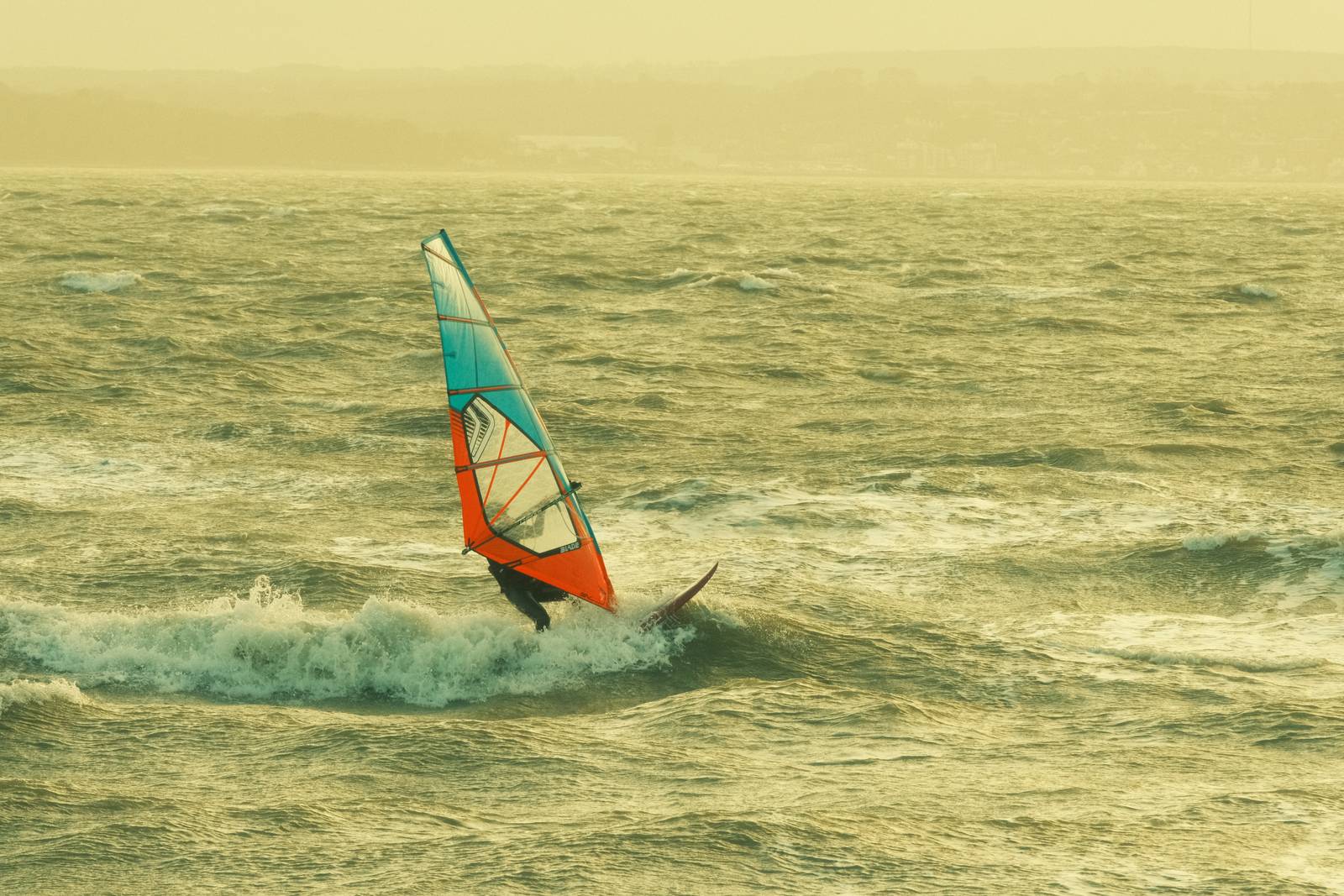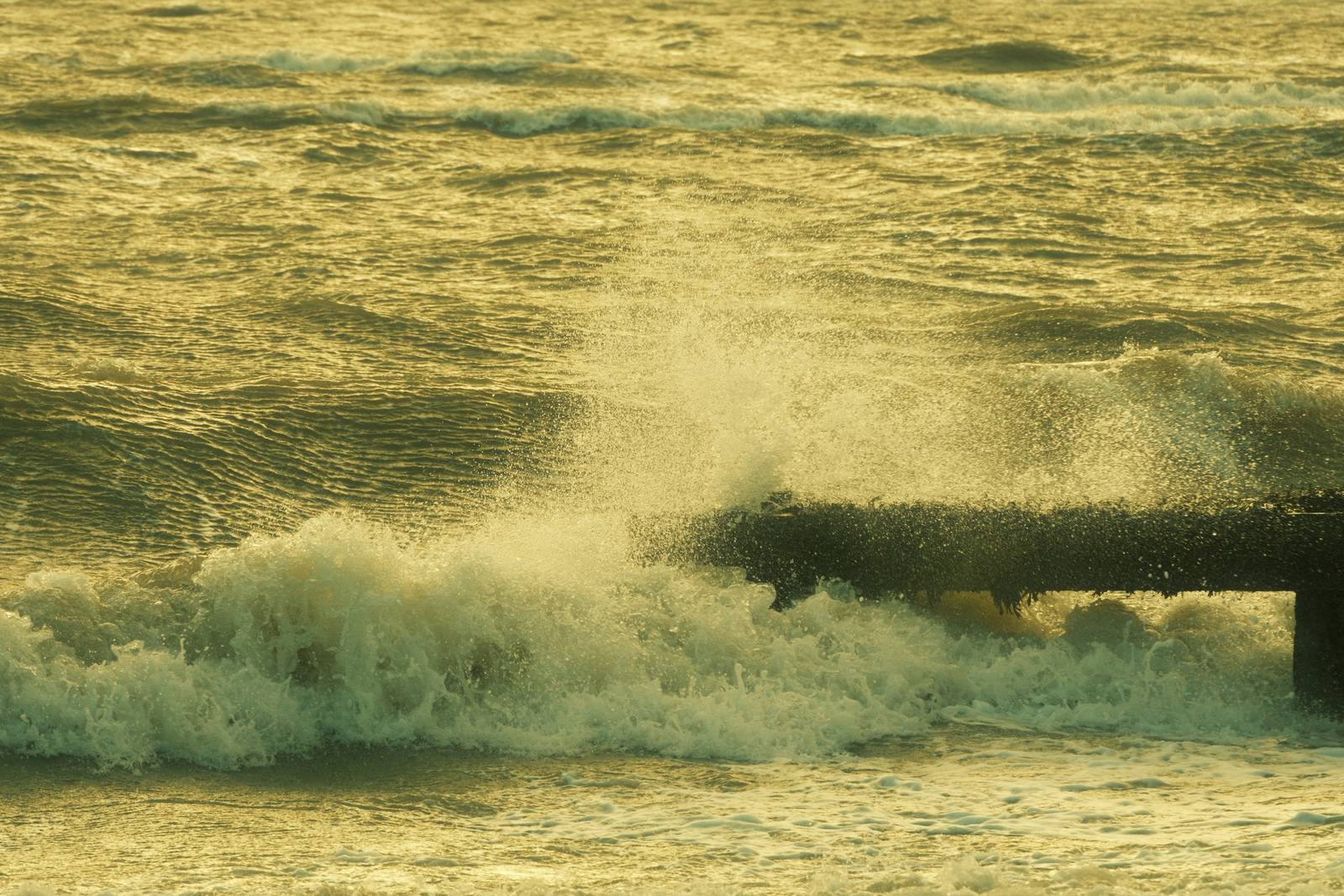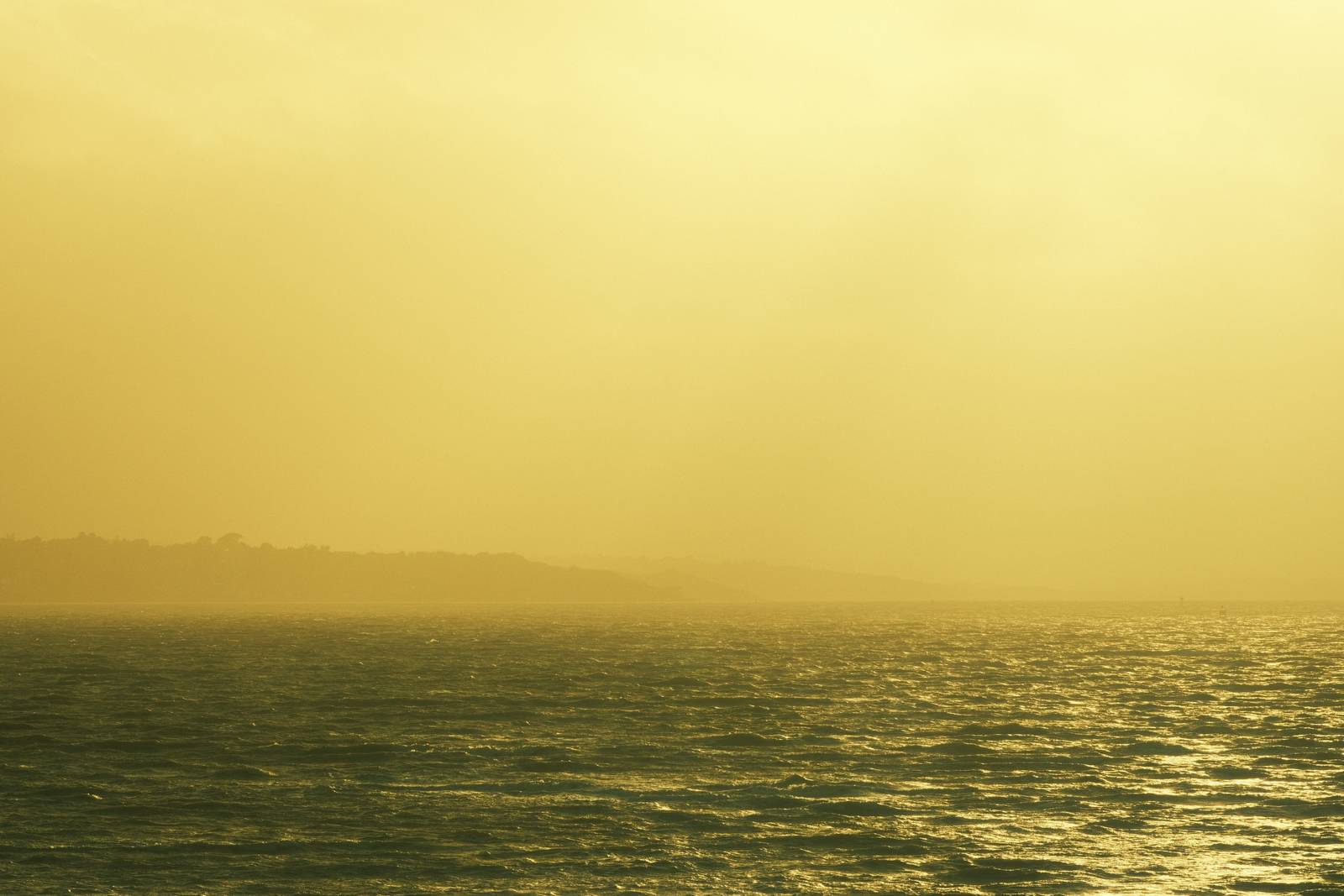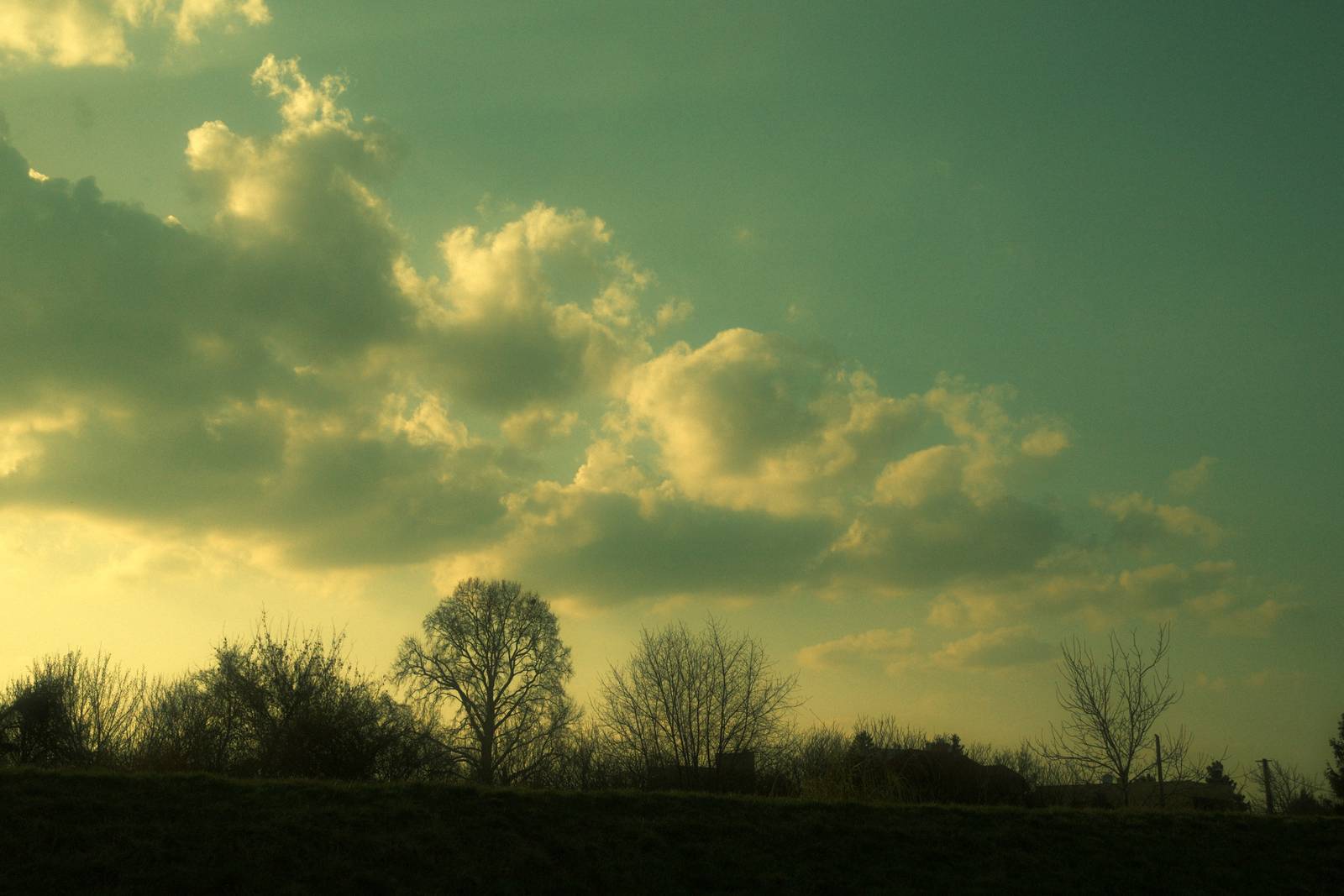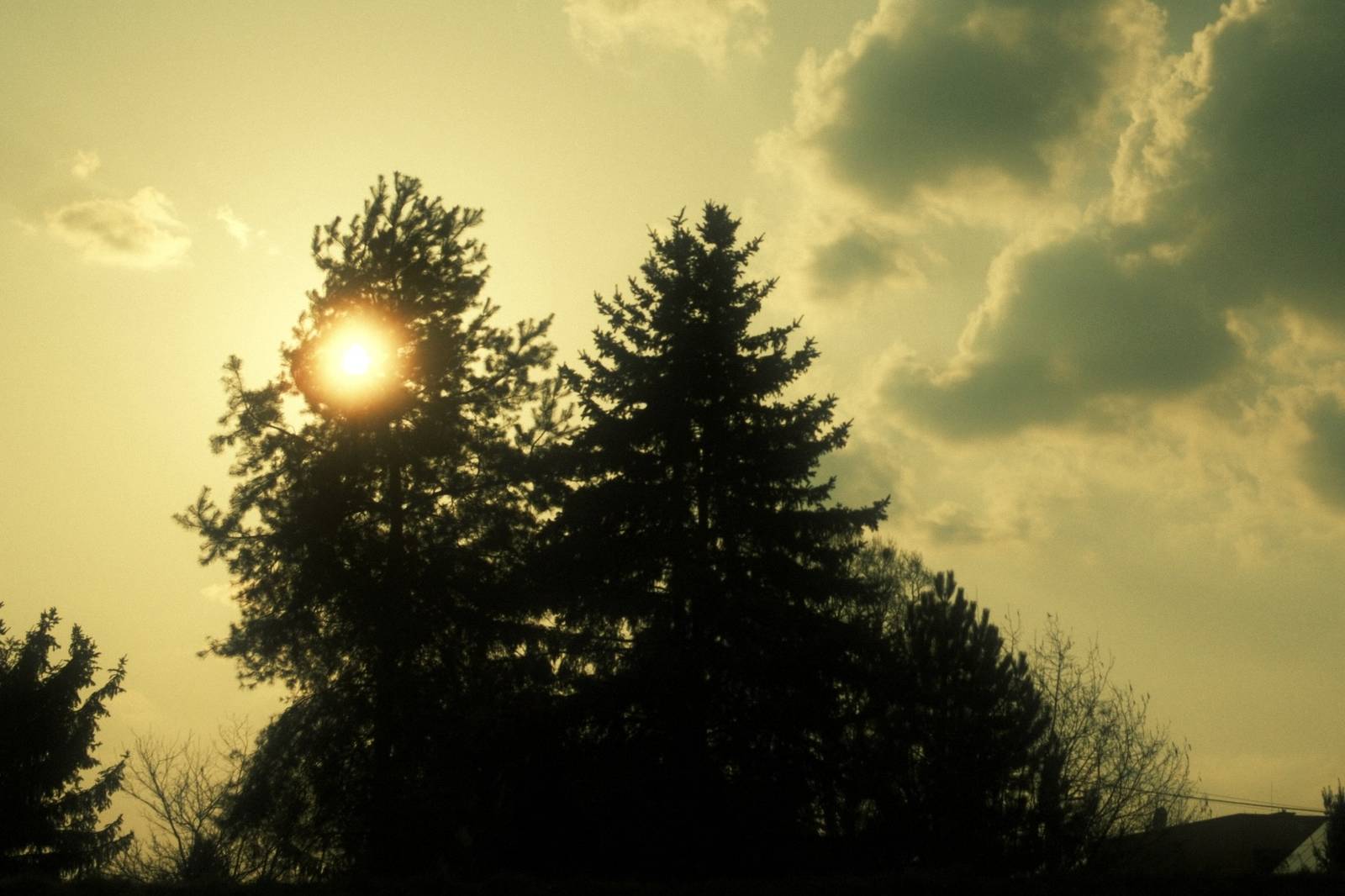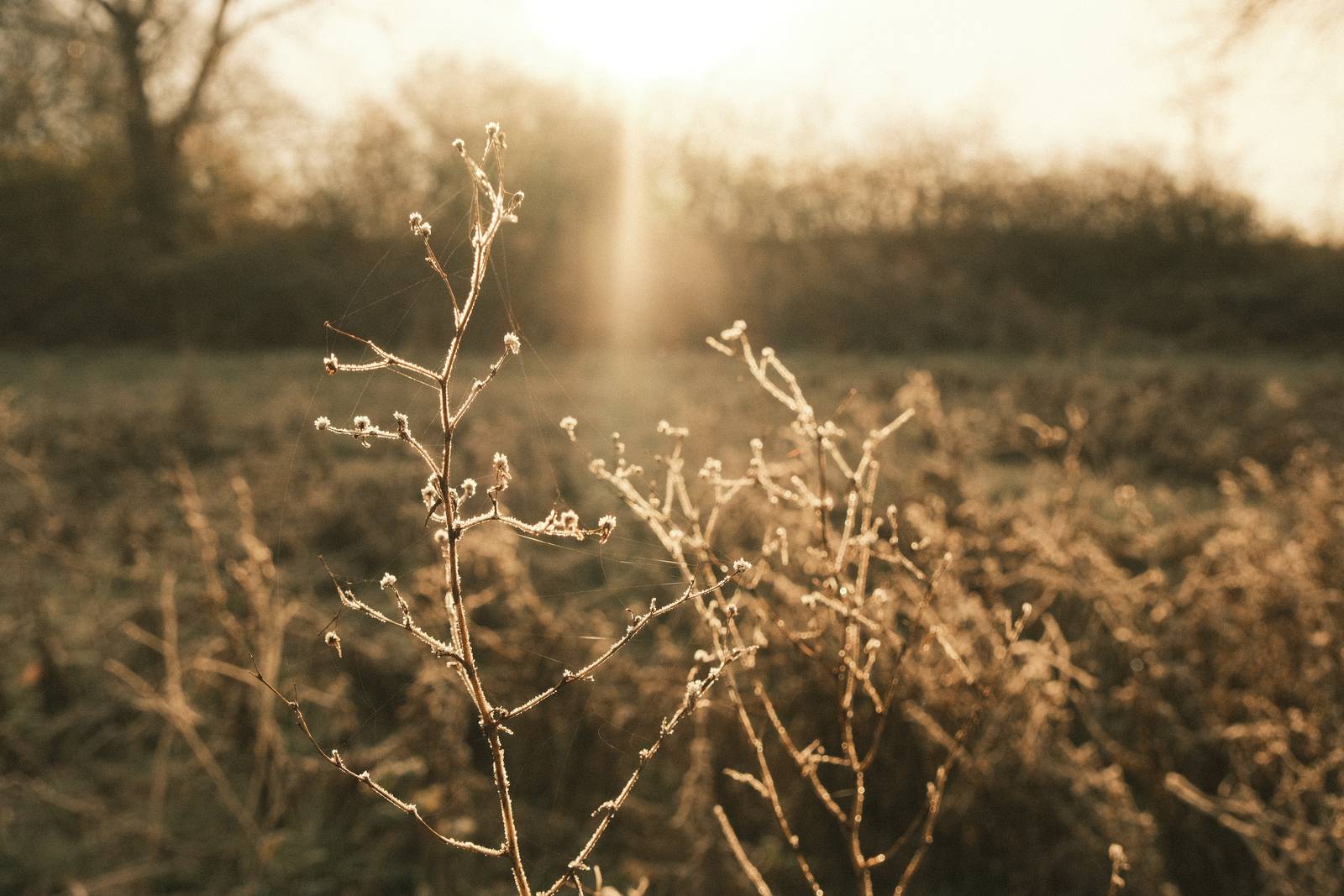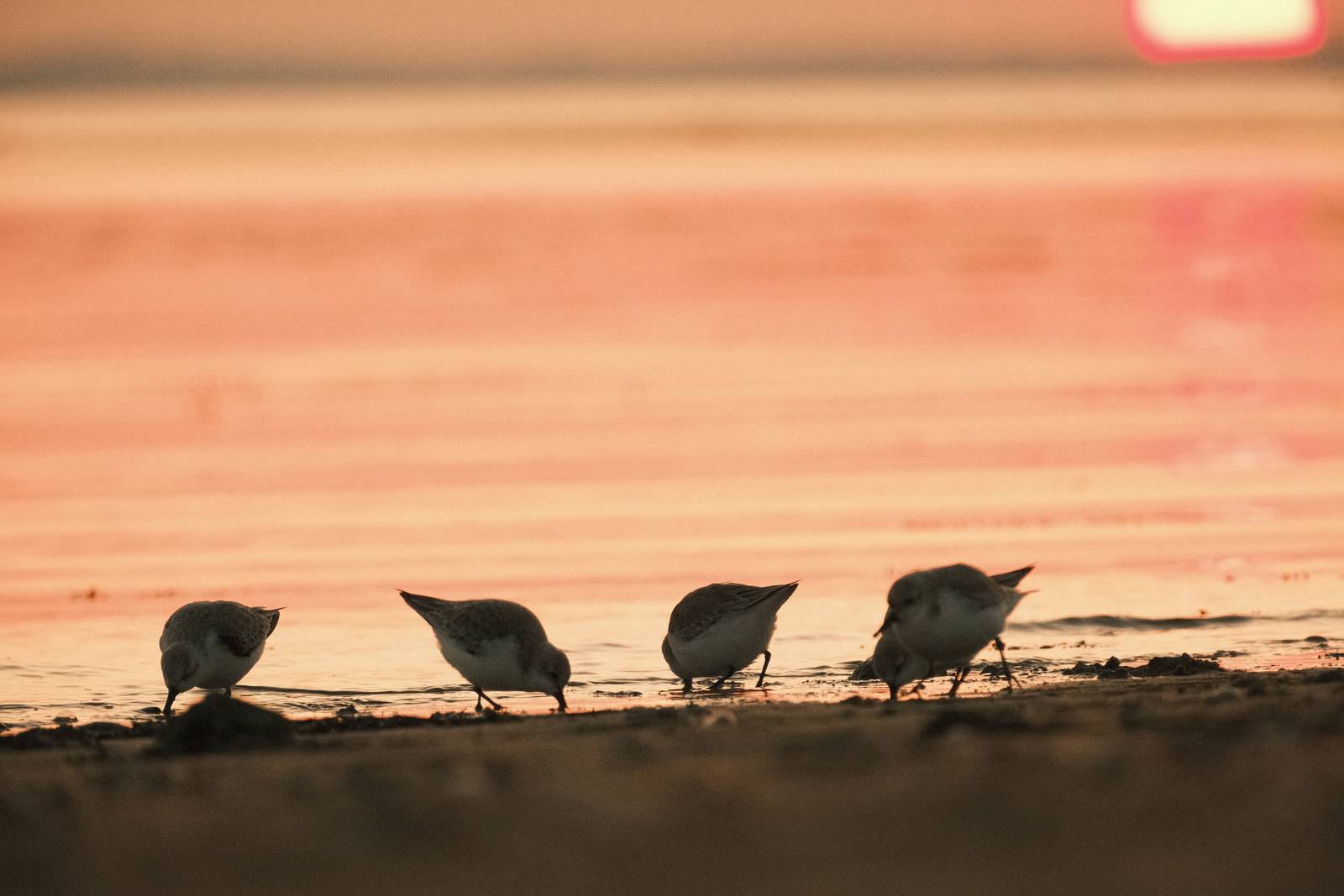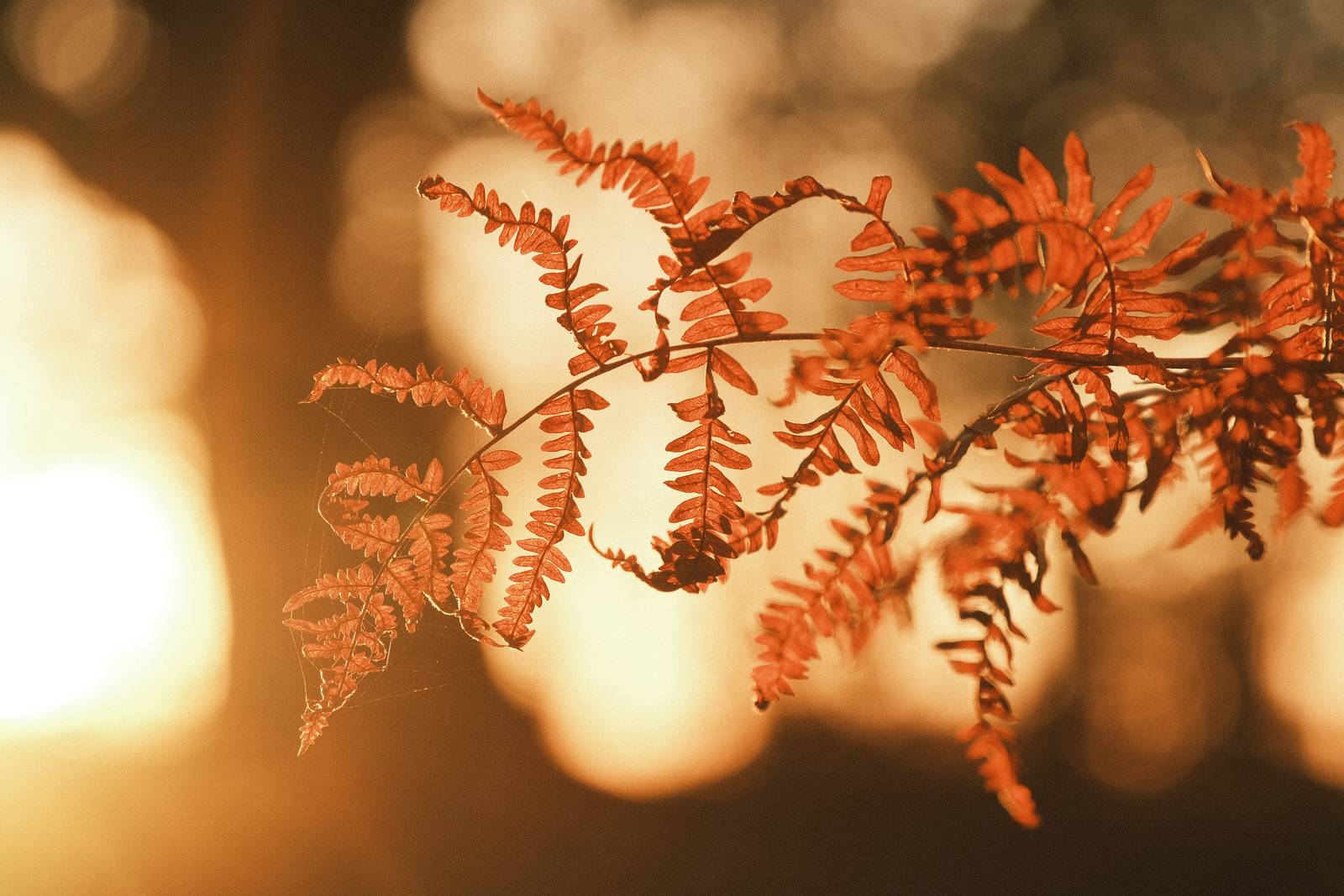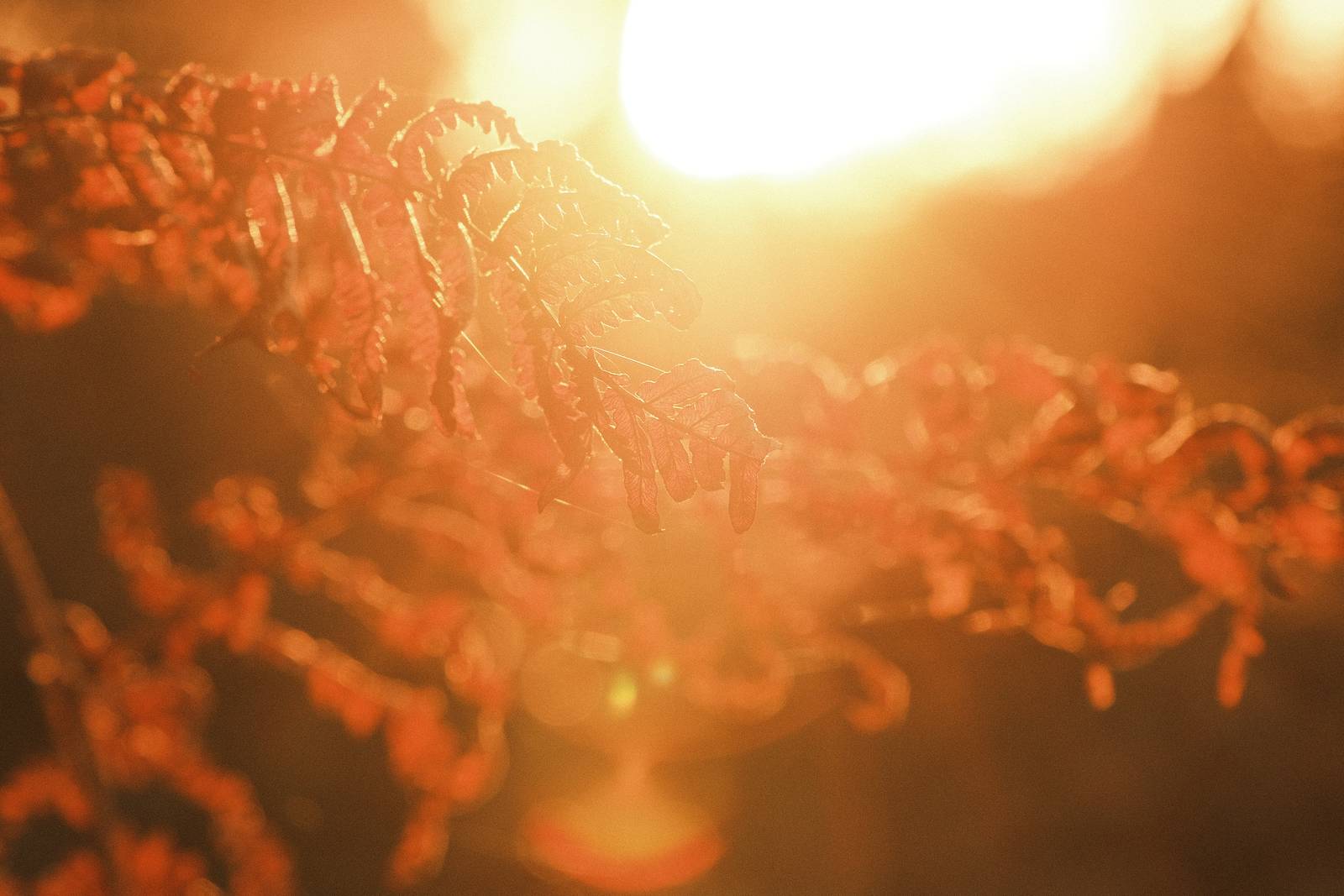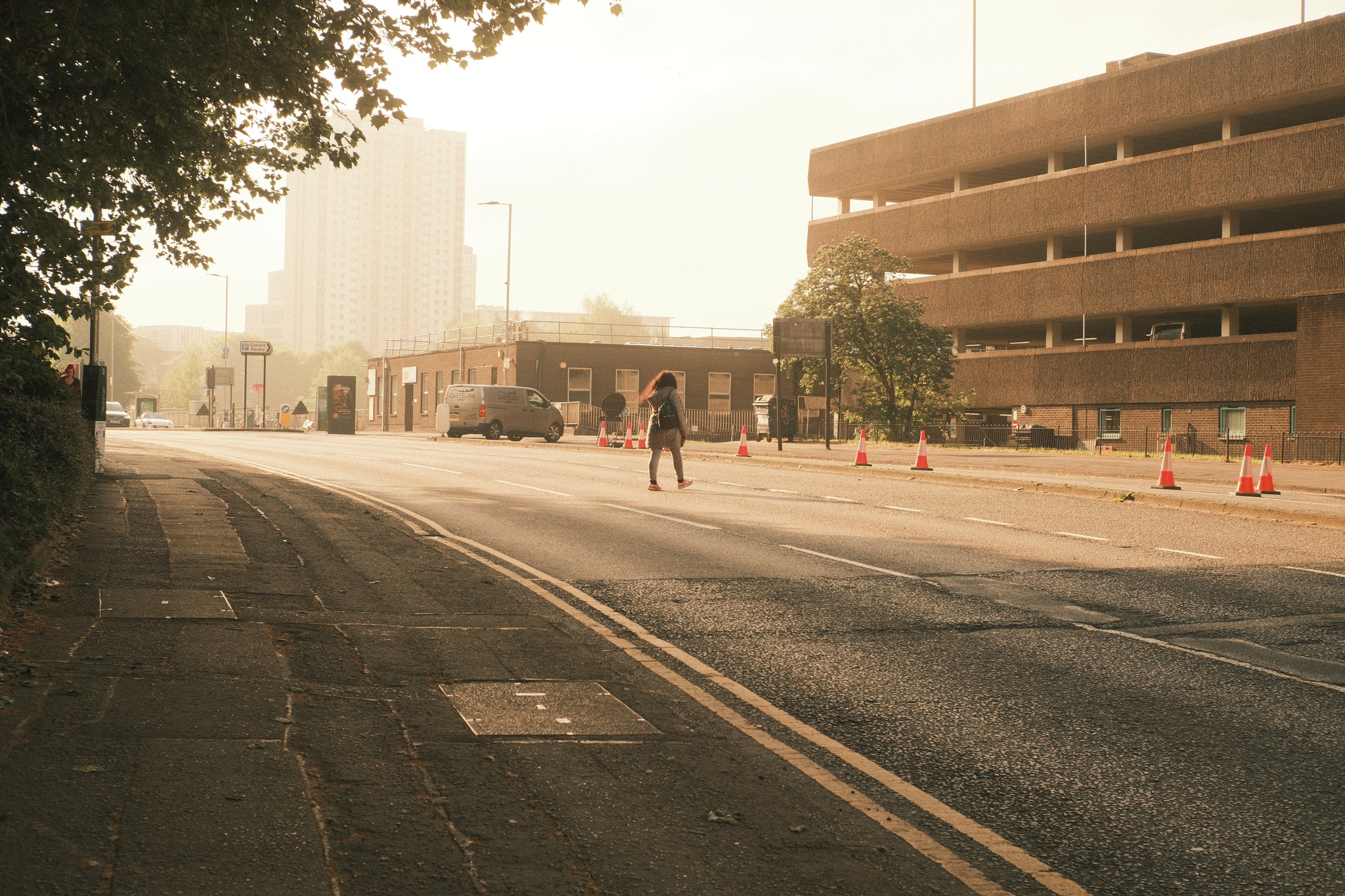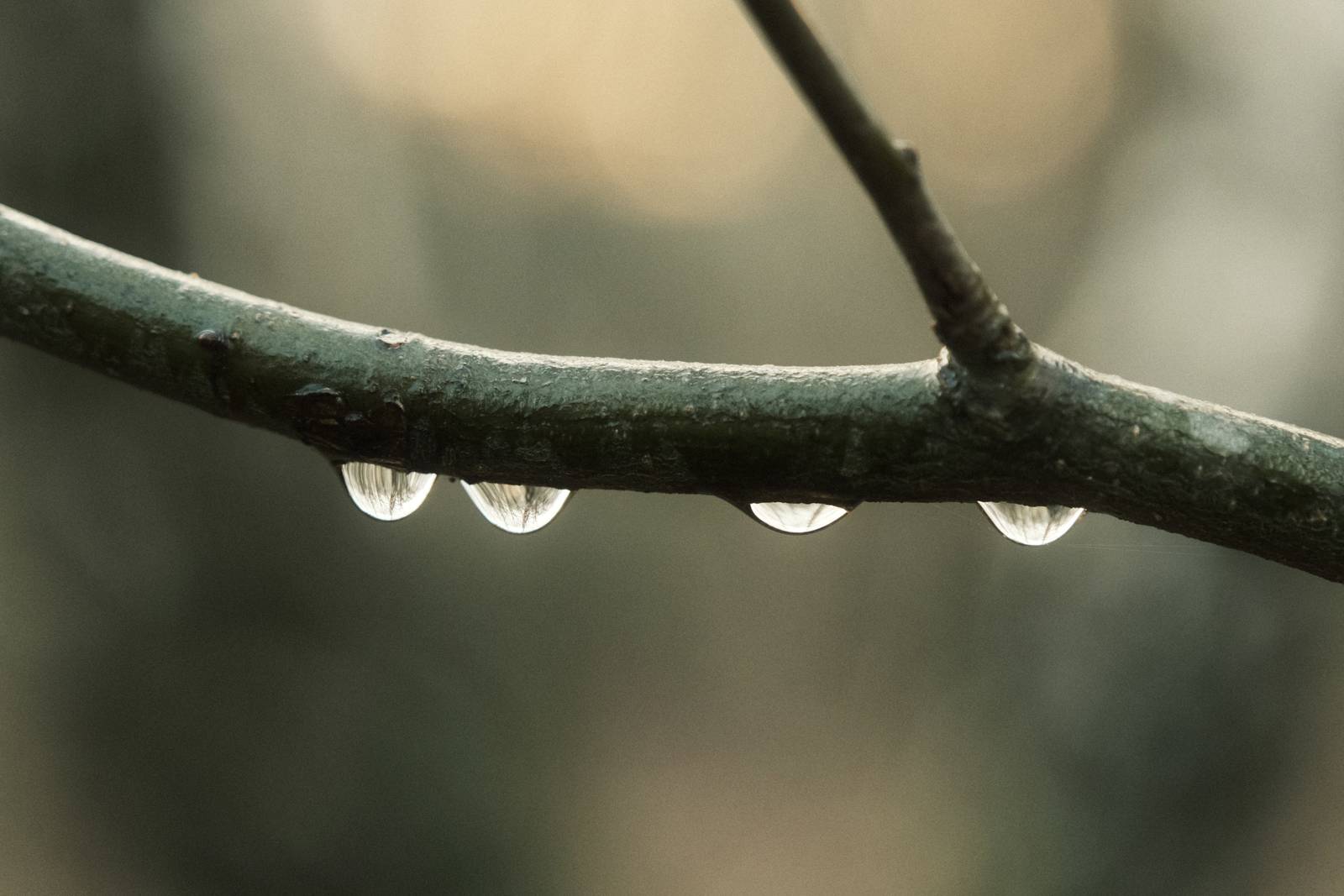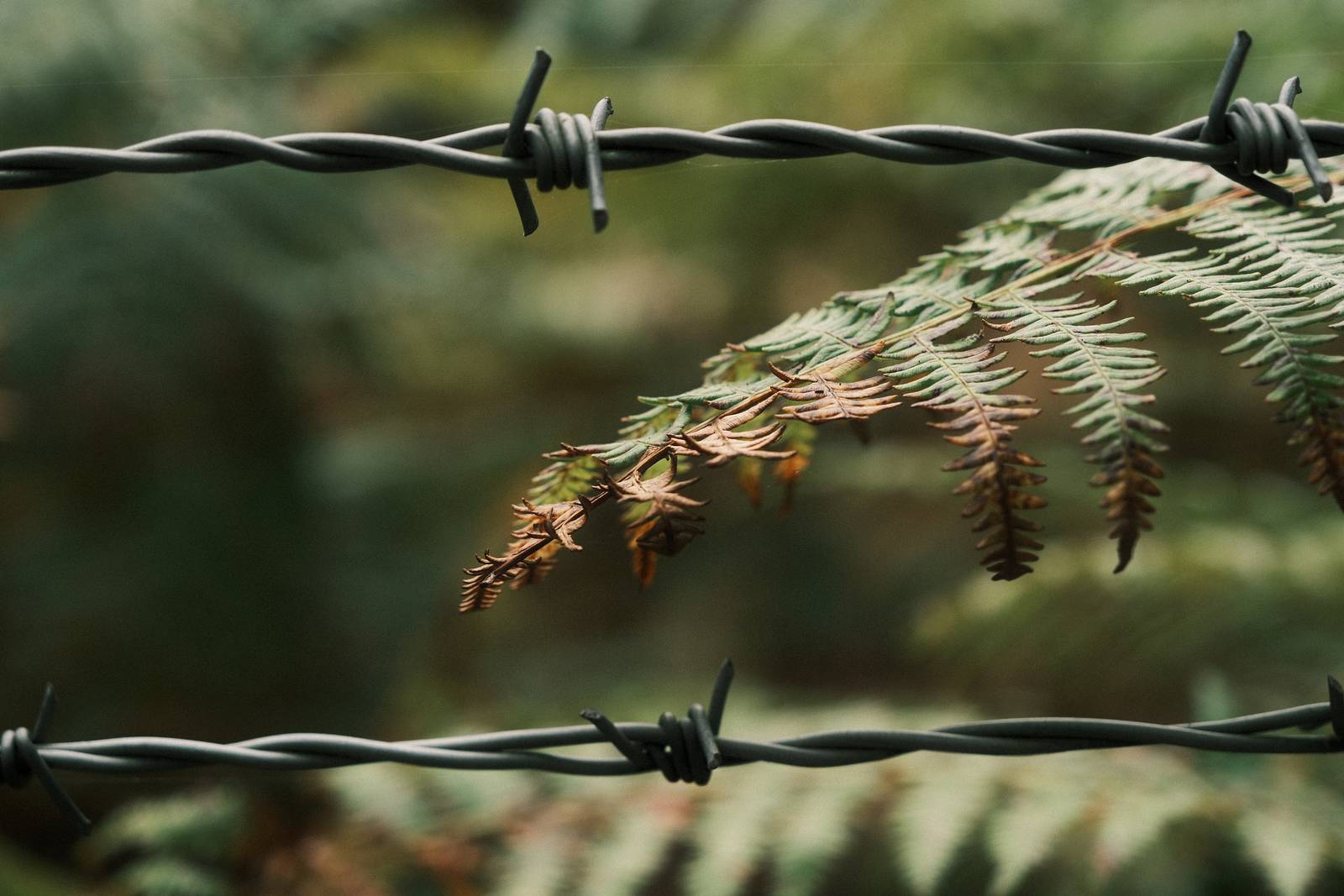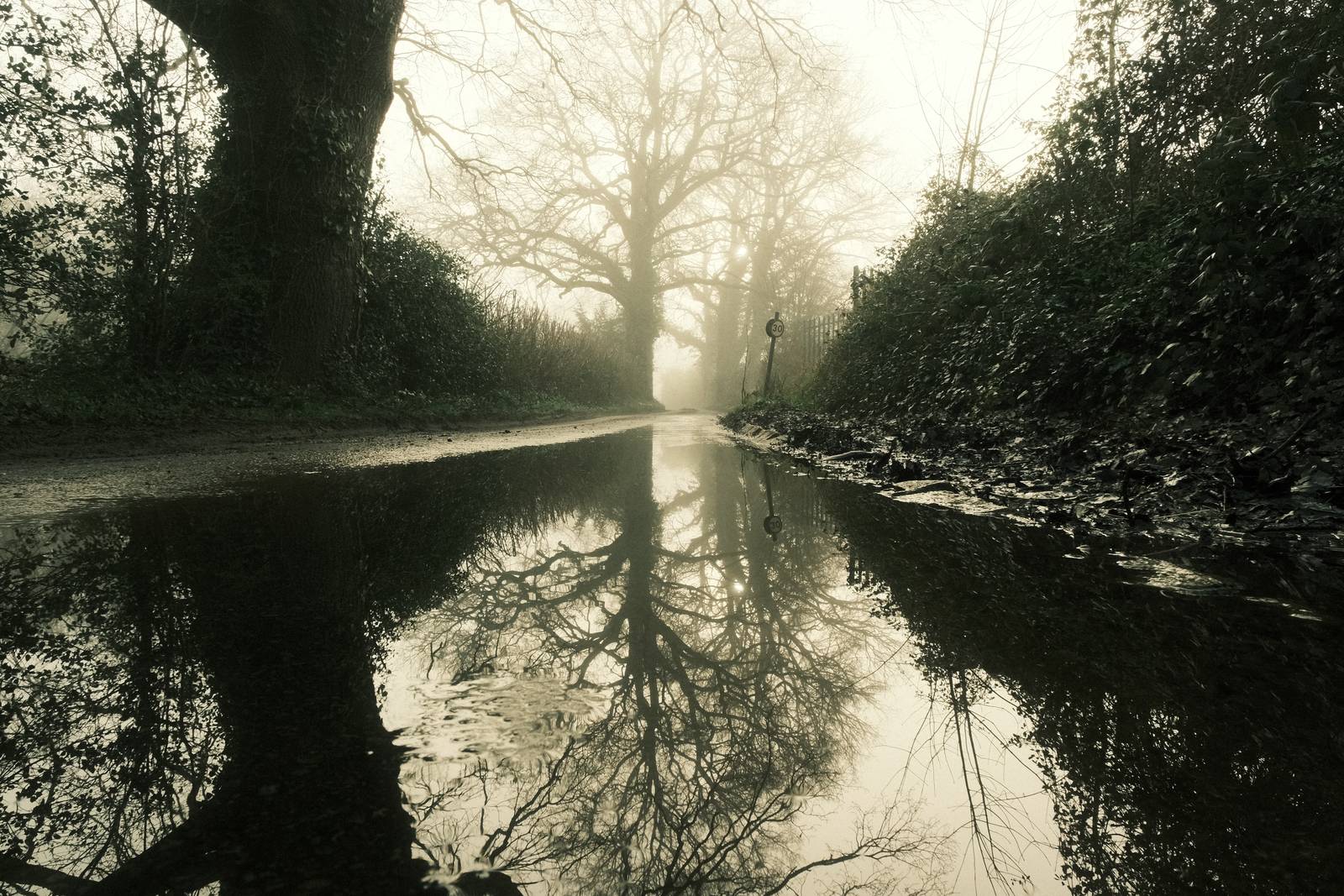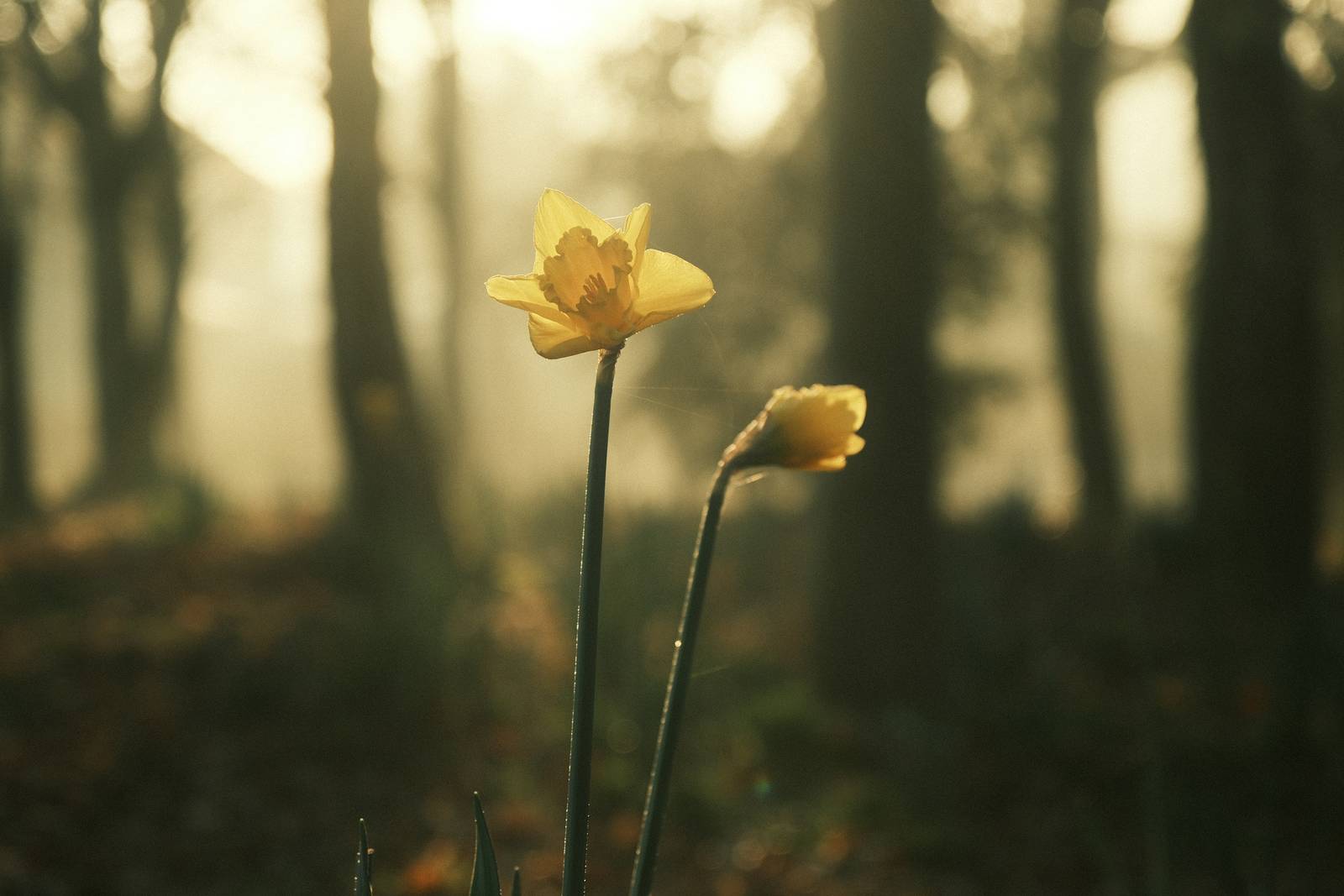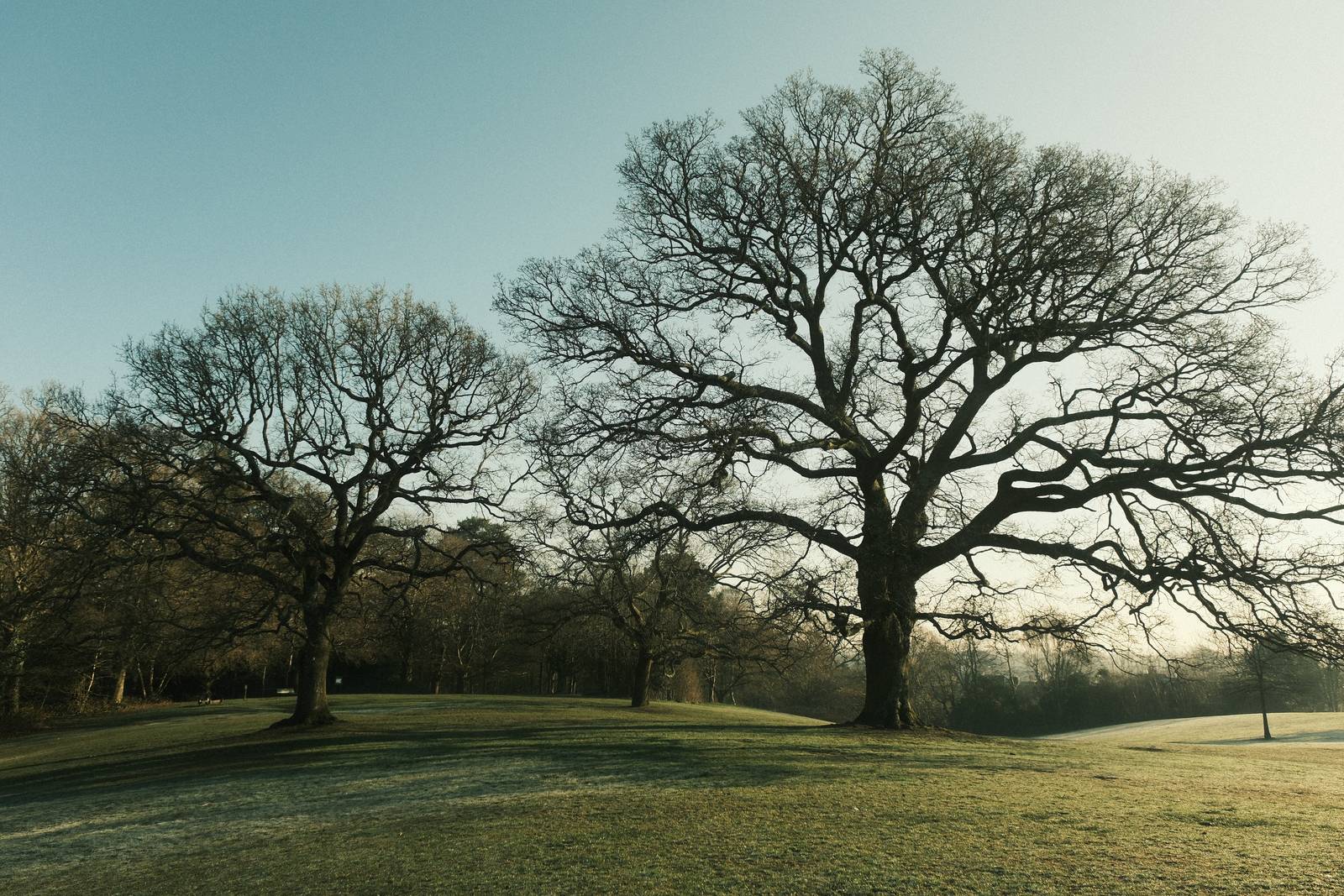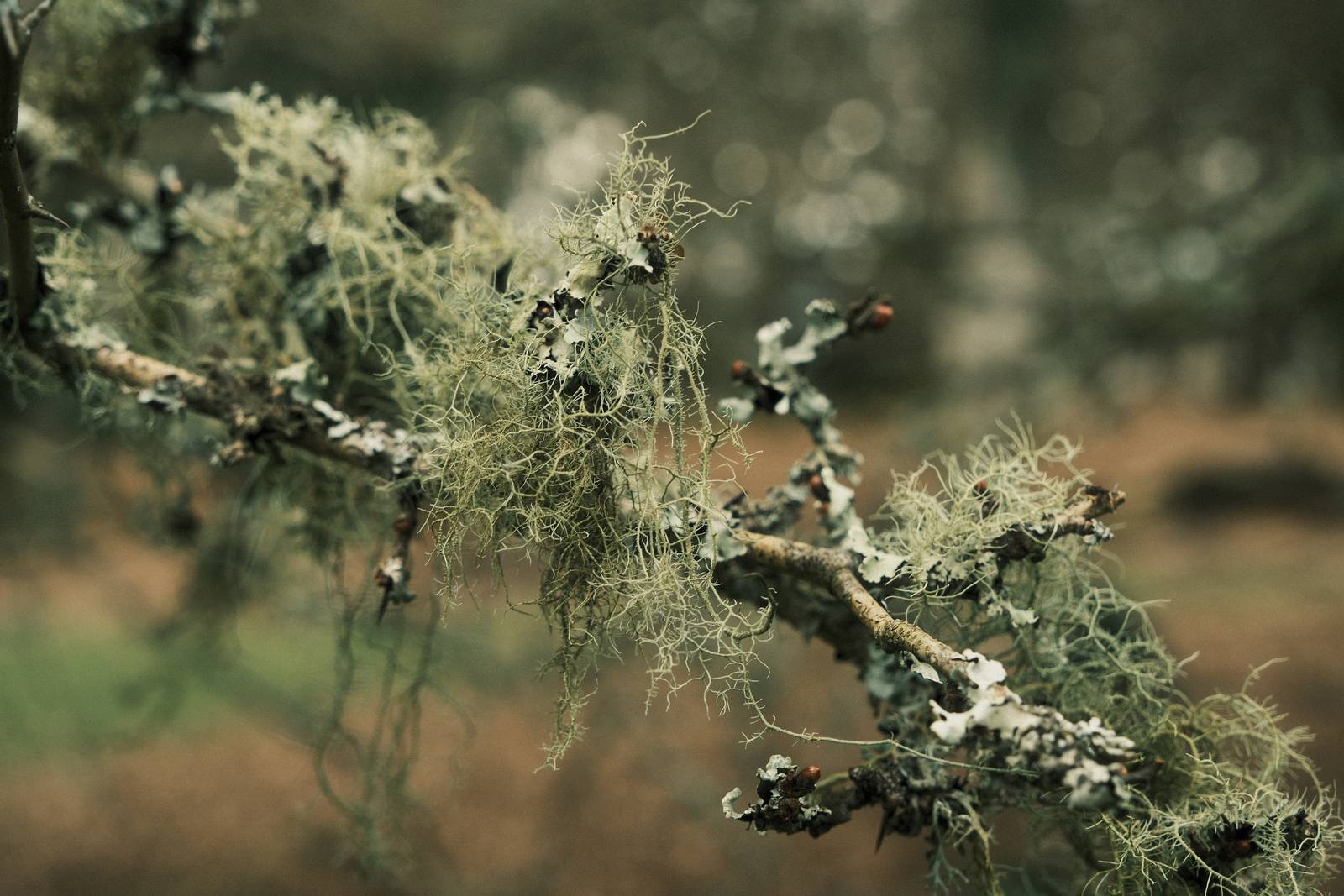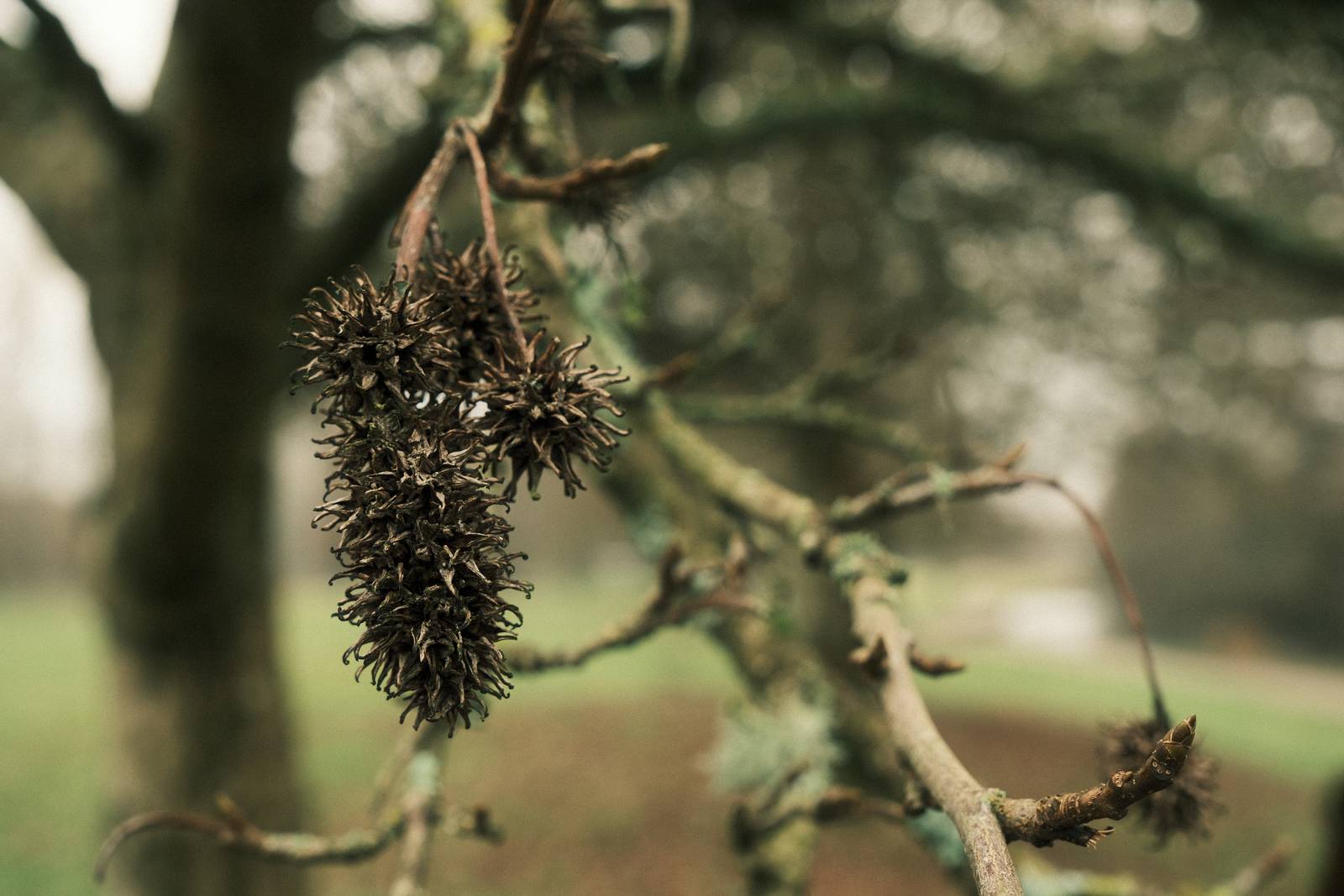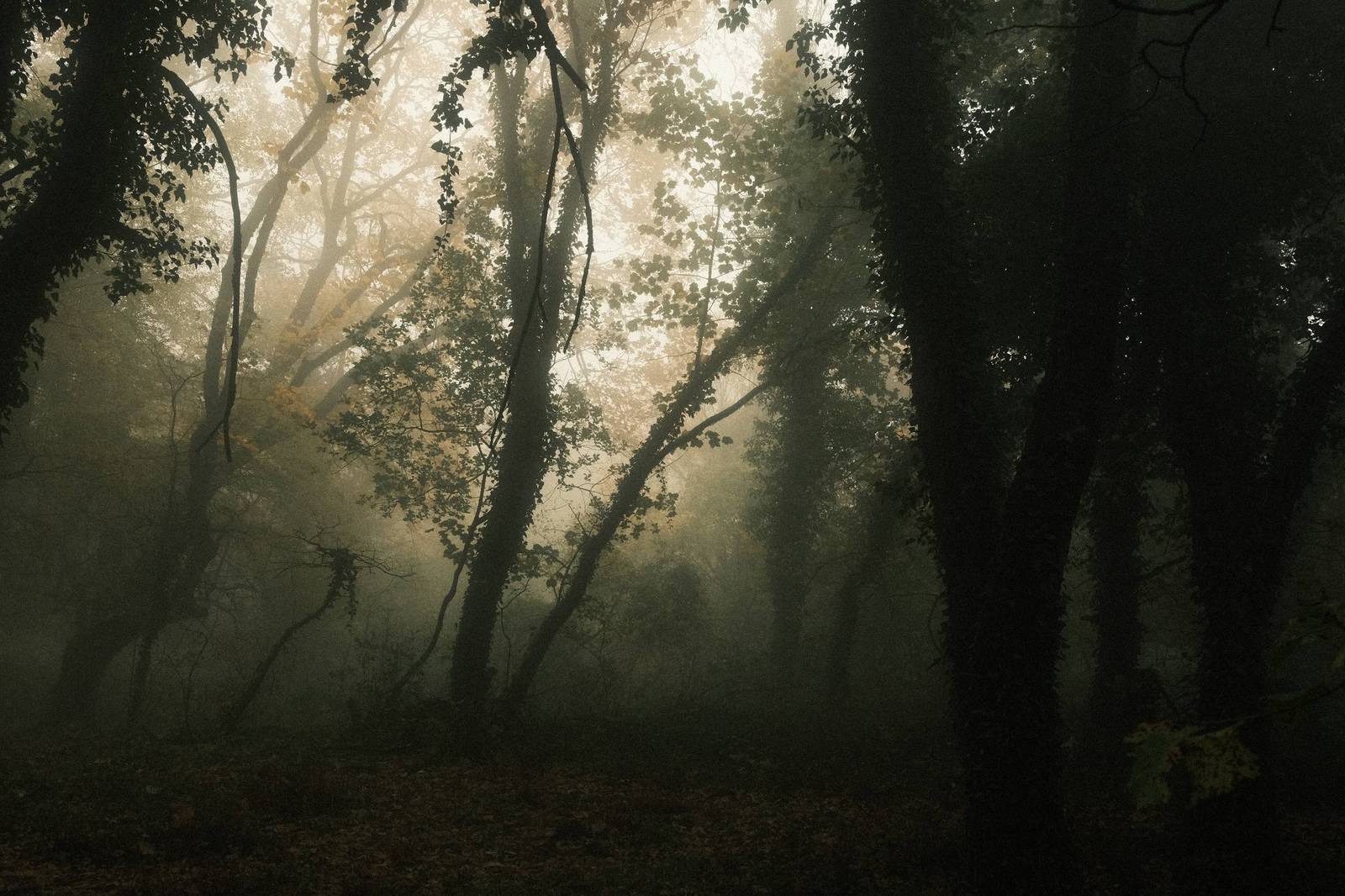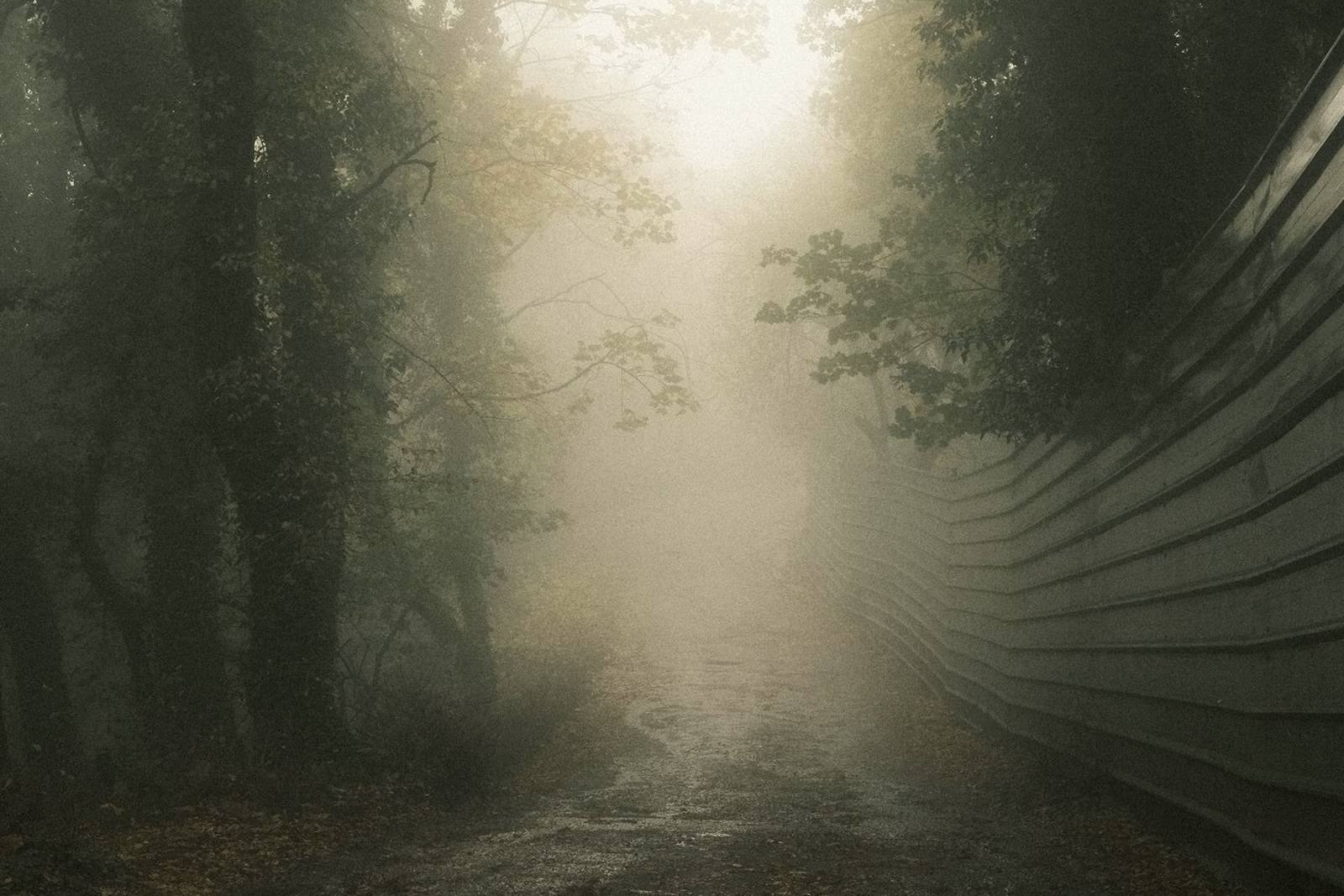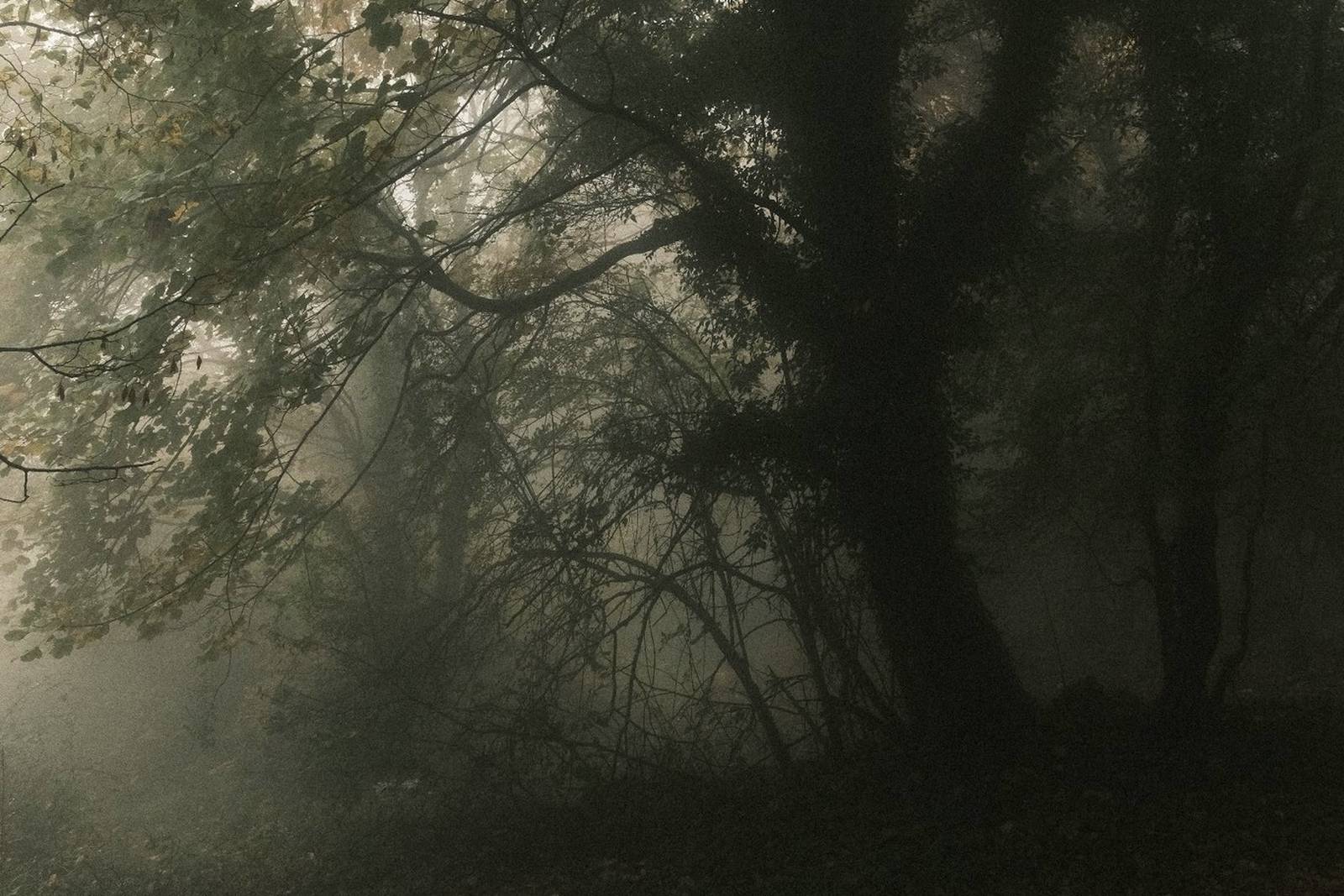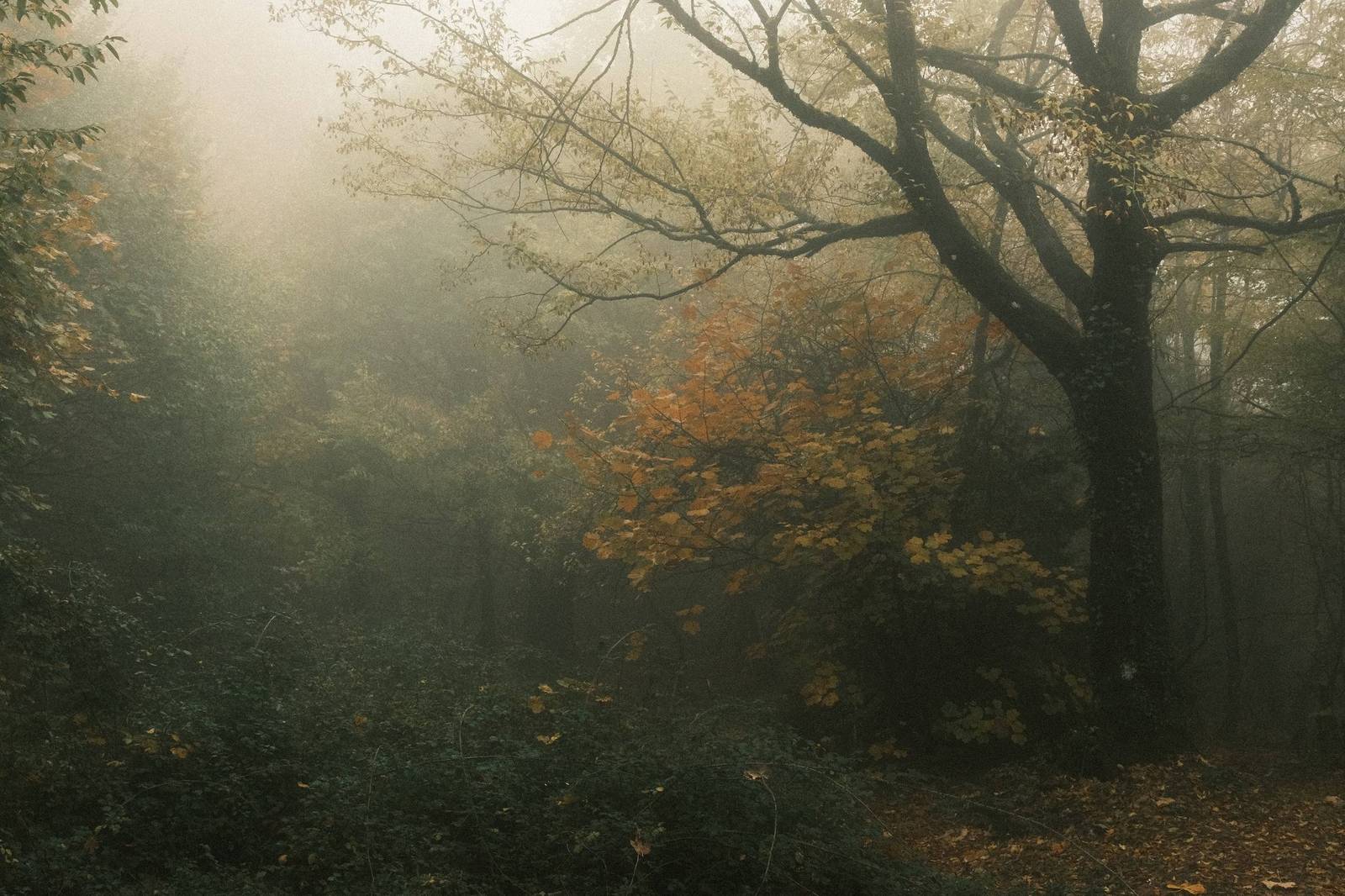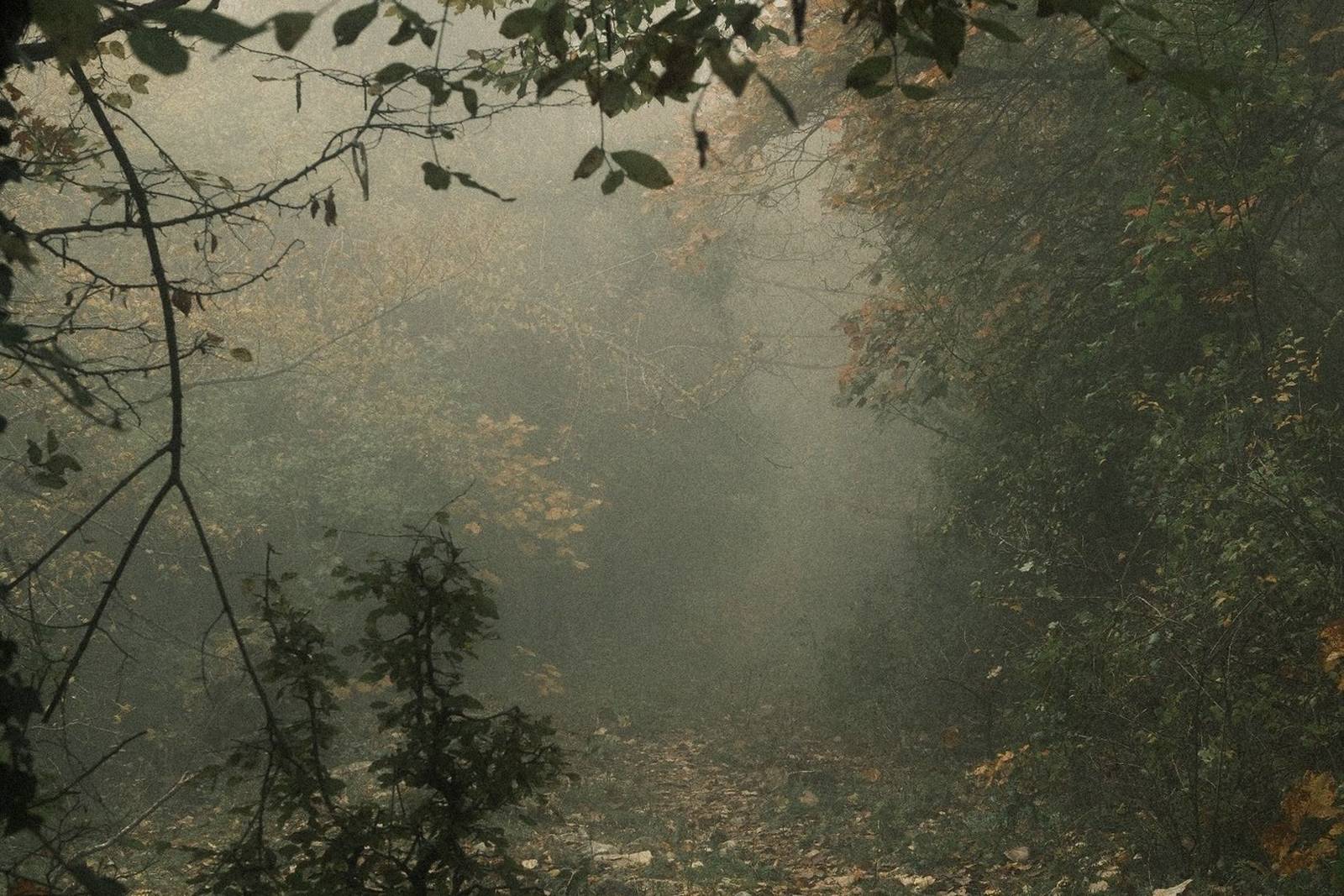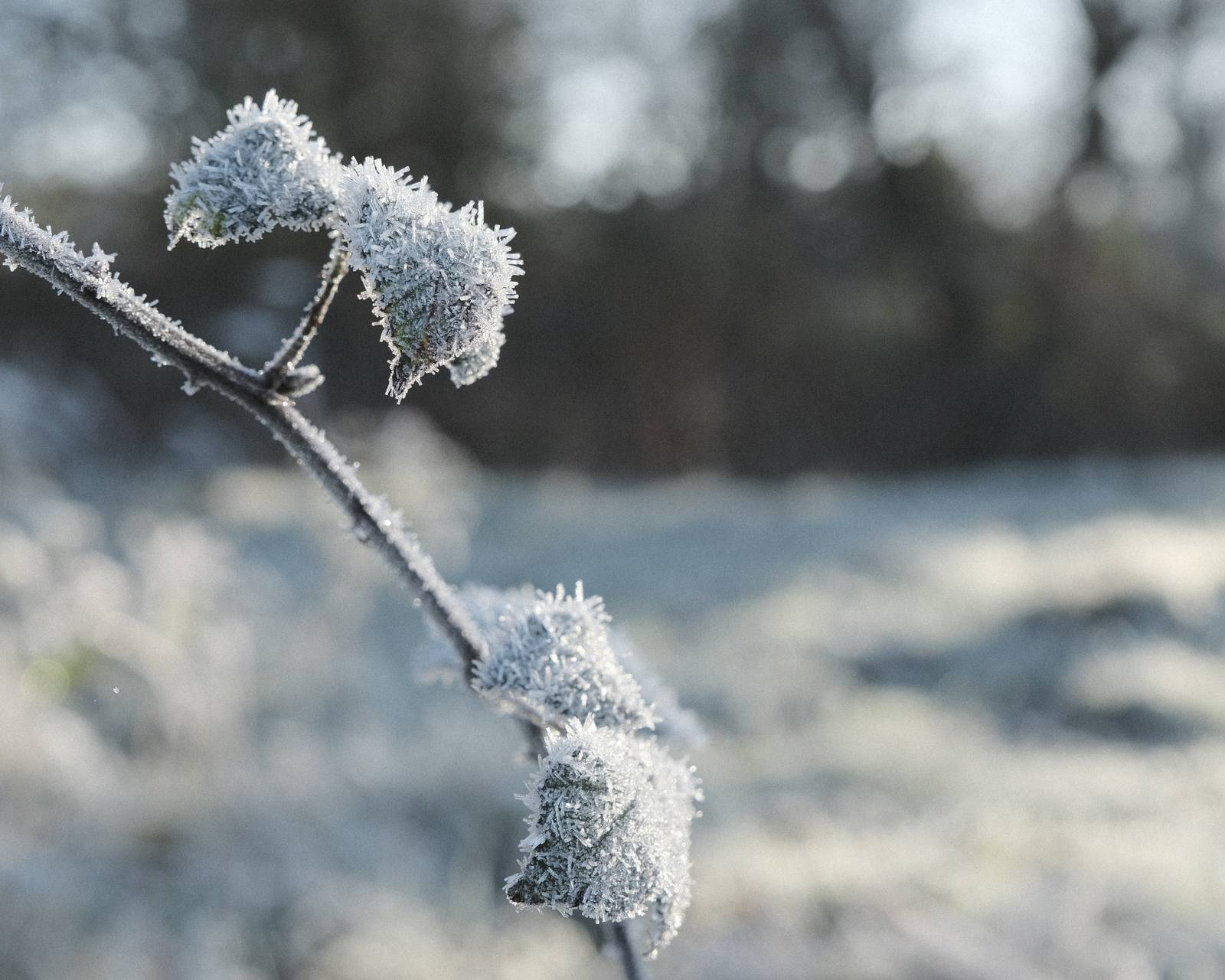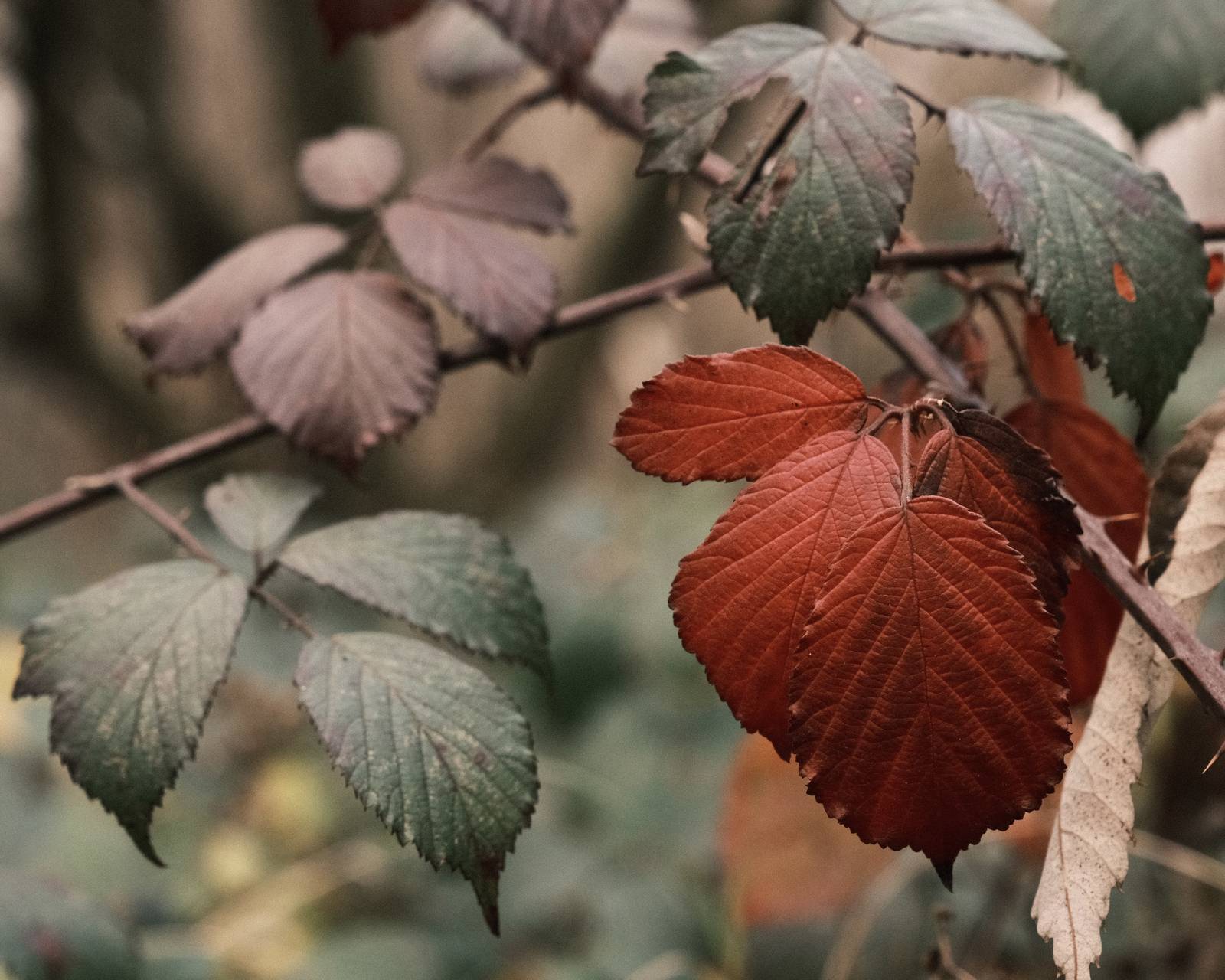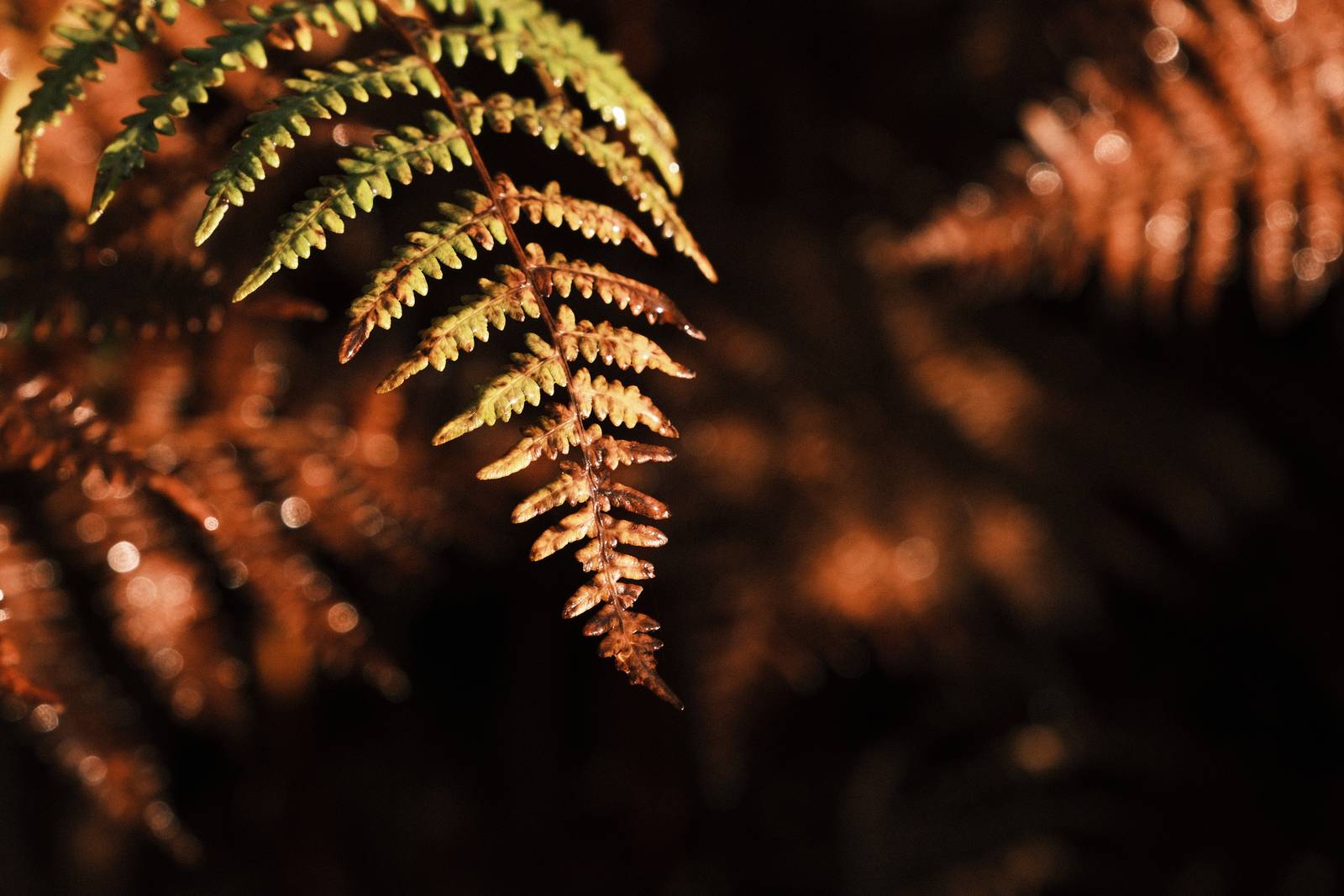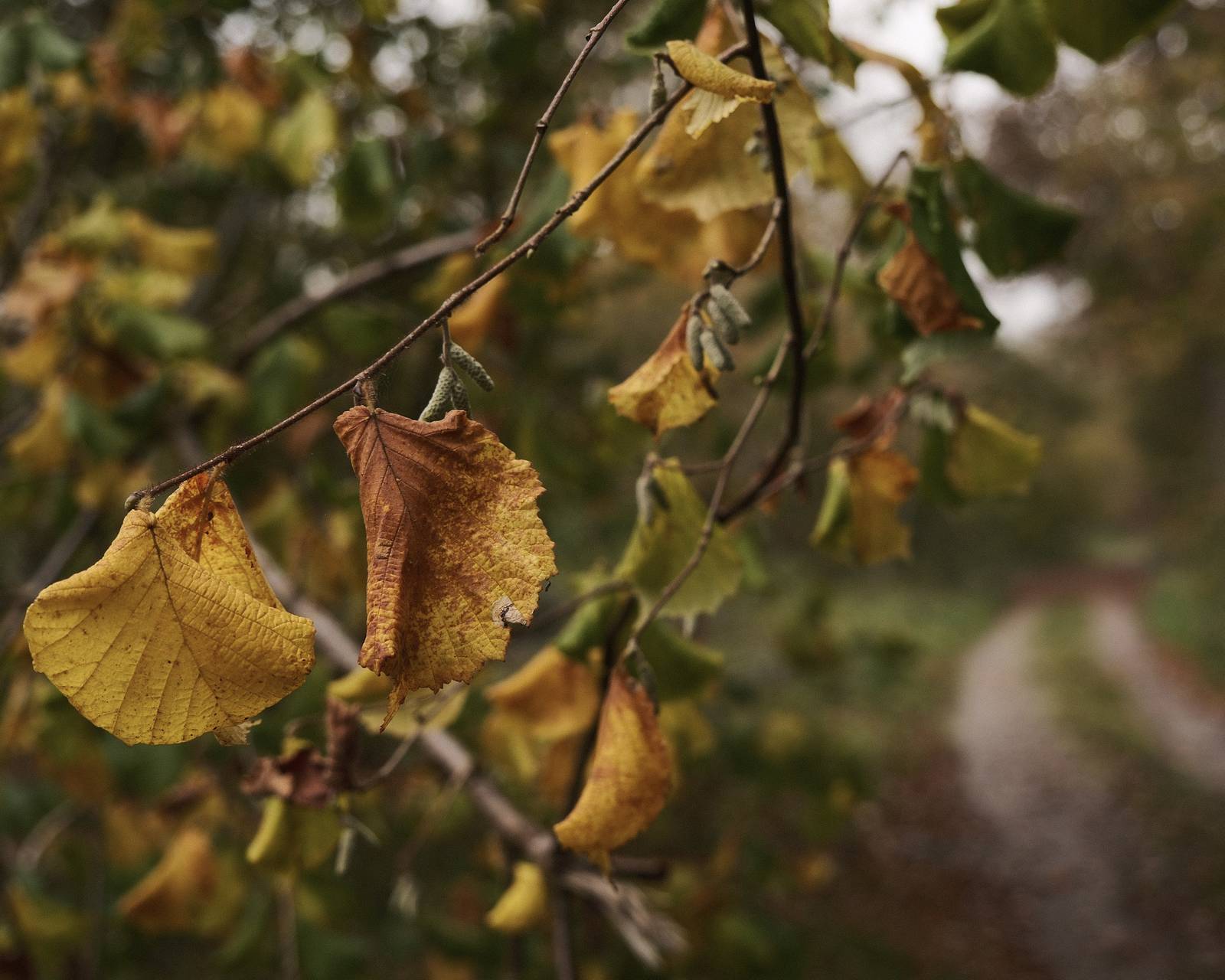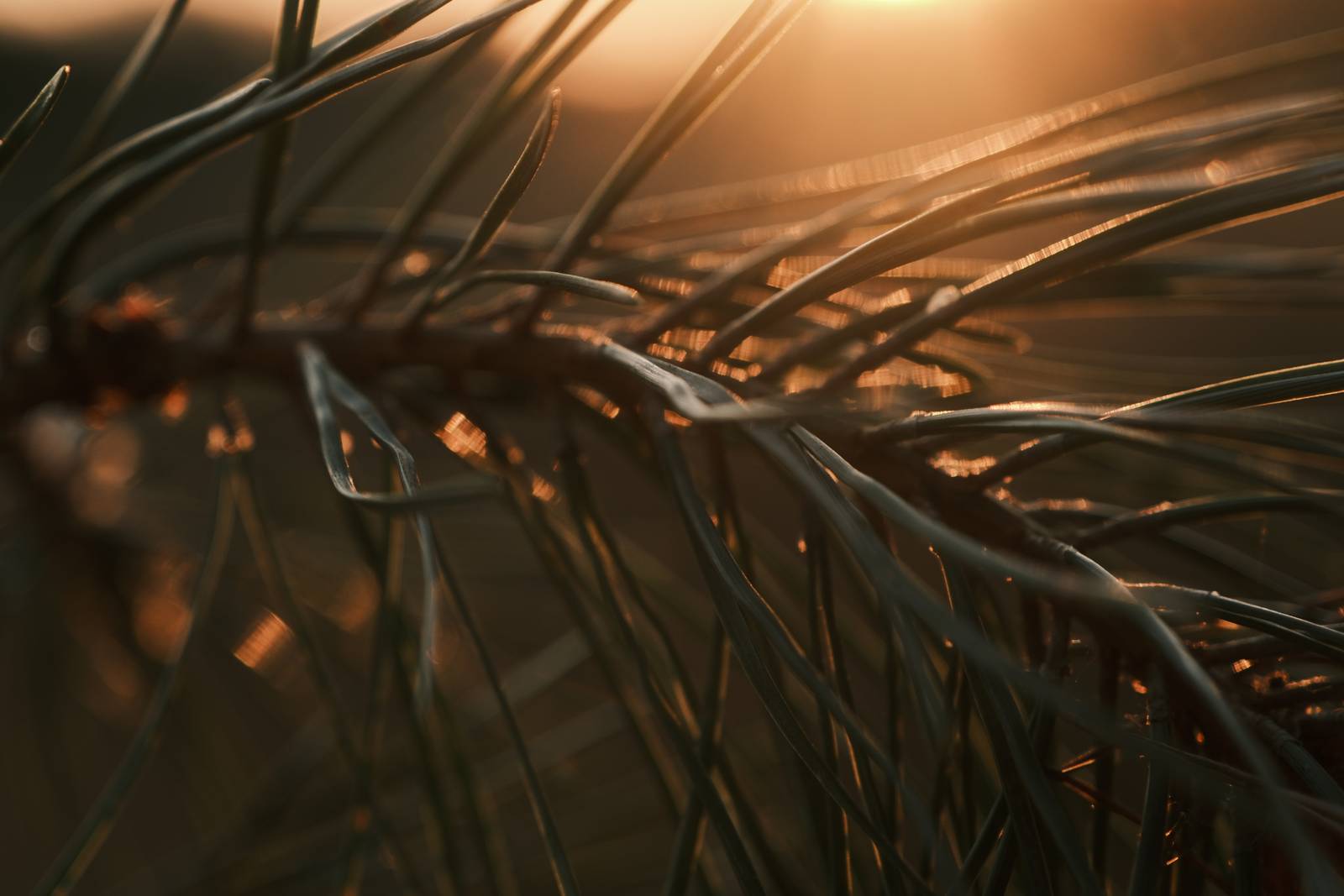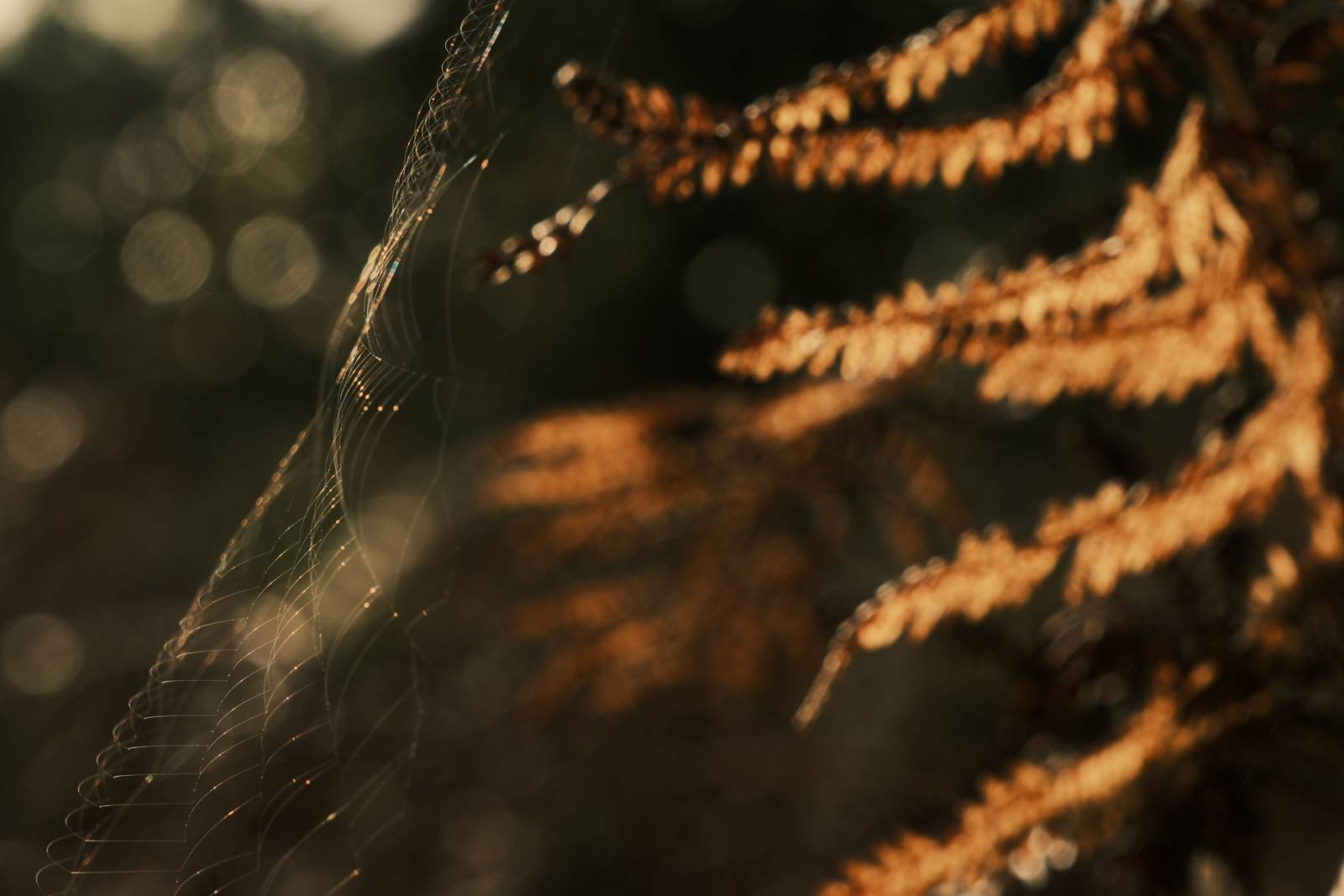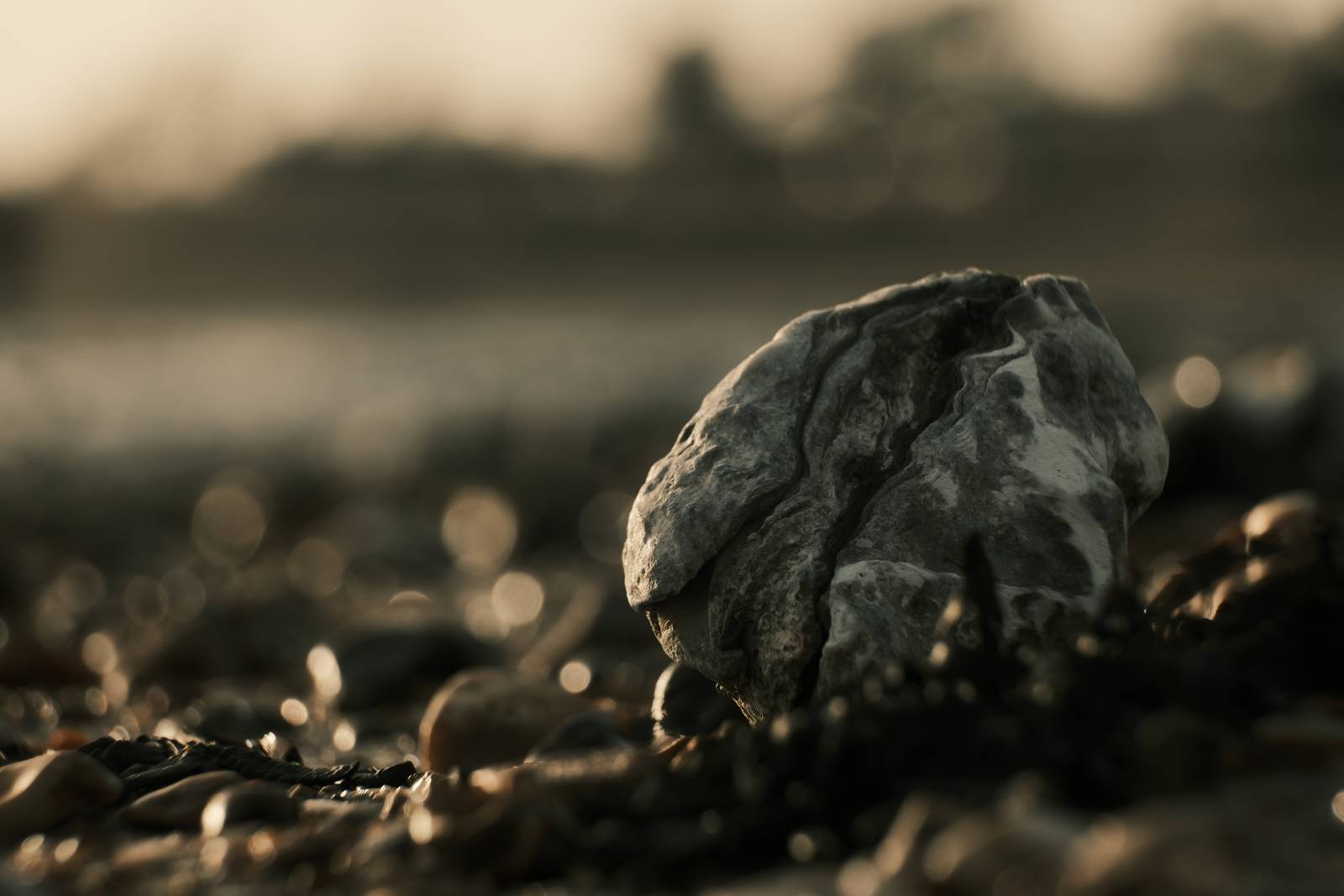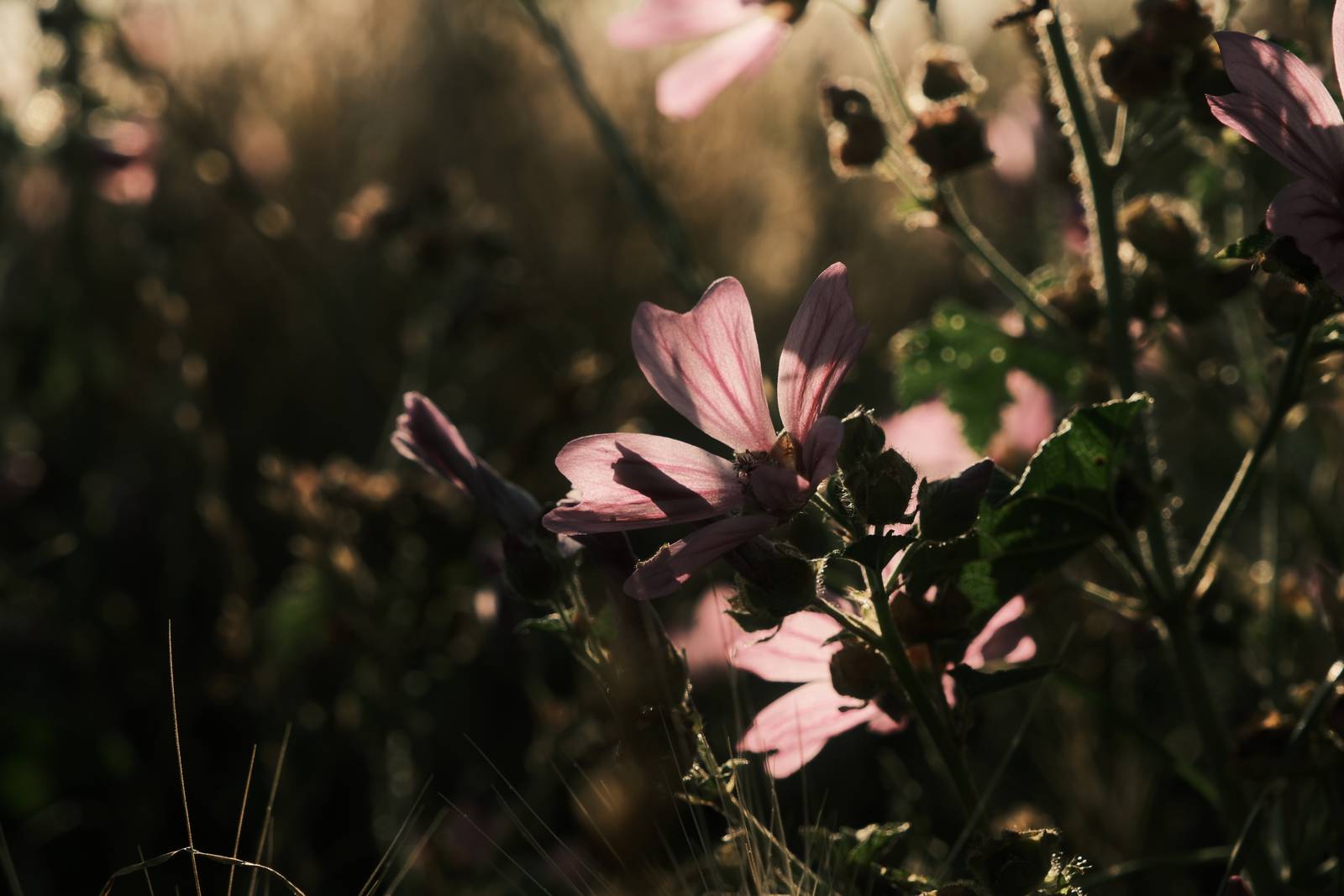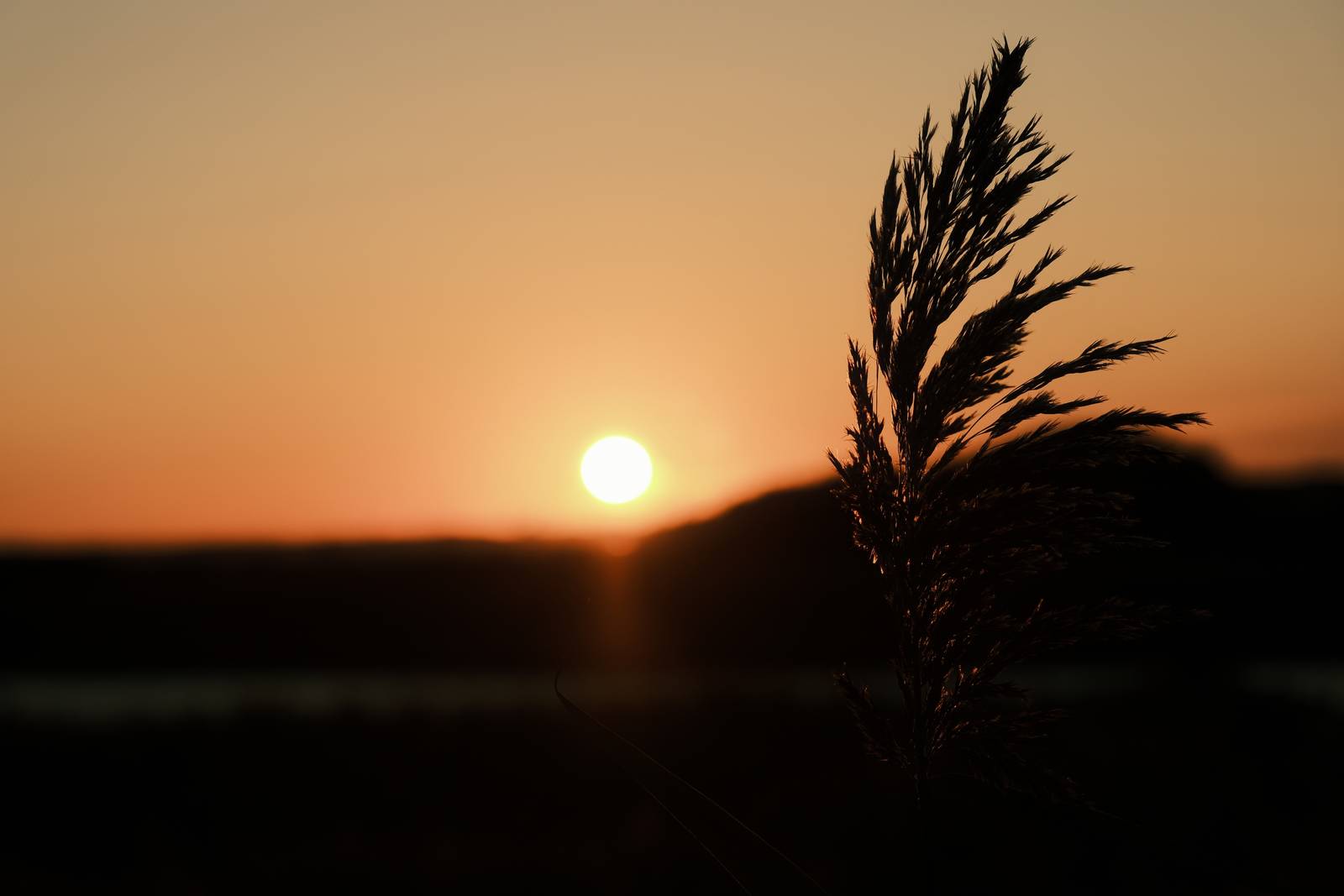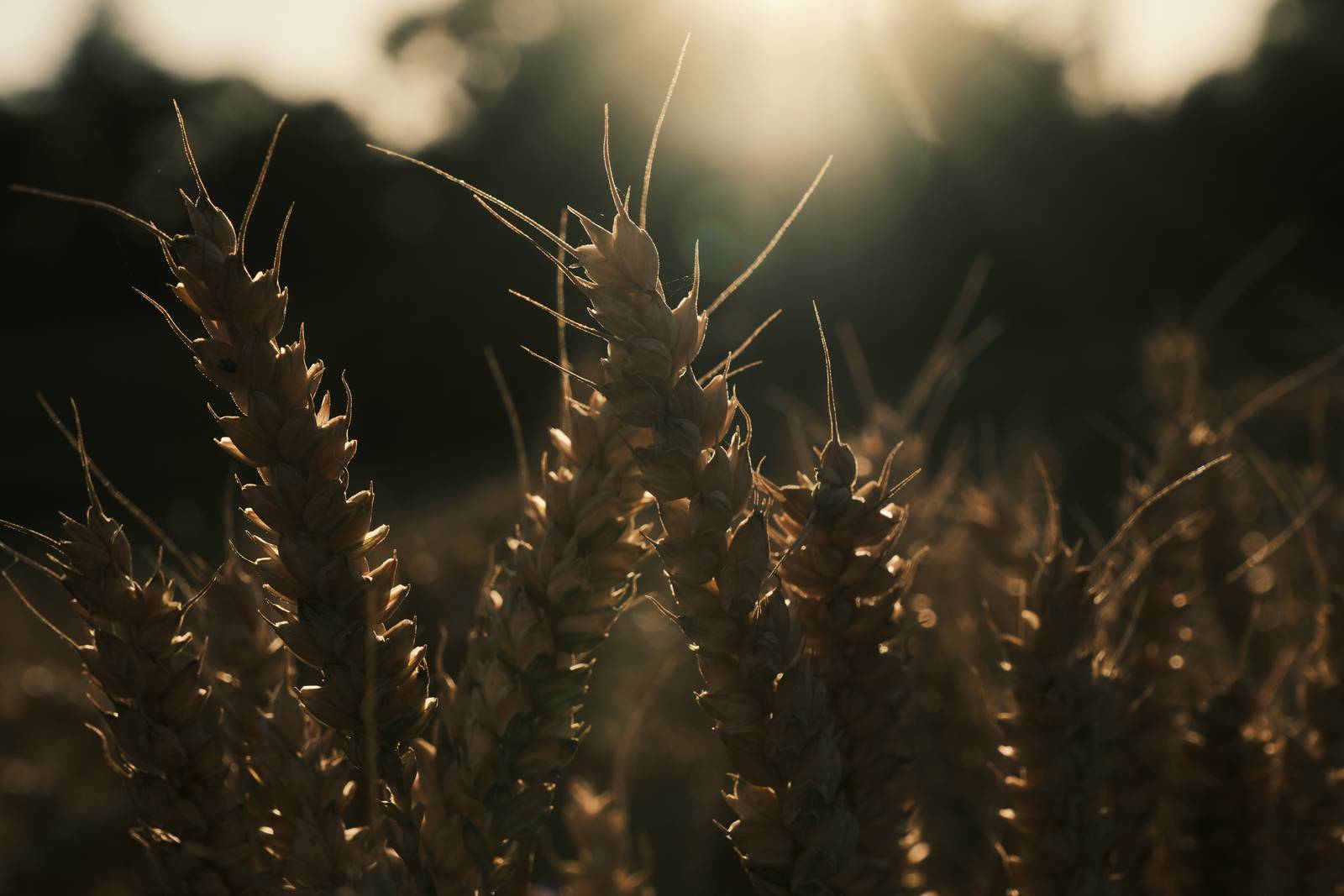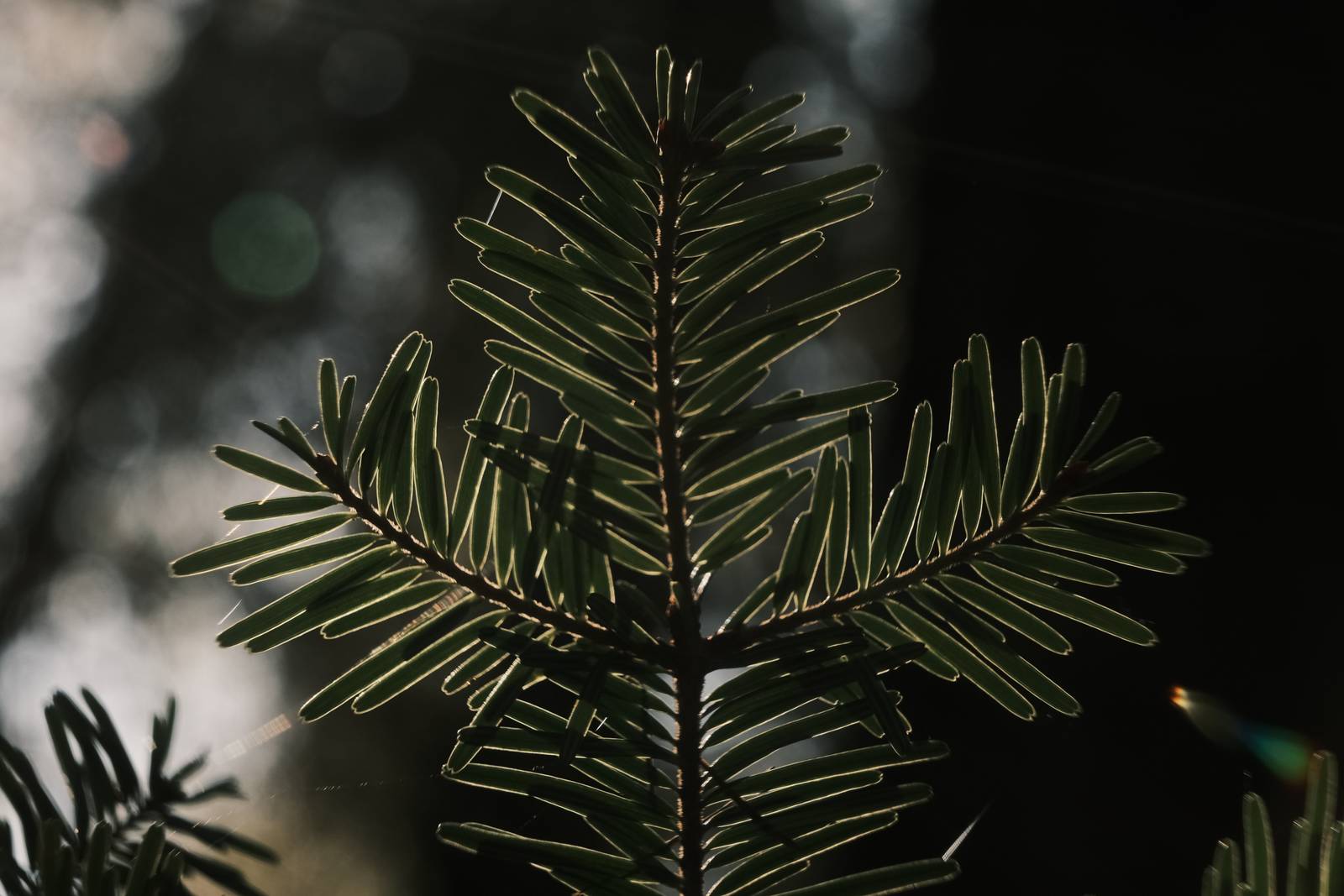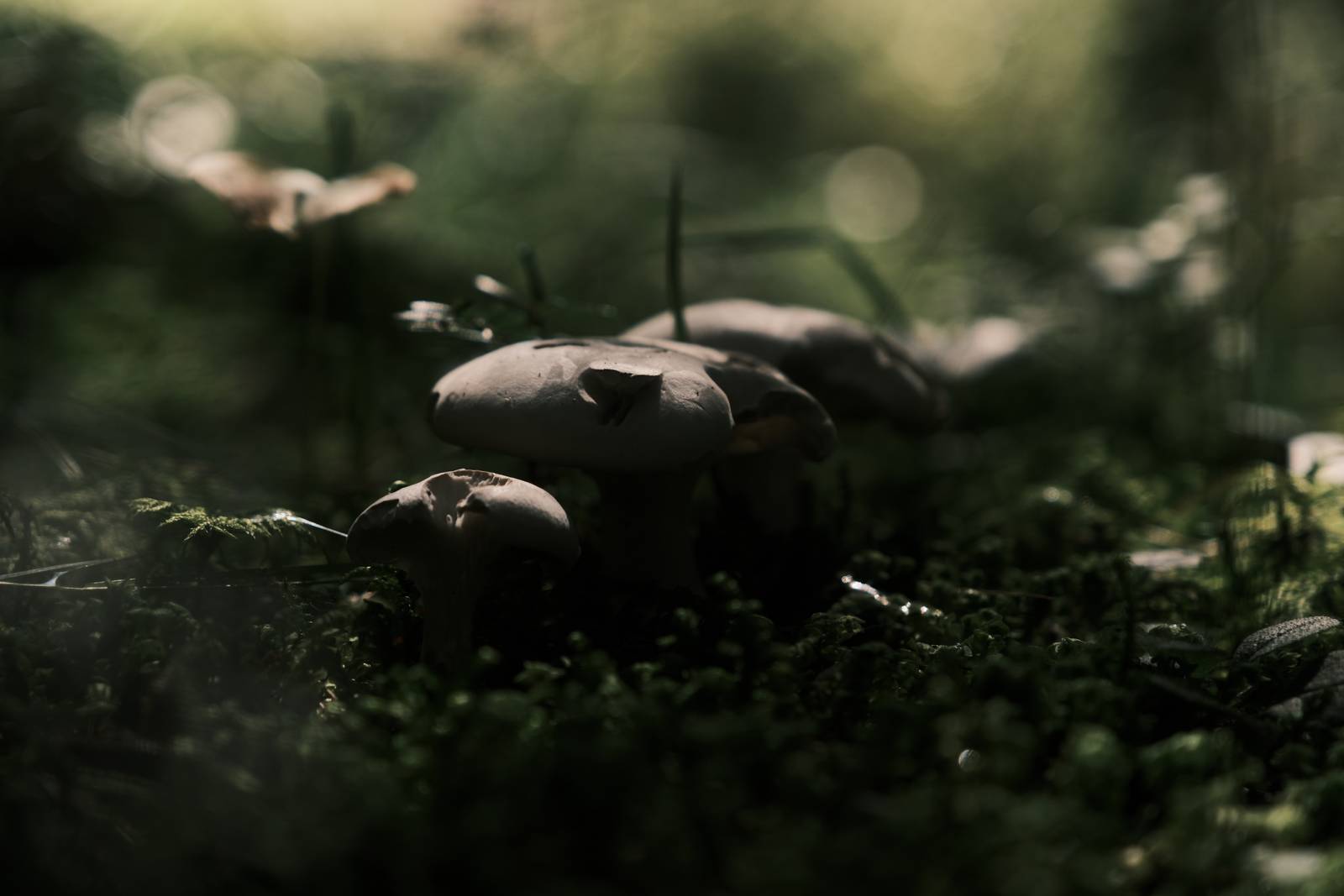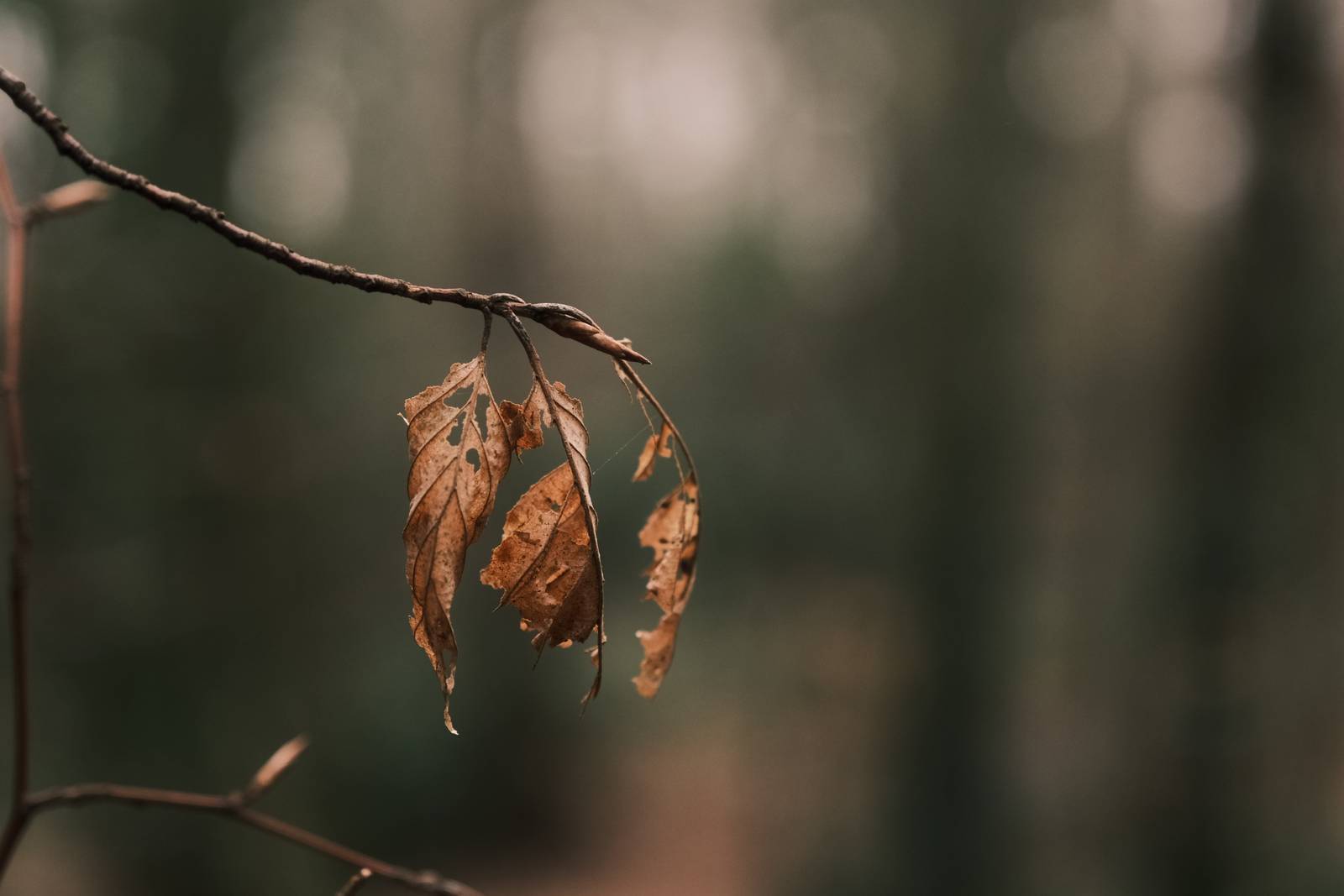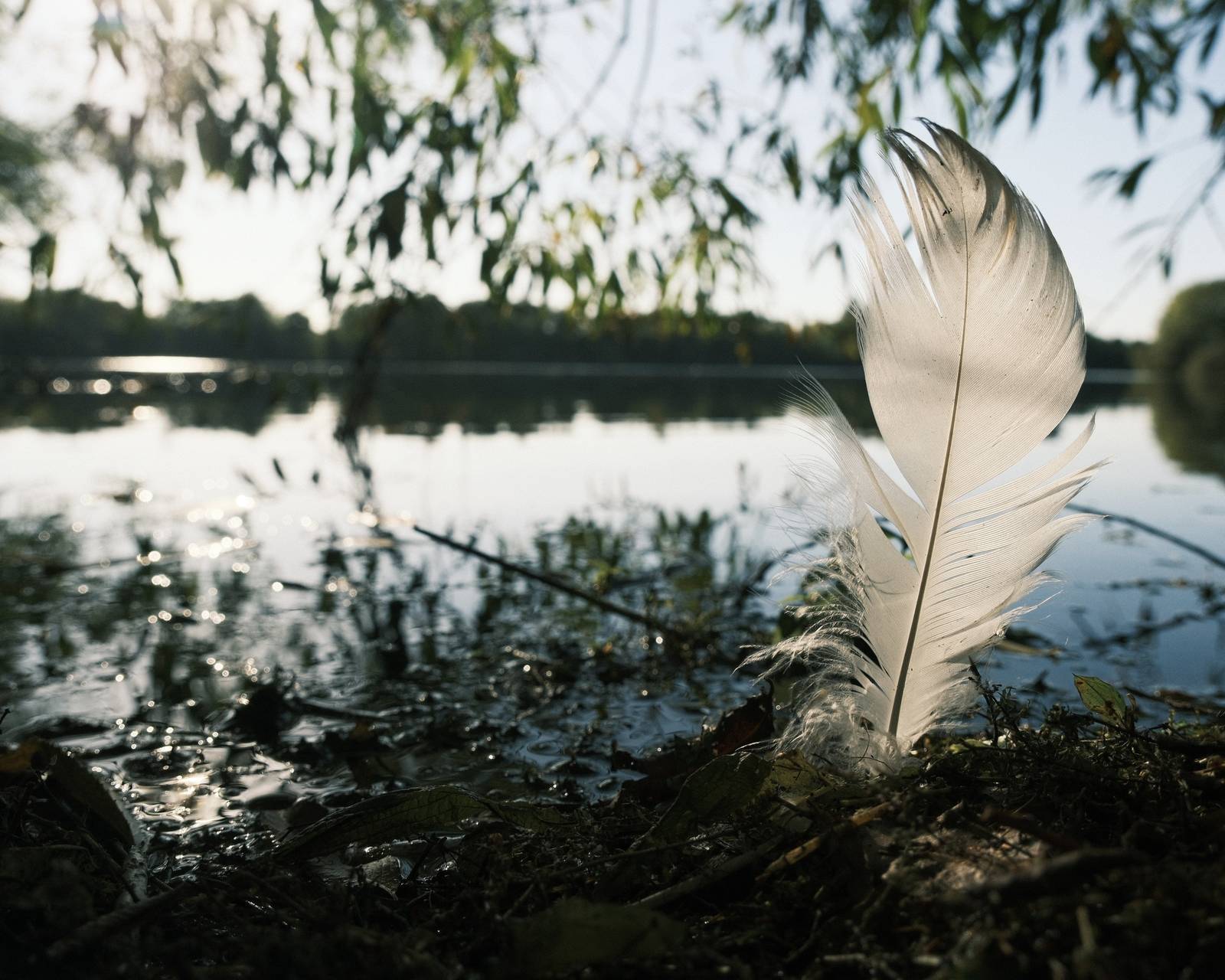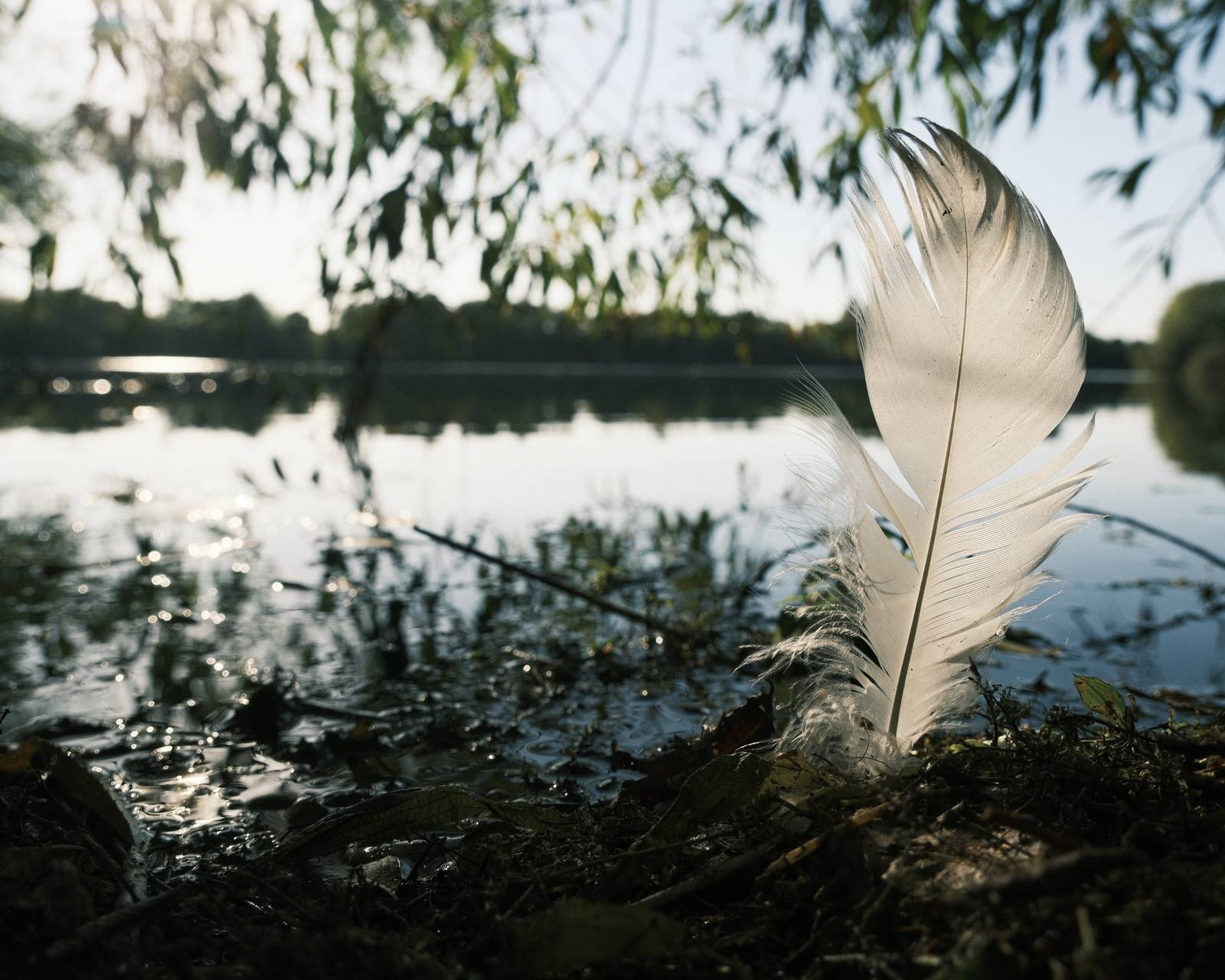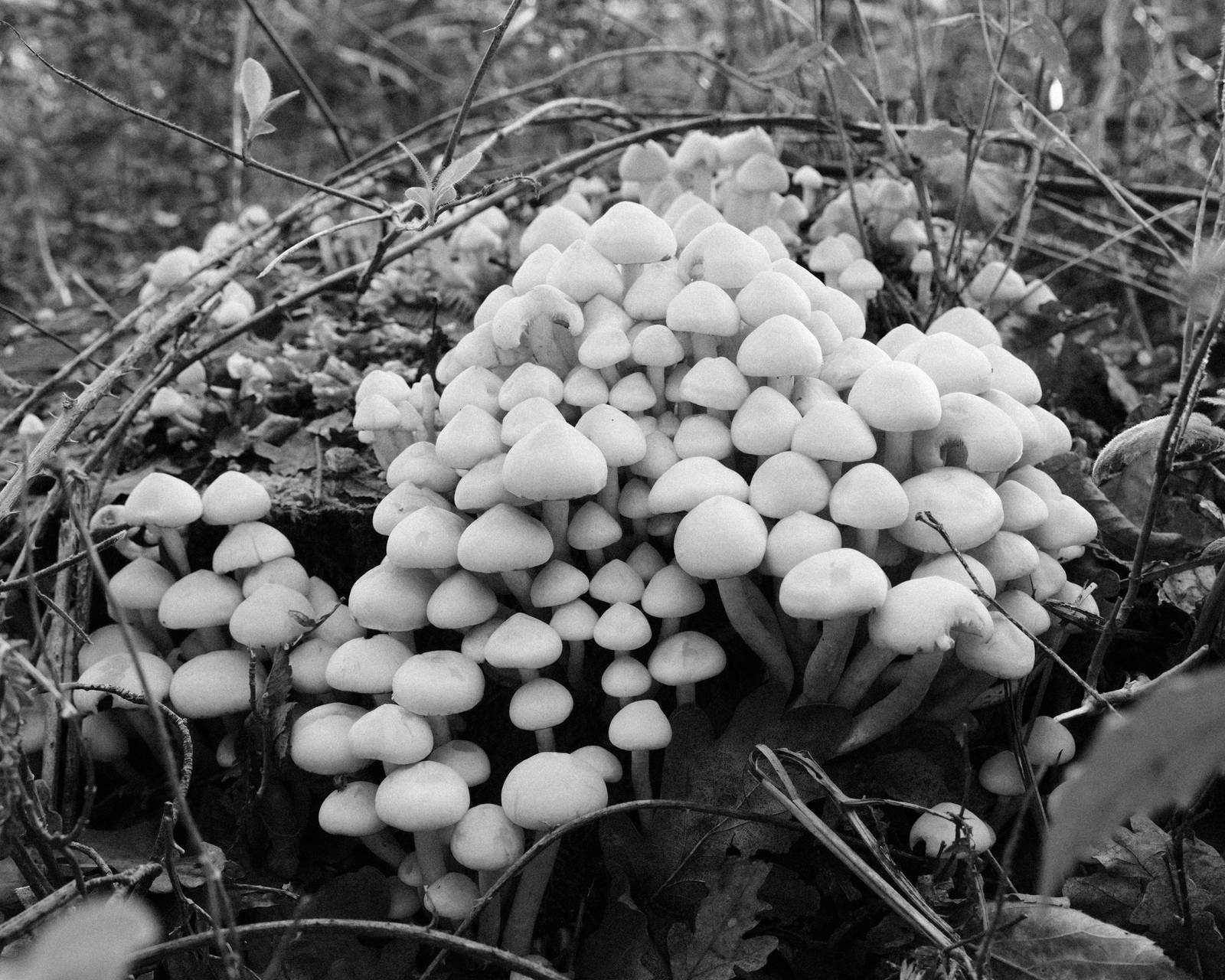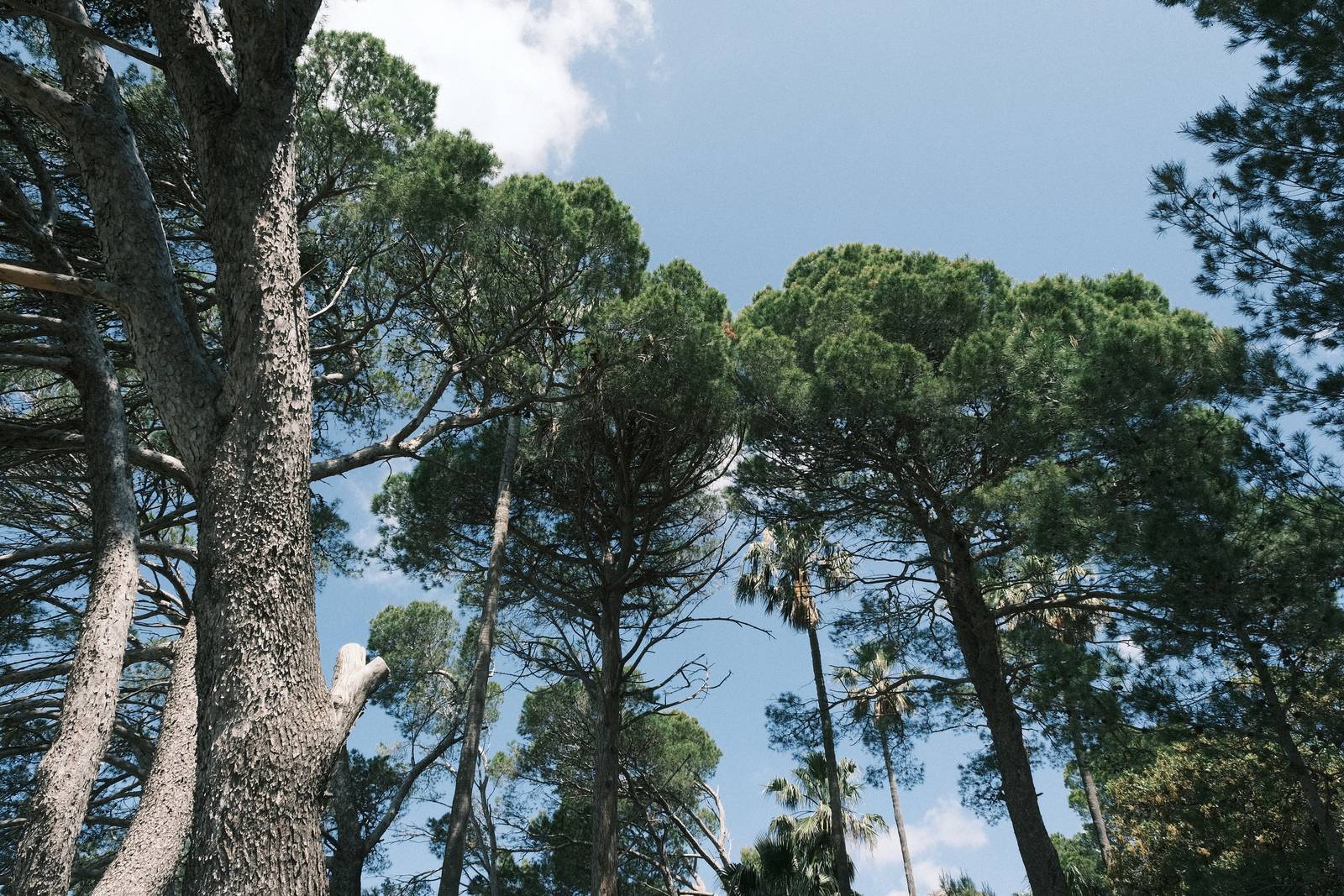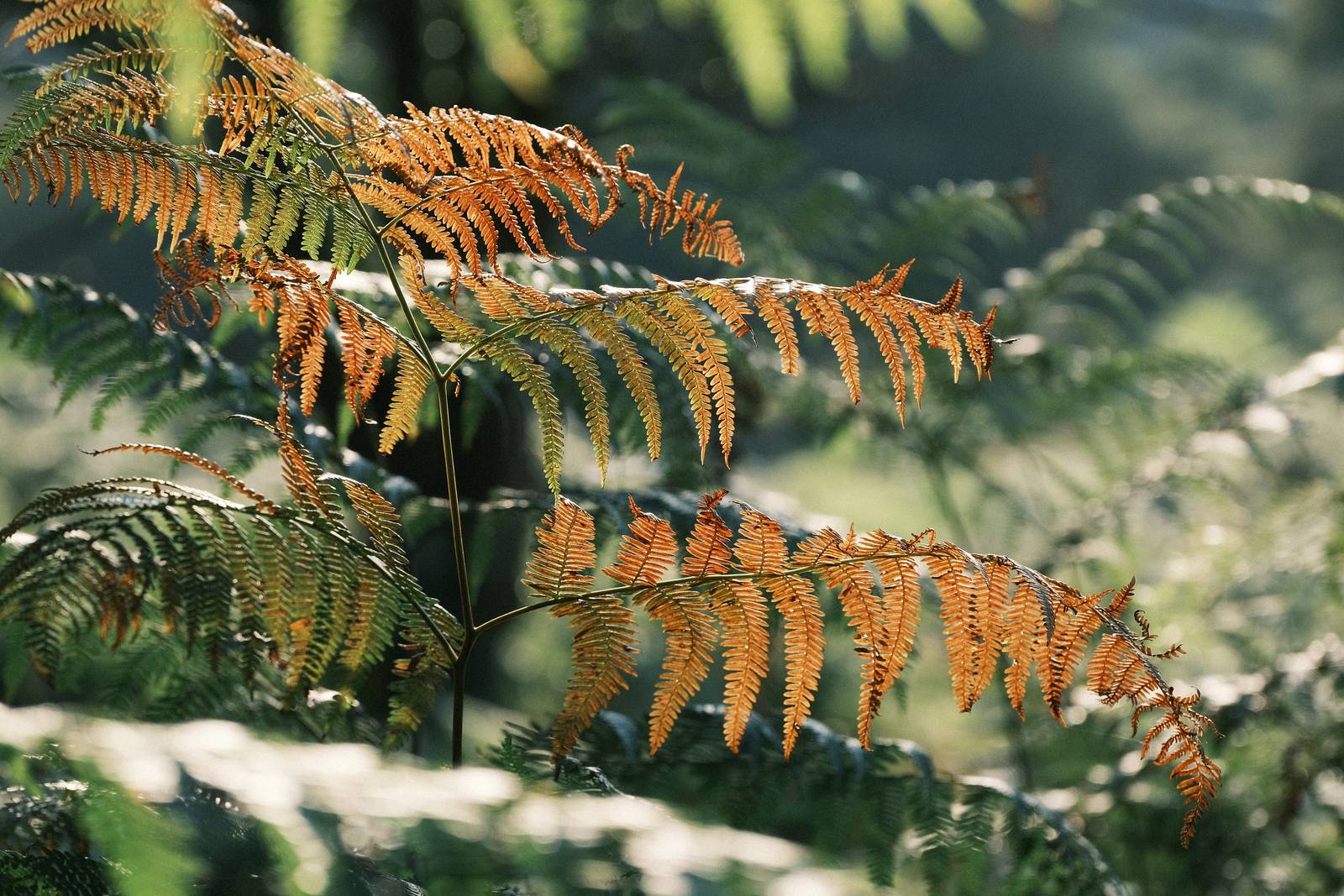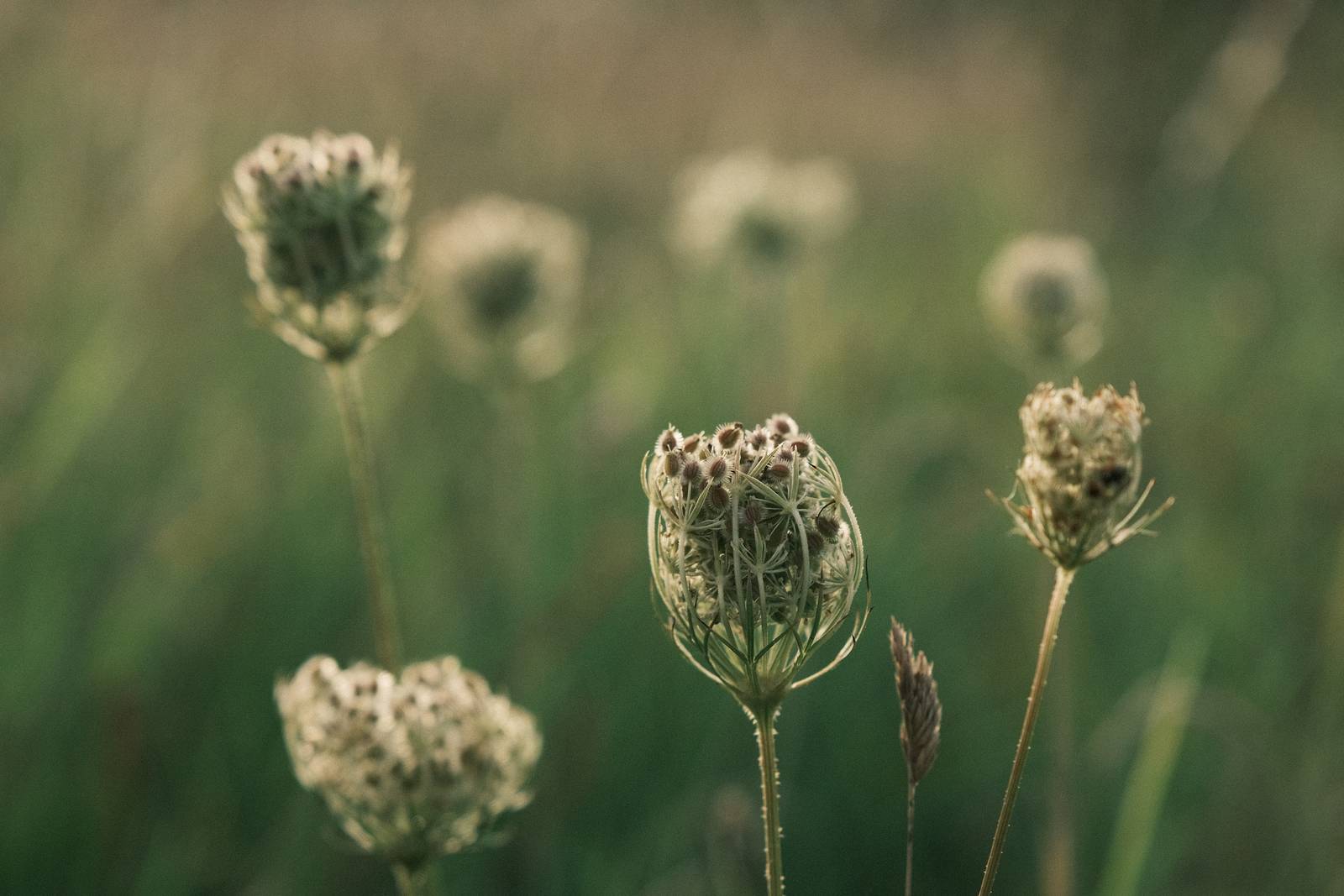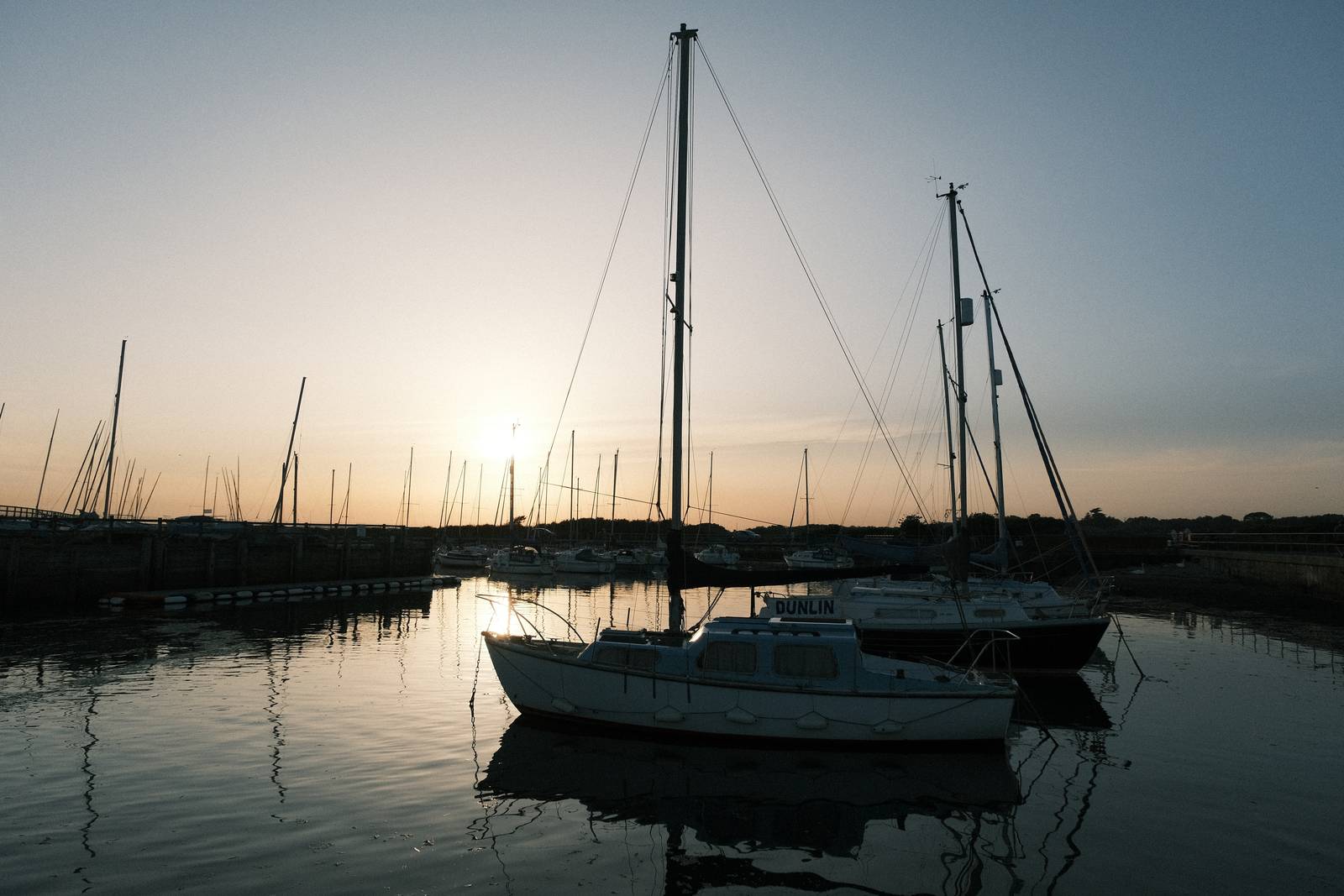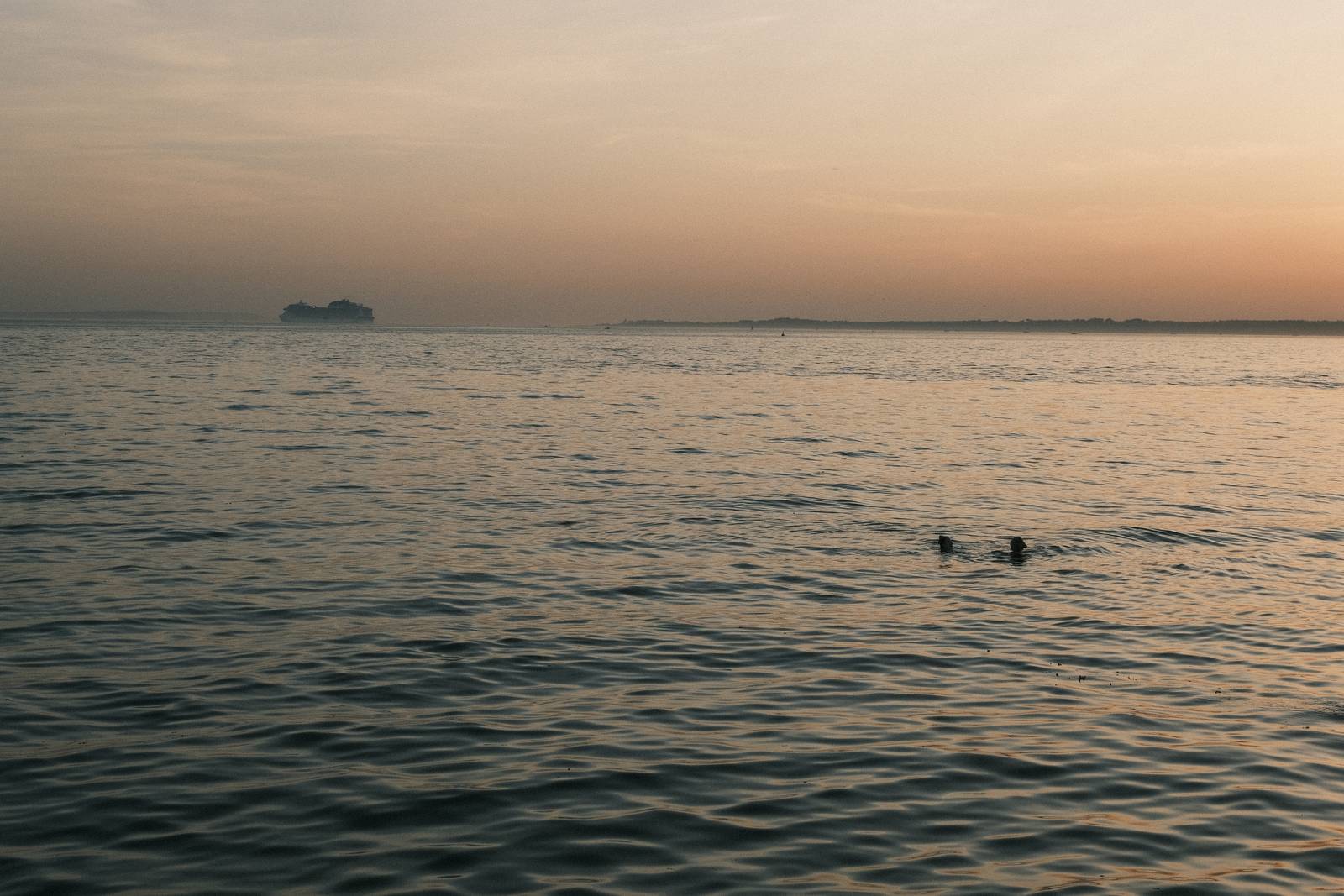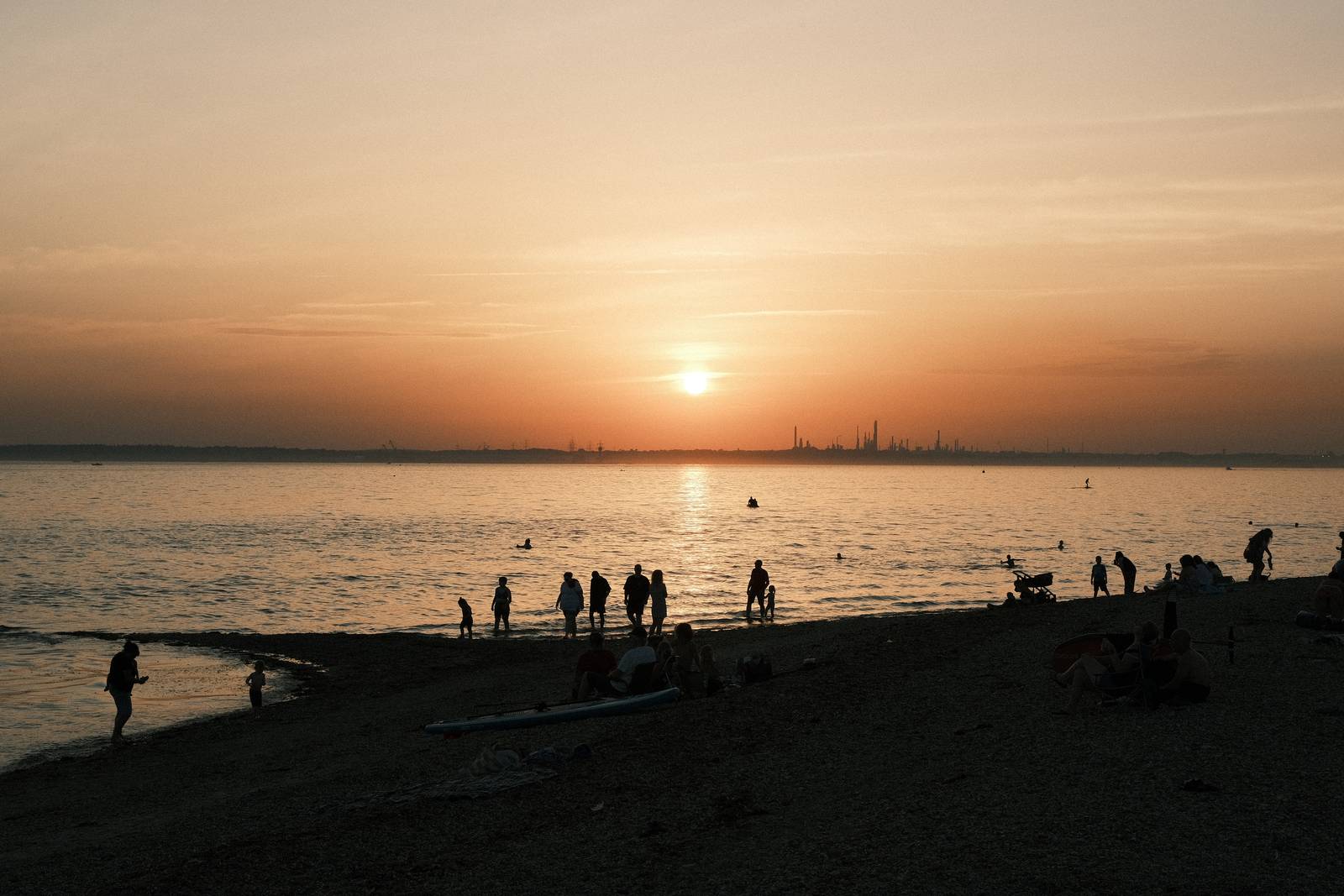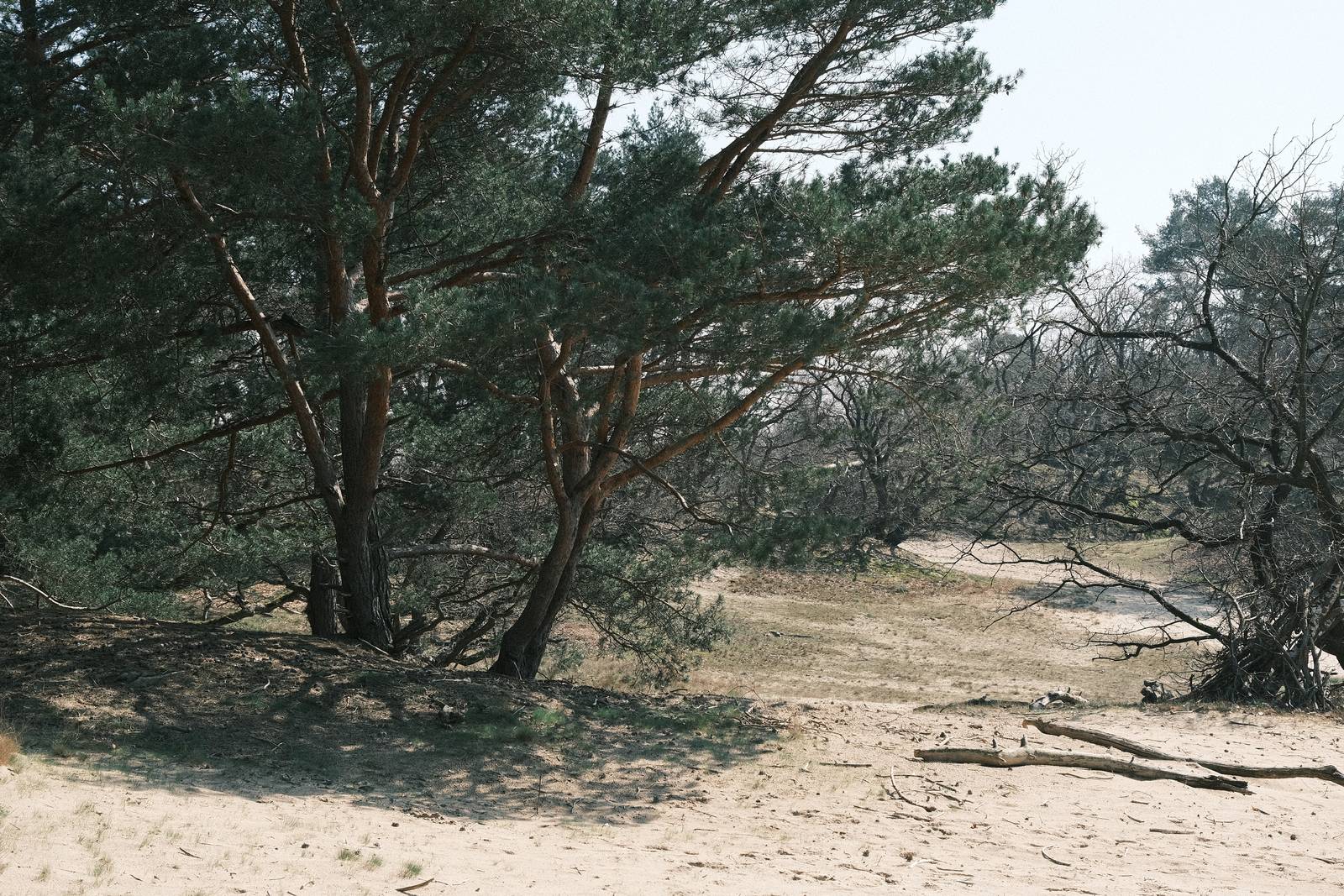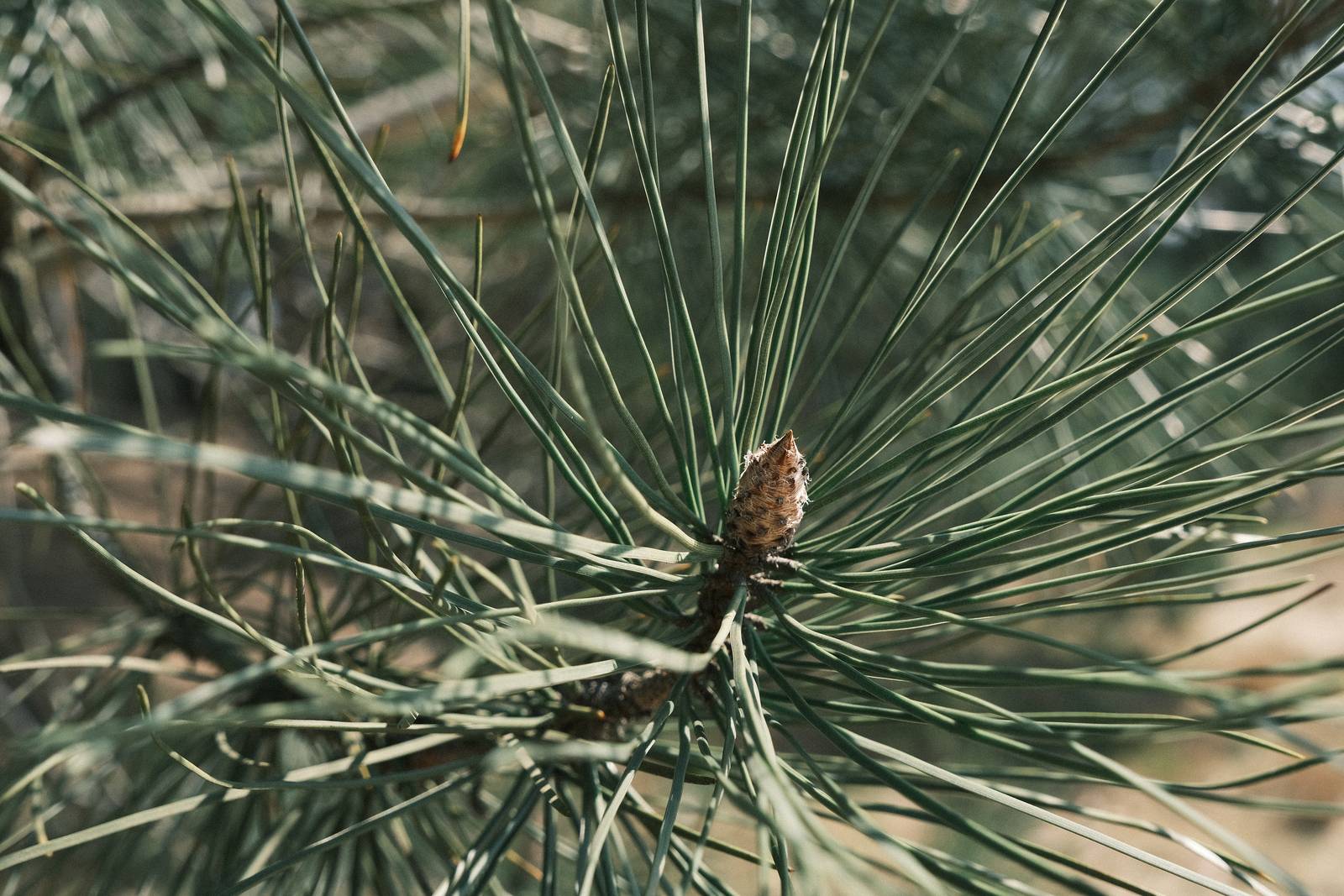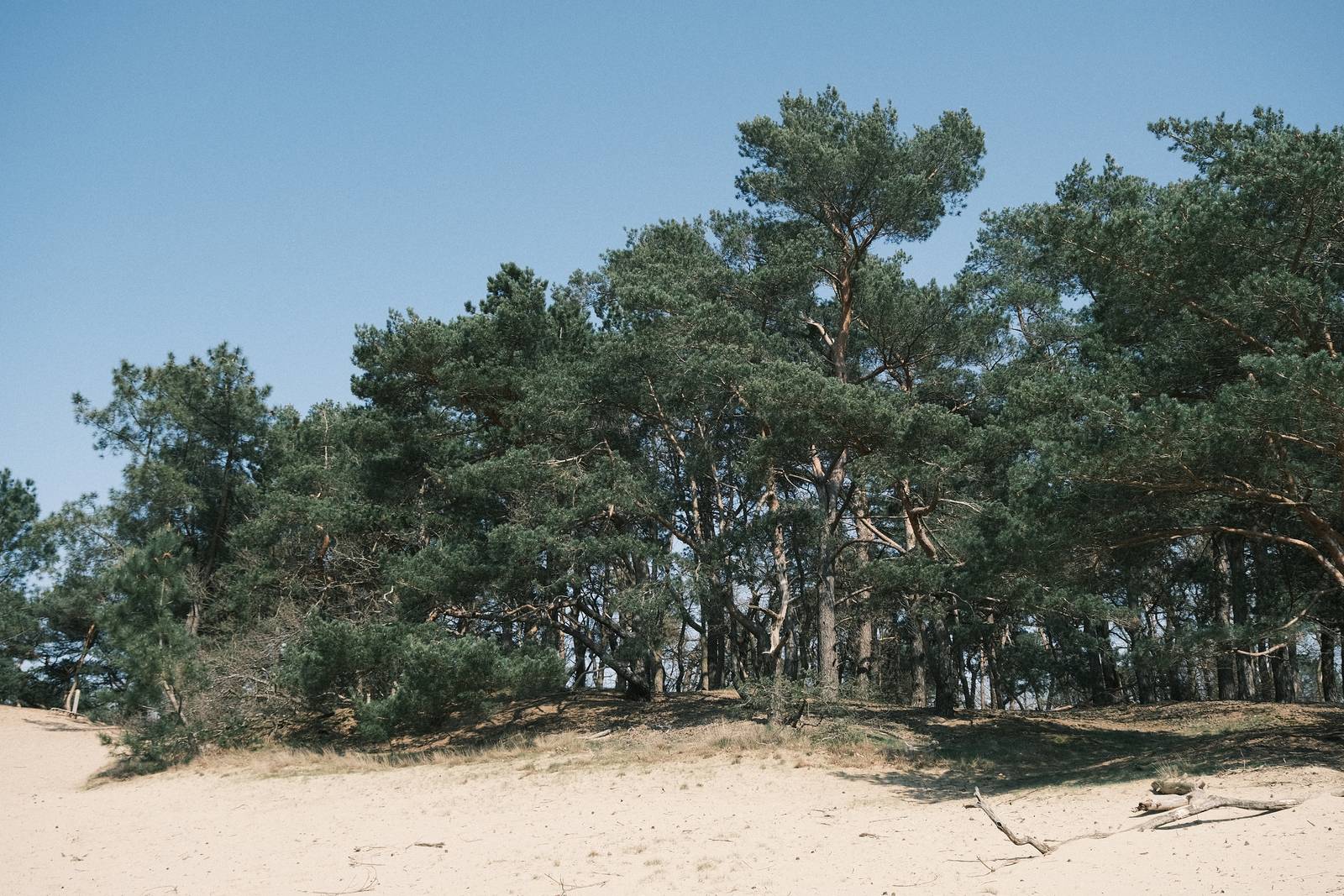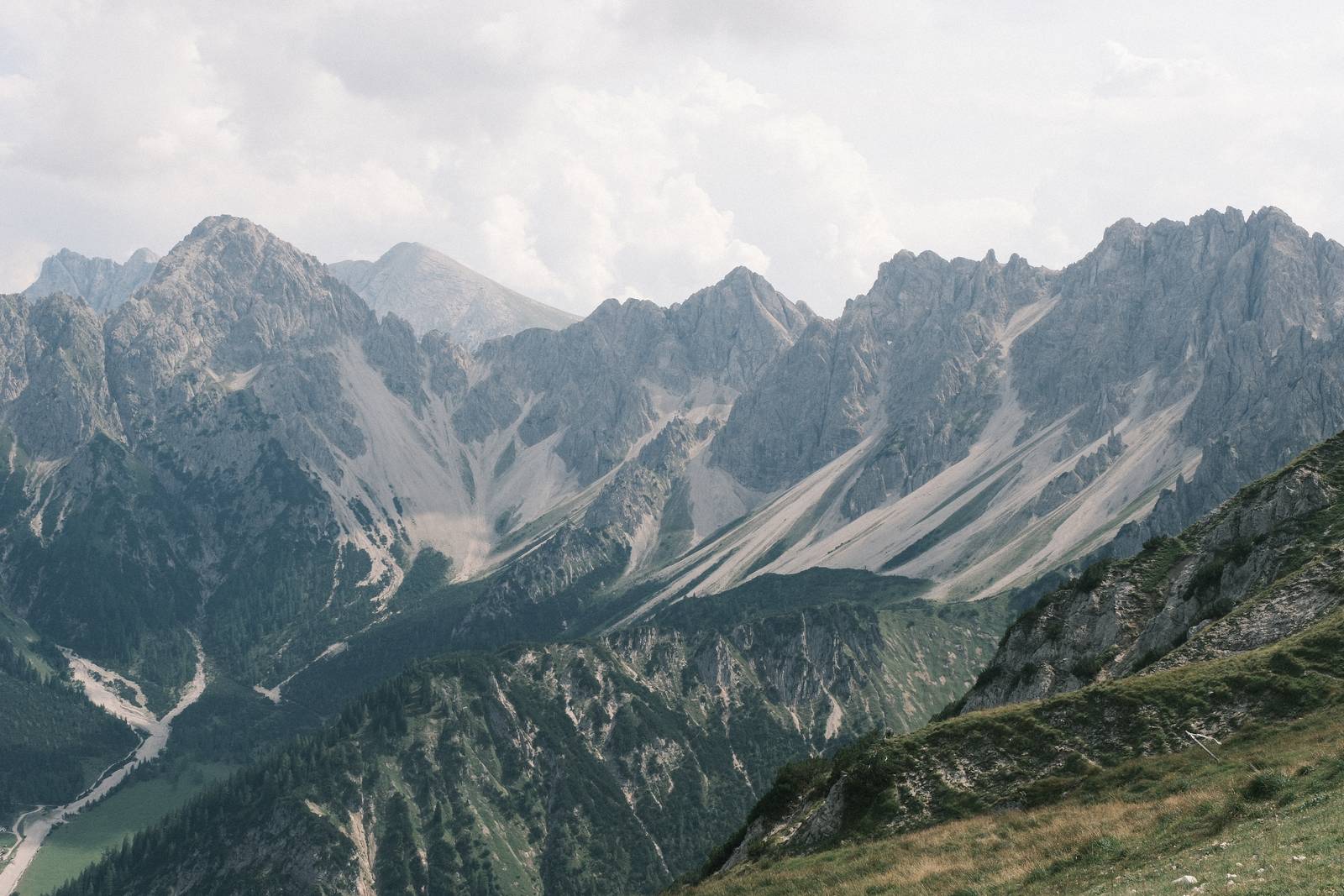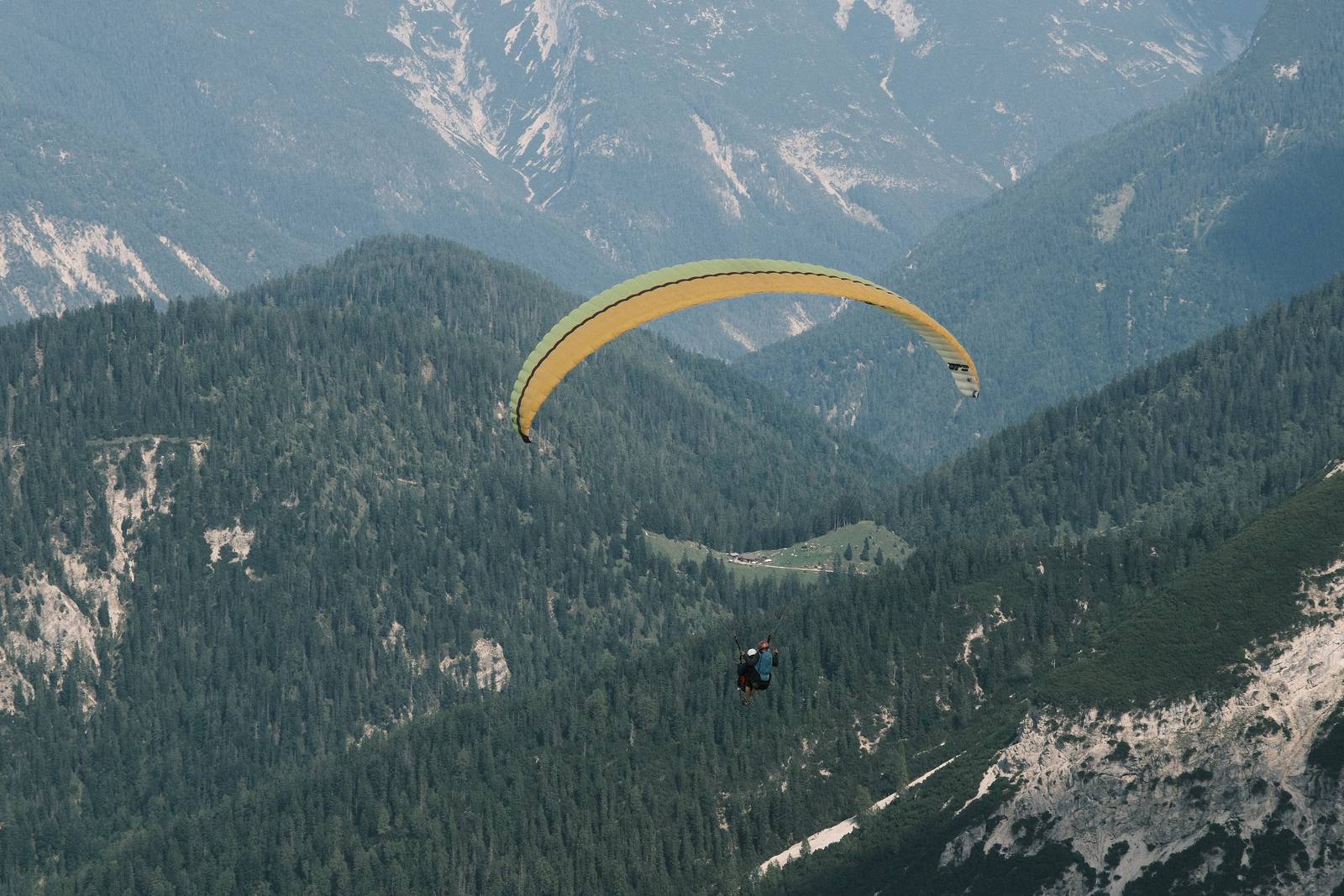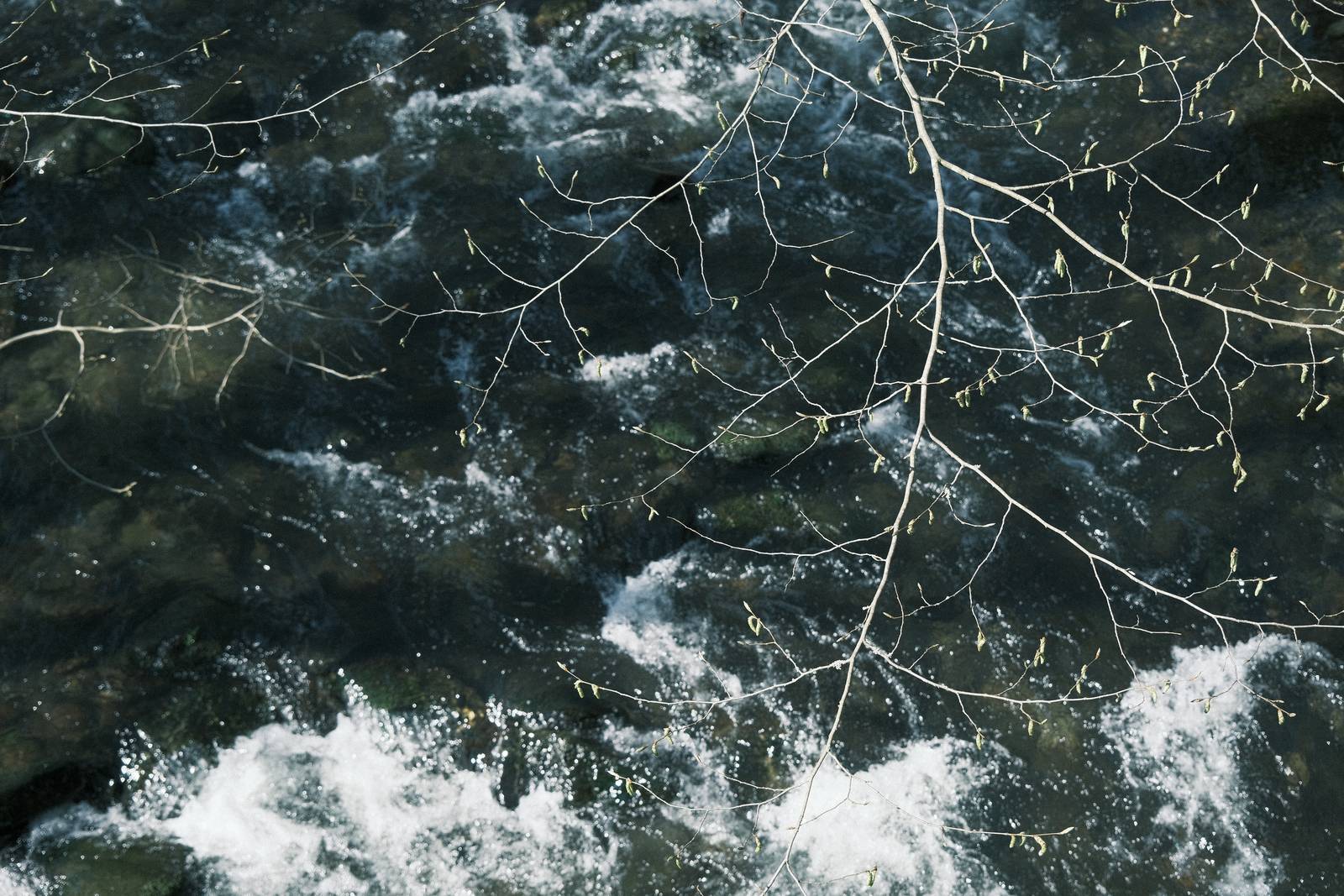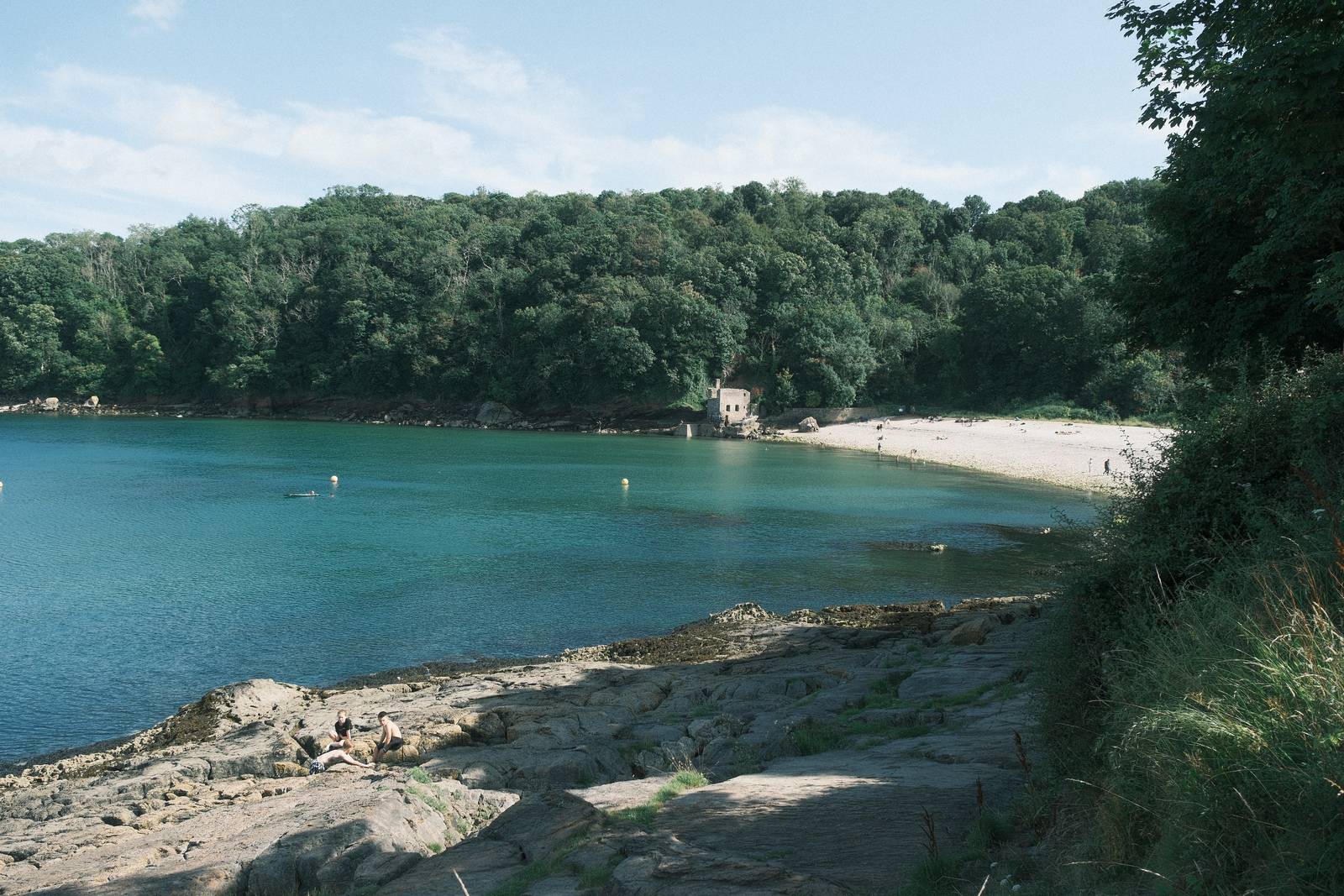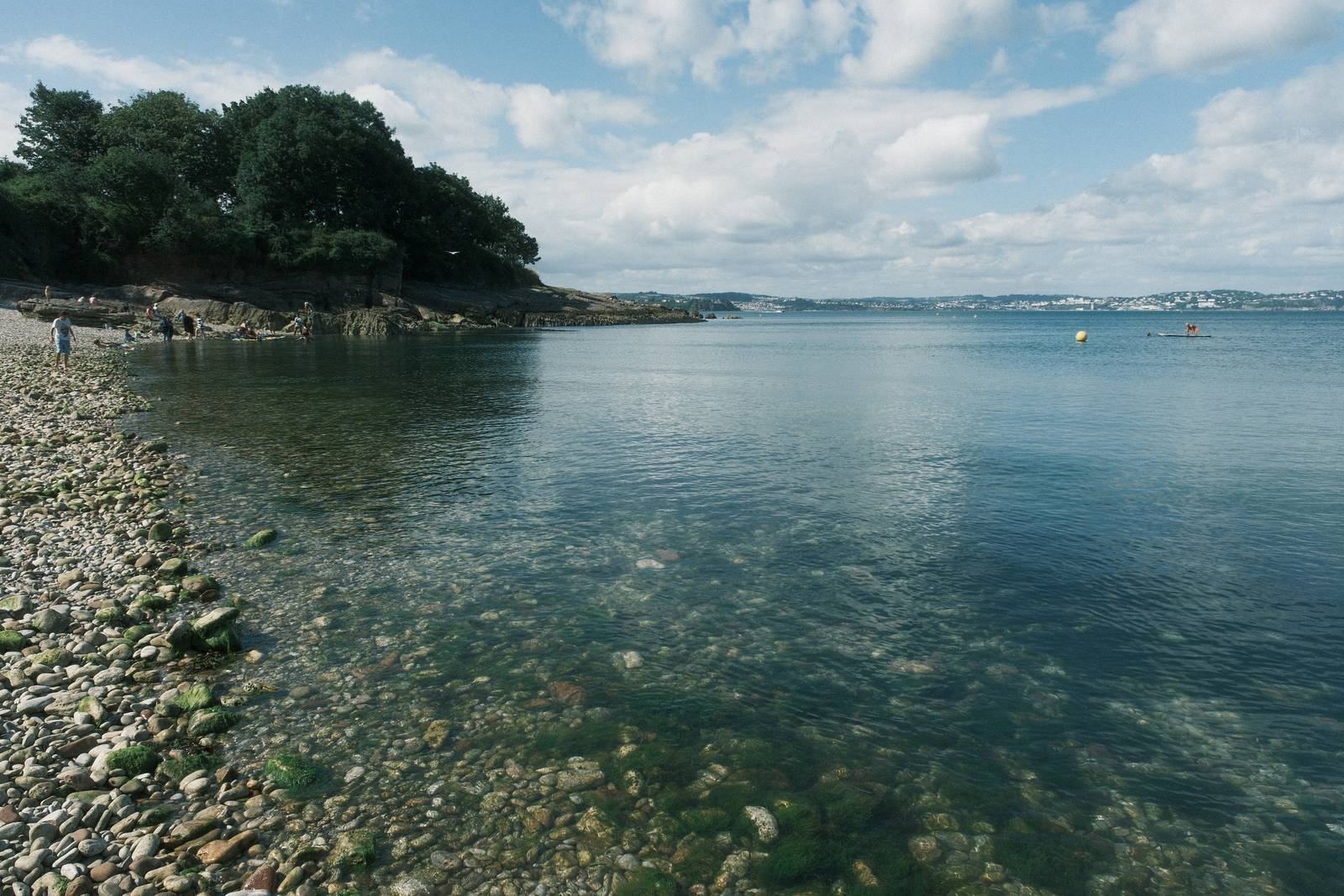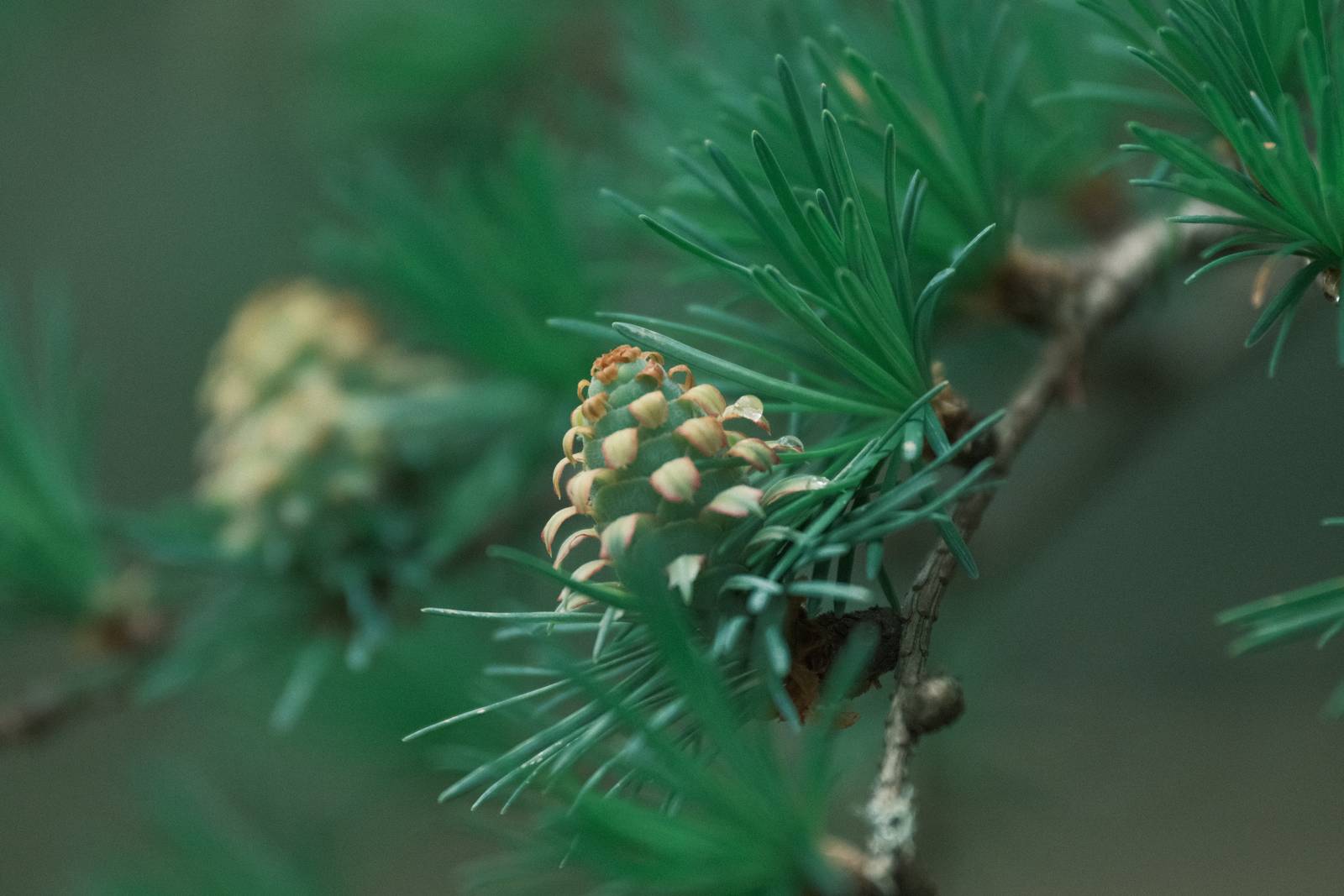

Film Recipes for Fujifilm Cameras

Tag: Classic Negative

  • Rizzle Clicks, Grainy with Knockout Reds

    Rizzle Clicks, Grainy with Knockout Reds

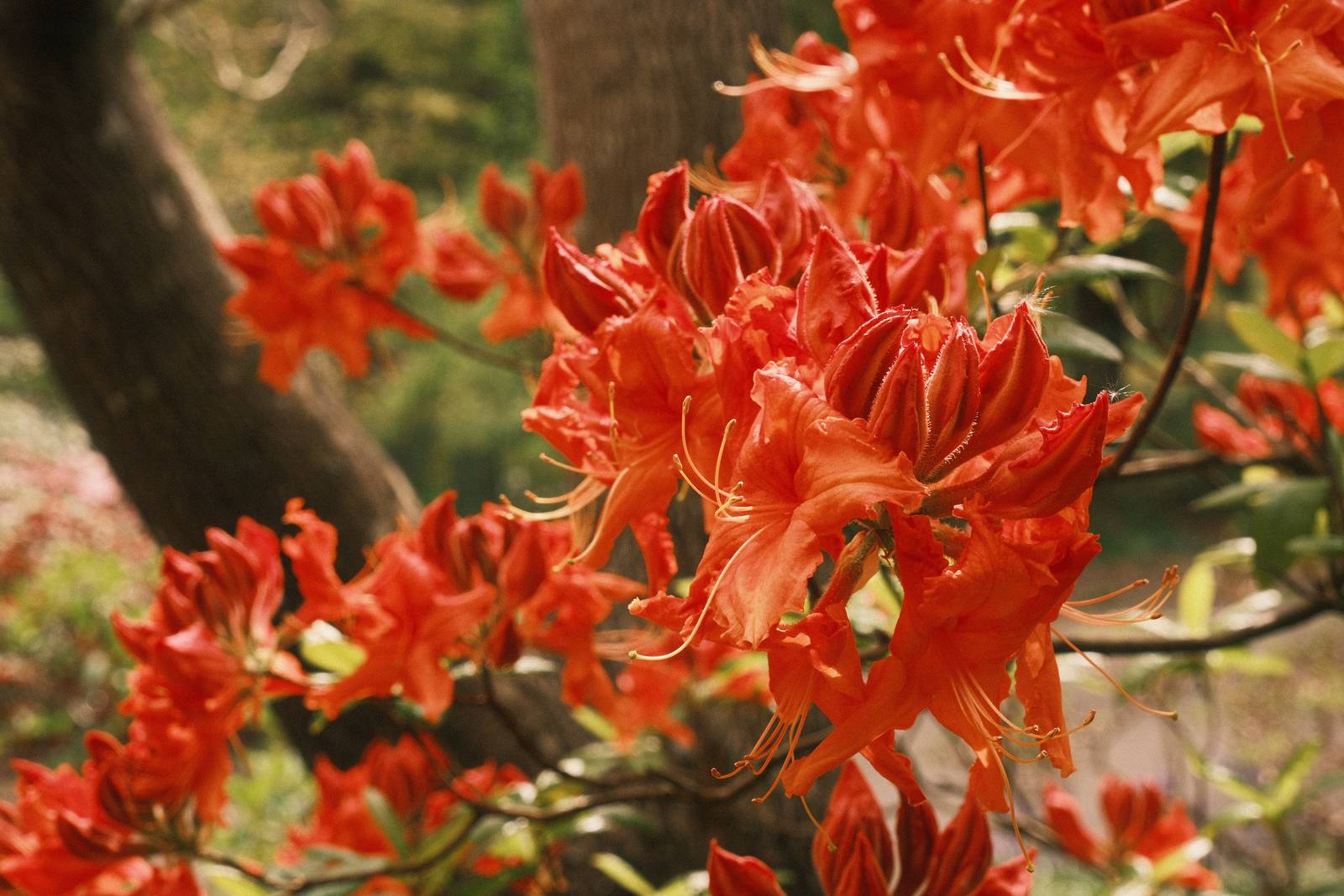
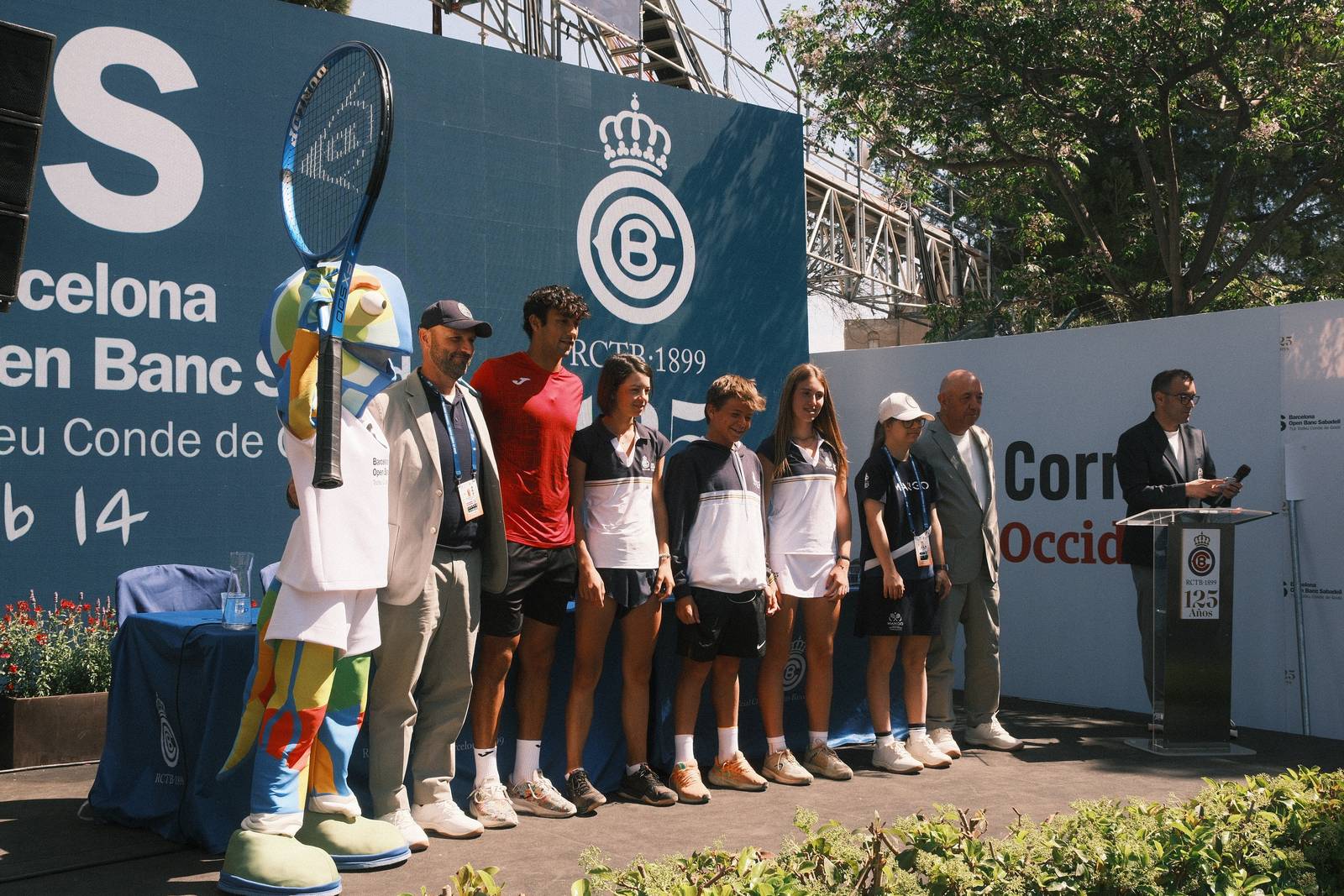
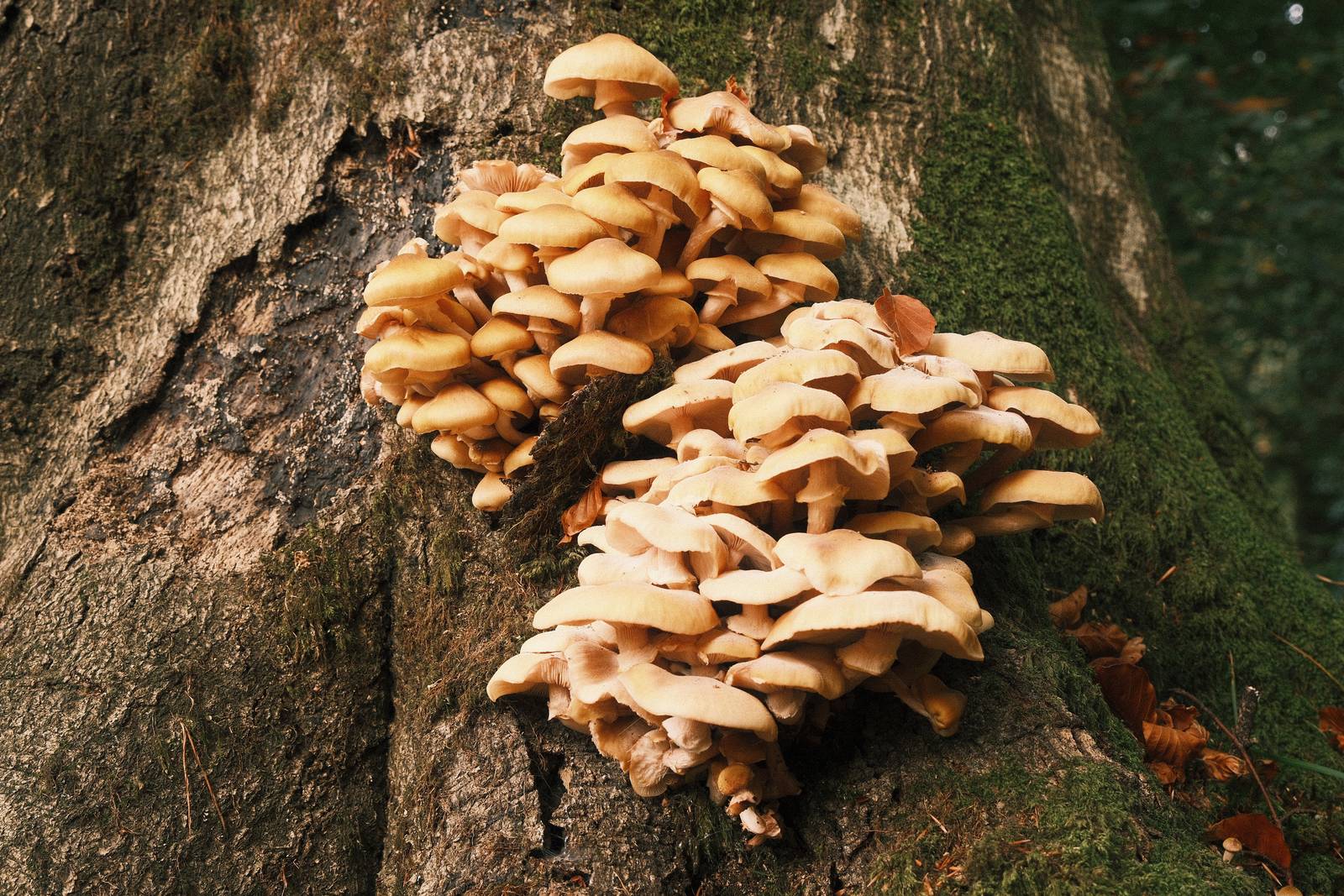
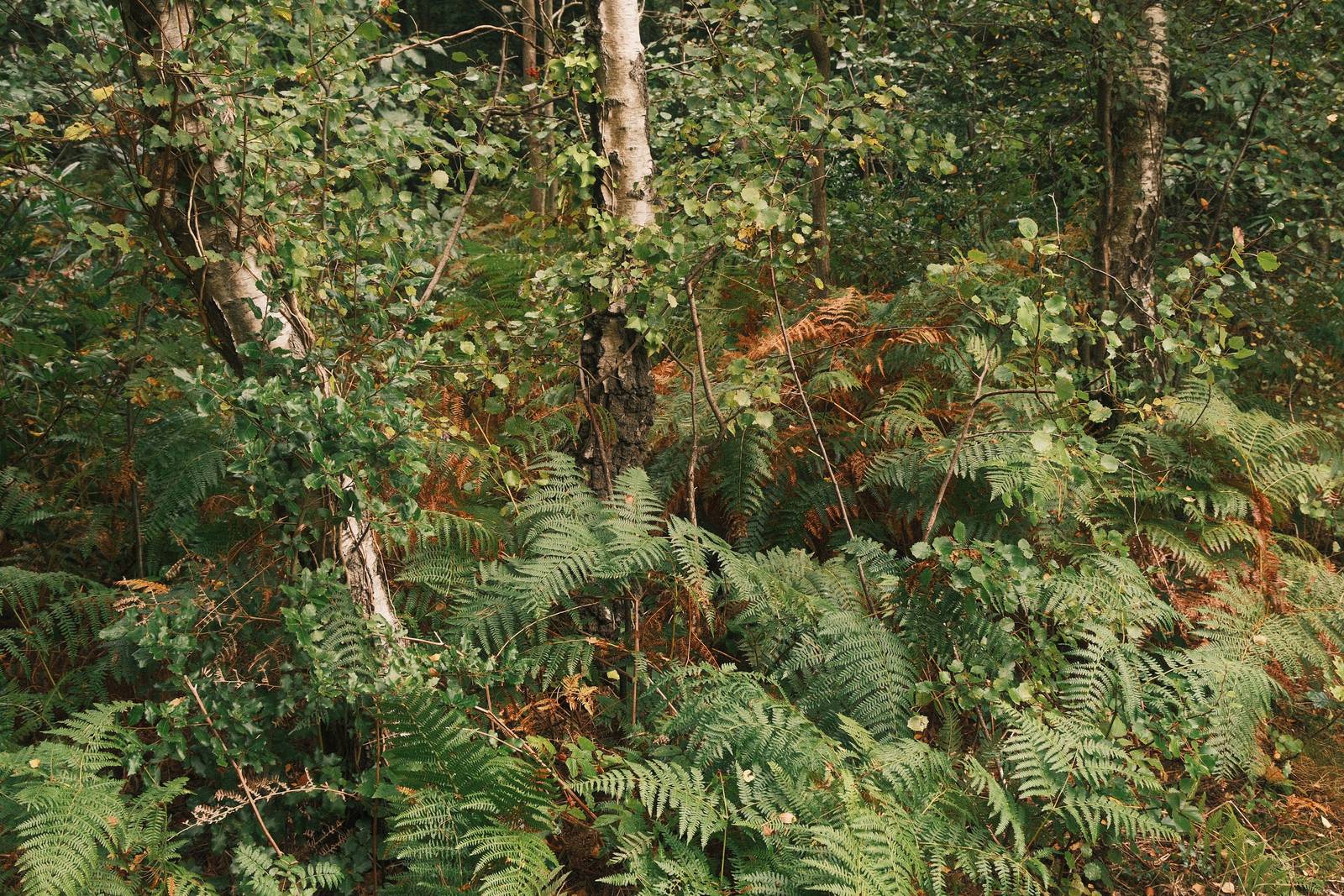
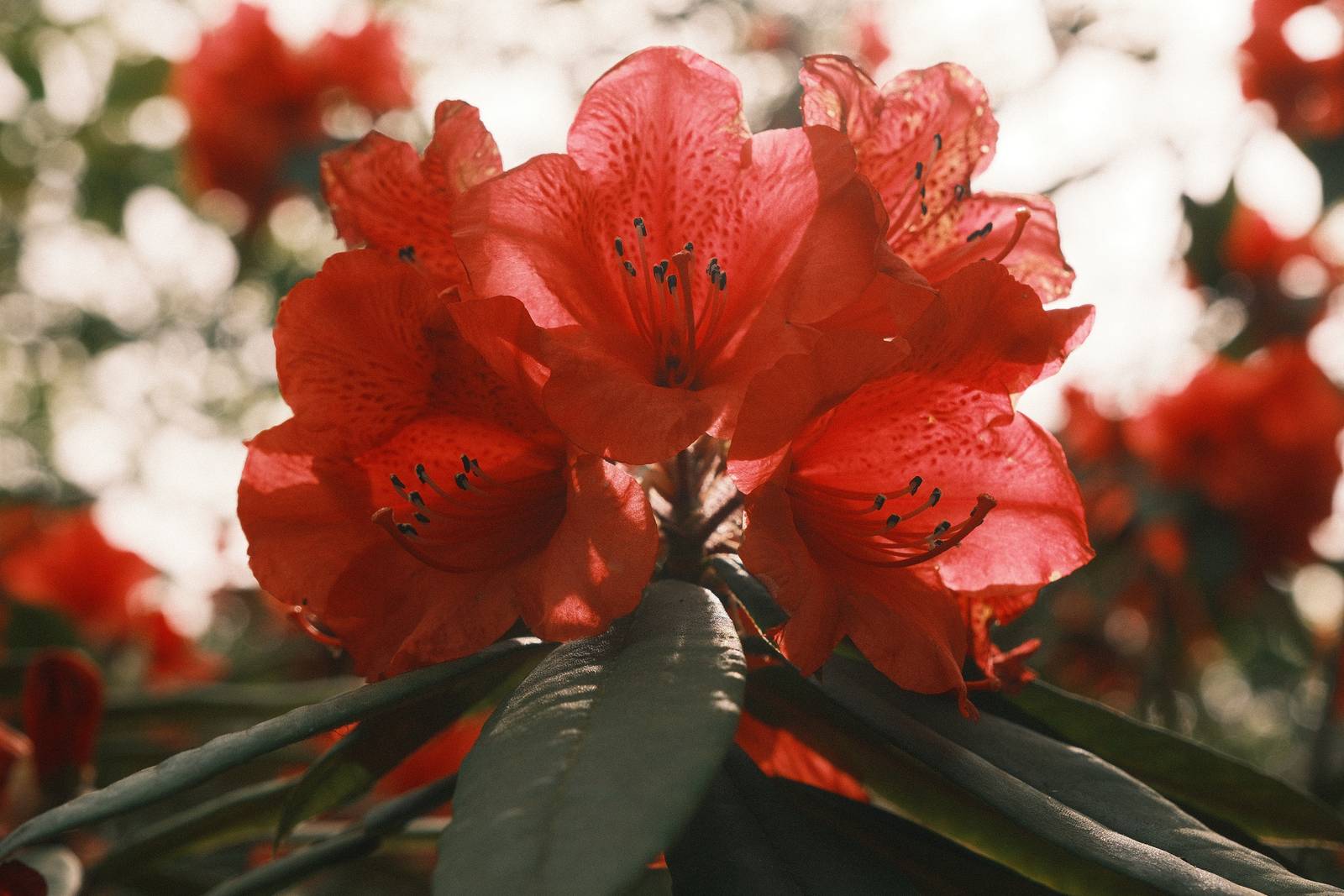
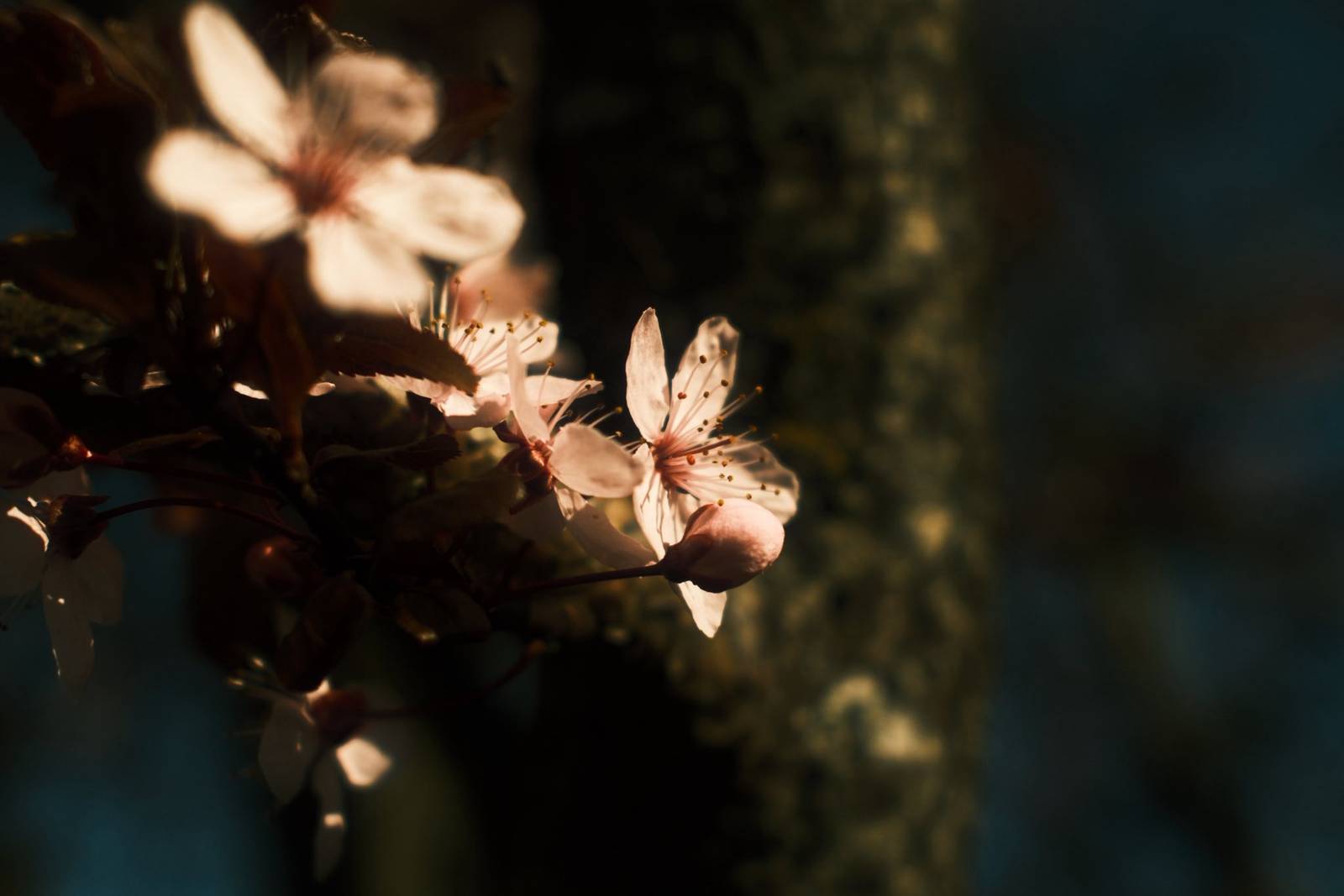
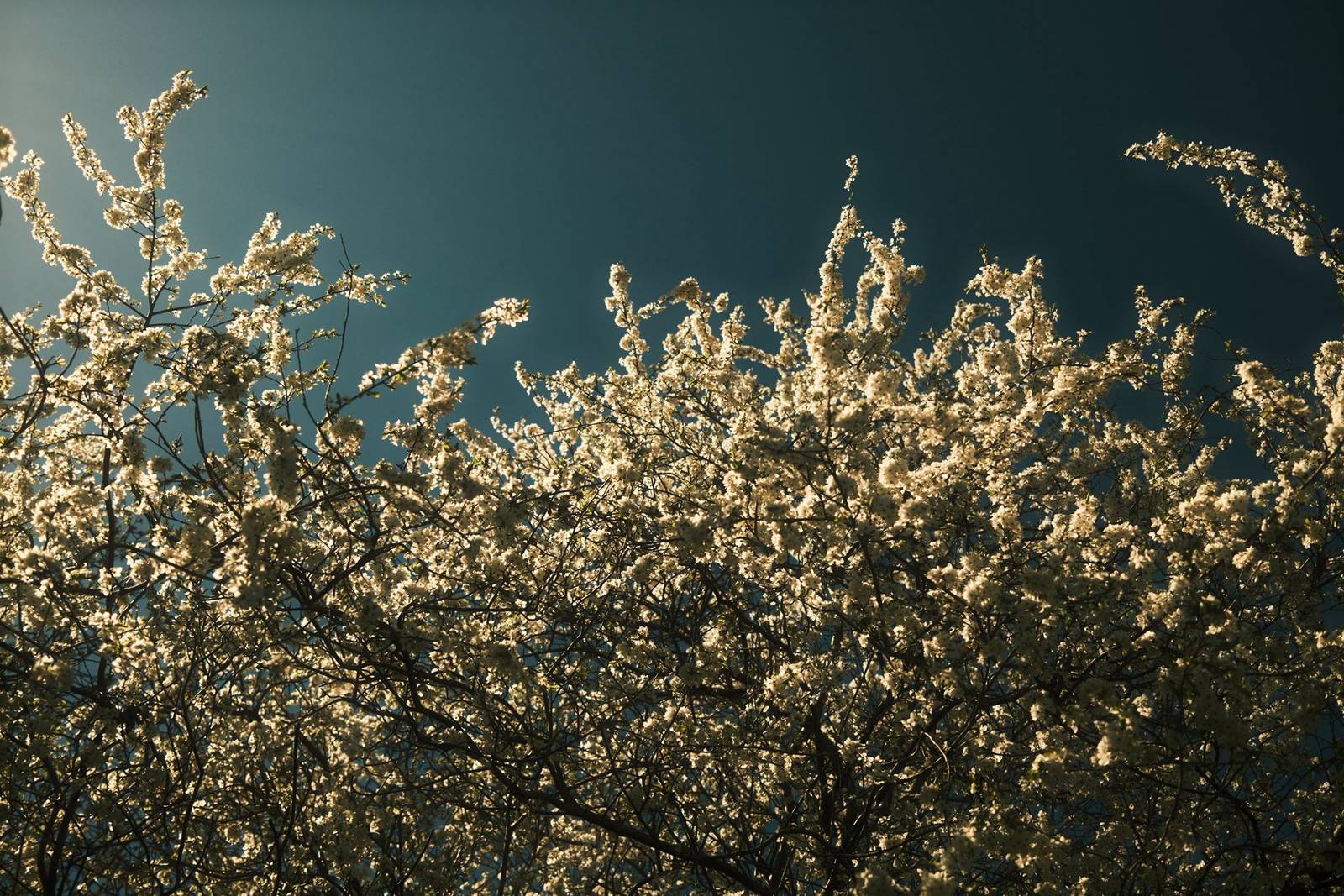
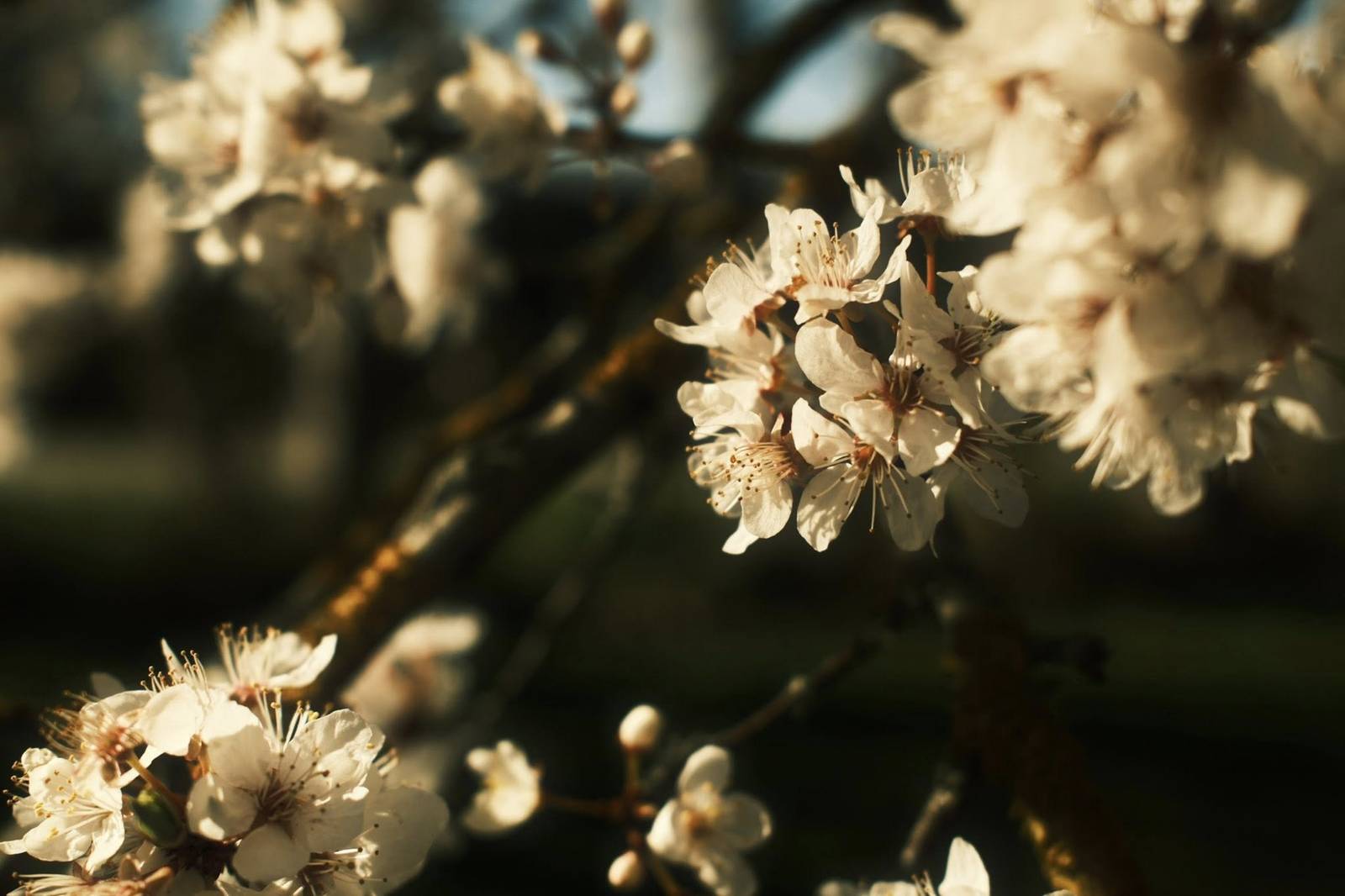
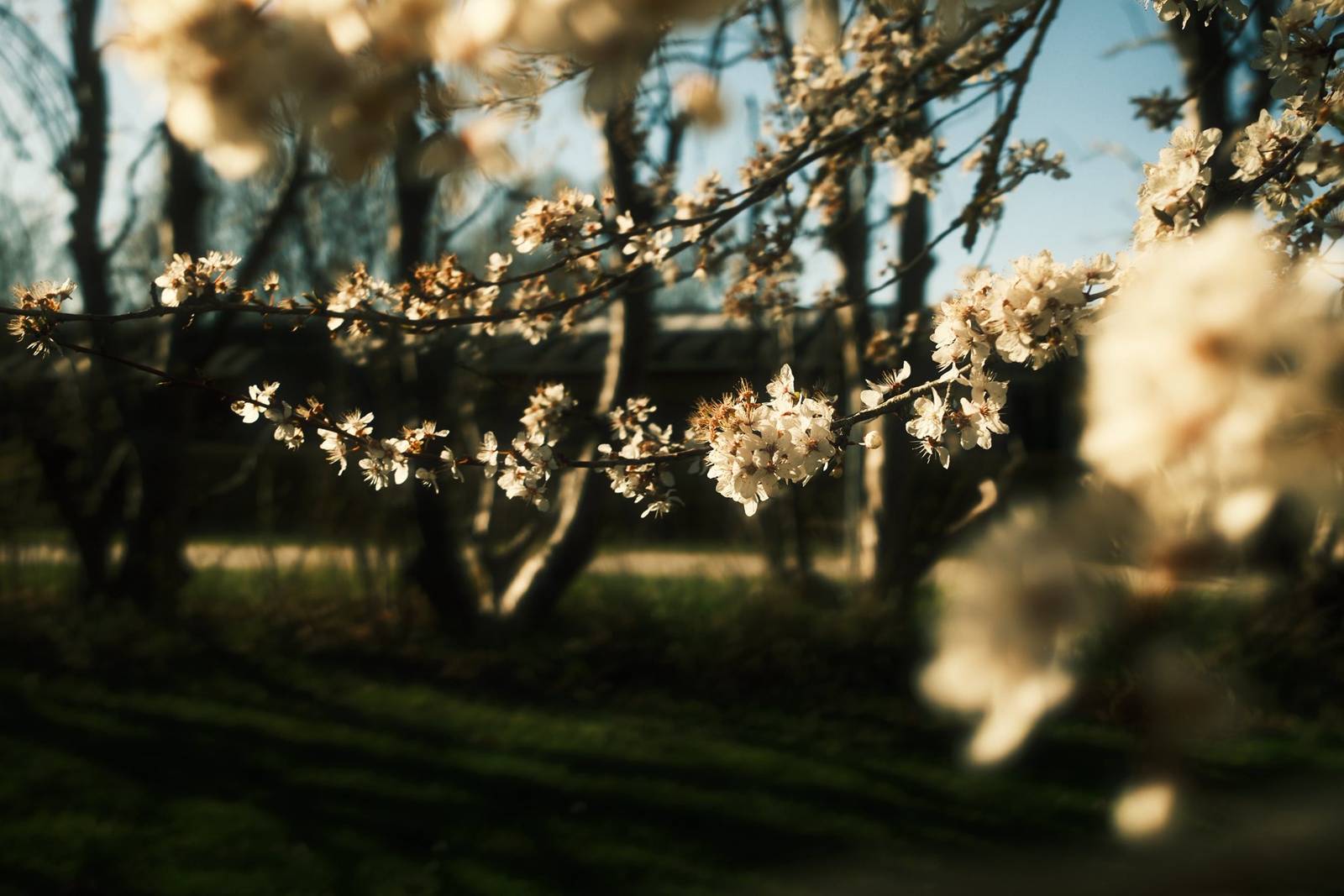
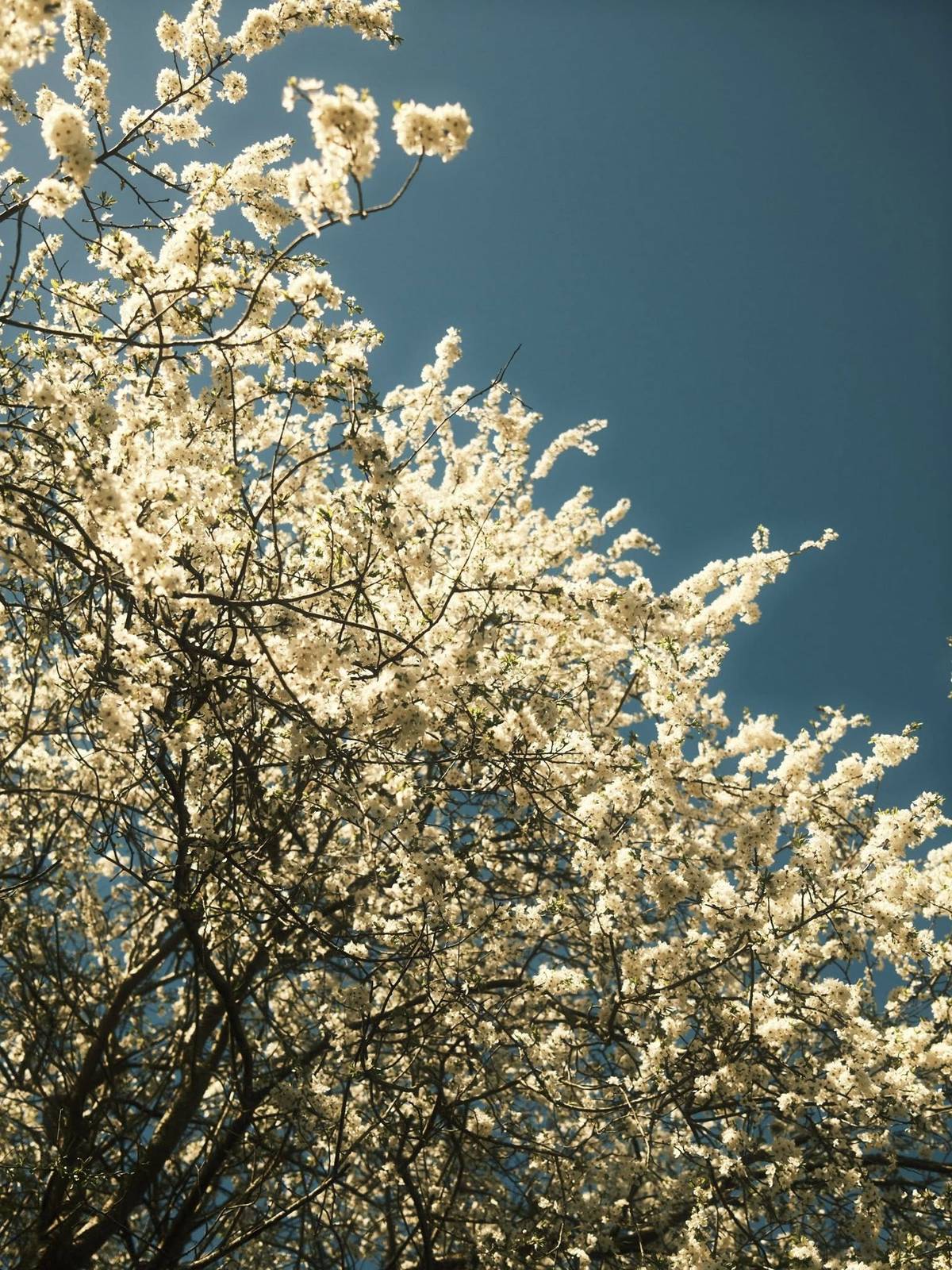
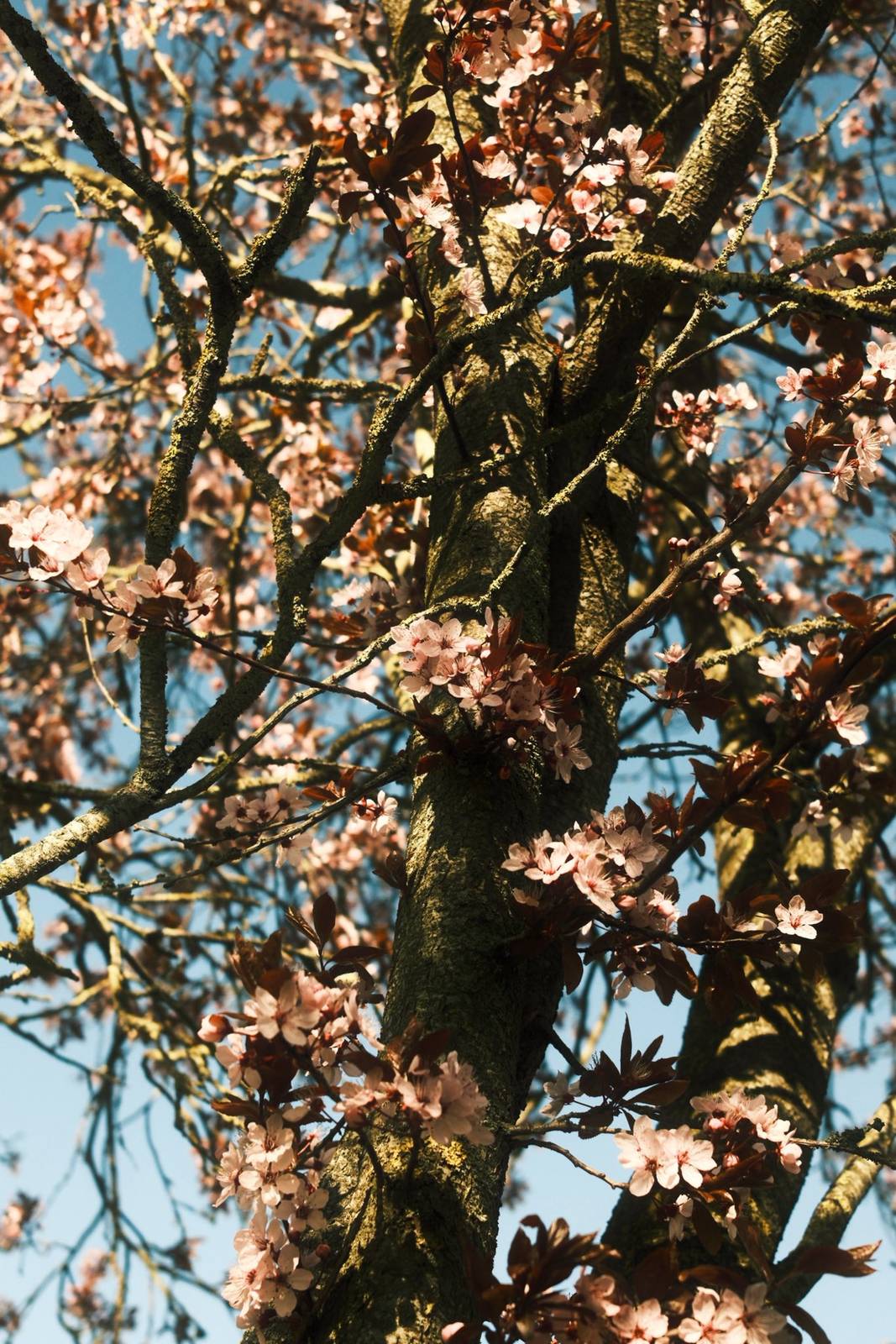
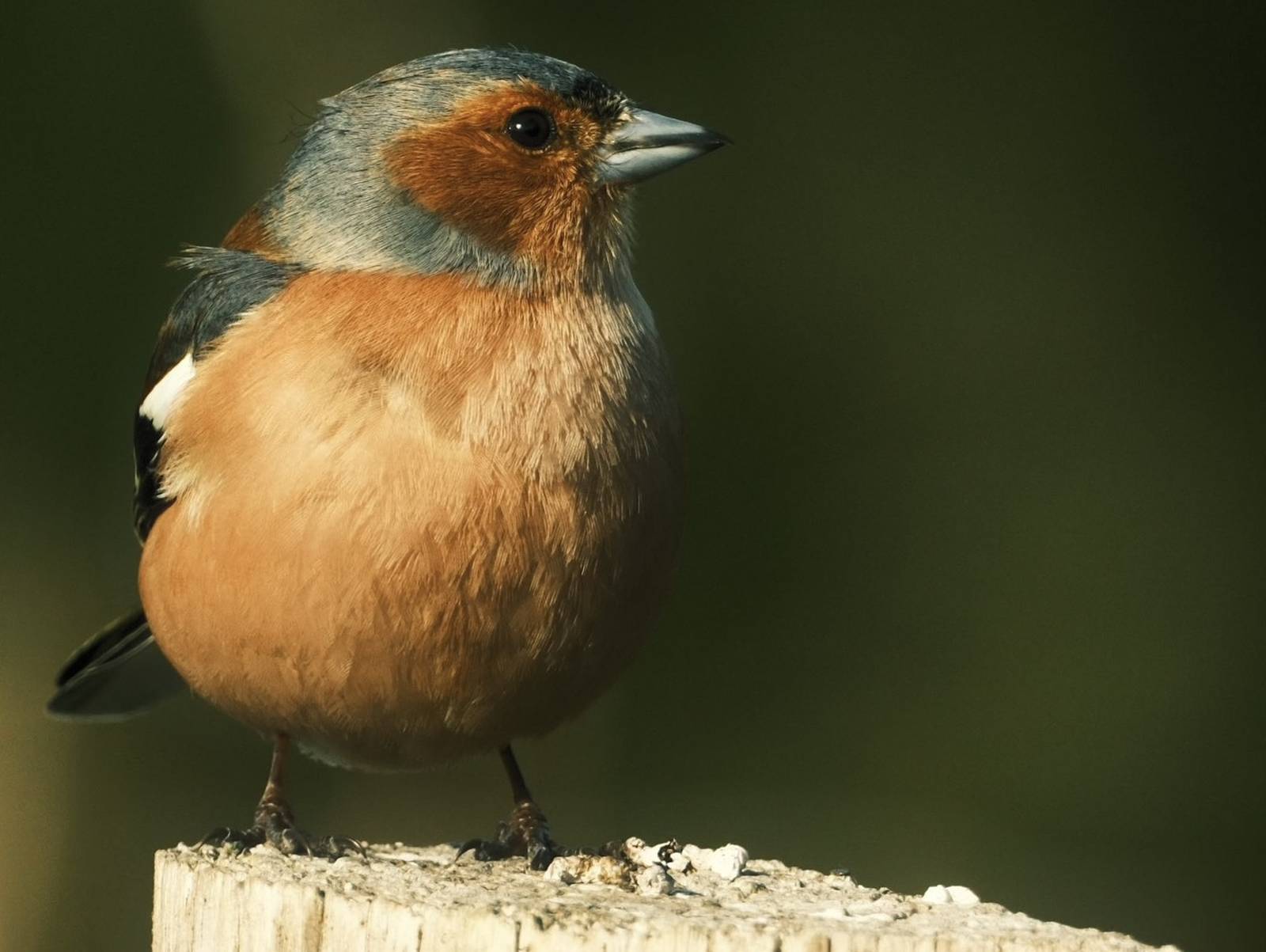
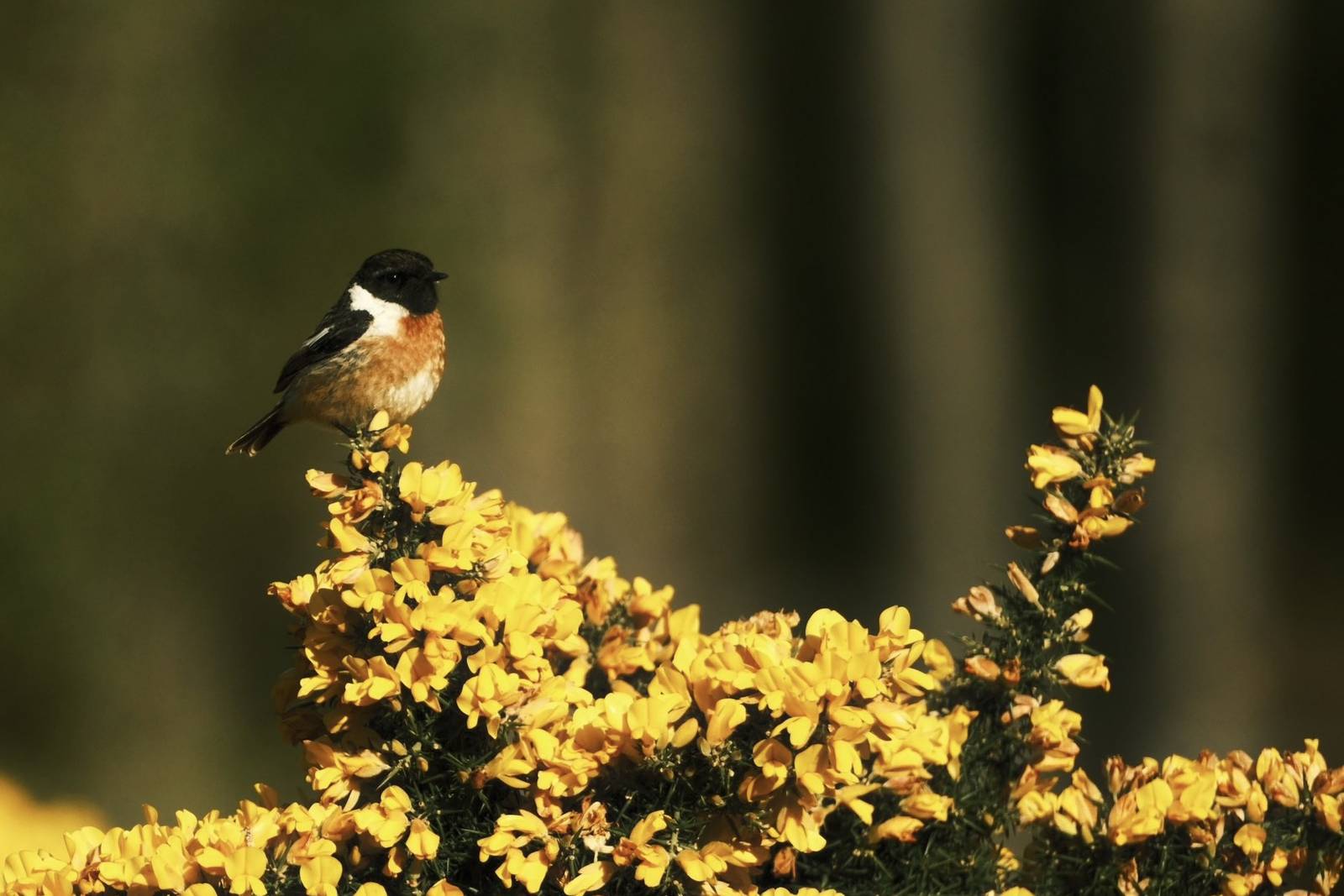
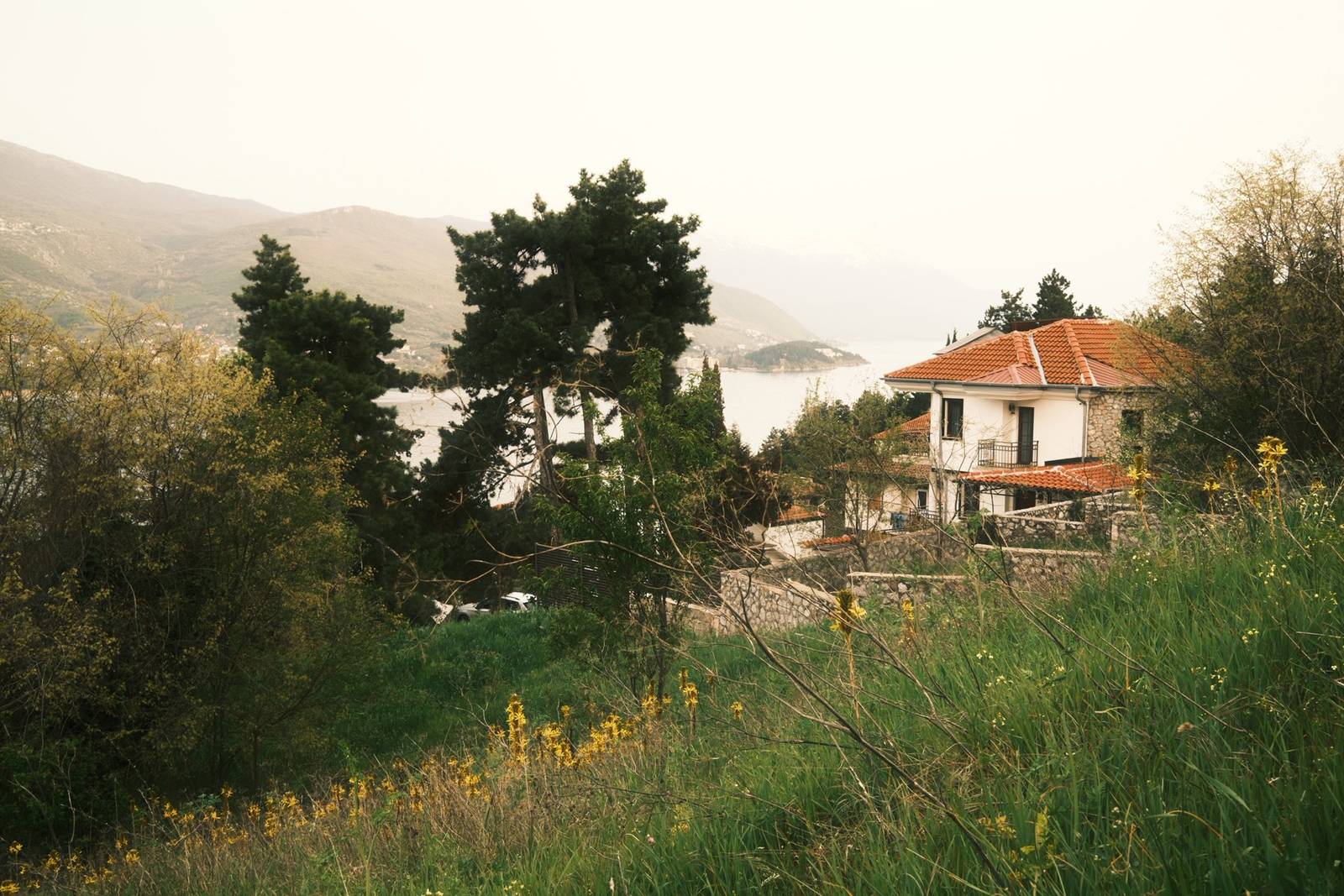
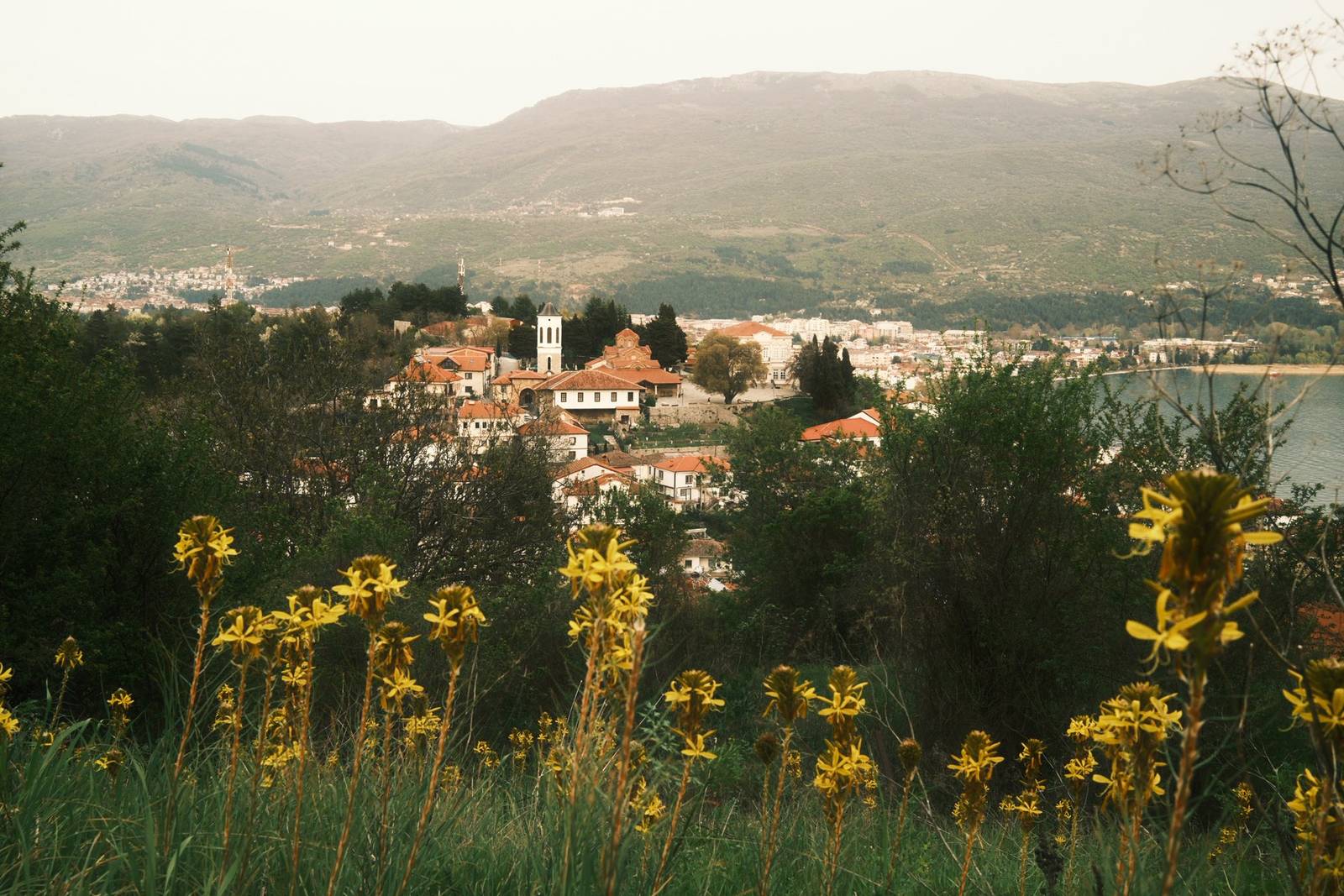
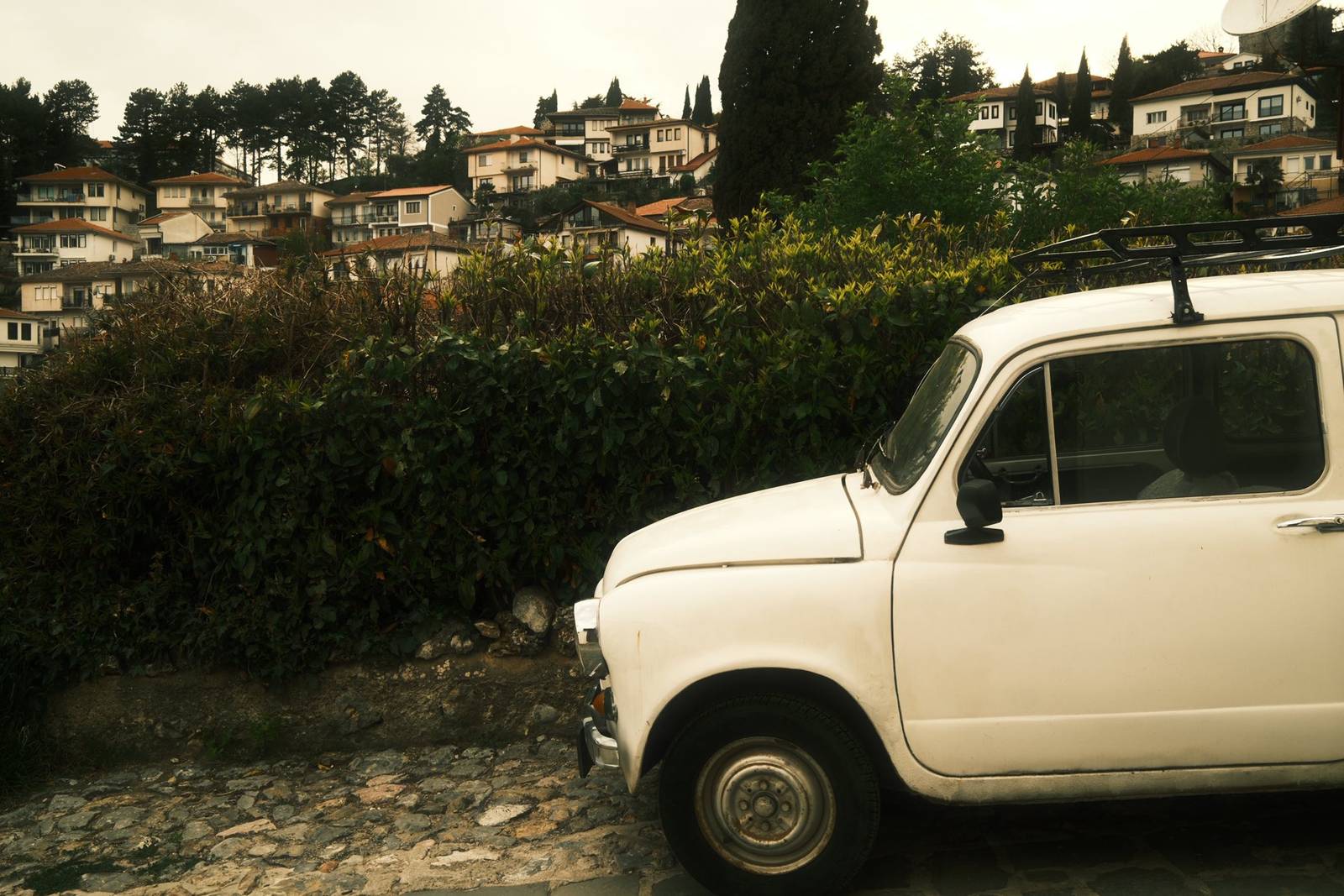
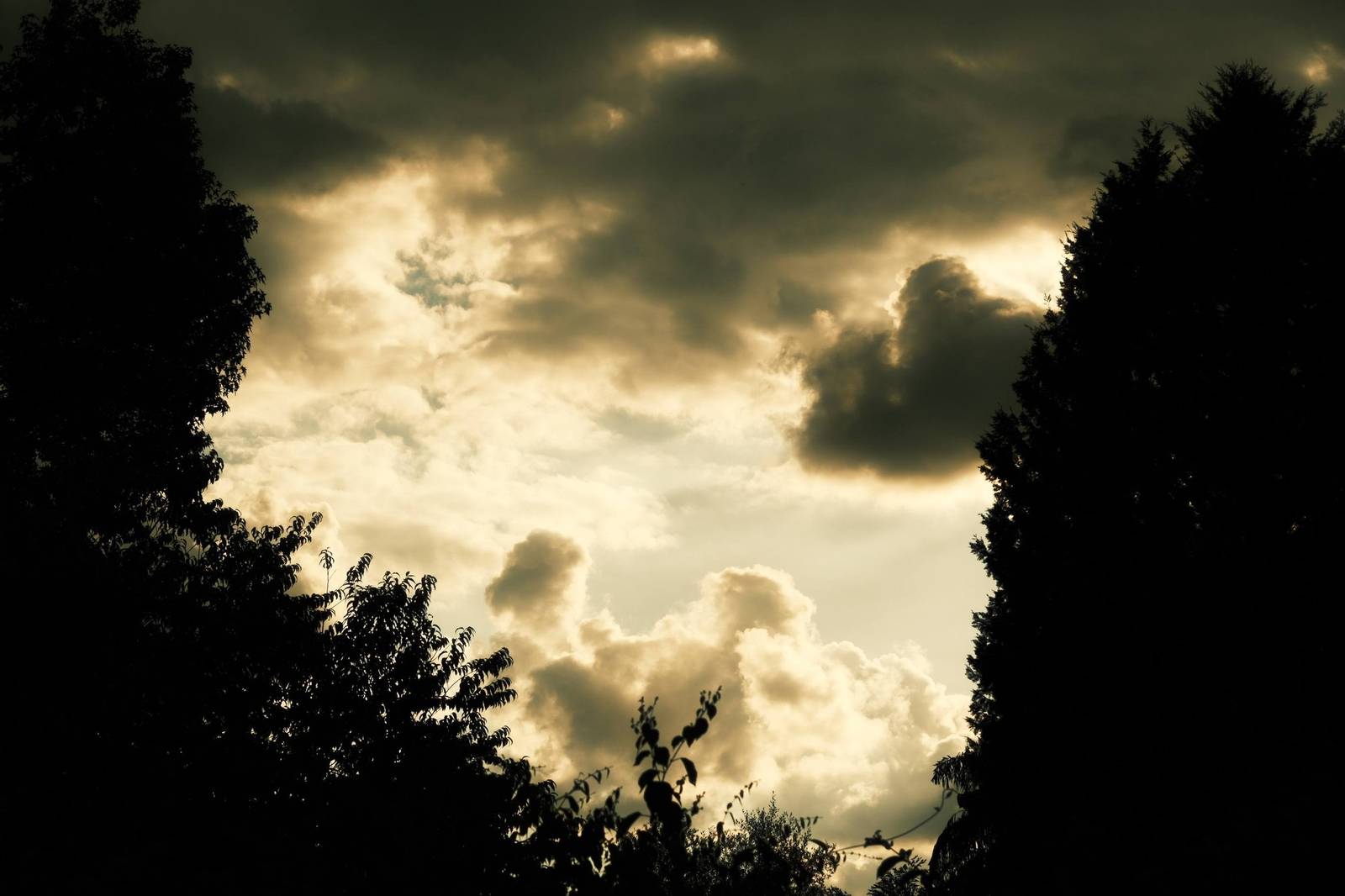
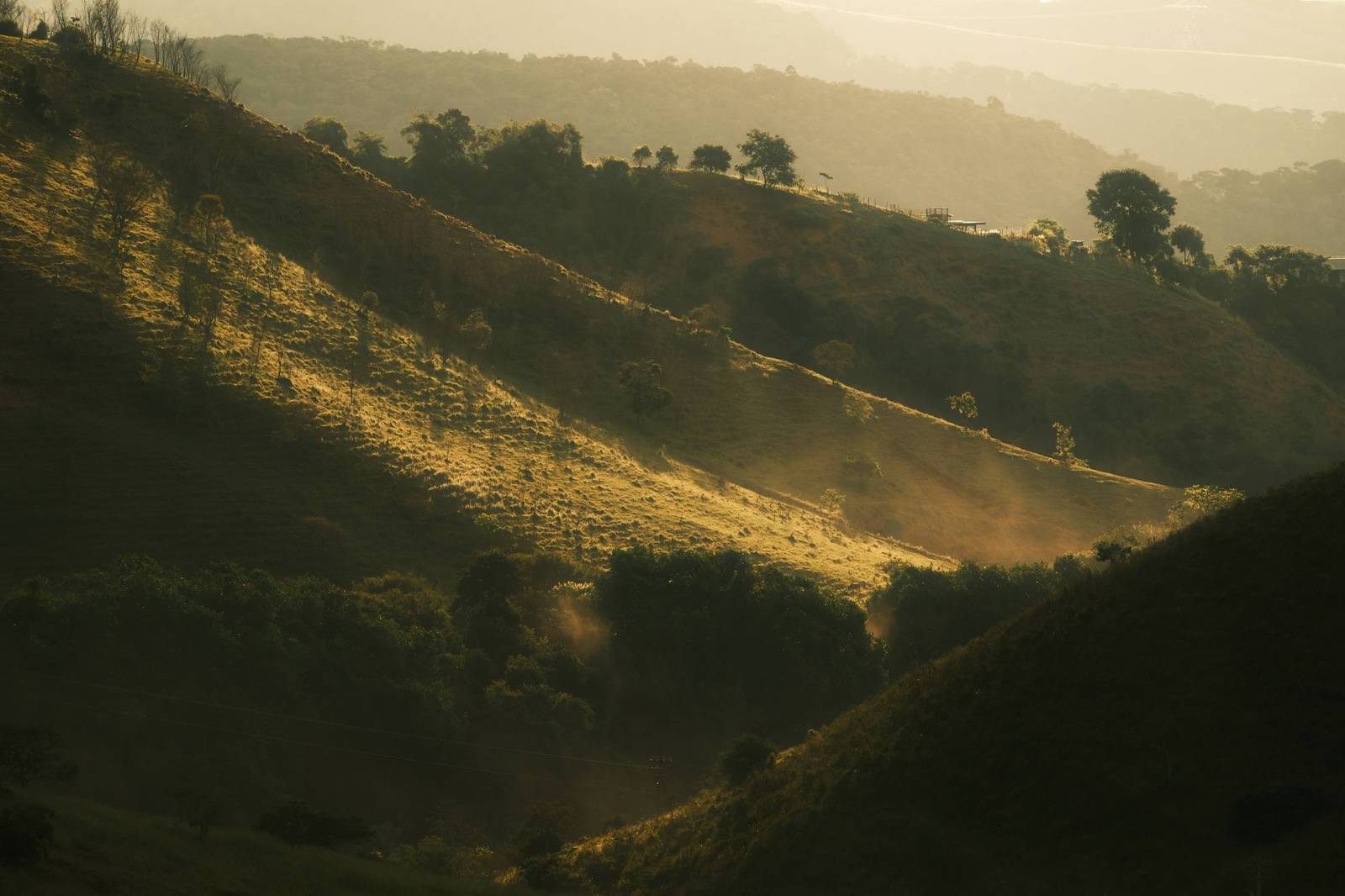
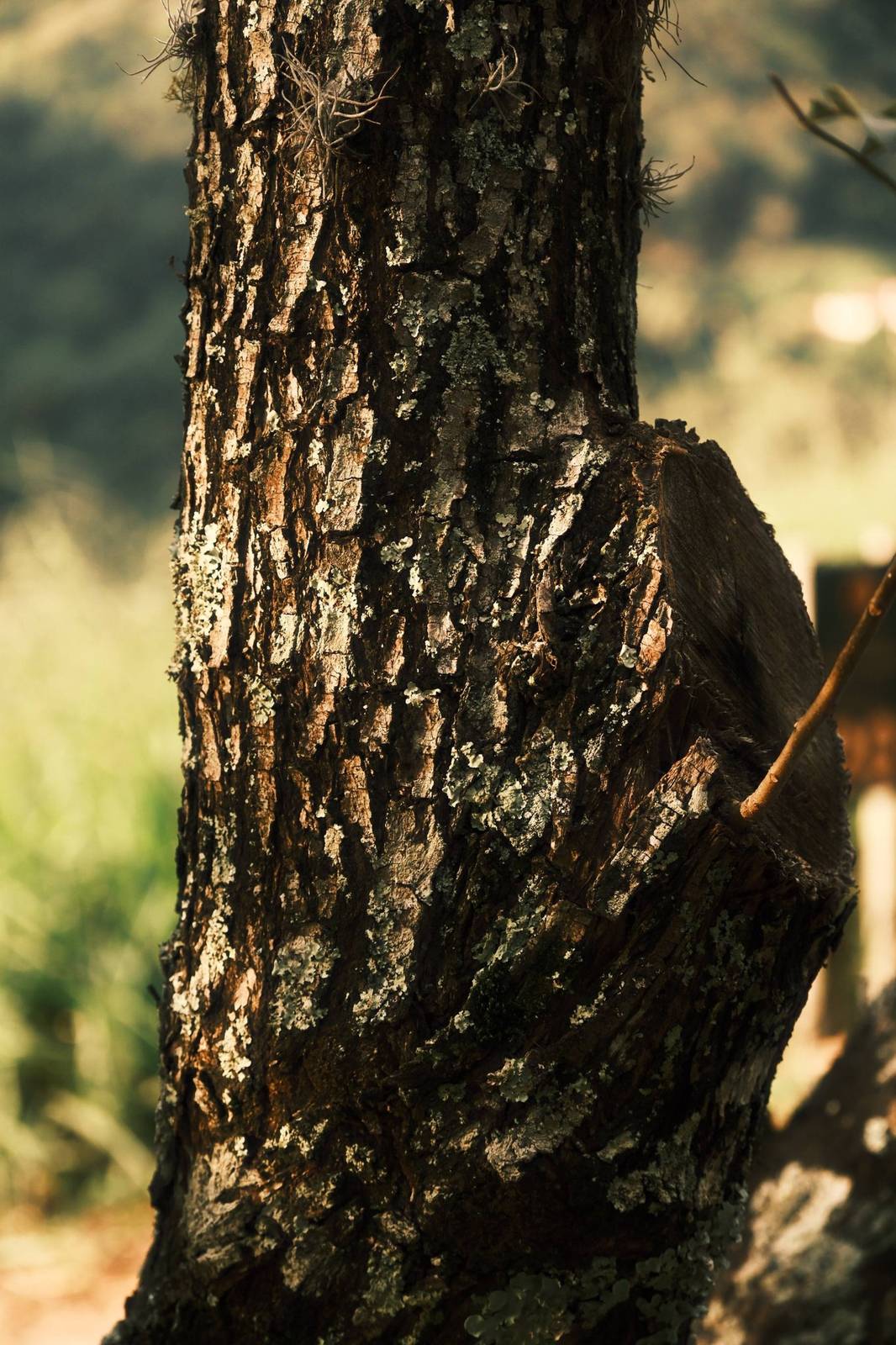
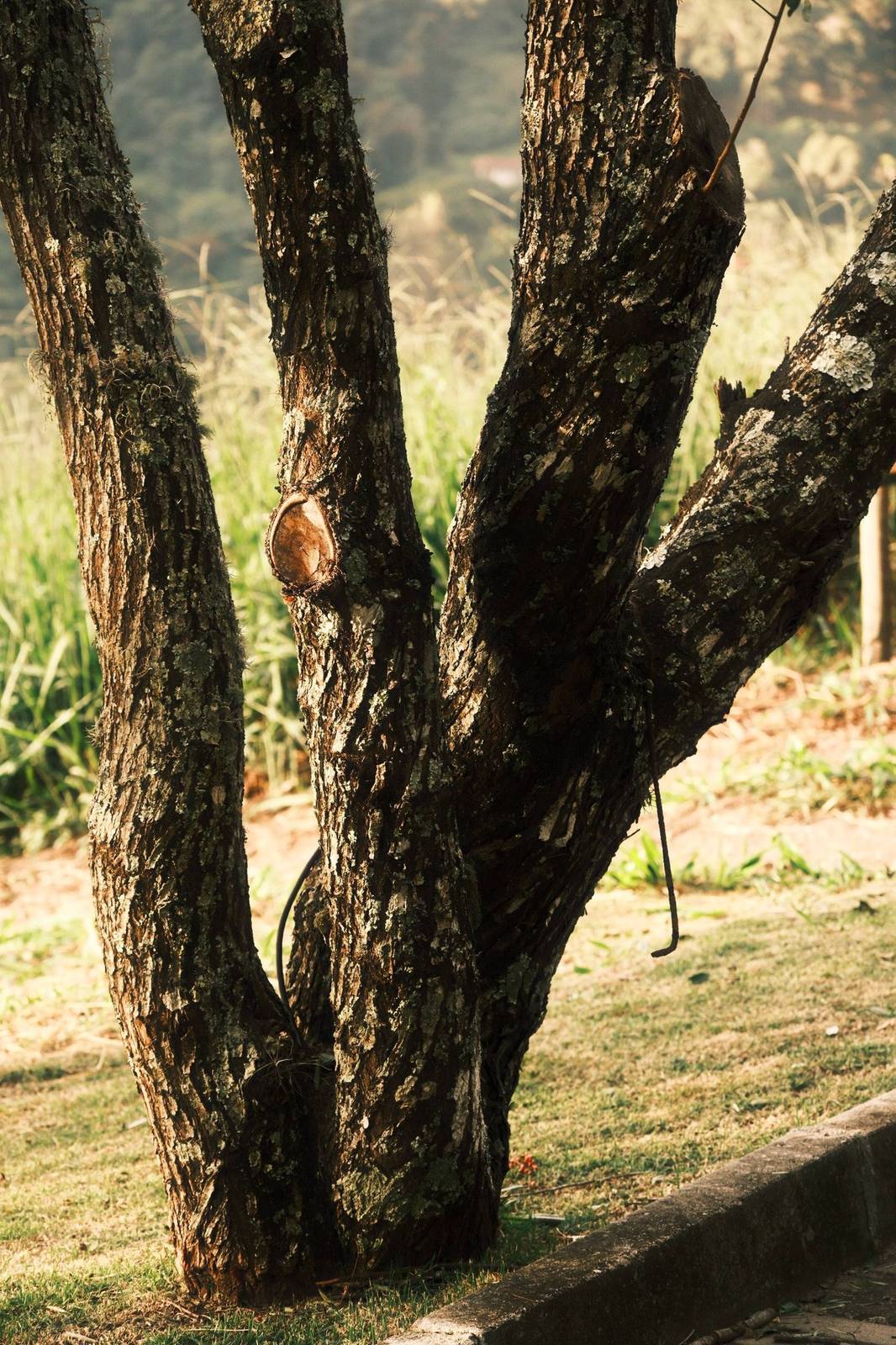
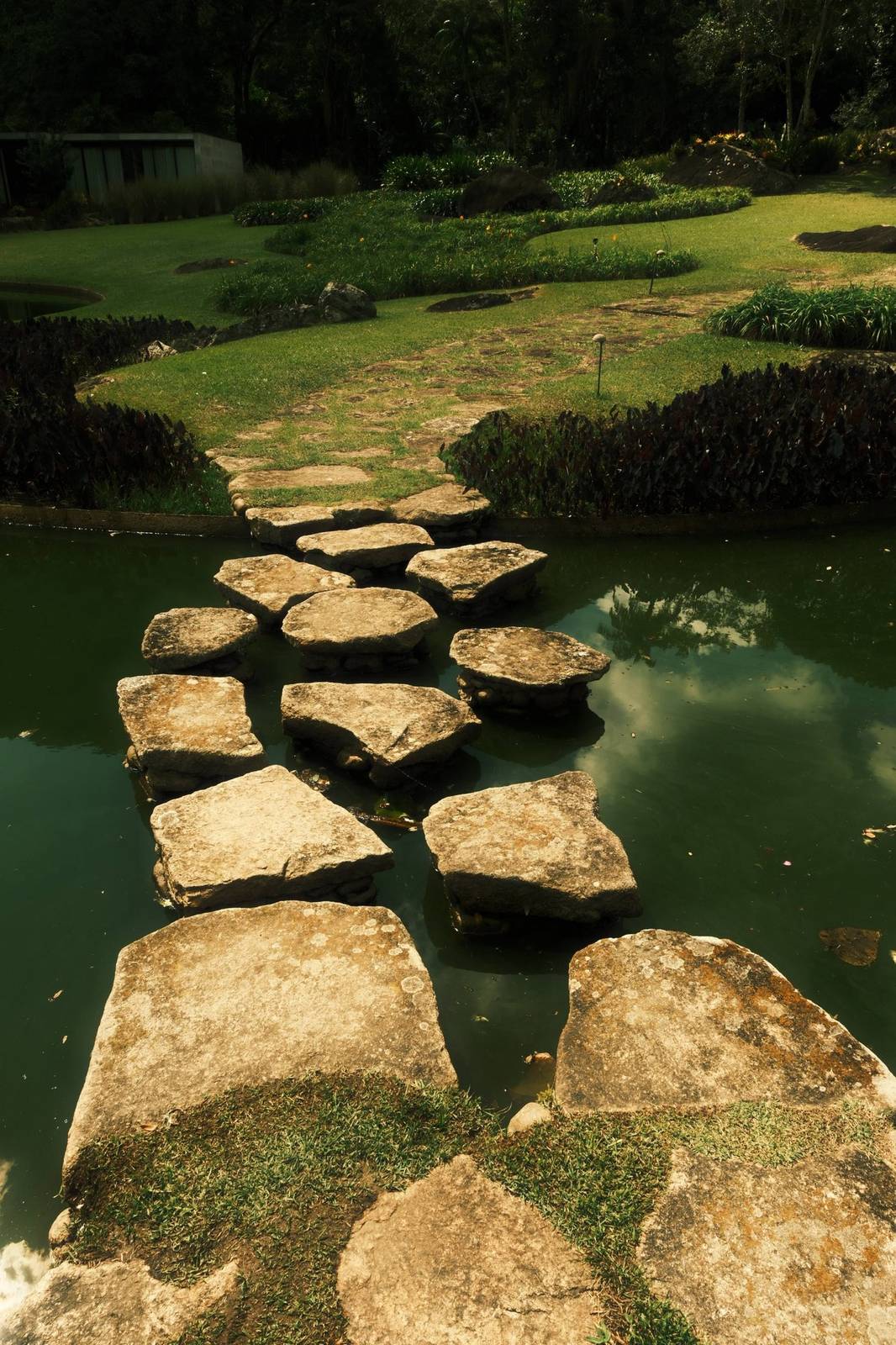
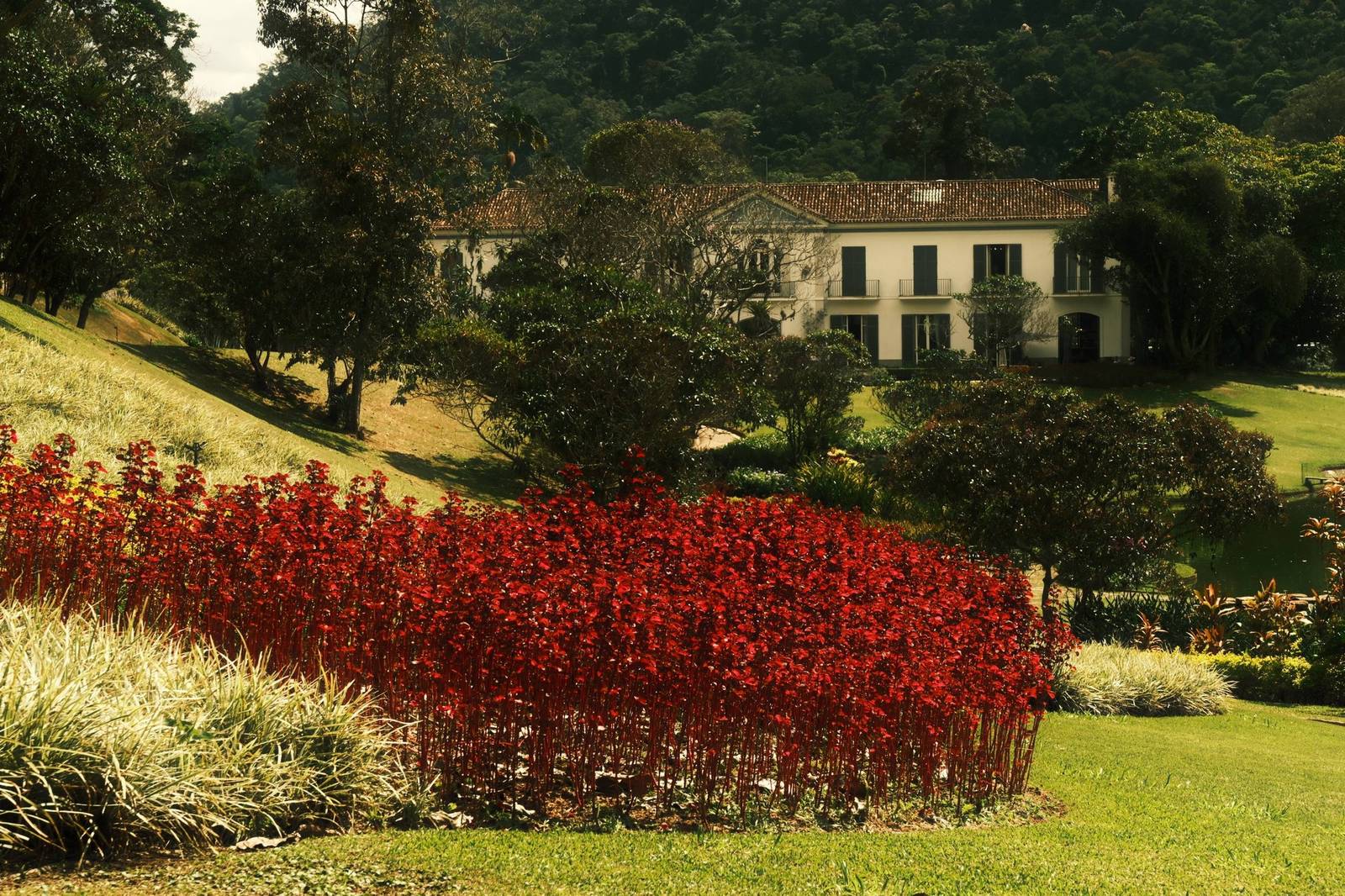
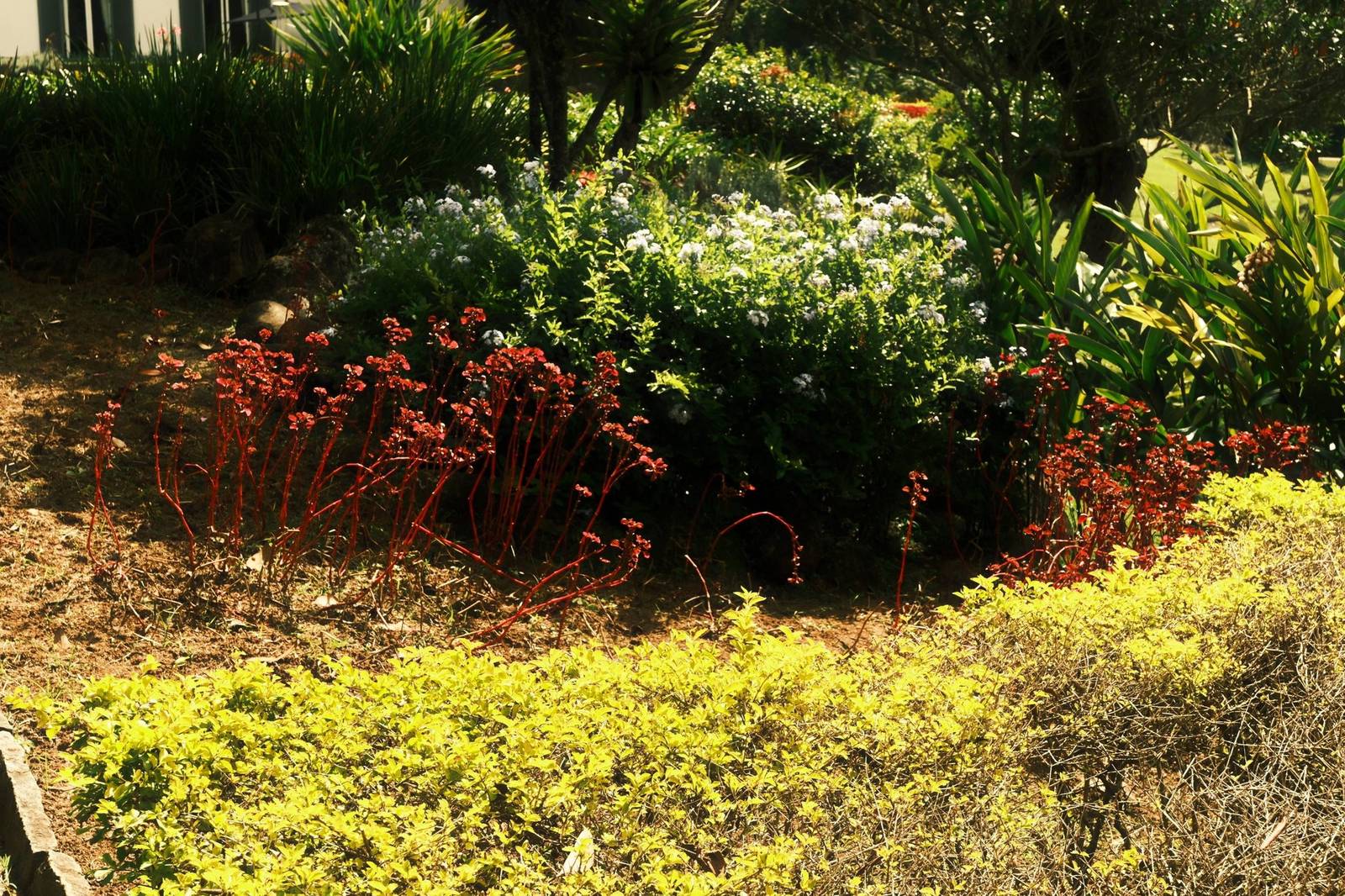
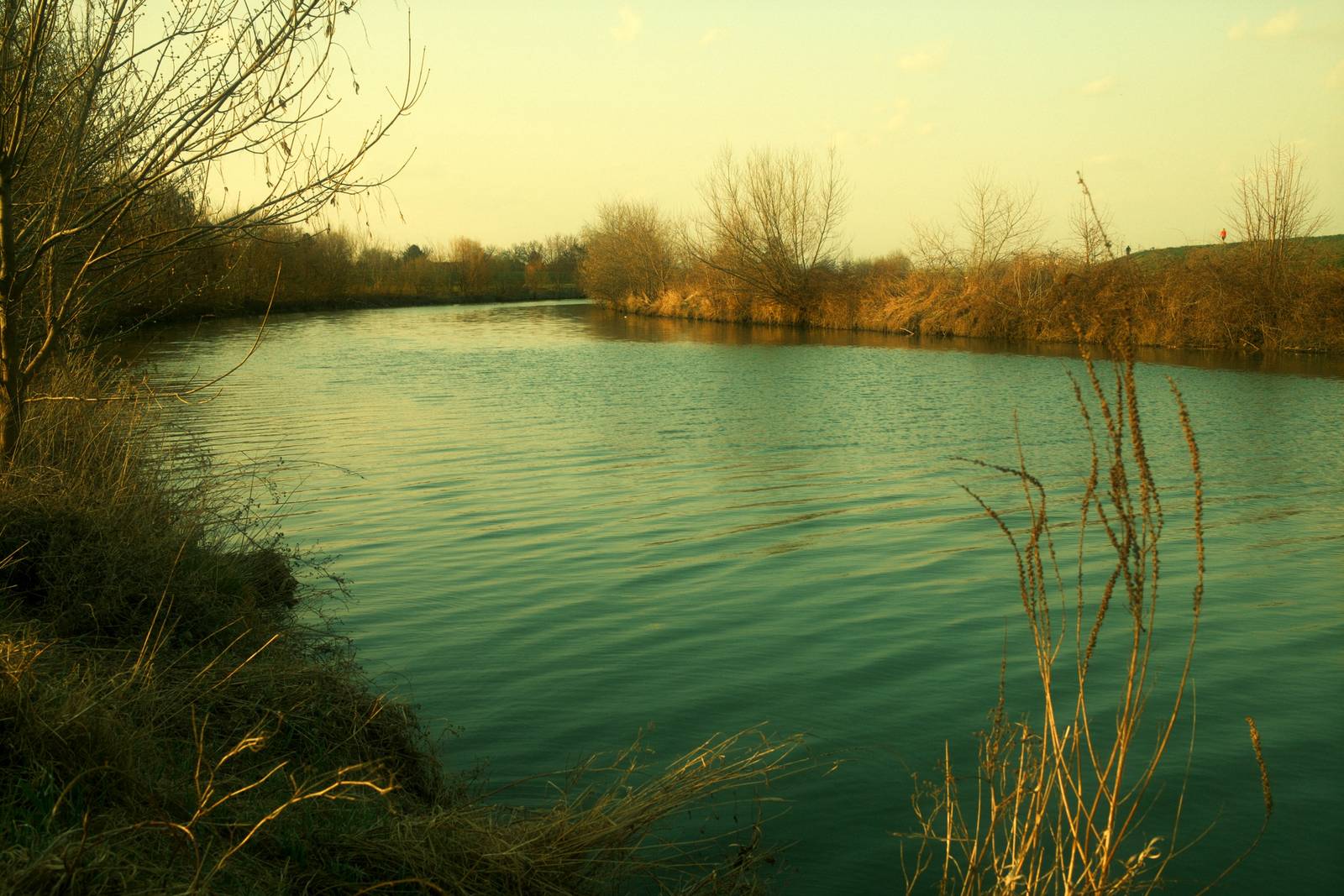
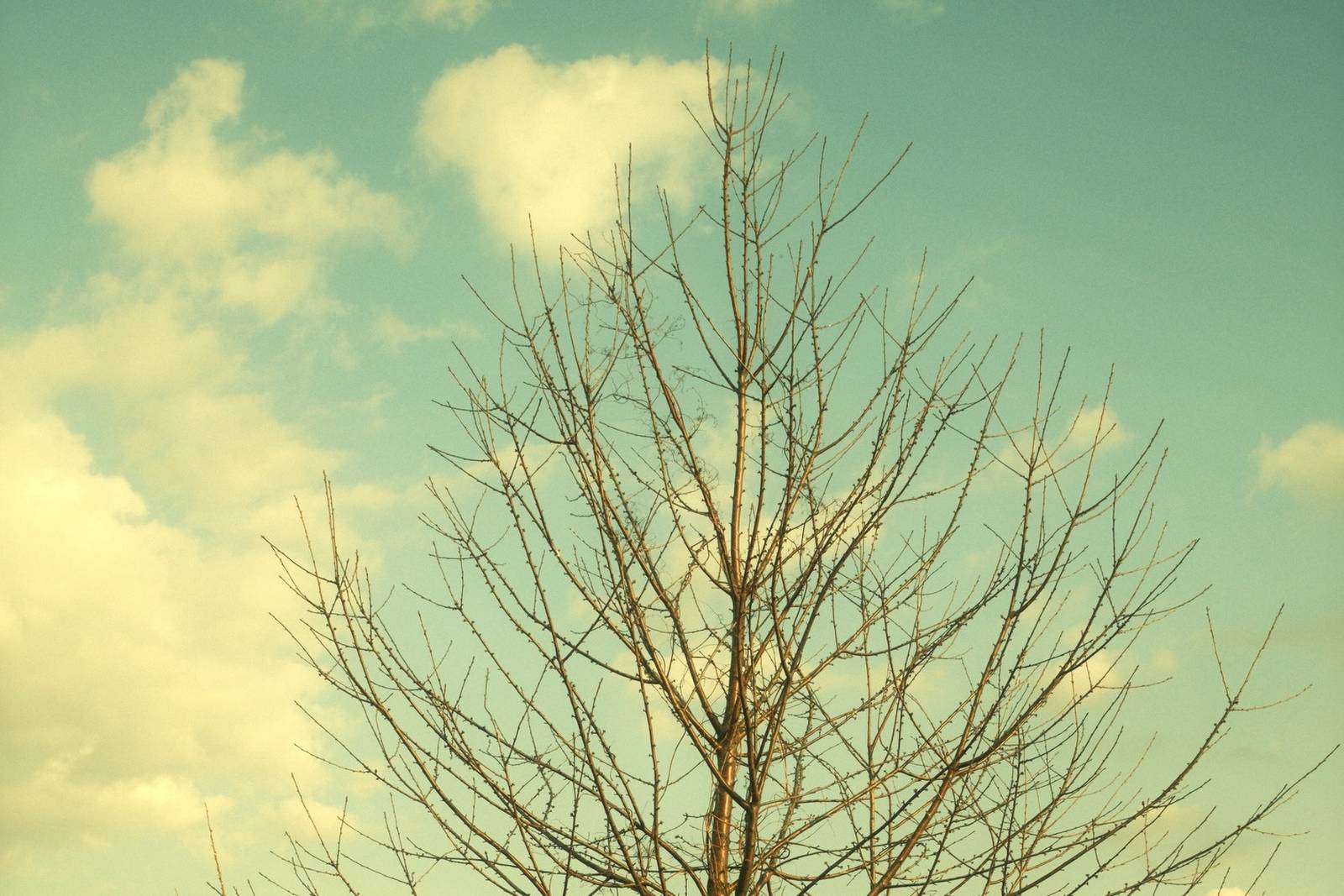
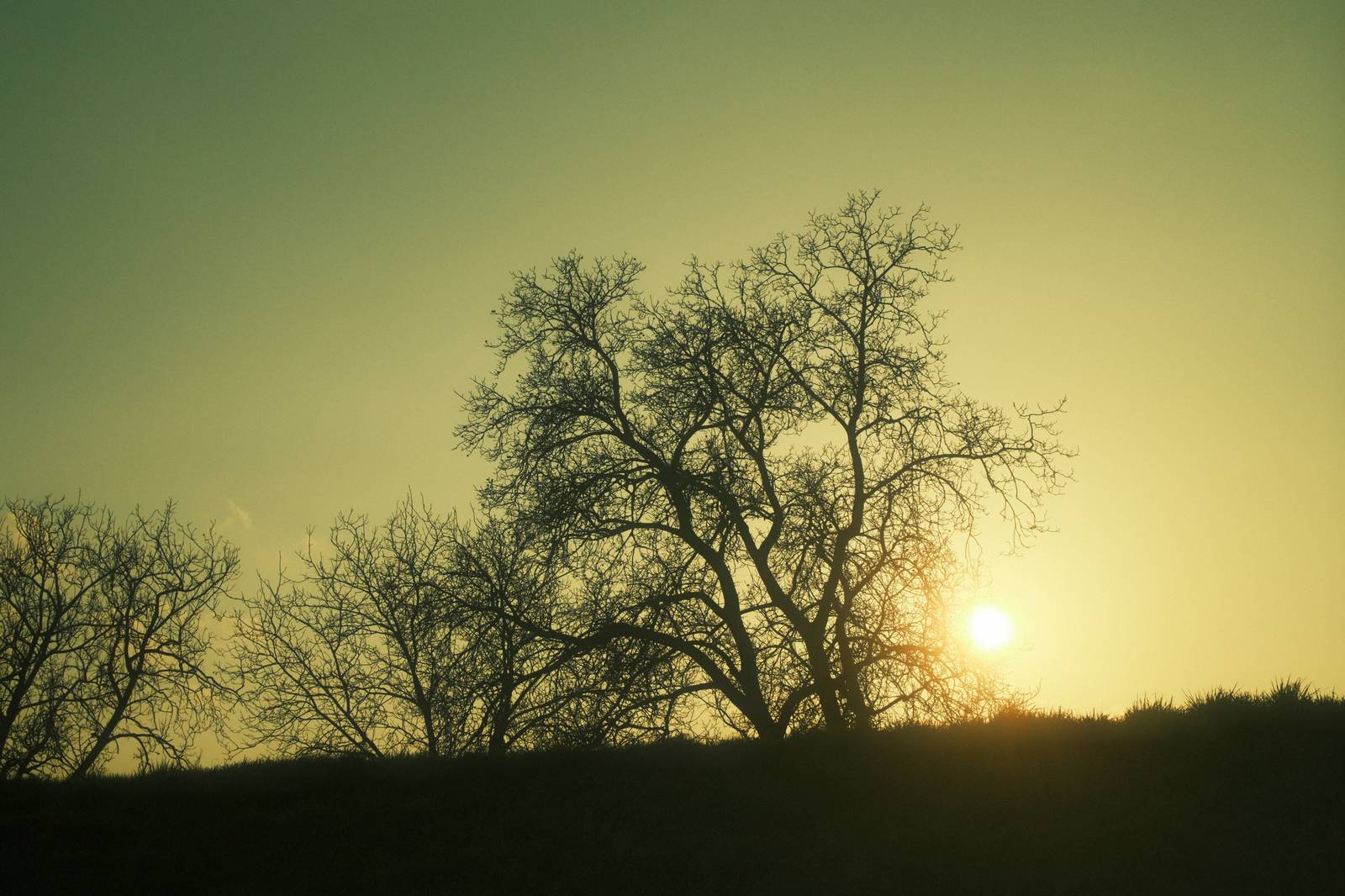
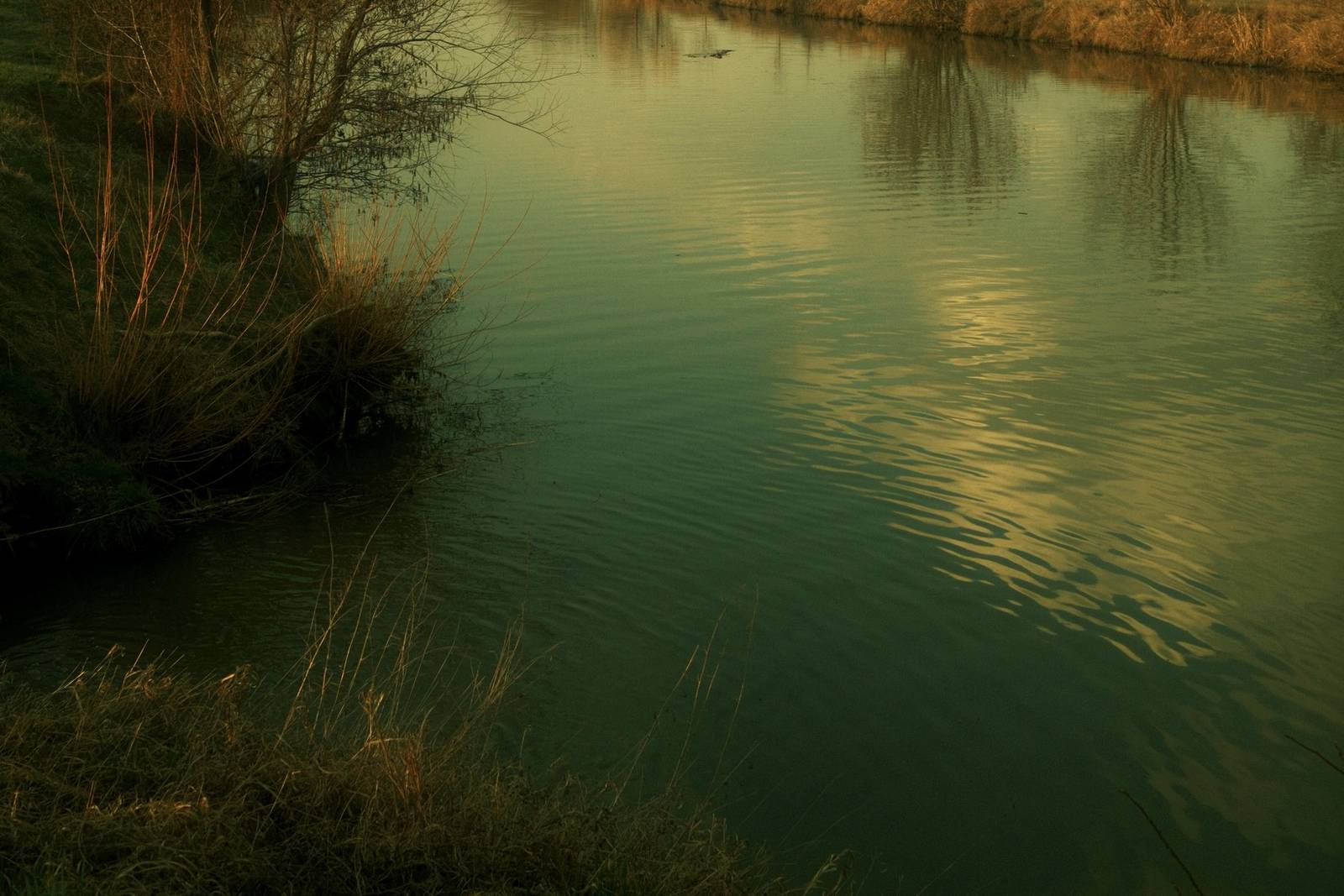
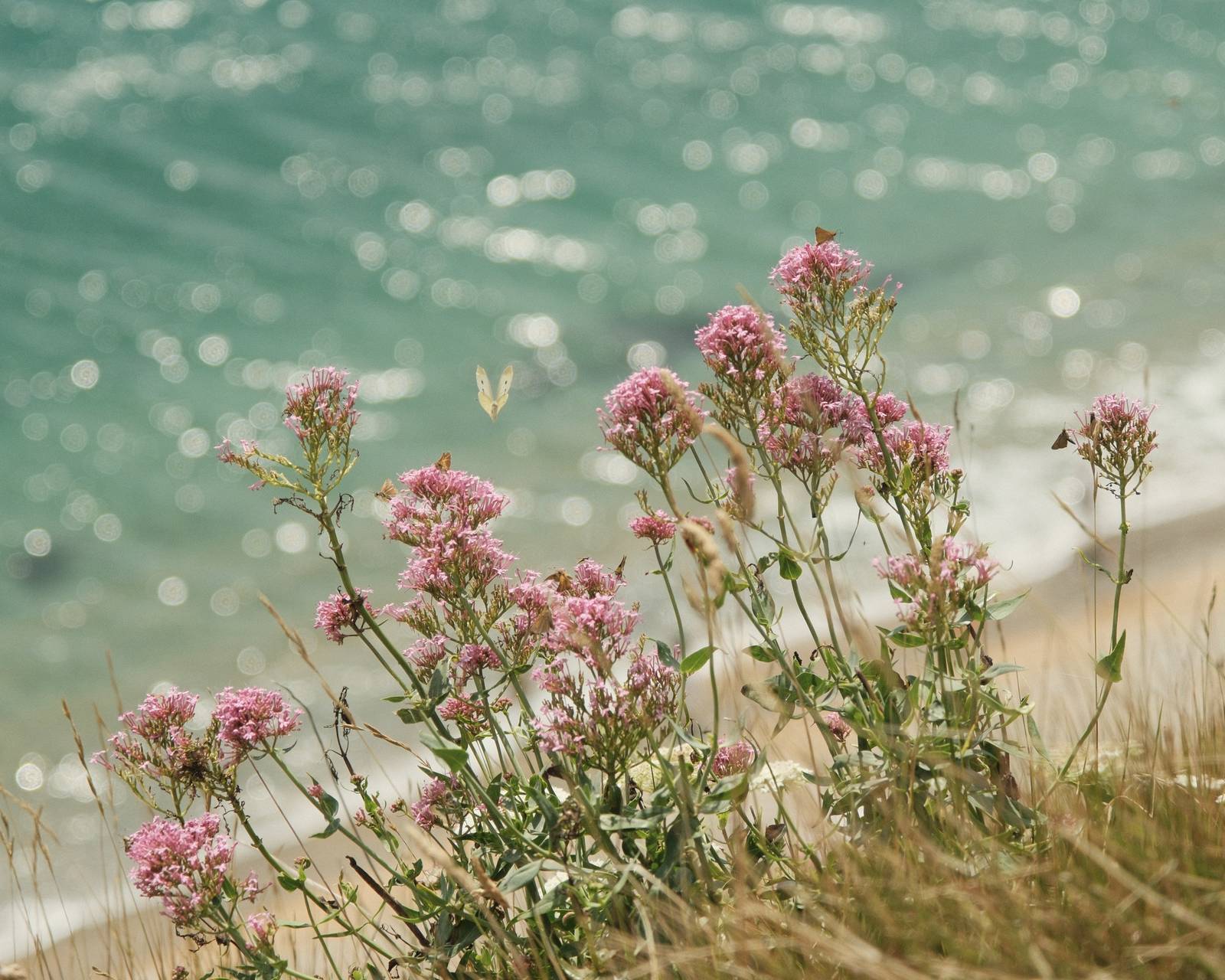
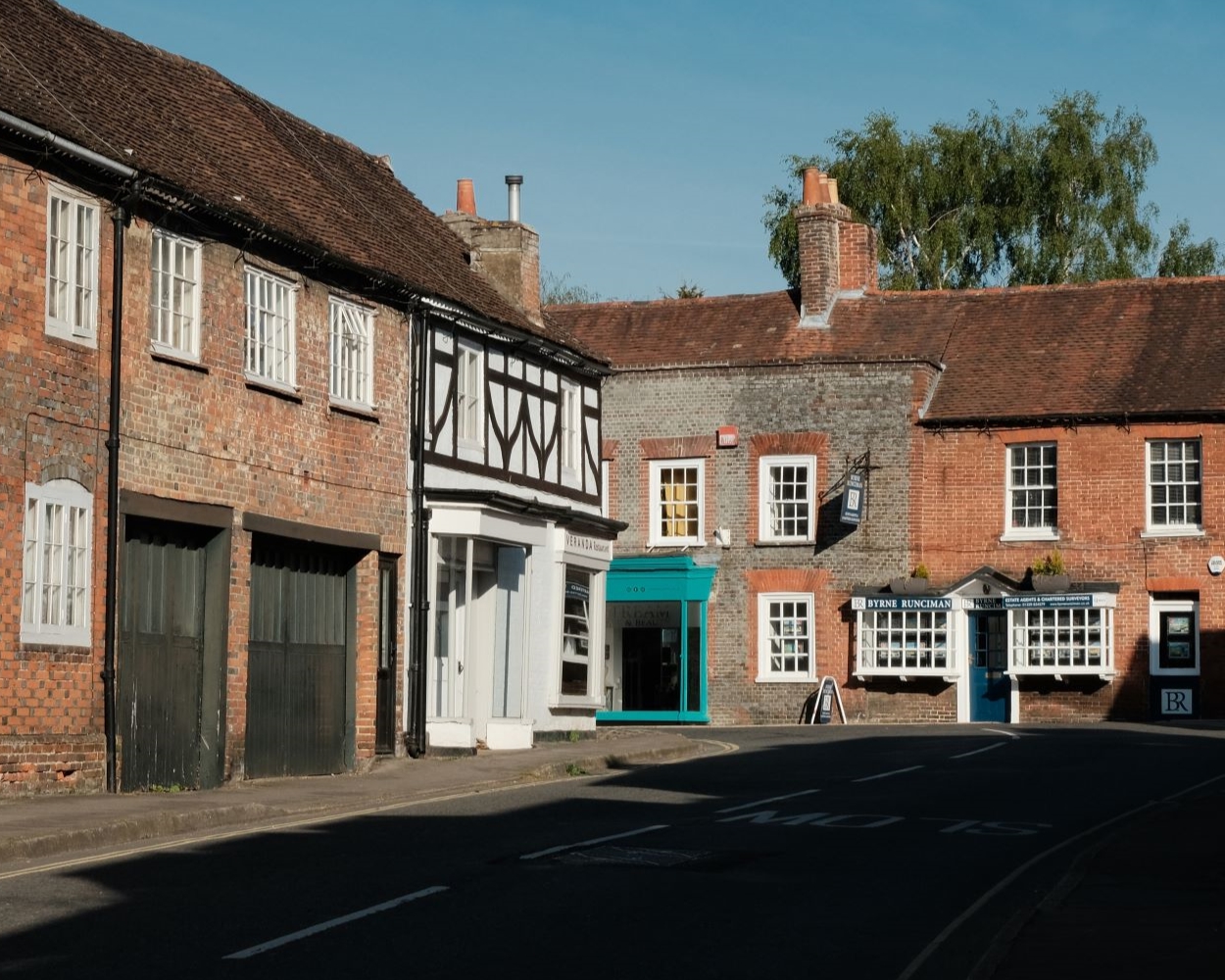
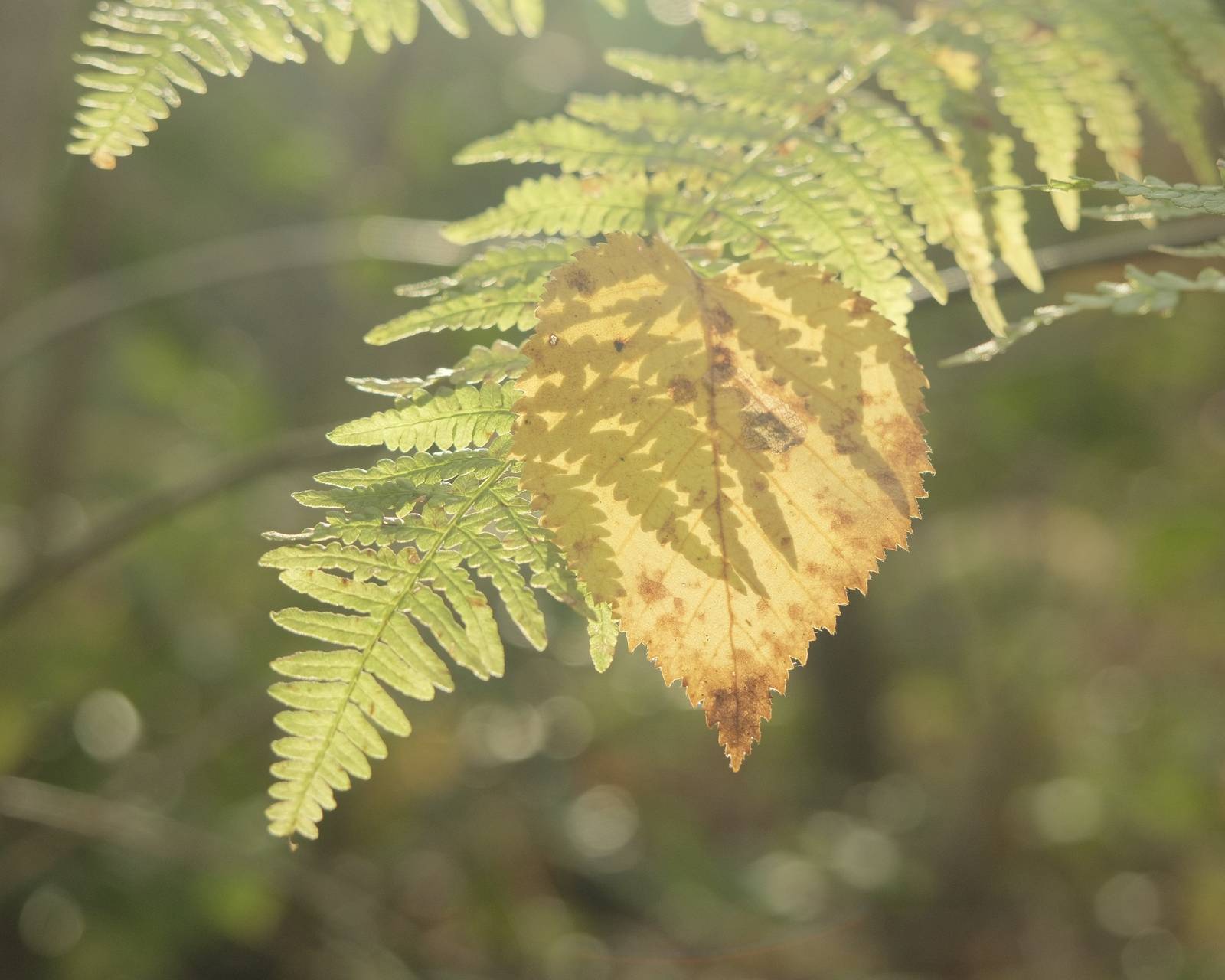
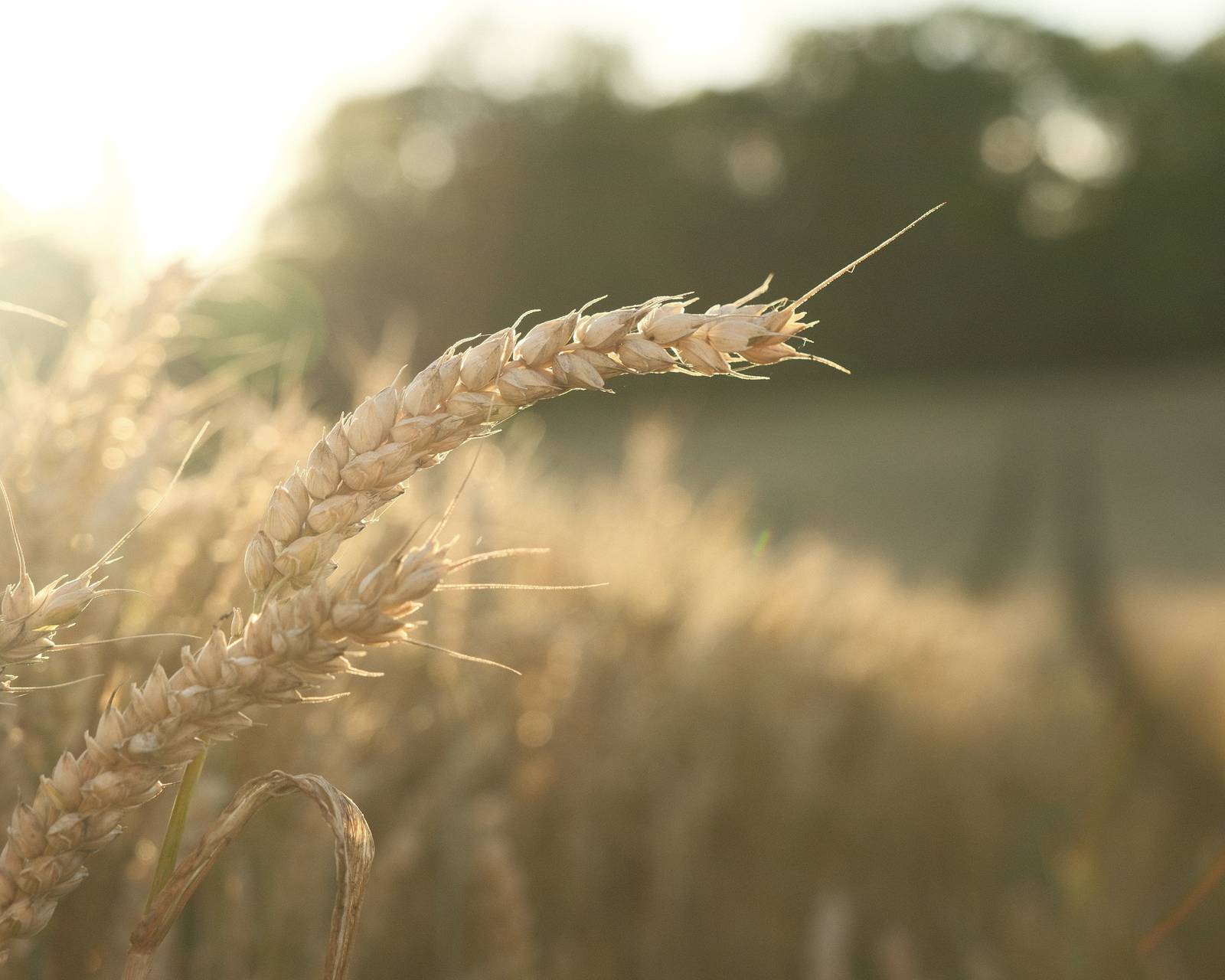
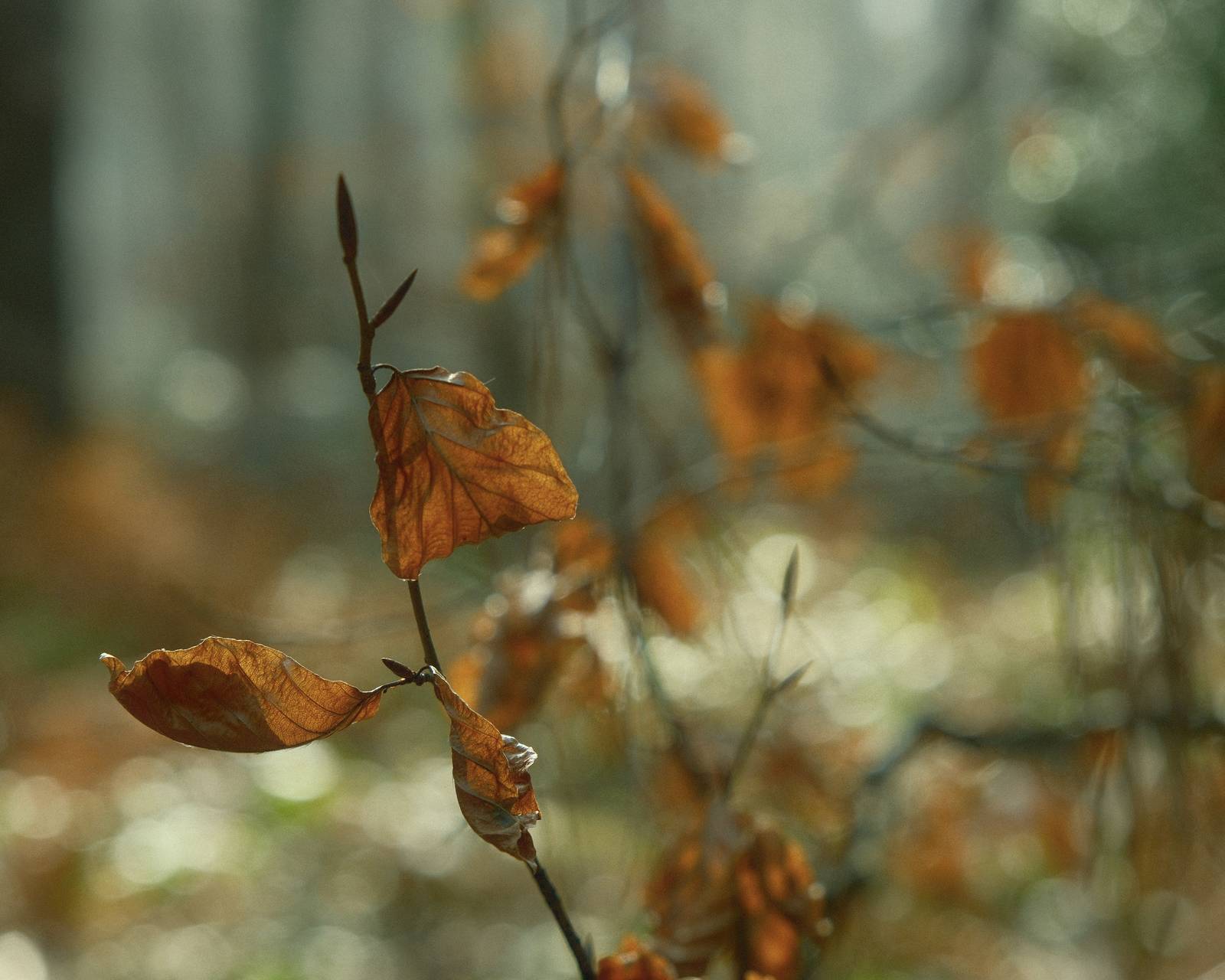
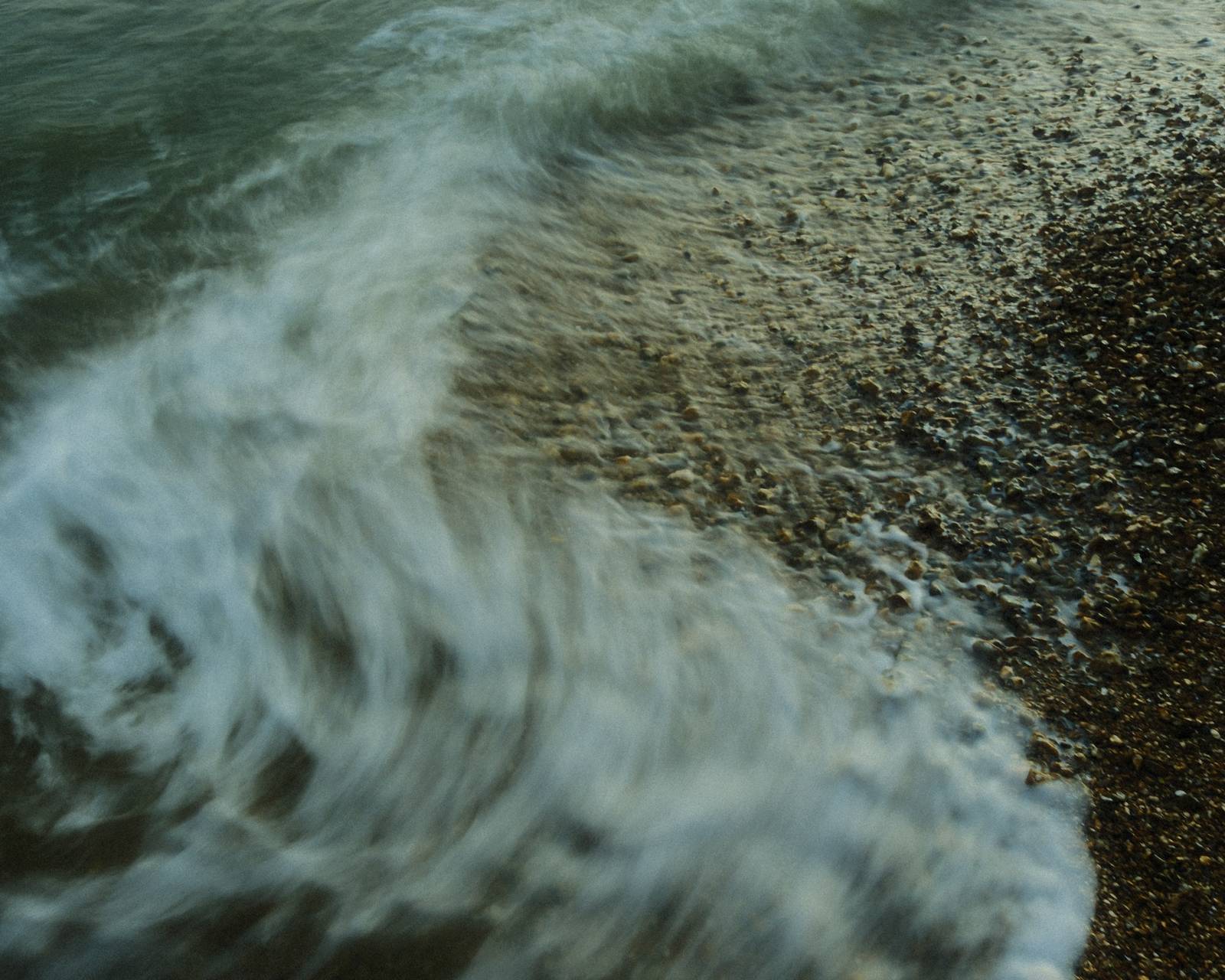
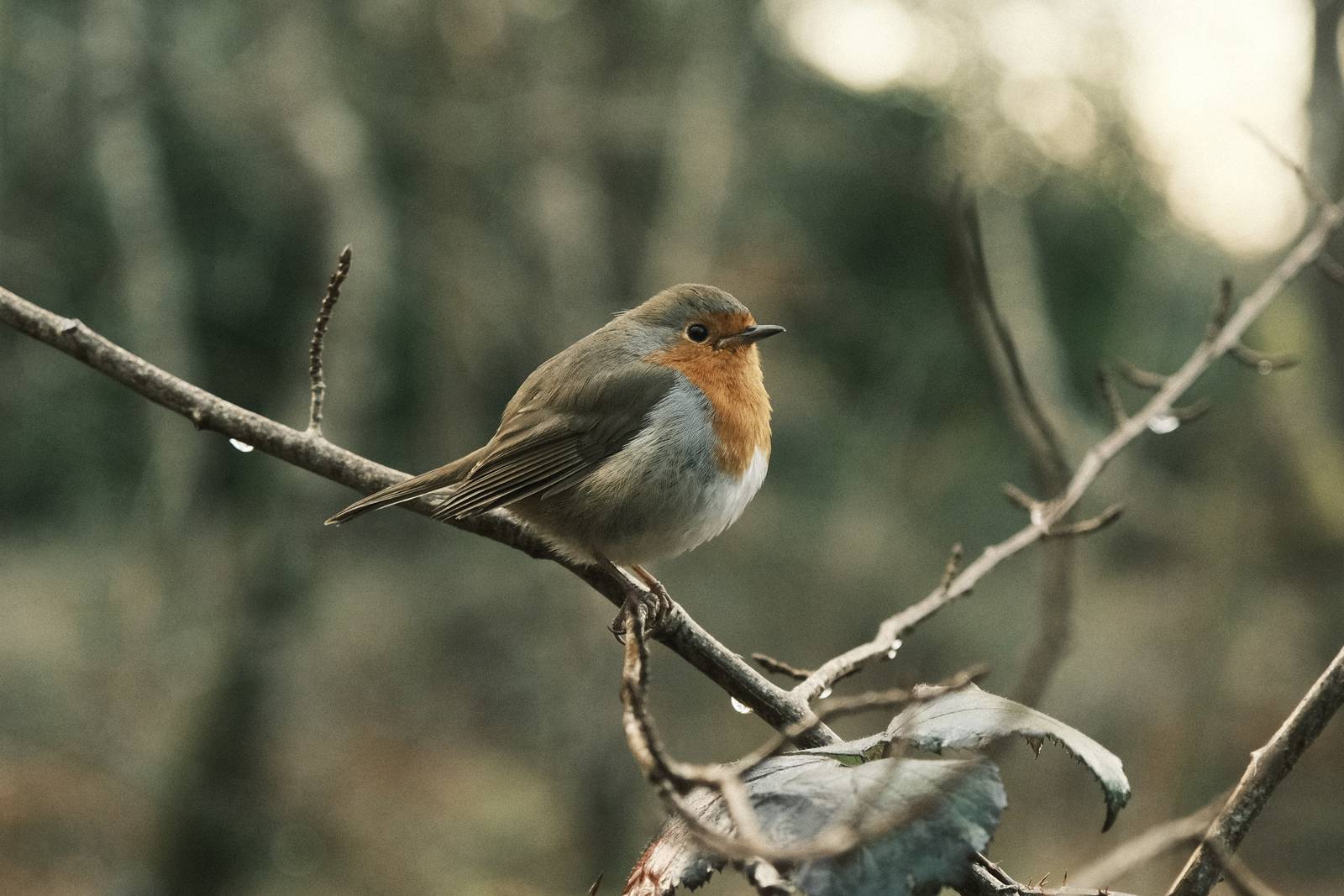
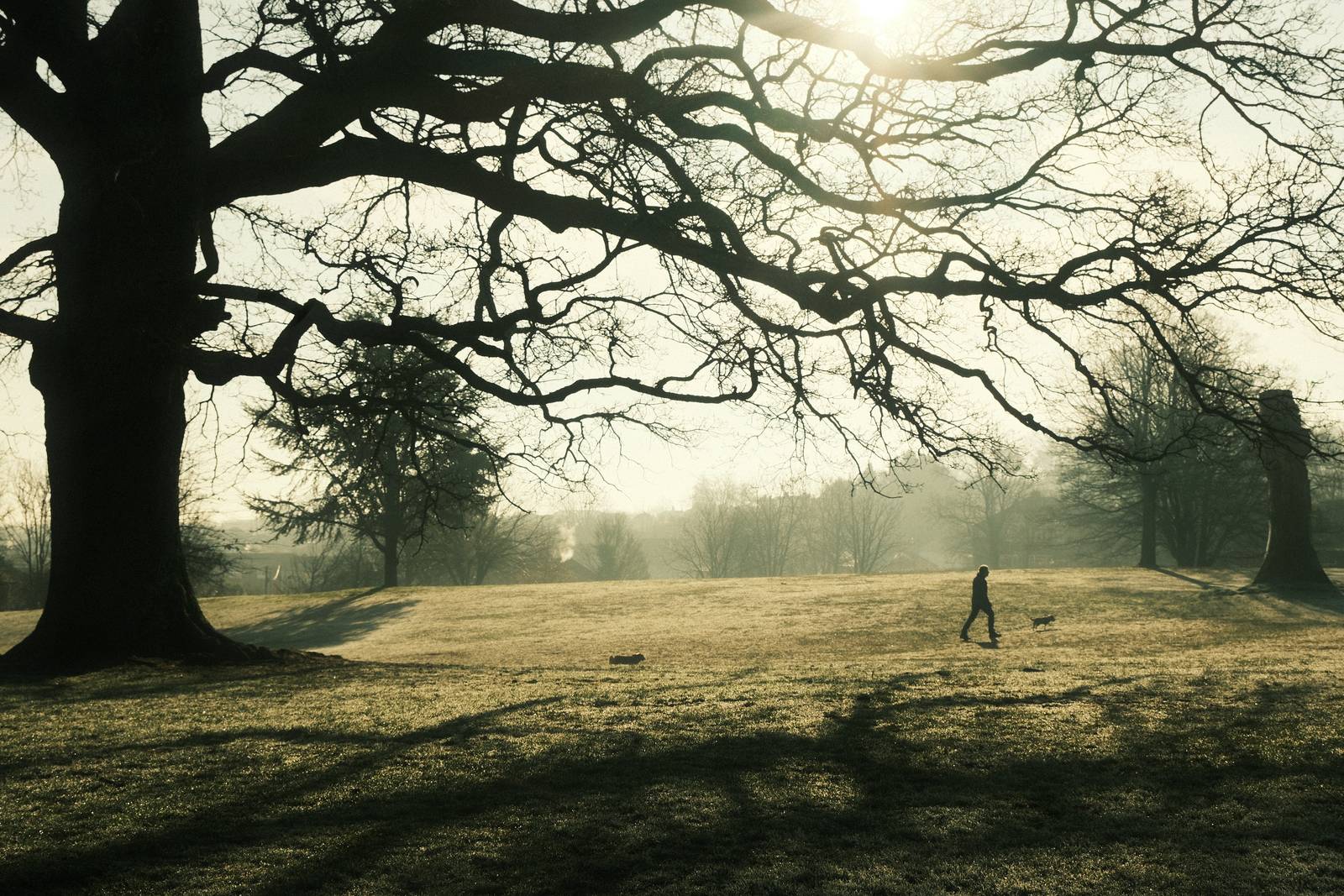
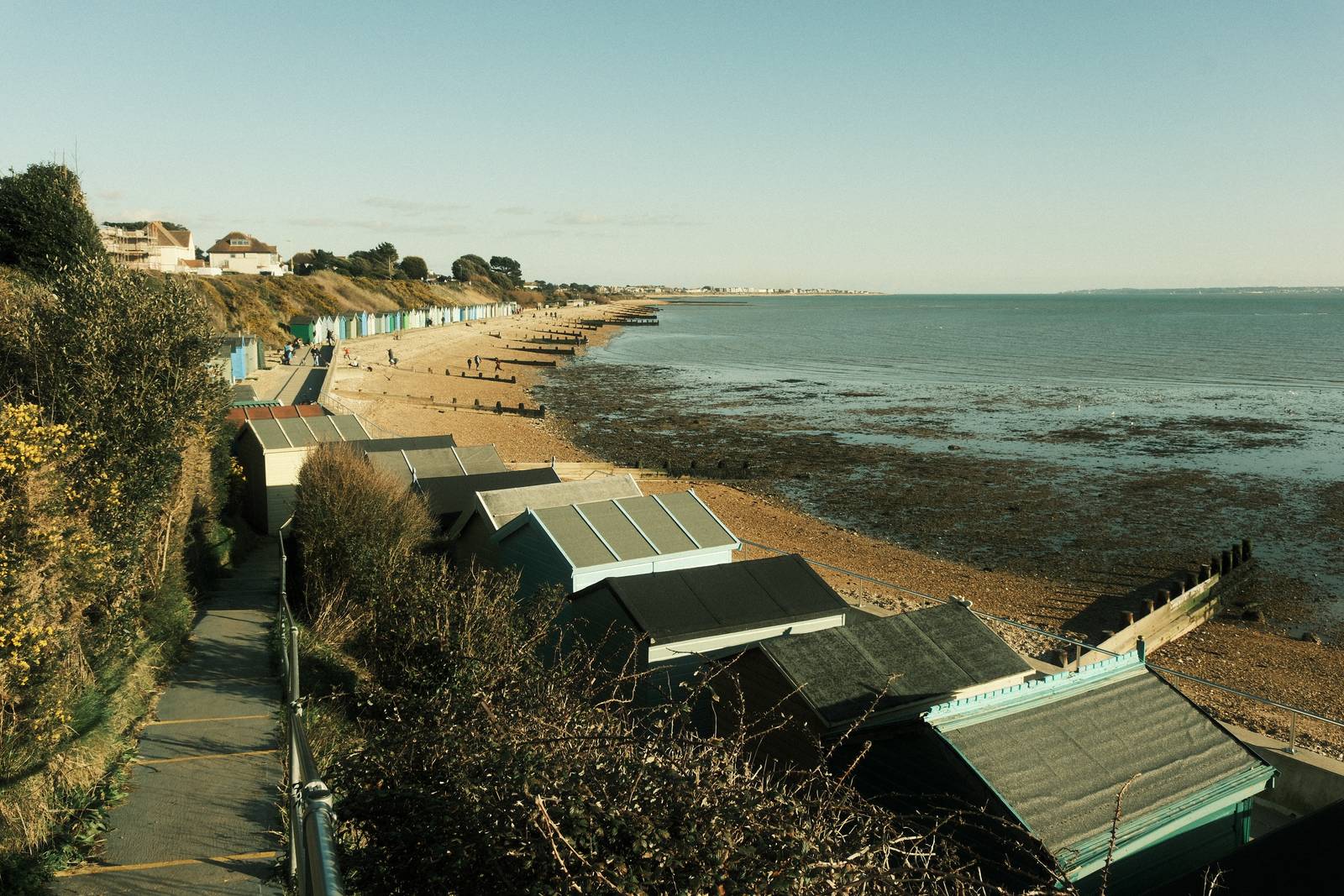
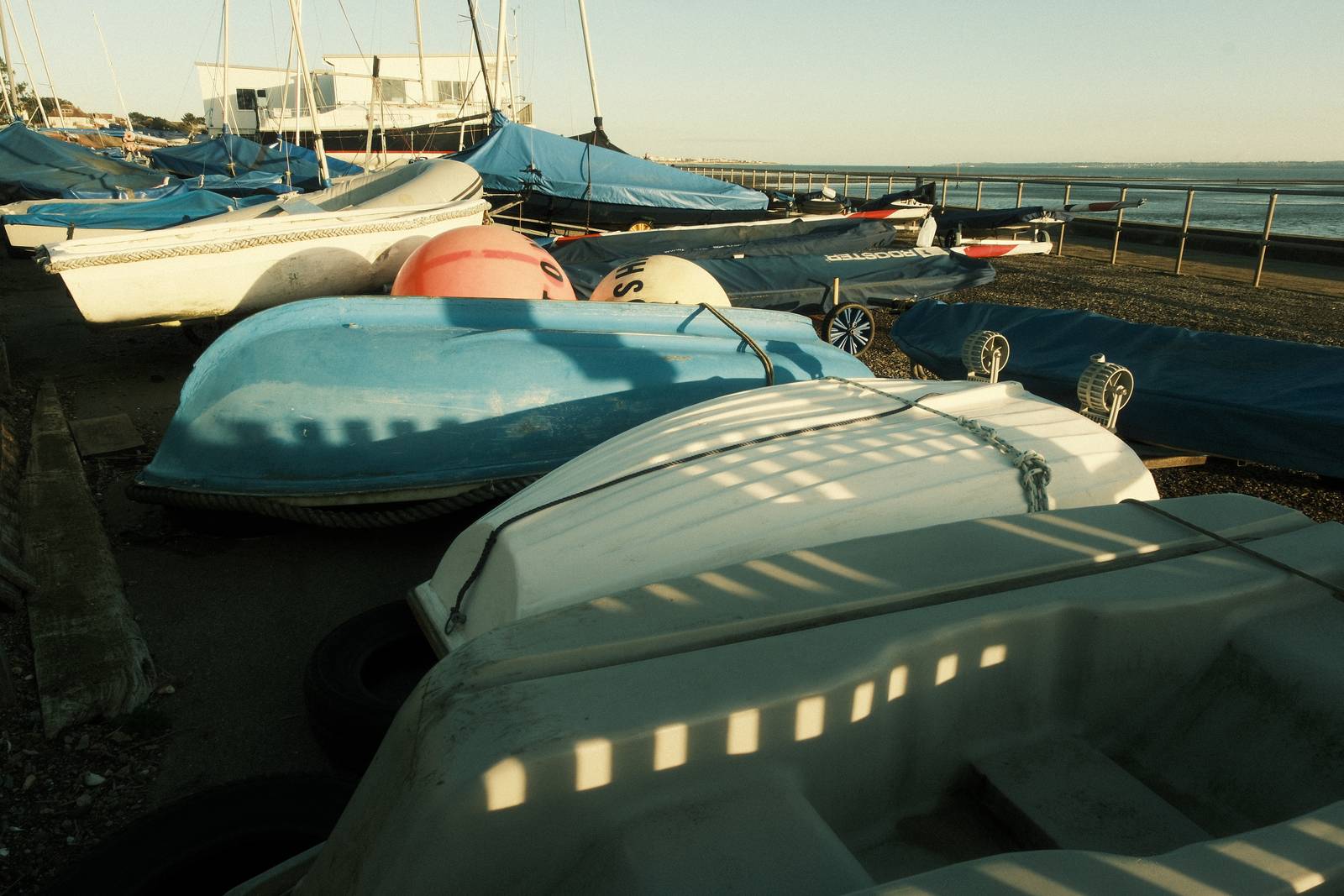
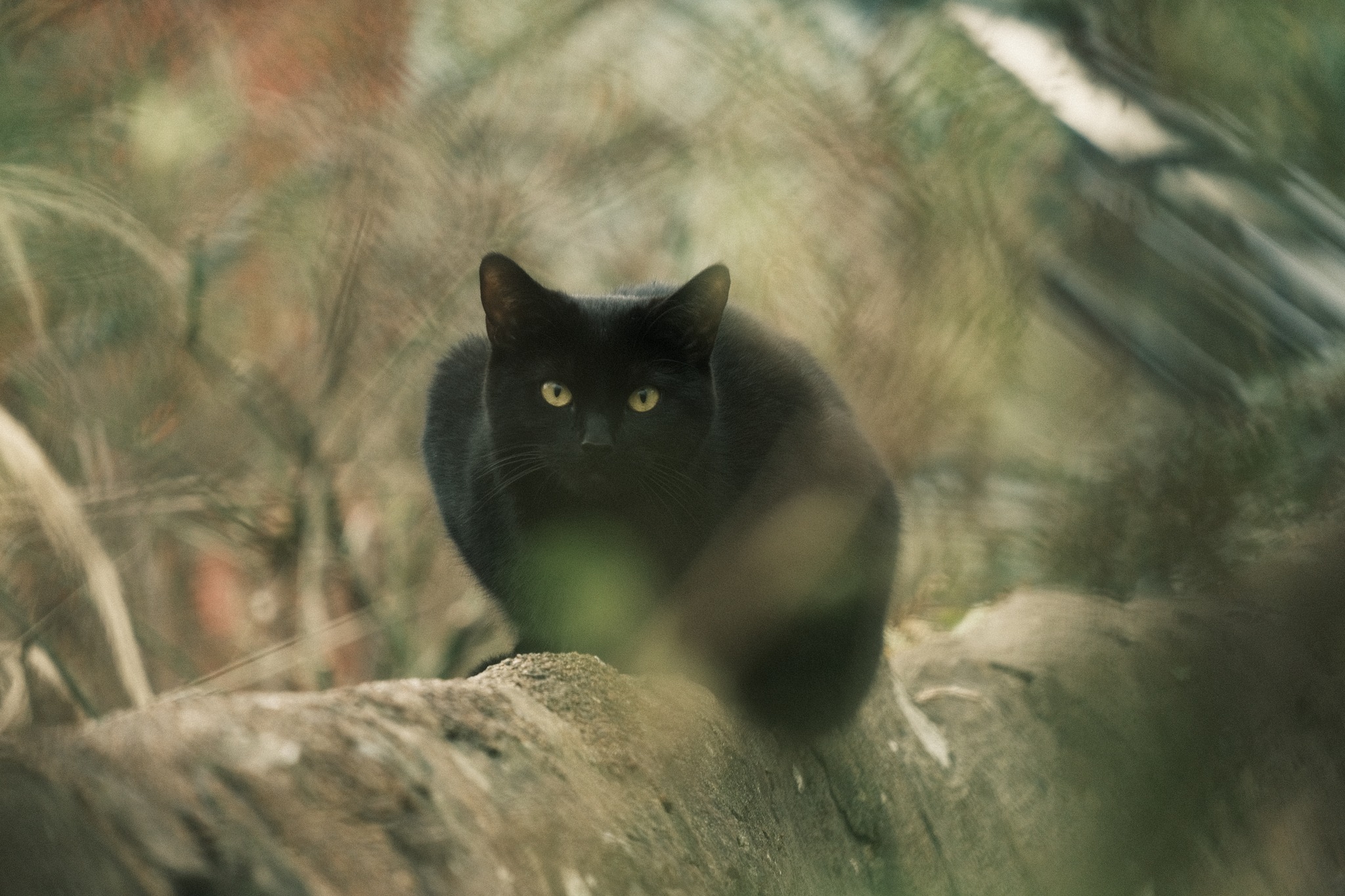
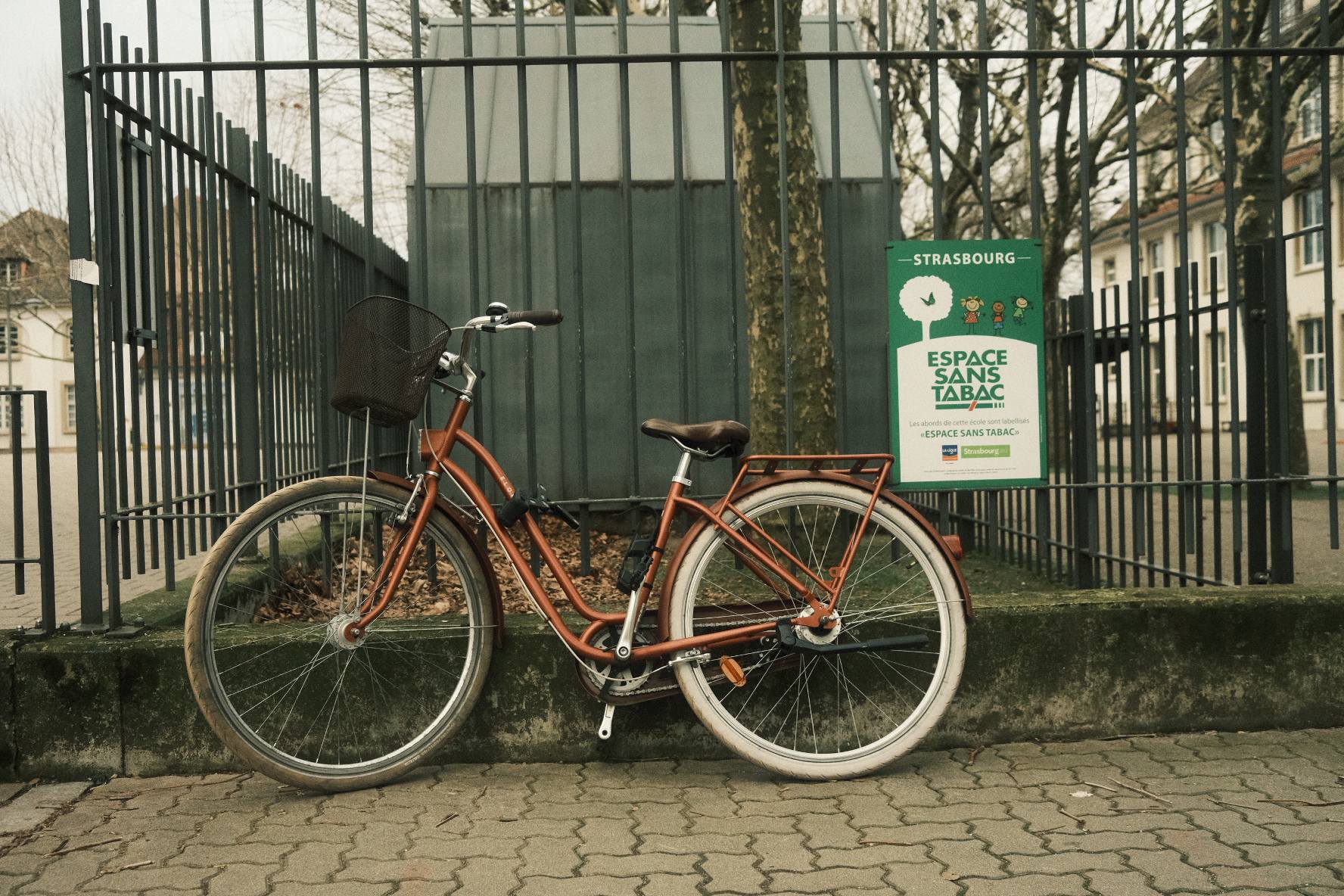
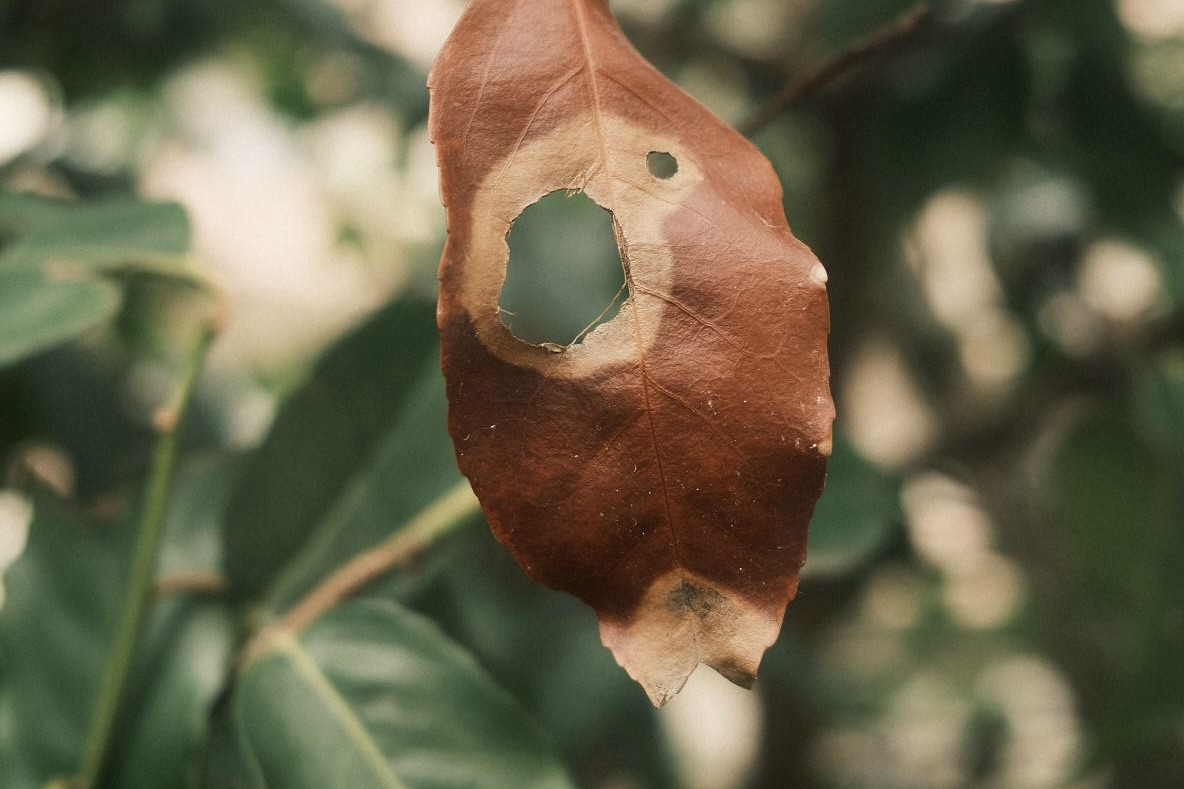
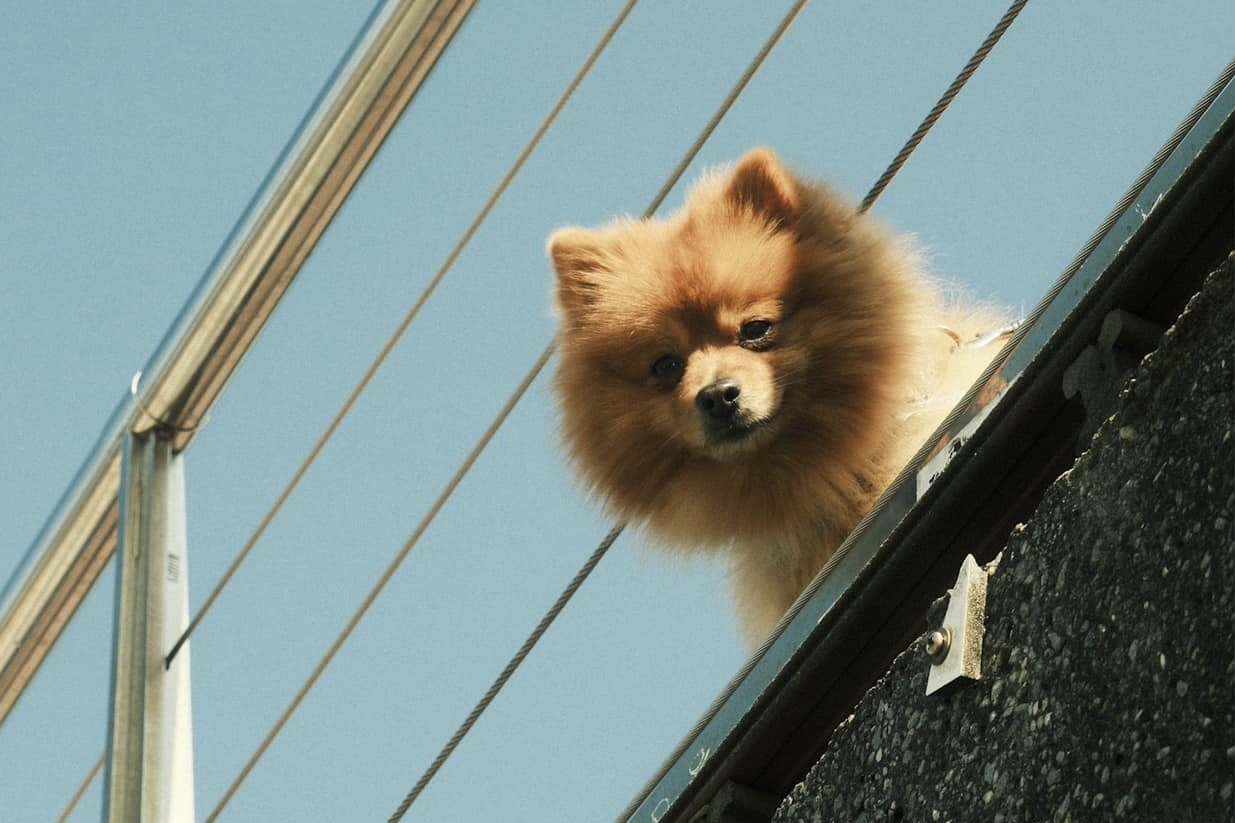
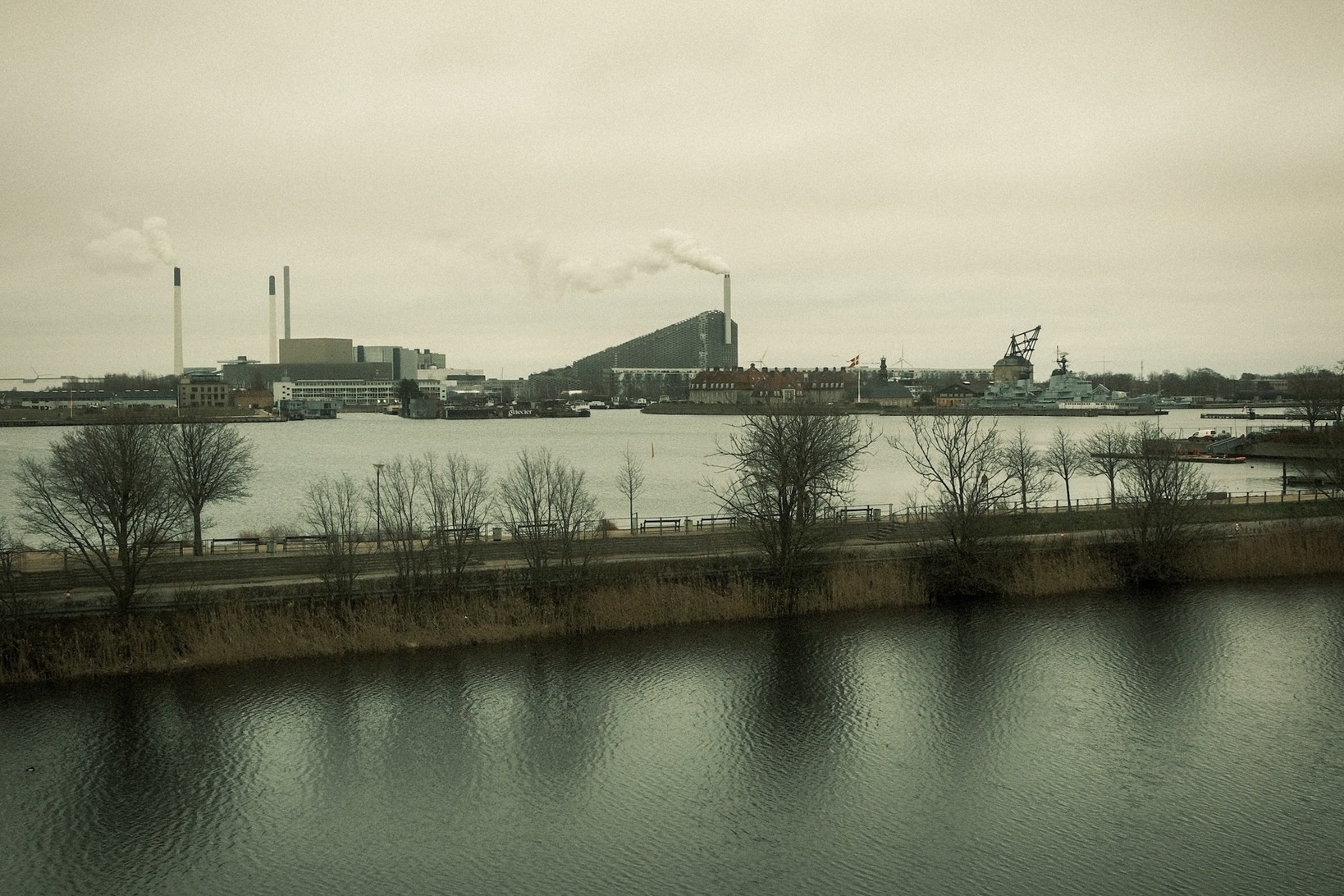
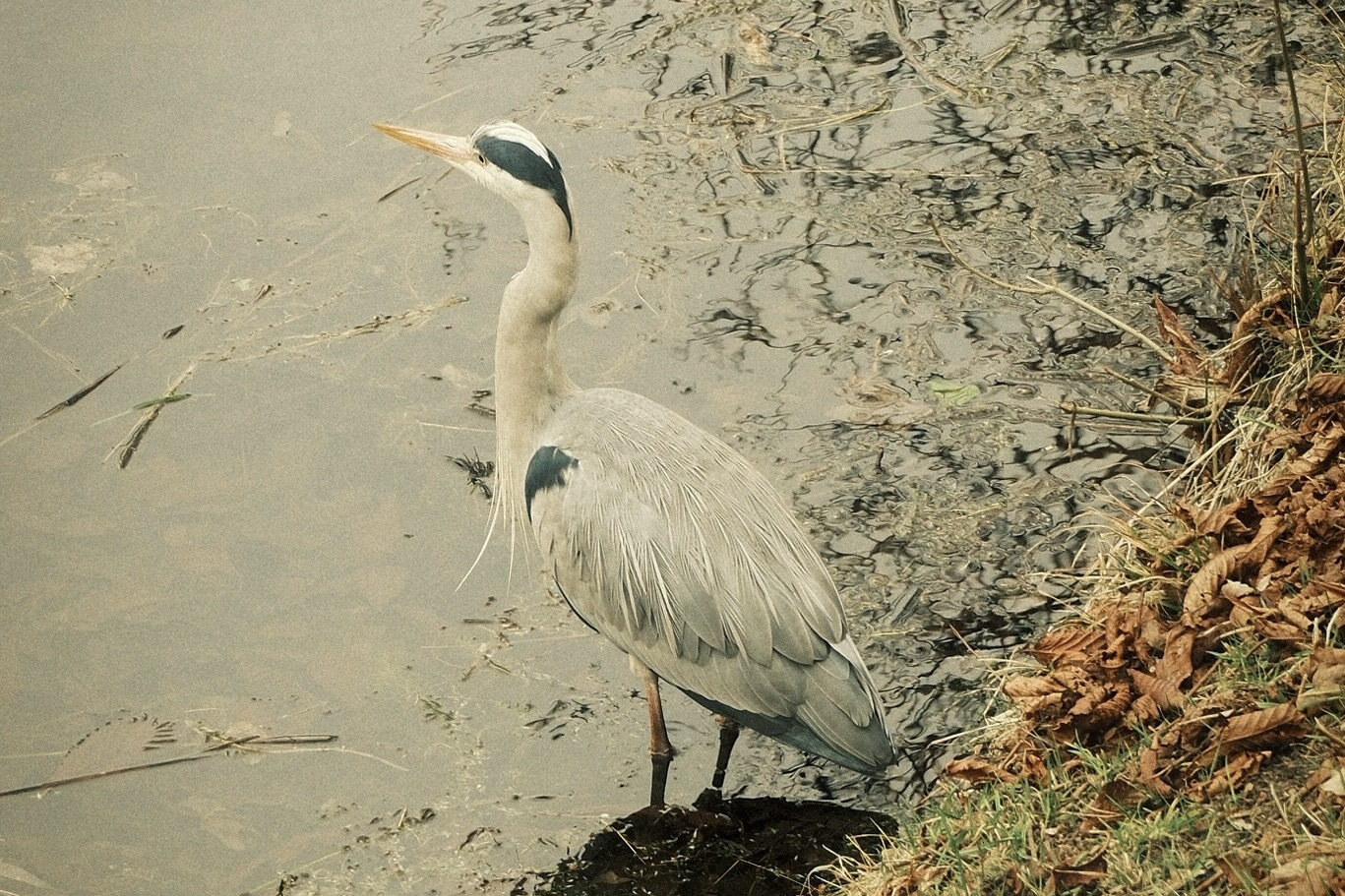
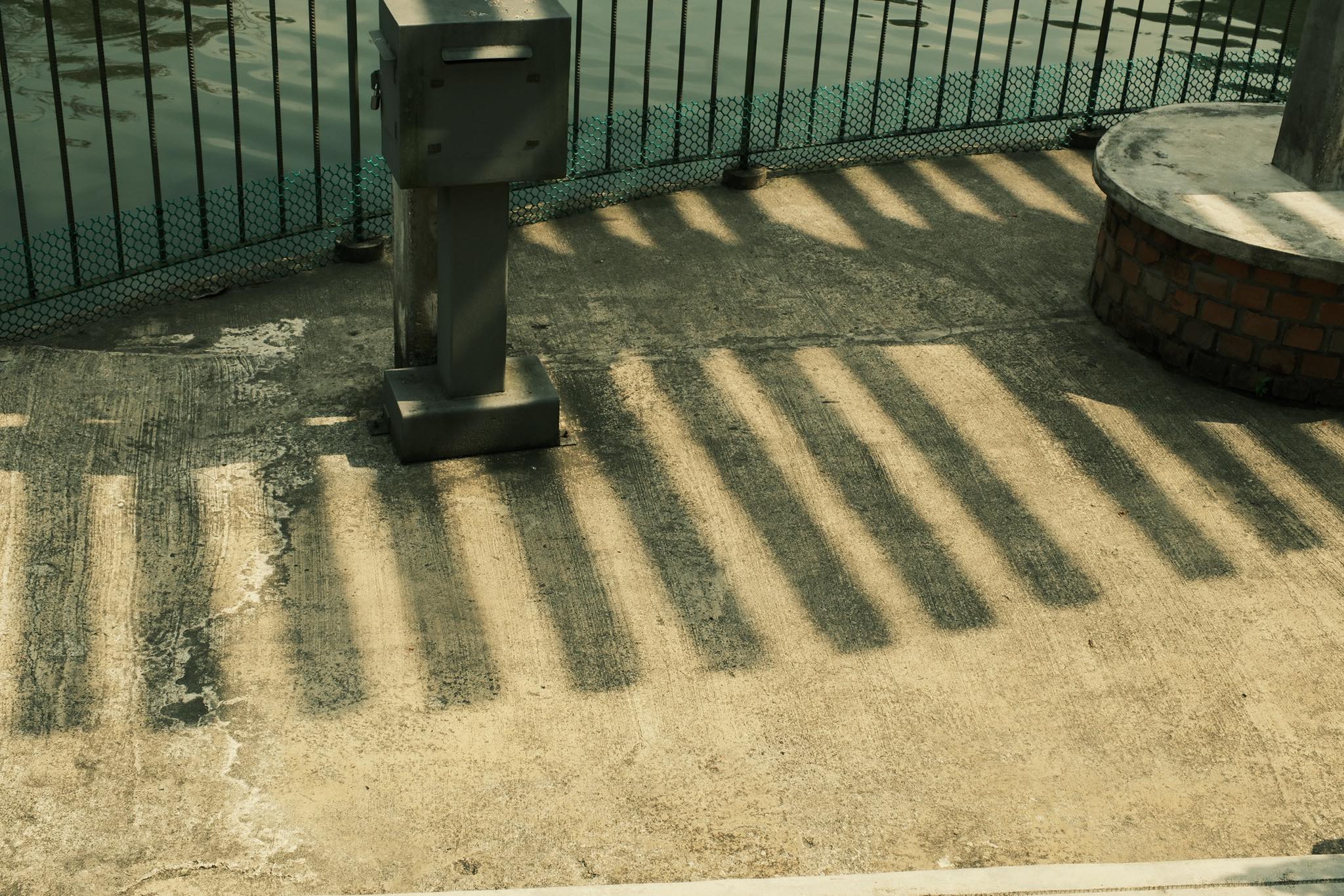
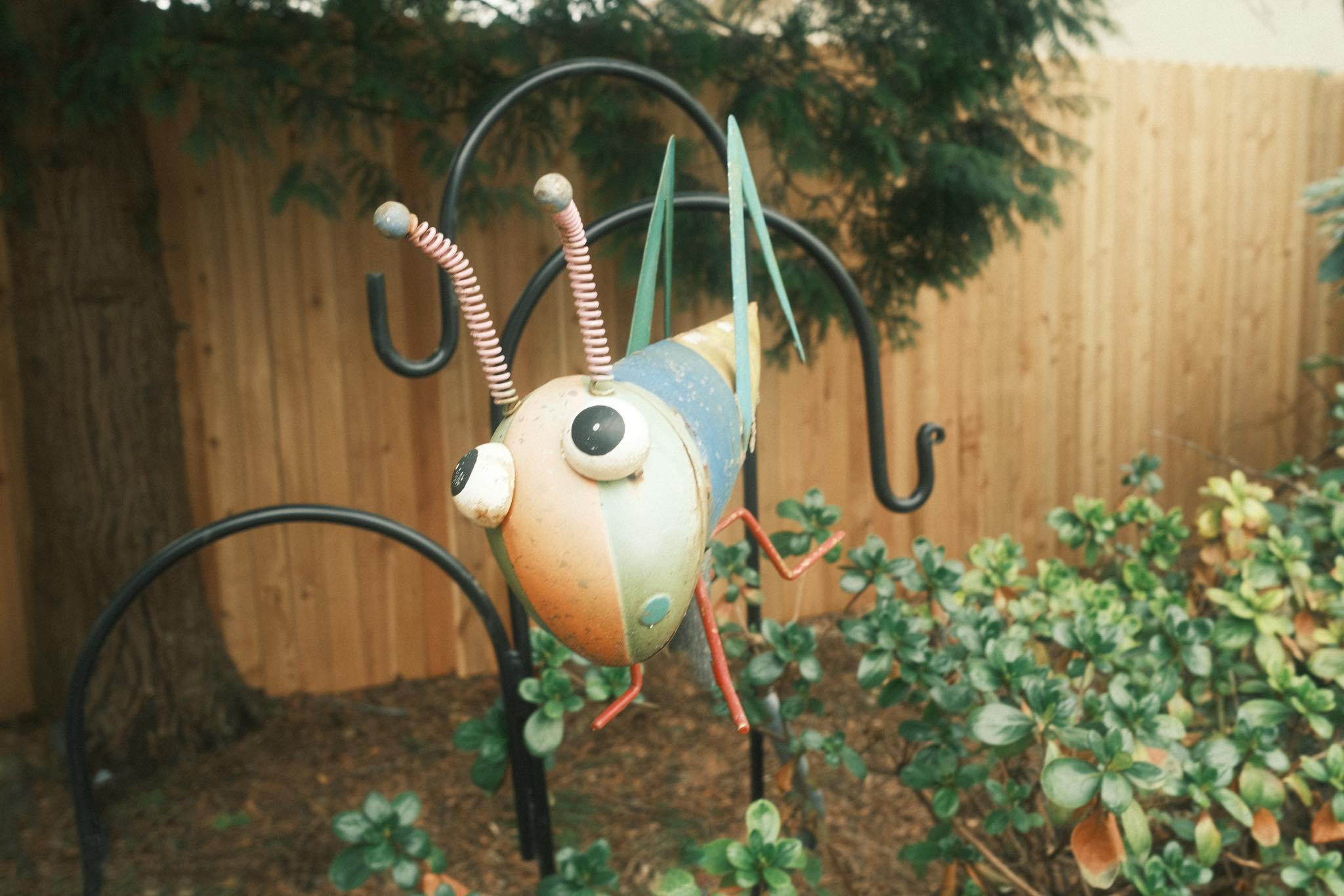
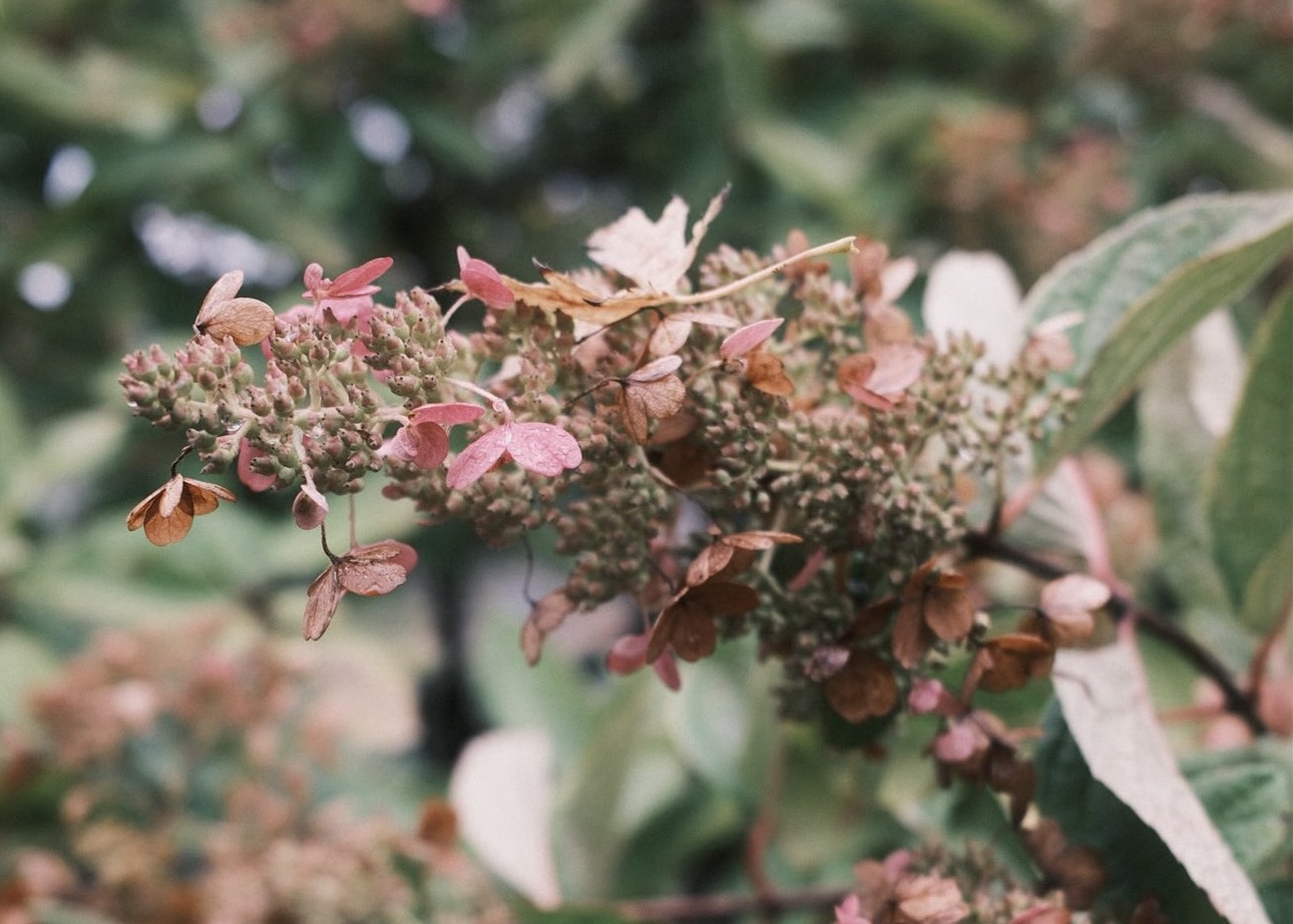
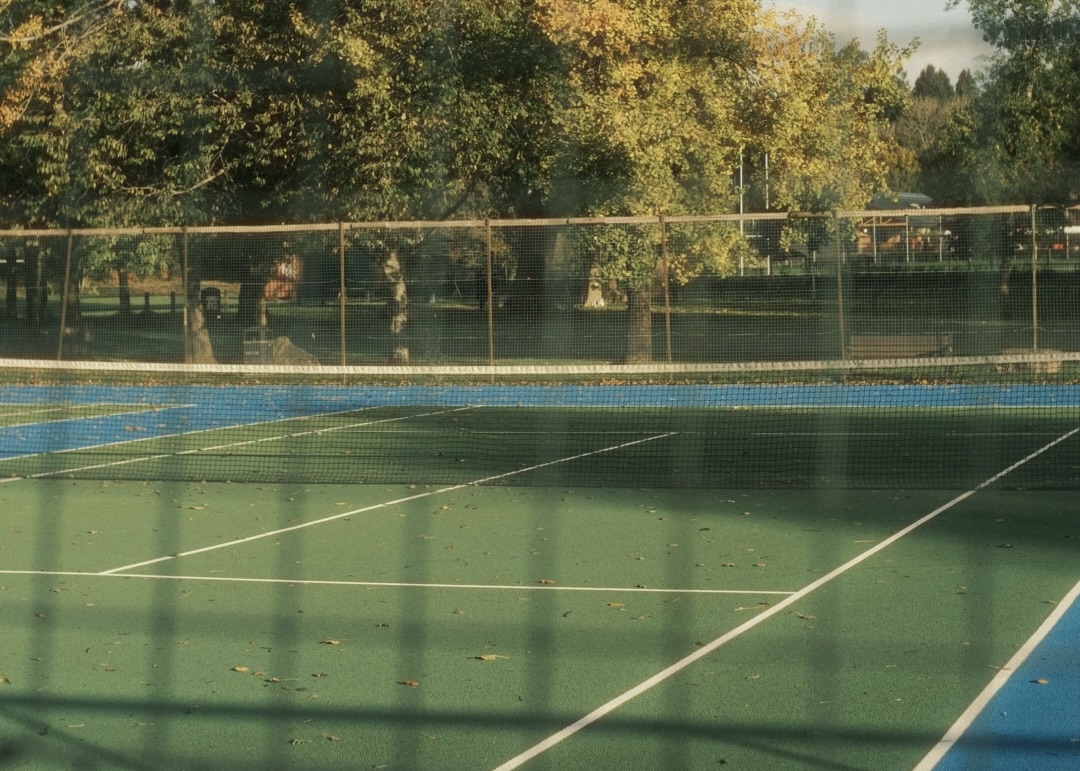
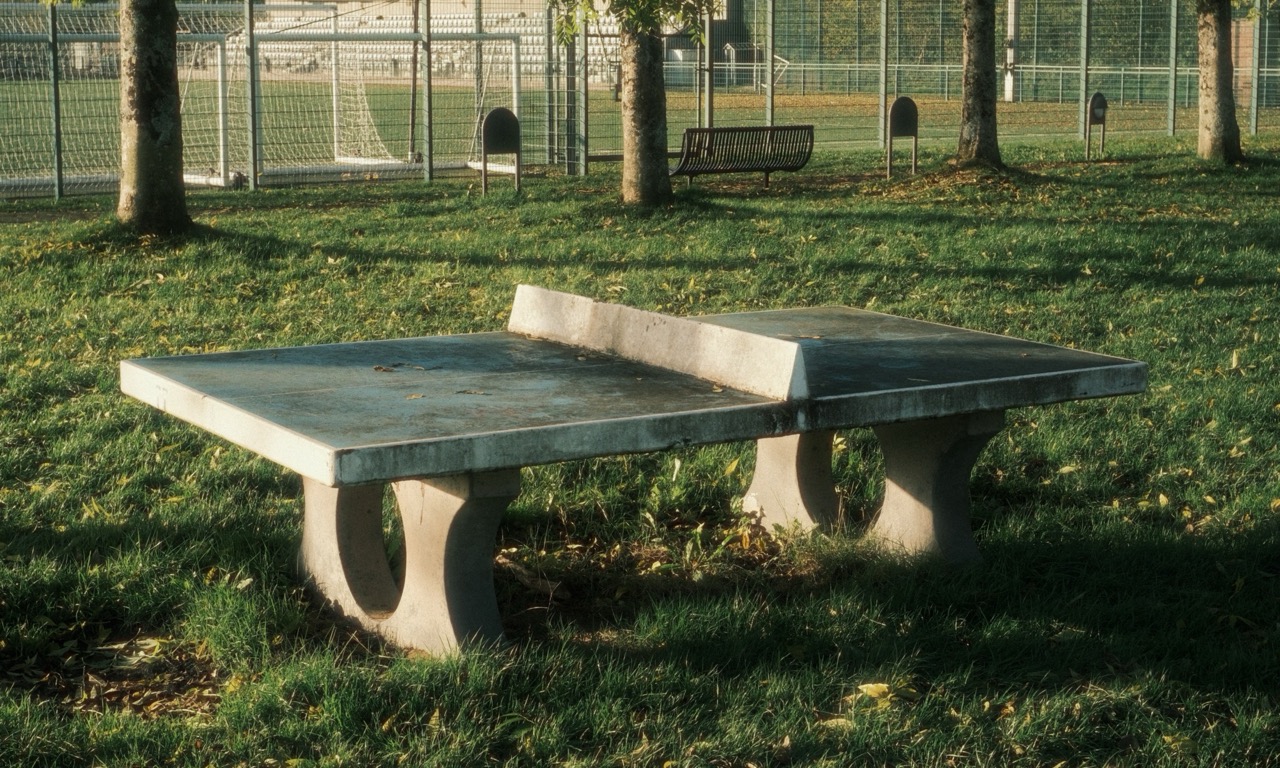
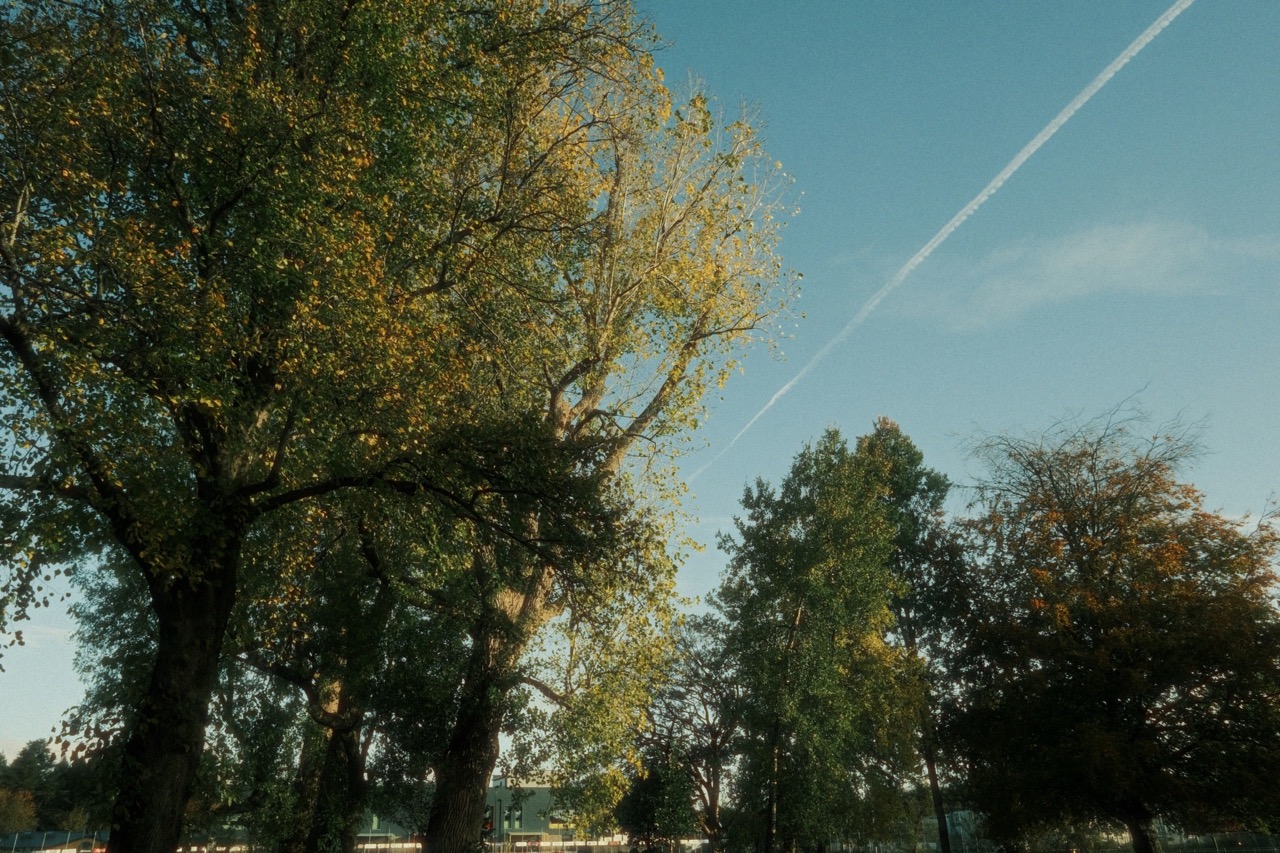
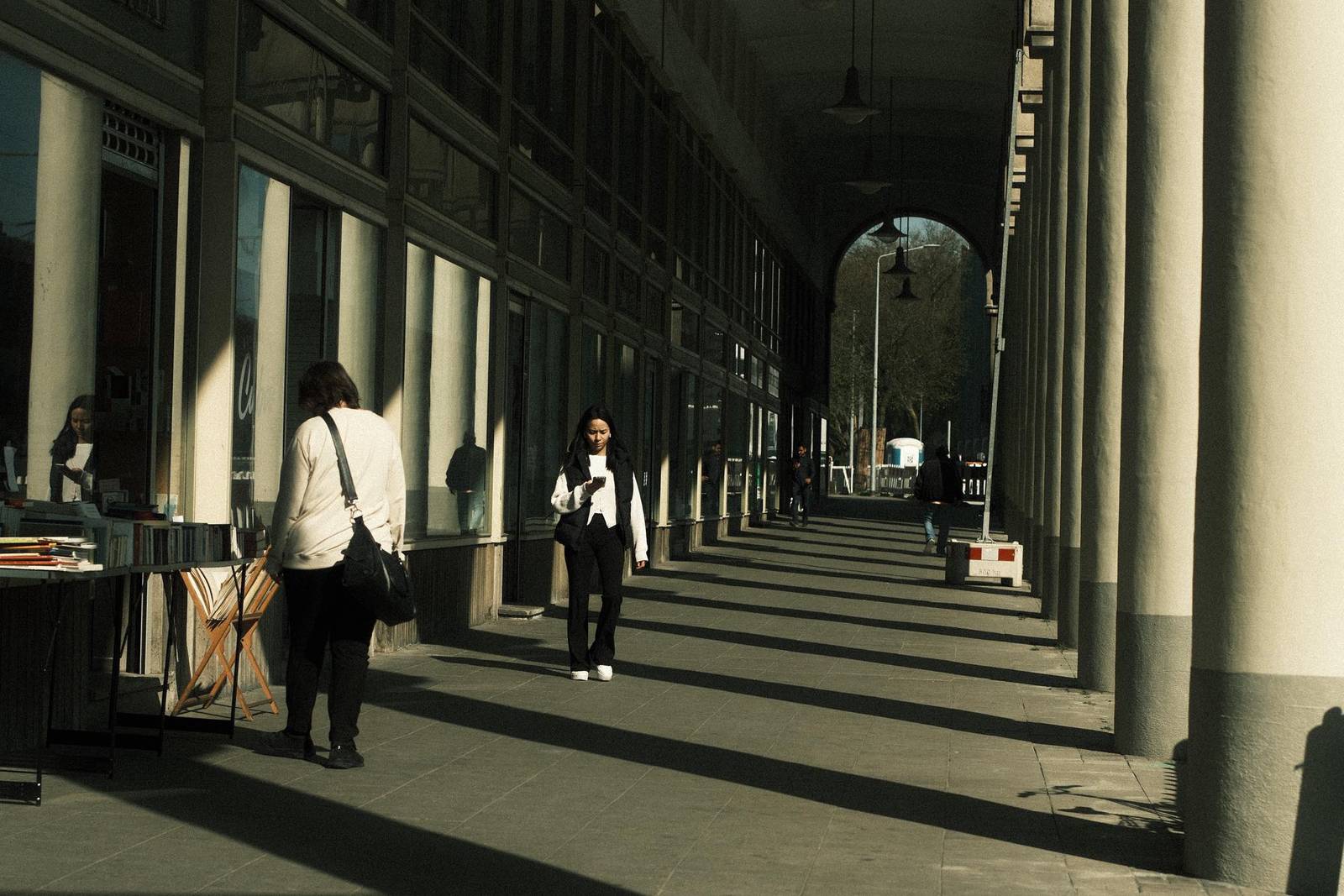
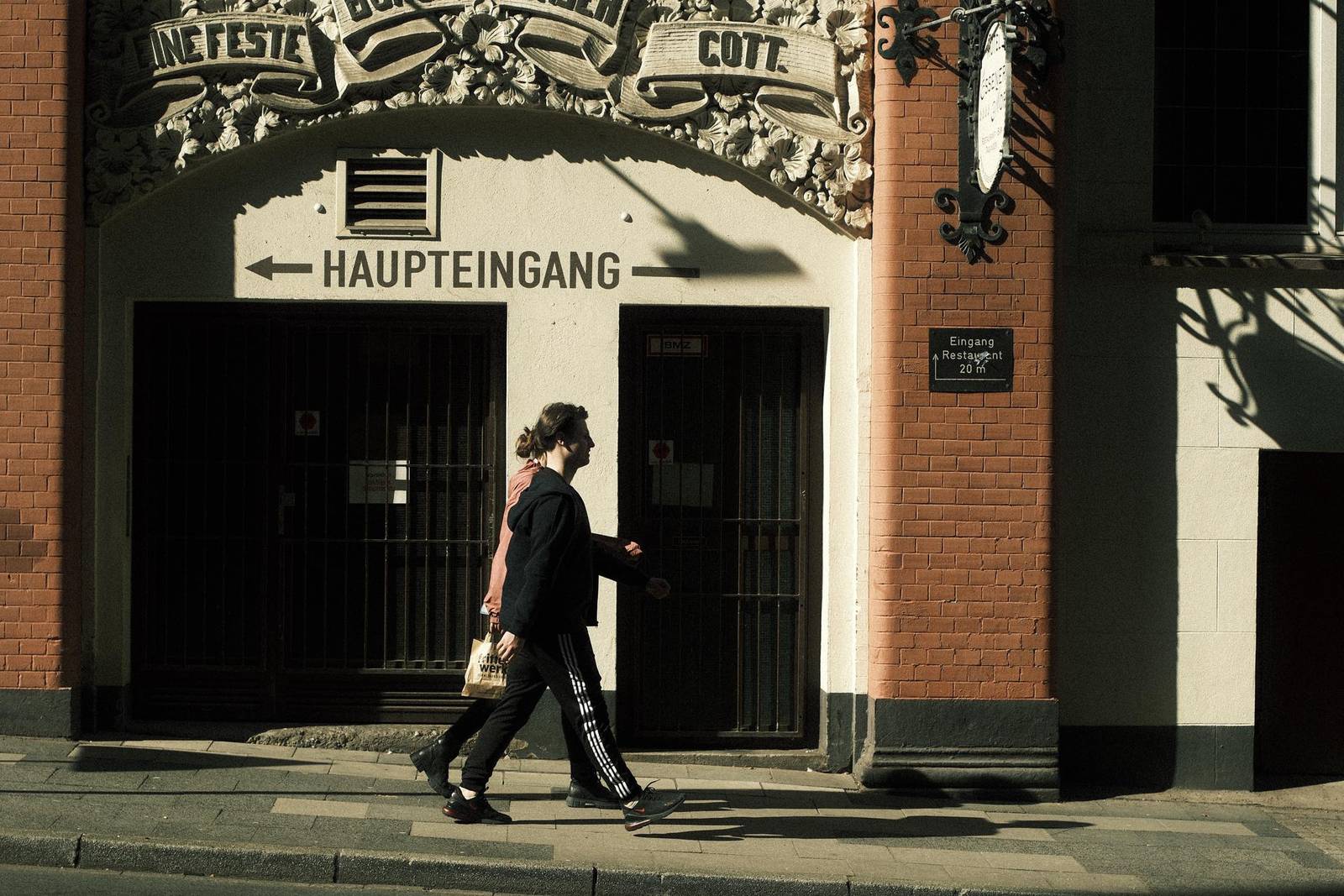
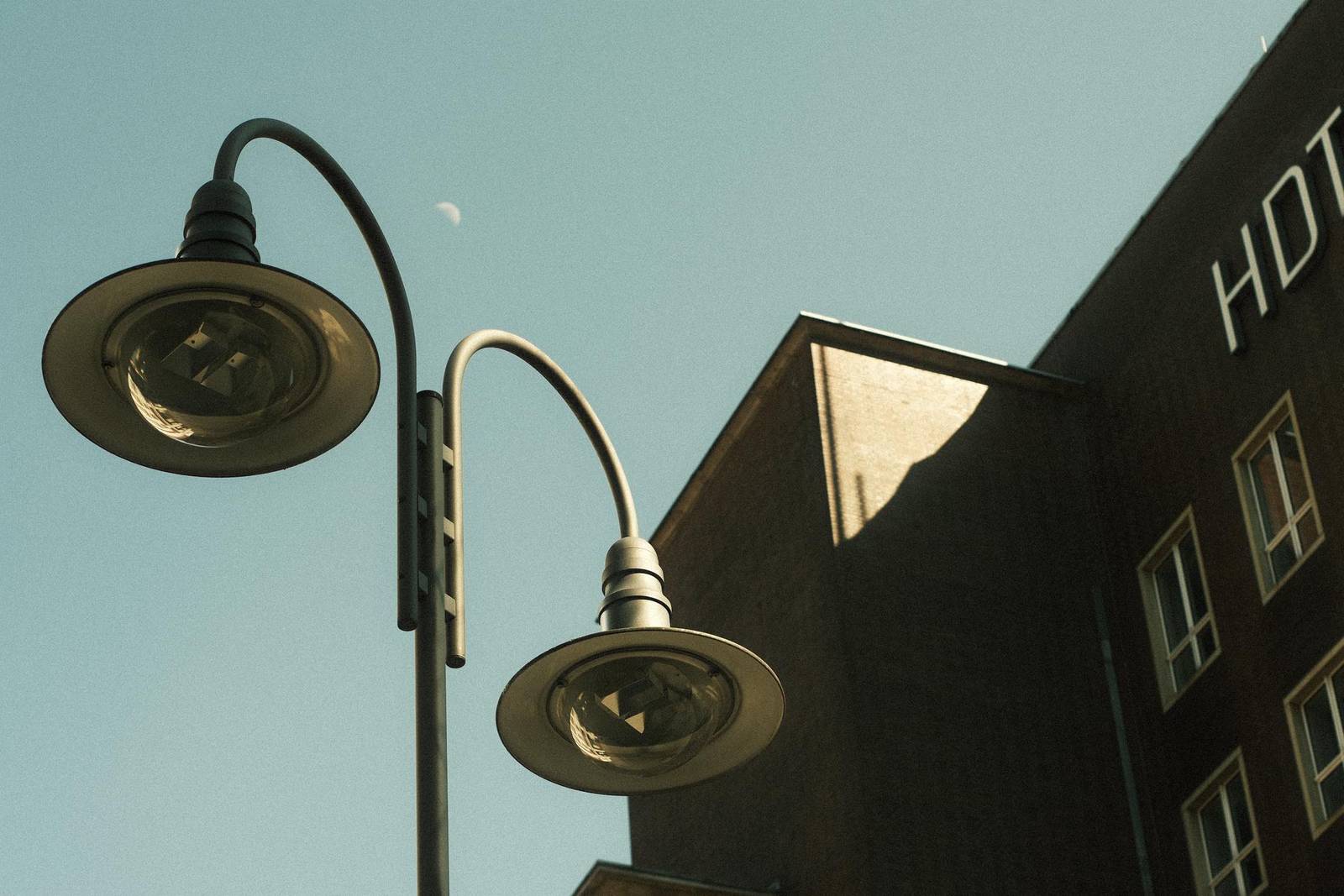
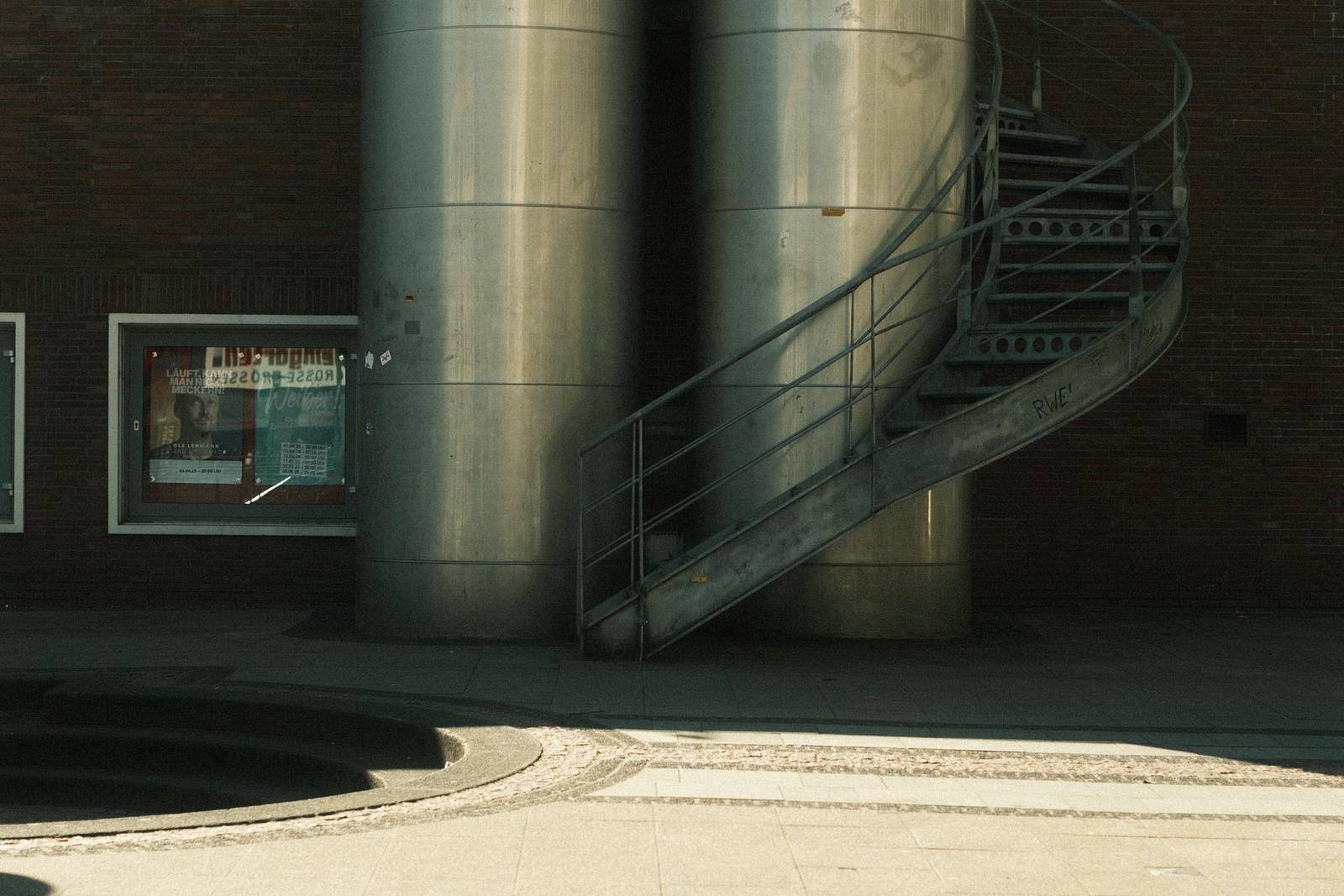
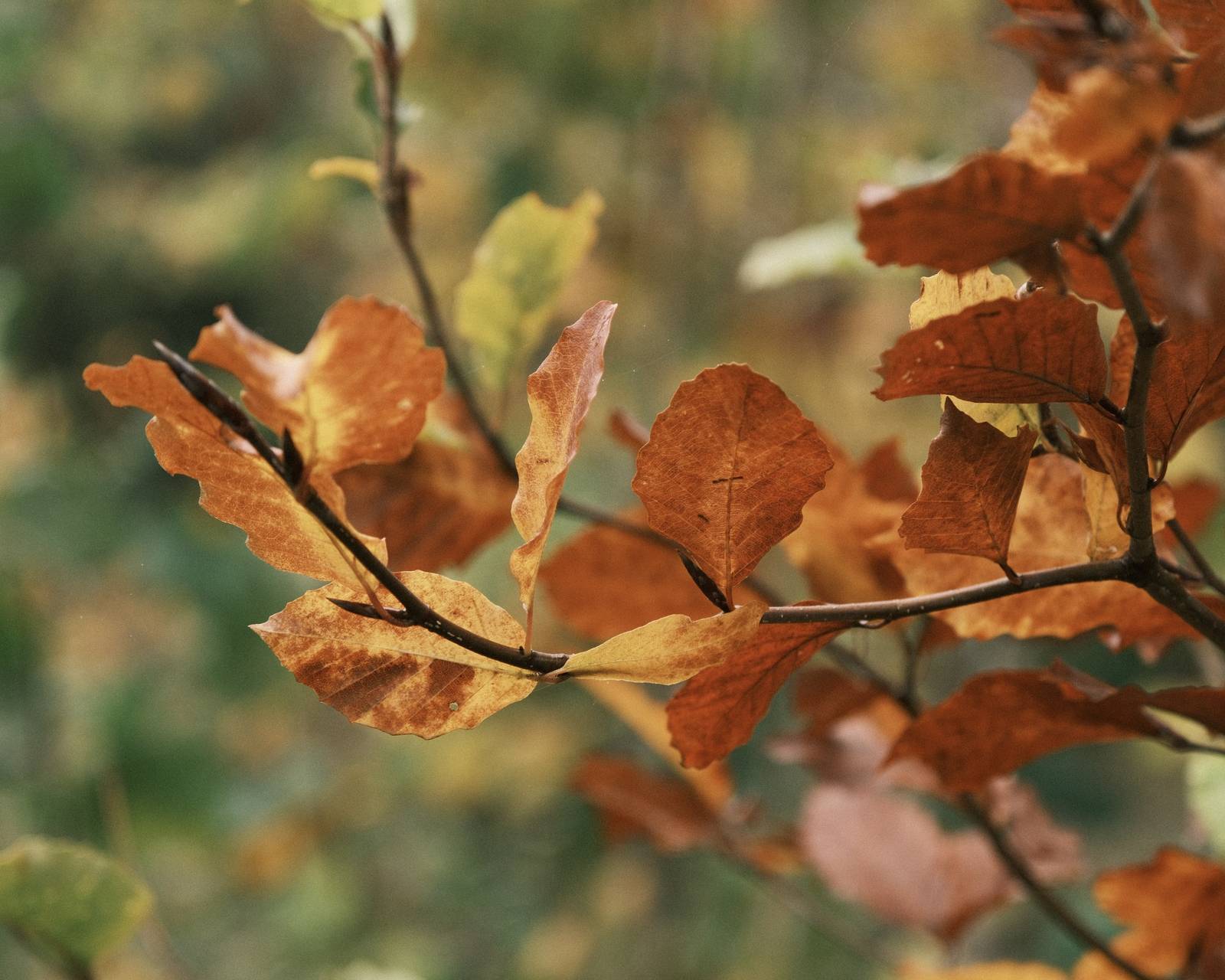
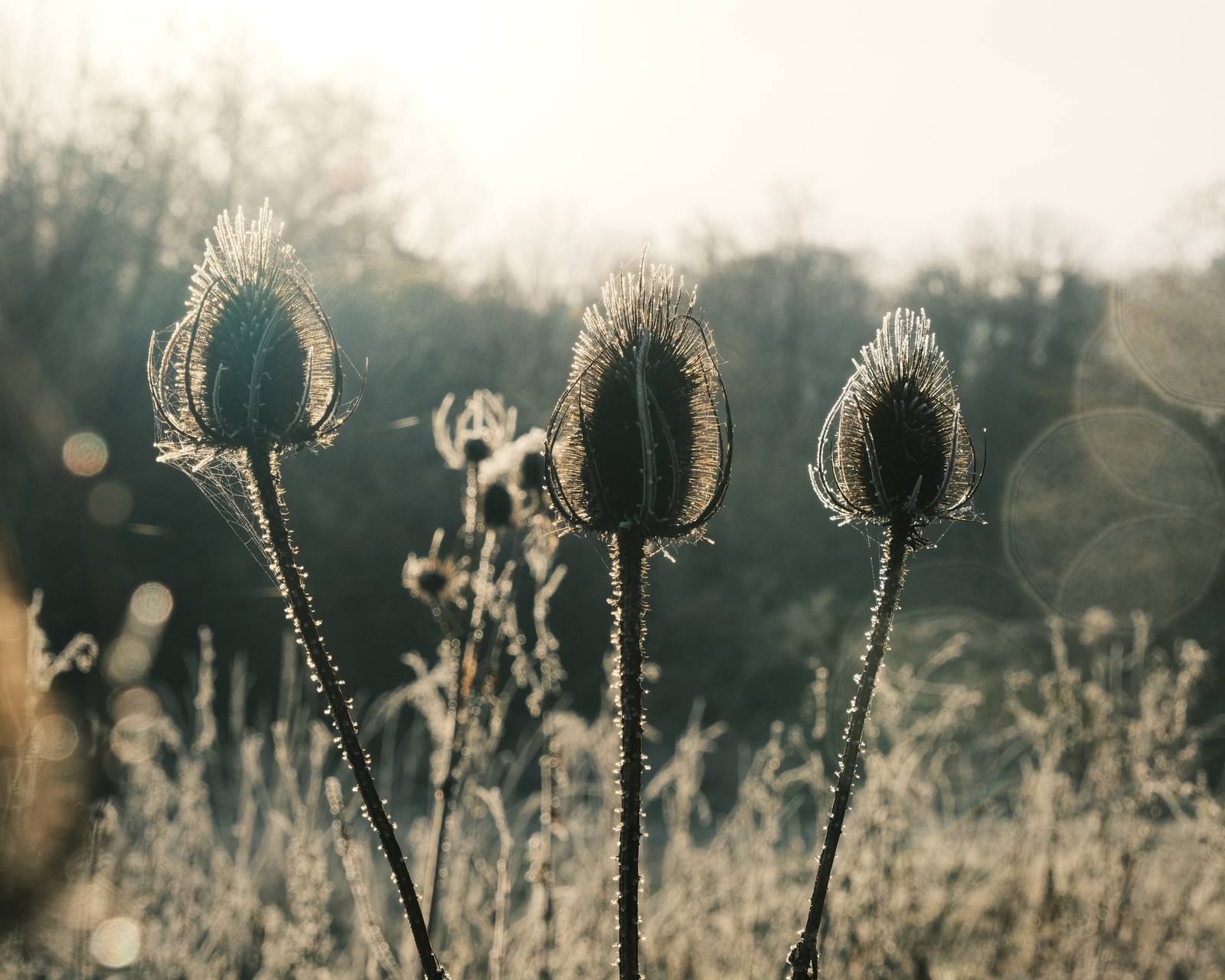
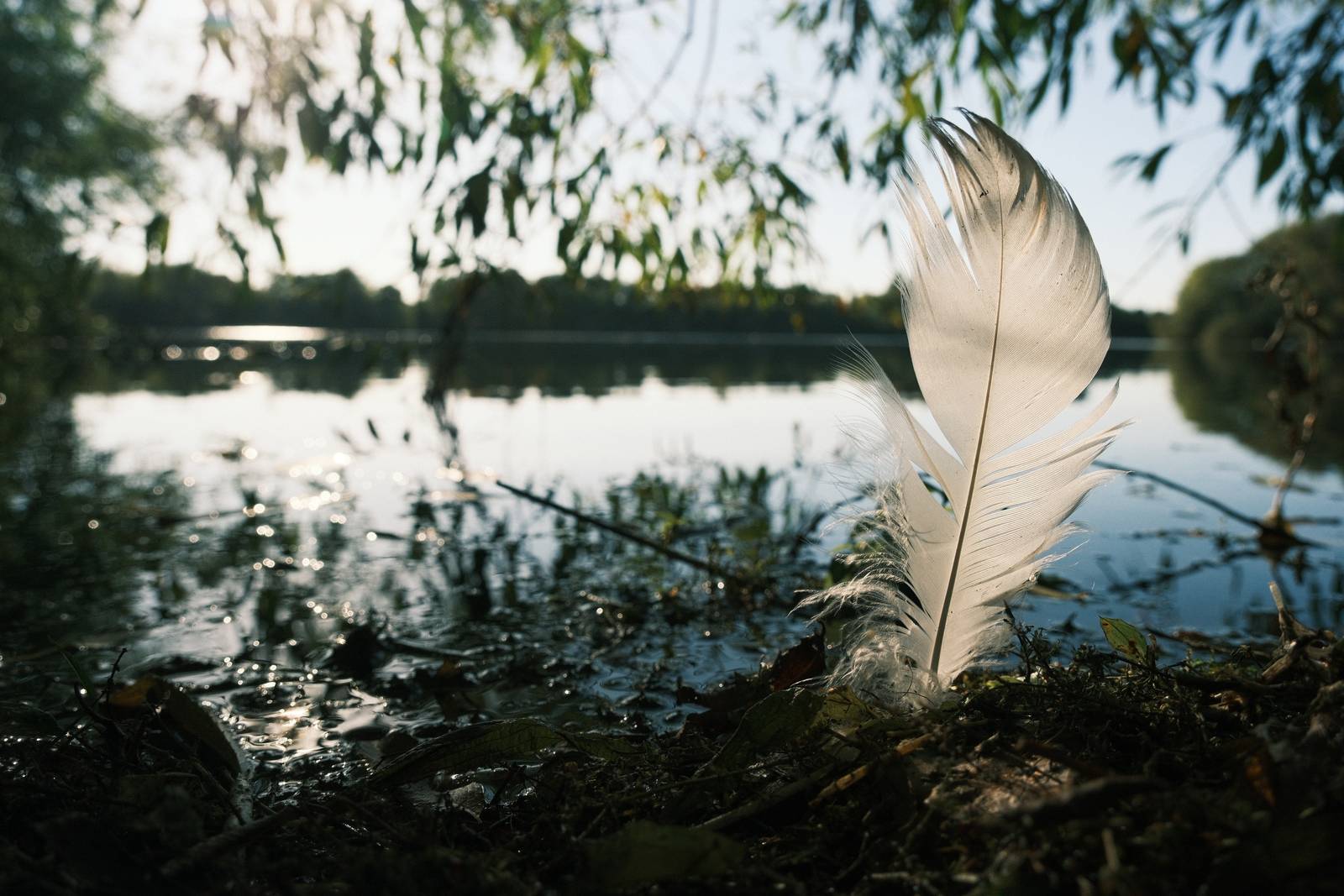
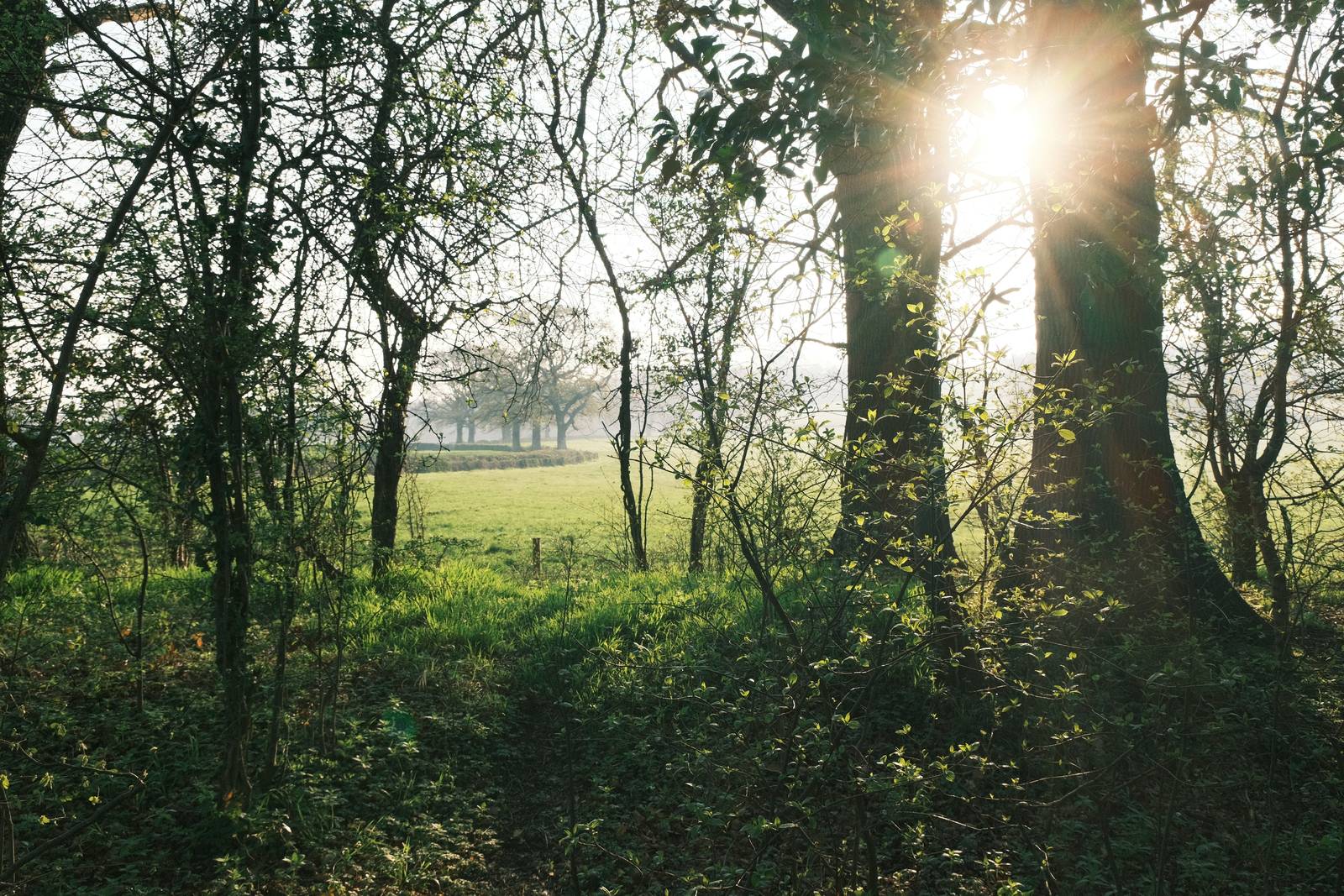
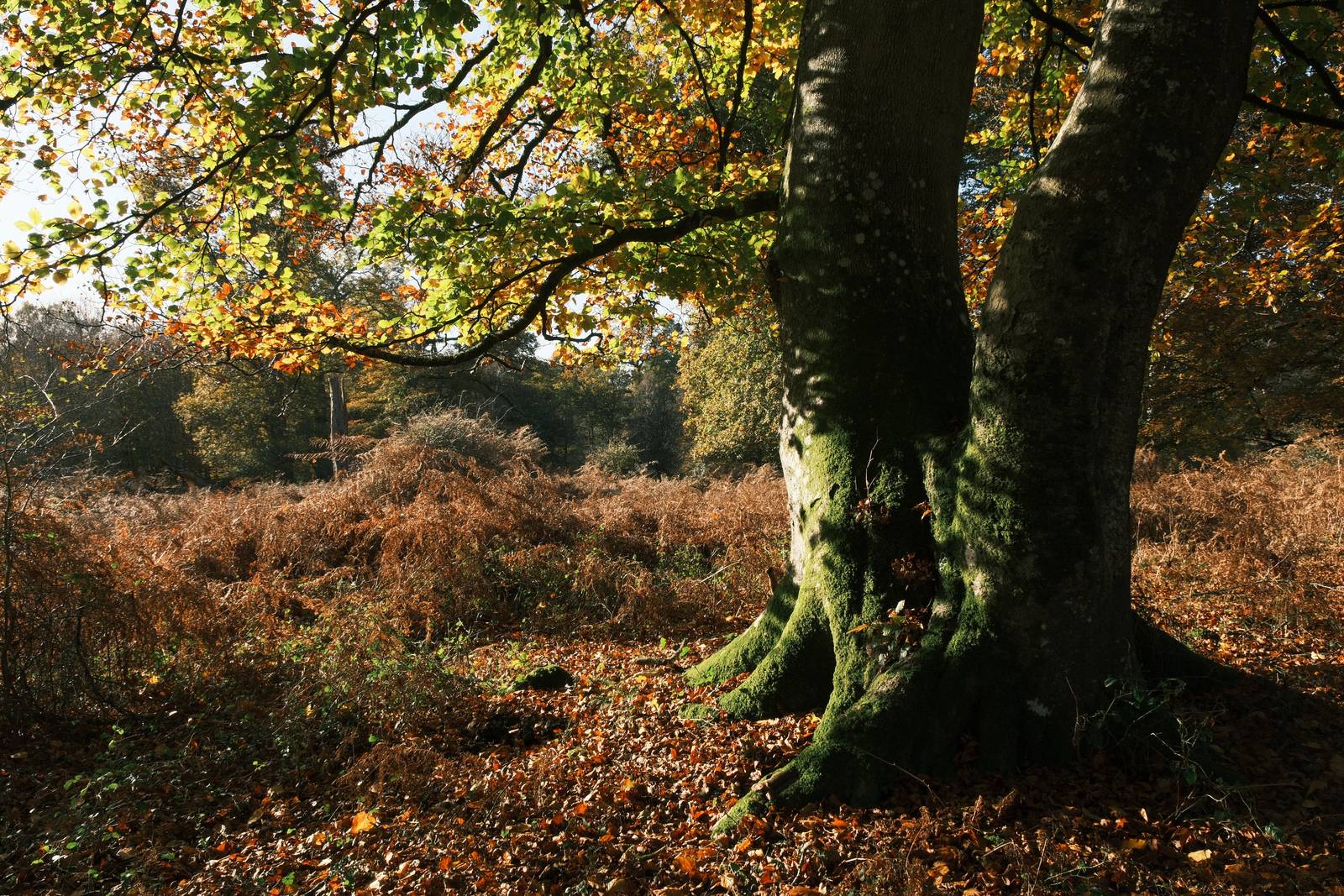
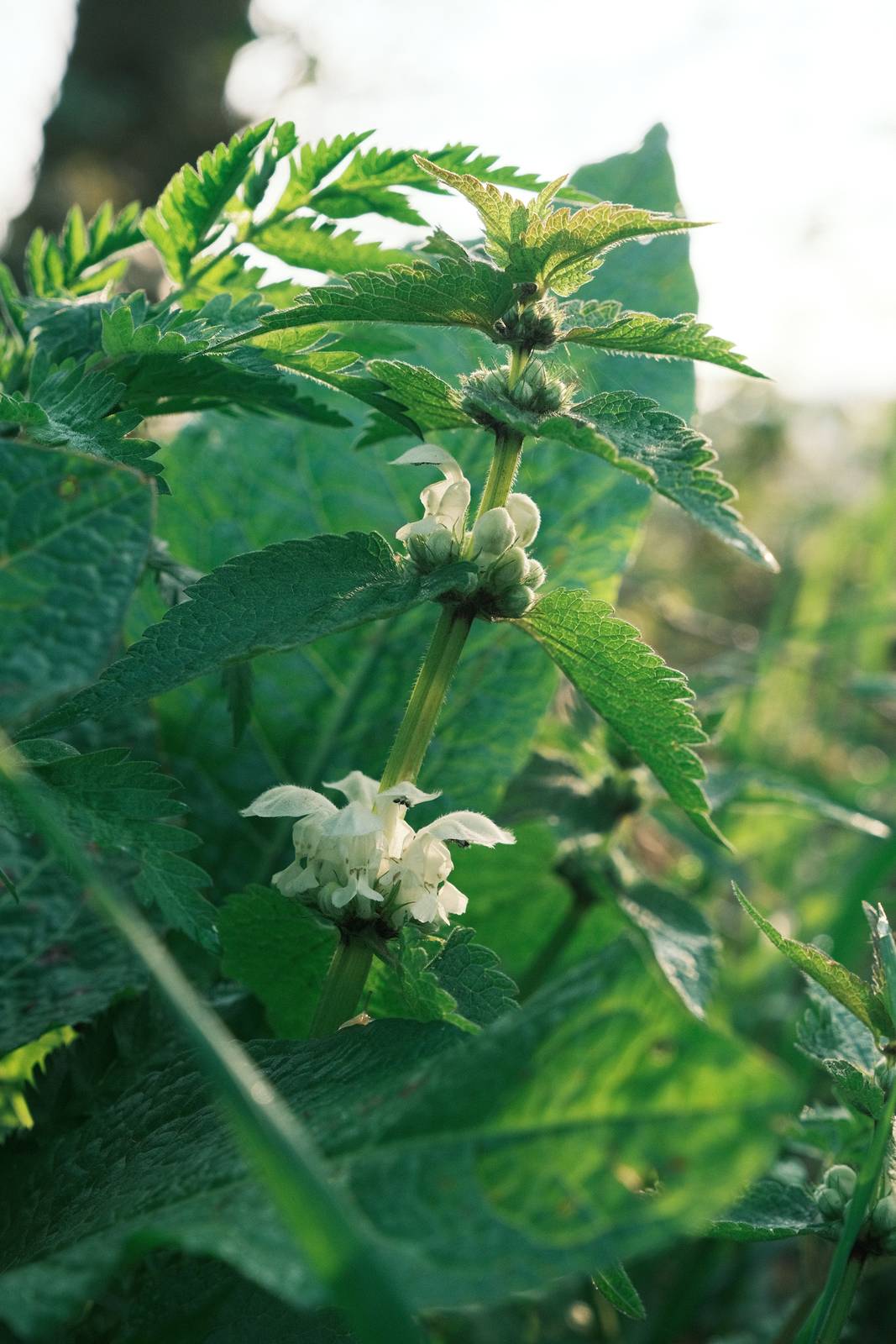
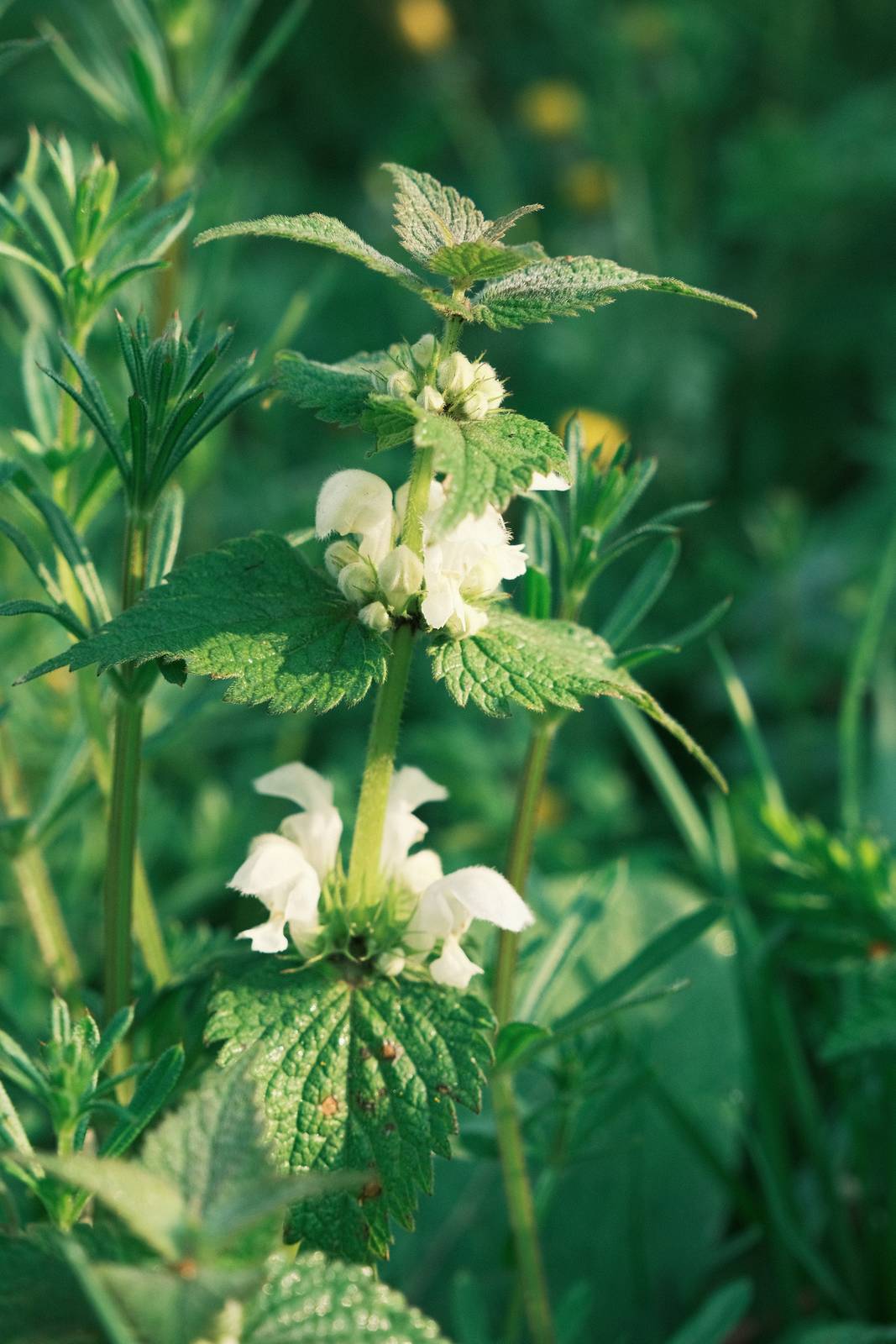
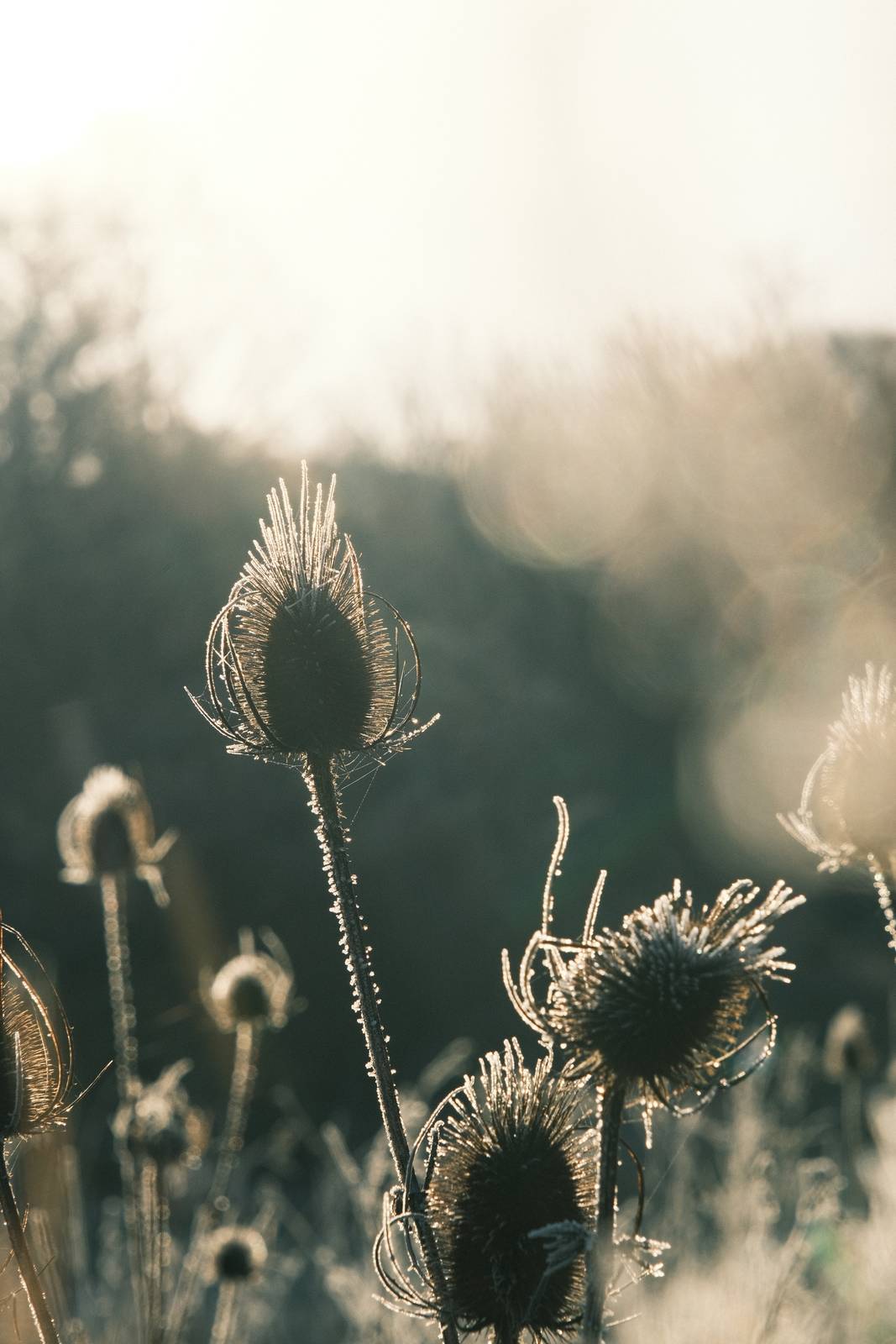
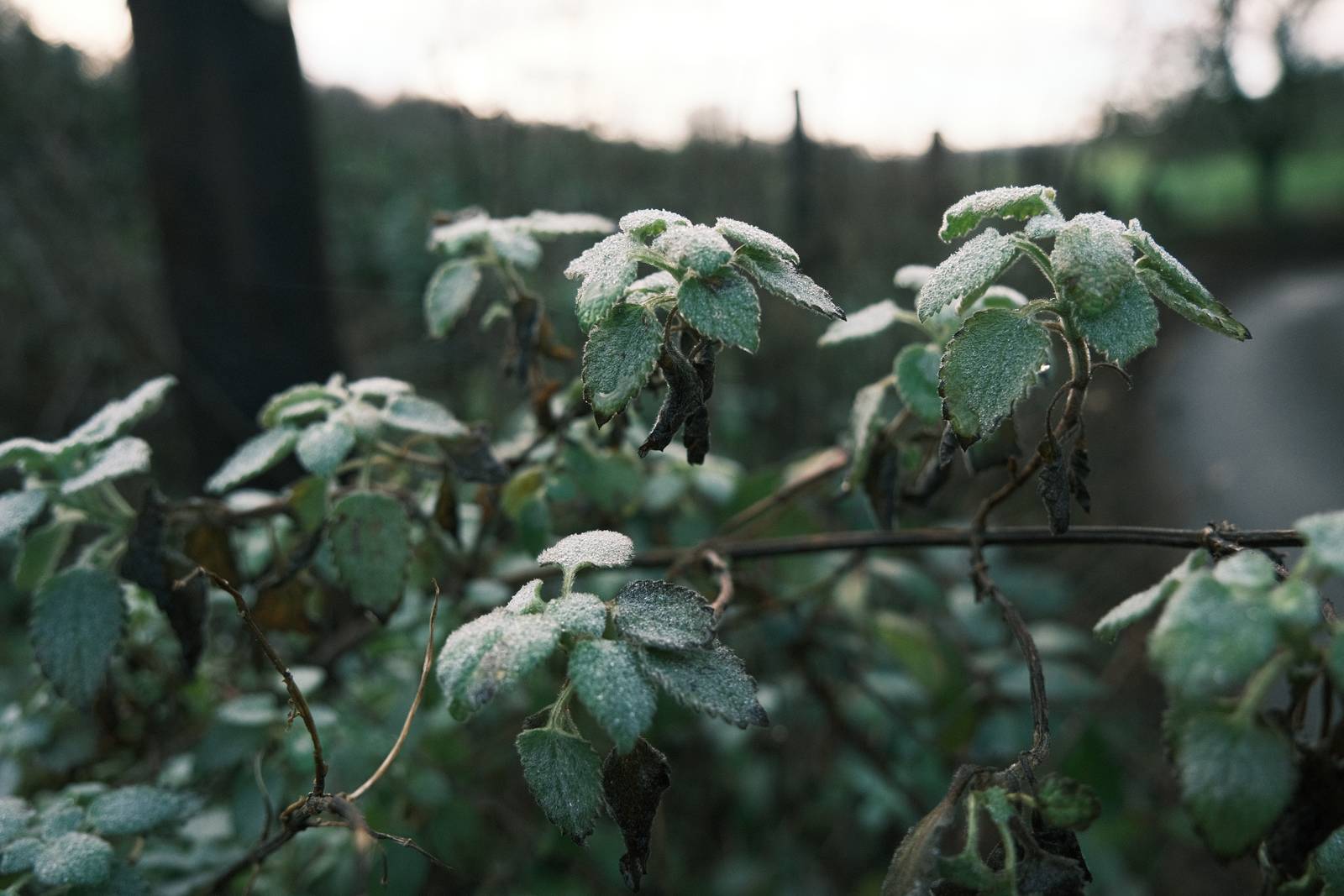
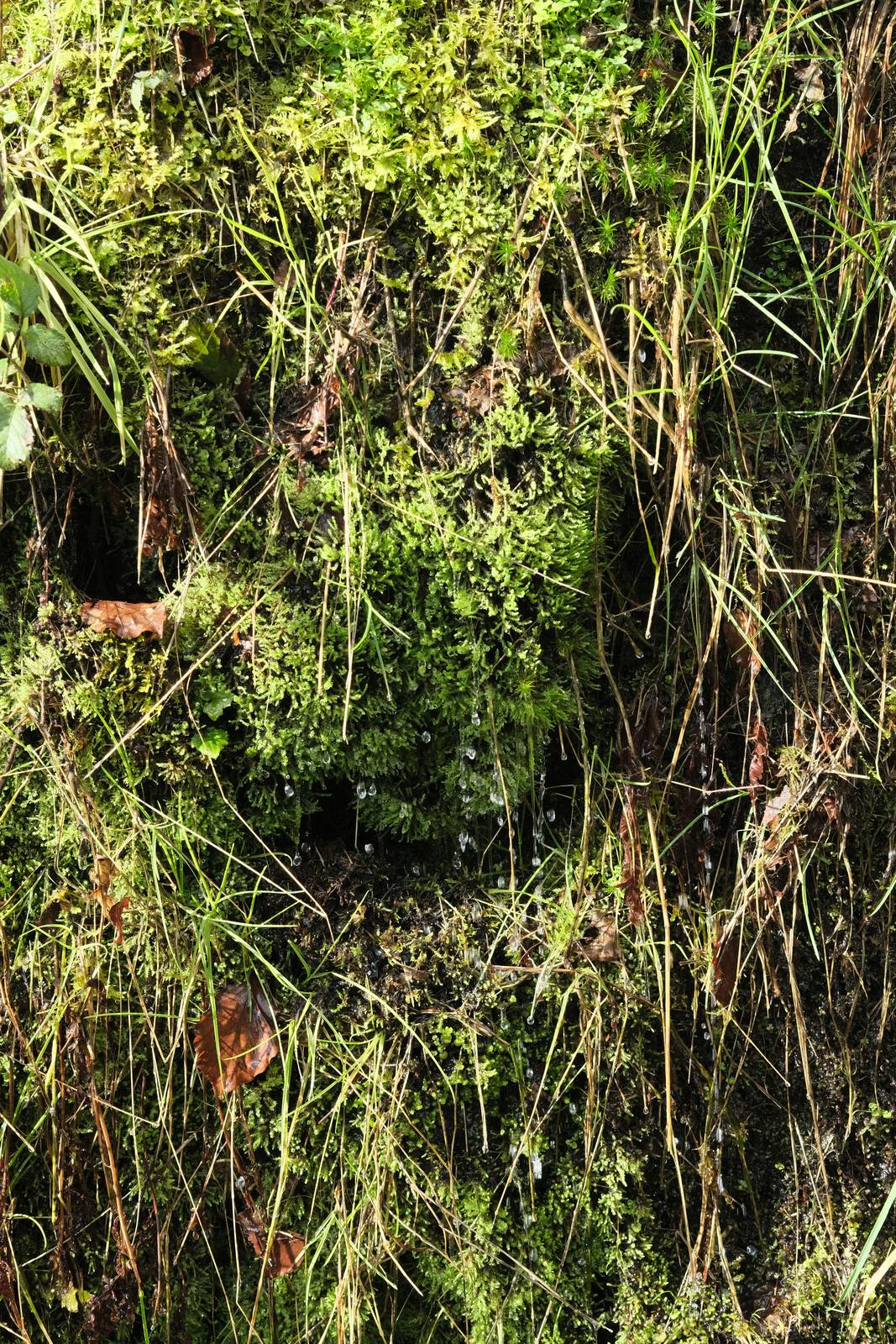
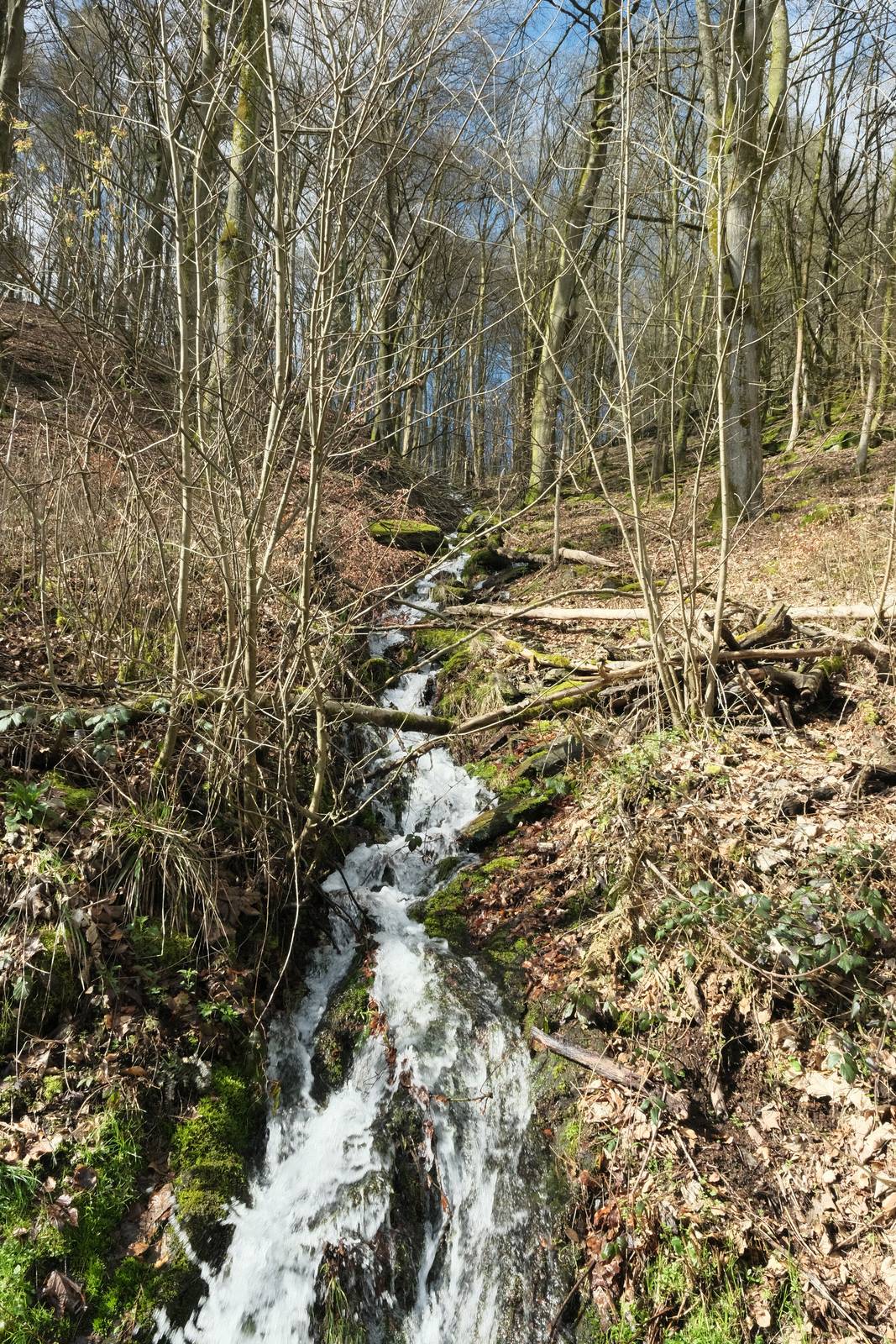
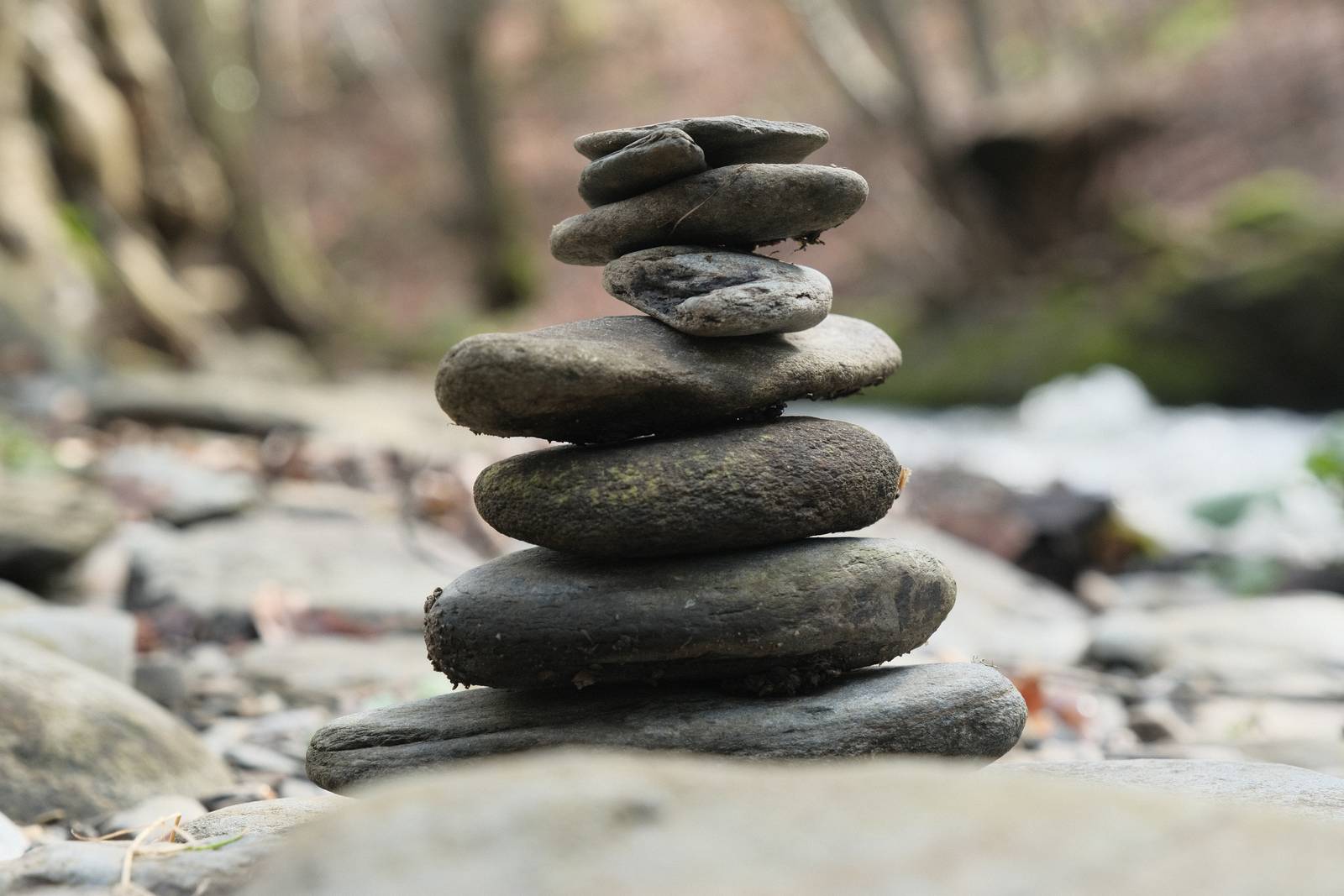
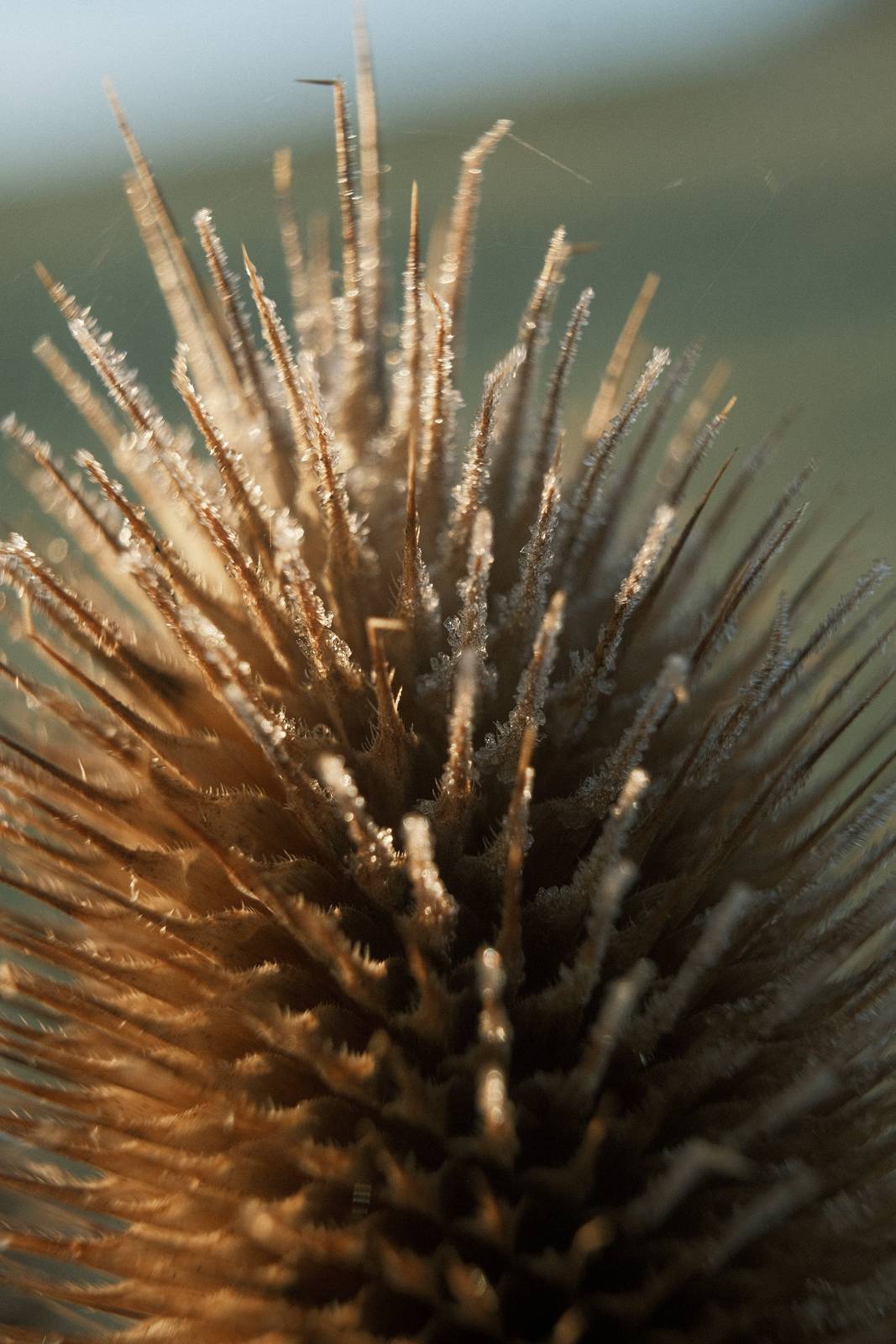
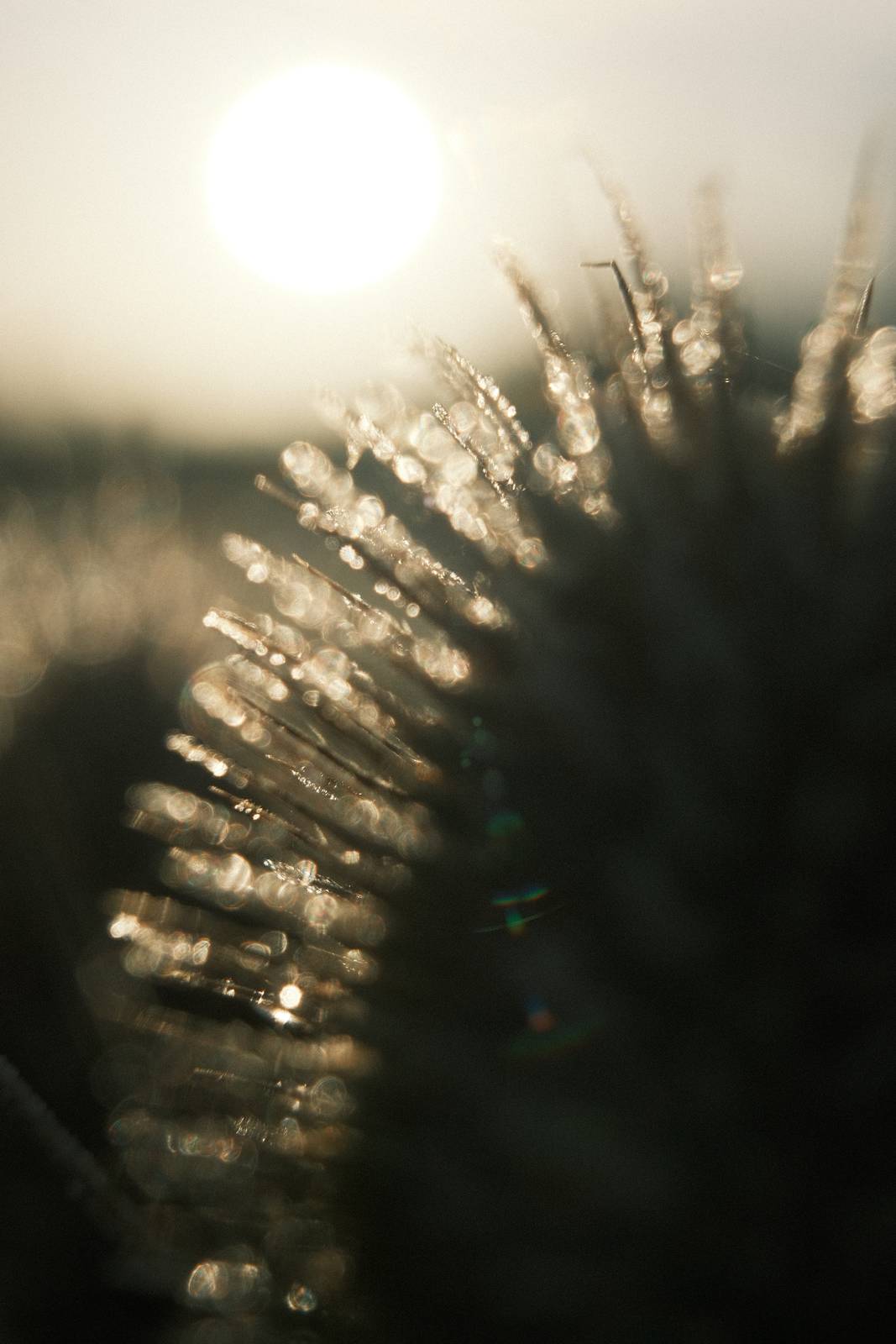
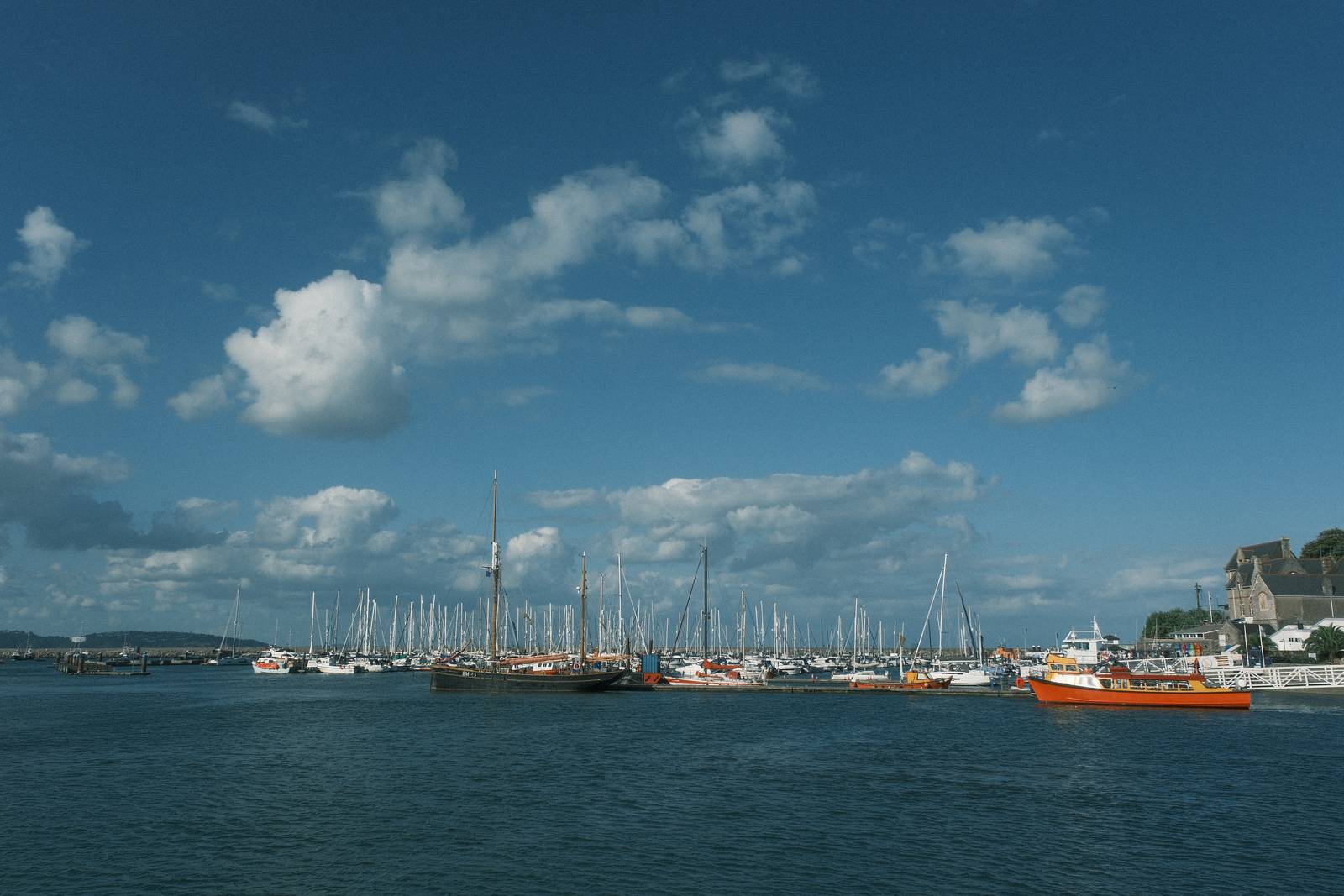
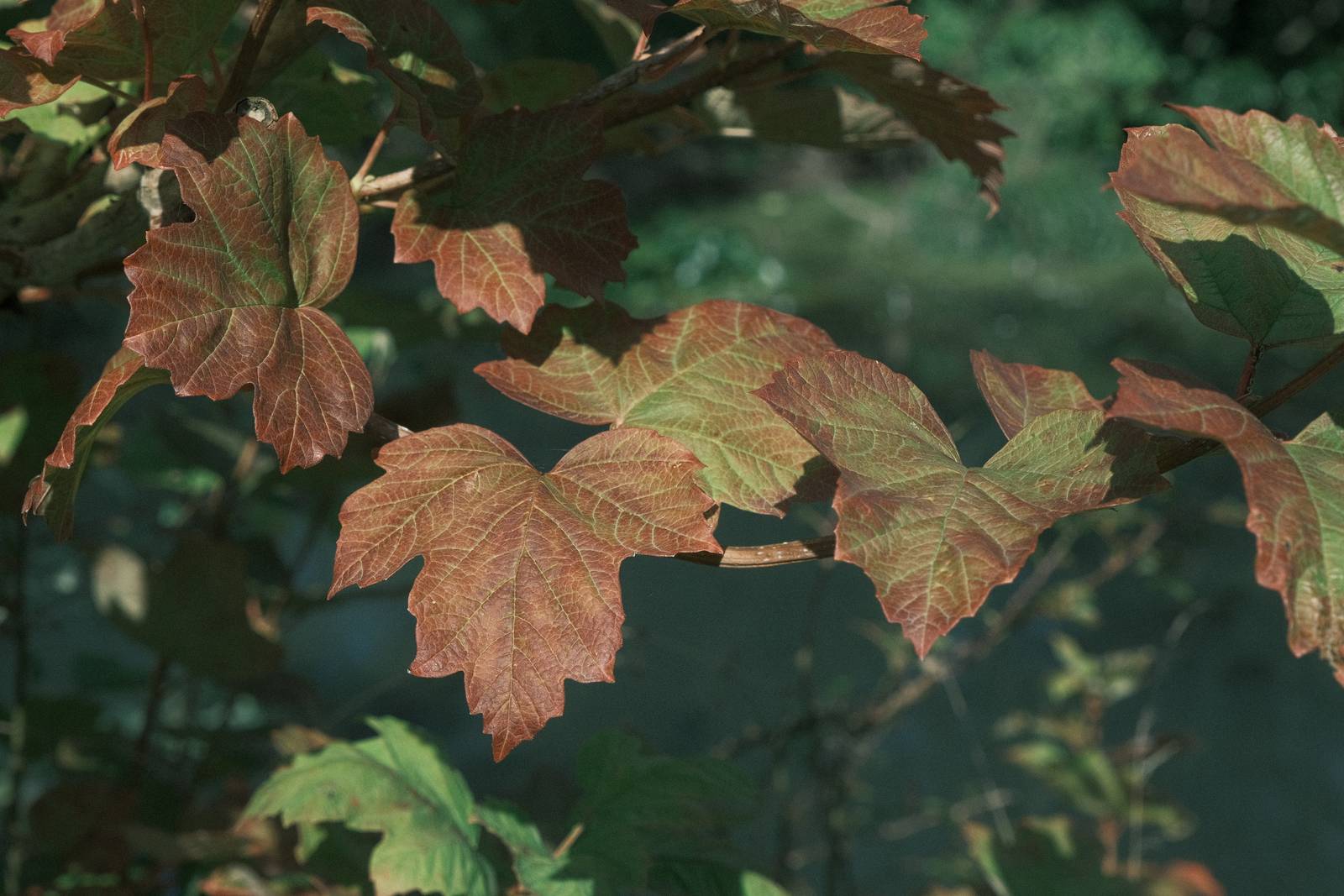
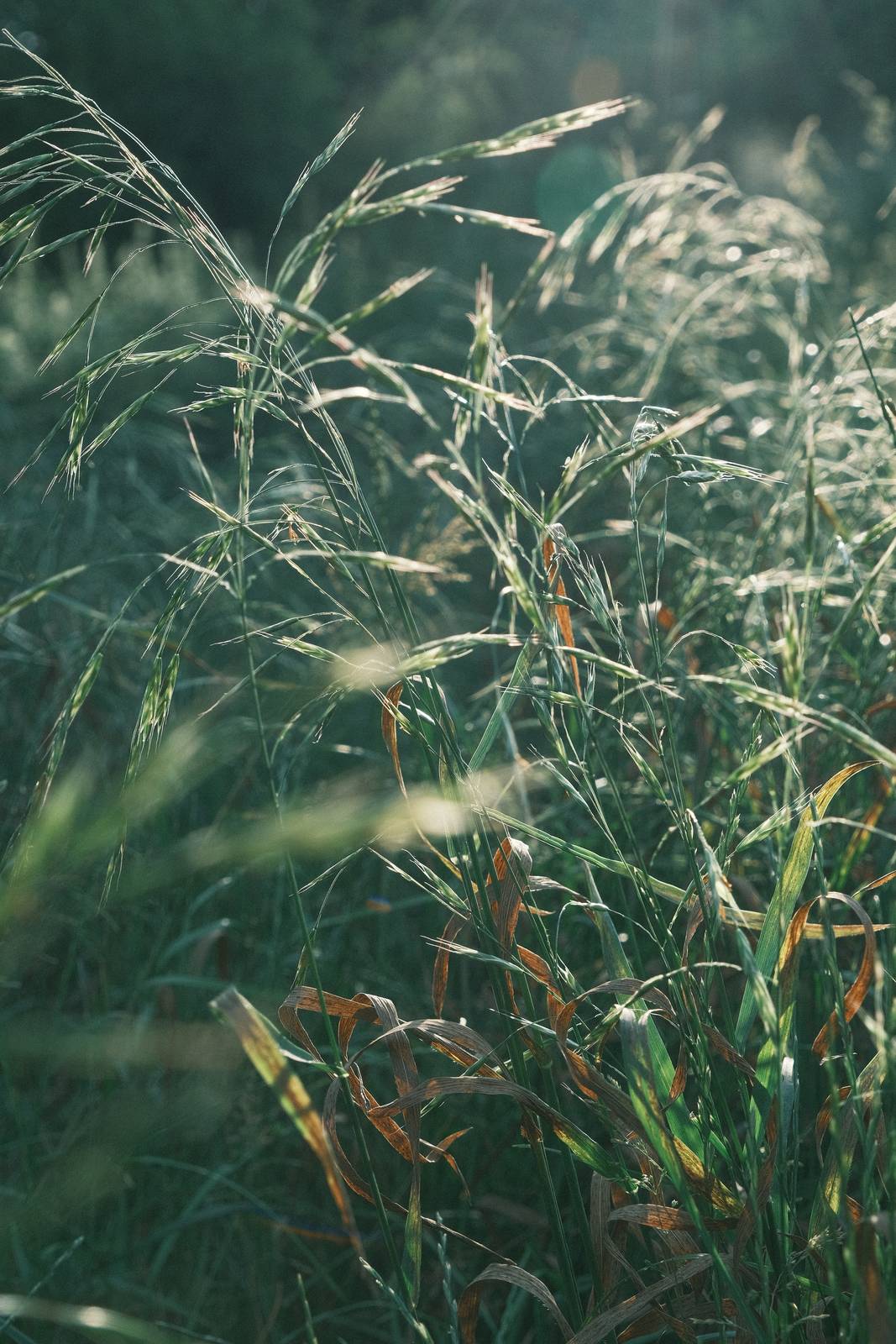
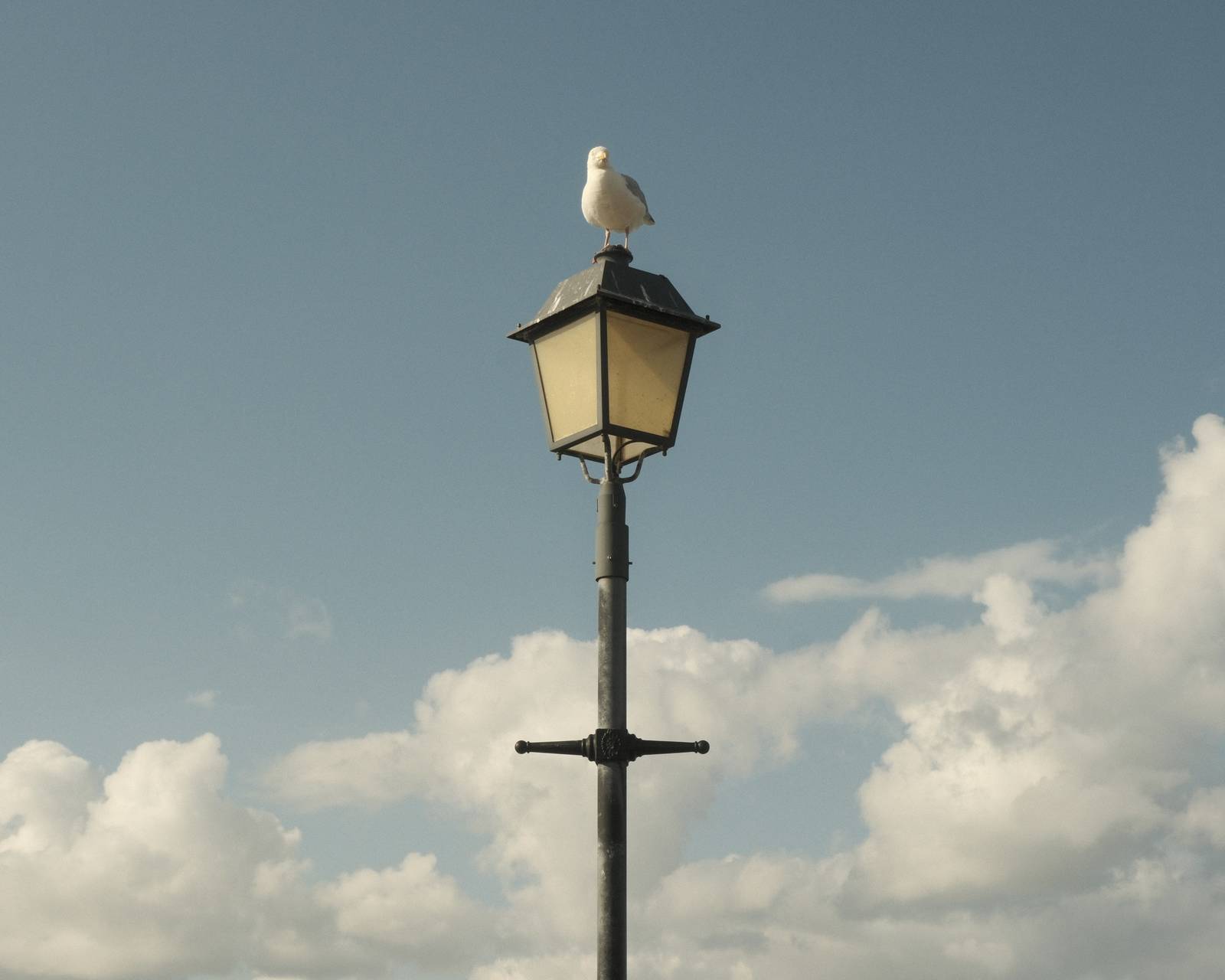
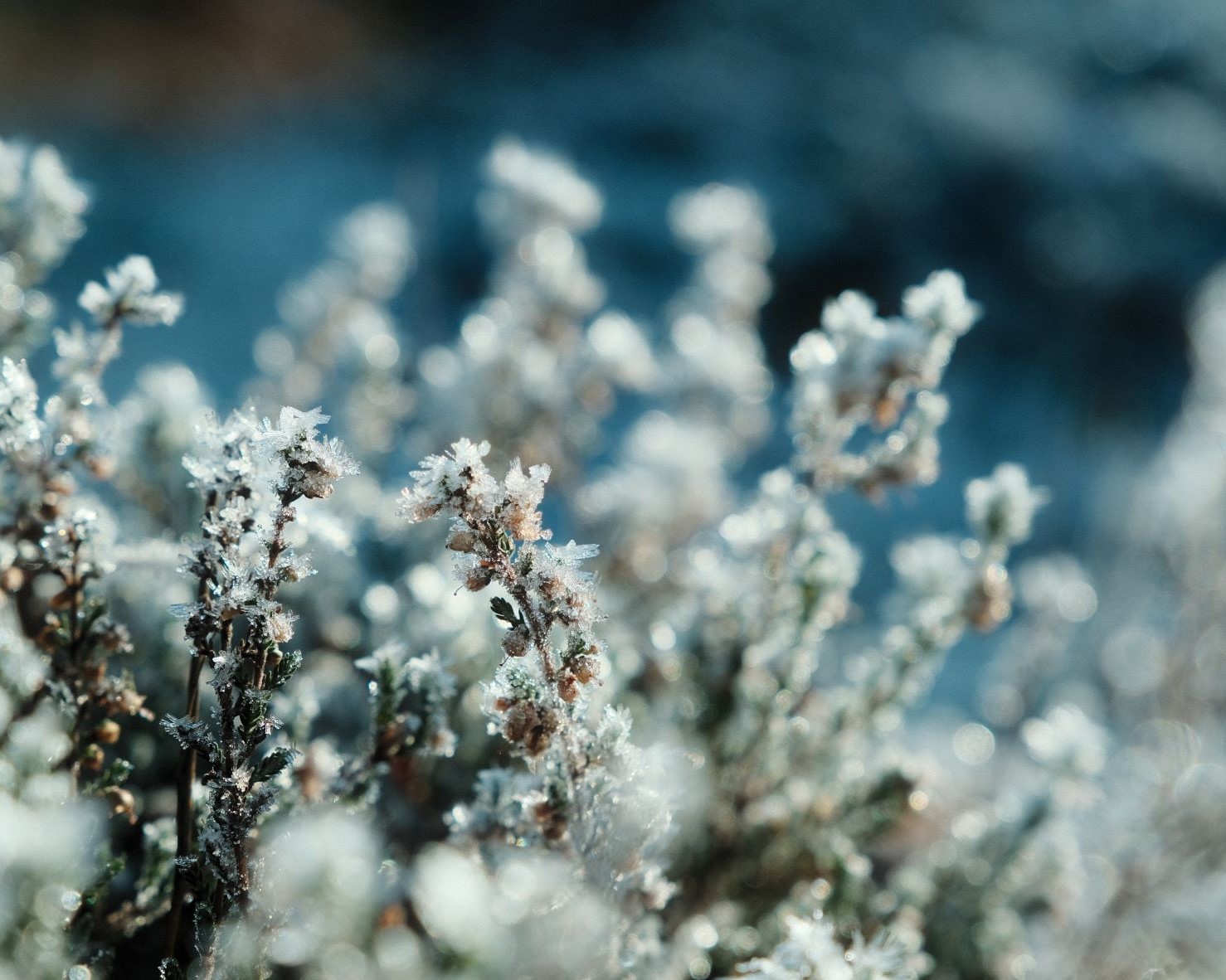
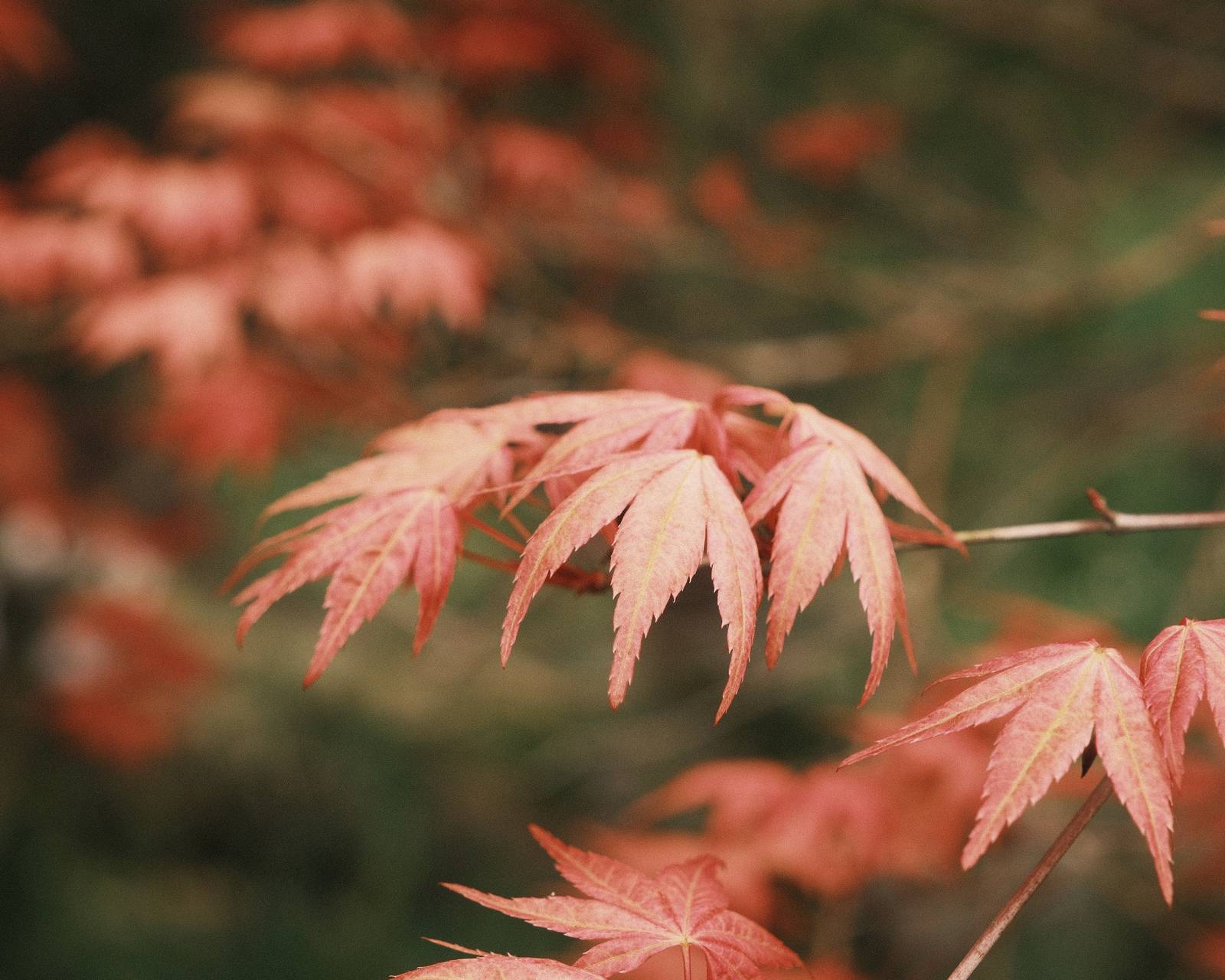
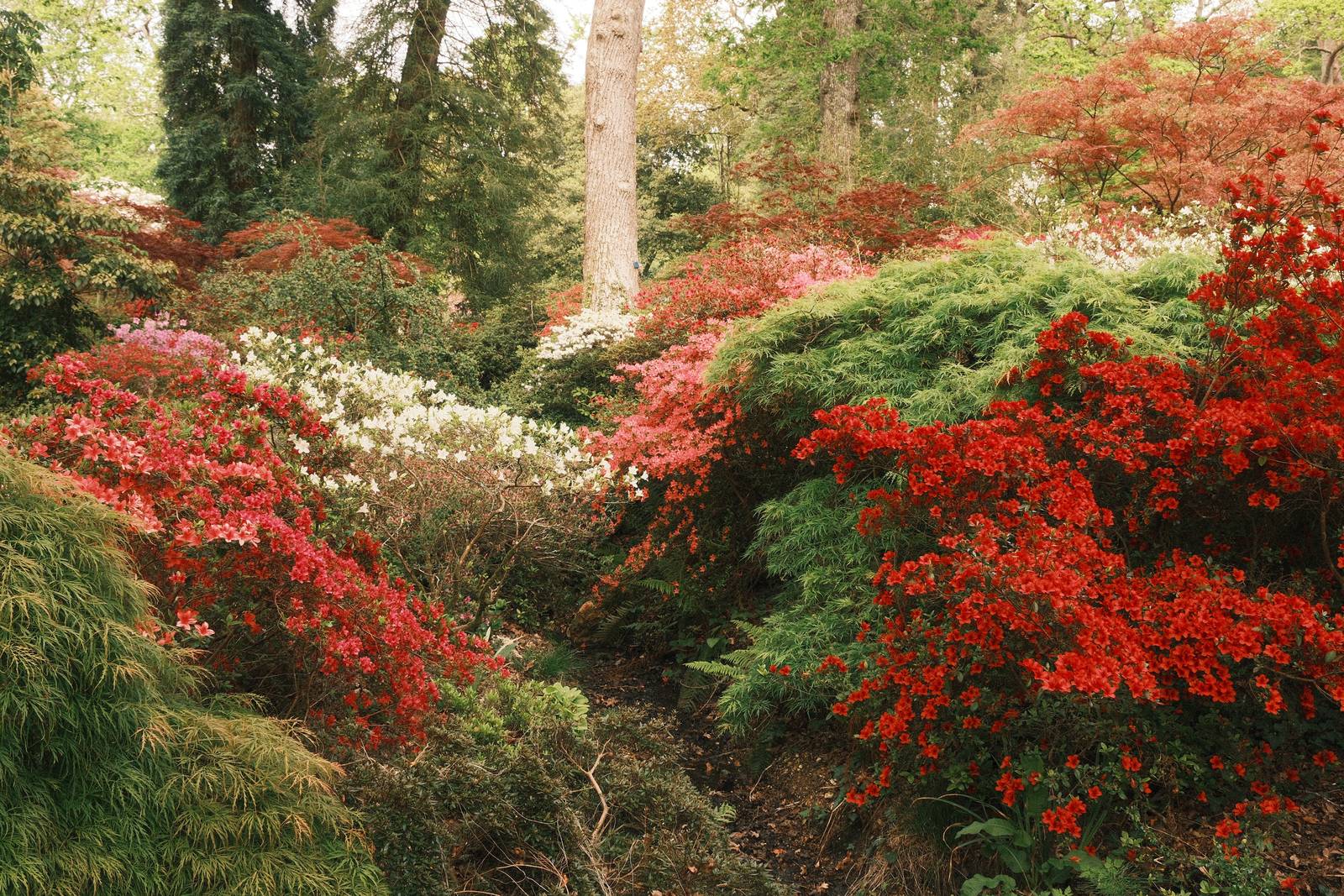
    Grainy analog film simulation recipe with mellow greens, a warm balance and striking red tones.

    Rizzle Clicks Film Recipe

    Rizzle Clicks

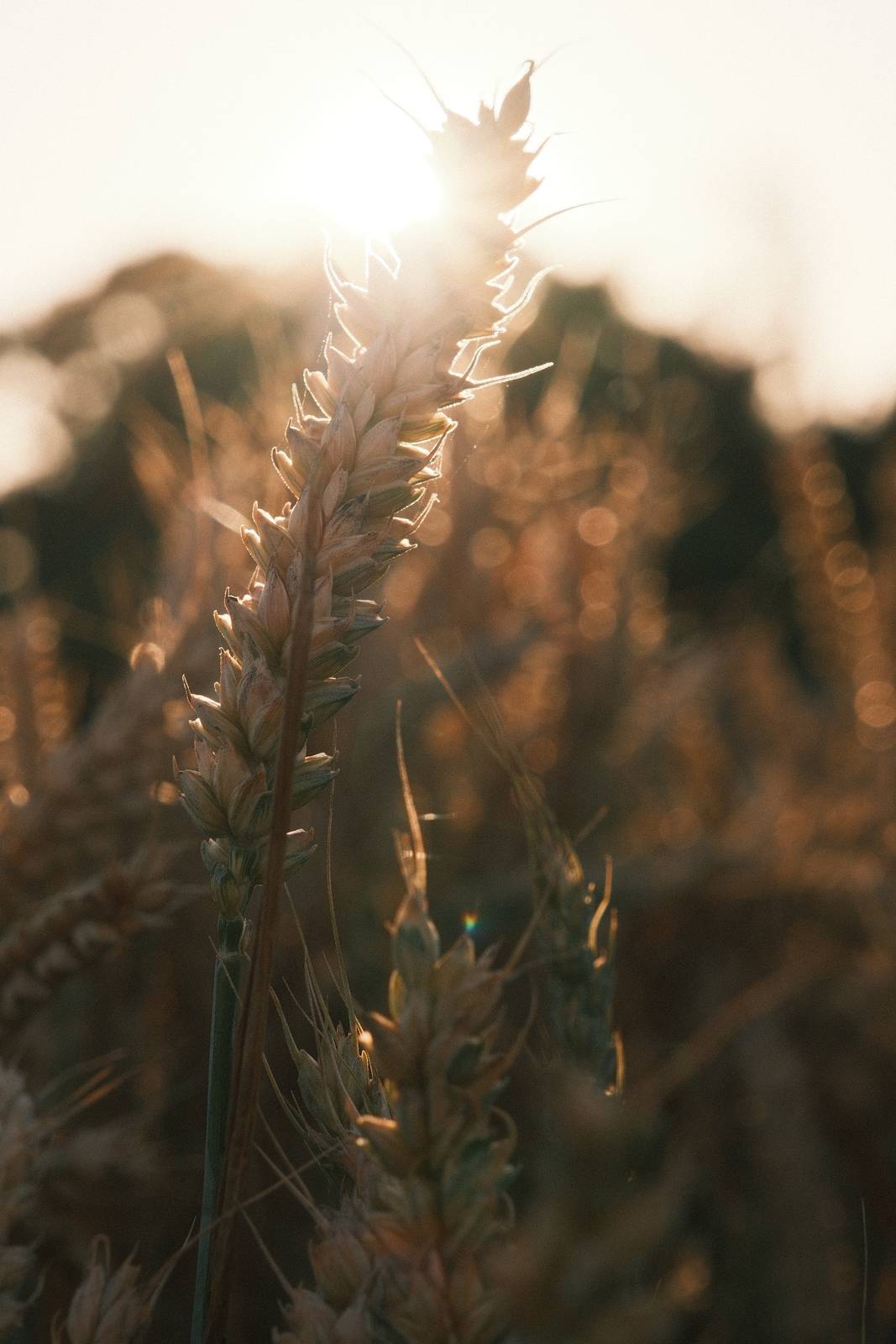
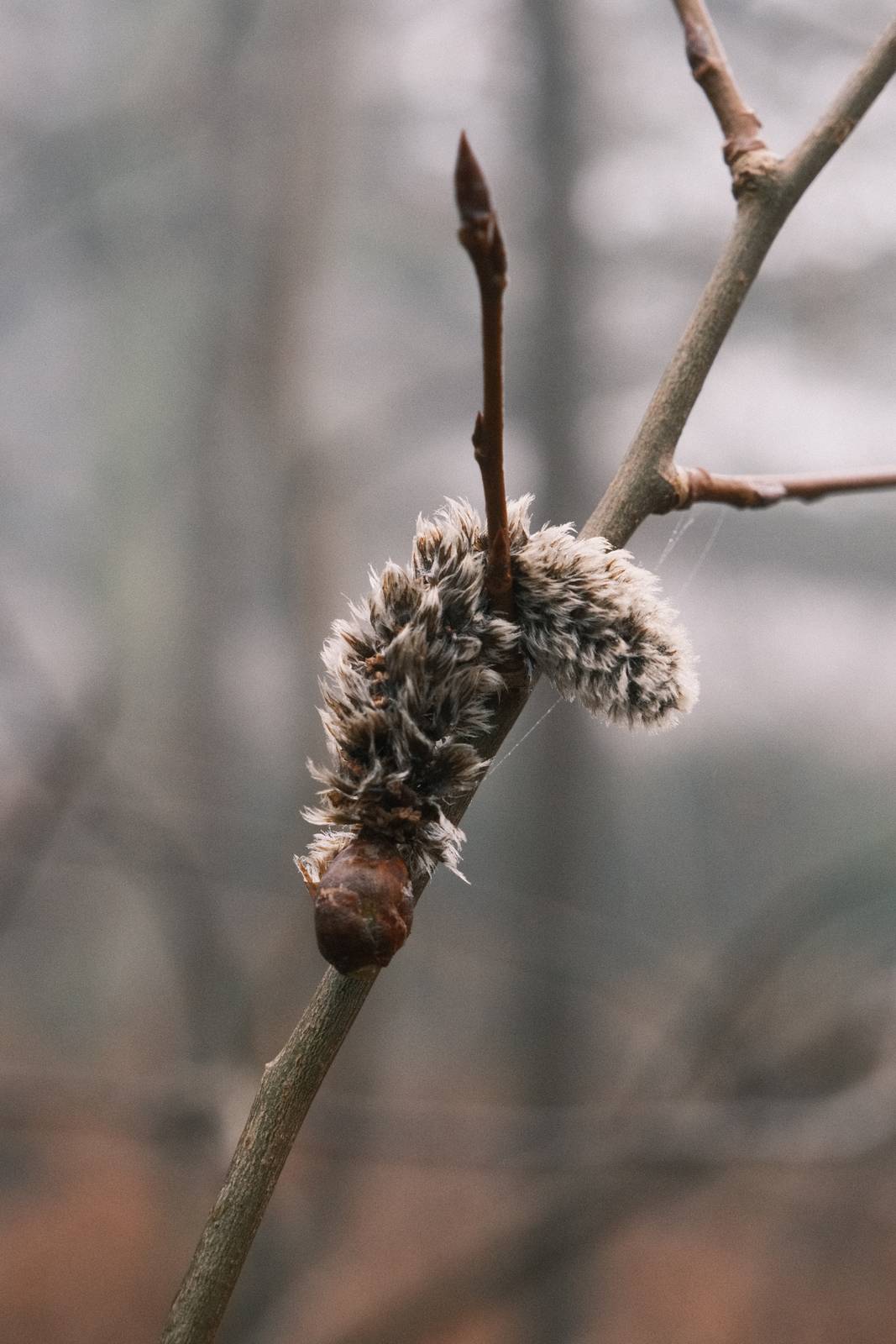
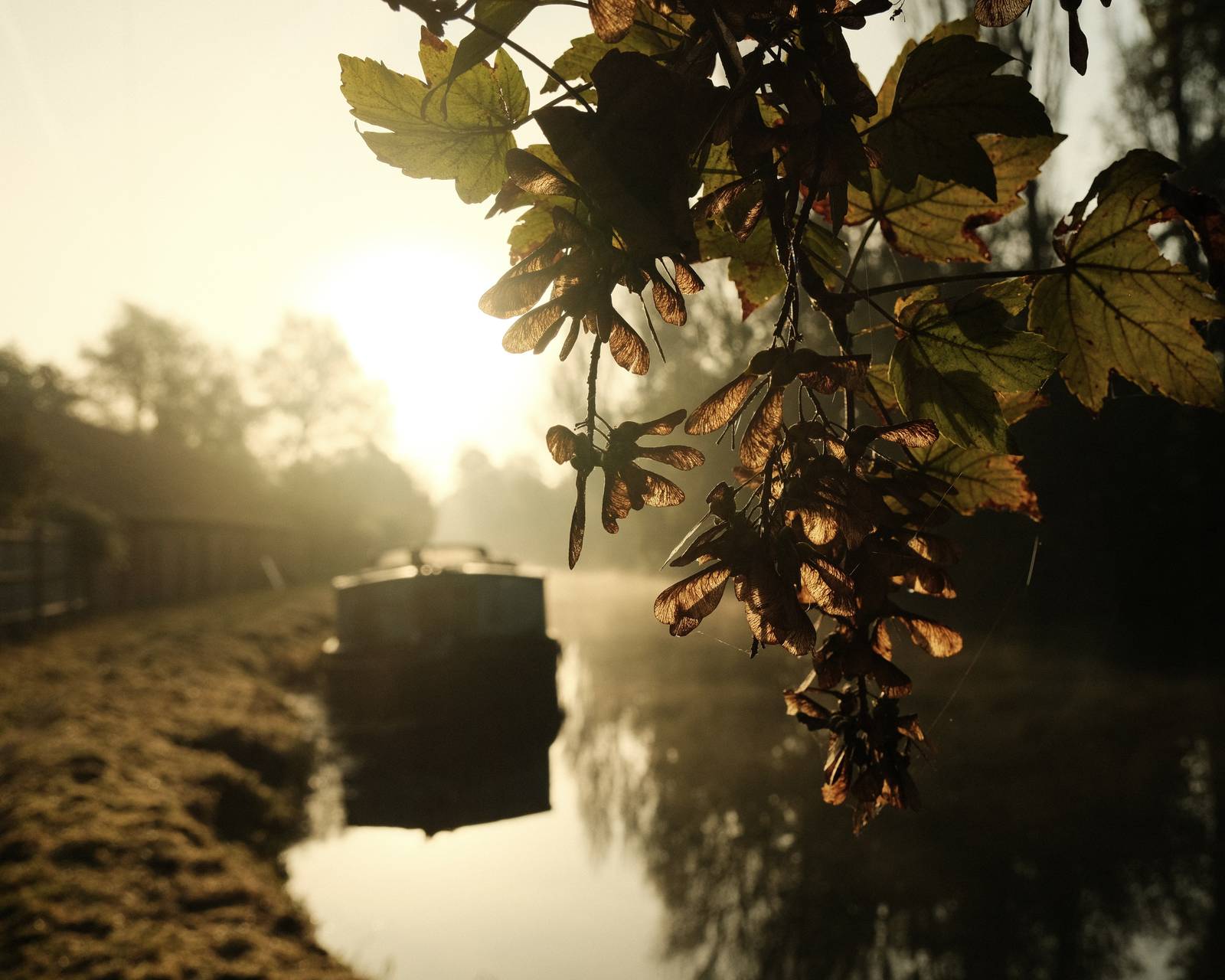
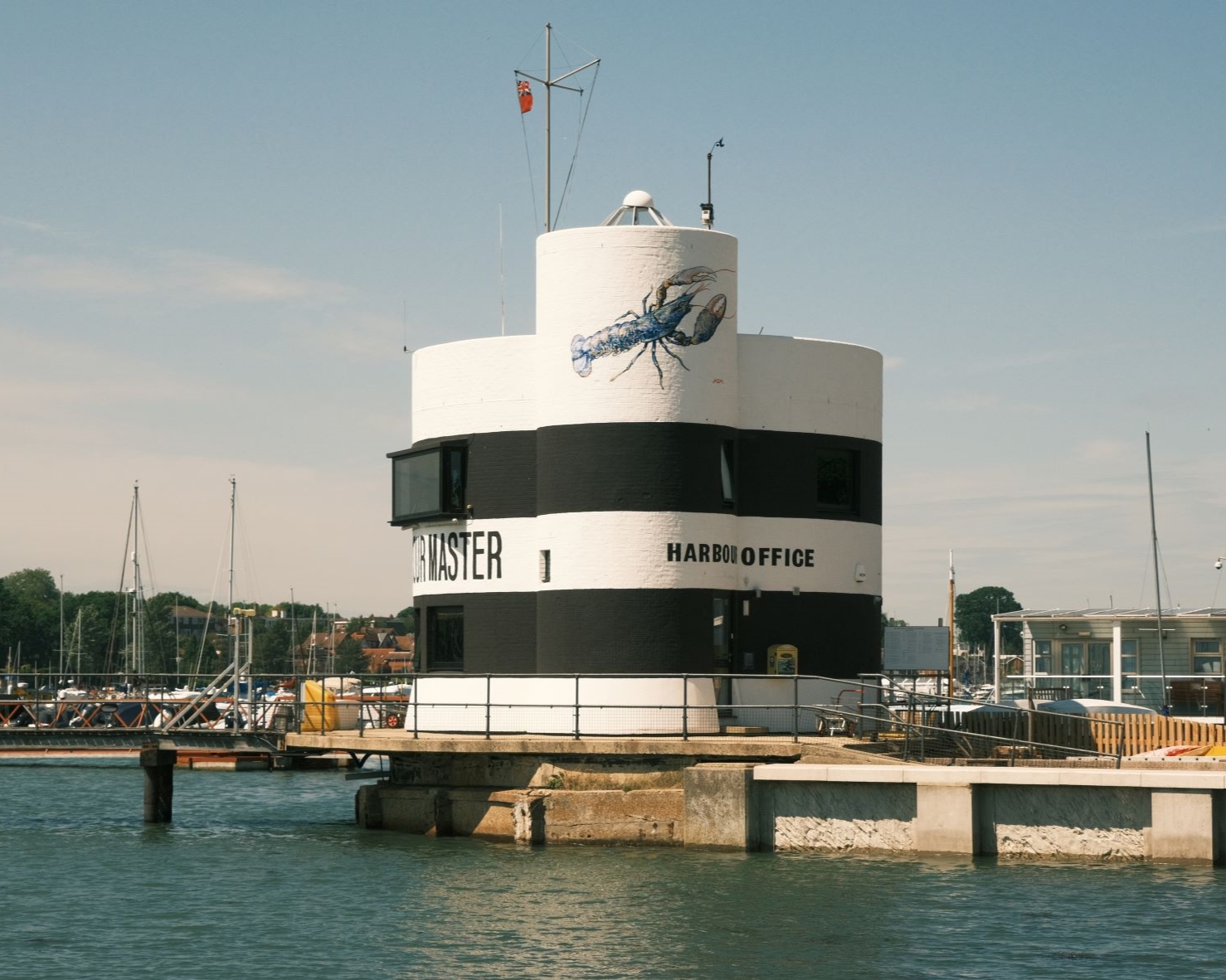
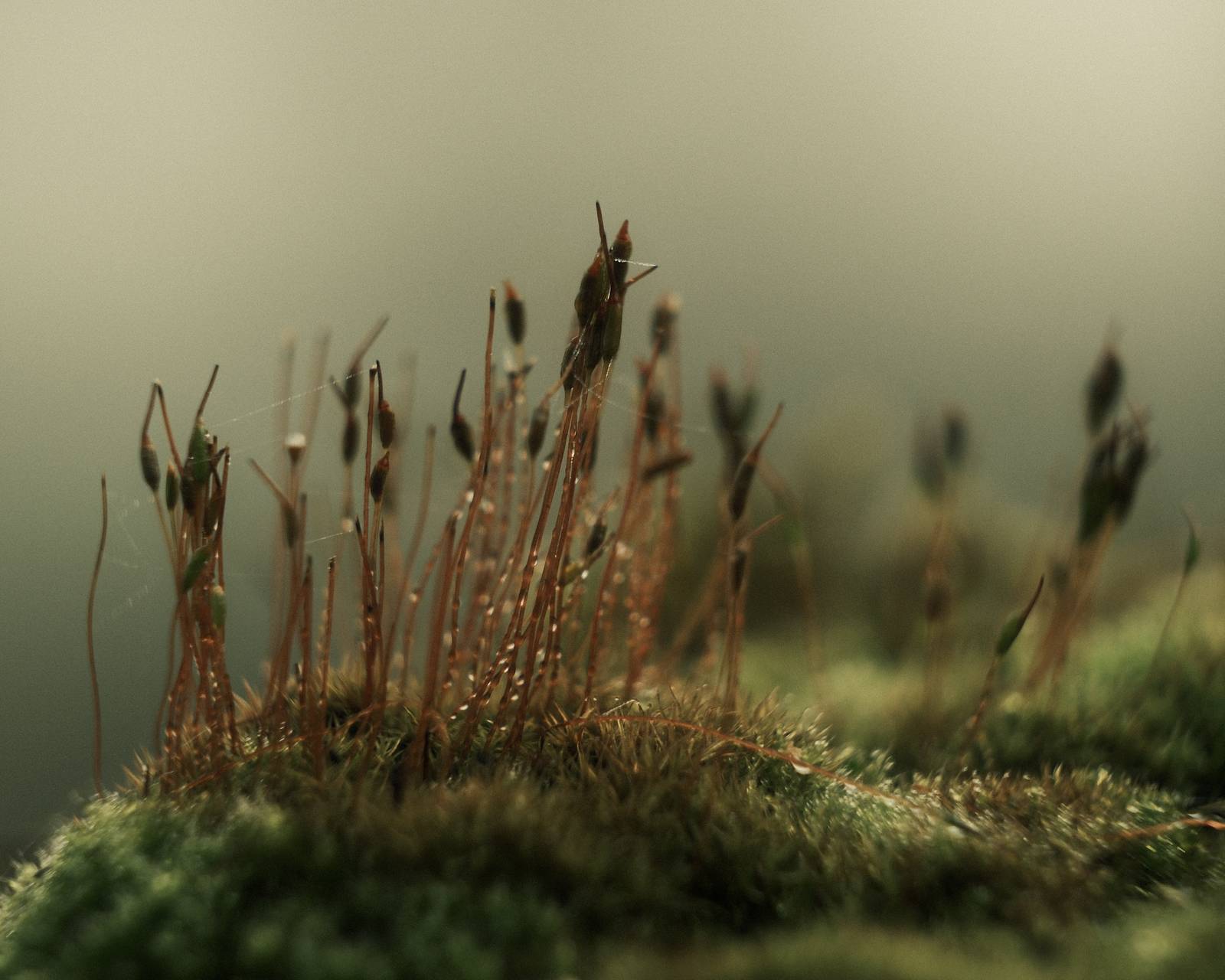
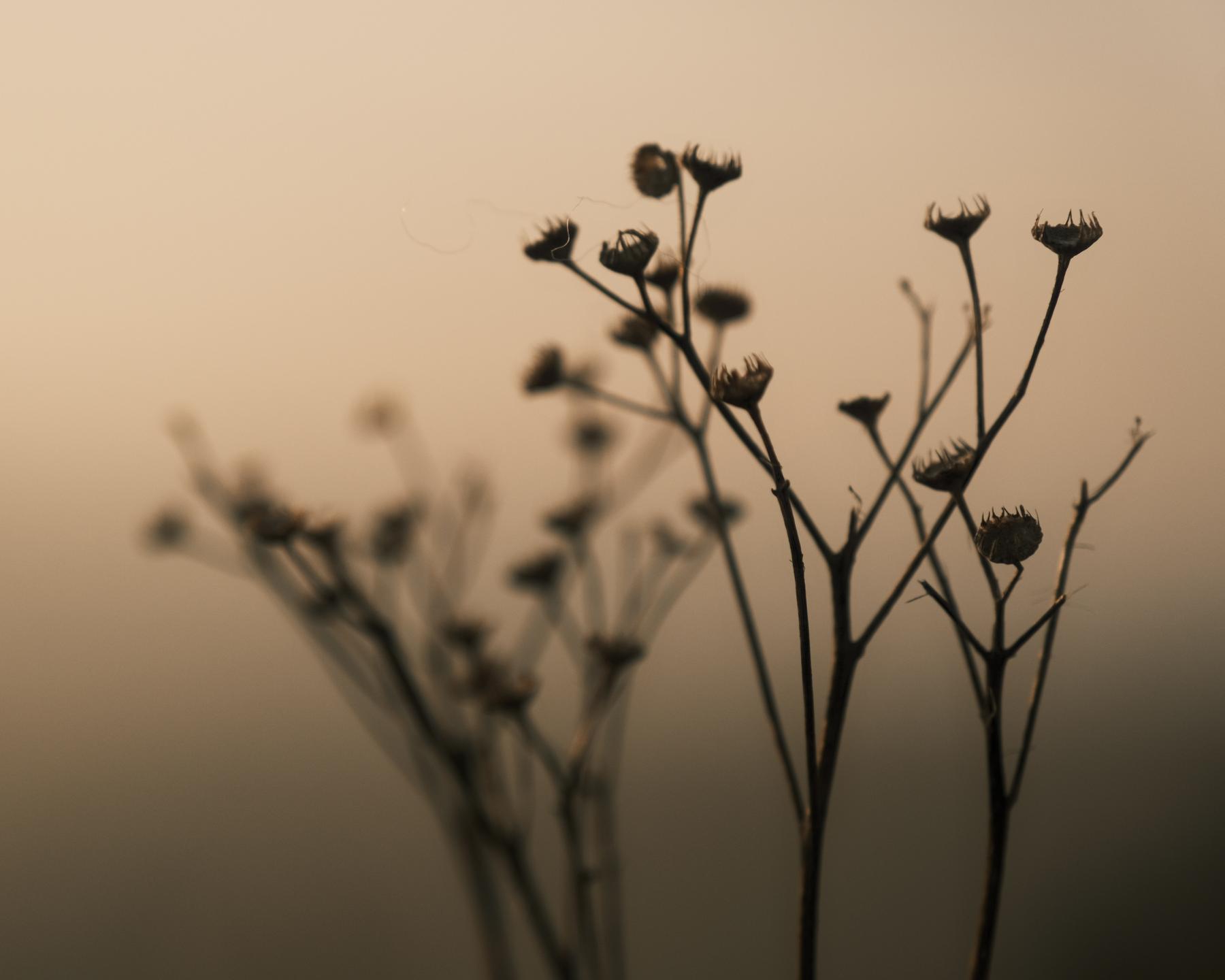
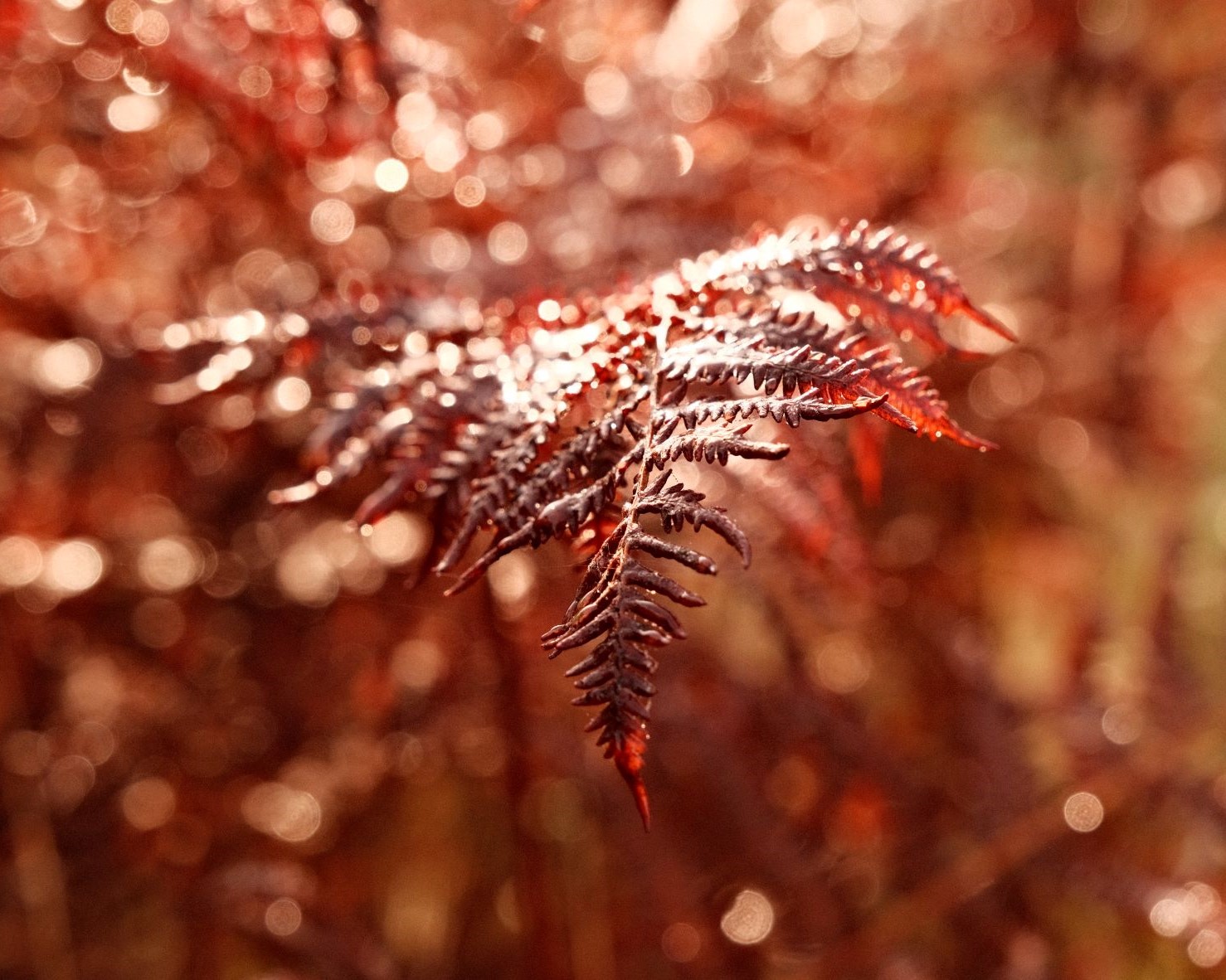
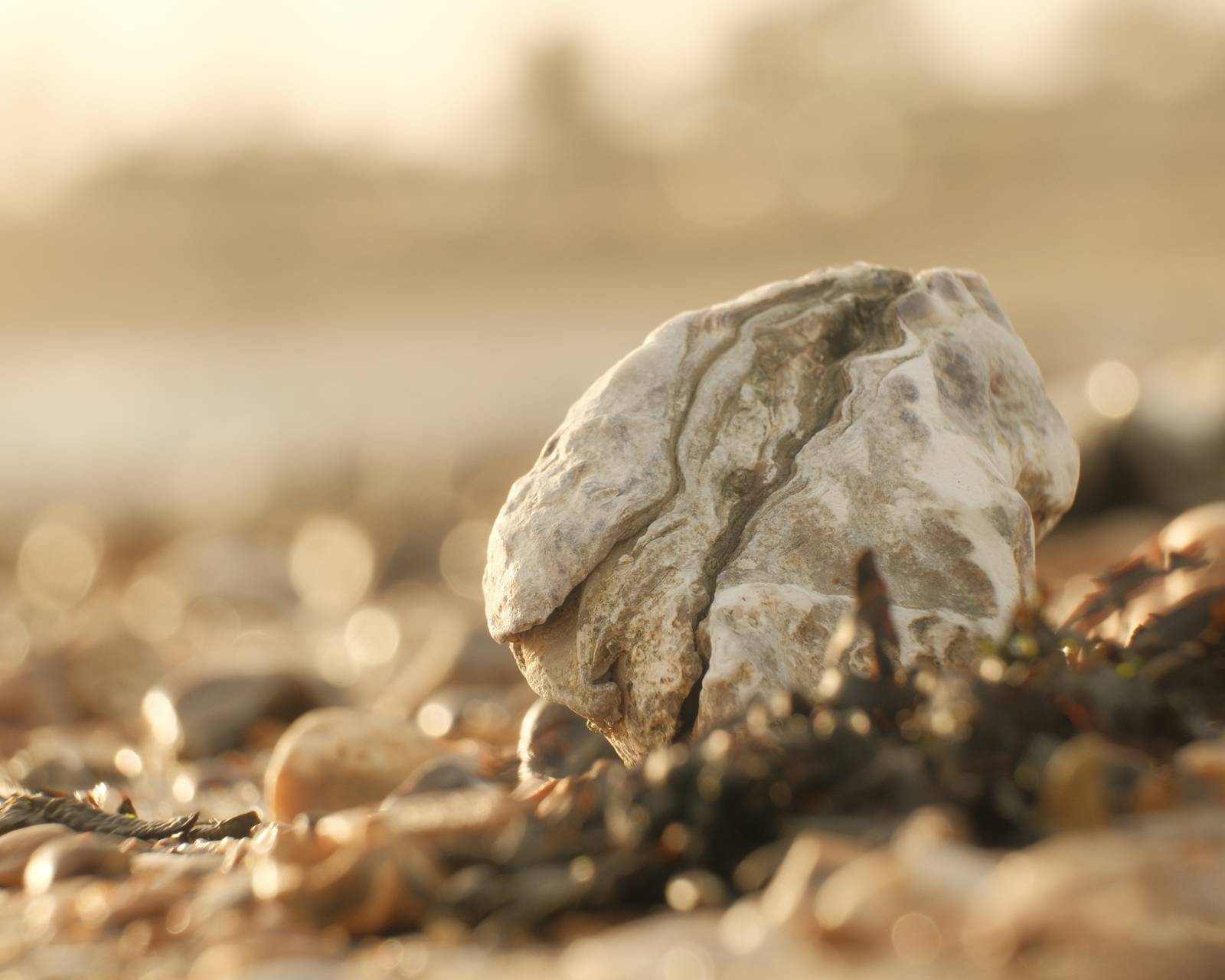
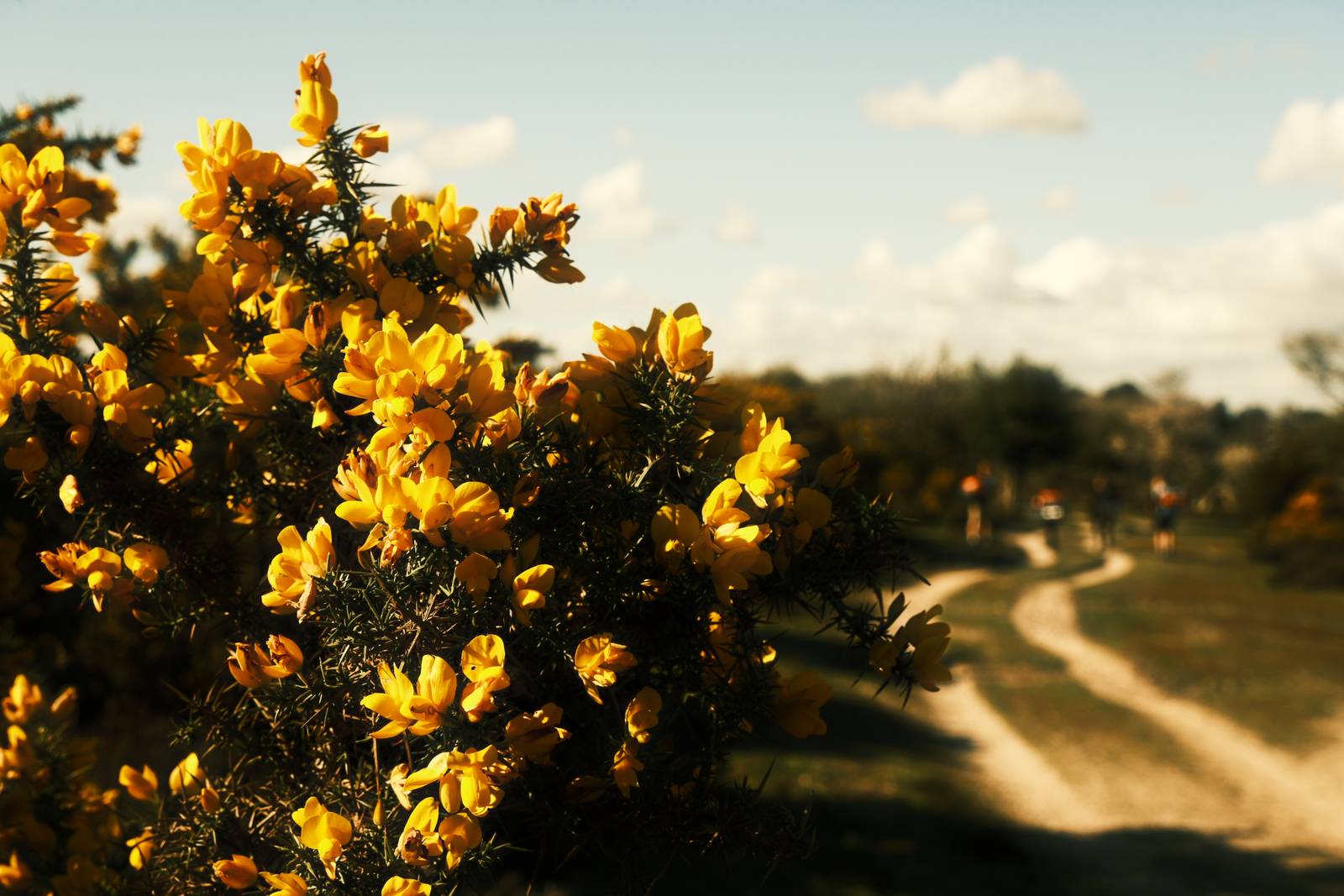
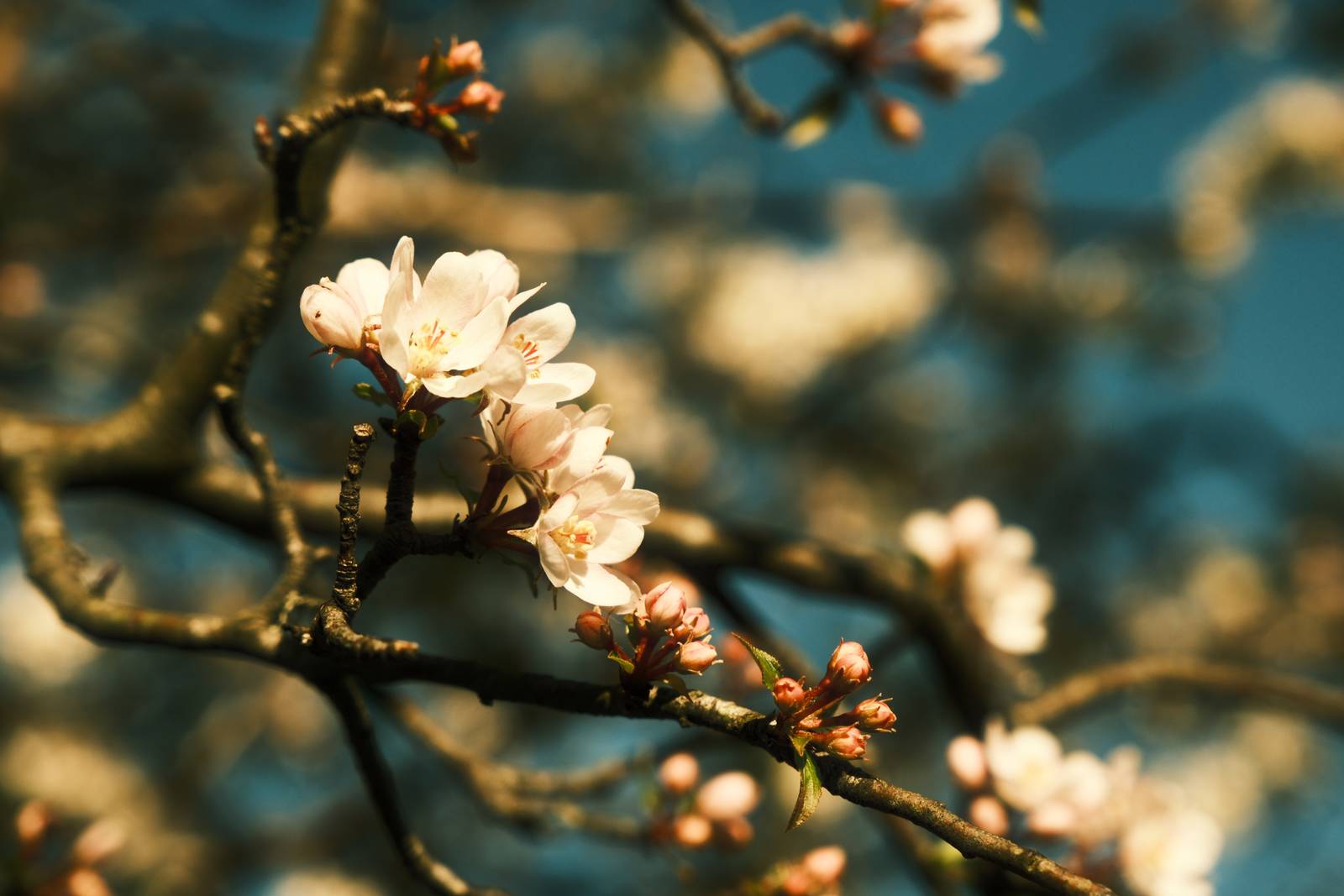
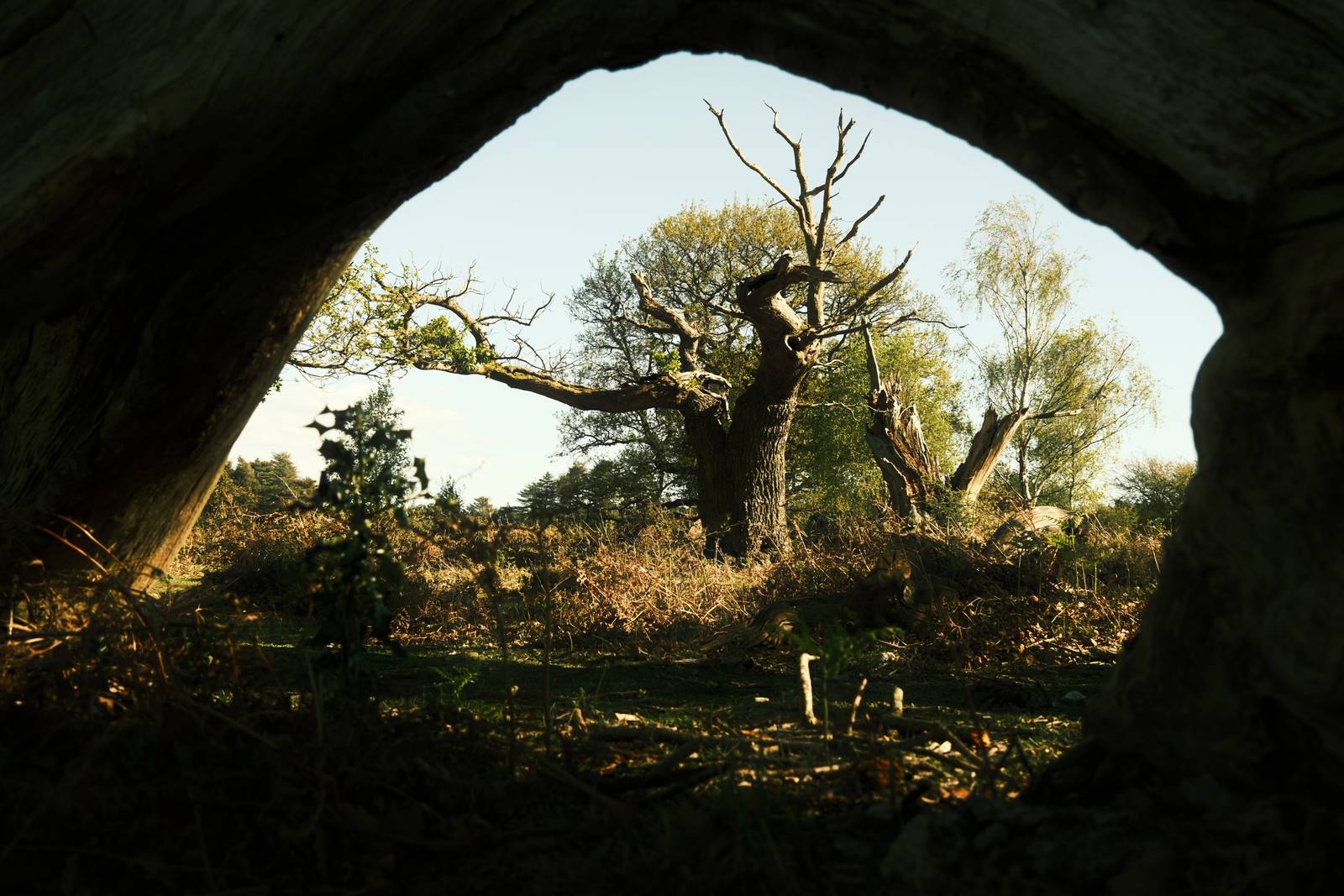
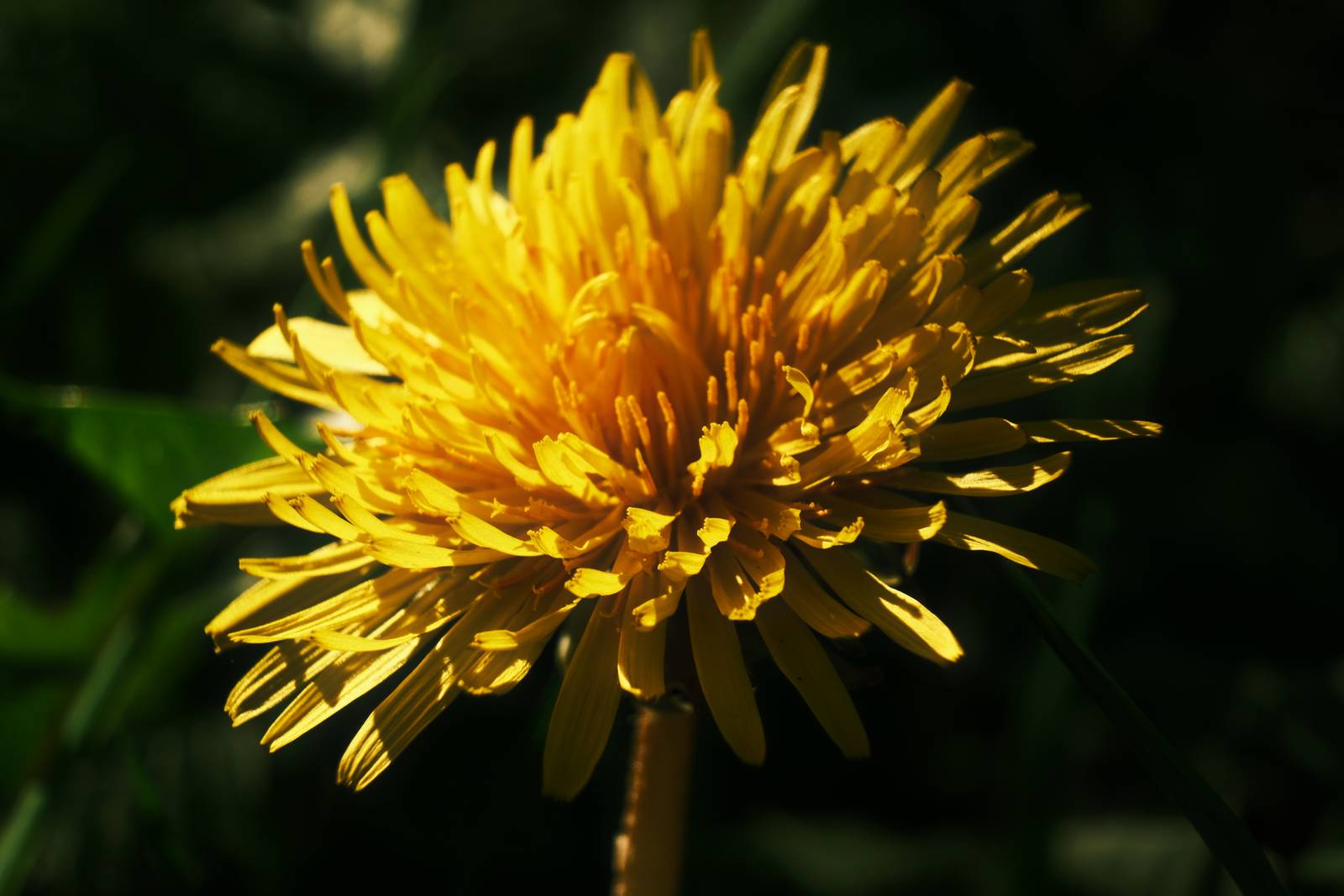
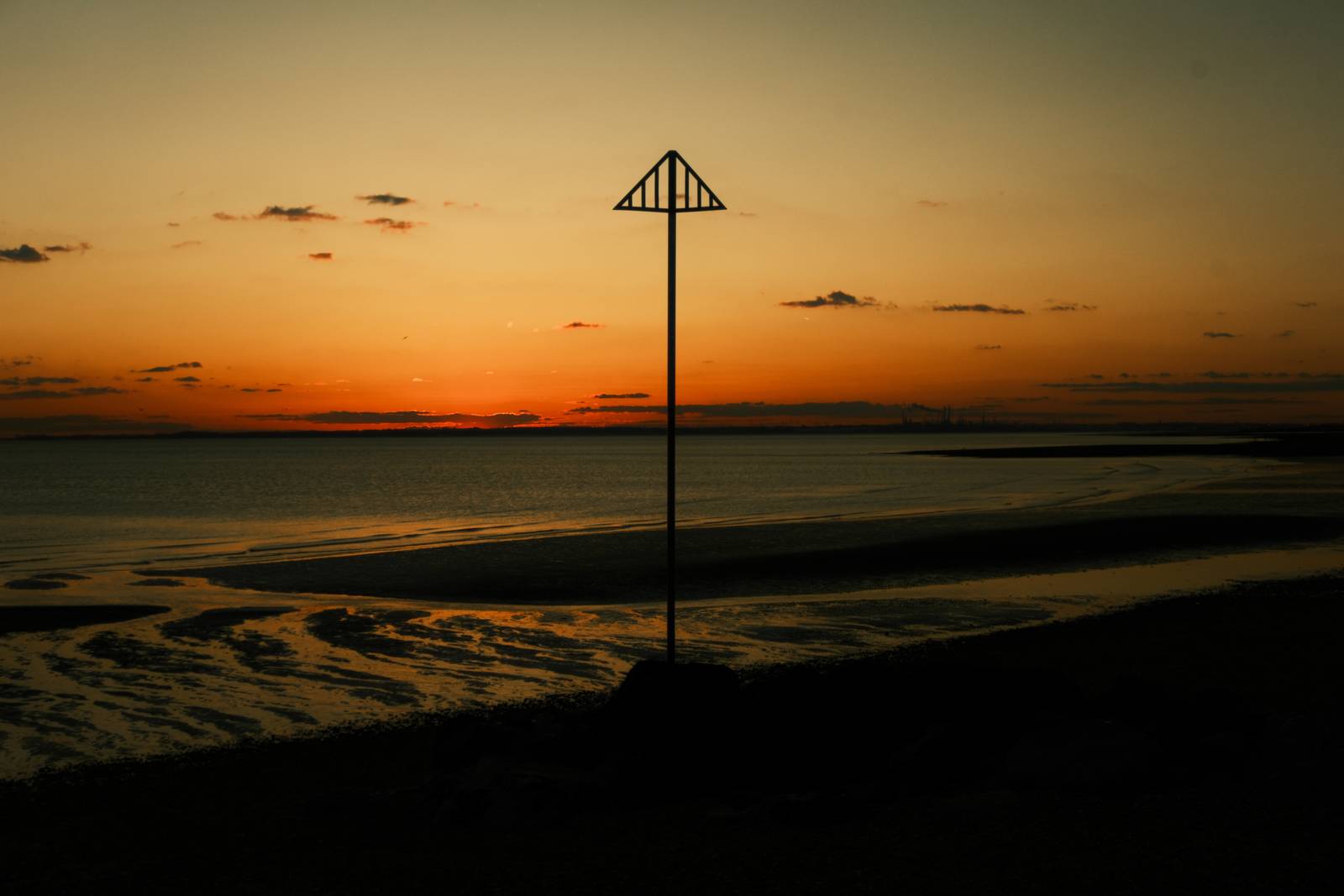
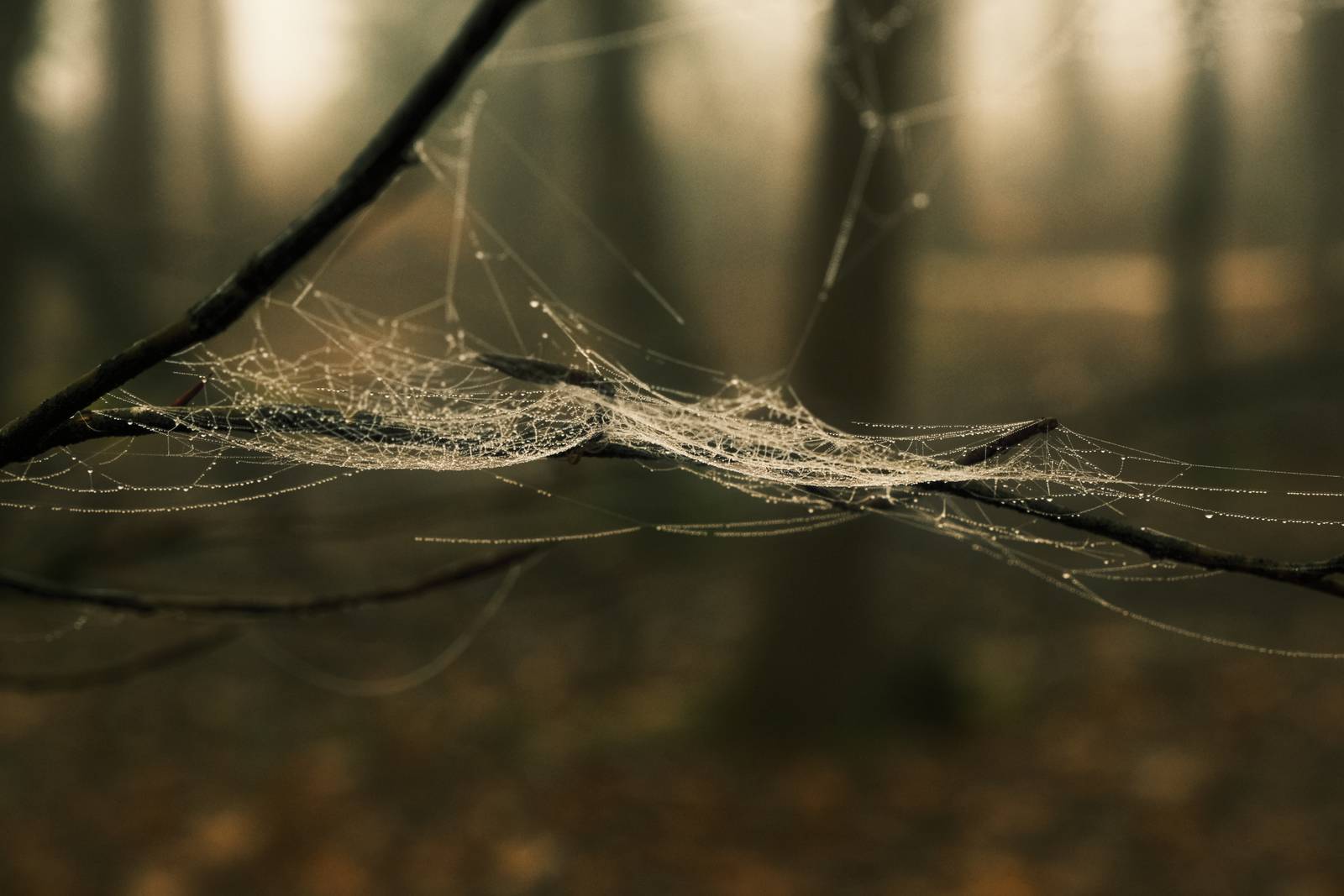
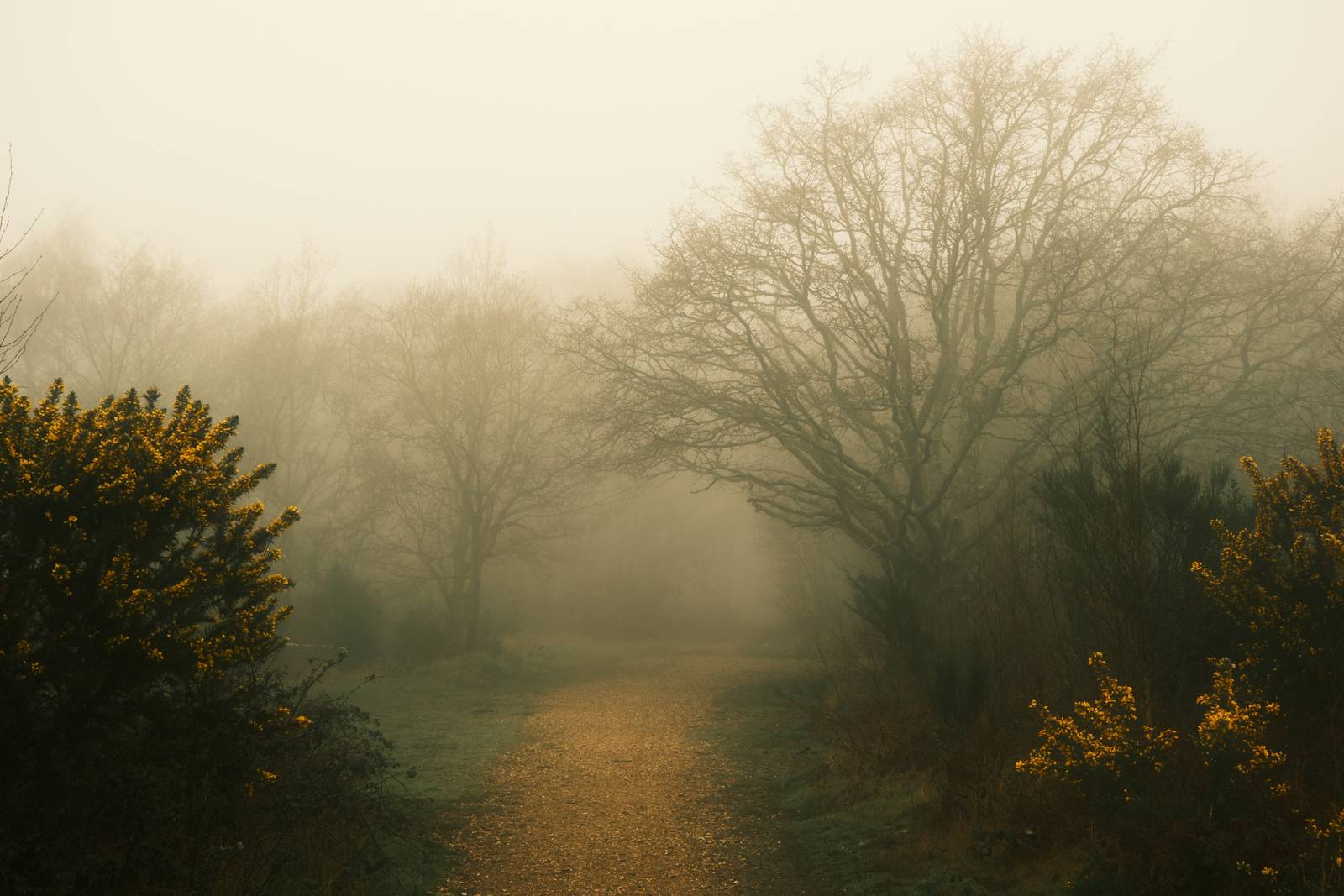
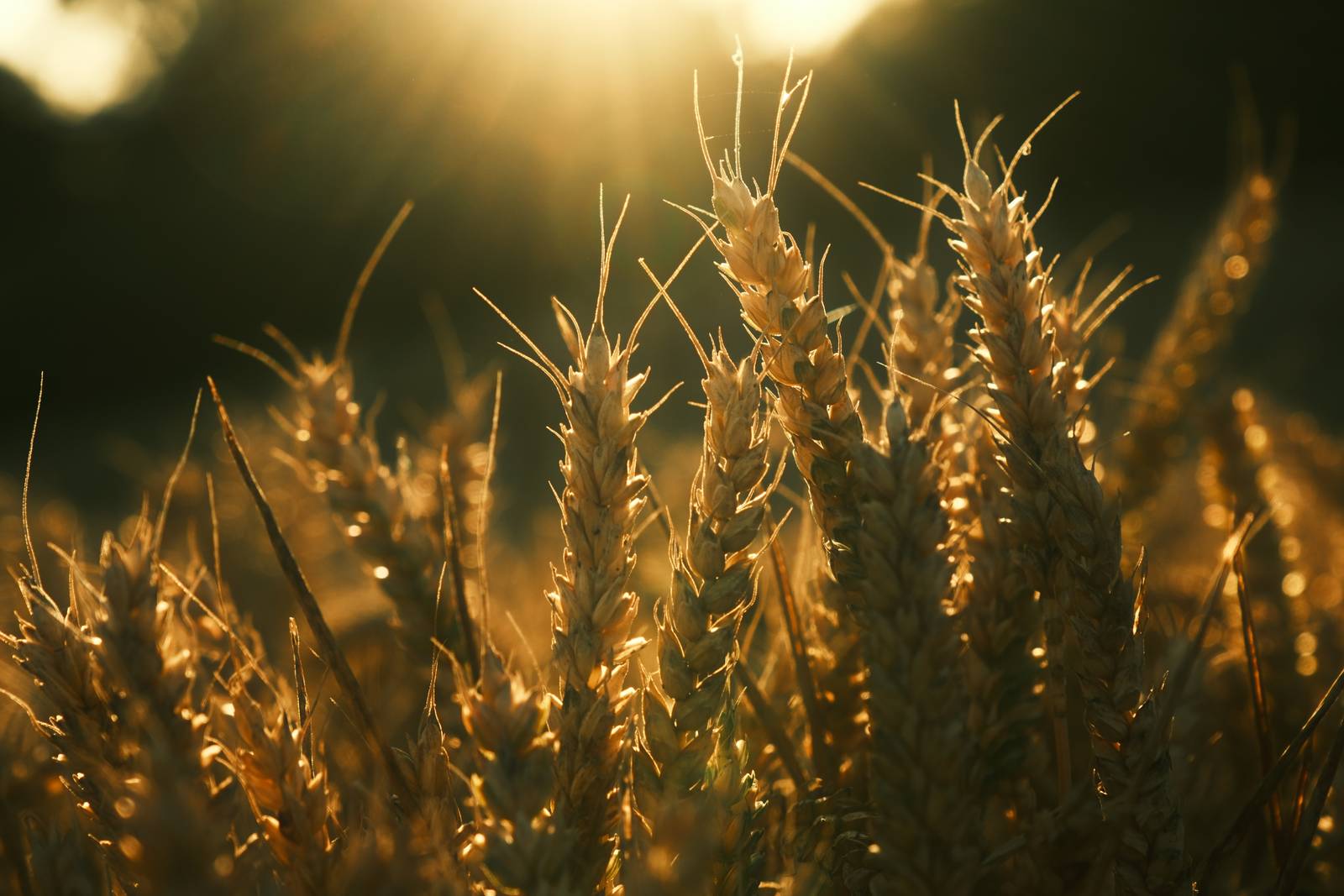
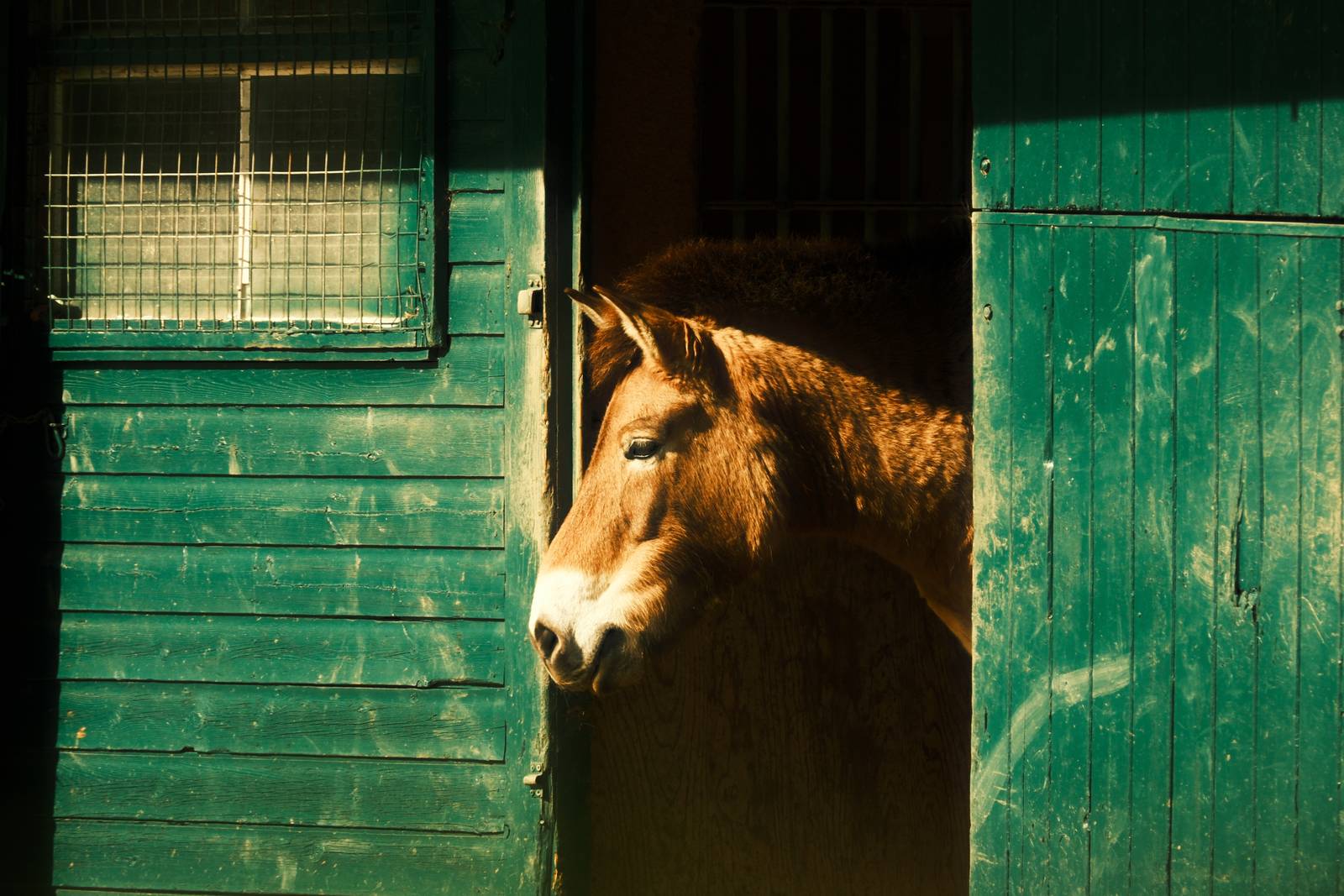
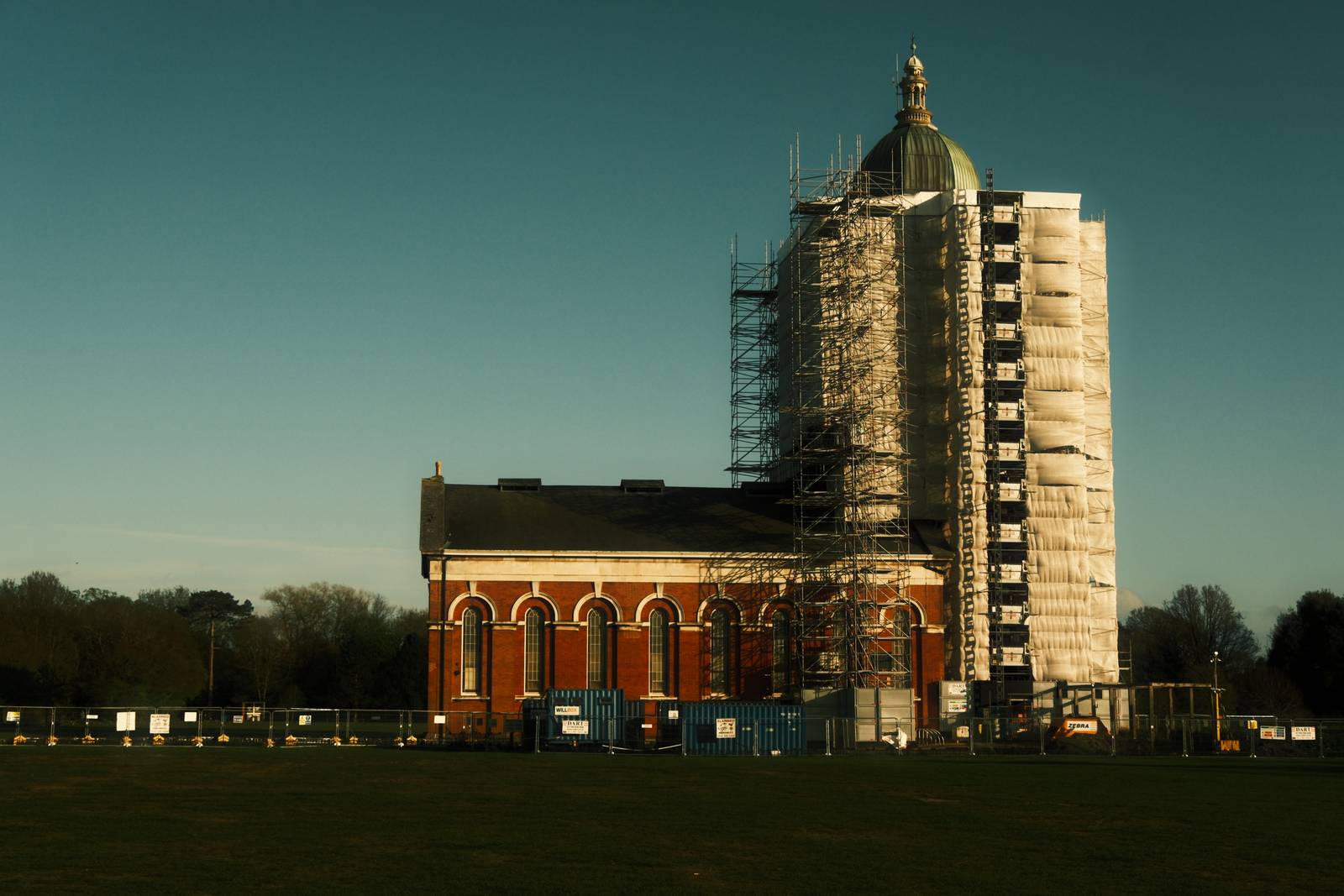
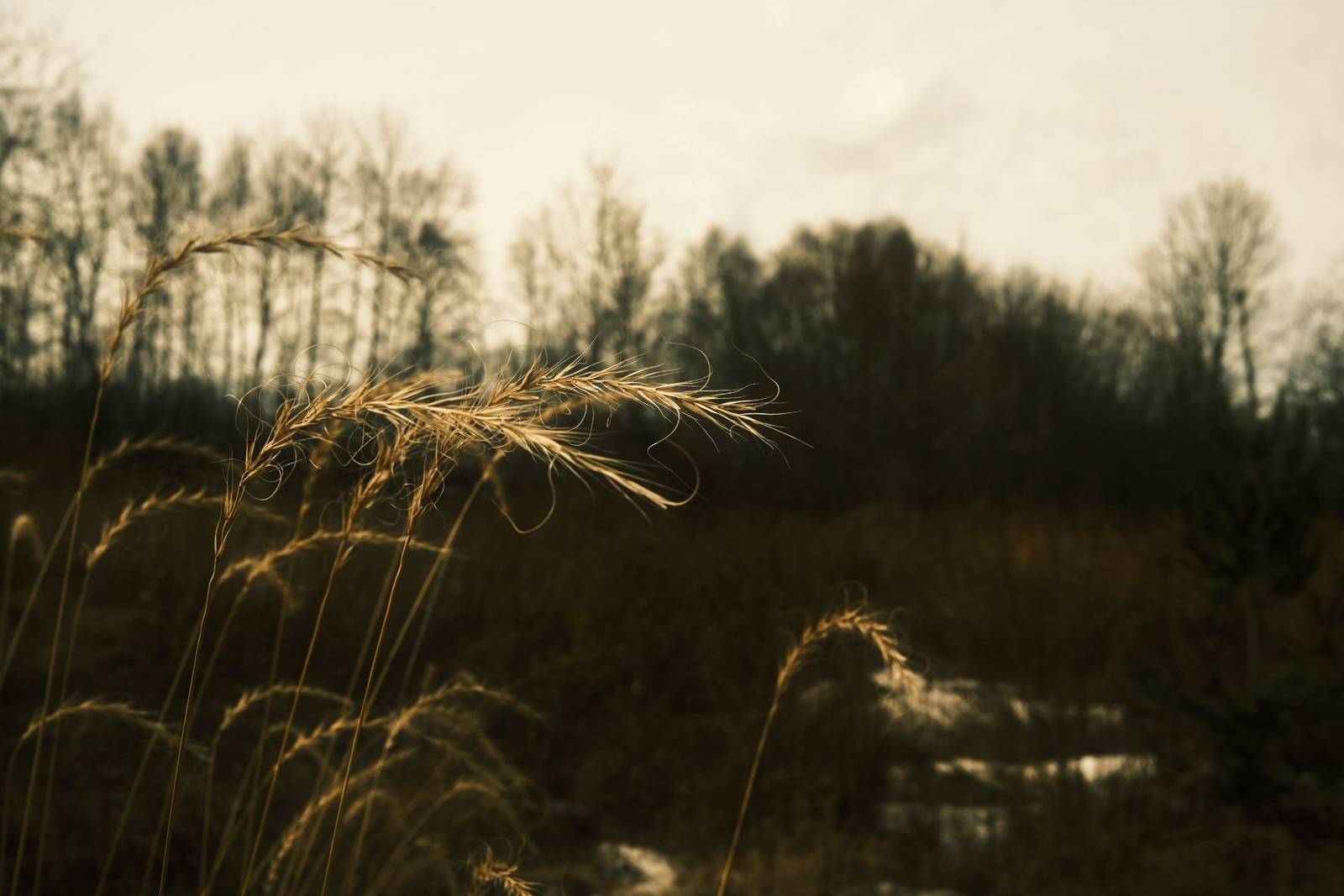
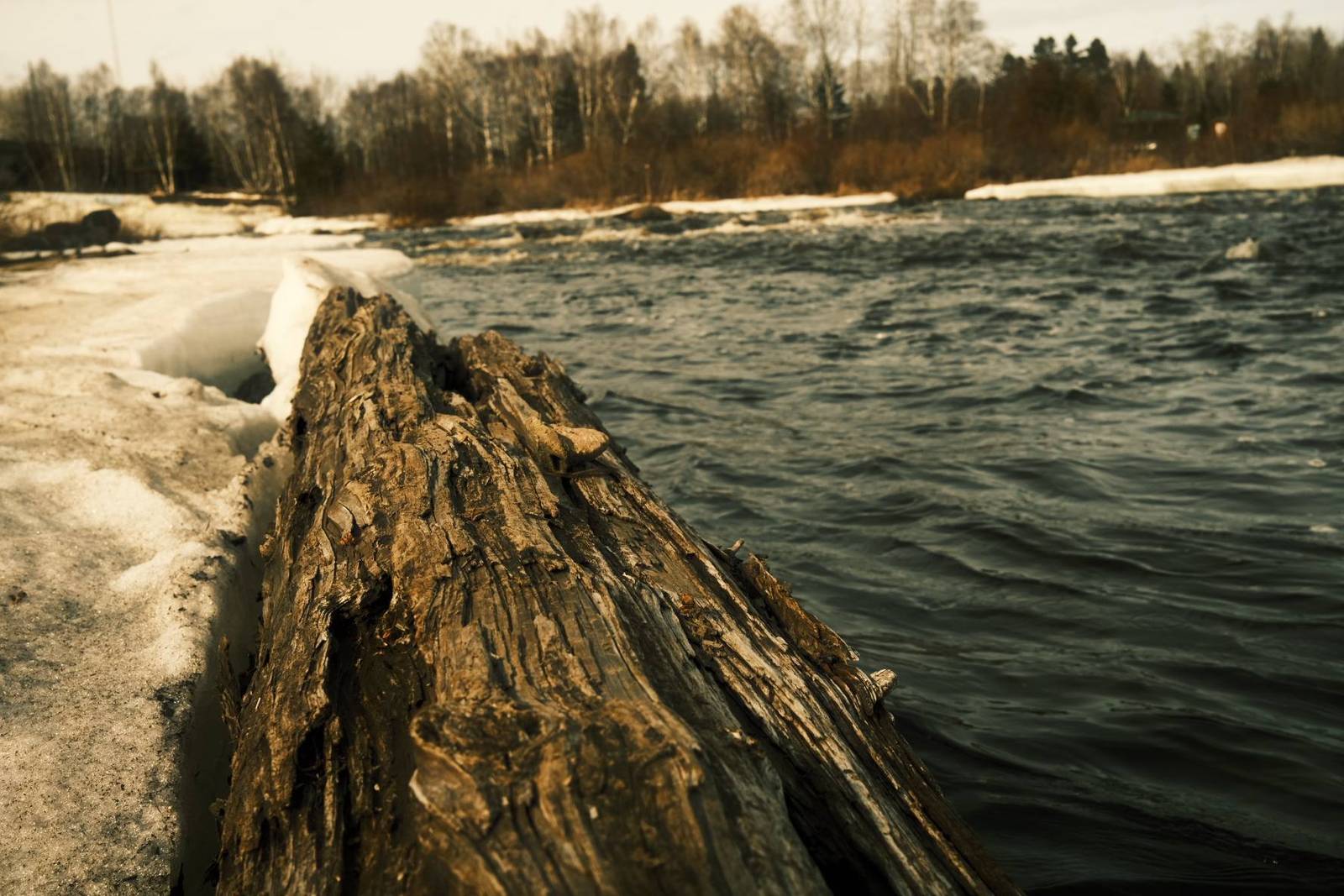
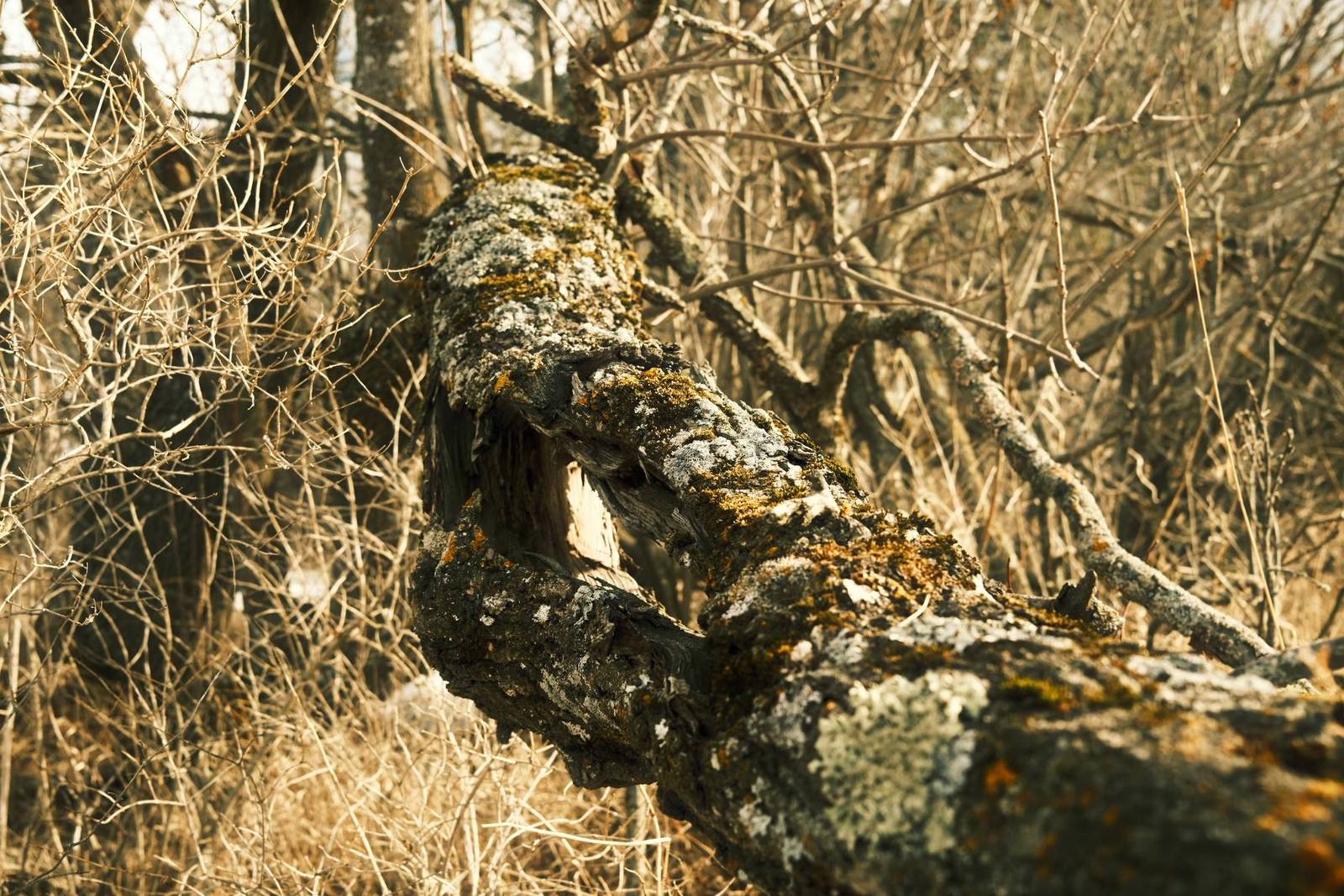
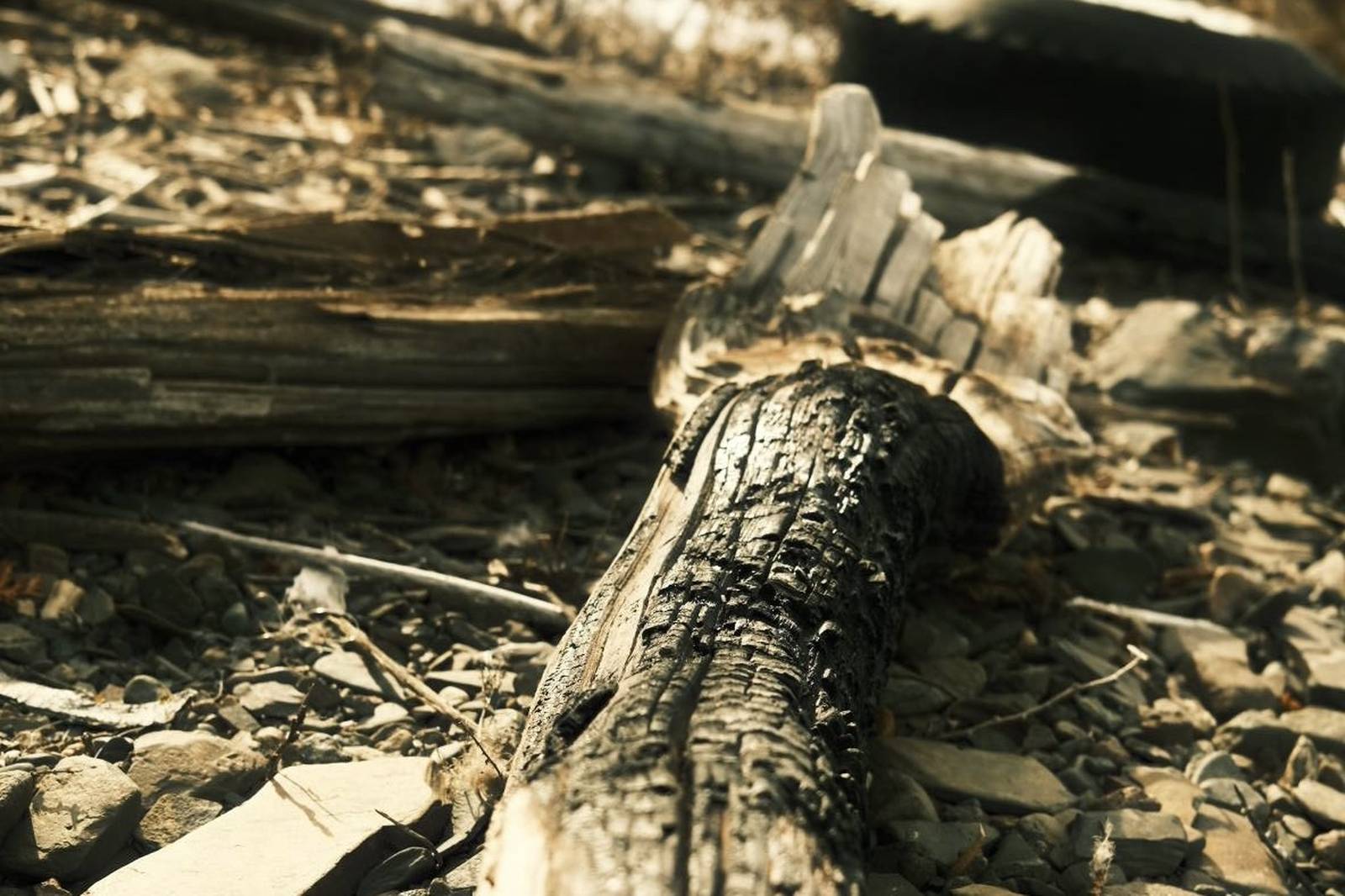
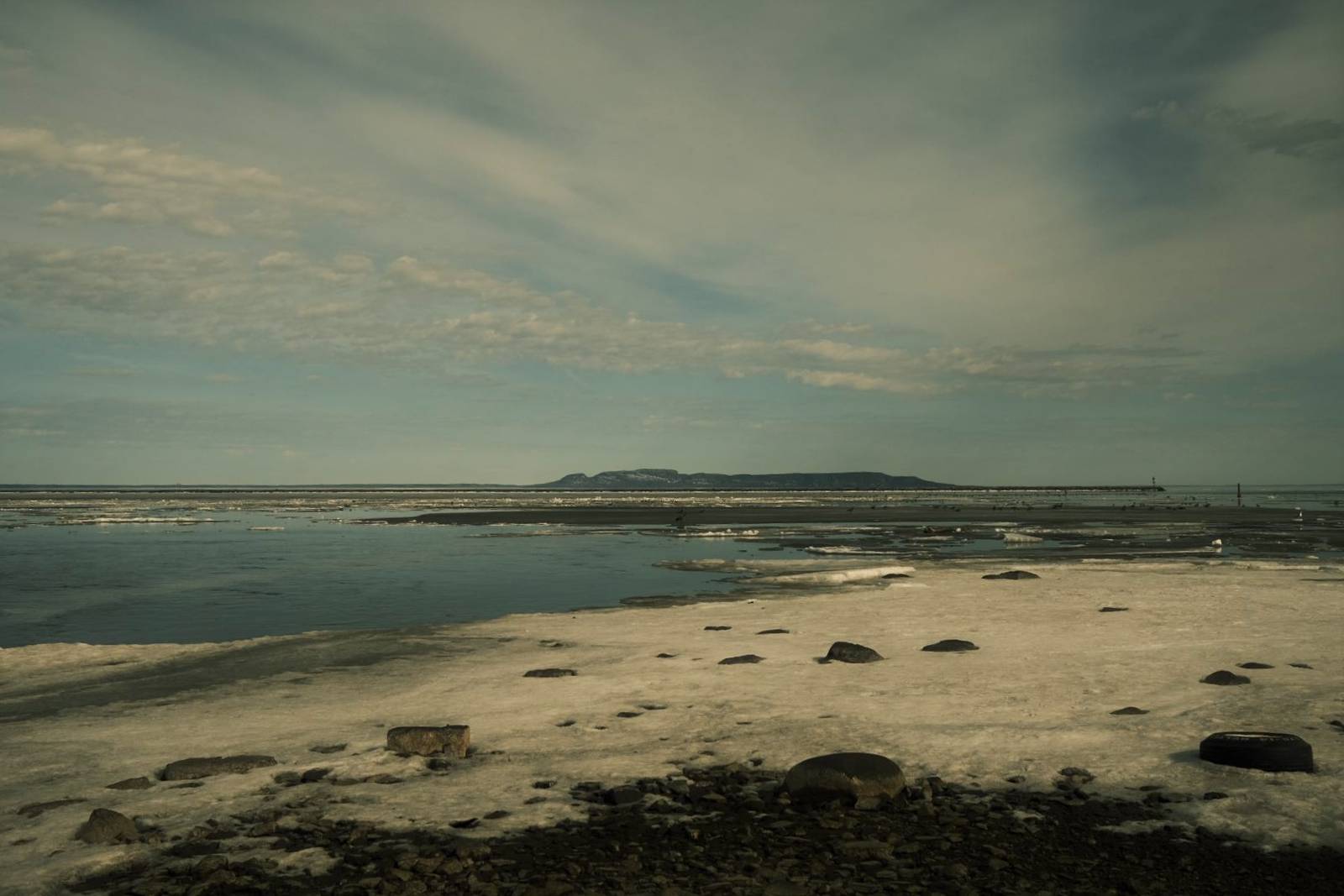
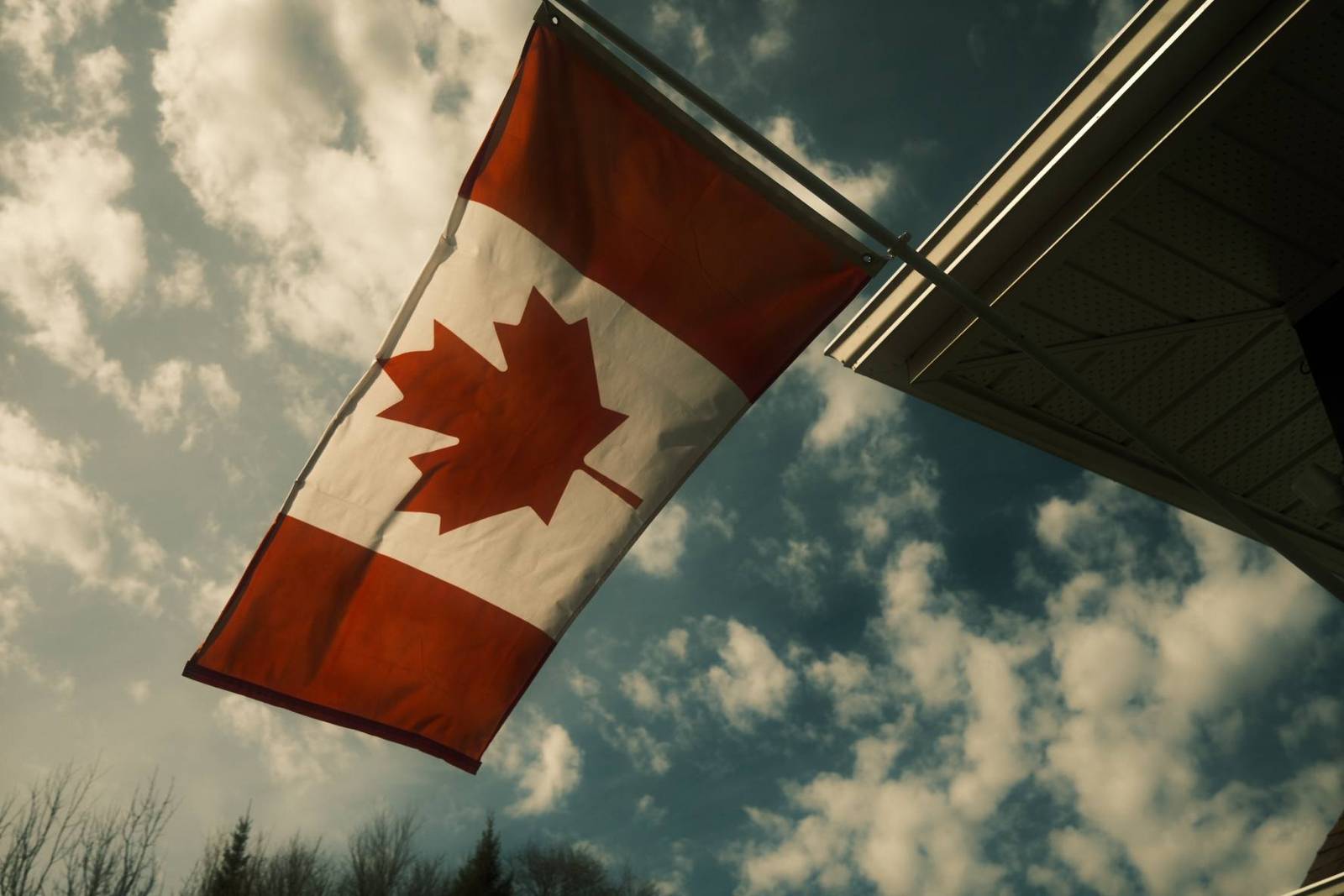
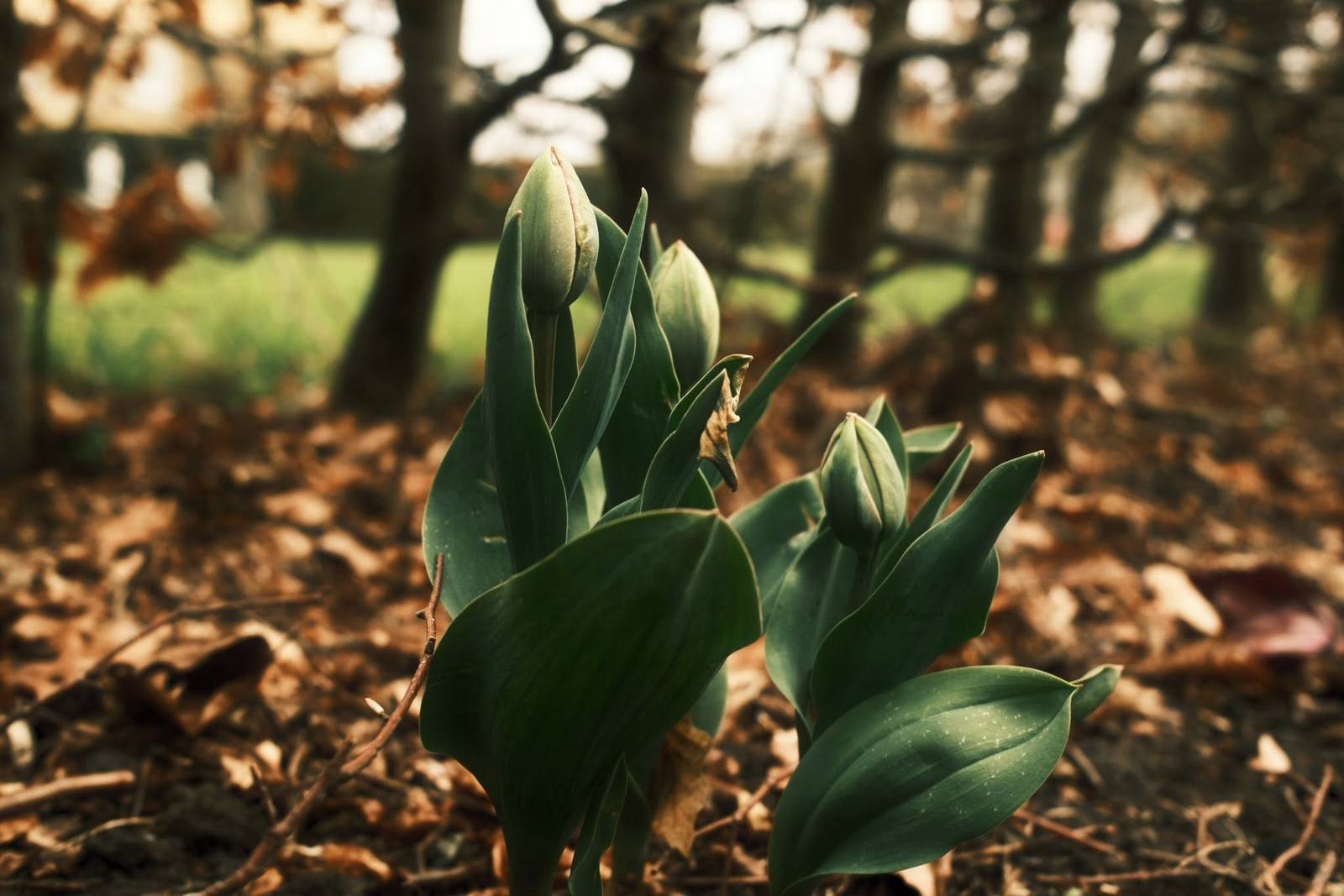
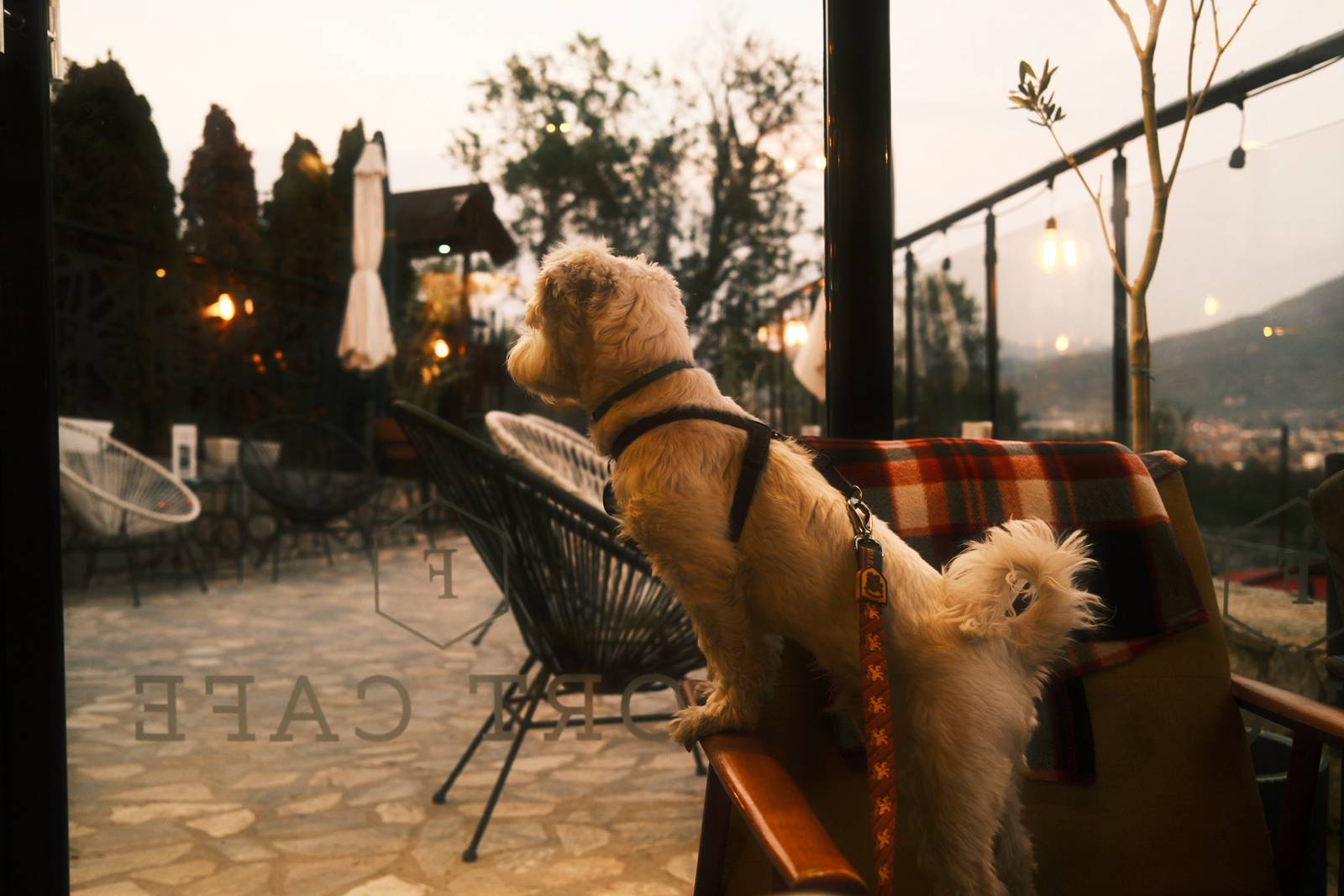
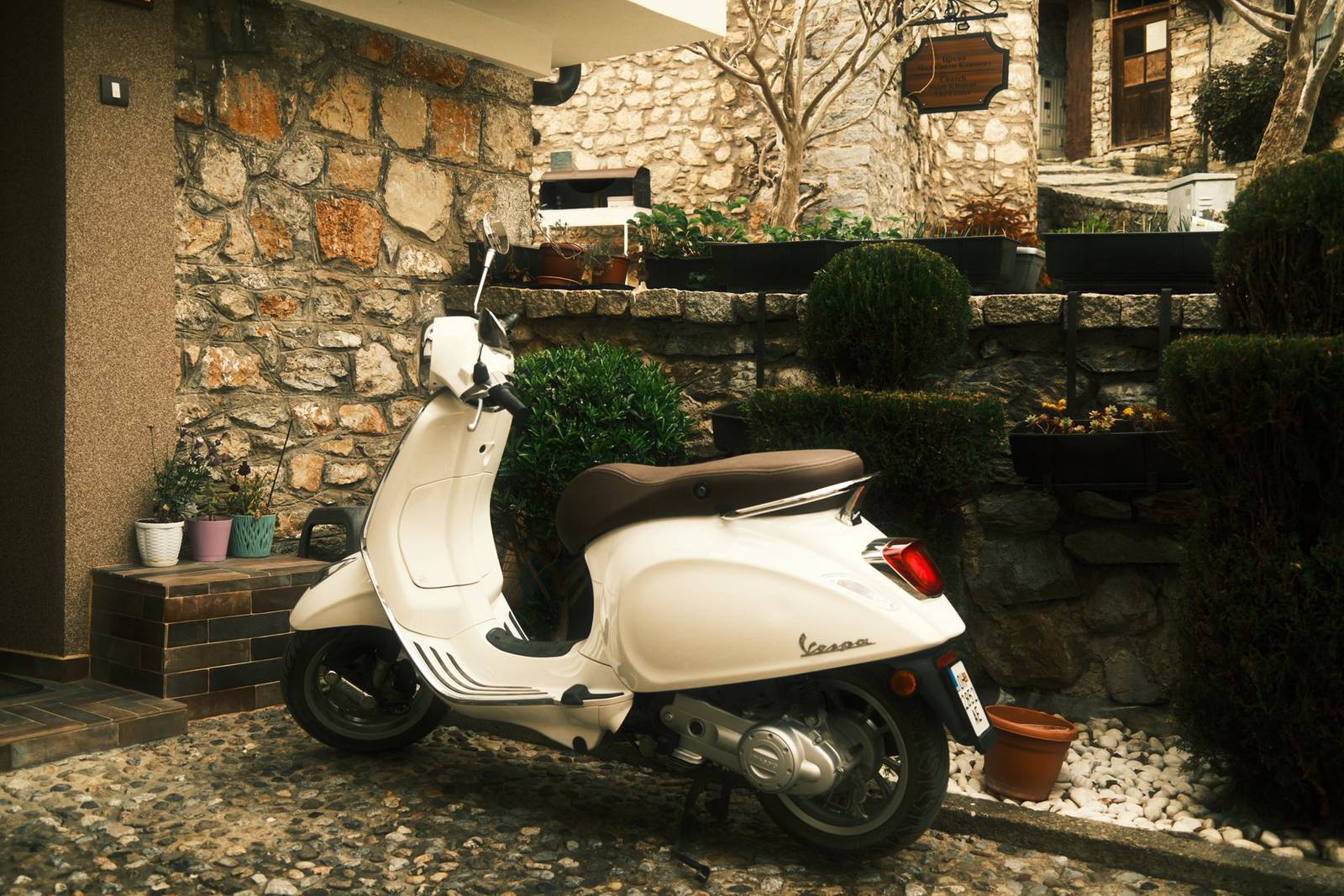
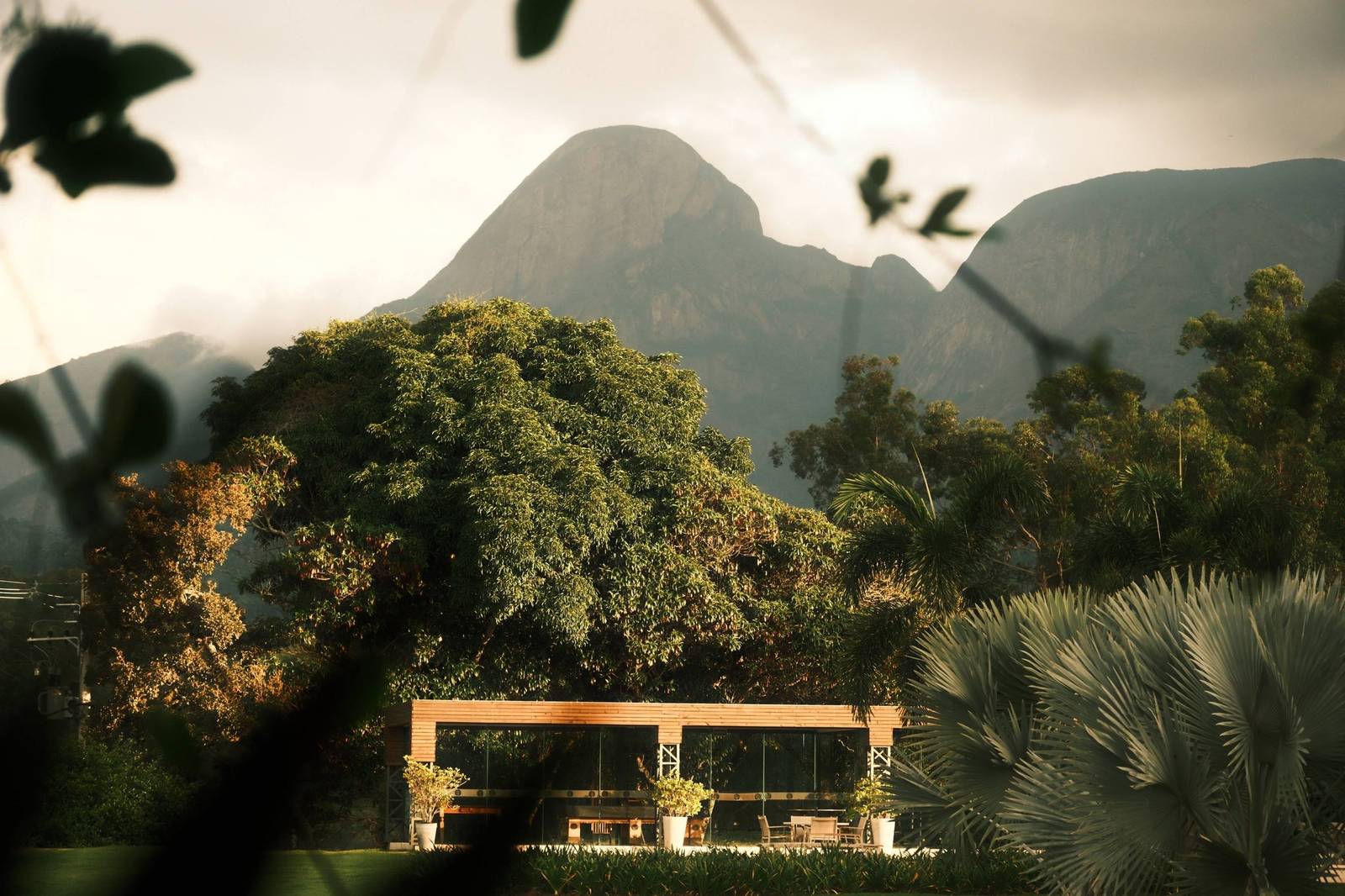
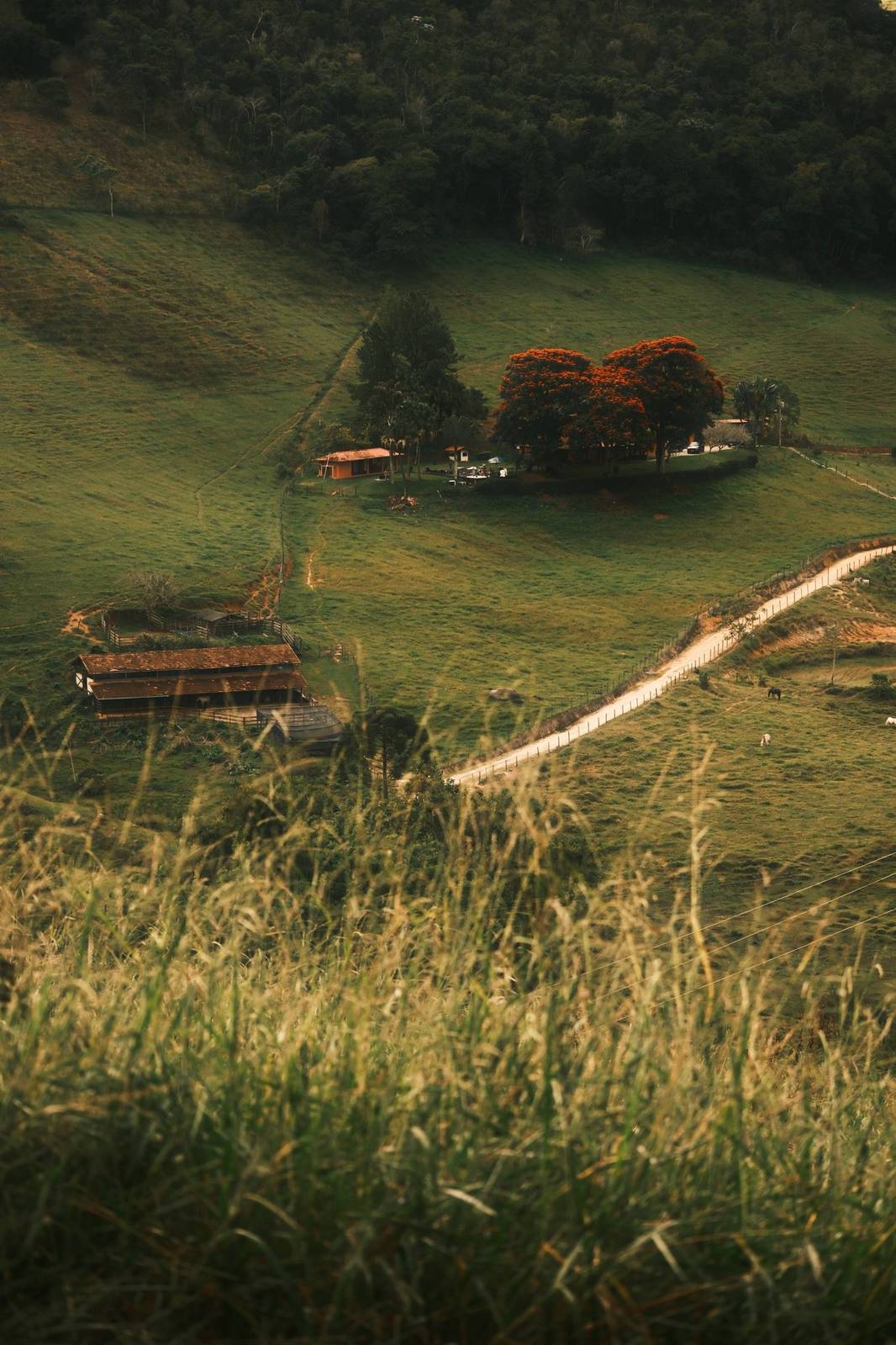
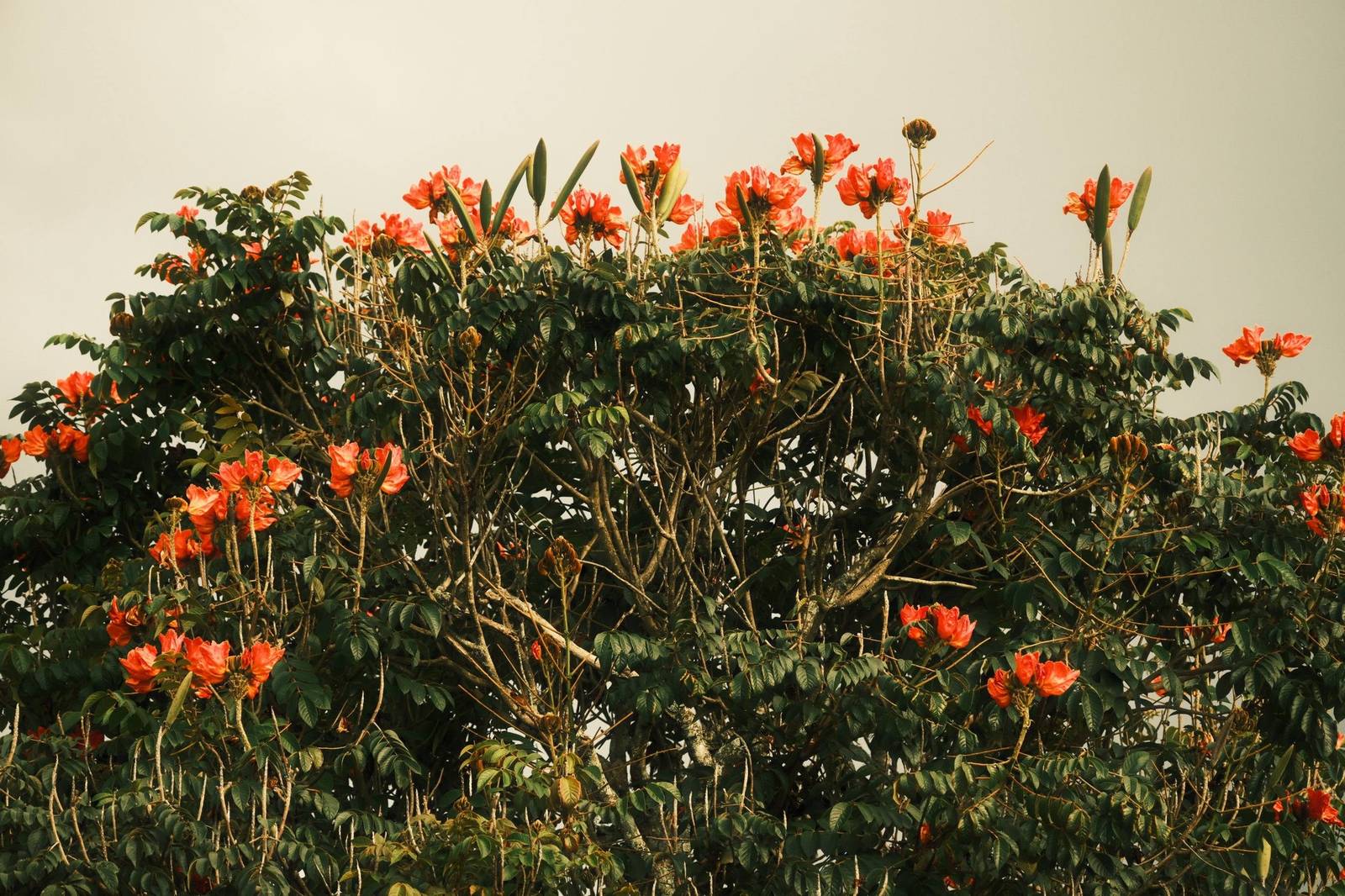
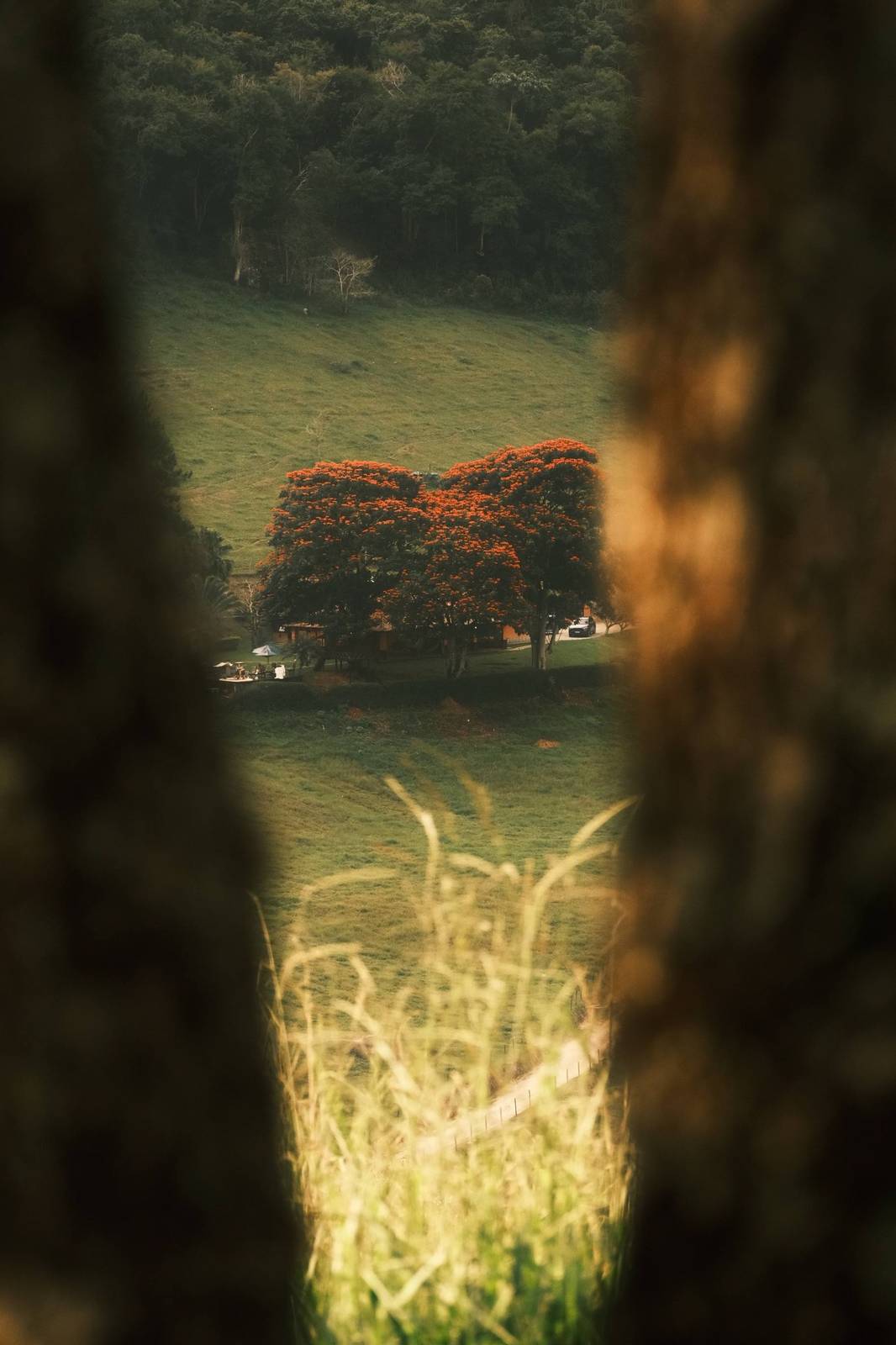
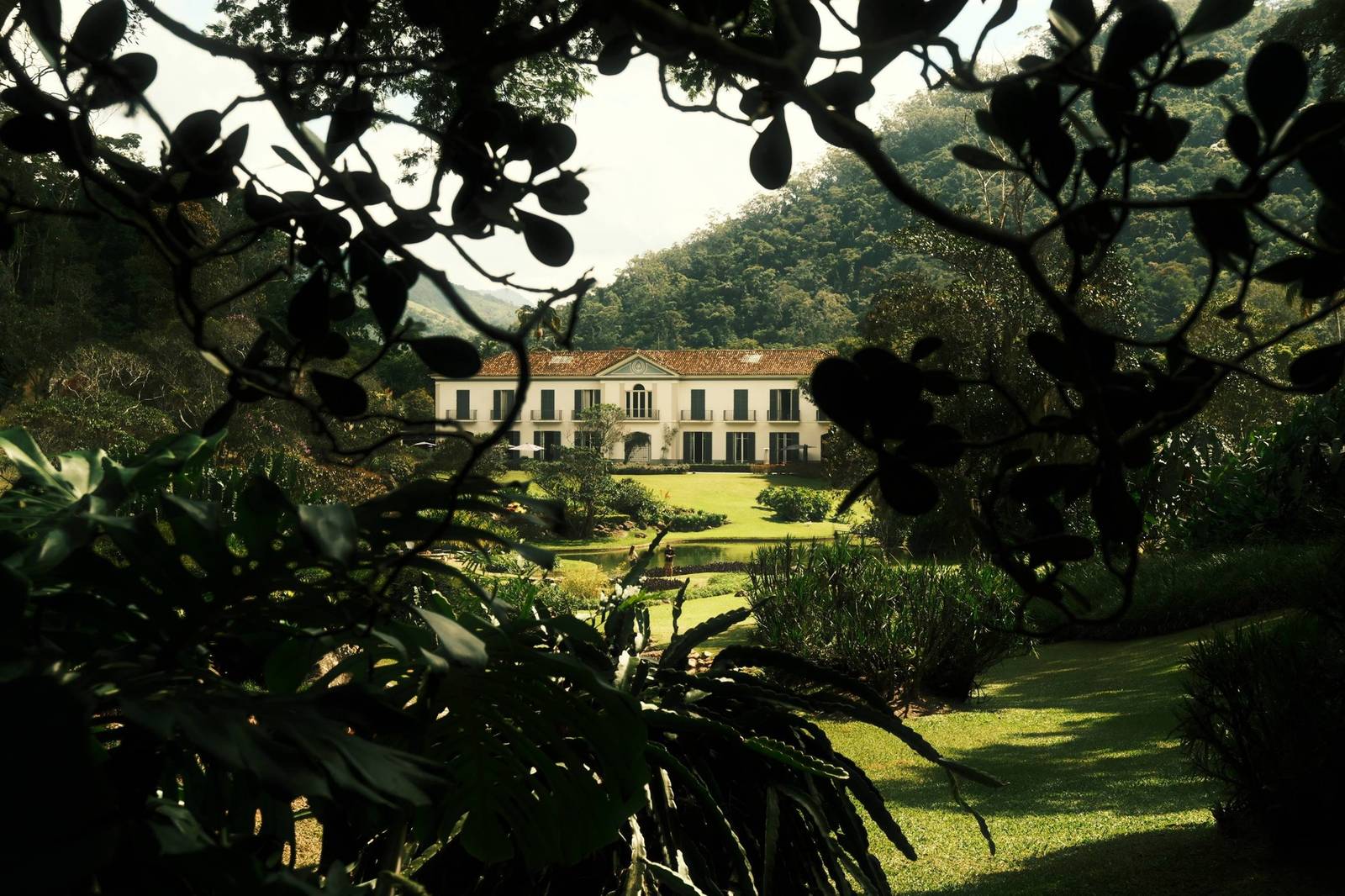
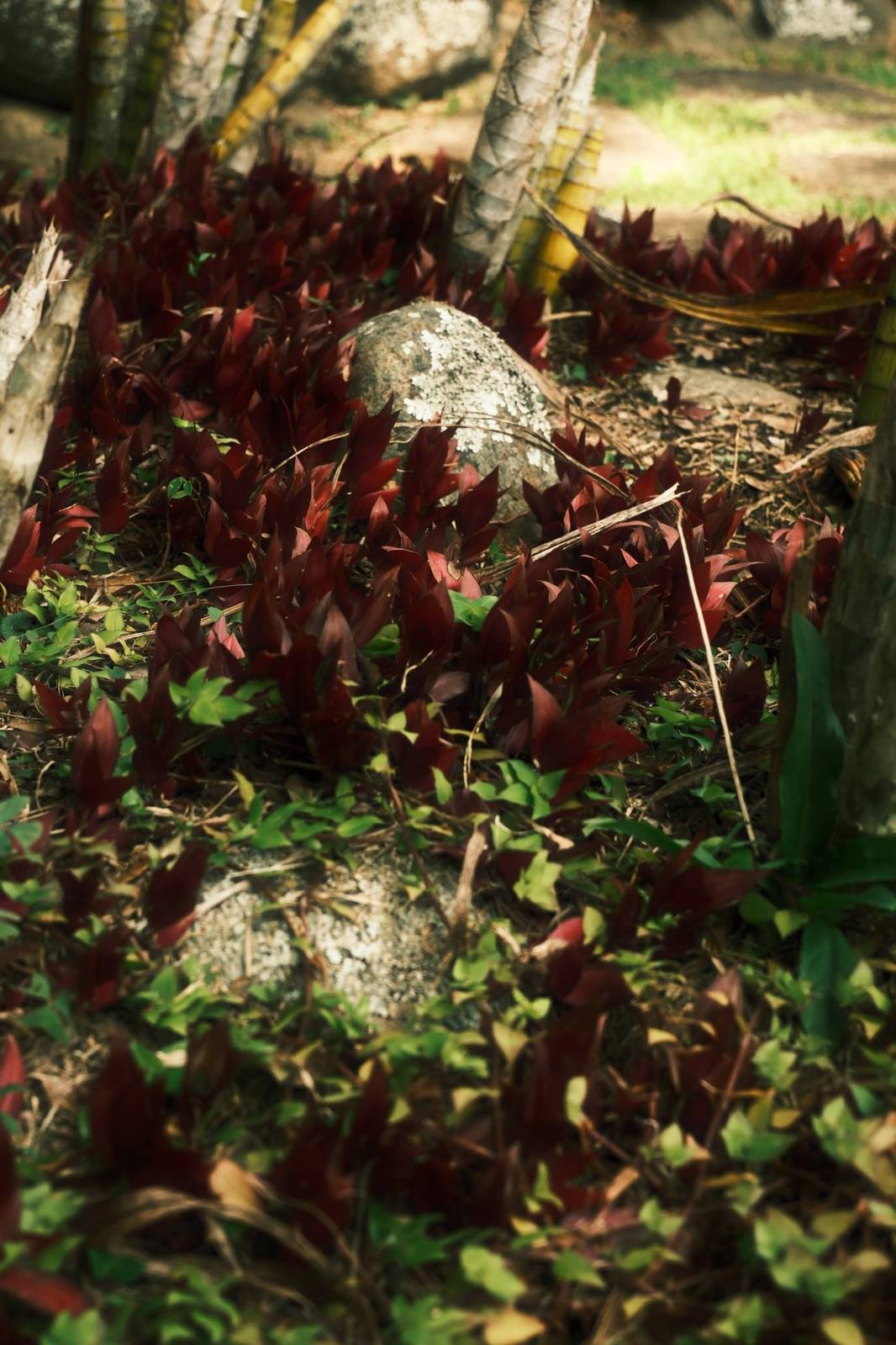
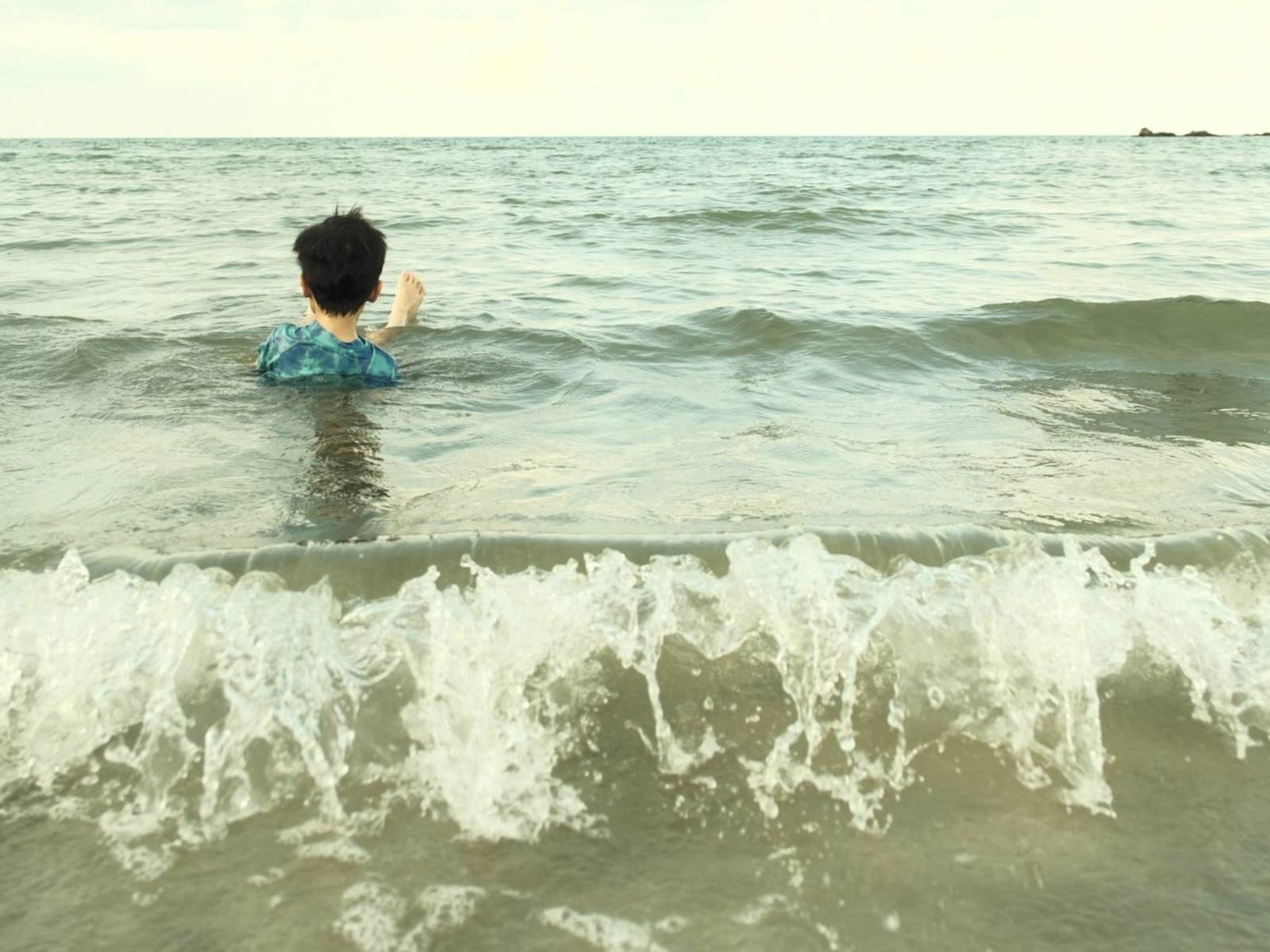
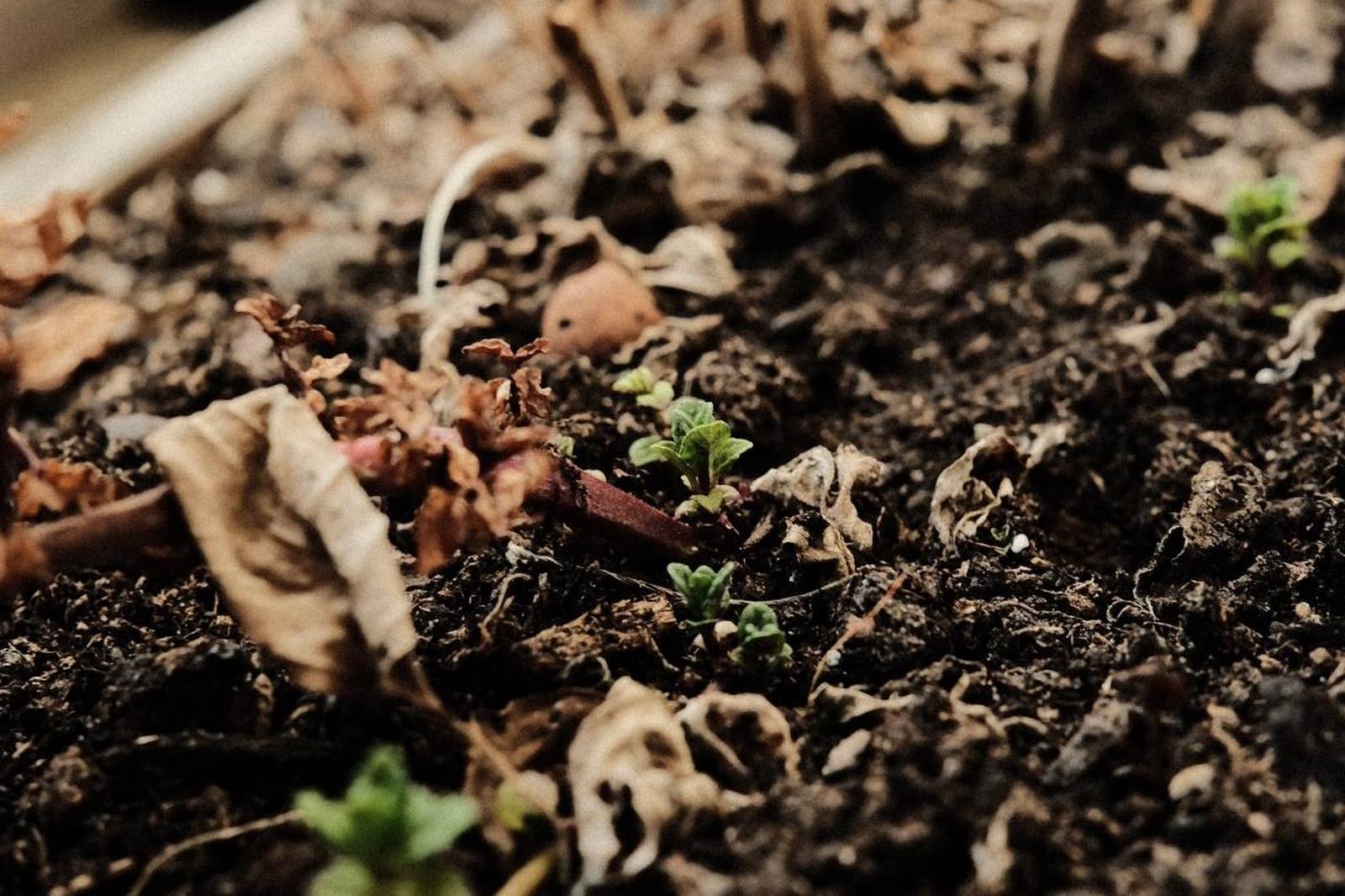
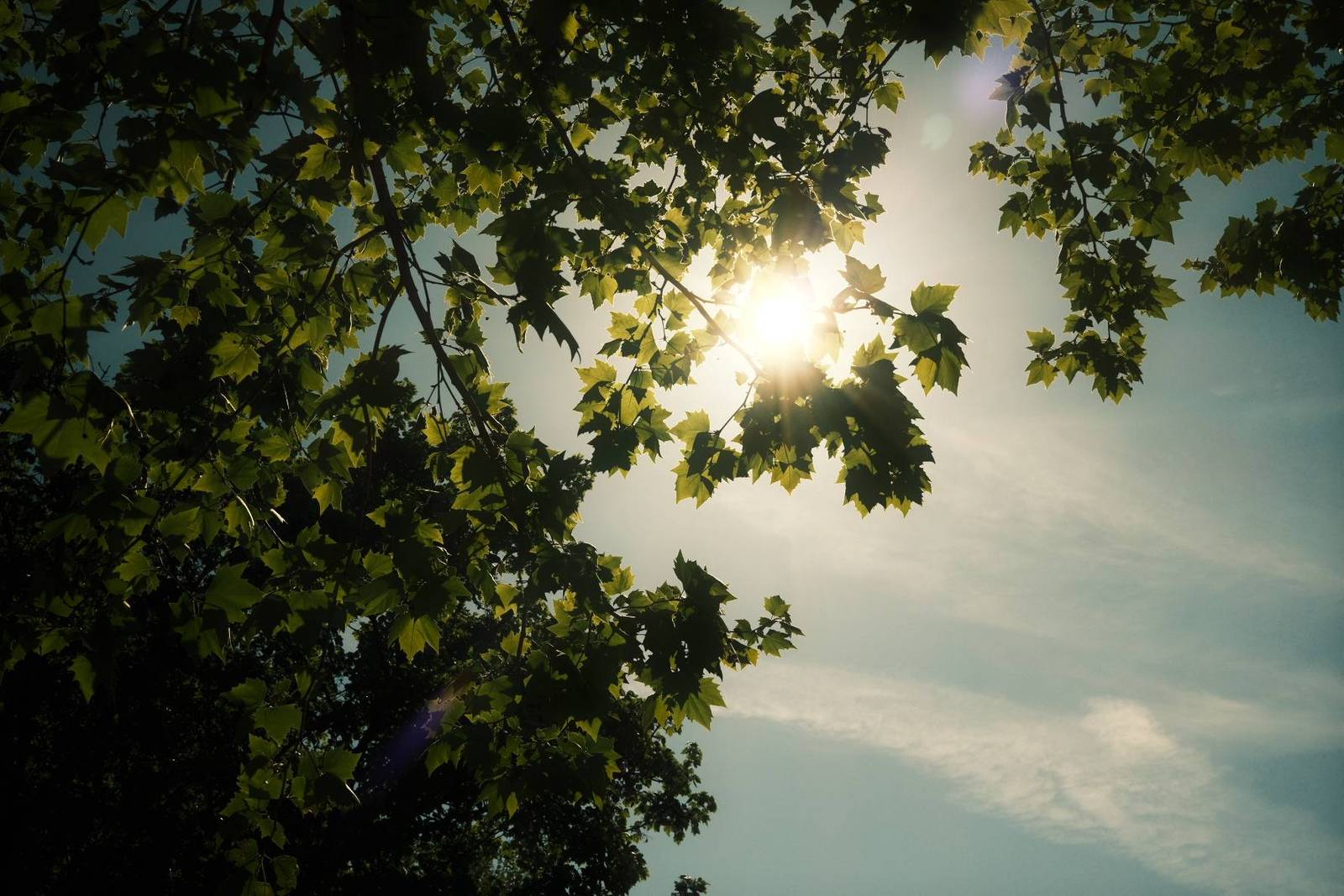
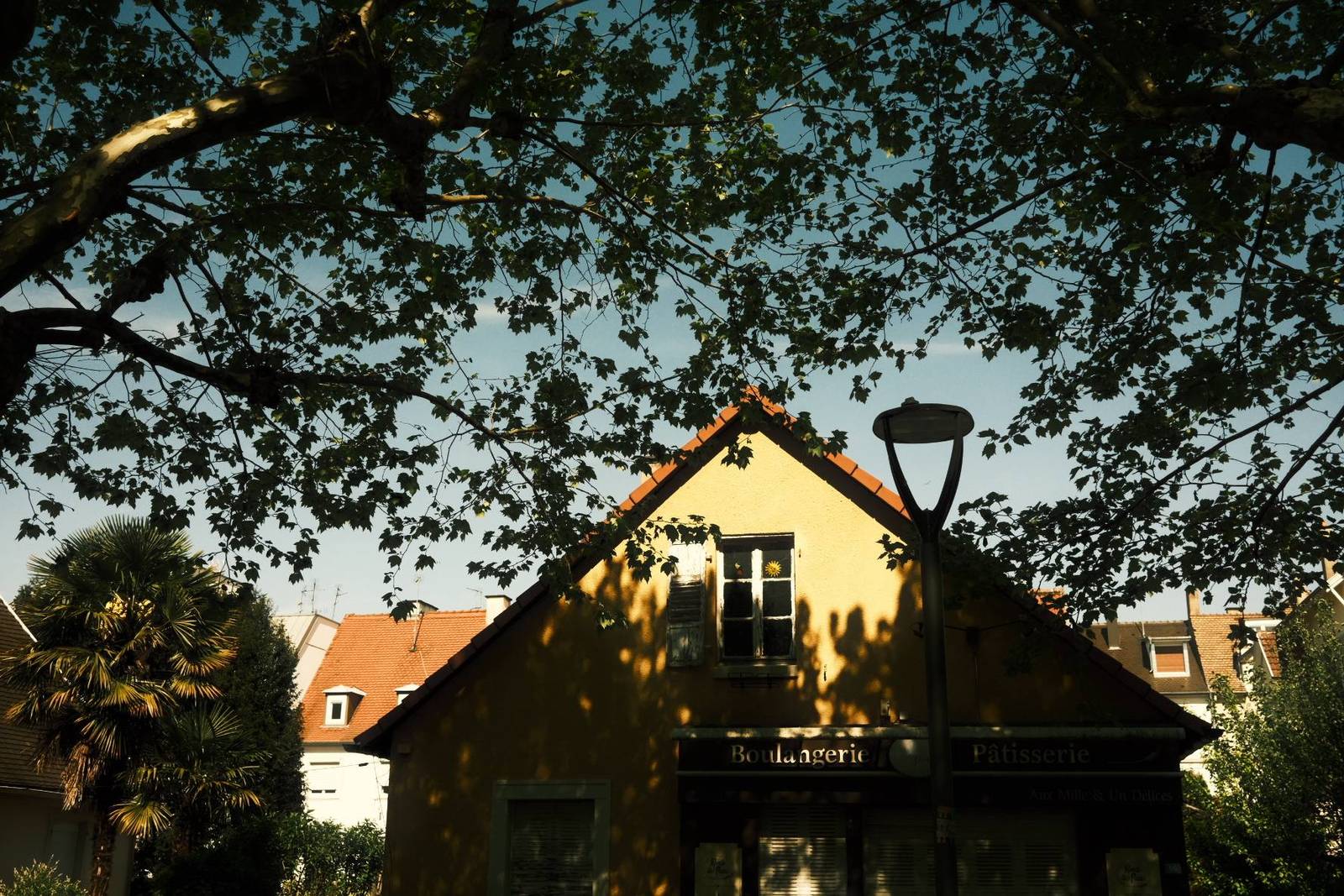
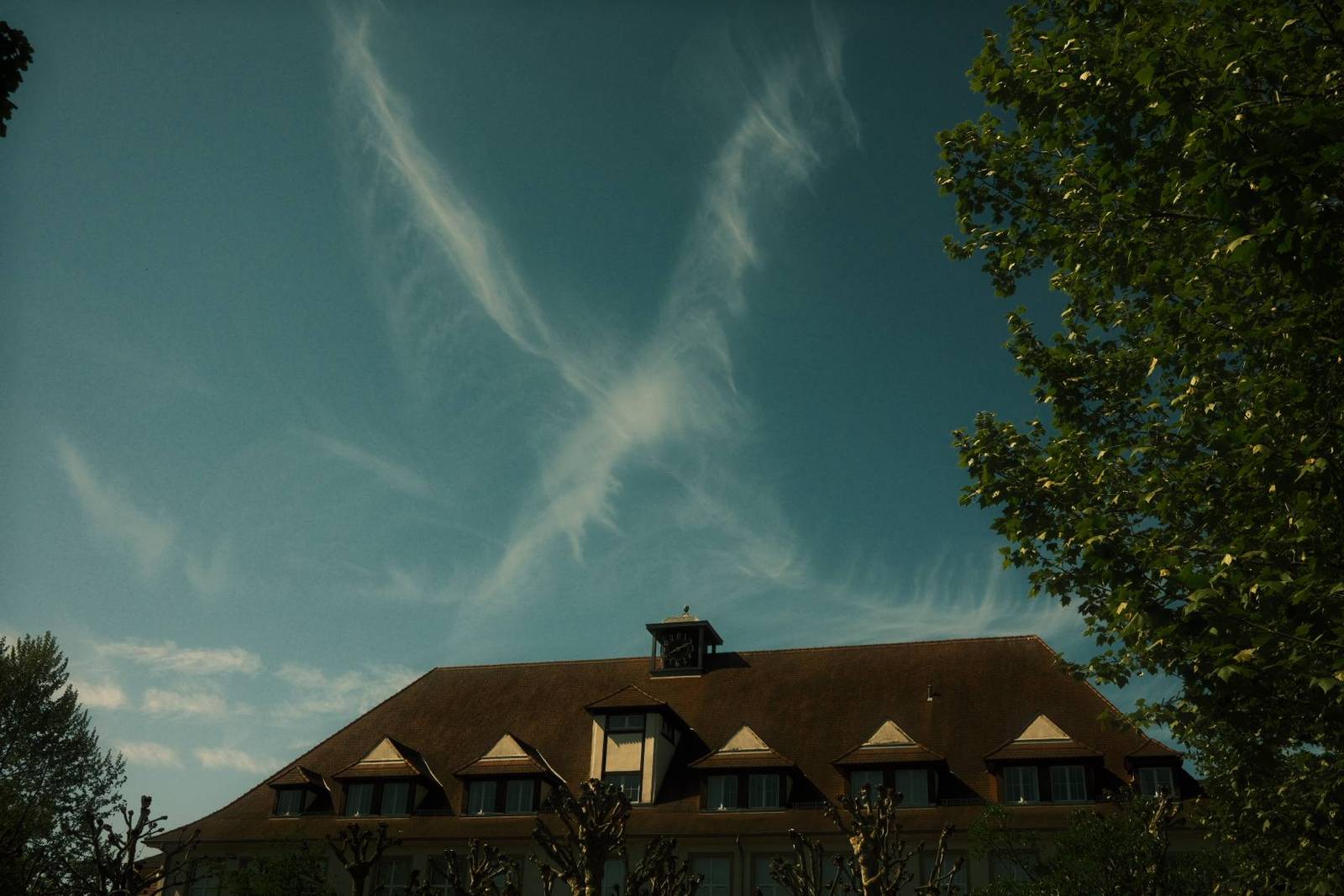
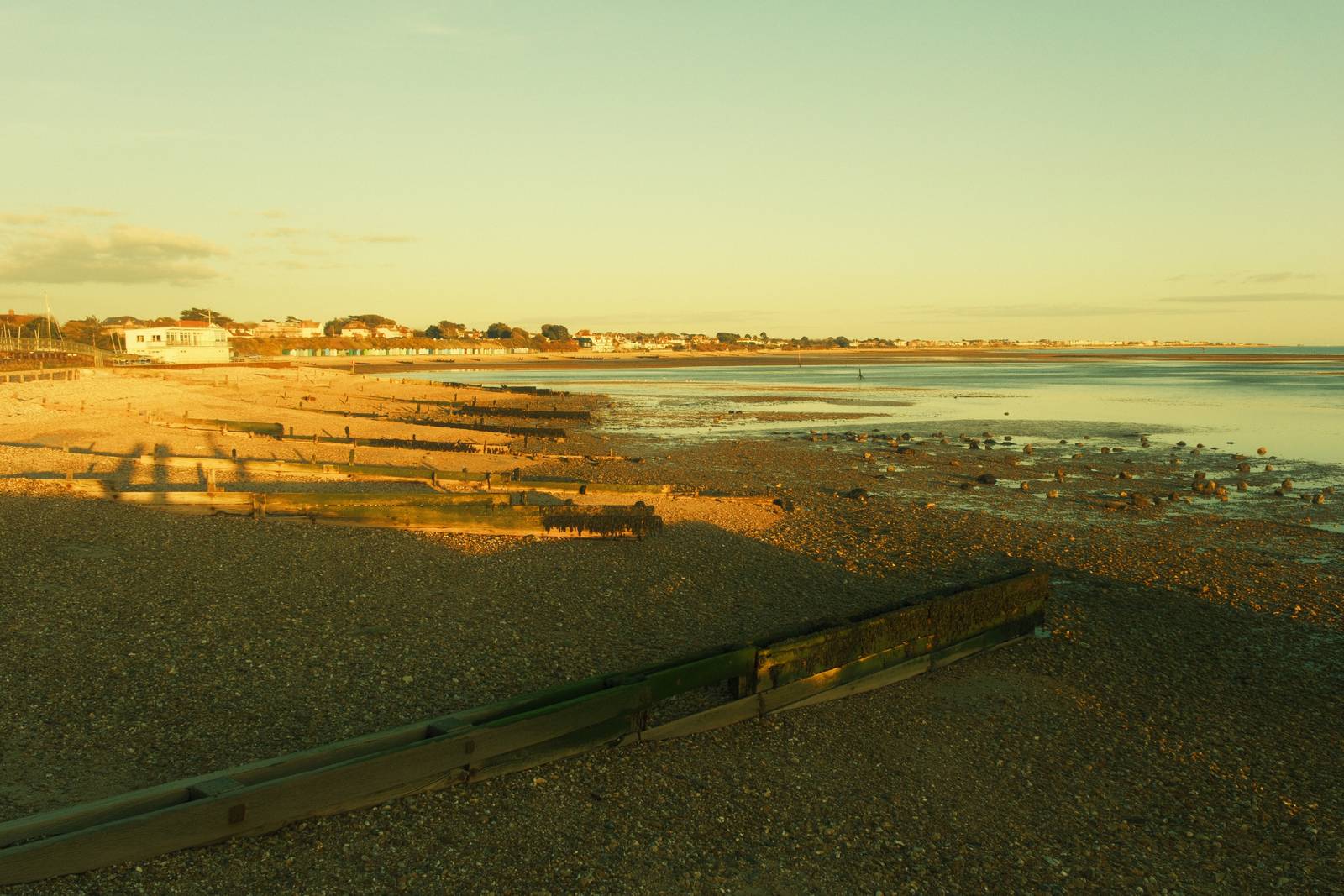
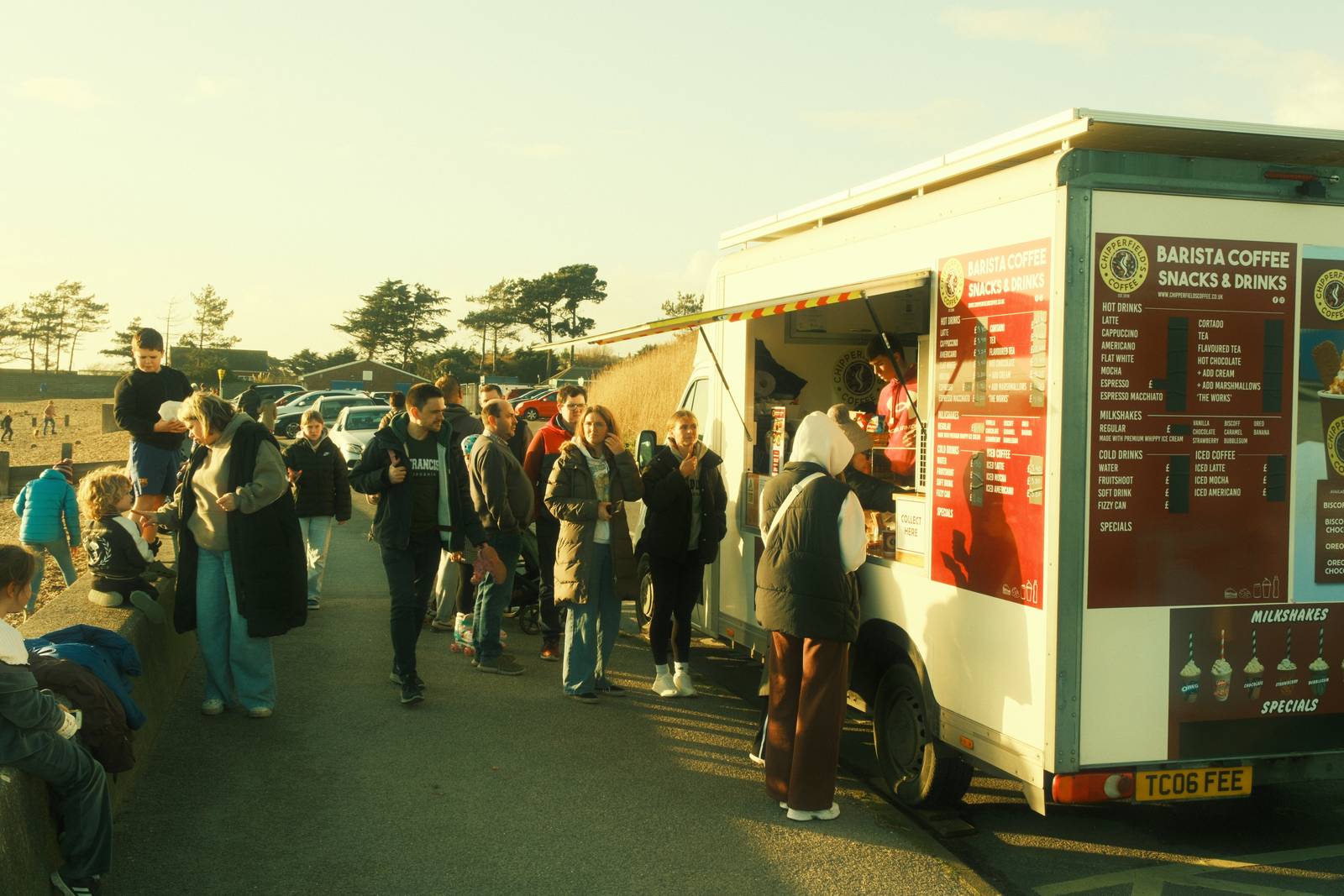
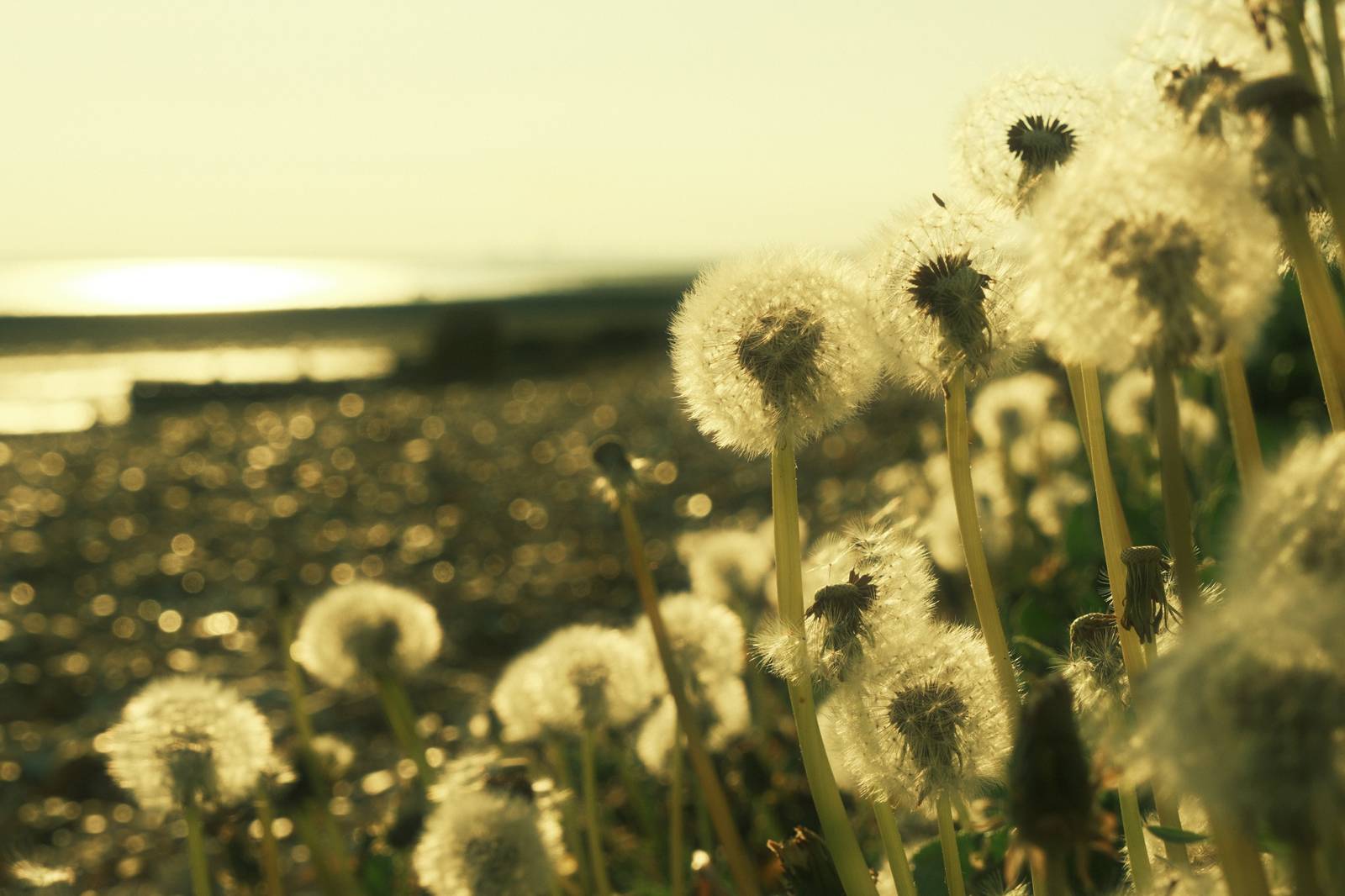
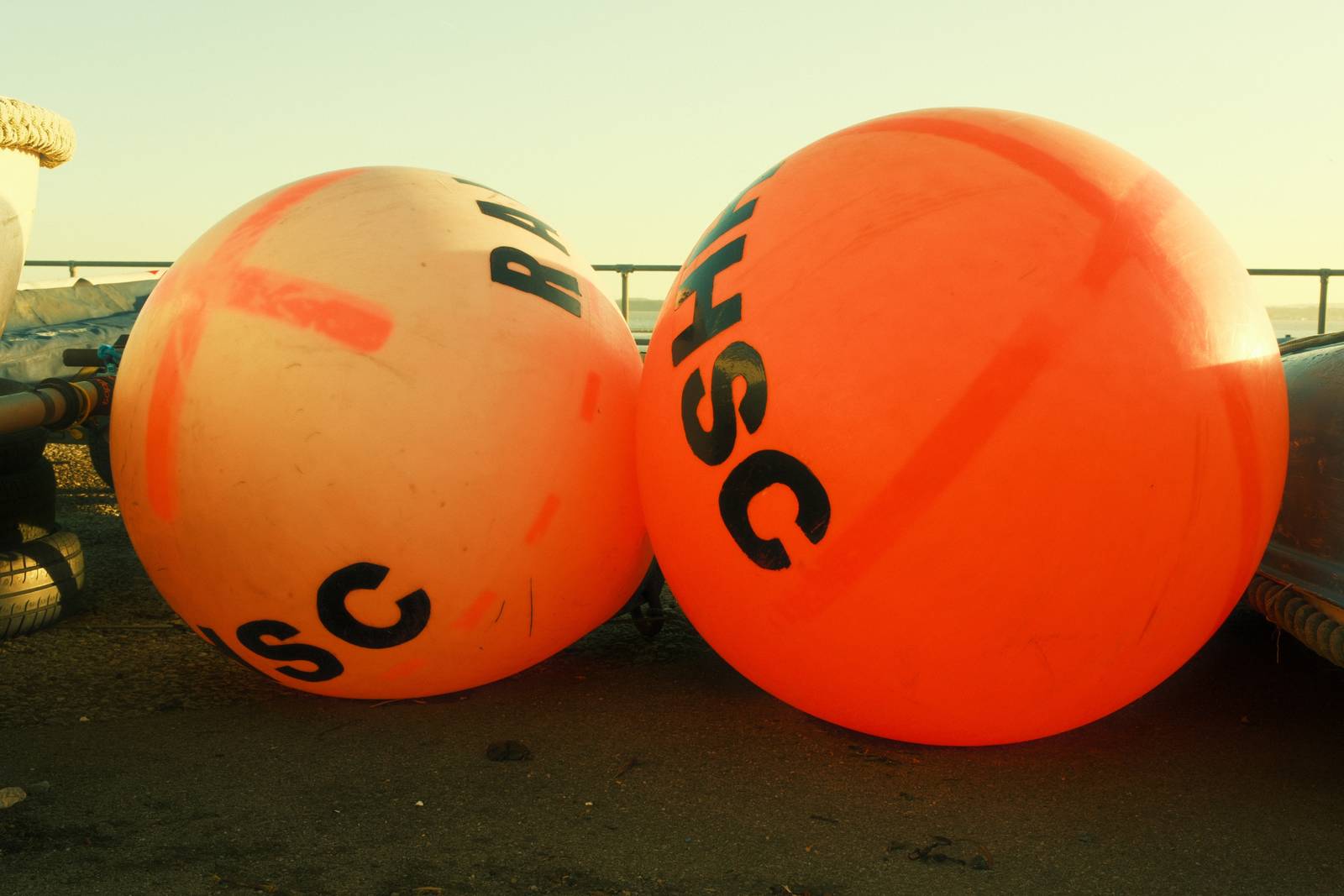
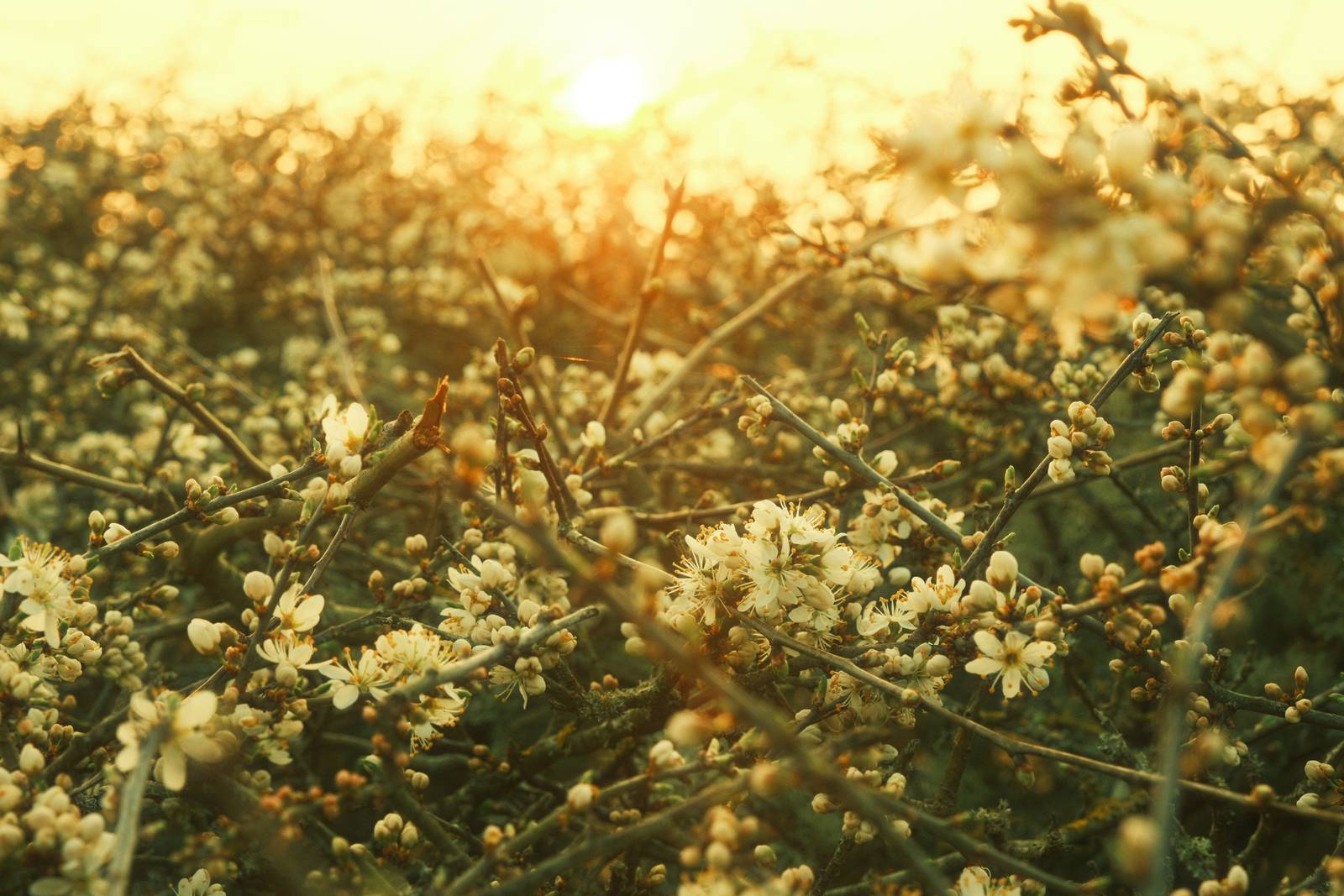
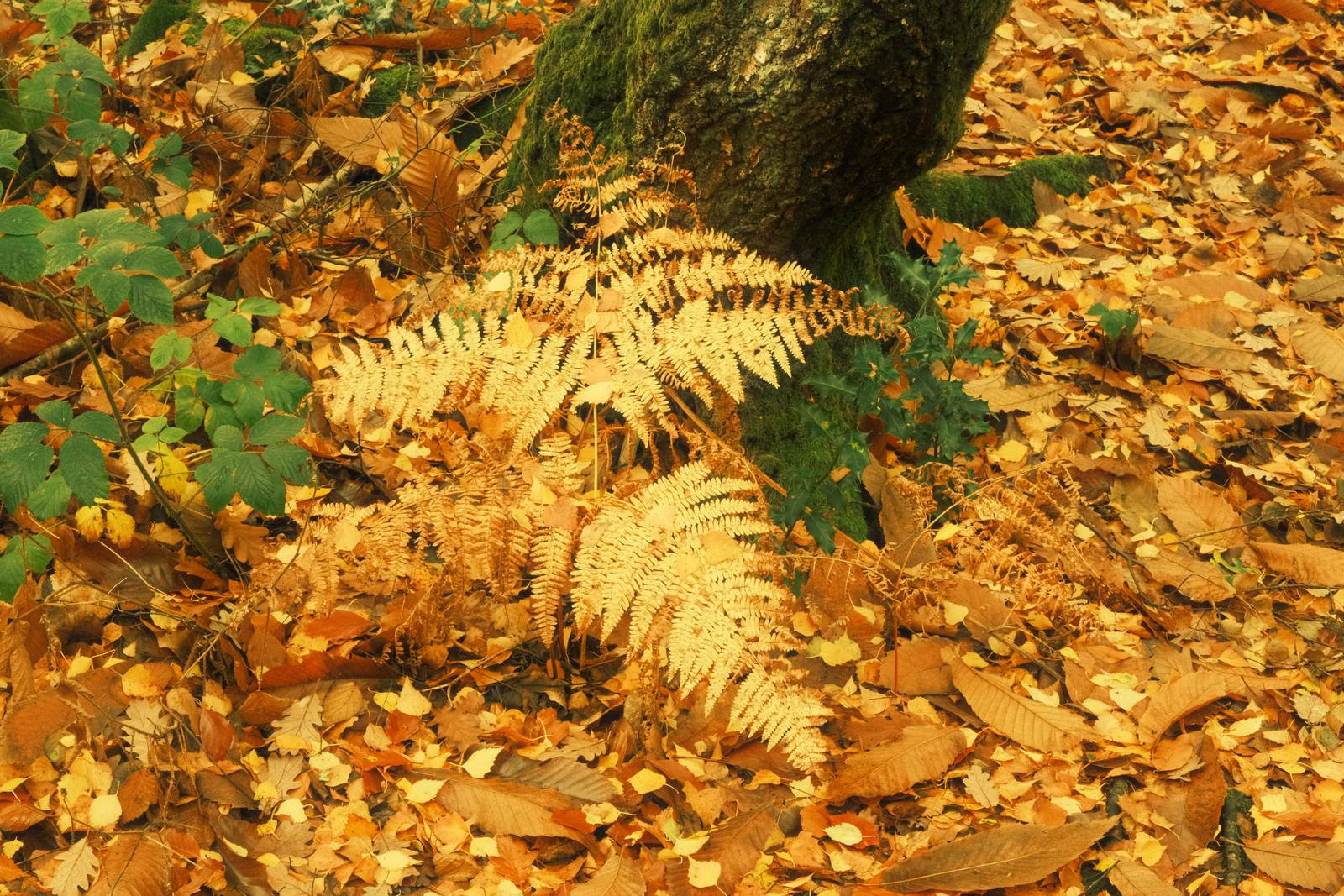
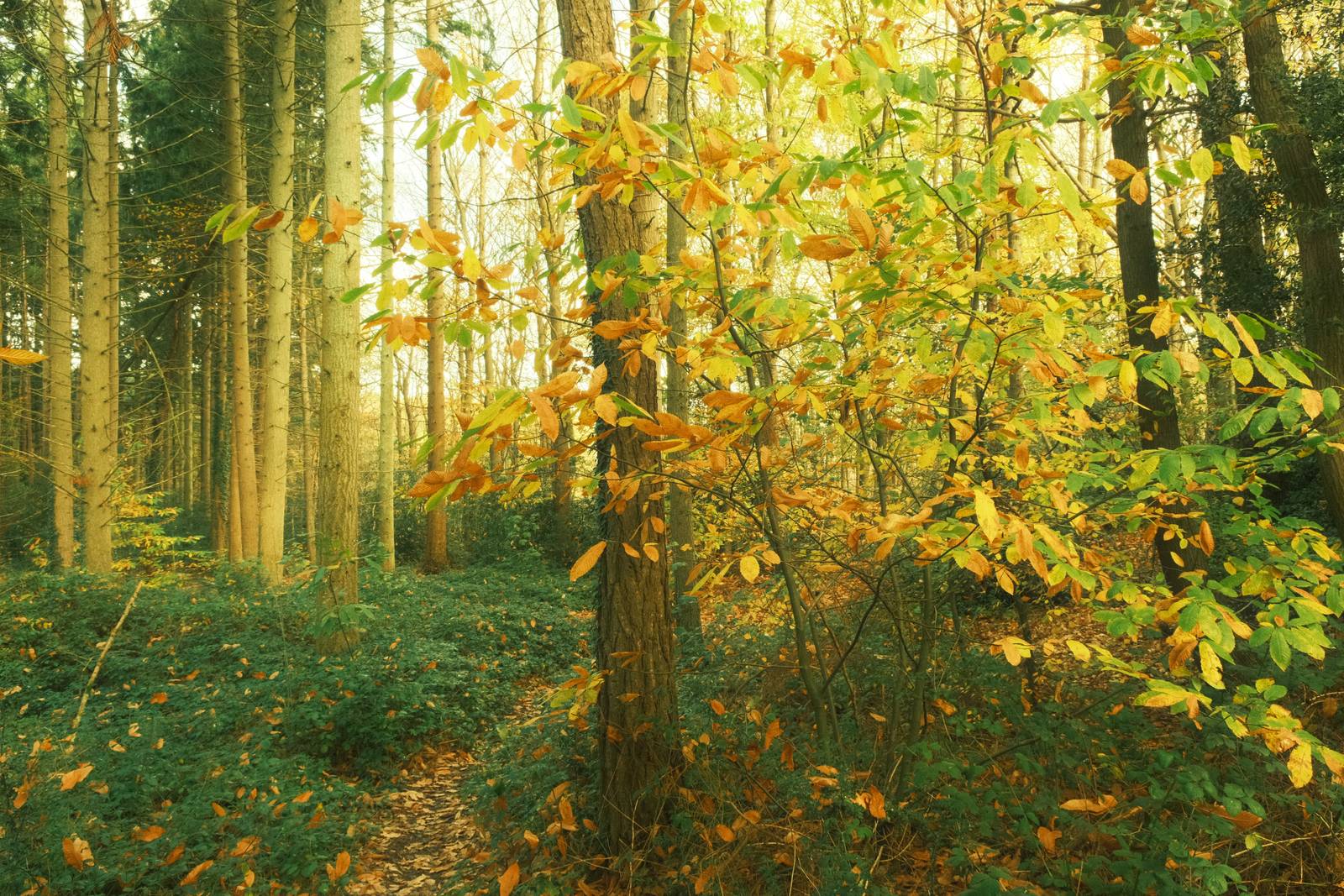
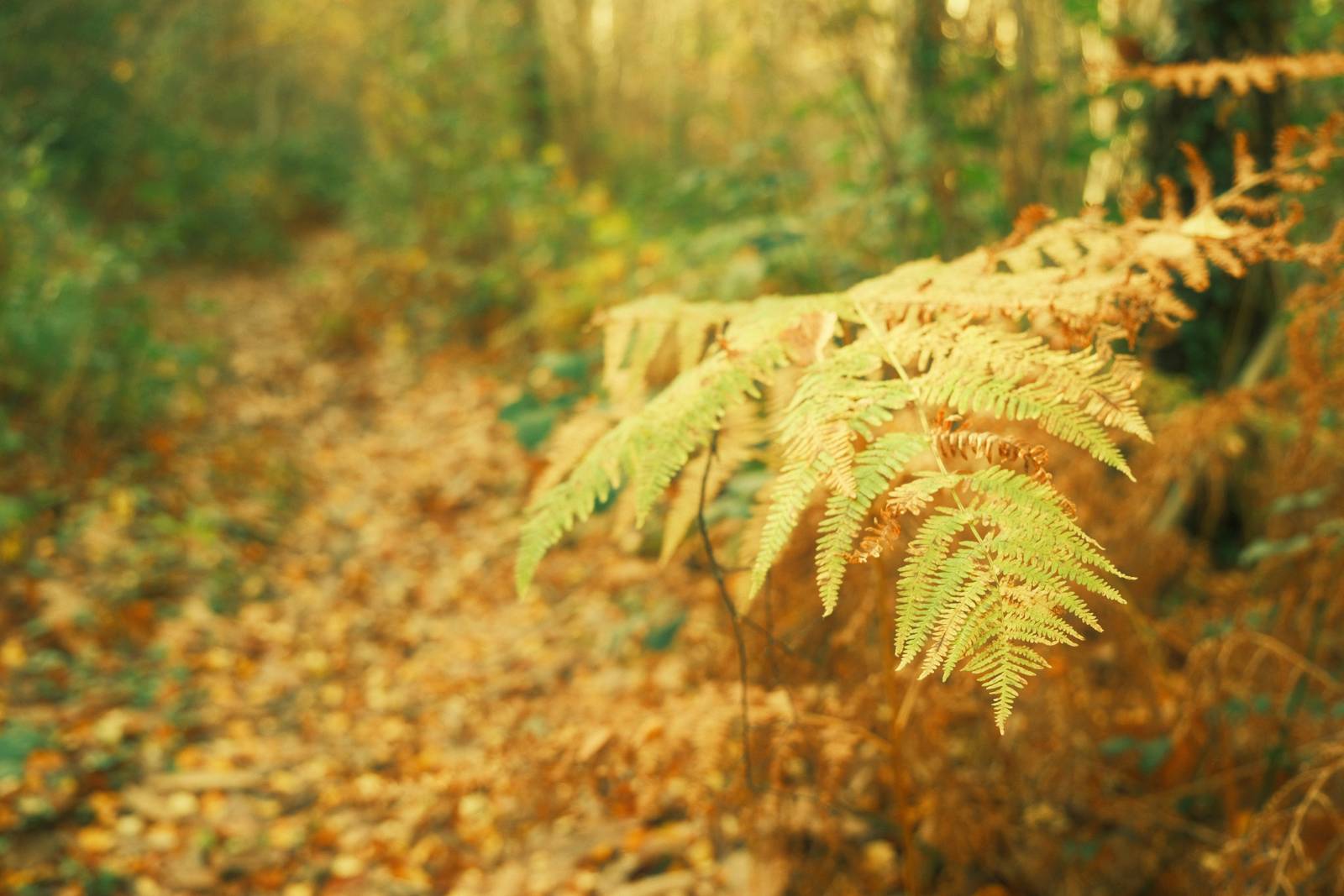
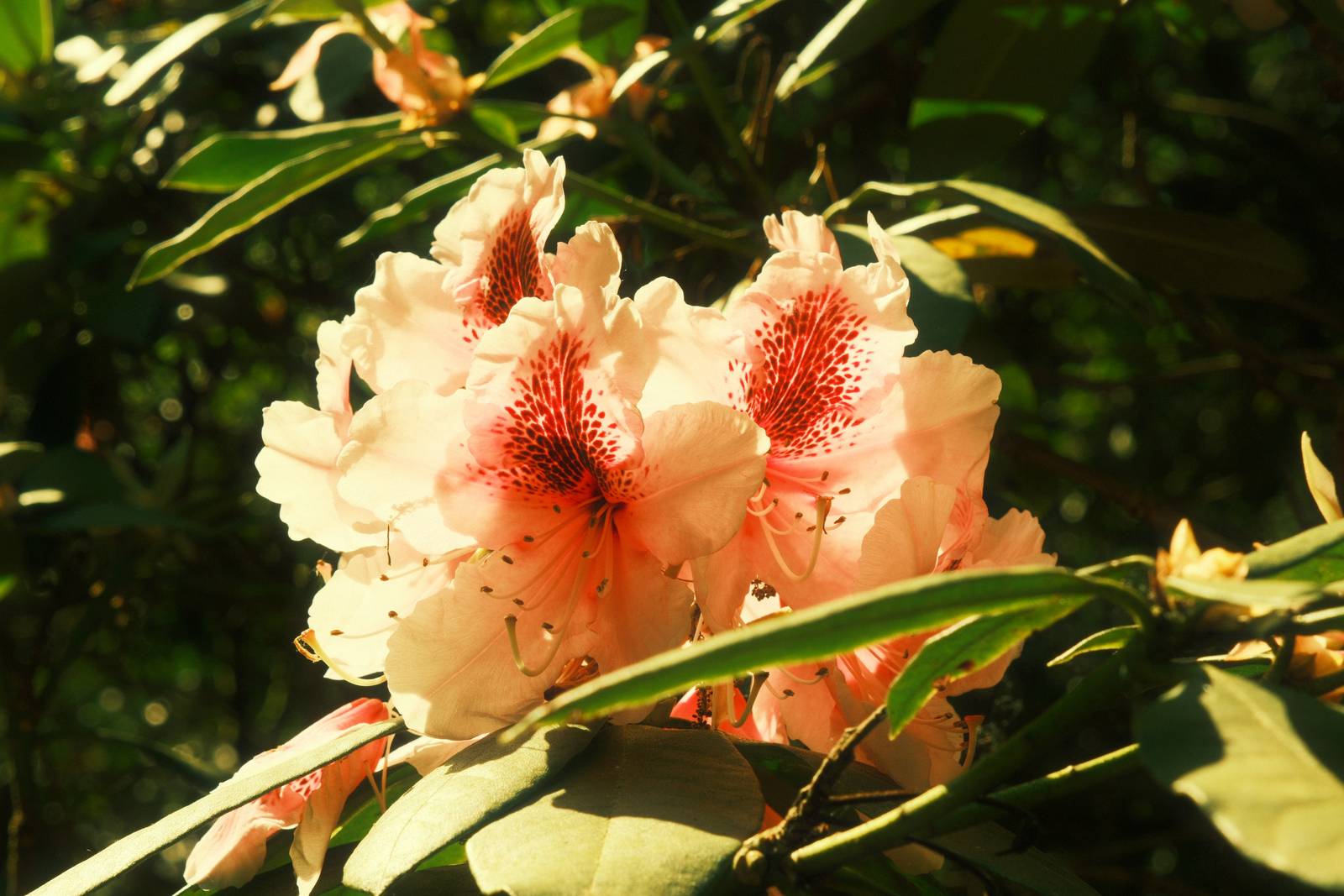
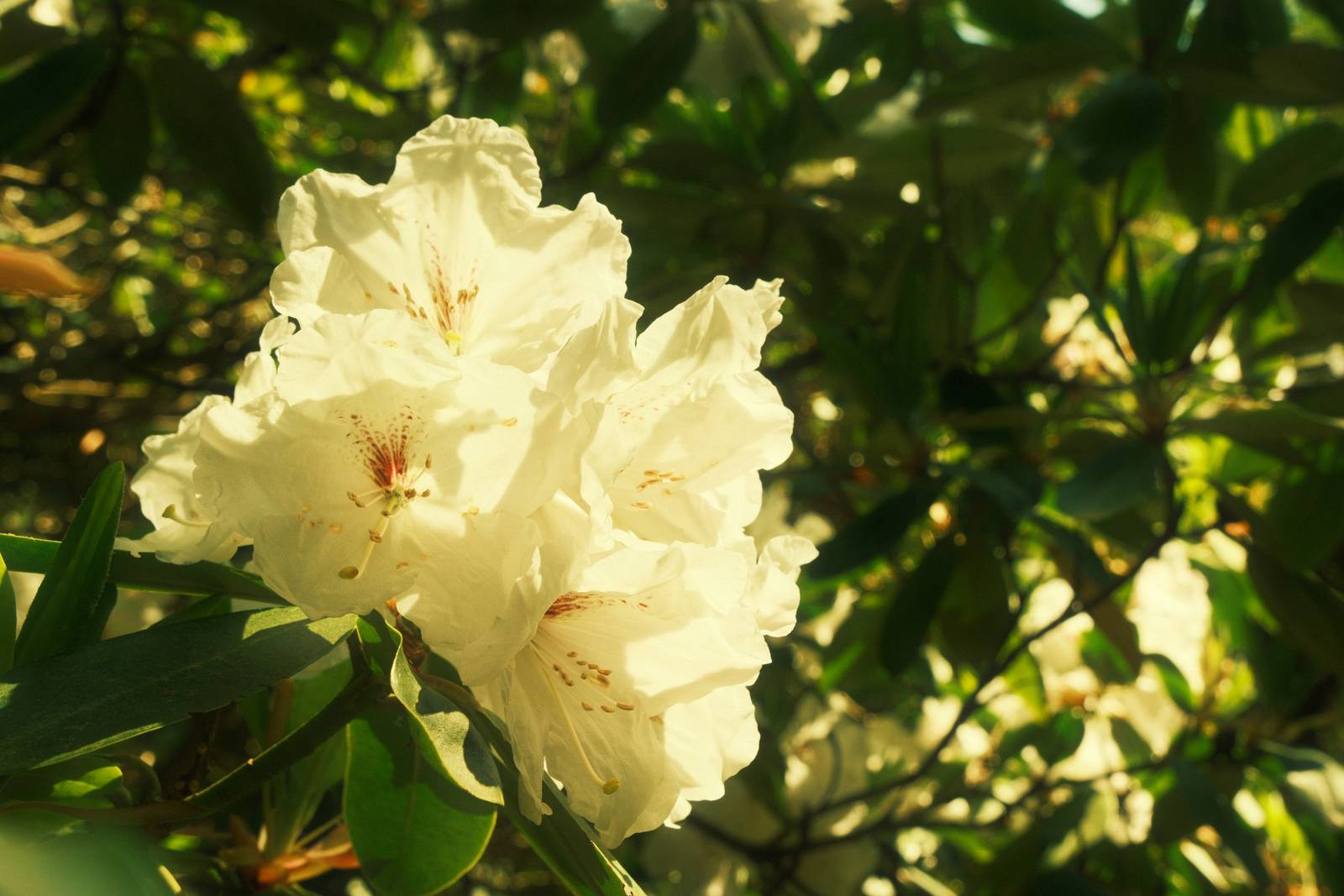
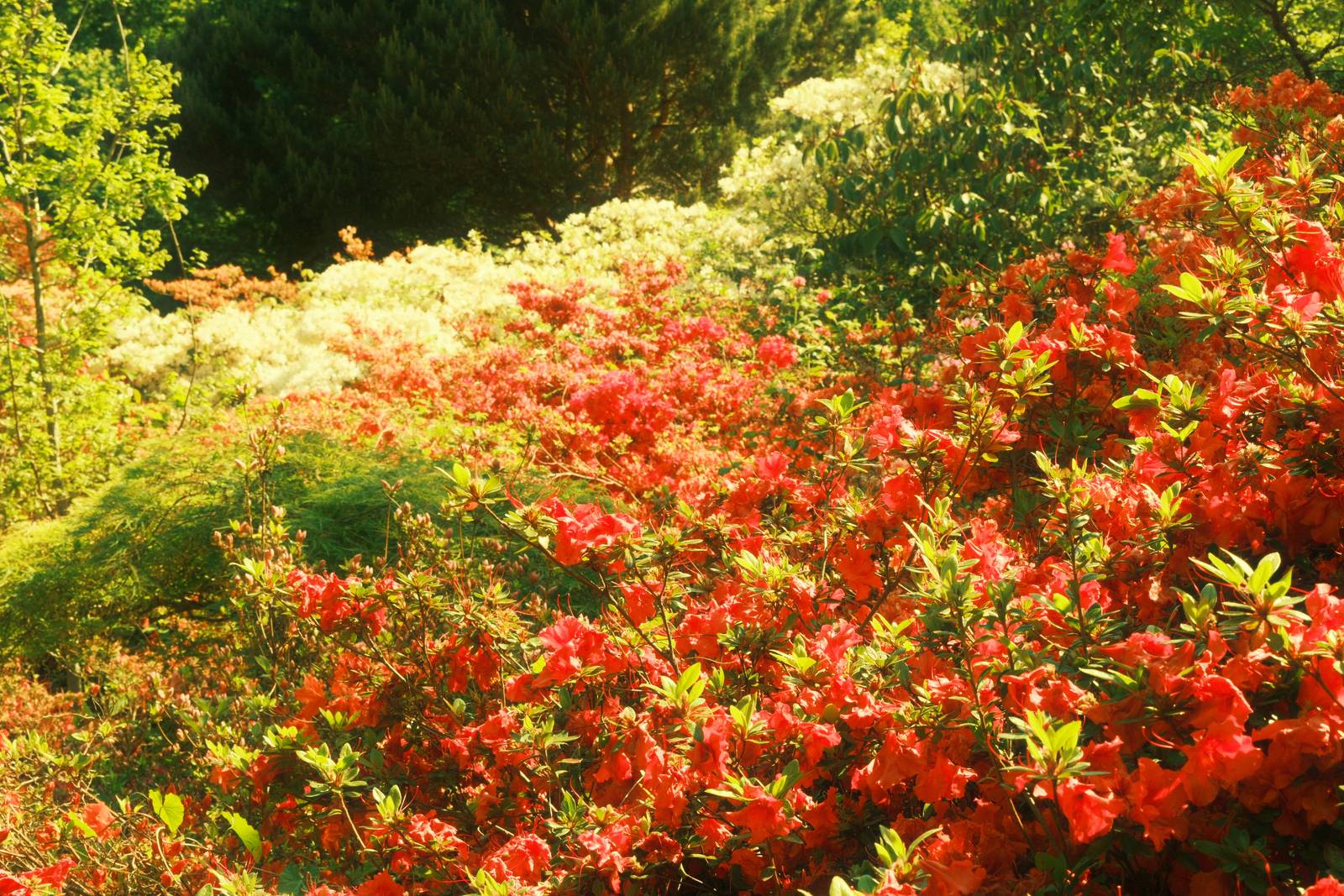
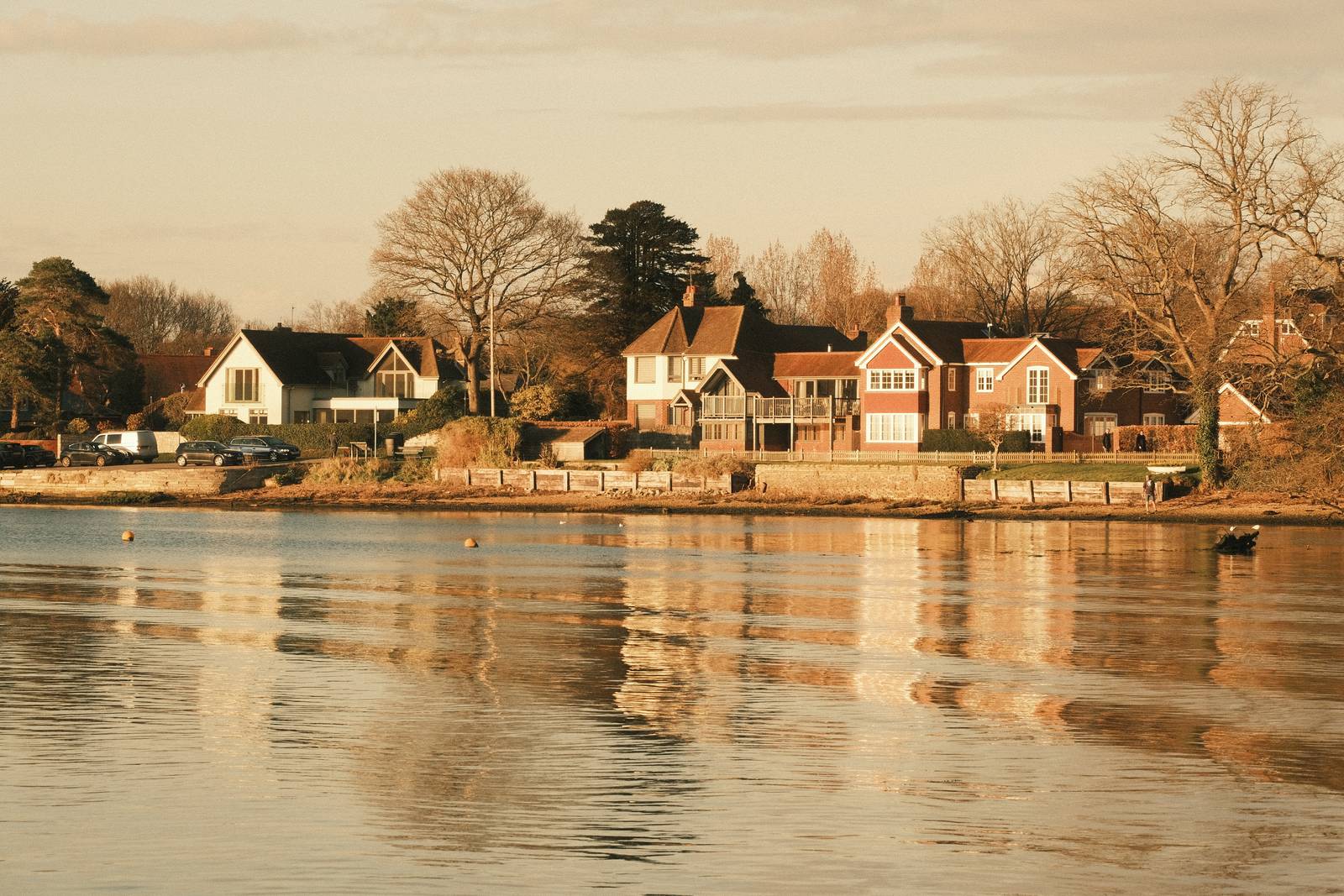
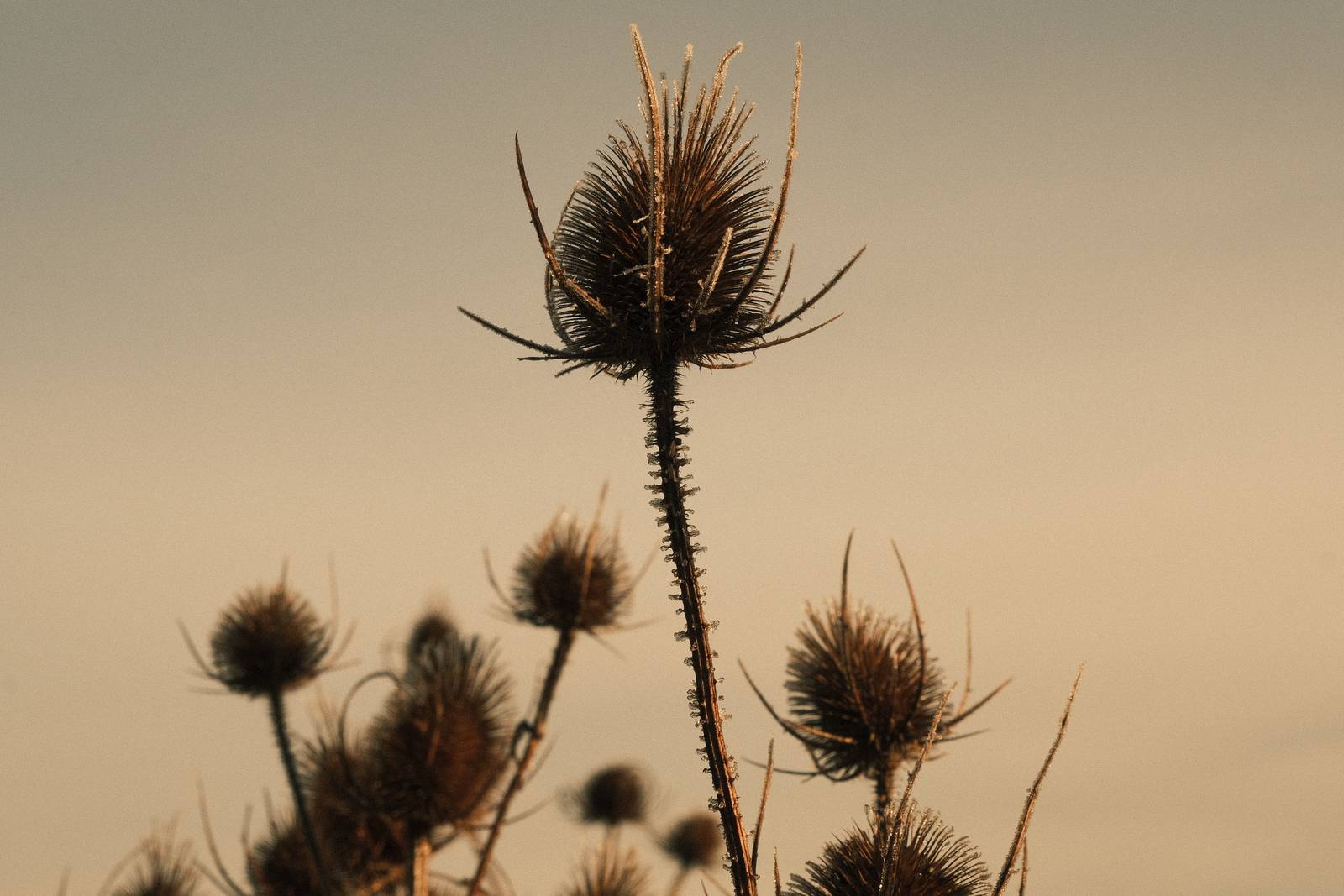
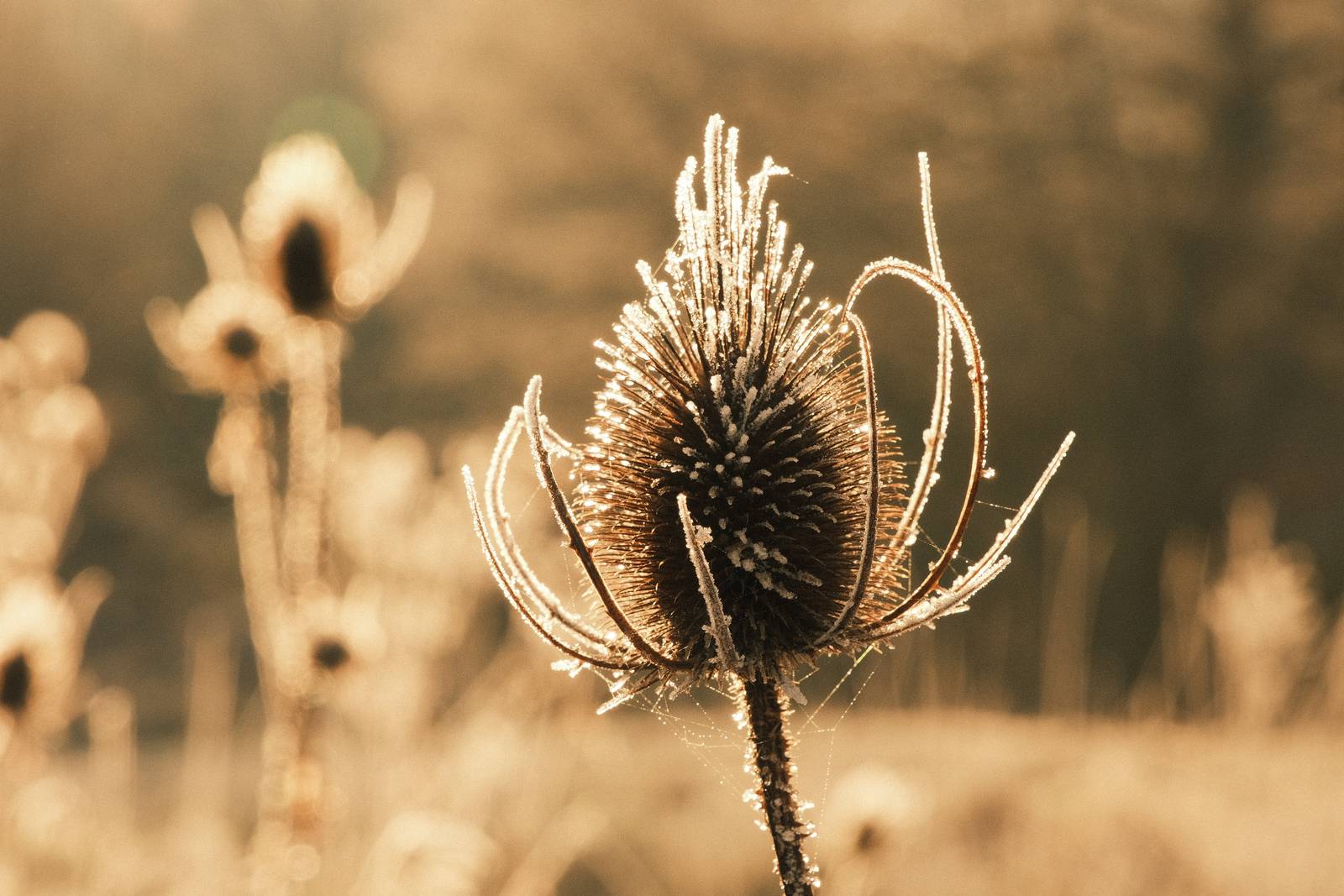
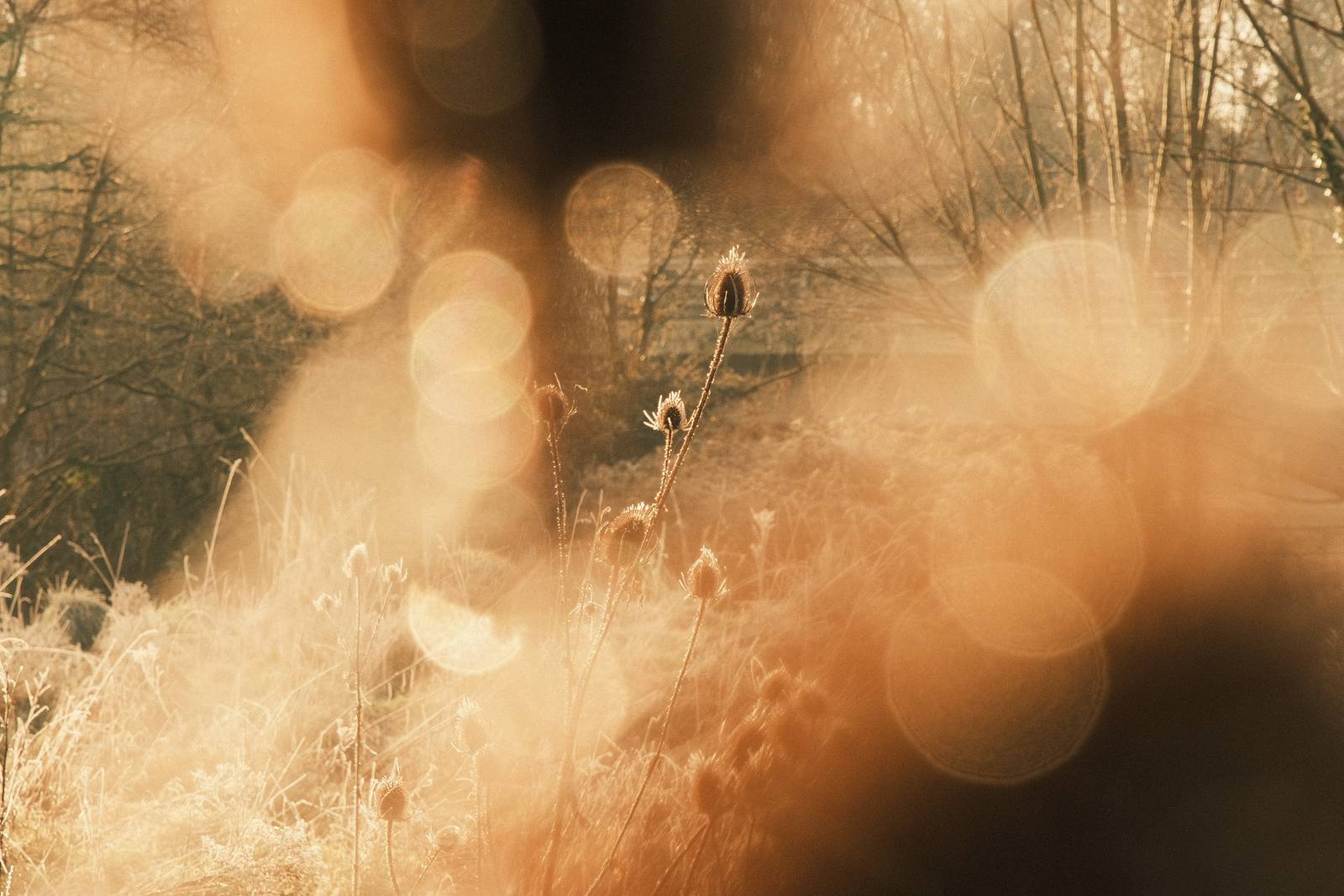
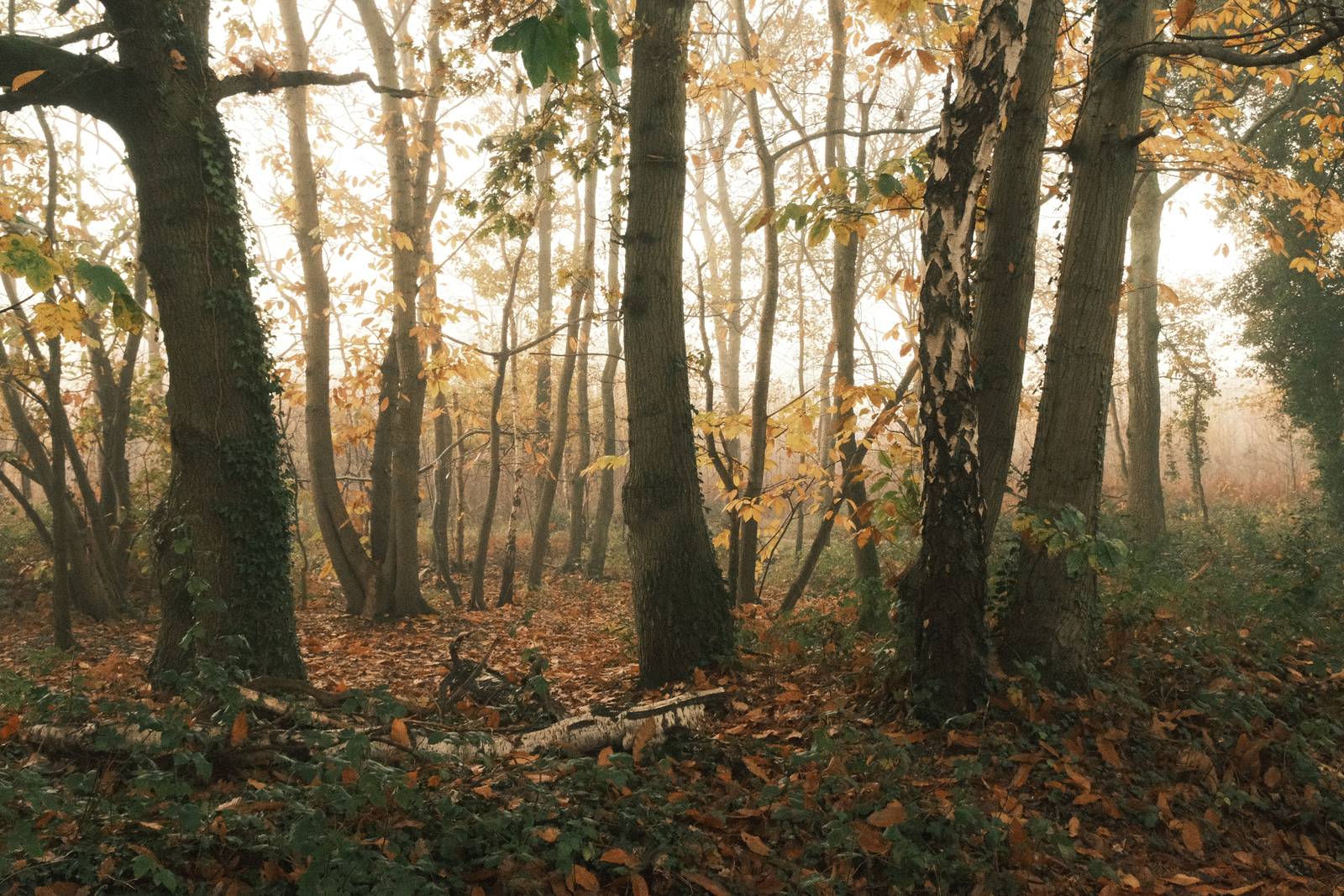
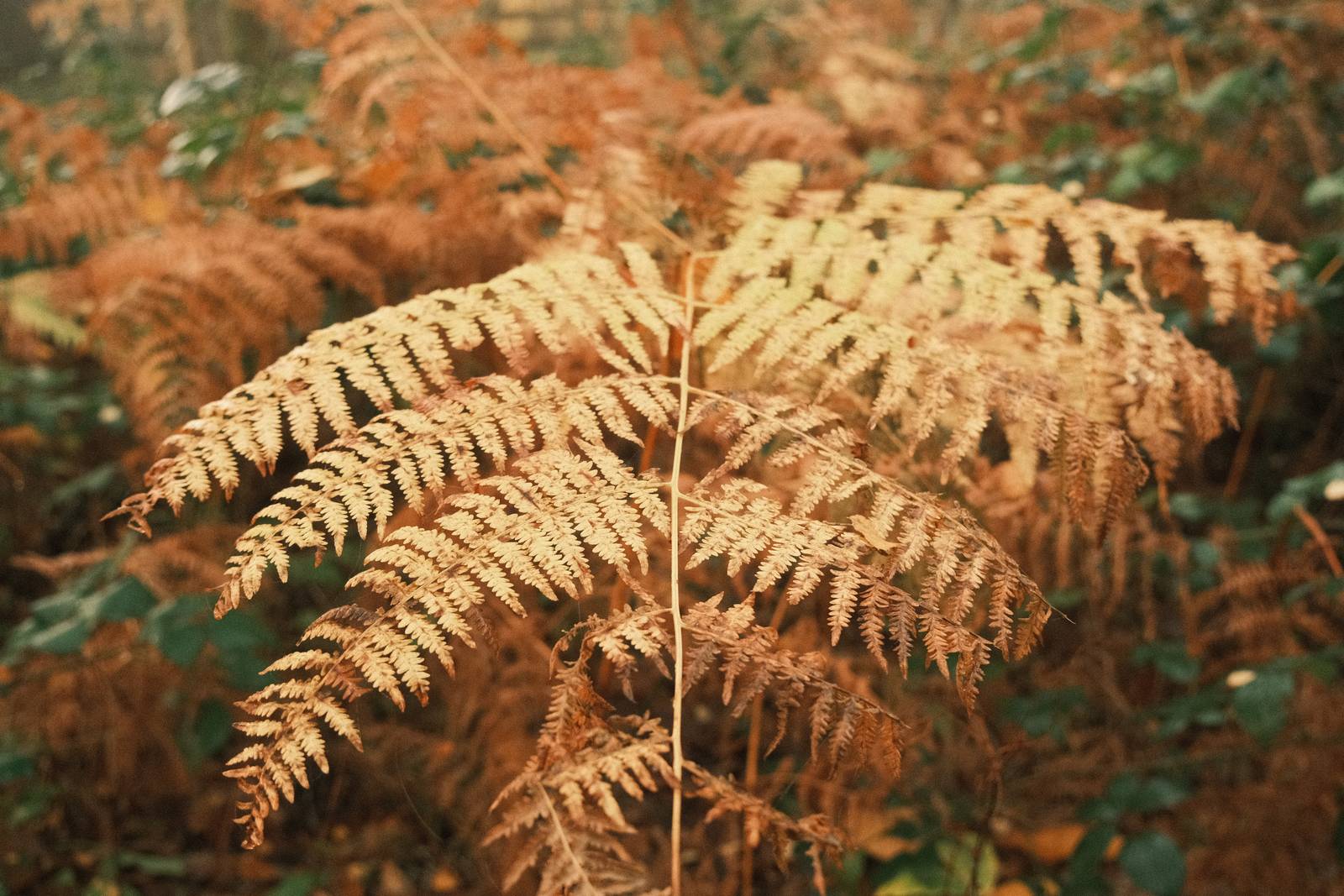
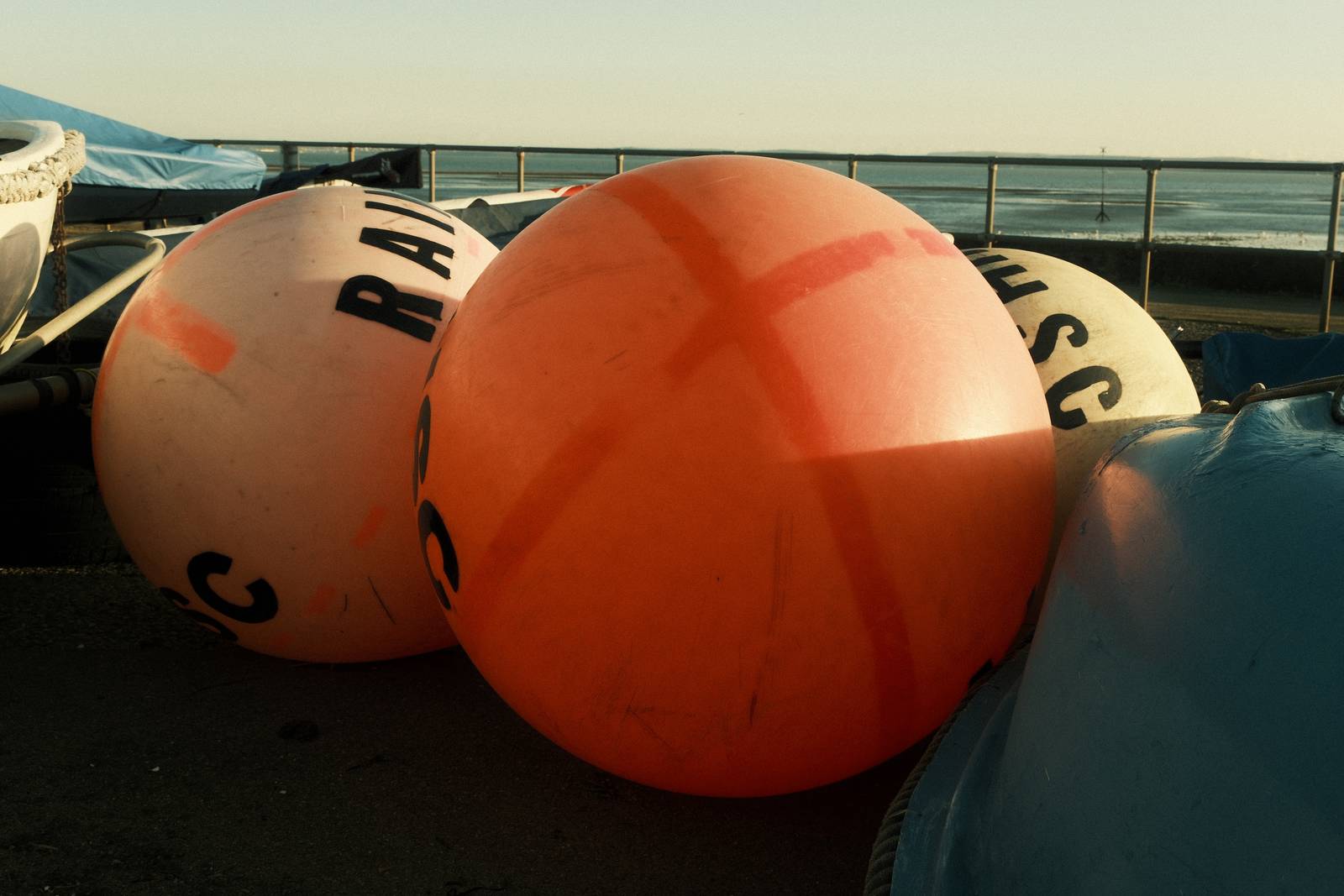
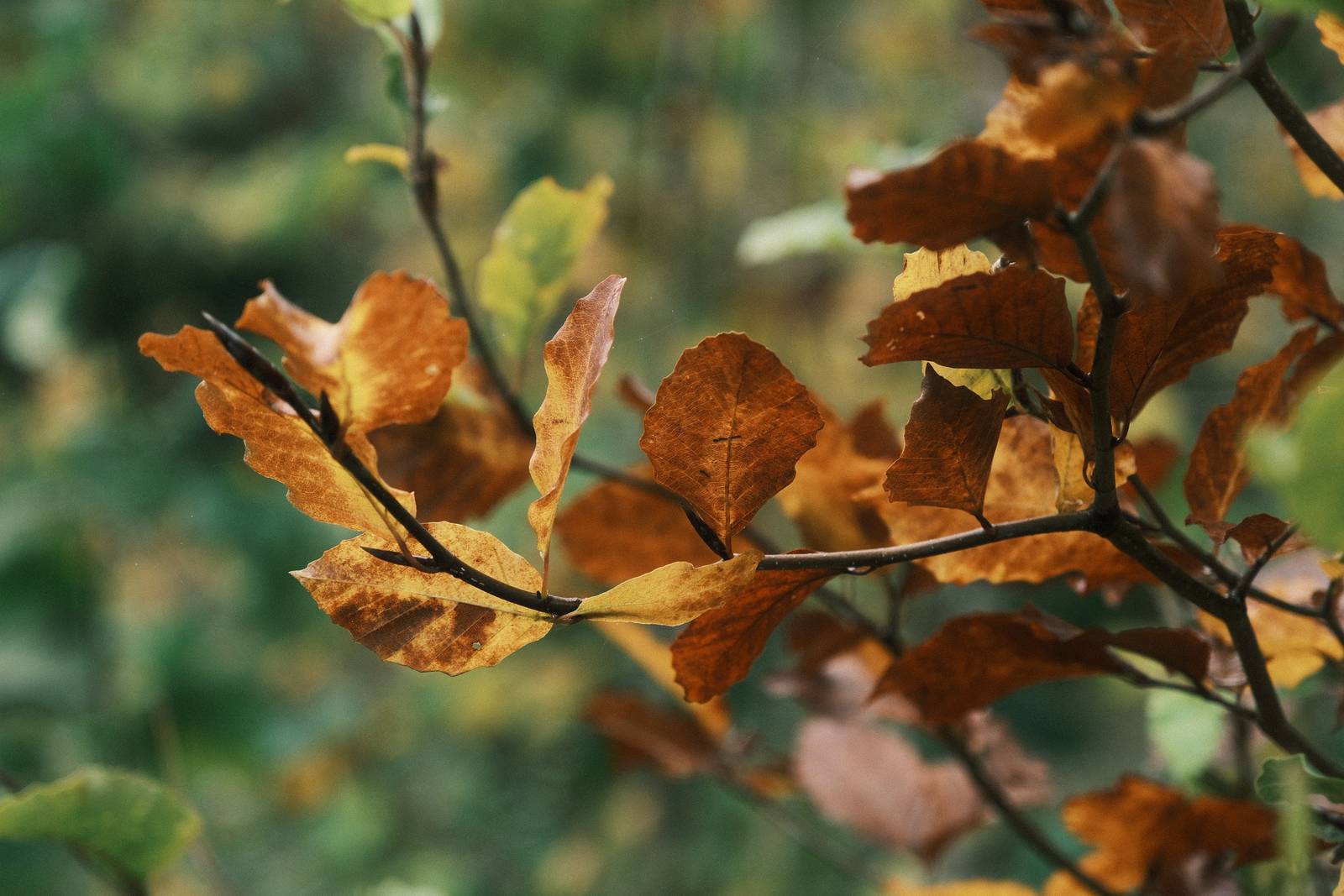
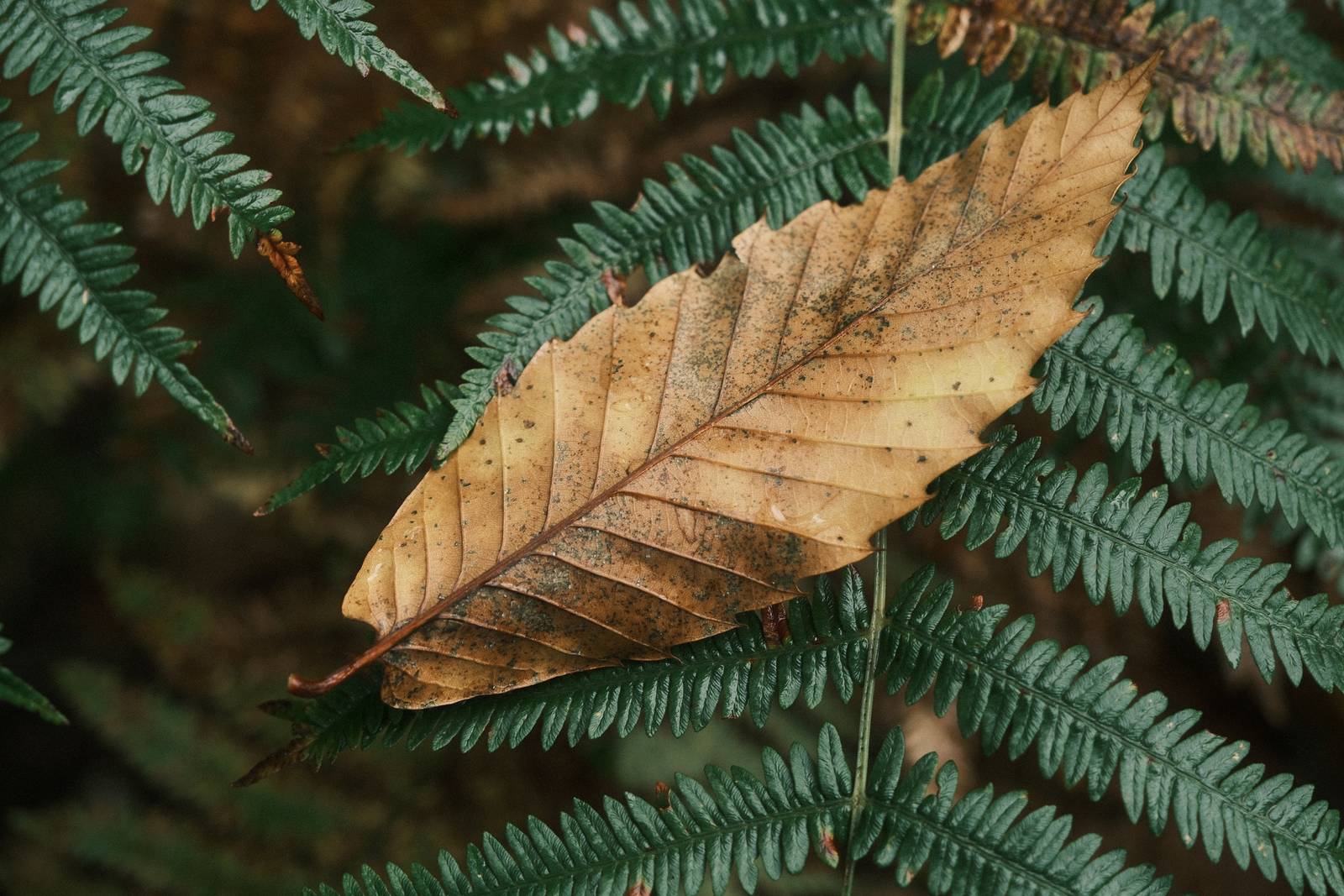
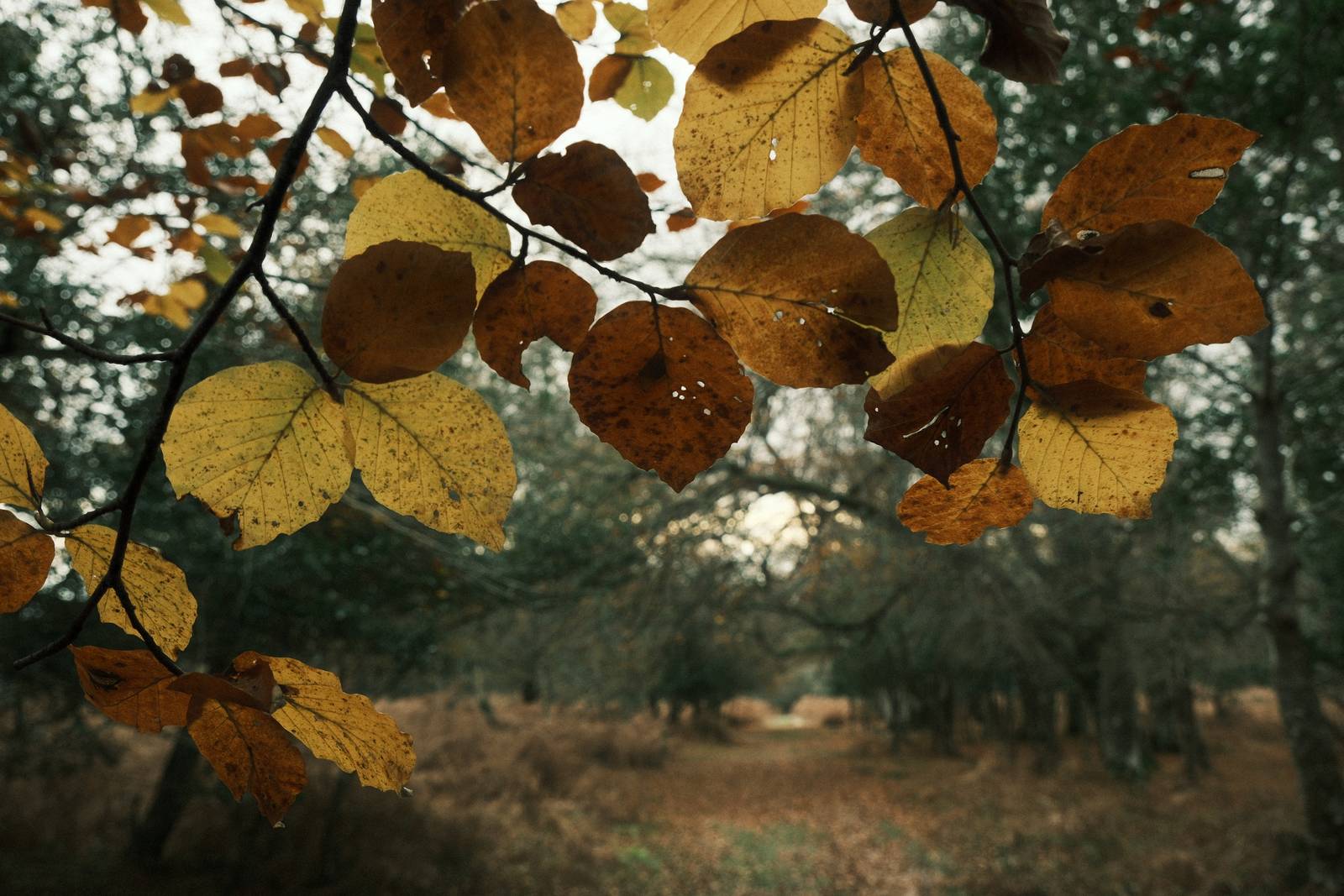
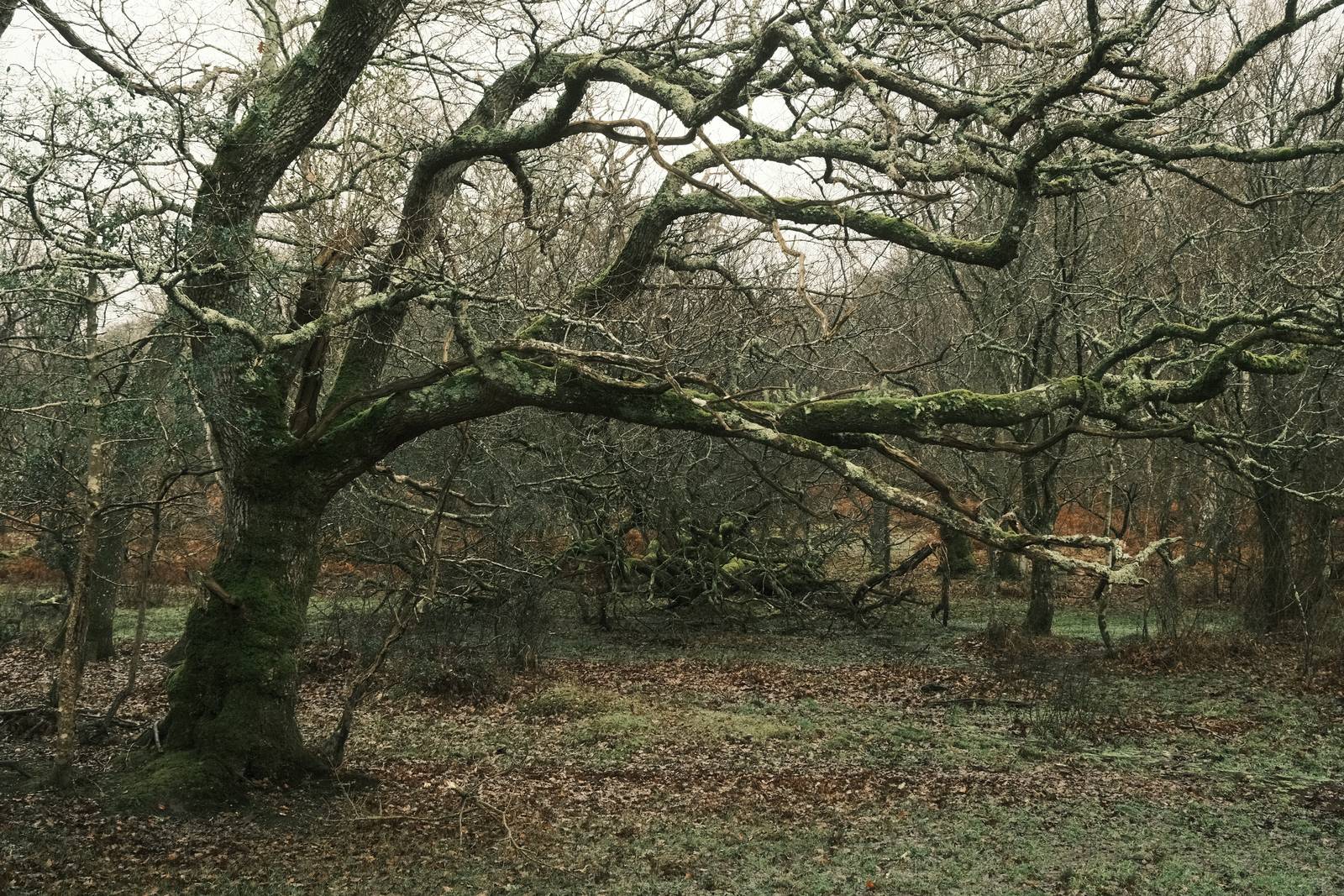
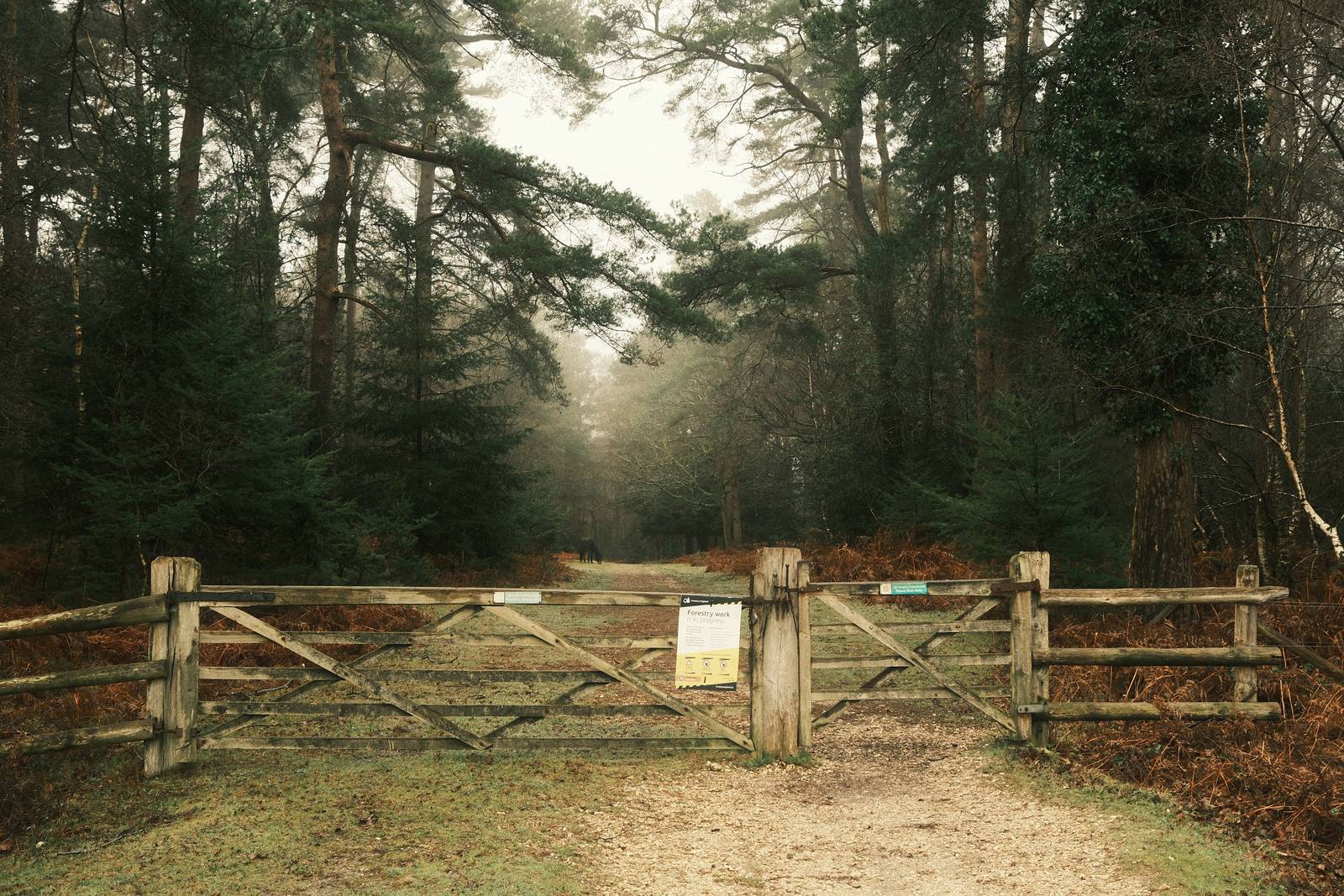
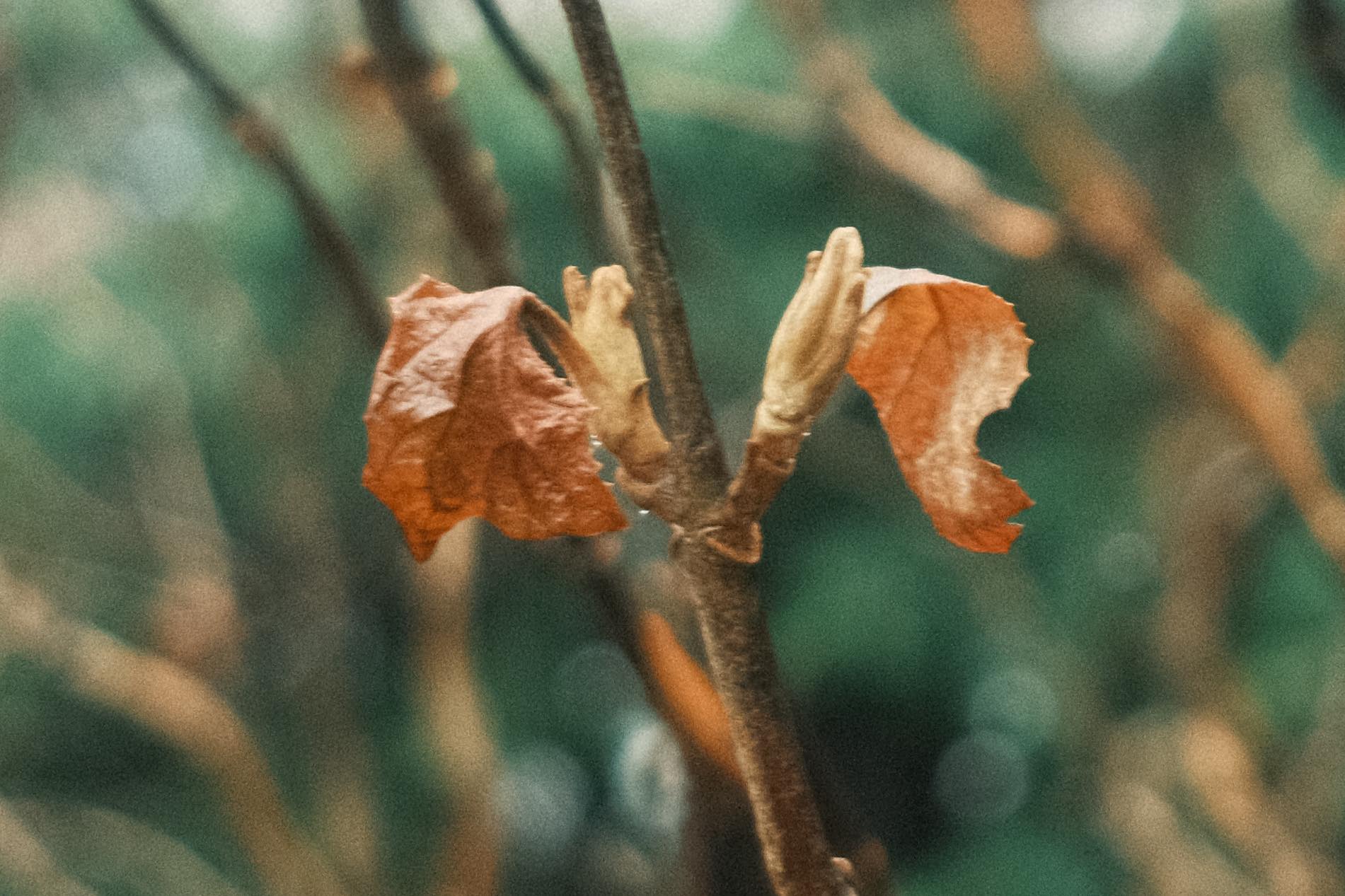
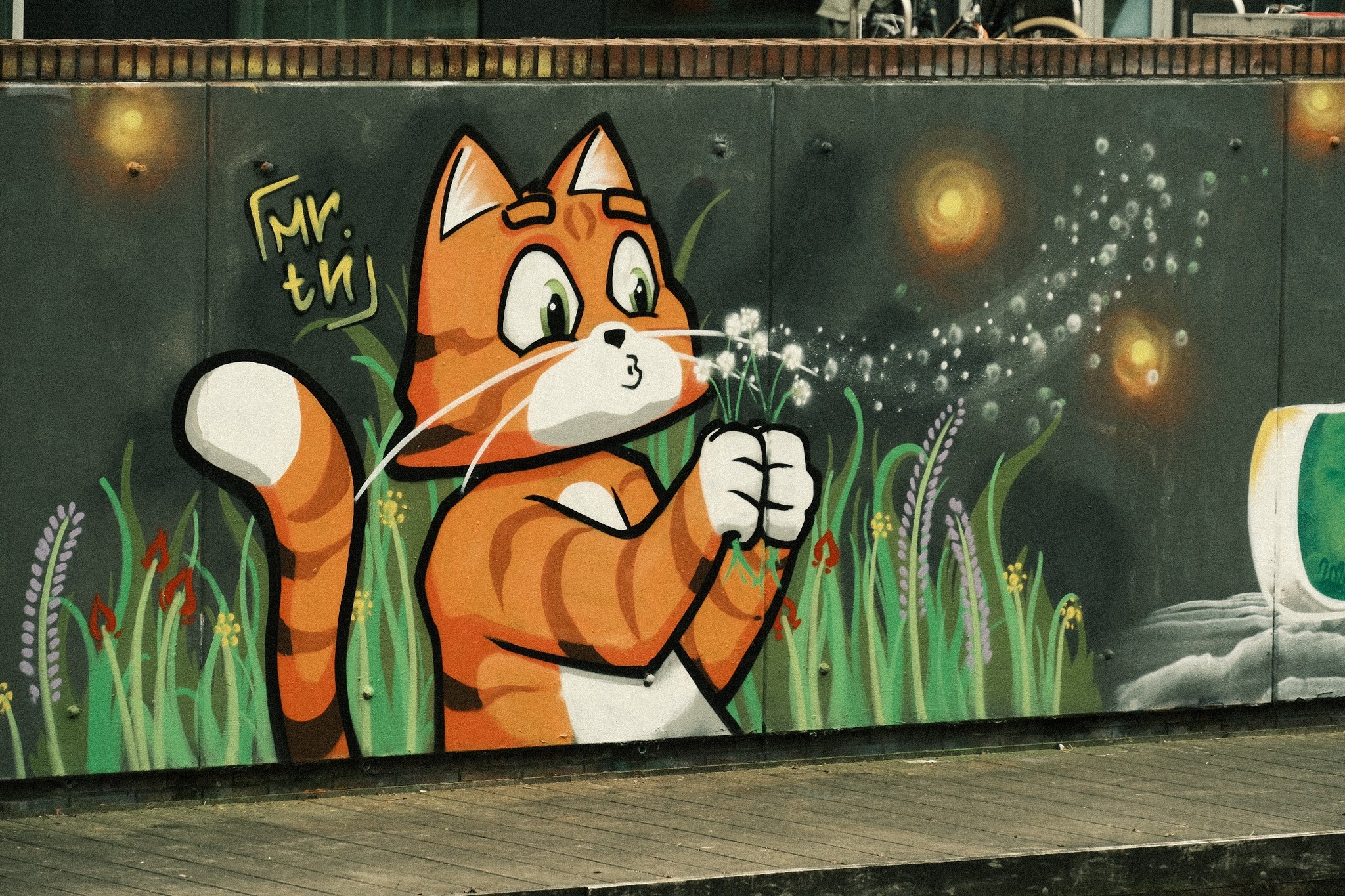
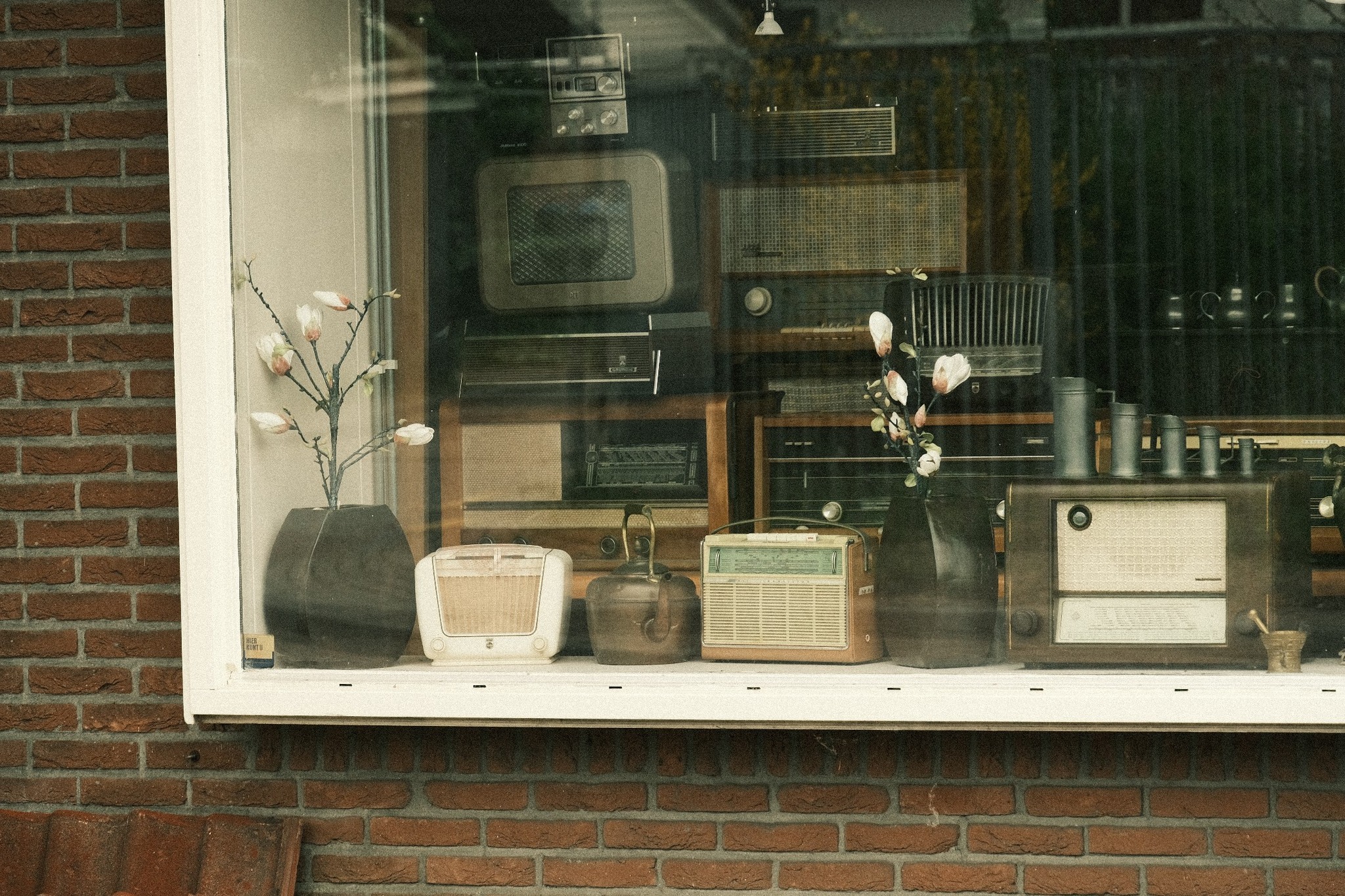
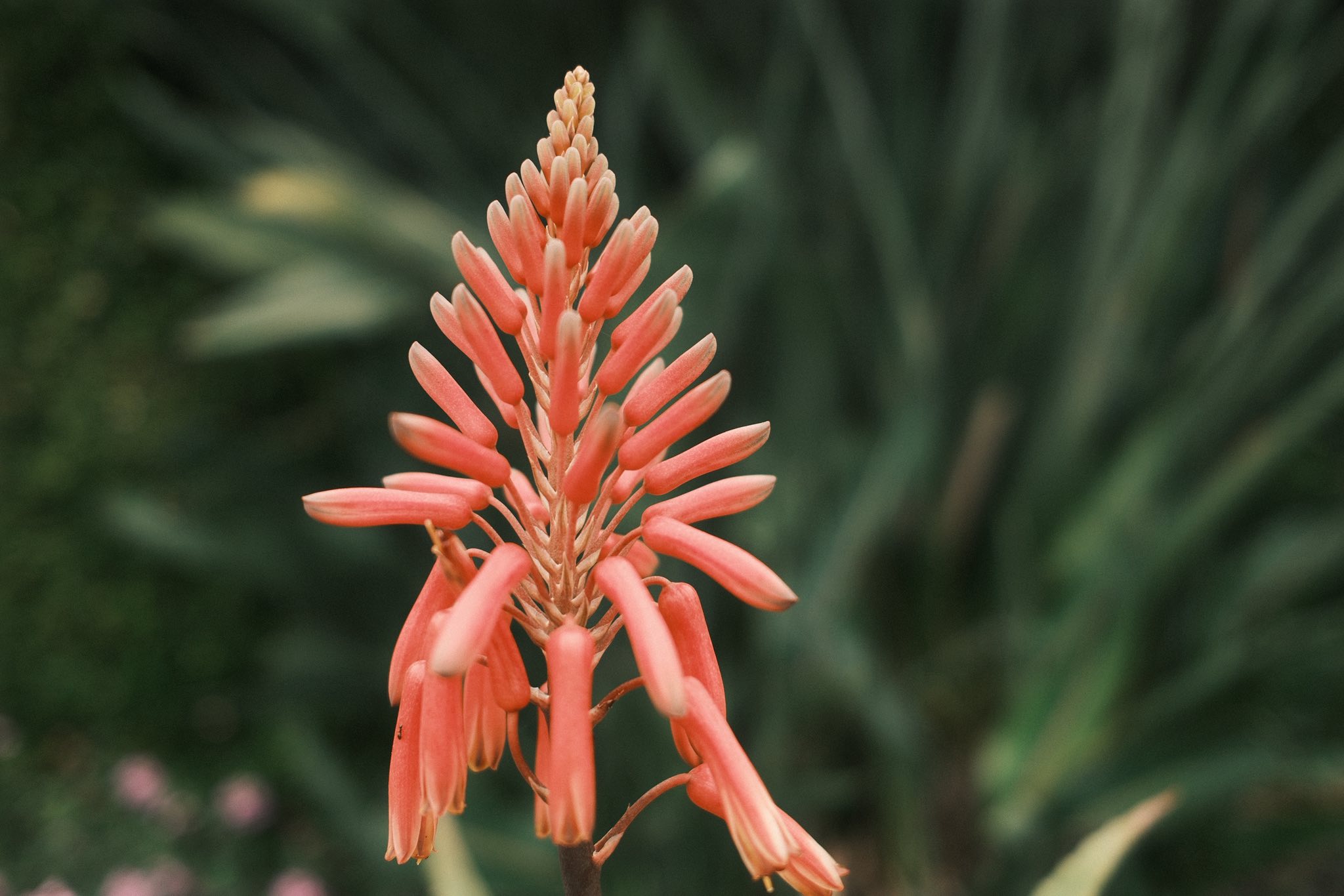
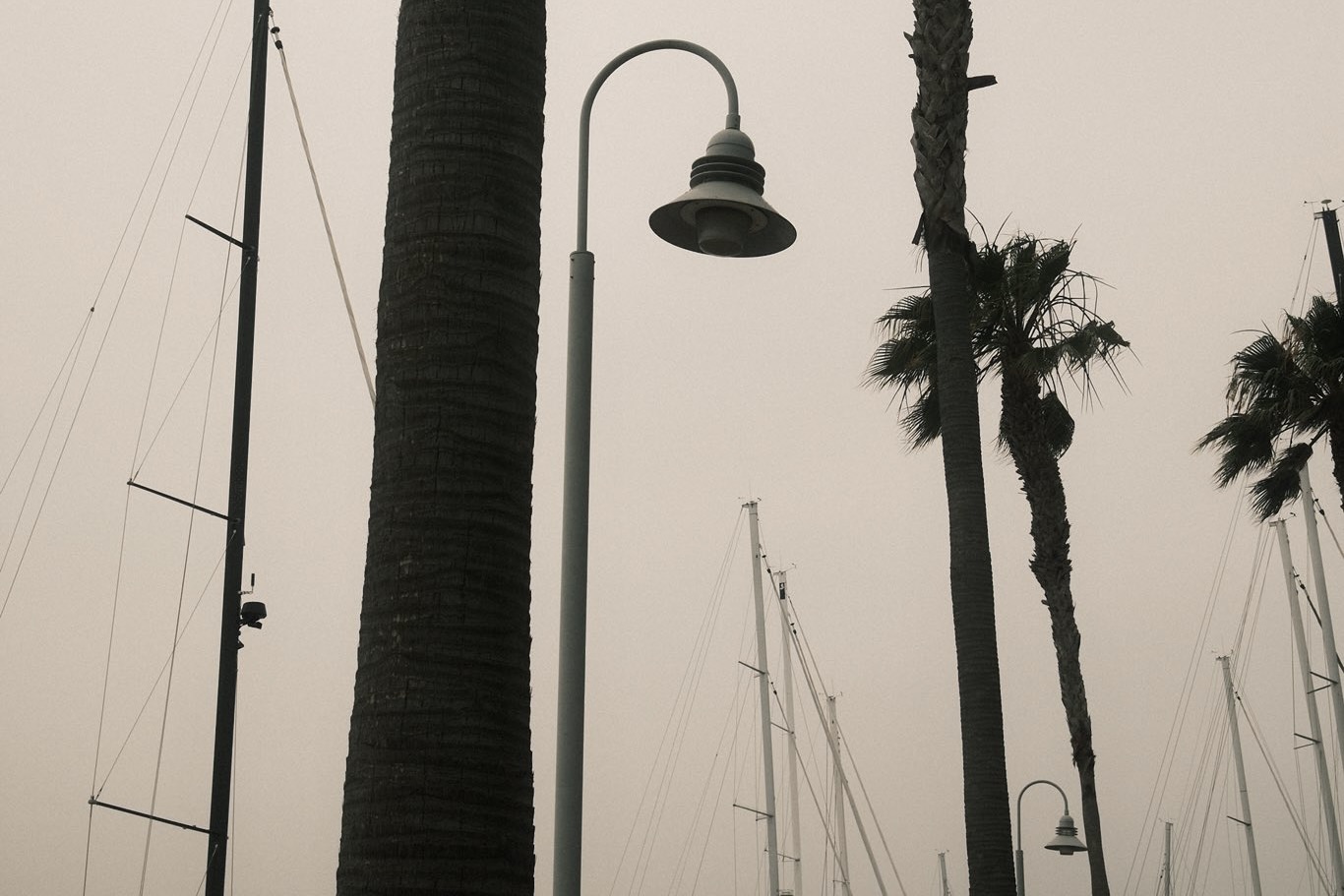
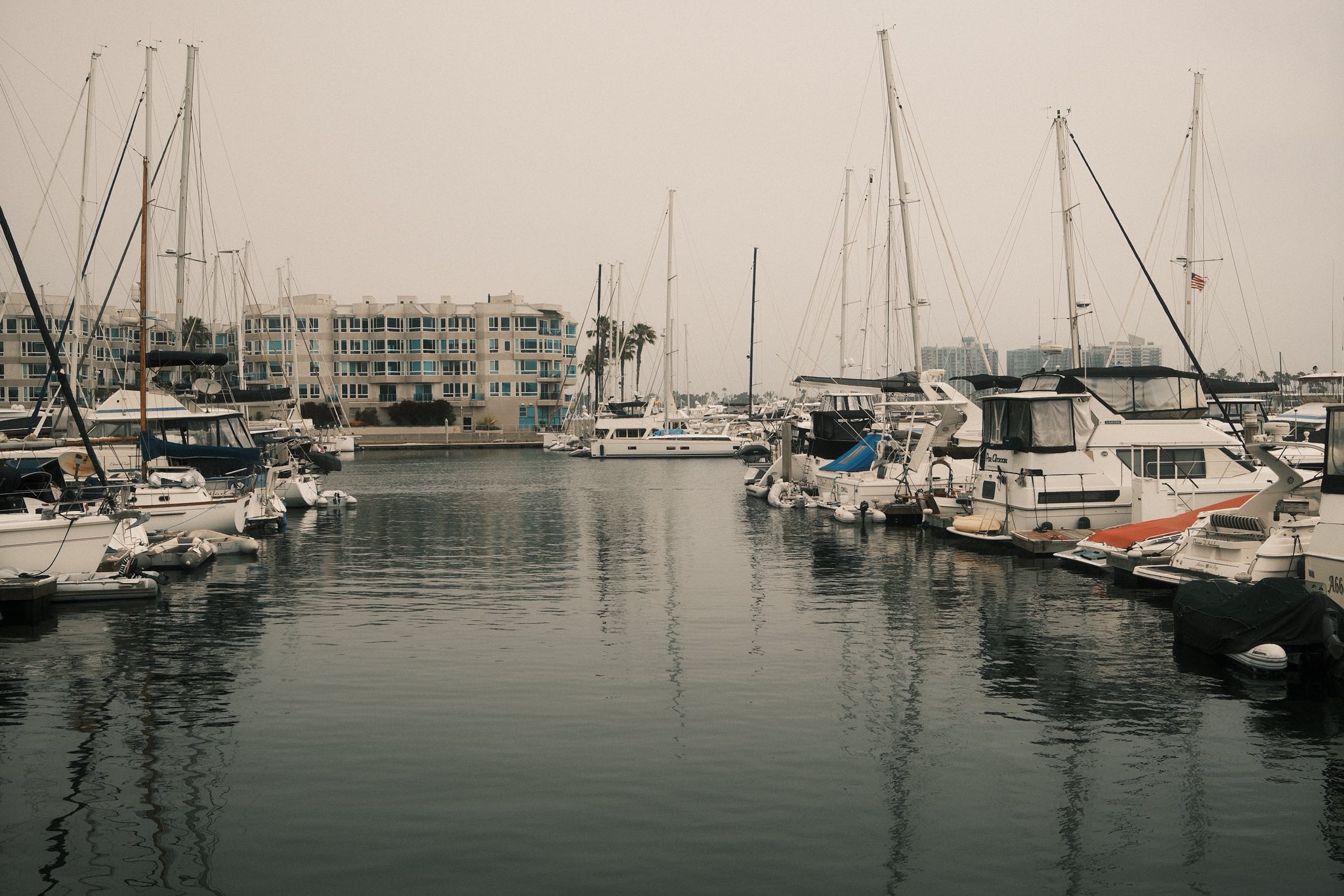
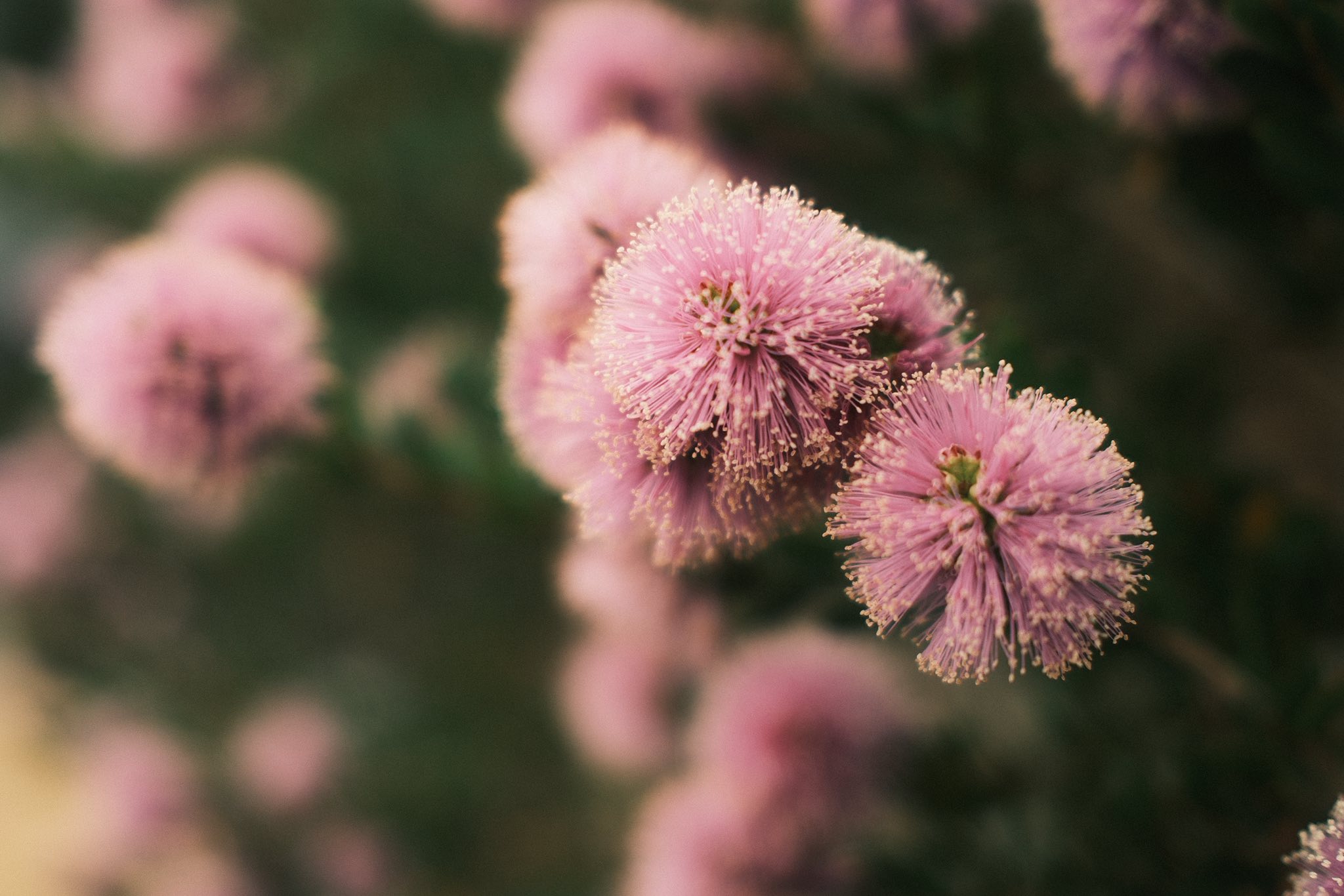
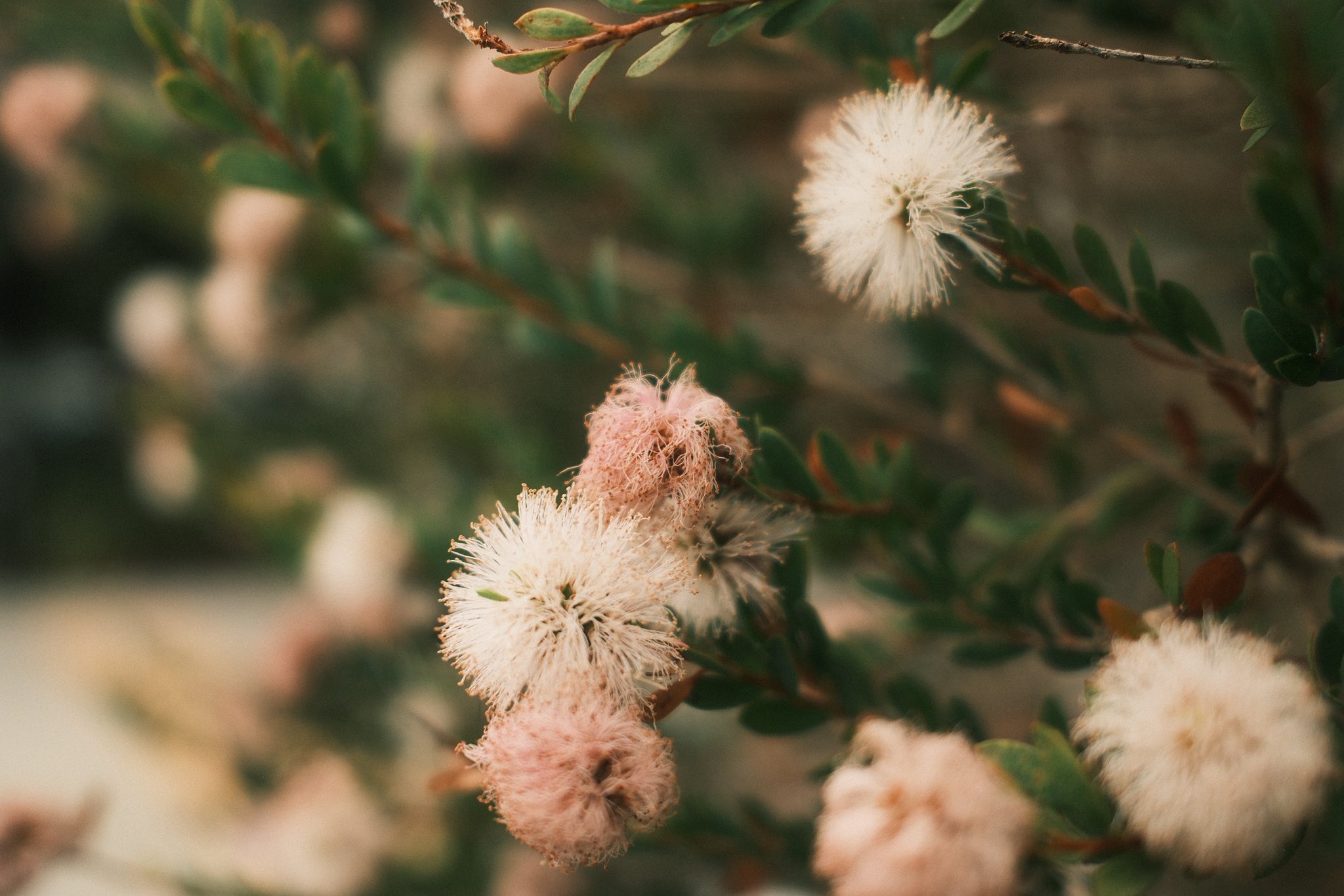
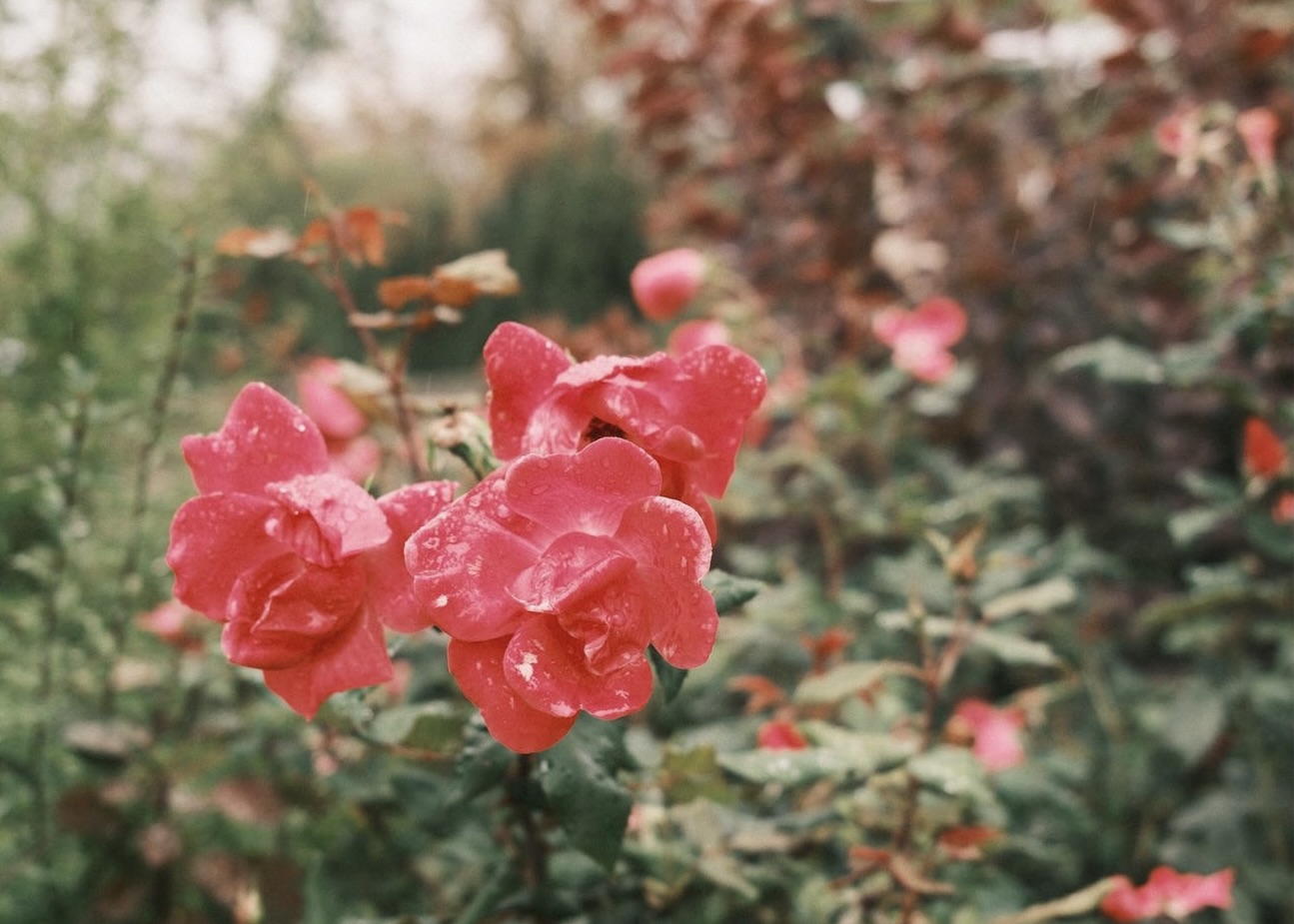
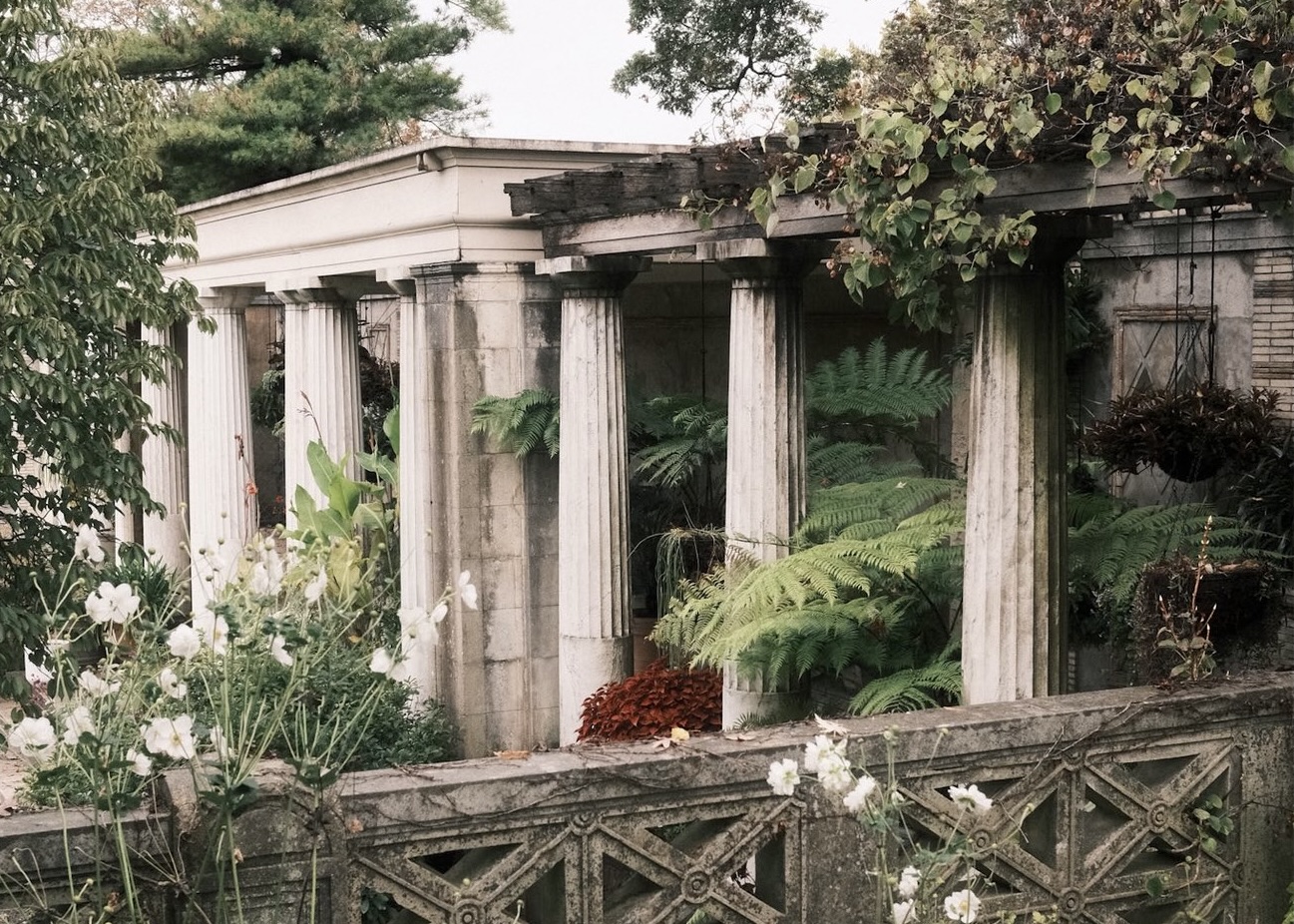
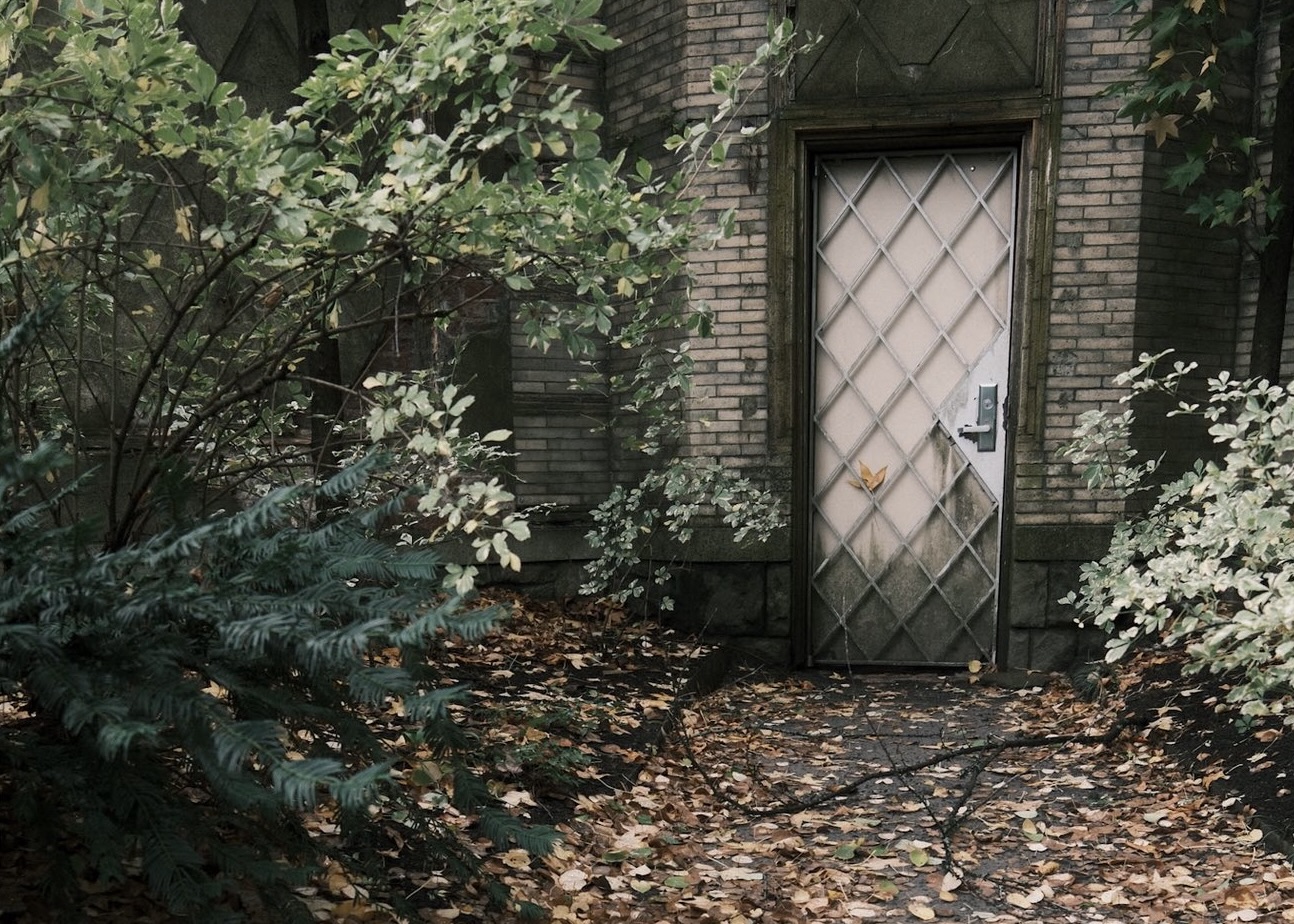
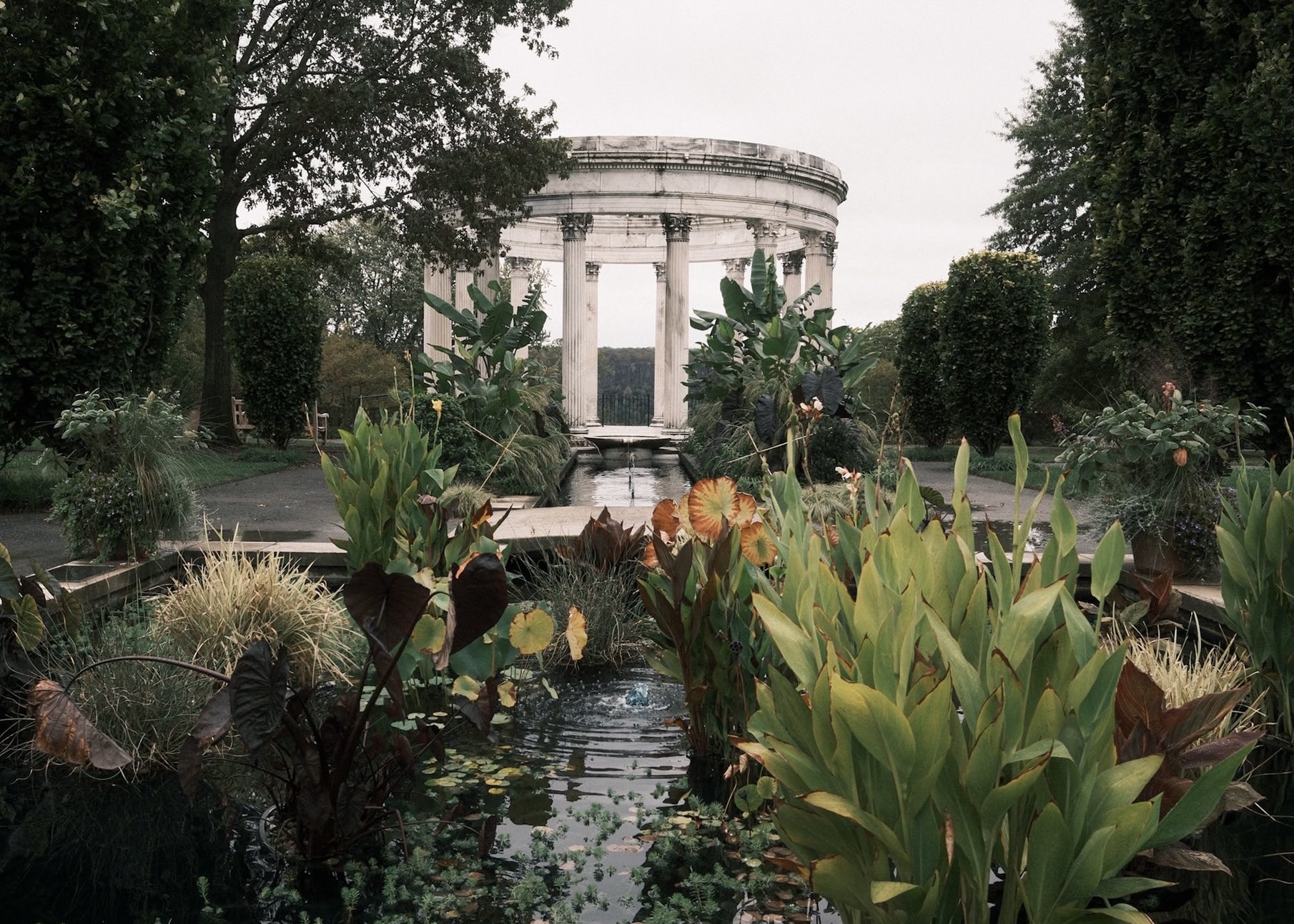
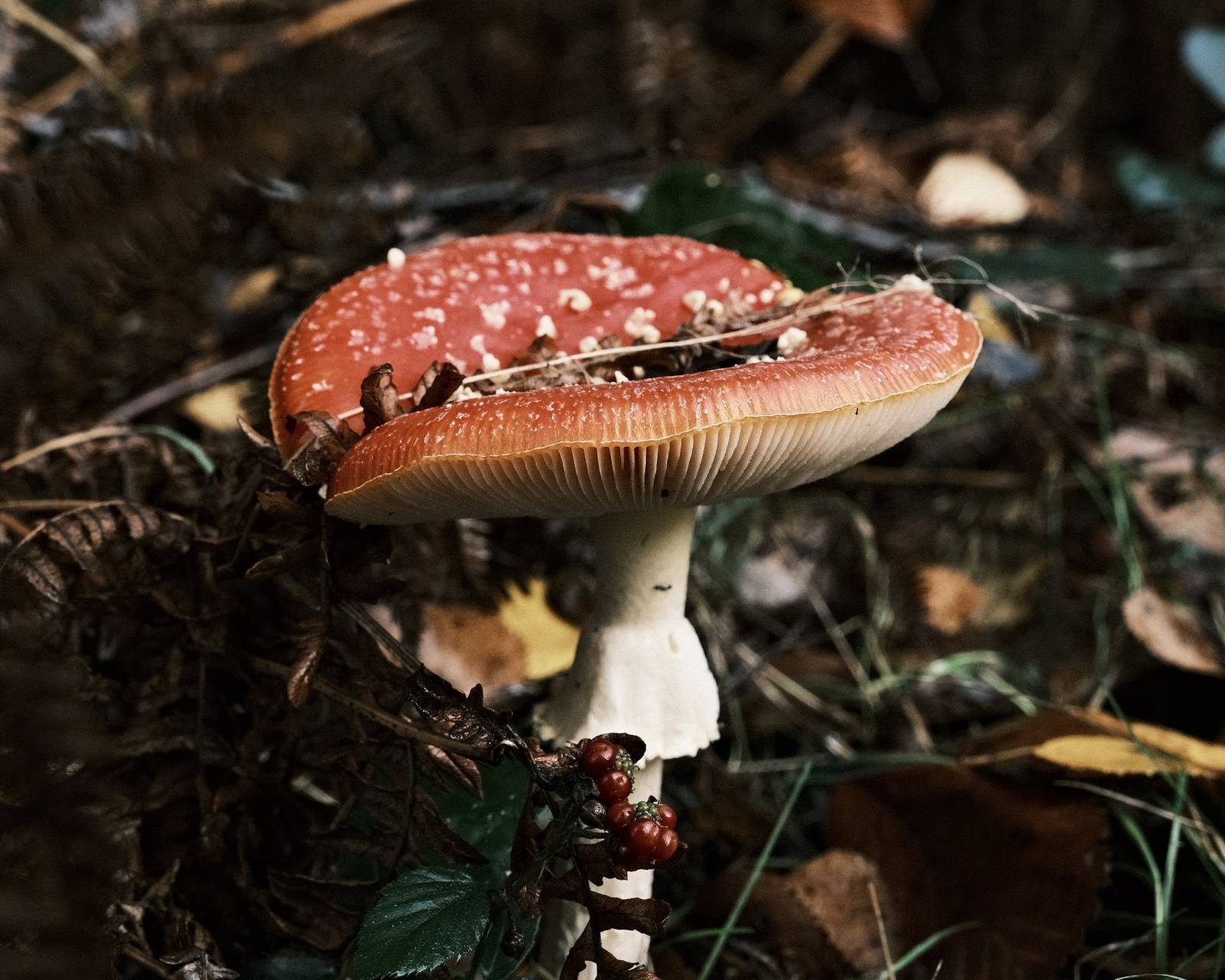
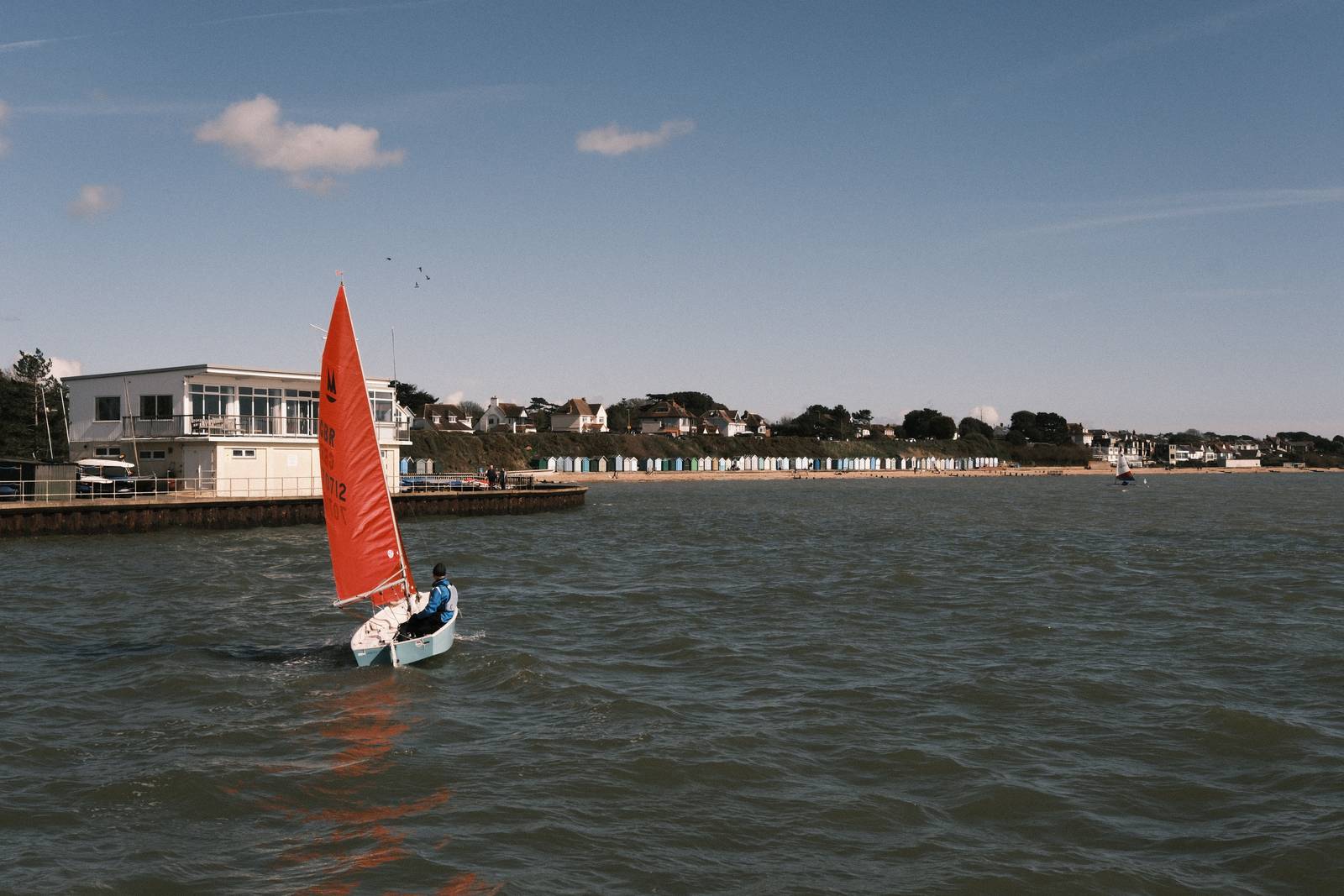
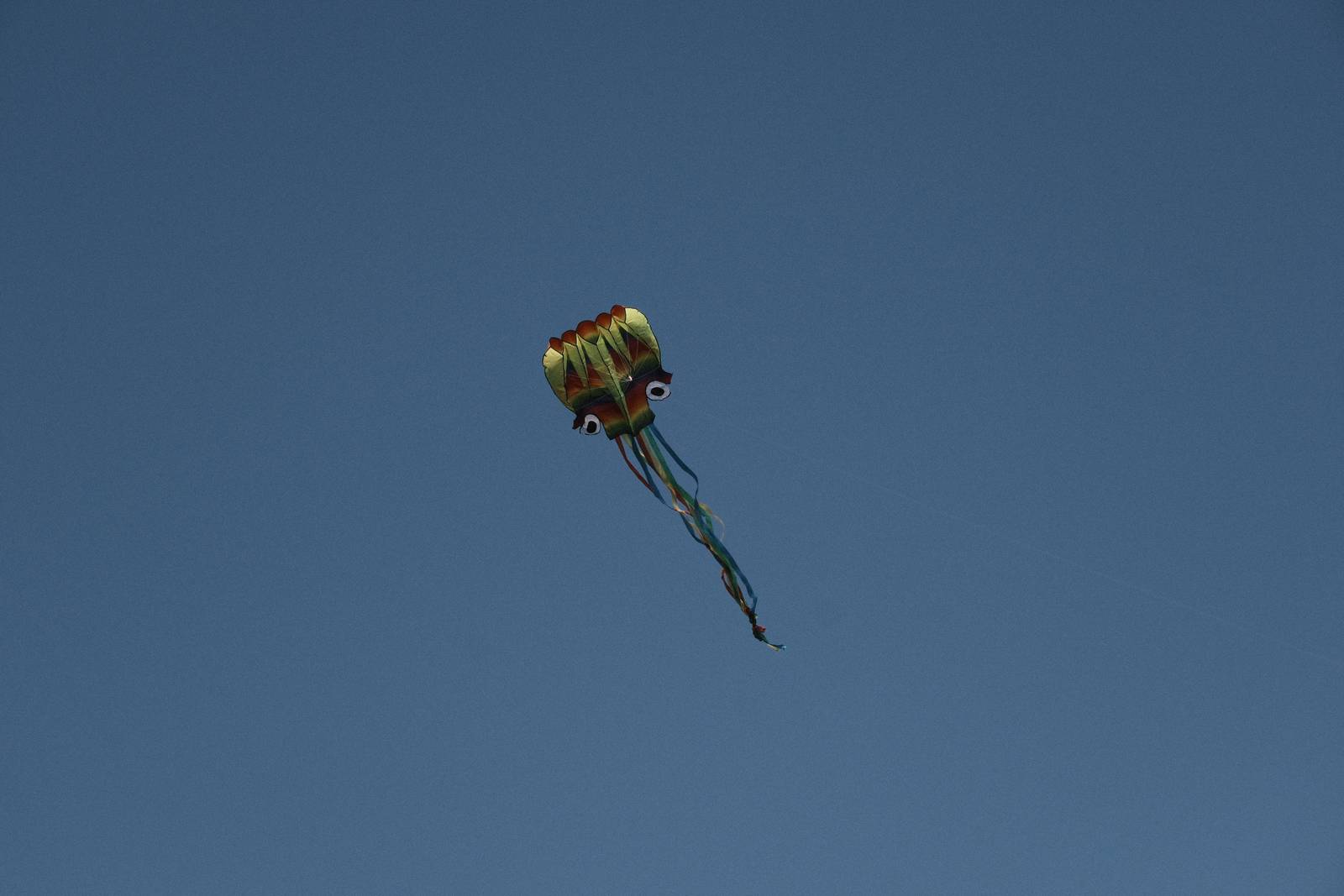
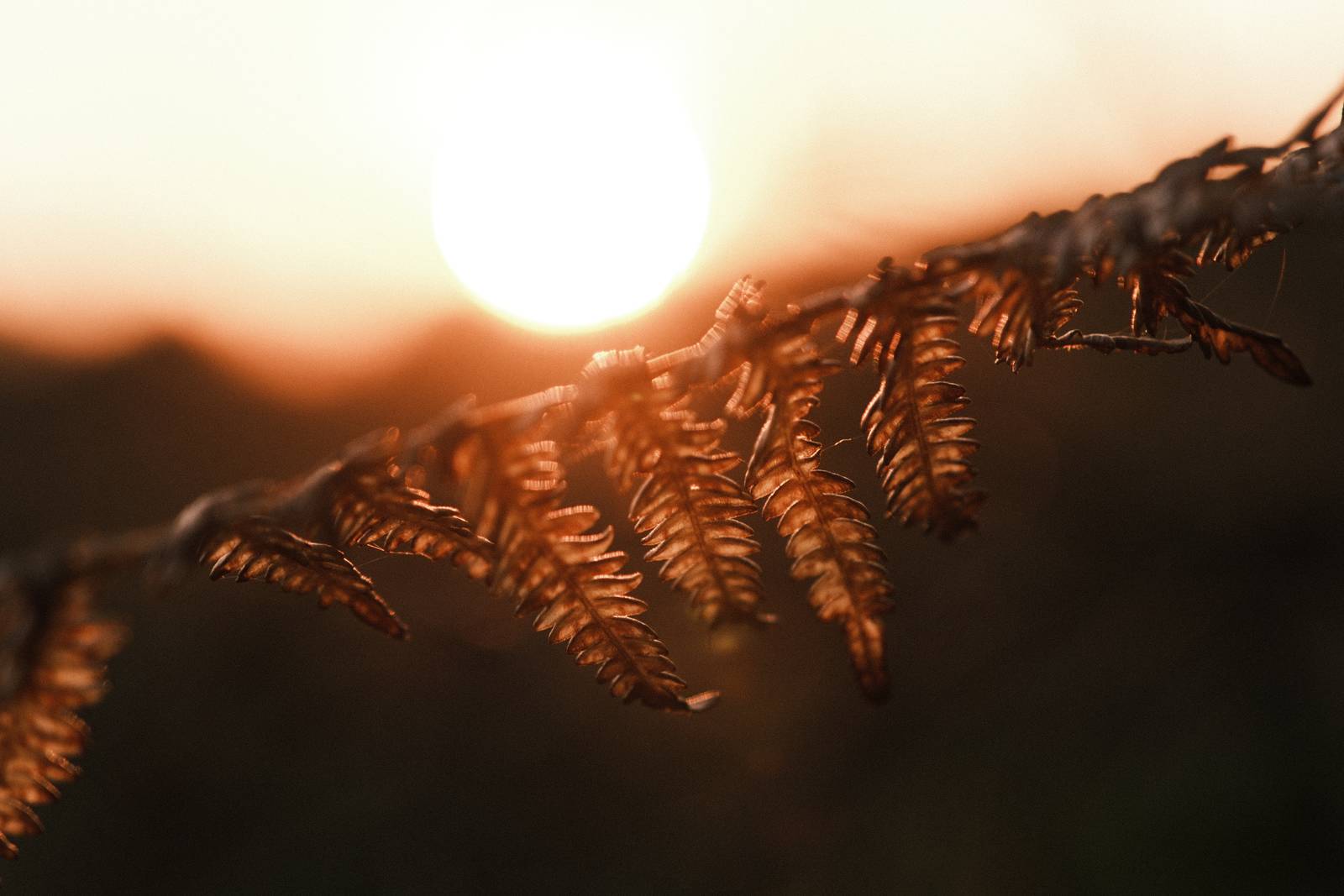
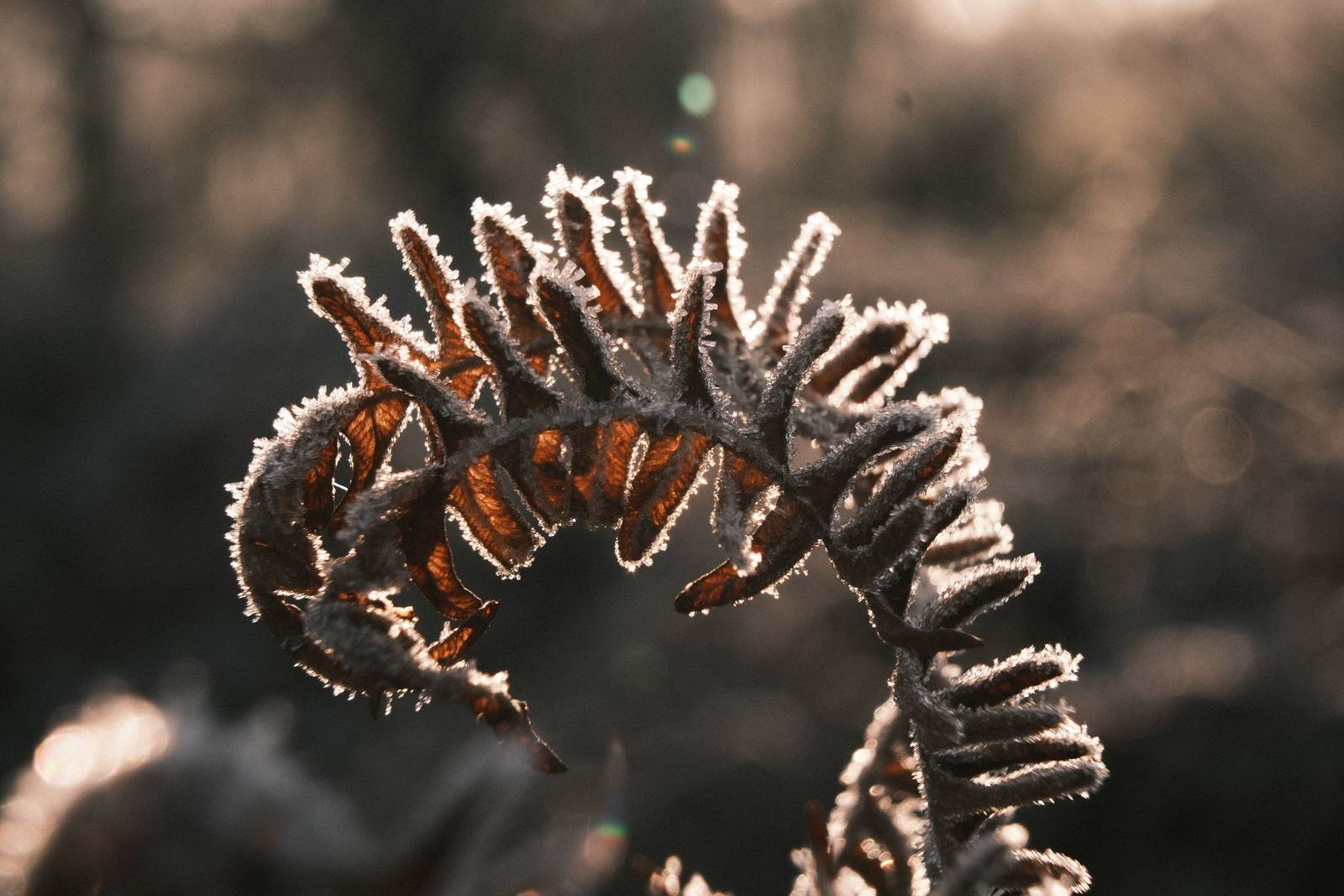
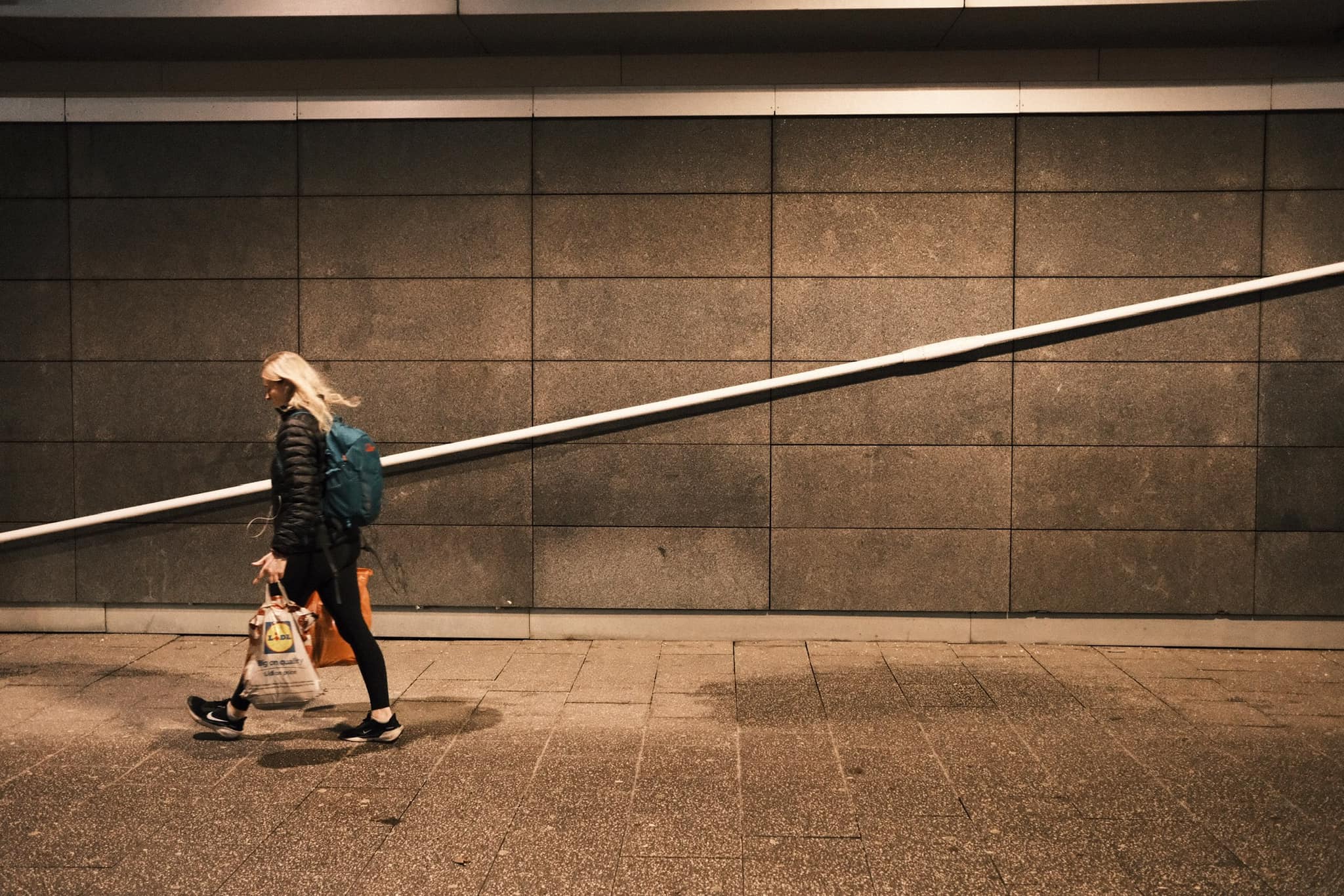
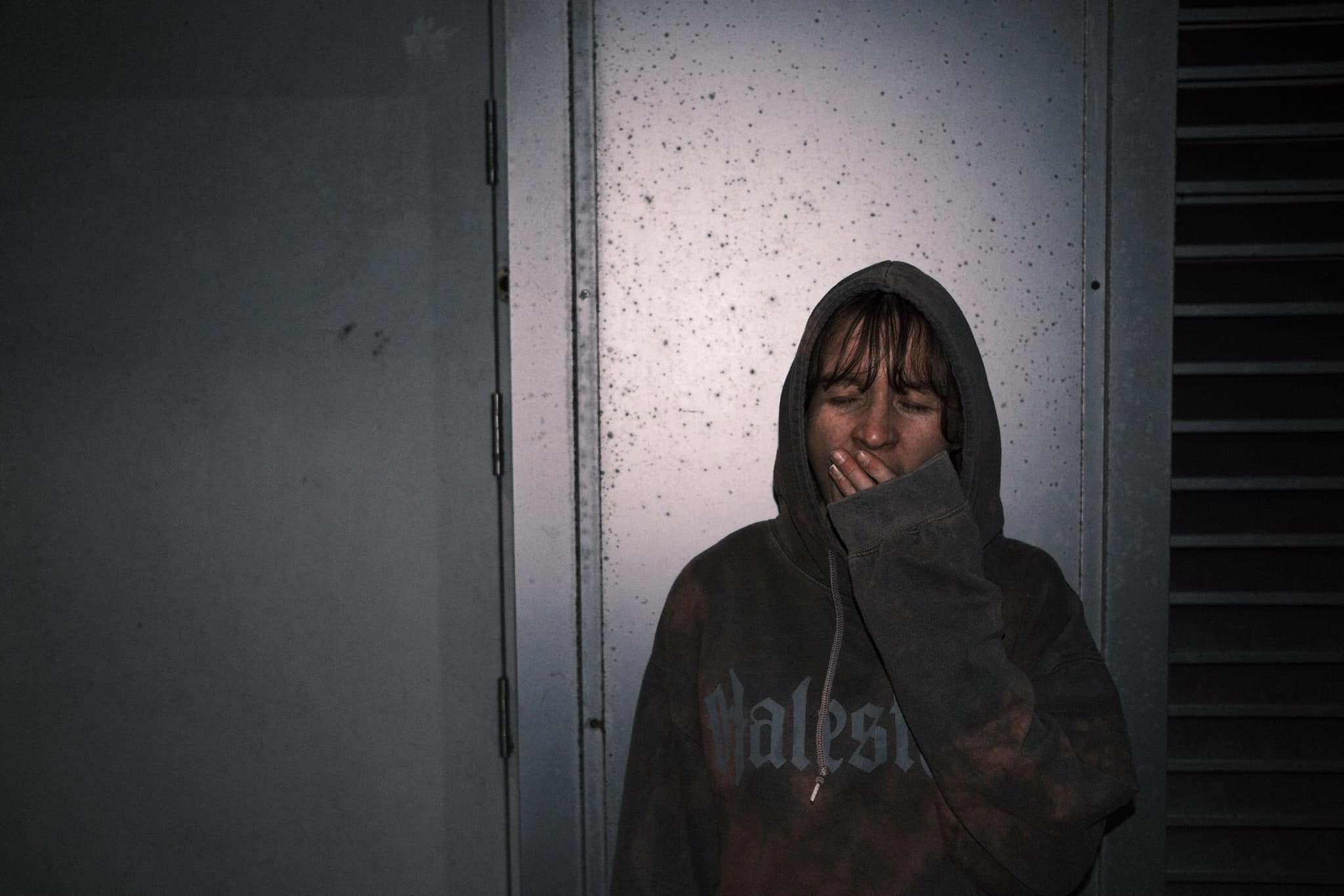
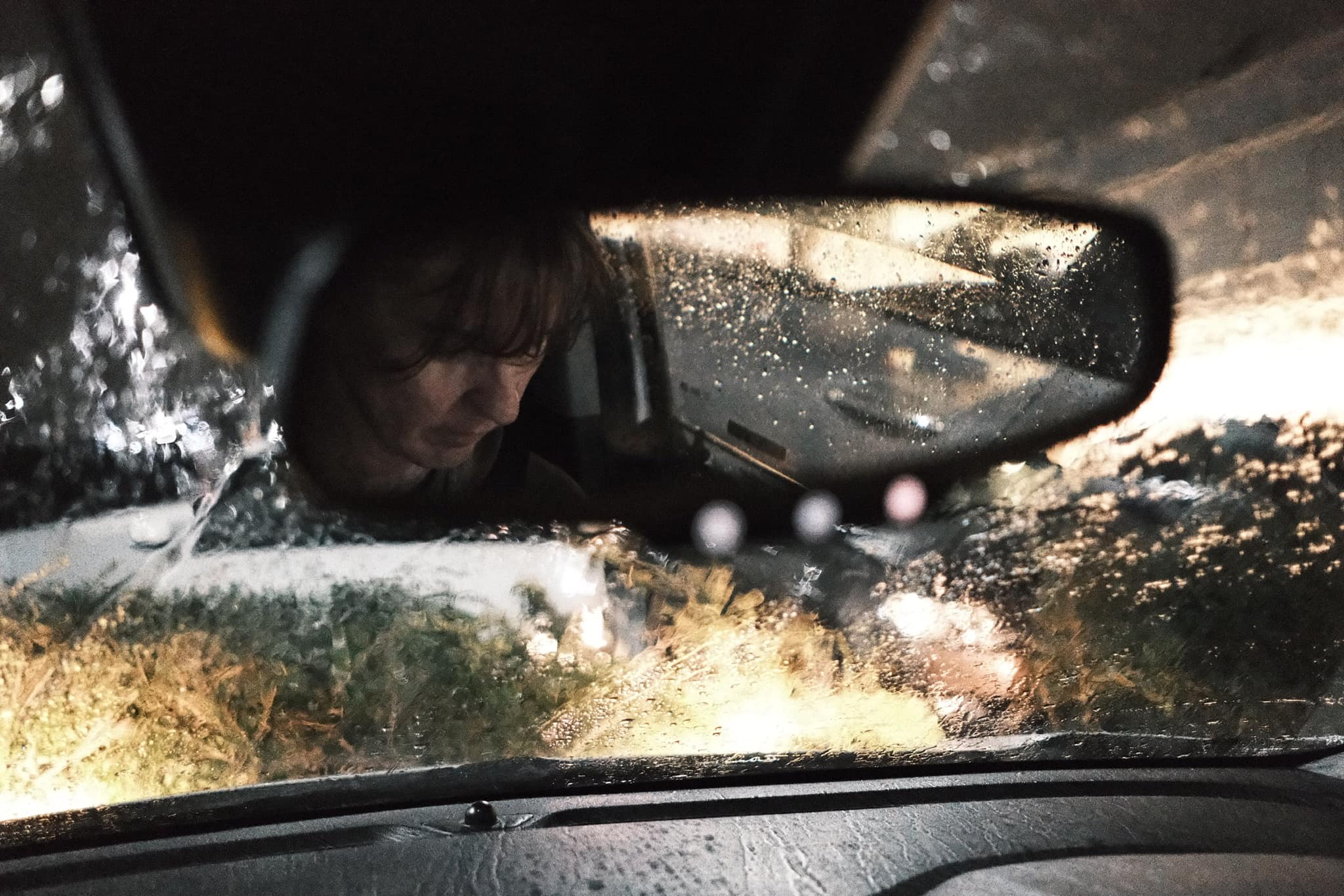
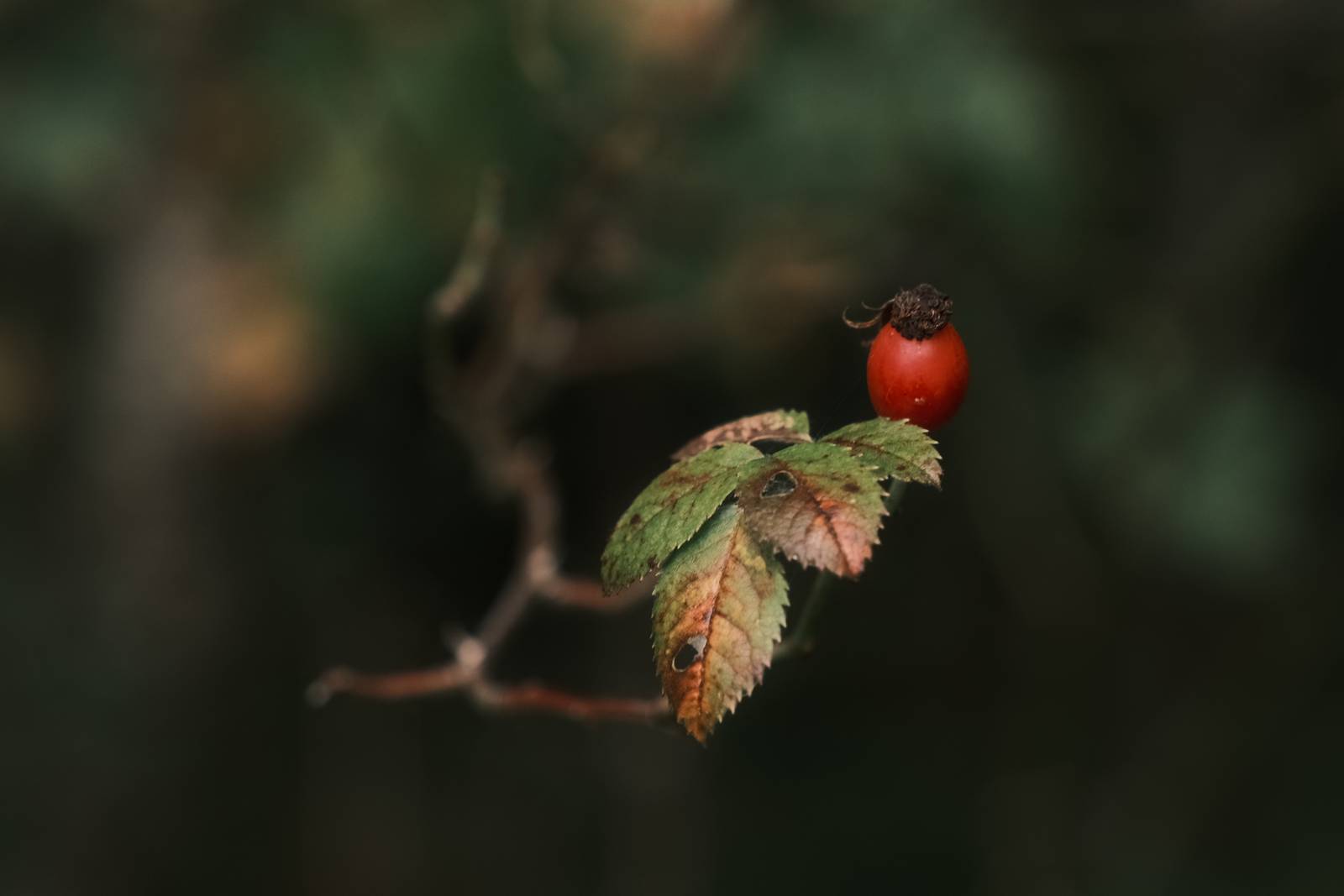
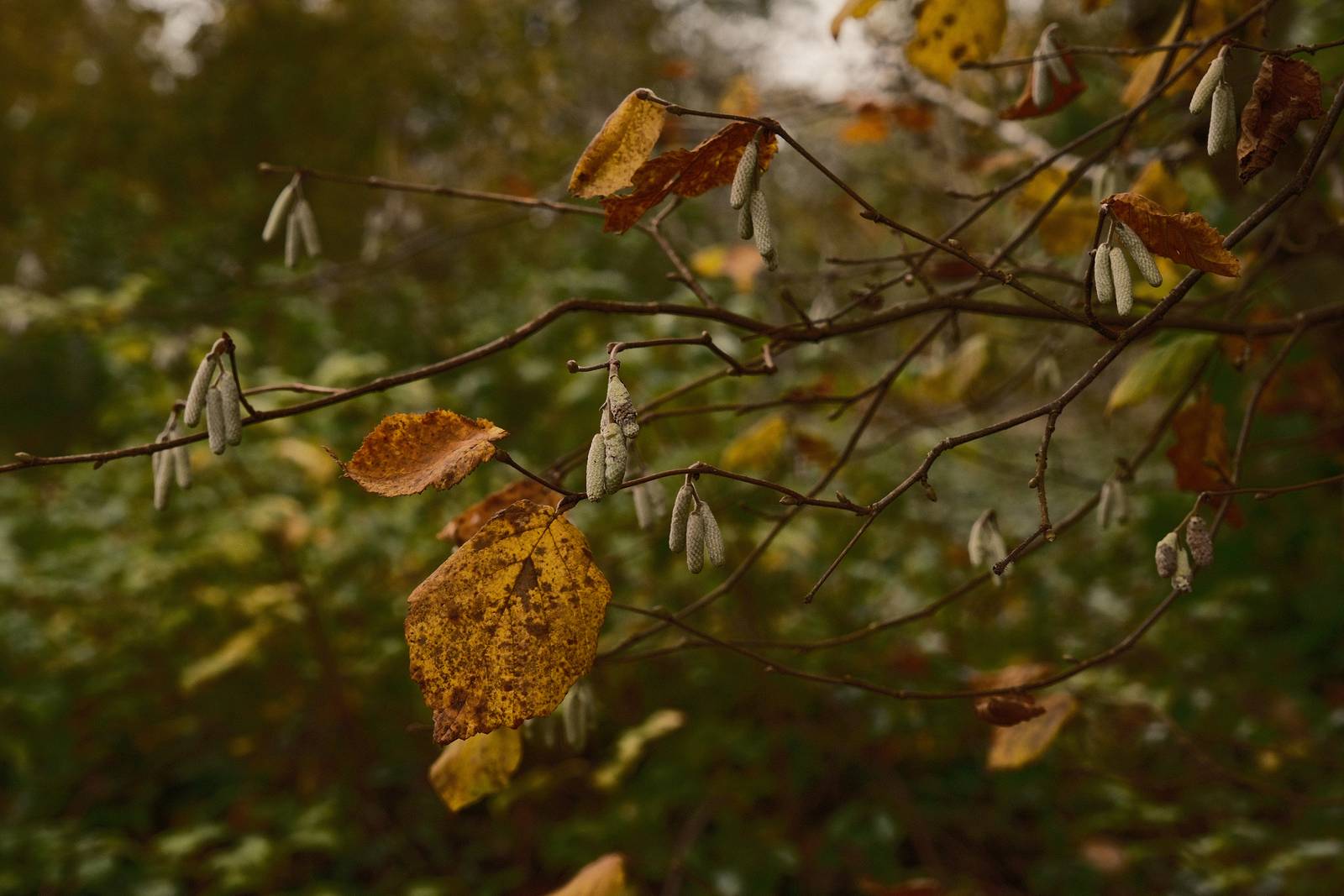
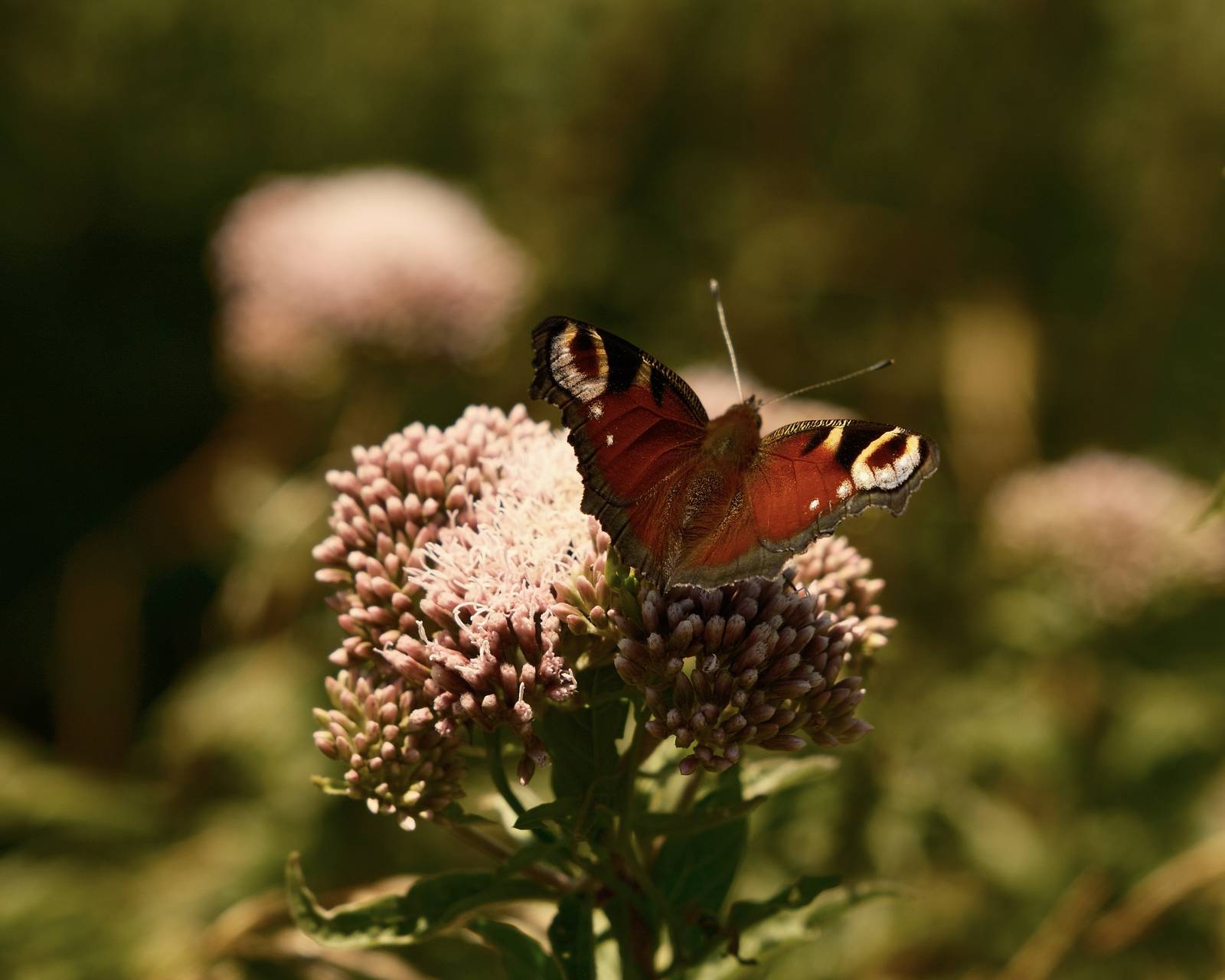
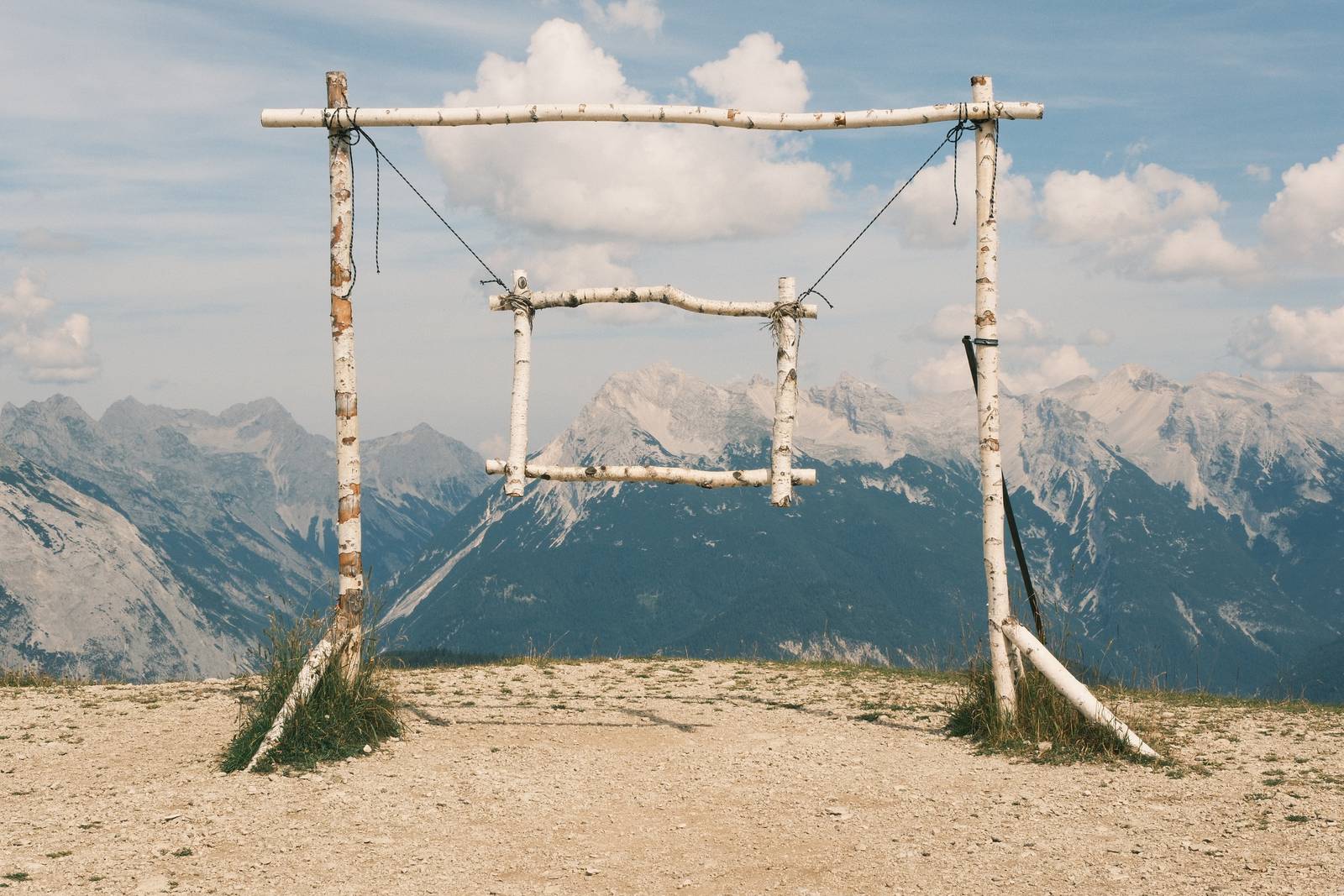
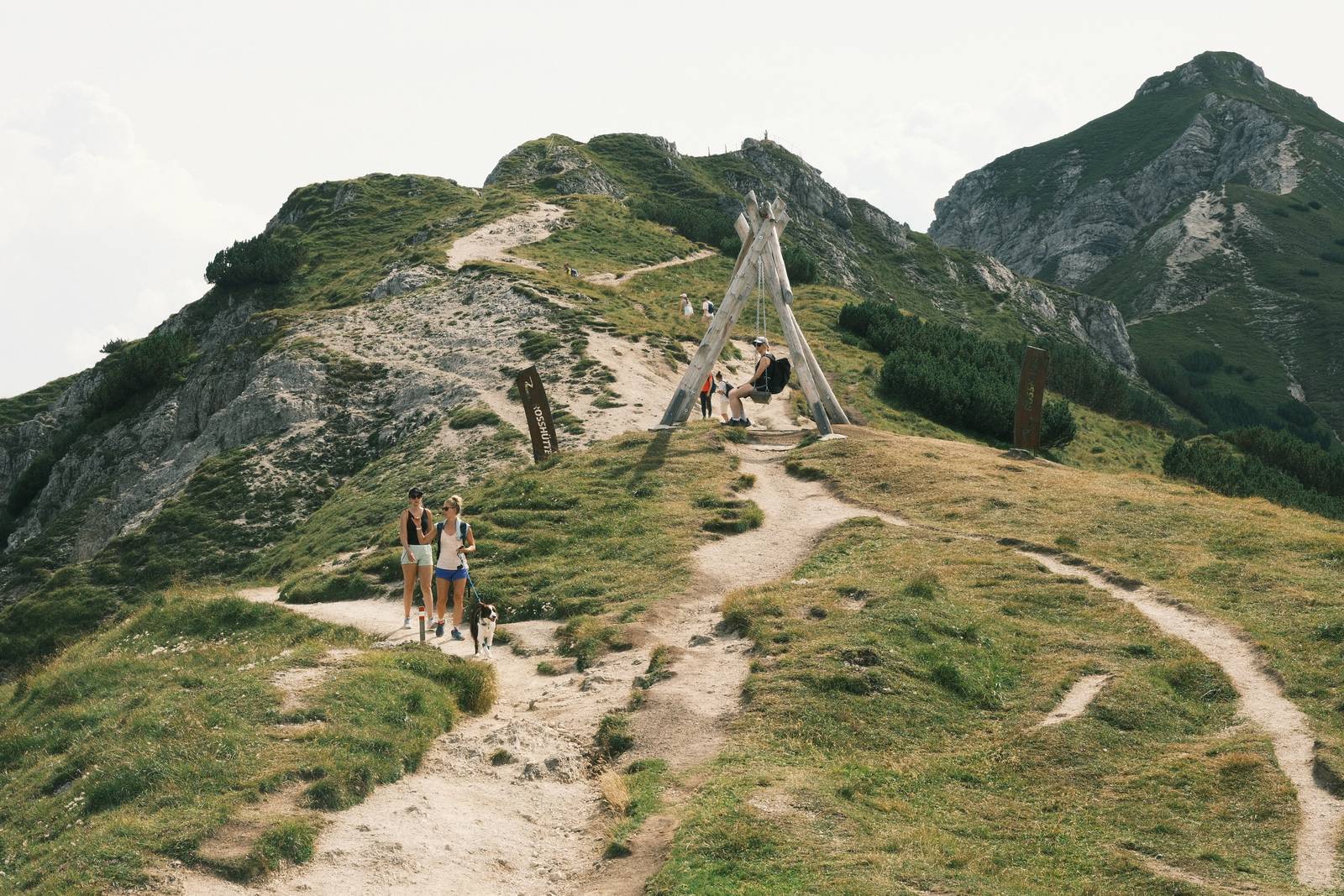
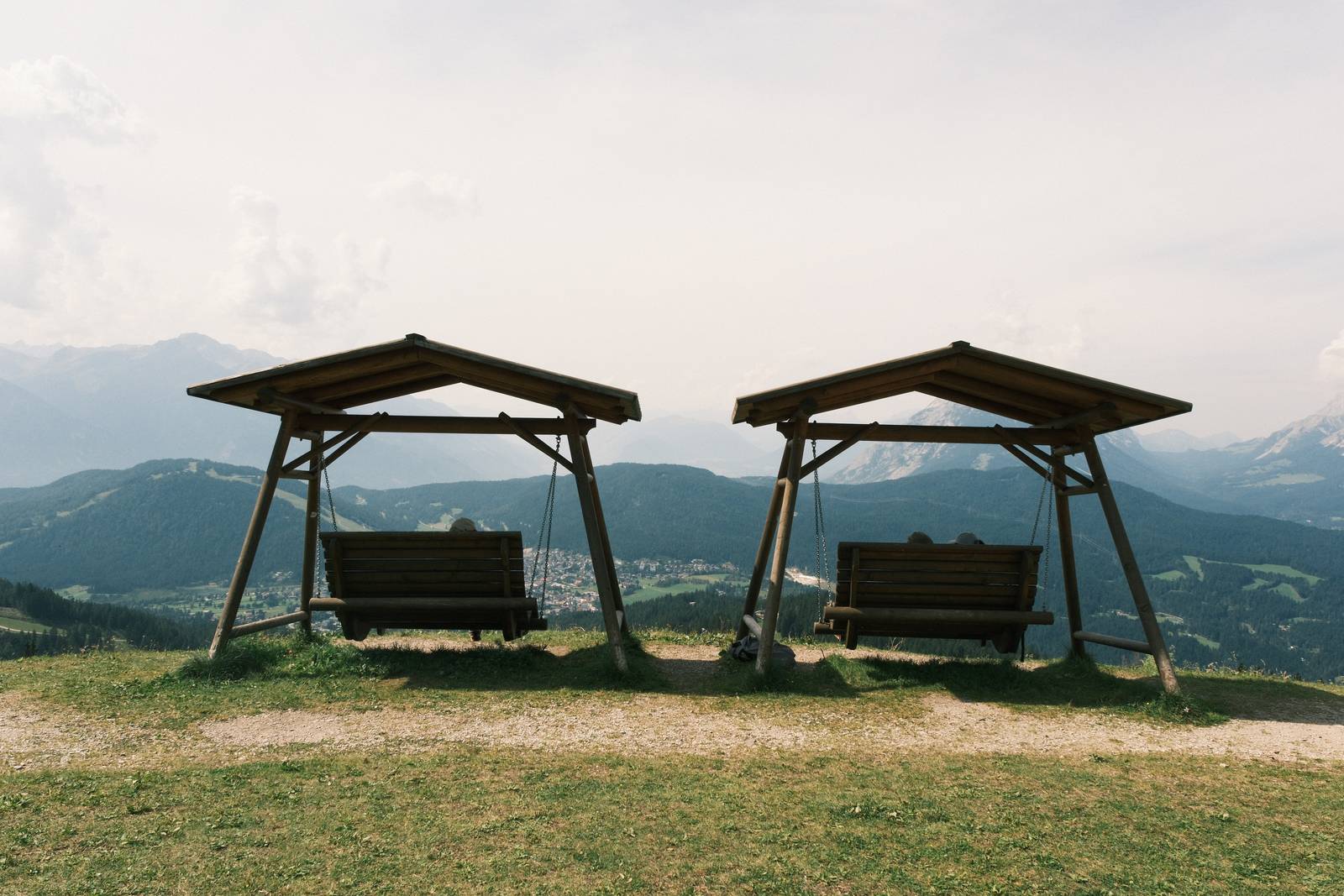
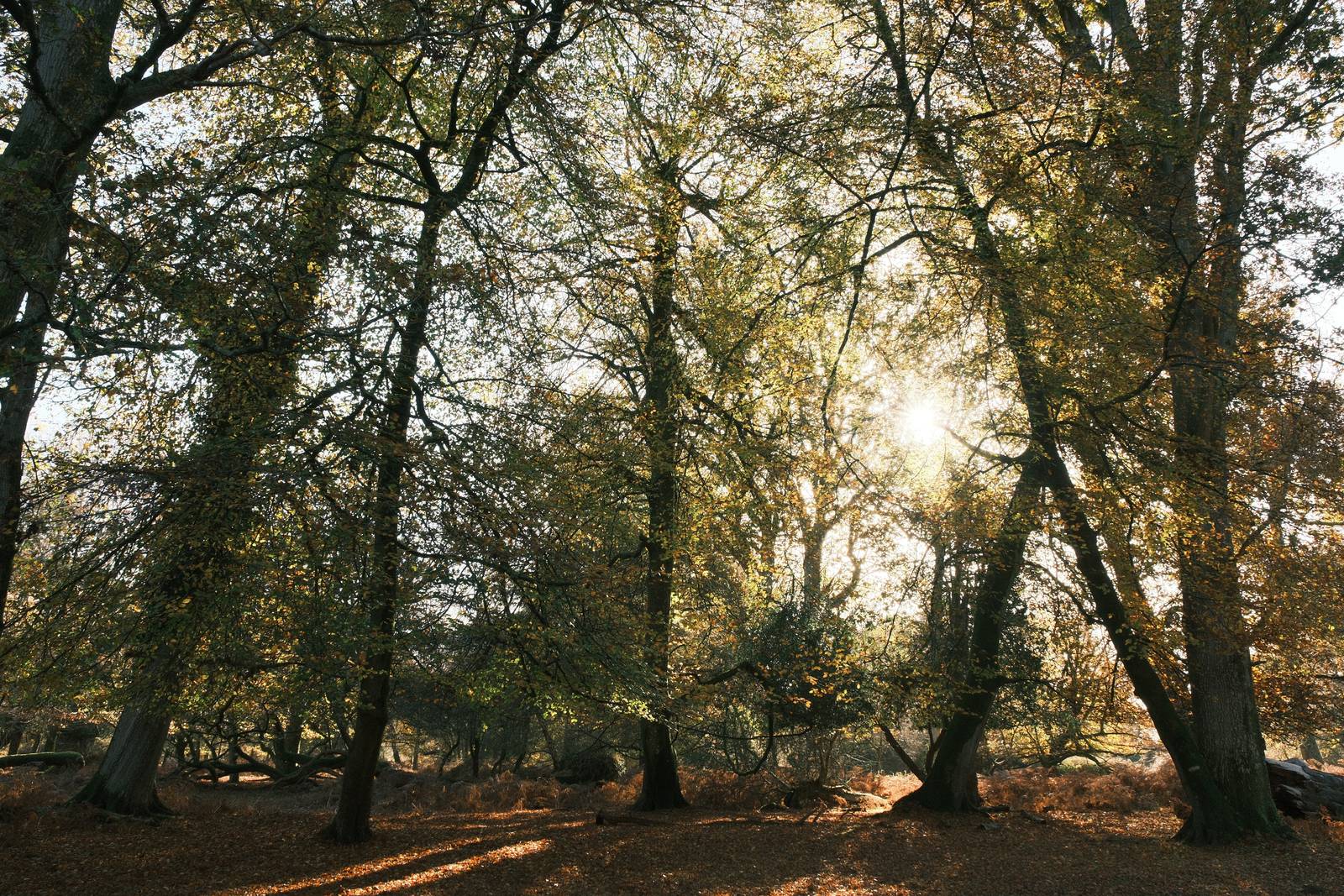
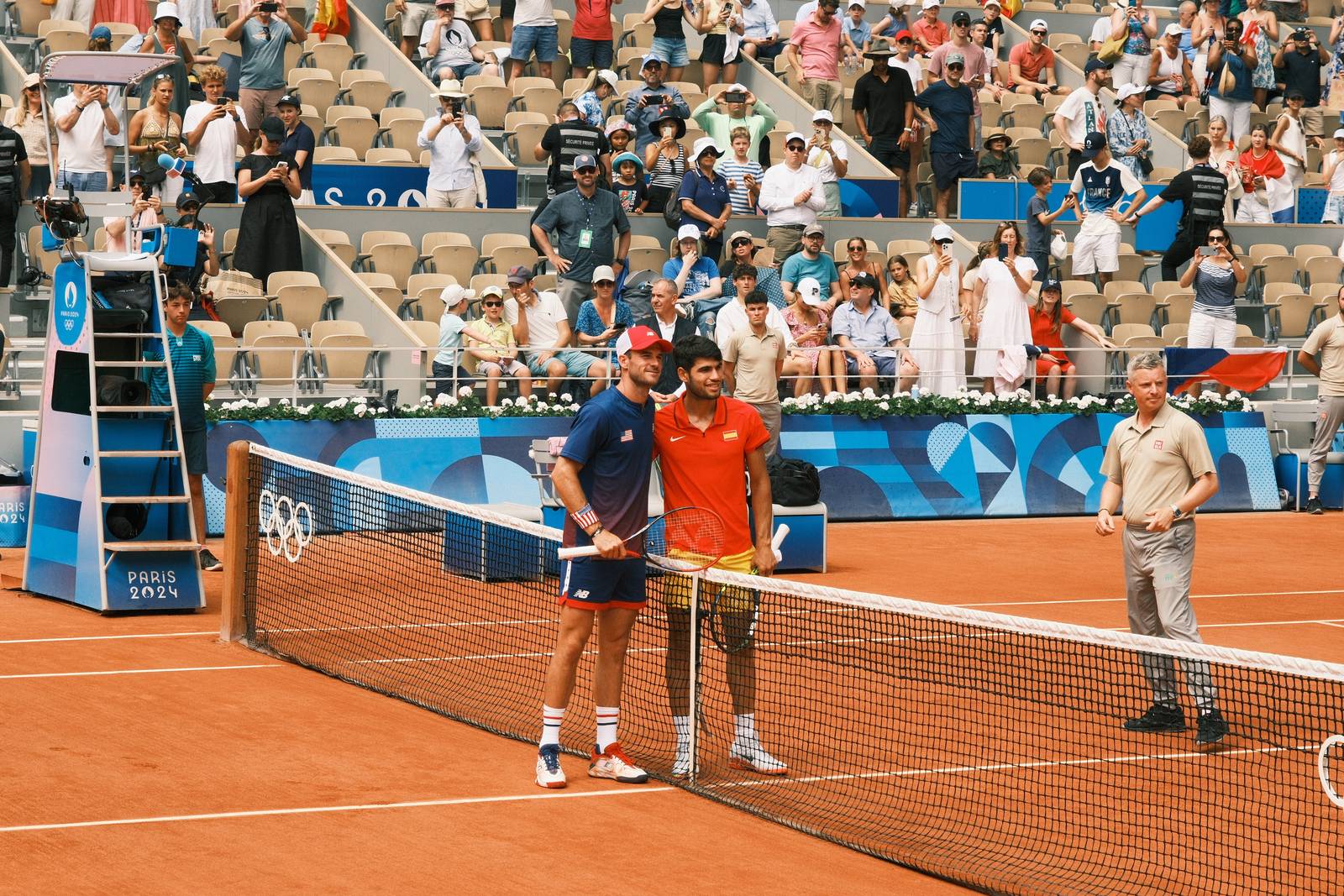
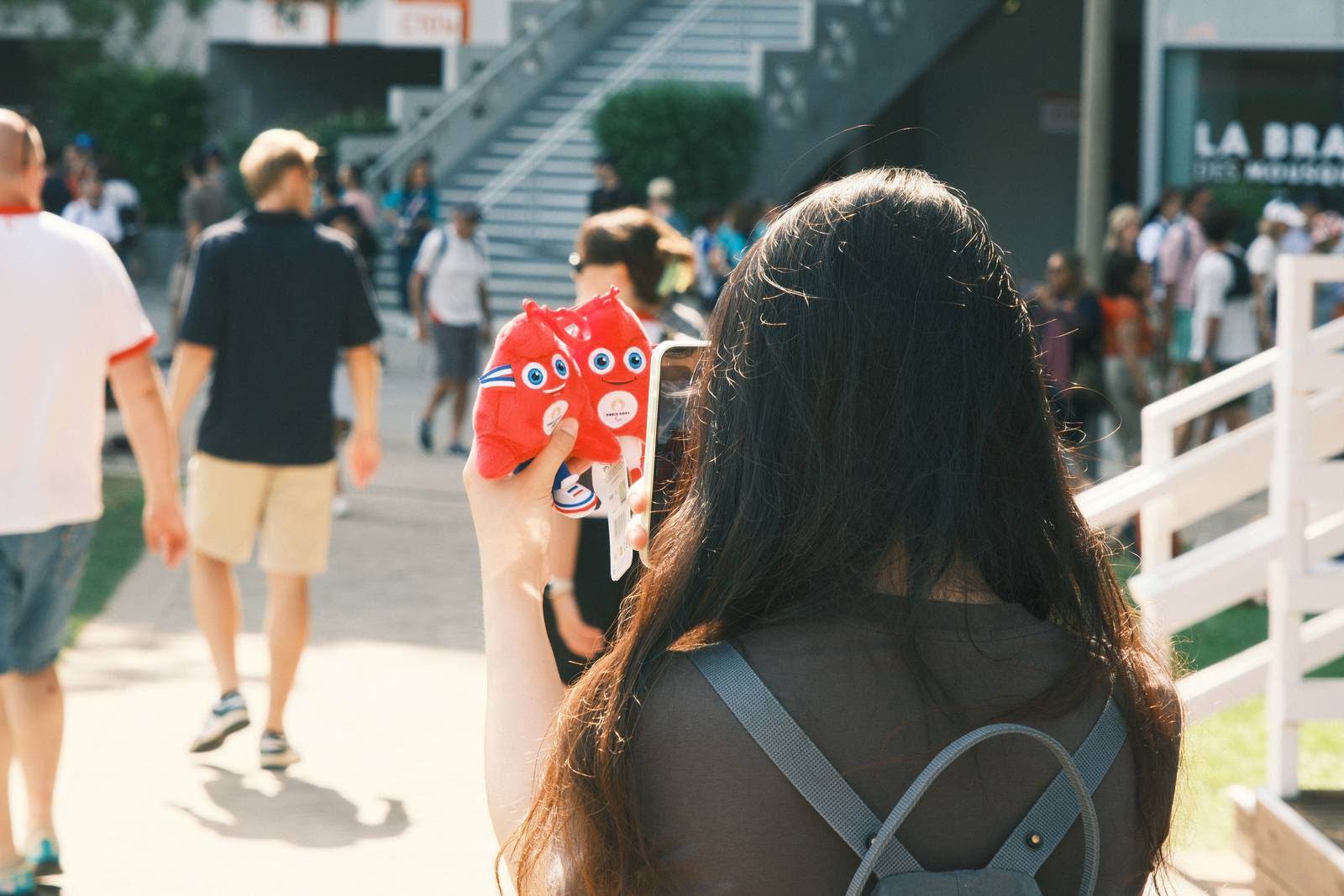
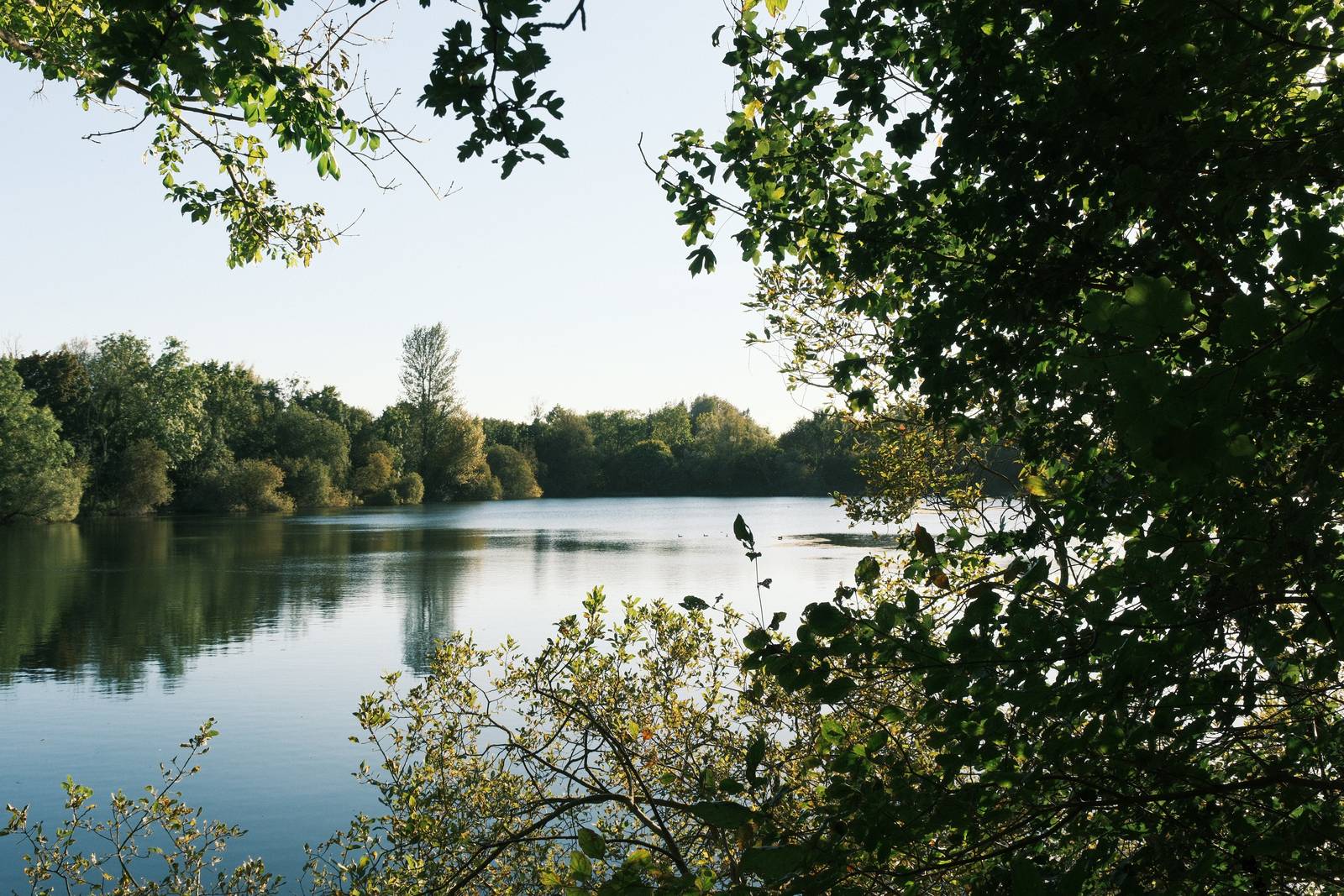
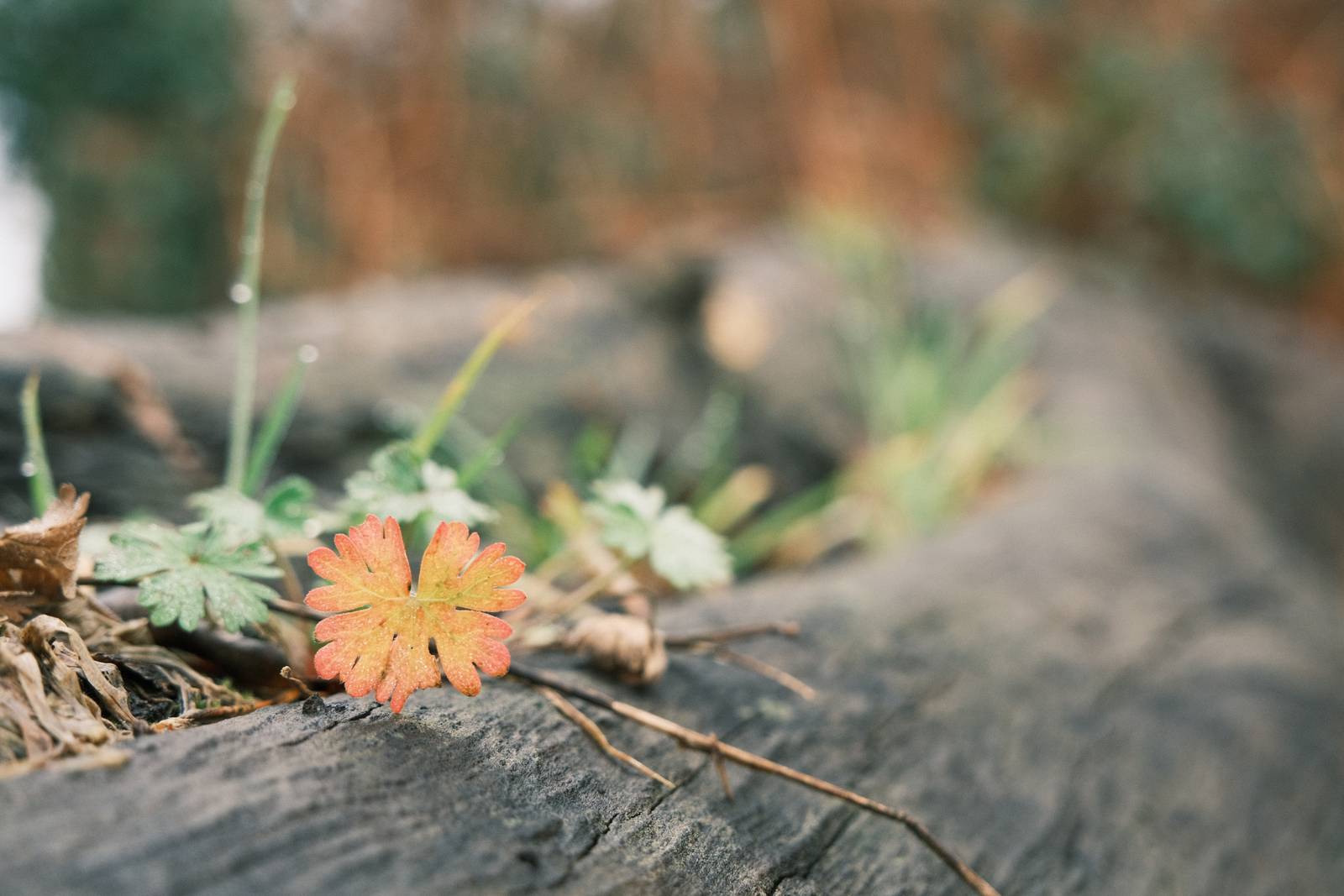
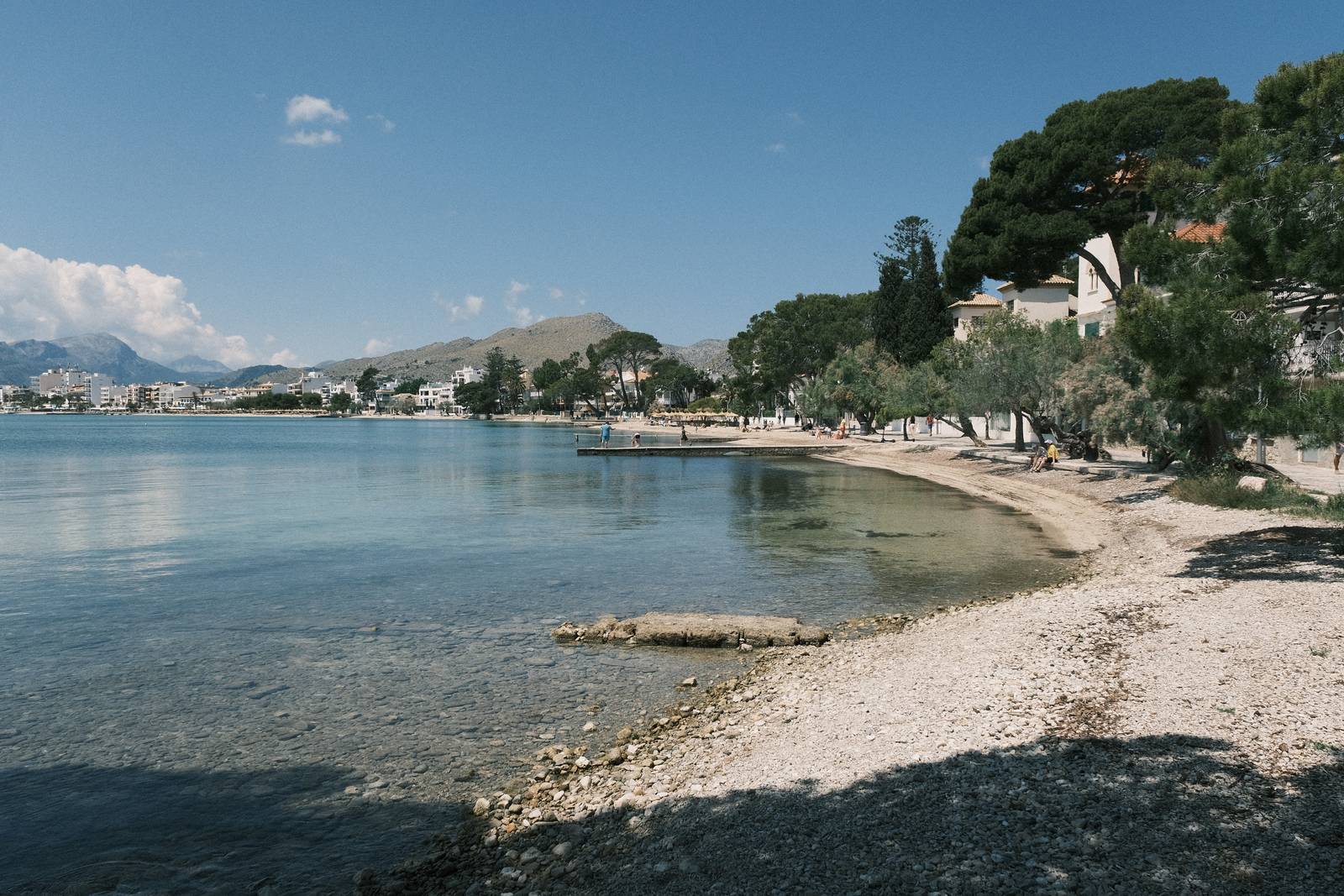
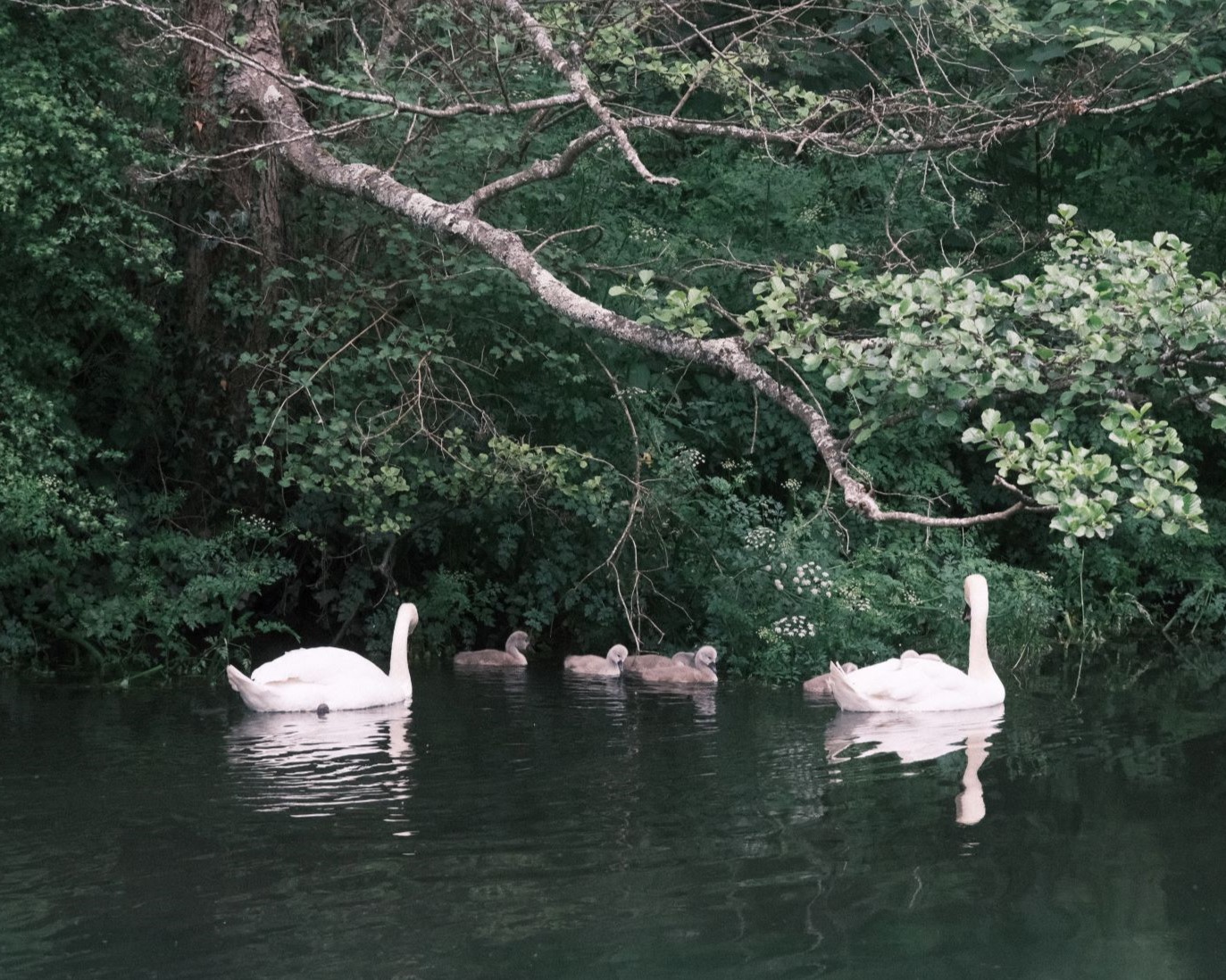
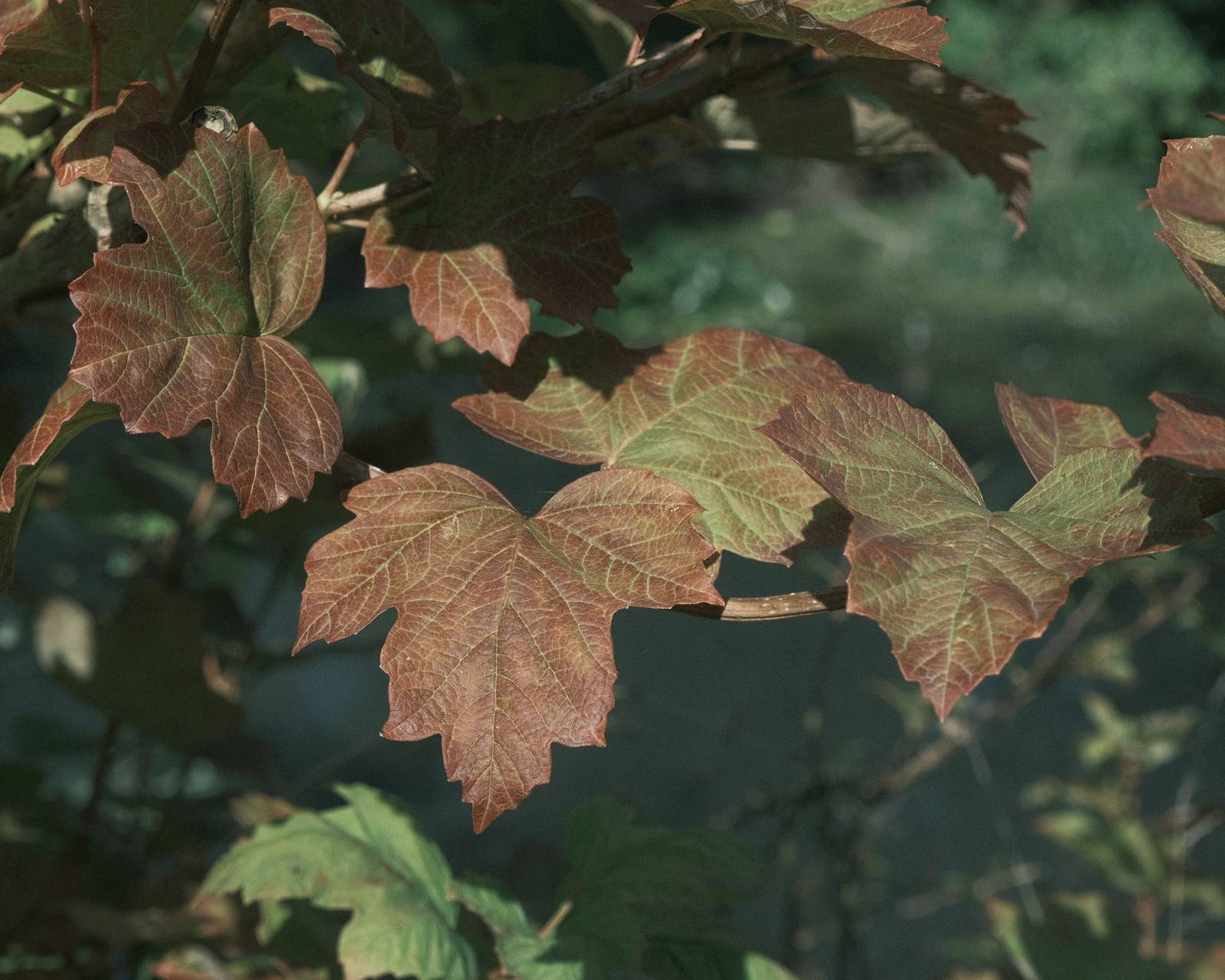
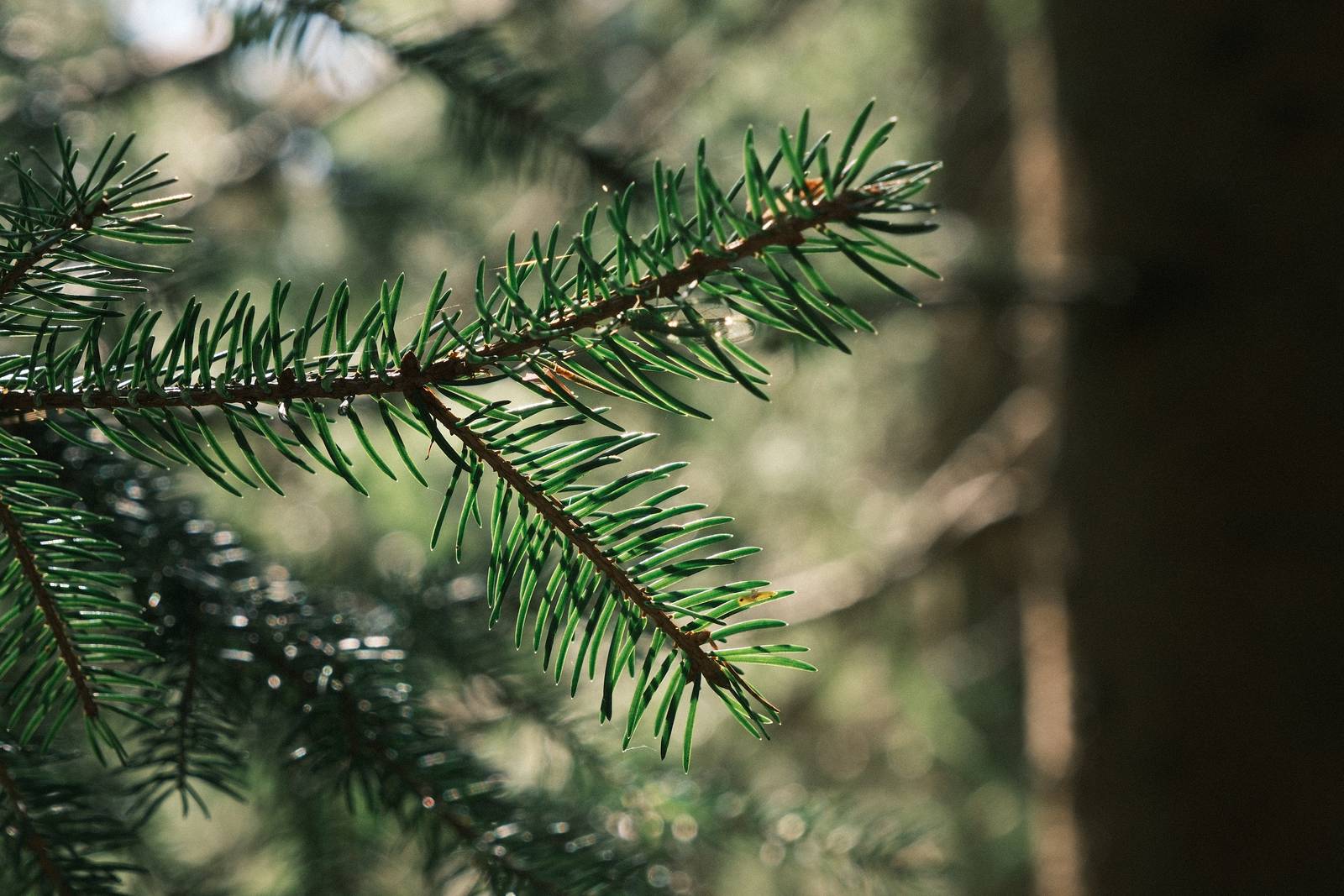
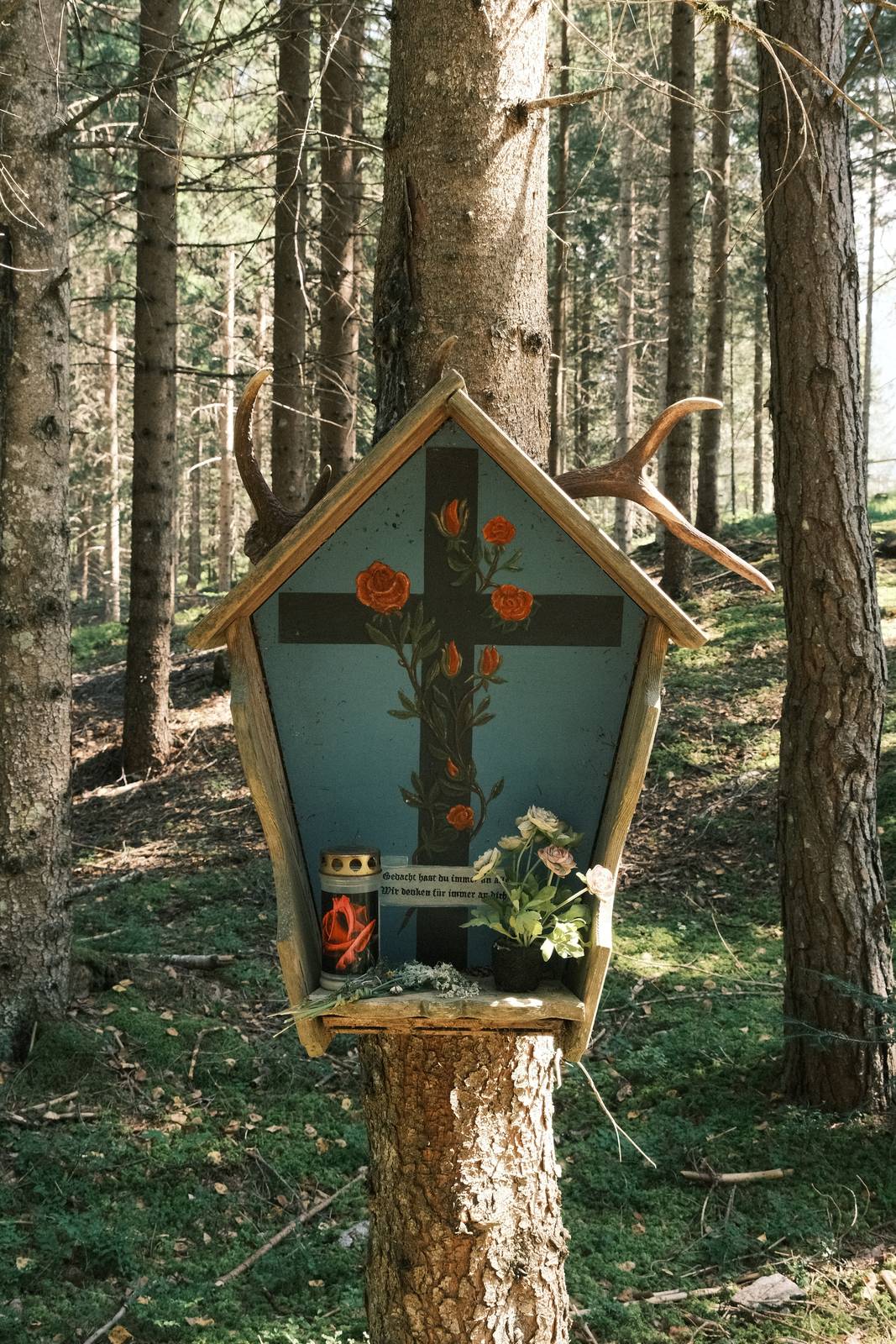
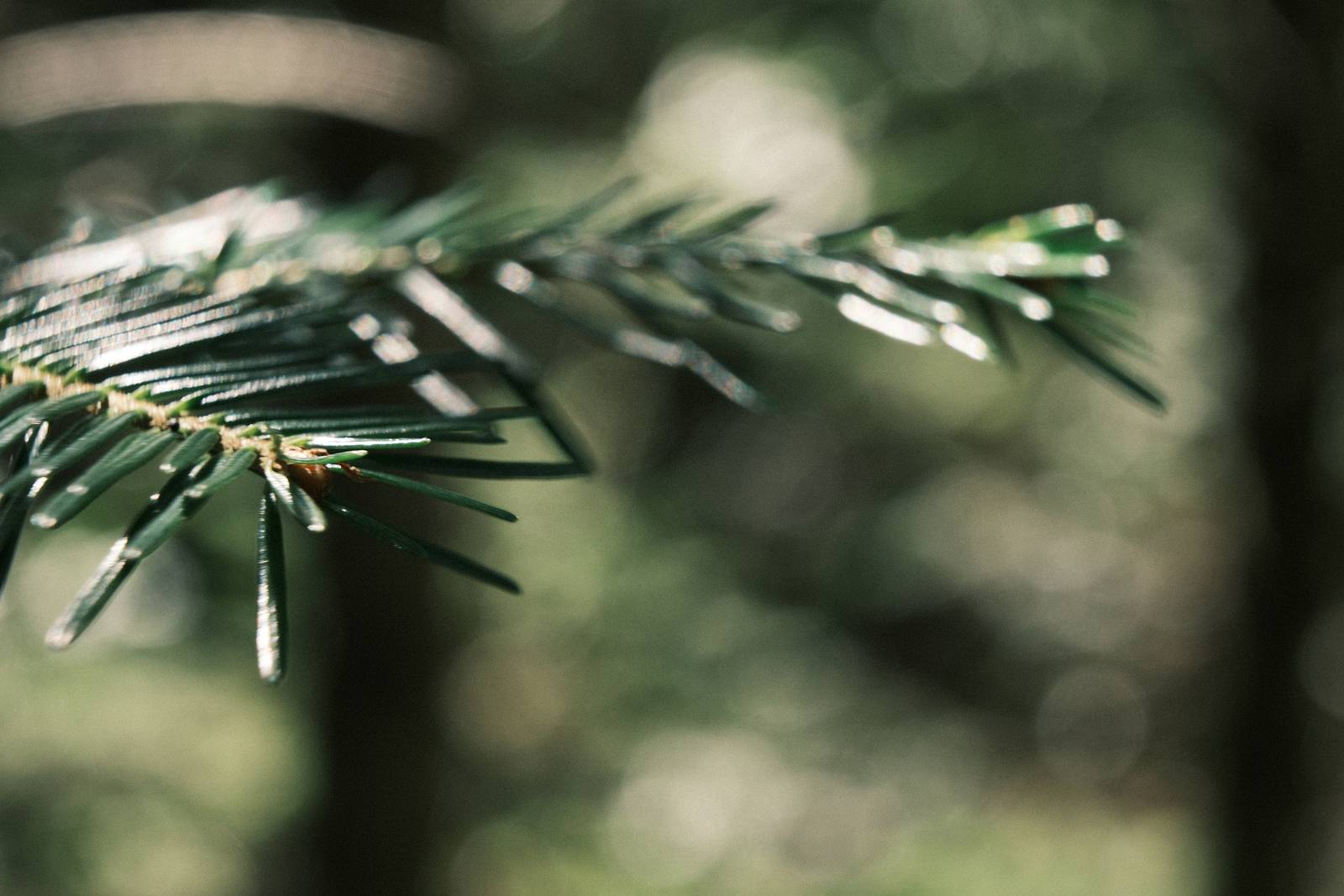
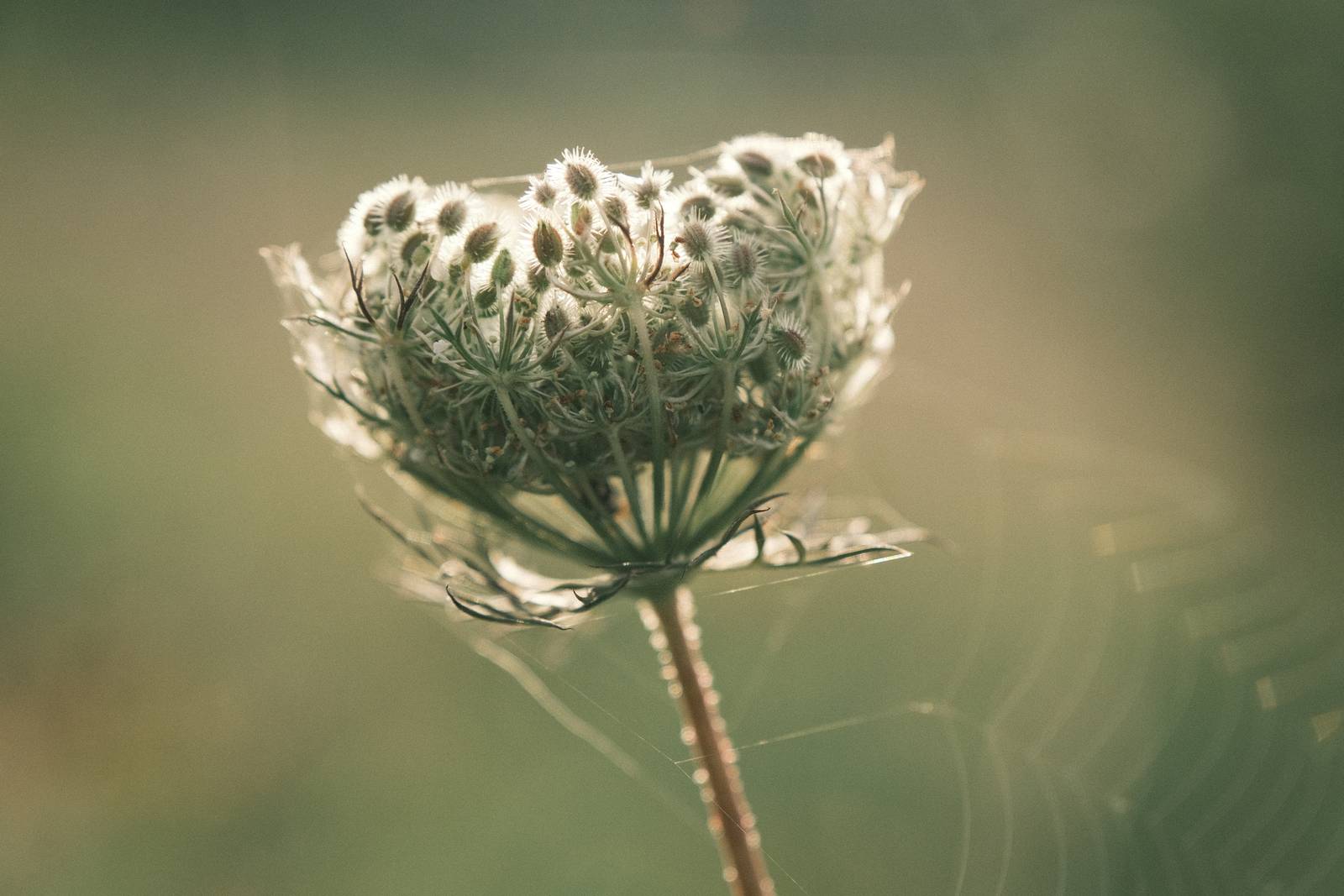
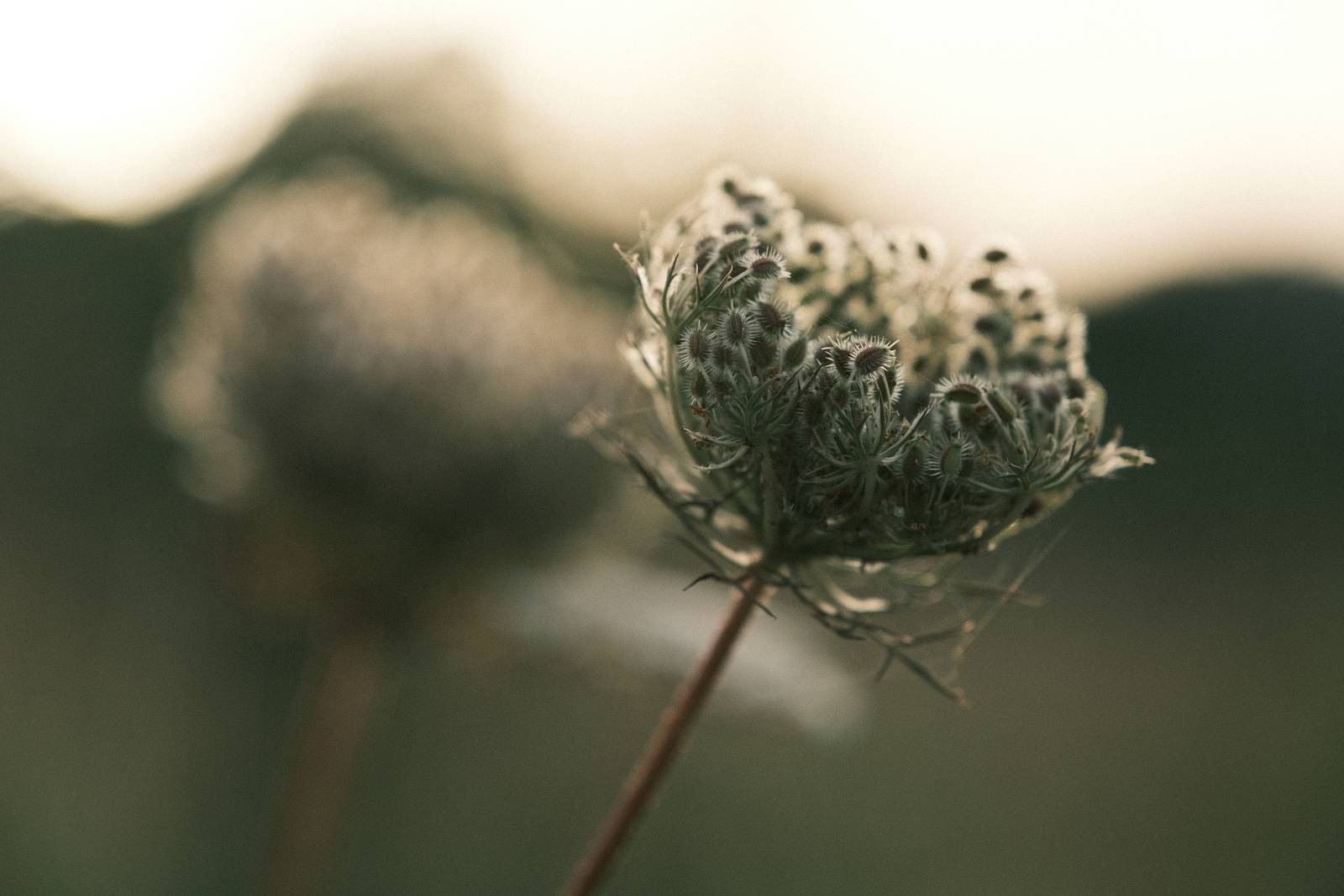
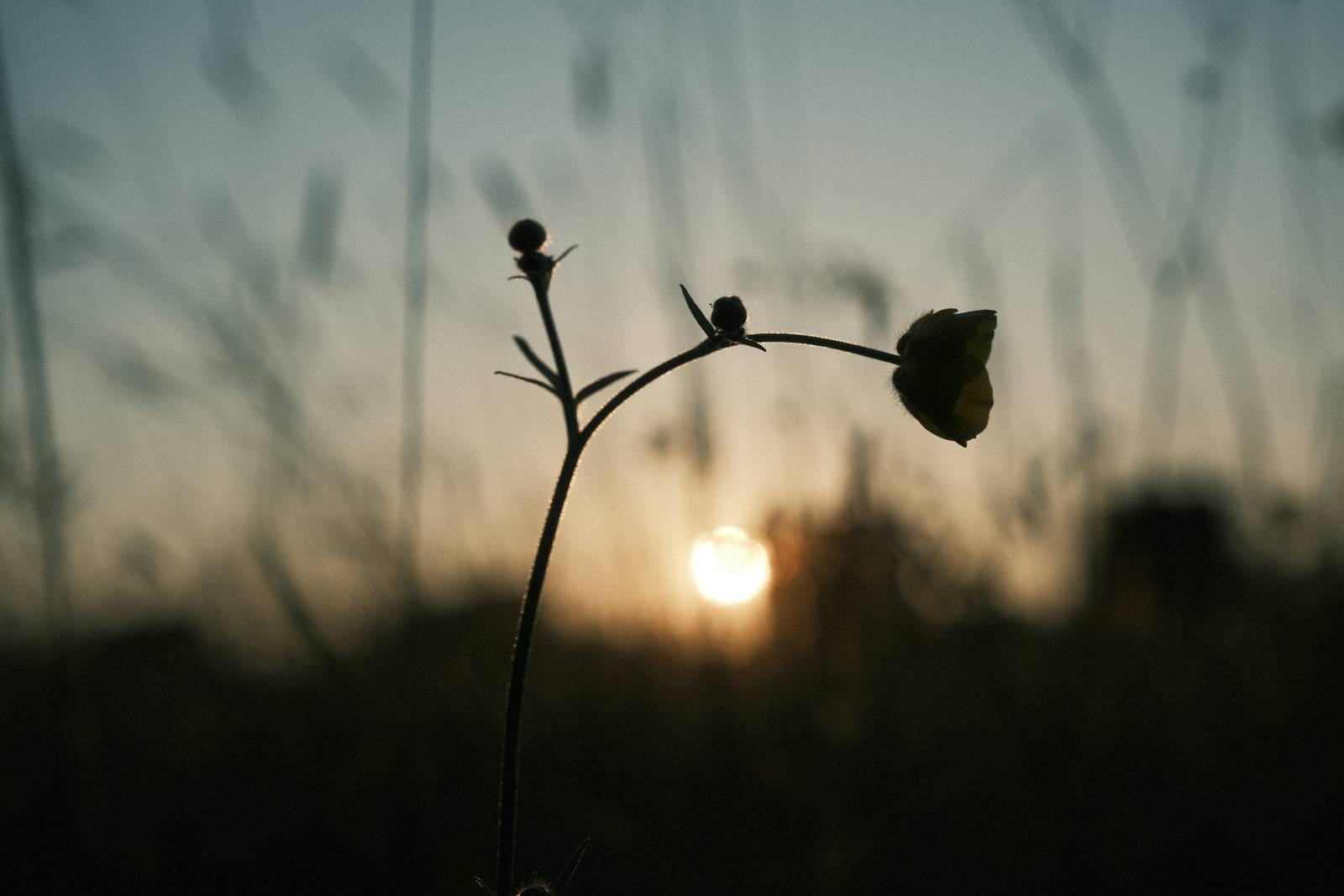
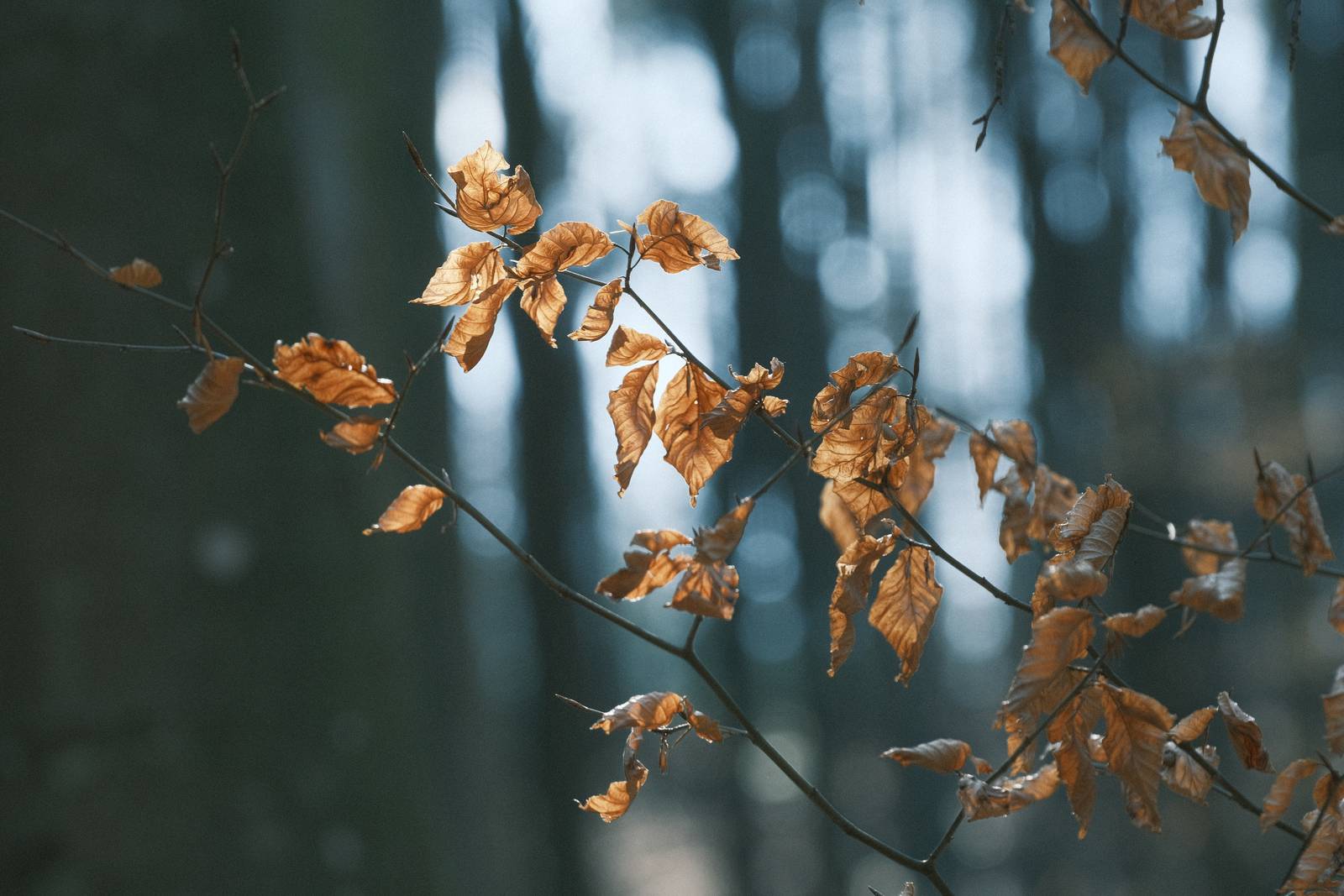
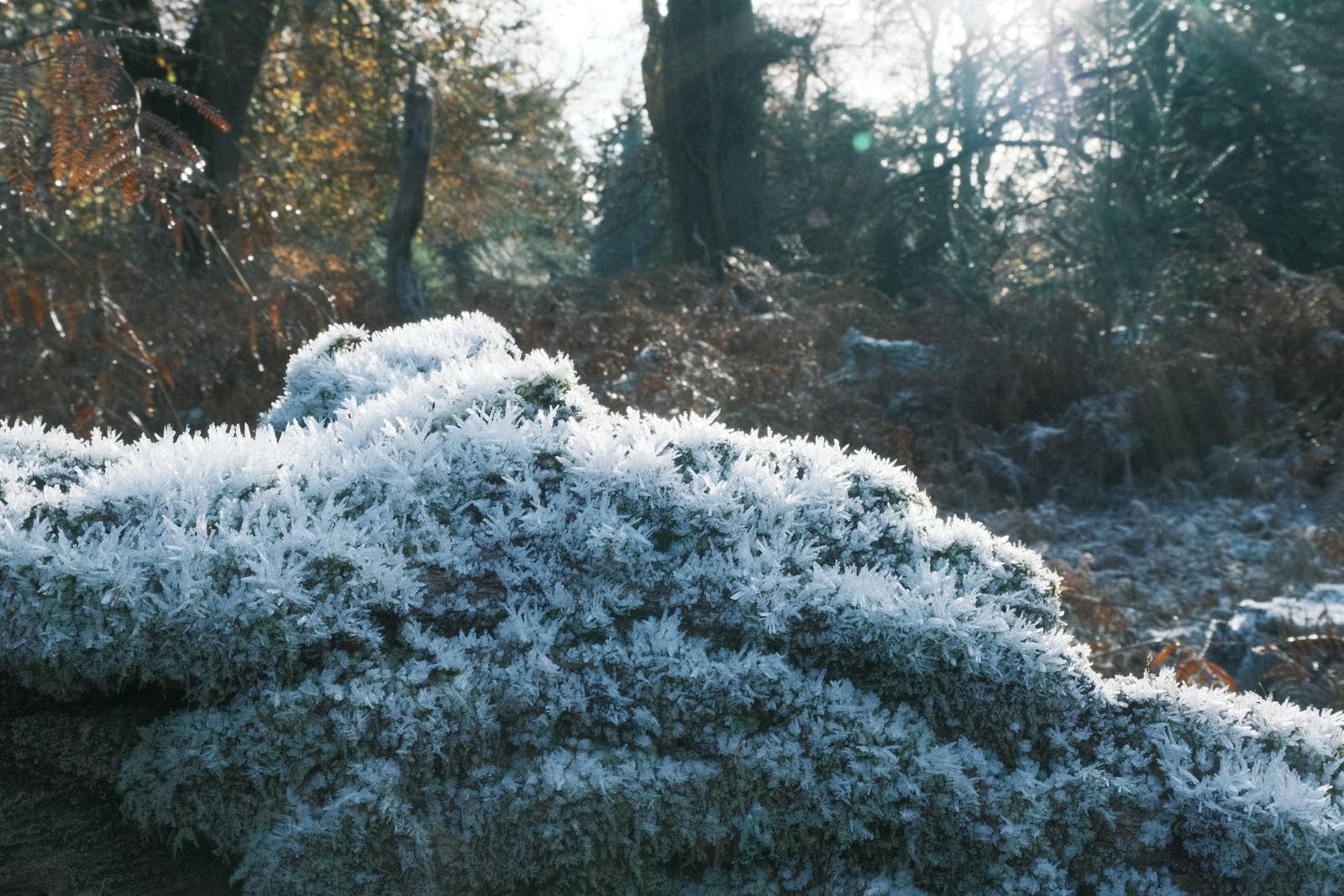
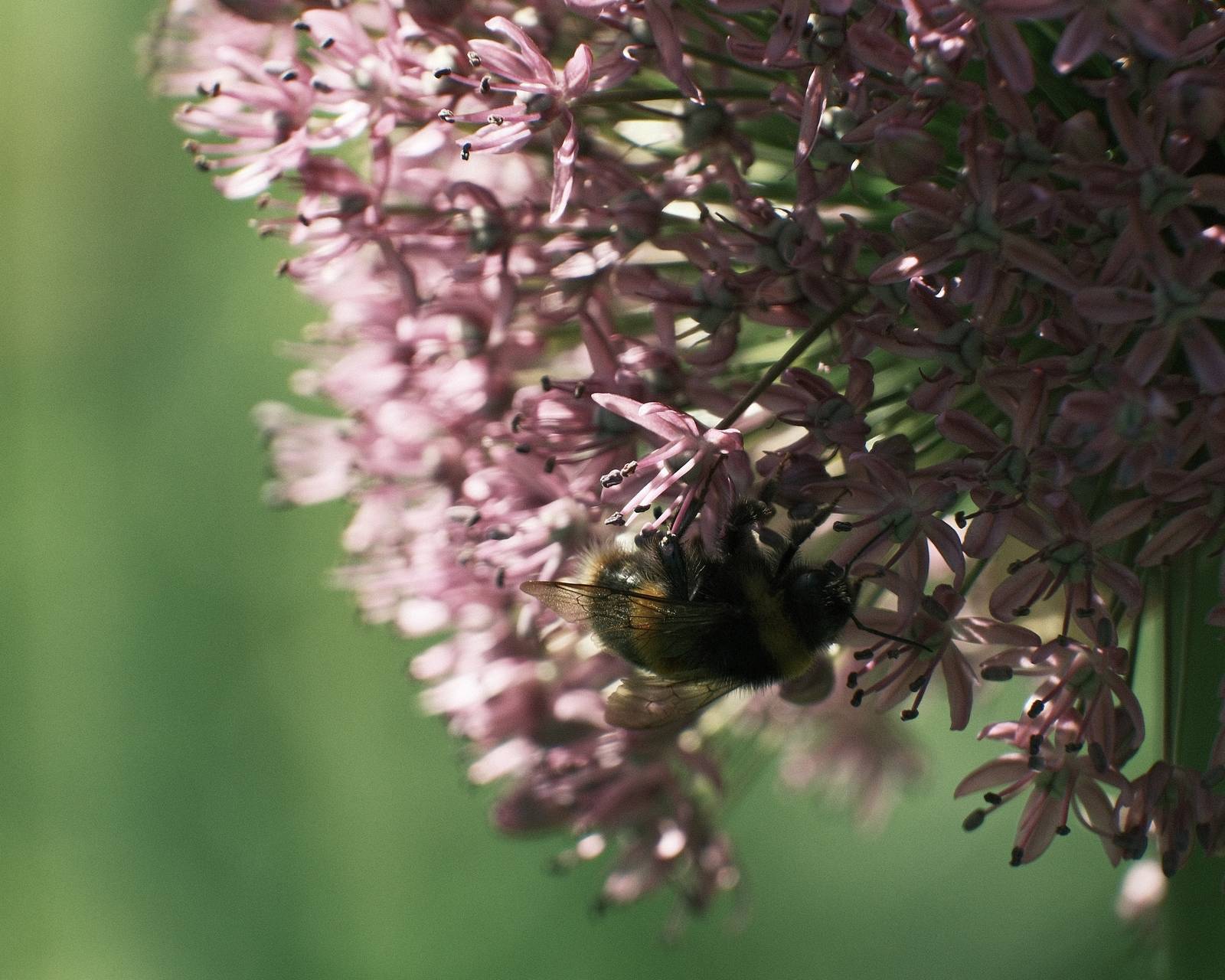
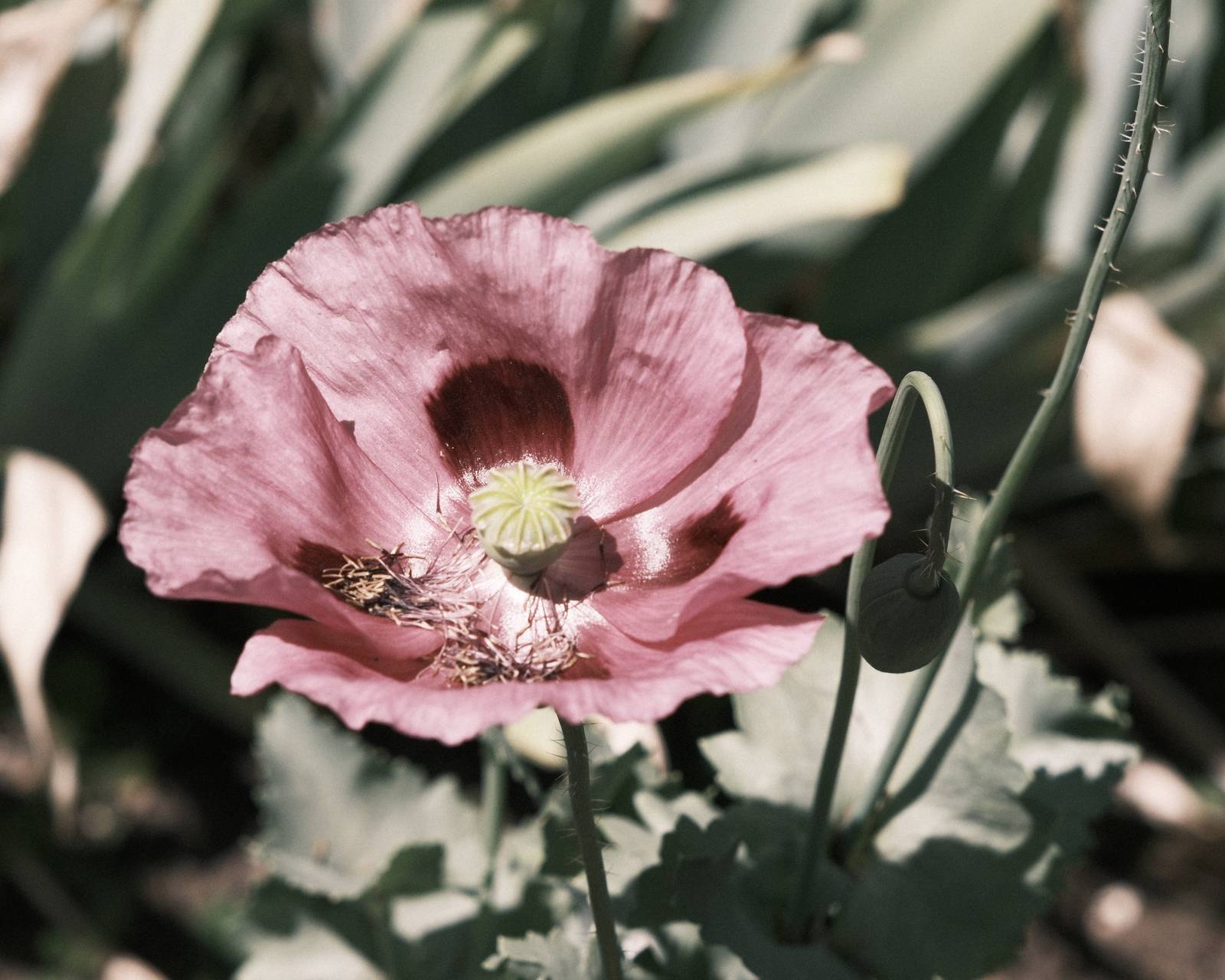
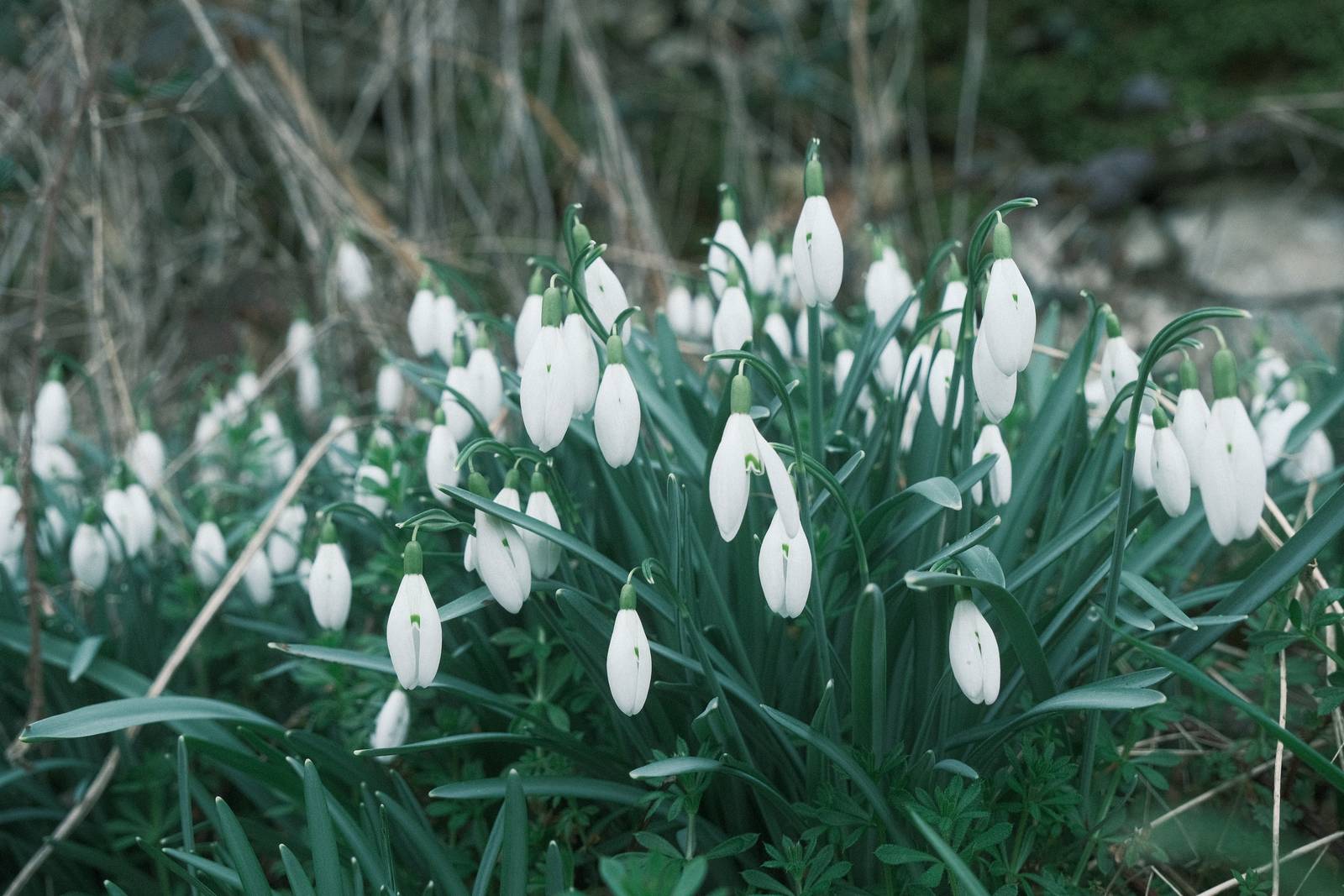
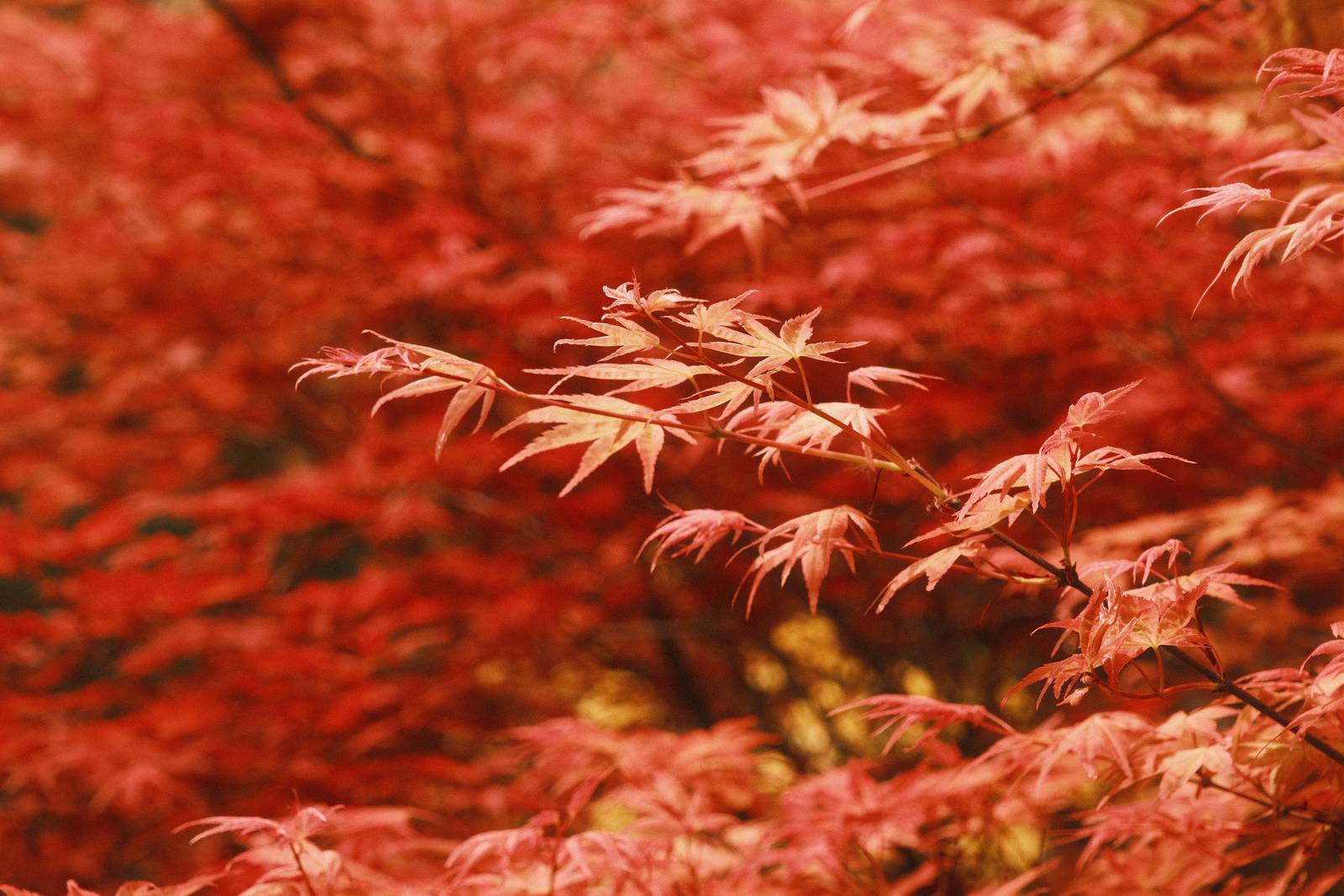
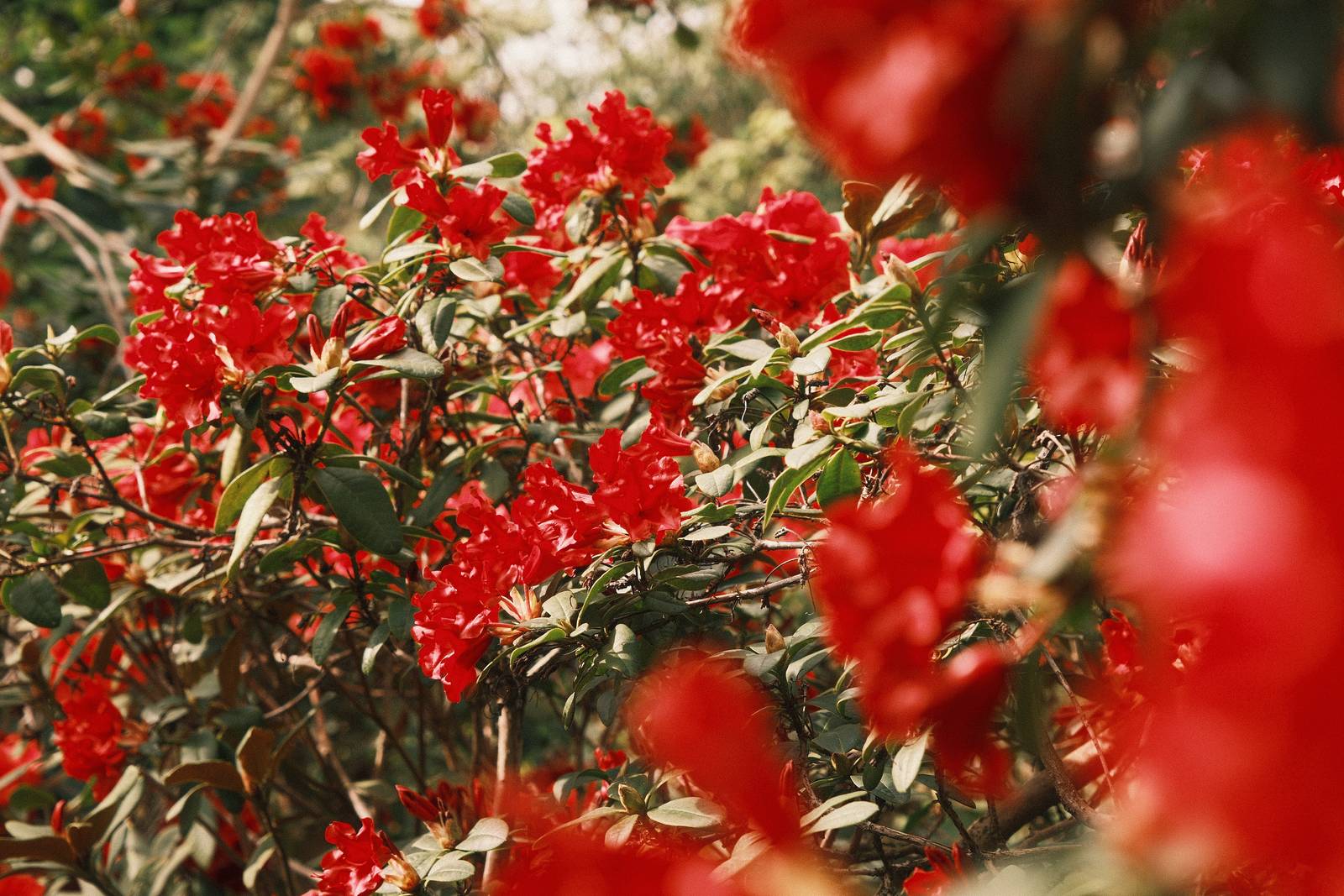
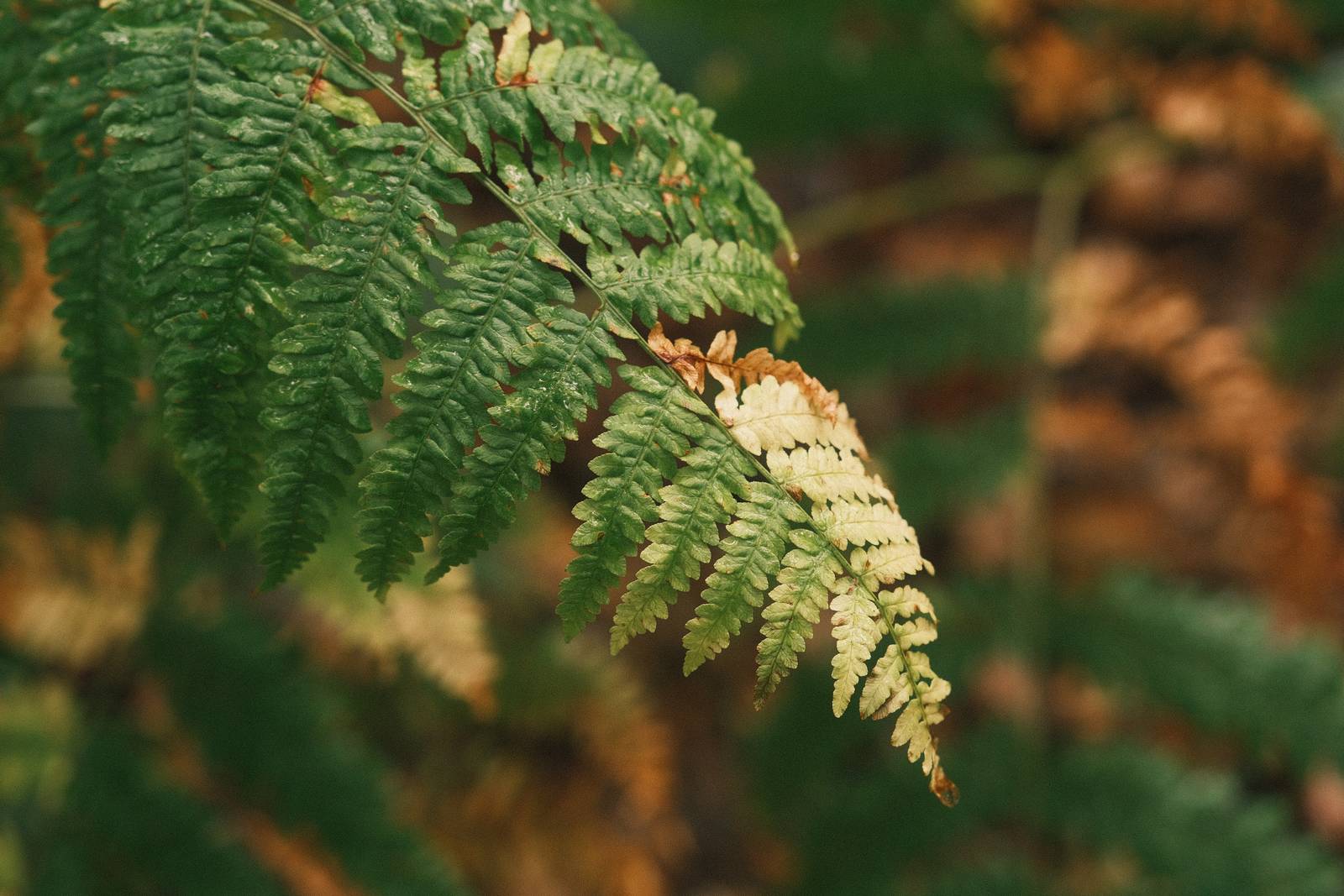
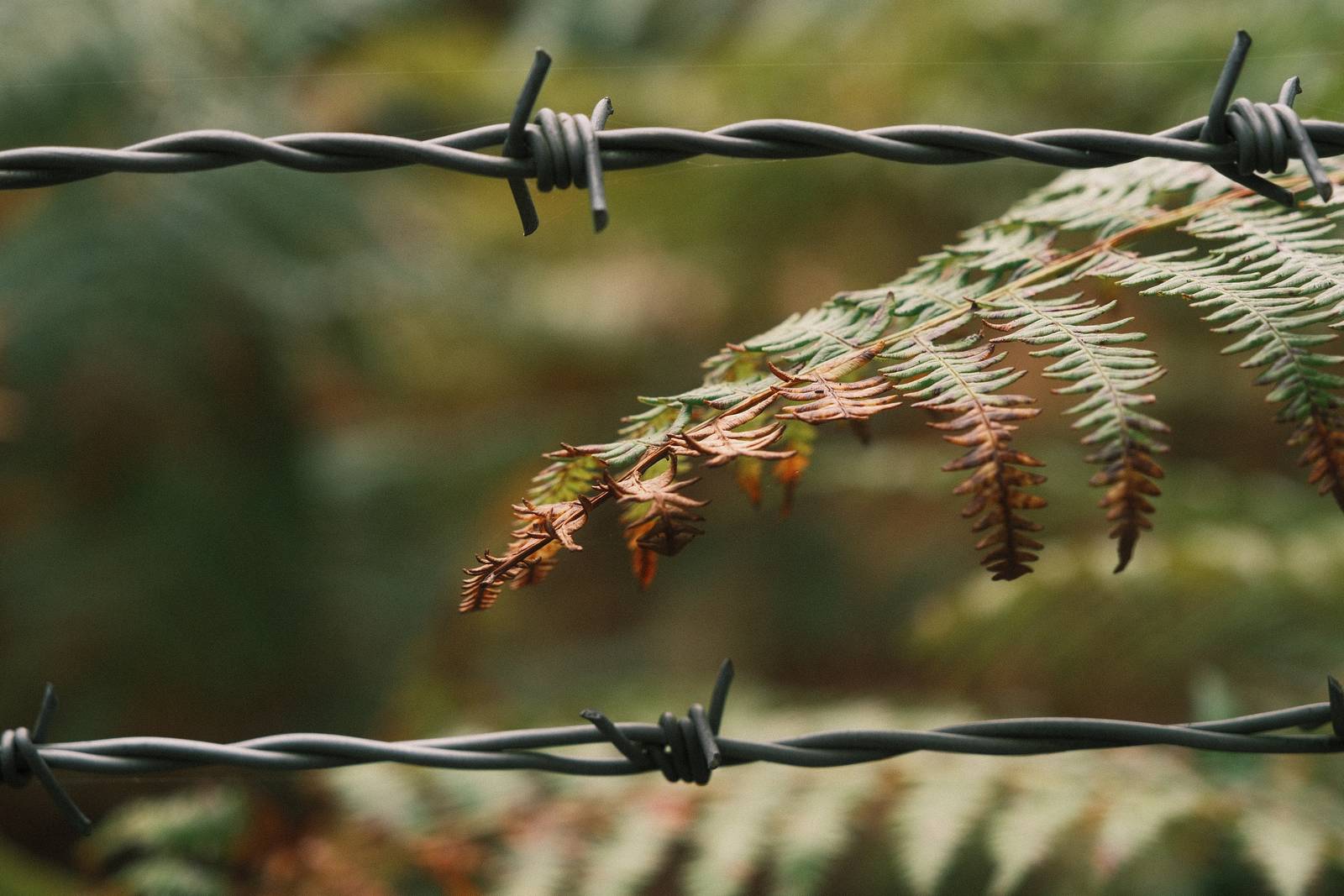
    Here’s a film simulation recipe that everyone looking for film like vibes can enjoy. It is grainy with the wonderfully analog look that only Classic Negative delivers. It has a warm tone that adds creamy shifts to most scenes. This makes greens turn more mellow, but most impactfully, reds become a real star feature, almost jumping out of the image.

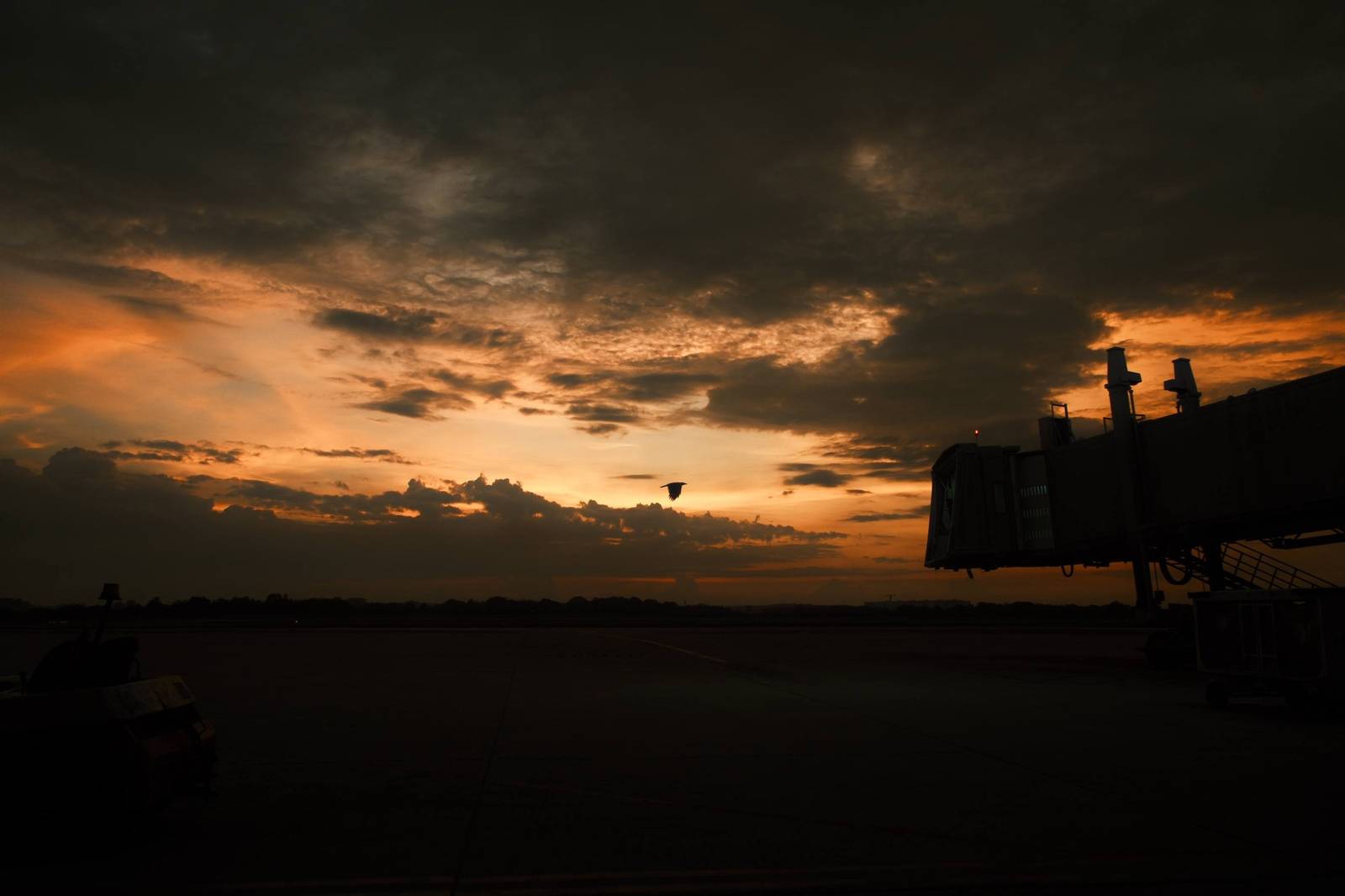
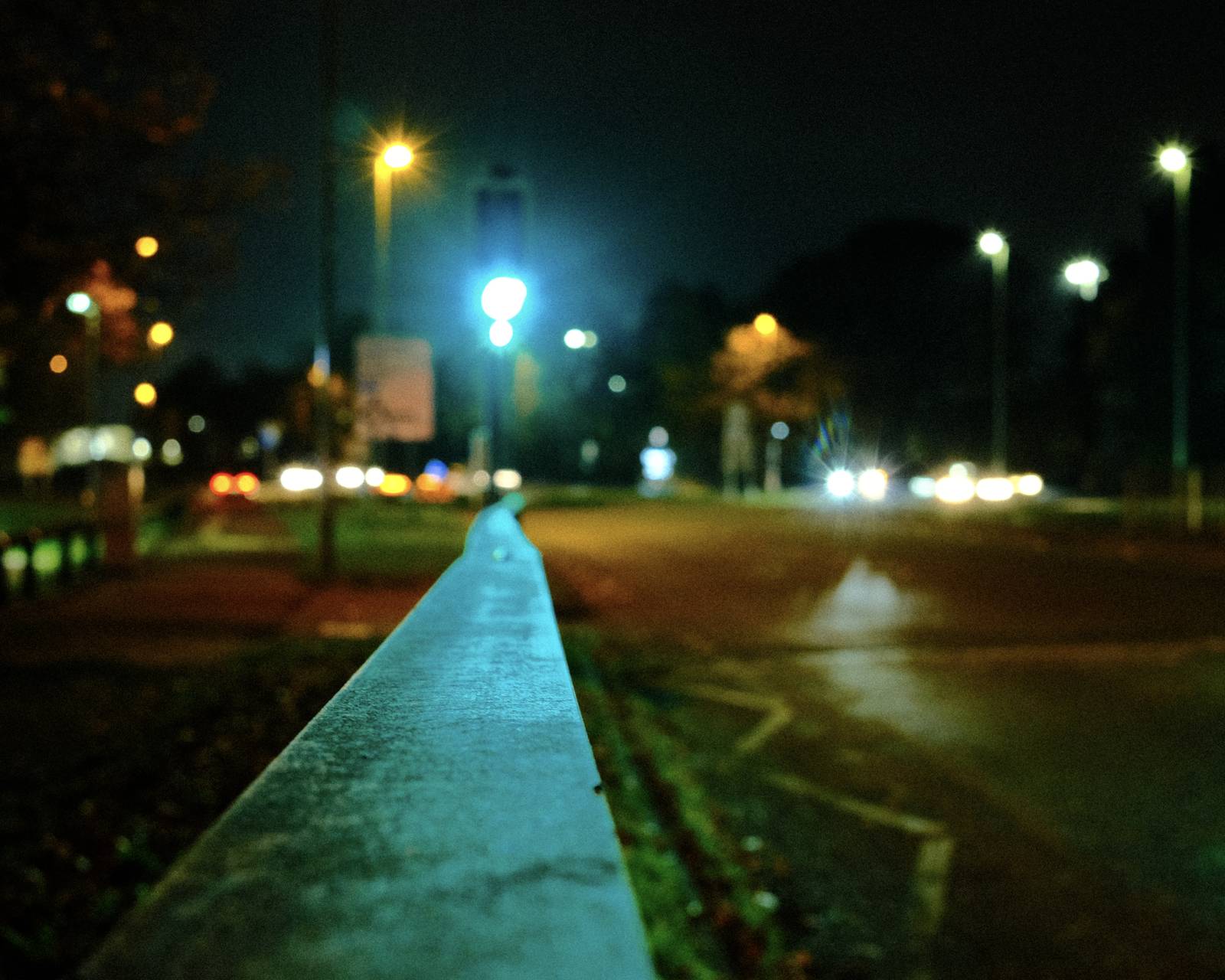
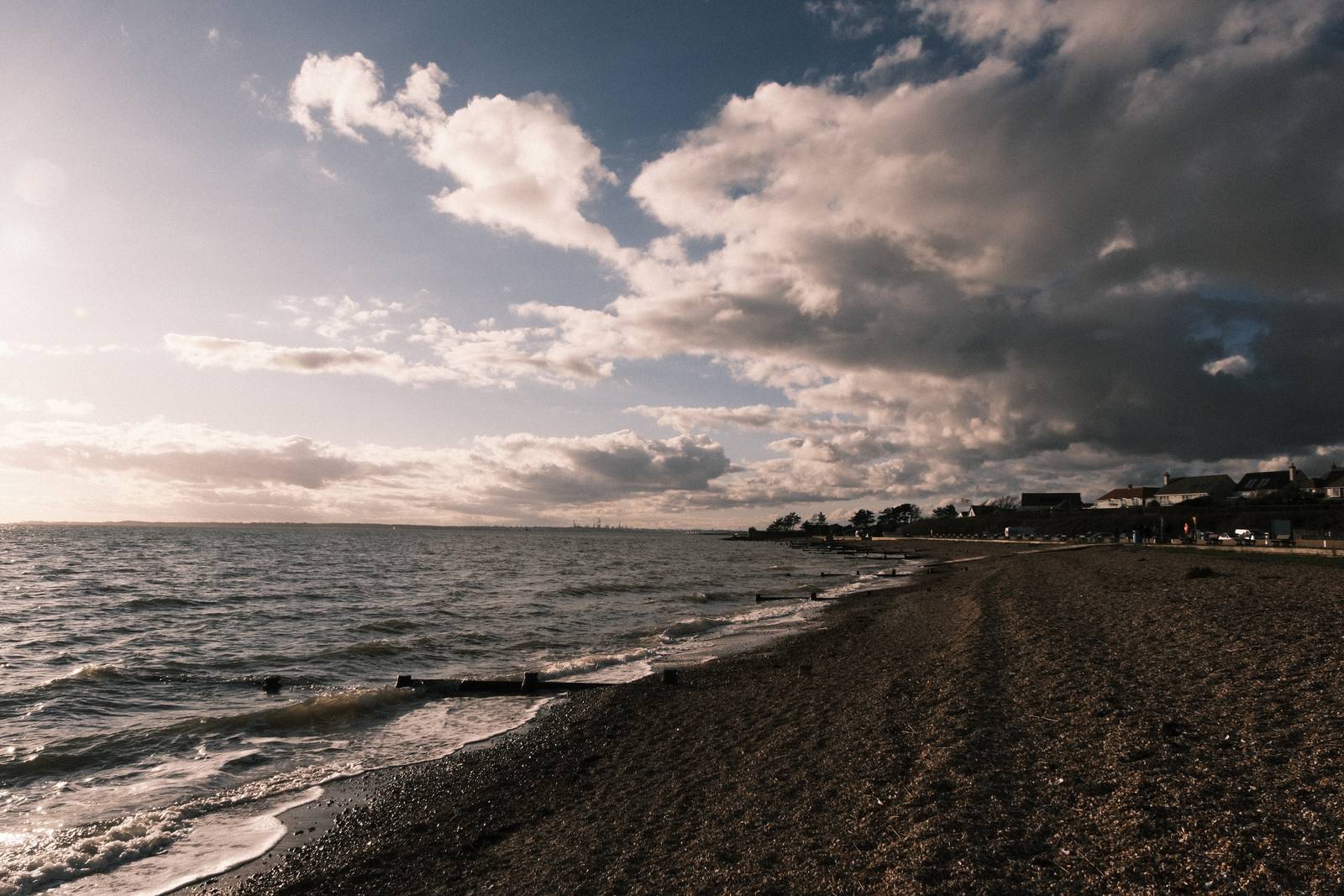
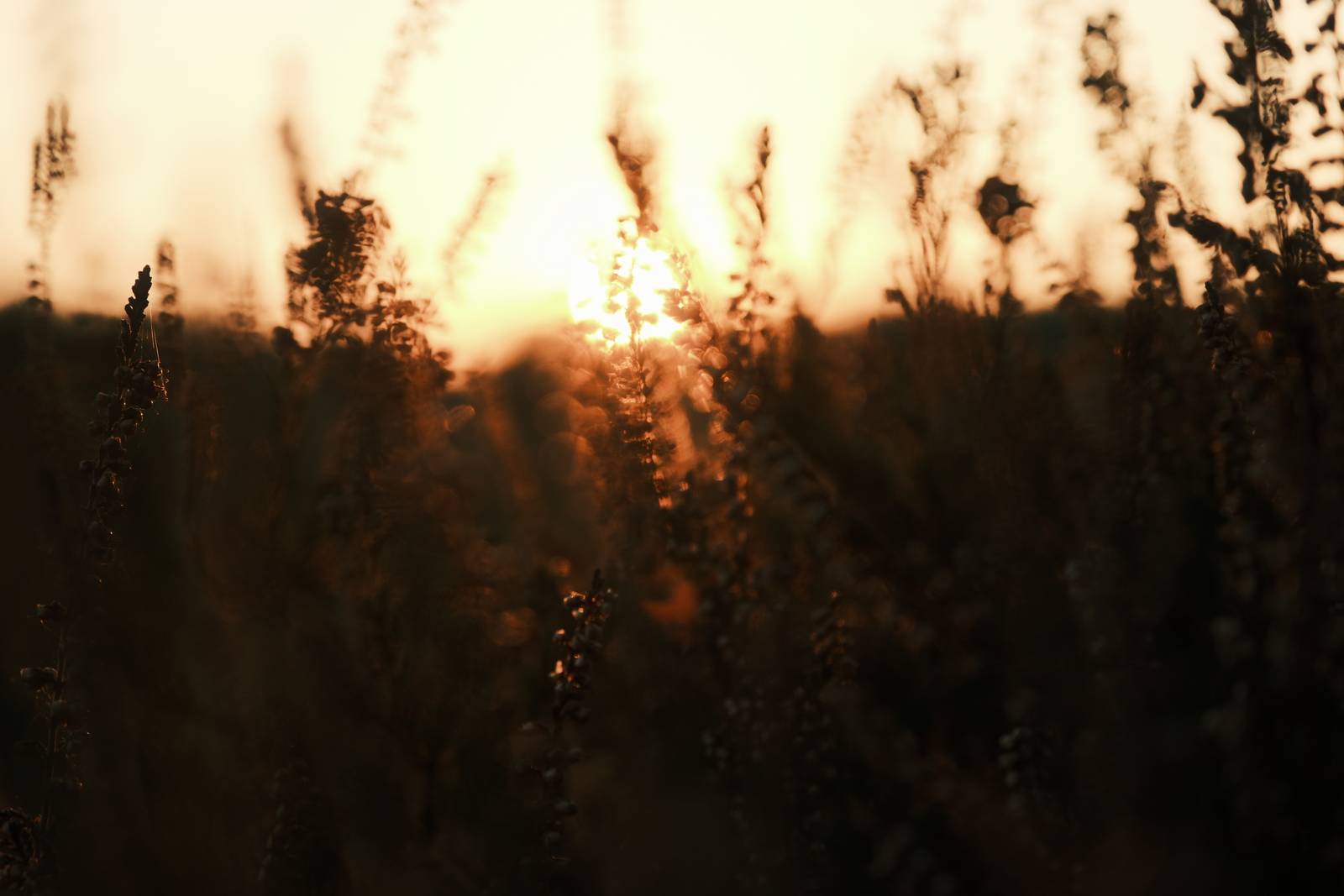
    Grizzly grain suits photos taken in gloomy conditions or low light, but this recipe is also happy with lots of light, or the softness of golden hour. The tone curve is tamed a little to give this versatility, meaning that you can use it successfully in all sorts of situations. But that versatility is a happy accident, because this recipe is really here for the reds. If you can find them, make a feature of them, and this recipe will reward you.

    Rizzle Clicks Film Recipe Settings

    Film SimulationClassic Negative
    Grain EffectStrong, Small
    Col. Chr. EffectStrong
    Col. Chr. BlueOff
    White Balance4000K, +7 Red, ‑7 Blue
    Dynamic RangeDR400
    Highlights‑1
    Shadows‑1
    Colour‑1
    Sharpness0
    ISO N.R.‑4
    Clarity‑2
    EV Comp.0
    Film Recipes

    Get the Film Recipes App

    New recipes added frequently — be the first to try the latest looks

    Download on the App Store
    Get it on Google Play

    Rizzle Clicks Film Recipe: Sample Photos

    Rizzle Clicks film recipe sample photo
    Rizzle Clicks film recipe sample photo
    Rizzle Clicks film recipe sample photo
    Rizzle Clicks film recipe sample photo
    Rizzle Clicks film recipe sample photo
    Rizzle Clicks film recipe sample photo
    Rizzle Clicks film recipe sample photo
    Rizzle Clicks film recipe sample photo
    Rizzle Clicks film recipe sample photo
    Rizzle Clicks film recipe sample photo
    Rizzle Clicks film recipe sample photo

    Using the Rizzle Clicks Film Recipe

    Each film simulation recipe has its own character and style. These features mean recipes are more suited to certain situations, or when seeking a particular look. Here are the categories that Rizzle Clicks has been tagged with.

  • Controversy Film Recipe with Dramatic Rich Tones

    Controversy Film Recipe with Dramatic Rich Tones

    Film simulation recipe for a striking look with bold colour, deep shadows and unforgettable style.

    Controversy Film Recipe

    Controversy

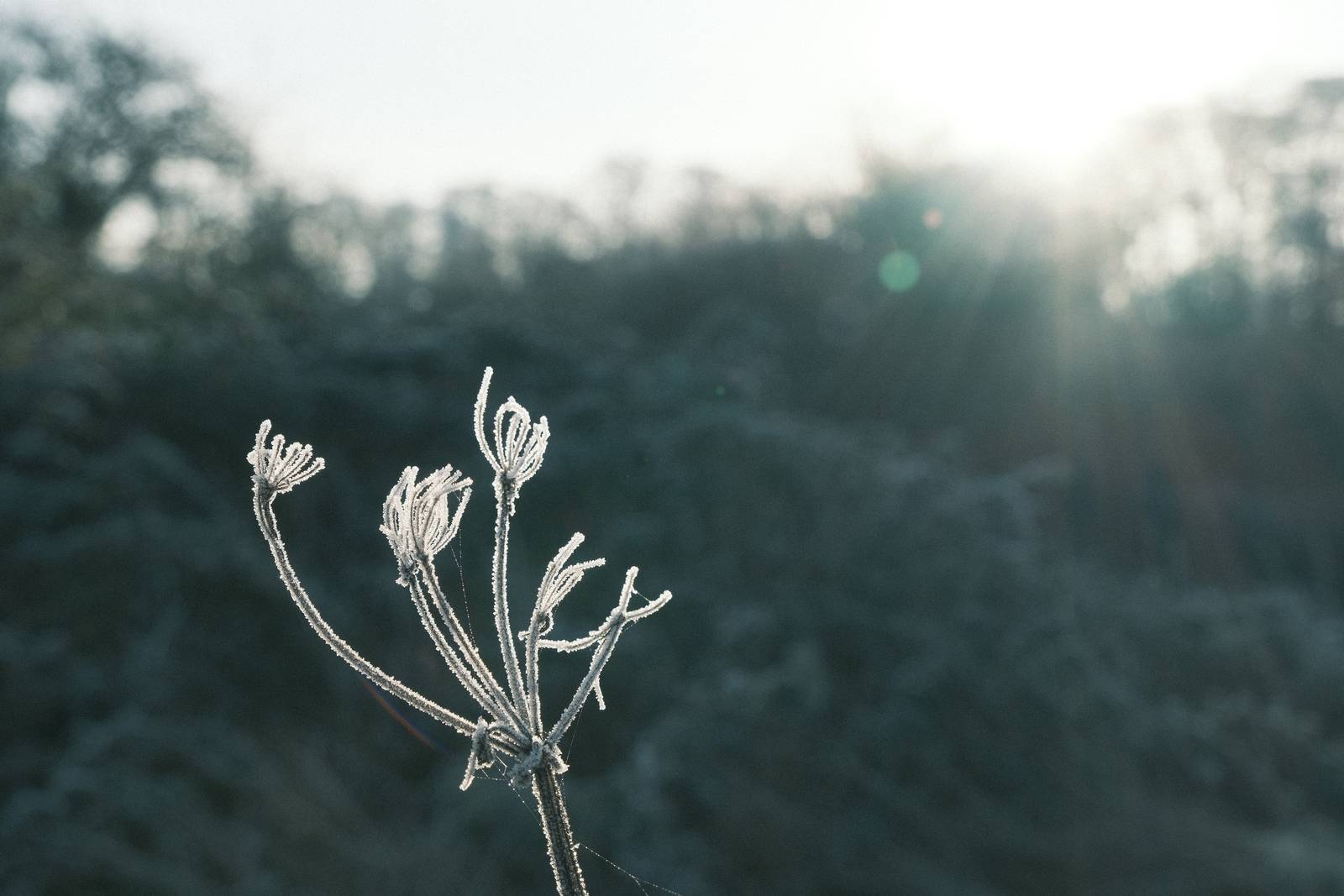
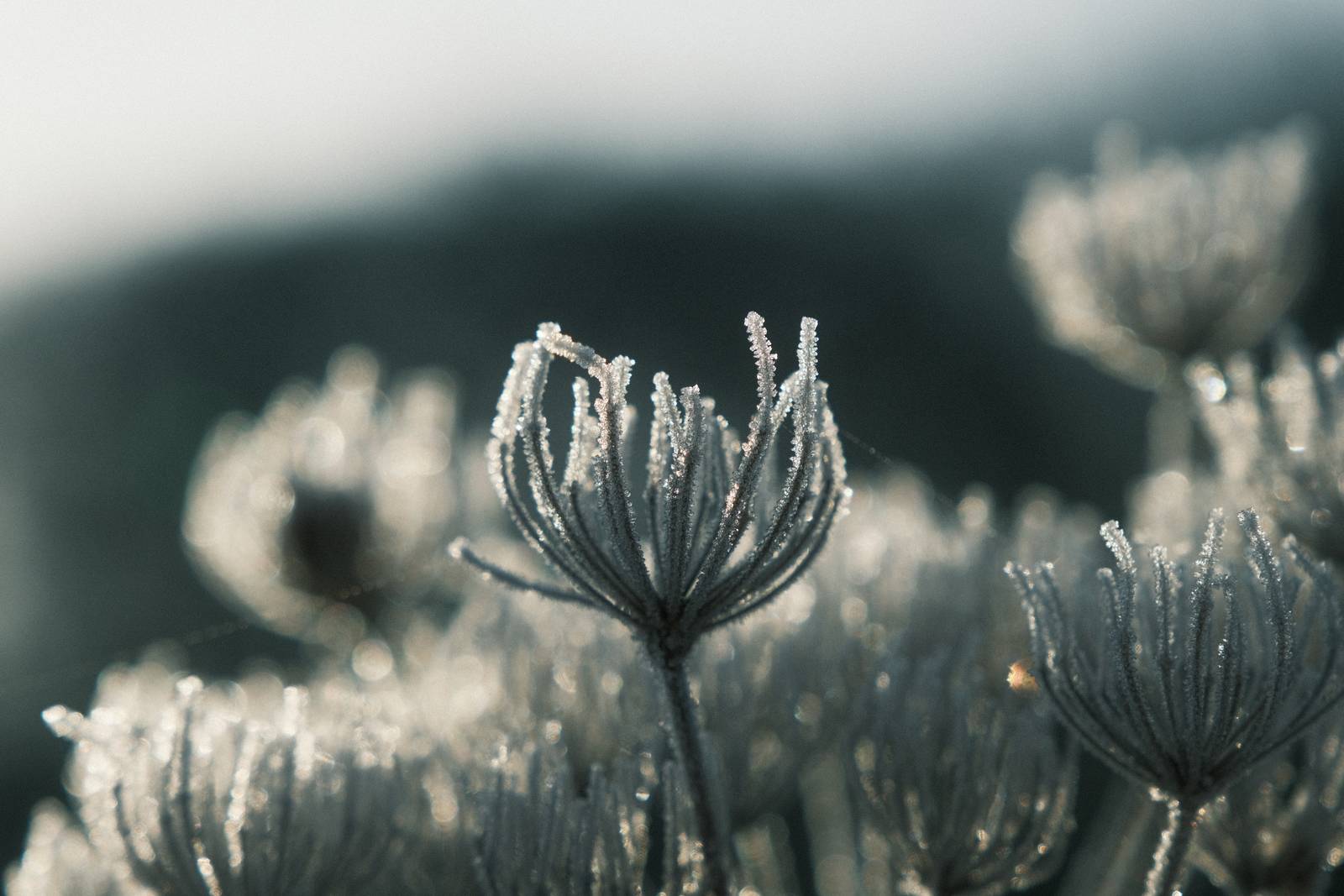
    There are many Fujifilm film recipes that mimic creamy film looks, but sometimes you want to experiment and push yourself with a film recipe that goes beyond the basics. Controversy is exactly that recipe. The name has two origins. The first is contre jour, shooting directly into bright light, which is where this film recipe absolutely excels. The second is Jealousy, an app-only recipe with similar bold characteristics but a distinctly greener cast. Controversy takes Jealousy’s spirit and shifts it warmer, richer and more versatile.

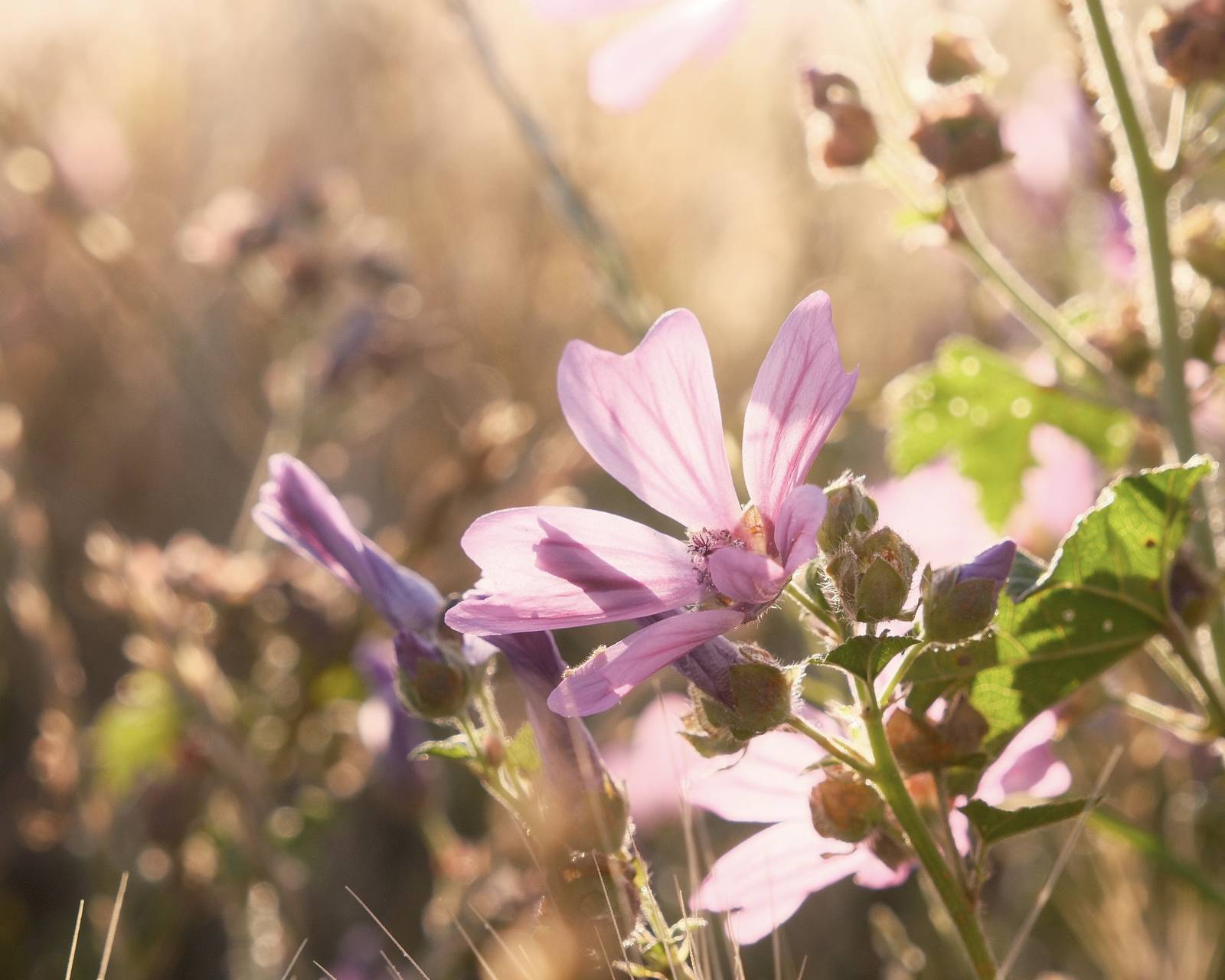
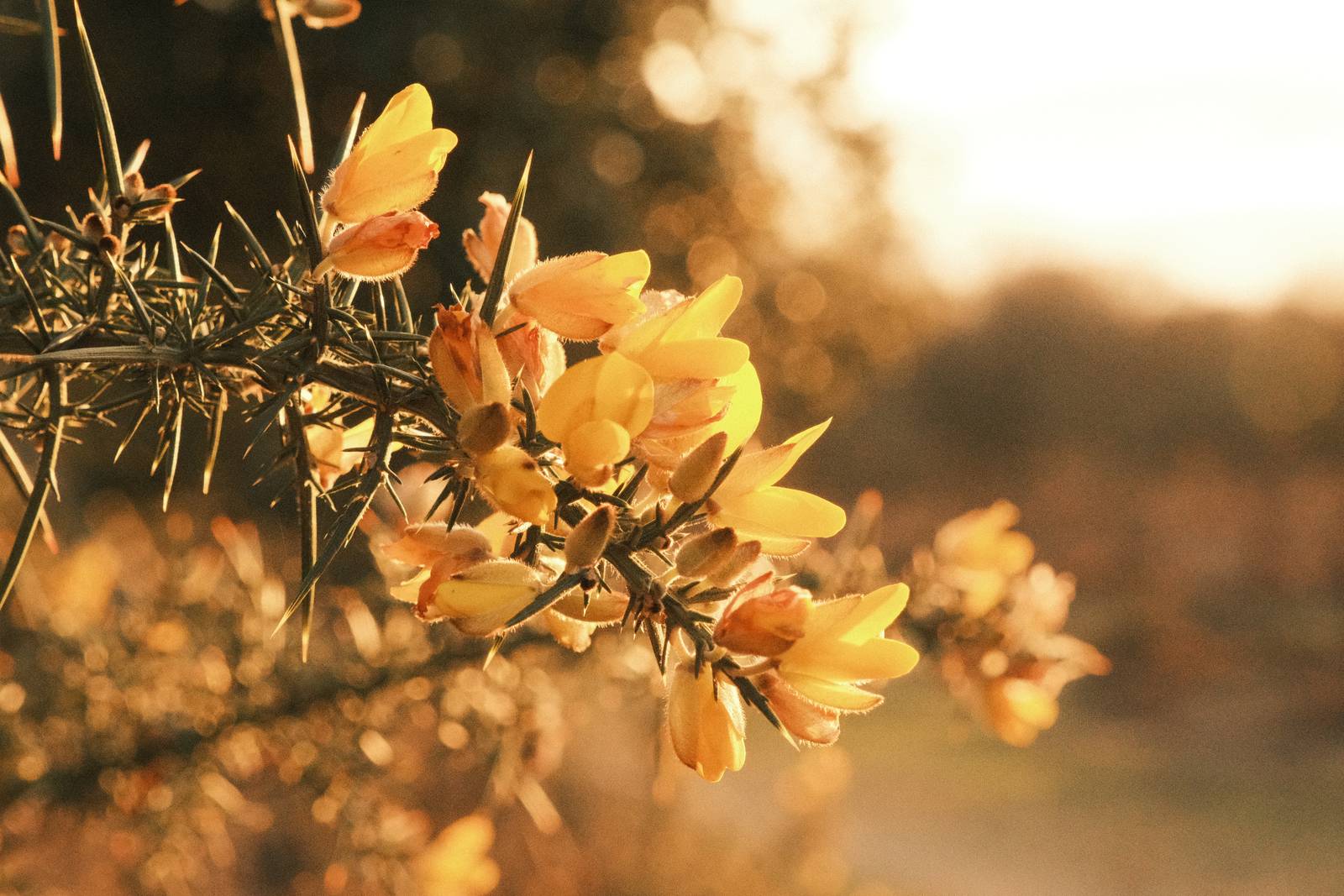
    Built on Classic Negative, Controversy takes you away from the safely of nautral settings into a much deeper place. Highlights are lifted to +3 and shadows deepened to match, creating drama and real impact in high-contrast scenes. Point this at the sun during golden hour, into backlit foliage or against a sunset sky, and the results are striking.

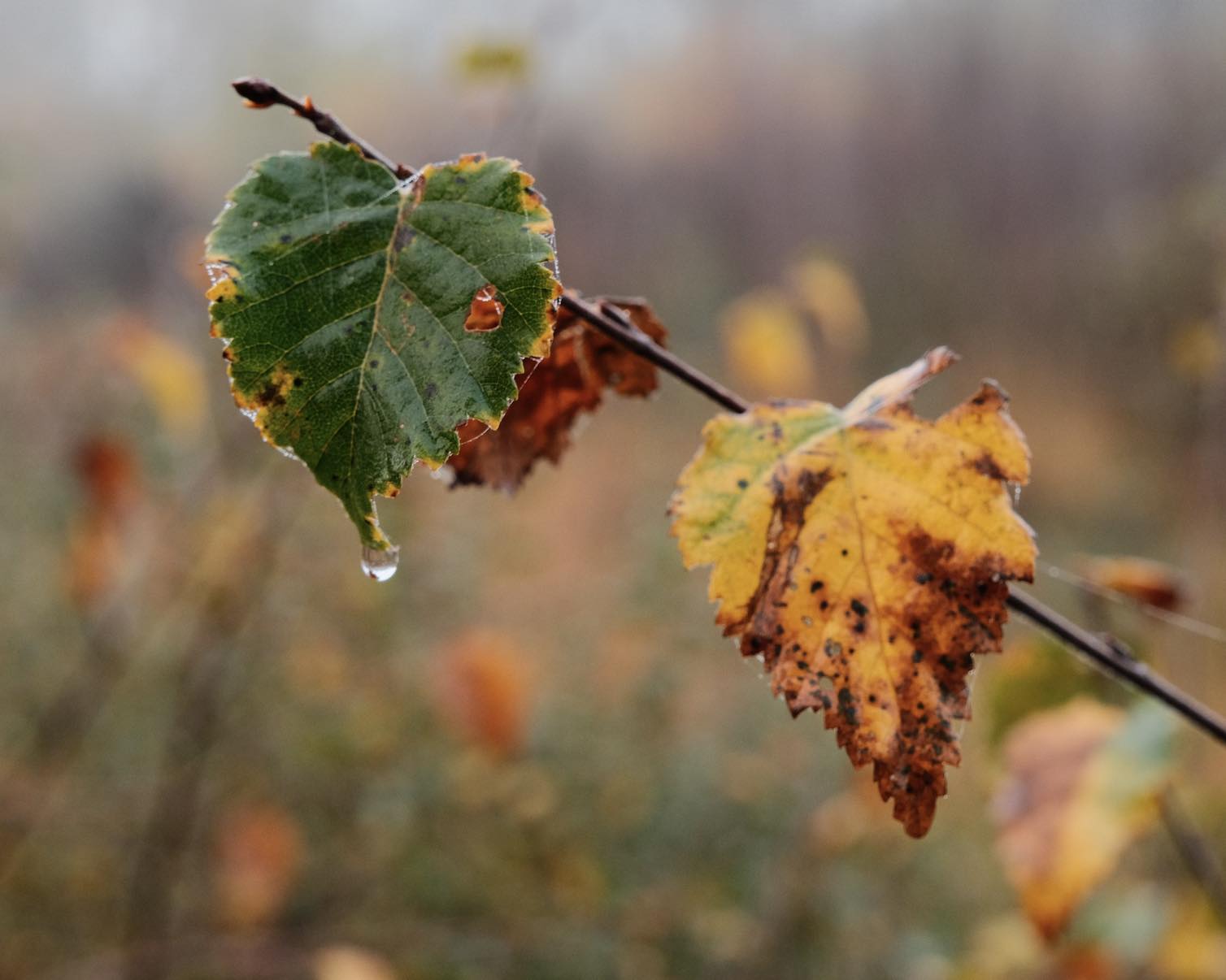
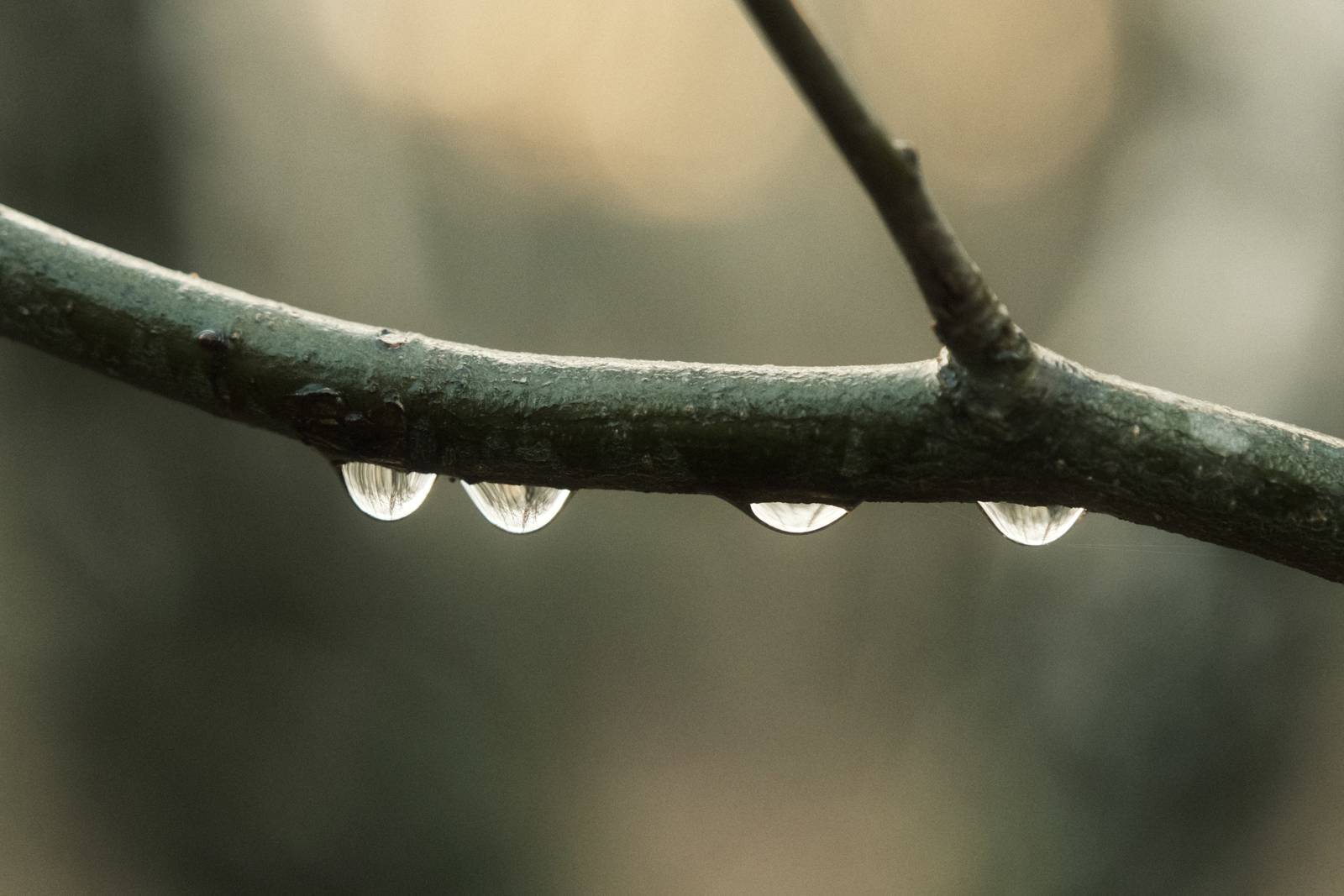
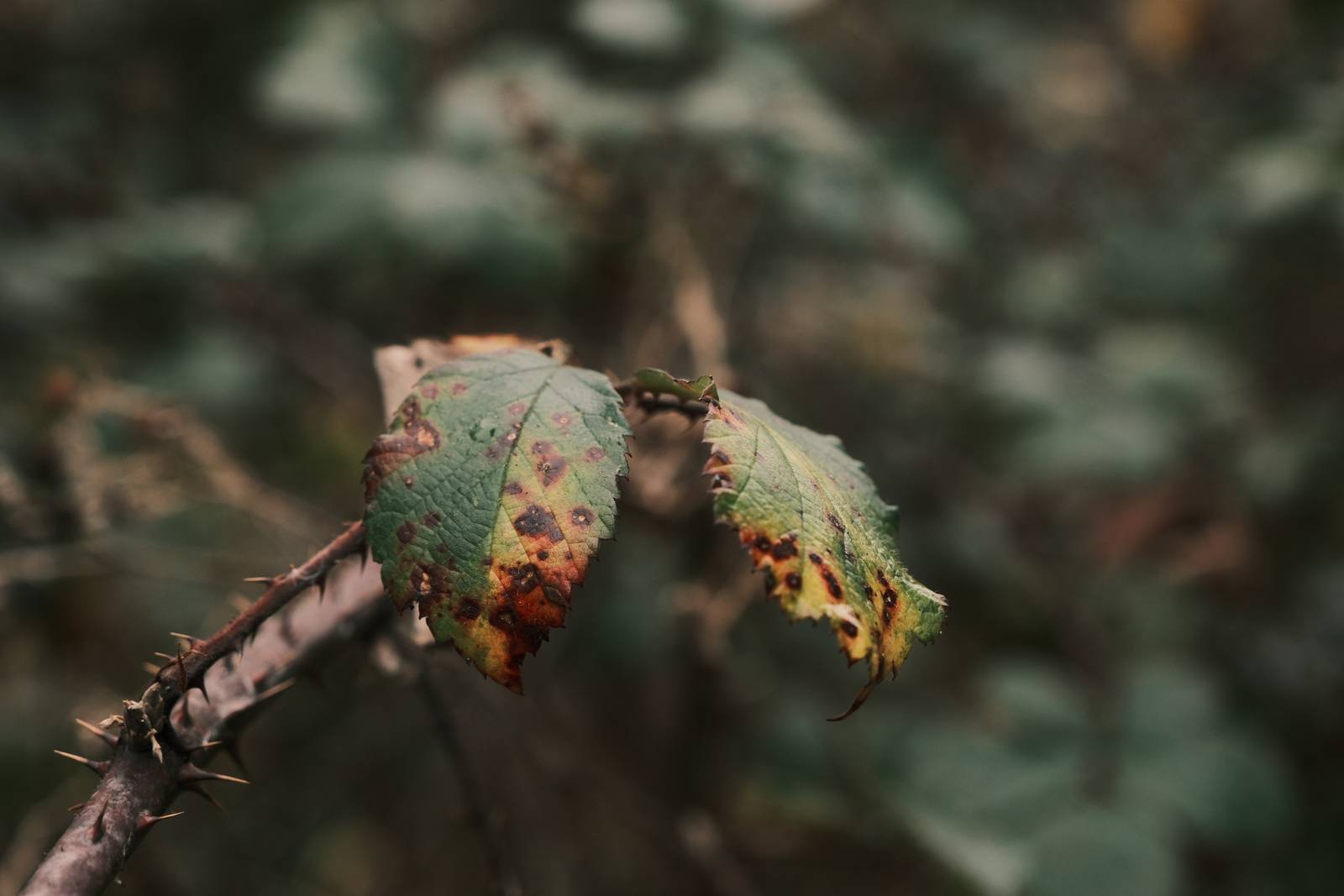
    There is an interesting flip side to all this. The same boosted tone curve that loves bright light also transforms gloomy conditions. On a grey, overcast day or in dark woodland, Controversy adds drama and impact where there might otherwise be none. Focus on details (like raindrops on the end of a leaf) and Controversy will transform a flat scene into something bold and atmospheric. The warm white balance shift makes colour rich, whatever the weather.

    This is an experimental film recipe, and one that can be more challenging to master. It is not suited to every scene, but if you feeling adventurous, or just want to play with something more extreme, set to JPEG and see what drama you can capture, straight out of camera.

    Controversy Film Recipe Settings

    Film SimulationClassic Negative
    Grain EffectOff
    Col. Chr. EffectWeak
    Col. Chr. BlueWeak
    White BalanceAuto, +4 Red, ‑8 Blue
    Dynamic RangeDR200
    Highlights3
    Shadows3
    Colour3
    Sharpness‑4
    ISO N.R.‑4
    Clarity‑4
    EV Comp.-1/3

    Similar Recipes

    More similar recipes, and hundreds more exclusive looks, are available in the Film Recipes App.

    Film Recipes

    Get the Film Recipes App

    800+ recipes — more than twice as many as the free site

    Download on the App Store
    Get it on Google Play

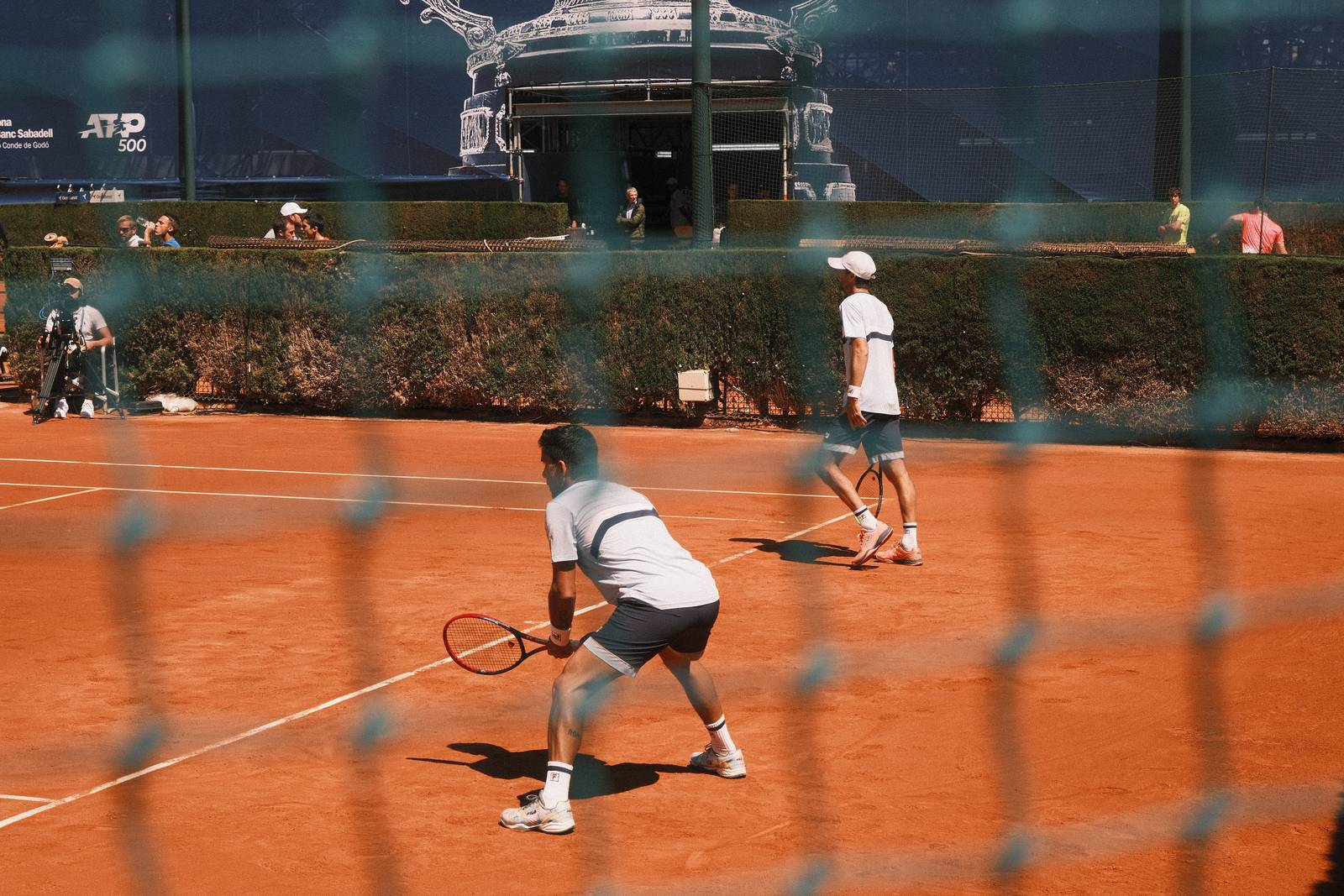
    Controversy Film Recipe: Sample Photos
    Controversy film recipe sample photo
    Controversy film recipe sample photo
    Controversy film recipe sample photo
    Controversy film recipe sample photo
    Controversy film recipe sample photo
    Controversy film recipe sample photo
    Controversy film recipe sample photo
    Controversy film recipe sample photo
    Controversy film recipe sample photo
    Controversy film recipe sample photo
    Controversy film recipe sample photo
    Controversy film recipe sample photo
    Controversy film recipe sample photo
    Controversy film recipe sample photo
    Controversy film recipe sample photo
    Controversy film recipe sample photo
    Controversy film recipe sample photo
    Controversy film recipe sample photo
    Controversy film recipe sample photo
    Controversy film recipe sample photo
    Controversy film recipe sample photo
    Controversy film recipe sample photo
    Controversy film recipe sample photo
    Controversy film recipe sample photo
    Controversy film recipe sample photo

    Community Photos

    Photos taken with the Controversy film recipe by members of the Film Recipes community.

    Photos by Alex Tenhave

    Controversy film recipe photo by Alex Tenhave

    Photos by Sabrina Magnusson

    Controversy film recipe photo by Sabrina Magnusson

    Photos by David Forsdike

    Controversy film recipe photo by David Forsdike

    Photos by Tommy Tomoski

    Controversy film recipe photo by Tommy Tomoski
    Controversy film recipe photo by Tommy Tomoski

    Photos by Marcio F A Pereira

    Controversy film recipe photo by Marcio F A Pereira
    Controversy film recipe photo by Marcio F A Pereira

    Photos by Nizam Sutimin

    Controversy film recipe photo by Nizam Sutimin

    Photos by Sacha Maillot

    Controversy film recipe photo by Sacha Maillot
    Controversy film recipe photo by Sacha Maillot

    Using the Controversy Film Recipe

    Each film simulation recipe has its own character and style. These features mean recipes are more suited to certain situations, or when seeking a particular look. Here are the categories that Controversy has been tagged with.

  • Sunset Strip E6, Lomochrome Film Recipe

    Sunset Strip E6, Lomochrome Film Recipe

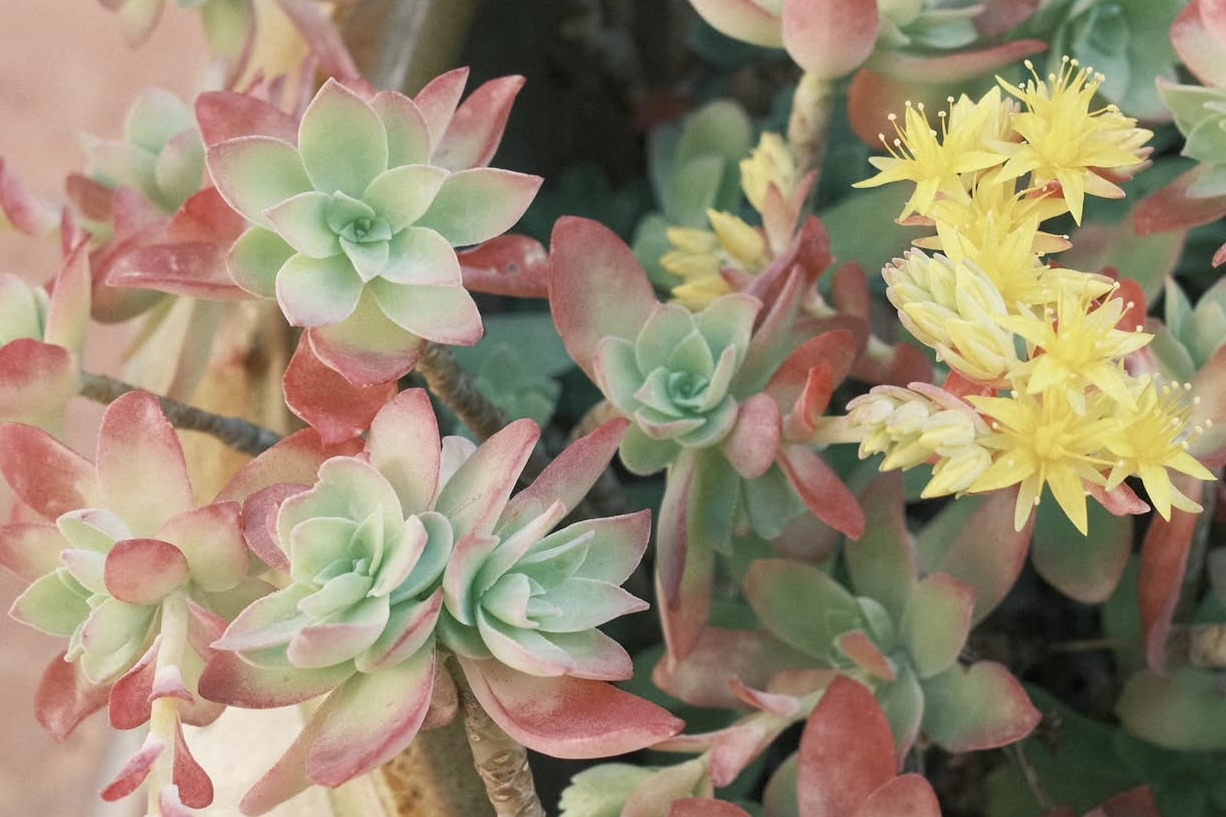
    Bold cosy colours and a soft dreamy look, to mimic 36 processing of Lomochrome Sunset Strip 35mm film

    Sunset Strip E6 Film Recipe

    Sunset Strip E6

    It’s no surprise that I love creating film recipes, and when challenged to match an interesting look based on real world film I am right in my element. For this film recipe, I was approached by Mark LeonHeart, one of the Fujifilm photographers that uses the Film Recipes app. He was explaining to me, how when shooting film in the past, he had chosen to cross-process Lomochrome’s Sunset Strip film, not with C41 chemicals, but E6 instead.

    The charm of these 35mm scans is undeliable, with a rich yellow tone, but also softness and vintage nostalgia.

    Experimenting to create the look would be a fun exercise, and it would prove interesting to see how close it was possible to get with a Fujifilm film simulation recipe.

    The starting point for me was to find a colour balance that delivered a similarly bold yellow tone, and to work from that to see which film sim would match the overall feel.

    Blues remained distinct, although now shifted strongly towards greens, and hints in the boat steering photo included a vibrant orange too. Challenge accepted!

    My resulting film recipe captures a lot of the qualities of these images, if perhaps not as much analog softness. I applied liberal amounts of negative clarity, but if you have one, a vintage or disploable lens conversion might be a great partner.

    So here are my film recipe samples, and the details for creating the look in your camera.

    Sunset Strip E6 Film Recipe Settings

    Film SimulationClassic Negative
    Grain EffectWeak, Small
    Col. Chr. EffectOff
    Col. Chr. BlueWeak
    White BalanceShade, 0 Red, ‑9 Blue
    Dynamic RangeDR400
    Highlights‑1
    Shadows‑1
    Colour2
    Sharpness‑4
    ISO N.R.‑4
    Clarity‑4
    EV Comp.+1/3

    Similar Recipes

    More similar recipes, and hundreds more exclusive looks, are available in the Film Recipes App.

    Film Recipes

    Get the Film Recipes App

    Settings laid out clearly, with sample photos and similar recipes

    Download on the App Store
    Get it on Google Play

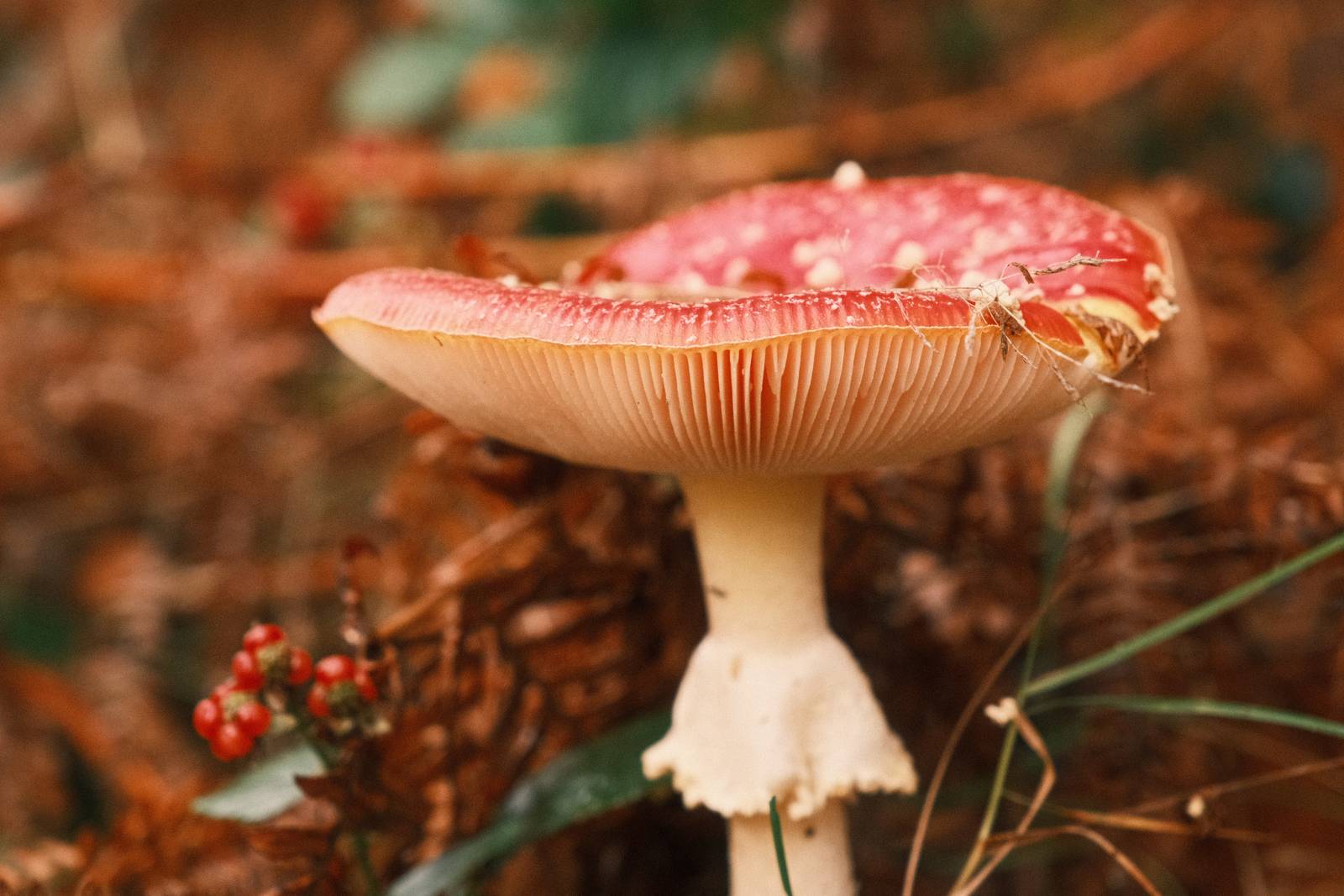
    Sunset Strip E6 Film Recipe: Sample Photos
    Sunset Strip E6 film recipe sample photo
    Sunset Strip E6 film recipe sample photo
    Sunset Strip E6 film recipe sample photo
    Sunset Strip E6 film recipe sample photo
    Sunset Strip E6 film recipe sample photo
    Sunset Strip E6 film recipe sample photo
    Sunset Strip E6 film recipe sample photo

    Community Photos

    Photos taken with the Sunset Strip E6 film recipe by members of the Film Recipes community.

    Photos by Roman Pastierik

    Sunset Strip E6 film recipe photo by Roman Pastierik

    Using the Sunset Strip E6 Film Recipe

    Each film simulation recipe has its own character and style. These features mean recipes are more suited to certain situations, or when seeking a particular look. Here are the categories that Sunset Strip E6 has been tagged with.

  • Rosa Golden, Inspiring Golden Hour Recipe

    Rosa Golden, Inspiring Golden Hour Recipe

    Classic negative film simulation recipe for sunsets and the golden hour

    Rosa Golden Film Recipe

    Rosa Golden

    I do love to see the film recipes of other creators. As much as finding new looks, I enjoy seeing different creative processes. One such creator is Kebs Cayabyab, (YouTube channel), who has a focus on street photography, and created the Dela Rosa recipe that inspired my Rosa Negative recipe. His channel has gone quiet, but the inspiration from his recipe remains. I’ve taken the vibe and switched it up with a big boost to the style with a new colour temperature.

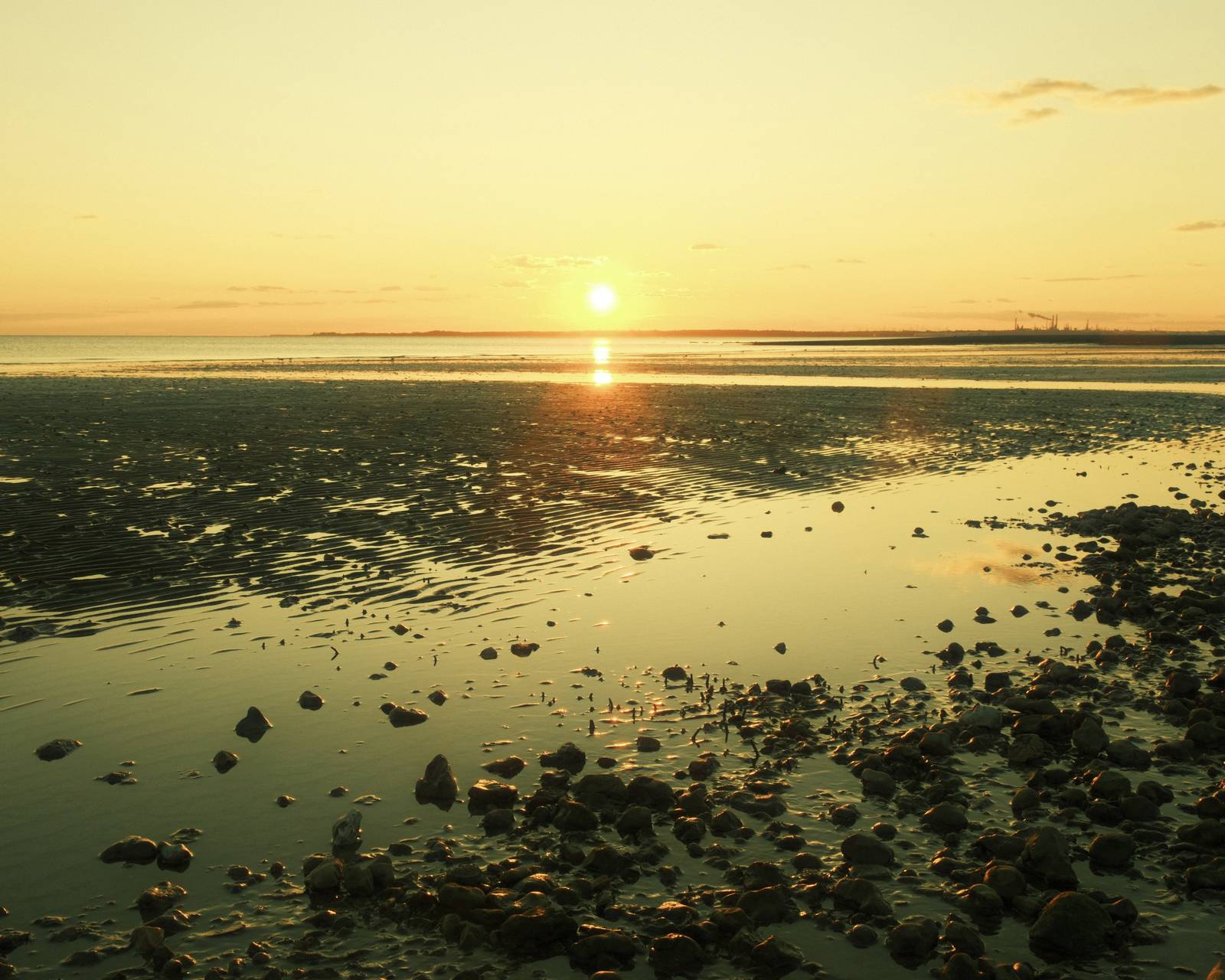
    Rosa Negative is a recipe for the golden hour, with a striking tangerine palette that makes a family of images hang together. The result is a specialised golden hour recipe with an inspiring tone that varies from gold, through orange to red. I hope you’ll enjoy it, and will give it a try the next time you’re photographing at sunset.

    This recipe works on any camera with the Classic Negative film simulation. All you need now is to wait for sunset!

    Rosa Golden Film Recipe Settings

    Film SimulationClassic Negative
    Grain EffectStrong, Small
    Col. Chr. EffectOff
    Col. Chr. BlueWeak
    White Balance7500K, +4 Red, ‑5 Blue
    Dynamic RangeDR200
    Highlights‑2
    Shadows‑1
    Colour‑2
    Sharpness0
    ISO N.R.‑4
    Clarity‑1
    EV Comp.+2/3

    Similar Recipes

    More similar recipes, and hundreds more exclusive looks, are available in the Film Recipes App.

    Film Recipes

    Get the Film Recipes App

    Save your favourites and build your personal shortlist

    Download on the App Store
    Get it on Google Play

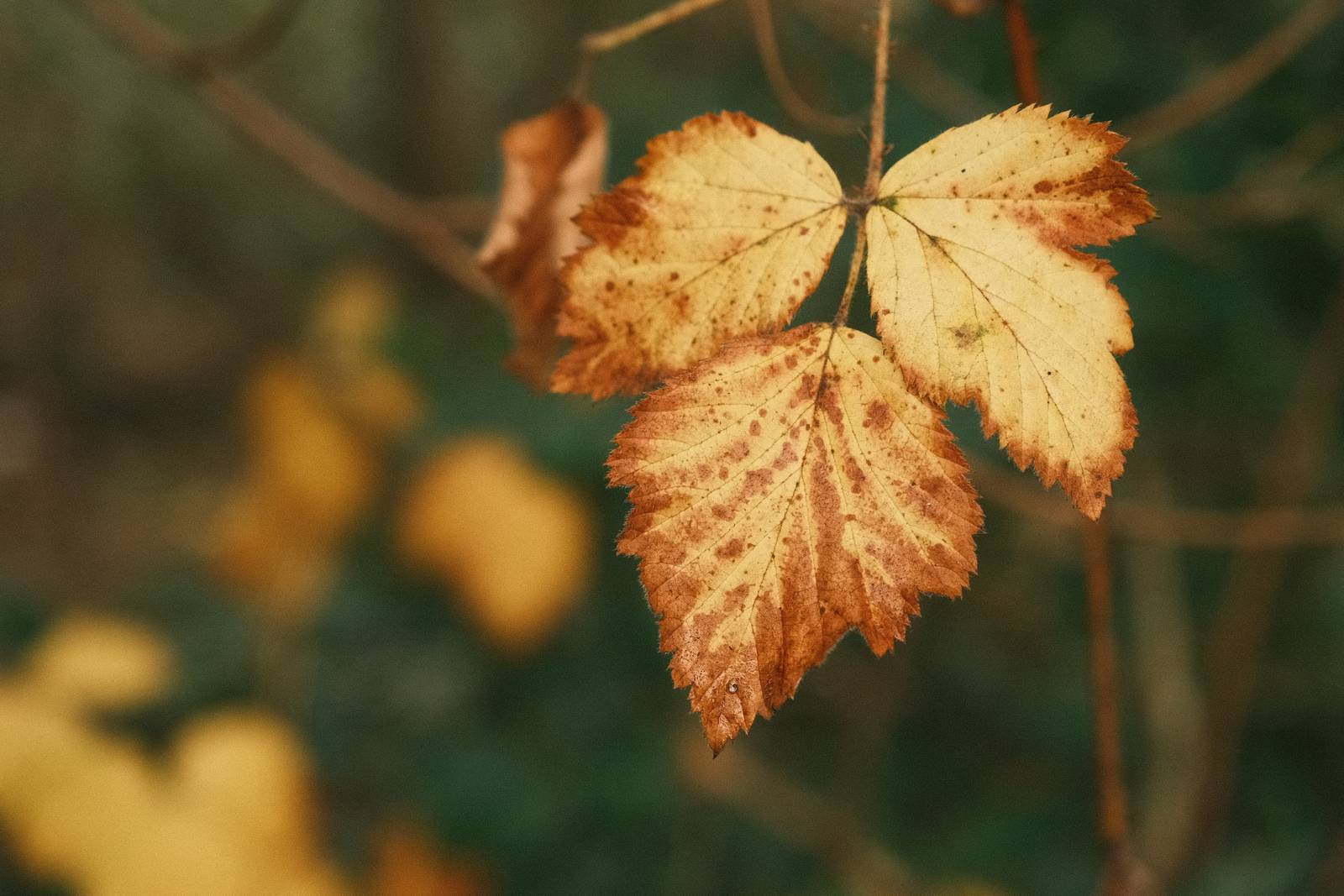
    Rosa Golden Film Recipe: Sample Photos
    Rosa Golden film recipe sample photo
    Rosa Golden film recipe sample photo
    Rosa Golden film recipe sample photo

    Community Photos

    Photos taken with the Rosa Golden film recipe by members of the Film Recipes community.

    Photos by Fraser Reid

    Rosa Golden film recipe photo by Fraser Reid

    Using the Rosa Golden Film Recipe

    Each film simulation recipe has its own character and style. These features mean recipes are more suited to certain situations, or when seeking a particular look. Here are the categories that Rosa Golden has been tagged with.

  • Umbrella Film Recipe. Is this my best ever film recipe?

    Umbrella Film Recipe. Is this my best ever film recipe?

    Film like Classic Negative recipe, designed for rainy days but excellent in all conditions.

    Umbrella Film Recipe

    Umbrella

    Throughout the winter the weather was dull and wet and I was really starting to miss photography. So, I decided to try and embrace the conditions and create a number of film simulation recipes for gloomy and wet days. I’ve made a bunch of these, and added them into my new Film Recipes app.

    This film recipe is one of those creations, and I’ve been using it happily in grey and drizzly conditions for a few months now. I even featured it in my new Film.Recipes YouTube channel.

    For owners of my film recipes app, there are regular photo challenges to enter, and in one recent round, Umbrella was one of the challenge film recipes. I love these challenges, not only because it gives that little extra push to get out there and take some photos, but with other Fujifilm photographers taking part from around the world, I get to see the film recipes in all sorts of new situations. This was the case with Umbrella.

    Several of the photographers took this recipe and used it in bright sunny weather and in new locations and situations. Feedback began to come in explaining how much everyone was enjoying this recipe, and how it had a film like aesthetic that hadn’t really been seen too often before.

    So here is Umbrella, which I am now making a free to all recipe. It was made for rainy days. but is a recipe that loves all weathers and brings a wonderfully toned film like feel to your photos. The more I use it, the more I love it, and I hope that you will too. It’s quite possibly my best ever film recipe!

    Umbrella Film Recipe Settings

    Film SimulationClassic Negative
    Grain EffectWeak, Large
    Col. Chr. EffectWeak
    Col. Chr. BlueWeak
    White BalanceAuto, +1 Red, ‑8 Blue
    Dynamic RangeDR400
    Highlights‑1
    Shadows1
    Colour‑3
    Sharpness0
    ISO N.R.‑4
    Clarity‑3
    EV Comp.0

    Similar Recipes

    More similar recipes, and hundreds more exclusive looks, are available in the Film Recipes App.

    Film Recipes

    Get the Film Recipes App

    Monthly challenges to push your photography further

    Download on the App Store
    Get it on Google Play

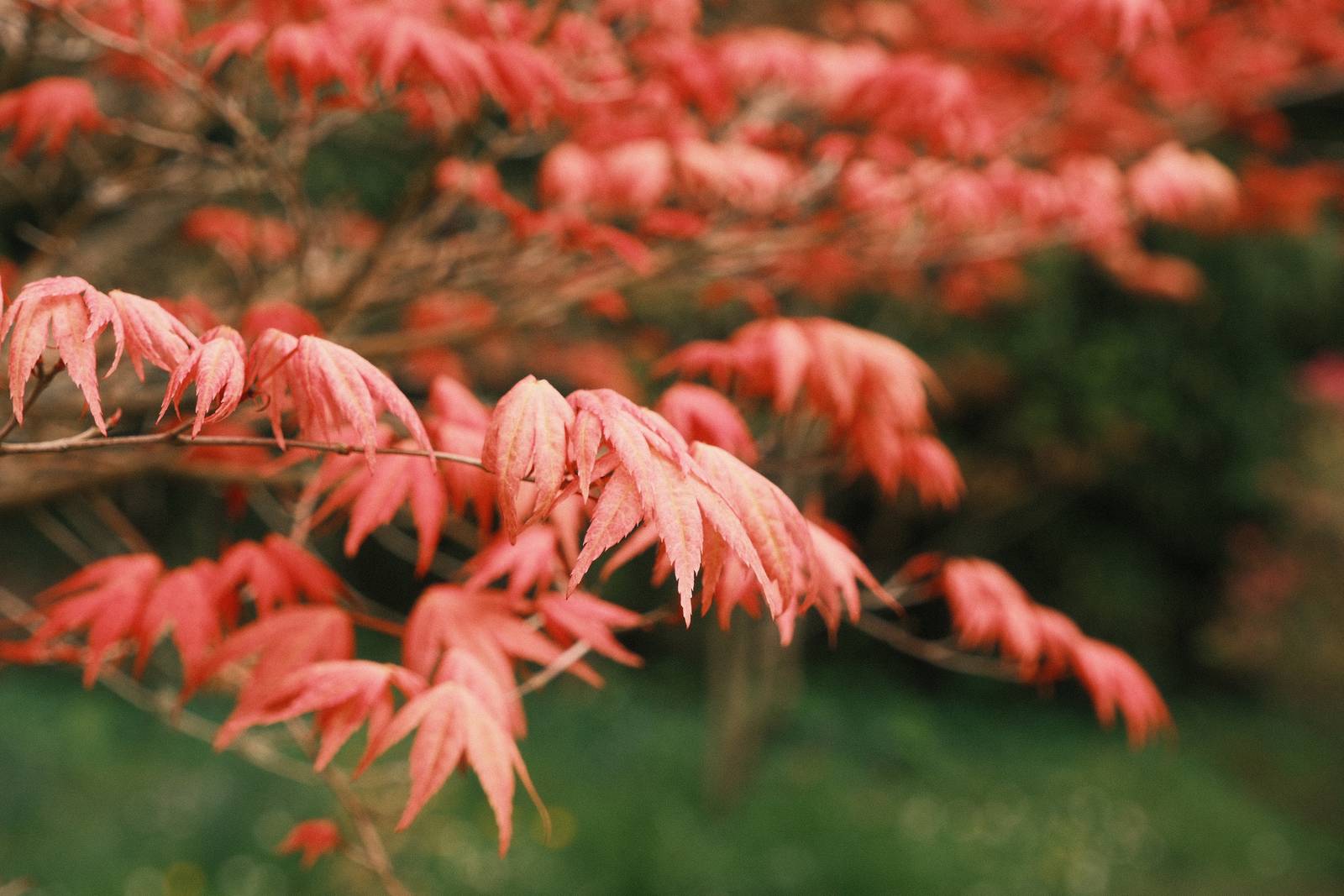
    Umbrella Film Recipe: Sample Photos
    Umbrella film recipe sample photo
    Umbrella film recipe sample photo
    Umbrella film recipe sample photo
    Umbrella film recipe sample photo
    Umbrella film recipe sample photo
    Umbrella film recipe sample photo
    Umbrella film recipe sample photo
    Umbrella film recipe sample photo
    Umbrella film recipe sample photo
    Umbrella film recipe sample photo
    Umbrella film recipe sample photo
    Umbrella film recipe sample photo
    Umbrella film recipe sample photo
    Umbrella film recipe sample photo

    Community Photos

    Photos taken with the Umbrella film recipe by members of the Film Recipes community.

    Photos by Anne Macdonald

    Umbrella film recipe photo by Anne Macdonald

    Photos by Sacha Maillot

    Umbrella film recipe photo by Sacha Maillot

    Photos by David Forsdike

    Umbrella film recipe photo by David Forsdike

    Photos by Fray Zer

    Umbrella film recipe photo by Fray Zer

    Photos by Luca Romani

    Umbrella film recipe photo by Luca Romani

    Photos by Rudhi Ritzmann Yuen

    Umbrella film recipe photo by Rudhi Ritzmann Yuen

    Photos by Emlyn H Jones

    Umbrella film recipe photo by Emlyn H Jones

    Photos by Bert Broekhuis

    Umbrella film recipe photo by Bert Broekhuis

    Photos by Rod Uno

    Umbrella film recipe photo by Rod Uno

    More Photos by Rod Uno

    Umbrella film recipe photo by Rod Uno
    Umbrella film recipe photo by Rod Uno

    Photos by Greg J

    Umbrella film recipe photo by Greg J
    Umbrella film recipe photo by Greg J

    Photos by Kevin Bradwick

    Umbrella film recipe photo by Kevin Bradwick

    Photos by Matthais Mempel

    Umbrella film recipe photo by Matthais Mempel

    Photos by Kamil Jasinski

    Umbrella film recipe photo by Kamil Jasinski
    Umbrella film recipe photo by Kamil Jasinski

    Using the Umbrella Film Recipe

    Each film simulation recipe has its own character and style. These features mean recipes are more suited to certain situations, or when seeking a particular look. Here are the categories that Umbrella has been tagged with.

  • Lomochrome 92, Deep Contrast Muted Color

    Lomochrome 92, Deep Contrast Muted Color

    Lomochrome Color 92 film recreated with Classic Negative for Fujifilm cameras

    Lomochrome 92 Film Recipe

    Lomochrome 92

    In the Film Recipes Facebook Group, we often discuss how to recreate a particular look seen elsewhere, whether that be the style of a photographer or a film from a particular manufacturer. One of our members asked recently about the unique look of Lomochrome Color 92 film, with its deep shadows and speciifc colour appearance.

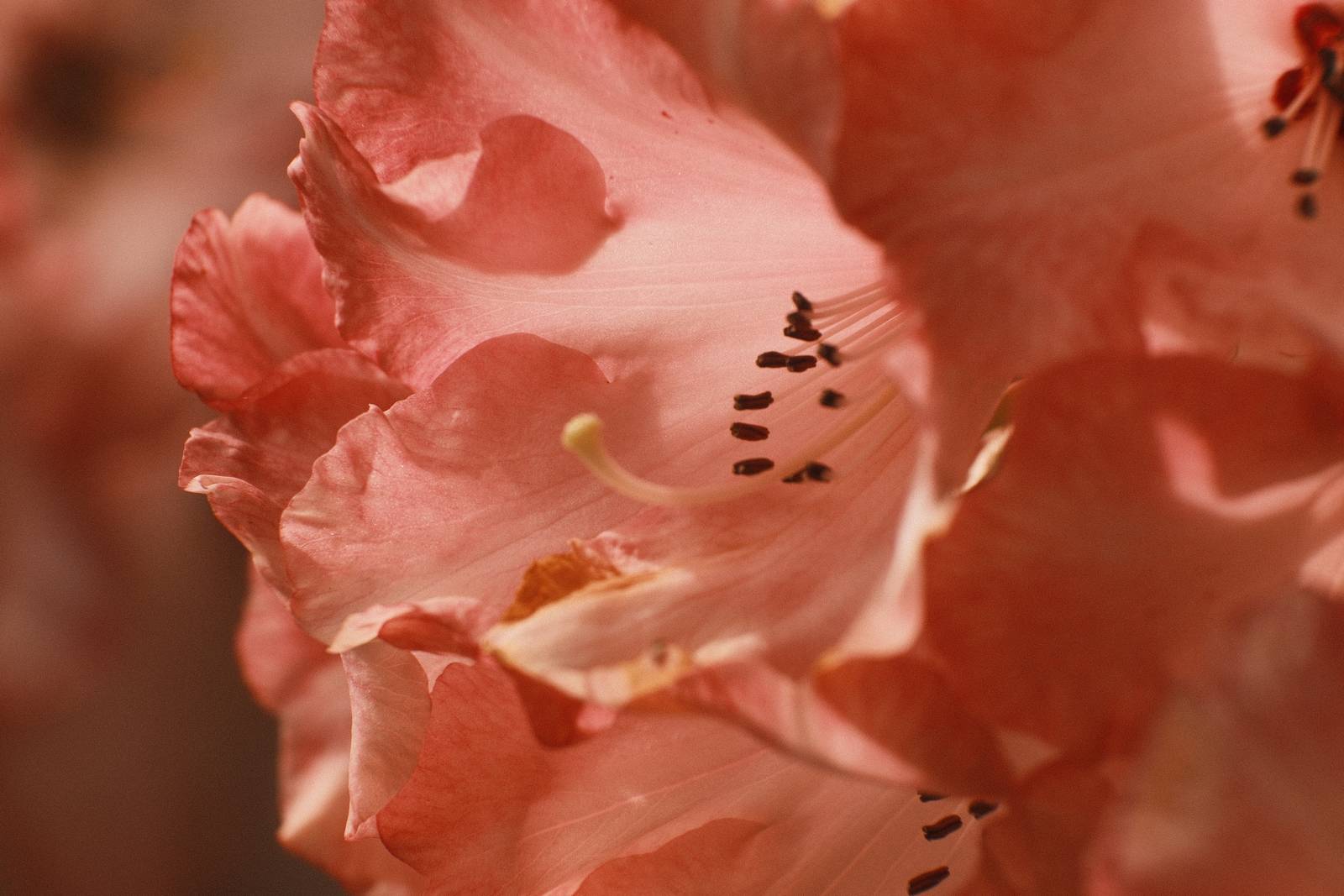
    When I saw the sameple images (I’ve included one here), I was compelled to try and reproduce at least a similar look for our Fujifilm cameras.

    The key elements were the color tone and low saturation, the deep shadows, creamy neutrals and heavy grain. To me, this all seemed possible by working with Classic Negative as a starting point.

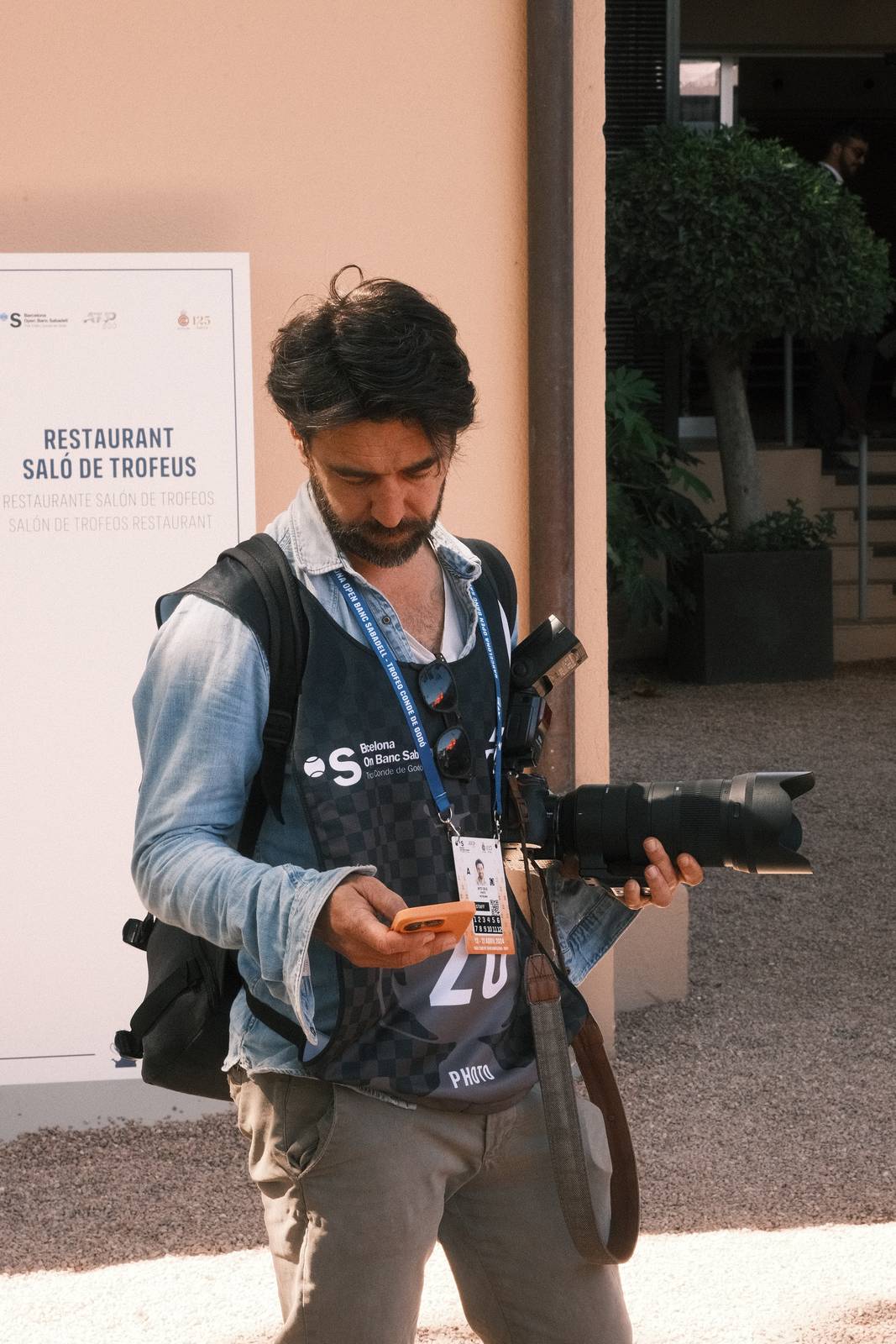
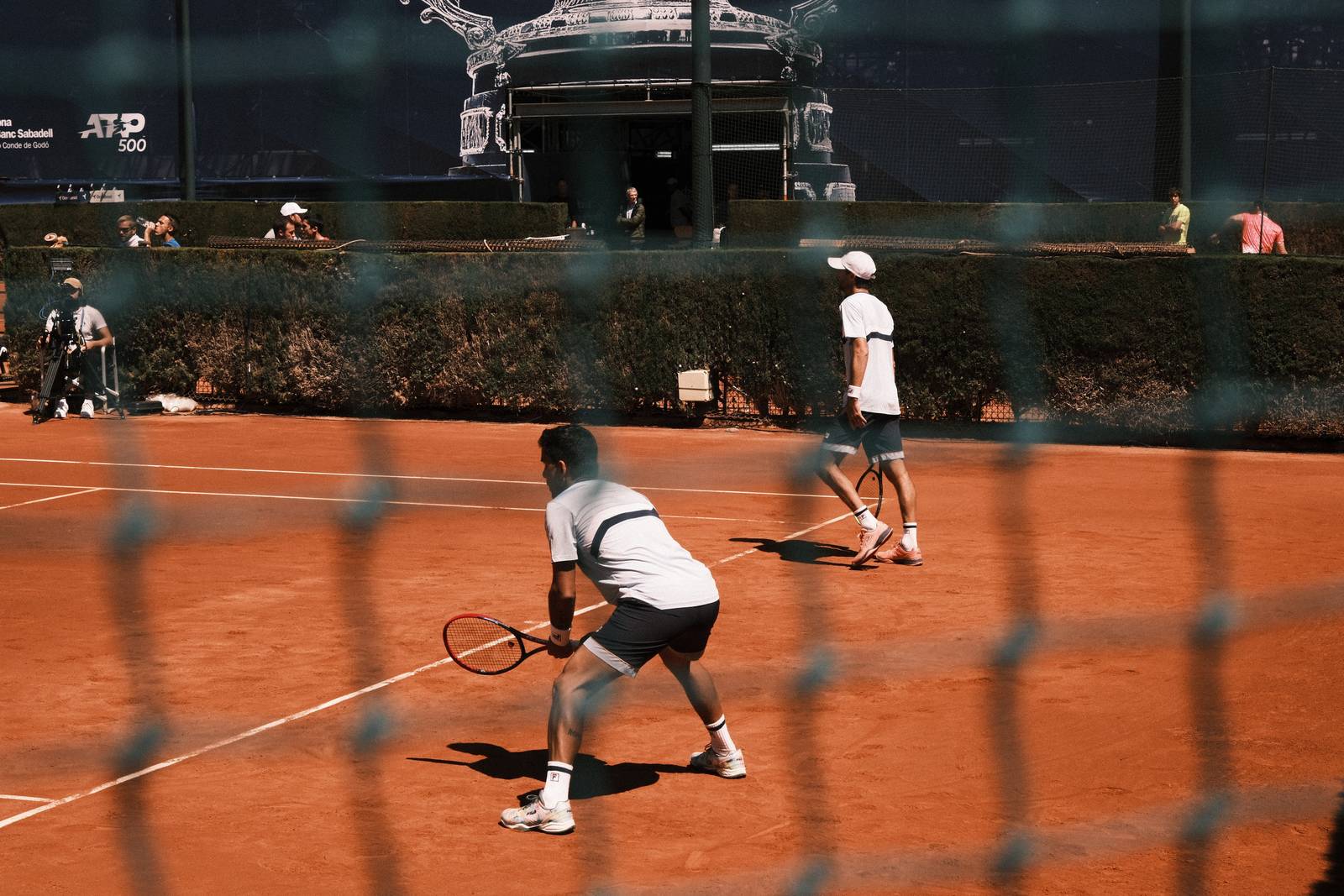
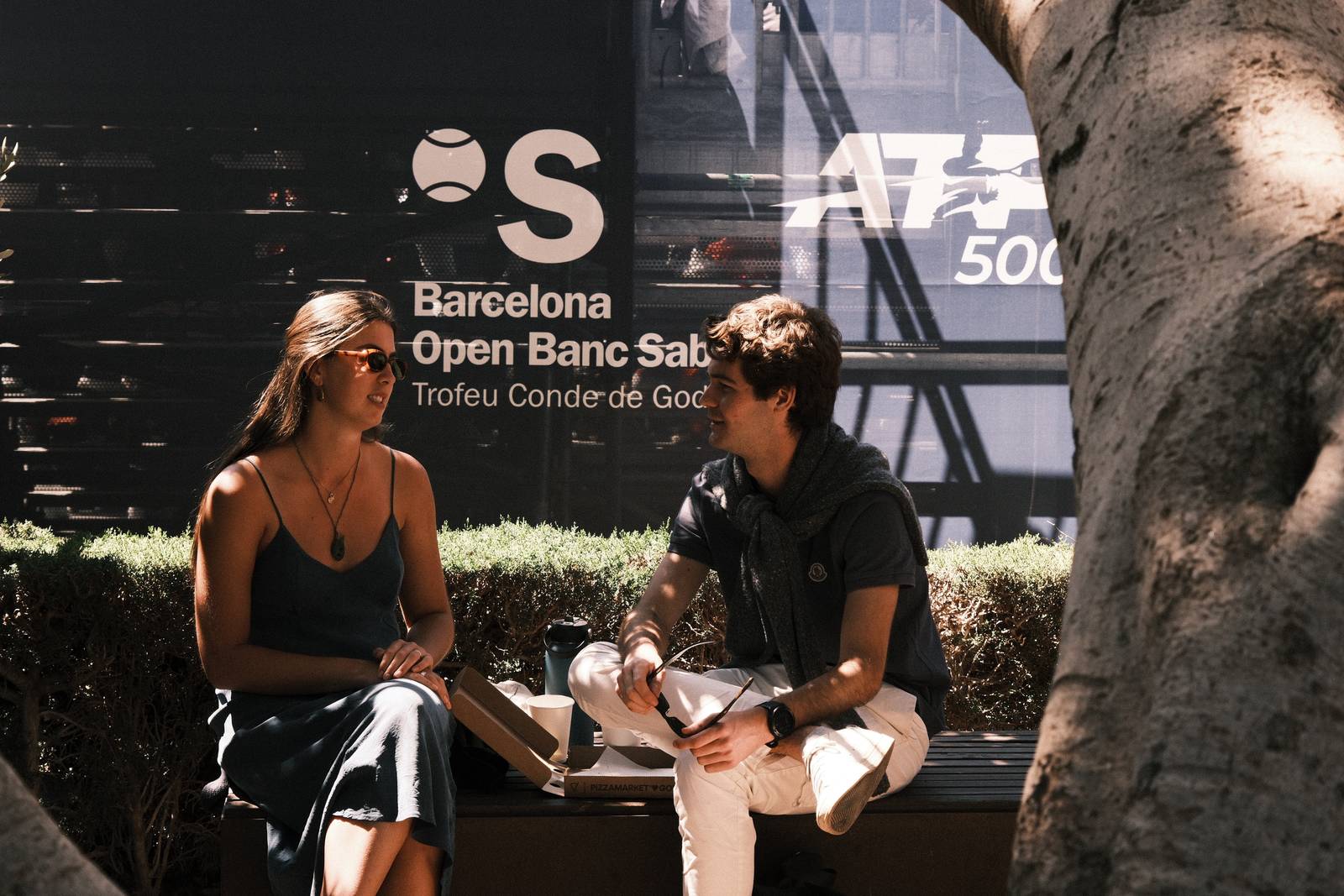
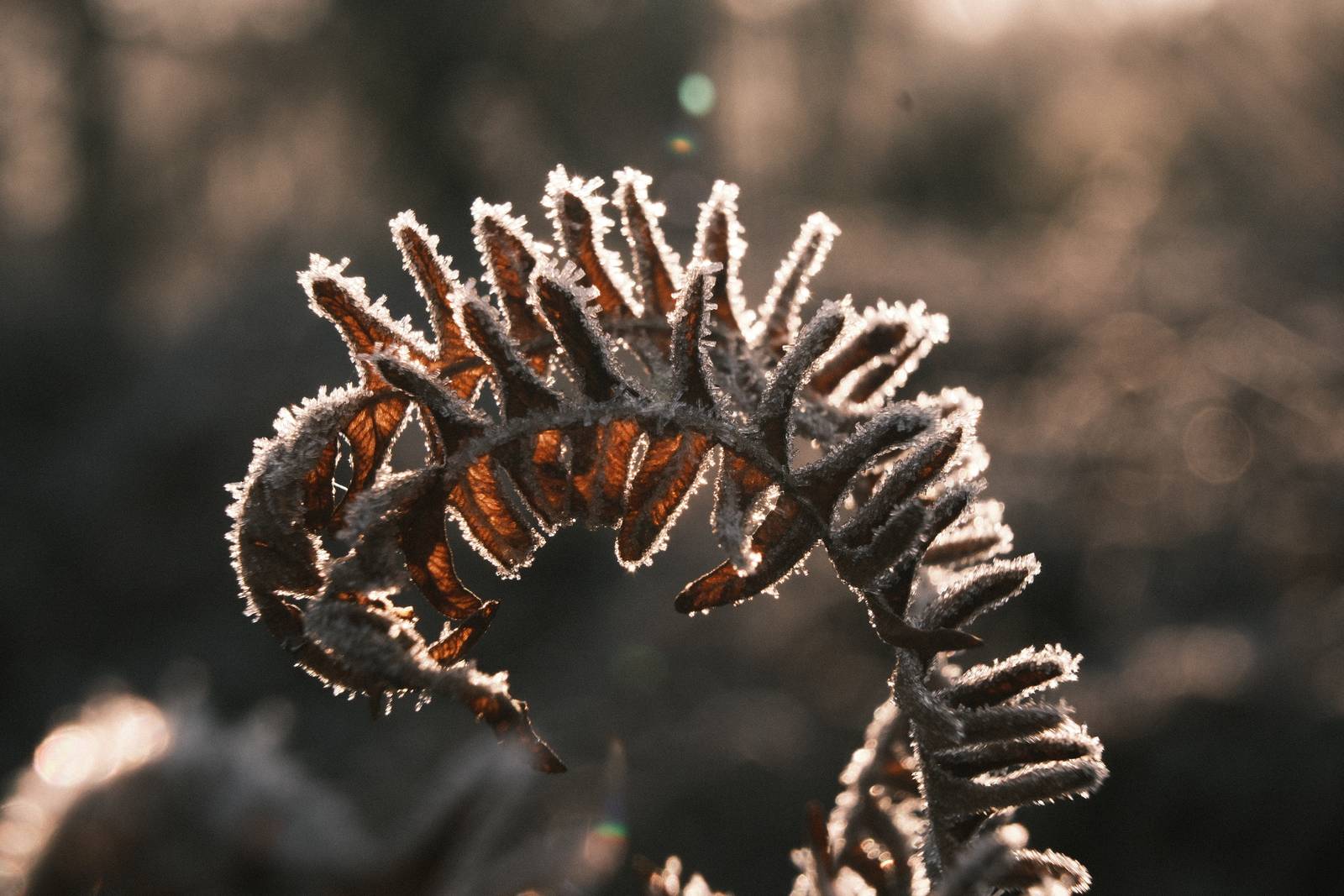
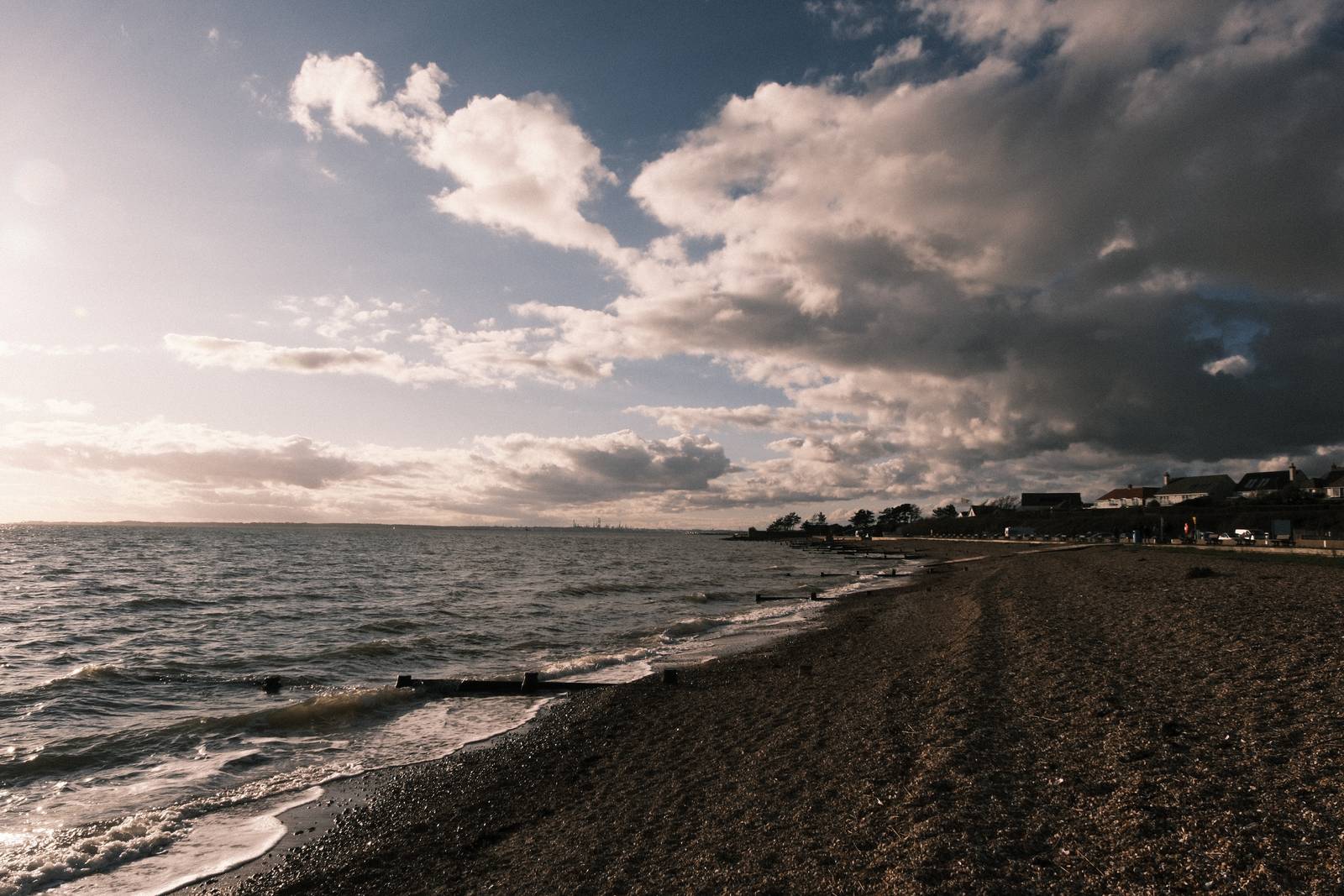
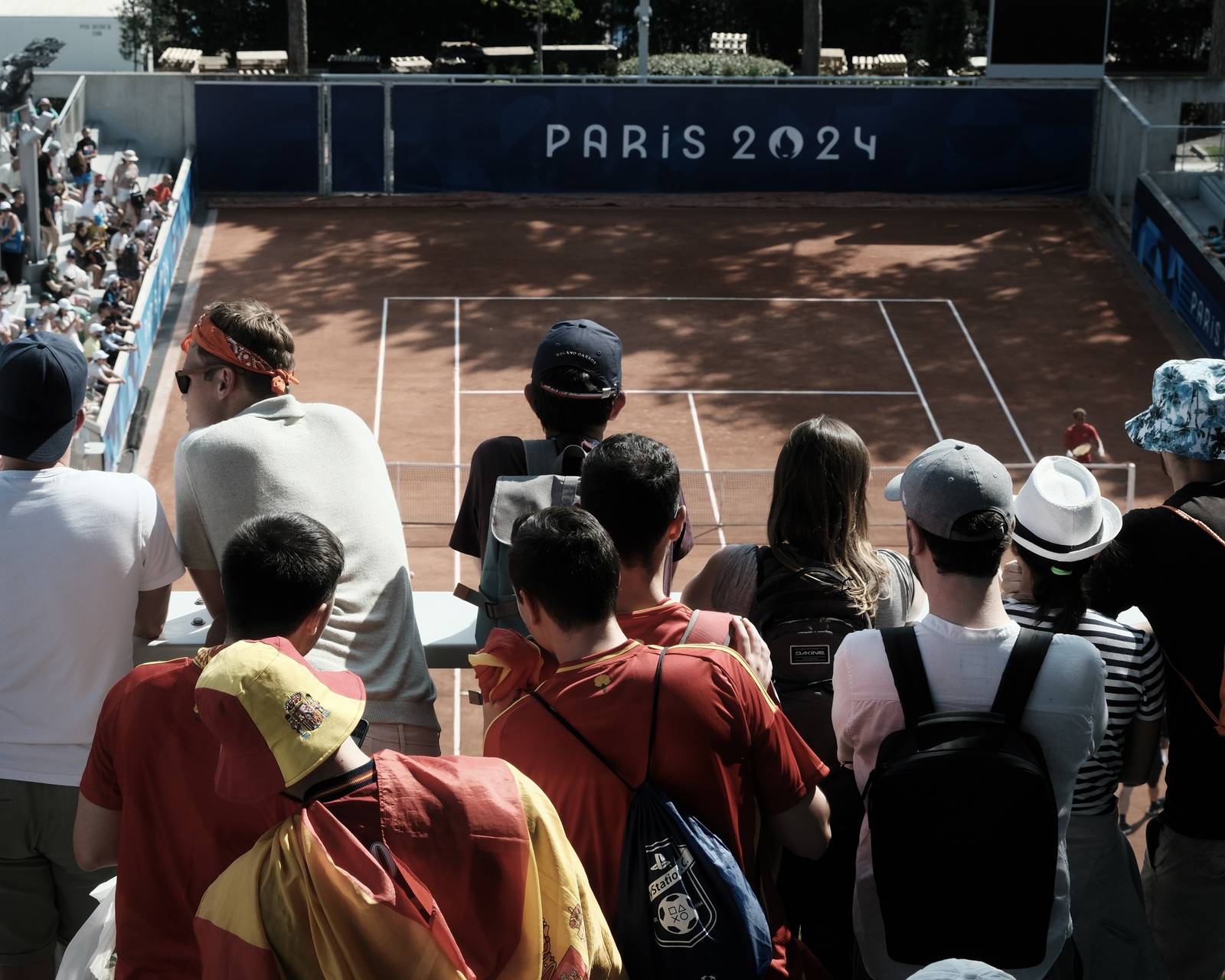
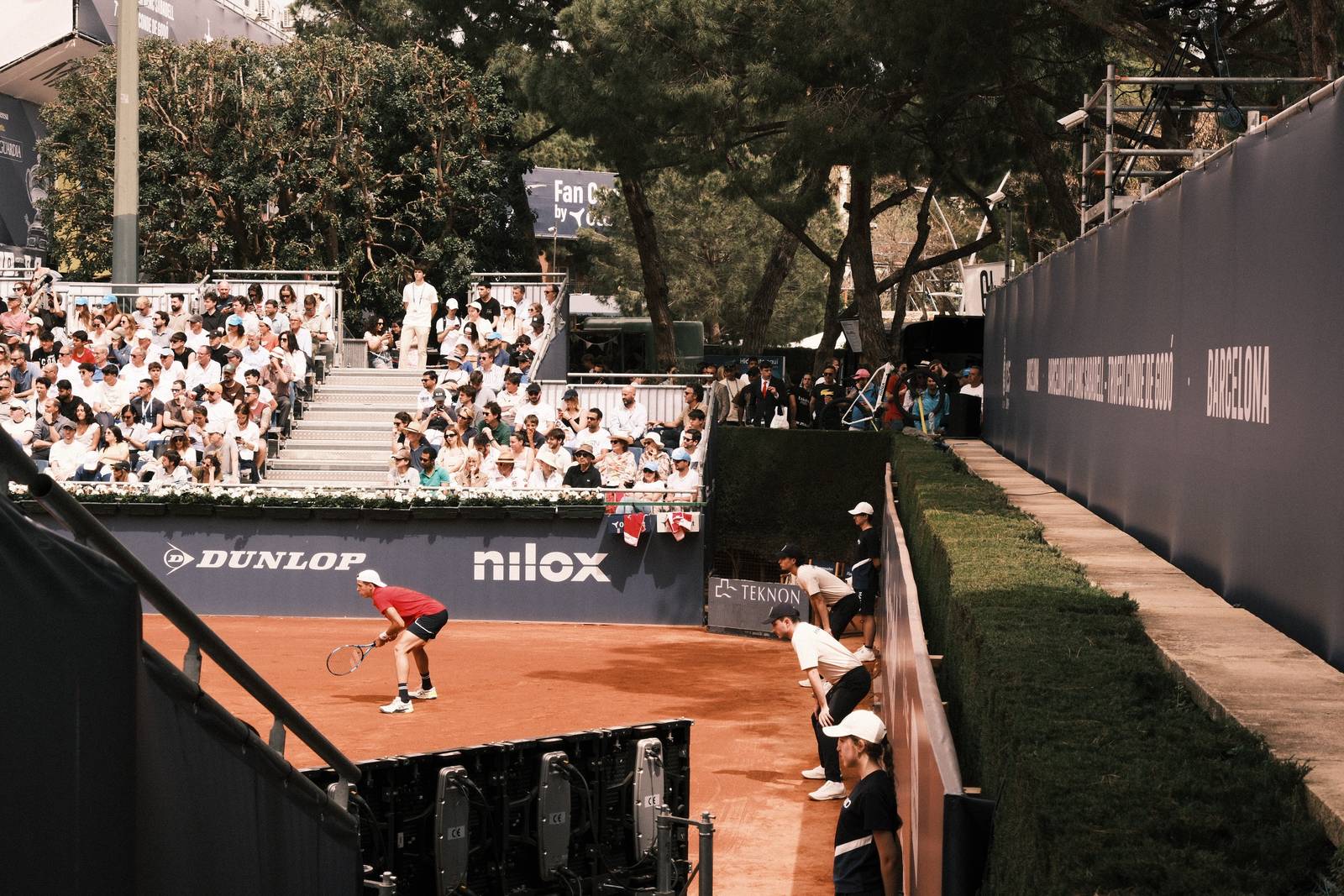
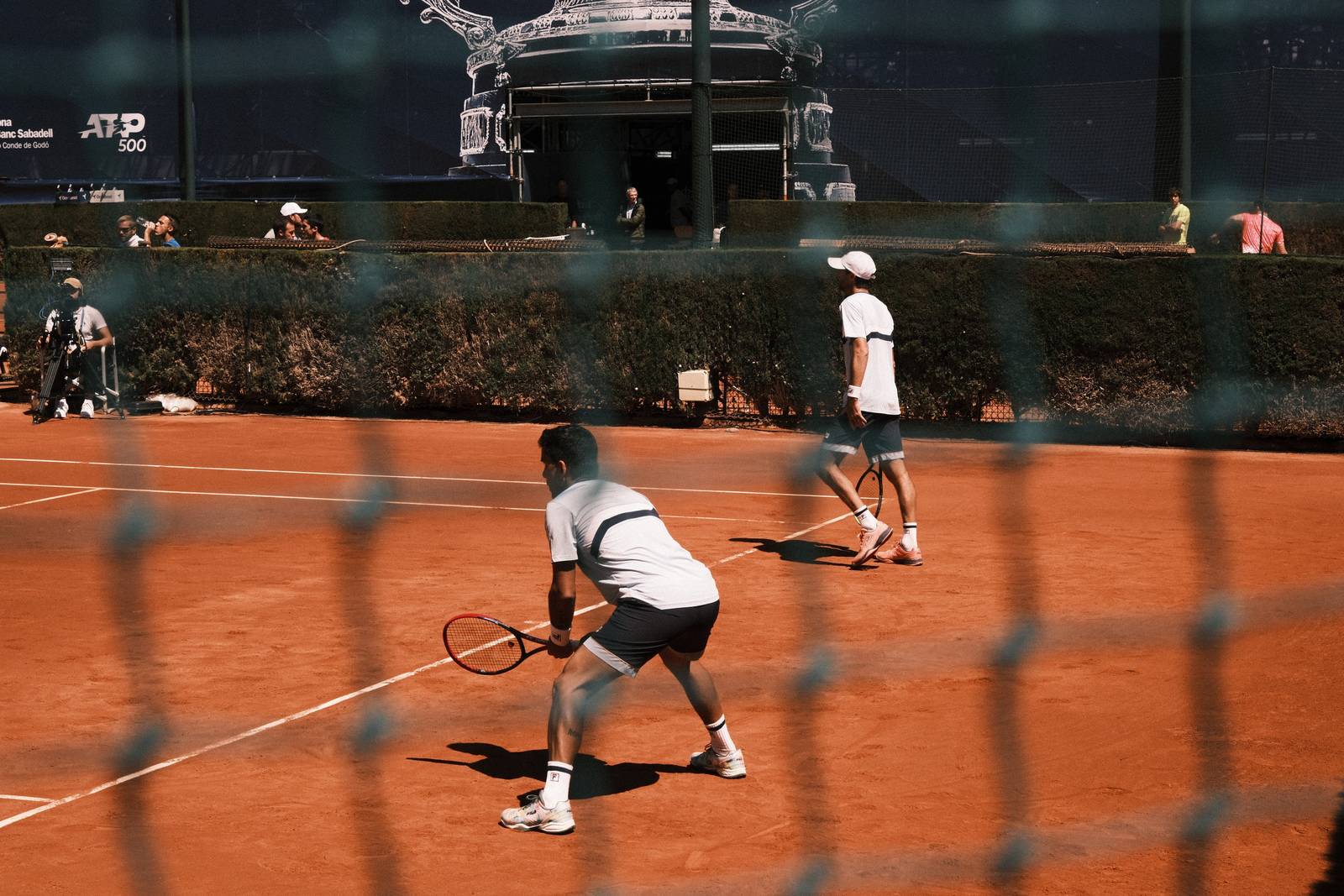
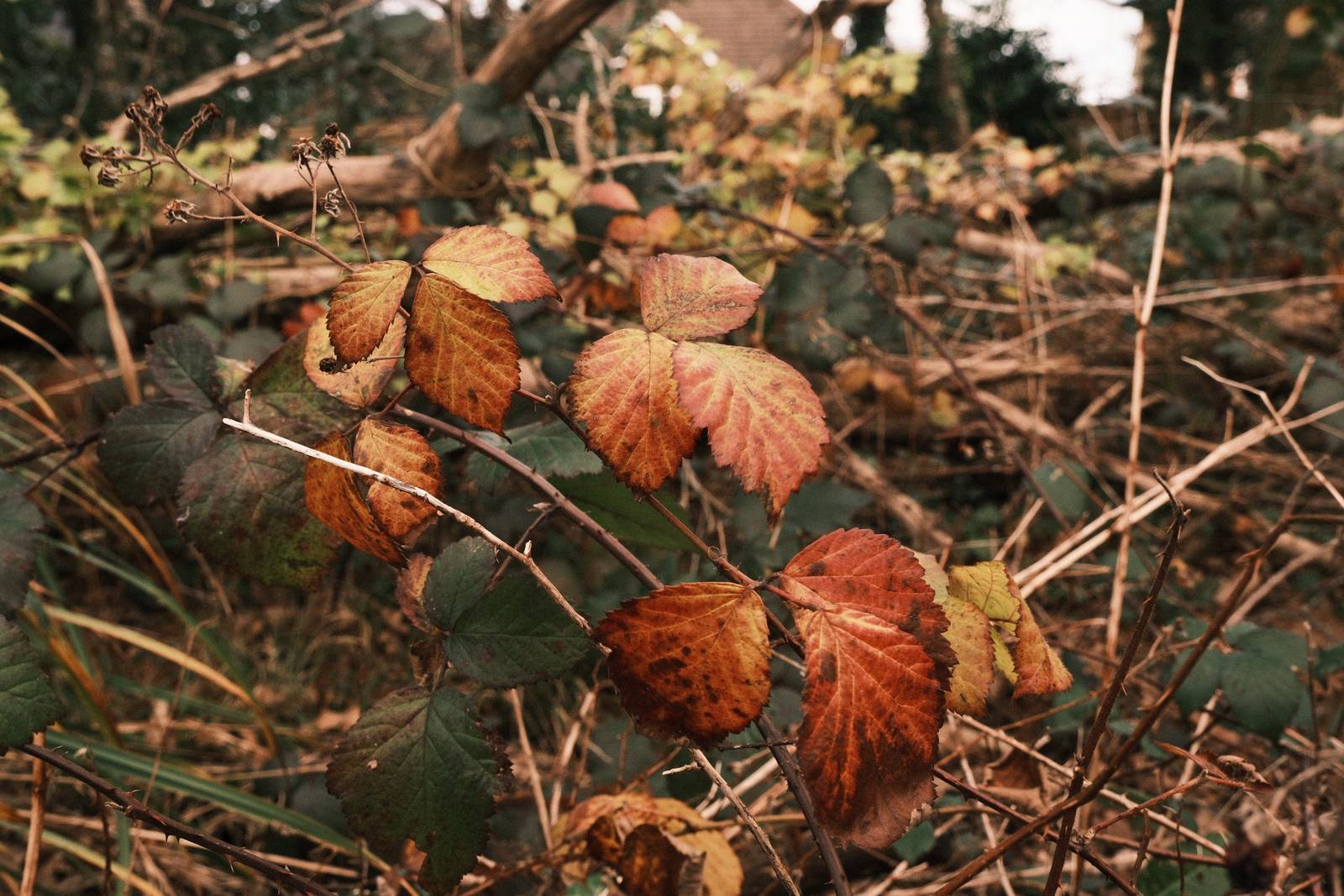
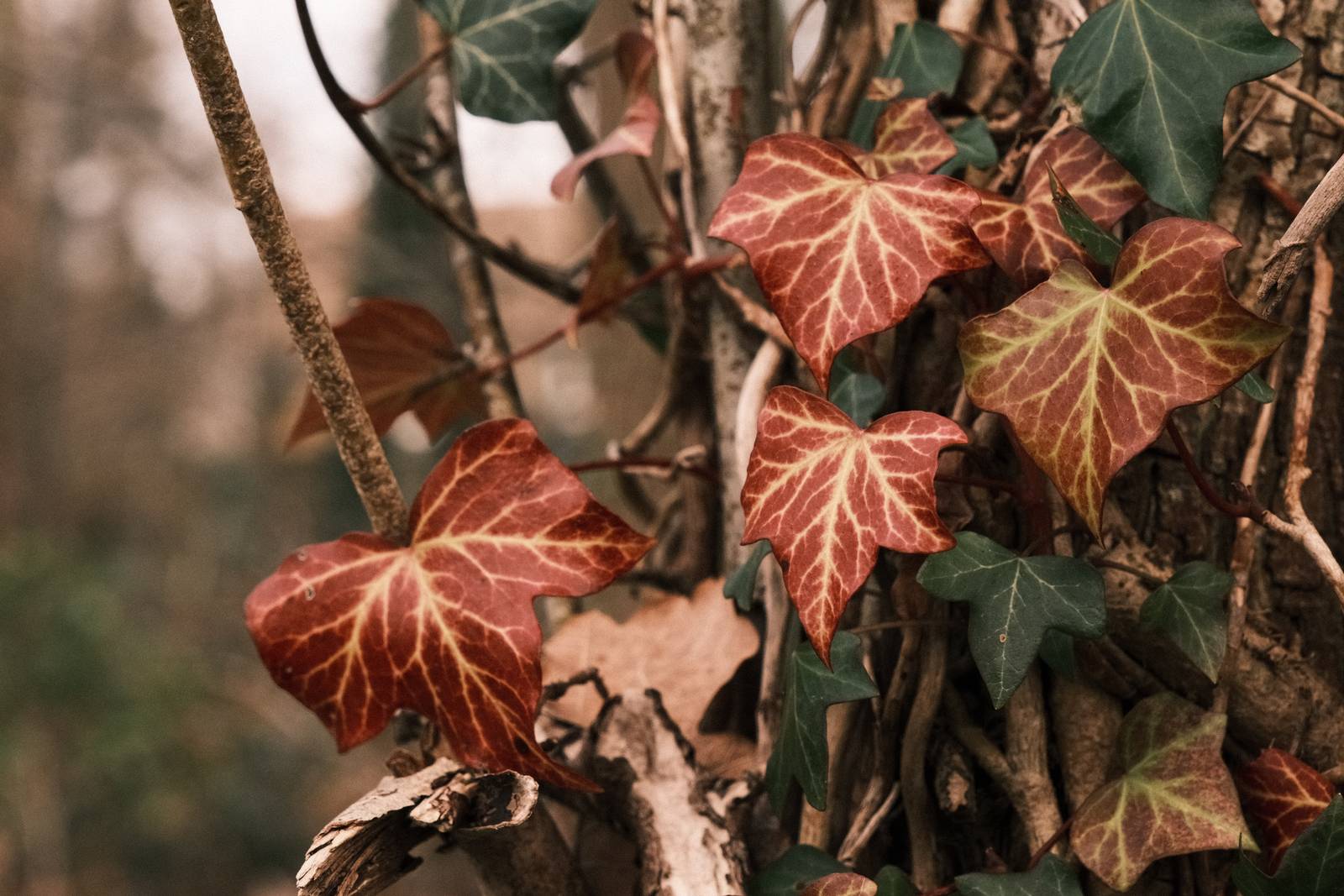
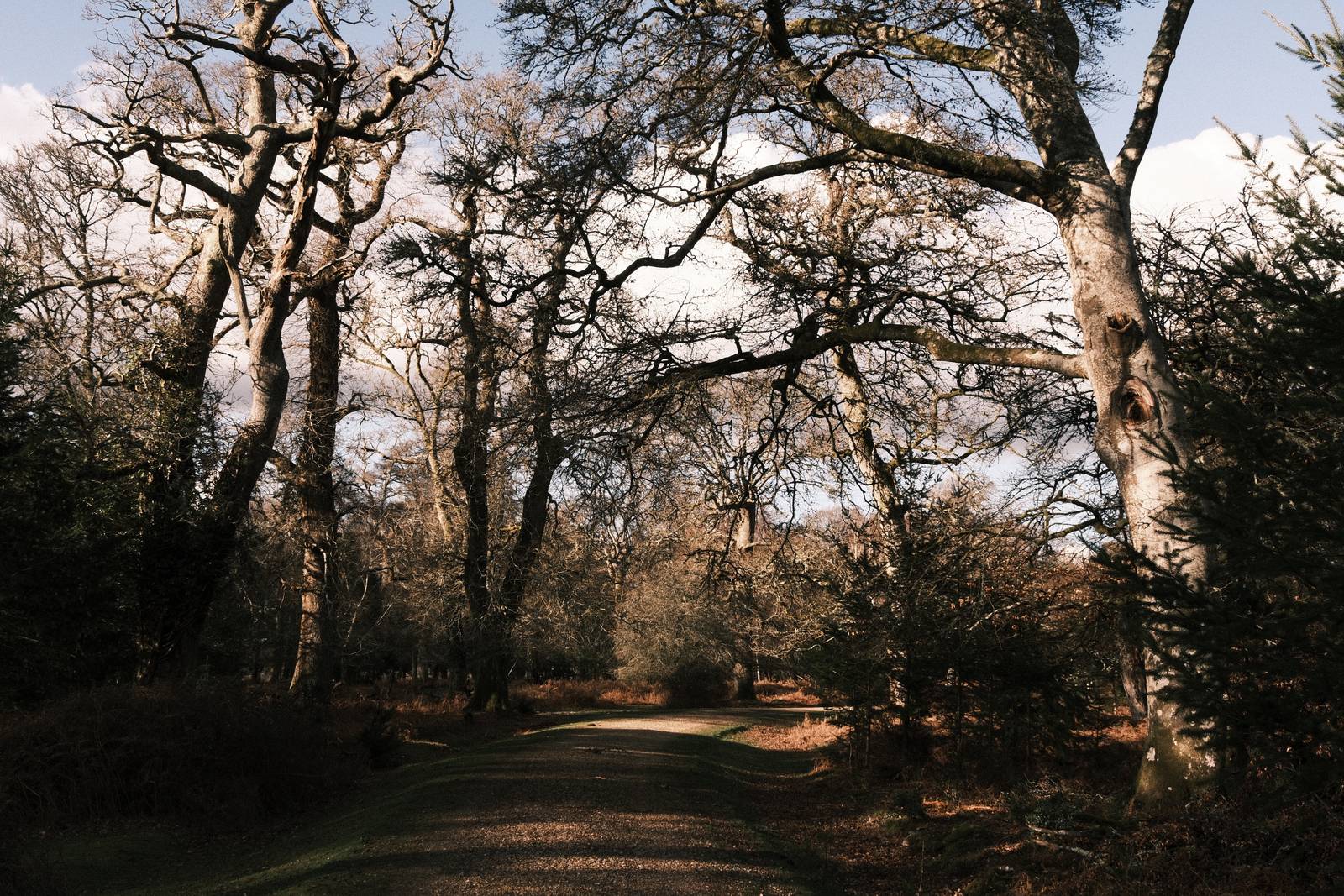
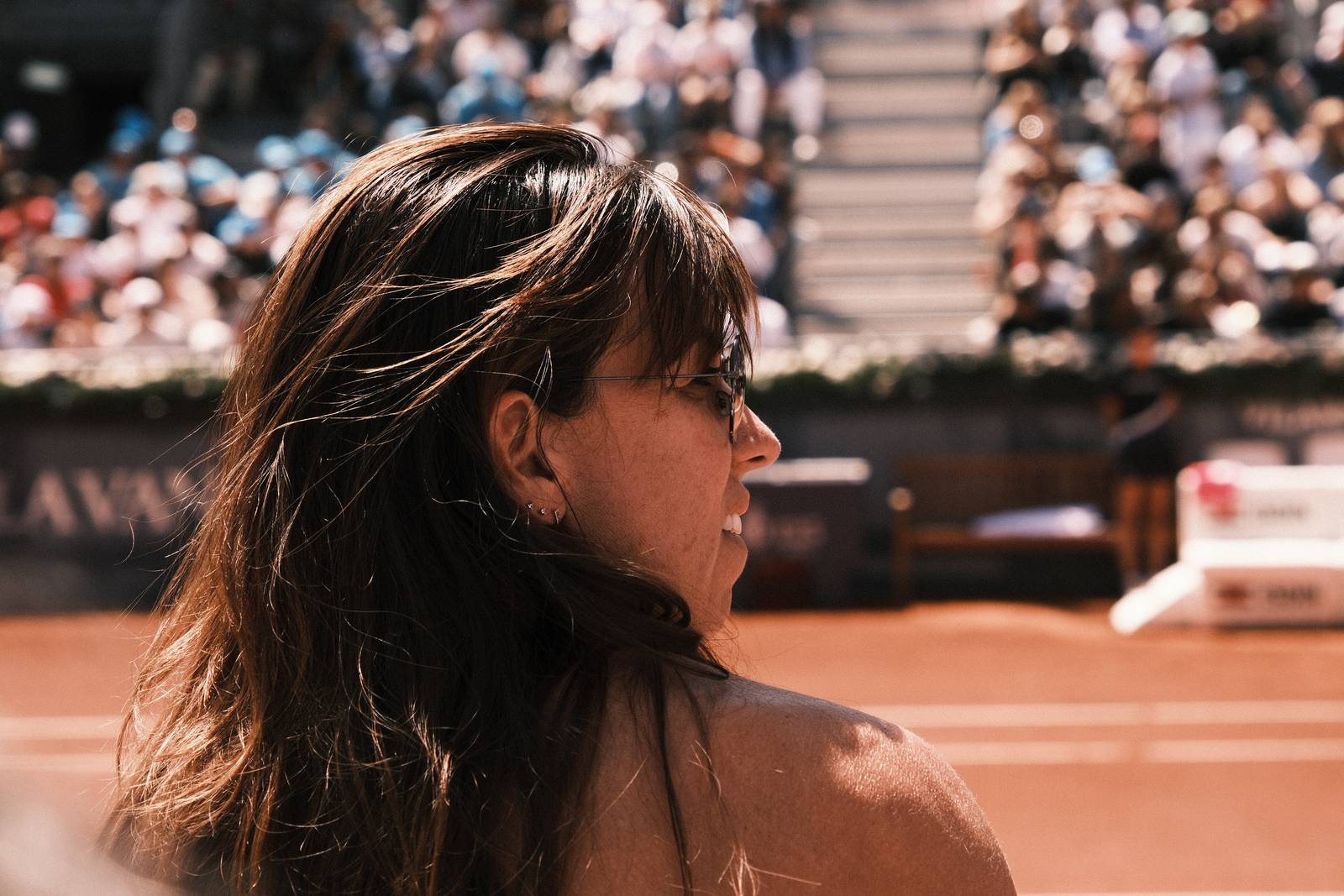
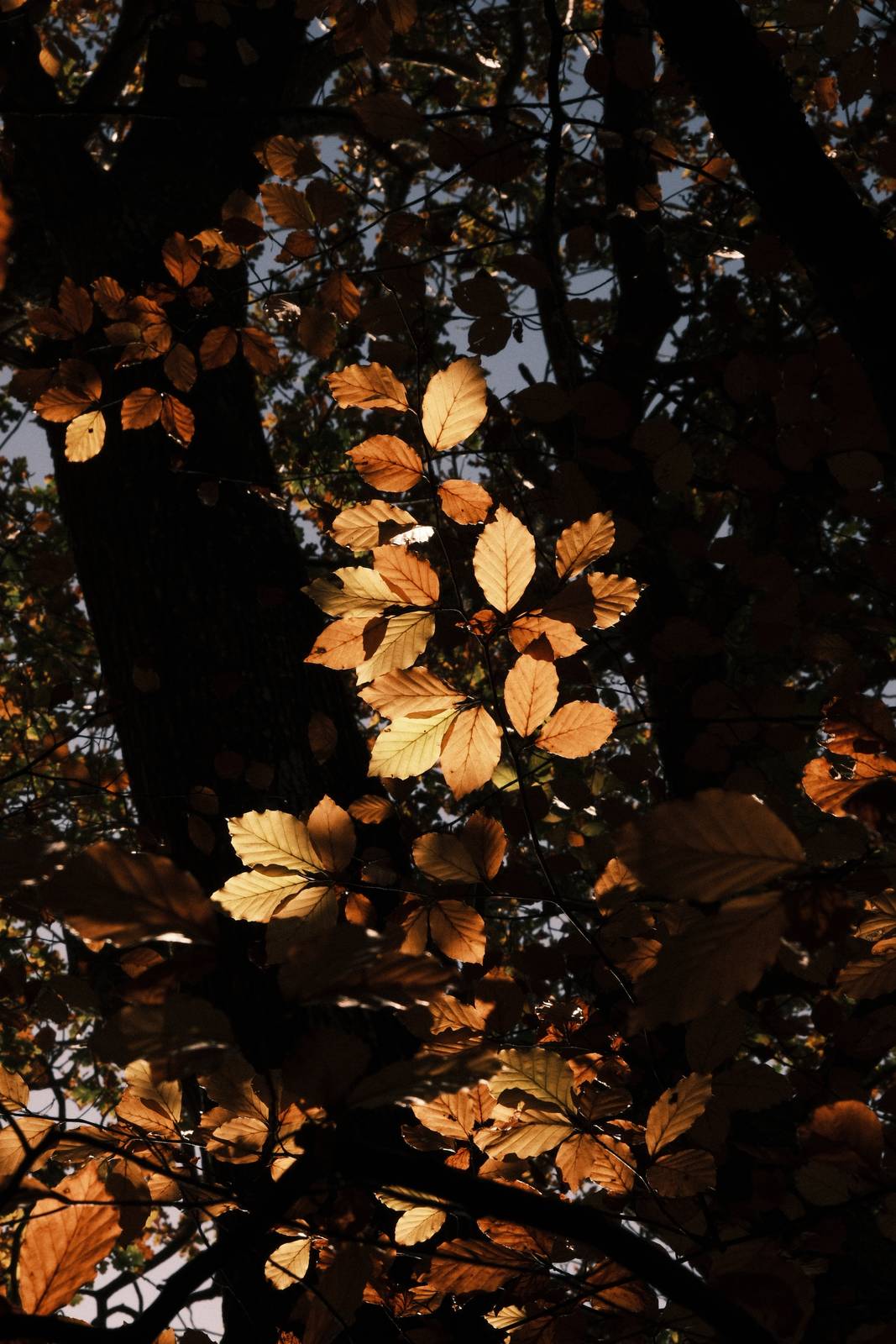
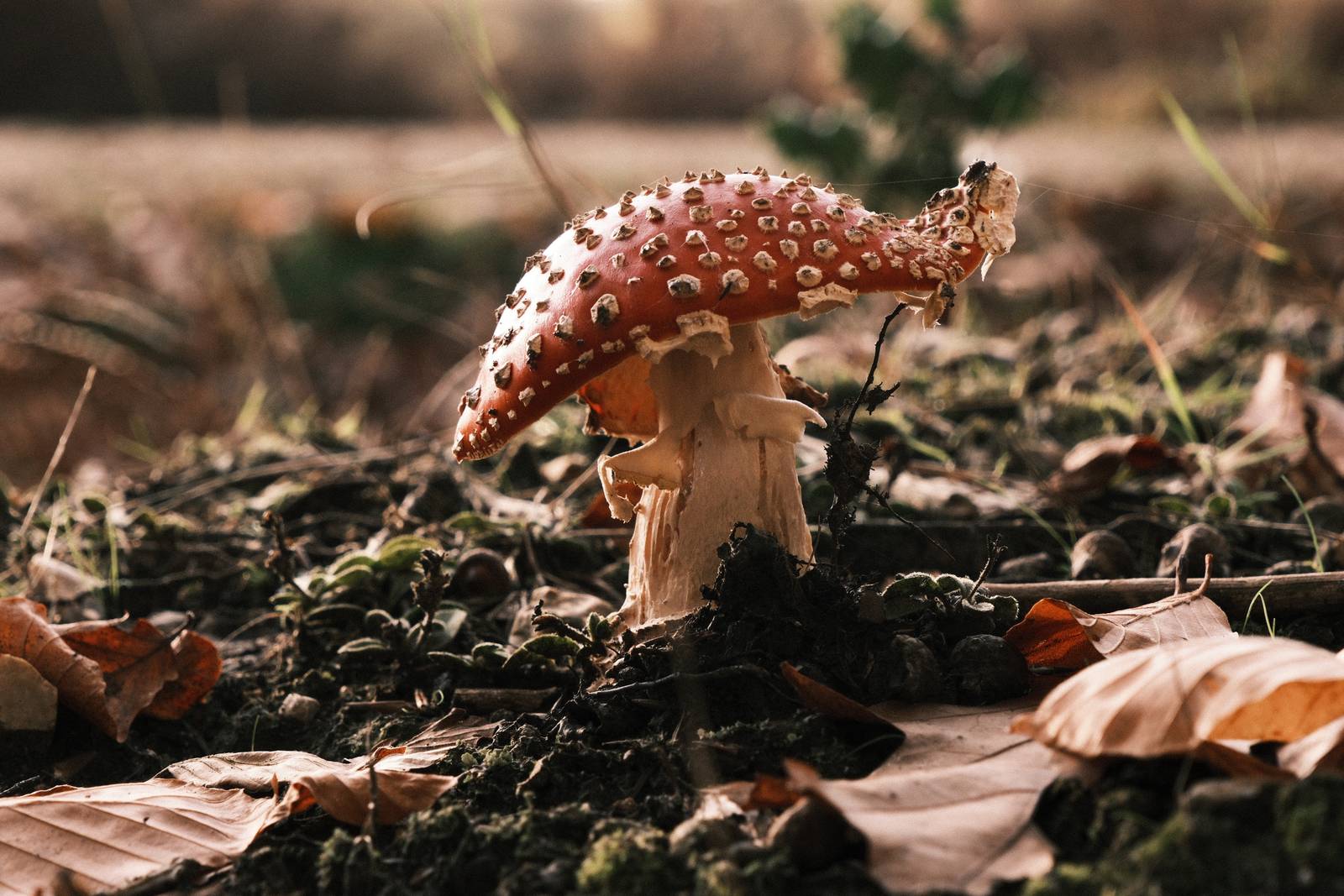
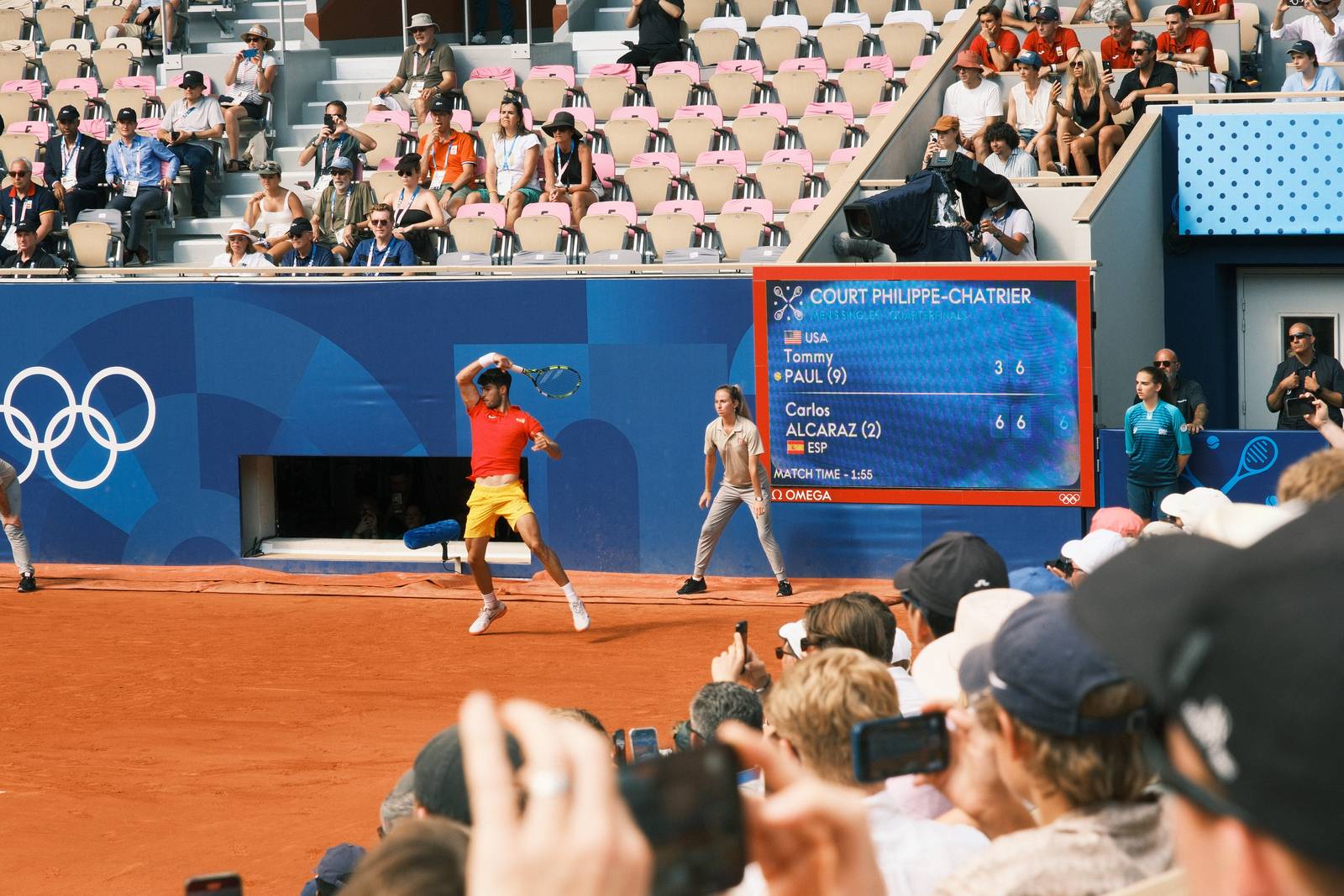
    My process involved a lot of fiddling with settings in X RAW Studio, working with RAW files from visits to forests, beaches and, to include some people, a tennis tournament from earlier in the year. Here is my resulting film recipe, which I have been enjoying testing out in the wild, and am pleased to share here with you now.

    This recipe has been available as an early releast in the Film Recipes app for the past few weeks. The app is always the best place to find all of my recipes, including many more that aren’t available anywhere else.

    Lomochrome 92 Film Recipe Settings

    Film SimulationClassic Negative
    Grain EffectStrong, Small
    Col. Chr. EffectWeak
    Col. Chr. BlueWeak
    White BalanceShade, +4 Red, +1 Blue
    Dynamic RangeDR200
    Highlights1
    Shadows1
    Colour‑3
    Sharpness‑2
    ISO N.R.‑4
    Clarity0
    EV Comp.-1/3

    Similar Recipes

    More similar recipes, and hundreds more exclusive looks, are available in the Film Recipes App.

    Film Recipes

    Get the Film Recipes App

    App-exclusive recipes you won’t find anywhere else

    Download on the App Store
    Get it on Google Play

    Lomochrome 92 Film Recipe: Sample Photos
    Lomochrome 92 film recipe sample photo
    Lomochrome 92 film recipe sample photo
    Lomochrome 92 film recipe sample photo
    Lomochrome 92 film recipe sample photo
    Lomochrome 92 film recipe sample photo
    Lomochrome 92 film recipe sample photo
    Lomochrome 92 film recipe sample photo

    Community Photos

    Photos taken with the Lomochrome 92 film recipe by members of the Film Recipes community.

    Photos by Fray Zer

    Lomochrome 92 film recipe photo by Fray Zer

    Photos by Rudhi Ritzmann Yuen

    Lomochrome 92 film recipe photo by Rudhi Ritzmann Yuen

    Using the Lomochrome 92 Film Recipe

    Each film simulation recipe has its own character and style. These features mean recipes are more suited to certain situations, or when seeking a particular look. Here are the categories that Lomochrome 92 has been tagged with.

  • Underglow, Deep Mood in Golden Light

    Underglow, Deep Mood in Golden Light

    Underexposed Classic Negative film recipe for a dark tones look at sunset or sunrise

    Underglow Film Recipe

    Underglow

    Over the winter months gloomy weather can dominate the days and when the sun is out, it can be low in the sky and disappear earlier in the day. Certainly in the UK we can lose it by 4pm. So, for these shorter days I’ve been experimenting with moody looks that play with darker tones and use underexposure as part of the toolkit.

    I’ve been sharing some of these moody looks in the Film Recipes Facebook Group and adding them to the 500+ collection that will be part of the Film.Recipes app. This one though was so much fun that I really had to get it released to everyone as part of this site.

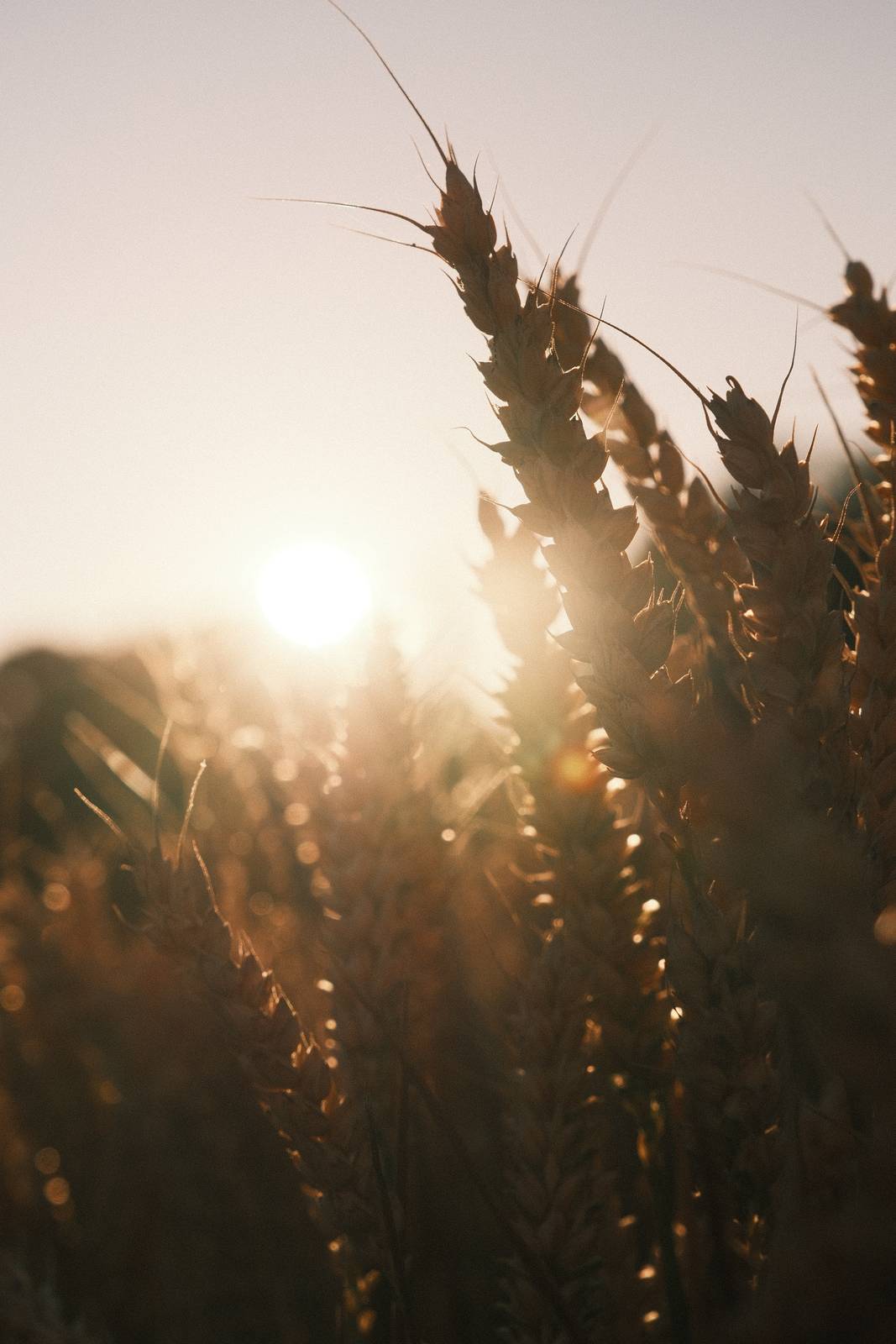
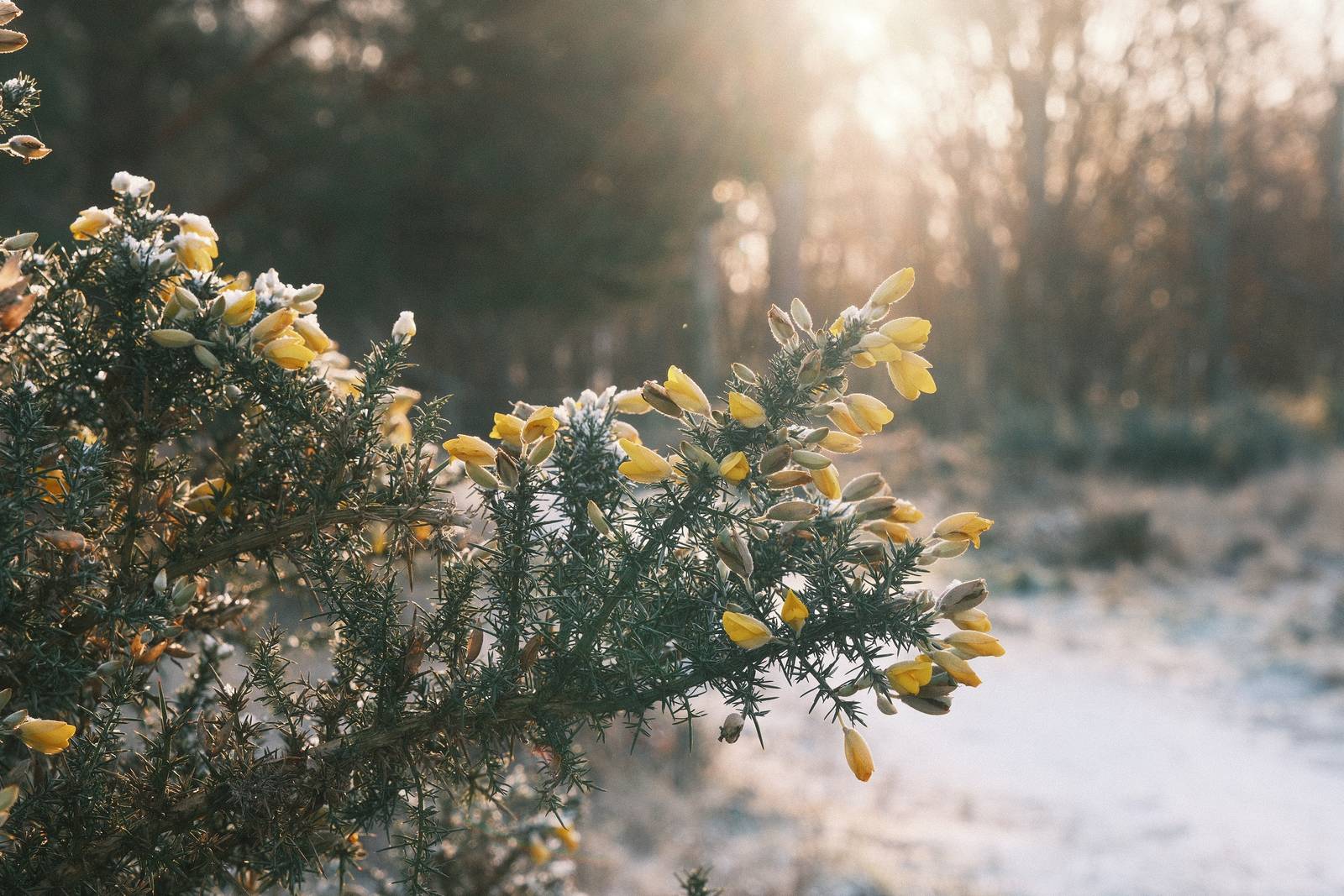
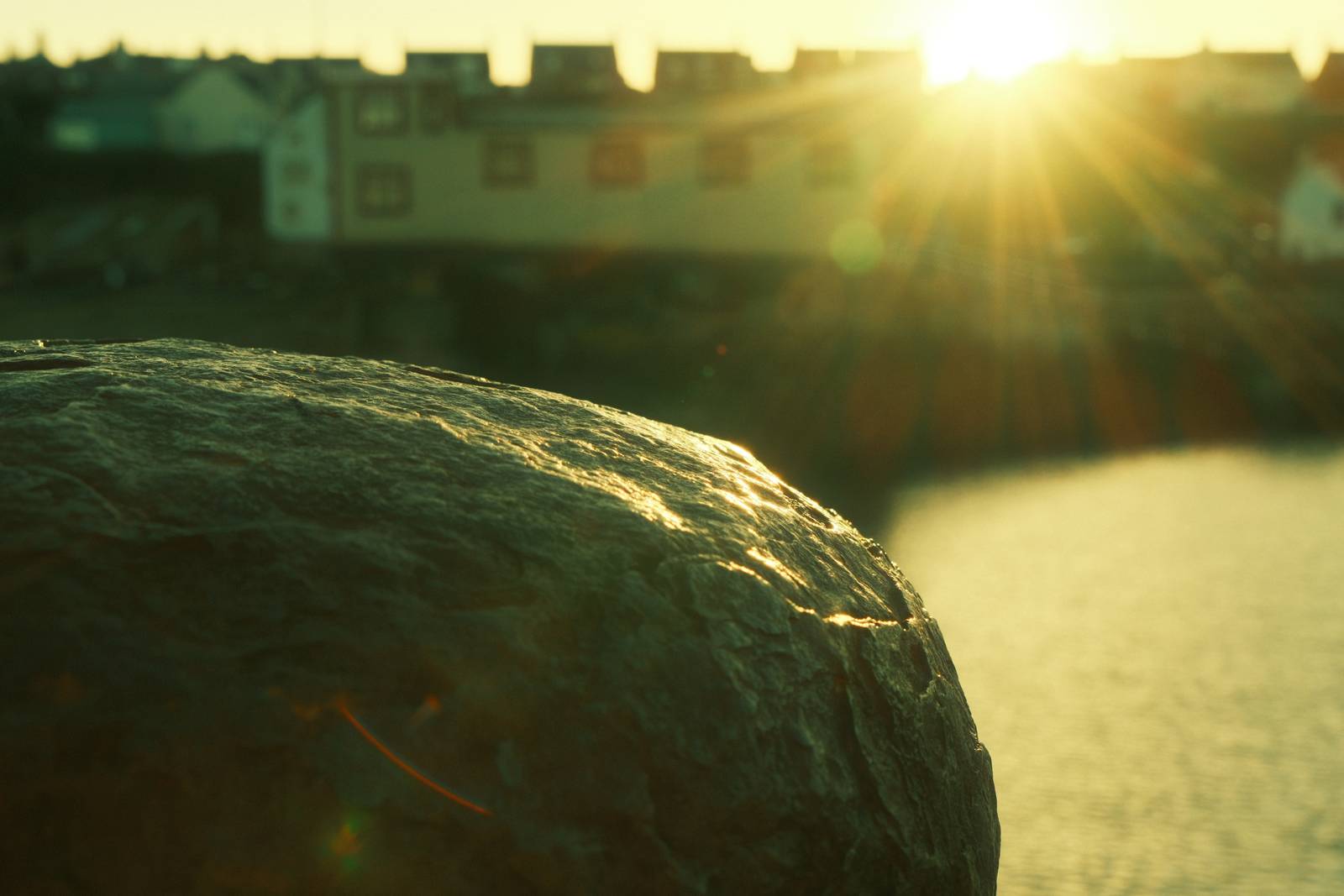
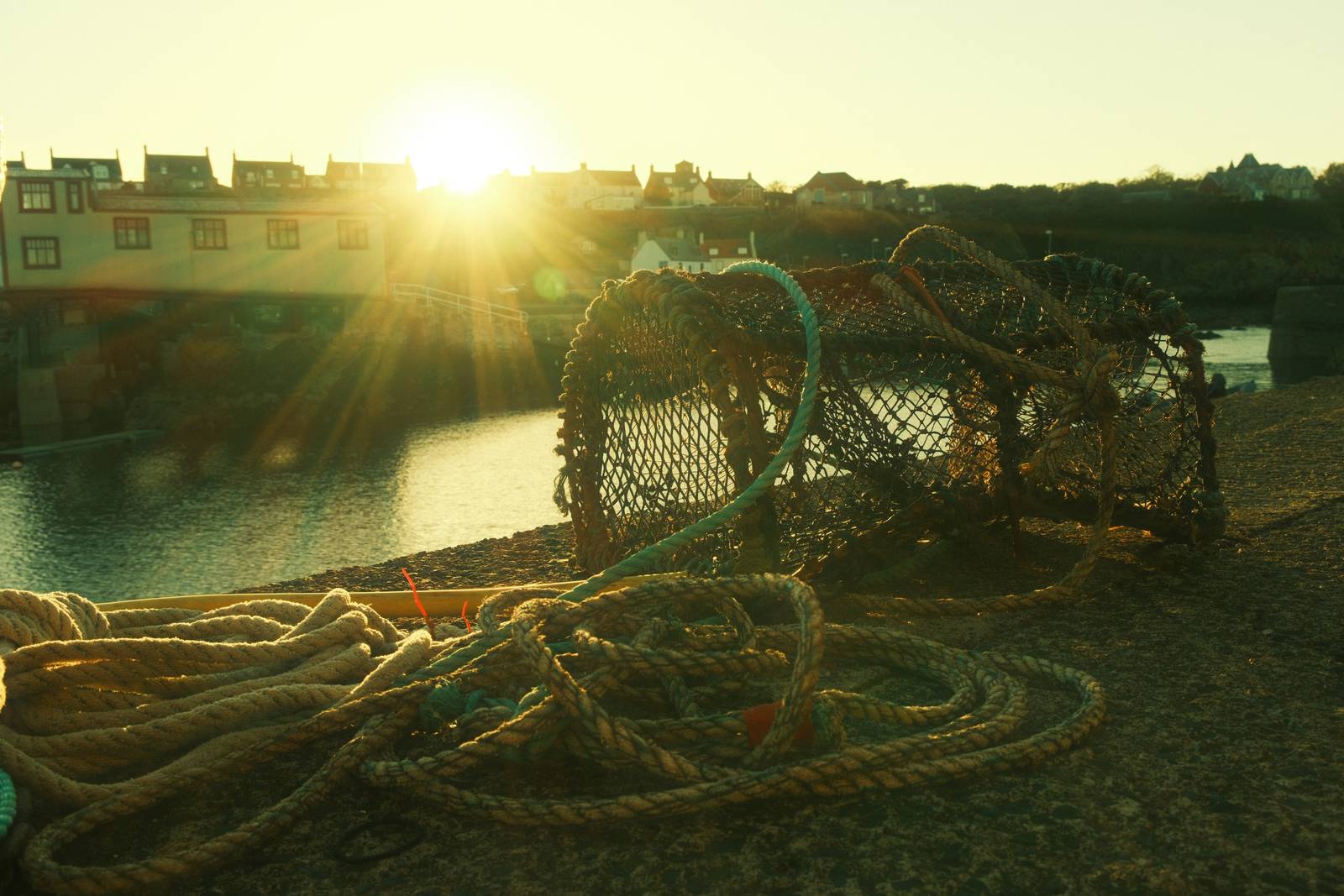
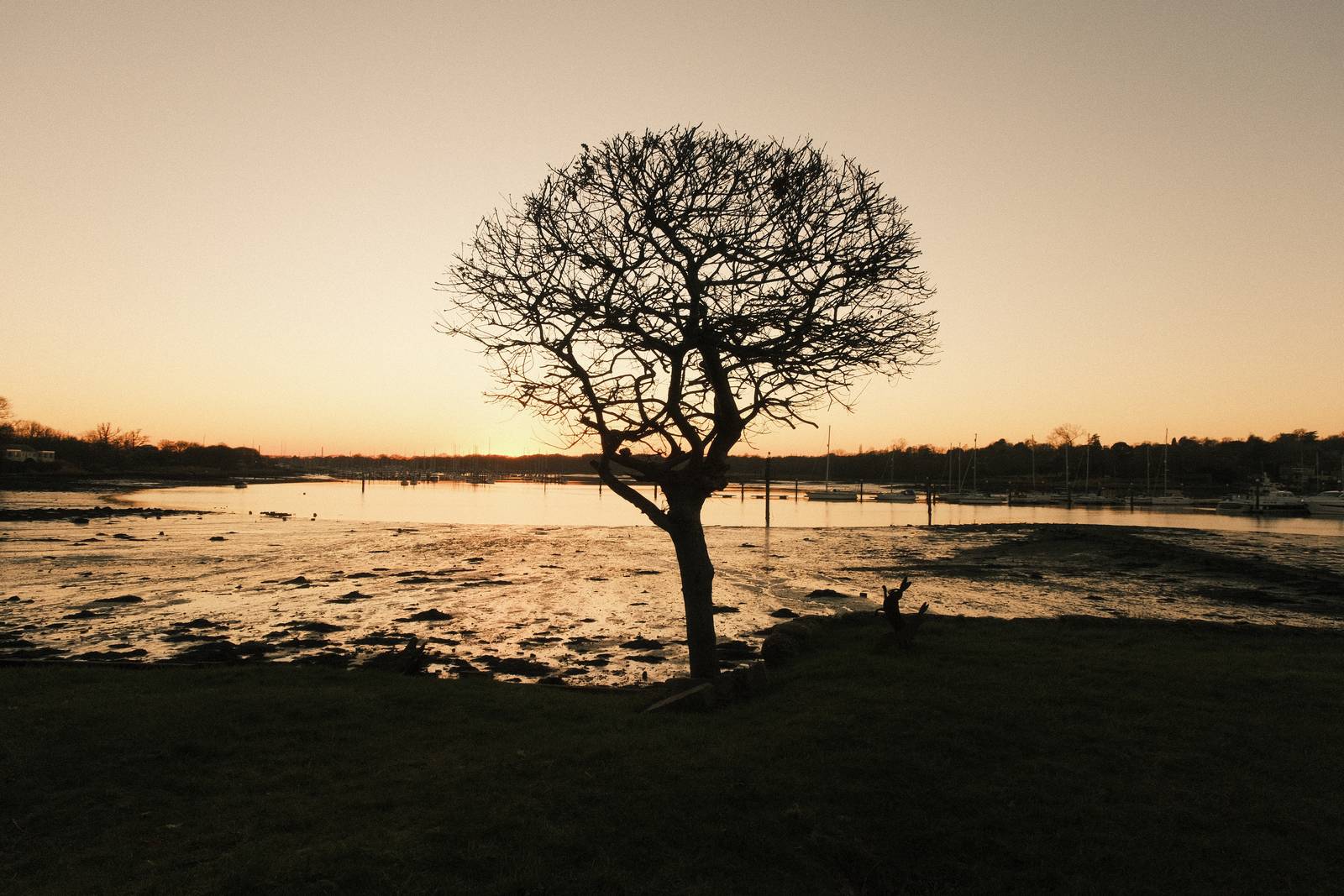
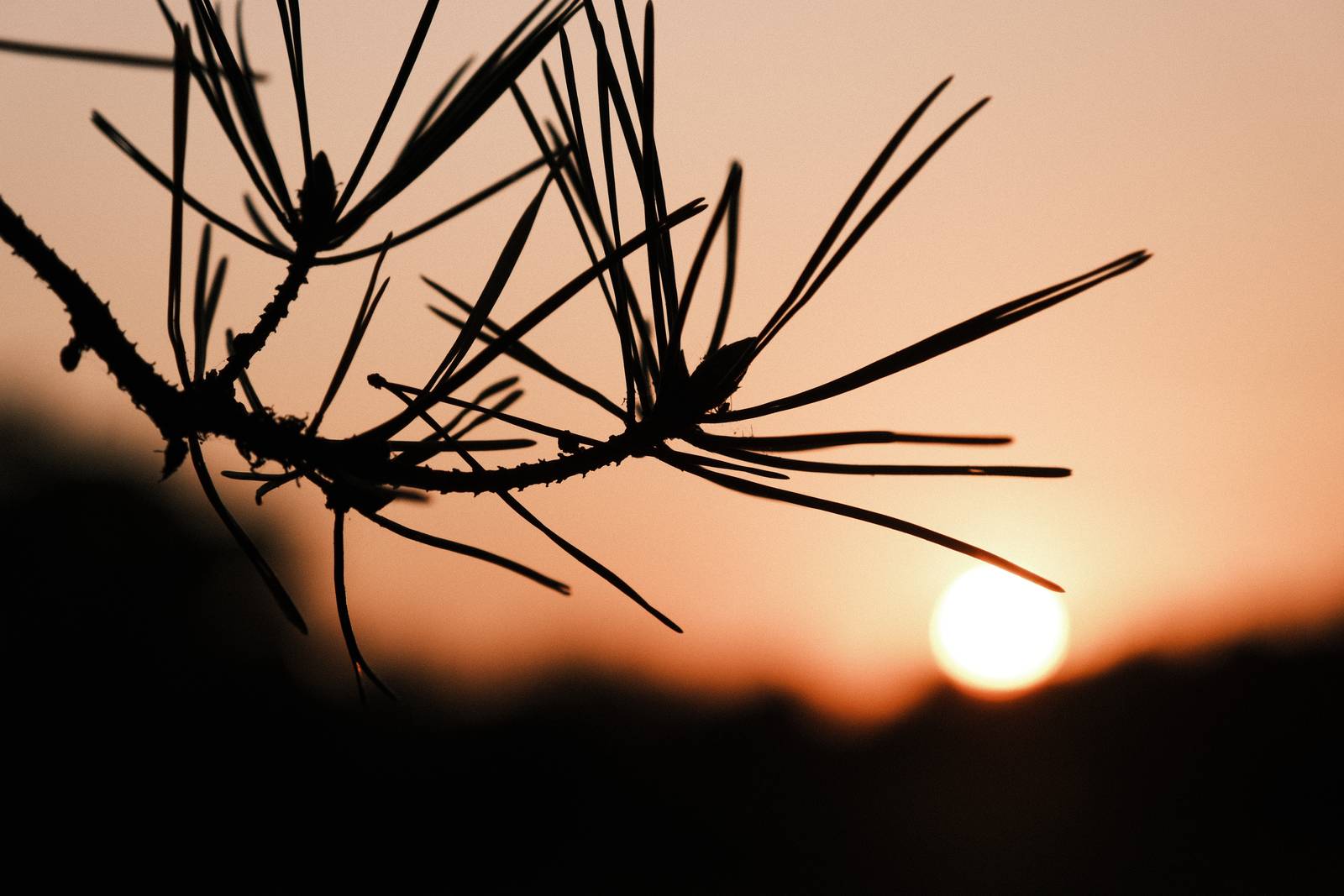
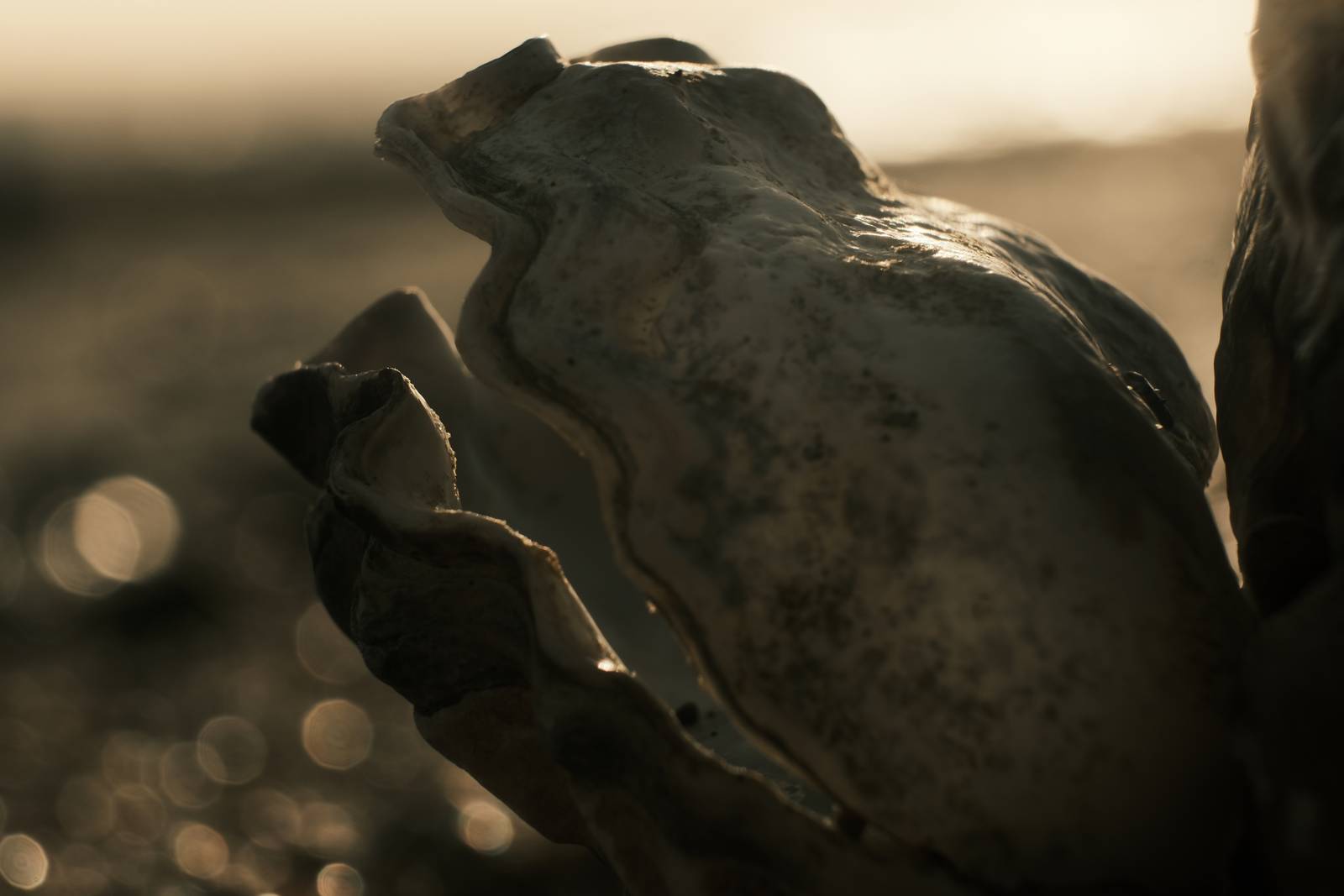
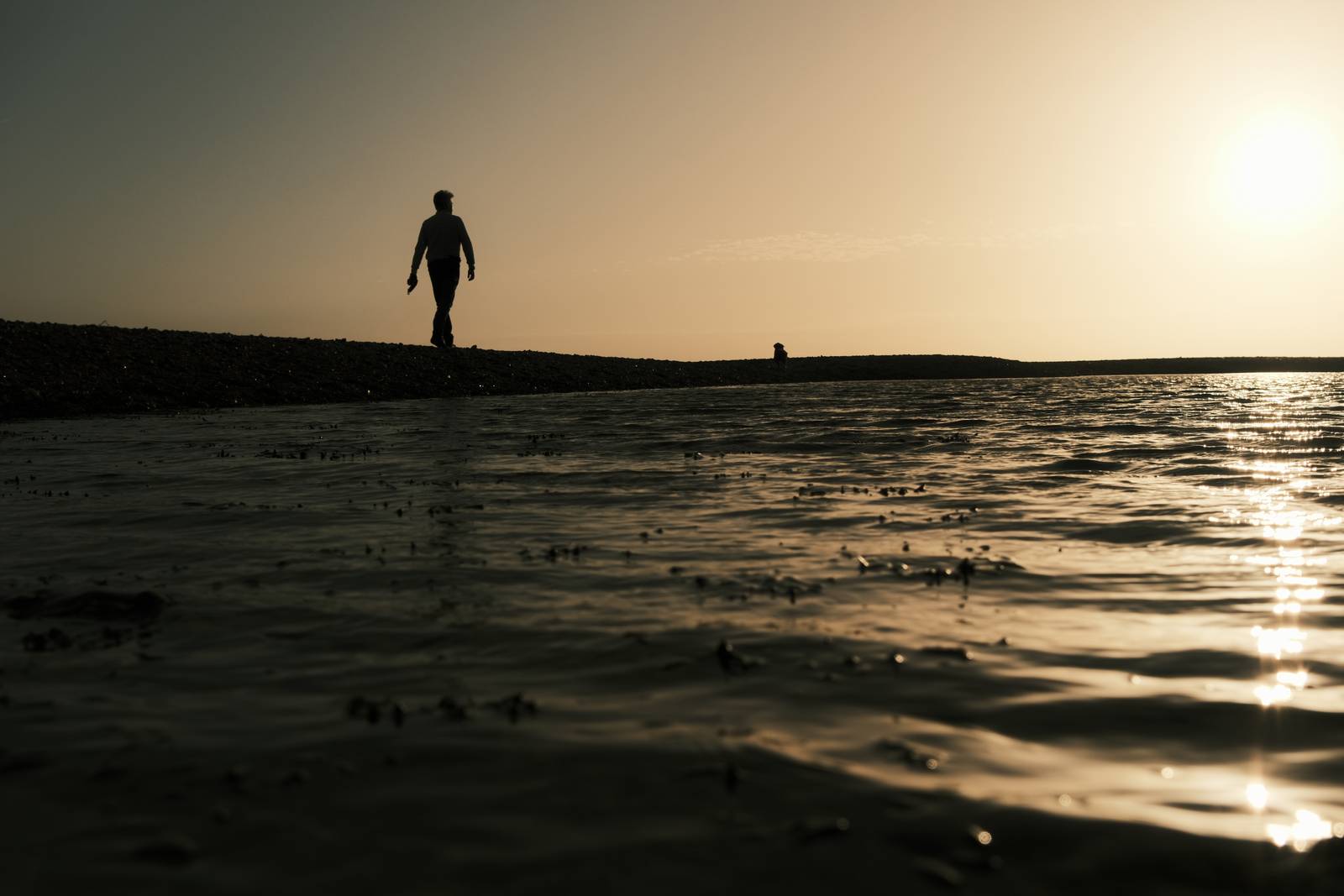
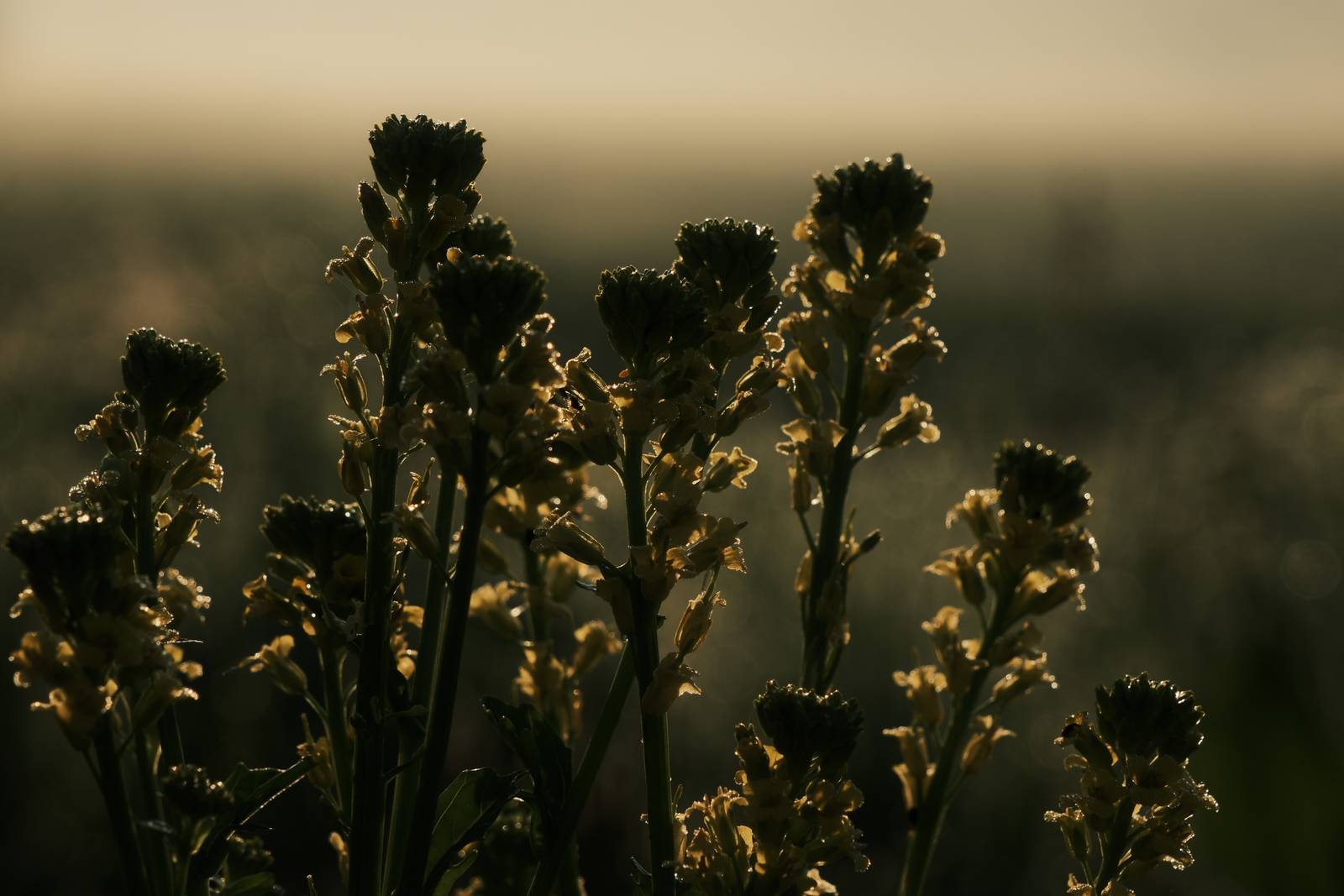
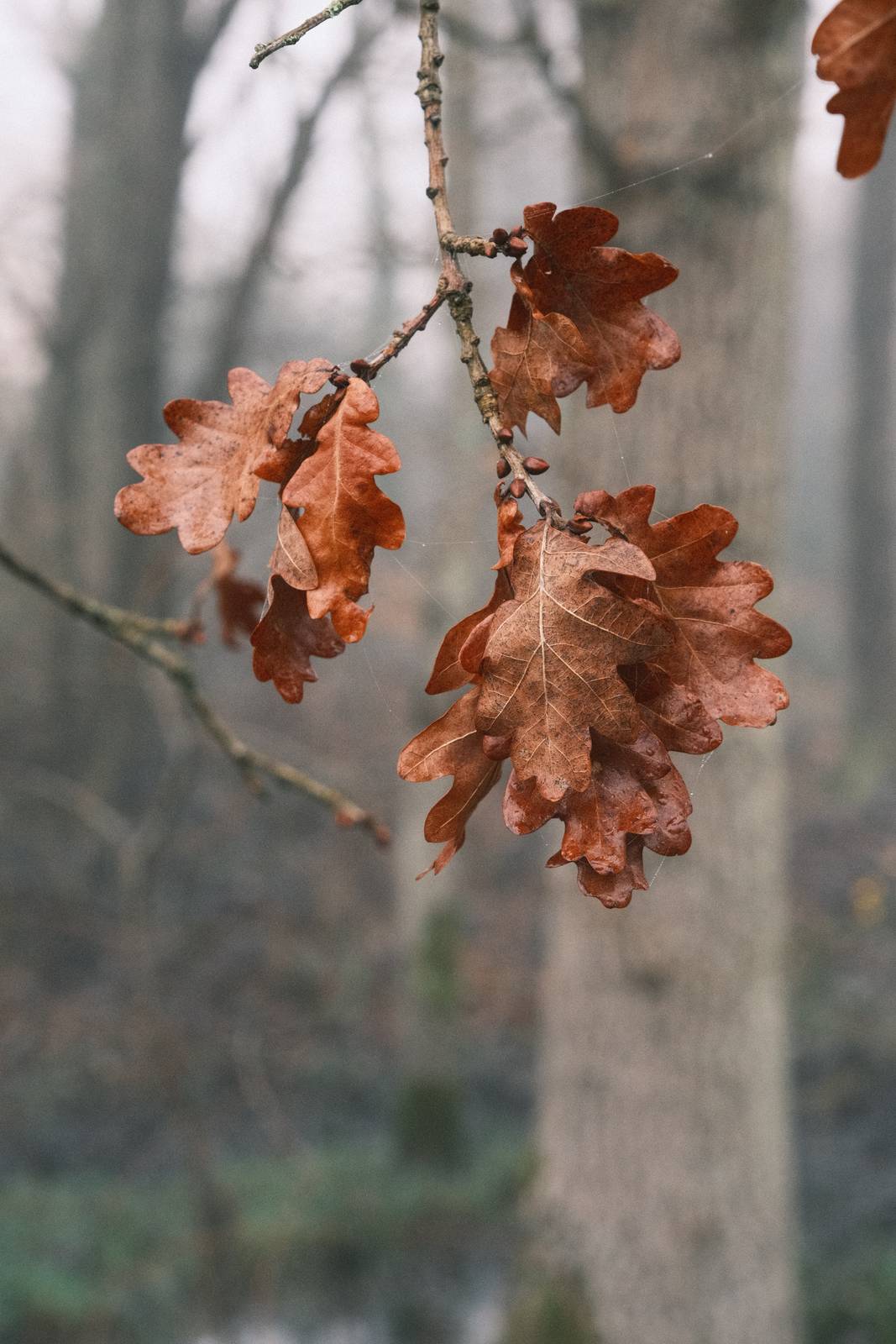
    This recipe is a specialist, and really does need the right conditions to get the best from it. Ideally, you’ll be using the first or last moments of sunlight, and shoot into the light to have fun with silhouettes and flare. Critical to the look is also the underexposure, which can be set at least -1EV but can go further.

    That said, if you have no sun to work with, you can have fun with gloomy conditions and get a deep tone moody look from shady and cloudy scenes as well. Scroll for samples and you’ll see what I mean.

    Underglow Film Recipe Settings

    Film SimulationClassic Negative
    Grain EffectOff
    Col. Chr. EffectWeak
    Col. Chr. BlueWeak
    White BalanceAuto, +4 Red, ‑7 Blue
    Dynamic RangeDR400
    Highlights‑2
    Shadows2
    Colour‑4
    Sharpness‑2
    ISO N.R.‑4
    Clarity‑2
    EV Comp.-1

    Similar Recipes

    More similar recipes, and hundreds more exclusive looks, are available in the Film Recipes App.

    Film Recipes

    Get the Film Recipes App

    Works offline — no signal needed out in the field

    Download on the App Store
    Get it on Google Play

    Underglow Film Recipe: Sample Photos
    Underglow film recipe sample photo
    Underglow film recipe sample photo
    Underglow film recipe sample photo
    Underglow film recipe sample photo
    Underglow film recipe sample photo
    Underglow film recipe sample photo
    Underglow film recipe sample photo
    Underglow film recipe sample photo

    Using the Underglow Film Recipe

    Each film simulation recipe has its own character and style. These features mean recipes are more suited to certain situations, or when seeking a particular look. Here are the categories that Underglow has been tagged with.

  • Fujicolor Superia 400 Film Recipe

    Fujicolor Superia 400 Film Recipe

    My recreation of the classic look of prints made with Fujicolor Superia 400 35mm film

    Fujicolor Superia 400 Film Recipe

    Fujicolor Superia 400

    As I approach the milestone of 300 film recipes added to this site, I have been looking again at some of the iconic 35mm film looks that inspired the Fujifilm film simulations. Whilst the Classic Negative simulation isn’t explicitly described as a mimic for Fujicolor Superia, there is a strong likeness, espeically to prints from Superia film dating back 20 or more years.

    I’ve reviewed my earlier takes on this aesthetic, such as my original Fujicolor Superia, Fujicolor Daily and the somewhat divergent Mother Superia.

    Each of these is perfectly fine for exploring this style, but each is in a way a characature of the film look, expressing one feature of another. In this take, I have tried to present a recipe that is just that is closer to reality, perhaps more subtle, and bit more usable in a wide range of conditions.

    Fujicolor Superia 400 Film Recipe Settings

    Film SimulationClassic Negative
    Grain EffectWeak, Small
    Col. Chr. EffectOff
    Col. Chr. BlueOff
    White BalanceAuto, 0 Red, ‑4 Blue
    Dynamic RangeDR400
    Highlights0
    Shadows‑1
    Colour2
    Sharpness‑1
    ISO N.R.‑4
    Clarity0
    EV Comp.+1/3

    Similar Recipes

    More similar recipes, and hundreds more exclusive looks, are available in the Film Recipes App.

    Film Recipes

    Get the Film Recipes App

    800+ recipes — more than twice as many as the free site

    Download on the App Store
    Get it on Google Play

    Fujicolor Superia 400 Film Recipe: Sample Photos

    Fujicolor Superia 400 film recipe sample photo
    Fujicolor Superia 400 film recipe sample photo
    Fujicolor Superia 400 film recipe sample photo
    Fujicolor Superia 400 film recipe sample photo
    Fujicolor Superia 400 film recipe sample photo
    Fujicolor Superia 400 film recipe sample photo
    Fujicolor Superia 400 film recipe sample photo
    Fujicolor Superia 400 film recipe sample photo
    Fujicolor Superia 400 film recipe sample photo
    Fujicolor Superia 400 film recipe sample photo
    Fujicolor Superia 400 film recipe sample photo
    Fujicolor Superia 400 film recipe sample photo
    Fujicolor Superia 400 film recipe sample photo
    Fujicolor Superia 400 film recipe sample photo

    Using the Fujicolor Superia 400 Film Recipe

    Each film simulation recipe has its own character and style. These features mean recipes are more suited to certain situations, or when seeking a particular look. Here are the categories that Fujicolor Superia 400 has been tagged with.

  • Spruce Goose, Pine Tree Forest Greens

    Spruce Goose, Pine Tree Forest Greens

    Classic Negative film simulation recipe for X100V, X100VI and compatible cameras

    Spruce Goose Film Recipe

    Spruce Goose

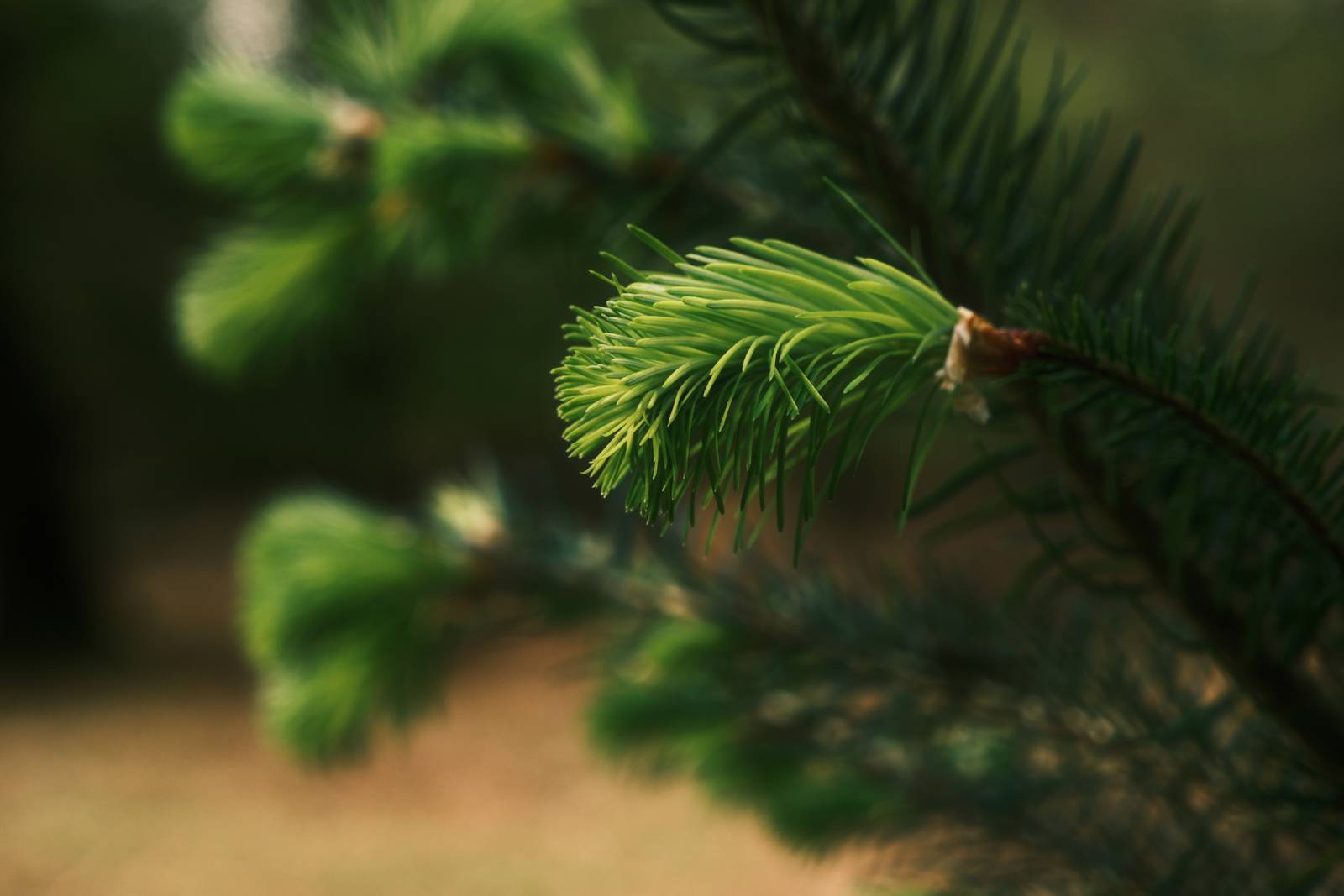
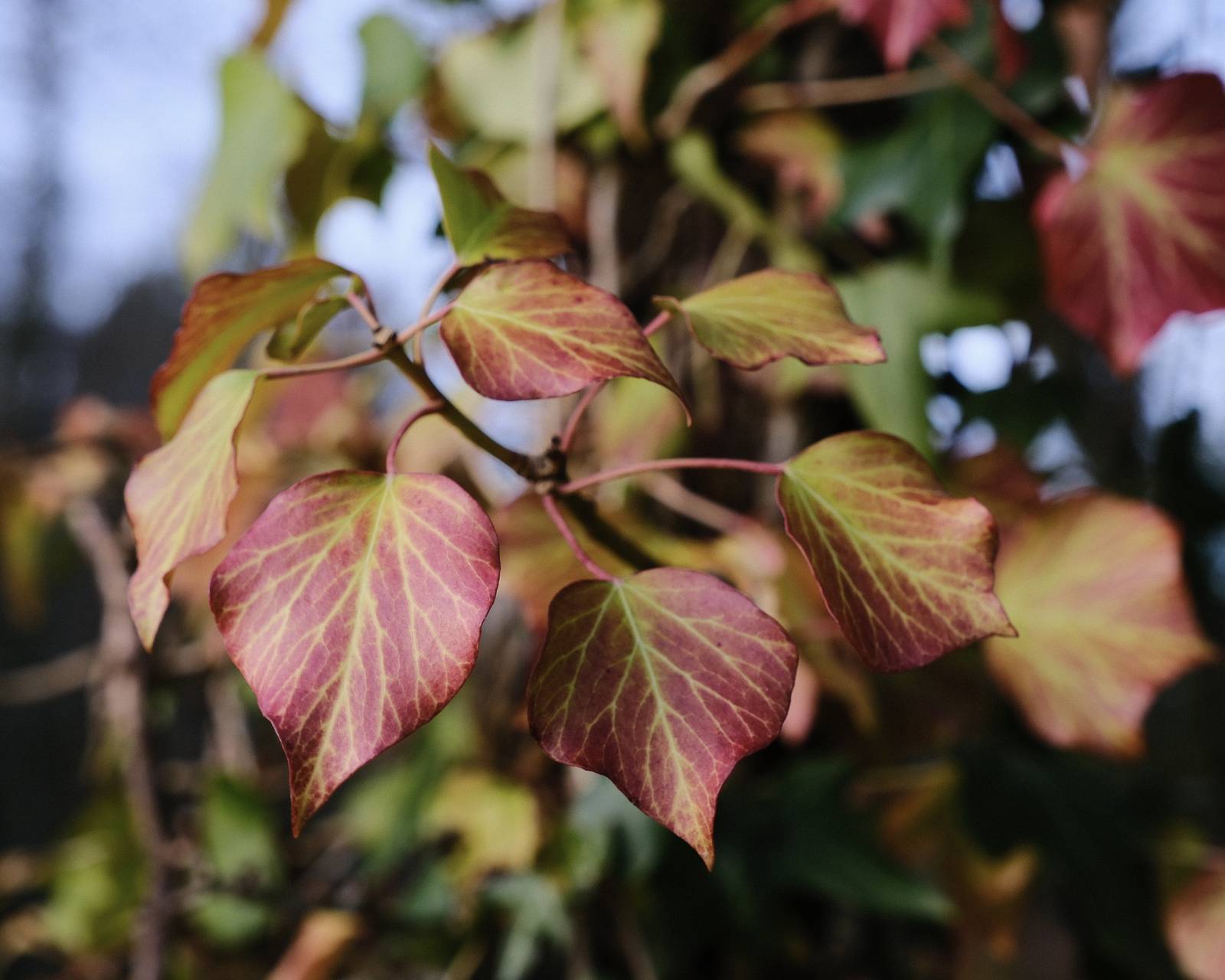
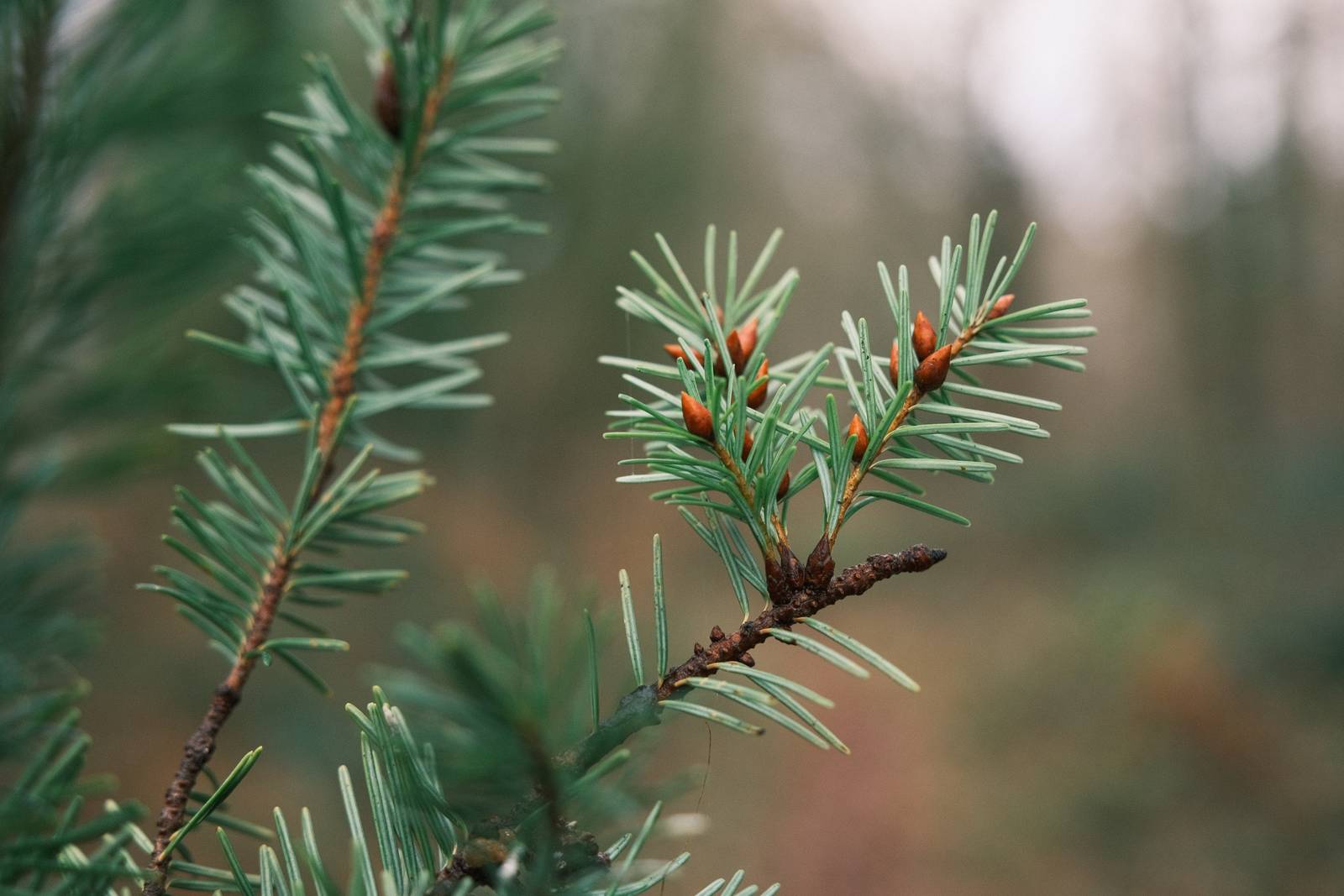
    One of the observations made about Classic Negative in it’s unadjusted form is that greens can appear to have a blue tint to them. Correcting this is often one of the first steps taken by recipe makers, and I’ve done my share of this as well. However, what if we embraced this and worked with it and went all out for Classic Negative greens?

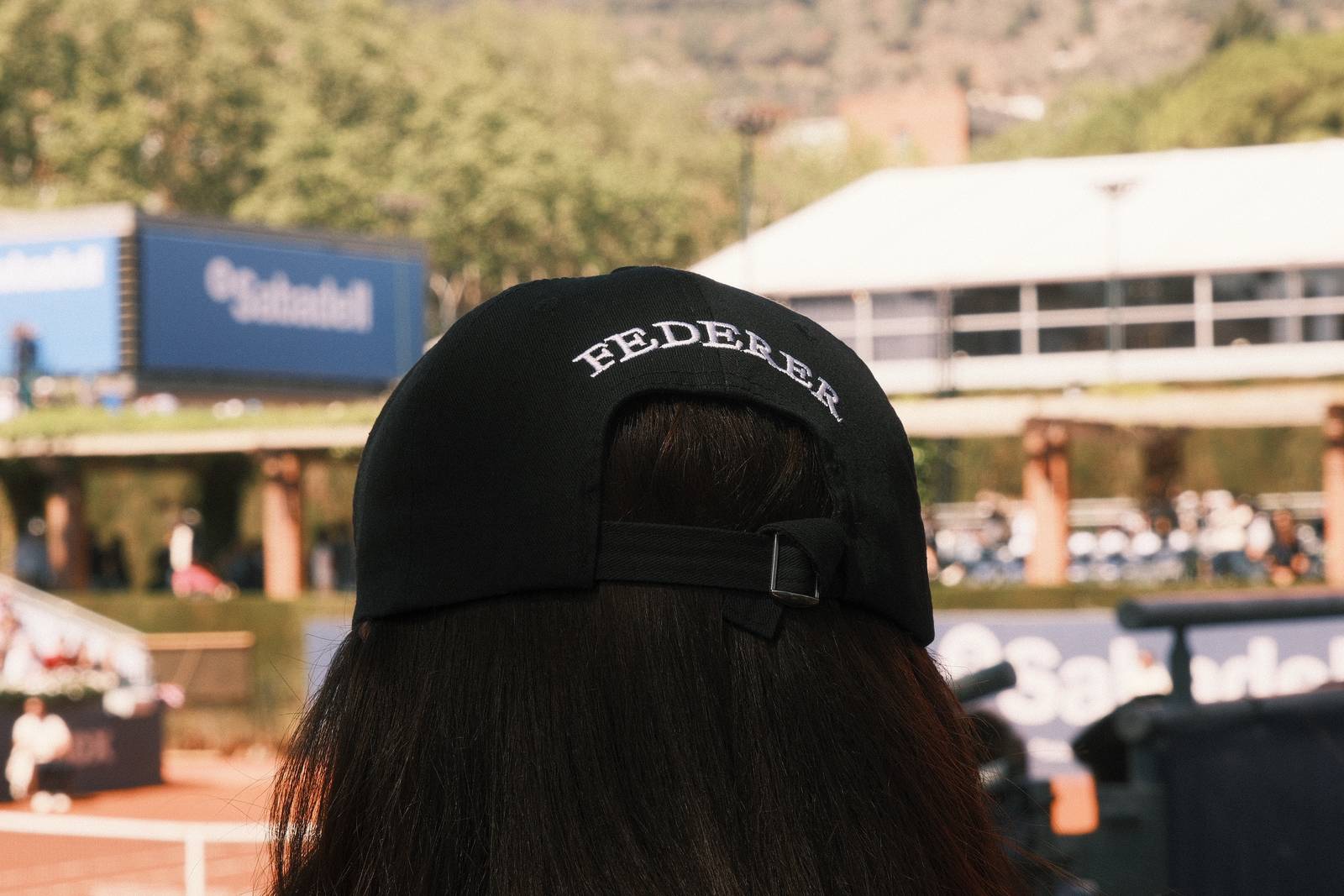
    In this recipe, I wanted to specifically work with the colours of a pine forest, where there were already lots of green to capture. I’ve used a colour balance setting of Shade/Cloudy, with a -2, +4 shift. This doesn’t produce greens that are obviously blue, such as with Blue Monday, Glacier Blue or Fujicolor Natura, for example, but works to bring out a rich green tone, that is slightly cool in balance.

    This recipe will of course take any type of picture, and the settings can be really great fun, but my intention was to produce something most useful in amongst pines, cedars, spruces and moody forests.

    Spruce Goose Film Recipe Settings

    Film SimulationClassic Negative
    Grain EffectWeak, Large
    Col. Chr. EffectWeak
    Col. Chr. BlueOff
    White BalanceShade, ‑2 Red, +4 Blue
    Dynamic RangeDR200
    Highlights‑1.5
    Shadows‑0.5
    Colour‑2
    Sharpness1
    ISO N.R.‑4
    Clarity0
    EV Comp.0

    Similar Recipes

    More similar recipes, and hundreds more exclusive looks, are available in the Film Recipes App.

    Film Recipes

    Get the Film Recipes App

    Settings laid out clearly, with sample photos and similar recipes

    Download on the App Store
    Get it on Google Play

    Spruce Goose Film Recipe: Sample Photos
    Spruce Goose film recipe sample photo
    Spruce Goose film recipe sample photo
    Spruce Goose film recipe sample photo
    Spruce Goose film recipe sample photo
    Spruce Goose film recipe sample photo
    Spruce Goose film recipe sample photo

    Using the Spruce Goose Film Recipe

    Each film simulation recipe has its own character and style. These features mean recipes are more suited to certain situations, or when seeking a particular look. Here are the categories that Spruce Goose has been tagged with.
  • Old Fujicolor, Aged Color Negative Recipe

    Old Fujicolor, Aged Color Negative Recipe

    Classic Negative film simulation recipe inspired by old Fujicolor prints

    Old Fujicolor Film Recipe

    Old Fujicolor

    Our advanced digital cameras product clear clean images with astonishing detail and colour. But, when you look back at prints from decades past you find a different look, often with colours that are beginning to fade or shift and a feel that is much less like most digital camera shots.
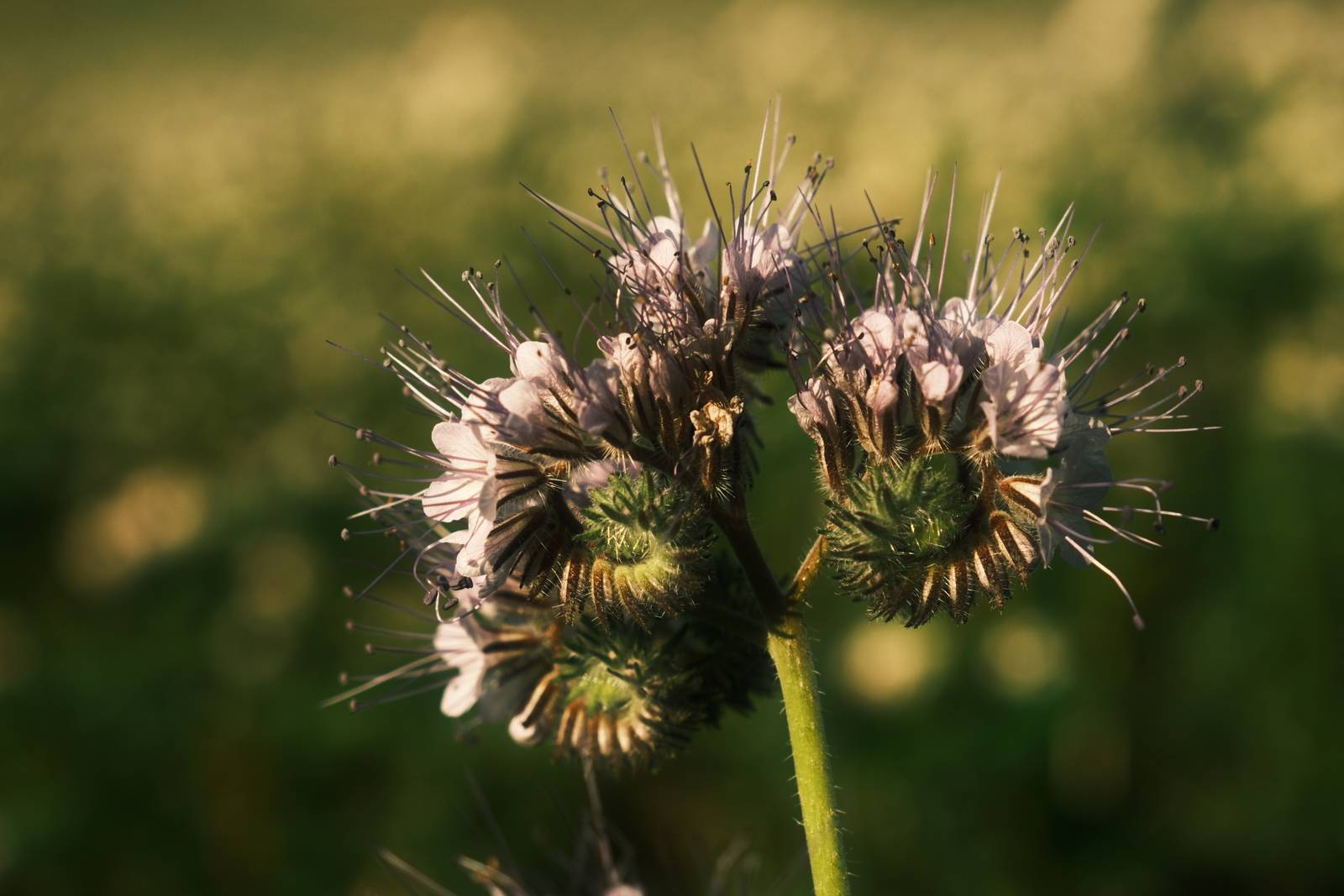
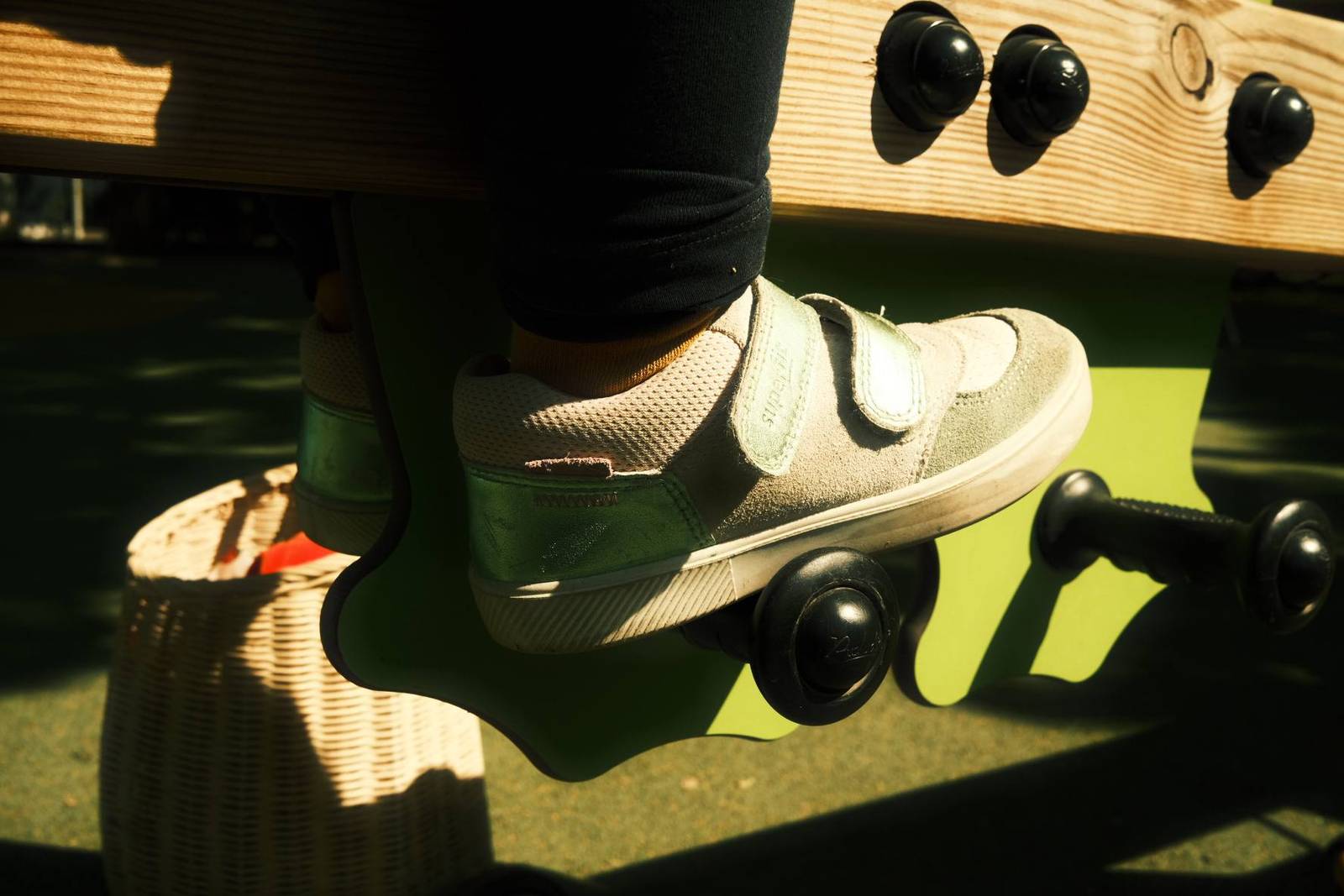
    Of course, our powerful Fujifilm cameras are not most cameras, and we can use Fujifilm film simulations to bring us closer to these nostalgic looks from the past.

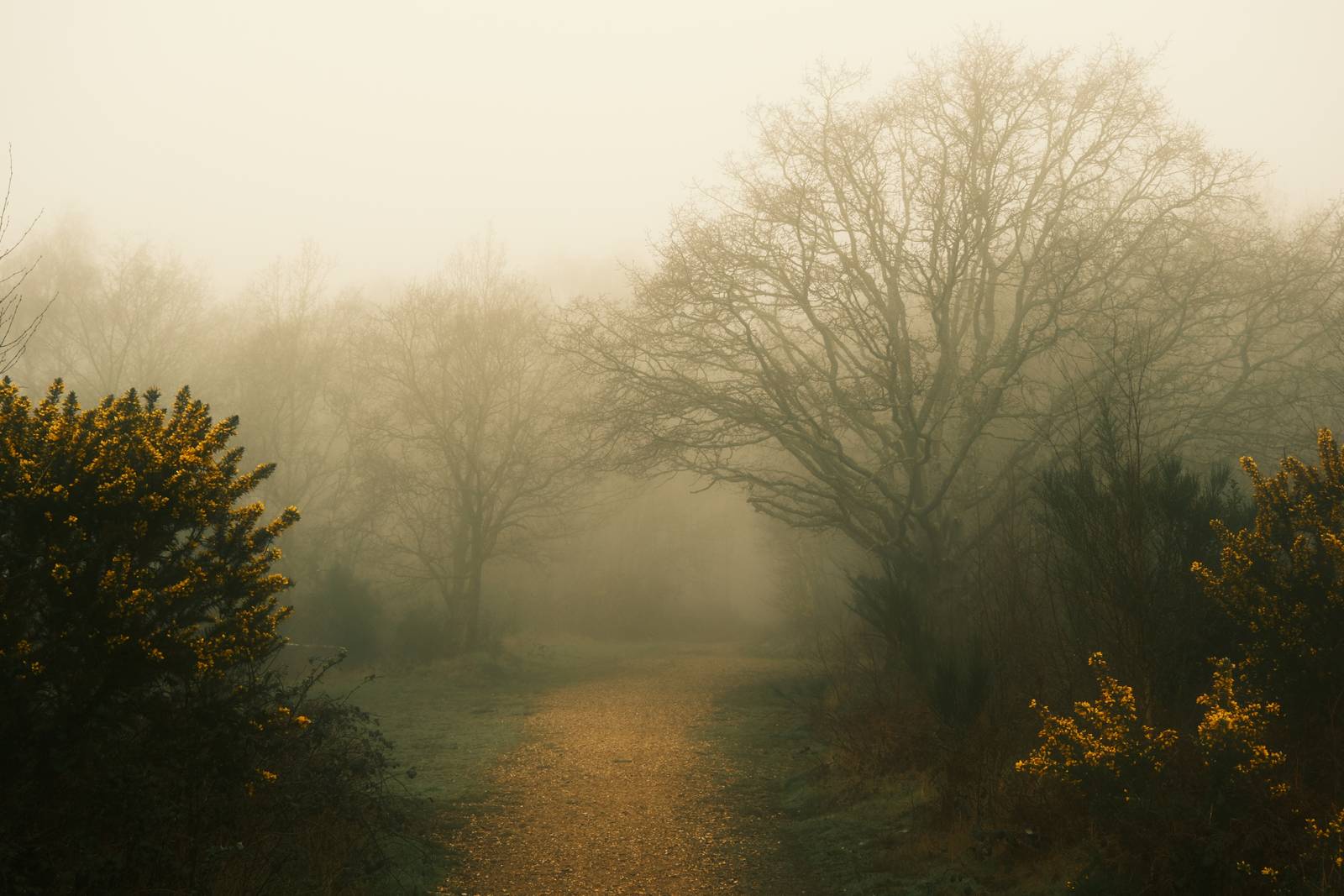
    For many Fujcolor print inspired looks, the wonderful Classic Negative simulation is the place to start, and to embrace the aged look, the slightly blue tone to green subjects can be played with to deliver a distinctive style. Furthermore, one stop of underexposure is used, which helps to emphasise the colour effect. Classic Negative is perhaps unique amongst the film simulations in how it changes based on exposure.

    All of that is at work here, resulting in something eye catching and creative that works well with natural subjects, and especially greens. You wonder see too much natural colour from this recipe, but instead, you might unlock a new seam of creativity as you explore the look of Old Fujicolor

    Old Fujicolor Film Recipe Settings

    Film SimulationClassic Negative
    Grain EffectWeak, Large
    Col. Chr. EffectWeak
    Col. Chr. BlueOff
    White BalanceFluorescent 2, ‑5 Red, ‑4 Blue
    Dynamic RangeDR400
    Highlights‑1
    Shadows‑2
    Colour‑3
    Sharpness0
    ISO N.R.‑4
    Clarity‑2
    EV Comp.-1/3

    Similar Recipes

    More similar recipes, and hundreds more exclusive looks, are available in the Film Recipes App.

    Film Recipes

    Get the Film Recipes App

    Save your favourites and build your personal shortlist

    Download on the App Store
    Get it on Google Play

    Old Fujicolor Film Recipe: Sample Photos

    Old Fujicolor film recipe sample photo
    Old Fujicolor film recipe sample photo
    Old Fujicolor film recipe sample photo
    Old Fujicolor film recipe sample photo
    Old Fujicolor film recipe sample photo
    Old Fujicolor film recipe sample photo
    Old Fujicolor film recipe sample photo
    Old Fujicolor film recipe sample photo
    Old Fujicolor film recipe sample photo

    Community Photos

    Photos taken with the Old Fujicolor film recipe by members of the Film Recipes community.

    Photos by David Forsdike

    Old Fujicolor film recipe photo by David Forsdike

    Using the Old Fujicolor Film Recipe

    Each film simulation recipe has its own character and style. These features mean recipes are more suited to certain situations, or when seeking a particular look. Here are the categories that Old Fujicolor has been tagged with.