

Spruce Goose
Spruce Goose, Pine Tree Forest Greens
Classic Negative film simulation recipe for X100V, X100VI and compatible cameras
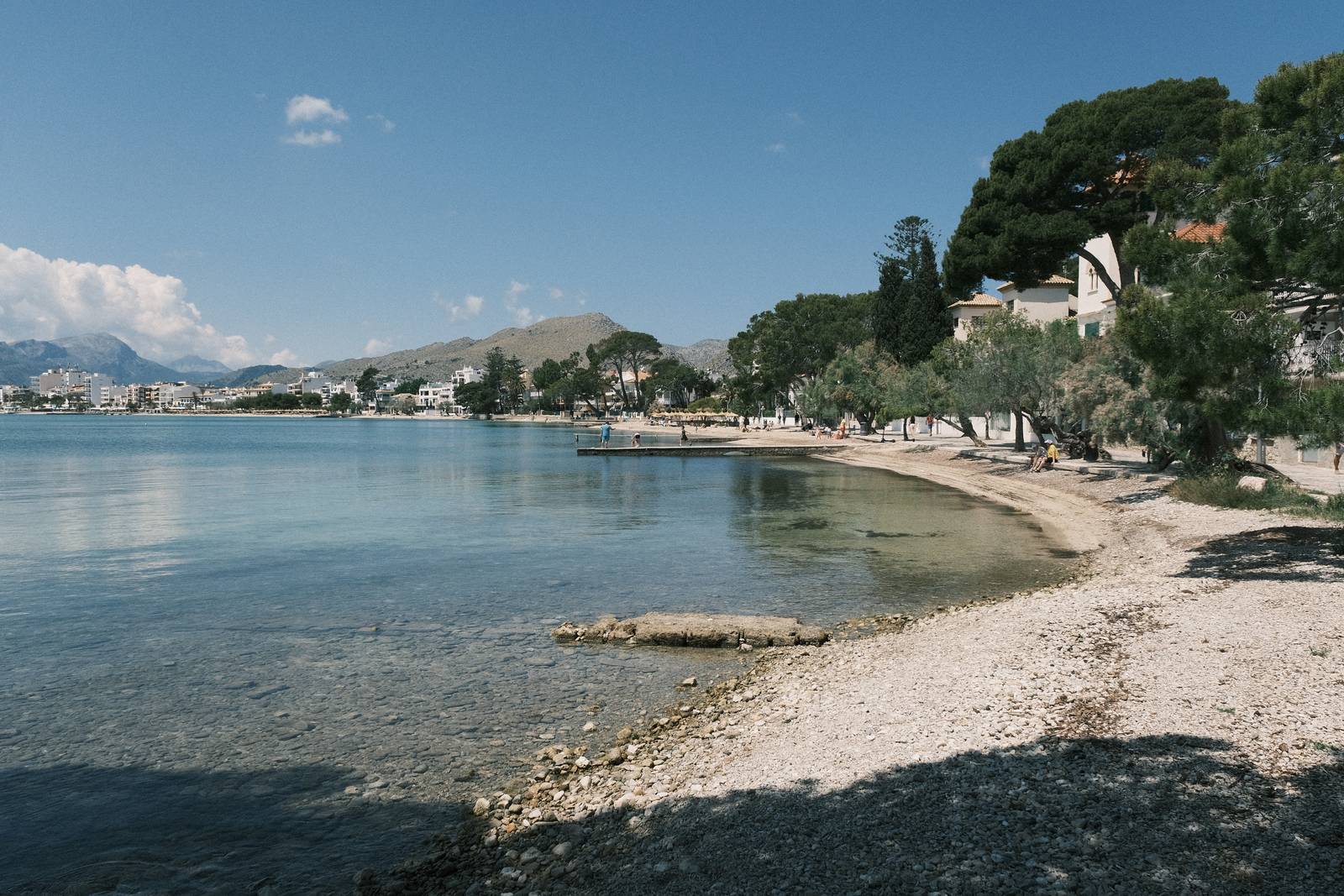
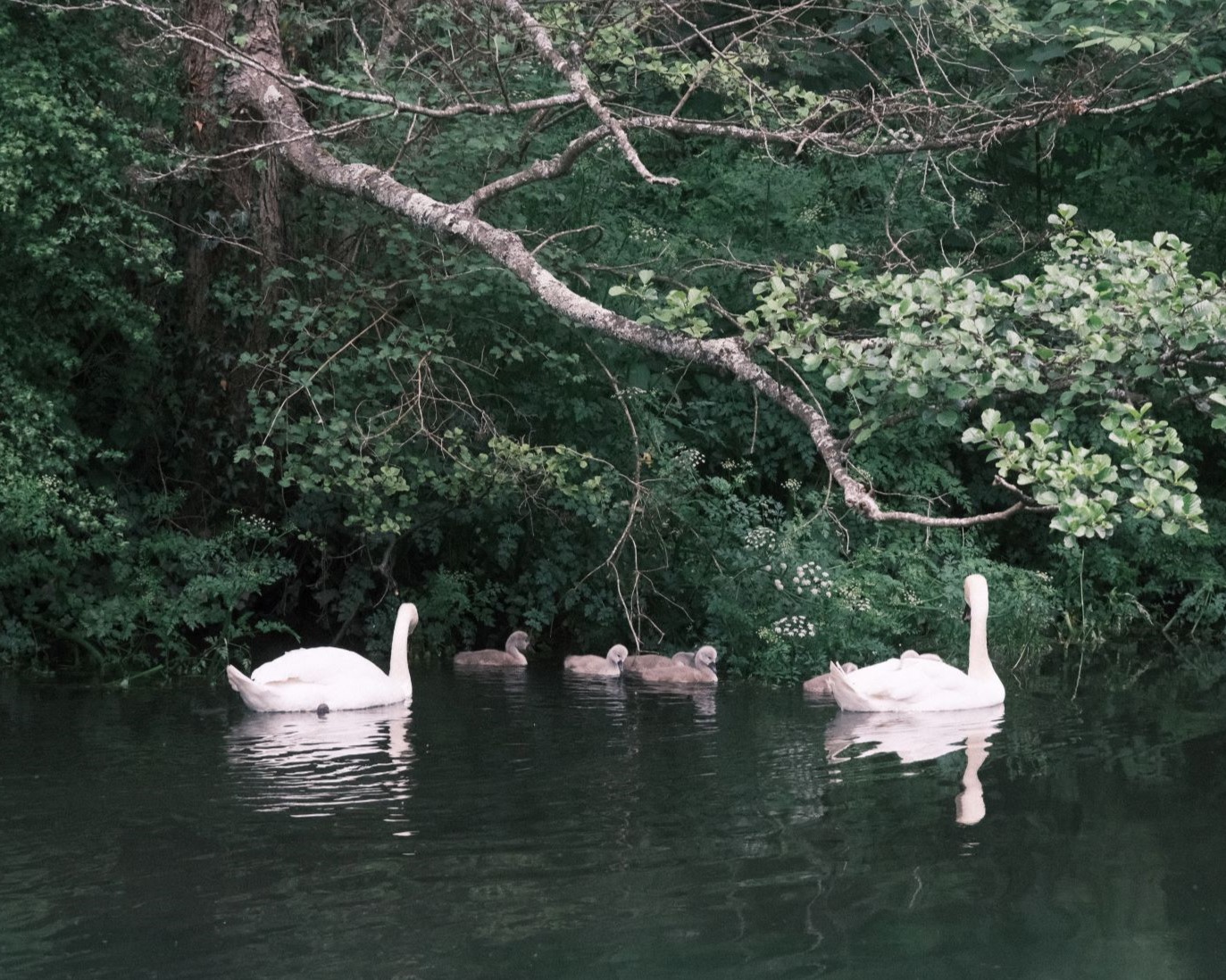
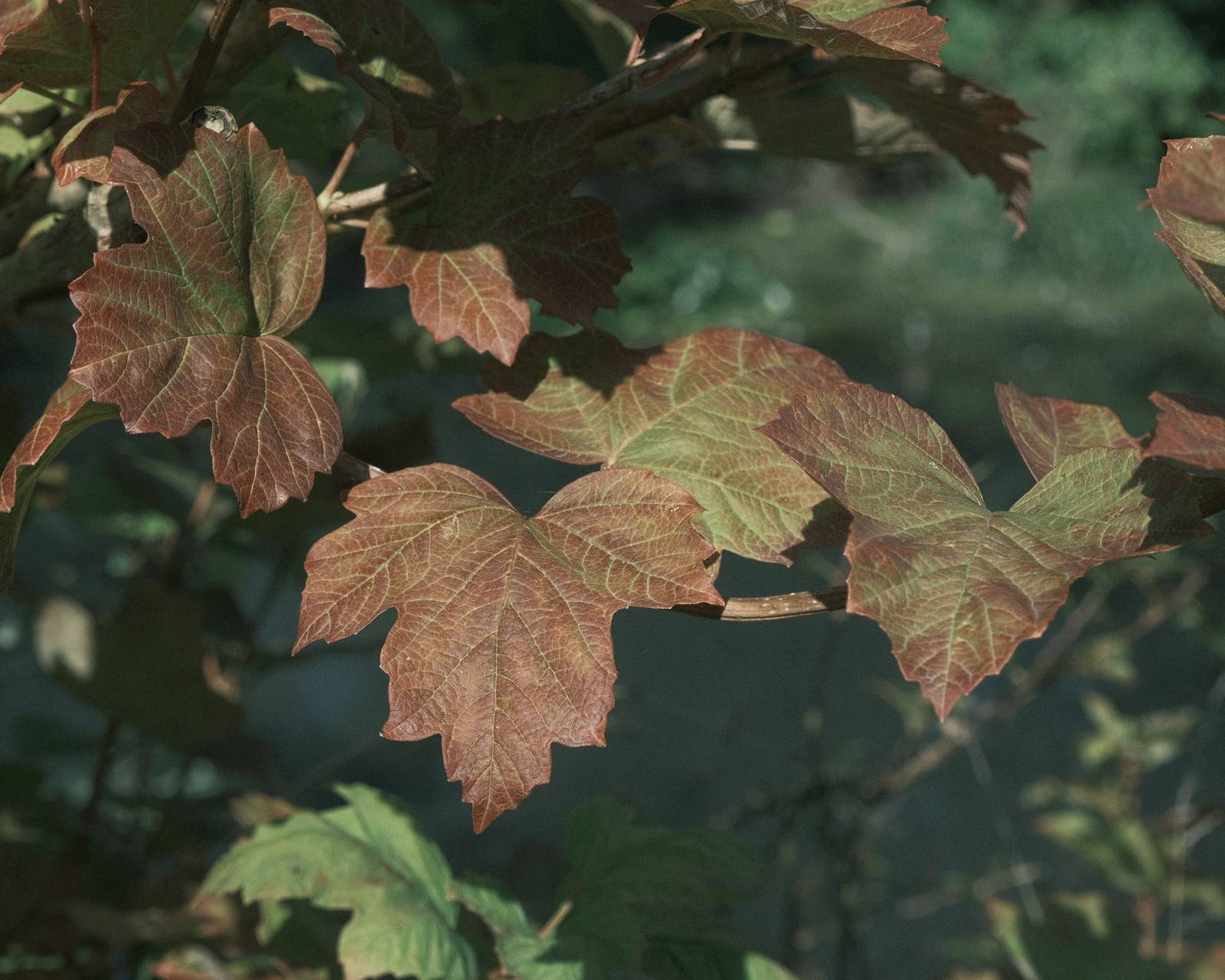
One of the observations made about Classic Negative in it’s unadjusted form is that greens can appear to have a blue tint to them. Correcting this is often one of the first steps taken by recipe makers, and I’ve done my share of this as well. However, what if we embraced this and worked with it and went all out for Classic Negative greens?
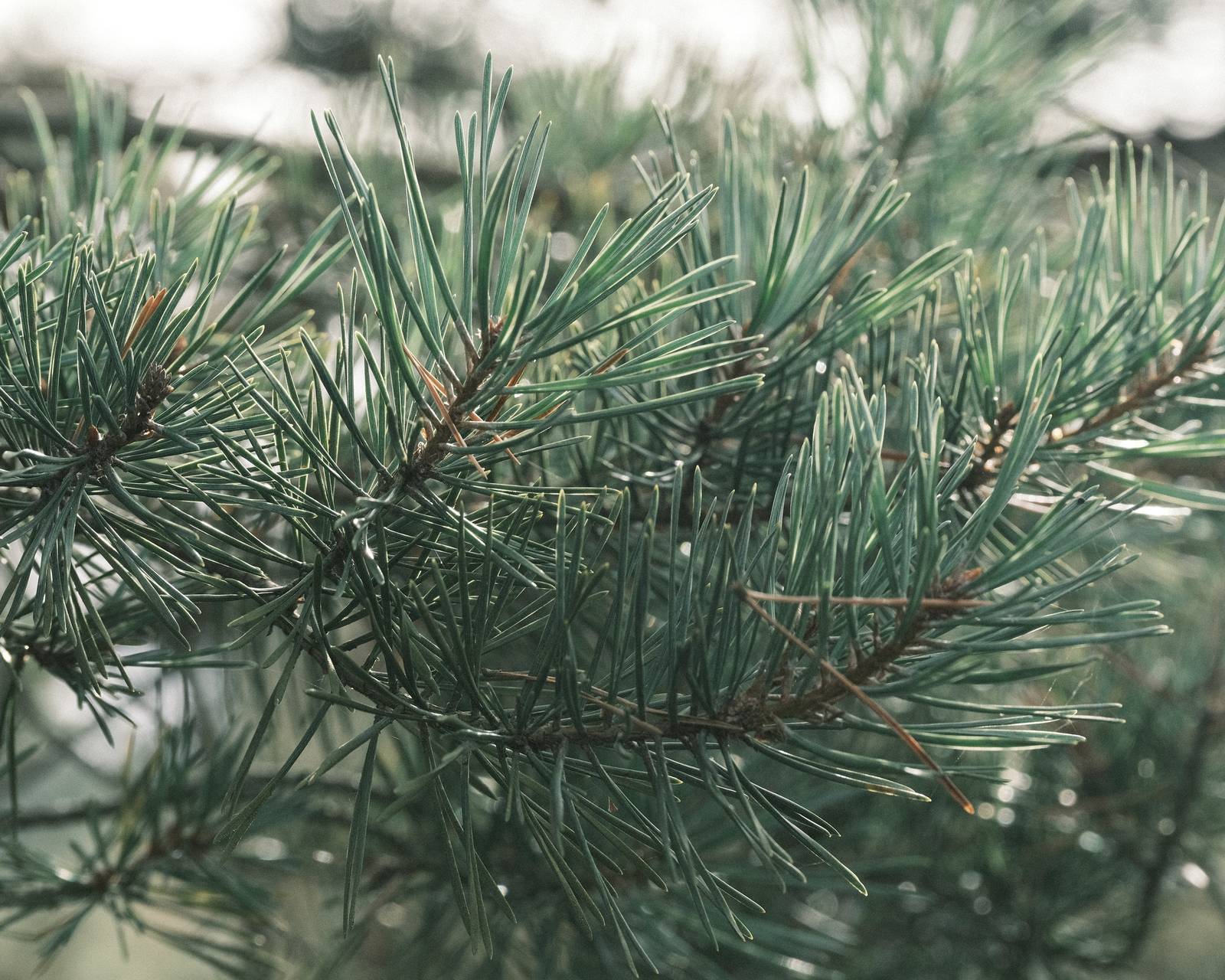
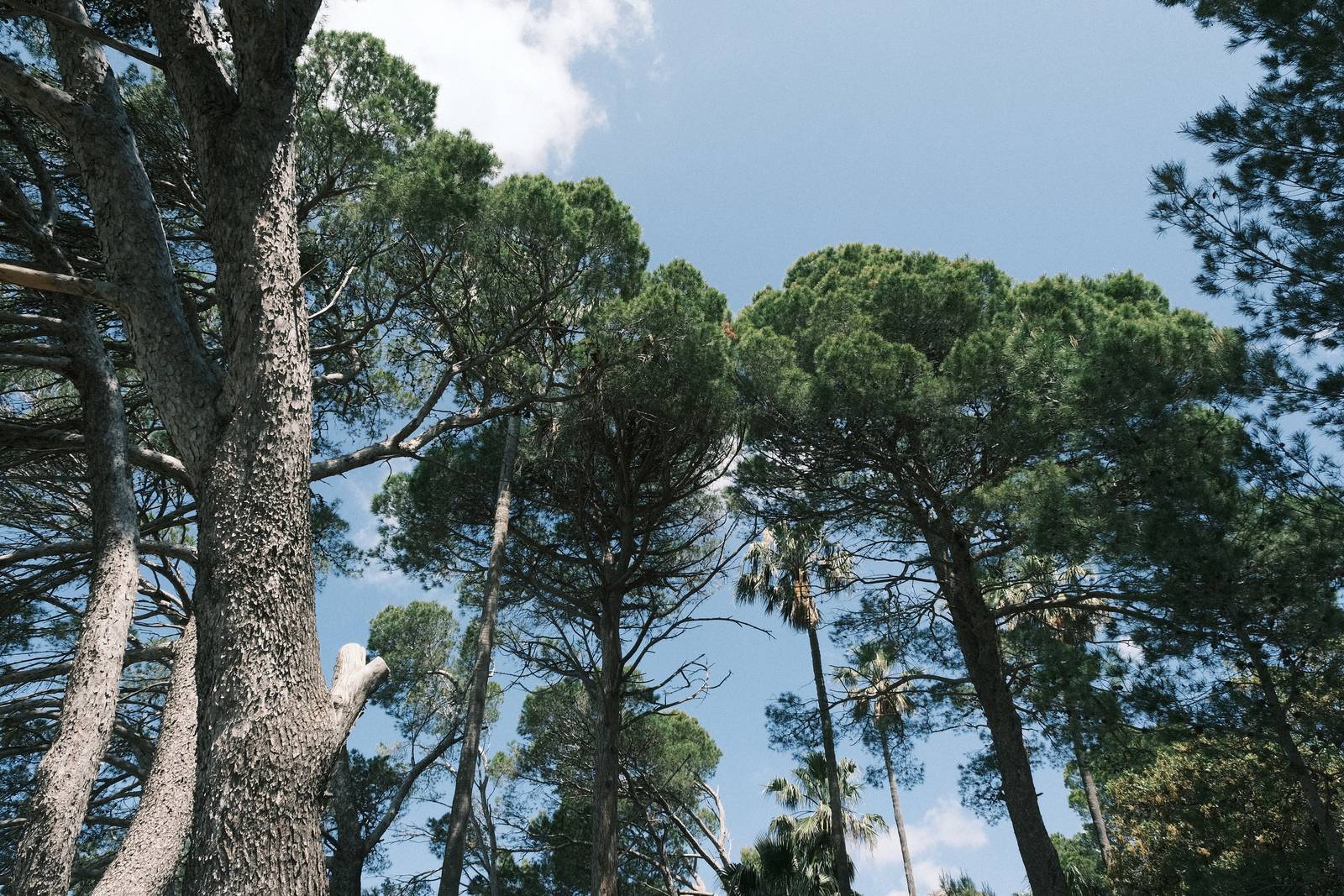
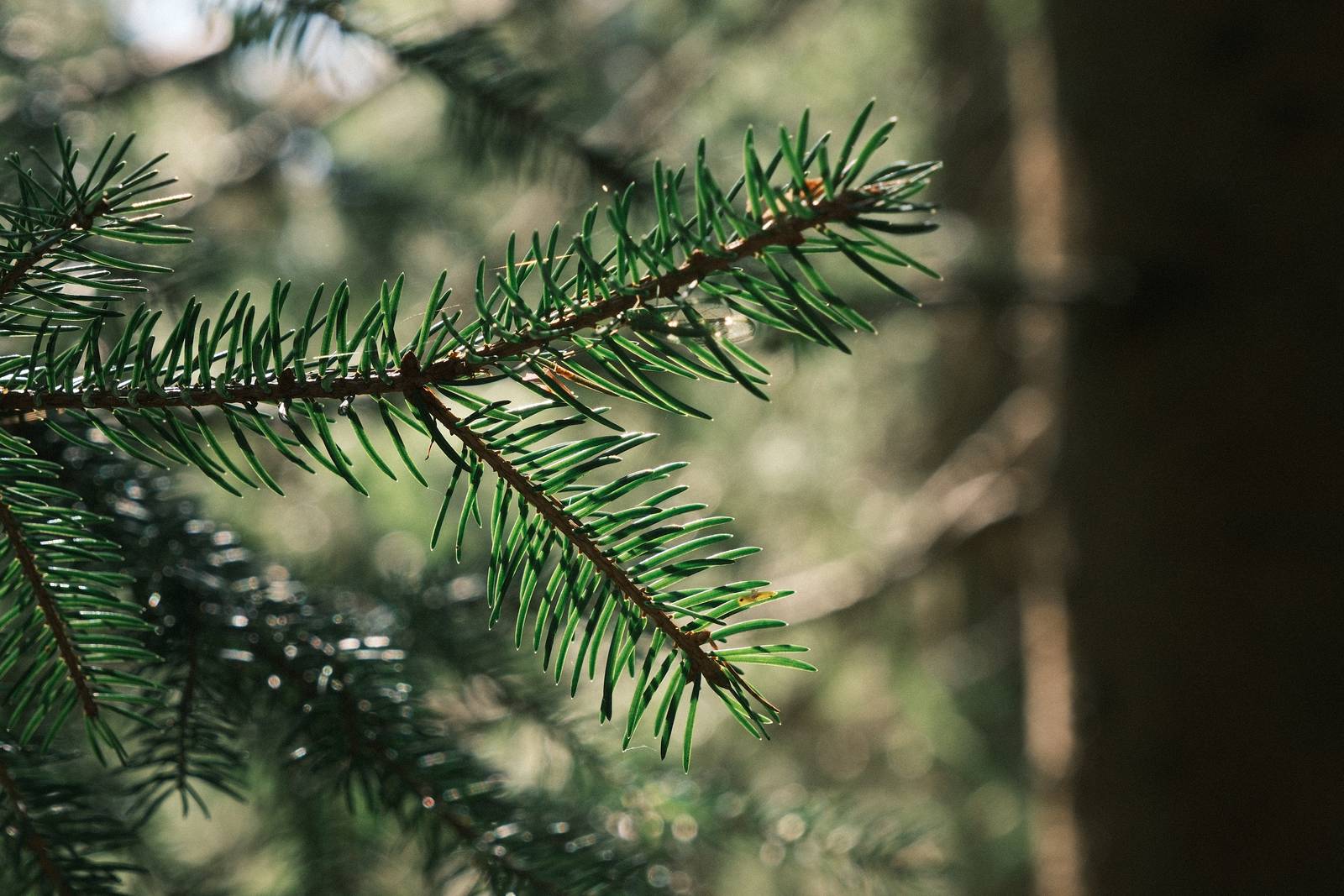
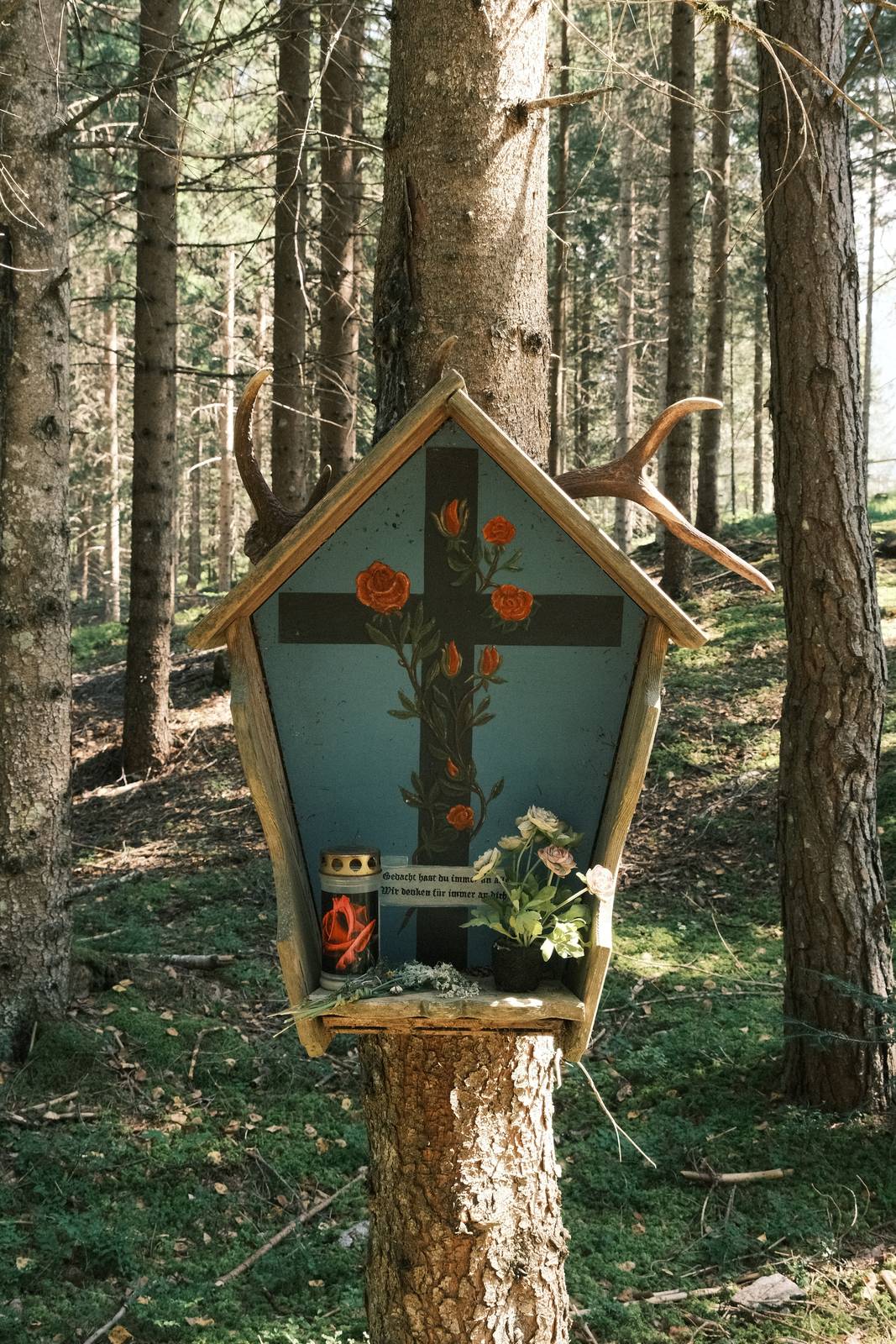
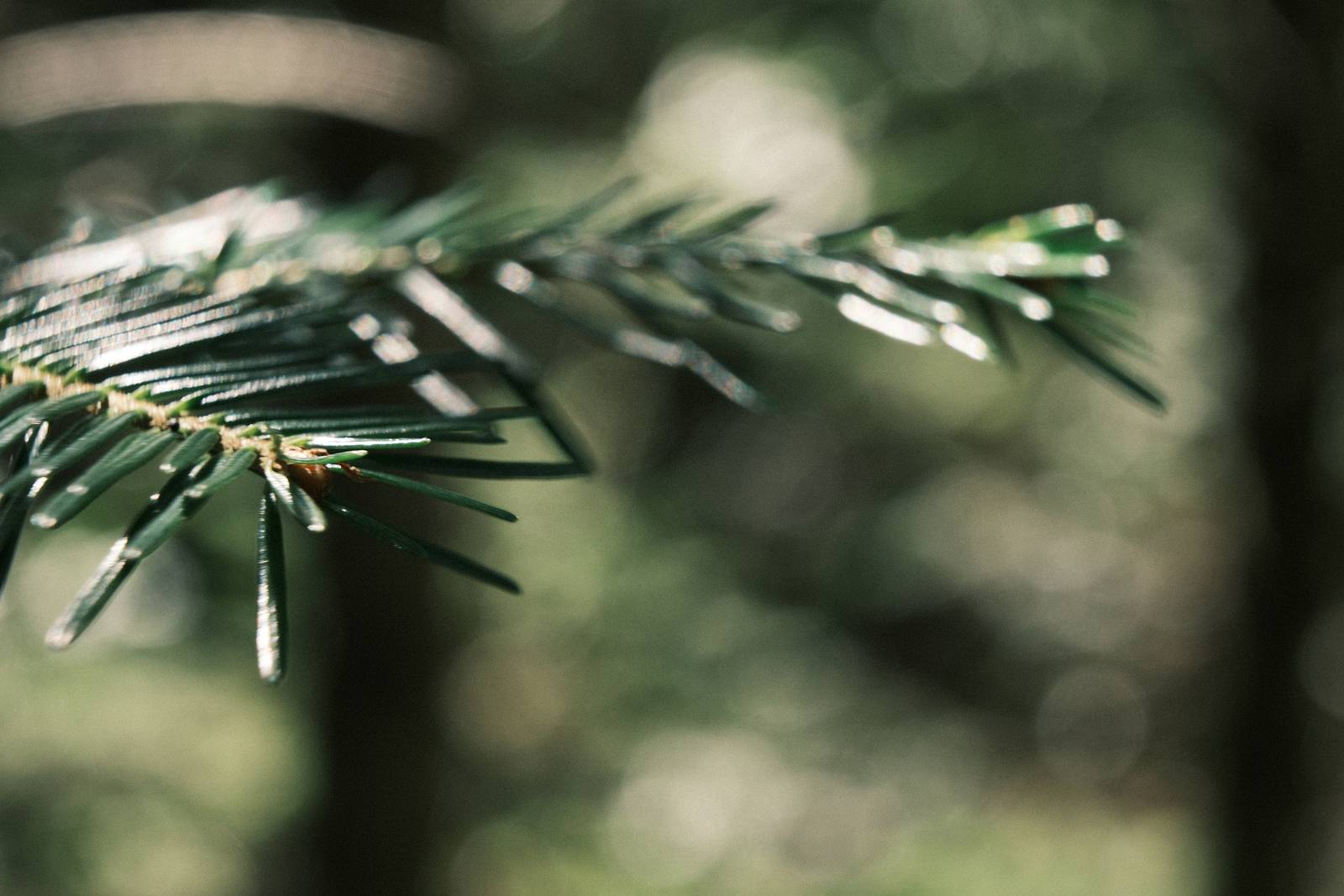
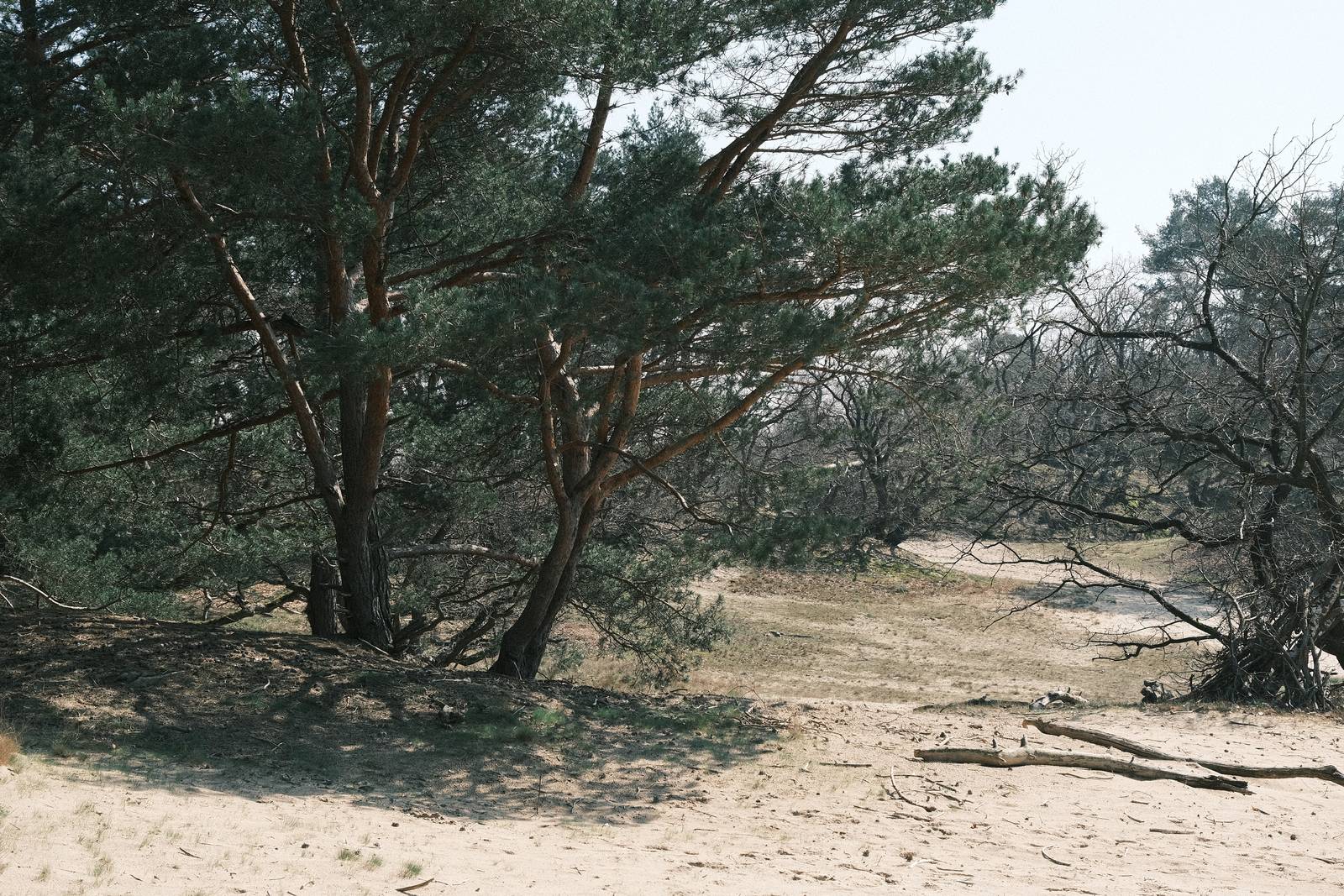
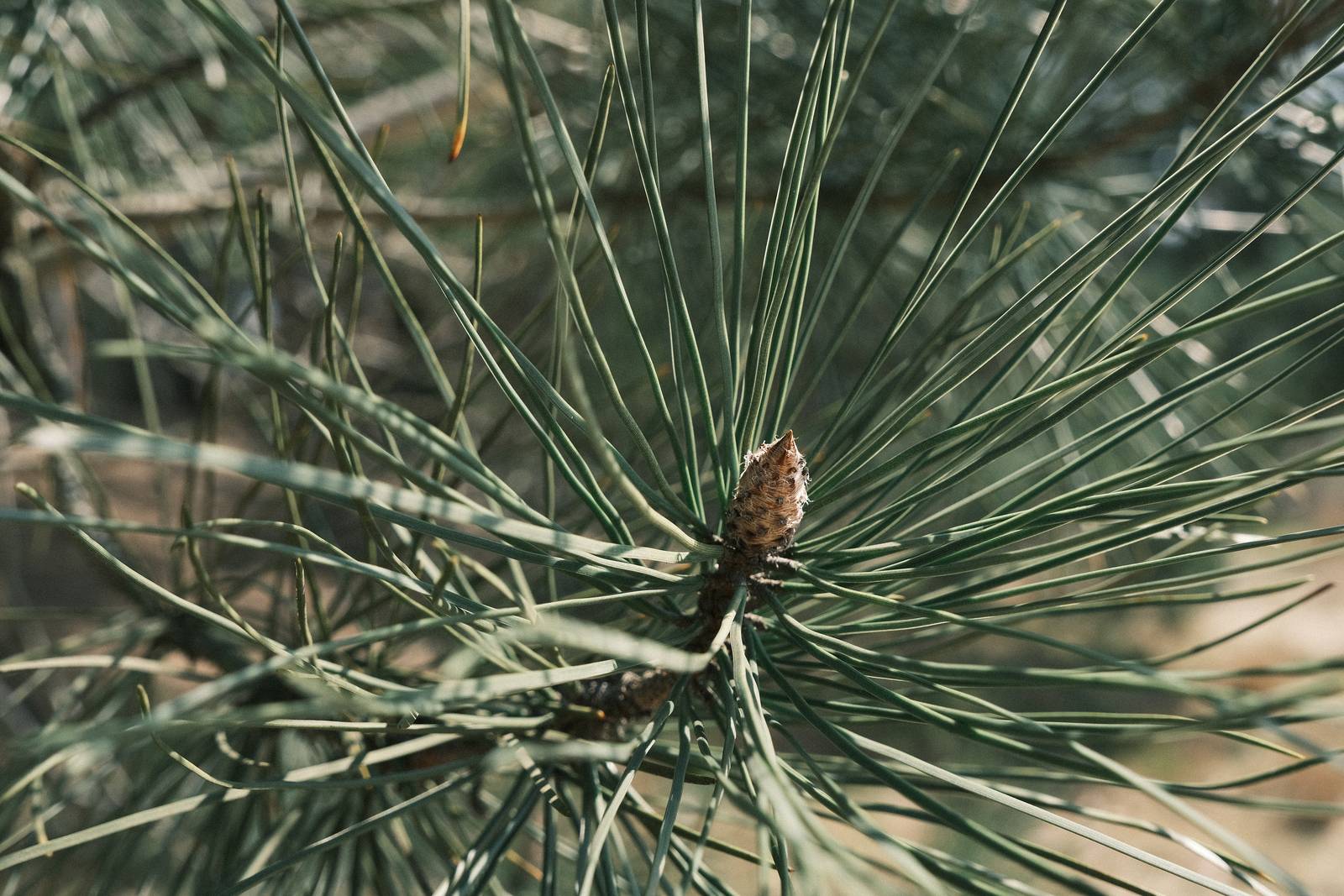
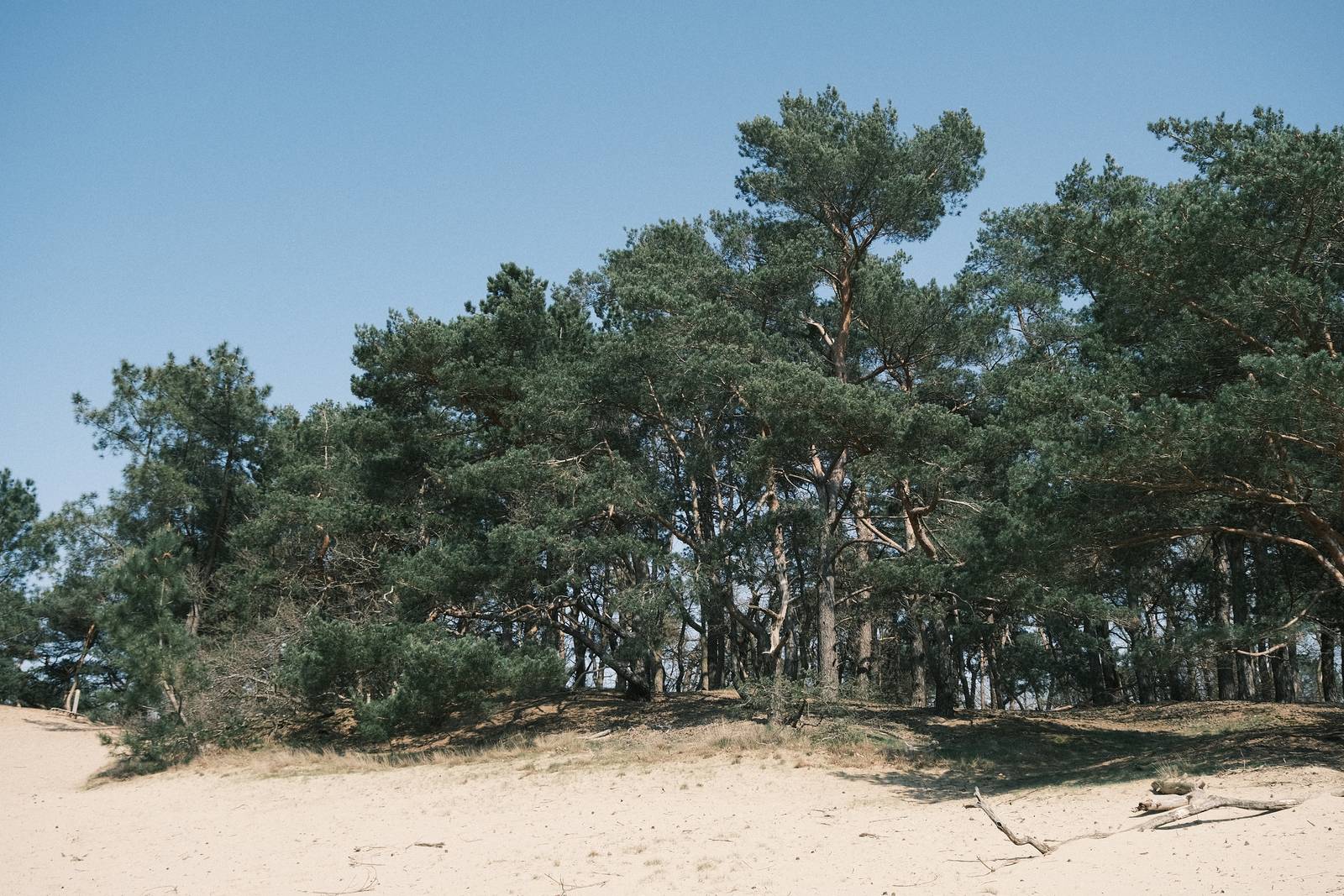
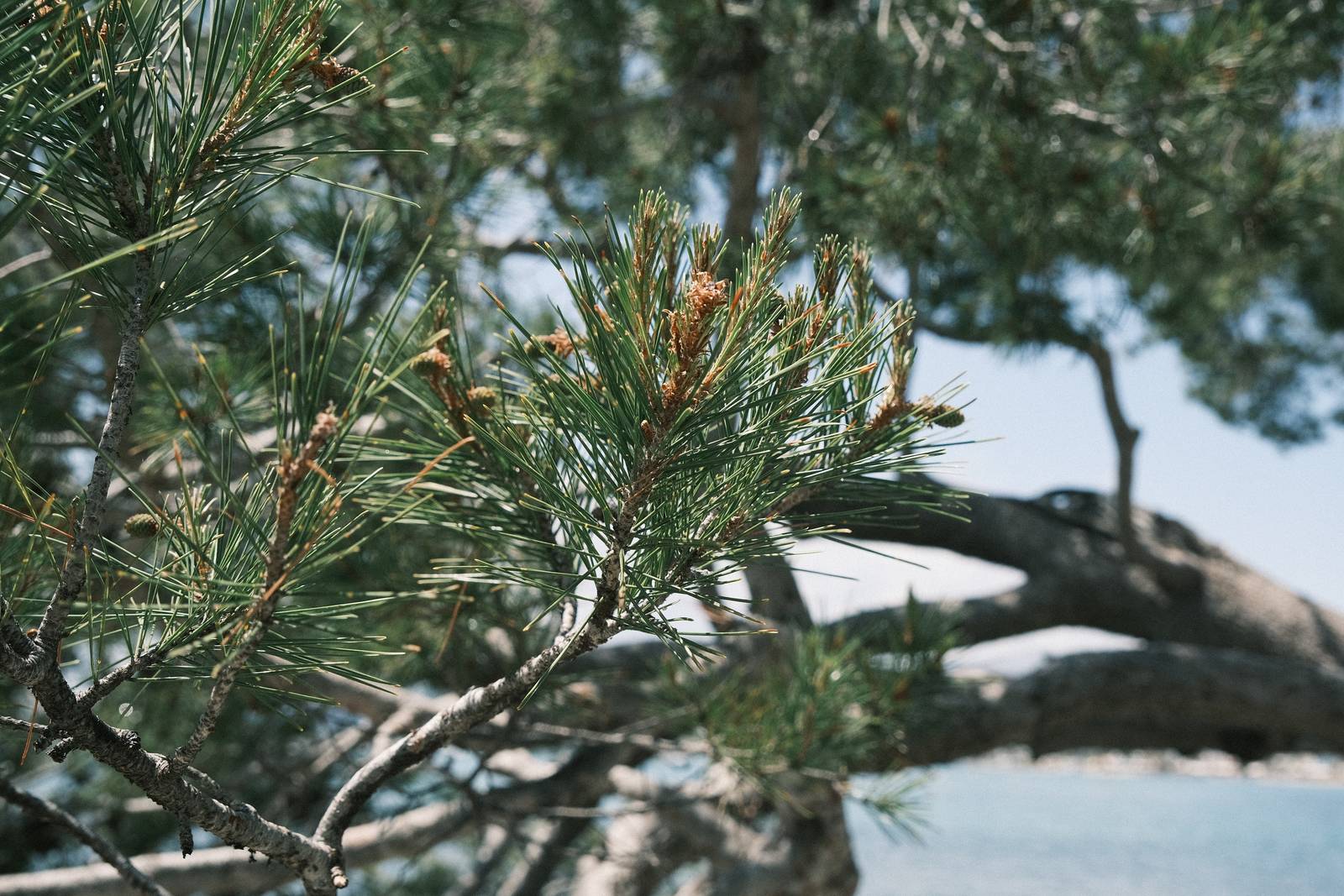
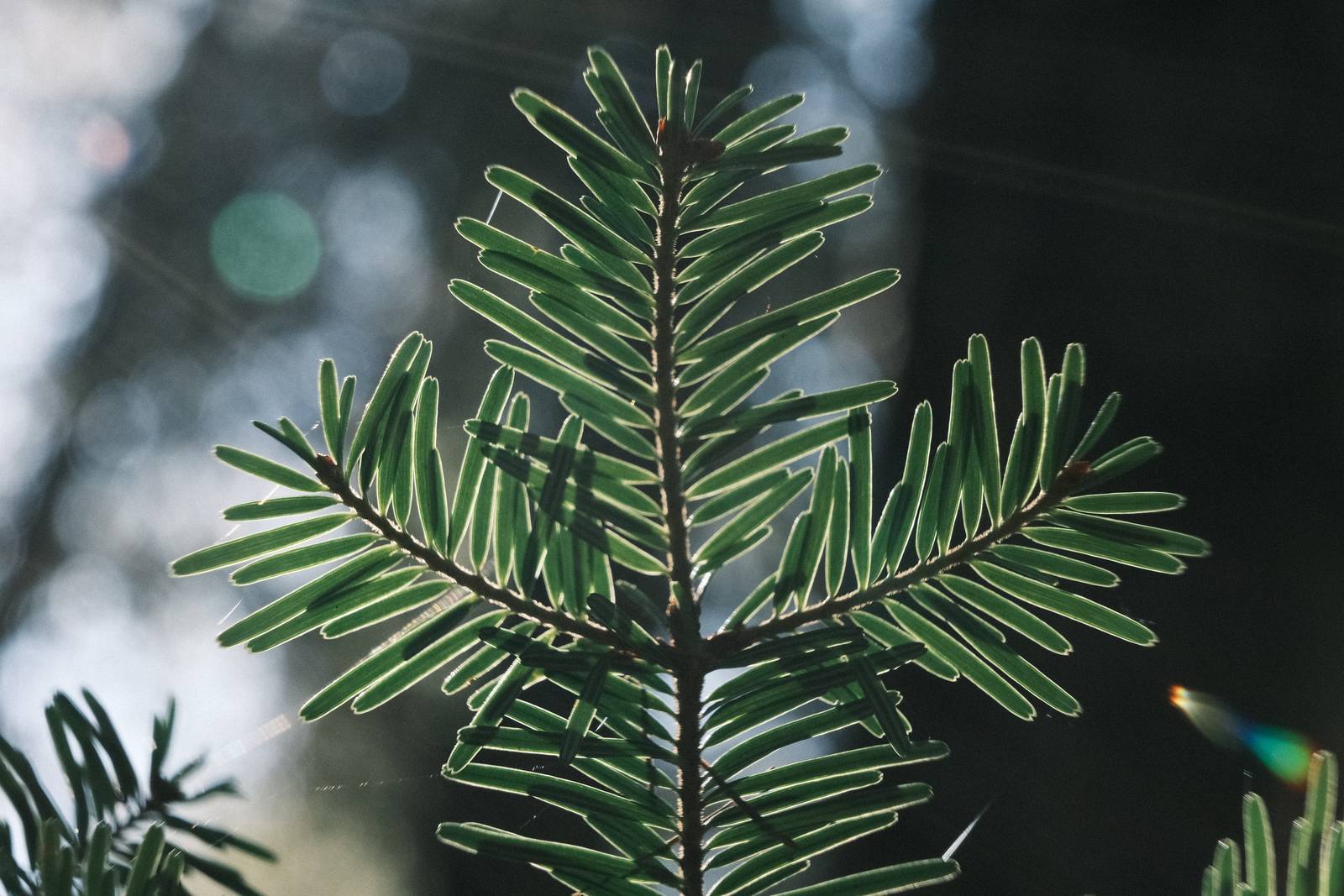
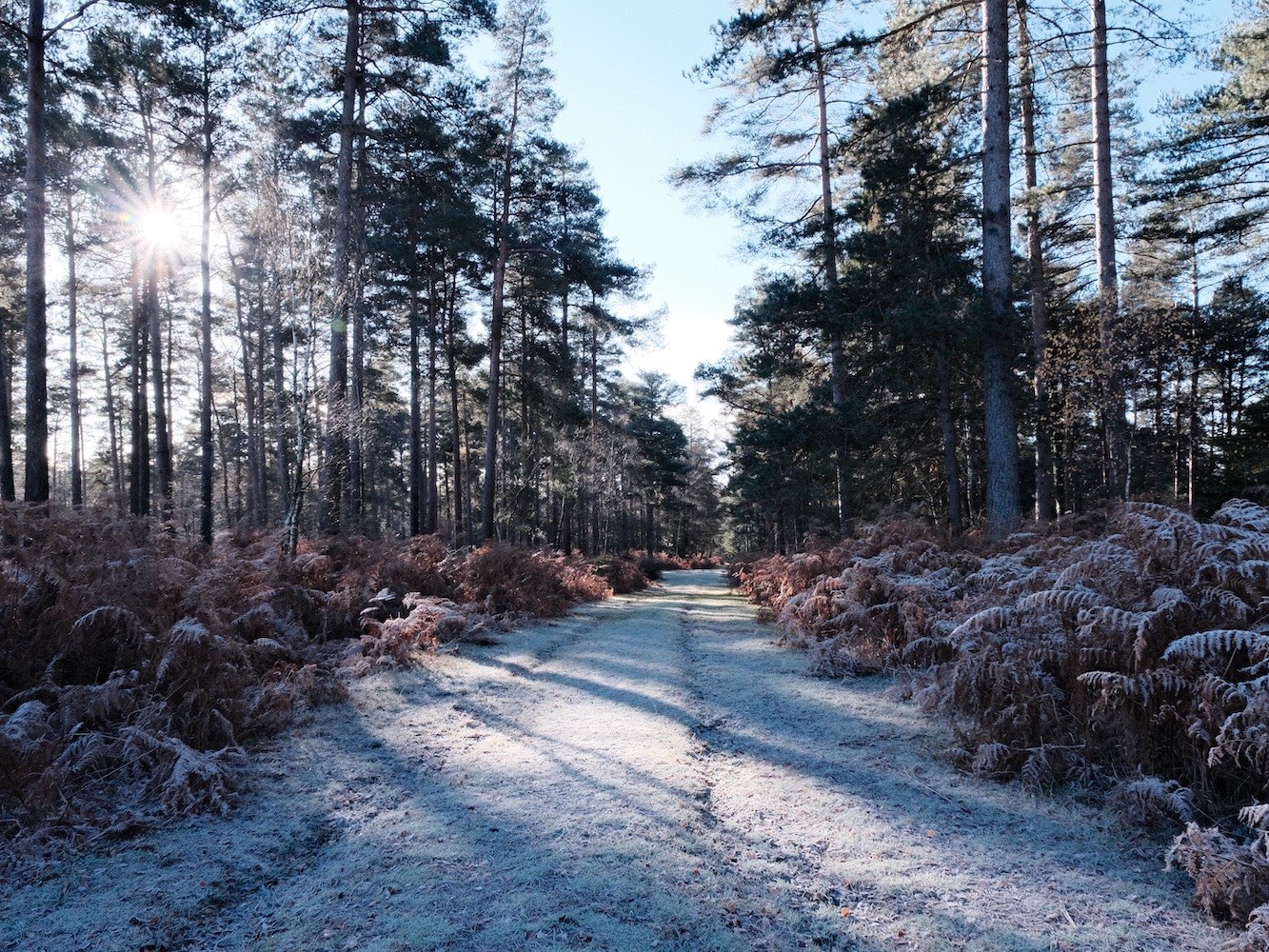
In this recipe, I wanted to specifically work with the colours of a pine forest, where there were already lots of green to capture. I’ve used a colour balance setting of Shade/Cloudy, with a -2, +4 shift. This doesn’t produce greens that are obviously blue, such as with Blue Monday, Glacier Blue or Fujicolor Natura, for example, but works to bring out a rich green tone, that is slightly cool in balance.
This recipe will of course take any type of picture, and the settings can be really great fun, but my intention was to produce something most useful in amongst pines, cedars, spruces and moody forests.
Spruce Goose Film Recipe Settings
| Film Simulation | Classic Negative |
| Grain Effect | Weak, Large |
| Col. Chr. Effect | Weak |
| Col. Chr. Blue | Off |
| White Balance | Shade, ‑2 Red, +4 Blue |
| Dynamic Range | DR200 |
| Highlights | ‑1.5 |
| Shadows | ‑0.5 |
| Colour | ‑2 |
| Sharpness | 1 |
| ISO N.R. | ‑4 |
| Clarity | 0 |
| EV Comp. | 0 |
Similar Recipes

More similar recipes, and hundreds more exclusive looks, are available in the Film Recipes App.

Get the Film Recipes App
Settings laid out clearly, with sample photos and similar recipes


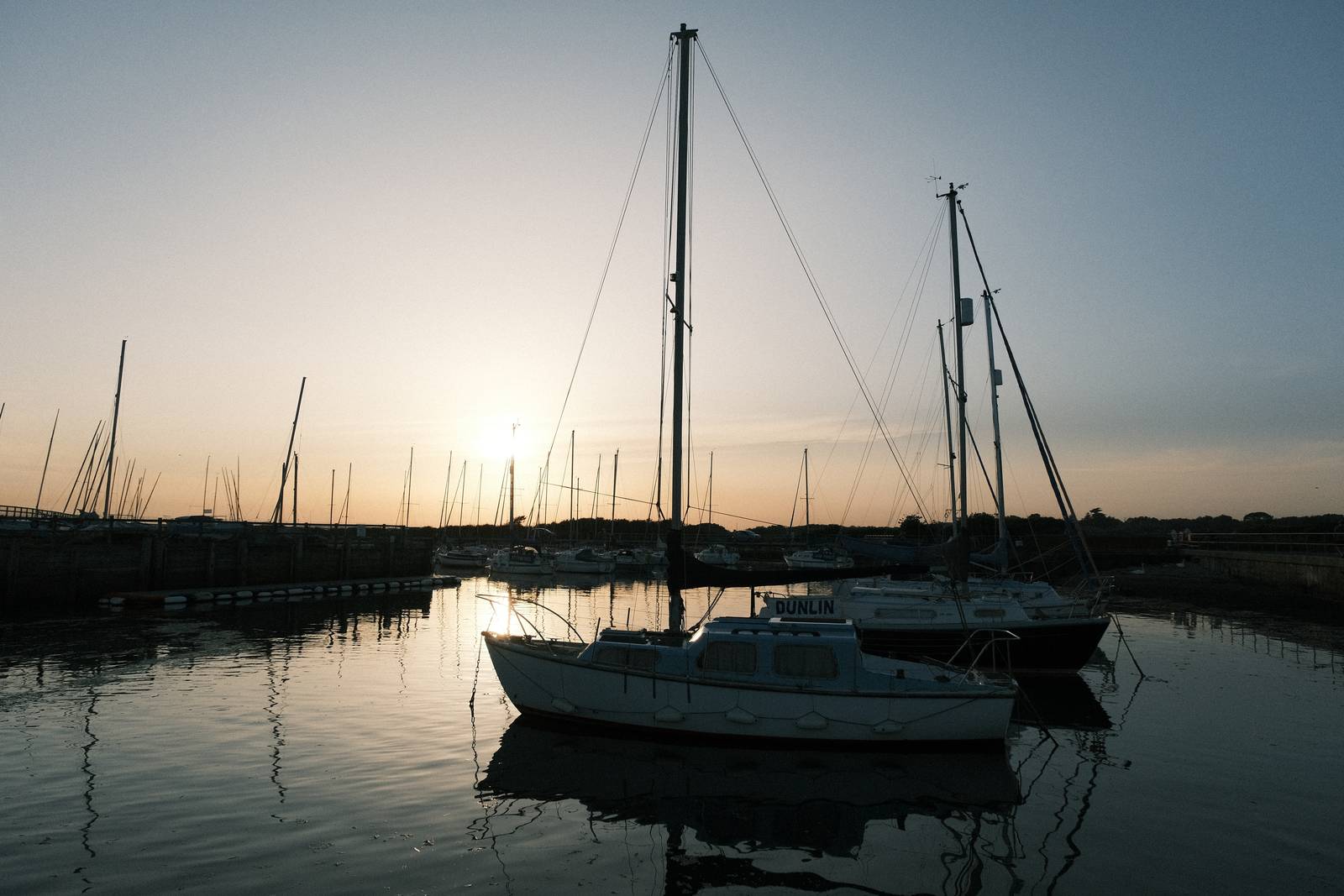
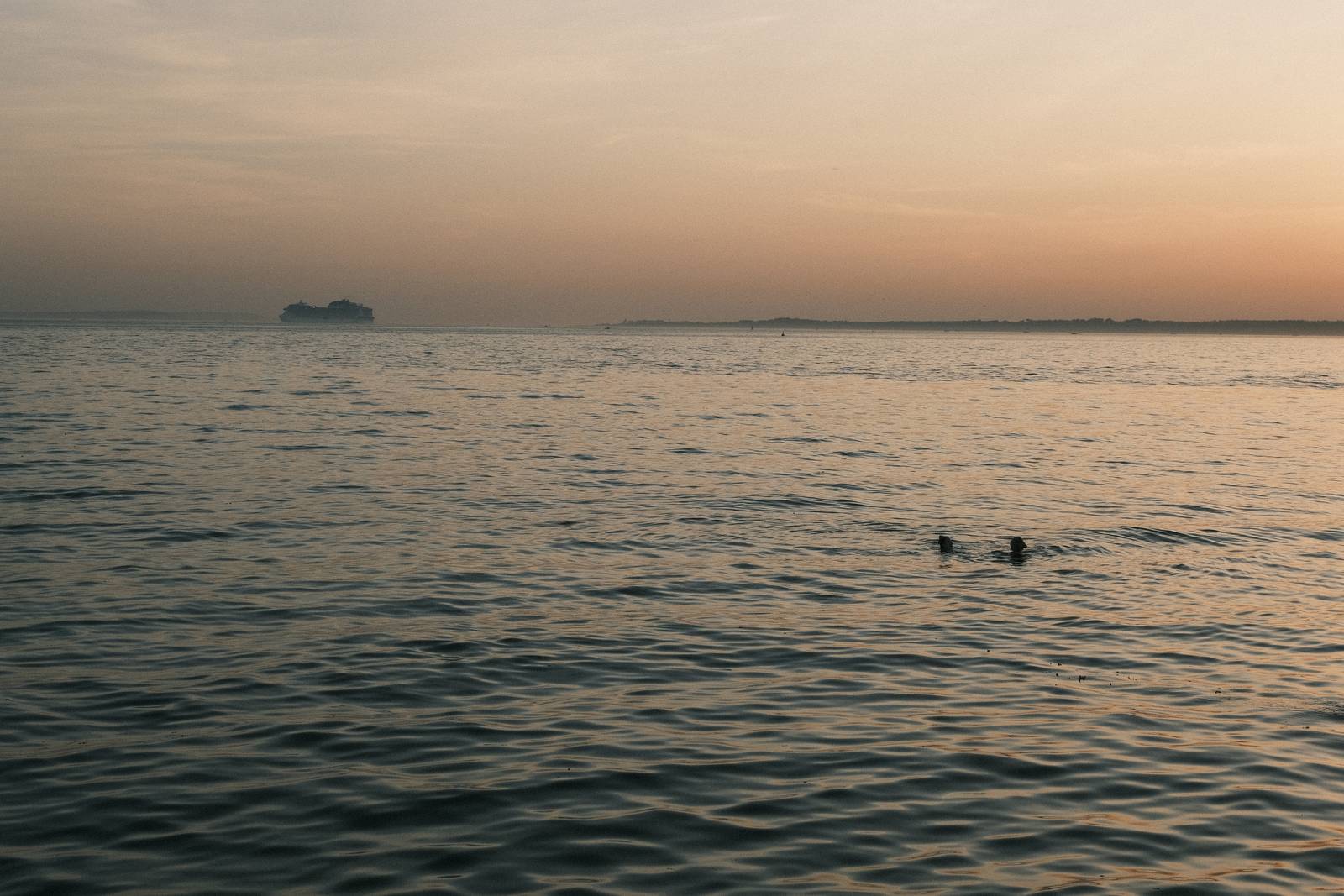
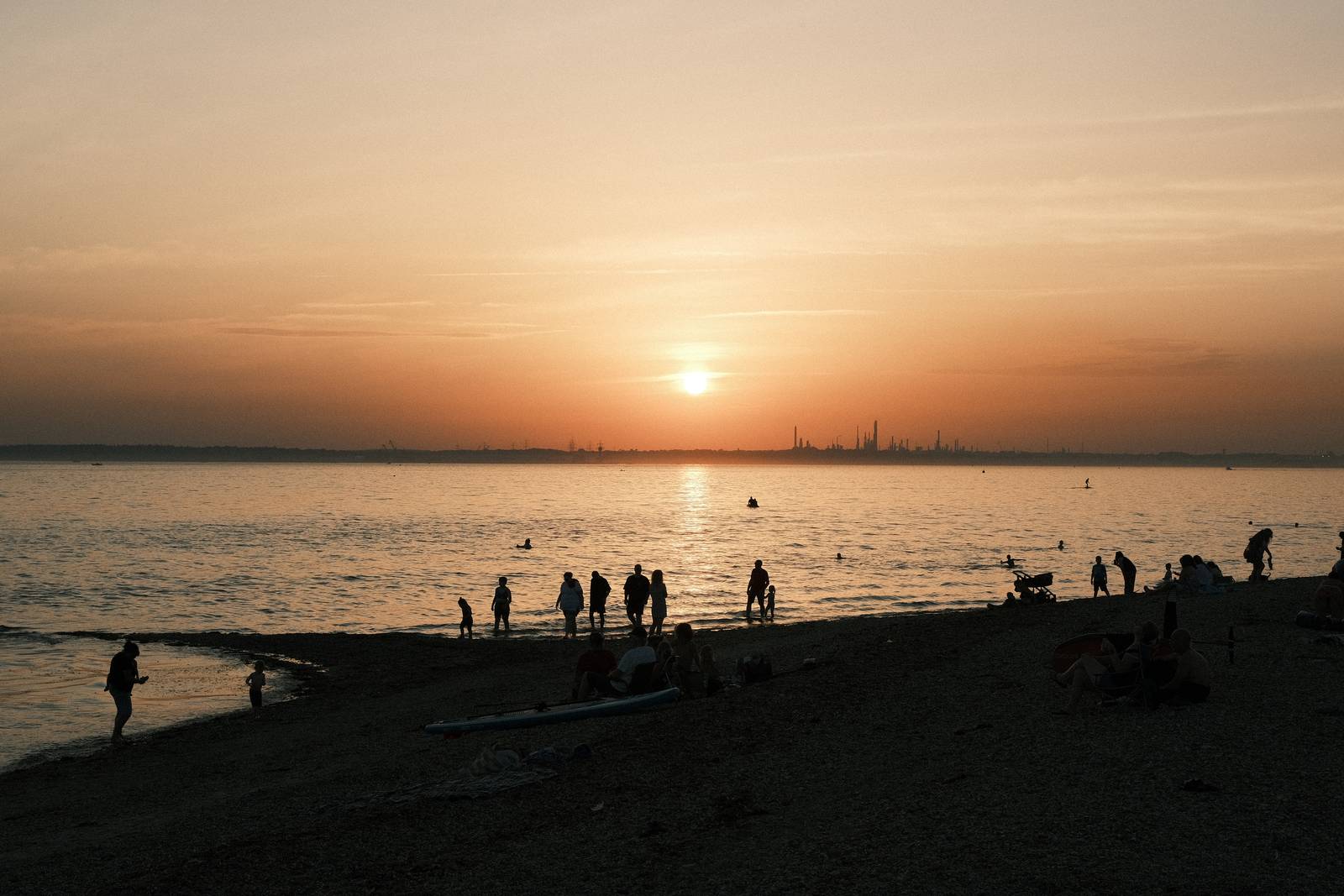
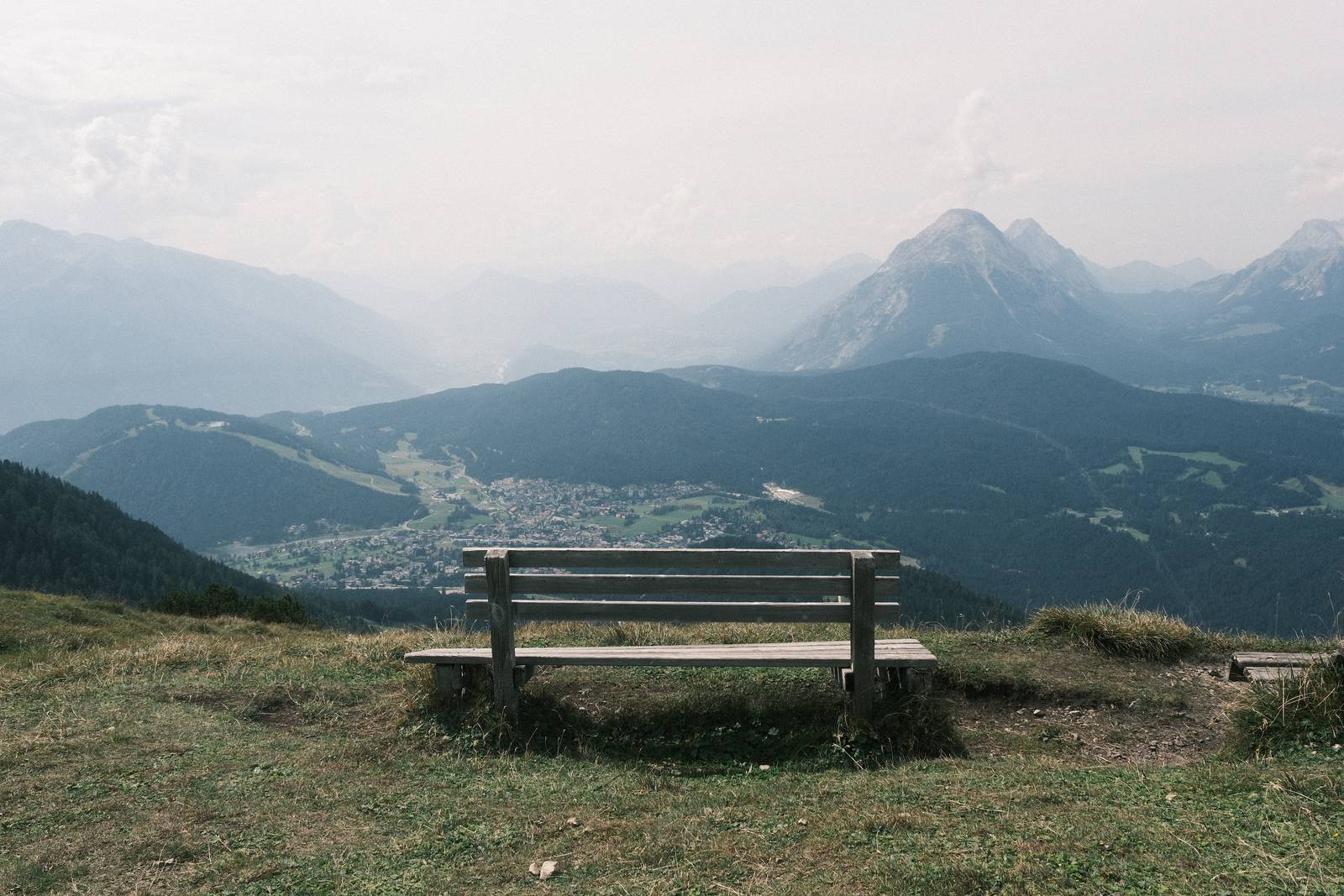
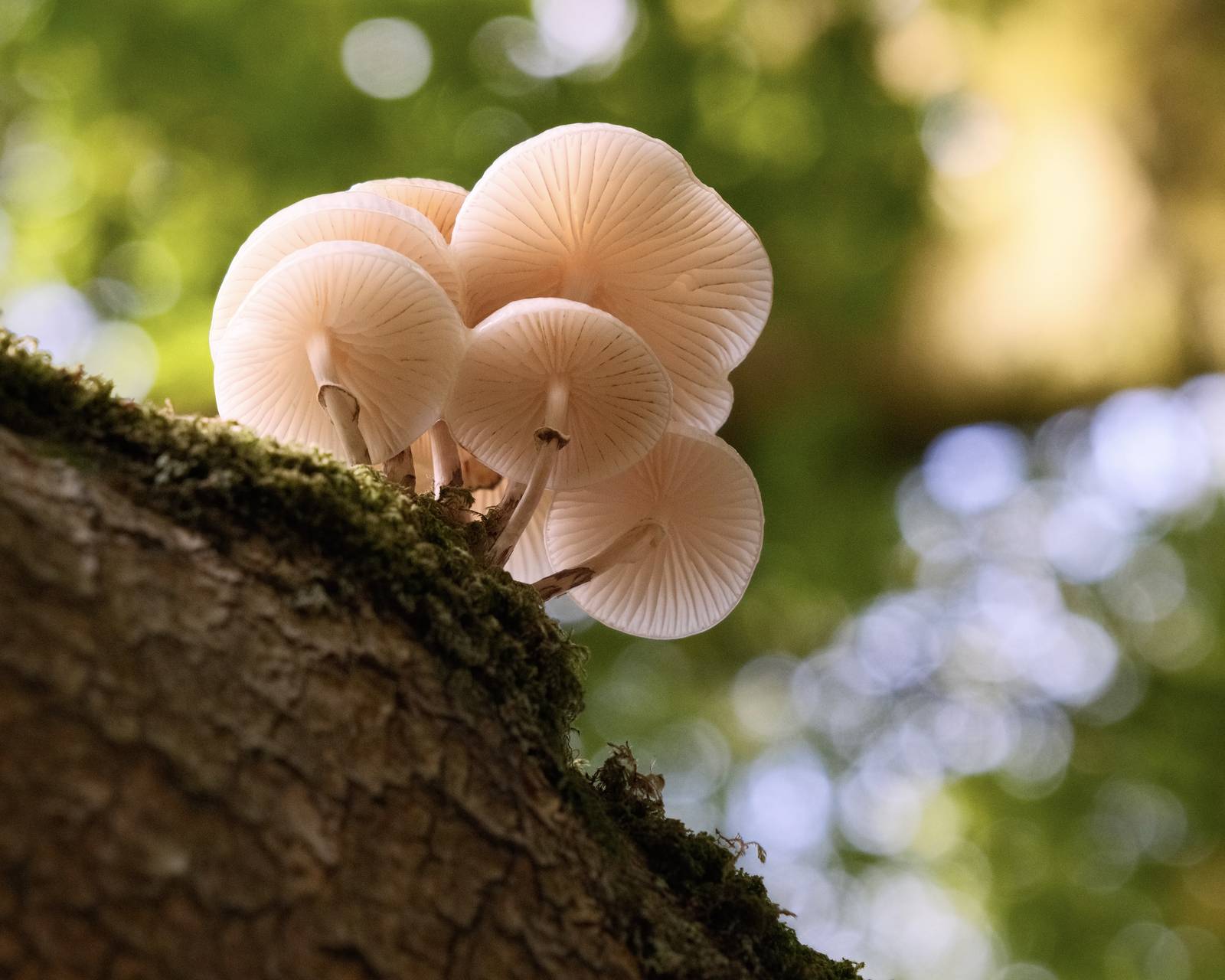
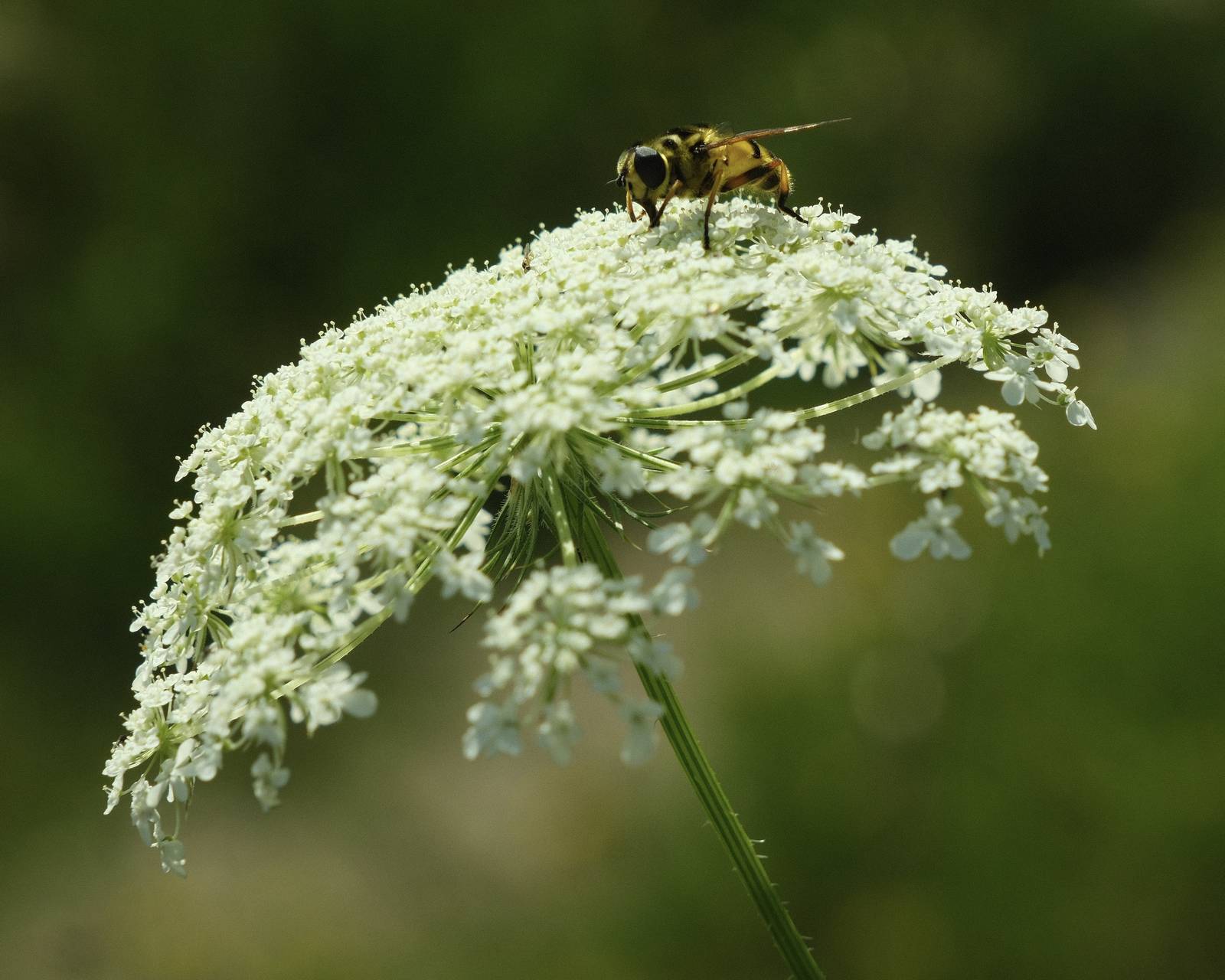
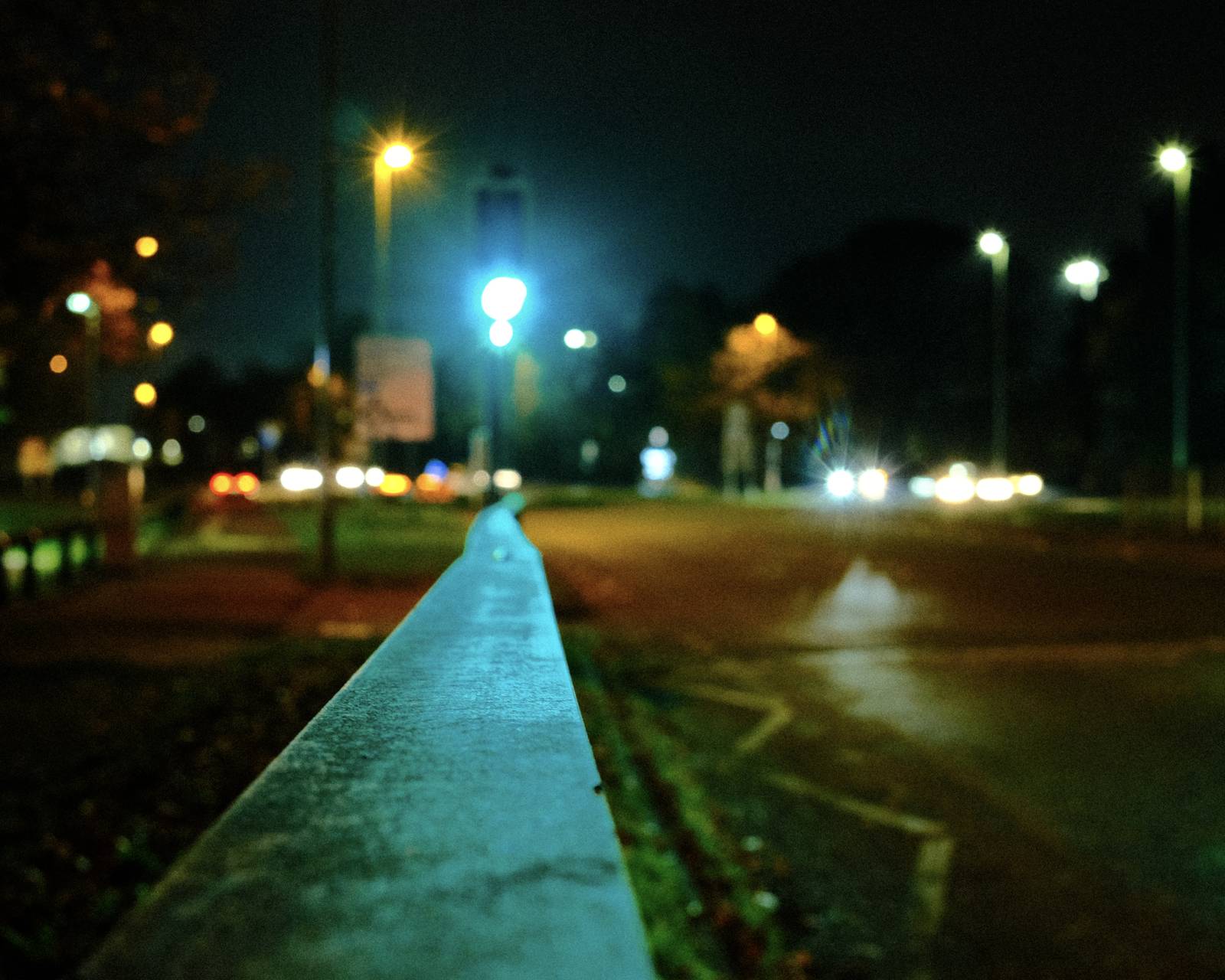
Spruce Goose Film Recipe: Sample Photos




Using the Spruce Goose Film Recipe
Each film simulation recipe has its own character and style. These features mean recipes are more suited to certain situations, or when seeking a particular look. Here are the categories that Spruce Goose has been tagged with.


Leave a Reply