

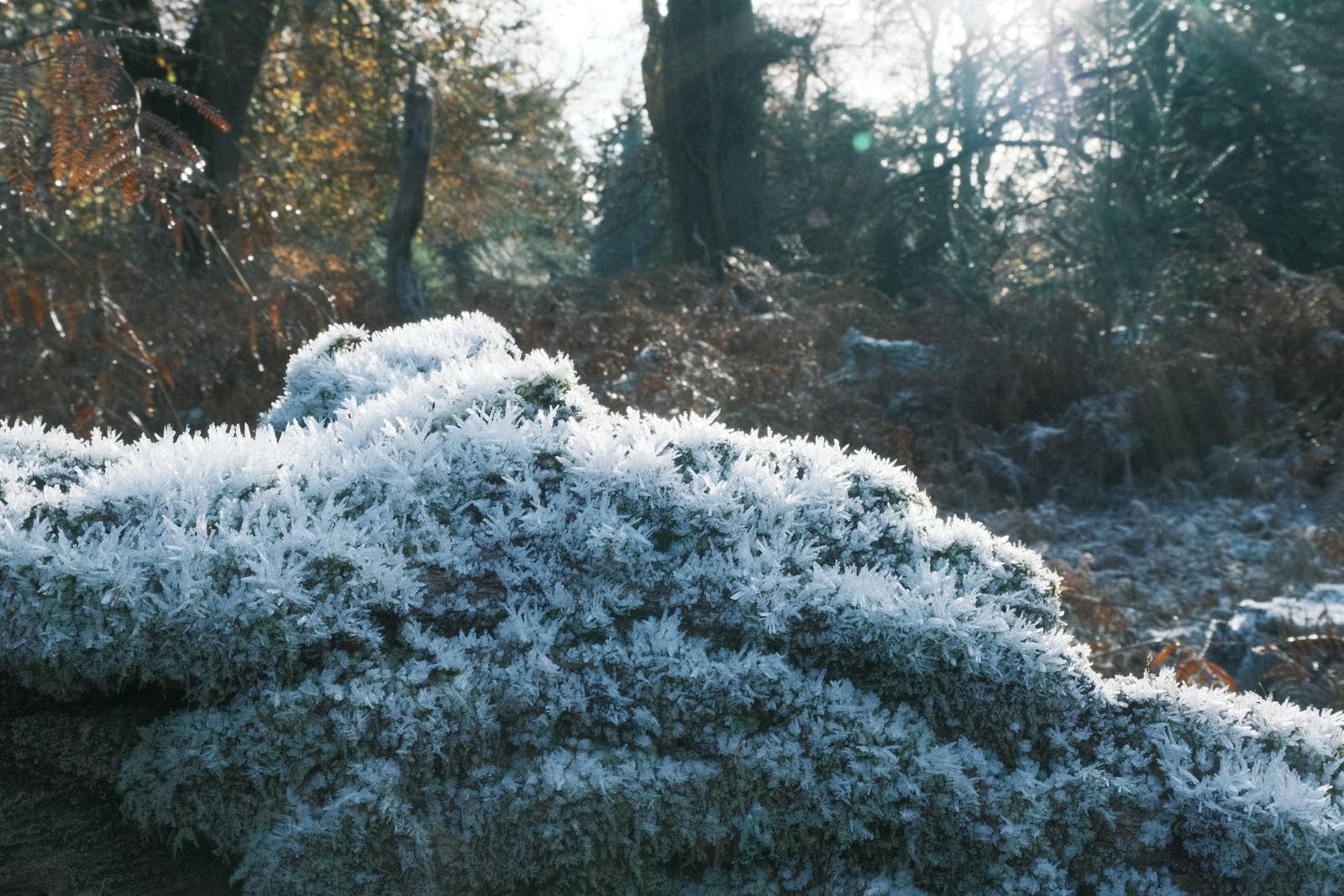
Old Fujicolor
Old Fujicolor, Aged Color Negative Recipe
Classic Negative film simulation recipe inspired by old Fujicolor prints
Our advanced digital cameras product clear clean images with astonishing detail and colour. But, when you look back at prints from decades past you find a different look, often with colours that are beginning to fade or shift and a feel that is much less like most digital camera shots.
Of course, our powerful Fujifilm cameras are not most cameras, and we can use Fujifilm film simulations to bring us closer to these nostalgic looks from the past.
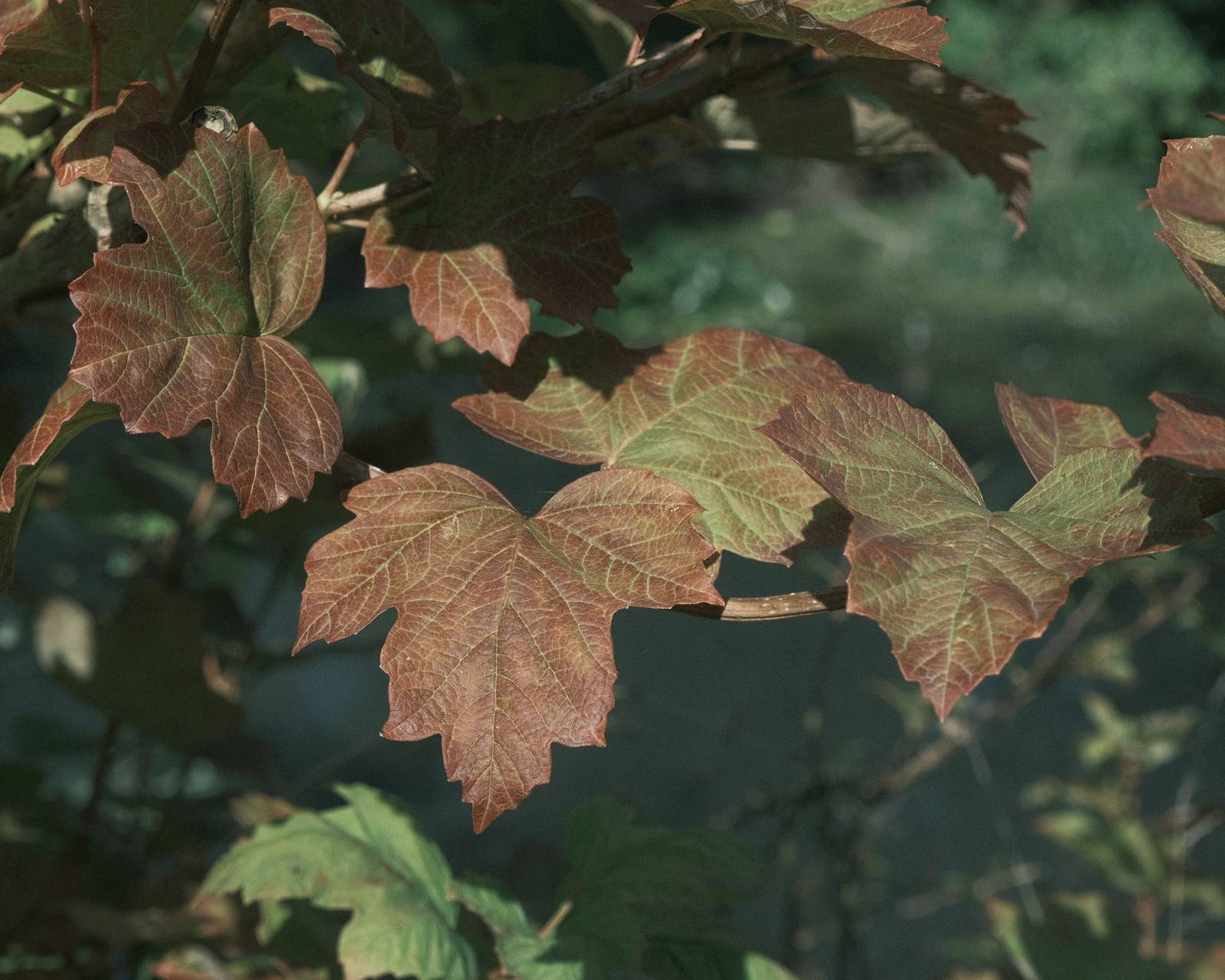
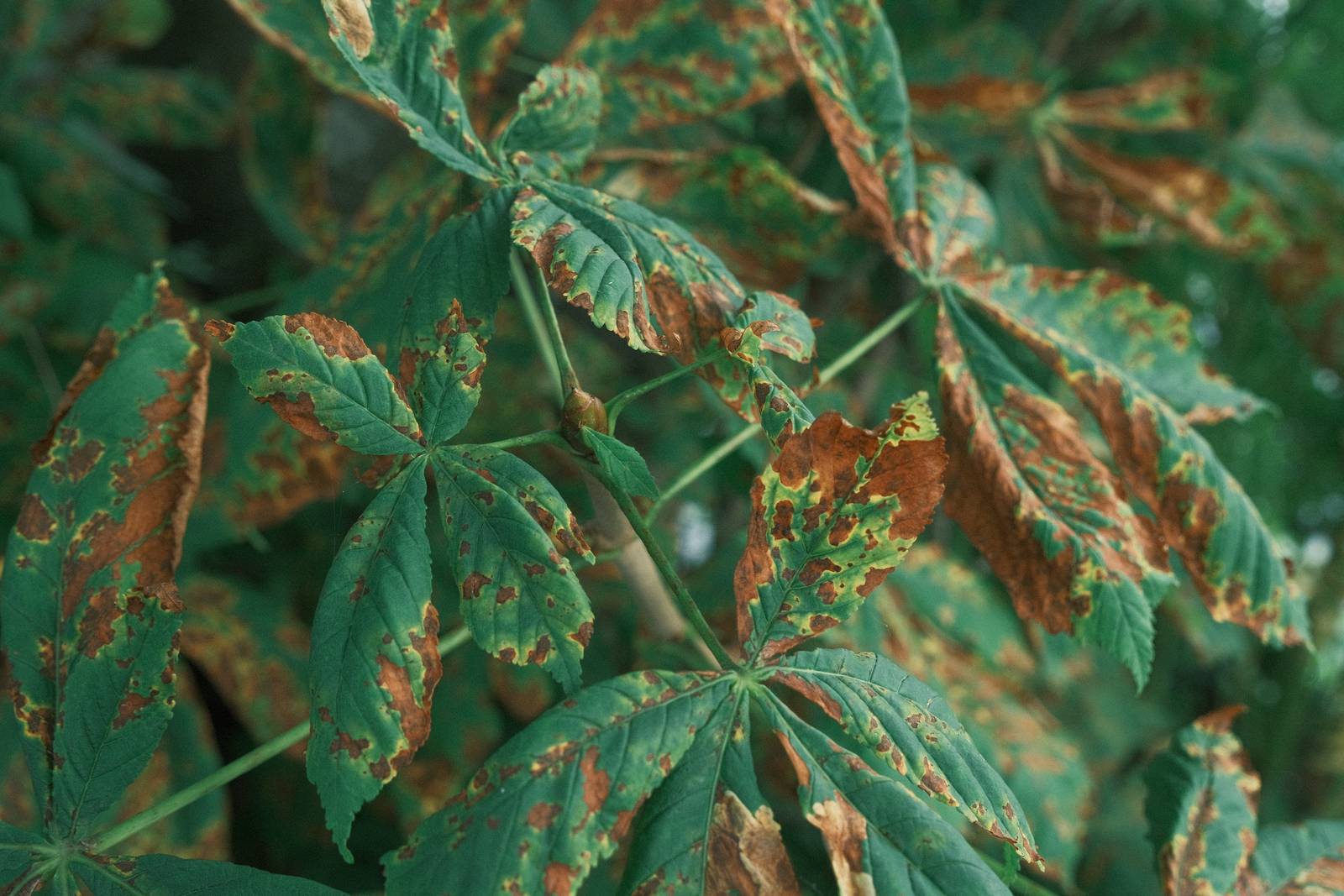
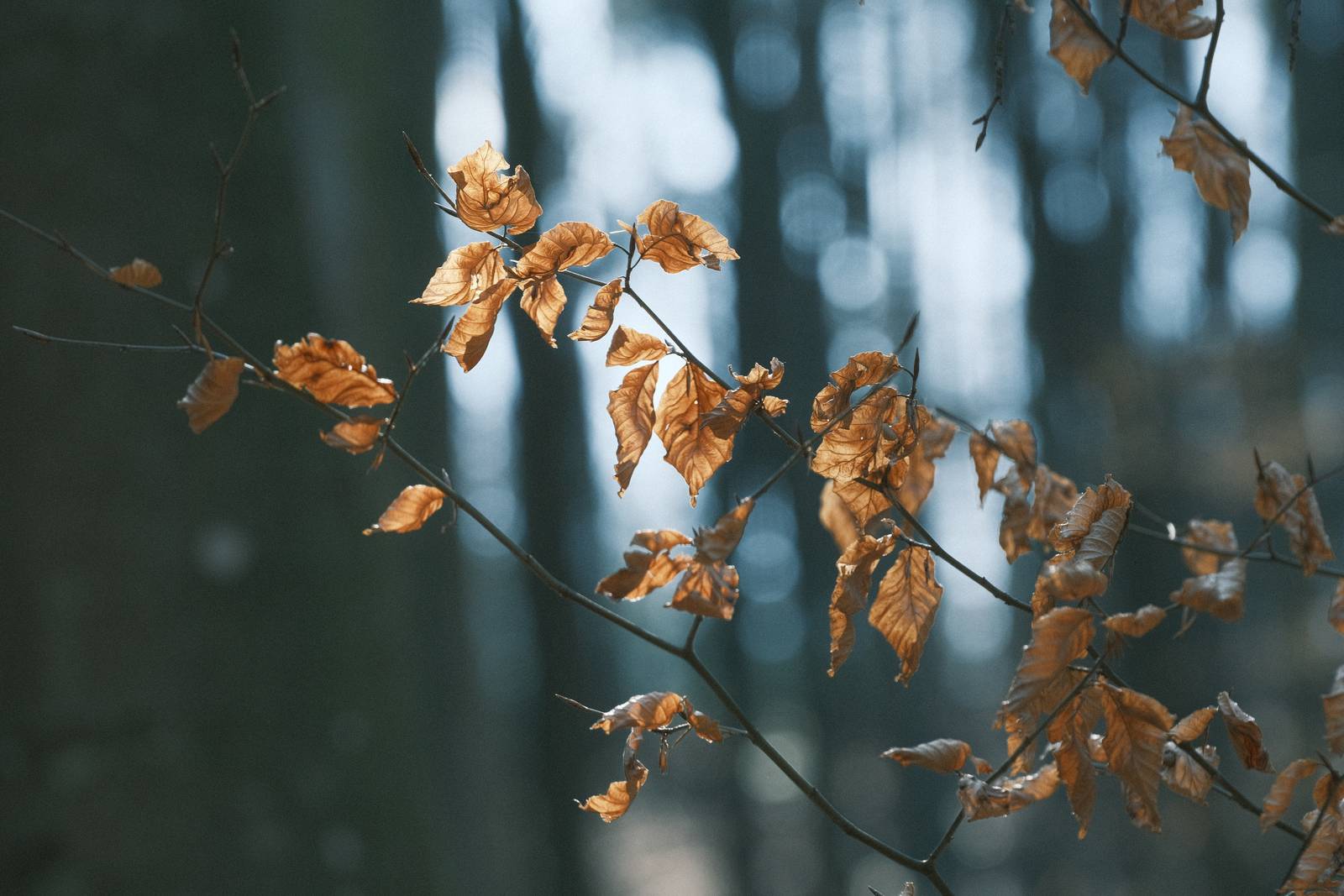
For many Fujcolor print inspired looks, the wonderful Classic Negative simulation is the place to start, and to embrace the aged look, the slightly blue tone to green subjects can be played with to deliver a distinctive style. Furthermore, one stop of underexposure is used, which helps to emphasise the colour effect. Classic Negative is perhaps unique amongst the film simulations in how it changes based on exposure.
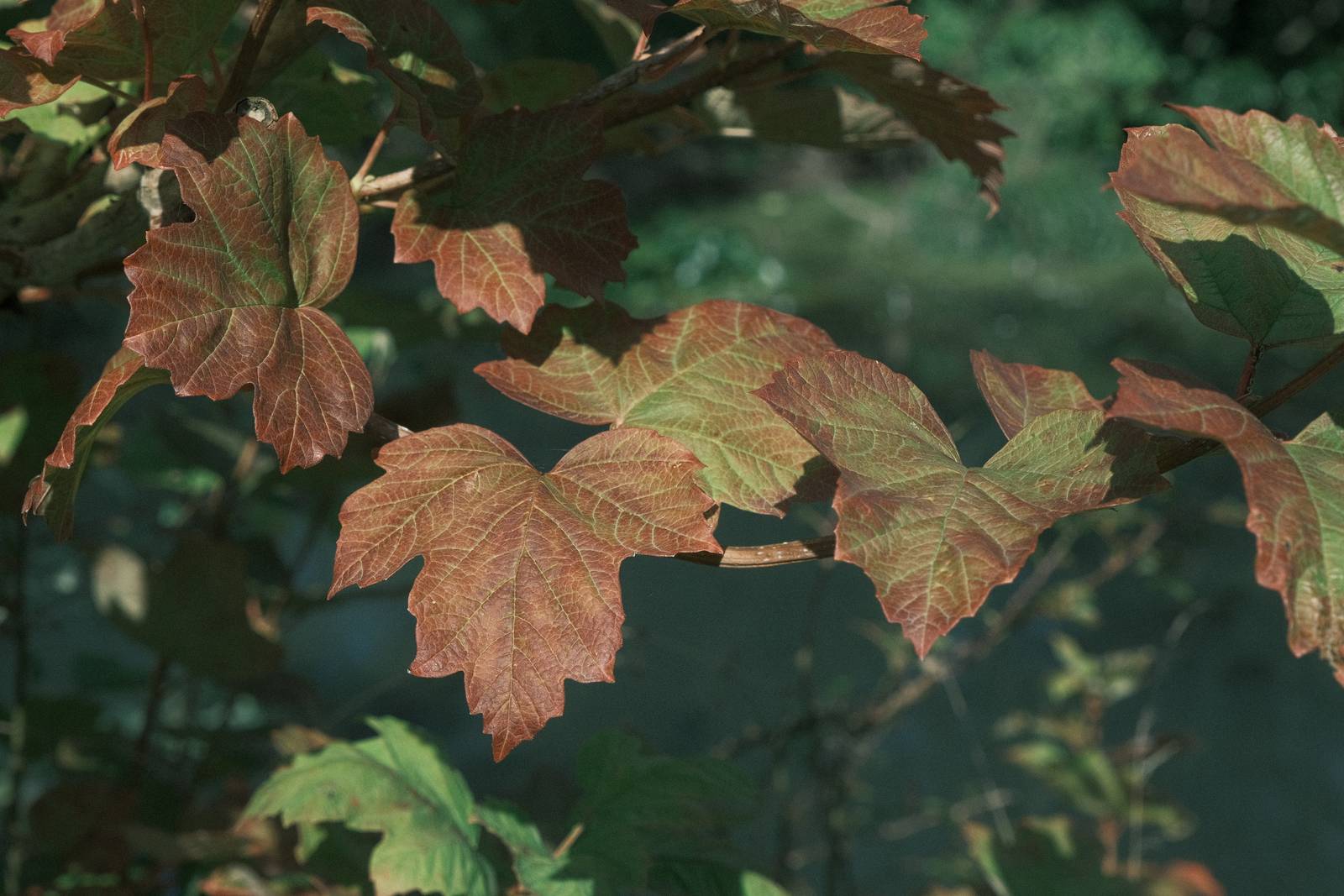
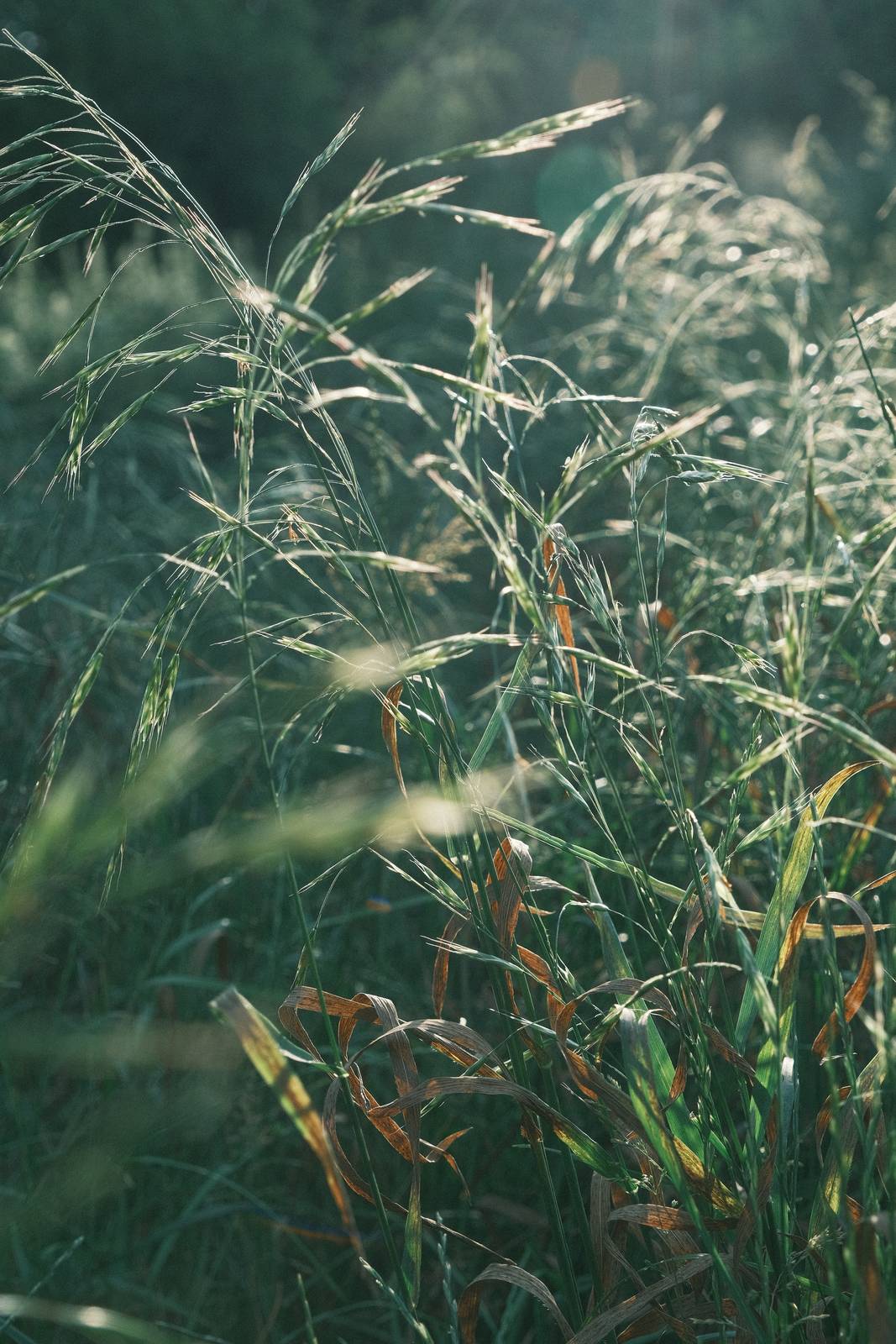
All of that is at work here, resulting in something eye catching and creative that works well with natural subjects, and especially greens. You wonder see too much natural colour from this recipe, but instead, you might unlock a new seam of creativity as you explore the look of Old Fujicolor
Old Fujicolor Film Recipe Settings
| Film Simulation | Classic Negative |
| Grain Effect | Weak, Large |
| Col. Chr. Effect | Weak |
| Col. Chr. Blue | Off |
| White Balance | Fluorescent 2, ‑5 Red, ‑4 Blue |
| Dynamic Range | DR400 |
| Highlights | ‑1 |
| Shadows | ‑2 |
| Colour | ‑3 |
| Sharpness | 0 |
| ISO N.R. | ‑4 |
| Clarity | ‑2 |
| EV Comp. | -1/3 |
Similar Recipes
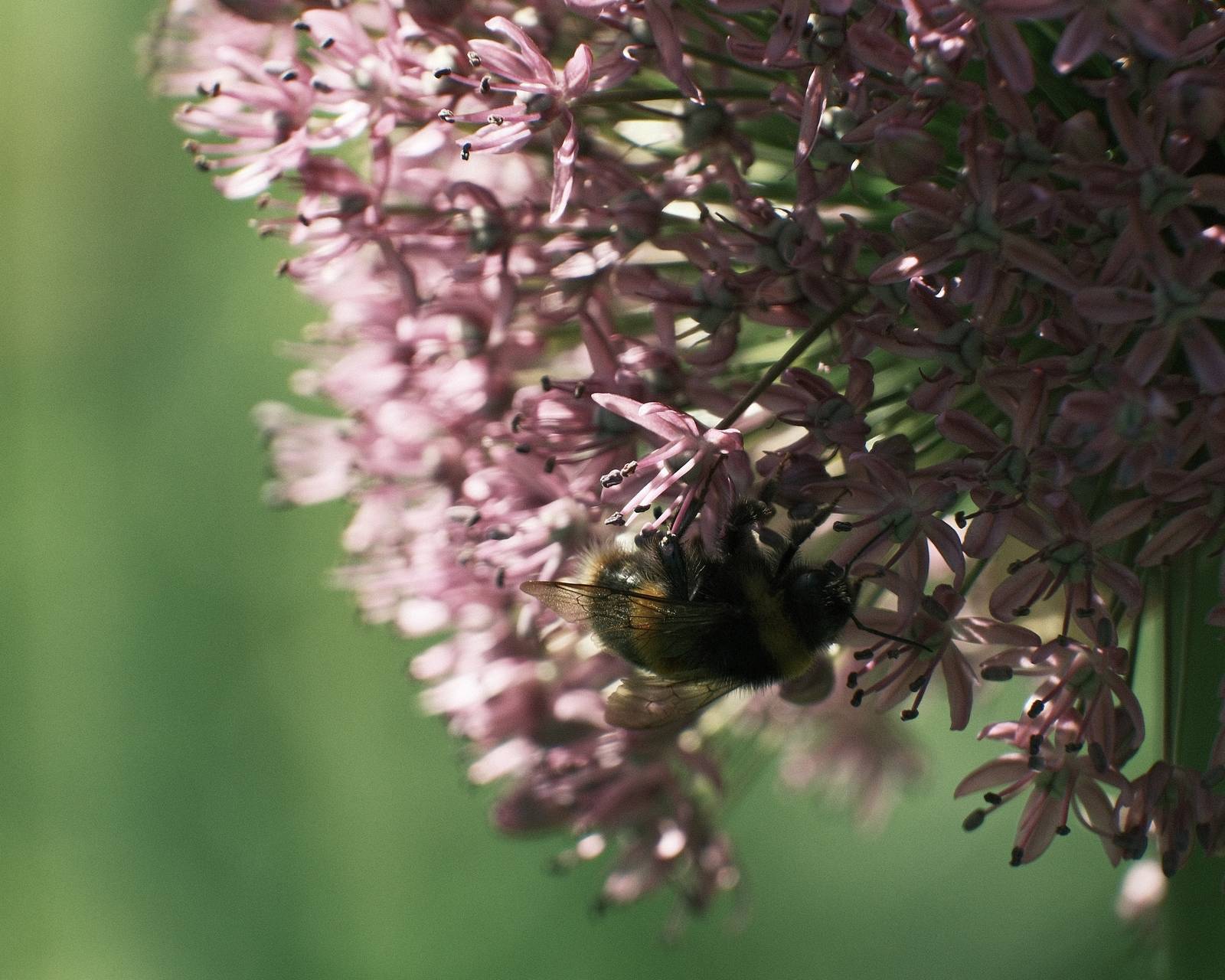
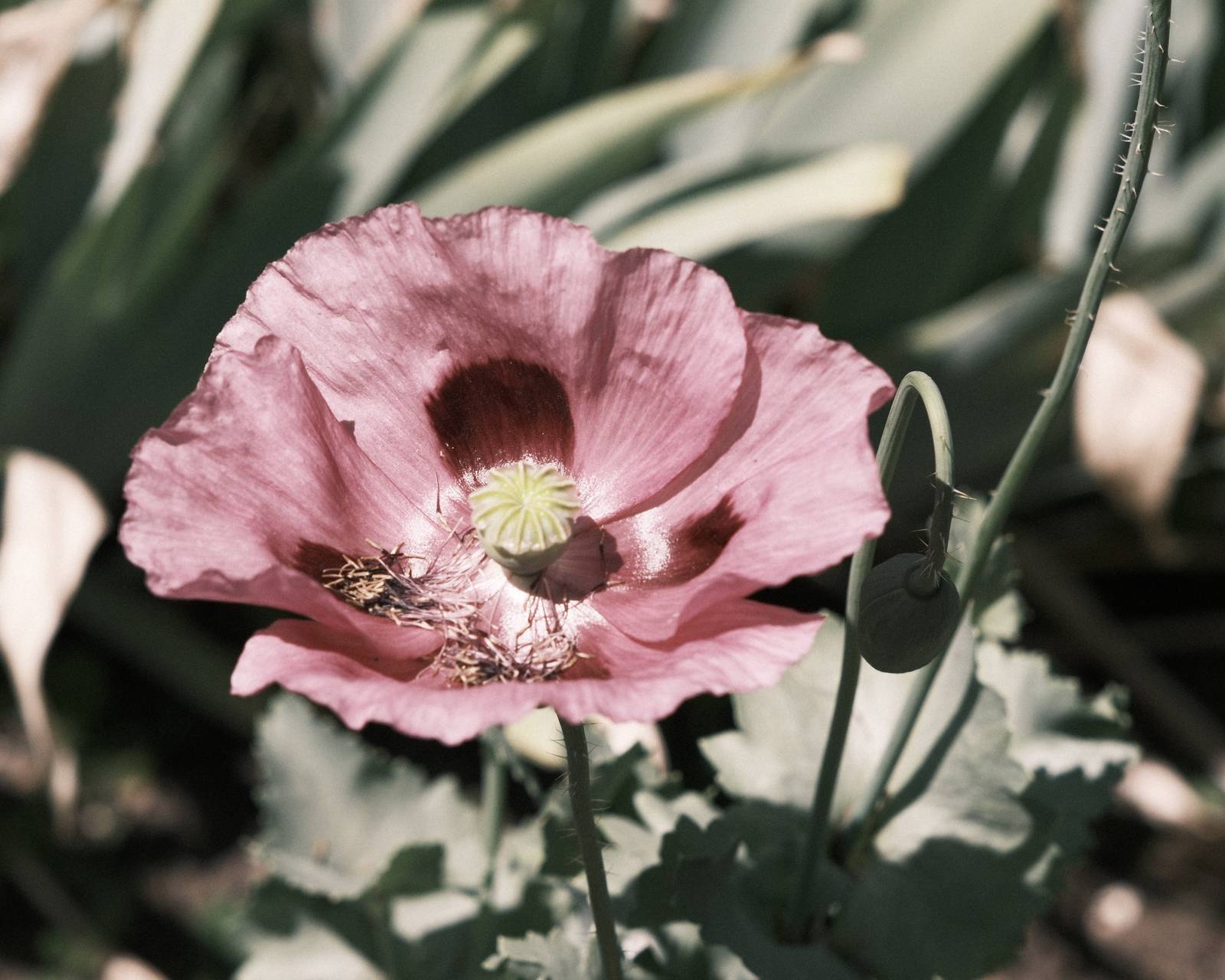

More similar recipes, and hundreds more exclusive looks, are available in the Film Recipes App.

Get the Film Recipes App
Save your favourites and build your personal shortlist


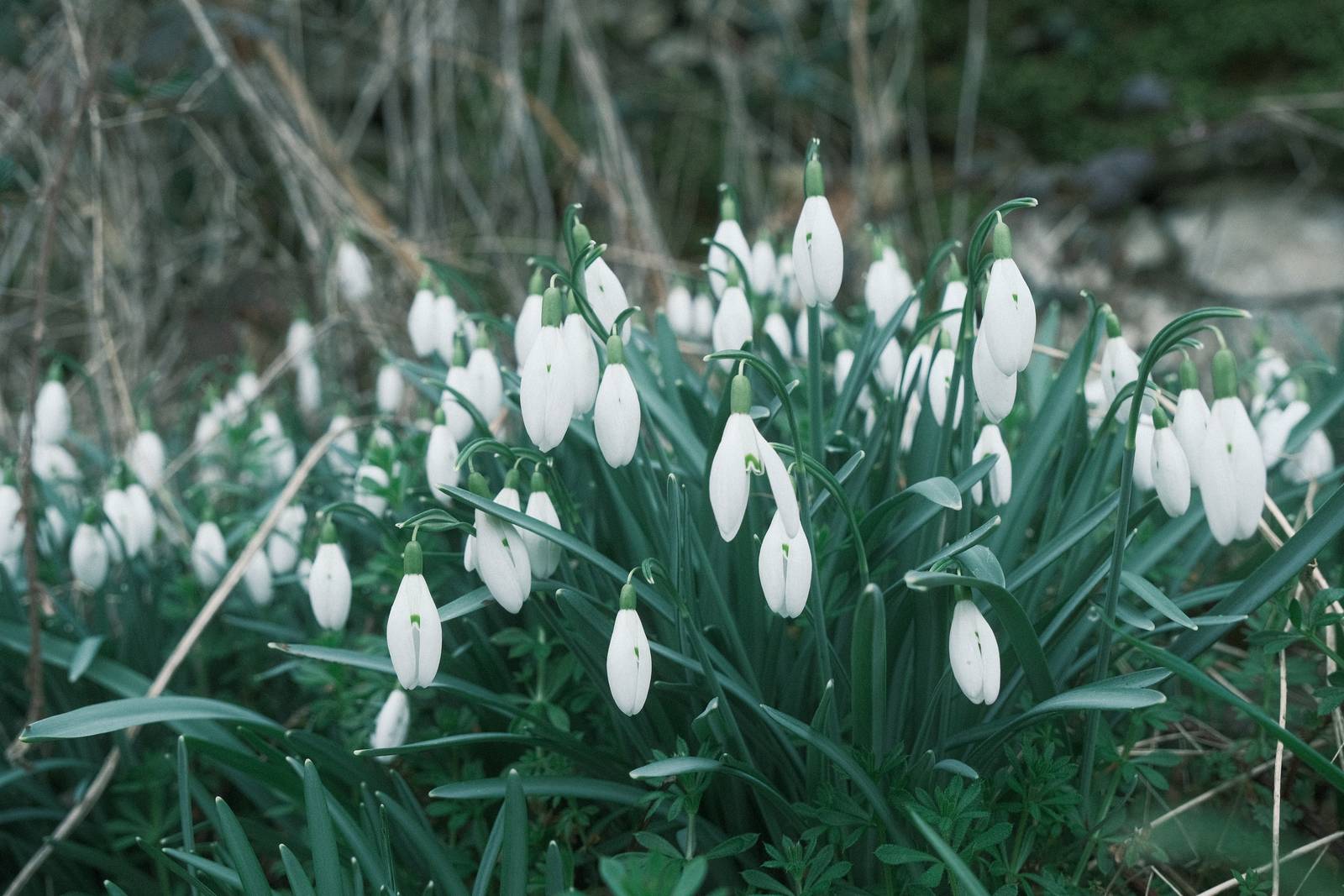
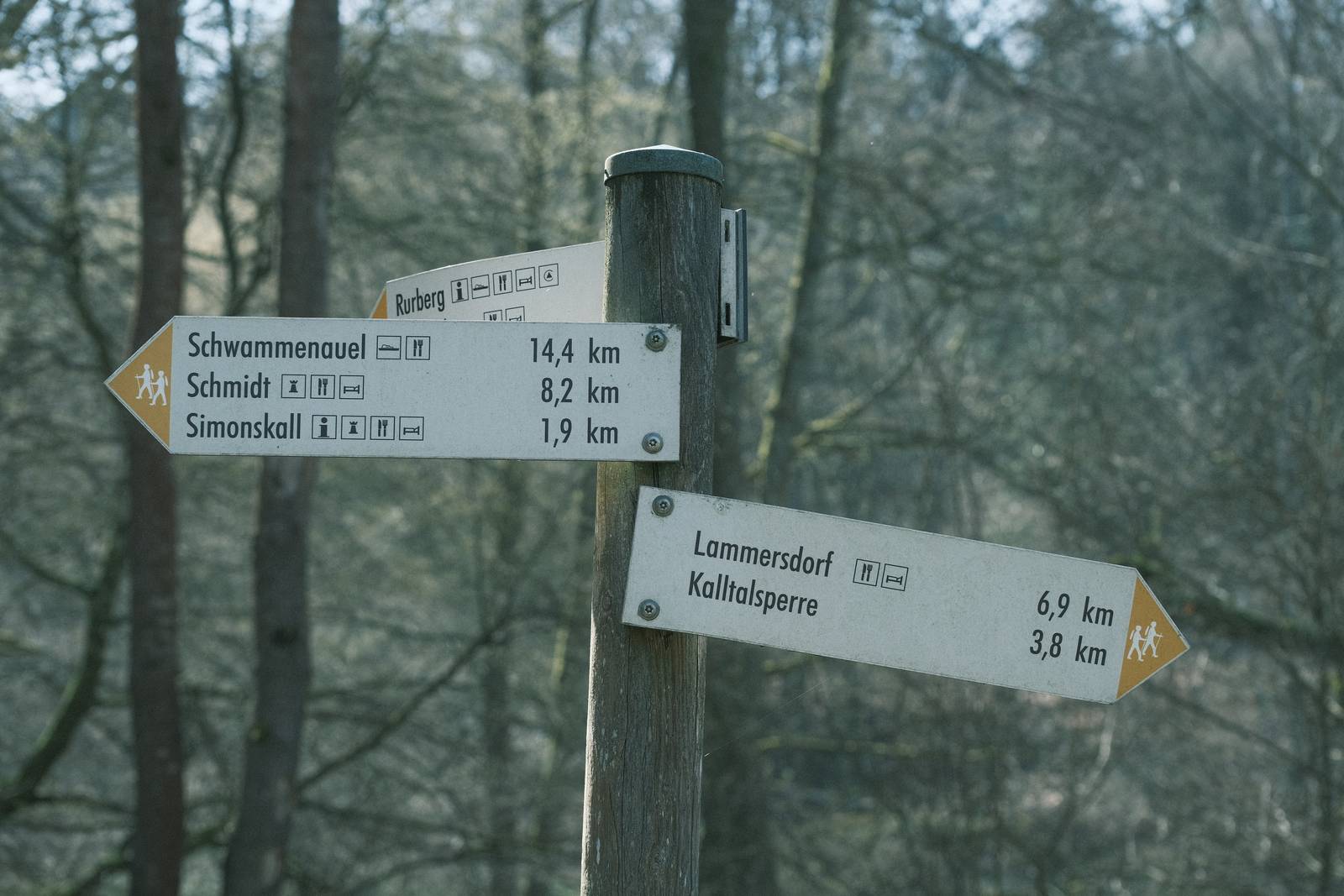
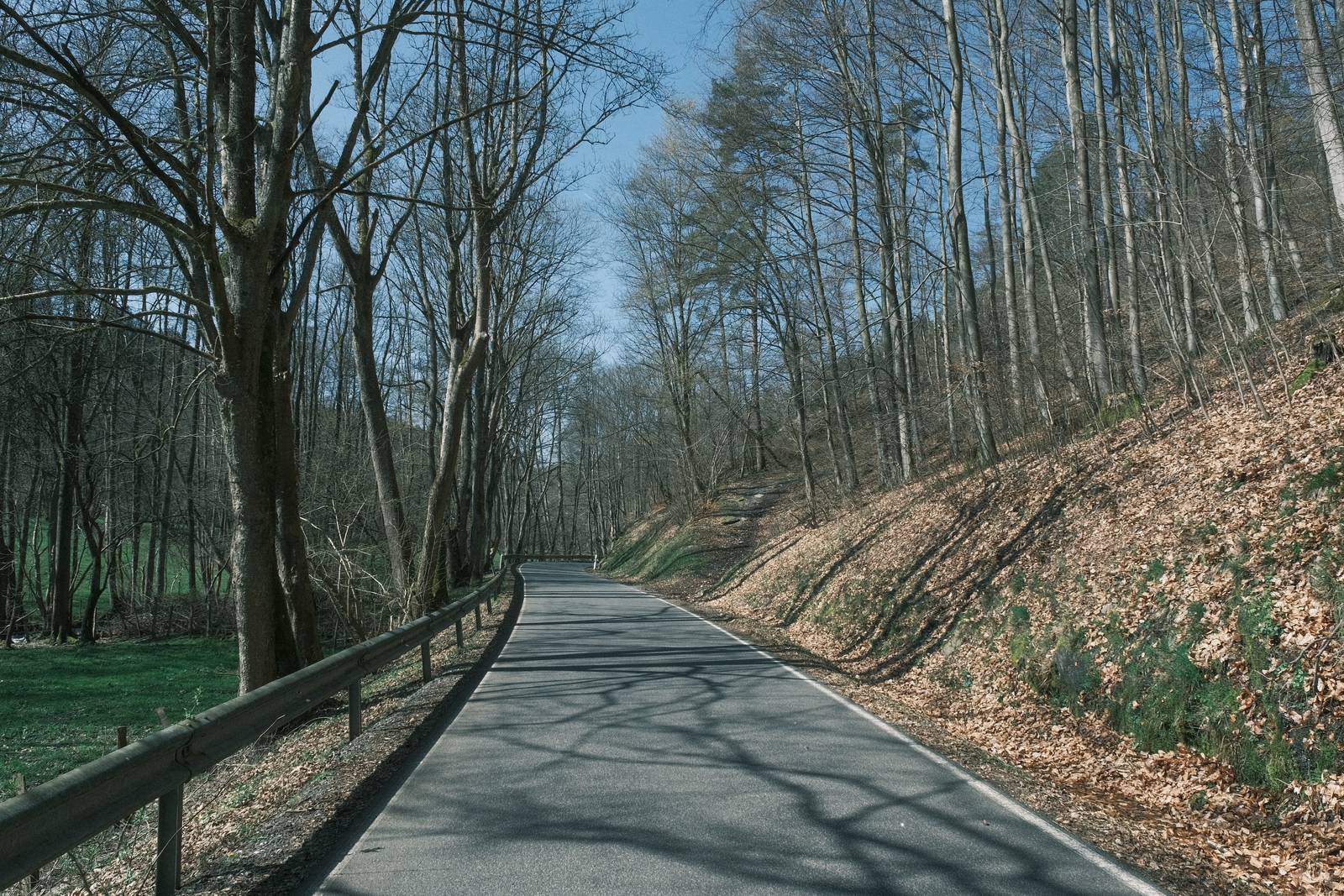
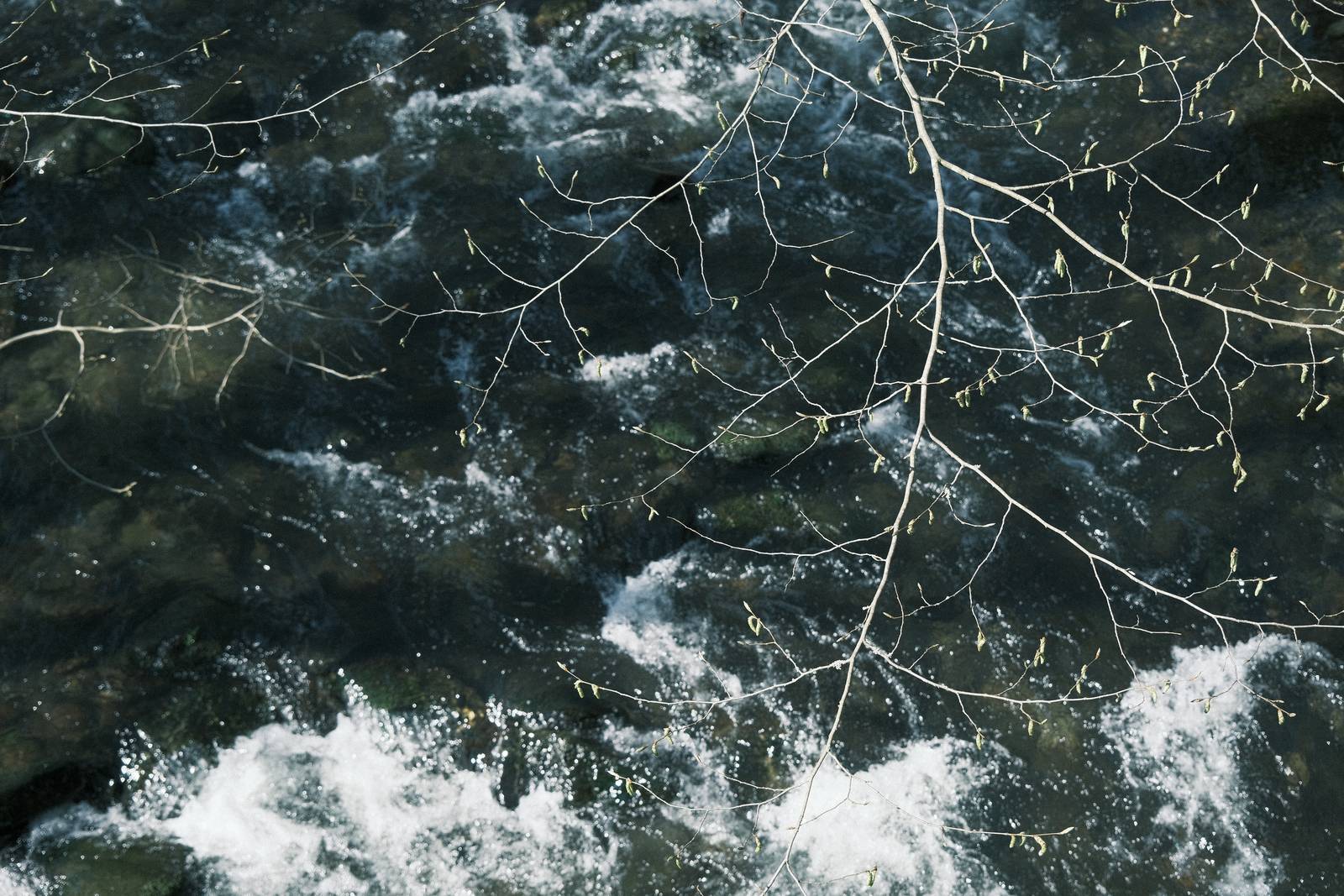
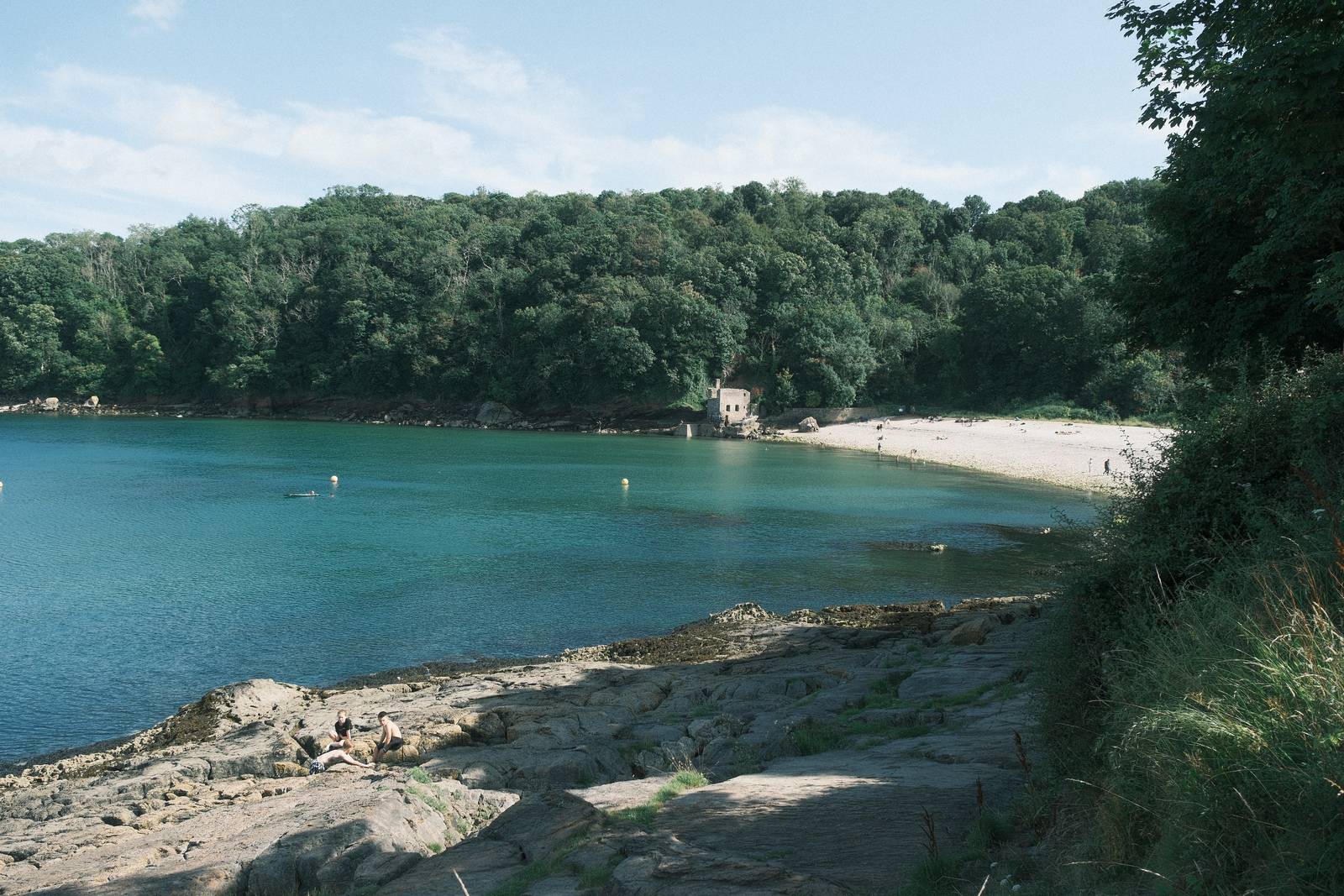
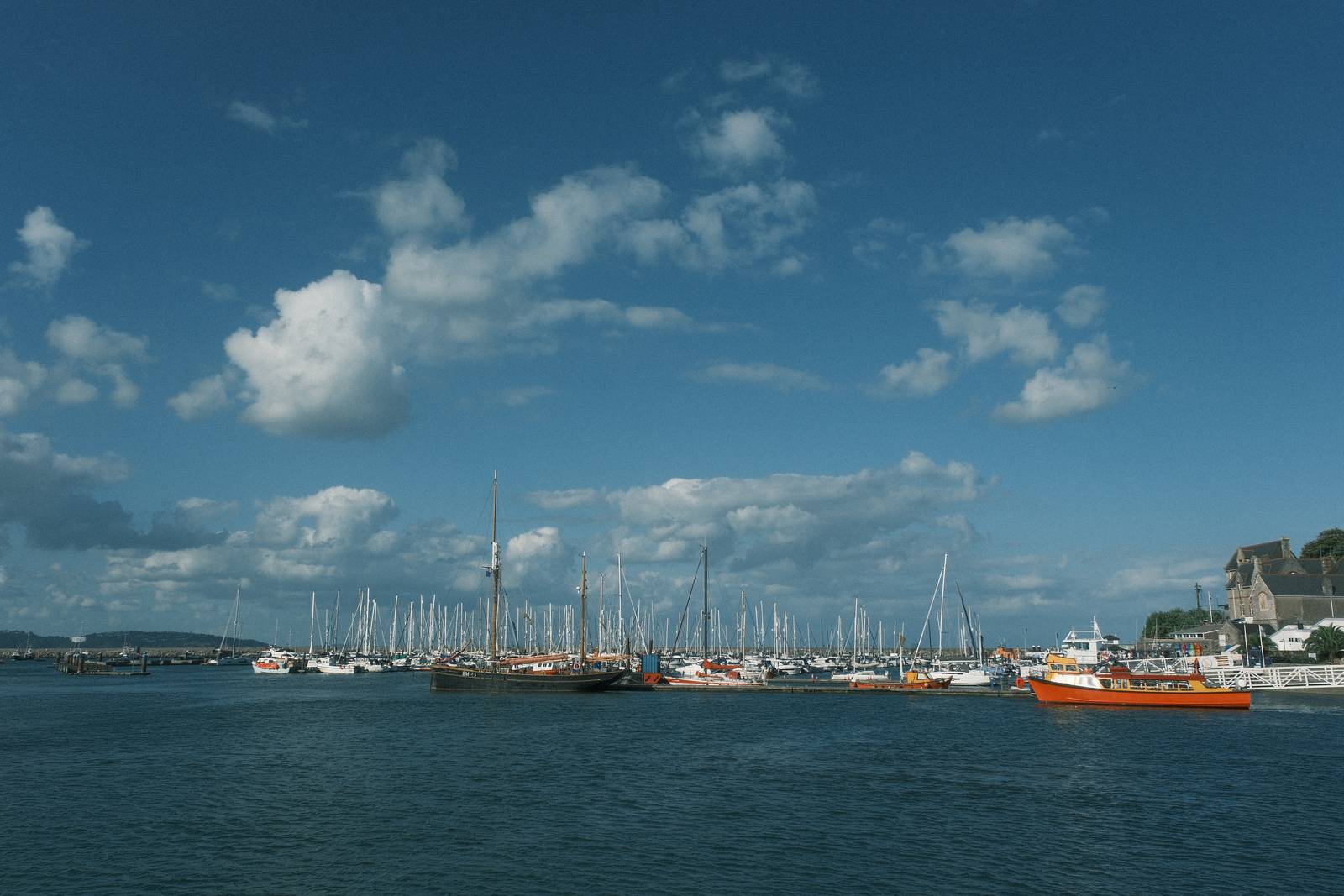
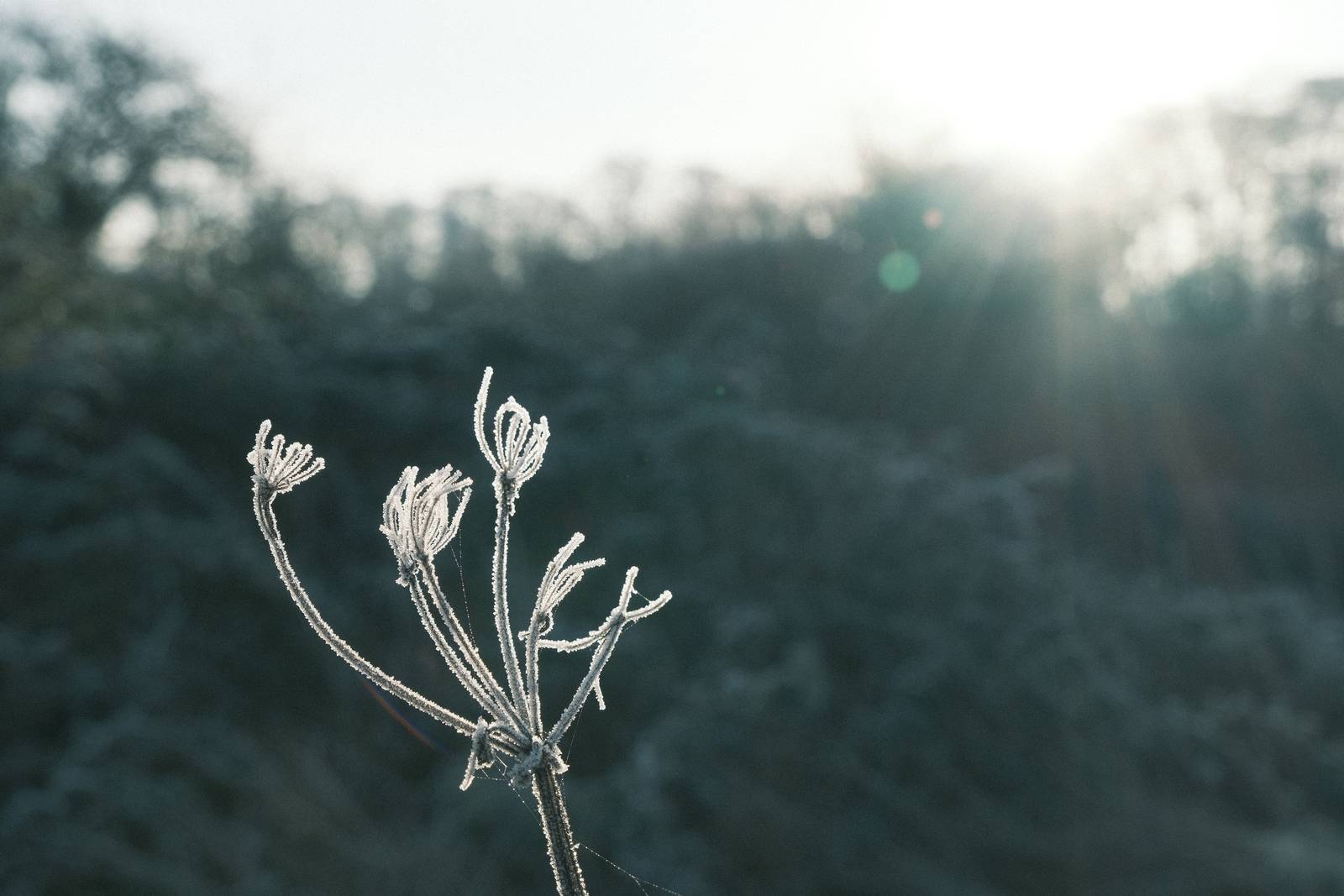
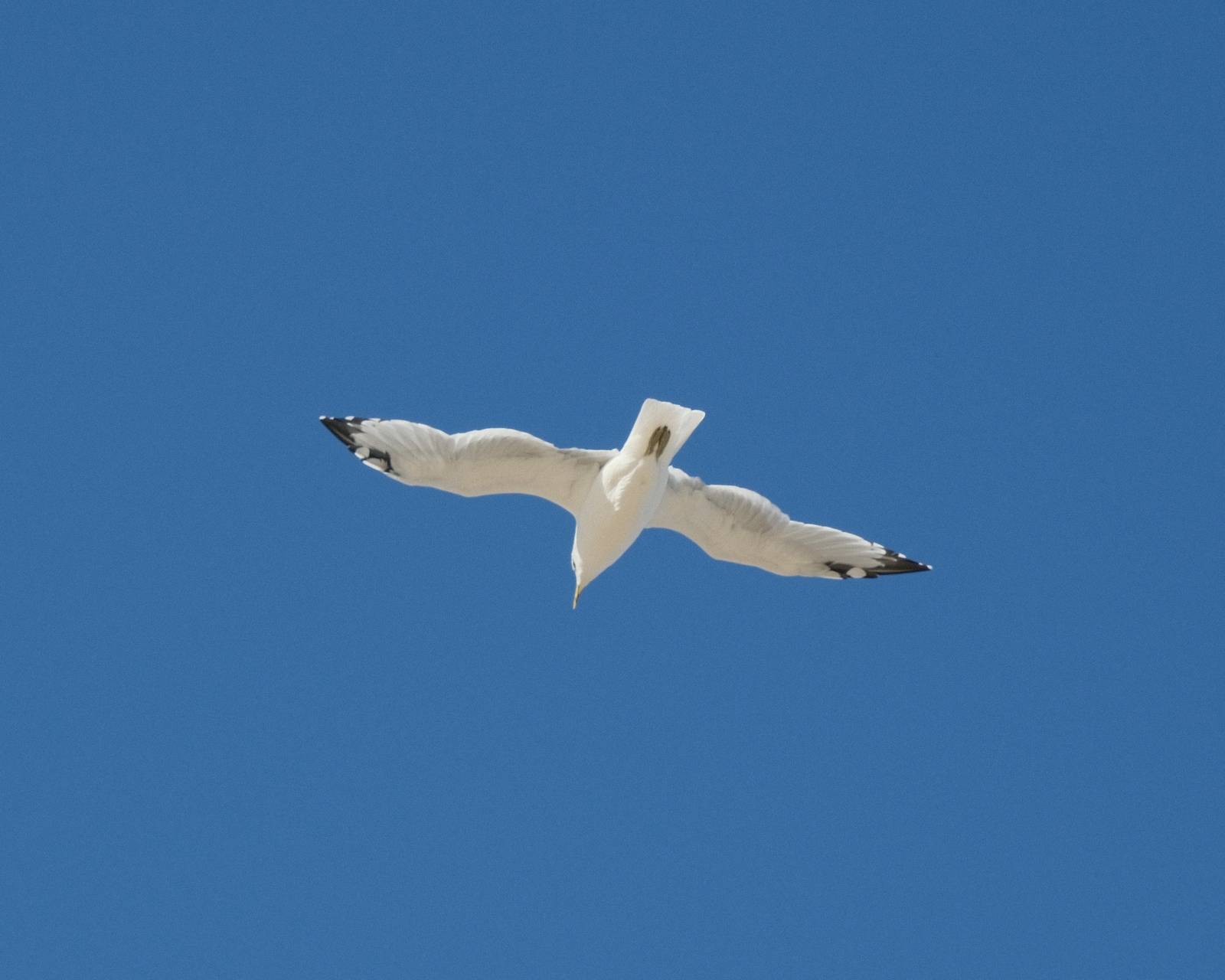
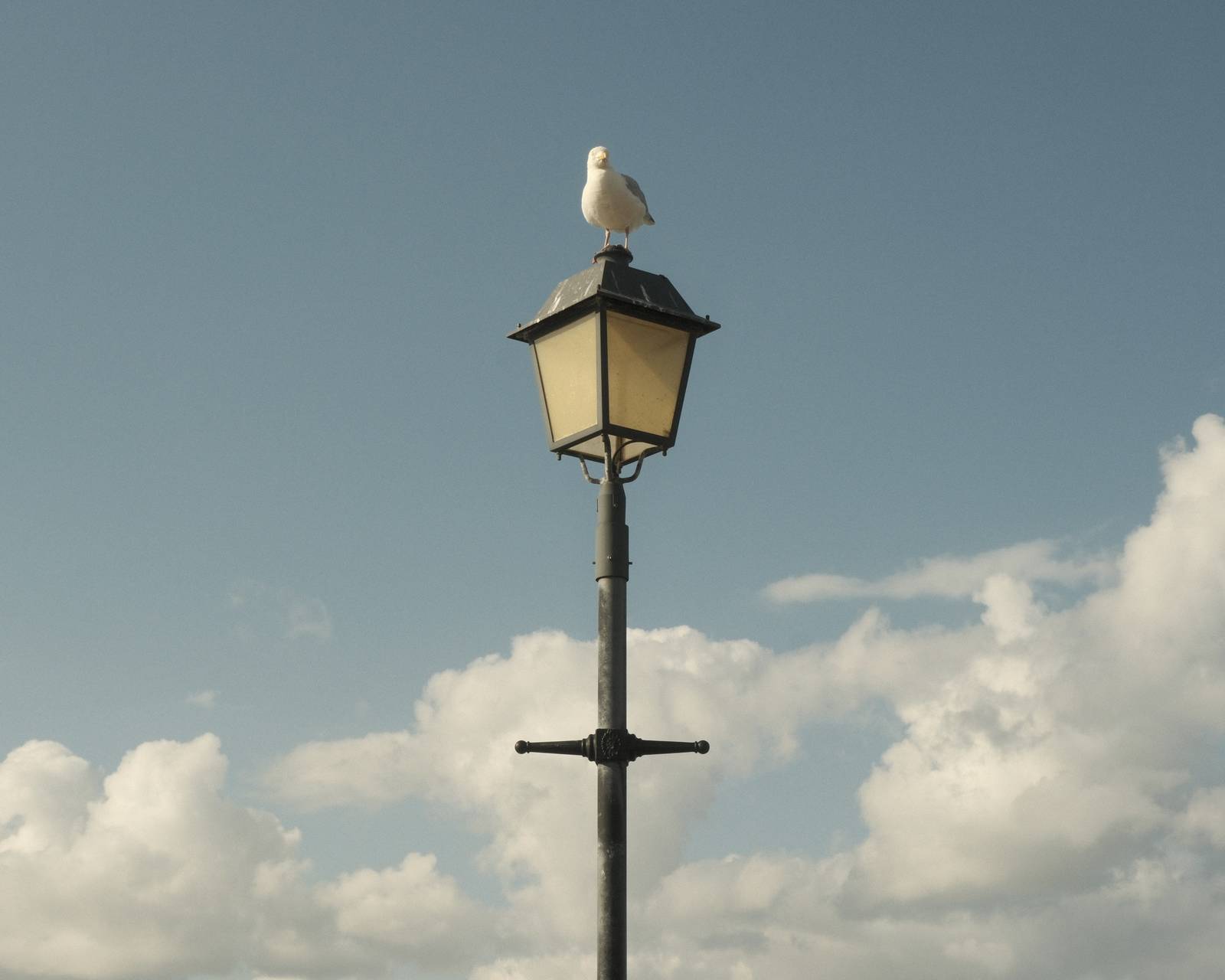
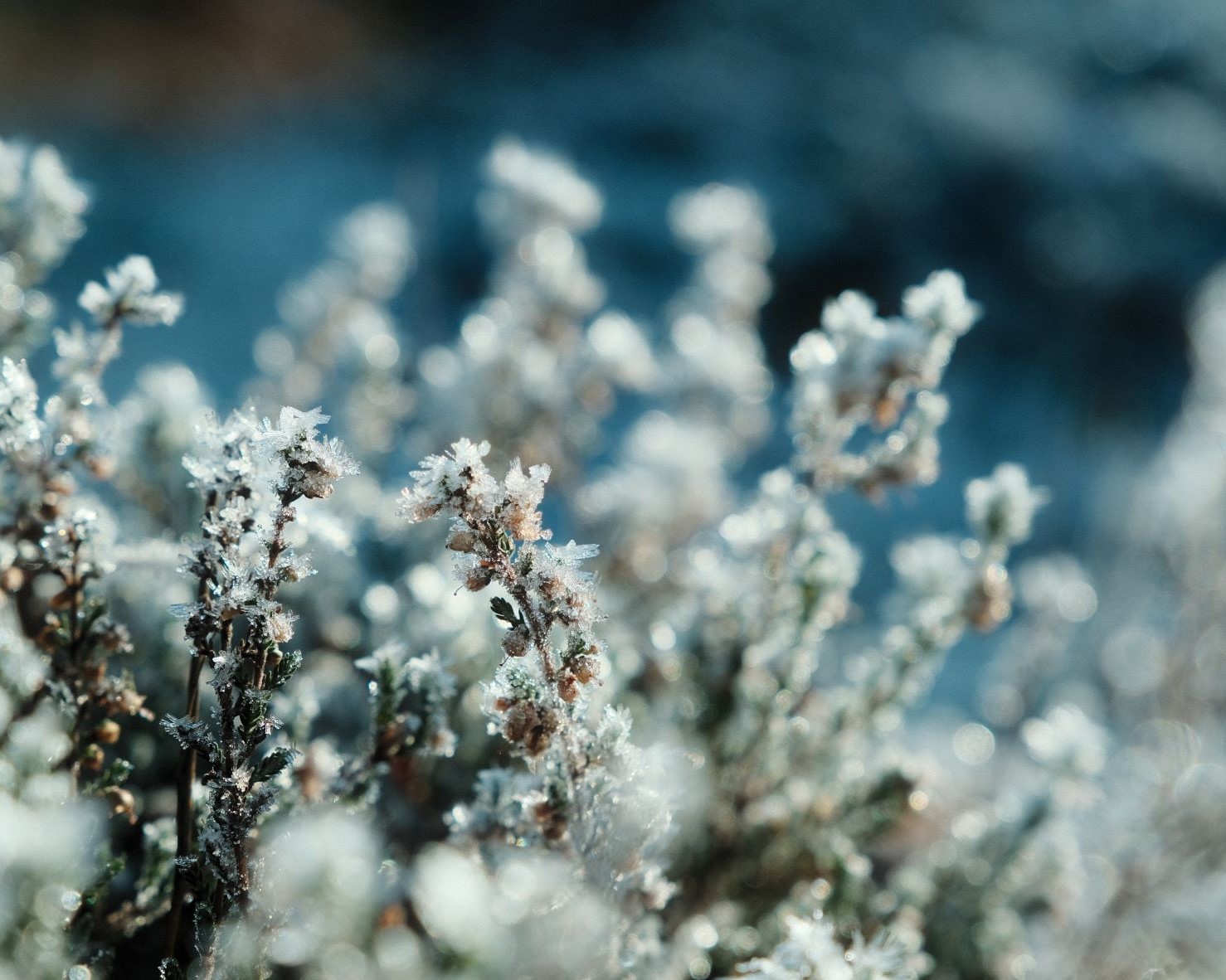
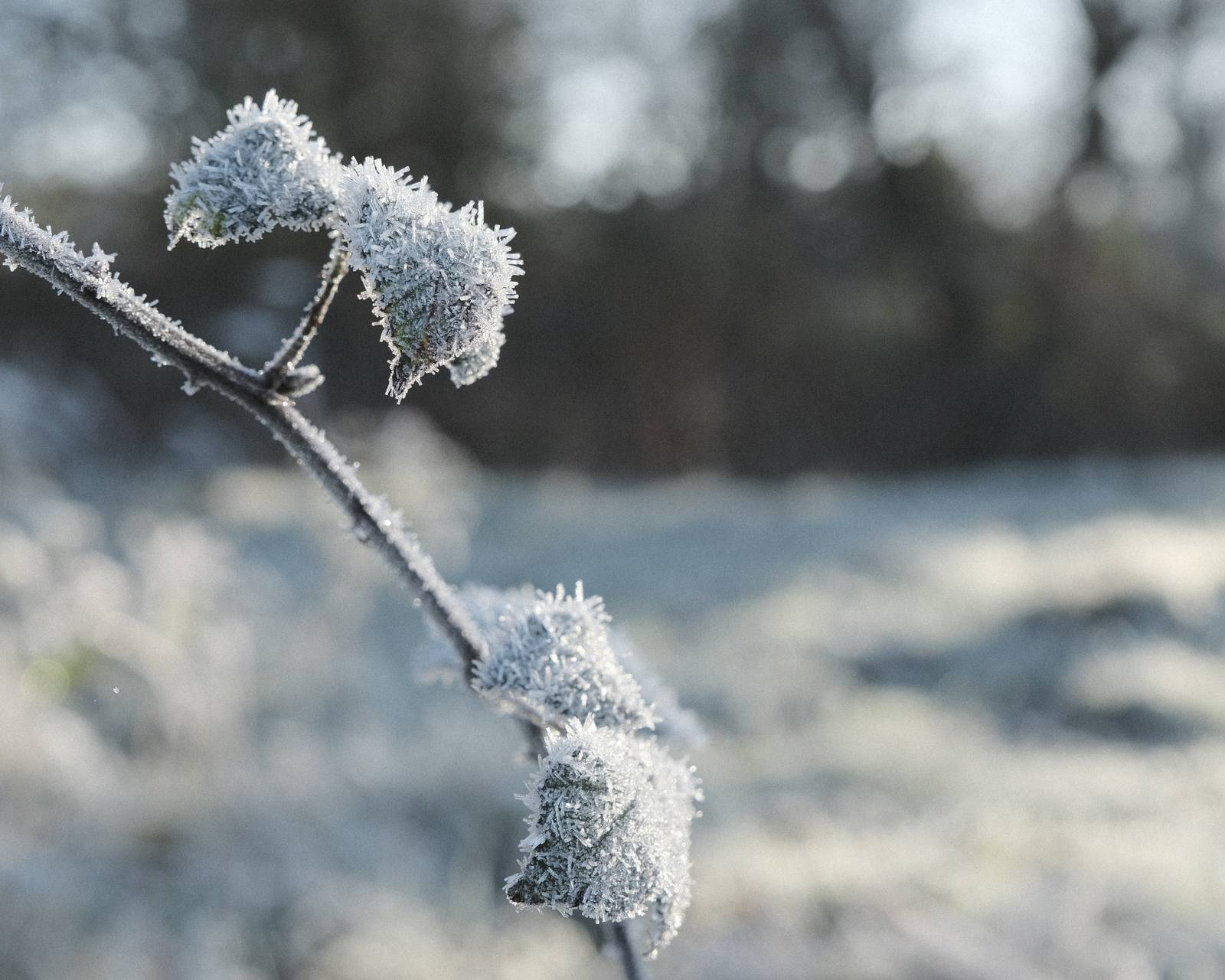
Old Fujicolor Film Recipe: Sample Photos





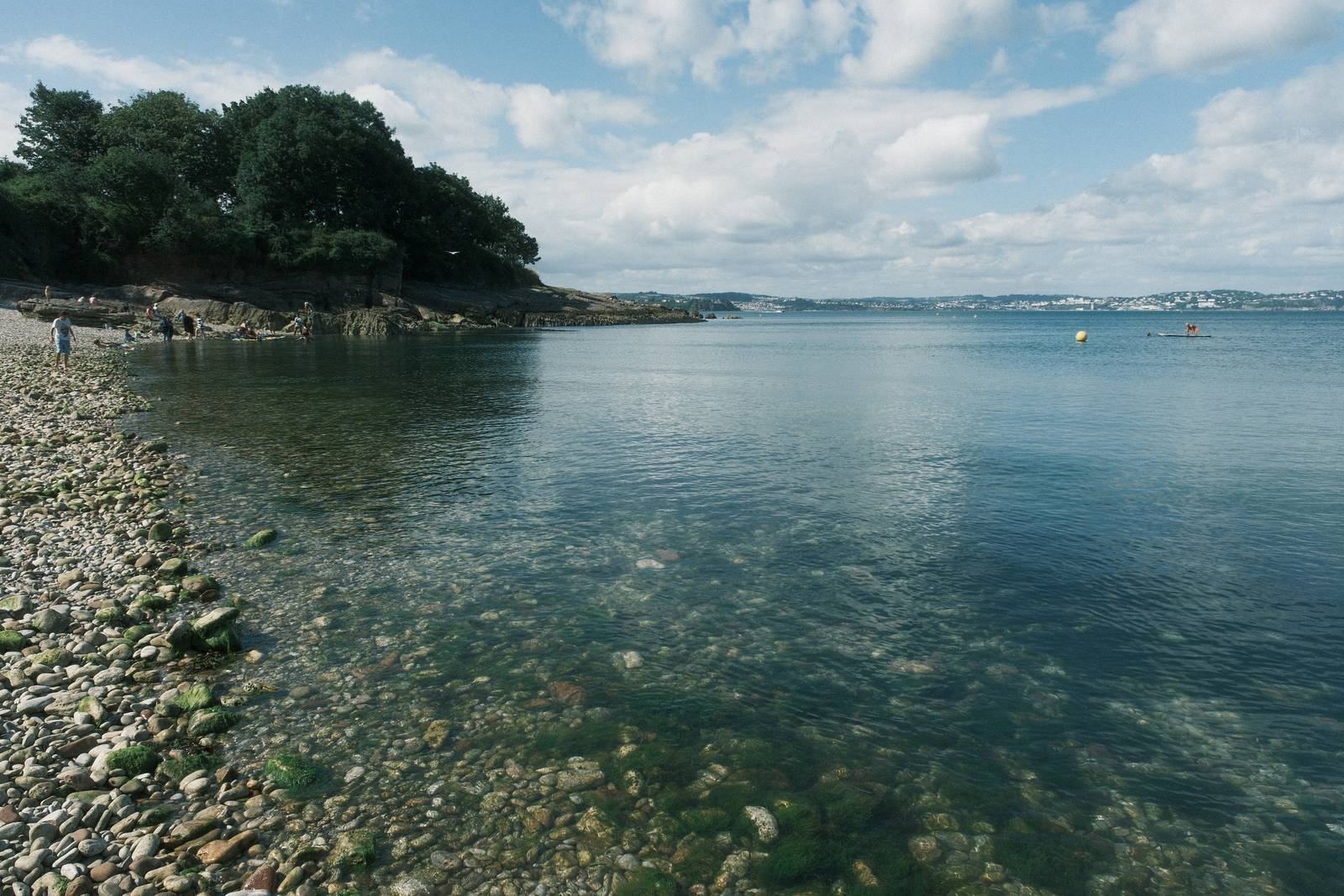

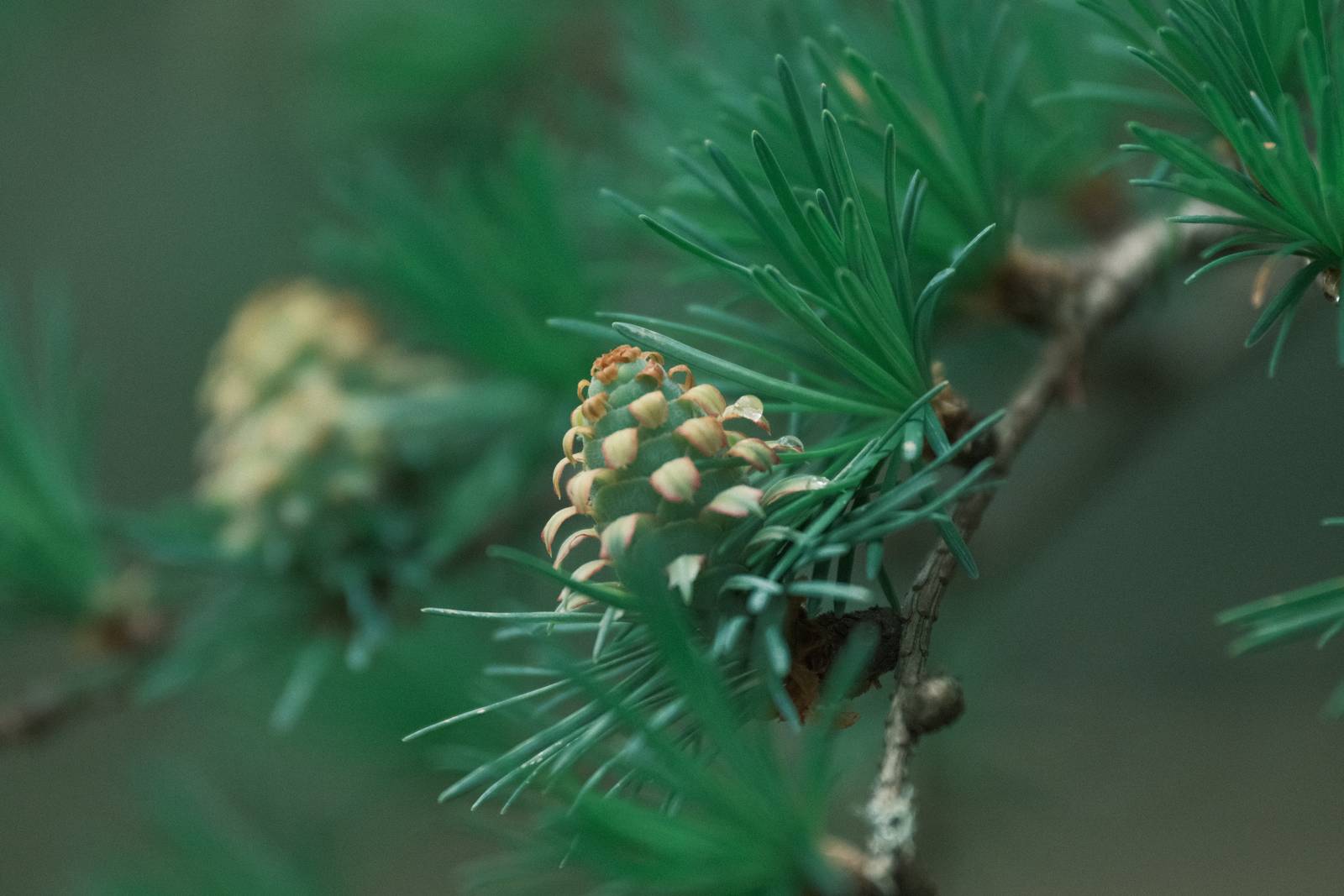
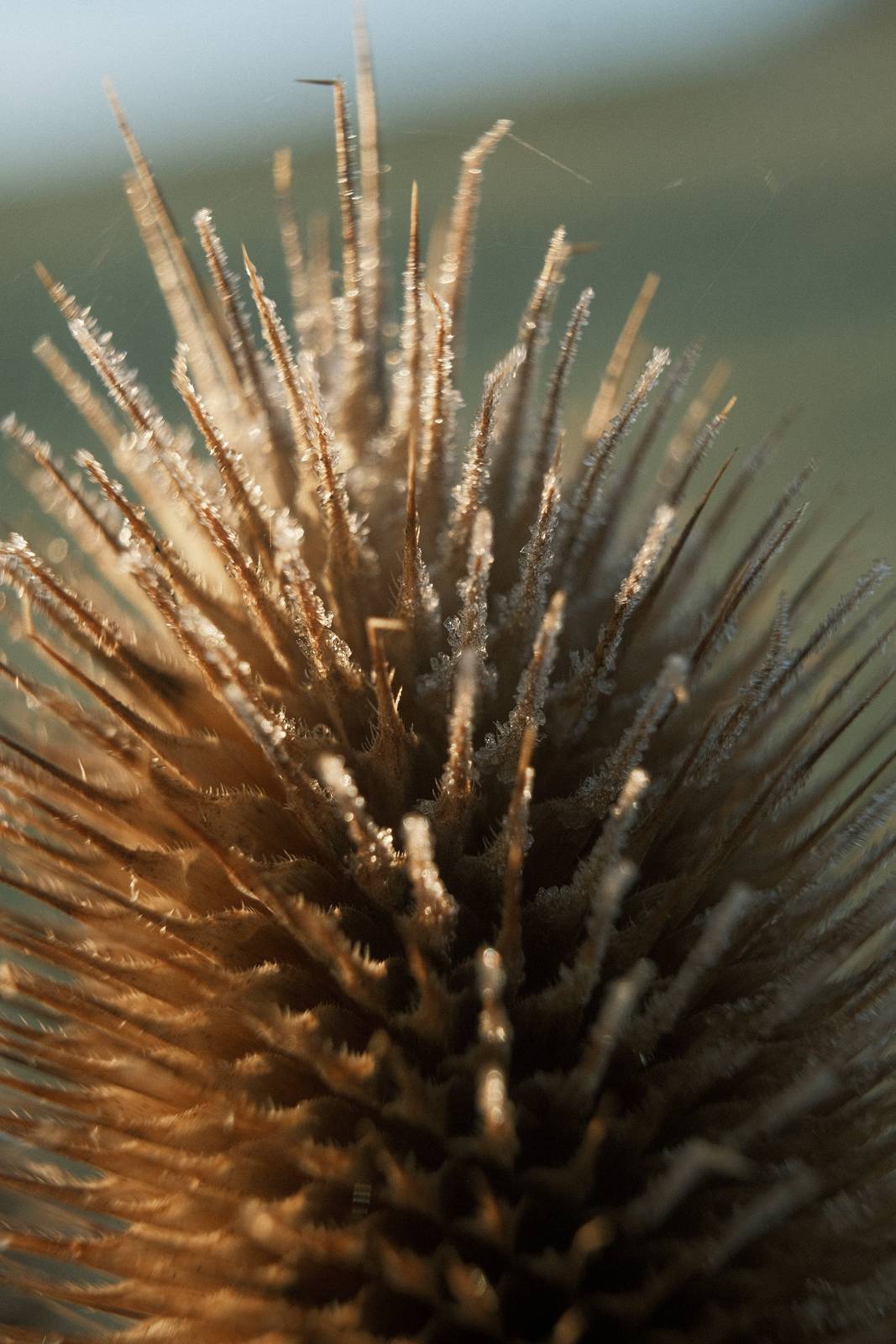
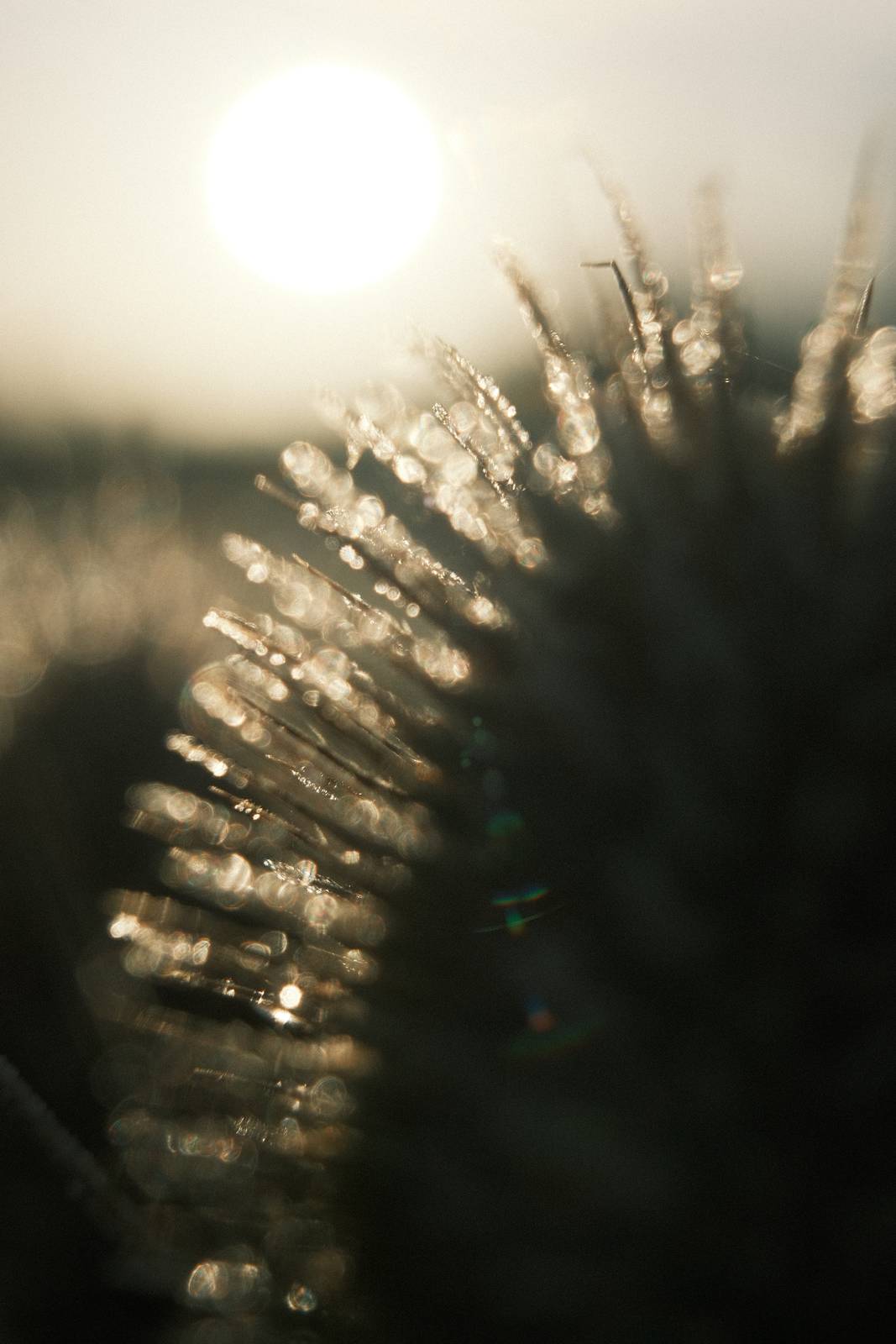


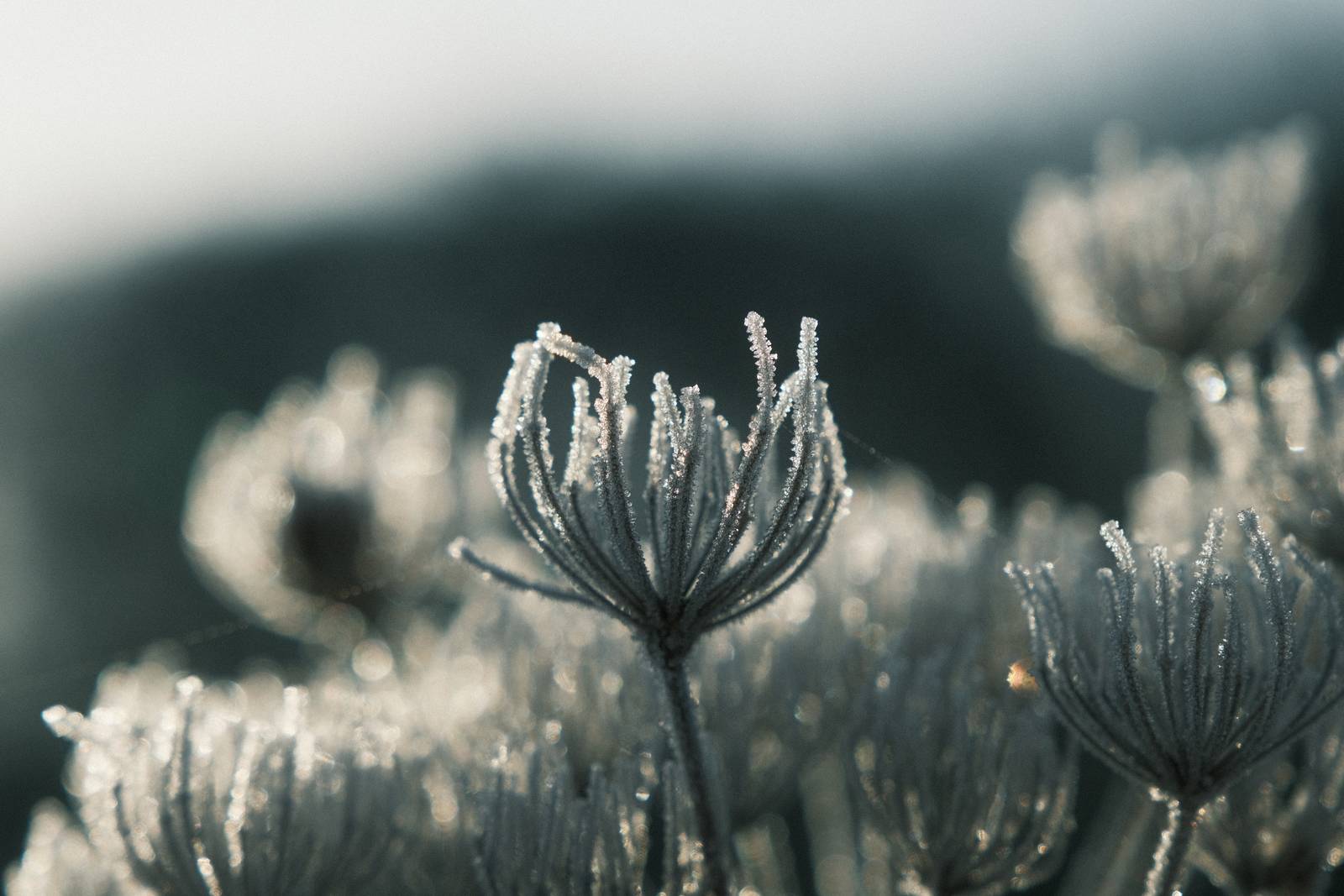
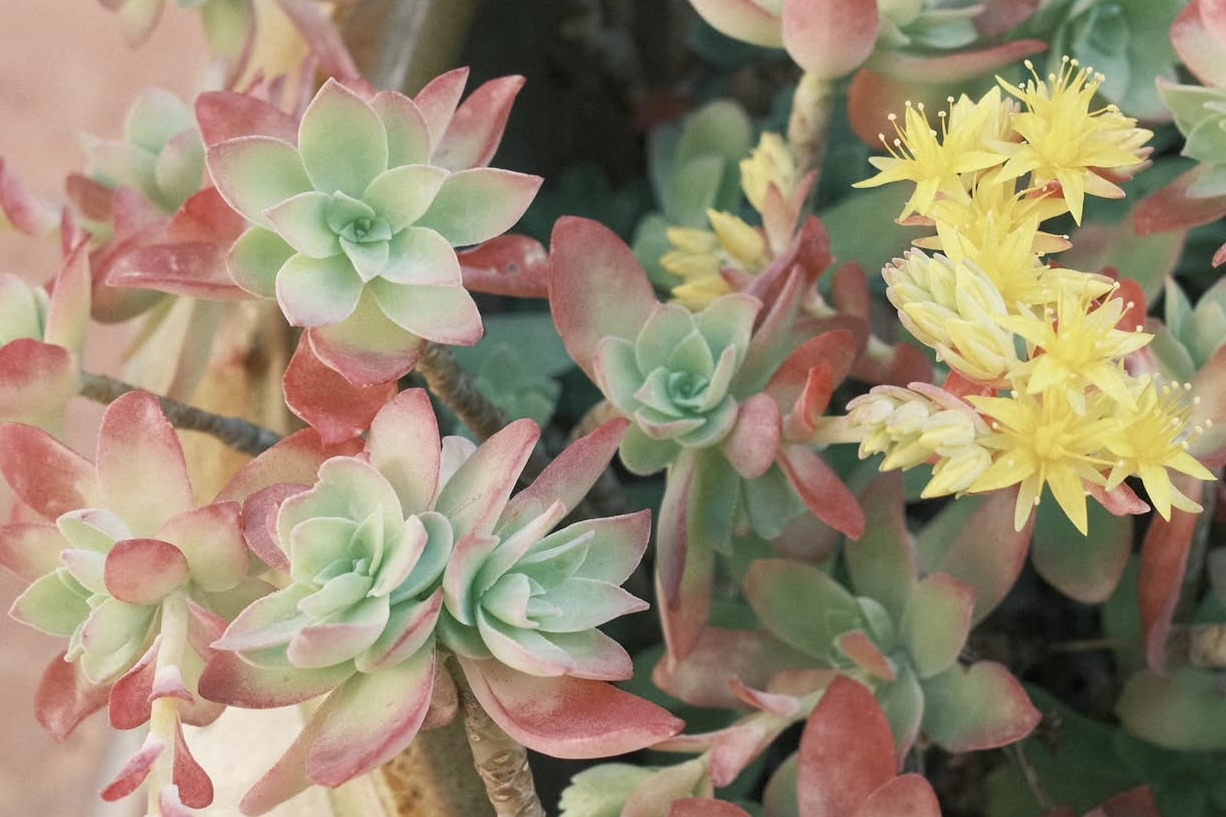
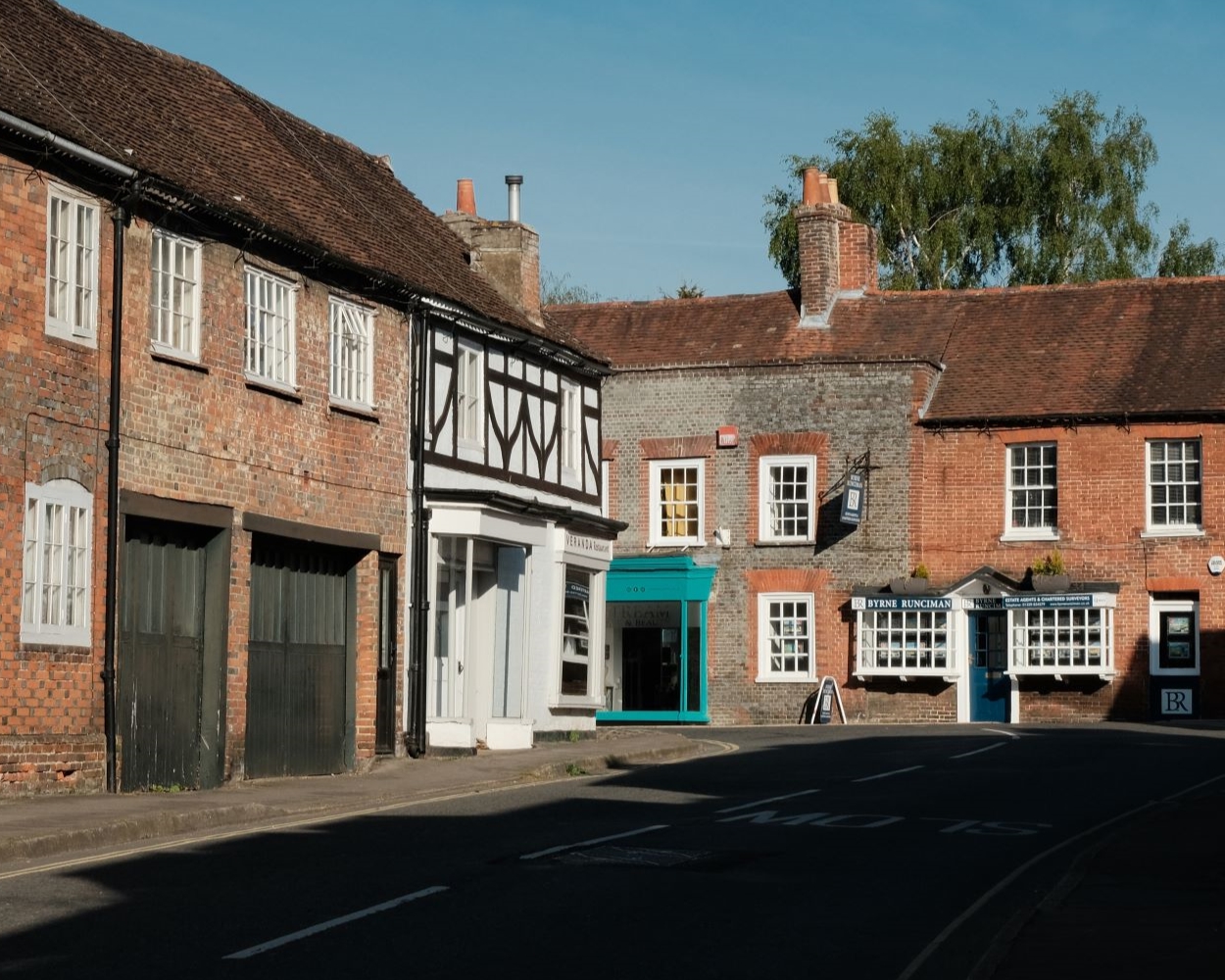
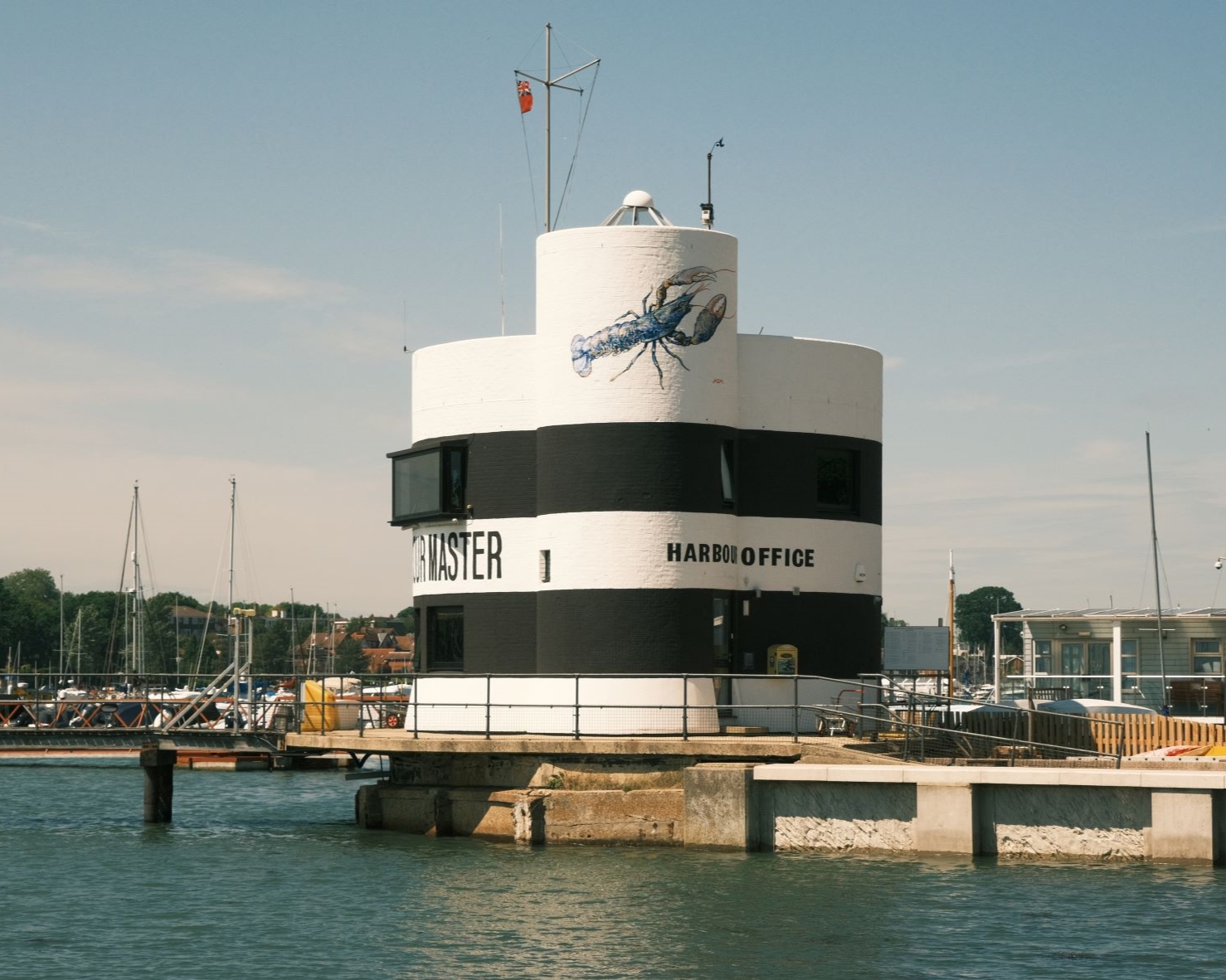
Community Photos
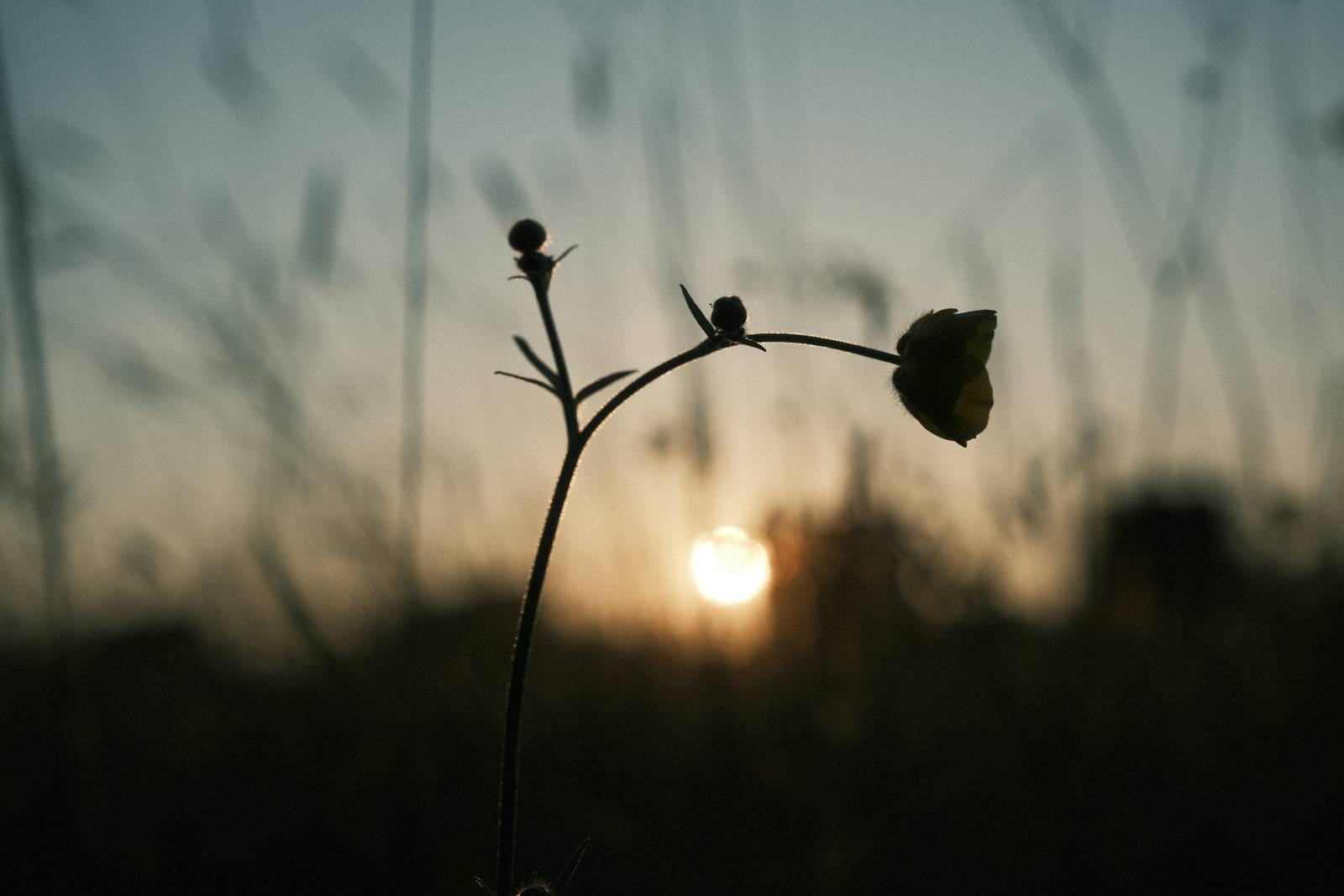
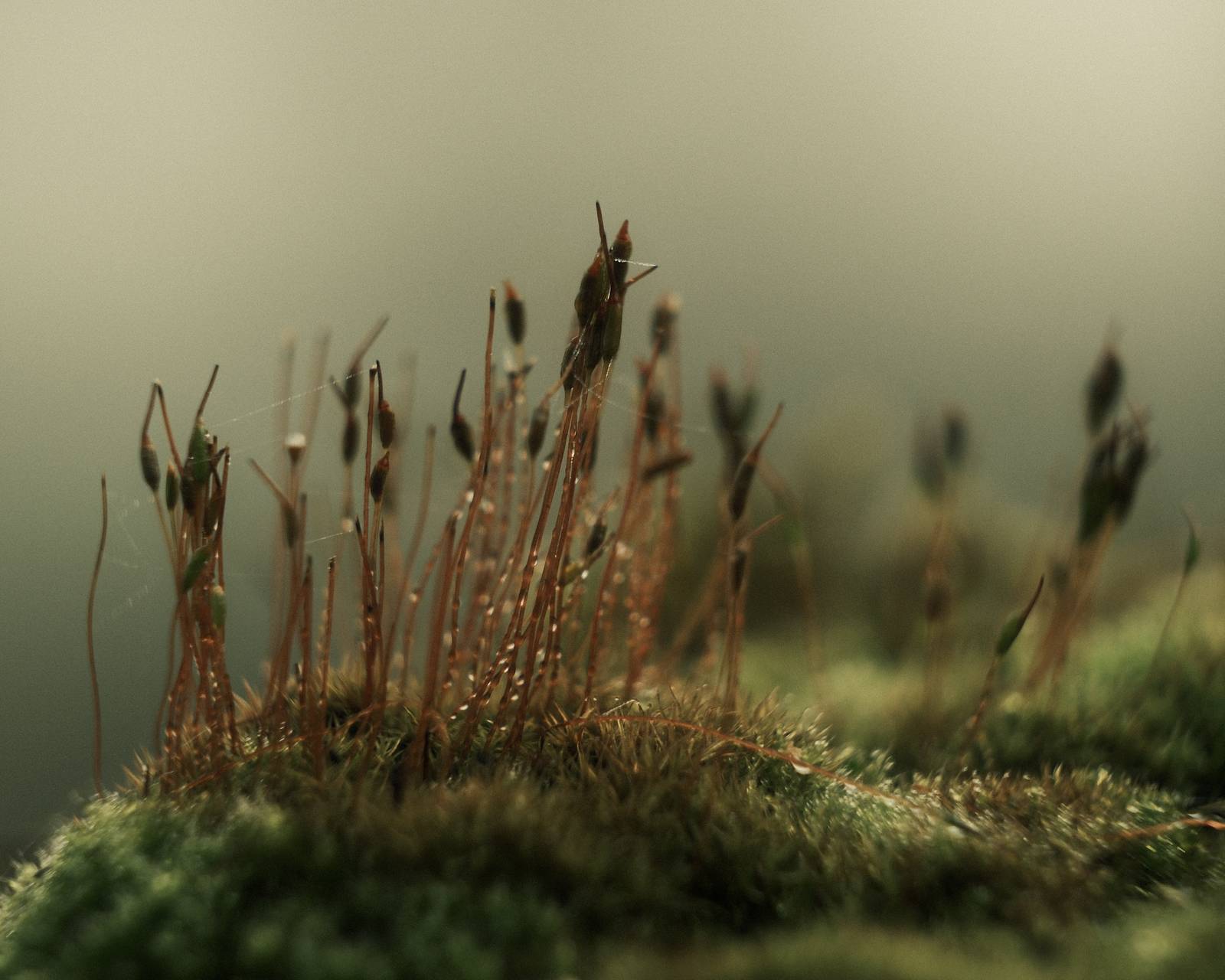
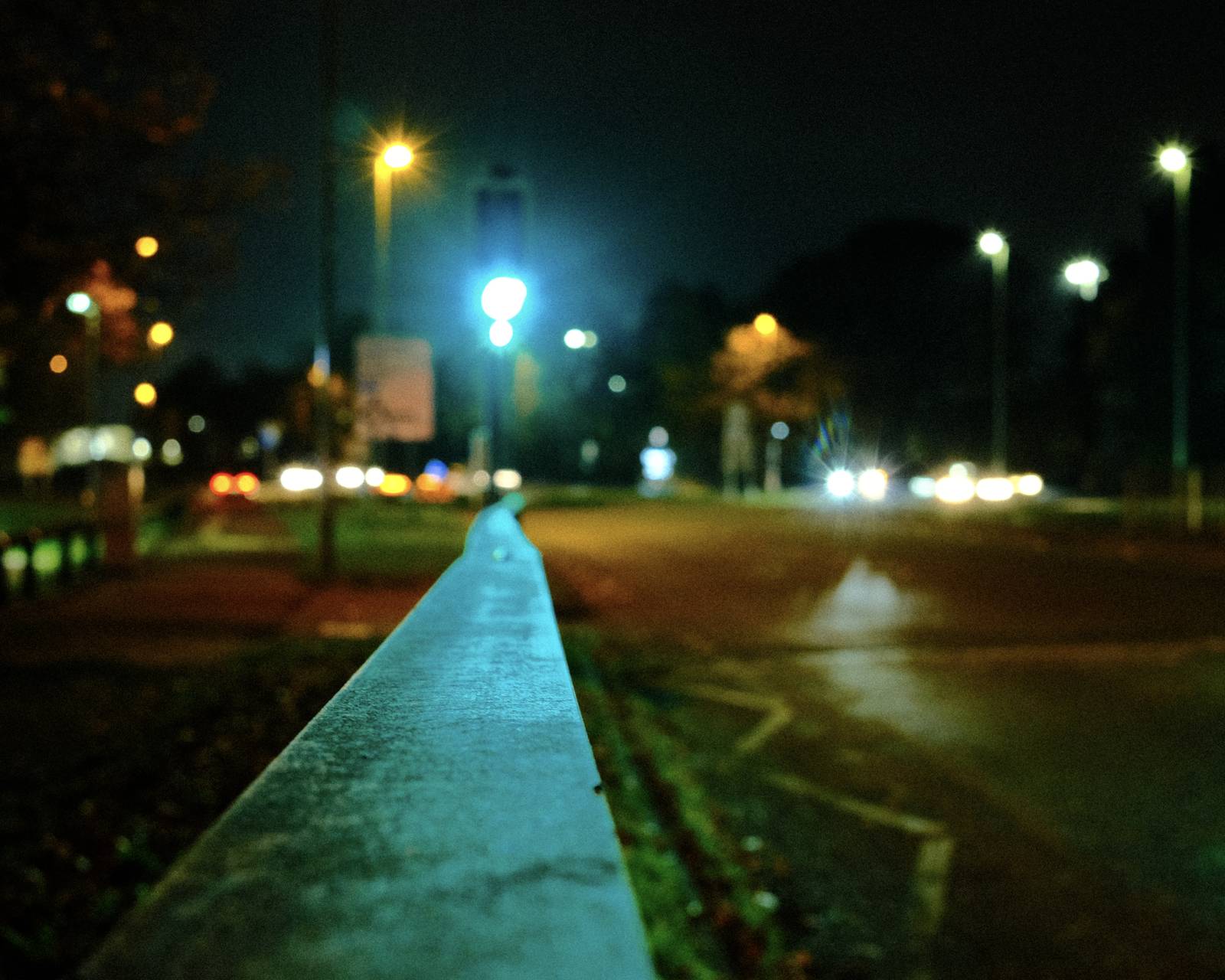
Photos taken with the Old Fujicolor film recipe by members of the Film Recipes community.
Photos by David Forsdike


Using the Old Fujicolor Film Recipe
Each film simulation recipe has its own character and style. These features mean recipes are more suited to certain situations, or when seeking a particular look. Here are the categories that Old Fujicolor has been tagged with.





Leave a Reply