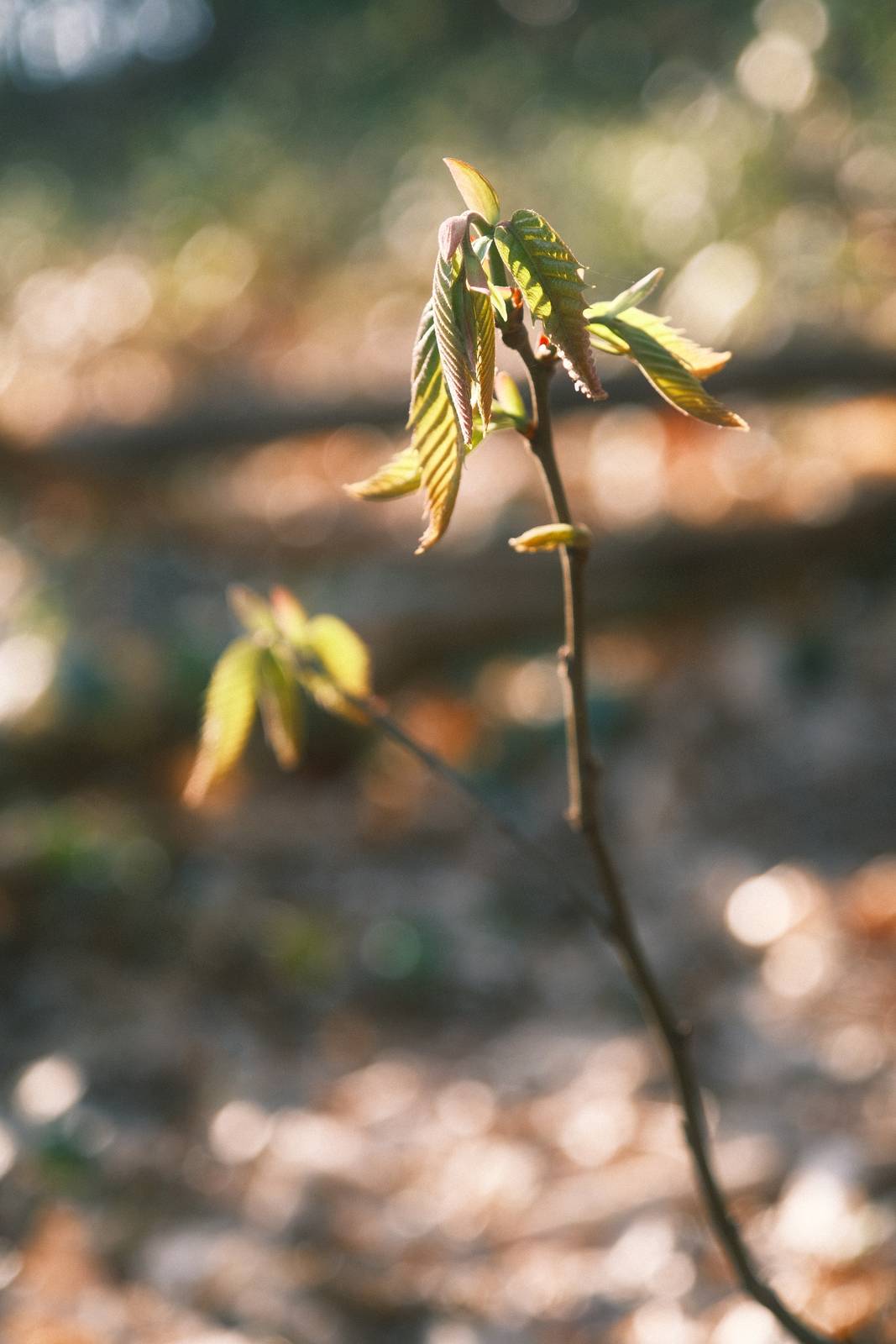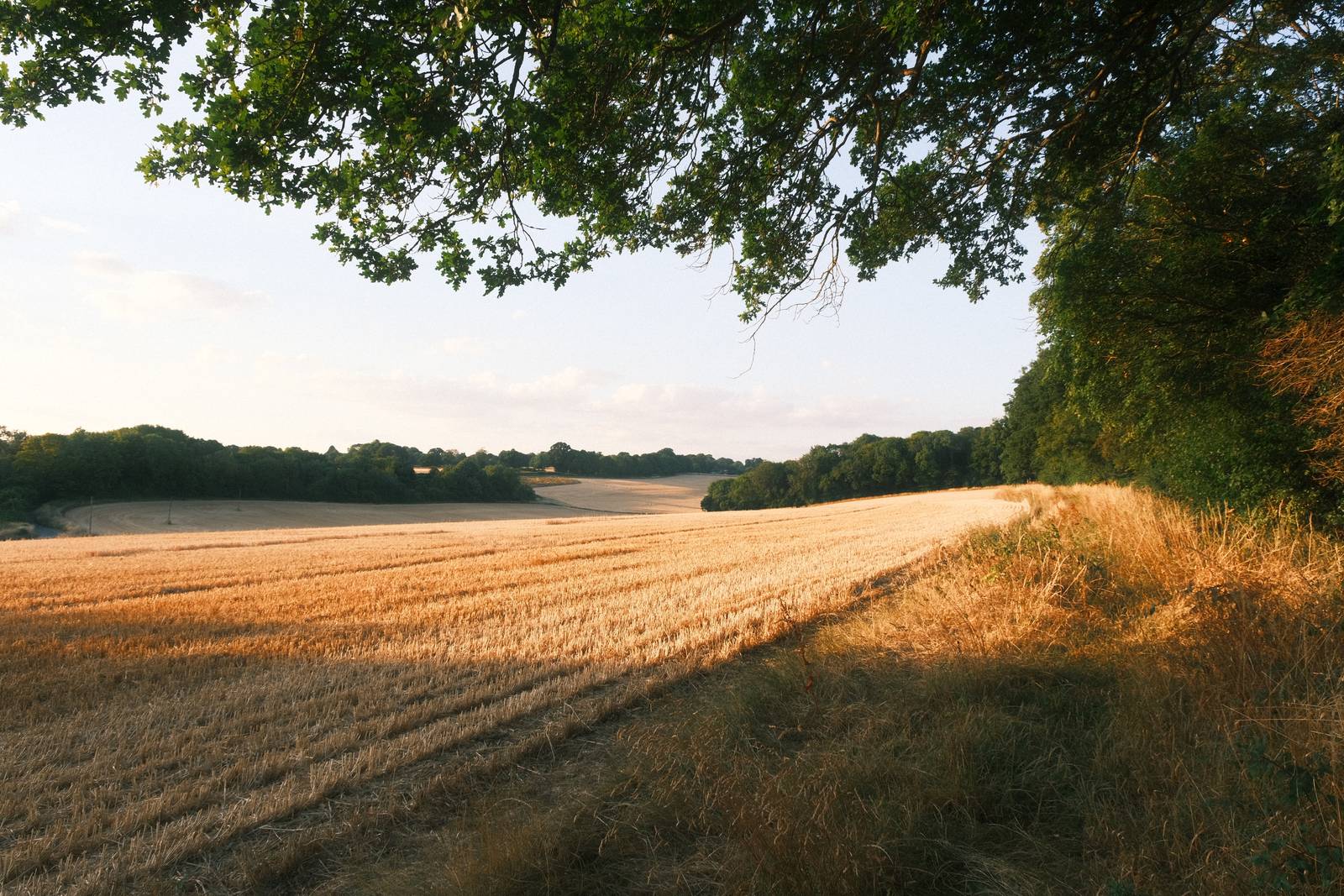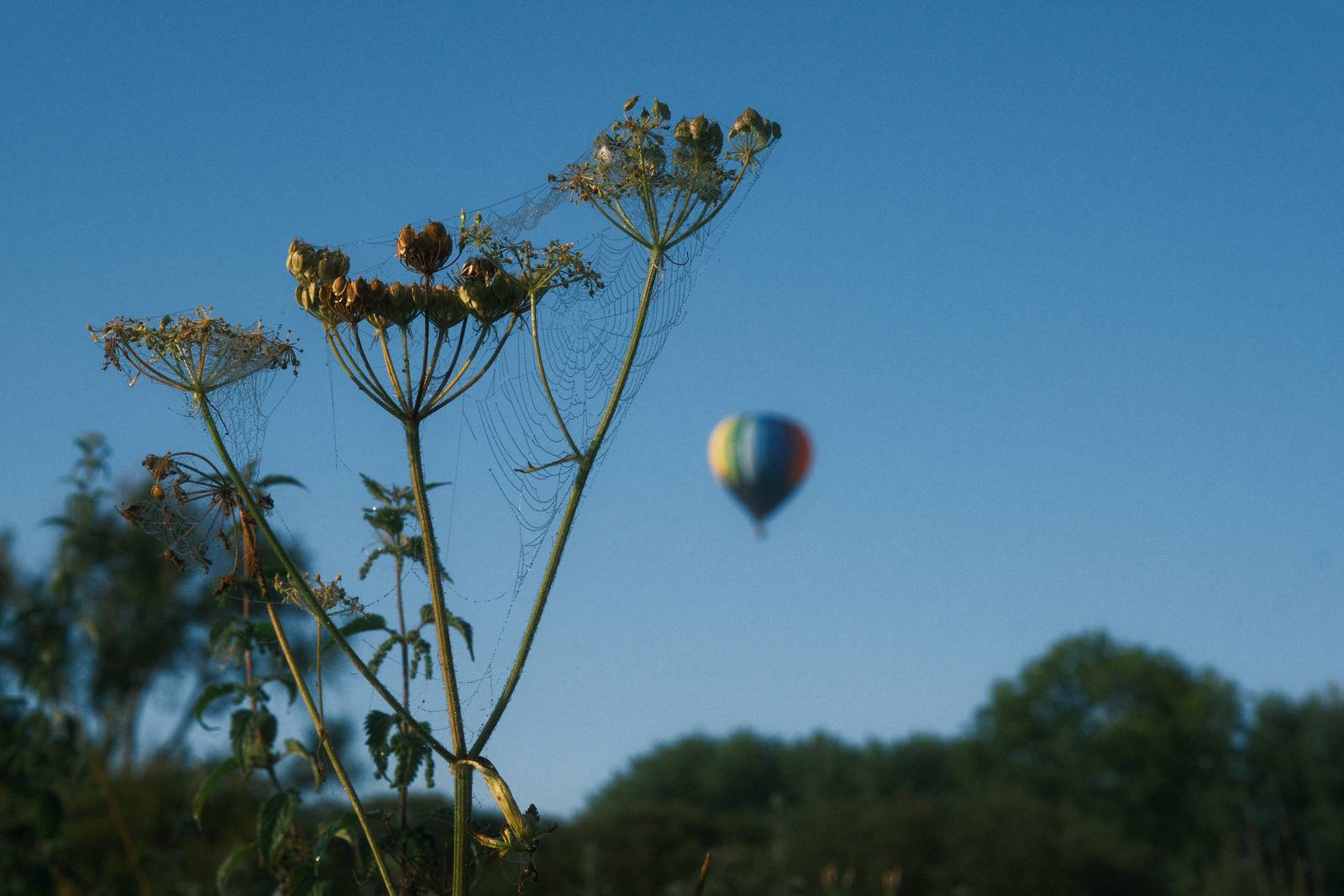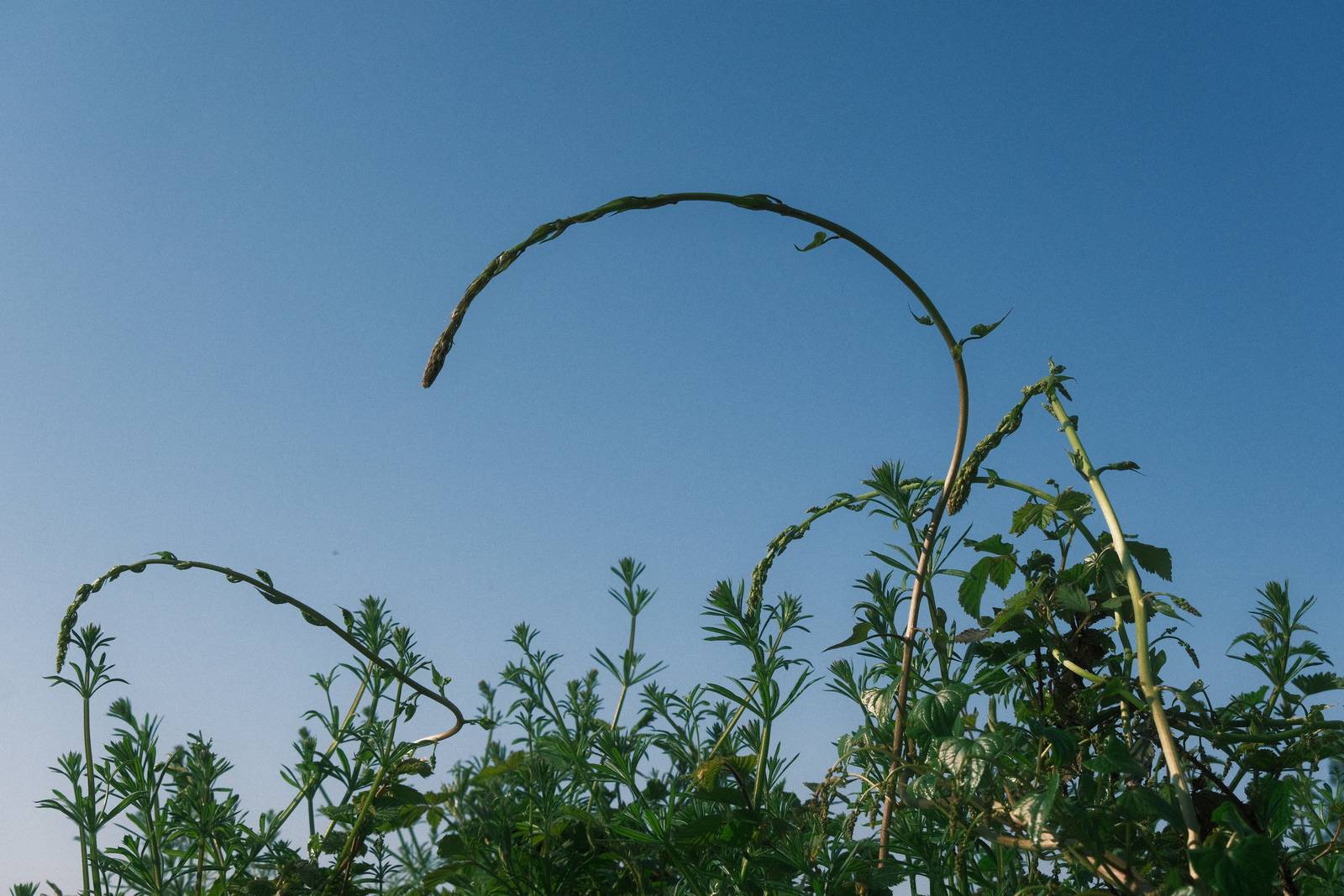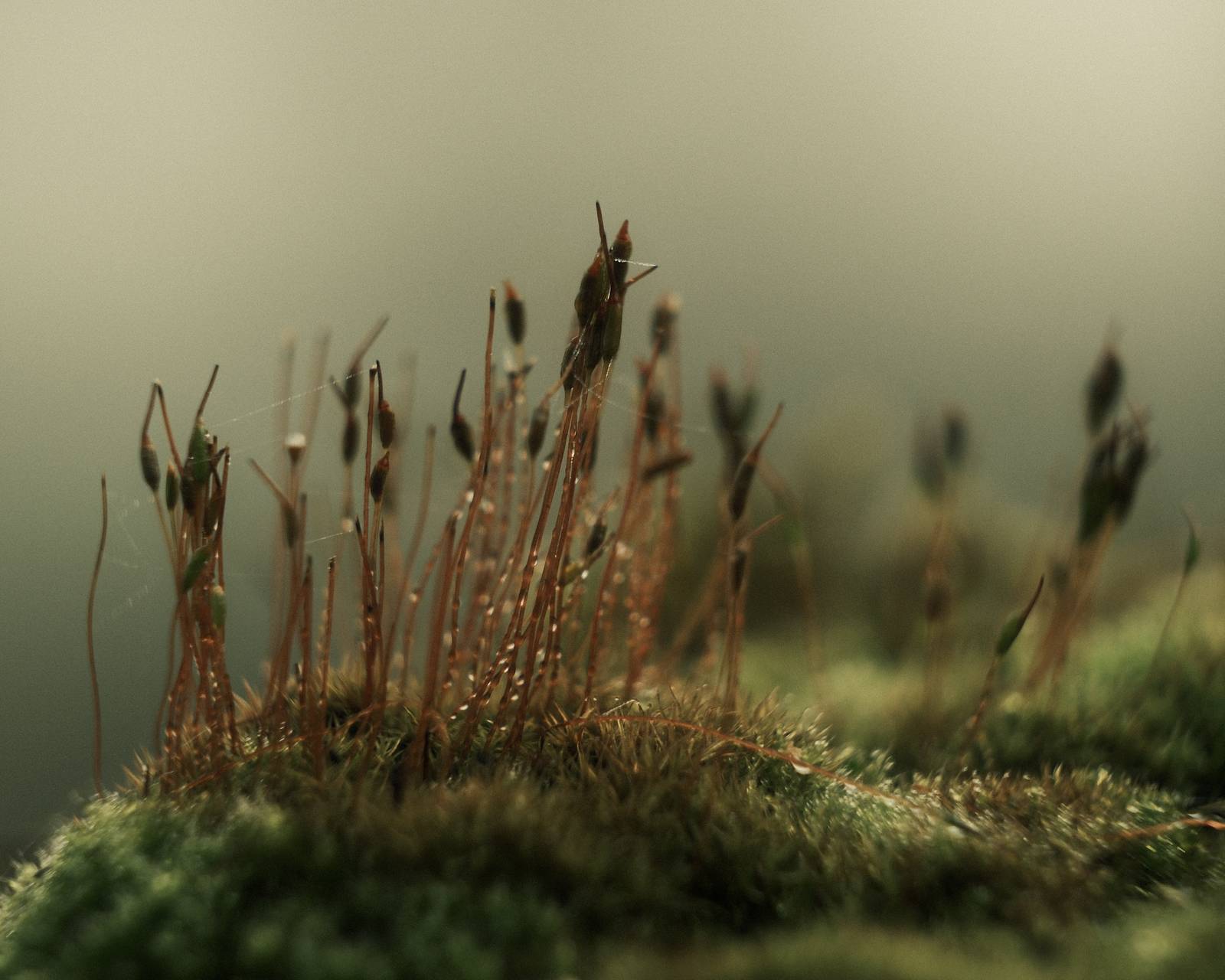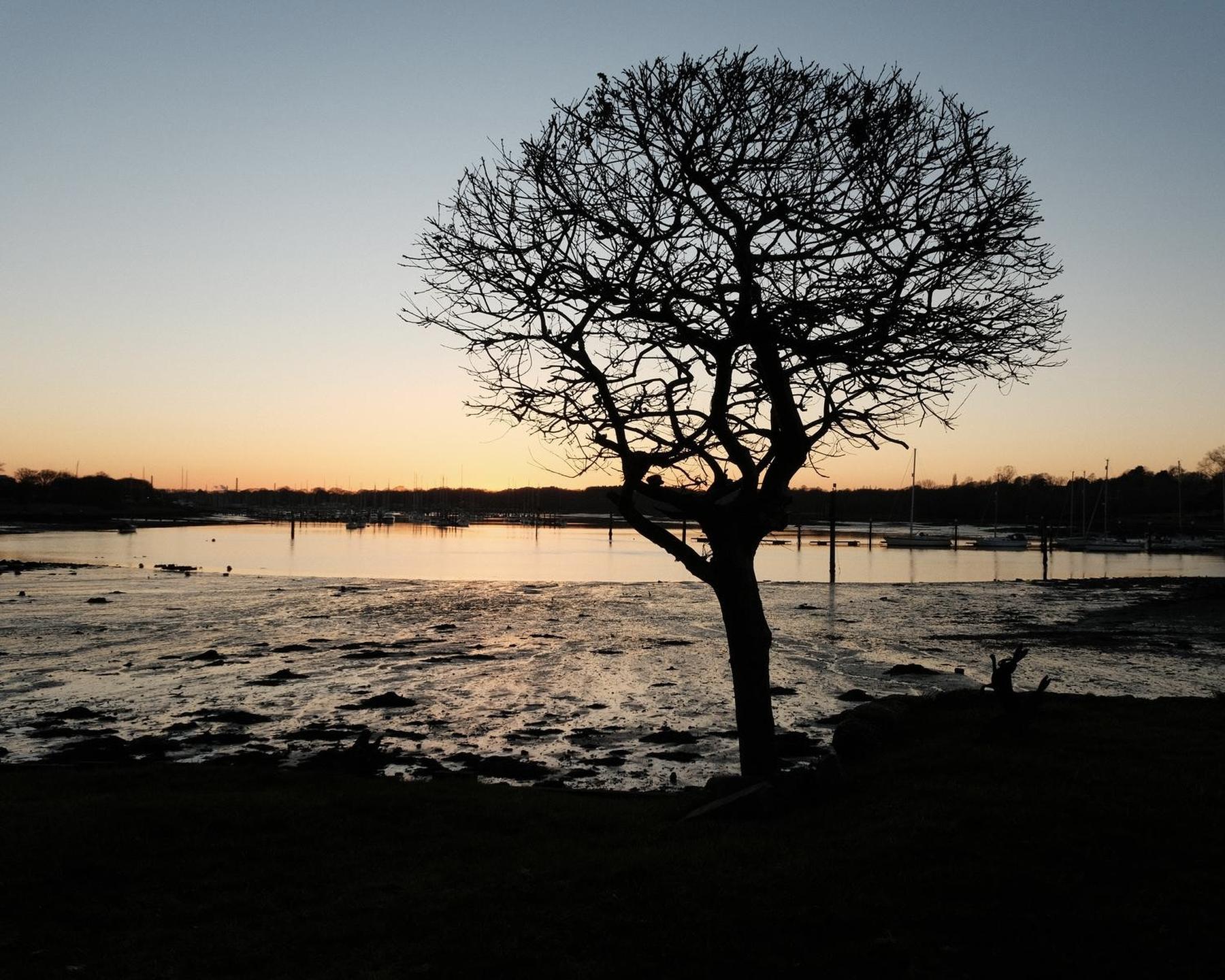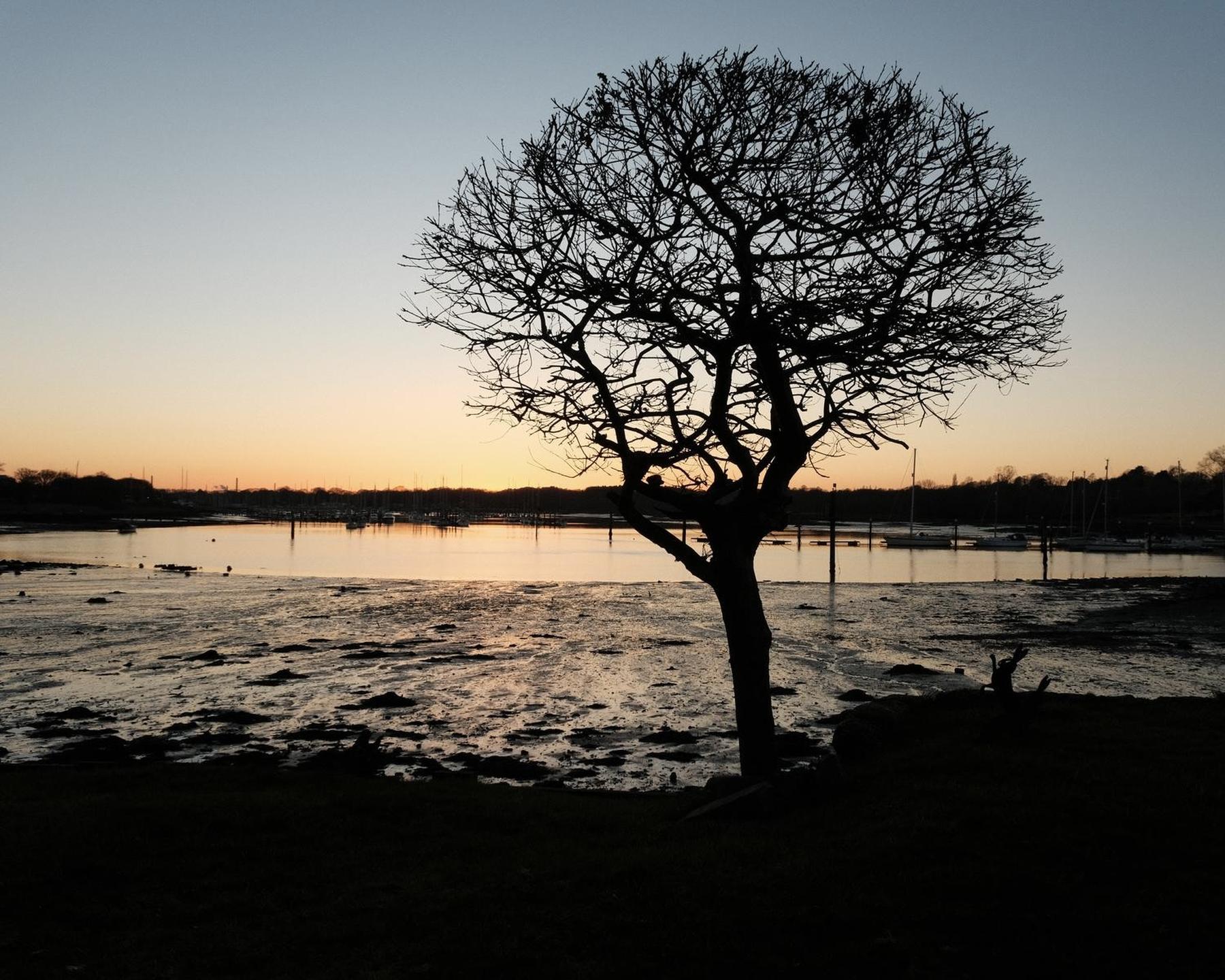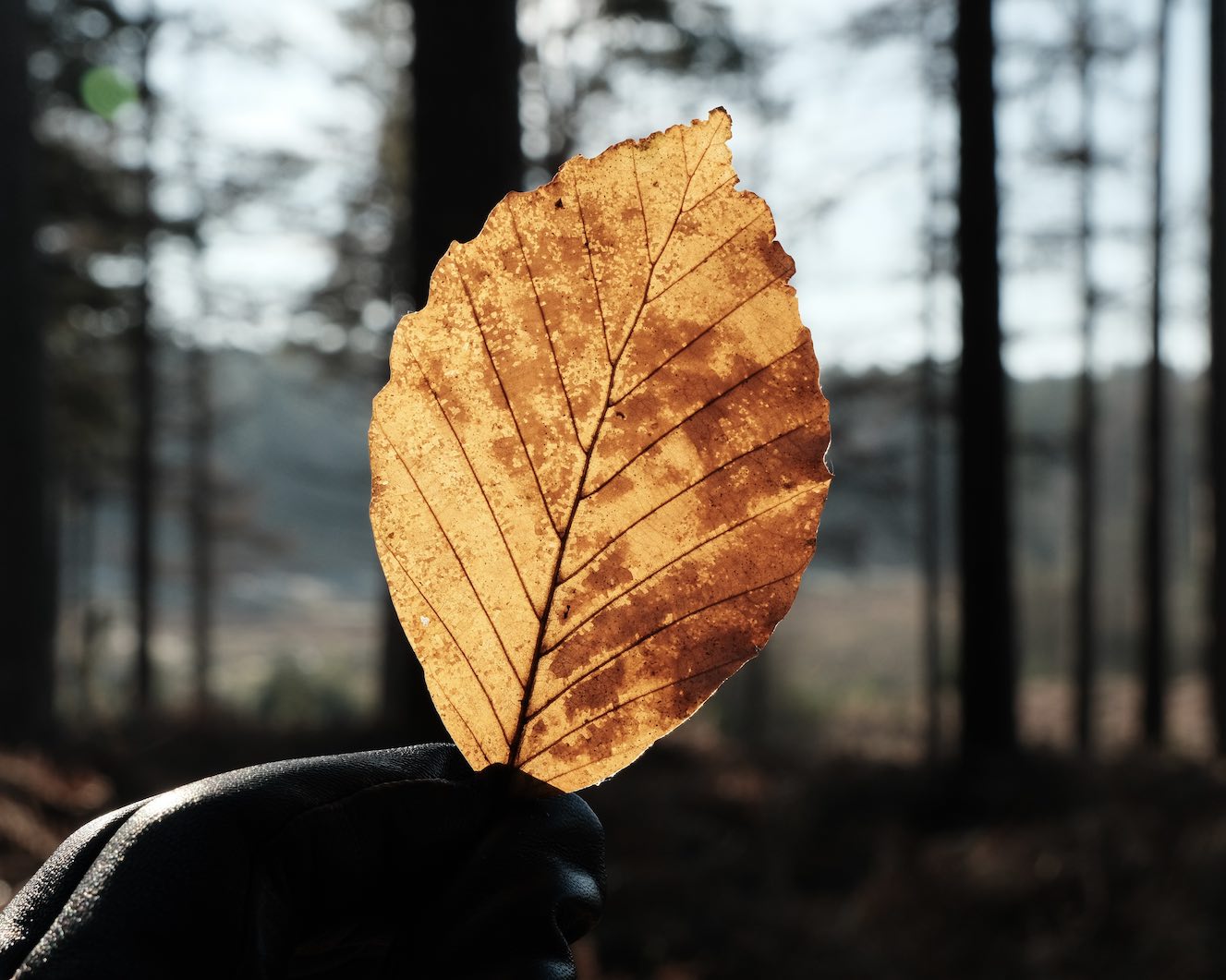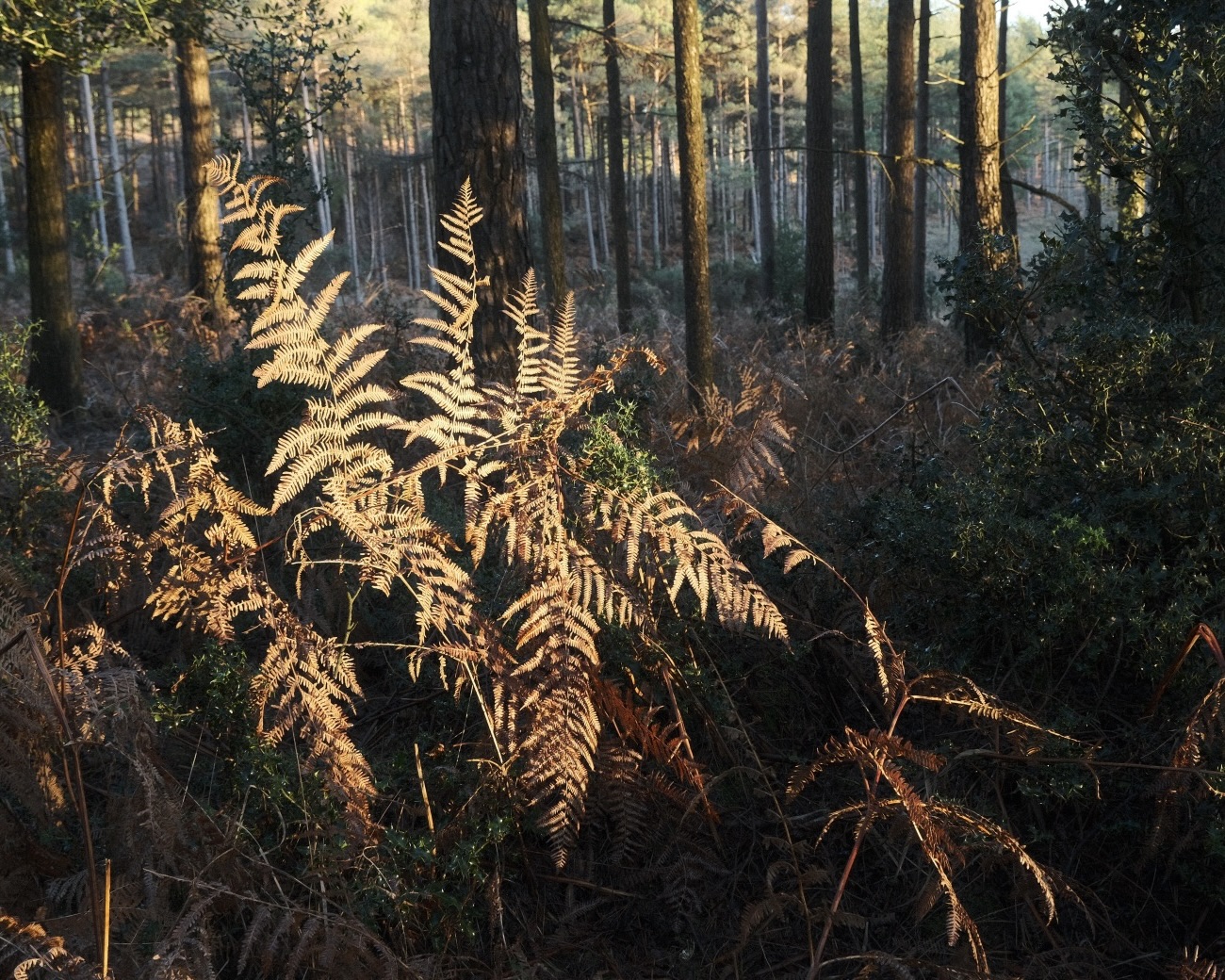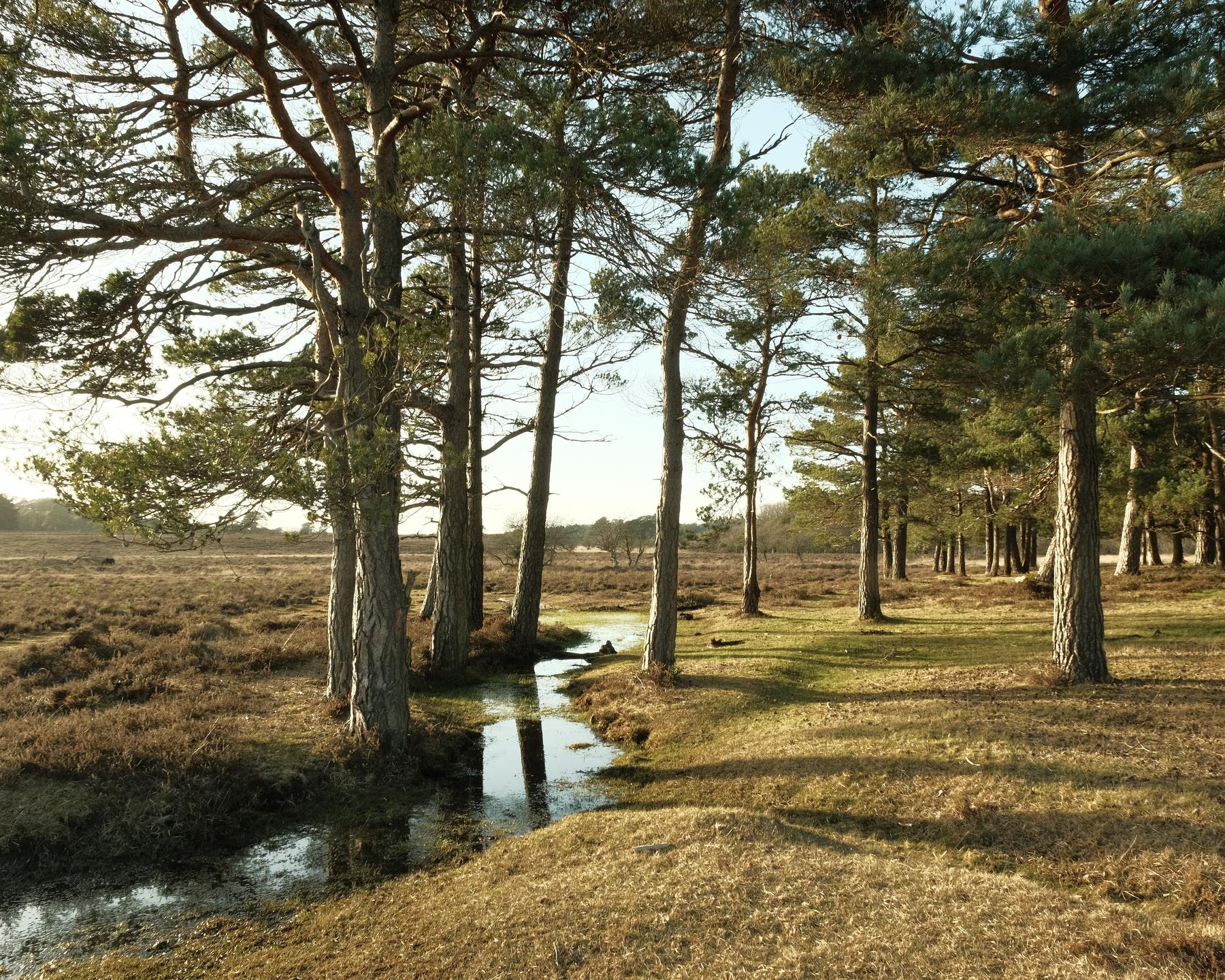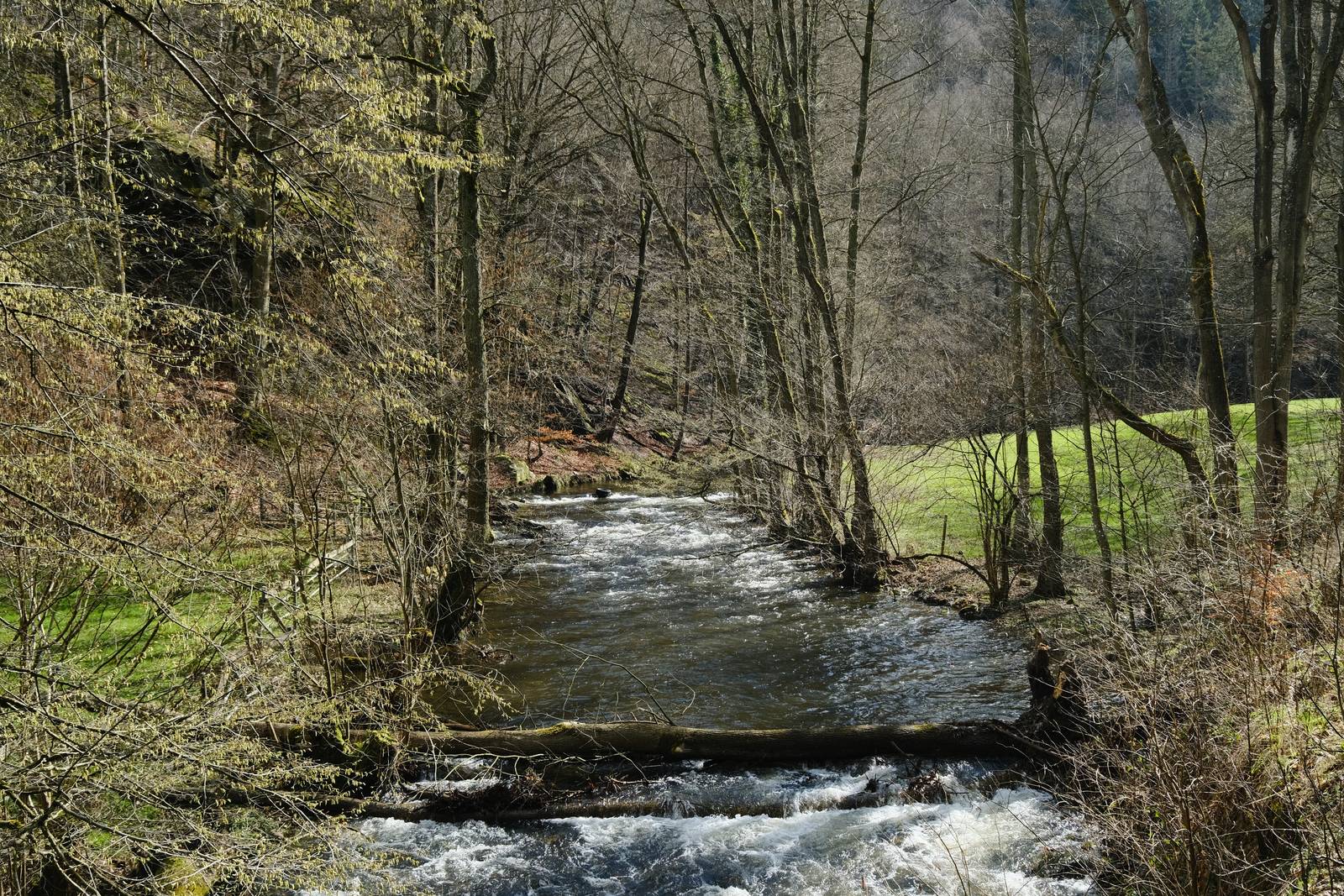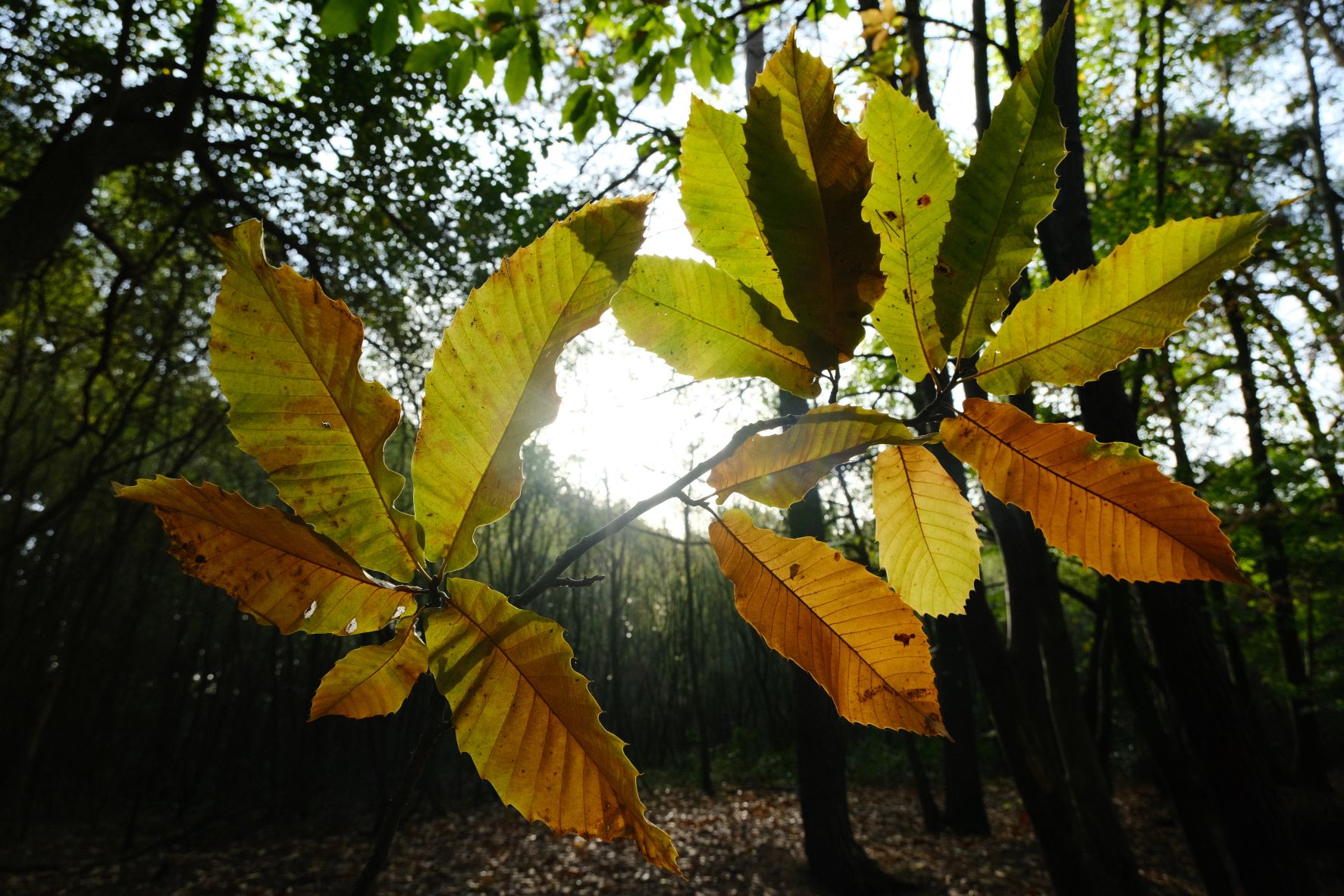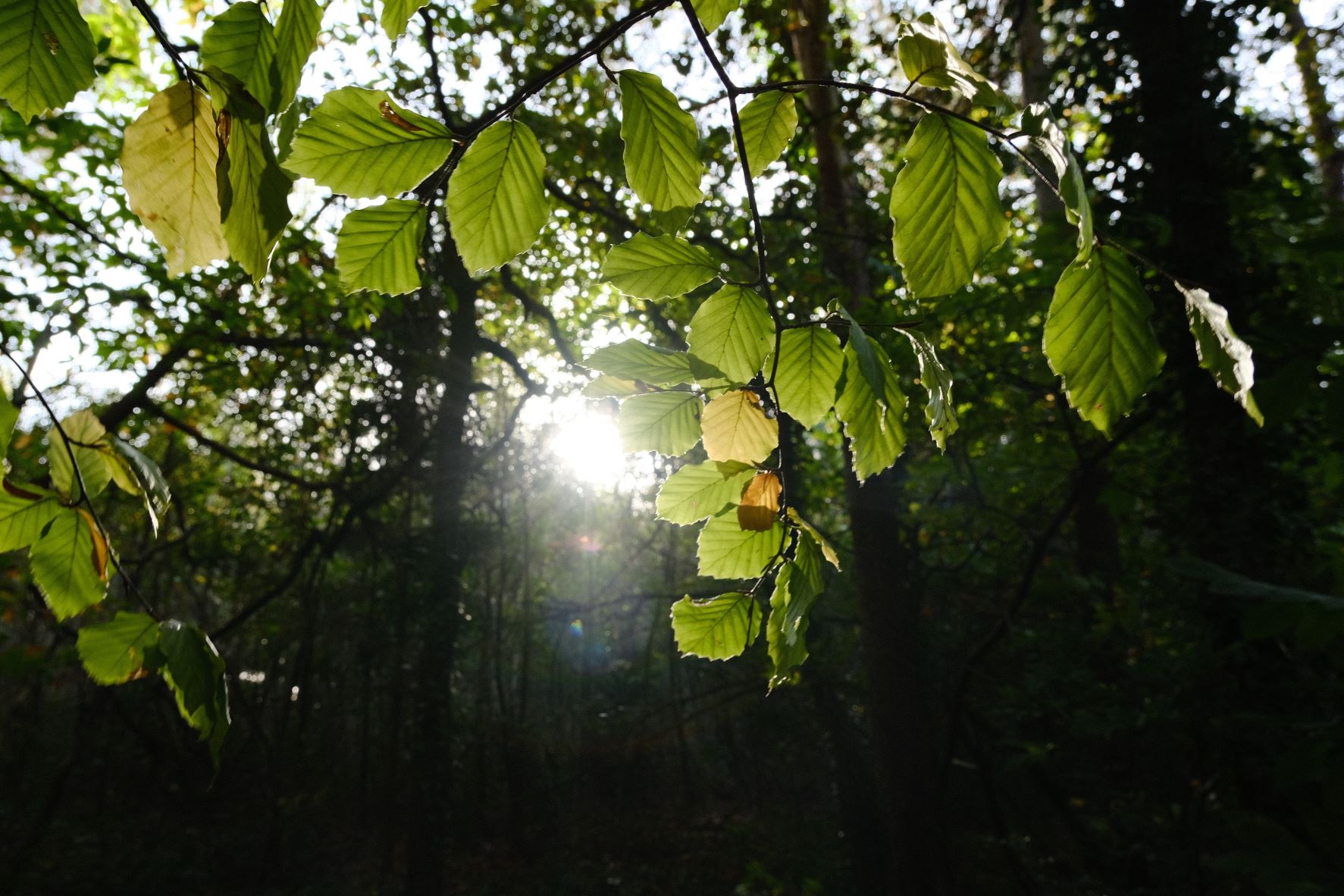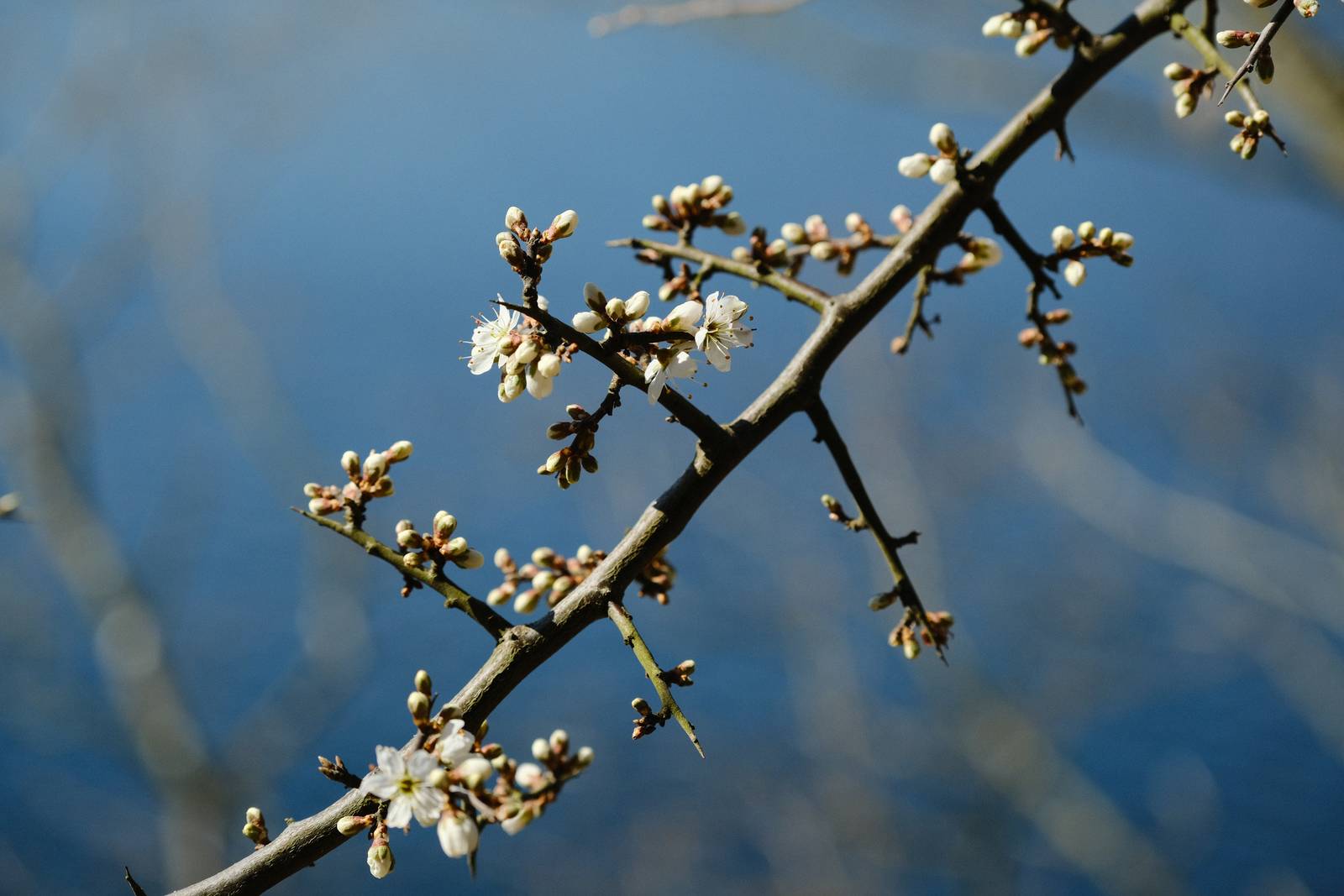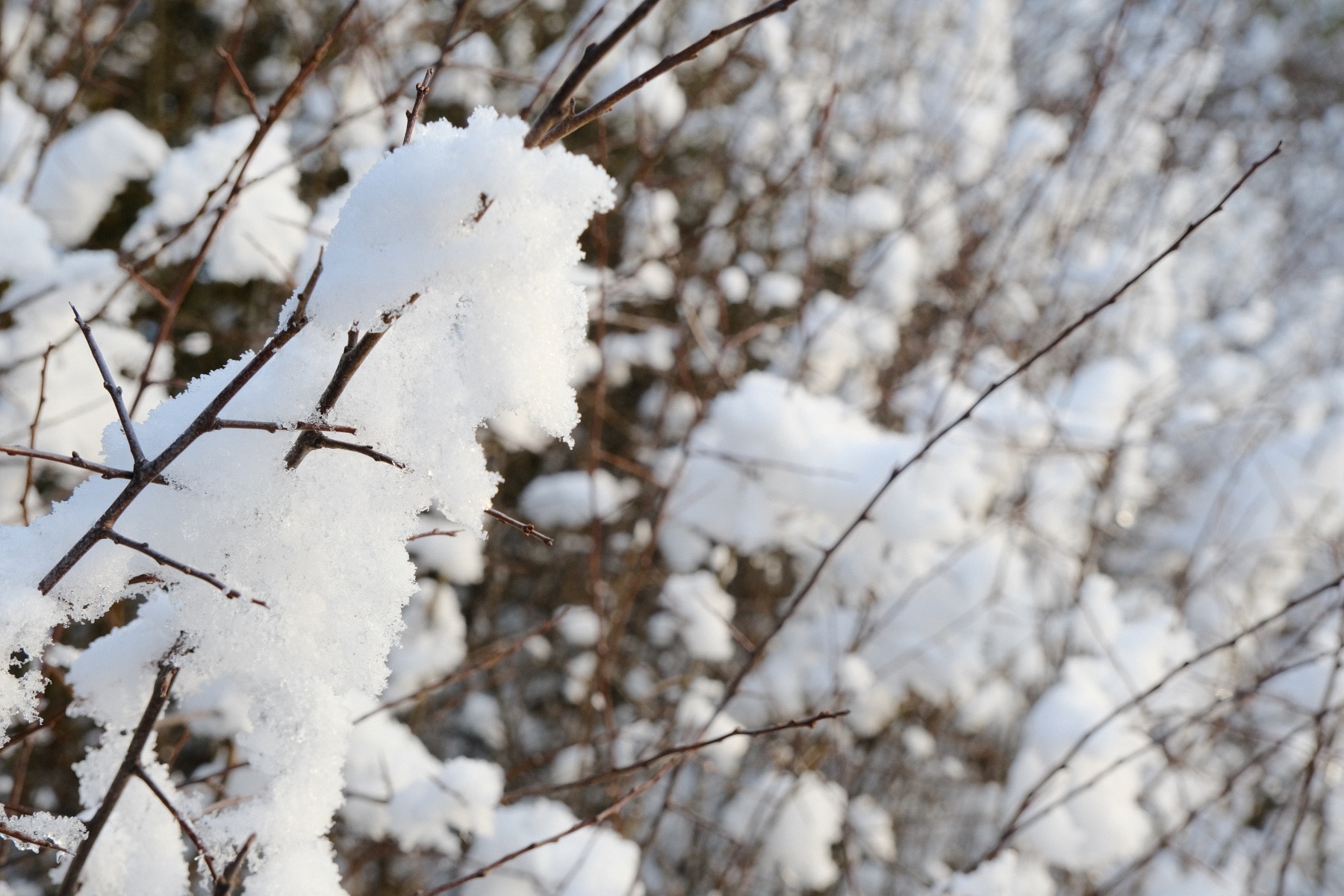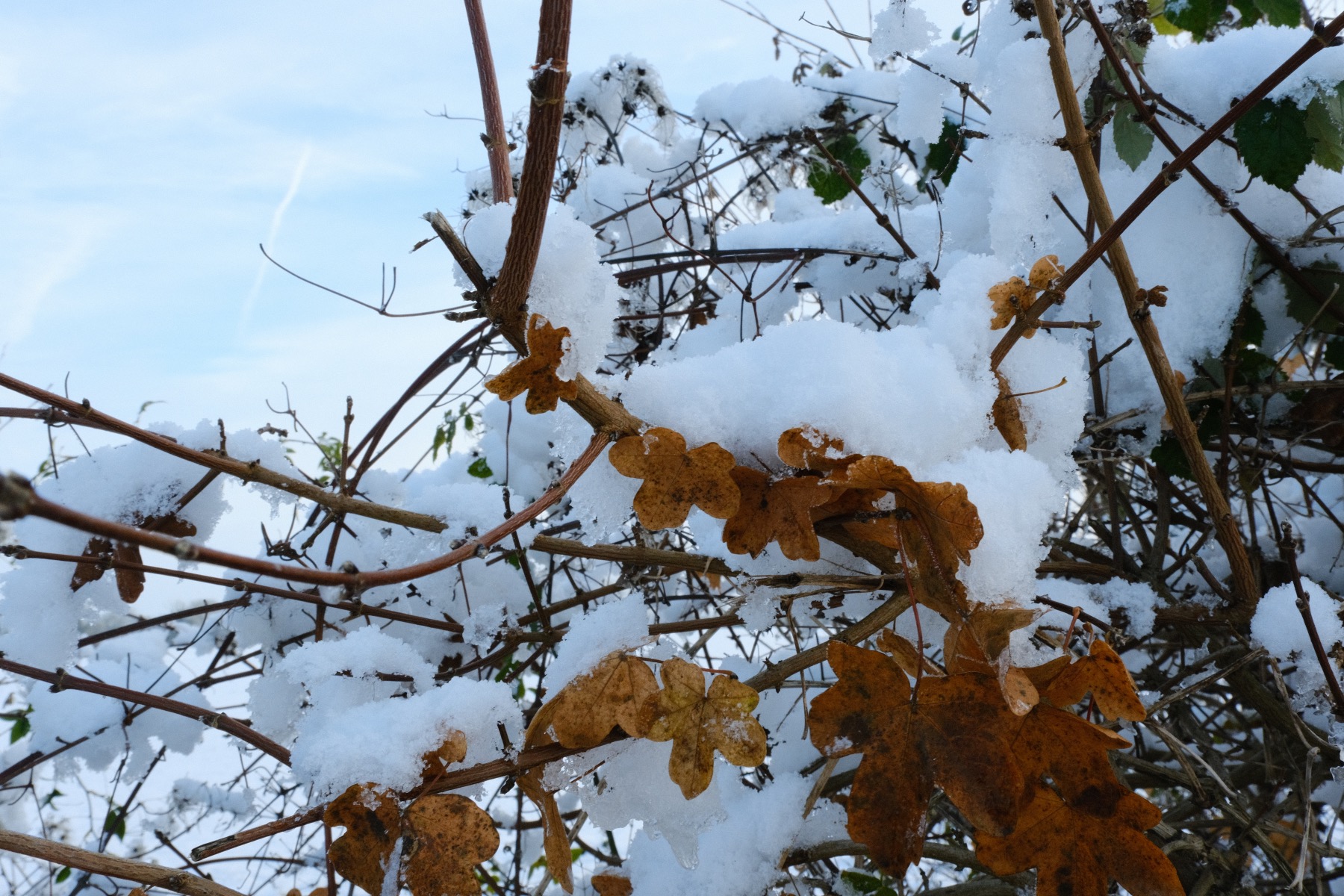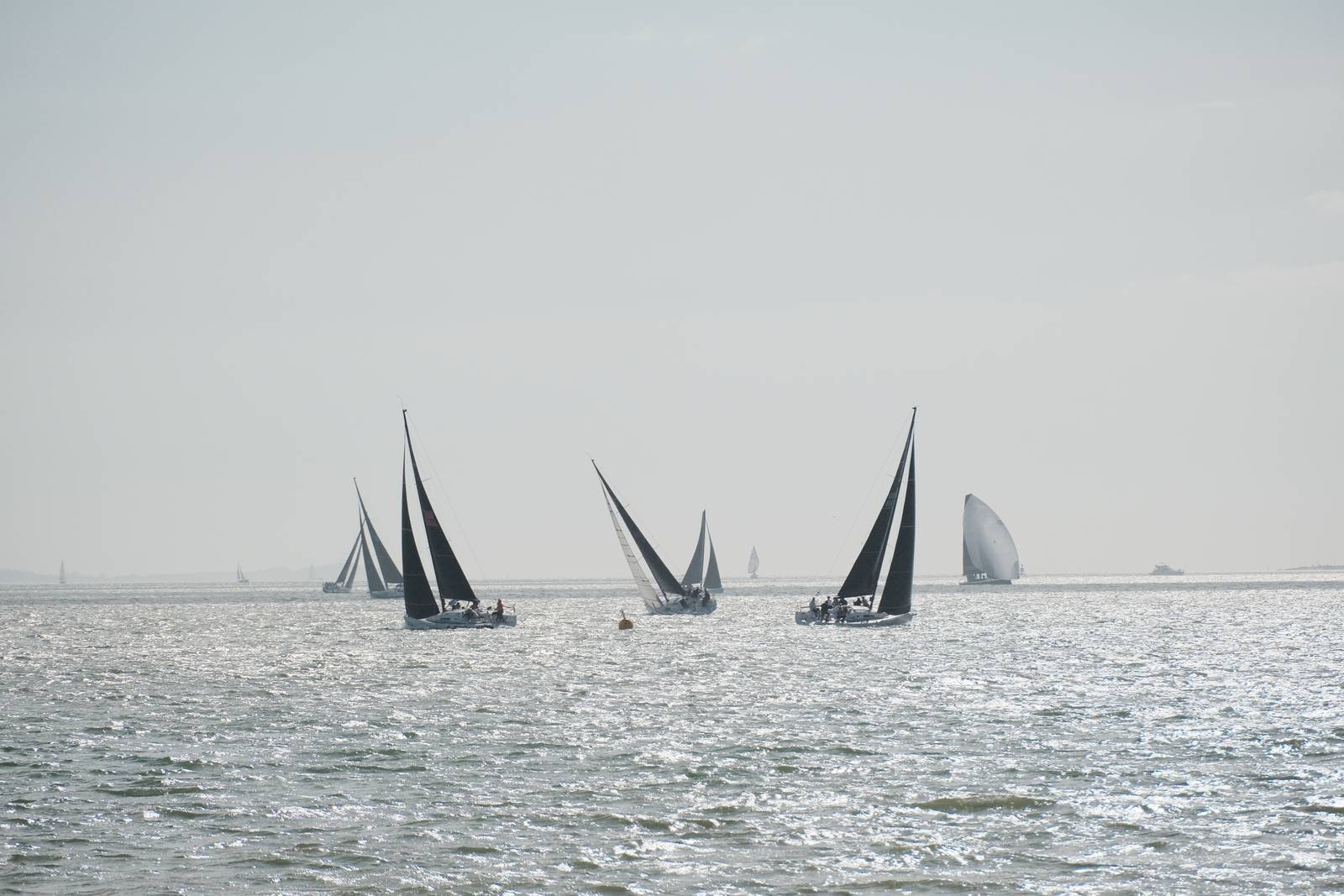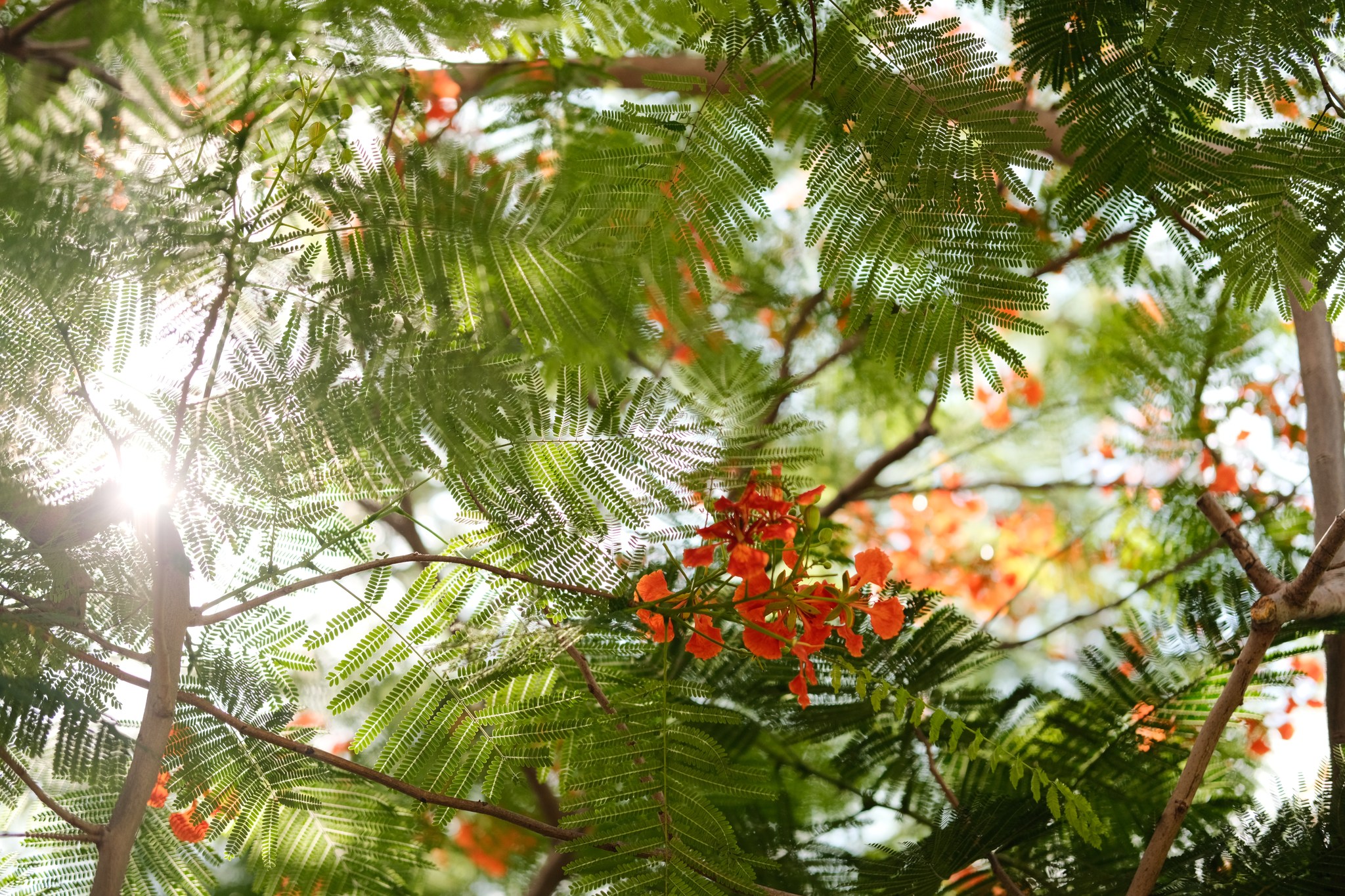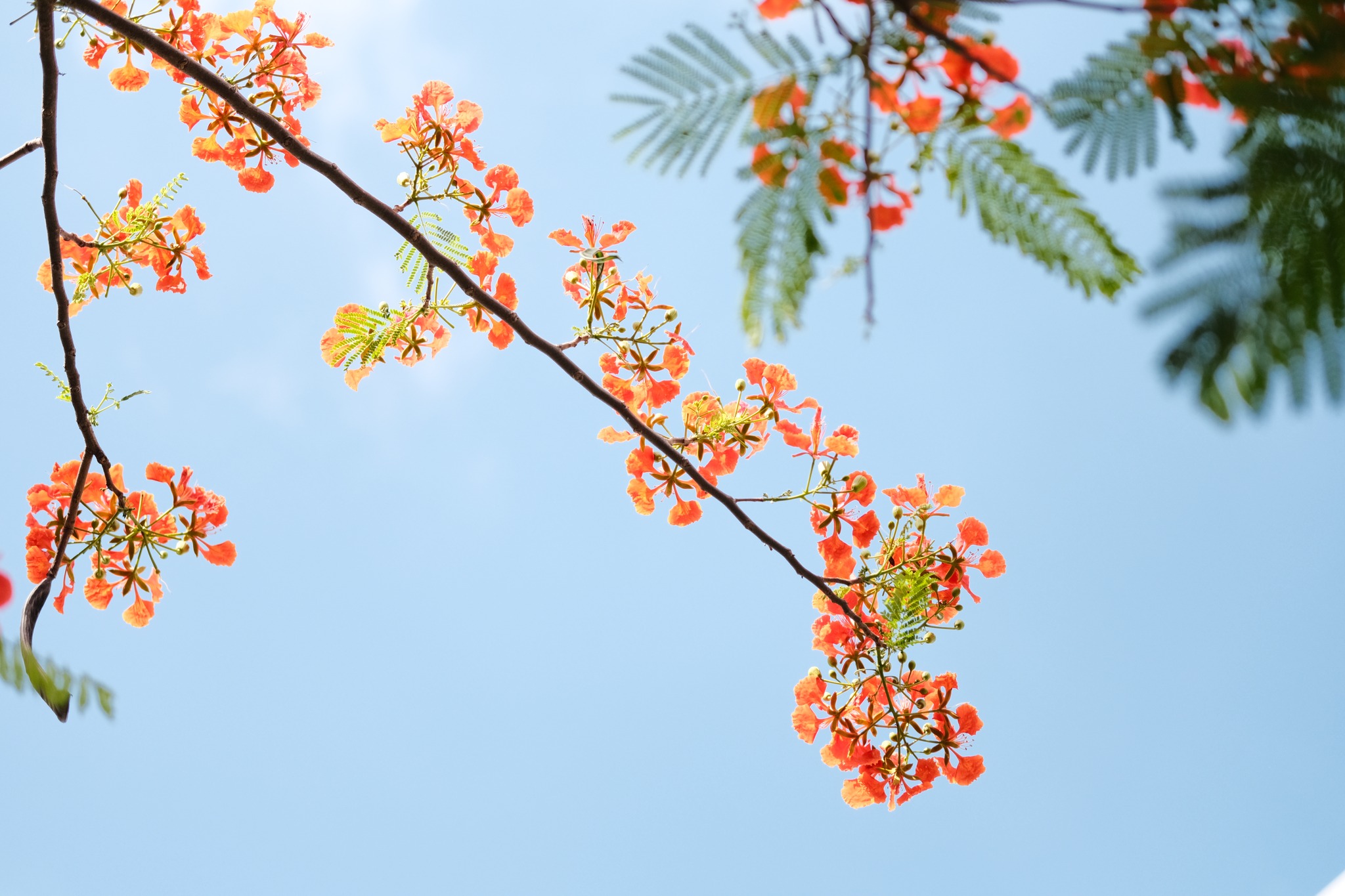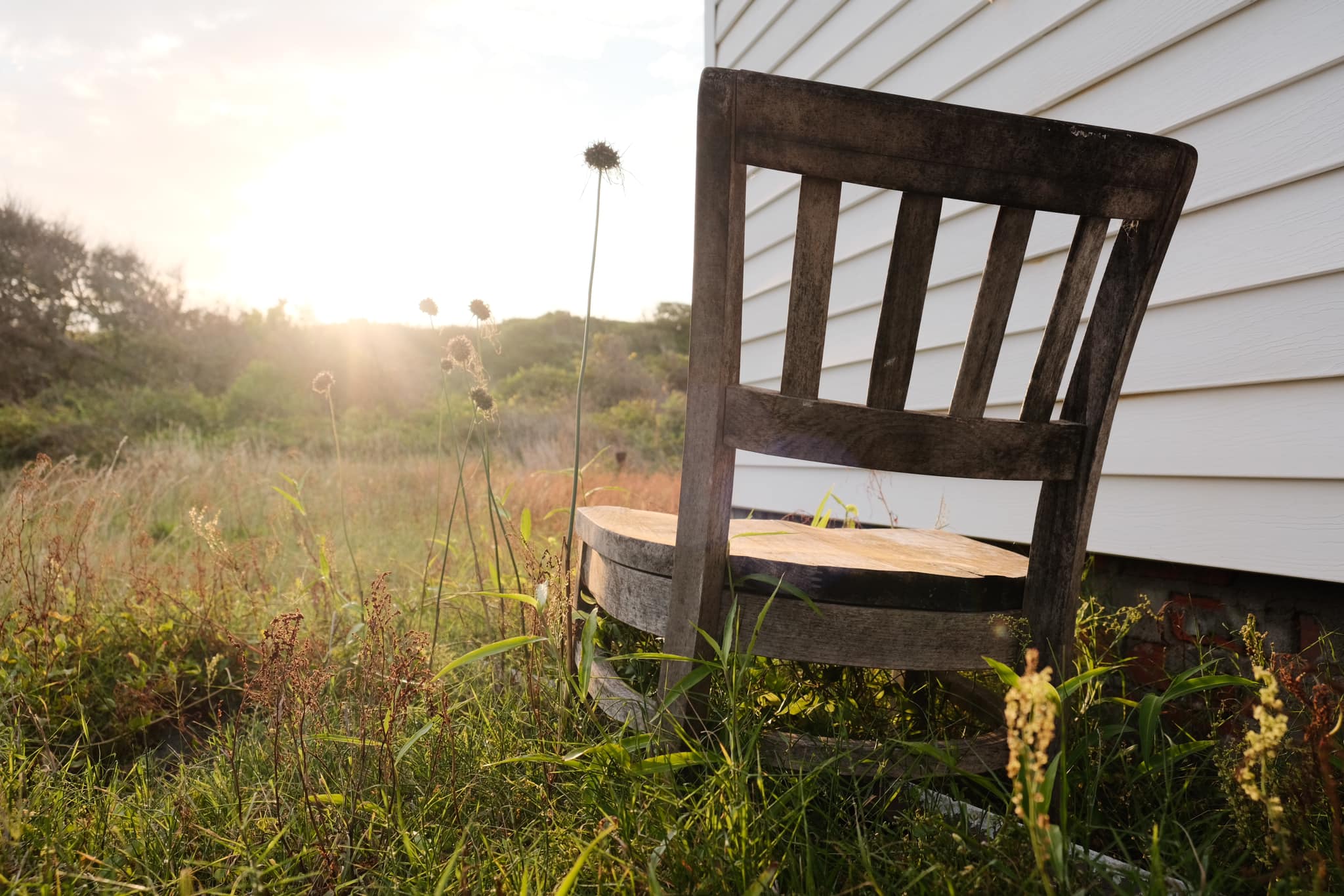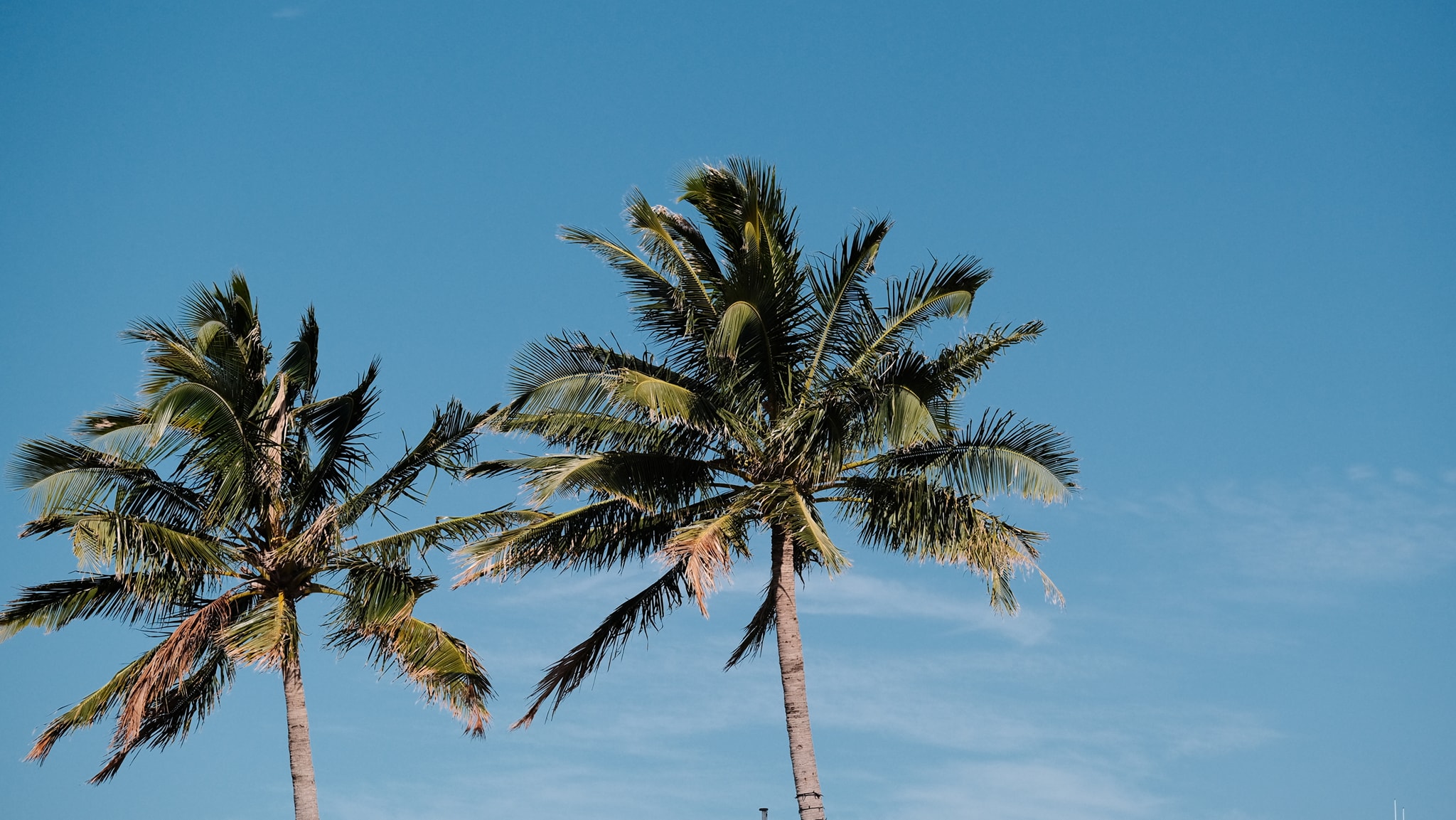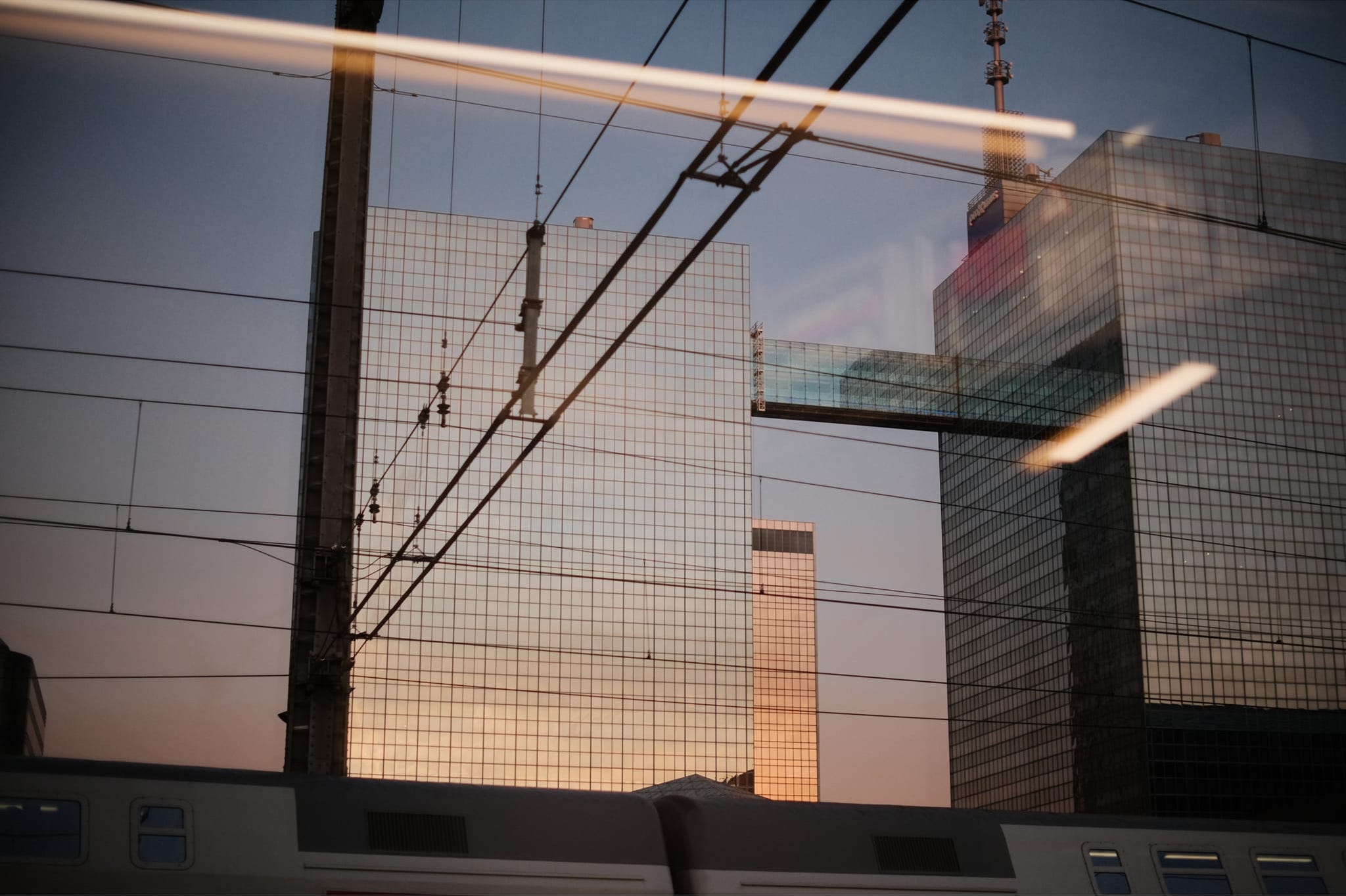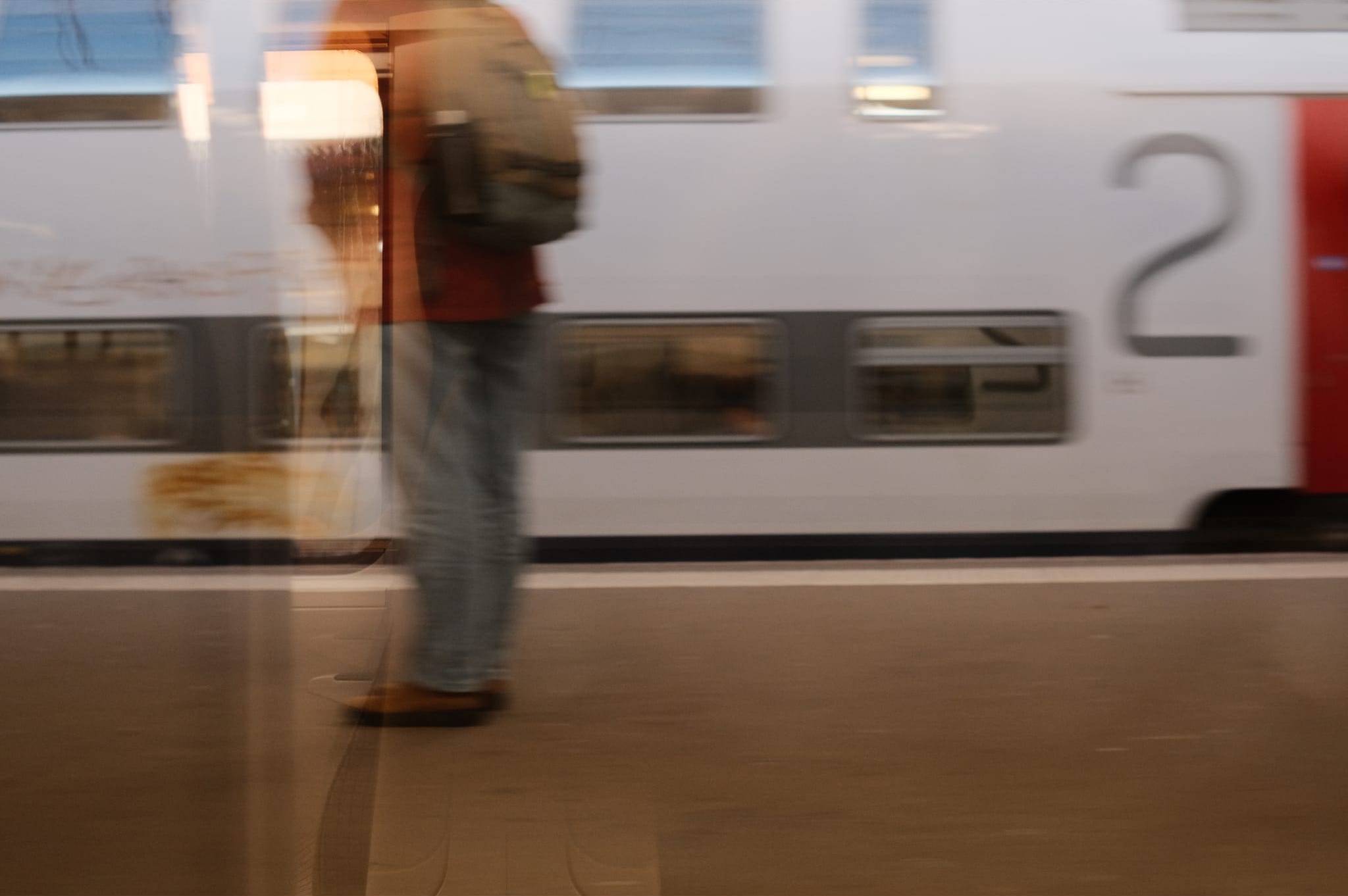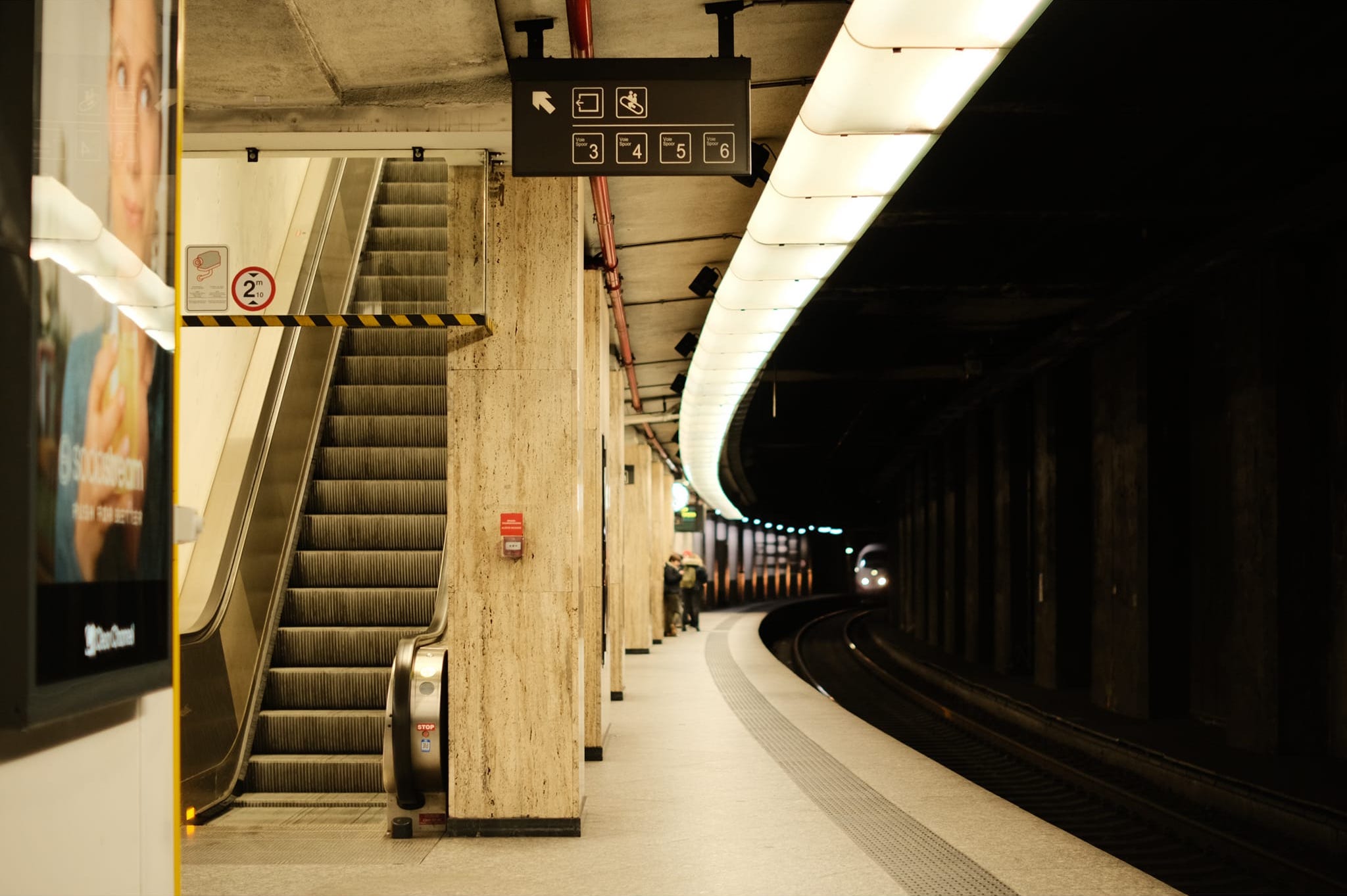
Film Recipes for Fujifilm Cameras

Tag: Natural Colour

  • Astia Pops, Punchy Colour Film Recipe

    Astia Pops, Punchy Colour Film Recipe

    Vivid natural colour film recipe using Astia simulation for rich color

    Astia Pops Film Recipe

    Astia Pops

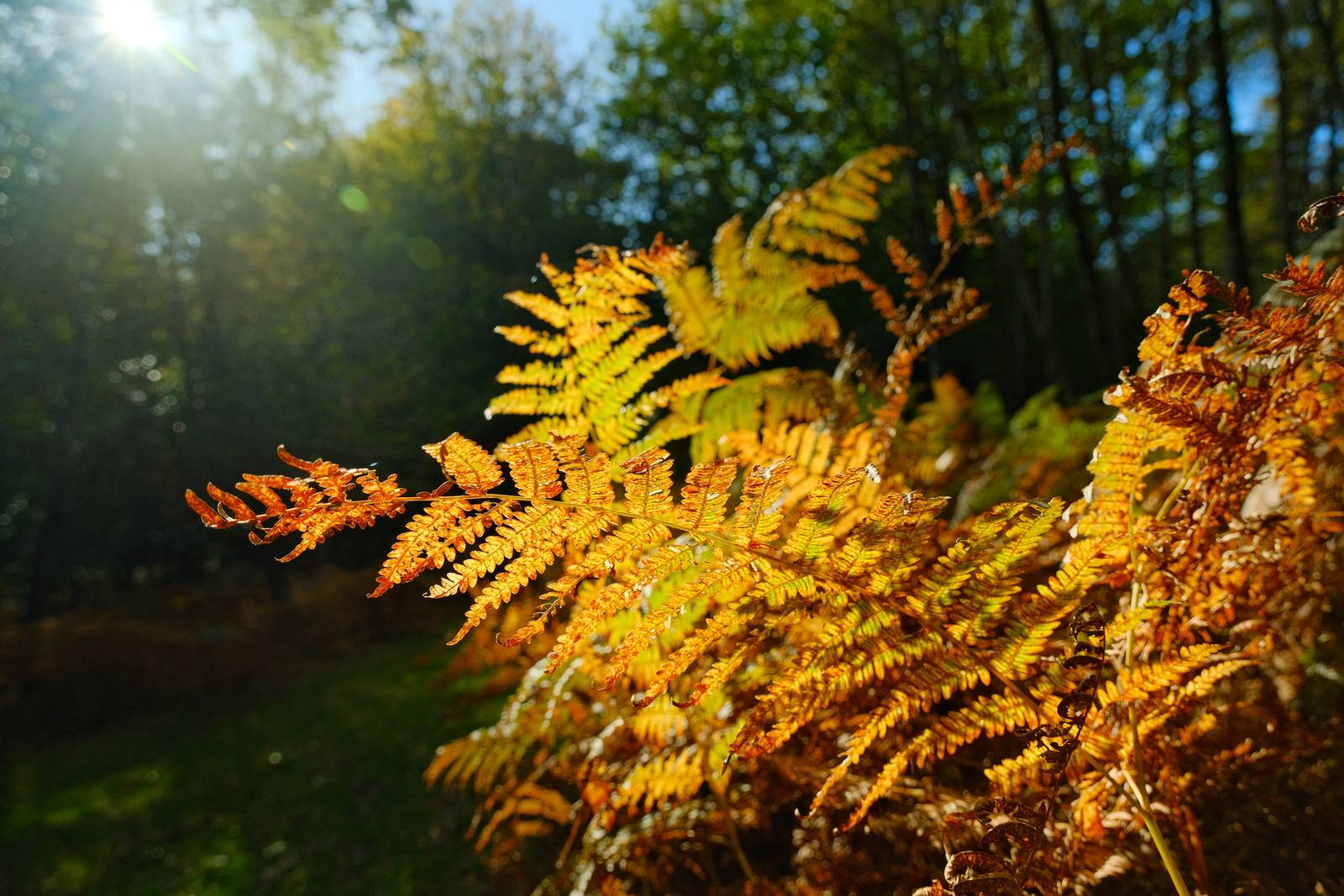
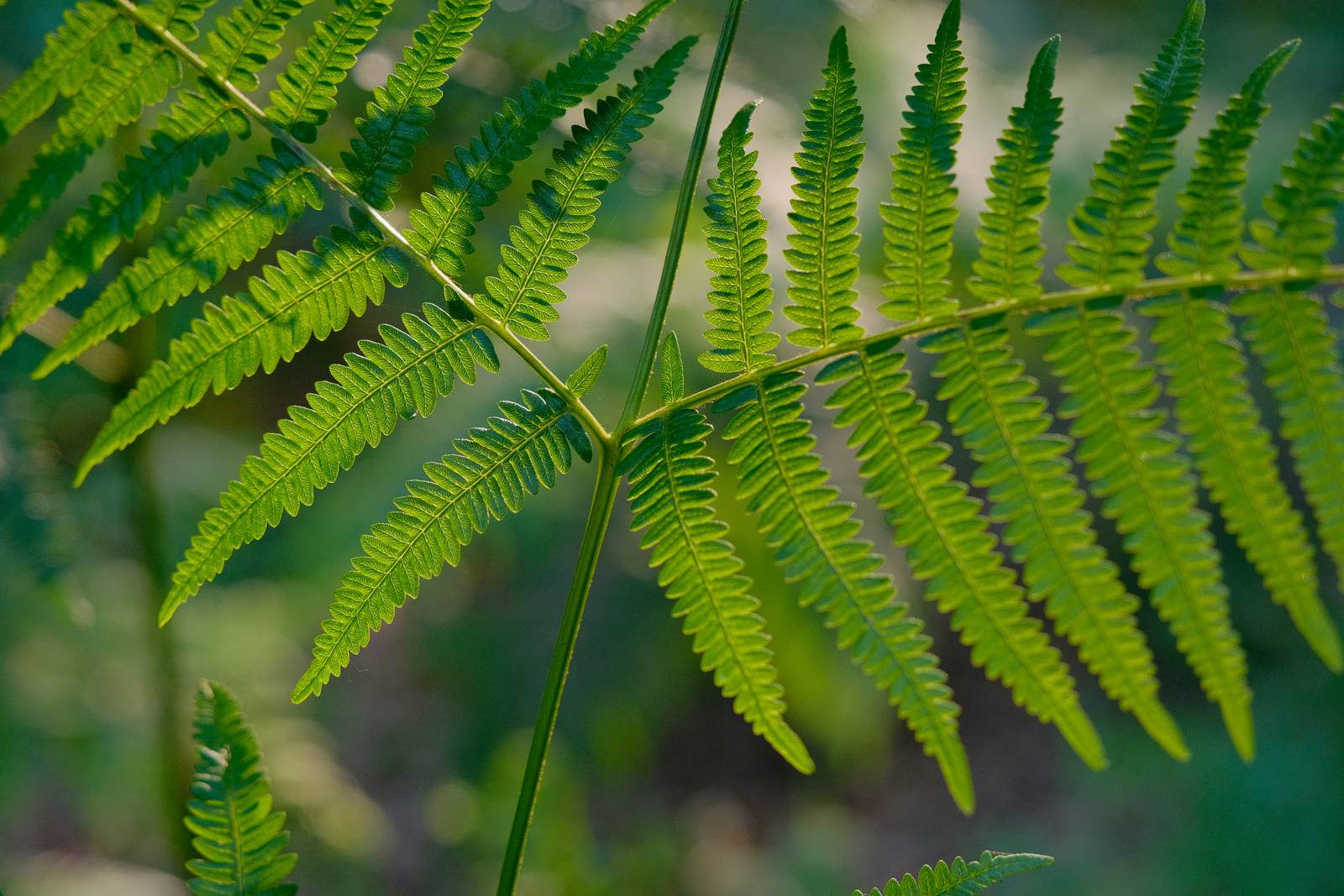
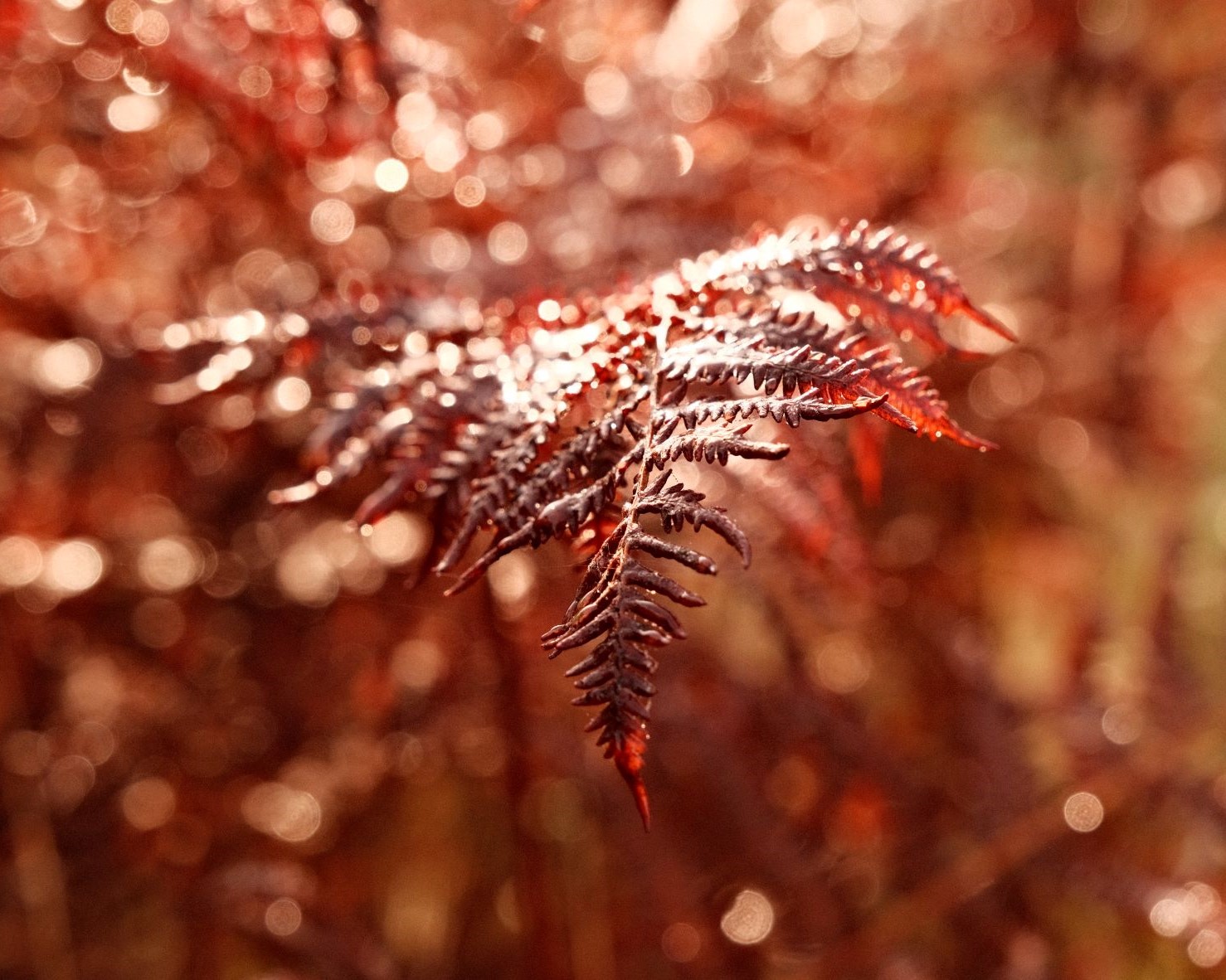
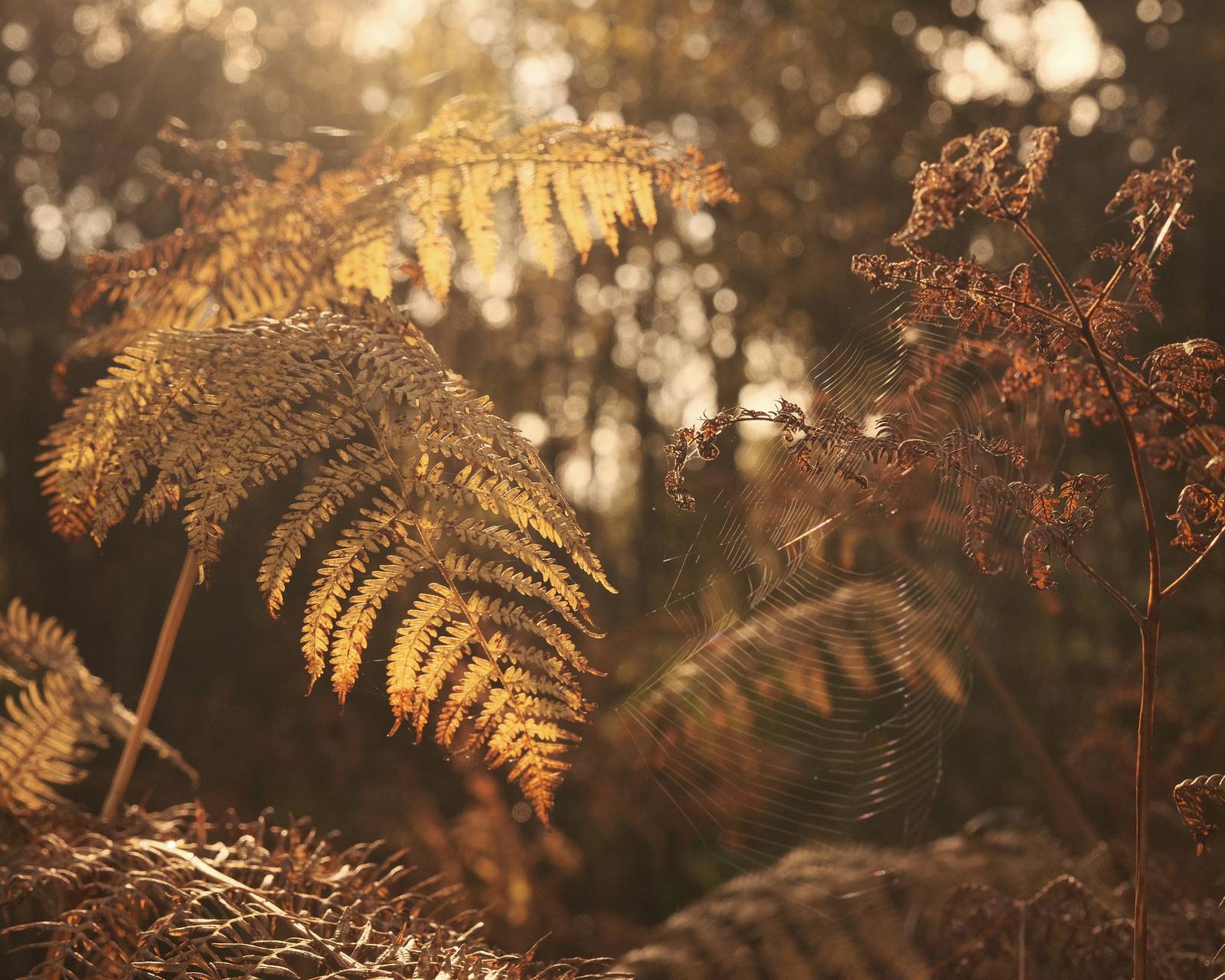
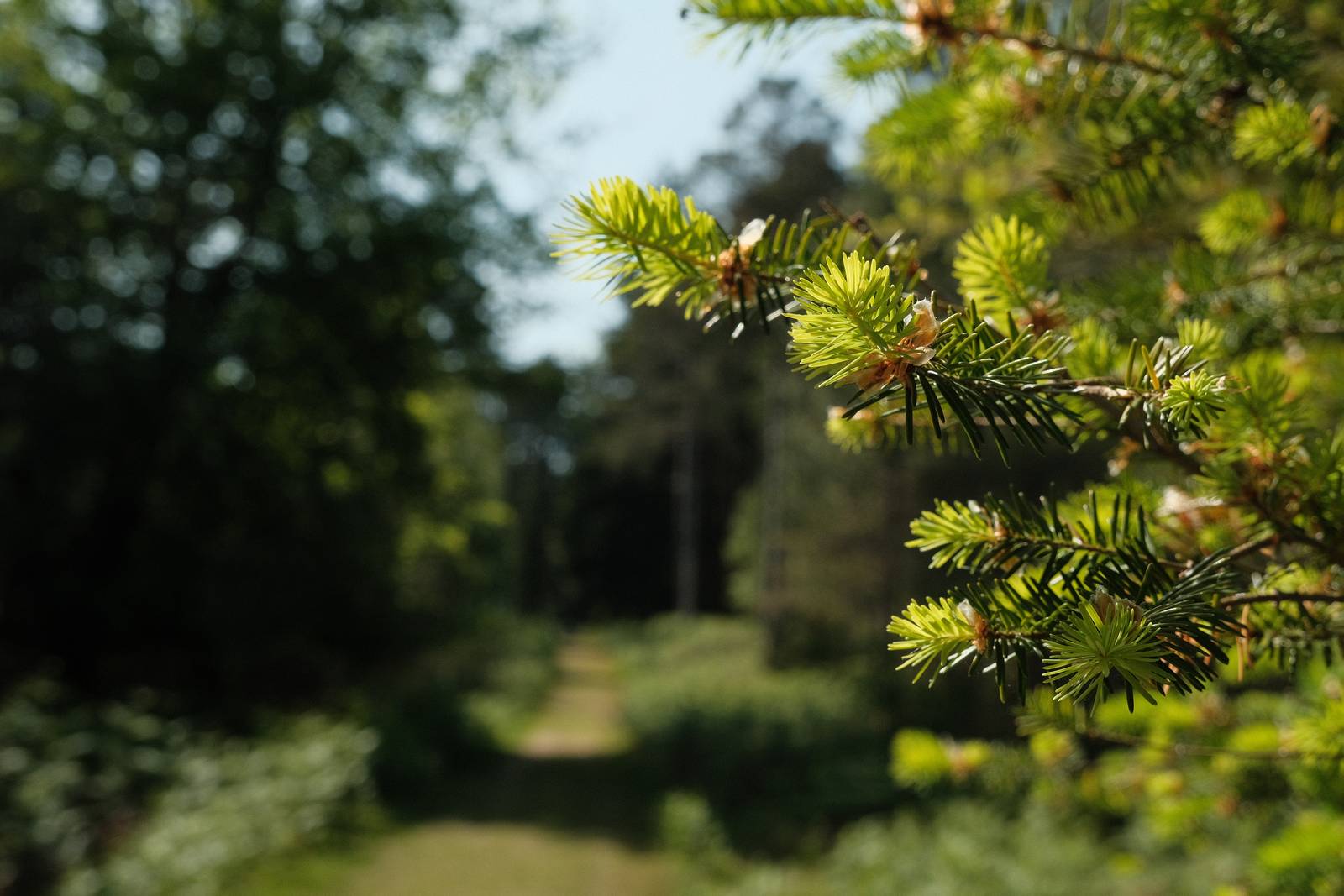
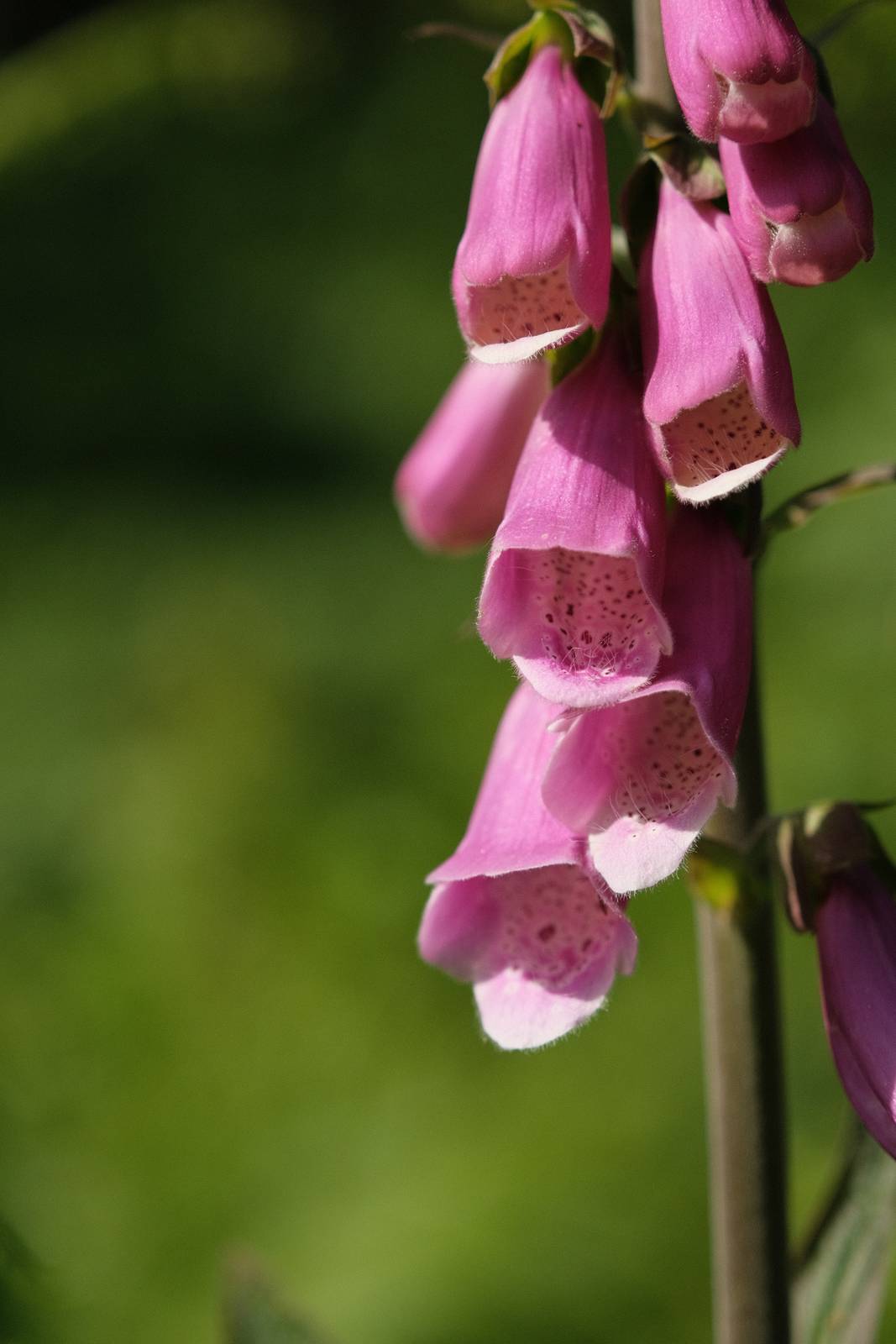
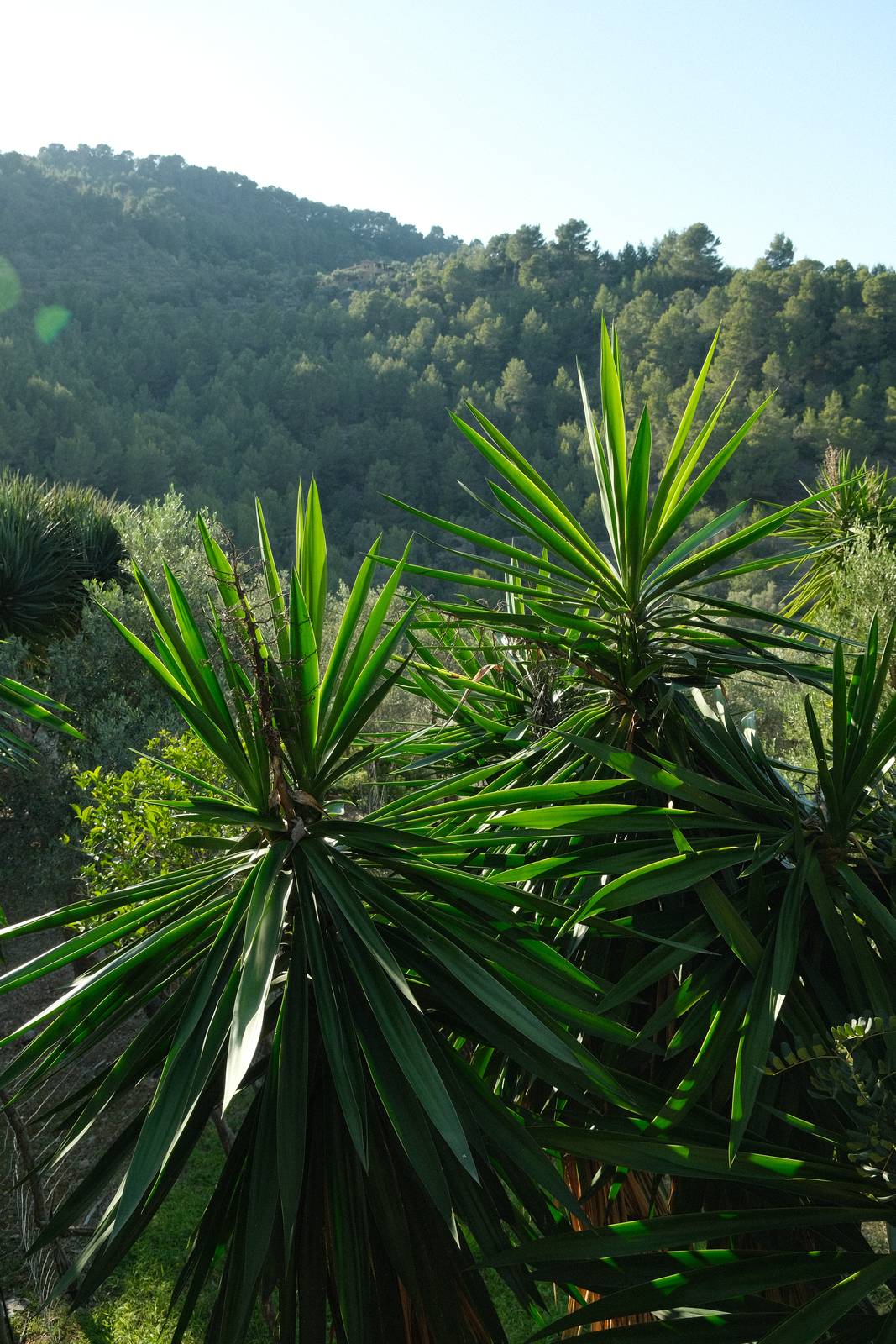
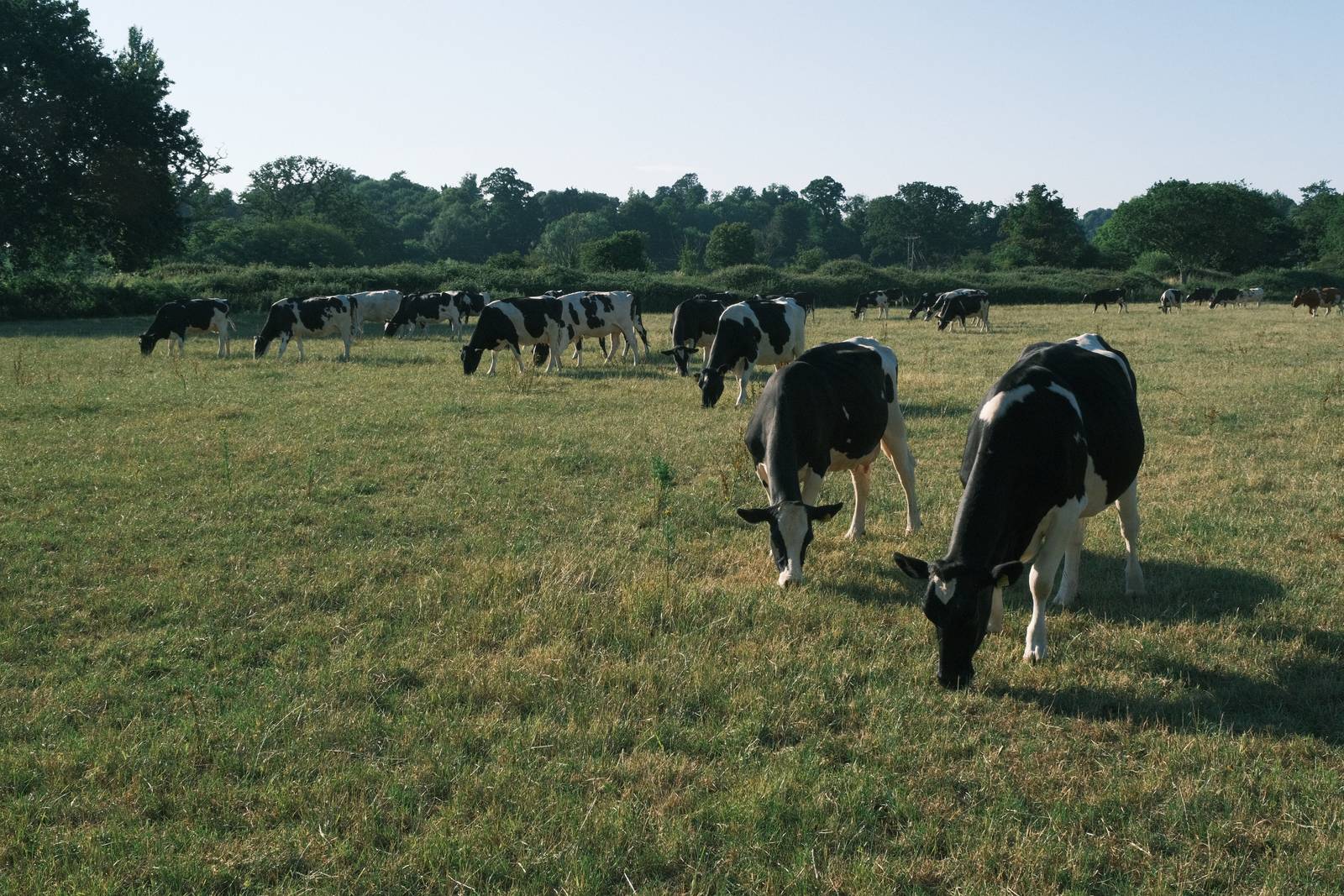
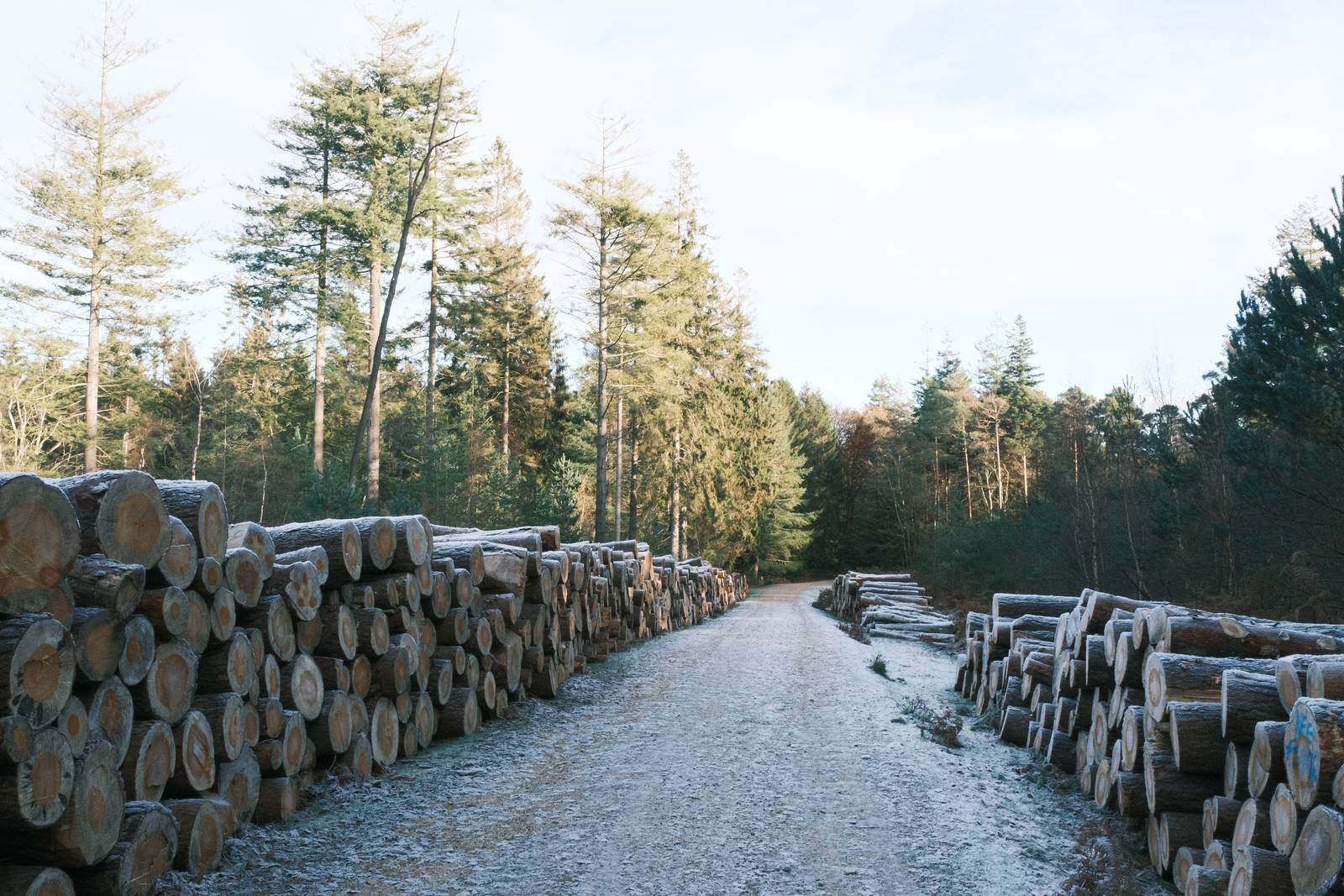
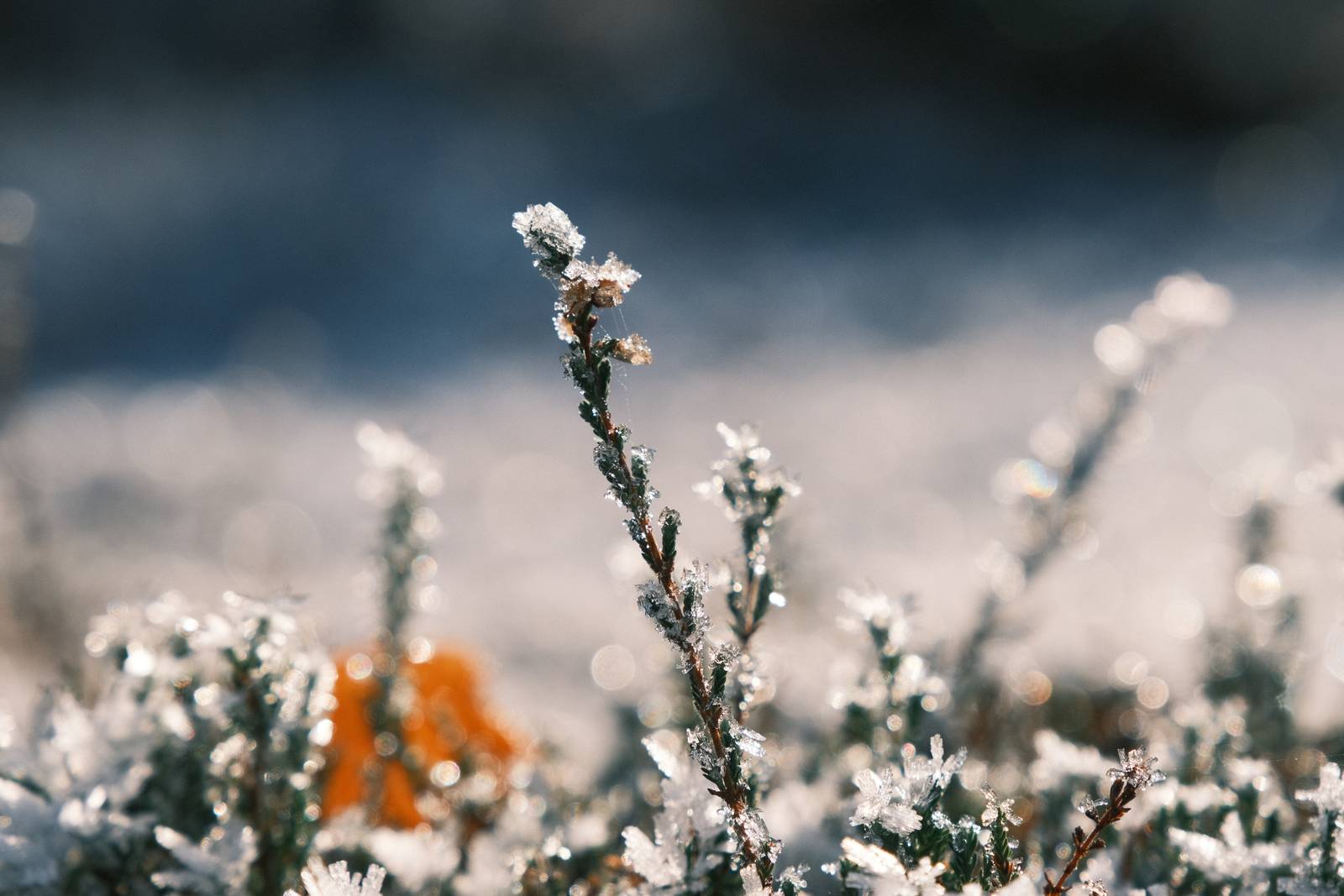
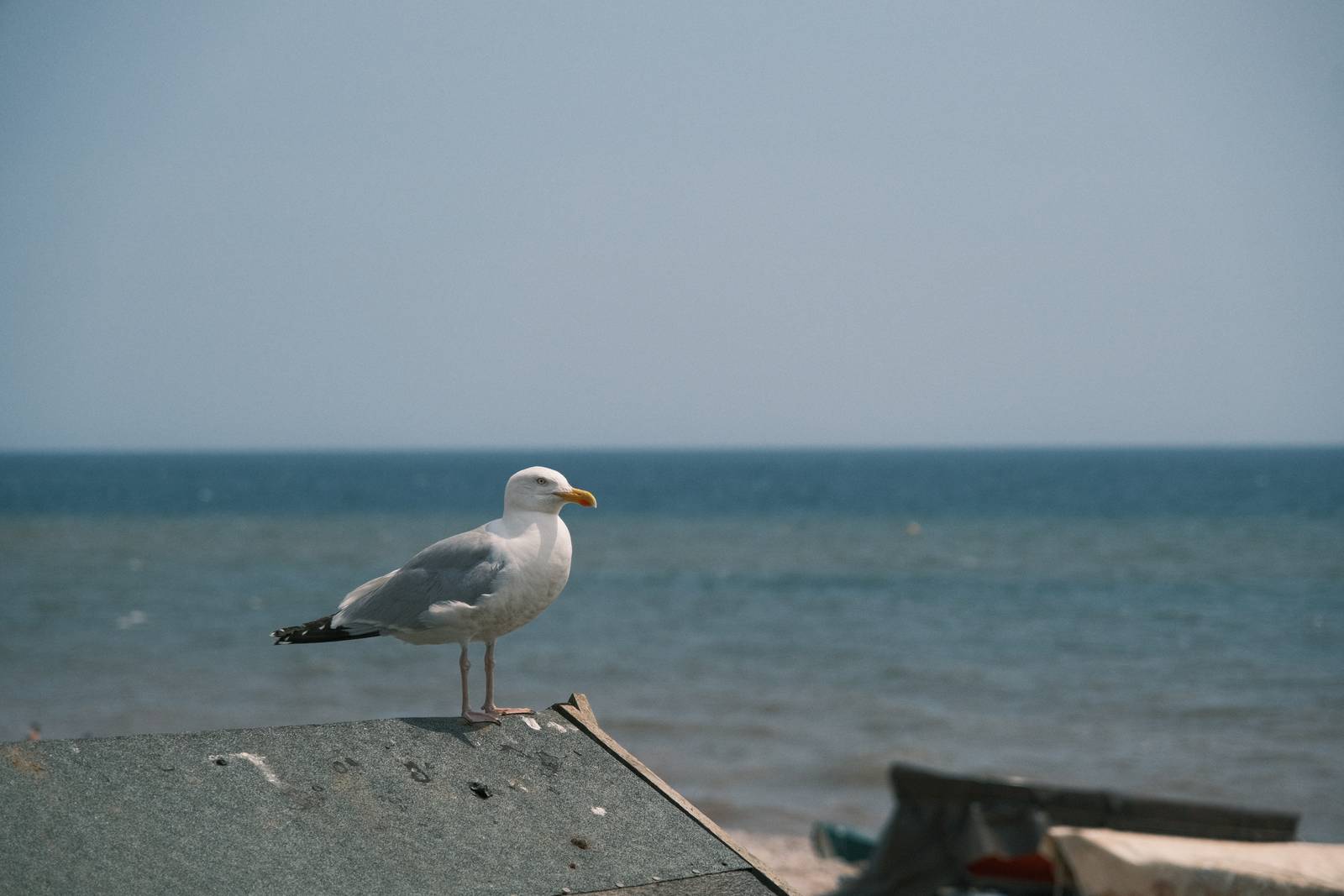
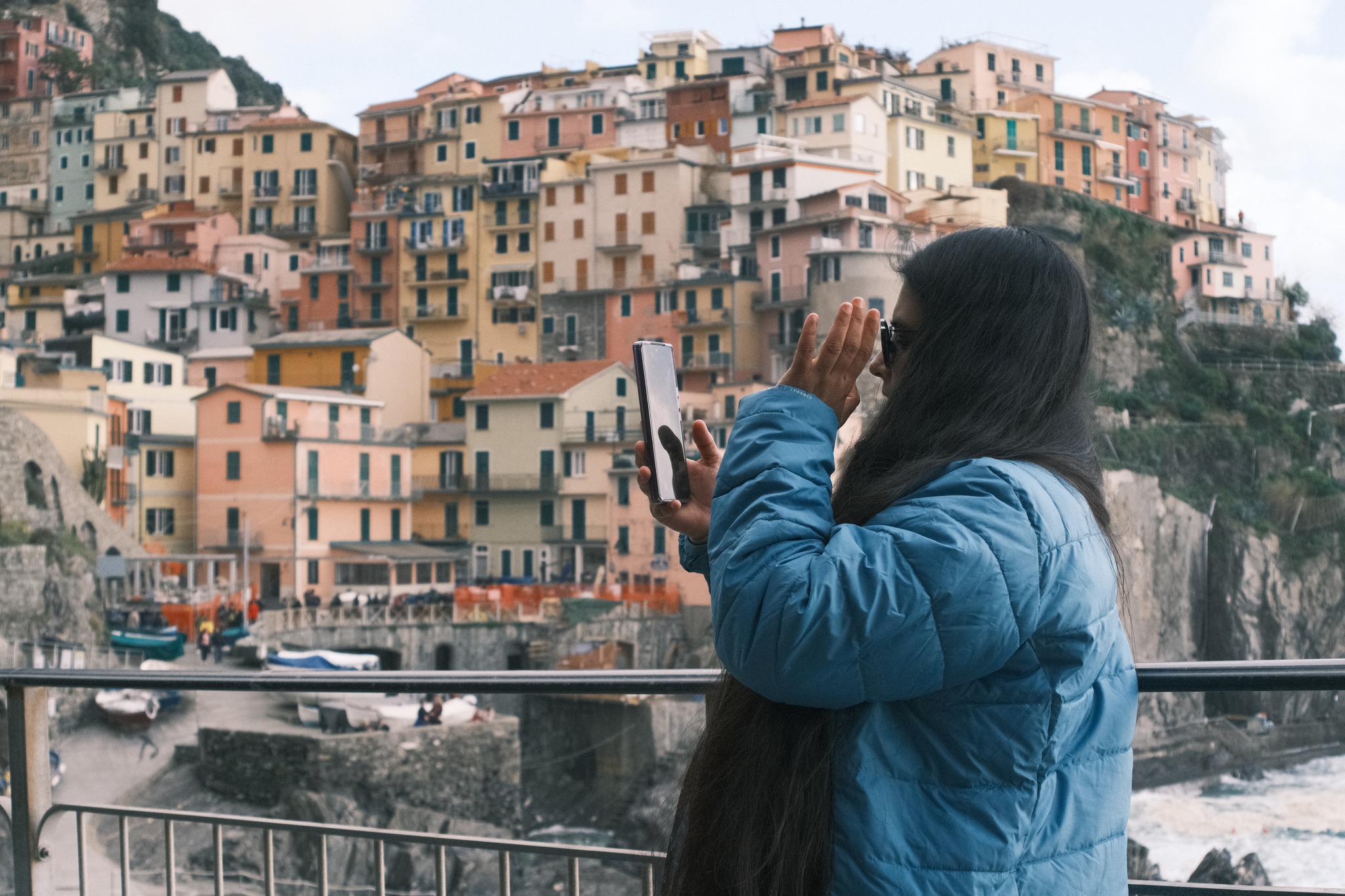
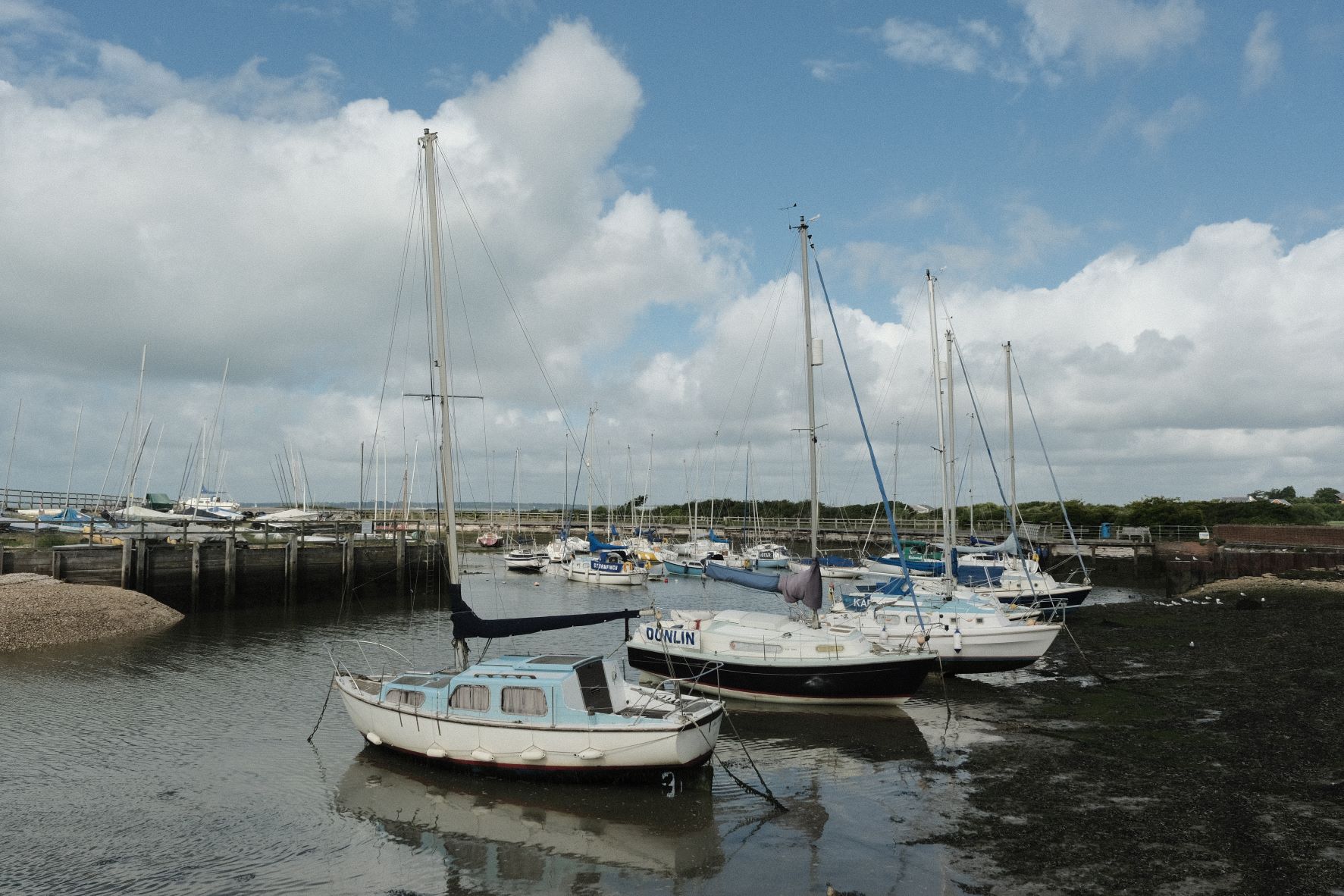
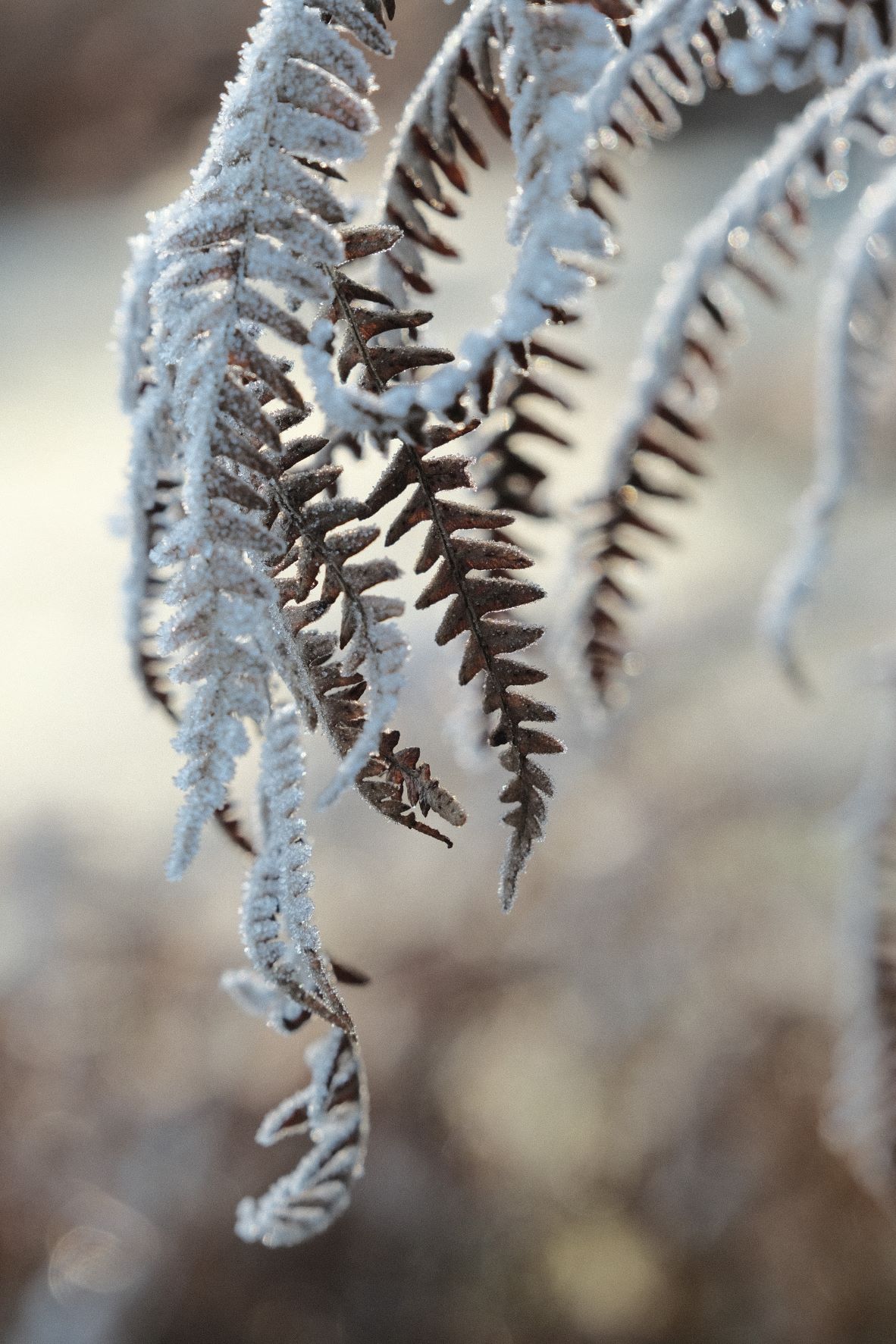
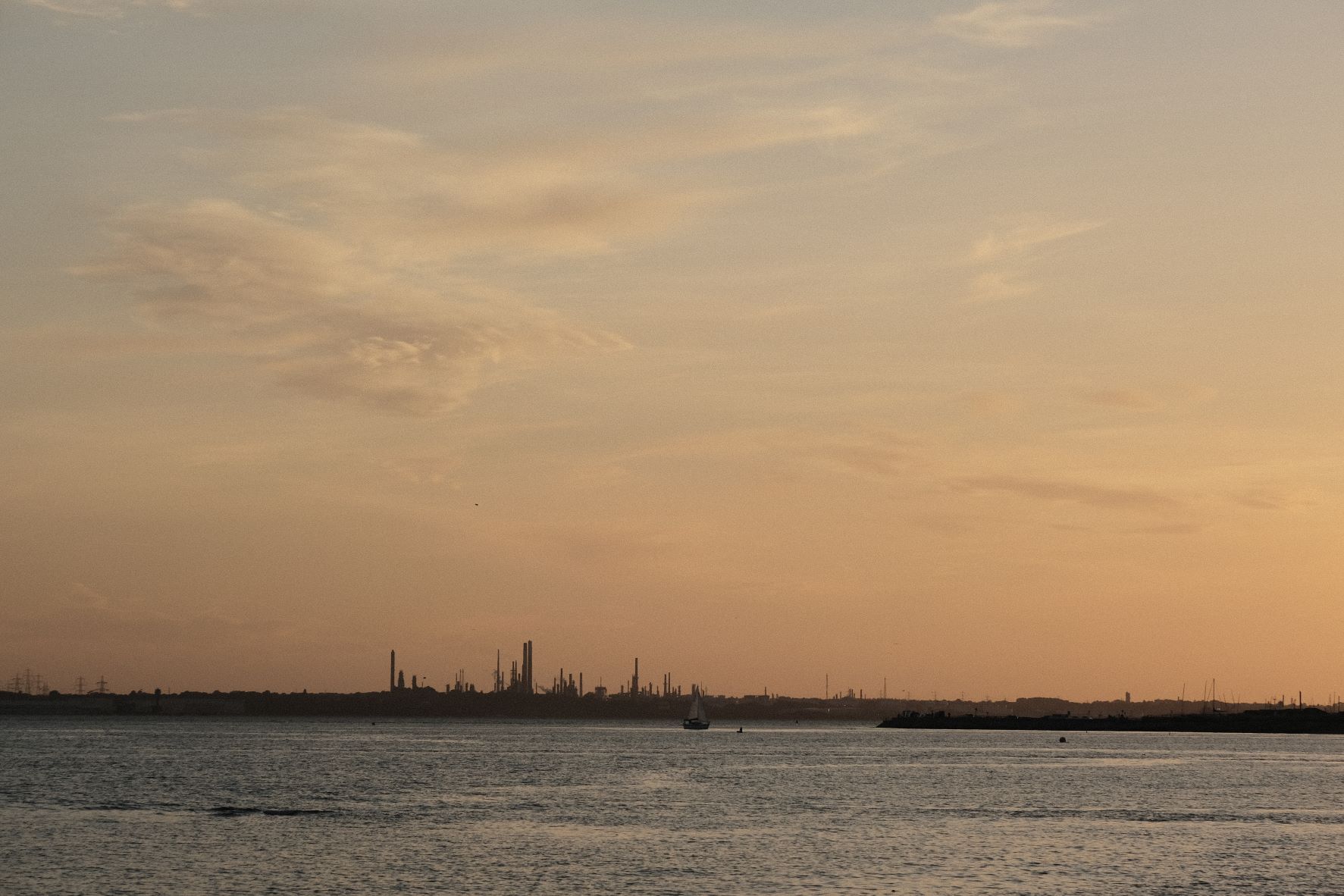
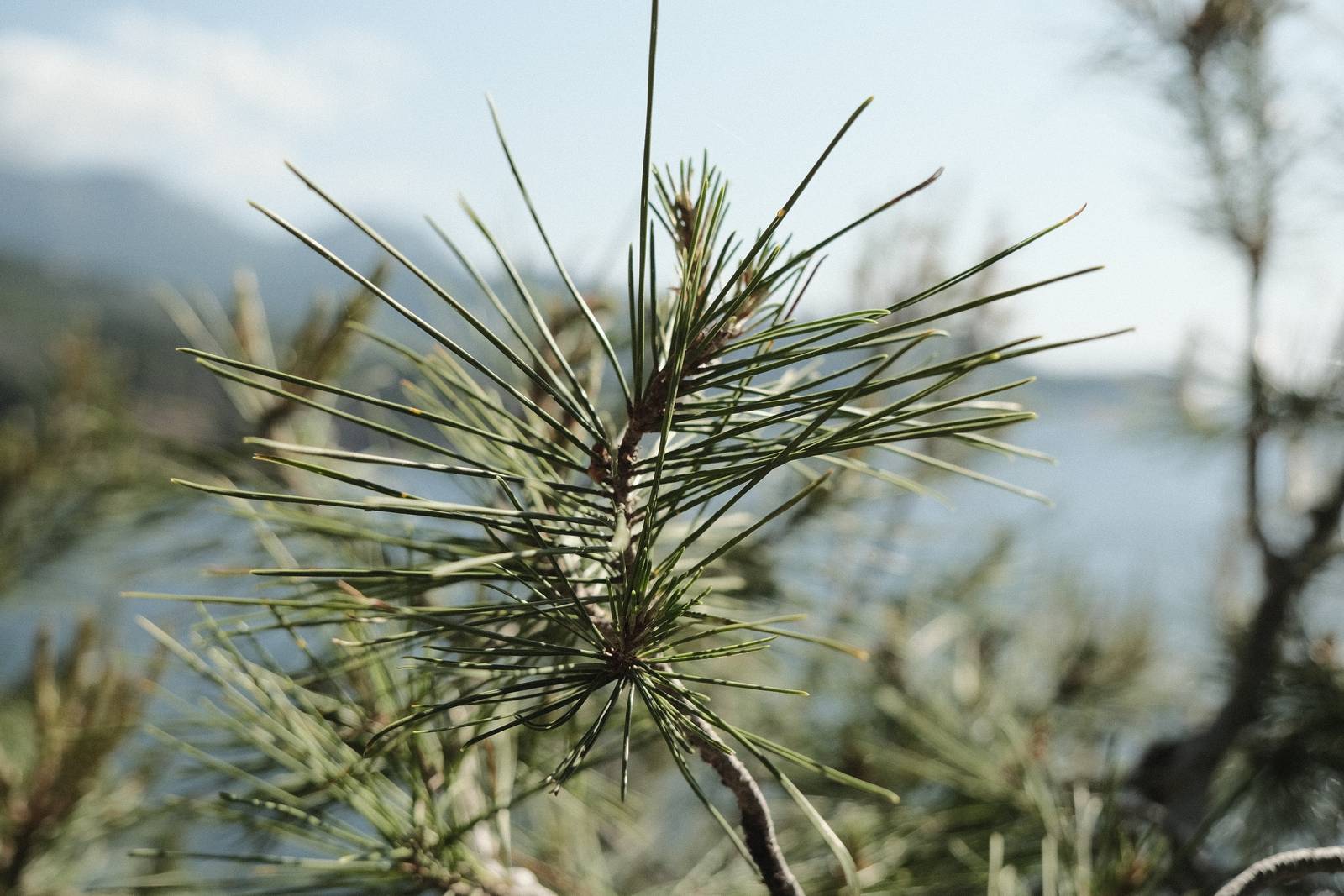
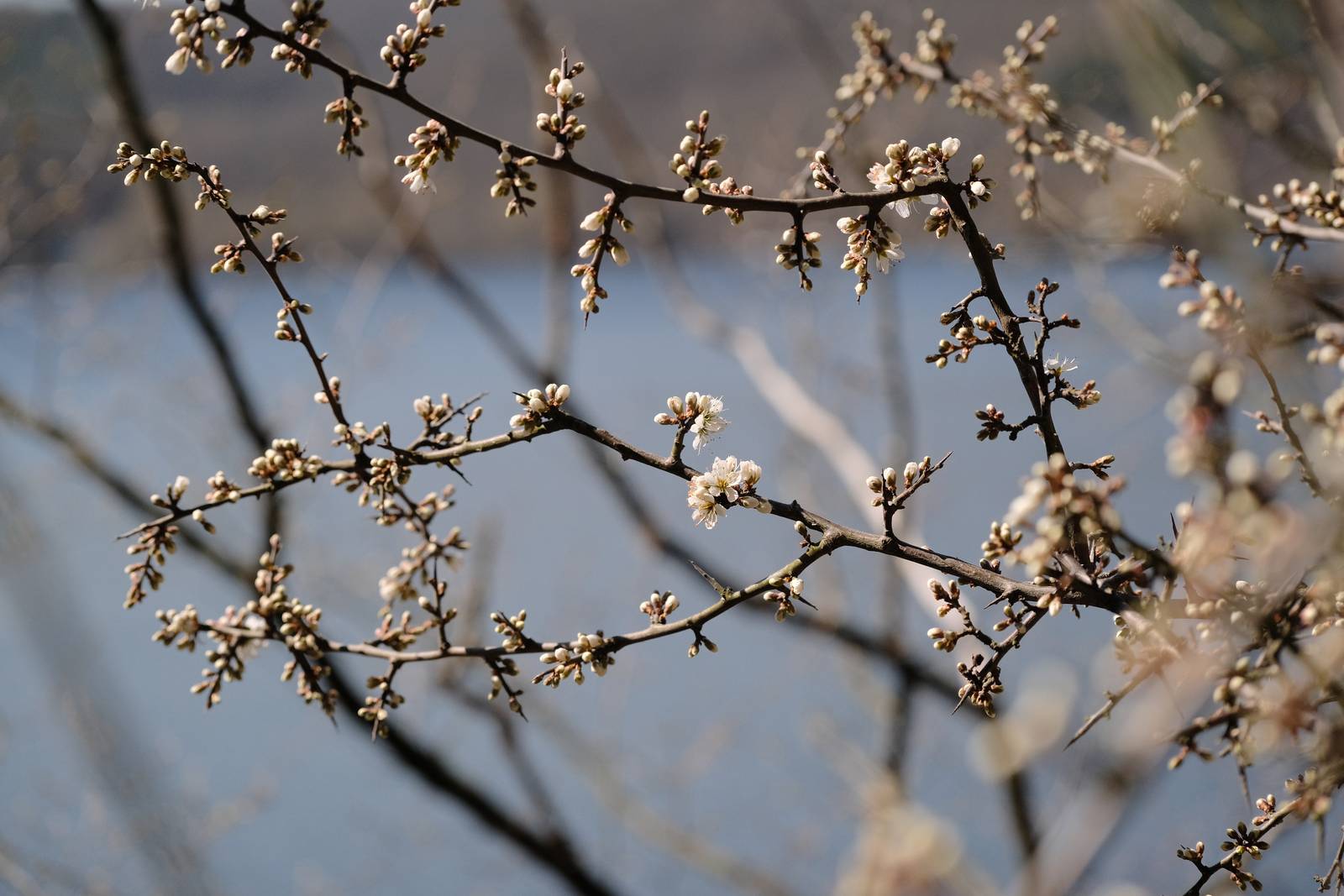
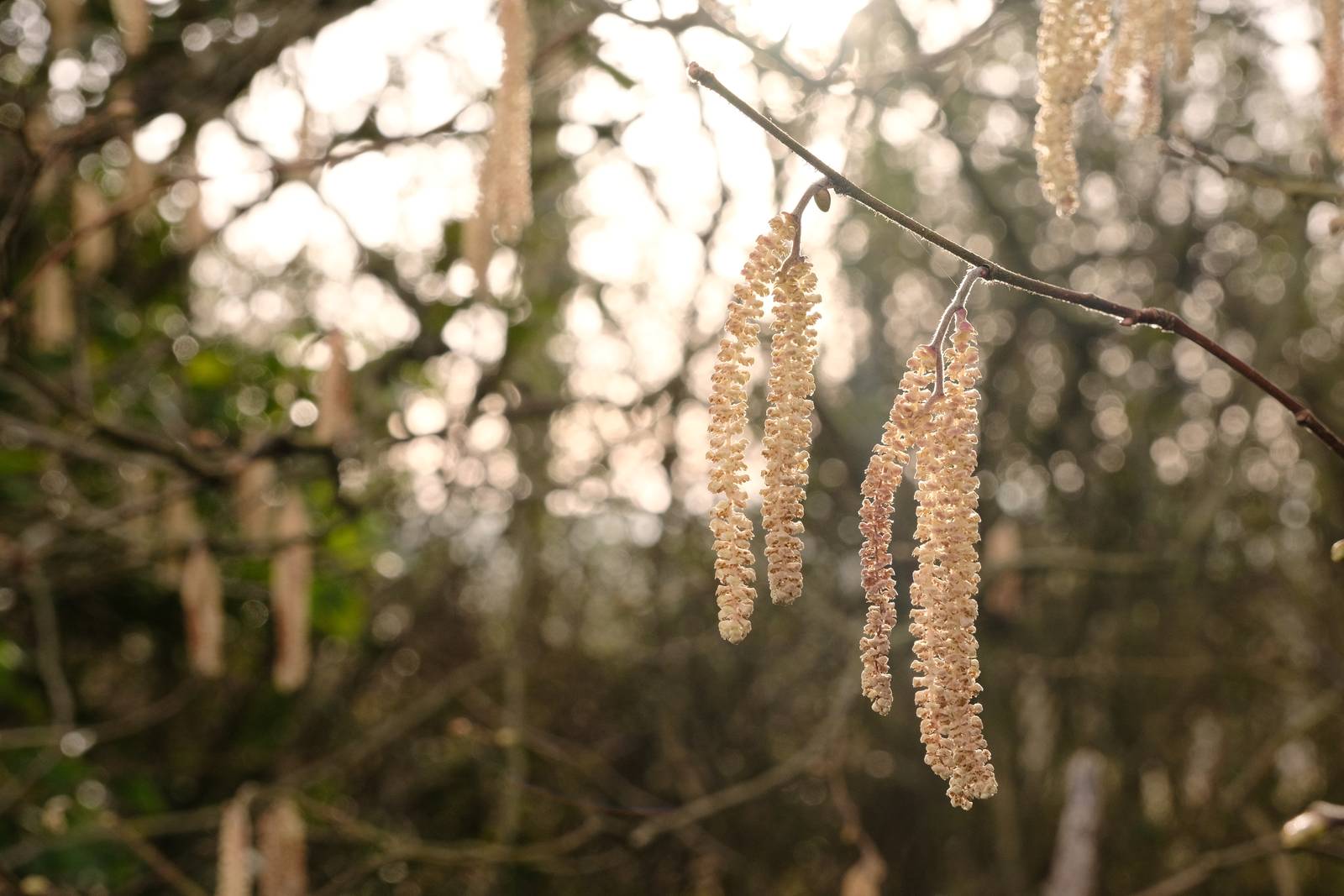
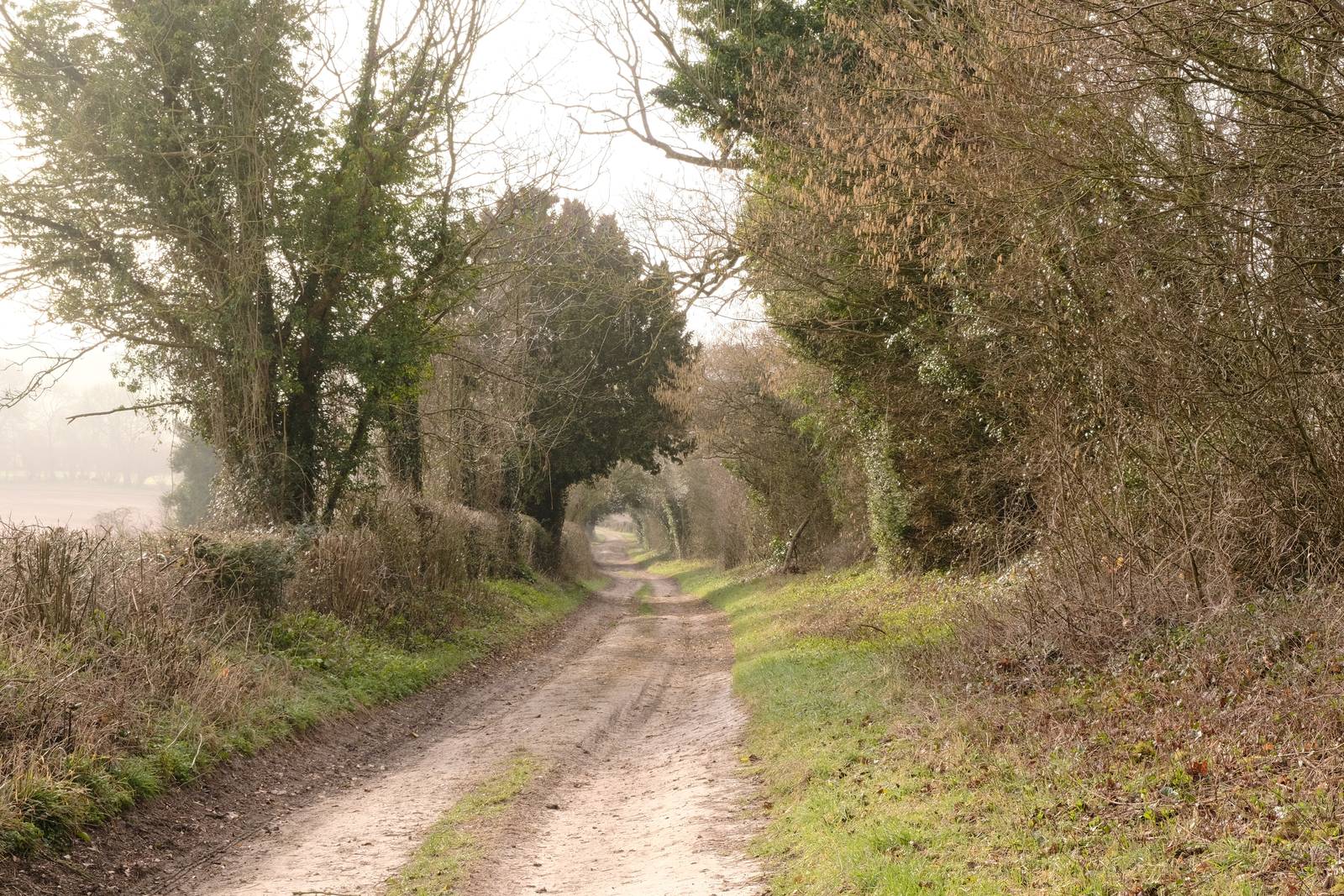
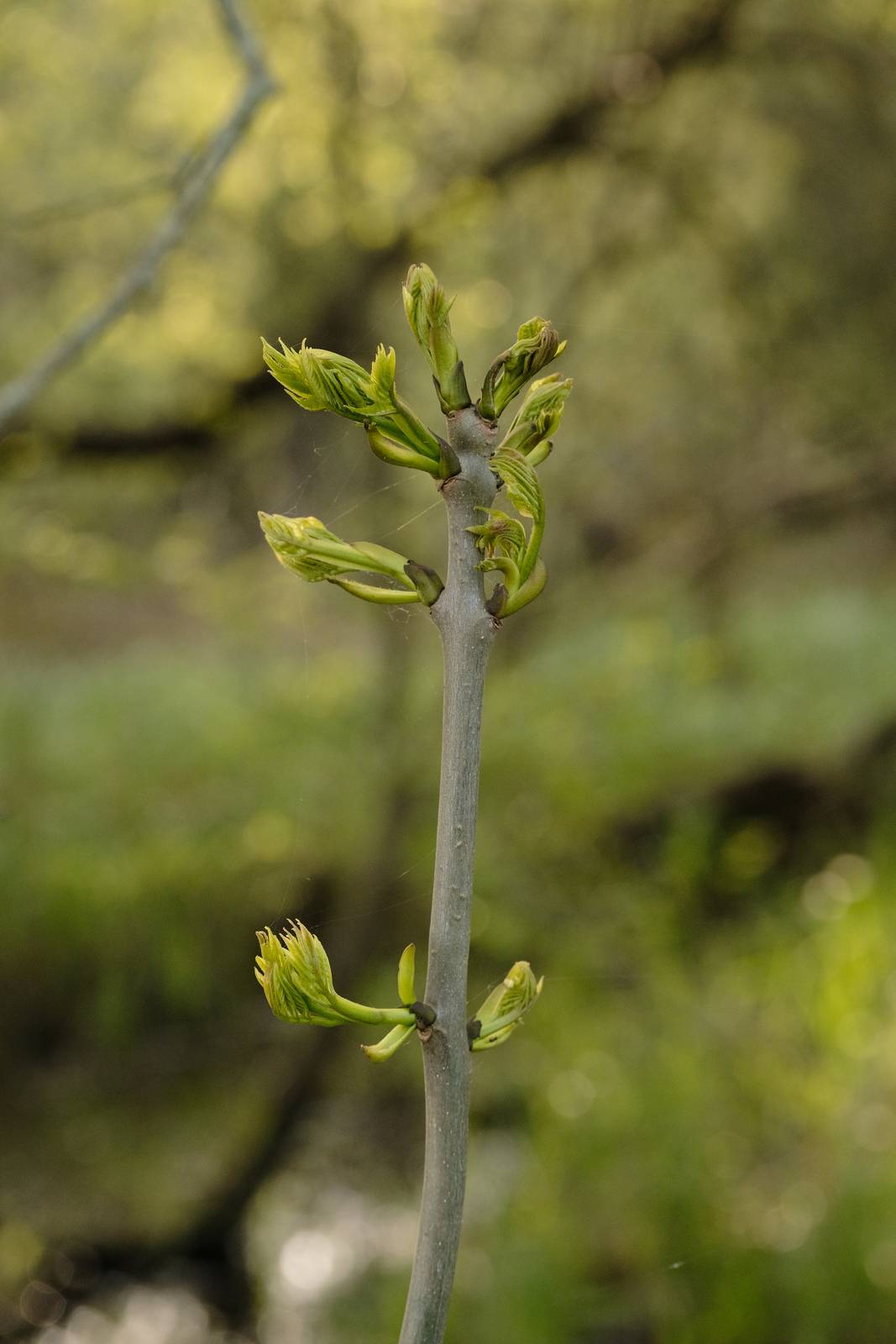
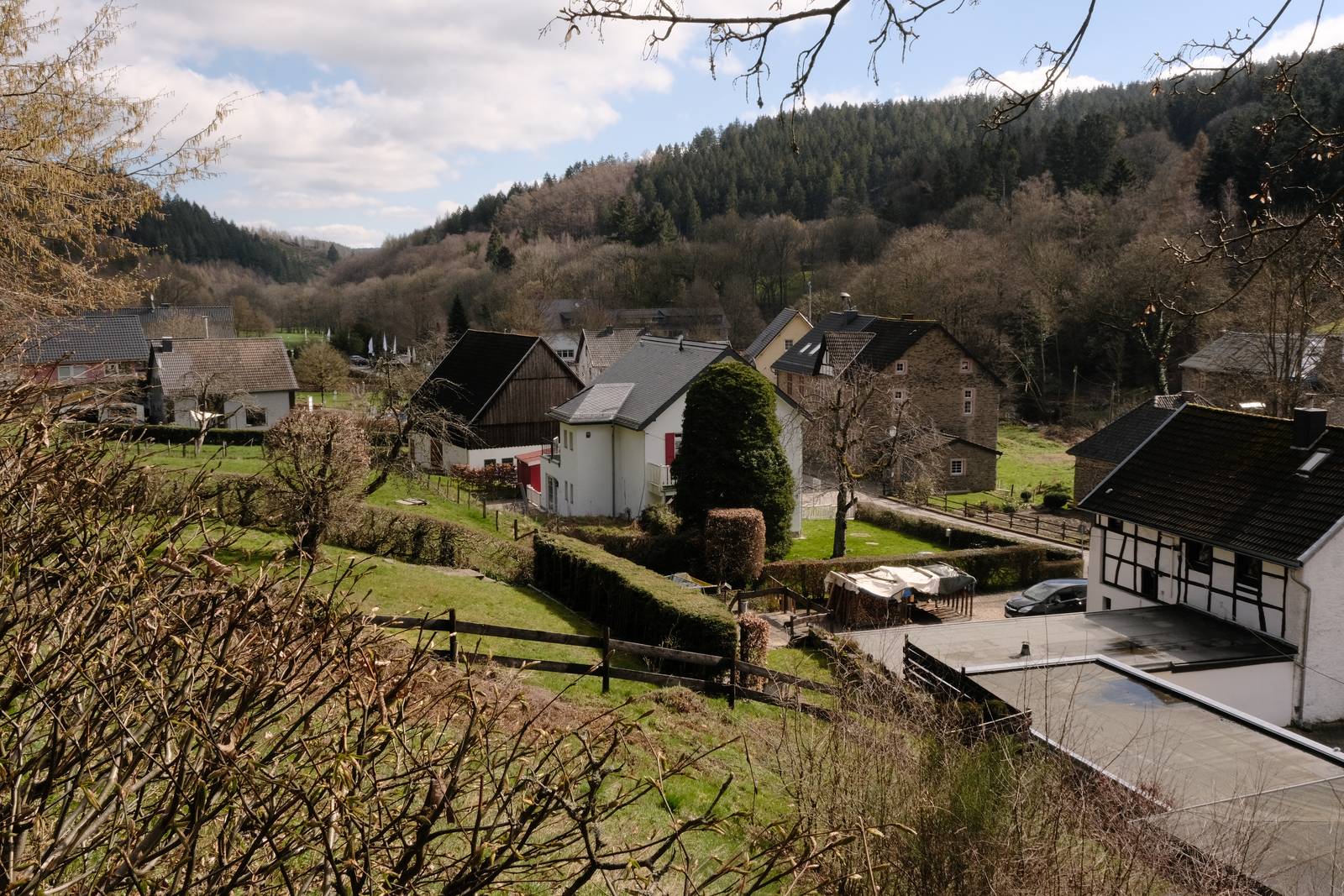
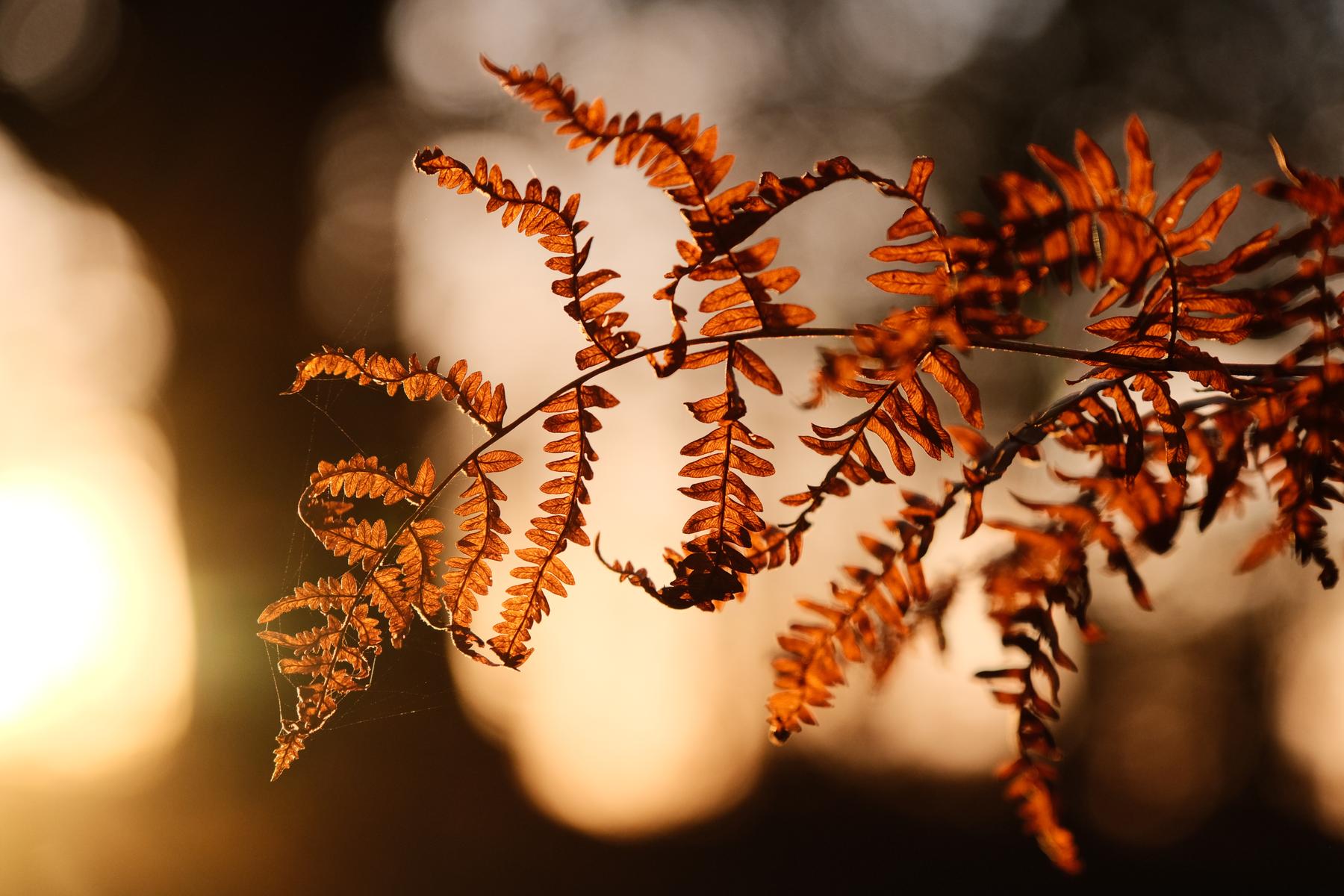
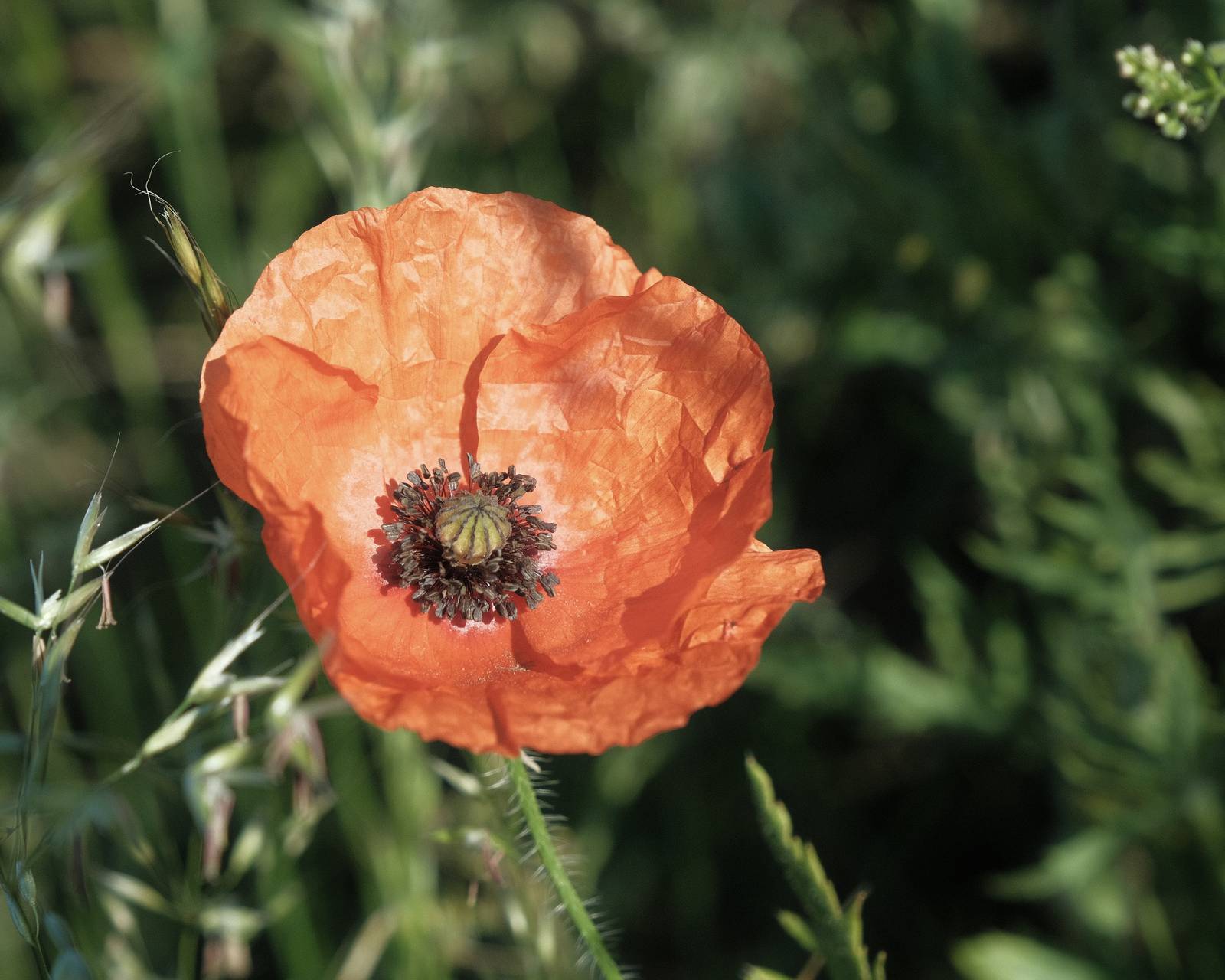
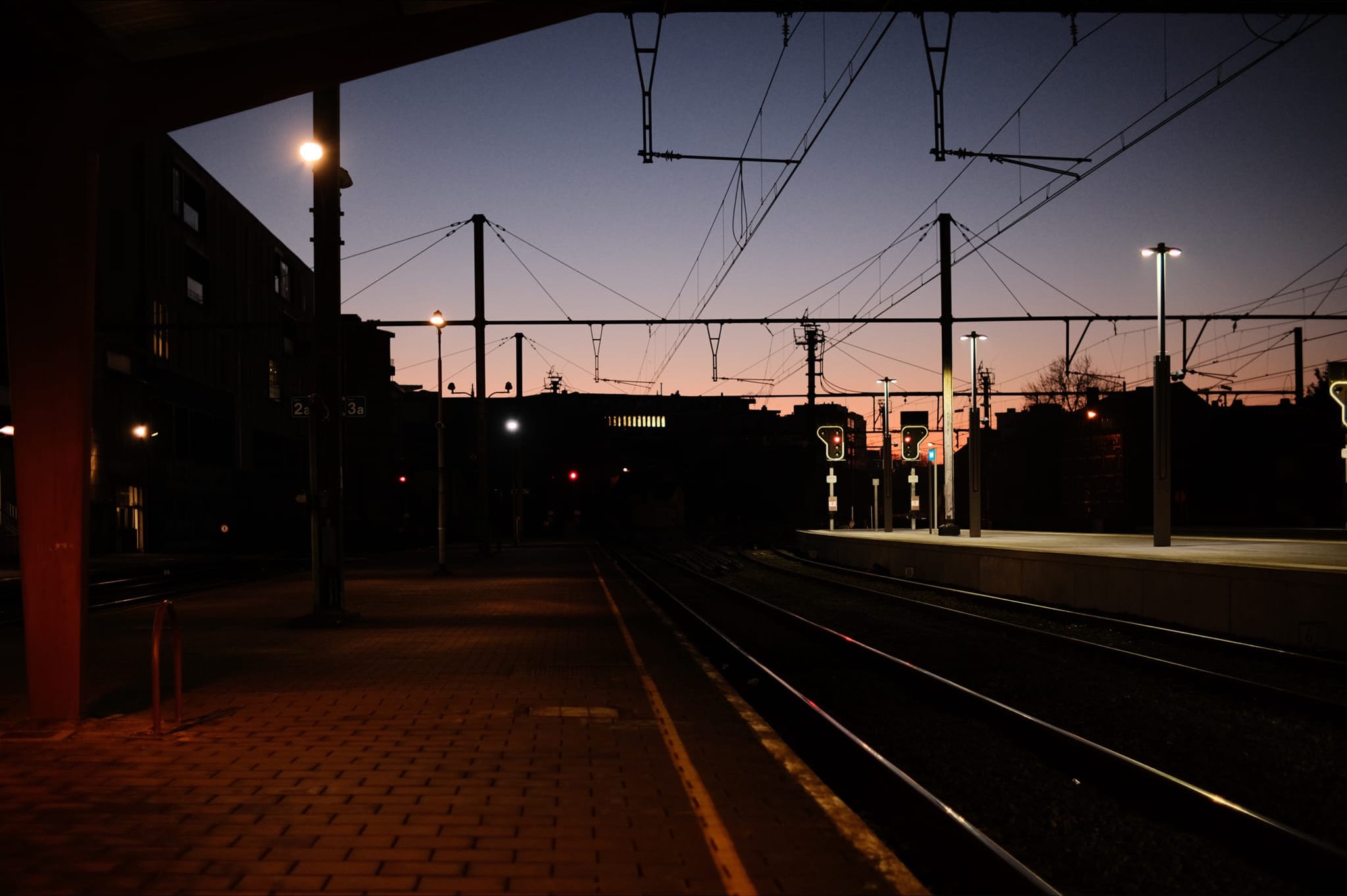
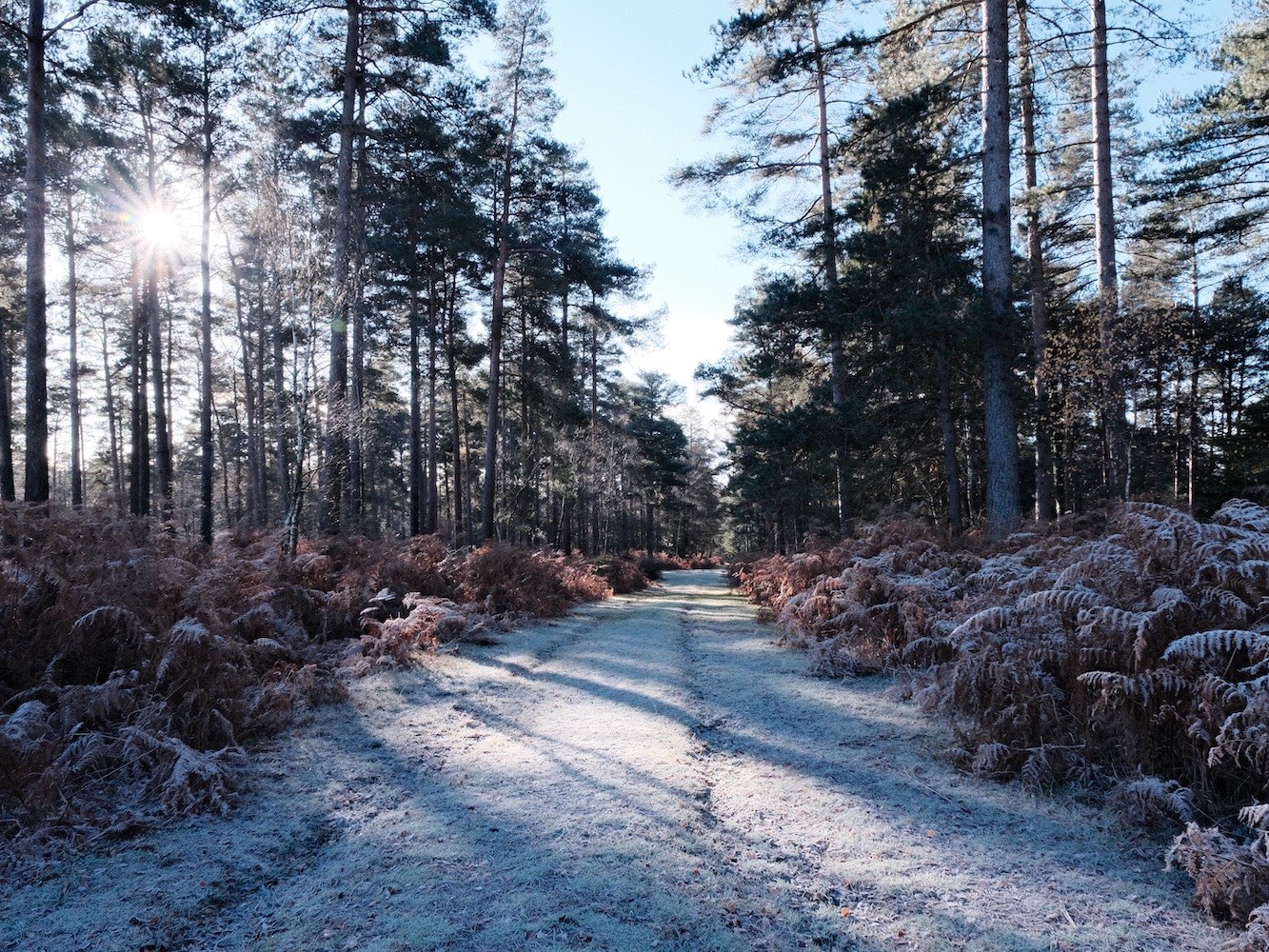
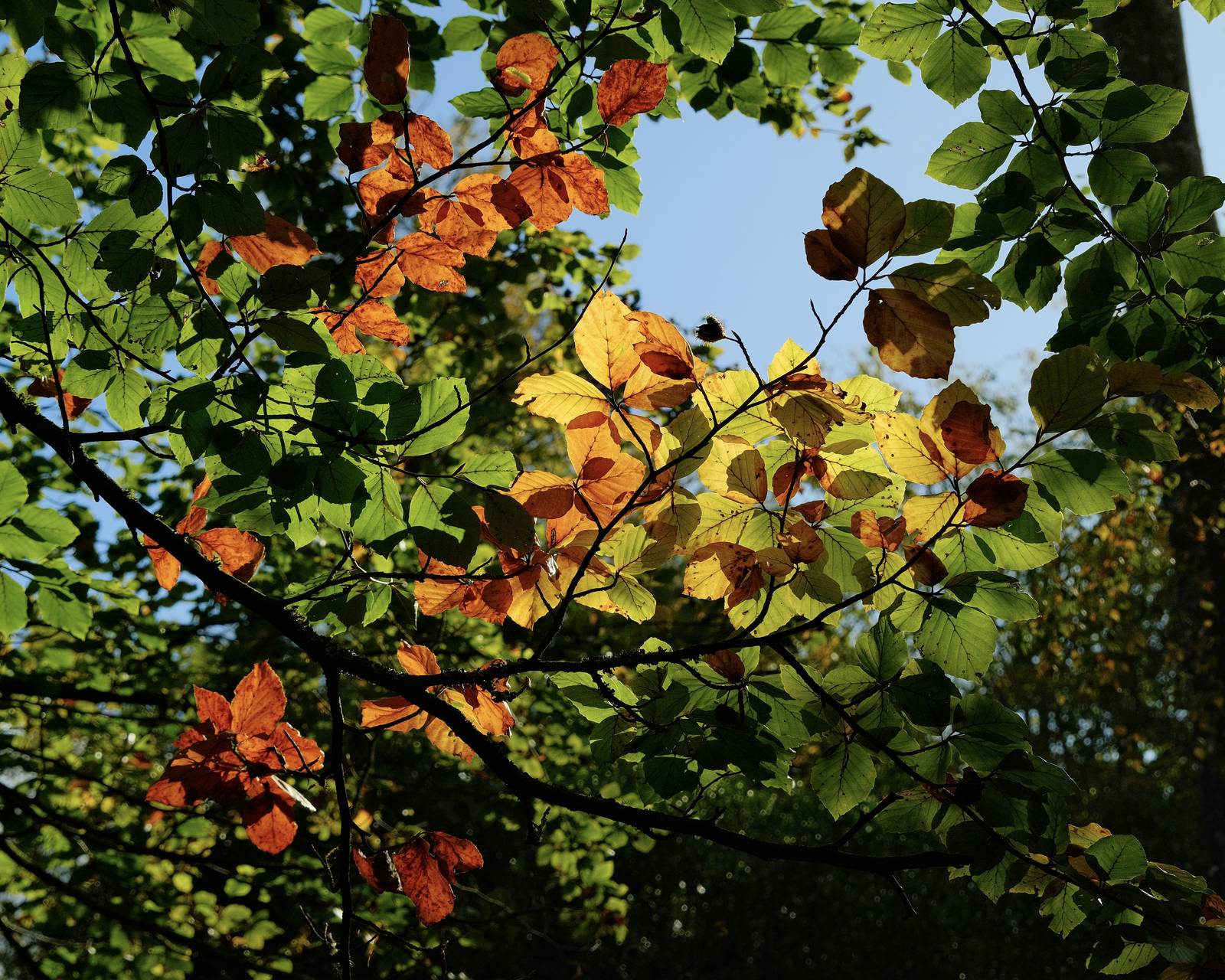
    Many Fujifilm film recipes have a soft tones or nostalgic look, but that doesn’t suit everyone, or all conditions. When you want something with a bit more impact or colour, something different is required.

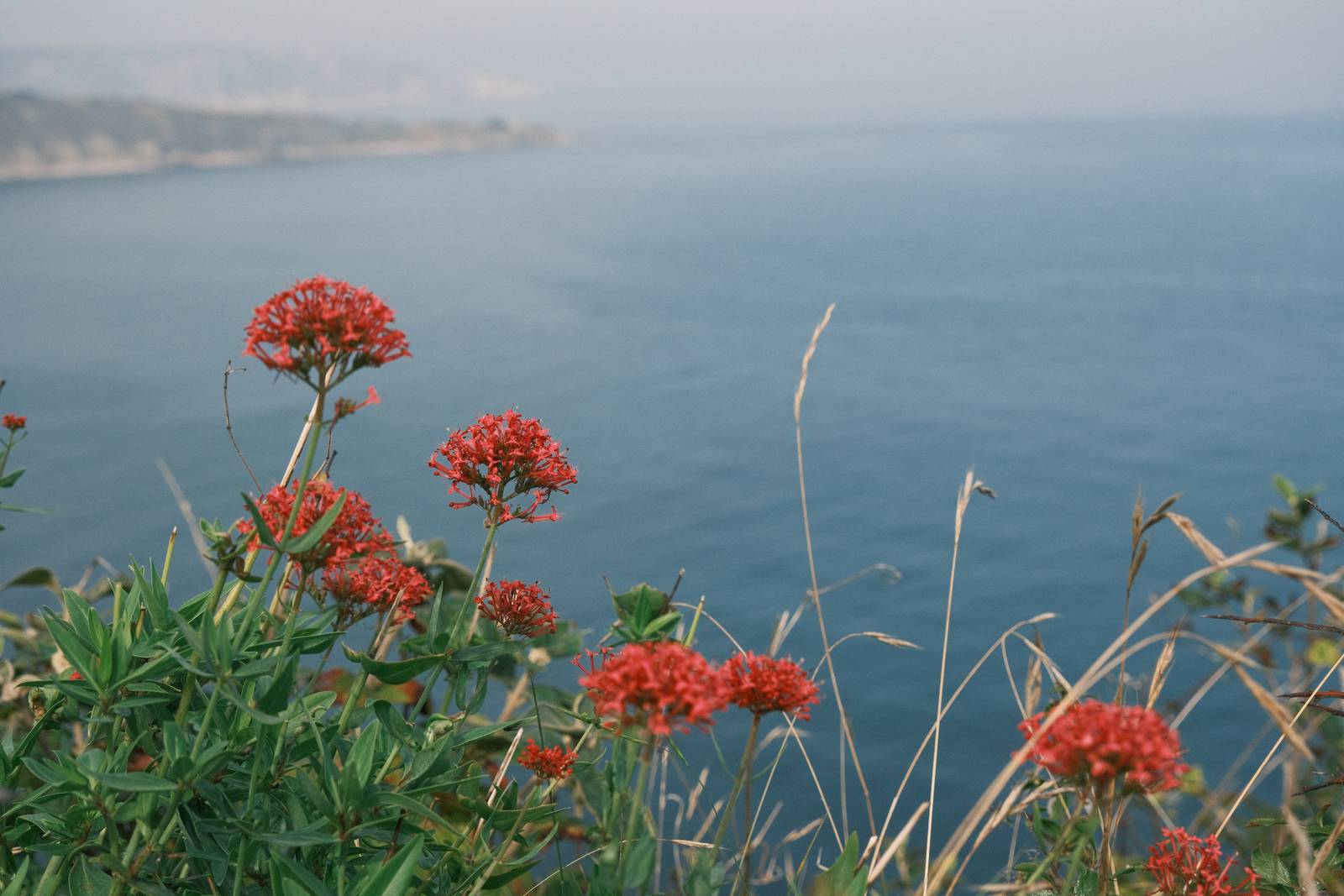
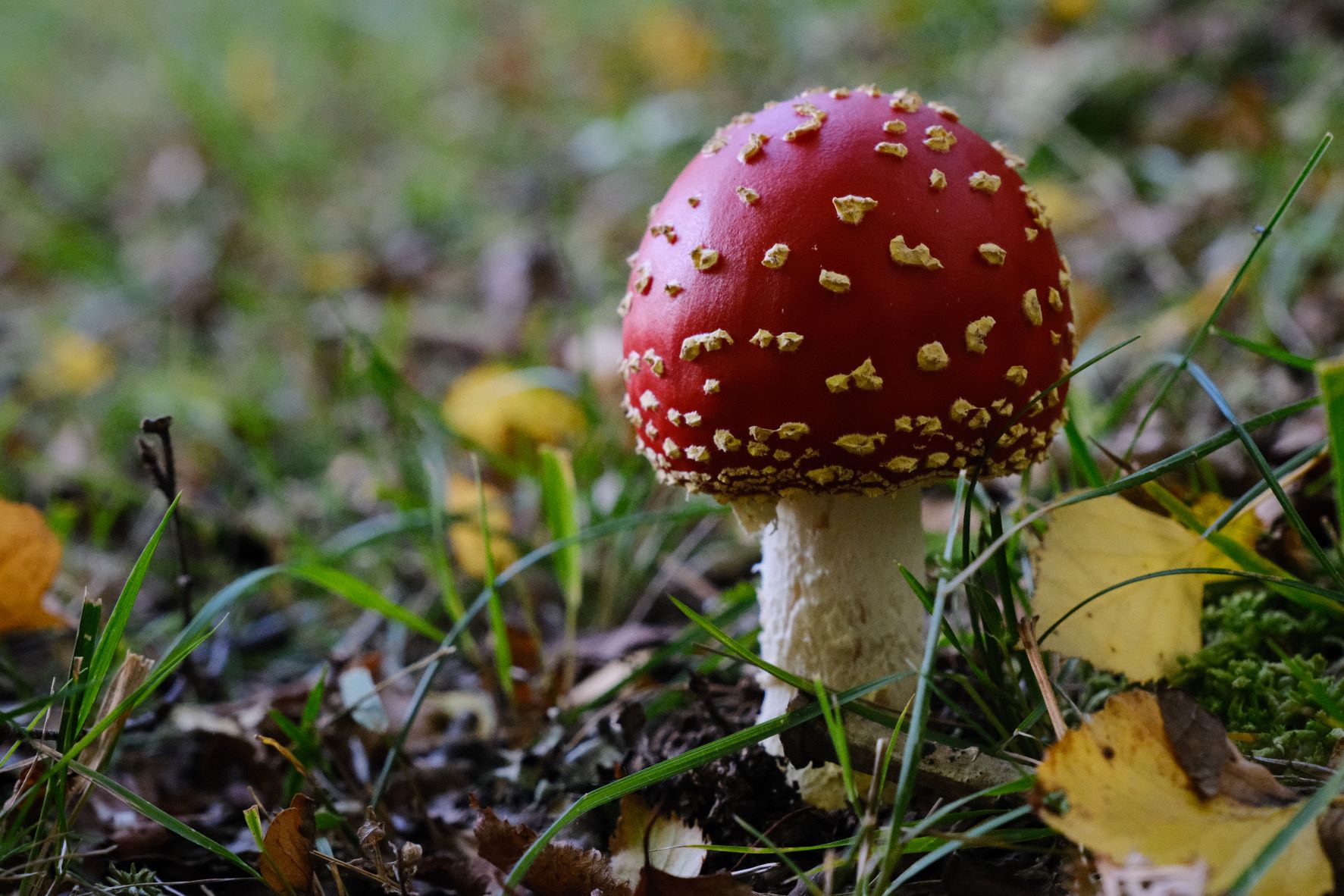
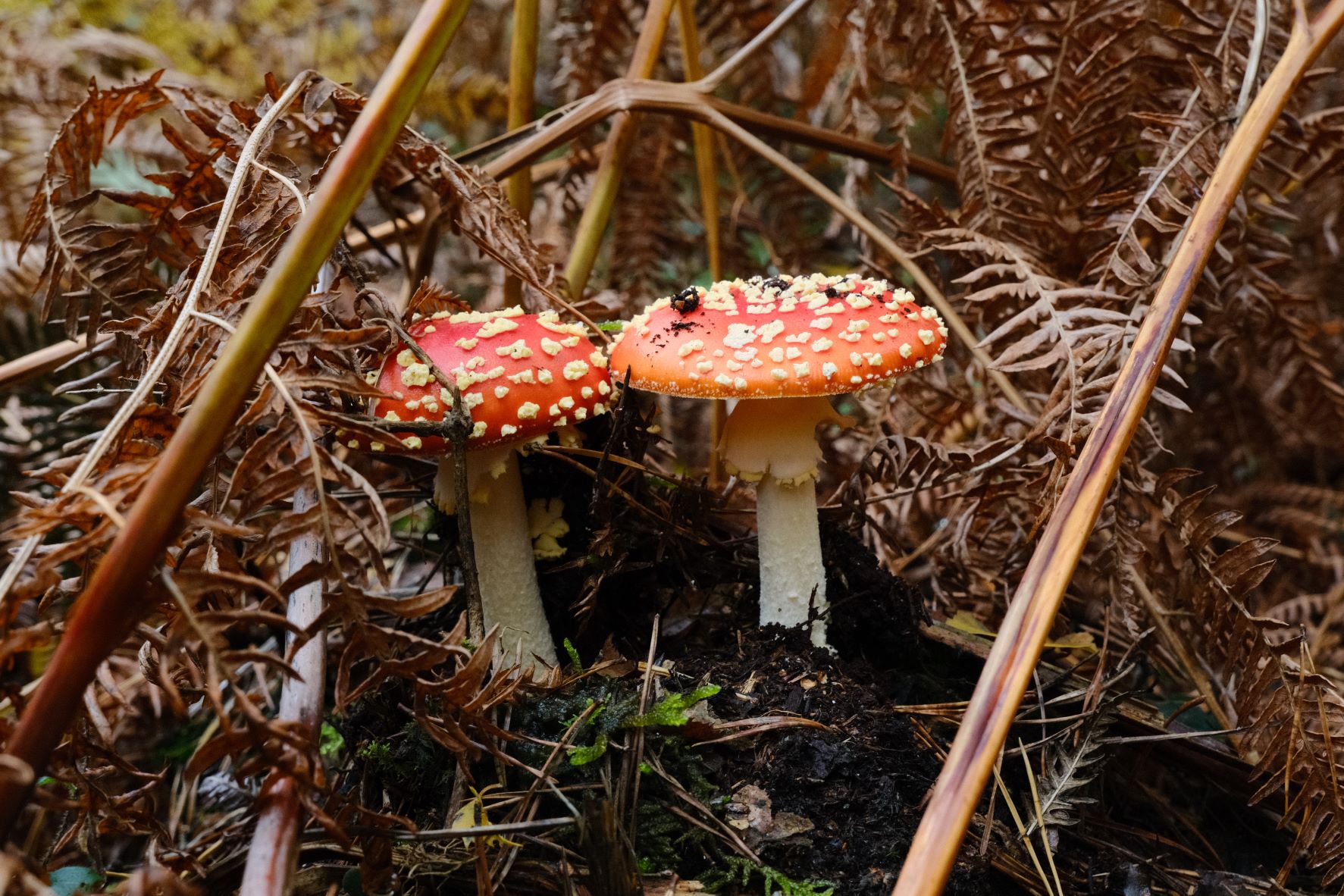
    My first choice for a more punchy look is the Astia simulation. In this recipe, I’ve taken the base sim and given a modest tweak to colour balance and a strong boost to saturation.

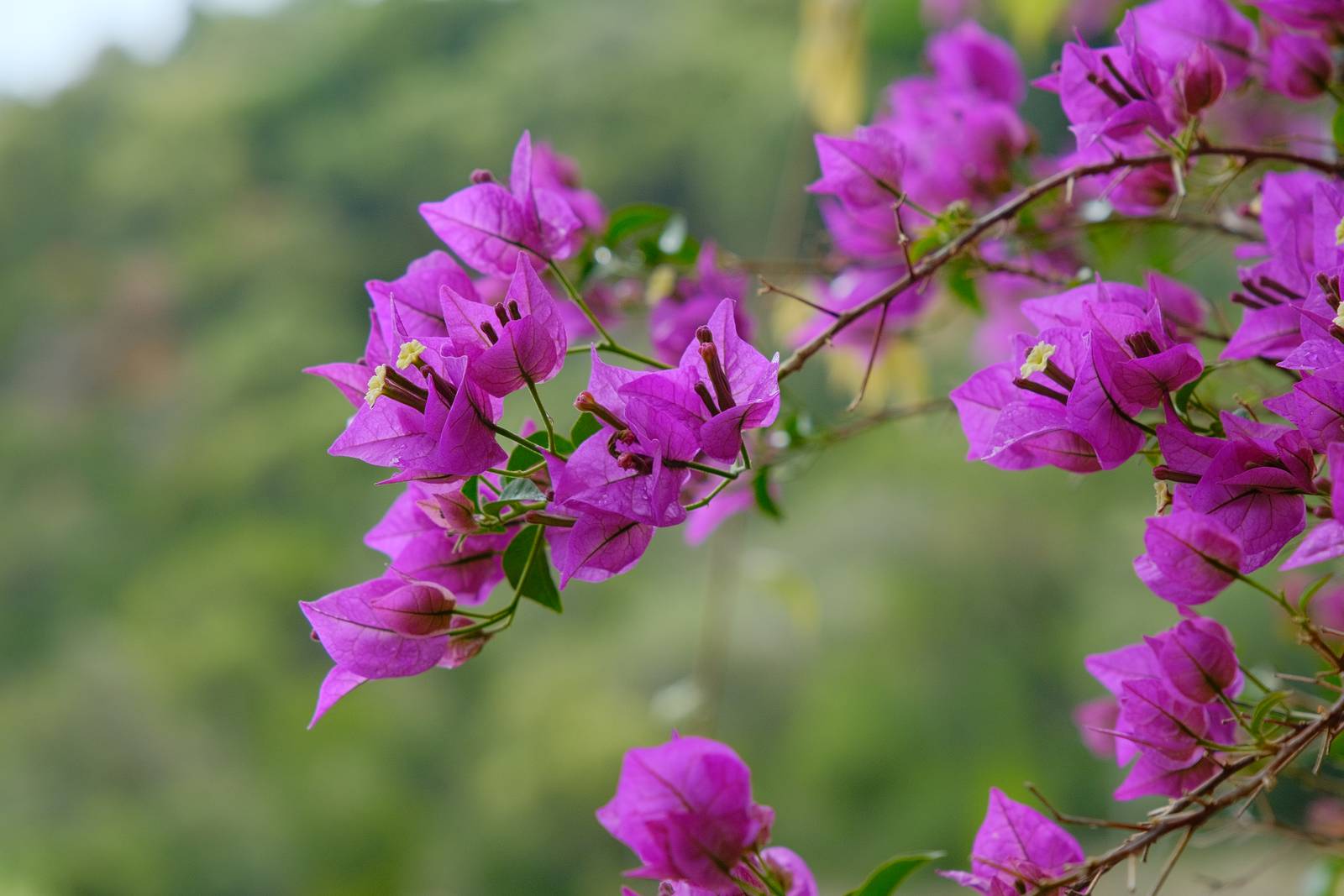
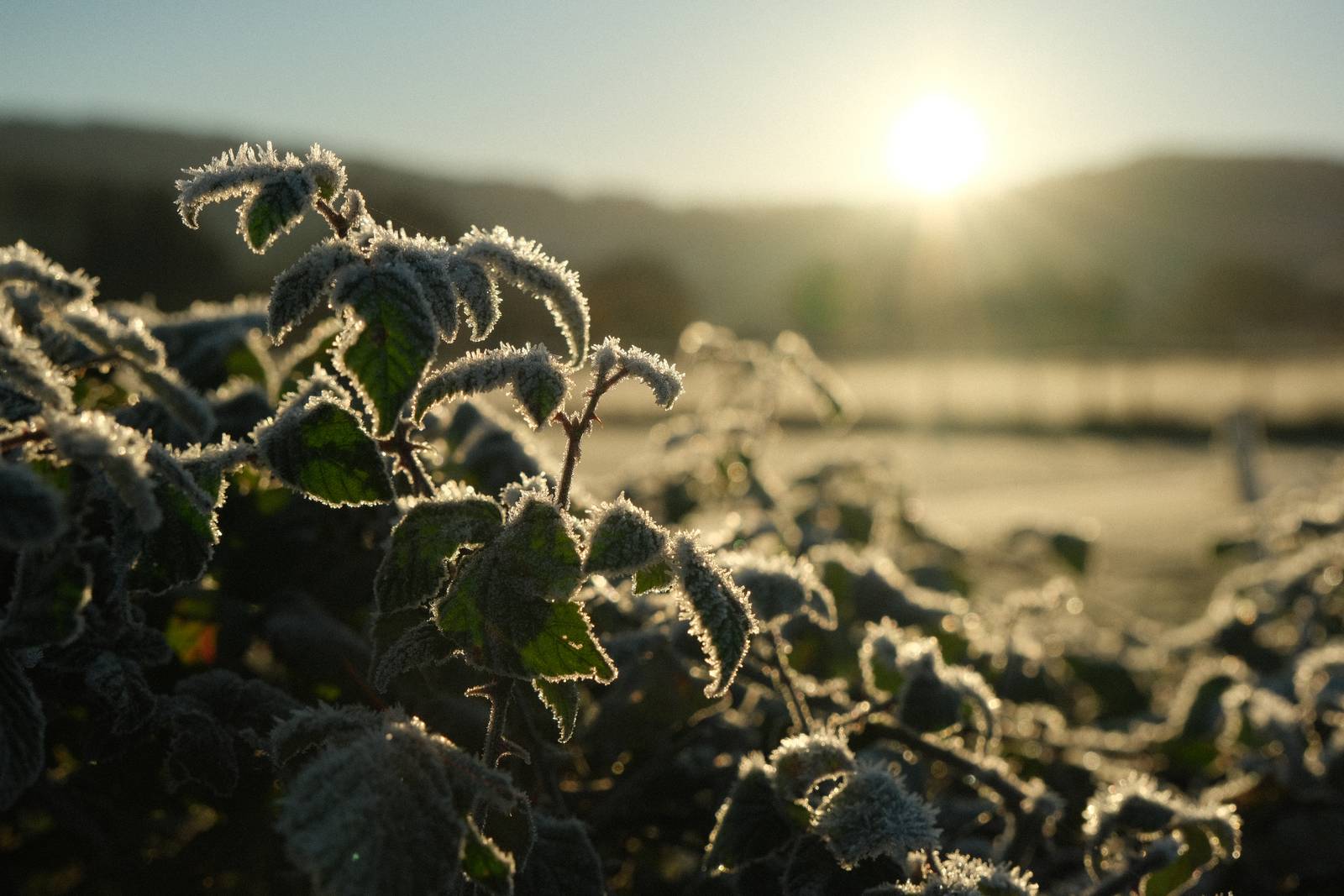
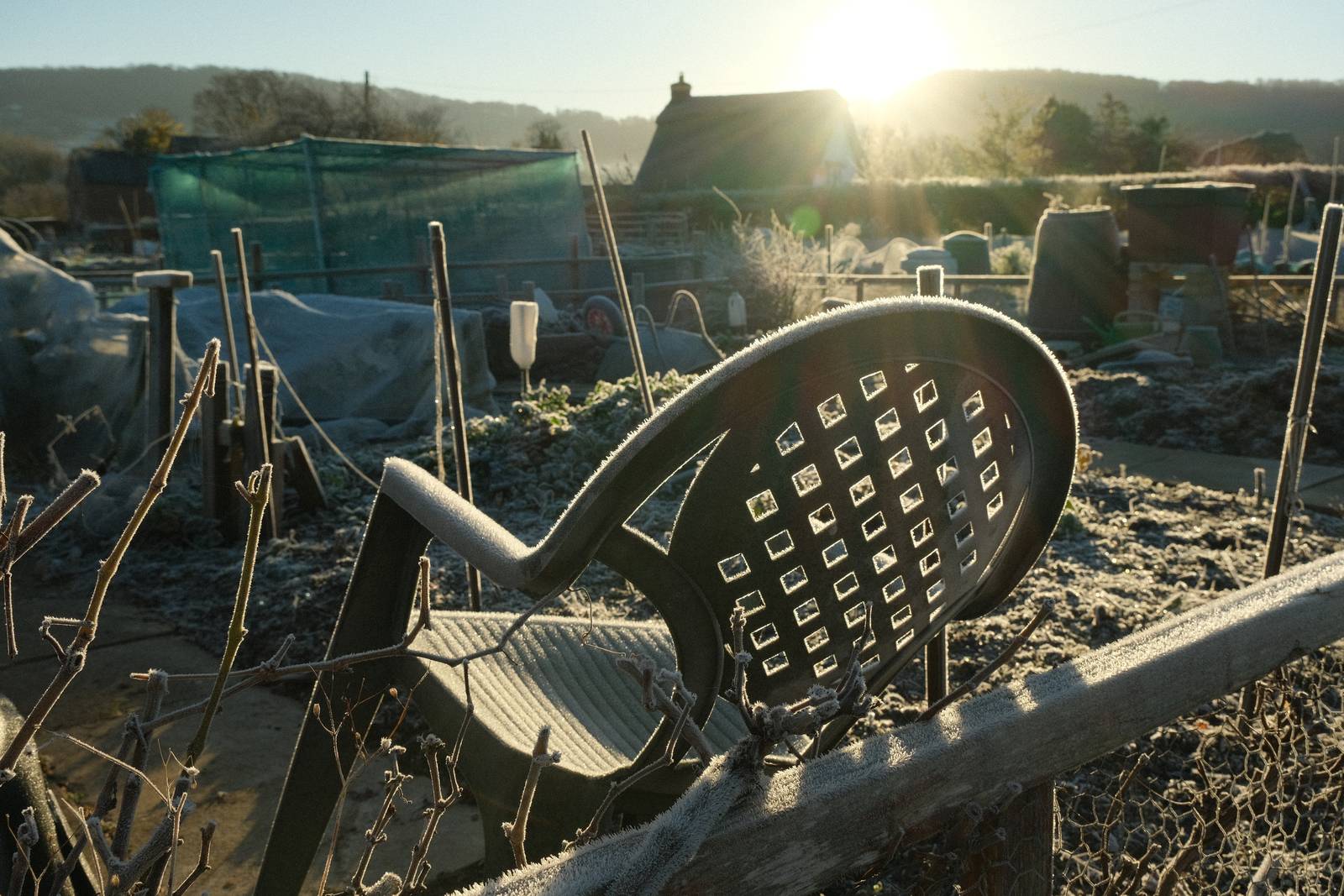
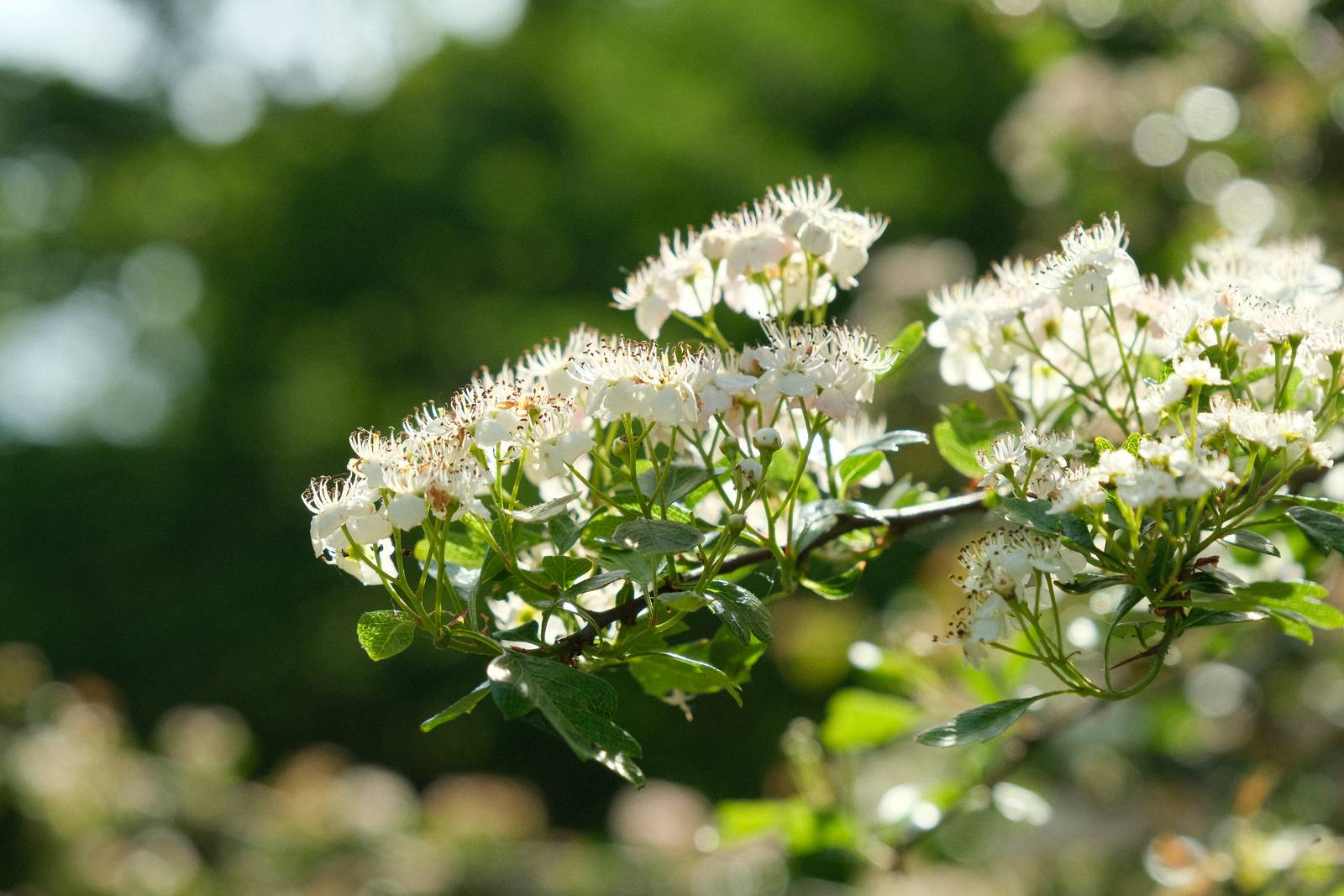
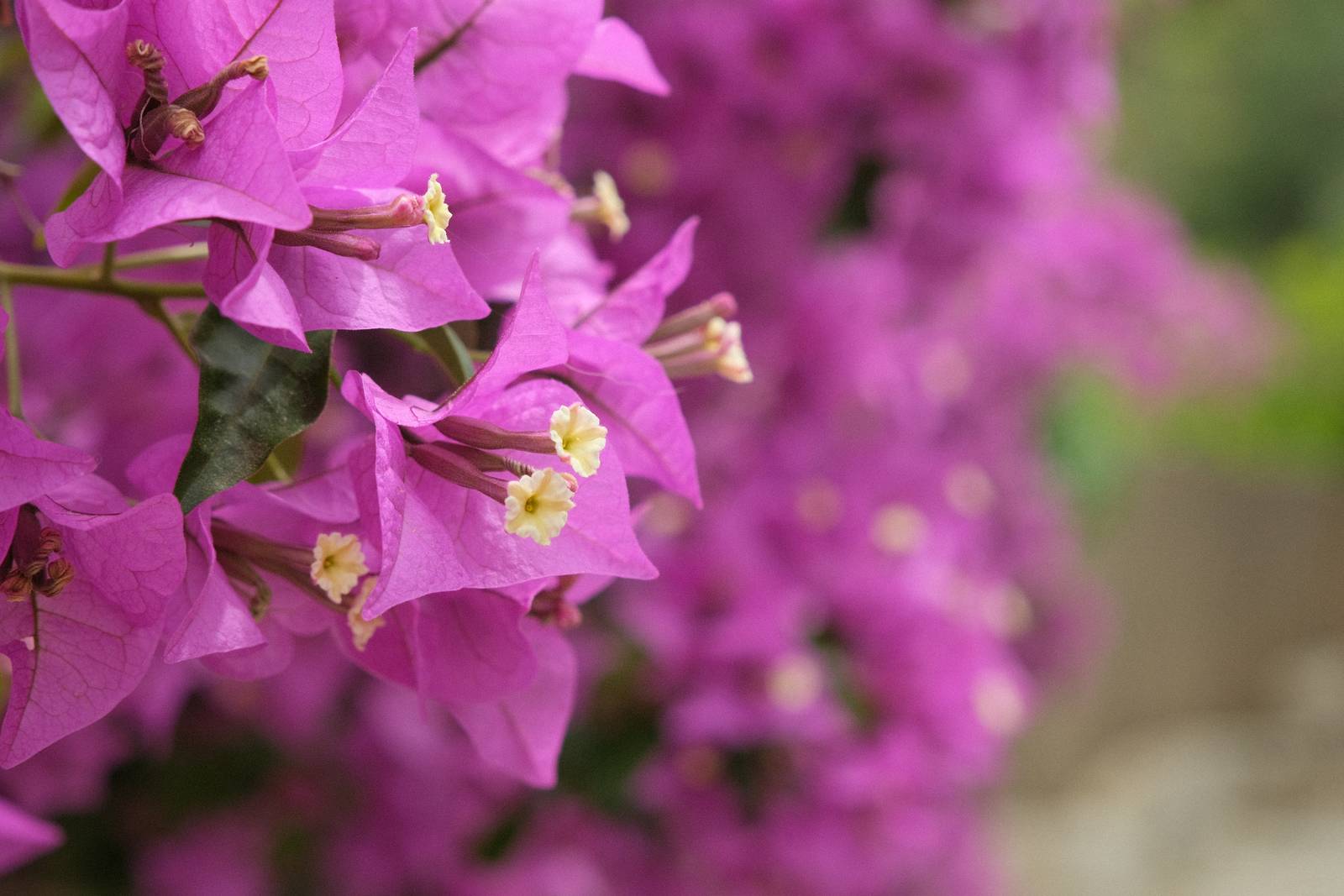
    The result is a look where the quality of Astia really jumps out, hence the name Astia Pops. It’s a great choice for vibrant colours and images that come to life. Have fun!

    Astia Pops Film Recipe Settings

    Film SimulationAstia/Soft
    Grain EffectOff
    Col. Chr. EffectWeak
    Col. Chr. BlueOff
    White BalanceAuto, 0 Red, ‑4 Blue
    Dynamic RangeDR400
    Highlights‑1
    Shadows‑2
    Colour4
    Sharpness1
    ISO N.R.‑4
    Clarity2
    EV Comp.0

    Similar Recipes

    More similar recipes, and hundreds more exclusive looks, are available in the Film Recipes App.

    Film Recipes

    Get the Film Recipes App

    Rolling activity feed — see what’s trending in the app

    Download on the App Store
    Get it on Google Play

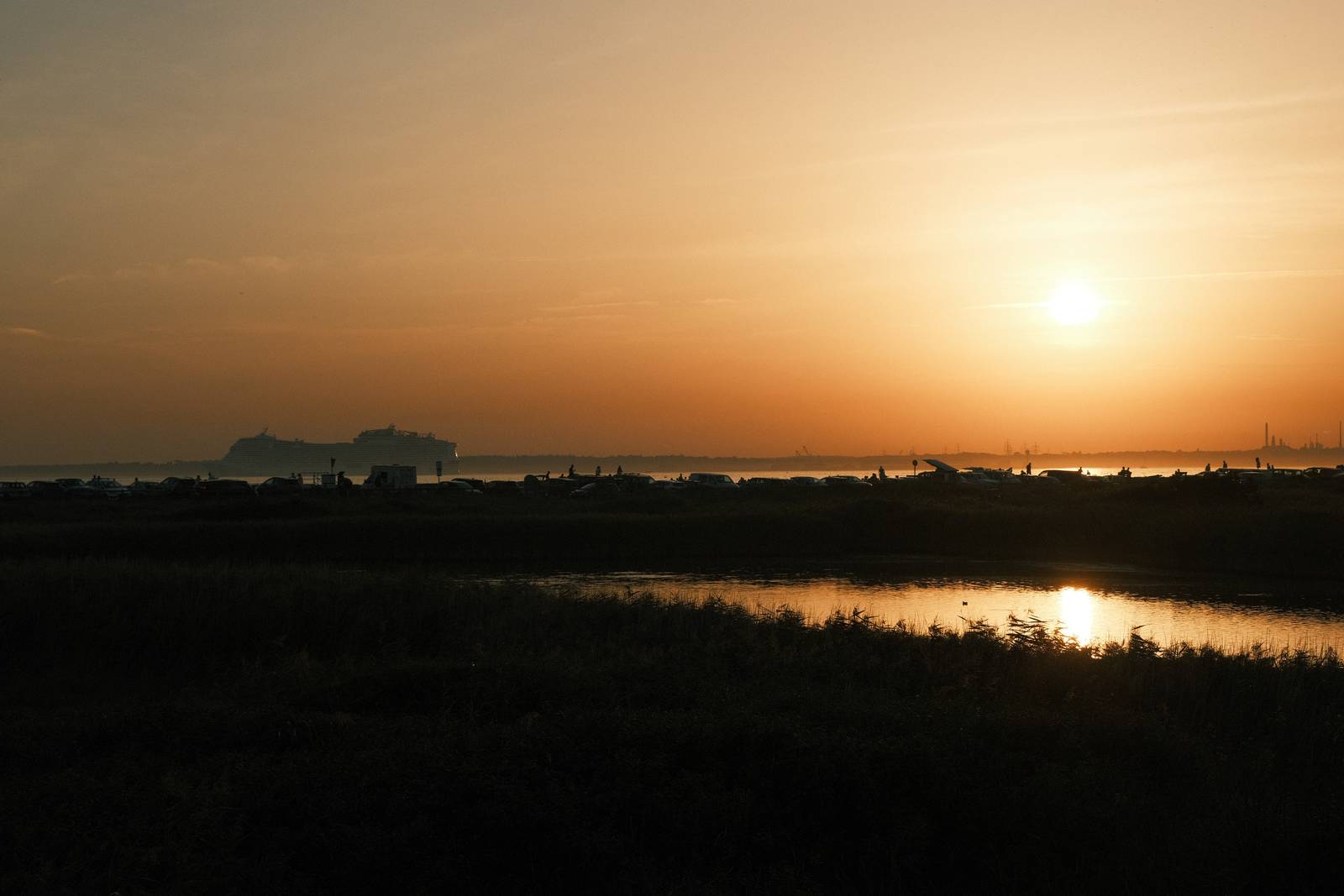
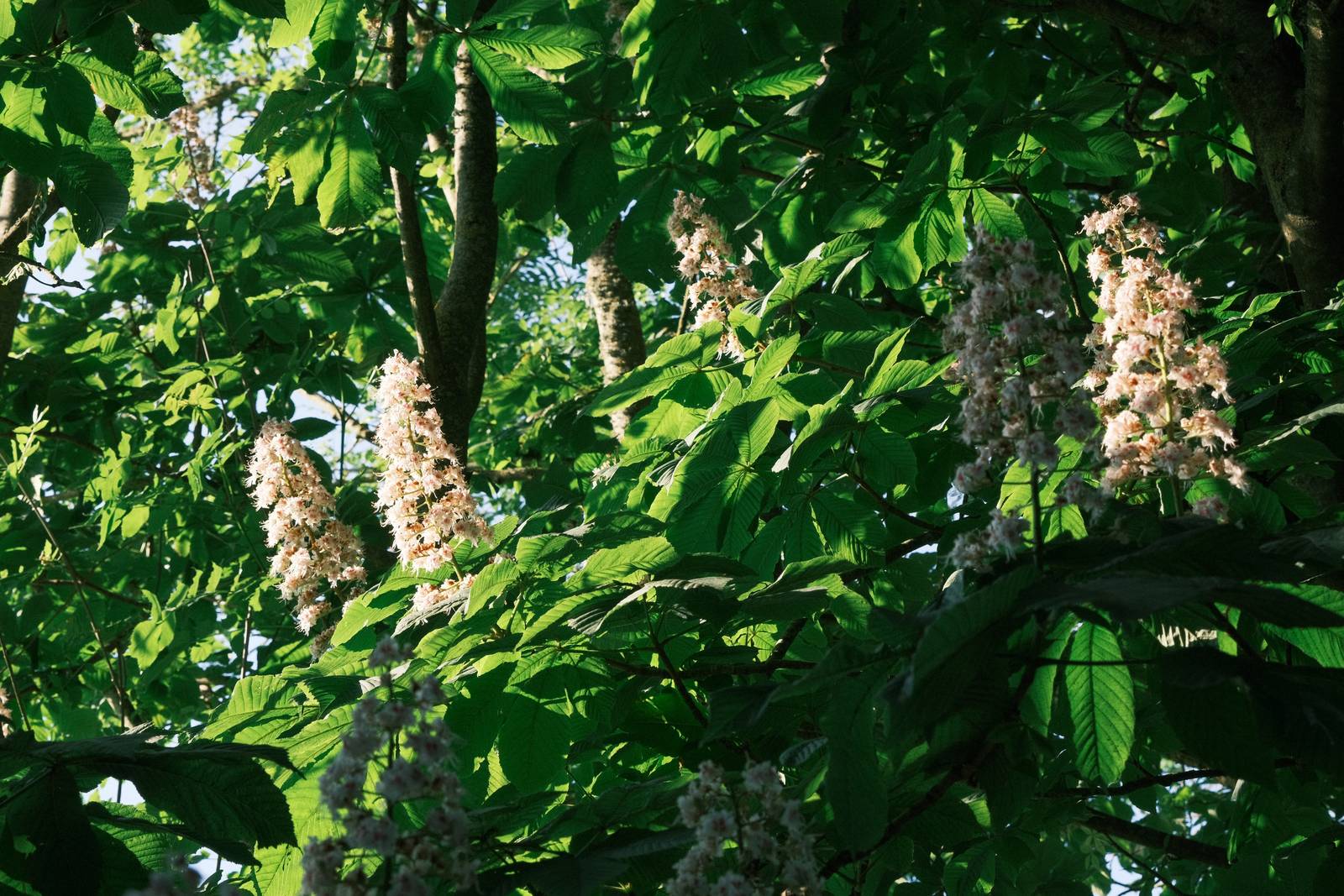
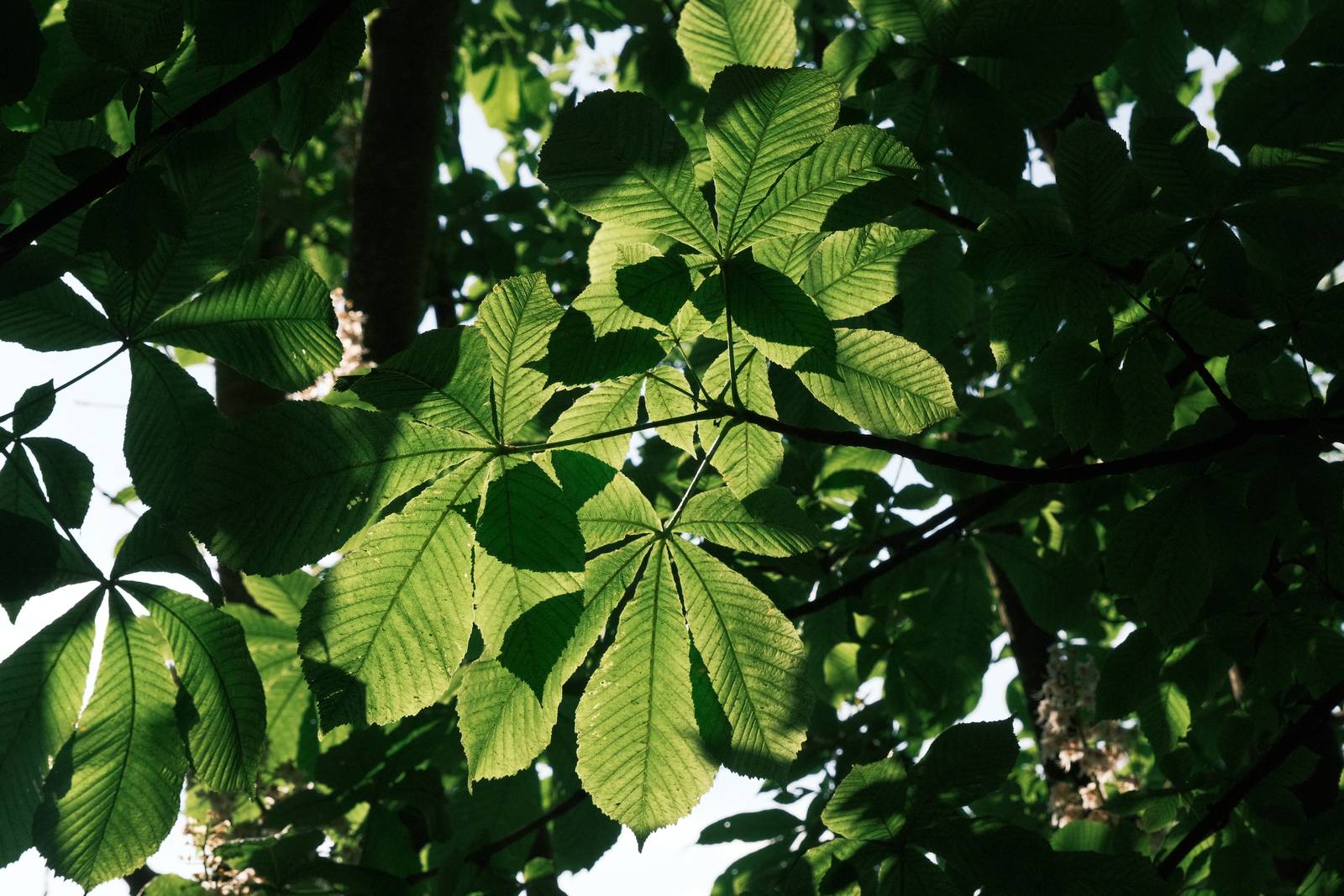
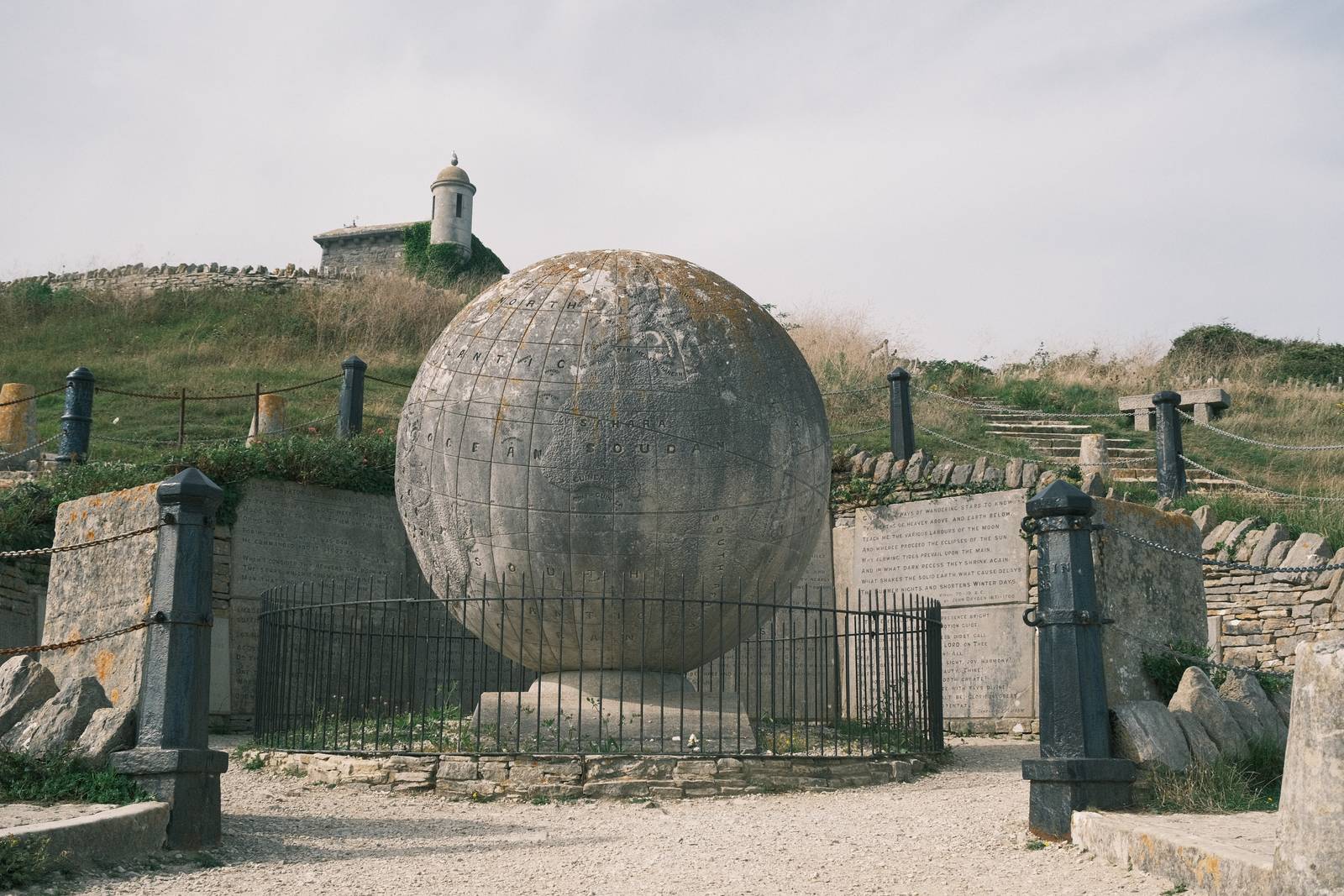
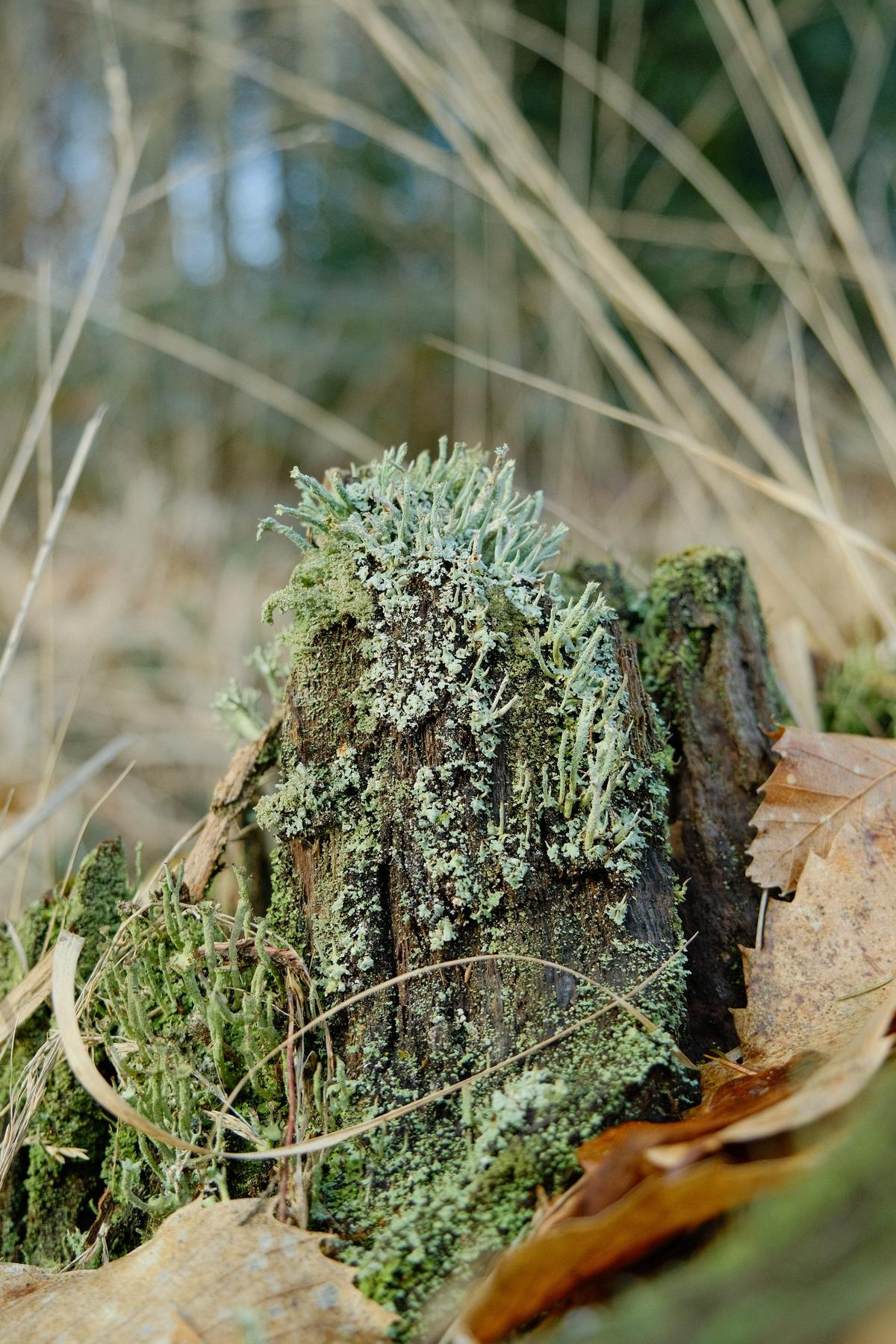
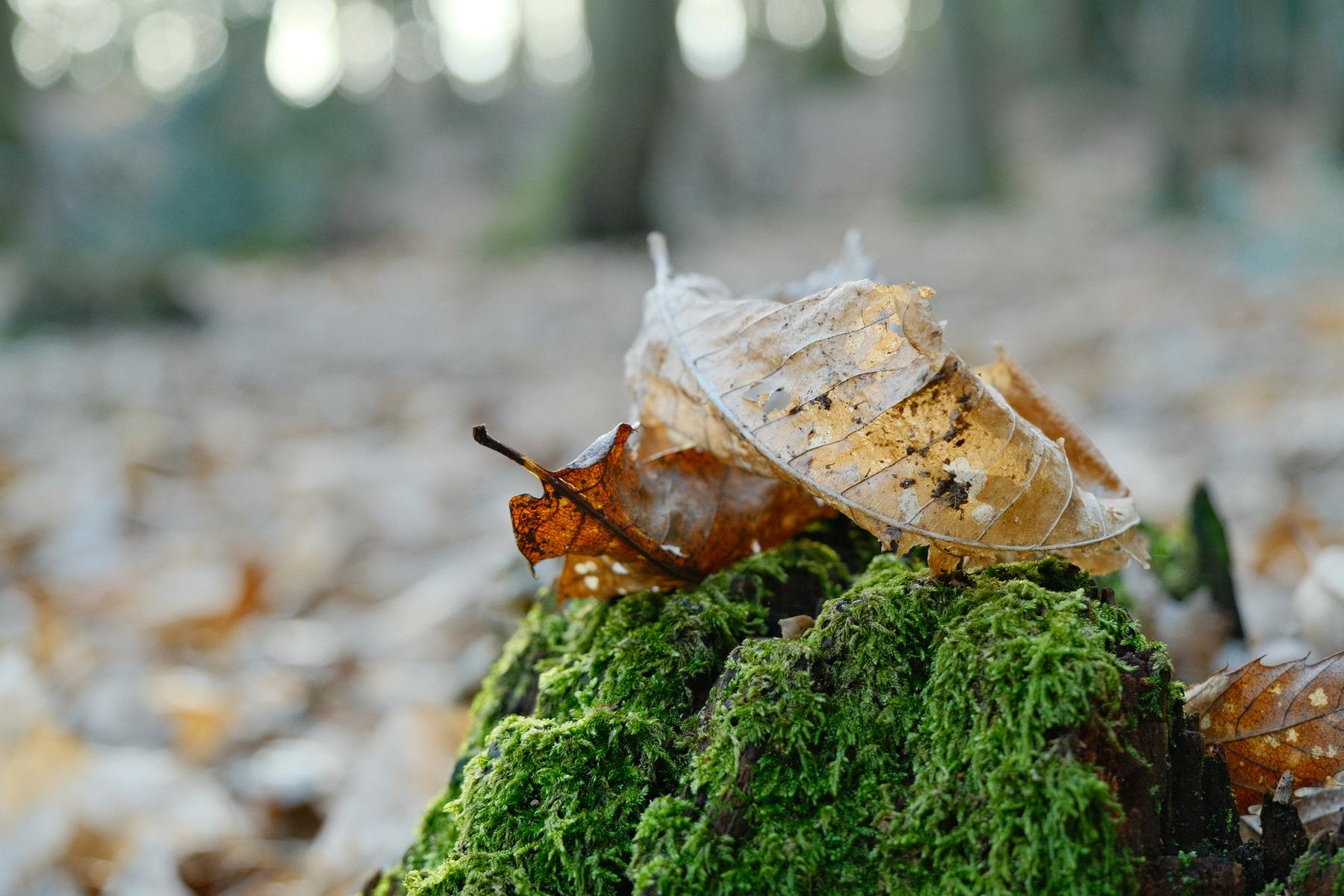
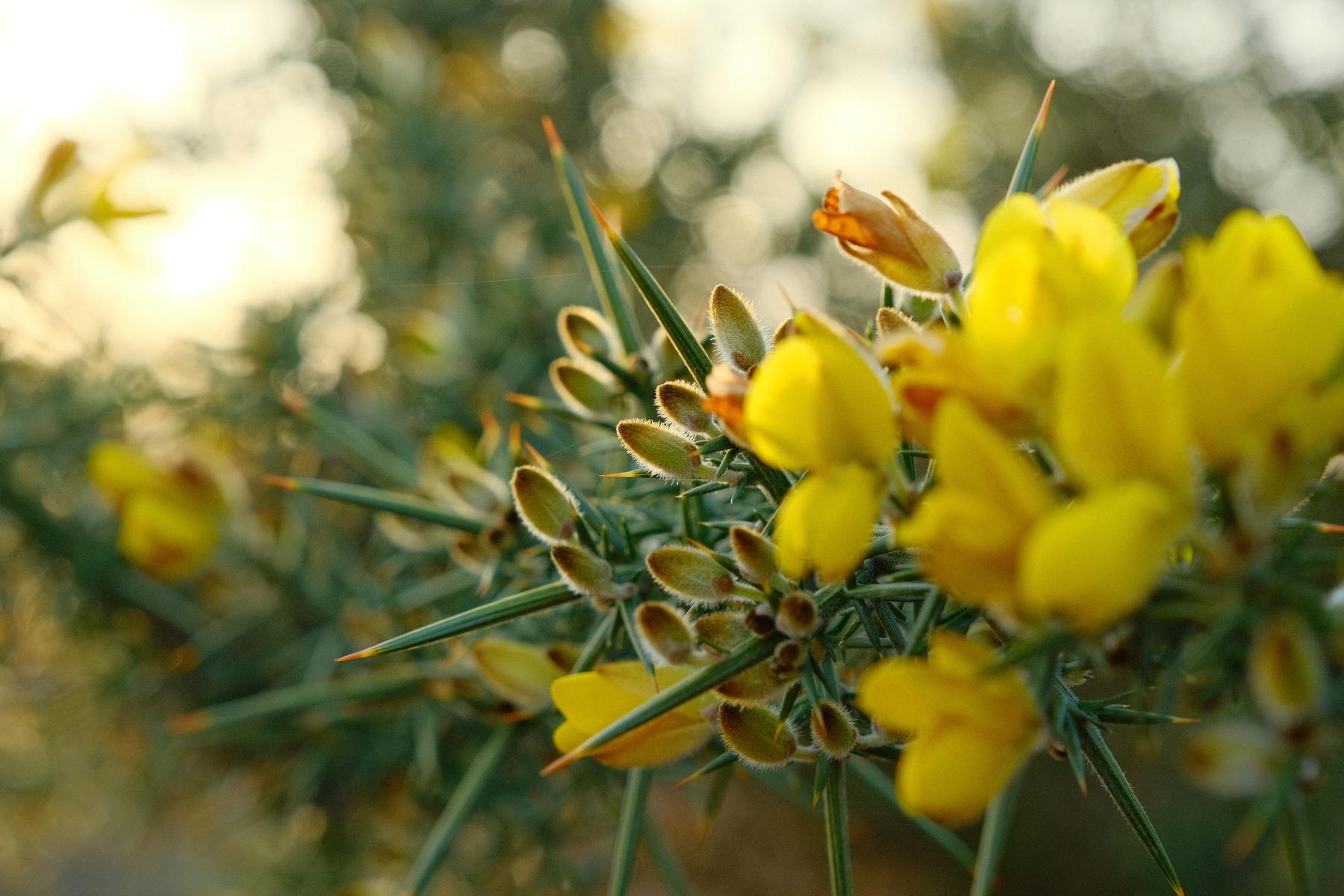
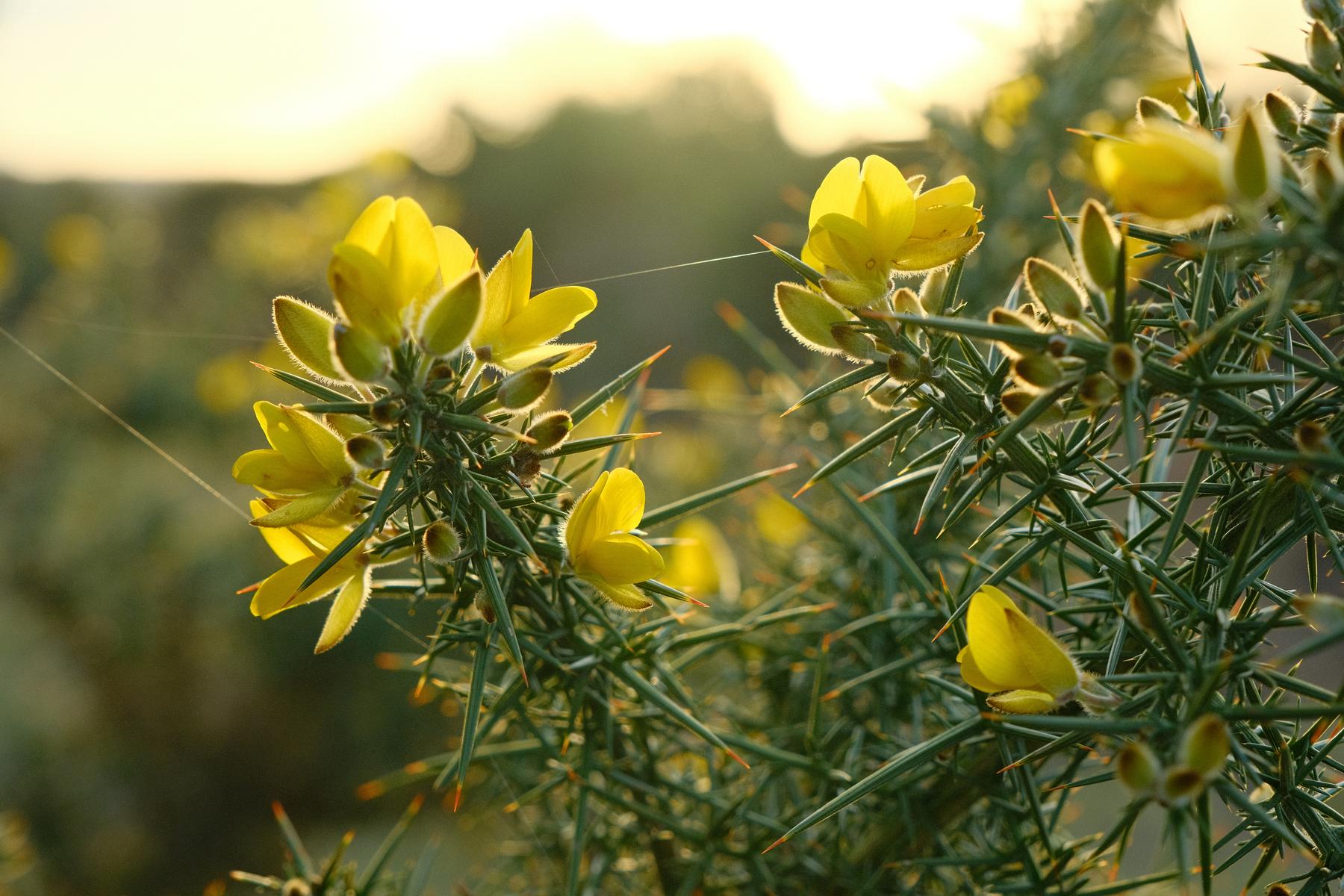
    Astia Pops Film Recipe: Sample Photos

    Astia Pops film recipe sample photo
    Astia Pops film recipe sample photo
    Astia Pops film recipe sample photo
    Astia Pops film recipe sample photo
    Astia Pops film recipe sample photo
    Astia Pops film recipe sample photo
    Astia Pops film recipe sample photo
    Astia Pops film recipe sample photo
    Astia Pops film recipe sample photo

    Using the Astia Pops Film Recipe

    Each film simulation recipe has its own character and style. These features mean recipes are more suited to certain situations, or when seeking a particular look. Here are the categories that Astia Pops has been tagged with.

  • Organic Analog, for Rich Natural Images

    Organic Analog, for Rich Natural Images

    Classic negative film recipe deisgned for natural scenes and a soft mood

    Organic Analog Film Recipe

    Organic Analog

    Here’s a Classic Negative film simulation recipe that is designed for shooting natural scenes with film like realistic colour. Images are full of life, but also have a soft edge to them. This comes from the combination of Classic Negative, with negative clarity.

    Clarity slows down the saving of photos on our Fujifilm cameras, so it’s of course an optional setting. You can either remove it for a crisper result, or add a mist/bloom filter to your camera. Personally, I am in no rush, so I allow the wonderful clarity effect render and save in about a second per image.

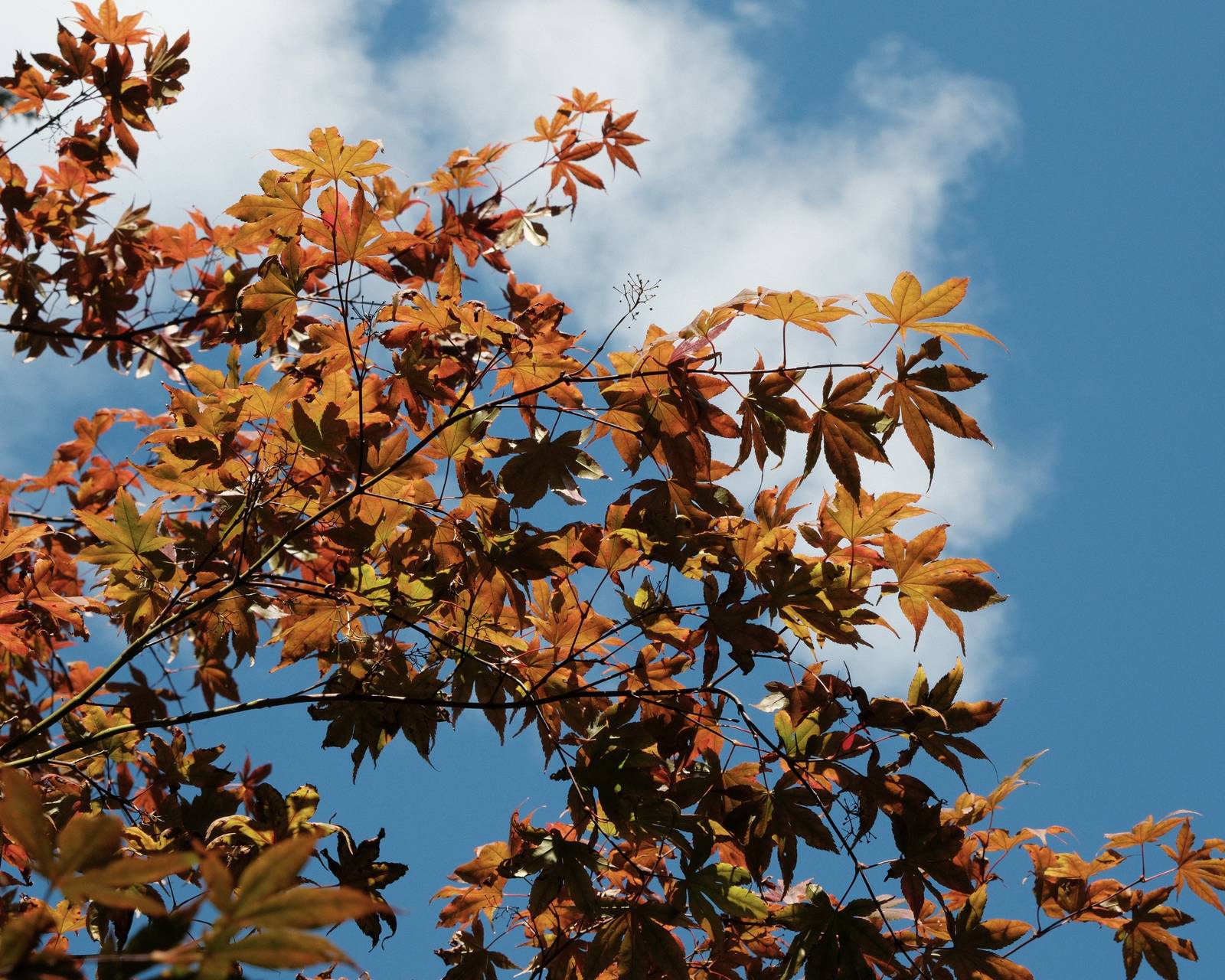
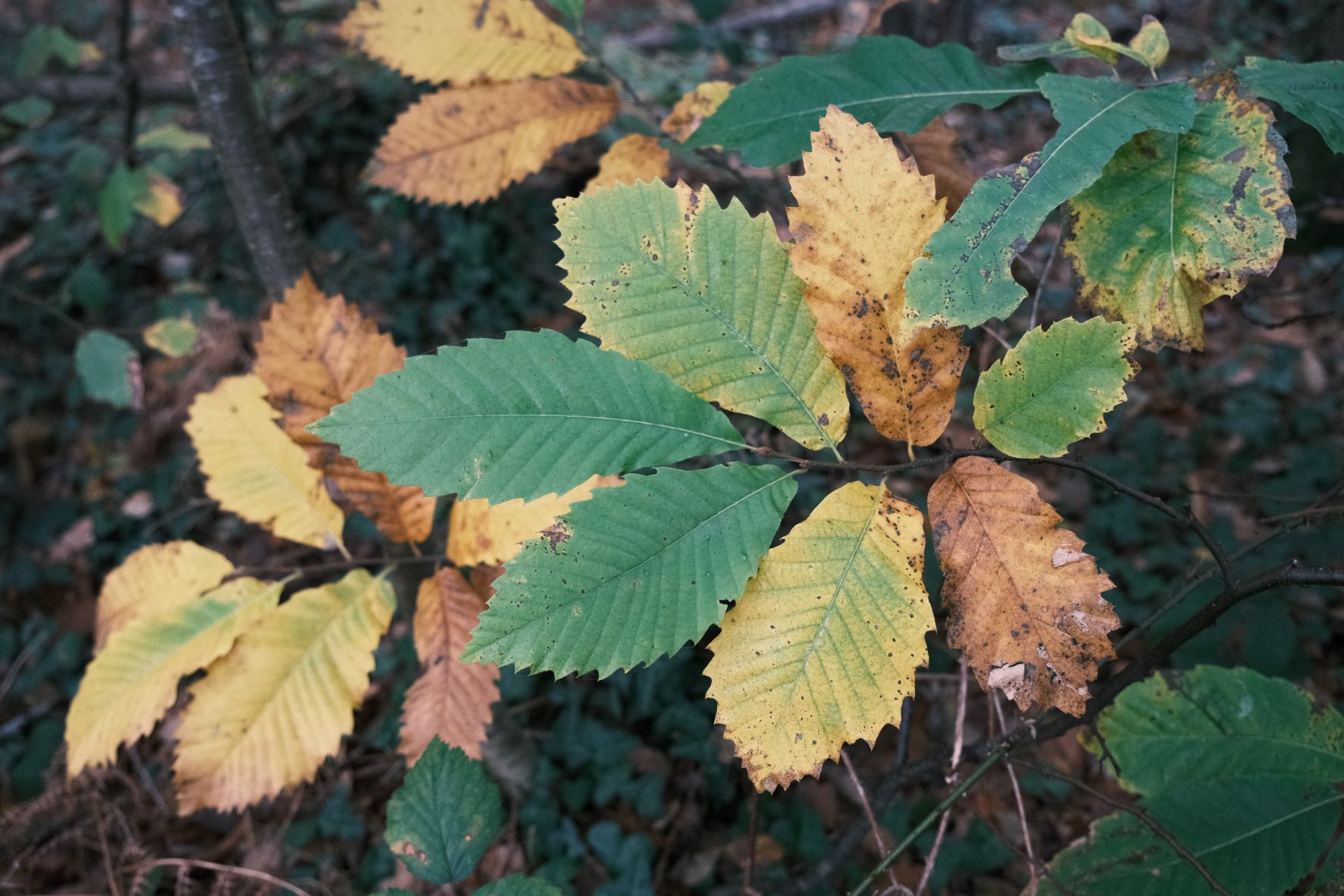
    Organic Analog for X-Trans IV and compatible cameras is a good choice for compelling images throughout all seasons. But, at the time of writing, Autumn is upon us, and I think this recipe will be an excellent option as the leaves show off their seasonal colour.

    Organic Analog Film Recipe Settings

    Film SimulationClassic Negative
    Grain EffectWeak, Large
    Col. Chr. EffectWeak
    Col. Chr. BlueOff
    White Balance4000K, +6 Red, ‑6 Blue
    Dynamic RangeDR200
    Highlights1
    Shadows‑1
    Colour4
    Sharpness‑1
    ISO N.R.‑4
    Clarity‑4
    EV Comp.0

    Similar Recipes

    More similar recipes, and hundreds more exclusive looks, are available in the Film Recipes App.

    Film Recipes

    Get the Film Recipes App

    Settings laid out clearly, with sample photos and similar recipes

    Download on the App Store
    Get it on Google Play

    Organic Analog Film Recipe: Sample Photos

    Organic Analog film recipe sample photo
    Organic Analog film recipe sample photo
    Organic Analog film recipe sample photo
    Organic Analog film recipe sample photo
    Organic Analog film recipe sample photo
    Organic Analog film recipe sample photo
    Organic Analog film recipe sample photo
    Organic Analog film recipe sample photo
    Organic Analog film recipe sample photo
    Organic Analog film recipe sample photo
    Organic Analog film recipe sample photo
    Organic Analog film recipe sample photo
    Organic Analog film recipe sample photo
    Organic Analog film recipe sample photo
    Organic Analog film recipe sample photo
    Organic Analog film recipe sample photo
    Organic Analog film recipe sample photo
    Organic Analog film recipe sample photo
    Organic Analog film recipe sample photo
    Organic Analog film recipe sample photo

    Using the Organic Analog Film Recipe

    Each film simulation recipe has its own character and style. These features mean recipes are more suited to certain situations, or when seeking a particular look. Here are the categories that Organic Analog has been tagged with.

  • Rescued Colorplus, from a found Kodak film

    Rescued Colorplus, from a found Kodak film

    Classic Chrome film recipe based on Kodak Colorplus 200 film

    Rescued Colorplus Film Recipe

    Rescued Colorplus

    I like to follow some 35mm photography groups on social media, gaining inspiration from the images and styles of the various film stocks. In one post, I read about someone who discovered a roll of Kodak Colorplus 200 in a bargain bin of a store, and even though it was past expiry, bought it and tried it out.

    I enjoyed the story and the images (which of course, I have since lost the link to), but I did use them as inspiration for this film recipe. The exposed images were bright and colourful, with a nostalgic Kodak style … just right to model with Classic Chrome.

    So, here we have Rescued Colorplus, for a bright, film like look, based on an out-of-date roll of Kodak film. The settings are simple, so that even though it was developed on X-Trans IV, you could adapt it to other cameras with ease.

    Rescued Colorplus Film Recipe Settings

    Film SimulationClassic Chrome
    Grain EffectWeak, Small
    Col. Chr. EffectOff
    Col. Chr. BlueOff
    White BalanceAuto, +2 Red, ‑4 Blue
    Dynamic RangeDR400
    Highlights1
    Shadows‑1
    Colour3
    Sharpness0
    ISO N.R.‑4
    Clarity0
    EV Comp.-1/3

    Similar Recipes

    More similar recipes, and hundreds more exclusive looks, are available in the Film Recipes App.

    Film Recipes

    Get the Film Recipes App

    Rolling activity feed — see what’s trending in the app

    Download on the App Store
    Get it on Google Play

    Rescued Colorplus Film Recipe: Sample Photos
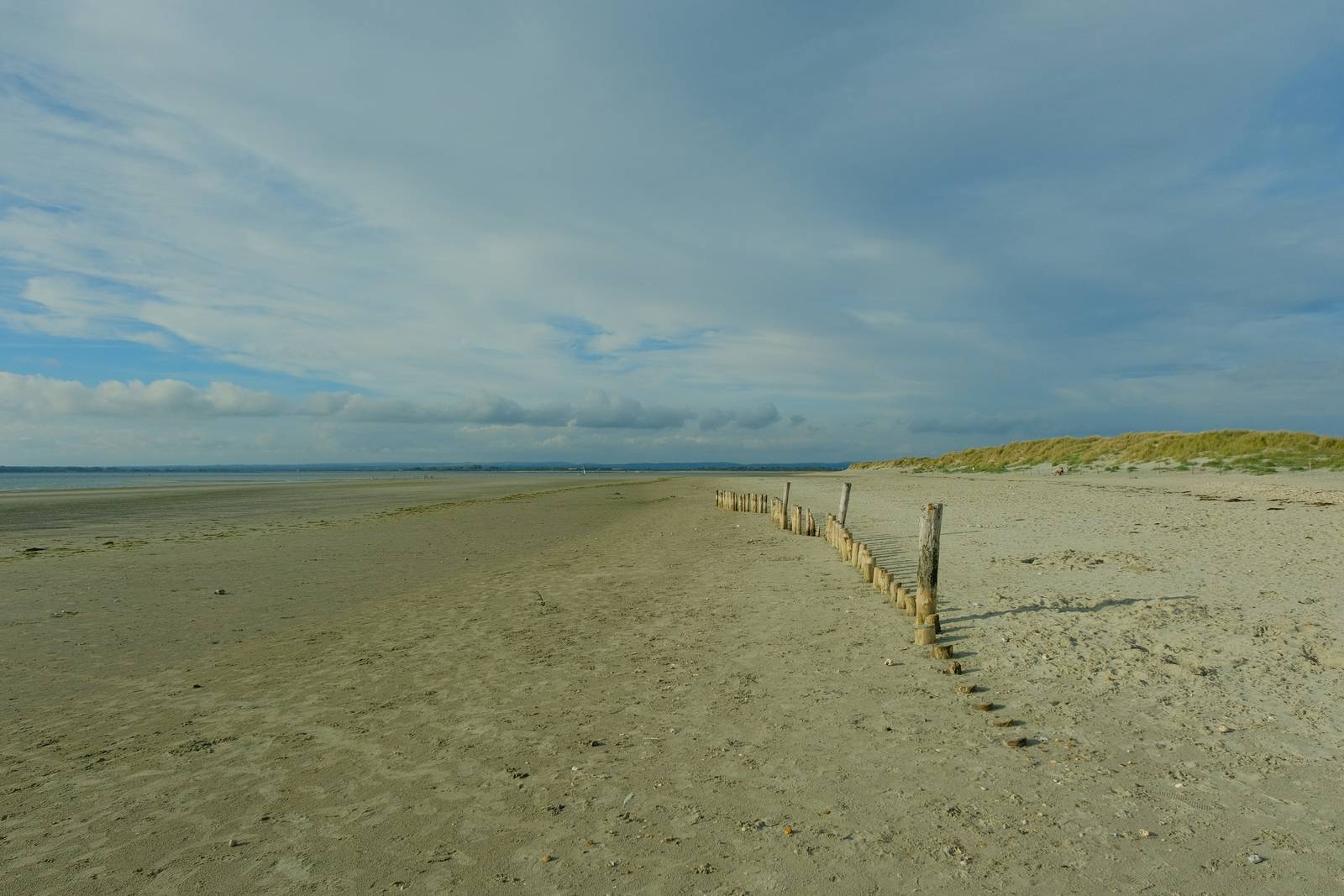
    Rescued Colorplus film recipe sample photo
    Rescued Colorplus film recipe sample photo
    Rescued Colorplus film recipe sample photo
    Rescued Colorplus film recipe sample photo
    Rescued Colorplus film recipe sample photo
    Rescued Colorplus film recipe sample photo
    Rescued Colorplus film recipe sample photo
    Rescued Colorplus film recipe sample photo
    Rescued Colorplus film recipe sample photo
    Rescued Colorplus film recipe sample photo
    Rescued Colorplus film recipe sample photo

    Using the Rescued Colorplus Film Recipe

    Each film simulation recipe has its own character and style. These features mean recipes are more suited to certain situations, or when seeking a particular look. Here are the categories that Rescued Colorplus has been tagged with.

  • Provia Natura, a Versatile Natural Look

    Provia Natura, a Versatile Natural Look

    A go anywhere, do everything film recipe using Provia film simulation

    Provia Natura Film Recipe

    Provia Natura

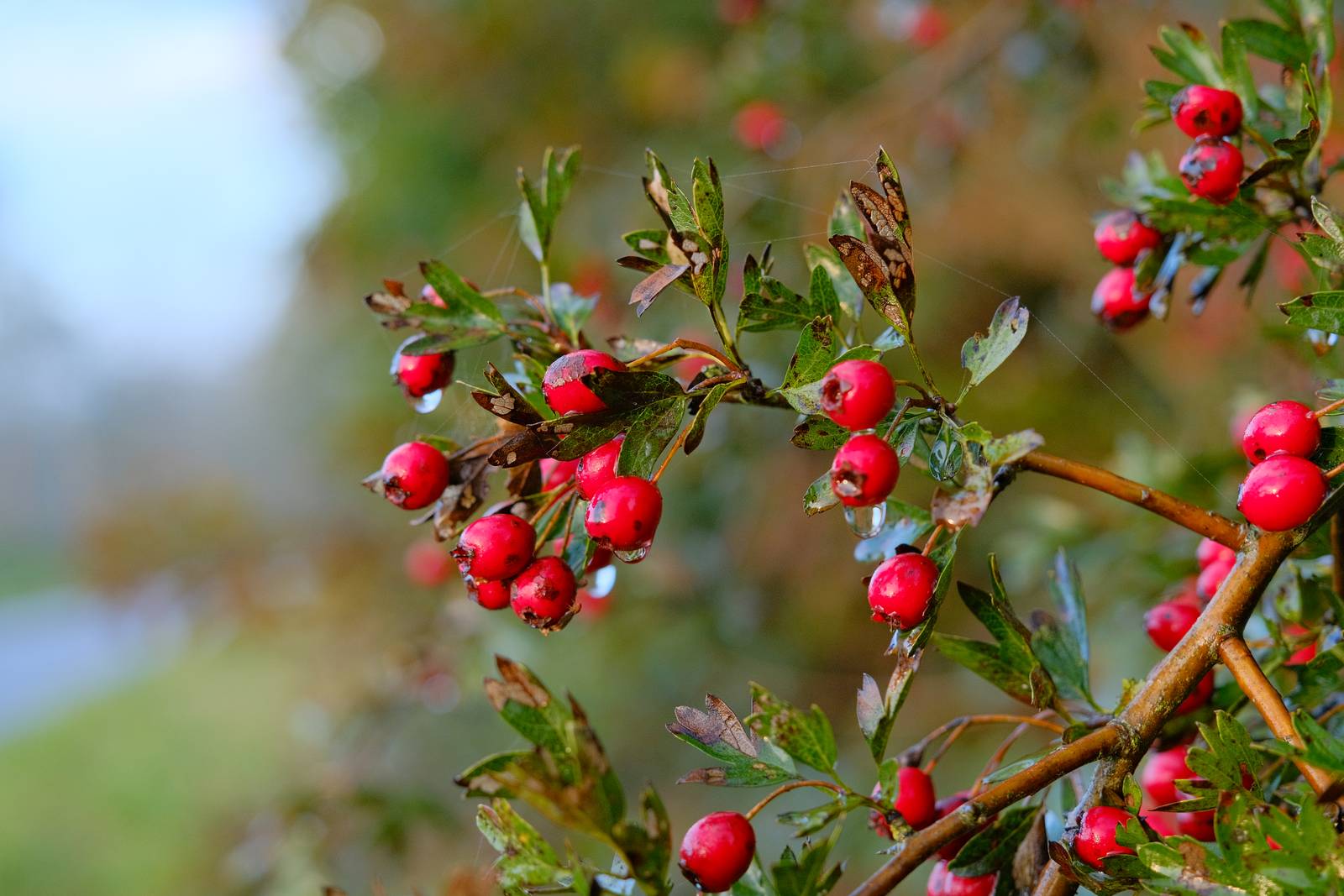
    Fujifilm X-series cameras are well known for their film simulations which bring film like looks with nostalgic tone to your photography. Sometimes forgotten is the wonderful image quality associated with the default simulation, Provia.

    Provia was designed to be as useful as possible across the widest range of situations, and as such, it produces wonderfully natural images which aren’t styled in a nostalgic fashion, but are still identifiably Fujifilm in appearance.

    In this recipe, there are subtle changes from the base simulation in terms of tone and saturation, and a subtle but unique colour pallete from the use of a fluorescent compensating white balance. This, along with the color chrome effects produce a new feel, but whilst retaining a natural color balance and the flexibility and all round usefulness of Provia.

    Provia Natura Film Recipe Settings

    Film SimulationProvia/Standard
    Grain EffectWeak, Large
    Col. Chr. EffectWeak
    Col. Chr. BlueStrong
    White BalanceFluorescent 1, ‑5 Red, 0 Blue
    Dynamic RangeDR200
    Highlights‑1
    Shadows‑1
    Colour‑2
    Sharpness0
    ISO N.R.‑4
    Clarity0
    EV Comp.0

    Similar Recipes

    More similar recipes, and hundreds more exclusive looks, are available in the Film Recipes App.

    Film Recipes

    Get the Film Recipes App

    Rolling activity feed — see what’s trending in the app

    Download on the App Store
    Get it on Google Play

    Provia Natura Film Recipe: Sample Photos
    Provia Natura film recipe sample photo
    Provia Natura film recipe sample photo
    Provia Natura film recipe sample photo
    Provia Natura film recipe sample photo
    Provia Natura film recipe sample photo
    Provia Natura film recipe sample photo
    Provia Natura film recipe sample photo
    Provia Natura film recipe sample photo

    Using the Provia Natura Film Recipe

    Each film simulation recipe has its own character and style. These features mean recipes are more suited to certain situations, or when seeking a particular look. Here are the categories that Provia Natura has been tagged with.

  • Fujicolor C200, 35mm Color Film Recipe

    Fujicolor C200, 35mm Color Film Recipe

    Fujifilm simulation recipe for Fujicolor C200 film using Classic Negative as a base

    Fujicolor C200 Film Recipe

    Fujicolor C200

    Fujifilm film recipes that mimic real world film looks are a useful resource for owners of X-Series cameras. They give a way to shoot with all the convenience of the latest electronics and optics, but with an analog output reminiscent of 35mm manual photography.

    On this site, I have film recipes inspired by Kodak film looks and Fujifilm Fujicolor styles. These use the built in simulations and other adjustments to capture some of the spirit of these giants of photography heritage.

    In this recipe, I’ve looked to create a recipe that mimics the versatile film negative style of Fujicolor C200 film. The heavy lifting is provided by Classic Negative, which has a strongly evocative film print look, especially reminiscent of Fujicolor prints. I’ve softened and warmed this base to reduce some of its more divisive characteristics. In this recipe grass is less blue and more shadow detail is retained. It all makes for a highly usable recipe that’s good for use in many different conditions, but retains a nostalgic film negative feel.

    Fujicolor C200 Film Recipe Settings

    Film SimulationClassic Negative
    Grain EffectWeak, Small
    Col. Chr. EffectWeak
    Col. Chr. BlueOff
    White BalanceAuto, +1 Red, ‑2 Blue
    Dynamic RangeDR200
    Highlights‑1
    Shadows‑2
    Colour1
    Sharpness‑2
    ISO N.R.‑4
    Clarity0
    EV Comp.0

    Similar Recipes

    More similar recipes, and hundreds more exclusive looks, are available in the Film Recipes App.

    Film Recipes

    Get the Film Recipes App

    Monthly challenges to push your photography further

    Download on the App Store
    Get it on Google Play

    Fujicolor C200 Film Recipe: Sample Photos

    Fujicolor C200 film recipe sample photo
    Fujicolor C200 film recipe sample photo
    Fujicolor C200 film recipe sample photo
    Fujicolor C200 film recipe sample photo
    Fujicolor C200 film recipe sample photo
    Fujicolor C200 film recipe sample photo
    Fujicolor C200 film recipe sample photo
    Fujicolor C200 film recipe sample photo
    Fujicolor C200 film recipe sample photo
    Fujicolor C200 film recipe sample photo

    Community Photos

    Photos taken with the Fujicolor C200 film recipe by members of the Film Recipes community.

    Photos by Isabella Gergely

    Fujicolor C200 film recipe photo by Isabella Gergely

    Photos by Bert Broekhuis

    Fujicolor C200 film recipe photo by Bert Broekhuis

    Using the Fujicolor C200 Film Recipe

    Each film simulation recipe has its own character and style. These features mean recipes are more suited to certain situations, or when seeking a particular look. Here are the categories that Fujicolor C200 has been tagged with.

  • Coastal Calm, Soft Tones on the Shore

    Coastal Calm, Soft Tones on the Shore

    Fujifilm camera film simulation recipe with Pro Neg Std for X-Trans IV

    Coastal Calm Film Recipe

    Coastal Calm

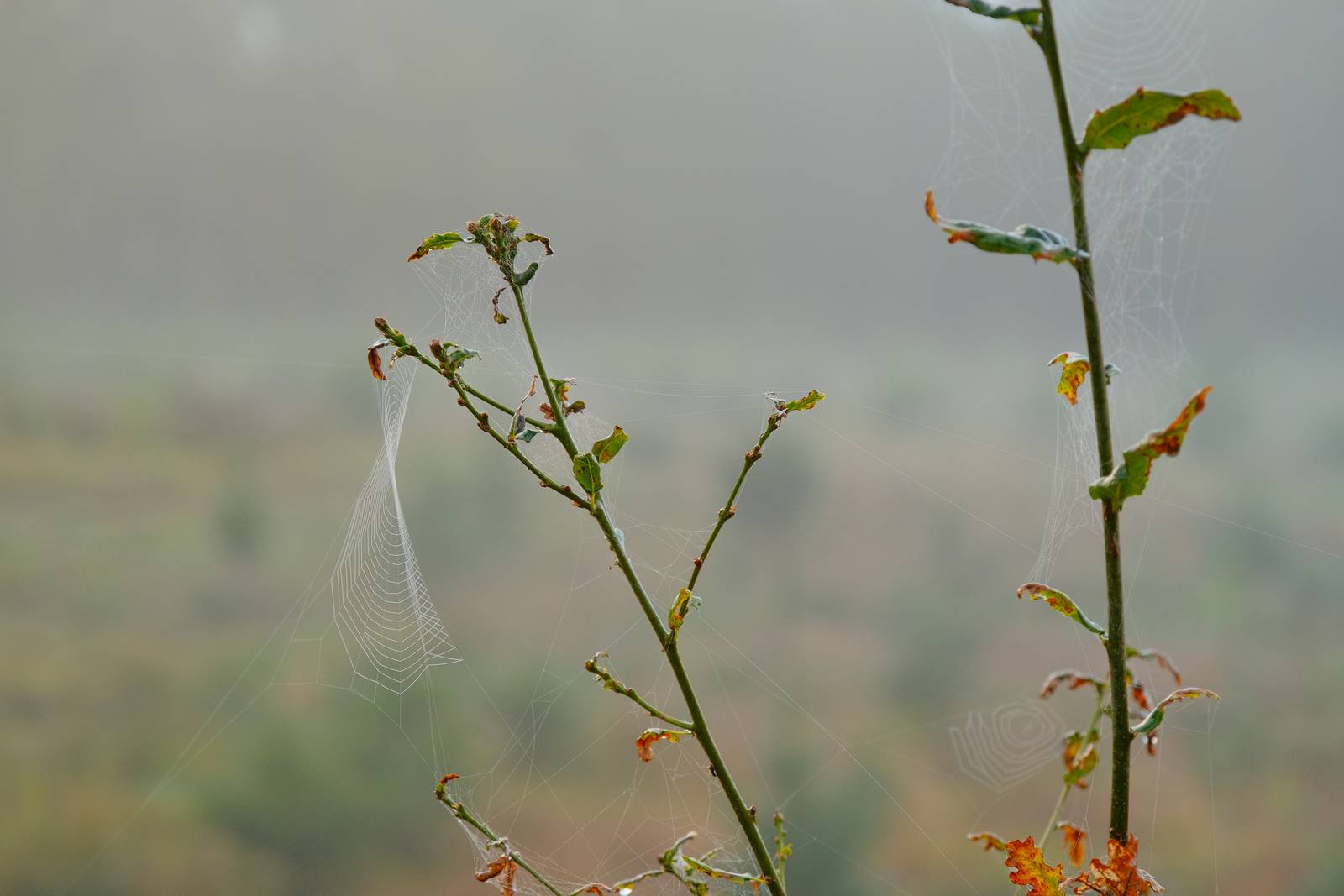
    Here’s a lovely and controlled recipe that uses Pro Neg Std as its base simulation, and produces an easy going tone that’s great for all sorts of shots, but especially relaxing walks by the water.

    The trimmed highlights in this recipe keep even the brightest scenes in check, and give a slightly muted, lower contrast look that has a cinematic feel. For additional versatility, the colour balance is a classic setting, retaining natural colour in your images.

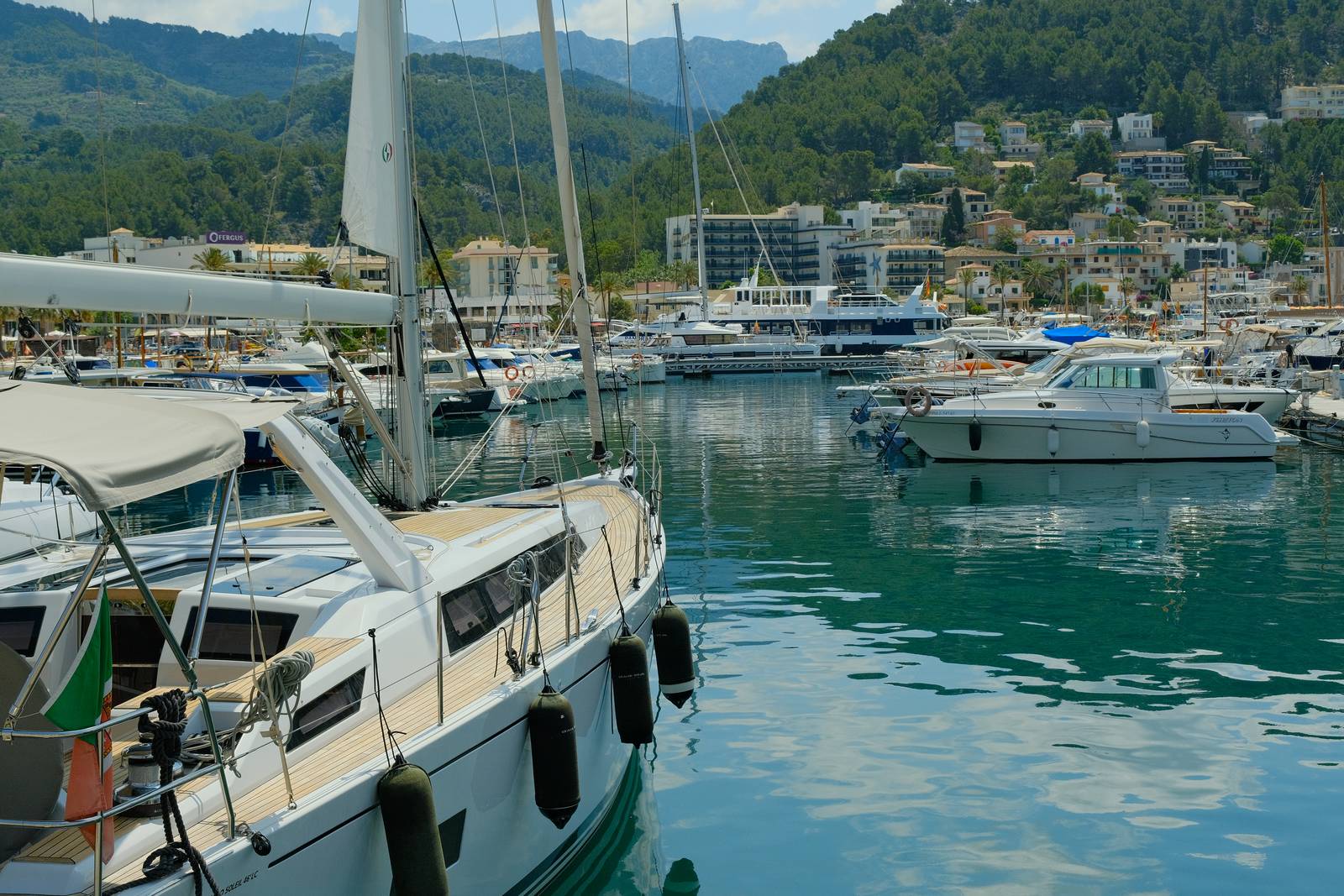
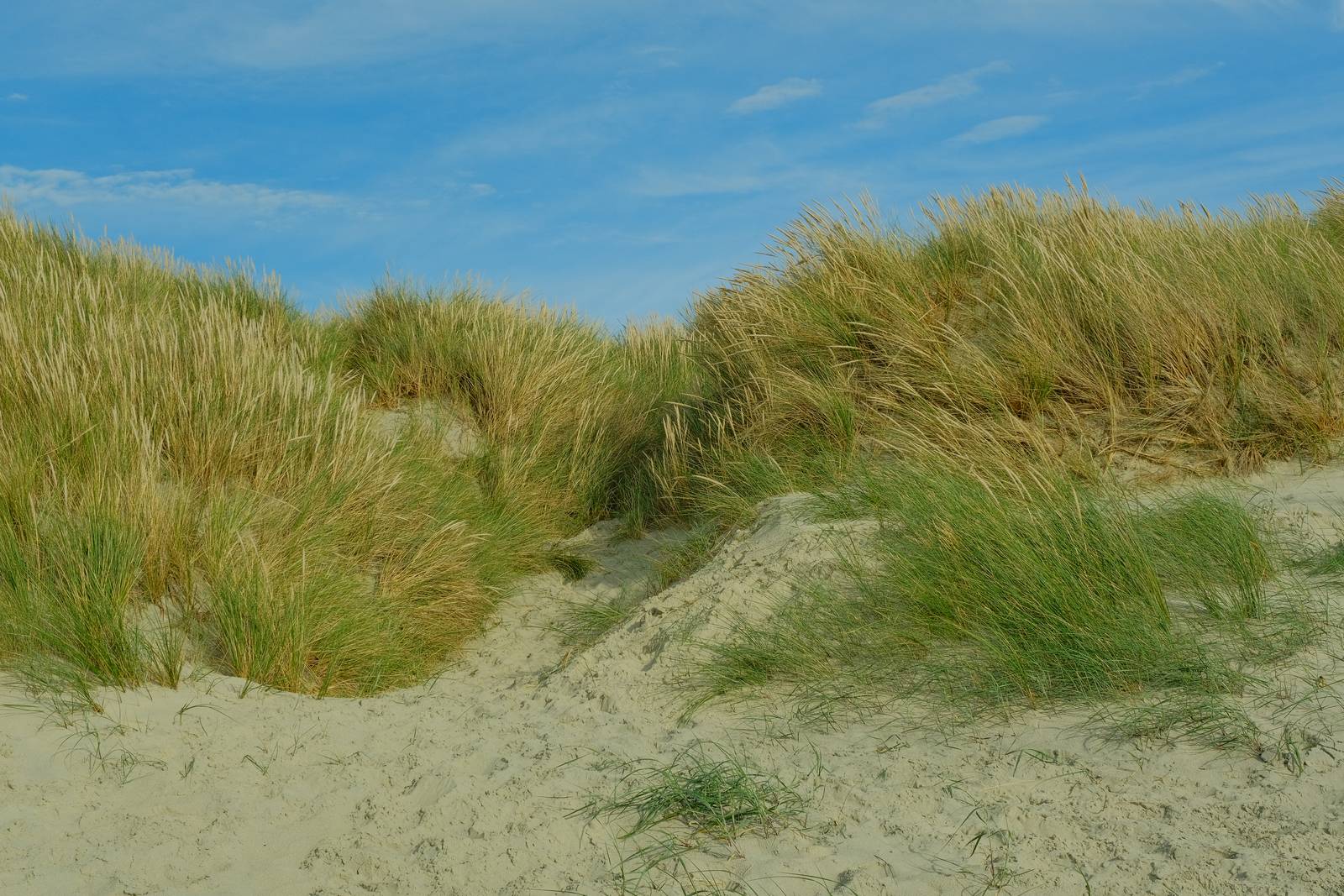
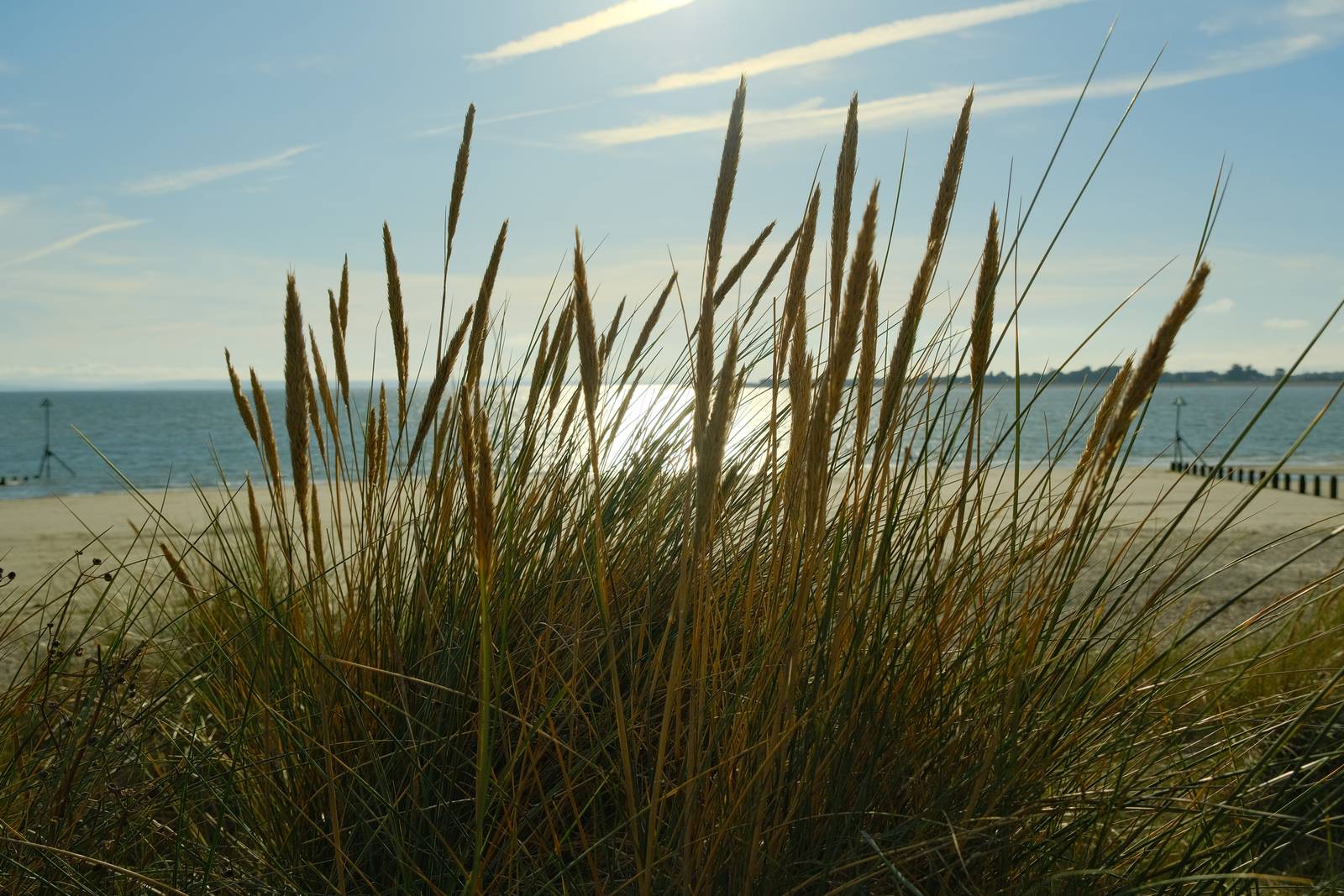
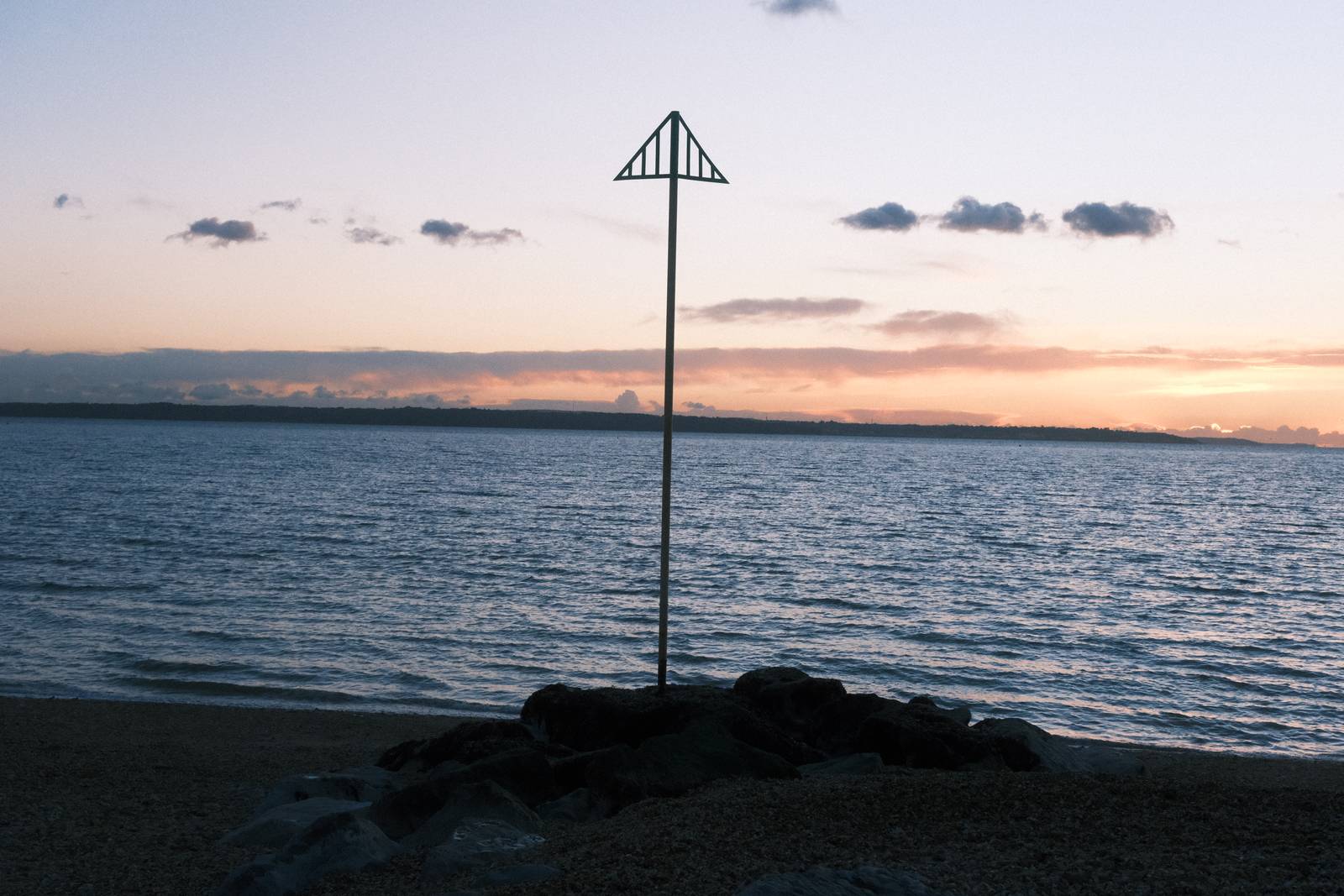
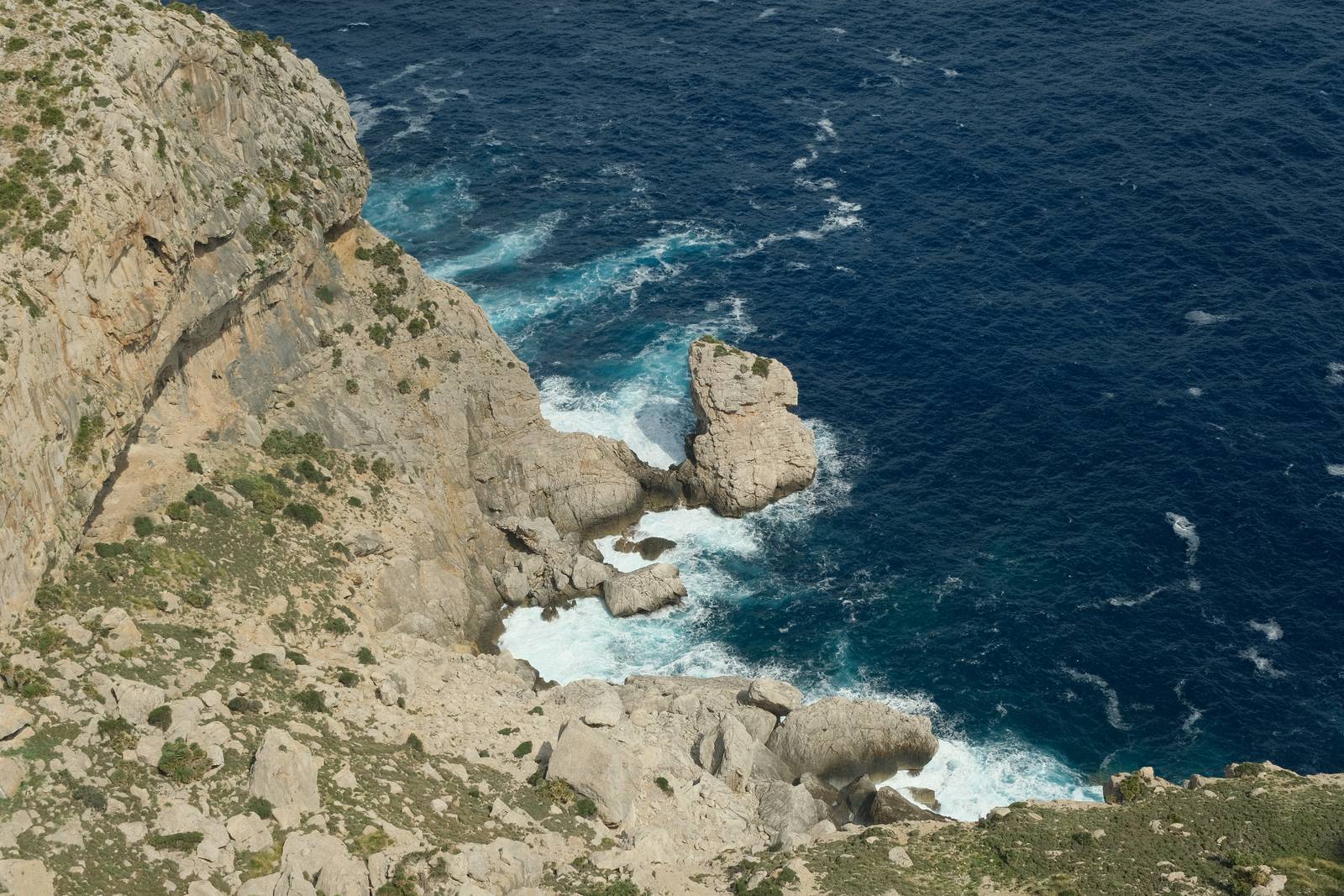
    I tested this throughout a year of walks along the shoreline, and found it wonderful at both ends of the day, and out of season when colours were naturally muted. But to show the versatility, I also gave it an outing in the full Mediterranean sunshine of Mallorca, where it worked really well, taming the strong contrast and deeper blues of the ocean there.

    Coastal Calm Film Recipe Settings

    Film SimulationPRO Neg. Std
    Grain EffectStrong, Small
    Col. Chr. EffectWeak
    Col. Chr. BlueOff
    White BalanceAuto, +2 Red, ‑4 Blue
    Dynamic RangeDR200
    Highlights‑1.5
    Shadows1.5
    Colour‑3
    Sharpness0
    ISO N.R.‑4
    Clarity0
    EV Comp.+1/3

    Similar Recipes

    More similar recipes, and hundreds more exclusive looks, are available in the Film Recipes App.

    Film Recipes

    Get the Film Recipes App

    Browse, filter and search the full recipe library in seconds

    Download on the App Store
    Get it on Google Play

    Coastal Calm Film Recipe: Sample Photos
    Coastal Calm film recipe sample photo
    Coastal Calm film recipe sample photo
    Coastal Calm film recipe sample photo
    Coastal Calm film recipe sample photo
    Coastal Calm film recipe sample photo
    Coastal Calm film recipe sample photo
    Coastal Calm film recipe sample photo
    Coastal Calm film recipe sample photo
    Coastal Calm film recipe sample photo
    Coastal Calm film recipe sample photo
    Coastal Calm film recipe sample photo
    Coastal Calm film recipe sample photo
    Coastal Calm film recipe sample photo
    Coastal Calm film recipe sample photo
    Coastal Calm film recipe sample photo

    Community Photos

    Photos taken with the Coastal Calm film recipe by members of the Film Recipes community.

    Photos by Gunther Geeraerts

    Coastal Calm film recipe photo by Gunther Geeraerts

    Using the Coastal Calm Film Recipe

    Each film simulation recipe has its own character and style. These features mean recipes are more suited to certain situations, or when seeking a particular look. Here are the categories that Coastal Calm has been tagged with.

  • One-Nine-Nine, All Seasons Pro Neg

    One-Nine-Nine, All Seasons Pro Neg

    A go anywhere film simulation recipe using Pro Neg Hi for X-trans IV and V

    One-Nine-Nine Film Recipe

    One-Nine-Nine

    We’re approaching another milestone in the life of the Film Recipes website, with the next recipe to be launched being, almost unbelievably, recipe number 200. For the moment though, we have ‘the one before’, which I have named one-nine-nine.

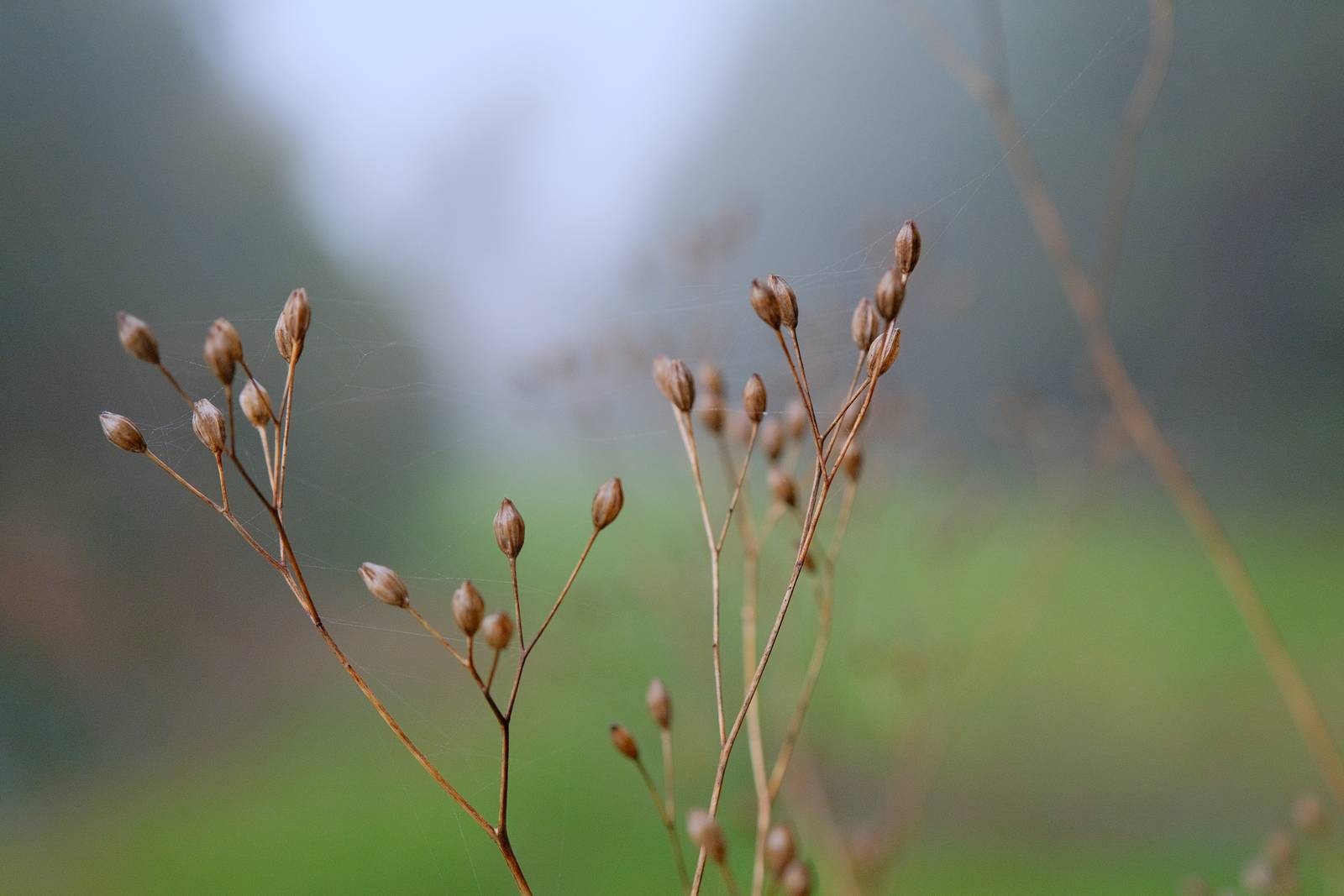
    This recipe is an easy to use Pro Neg Hi setting that loves being used outdoors and throughout the year. It’s versatile, with a gently mellow look that is comforting in tone without being too heavily nostalgic.

    Personally, I am a big fan of the base Pro Neg film simulations, and although they were designed with skin tones in mind, I’ve always enjoyed their look in natural environments. They are versatile, and whilst they are classically Fujifillm in their look, they’re less stylised than the chrome and negative simulations in their appearance.

    This all adds up to a highly usable film recipe which is characterful without being overpowering, and is suited to general use through all seasons and weathers.

    One-Nine-Nine Film Recipe Settings

    Film SimulationPRO Neg. Hi
    Grain EffectOff
    Col. Chr. EffectWeak
    Col. Chr. BlueOff
    White Balance2990K, +9 Red, ‑9 Blue
    Dynamic RangeDR200
    Highlights‑1
    Shadows0
    Colour‑1
    Sharpness0
    ISO N.R.‑4
    Clarity0
    EV Comp.0

    Similar Recipes

    More similar recipes, and hundreds more exclusive looks, are available in the Film Recipes App.

    Film Recipes

    Get the Film Recipes App

    Works offline — no signal needed out in the field

    Download on the App Store
    Get it on Google Play

    One-Nine-Nine Film Recipe: Sample Photos
    One-Nine-Nine film recipe sample photo
    One-Nine-Nine film recipe sample photo
    One-Nine-Nine film recipe sample photo
    One-Nine-Nine film recipe sample photo
    One-Nine-Nine film recipe sample photo
    One-Nine-Nine film recipe sample photo
    One-Nine-Nine film recipe sample photo
    One-Nine-Nine film recipe sample photo
    One-Nine-Nine film recipe sample photo
    One-Nine-Nine film recipe sample photo
    One-Nine-Nine film recipe sample photo
    One-Nine-Nine film recipe sample photo

    Using the One-Nine-Nine Film Recipe

    Each film simulation recipe has its own character and style. These features mean recipes are more suited to certain situations, or when seeking a particular look. Here are the categories that One-Nine-Nine has been tagged with.

  • Hiking Buddy, for Full Colour Photo Walks

    Hiking Buddy, for Full Colour Photo Walks

    Astia film simulation recipe with bold colours and punchy contrast

    Hiking Buddy Film Recipe

    Hiking Buddy

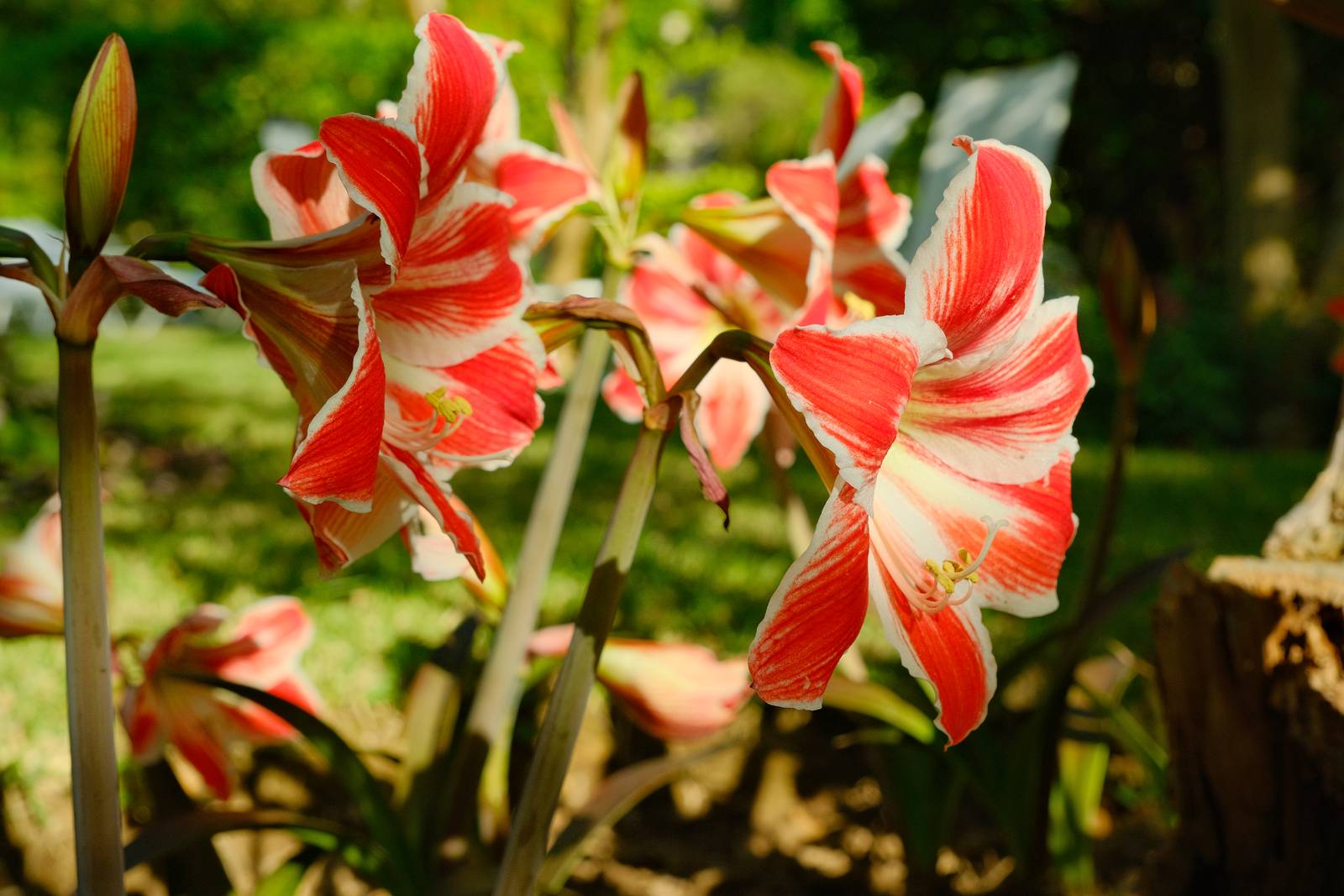
    A lot of my film recipes are based around a muted tones look, or nostalgic colour shifts. Hiking Buddy film recipe is something altogether different. It’s full of bold colour and punchy contrast.

    The base for the recipe is Astia, a film simulation with playful colour, especially the reds and blues. That’s true of this recipe too, where any blues or reds will jump out of your photos. That’s not to say that other colours are muted, because in this recipe, all colours are full of life.

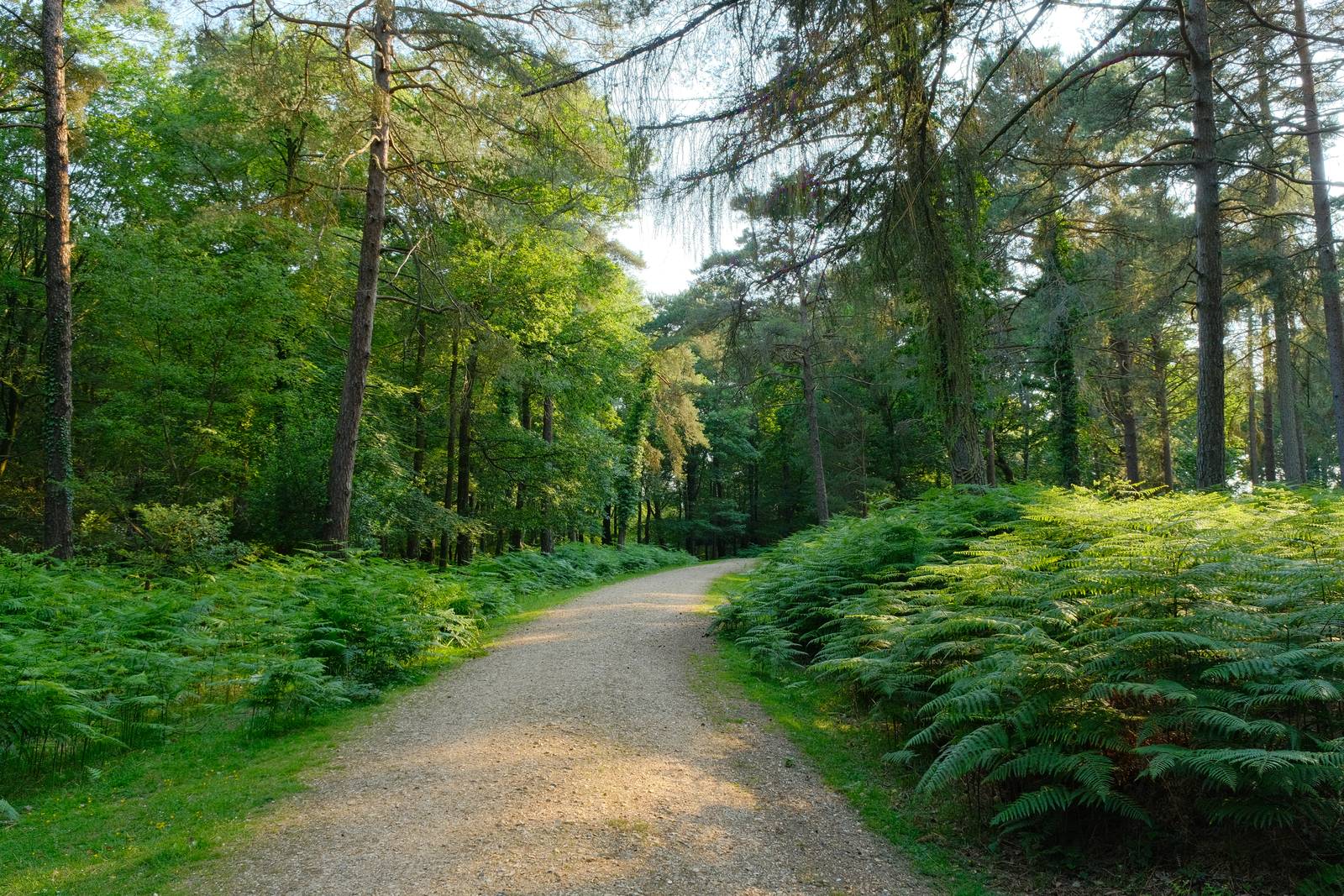
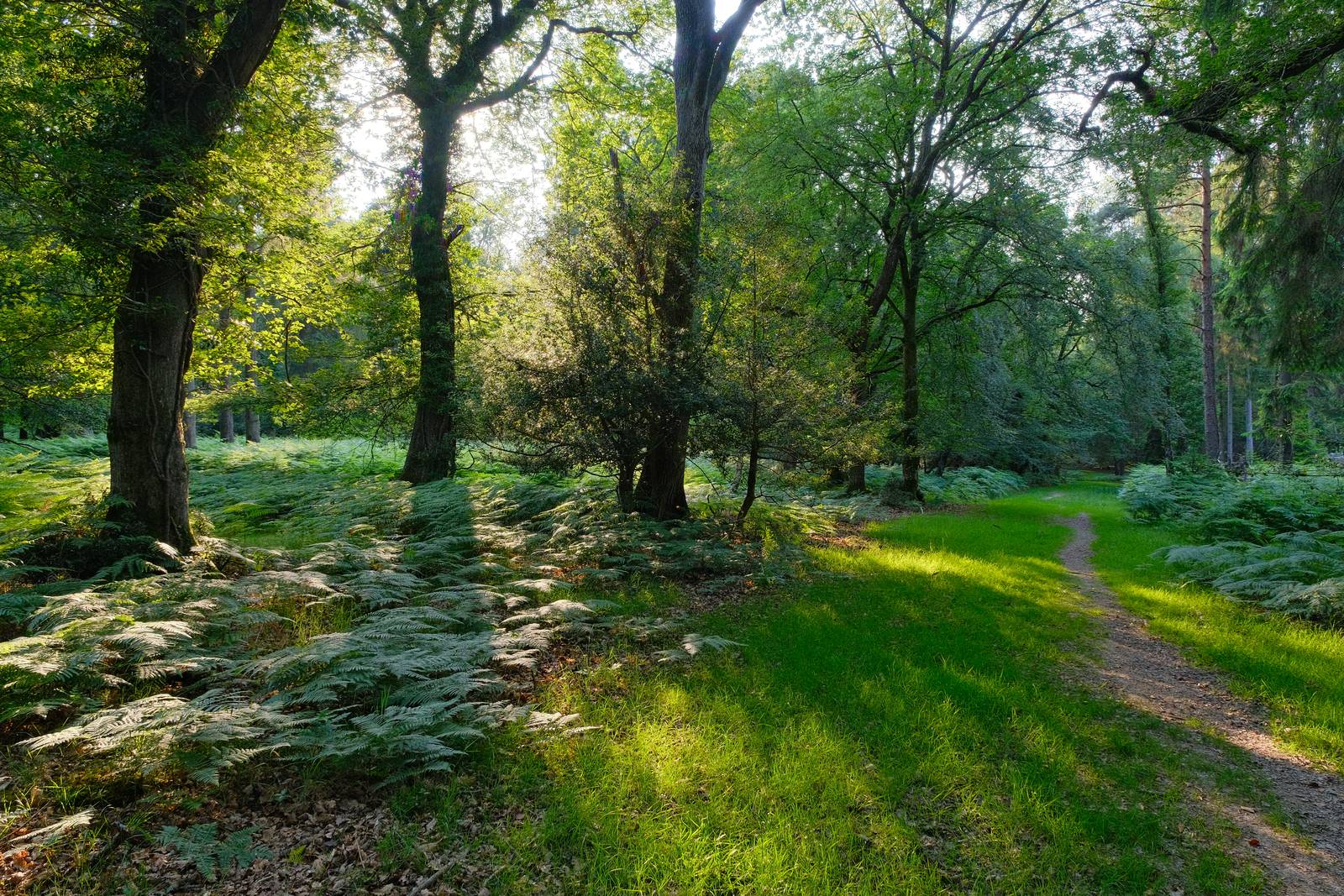
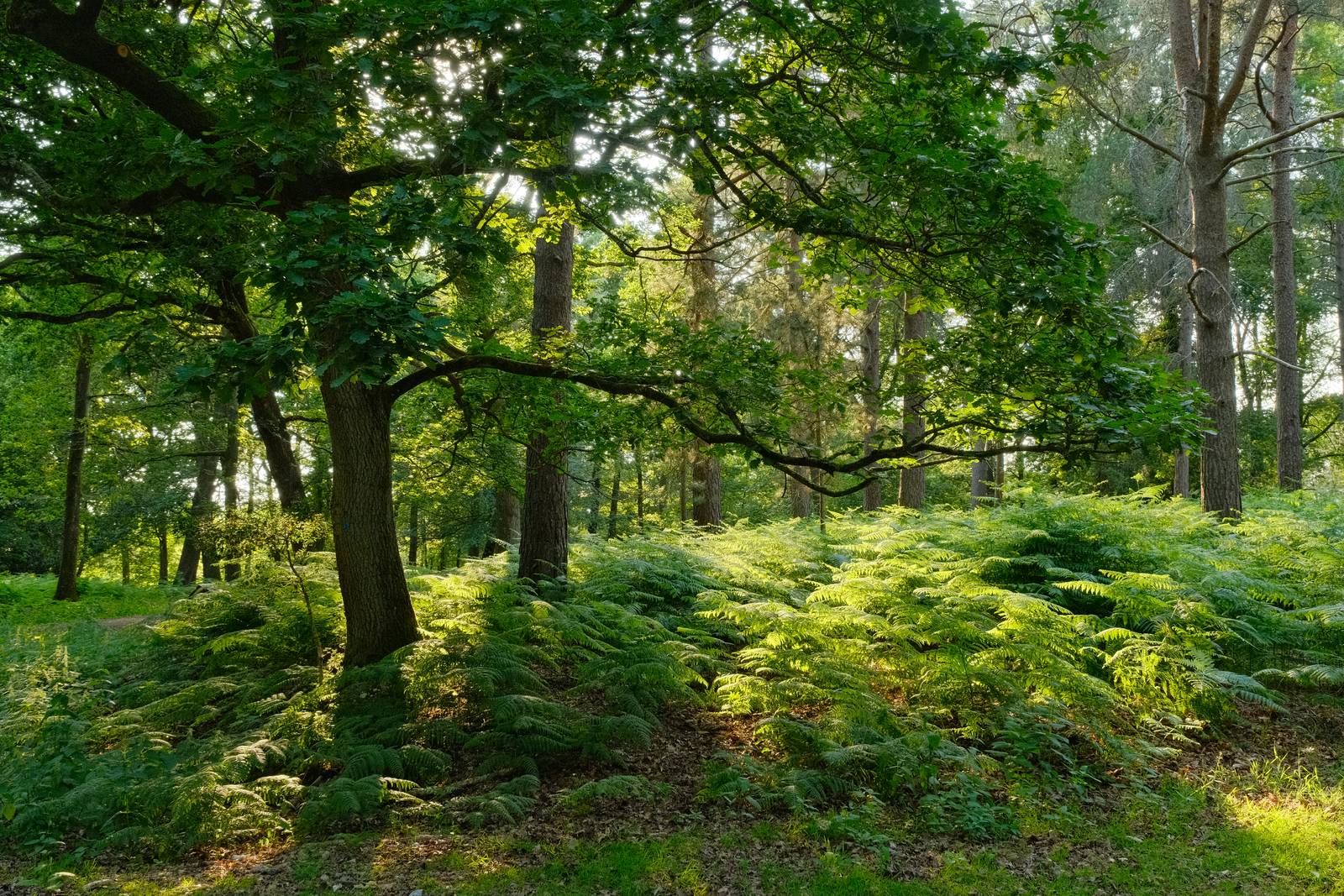
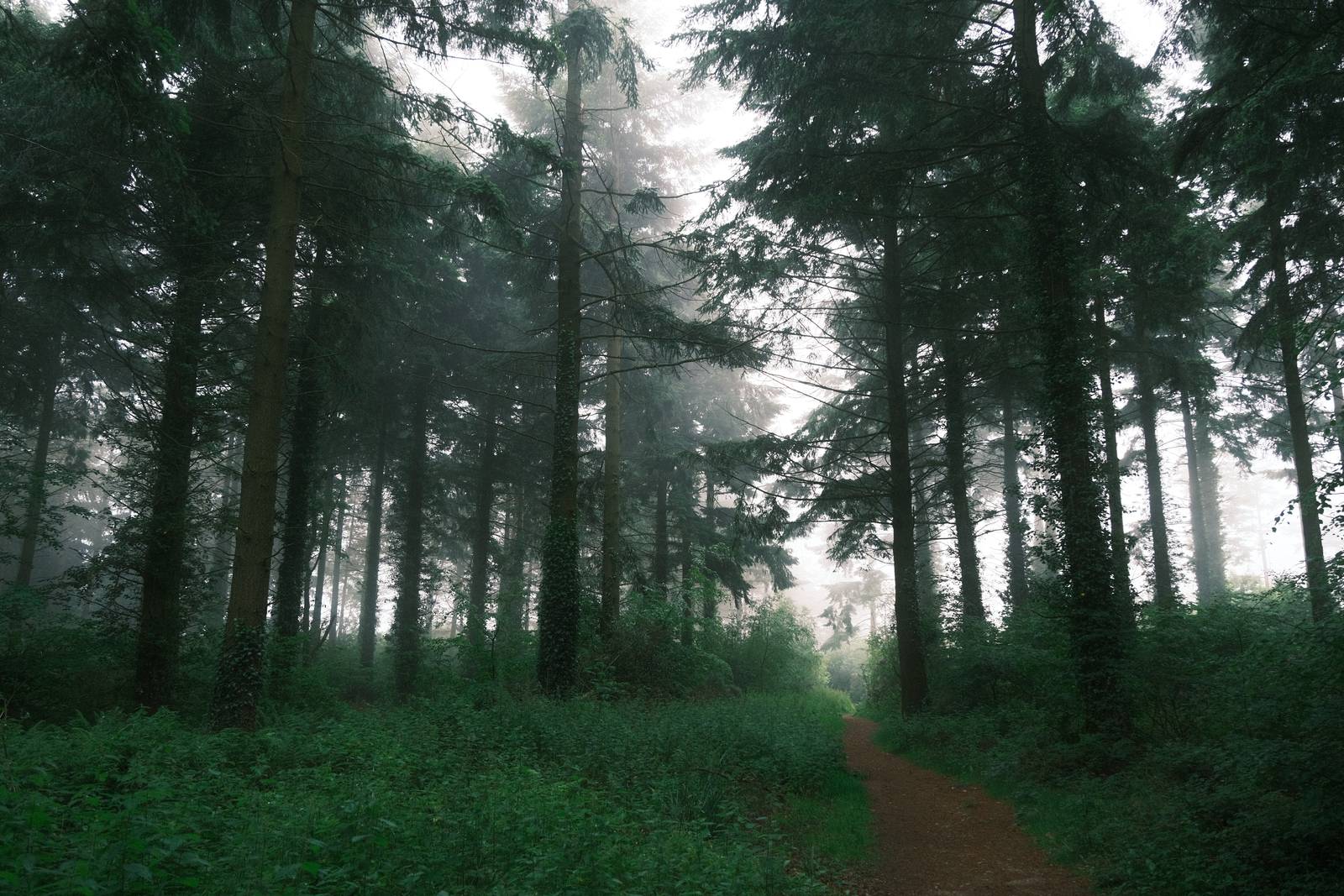
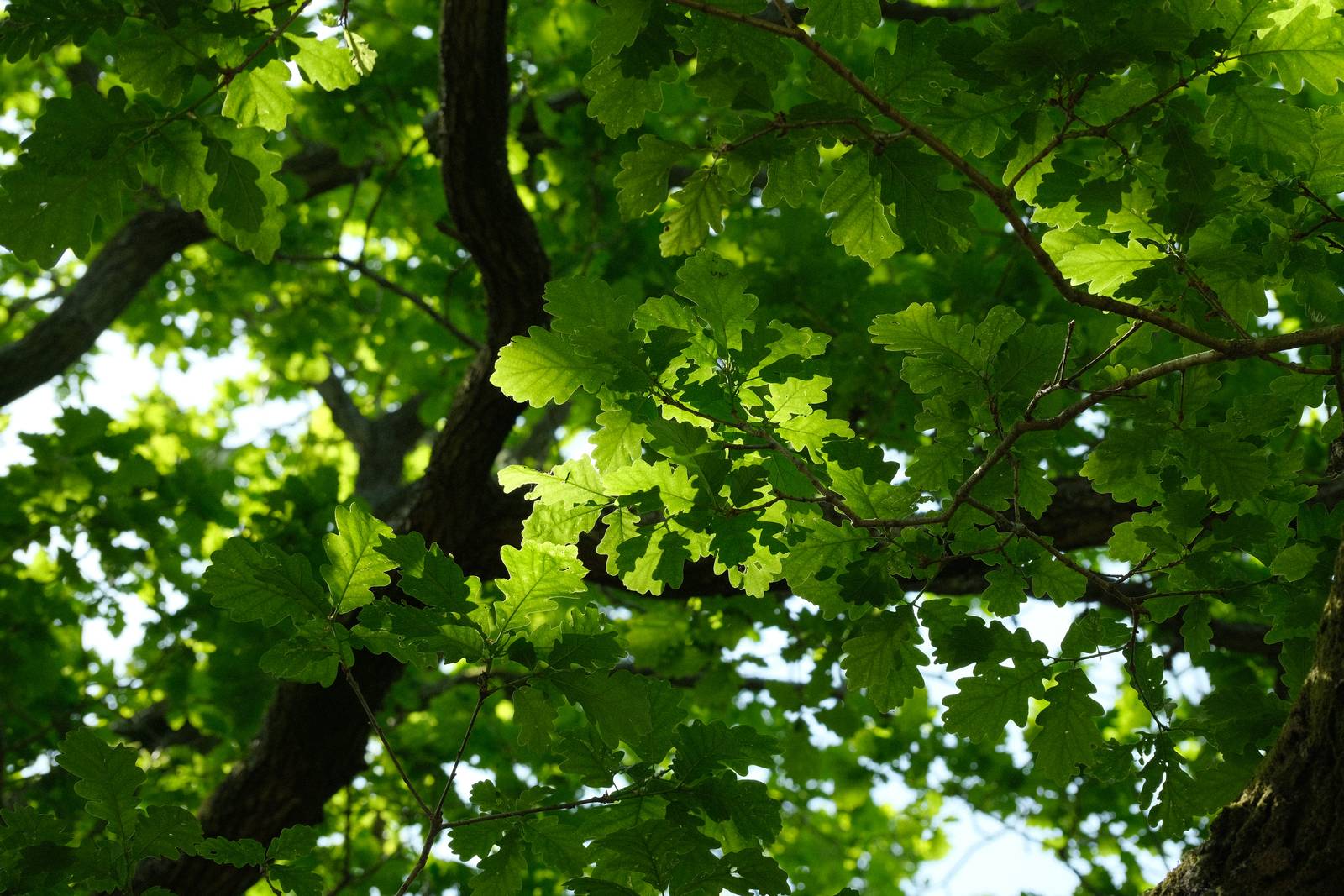
    I’ve tested this recipe on a number of photo walks in the forest and by the sea. It seems very happy in bright conditions, but also cloudy and overcast ones. I tried it early and late in the day as well, and thanks to the Astia simulation, it brought blue hour to life with a boost to the natural blue colour.

    Hiking Buddy Film Recipe Settings

    Film SimulationAstia/Soft
    Grain EffectWeak, Small
    Col. Chr. EffectStrong
    Col. Chr. BlueWeak
    White Balance5500K, ‑2 Red, 0 Blue
    Dynamic RangeDR400
    Highlights‑0.5
    Shadows‑1.5
    Colour1
    Sharpness0
    ISO N.R.‑4
    Clarity2
    EV Comp.+1/3

    Similar Recipes

    More similar recipes, and hundreds more exclusive looks, are available in the Film Recipes App.

    Film Recipes

    Get the Film Recipes App

    800+ recipes — more than twice as many as the free site

    Download on the App Store
    Get it on Google Play

    Hiking Buddy Film Recipe: Sample Photos
    Hiking Buddy film recipe sample photo
    Hiking Buddy film recipe sample photo
    Hiking Buddy film recipe sample photo
    Hiking Buddy film recipe sample photo
    Hiking Buddy film recipe sample photo

    Using the Hiking Buddy Film Recipe

    Each film simulation recipe has its own character and style. These features mean recipes are more suited to certain situations, or when seeking a particular look. Here are the categories that Hiking Buddy has been tagged with.

  • Natural Ambience, a Pure Tones Film Recipe

    Natural Ambience, a Pure Tones Film Recipe

    Natural color film simulation recipe with pure tones from the Astia setting

    Natural Ambience Film Recipe

    Natural Ambience

    I set myself a little project to develop a small set of film simulation recipes which present a pure look using the standard film simulations in our cameras. For a Kodak look, I have Kodacolor Ambience. For a Fujifilm look, there is Fujicolor Ambience, and for a natural color style, here is Natural Ambience.

    The base for this recipe is the Astia film simulation, which has a film like look and works well with skin tones and earthy or creamy tones. The settings of the recipe make minor adjustments, alowing the pure Astia look show through.

    These images are actually more saturated than my usual taste, and I’d often opt for somethiing more muted or nostalgic. But on bright days, and for natural scenes, this recipe is a great way to capture memories in a natural style.

    Natural Ambience Film Recipe Settings

    Film SimulationAstia/Soft
    Grain EffectWeak, Small
    Col. Chr. EffectWeak
    Col. Chr. BlueOff
    White BalanceAuto (Ambience Priority), +1 Red, ‑2 Blue
    Dynamic RangeDR200
    Highlights0
    Shadows1
    Colour1
    Sharpness‑1
    ISO N.R.‑4
    Clarity0
    EV Comp.0

    Similar Recipes

    More similar recipes, and hundreds more exclusive looks, are available in the Film Recipes App.

    Film Recipes

    Get the Film Recipes App

    Works offline — no signal needed out in the field

    Download on the App Store
    Get it on Google Play

    Natural Ambience Film Recipe: Sample Photos

    Natural Ambience film recipe sample photo
    Natural Ambience film recipe sample photo
    Natural Ambience film recipe sample photo
    Natural Ambience film recipe sample photo
    Natural Ambience film recipe sample photo
    Natural Ambience film recipe sample photo
    Natural Ambience film recipe sample photo
    Natural Ambience film recipe sample photo
    Natural Ambience film recipe sample photo
    Natural Ambience film recipe sample photo
    Natural Ambience film recipe sample photo
    Natural Ambience film recipe sample photo
    Natural Ambience film recipe sample photo

    Using the Natural Ambience Film Recipe

    Each film simulation recipe has its own character and style. These features mean recipes are more suited to certain situations, or when seeking a particular look. Here are the categories that Natural Ambience has been tagged with.

  • Cineplus, a Punchy Classic Chrome Style

    Cineplus, a Punchy Classic Chrome Style

    Cinematic classic chrome film recipe with rich color and contrast

    Cineplus Film Recipe

    Cineplus

    Sometimes, when developing film recipes, the inspiration comes in the form of a single image. This was one of those occasions, when this fifties style image was posted in the Facebook group as an interesting look.

    I kept returning to it, trying to find a recipe that came close to this interesting retro style.

    The look sits somewhere between Classic Chrome and Classic Negative, and having explored both, I settled on Classic Chrome as the base simulation. To this, I added rich colour and tested various colour balances, until I settled on the below combination.

    I didn’t have any 50’s interiors to work with, so I tried it with a by usual range of natural and landscape scenes. Whether it matches the source image, I don’t know, but I love how it has come out.

    Cineplus Film Recipe Settings

    Film SimulationClassic Chrome
    Grain EffectOff
    Col. Chr. EffectStrong
    Col. Chr. BlueWeak
    White Balance5800K, +1 Red, +2 Blue
    Dynamic RangeDR400
    Highlights‑1
    Shadows1
    Colour4
    Sharpness‑2
    ISO N.R.‑4
    Clarity0
    EV Comp.+2/3

    Similar Recipes

    More similar recipes, and hundreds more exclusive looks, are available in the Film Recipes App.

    Film Recipes

    Get the Film Recipes App

    Save your favourites and build your personal shortlist

    Download on the App Store
    Get it on Google Play

    Cineplus Film Recipe: Sample Photos

    Cineplus film recipe sample photo
    Cineplus film recipe sample photo
    Cineplus film recipe sample photo
    Cineplus film recipe sample photo
    Cineplus film recipe sample photo
    Cineplus film recipe sample photo

    Community Photos

    Photos taken with the Cineplus film recipe by members of the Film Recipes community.
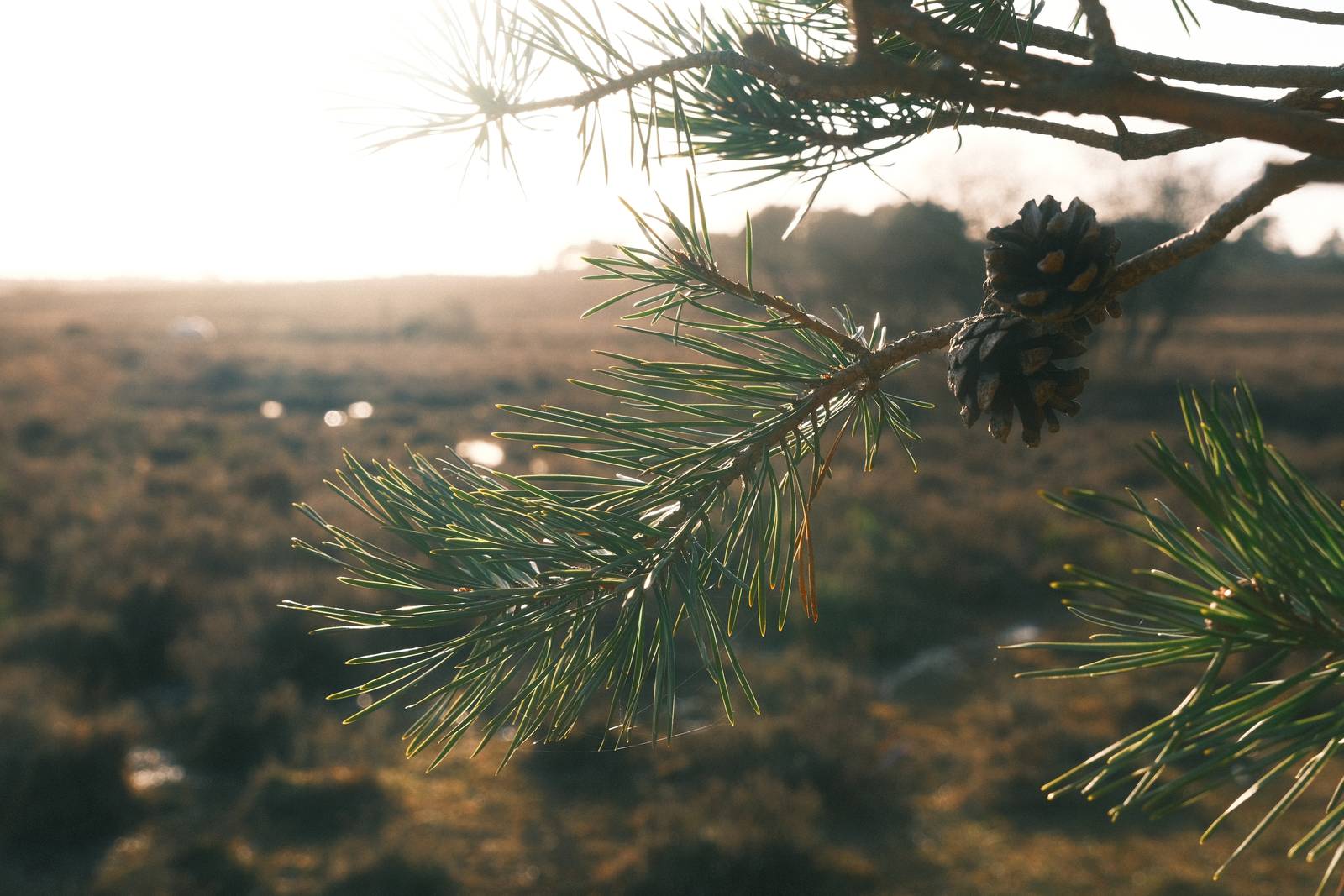
    Photos by Lethanh Nguyen

    Cineplus film recipe photo by Lethanh Nguyen
    Cineplus film recipe photo by Lethanh Nguyen

    Photos by Sam McFie

    Cineplus film recipe photo by Sam McFie

    Photos by Darren Urda

    Cineplus film recipe photo by Darren Urda
    Cineplus film recipe photo by Darren Urda

    Photos by TheCameraEatsFirst

    Cineplus film recipe photo by TheCameraEatsFirst

    Photos by Kay Zer

    Cineplus film recipe photo by Kay Zer

    Using the Cineplus Film Recipe

    Each film simulation recipe has its own character and style. These features mean recipes are more suited to certain situations, or when seeking a particular look. Here are the categories that Cineplus has been tagged with.