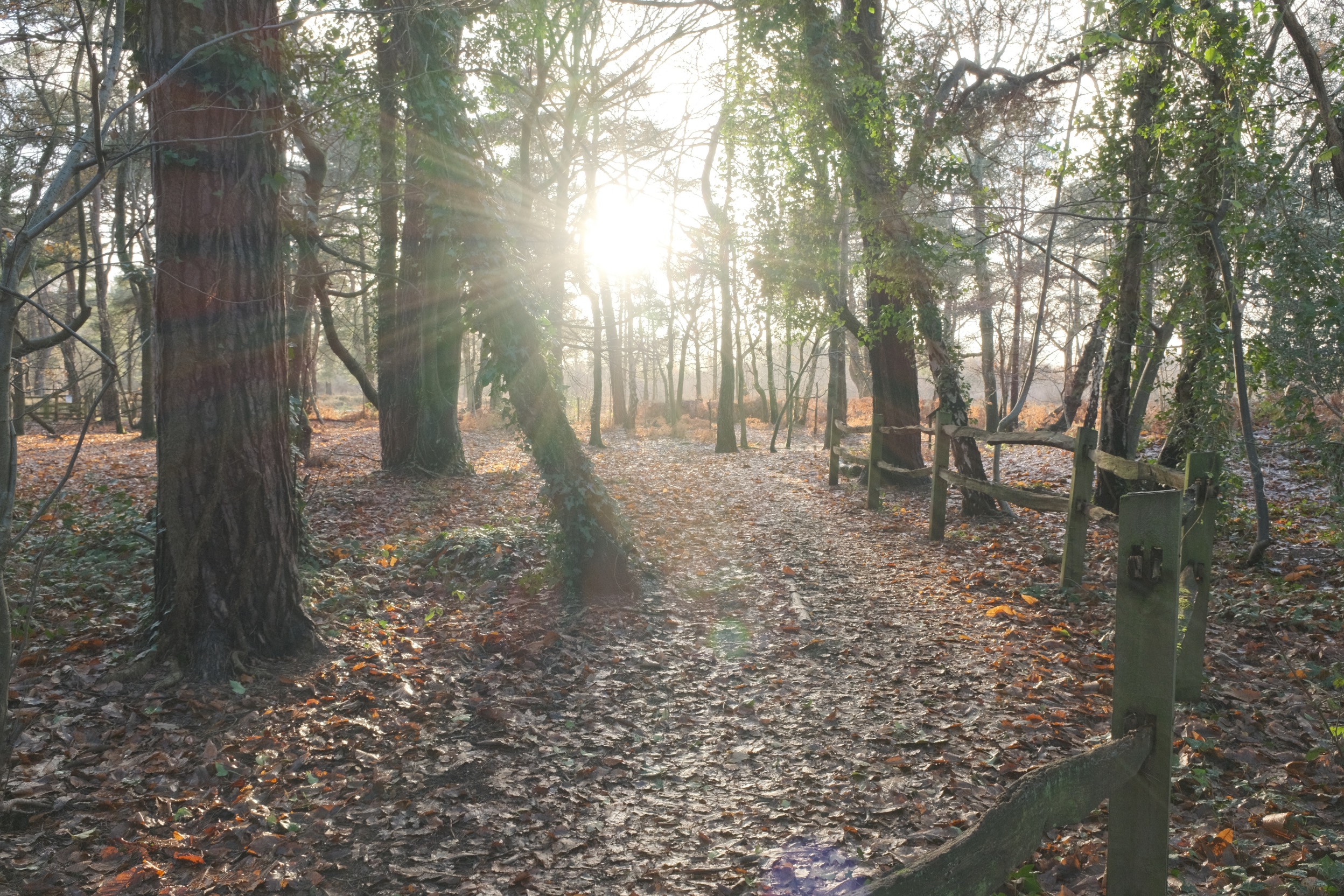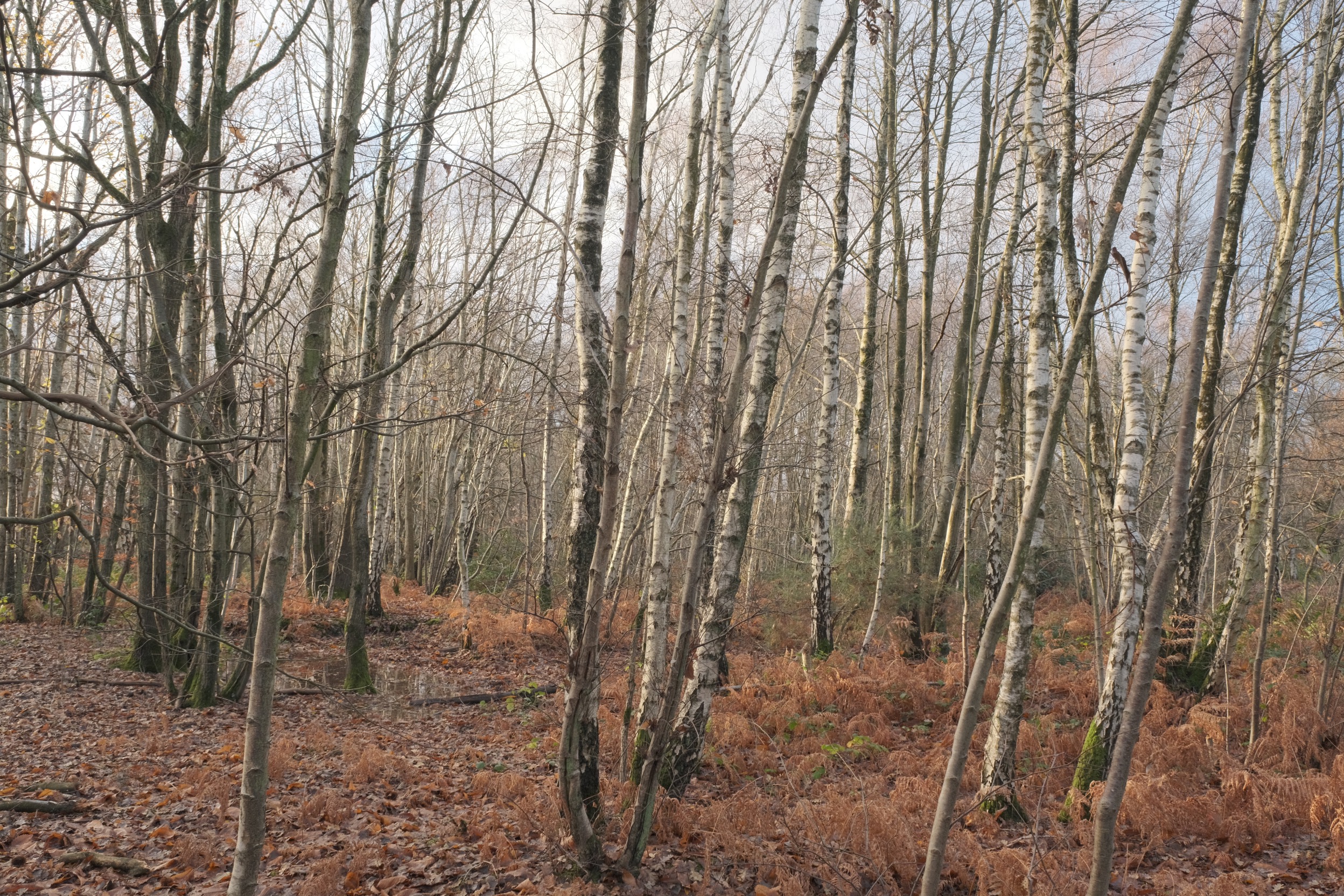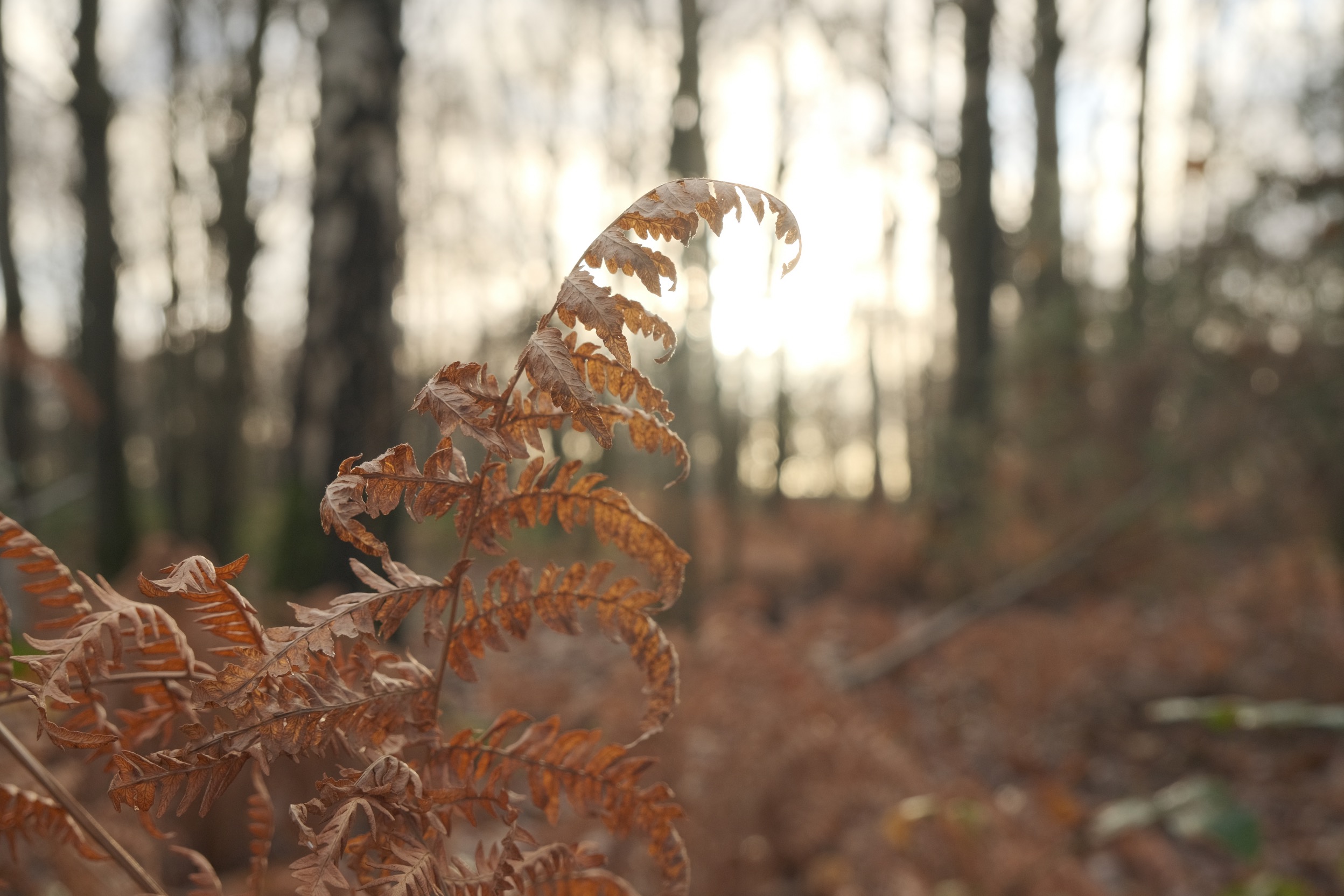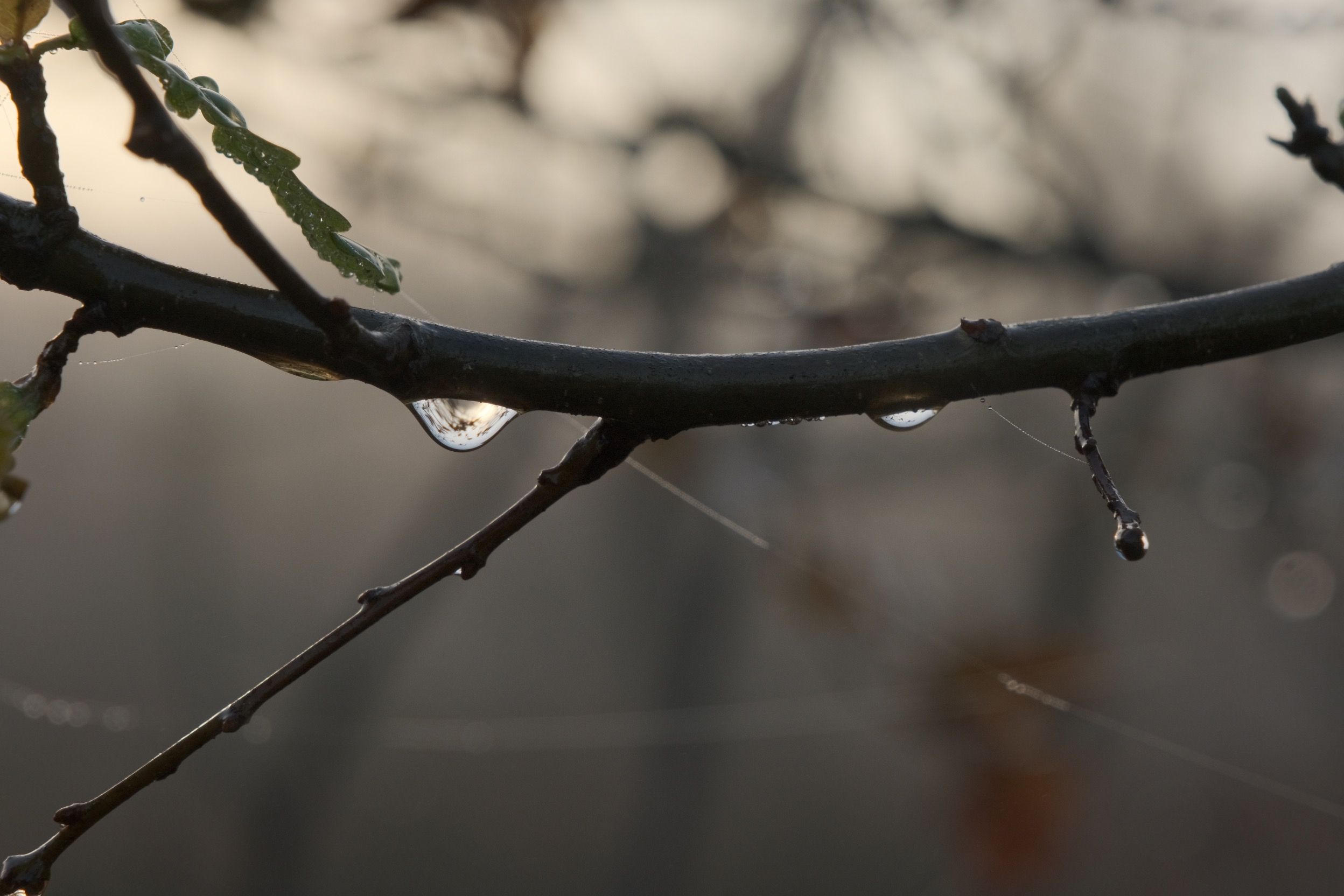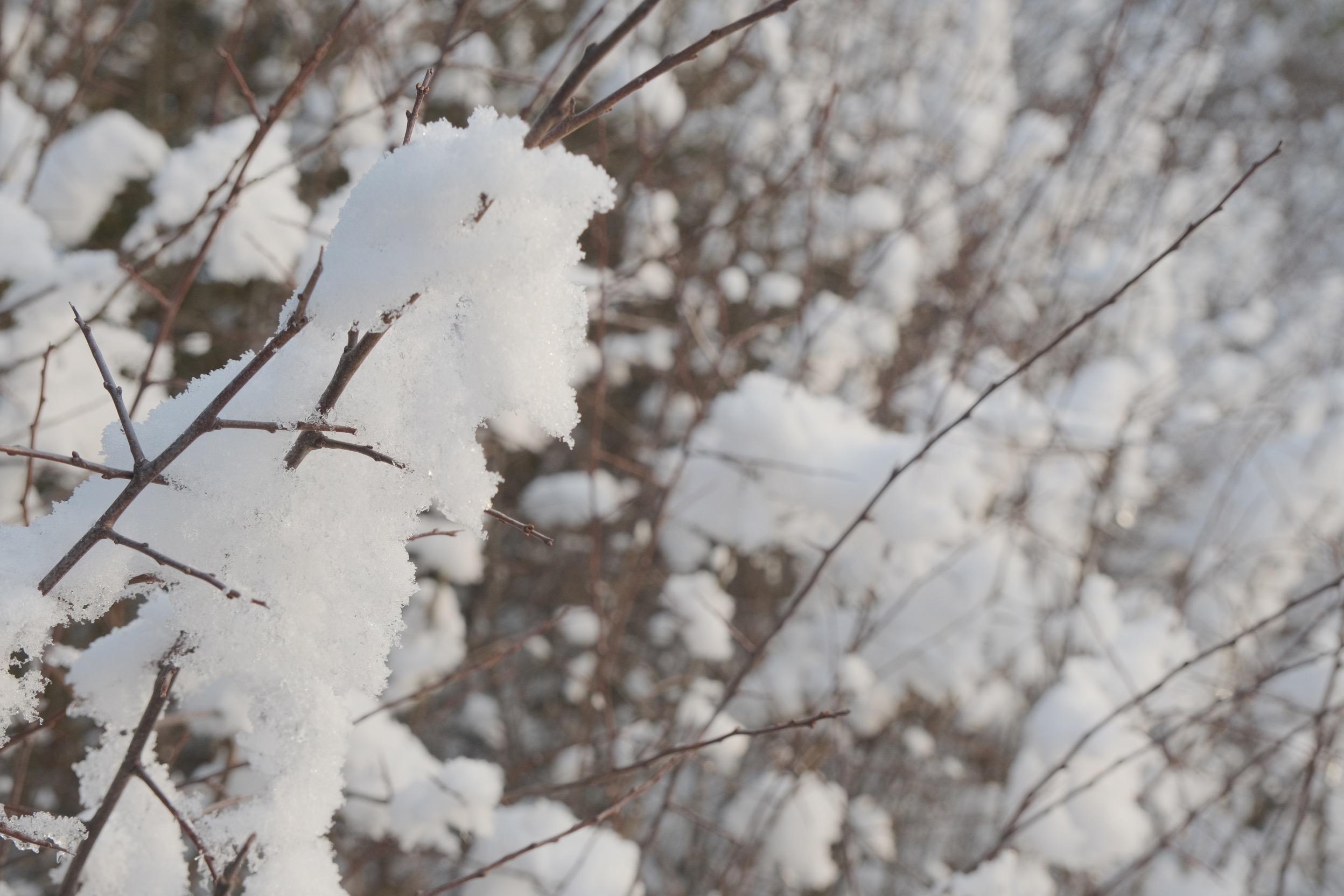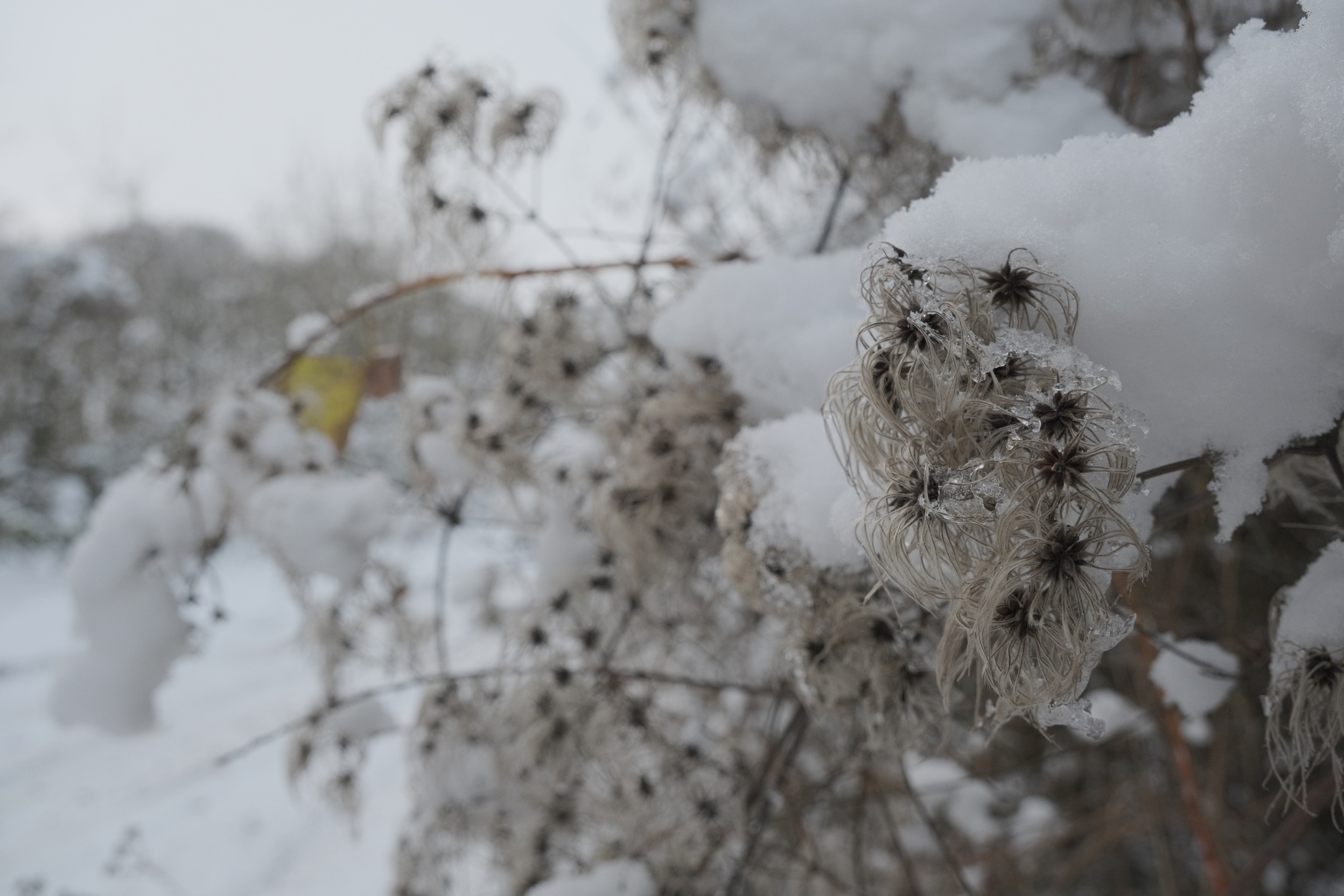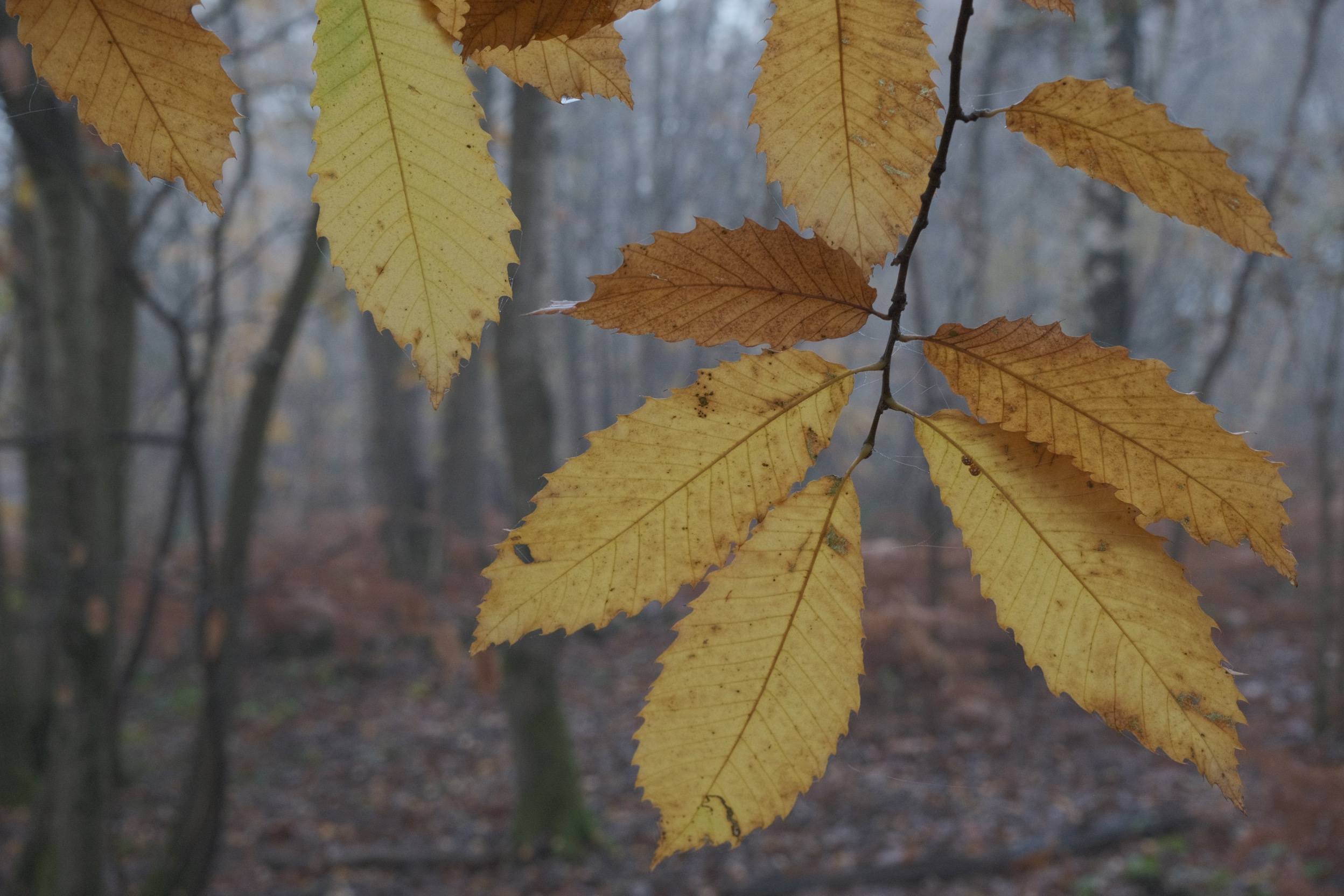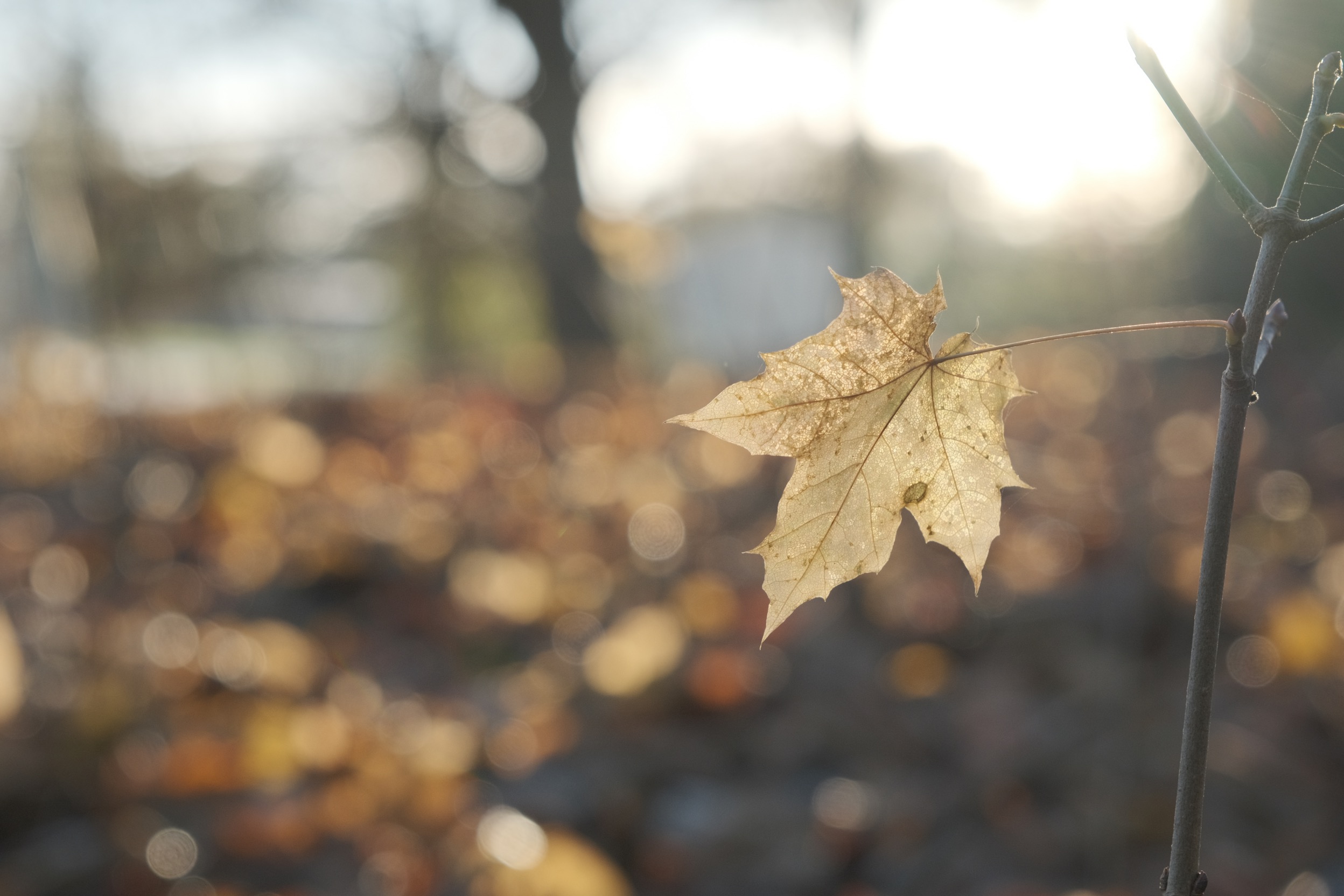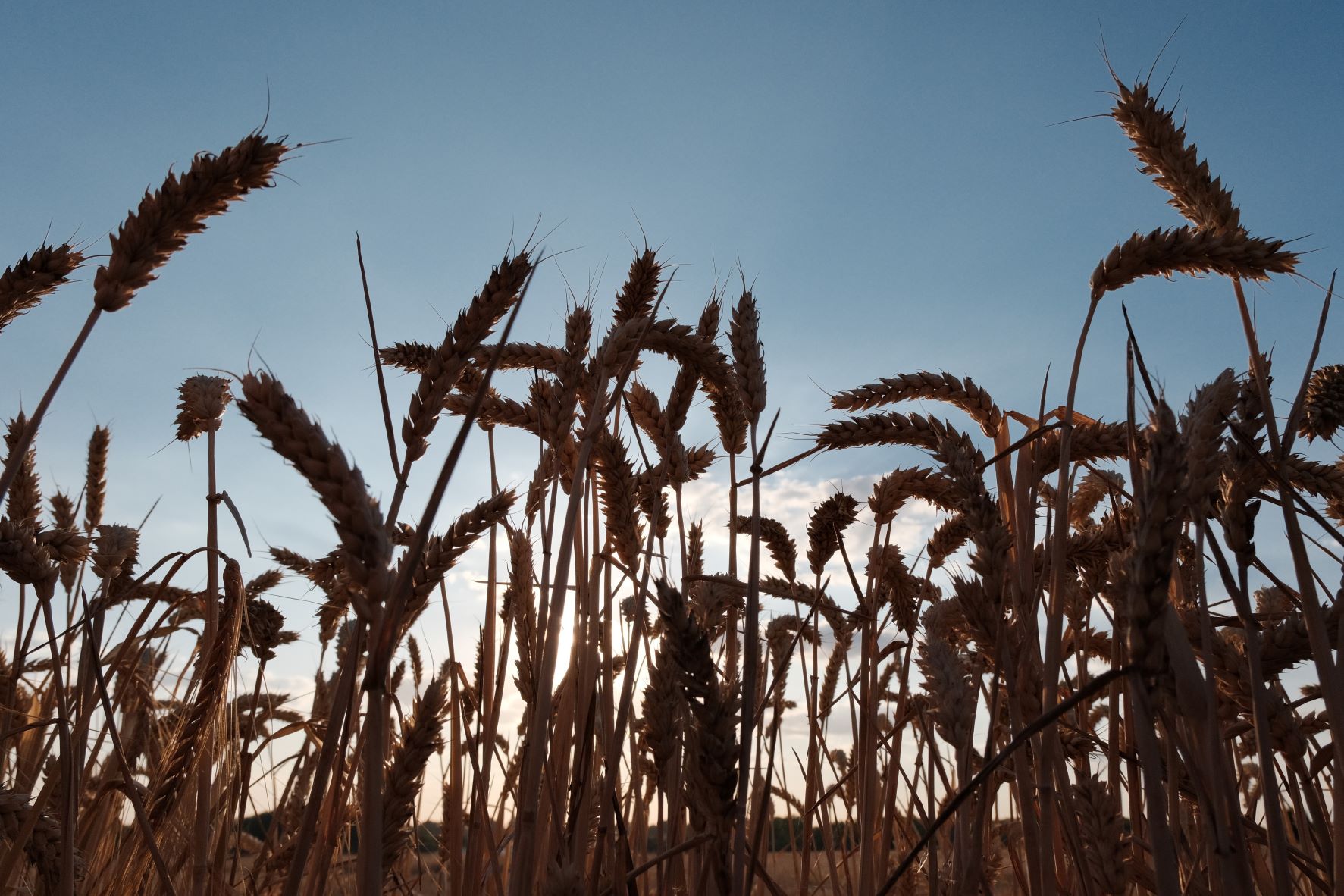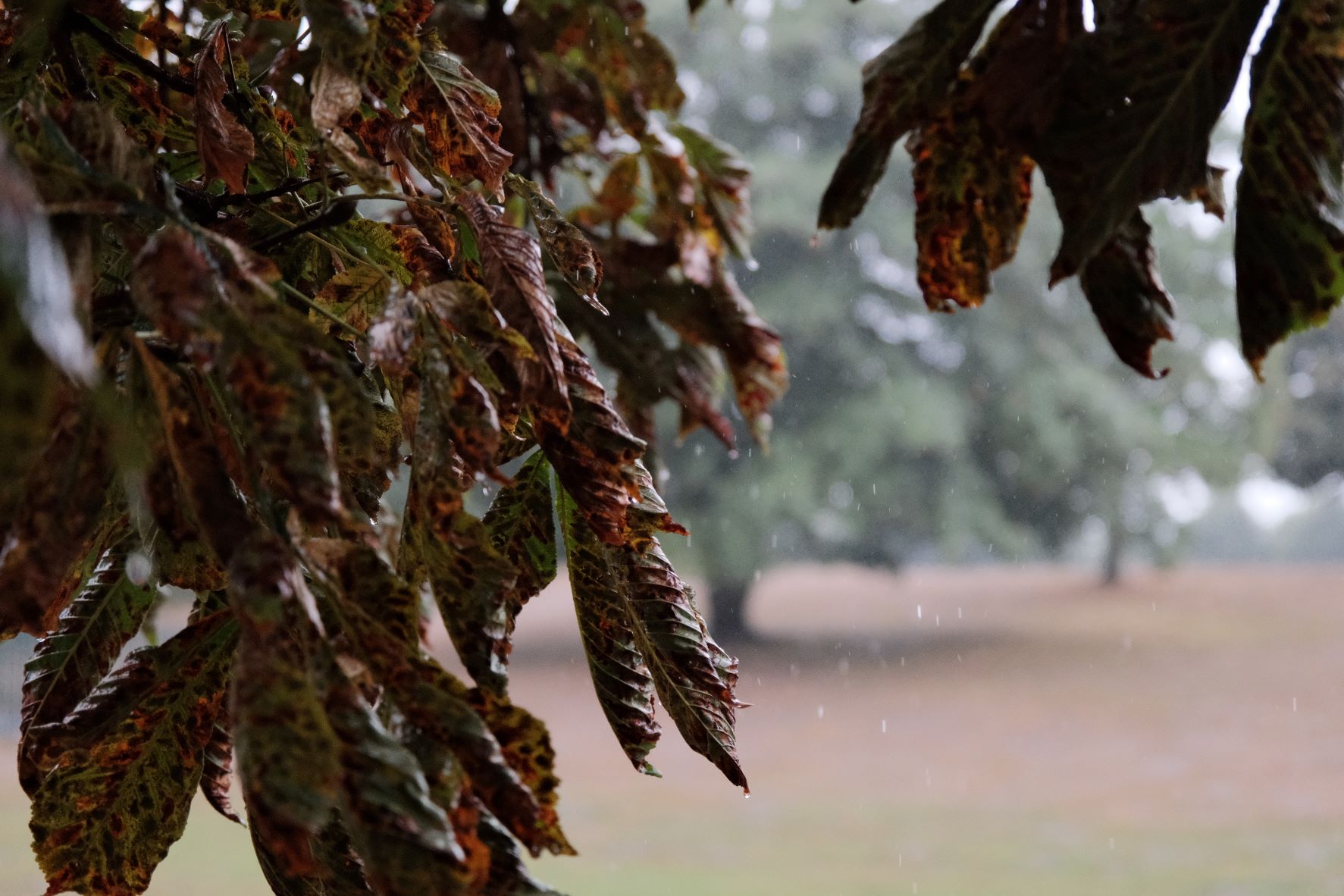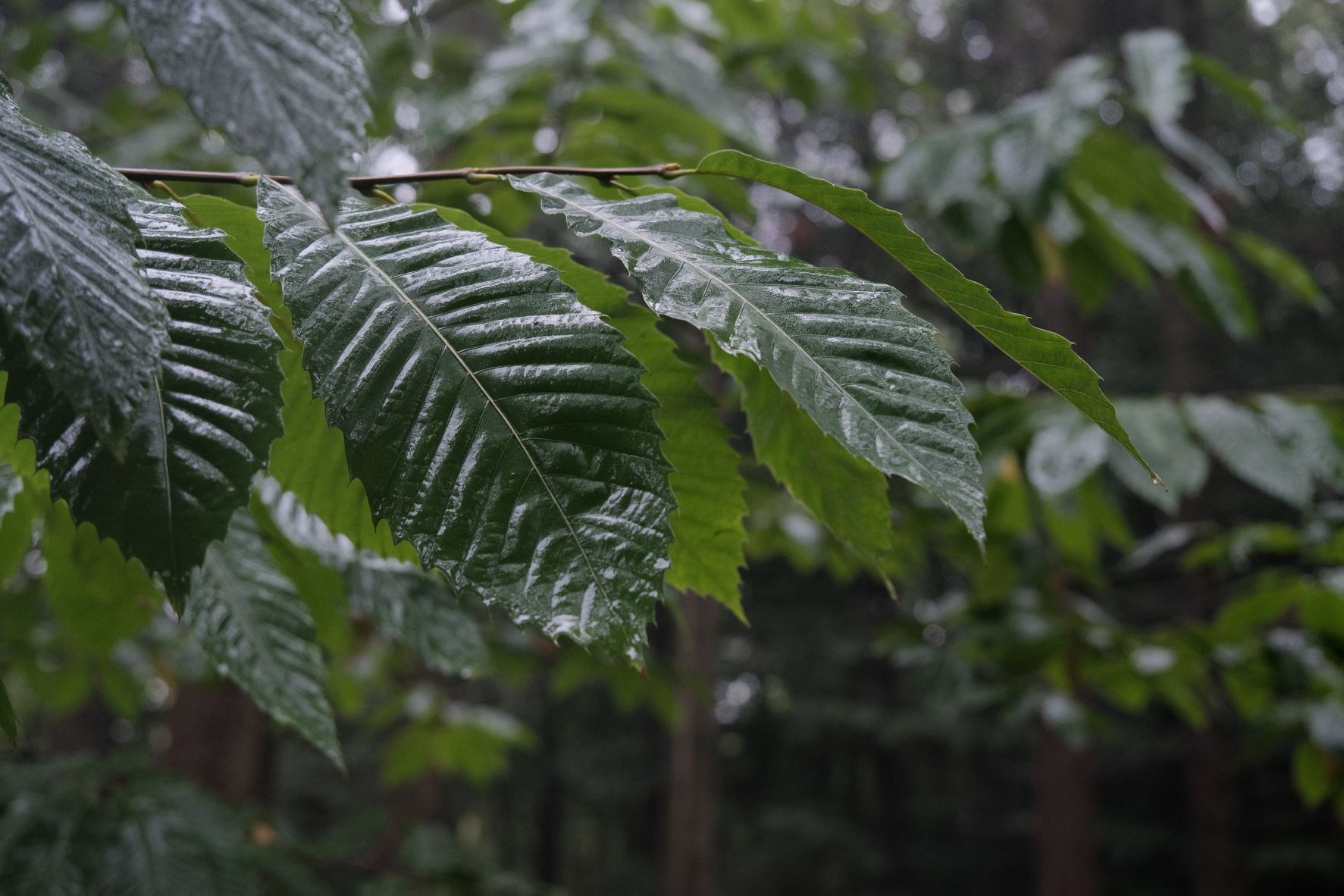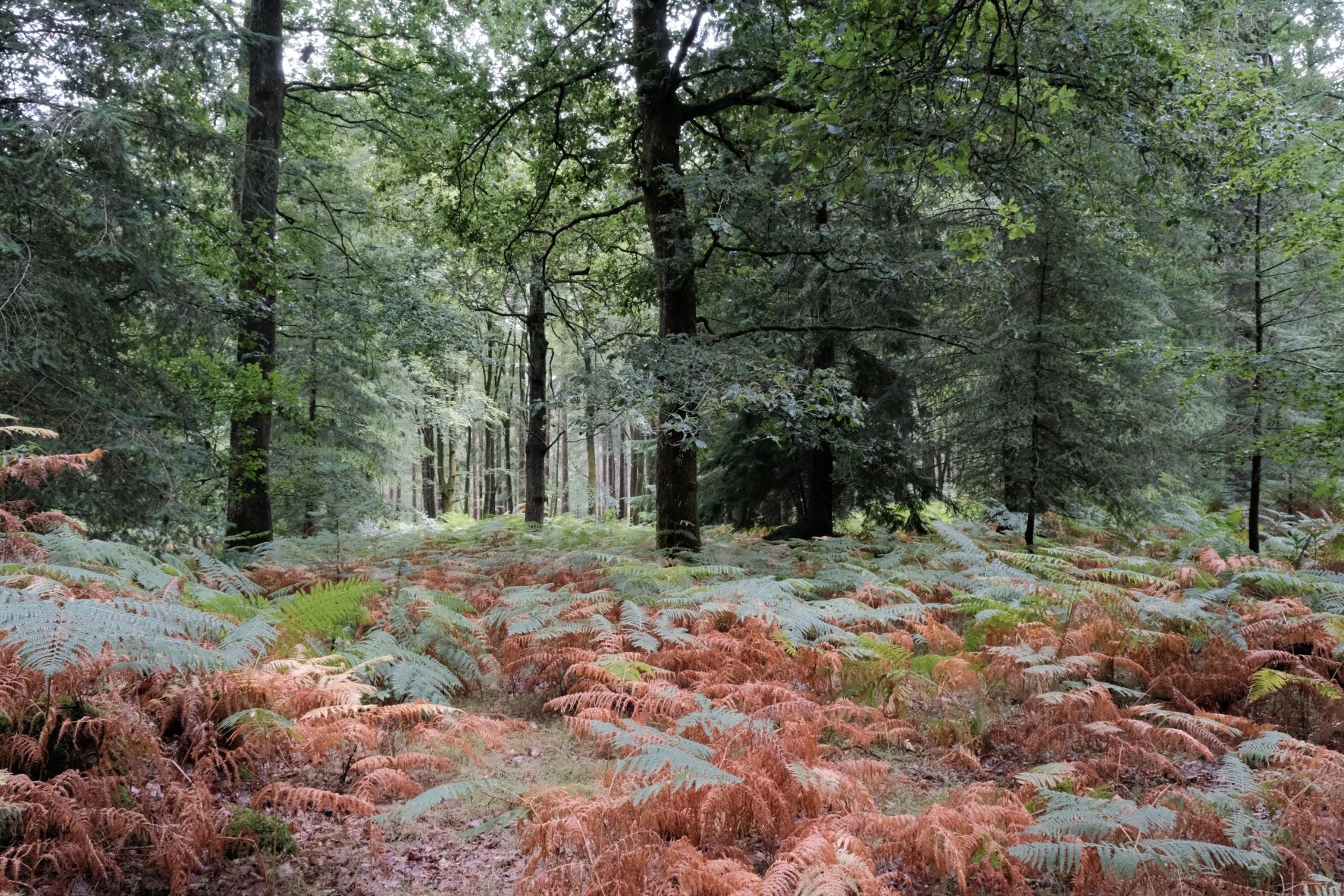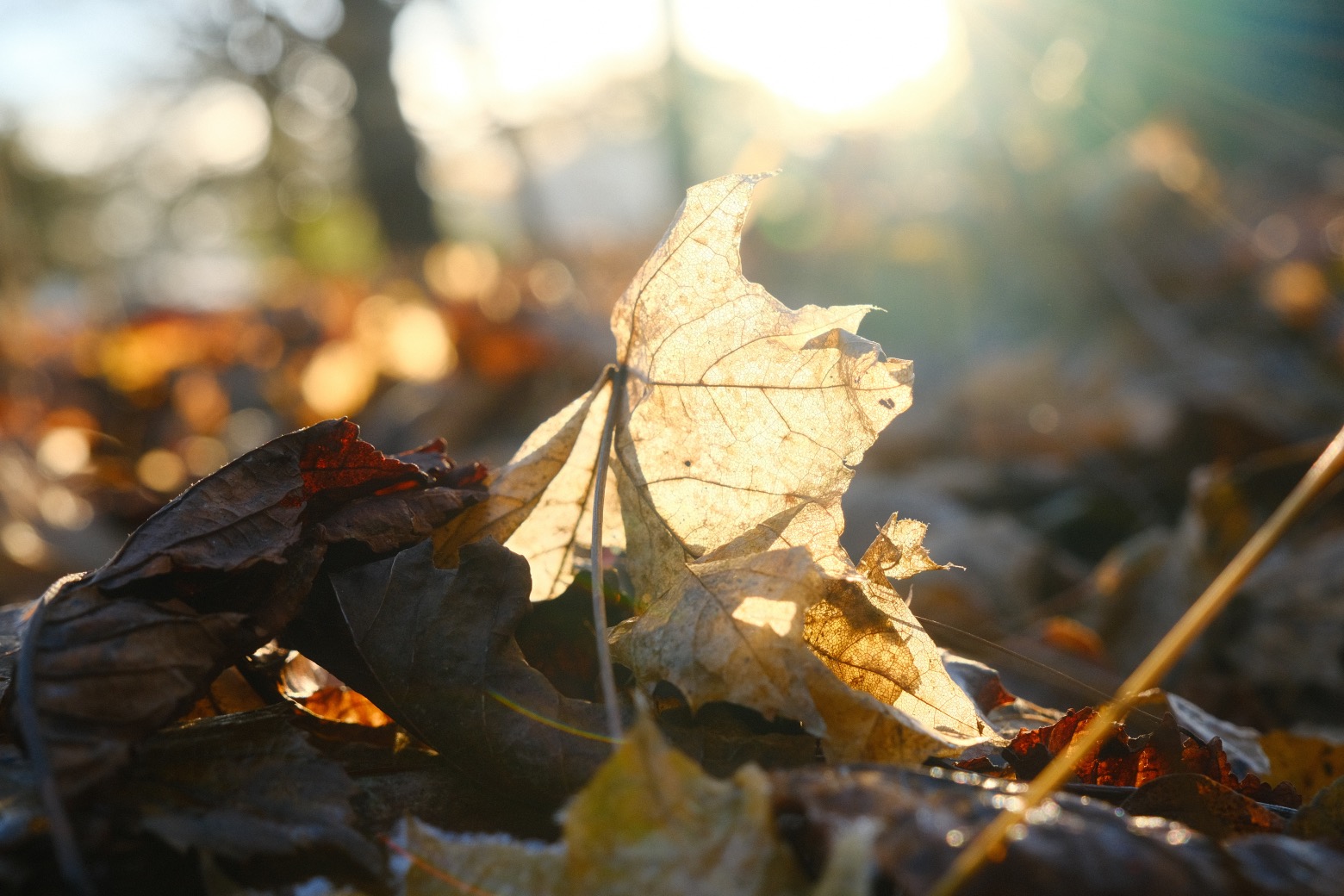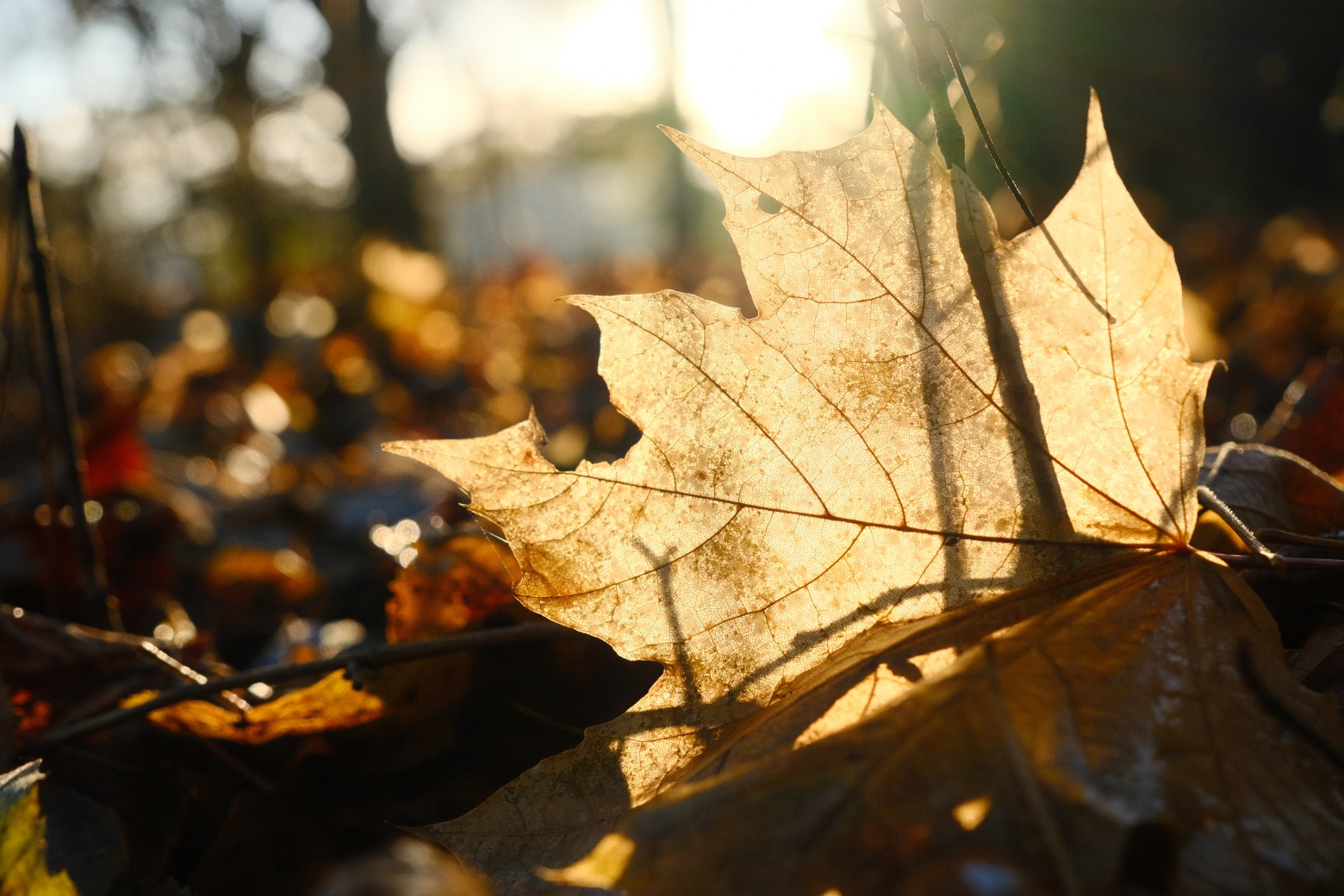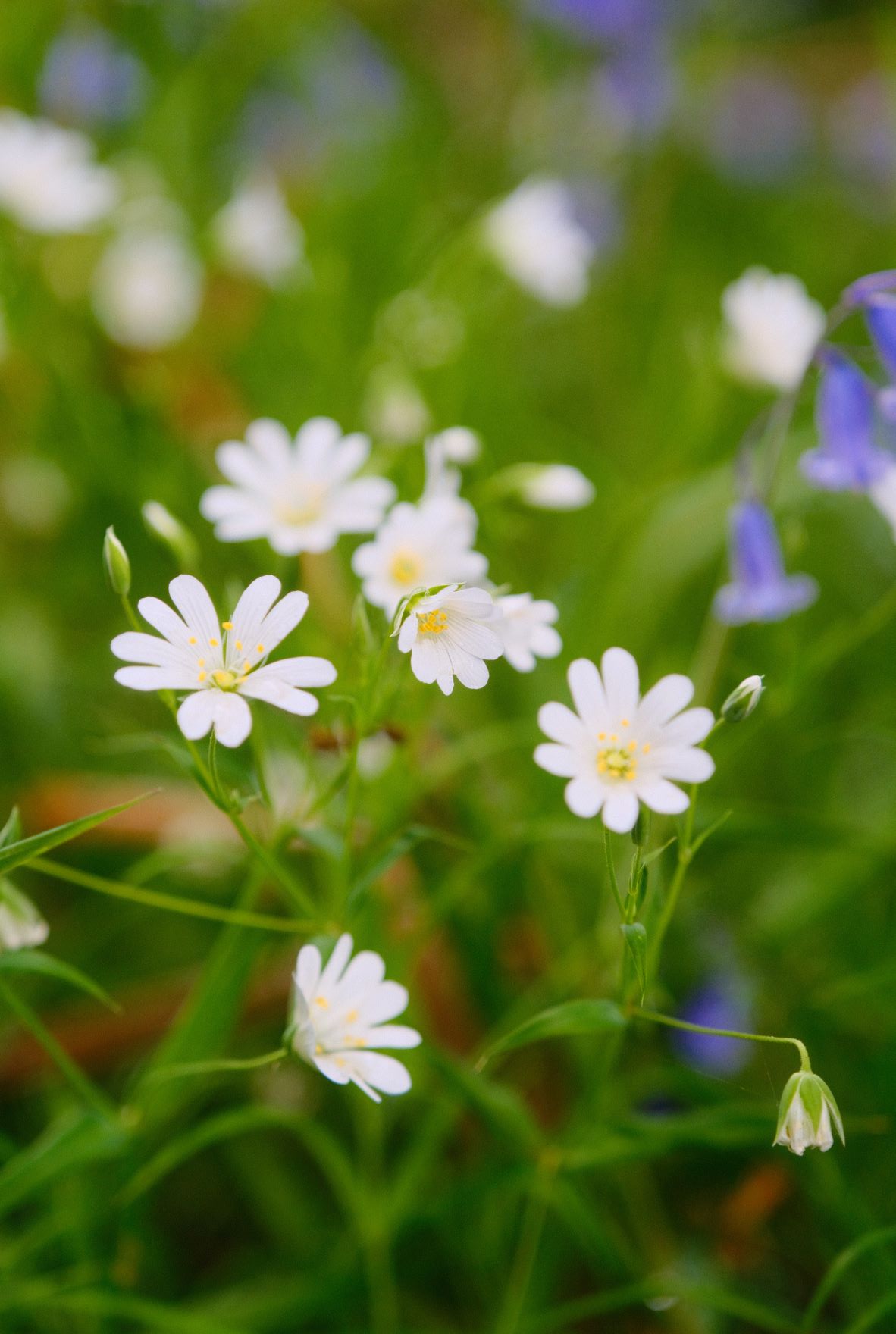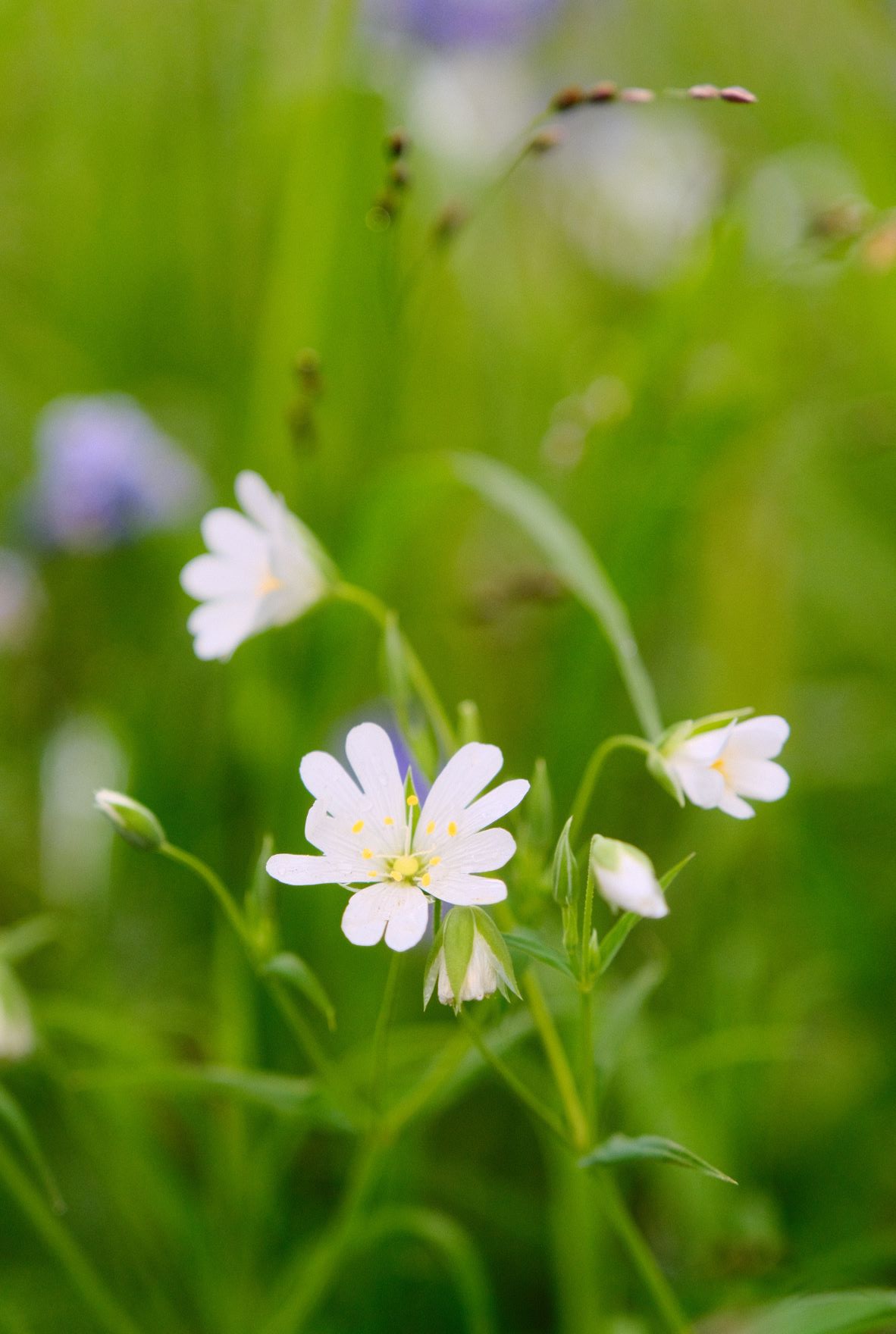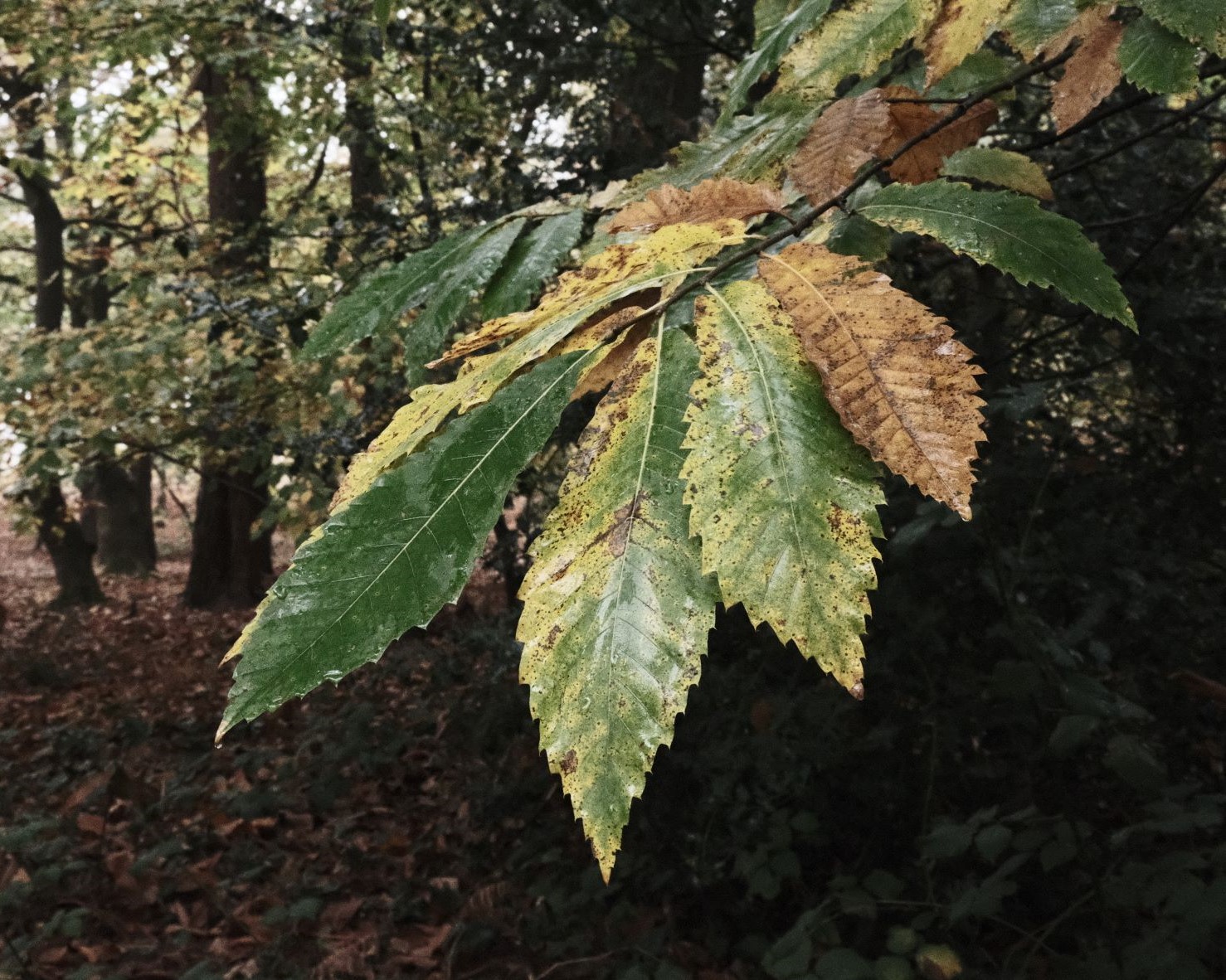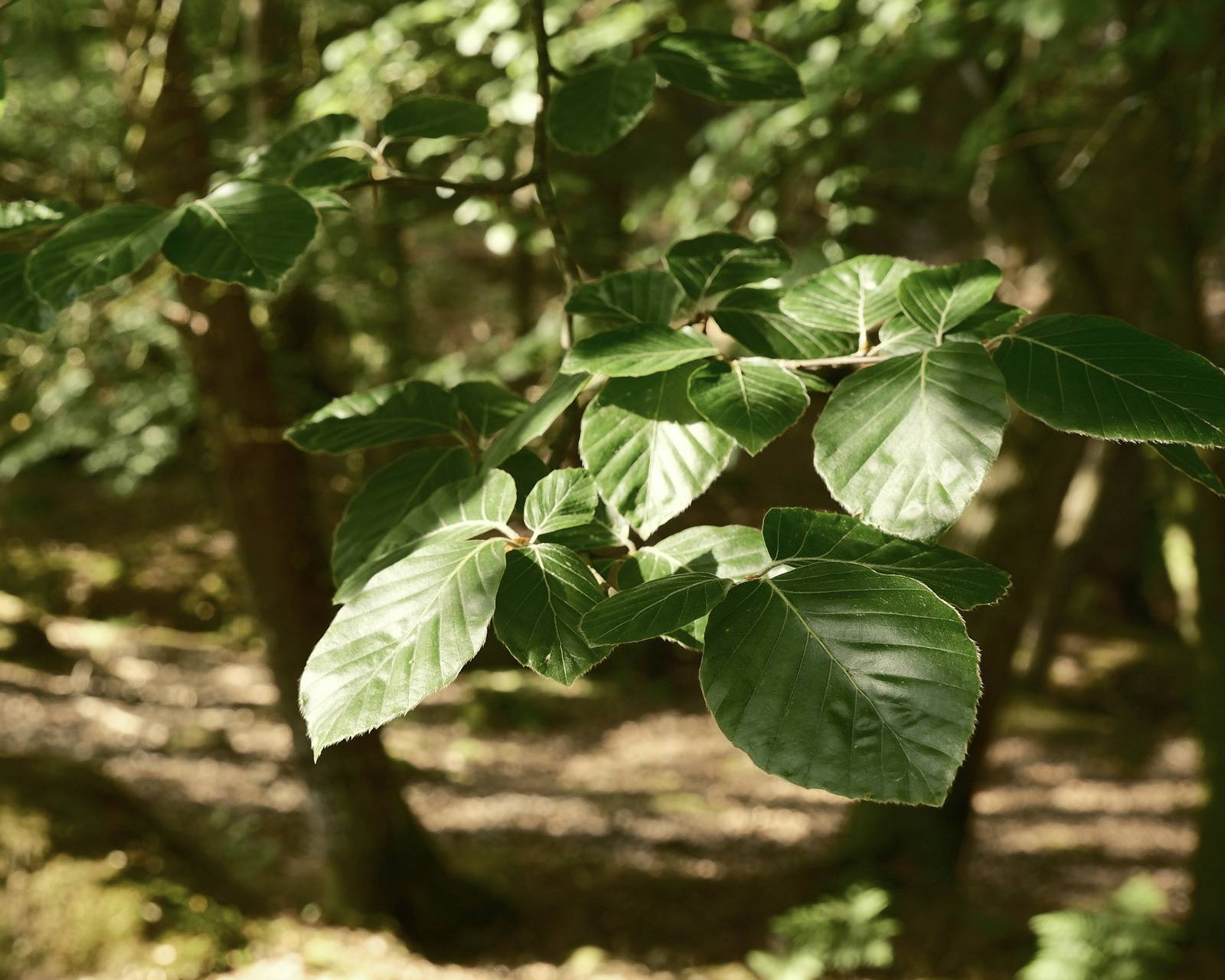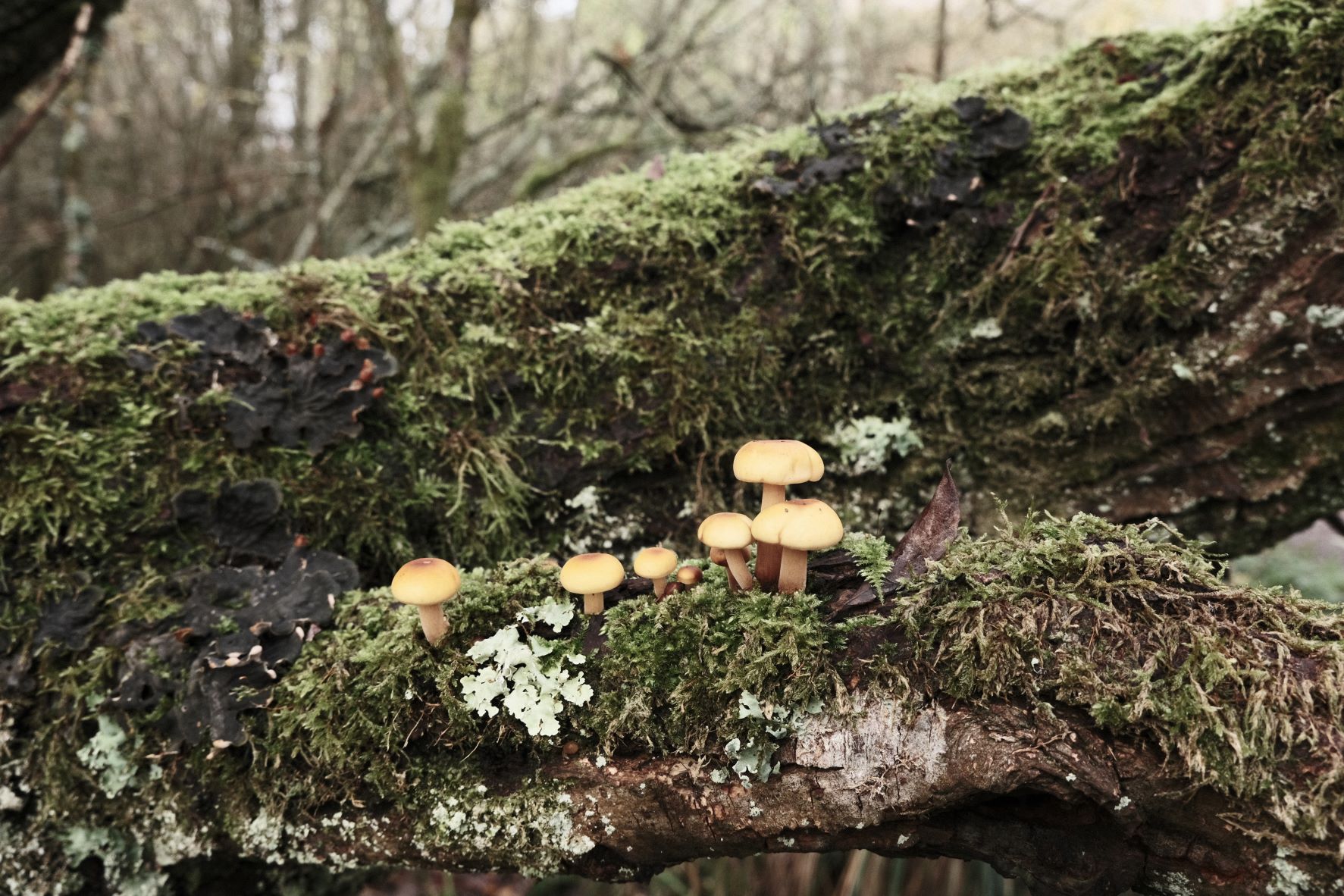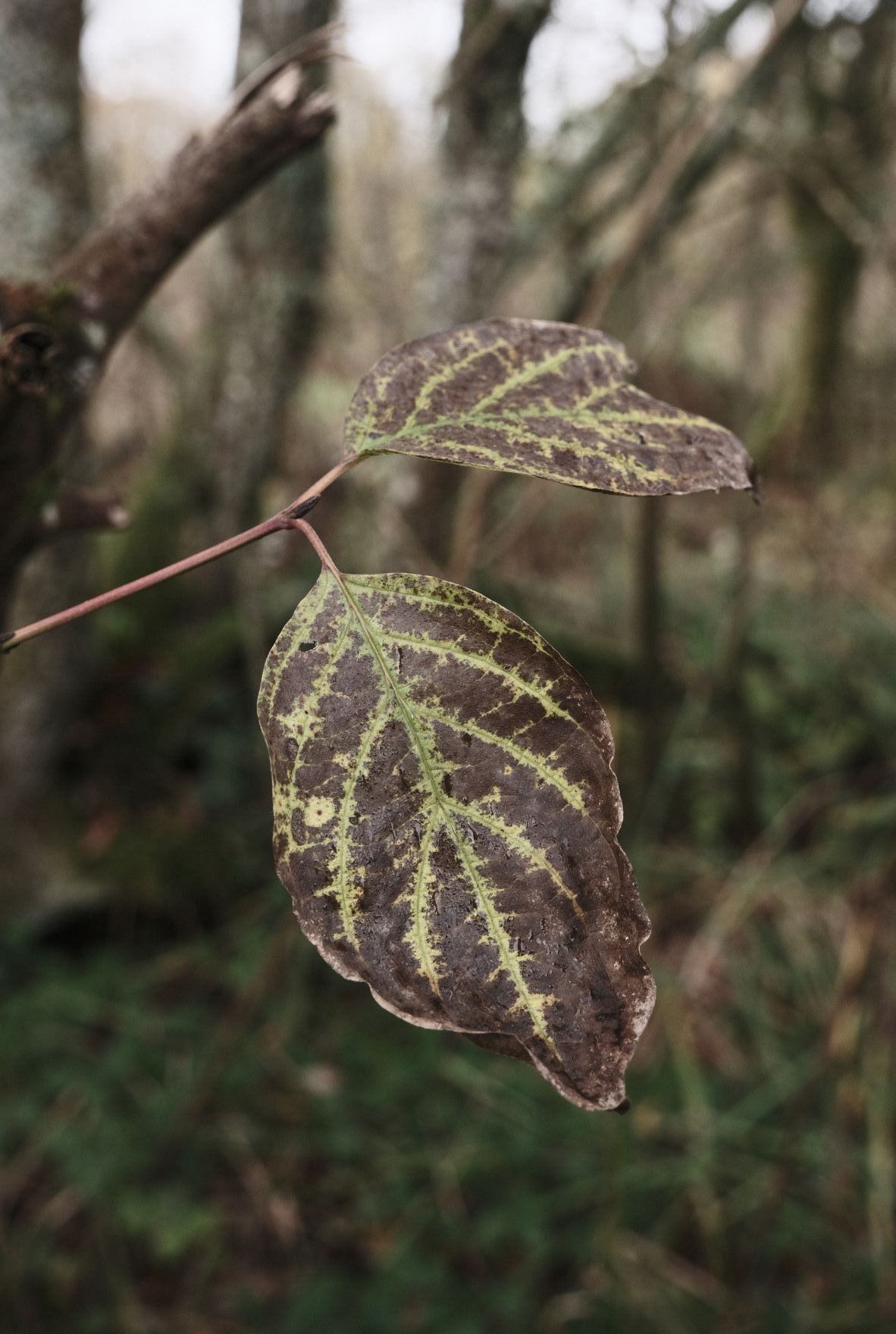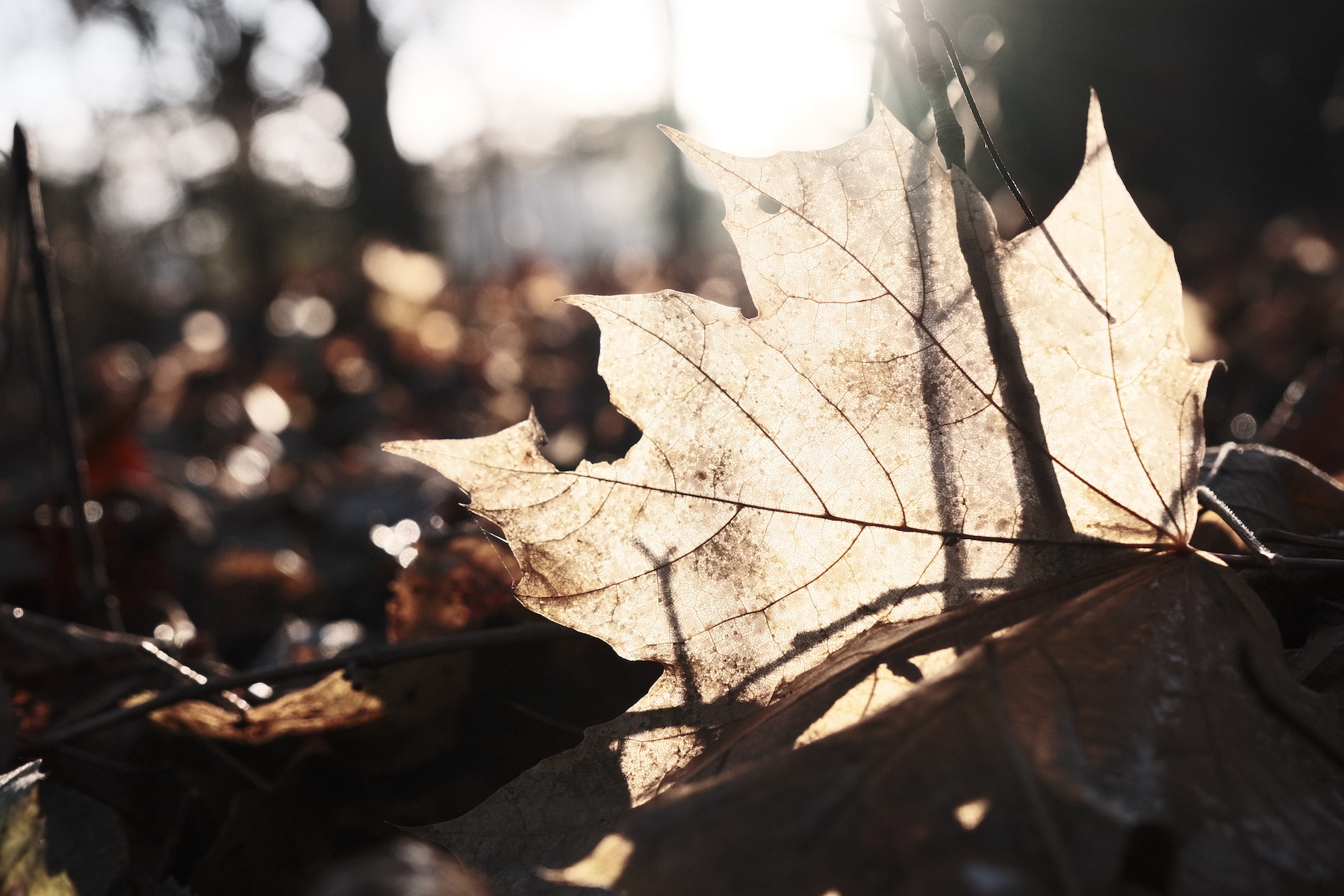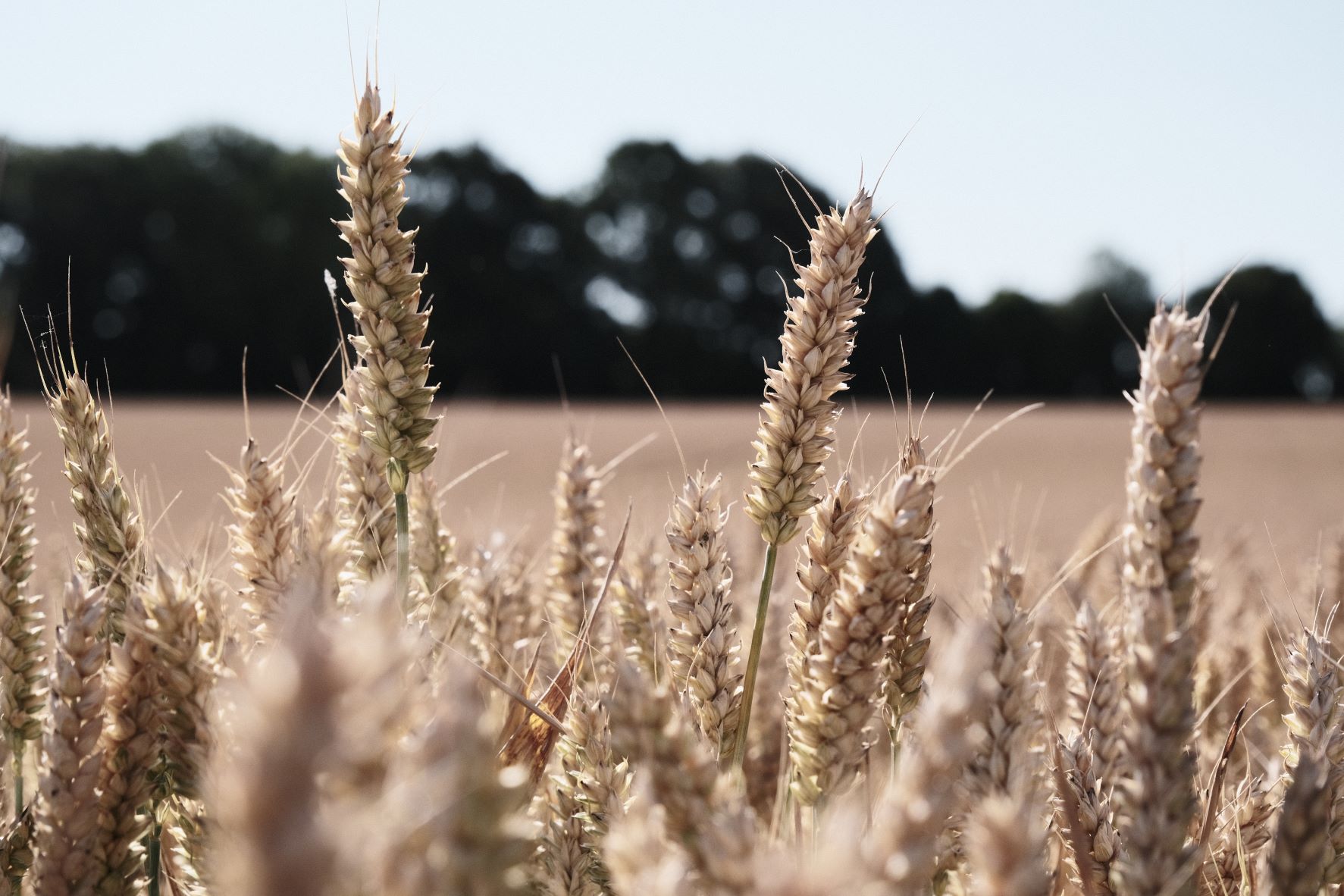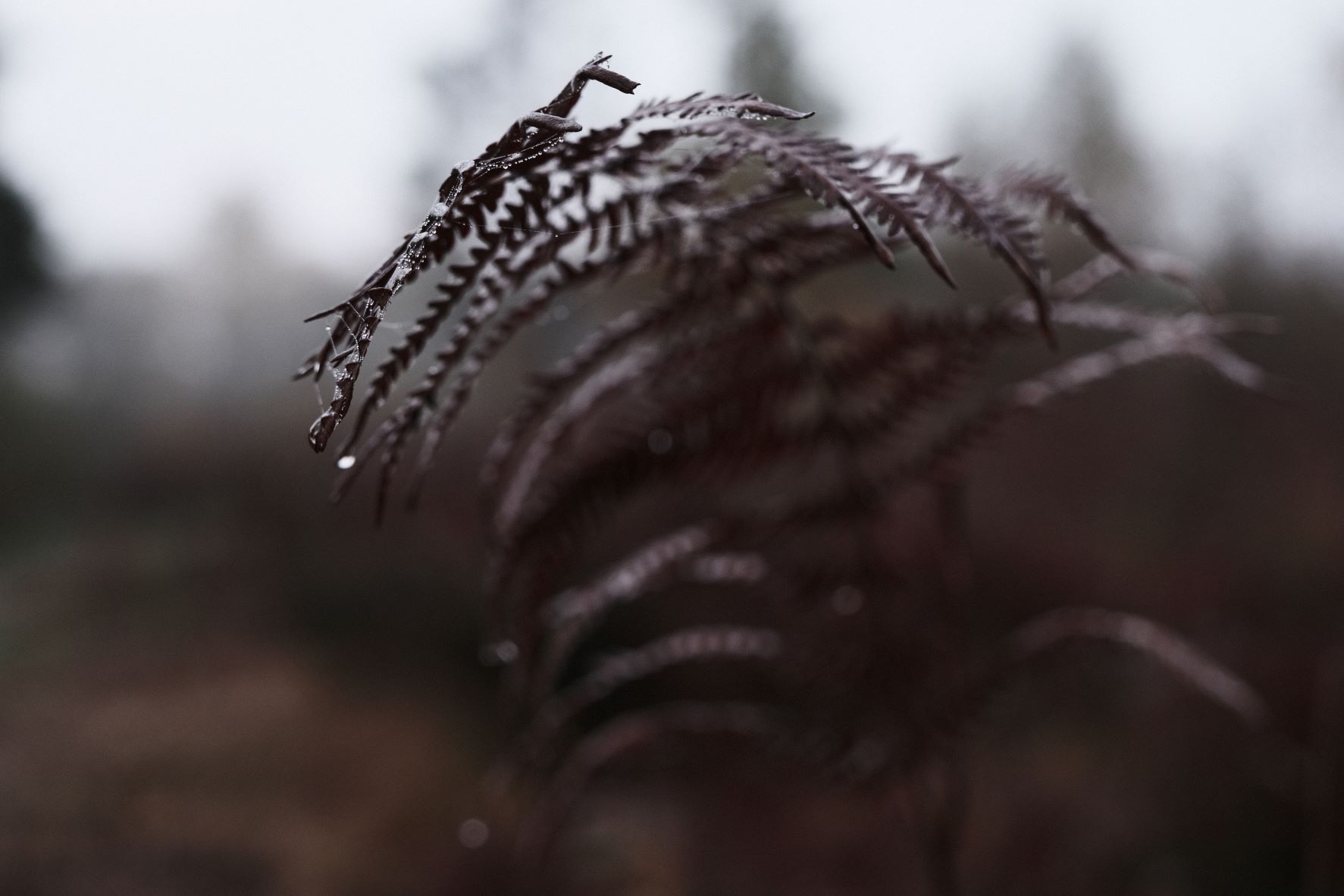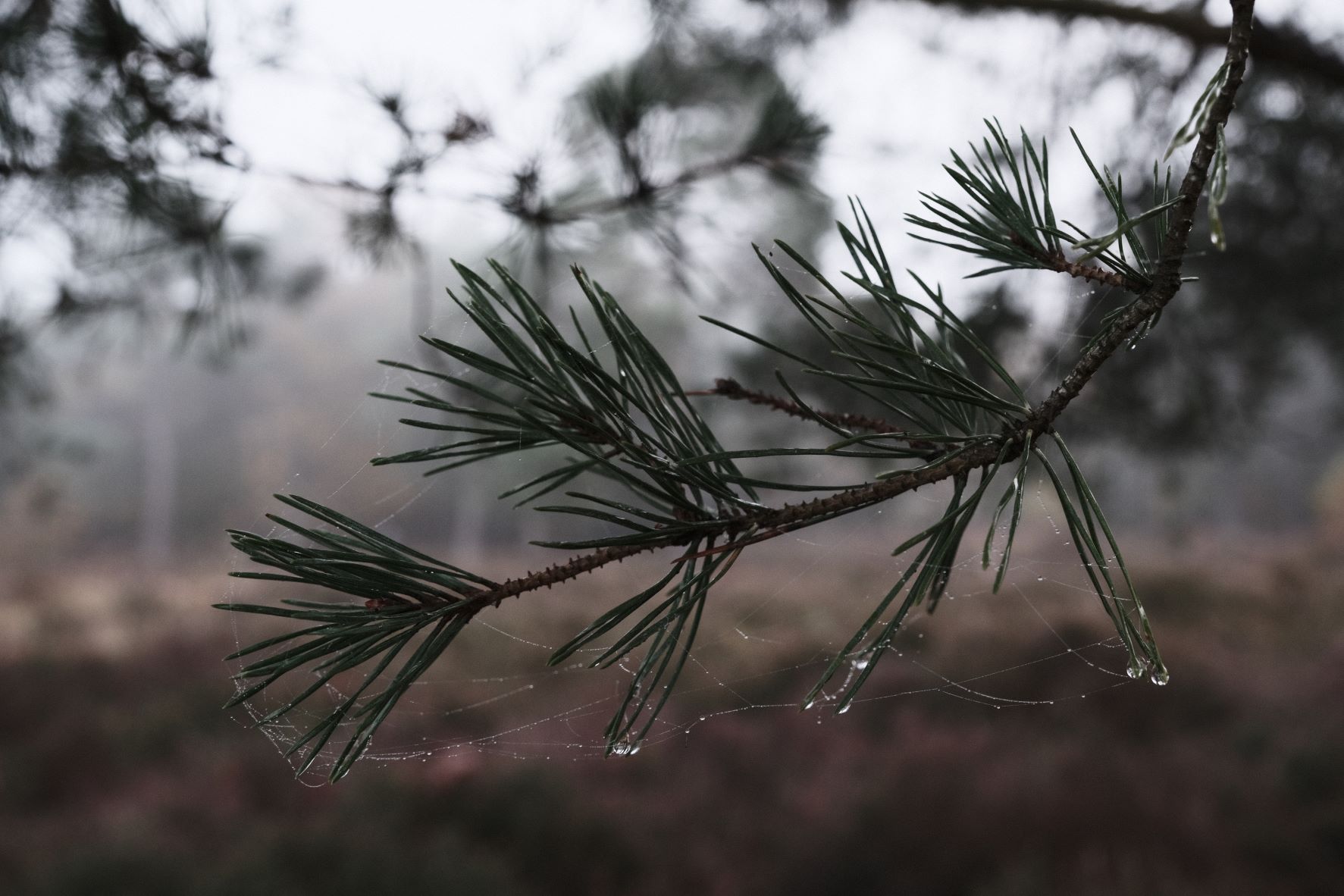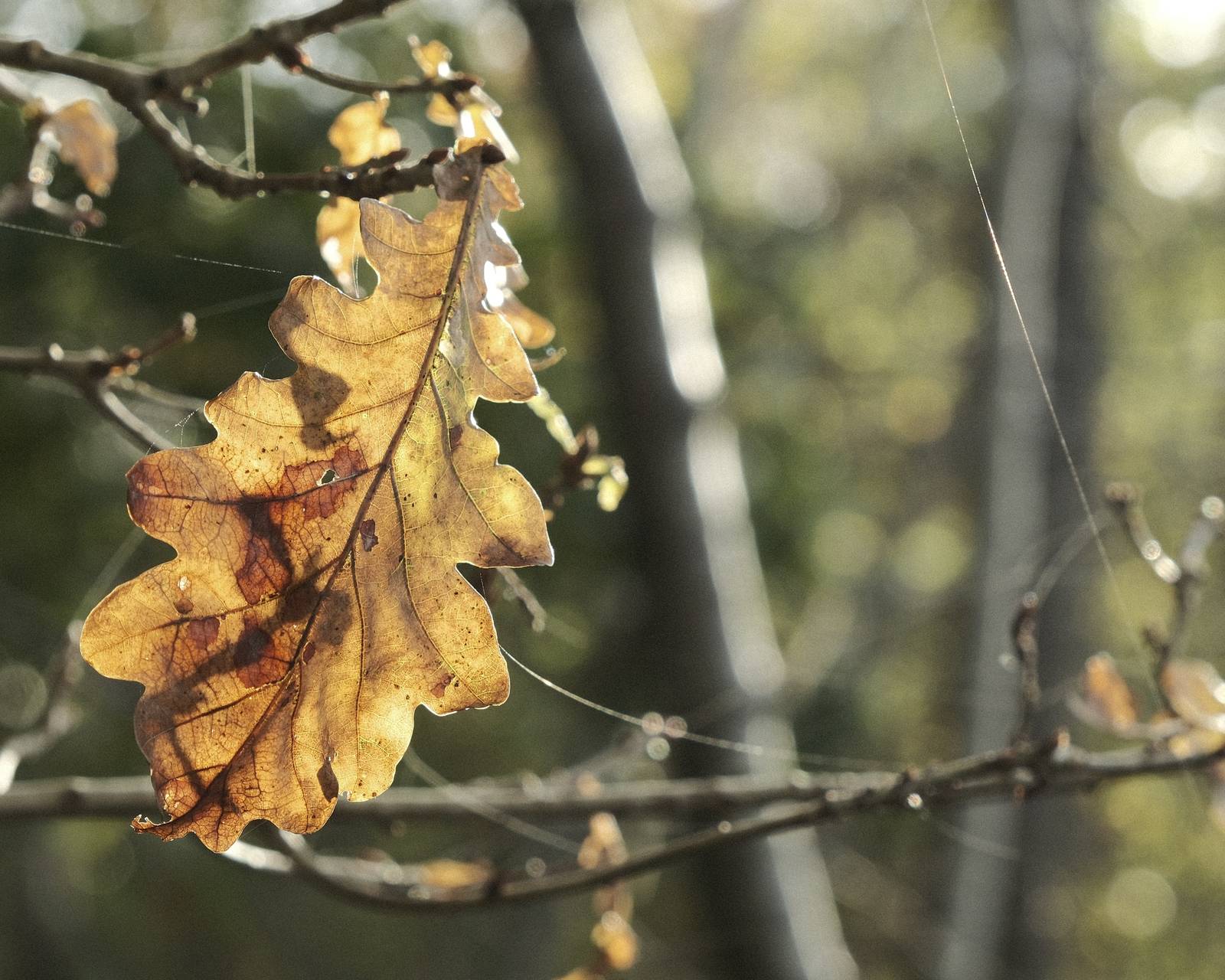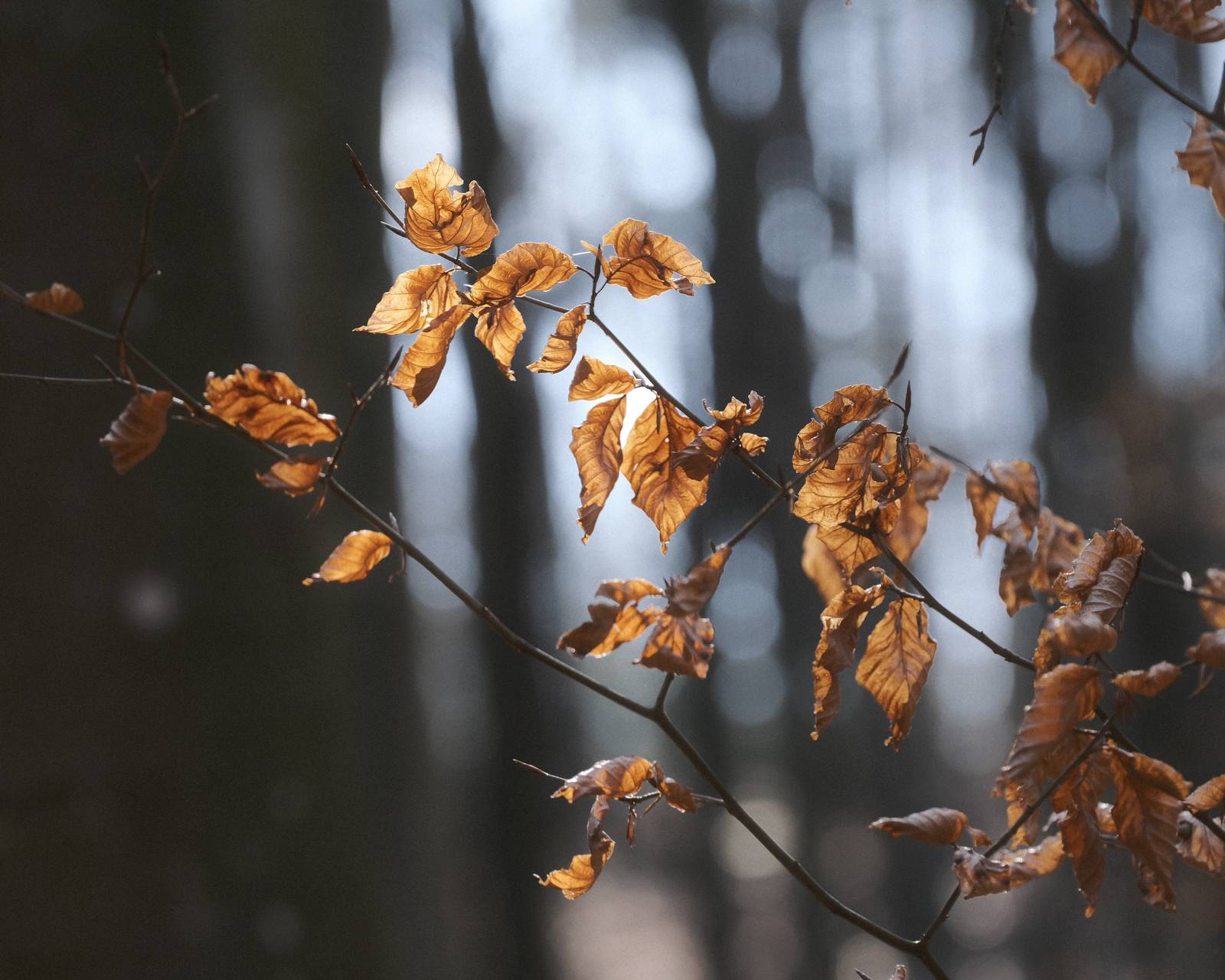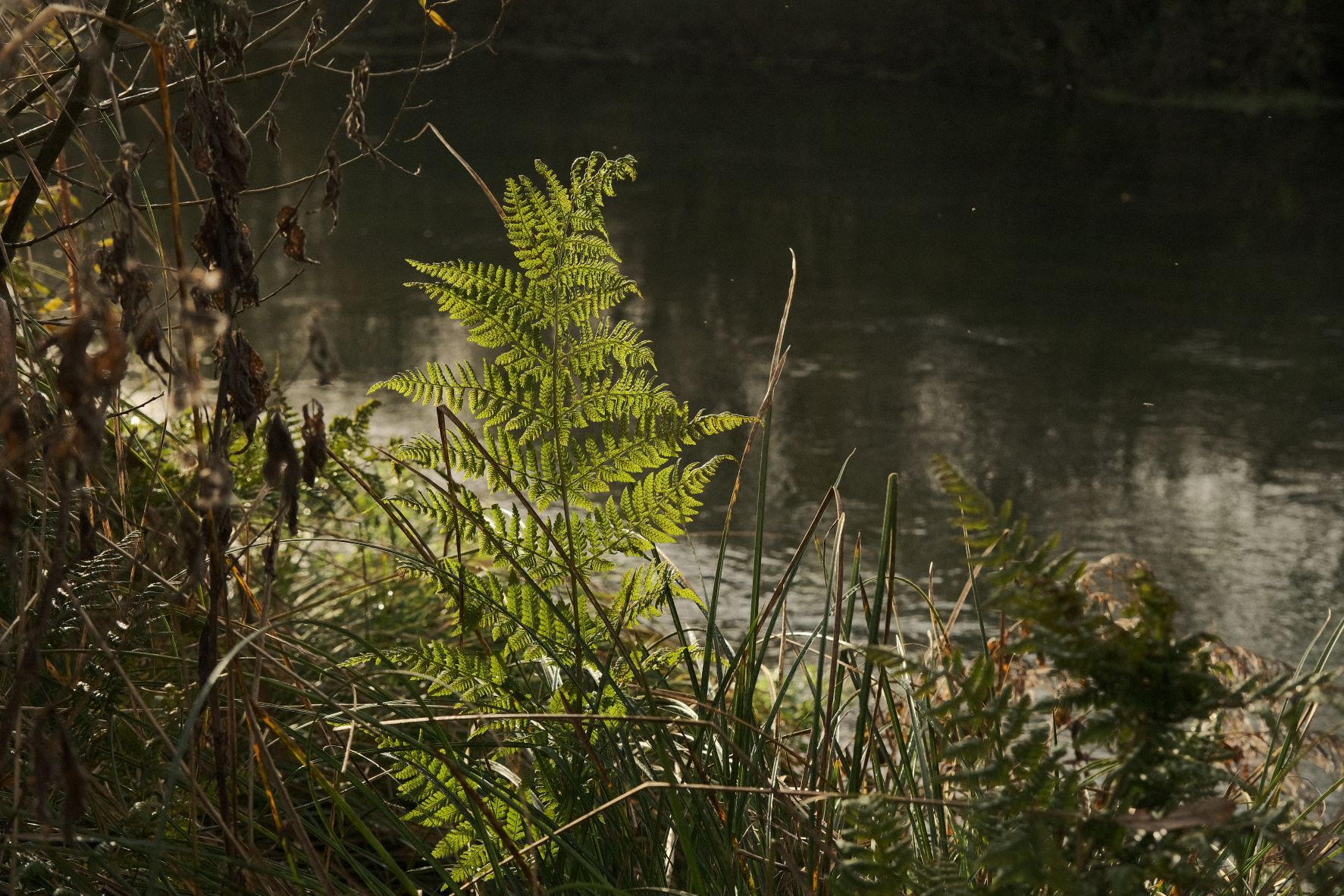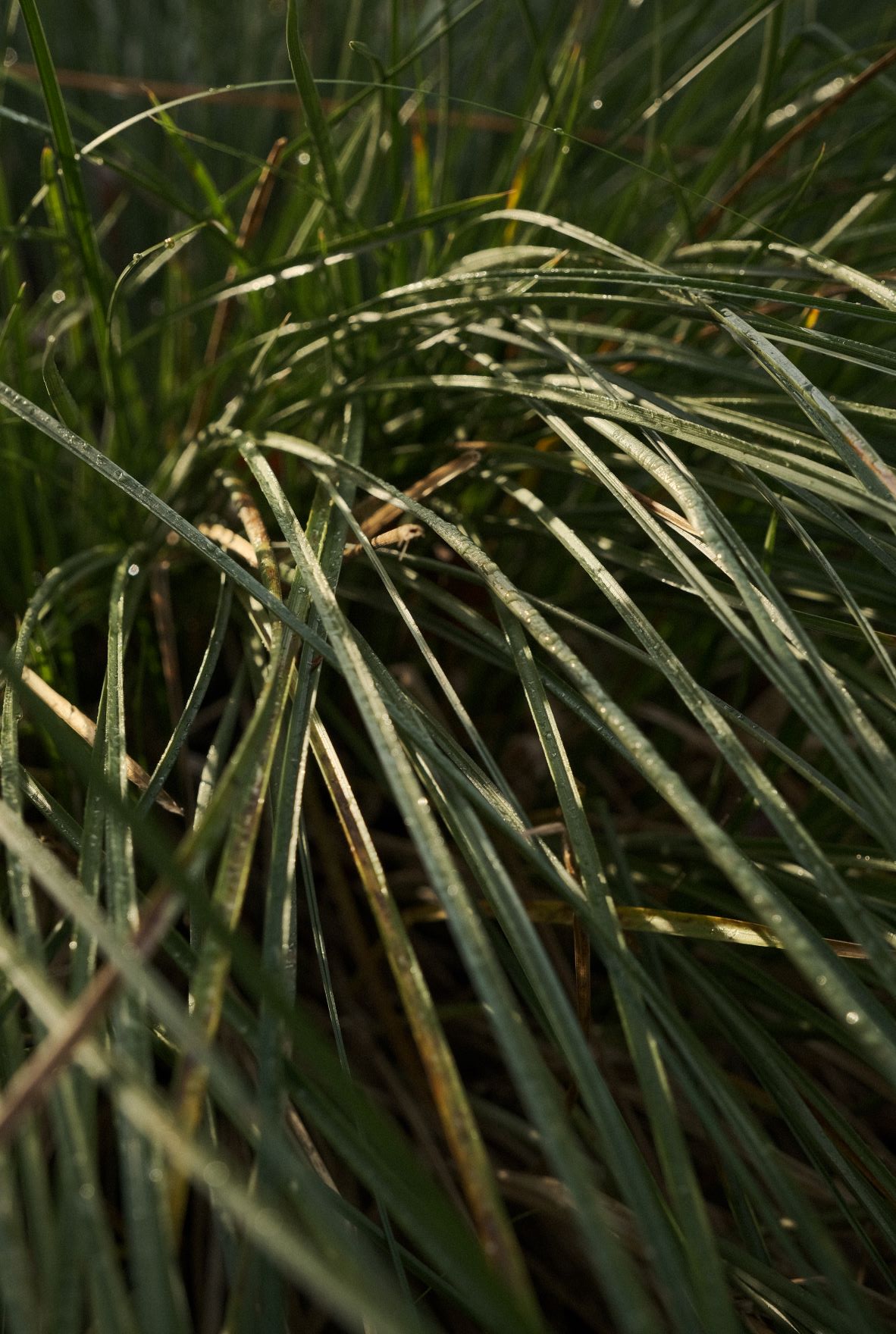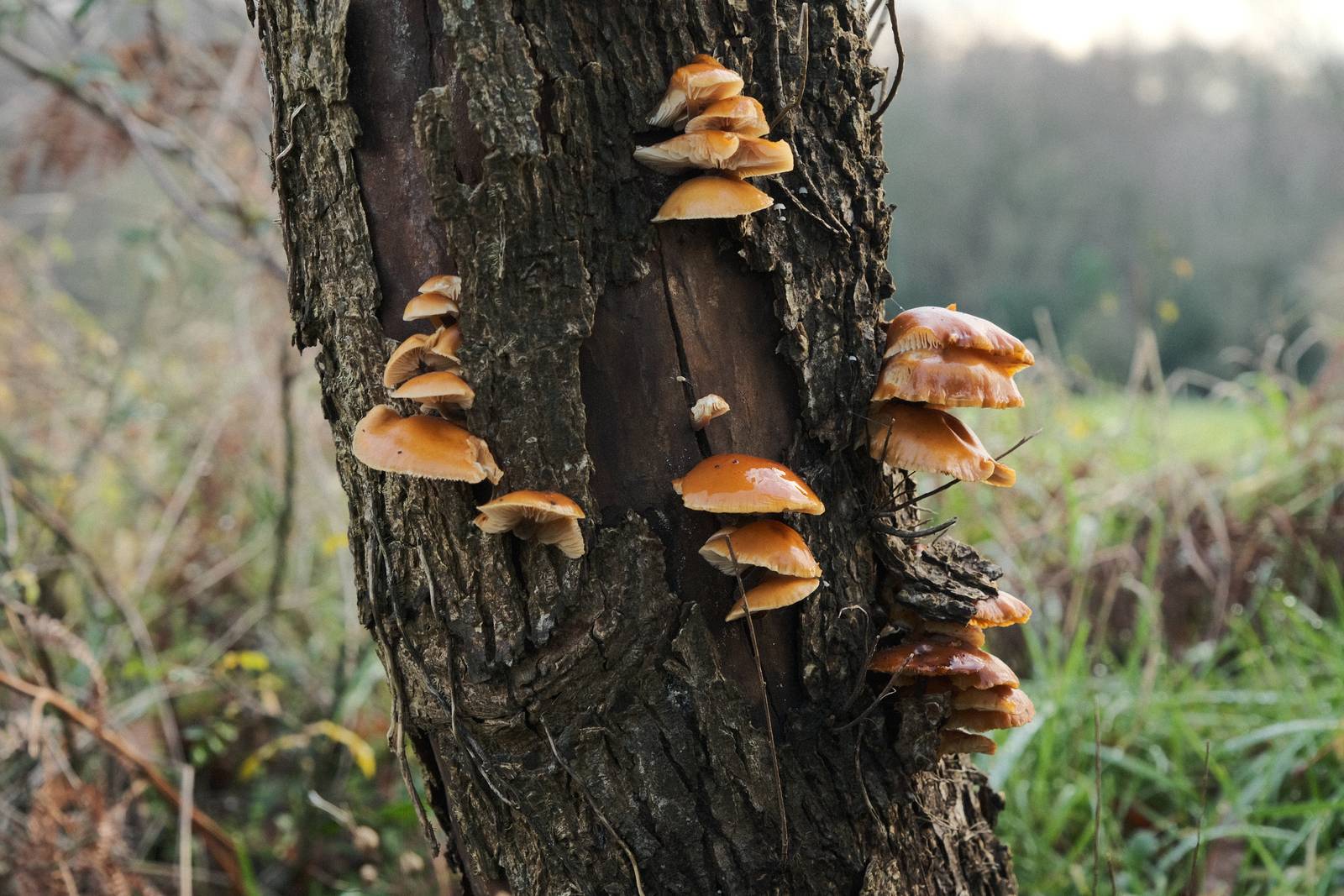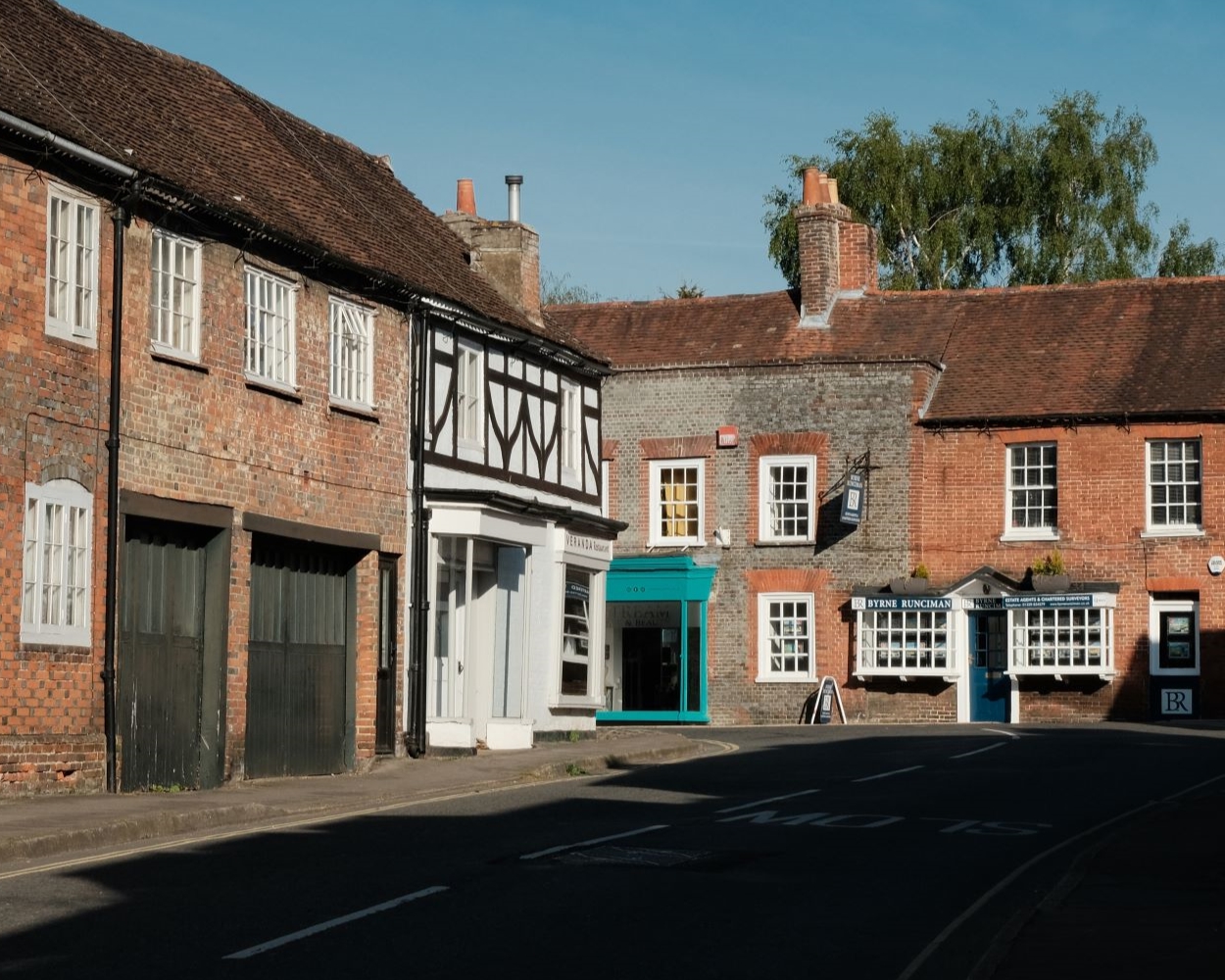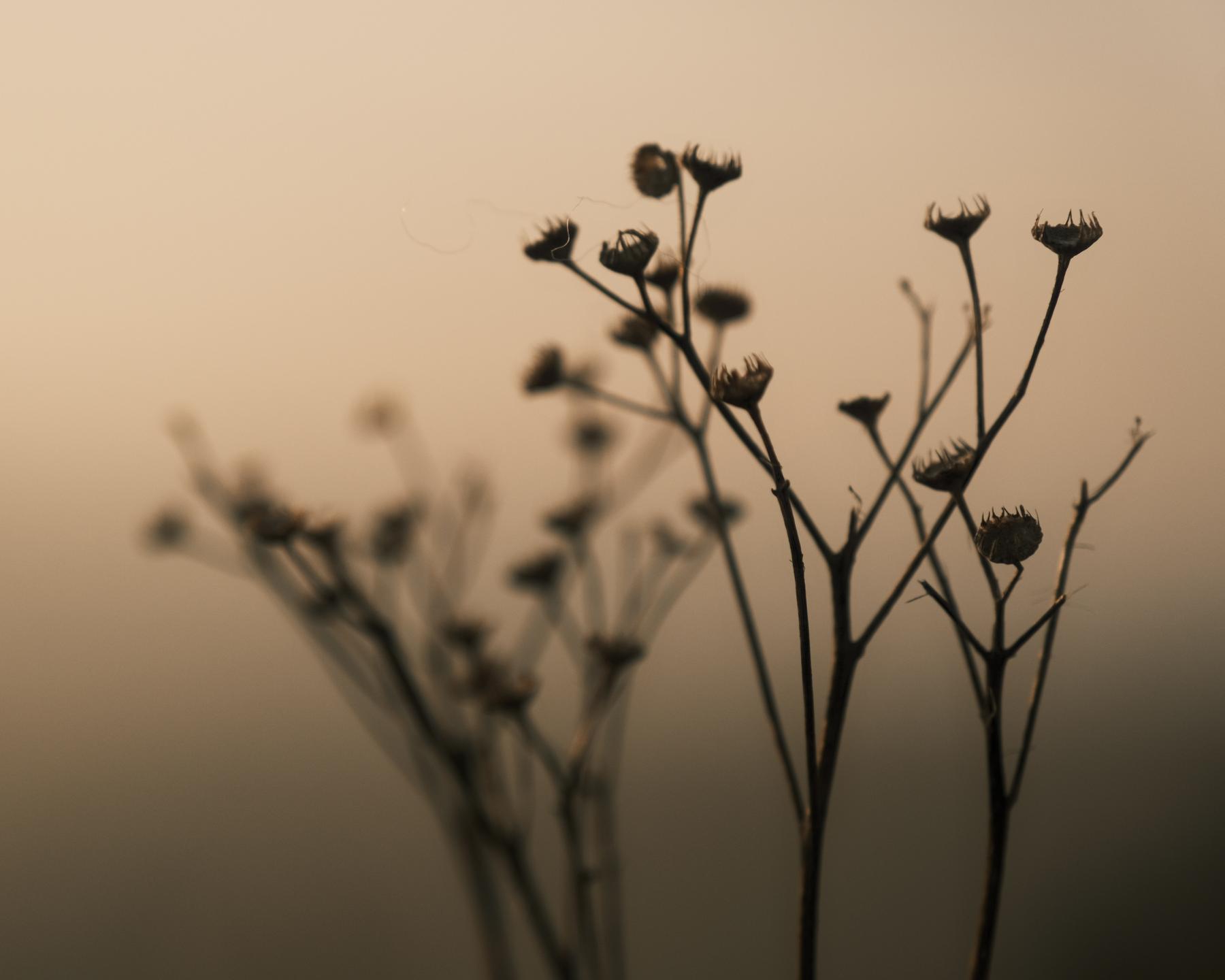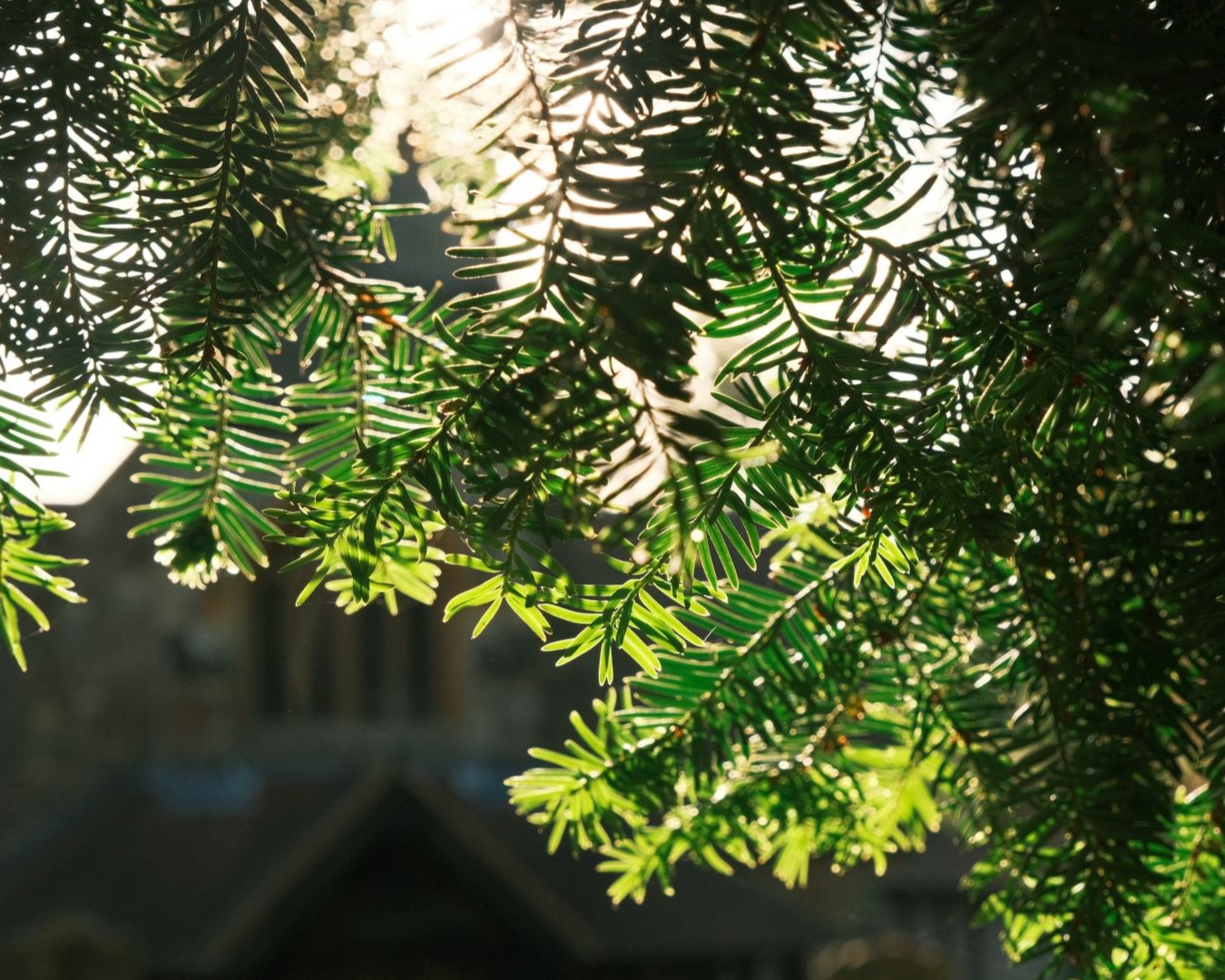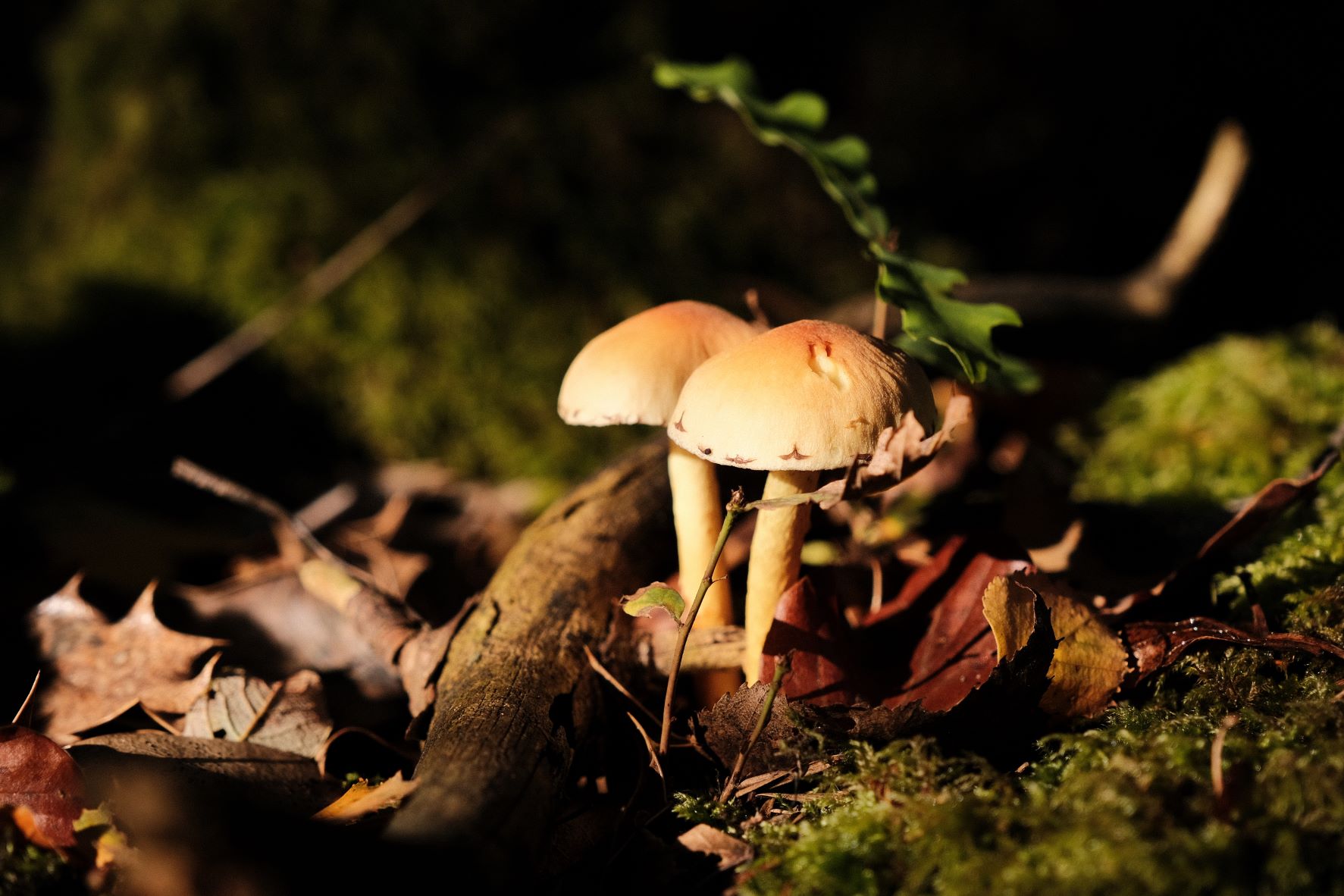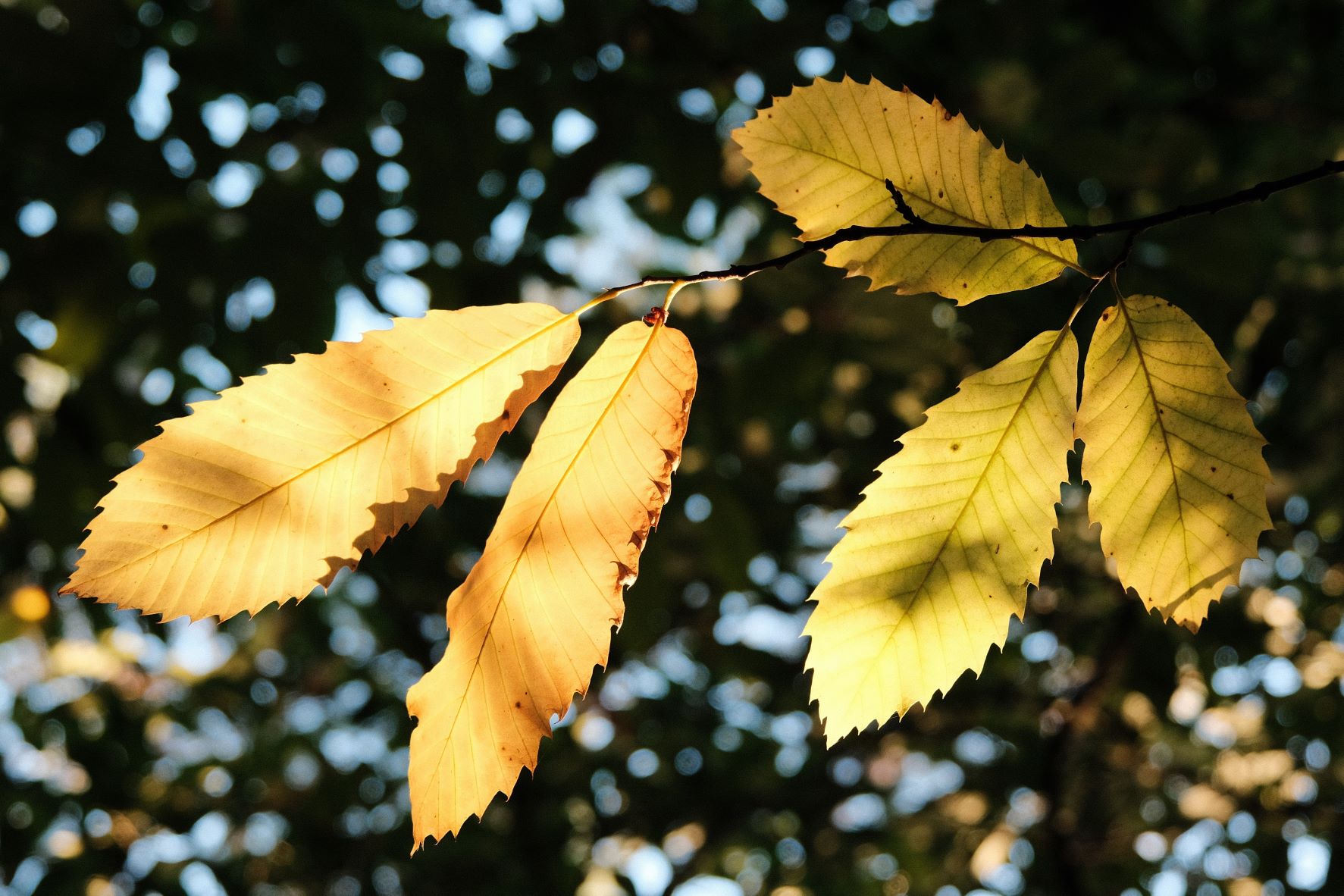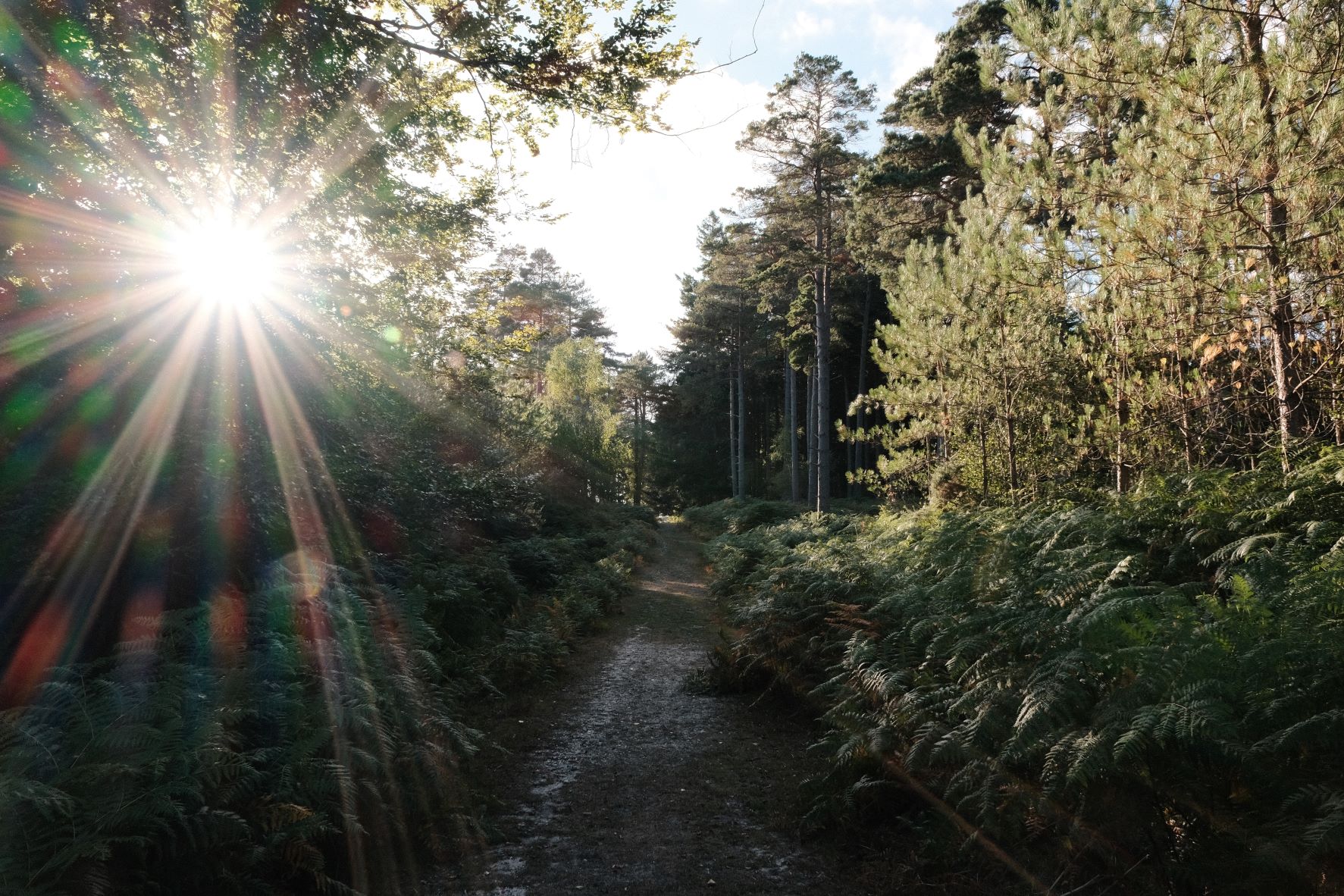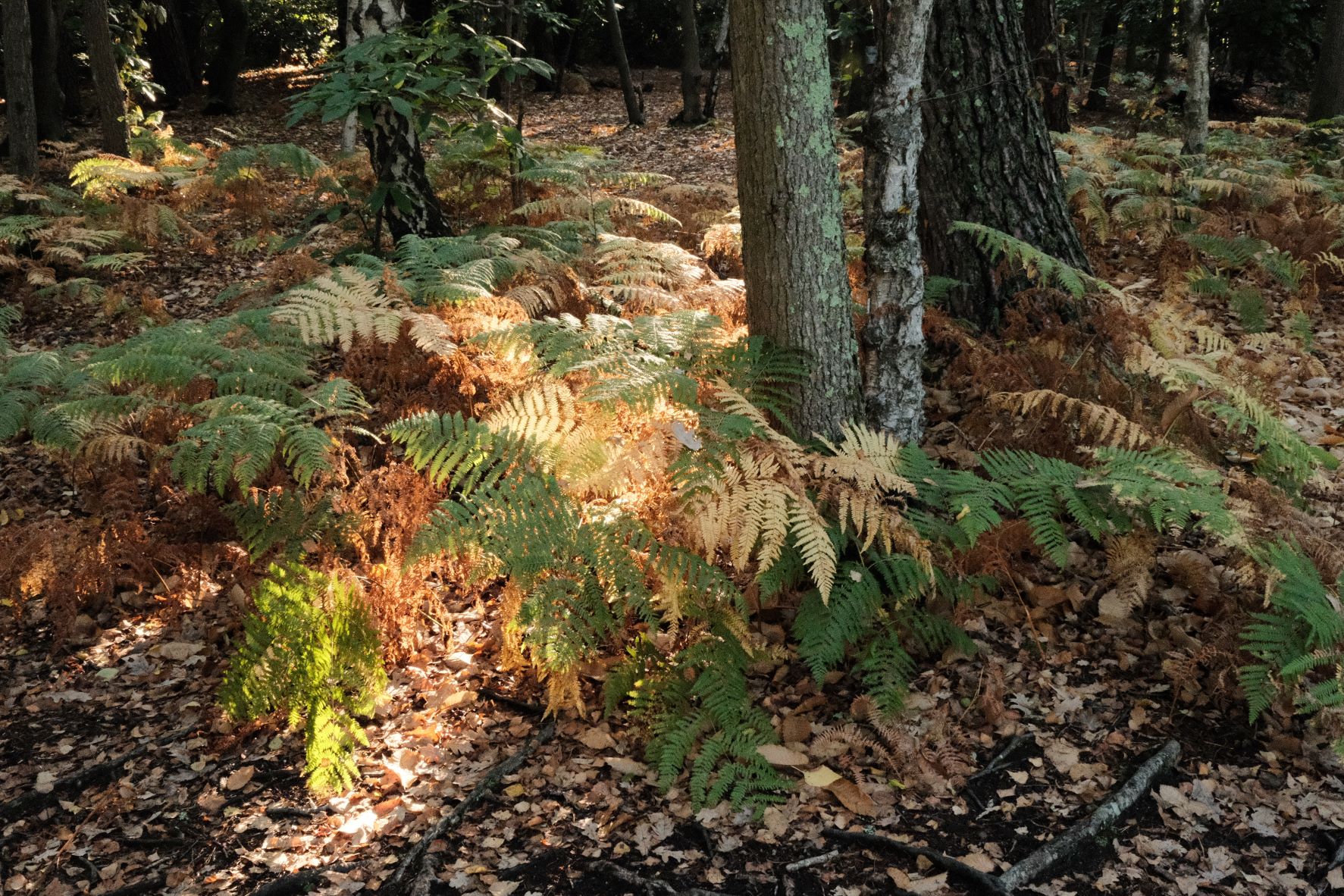
Film Recipes for Fujifilm Cameras

Tag: Natural Colour

  • Au Naturel, Simply Clean and Crisp

    Au Naturel, Simply Clean and Crisp

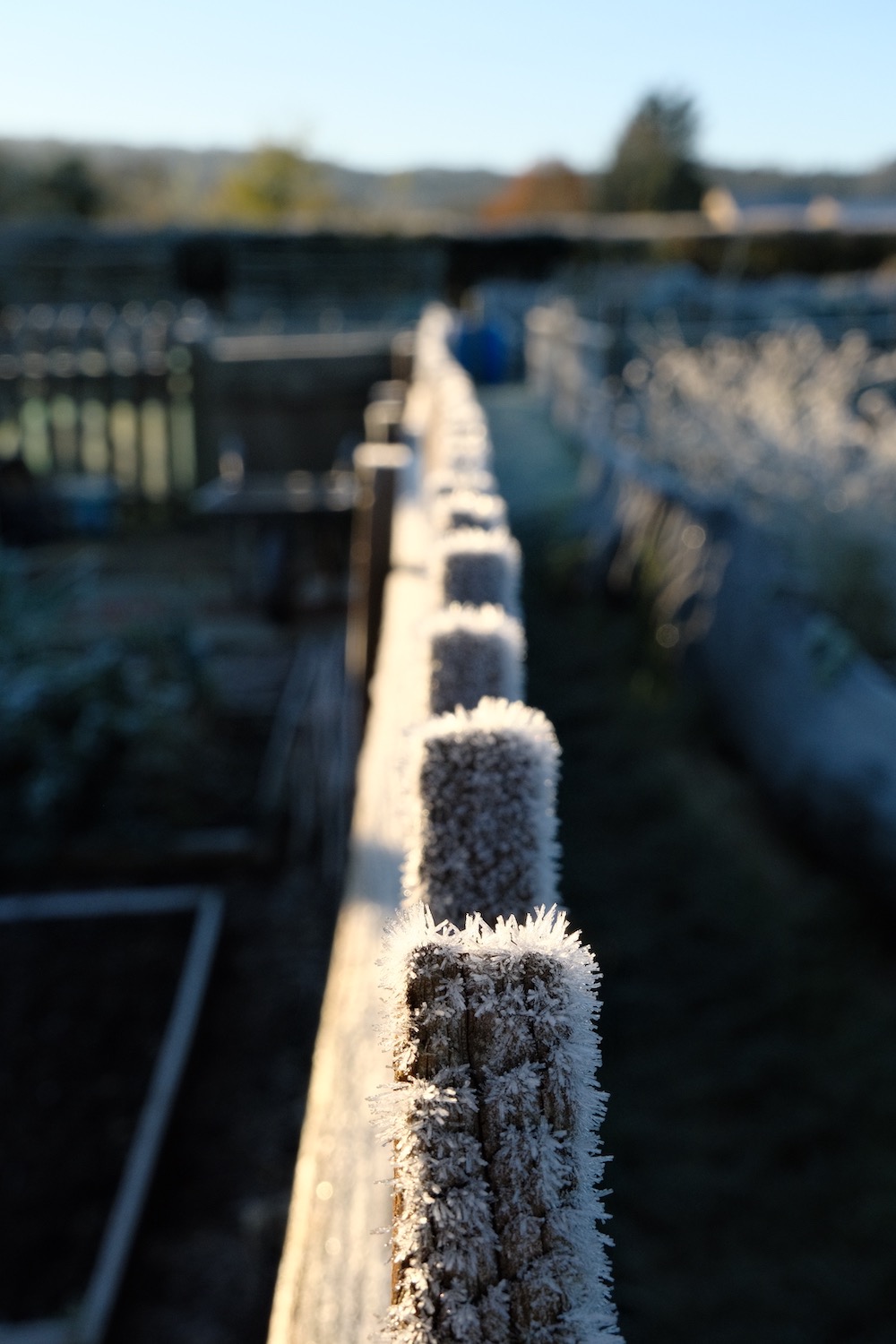
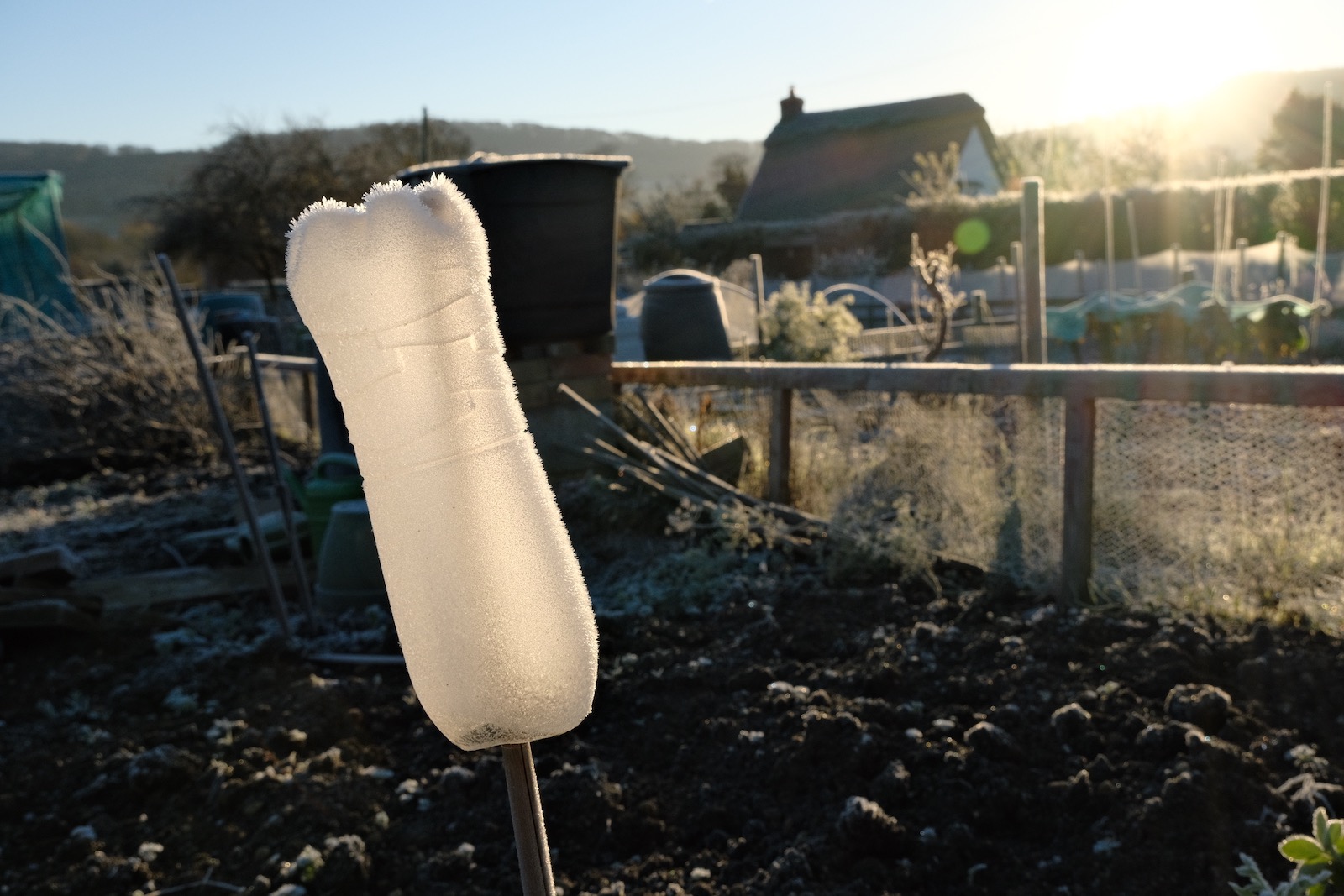
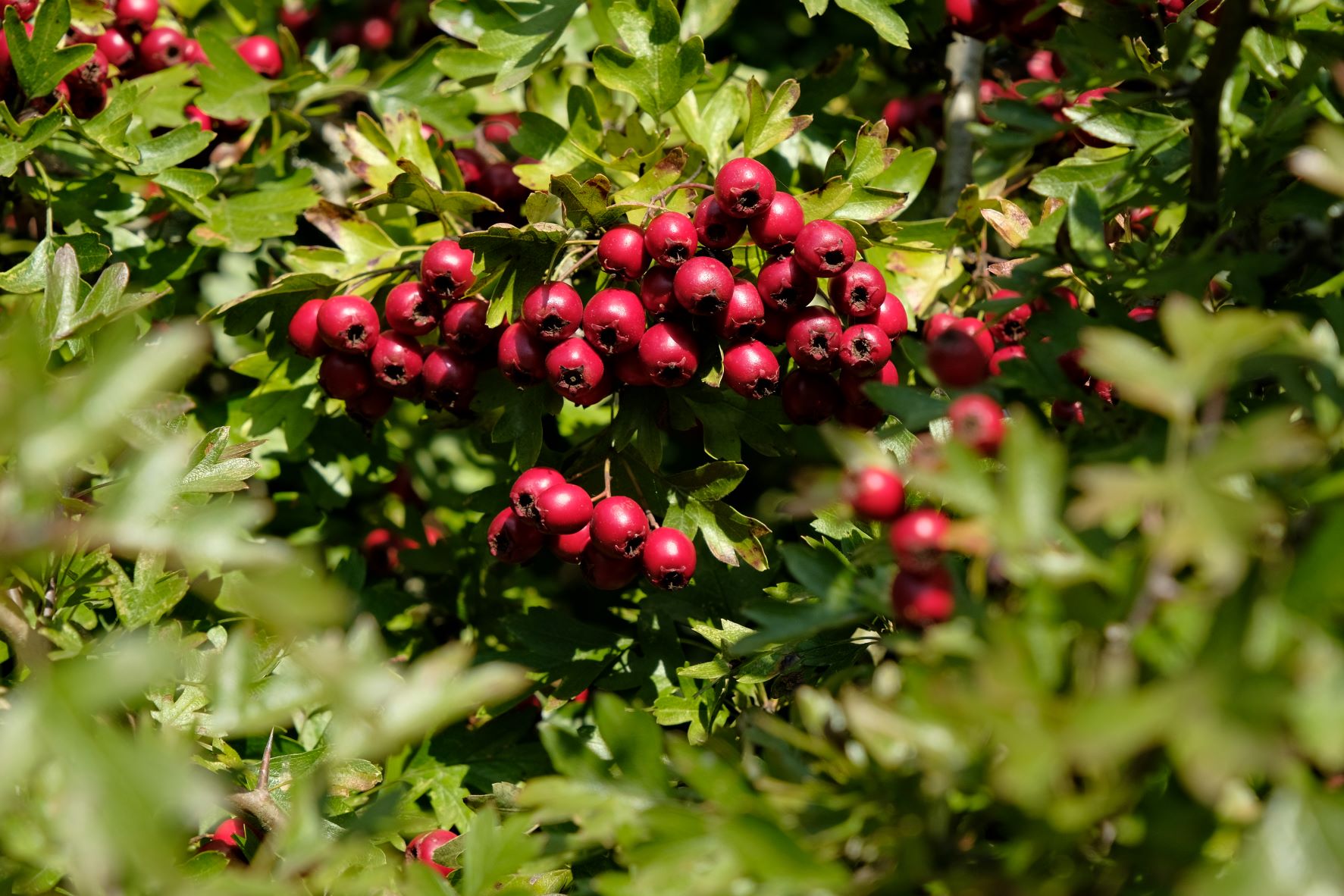
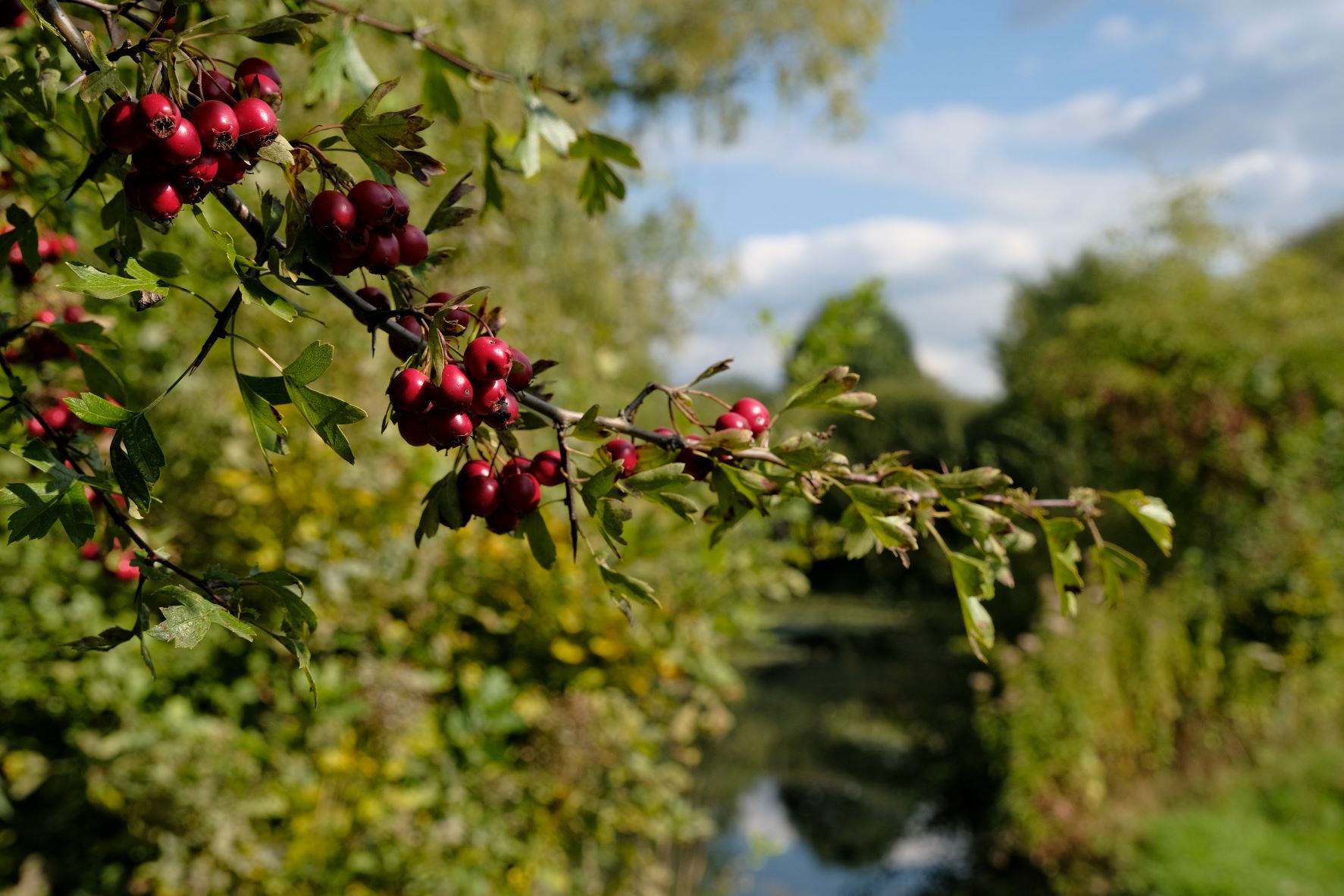
    A simple natural look film simulation recipe based on Pro Neg Hi

    Au Naturel Film Recipe

    Au Naturel

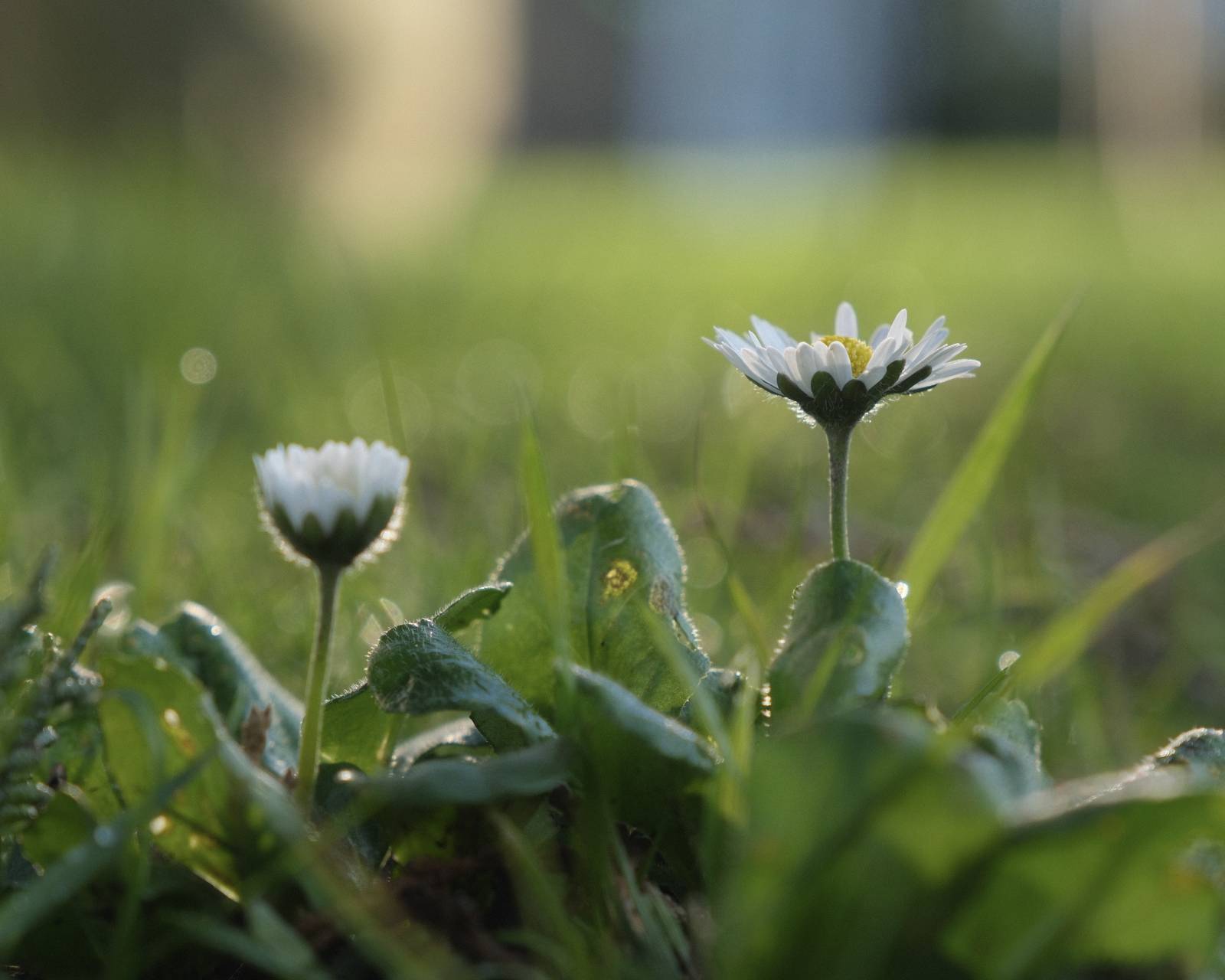
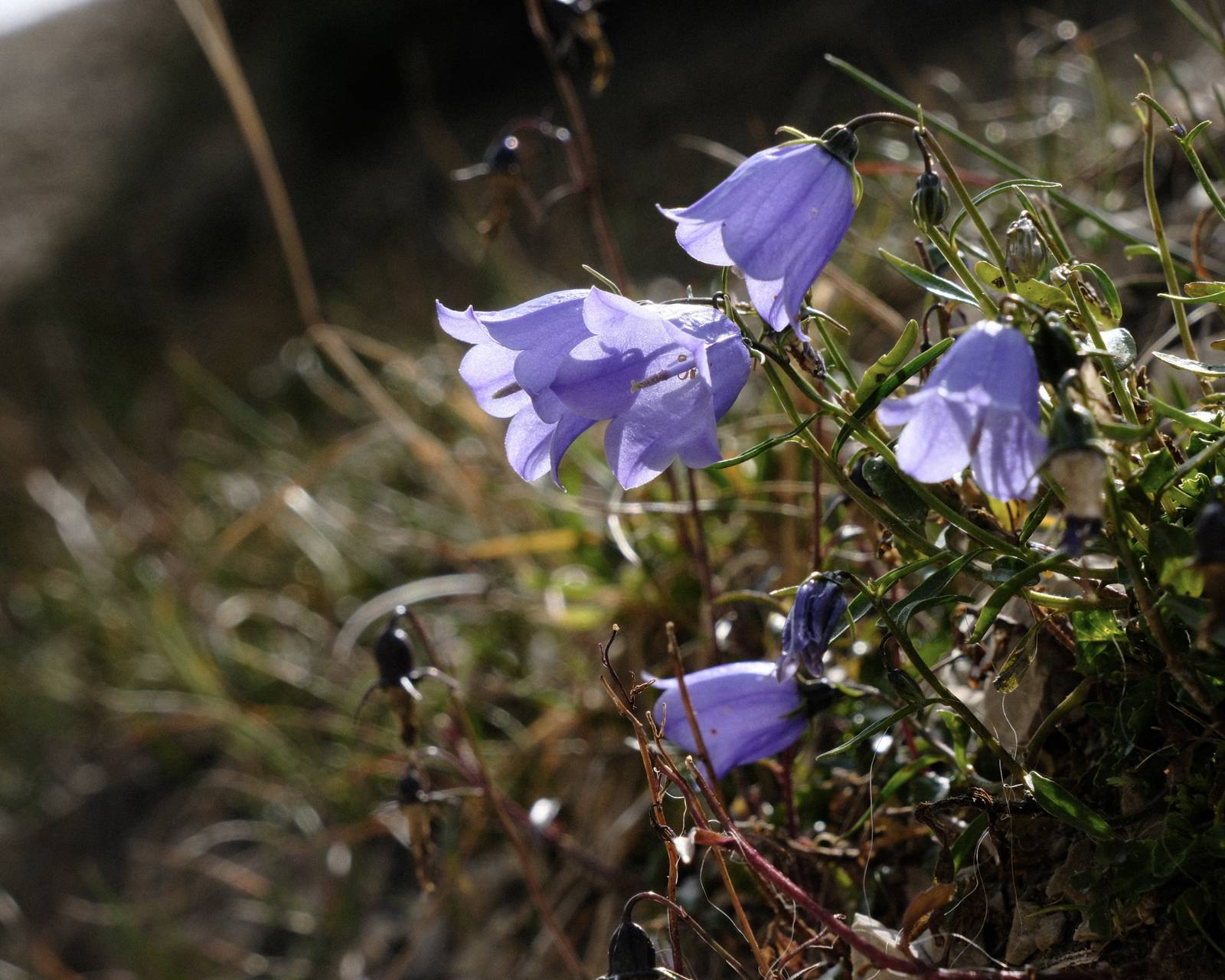
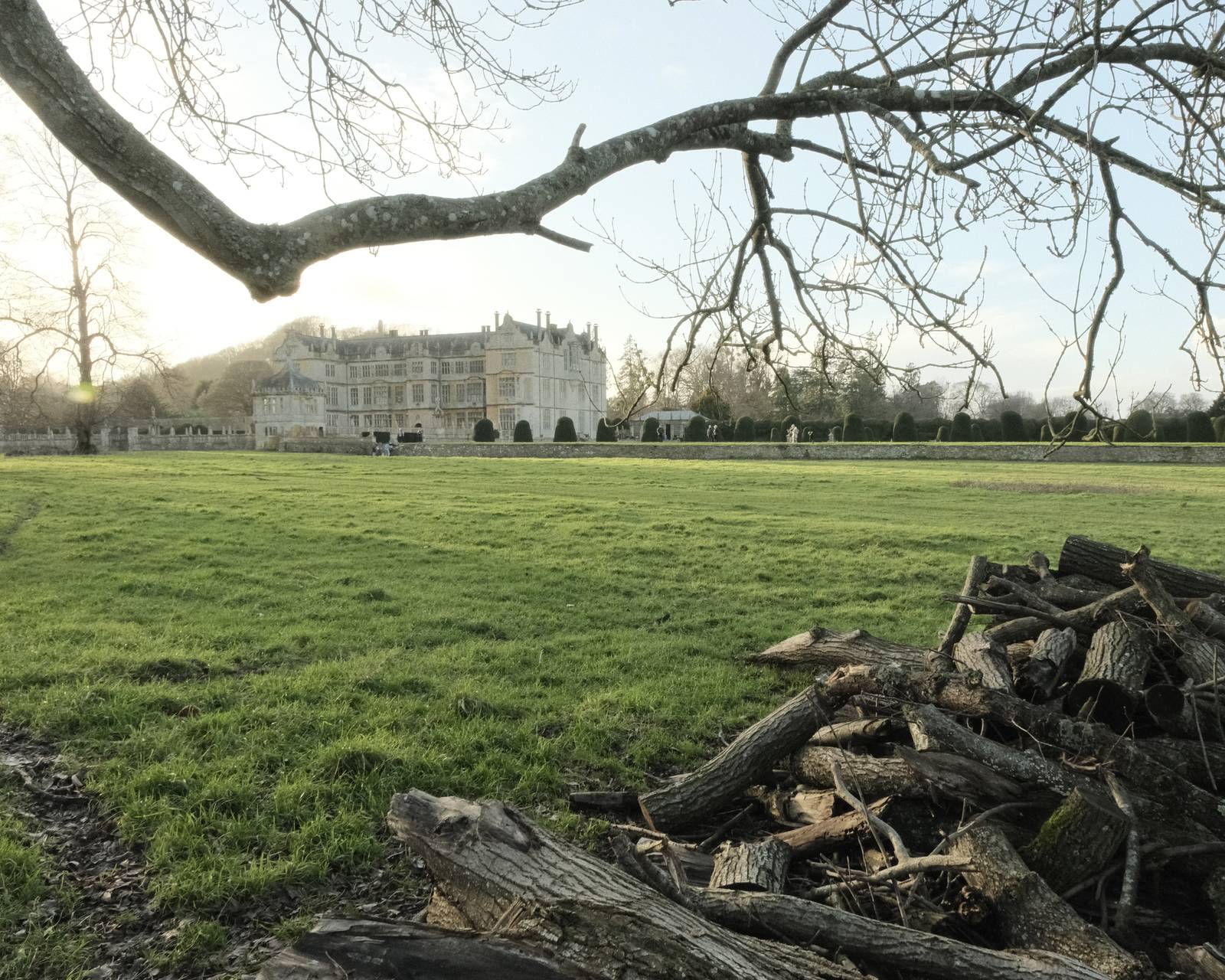
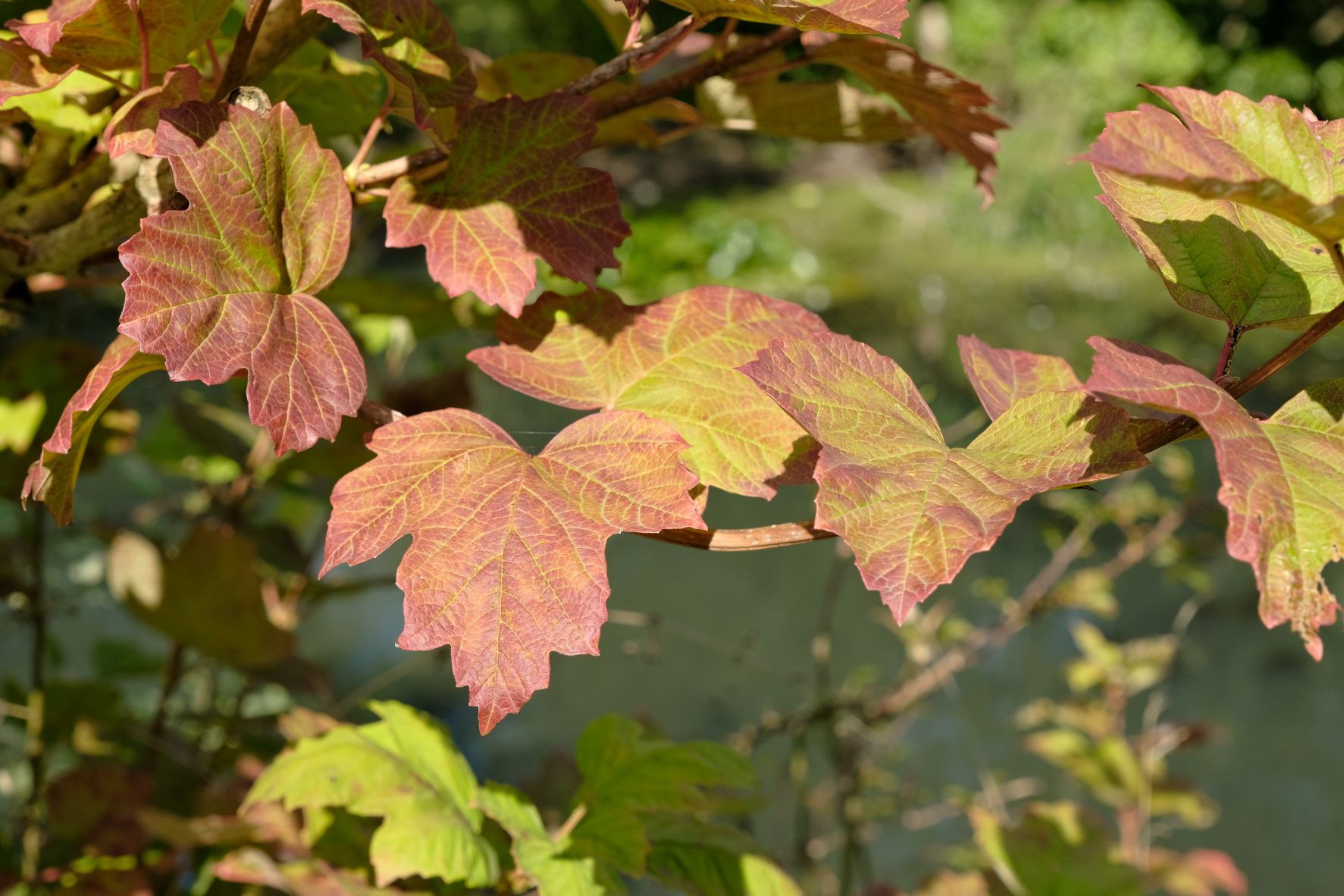
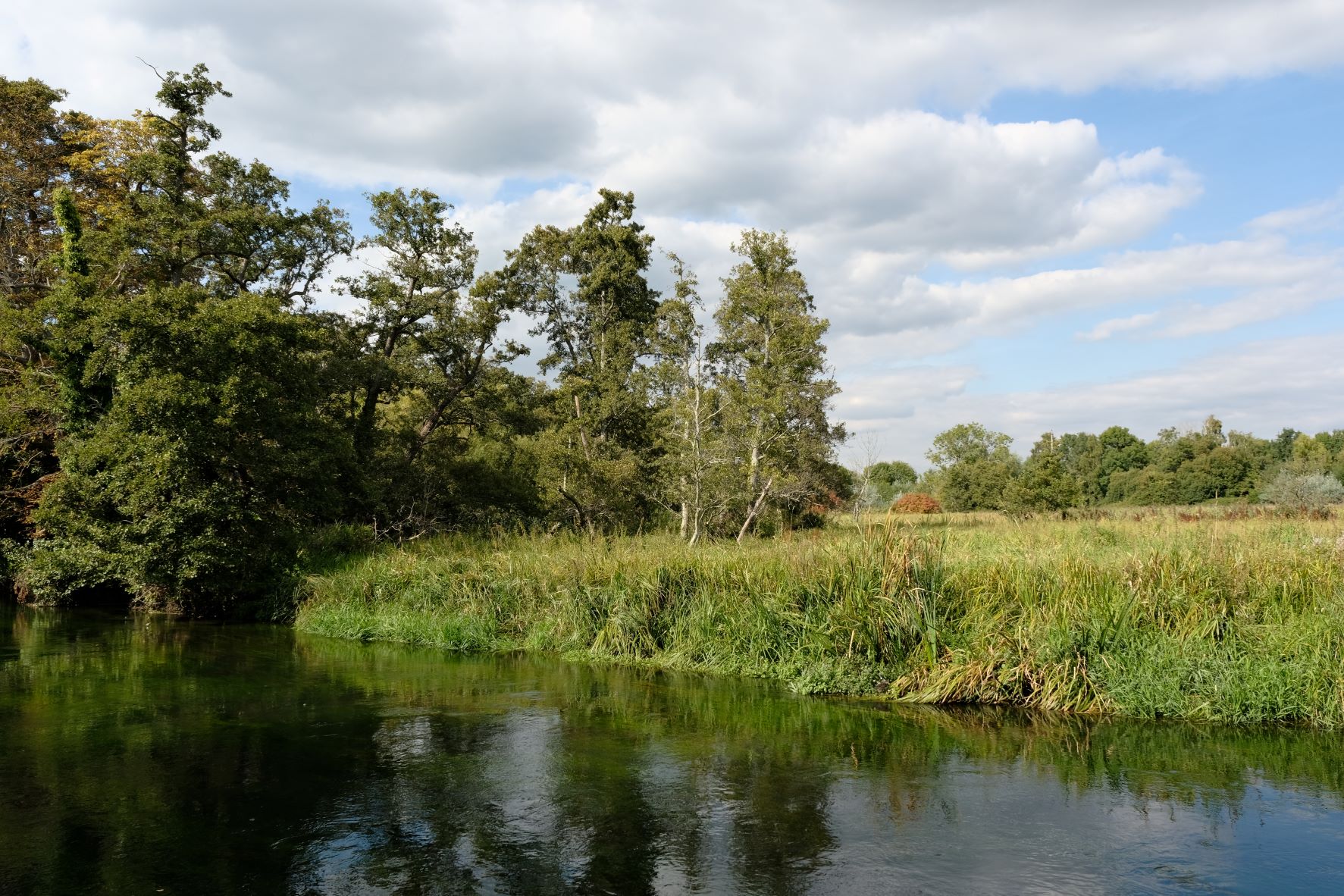
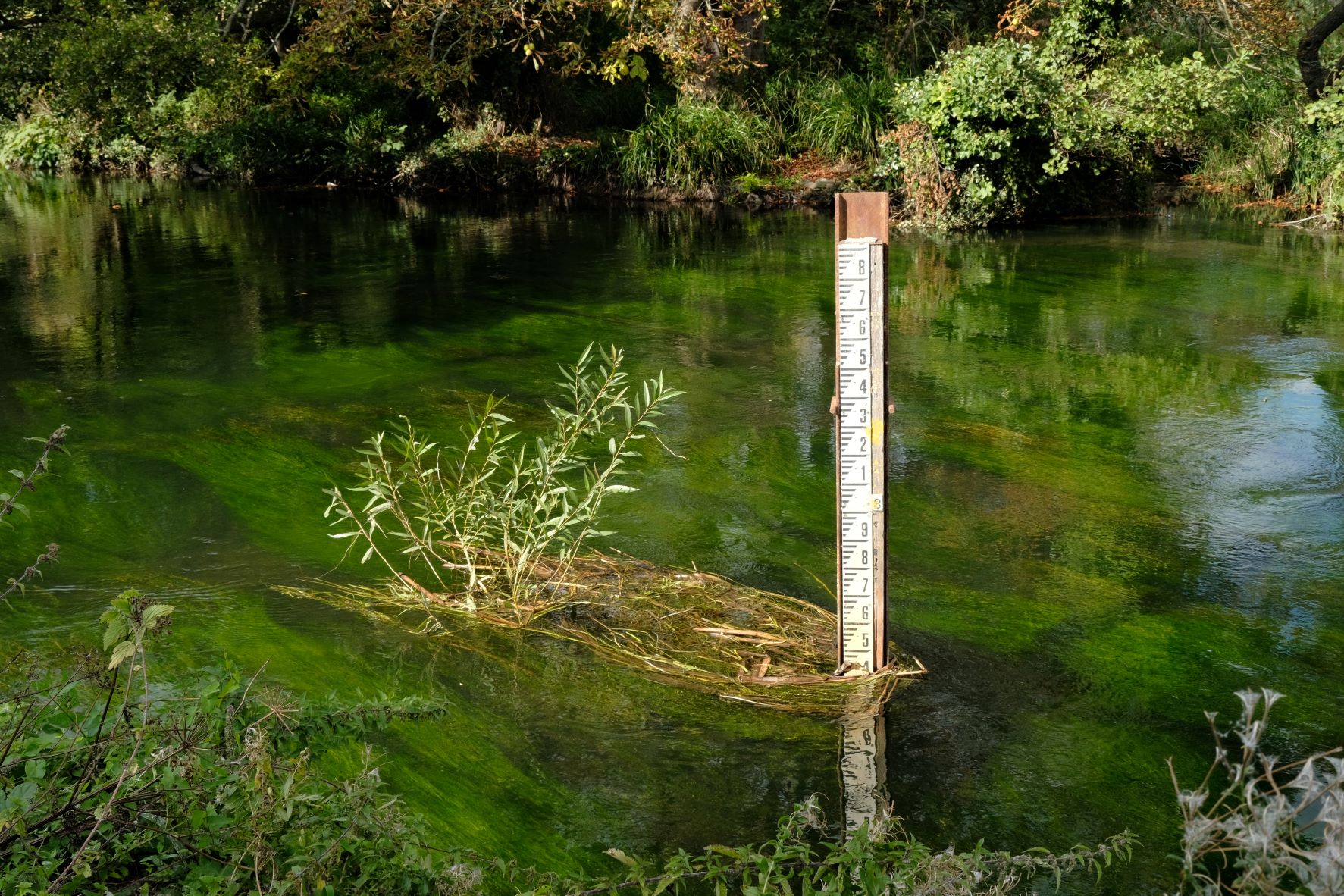
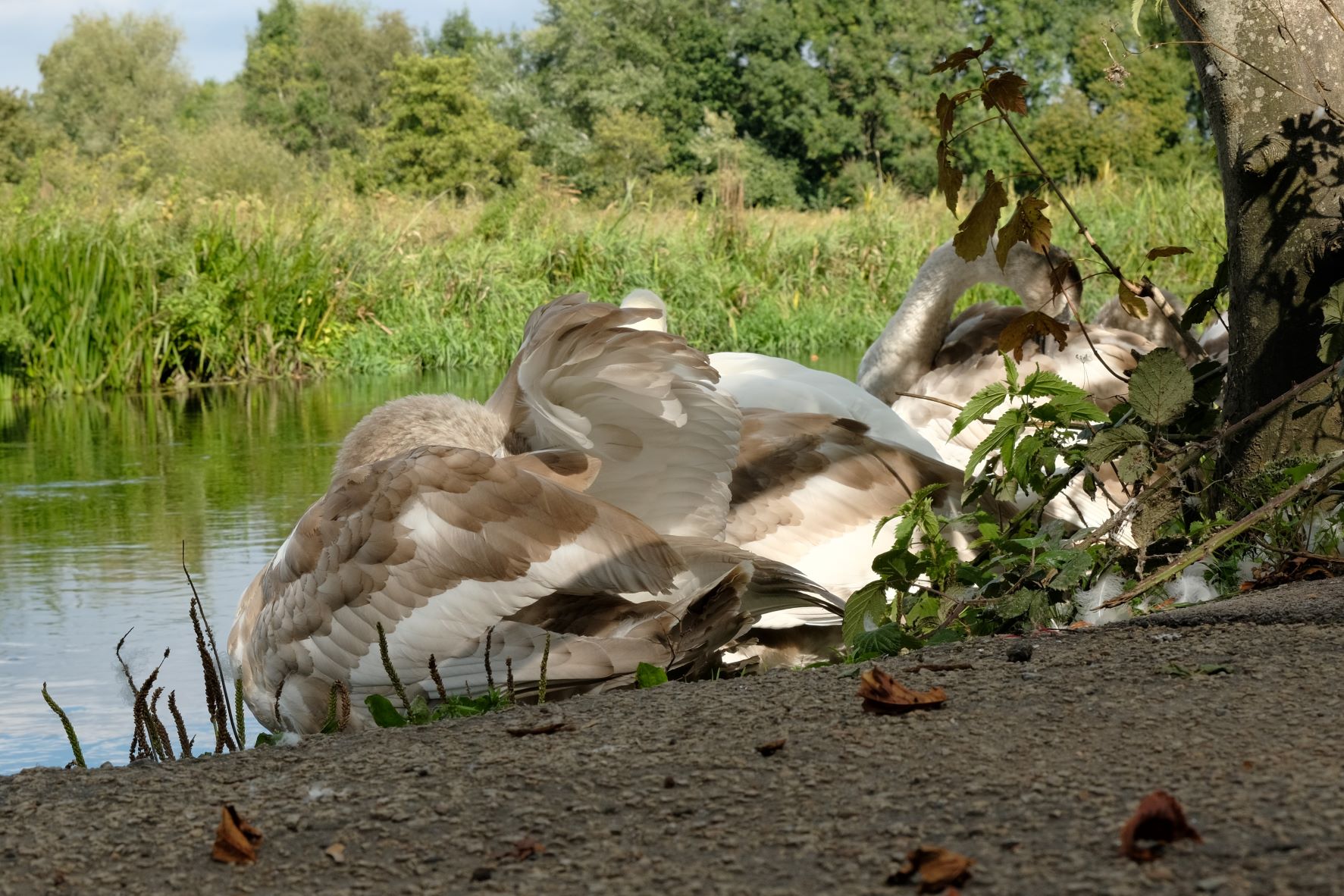
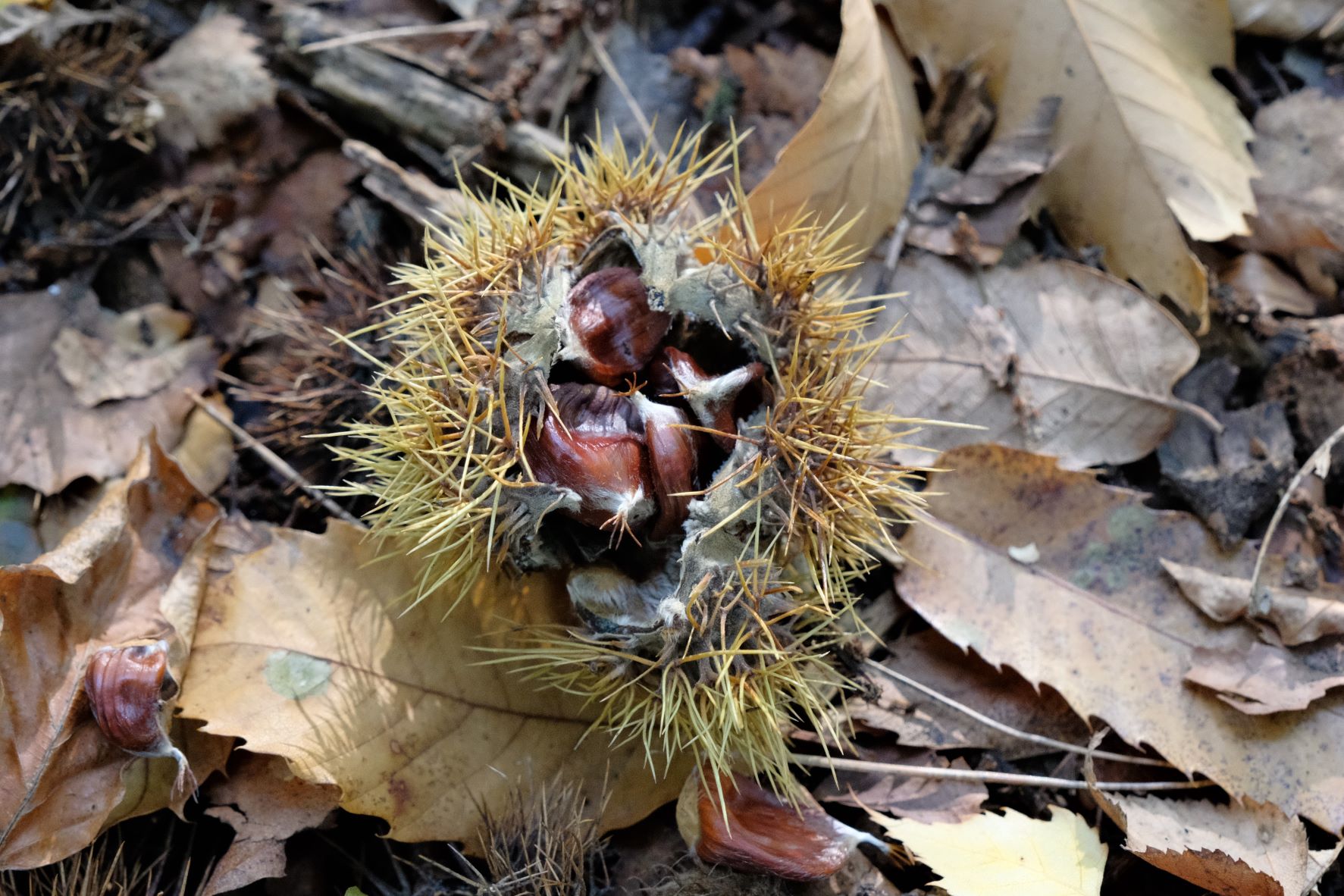
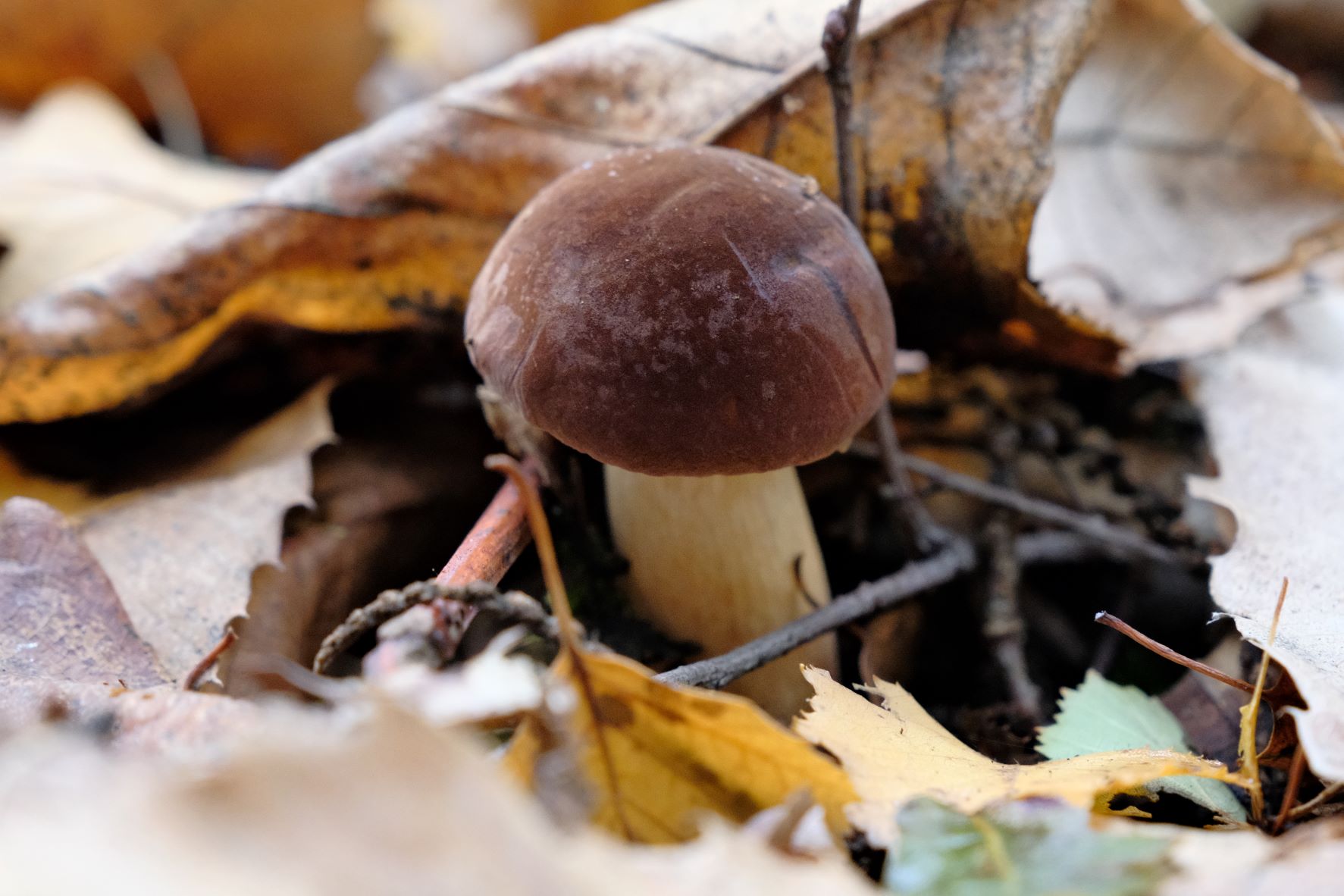
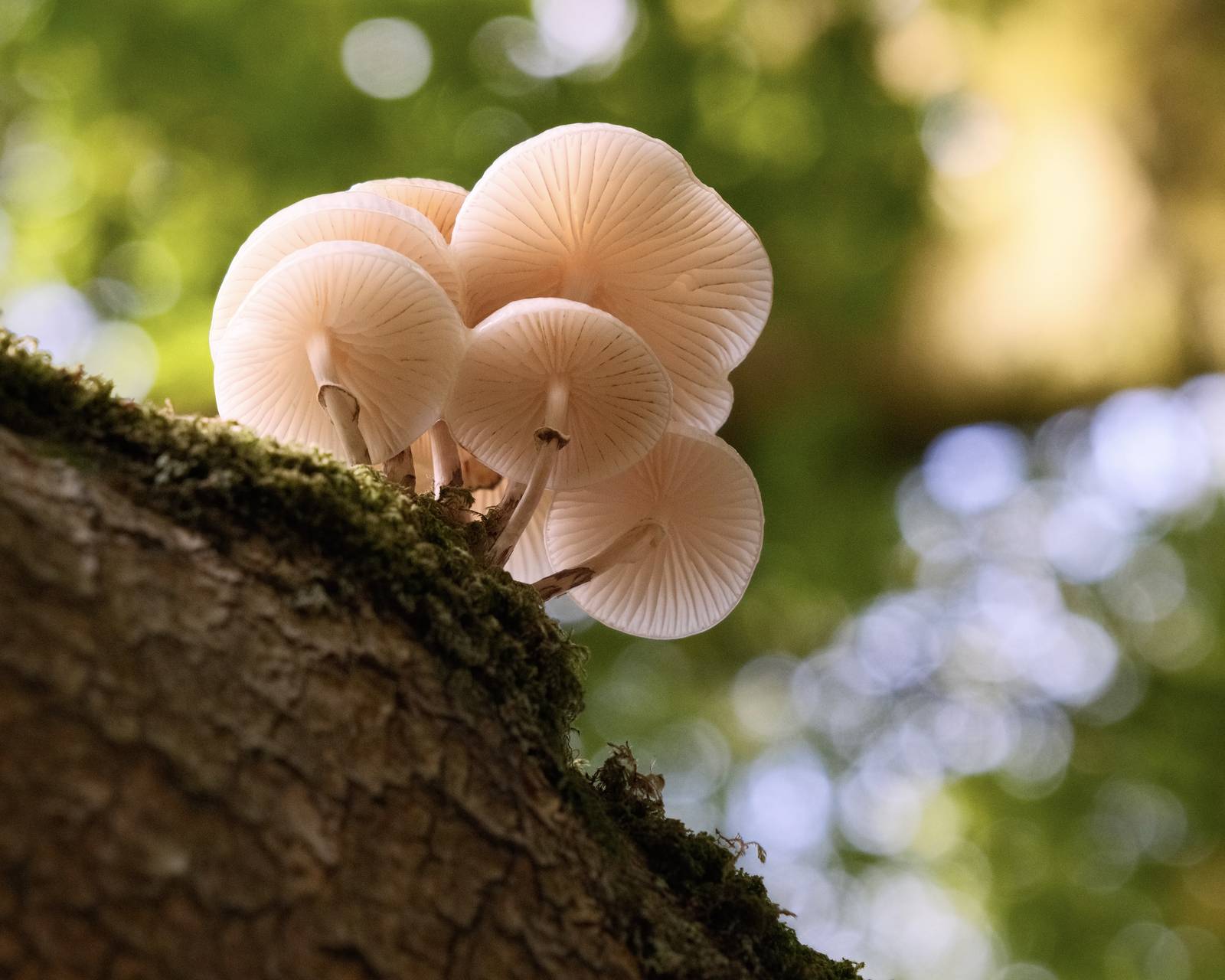
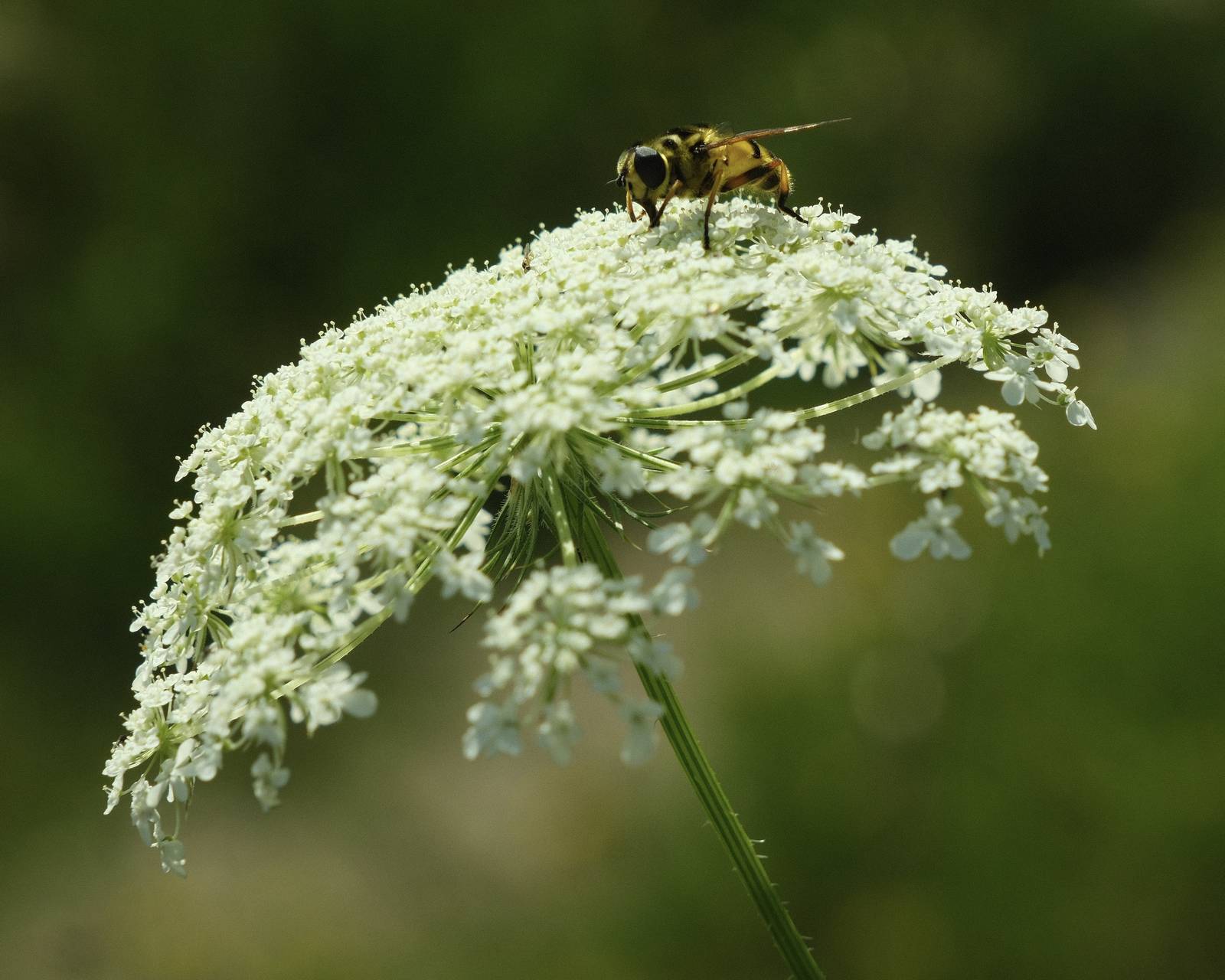
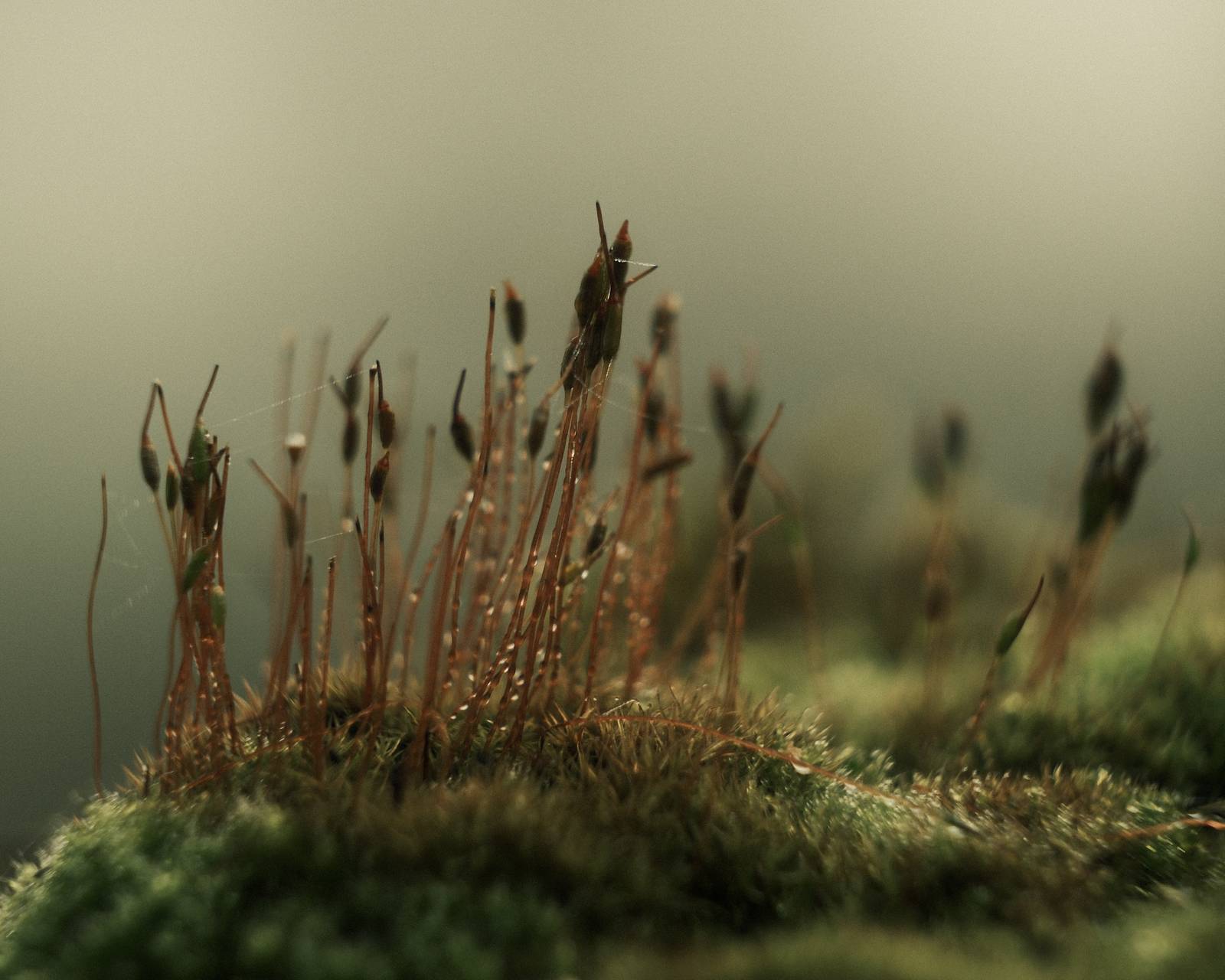
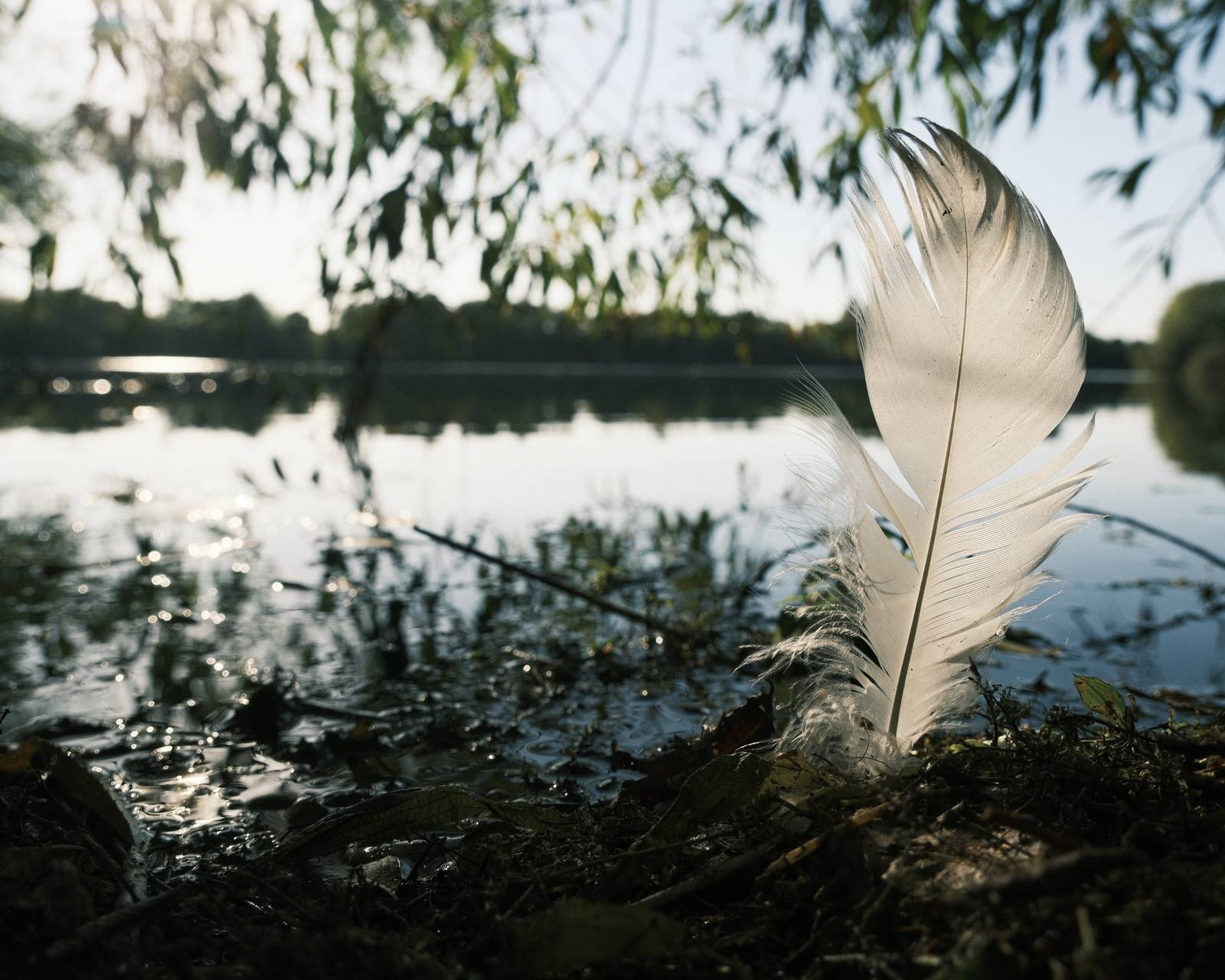
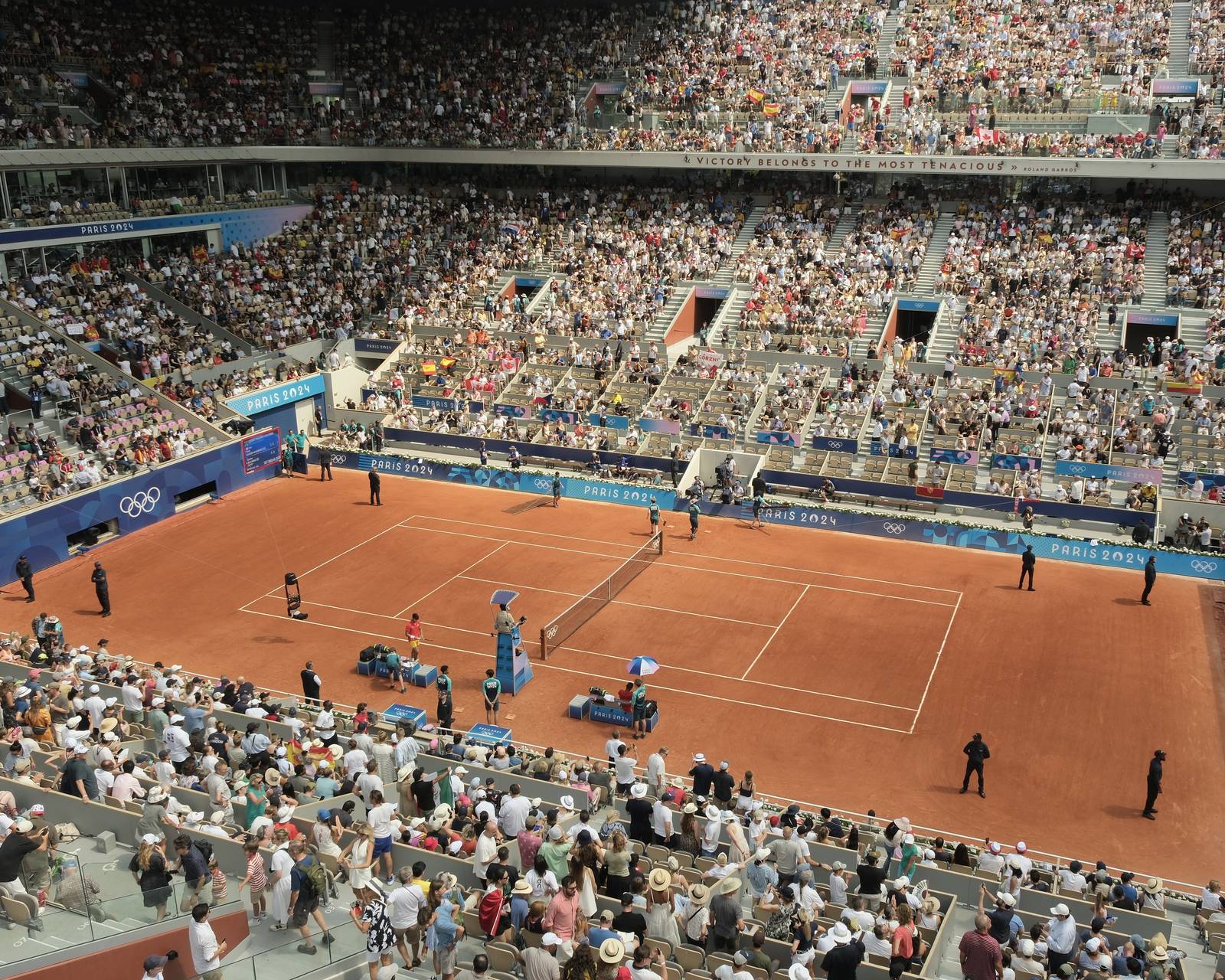
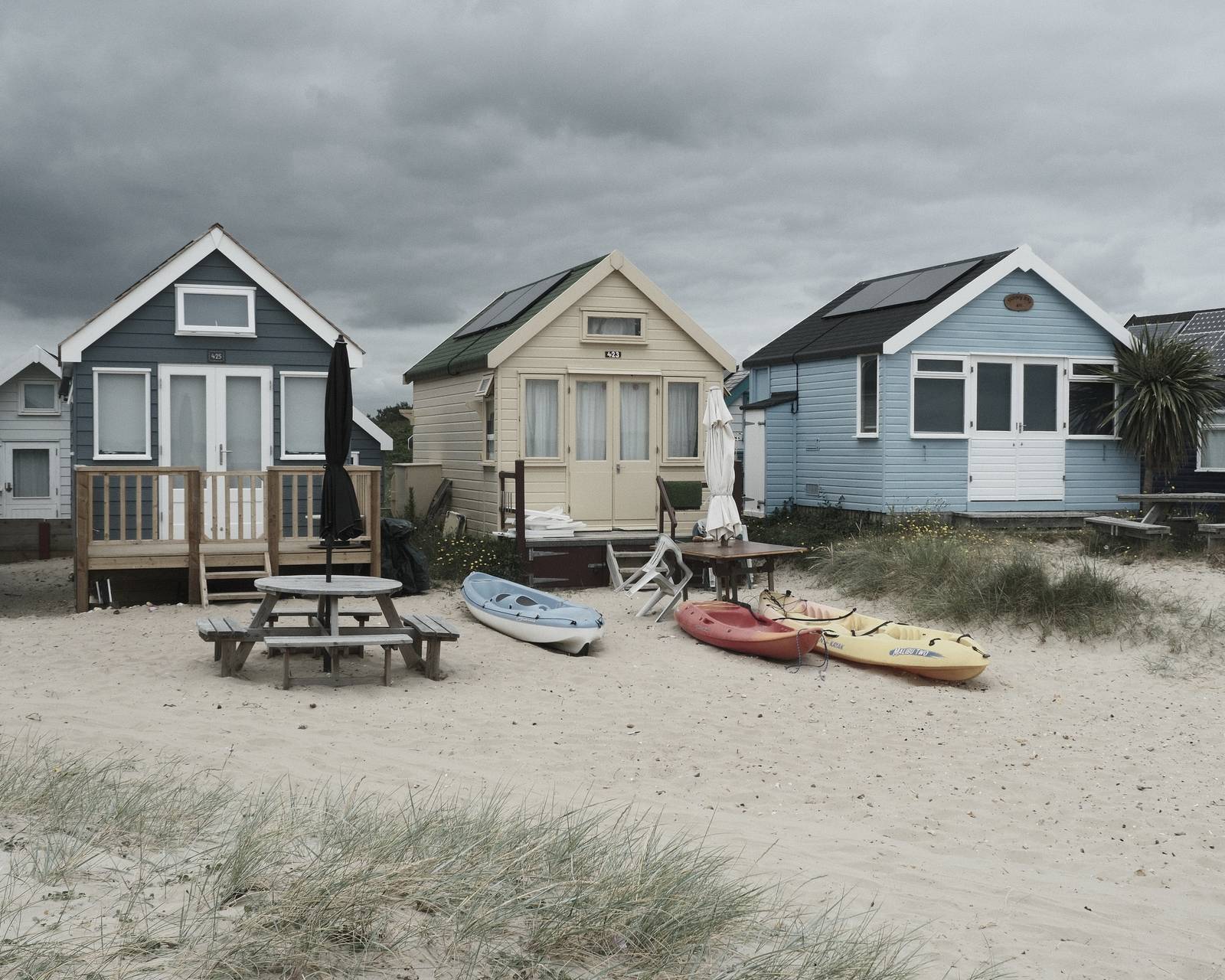
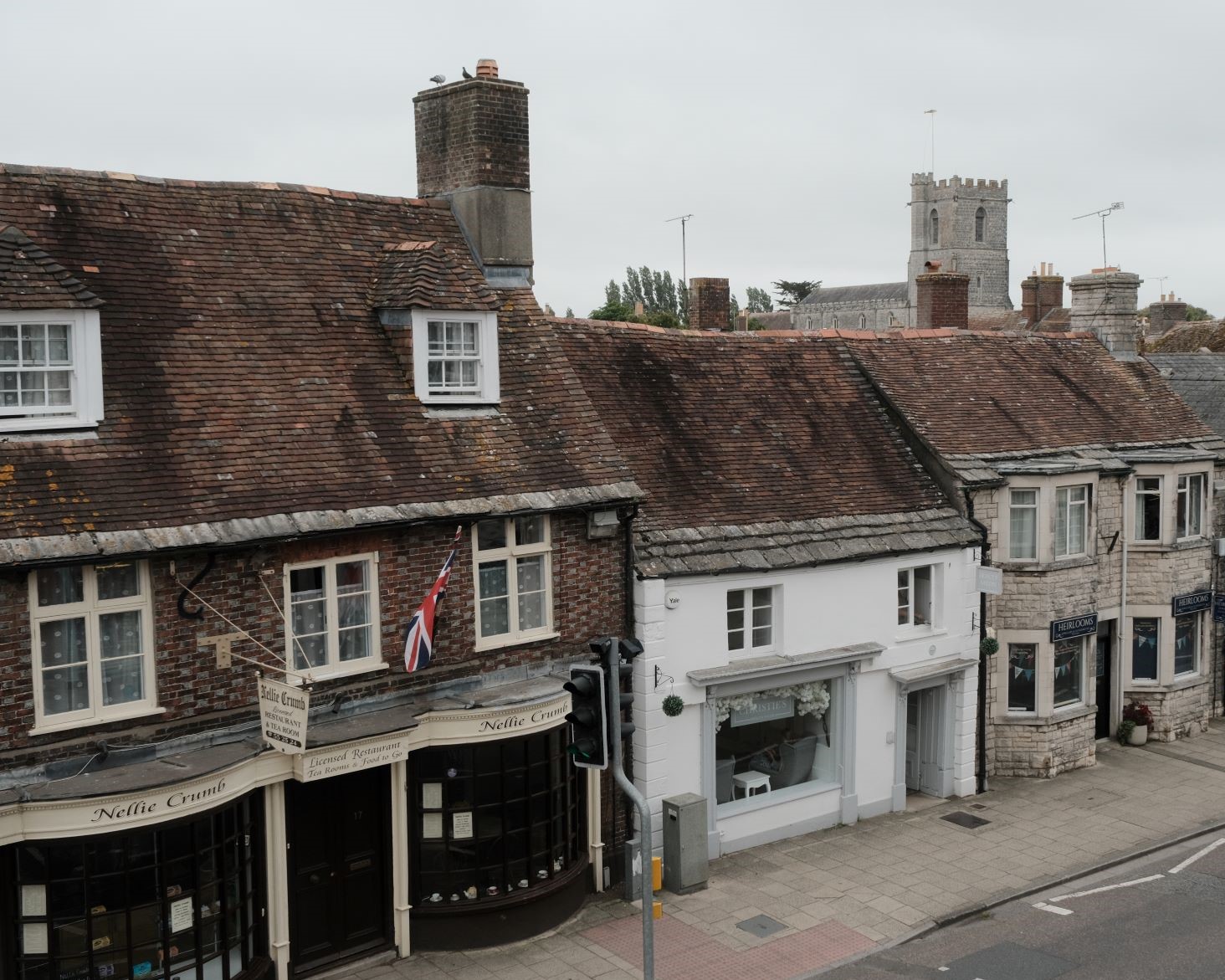
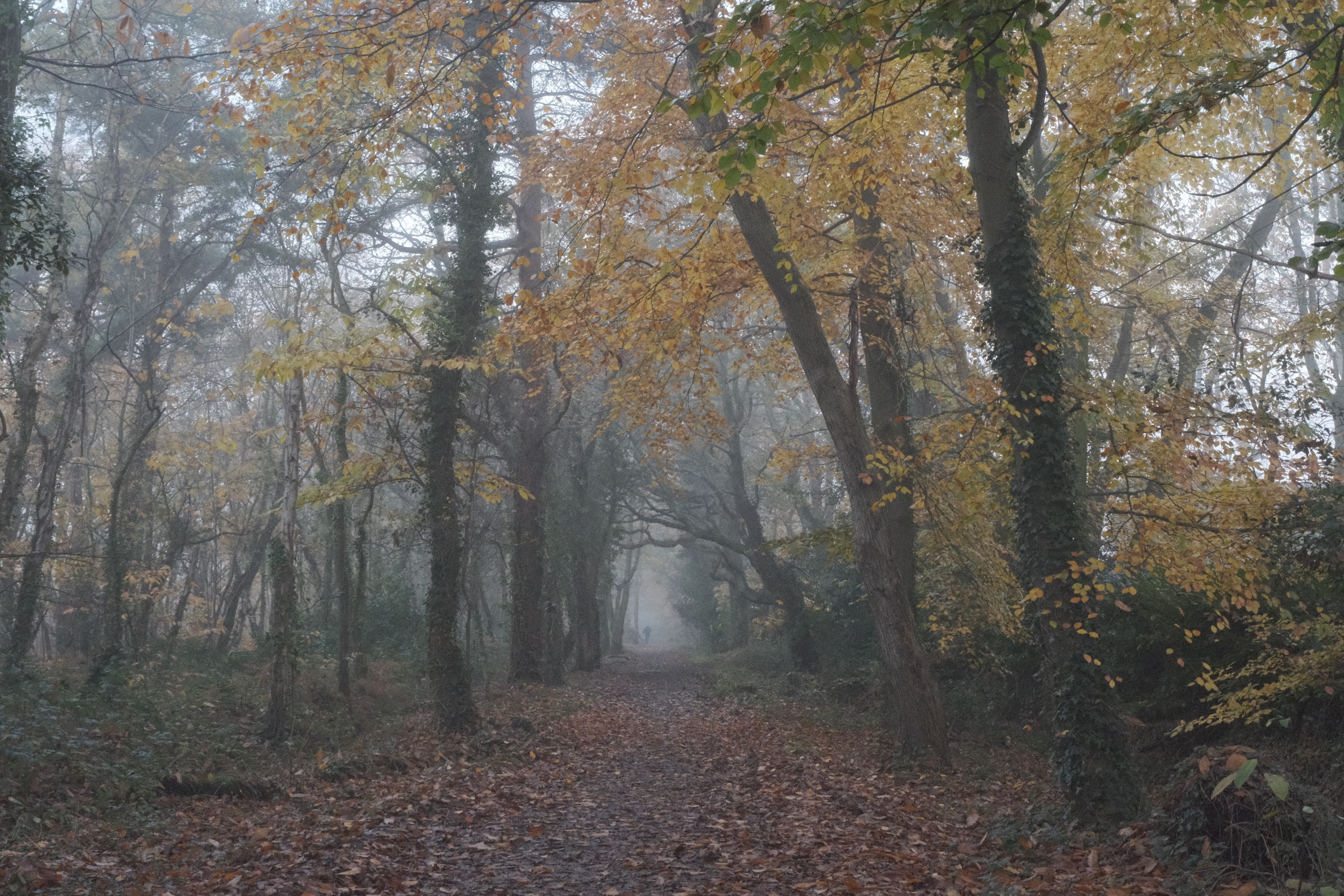
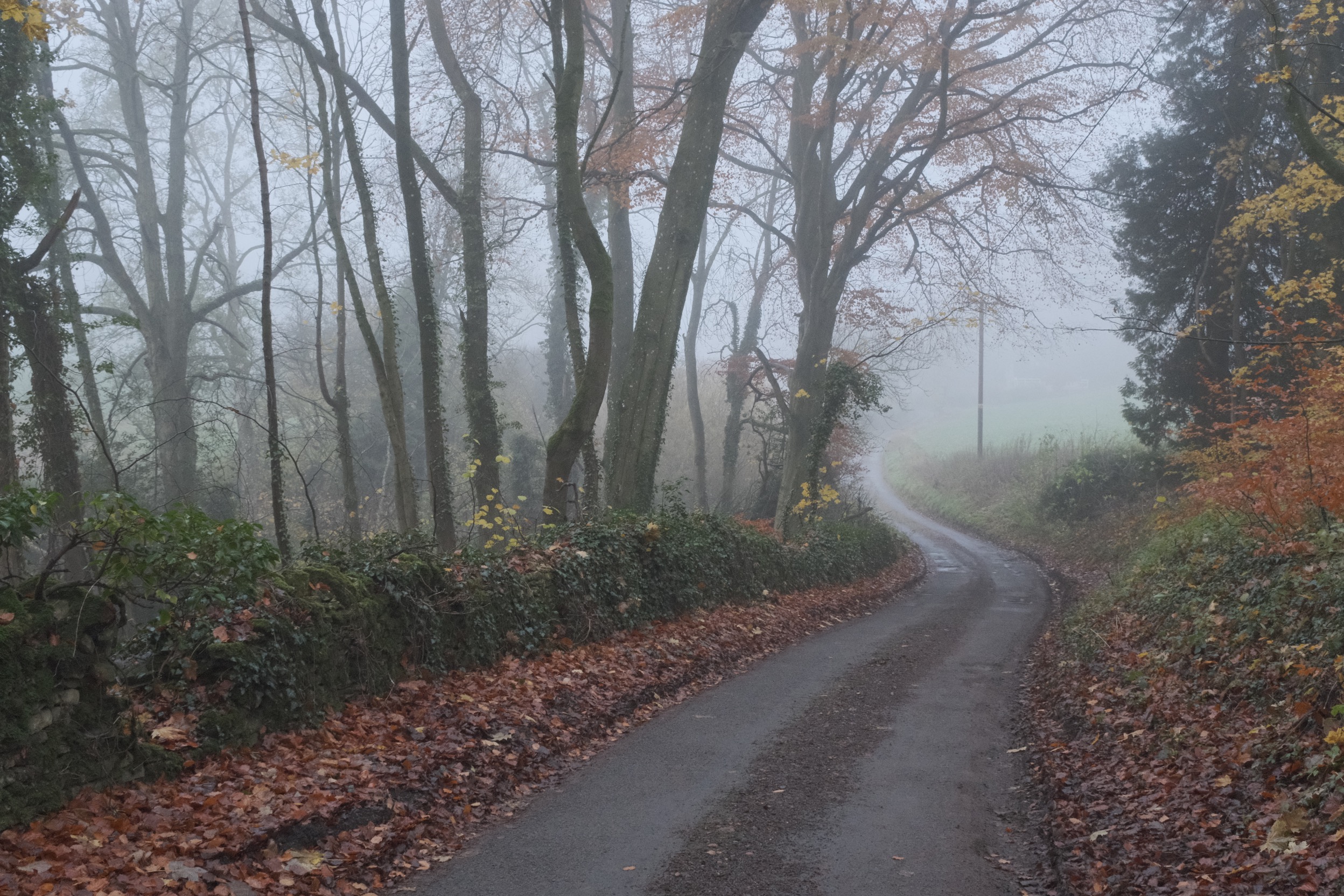
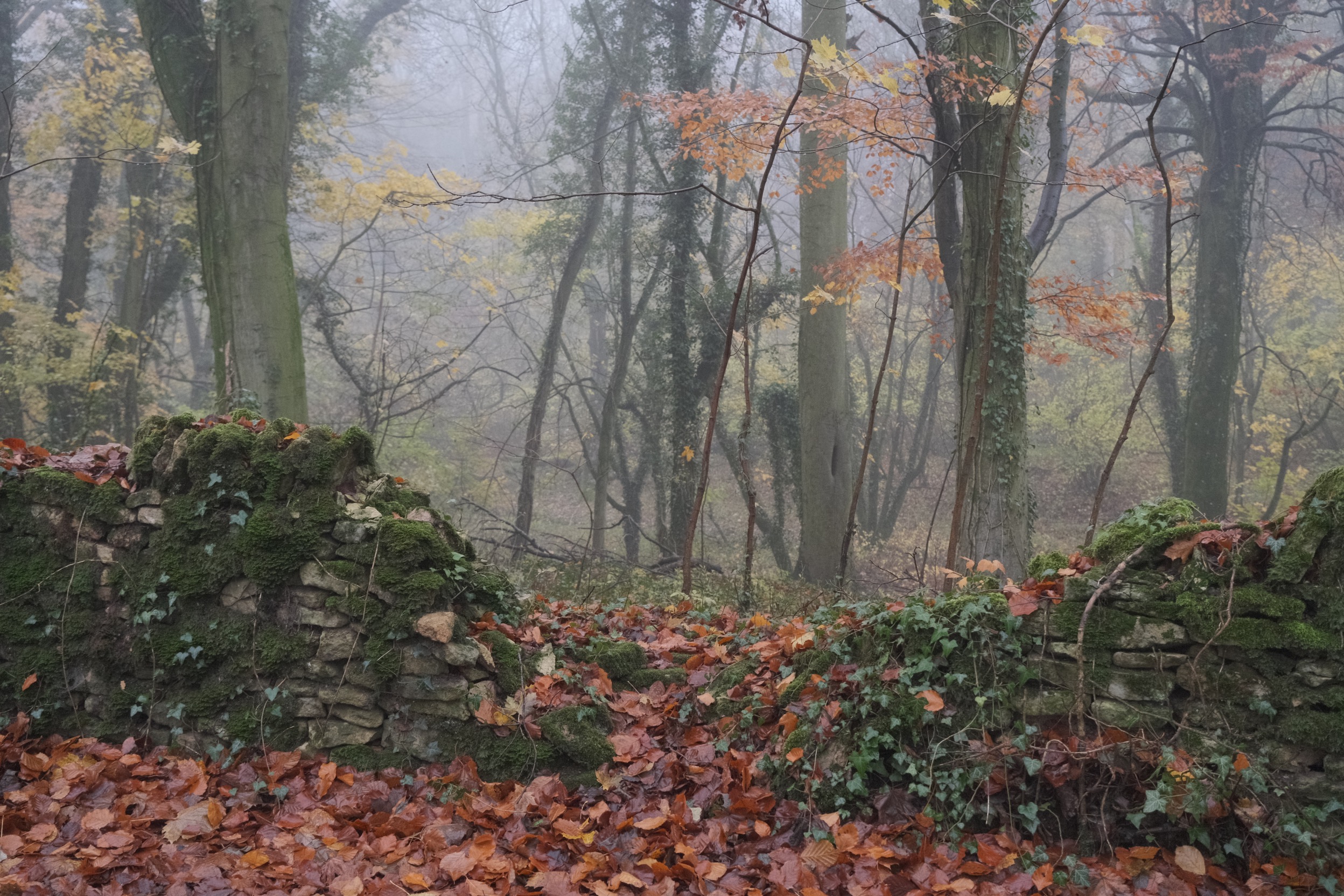
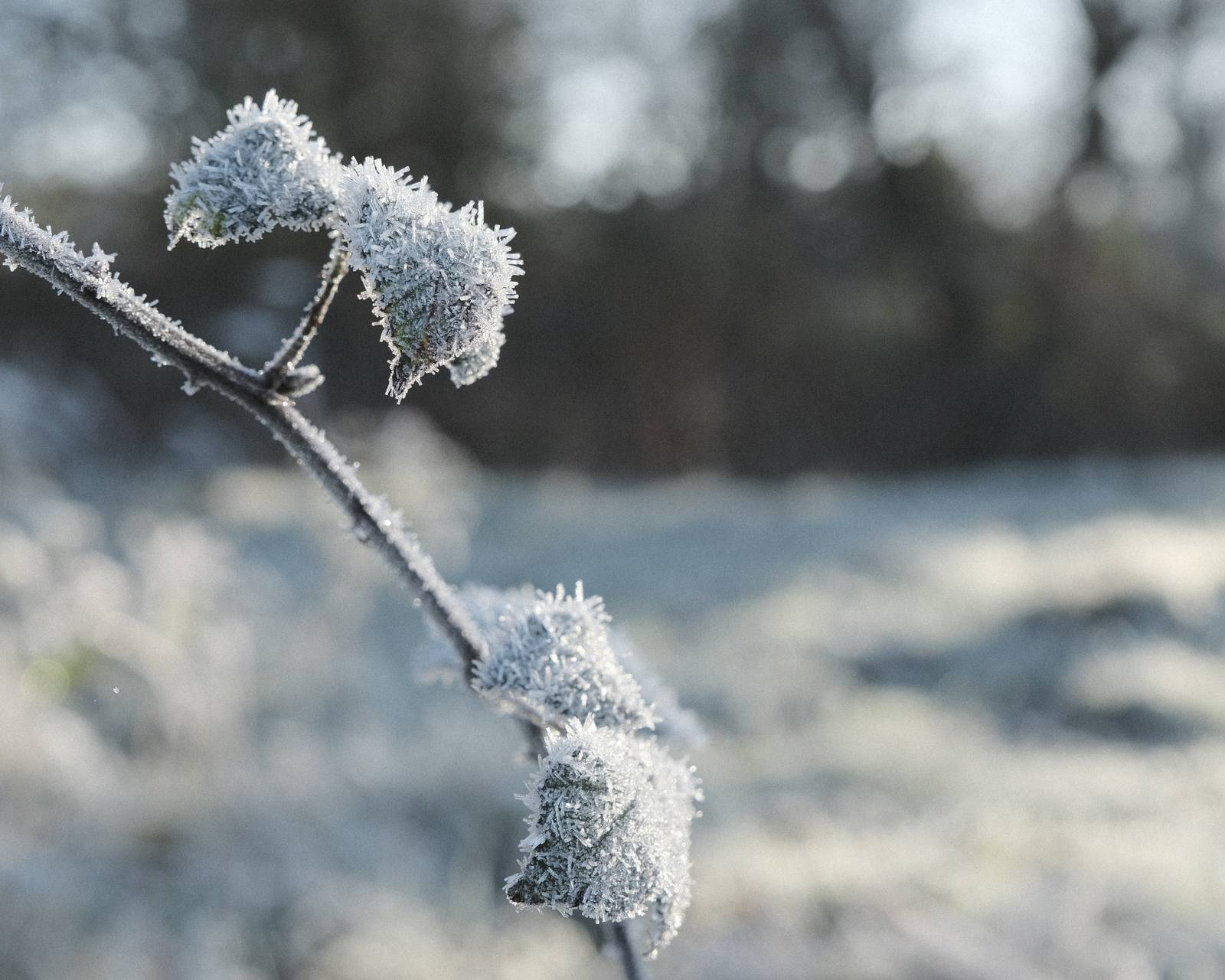
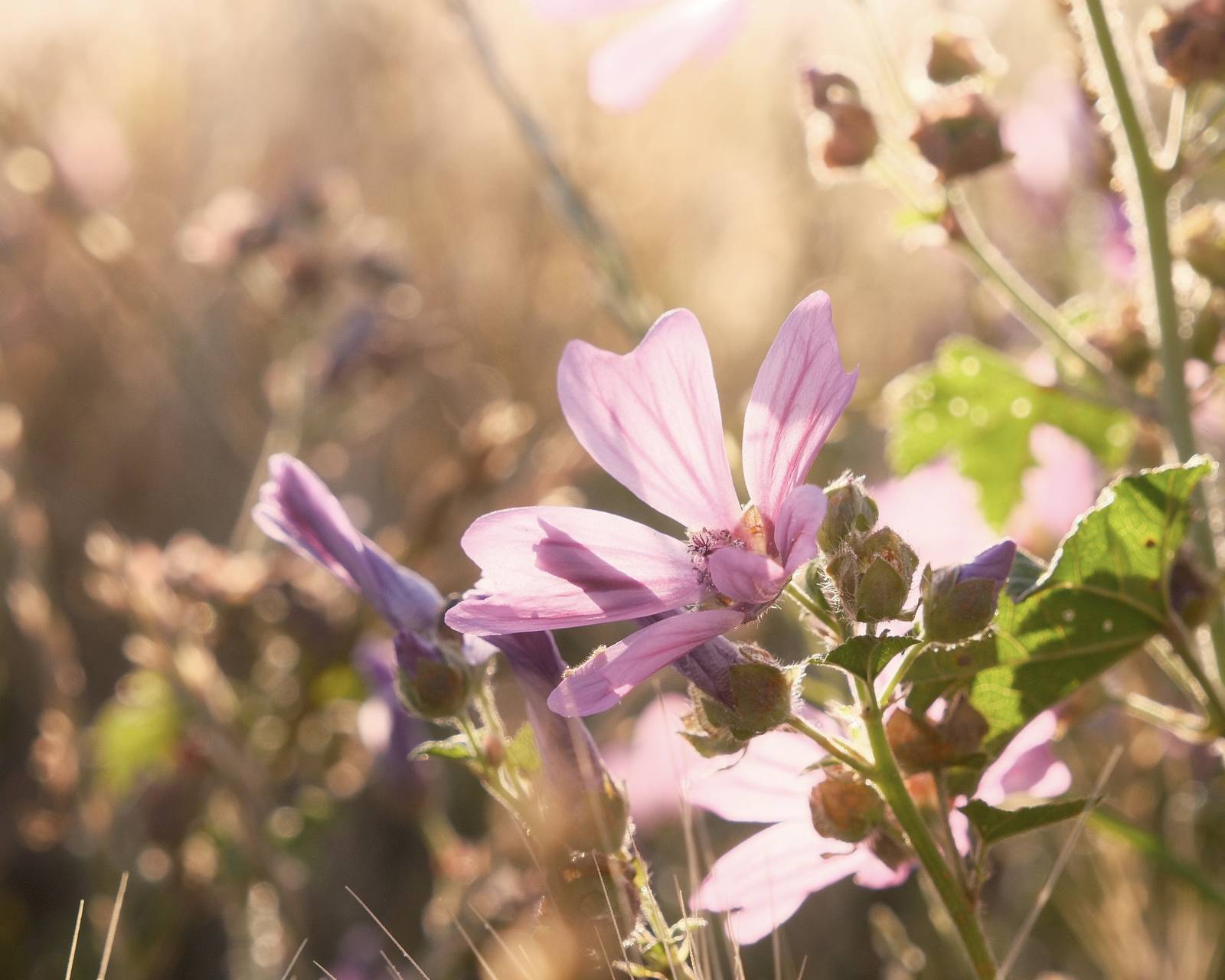
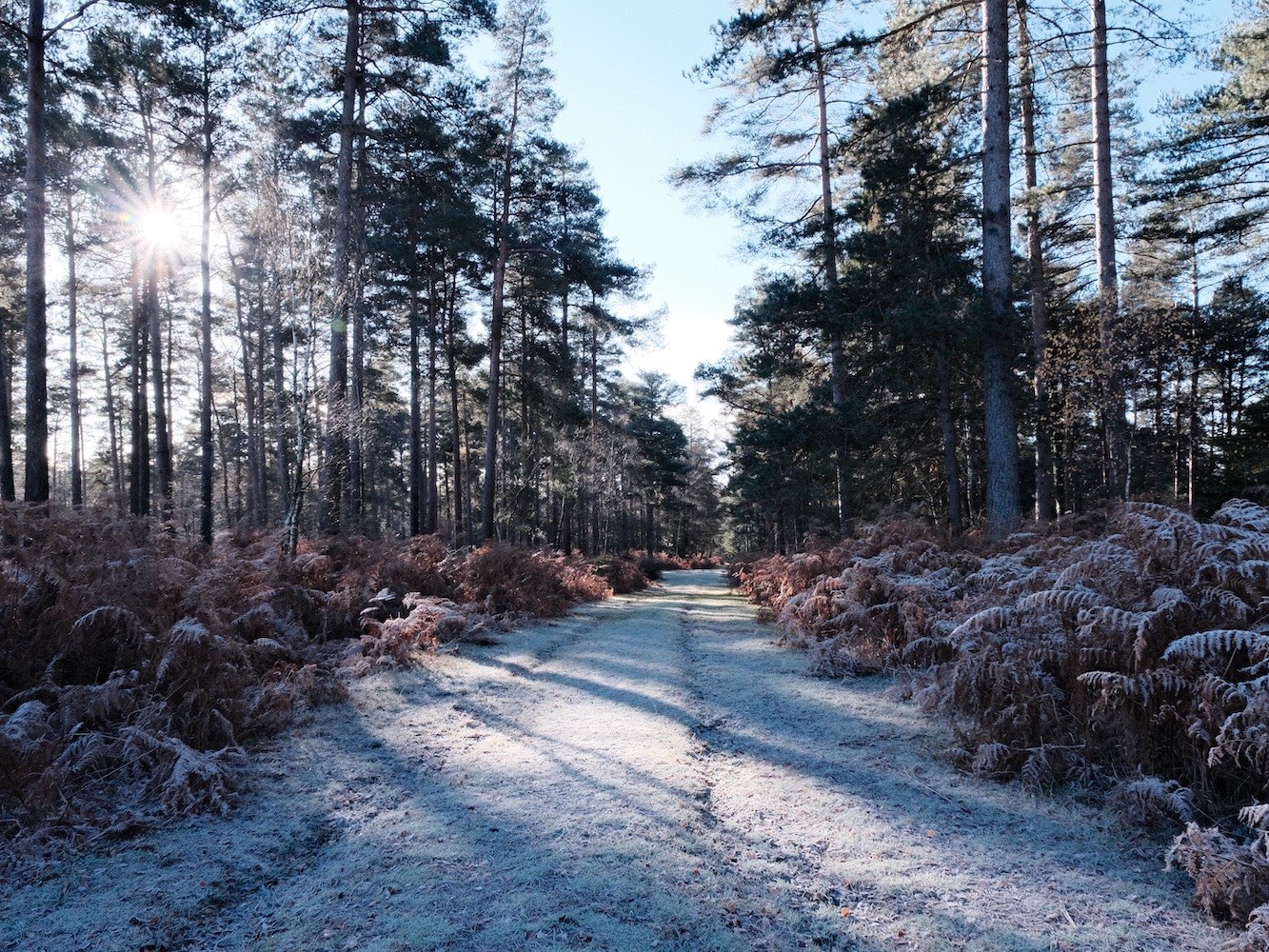
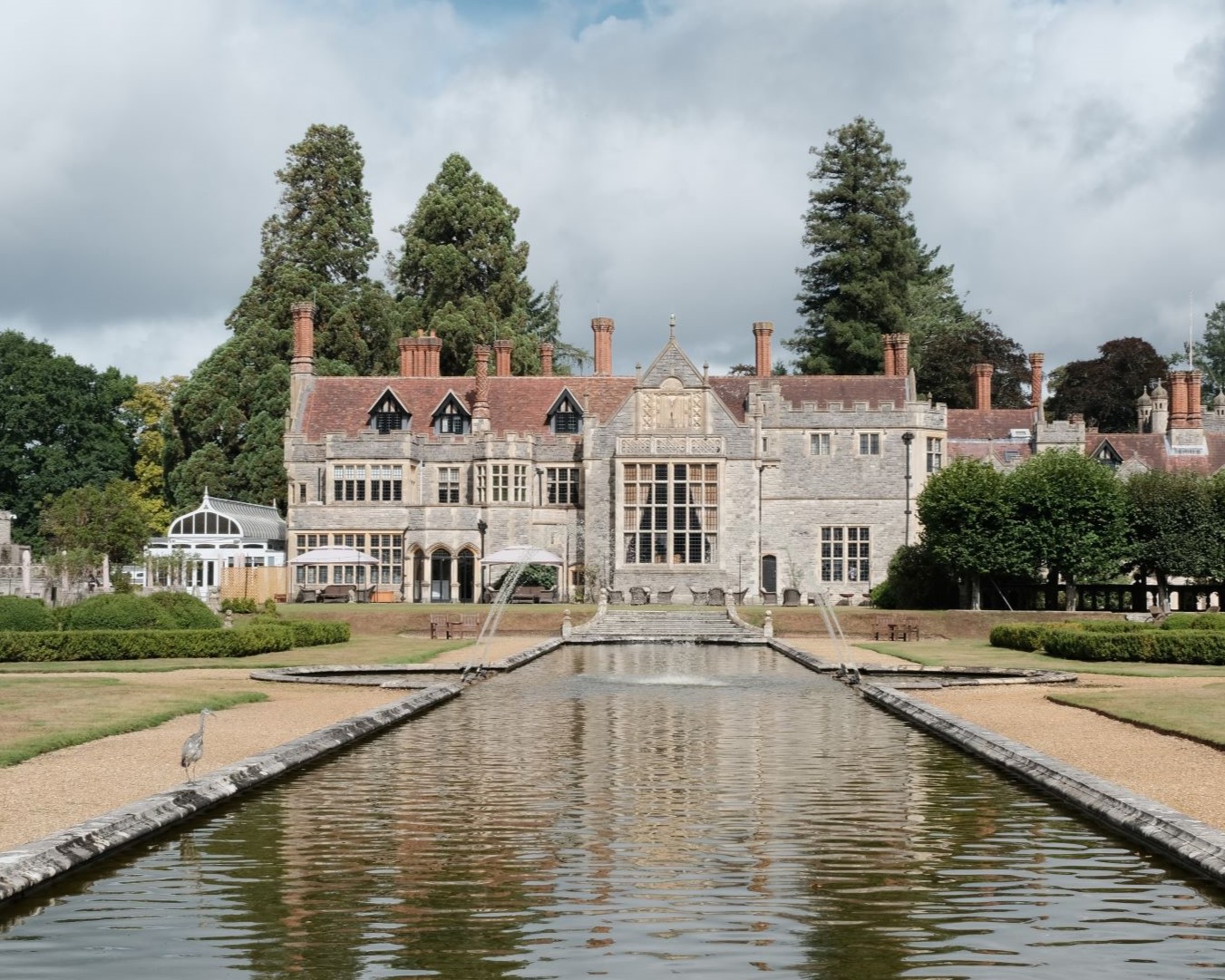
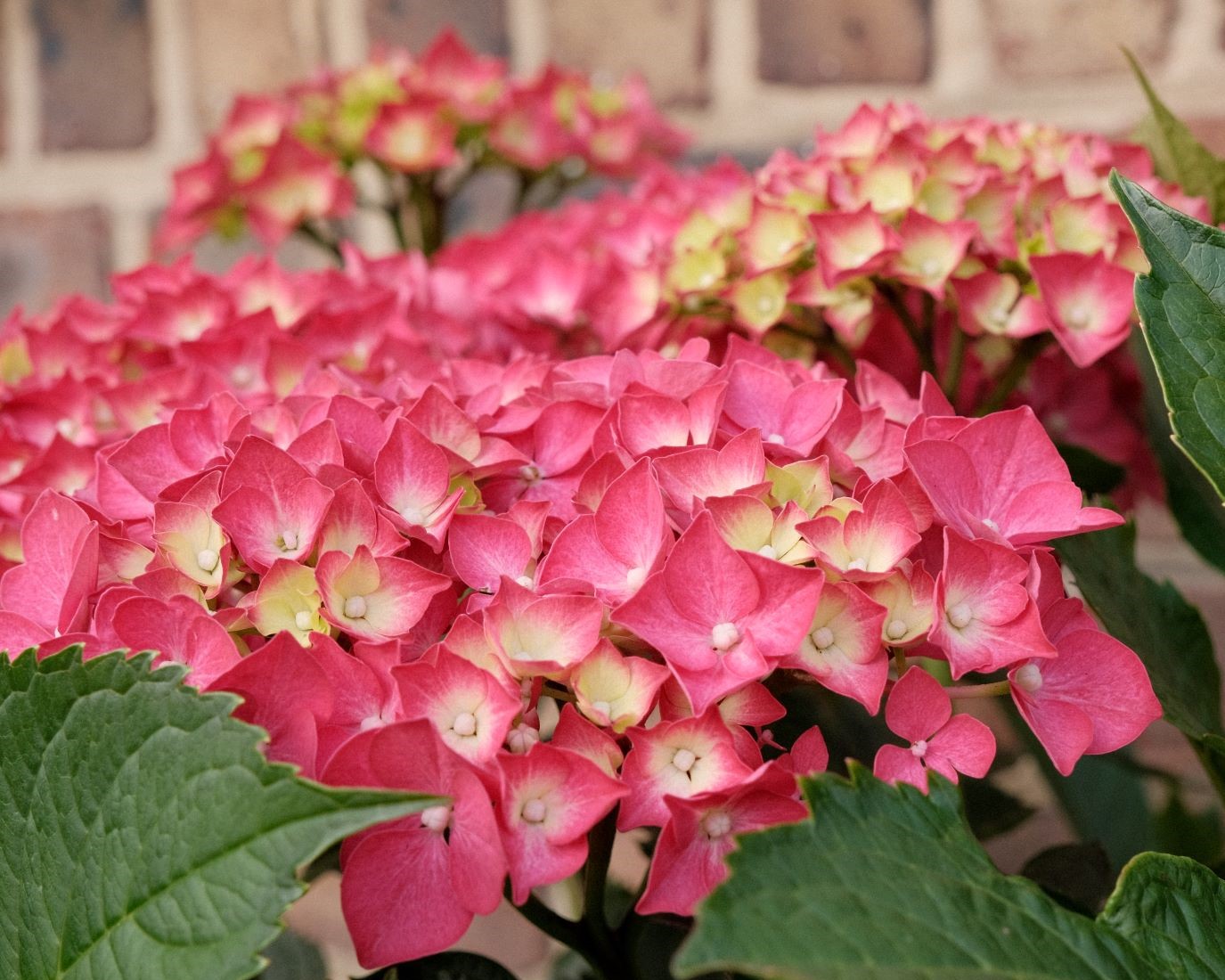
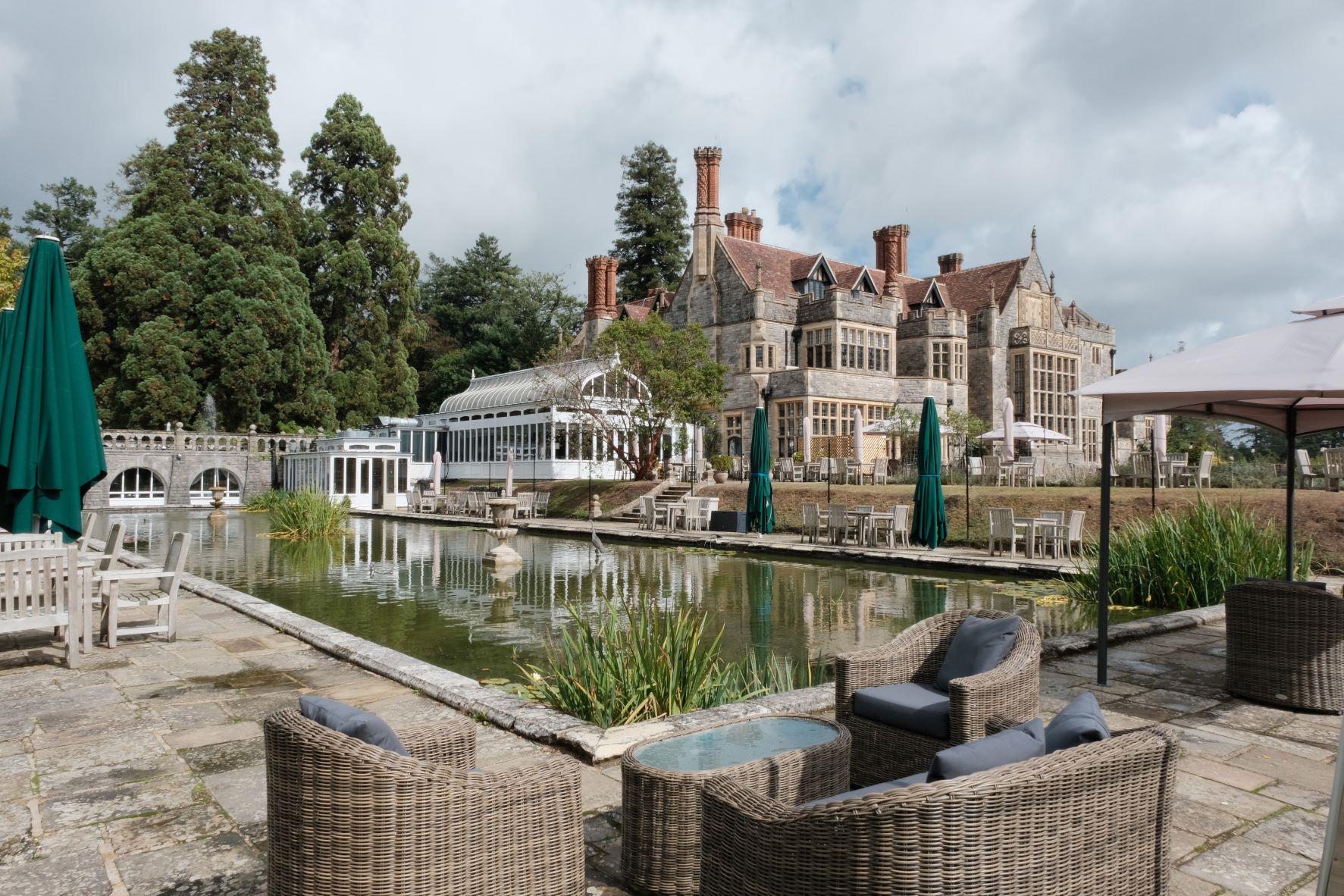
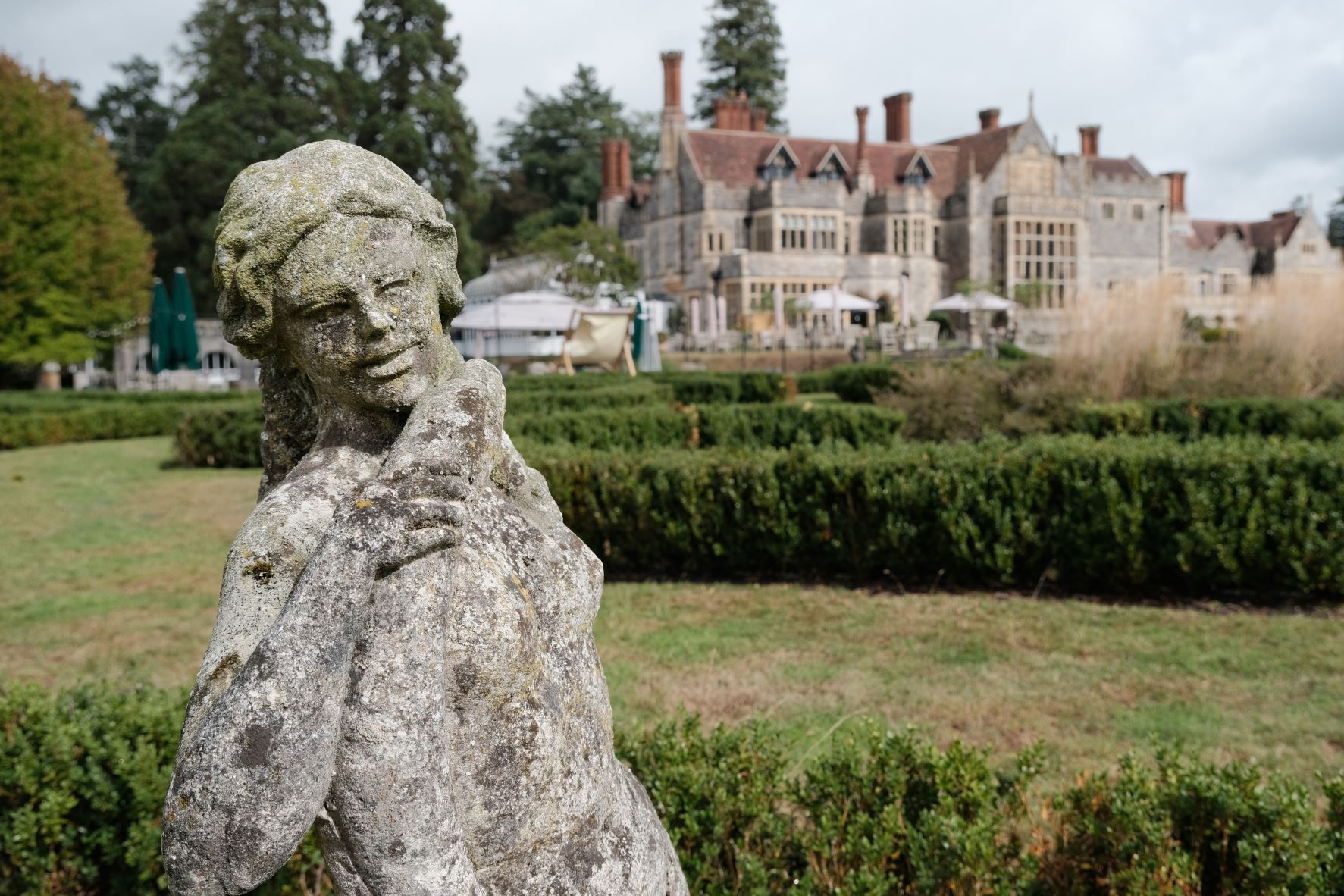
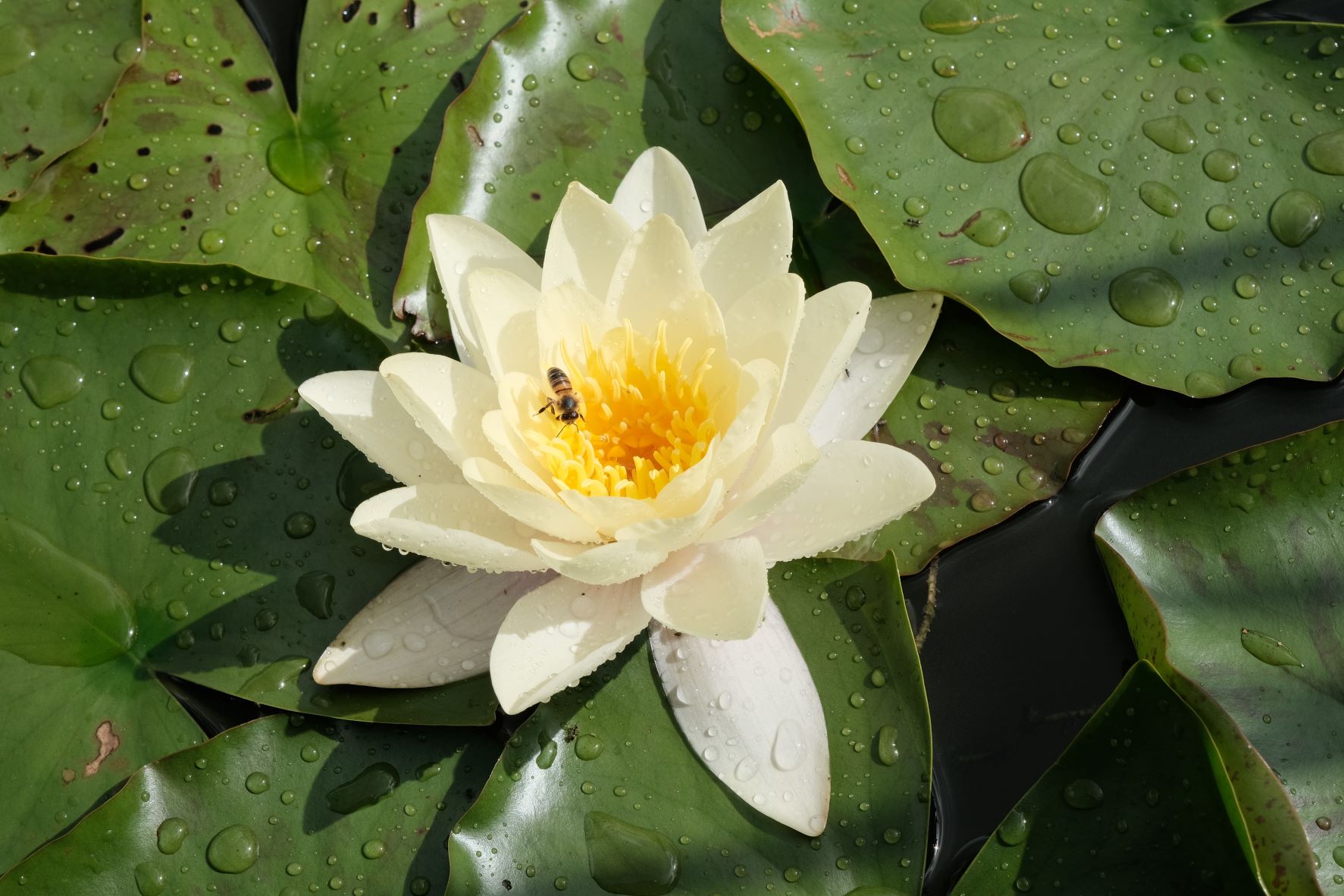
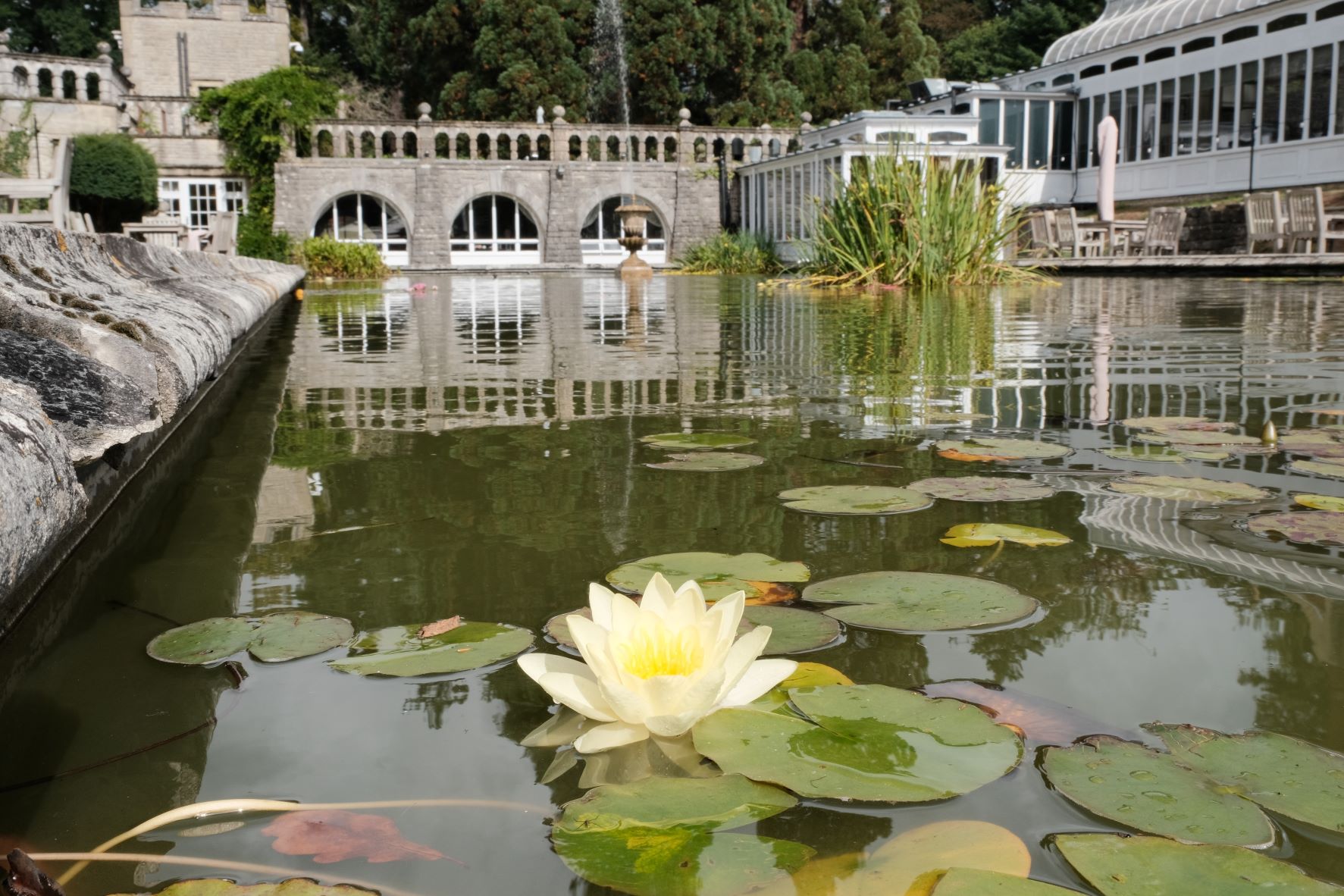
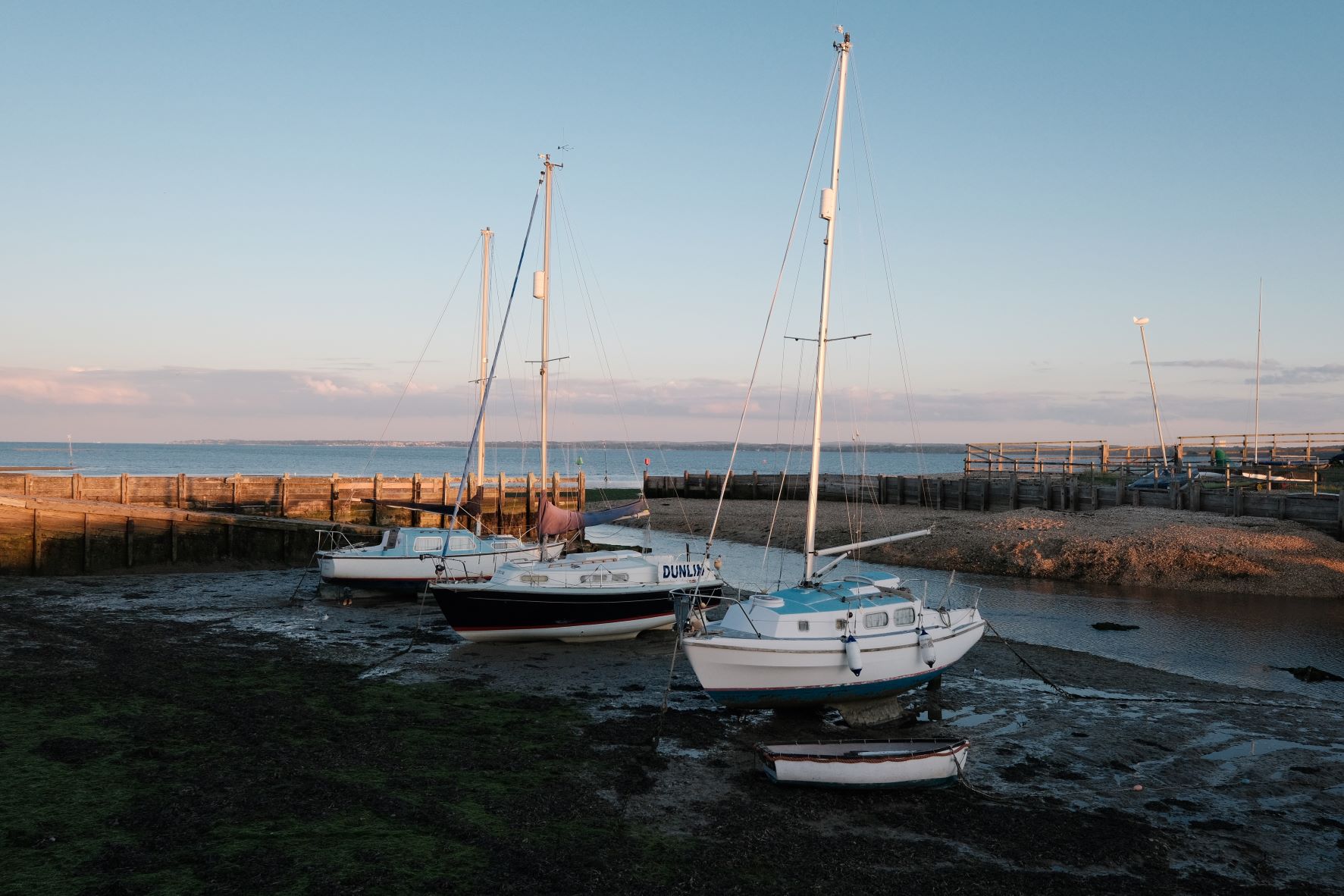
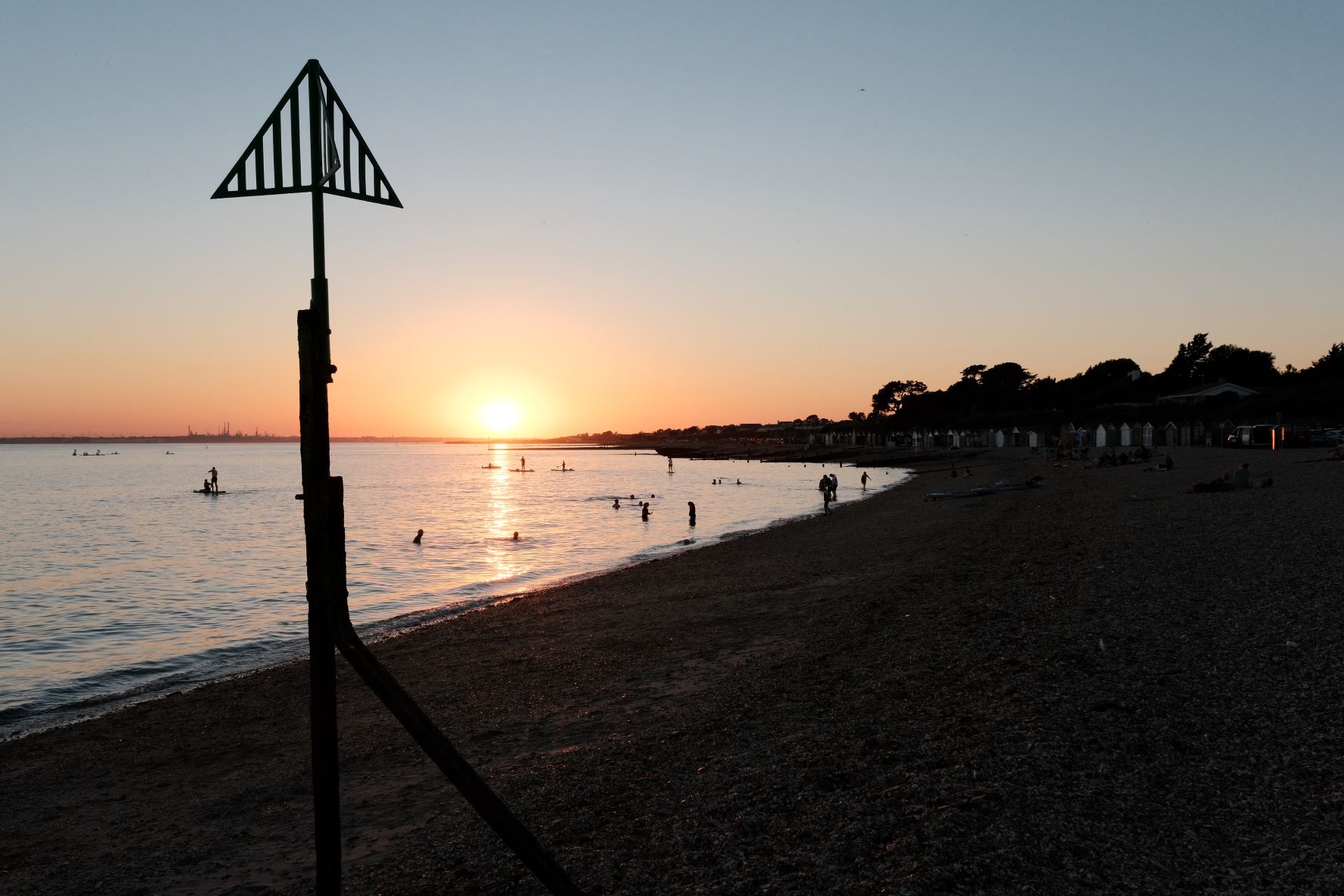
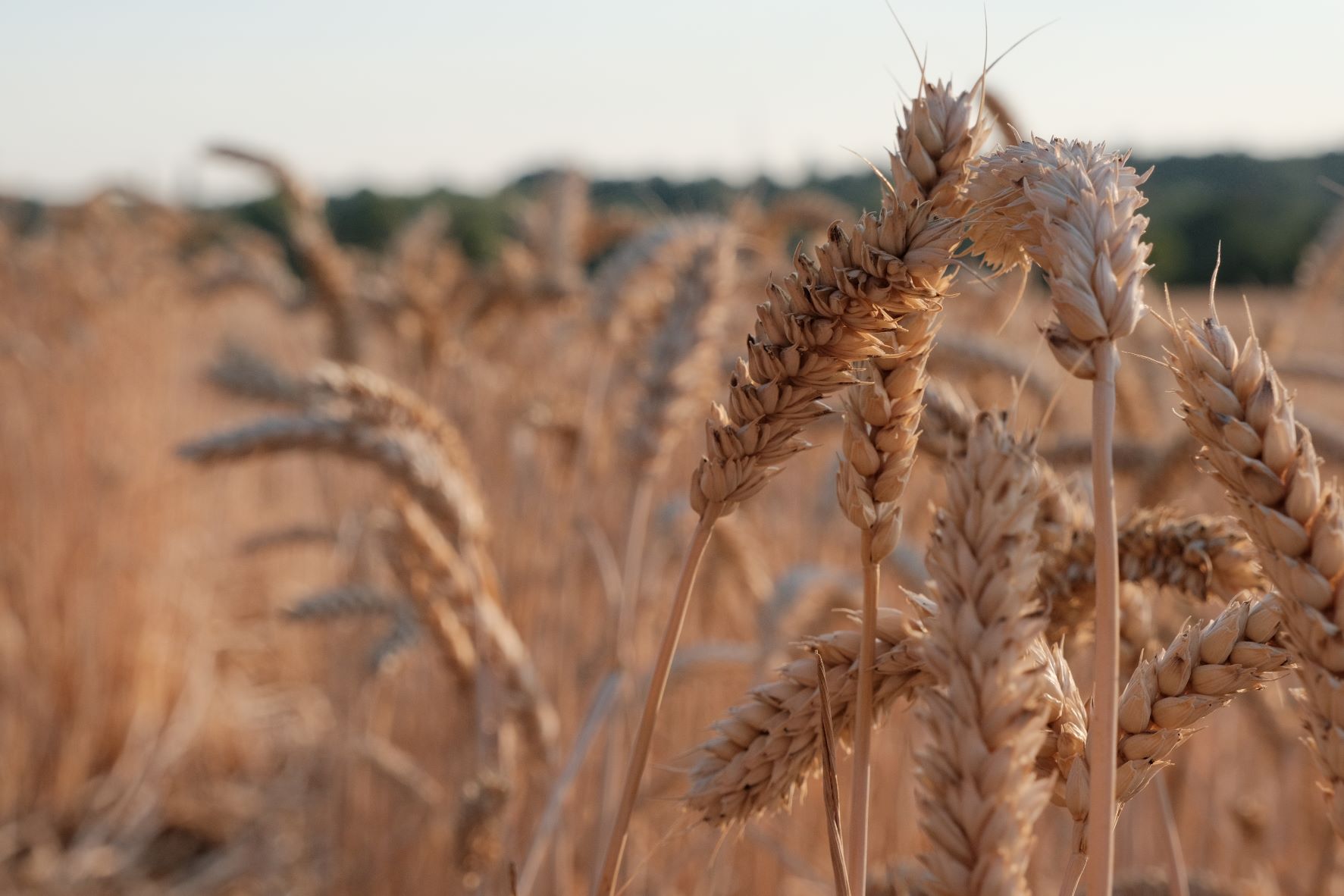
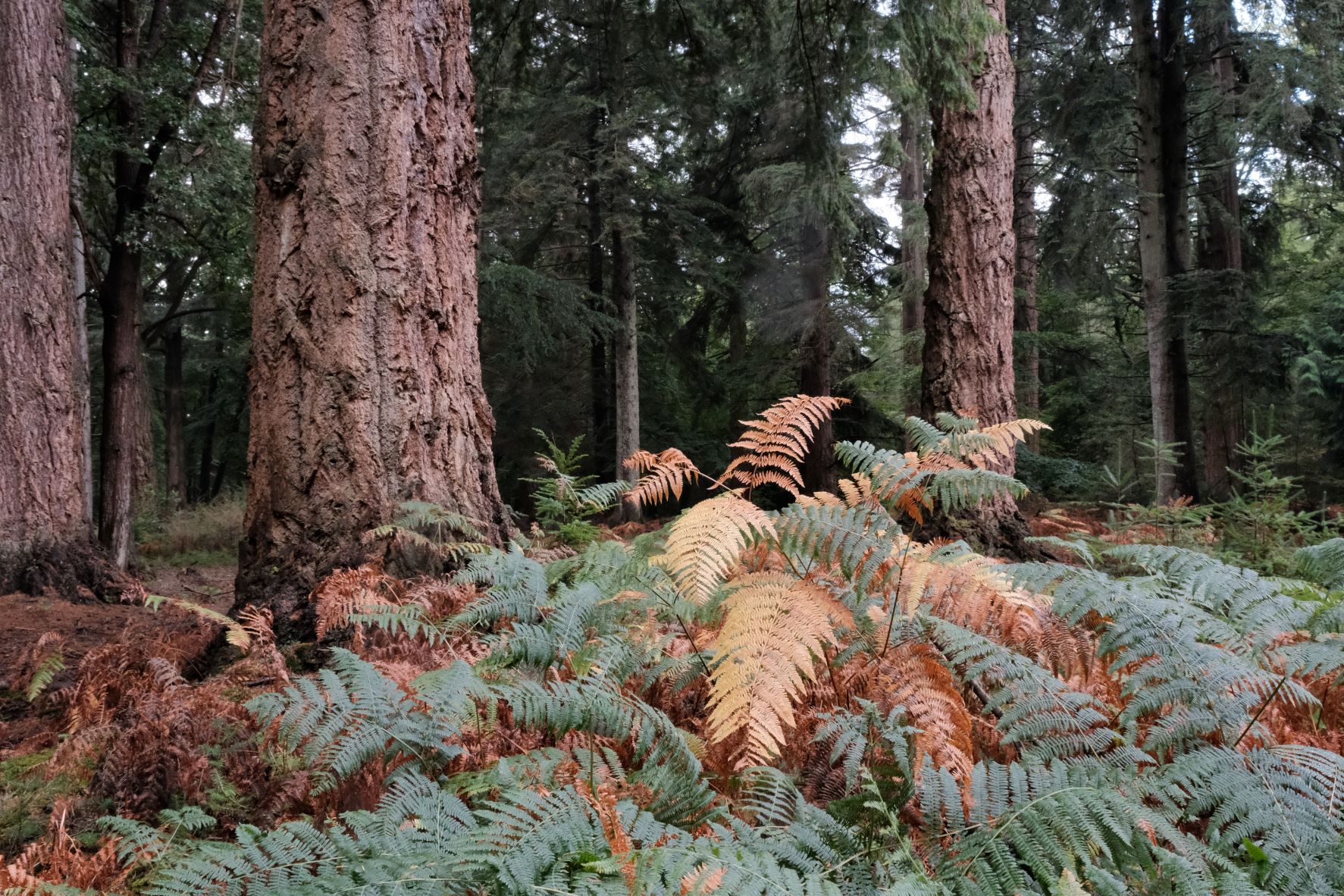
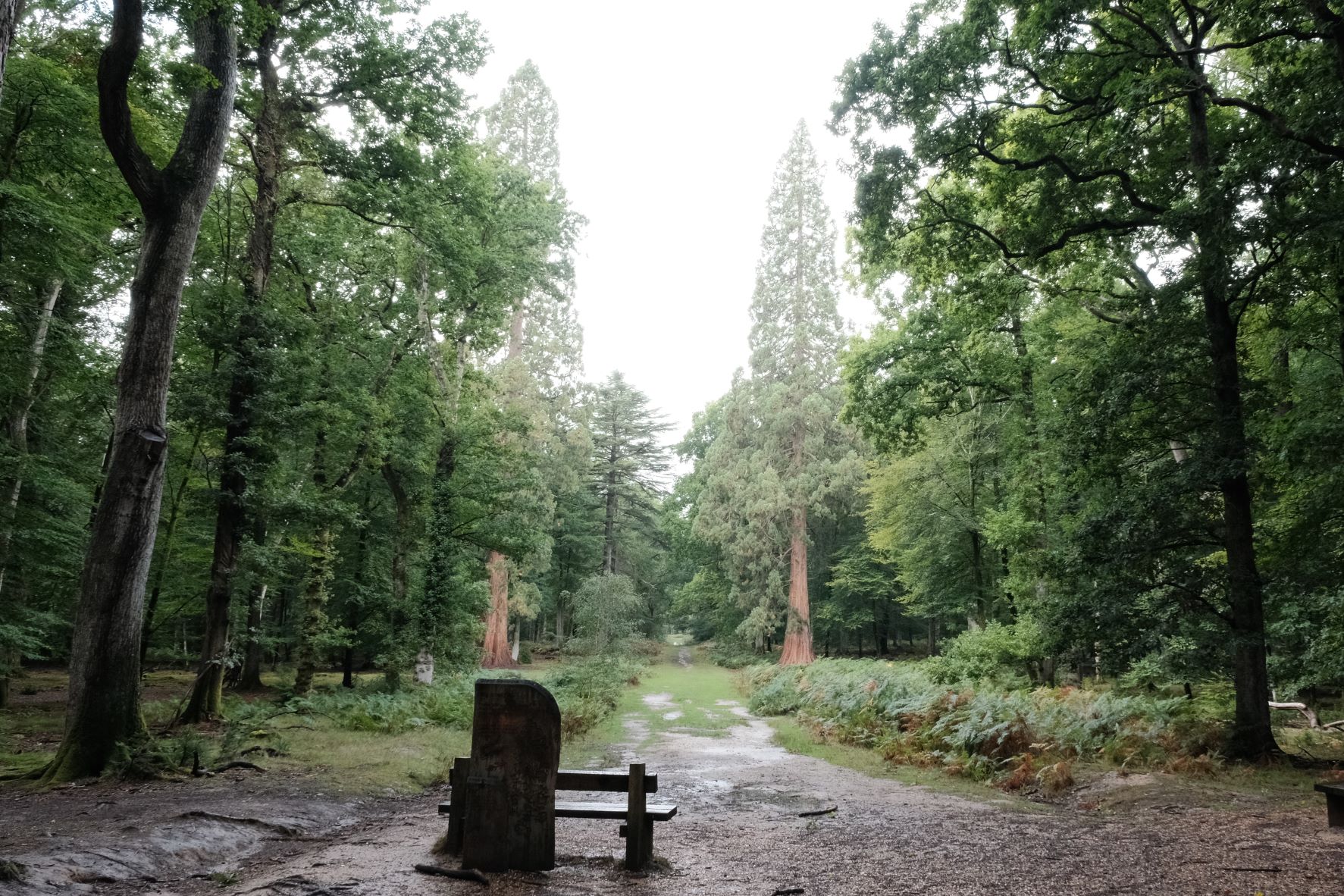
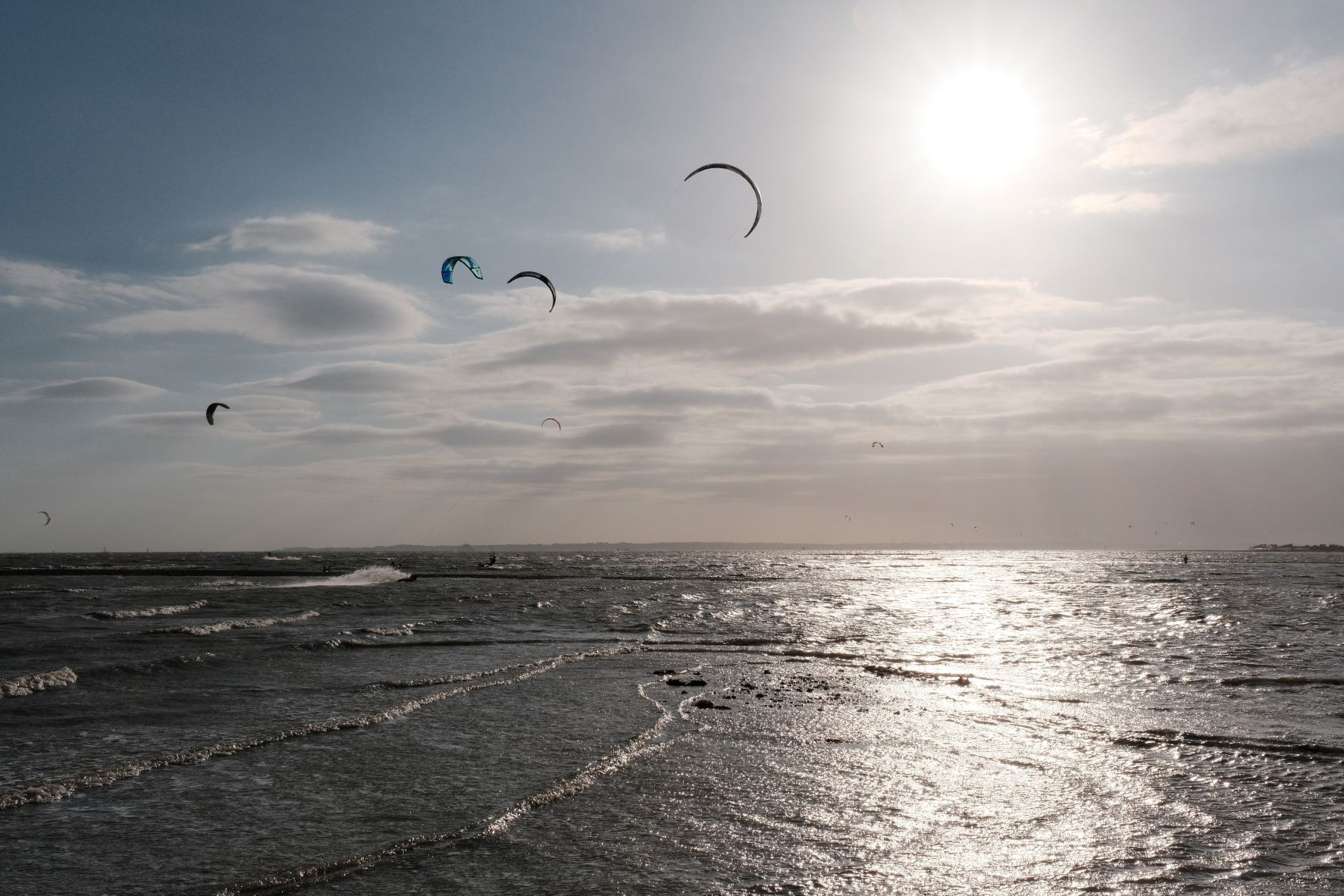
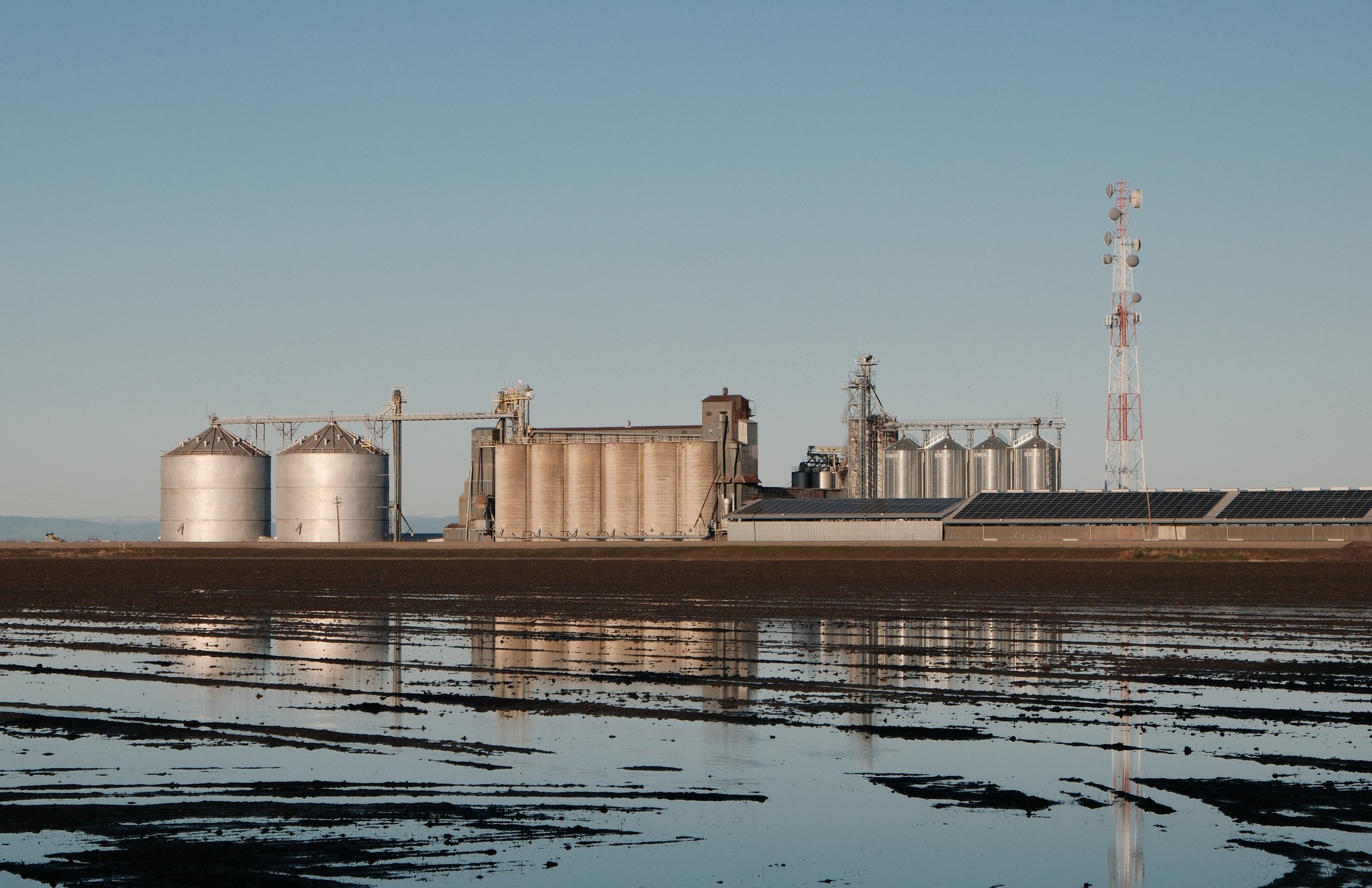
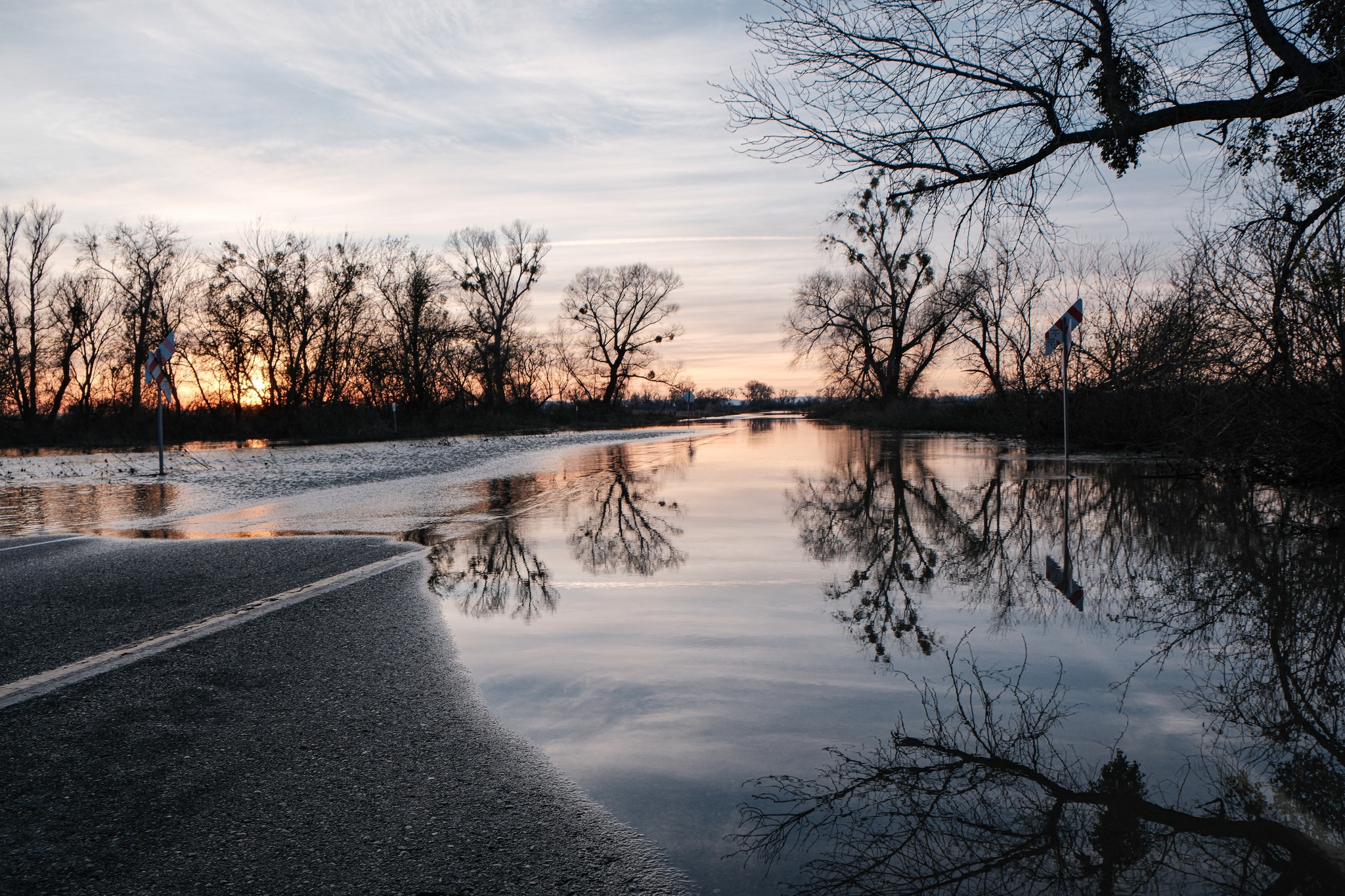
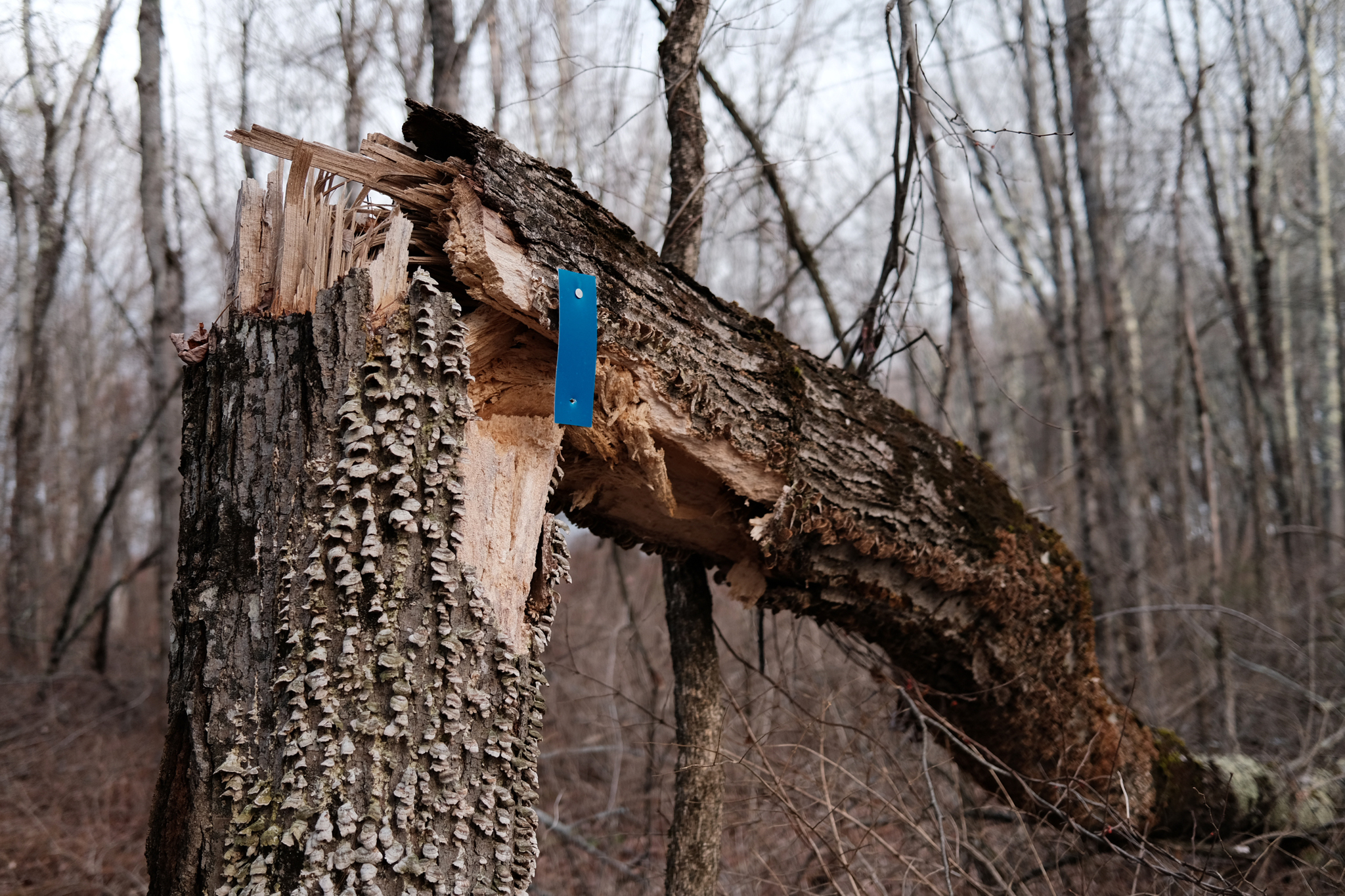
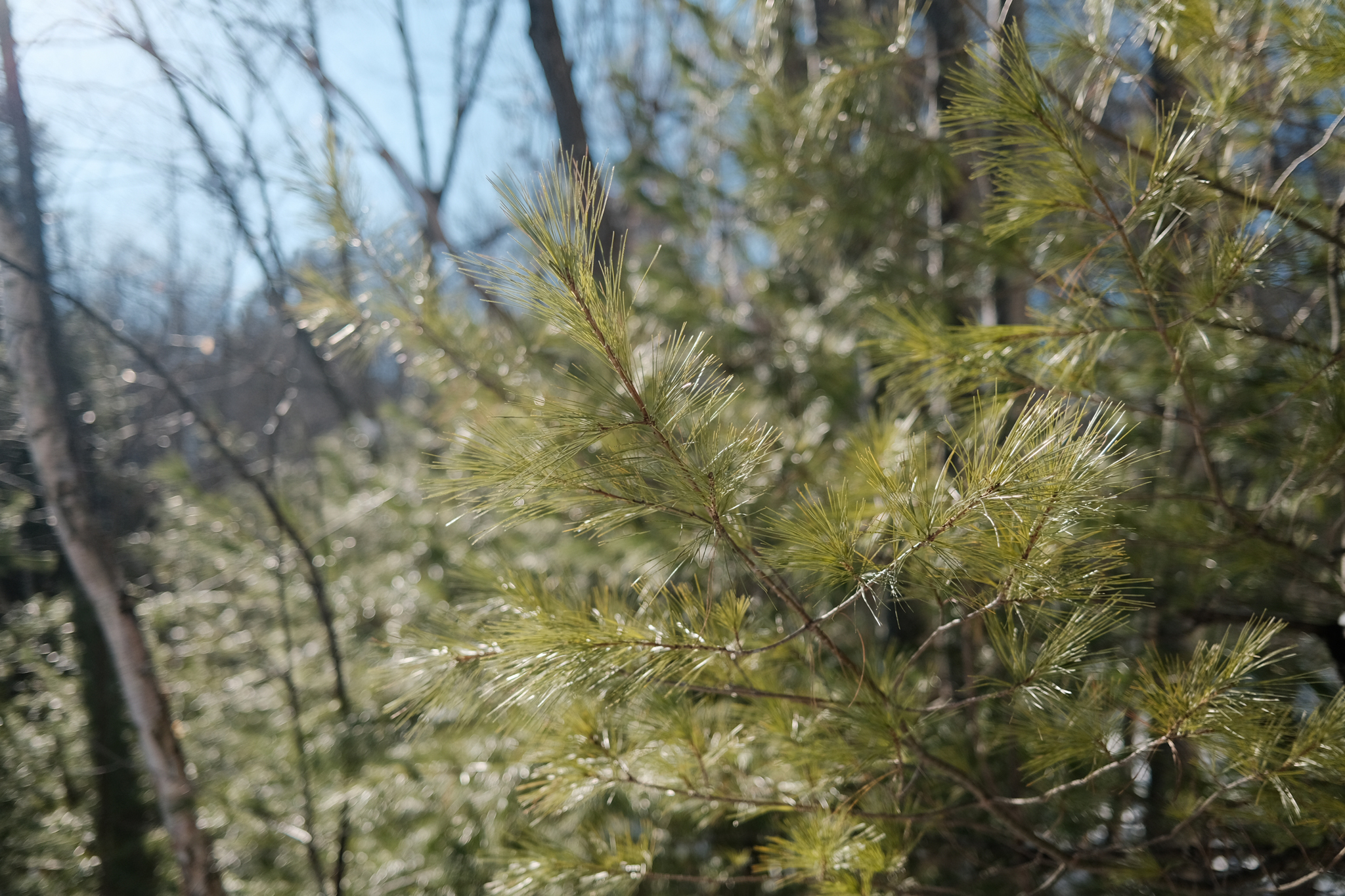
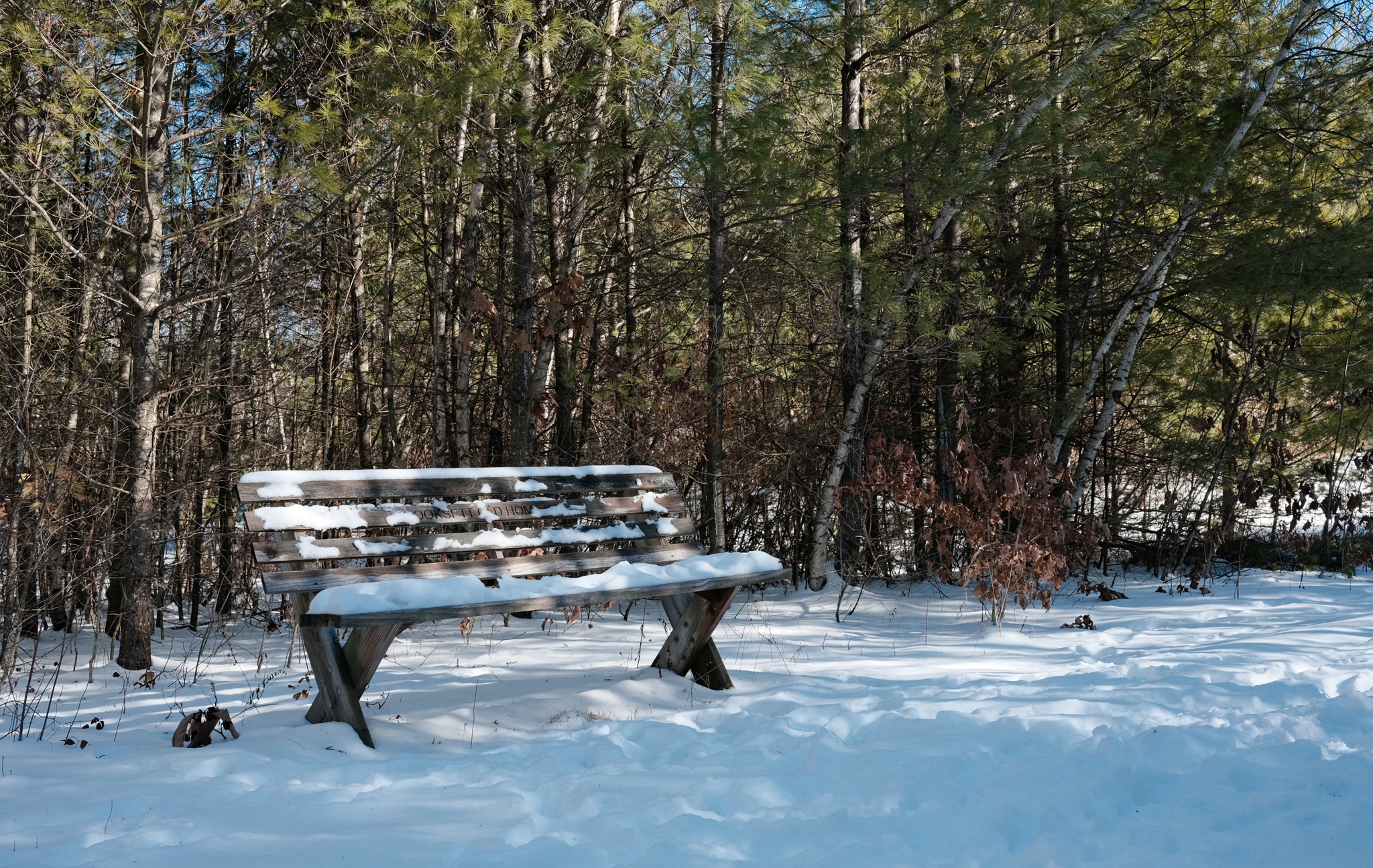
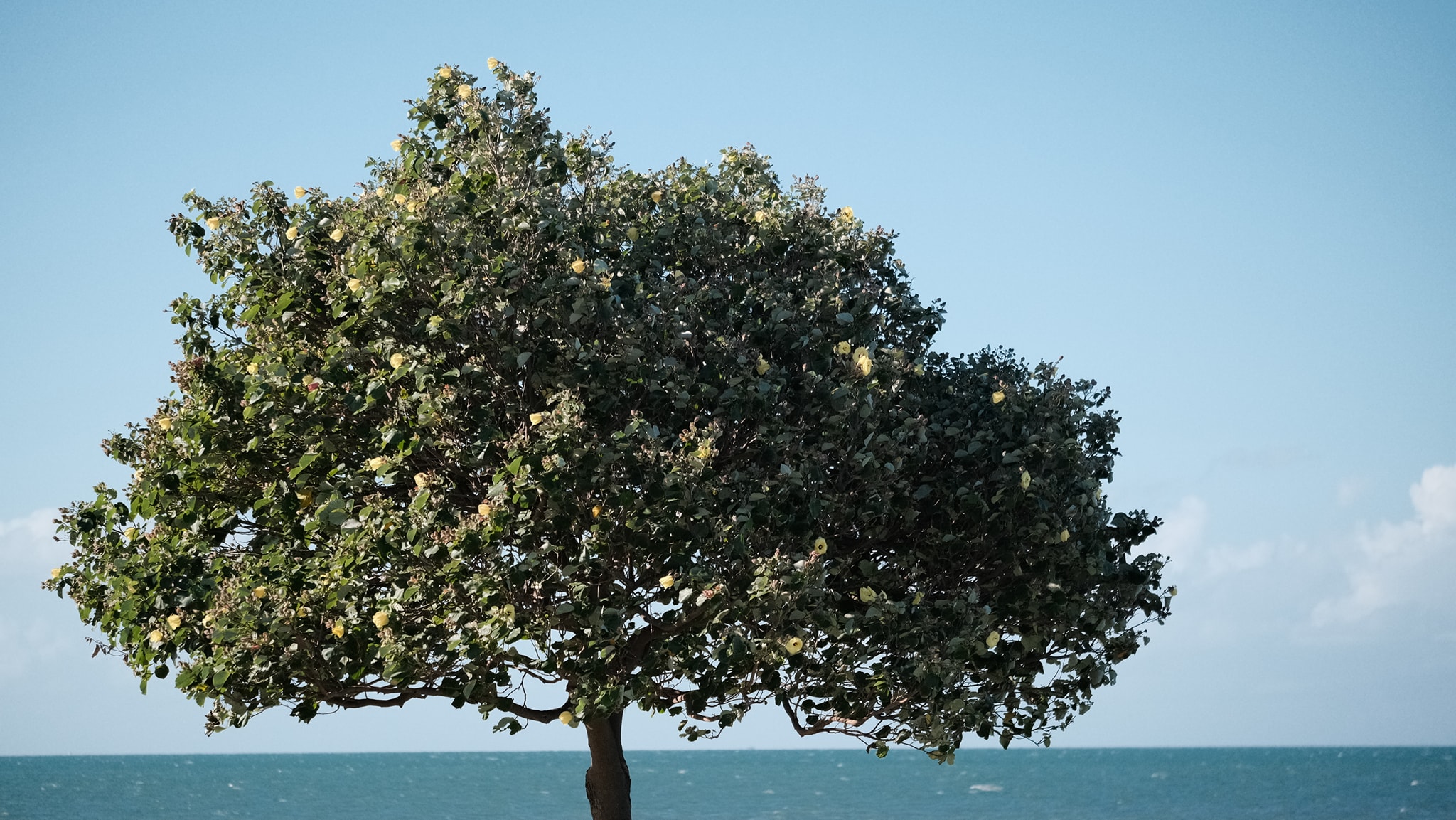
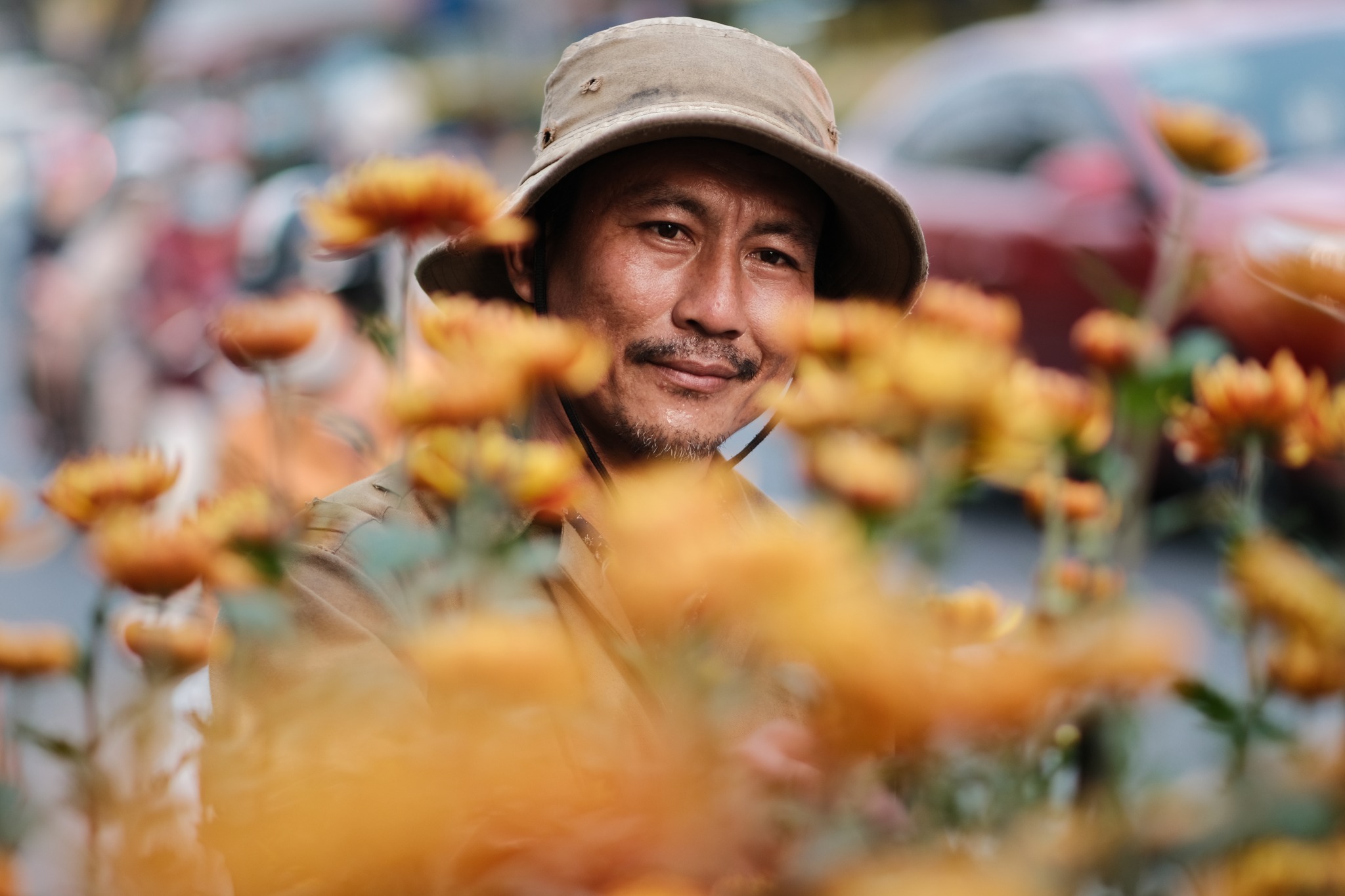
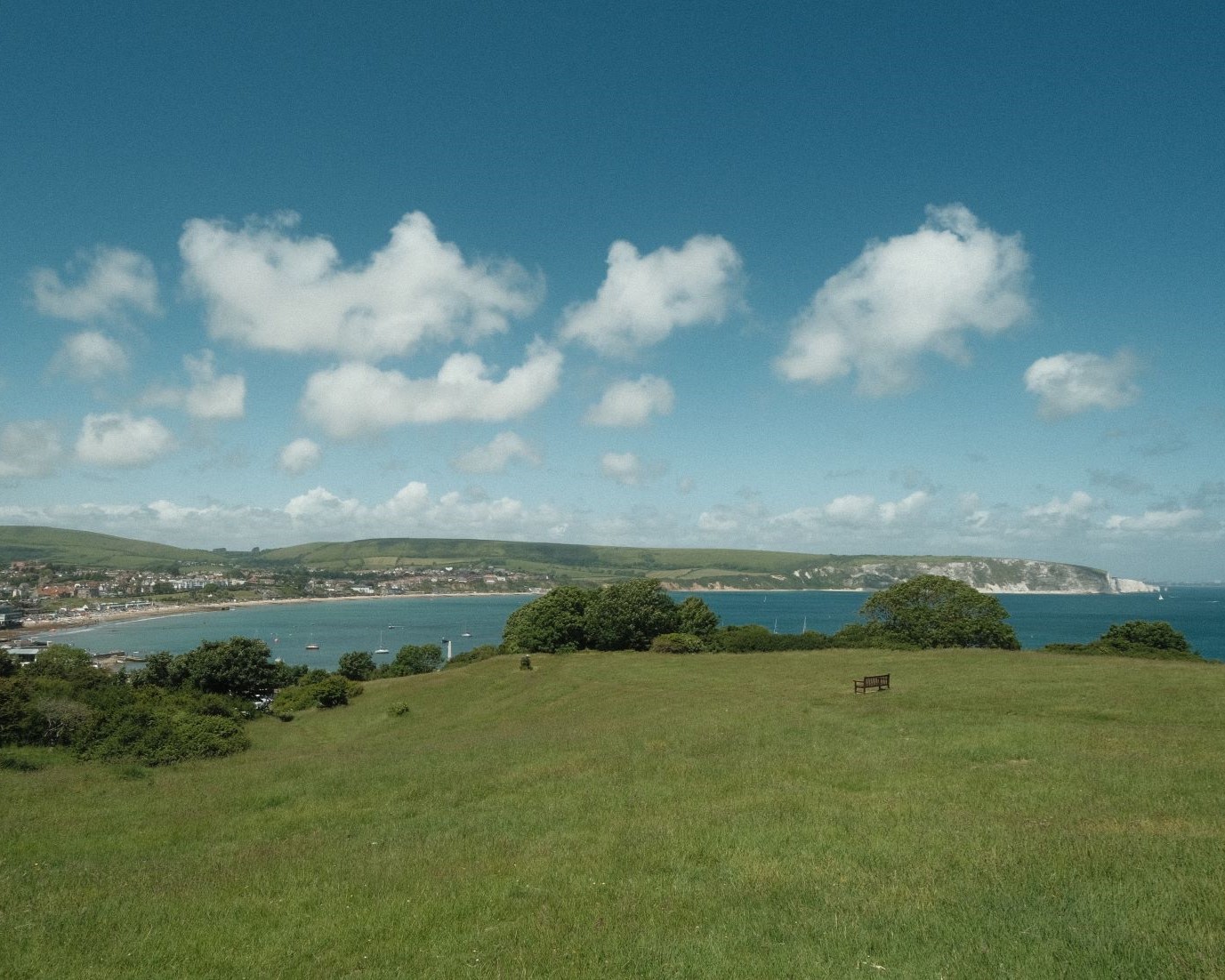
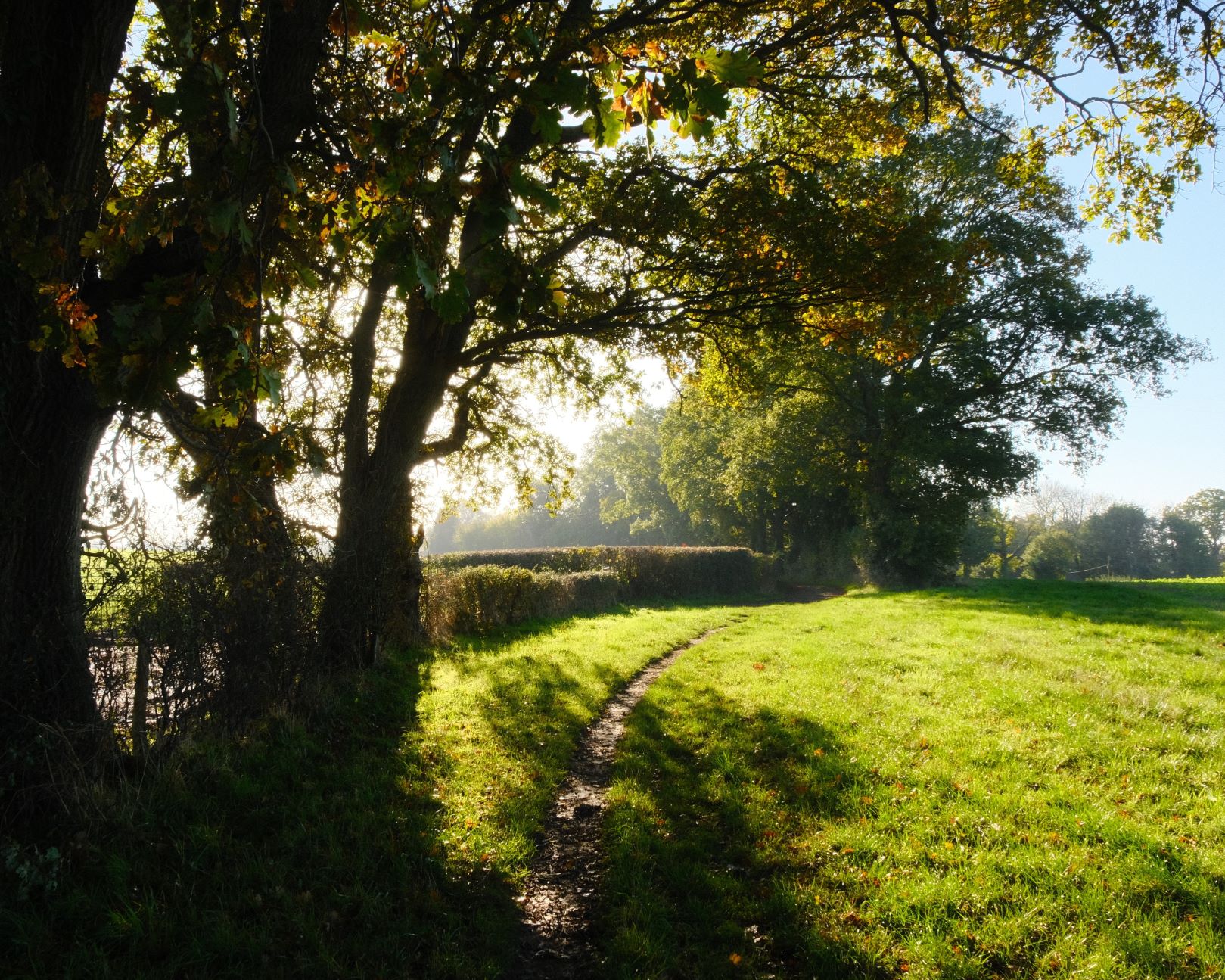
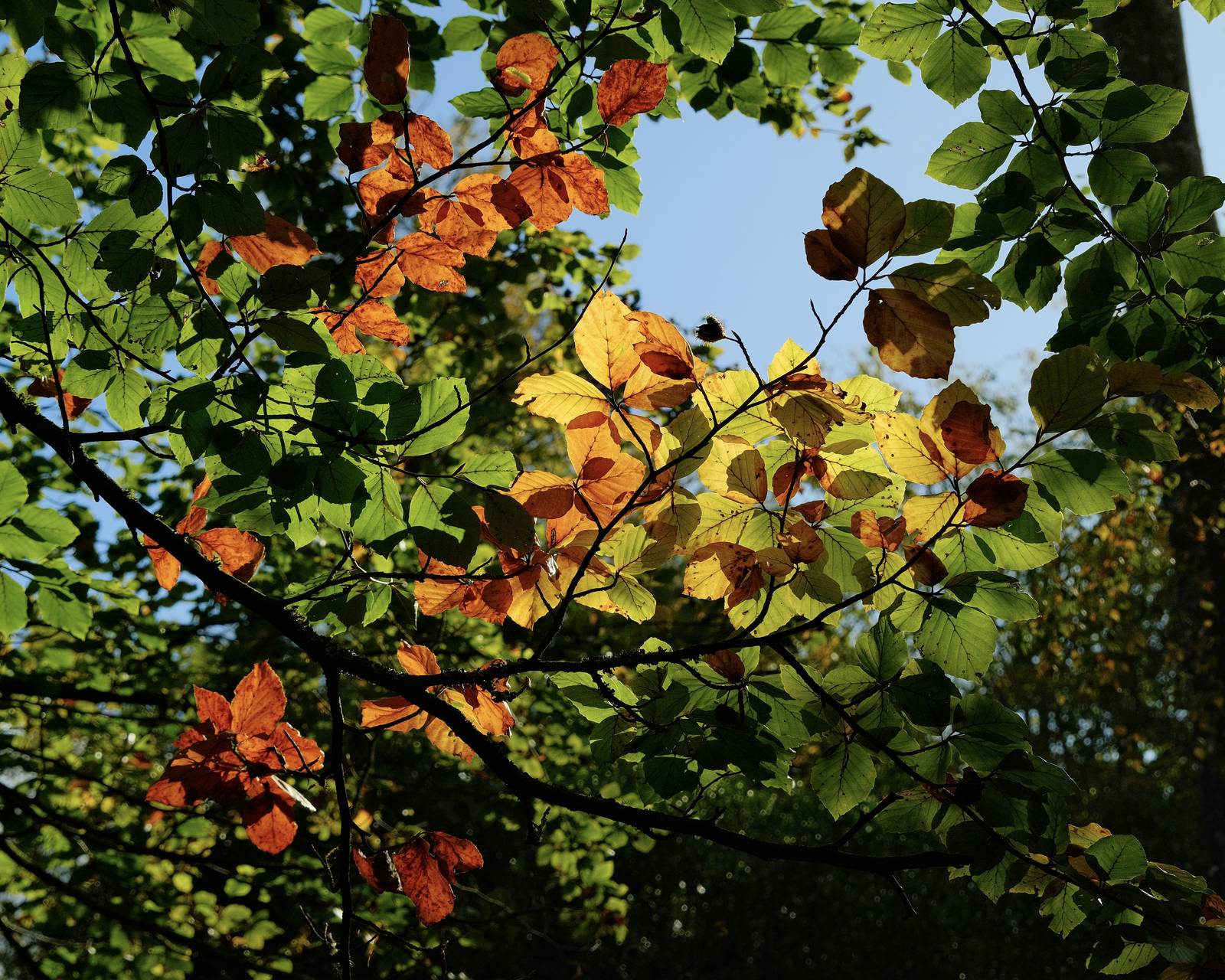
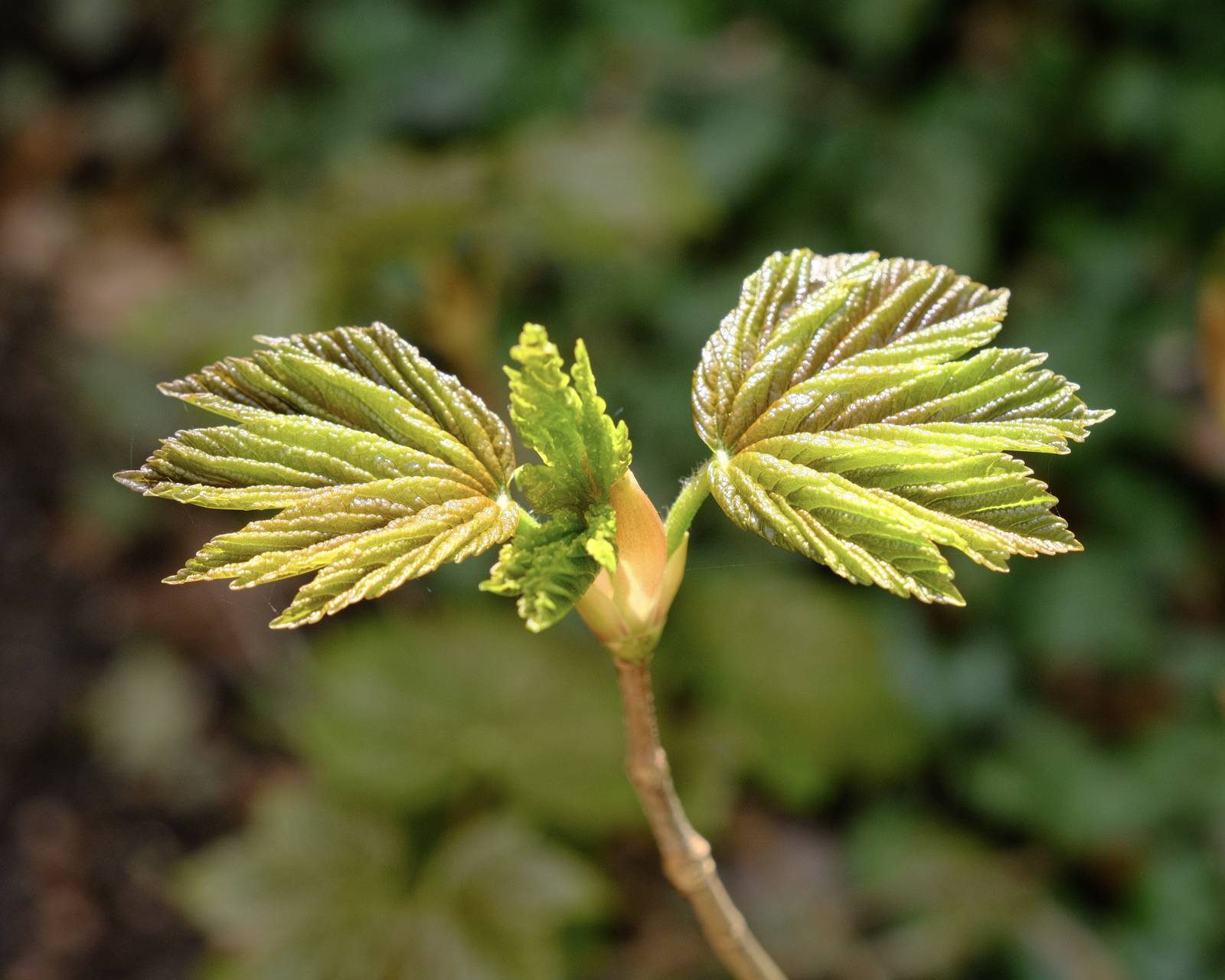
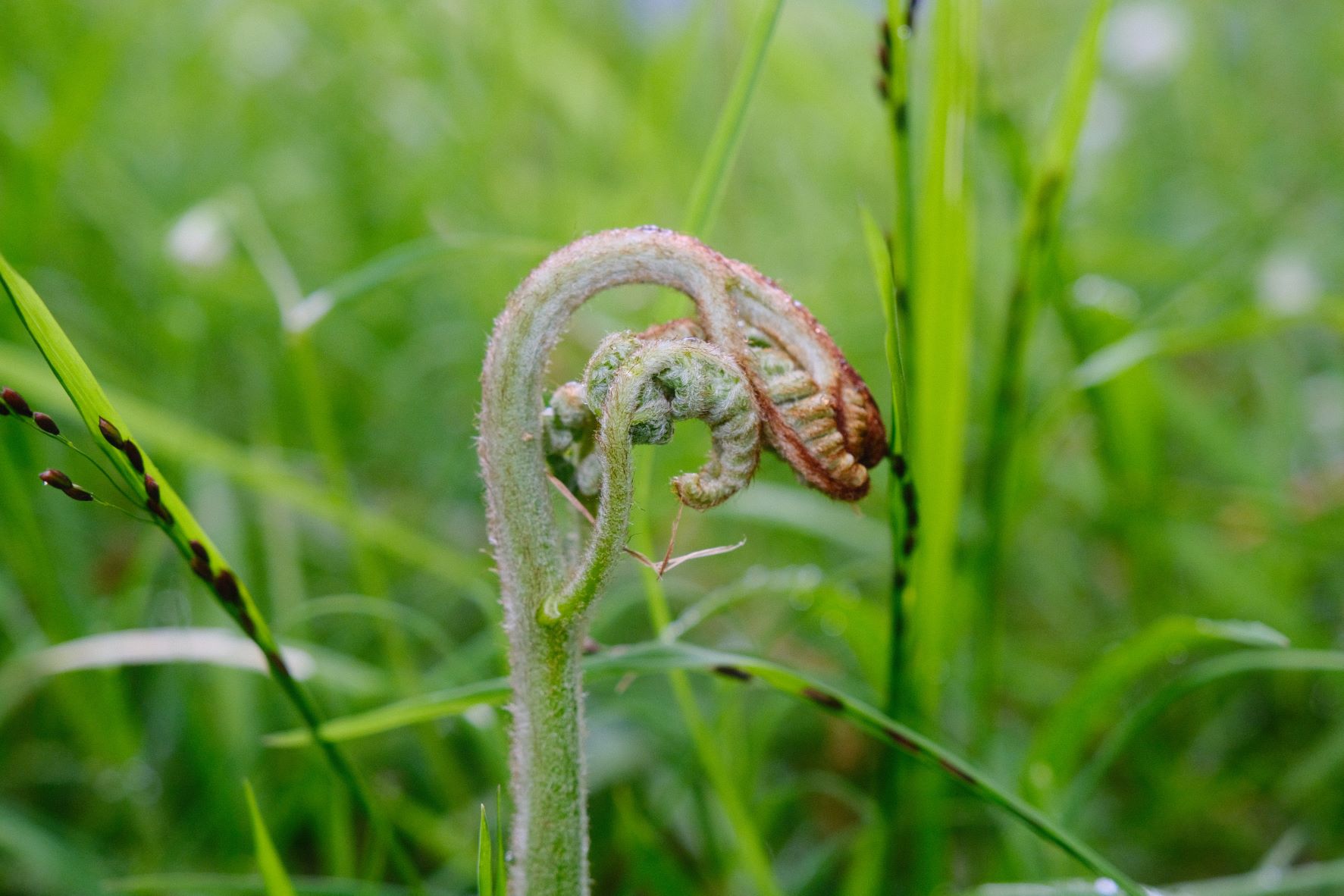
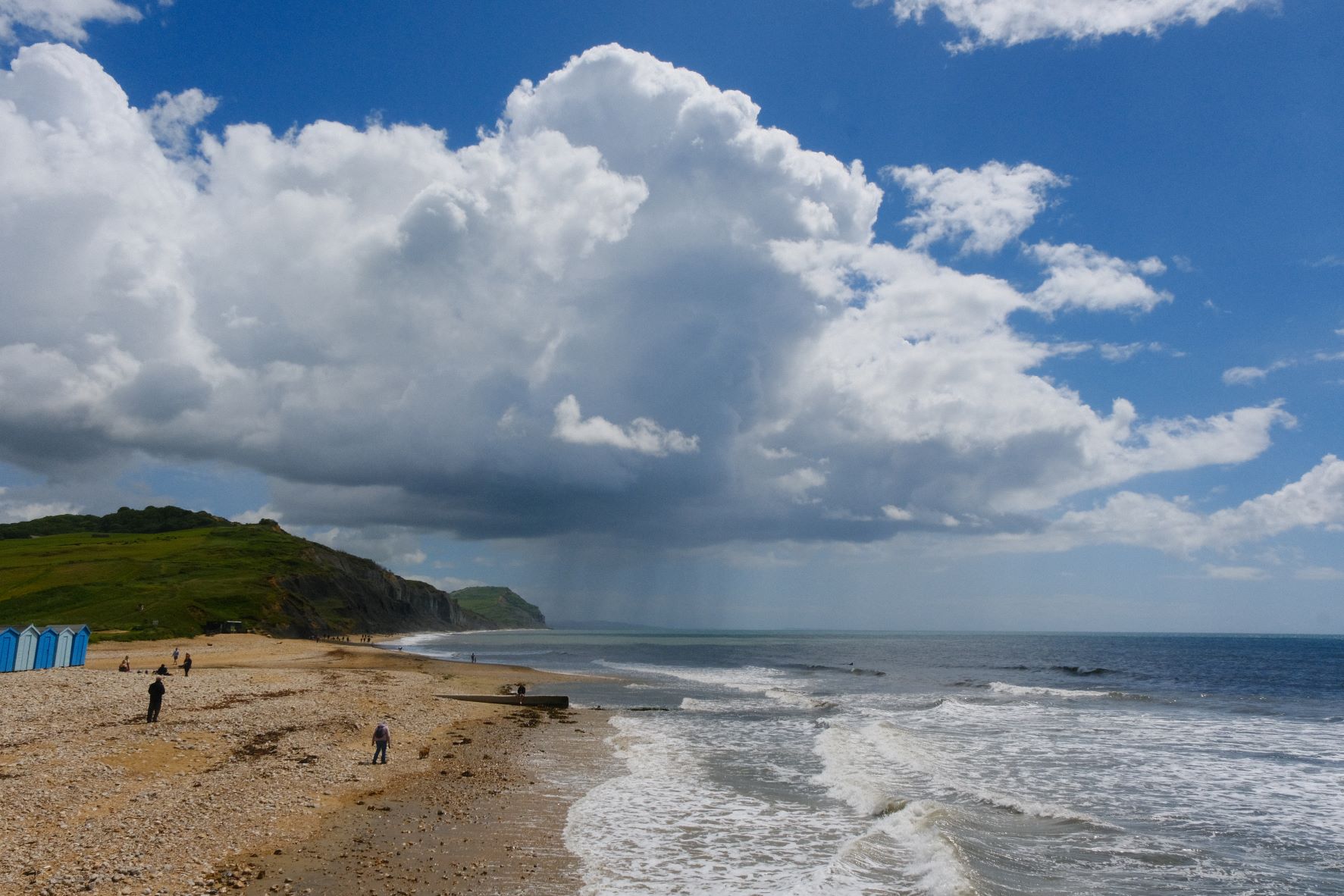
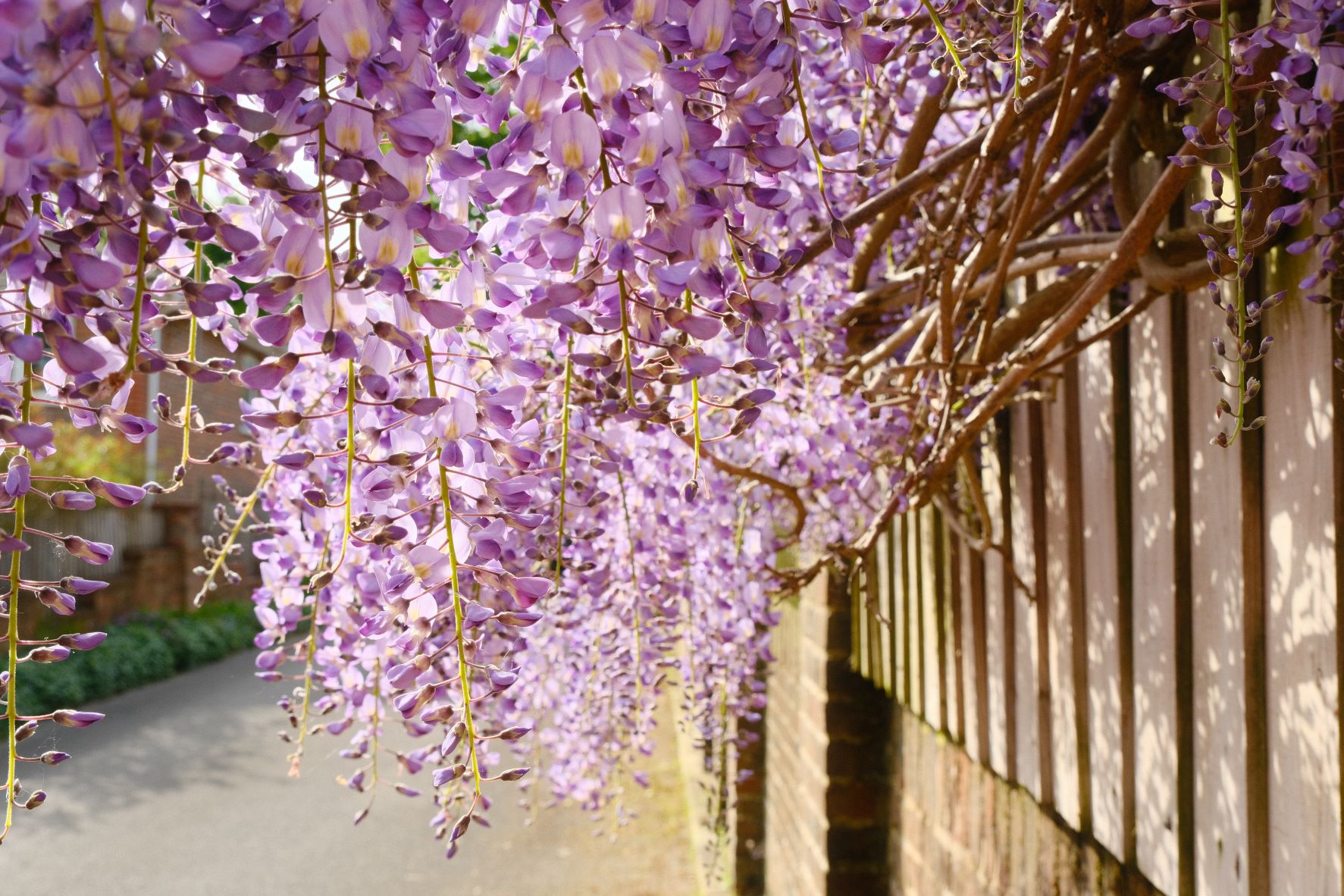
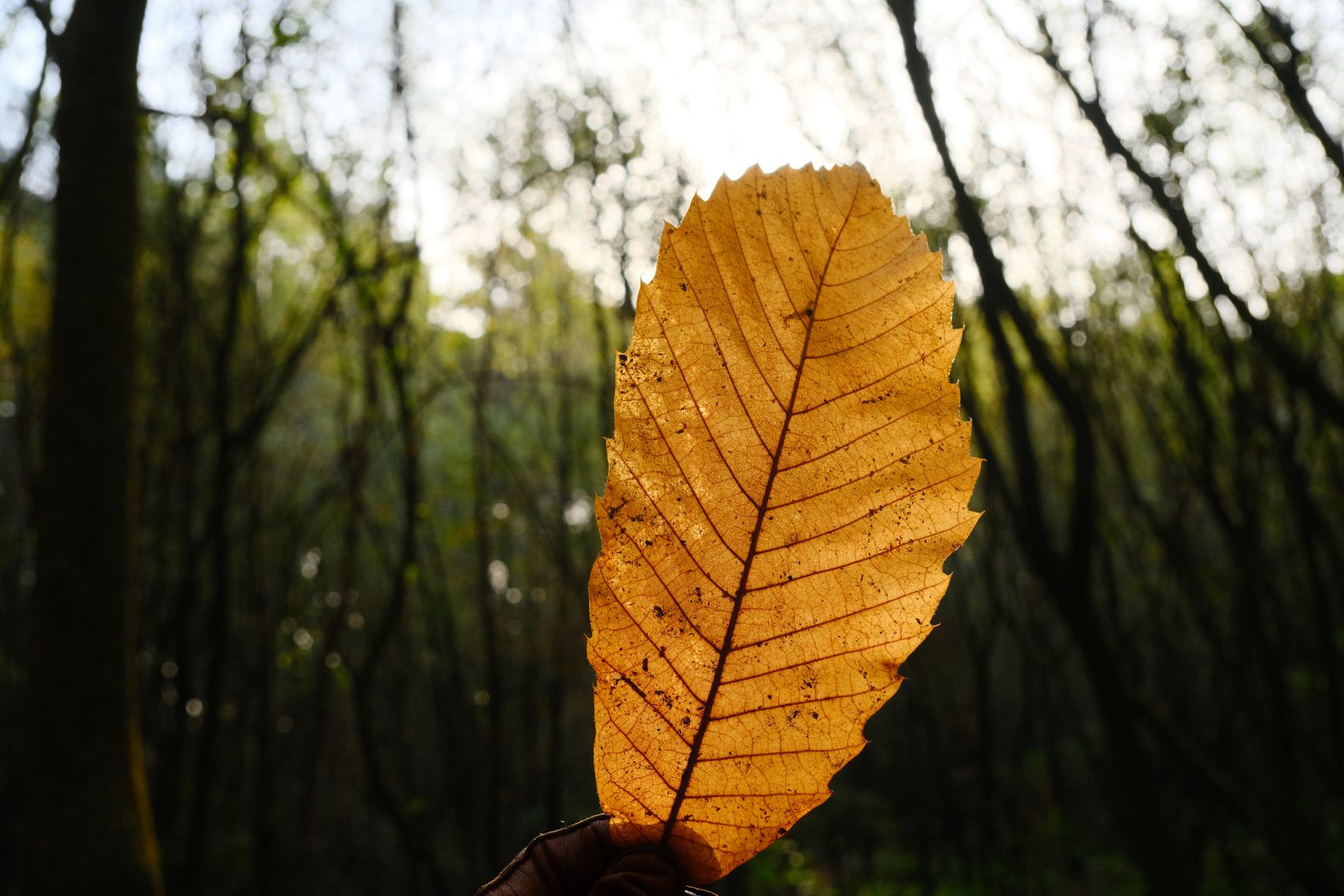
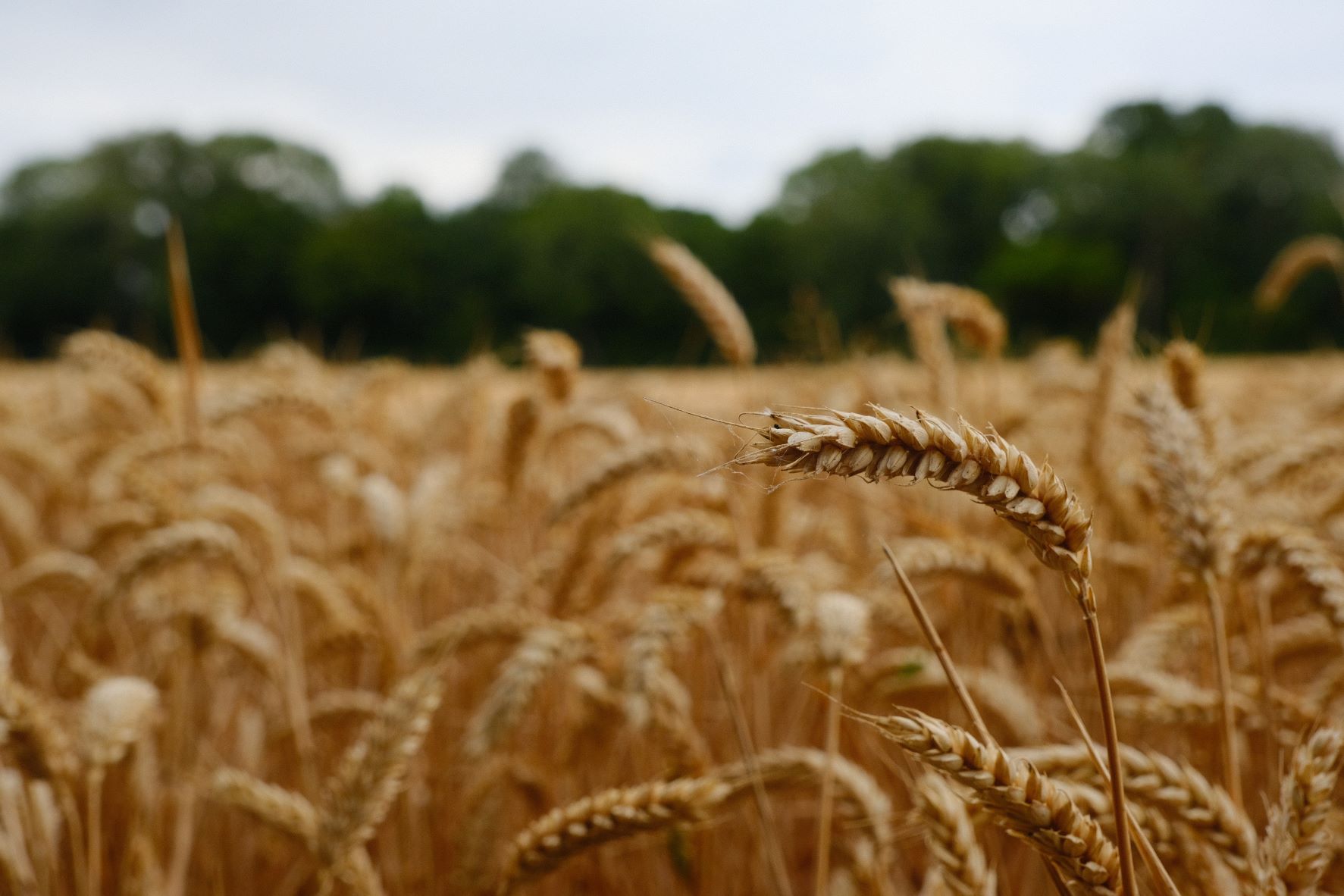
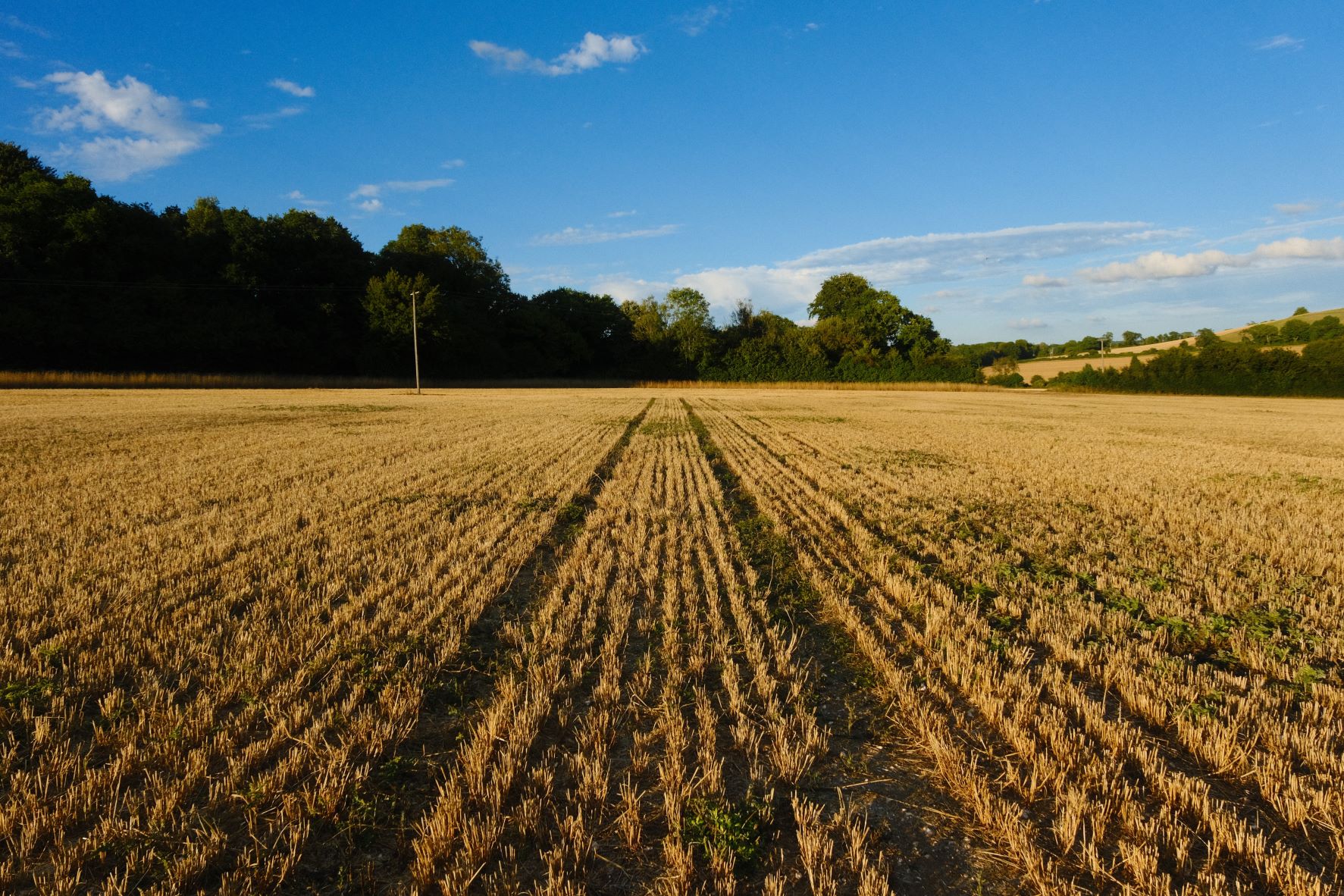
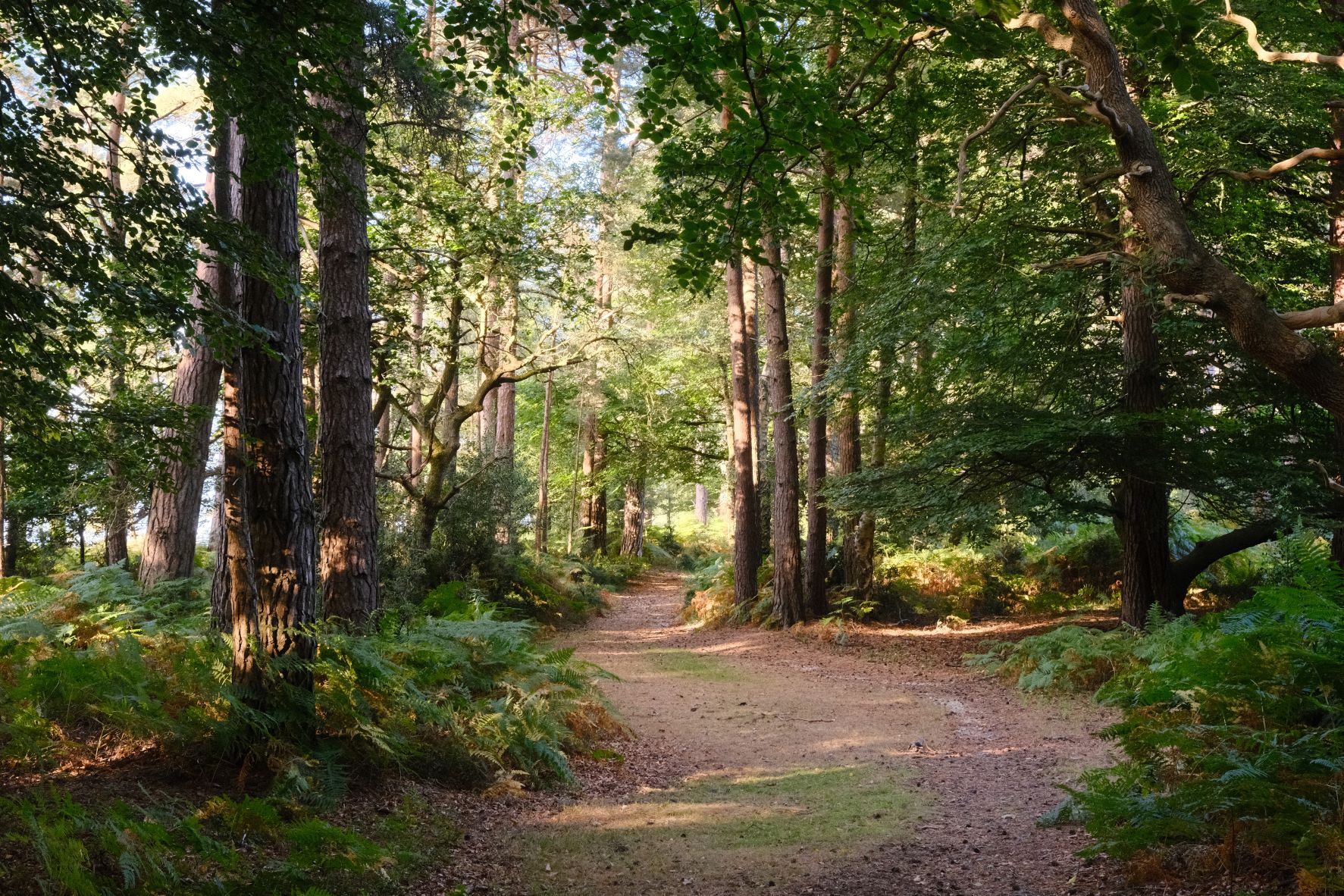
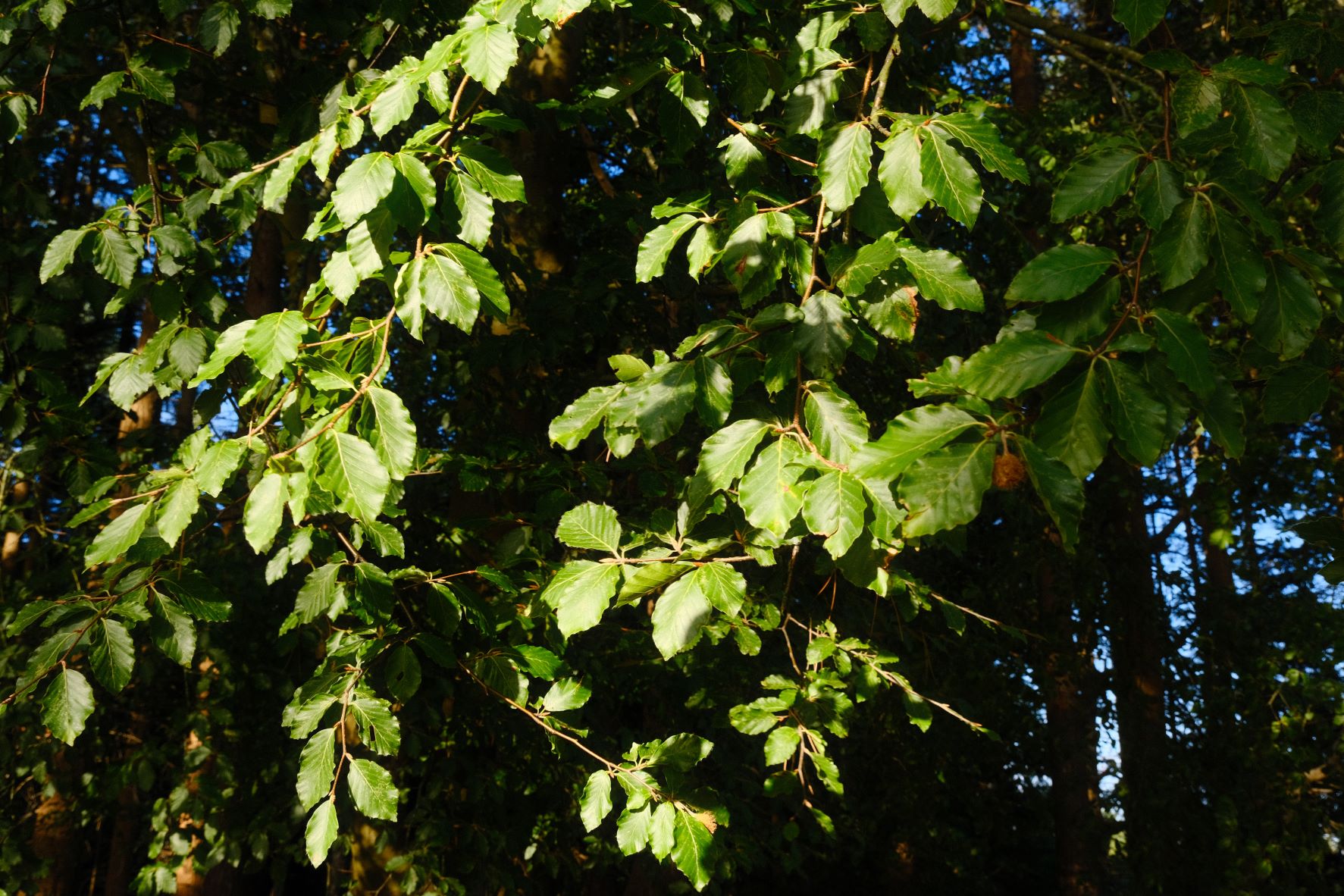
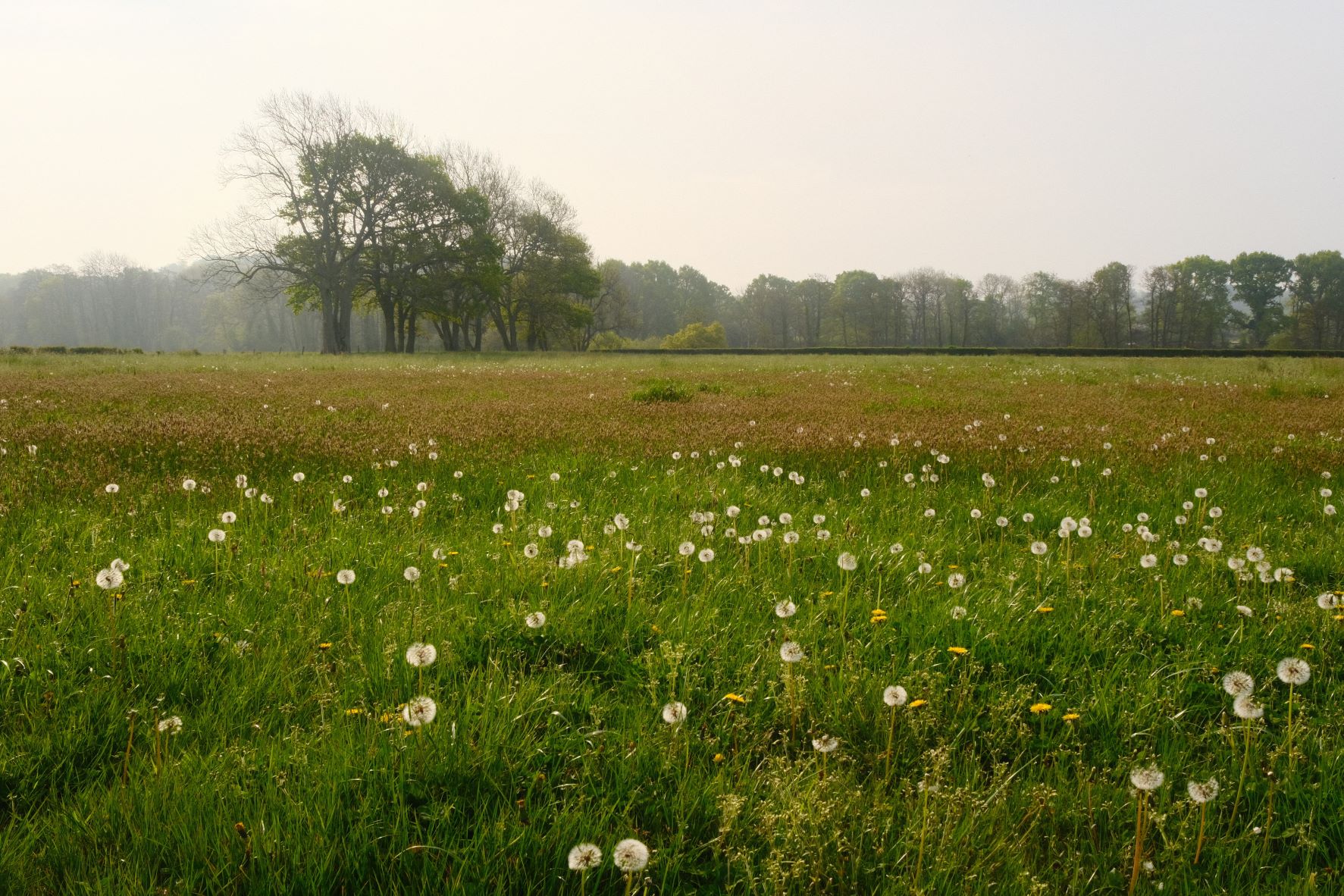
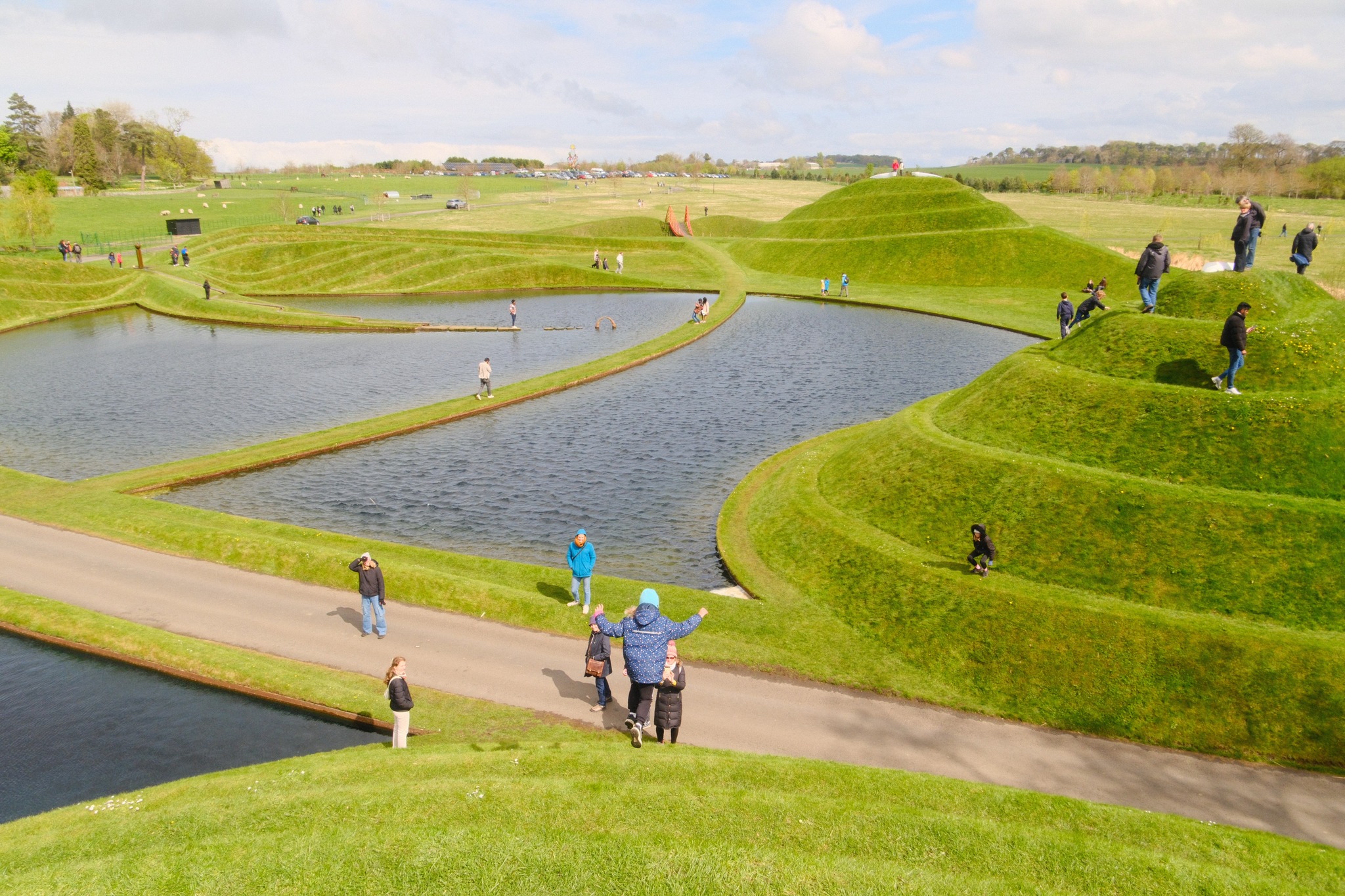
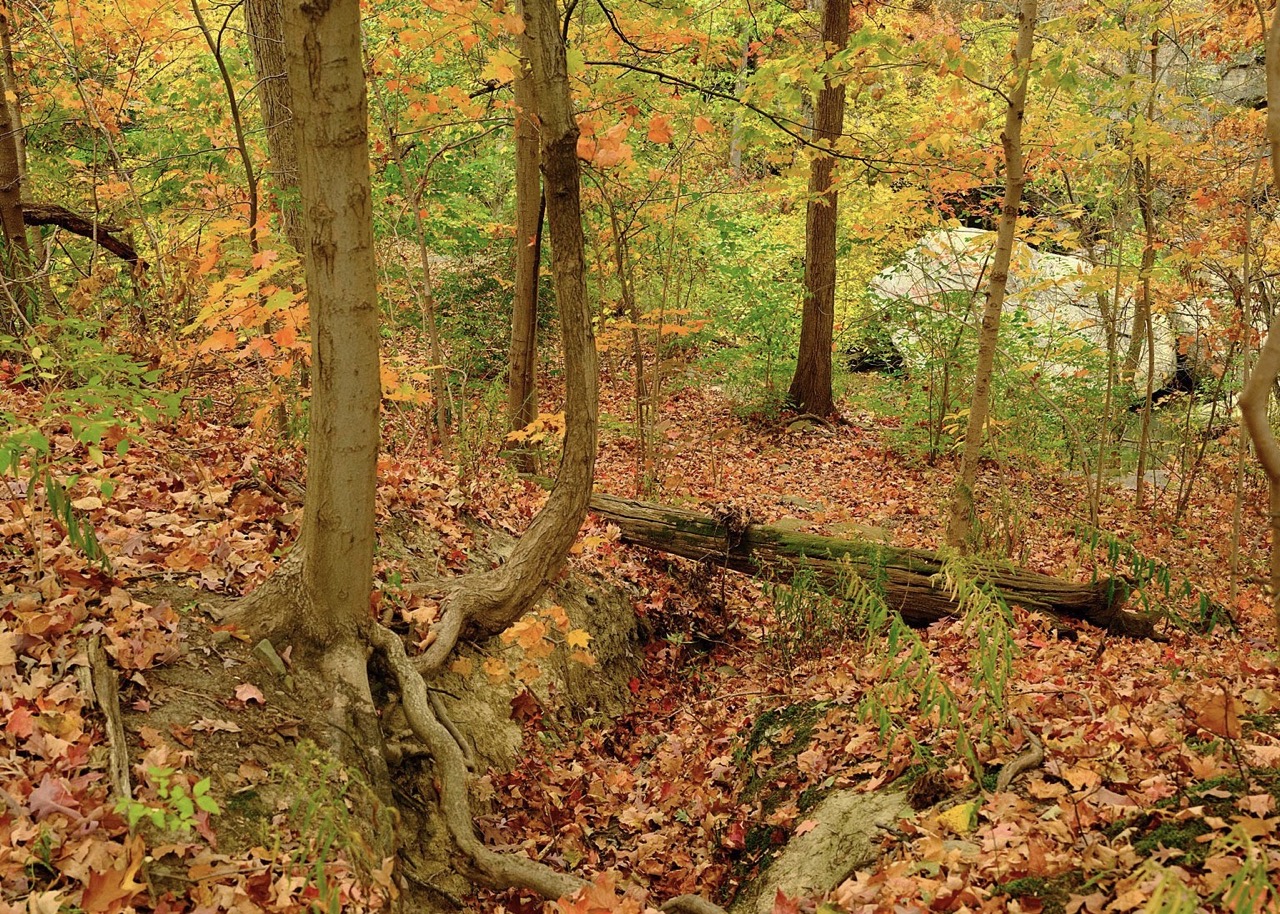
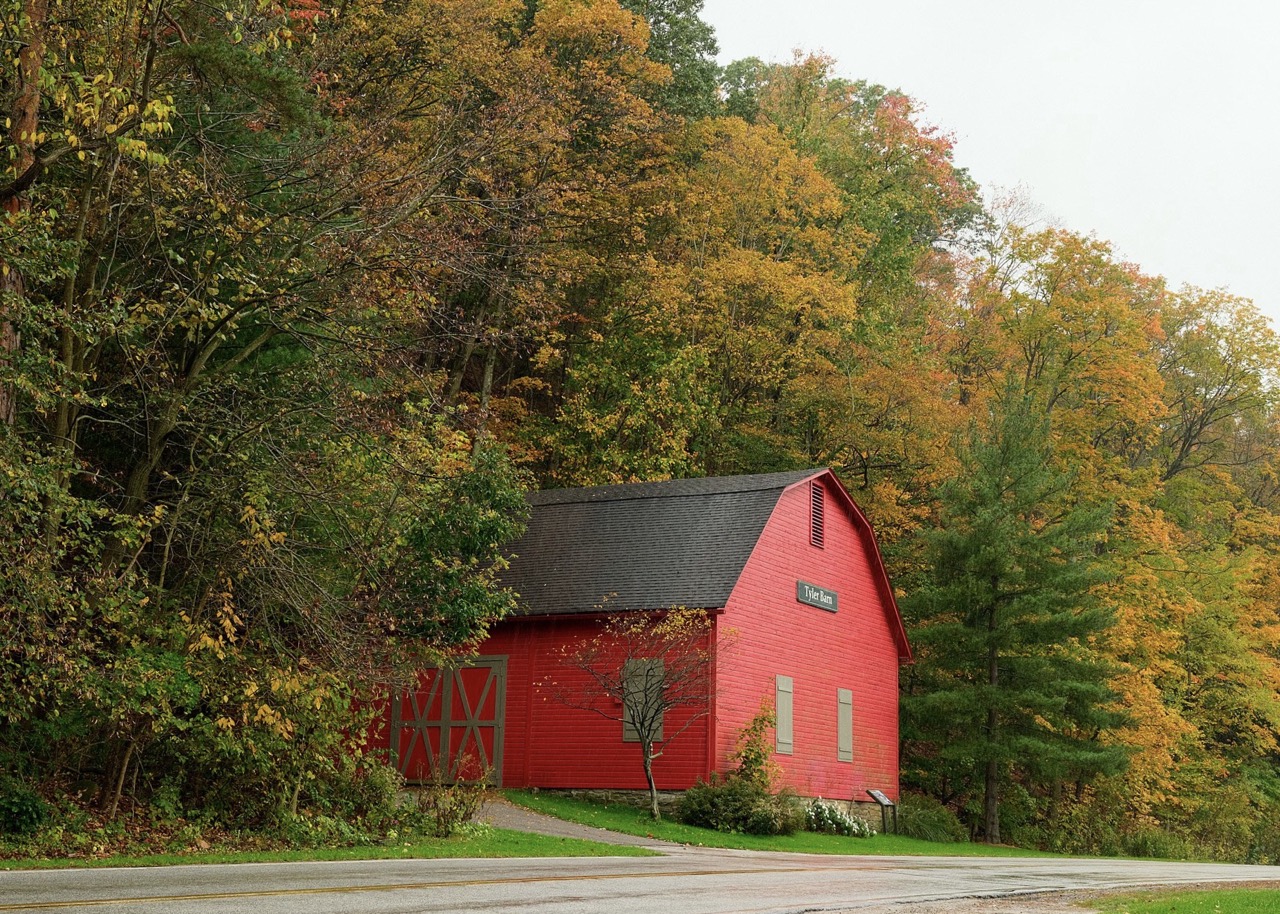
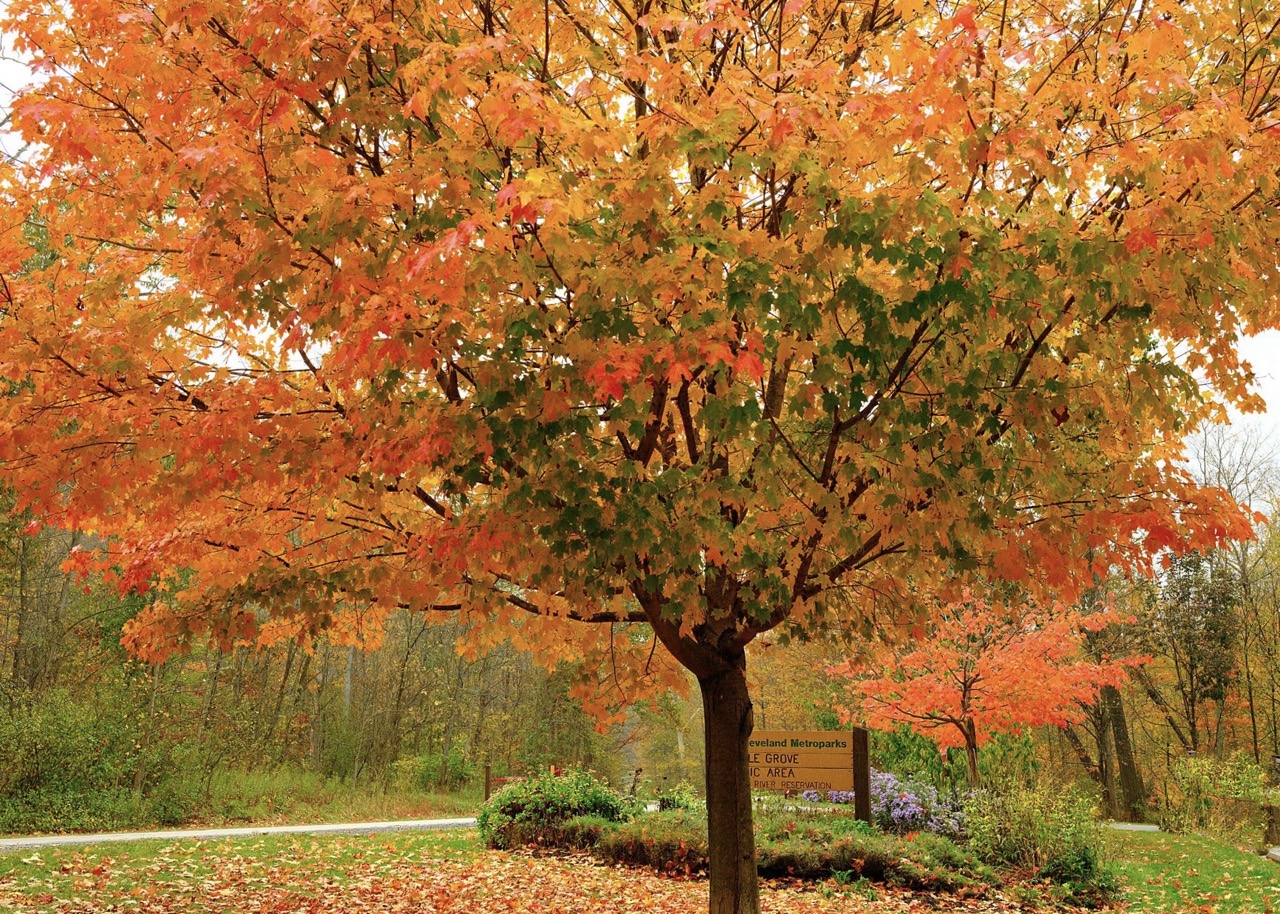
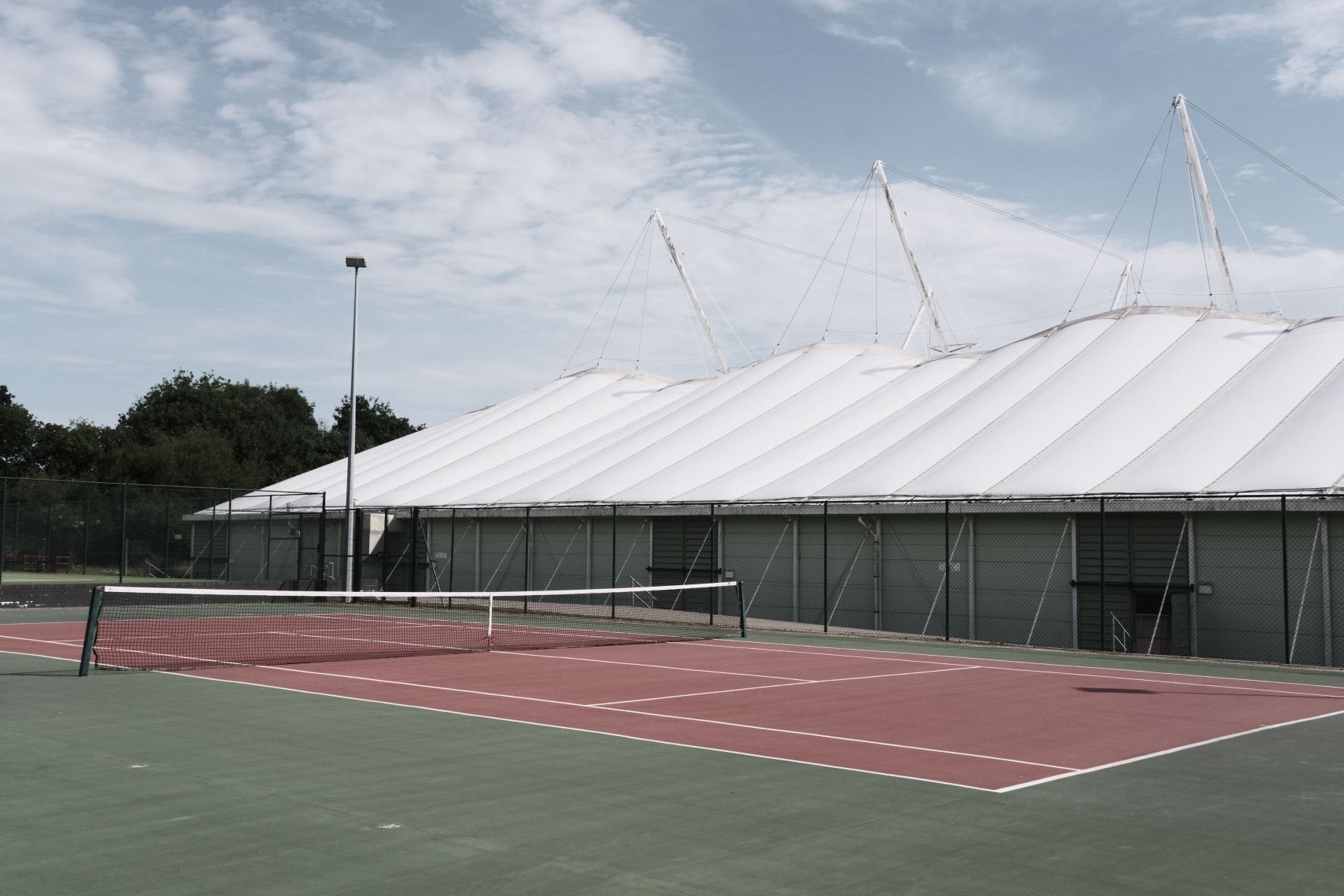
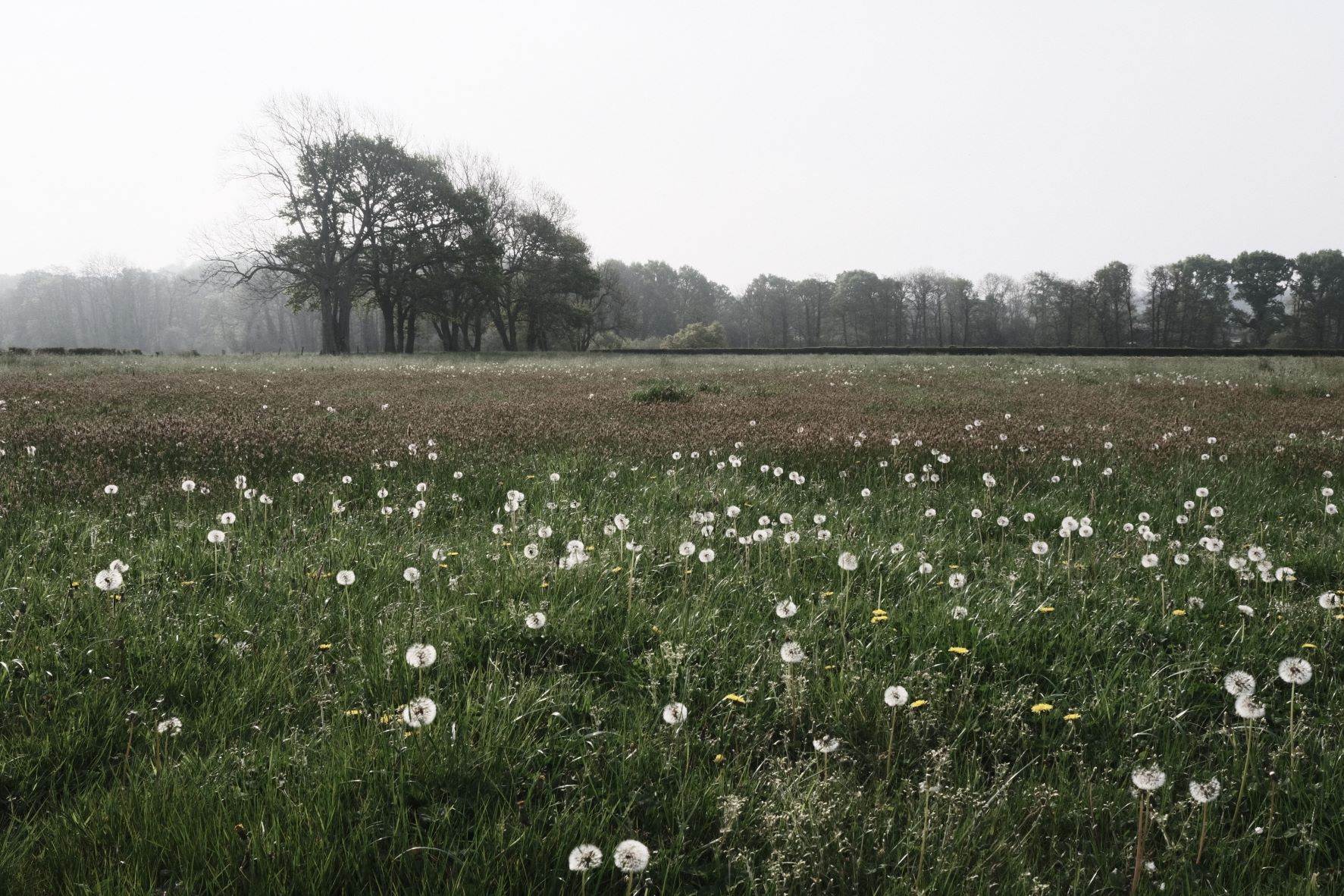
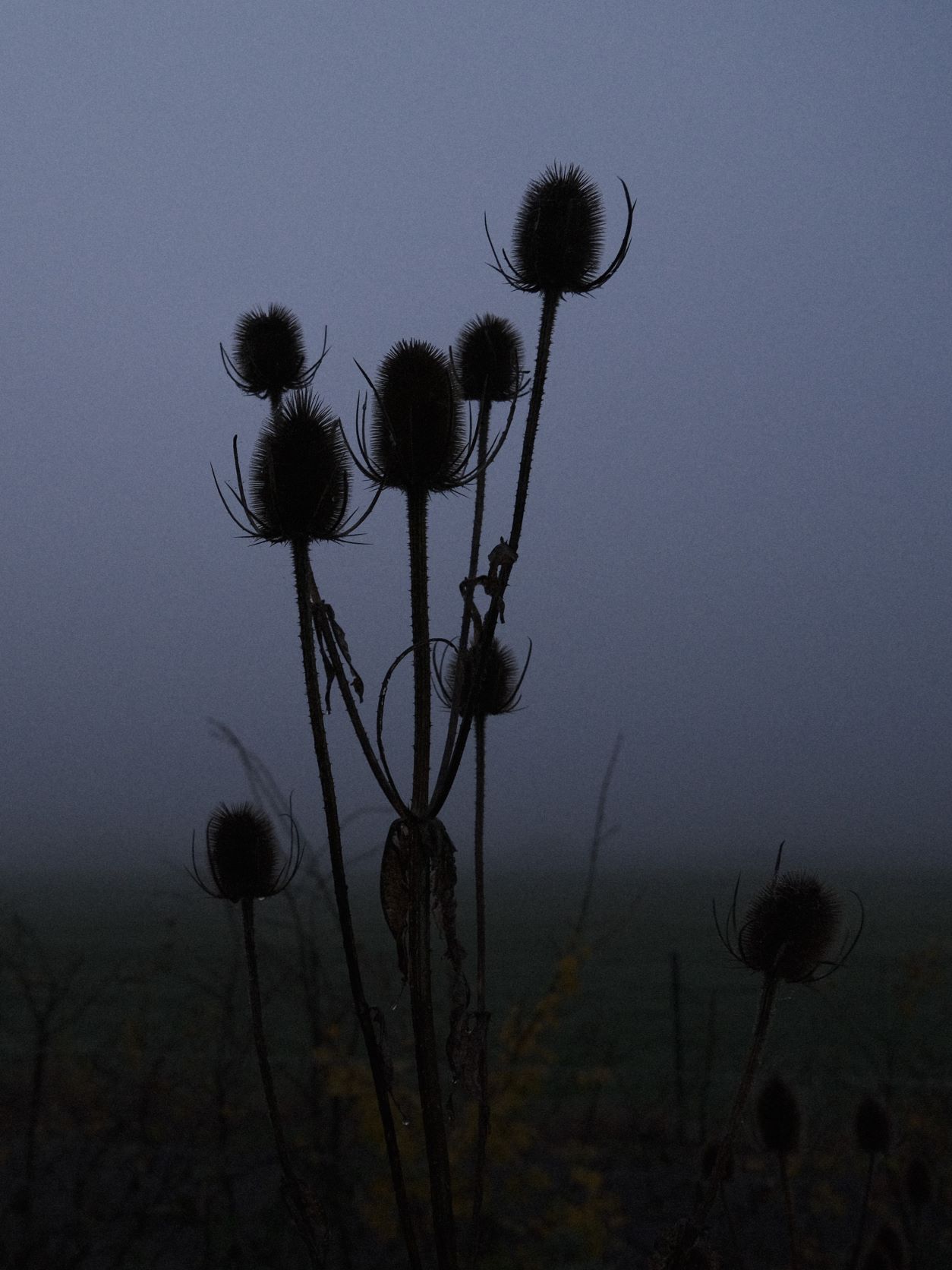
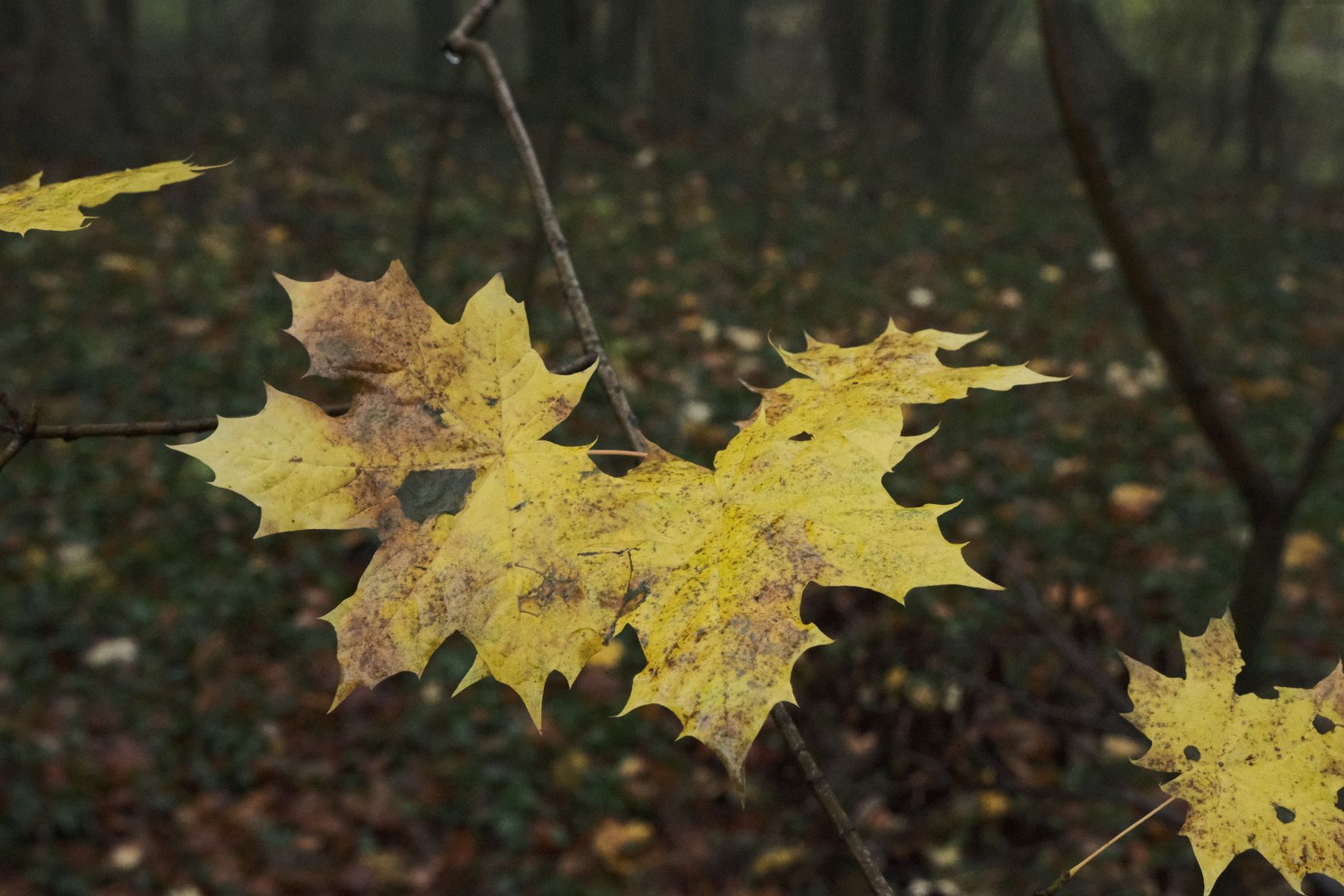
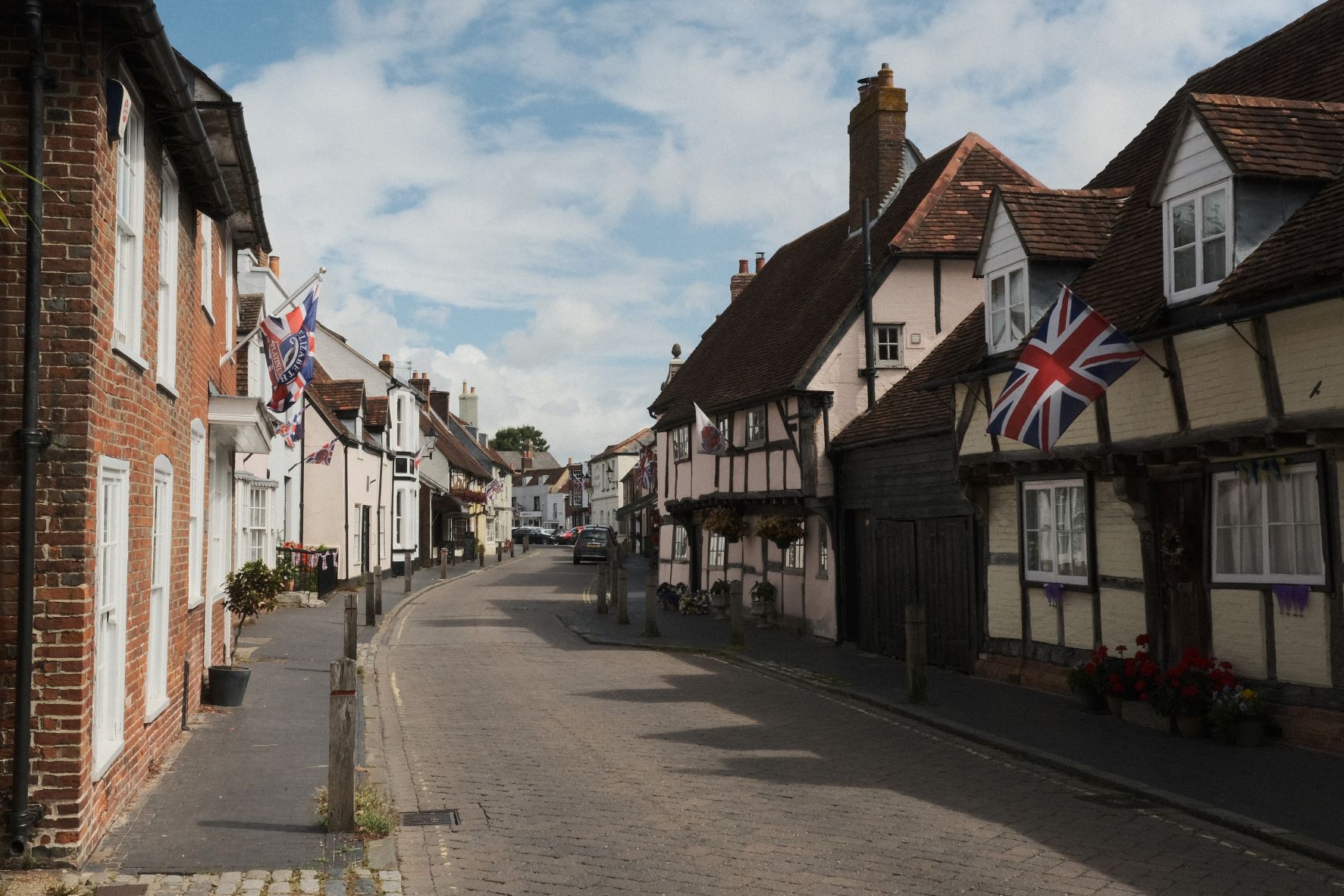
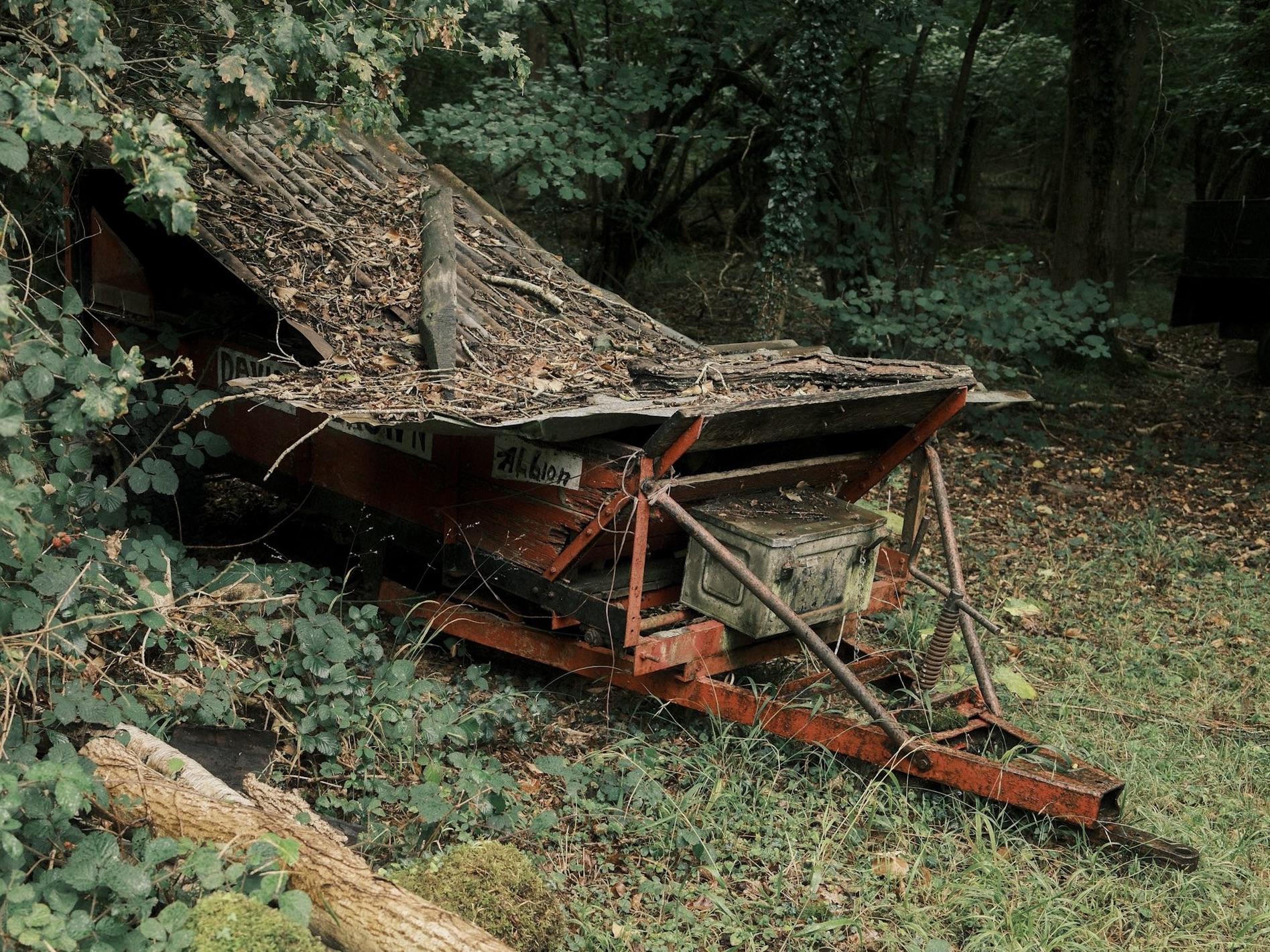
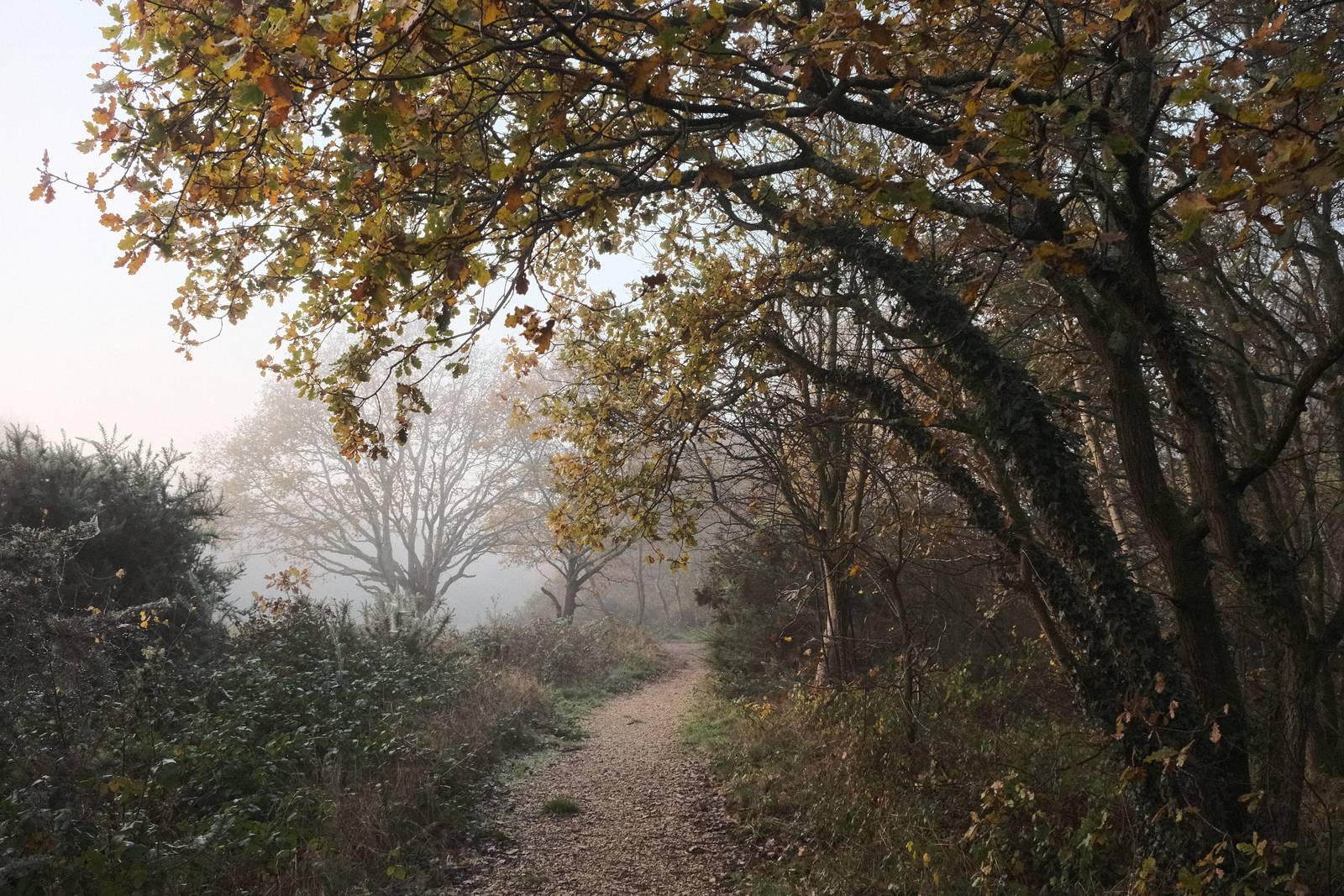
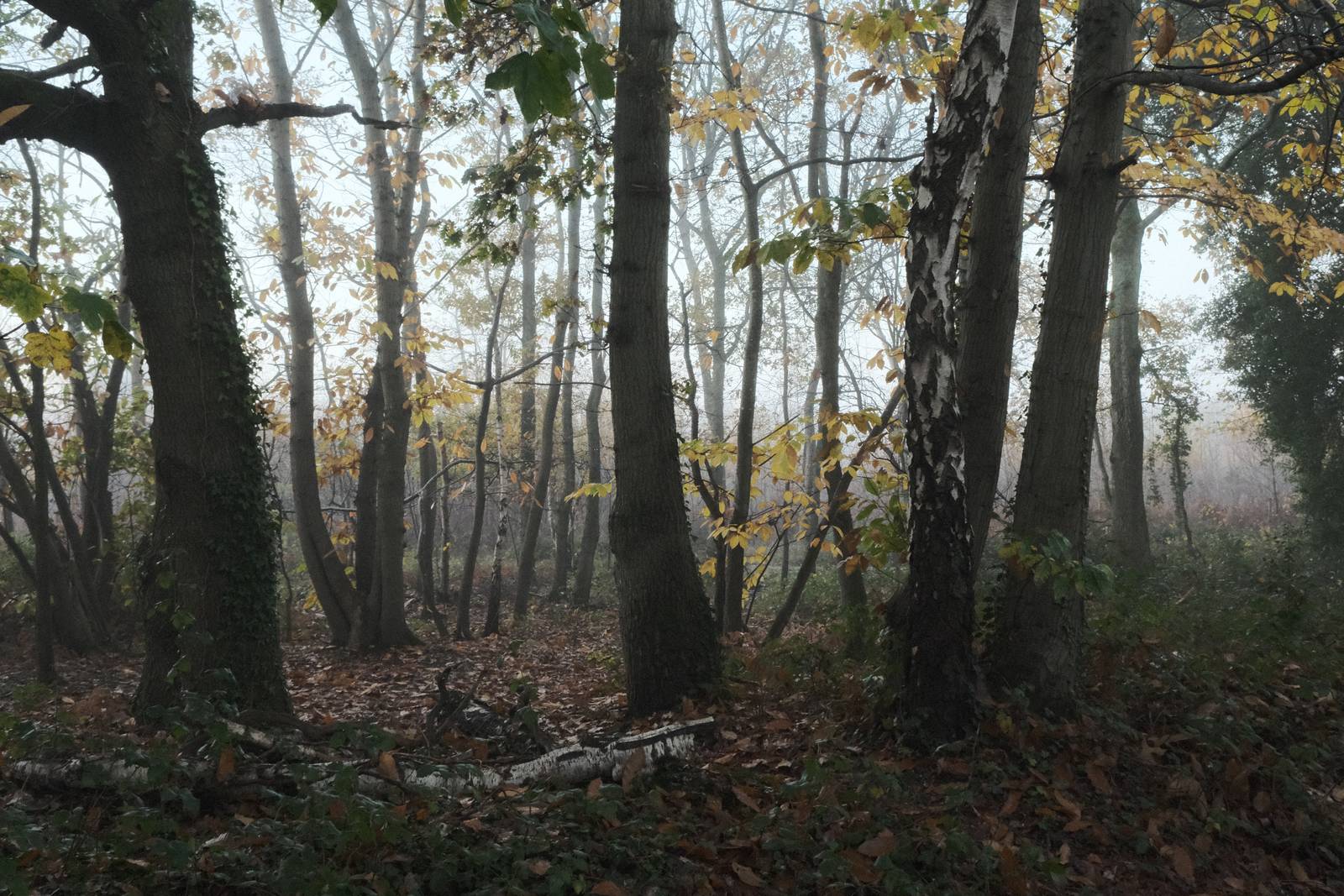
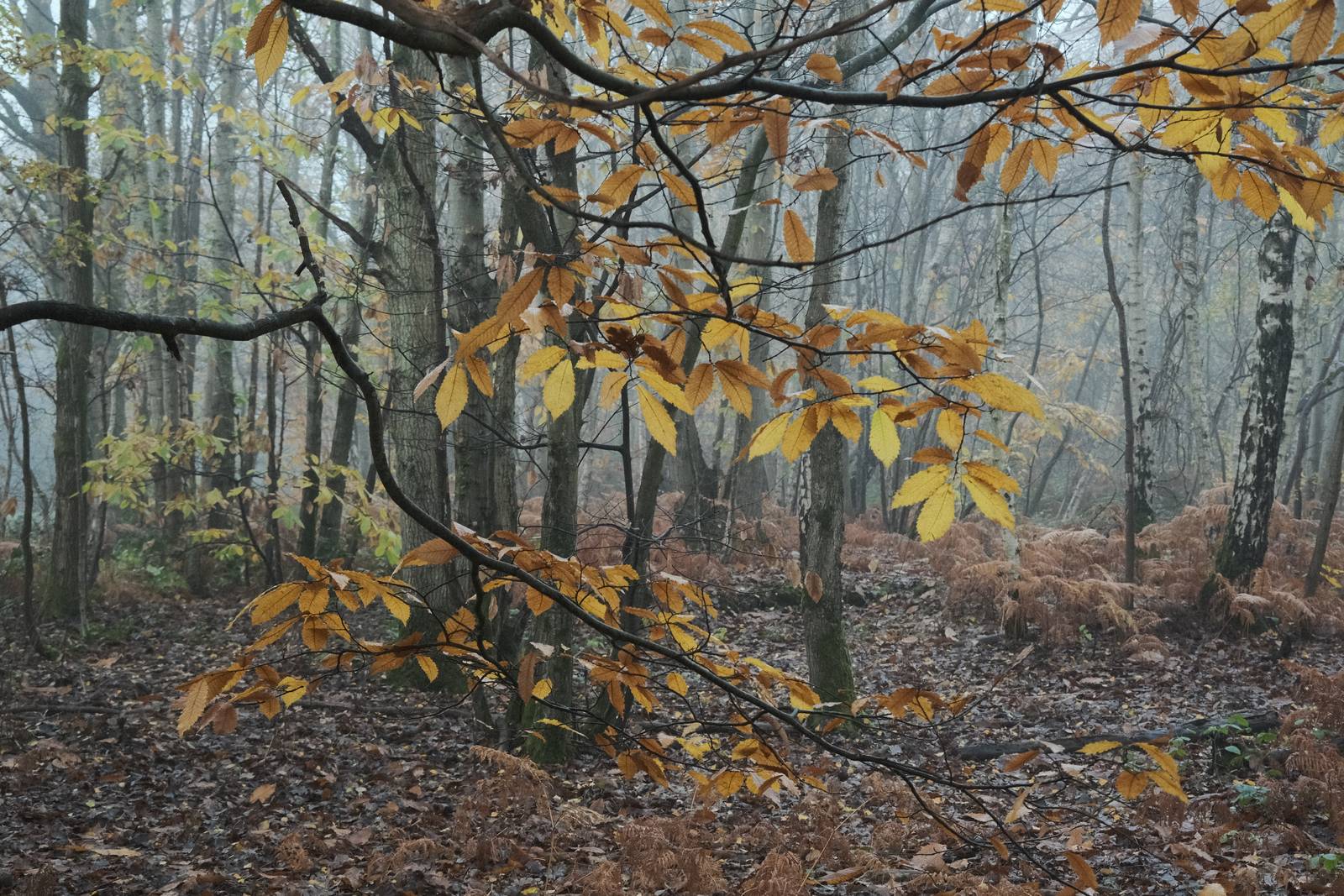
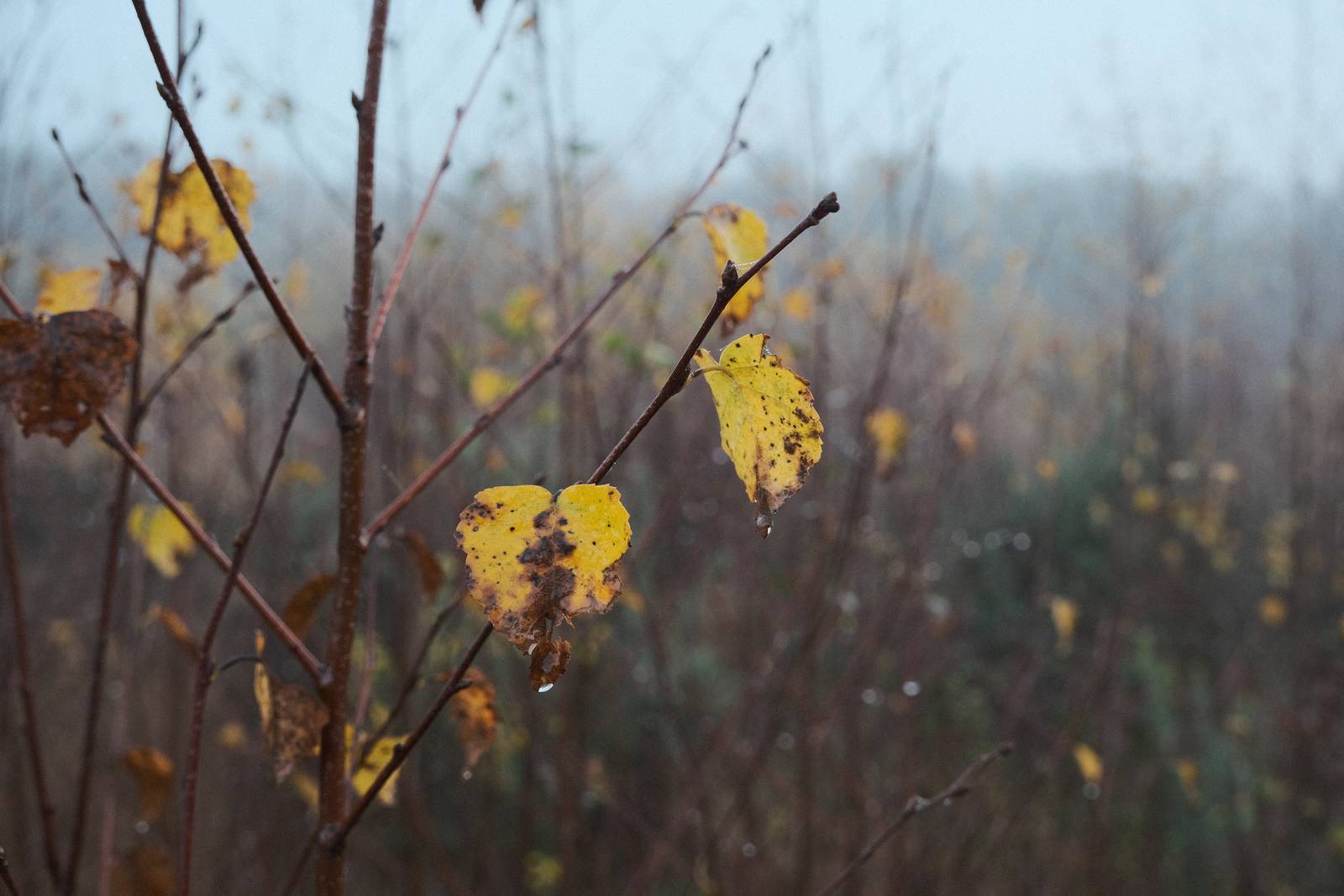
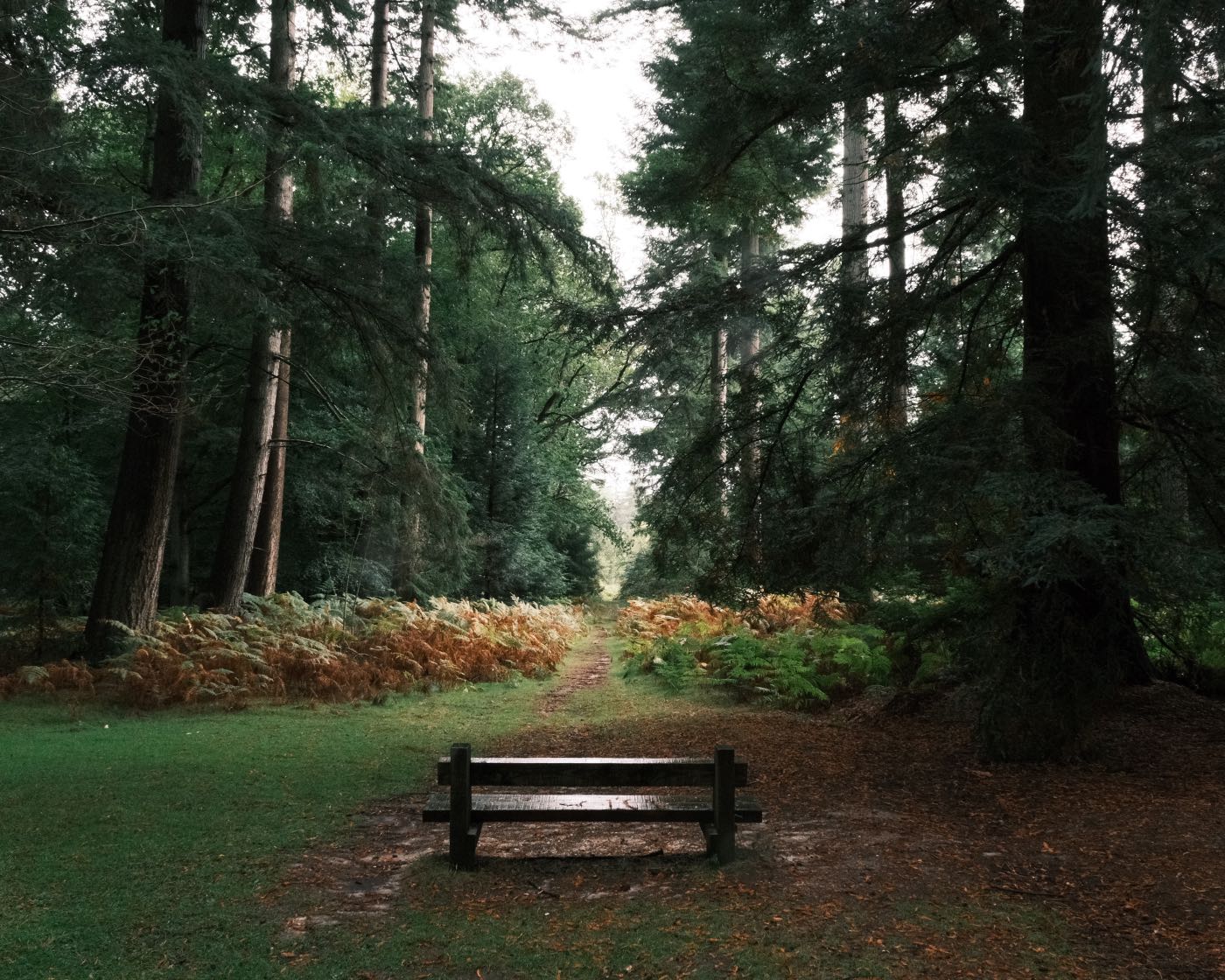
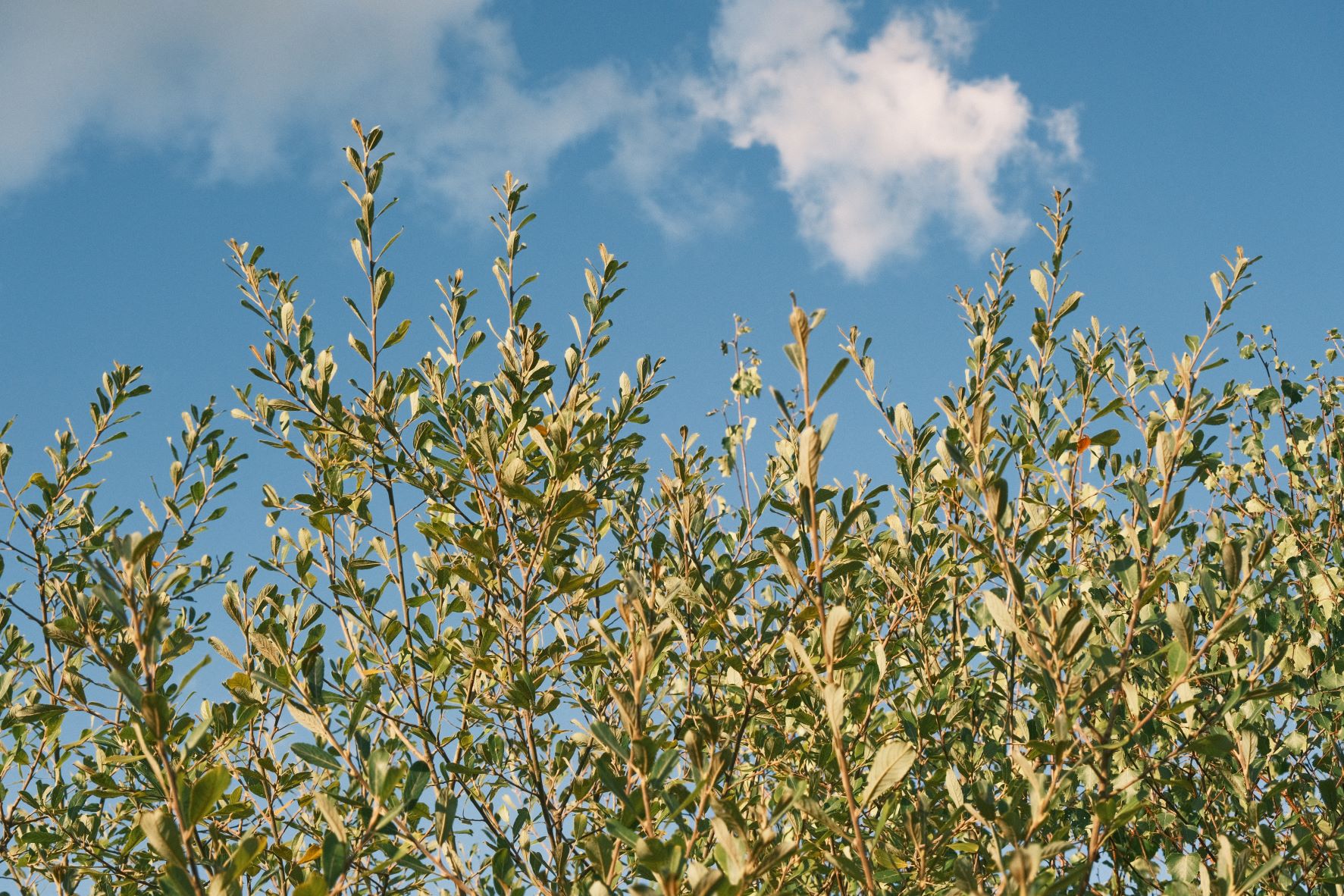
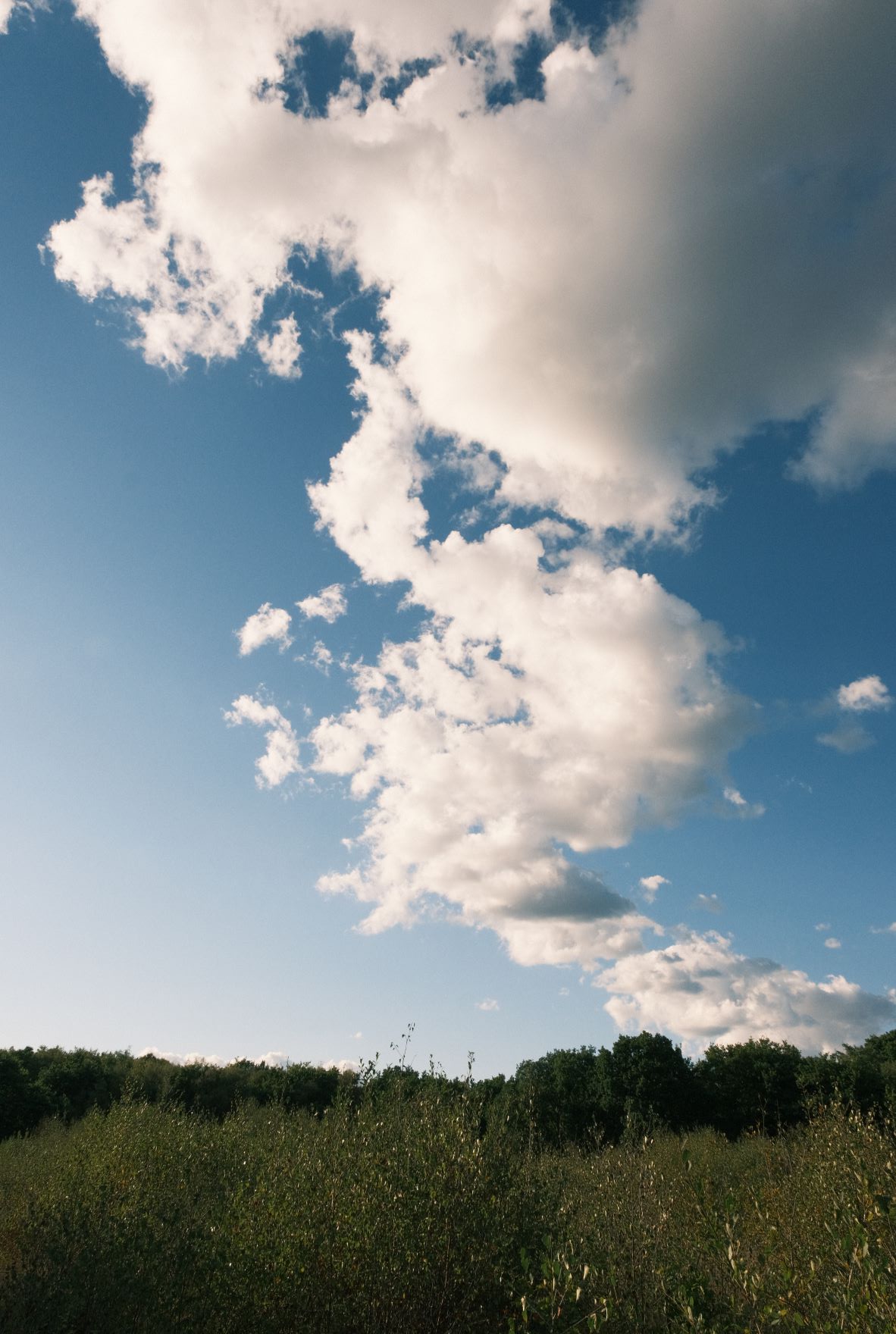
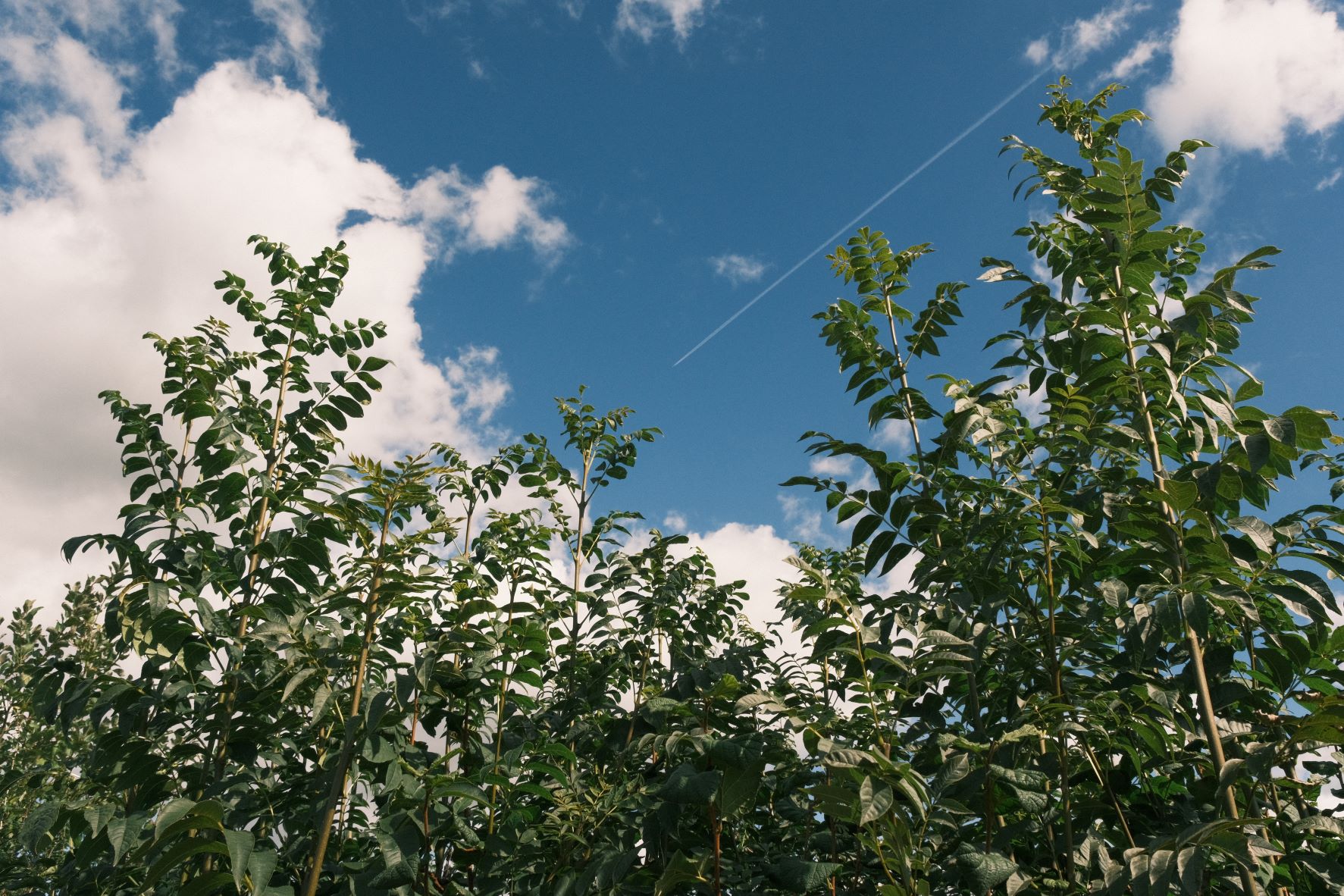
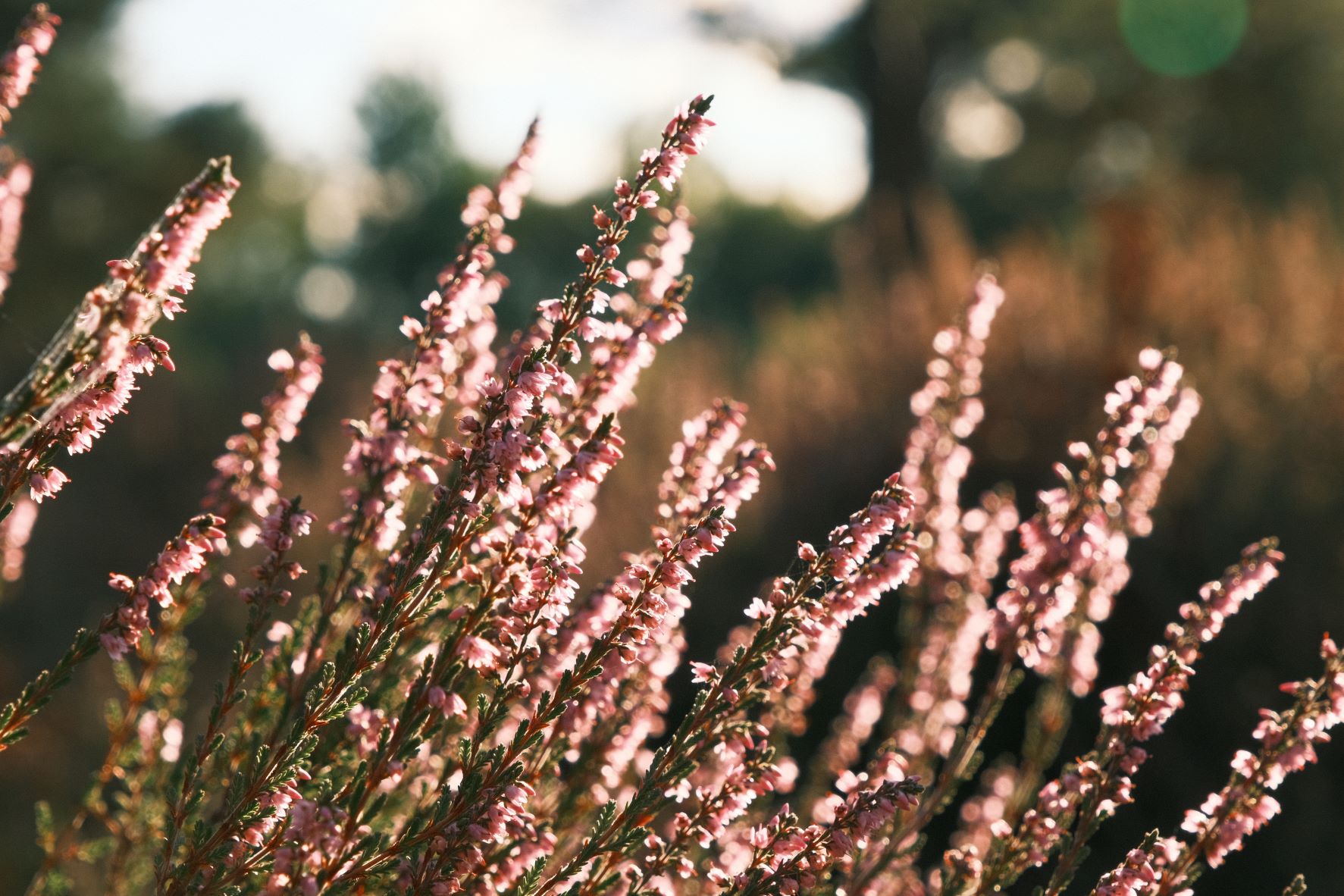
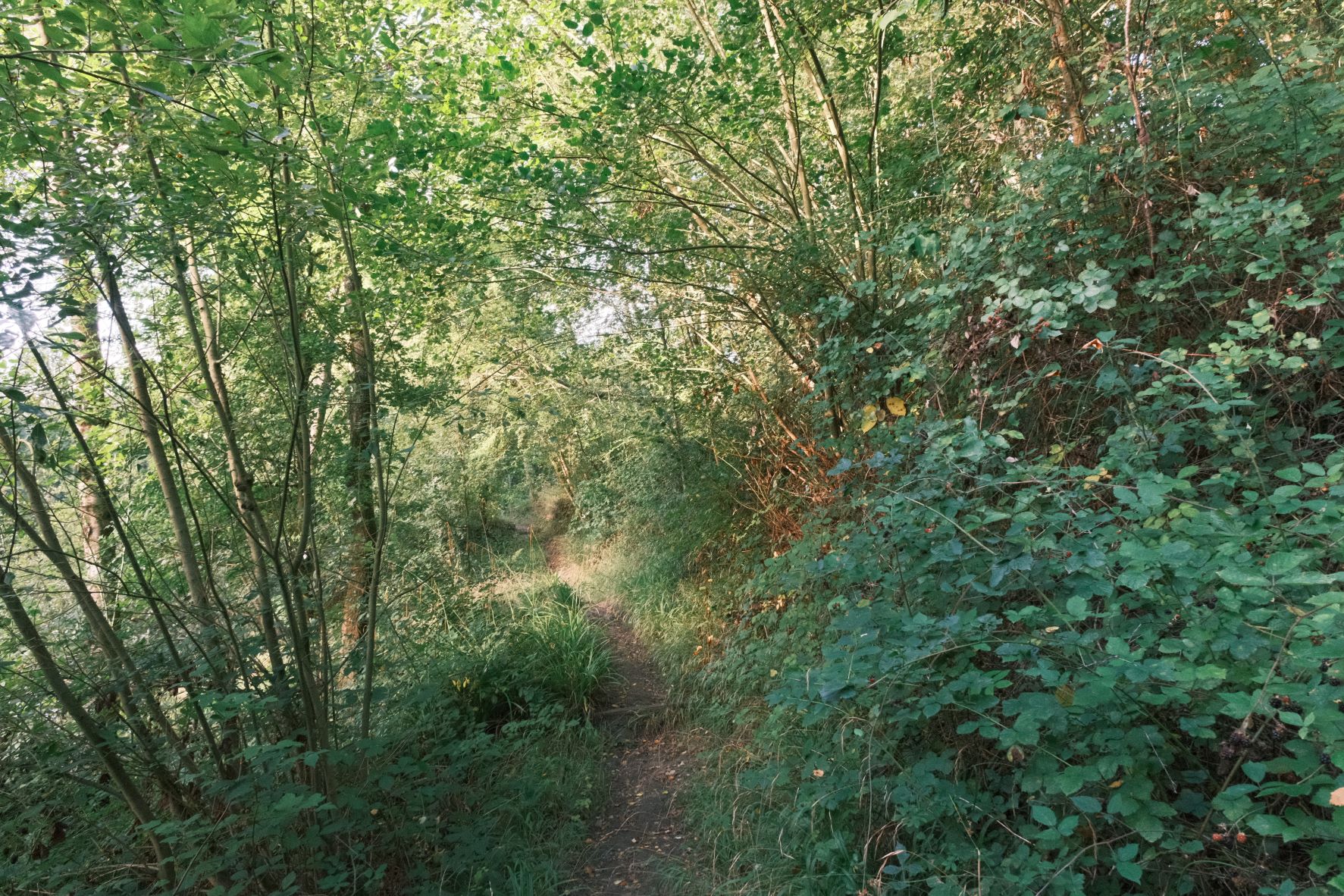
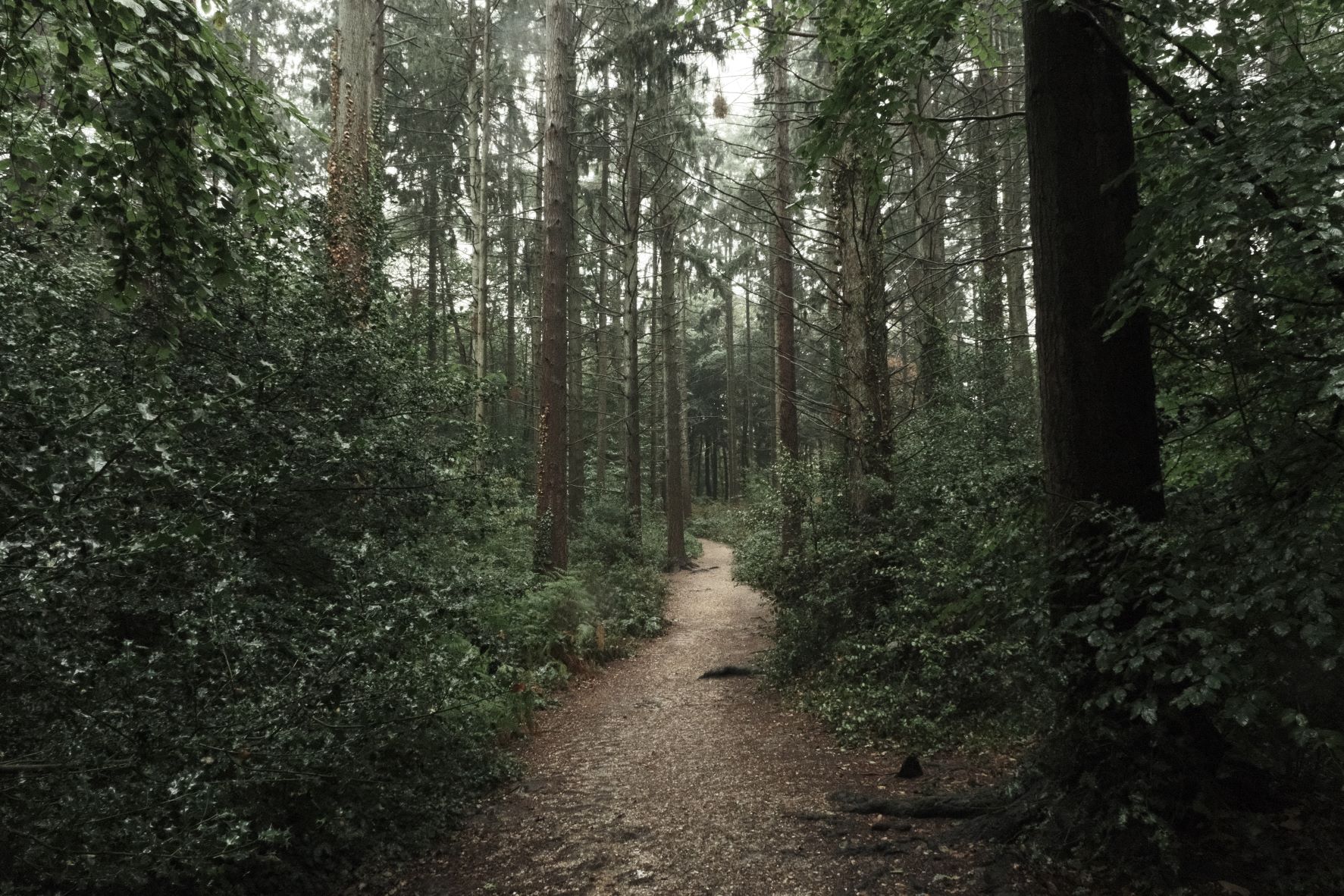
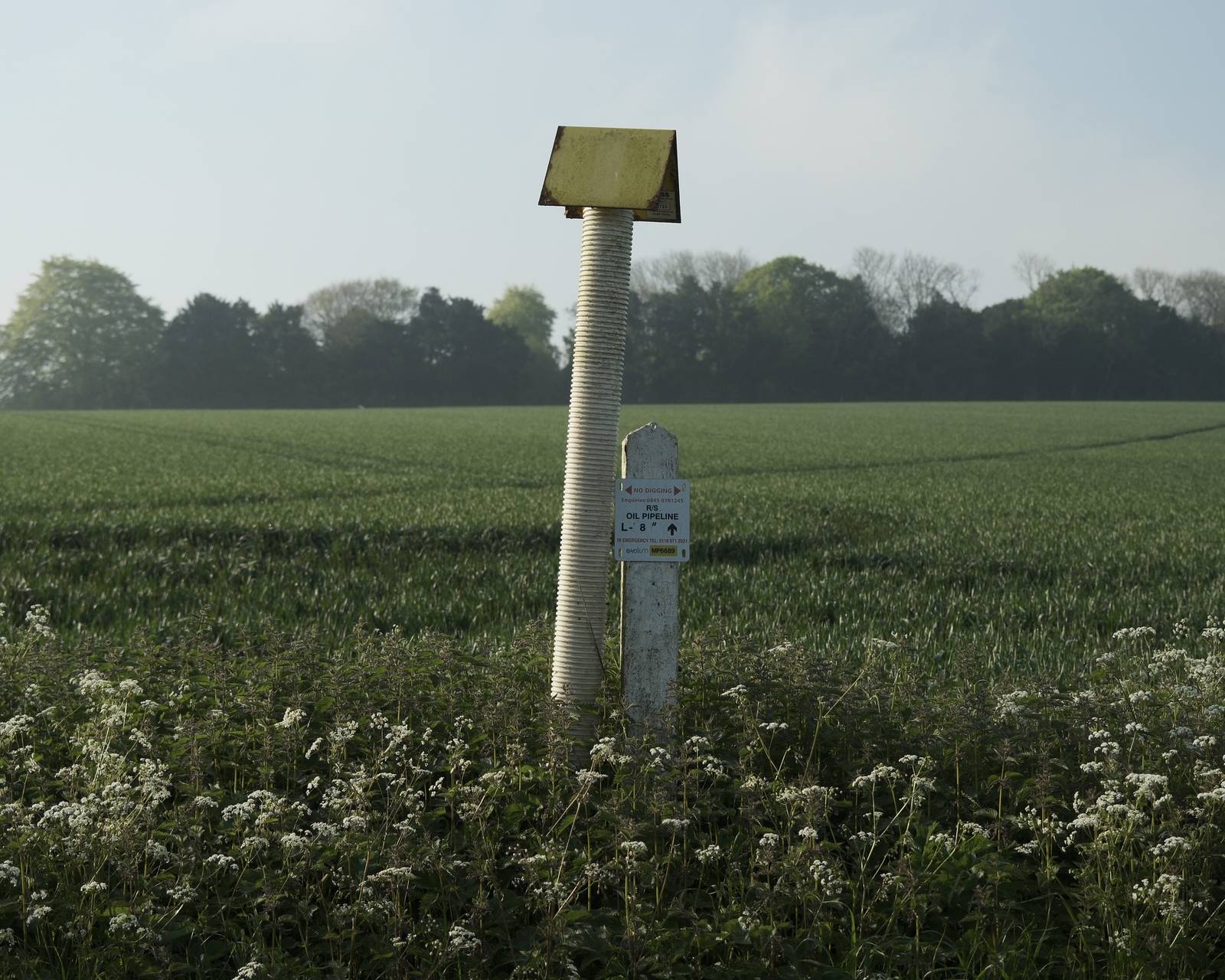
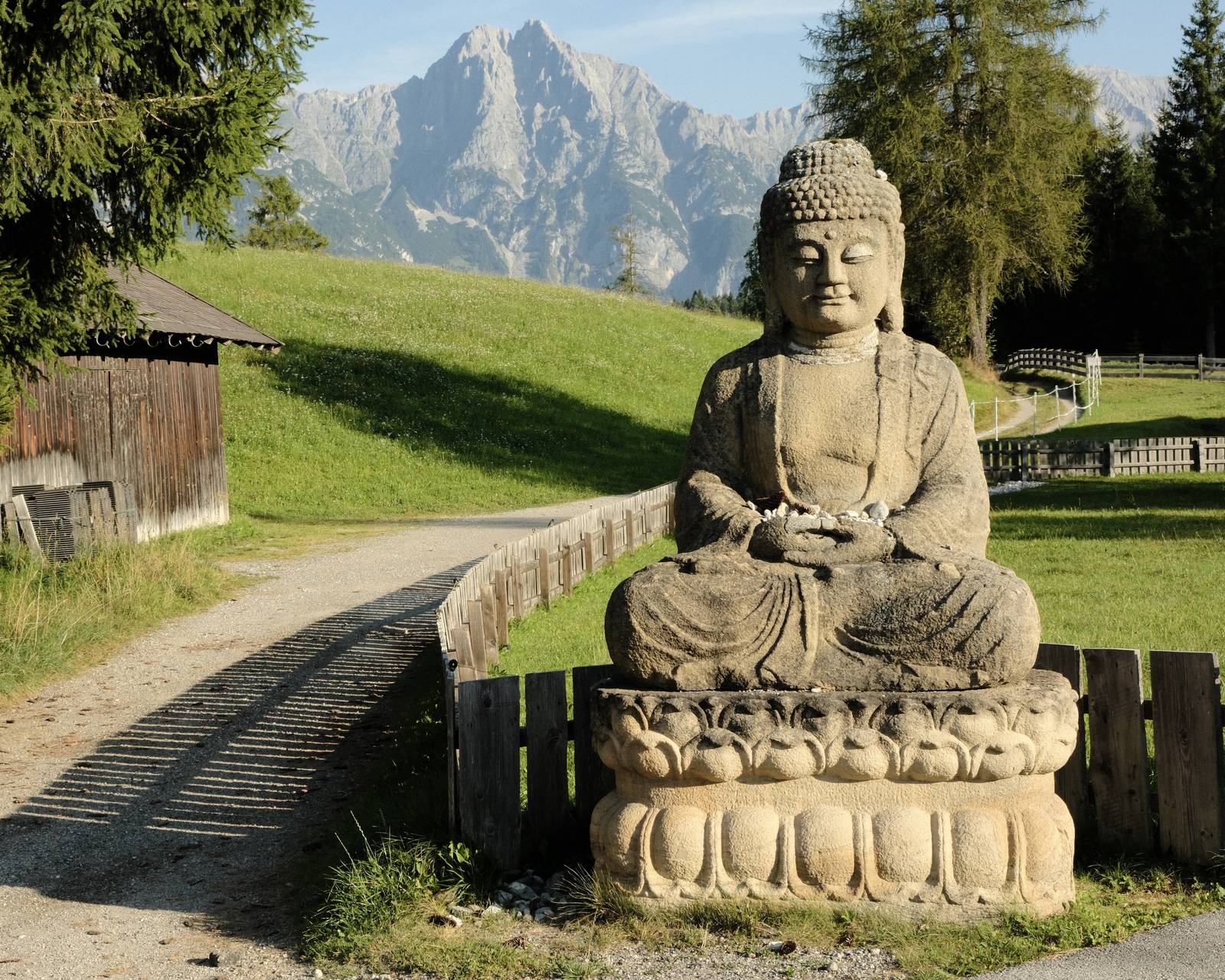
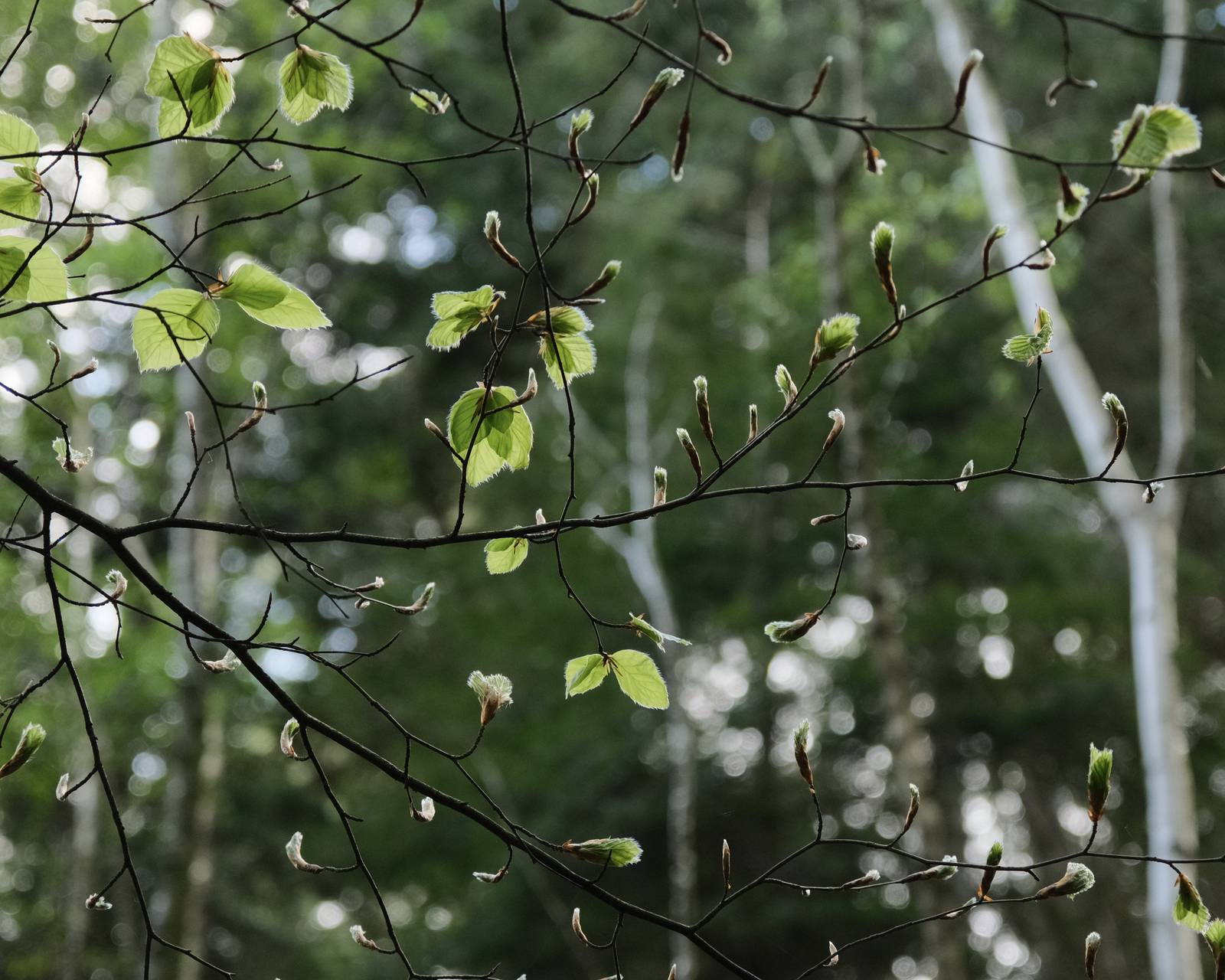
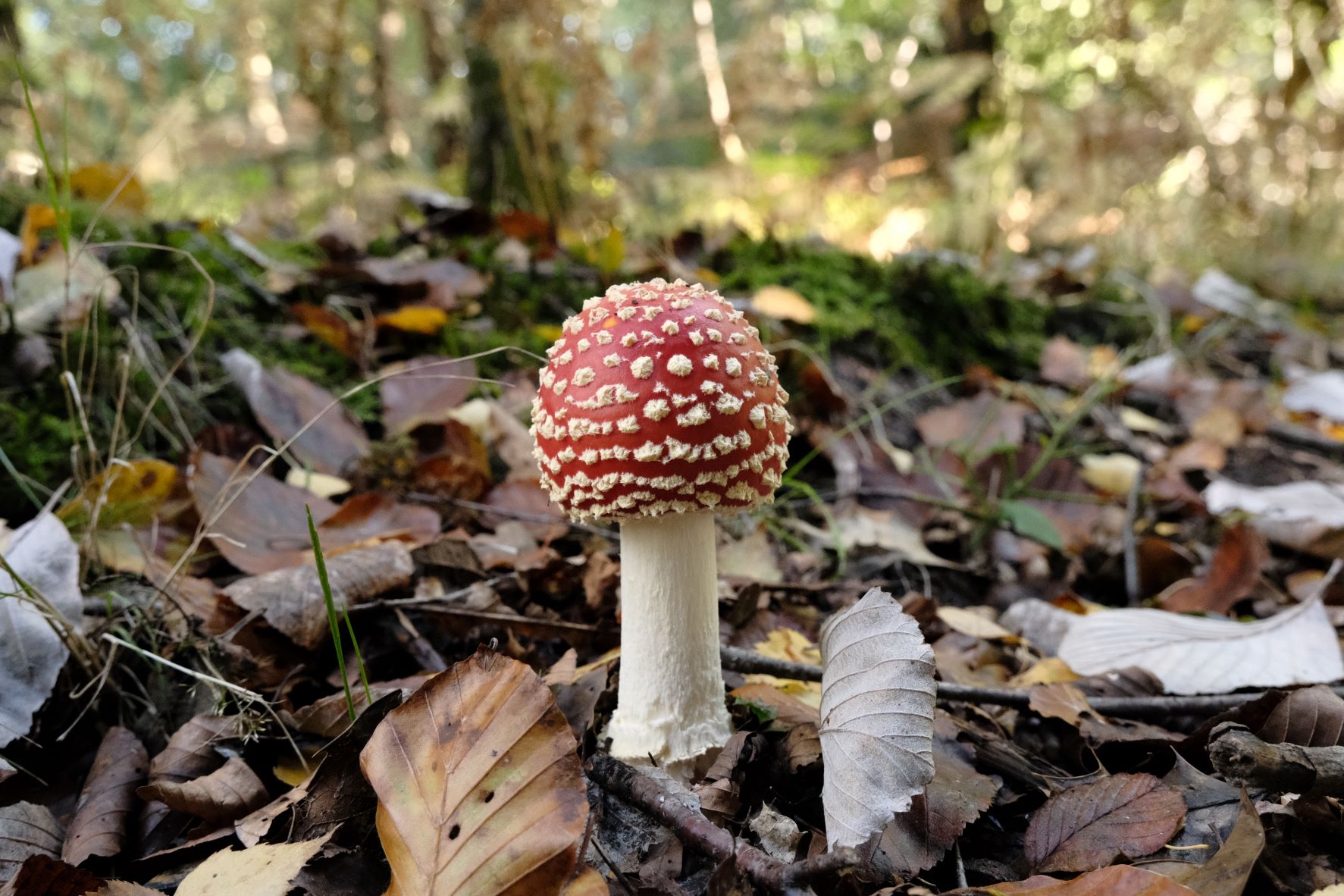
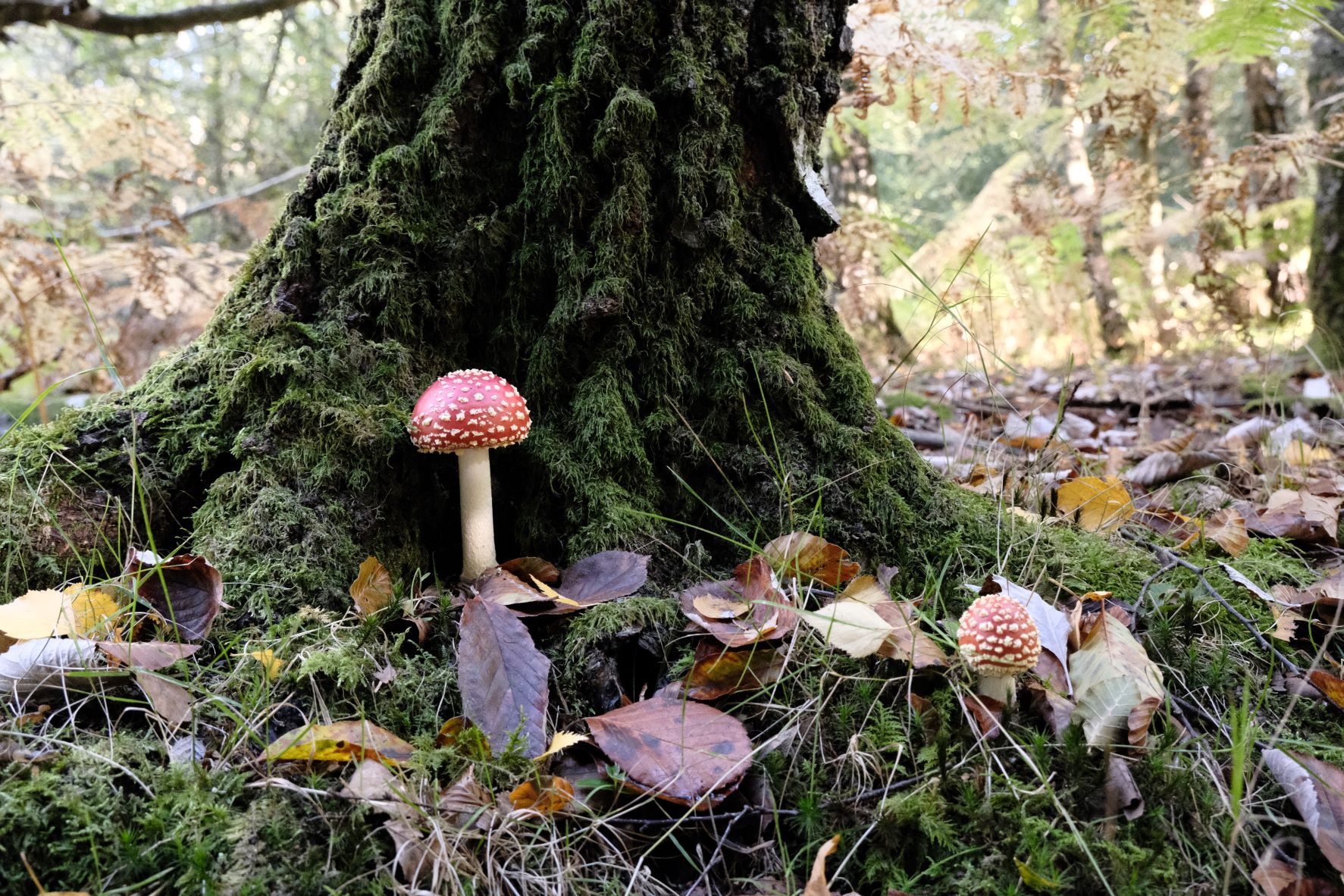
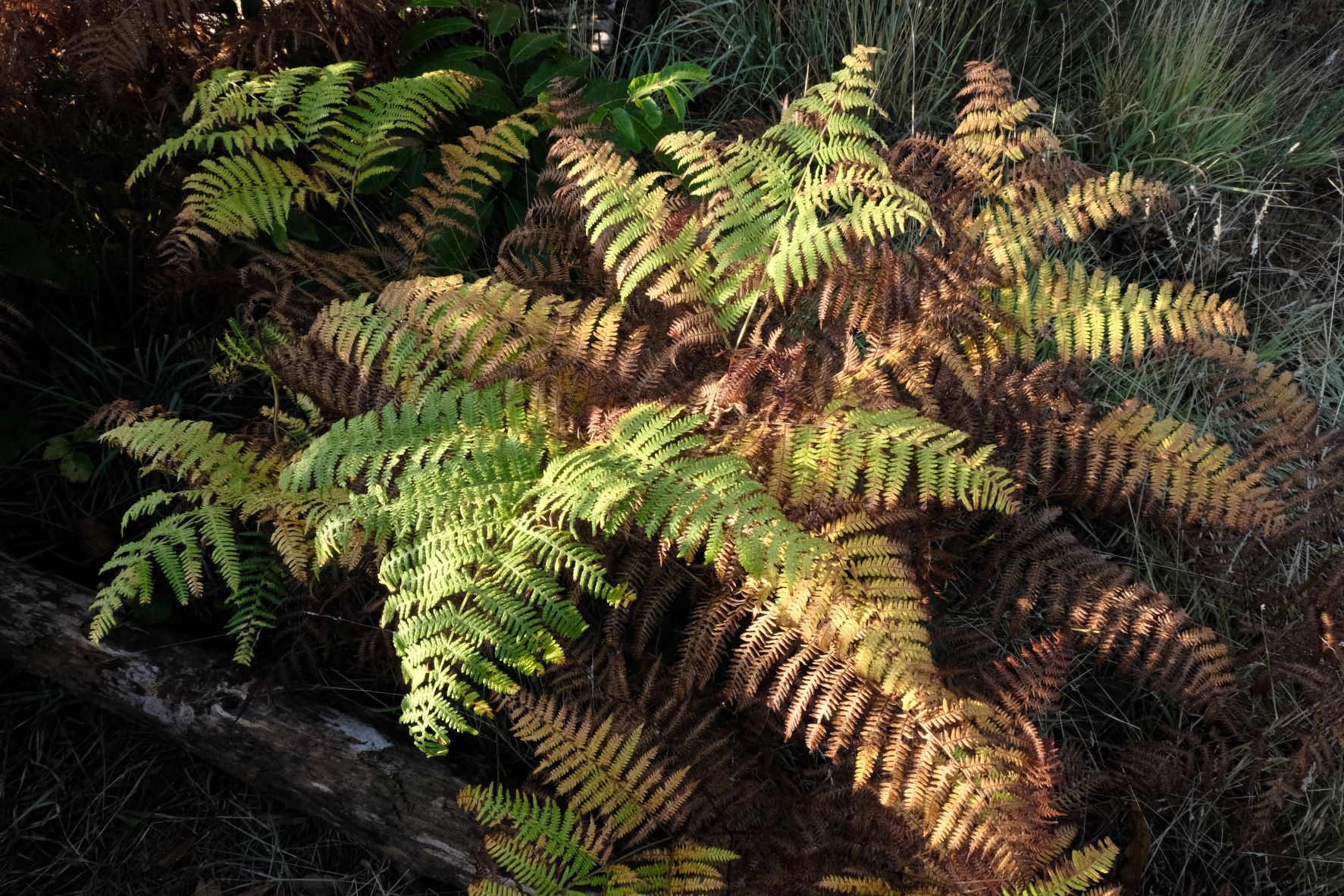
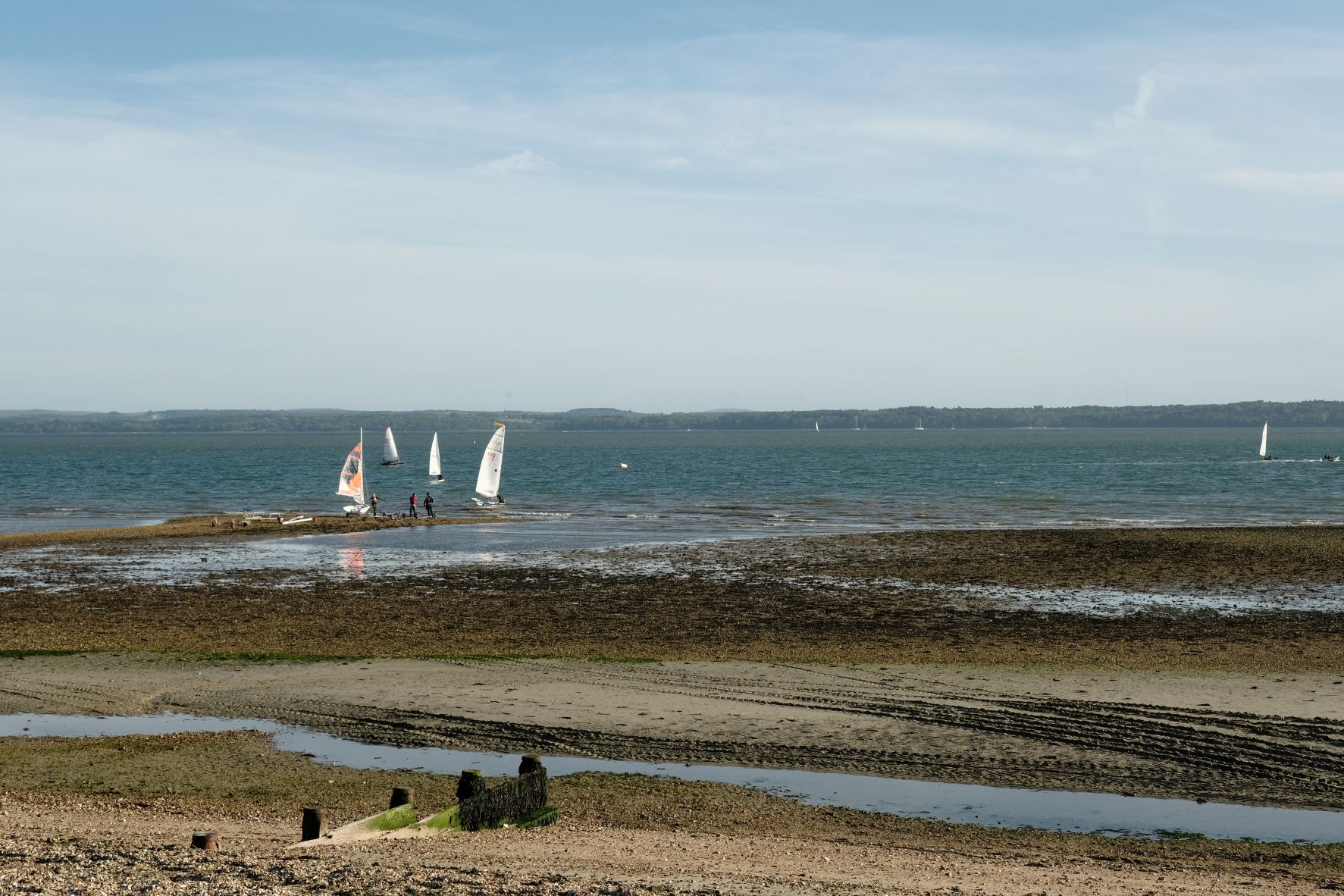
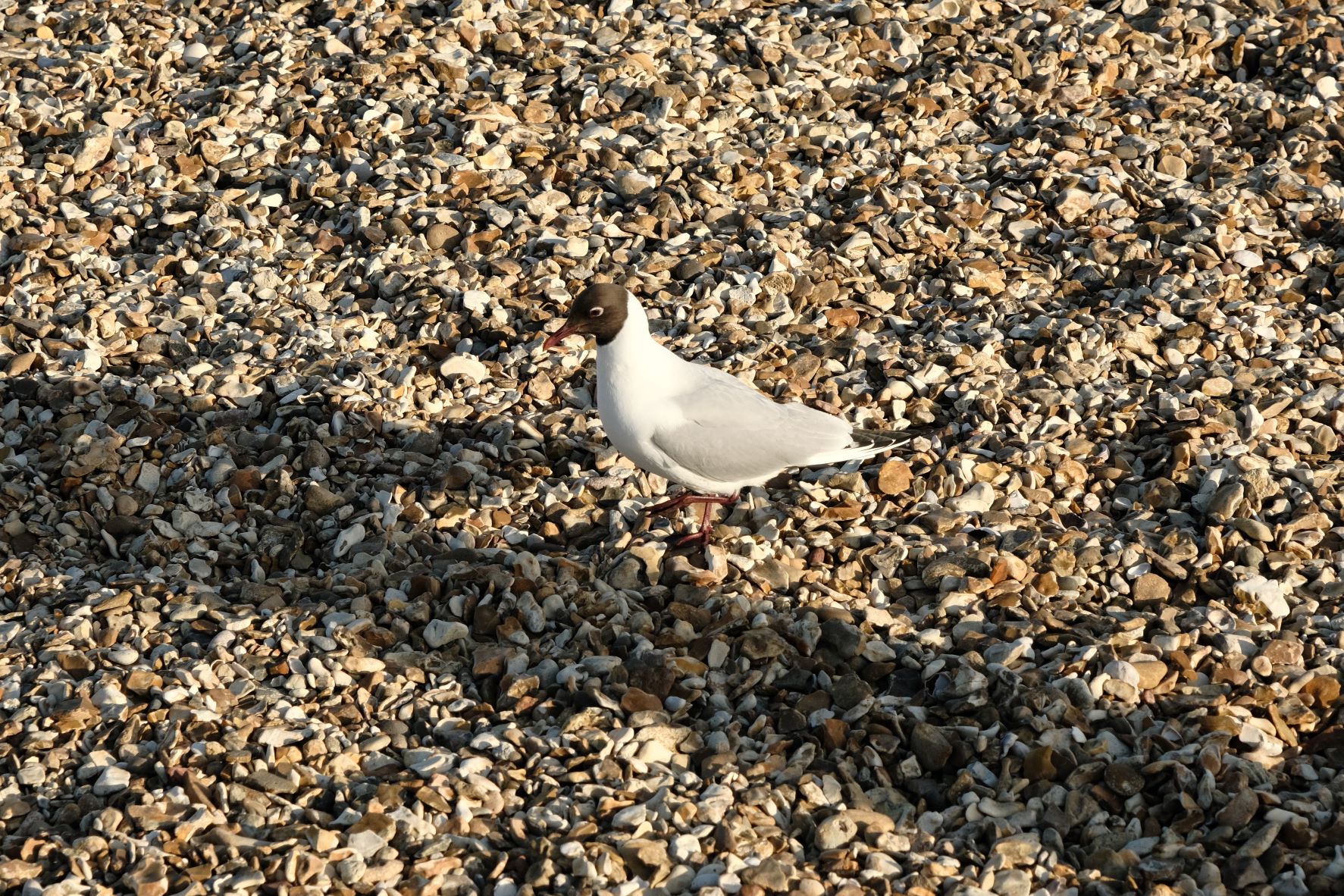
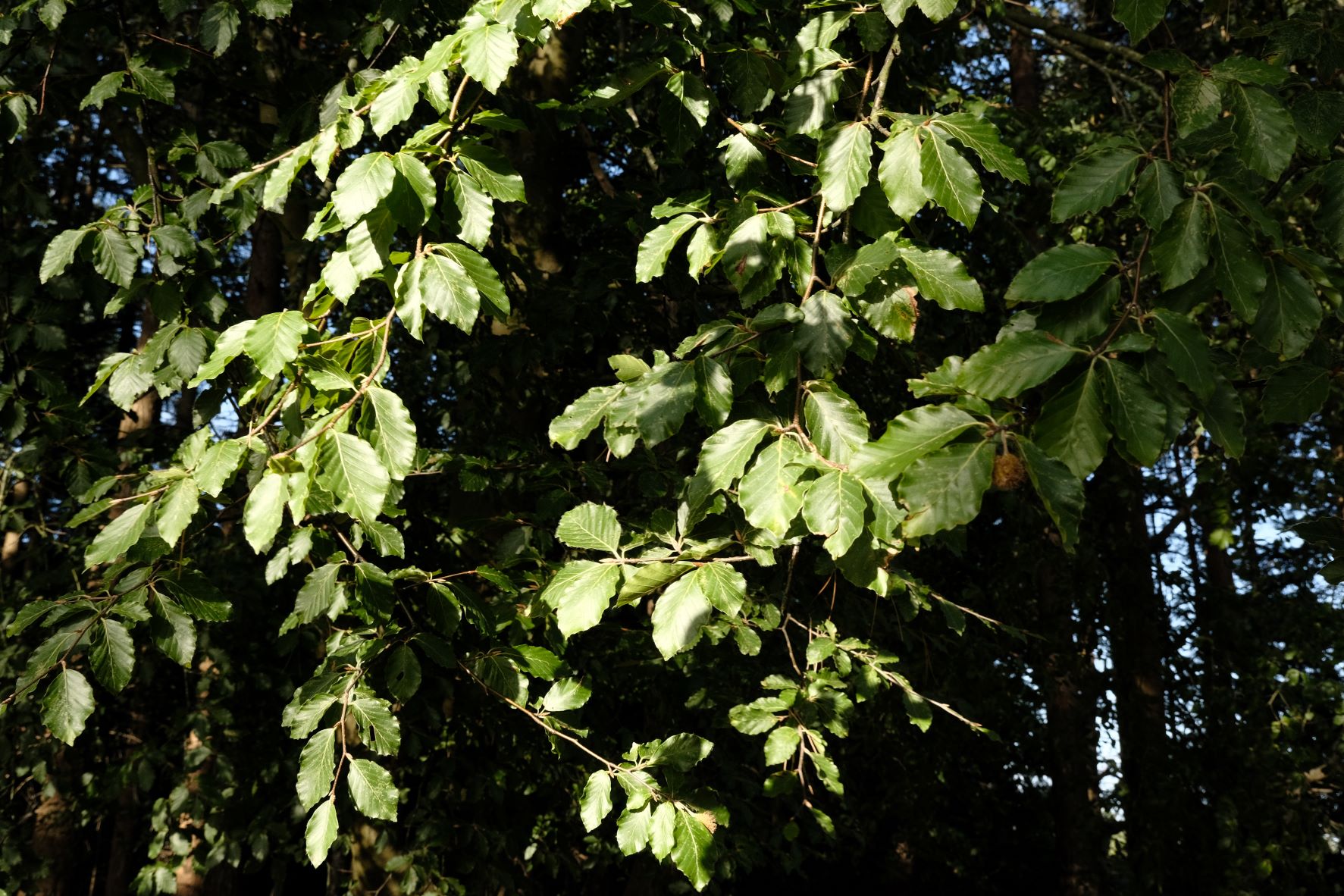
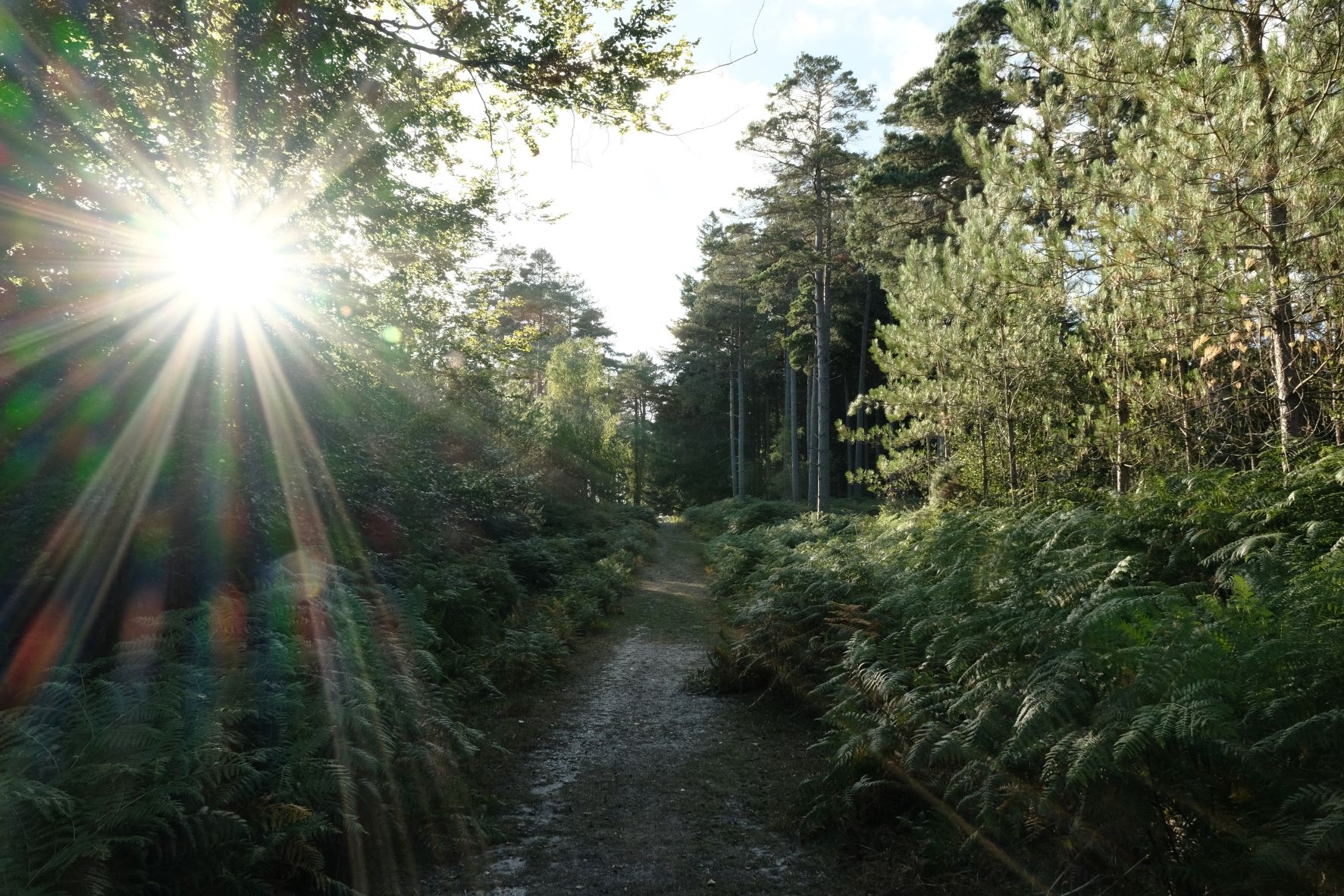
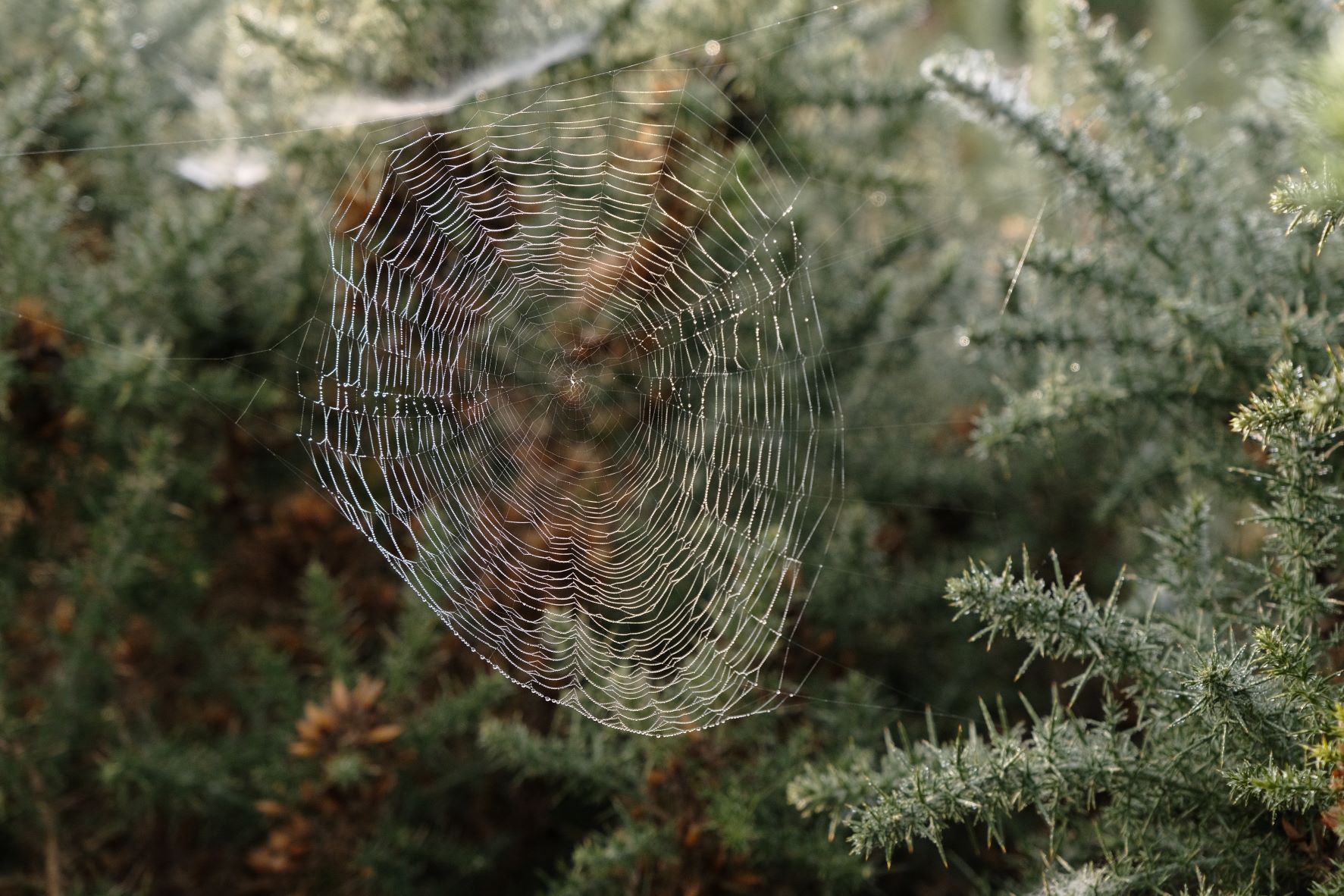
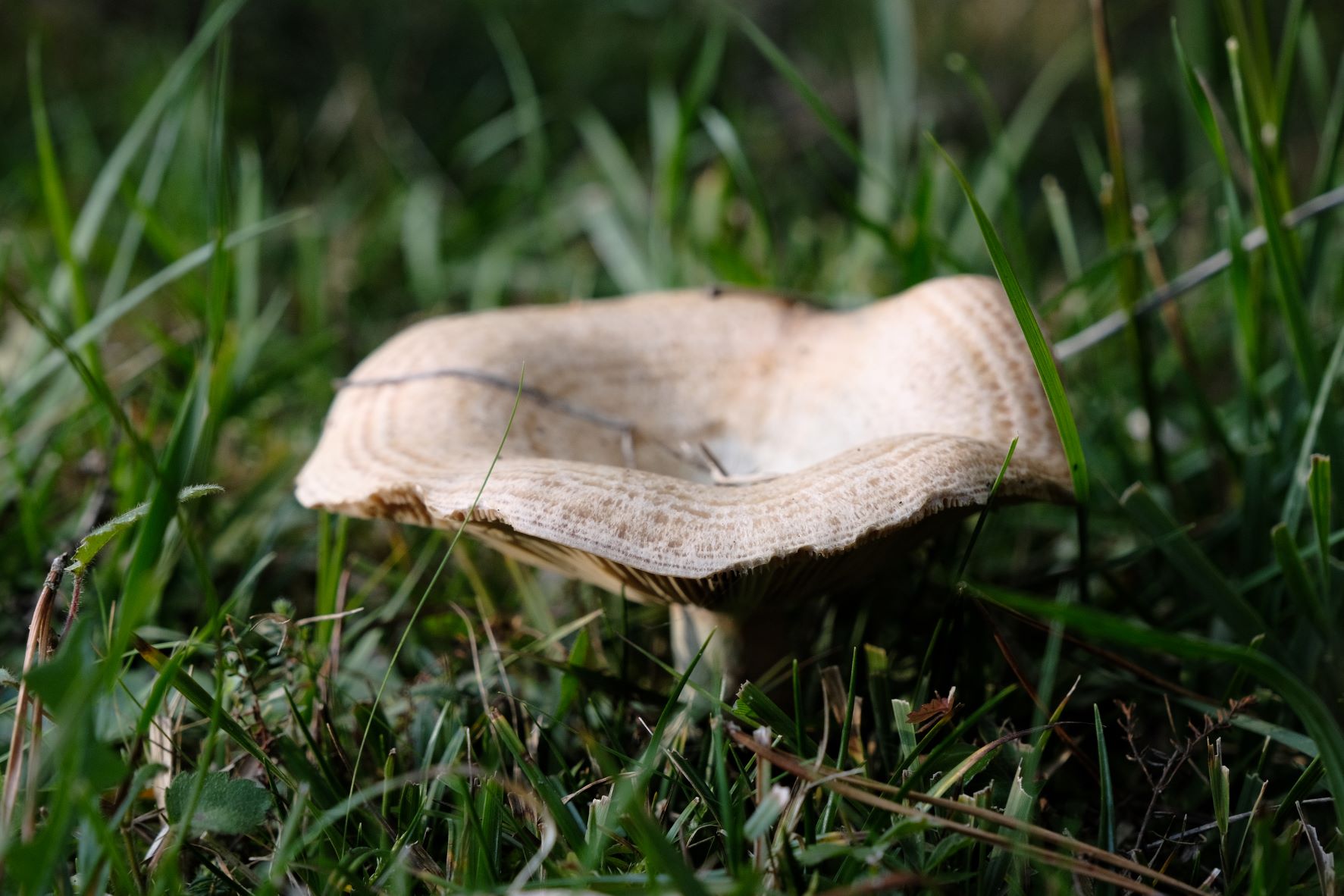
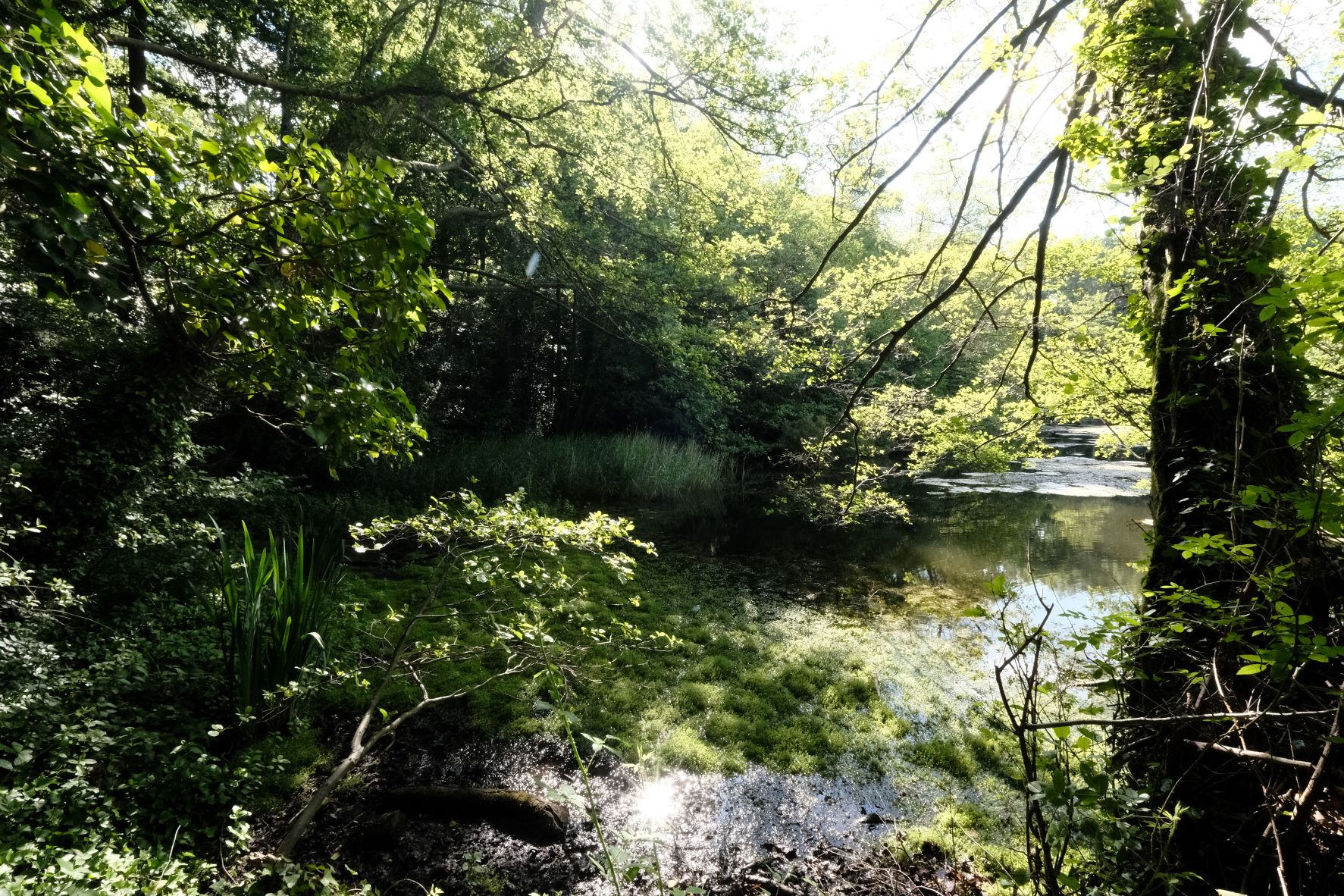
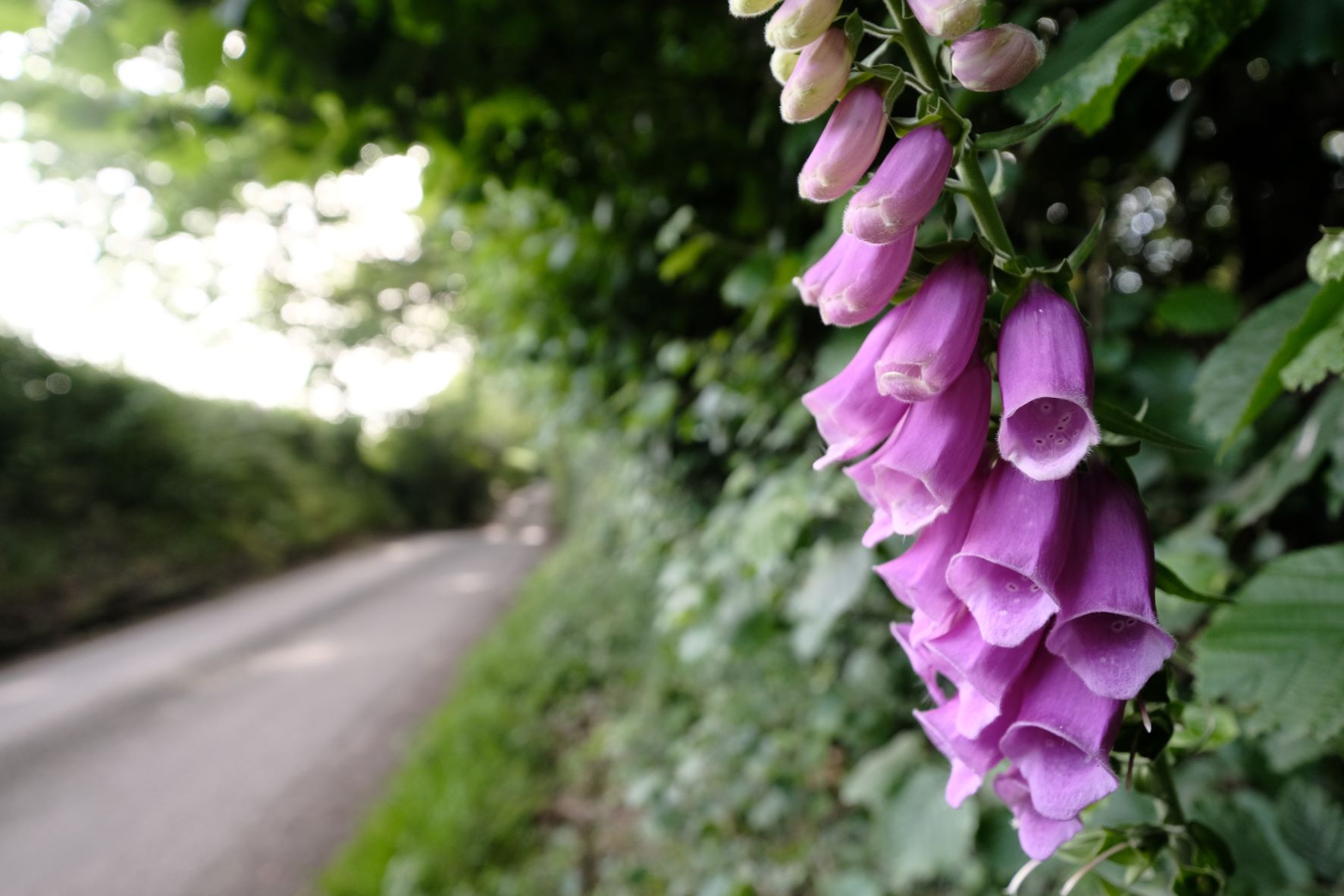
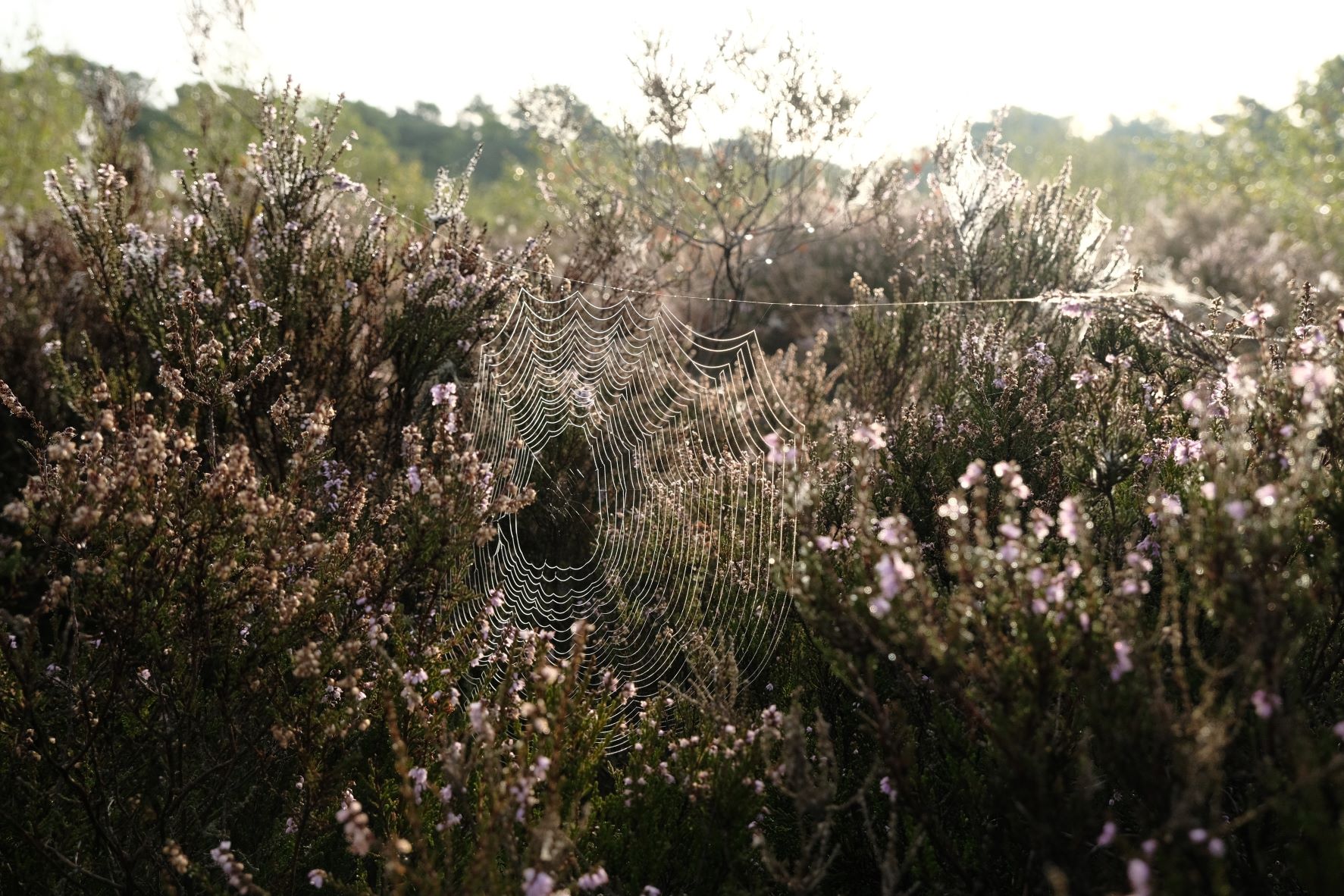
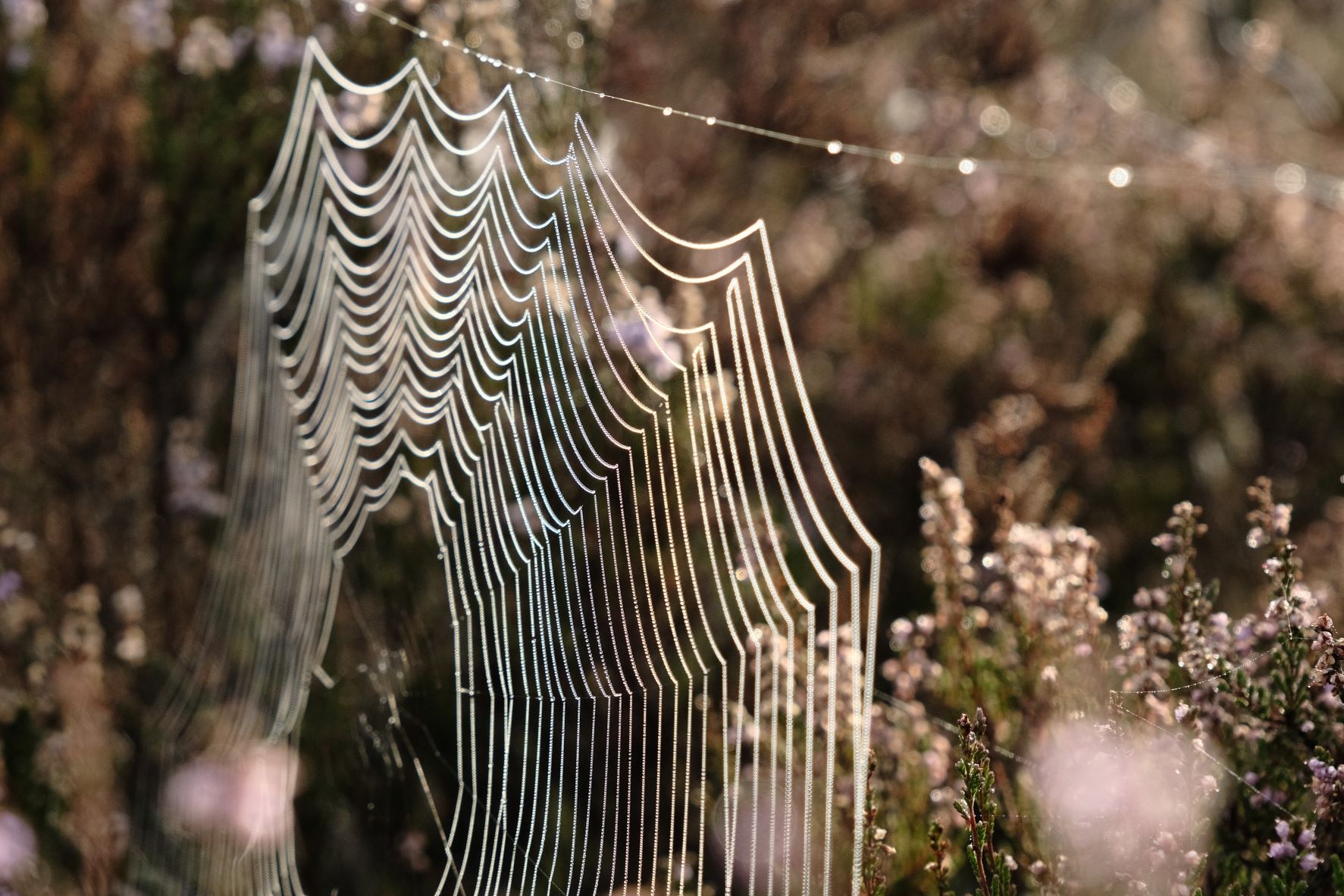
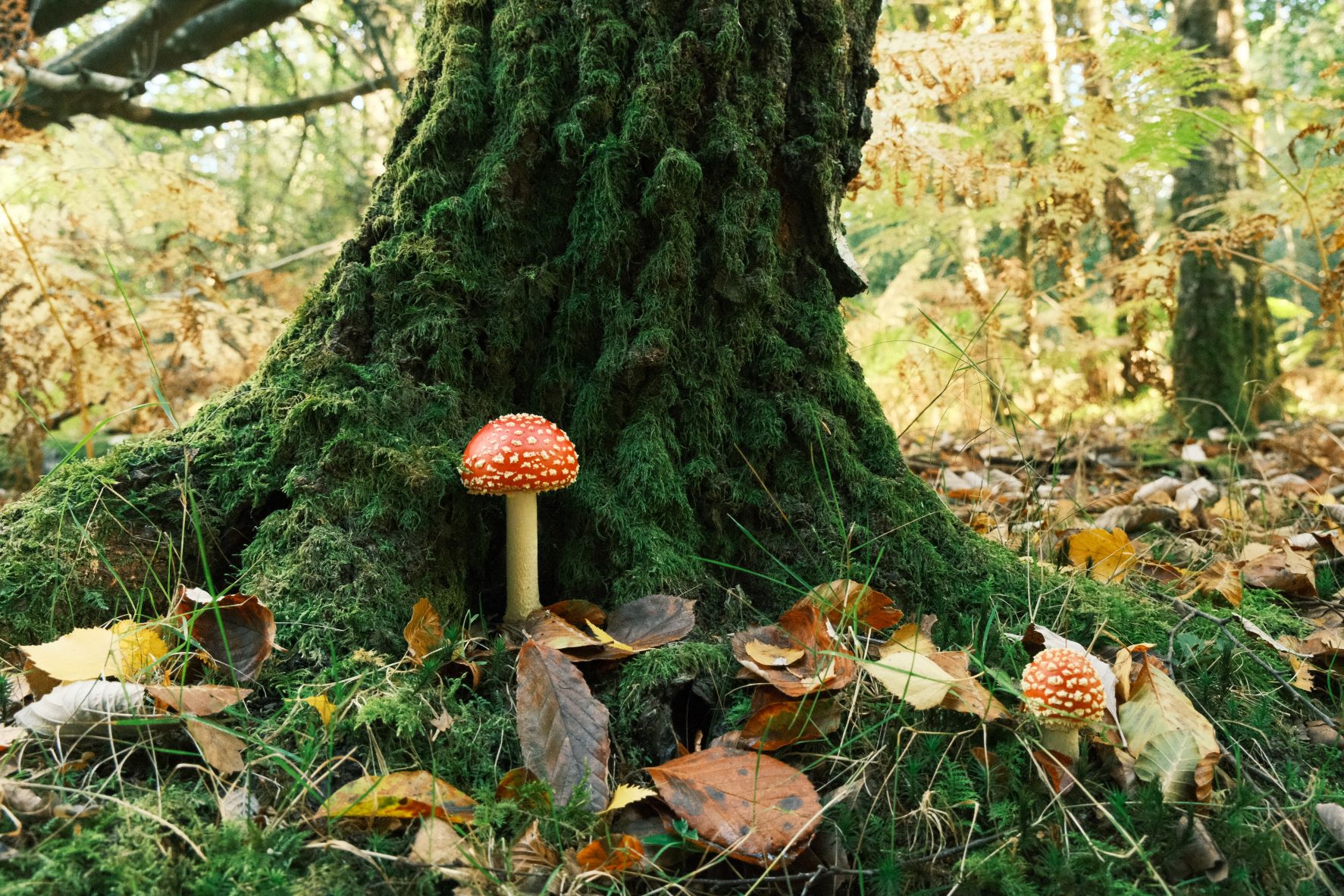
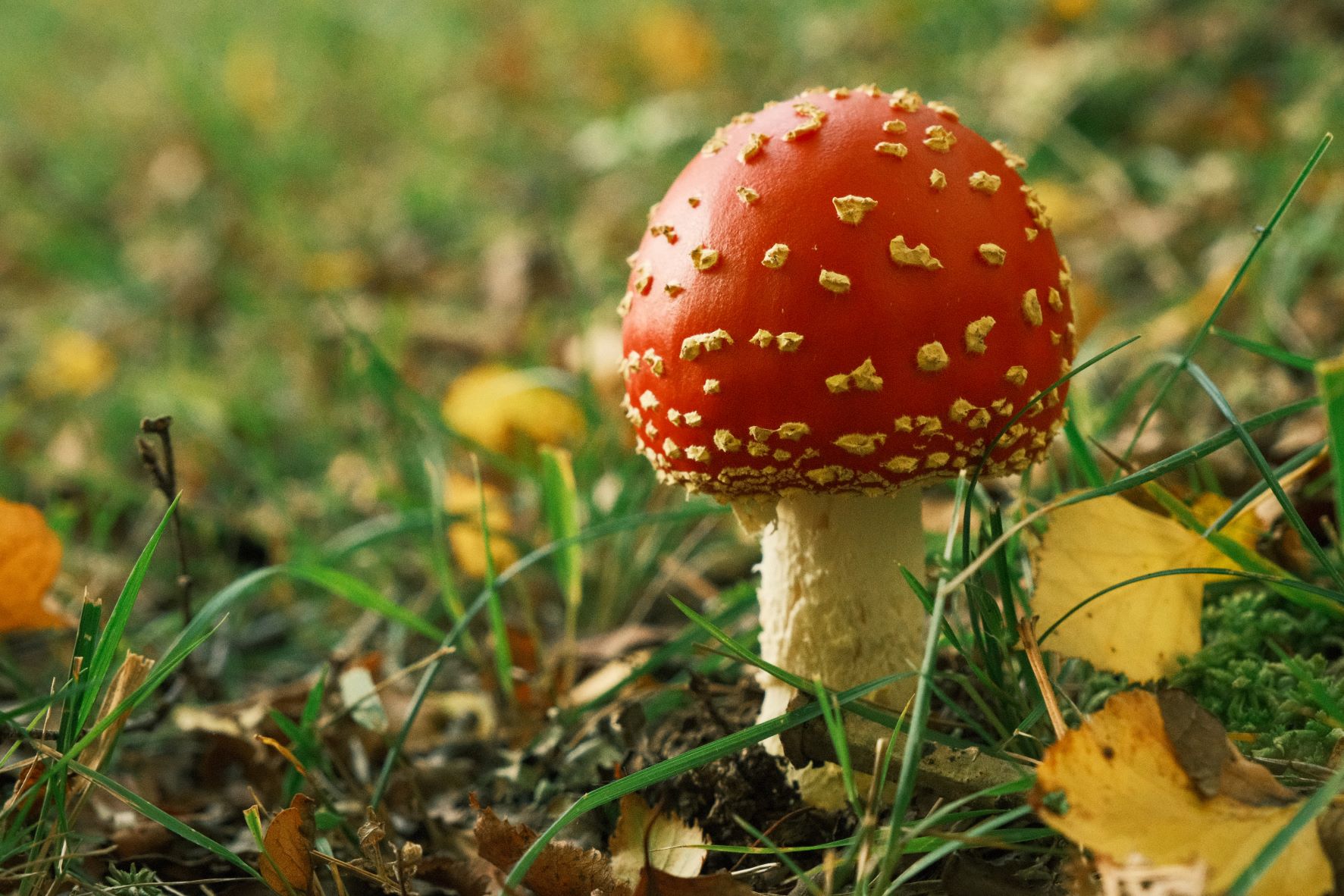
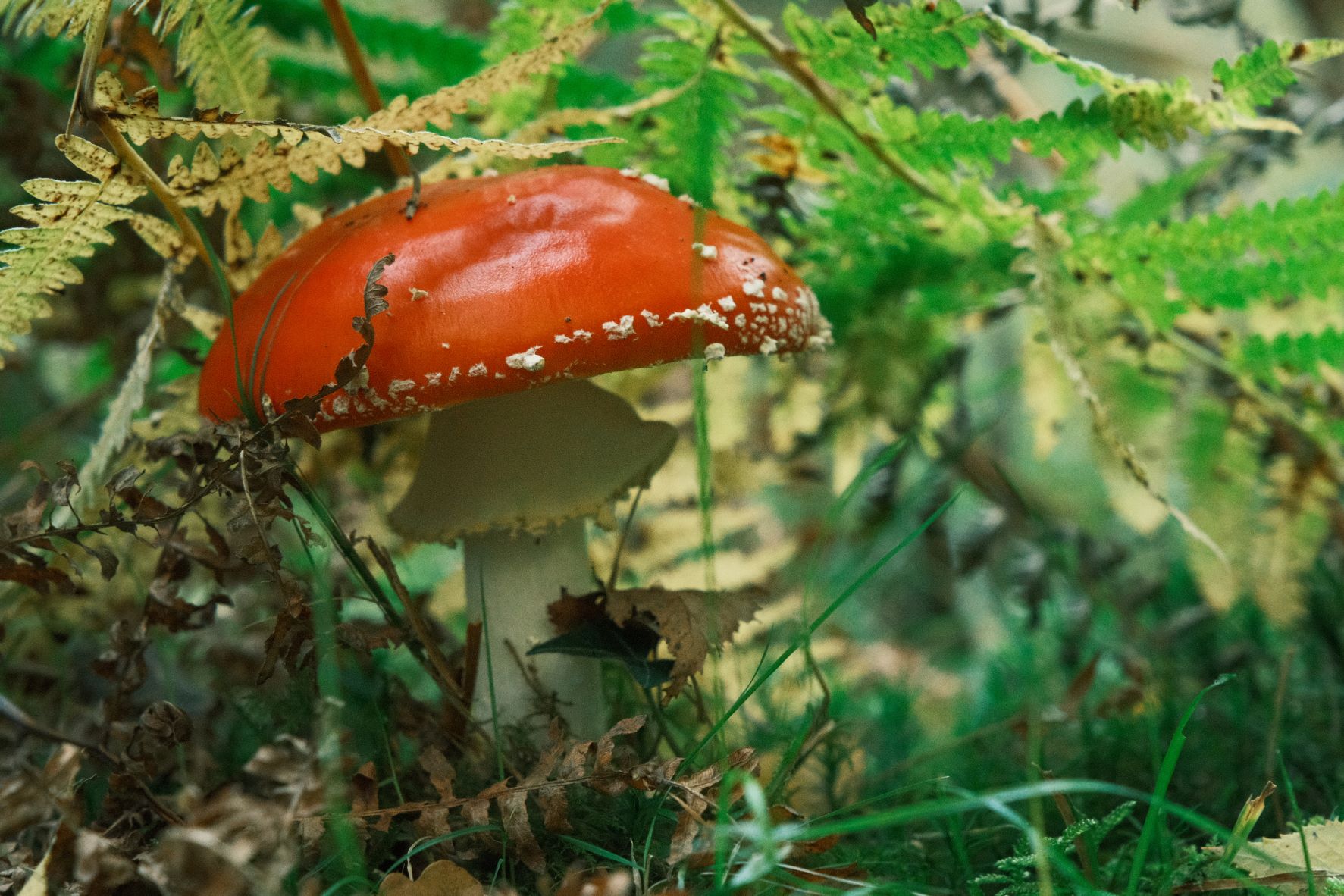
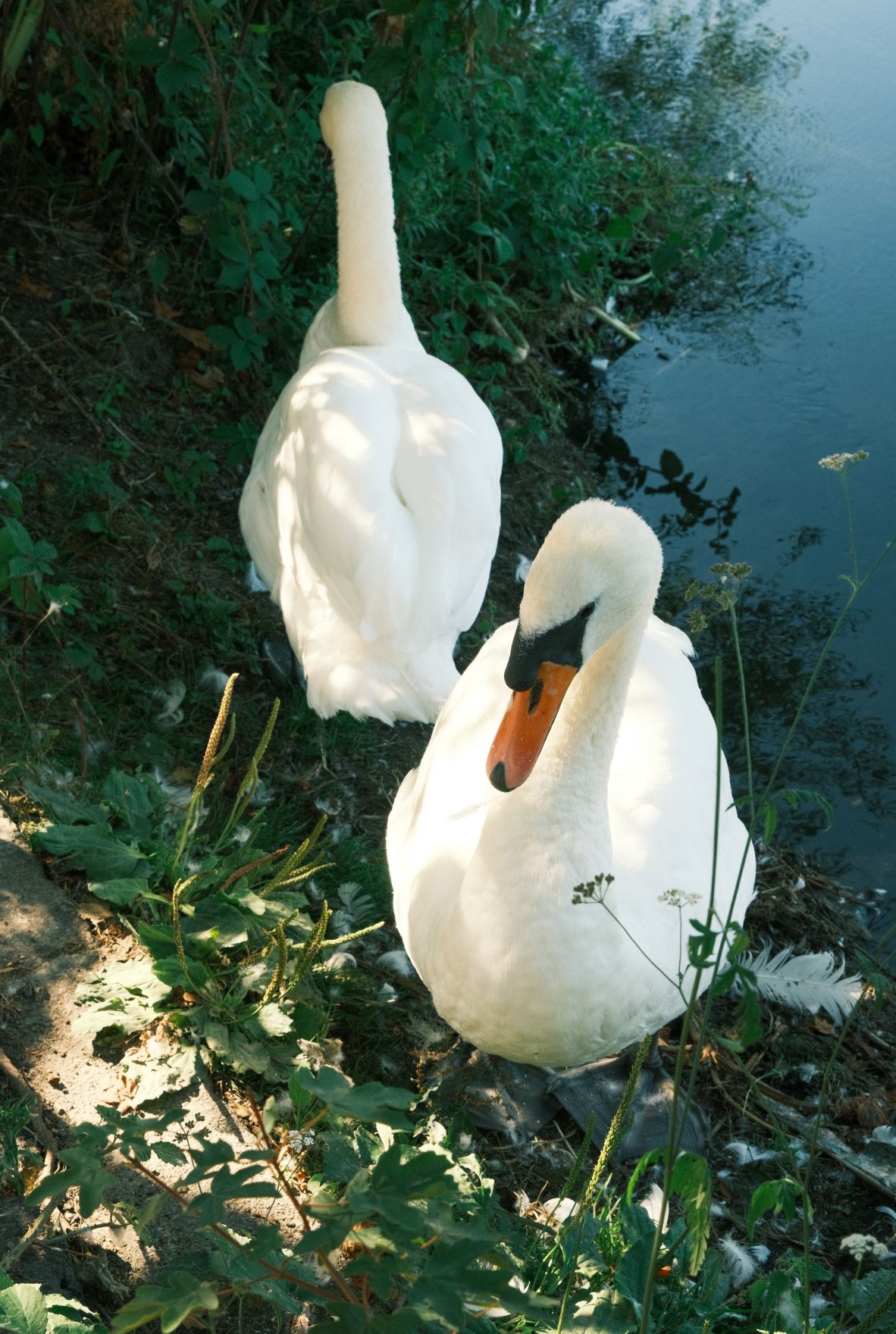
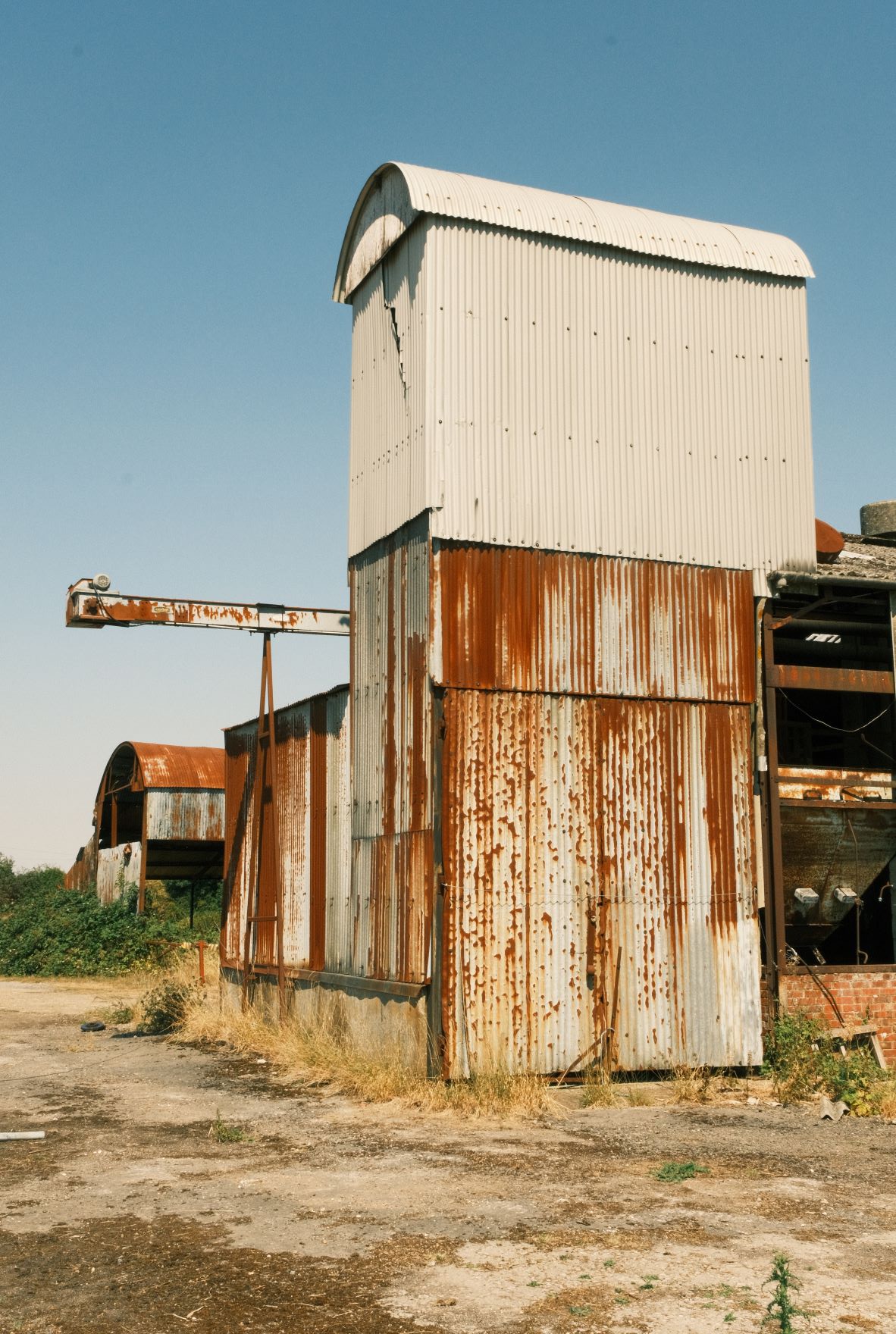
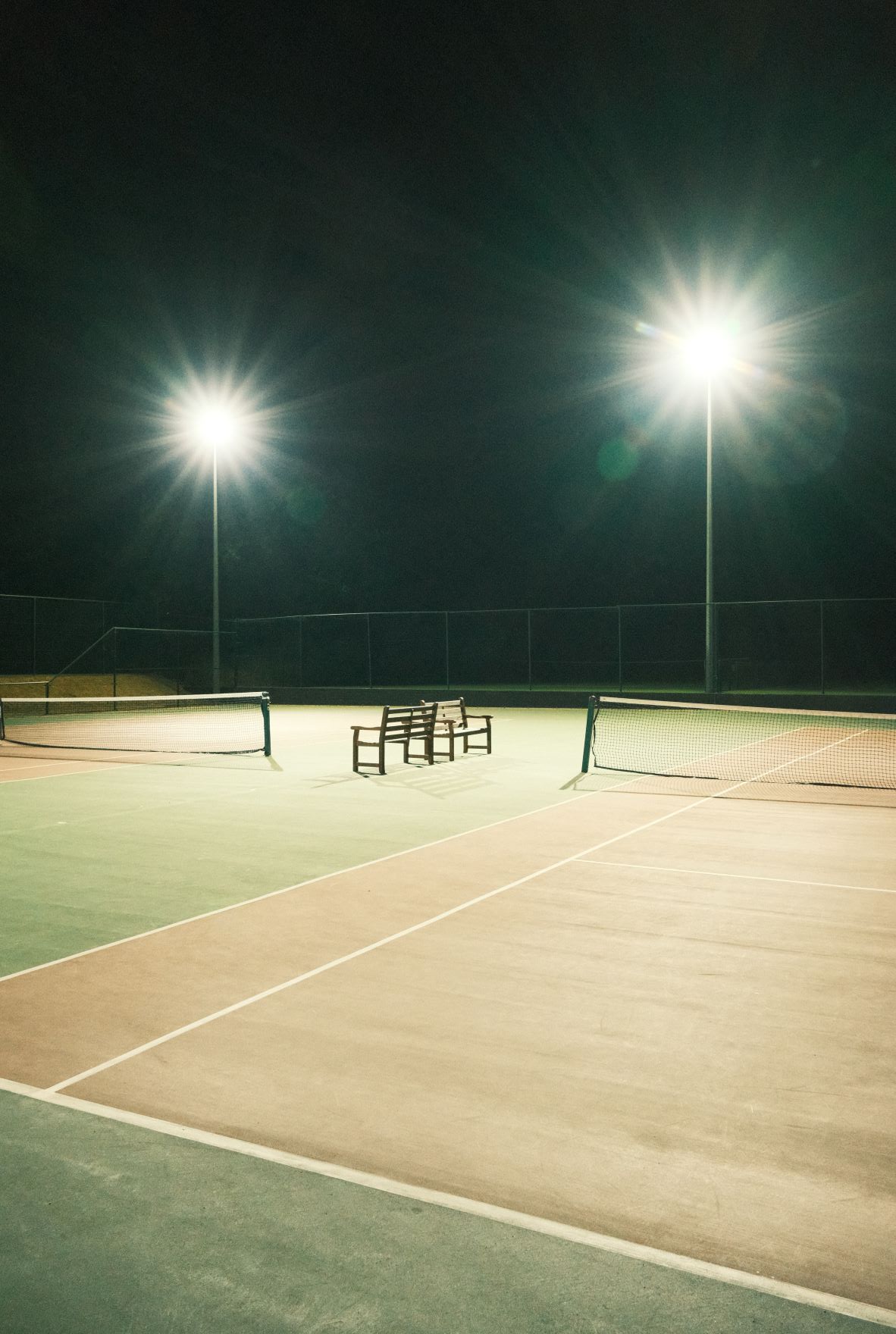
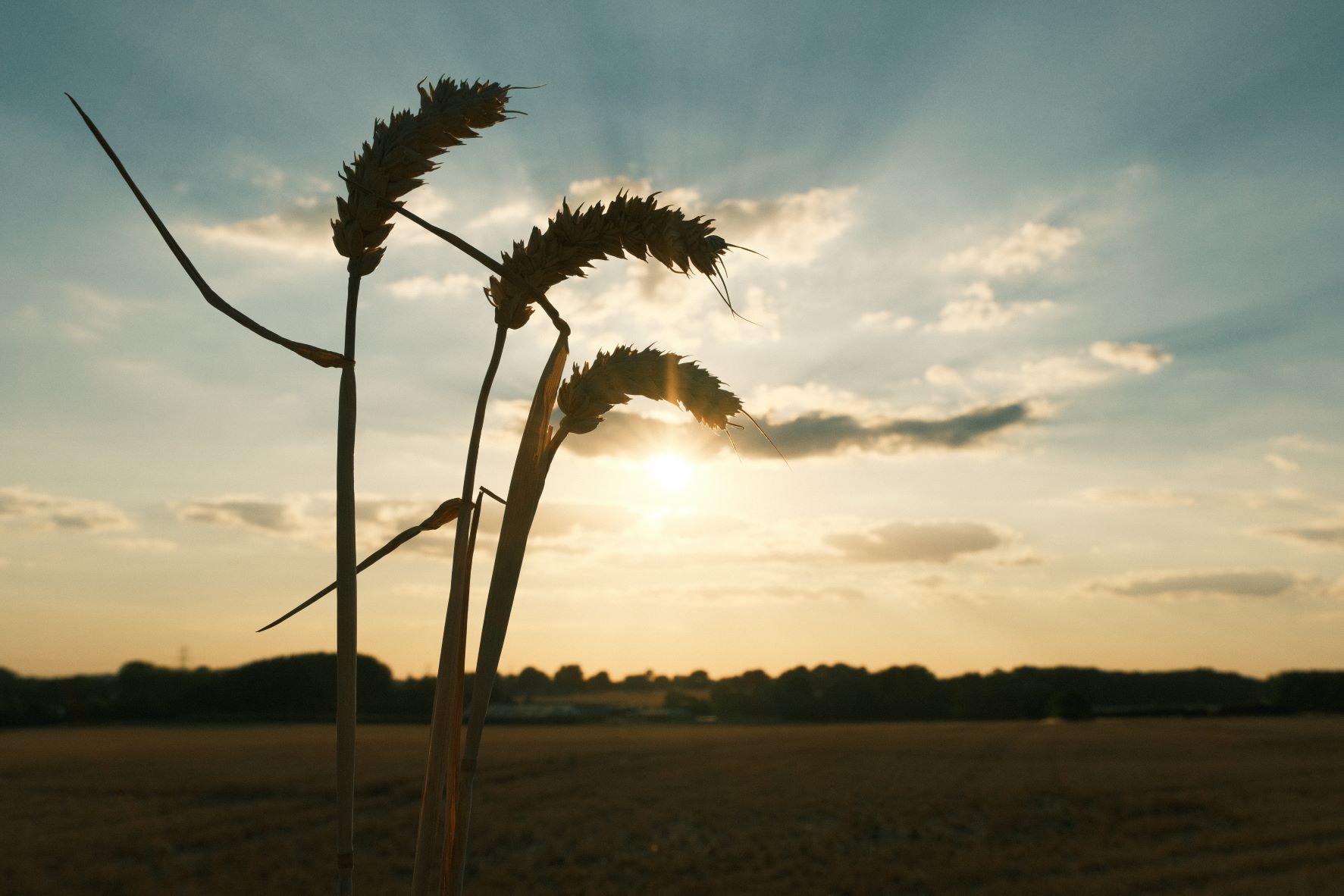
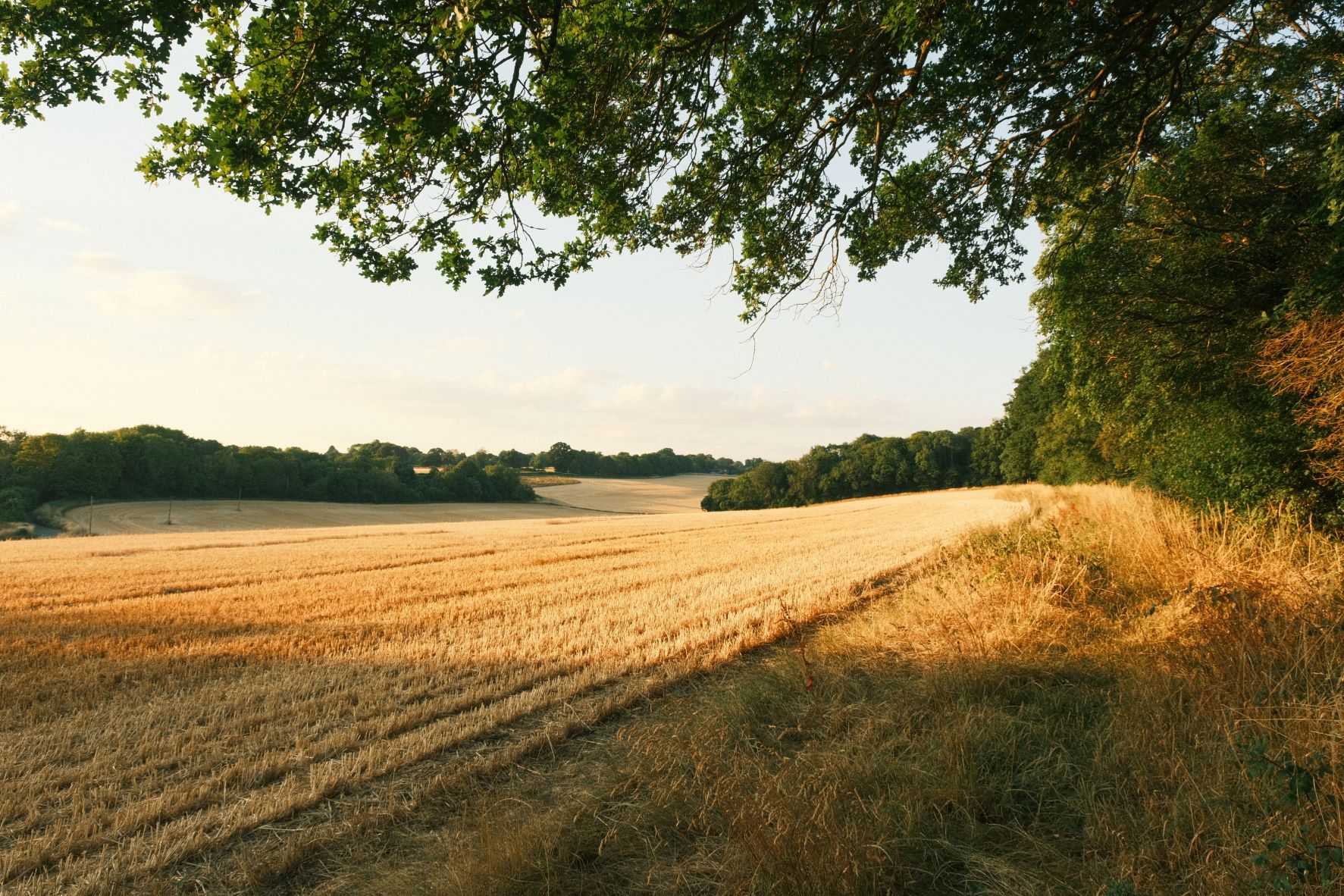
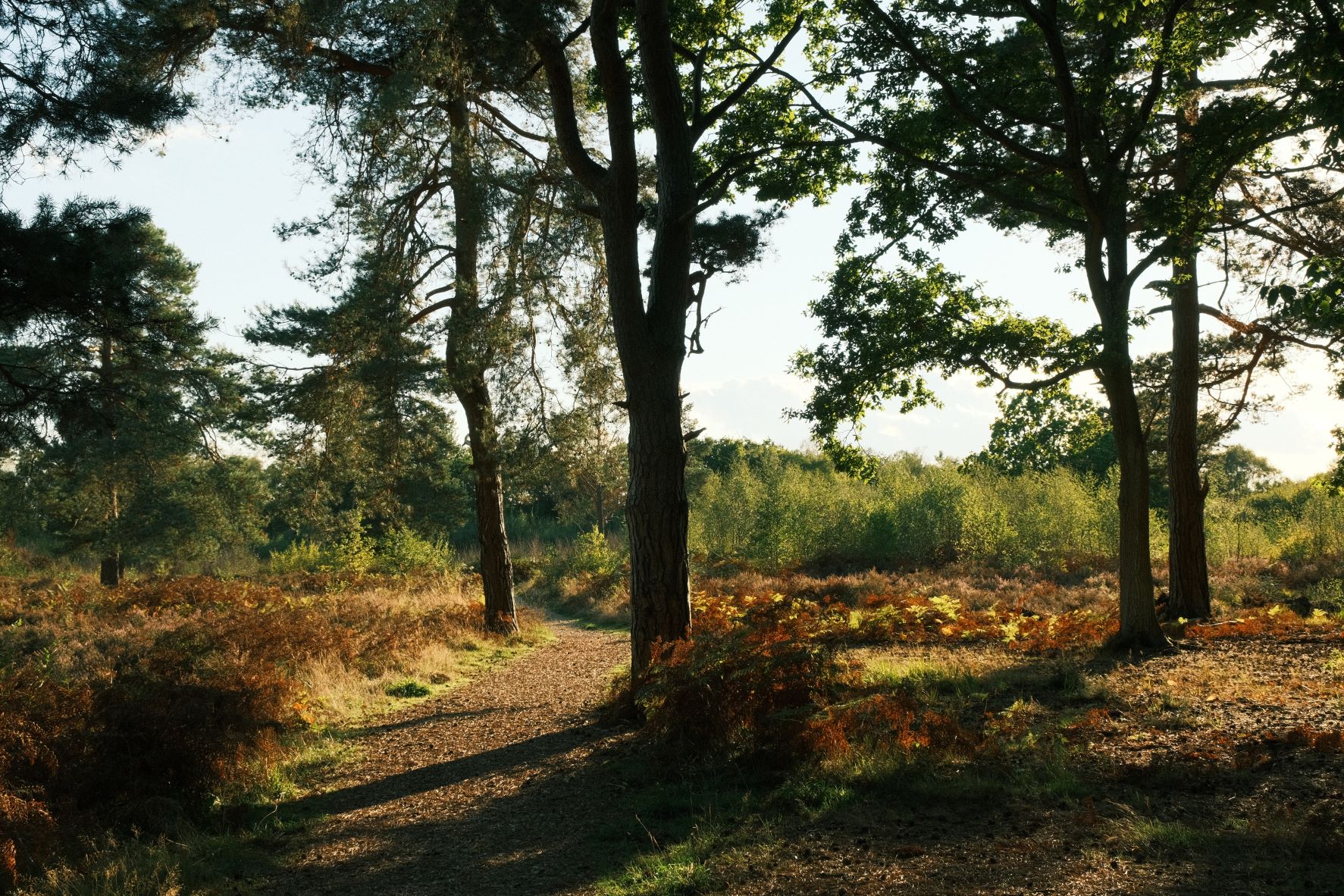
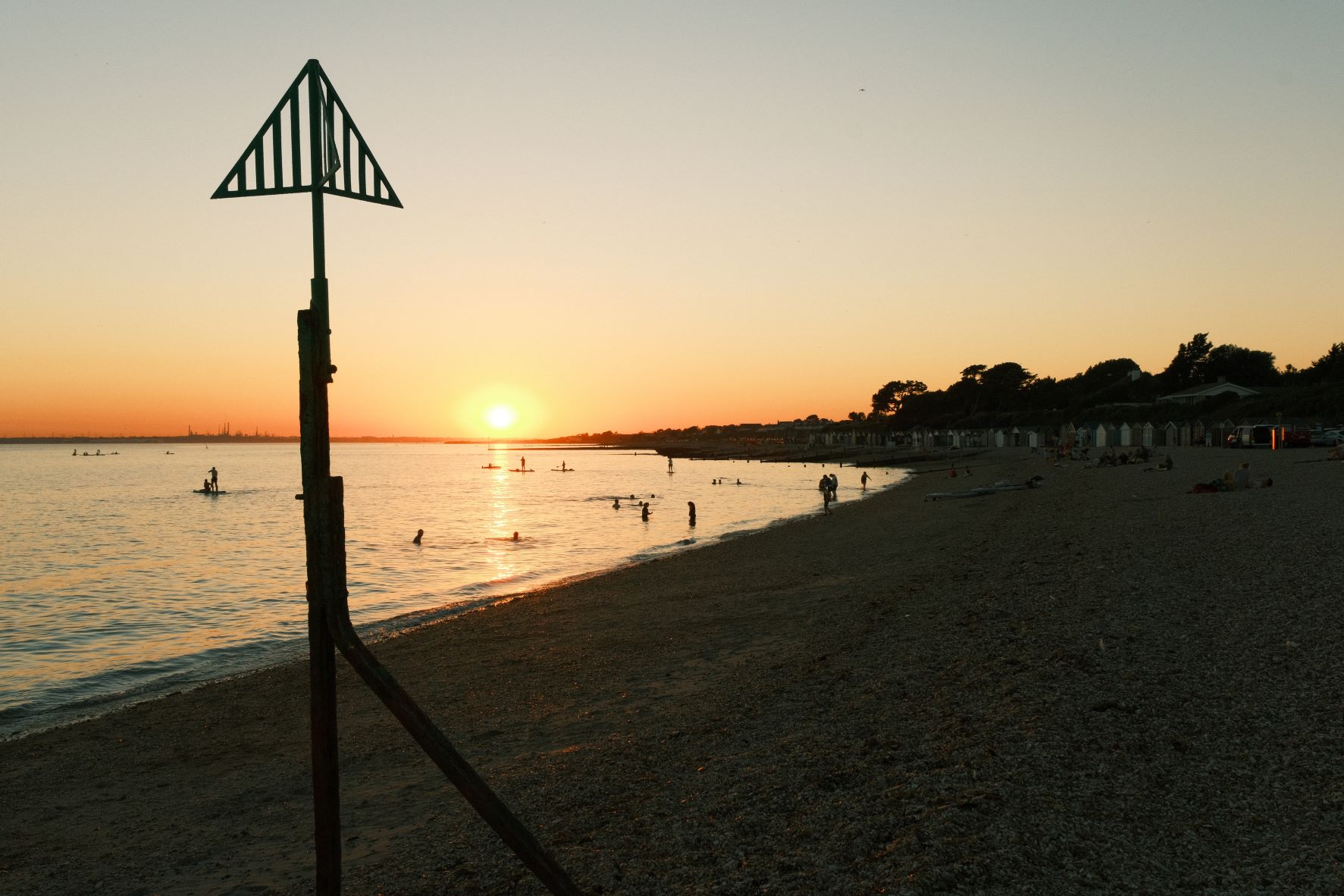
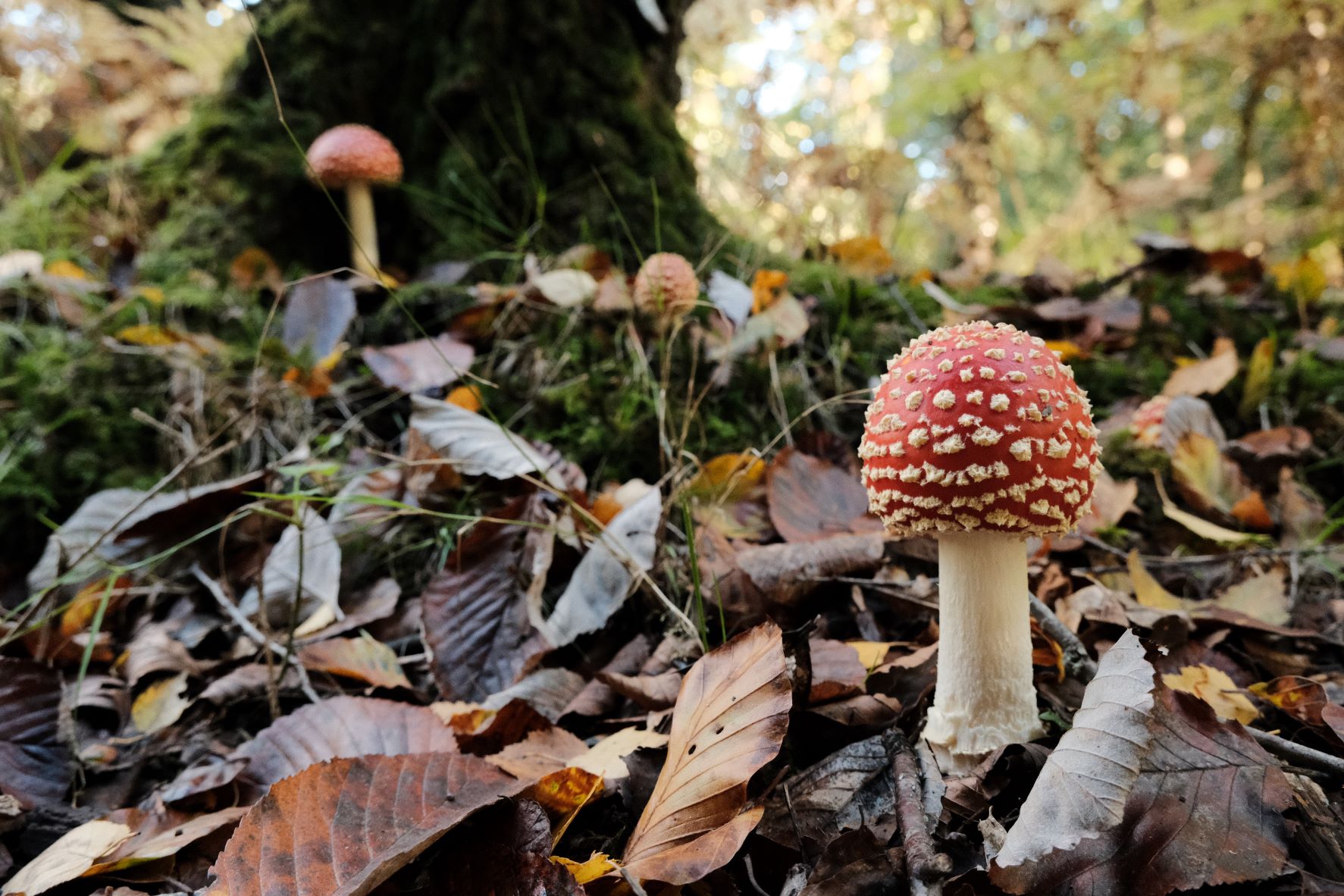
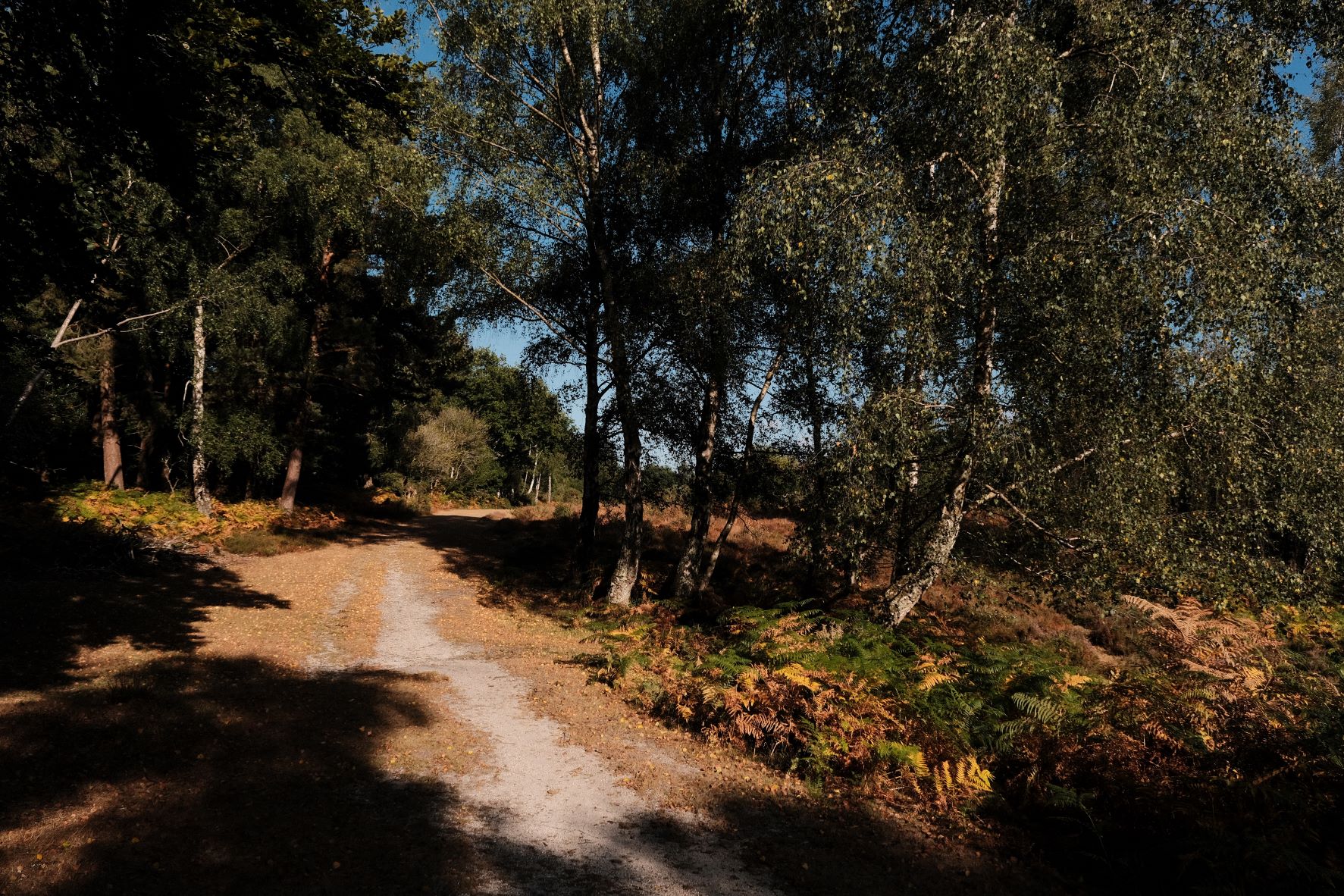
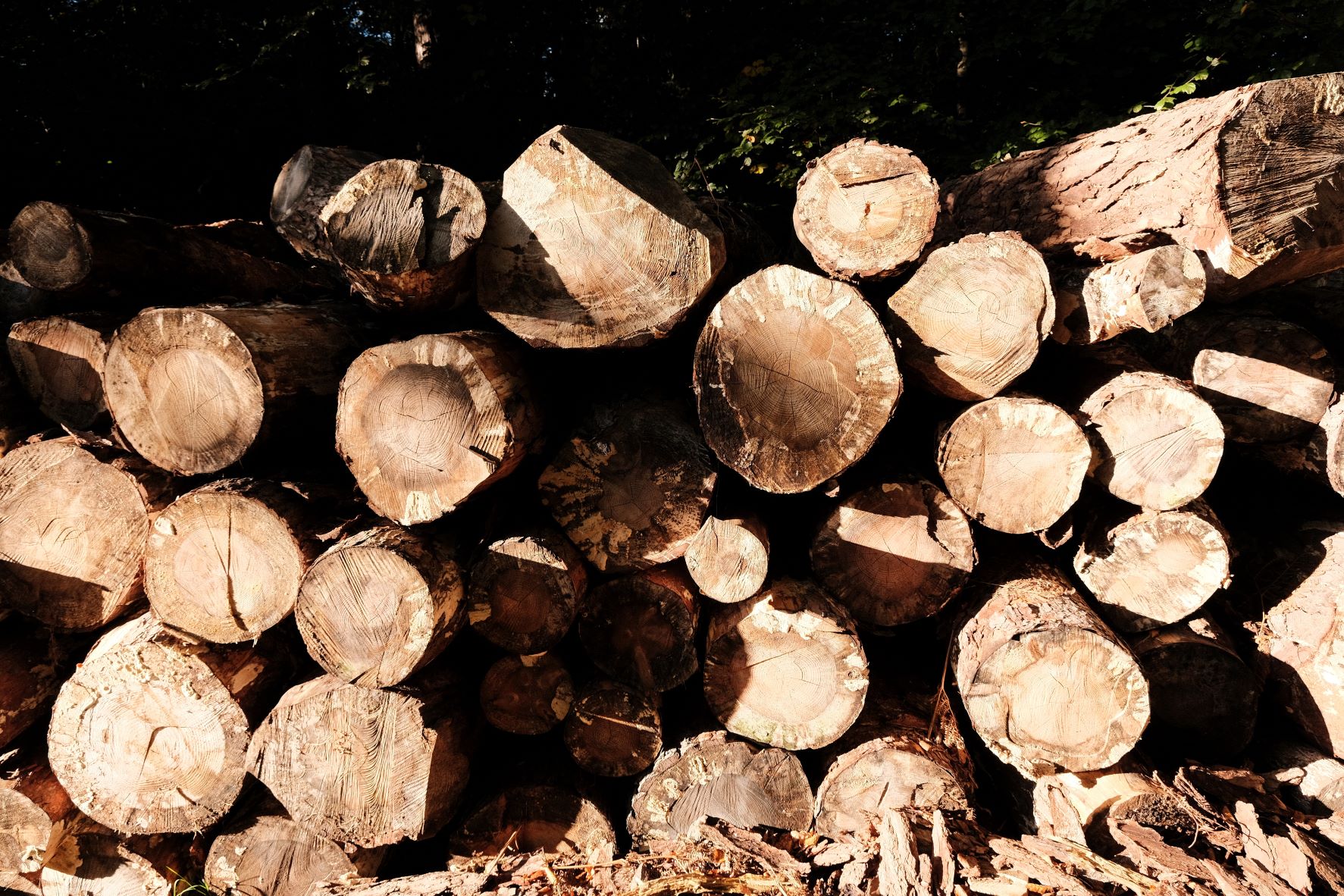
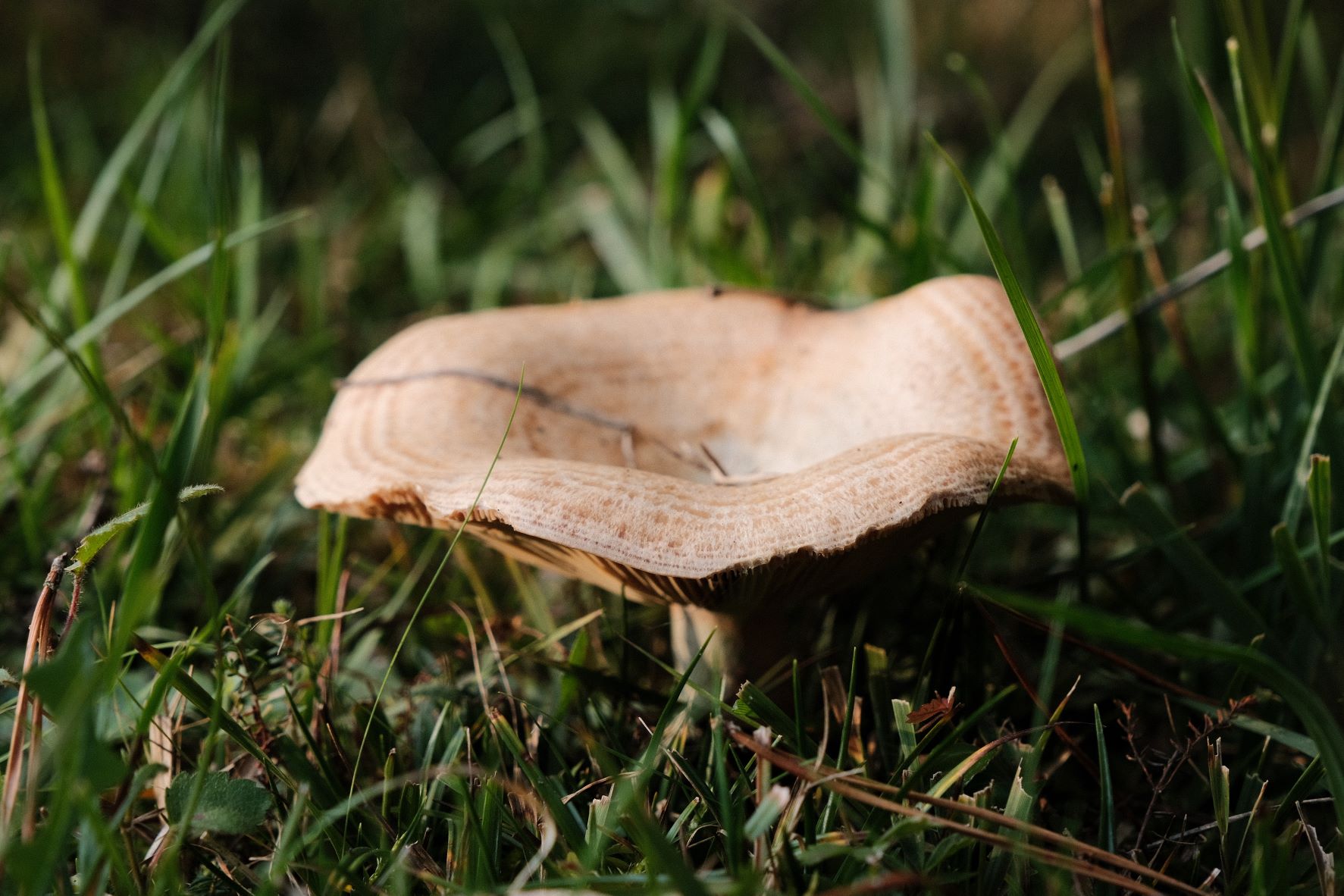
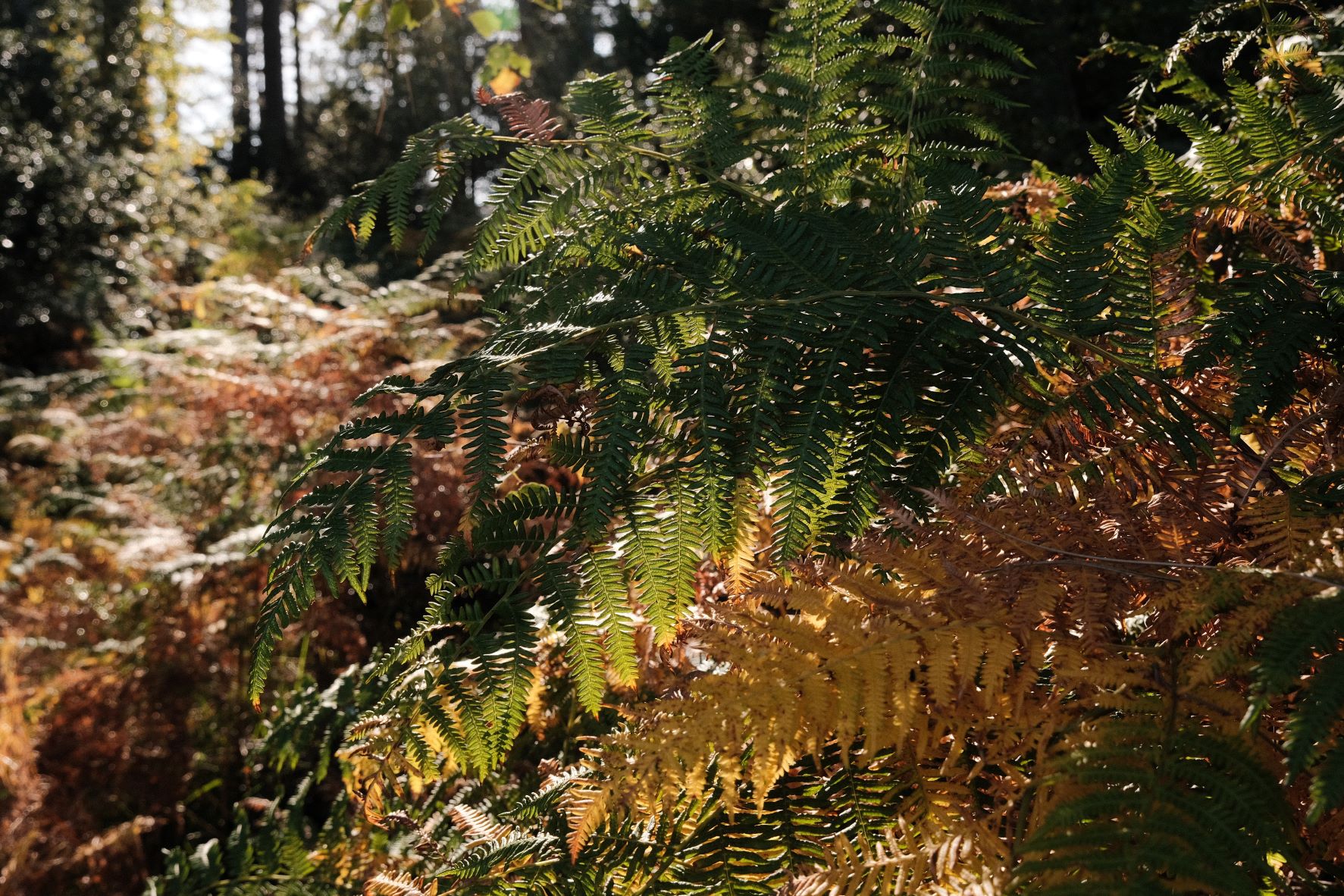
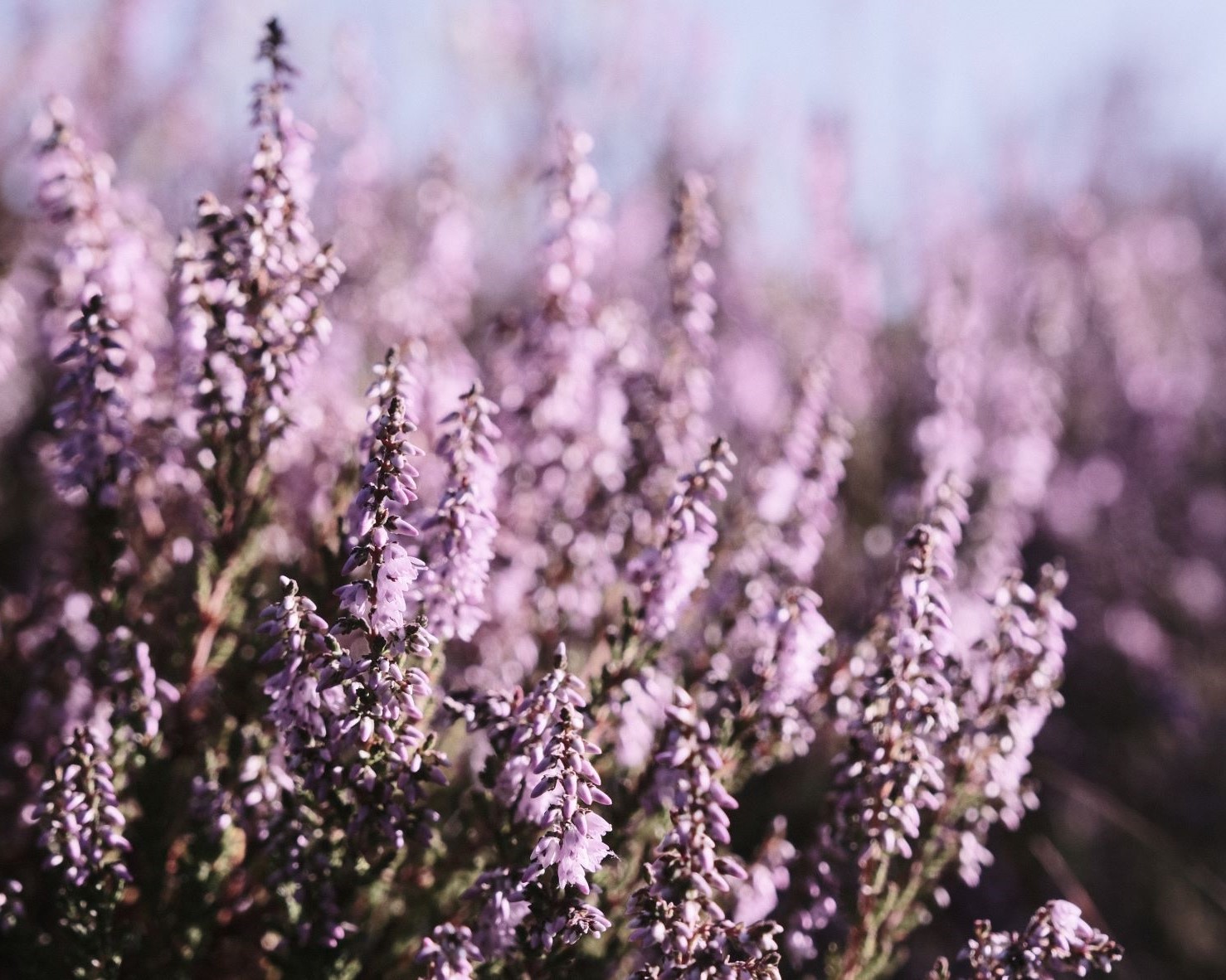
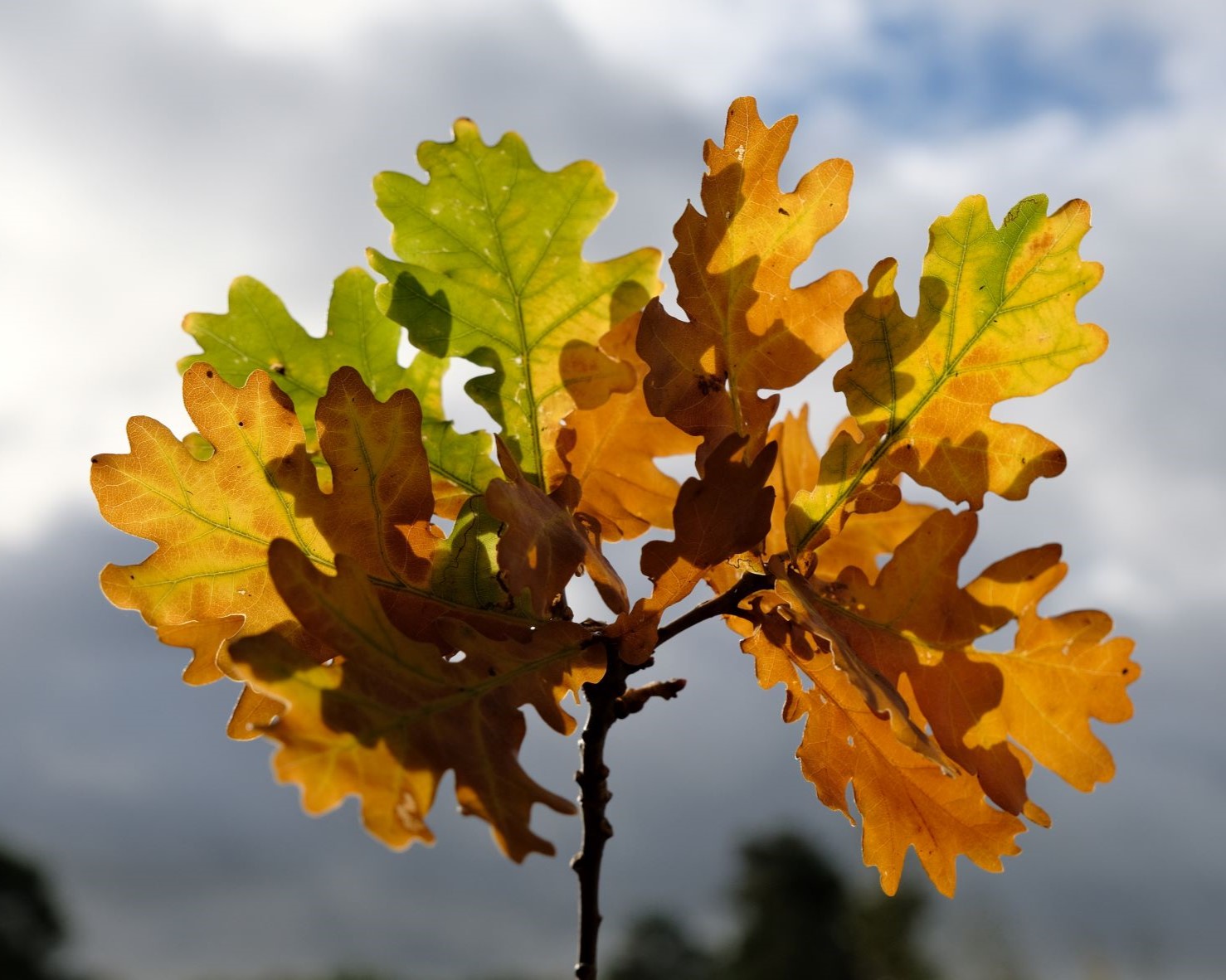
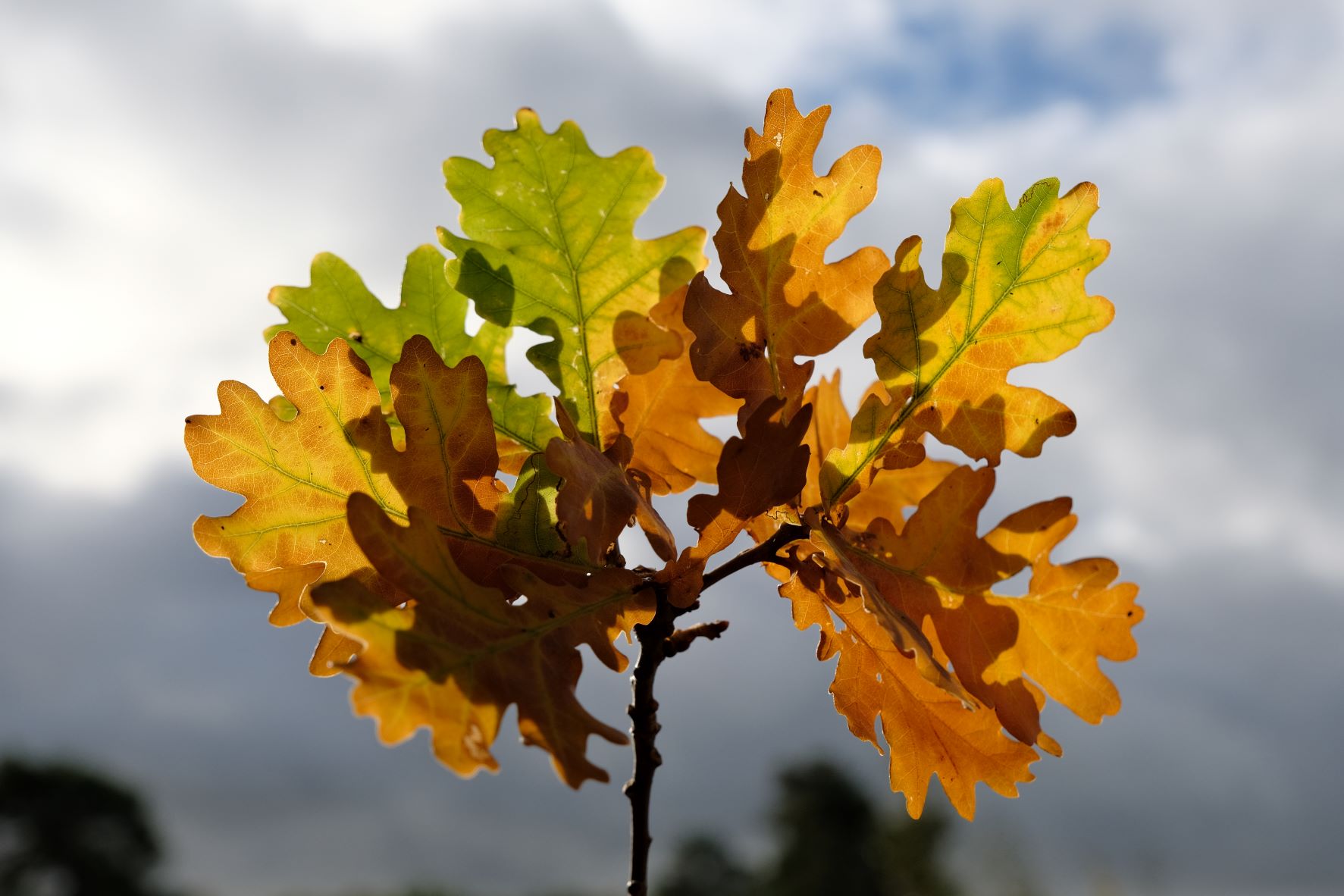
    Here’s a film recipe for those of us that want our photos to look natural, clean and clear. There are minimal adjustments to colour or tone, using Pro Neg Hi as the base recipe. This gives a natural look to your images, with a simply realistic tone and pleasing colour balance. If you are a photographer that wants a distinctive look, but doesn’t always enjoy the strong toned film recipes, then this may be the one for you.

    In the spirit of a clean and crisp image, this recipe does use Clarity at +2, which will cause a short delay when saving your images. You can skip this setting if you prefer, knowing that the results will be a little softer.

    Similarly, if you camera doesn’t support a +0.5 setting for highlights, set them to +1 instead, e.g. on X100V.

    Au Naturel Film Recipe Settings

    Film SimulationPRO Neg. Hi
    Grain EffectOff
    Col. Chr. EffectOff
    Col. Chr. BlueOff
    White BalanceAuto, +2 Red, ‑2 Blue
    Dynamic RangeDR200
    Highlights0.5
    Shadows‑1
    Colour2
    Sharpness0
    ISO N.R.‑4
    Clarity2
    EV Comp.0

    Similar Recipes

    More similar recipes, and hundreds more exclusive looks, are available in the Film Recipes App.

    Film Recipes

    Get the Film Recipes App

    App-exclusive recipes you won’t find anywhere else

    Download on the App Store
    Get it on Google Play

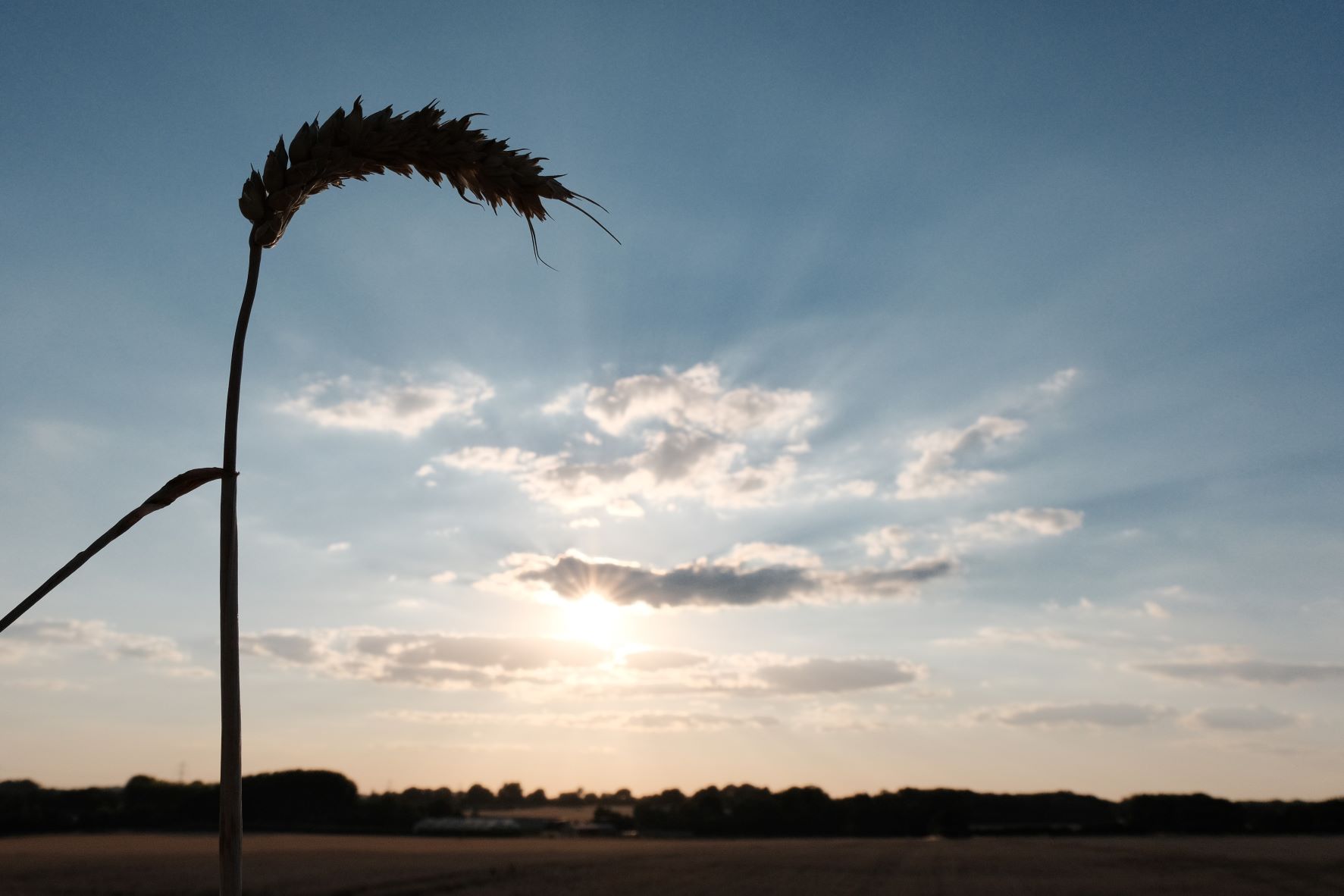
    Au Naturel Film Recipe: Sample Photos
    Au Naturel film recipe sample photo
    Au Naturel film recipe sample photo
    Au Naturel film recipe sample photo
    Au Naturel film recipe sample photo
    Au Naturel film recipe sample photo
    Au Naturel film recipe sample photo
    Au Naturel film recipe sample photo
    Au Naturel film recipe sample photo
    Au Naturel film recipe sample photo
    Au Naturel film recipe sample photo

    Using the Au Naturel Film Recipe

    Each film simulation recipe has its own character and style. These features mean recipes are more suited to certain situations, or when seeking a particular look. Here are the categories that Au Naturel has been tagged with.

  • Winter Eterna, a Matte Cinematic Style

    Winter Eterna, a Matte Cinematic Style

    Eterna Cinema film simulation recipe with a low contrast faded look for winter

    Winter Eterna Film Recipe

    Winter Eterna

    I recently upgraded my Mac and am enjoying the super speed it now has as it processes photos. Even X RAW Studio, which uses the camera to process images, is much faster, and whizzes along.

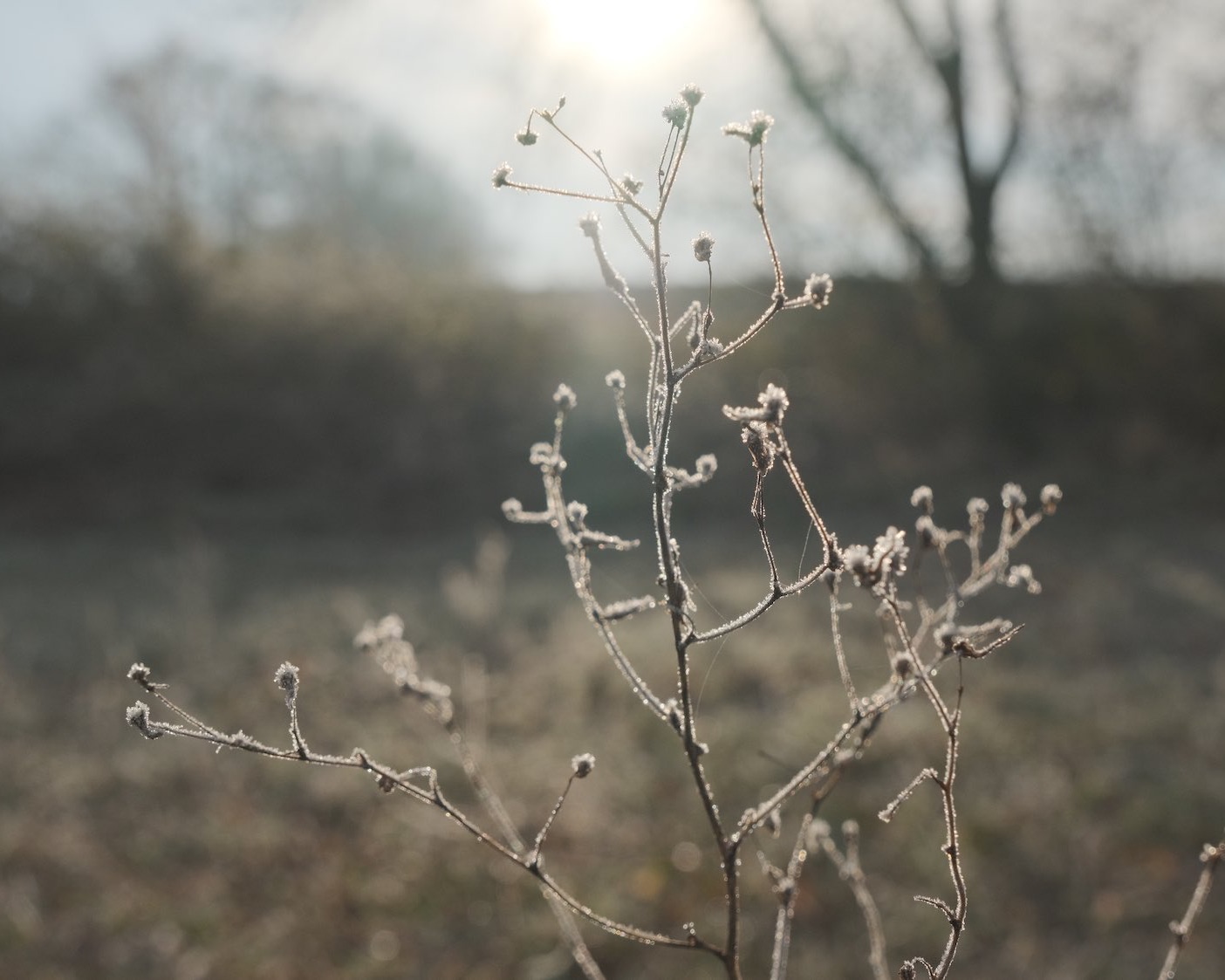
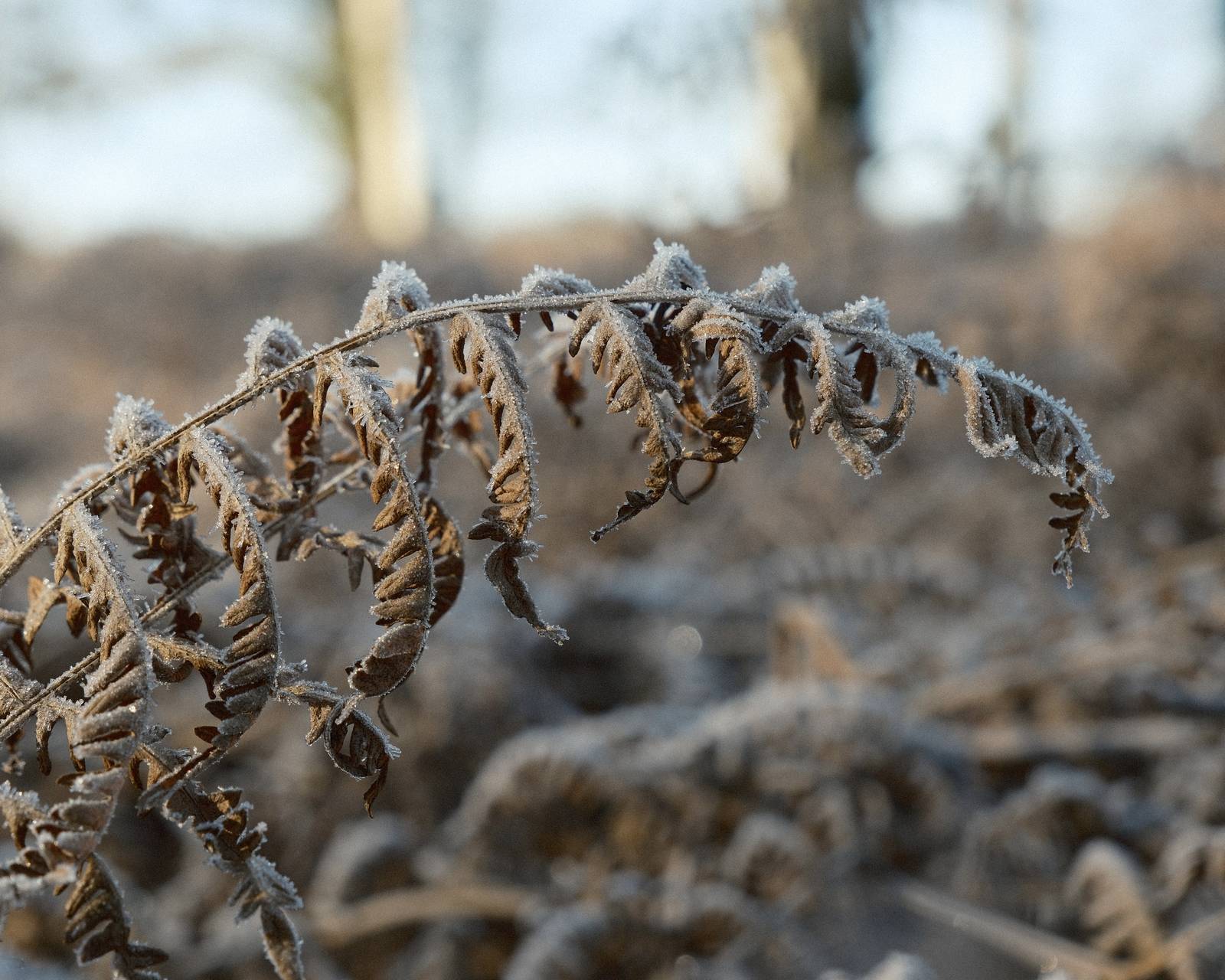
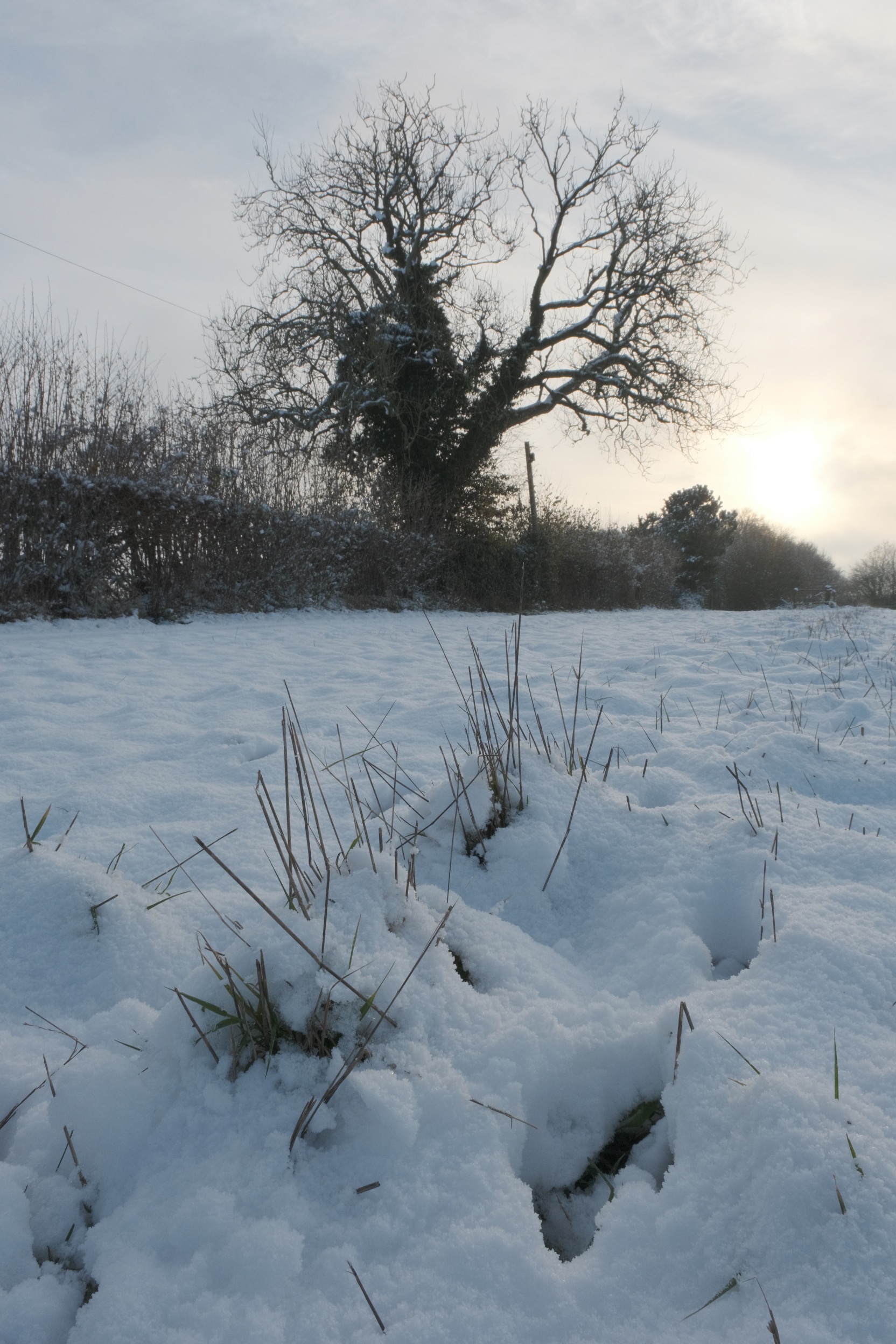
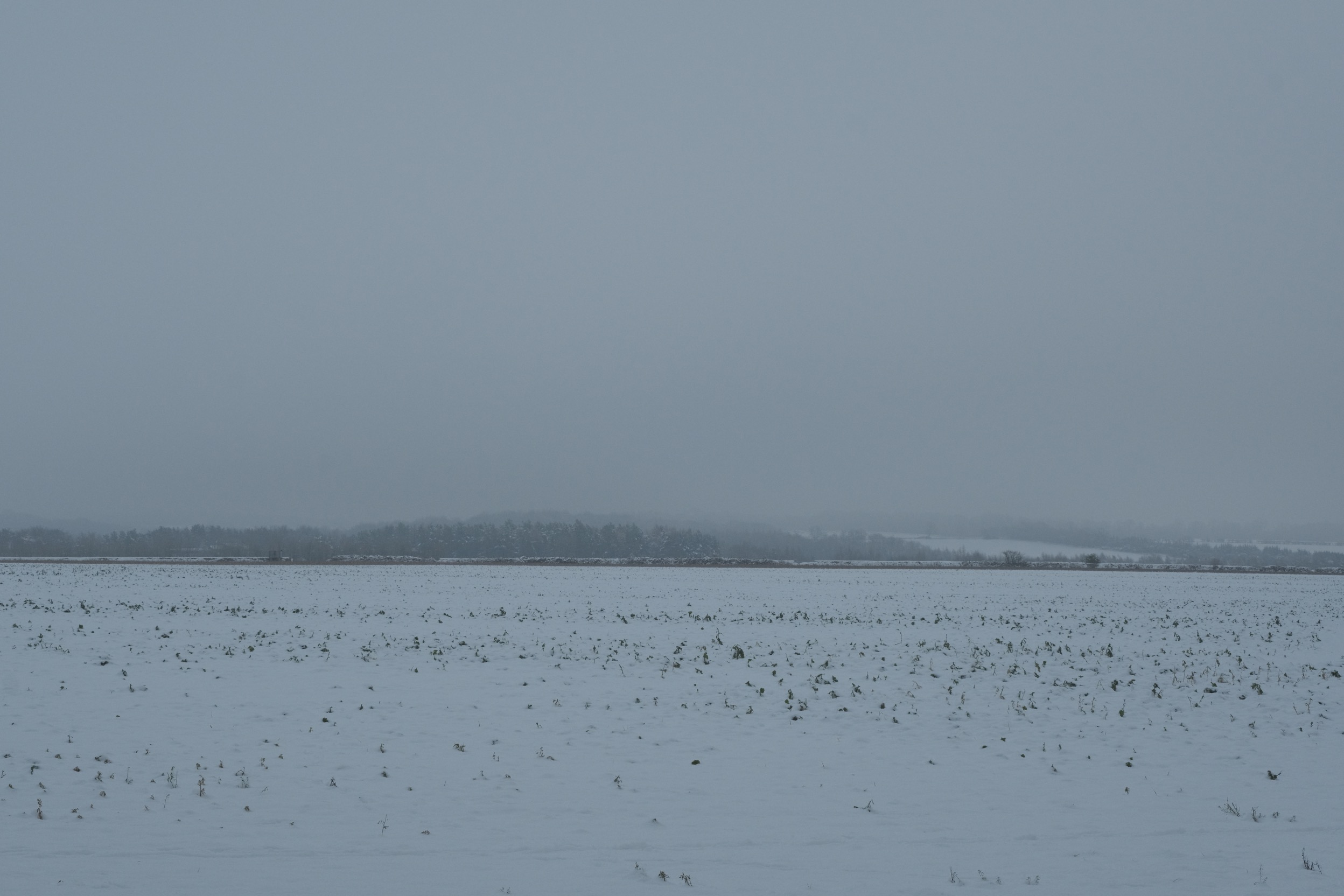
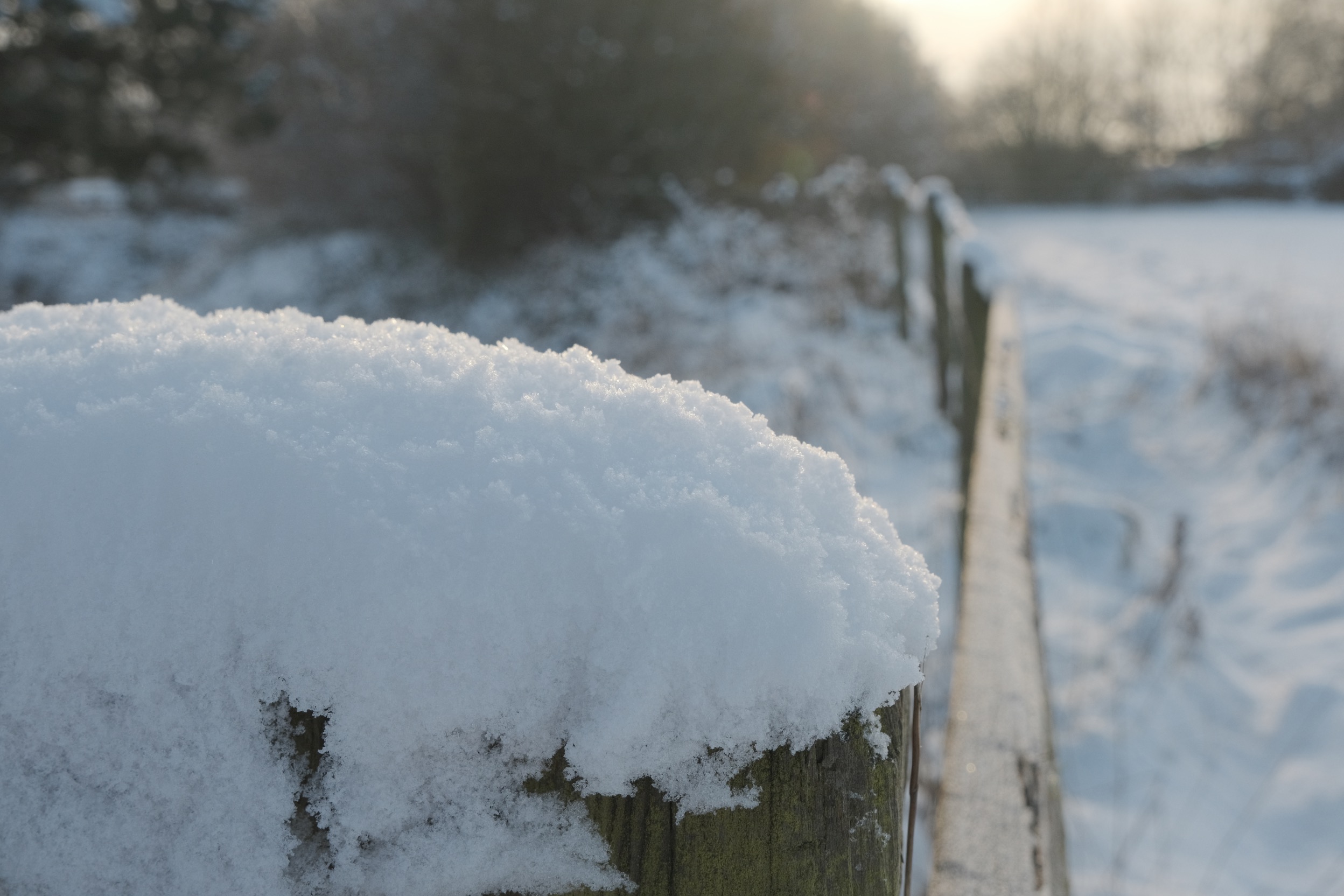
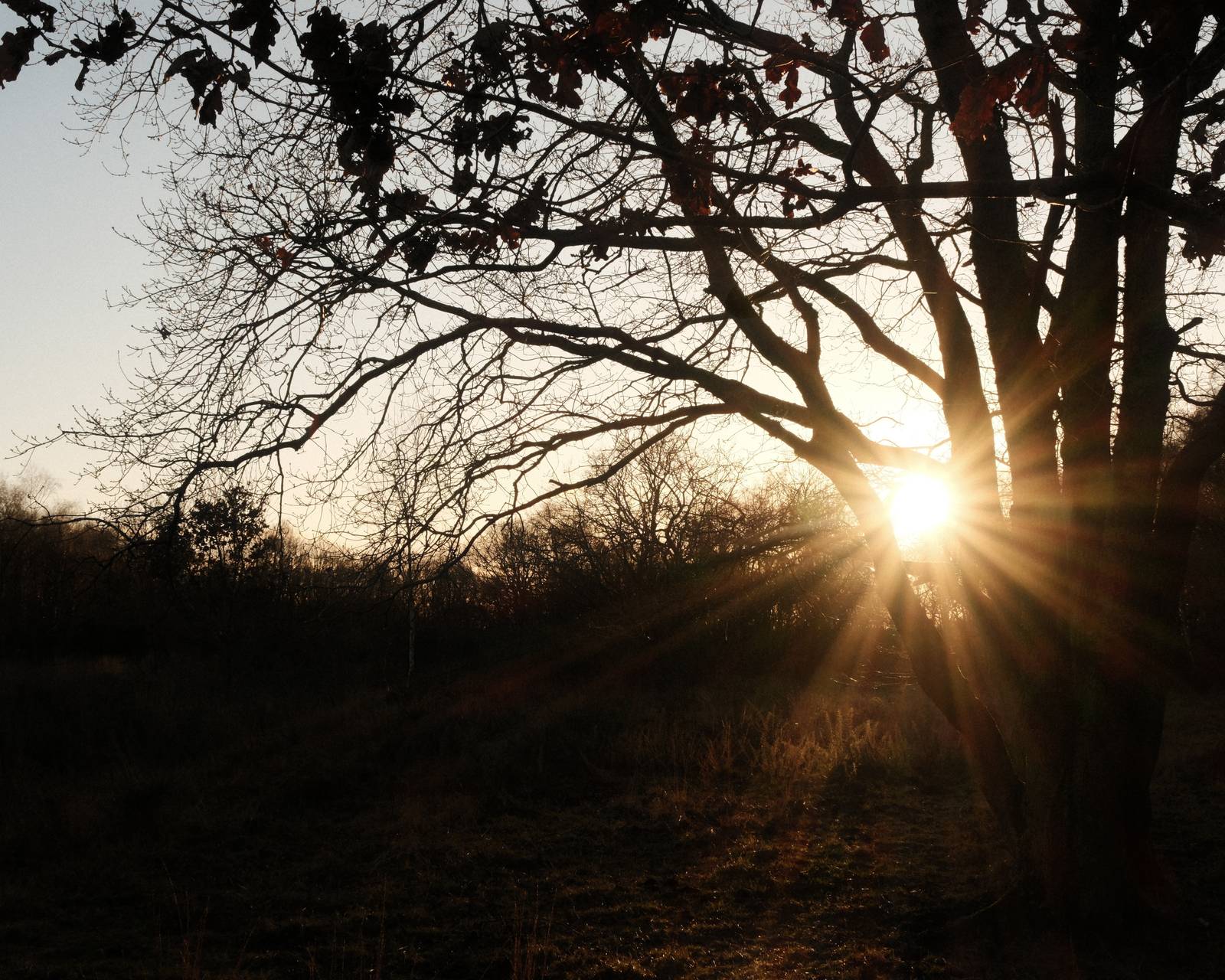
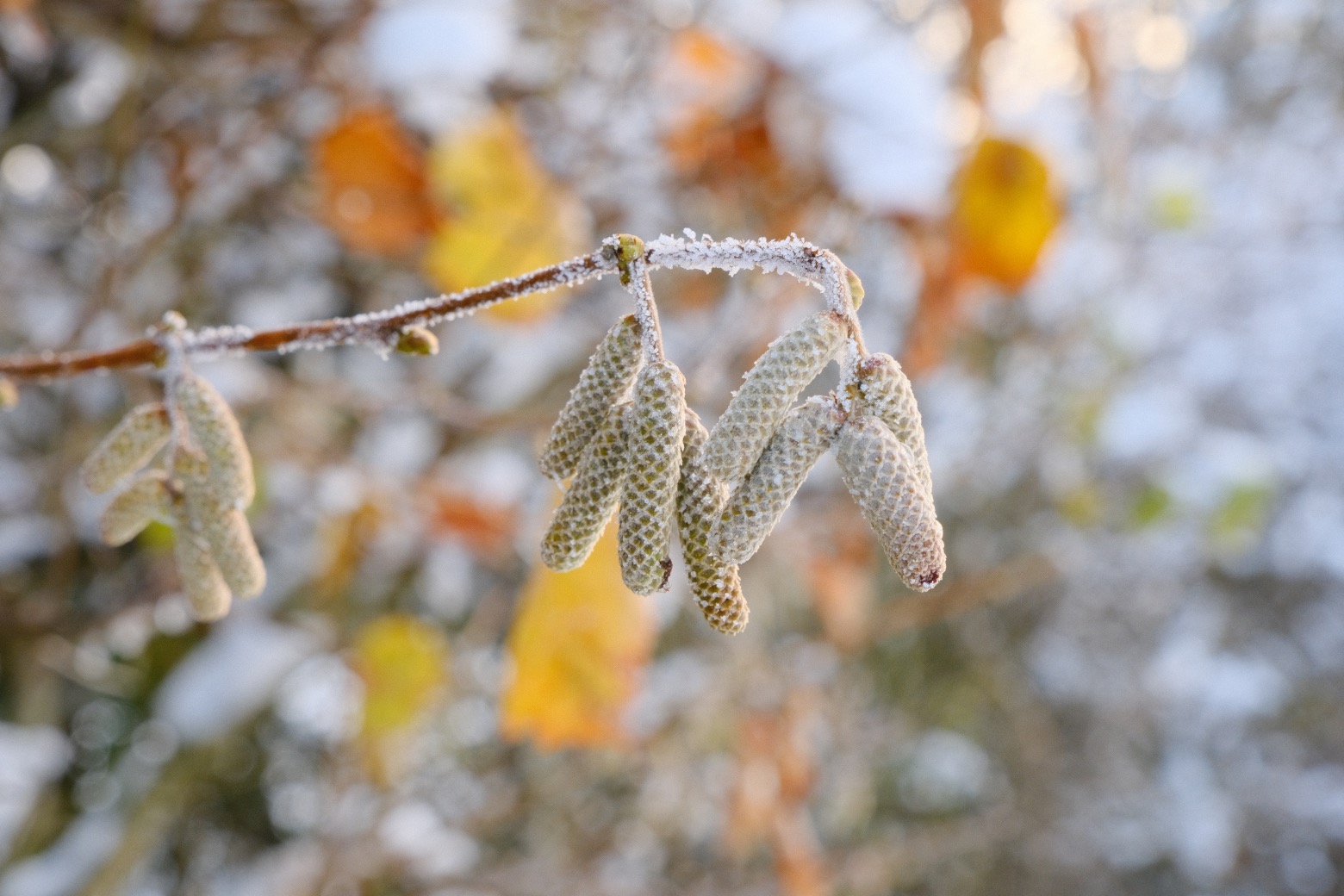
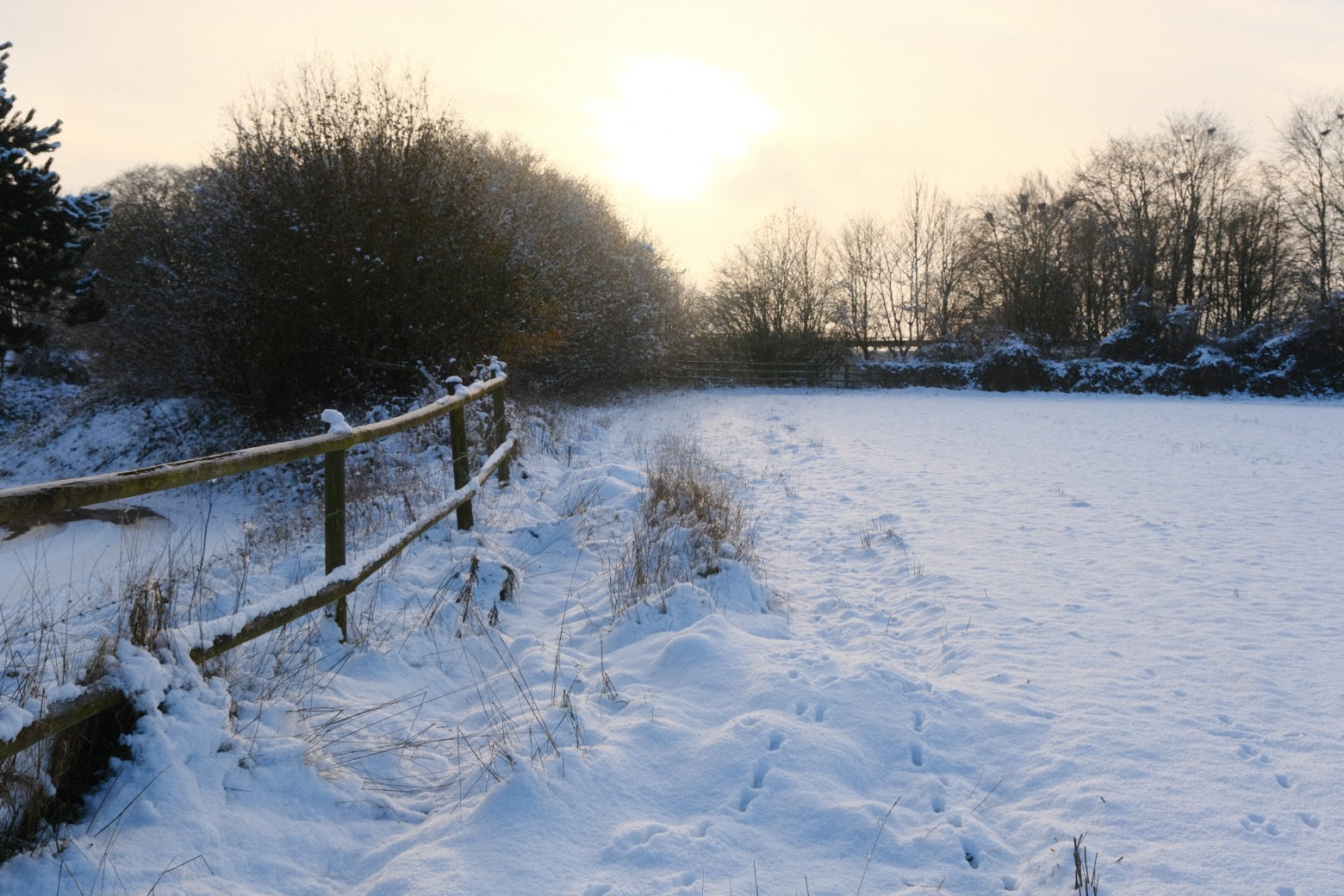
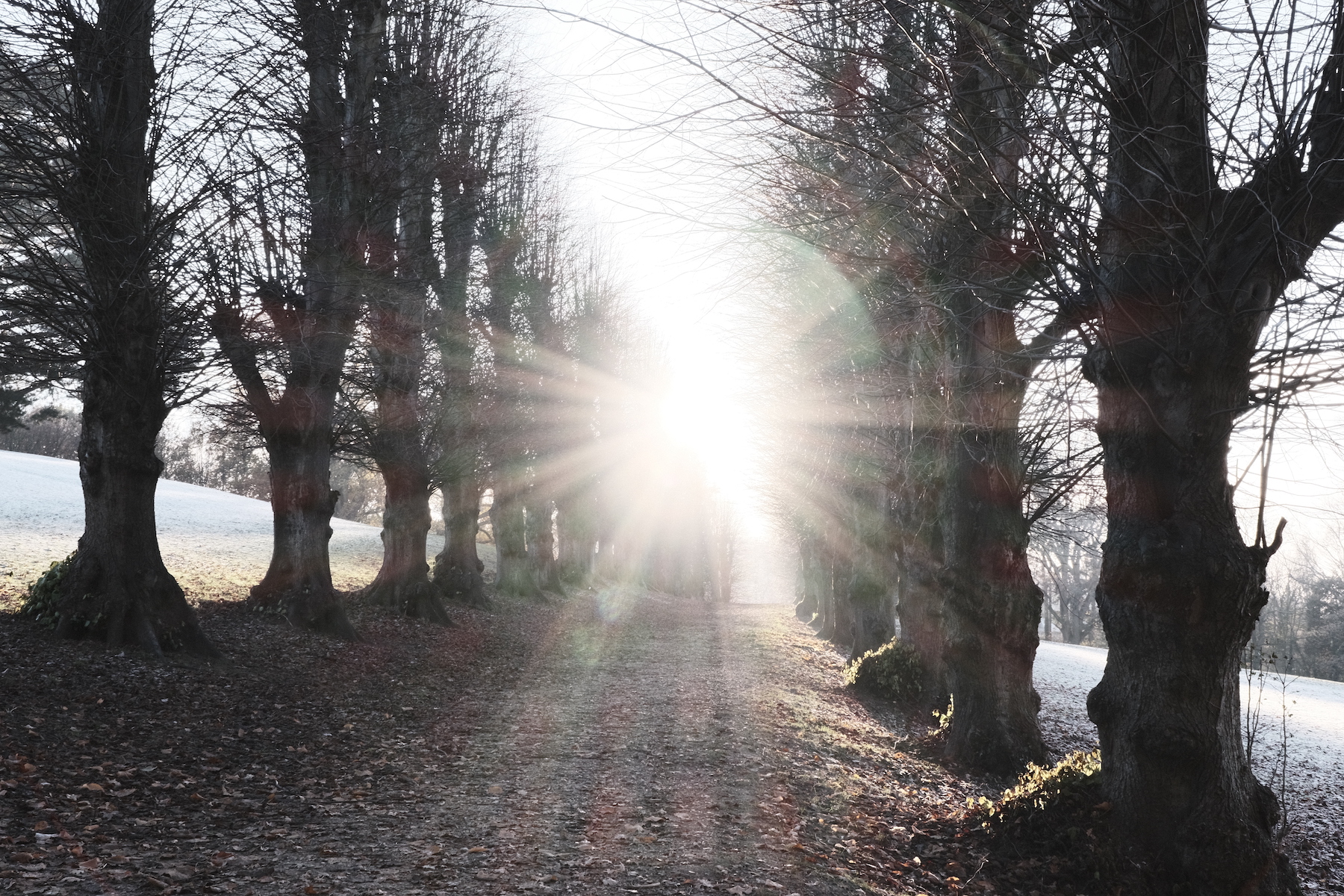
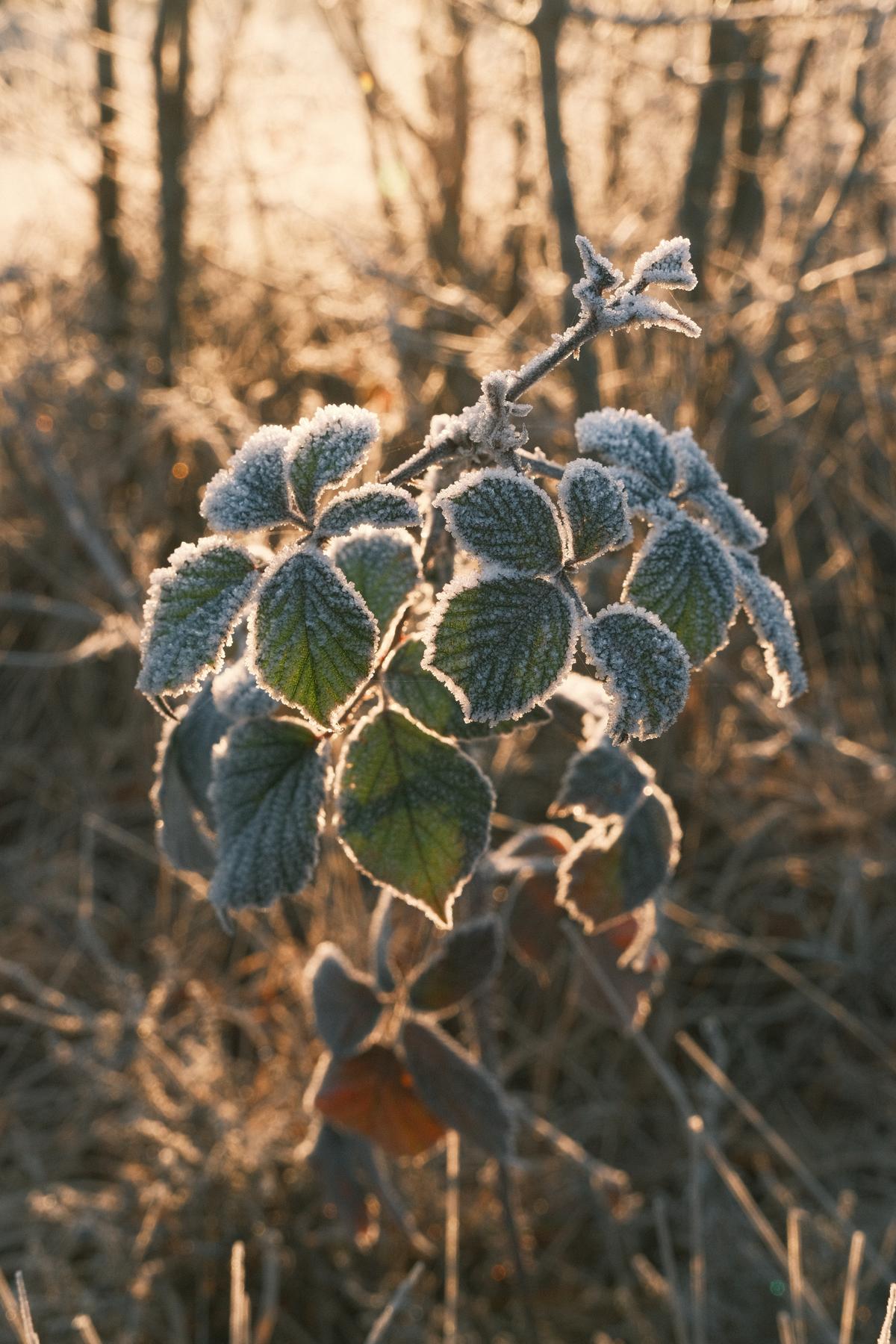
    It was X RAW Studio that I have been using to develop this low contrast matte style with my recent winter photos. I’m pretty sure it will work all year, but at the moment we have low angle sunlight or damp and gloomy weather.

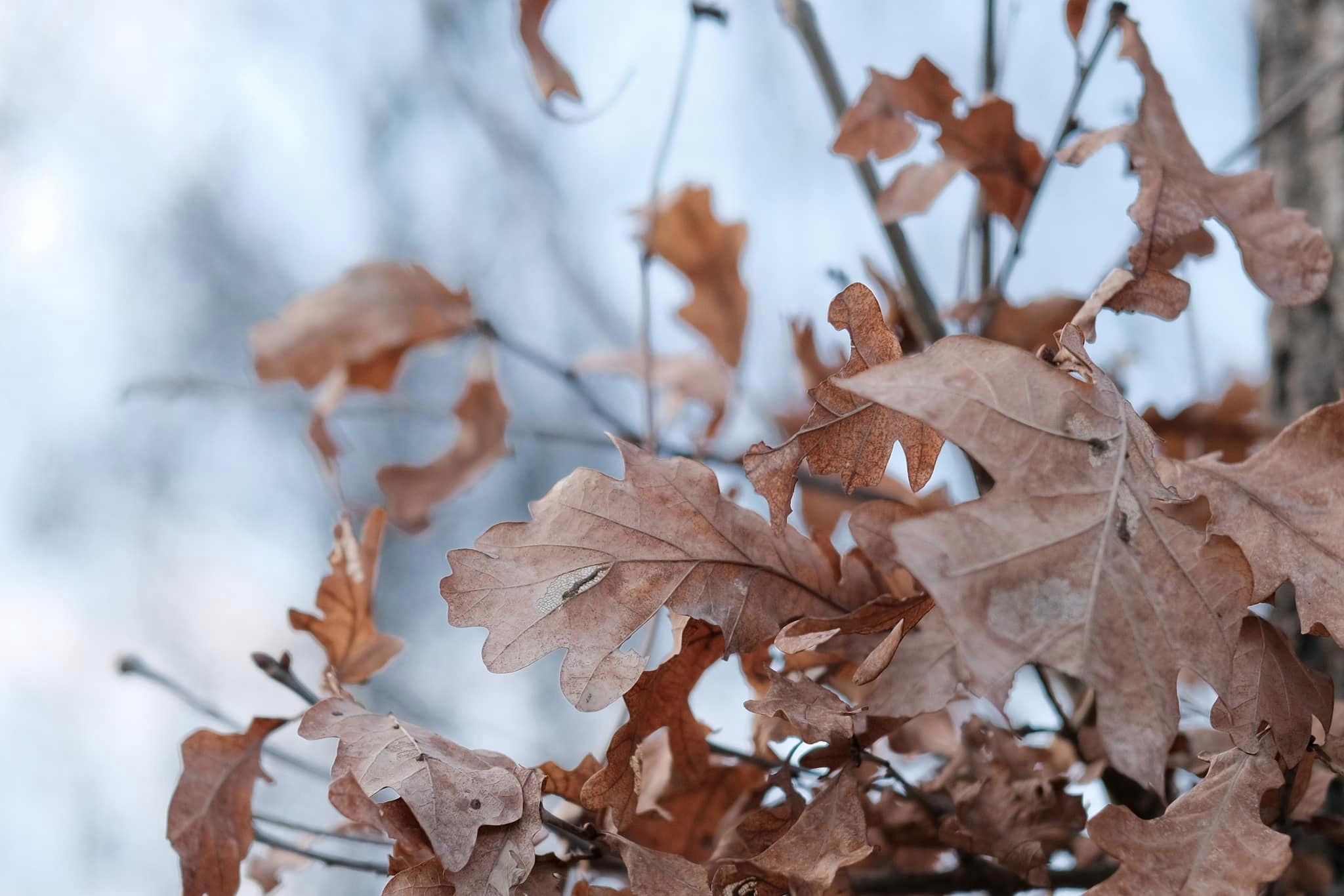
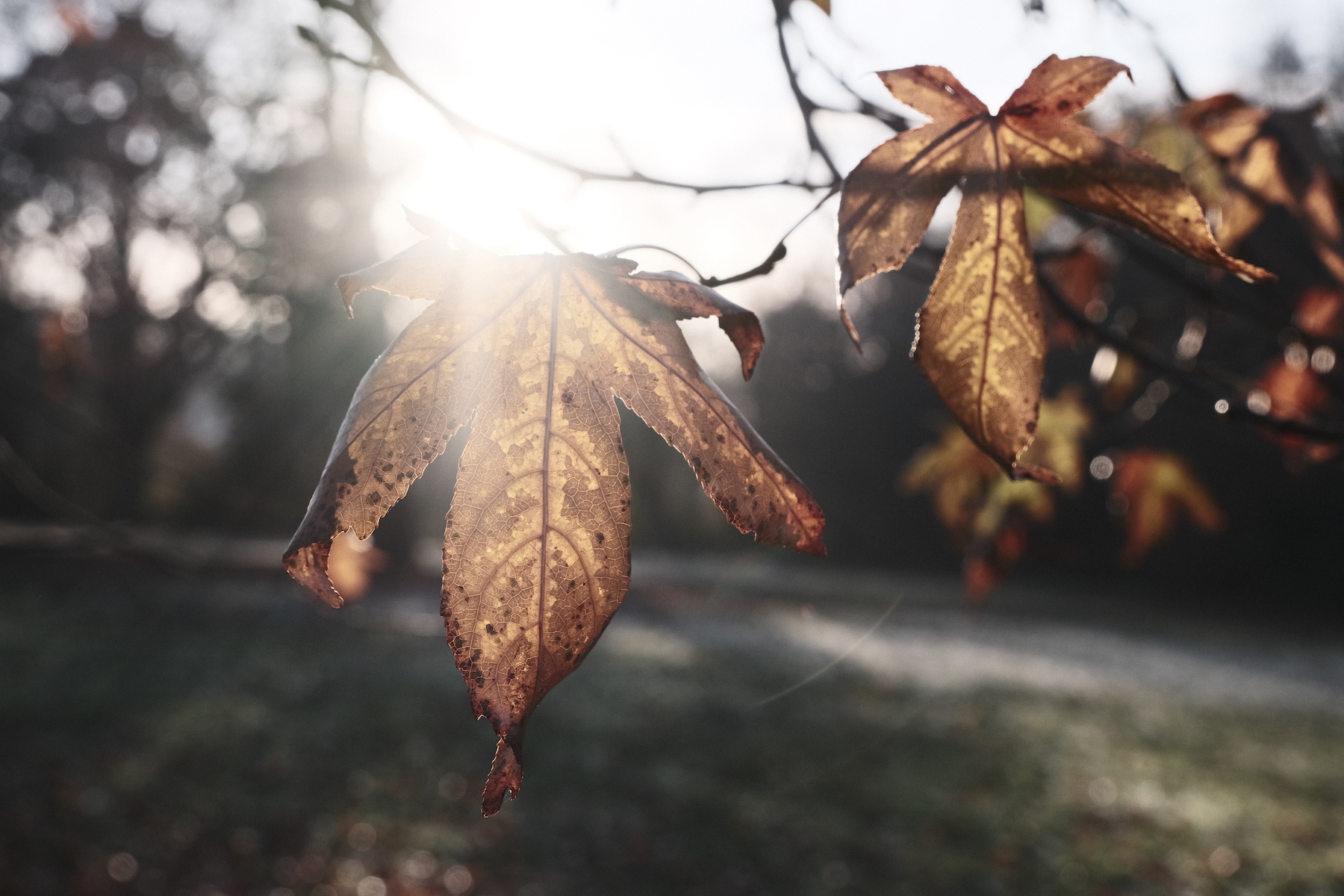
    Eterna Cinema is the base simulation, and there is definitely a cinematic feel to this recipe. It’s perfect for landscapes and scenes where you want to lift the shadows and present a flatter tone, almost like a fade effect. The colour is natural, although saturation is low and the overall effect is that of soft muted tones, perfect for the winter palette found in last season’s plants and leaves.

    Winter Eterna Film Recipe Settings

    Film SimulationEterna/Cinema
    Grain EffectOff
    Col. Chr. EffectWeak
    Col. Chr. BlueOff
    White BalanceAuto, +2 Red, ‑3 Blue
    Dynamic RangeDR400
    Highlights‑2
    Shadows‑1
    Colour0
    Sharpness‑2
    ISO N.R.‑4
    Clarity0
    EV Comp.+1/3

    Similar Recipes

    More similar recipes, and hundreds more exclusive looks, are available in the Film Recipes App.

    Film Recipes

    Get the Film Recipes App

    Browse, filter and search the full recipe library in seconds

    Download on the App Store
    Get it on Google Play

    Winter Eterna Film Recipe: Sample Photos
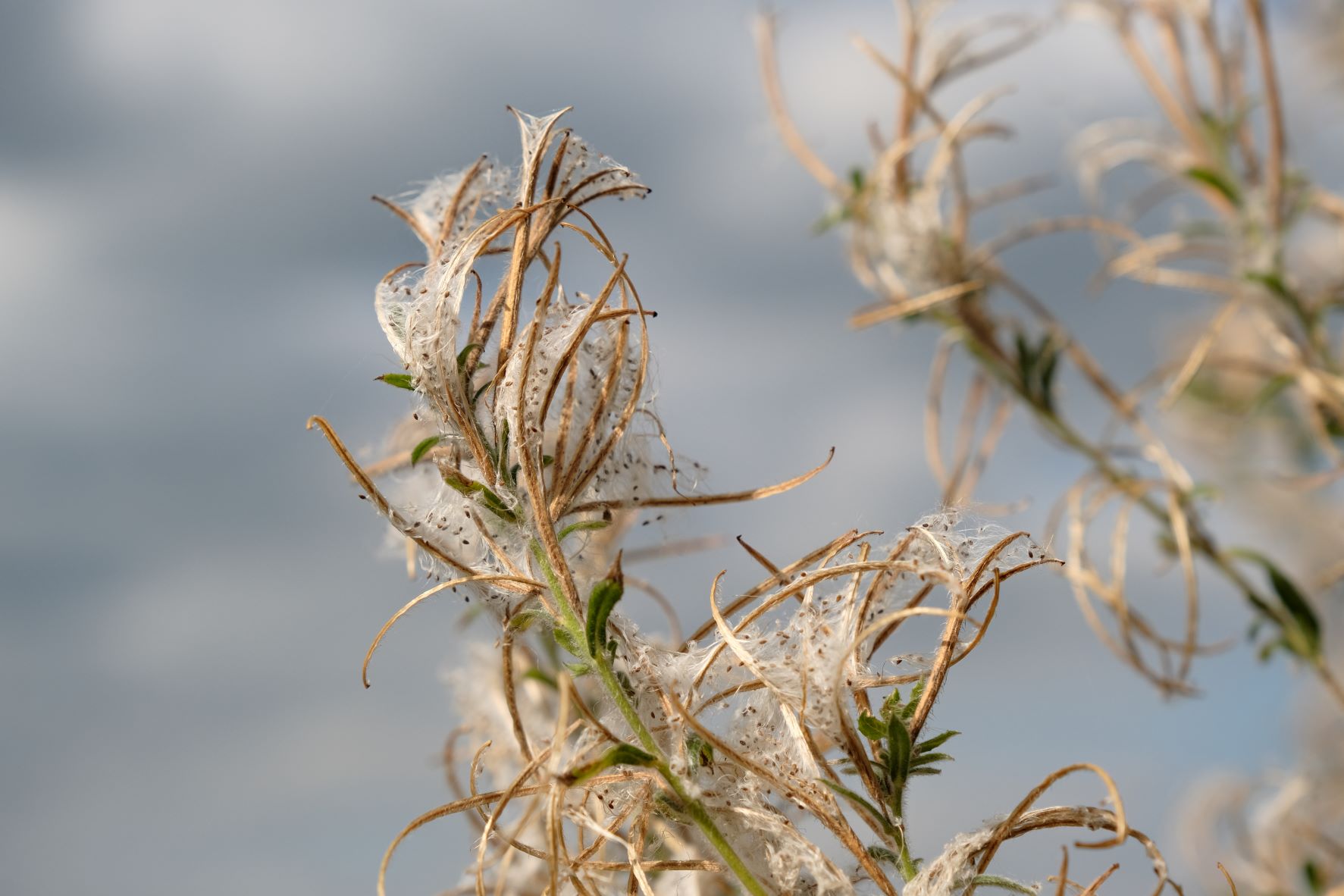
    Winter Eterna film recipe sample photo
    Winter Eterna film recipe sample photo
    Winter Eterna film recipe sample photo
    Winter Eterna film recipe sample photo
    Winter Eterna film recipe sample photo
    Winter Eterna film recipe sample photo

    Using the Winter Eterna Film Recipe

    Each film simulation recipe has its own character and style. These features mean recipes are more suited to certain situations, or when seeking a particular look. Here are the categories that Winter Eterna has been tagged with.

  • Kodak Pro Image, Classic Chrome 35mm Film

    Kodak Pro Image, Classic Chrome 35mm Film

    Classic chrome film simulation recipe for X-Trans IV based on Kodak 35mm film

    Kodak Pro Image Film Recipe

    Kodak Pro Image

    Here’s a Classic Chrome film simulation recipe that mimics a 35mm film from Kodak. The film in question is Kodak Pro Image 100, which was released into a spot somewhere between Kodak’s Portra and Gold films, sitting in the professionsal film range, but at an everyday price. It’s something of a mid-position film with 35mm qualities that I found I could mimic with Classic Chrome.

    The Kodak Pro Image film recipe, keeps the colour balance close to neutral, and relies on the Color Chrome effects to deliver film like character that I observed when reviewing samples of the Pro Image 100 film stock.

    Because this recipe uses Color Chrome Blue and one step of Clarity, it does mean it is designed for the later X-Trans IV cameras, although you may be able to get similar results on other models by using just the settings that your camera supports.

    Kodak Pro Image Film Recipe Settings

    Film SimulationClassic Chrome
    Grain EffectOff
    Col. Chr. EffectWeak
    Col. Chr. BlueWeak
    White BalanceAuto, +2 Red, ‑1 Blue
    Dynamic RangeDR200
    Highlights‑1.5
    Shadows‑0.5
    Colour1
    Sharpness0
    ISO N.R.‑4
    Clarity1
    EV Comp.+1/3

    Similar Recipes

    More similar recipes, and hundreds more exclusive looks, are available in the Film Recipes App.

    Film Recipes

    Get the Film Recipes App

    New recipes added frequently — be the first to try the latest looks

    Download on the App Store
    Get it on Google Play

    Kodak Pro Image Film Recipe: Sample Photos
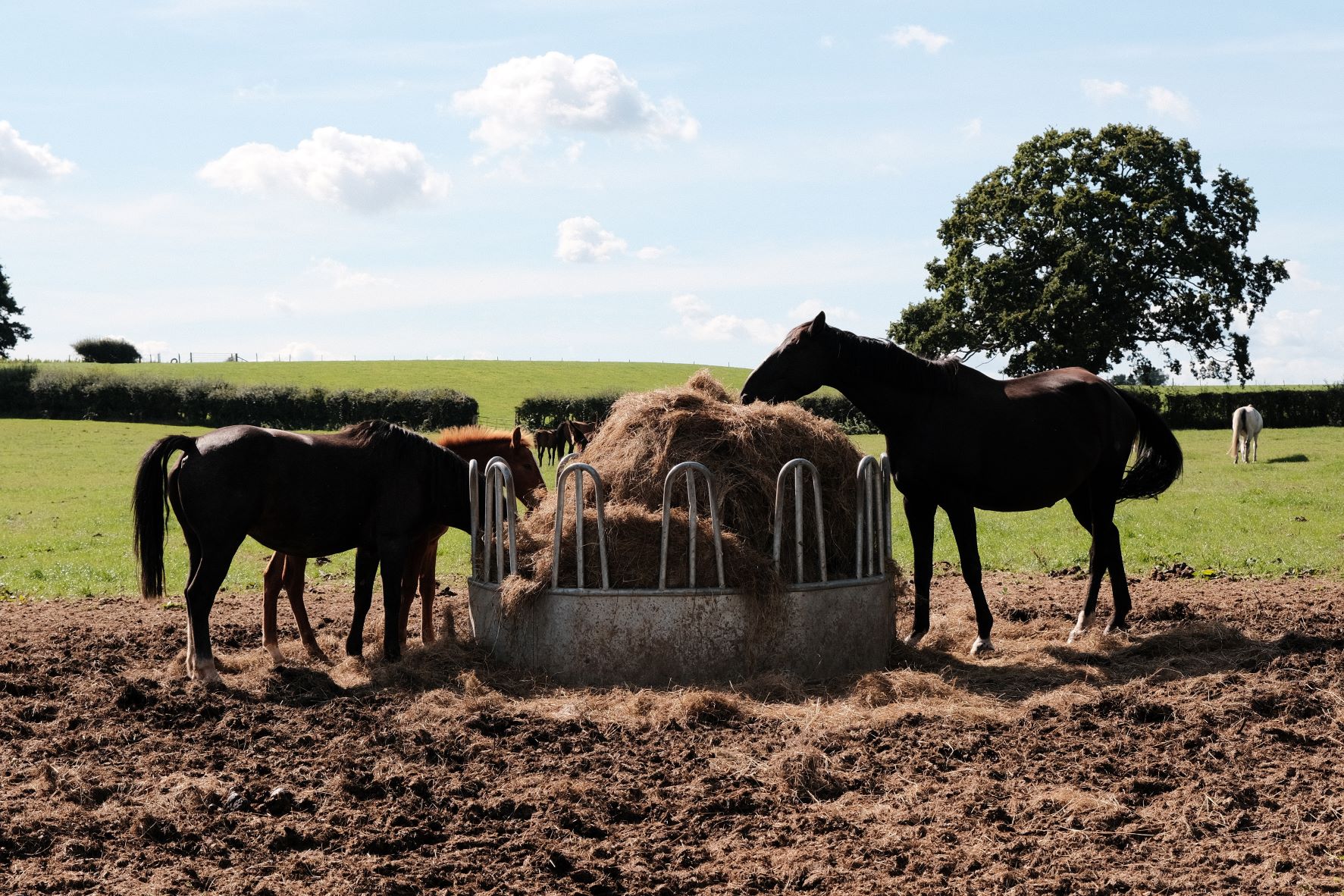
    Kodak Pro Image film recipe sample photo
    Kodak Pro Image film recipe sample photo
    Kodak Pro Image film recipe sample photo
    Kodak Pro Image film recipe sample photo

    Community Photos

    Photos taken with the Kodak Pro Image film recipe by members of the Film Recipes community.

    Photos by Andrew Gundershaug

    Kodak Pro Image film recipe photo by Andrew Gundershaug

    Photos by Ken MacGray

    Kodak Pro Image film recipe photo by Ken MacGray

    Photos by Darren Urda

    Kodak Pro Image film recipe photo by Darren Urda

    Photos by Lethanh Nguyen

    Kodak Pro Image film recipe photo by Lethanh Nguyen

    Photos by Sabrina Magnusson

    Kodak Pro Image film recipe photo by Sabrina Magnusson

    Photos by Emlyn H Jones

    Kodak Pro Image film recipe photo by Emlyn H Jones

    Using the Kodak Pro Image Film Recipe

    Each film simulation recipe has its own character and style. These features mean recipes are more suited to certain situations, or when seeking a particular look. Here are the categories that Kodak Pro Image has been tagged with.

  • Arboria, Astia for All Seasons Colour

    Arboria, Astia for All Seasons Colour

    Natural colour film recipe based on Astia film simulation, with vivid greens and blues

    Arboria Film Recipe

    Arboria

    This punchy colour film simulation recipe uses Astia Soft and adjustments to give a bold colourful look with attractive contrast and a natural look. It’s vivid when compared to many of my recipes, but it’s less bold than standard Velvia, and a great choice for nature and landscape images in all conditions.

    This recipe was developed on X-S10, and contrast is boosted with a +0.5 nudge to both shadows and highlights. But if you camera only takes whole numbers, e.g. X100v, you can used 0 and 1 instead. On cameras without CC Blue or Clarity, you can skip those settings, perhaps trying a minimum level mist filter in brighter conditions.

    Blue skies and natural greens are especially lovely with this recipe, but it also loves the tones of autumn and winter too. It’s a recipe for all seasons. So, whether Arboria is your home planet, or you’re on a mission with just 14 hours to save the earth, this recipe will deliver for you … in a Flash!

    Arboria Film Recipe Settings

    Film SimulationAstia/Soft
    Grain EffectWeak, Small
    Col. Chr. EffectWeak
    Col. Chr. BlueWeak
    White BalanceAuto, +3 Red, ‑3 Blue
    Dynamic RangeDR400
    Highlights0.5
    Shadows0.5
    Colour4
    Sharpness‑1
    ISO N.R.‑4
    Clarity‑2
    EV Comp.+1/3

    Similar Recipes

    More similar recipes, and hundreds more exclusive looks, are available in the Film Recipes App.

    Film Recipes

    Get the Film Recipes App

    800+ recipes — more than twice as many as the free site

    Download on the App Store
    Get it on Google Play

    Arboria Film Recipe: Sample Photos
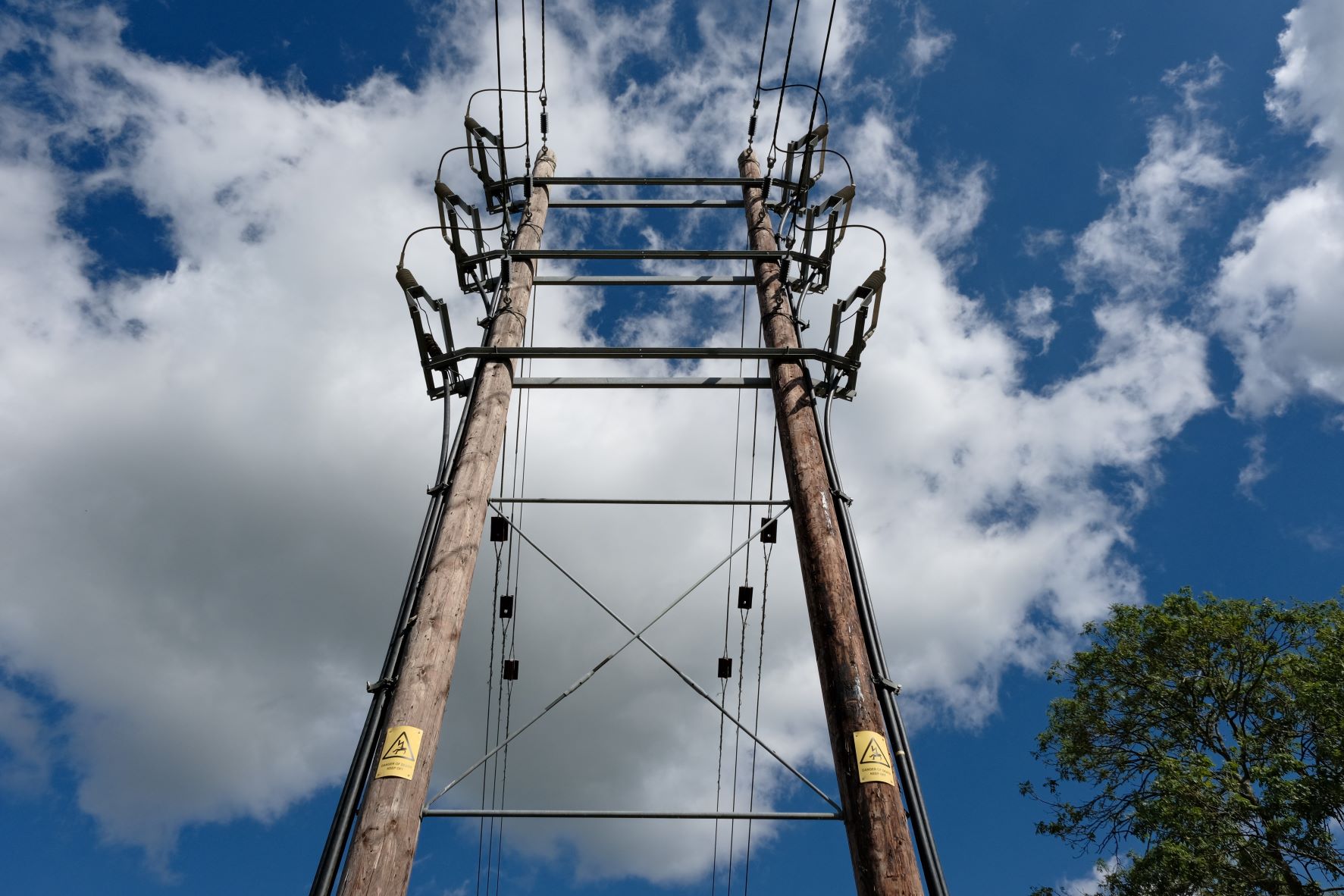
    Arboria film recipe sample photo
    Arboria film recipe sample photo
    Arboria film recipe sample photo
    Arboria film recipe sample photo
    Arboria film recipe sample photo

    Community Photos

    Photos taken with the Arboria film recipe by members of the Film Recipes community.

    Photos by Fraser Reid

    Arboria film recipe photo by Fraser Reid

    Photos by Doris L Britton

    Arboria film recipe photo by Doris L Britton

    Using the Arboria Film Recipe

    Each film simulation recipe has its own character and style. These features mean recipes are more suited to certain situations, or when seeking a particular look. Here are the categories that Arboria has been tagged with.

  • UB40, Natural Tone Bleach Bypass

    UB40, Natural Tone Bleach Bypass

    Eterna Bleach Bypass film recipe with a natural tone for landscape photography

    UB40 Film Recipe

    UB40

    So here we go, passing another milestone in the development of the Film Recipes site. This is recipe no. 150, and it’s a muted tone look with the characterful Eterna Bleach Bypass film simulation.

    Although this simulation isn’t present on all cameras, most notably the popular X100V, I like to make recipes with it and explore the possibilities of it’s unique look. I find it gives the most variety in style of all simulations, especially as you experiment with more extreme white balance settings.

    For UB40, the Underwater setting is used, with a +4 Red, 0 Blue shift. This is where the name comes from (Underwater Bypass 4 0), rather than any particular passion for the music group! And, whilst the settings sound extreme, the result is actually a natural colour balance, with the impactful tonal range of the bypass simulation.

    Anyway … that’s 150 film recipes shared and development still very much ongoing. Enjoy this one, and keep an eye on the what’s new page, for the next one in the collection.

    UB40 Film Recipe Settings

    Film SimulationEterna Bleach Bypass
    Grain EffectWeak, Small
    Col. Chr. EffectStrong
    Col. Chr. BlueOff
    White BalanceUnderwater, +4 Red, 0 Blue
    Dynamic RangeDR400
    Highlights1
    Shadows1
    Colour4
    Sharpness‑2
    ISO N.R.‑4
    Clarity0
    EV Comp.+1/3

    Similar Recipes

    More similar recipes, and hundreds more exclusive looks, are available in the Film Recipes App.

    Film Recipes

    Get the Film Recipes App

    Browse, filter and search the full recipe library in seconds

    Download on the App Store
    Get it on Google Play

    UB40 Film Recipe: Sample Photos

    UB40 film recipe sample photo
    UB40 film recipe sample photo
    UB40 film recipe sample photo
    UB40 film recipe sample photo
    UB40 film recipe sample photo
    UB40 film recipe sample photo

    Using the UB40 Film Recipe

    Each film simulation recipe has its own character and style. These features mean recipes are more suited to certain situations, or when seeking a particular look. Here are the categories that UB40 has been tagged with.

  • Mellow Magic, the Relaxed Natural Recipe

    Mellow Magic, the Relaxed Natural Recipe

    Eterna based film recipe with a relaxed and mellow natural look

    Mellow Magic Film Recipe

    Mellow Magic

    I love the Eterna film simulation for the cinematic feel, but even more, I love the tone, with a mellow warmth that adds a relaxed and calming character to images.

    For this film recipe, I wanted to capture this character, but escape from the low contrast of the unedited sim, and to add a little extra vibrancy to make the recipe more flexible in a wide range of situations.

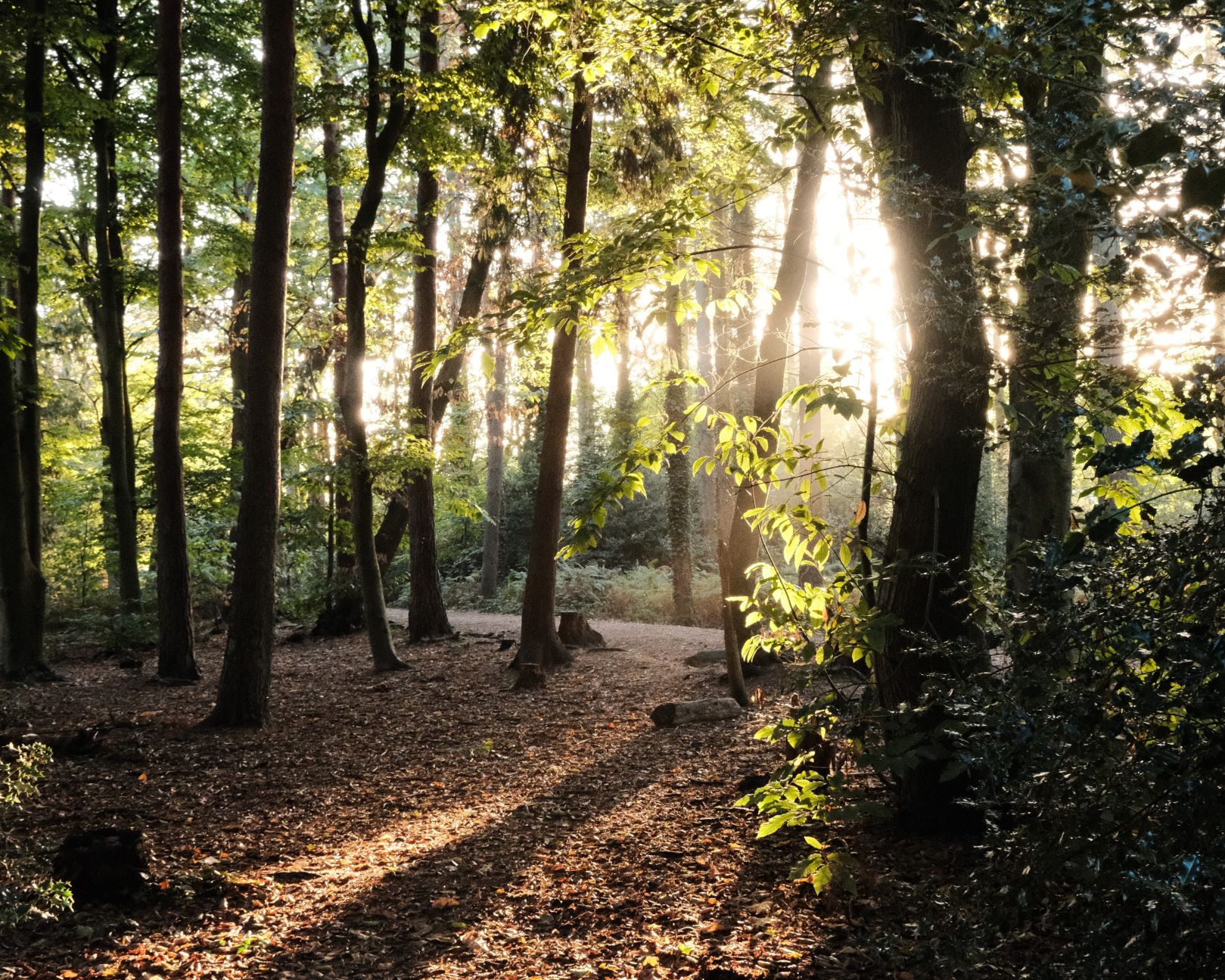
    I do think I’ve achieved this, and Mellow Magic can bring a relaxed but natural looking image for all sorts of subjects. For me, I’ve really found it happy for nature and landscape shots, and especially in woodlands and forests.

    The one limitation that may pop up, is that Mellow Magic is set at a fixed color temperature, so indoor shots and night city shots may have an unusual cast.

    Mellow Magic Film Recipe Settings

    Film SimulationEterna/Cinema
    Grain EffectWeak, Large
    Col. Chr. EffectOff
    Col. Chr. BlueWeak
    White Balance7000K, ‑2 Red, +5 Blue
    Dynamic RangeDR400
    Highlights‑1
    Shadows3
    Colour3
    Sharpness0
    ISO N.R.‑4
    Clarity0
    EV Comp.0

    Similar Recipes

    More similar recipes, and hundreds more exclusive looks, are available in the Film Recipes App.

    Film Recipes

    Get the Film Recipes App

    Filter by film simulation, mood, shooting condition and more

    Download on the App Store
    Get it on Google Play

    Mellow Magic Film Recipe: Sample Photos

    Mellow Magic film recipe sample photo
    Mellow Magic film recipe sample photo
    Mellow Magic film recipe sample photo
    Mellow Magic film recipe sample photo
    Mellow Magic film recipe sample photo
    Mellow Magic film recipe sample photo
    Mellow Magic film recipe sample photo
    Mellow Magic film recipe sample photo
    Mellow Magic film recipe sample photo

    Community Photos

    Photos taken with the Mellow Magic film recipe by members of the Film Recipes community.

    Photos by Tom Pollard

    Mellow Magic film recipe photo by Tom Pollard

    Photos by Justin Gould

    Mellow Magic film recipe photo by Justin Gould

    Using the Mellow Magic Film Recipe

    Each film simulation recipe has its own character and style. These features mean recipes are more suited to certain situations, or when seeking a particular look. Here are the categories that Mellow Magic has been tagged with.

  • Fujicolor Daily, a Classic Negative All Rounder

    Fujicolor Daily, a Classic Negative All Rounder

    The Classic Negative film simulation brings a nostalgic film print look to our cameras that is reminiscent of Fujicolor prints, especially from 10+ years ago. Using the simulation with no adjustments is great, but there are also lots of possibilities as a recipe with adjustments to other settings.

    Fujicolor Daily Film Recipe

    Fujicolor Daily

    For Fujicolor Daily, I wanted to take an approach that brought out the feel of the Fujicolor film, whilst keeping a look that was as versatile as possible for daily use.

    This recipe joins other ‘daily’ recipes, Kodak Portra Daily and Kodachrome Daily which are also versatile and highly usable.

    Fujicolor Daily Film Recipe Settings

    Film SimulationClassic Negative
    Grain EffectWeak, Small
    Col. Chr. EffectWeak
    Col. Chr. BlueOff
    White BalanceAuto, +4 Red, ‑5 Blue
    Dynamic RangeDR400
    Highlights0.5
    Shadows‑2
    Colour2
    Sharpness‑2
    ISO N.R.‑4
    Clarity0
    EV Comp.0

    Similar Recipes

    More similar recipes, and hundreds more exclusive looks, are available in the Film Recipes App.

    Film Recipes

    Get the Film Recipes App

    Rolling activity feed — see what’s trending in the app

    Download on the App Store
    Get it on Google Play

    Fujicolor Daily Film Recipe: Sample Photos

    Fujicolor Daily film recipe sample photo
    Fujicolor Daily film recipe sample photo
    Fujicolor Daily film recipe sample photo
    Fujicolor Daily film recipe sample photo
    Fujicolor Daily film recipe sample photo
    Fujicolor Daily film recipe sample photo
    Fujicolor Daily film recipe sample photo
    Fujicolor Daily film recipe sample photo
    Fujicolor Daily film recipe sample photo

    Using the Fujicolor Daily Film Recipe

    Each film simulation recipe has its own character and style. These features mean recipes are more suited to certain situations, or when seeking a particular look. Here are the categories that Fujicolor Daily has been tagged with.

  • Easy Going, for Bright & Easy Soft Tones

    Easy Going, for Bright & Easy Soft Tones

    Fujifilm film recipe for soft tones using Pro Neg Hi on X-Trans IV cameras

    Easy Going Film Recipe

    Easy Going

    I really love the softer tones and natural look of the Pro Neg film simulations, and find that they make for a great day-to-day choice. For this recipe, I took Pro Neg Hi simulation as a base, giving a natural, standard contrast look, and brightened and warmed it for a happy, welcoming feel.

    It’s the sort of recipe that can be used to brighten up just about anything, so I decided to simply call it ‘Easy Going’, because it’s so happy to be used whenever you want. One note of caution though, is that the highlights are lifted, and may burn out. It’s all part of the look, but it might surprise you if you aren’t expecting it.

    So there we have it, an Easy Going film recipe, with a nice balance and tone that can be used day-to-day, especially to capture brightness in sunny conditions.

    Easy Going Film Recipe Settings

    Film SimulationPRO Neg. Hi
    Grain EffectOff
    Col. Chr. EffectWeak
    Col. Chr. BlueOff
    White BalanceAuto, +3 Red, ‑4 Blue
    Dynamic RangeDR200
    Highlights1
    Shadows0
    Colour‑2
    Sharpness0
    ISO N.R.‑4
    Clarity0
    EV Comp.+1/3

    Similar Recipes

    More similar recipes, and hundreds more exclusive looks, are available in the Film Recipes App.

    Film Recipes

    Get the Film Recipes App

    Rolling activity feed — see what’s trending in the app

    Download on the App Store
    Get it on Google Play

    Easy Going Film Recipe: Sample Photos
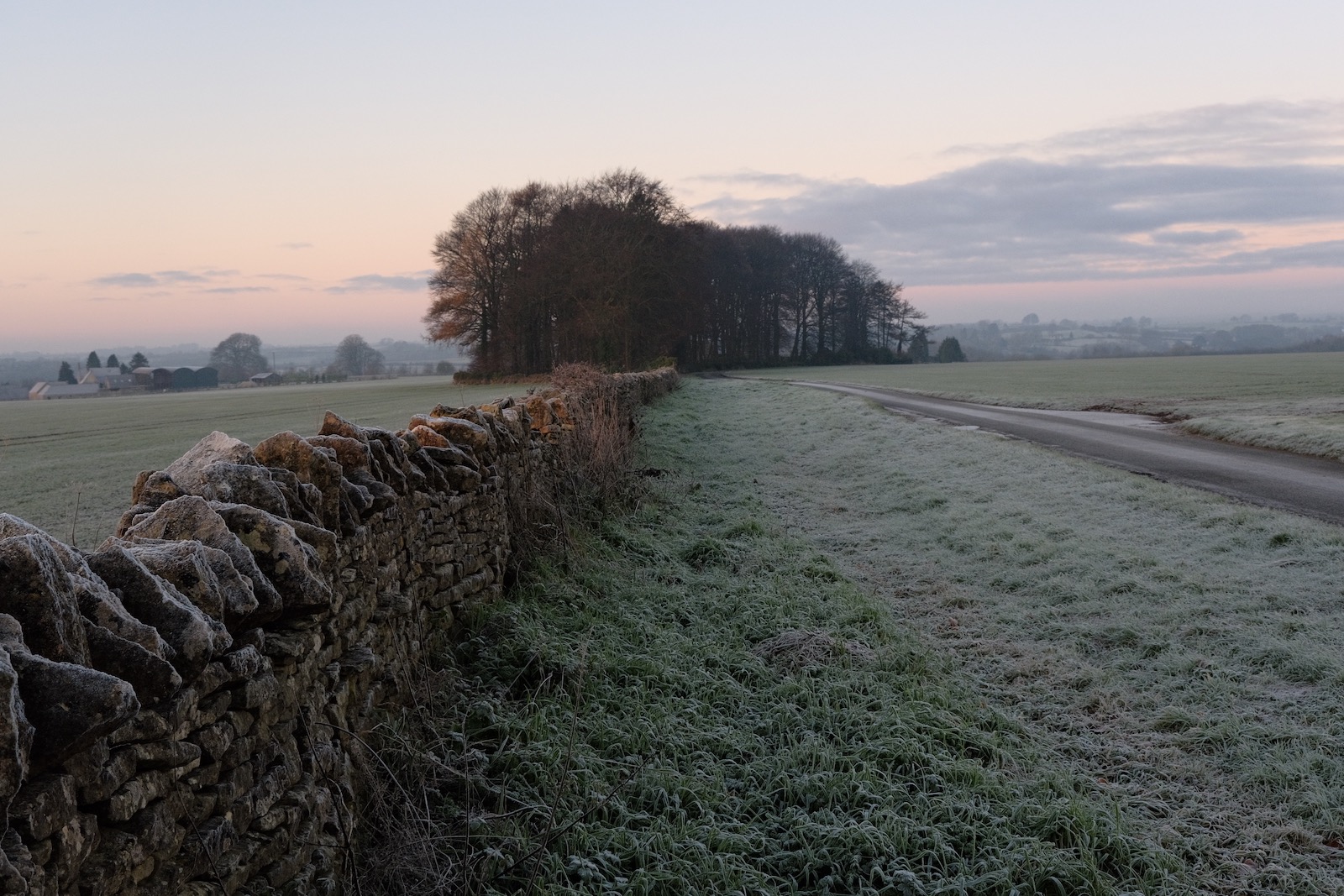
    Easy Going film recipe sample photo
    Easy Going film recipe sample photo
    Easy Going film recipe sample photo
    Easy Going film recipe sample photo
    Easy Going film recipe sample photo
    Easy Going film recipe sample photo
    Easy Going film recipe sample photo
    Easy Going film recipe sample photo

    Using the Easy Going Film Recipe

    Each film simulation recipe has its own character and style. These features mean recipes are more suited to certain situations, or when seeking a particular look. Here are the categories that Easy Going has been tagged with.

  • King Negative, Bold and Colourful Recipe

    King Negative, Bold and Colourful Recipe

    Rich colours film simulation recipe using Classic Negative for X-Trans IV cameras

    King Negative Film Recipe

    King Negative

    Here’s a film recipe that shows why it’s good to experiment, and why it’s great when photographers take a recipe and make changes to suit their style.

    You see, I published the QE2 film recipe on Sept, 8th using Classic Chrome as a base. Fujifilm user Tuvshinbayar Davaa took this on a trip to Marlburg in Germany, and because of gloomy conditions, swapped to Classic Negative.

    So here we have a descendent of QE2, which I have named King negative, following the line of succession. I just love how rich and vibrant the recipe is, and I’m sure I wouldn’t have tried this switch myself. We can all be thankful to Tuvshinbayar Davaa for the idea.

    King Negative Film Recipe Settings

    Film SimulationClassic Negative
    Grain EffectWeak, Small
    Col. Chr. EffectWeak
    Col. Chr. BlueOff
    White BalanceShade, +1 Red, ‑4 Blue
    Dynamic RangeDR400
    Highlights‑0.5
    Shadows‑1.5
    Colour3
    Sharpness‑2
    ISO N.R.‑4
    Clarity0
    EV Comp.+1/3

    Similar Recipes

    More similar recipes, and hundreds more exclusive looks, are available in the Film Recipes App.

    Film Recipes

    Get the Film Recipes App

    New recipes added frequently — be the first to try the latest looks

    Download on the App Store
    Get it on Google Play

    King Negative Film Recipe: Sample Photos
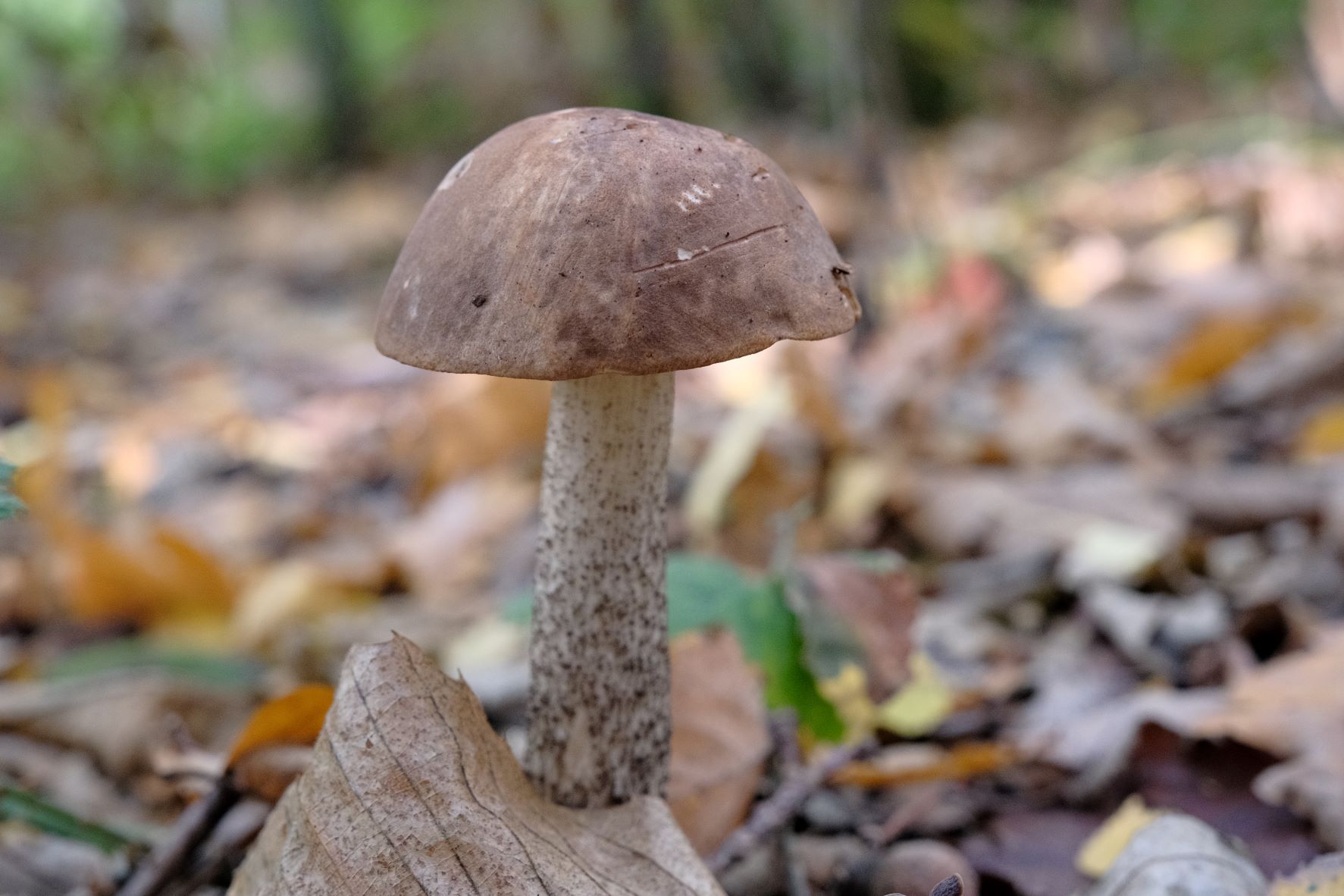
    King Negative film recipe sample photo
    King Negative film recipe sample photo
    King Negative film recipe sample photo
    King Negative film recipe sample photo
    King Negative film recipe sample photo
    King Negative film recipe sample photo
    King Negative film recipe sample photo

    Using the King Negative Film Recipe

    Each film simulation recipe has its own character and style. These features mean recipes are more suited to certain situations, or when seeking a particular look. Here are the categories that King Negative has been tagged with.

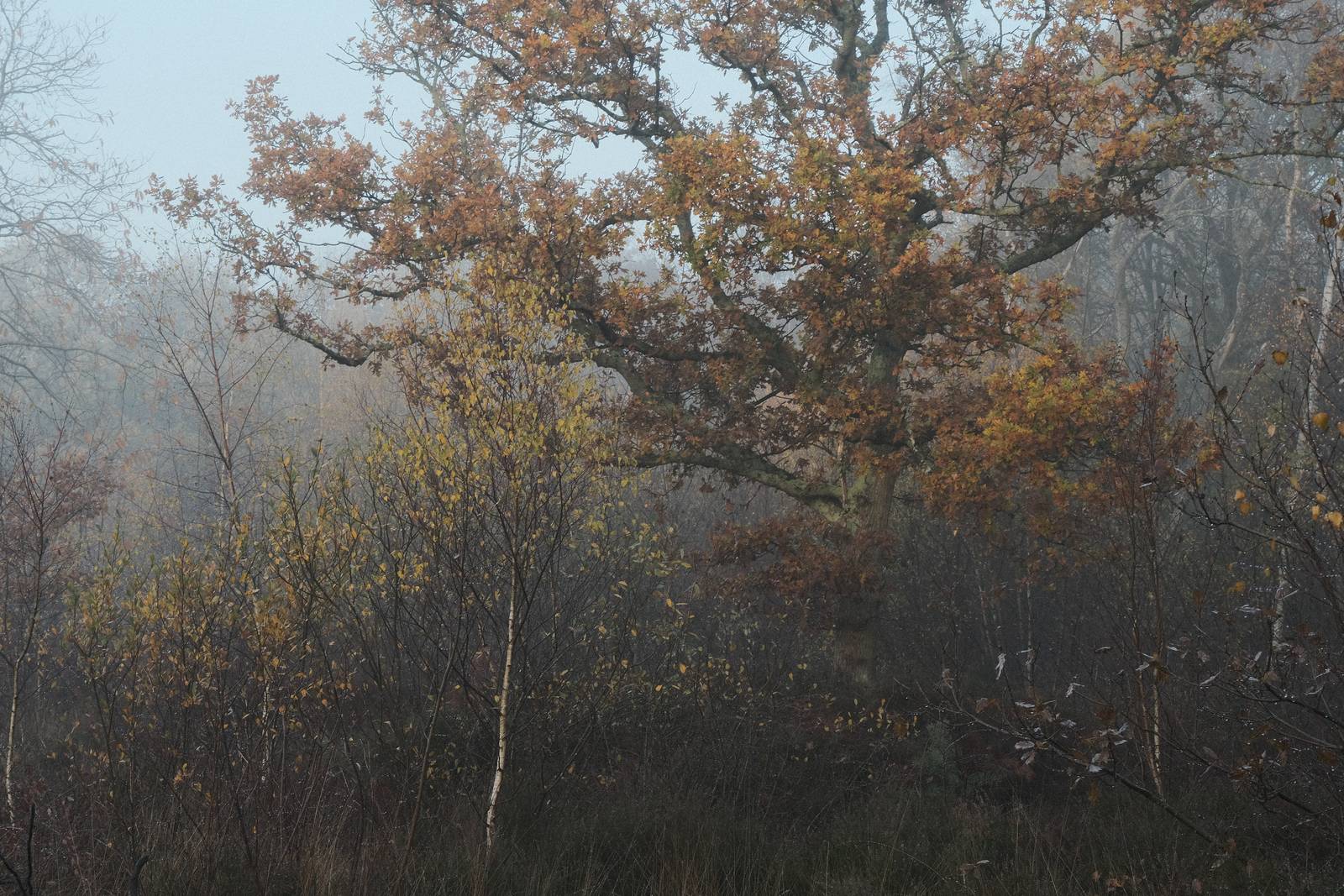
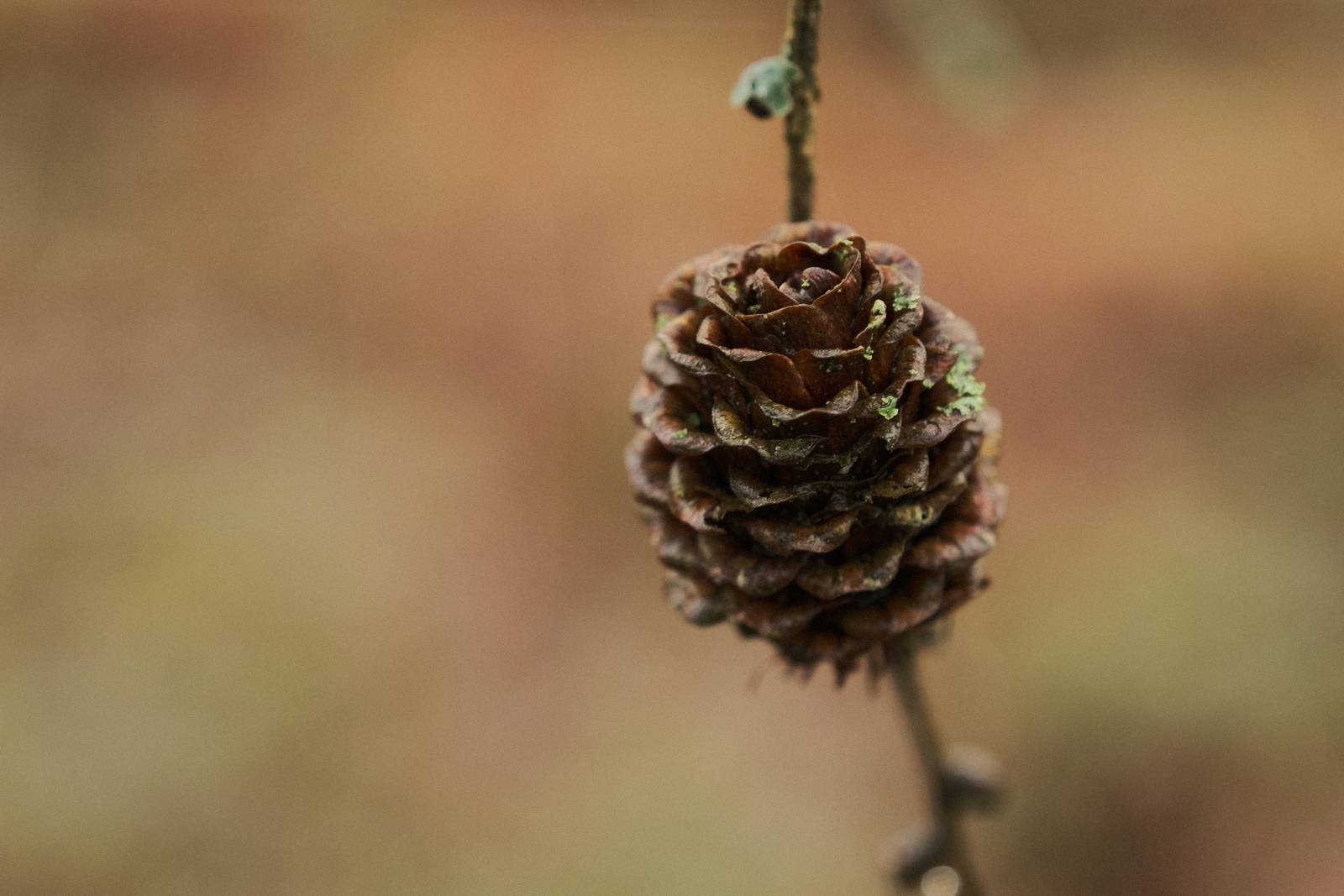
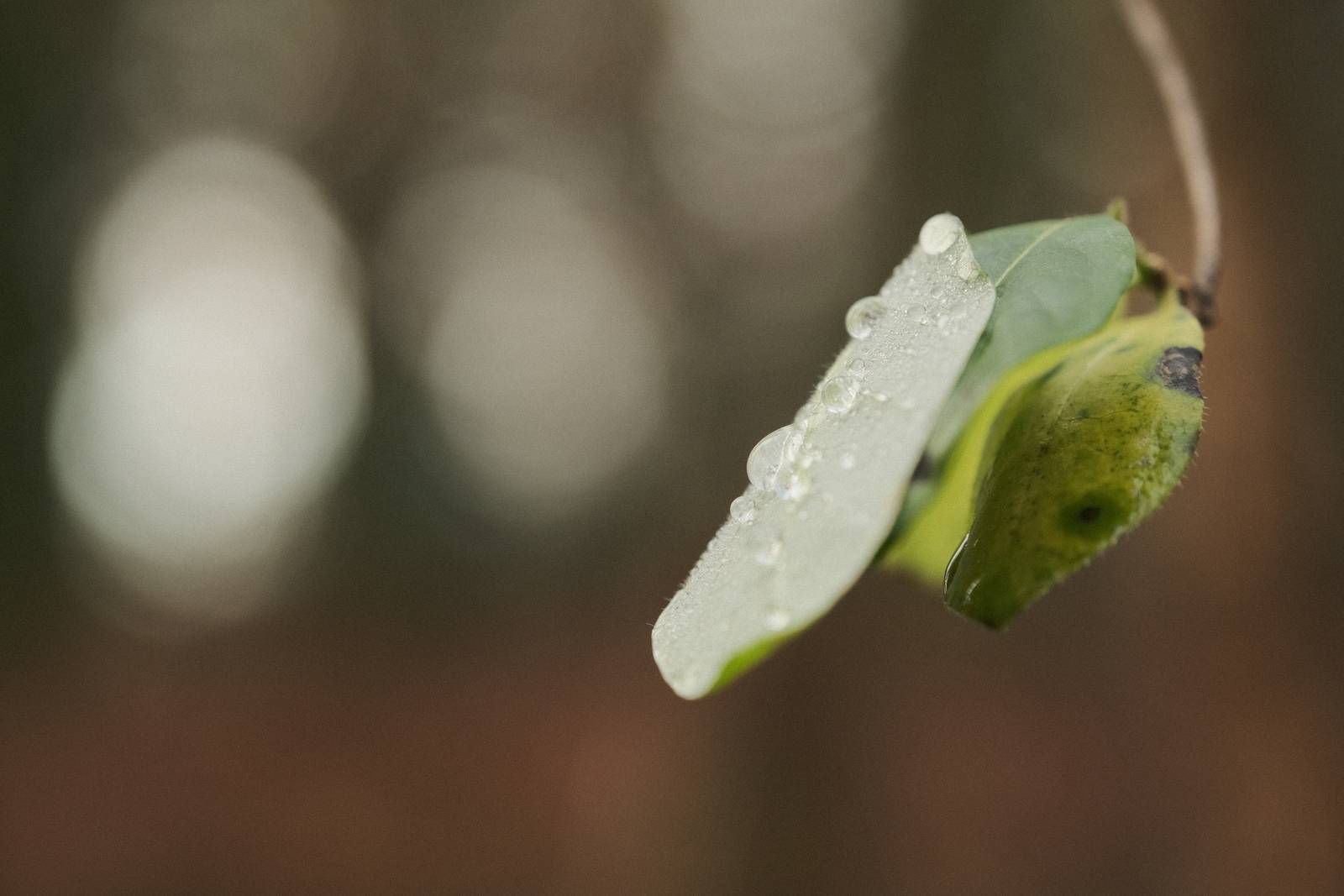
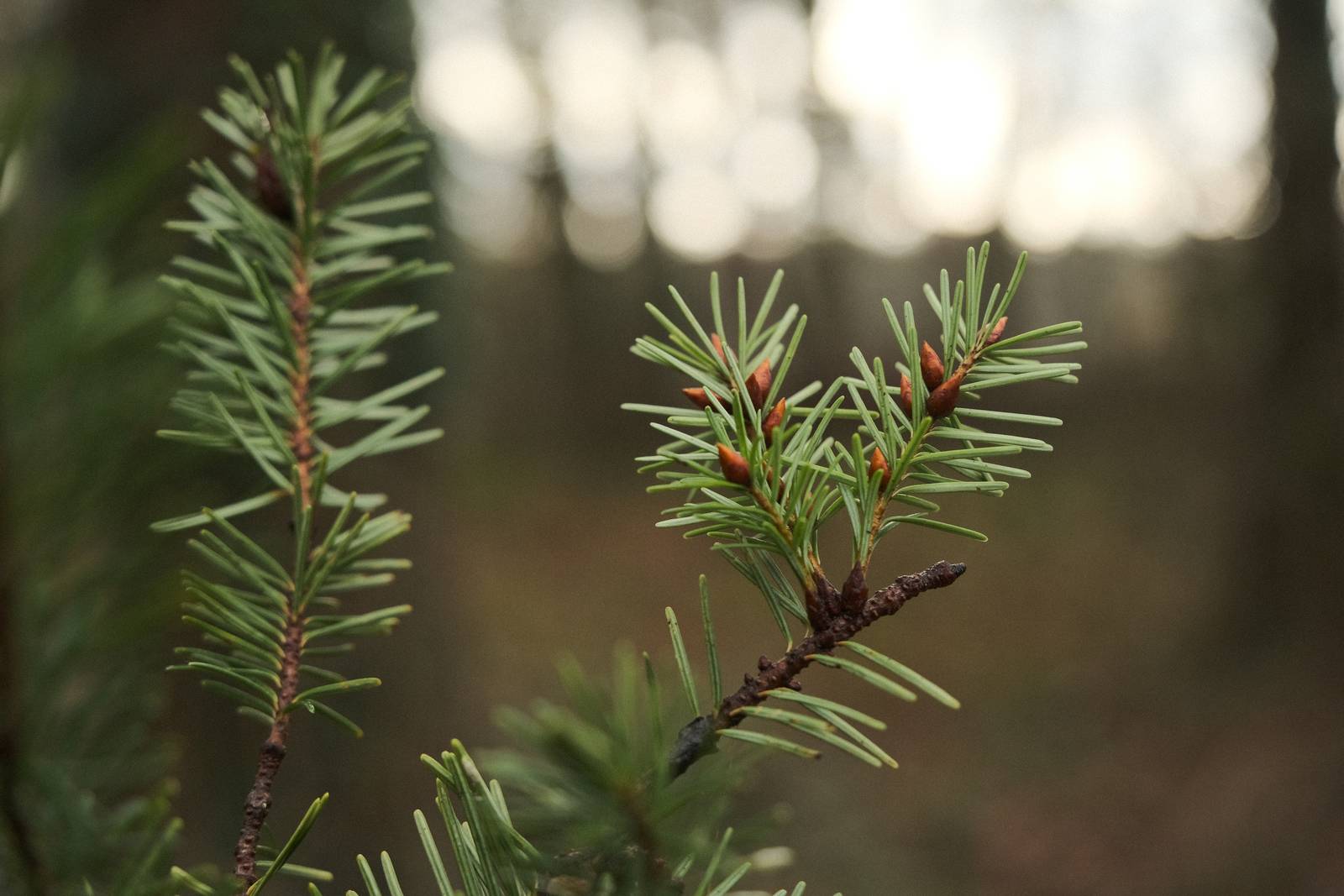
  • Shinrin Yoku, Forest Mindfulness Recipe

    Shinrin Yoku, Forest Mindfulness Recipe

    Classic chrome film simulation recipe for forest photography

    Shinrin Yoku Film Recipe

    Shinrin Yoku

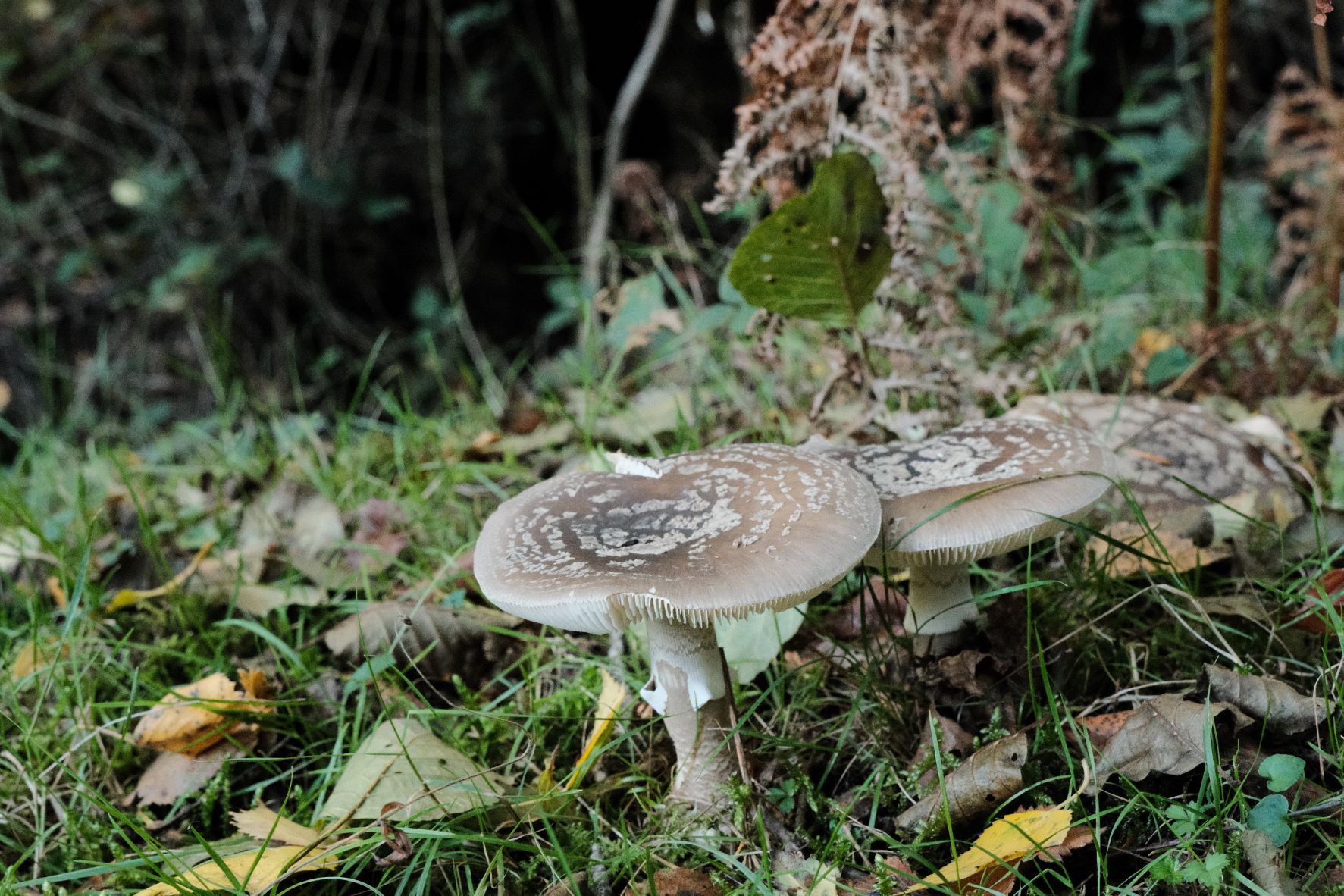
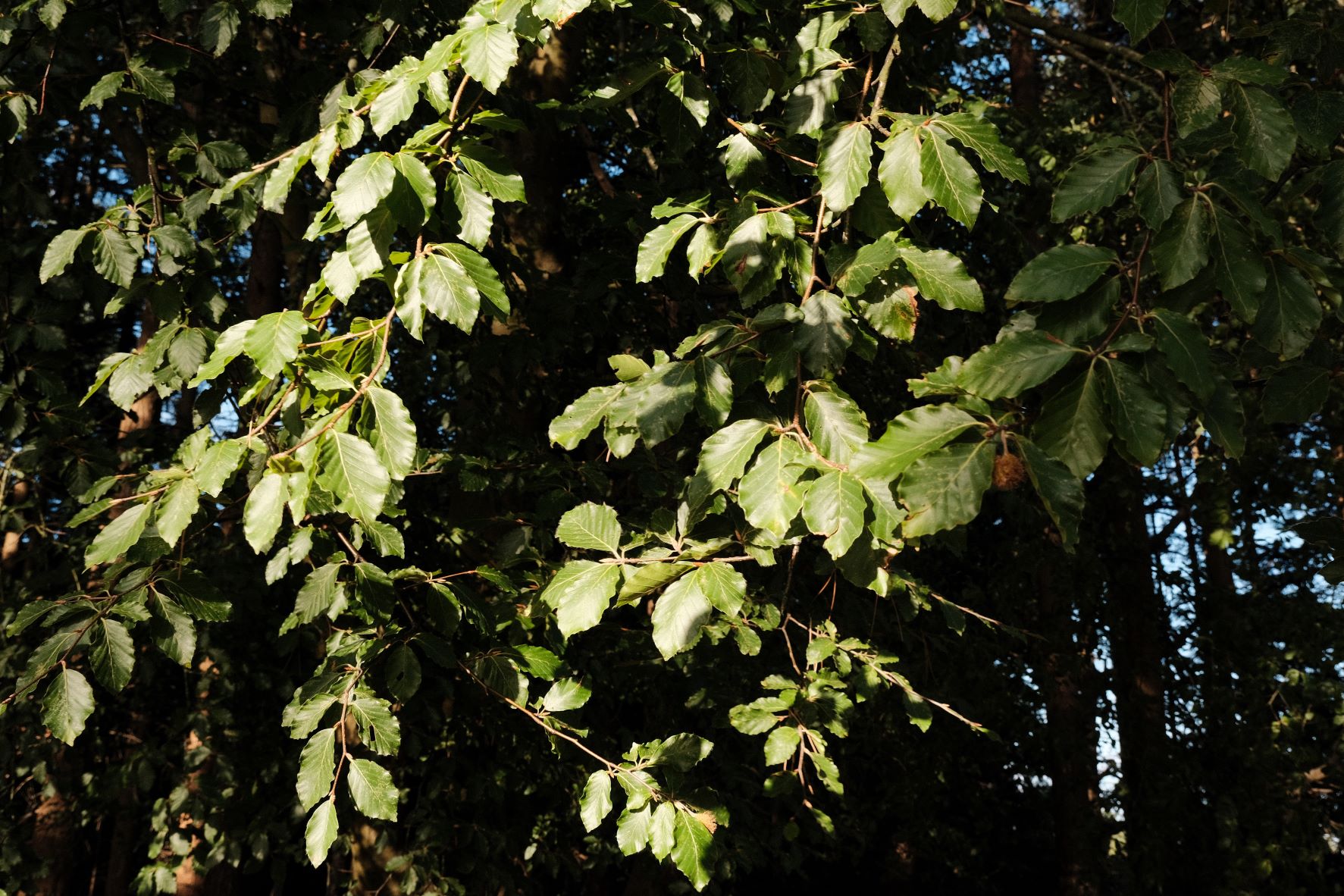
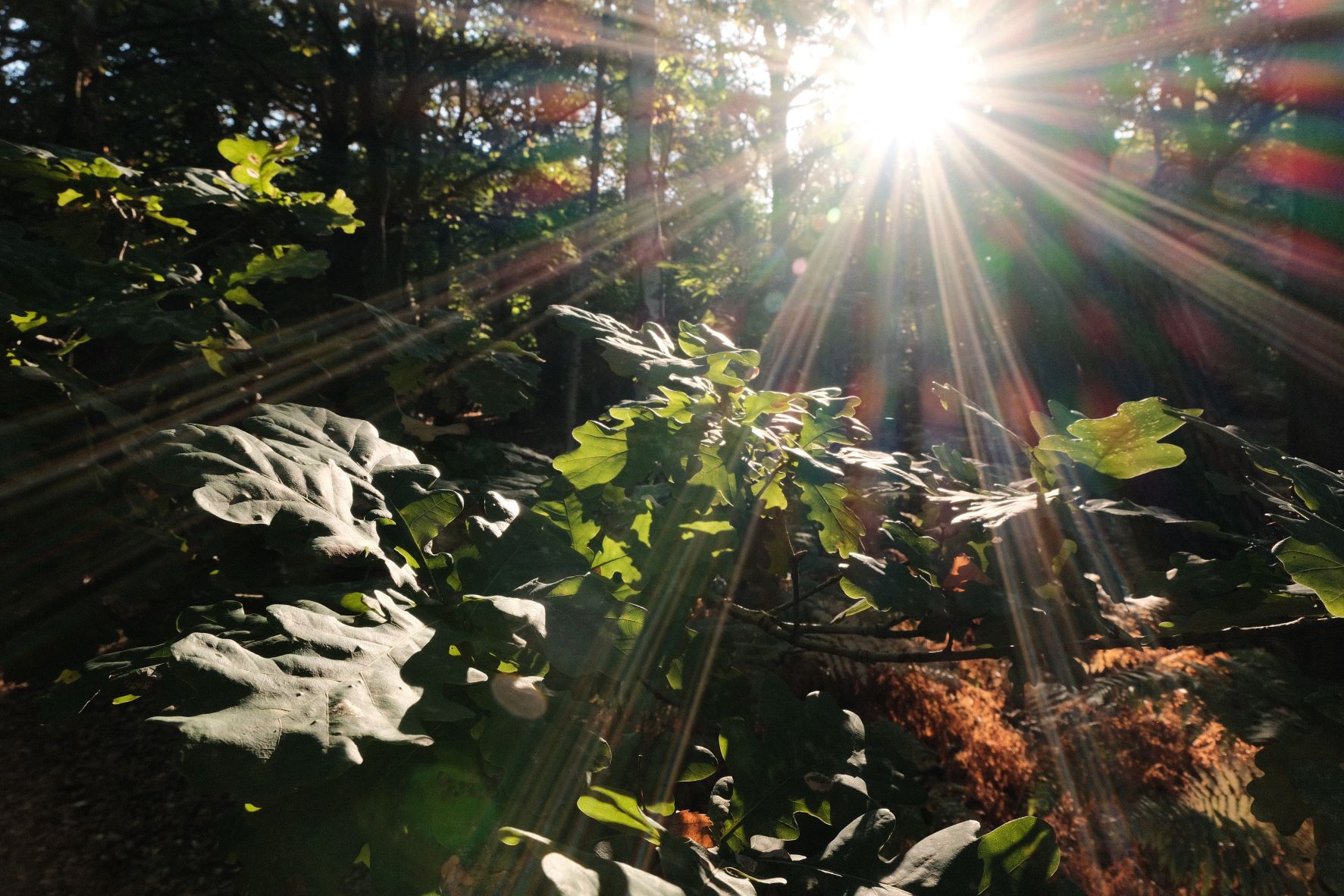
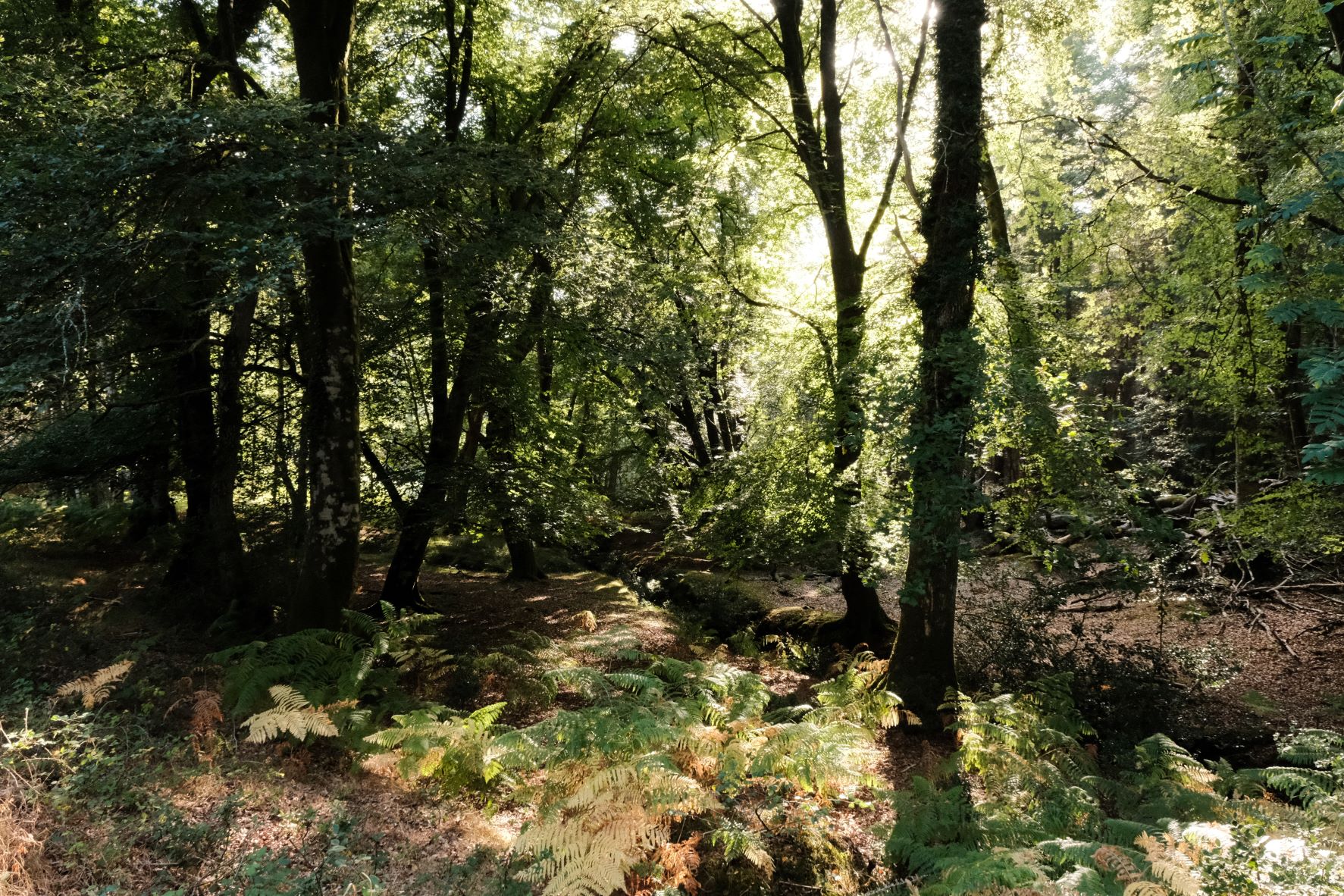
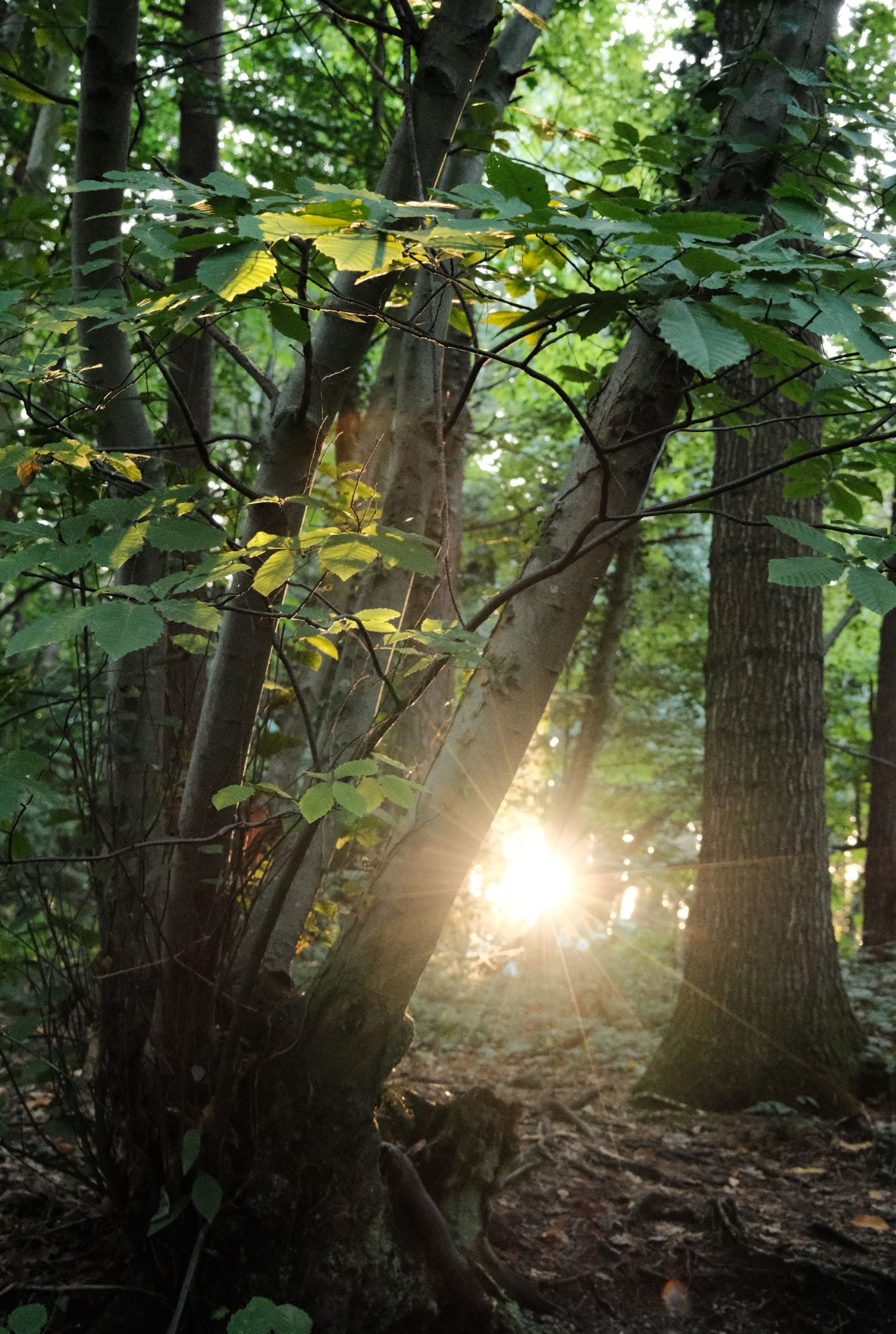
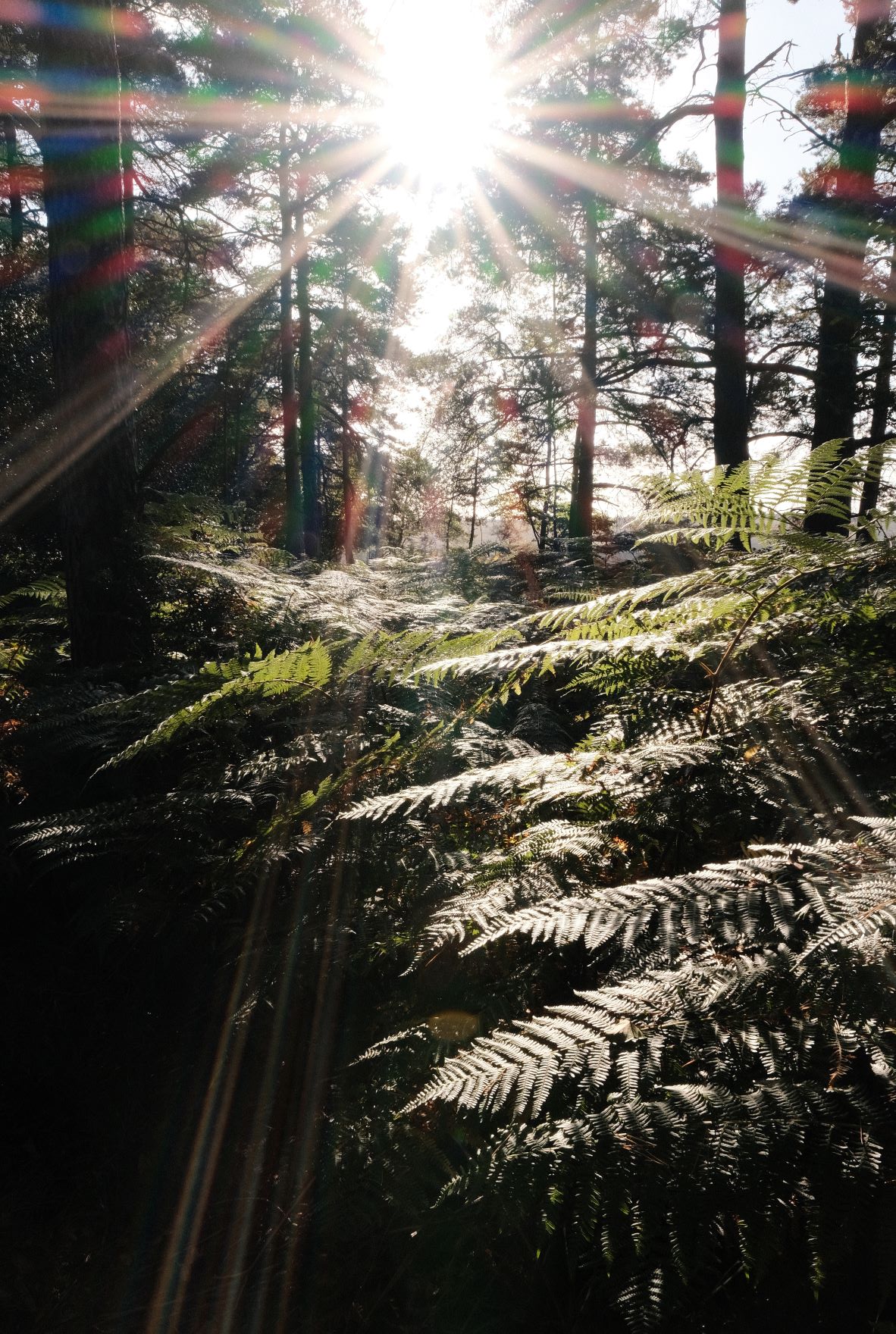
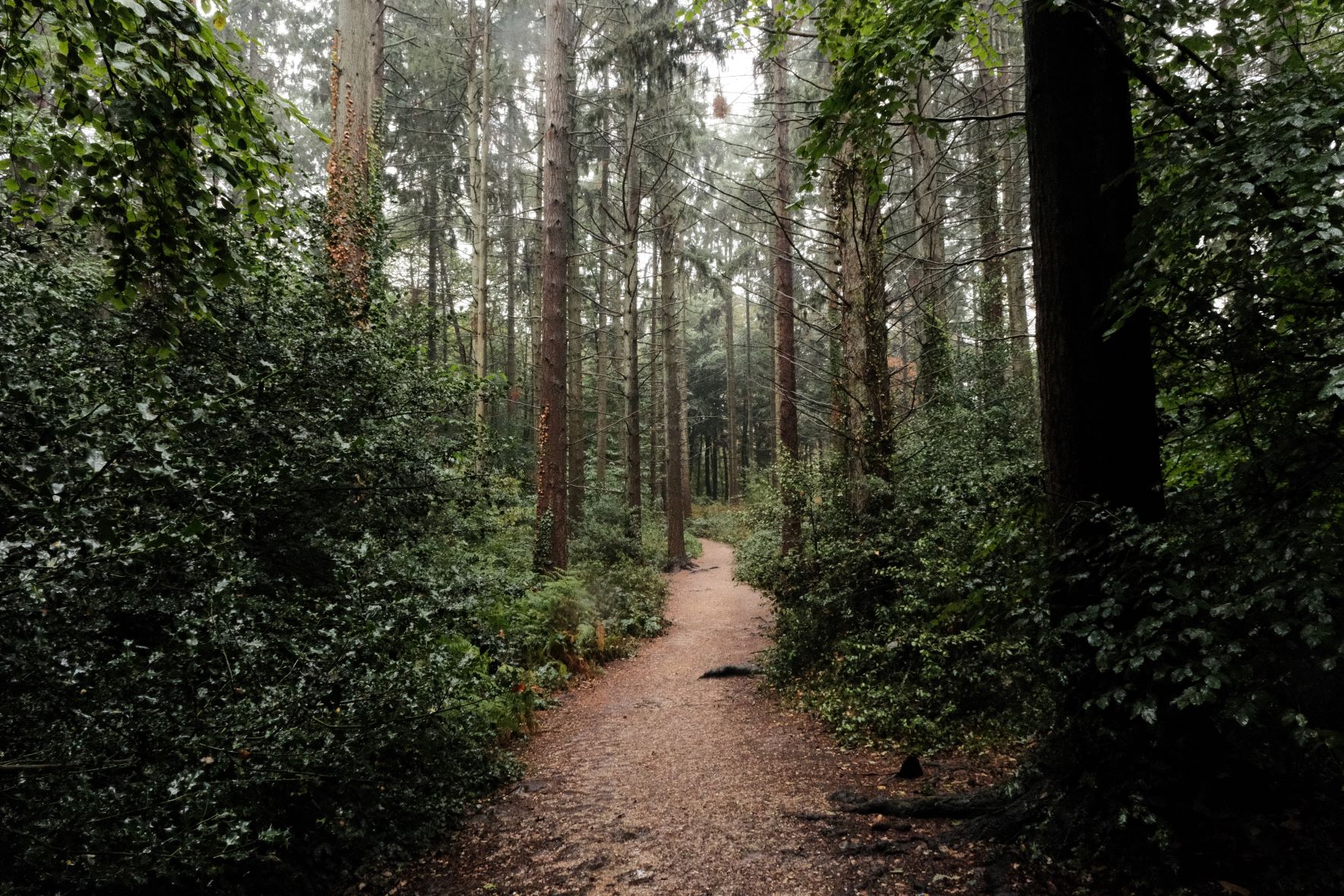
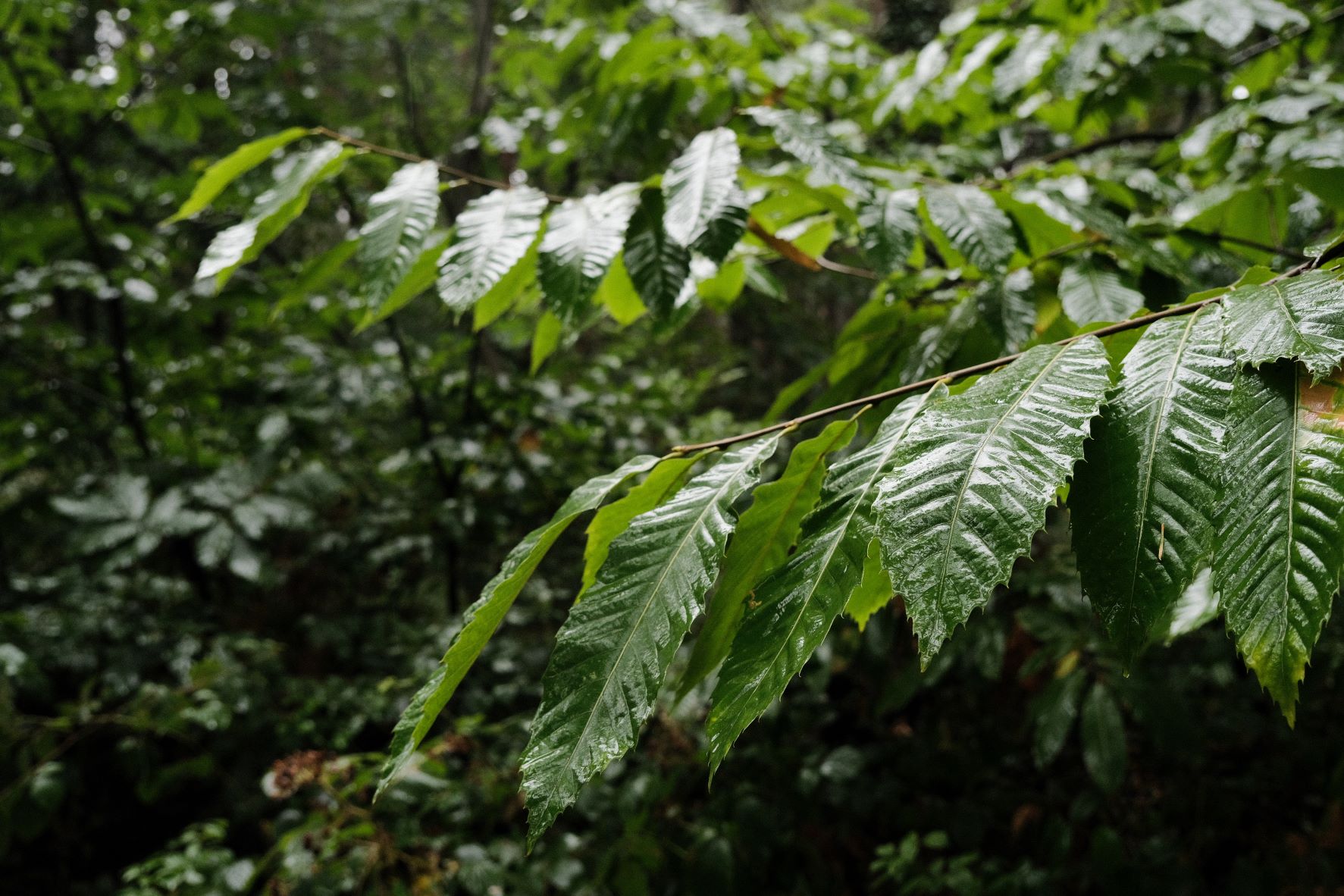
    Shinrin yoku, or forest bathing, is a mindful wellness exercise that first became popular in Japan, and then around the world. You embrace the calmness of nature and enjoy a relaxing time being in a forest or amongst nature, taking time to observe and enjoy what you see. If you haven’t heard about it, here’s a quick guide to forest bathing.

    Extending your shinrin yoku experience with photography is a wonderful way to keep a record of what you see and can enhance the mindfulness and observation elements of forest bathing. As a partner to this, I’ve developed a forest friendly film recipe that works well in a wide range of wooded environments.

    Shinrin Yoku Film Recipe Settings

    Film SimulationClassic Chrome
    Grain EffectWeak, Small
    Col. Chr. EffectOff
    Col. Chr. BlueOff
    White BalanceFluorescent 2, +3 Red, ‑5 Blue
    Dynamic RangeDR200
    Highlights‑1
    Shadows1
    Colour3
    Sharpness1
    ISO N.R.‑4
    Clarity0
    EV Comp.+1/3

    Similar Recipes

    More similar recipes, and hundreds more exclusive looks, are available in the Film Recipes App.

    Film Recipes

    Get the Film Recipes App

    Monthly challenges to push your photography further

    Download on the App Store
    Get it on Google Play

    Shinrin Yoku Film Recipe: Sample Photos
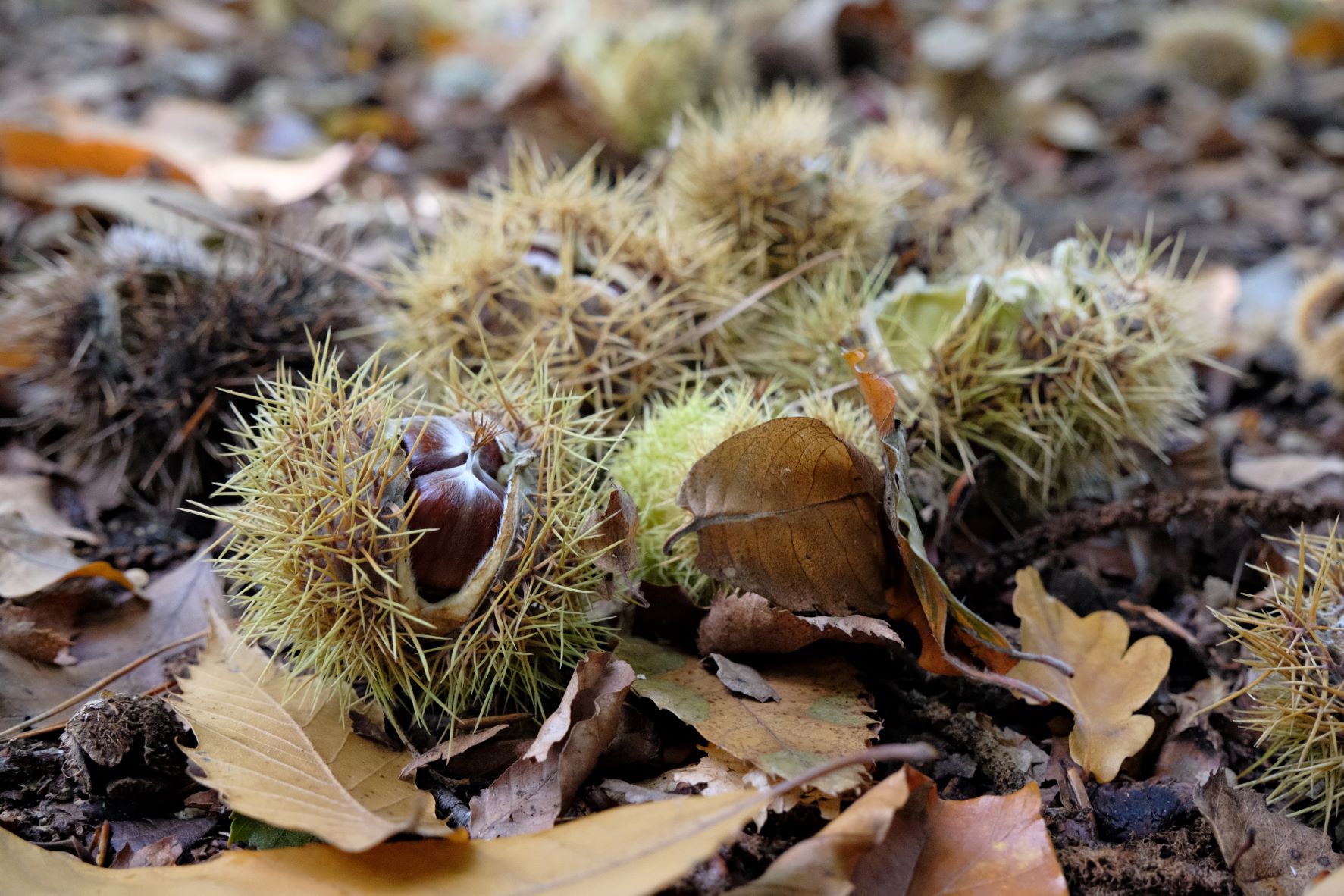
    Shinrin Yoku film recipe sample photo
    Shinrin Yoku film recipe sample photo
    Shinrin Yoku film recipe sample photo
    Shinrin Yoku film recipe sample photo
    Shinrin Yoku film recipe sample photo
    Shinrin Yoku film recipe sample photo
    Shinrin Yoku film recipe sample photo
    Shinrin Yoku film recipe sample photo
    Shinrin Yoku film recipe sample photo
    Shinrin Yoku film recipe sample photo
    Shinrin Yoku film recipe sample photo
    Shinrin Yoku film recipe sample photo
    Shinrin Yoku film recipe sample photo

    Using the Shinrin Yoku Film Recipe

    Each film simulation recipe has its own character and style. These features mean recipes are more suited to certain situations, or when seeking a particular look. Here are the categories that Shinrin Yoku has been tagged with.