


Astia Pops
Astia Pops, Punchy Colour Film Recipe
Vivid natural colour film recipe using Astia simulation for rich color
Many Fujifilm film recipes have a soft tones or nostalgic look, but that doesn’t suit everyone, or all conditions. When you want something with a bit more impact or colour, something different is required.
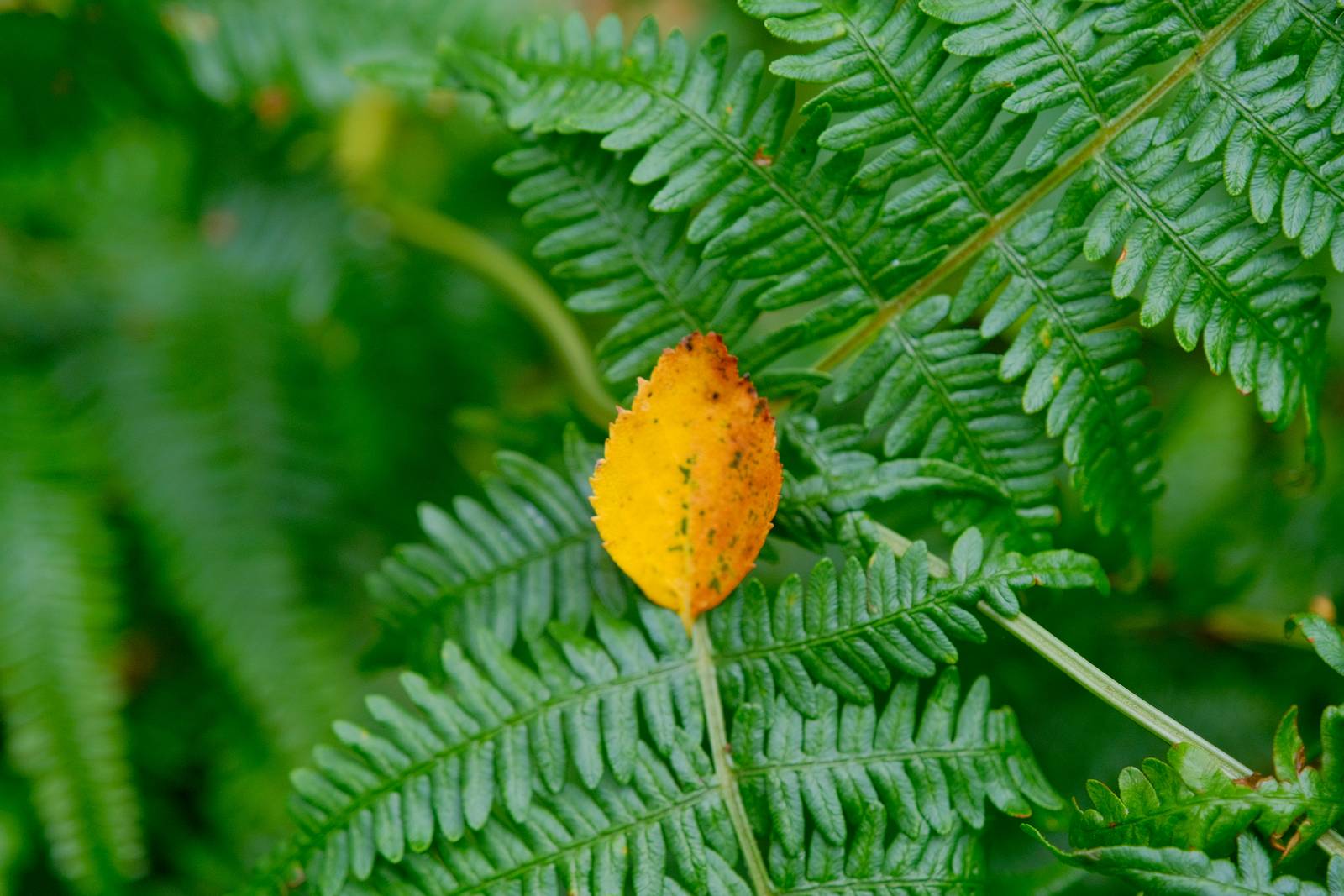
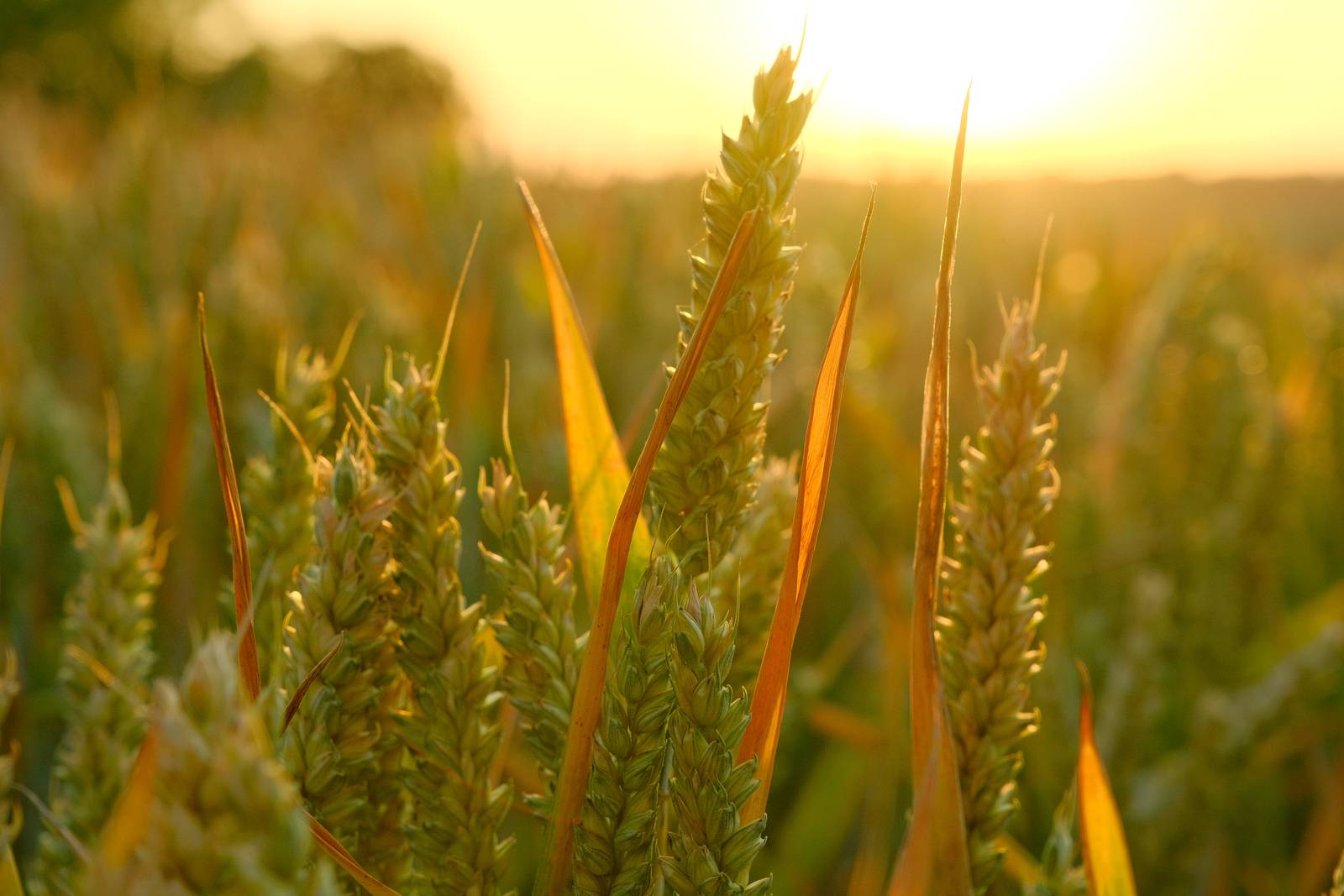
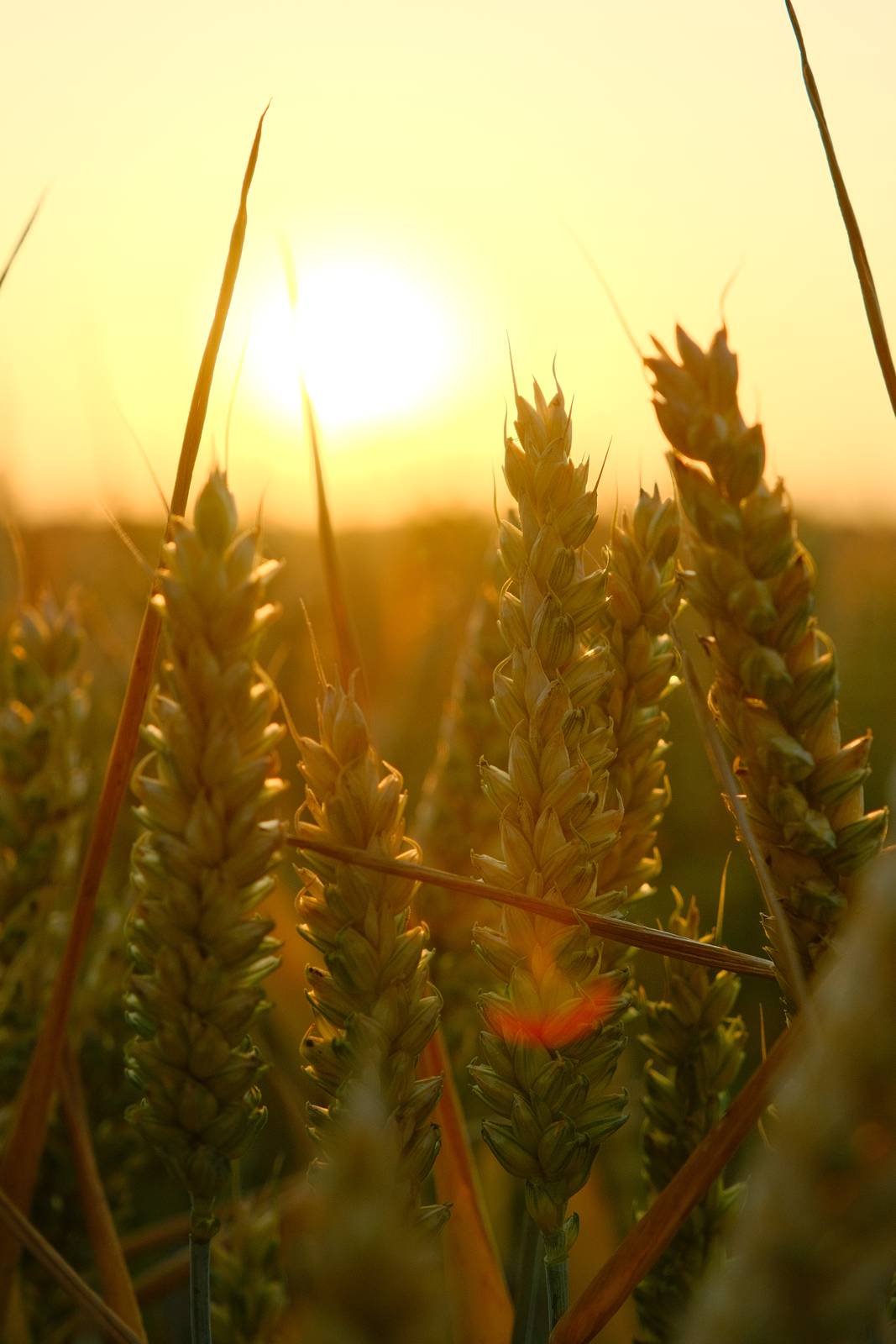
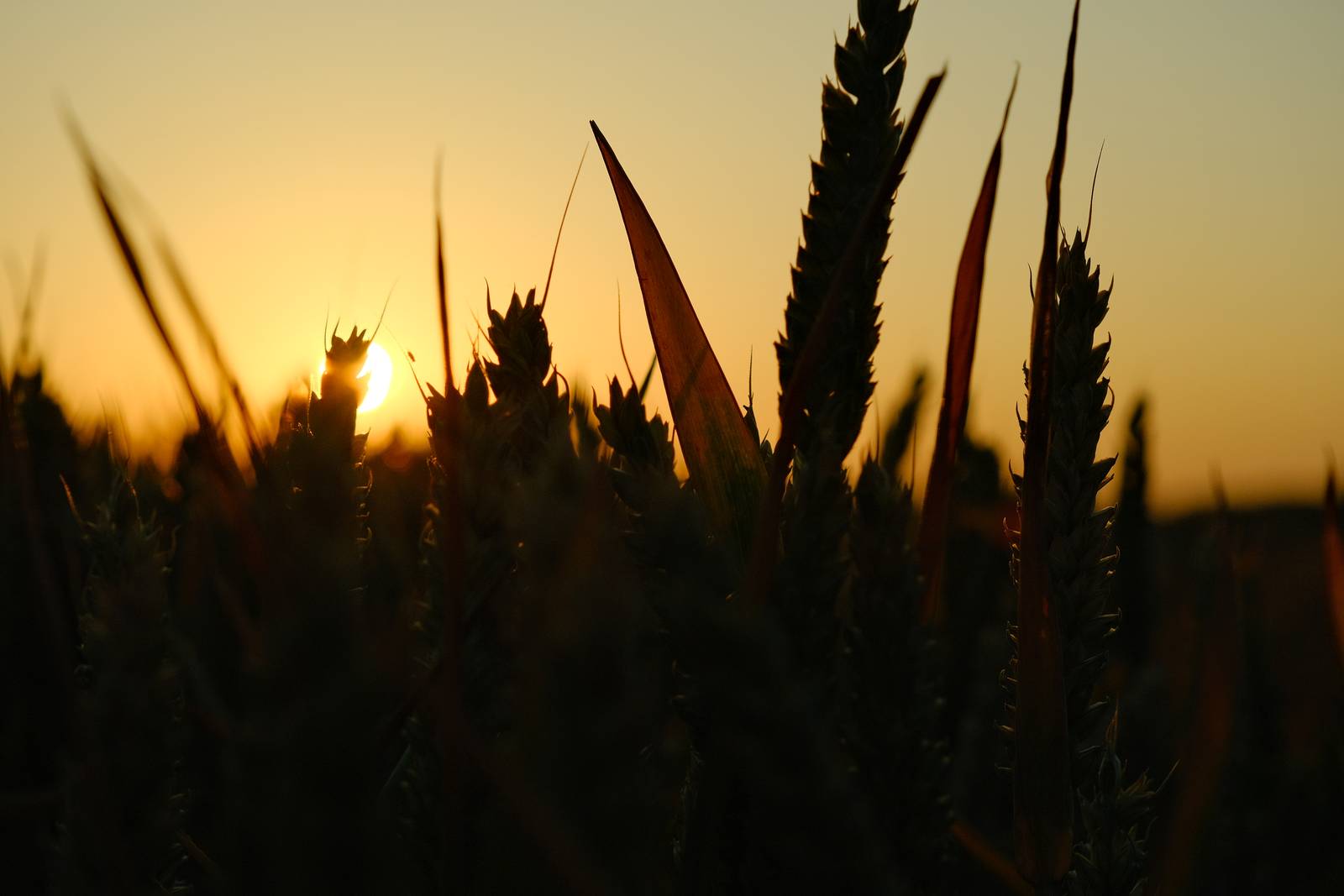
My first choice for a more punchy look is the Astia simulation. In this recipe, I’ve taken the base sim and given a modest tweak to colour balance and a strong boost to saturation.
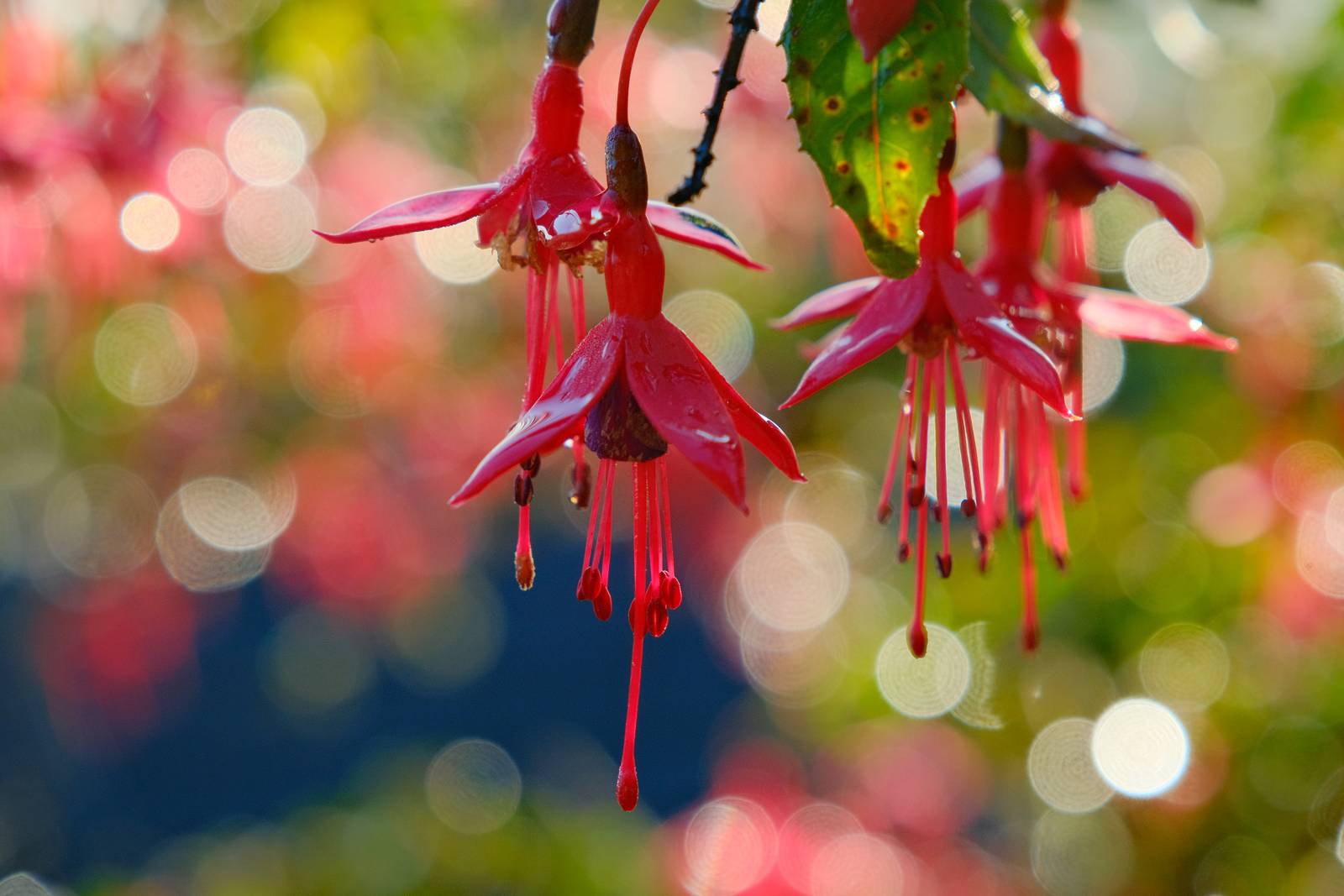
The result is a look where the quality of Astia really jumps out, hence the name Astia Pops. It’s a great choice for vibrant colours and images that come to life. Have fun!
Astia Pops Film Recipe Settings
| Film Simulation | Astia/Soft |
| Grain Effect | Off |
| Col. Chr. Effect | Weak |
| Col. Chr. Blue | Off |
| White Balance | Auto, 0 Red, ‑4 Blue |
| Dynamic Range | DR400 |
| Highlights | ‑1 |
| Shadows | ‑2 |
| Colour | 4 |
| Sharpness | 1 |
| ISO N.R. | ‑4 |
| Clarity | 2 |
| EV Comp. | 0 |
Similar Recipes
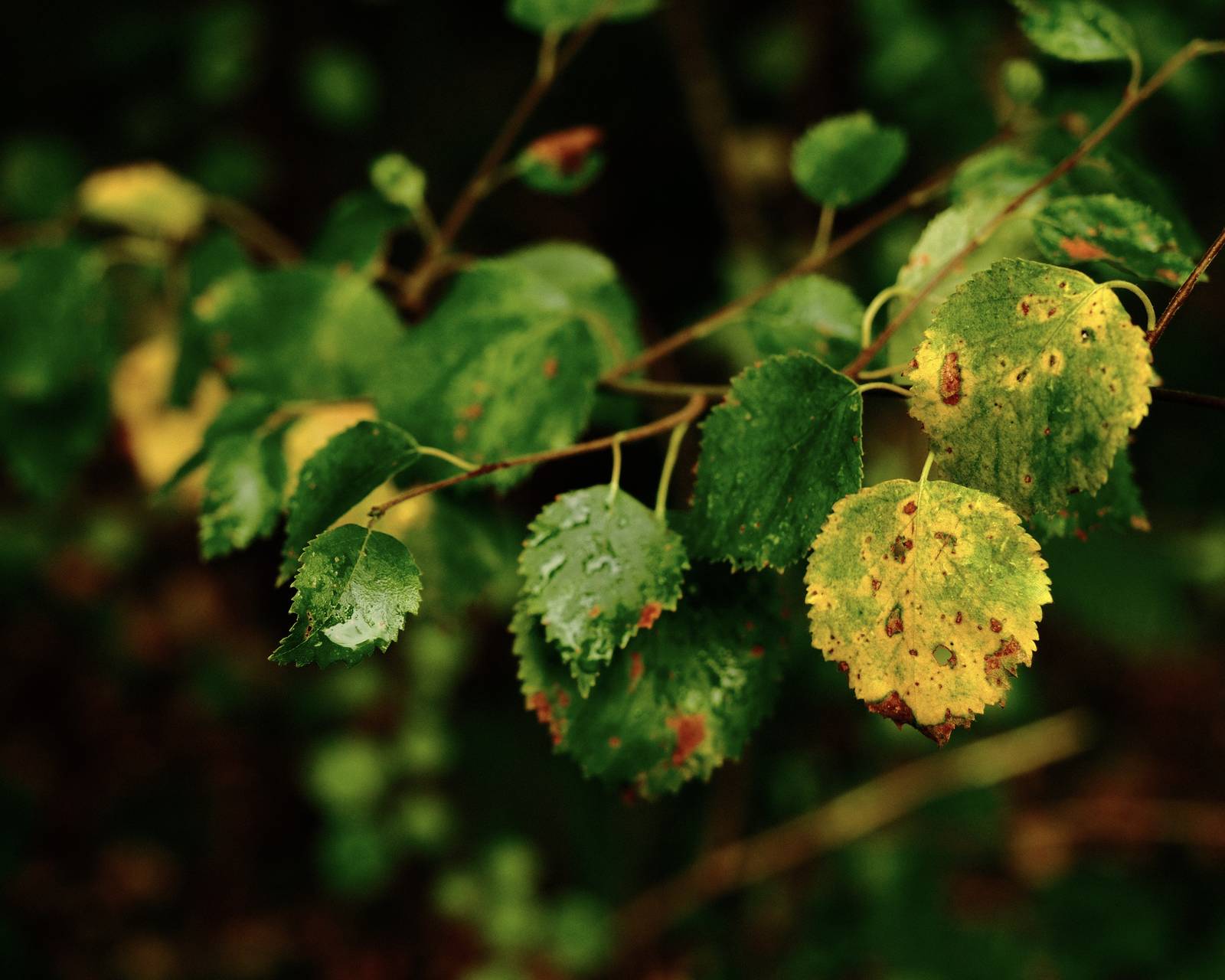

More similar recipes, and hundreds more exclusive looks, are available in the Film Recipes App.

Get the Film Recipes App
Rolling activity feed — see what’s trending in the app


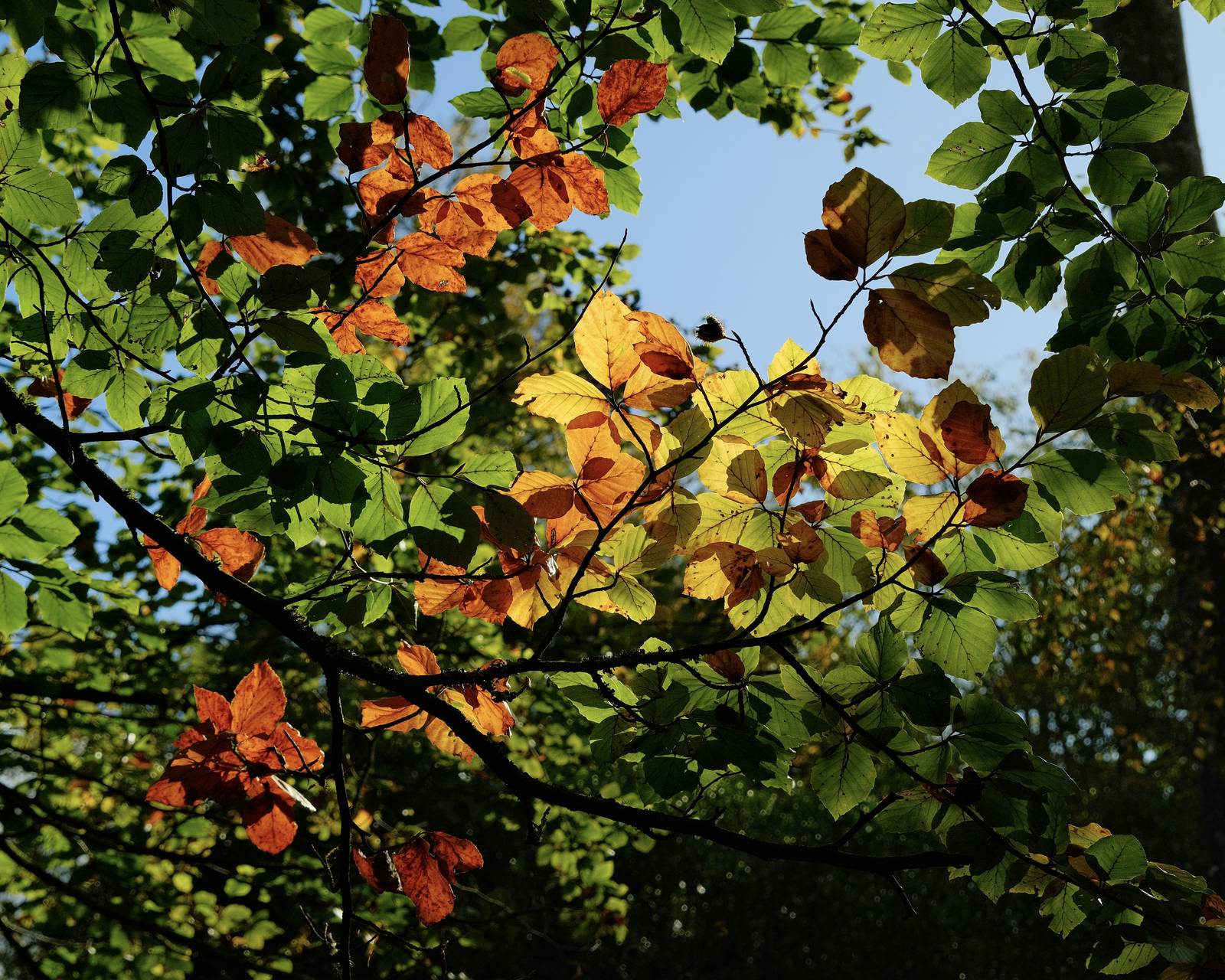
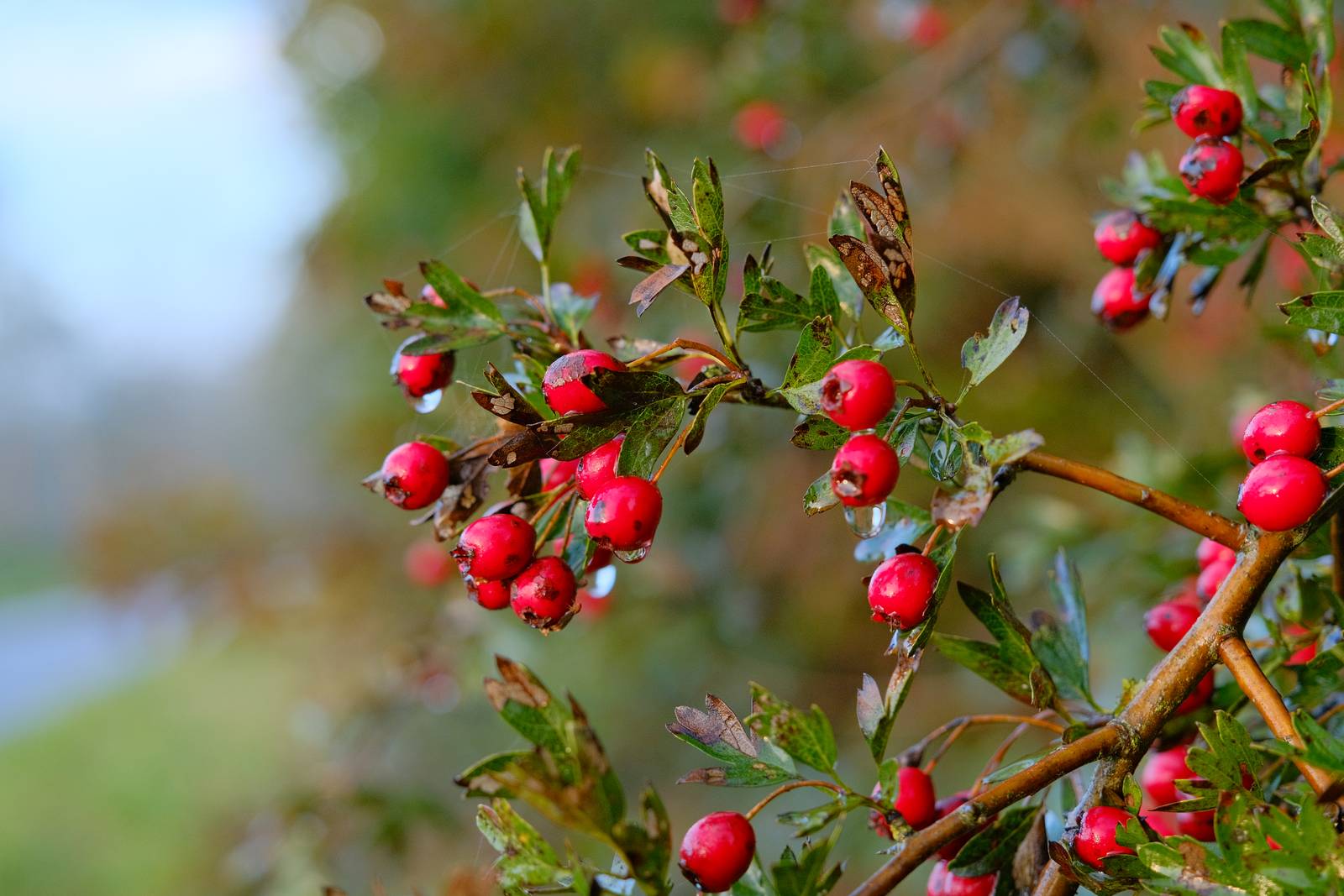
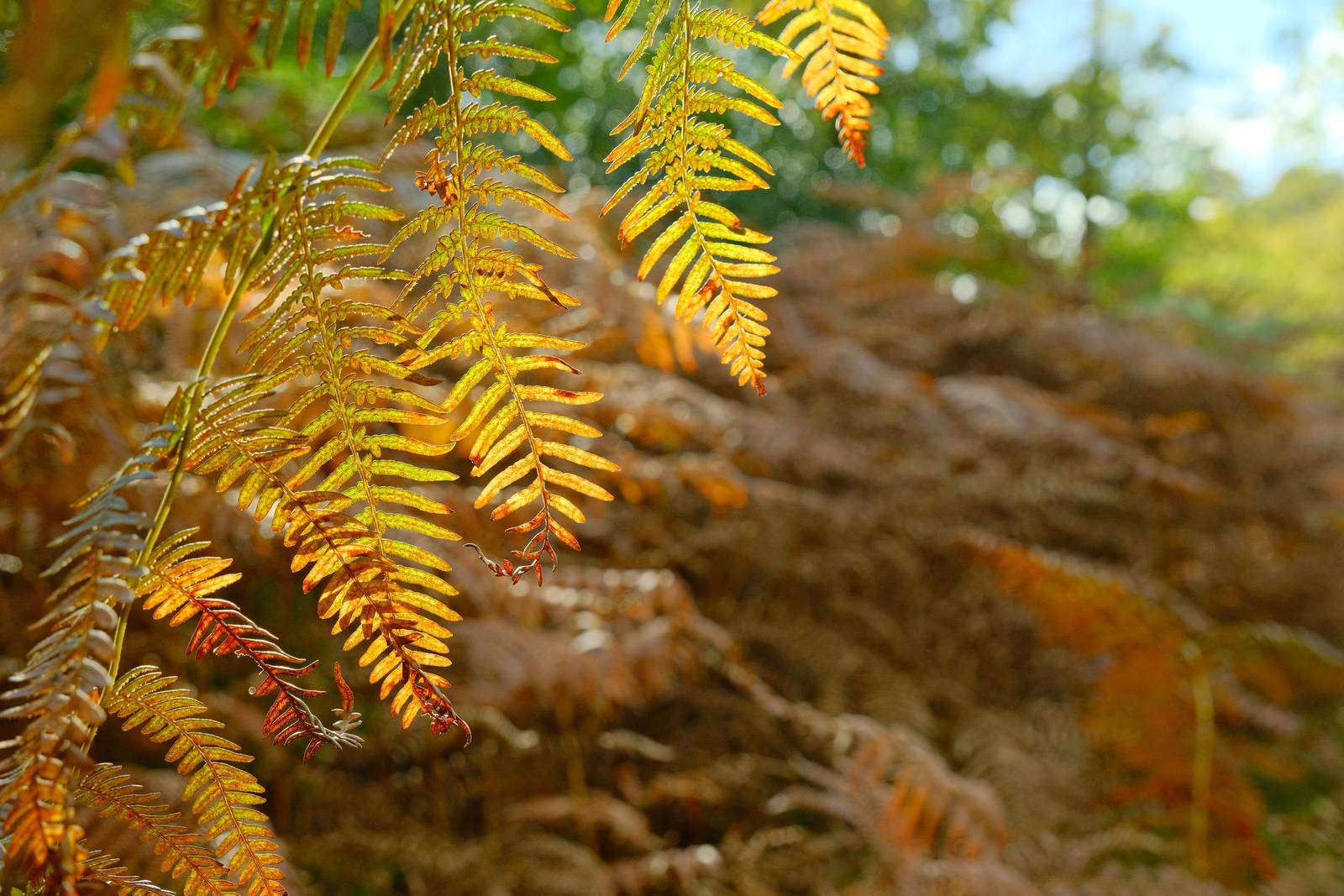
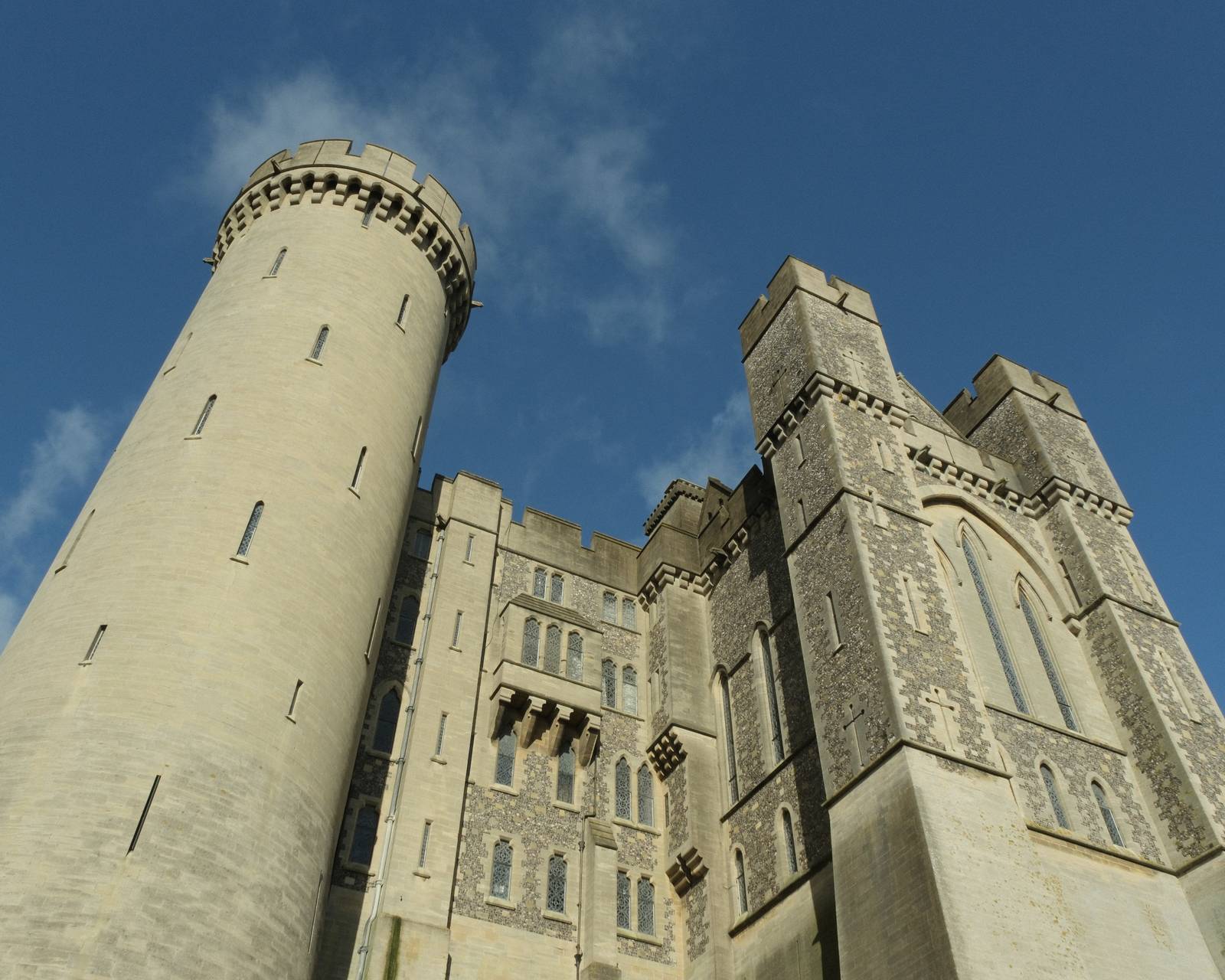
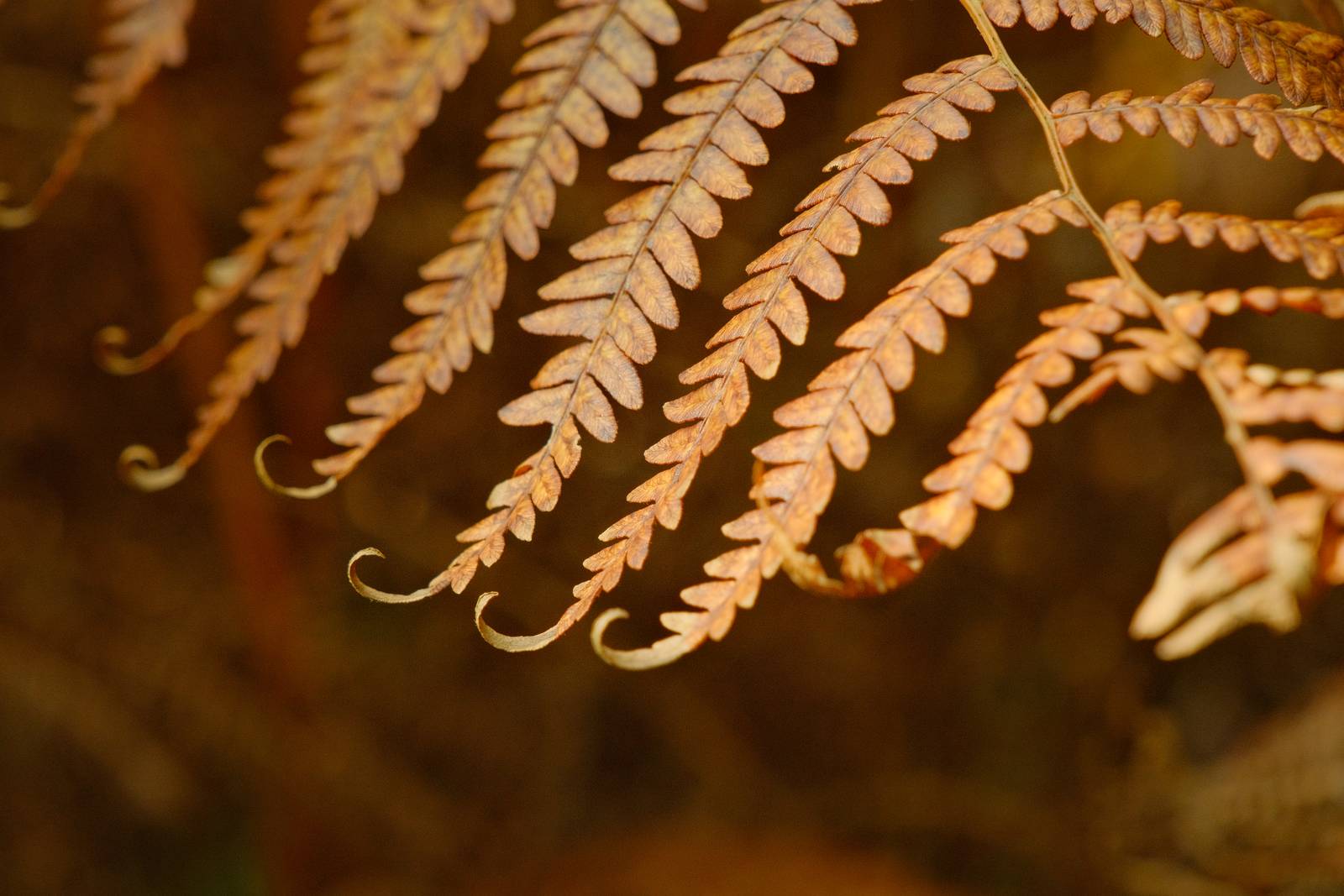
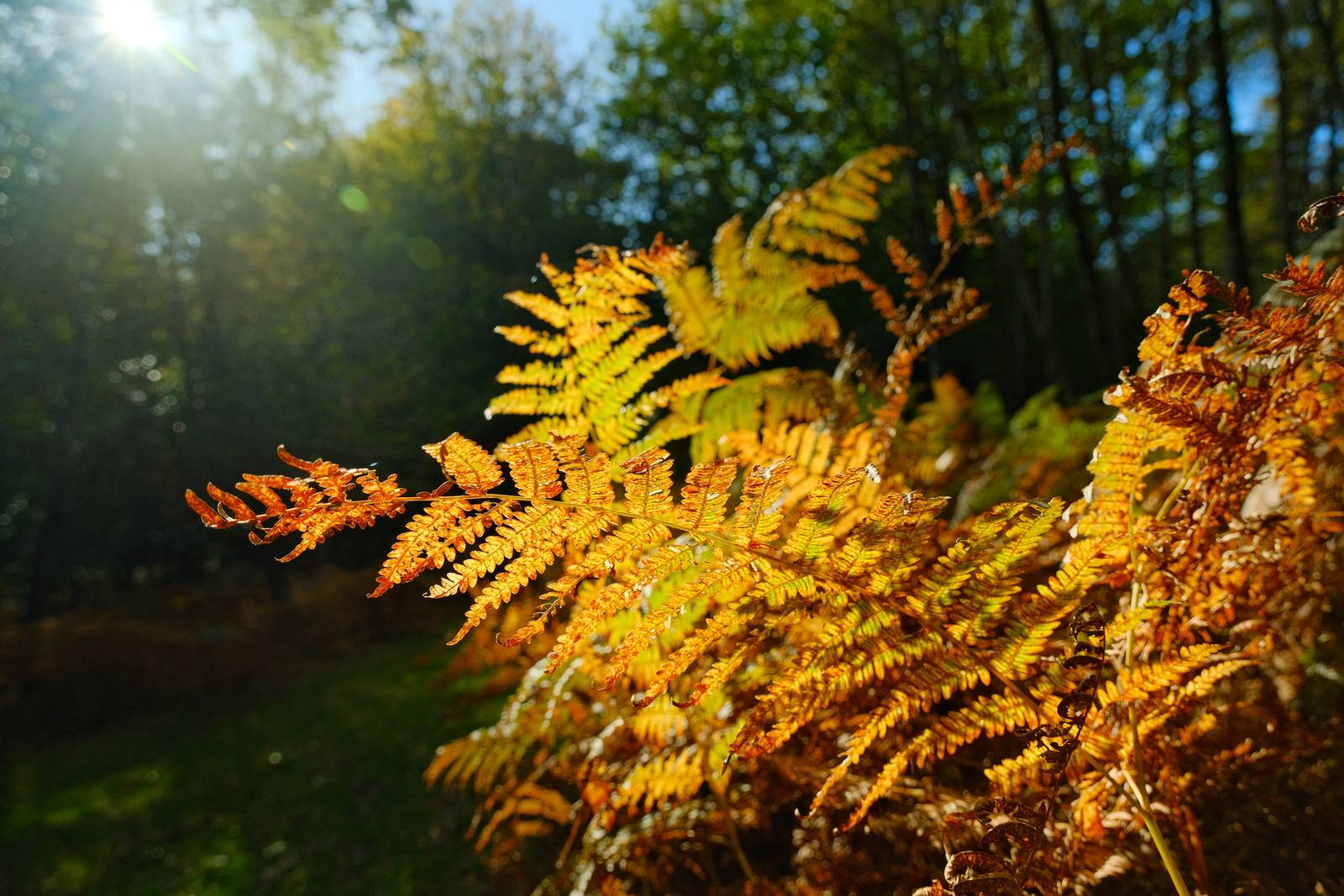
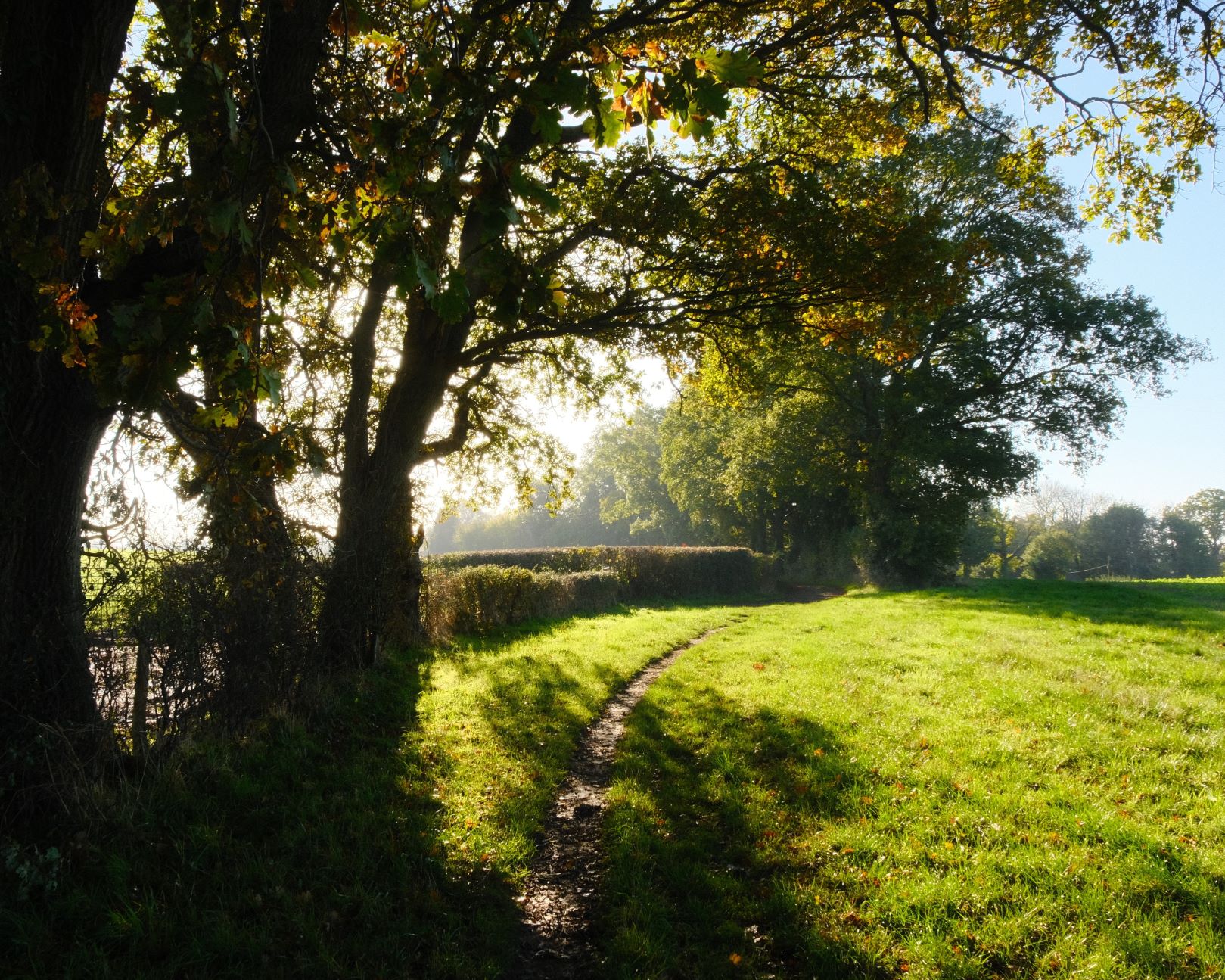
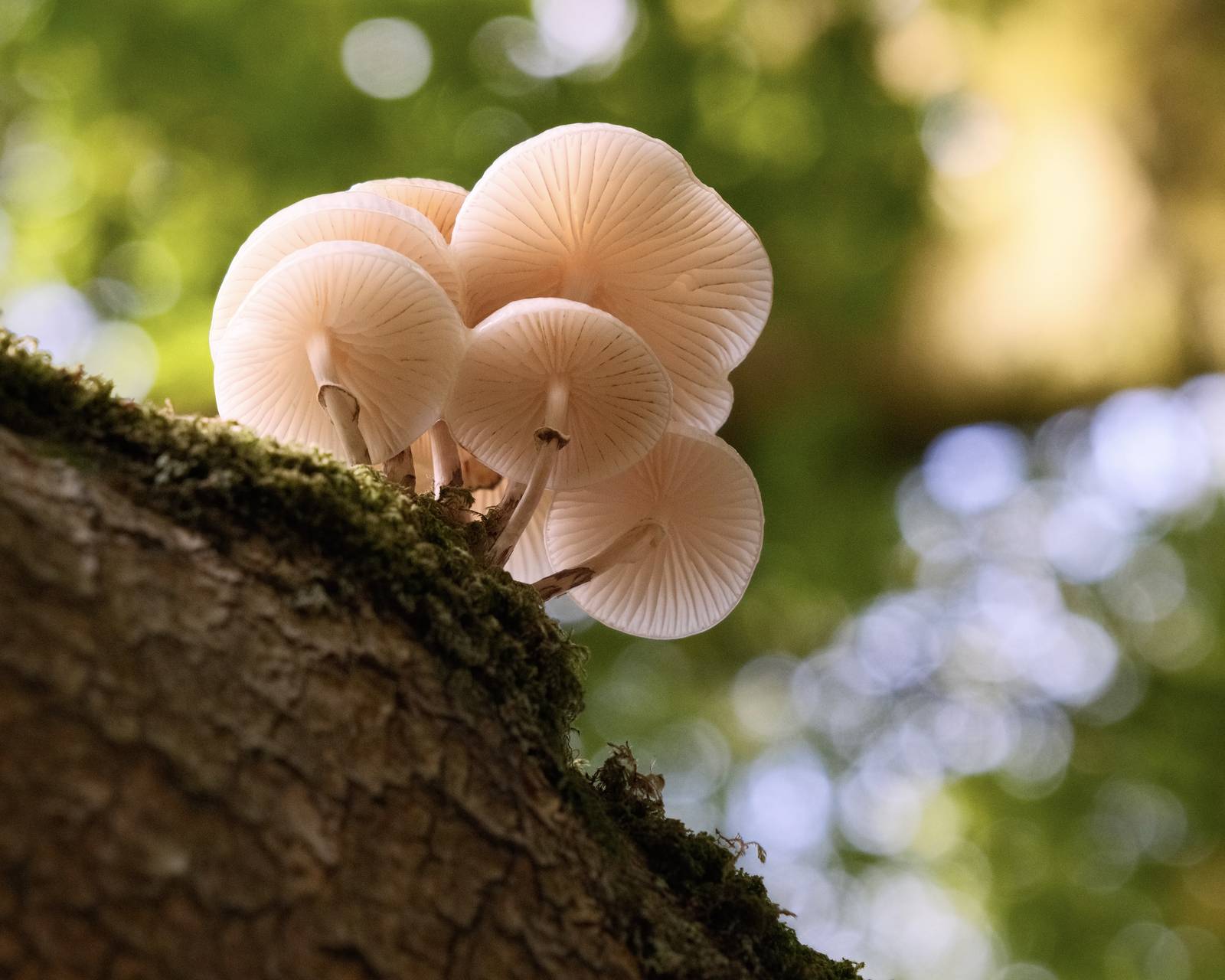
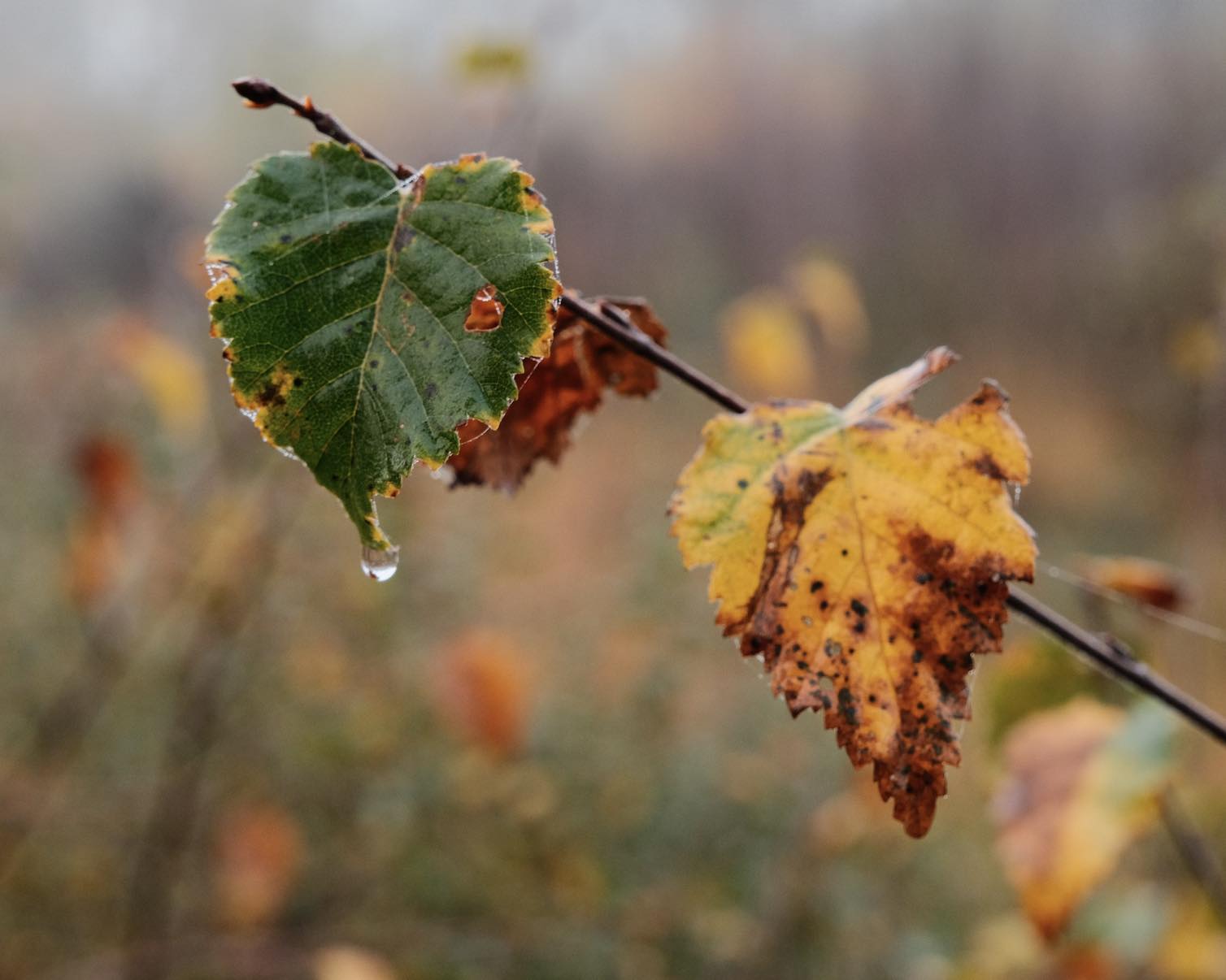
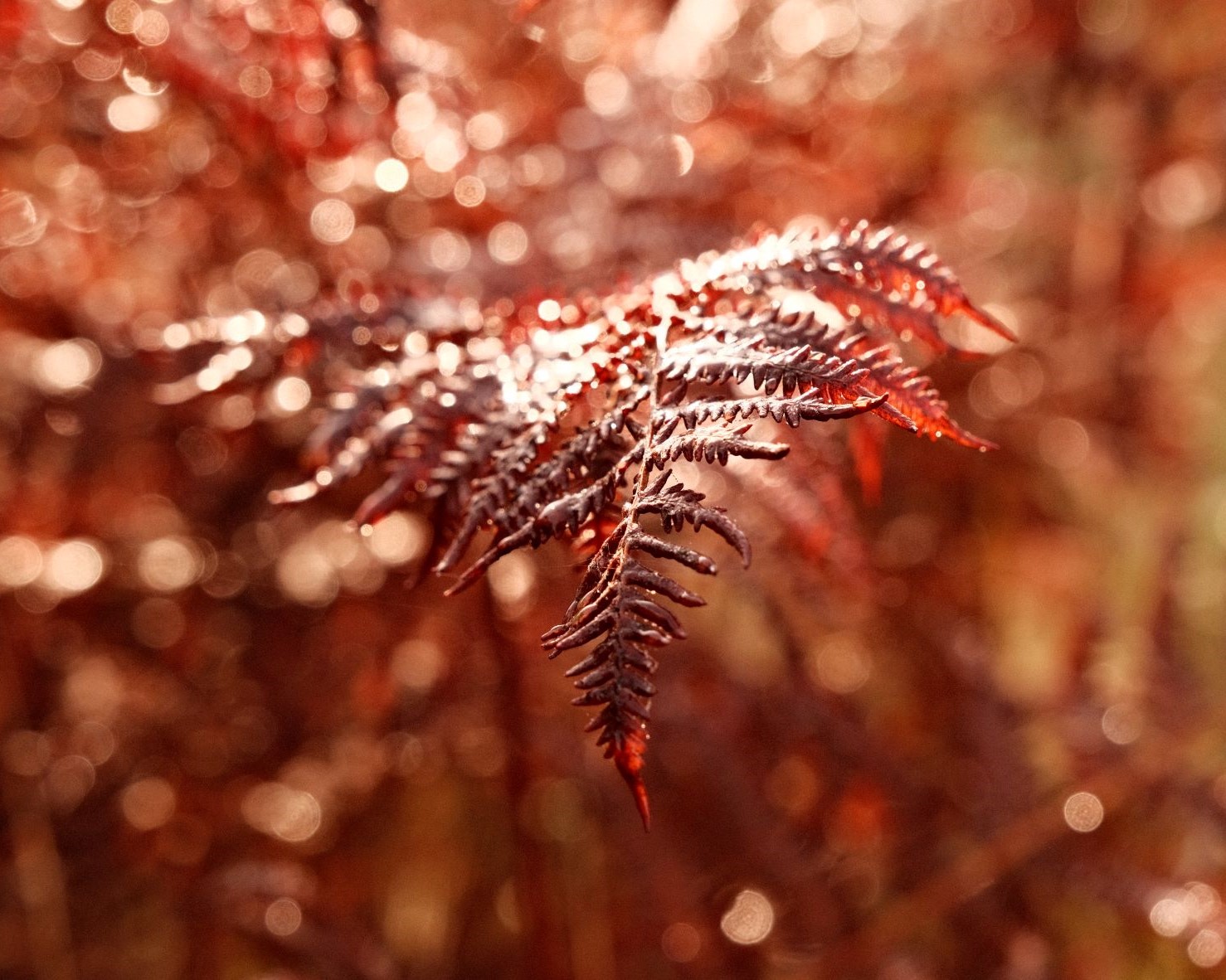
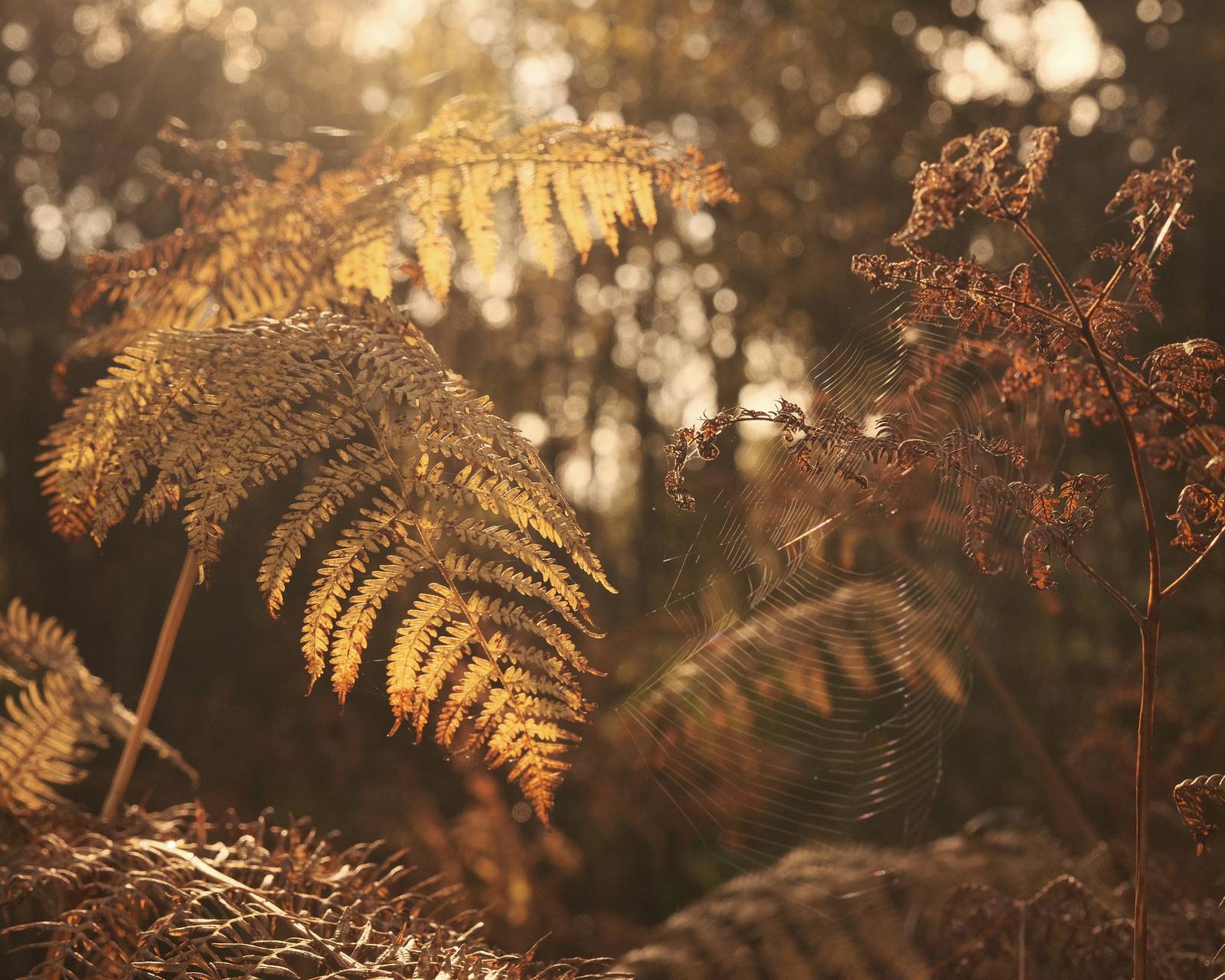
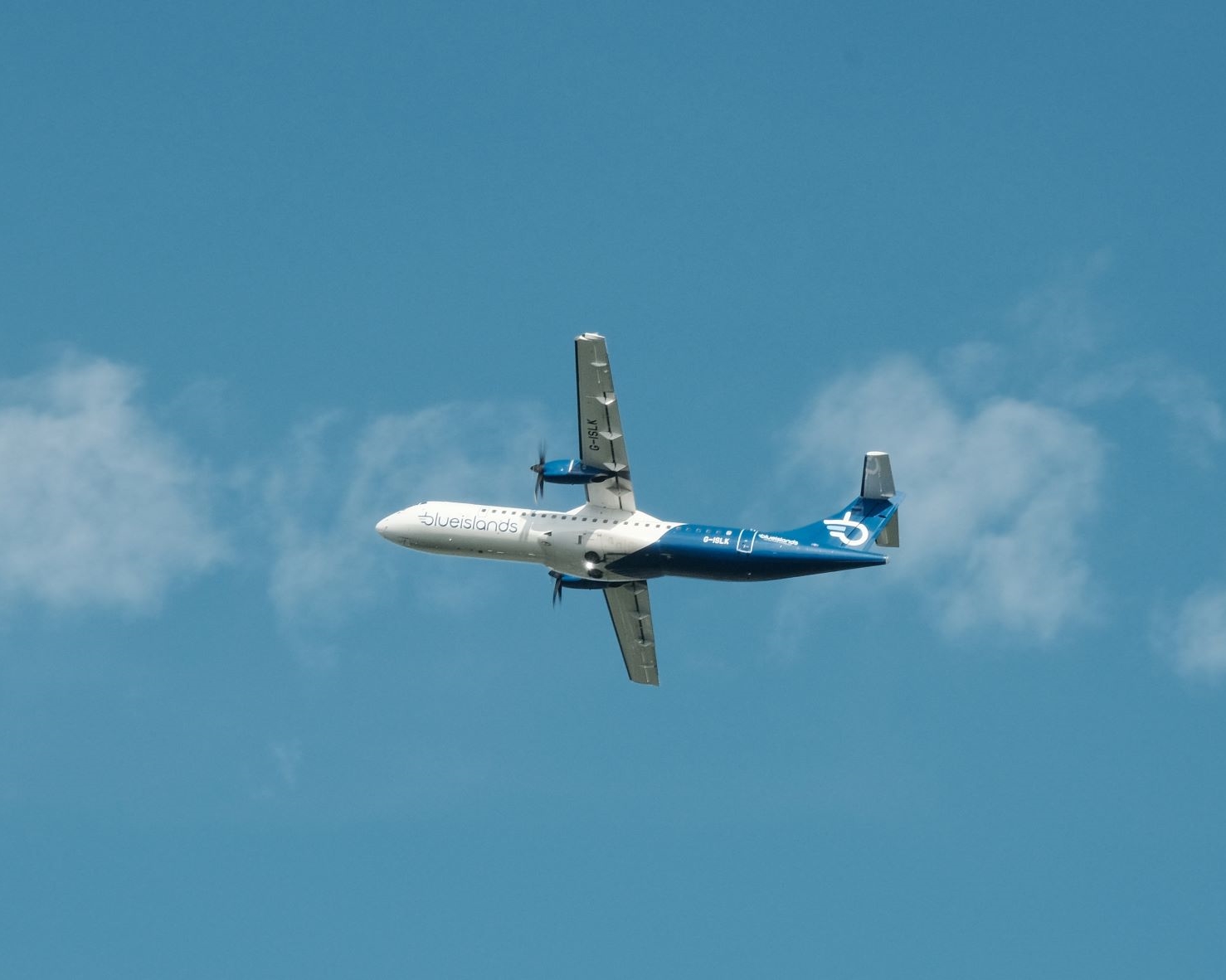
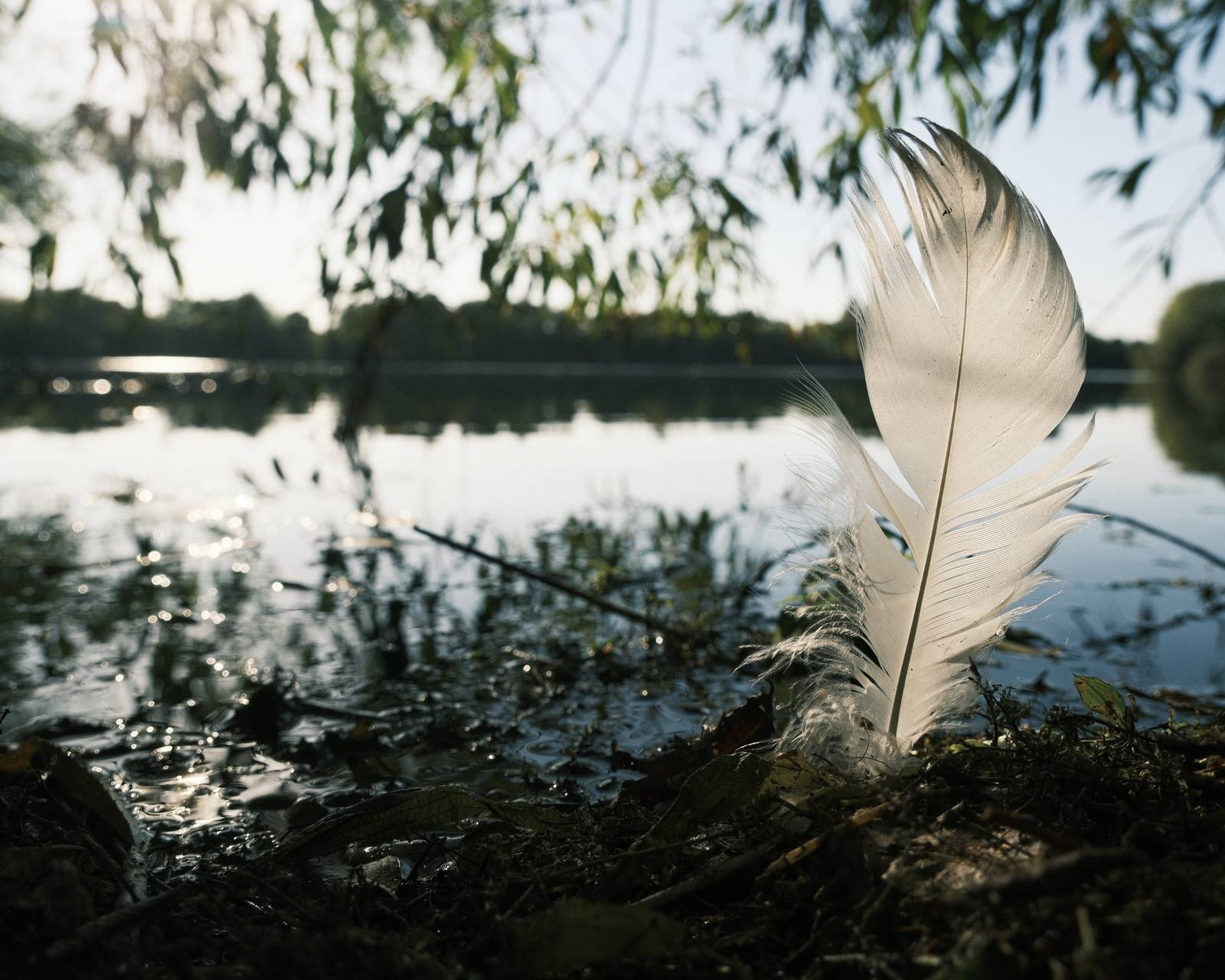
Astia Pops Film Recipe: Sample Photos
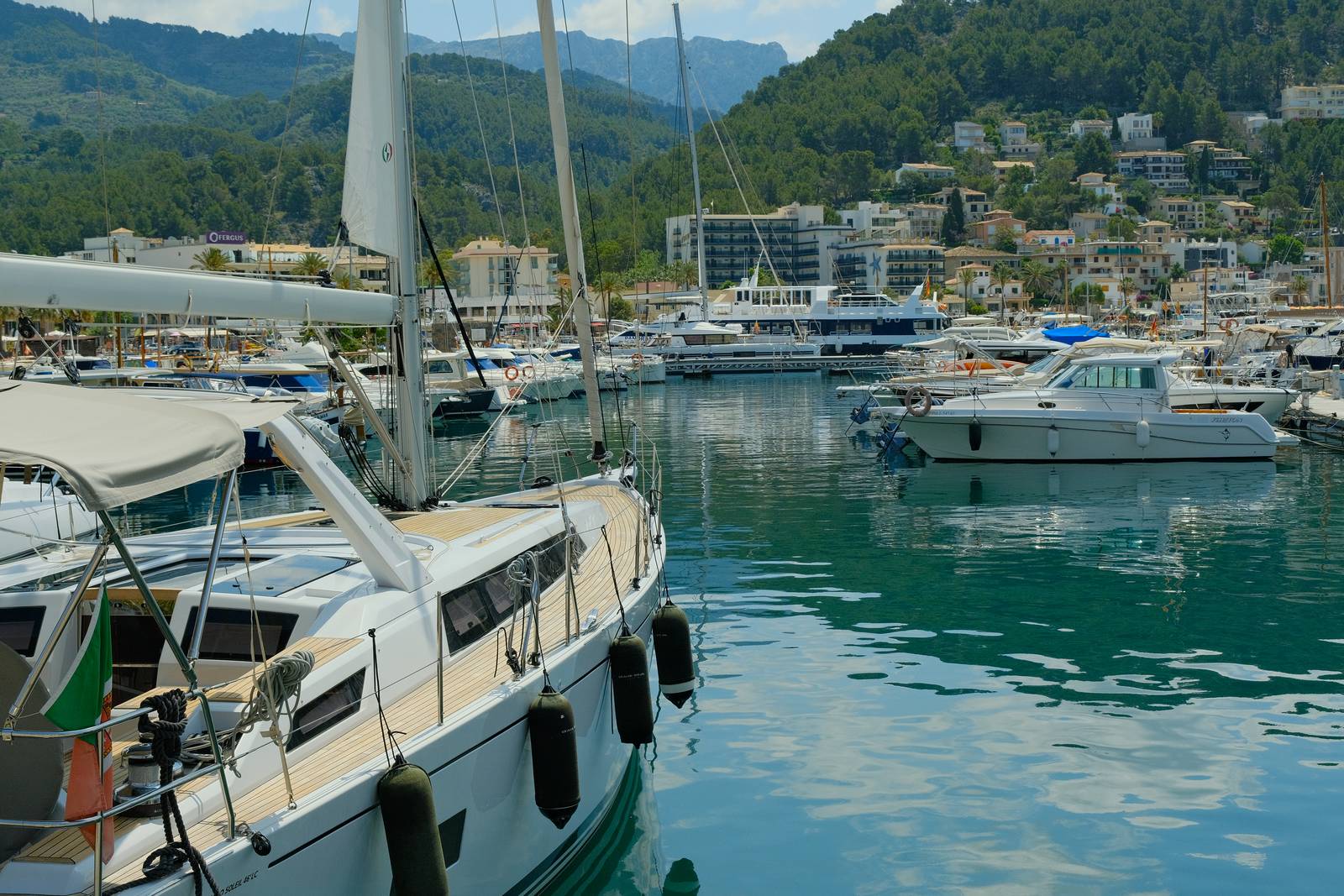

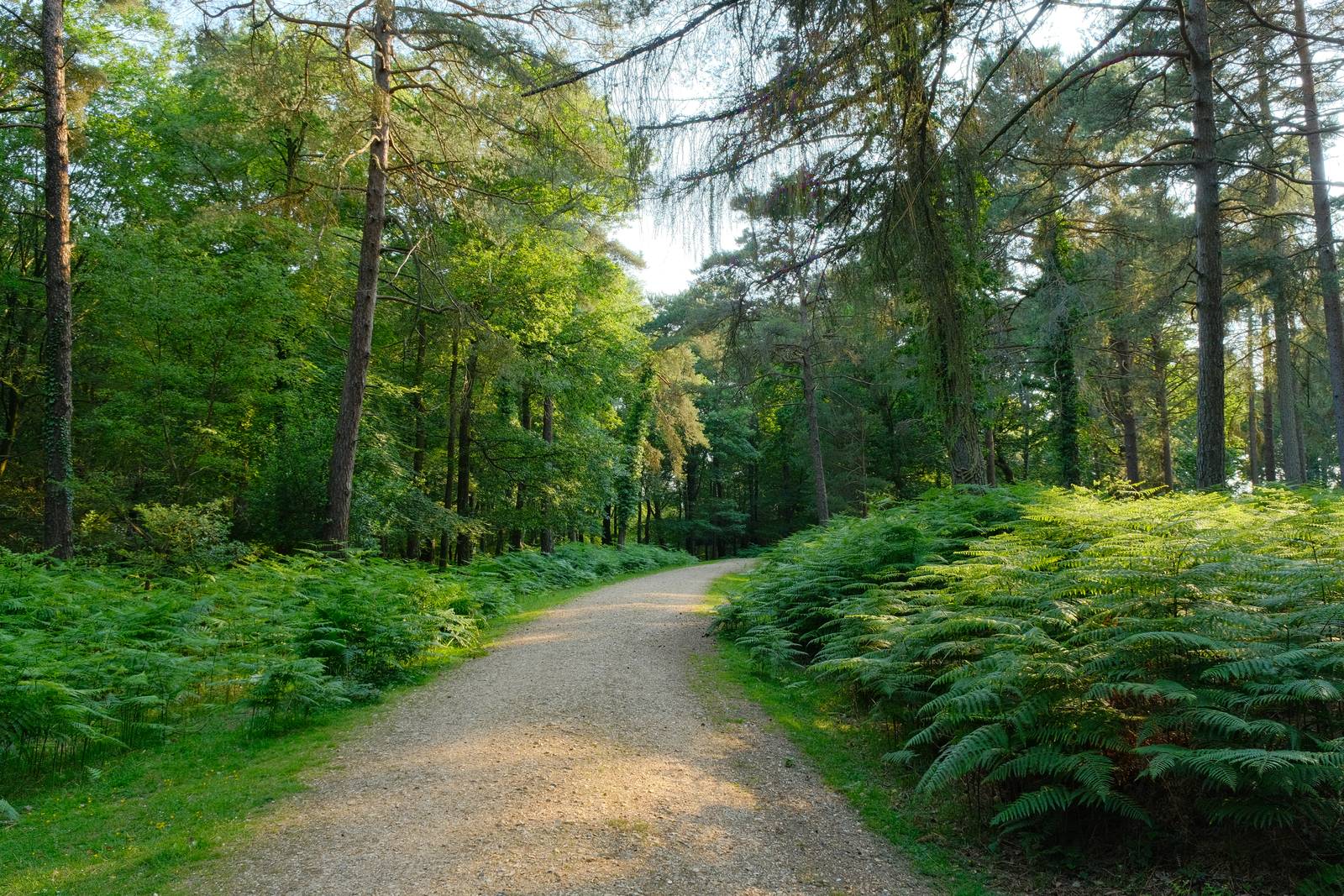
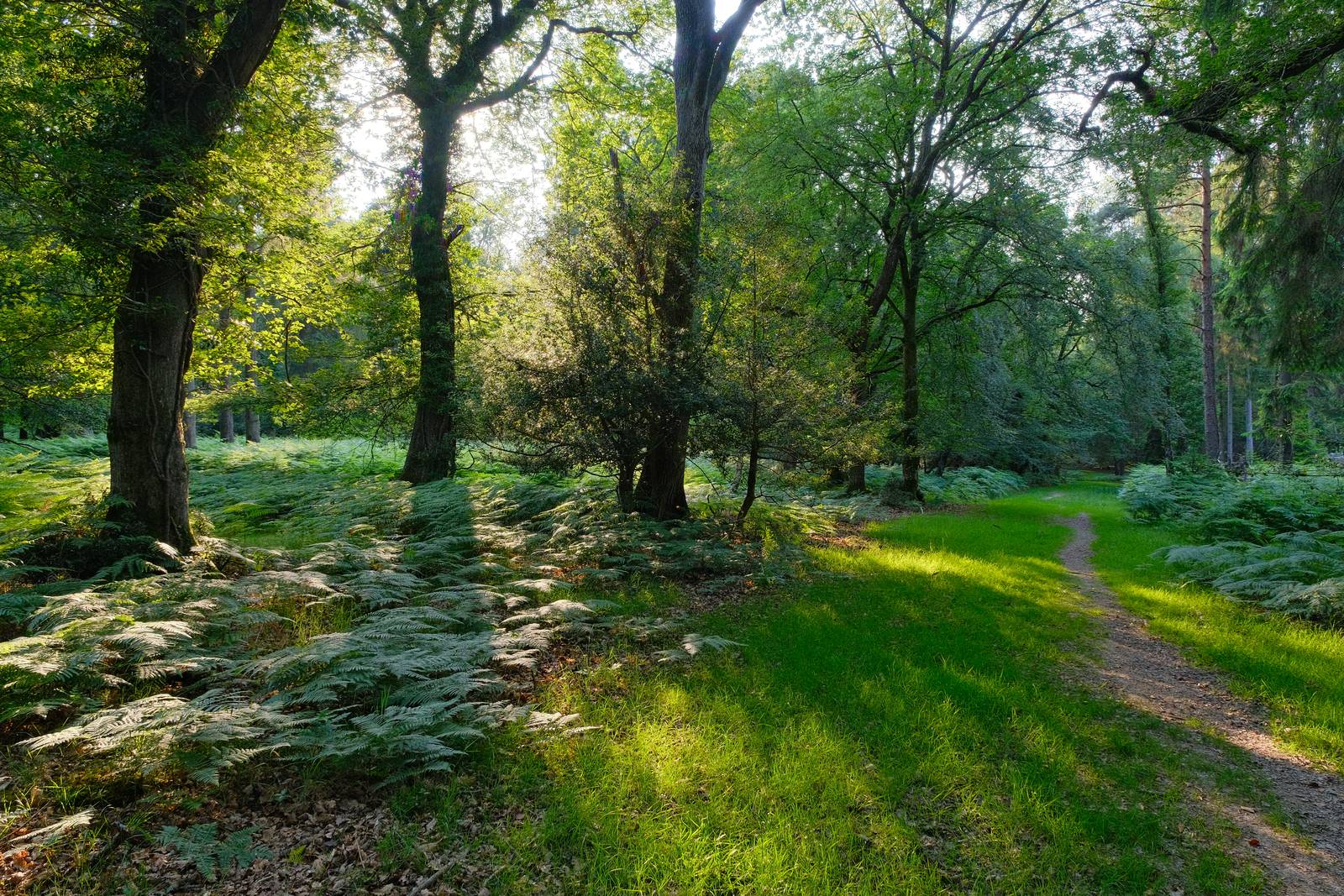
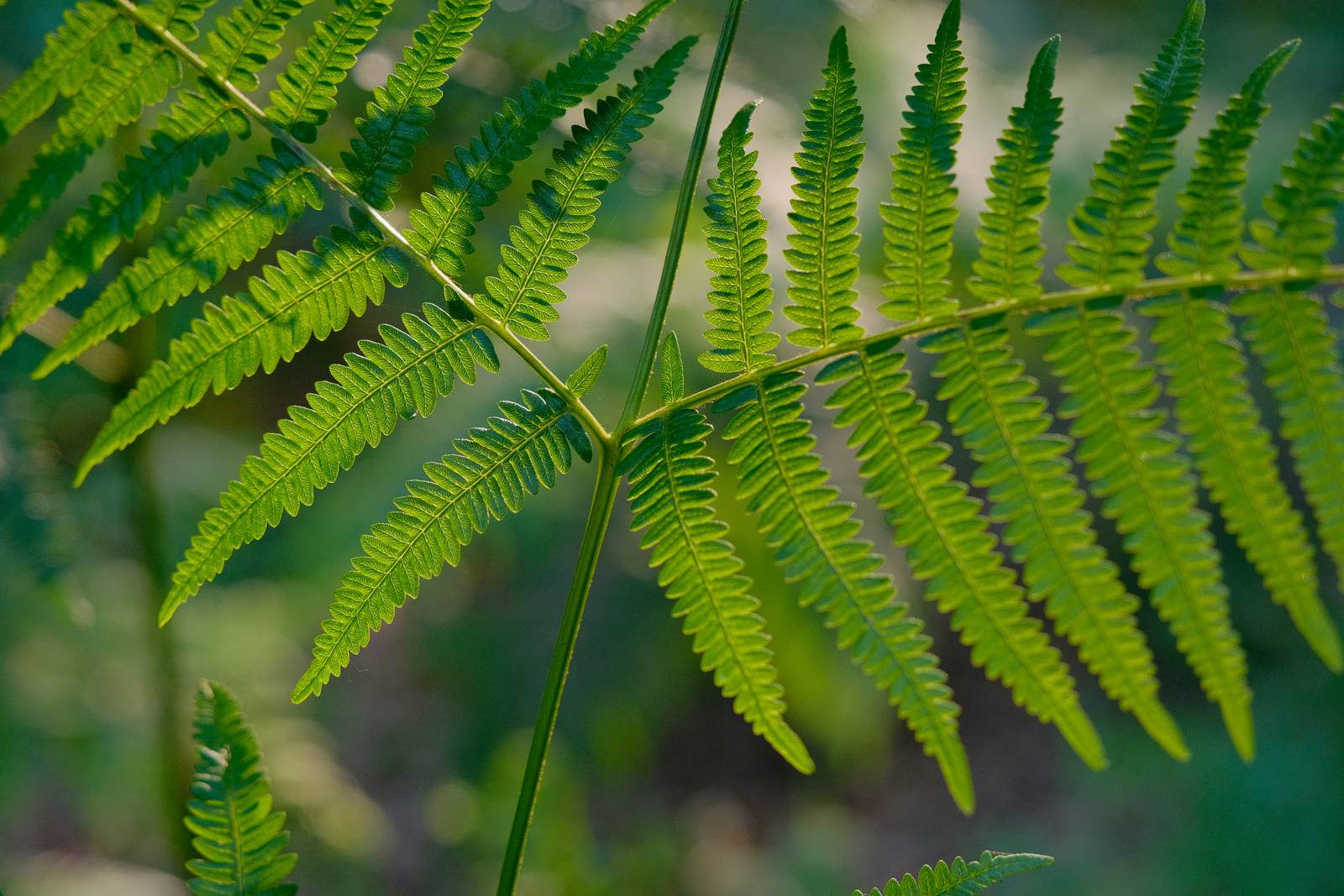
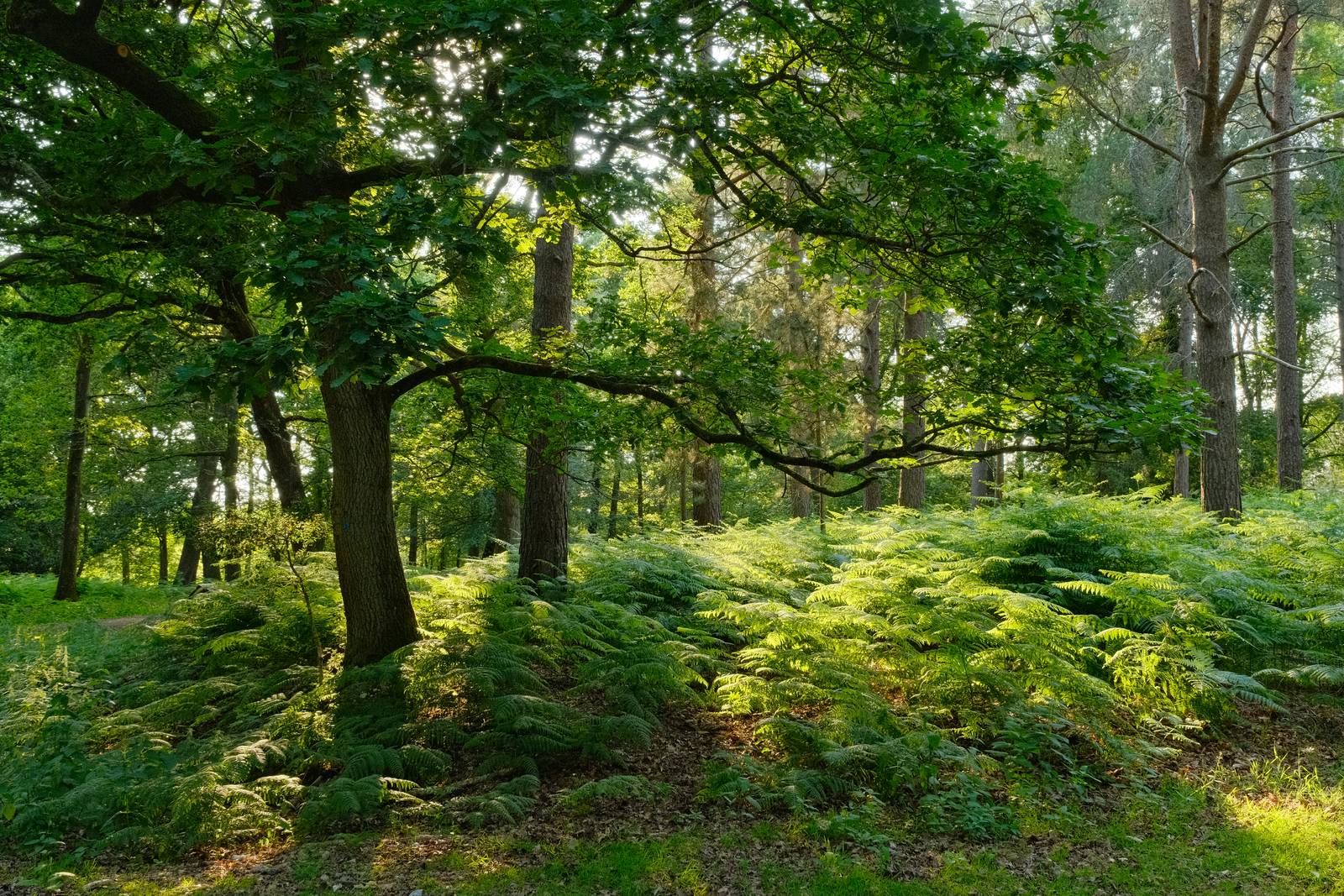
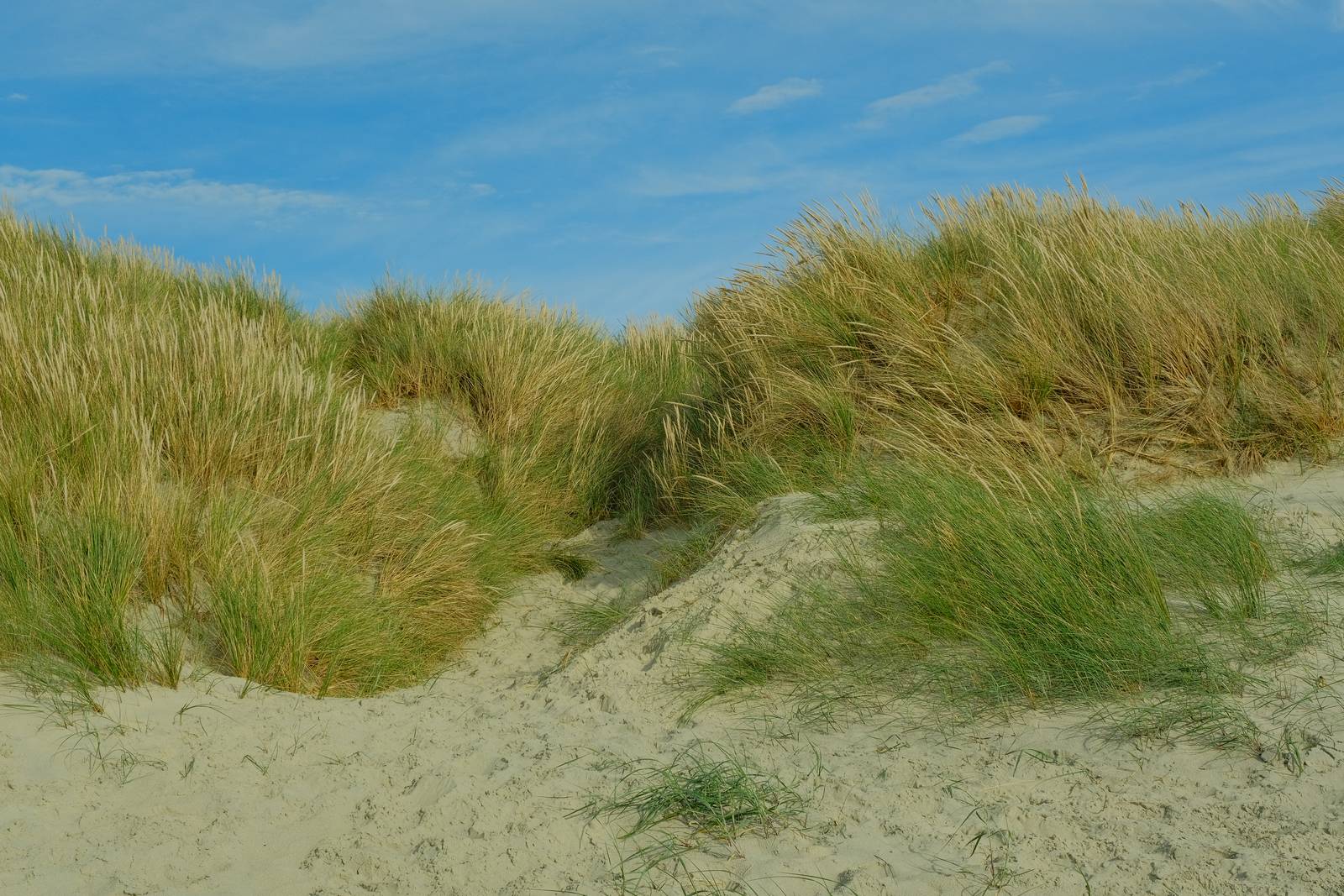
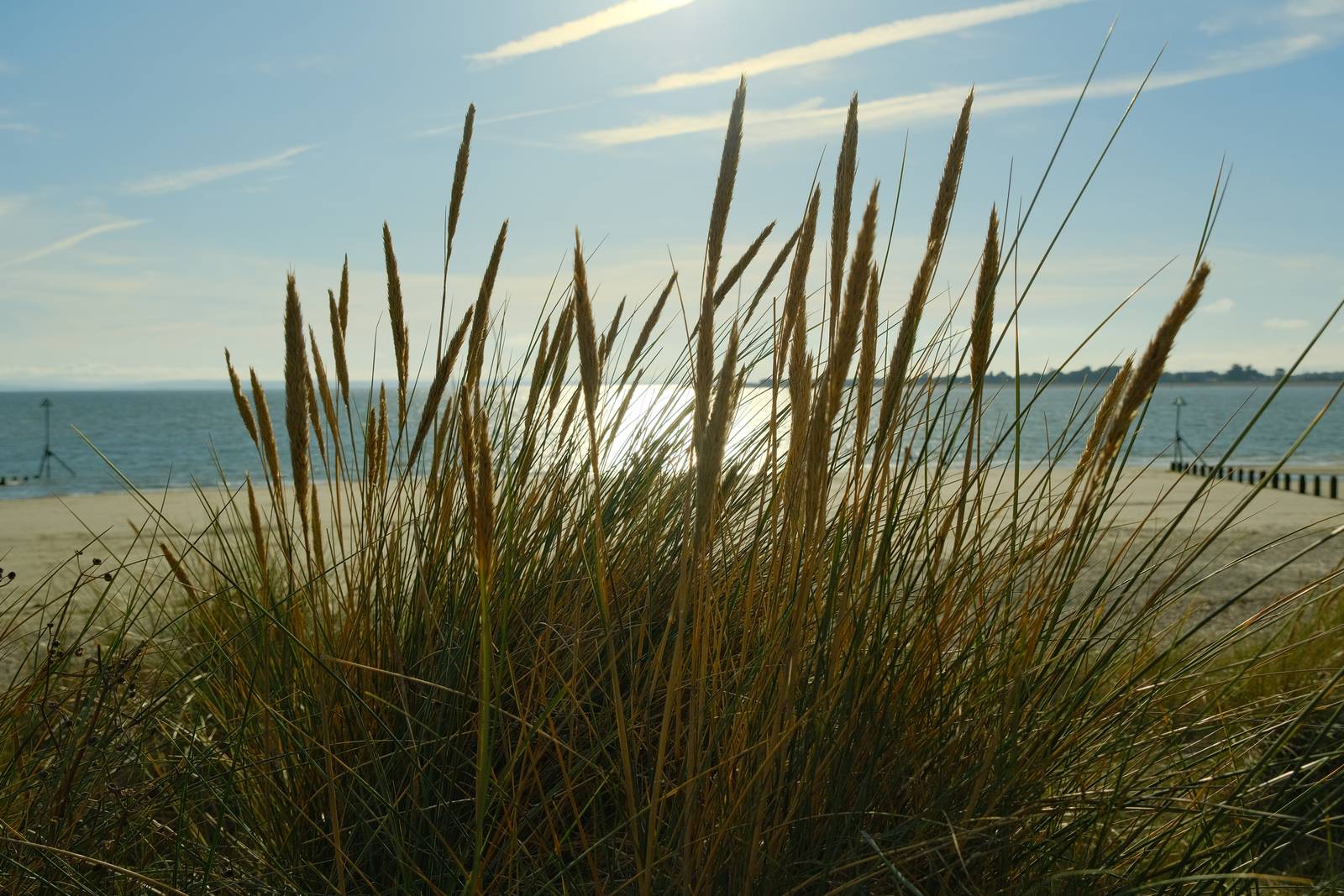
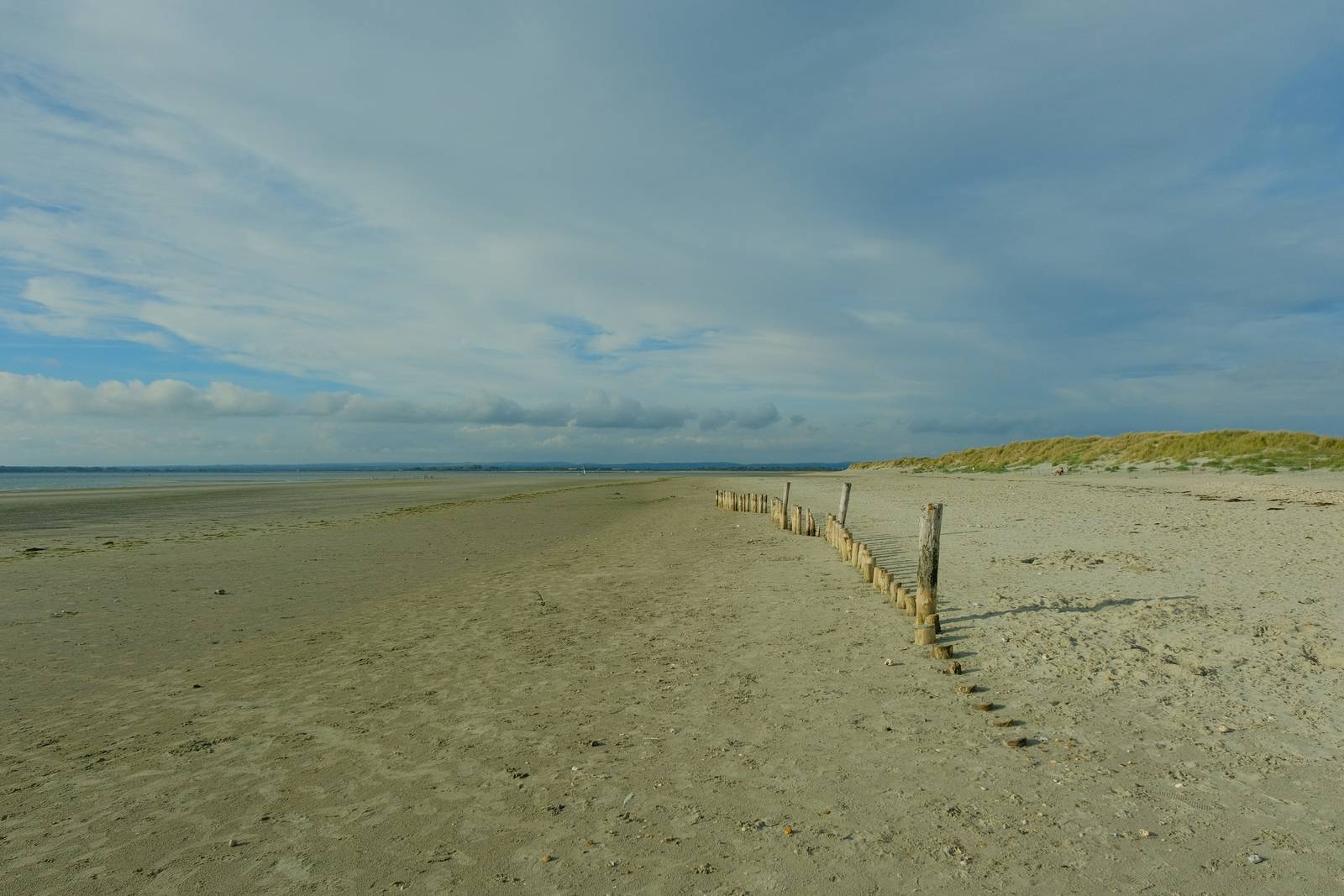

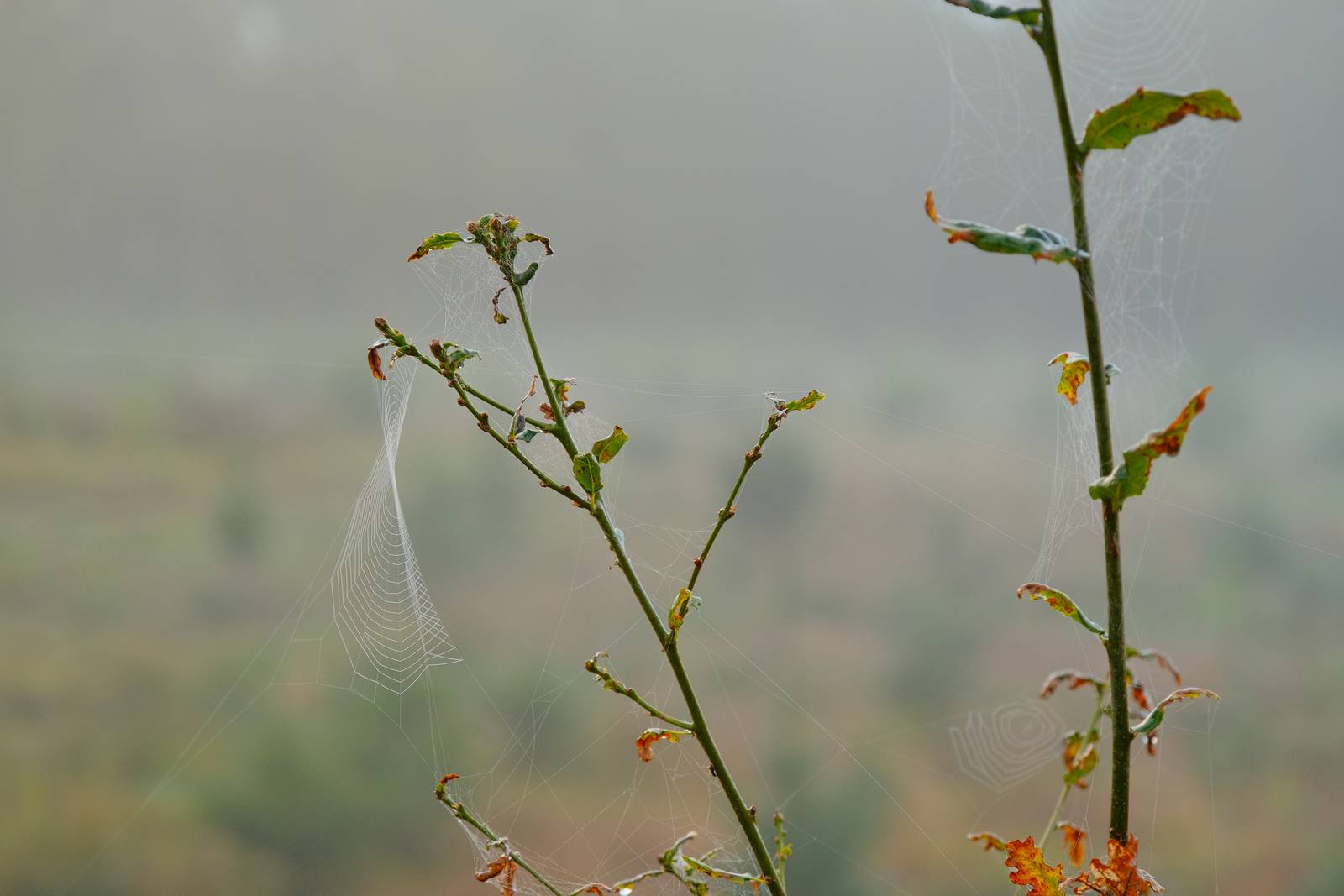
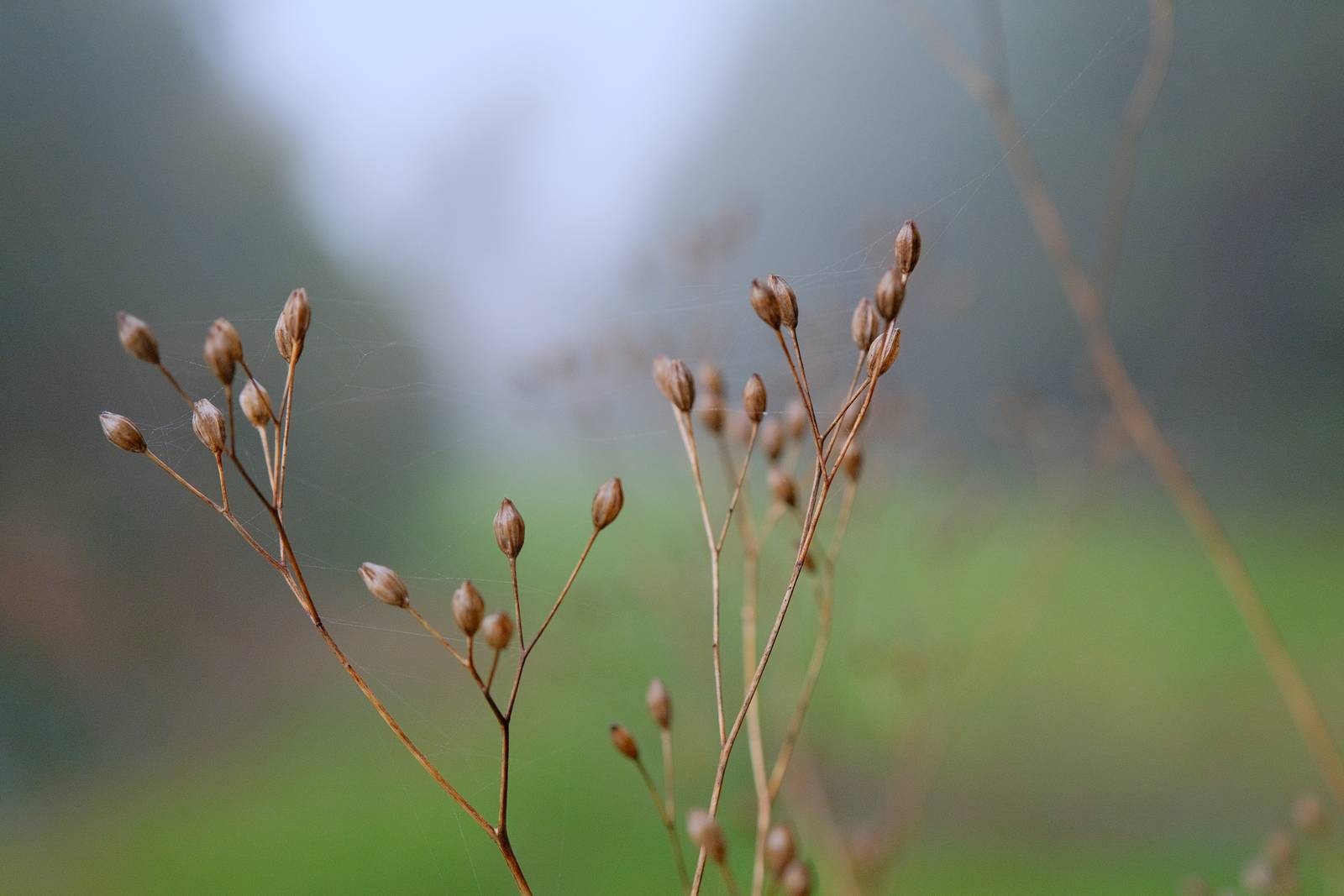
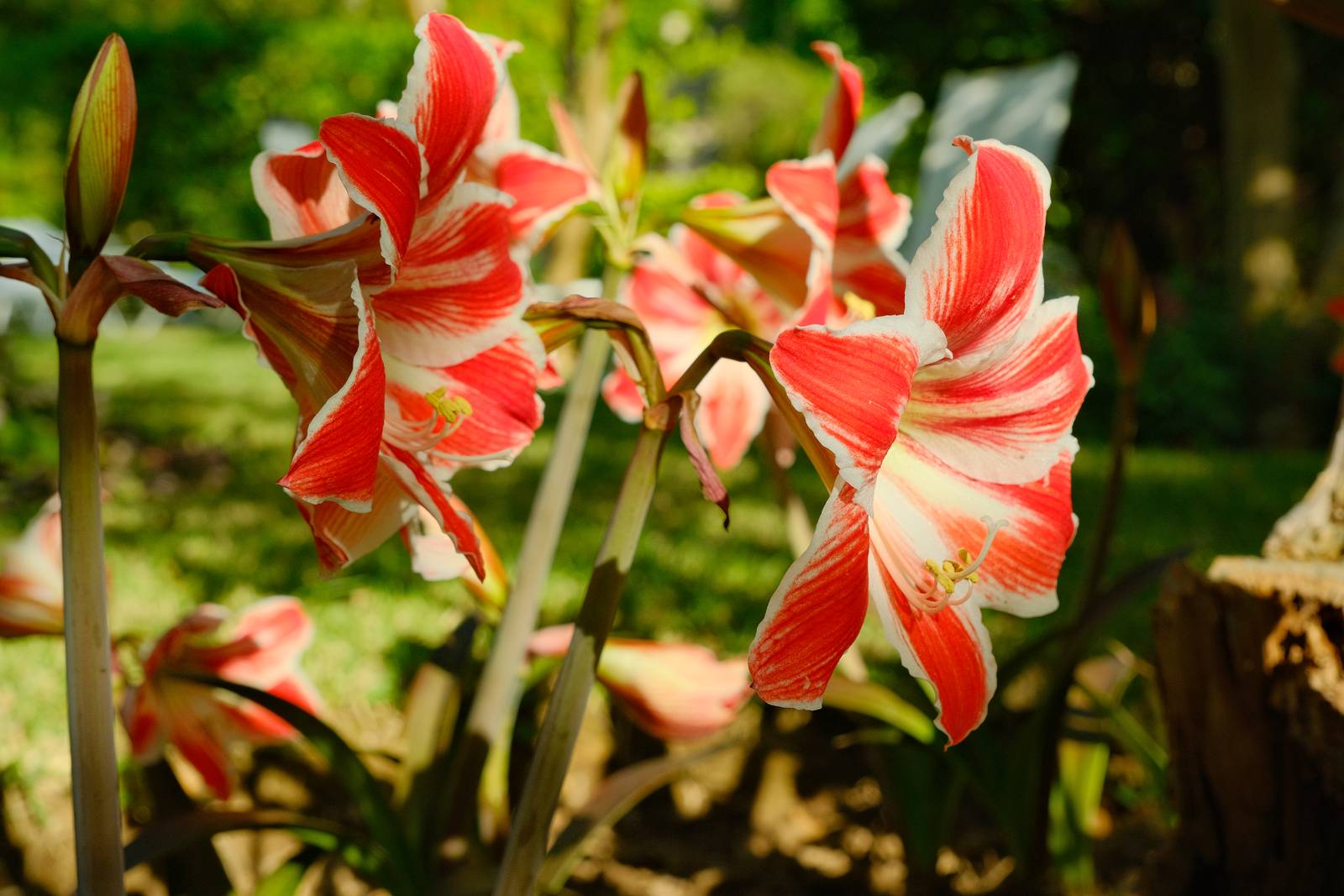


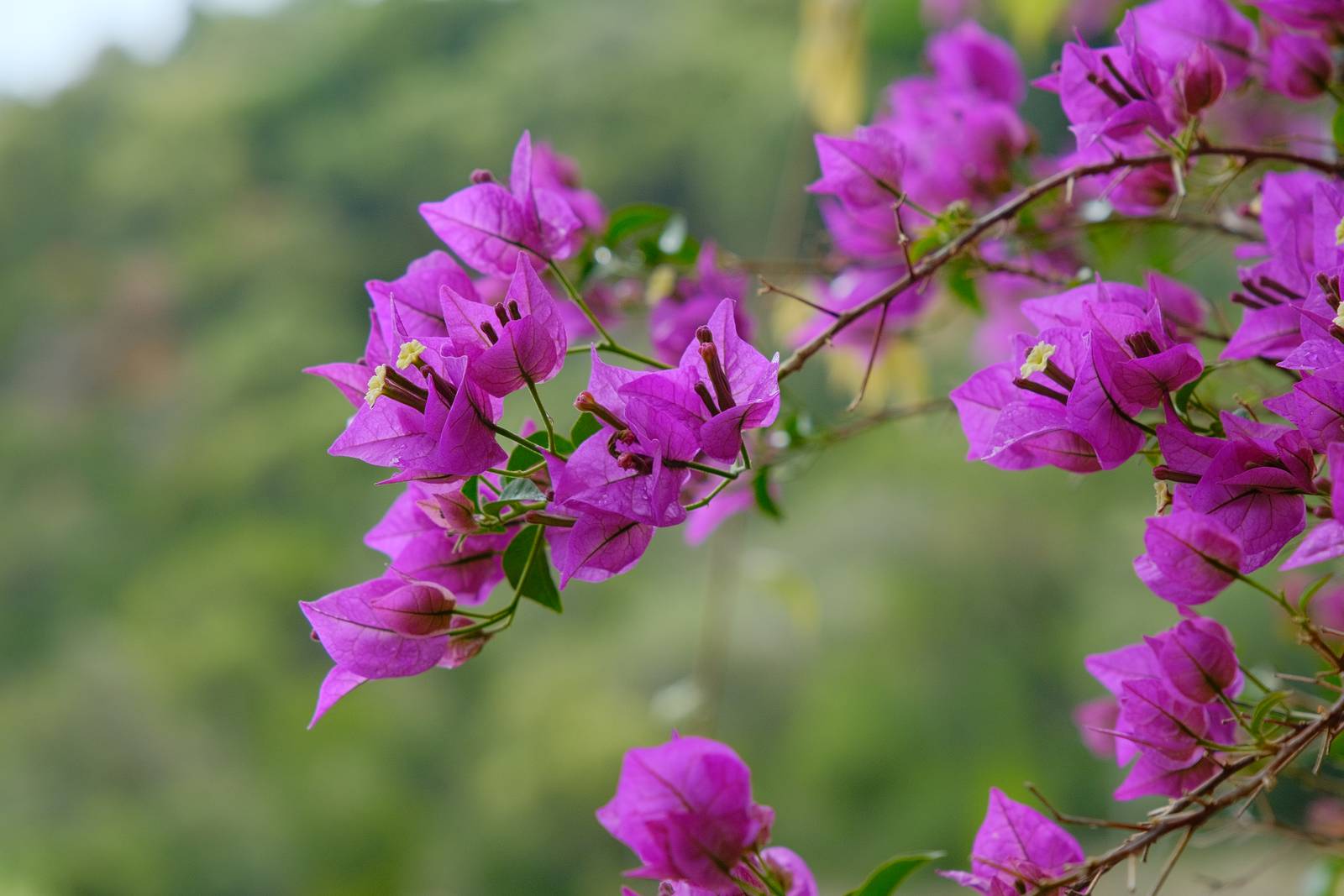
Using the Astia Pops Film Recipe
Each film simulation recipe has its own character and style. These features mean recipes are more suited to certain situations, or when seeking a particular look. Here are the categories that Astia Pops has been tagged with.



Leave a Reply