
Beach Baby
Beach Baby, your Seaside Sweetheart
Extra warm film simulation recipe for Fujifilm cameras with Classic Chrome
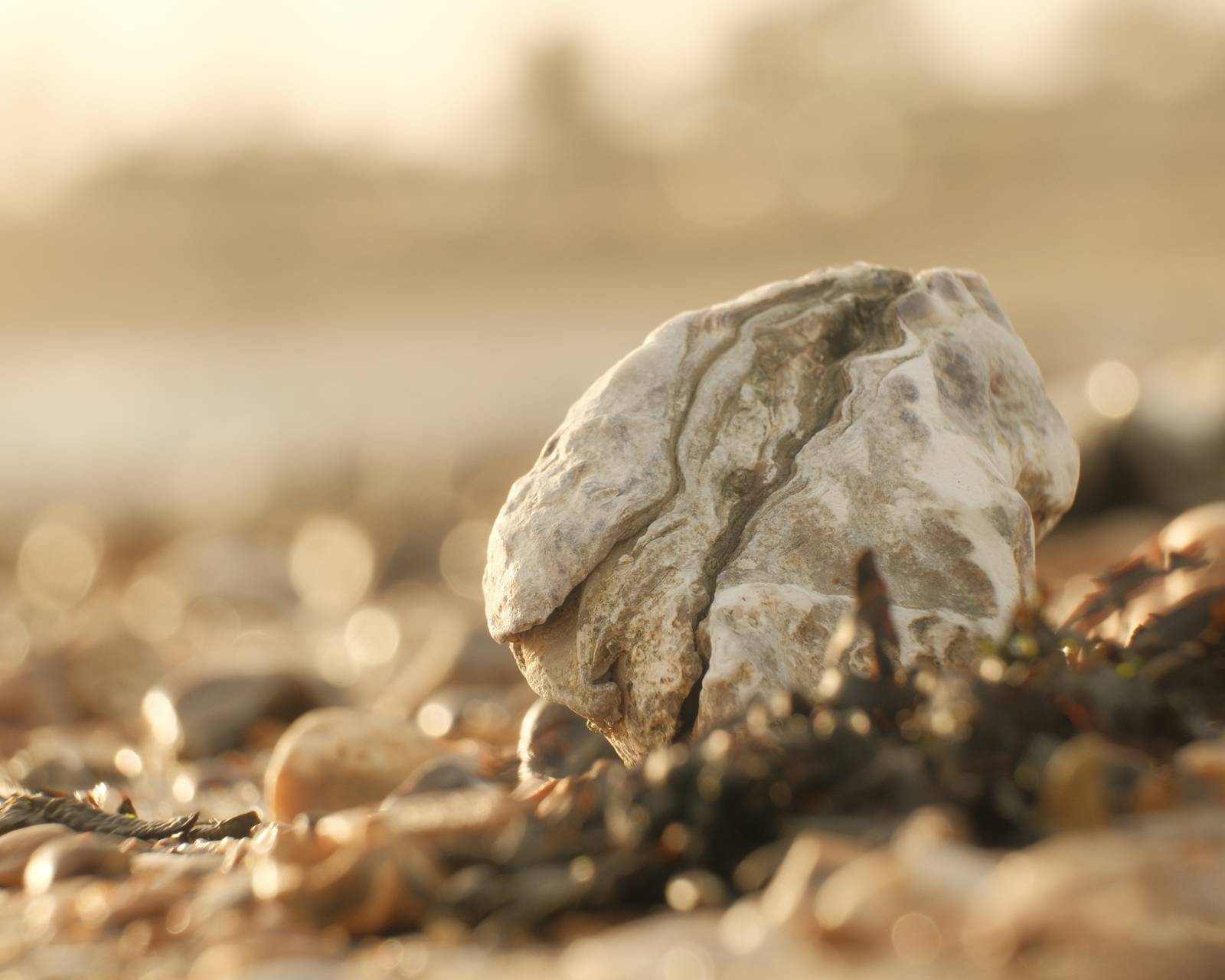
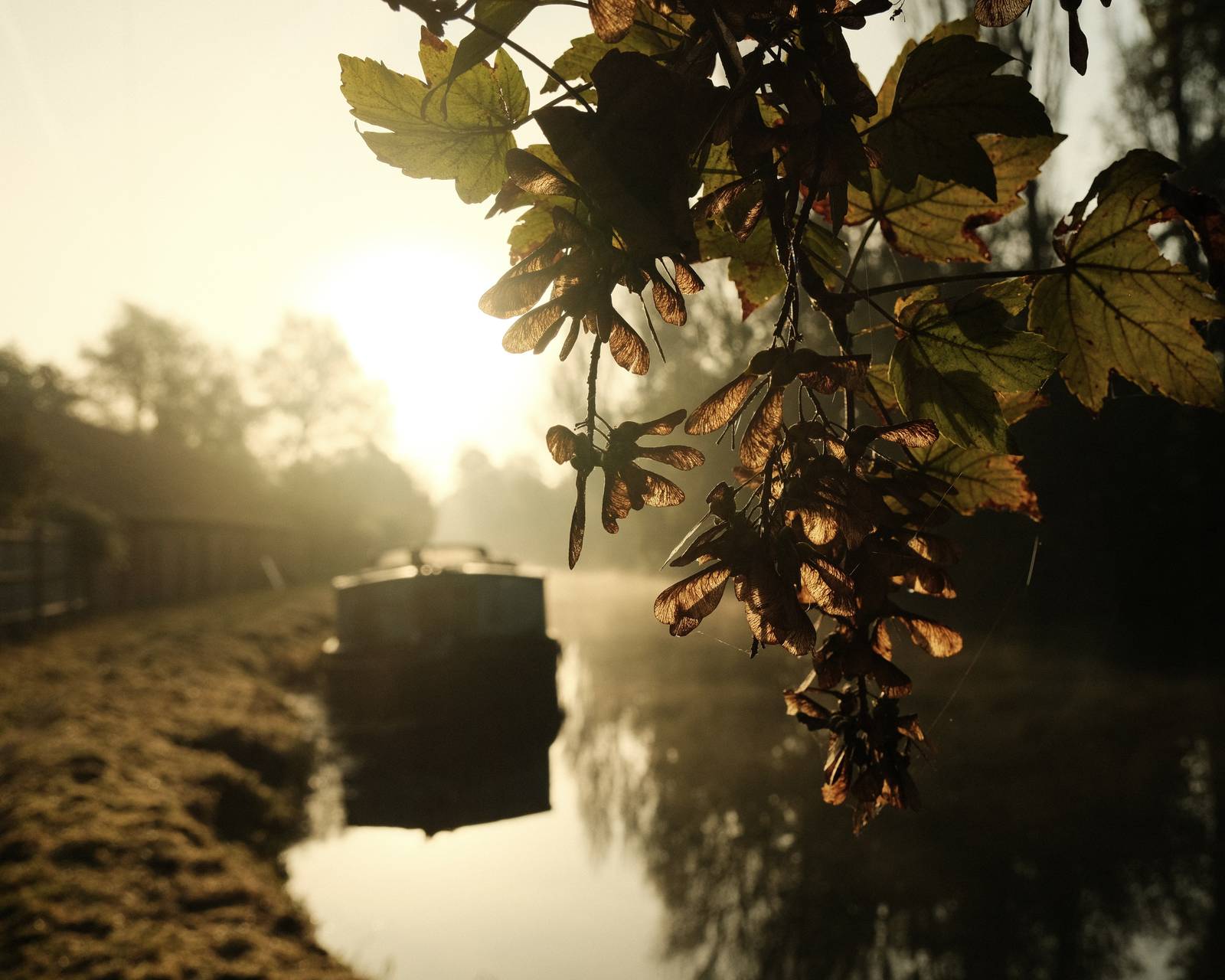
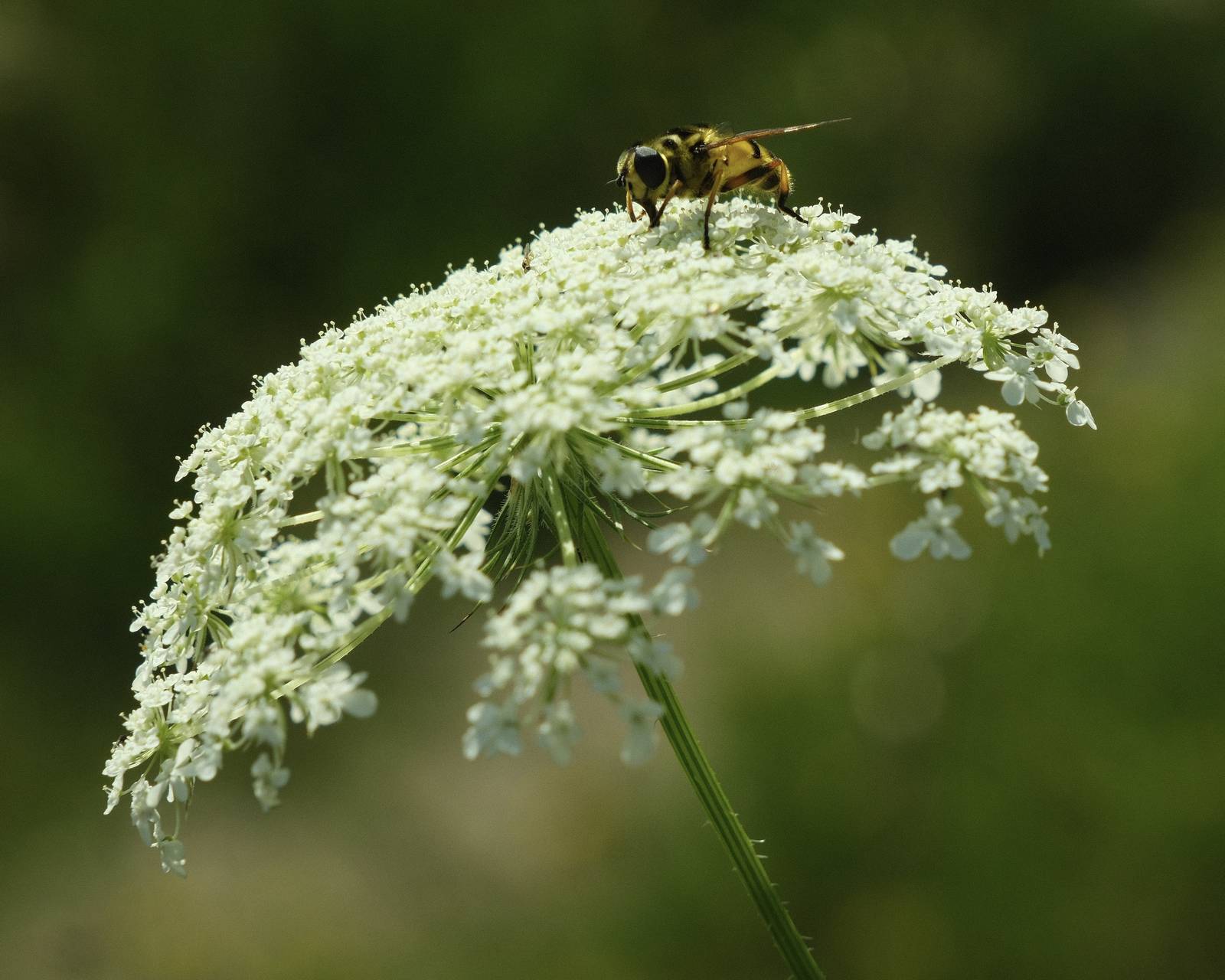
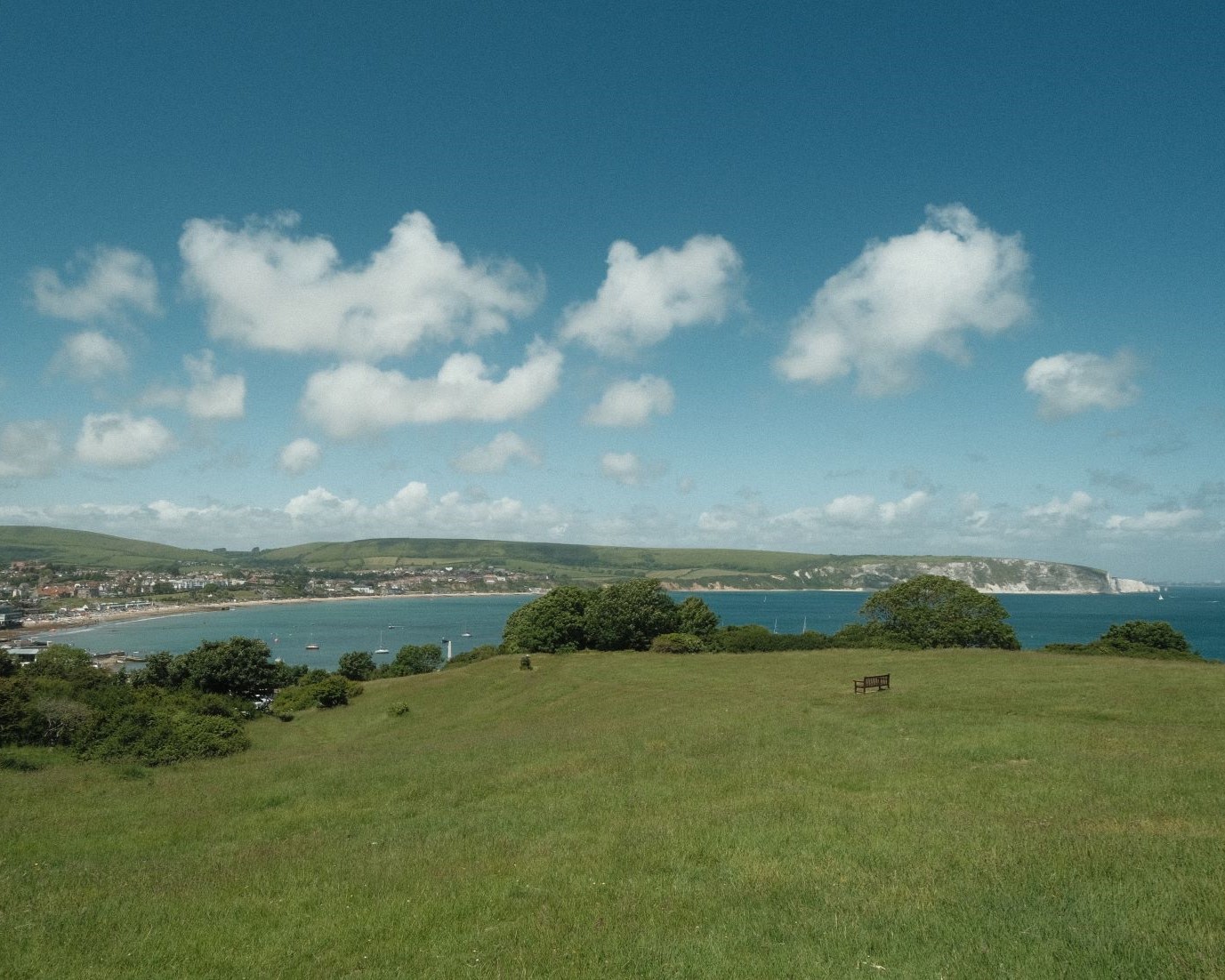
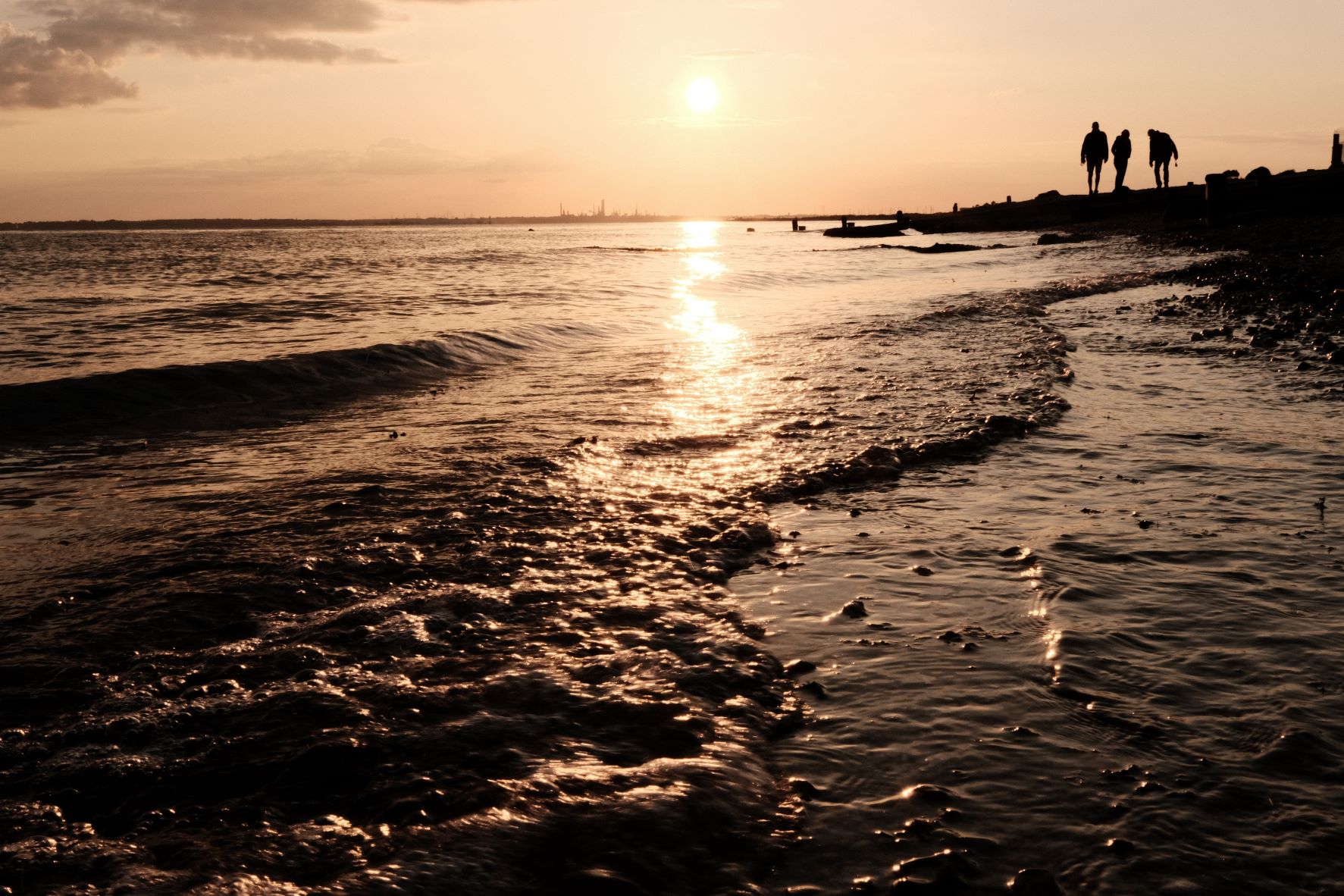
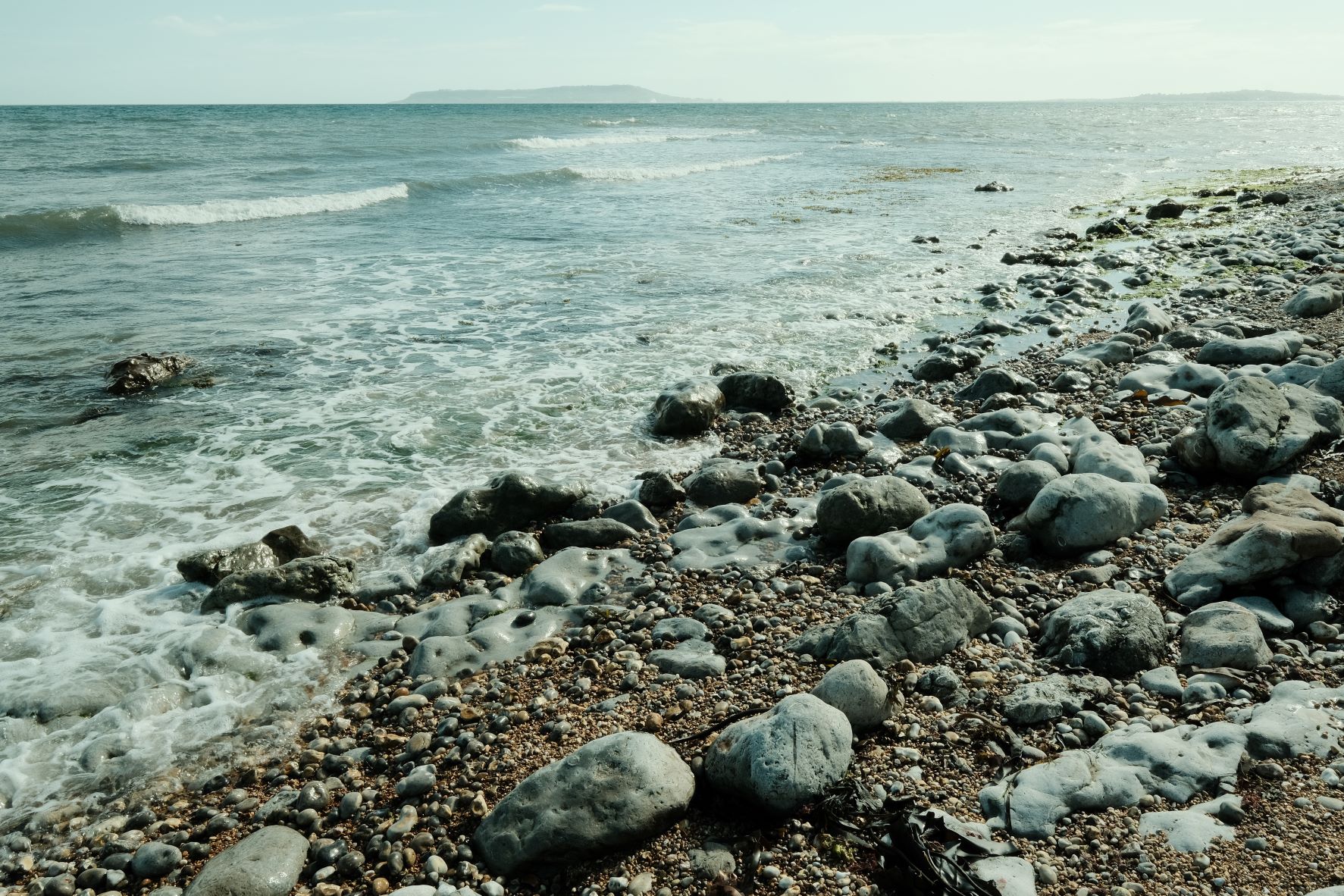
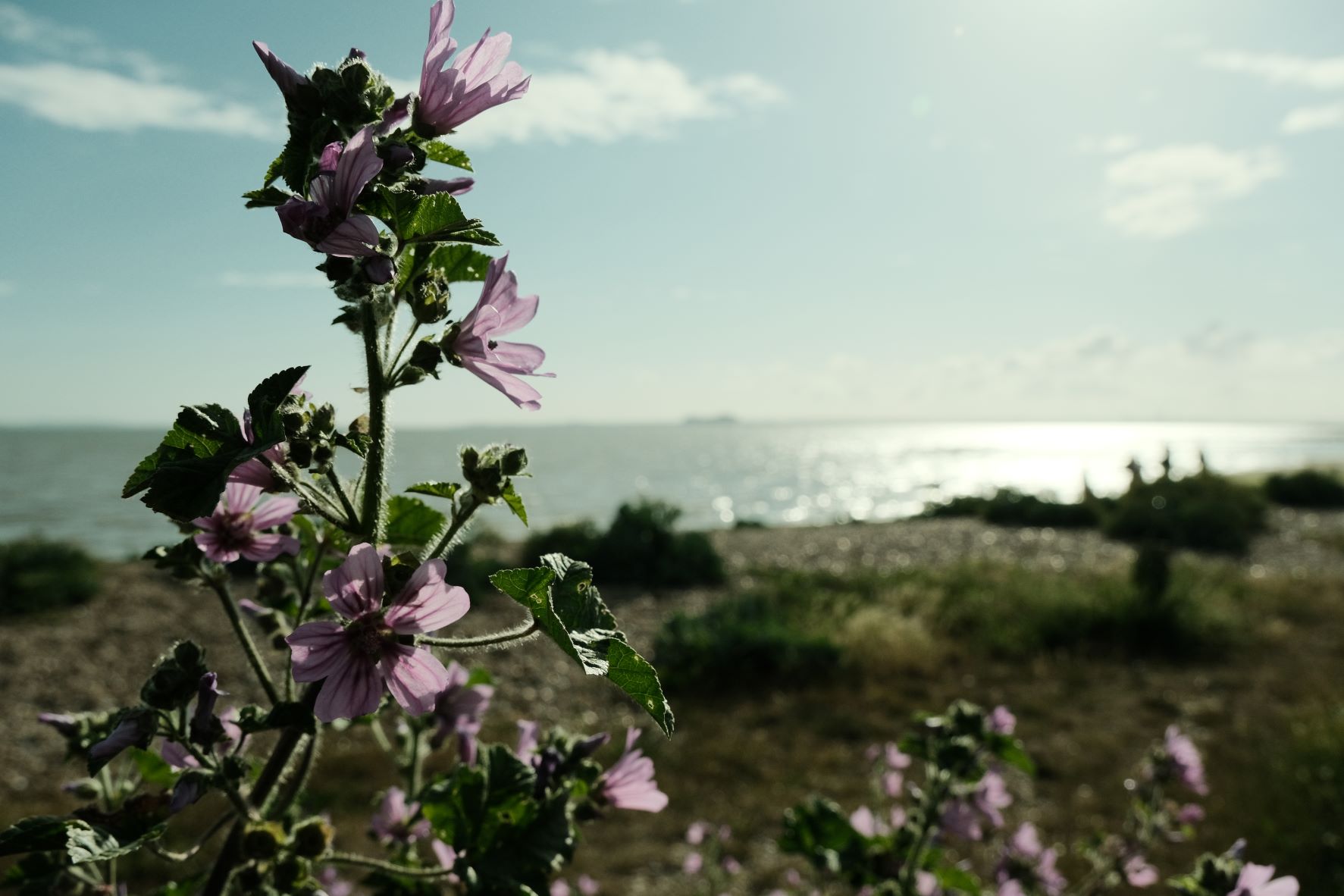
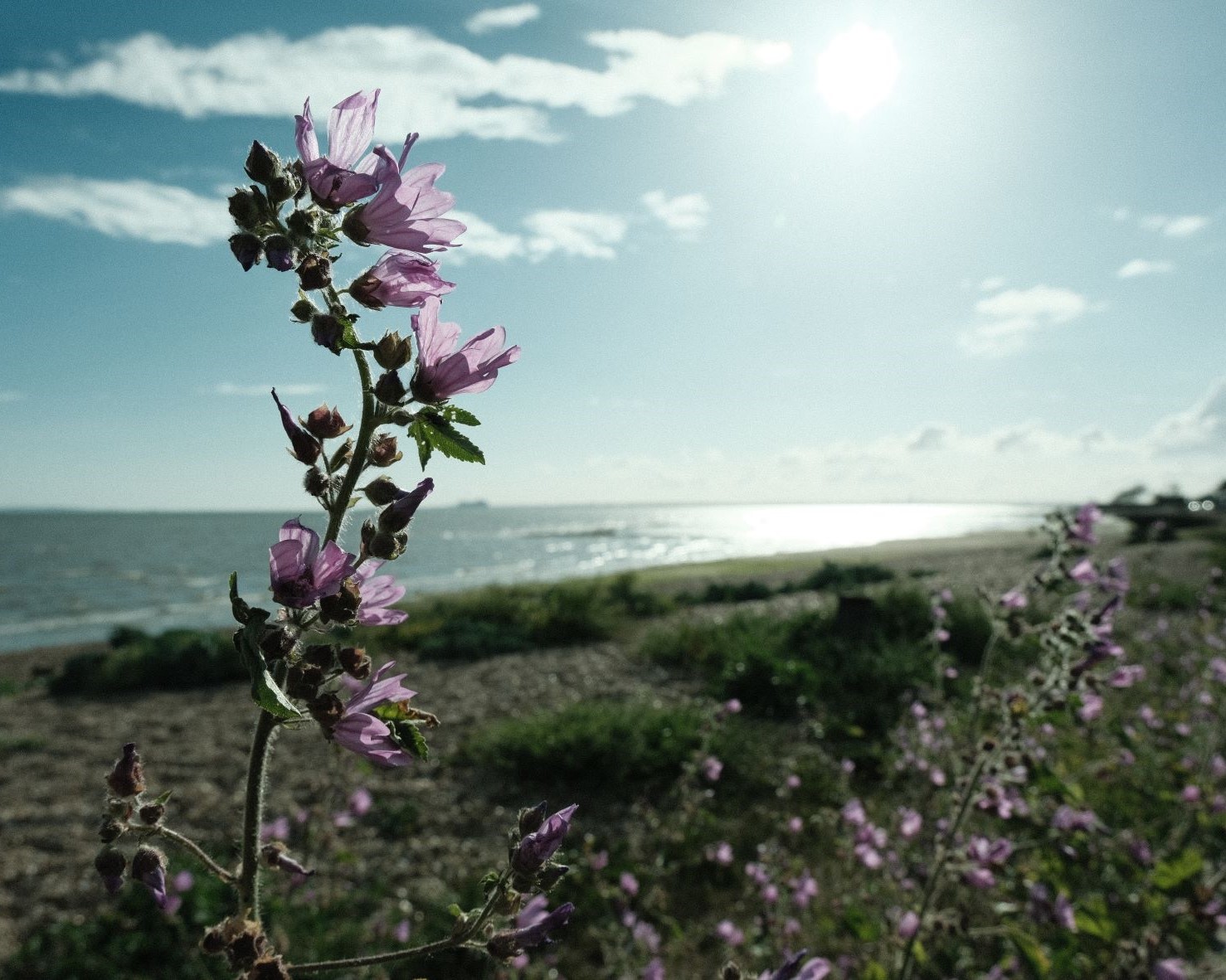
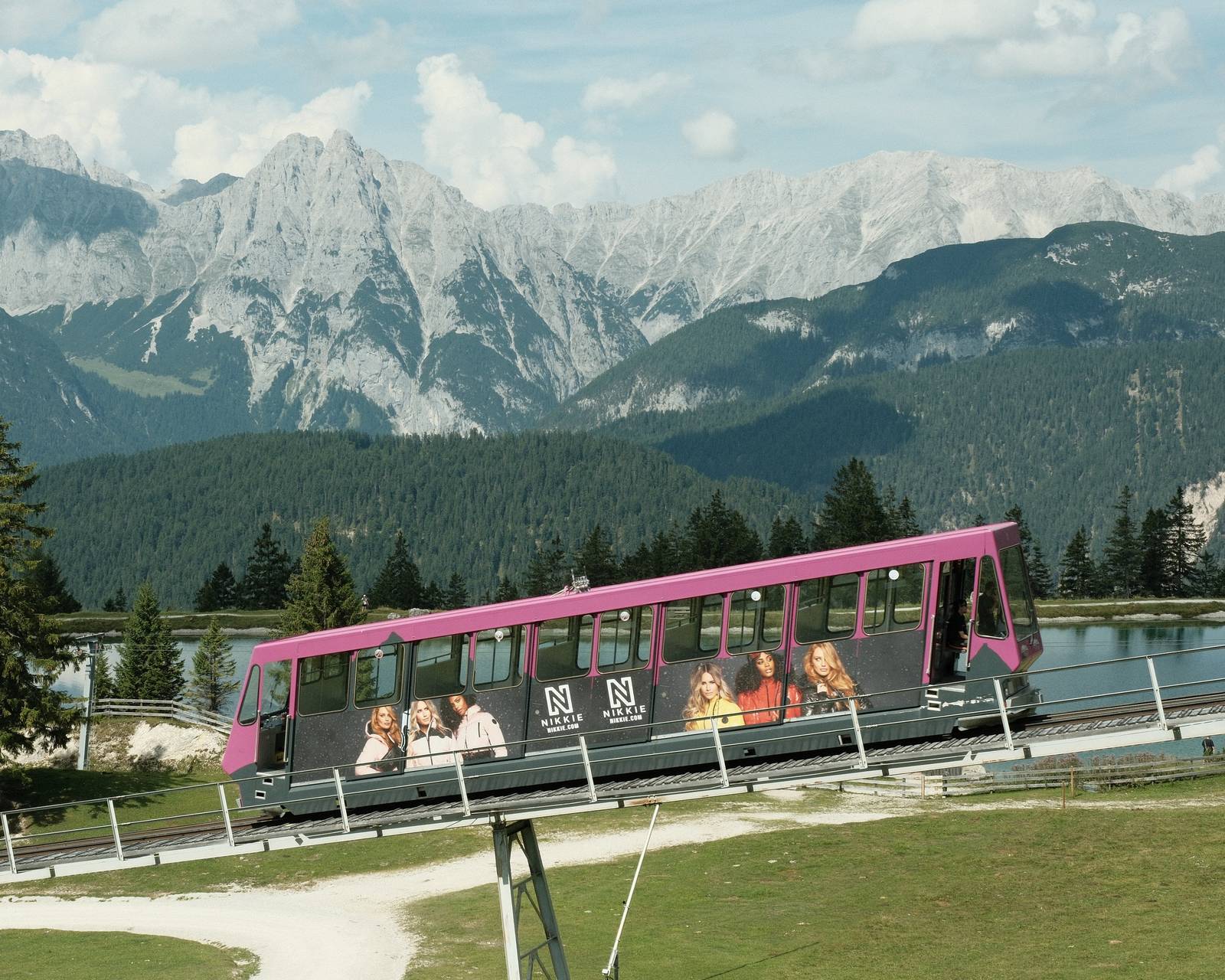
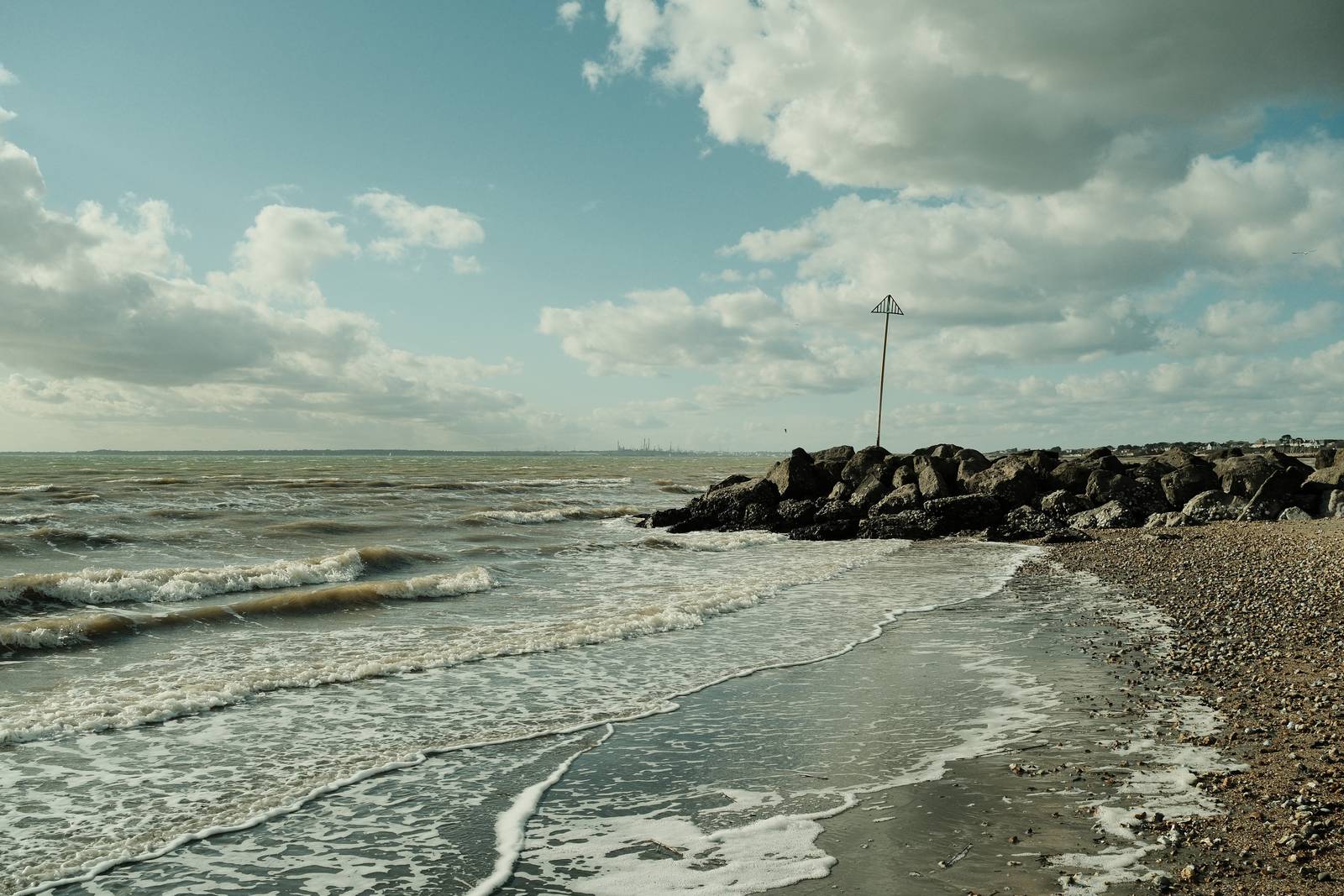
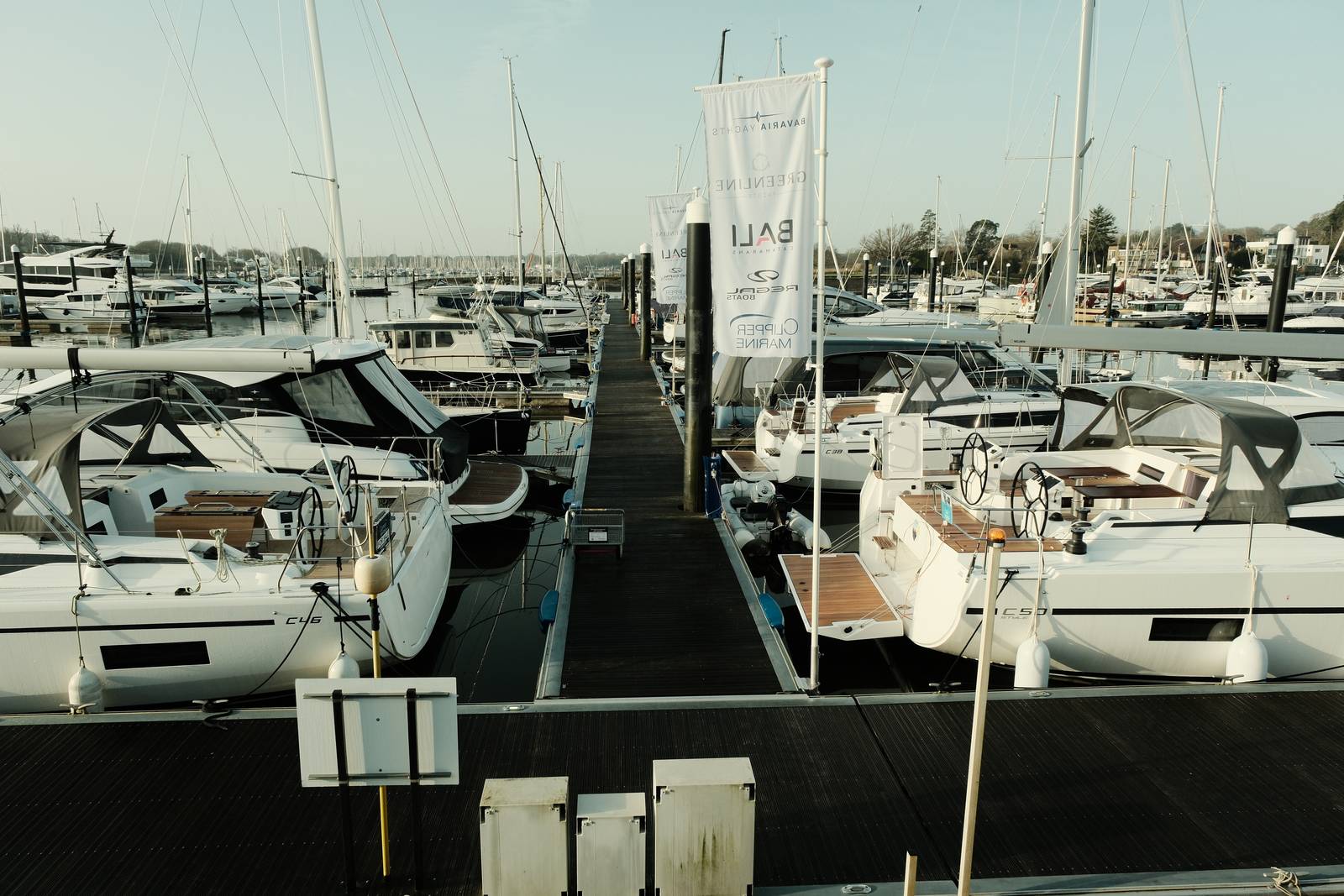
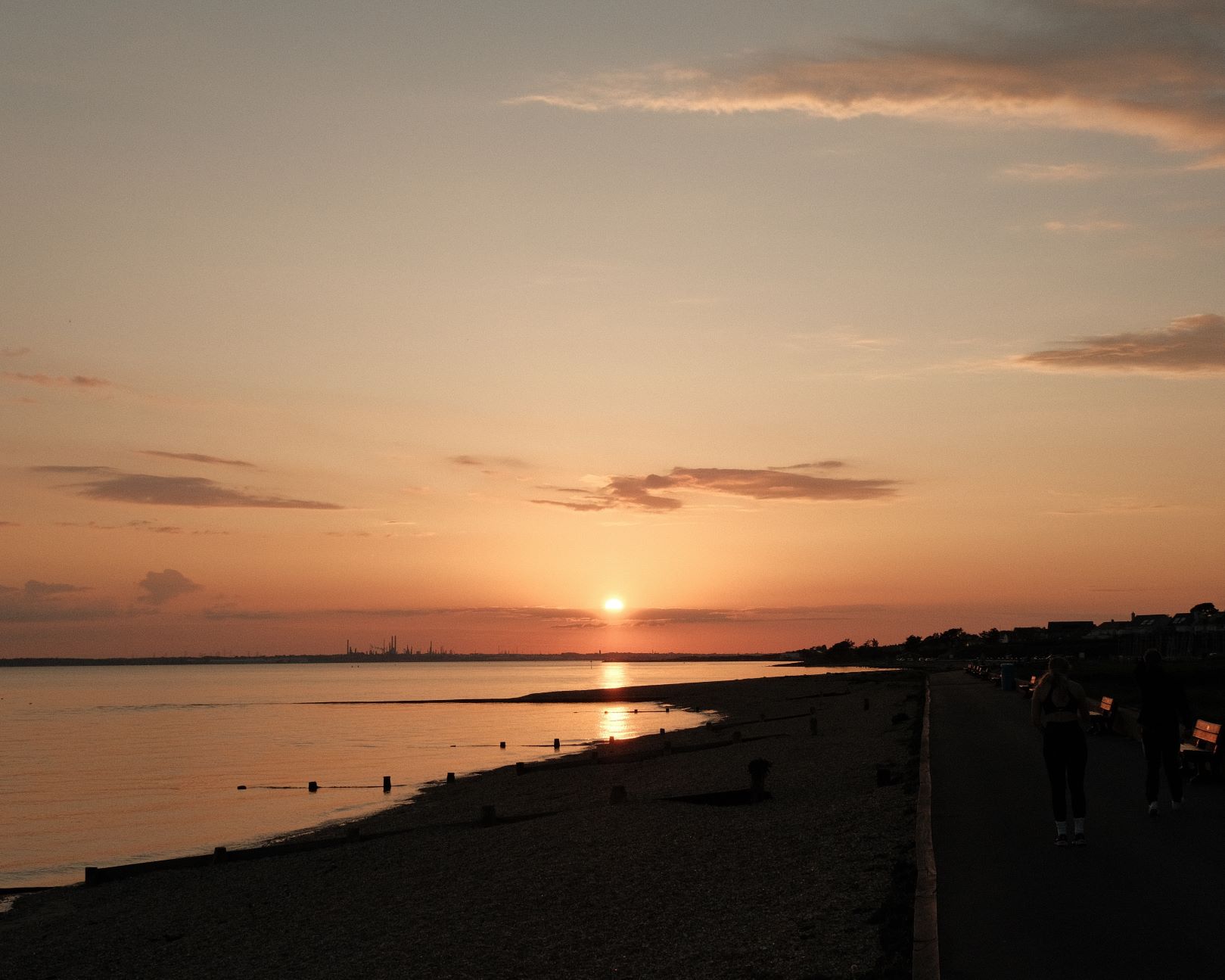
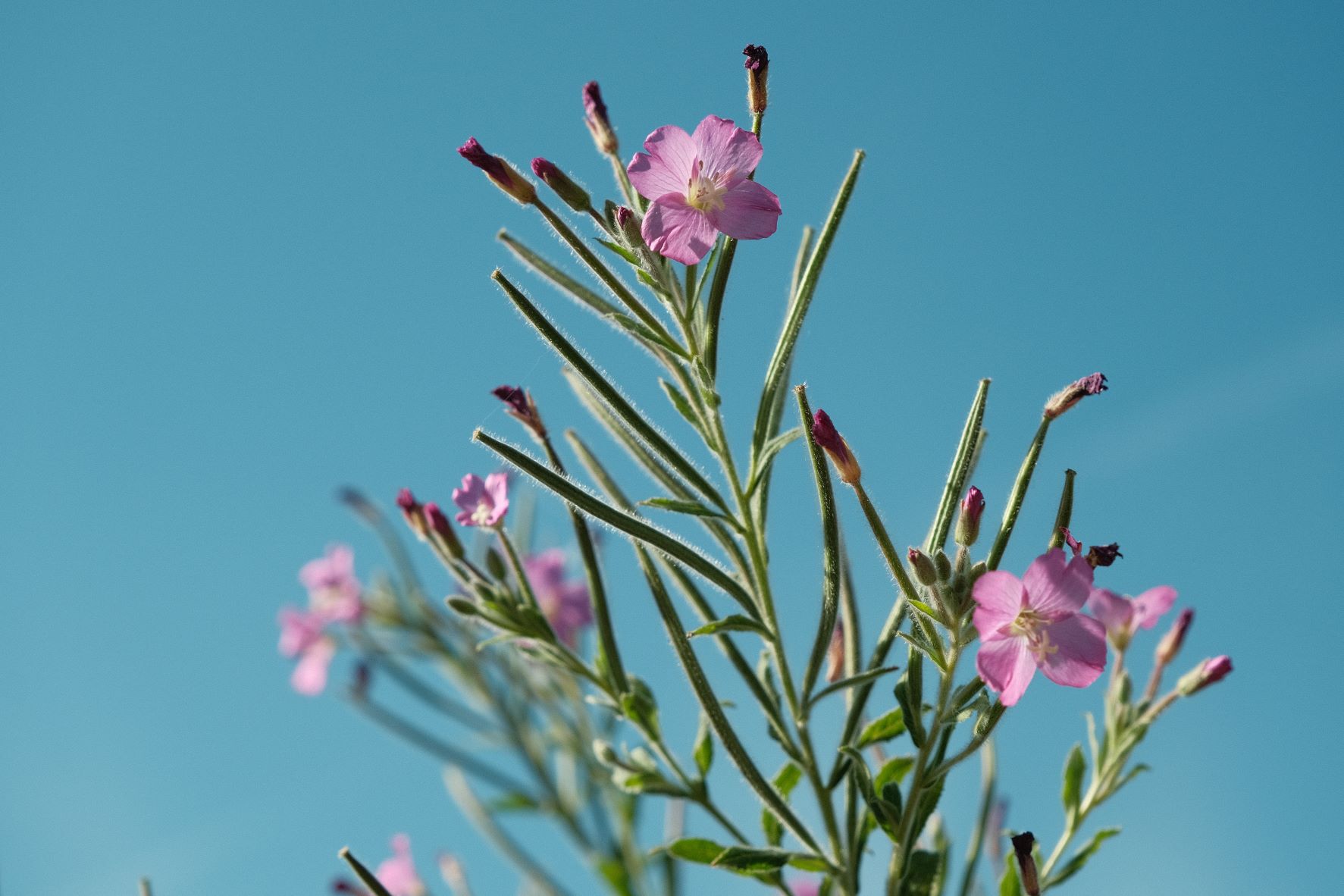
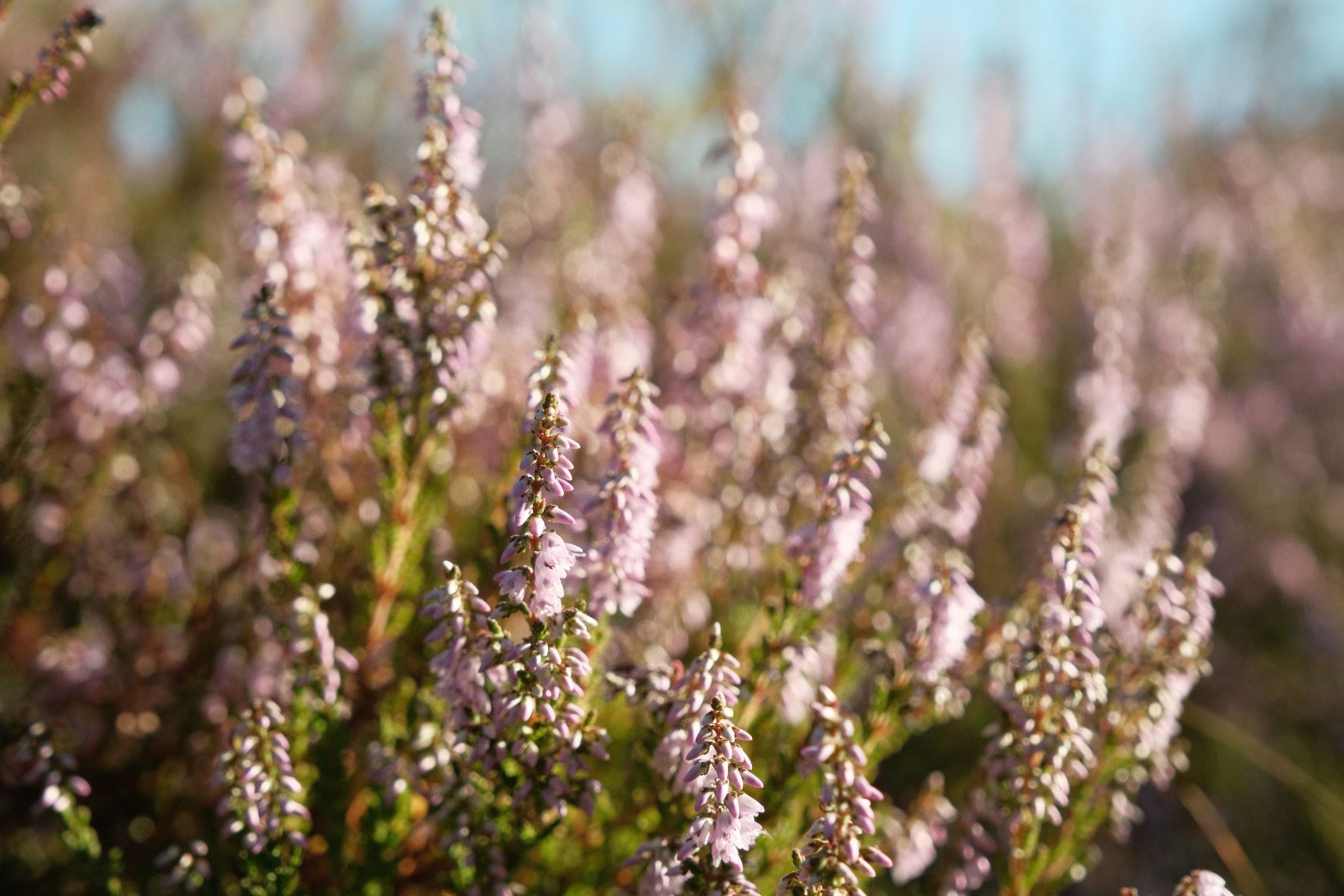
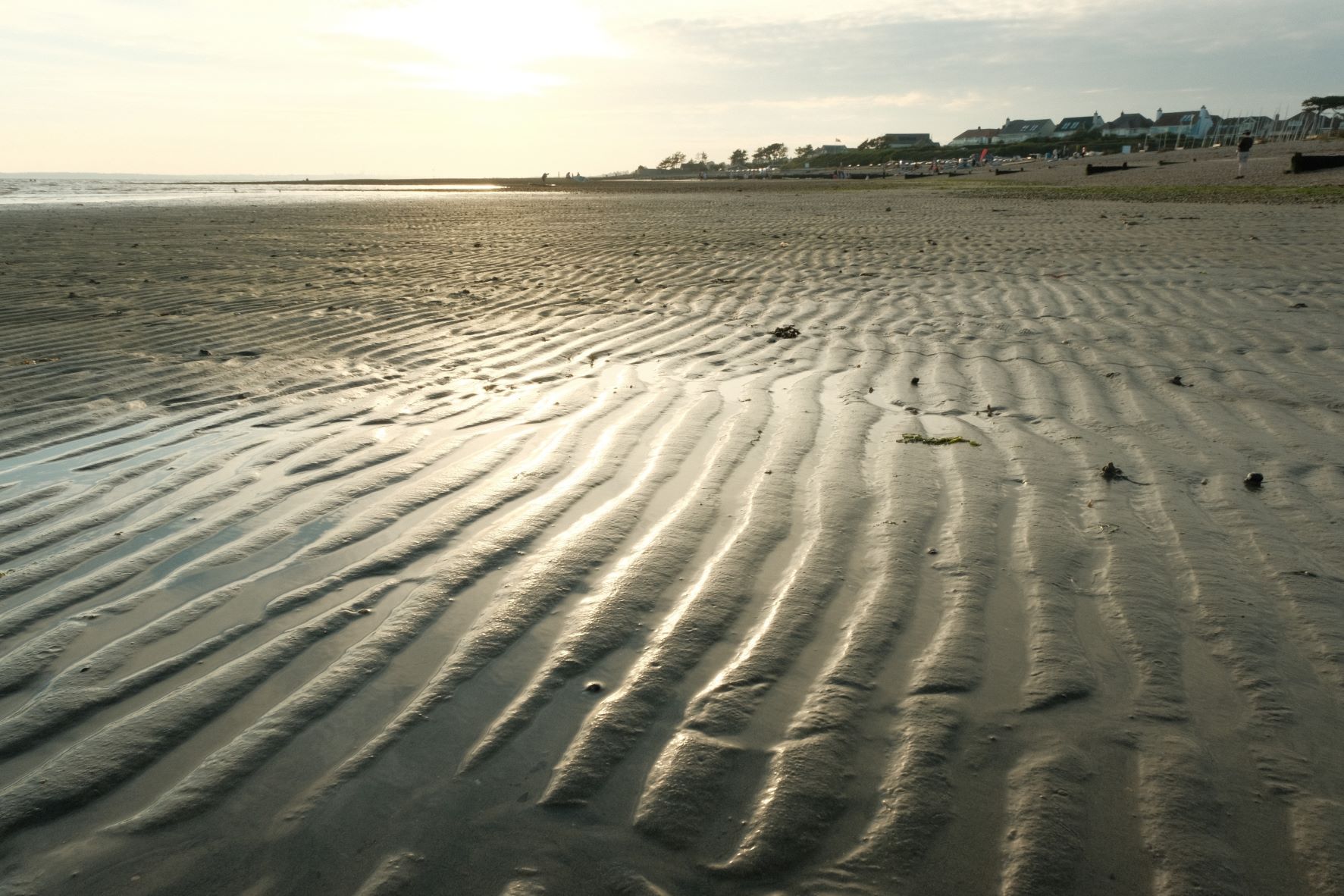
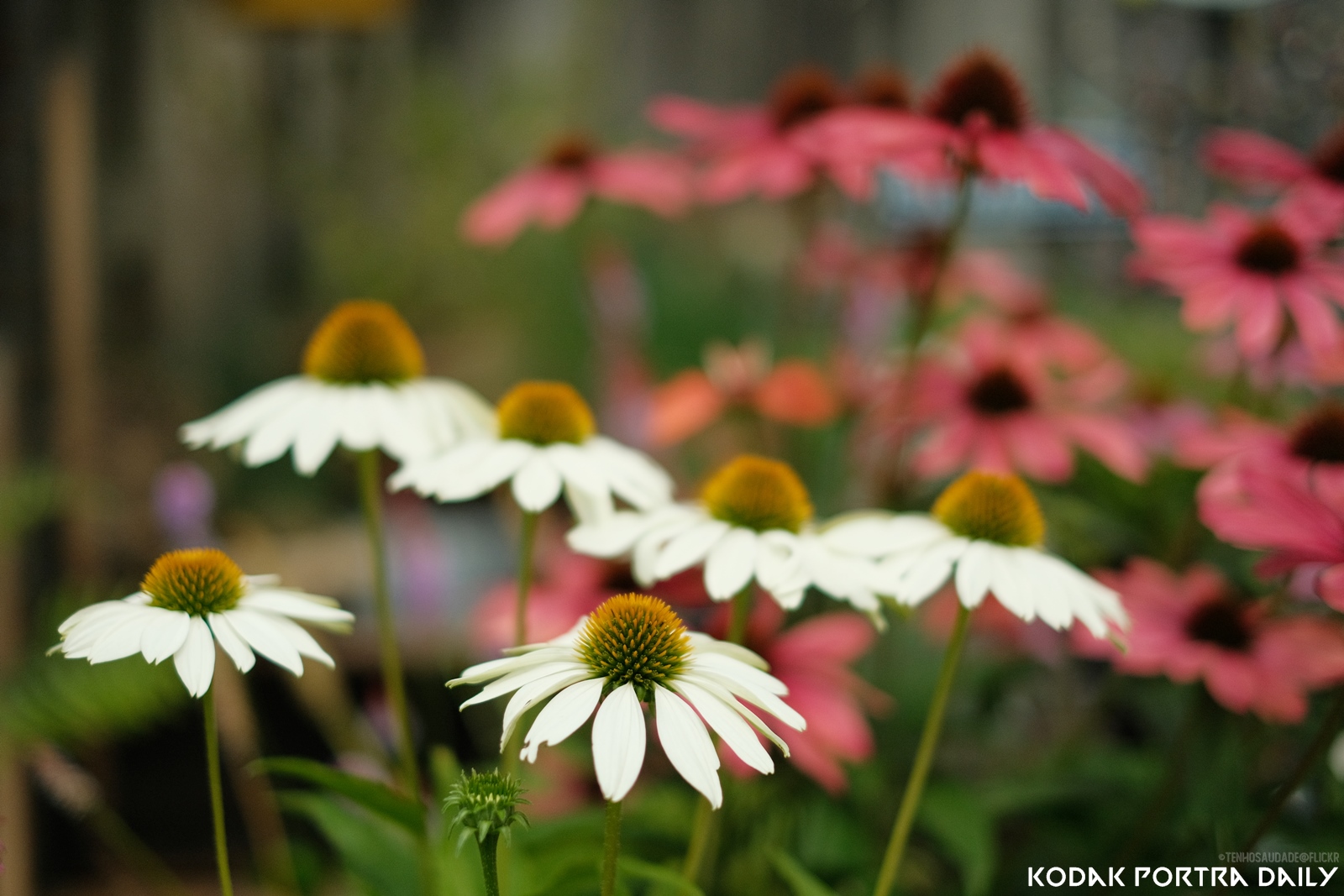
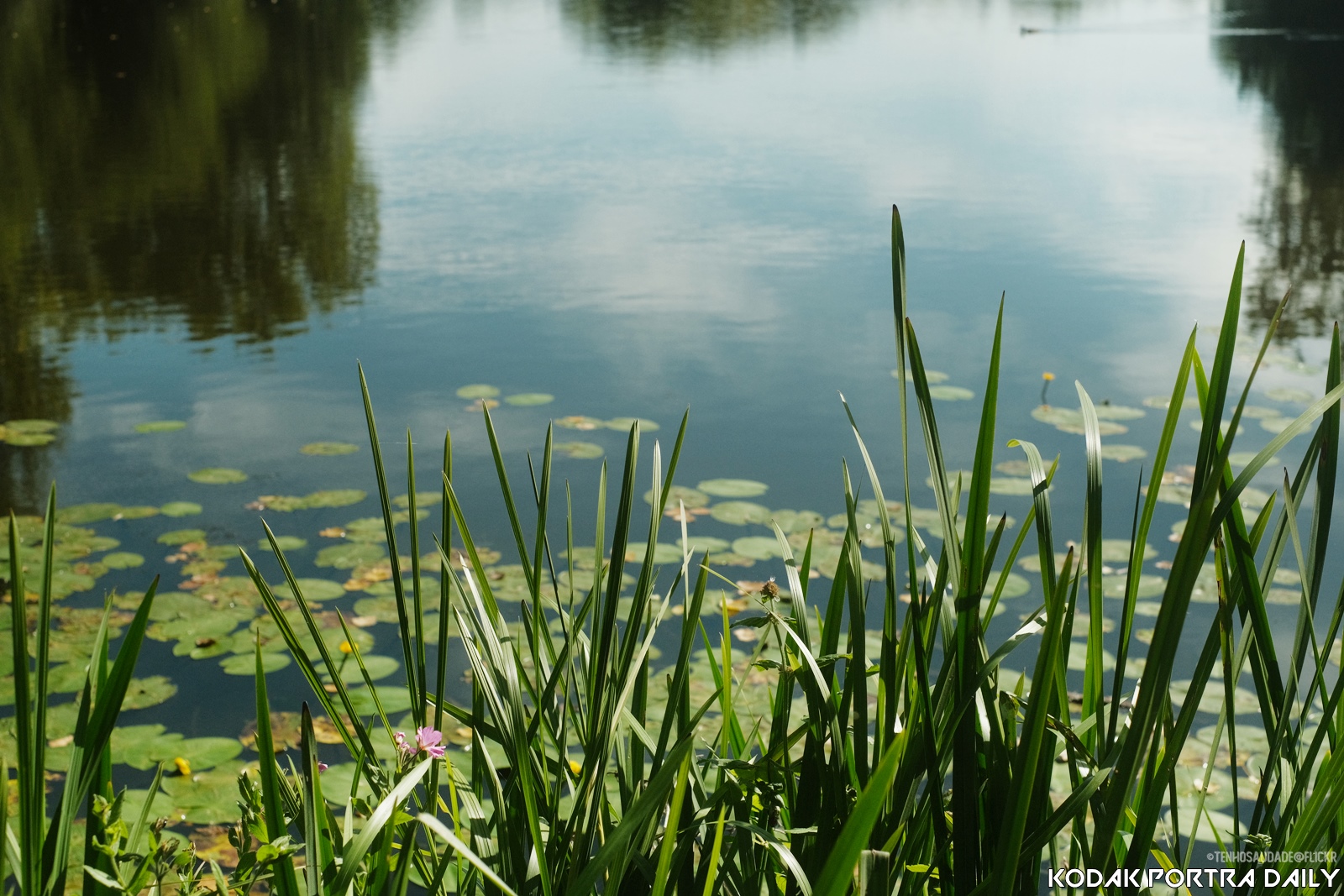
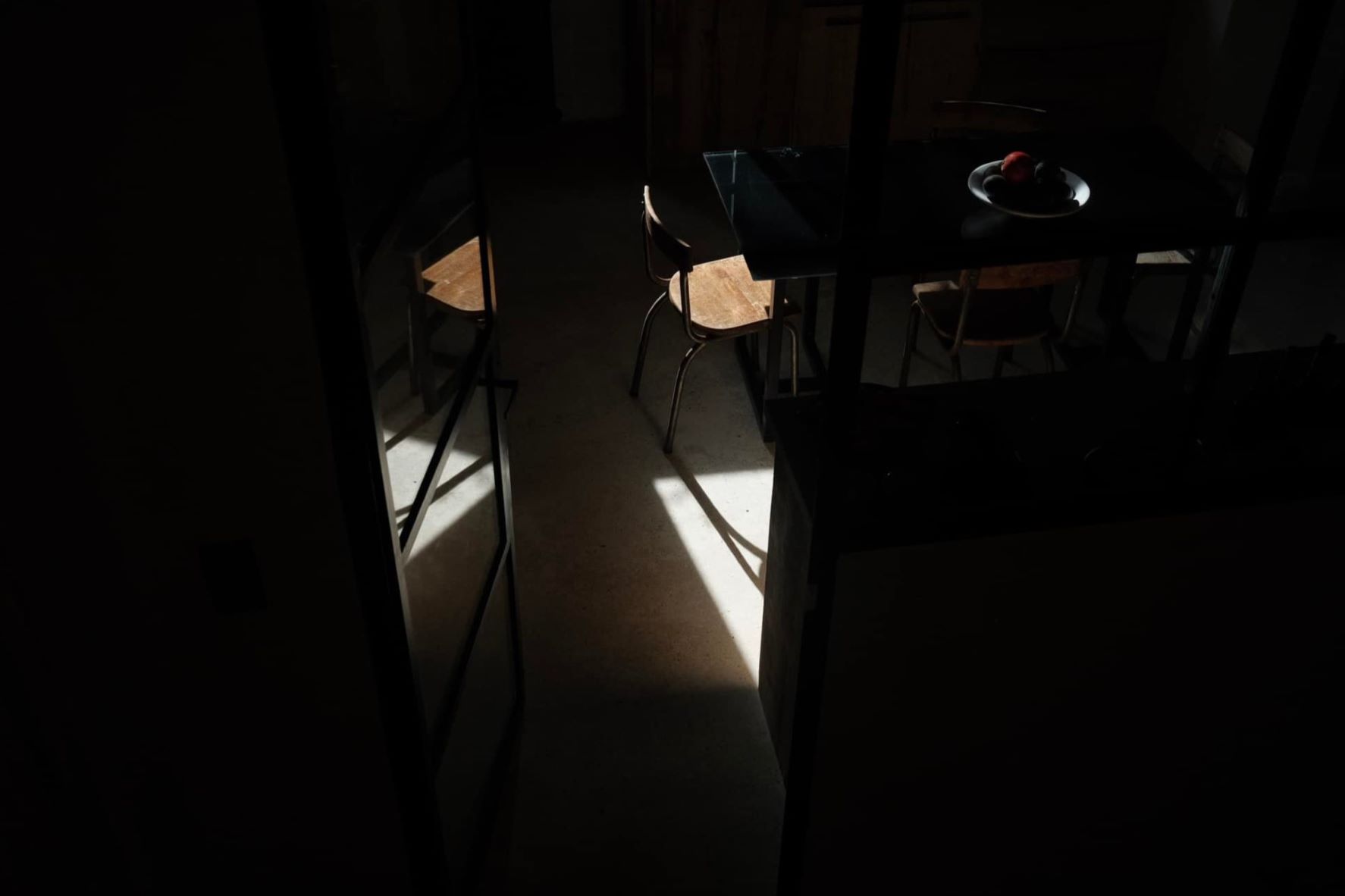
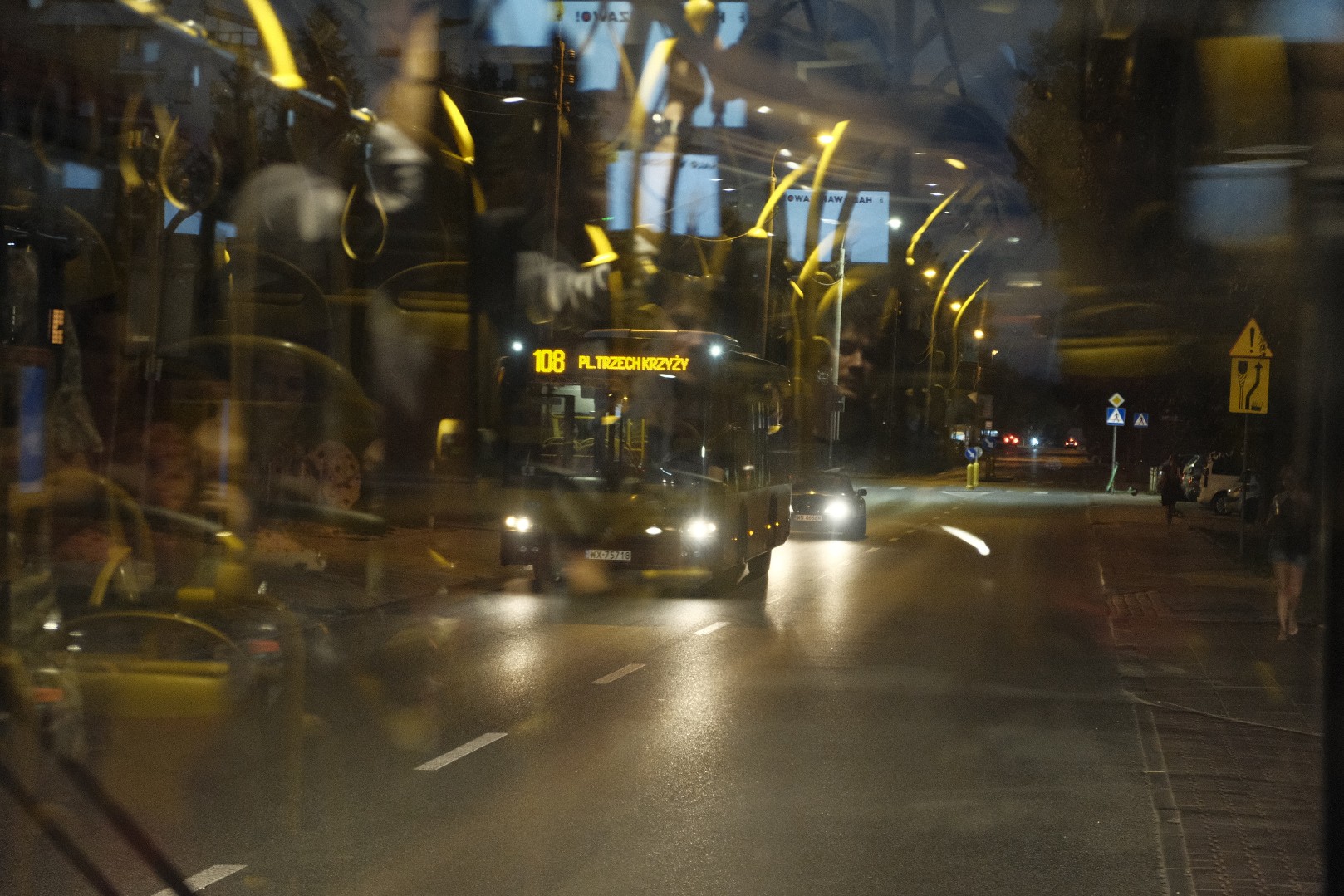
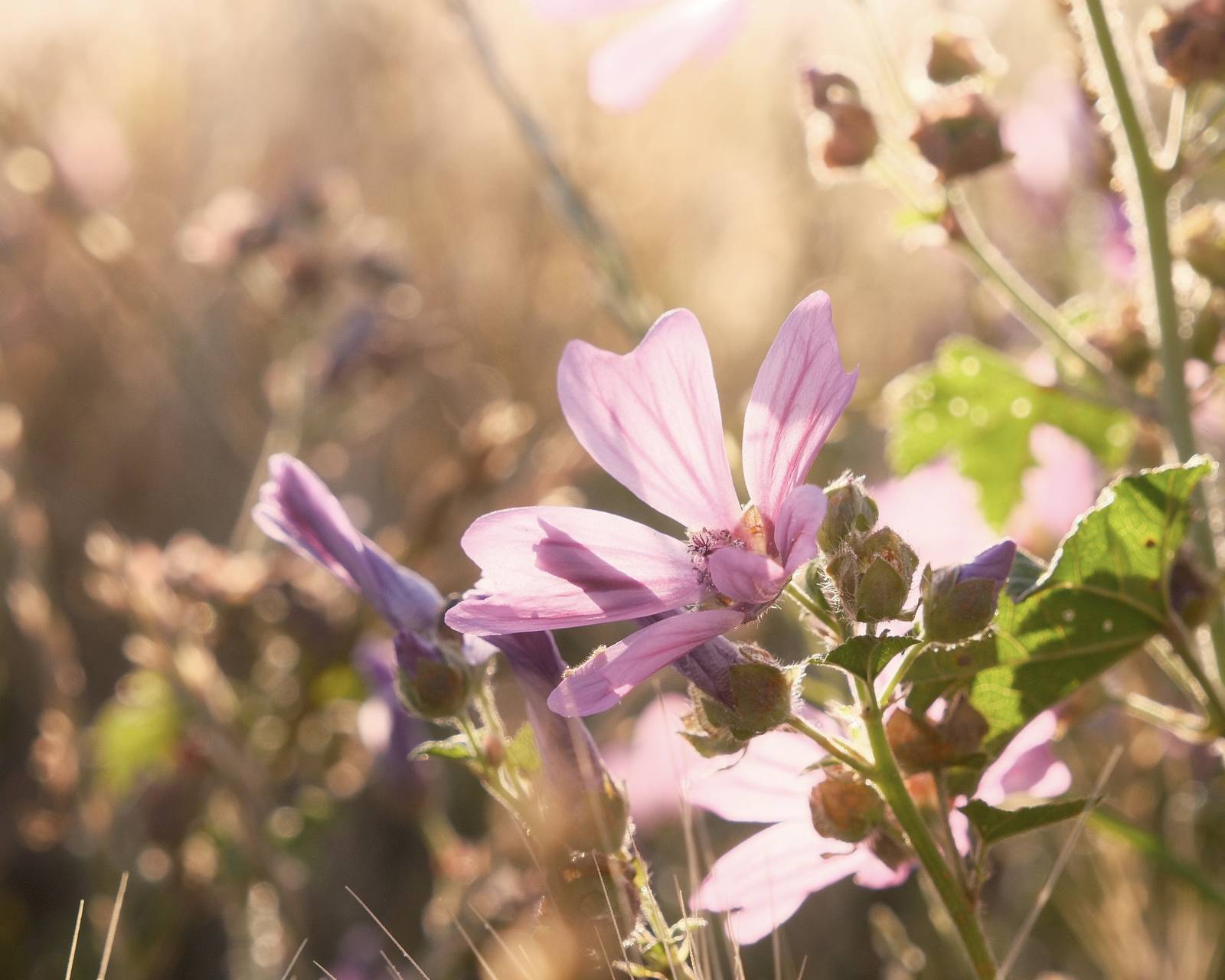
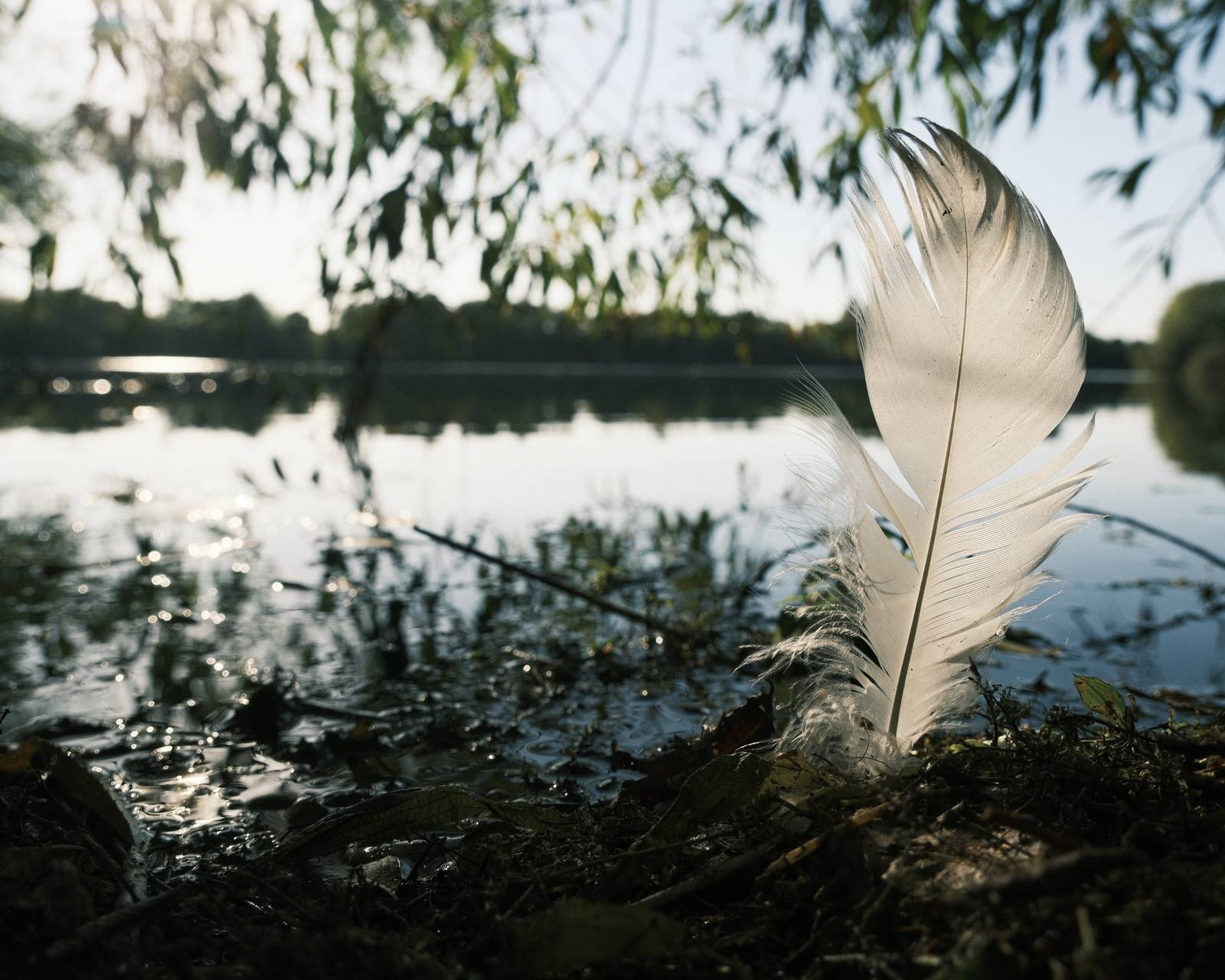
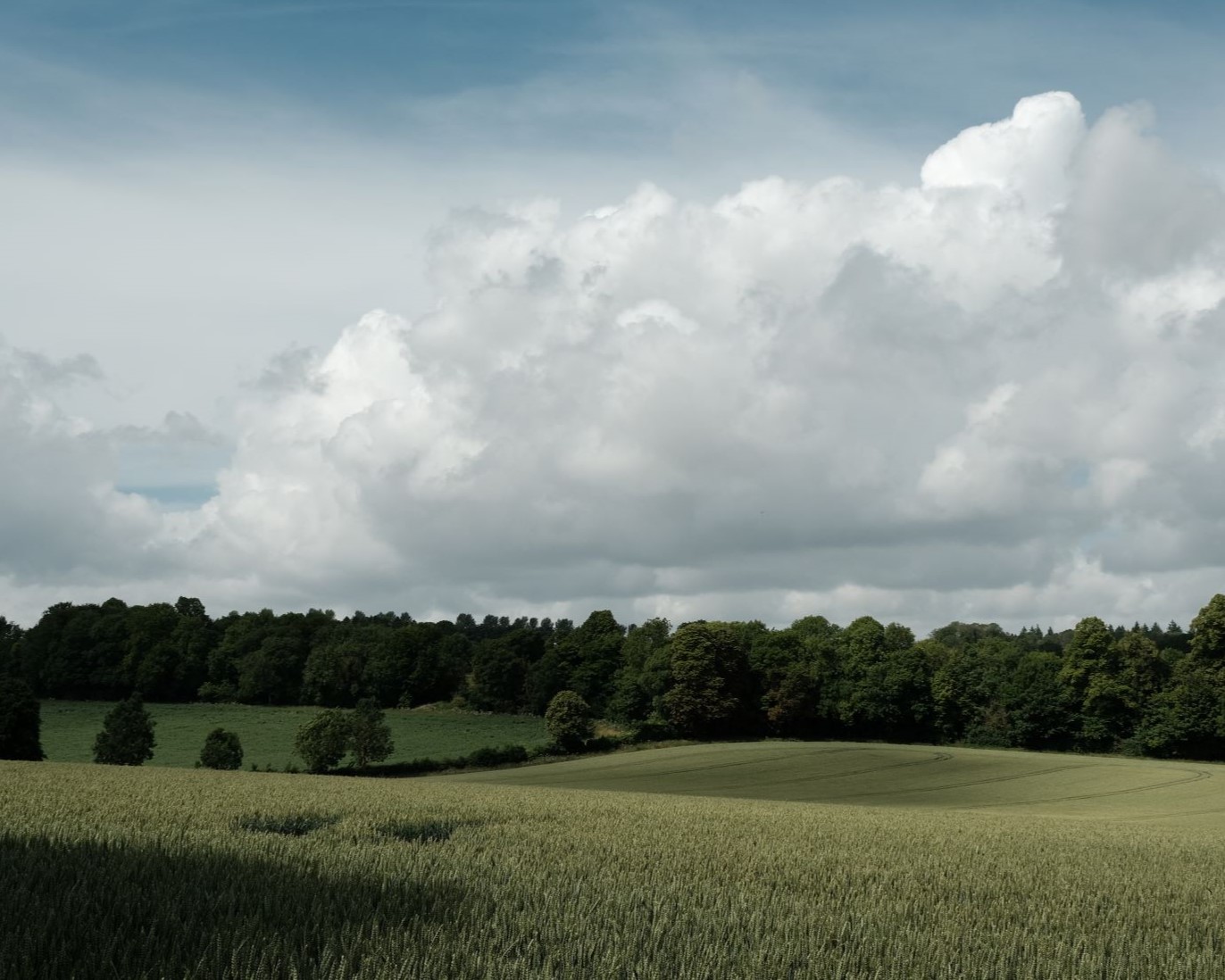
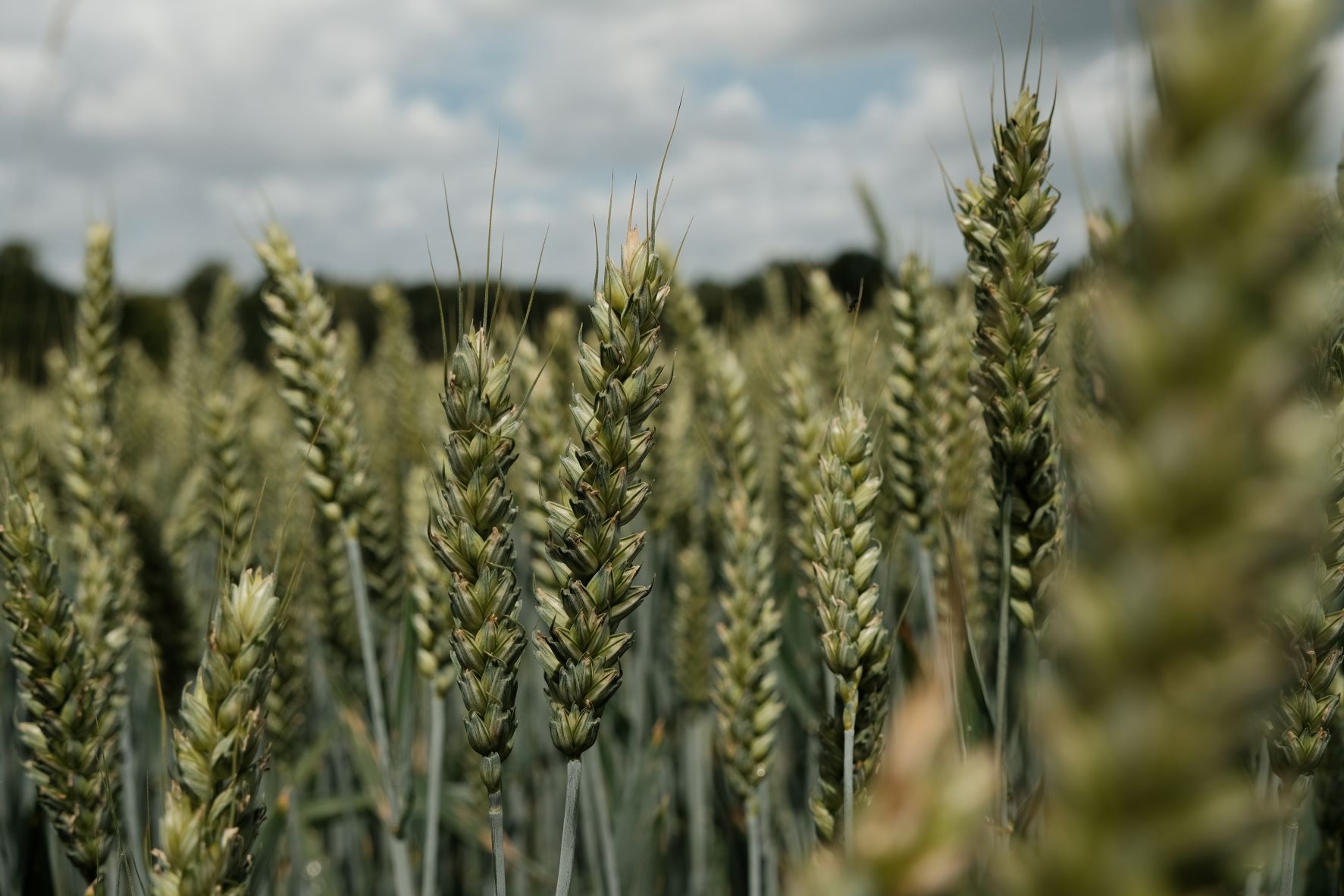
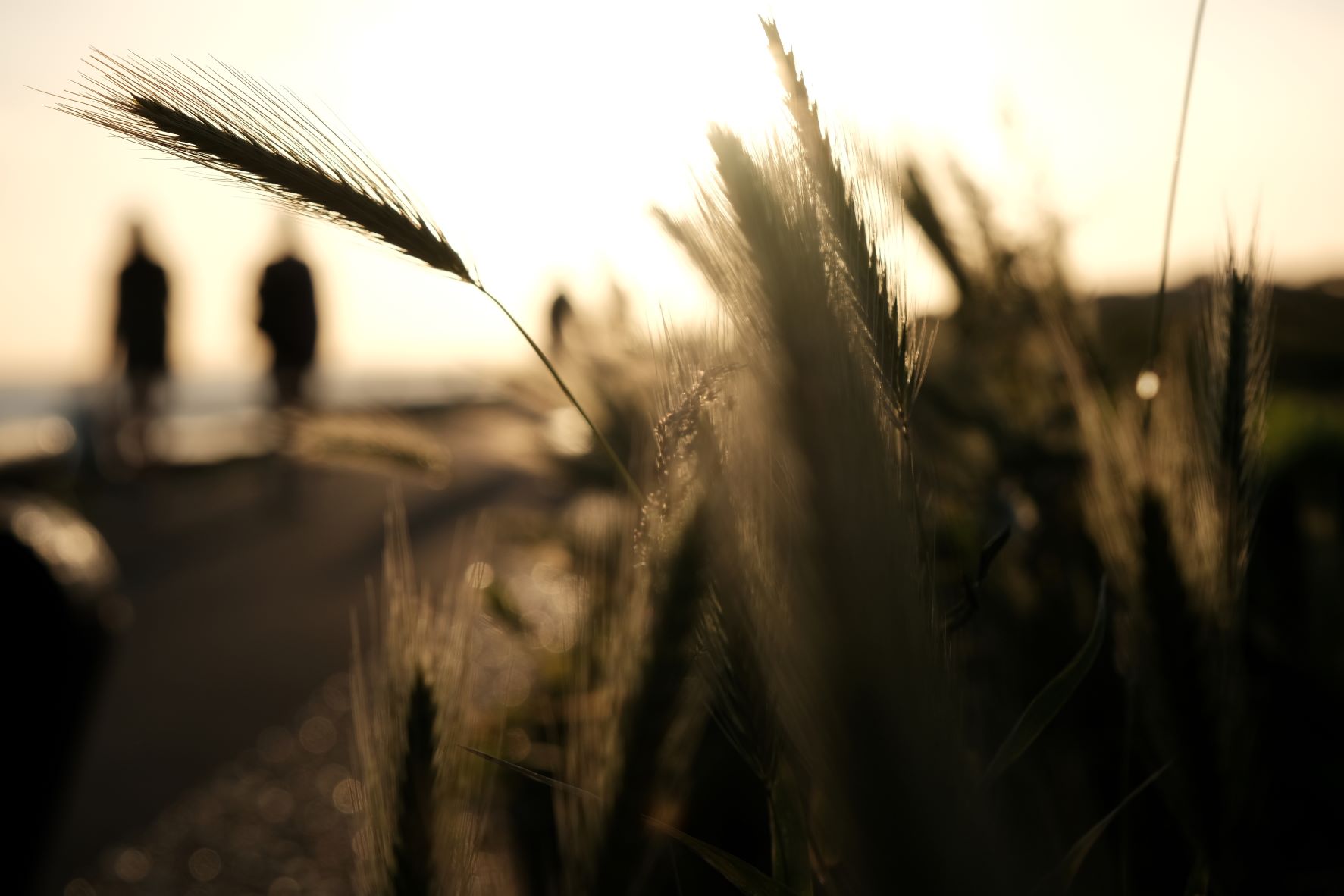
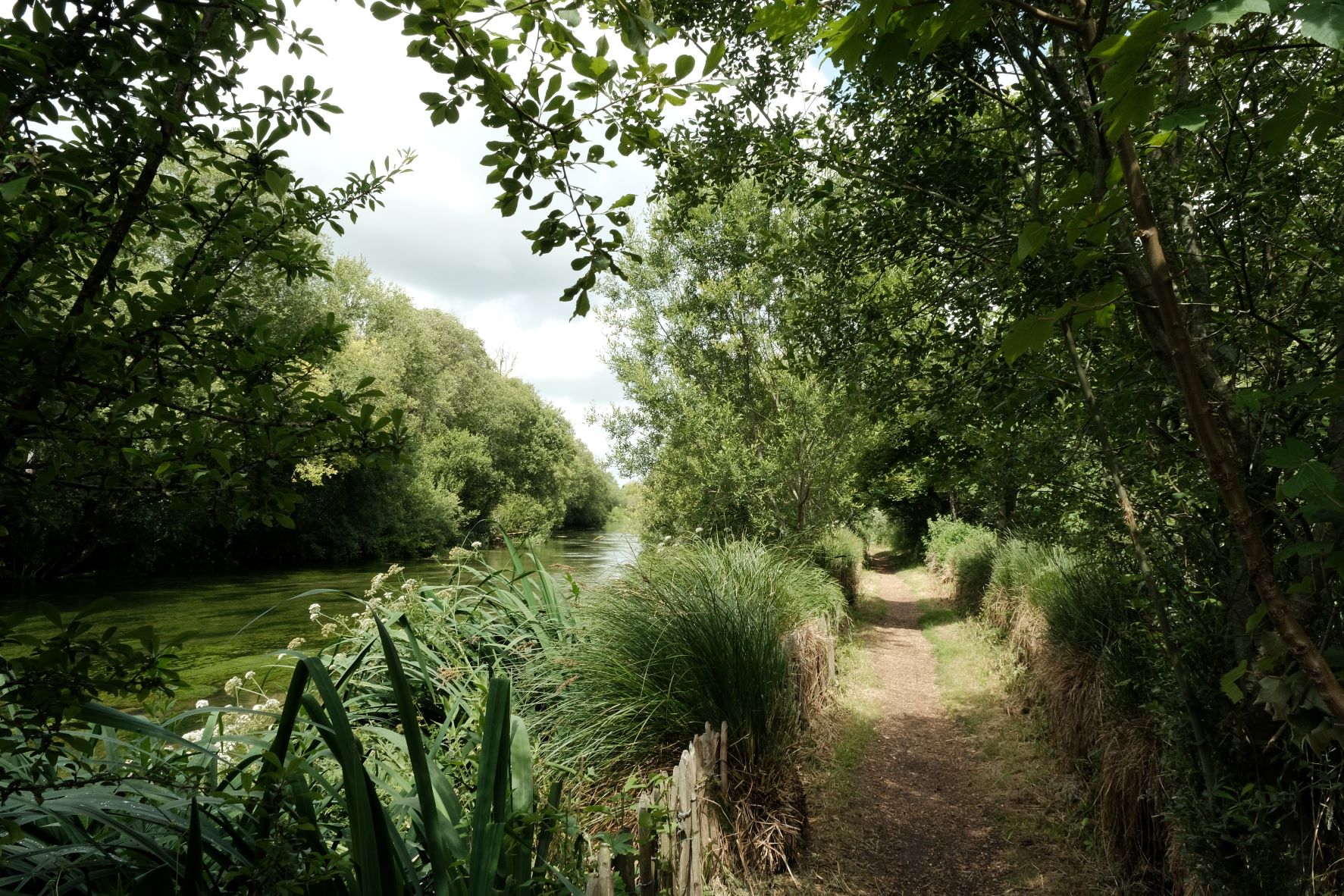
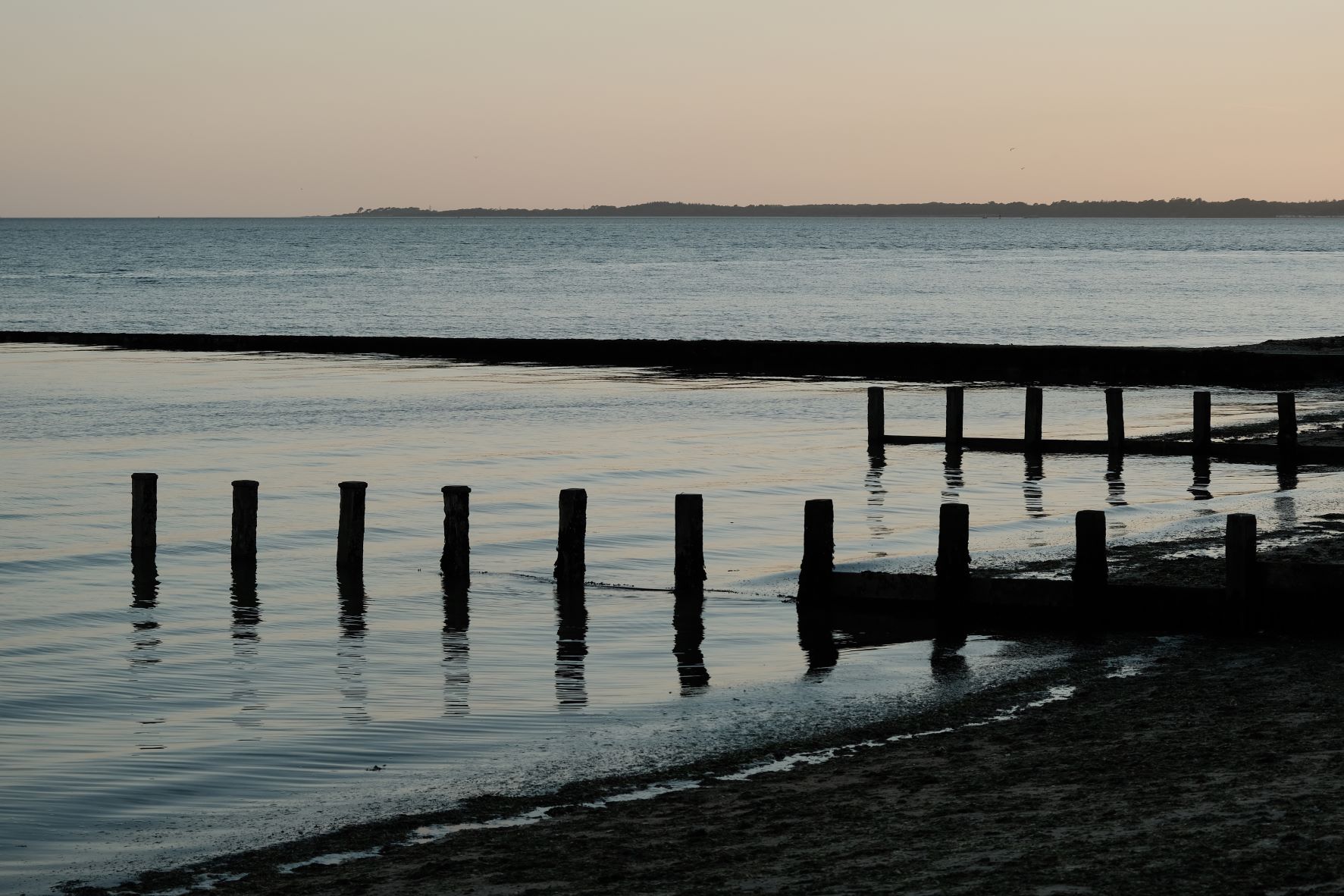
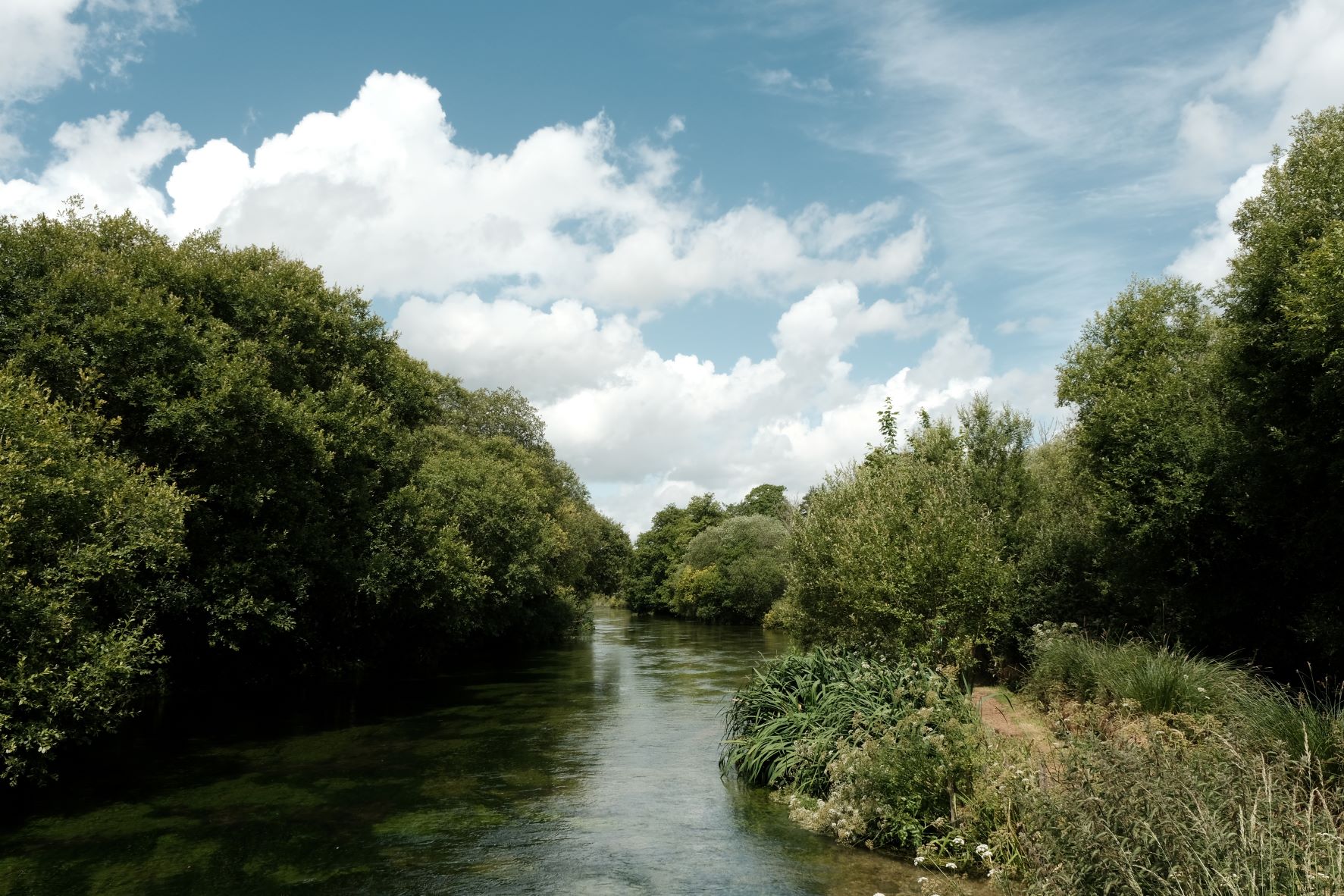
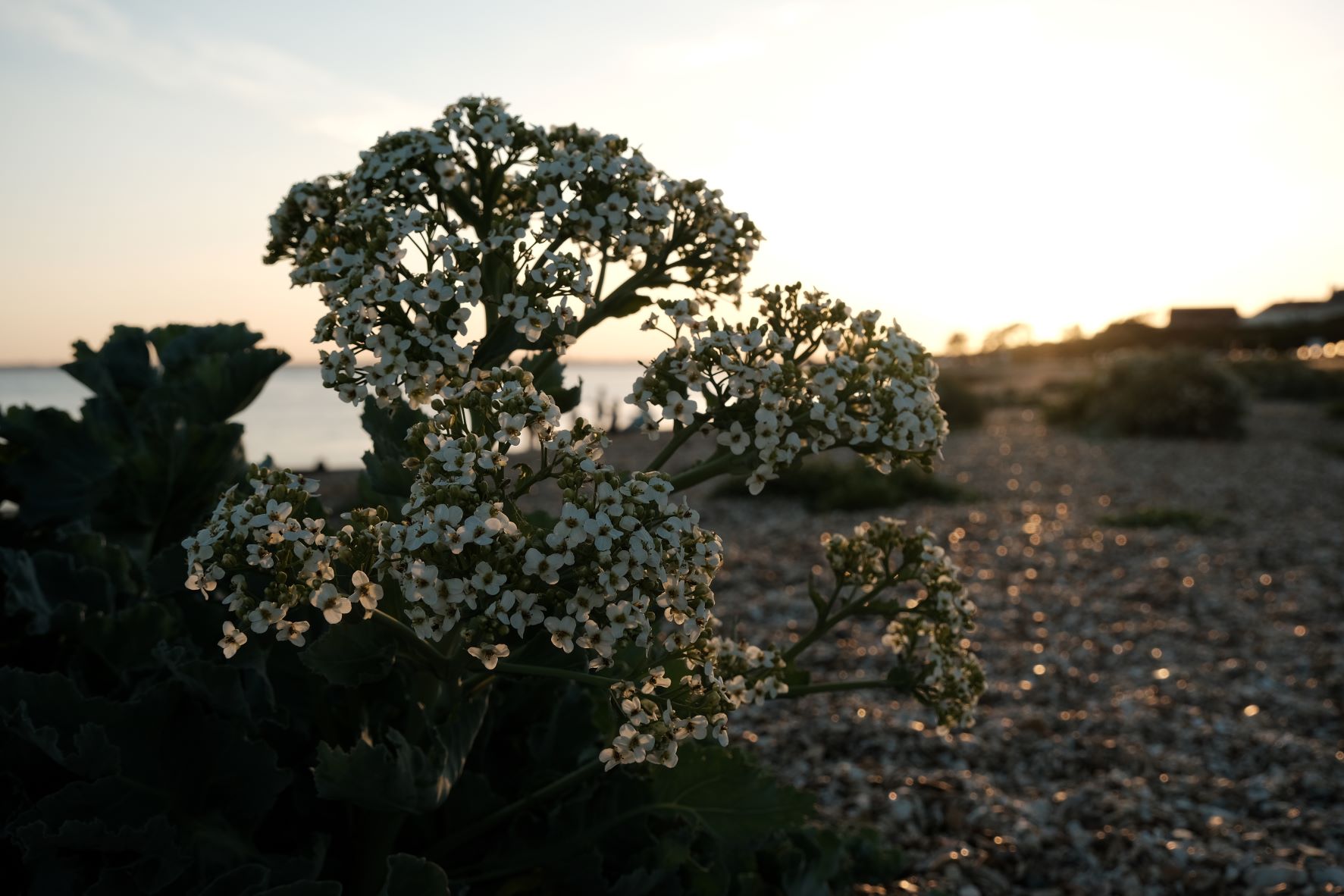
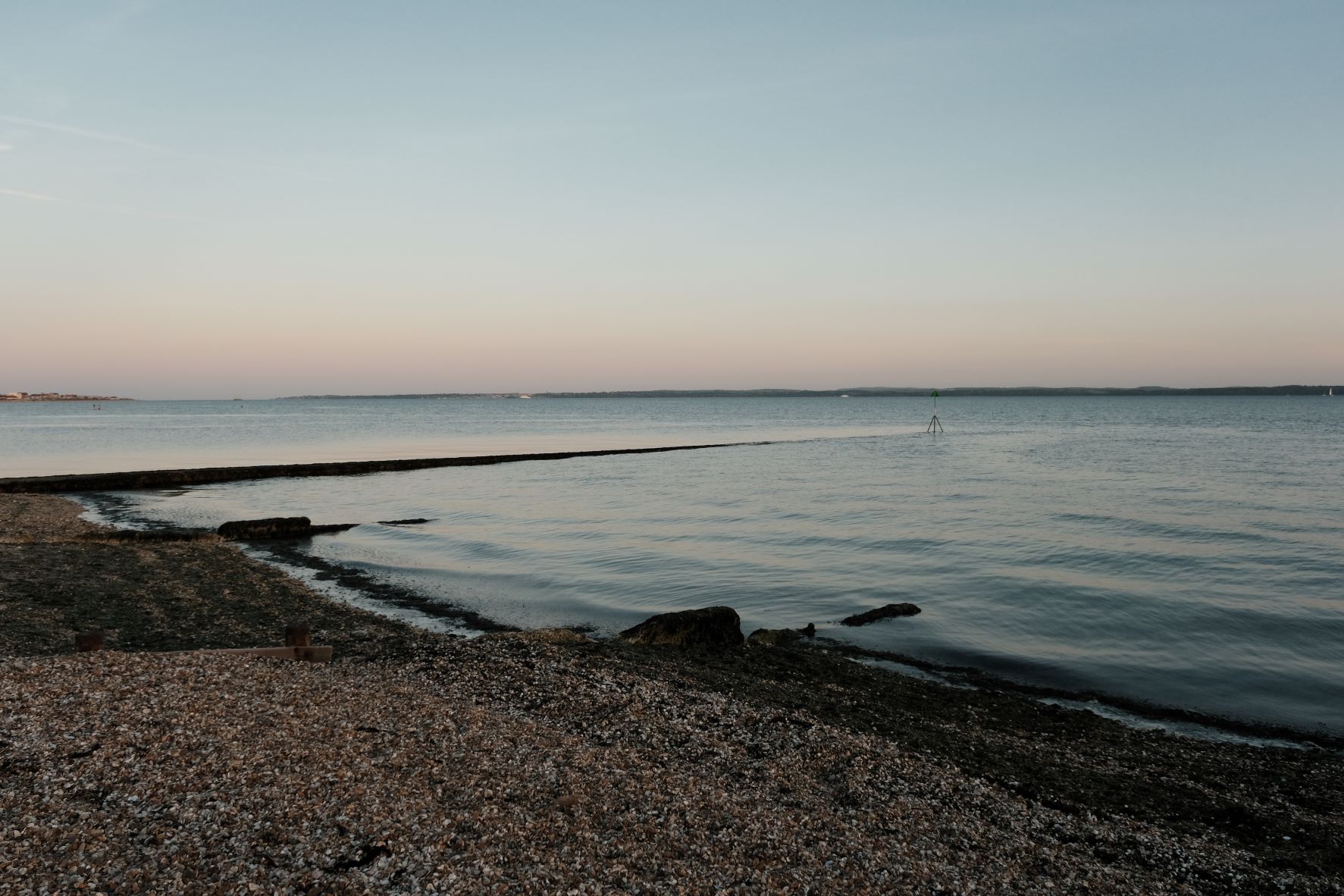
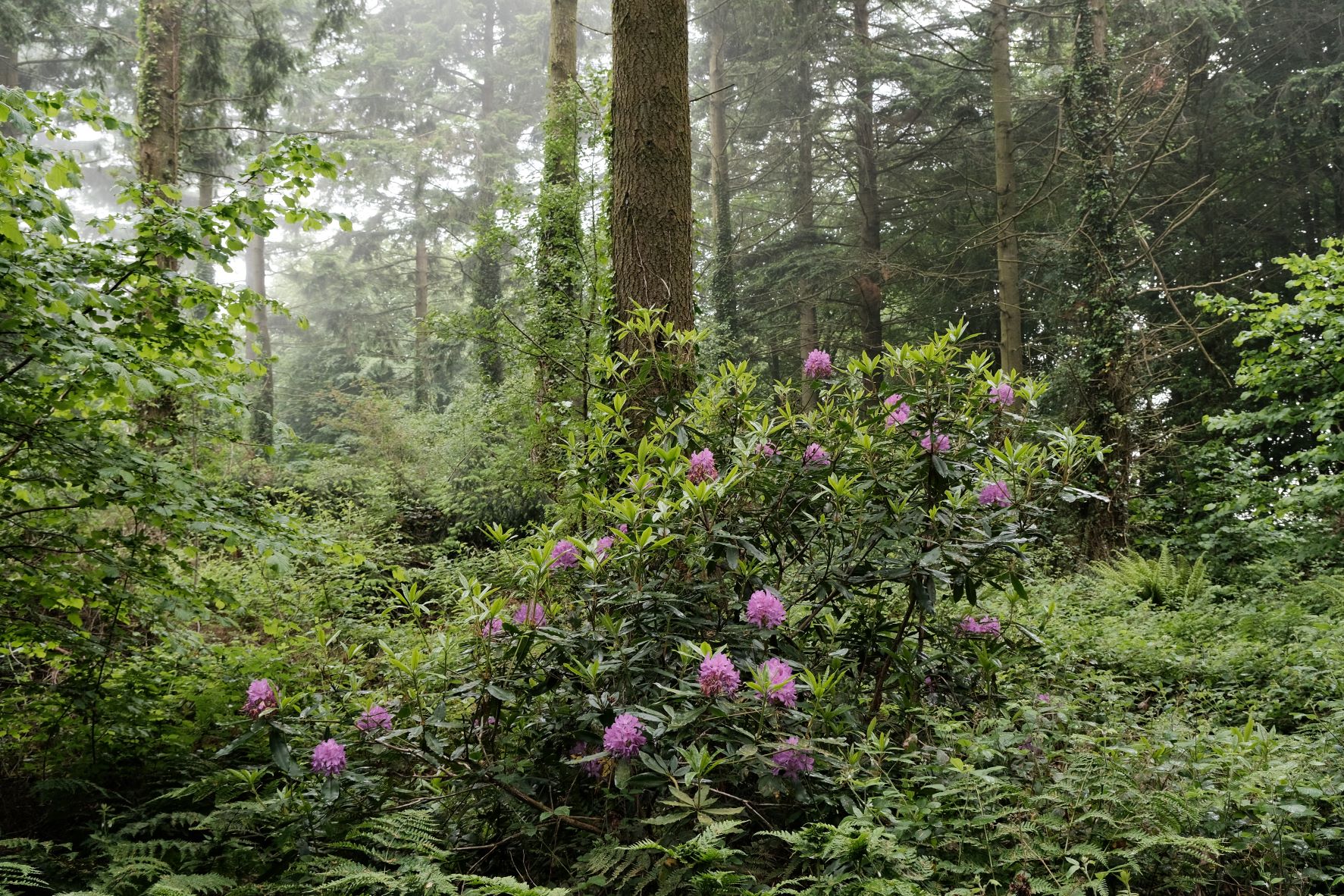
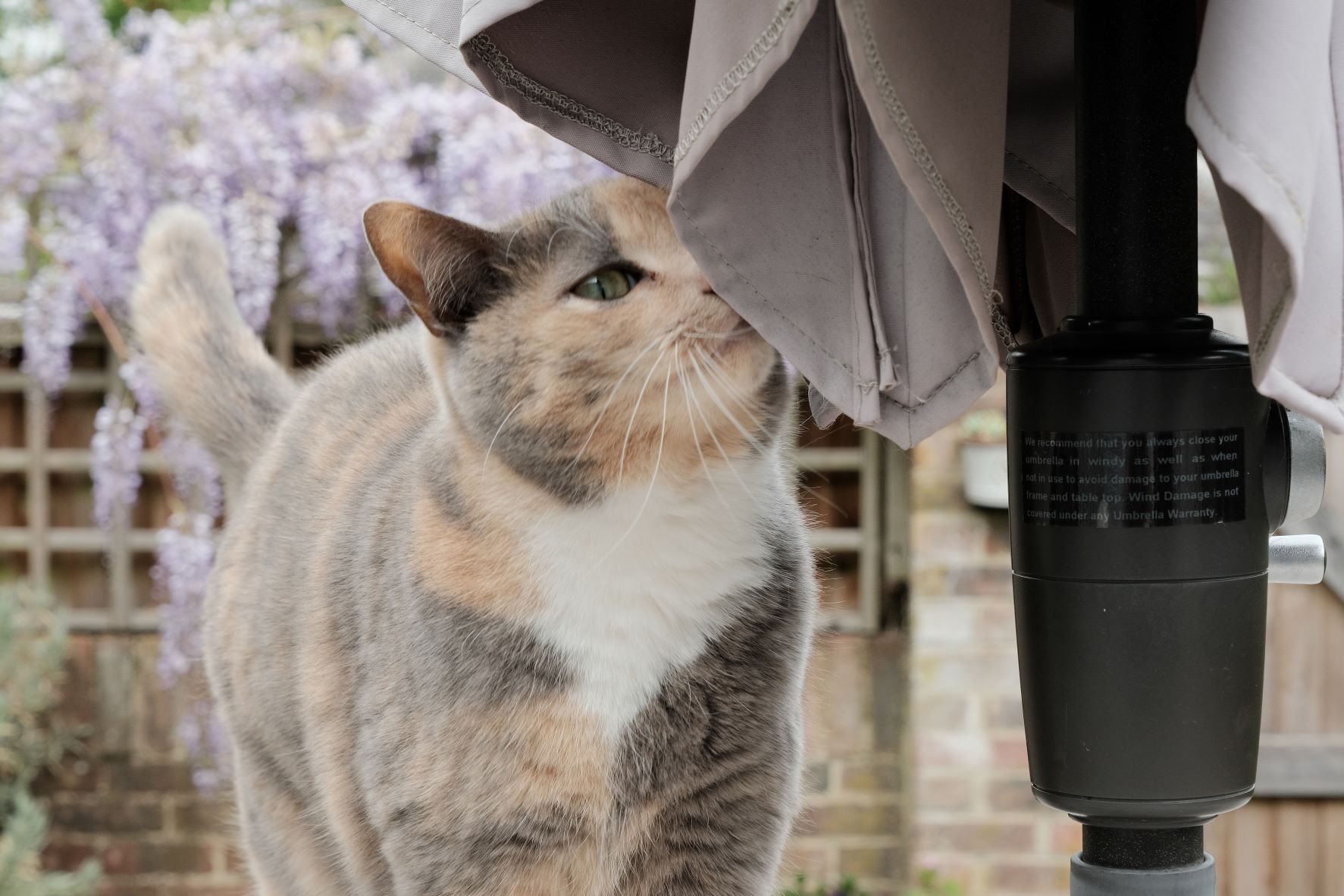
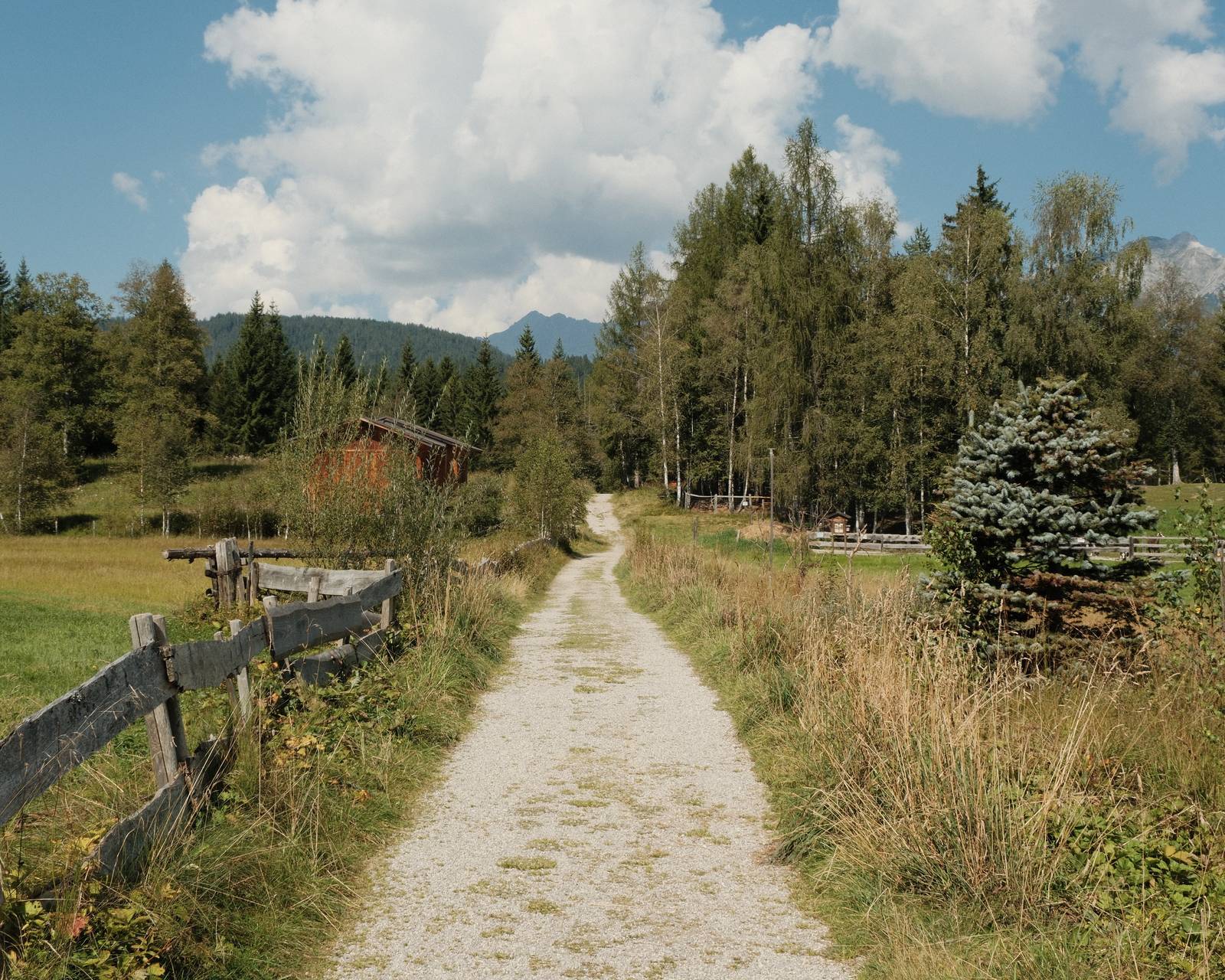
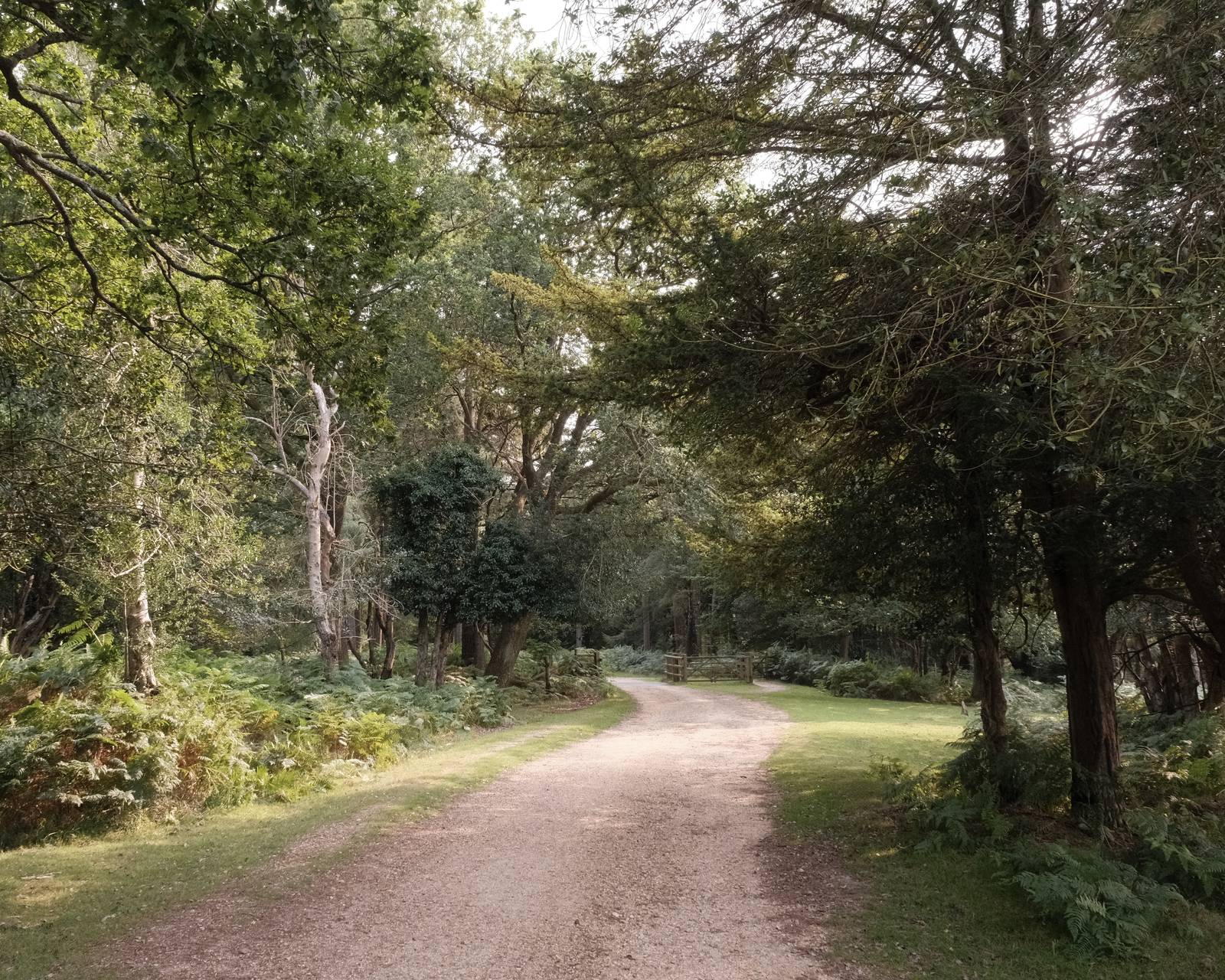
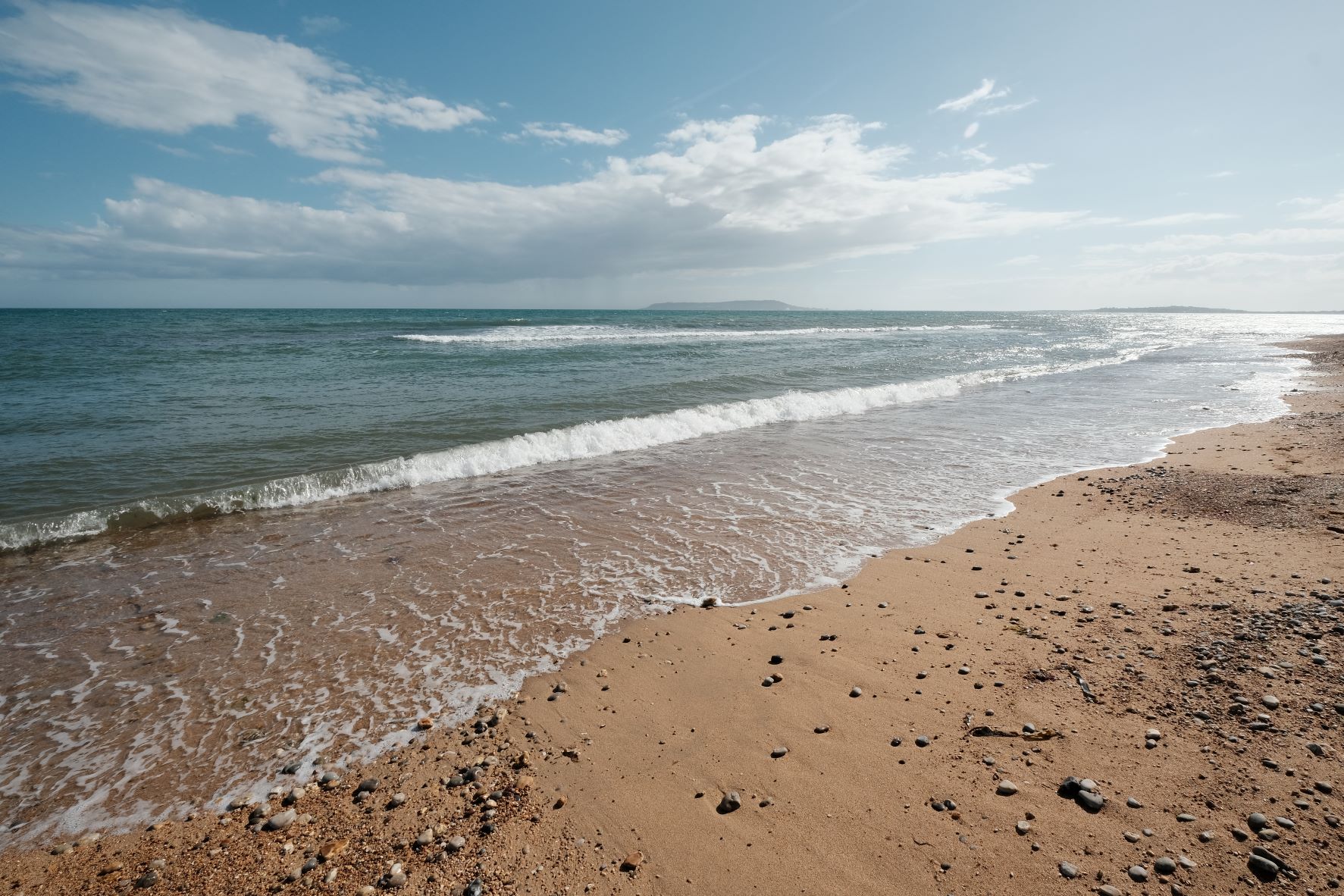
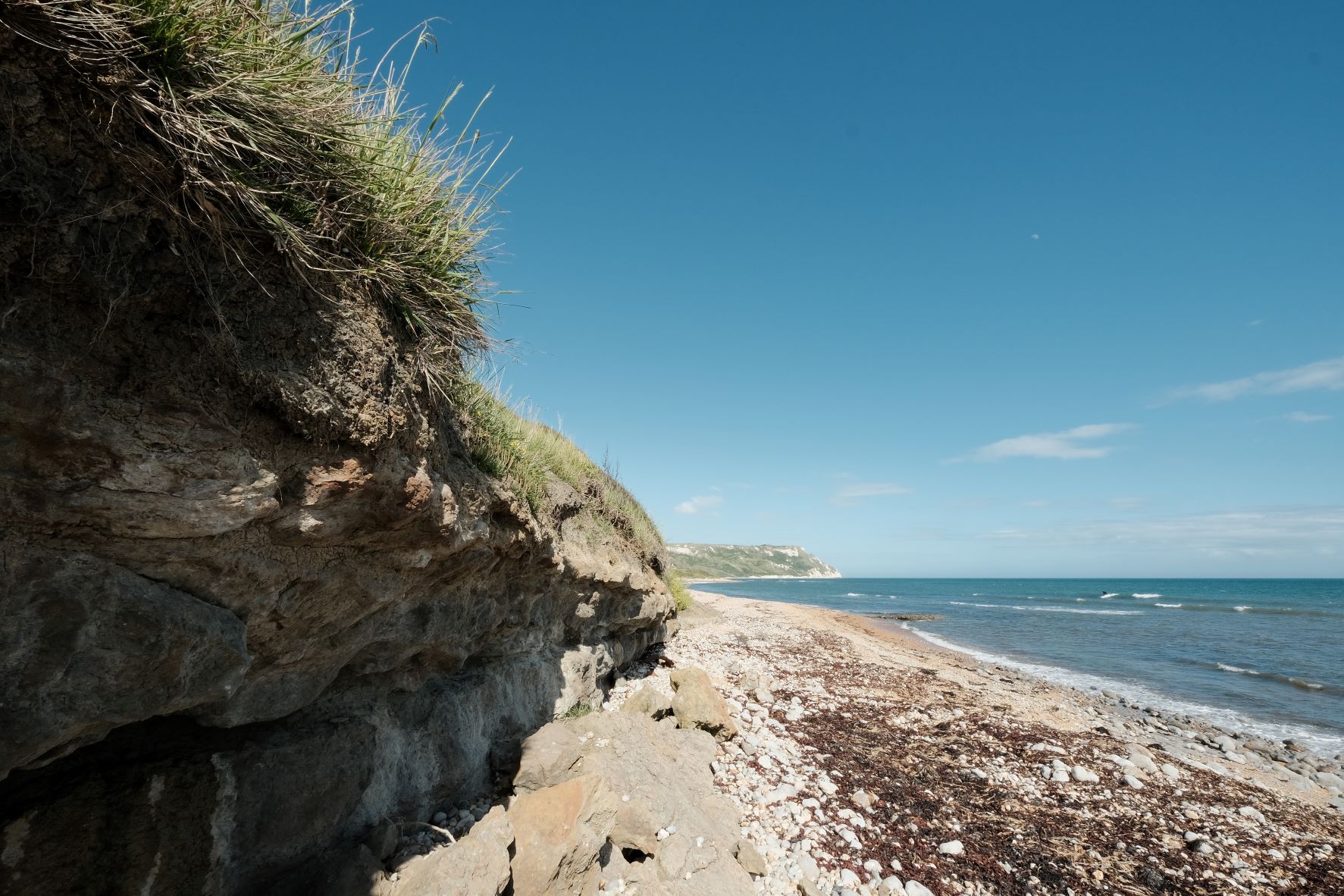
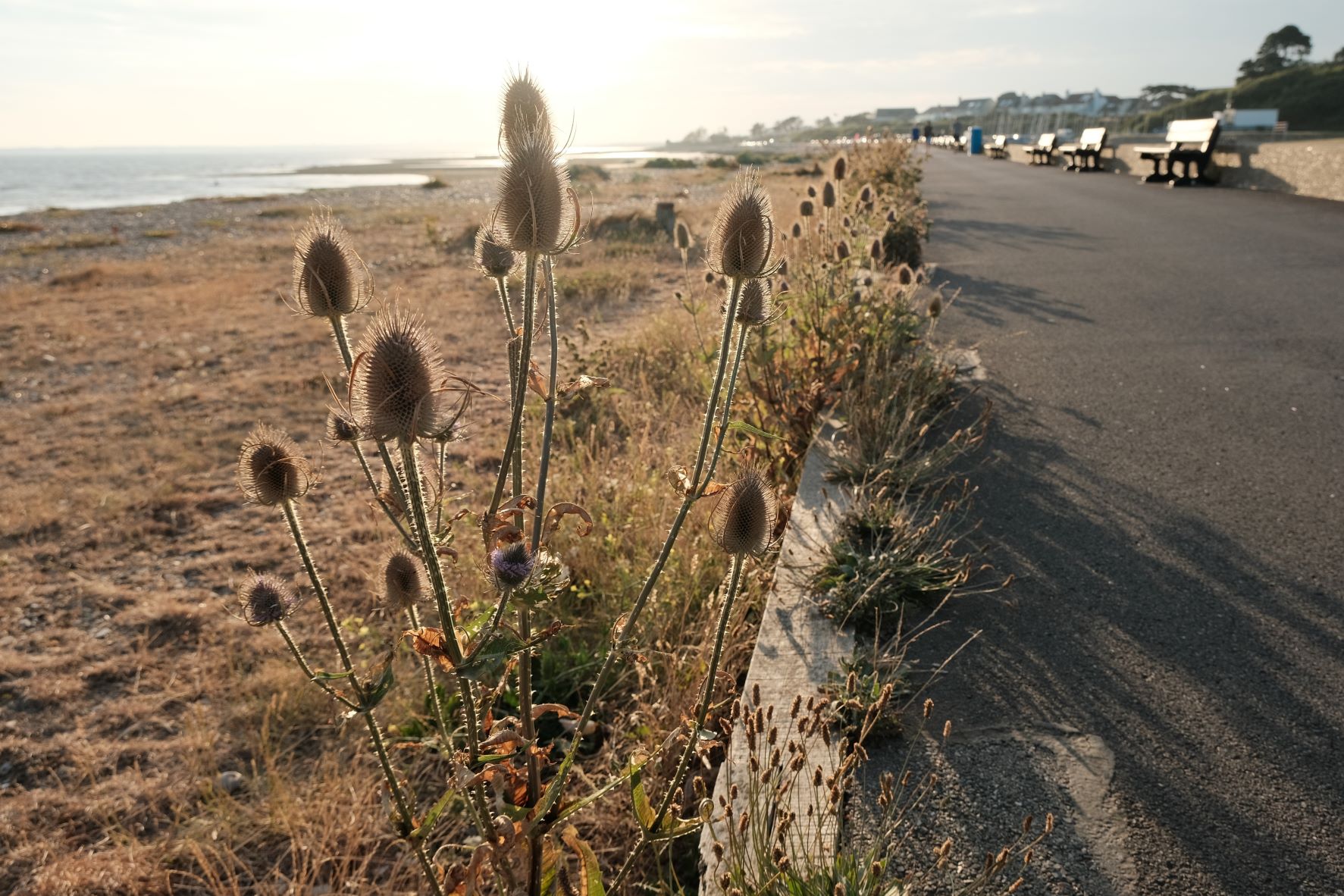
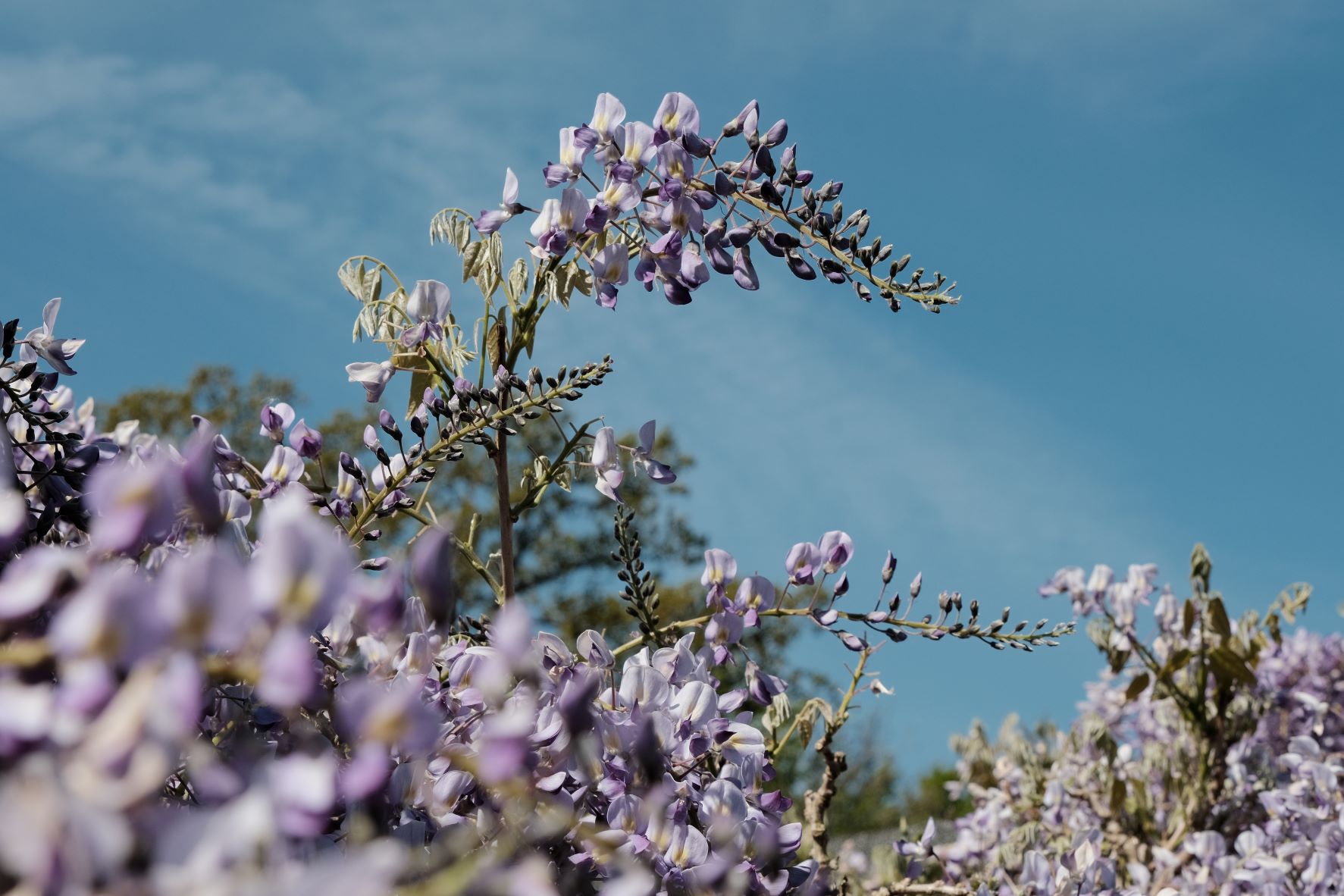
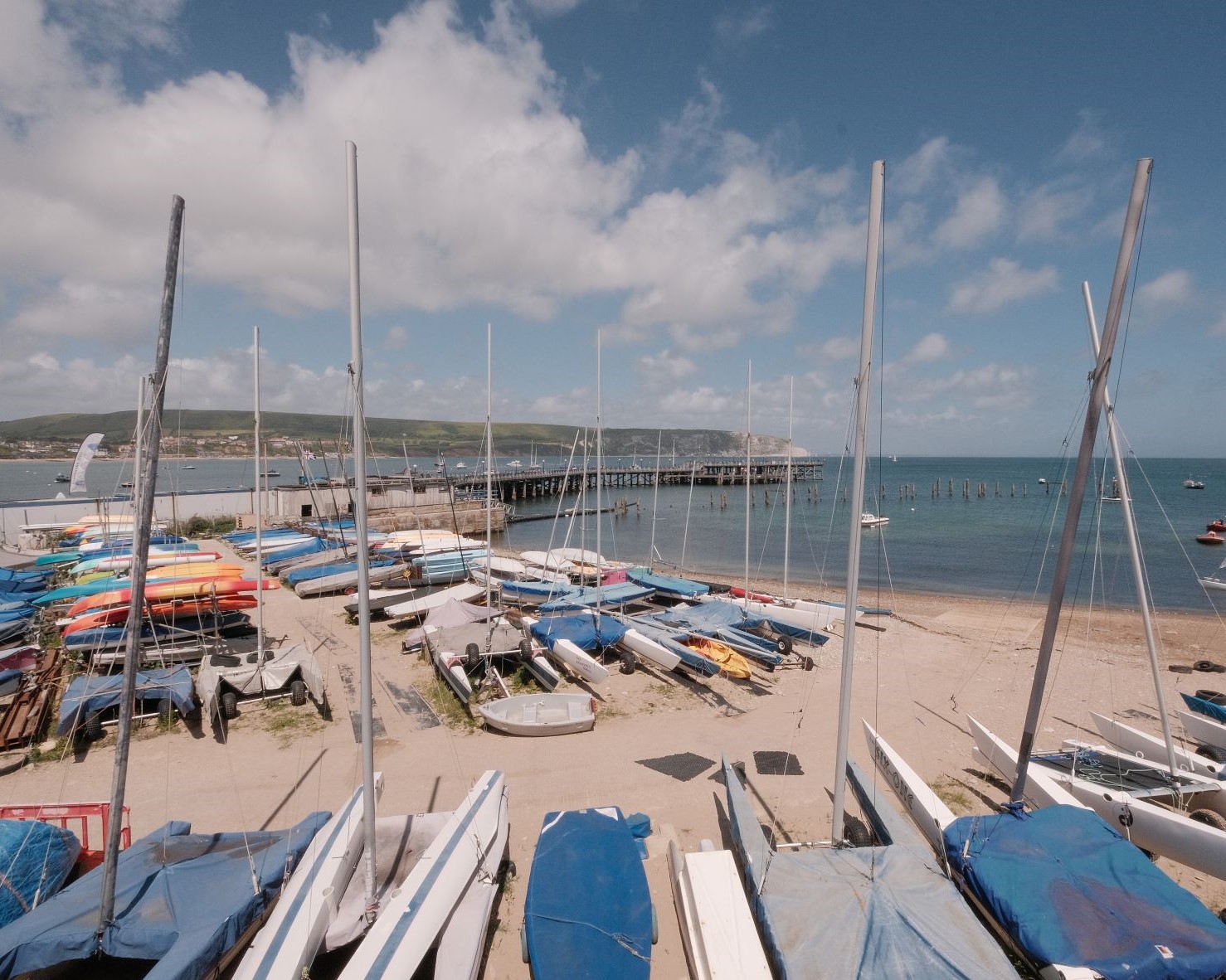
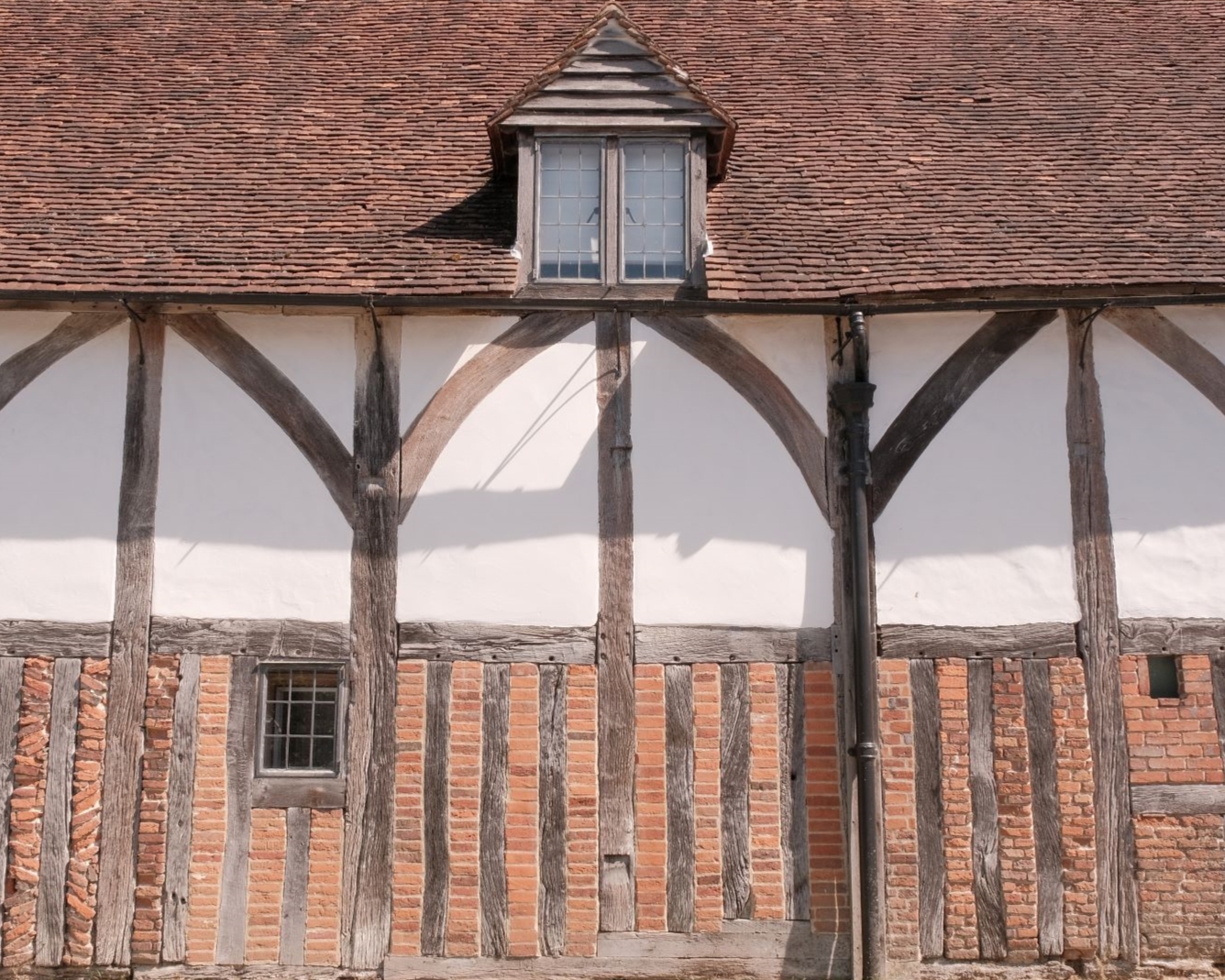
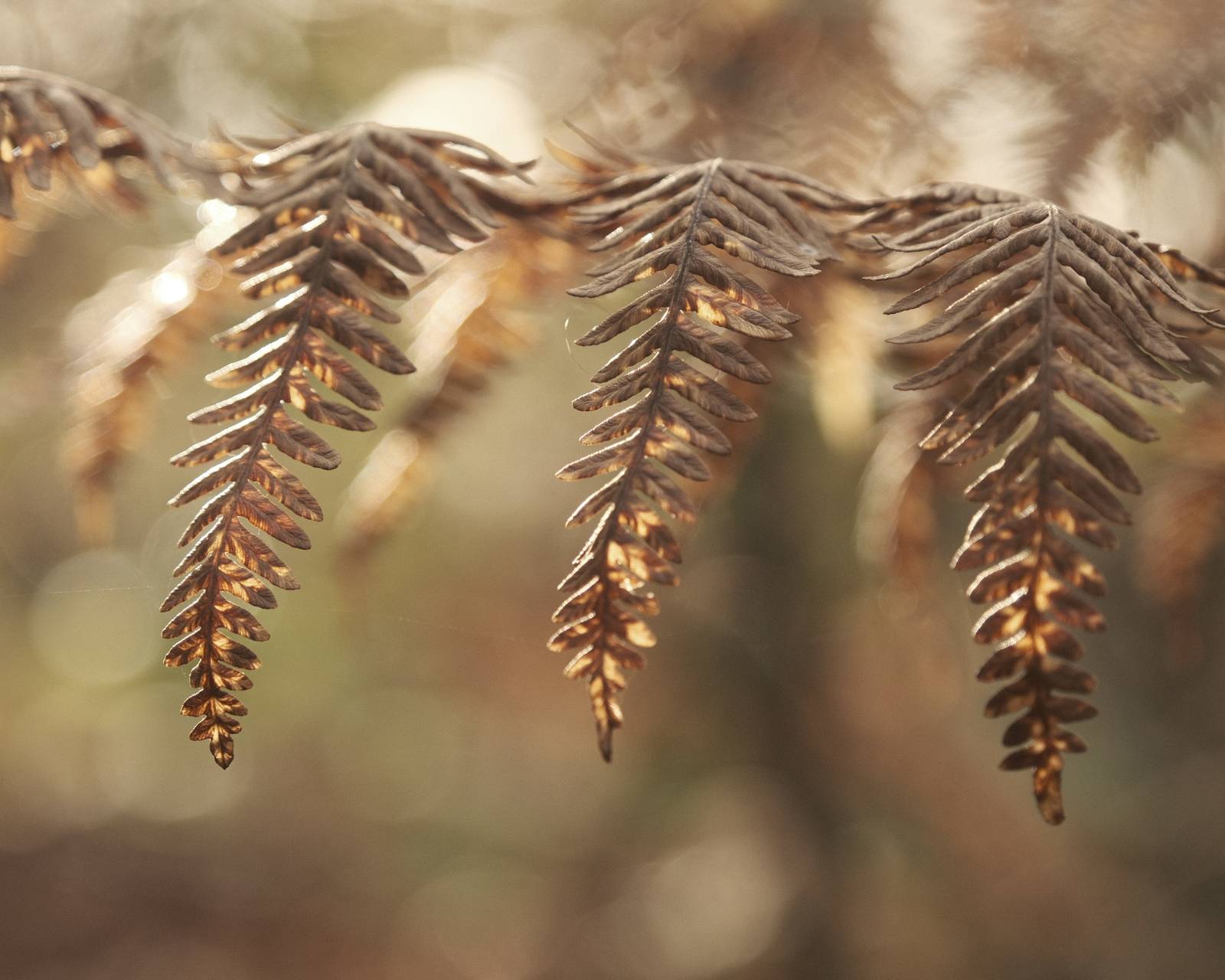
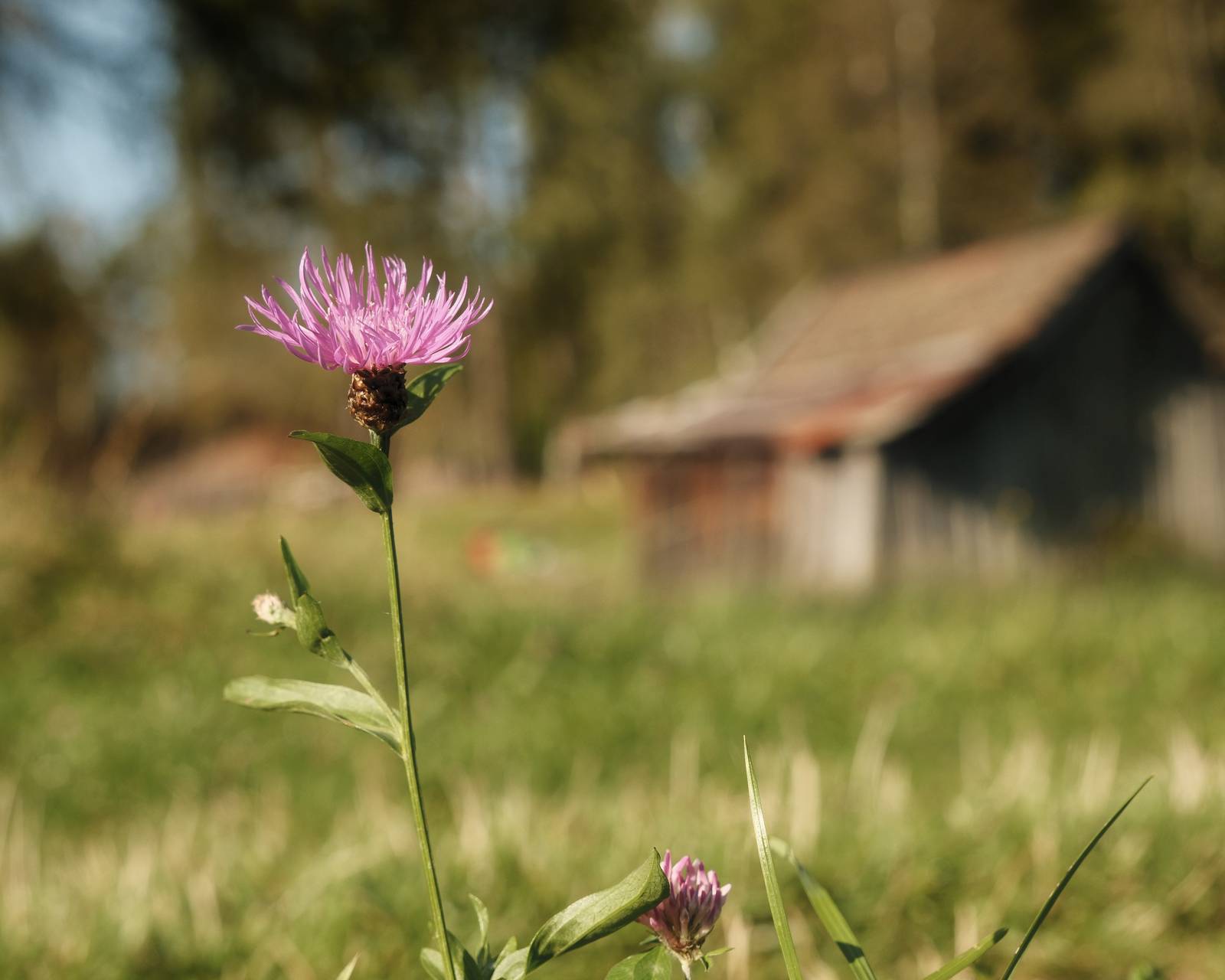
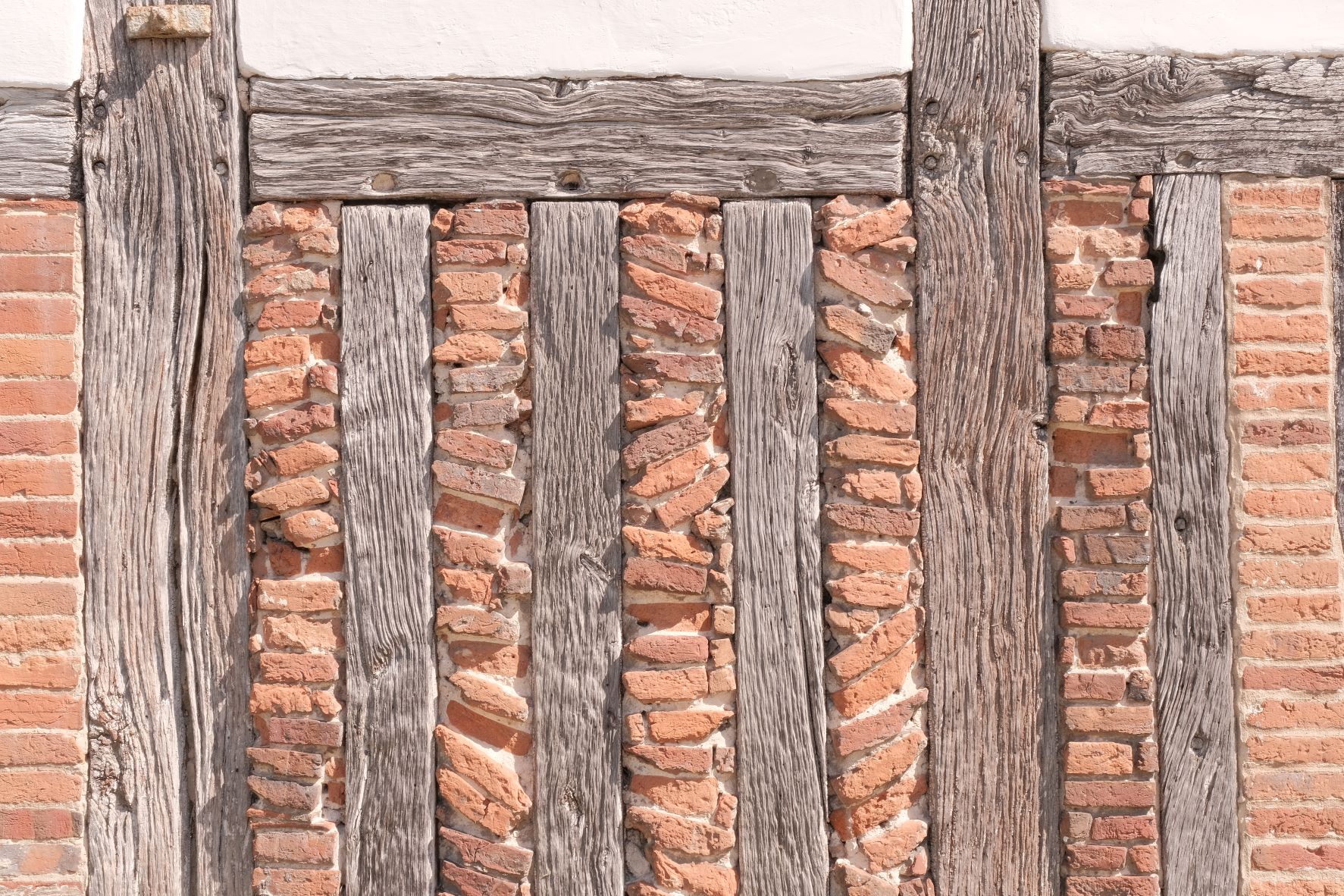
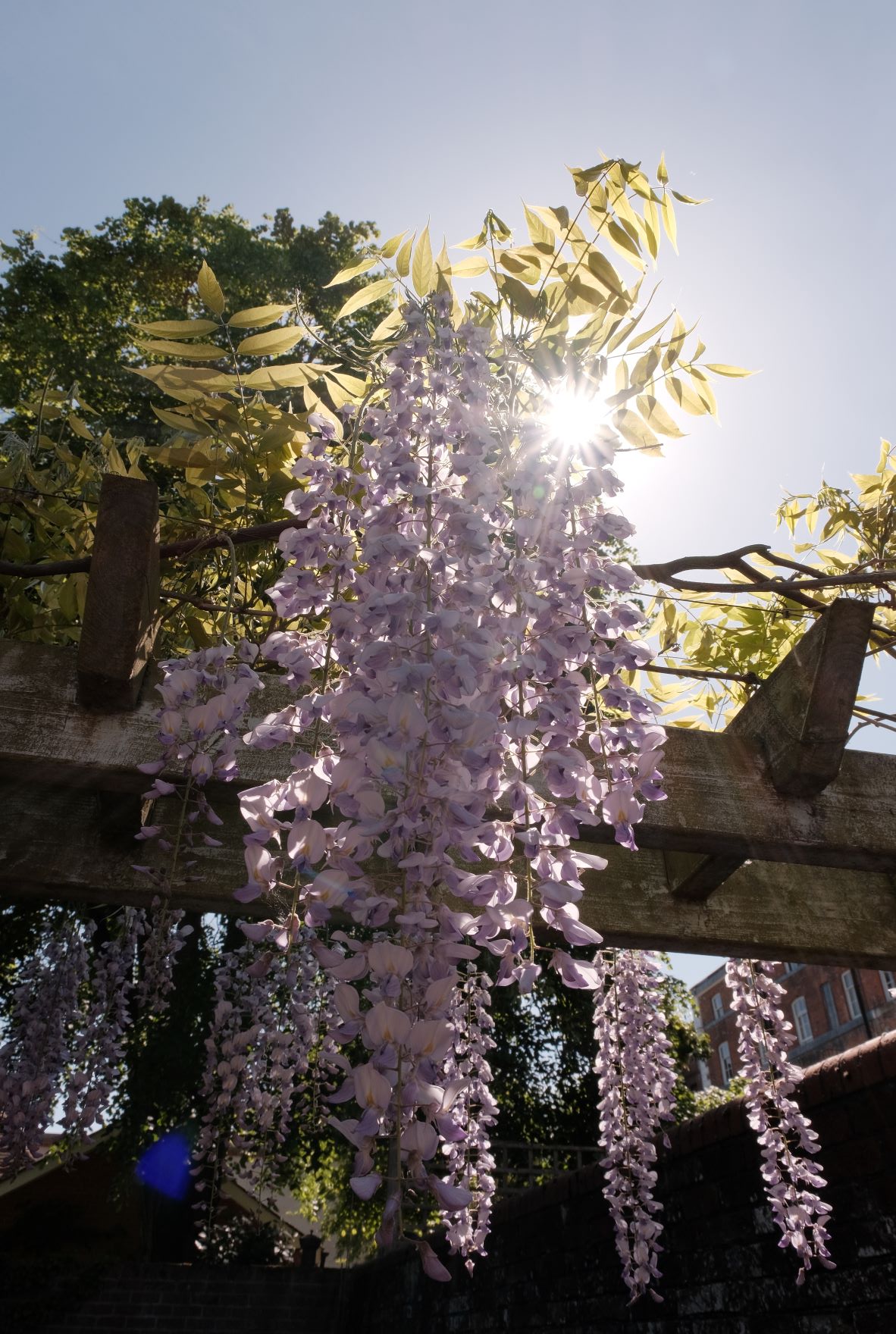
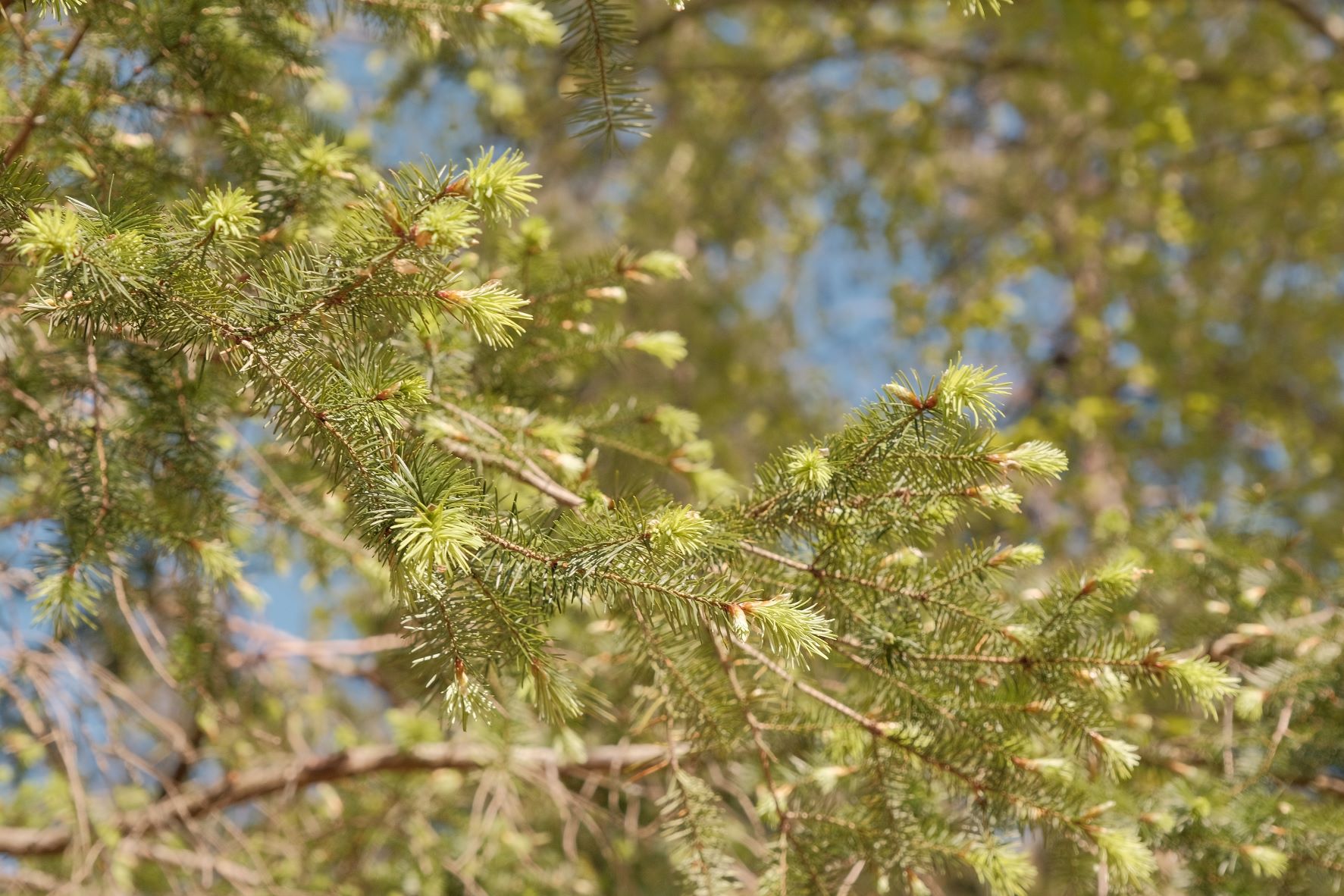
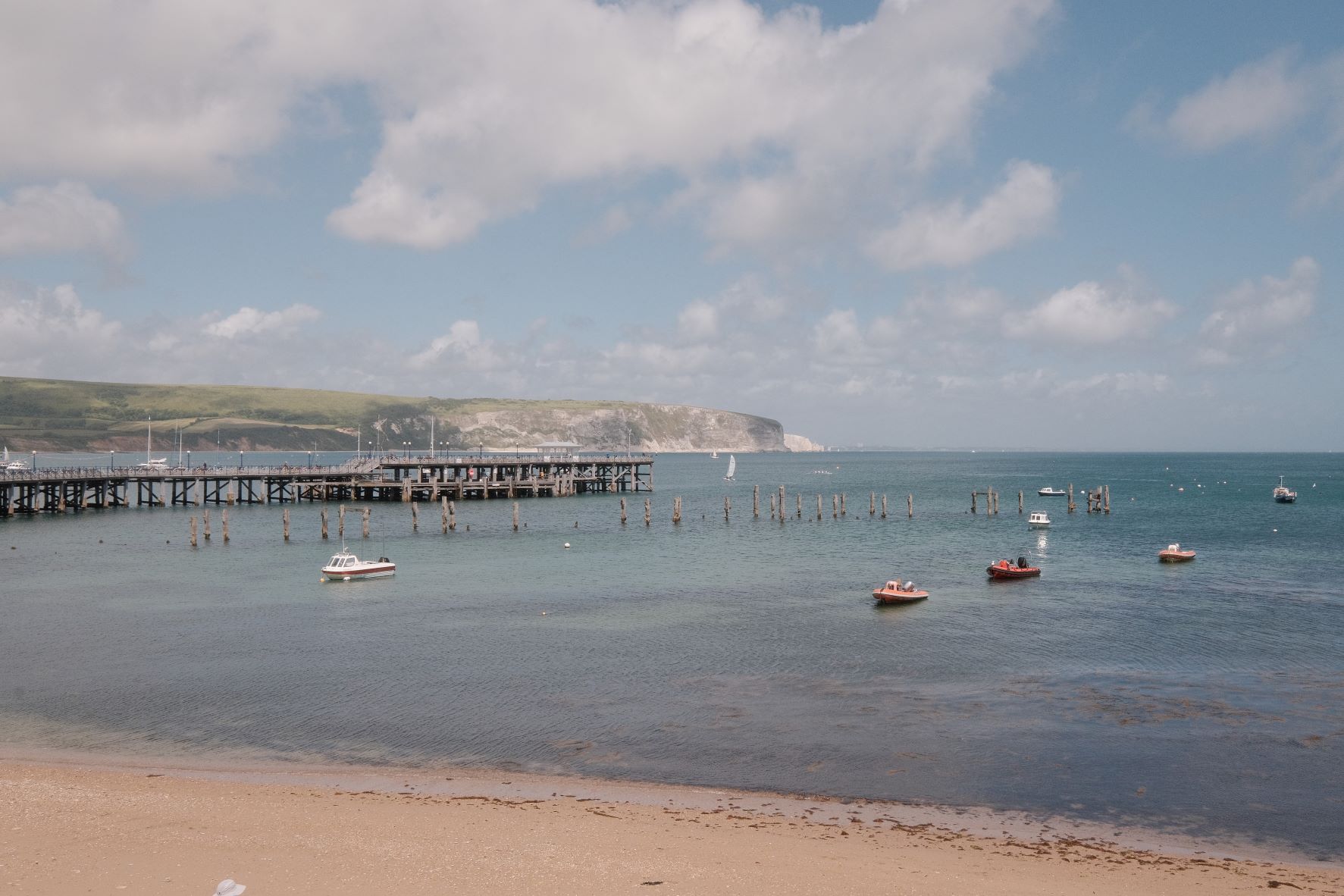
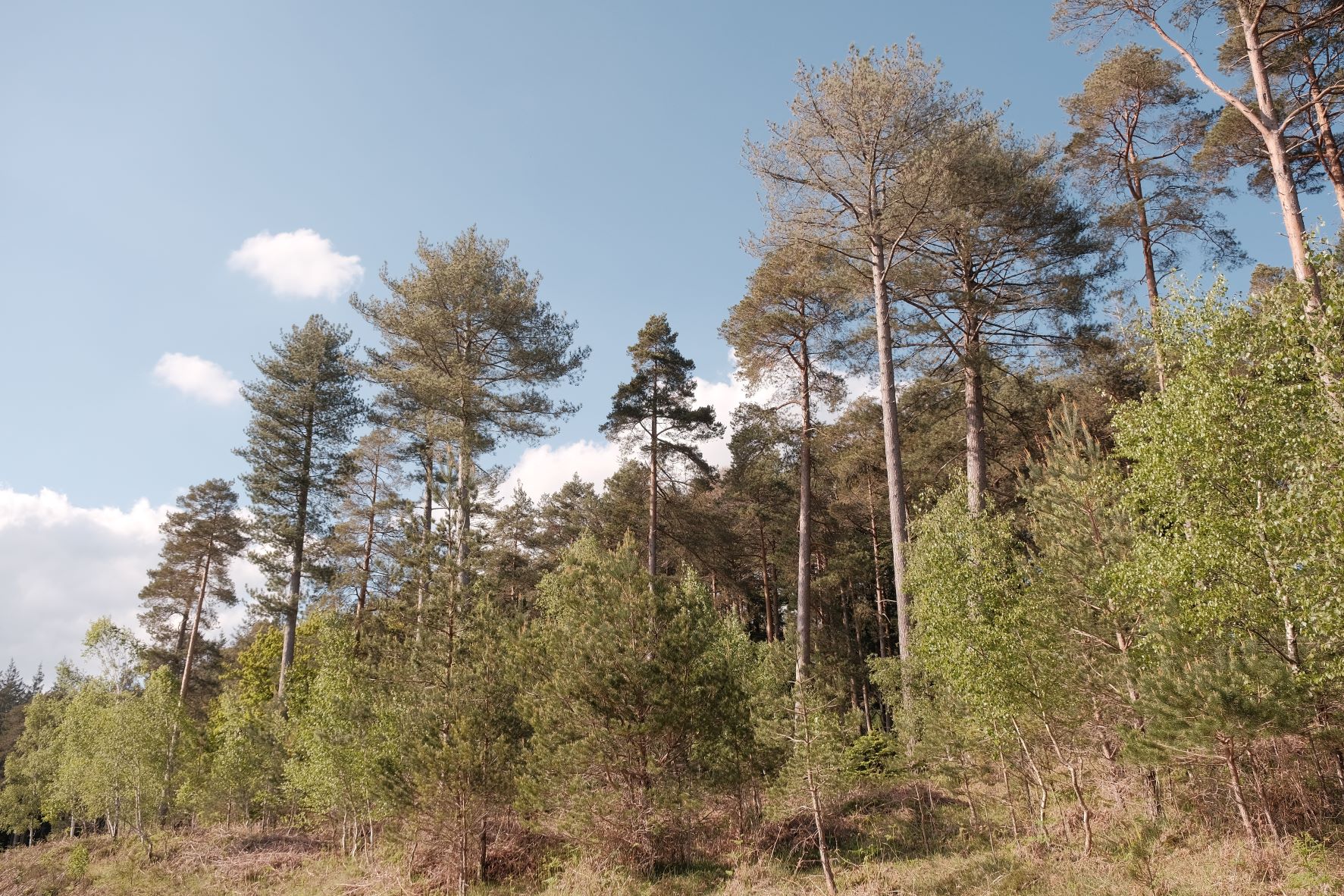
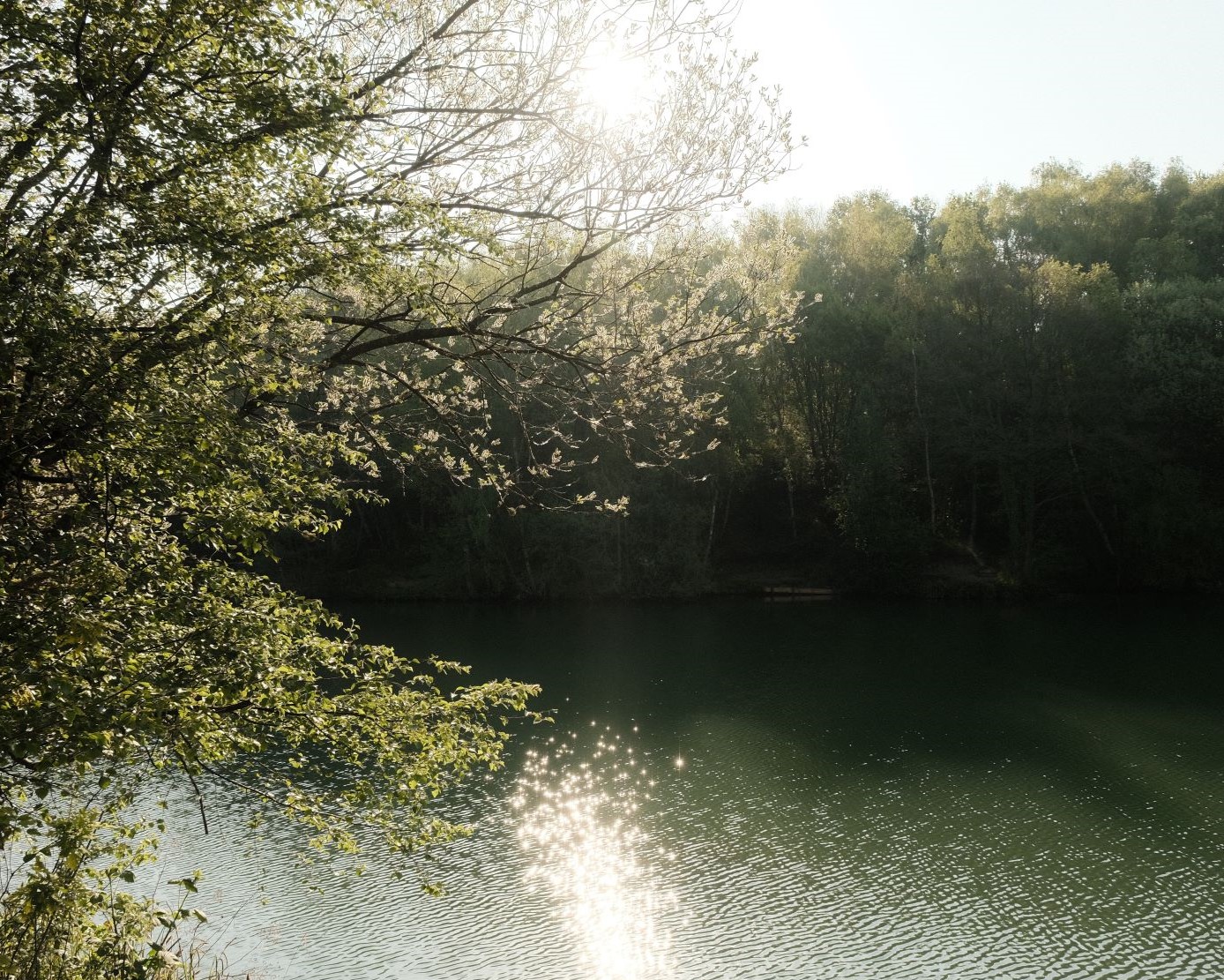
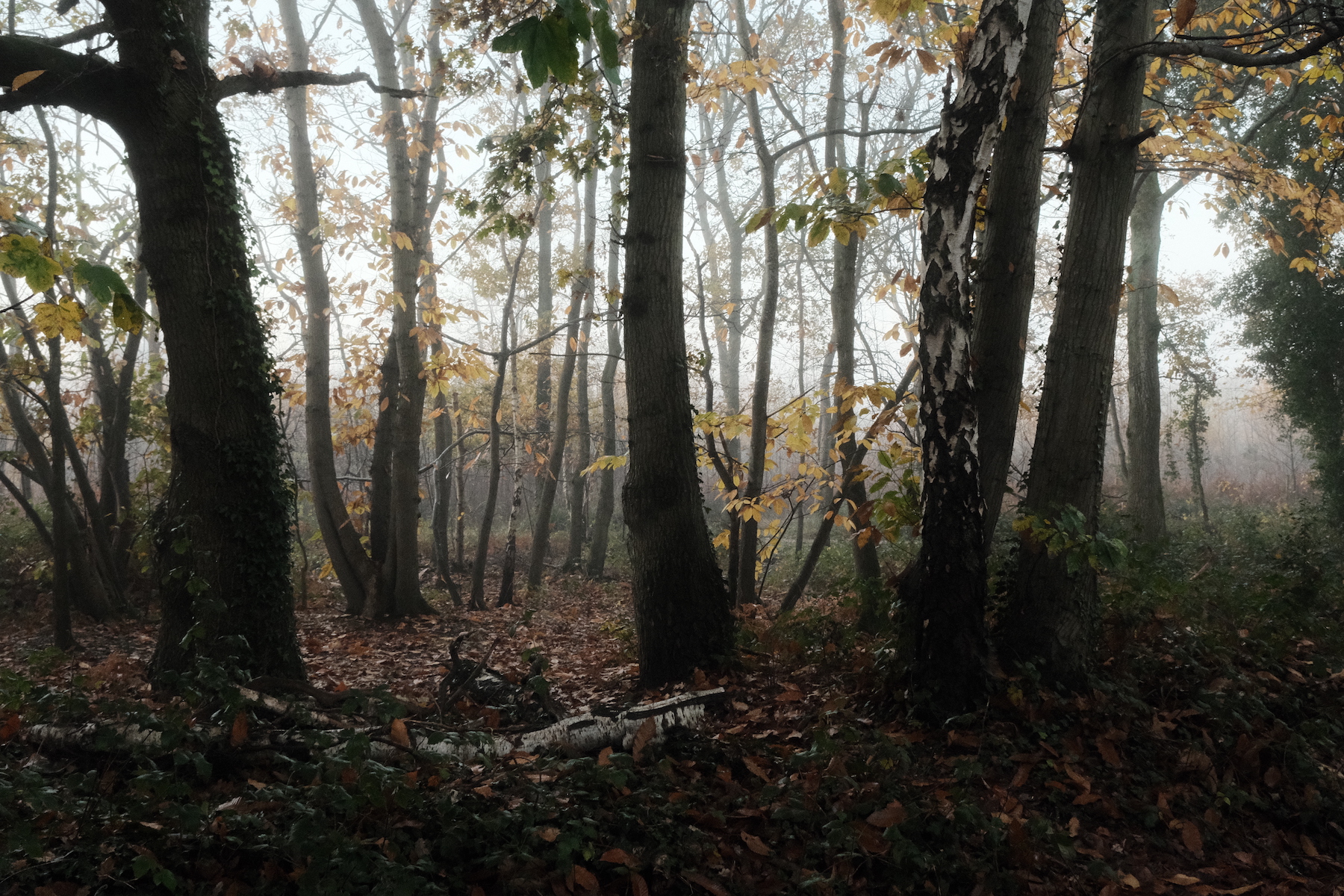
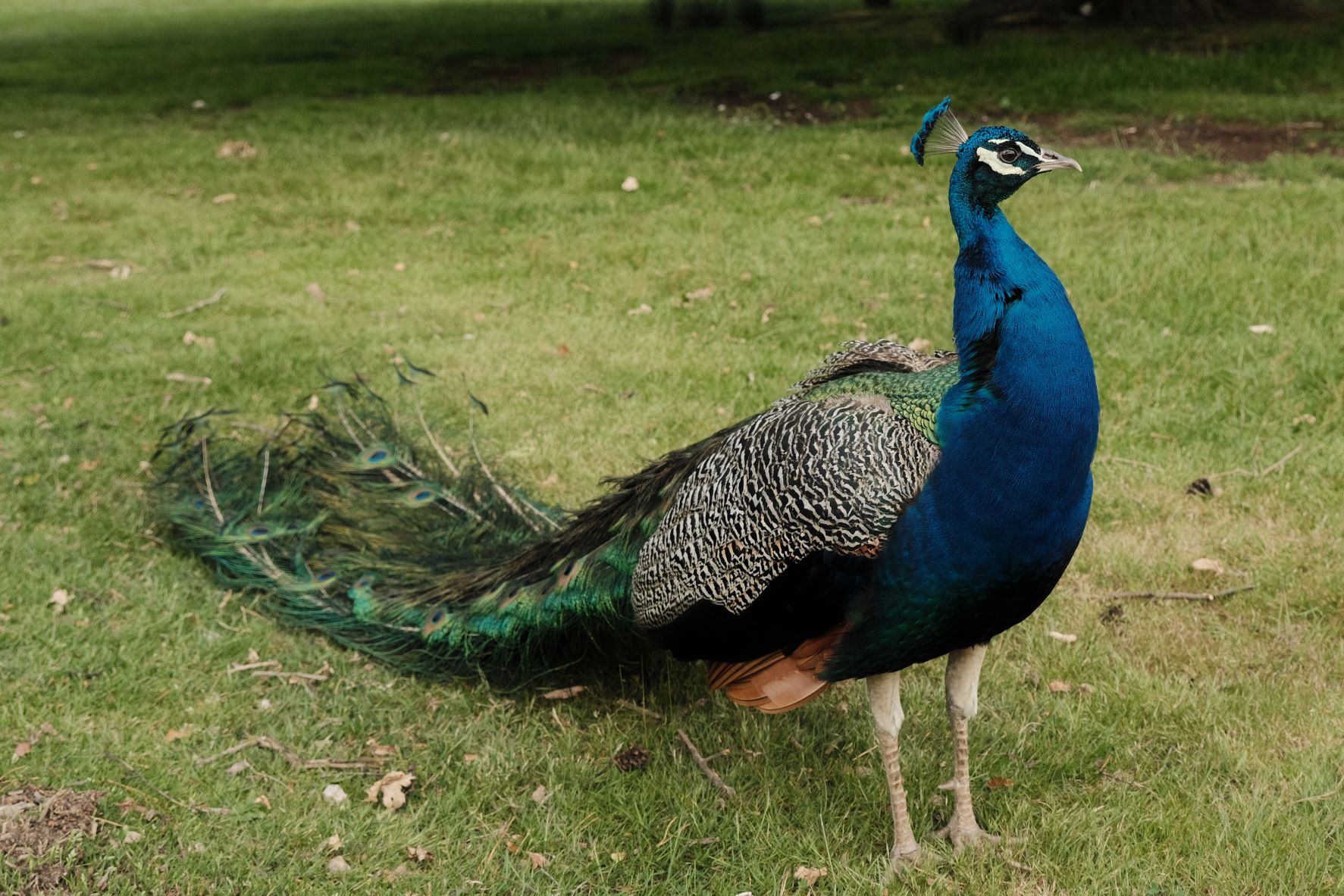
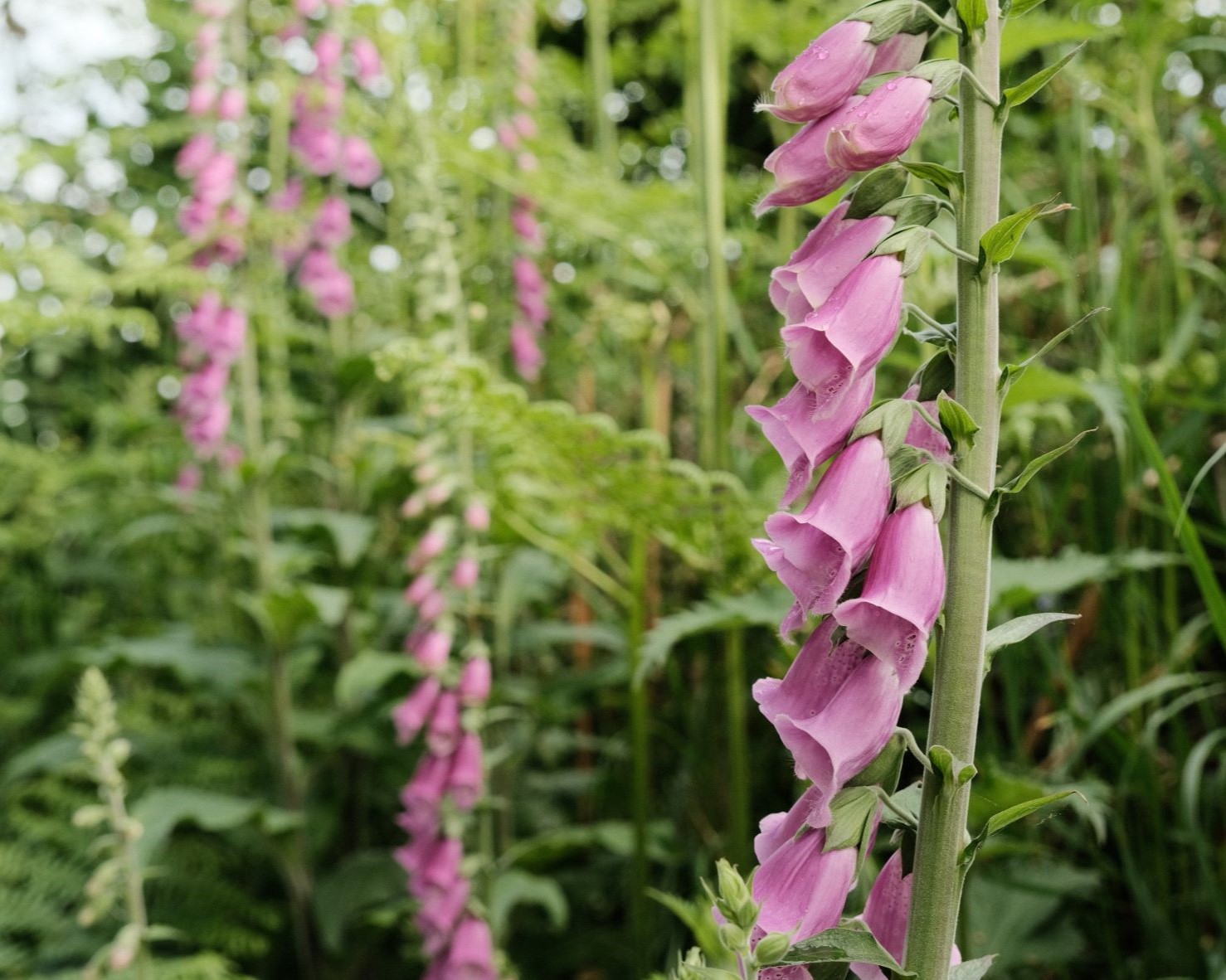
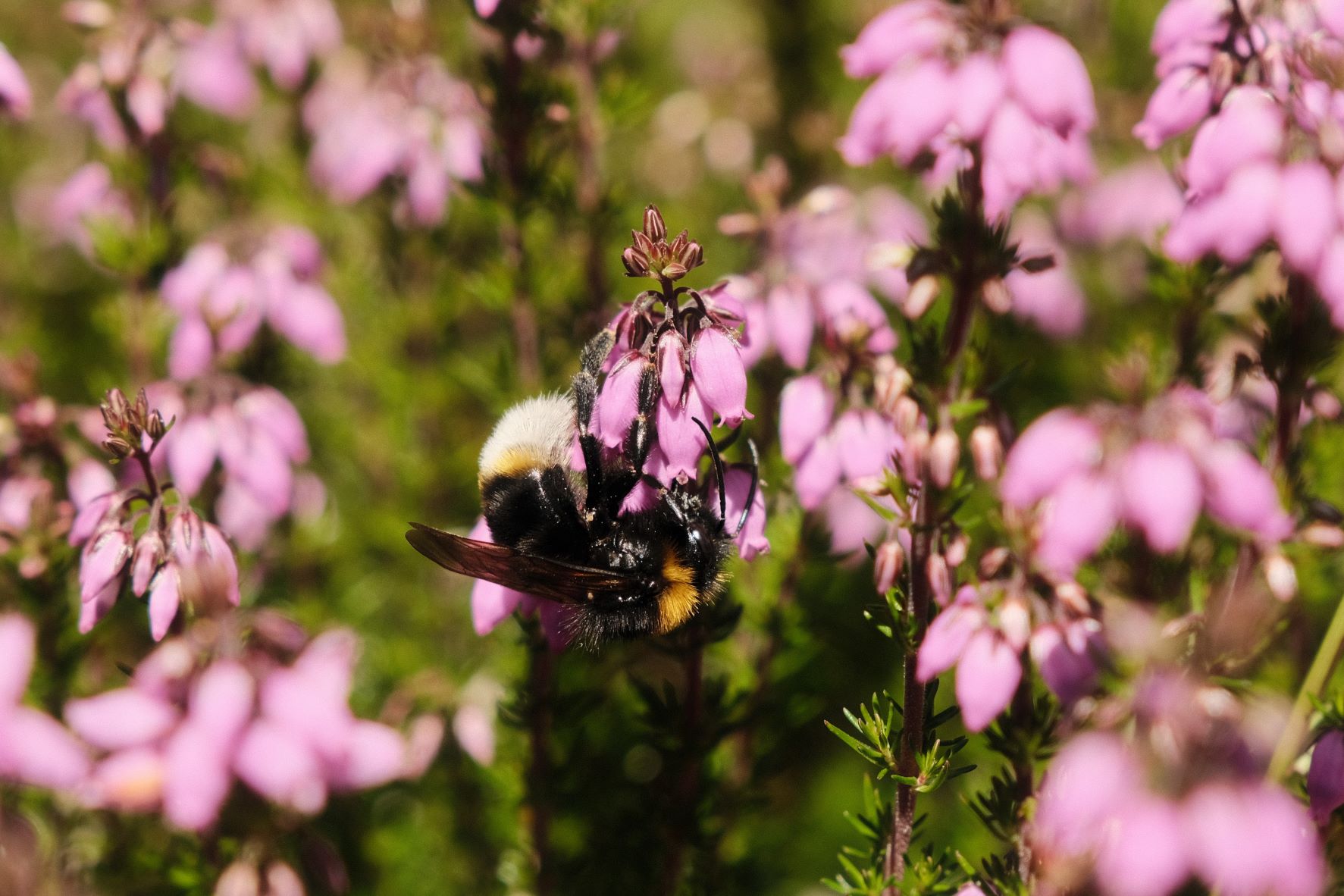
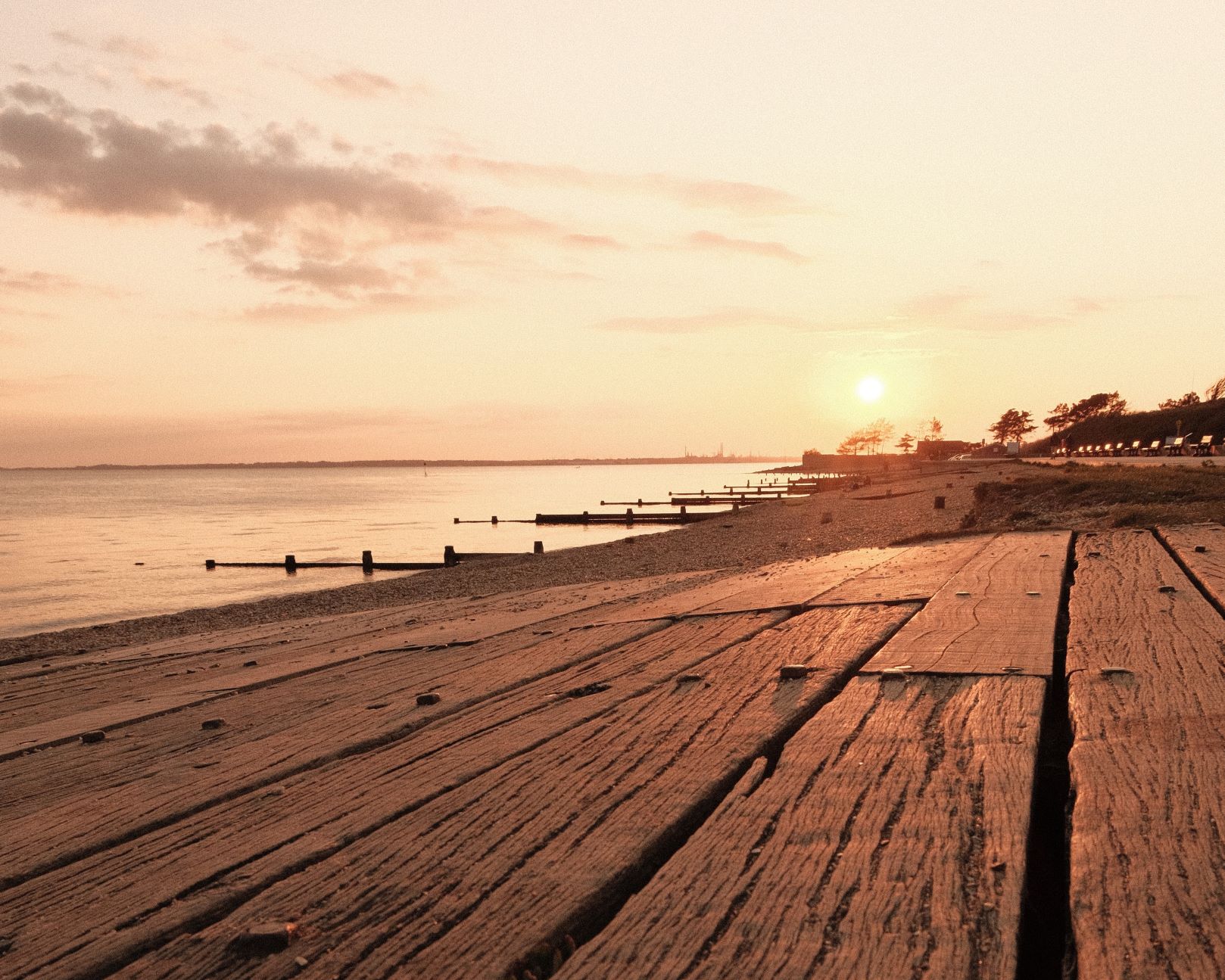
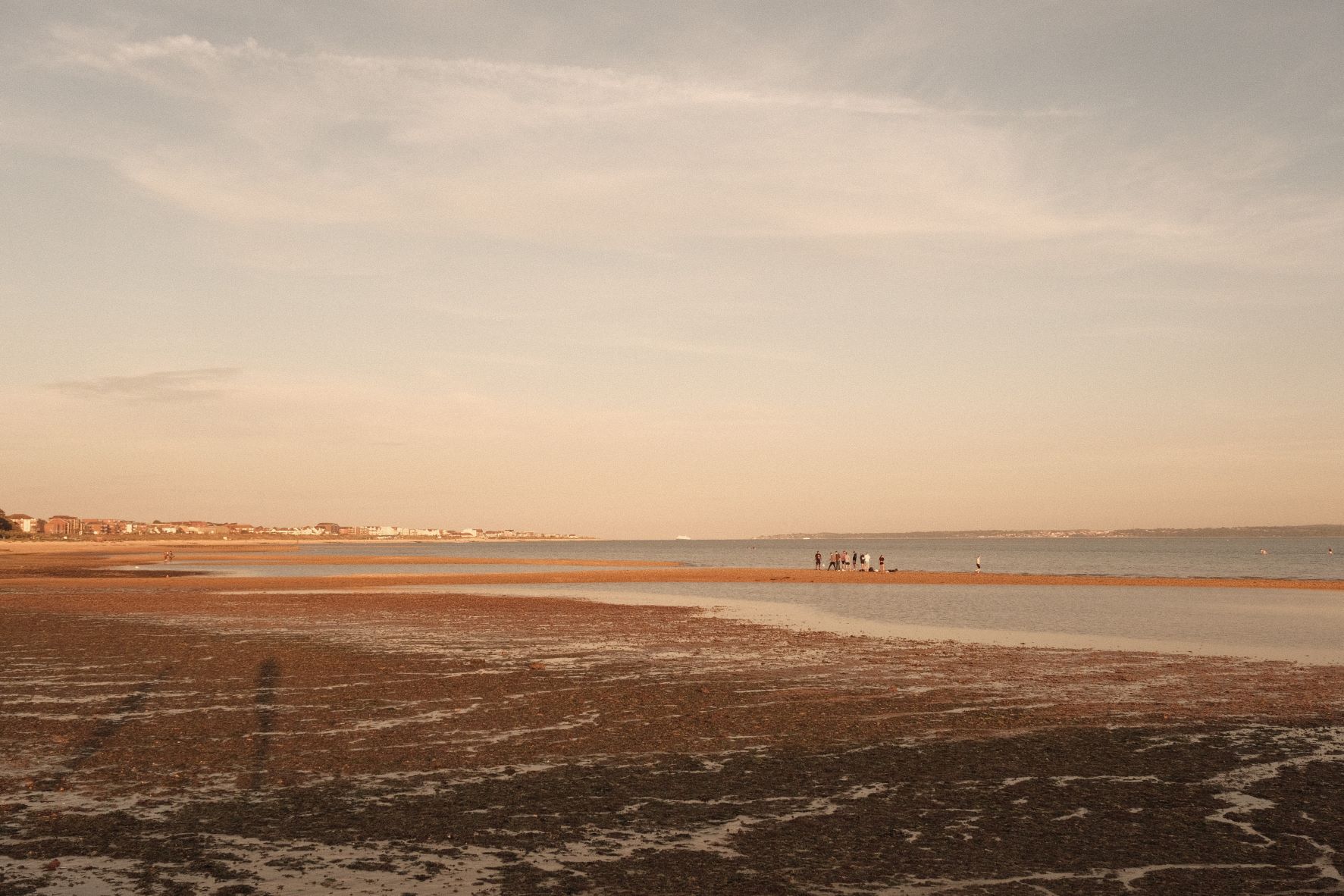
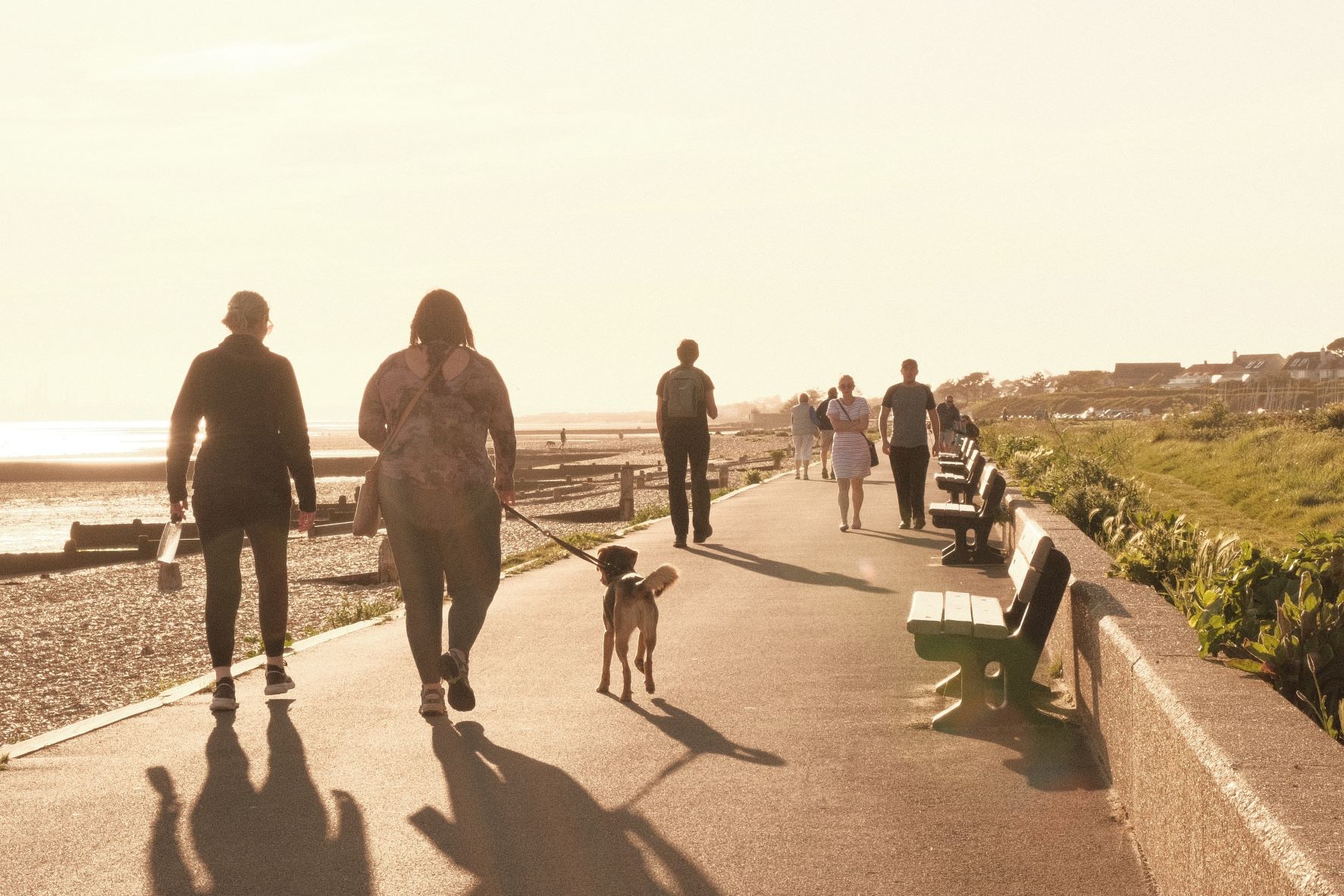
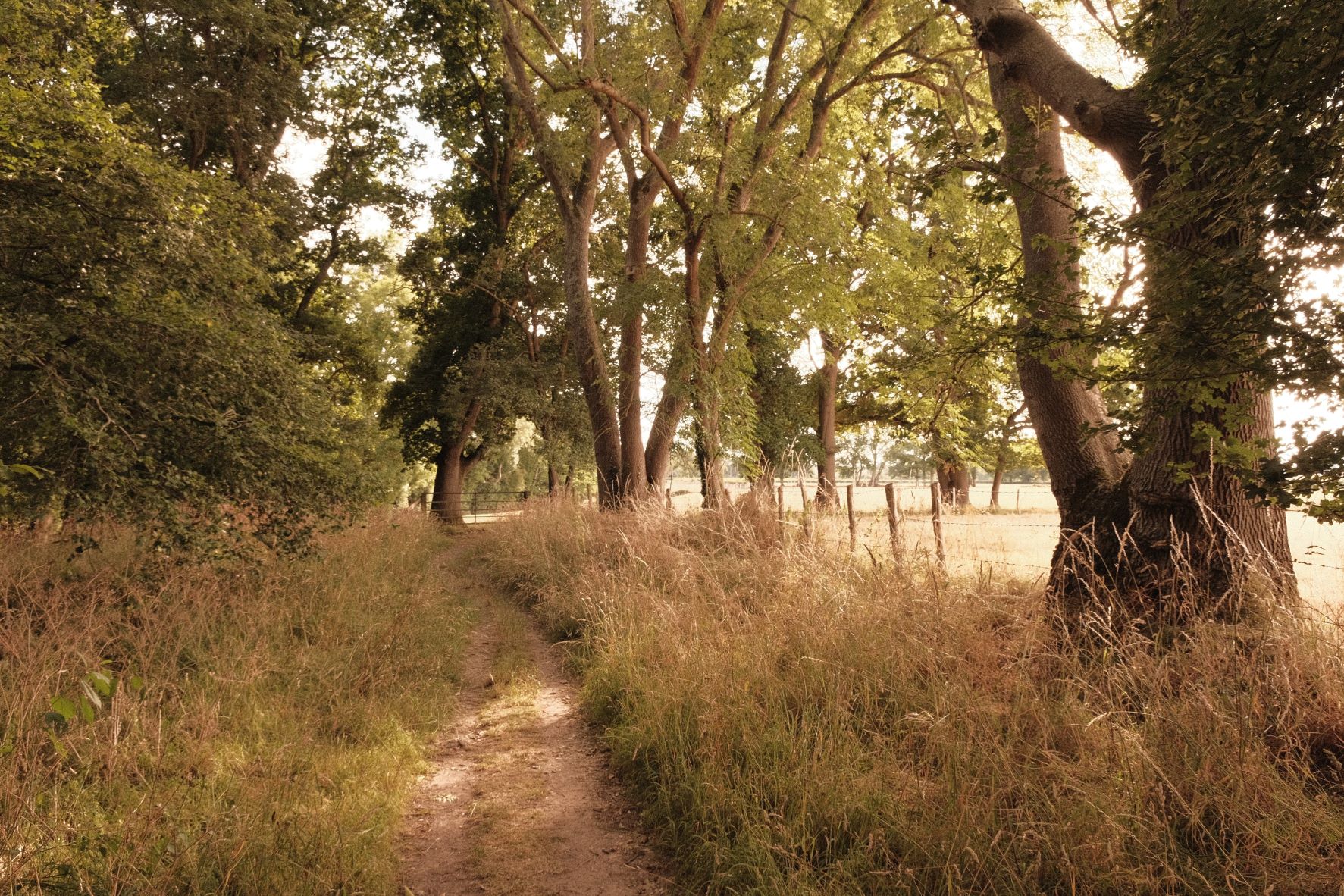
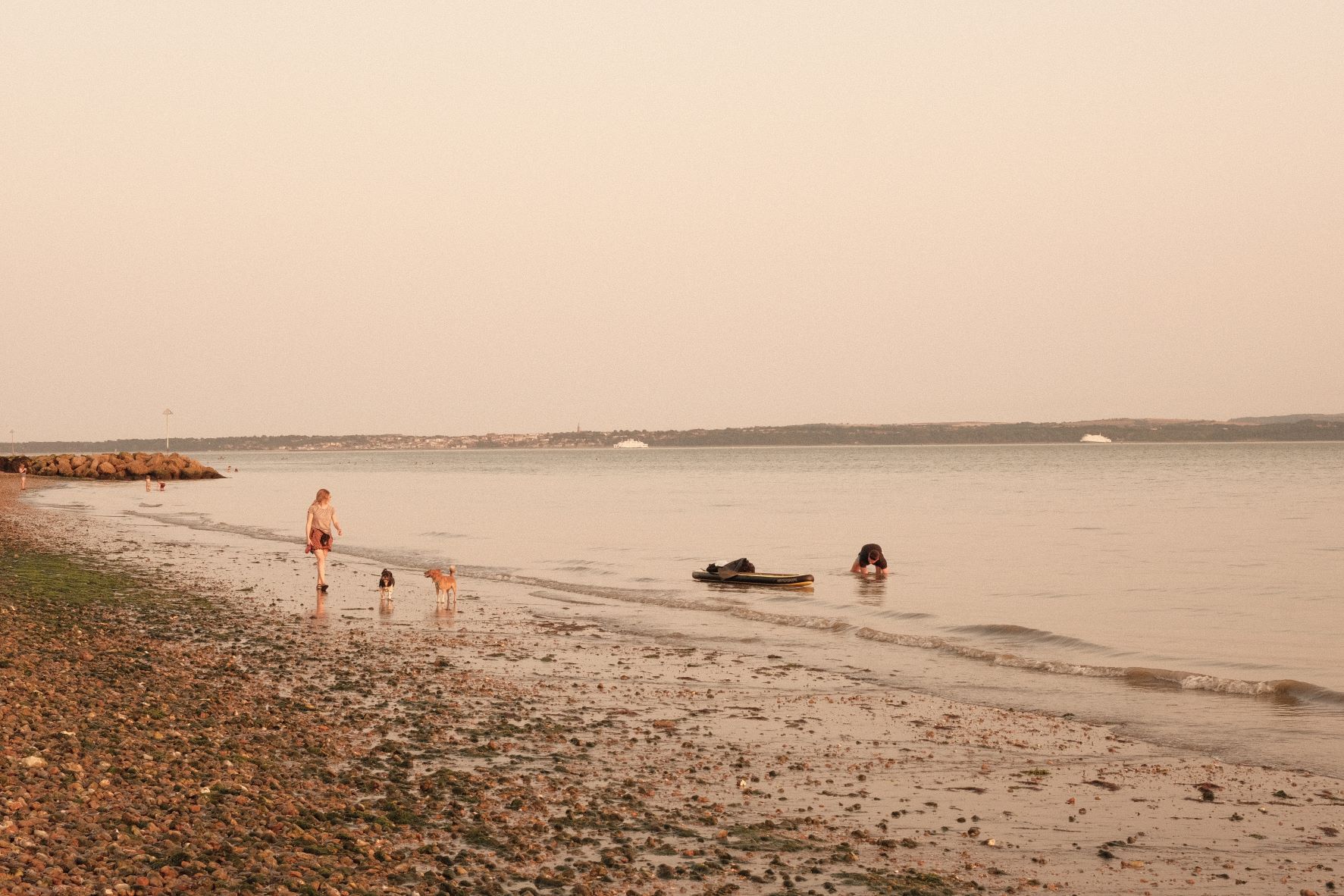
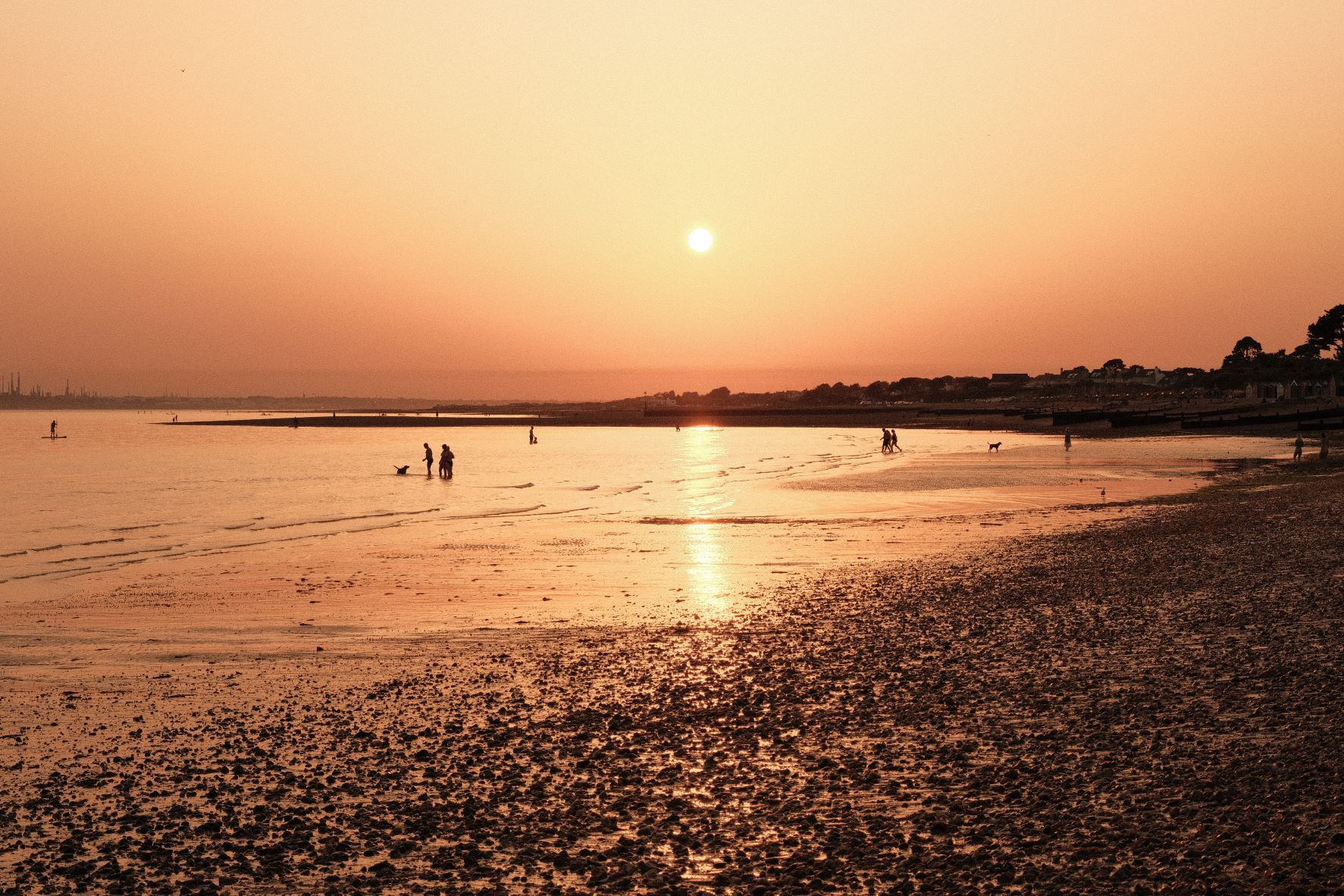
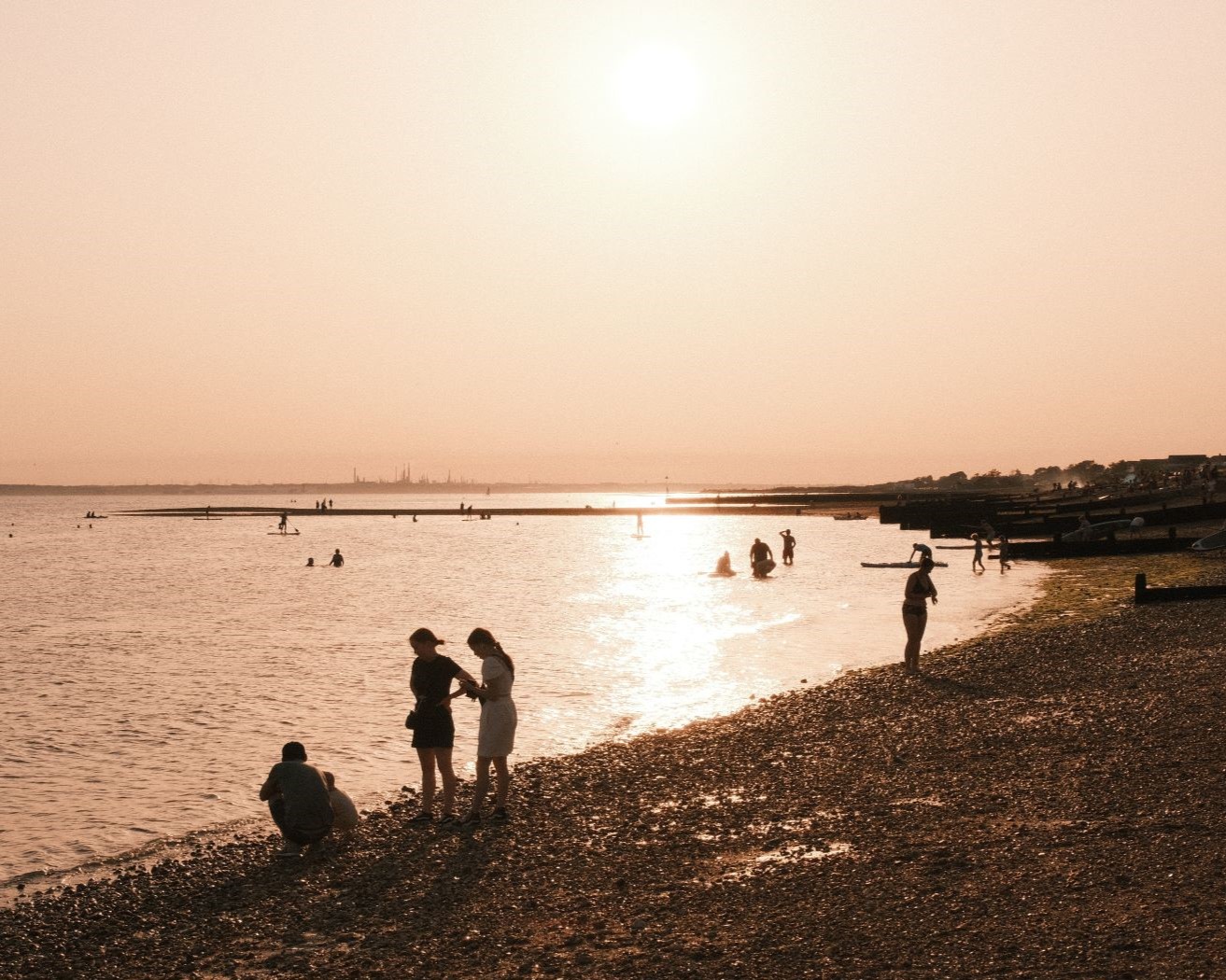
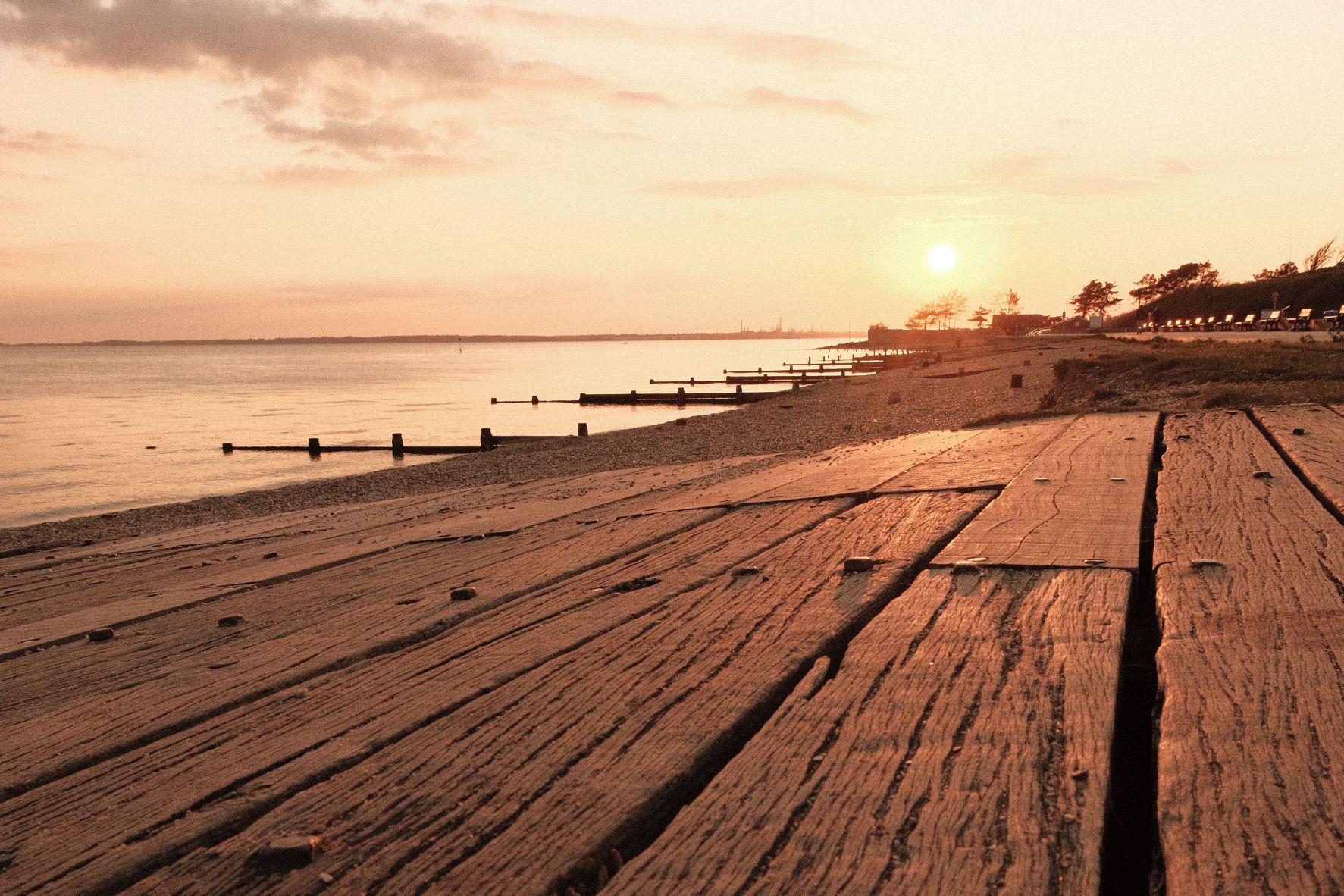
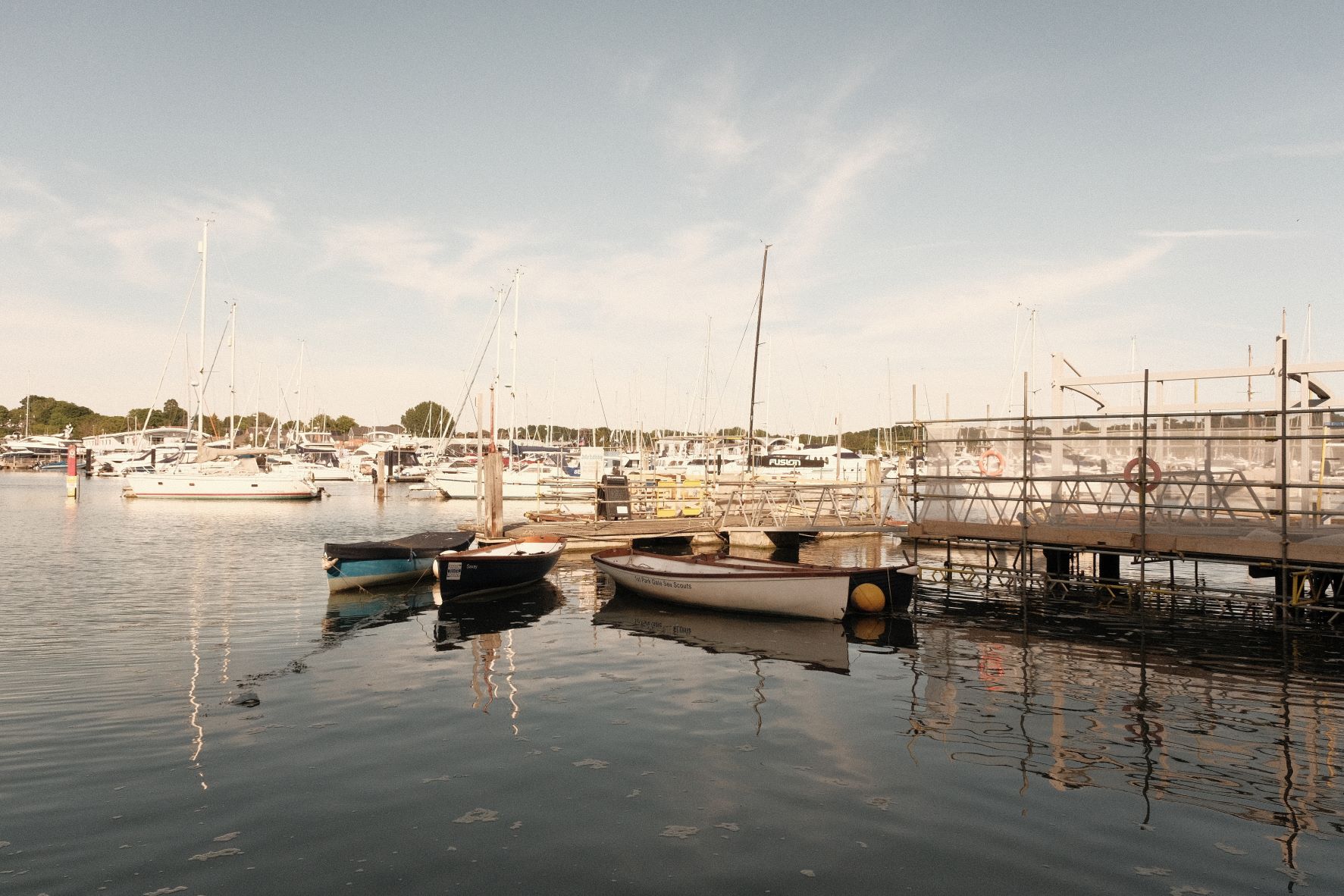
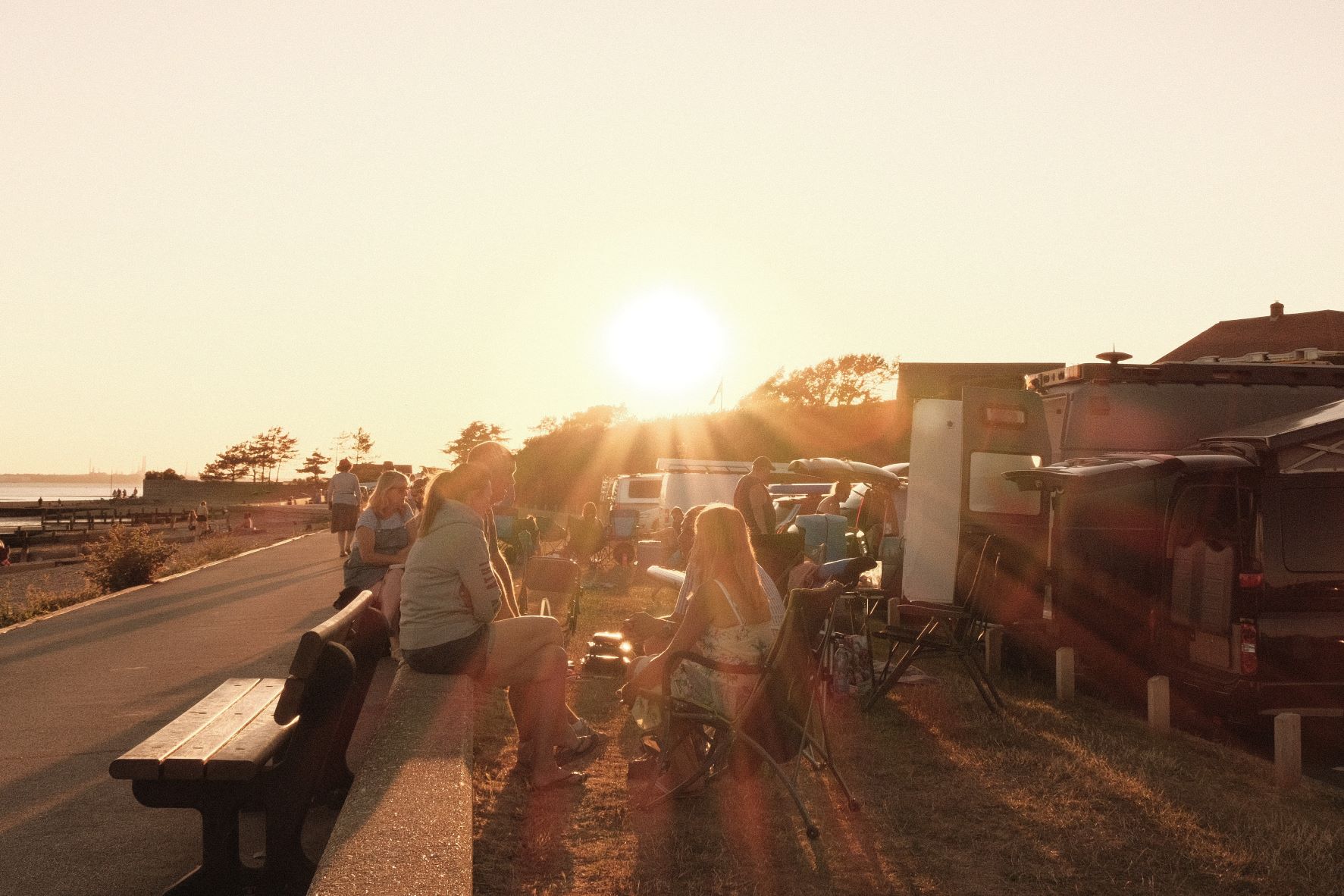
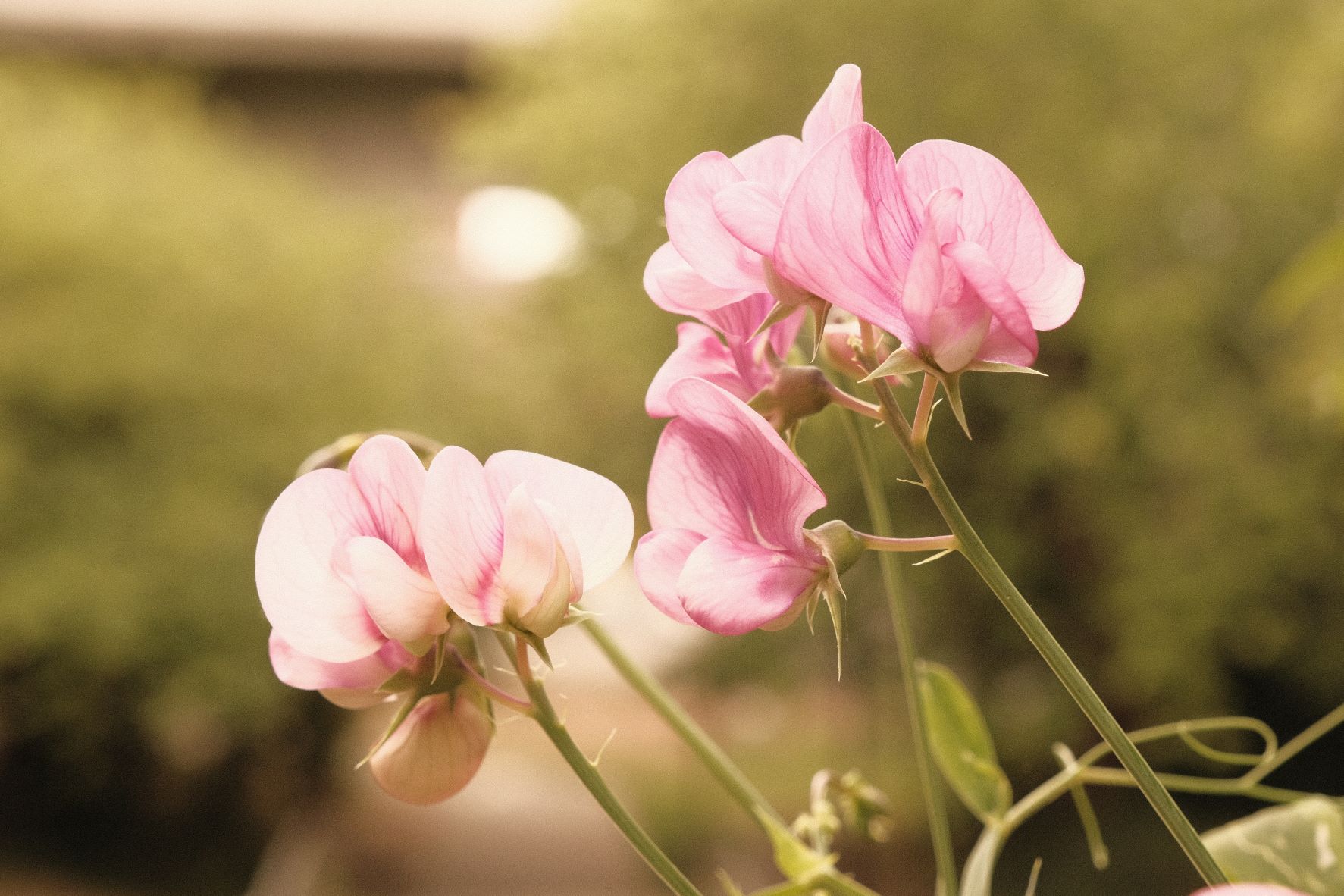
Gloriously golden like a summer tan, this recipe is warm like a summer breeze. It’s made for beach days and warm evenings in the golden hour. There’s a strong colour shift, bright highlights and lifted shadows, all delivering the warmest of summer looks.
Add this Classic Chrome film recipe to your camera, and head to the beach! You’re guaranteed sunny vibes in every shot.
Beach Baby Film Recipe Settings
| Film Simulation | Classic Chrome |
| Grain Effect | Strong, Small |
| Col. Chr. Effect | Off |
| Col. Chr. Blue | Off |
| White Balance | Auto, +8 Red, ‑8 Blue |
| Dynamic Range | DR400 |
| Highlights | 2 |
| Shadows | ‑2 |
| Colour | ‑3 |
| Sharpness | 0 |
| ISO N.R. | ‑4 |
| Clarity | 0 |
| EV Comp. | +2/3 |
Similar Recipes


More similar recipes, and hundreds more exclusive looks, are available in the Film Recipes App.

Get the Film Recipes App
Settings laid out clearly, with sample photos and similar recipes


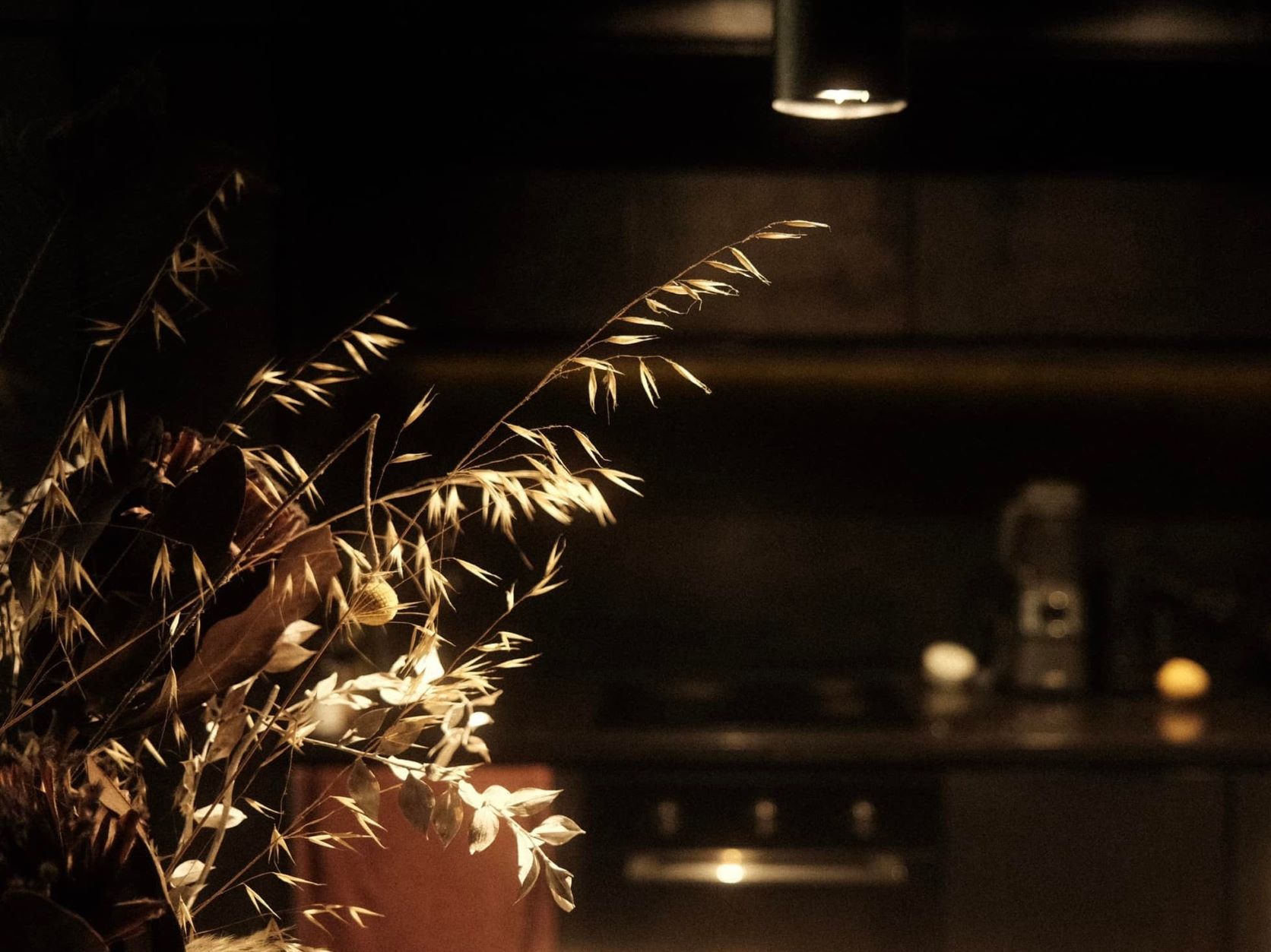
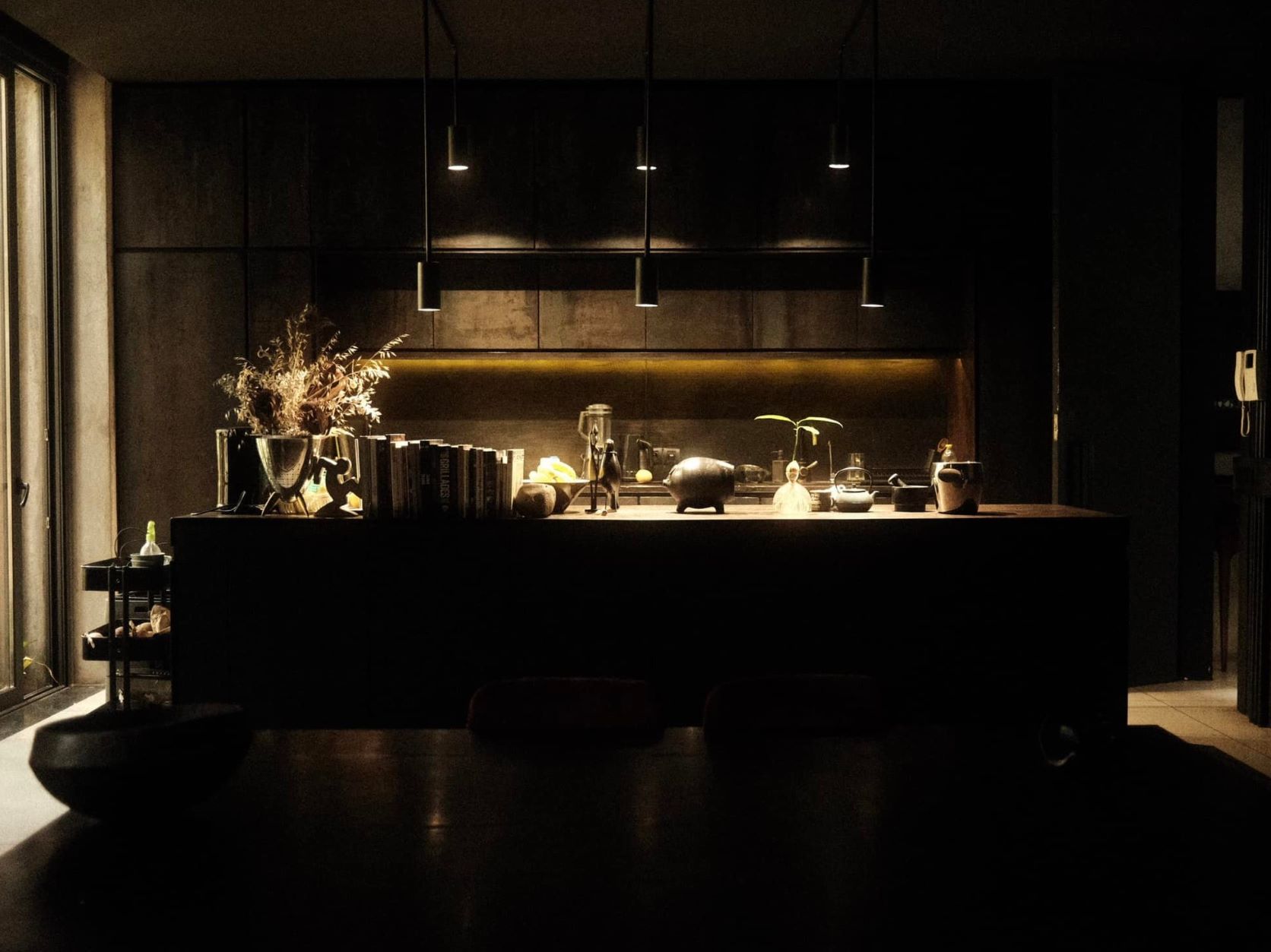
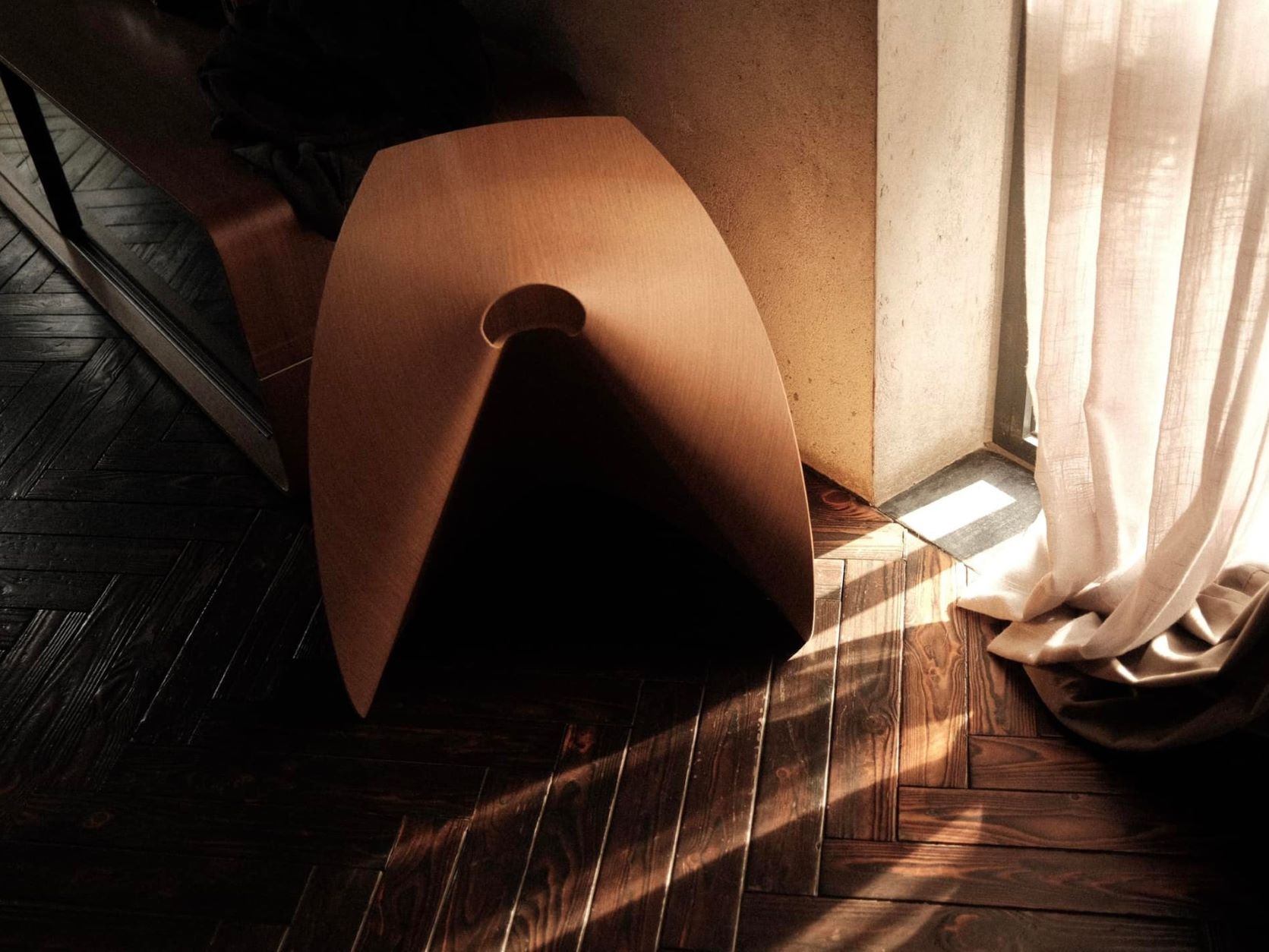
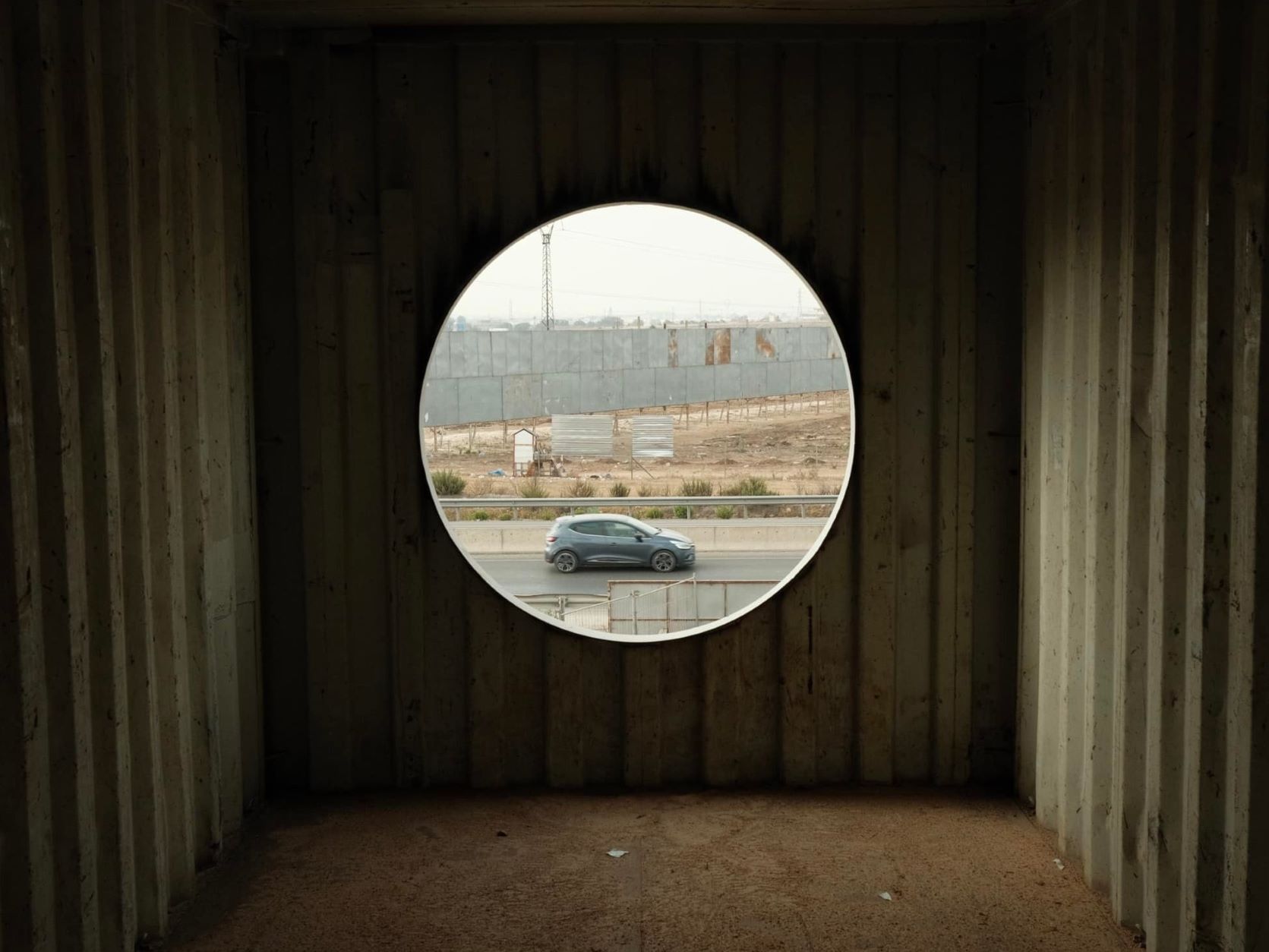
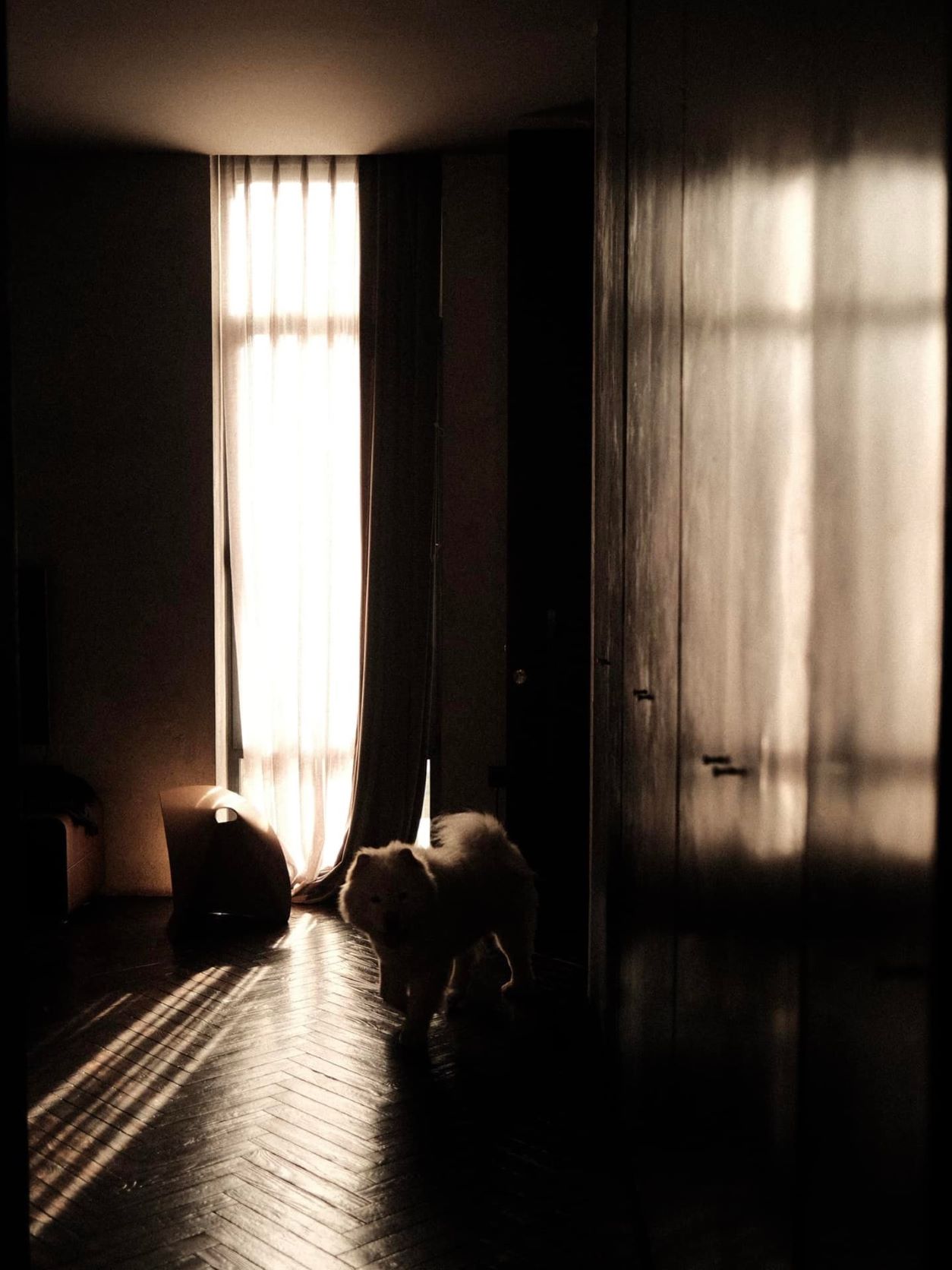
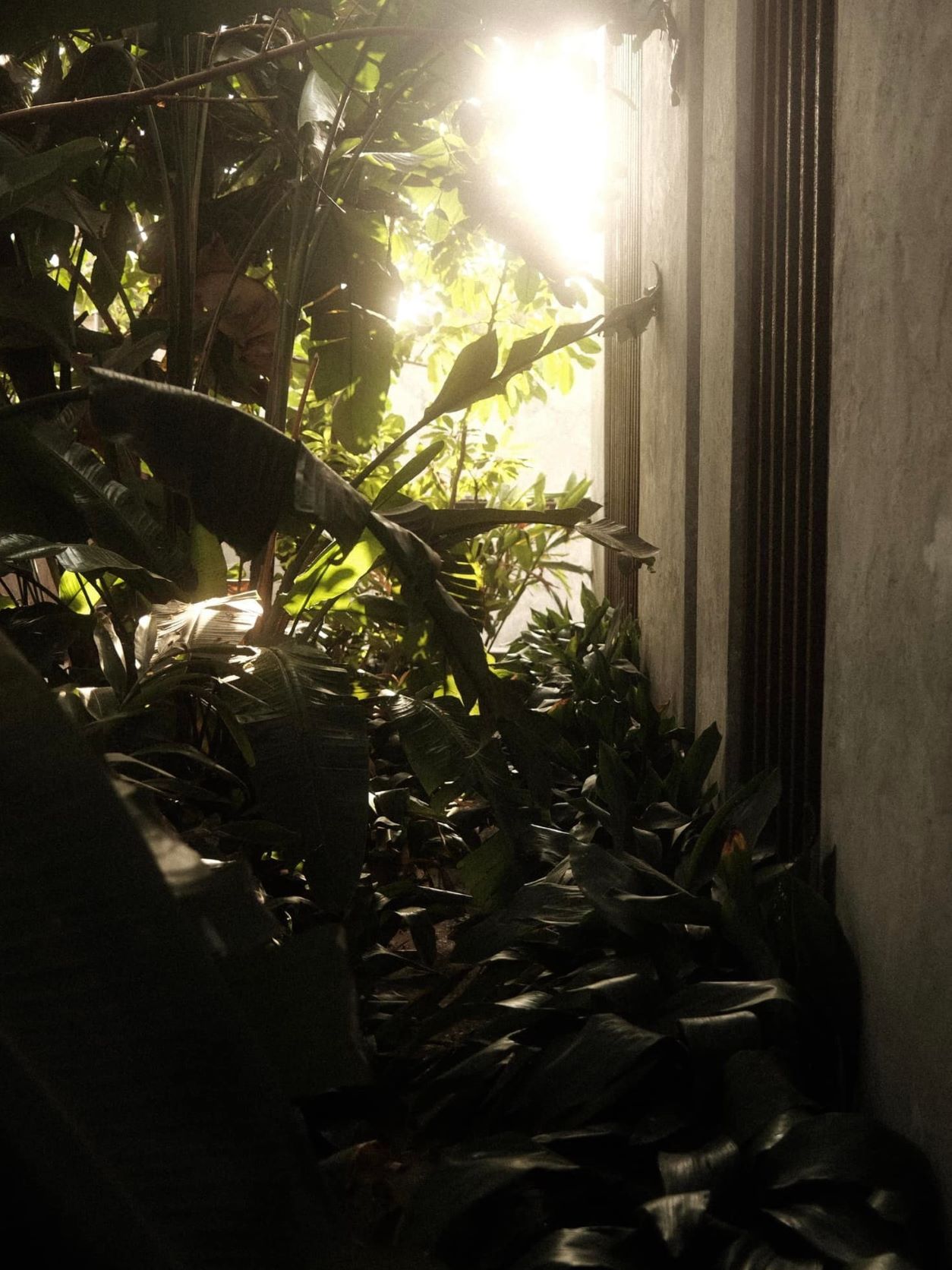
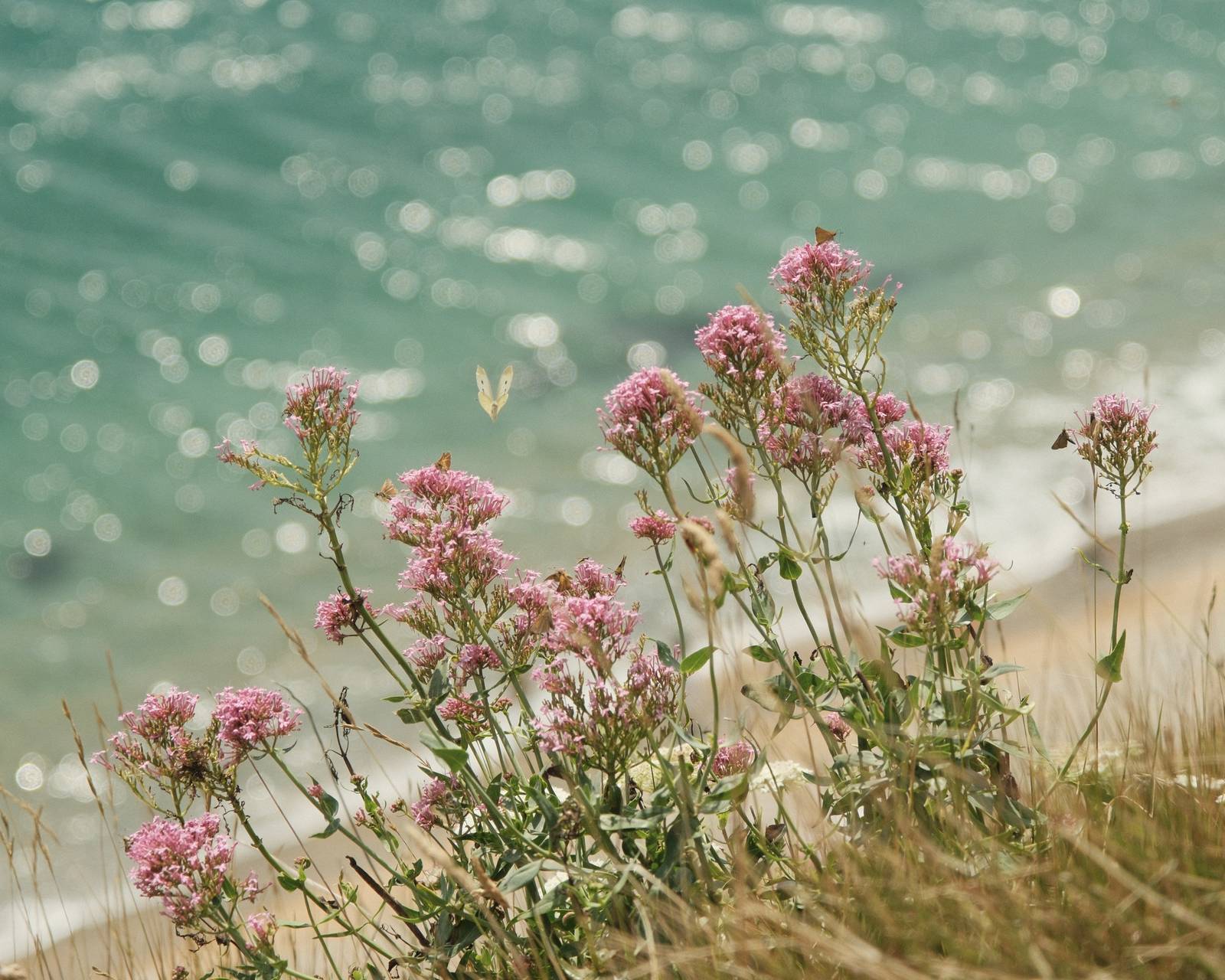
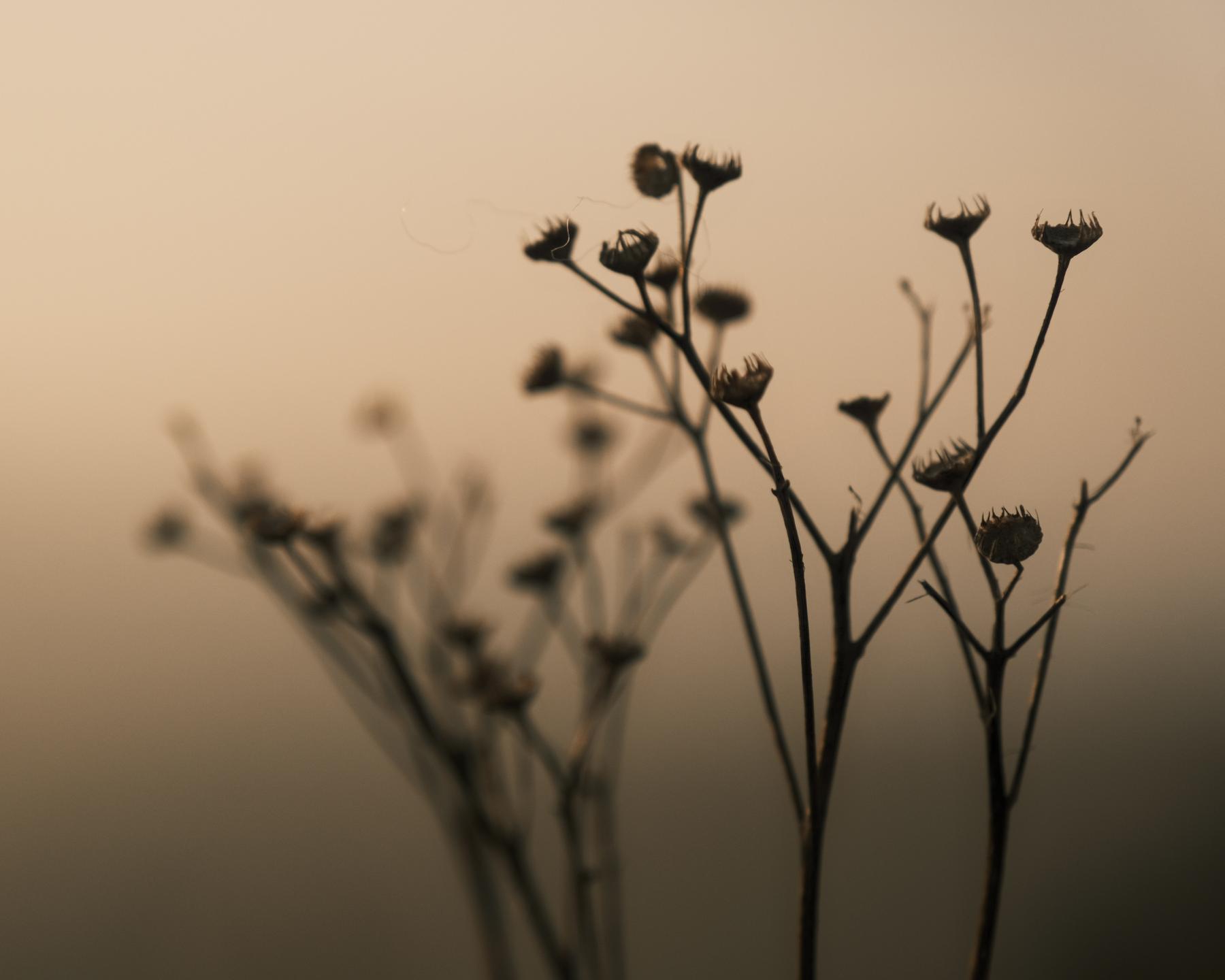
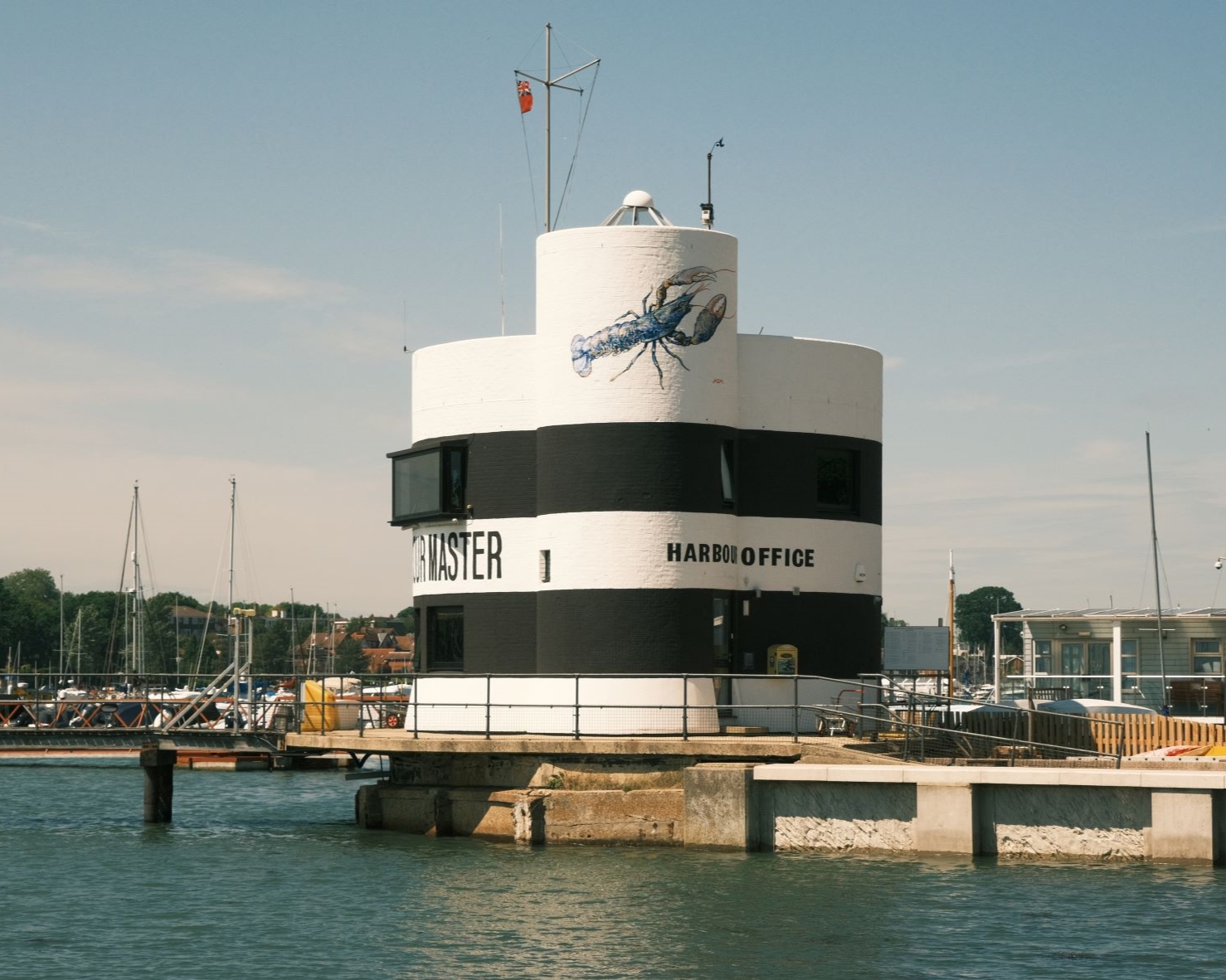
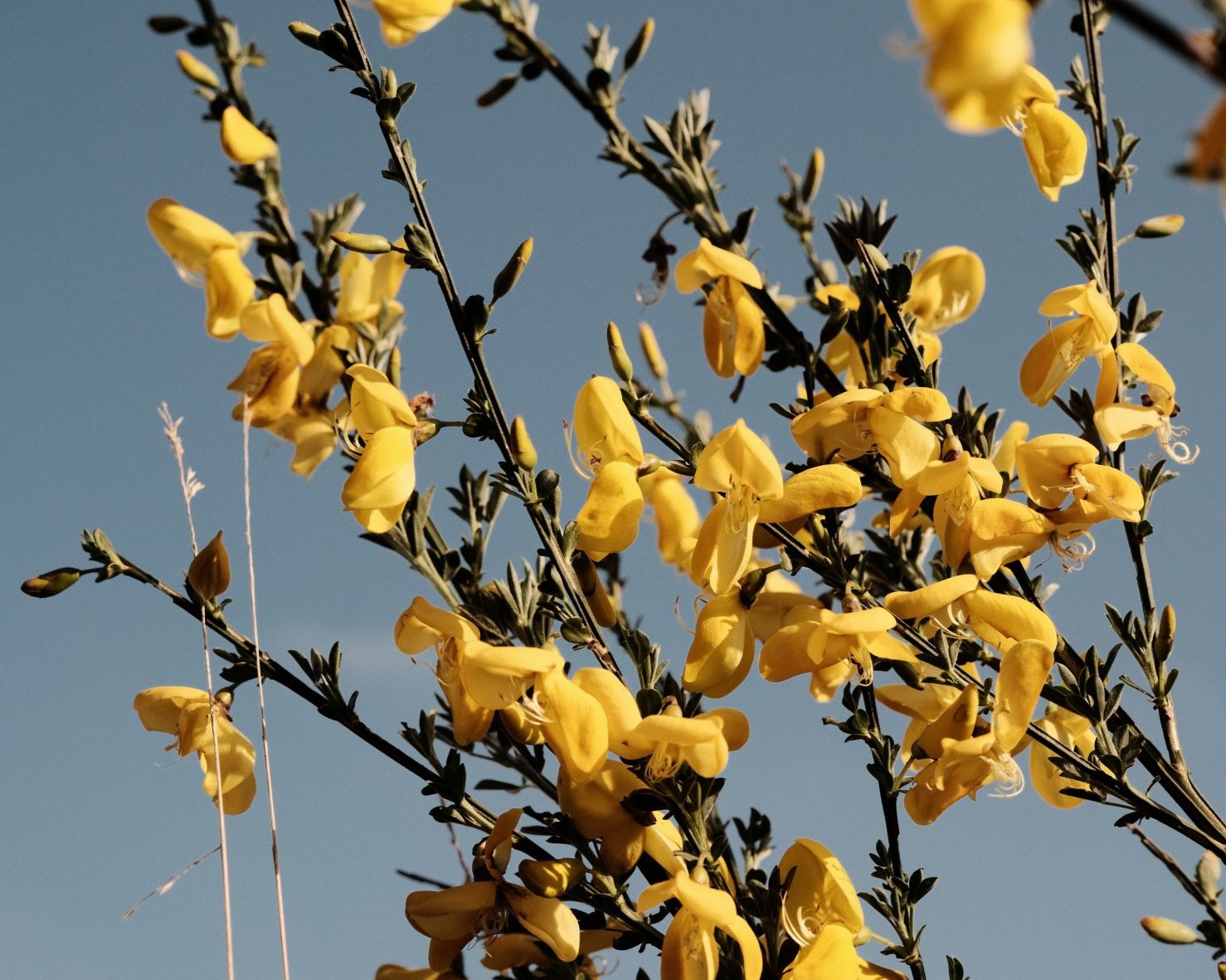
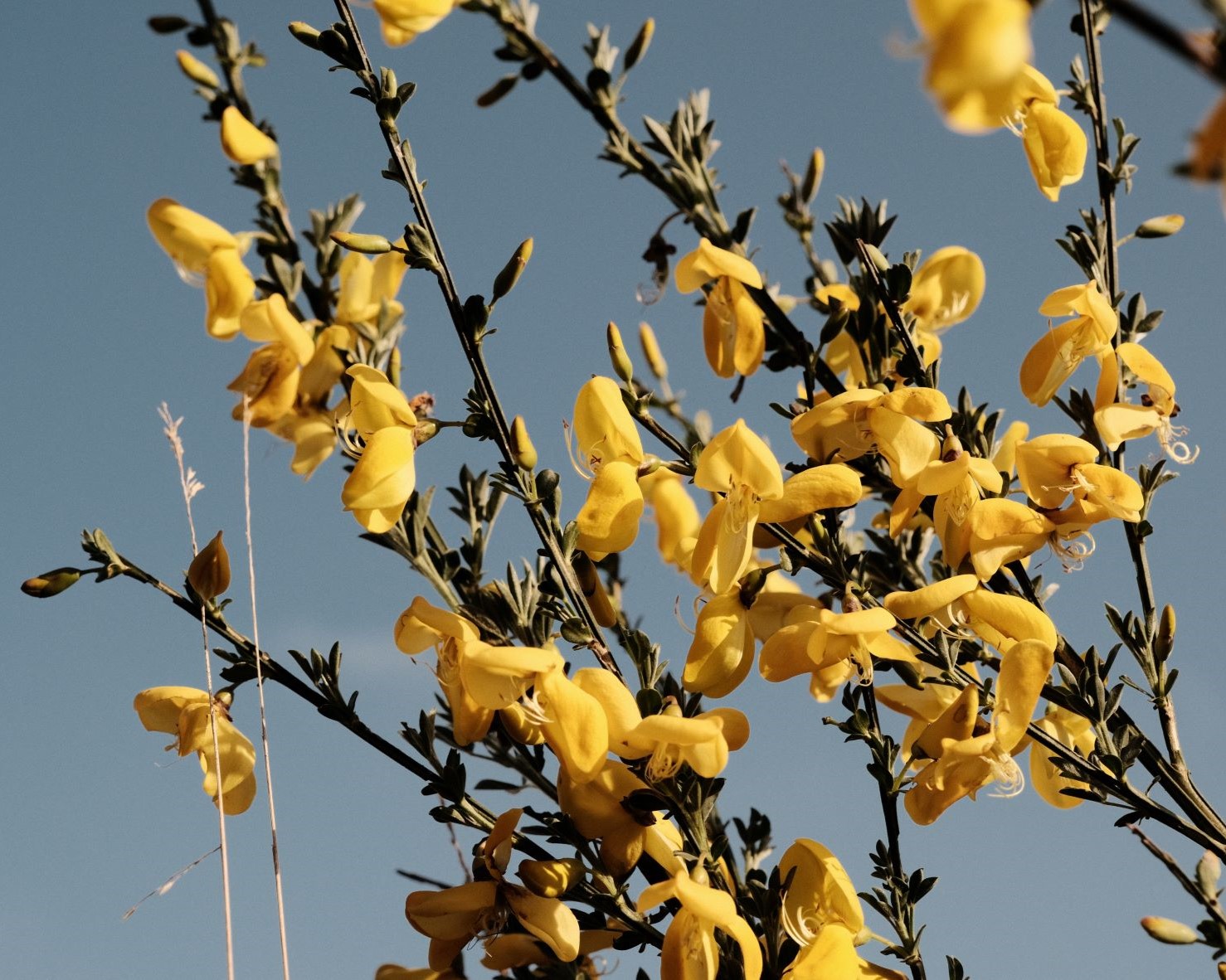
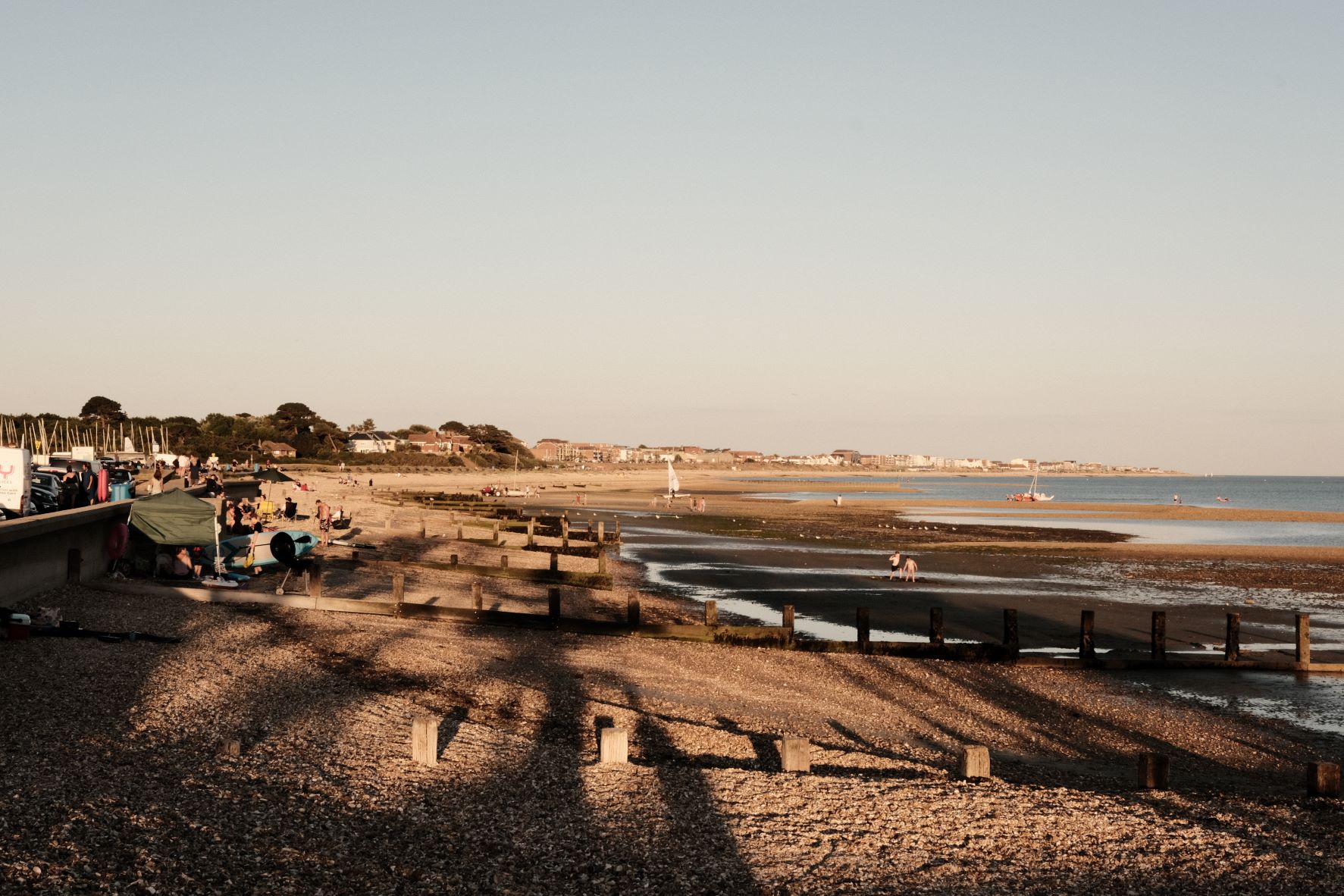
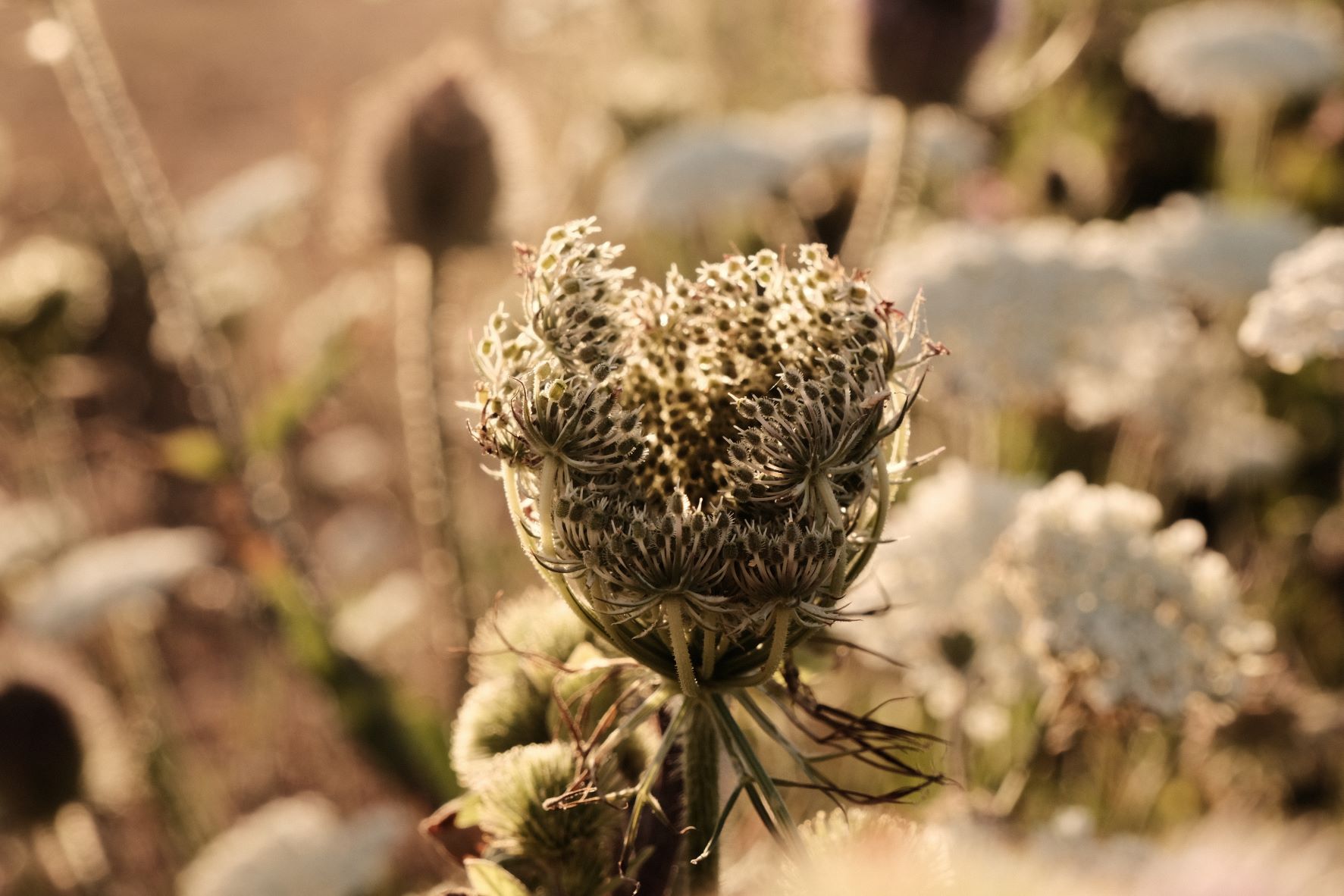
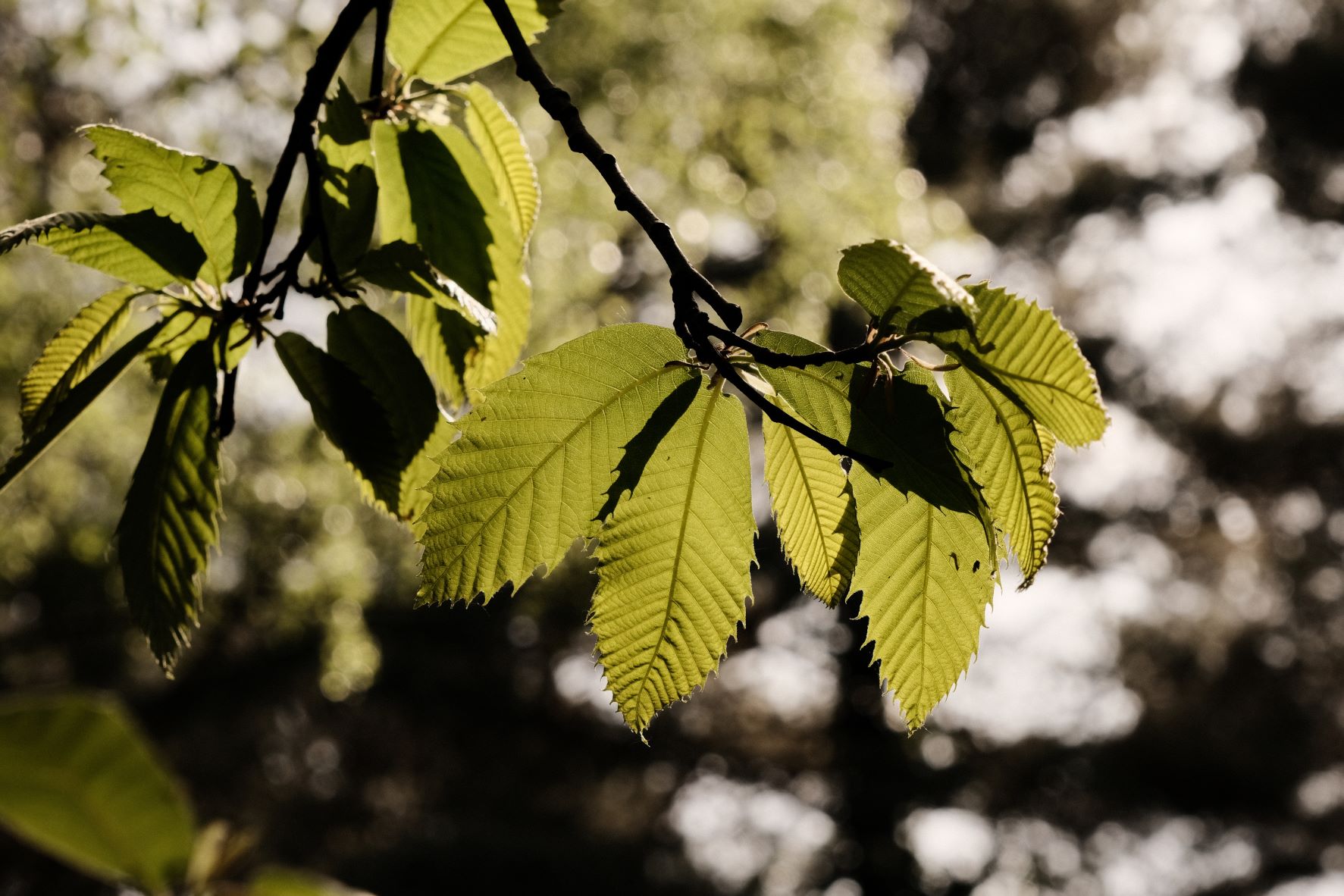
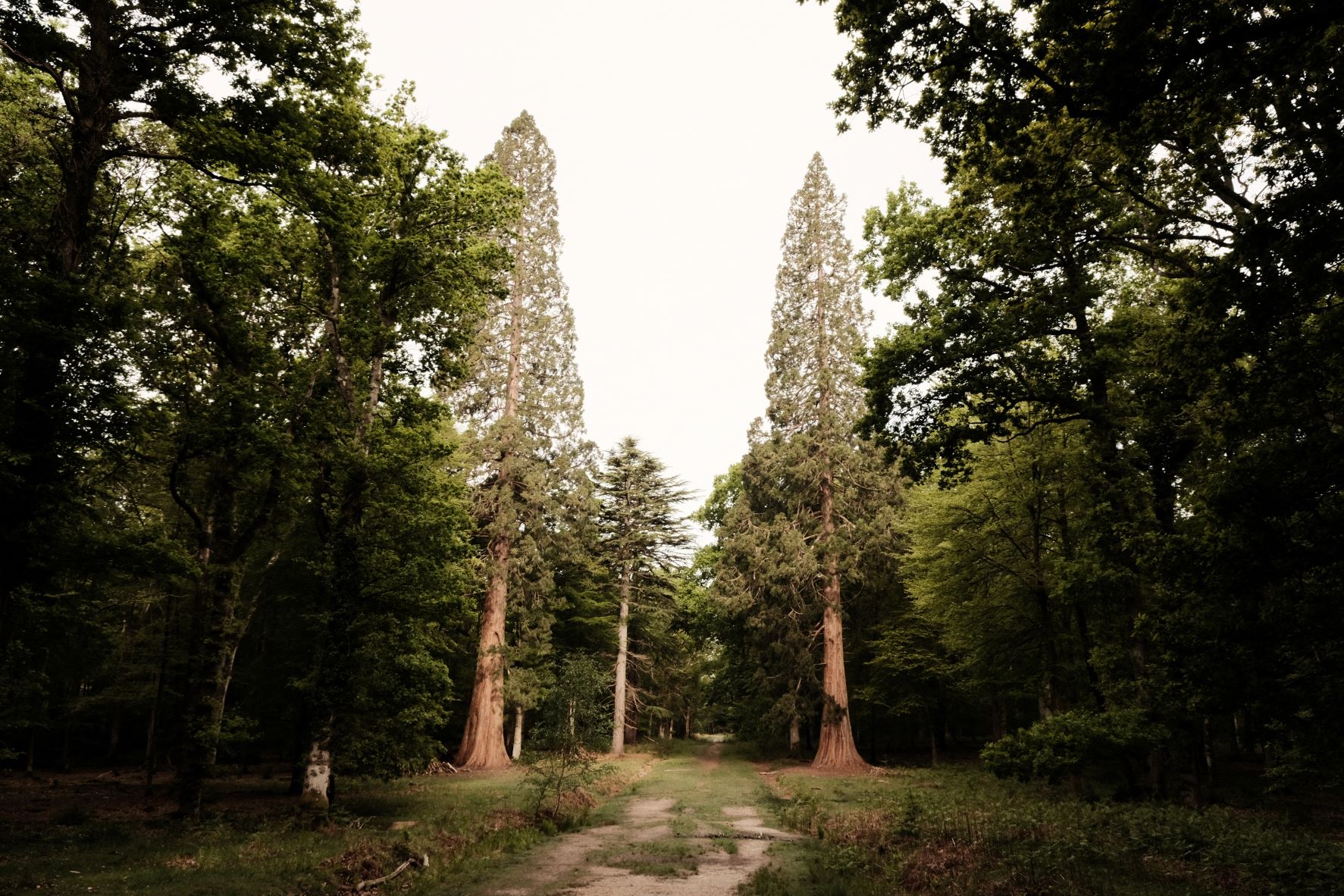
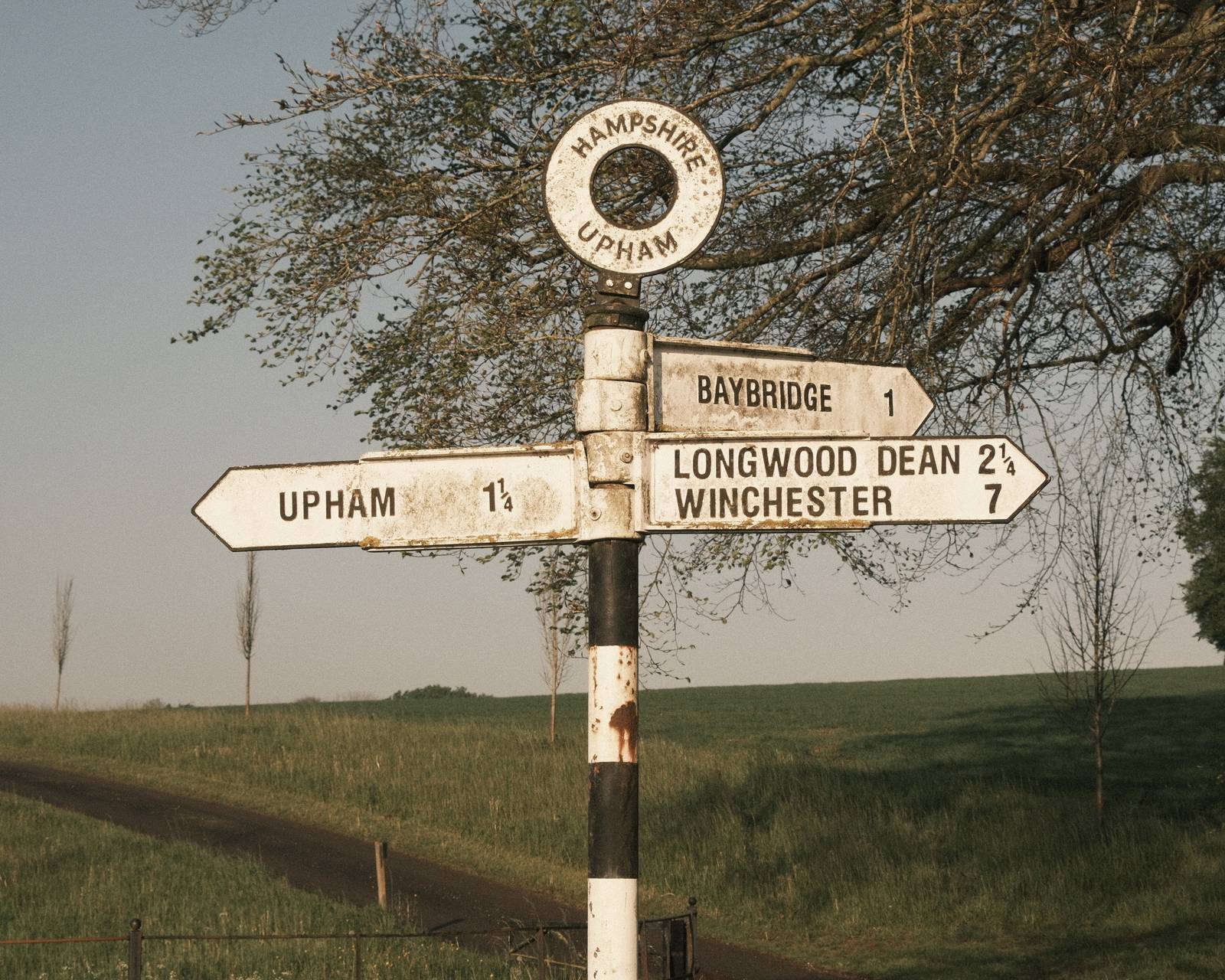
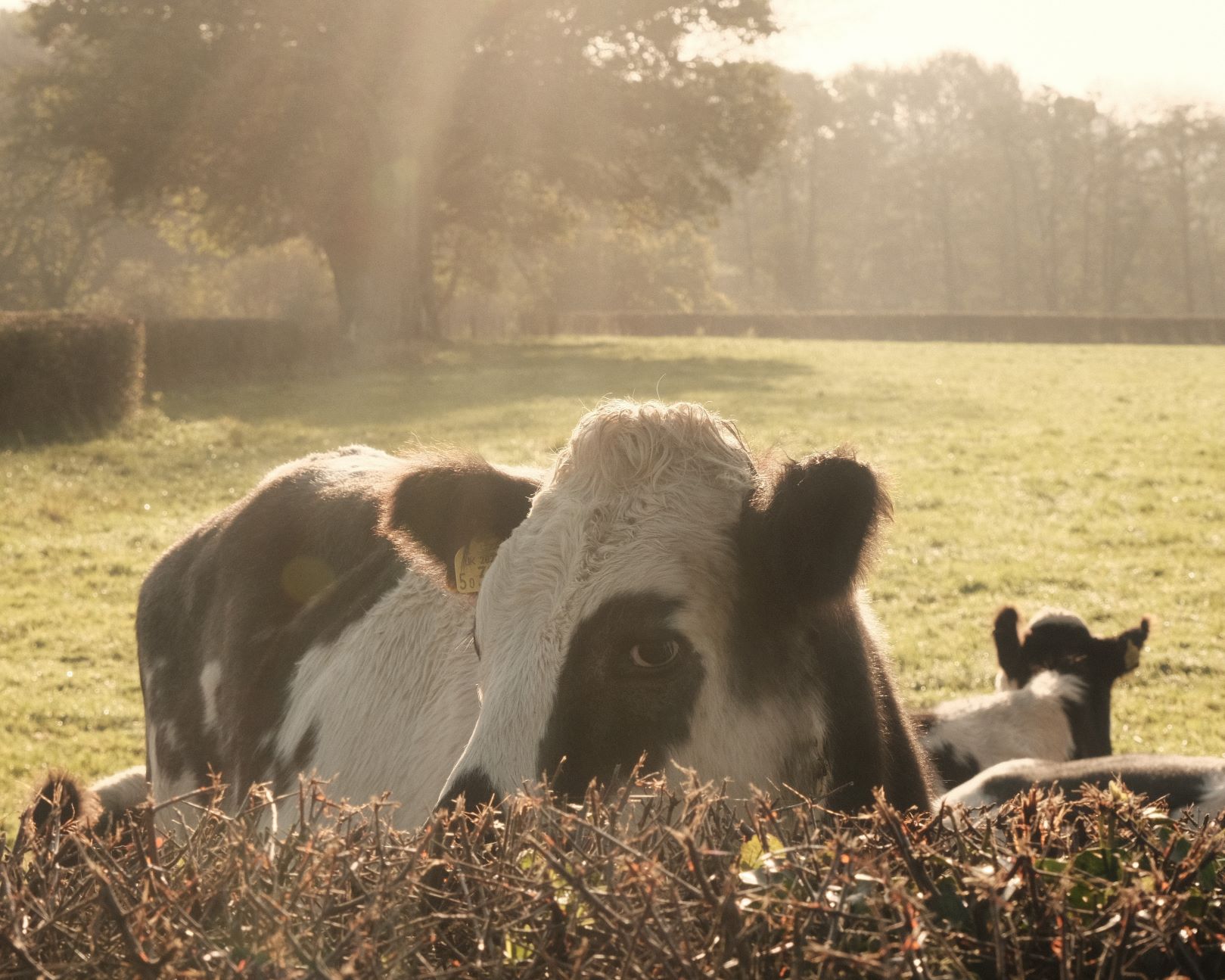
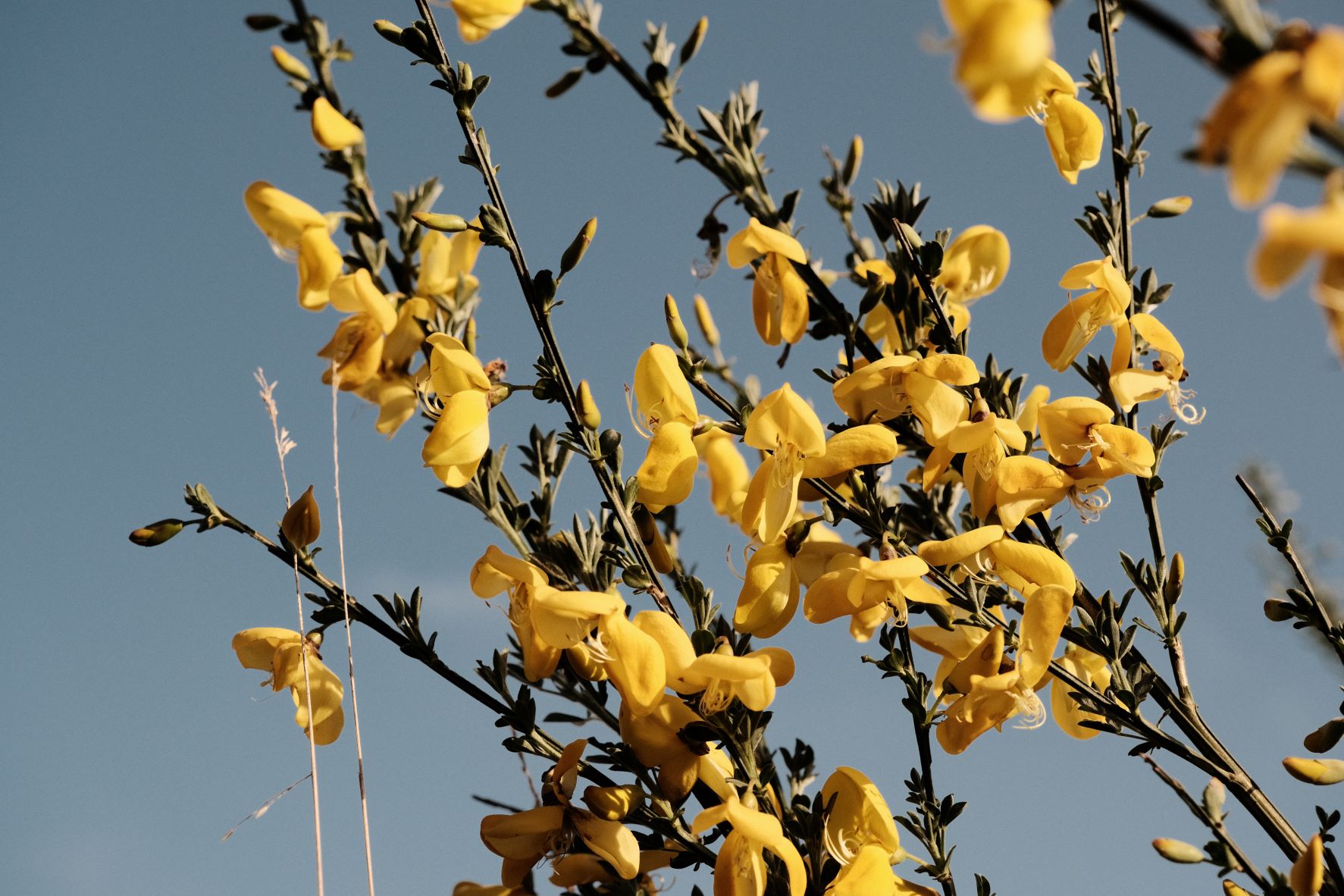
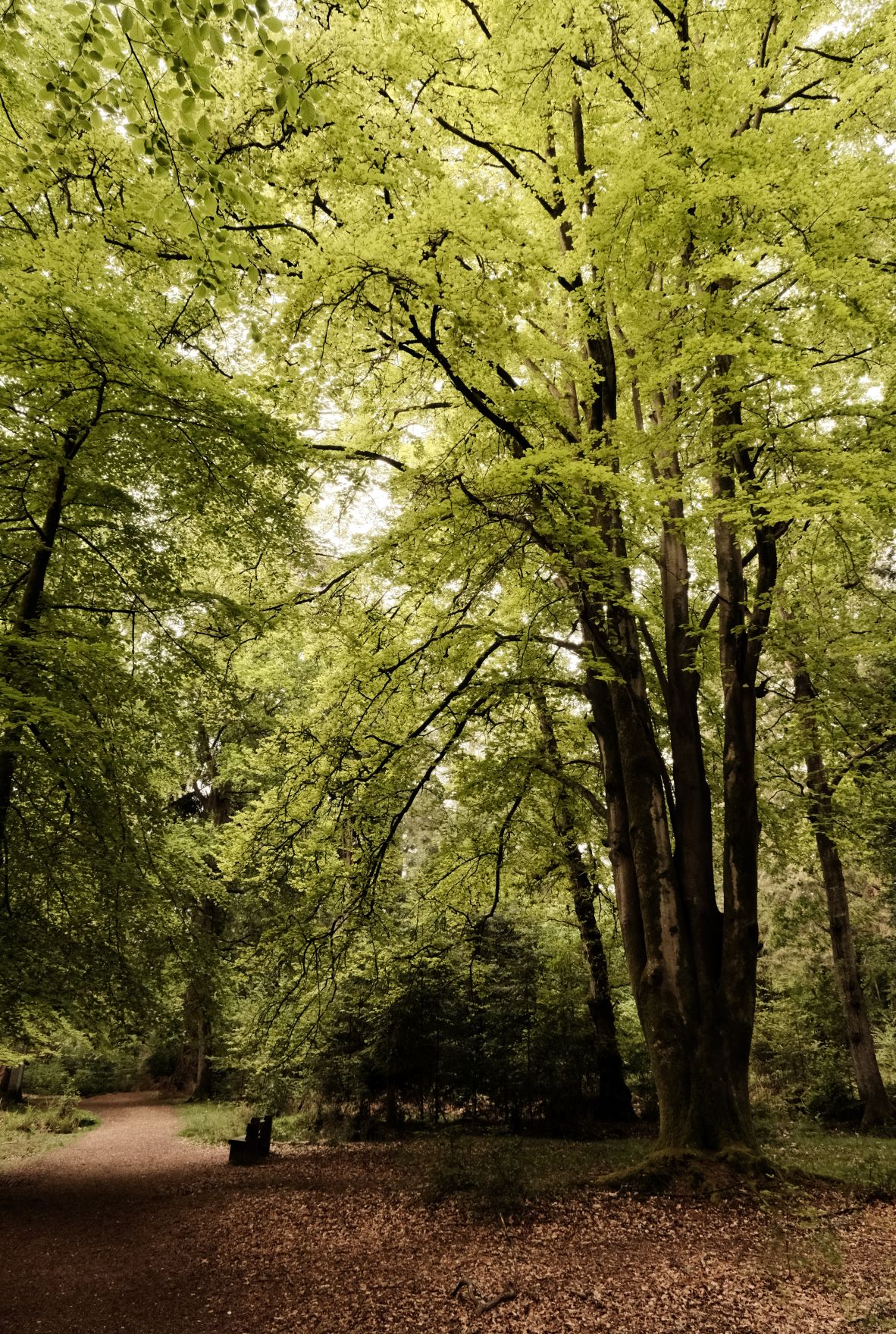
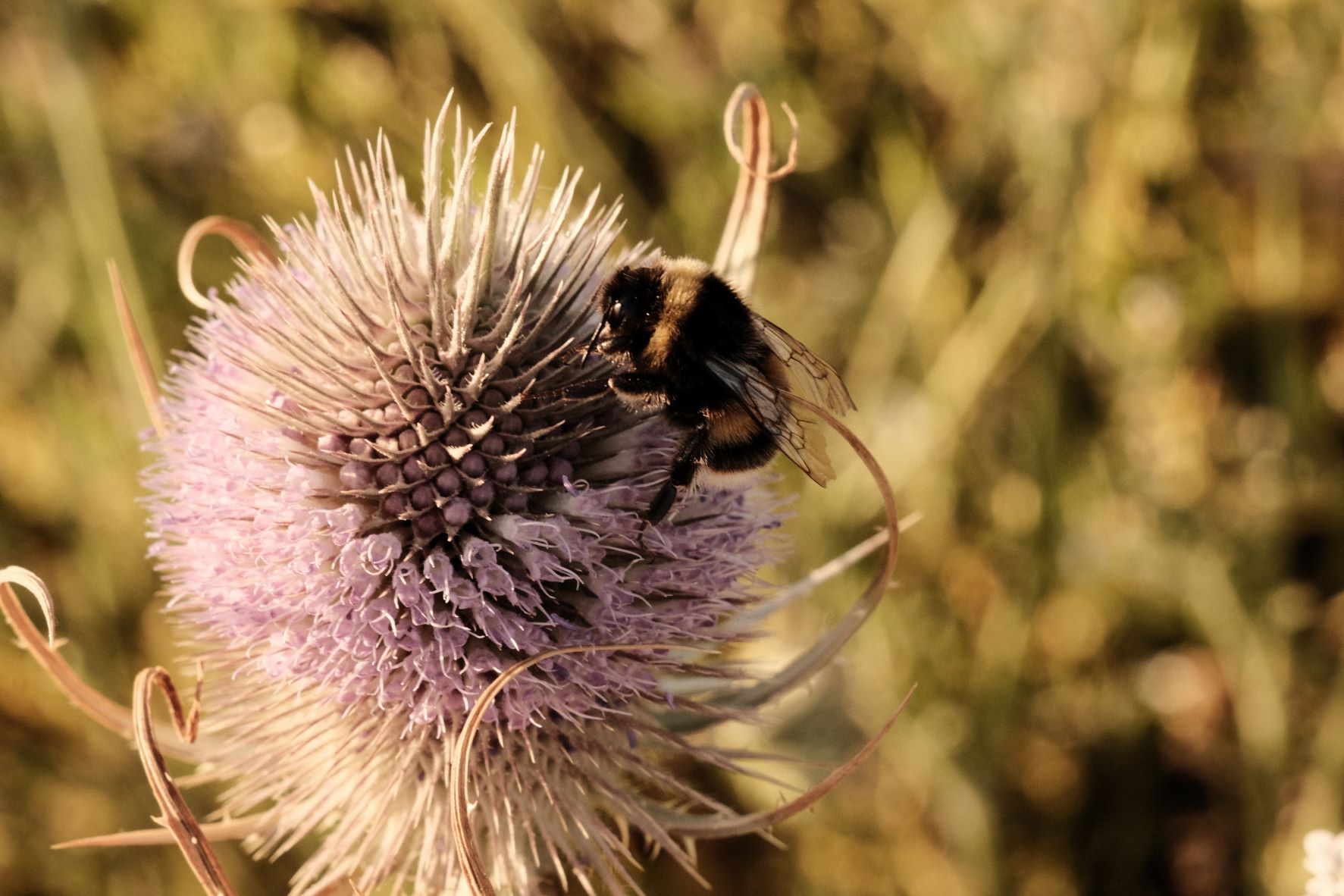
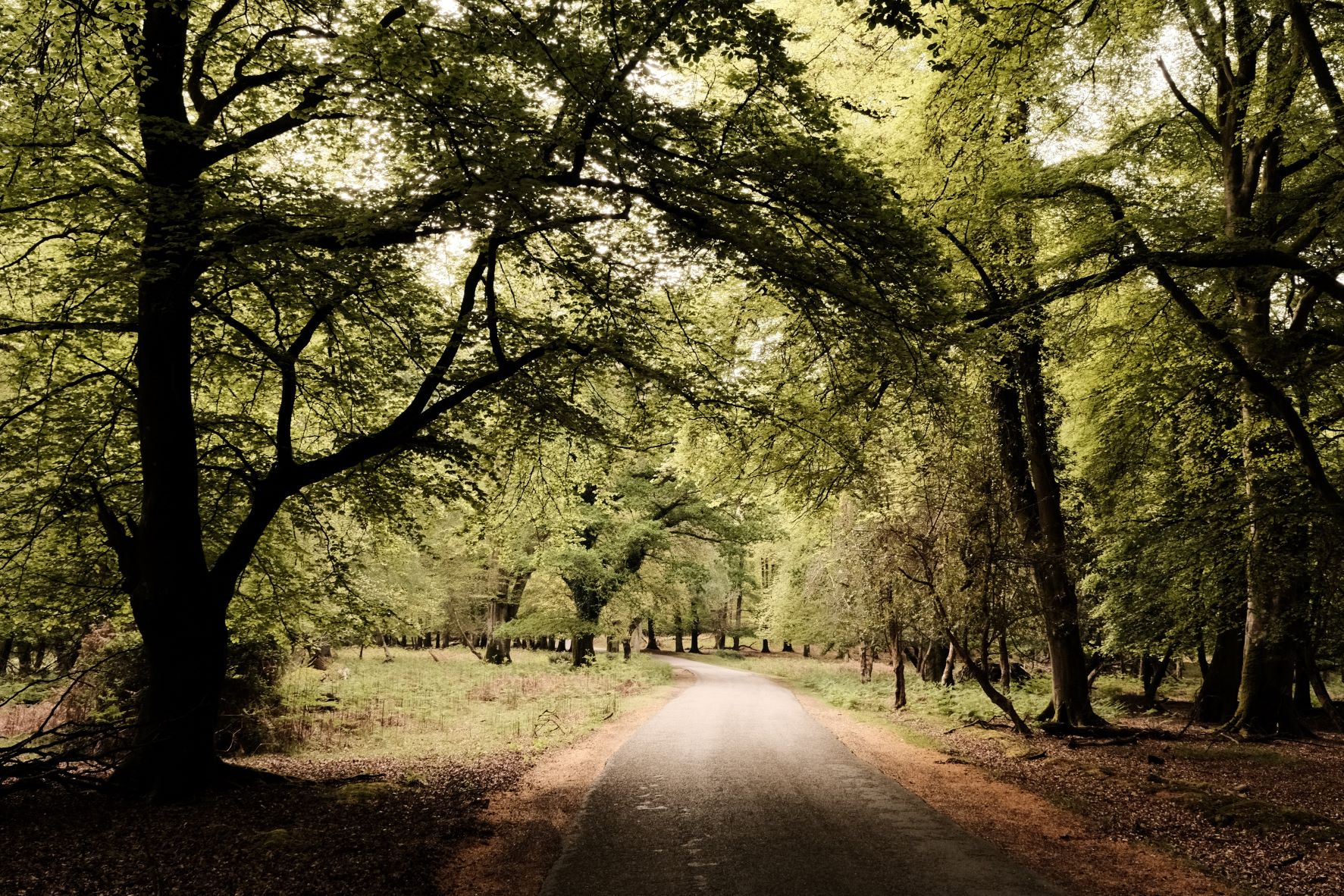
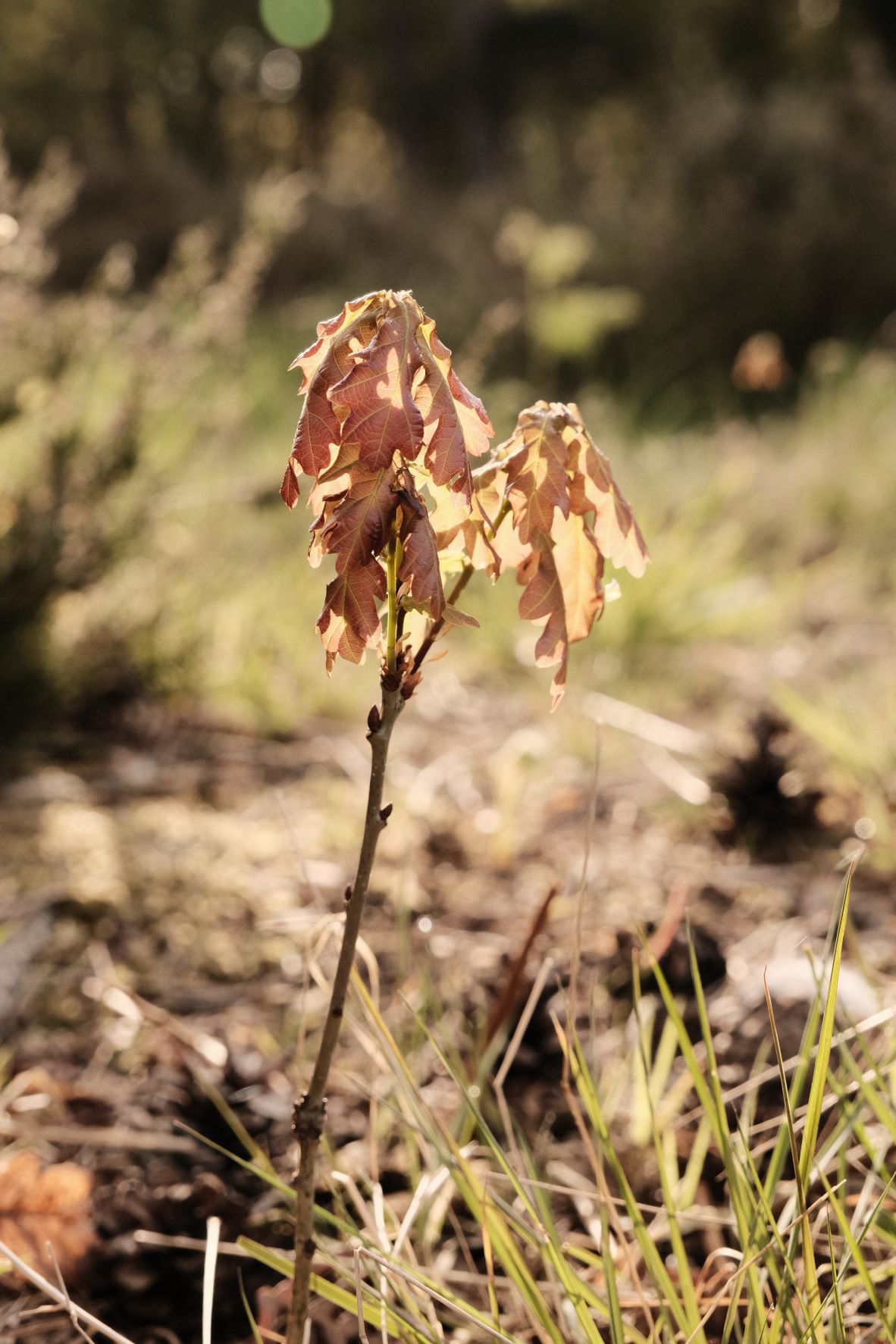
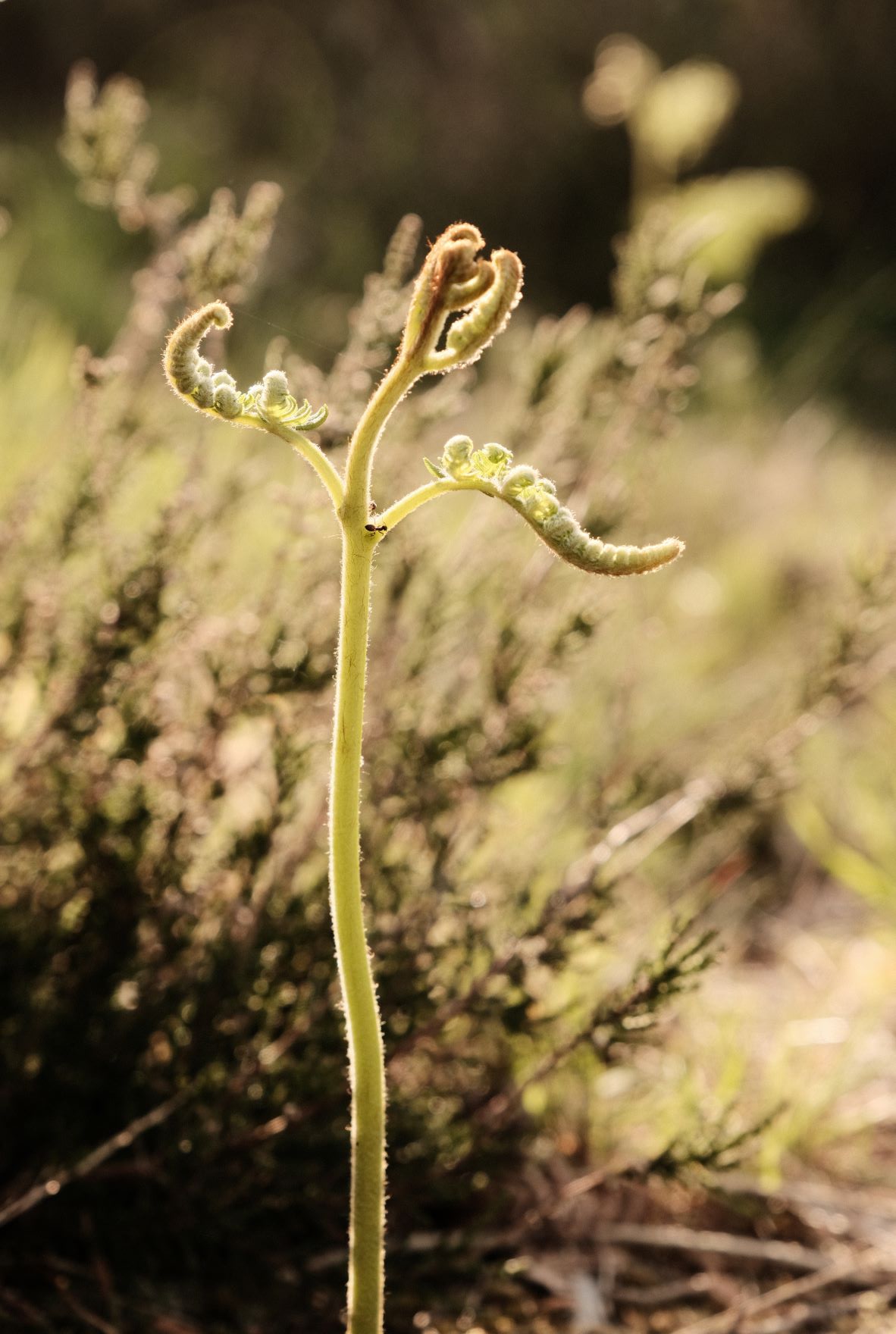
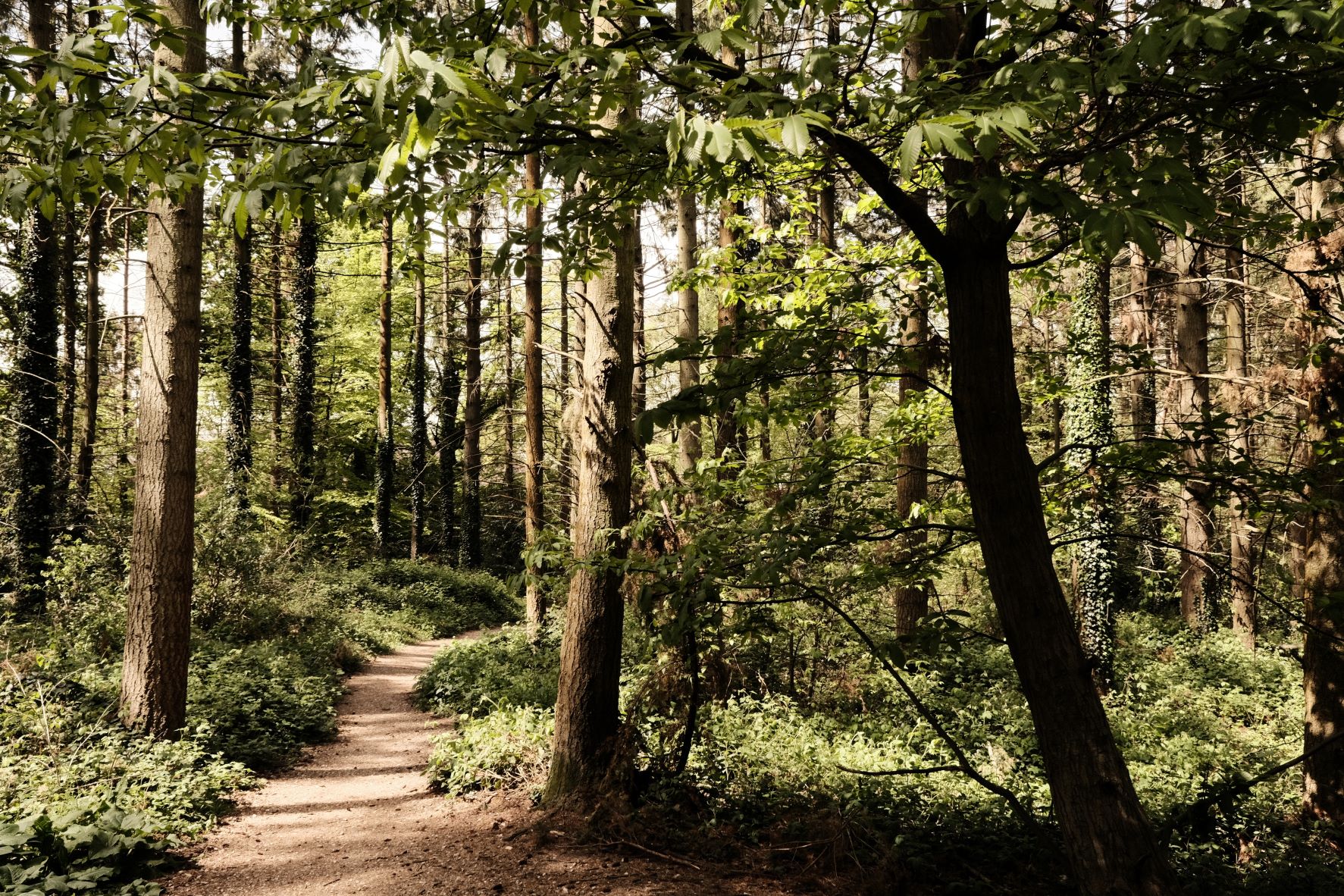
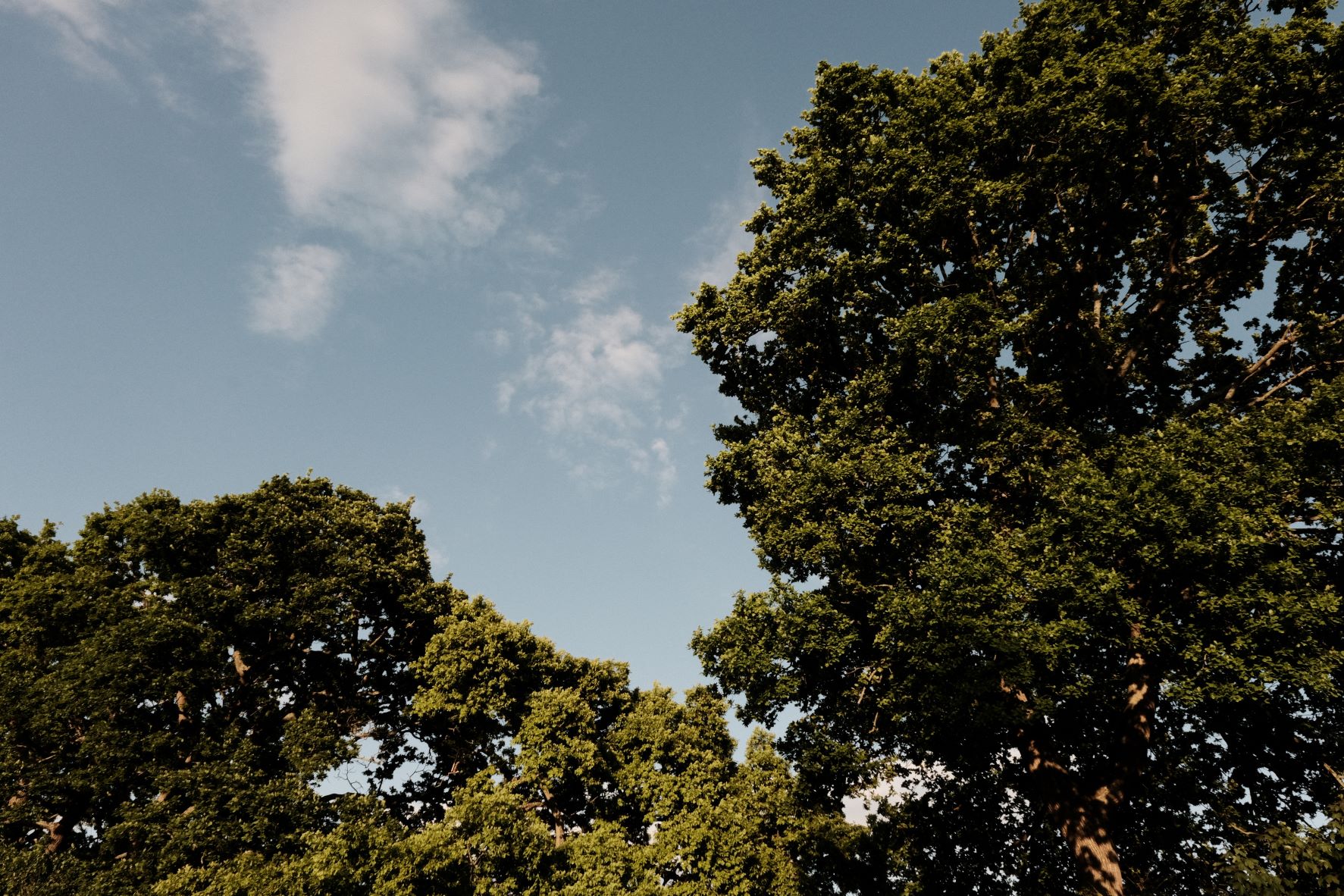
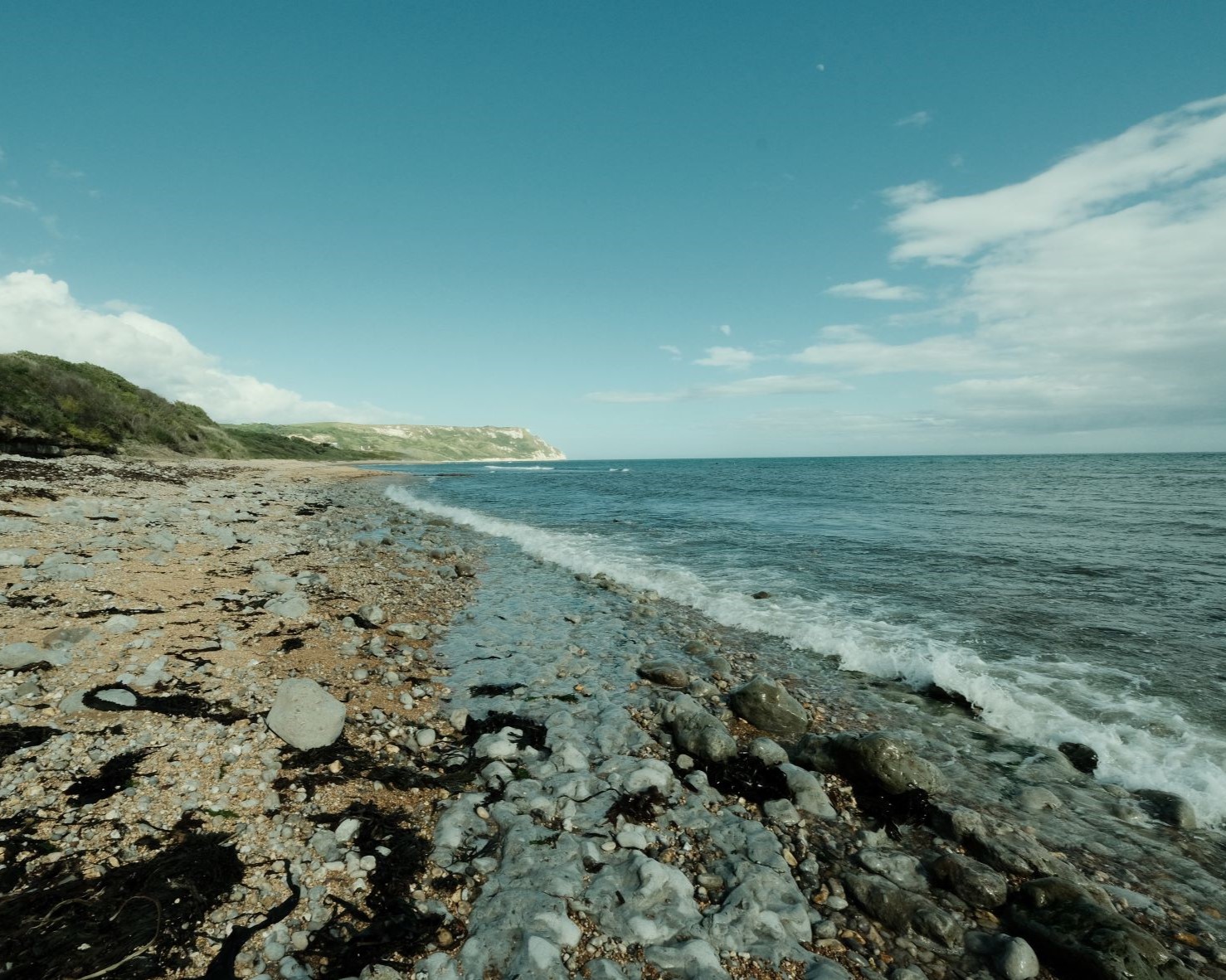
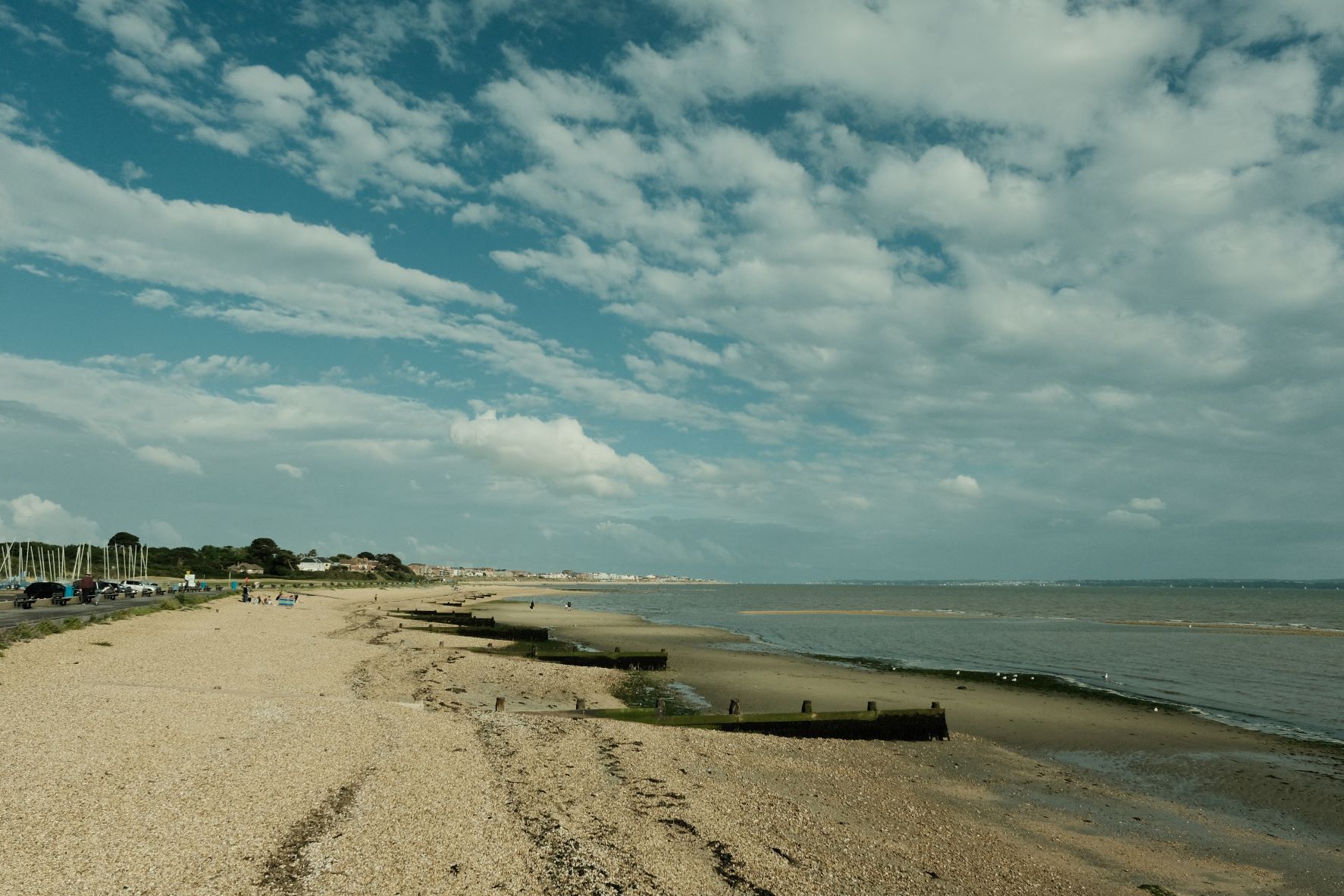
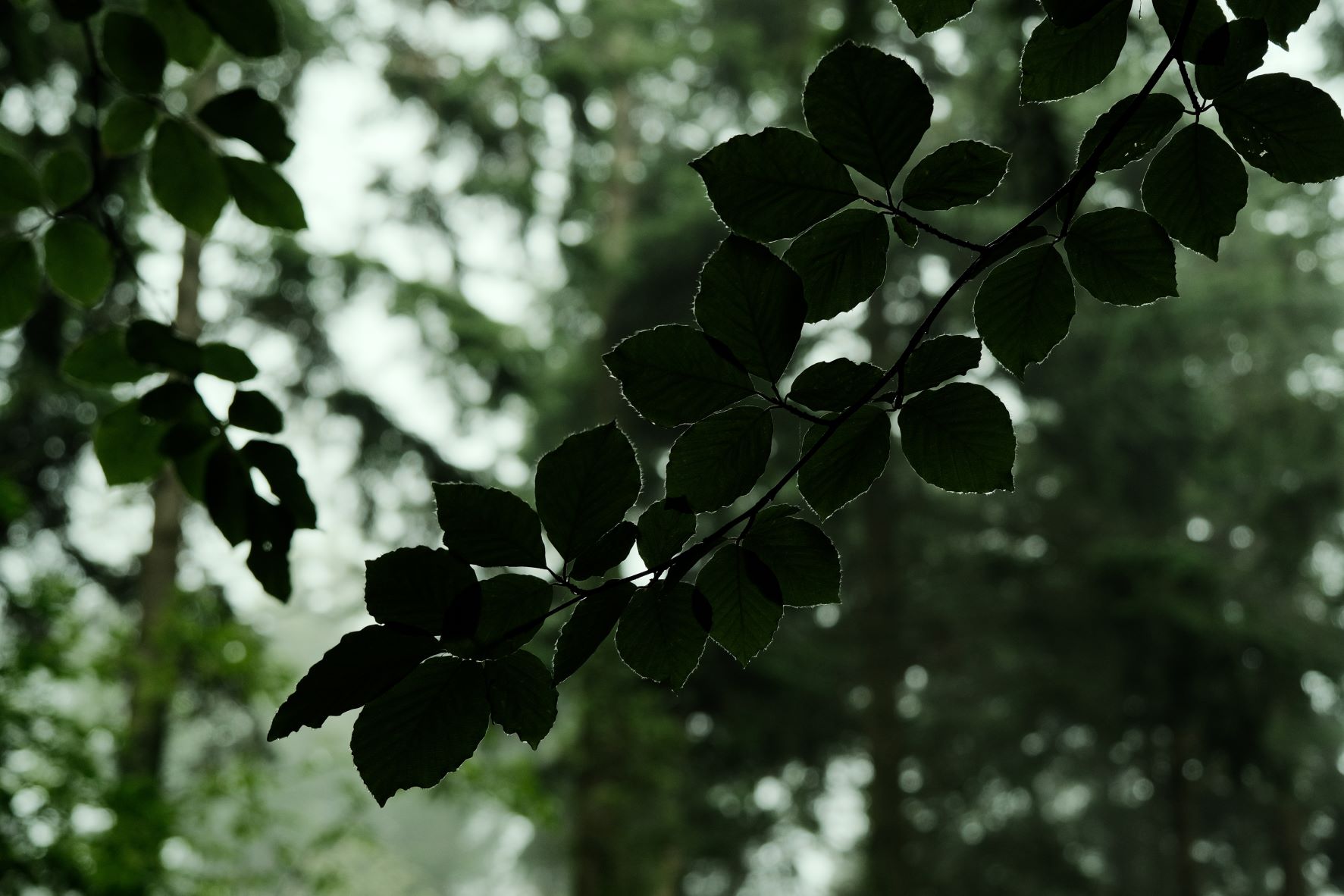
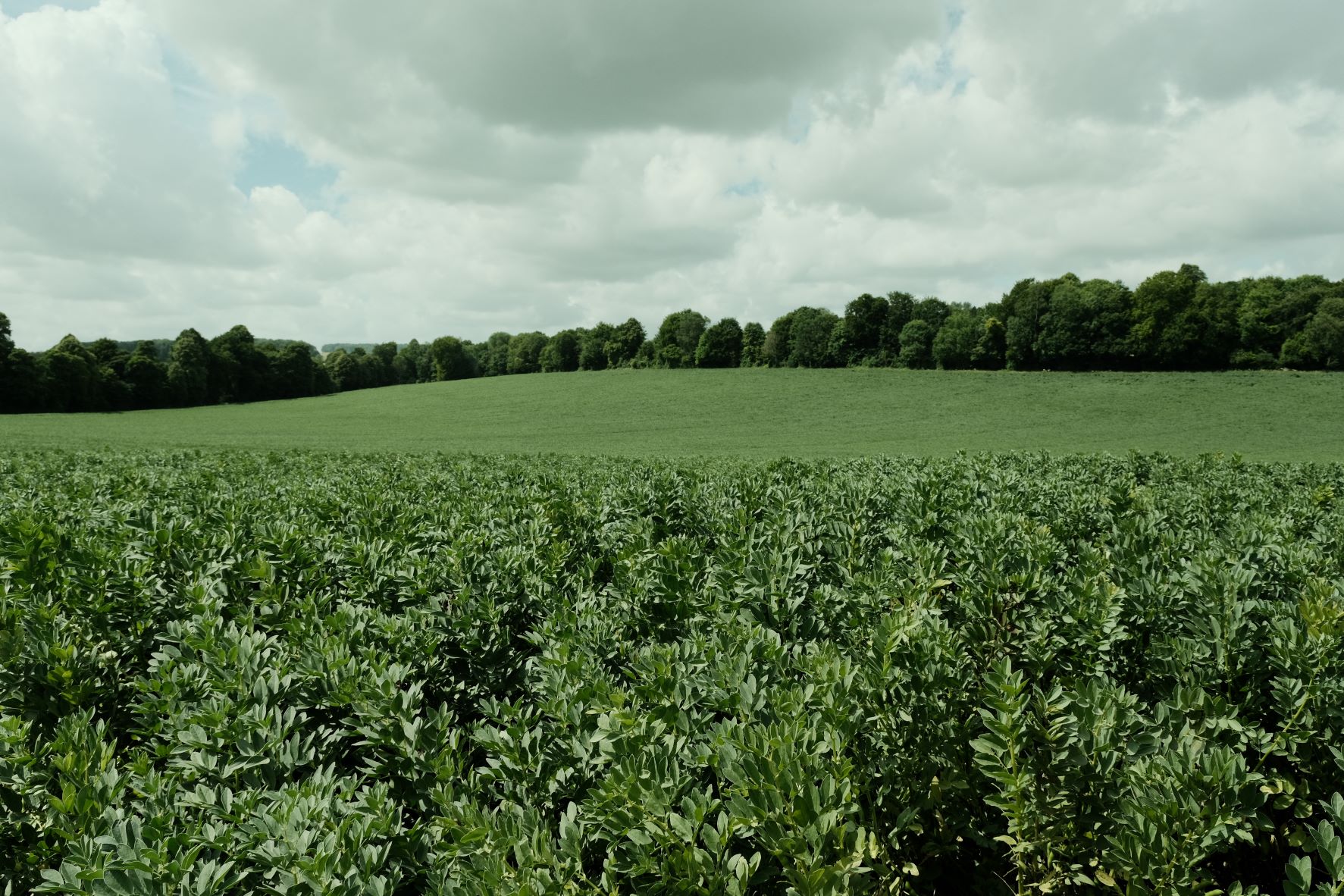
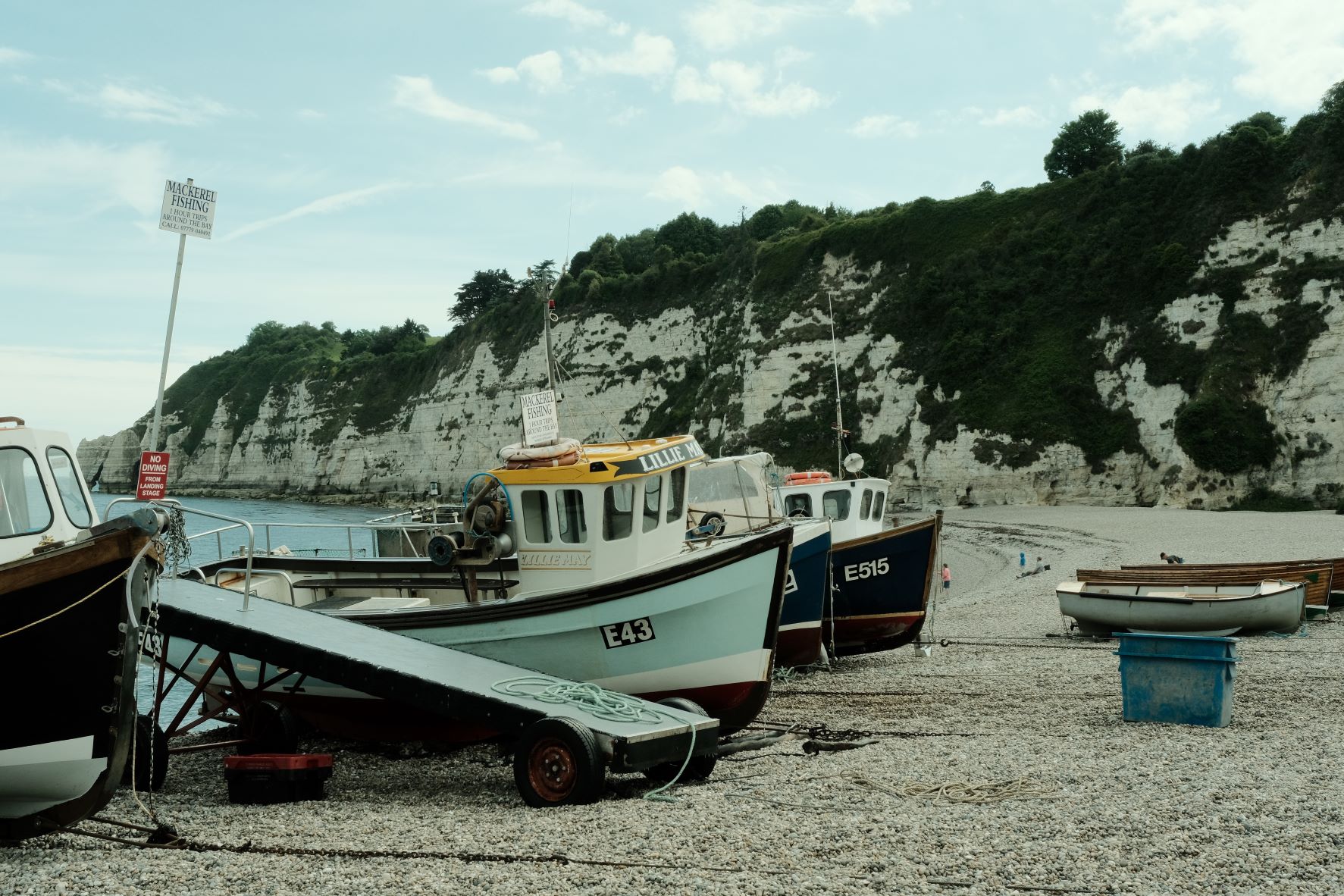
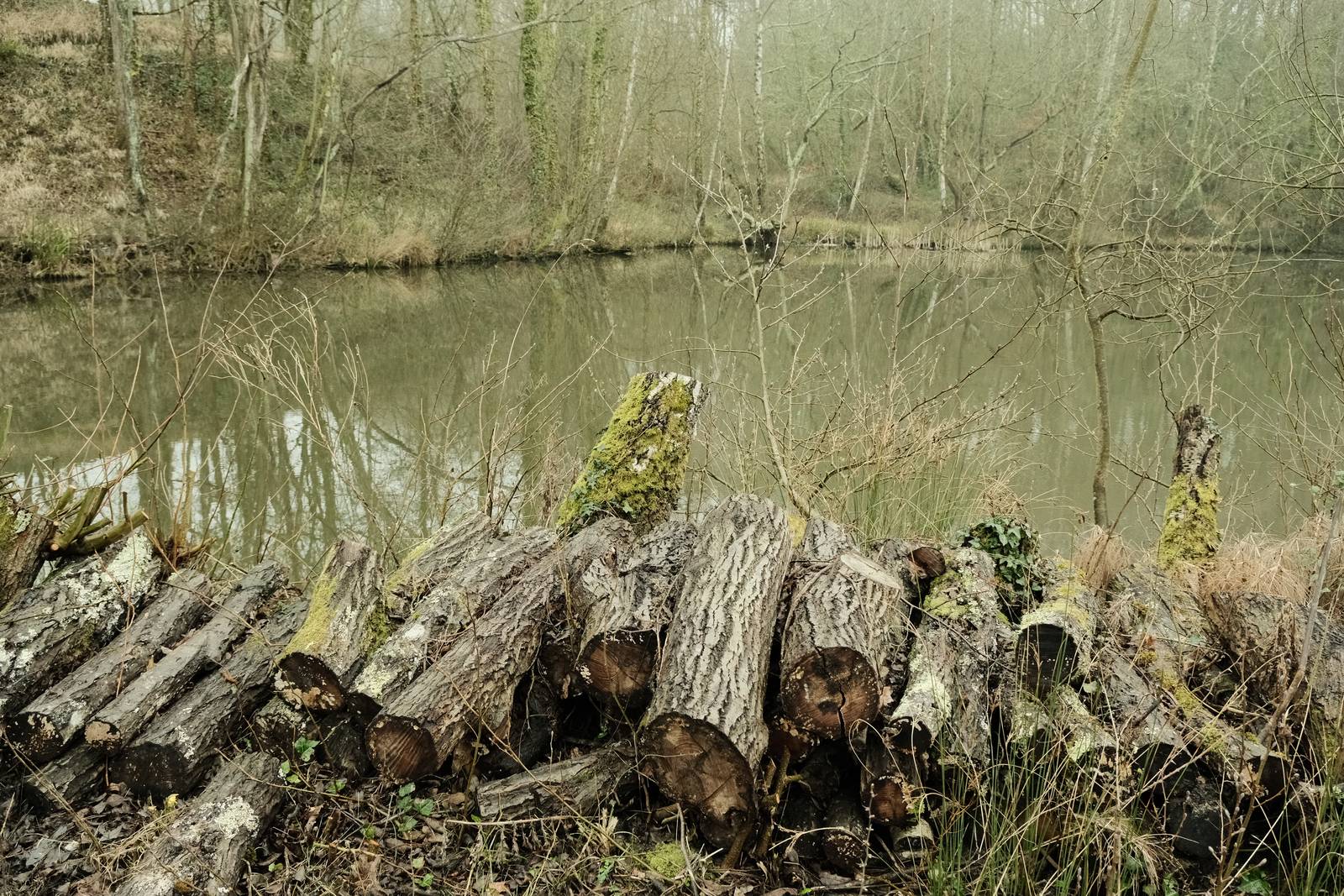
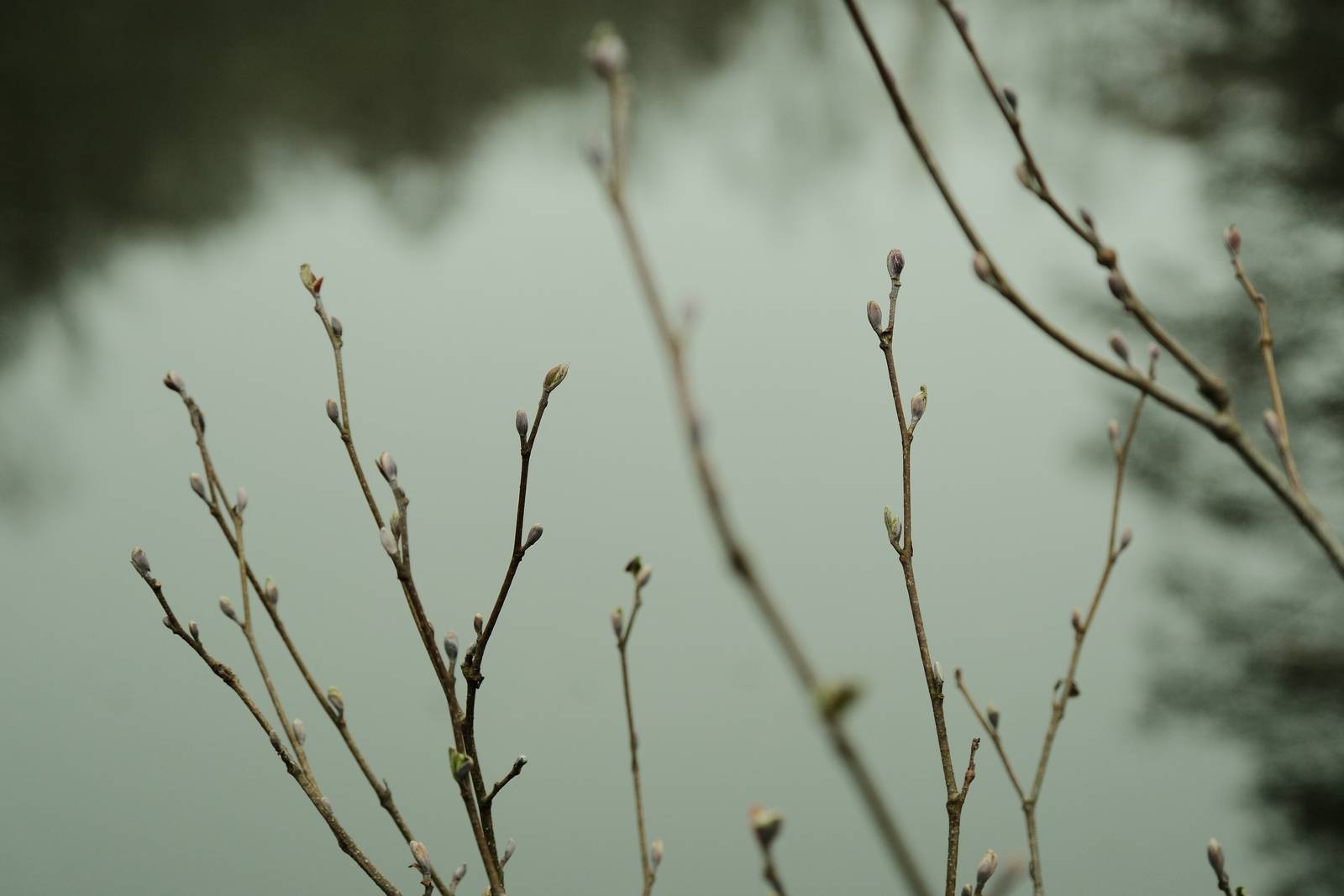
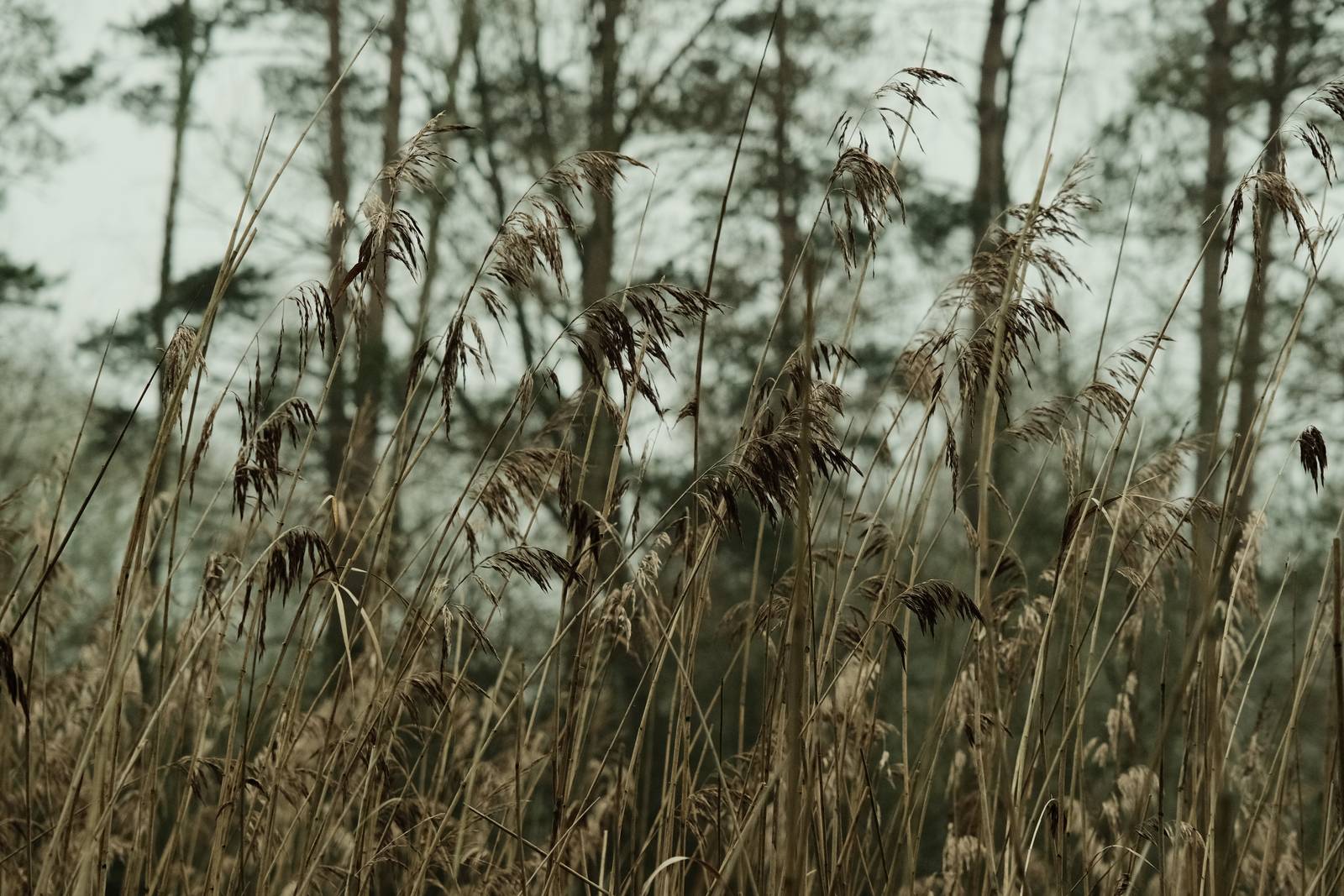
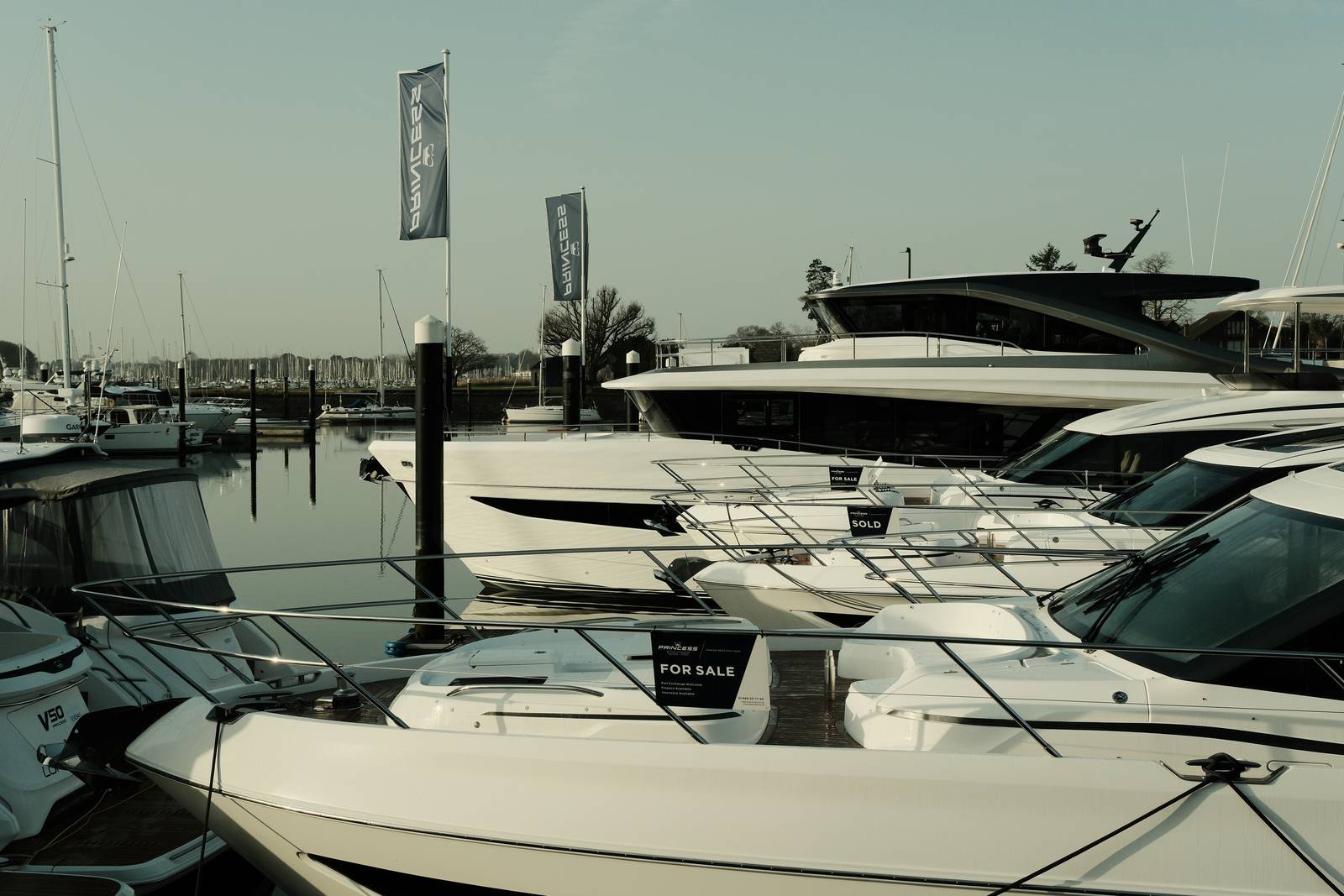
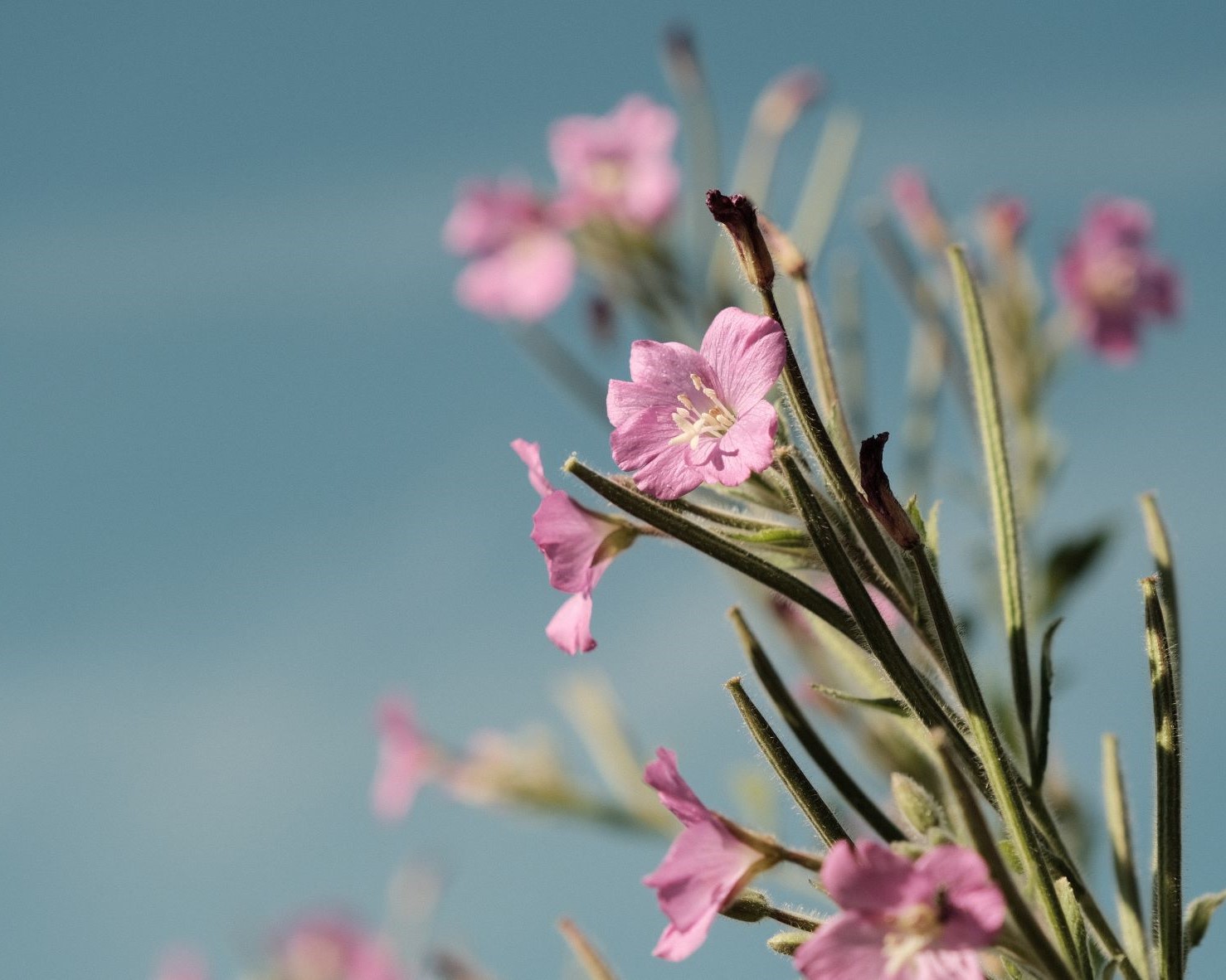
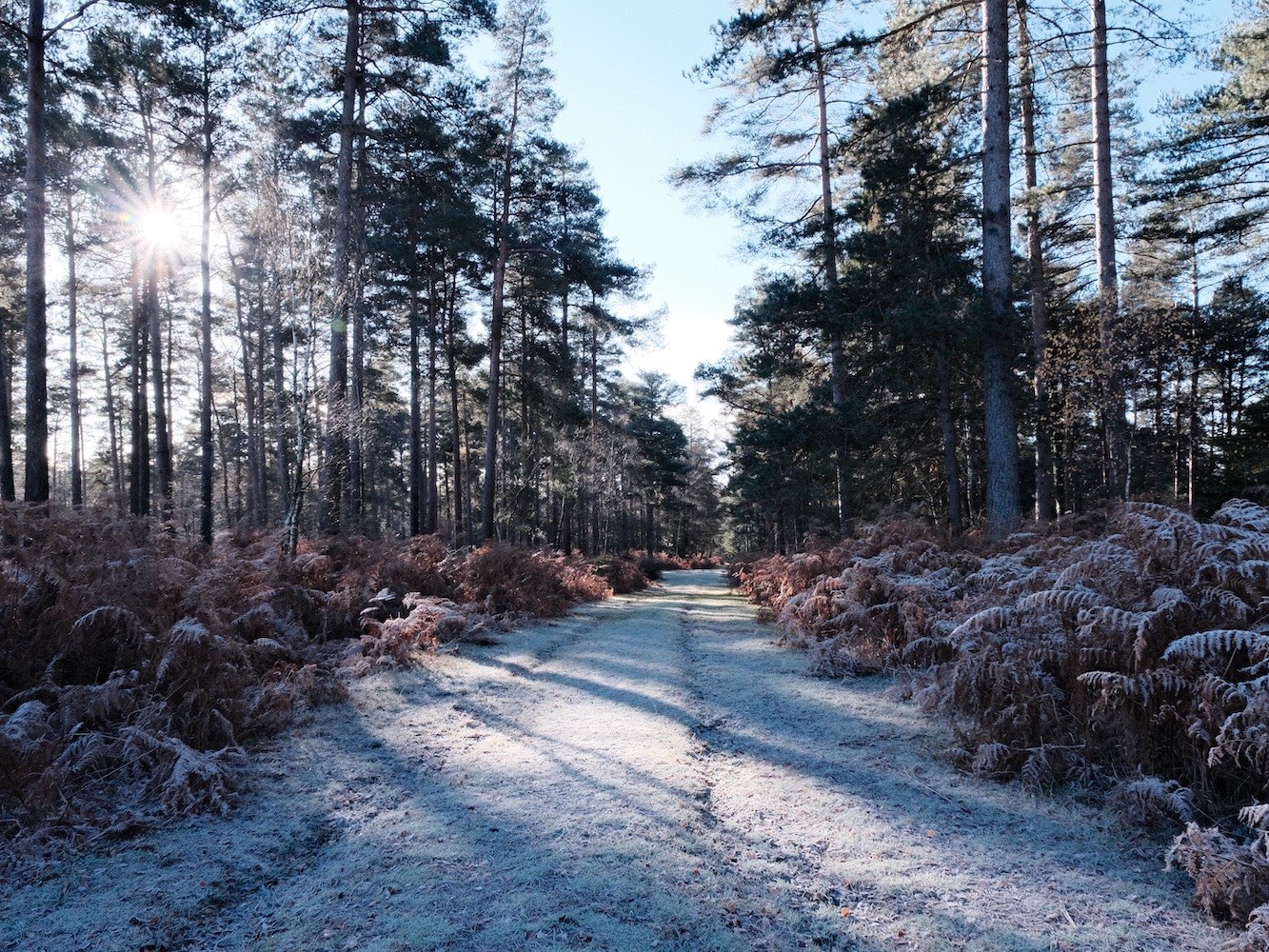
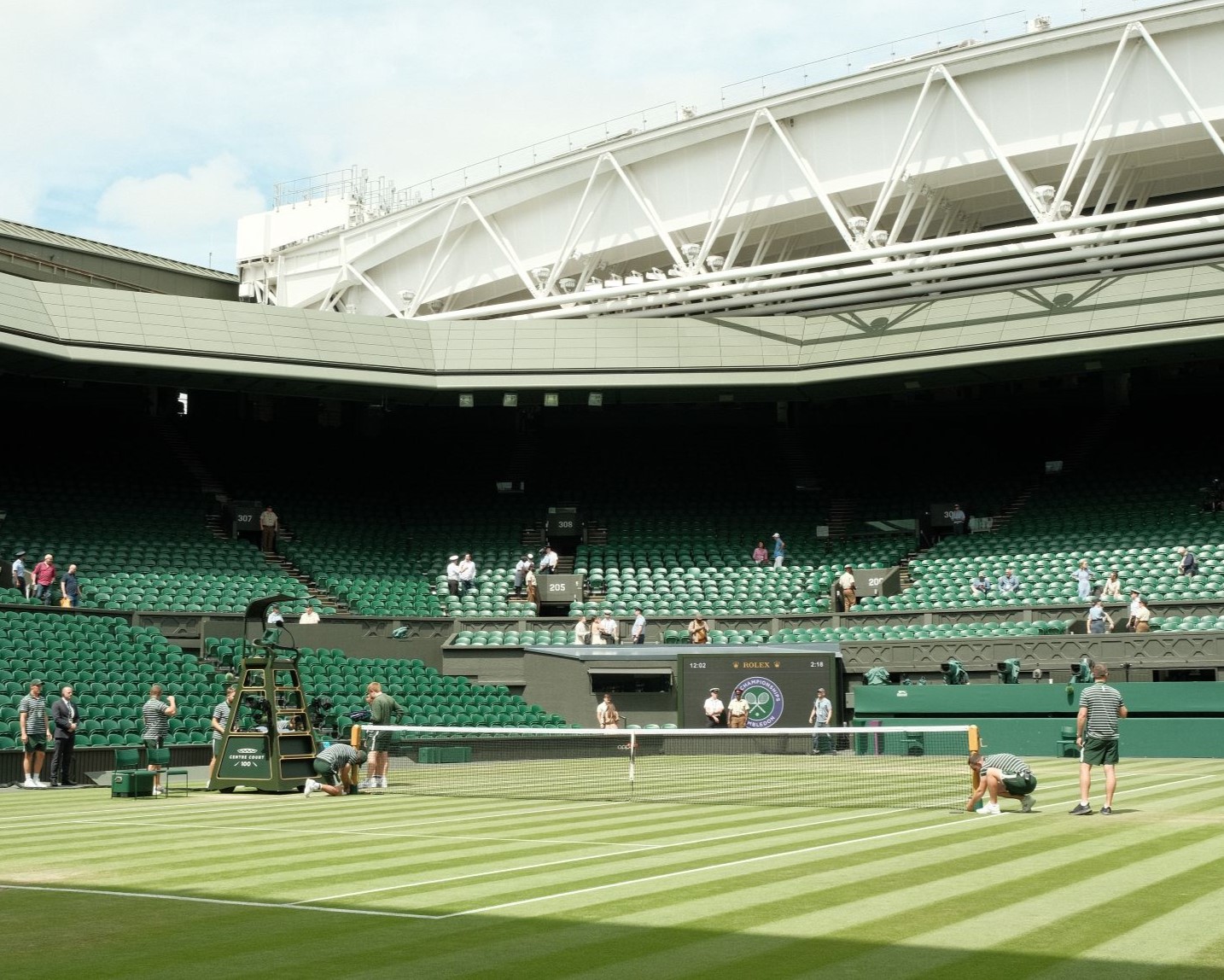
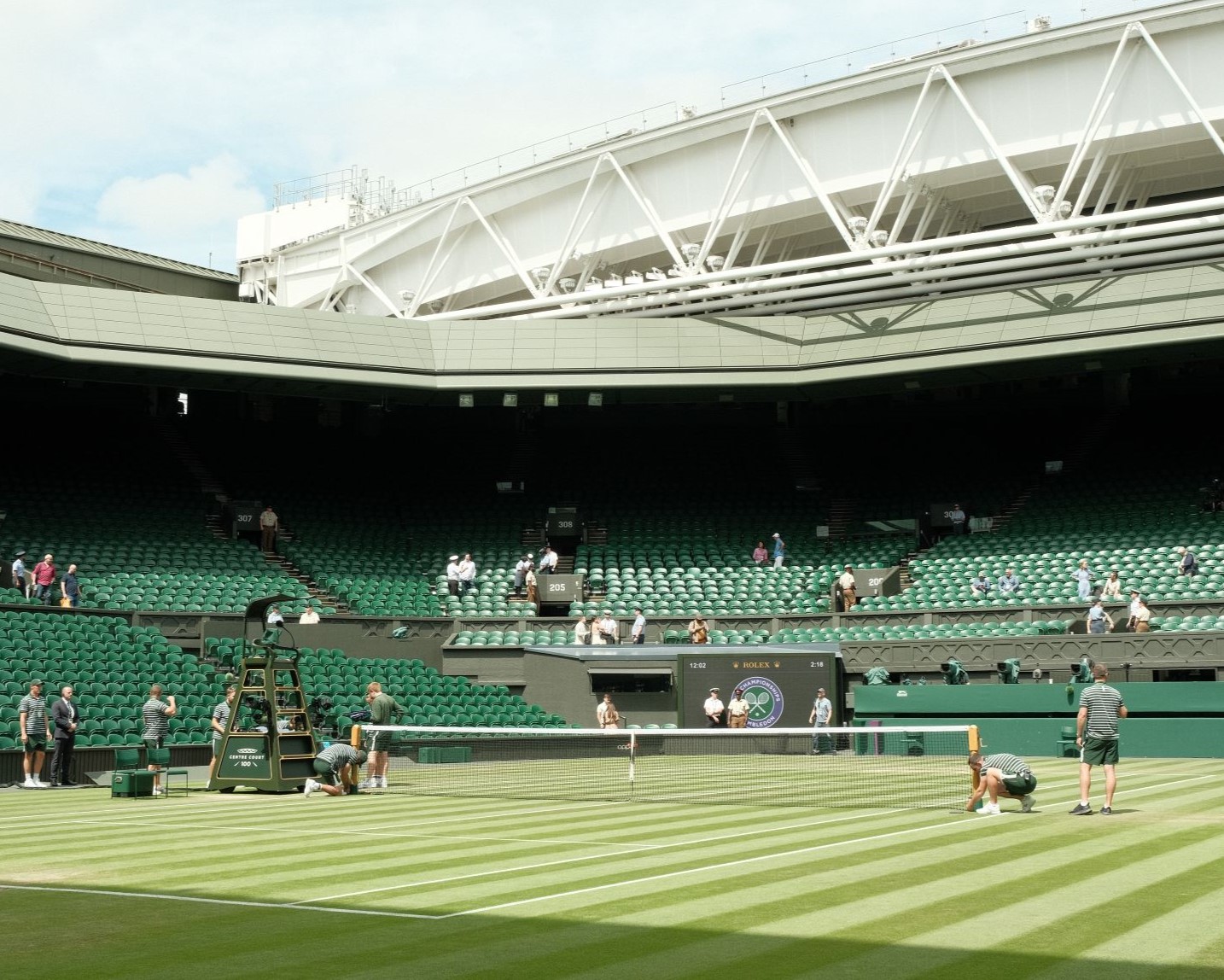
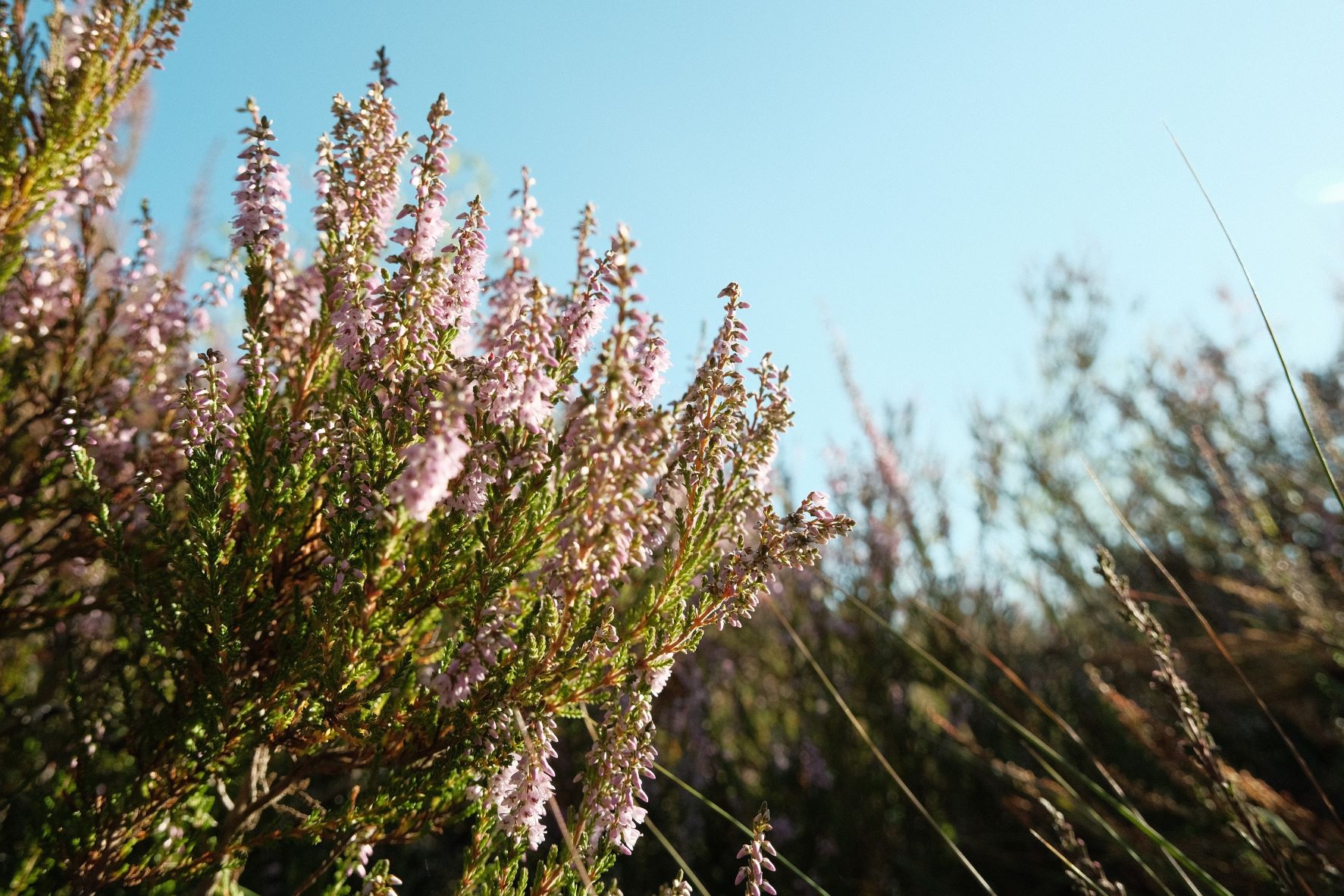
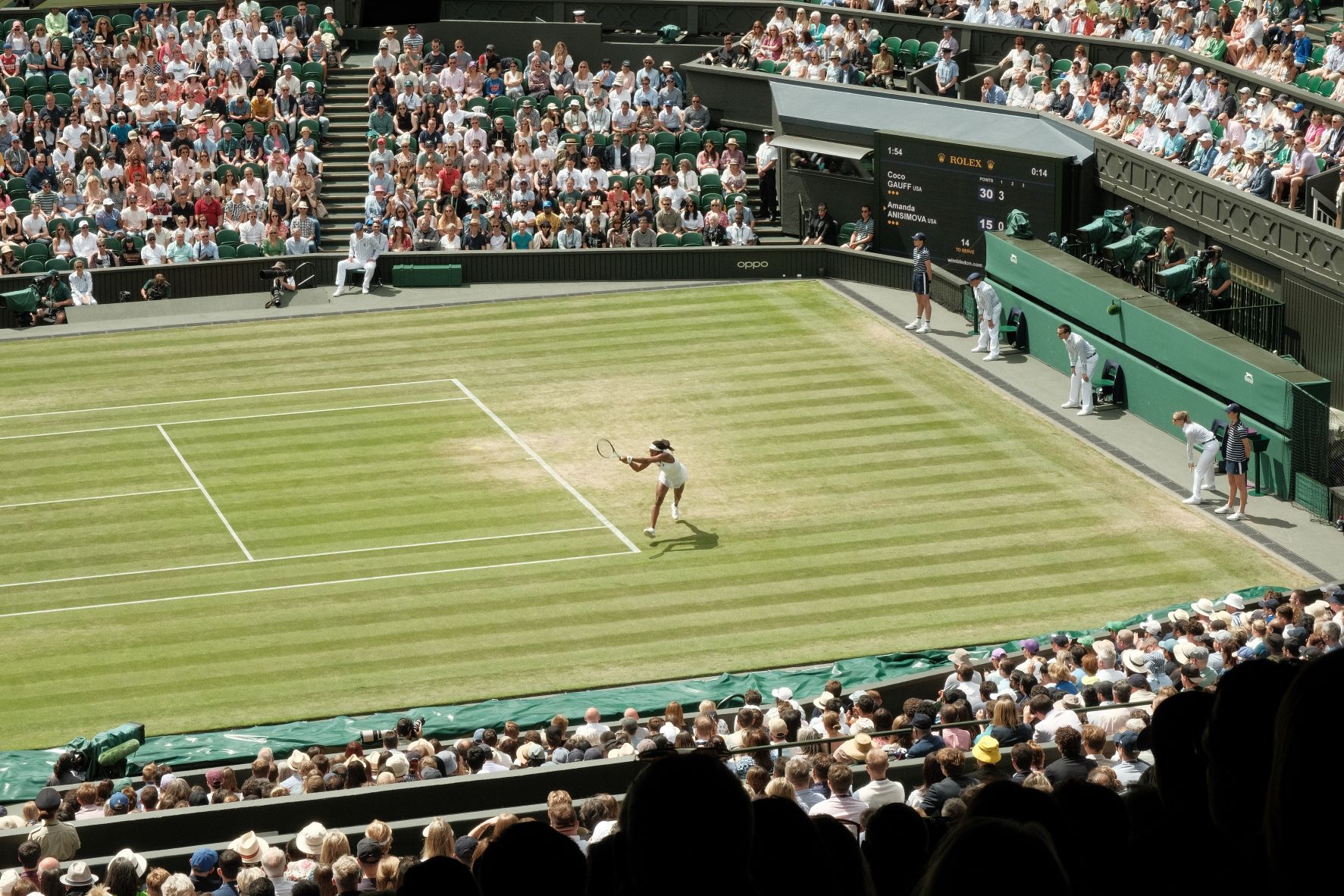
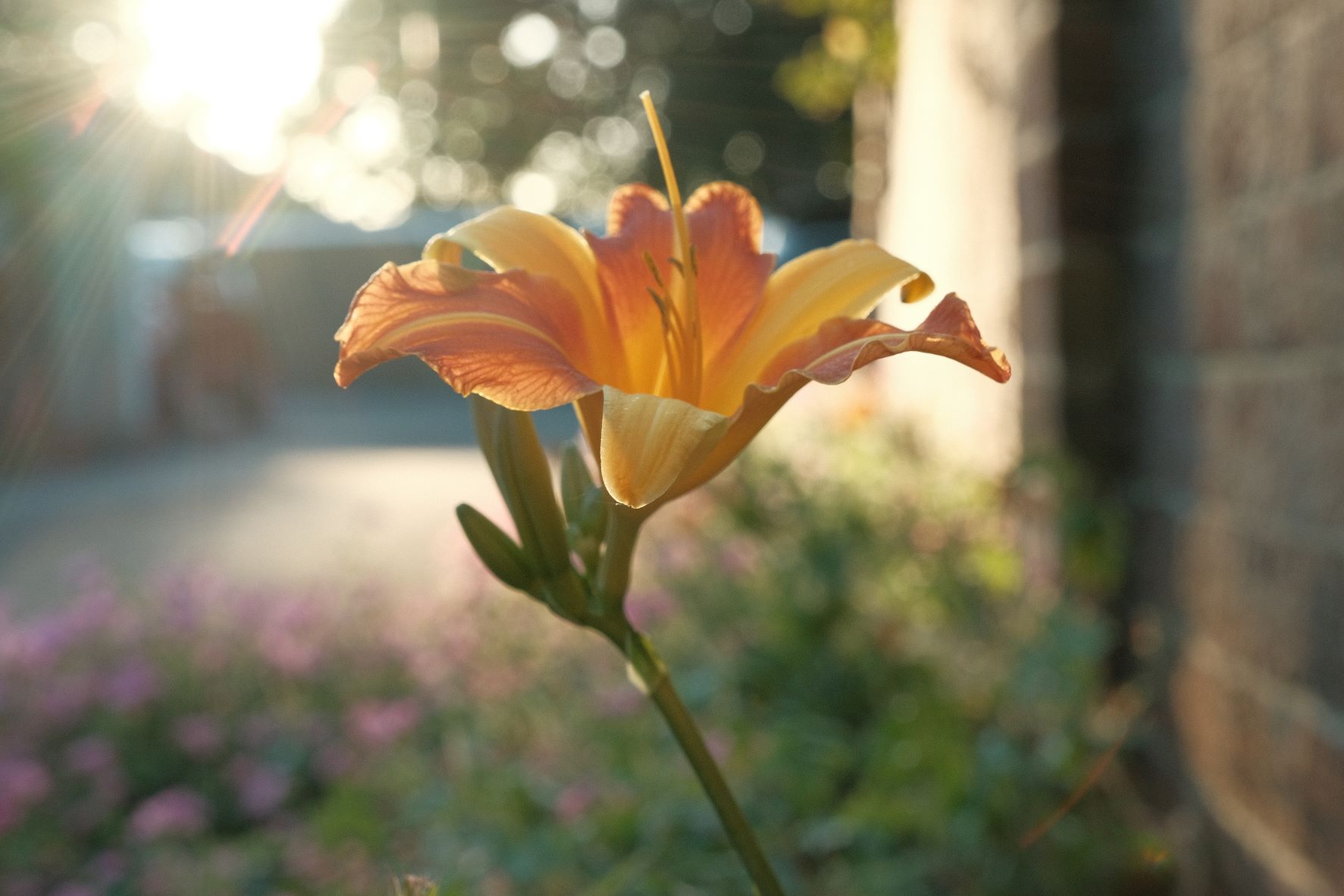
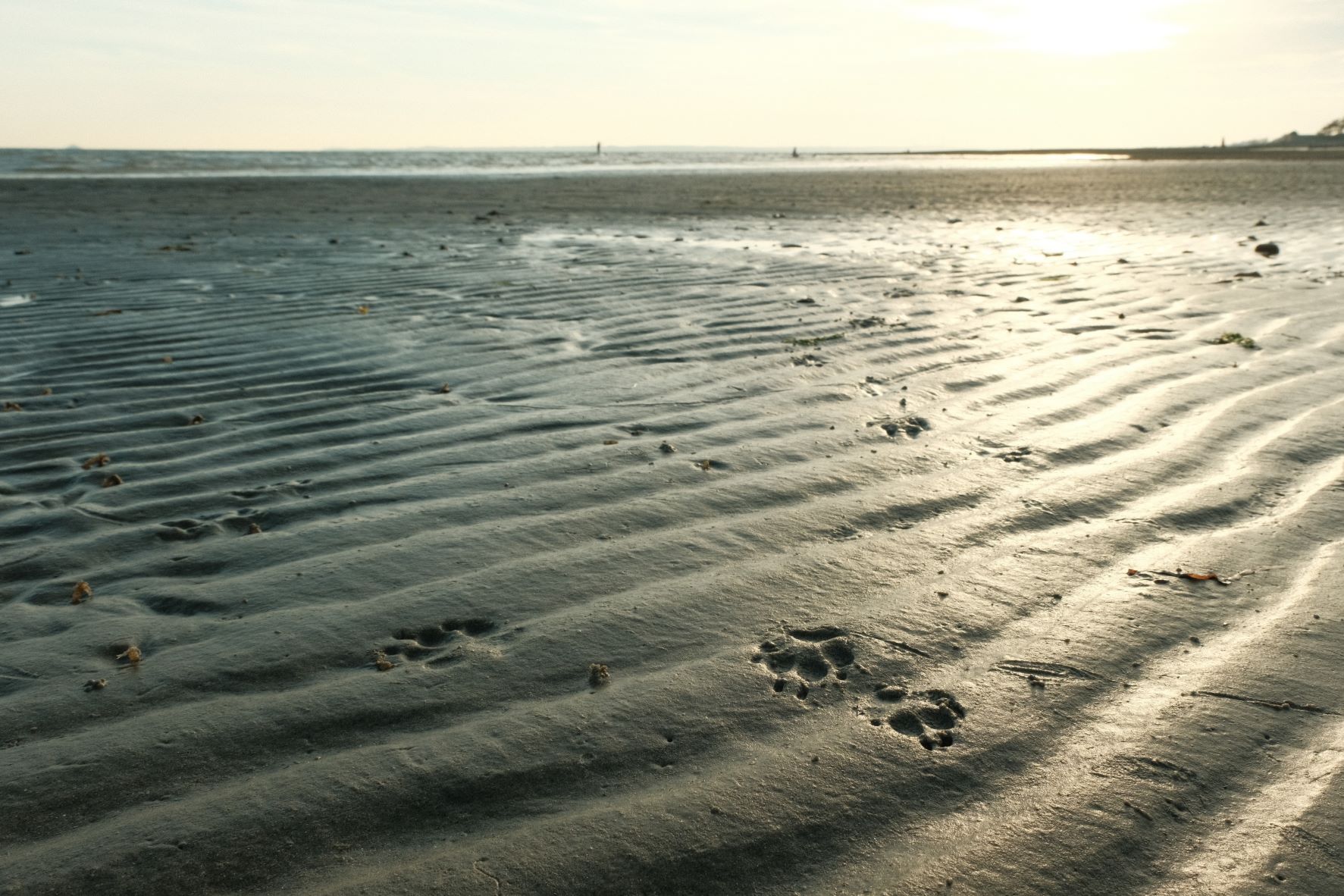
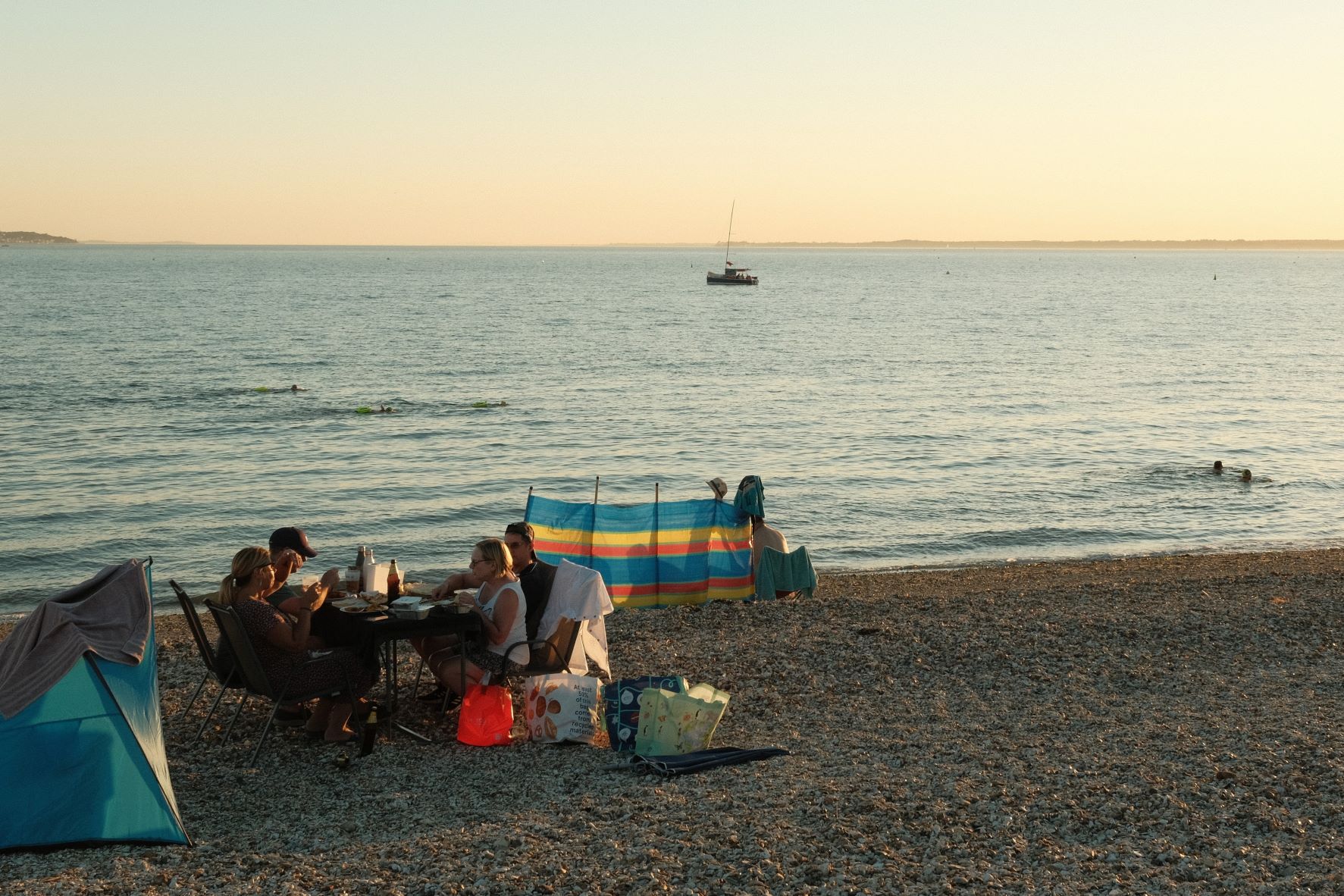
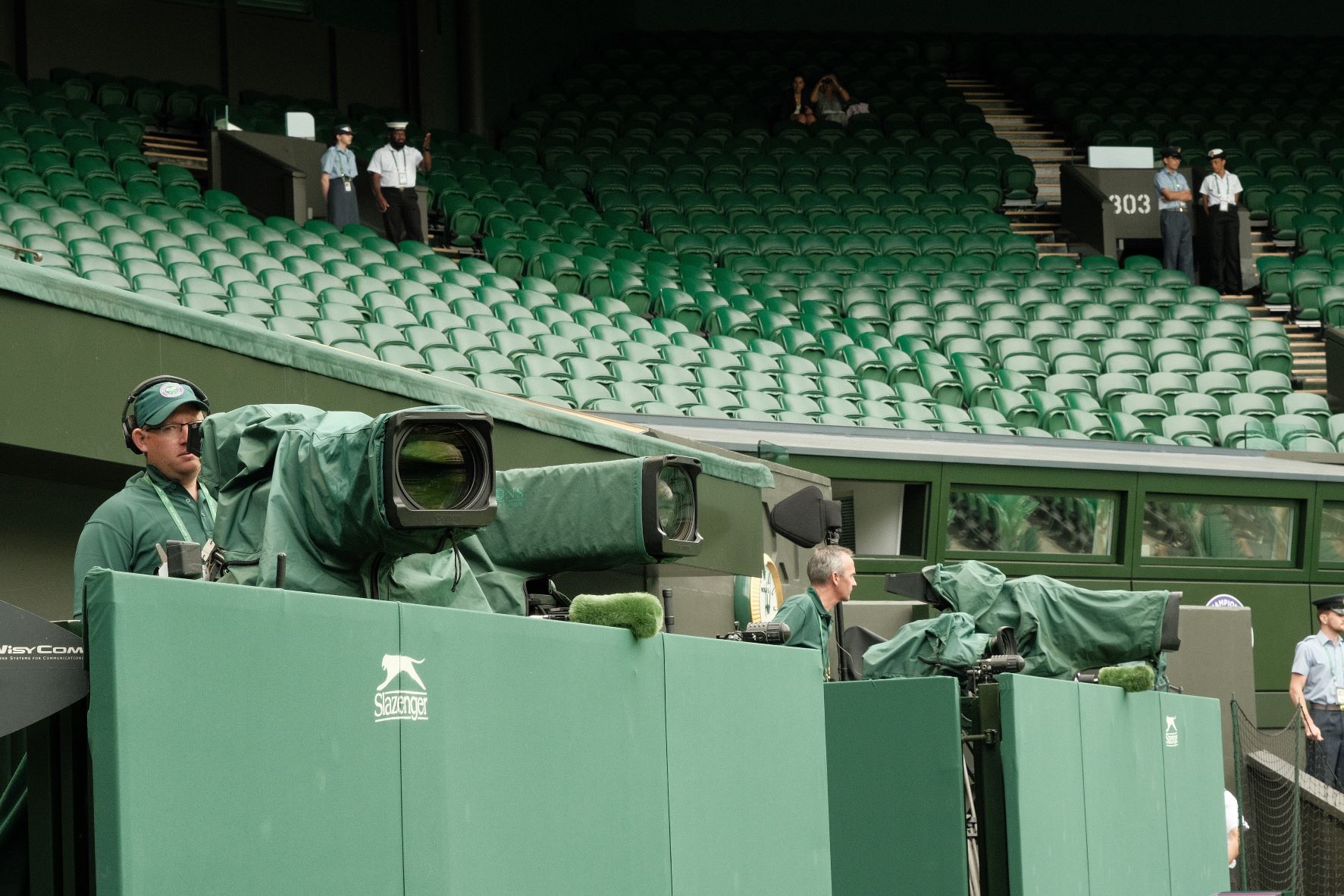
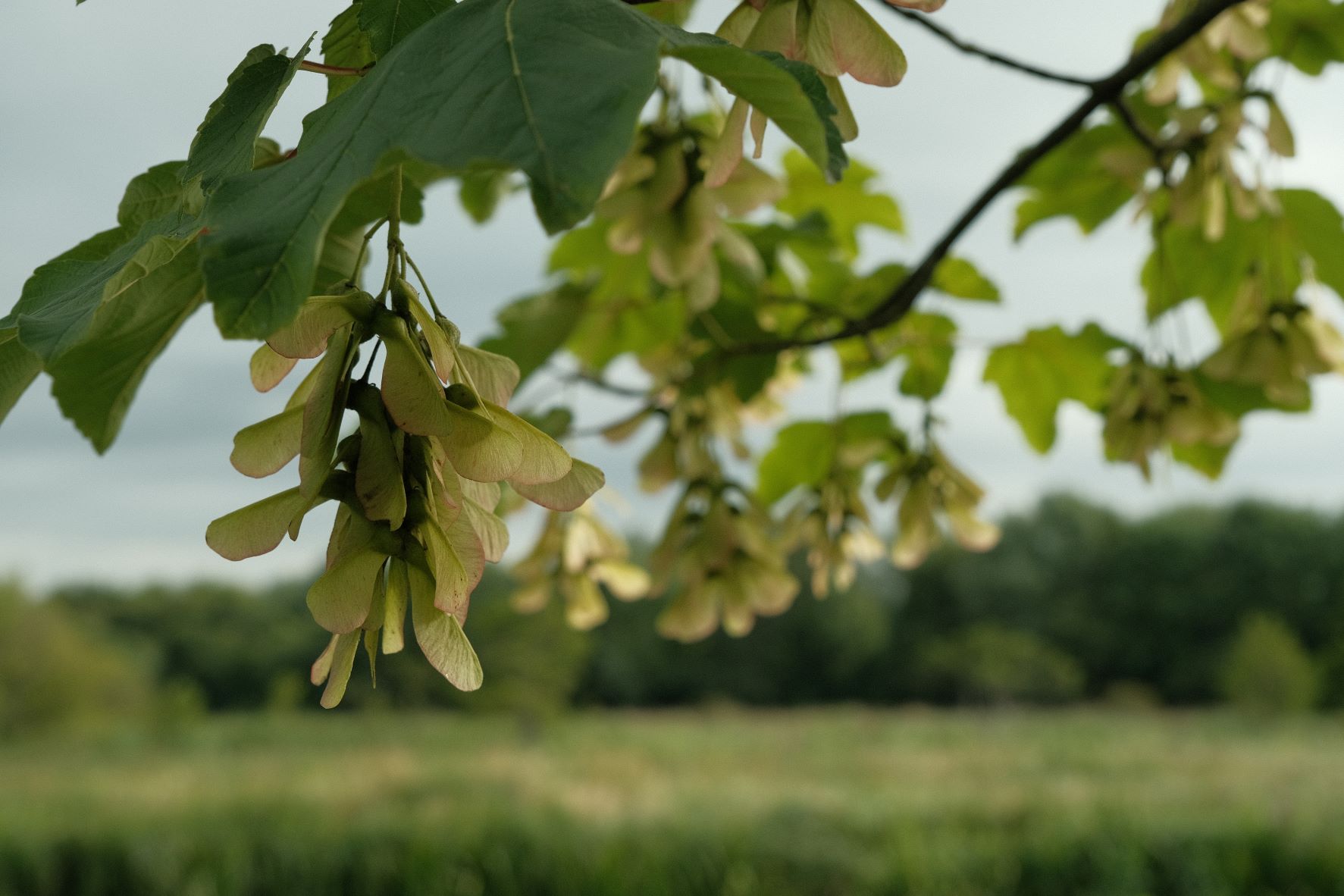
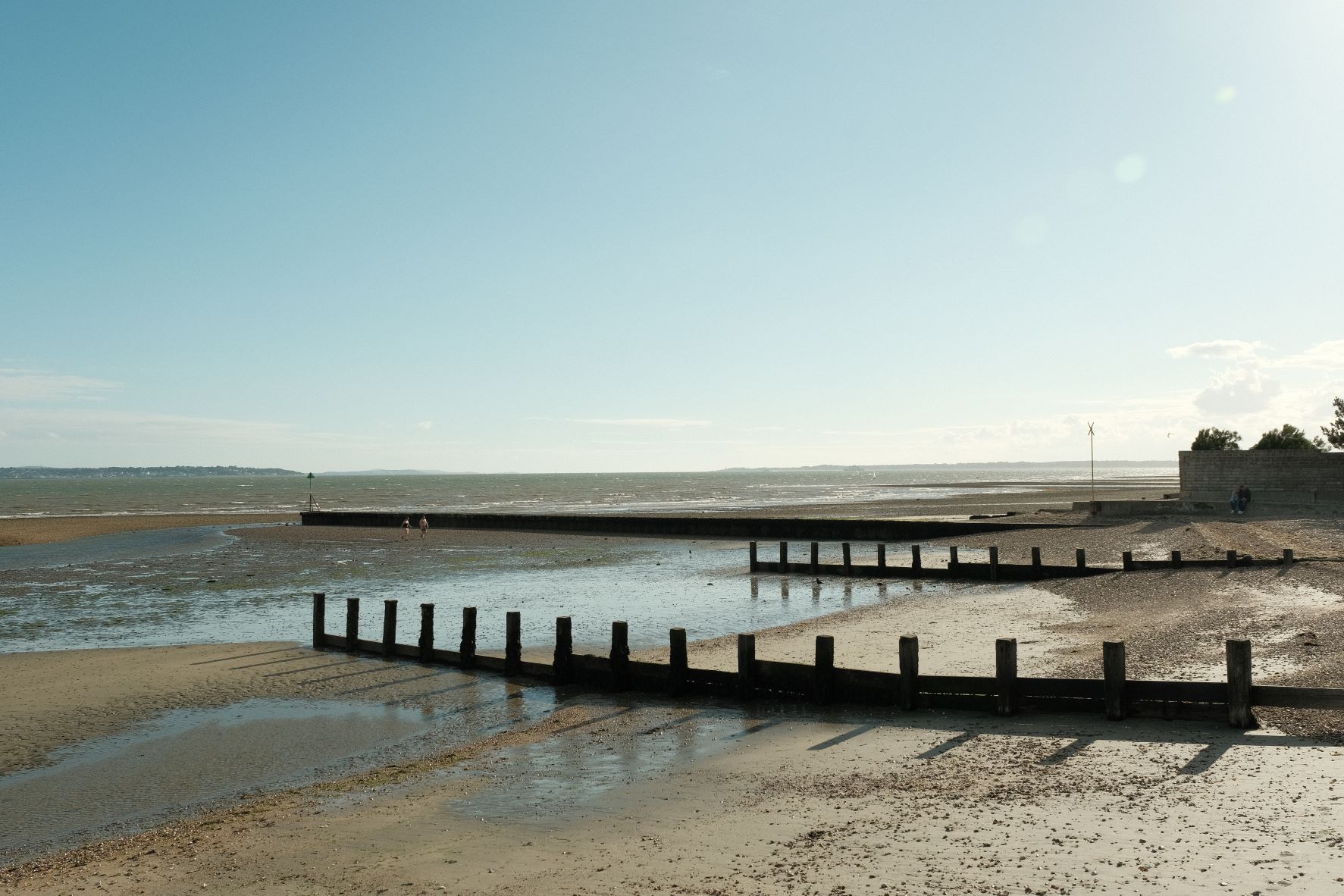
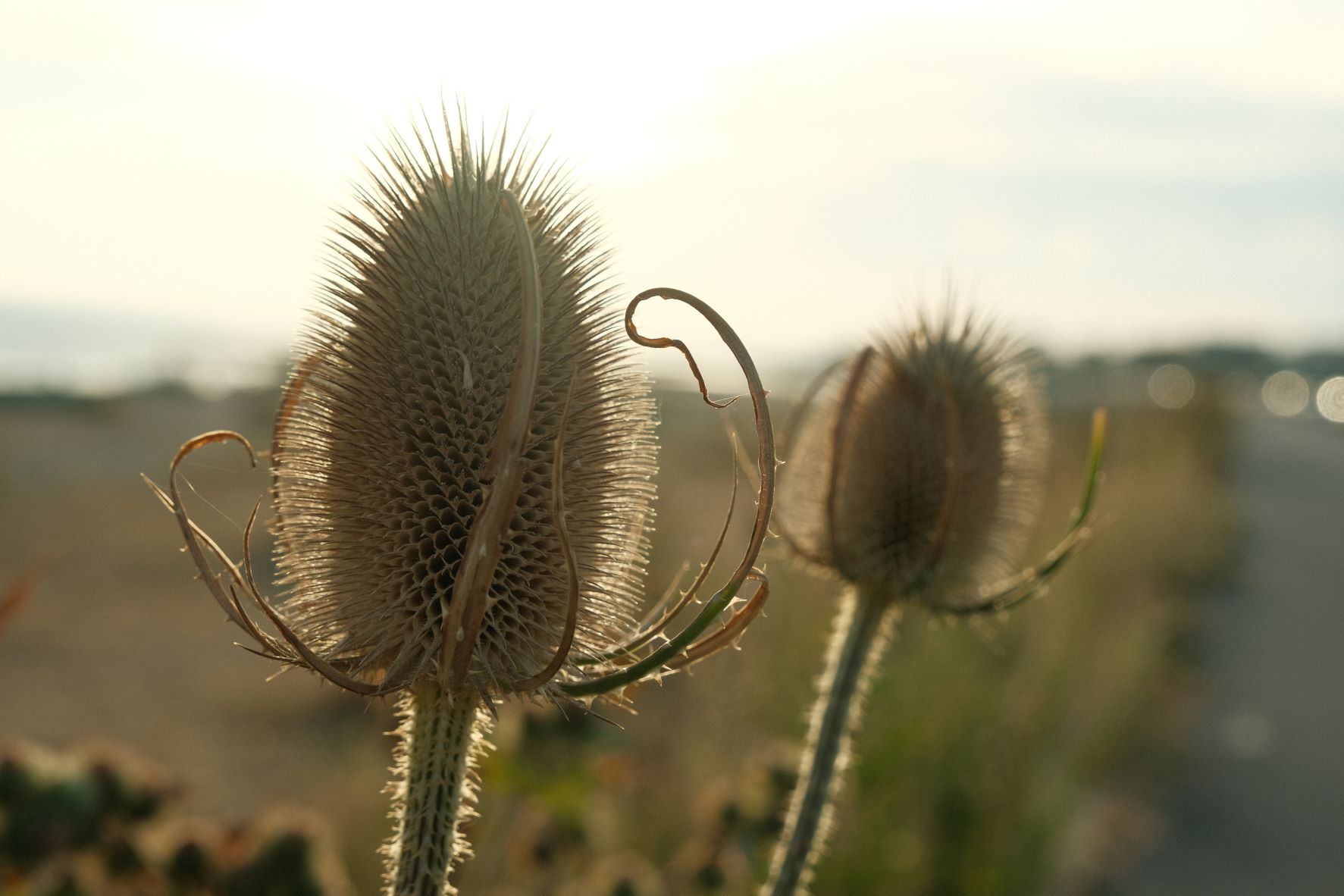
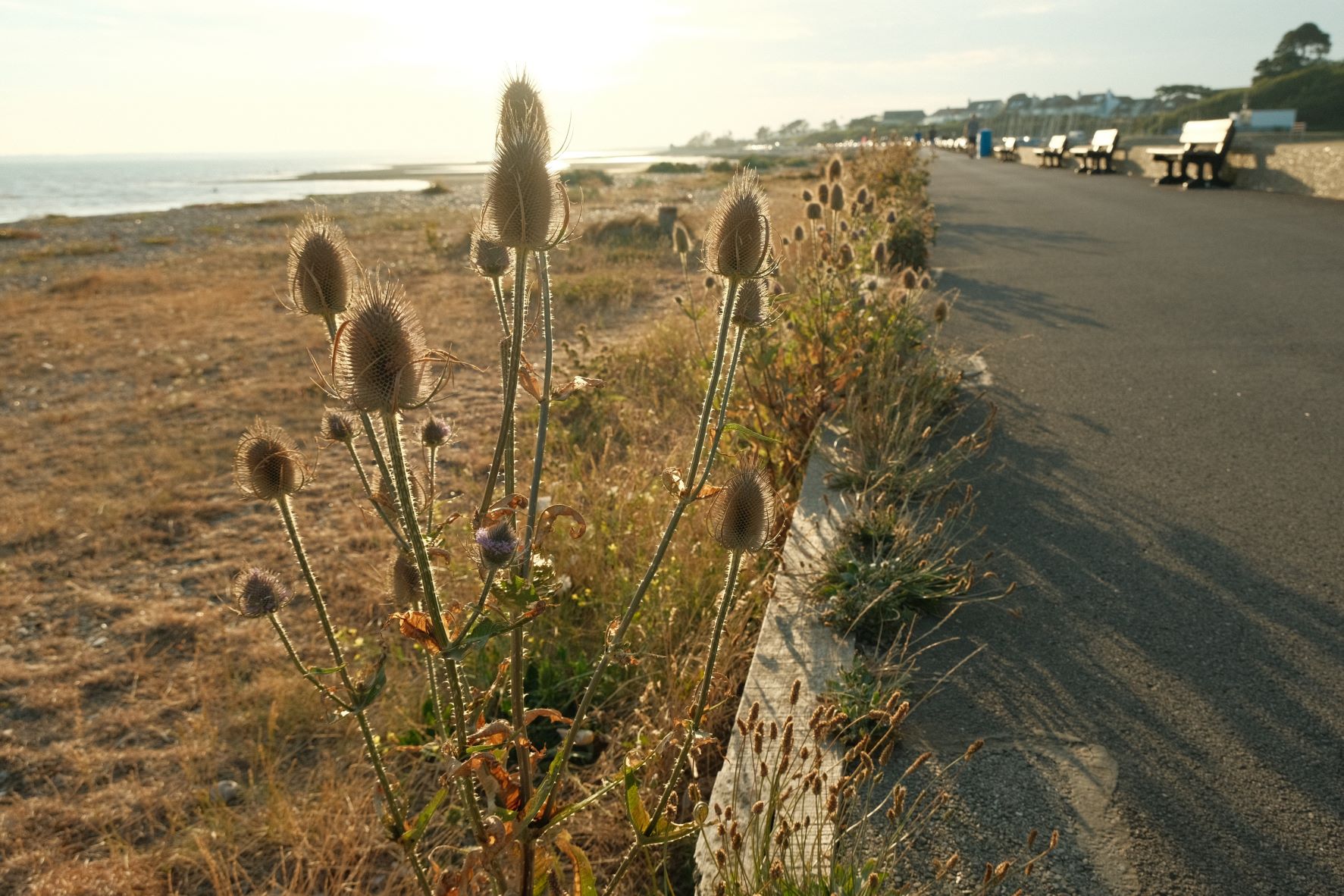
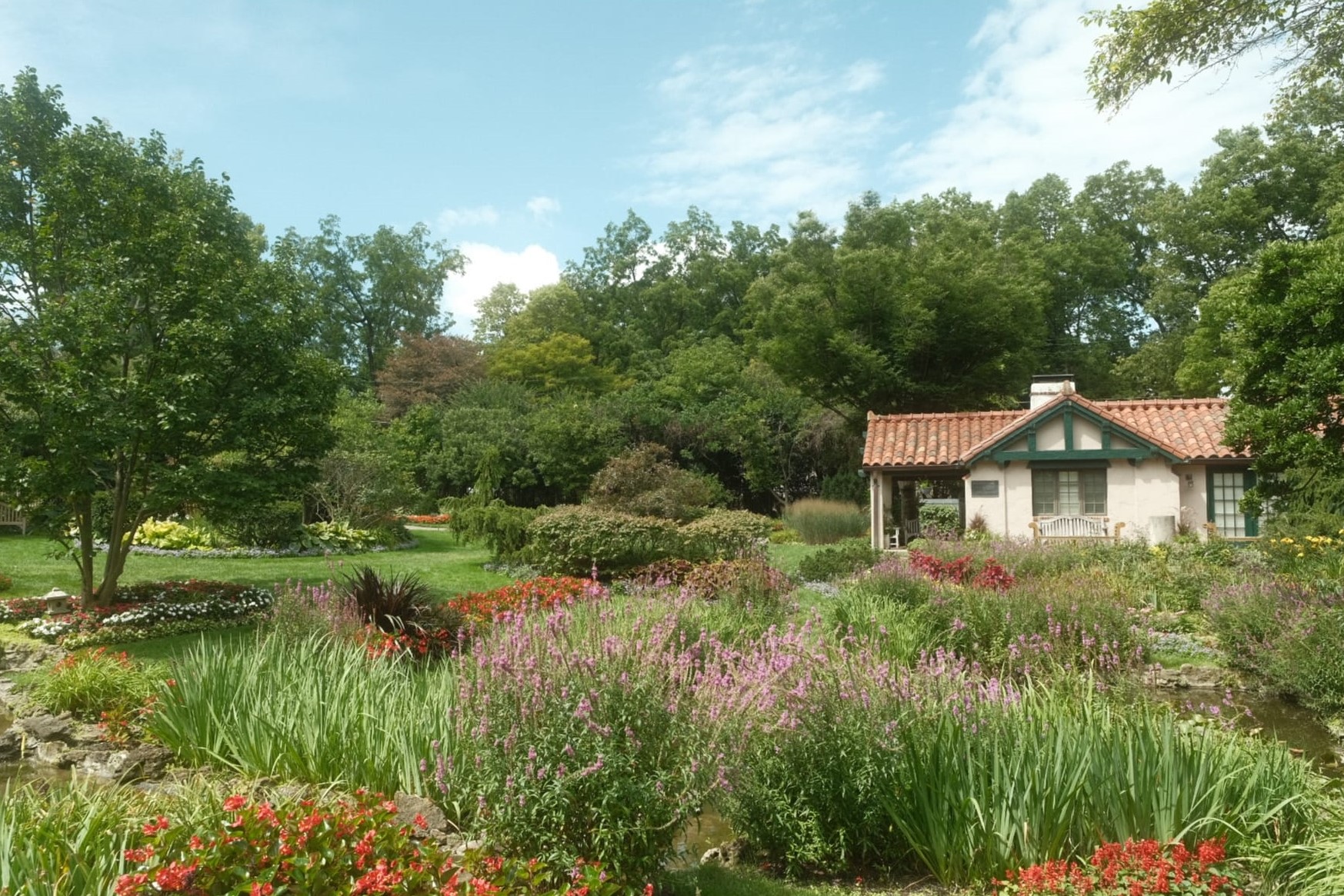
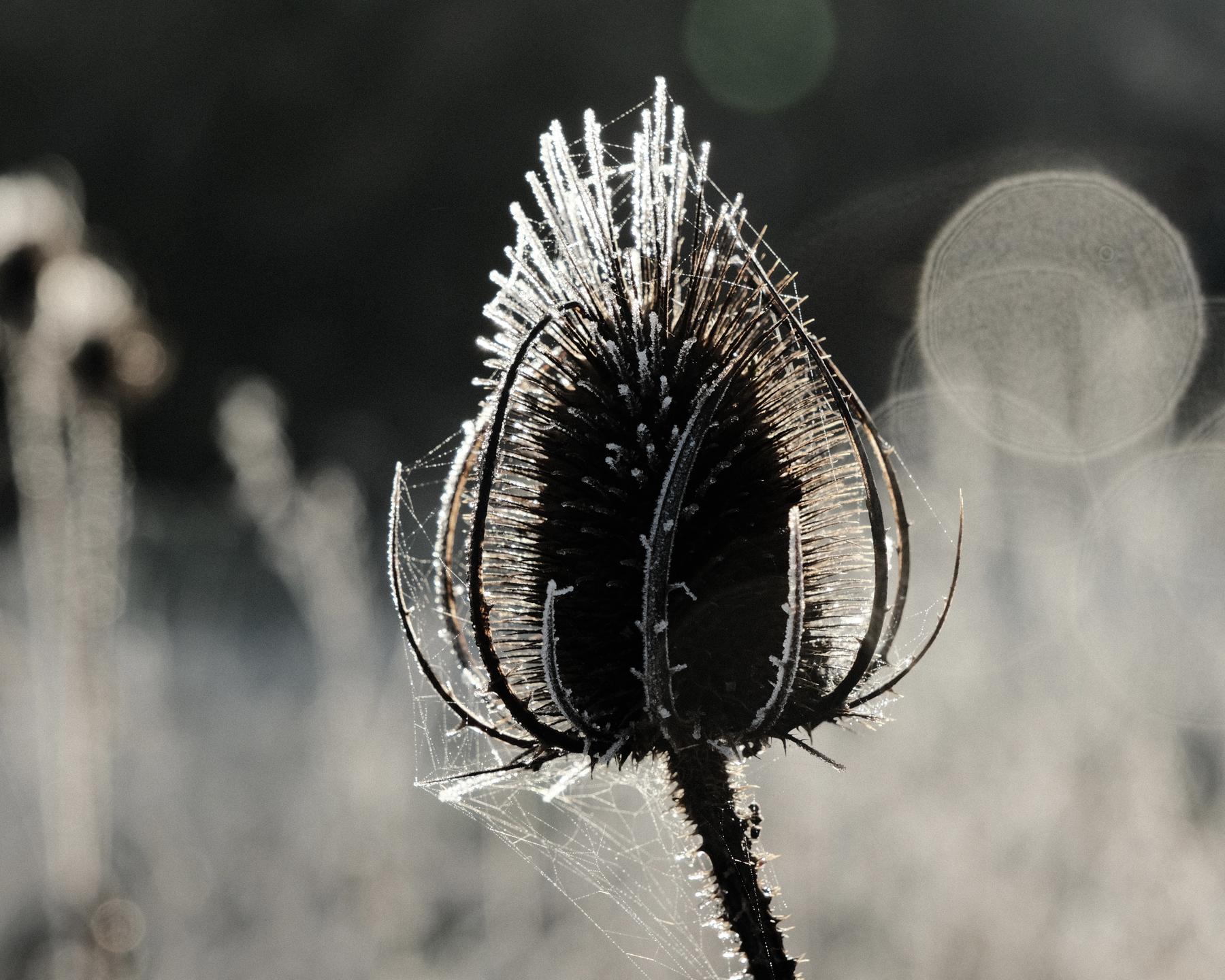
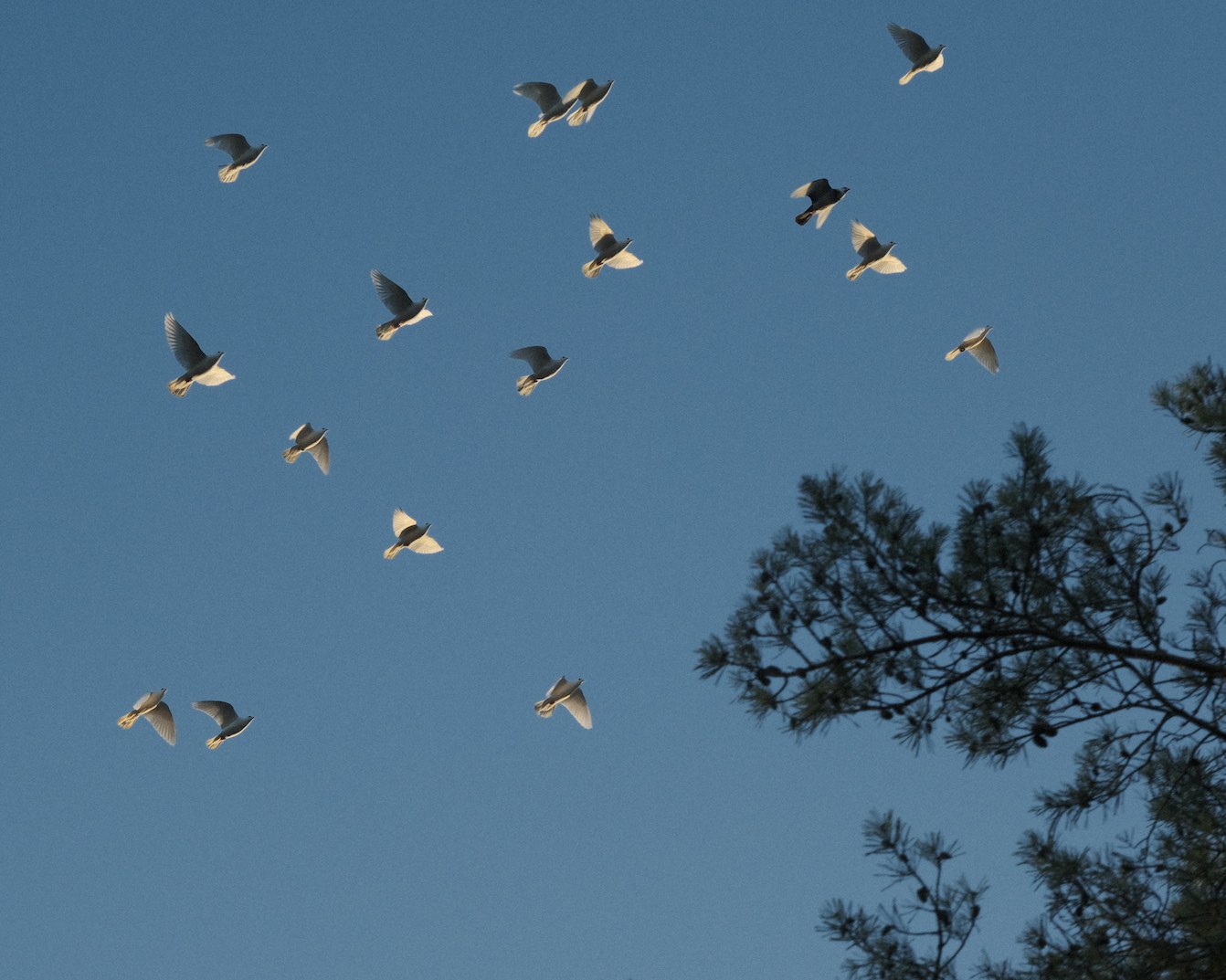
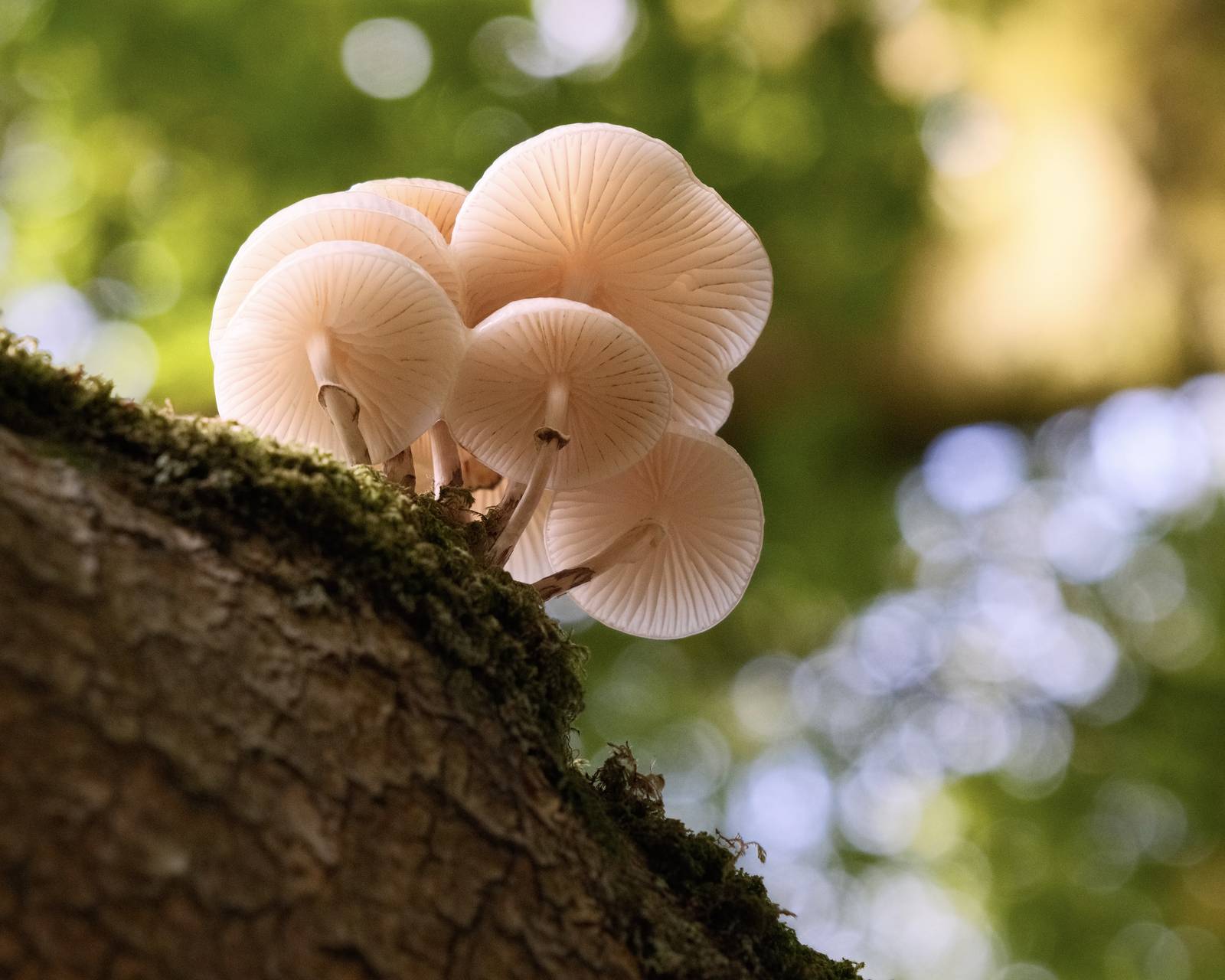
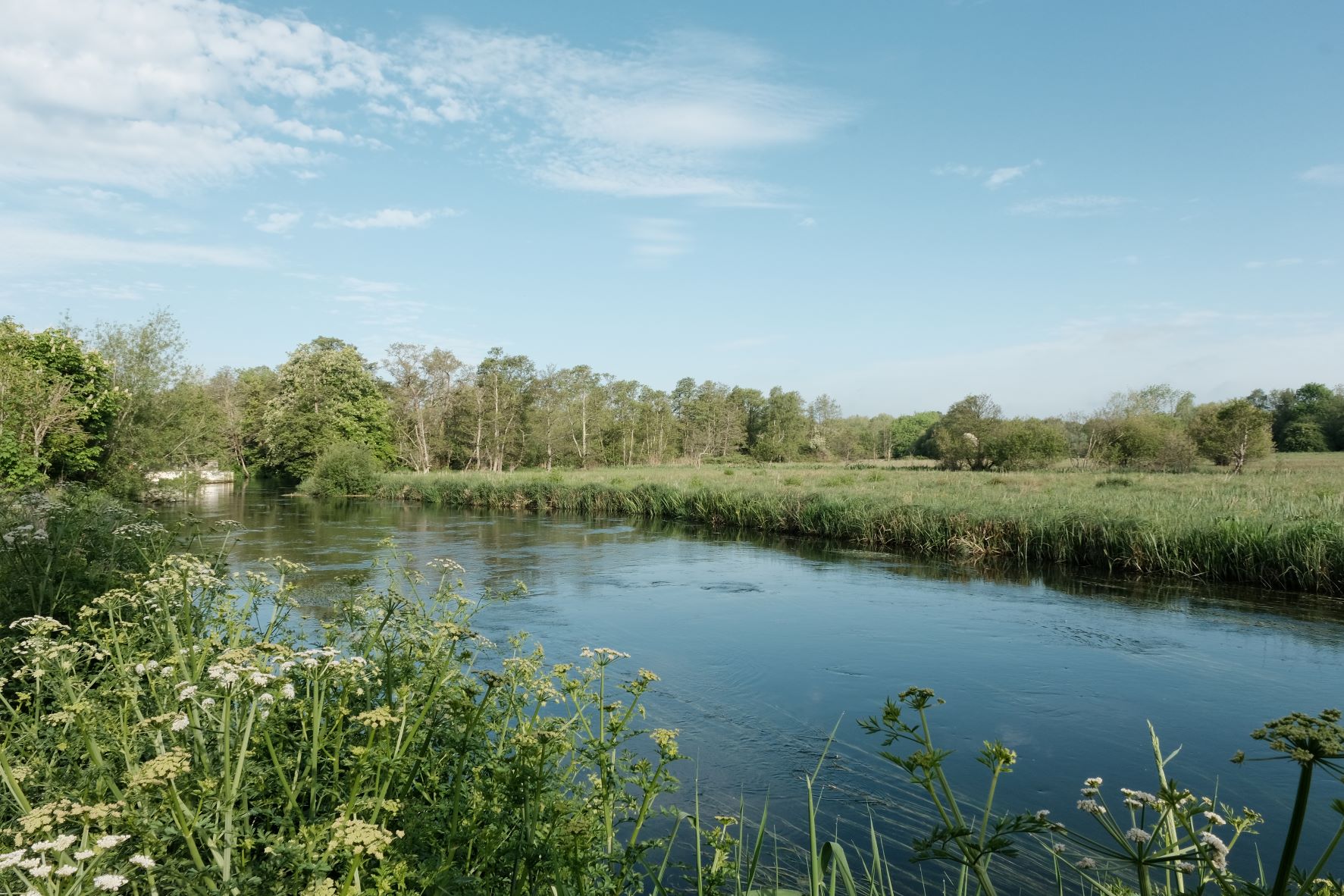
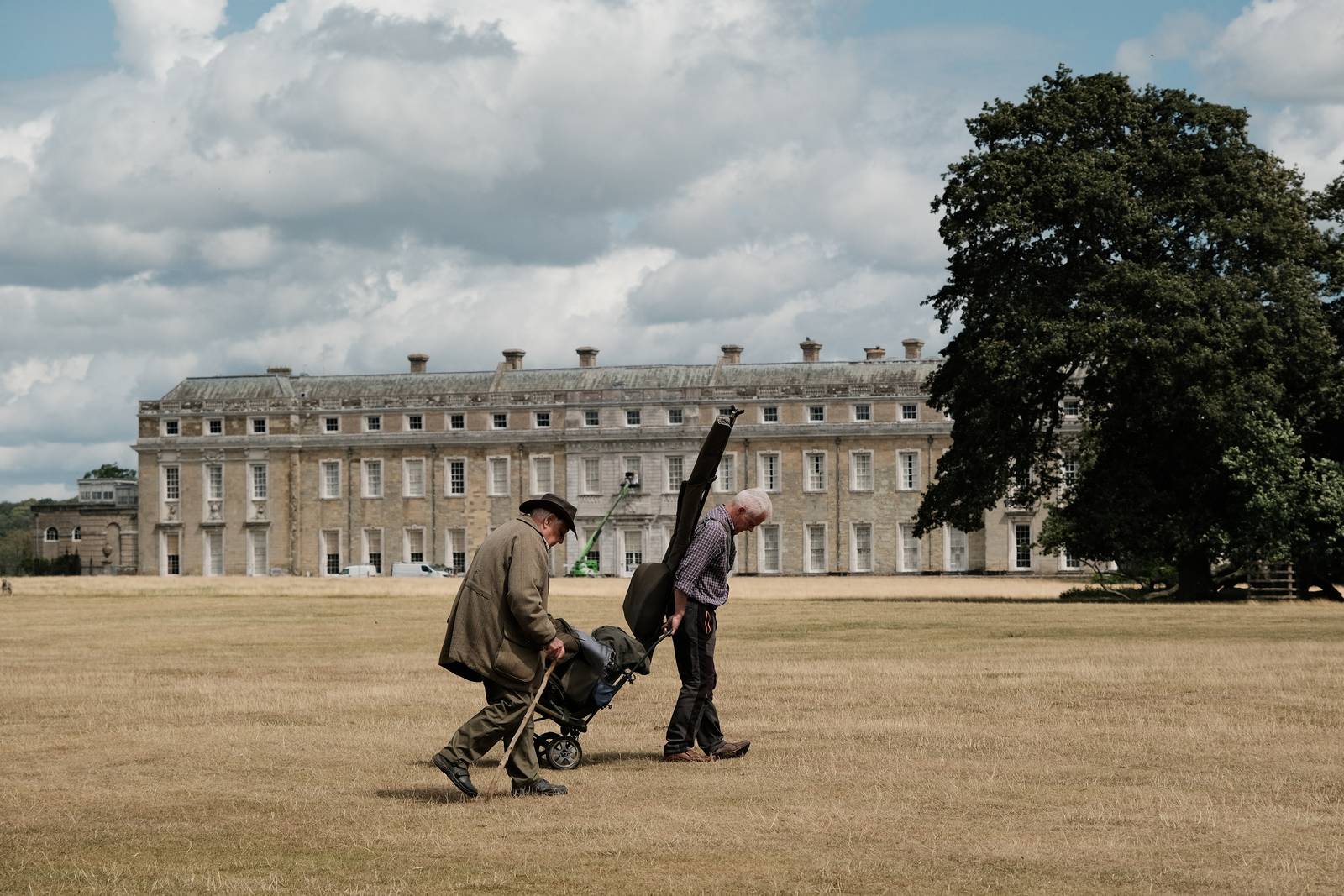
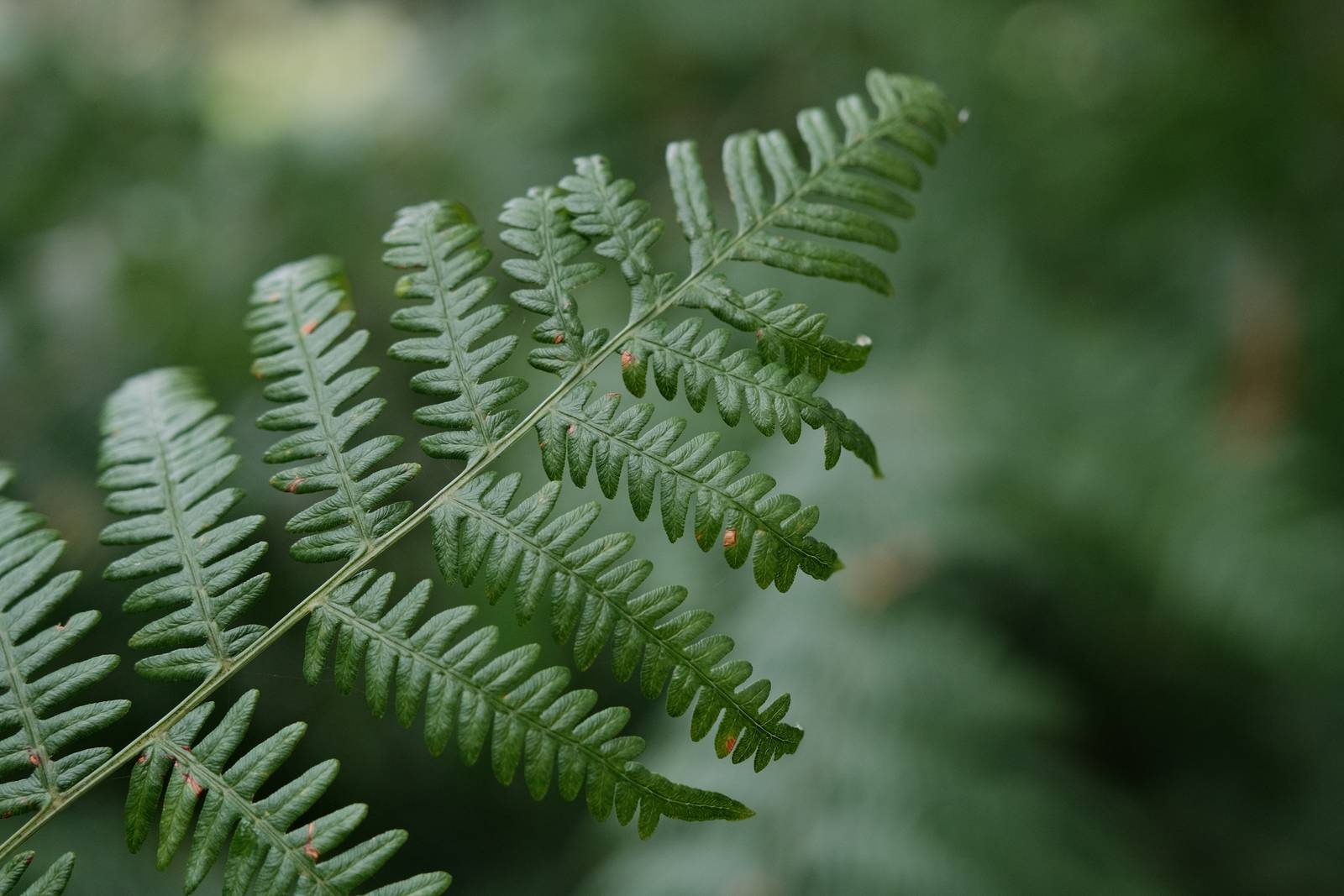
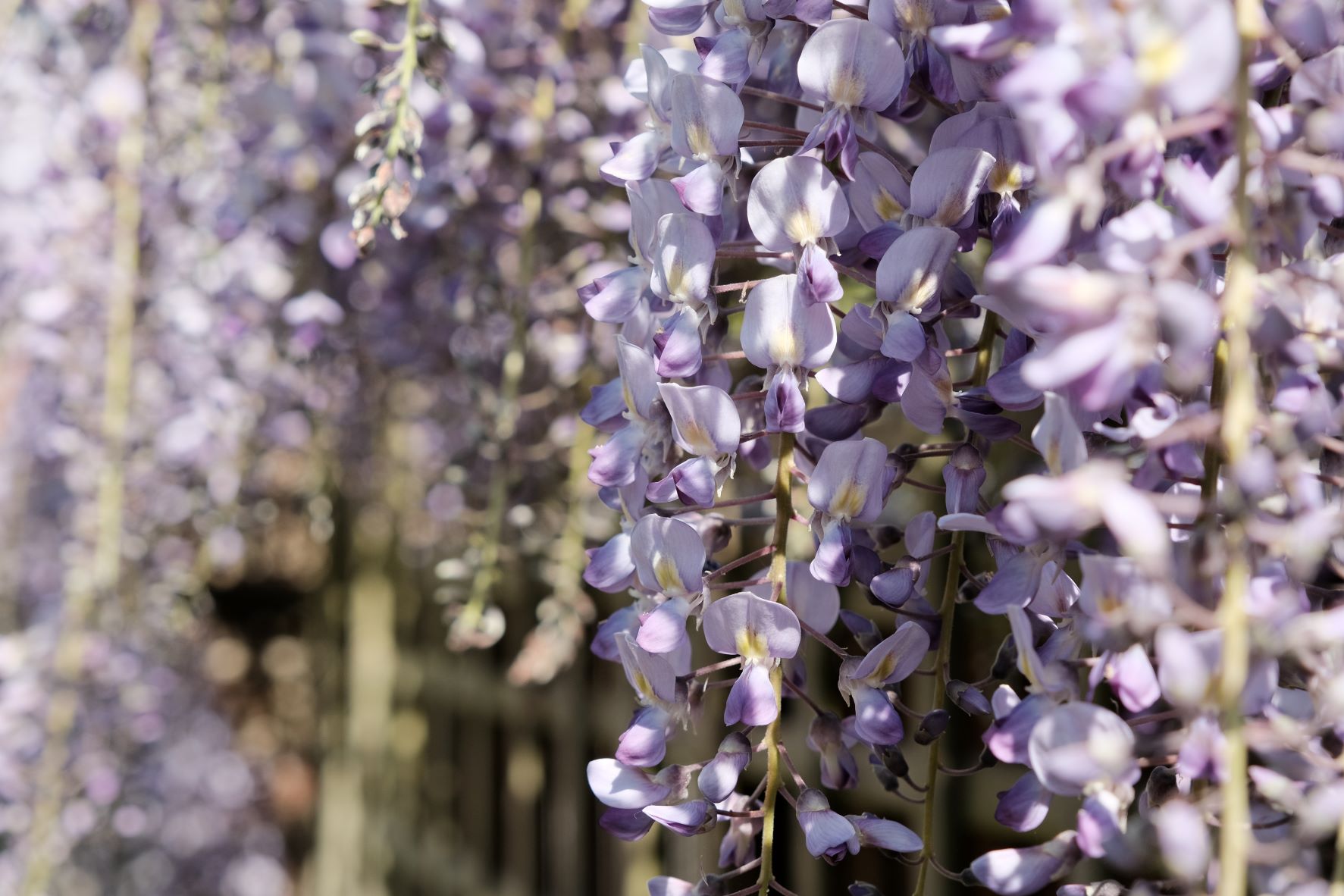
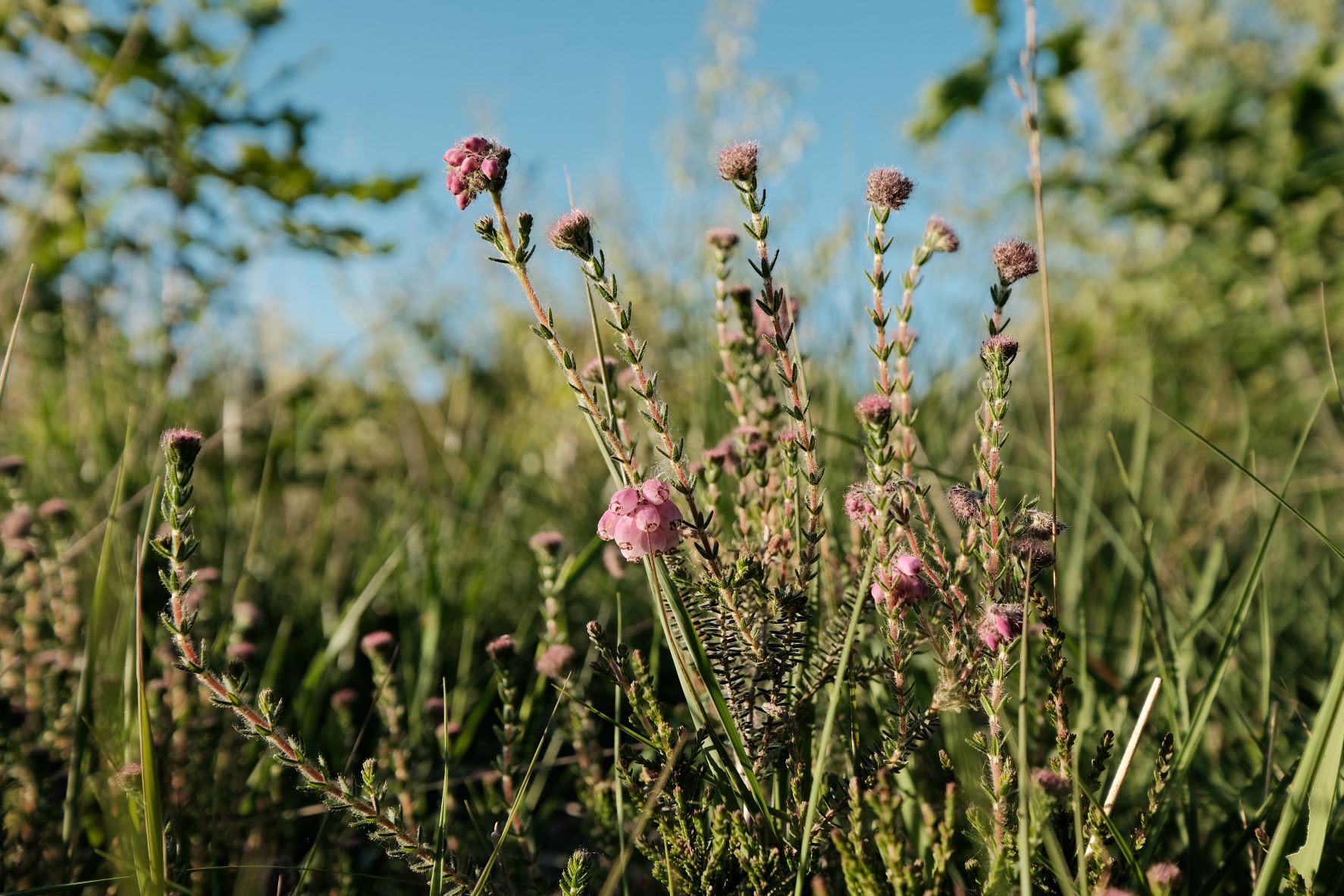
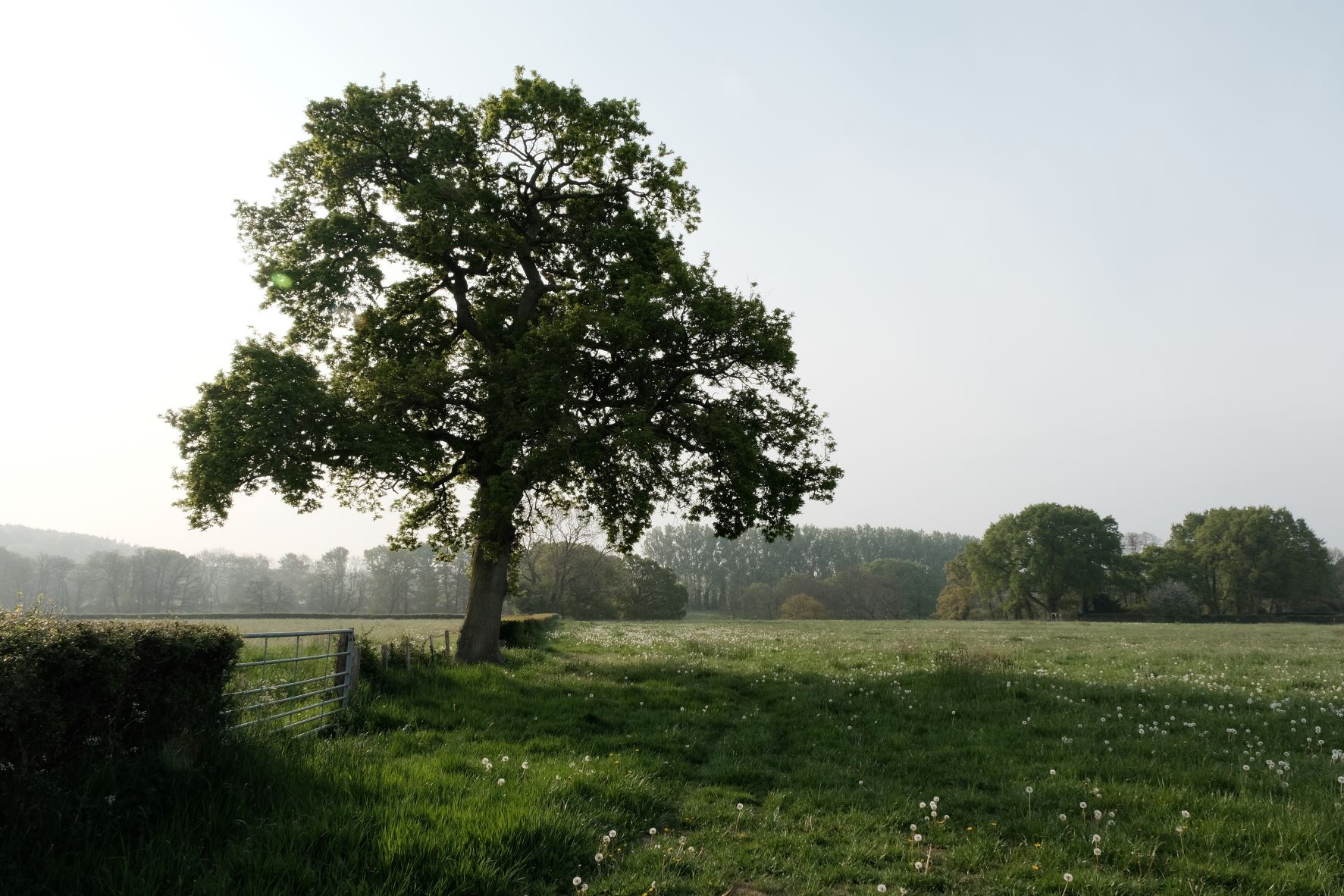
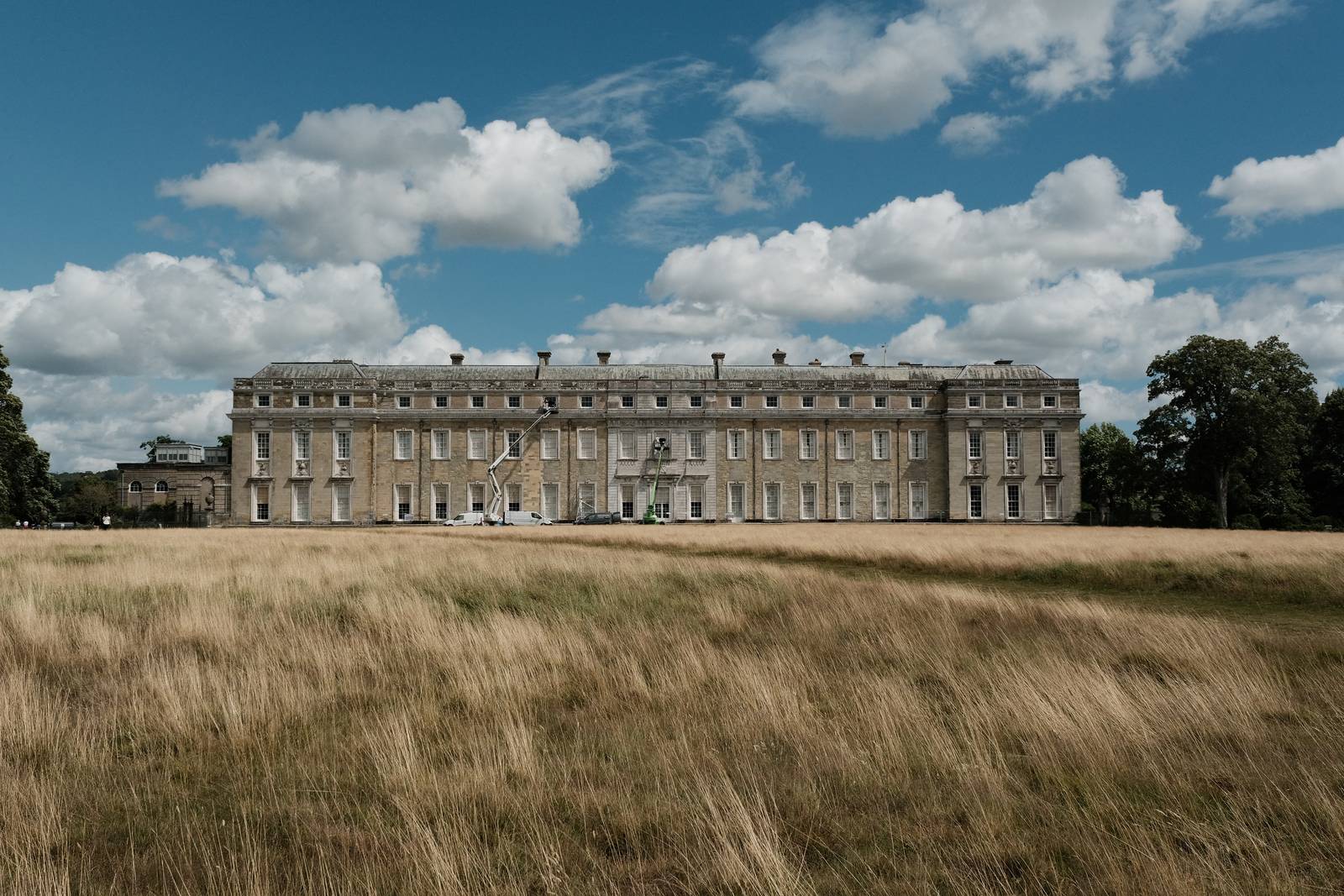
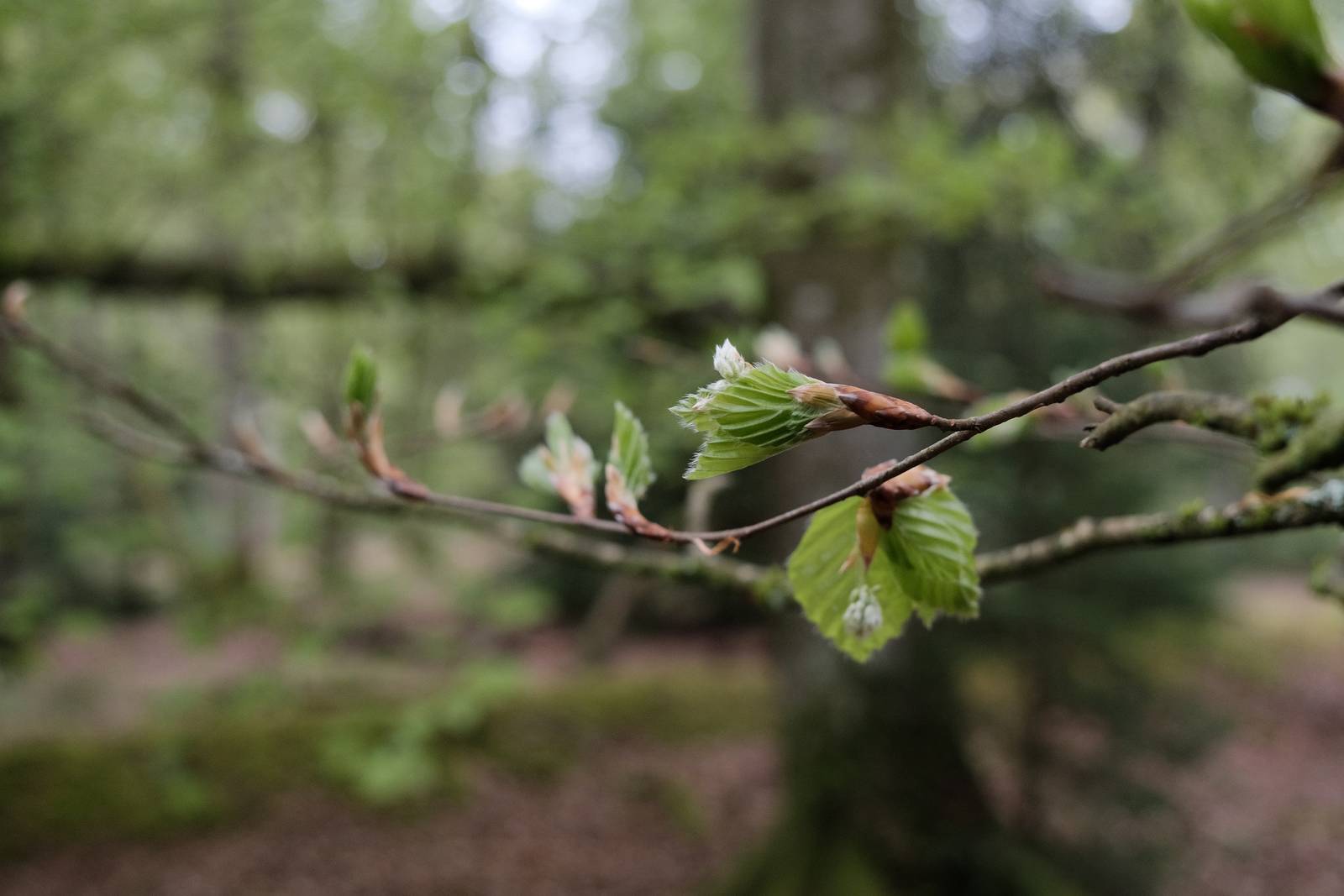
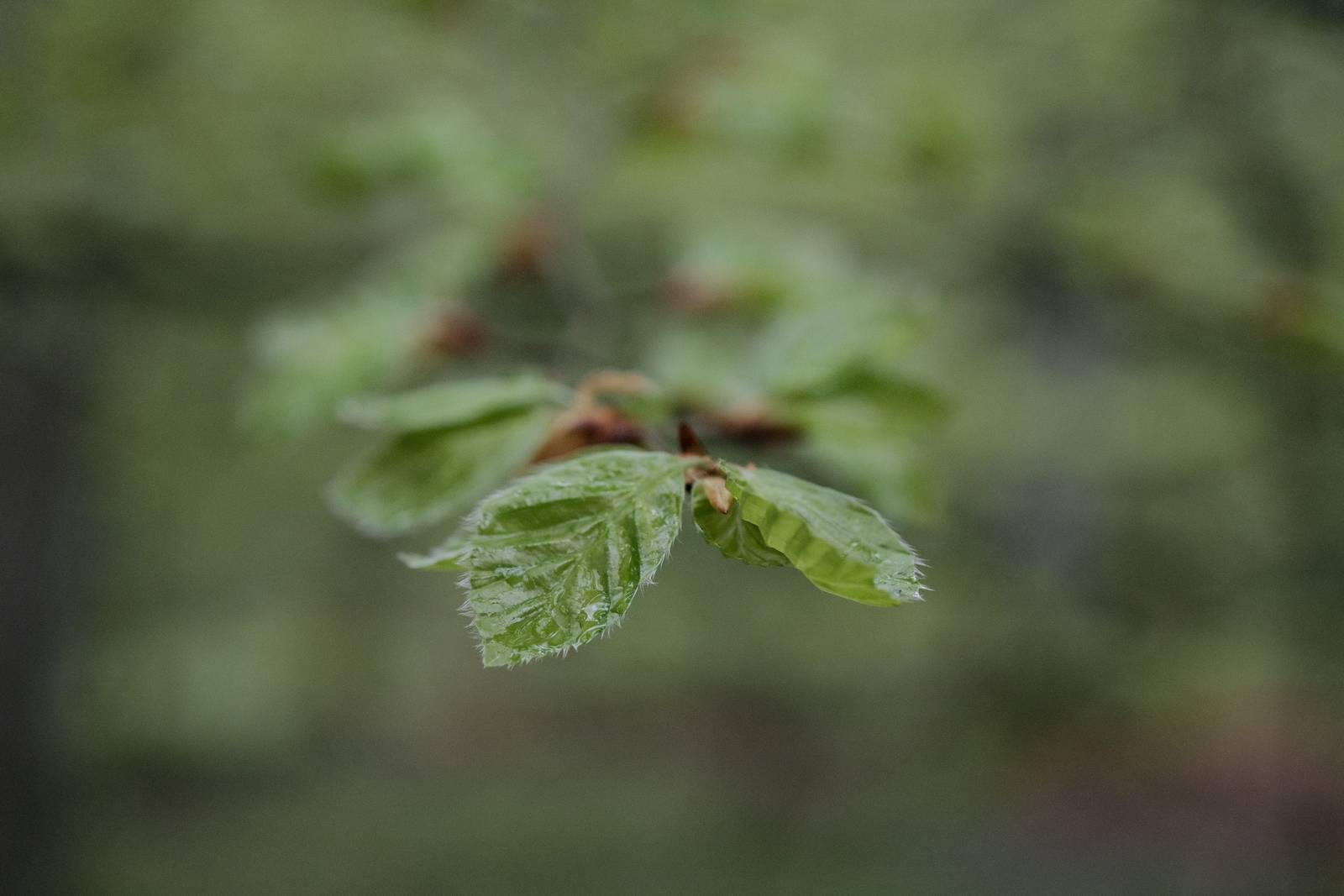
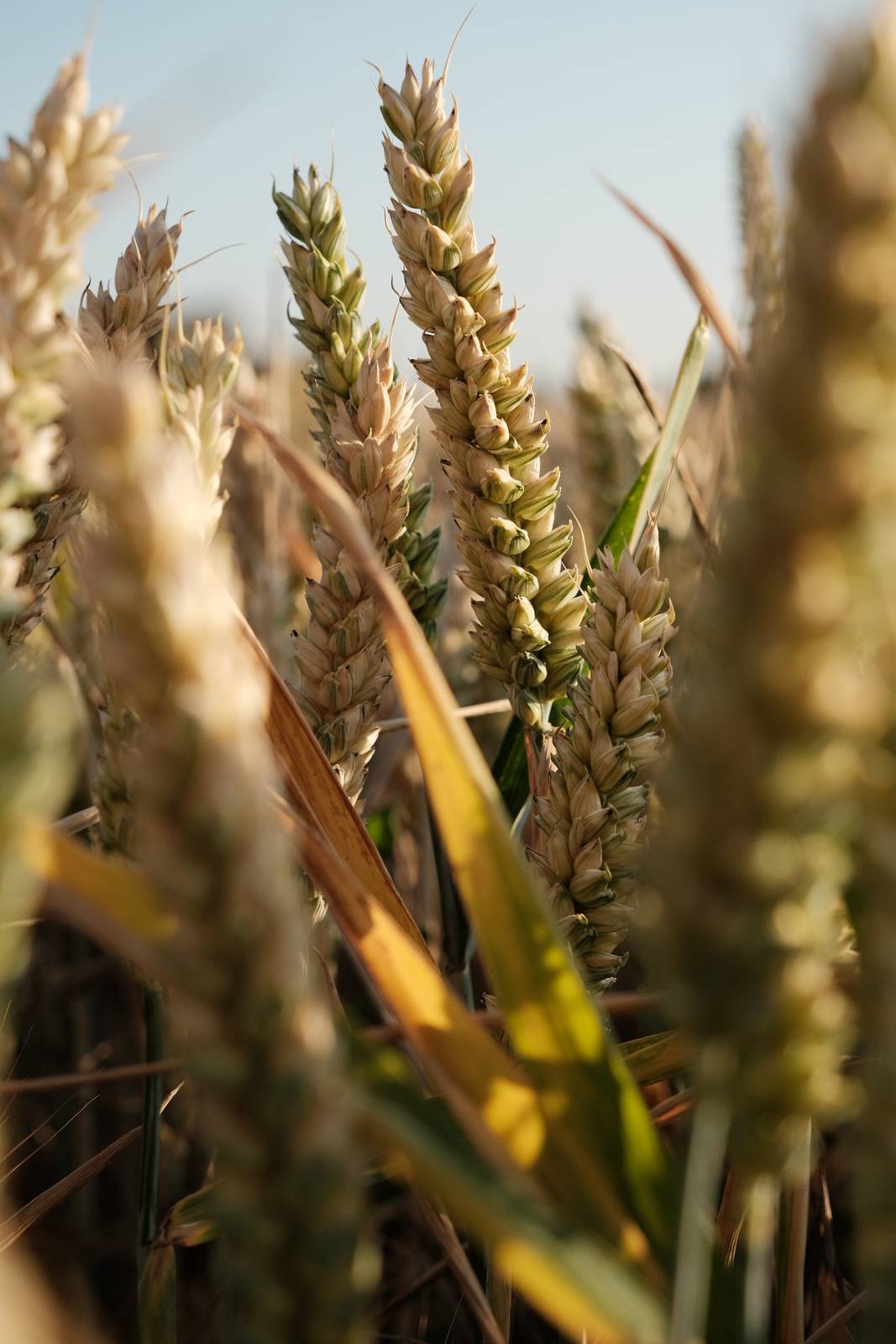
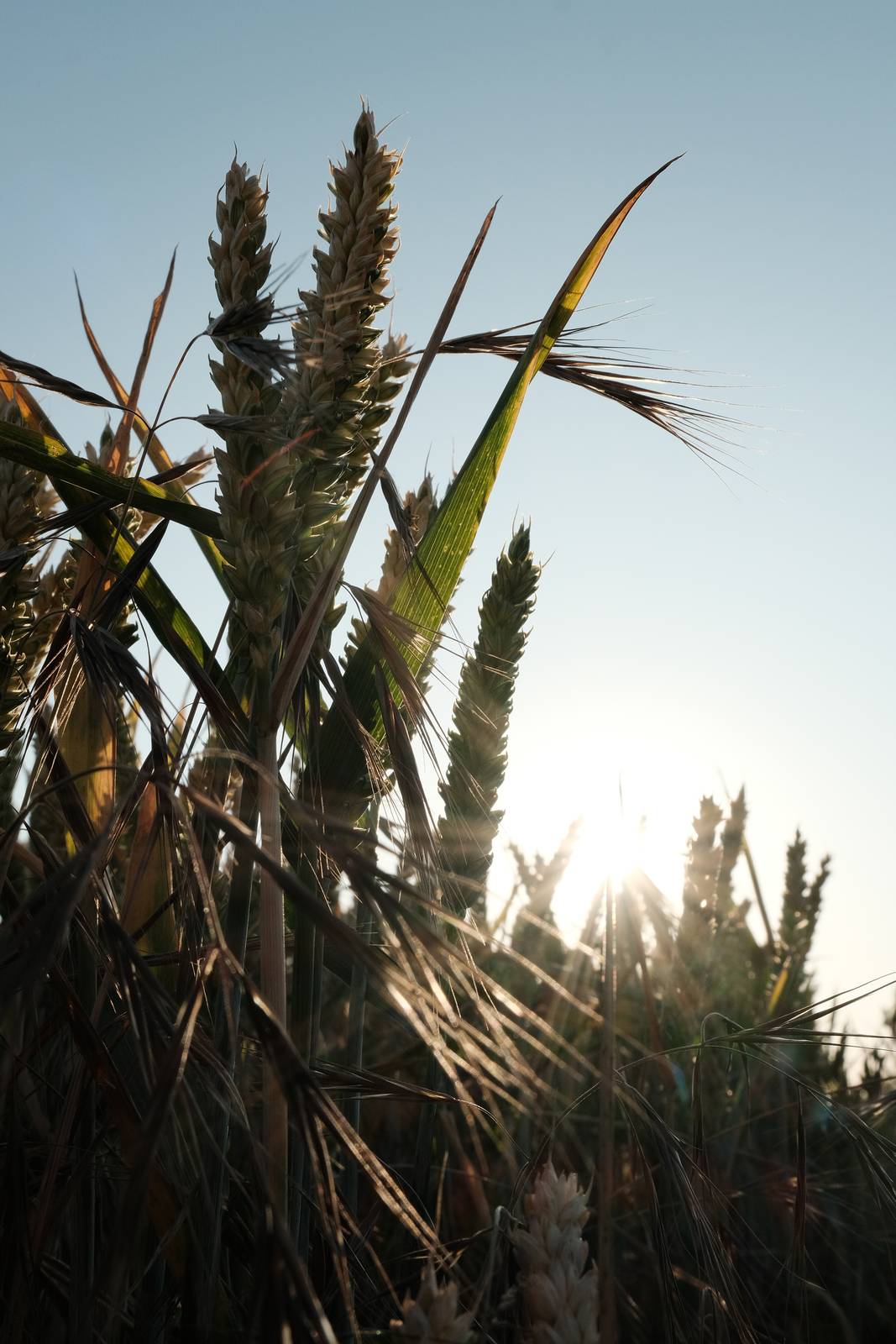
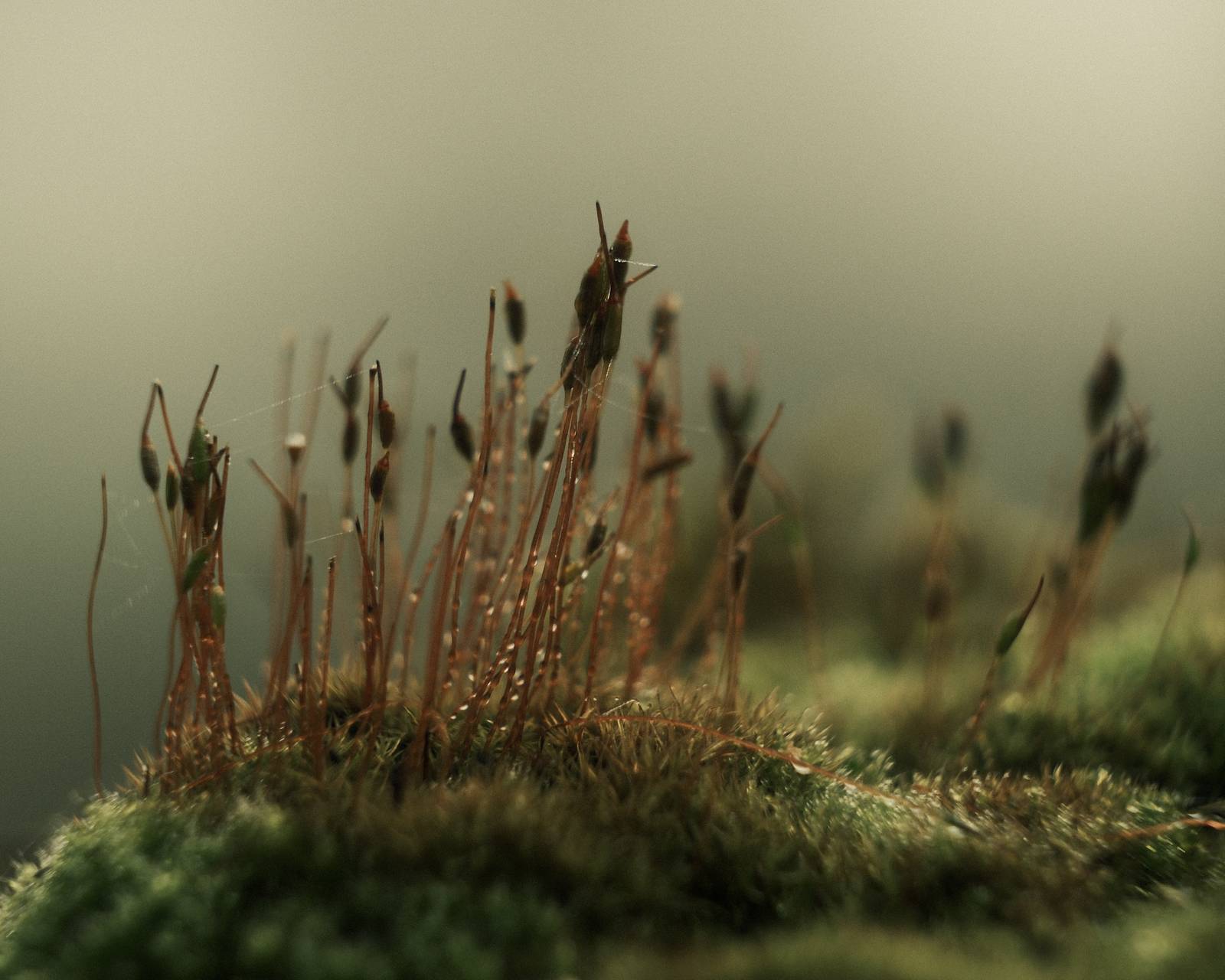
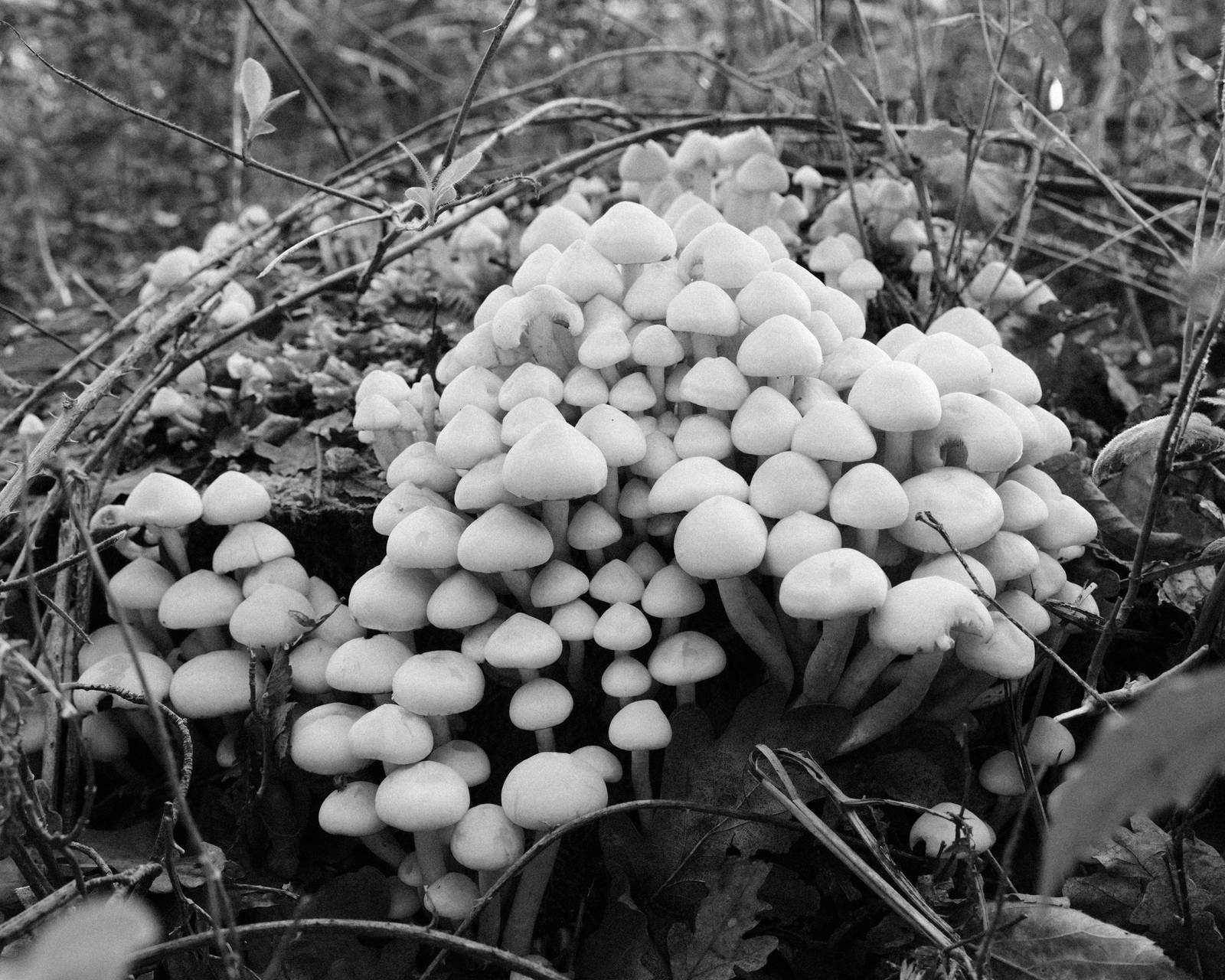
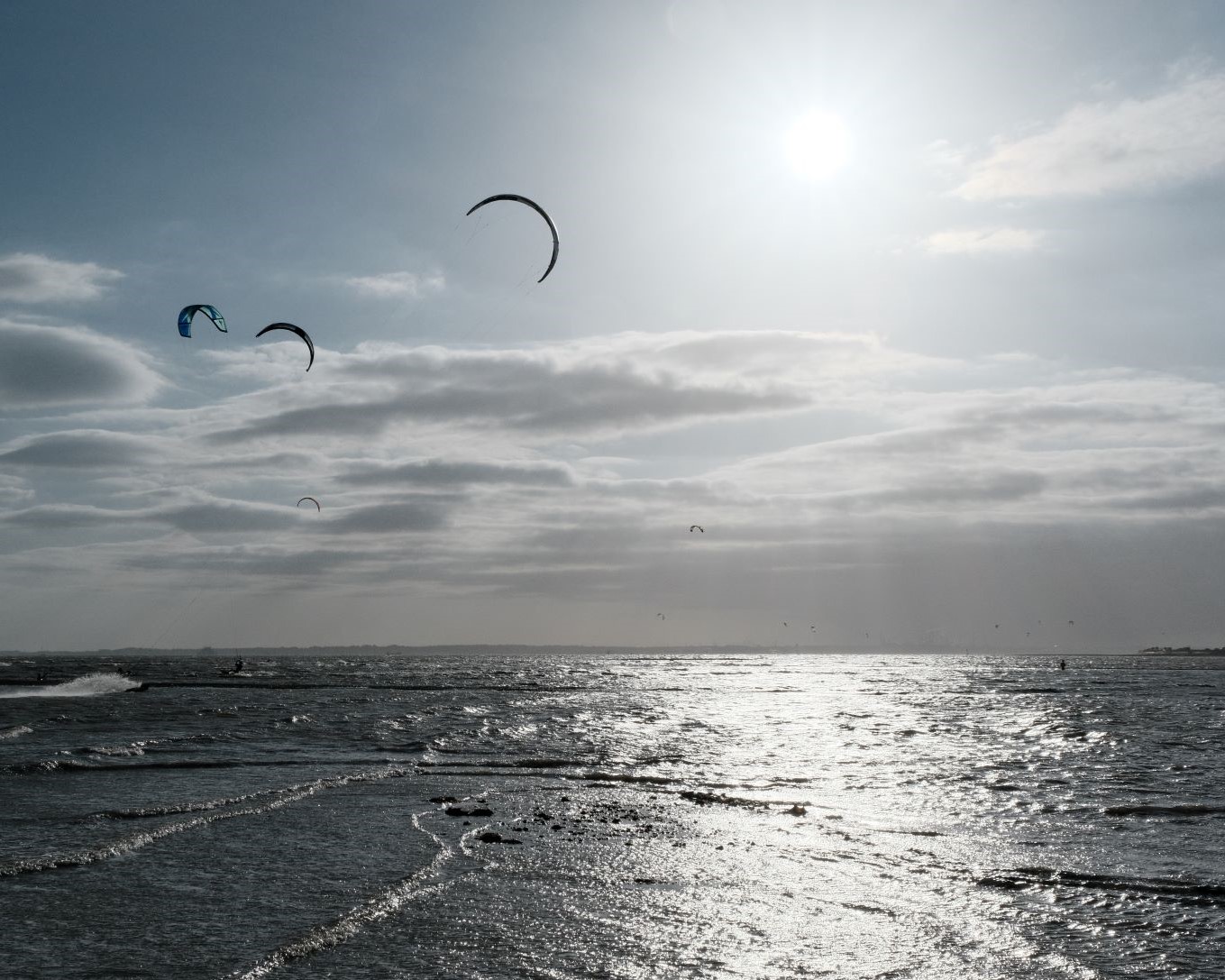
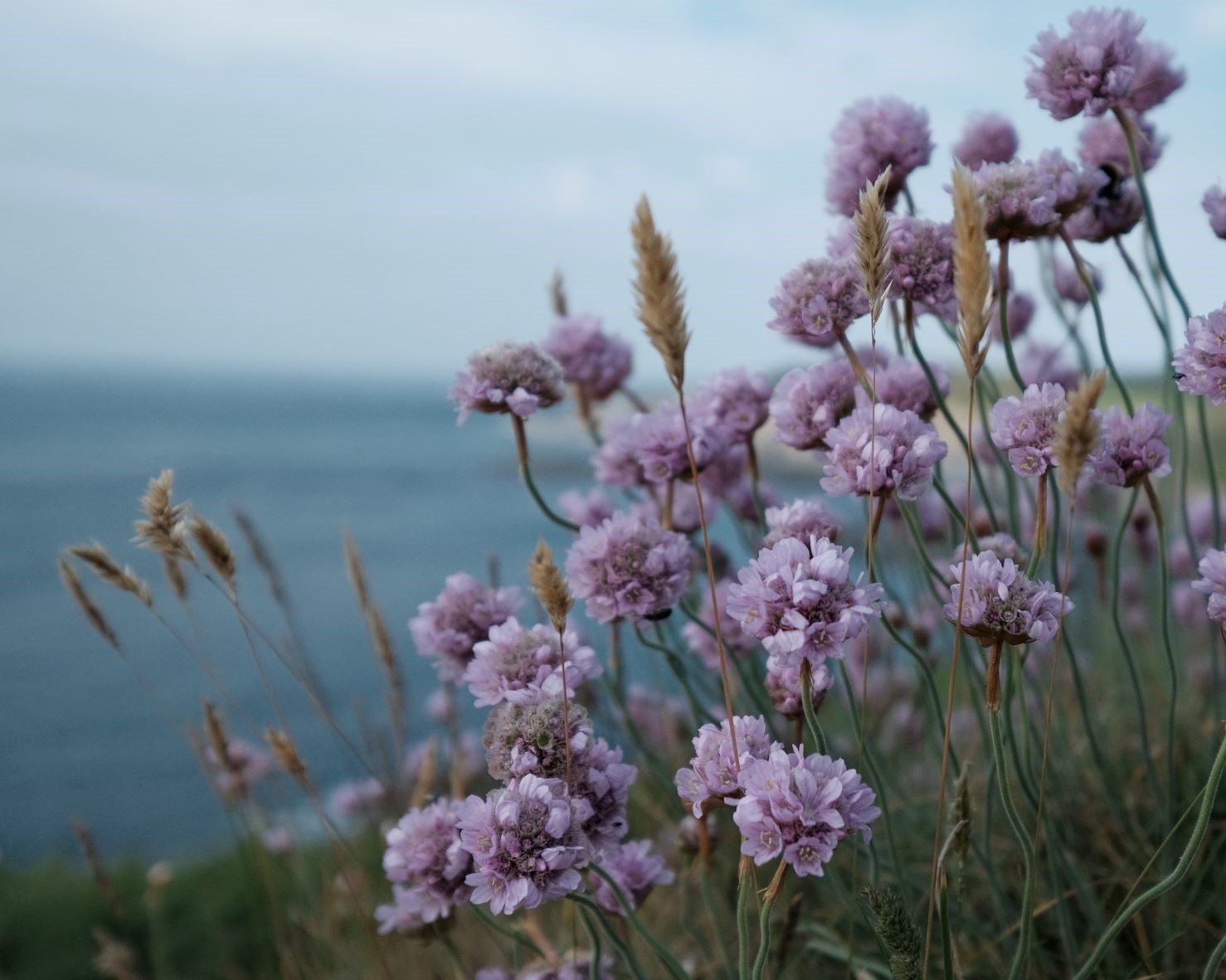
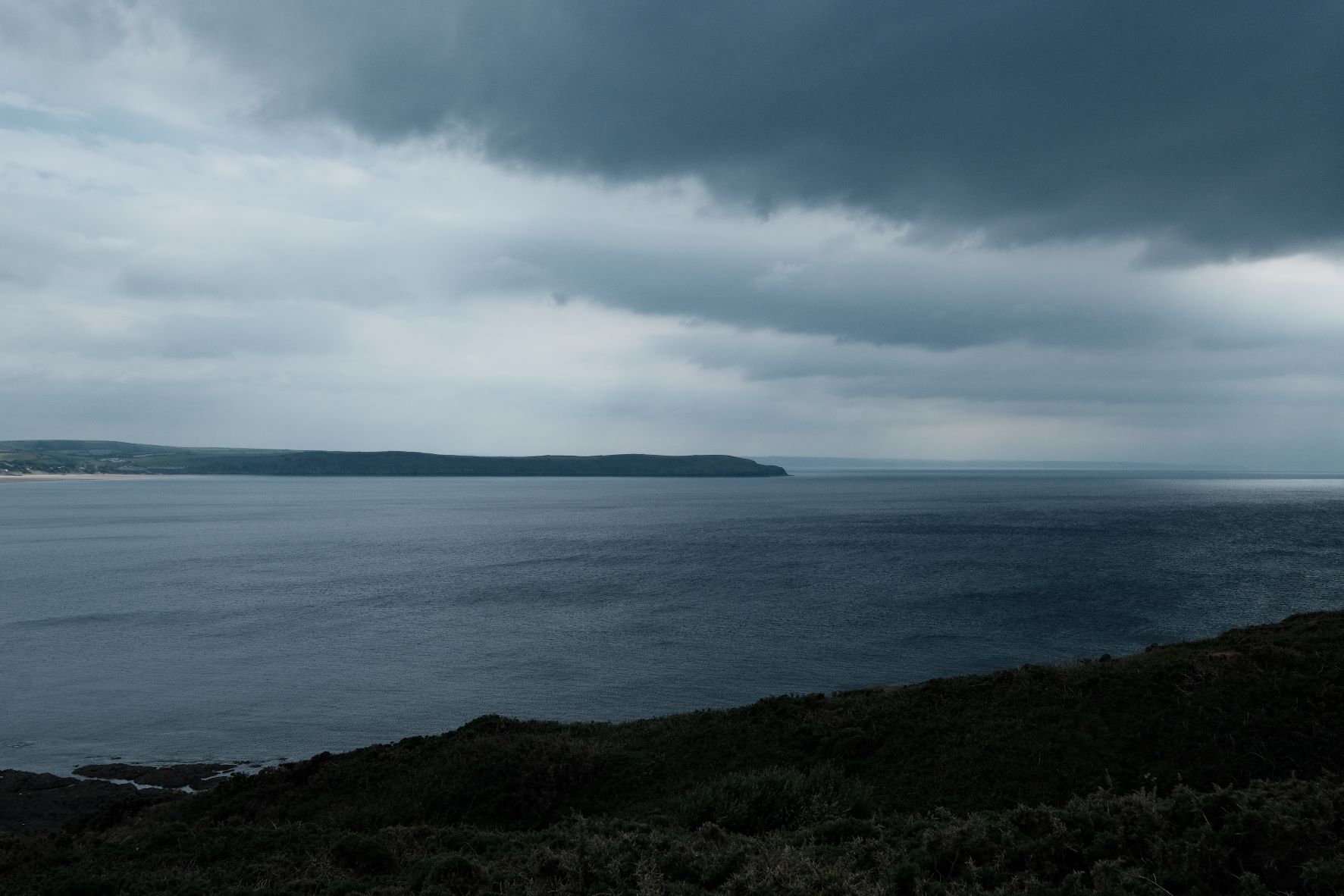
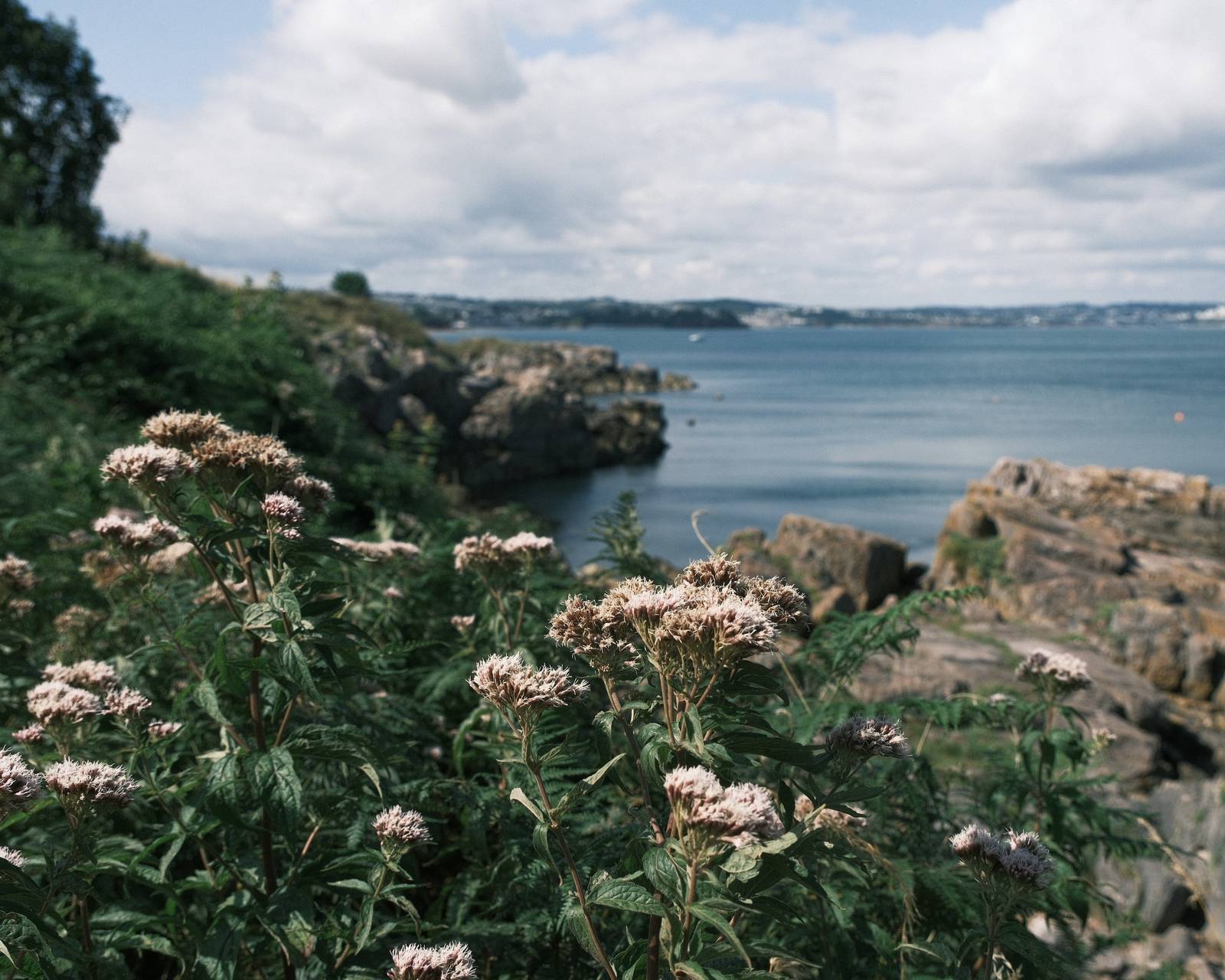
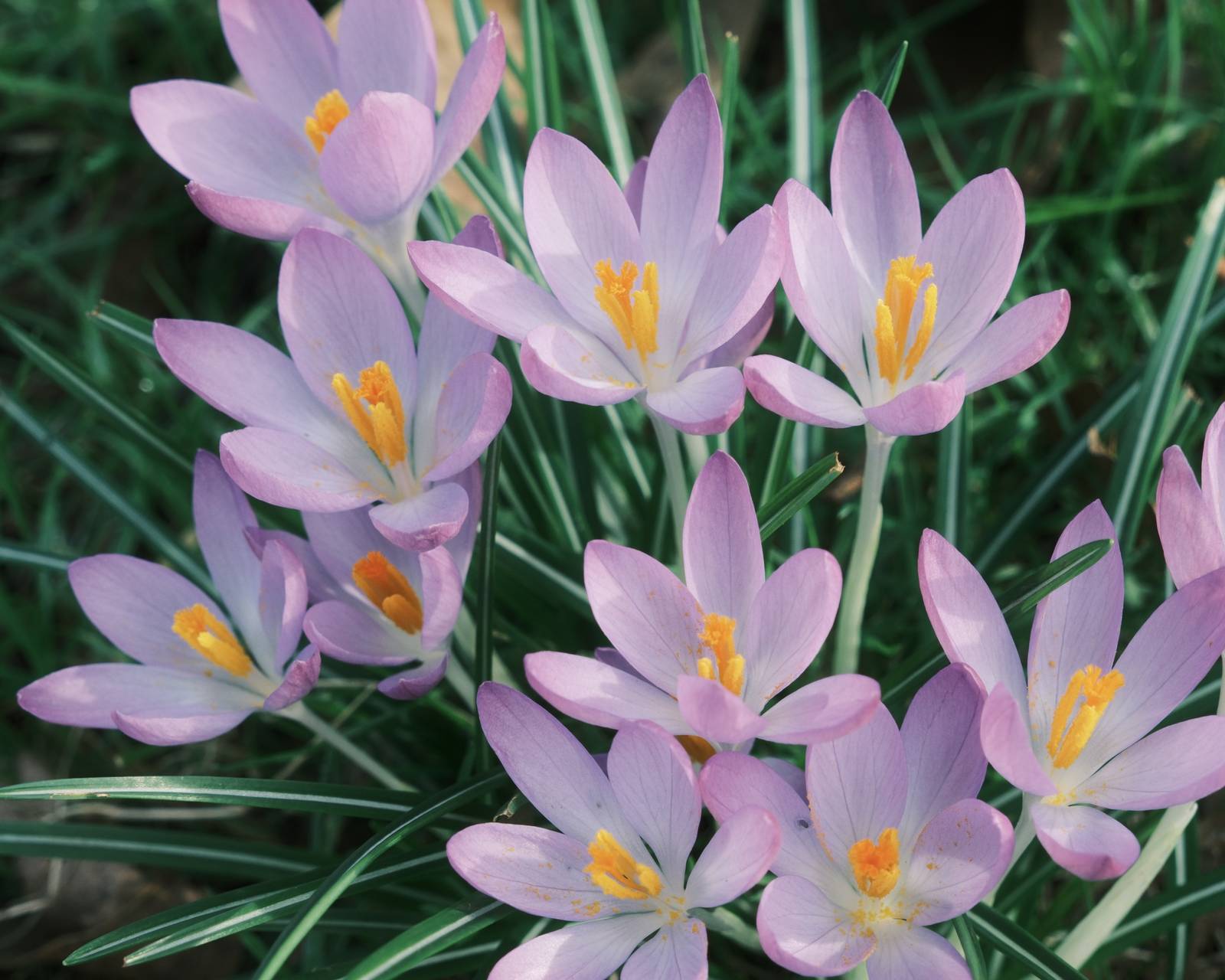
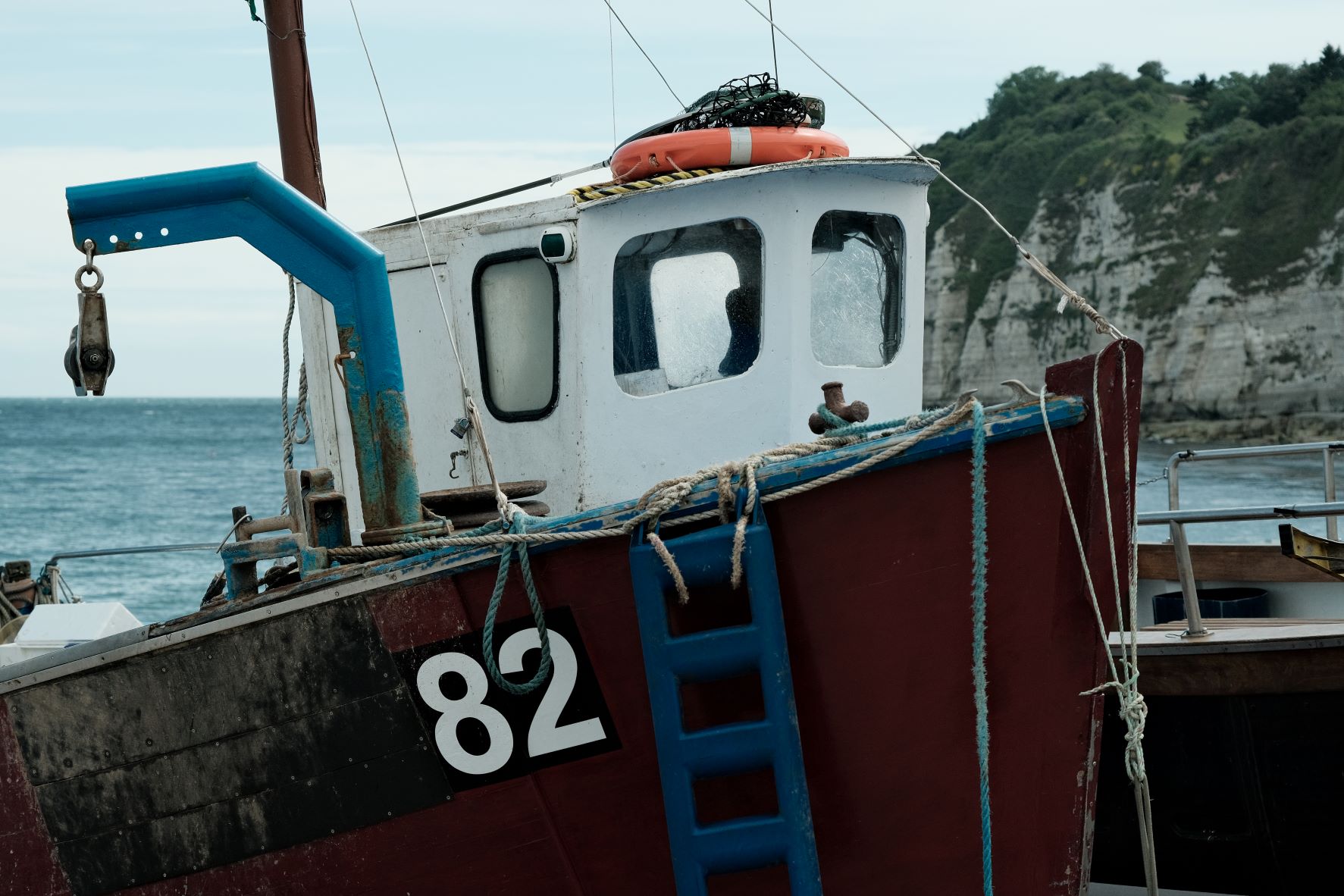
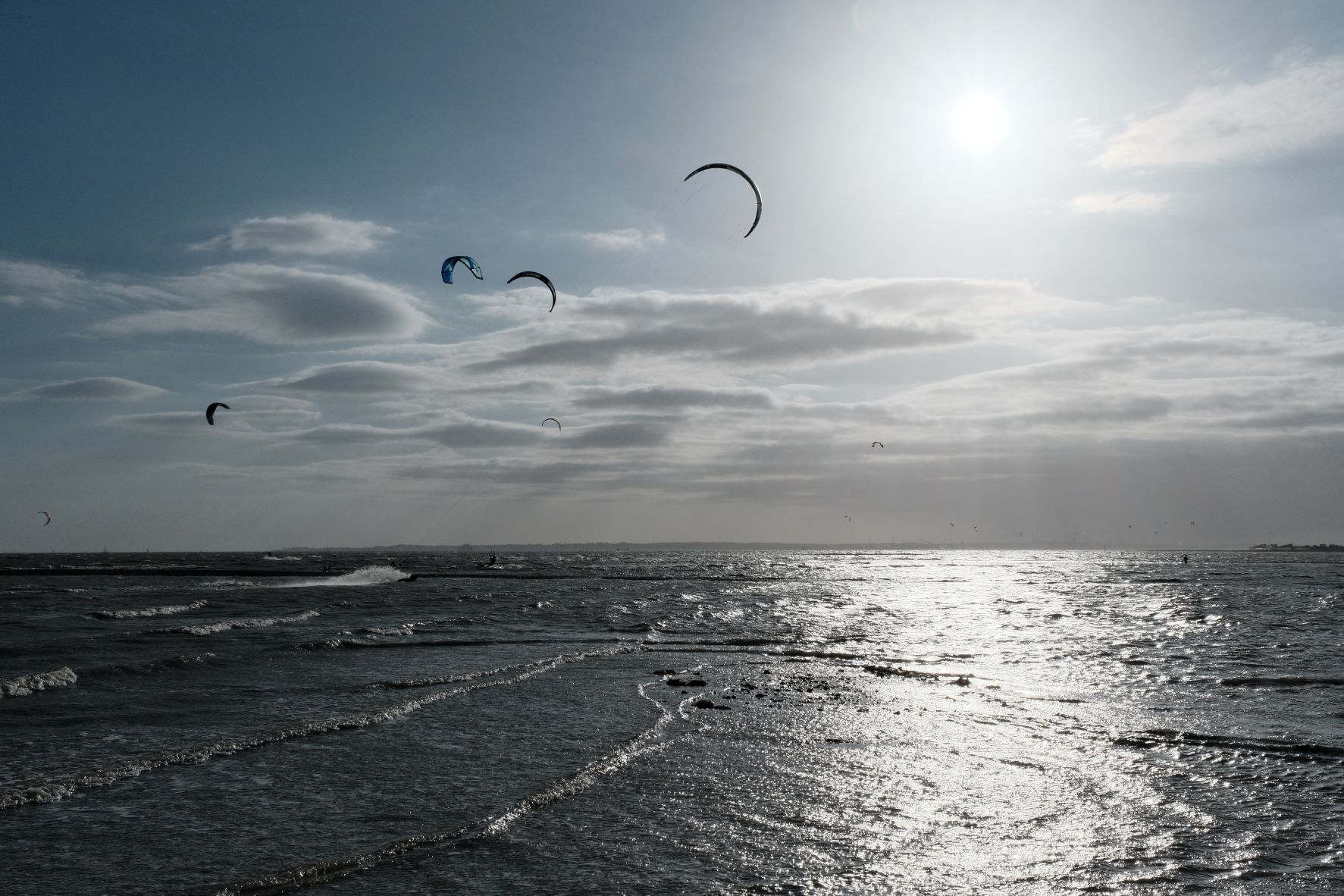
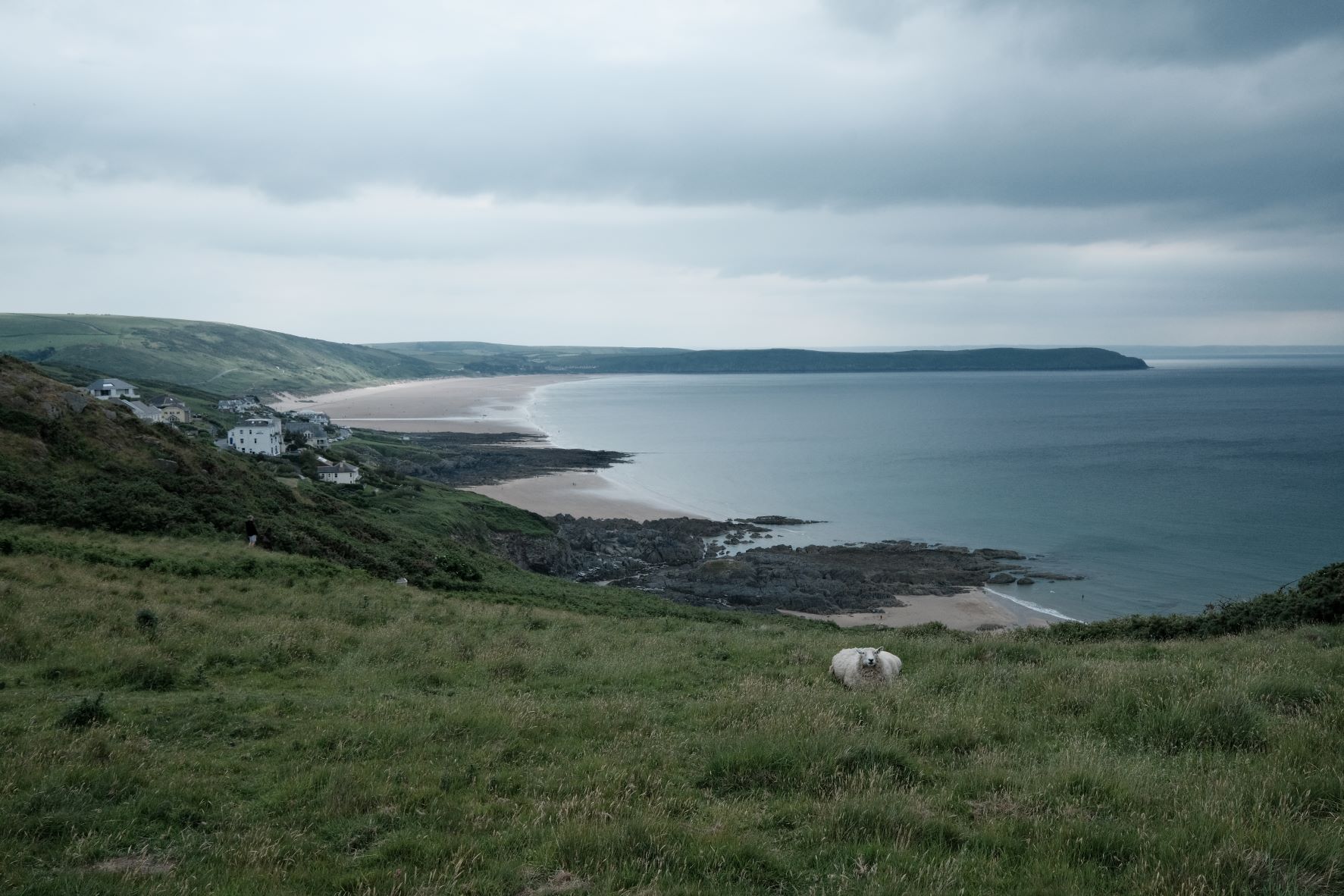
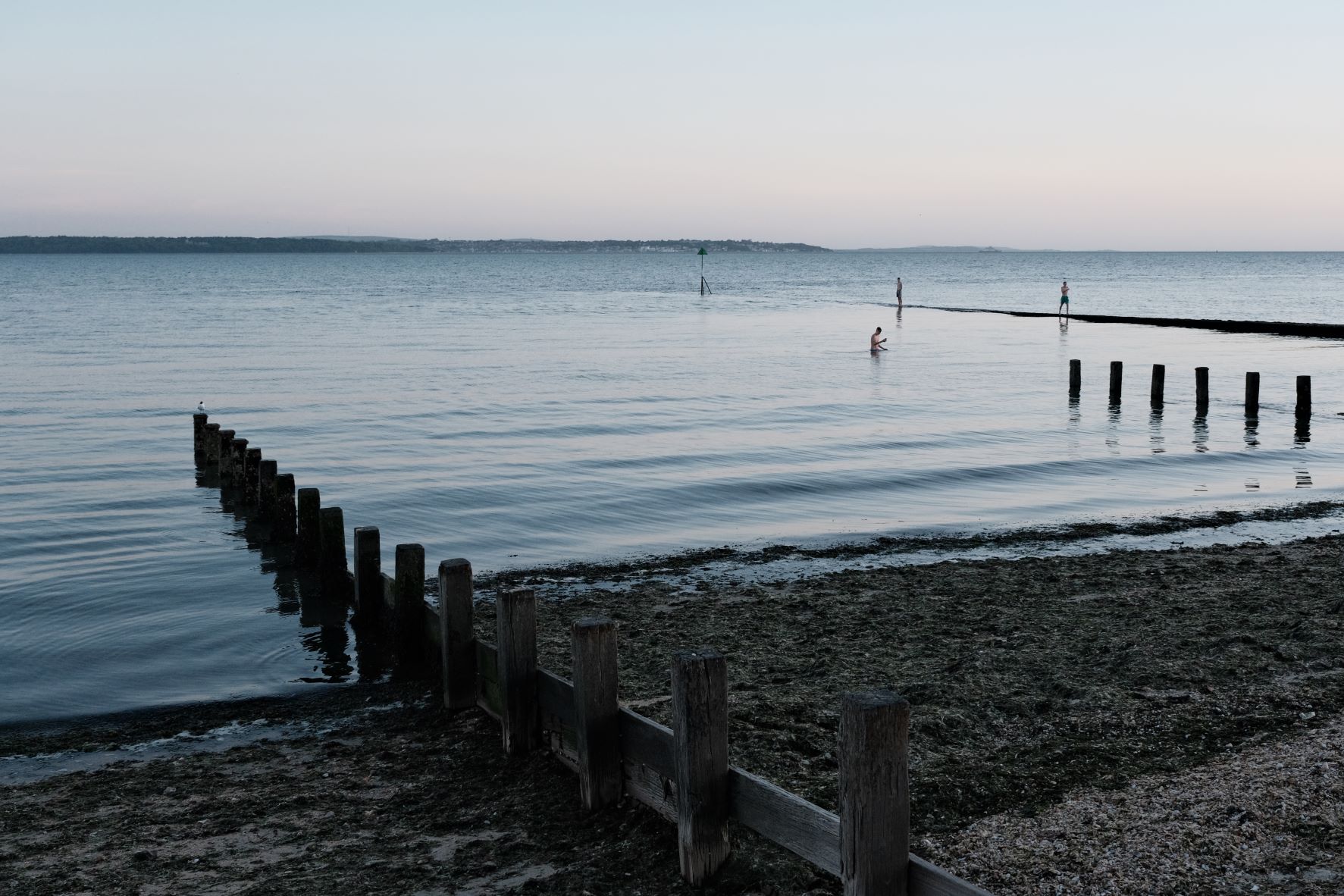
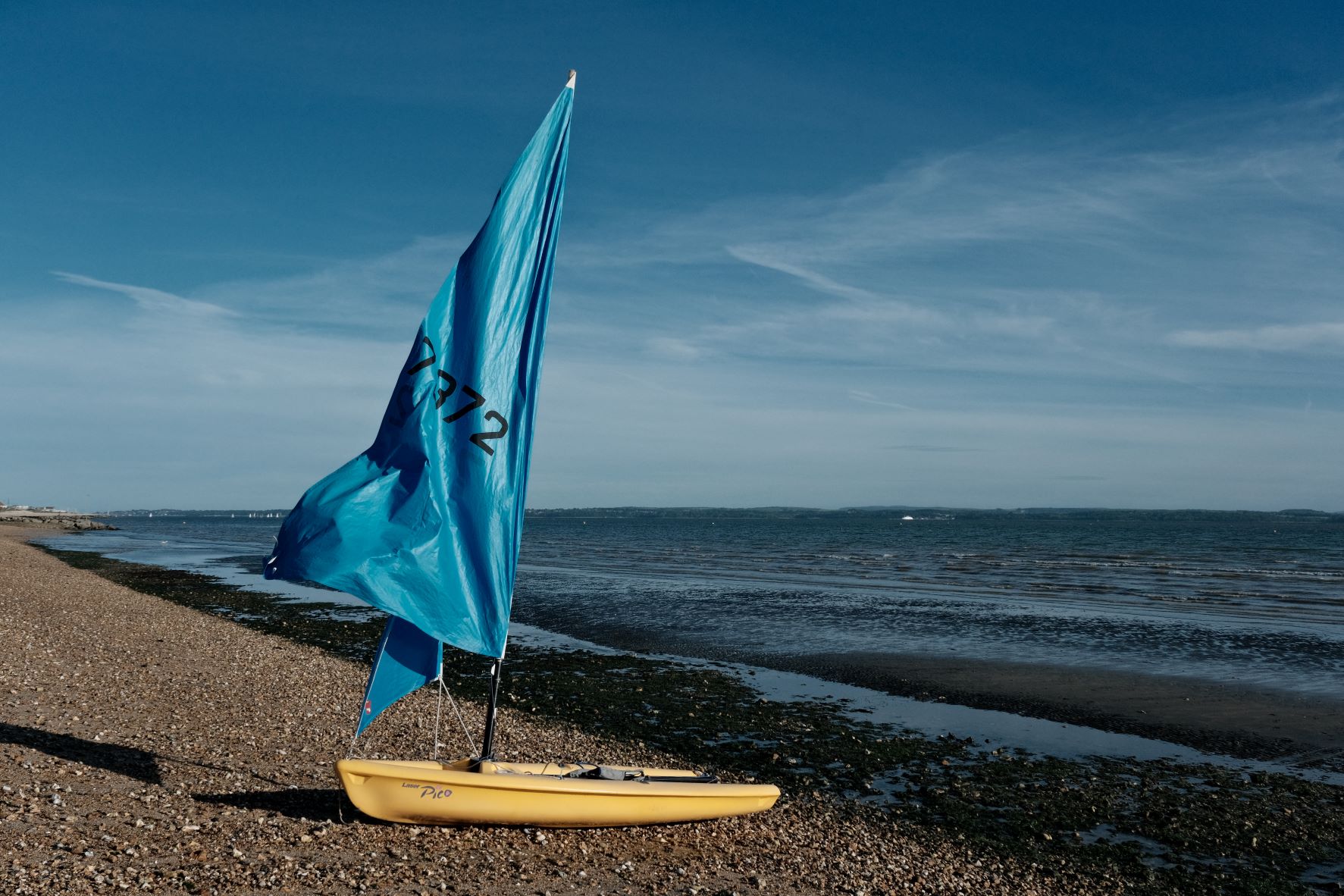
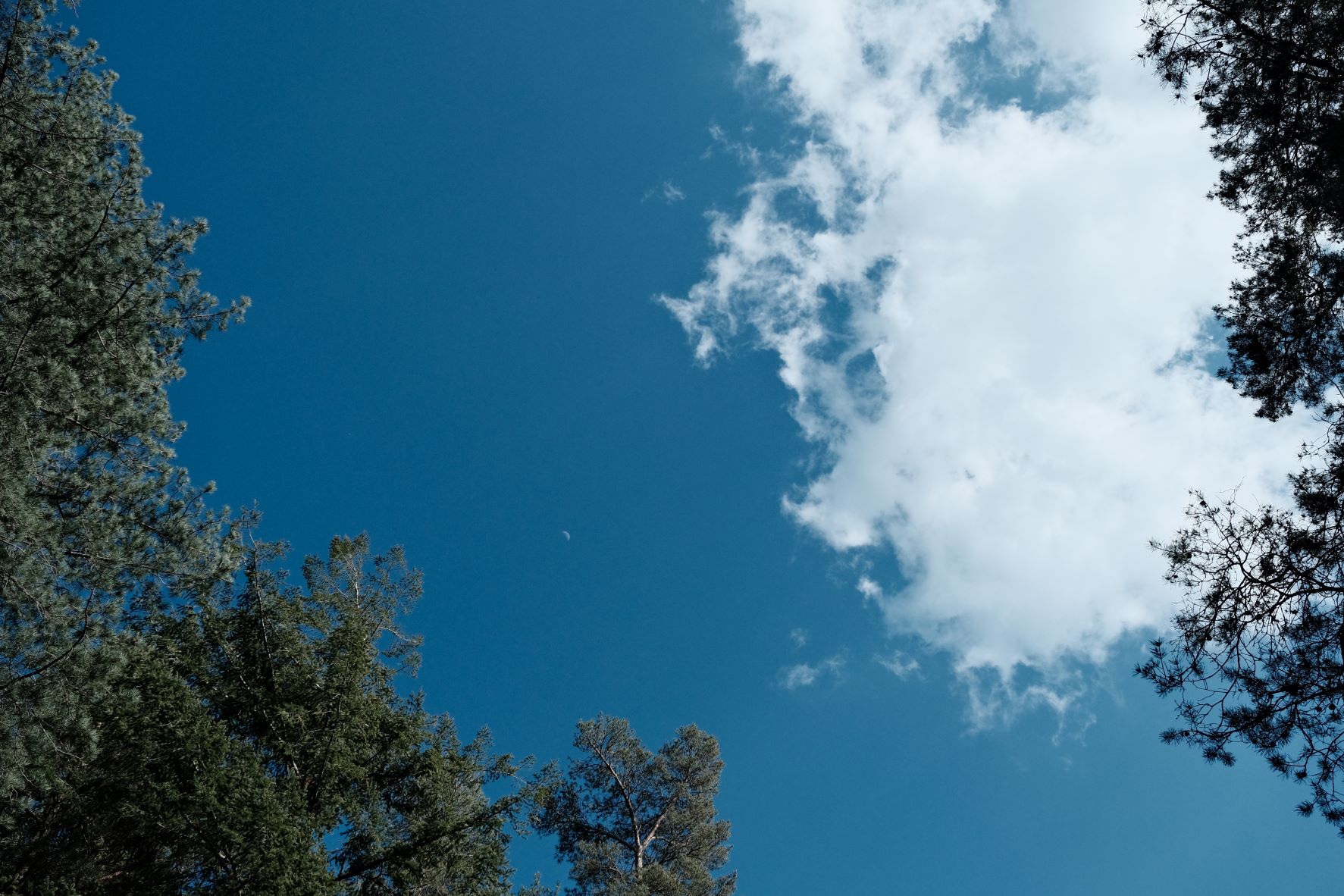
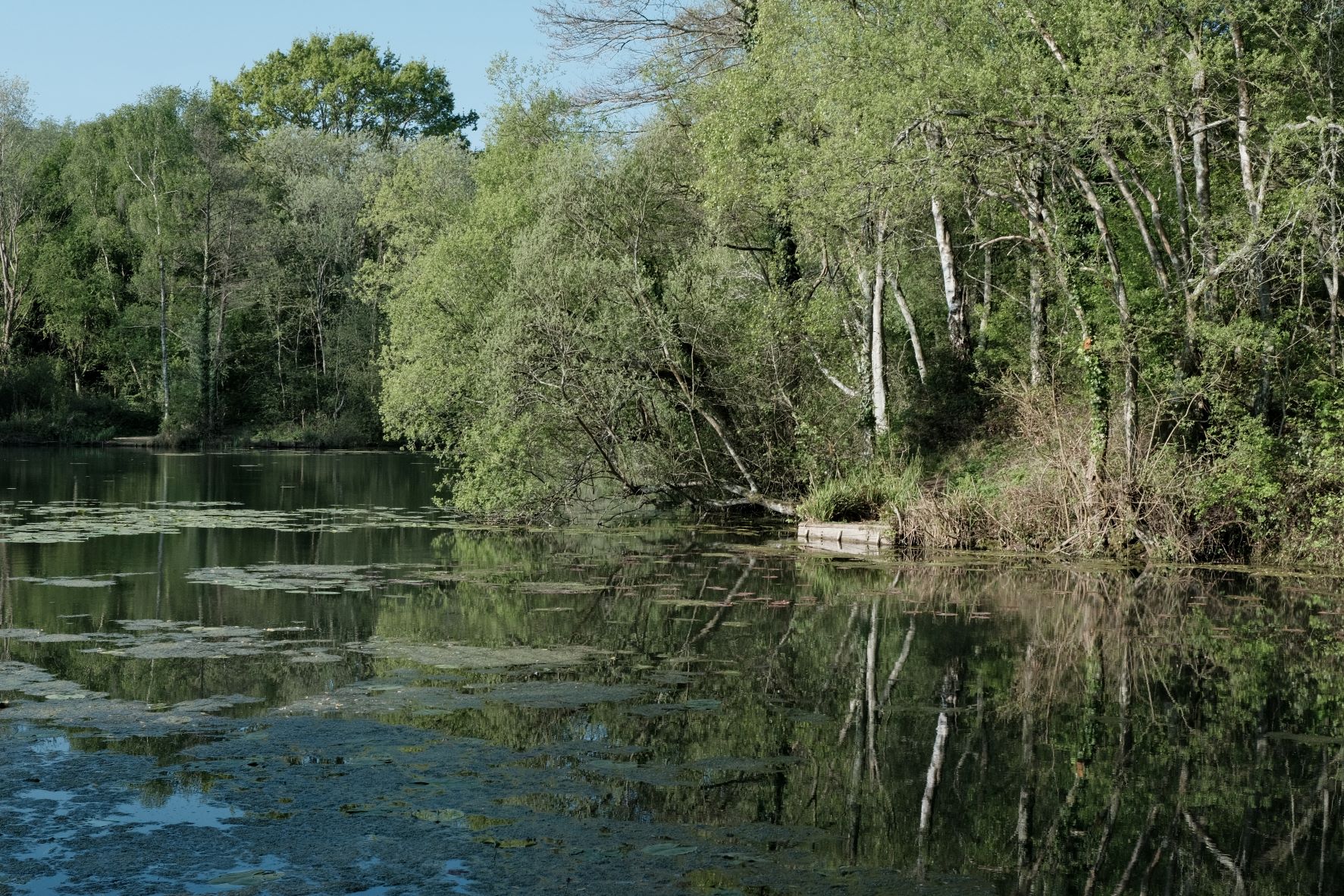
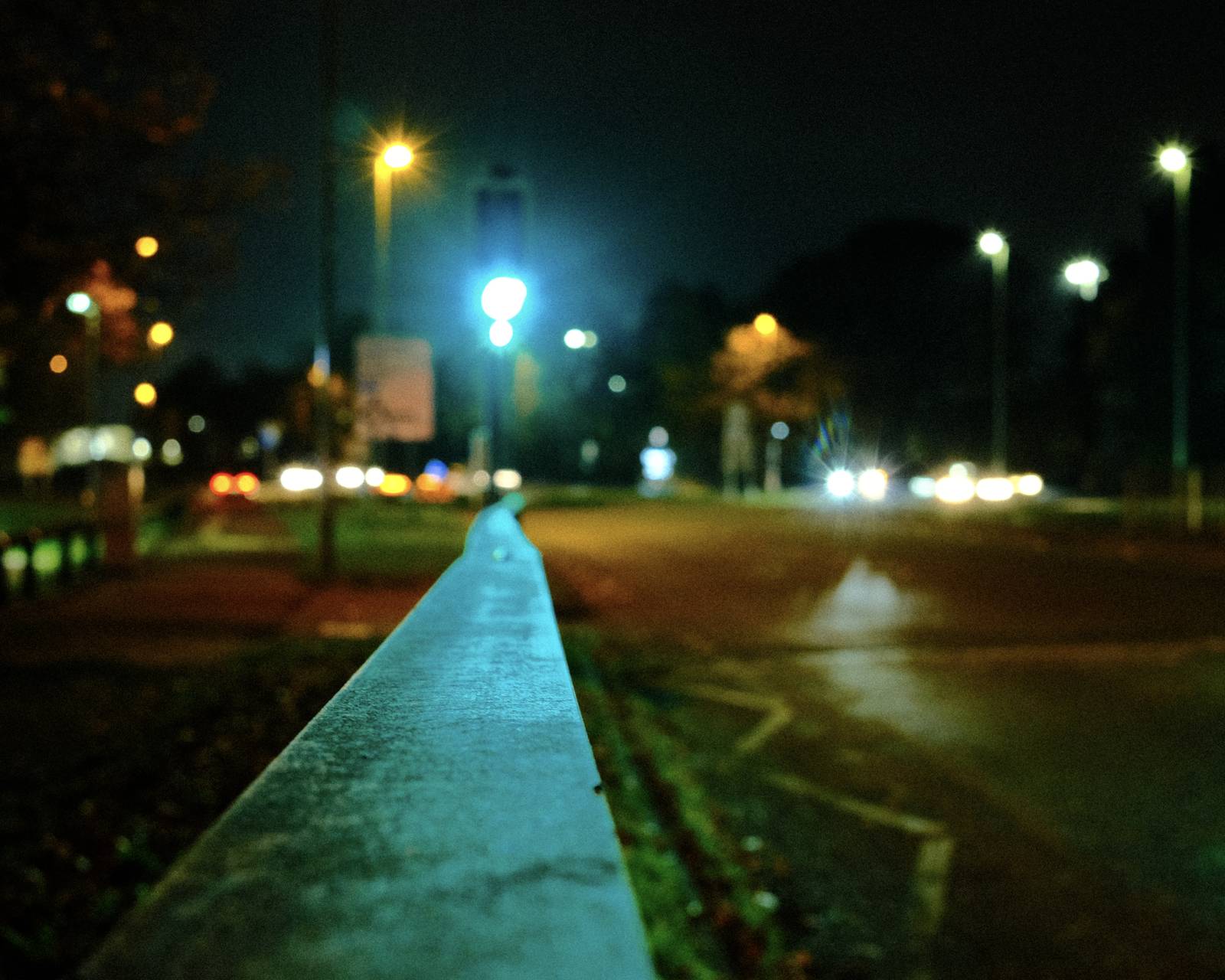
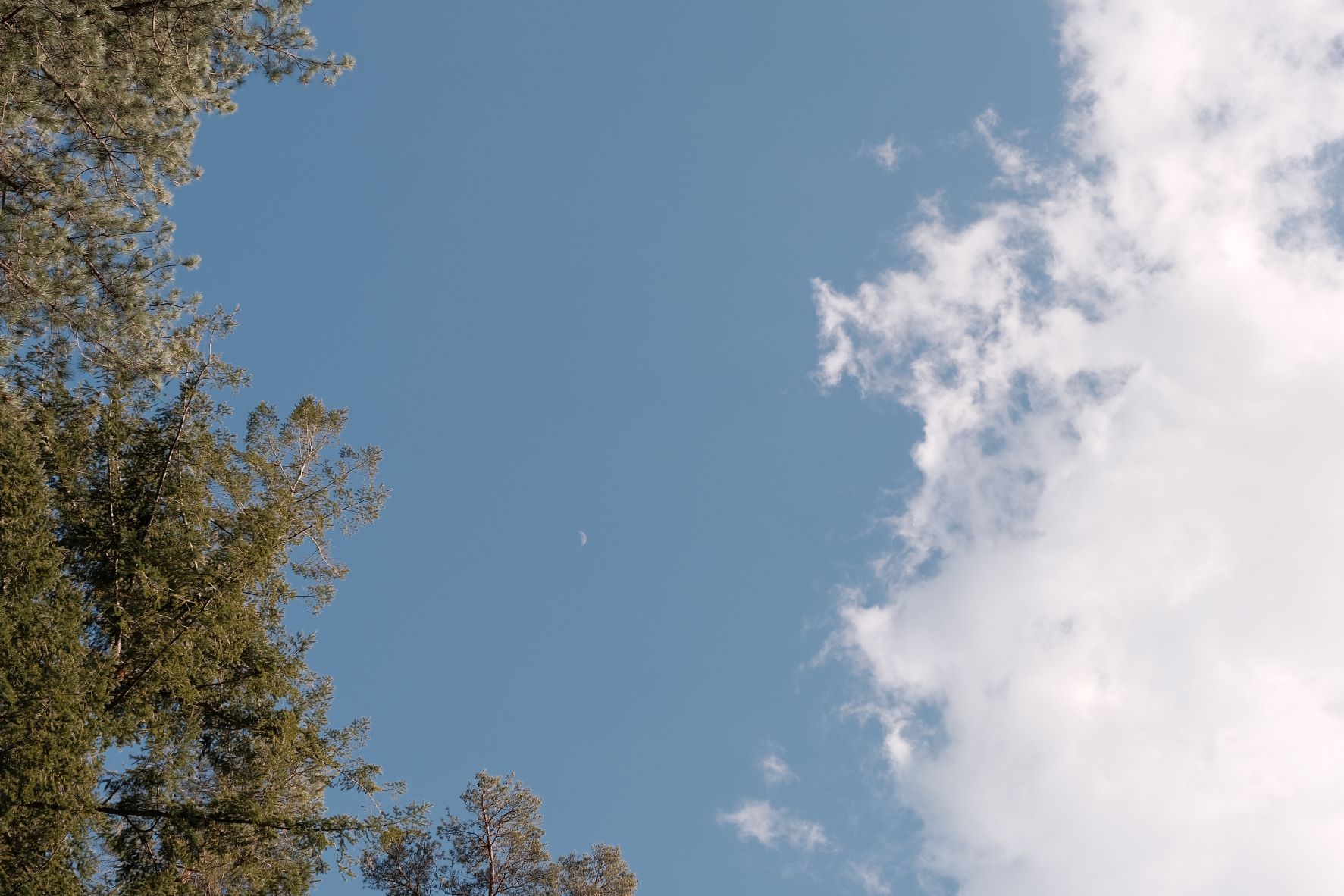
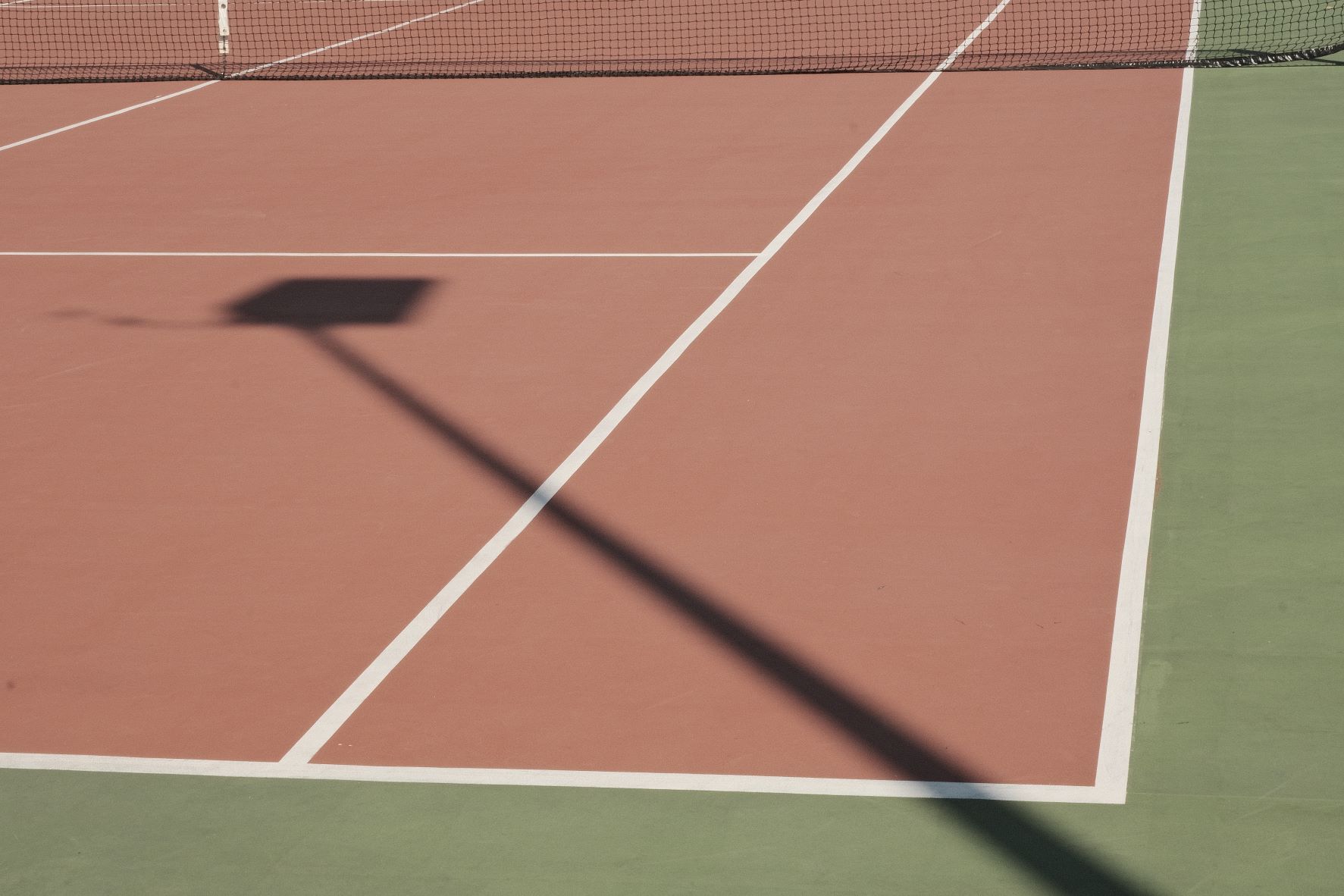
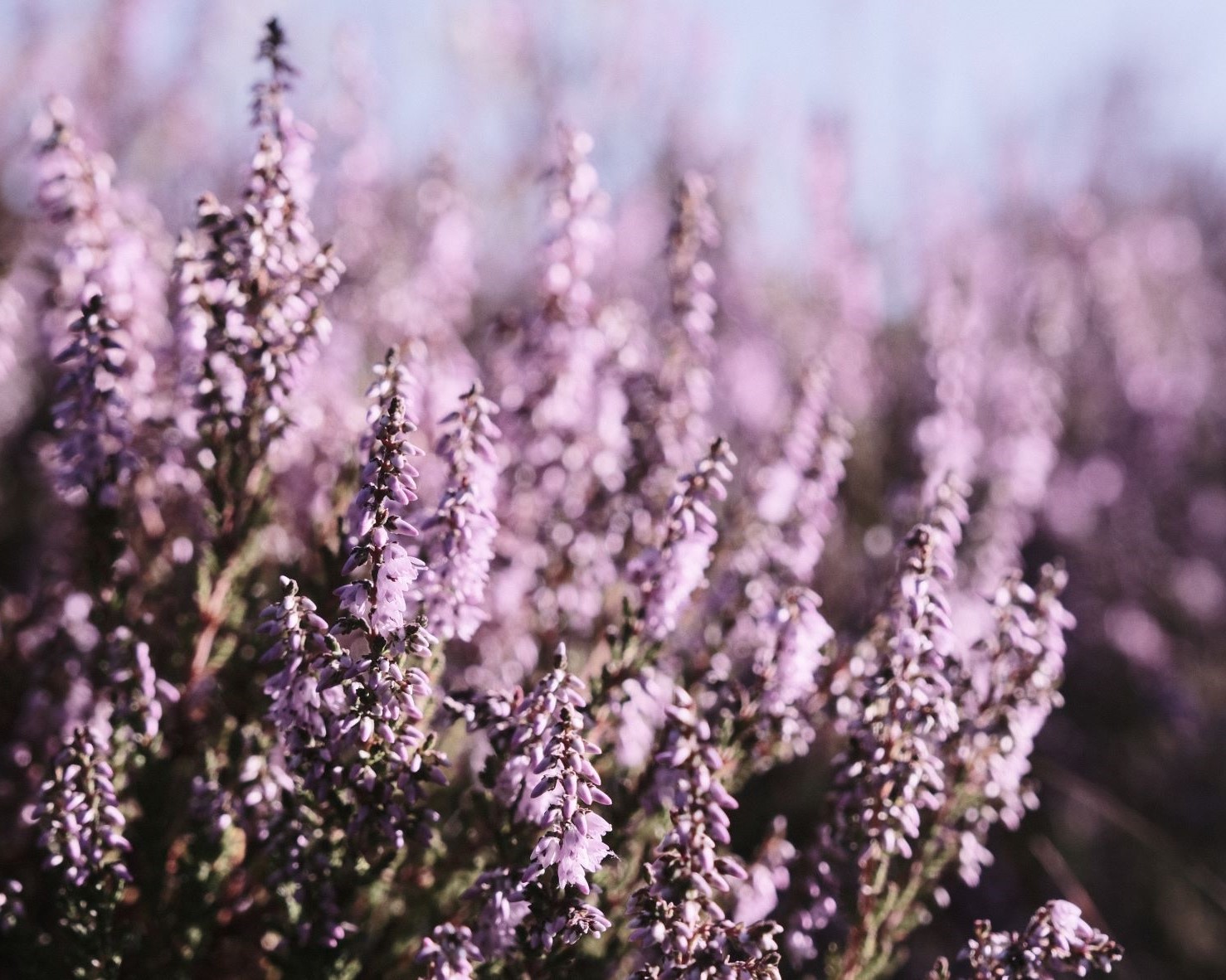
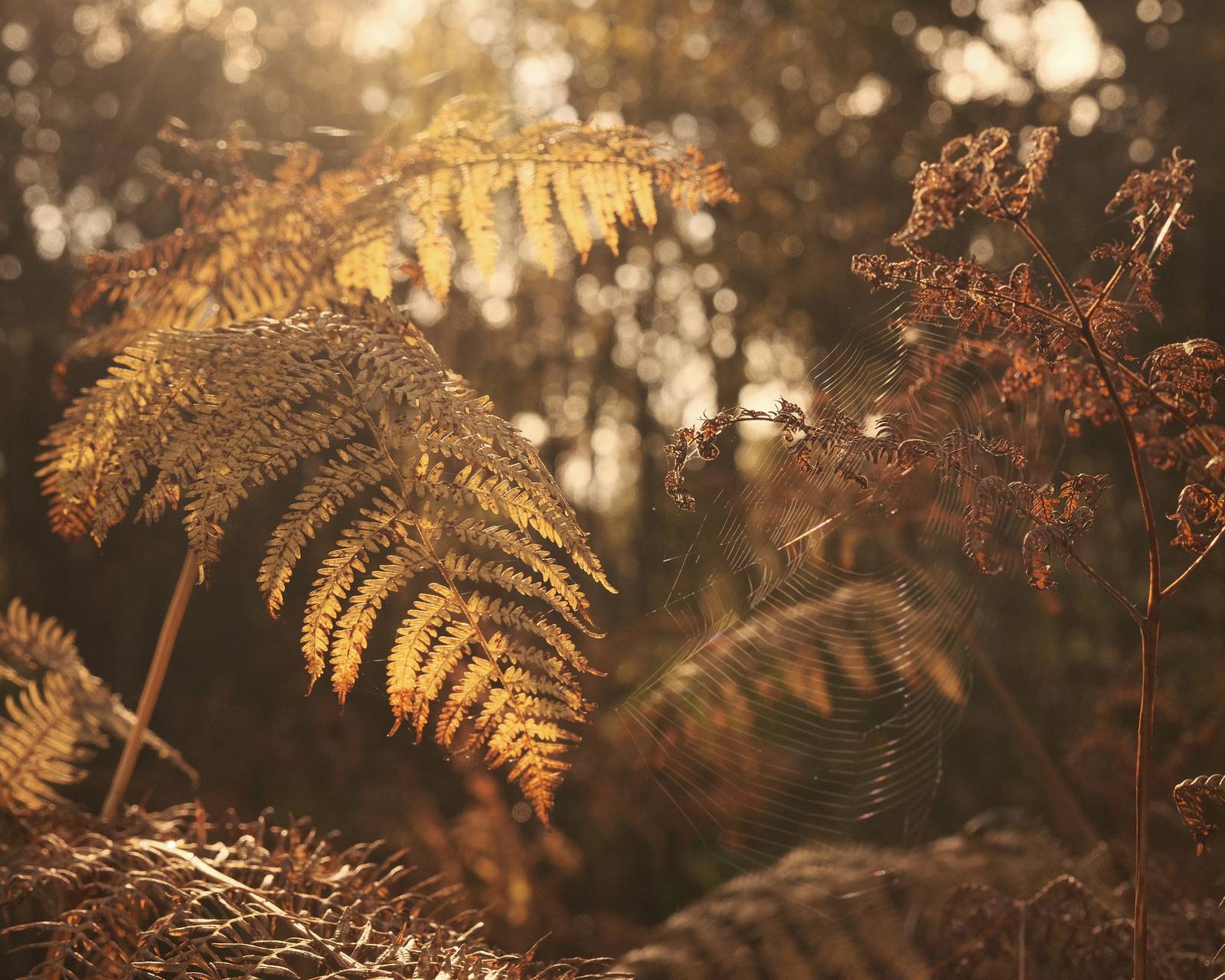
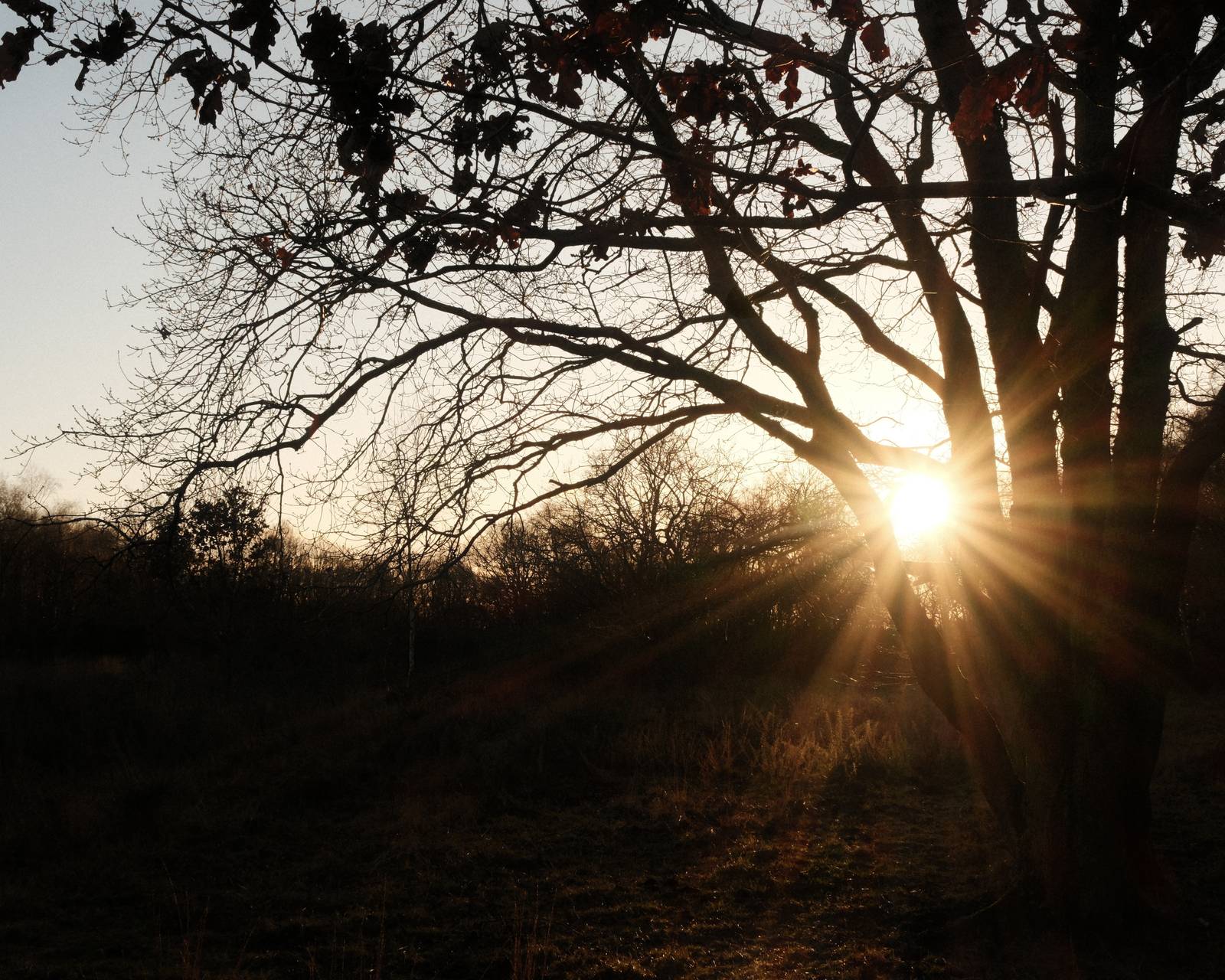
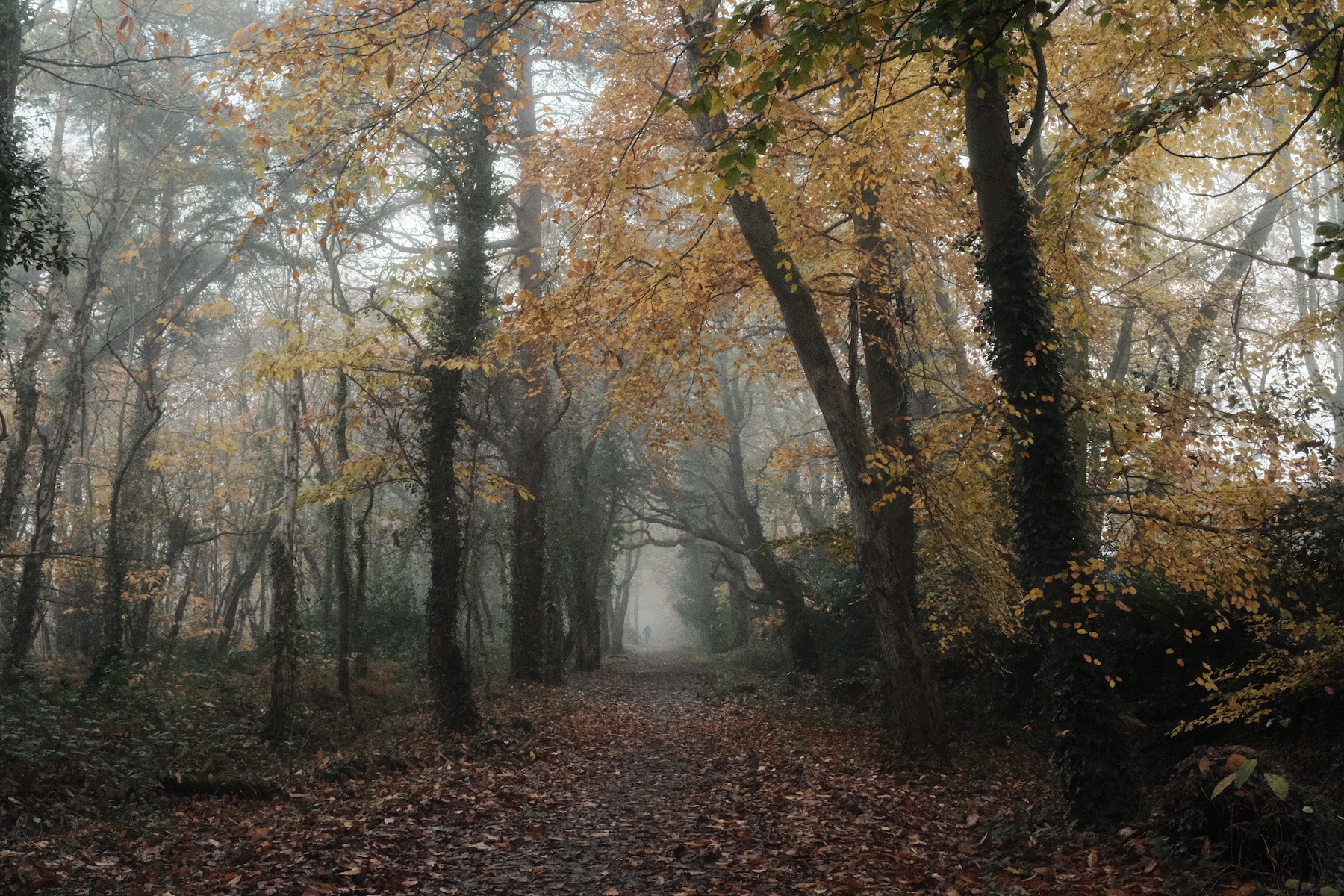
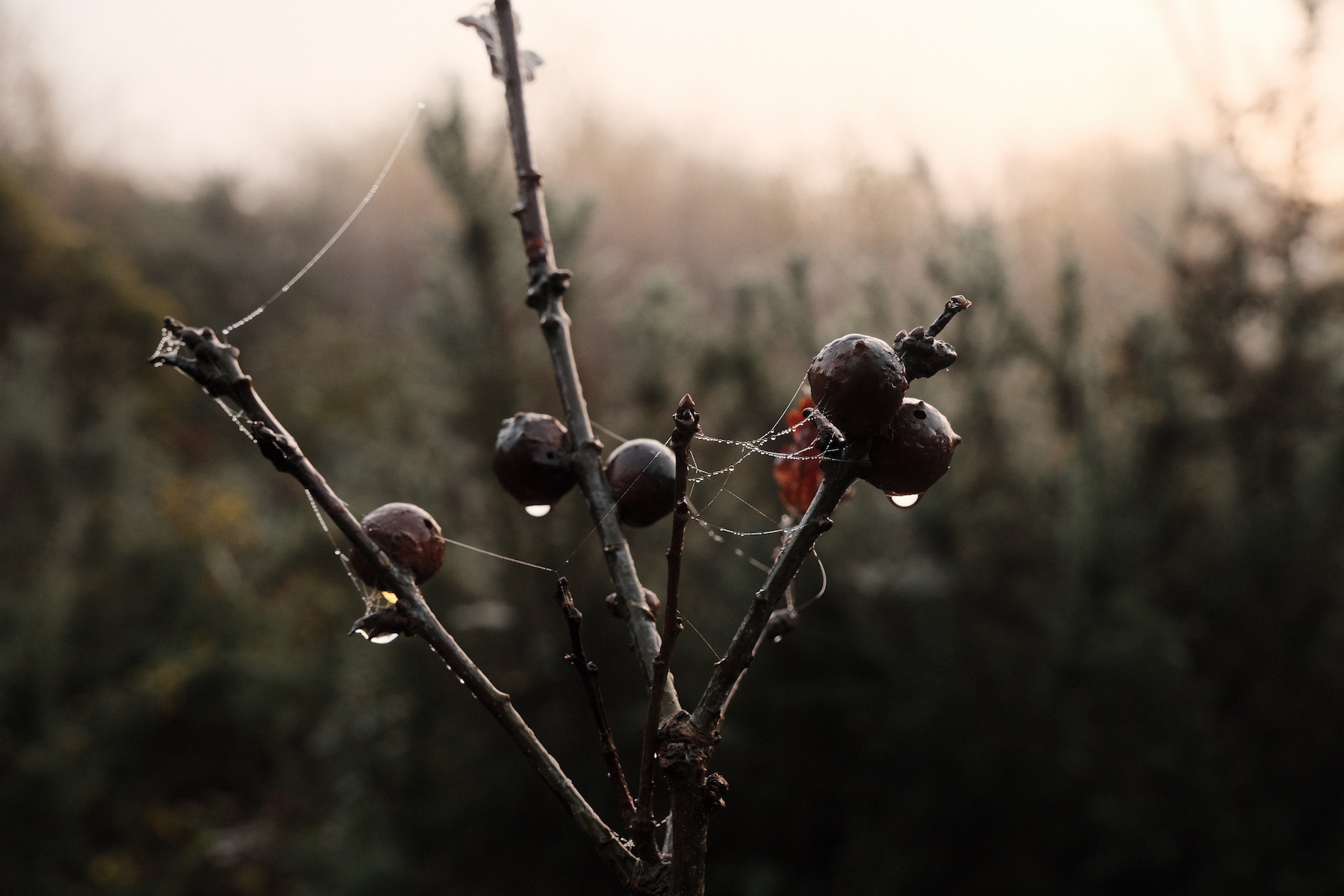
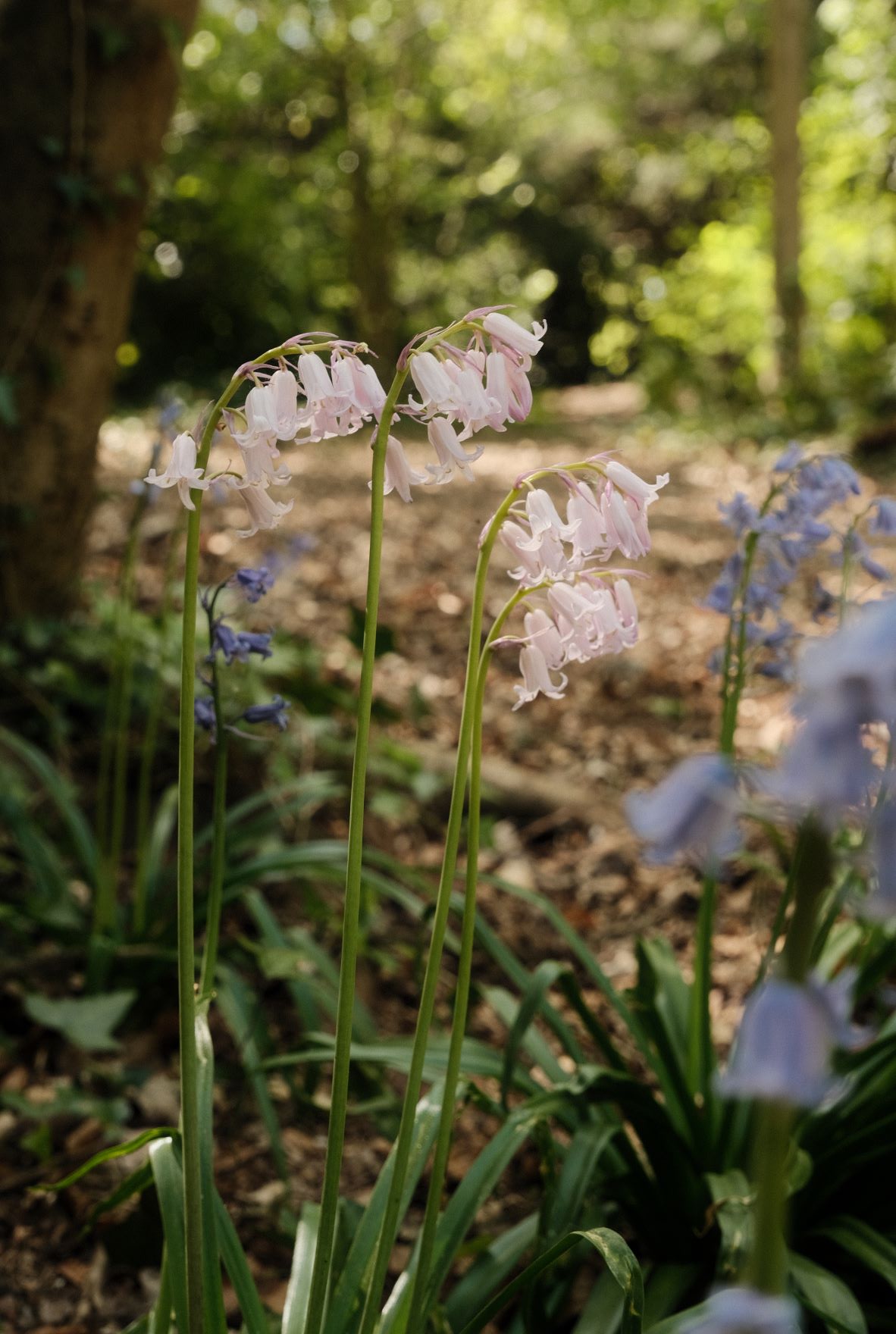
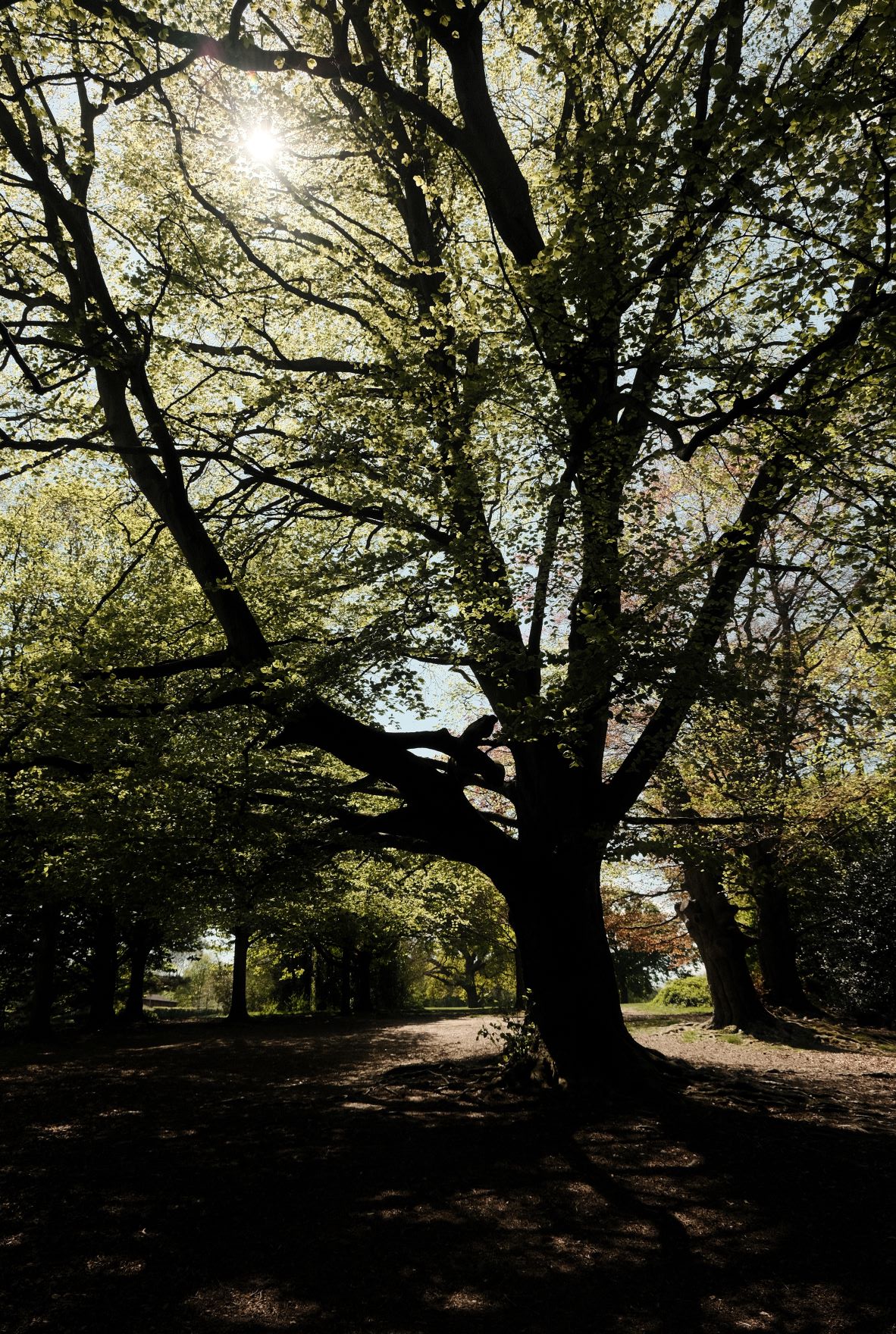
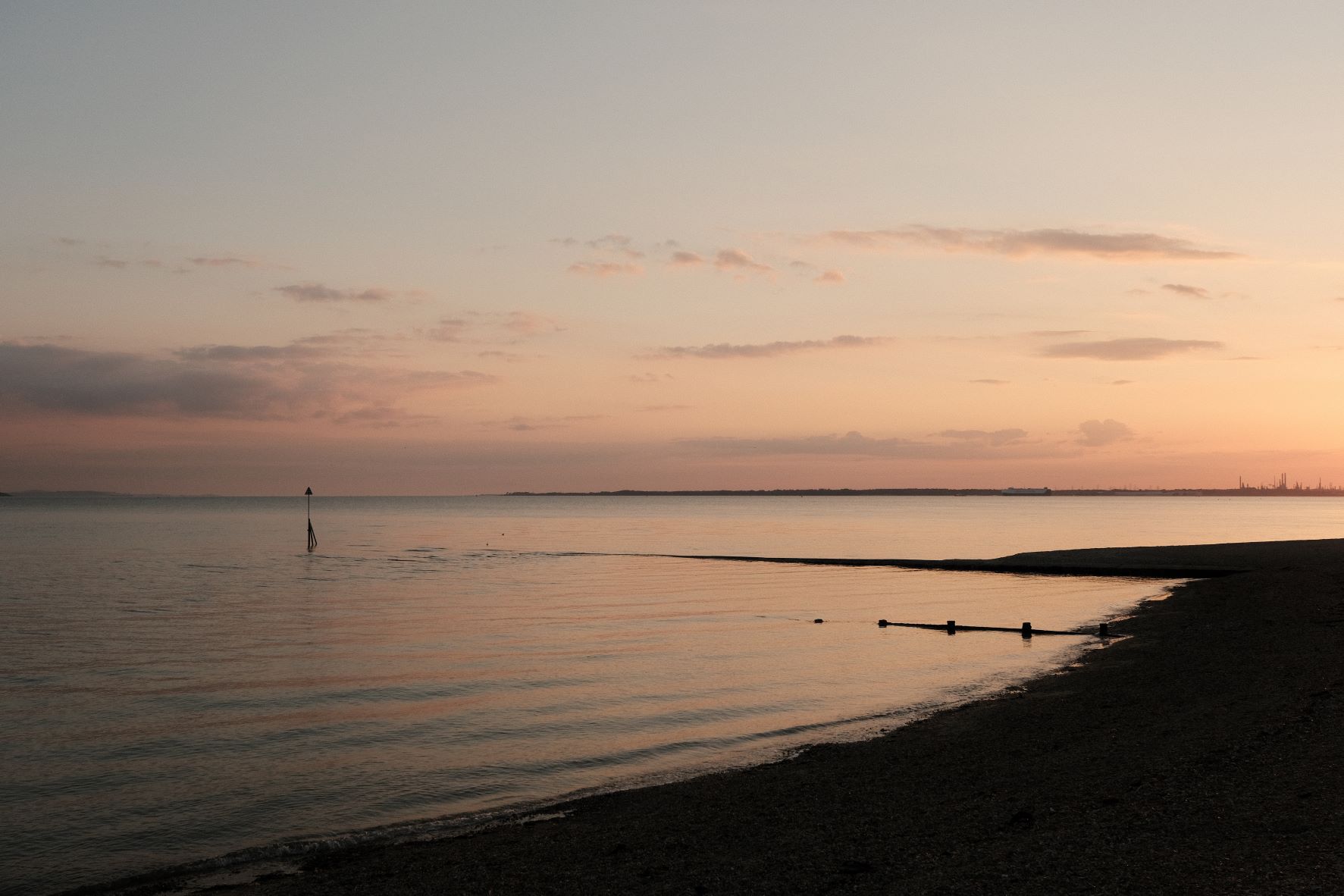
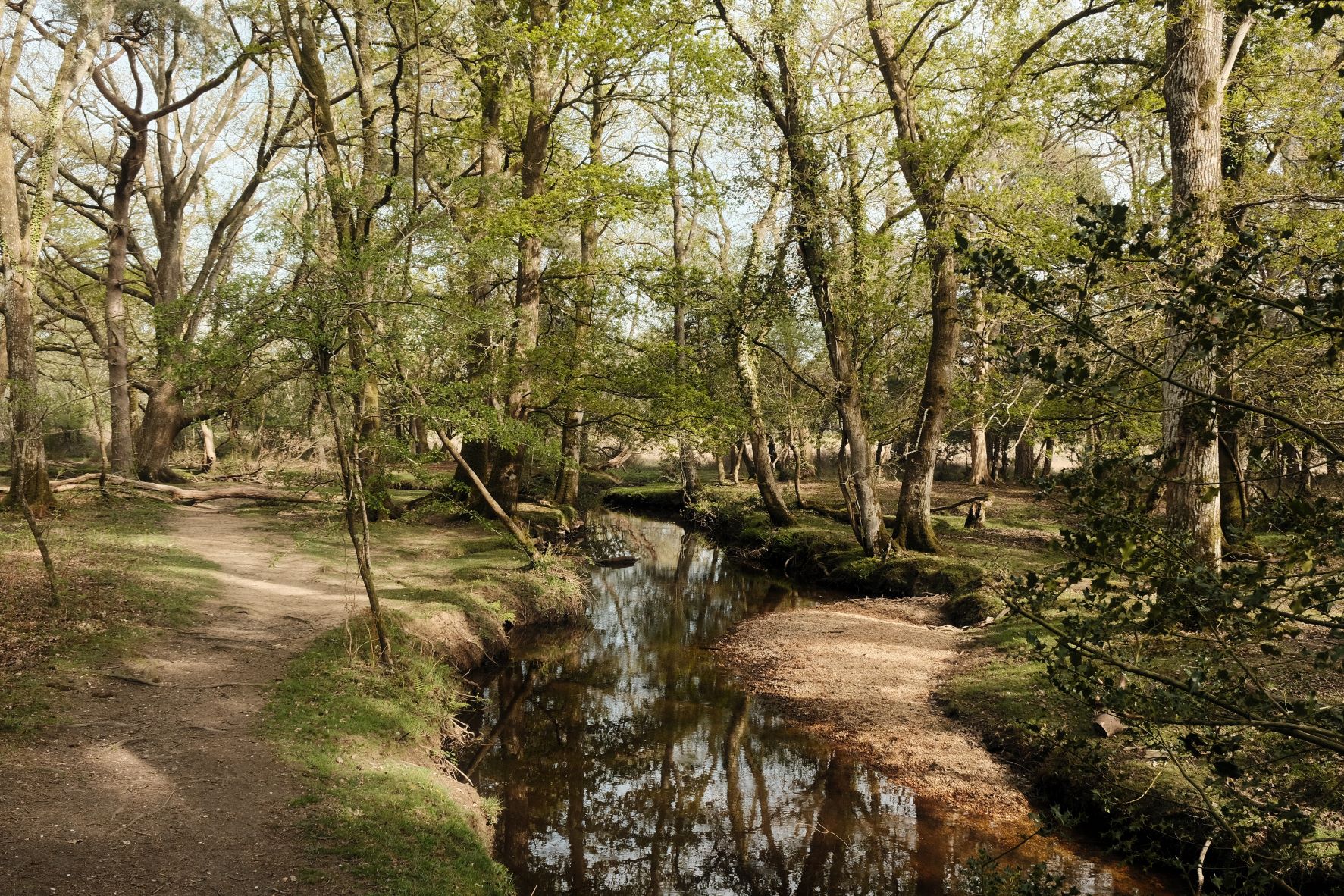
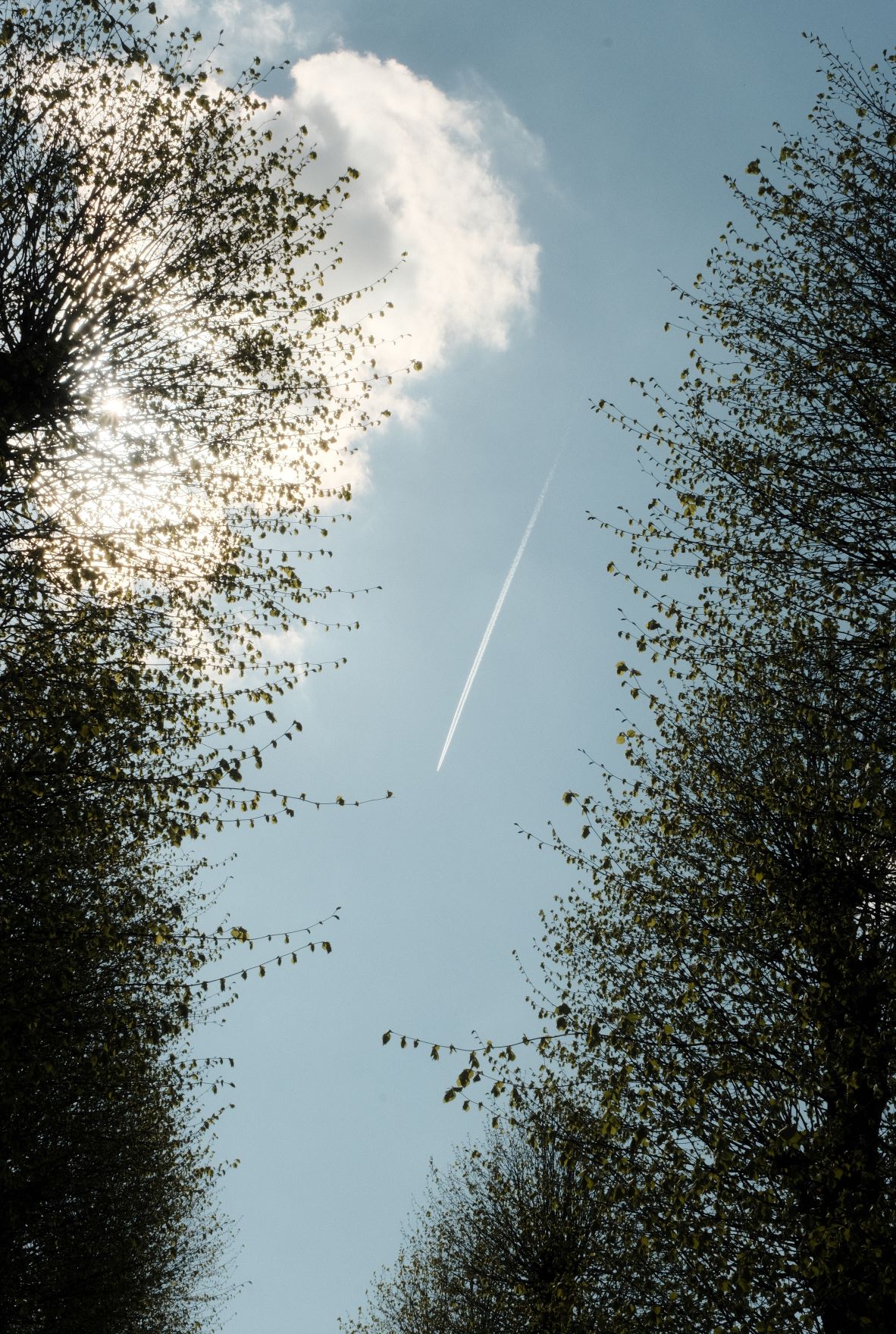
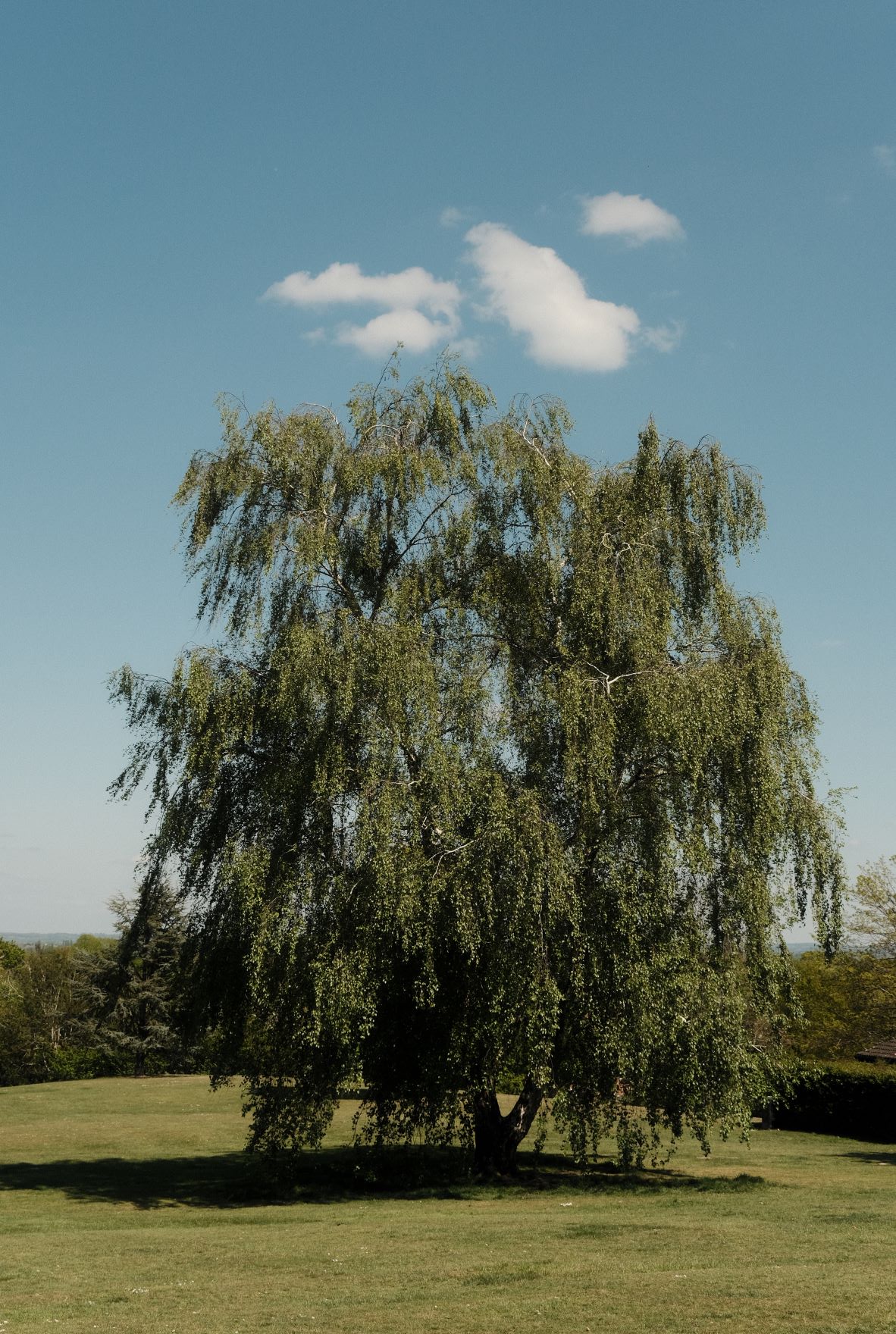
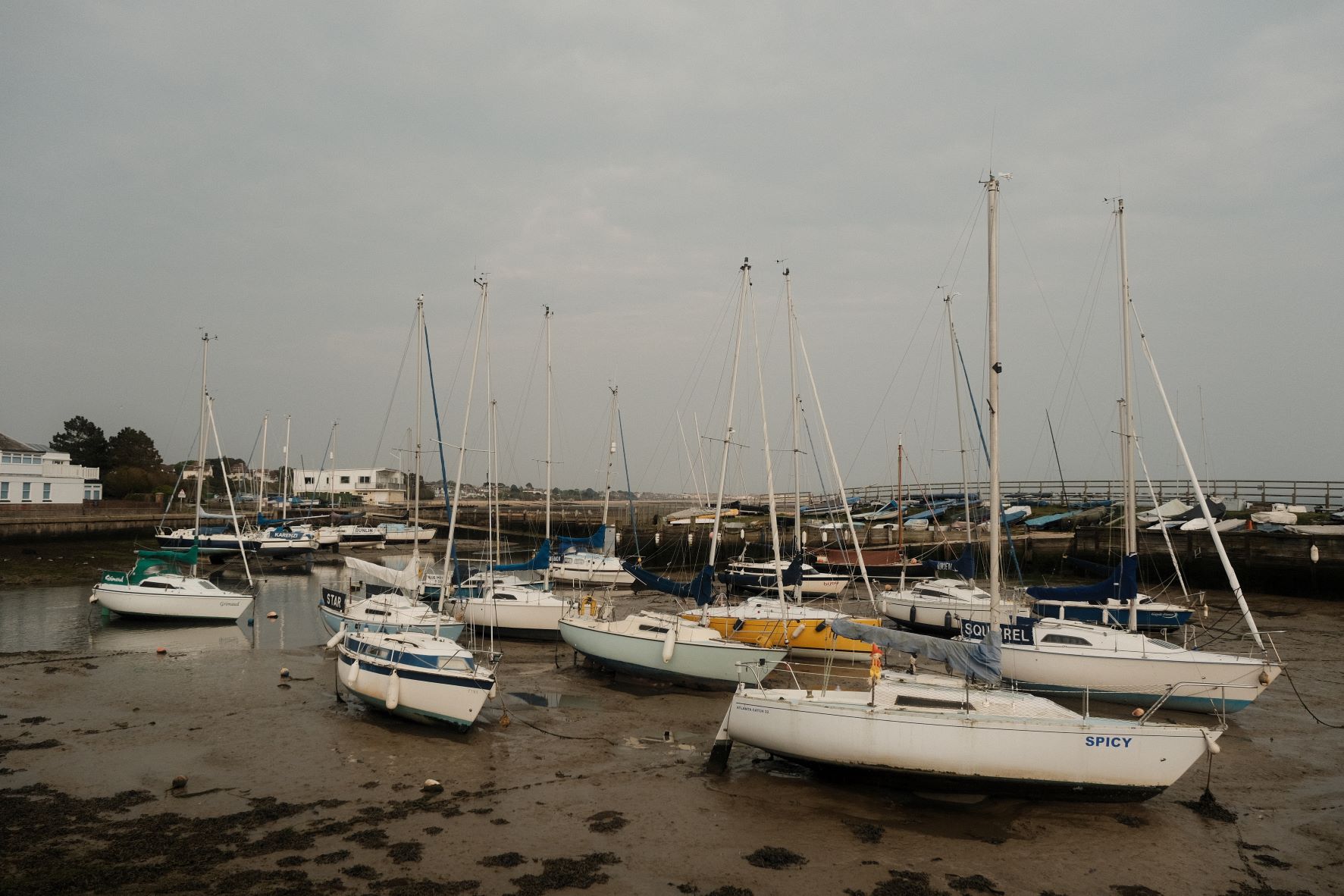
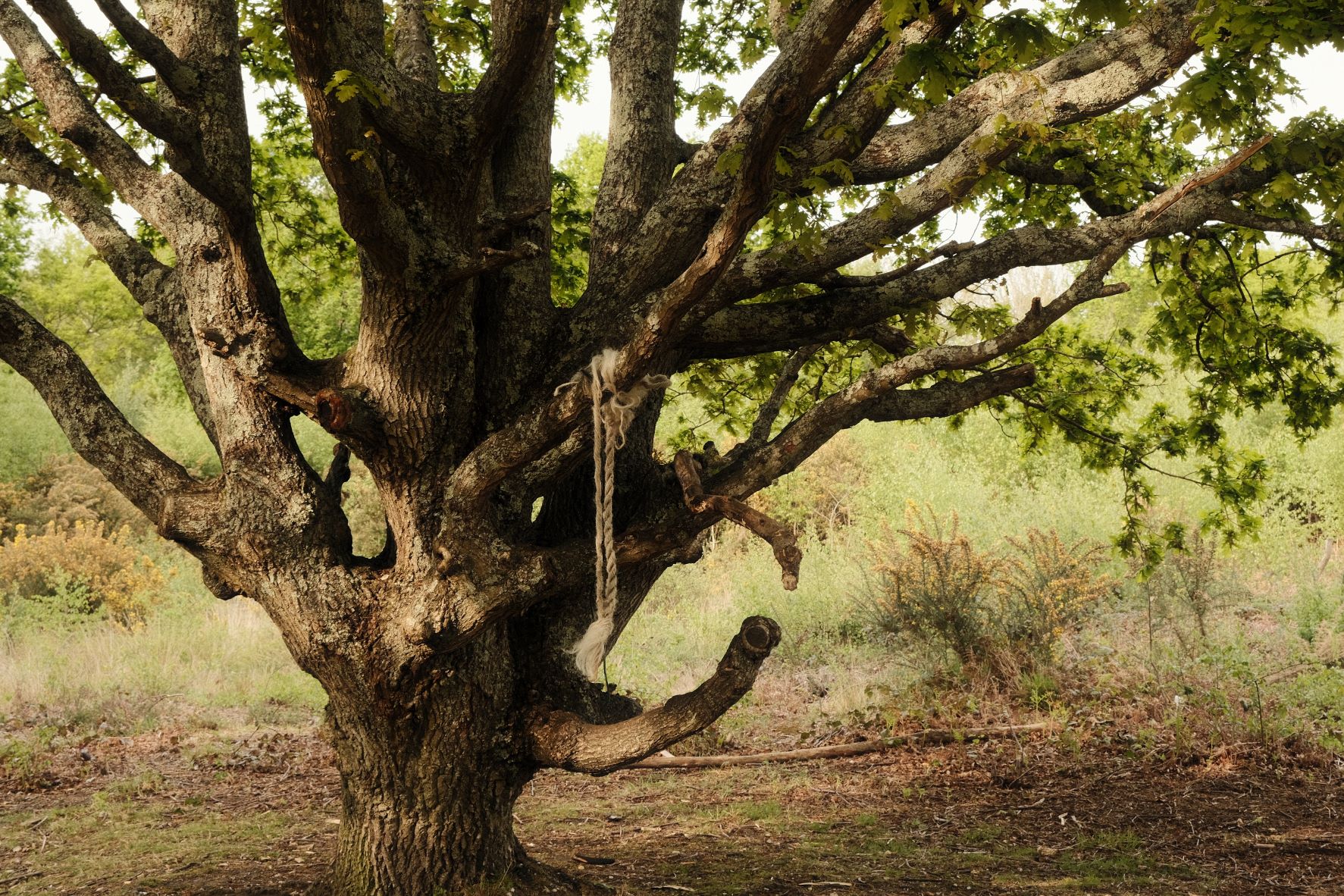
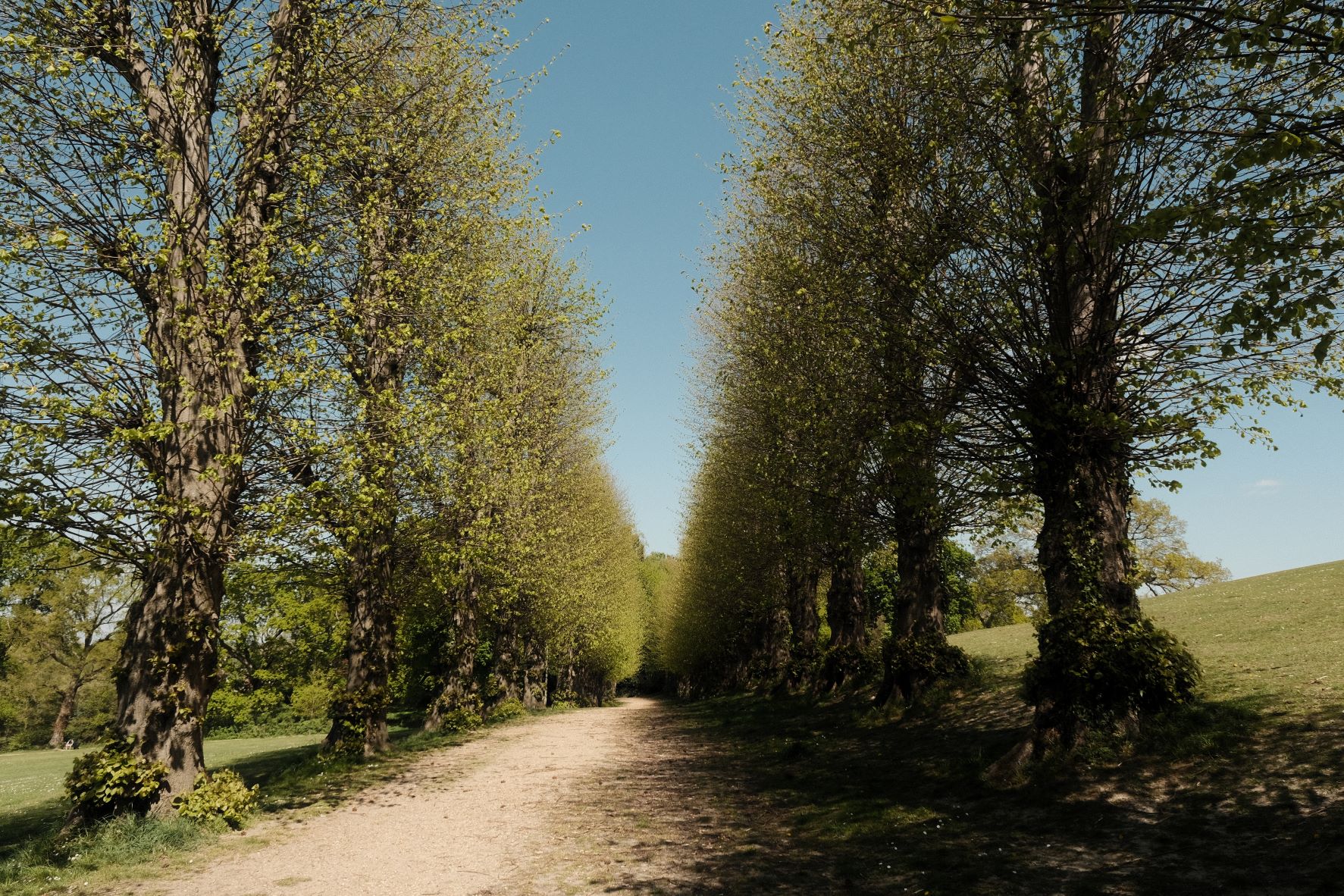
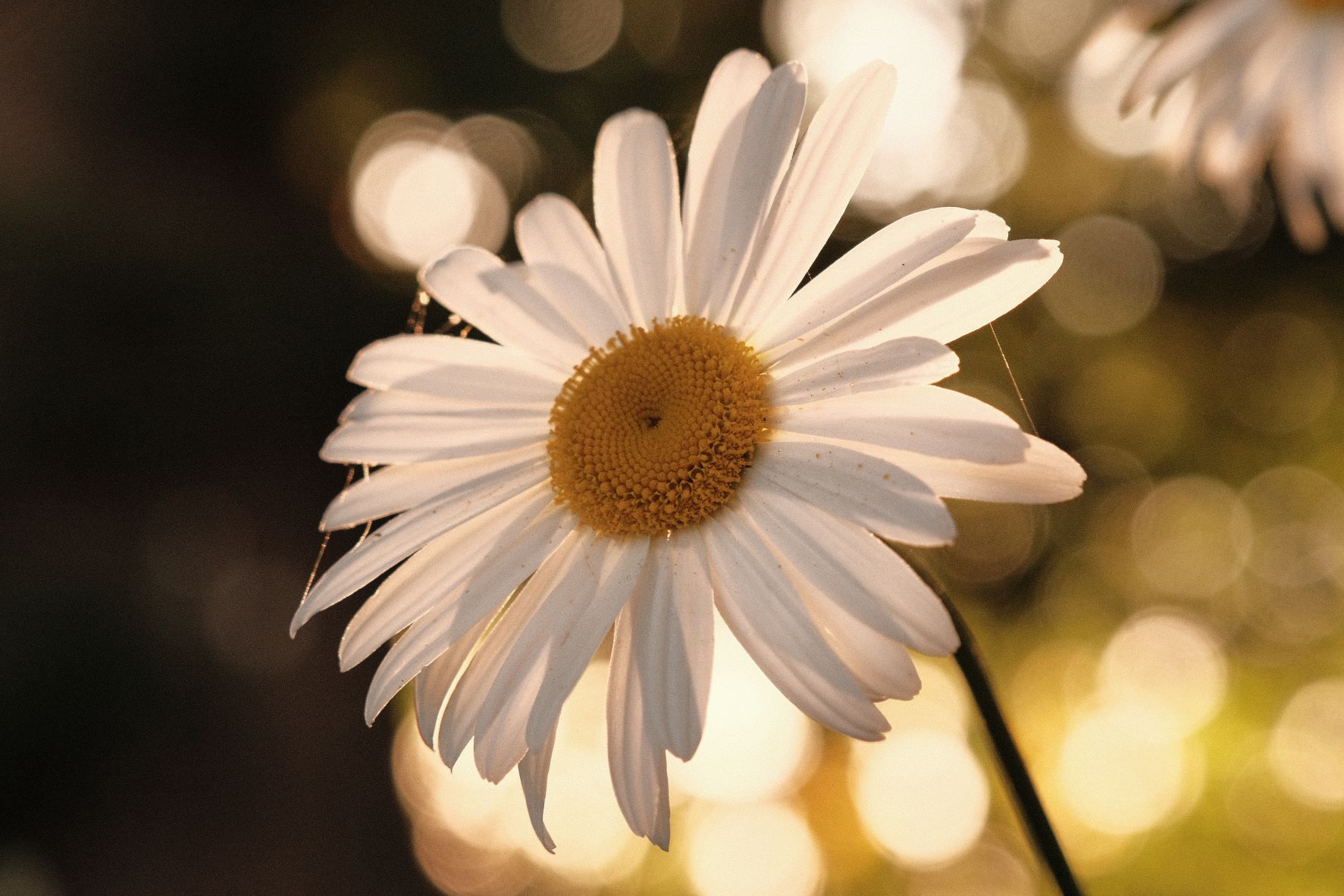
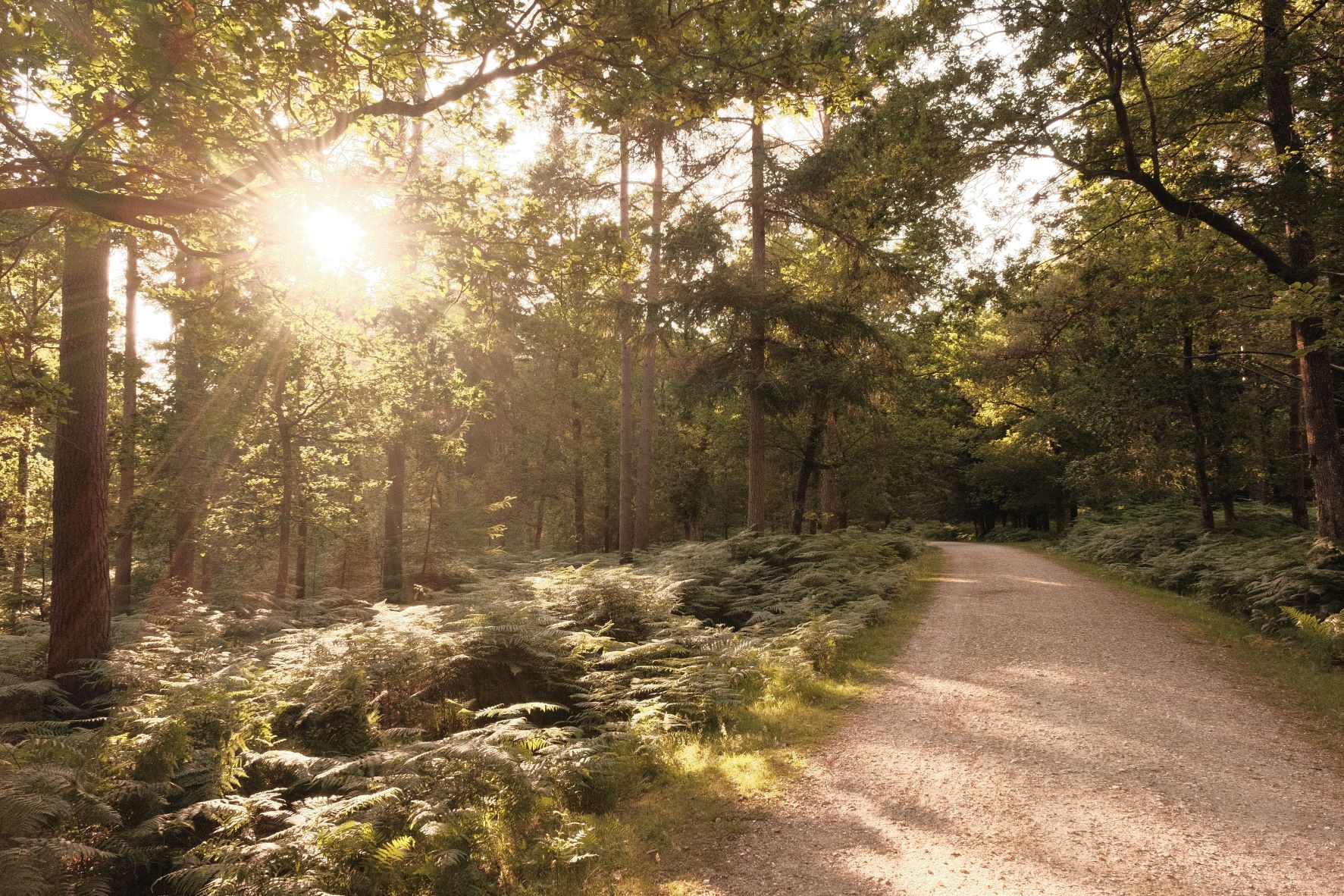
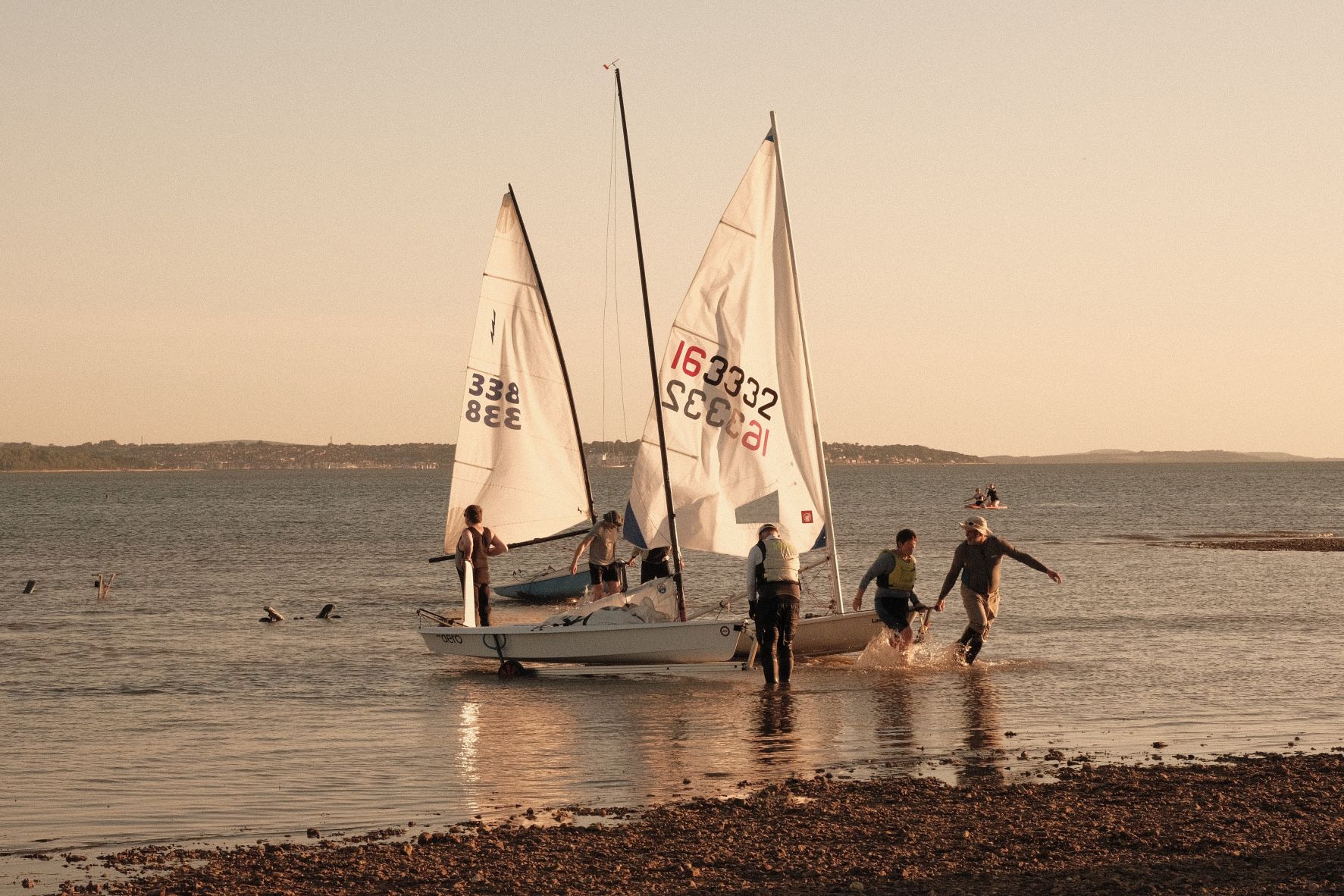
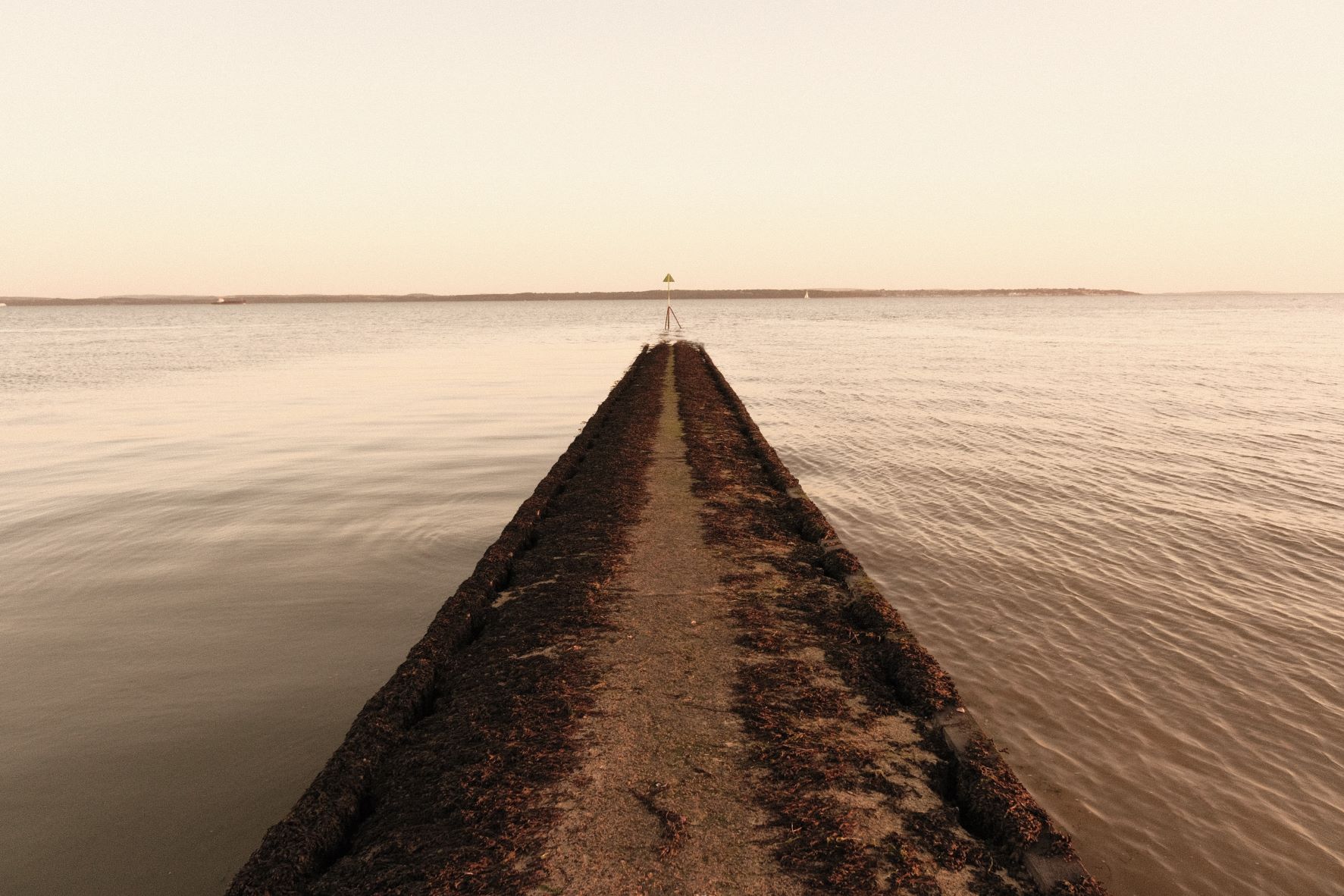
Beach Baby Film Recipe: Sample Photos



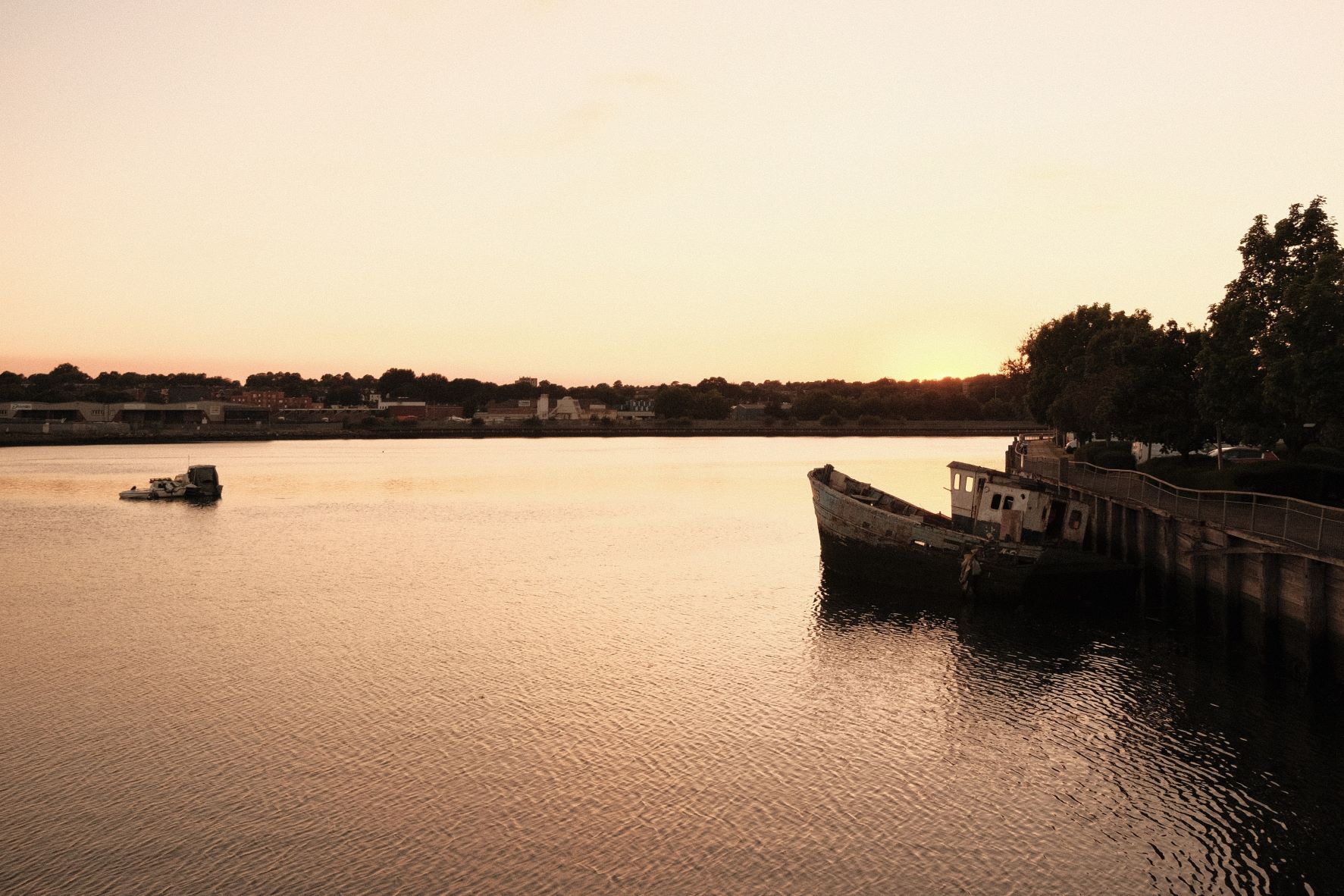

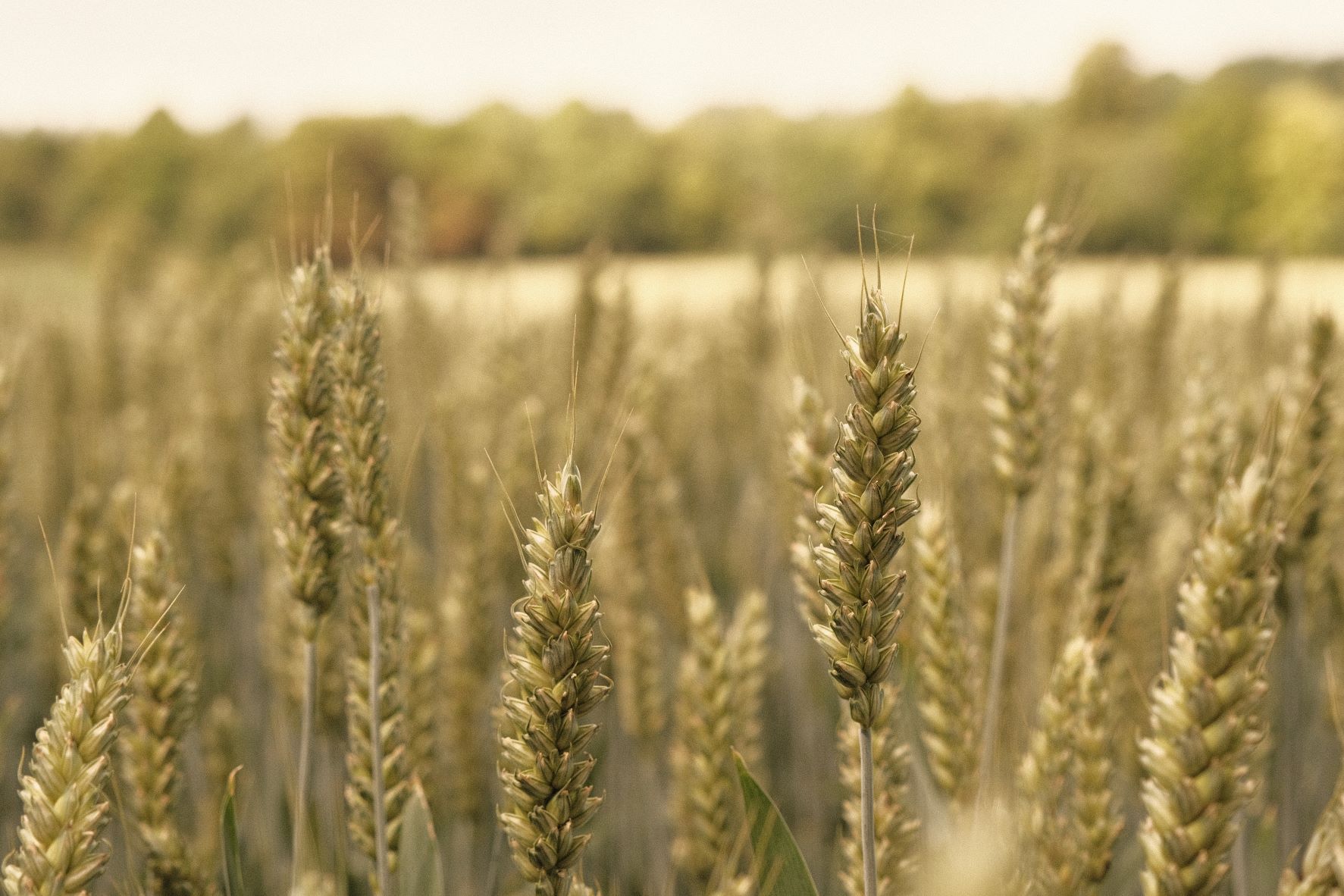
Using the Beach Baby Film Recipe
Each film simulation recipe has its own character and style. These features mean recipes are more suited to certain situations, or when seeking a particular look. Here are the categories that Beach Baby has been tagged with.