Film Recipes for Fujifilm Cameras

Blog

  • 123-123, Year End Story Mode

    123-123, Year End Story Mode

    Winter themed Classic Negative film simulation recipe with pale, nostalgic colours
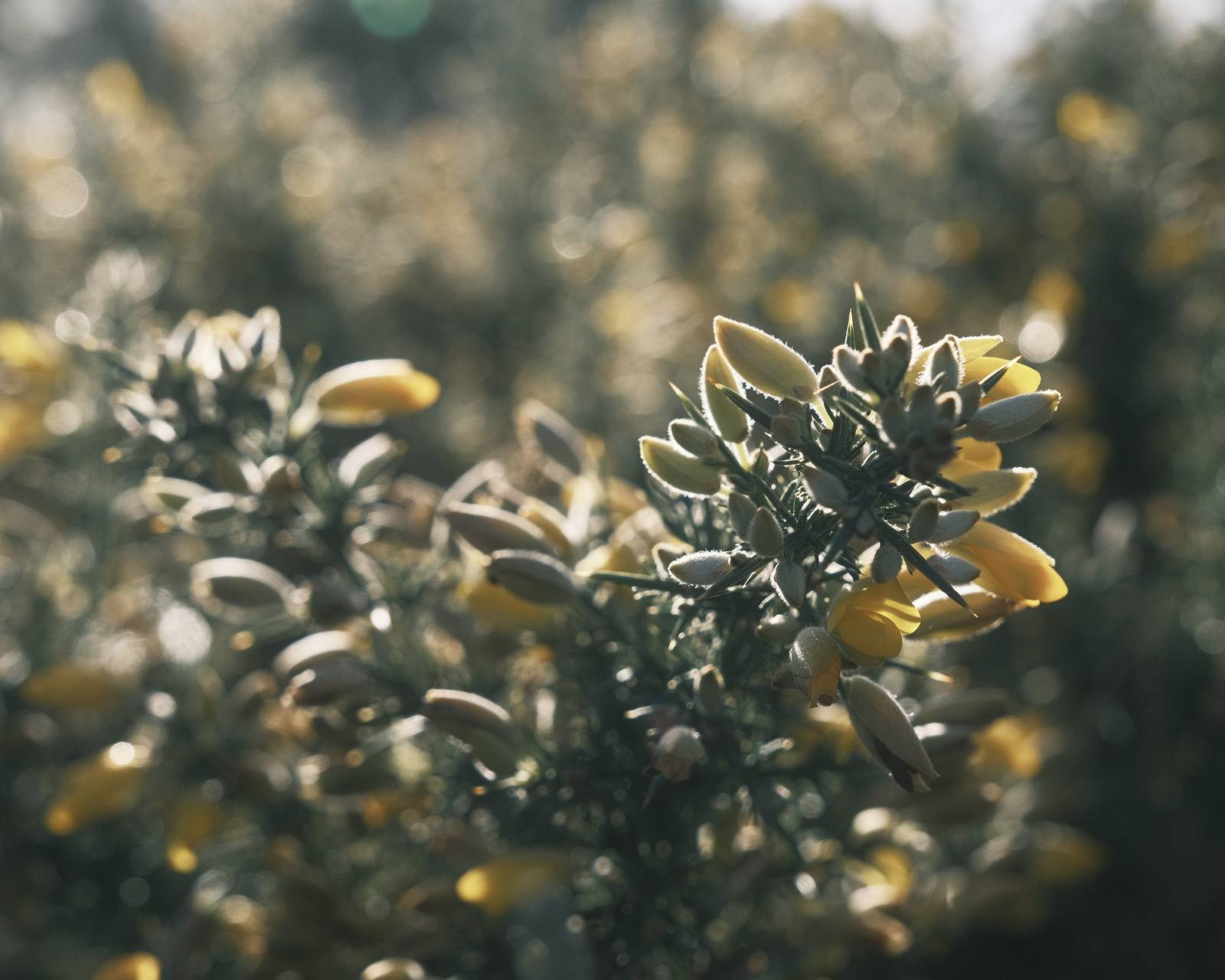
    123-123 Film Recipe

    123-123

    Here’s a special film recipe look for the year end. It uses Classic Negative with a heavy adjustment for winter friendly tones and a washed out, nostalgic look.

    It’s named after the date, 12.31.23, representing the last day of 2023 in US date format. The 123-123 sequence also appears in the settings of this recipe, lifting shadows and fading the colour for a look that suits the subjects you might come upon during winter photo walks.

    Ideal conditions for this recipe include all the types of weather you find in winter: frost, snow, rain, mist, low sun and drizzly gloom. With the 123-123 film recipe, there’s no need to stay indoors. Wrap up warm, go out with your camera and capture your own year end story.

    123-123 Film Recipe Settings

    Film SimulationClassic Negative
    Grain EffectOff
    Colour Chrome EffectWeak
    Colour Chrome BlueOff
    White BalanceUnderwater, +1 Red, ‑2 Blue
    Dynamic RangeDR400
    Highlights+1
    Shadows‑2
    Colour‑3
    Sharpness+1
    ISO Noise Reduction‑2
    Clarity‑3
    EV Compensation0

    Similar Recipes

    More similar recipes, and hundreds more exclusive looks, are available in the Film Recipes App.

    123-123 Film Recipe: Sample Photos

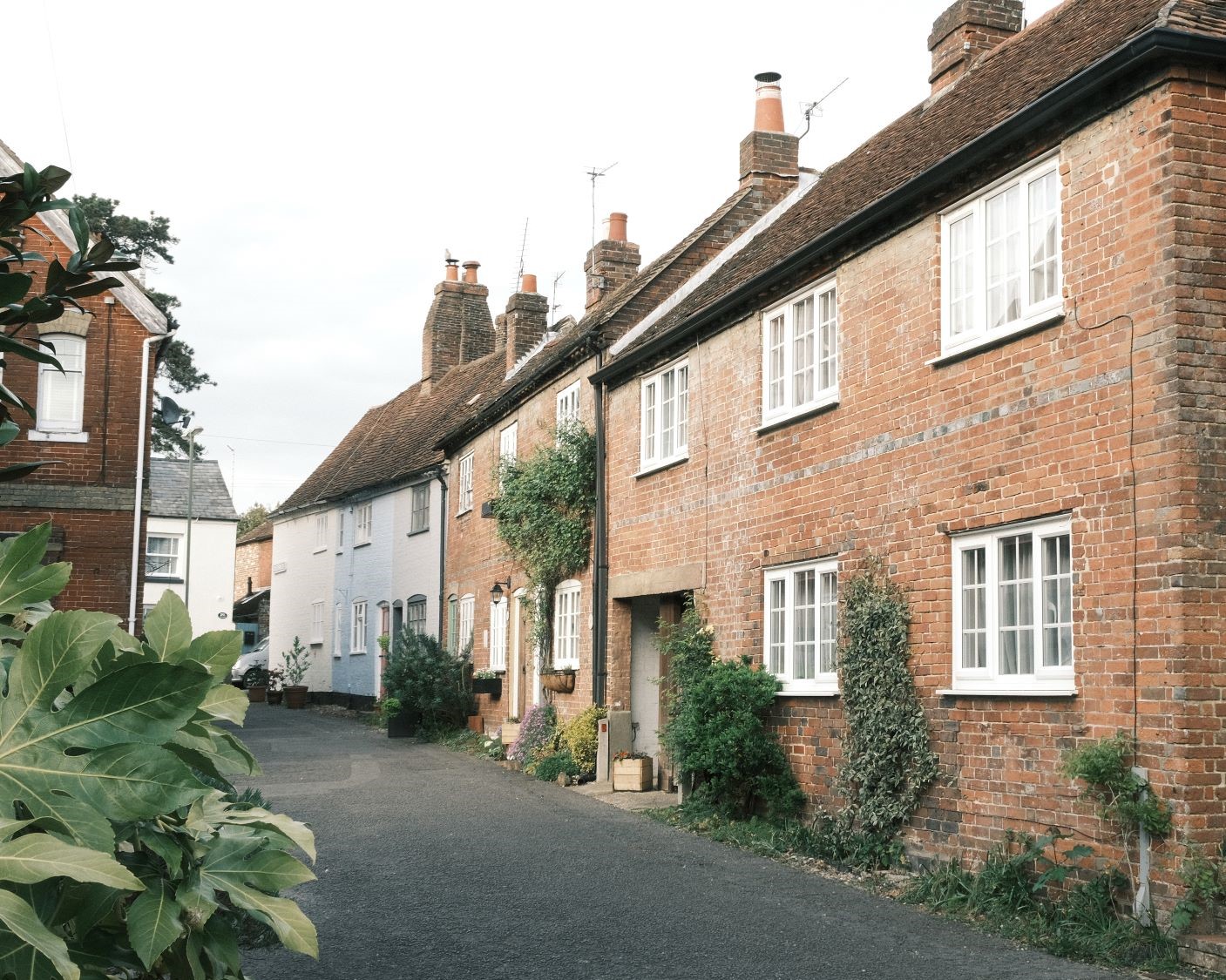
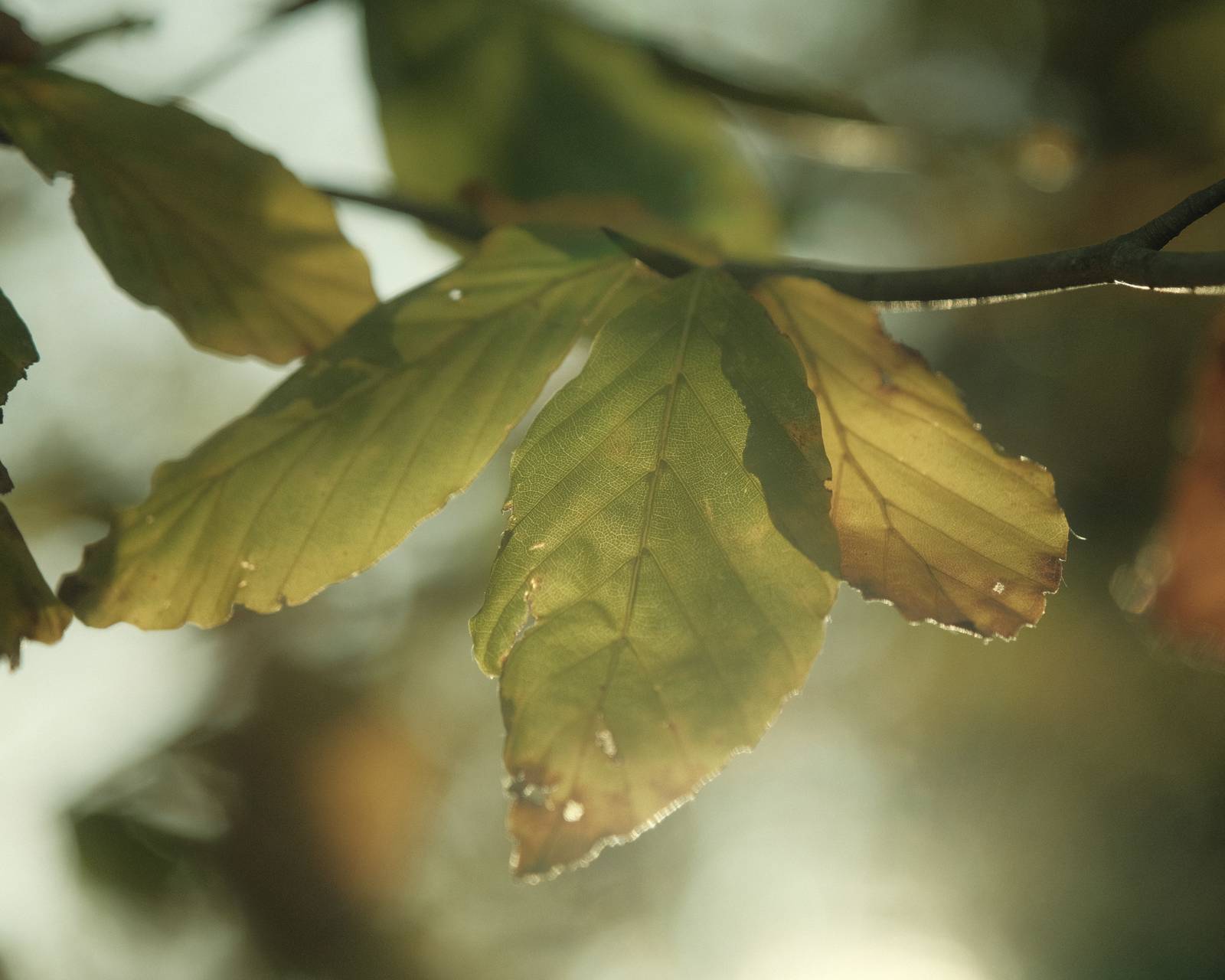
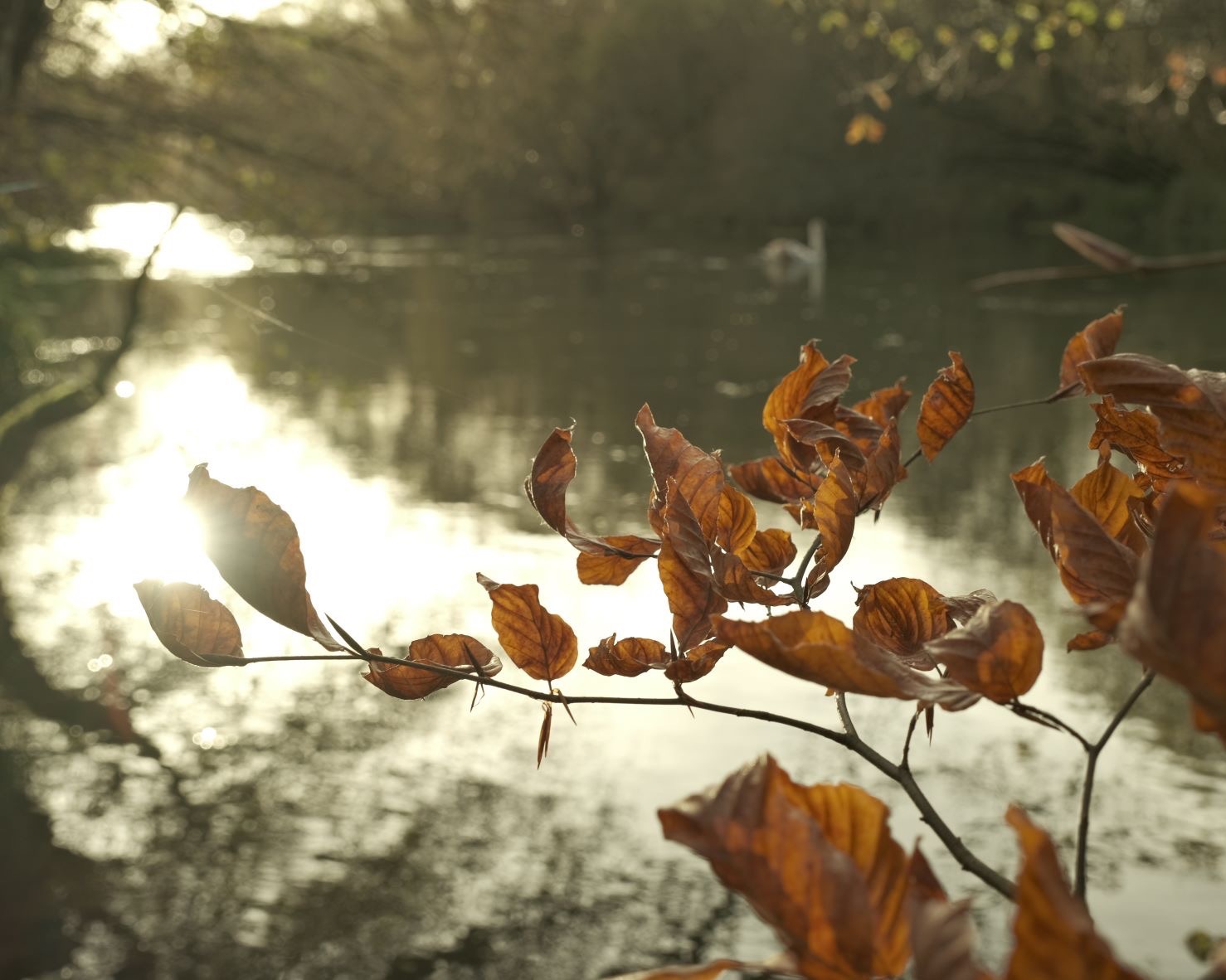
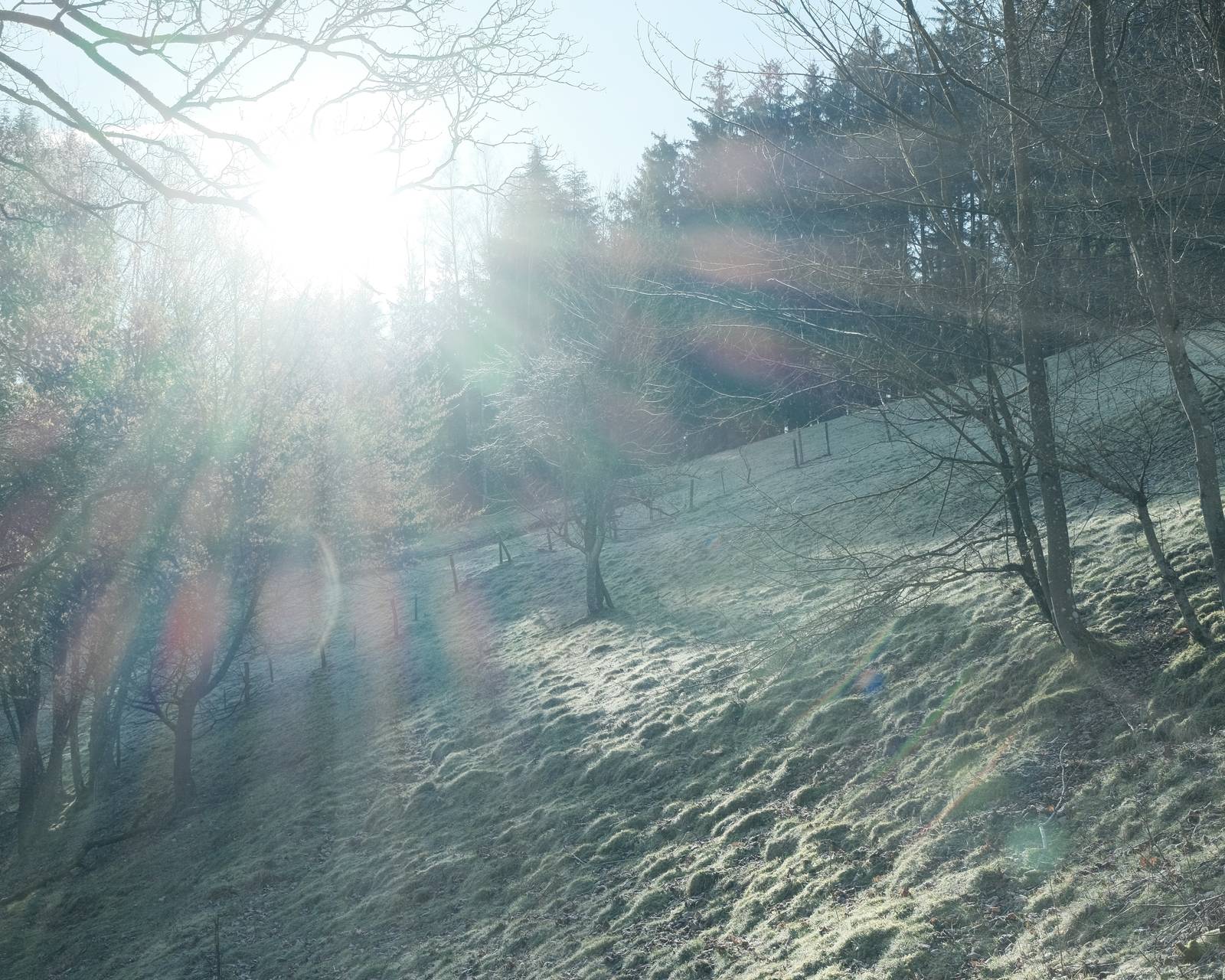
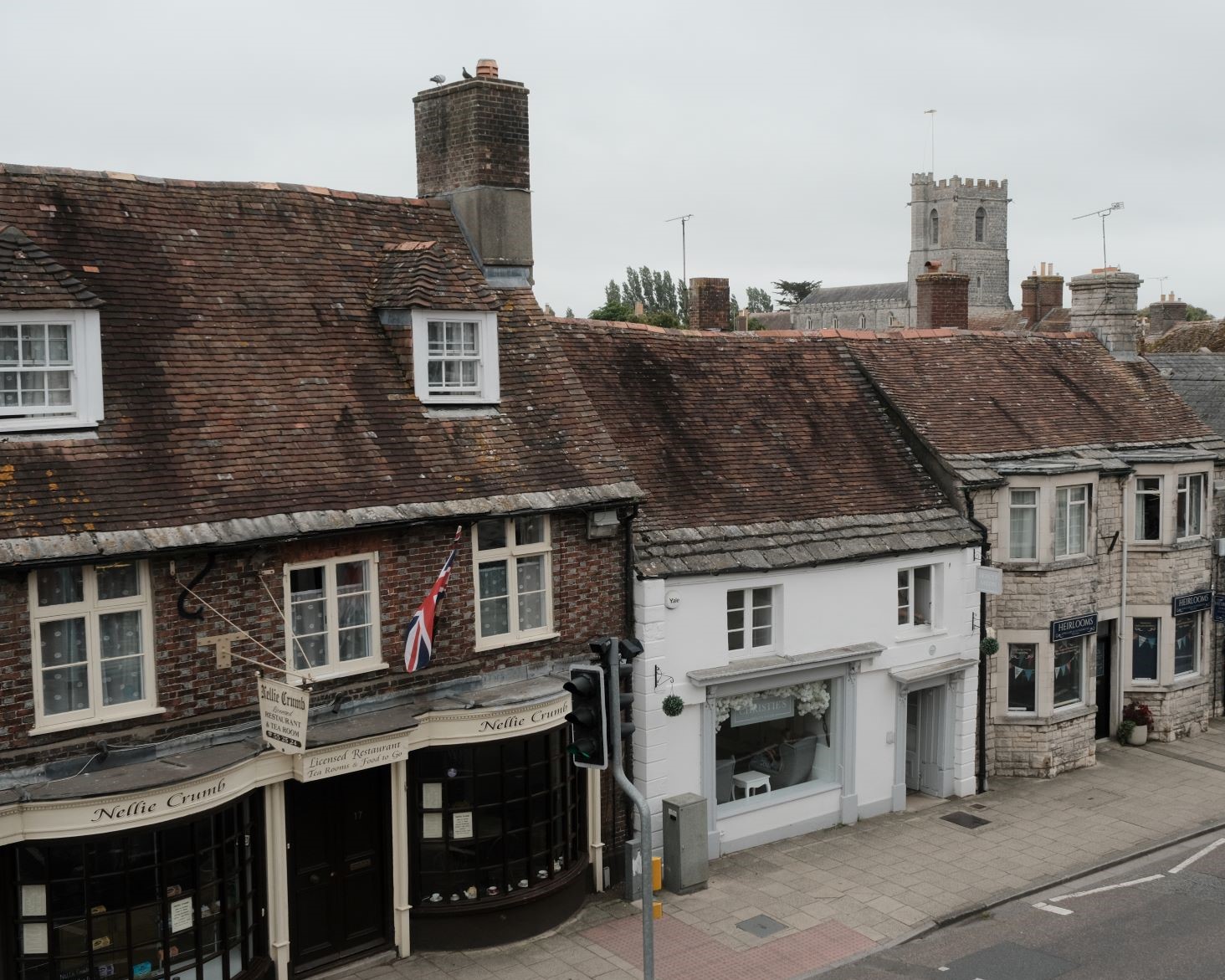
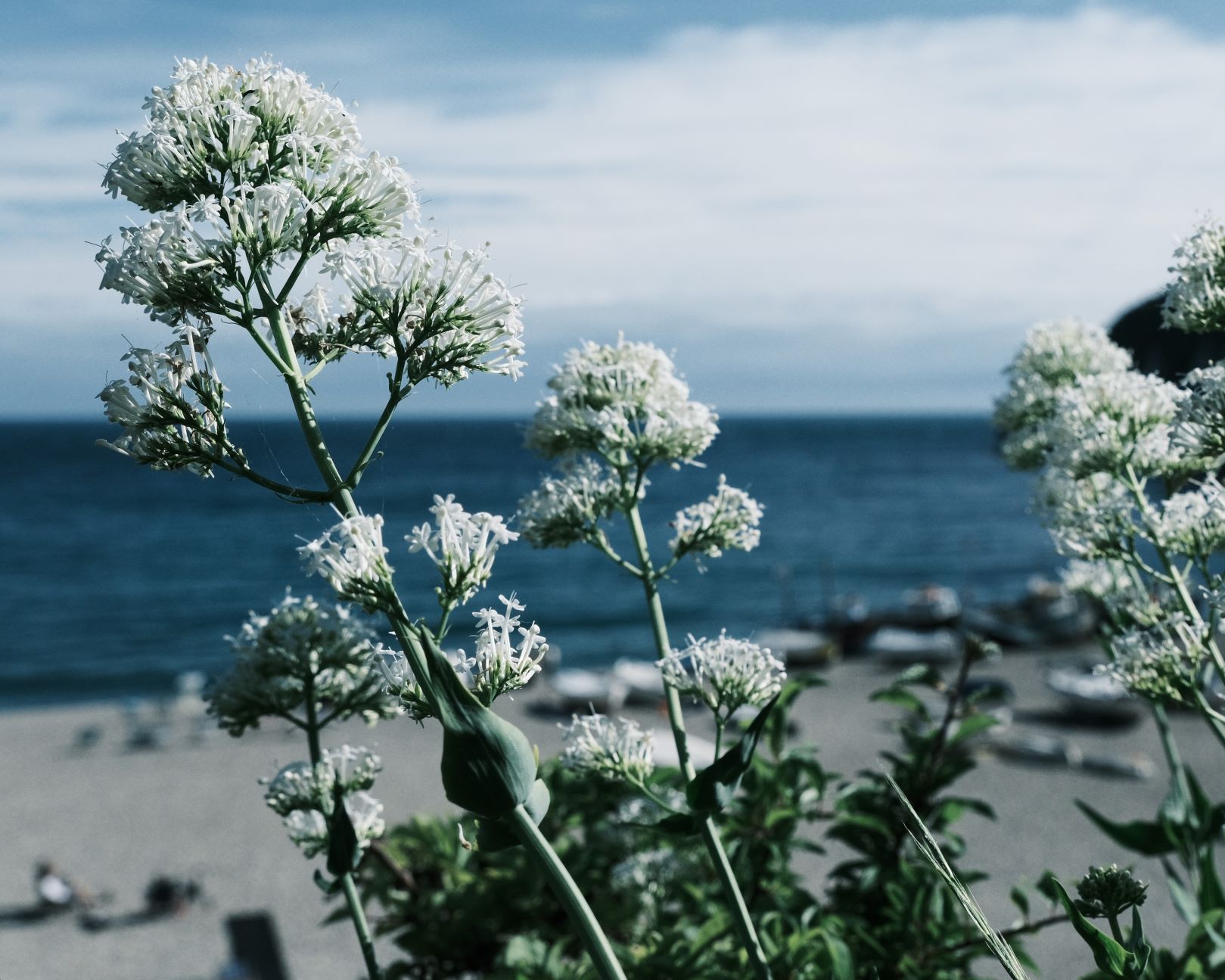
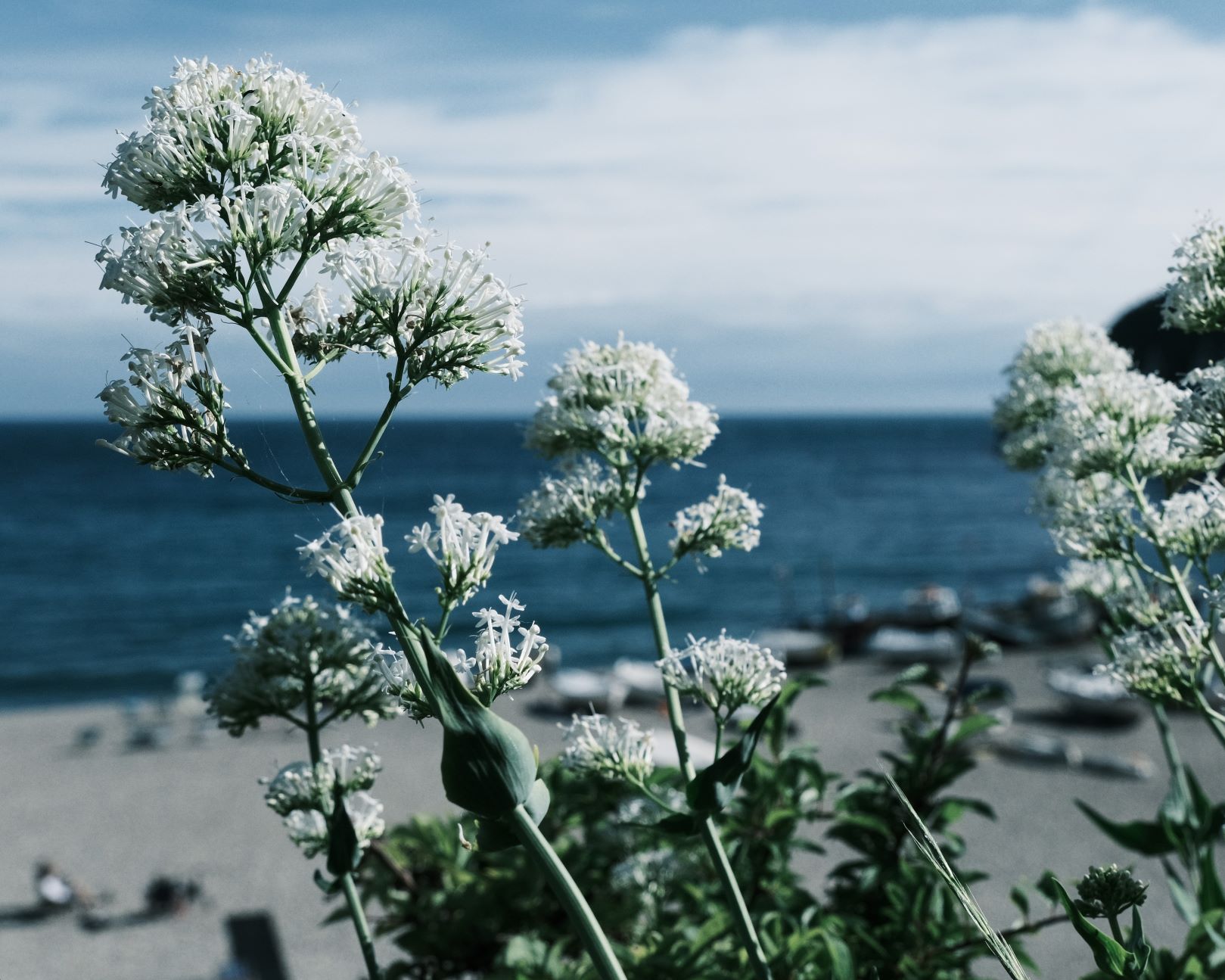
    123-123 film recipe sample photo
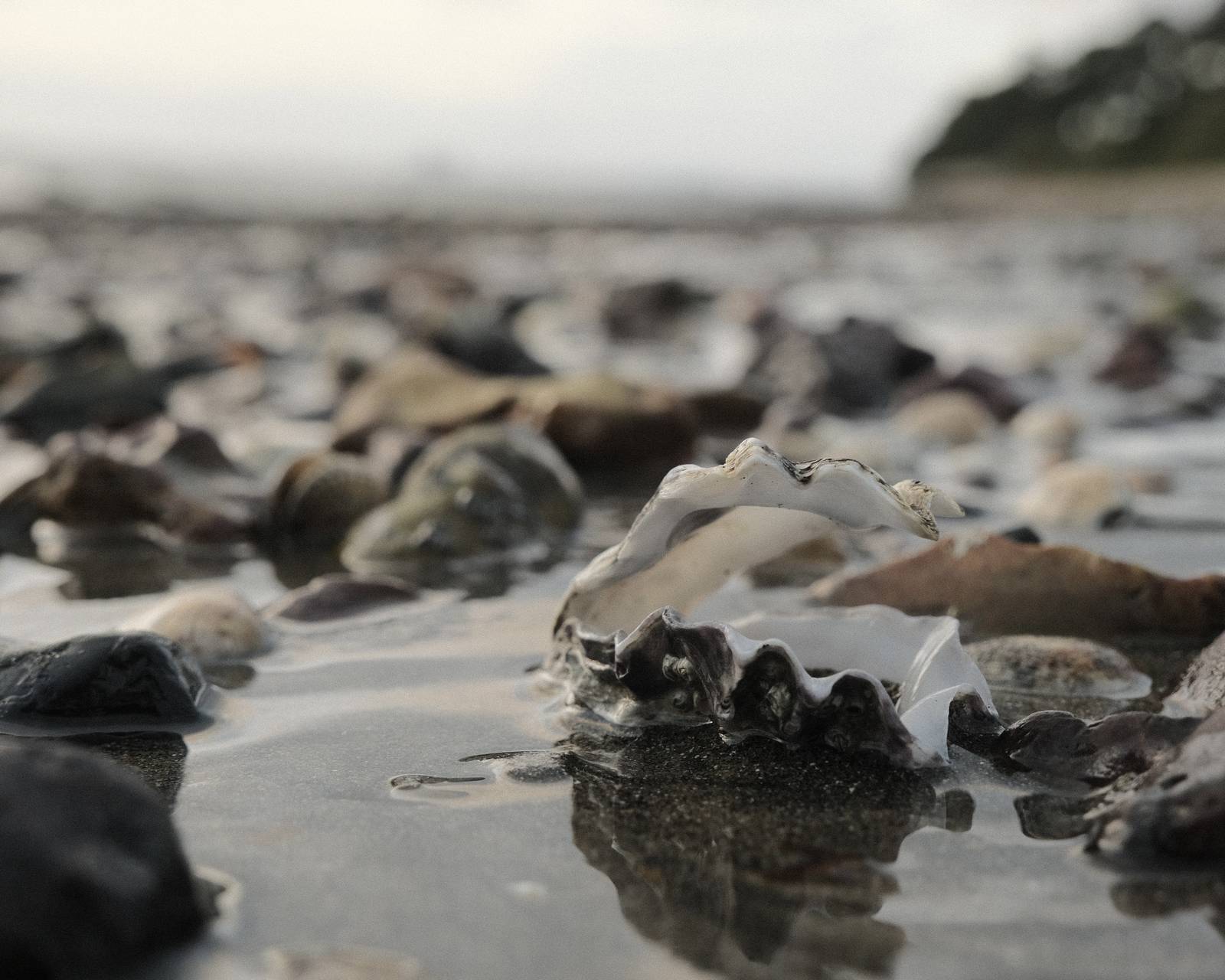
    123-123 film recipe sample photo
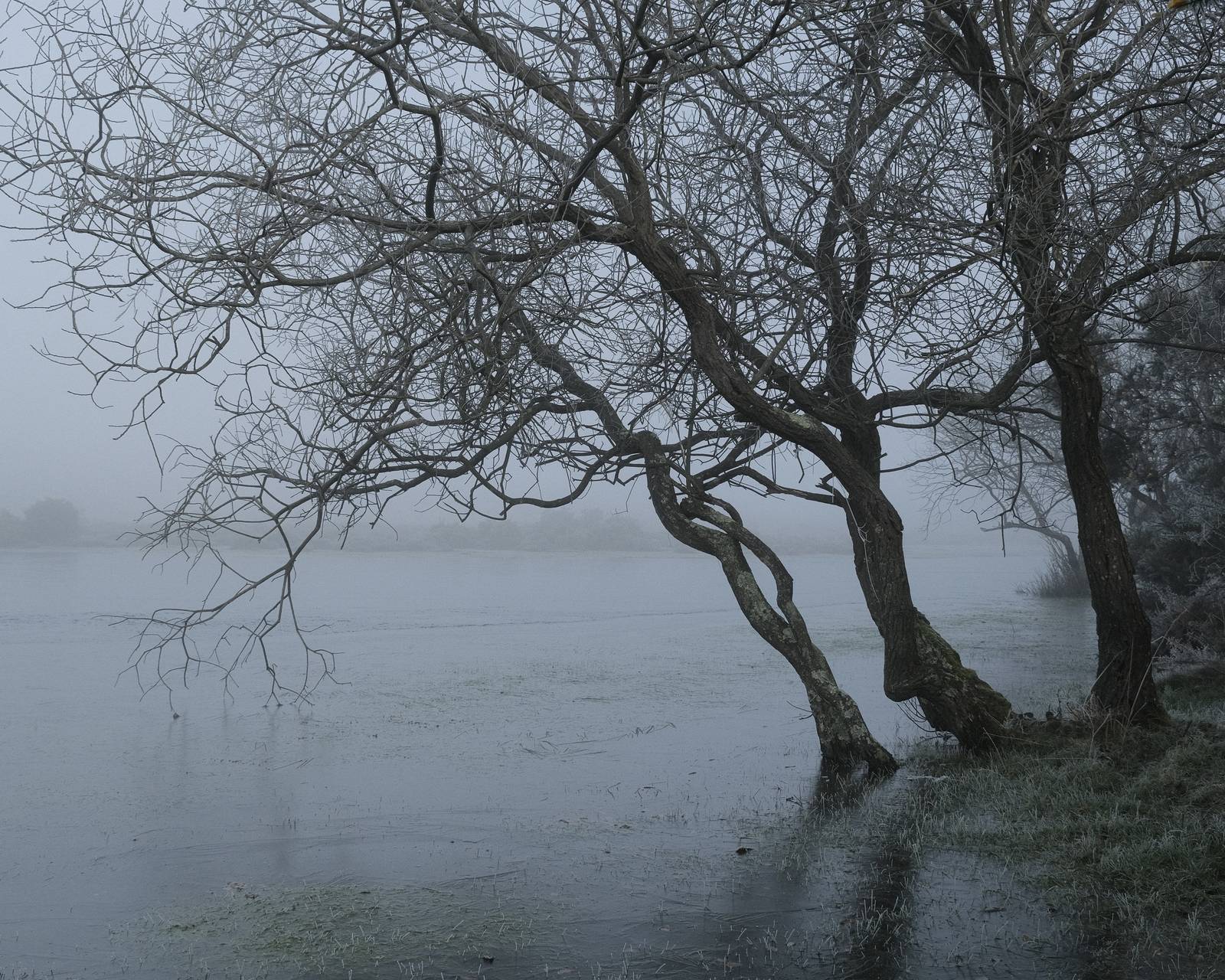
    123-123 film recipe sample photo
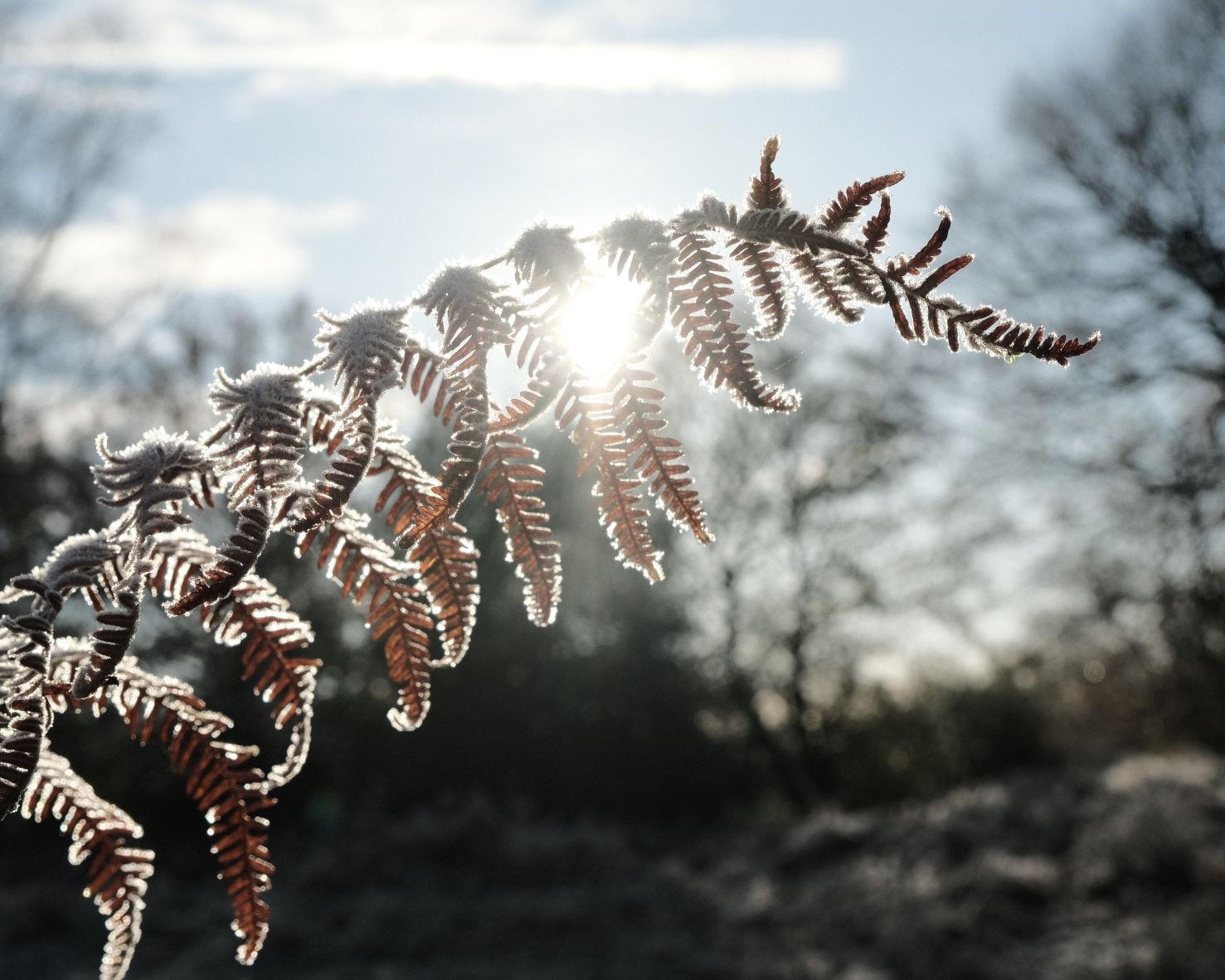
    123-123 film recipe sample photo
    123-123 film recipe sample photo

    Community Photos

    Photos taken with the 123-123 film recipe by members of the Film Recipes community.

    Photos by Justin Gould

    123-123 film recipe photo by Justin Gould
  • All Fours, Deep Tones for All Weathers

    All Fours, Deep Tones for All Weathers

    Dramatic film simulation recipe for Fujifilm X Series cameras using Classic Negative

    All Fours Film Recipe

    All Fours

    From time to time, I like to push things towards the extremes and experiment with film recipes using maximum and minimum values on the various recipe adjustments. This is the case for this strong look film recipe, based on Classic Negative, and a range of modifiers set to 4.

    The result is a look that packs a lot of drama into each images, with deep shadow areas, lots of contrast and a moody deep feel. I’ve tried in a variety of weather conditions, from bright sunshine to miserable rain and stormy skies. This one loves them all!

    I think you’ll get your best images when there are at least some areas of light and dark in frame, and you slightly under expose. There is a -1/3 recommendation here, but the general rule is not to try and fight the recipe and go for the deep tones mood.

    As always, here are a ton of sample images from my preferred subjects in nature, but the real fun of this recipe is to get out there and try it, in sun or rain, day or night, indoors and out. Have fun!

    All Fours Film Recipe Settings

    Film SimulationClassic Negative
    Grain EffectStrong, Large
    Colour Chrome EffectWeak
    Colour Chrome BlueOff
    White Balance4000K +4 Red, -4 Blue, +4 Red, ‑4 Blue
    Dynamic RangeDR200
    Highlights+4
    Shadows+4
    Colour‑4
    Sharpness+1
    ISO Noise Reduction‑4
    Clarity0
    EV Compensation-1/3

    Similar Recipes

    More similar recipes, and hundreds more exclusive looks, are available in the Film Recipes App.

    All Fours Film Recipe: Sample Photos

    All Fours film recipe sample photo
    All Fours film recipe sample photo
    All Fours film recipe sample photo
    All Fours film recipe sample photo
    All Fours film recipe sample photo
    All Fours film recipe sample photo
    All Fours film recipe sample photo
    All Fours film recipe sample photo
    All Fours film recipe sample photo
    All Fours film recipe sample photo
    All Fours film recipe sample photo
    All Fours film recipe sample photo
    All Fours film recipe sample photo

    Community Photos

    Photos taken with the All Fours film recipe by members of the Film Recipes community.

    Photos by Rudhi Ritzmann Yuen

    All Fours film recipe photo by Rudhi Ritzmann Yuen

    Photos by Sabrina Magnusson

    All Fours film recipe photo by Sabrina Magnusson
  • Wigan Pier, Sophisticated Instagram Tones

    Wigan Pier, Sophisticated Instagram Tones

    Instagram inspired film simulation recipe using Eterna for warm muted images

    Wigan Pier Film Recipe

    Wigan Pier

    Do you follow inspiring photographers on social media, and want to achieve a similar look in your Fujifilm photography? I’m often inspired, and will try and make a recipe to get a similar look.

    One such photographer is Gareth Llewellyn, known as withgar on both Instagram and Threads, and in his images there’s a characterful warm and muted look.

    I love this, and so I’ve made this muted tone film recipe based on this inspiration.

    My recipe is close to some of his images, but of course it isn’t an exact match.

    So, being similar but different, leads to this recipe name, similar but different to his handle.

    Wigan Pier is a versatile and forgiving look that softens extreme light and works especially well in soft light, such as in the golden hour.

    I’ve been testing it a lot over recent months and I’ve come to find it a favourite new look, bringing cosy and cinematic tones to my photos, and making me feel at least a little way towards achieving a social meadia winning look of my own!

    I hope you’ll enjoy this recipe, and let us know what you photograph in our own social club, the Film Recipes Facebook Group.

    Wigan Pier Film Recipe Settings

    Film SimulationEterna/Cinema
    Grain EffectWeak, Small
    Colour Chrome EffectWeak
    Colour Chrome BlueWeak
    White BalanceFluorescent 2, +2 Red, ‑5 Blue
    Dynamic RangeDR400
    Highlights0
    Shadows‑1
    Colour‑2
    Sharpness0
    ISO Noise Reduction‑4
    Clarity0
    EV Compensation-2/3

    Similar Recipes

    More similar recipes, and hundreds more exclusive looks, are available in the Film Recipes App.

    Film Recipes

    Get the Film Recipes App

    Filter by film simulation, mood, shooting condition and more

    Download on the App Store
    Get it on Google Play

    Wigan Pier Film Recipe: Sample Photos

    Wigan Pier film recipe sample photo
    Wigan Pier film recipe sample photo
    Wigan Pier film recipe sample photo
    Wigan Pier film recipe sample photo
    Wigan Pier film recipe sample photo
    Wigan Pier film recipe sample photo

    Community Photos

    Photos taken with the Wigan Pier film recipe by members of the Film Recipes community.

    Photos by Gunther Geeraerts

    Wigan Pier film recipe photo by Gunther Geeraerts
  • Expired 400, Photos from Old Film Rolls

    Expired 400, Photos from Old Film Rolls

    Classic Chrome film recipe for a green toned expired film look

    Expired 400 Film Film Recipe

    Expired 400 Film

    Shooting on film has become something of a specialist hobby now, with film prices higher than ever and processing labs few and far between. However, the cool kids on the Gram, Vero and Threads are still showing how it’s done, and processing their own film at home. For an added retro twist, some are using old rolls of expired film, bringing new tones to the table.

    Some of the elements seen in expired film can be captured with our Fujifilm cameras, and I now have a small selection to choose from. My Aged Kodak Portra is a personal favourite, along with Expired Geographic and of course, the pink toned Expired Film 66.

    For this new variation, I wanted a look that brought the expired green tint along with a flattened tone curve as a nod to the fade effect seen in many expired film images. The result is both striking but welcoming, and is certainly full of expired character. It’s not perhaps an everyday choice, but I really enjoy shooting with it in sunny conditions, and I’m sure you will do too.

    Expired 400 Film Film Recipe Settings

    Film SimulationClassic Chrome
    Grain EffectWeak, Small
    Colour Chrome EffectWeak
    Colour Chrome BlueWeak
    White BalanceAuto, +2 Red, ‑9 Blue
    Dynamic RangeDR400
    Highlights‑1
    Shadows‑2
    Colour‑4
    Sharpness‑2
    ISO Noise Reduction‑4
    Clarity‑4
    EV Compensation+1/3

    Similar Recipes

    More similar recipes, and hundreds more exclusive looks, are available in the Film Recipes App.

    Film Recipes

    Get the Film Recipes App

    Works offline — no signal needed out in the field

    Download on the App Store
    Get it on Google Play

    Expired 400 Film Film Recipe: Sample Photos

    Expired 400 Film film recipe sample photo
    Expired 400 Film film recipe sample photo
    Expired 400 Film film recipe sample photo
    Expired 400 Film film recipe sample photo
    Expired 400 Film film recipe sample photo
    Expired 400 Film film recipe sample photo
    Expired 400 Film film recipe sample photo
    Expired 400 Film film recipe sample photo
    Expired 400 Film film recipe sample photo
    Expired 400 Film film recipe sample photo
    Expired 400 Film film recipe sample photo
    Expired 400 Film film recipe sample photo
  • Minus One, Classic Chrome for Cold Days

    Minus One, Classic Chrome for Cold Days

    Classic Chrome film recipes designed for winter days with a subtle cool tone shift

    Minus One Film Recipe

    Minus One

    When the weather is colder, you may wish to show the mood of a scene without the warm colour shift that many film recipes offer. For these wintry days and cold crisp mornings, a cooler colour balance makes for a film recipe kind to blue tones that doesn’t remove the frosty feel.

    At the heart of this film recipe is a somewhat uncommon colour balance, using the Underwater preset as a starting point. This setting was added to our cameras for the rather unlikely chance that we would go swimming with them. For many of us, it is therefore left unused.

    For frosty, misty and cold clear days, this balance is actually quite useful, and with just a gentle adjustment, and a dash of Colour Chrome Blue we have a great look for winter. For my personal takses, I have softened the contrast slightly, and nudged sturation down one step too.

    The result is a versatile film recipe, ideal for winter days, but happy in a wide range of conditions, especially where a warm colour balance is a distraction.

    Minus One Film Recipe Settings

    Film SimulationClassic Chrome
    Grain EffectOff
    Colour Chrome EffectWeak
    Colour Chrome BlueWeak
    White BalanceUnderwater, ‑1 Red, ‑1 Blue
    Dynamic RangeDR400
    Highlights‑1
    Shadows‑1
    Colour‑1
    Sharpness‑1
    ISO Noise Reduction‑4
    Clarity0
    EV Compensation+1/3

    Similar Recipes

    More similar recipes, and hundreds more exclusive looks, are available in the Film Recipes App.

    Film Recipes

    Get the Film Recipes App

    800+ recipes — more than twice as many as the free site

    Download on the App Store
    Get it on Google Play

    Minus One Film Recipe: Sample Photos

    Minus One film recipe sample photo
    Minus One film recipe sample photo
    Minus One film recipe sample photo
    Minus One film recipe sample photo
    Minus One film recipe sample photo
    Minus One film recipe sample photo
    Minus One film recipe sample photo
    Minus One film recipe sample photo
    Minus One film recipe sample photo
    Minus One film recipe sample photo
    Minus One film recipe sample photo
    Minus One film recipe sample photo
    Minus One film recipe sample photo
    Minus One film recipe sample photo

    Community Photos

    Photos taken with the Minus One film recipe by members of the Film Recipes community.

    Photos by Andrea Braun

    Minus One film recipe photo by Andrea Braun
  • Winter Standard, Pro Neg for Frost and Ice

    Winter Standard, Pro Neg for Frost and Ice

    Pro Neg Standard film simulation recipe for winter conditions, snow, ice, frost and fog

    Winter Standard Film Recipe

    Winter Standard

    Winter weather tends to arrive in January and February where I live, but late this November we had a cold snap with some frost and fog. This gave me a great opportunity to test out some winter film recipes, and see how they behaved in the cold conditions.

    I’m a big fan of the Pro Neg simulations, with their film like character that retains a modern feel. I enjoy using them for landscape photography and have published a number that are good choices with a natural colour balance.

    For this recipe though, the cool tones of the frost and fog are what I looked to enhance, and so this recipe uses a cool colour balance, along with two steps of reduced saturation to bring the frost feel of a crisp winter morning to life.

    Winter Standard Film Recipe Settings

    Film SimulationPRO Neg. Std
    Grain EffectWeak, Small
    Colour Chrome EffectWeak
    Colour Chrome BlueOff
    White BalanceAuto, ‑1 Red, +2 Blue
    Dynamic RangeDR400
    Highlights‑1
    Shadows0
    Colour‑2
    Sharpness+1
    ISO Noise Reduction‑4
    Clarity0
    EV Compensation+1/3

    Similar Recipes

    More similar recipes, and hundreds more exclusive looks, are available in the Film Recipes App.

    Film Recipes

    Get the Film Recipes App

    Settings laid out clearly, with sample photos and similar recipes

    Download on the App Store
    Get it on Google Play

    Winter Standard Film Recipe: Sample Photos

    Winter Standard film recipe sample photo
    Winter Standard film recipe sample photo
    Winter Standard film recipe sample photo
    Winter Standard film recipe sample photo
    Winter Standard film recipe sample photo
    Winter Standard film recipe sample photo
    Winter Standard film recipe sample photo
  • Glacier Blue, Icy Azure Blue Tones

    Glacier Blue, Icy Azure Blue Tones

    Bold blue tone film recipe using Classic Negative and strong color chrome effects

    Glacier Blue Film Recipe

    Glacier Blue

    Here’s a creative recipe with a look to maximise the blue tones in your images. It’s a film recipe that works well in winter, but just as well for big blue skies and ocean blues in summer too. I group it with my other extreme film recipe styles, because of the bold effect it generates.

    To generate the bold blue look, this recipe uses Classic Negative as the base simulation, and enhaces that further with strong color chrome effects and deep shadows. Saturation is actually minimised in this recipe, but the result is still that of a deep bold glacier blue.

    Glacier Blue Film Recipe Settings

    Film SimulationClassic Negative
    Grain EffectOff
    Colour Chrome EffectStrong
    Colour Chrome BlueWeak
    White BalanceDaylight, ‑4 Red, +1 Blue
    Dynamic RangeDR200
    Highlights‑1
    Shadows+2
    Colour‑4
    Sharpness0
    ISO Noise Reduction‑4
    Clarity0
    EV Compensation+2/3

    Similar Recipes

    More similar recipes, and hundreds more exclusive looks, are available in the Film Recipes App.

    Film Recipes

    Get the Film Recipes App

    Filter by film simulation, mood, shooting condition and more

    Download on the App Store
    Get it on Google Play

    Glacier Blue Film Recipe: Sample Photos

    Glacier Blue film recipe sample photo
    Glacier Blue film recipe sample photo
    Glacier Blue film recipe sample photo
    Glacier Blue film recipe sample photo
    Glacier Blue film recipe sample photo
    Glacier Blue film recipe sample photo
    Glacier Blue film recipe sample photo
    Glacier Blue film recipe sample photo
    Glacier Blue film recipe sample photo
    Glacier Blue film recipe sample photo
    Glacier Blue film recipe sample photo
    Glacier Blue film recipe sample photo
  • Retroscope, Film Recipe Time Machine

    Retroscope, Film Recipe Time Machine

    Bleach Bypass film simulation recipe for a nostalgic prints look

    Retroscope Film Recipe

    Retroscope

    Let’s wind back the decades with this nostalgic film recipe with a strong retro feel. It differs from vintage looks by not having an especially warm tone, but still having an aged look like prints from a simpler camera from bygone days. 

    This film recipe is built from layers, each adding to the overall look. First up is the Eterna Bleach Bypass simulation which washes out the colour. The next layer is the colour balance, which mimics a fading image, like a print from many years ago.  Lastly, negative clarity is used to soften the overall image and add a vintage look to out of focus areas. 

    I know that many people prefer not to use the clarity function because of the saving delay that it causes. Often, I’ll suggest using a physical filter as an option, but for Retroscope, I do recommend using negative clarity as part of the aesthetic. 

    Now to the results where we can see how this recipe looks. I’ve really enjoyed using it, either for a nostalgic feel like old prints, of where a muted soft look enhances the feel of the images, such as on a foggy day, or when the light is pale and soft already.

    Retroscope Film Recipe Settings

    Film SimulationEterna Bleach Bypass
    Grain EffectWeak, Small
    Colour Chrome EffectStrong
    Colour Chrome BlueWeak
    White Balance5200K, +5 Red, +2 Blue
    Dynamic RangeDR200
    Highlights‑1.5
    Shadows‑1.5
    Colour+3
    Sharpness‑3
    ISO Noise Reduction‑4
    Clarity‑3
    EV Compensation0

    Similar Recipes

    More similar recipes, and hundreds more exclusive looks, are available in the Film Recipes App.

    Film Recipes

    Get the Film Recipes App

    Browse, filter and search the full recipe library in seconds

    Download on the App Store
    Get it on Google Play

    Retroscope Film Recipe: Sample Photos

    Retroscope film recipe sample photo
    Retroscope film recipe sample photo
  • Quicklime, Limestone Classic Chrome

    Quicklime, Limestone Classic Chrome

    Classic Chrome film simulation recipe with grey green colour balance

    Quicklime Film Recipe

    Quicklime

    As a fan of film recipes, I enjoy looking at photos shared by others and seeing how they use recipes in different situations.

    On this occasion, Roberto Foroni posted an atmospheric image through a cafe window in a film recipe Facebook group. 

    I loved the look of this one in particular, but of course, the glass was part of the effect. So, I set to work trying to make a recipe that could create that look and feel in general outdoor conditions. 

    Neutrals have a slightly grey green cast, which leads to the Quicklime name. It’s a tone I see in indoor photography quite often, but I found I really enjoyed it for my photo walks in woods and forests too. 

    Quicklime Film Recipe Settings

    Film SimulationClassic Chrome
    Grain EffectOff
    Colour Chrome EffectWeak
    Colour Chrome BlueOff
    White BalanceShade, ‑2 Red, ‑4 Blue
    Dynamic RangeDR200
    Highlights+2
    Shadows0
    Colour‑4
    Sharpness‑2
    ISO Noise Reduction‑4
    Clarity‑2
    EV Compensation0

    Similar Recipes

    More similar recipes, and hundreds more exclusive looks, are available in the Film Recipes App.

    Film Recipes

    Get the Film Recipes App

    App-exclusive recipes you won’t find anywhere else

    Download on the App Store
    Get it on Google Play

    Quicklime Film Recipe: Sample Photos

    Quicklime film recipe sample photo
    Quicklime film recipe sample photo
    Quicklime film recipe sample photo
    Quicklime film recipe sample photo
    Quicklime film recipe sample photo
    Quicklime film recipe sample photo
    Quicklime film recipe sample photo
    Quicklime film recipe sample photo

    Community Photos

    Photos taken with the Quicklime film recipe by members of the Film Recipes community.

    Photos by Justin Gould

    Quicklime film recipe photo by Justin Gould
    Quicklime film recipe photo by Justin Gould

    Photos by Vicki Lynn

    Quicklime film recipe photo by Vicki Lynn
  • Gold Leaf, Extra Golden Golden Hour

    Gold Leaf, Extra Golden Golden Hour

    Eterna Bleach Bypass film simulation recipe

    Gold Leaf Film Recipe

    Gold Leaf

    Eterna Bleach Bypass film simulation recipe for fall color and golden sunsets

    Here in the UK, the late autumn has finally delivered and we are blessed with mist, mushrooms and golden leaves. A lot of the trees are at peak colour right now, with beeches, sweet chestnuts and oaks all putting on a show.

    Of course, it’s the UK, so it’s raining a lot too, but this past weekend saw a sunny break and so I took a lovely wander in the morning light. In the space of an hour, I took around 150 images, such was the abundance of golden subjects.

    This gave me a chance to test out this recipe, Gold Leaf, which I had been saving for a morning just like this. It uses a strong warm shift colour tone and a +4 colour boost to bring back some saturation into the images.

    It’s a recipe designed just for days like this, but by virtue of the strongly gold tone, it is also a great choice for a rich golden sky around sunrise and sunset too.

    Gold Leaf Film Recipe Settings

    Film SimulationEterna Bleach Bypass
    Grain EffectWeak, Small
    Colour Chrome EffectStrong
    Colour Chrome BlueWeak
    White Balance8800K, +2 Red, 0 Blue
    Dynamic RangeDR400
    Highlights‑2
    Shadows0
    Colour+4
    Sharpness0
    ISO Noise Reduction‑4
    Clarity‑4
    EV Compensation-1/3

    Similar Recipes

    More similar recipes, and hundreds more exclusive looks, are available in the Film Recipes App.

    Film Recipes

    Get the Film Recipes App

    Save your favourites and build your personal shortlist

    Download on the App Store
    Get it on Google Play

    Gold Leaf Film Recipe: Sample Photos

    Gold Leaf film recipe sample photo
    Gold Leaf film recipe sample photo
    Gold Leaf film recipe sample photo
    Gold Leaf film recipe sample photo
    Gold Leaf film recipe sample photo
    Gold Leaf film recipe sample photo