



Pale Negative
Pale Negative for Lighter Classic Negative
Soft tones film recipe for Fujifilm X100V, X-E4, X-S10, X-T4, X-T30ii
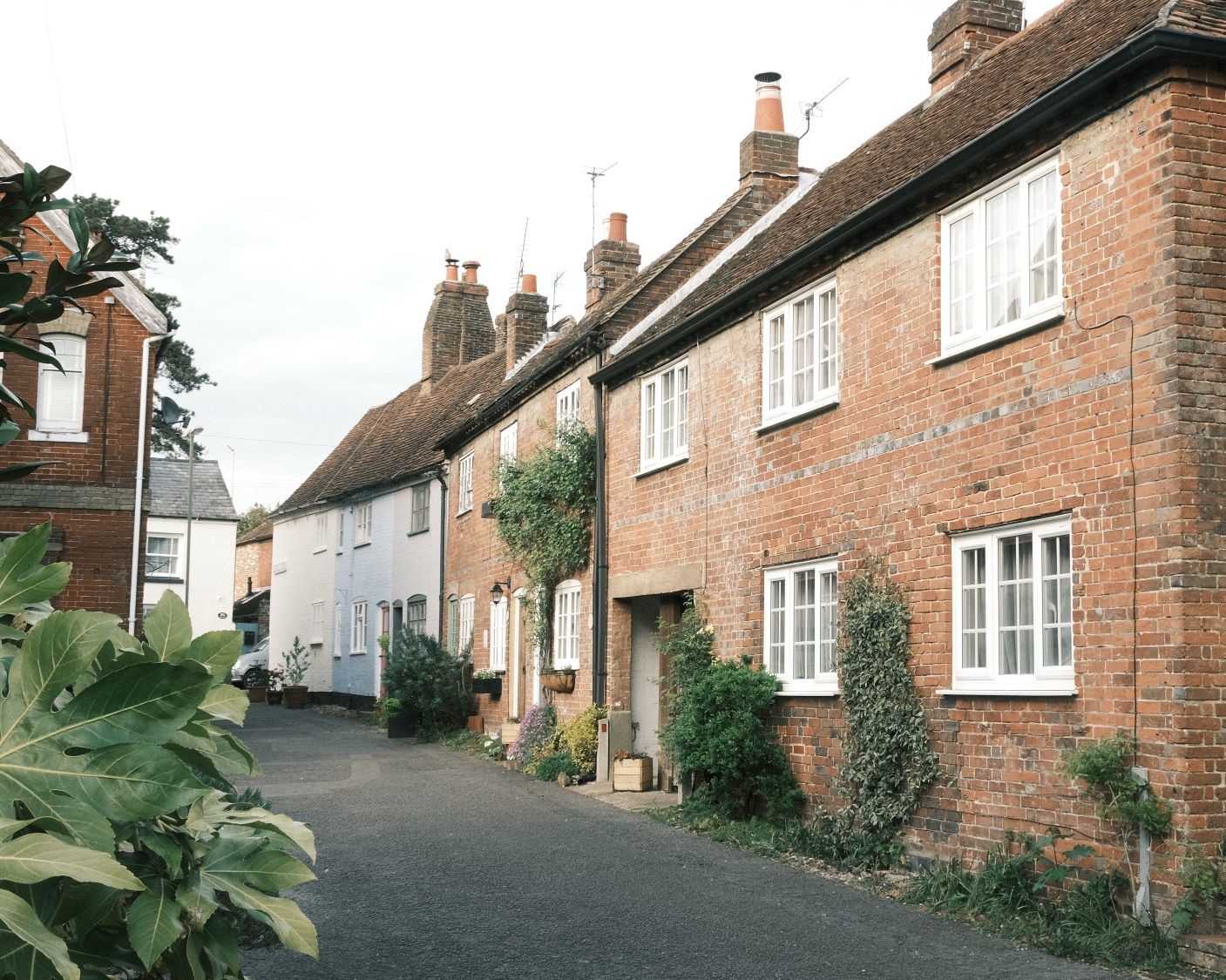
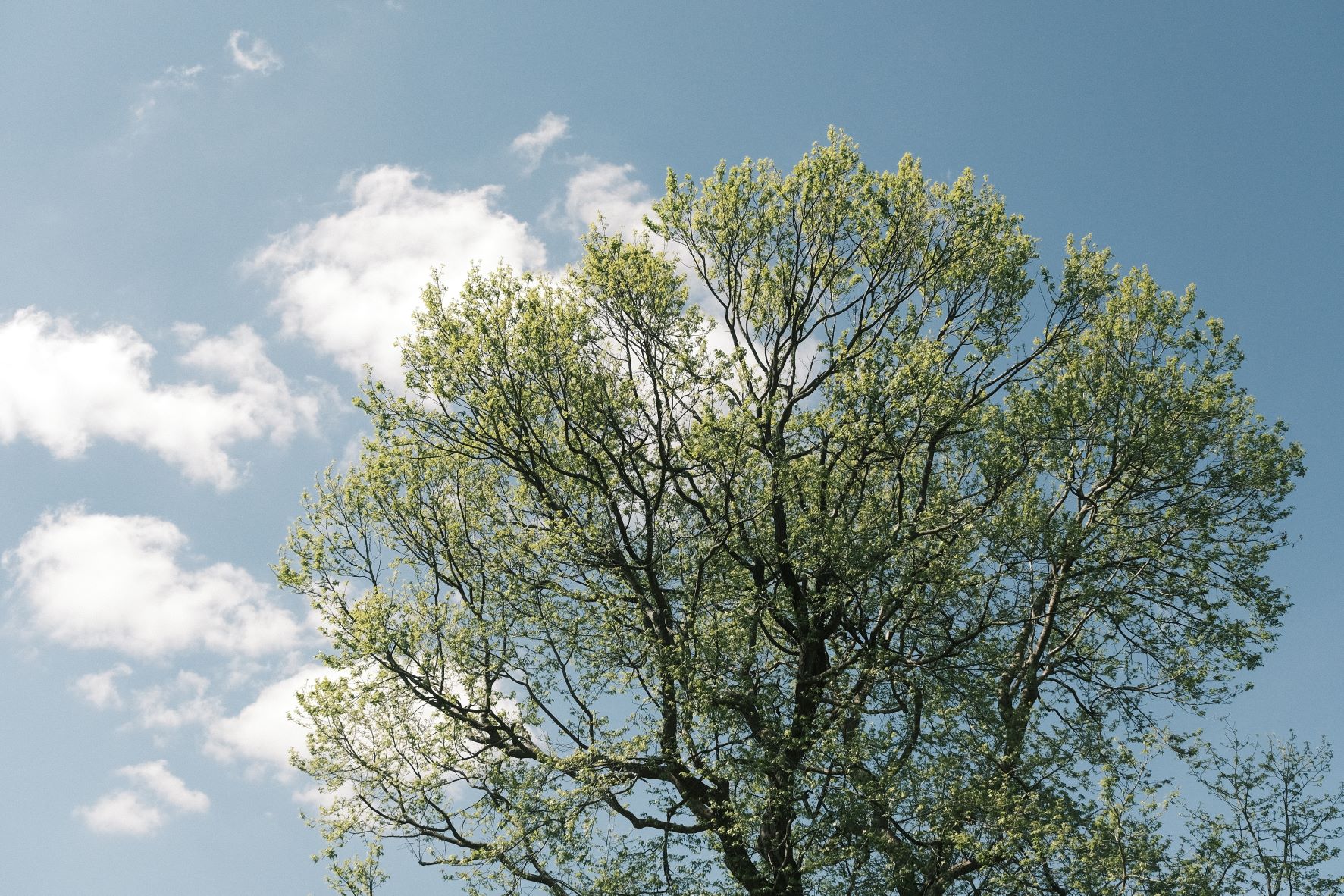
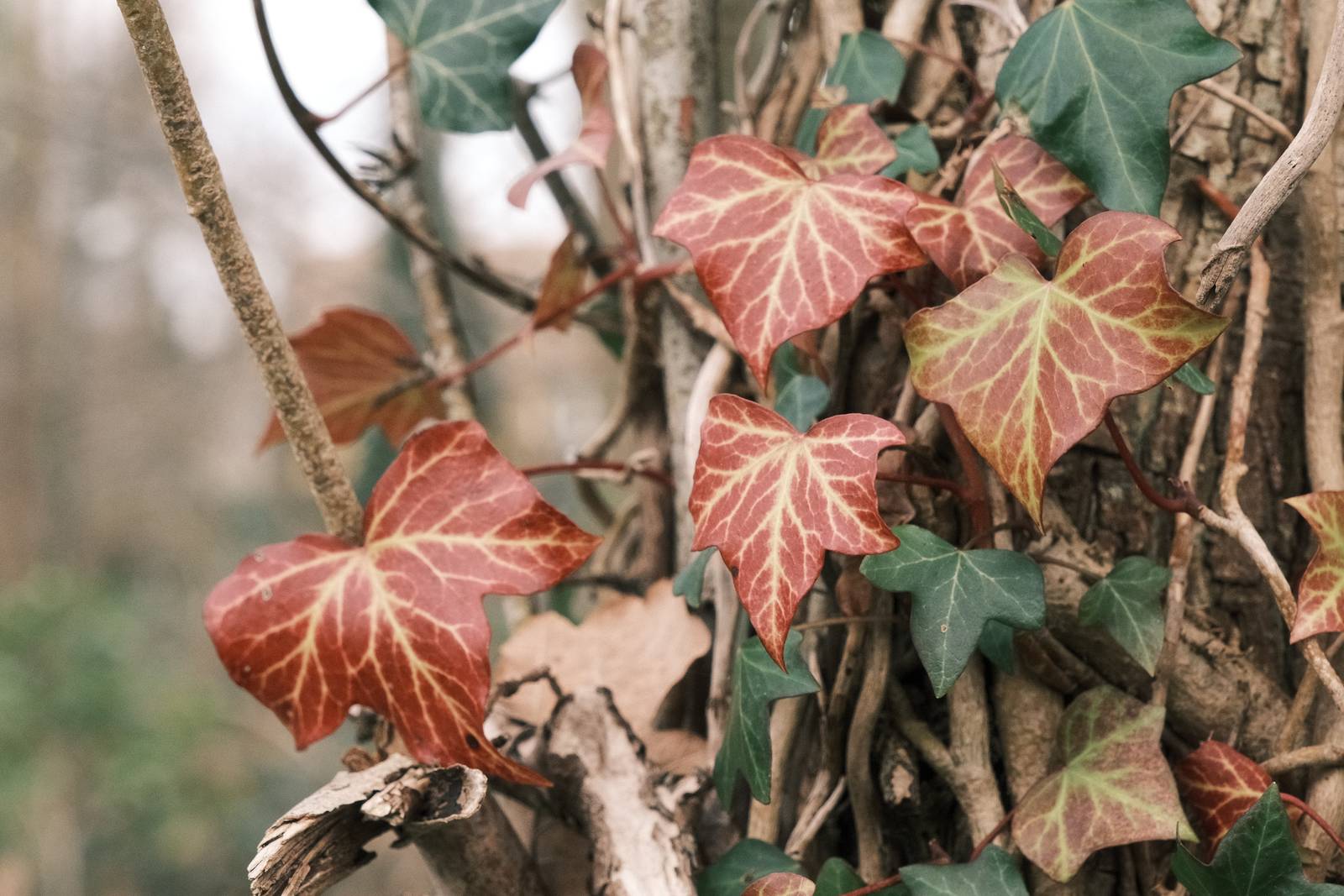
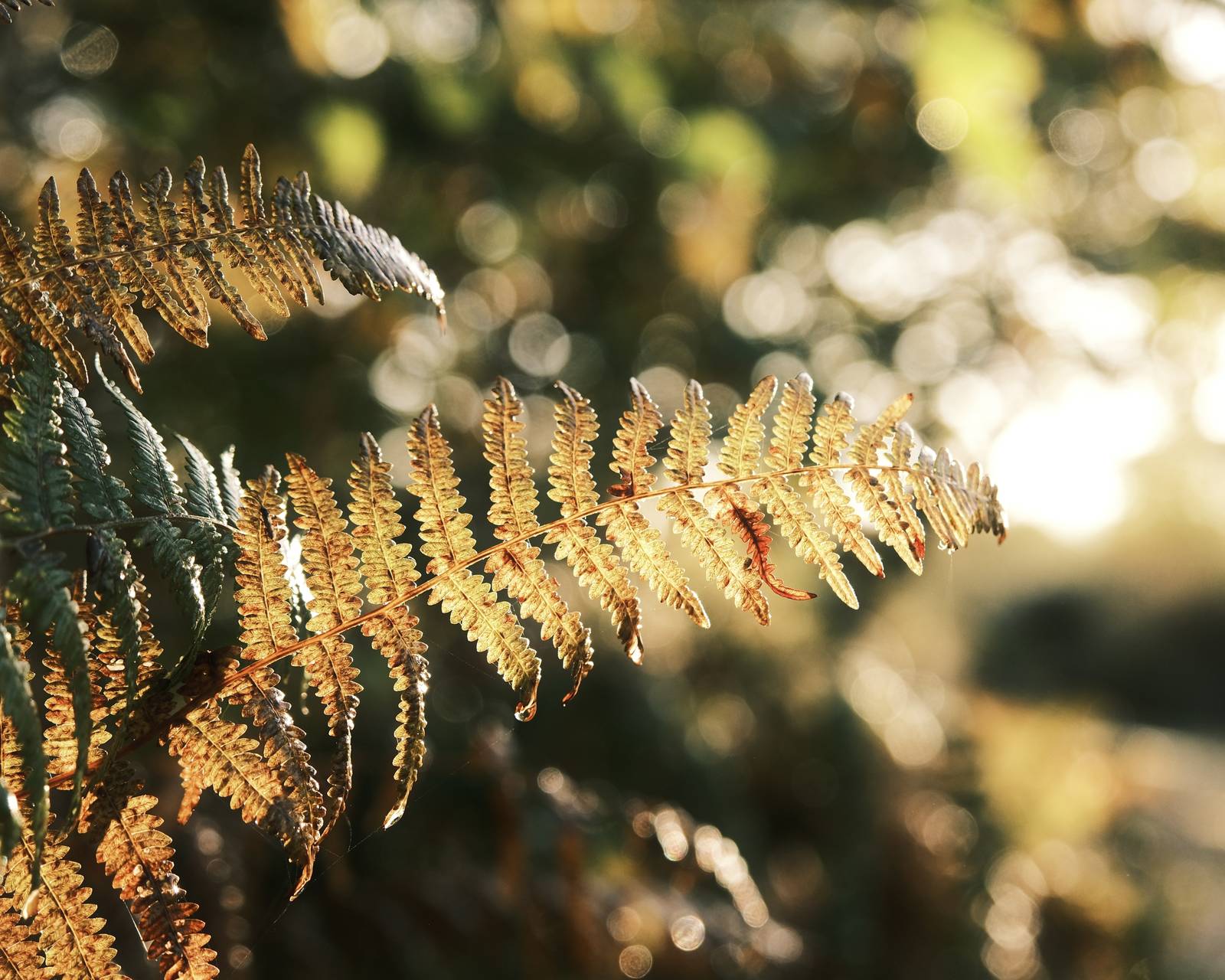
Fujifilm’s Classic Negative film simulation has a distinct character, bringing the feel of negative film prints, especially Fujicolor ones. People talk about the greens, the reds, and the remarkable similarity to negative print style. When you see a classic negative shot, you can recognise it right away.
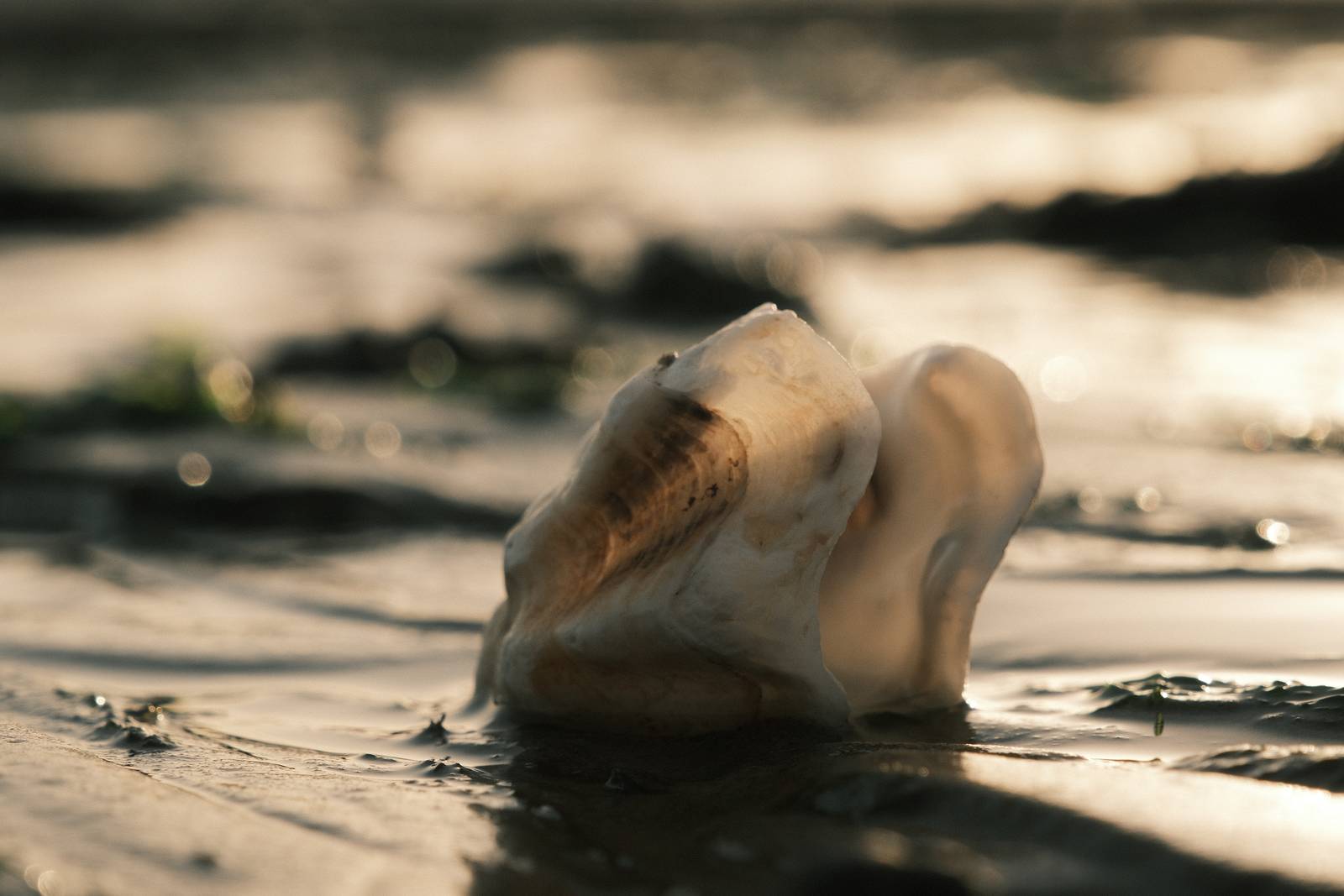
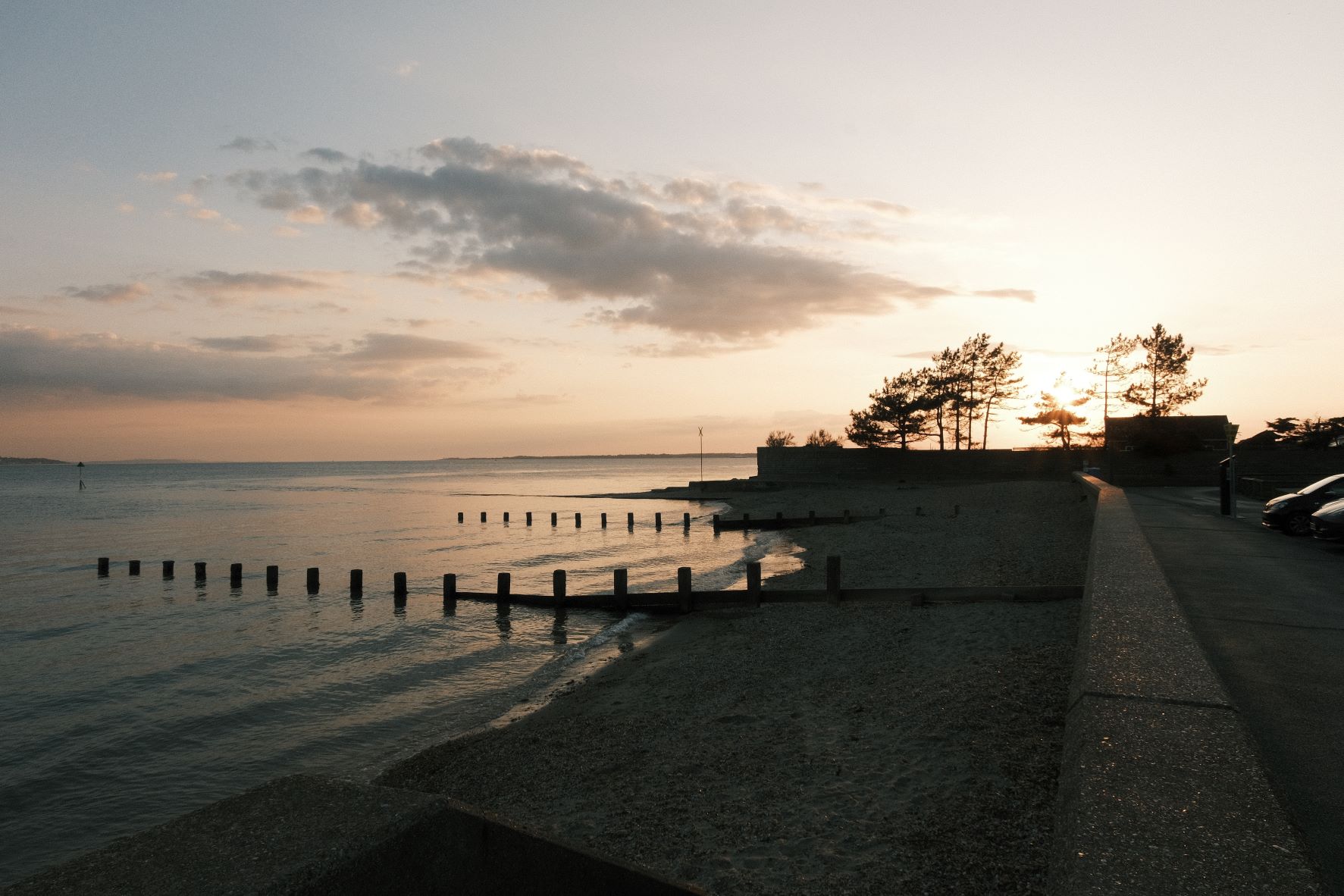
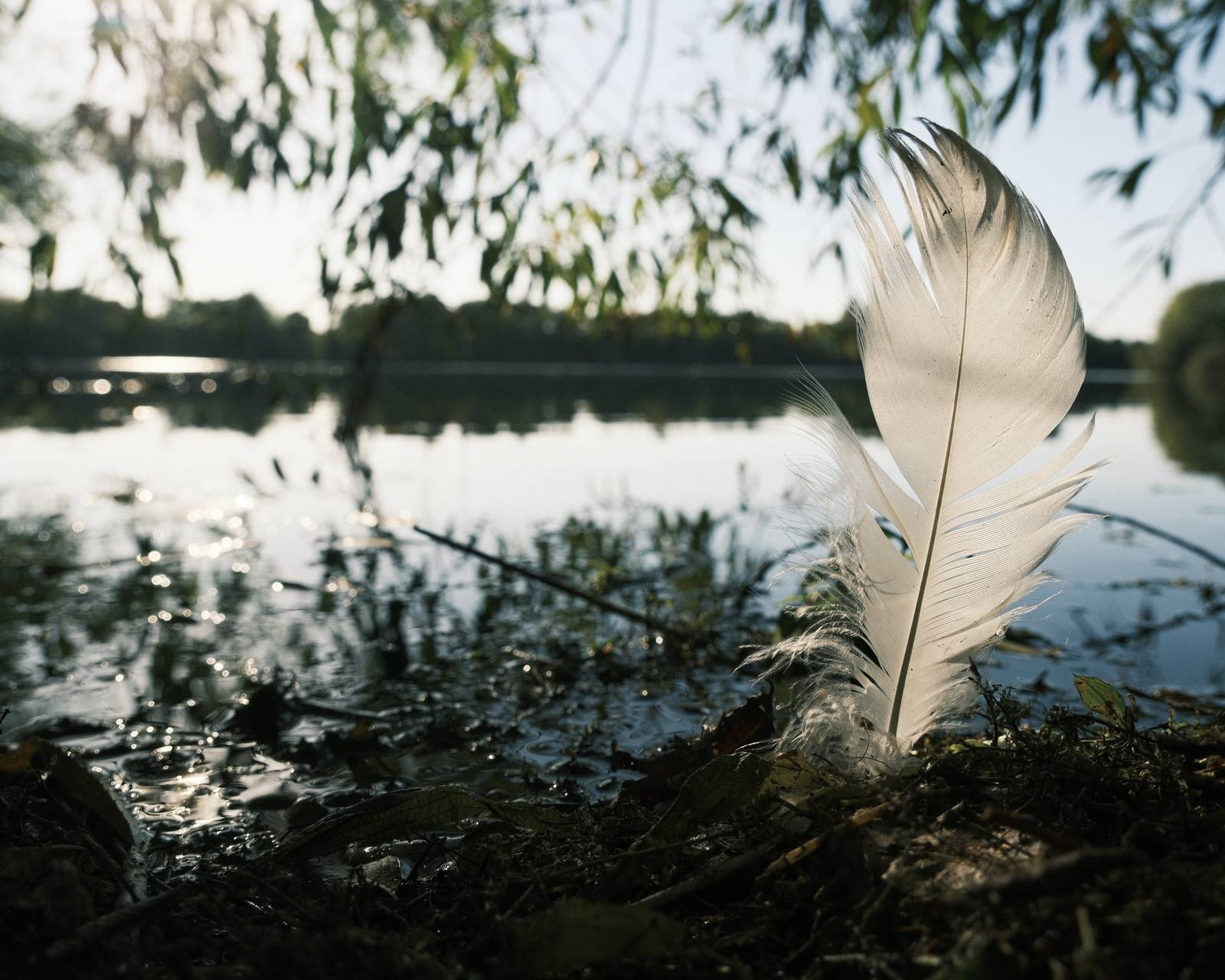
The Pale Negative film recipe looks to work with these remarkable tones, but with a softer look, especially in terms of a reduced saturation and a soft tone curve. It dials everything down a touch, keeping the classic negative character, just slightly less so. If you want to shoot classic neg, but have been put off by it’s strong character, try this.
Also take a look at: Soft Negative, which is similar in style.
Pale Negative Film Recipe Settings
| Film Simulation | Classic Negative |
| Grain Effect | Weak, Small |
| Col. Chr. Effect | Off |
| Col. Chr. Blue | Off |
| White Balance | Auto, +2 Red, ‑5 Blue |
| Dynamic Range | DR100 |
| Highlights | ‑2 |
| Shadows | 0 |
| Colour | ‑4 |
| Sharpness | 1 |
| ISO N.R. | ‑4 |
| Clarity | ‑2 |
| EV Comp. | +1/3 |
Similar Recipes

More similar recipes, and hundreds more exclusive looks, are available in the Film Recipes App.

Get the Film Recipes App
Browse, filter and search the full recipe library in seconds


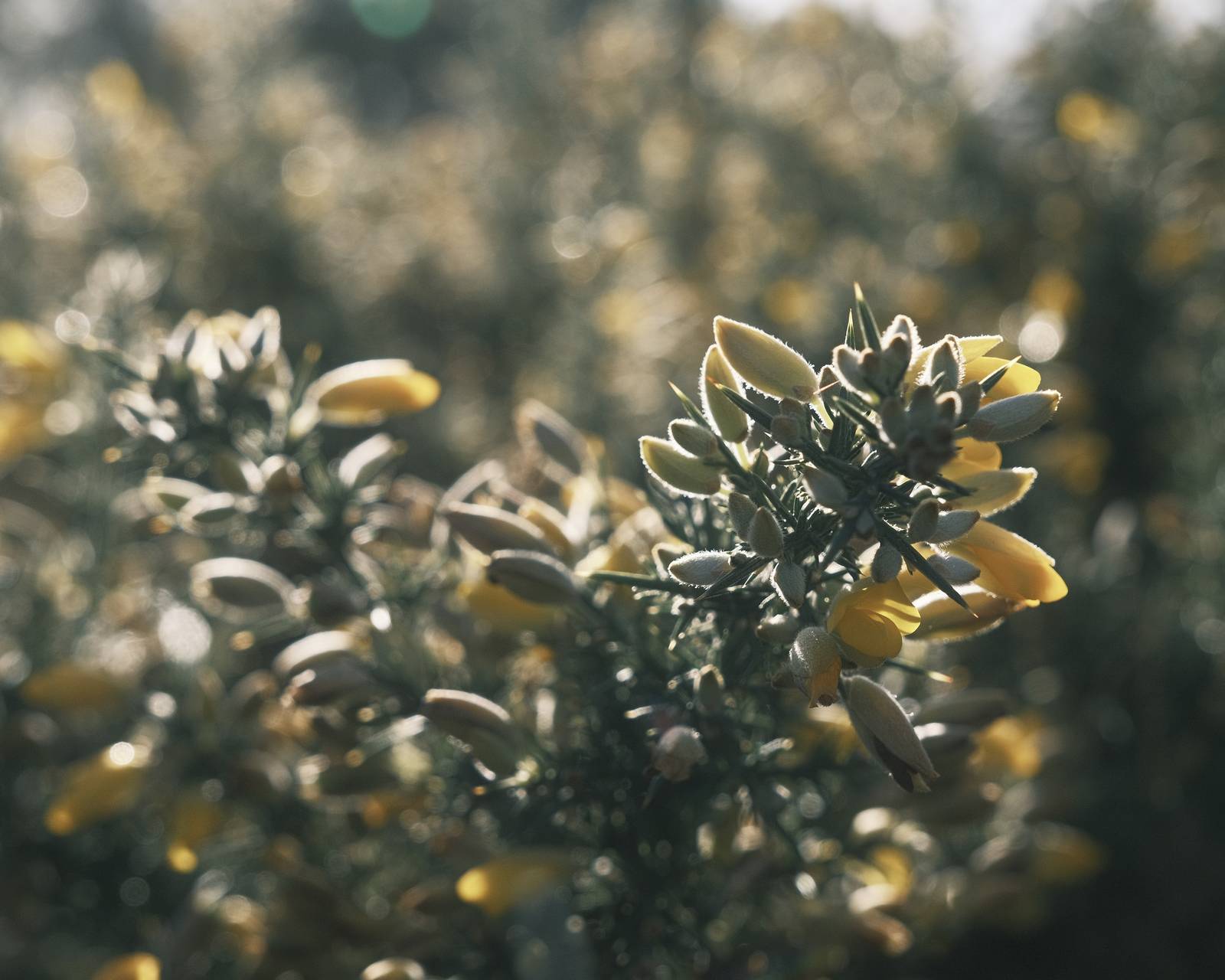
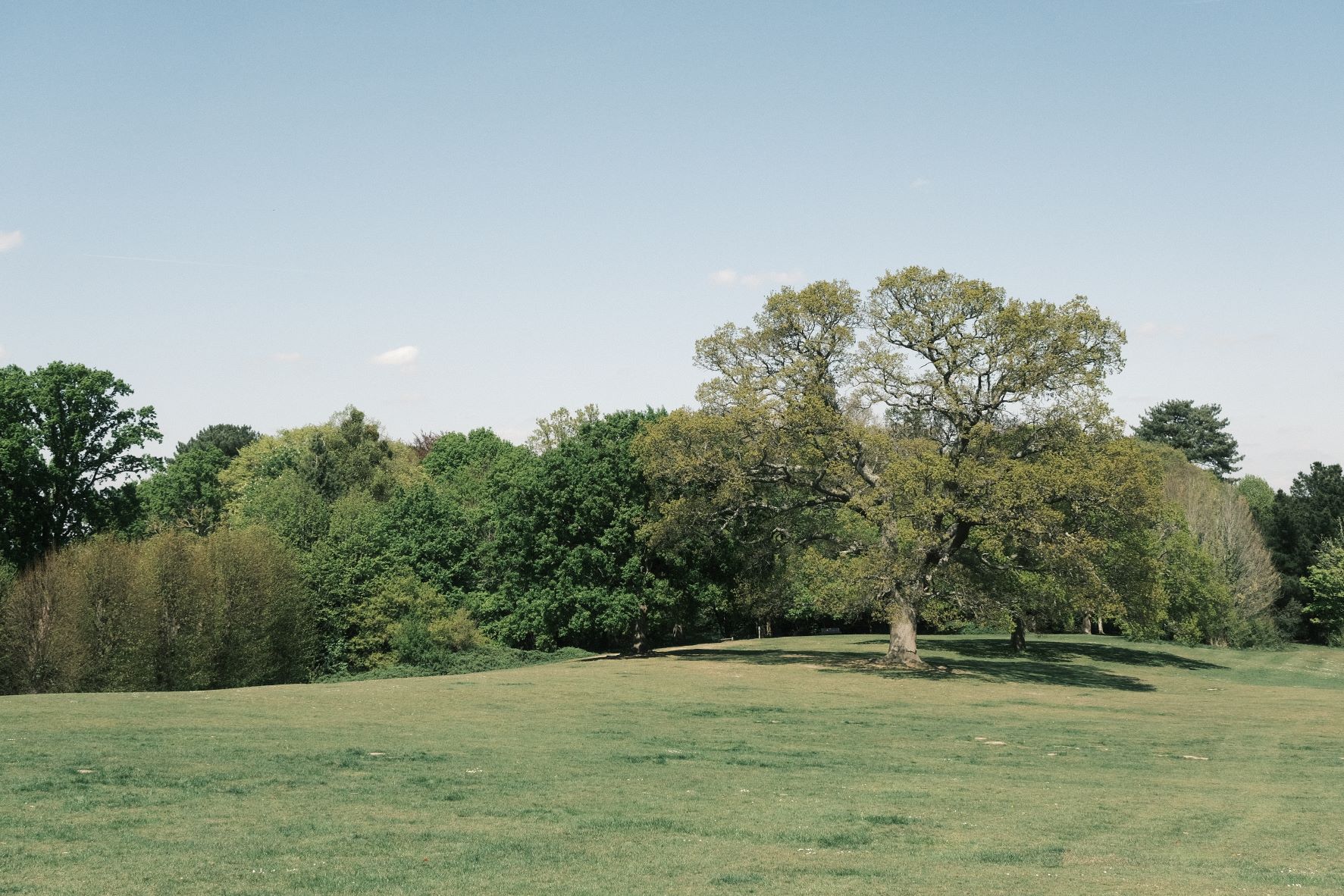
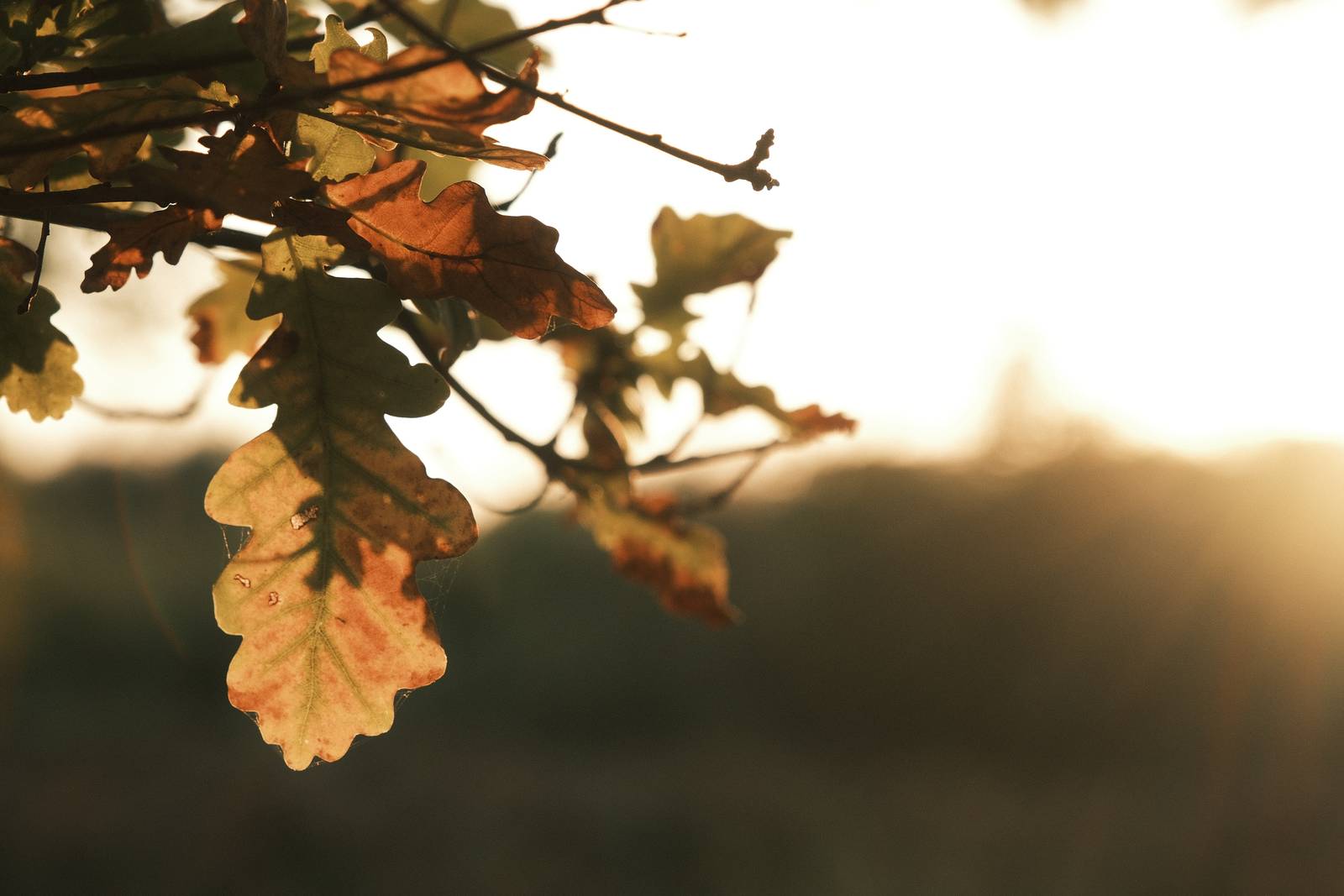
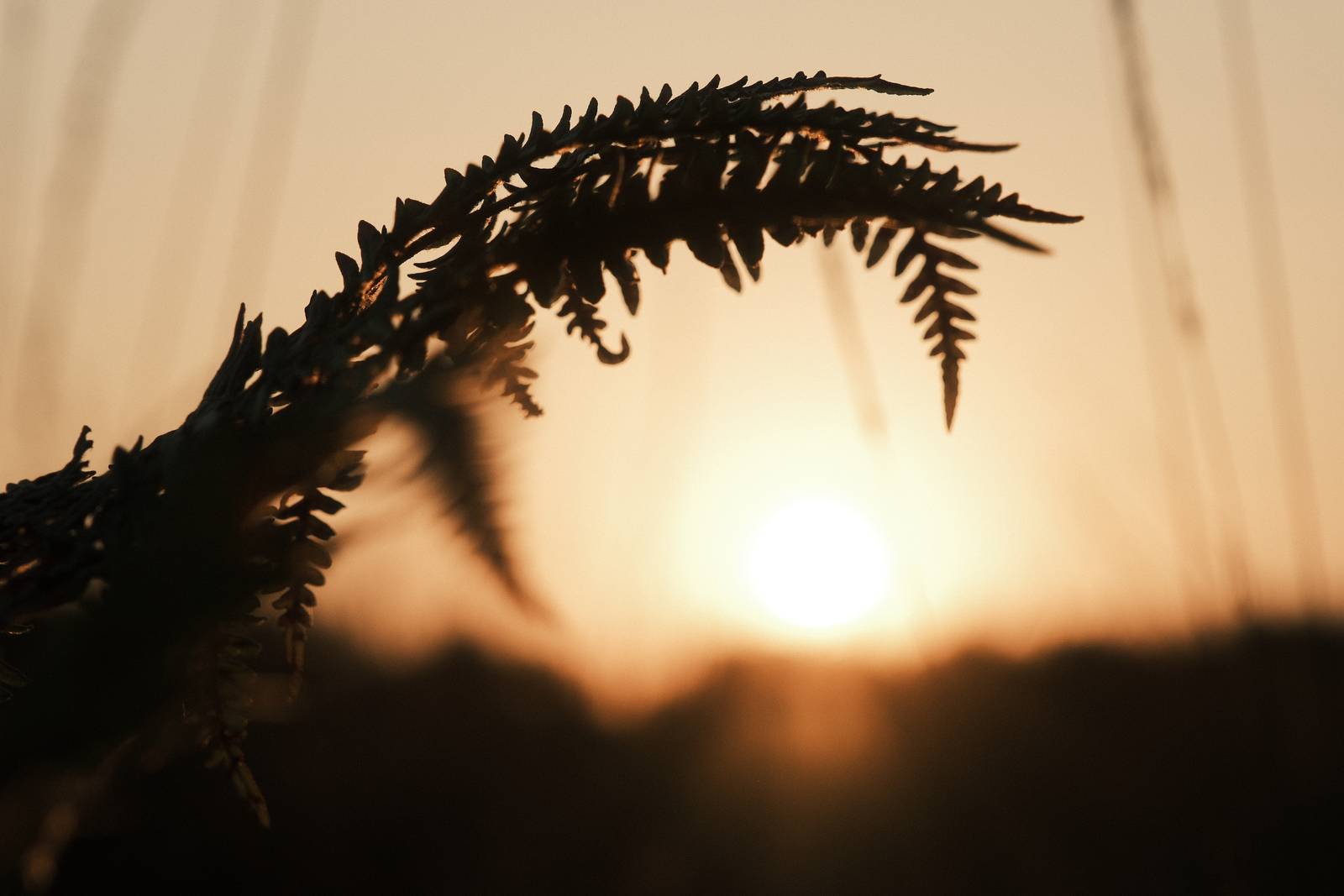
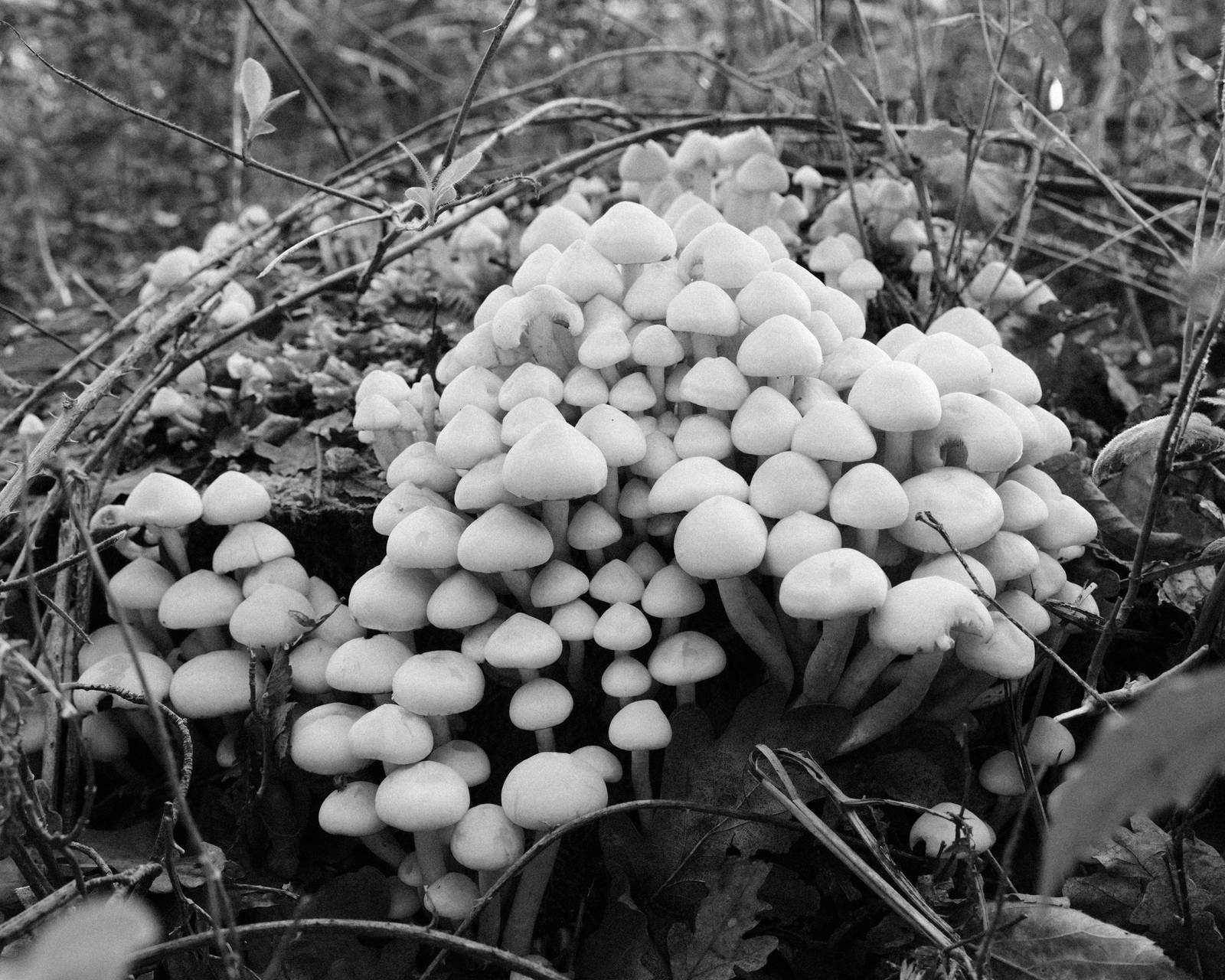
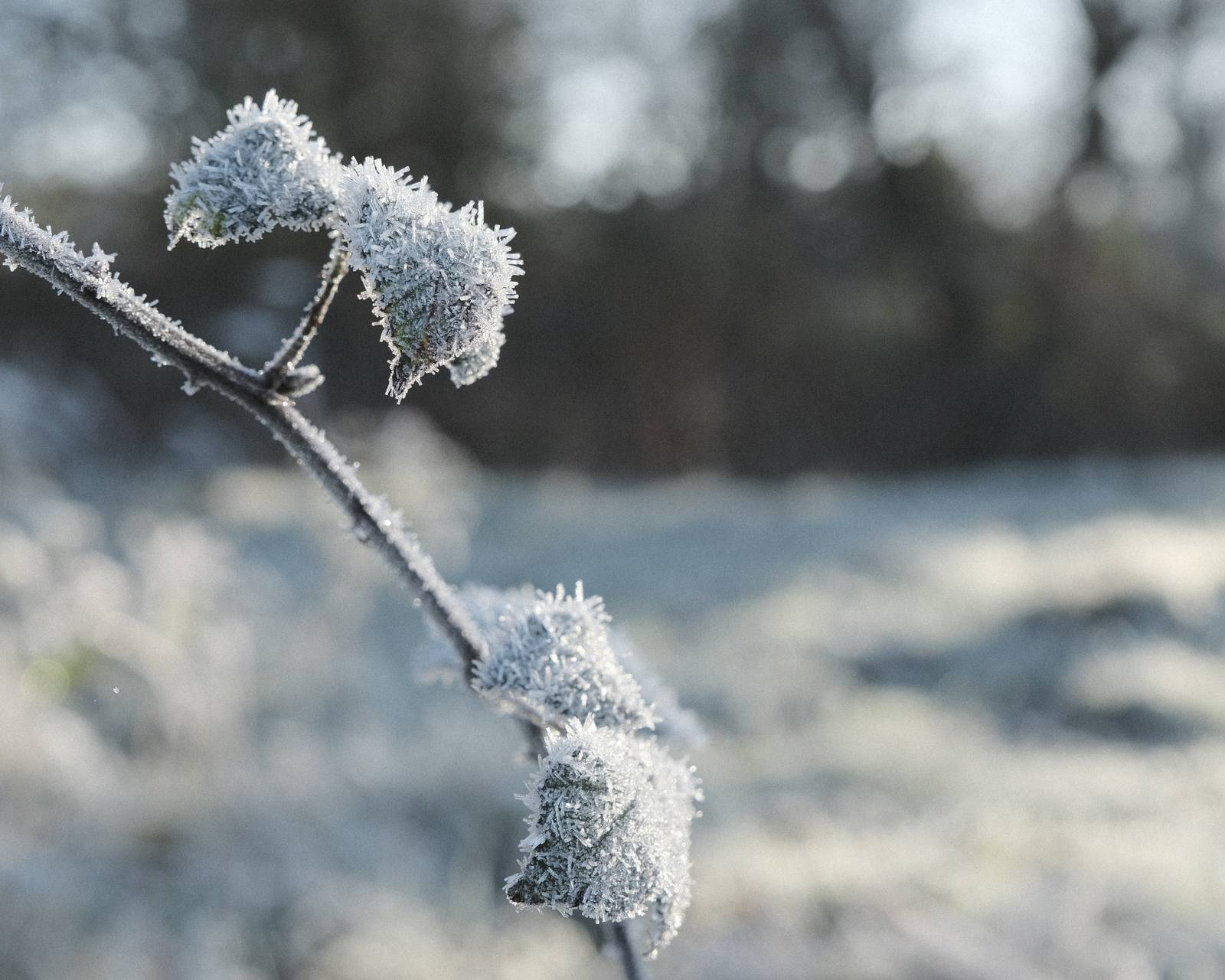
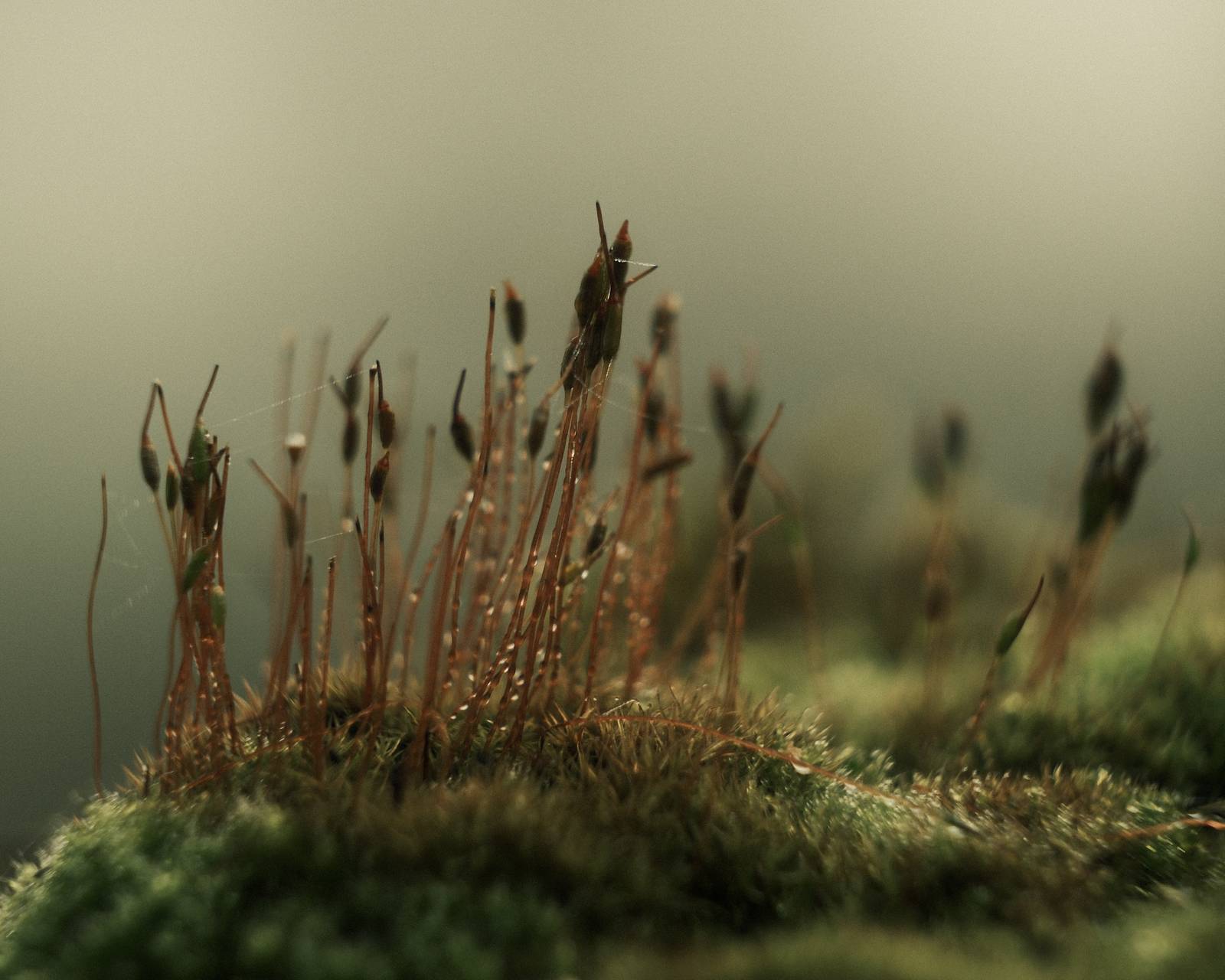
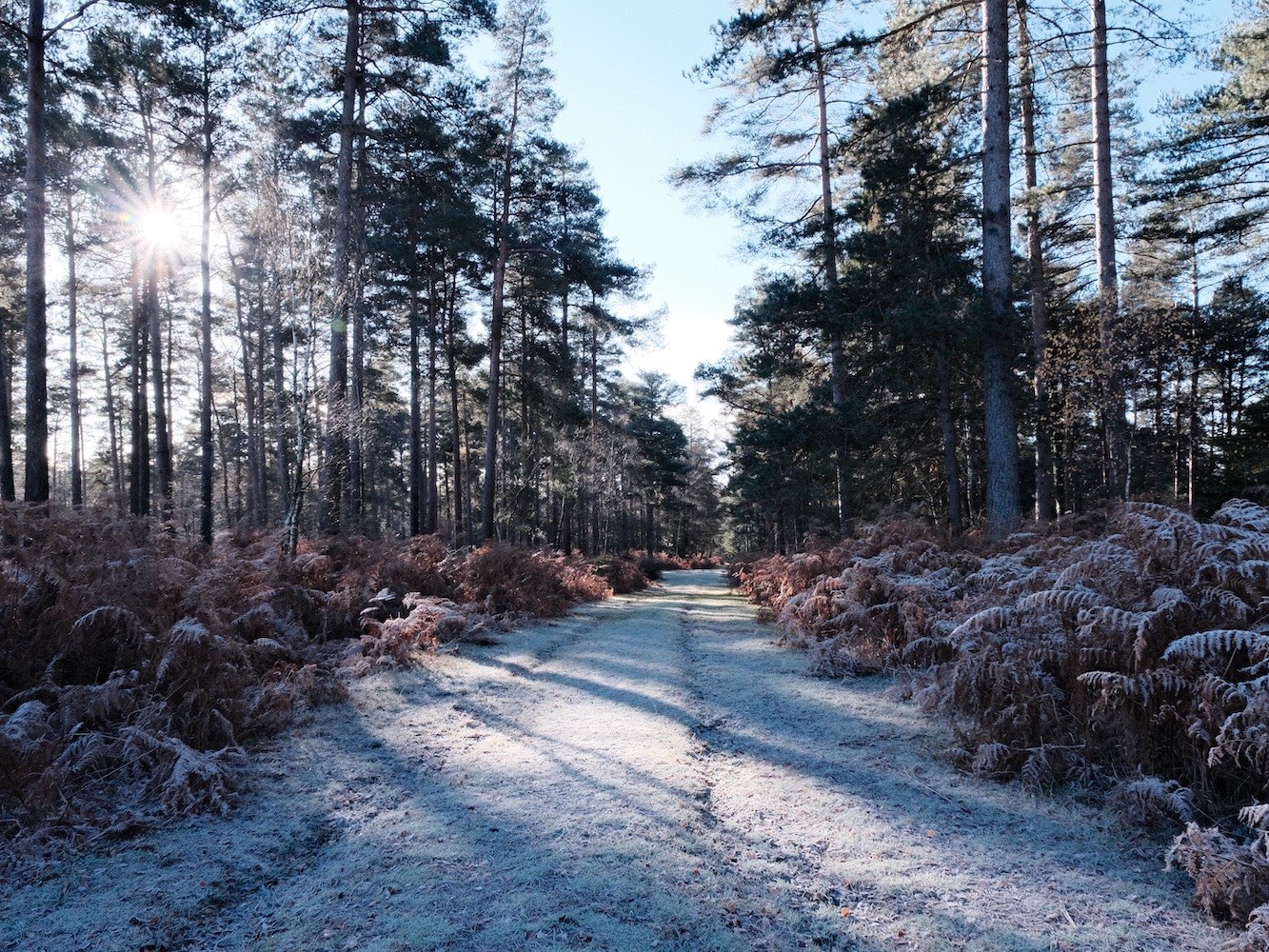
Pale Negative Film Recipe: Sample Photos




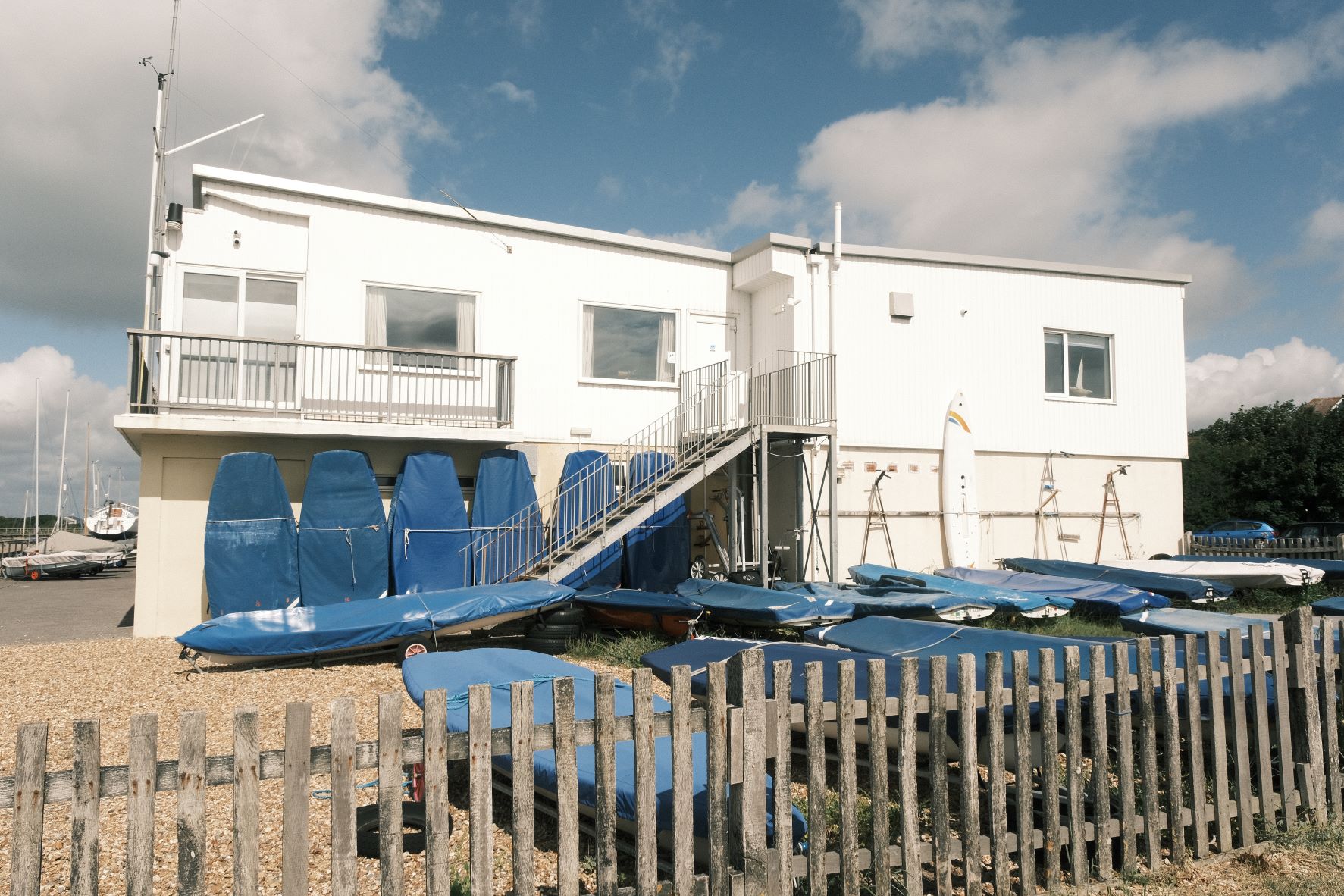
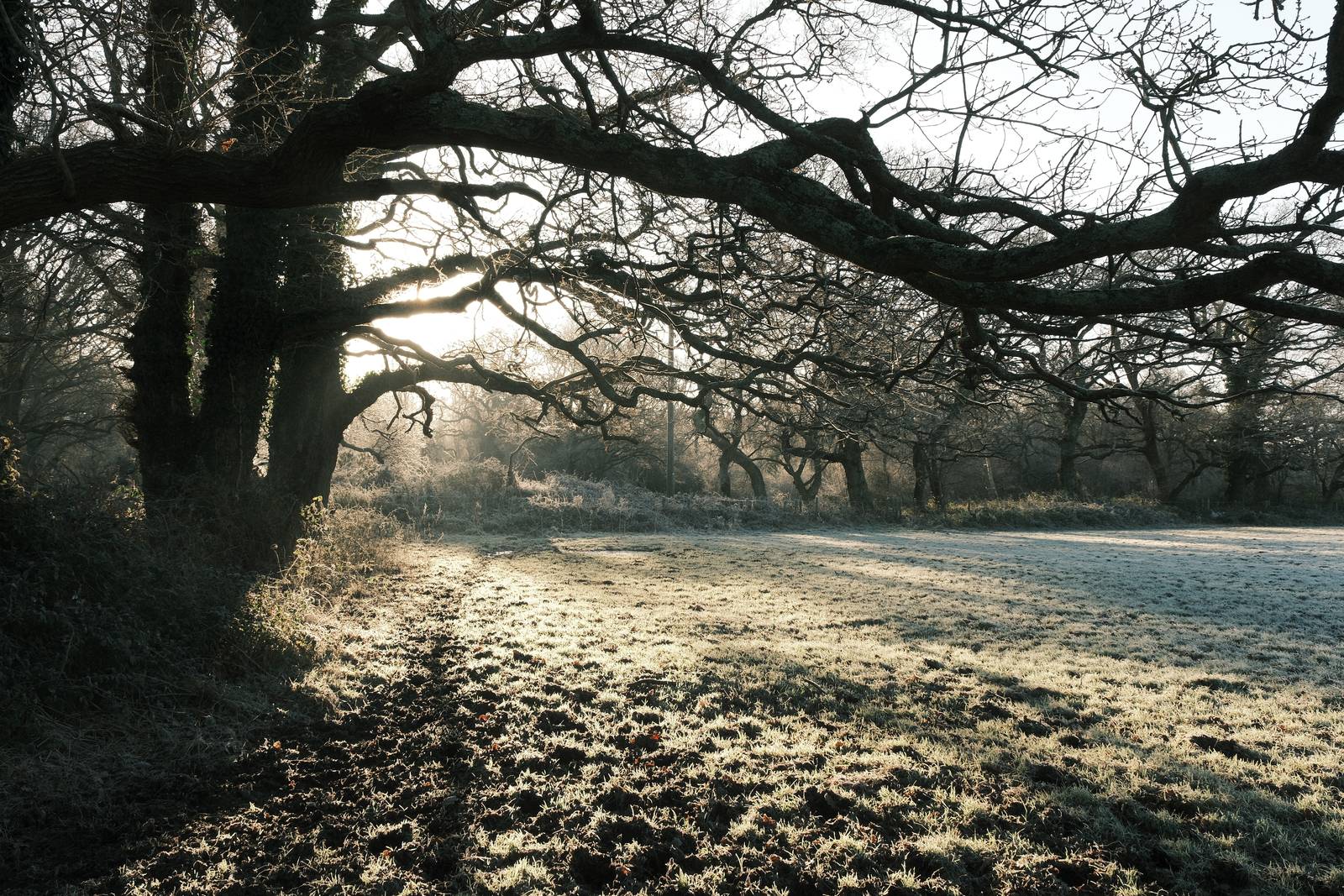


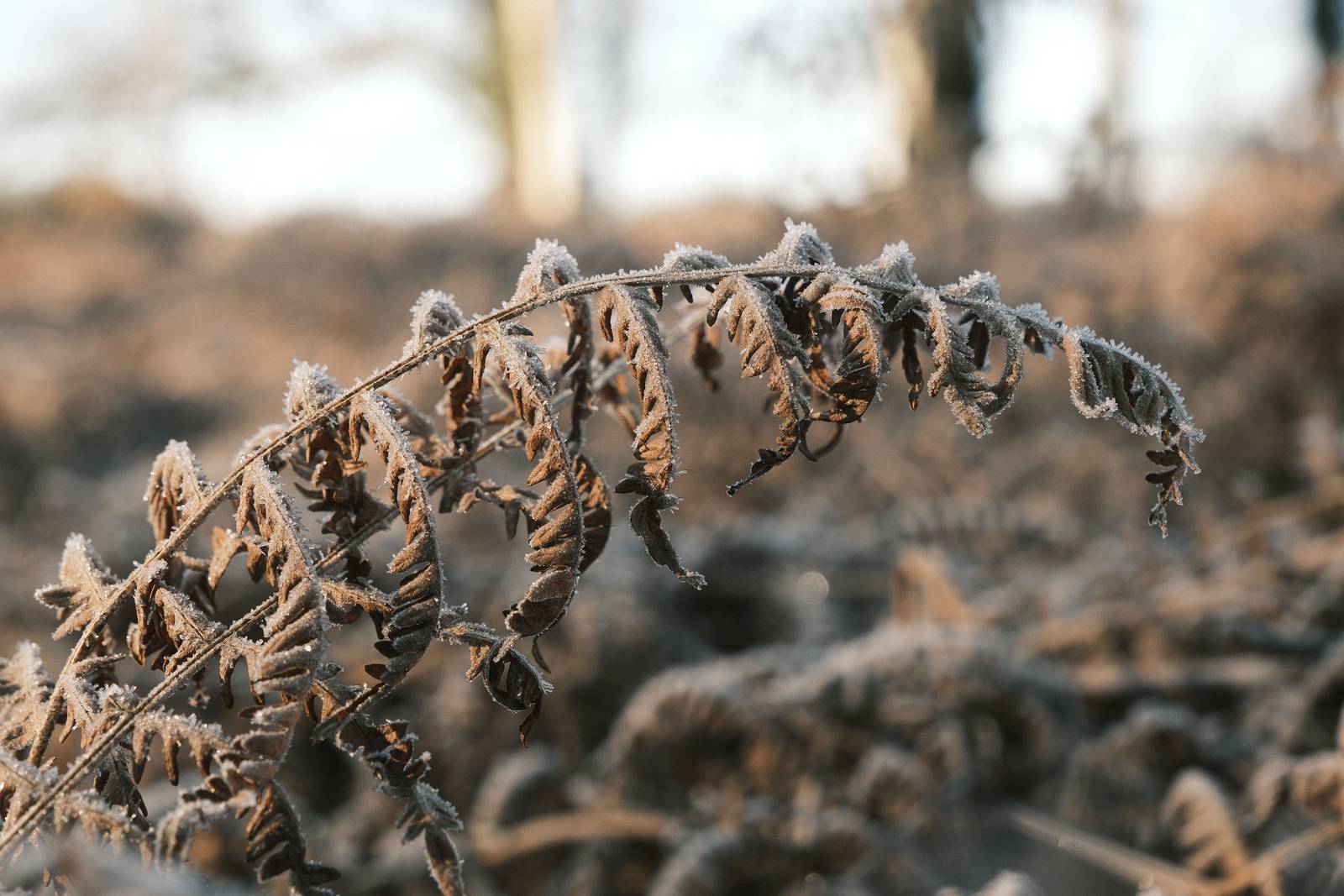

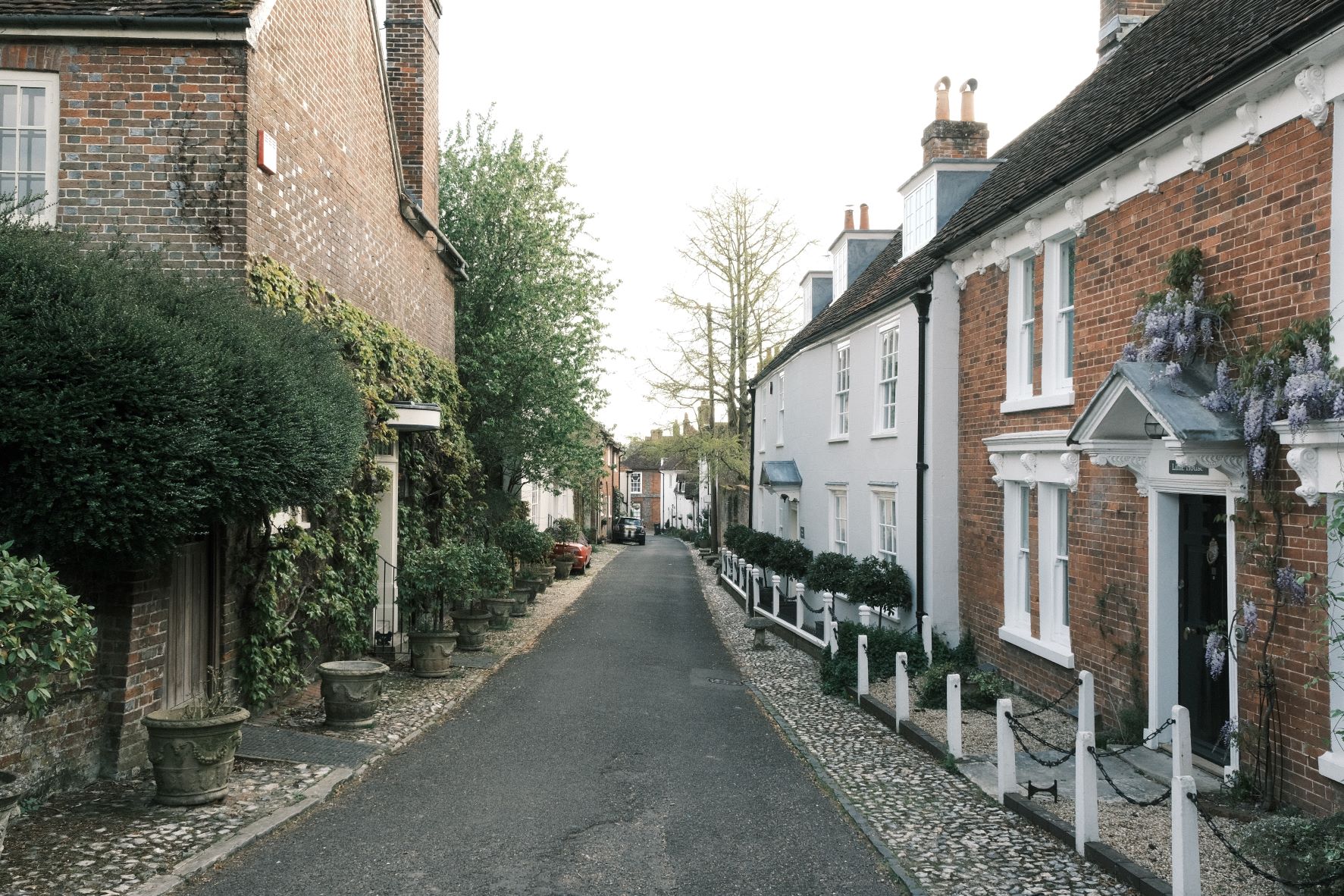



Using the Pale Negative Film Recipe
Each film simulation recipe has its own character and style. These features mean recipes are more suited to certain situations, or when seeking a particular look. Here are the categories that Pale Negative has been tagged with.





Leave a Reply