






Retroscope
Retroscope, Film Recipe Time Machine
Bleach Bypass film simulation recipe for a nostalgic prints look
Let’s wind back the decades with this nostalgic film recipe with a strong retro feel. It differs from vintage looks by not having an especially warm tone, but still having an aged look like prints from a simpler camera from bygone days.
This film recipe is built from layers, each adding to the overall look. First up is the Eterna Bleach Bypass simulation which washes out the colour. The next layer is the colour balance, which mimics a fading image, like a print from many years ago. Lastly, negative clarity is used to soften the overall image and add a vintage look to out of focus areas.
I know that many people prefer not to use the clarity function because of the saving delay that it causes. Often, I’ll suggest using a physical filter as an option, but for Retroscope, I do recommend using negative clarity as part of the aesthetic.
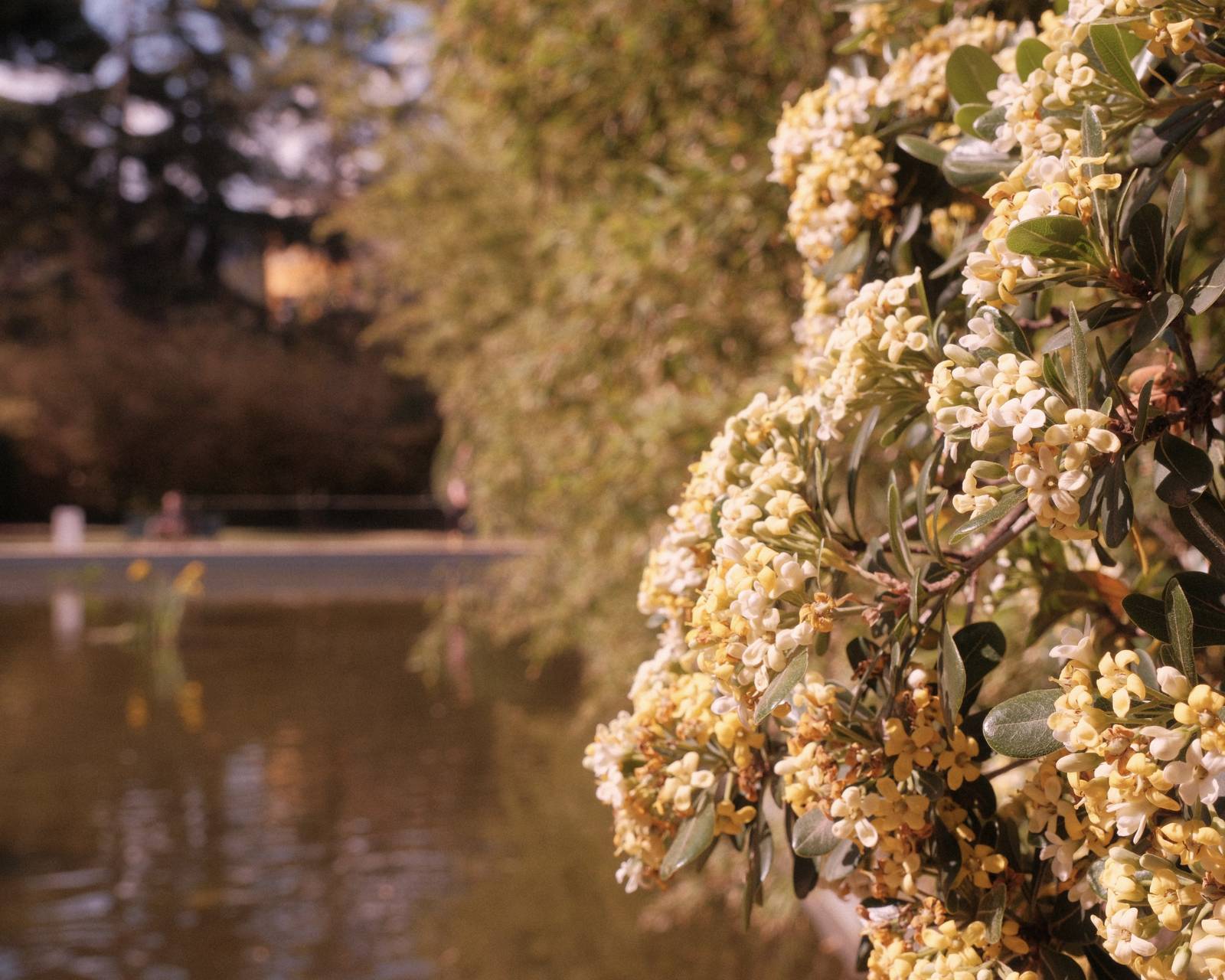
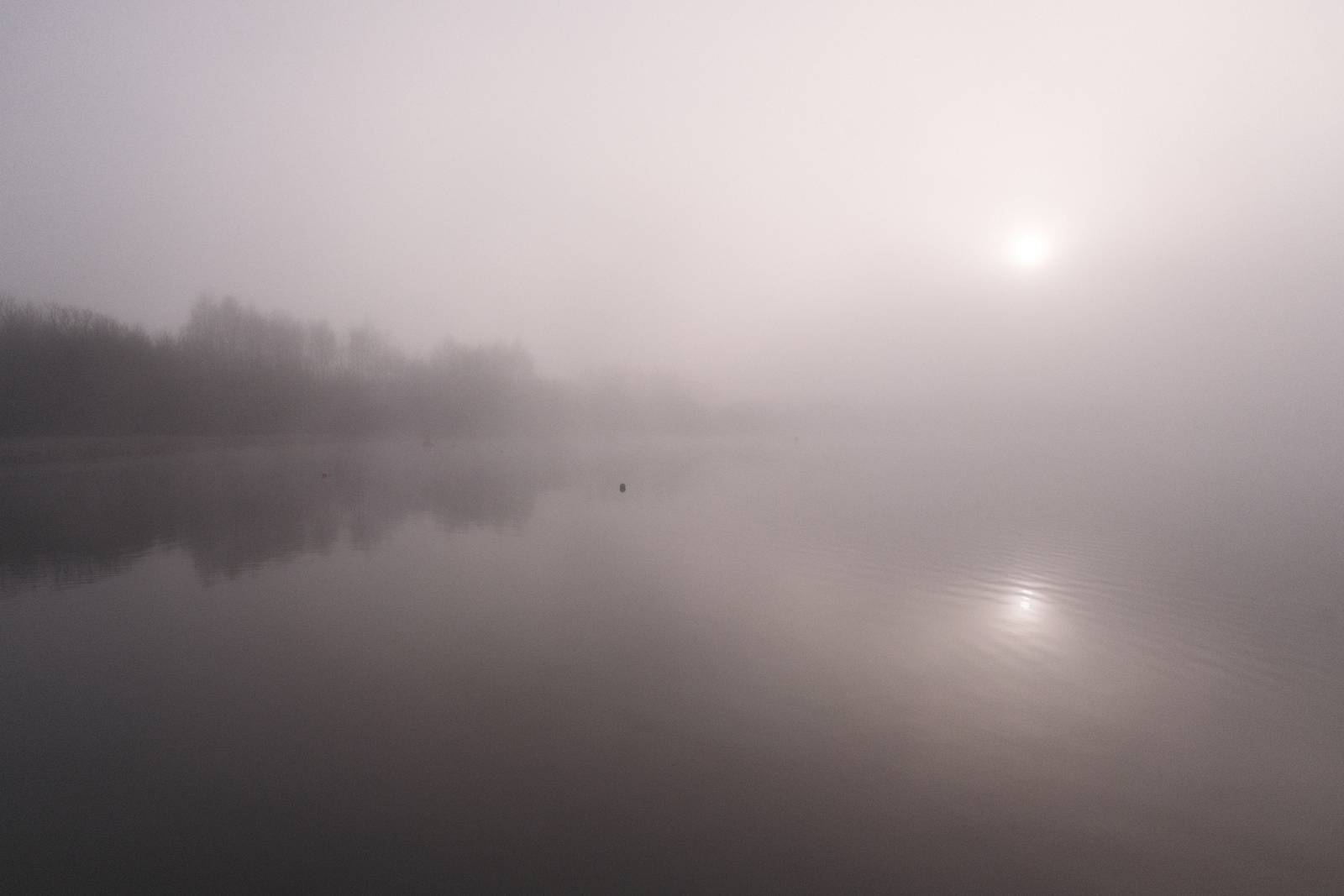
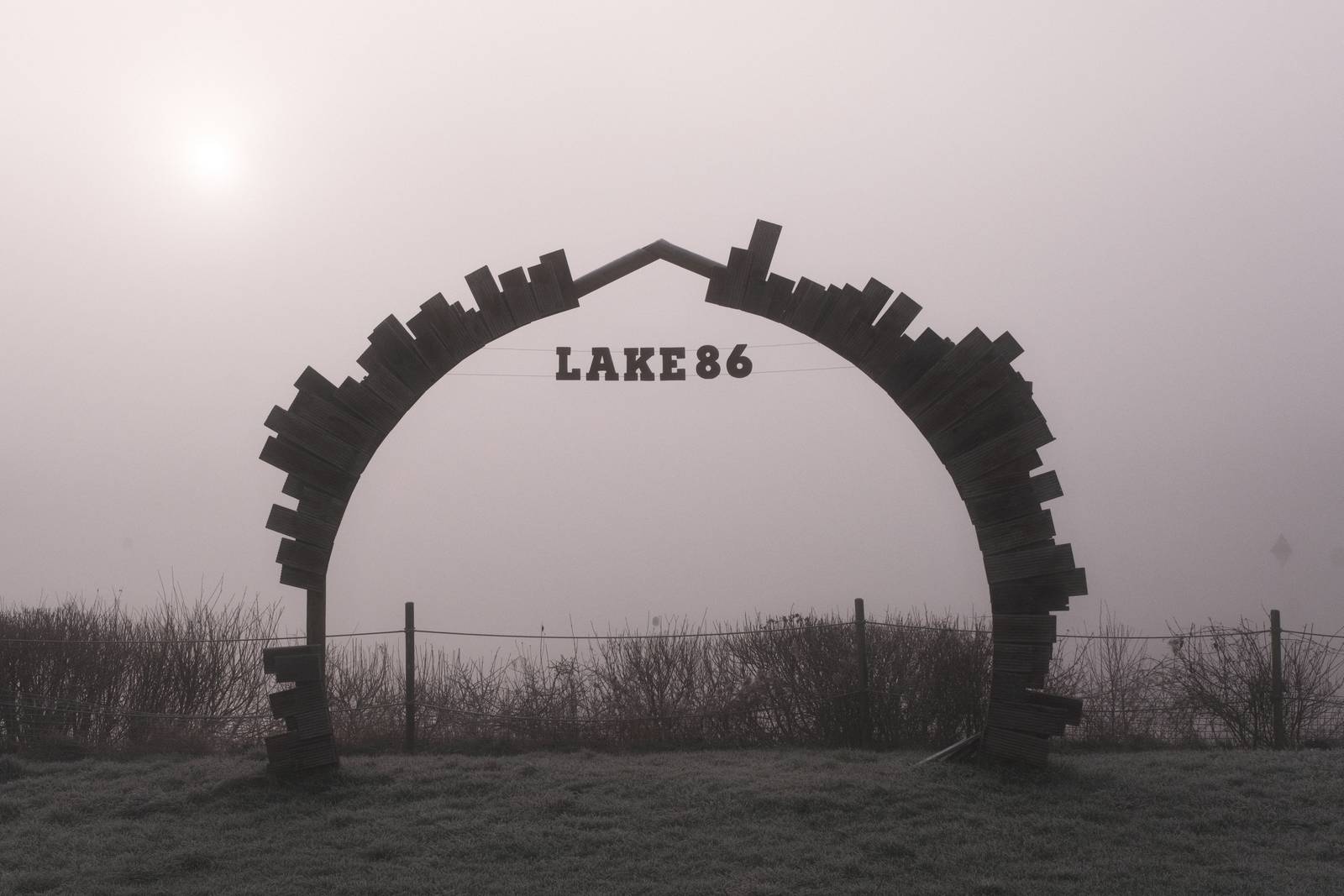
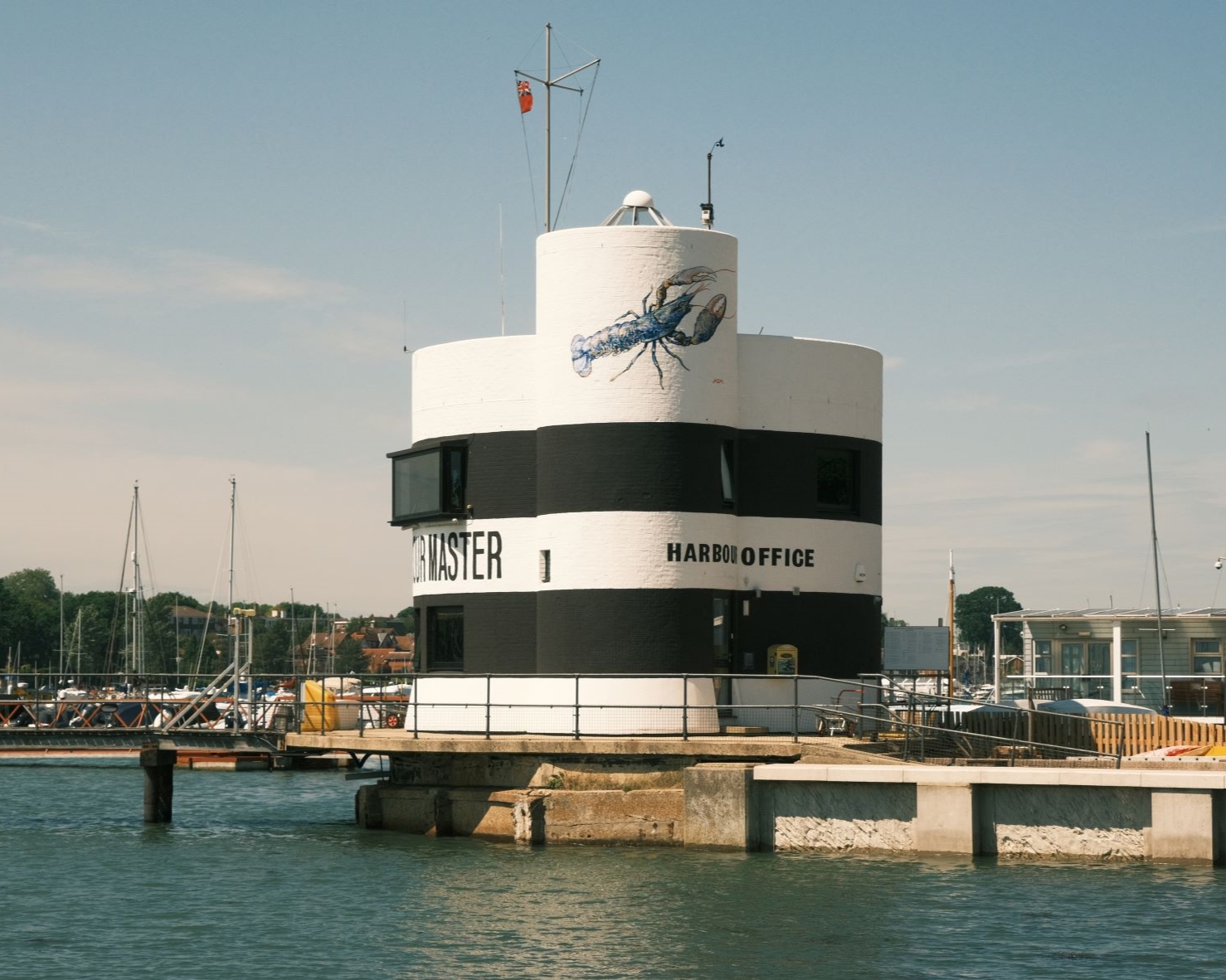
Now to the results where we can see how this recipe looks. I’ve really enjoyed using it, either for a nostalgic feel like old prints, of where a muted soft look enhances the feel of the images, such as on a foggy day, or when the light is pale and soft already.
Retroscope Film Recipe Settings
| Film Simulation | Eterna Bleach Bypass |
| Grain Effect | Weak, Small |
| Col. Chr. Effect | Strong |
| Col. Chr. Blue | Weak |
| White Balance | 5200K, +5 Red, +2 Blue |
| Dynamic Range | DR200 |
| Highlights | ‑1.5 |
| Shadows | ‑1.5 |
| Colour | 3 |
| Sharpness | ‑3 |
| ISO N.R. | ‑4 |
| Clarity | ‑3 |
| EV Comp. | 0 |
Similar Recipes


More similar recipes, and hundreds more exclusive looks, are available in the Film Recipes App.

Get the Film Recipes App
Browse, filter and search the full recipe library in seconds


Retroscope Film Recipe: Sample Photos




















Using the Retroscope Film Recipe
Each film simulation recipe has its own character and style. These features mean recipes are more suited to certain situations, or when seeking a particular look. Here are the categories that Retroscope has been tagged with.















Leave a Reply