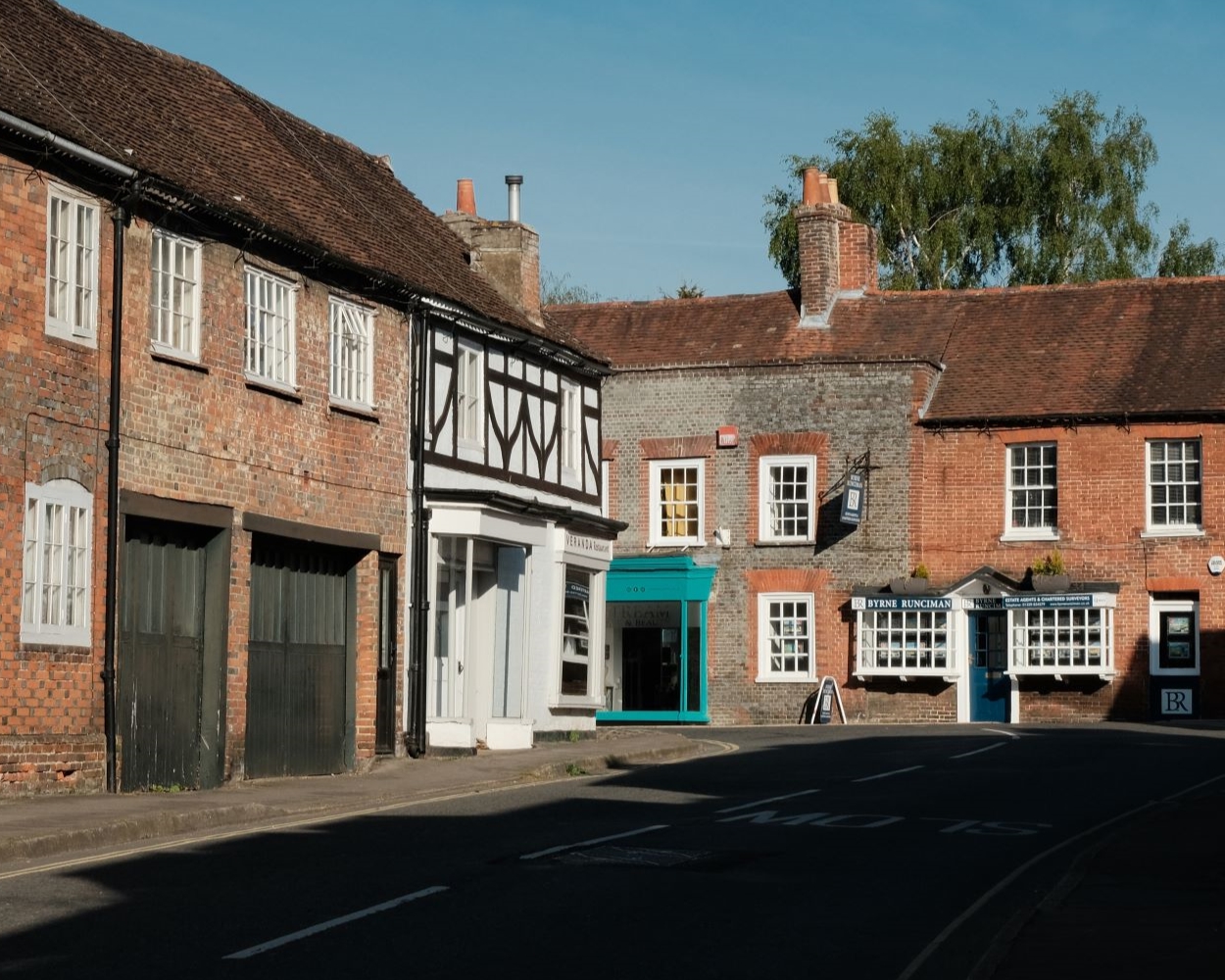
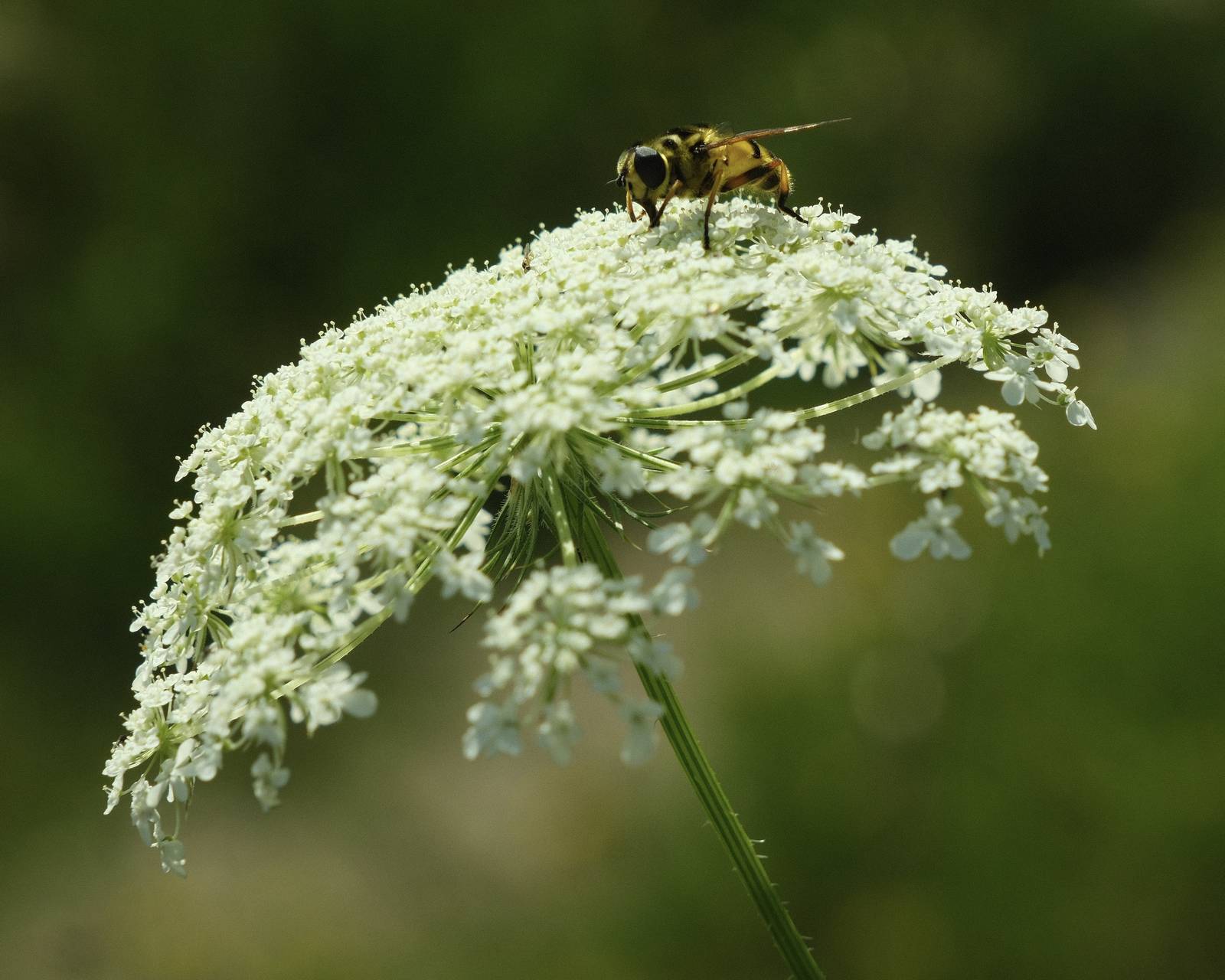
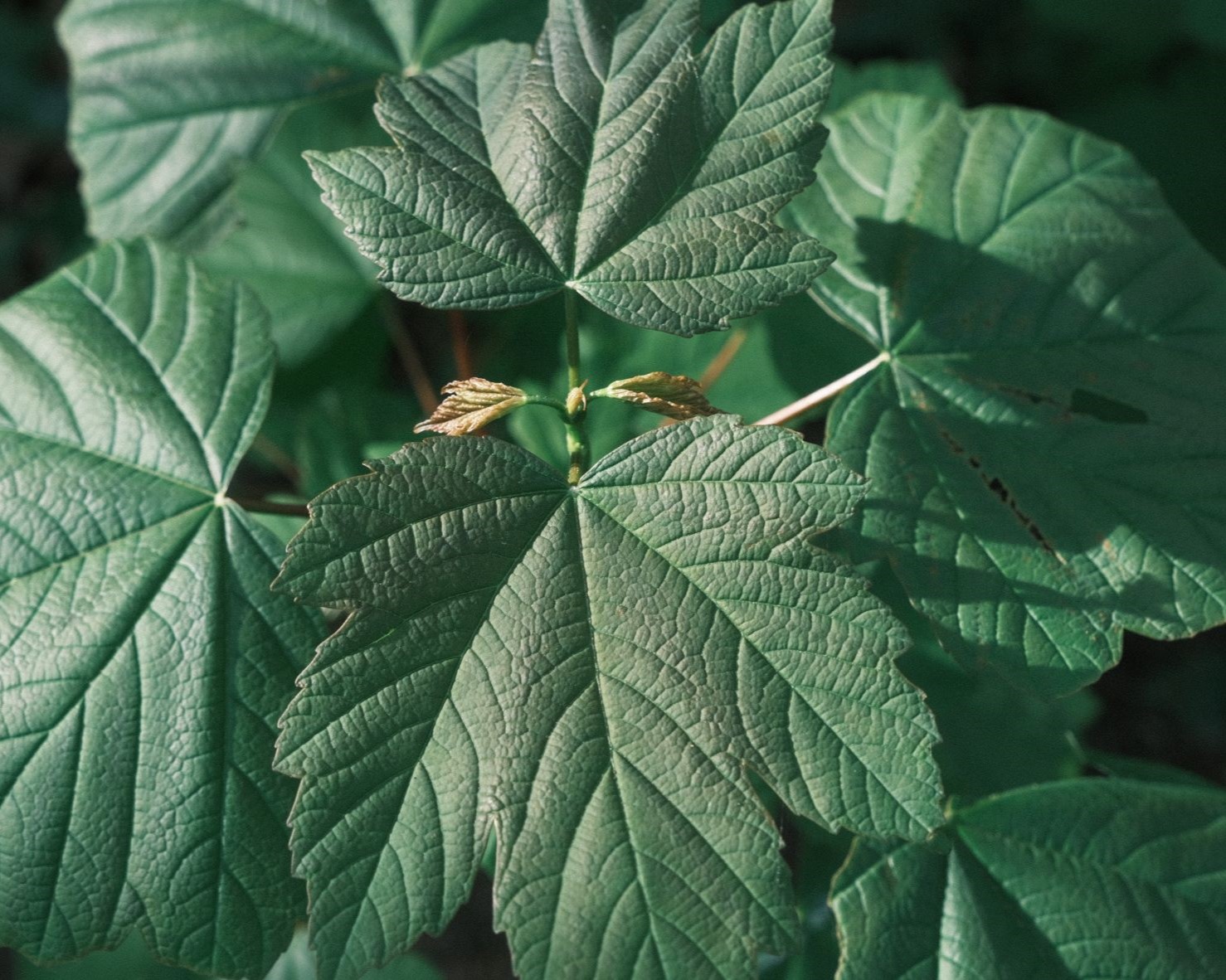
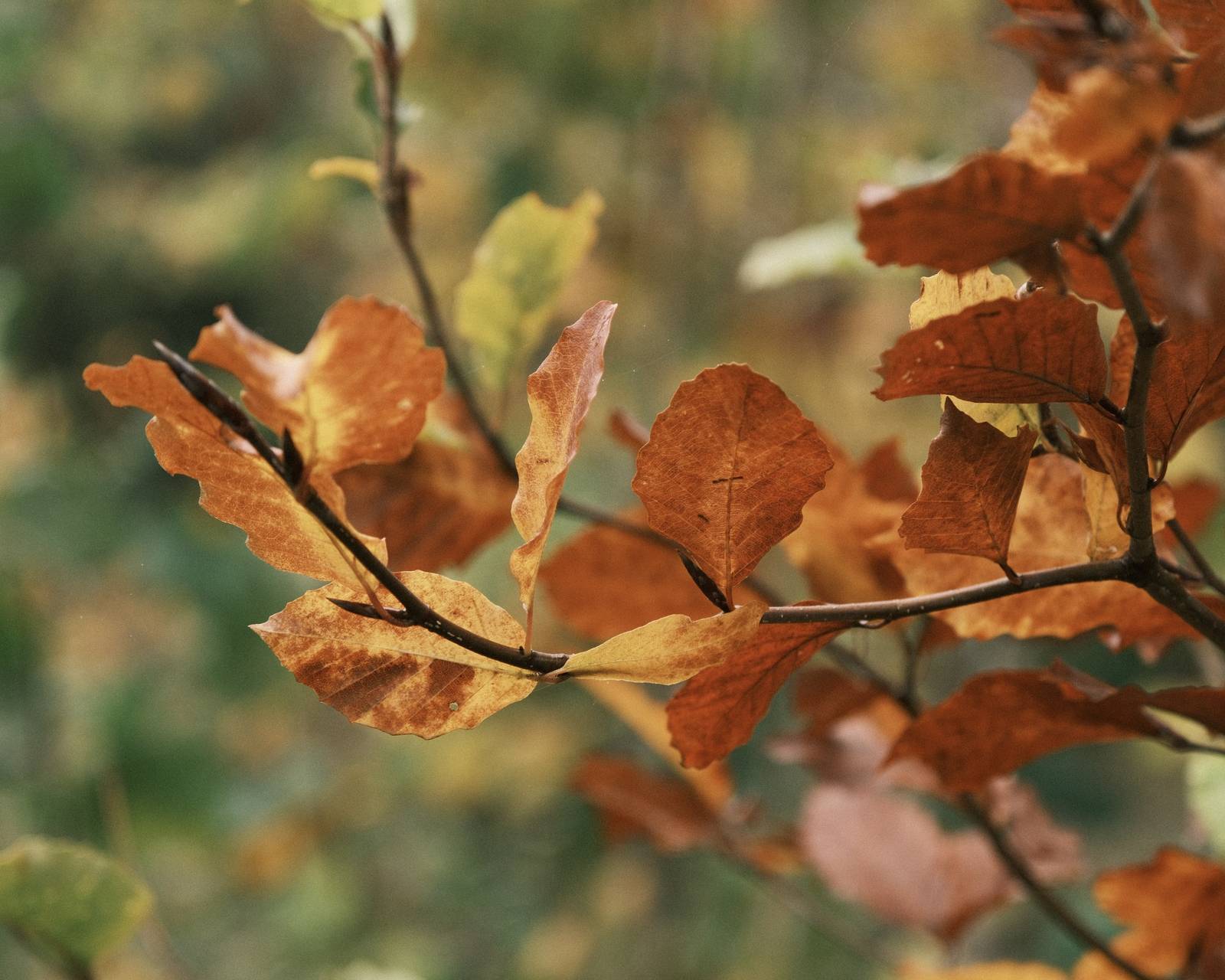
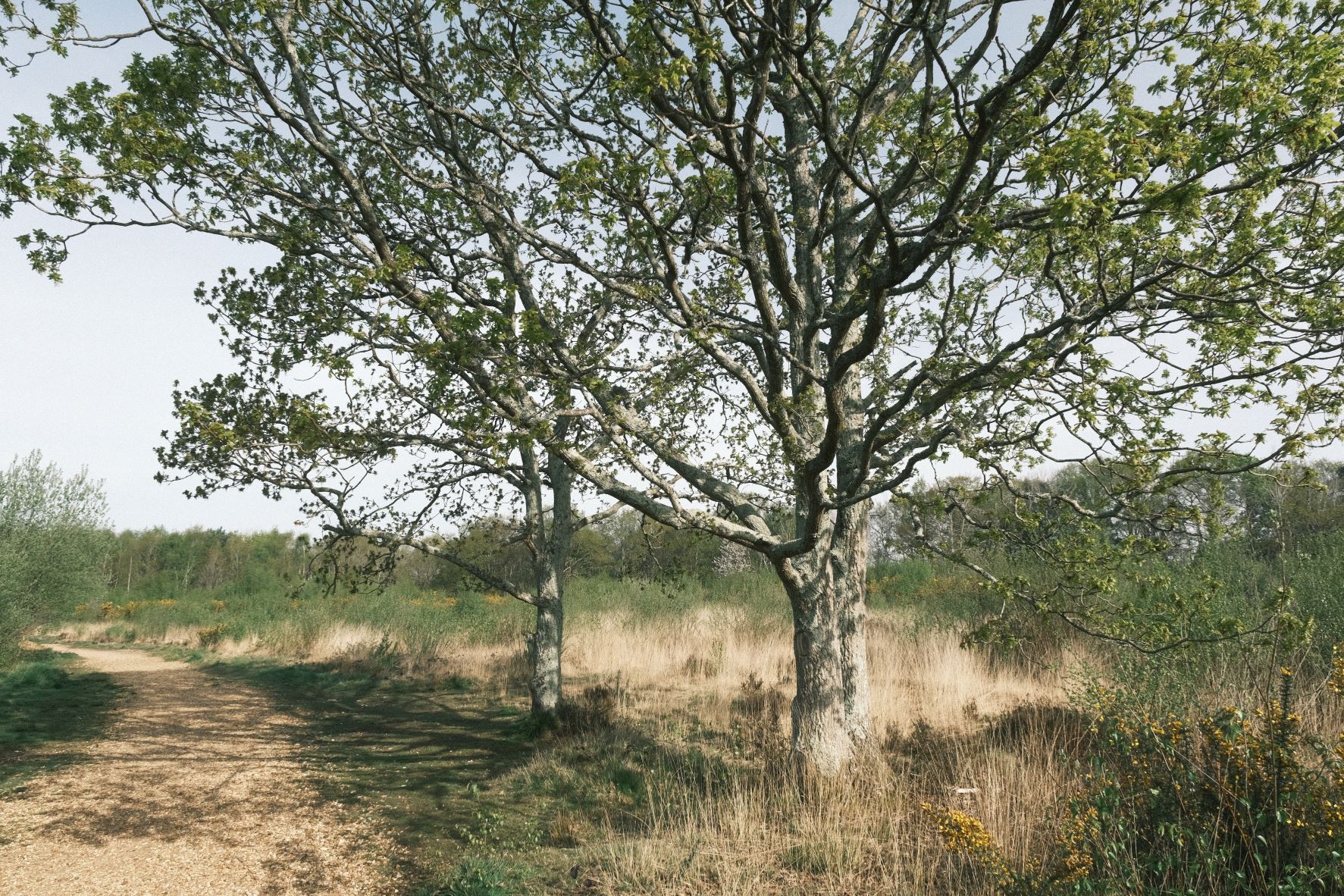
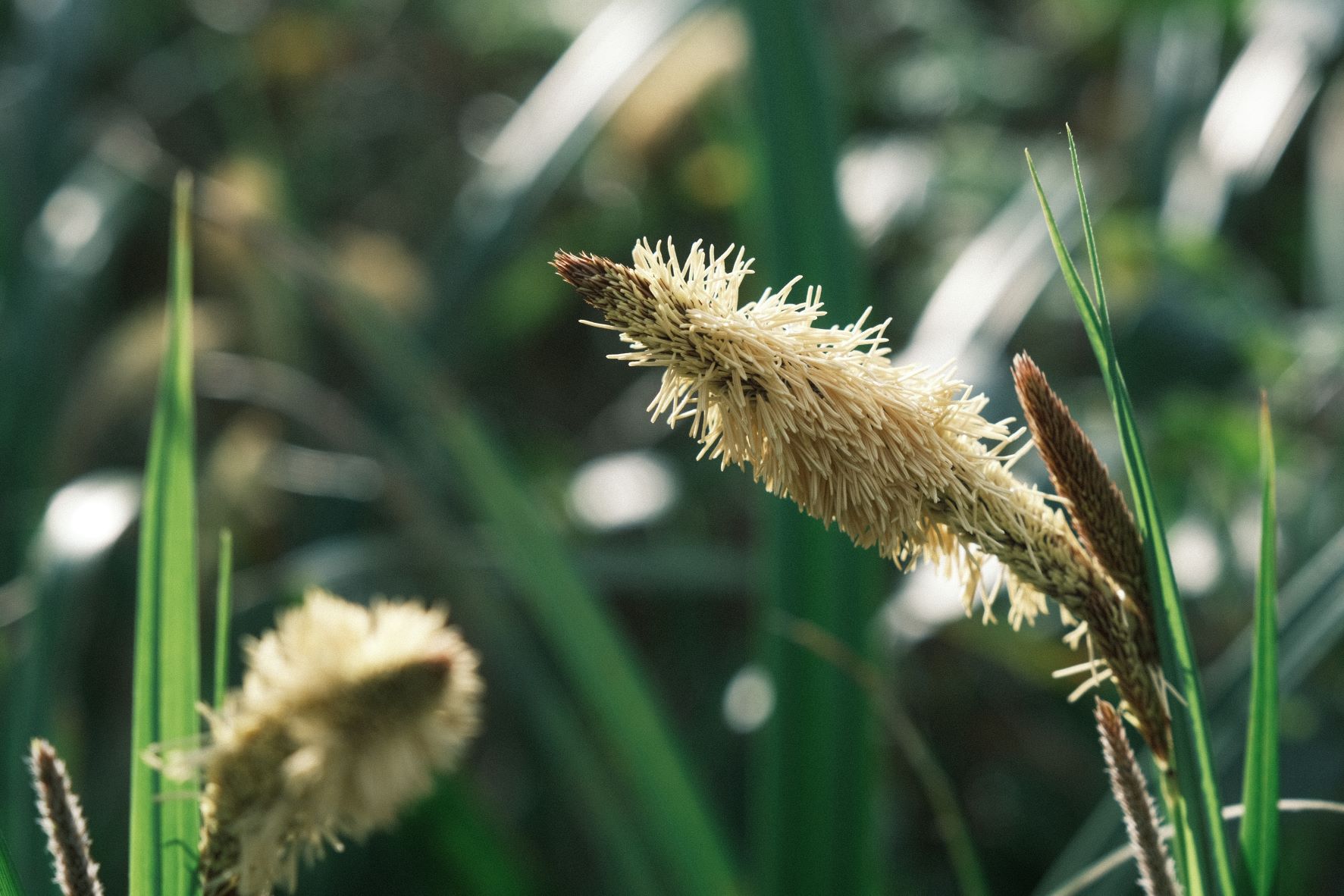
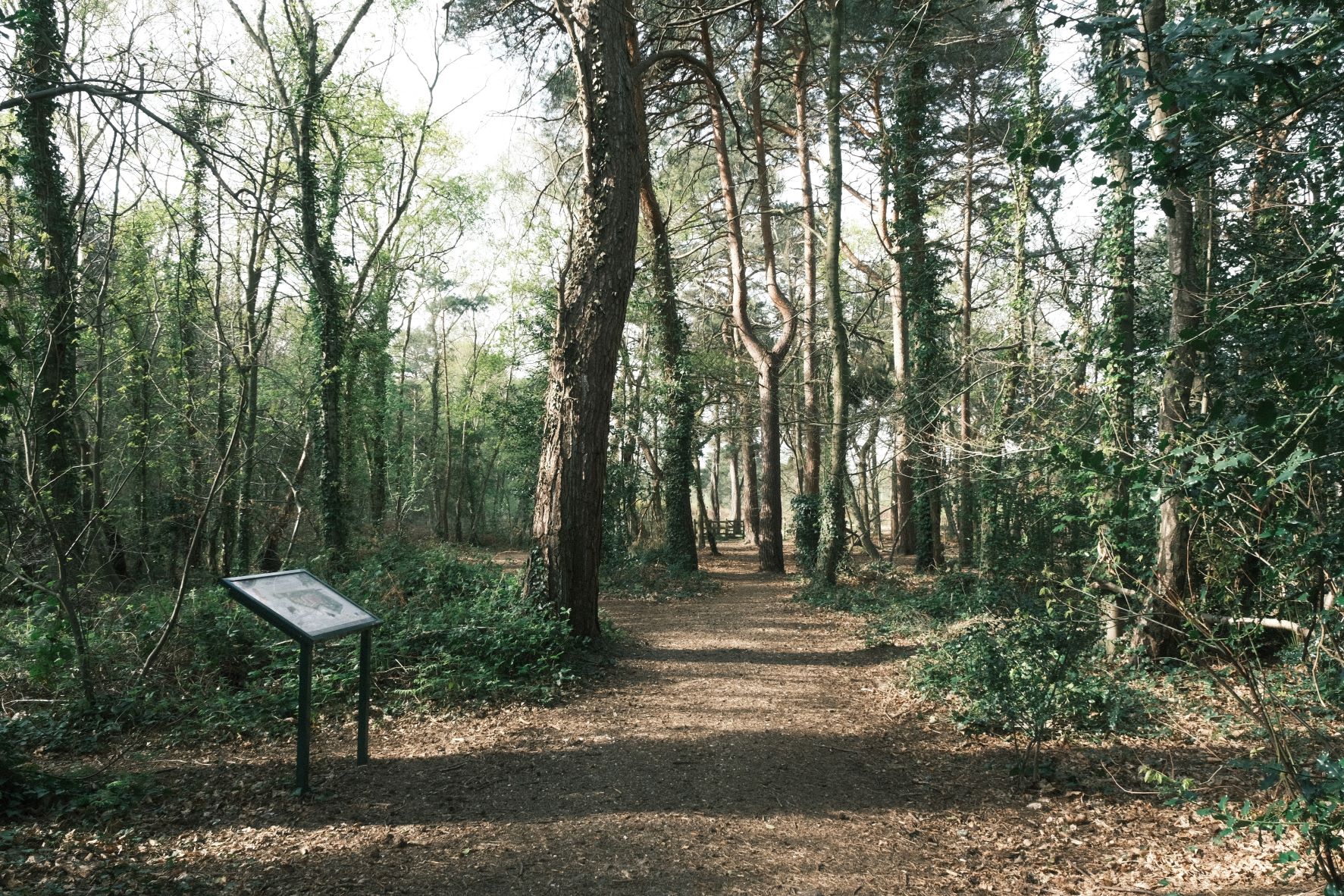
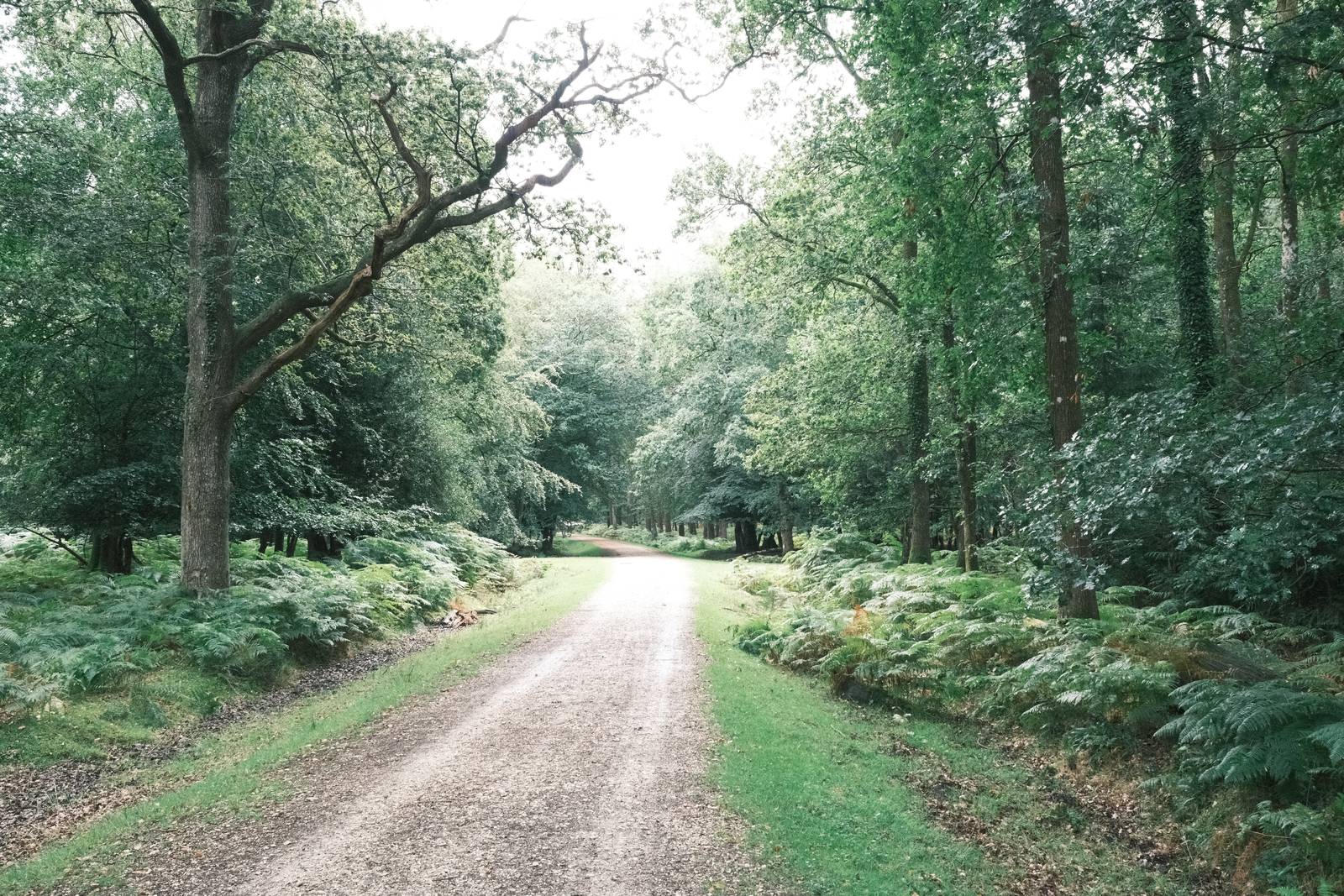
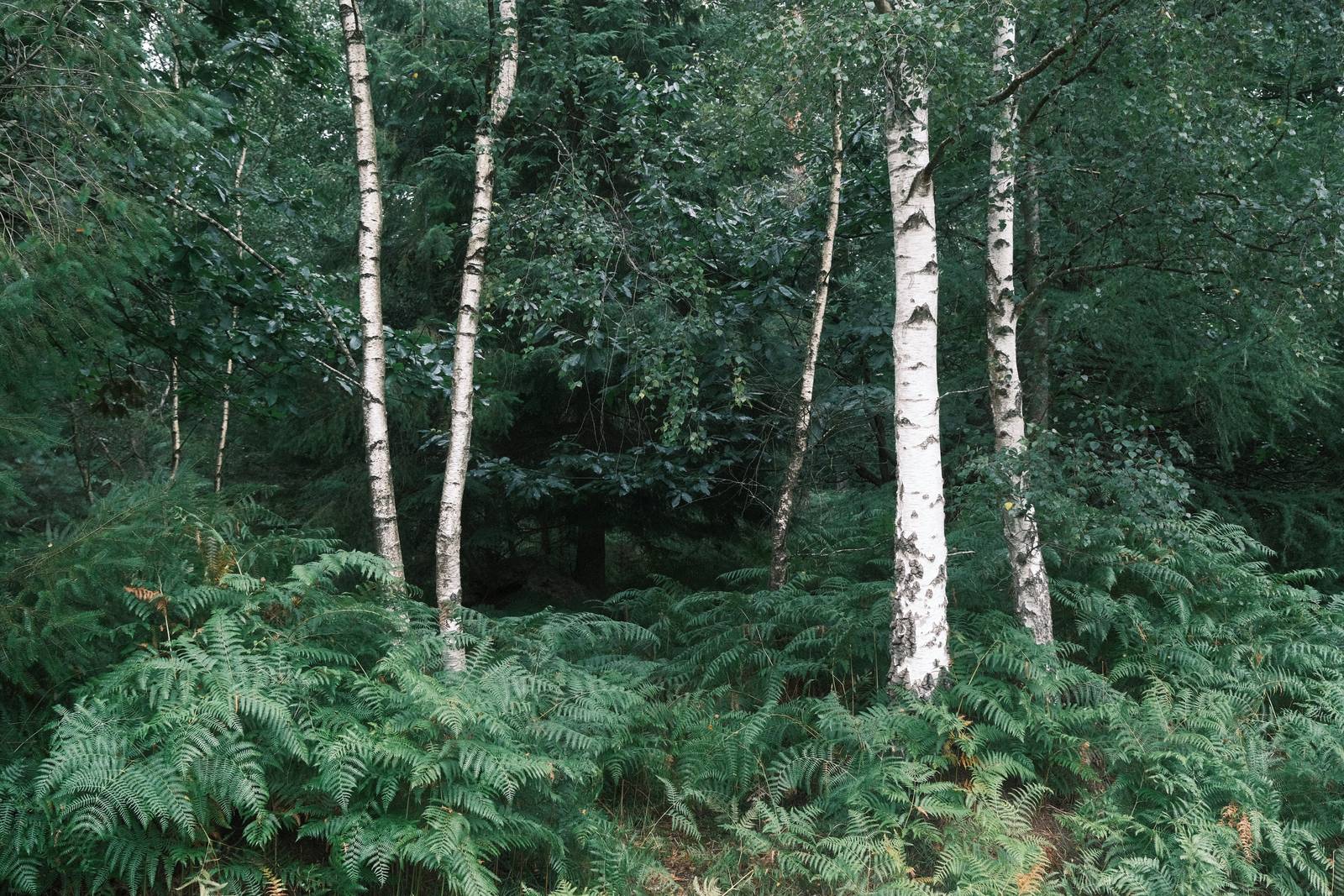
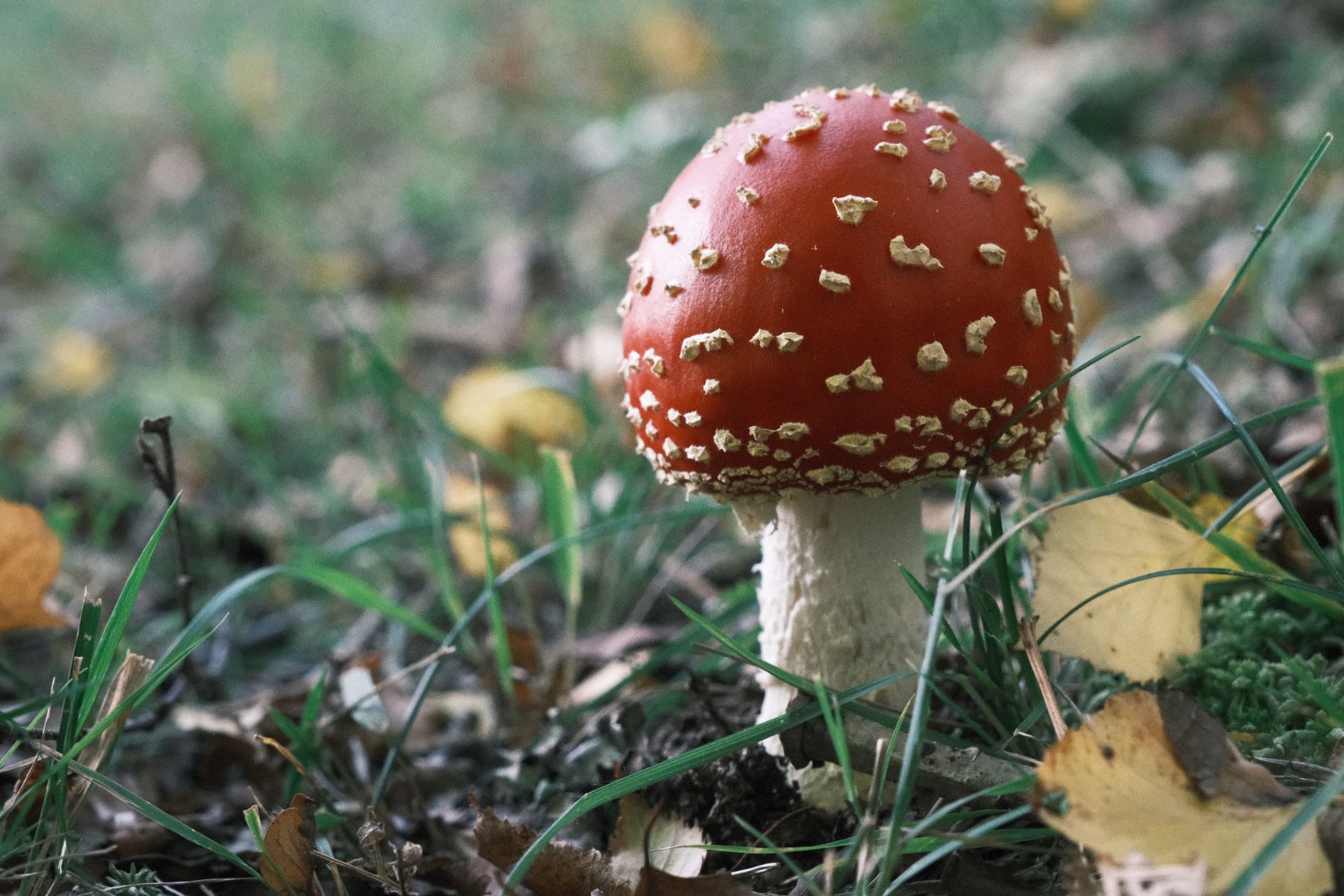
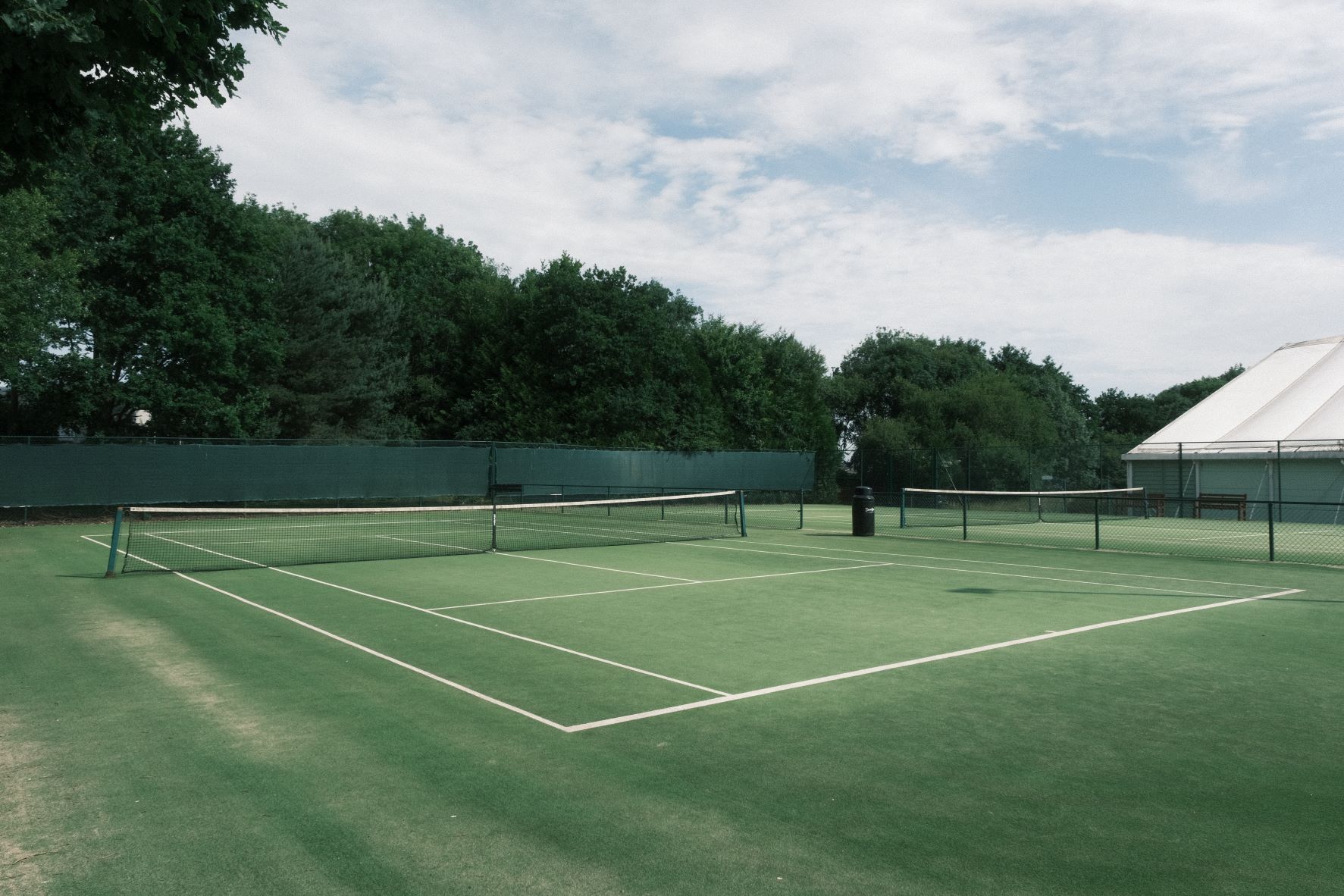
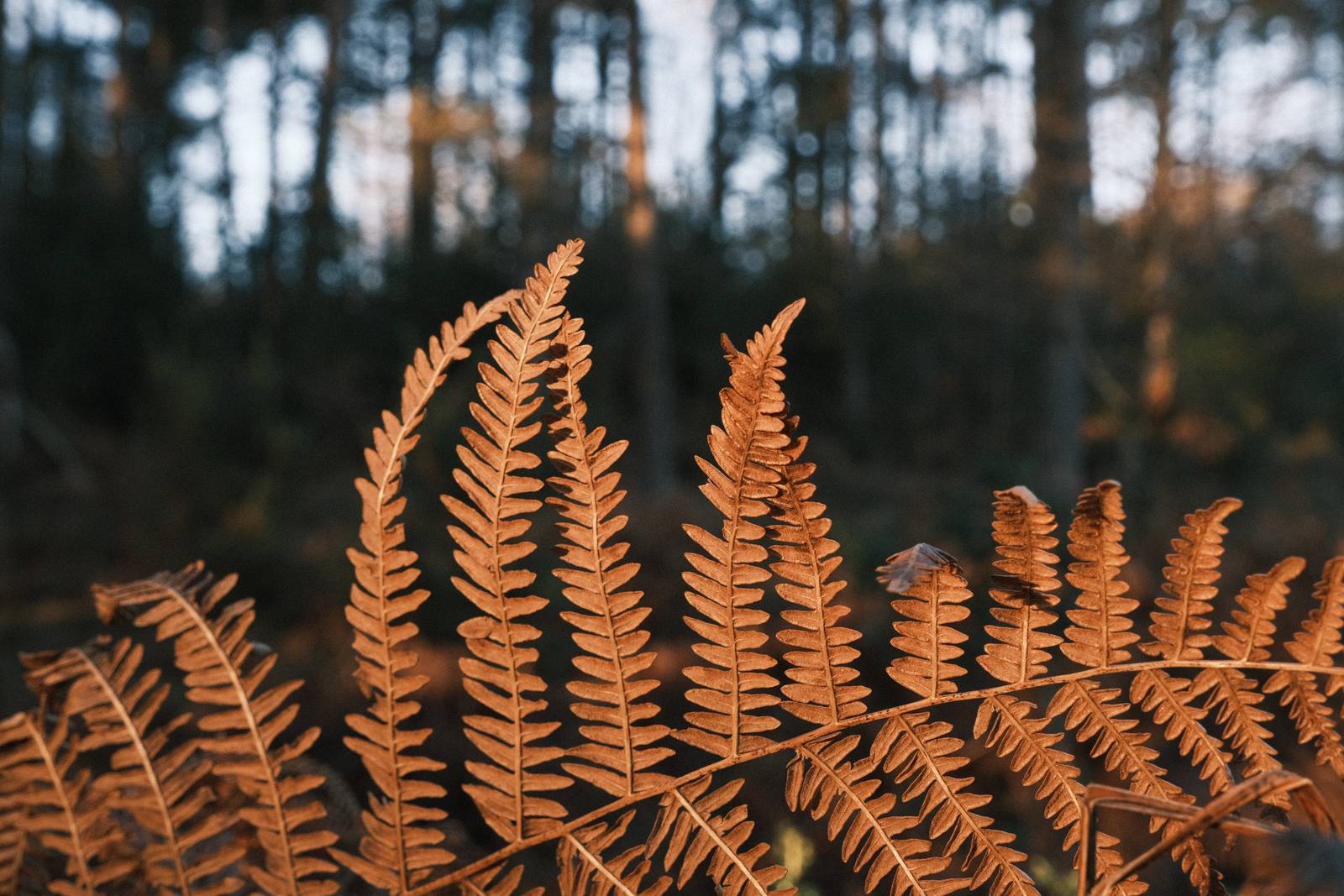
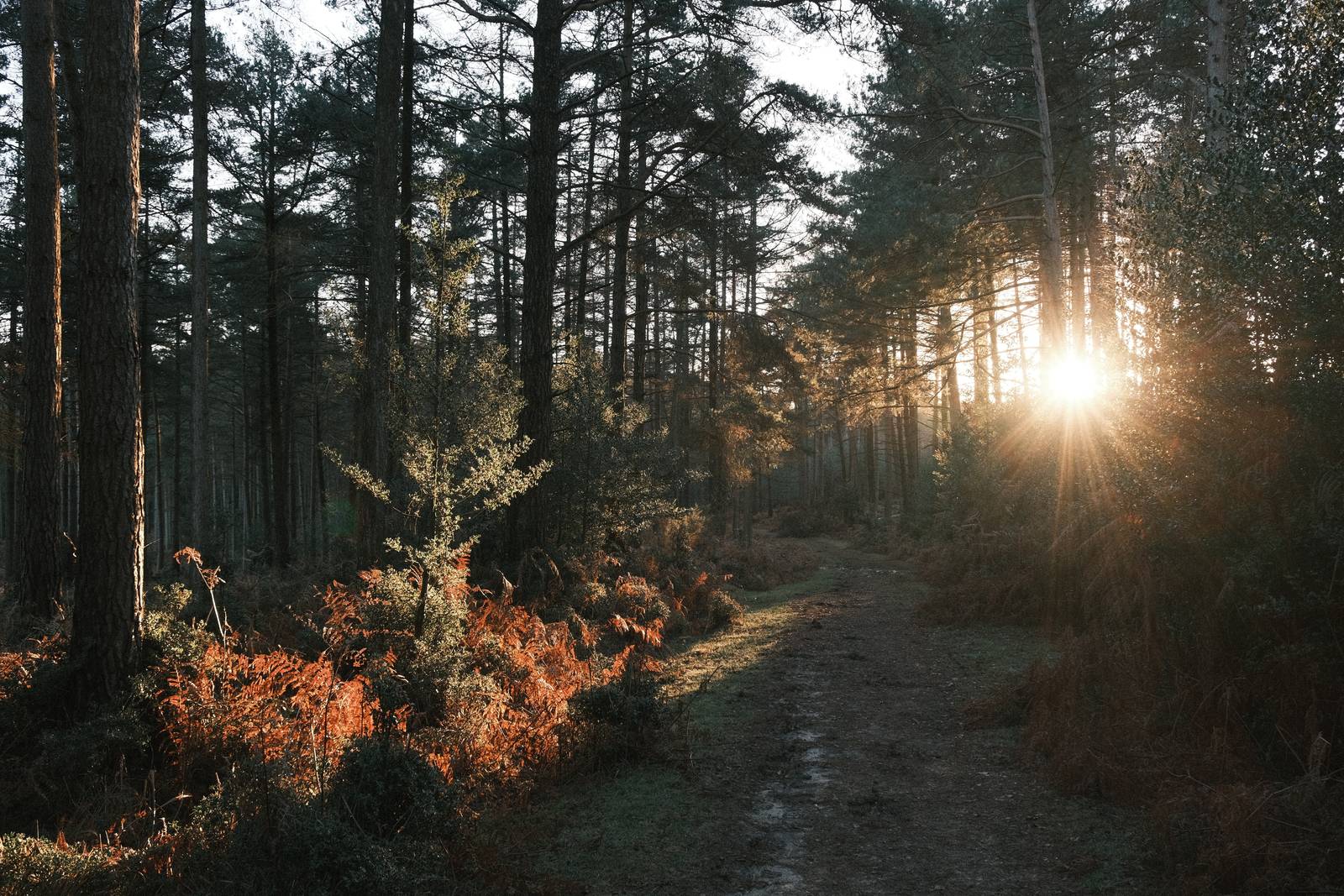
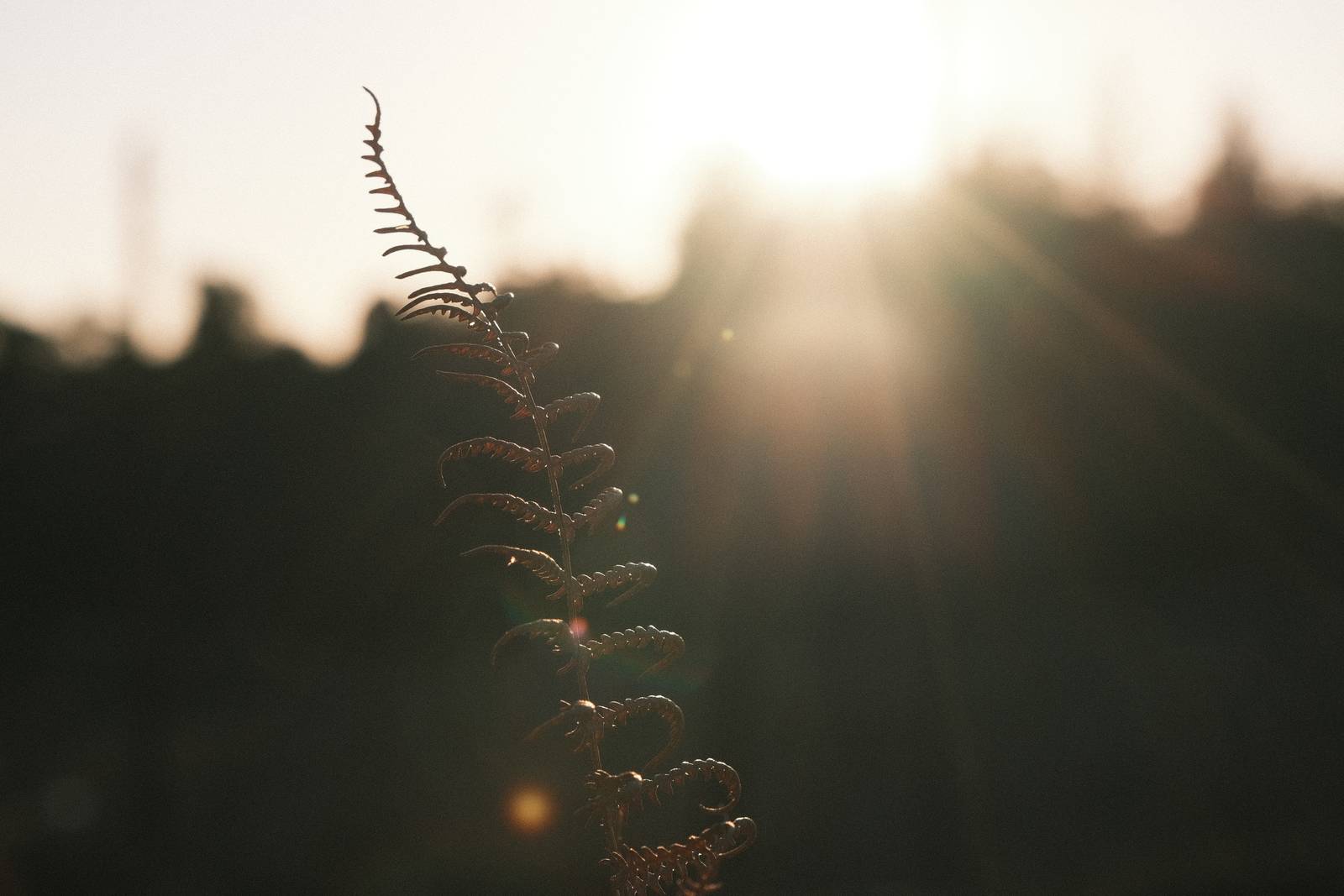
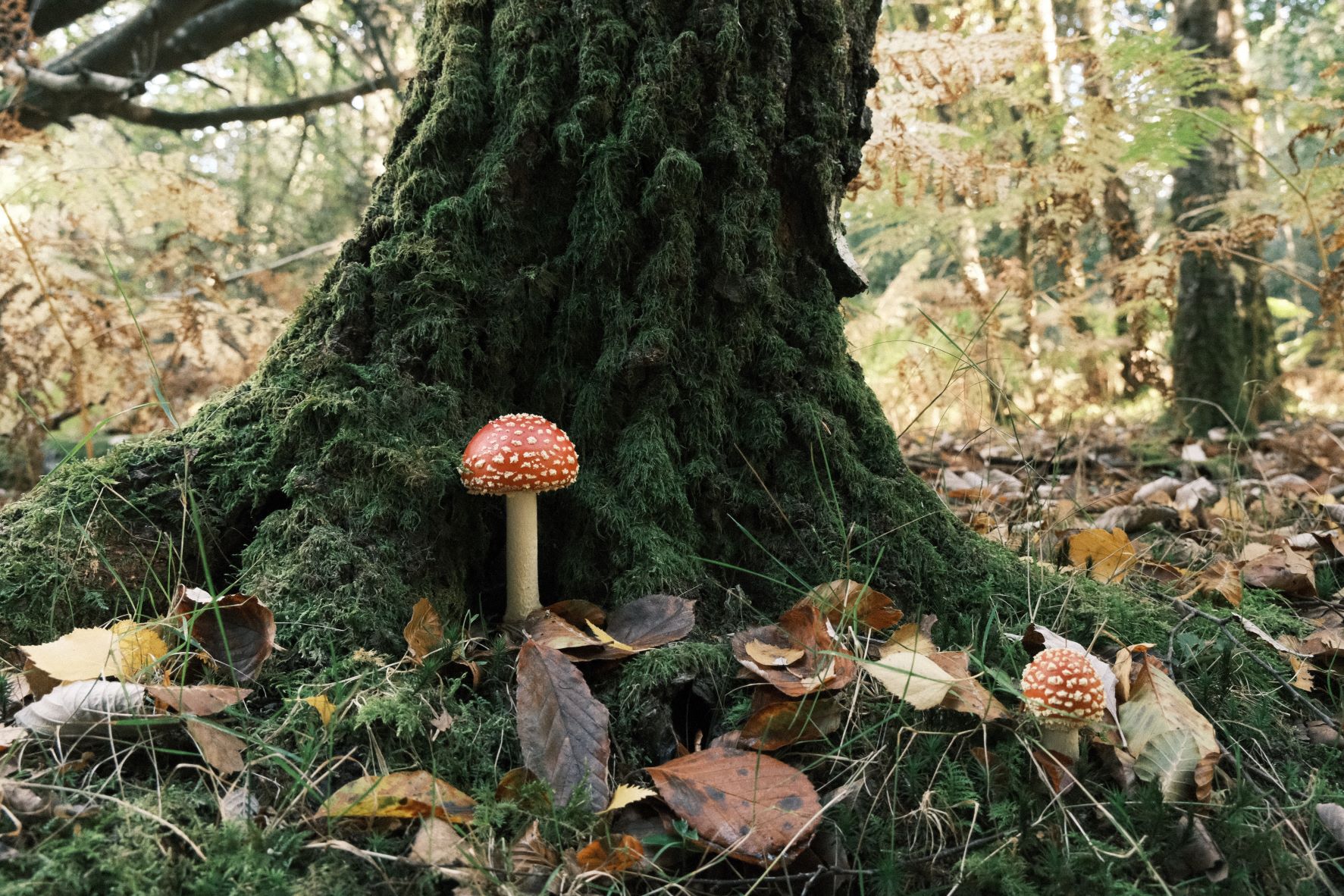
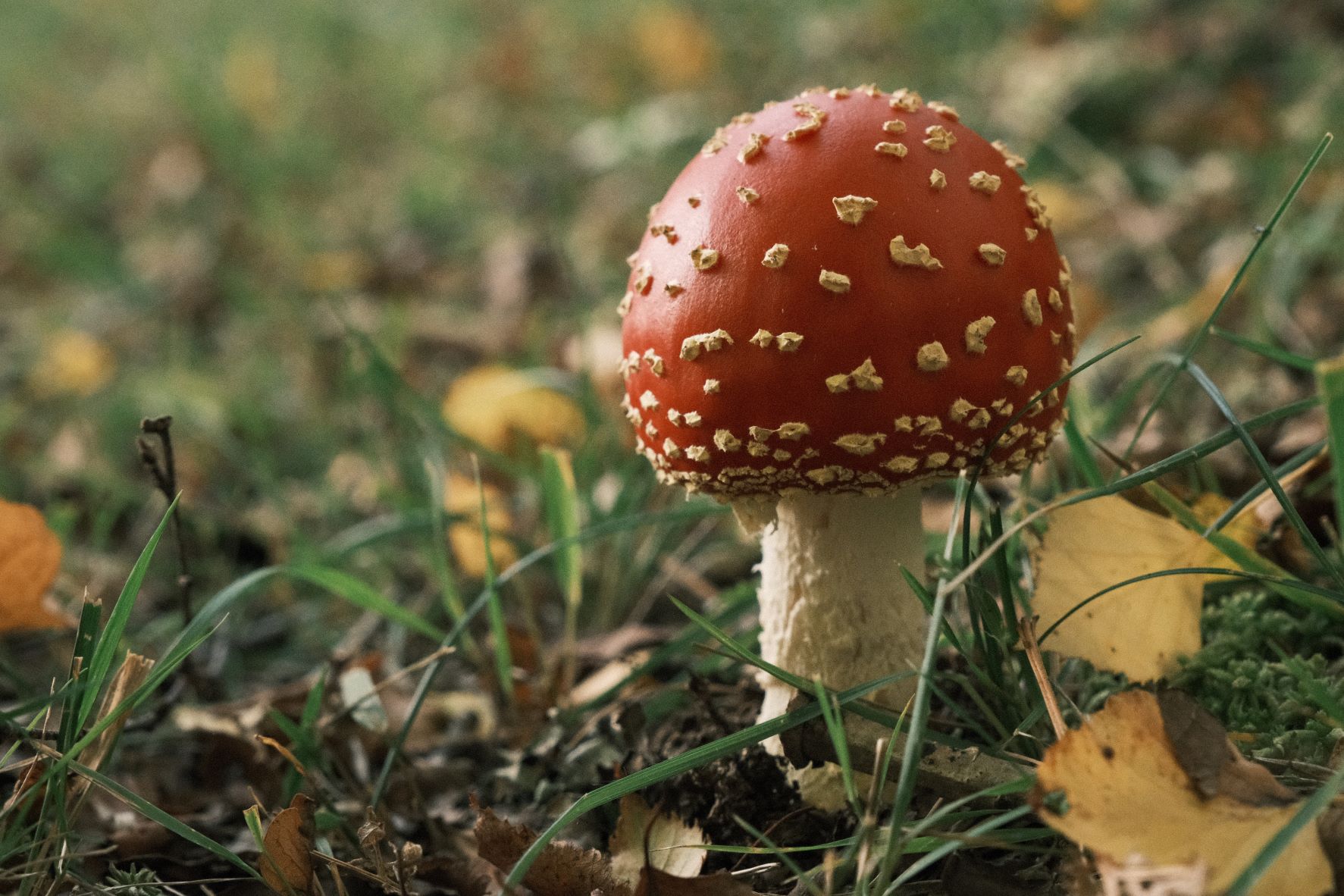
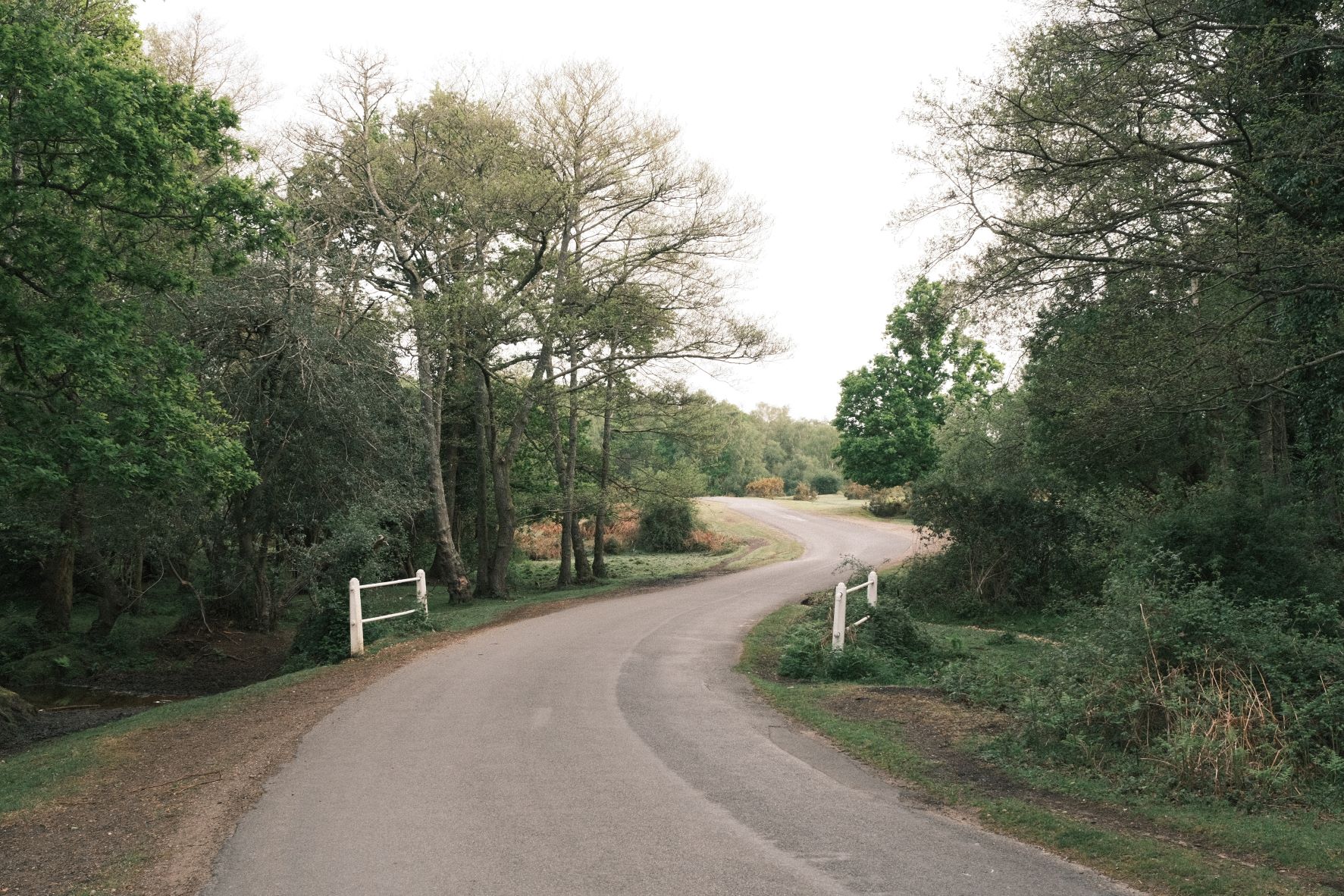
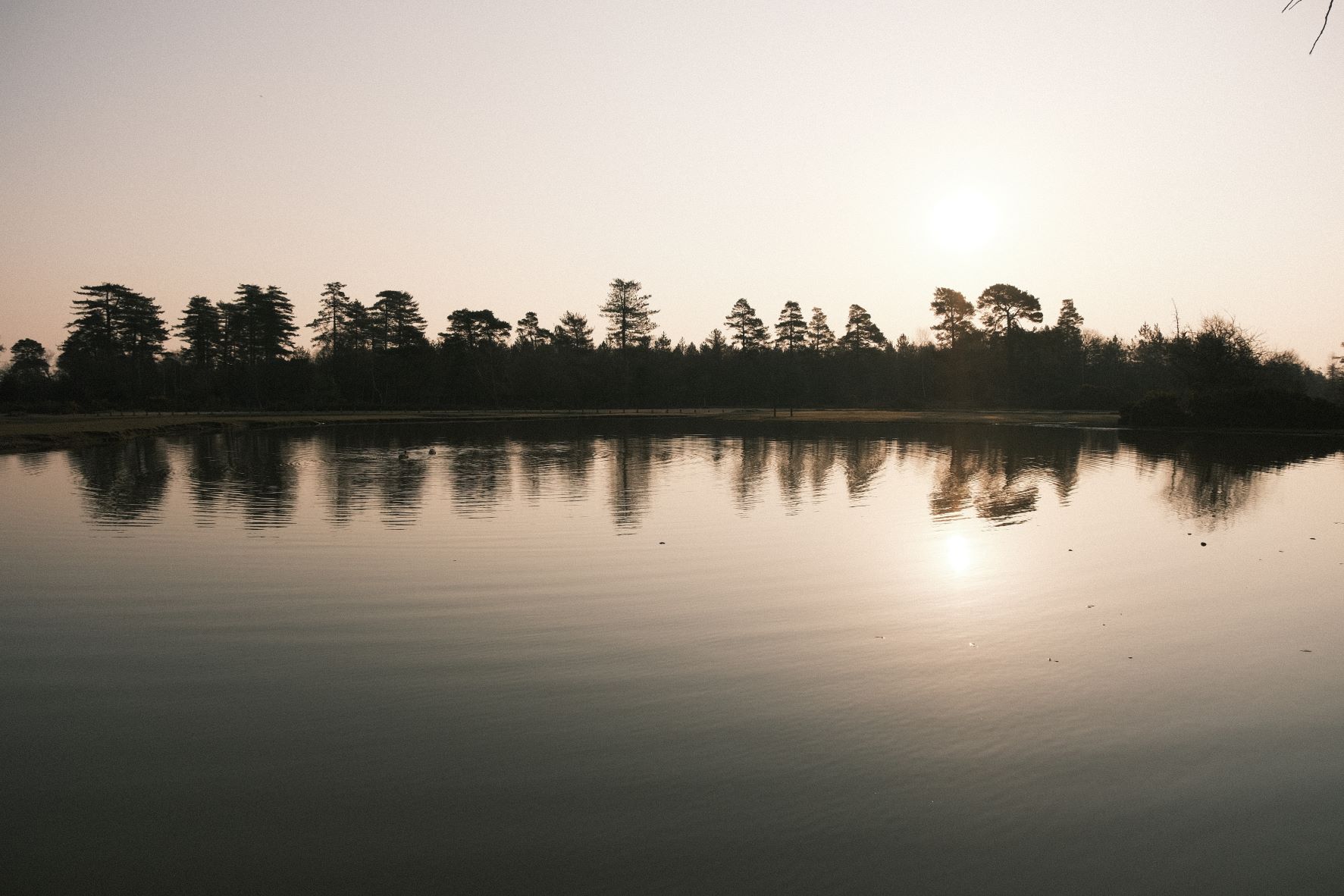
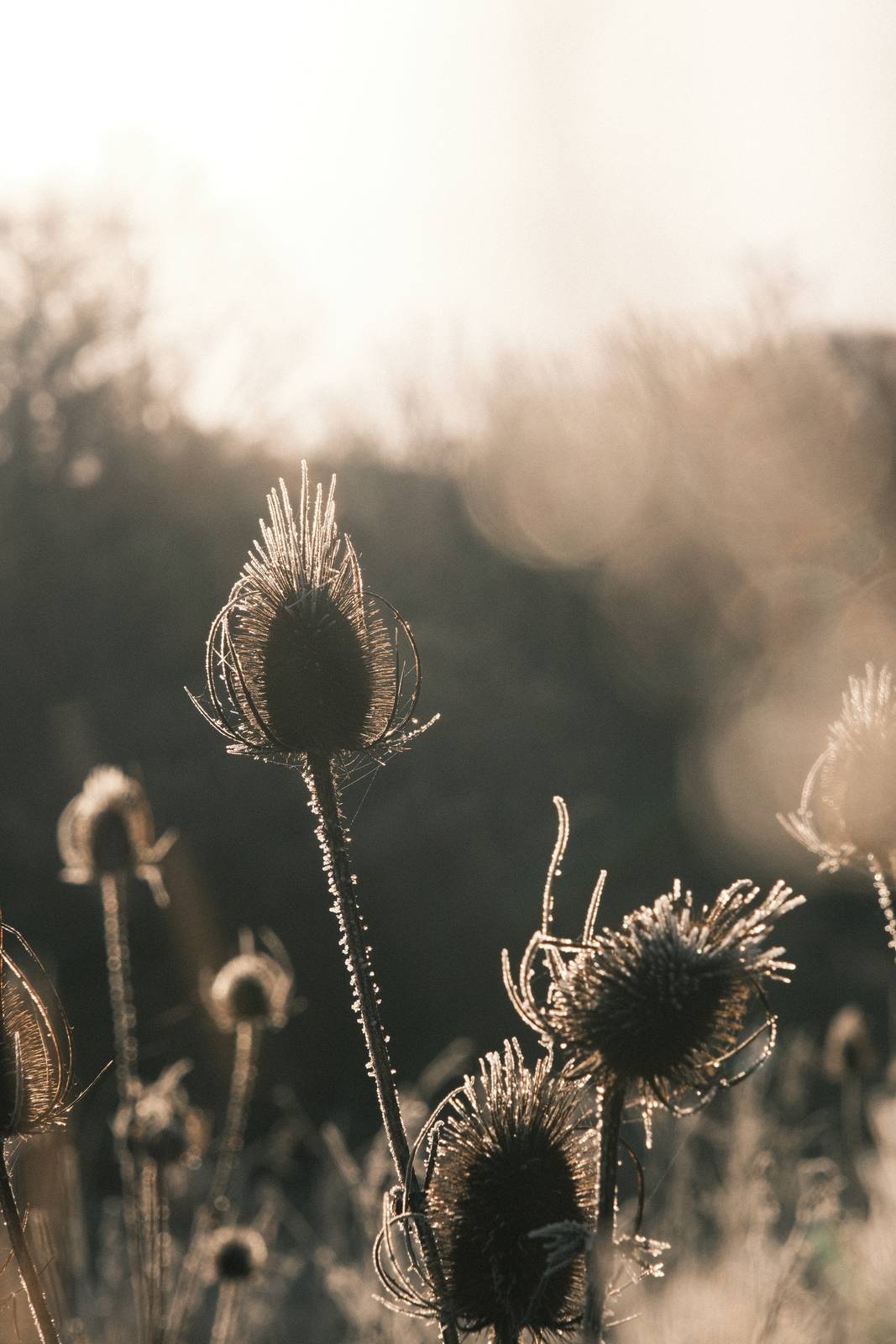
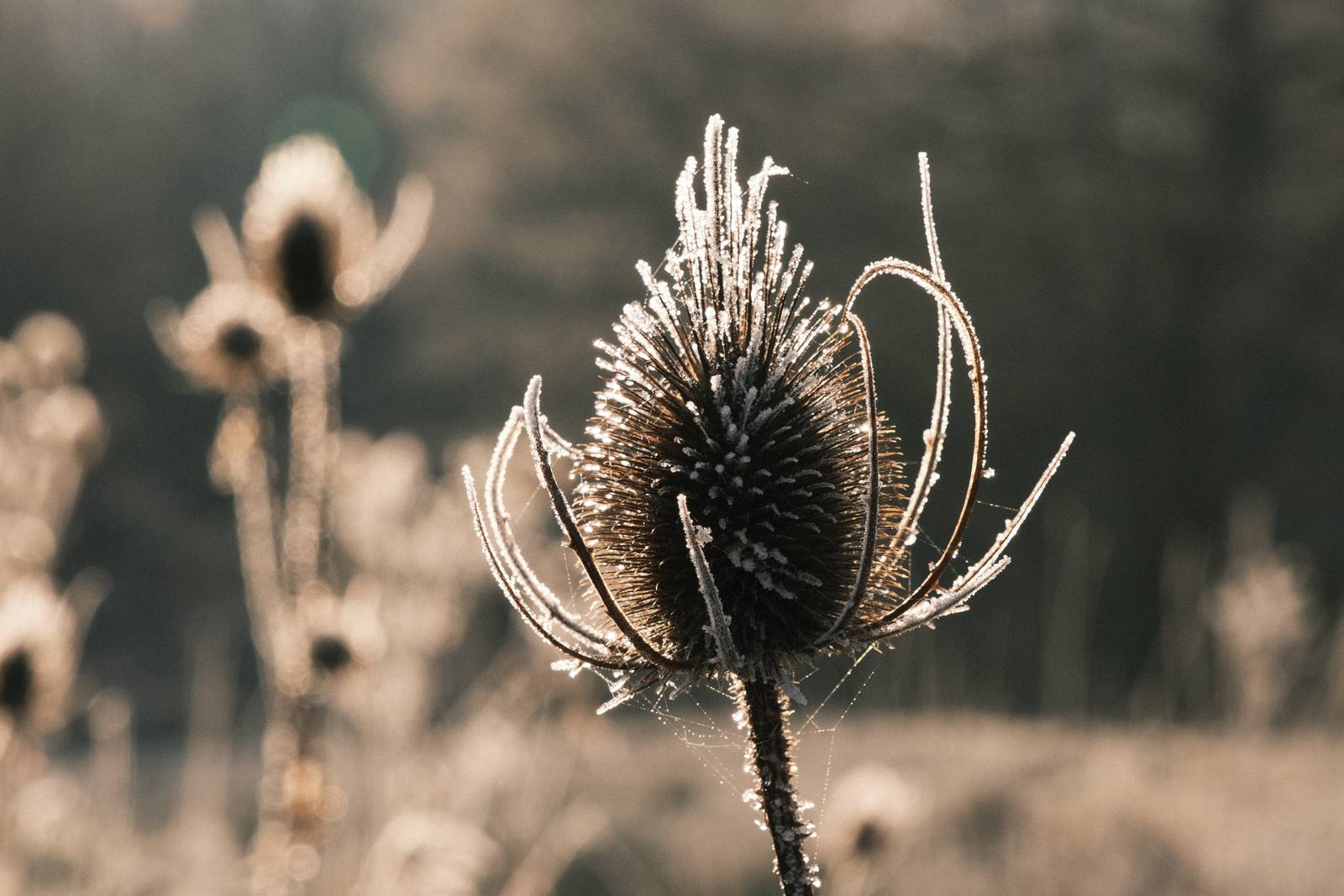
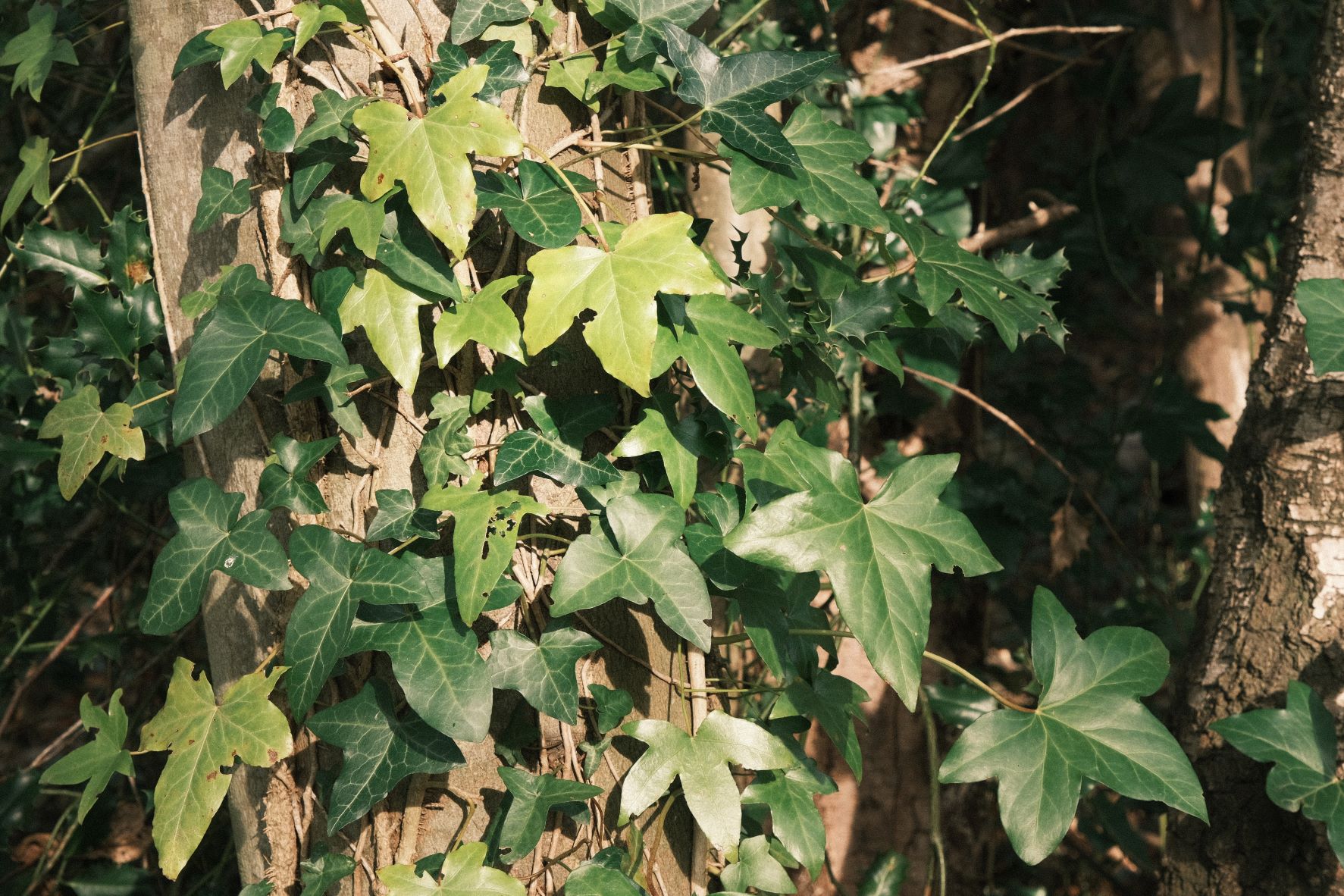
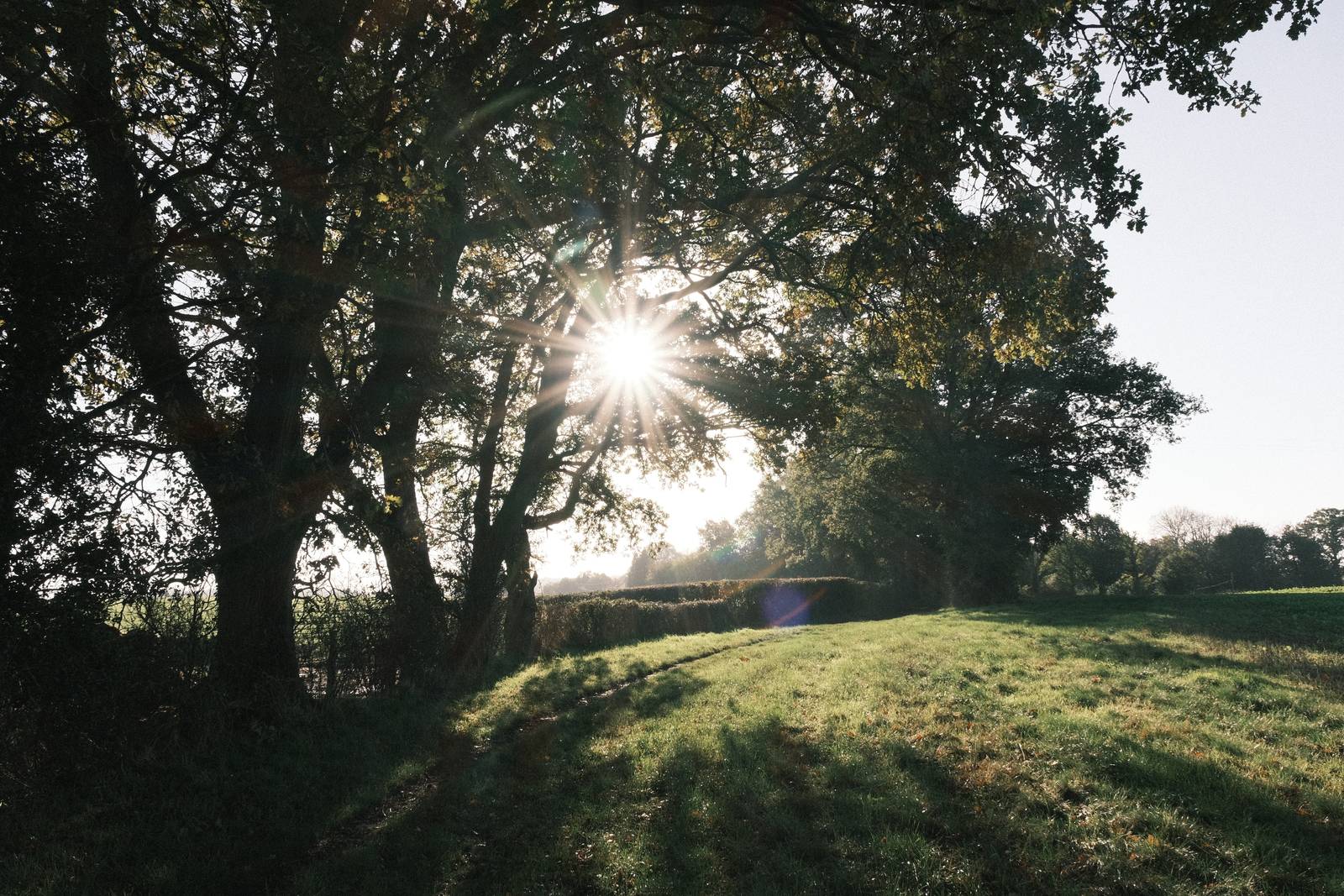
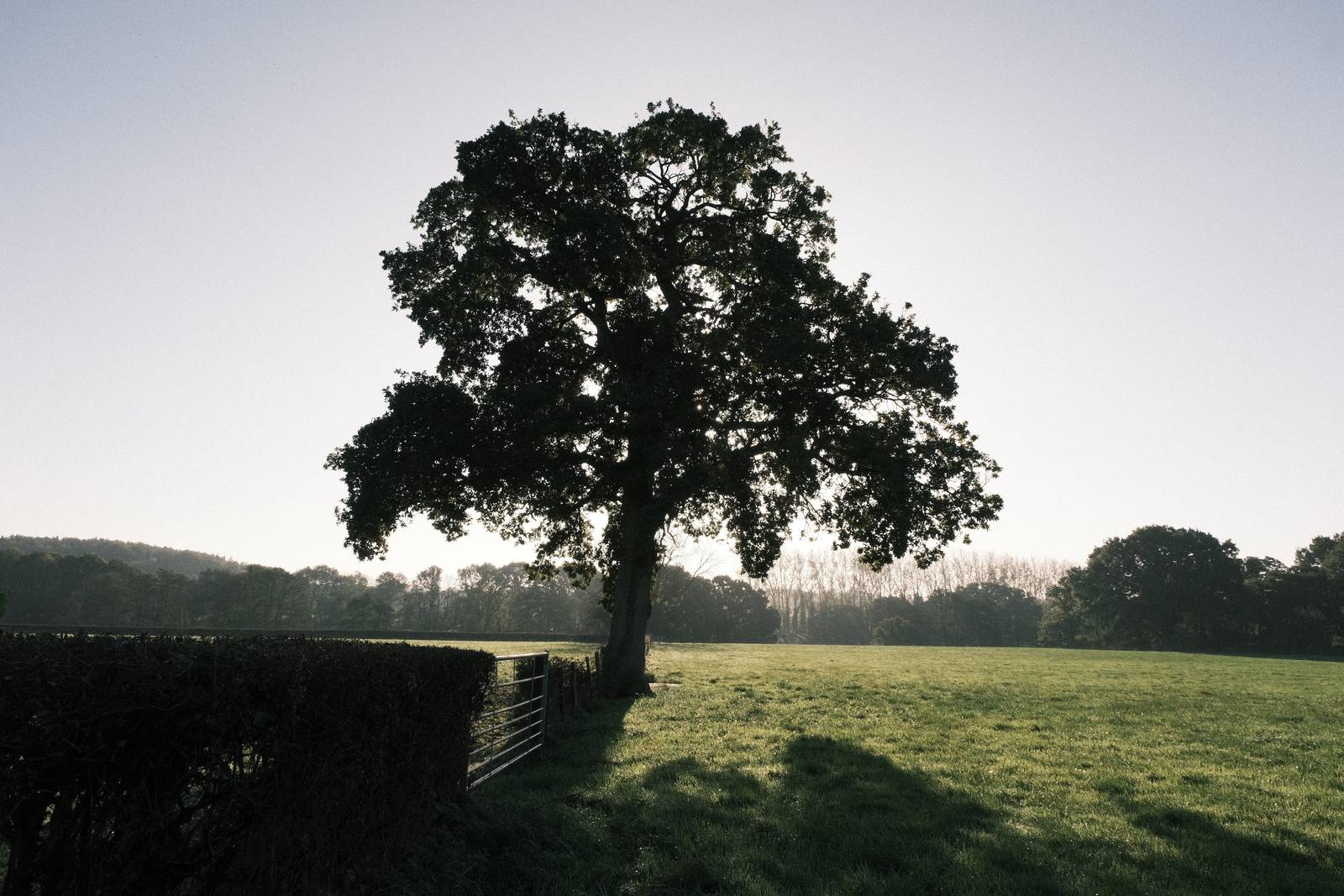
The Classic Negative film simulation produces images reminiscent of negative film prints, with a retro feel straight from the base settings. Thanks to the amazing talents of the experts at Fujifilm, it can be further adjusted to give a variety of styles with a few changes to basic settings.

Fujicolor Classic
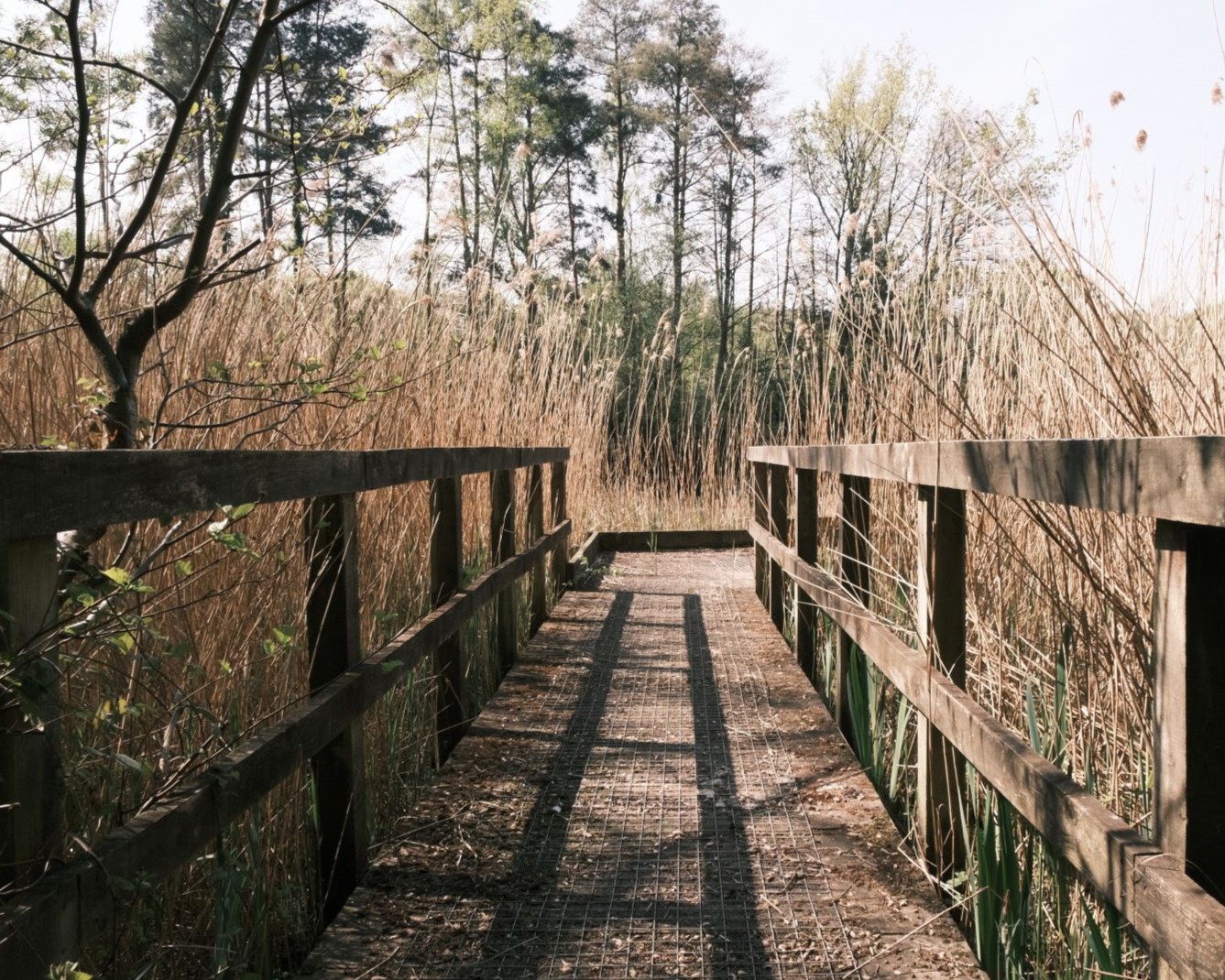
For me, I found that different film brands had a defining family character, and for Fujifilm, it was the greens. I’ve seen this in various excellent Fuji themed recipes, such as these;
I’ve found that in my personal photography, I prefer a slightly less saturated, lower contrast interpretation. So, as with my other recipes, I’ve tried to keep to the spirit of the Fujicolor negative tones, but with a lighter touch.
Fujicolor Classic Film Recipe Settings
| Film Simulation | Classic Negative |
| Grain Effect | Weak, Large |
| Col. Chr. Effect | Weak |
| Col. Chr. Blue | Off |
| White Balance | Auto, +1 Red, ‑3 Blue |
| Dynamic Range | DR400 |
| Highlights | ‑1 |
| Shadows | 1 |
| Colour | ‑1 |
| Sharpness | ‑2 |
| ISO N.R. | ‑4 |
| Clarity | 0 |
| EV Comp. | +1/3 |
Similar Recipes

More similar recipes, and hundreds more exclusive looks, are available in the Film Recipes App.

Get the Film Recipes App
Monthly challenges to push your photography further


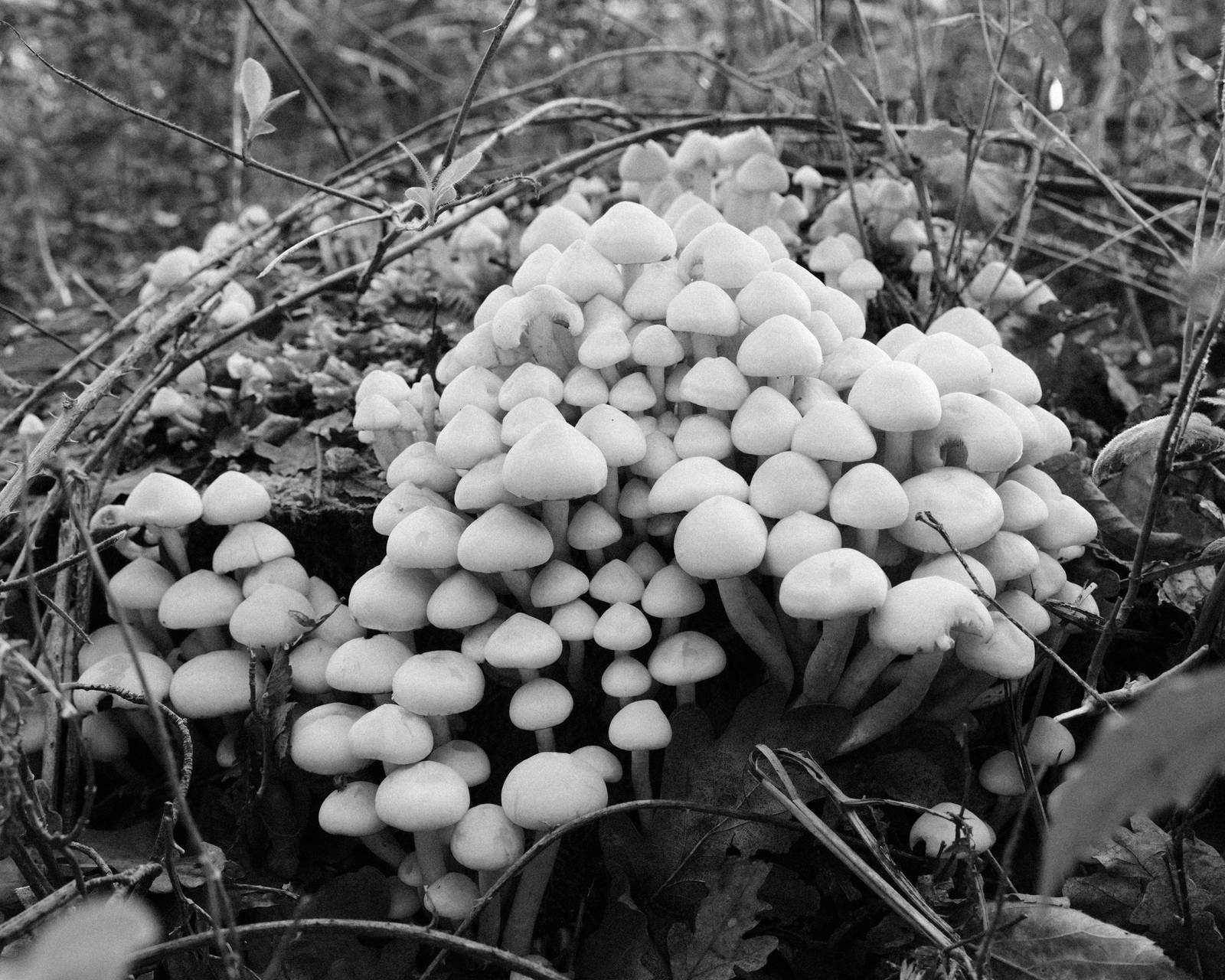
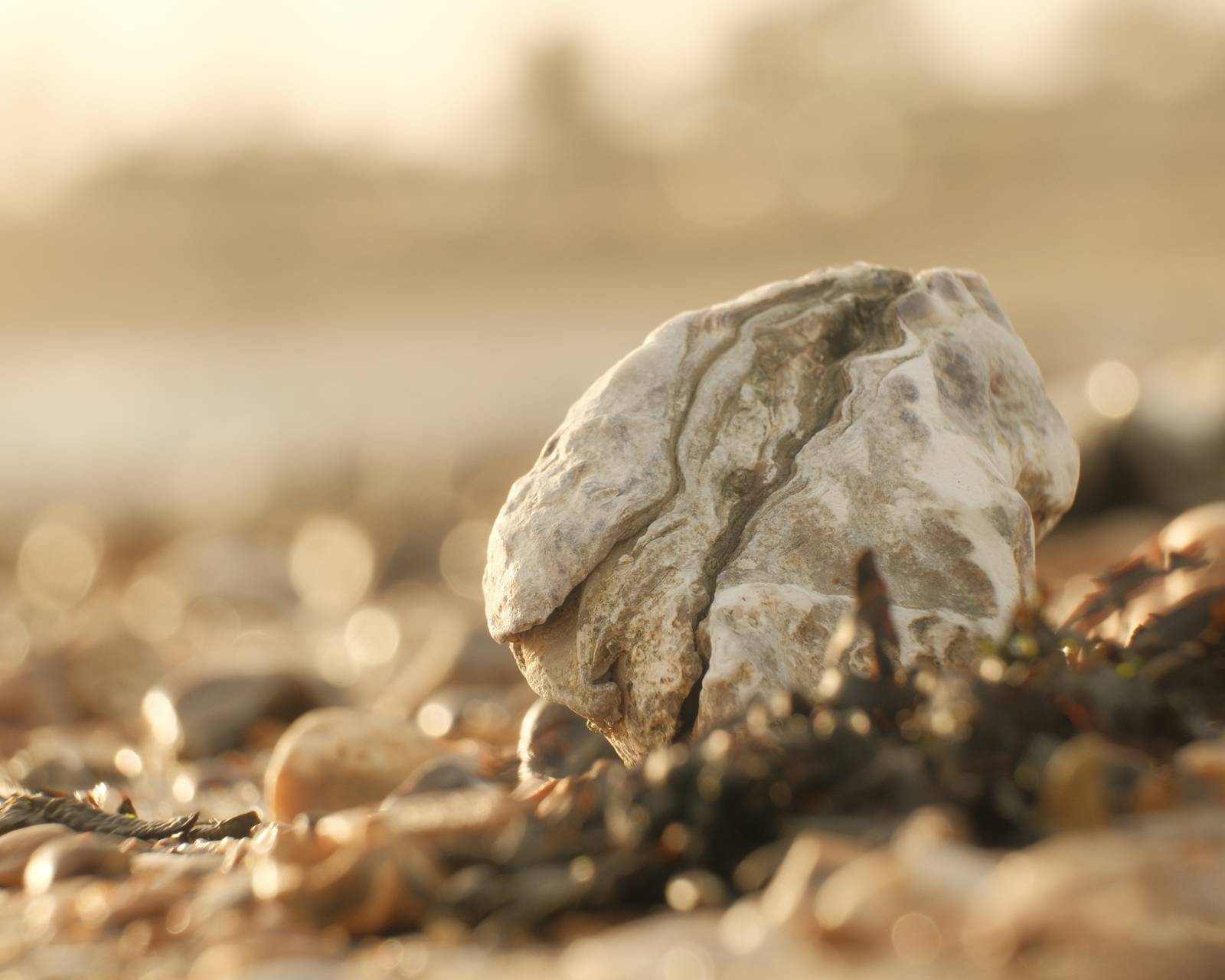
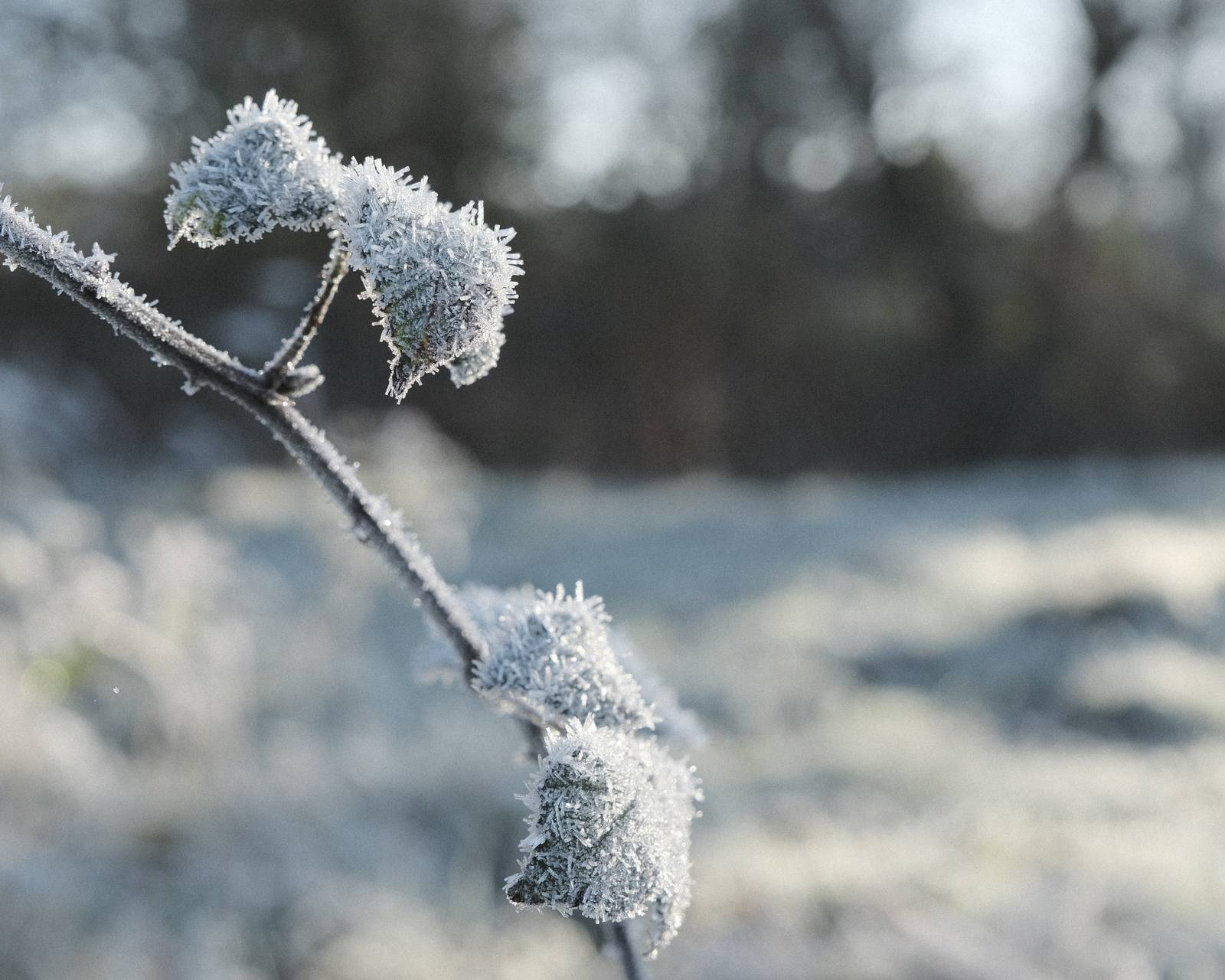
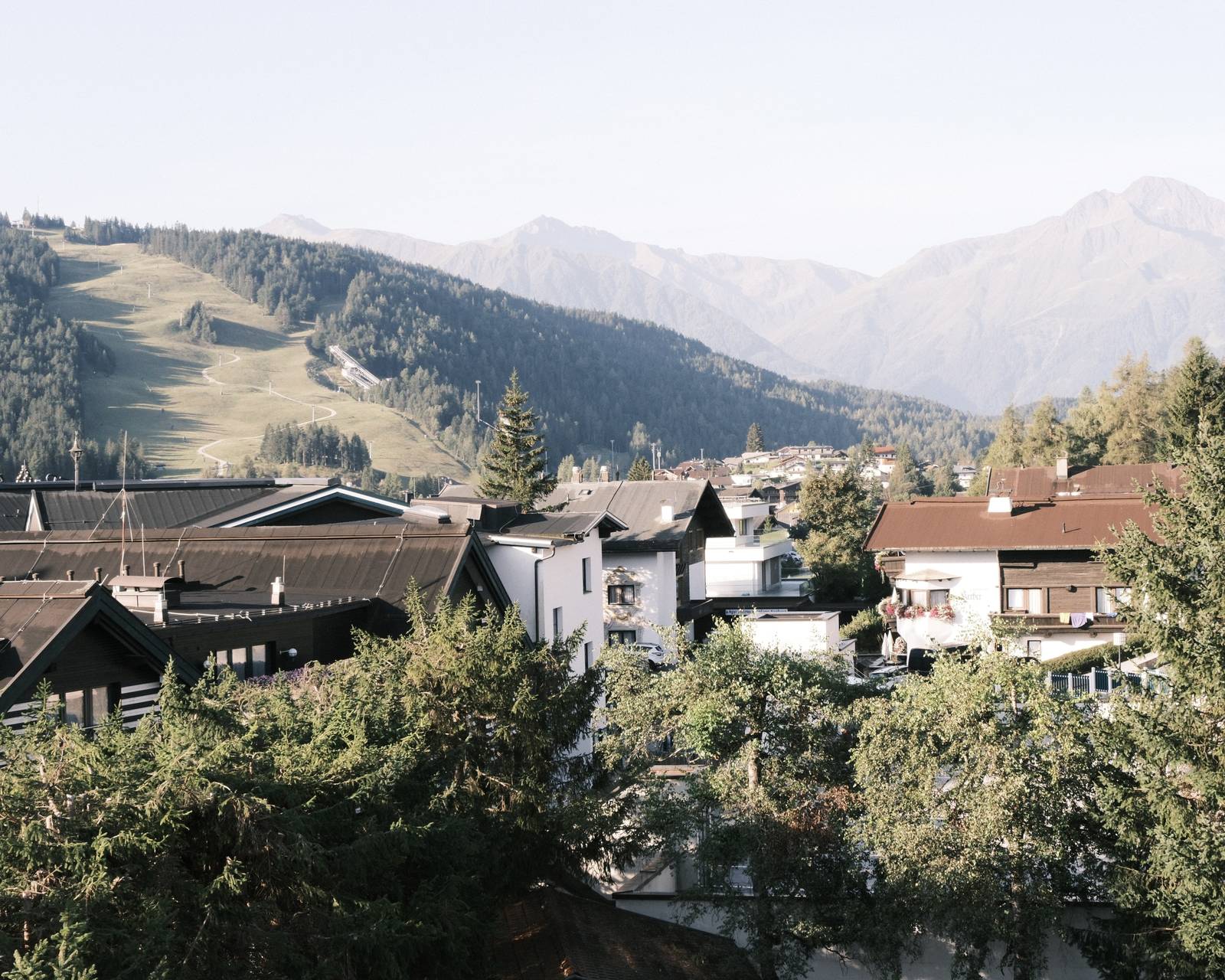
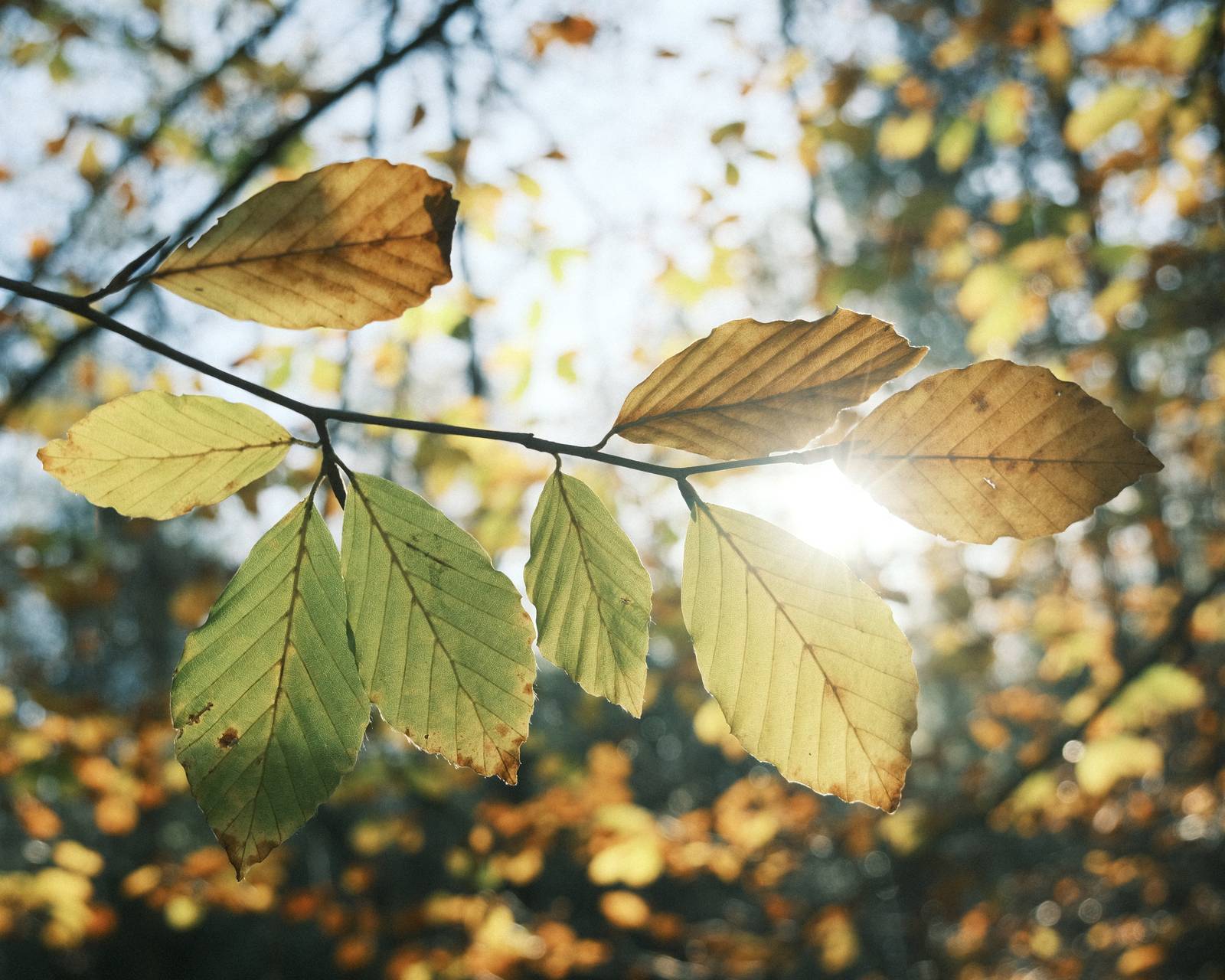
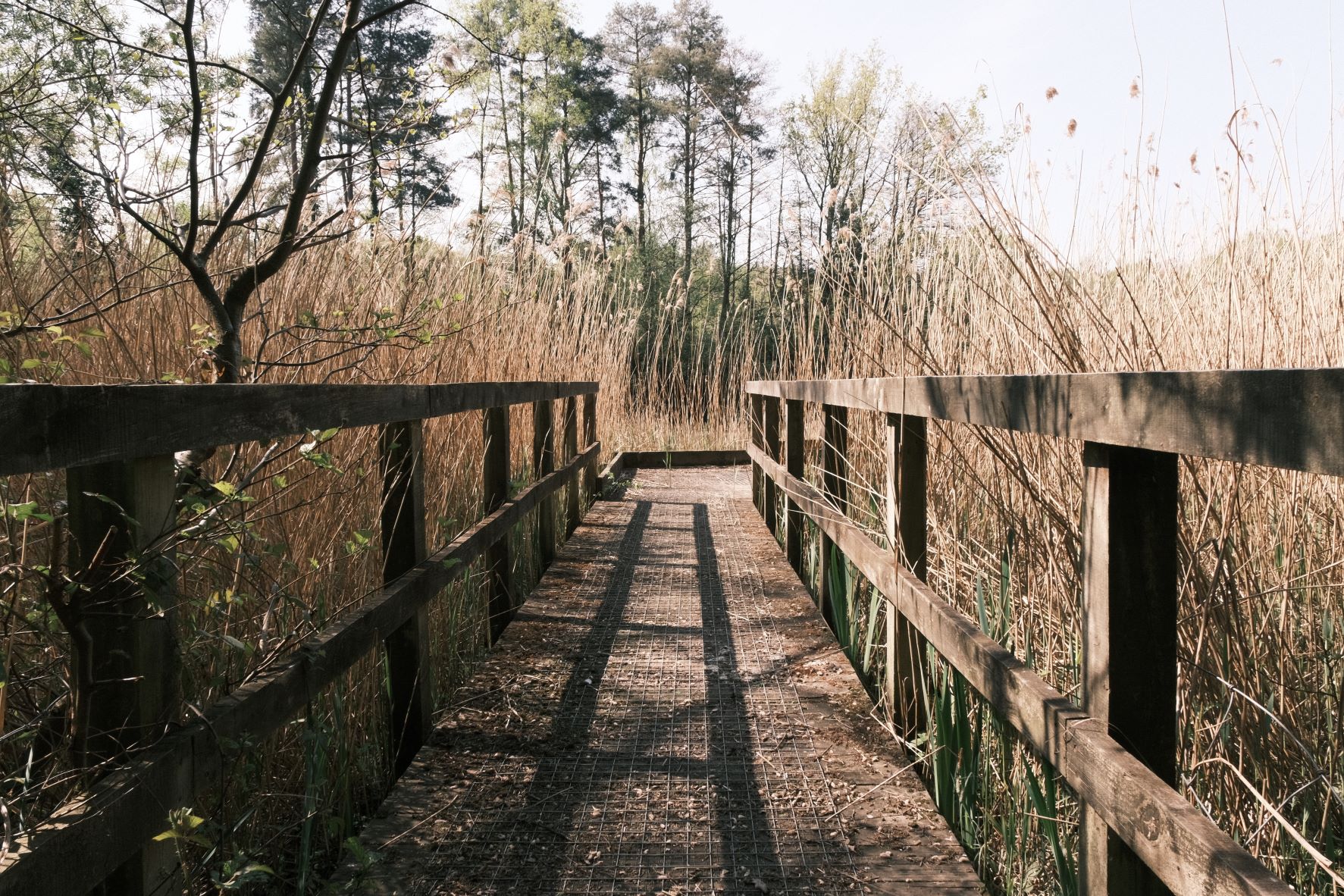
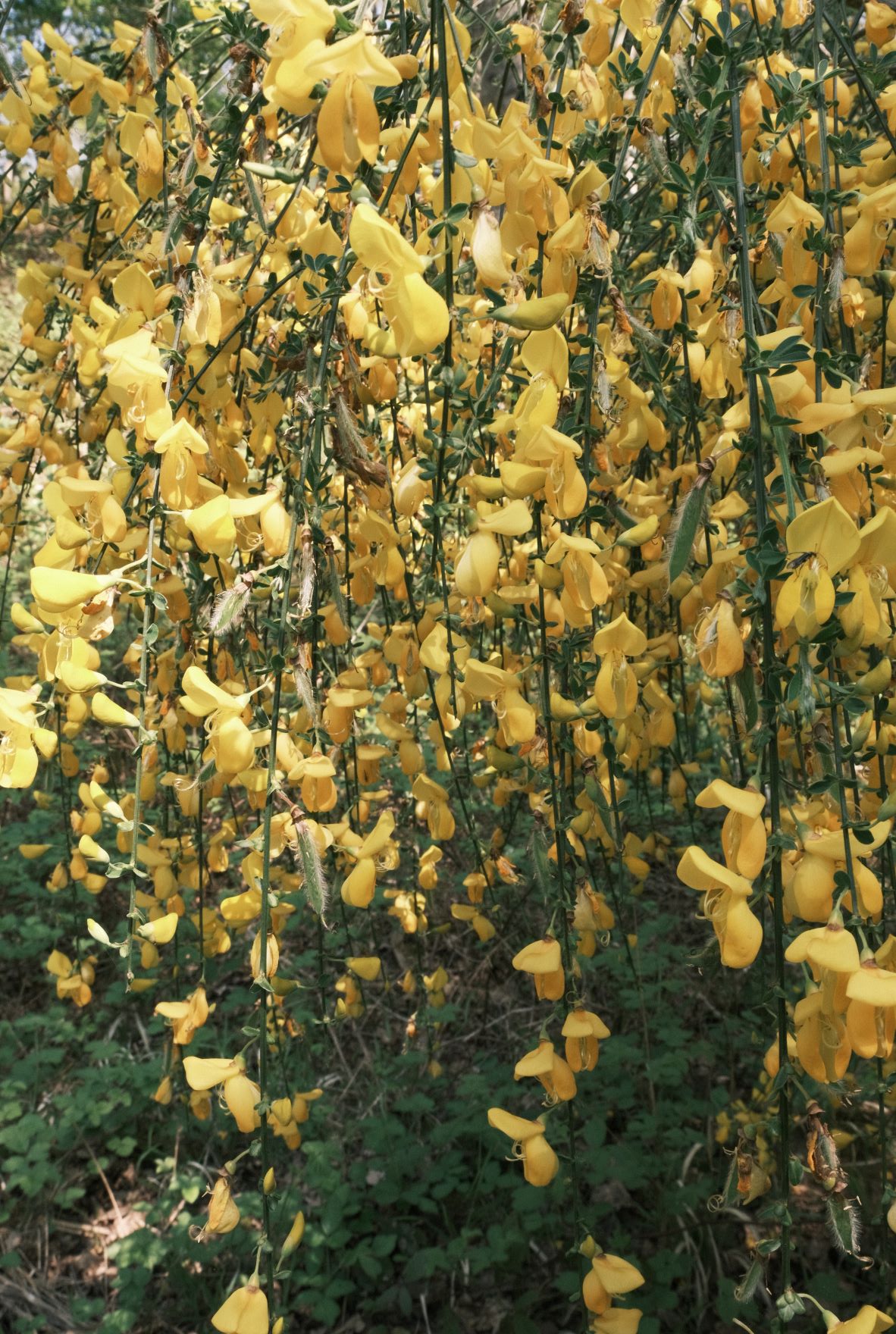
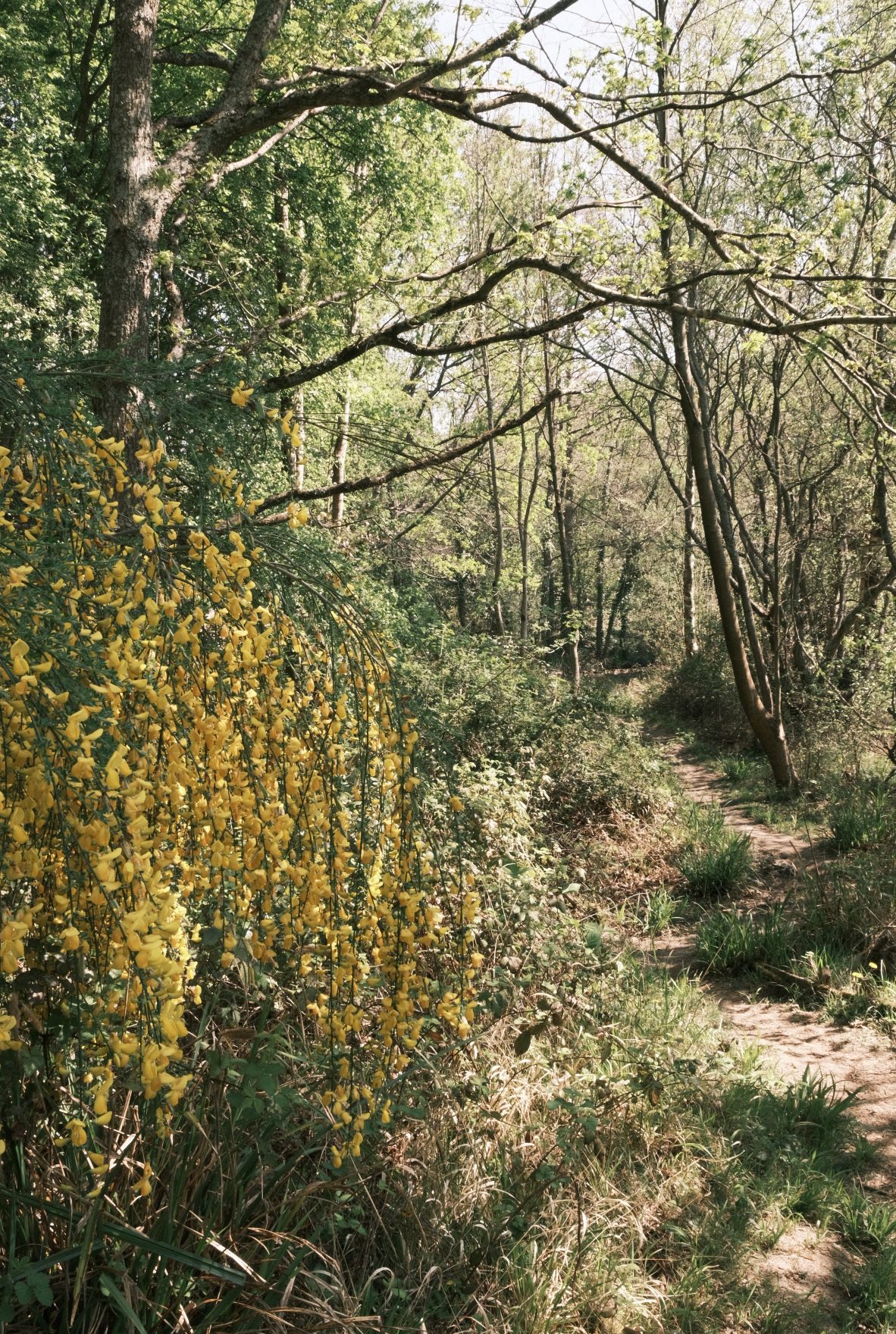
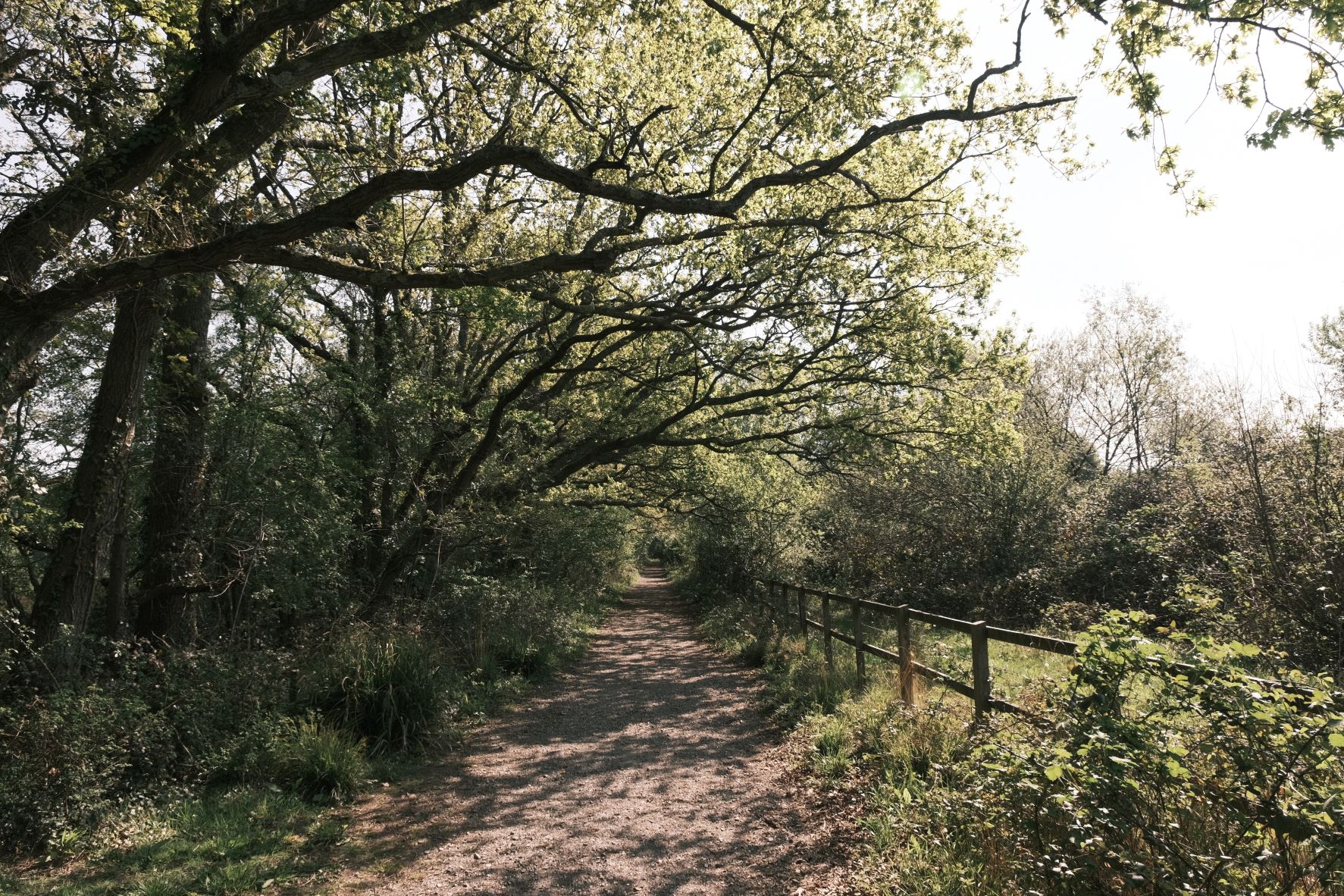
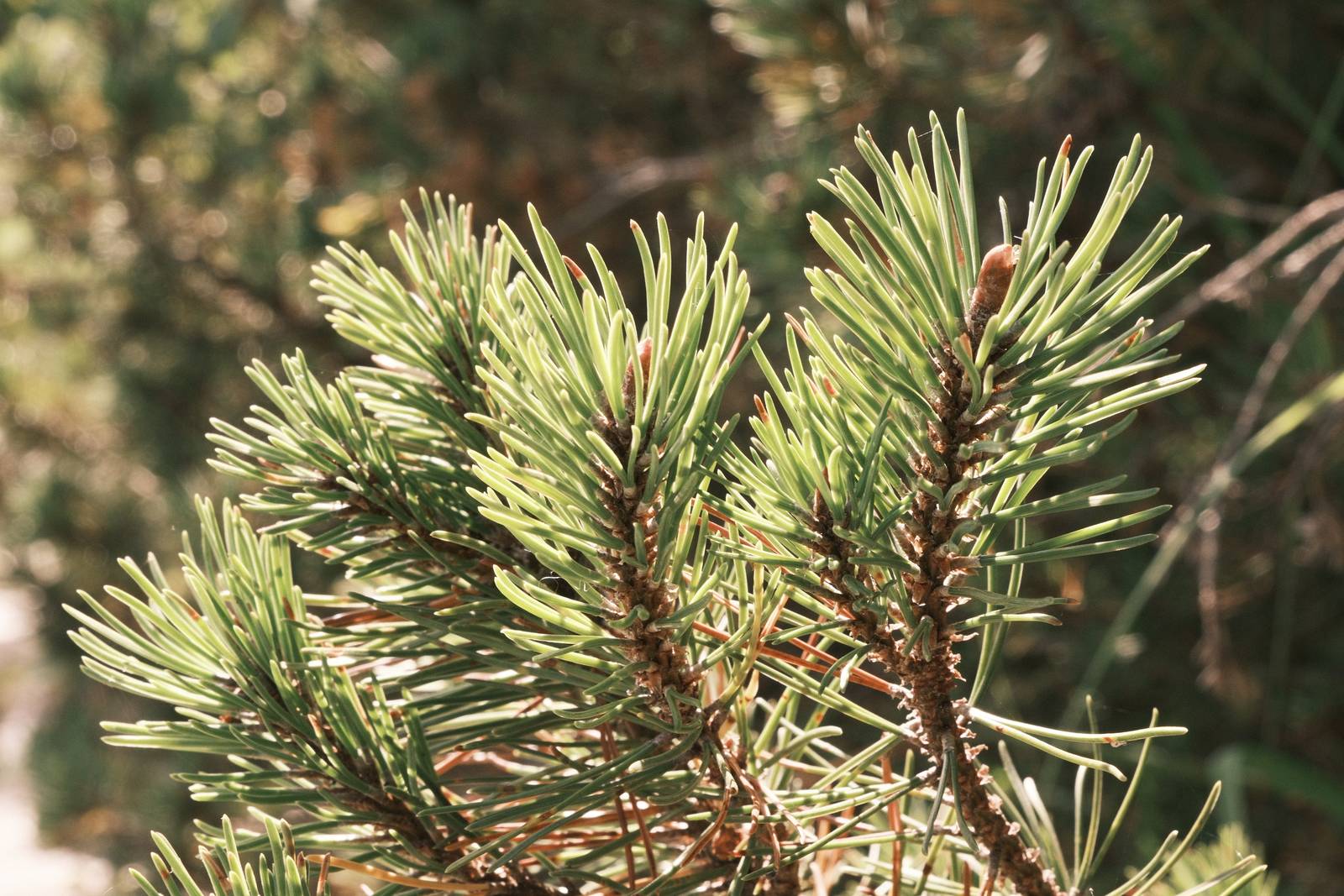
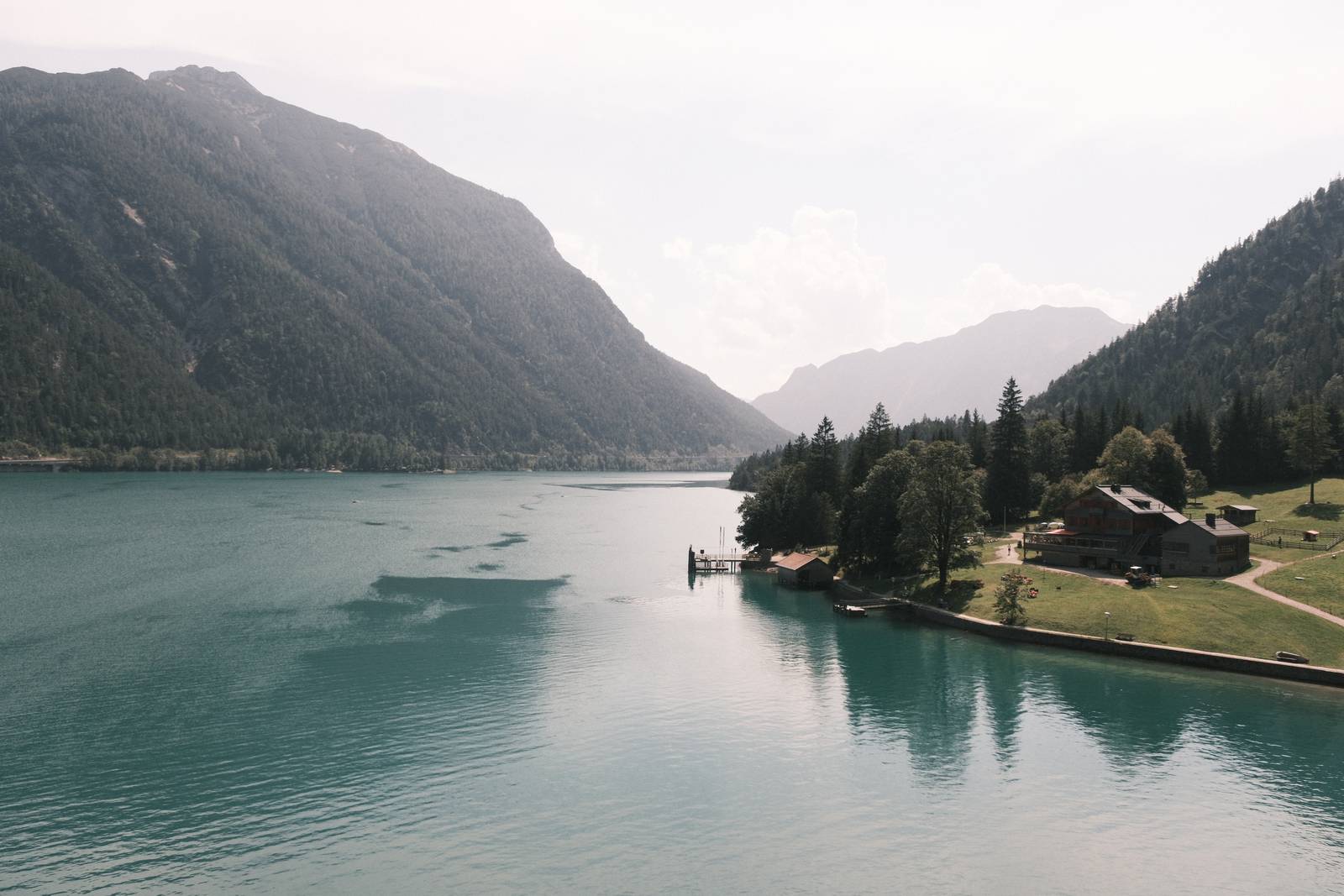
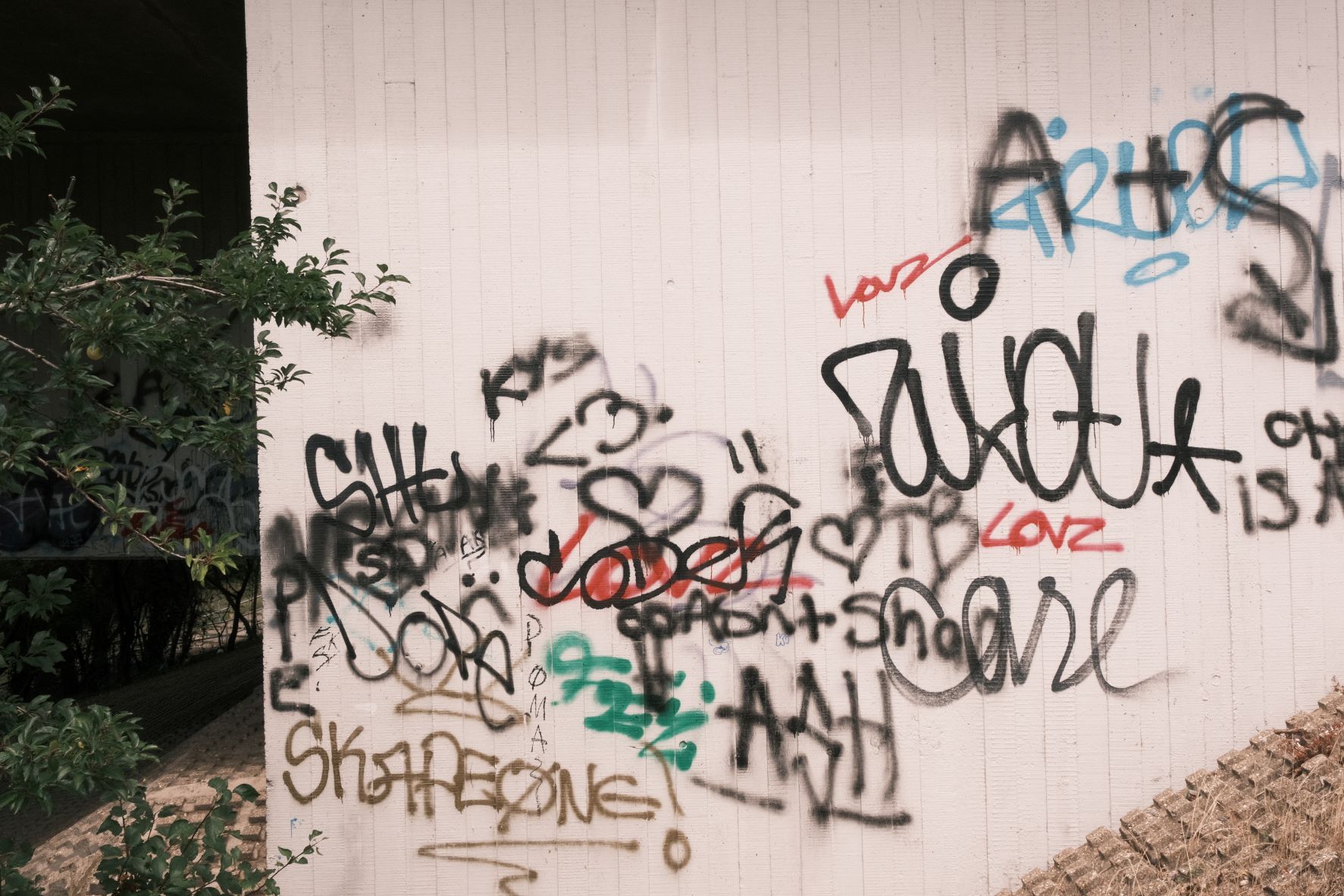
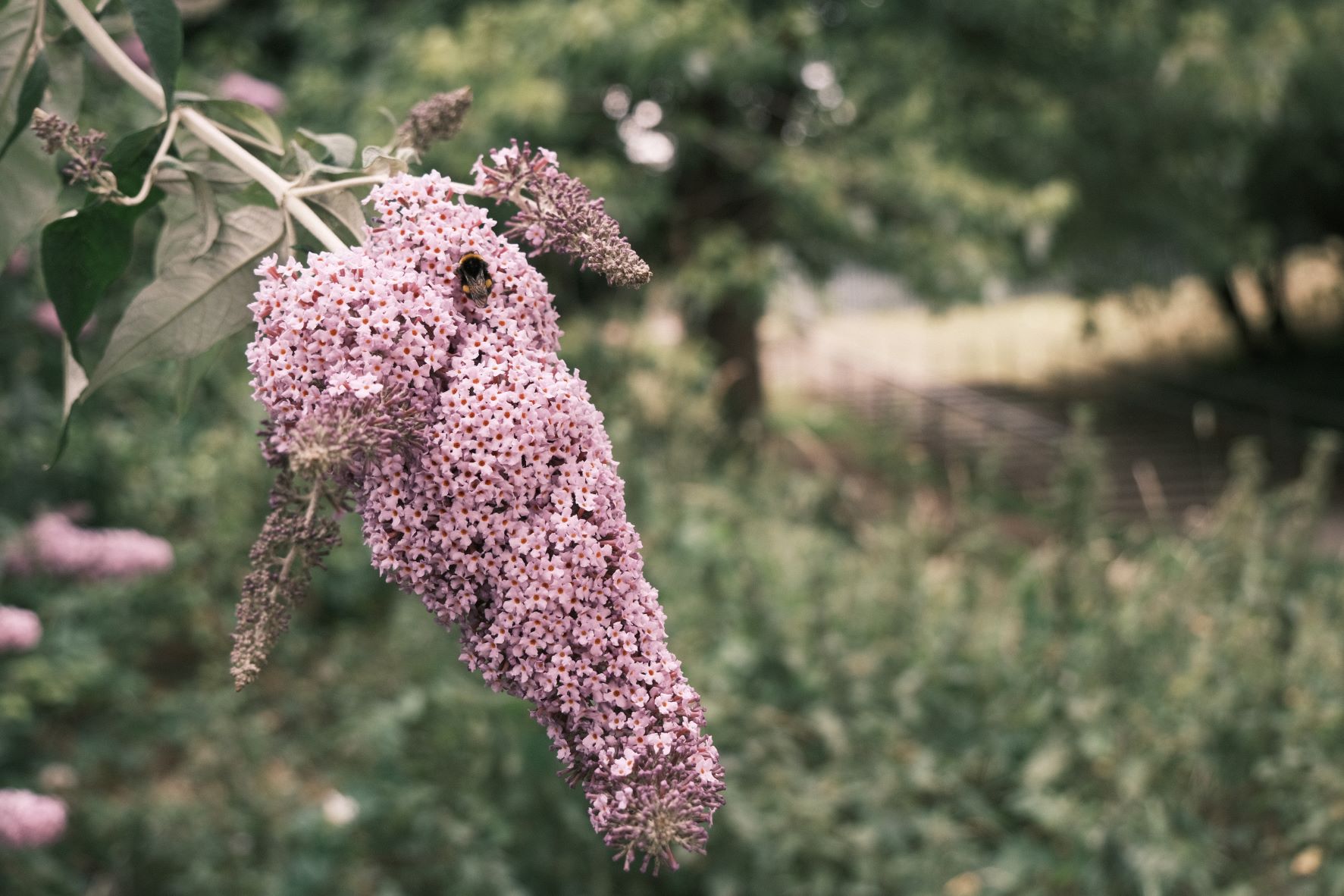
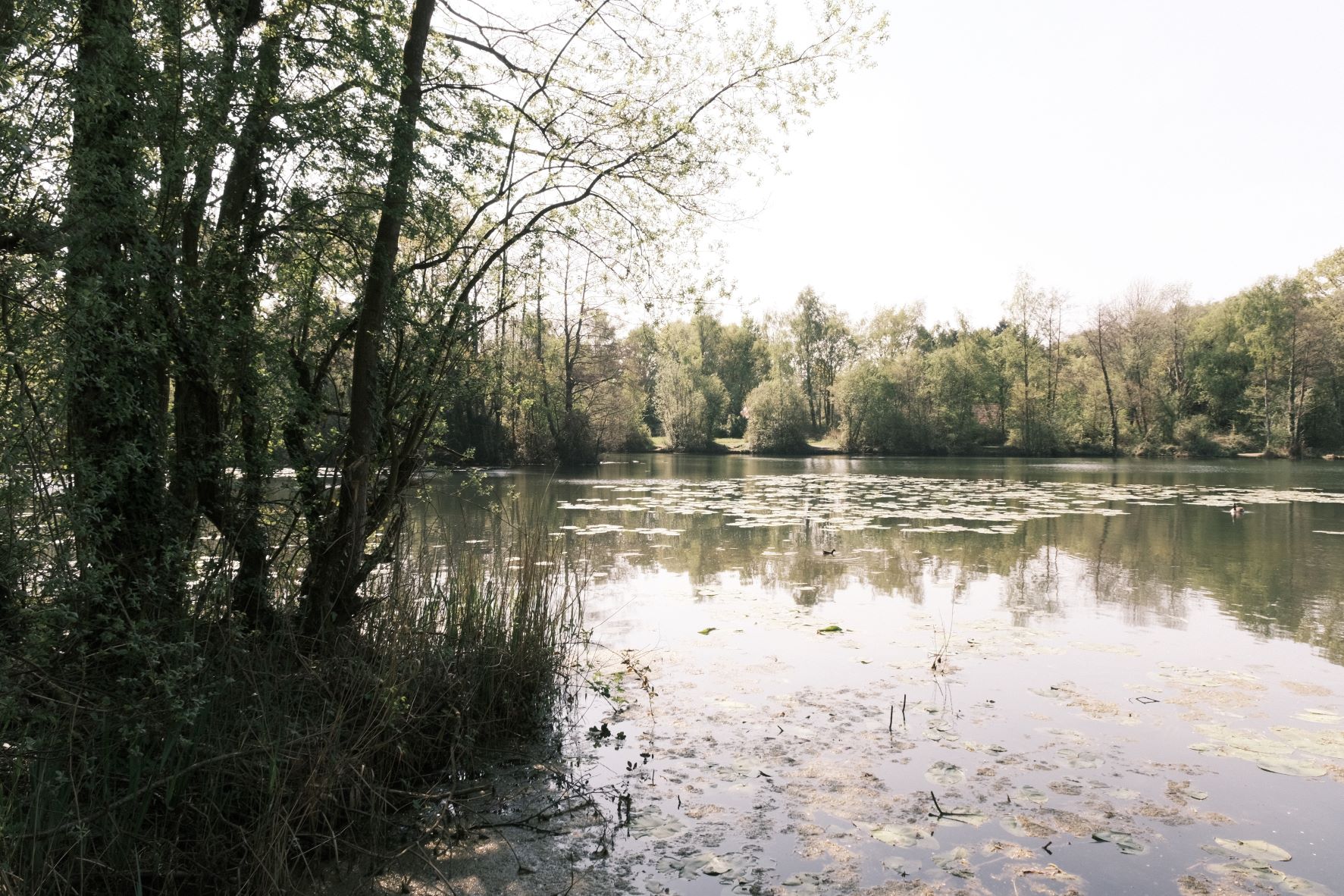
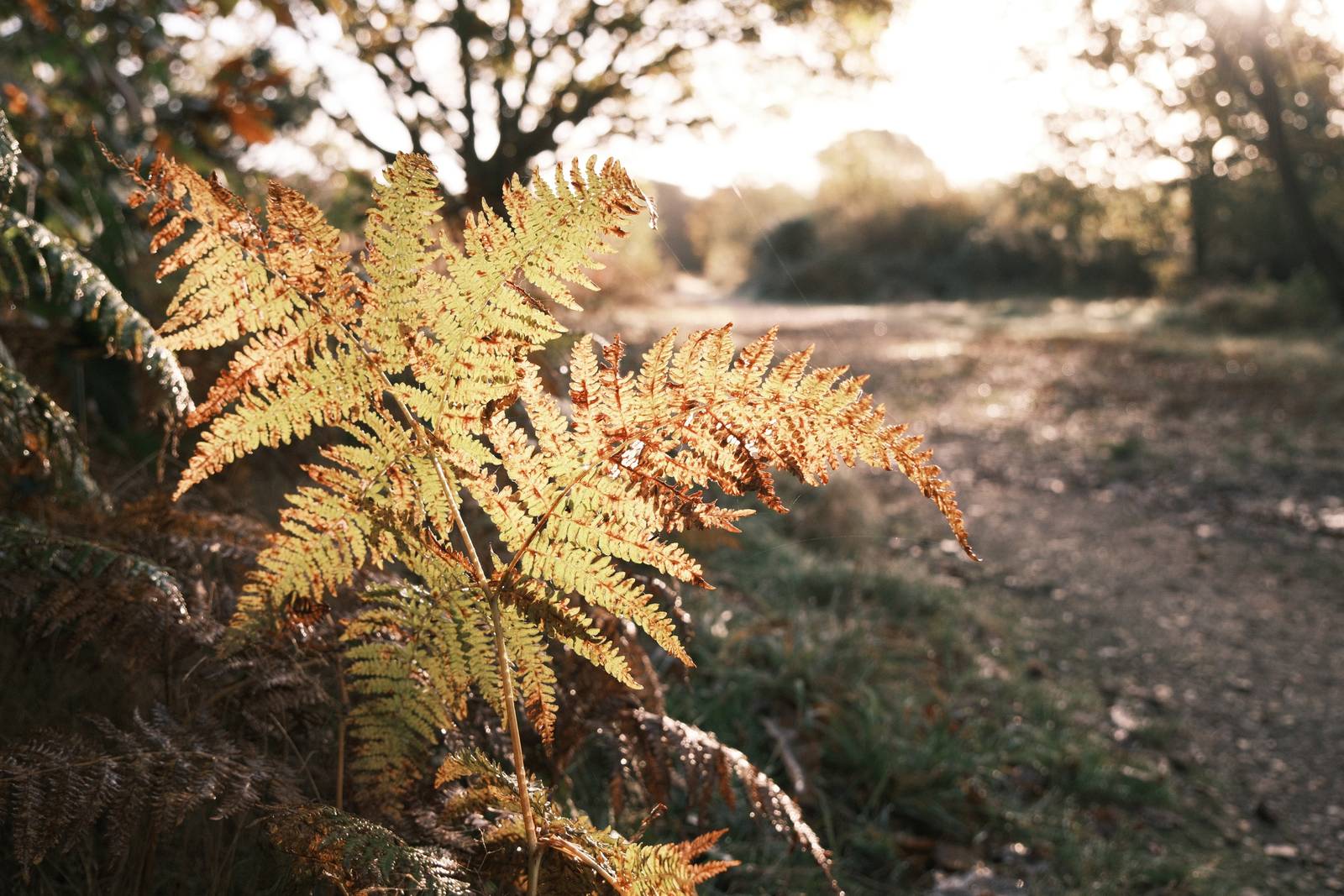
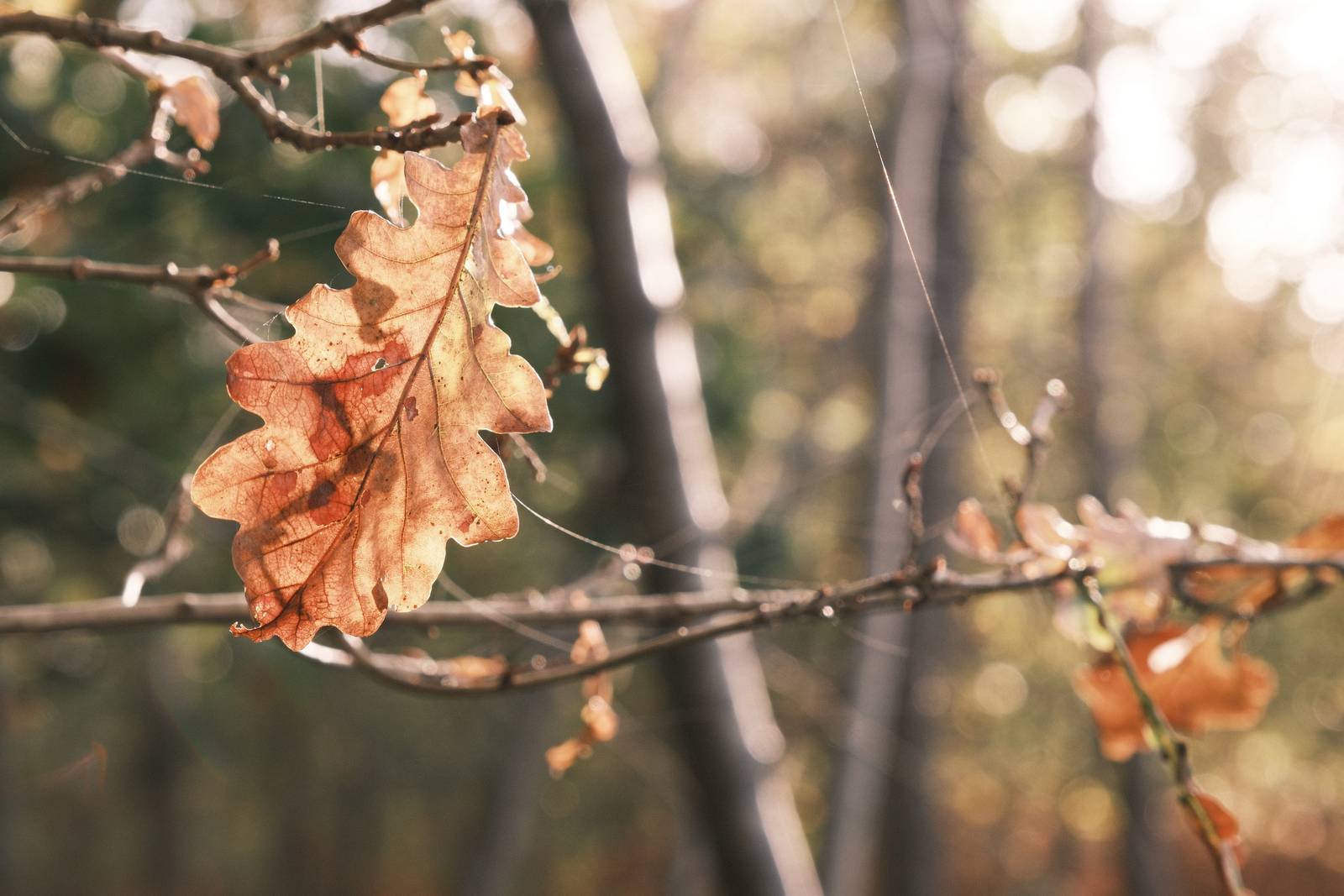
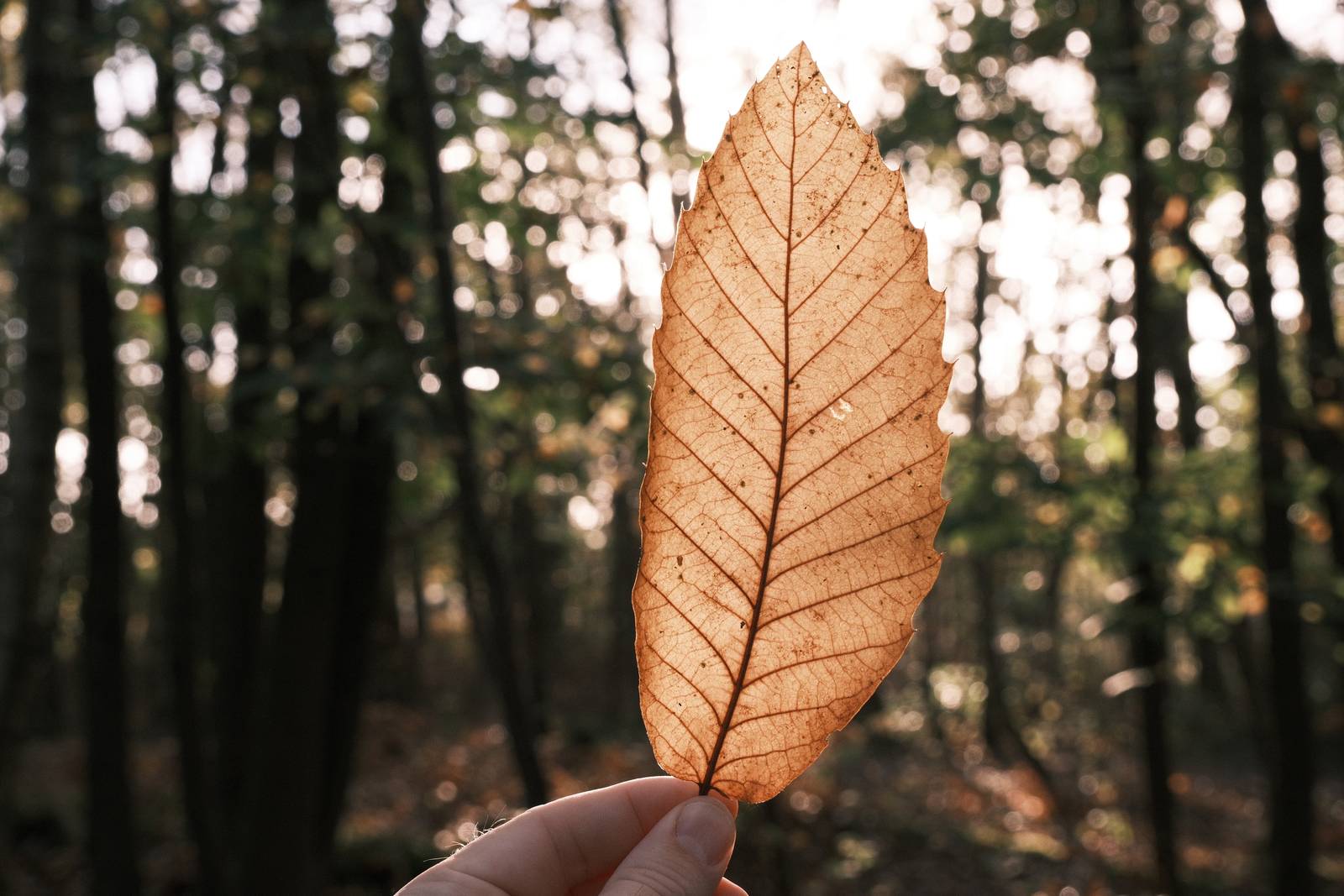
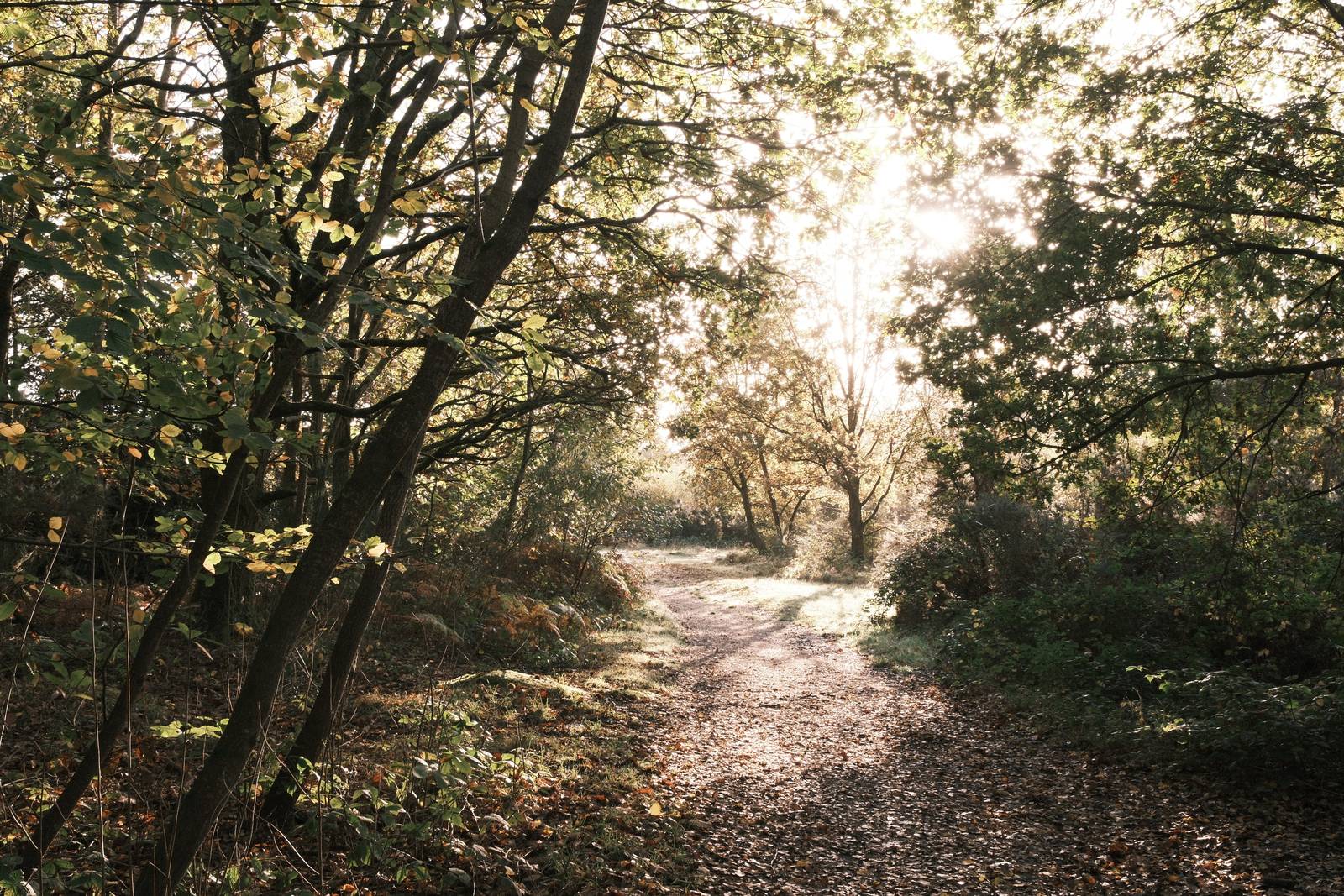
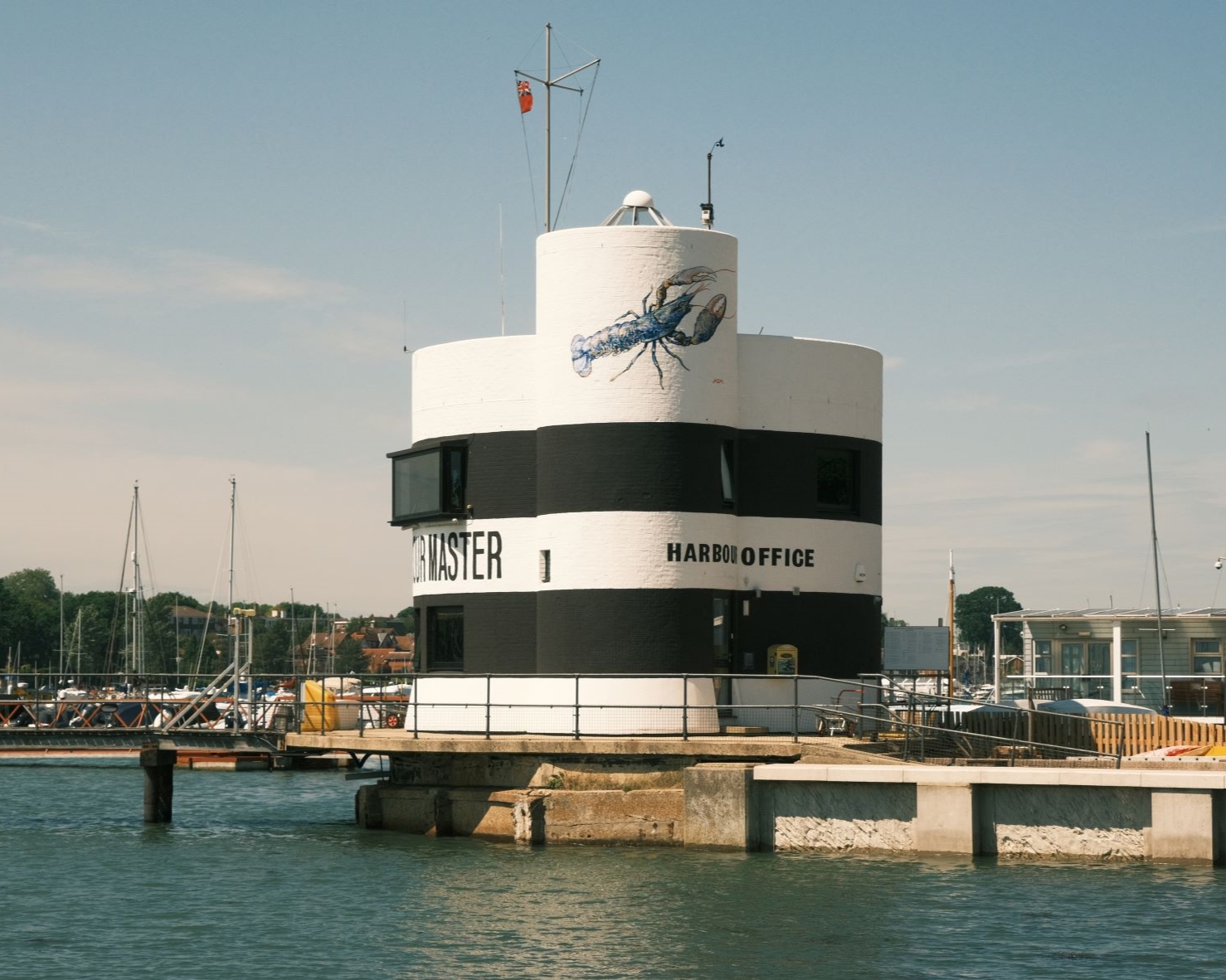
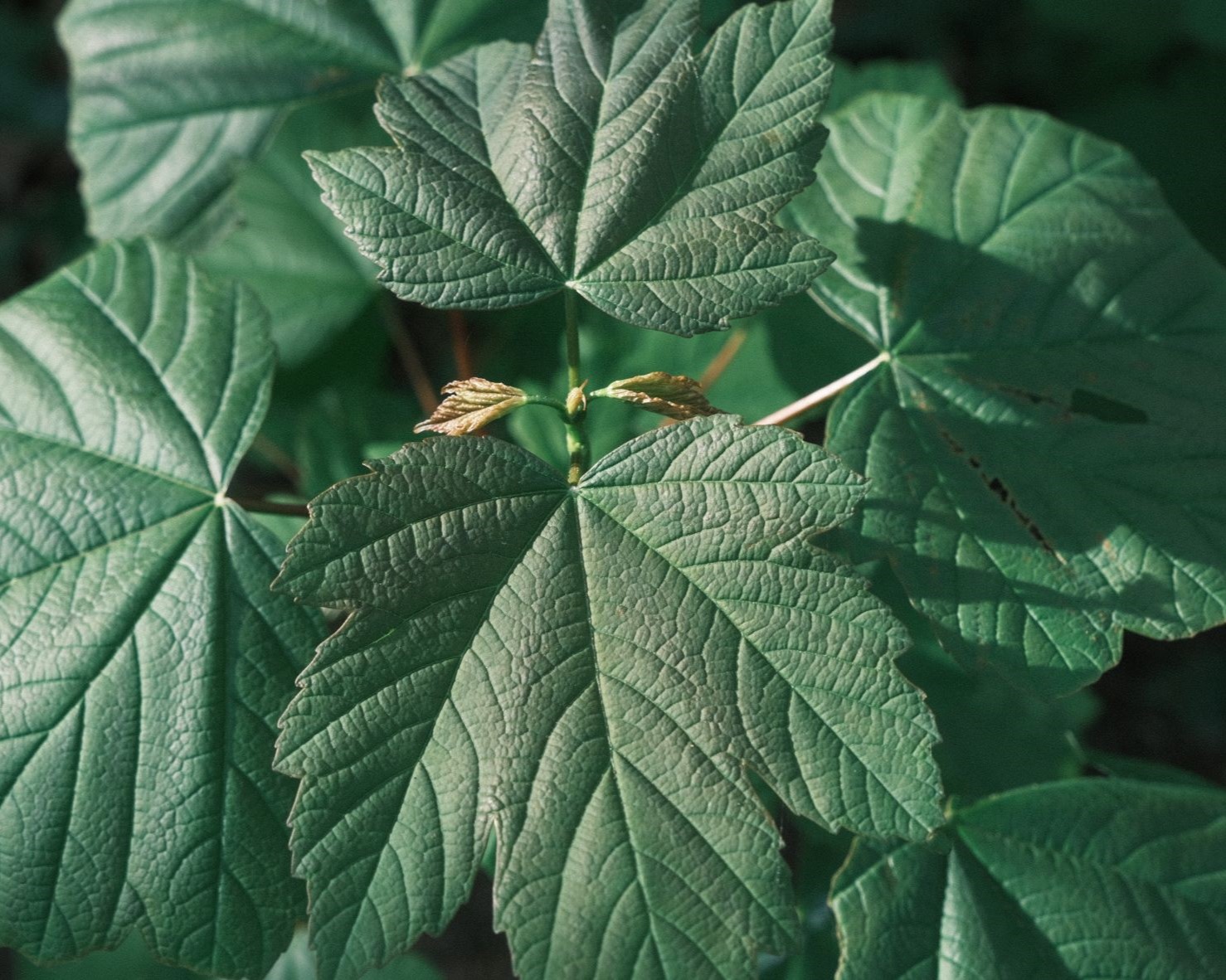
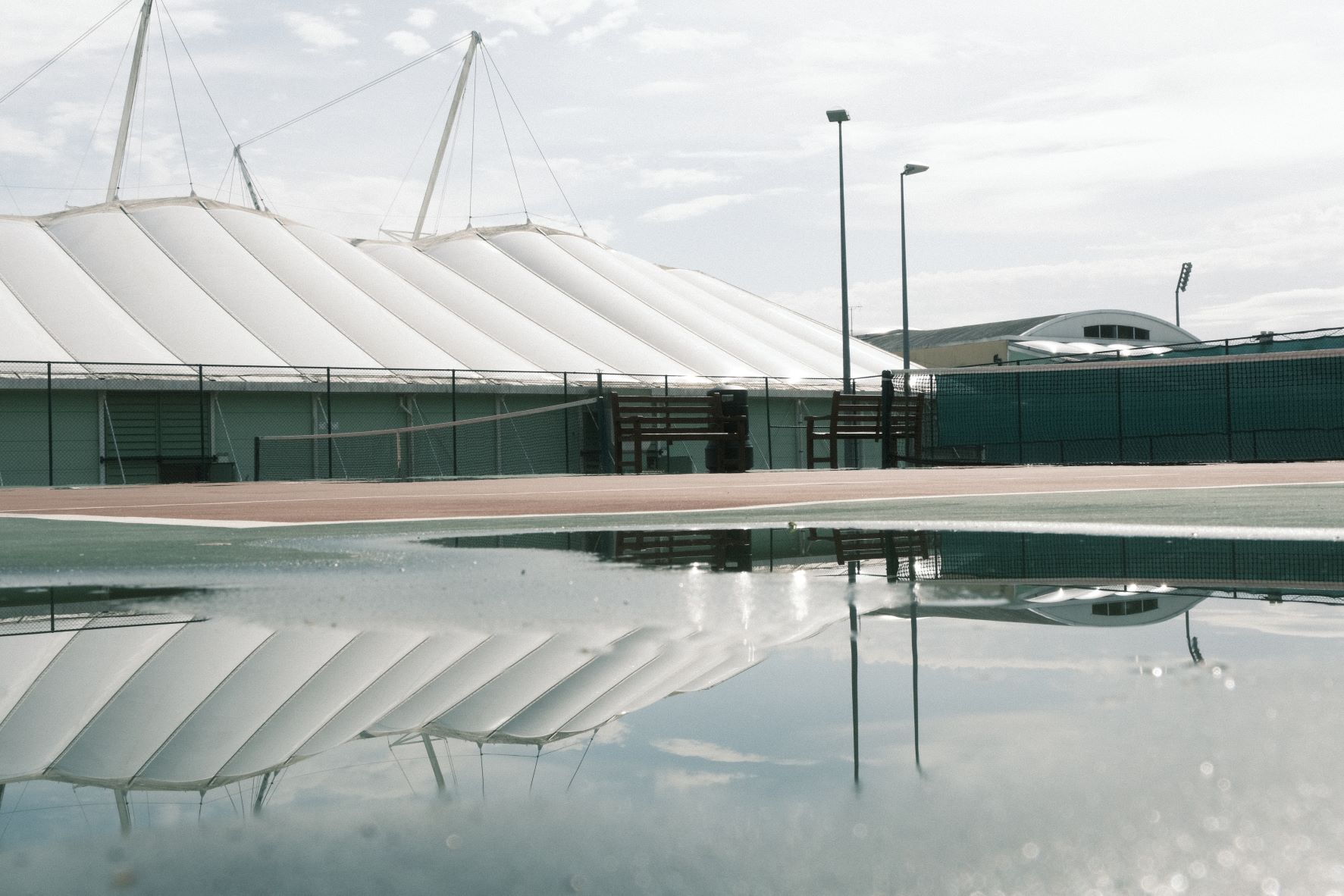
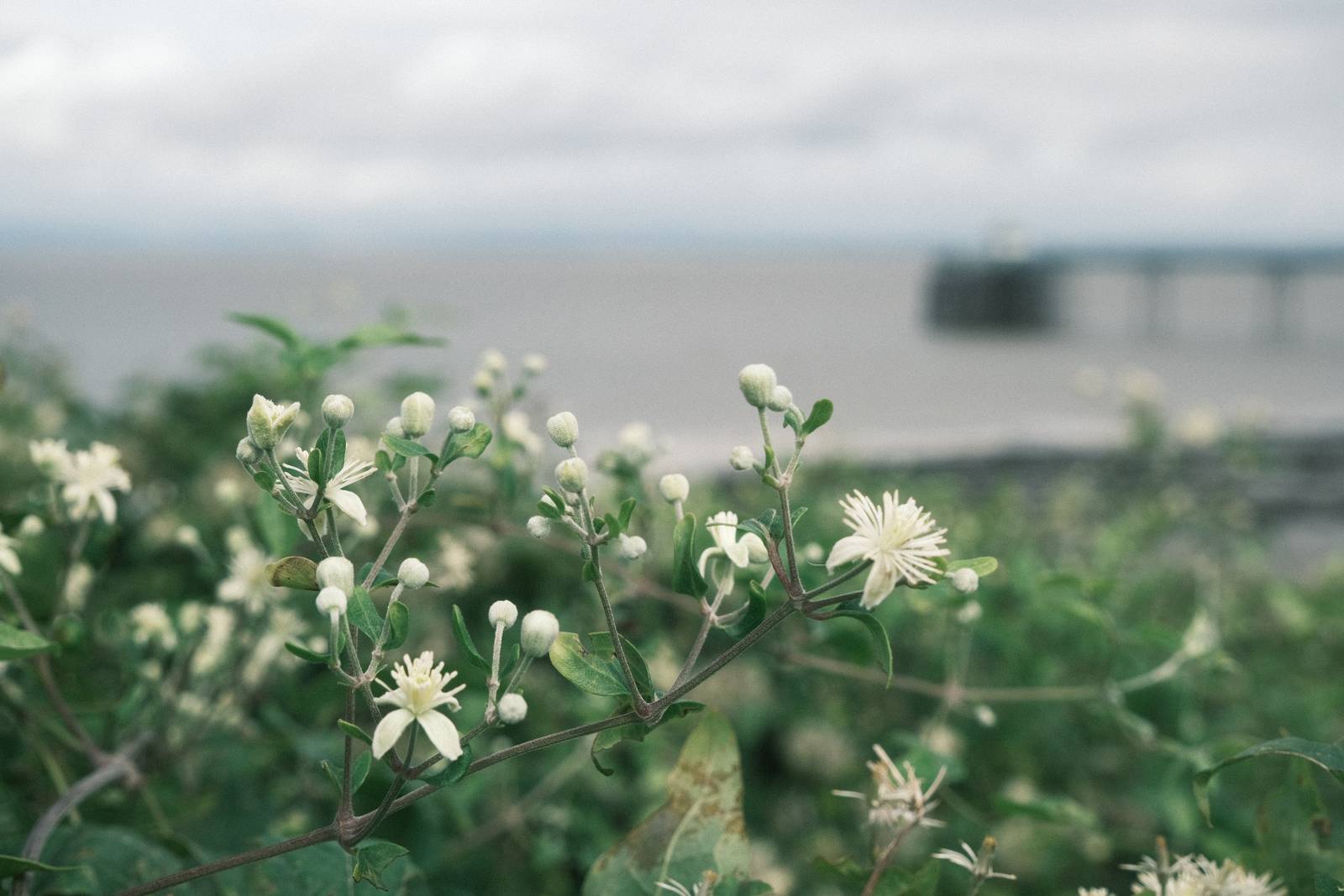
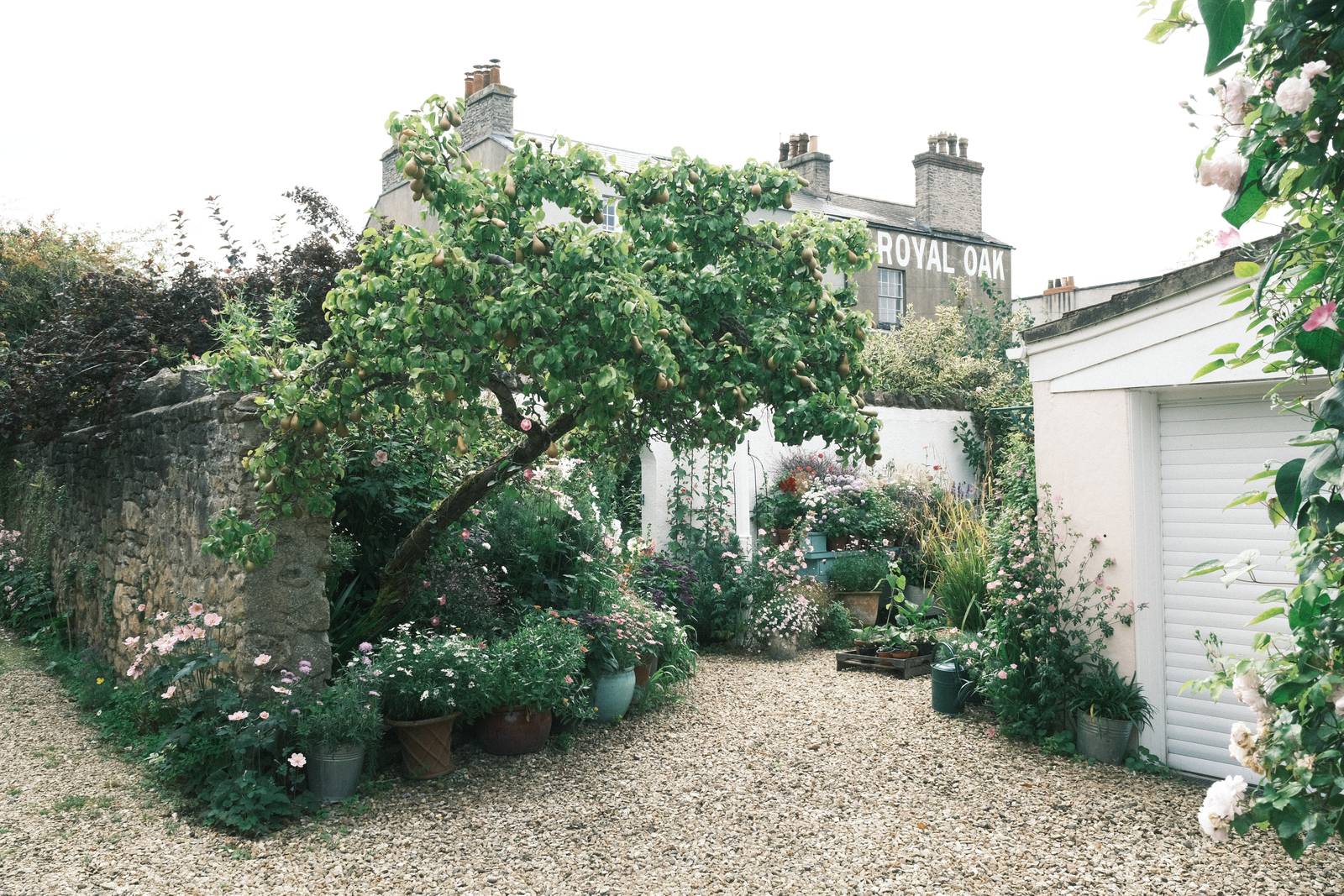
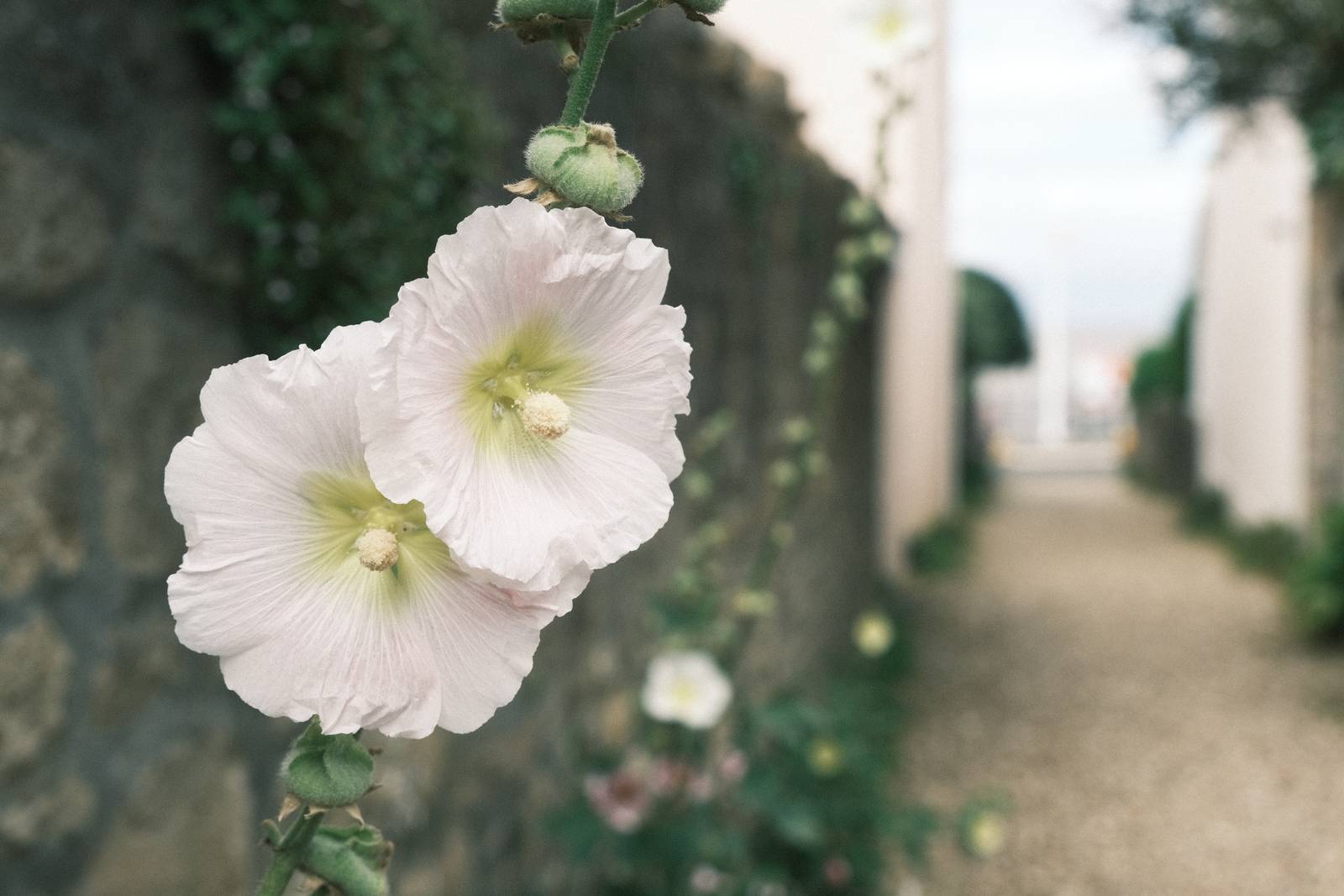
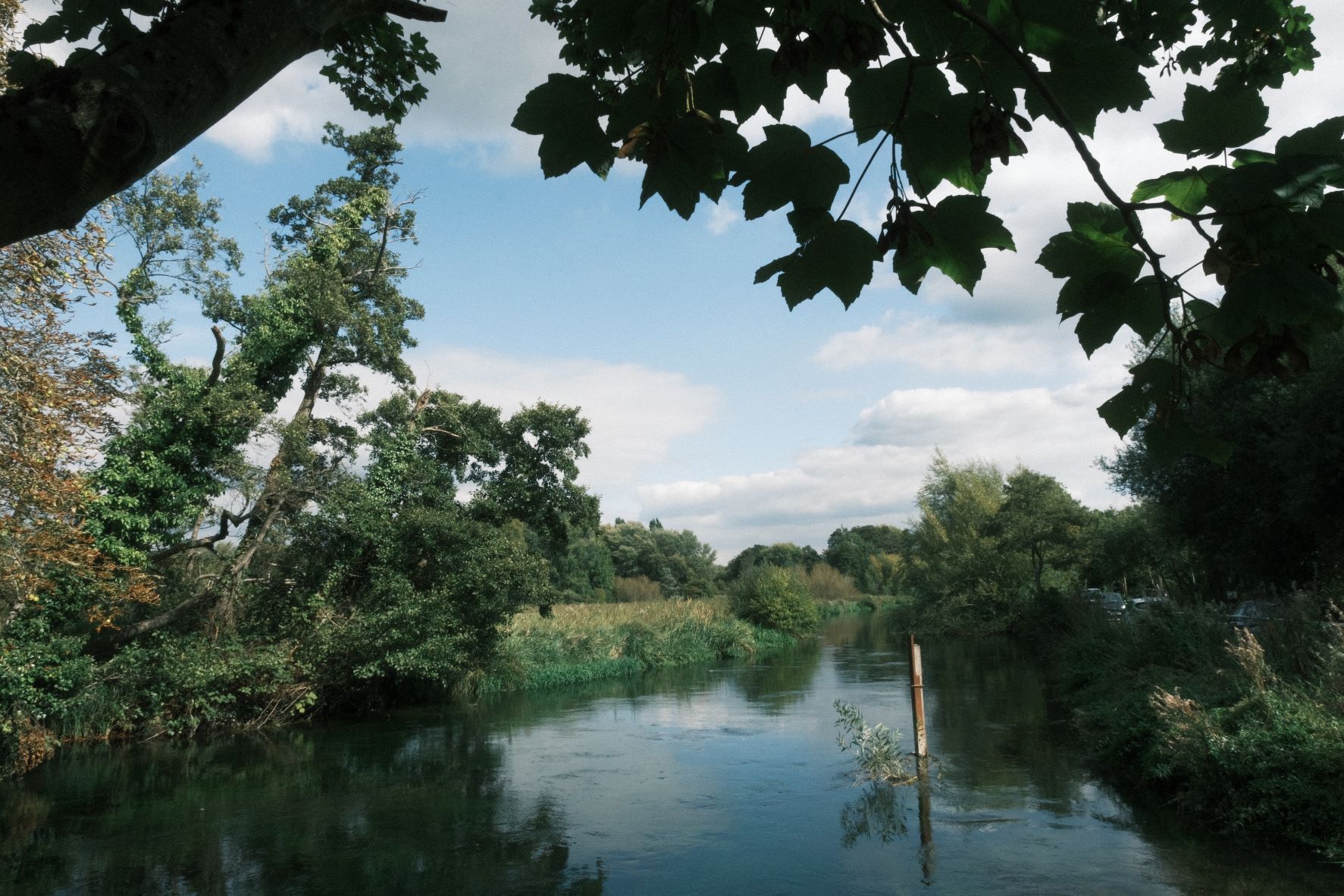
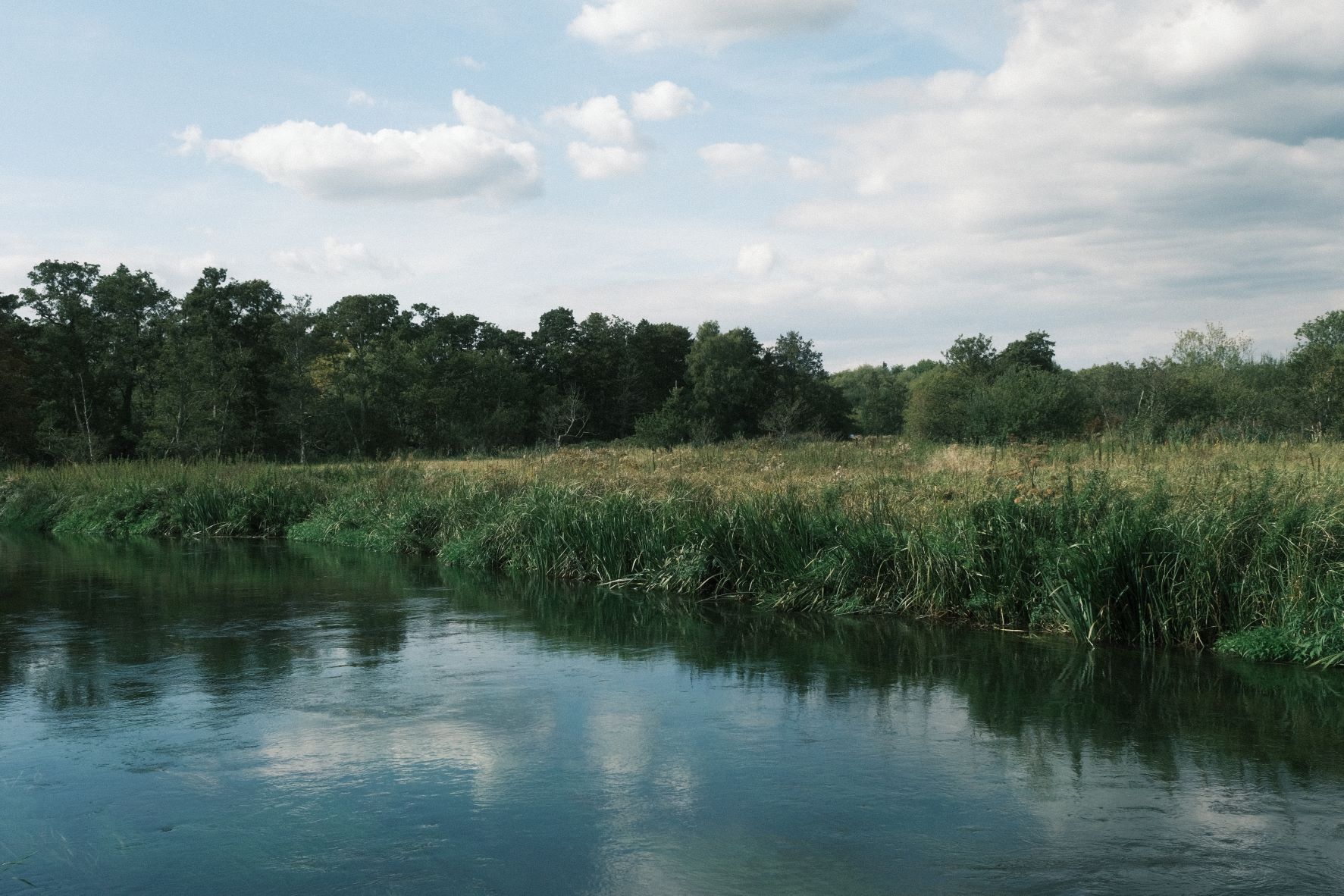
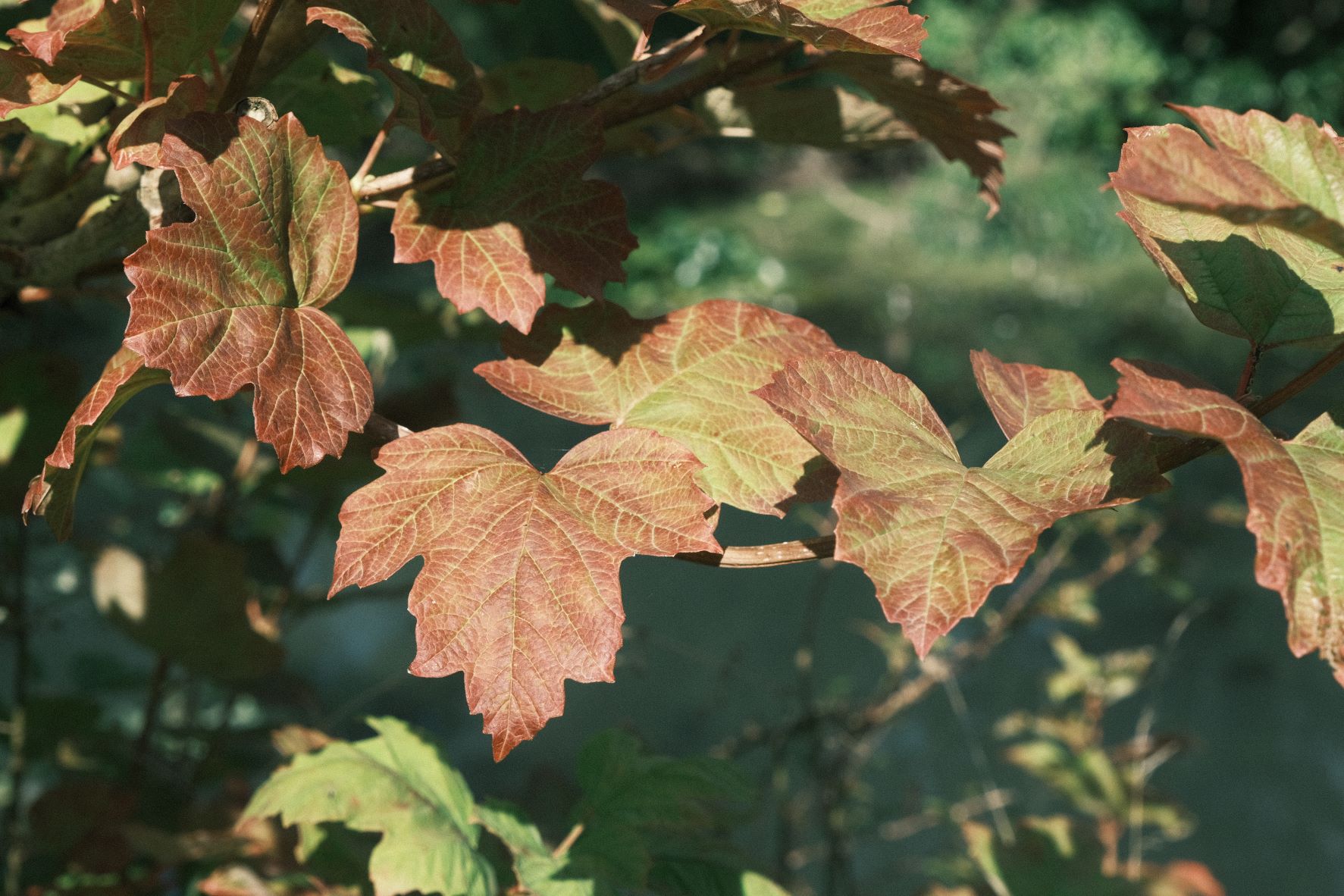
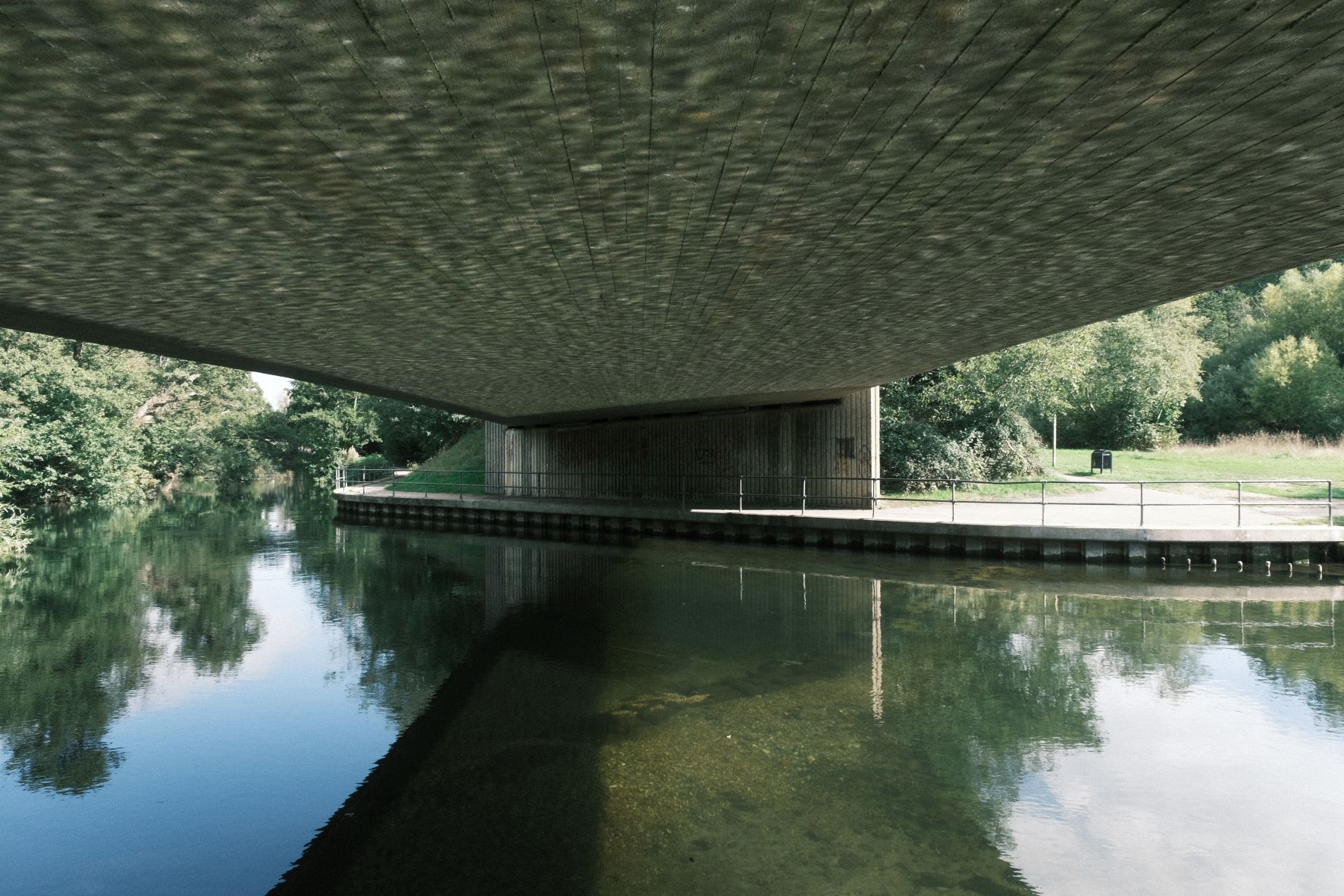
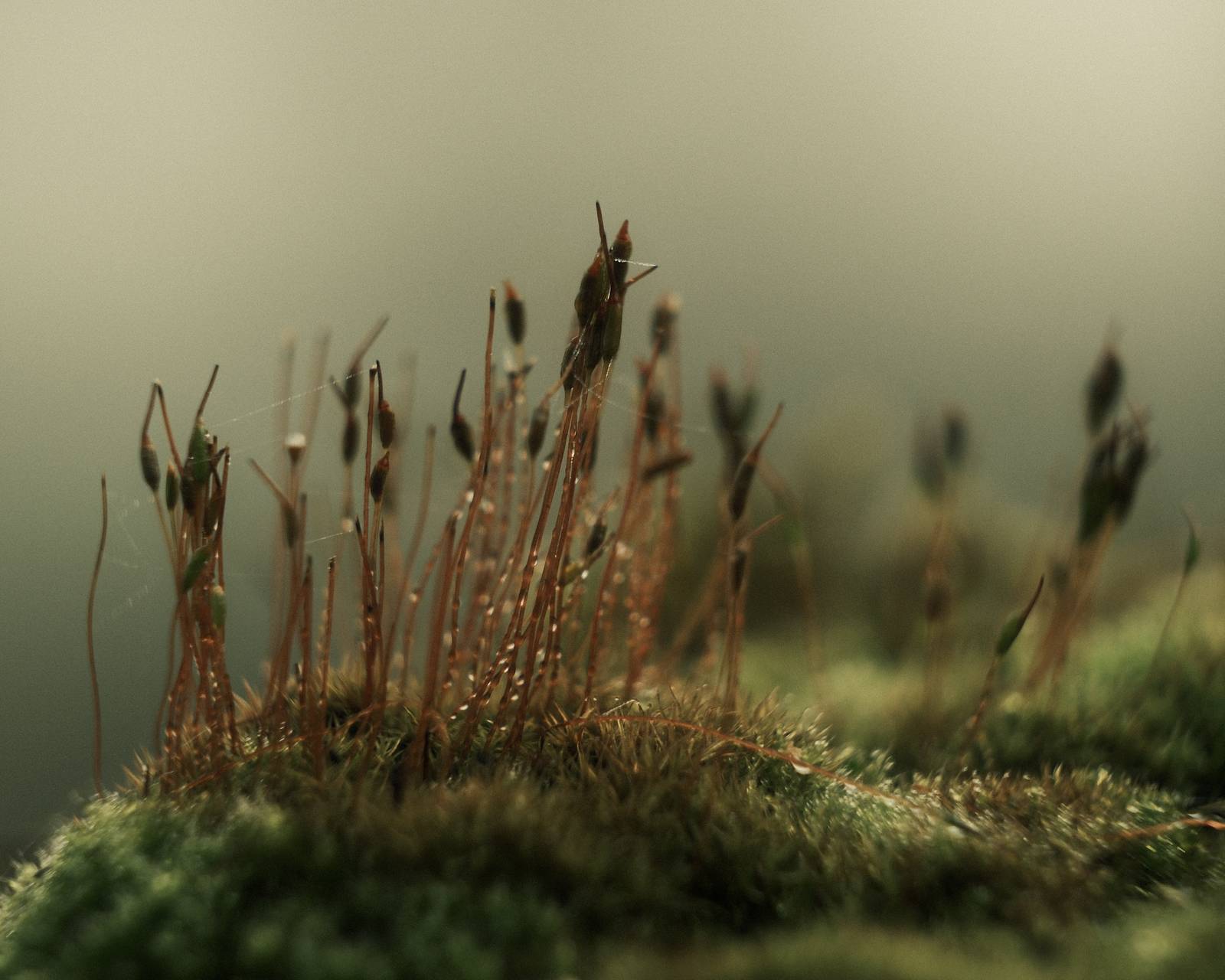
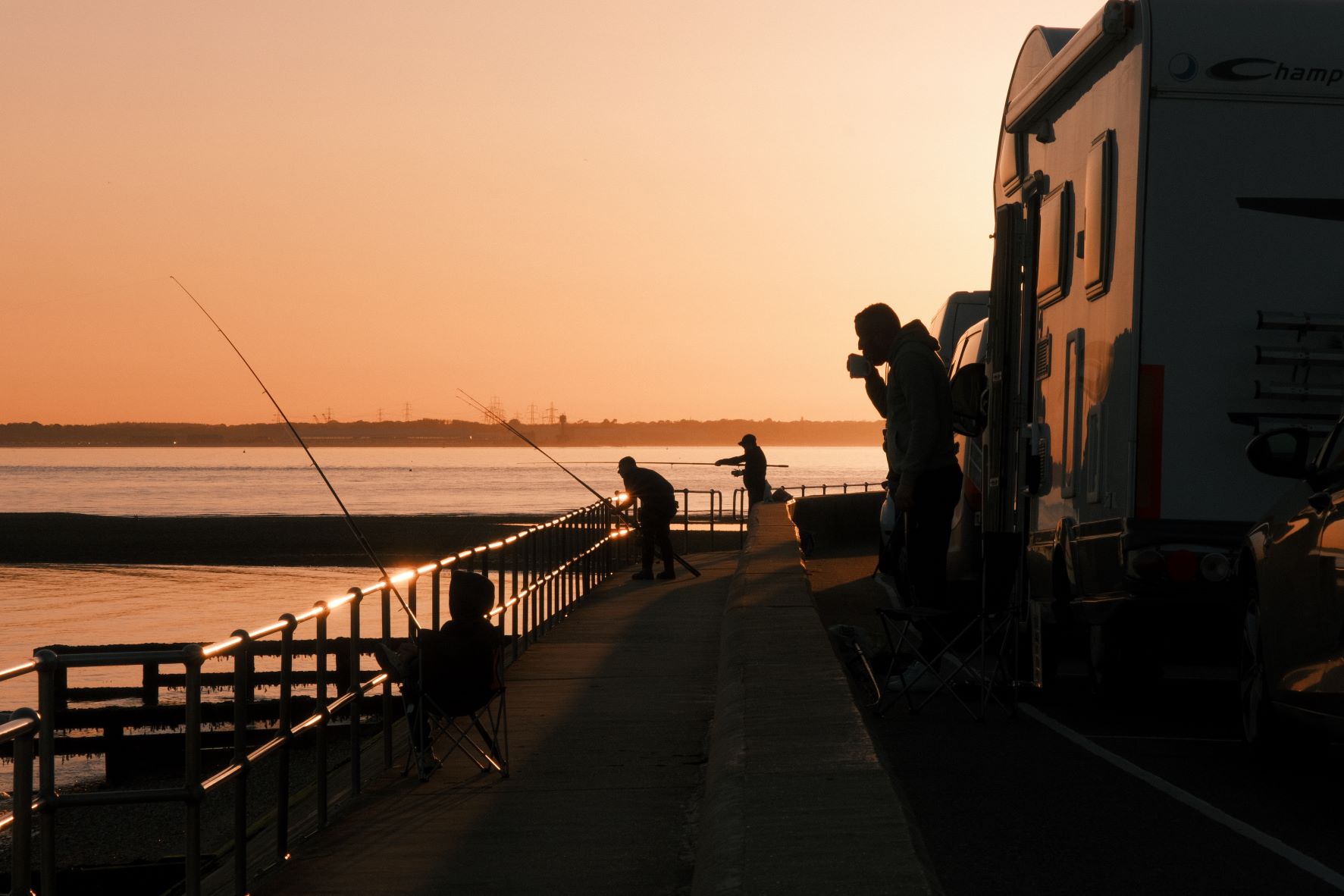
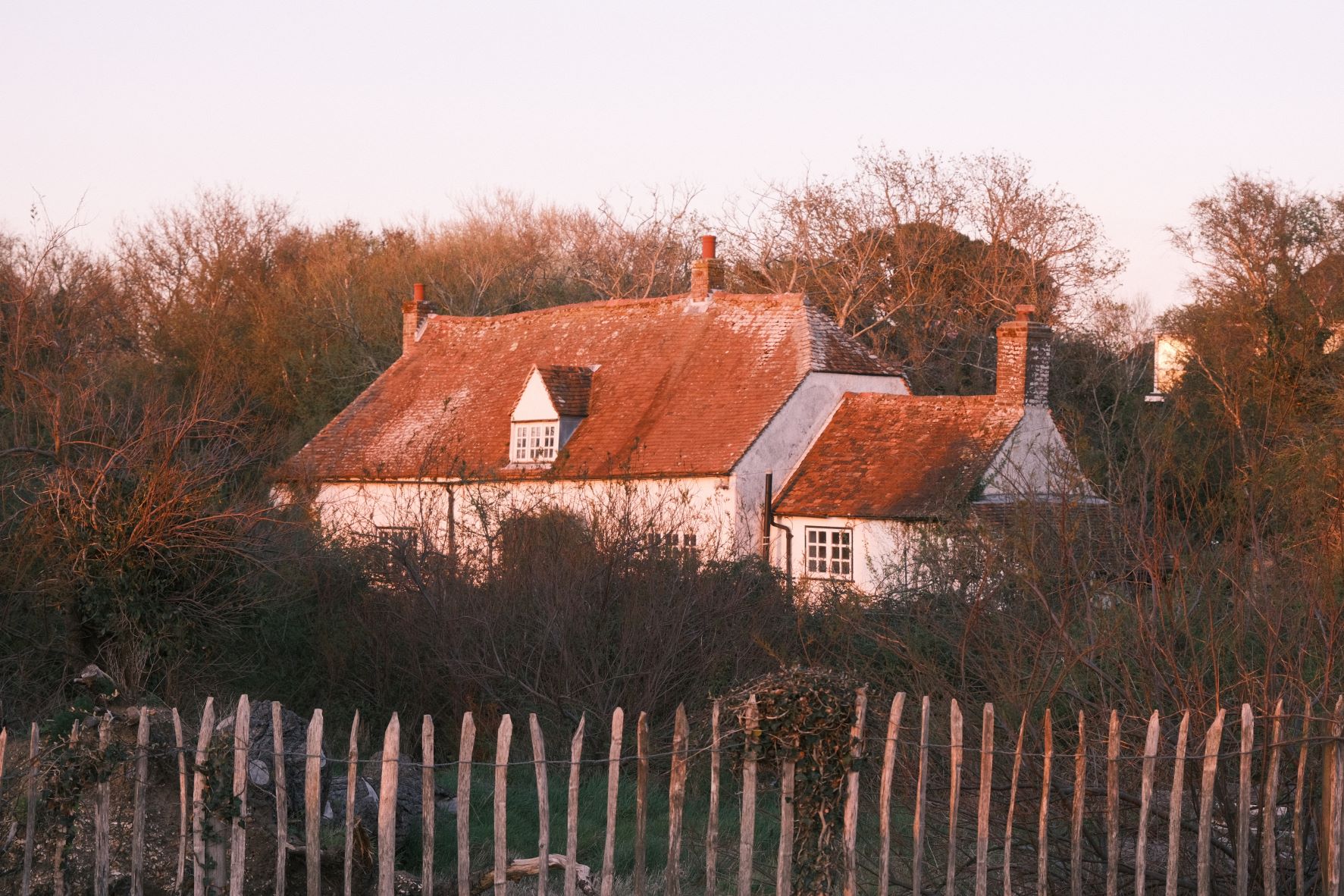
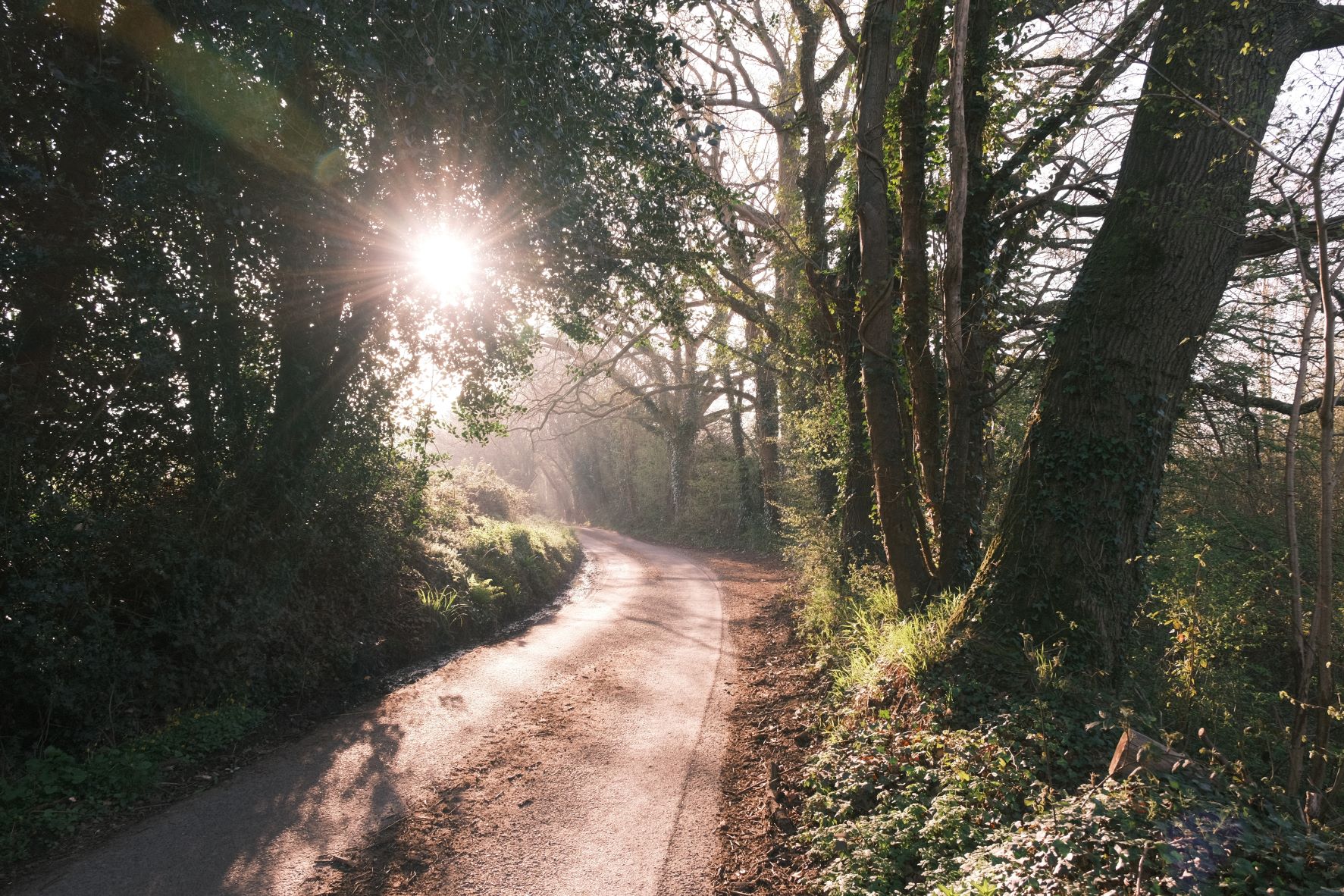
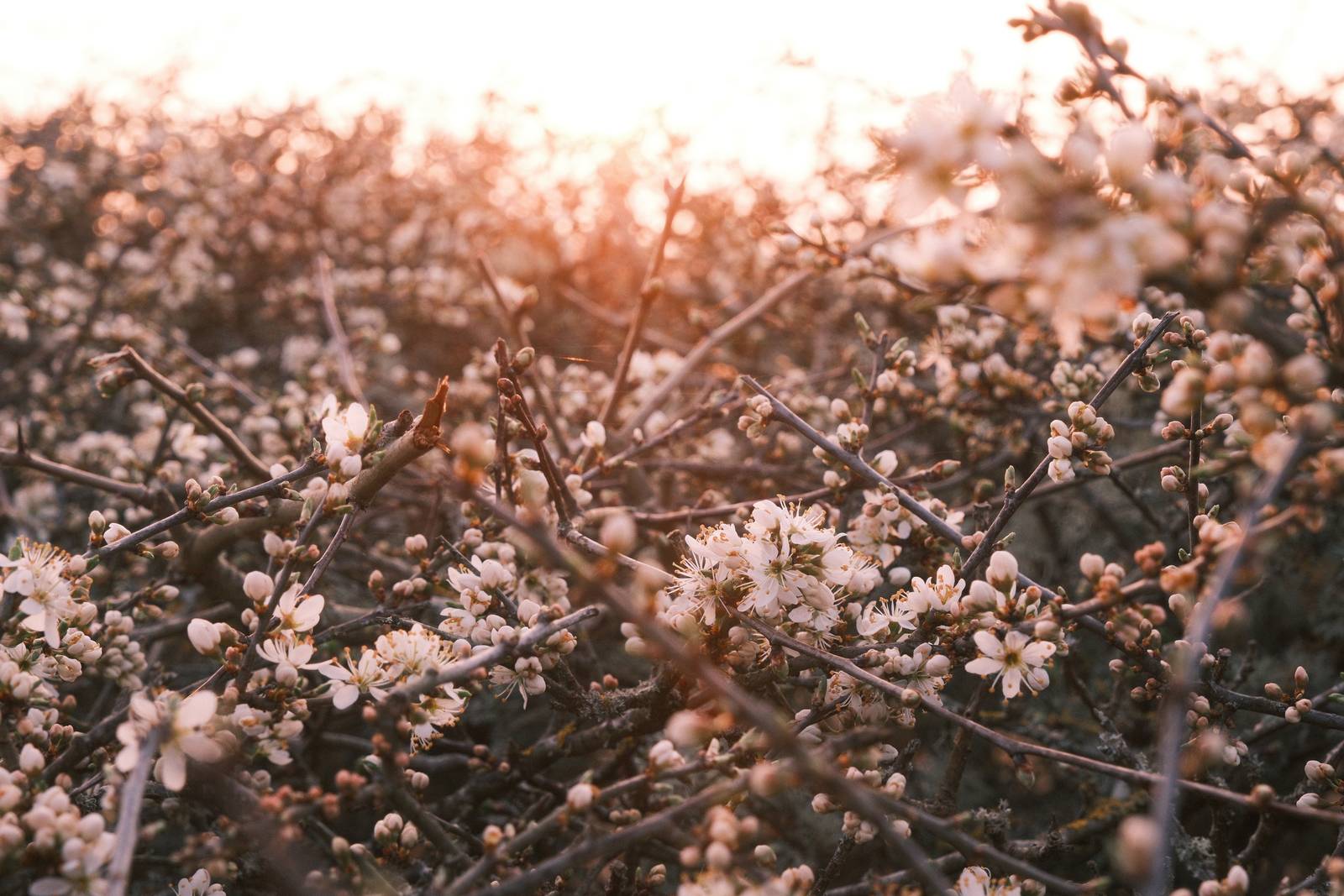
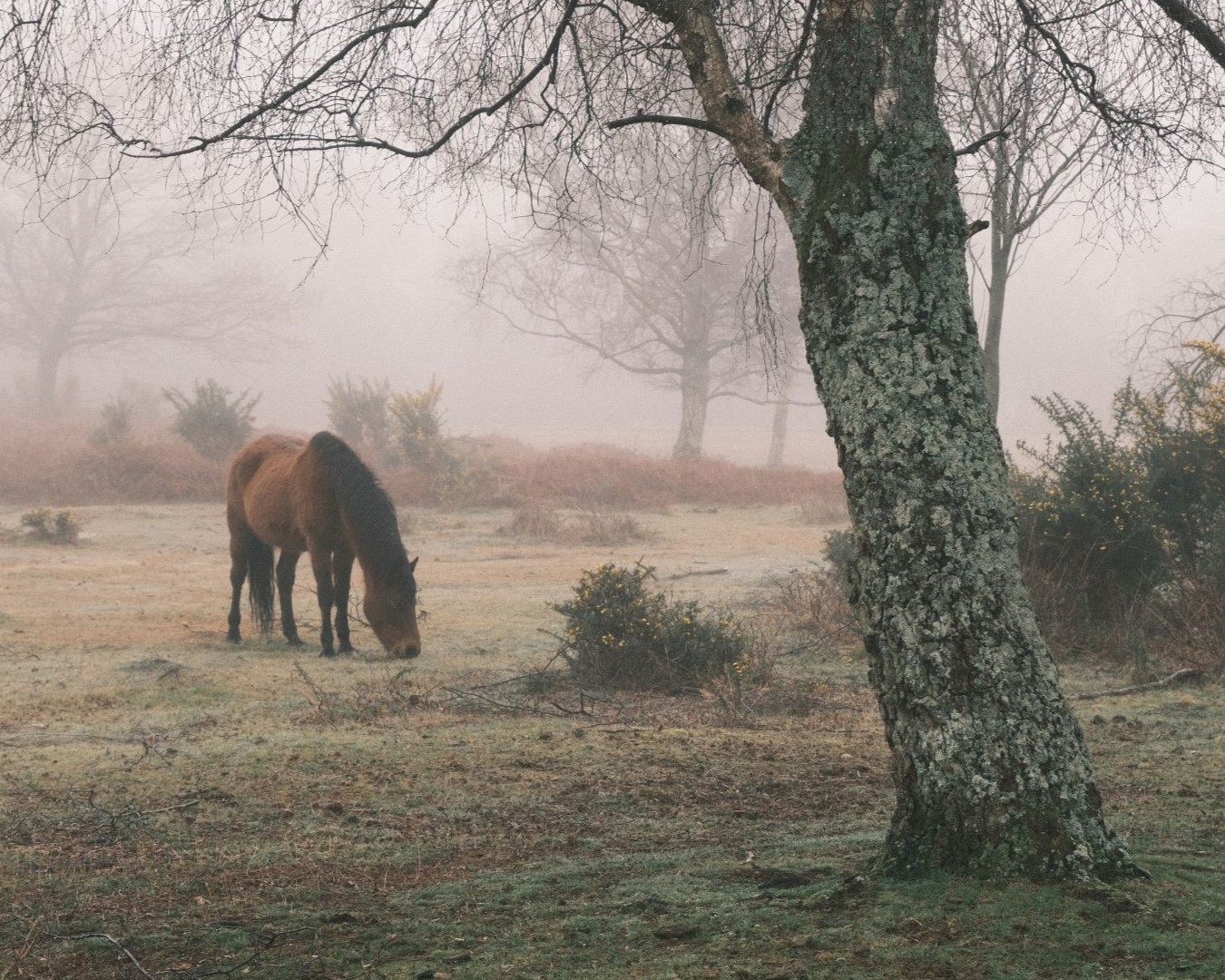
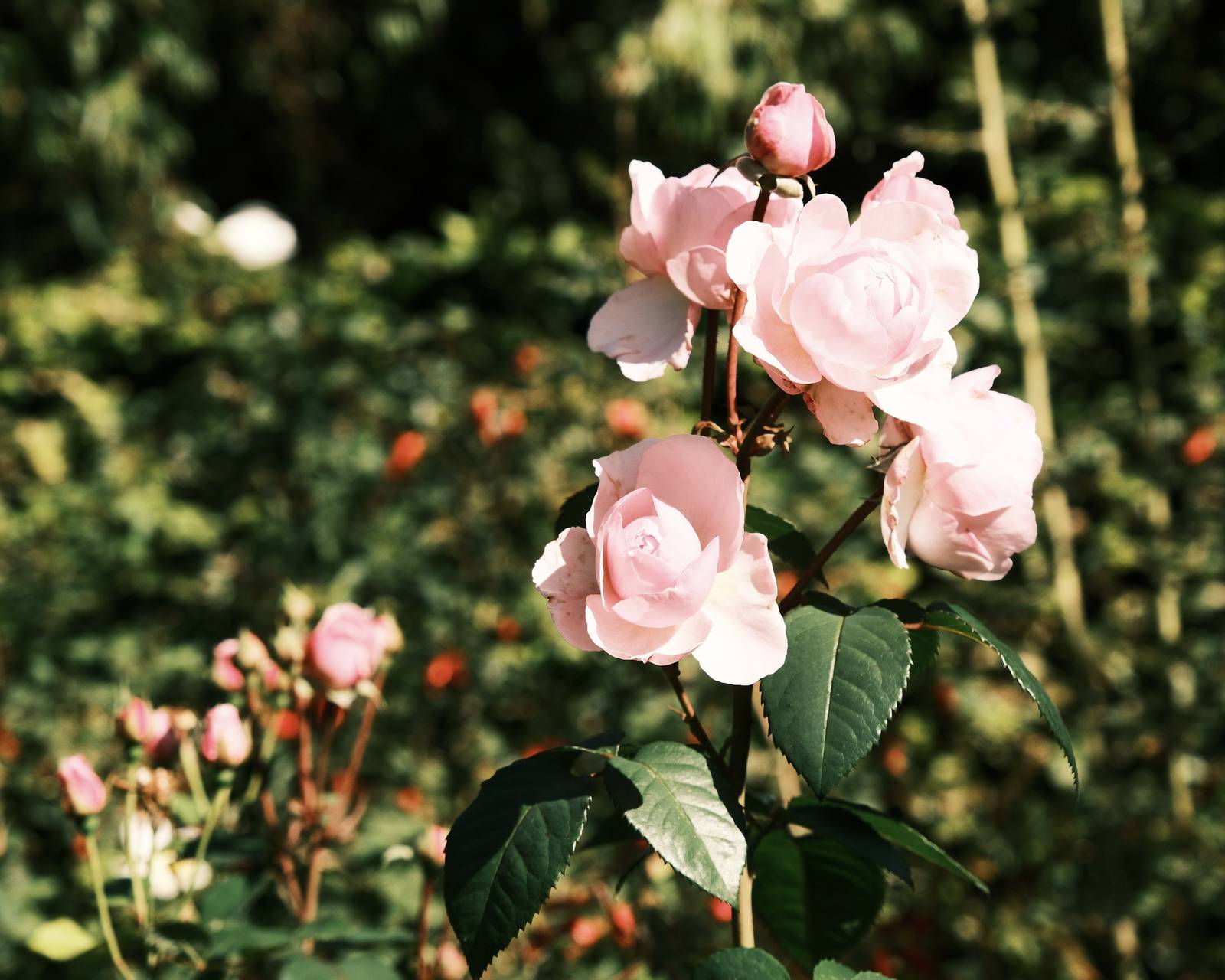
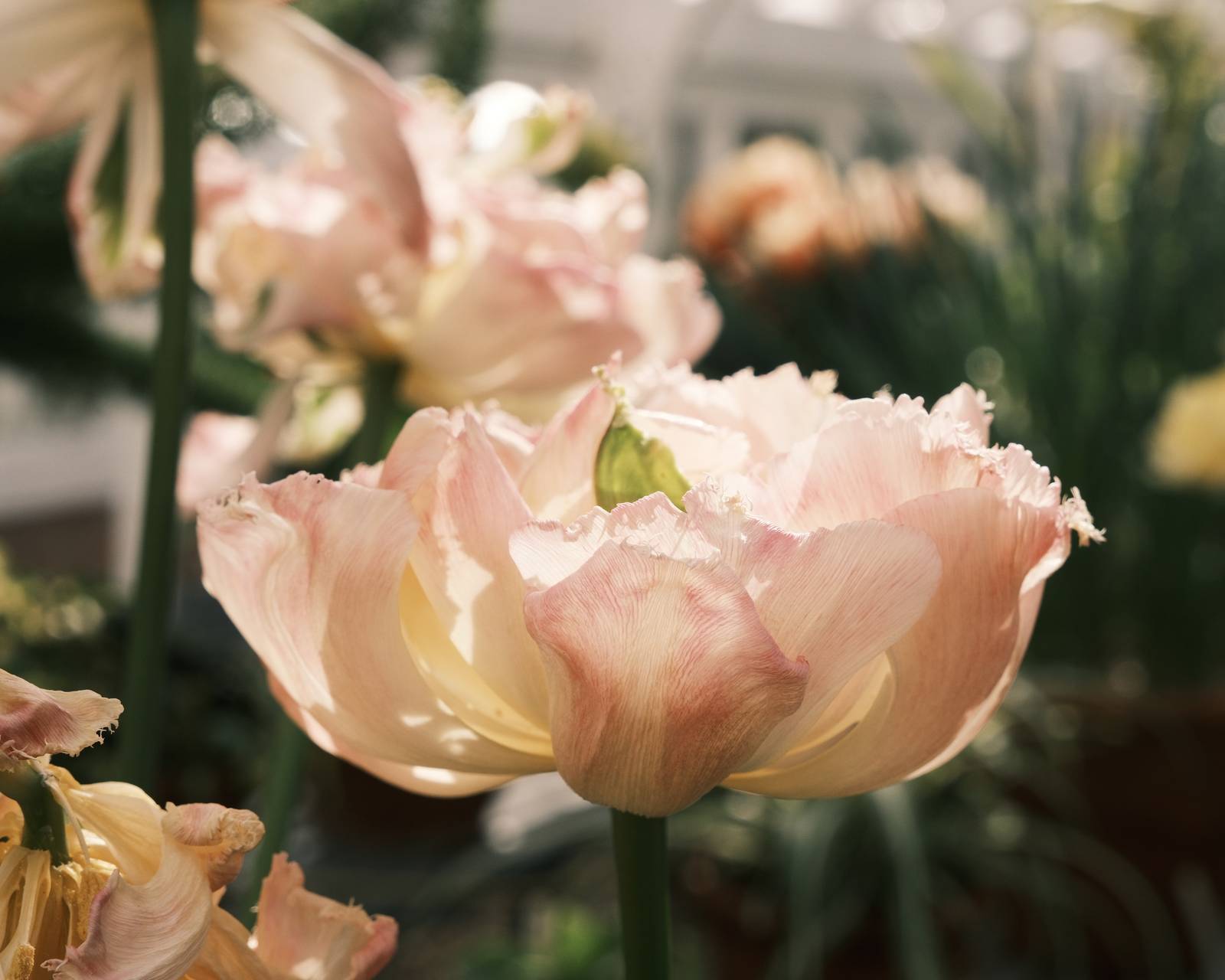
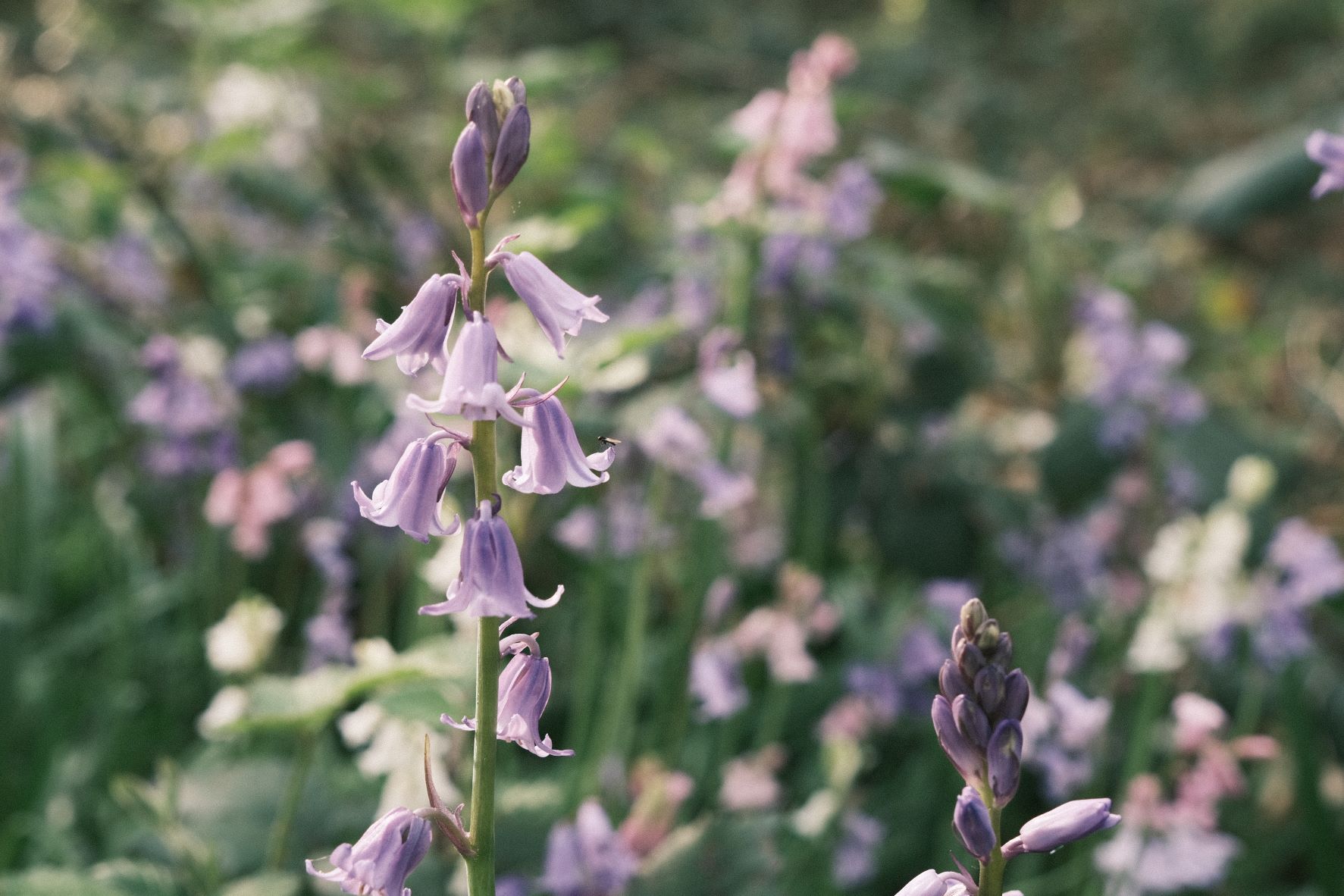
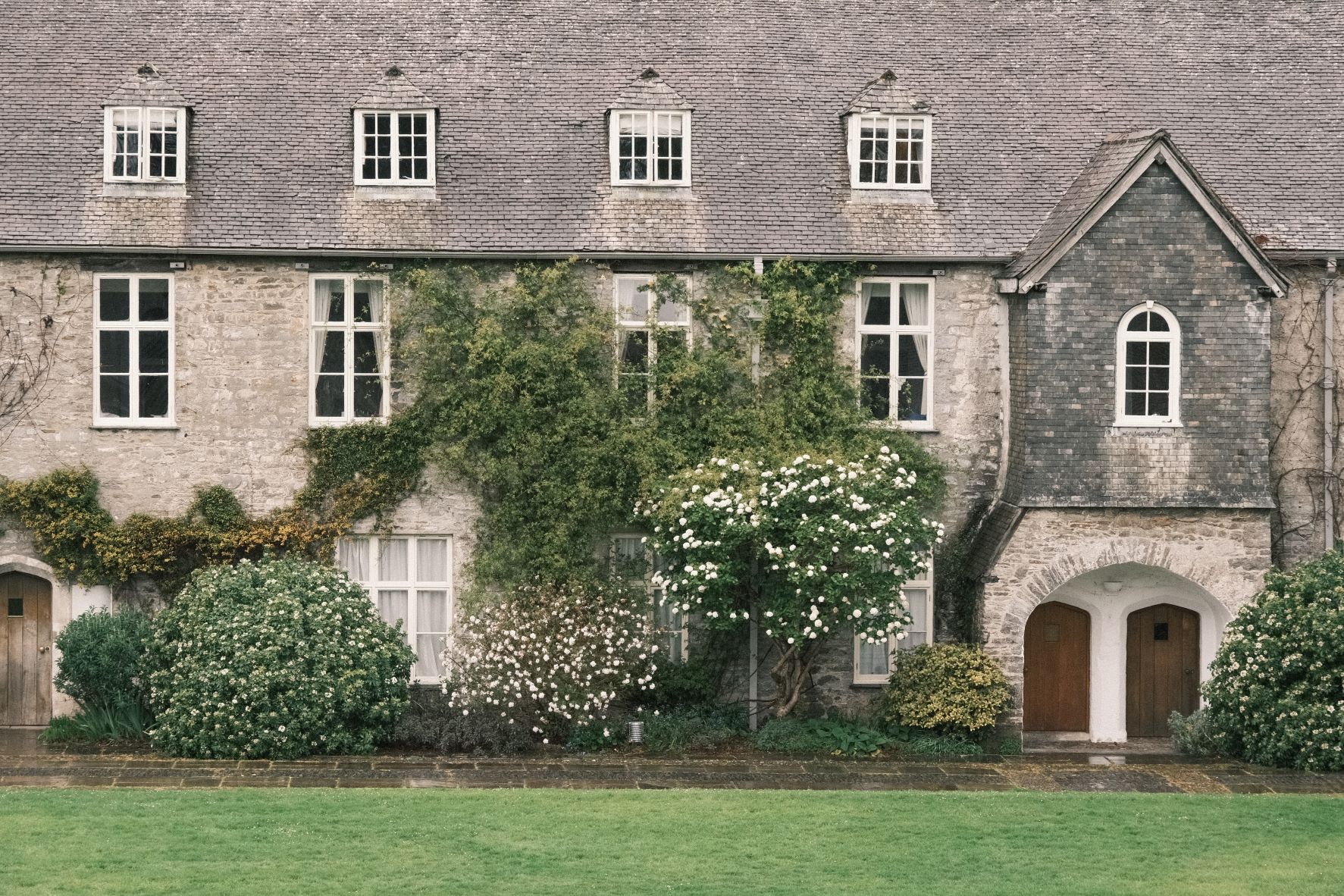
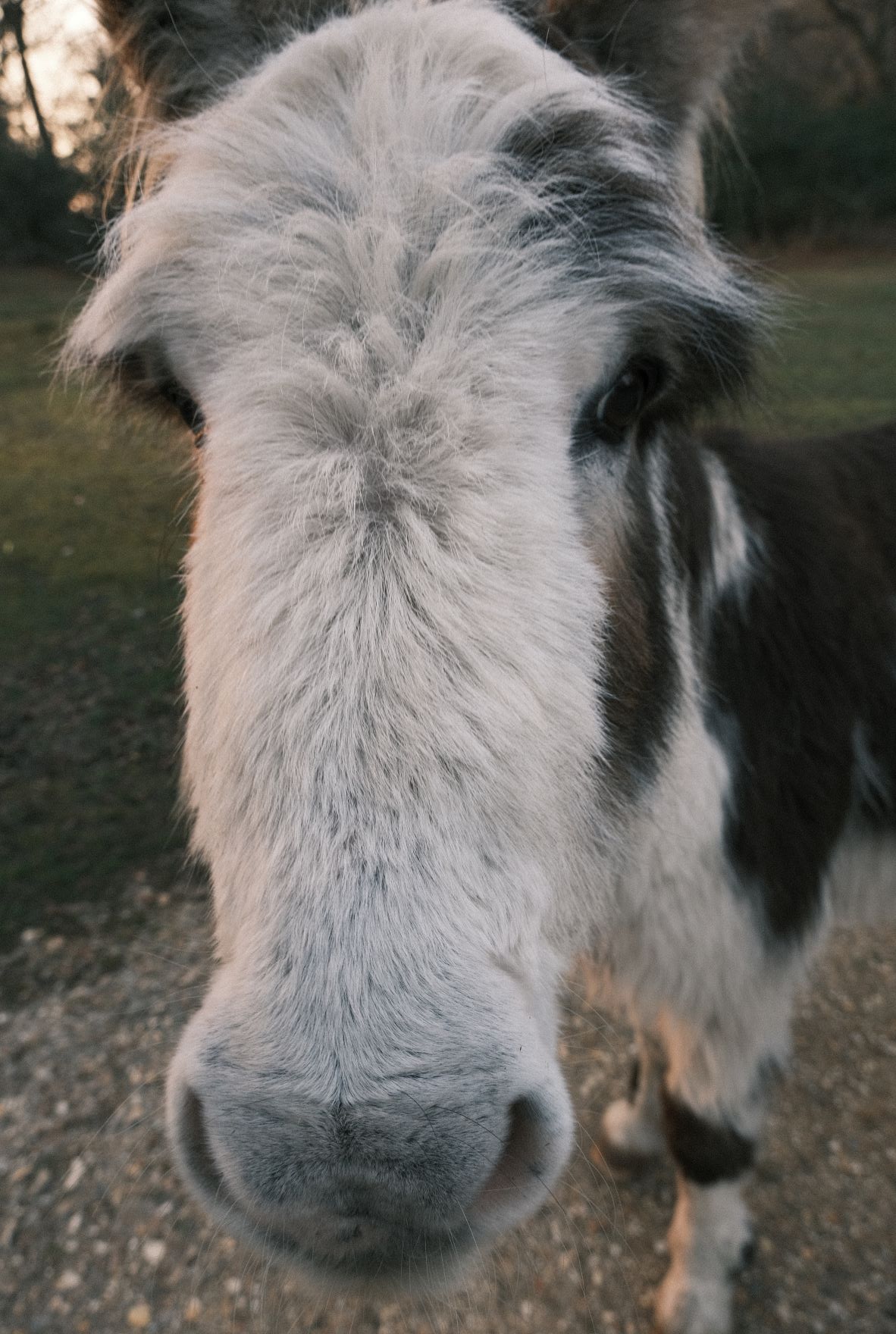
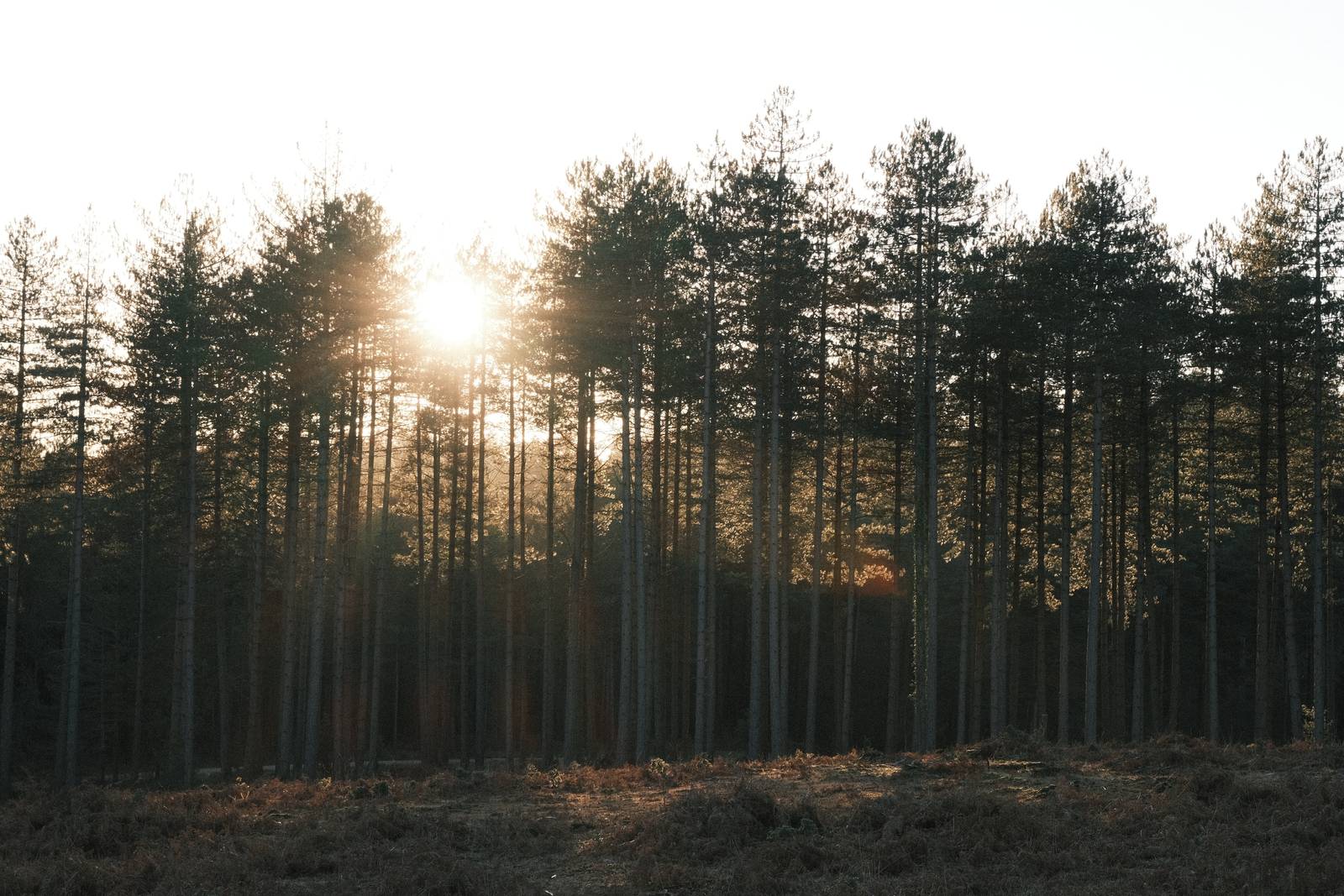
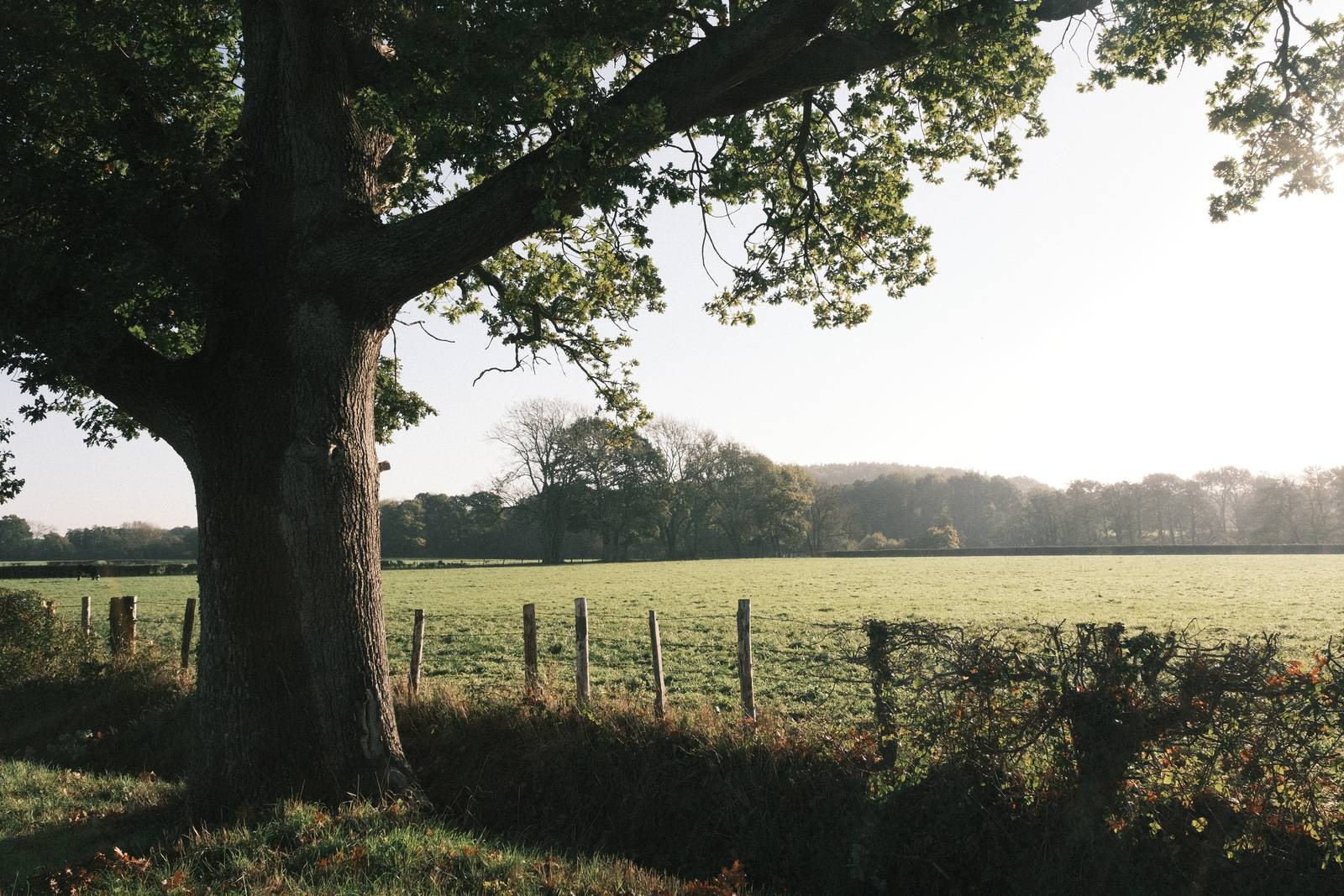
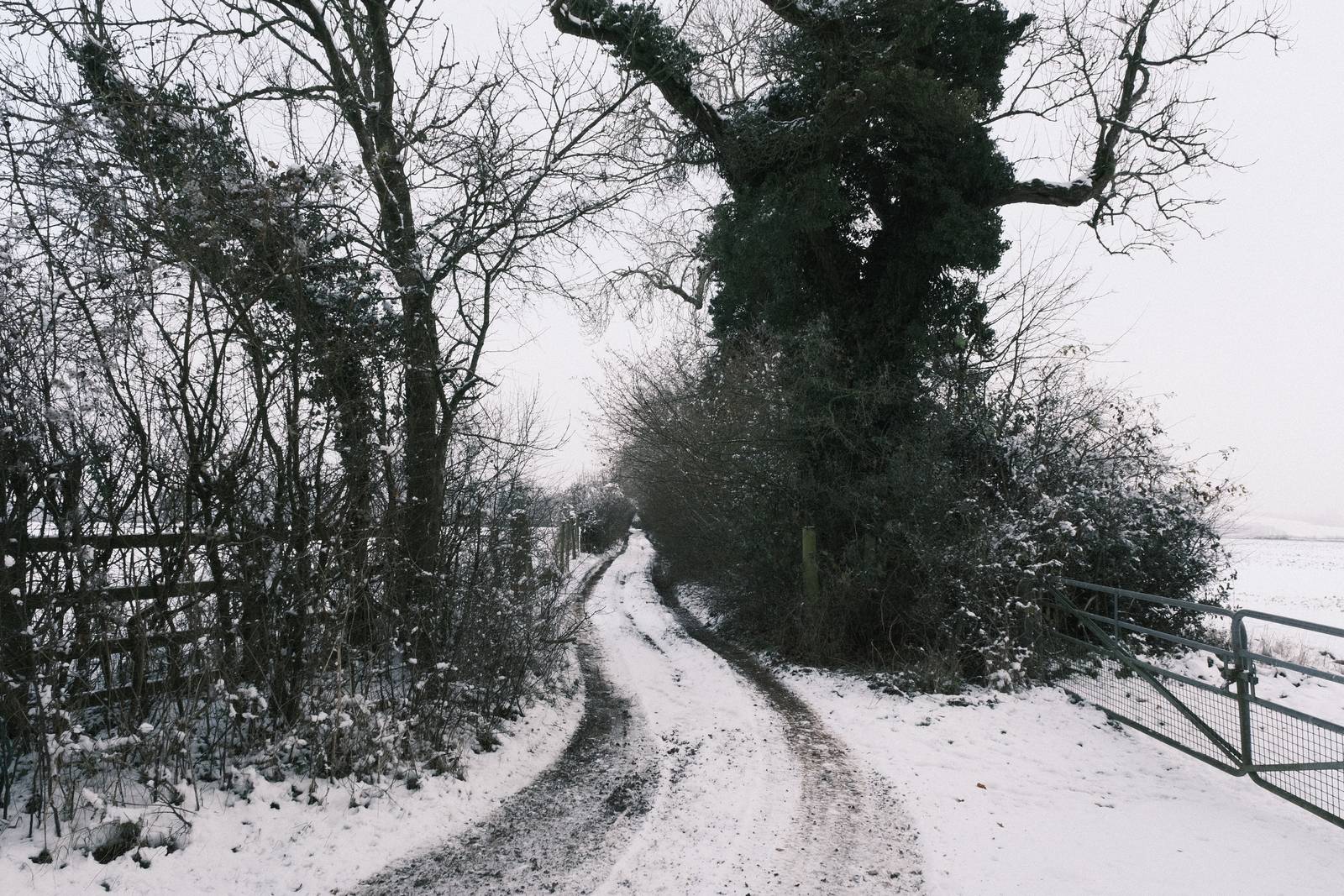
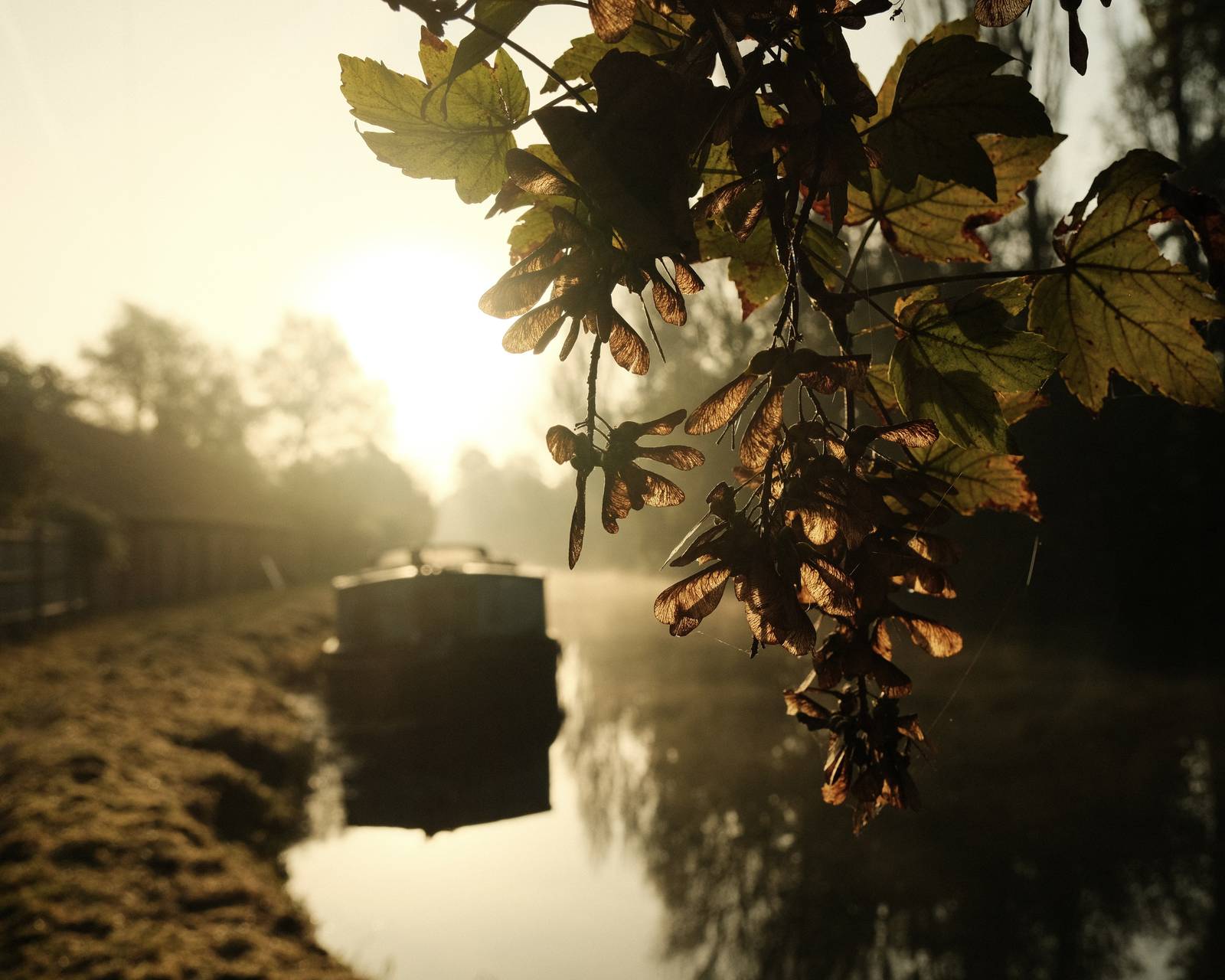
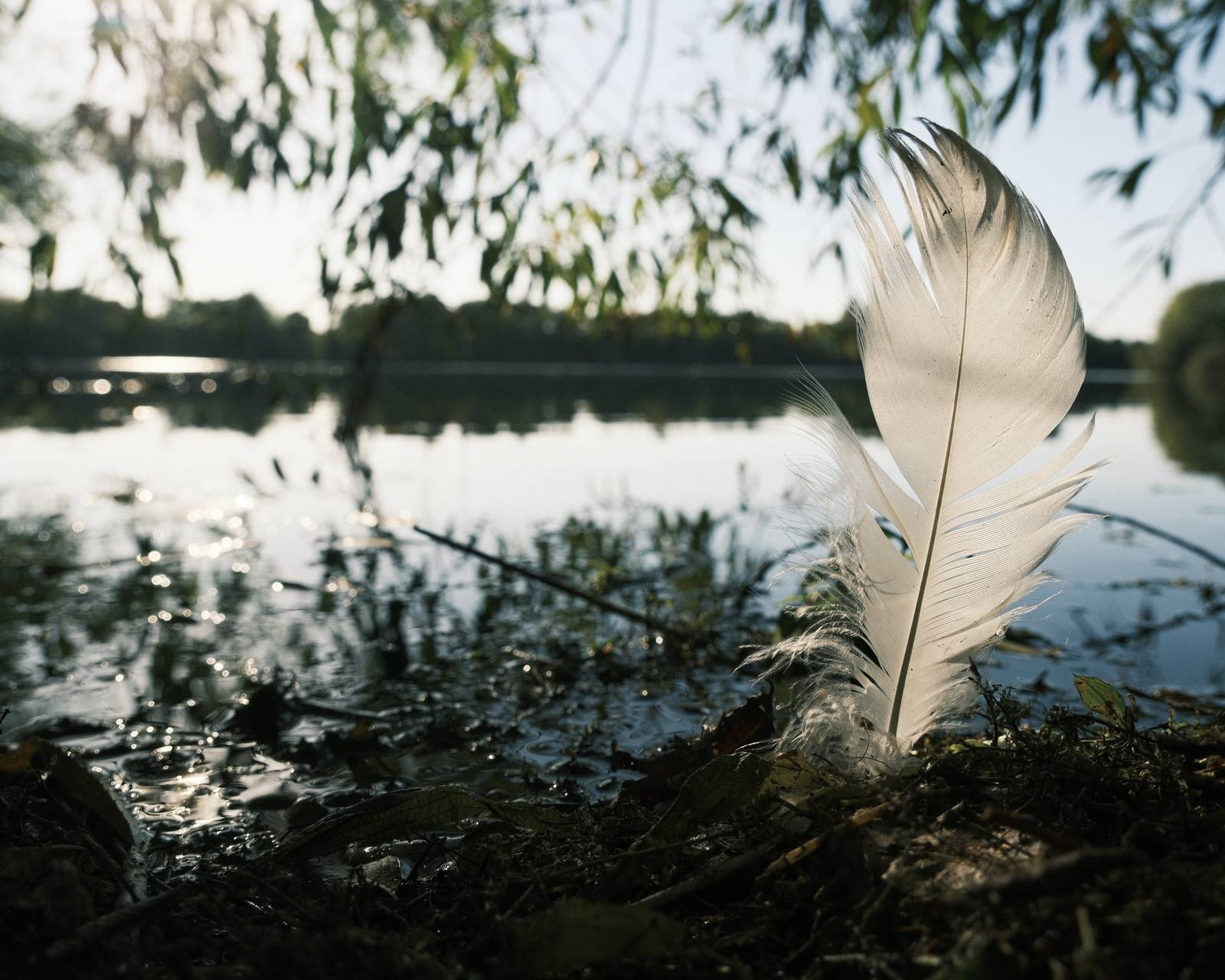
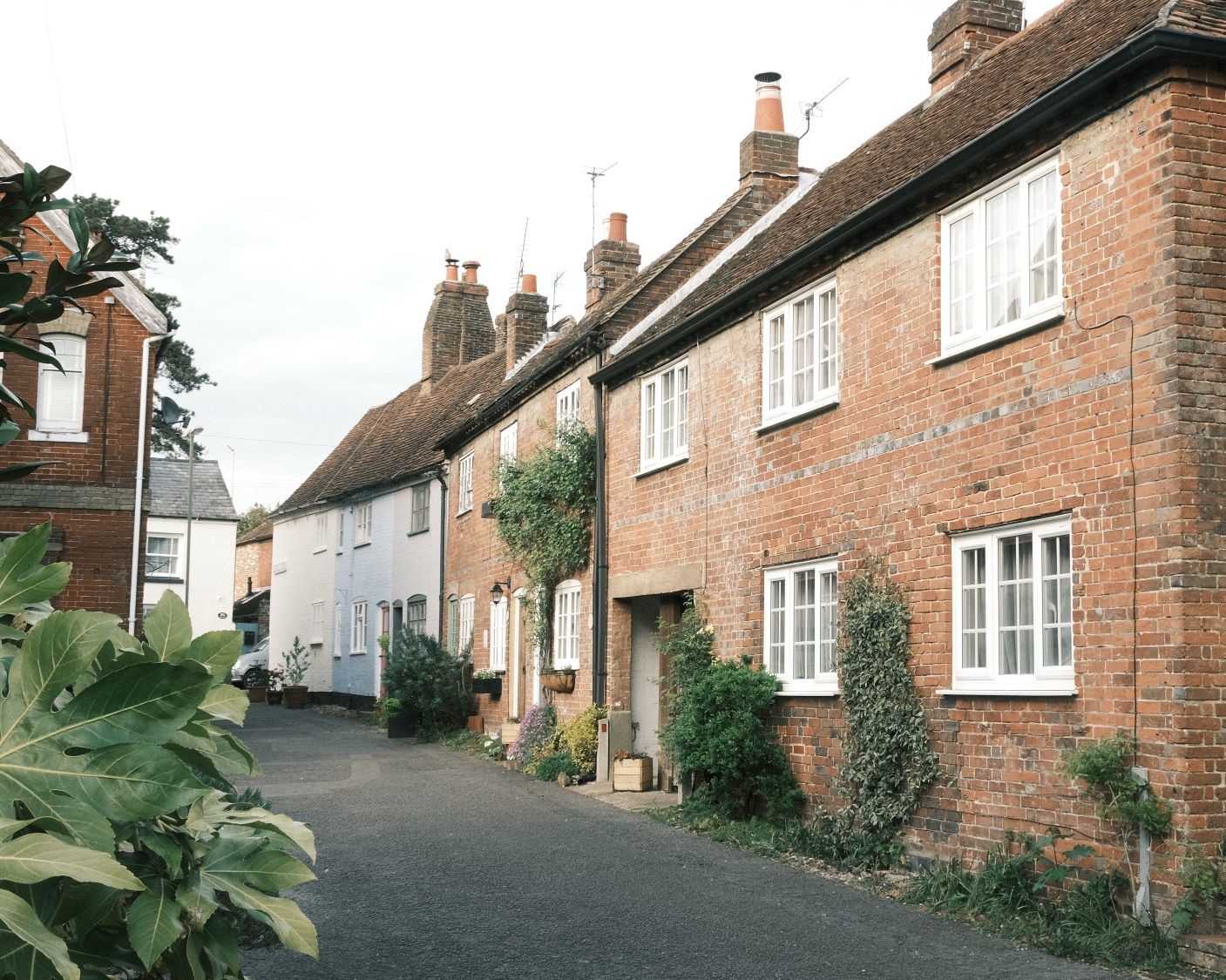
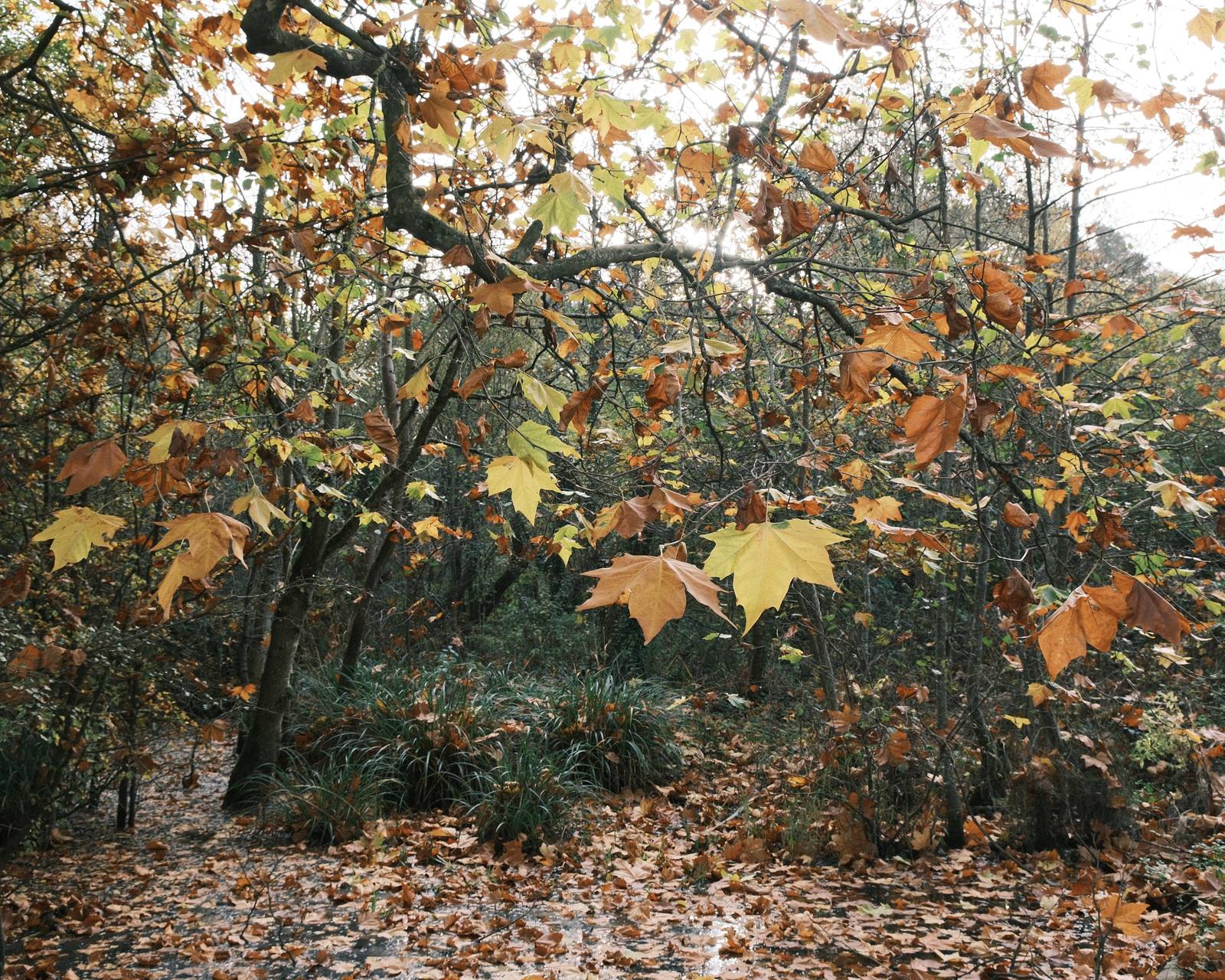
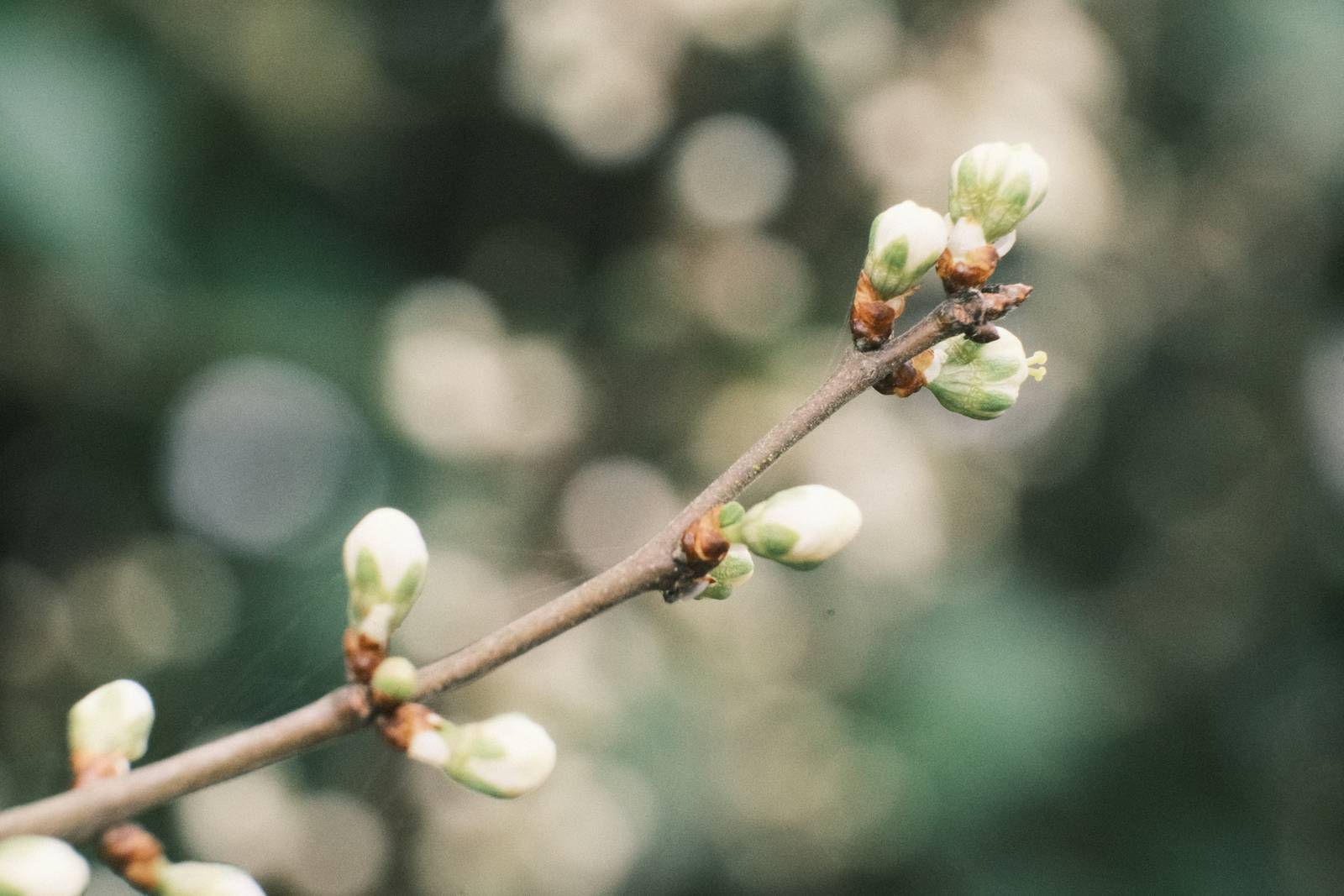
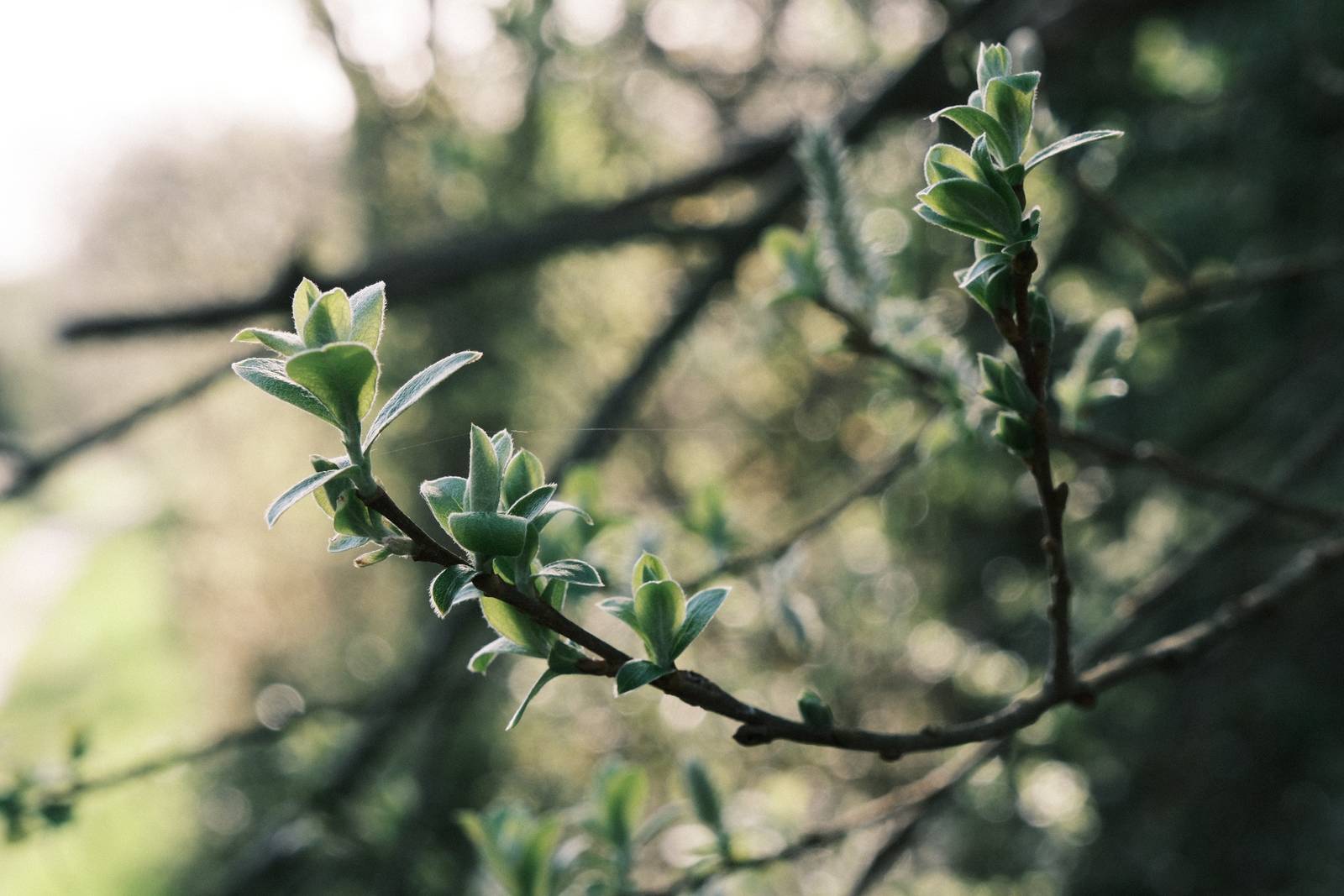
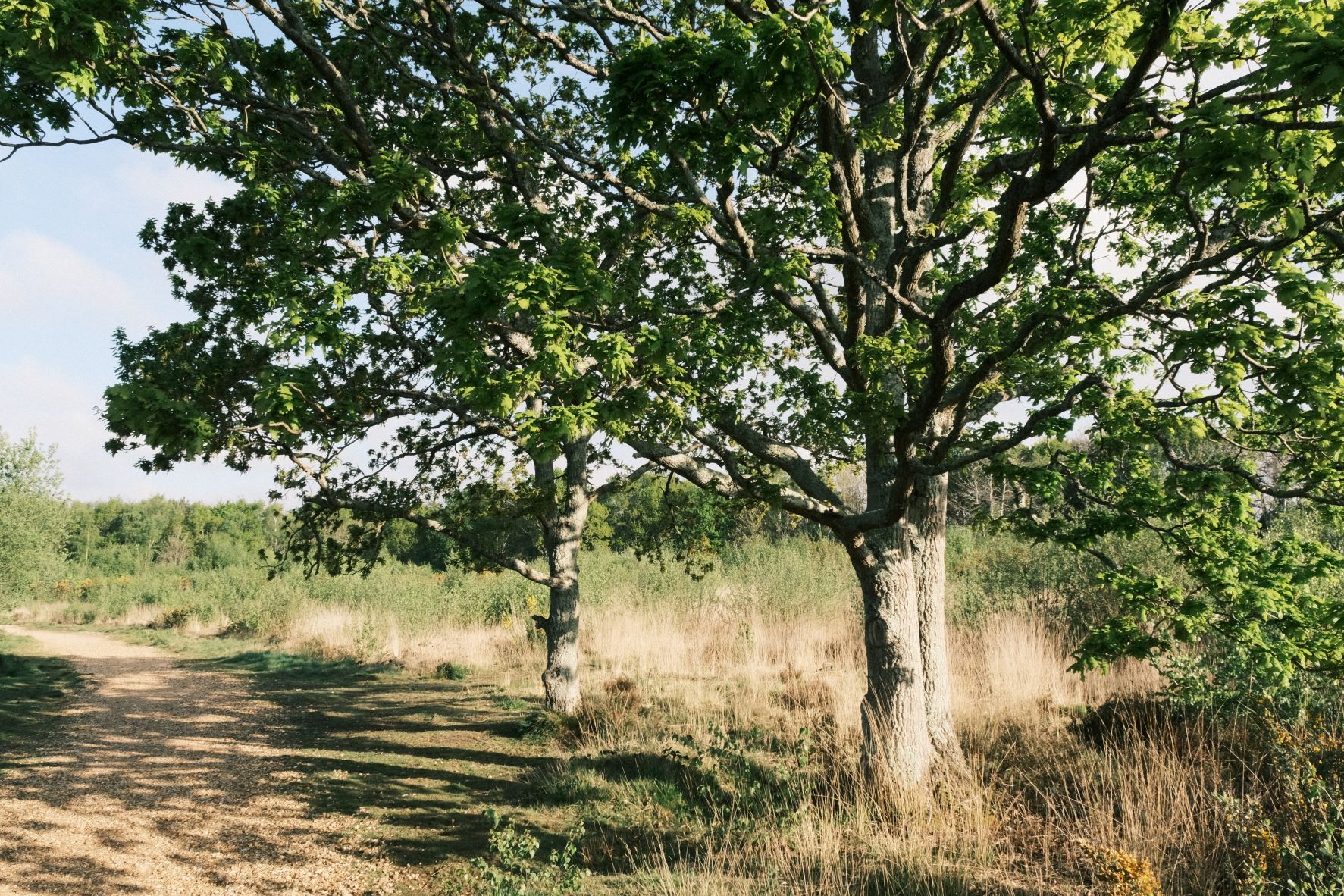
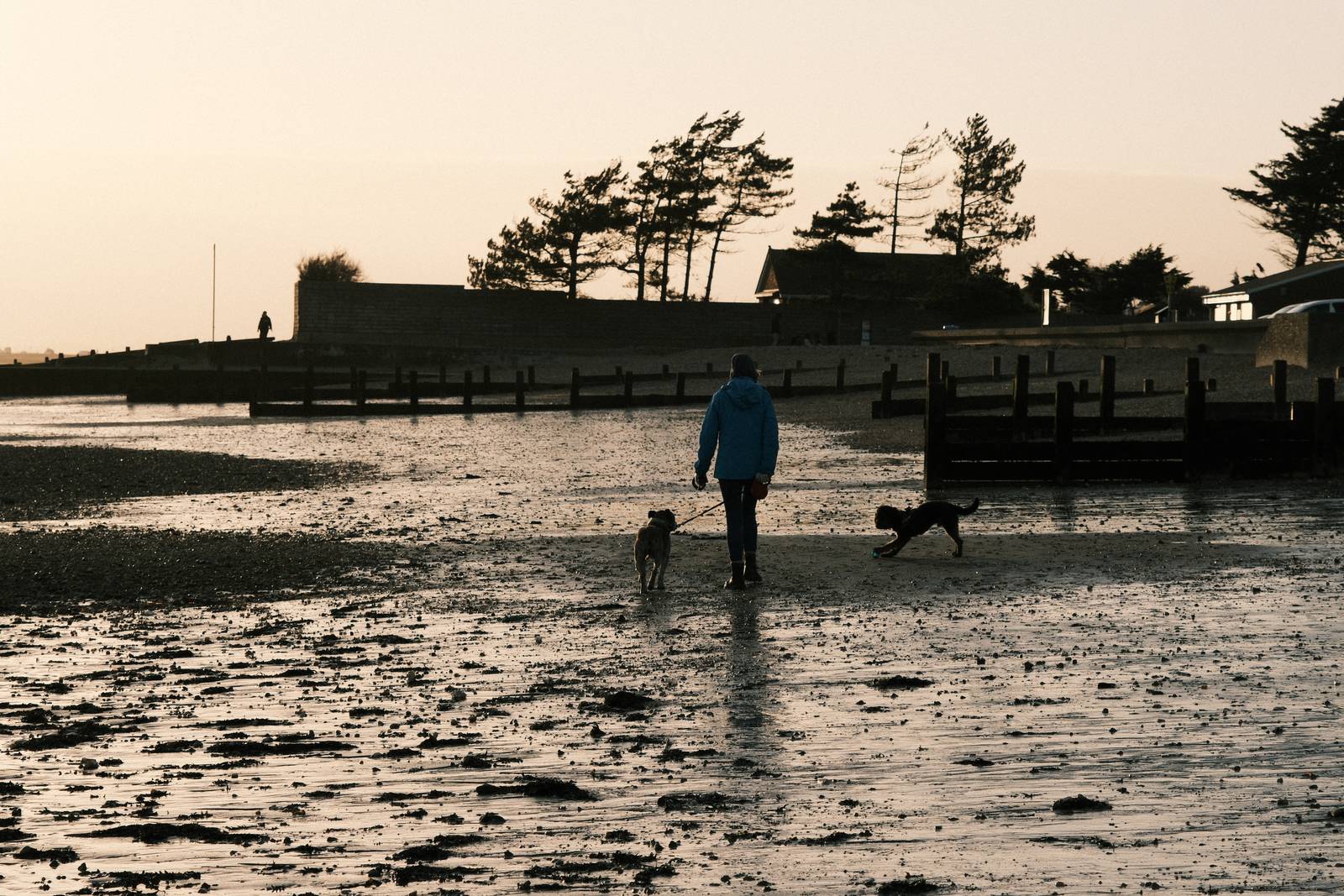
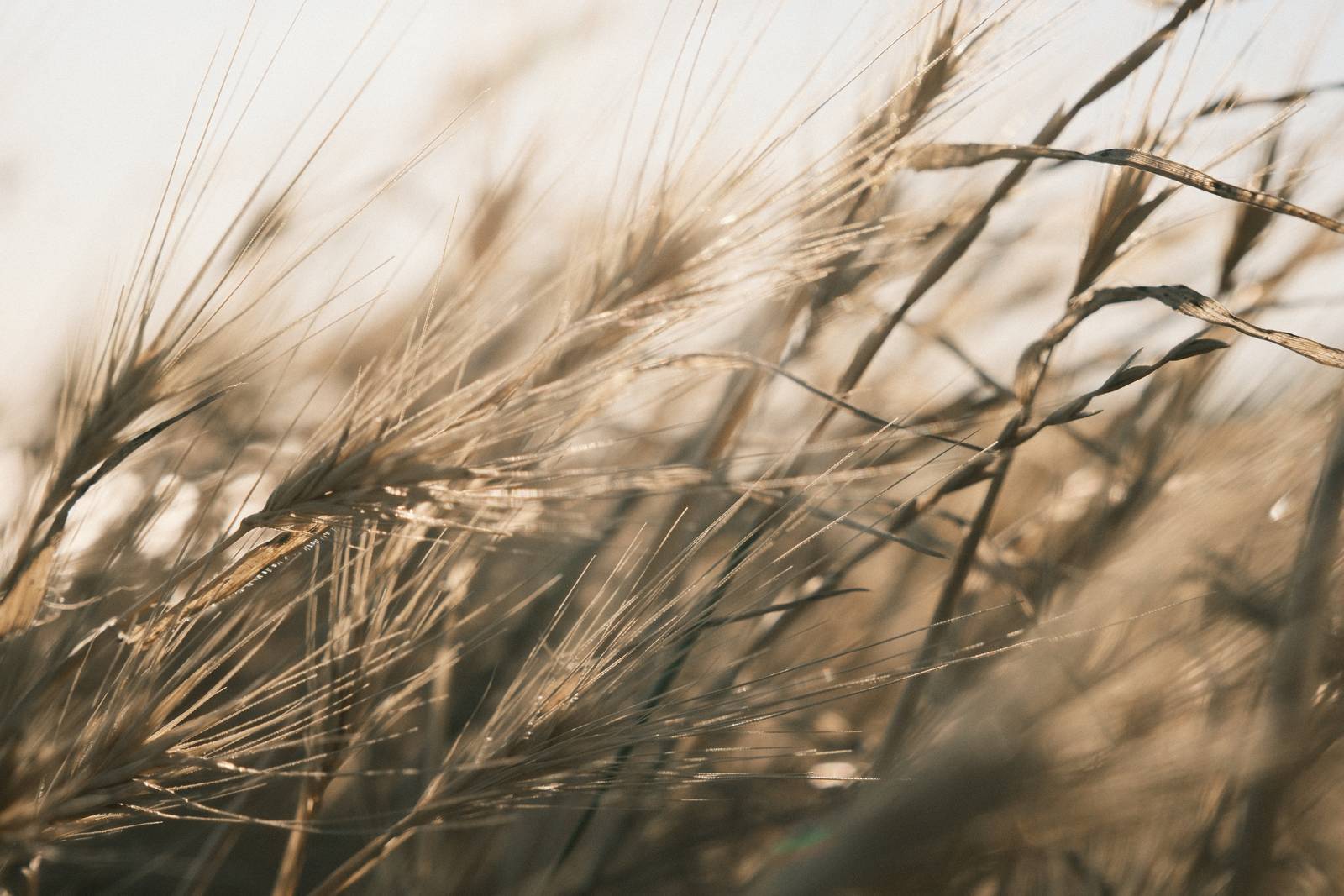
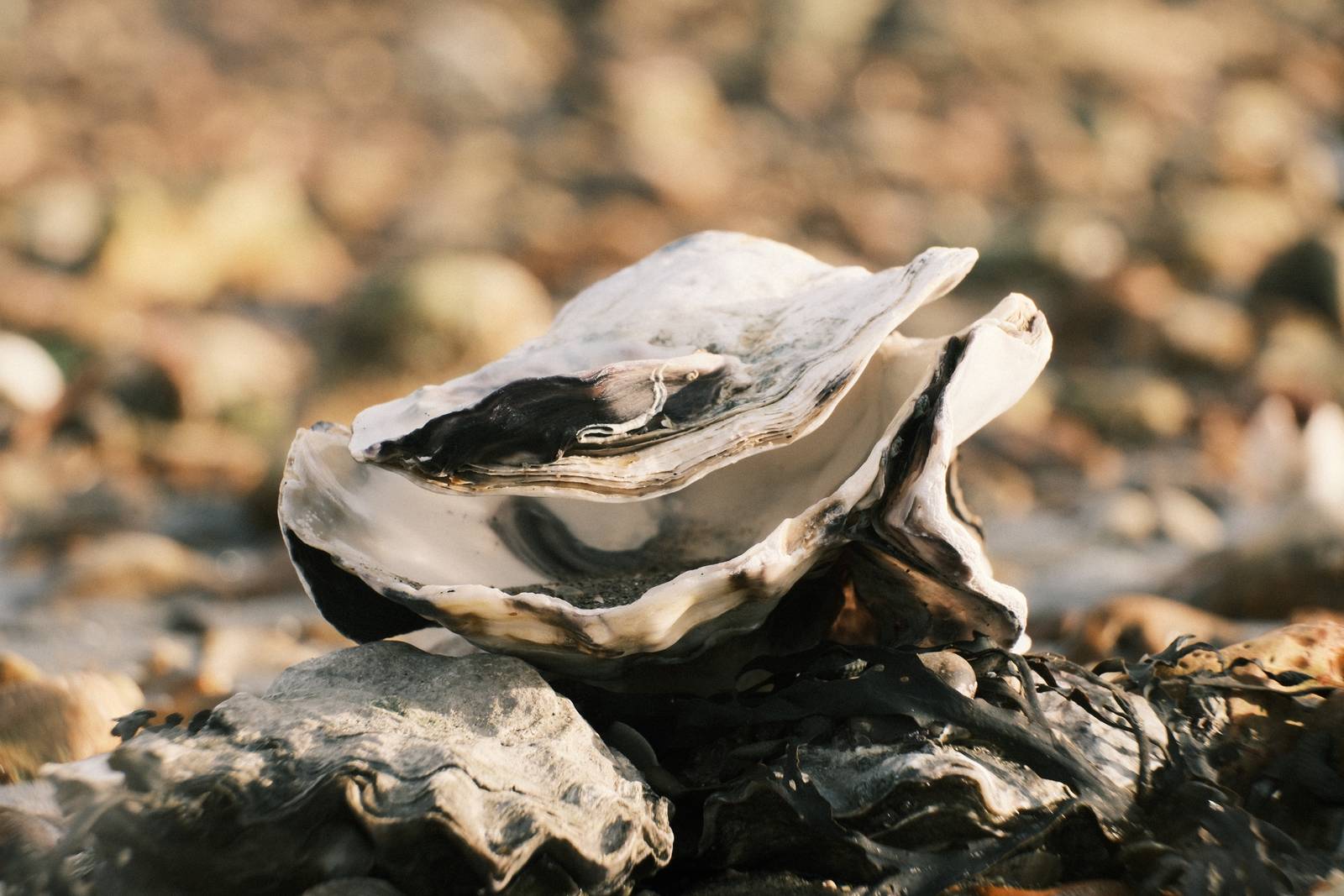
Fujicolor Classic Film Recipe: Sample Photos

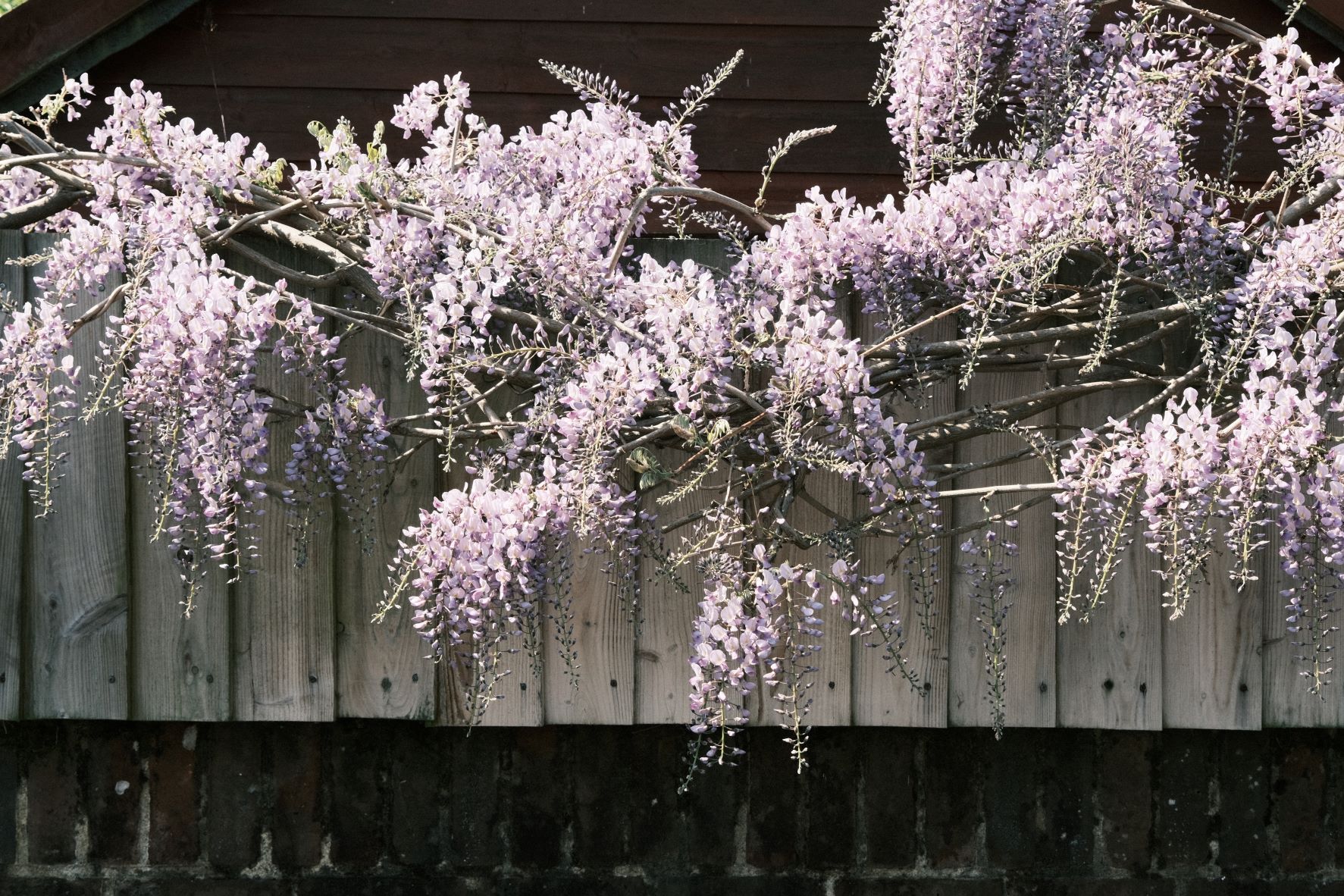



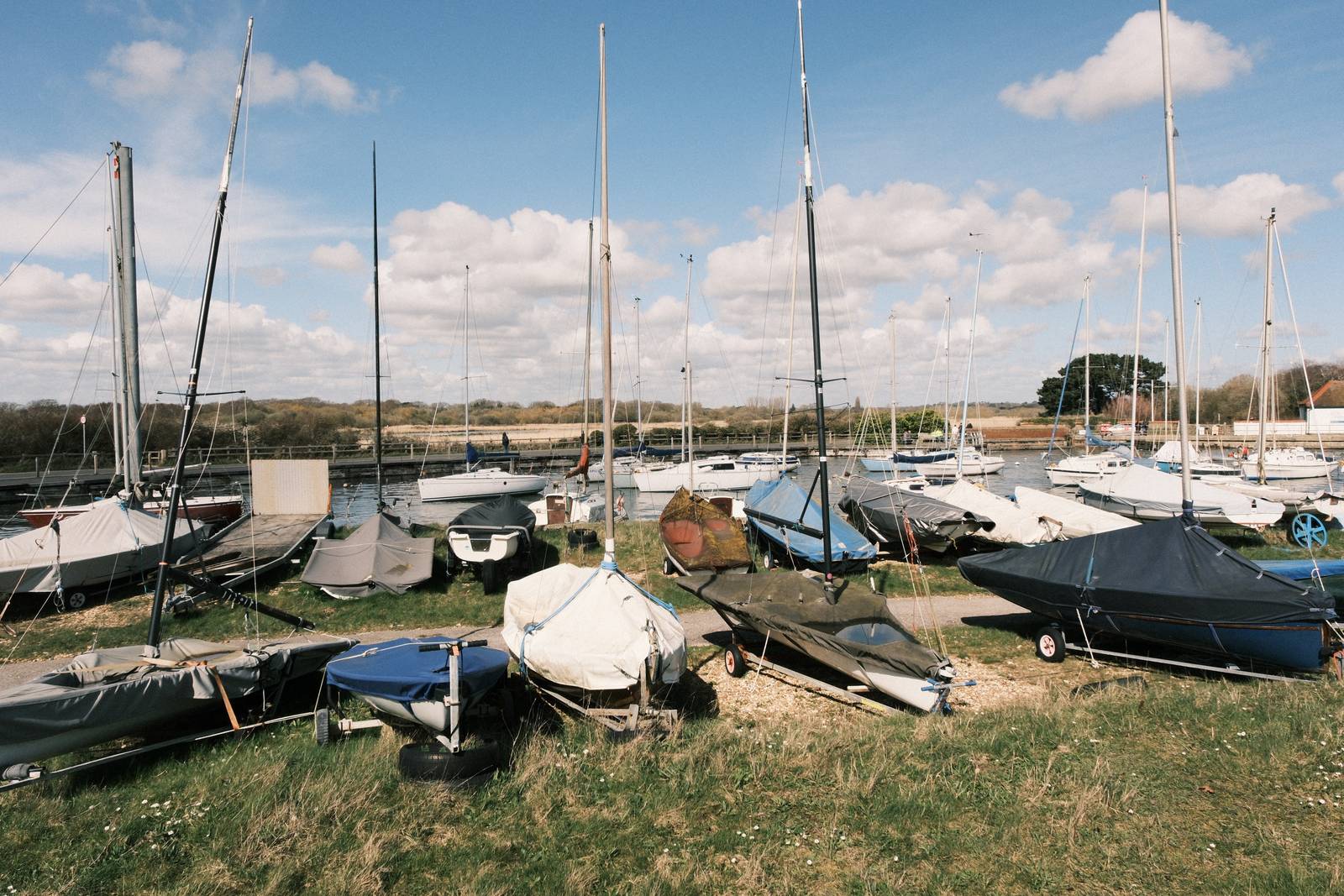




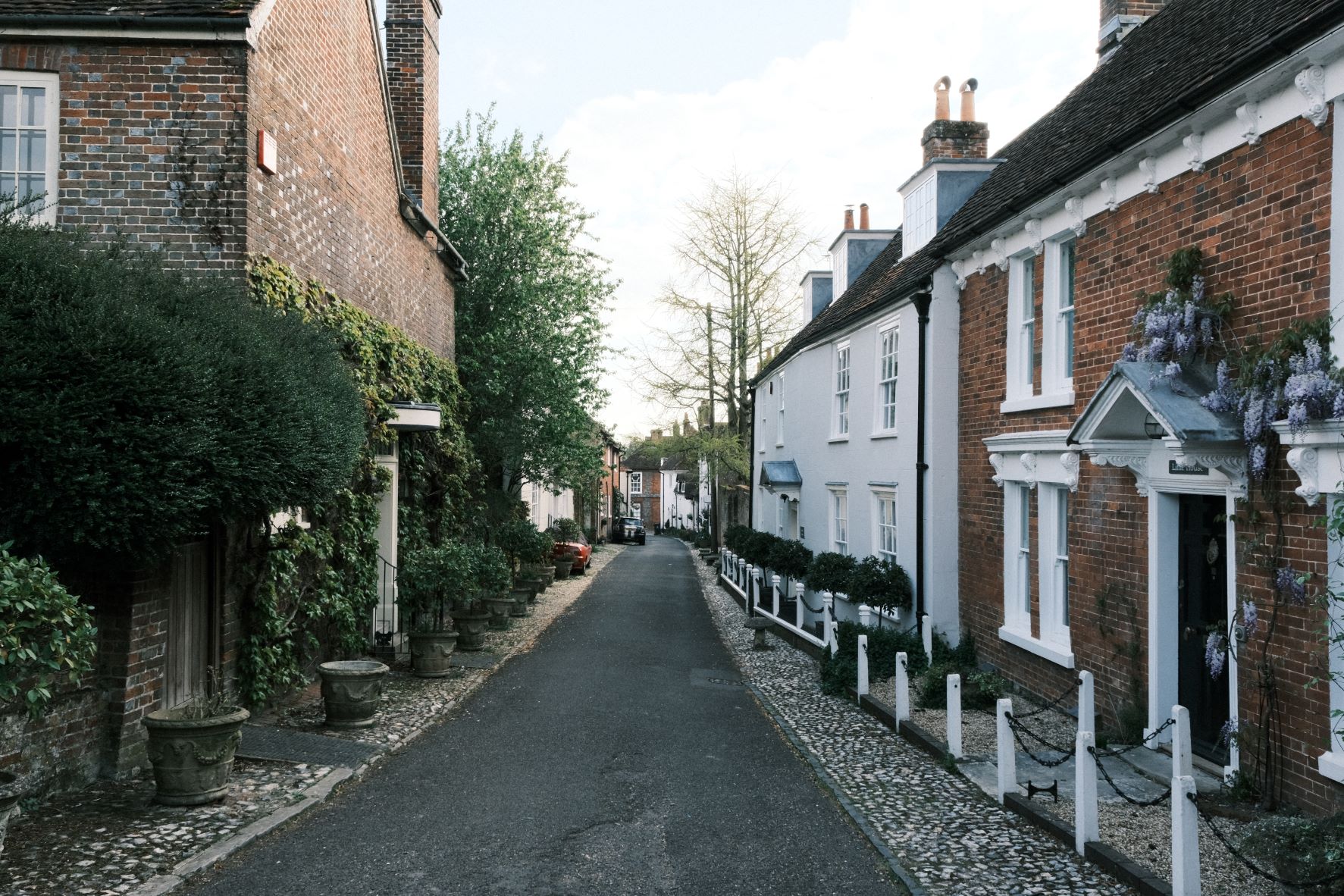
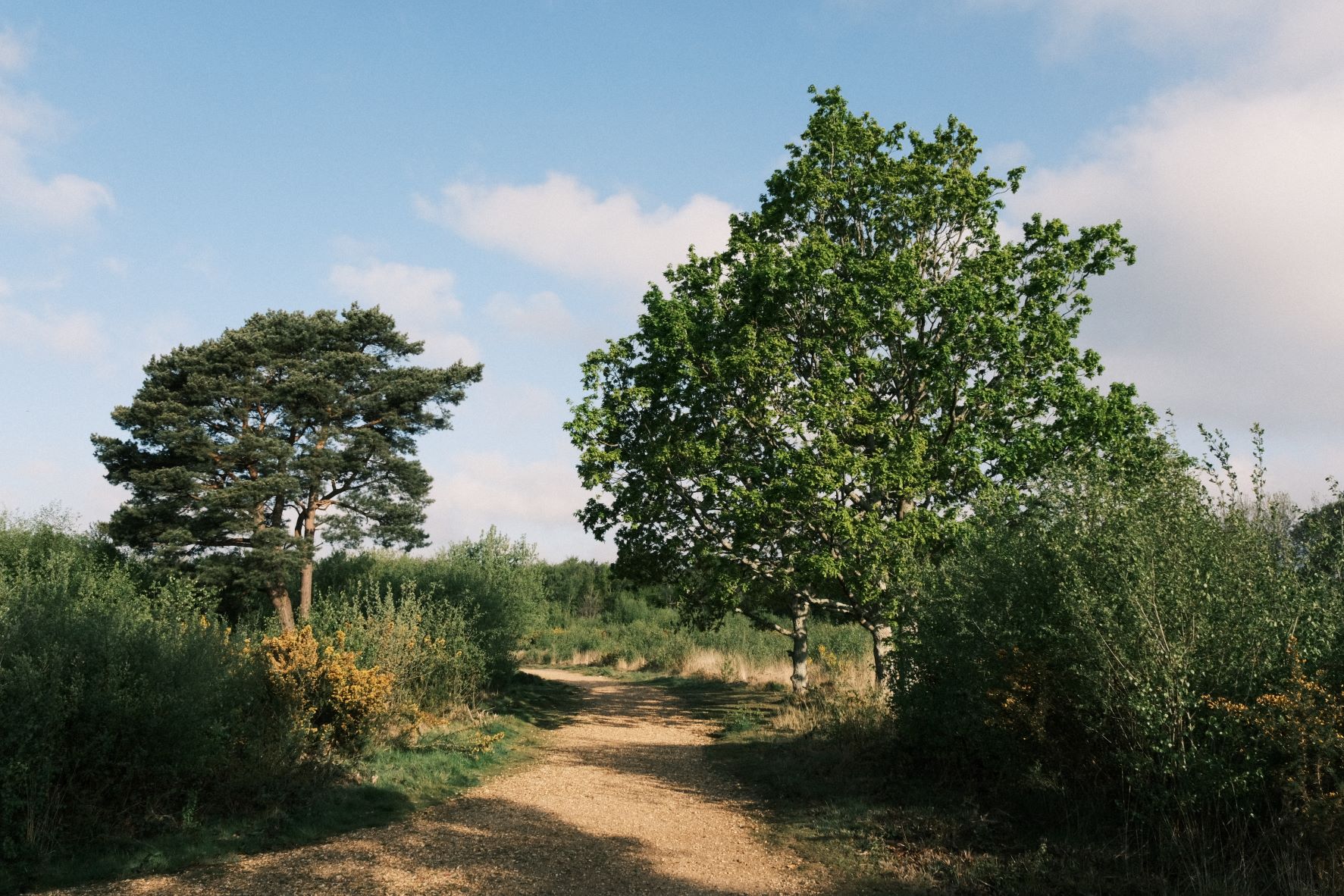

Using the Fujicolor Classic Film Recipe
Each film simulation recipe has its own character and style. These features mean recipes are more suited to certain situations, or when seeking a particular look. Here are the categories that Fujicolor Classic has been tagged with.