

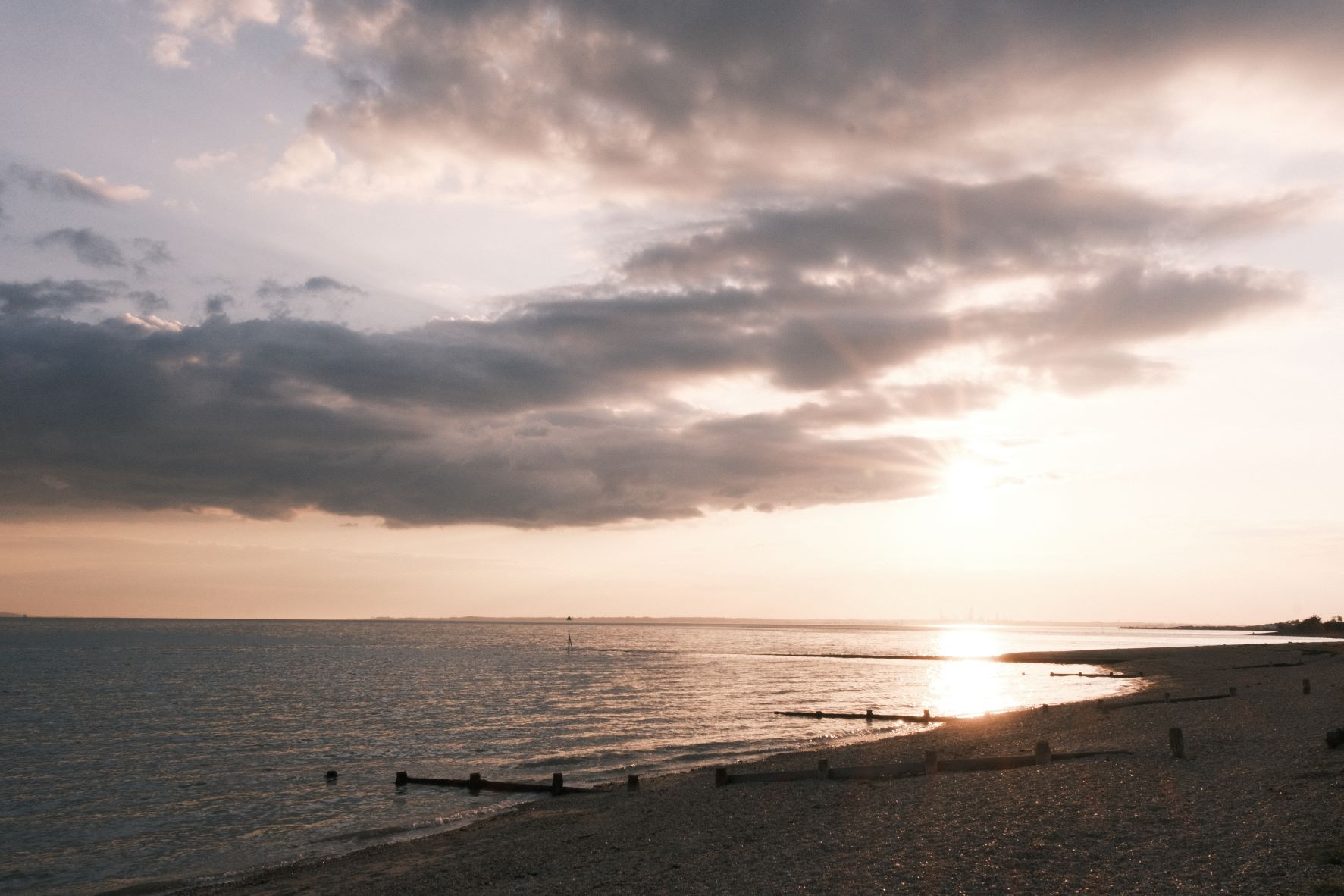
Decade Print
Decade Print for a Faded Prints look
An old prints style recipe for Fujifilm X-Trans 4 cameras
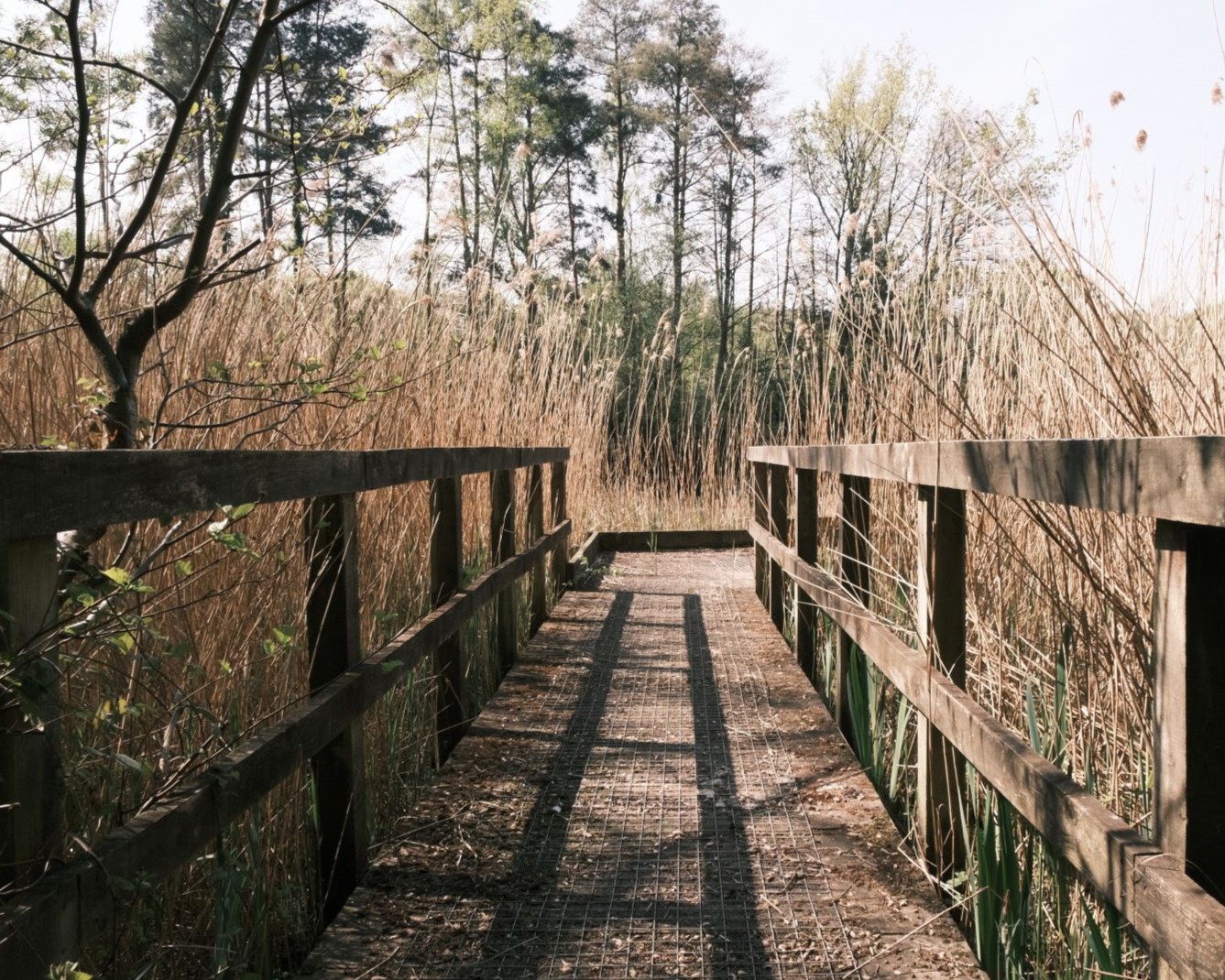
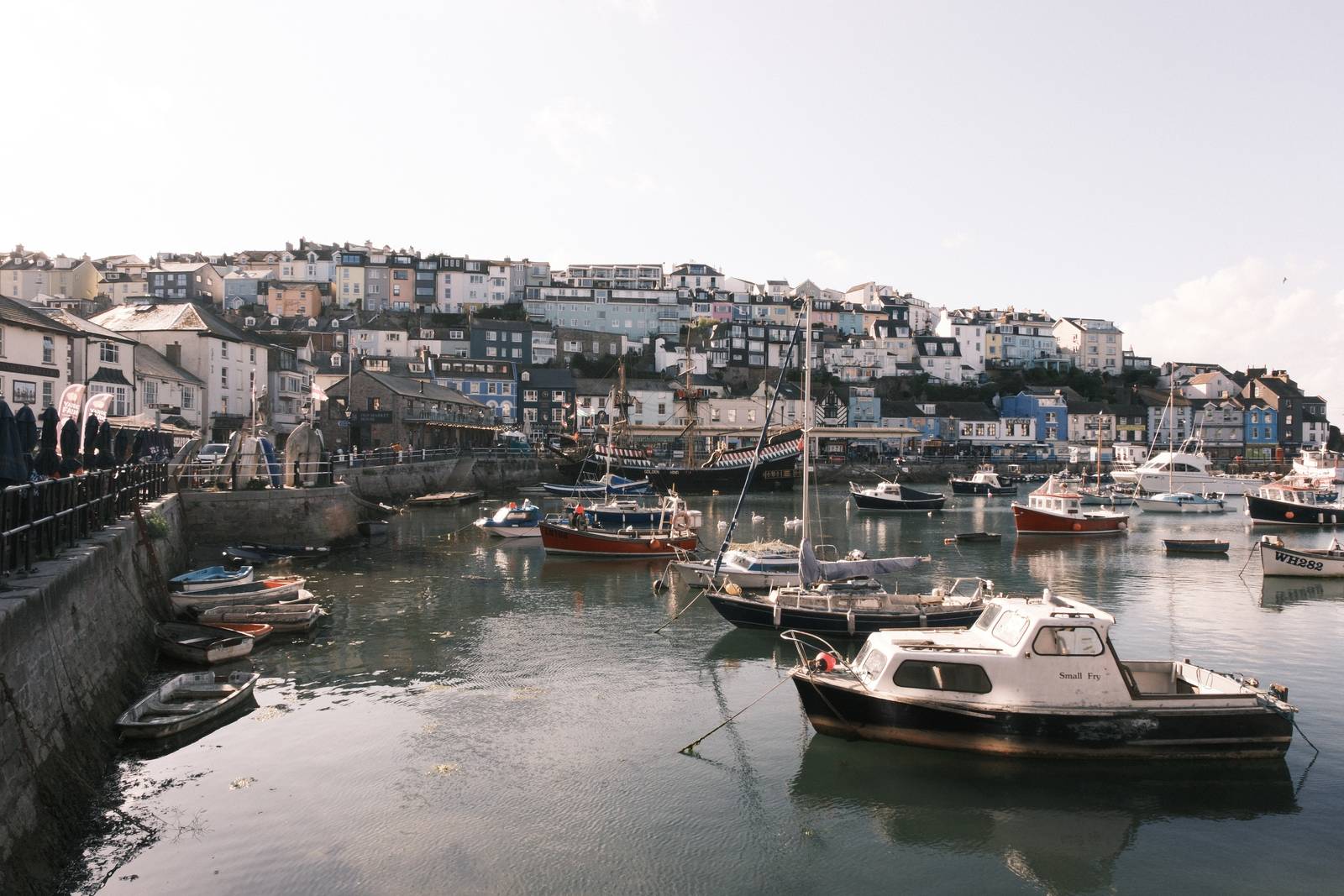
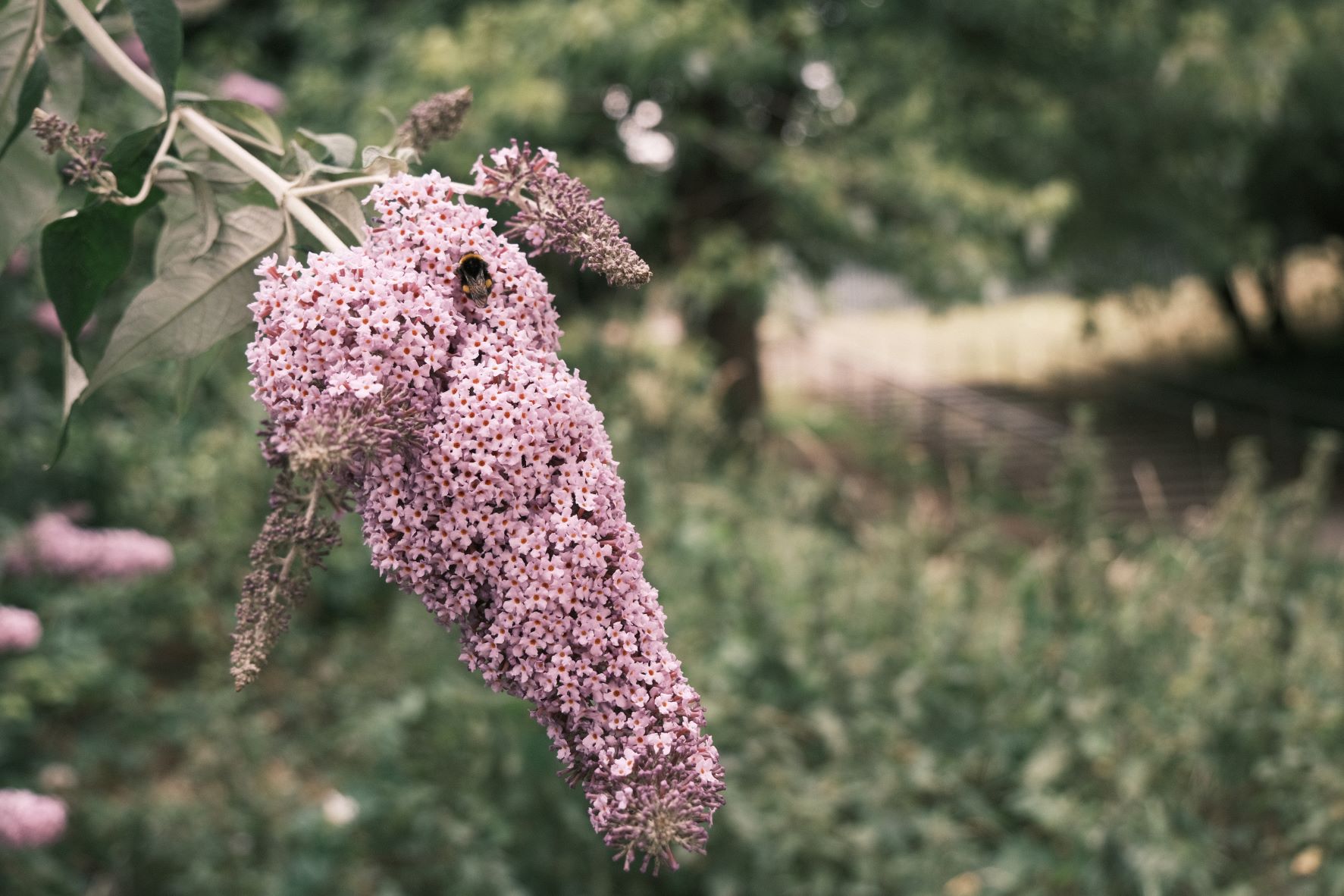
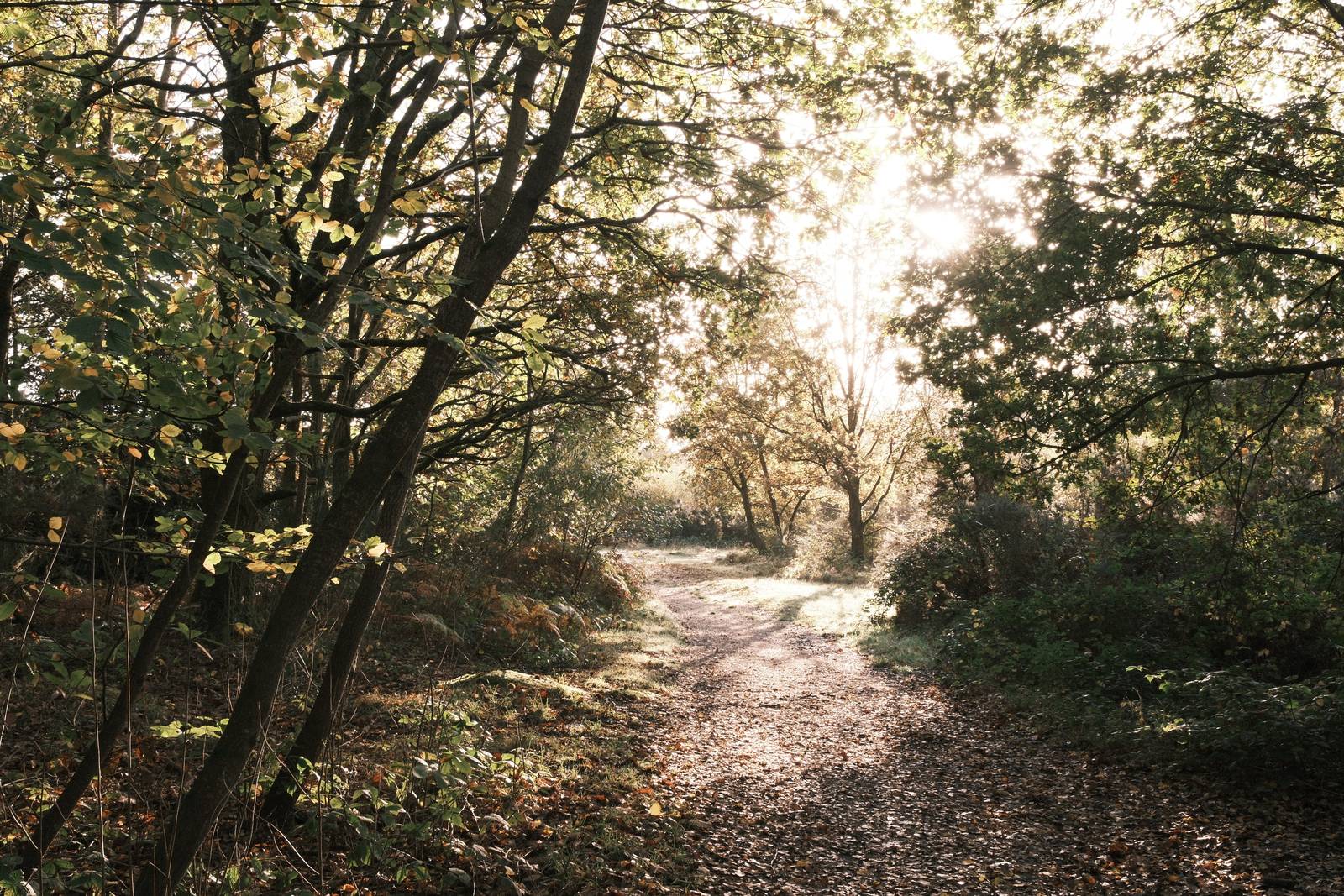
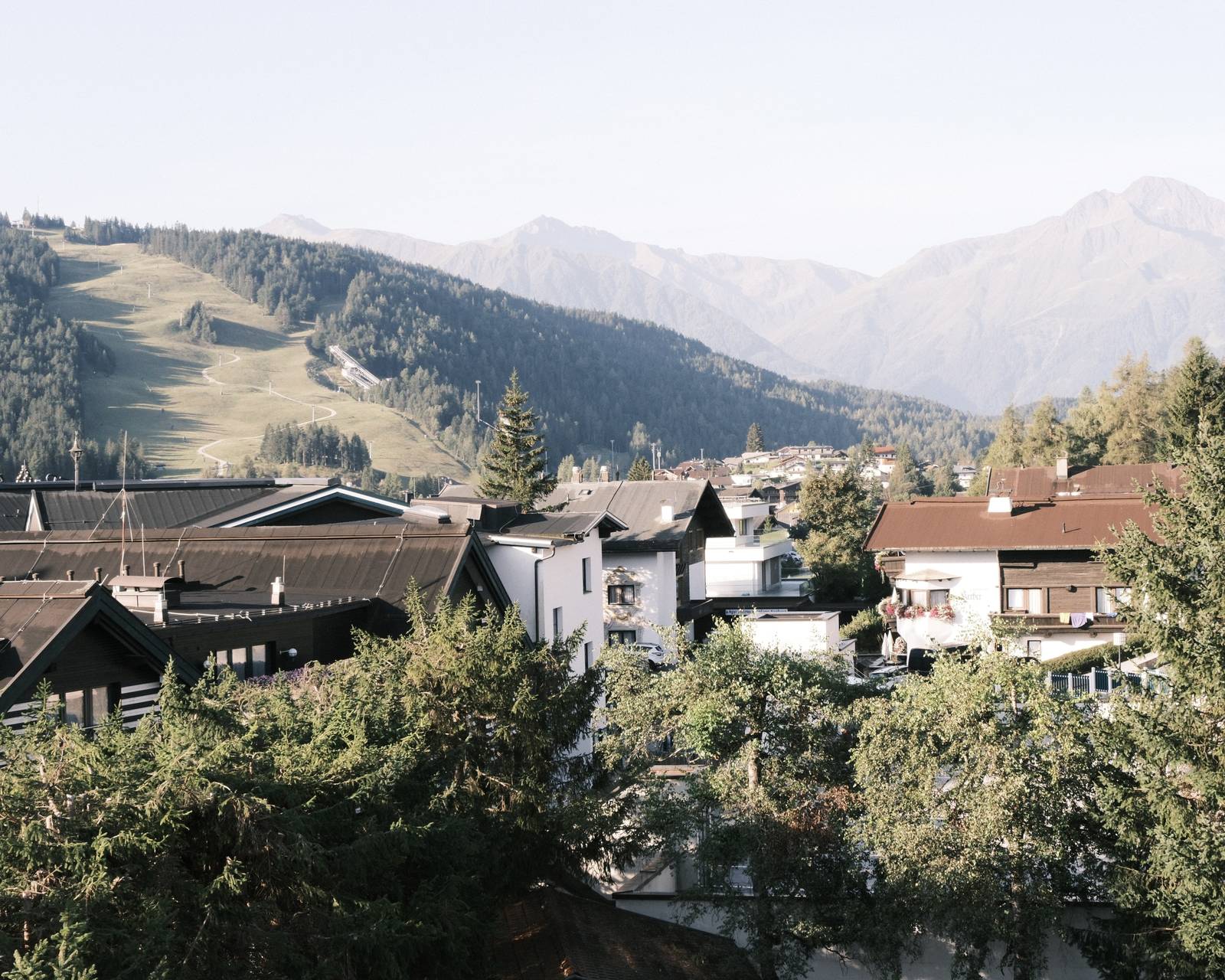
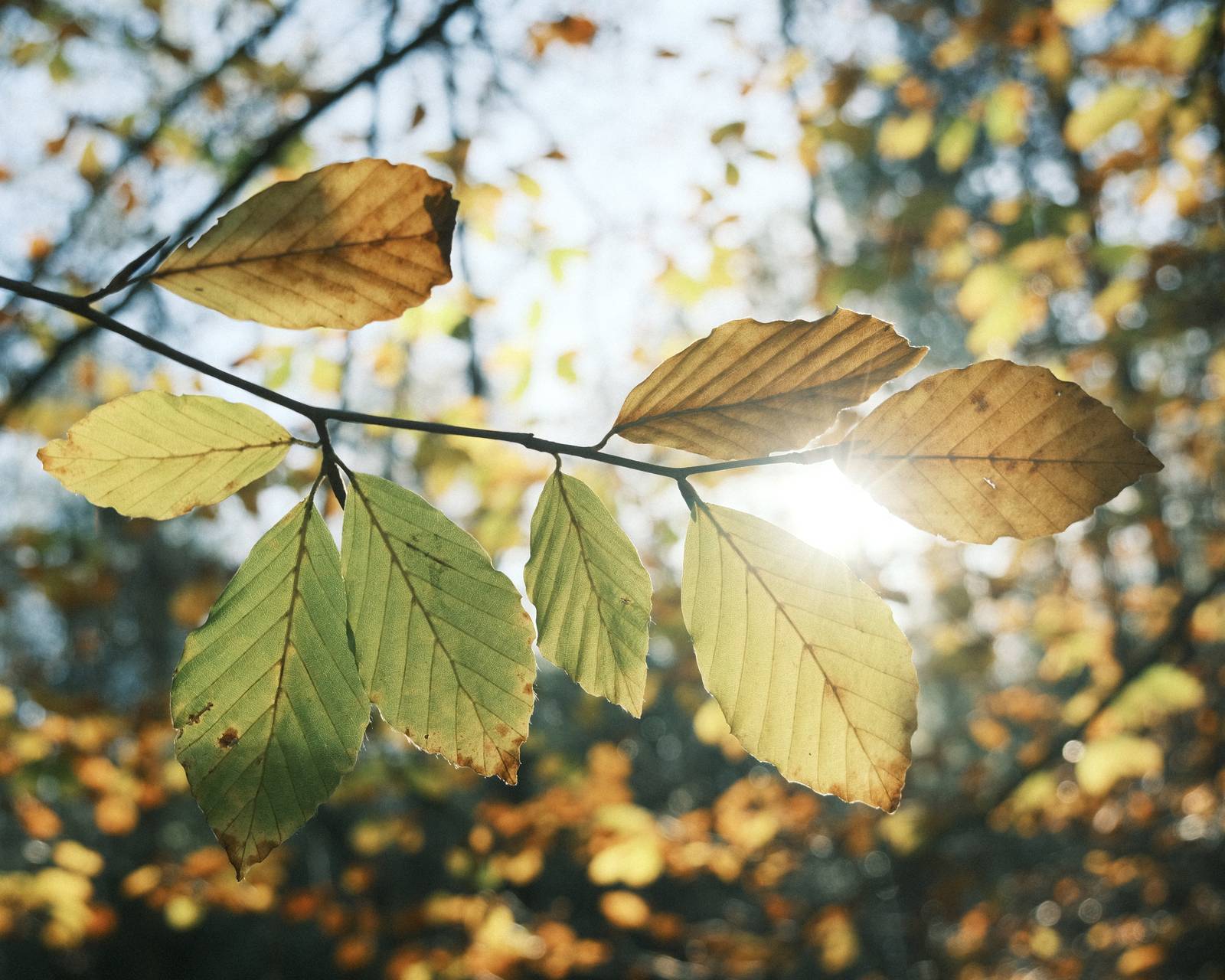
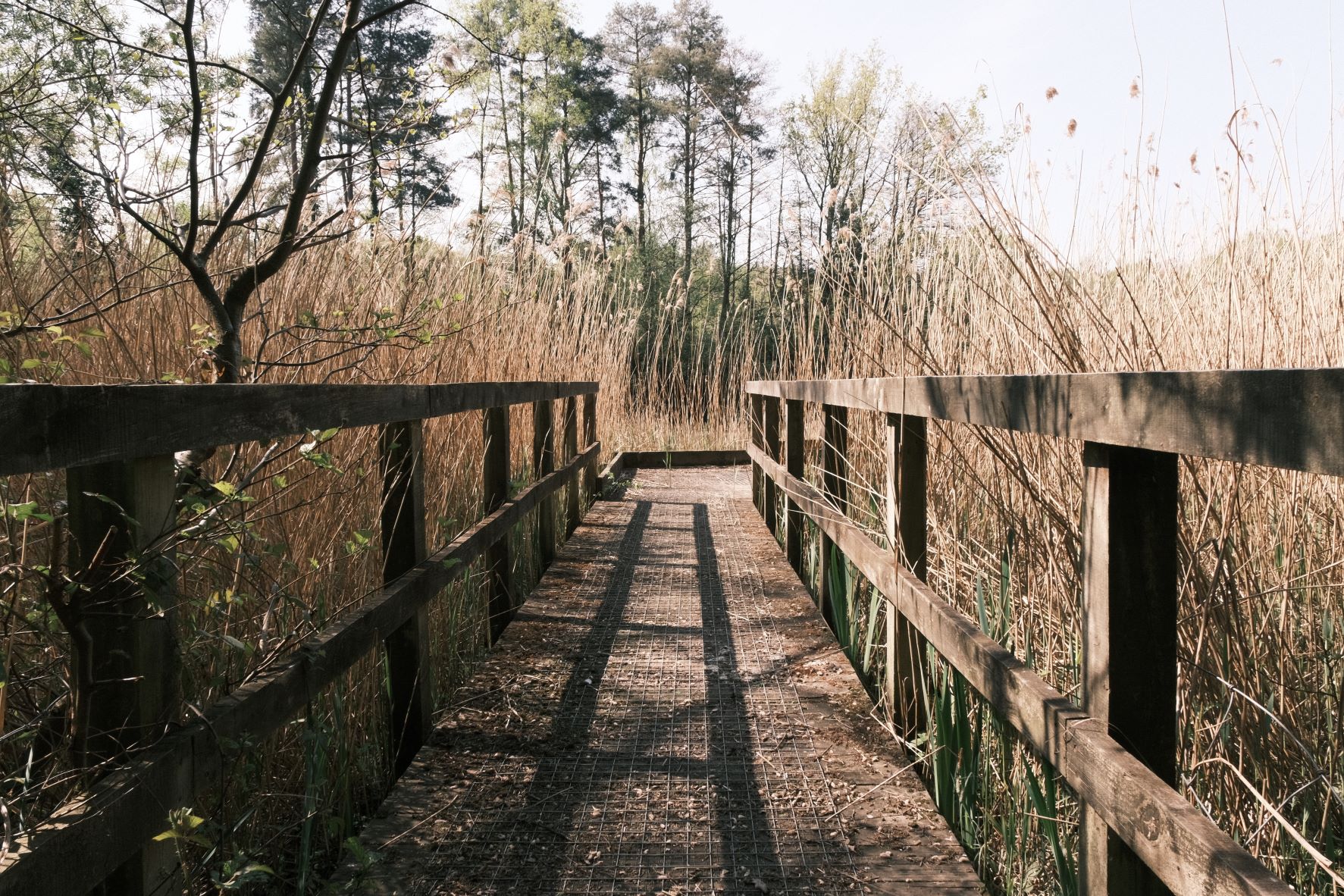
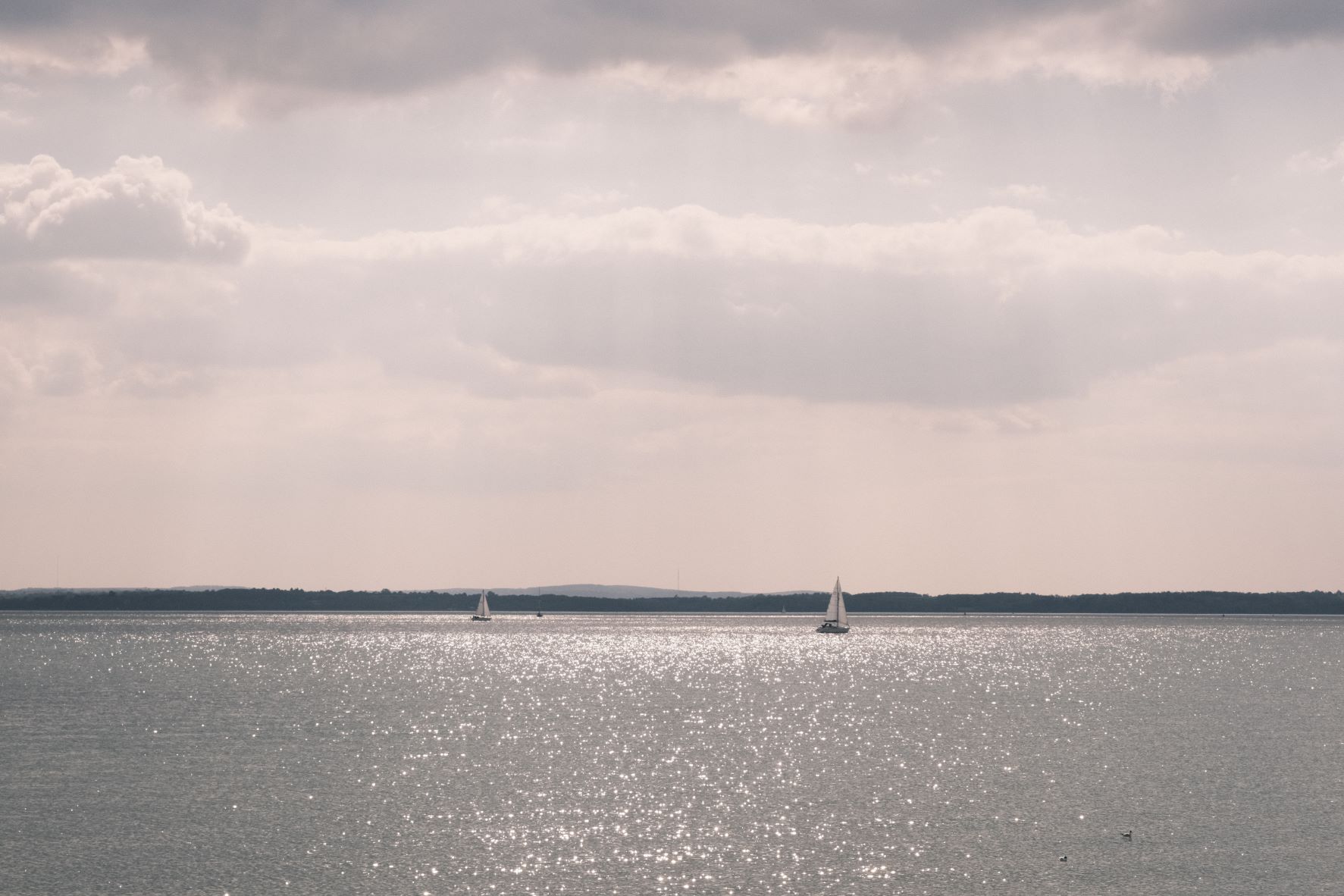
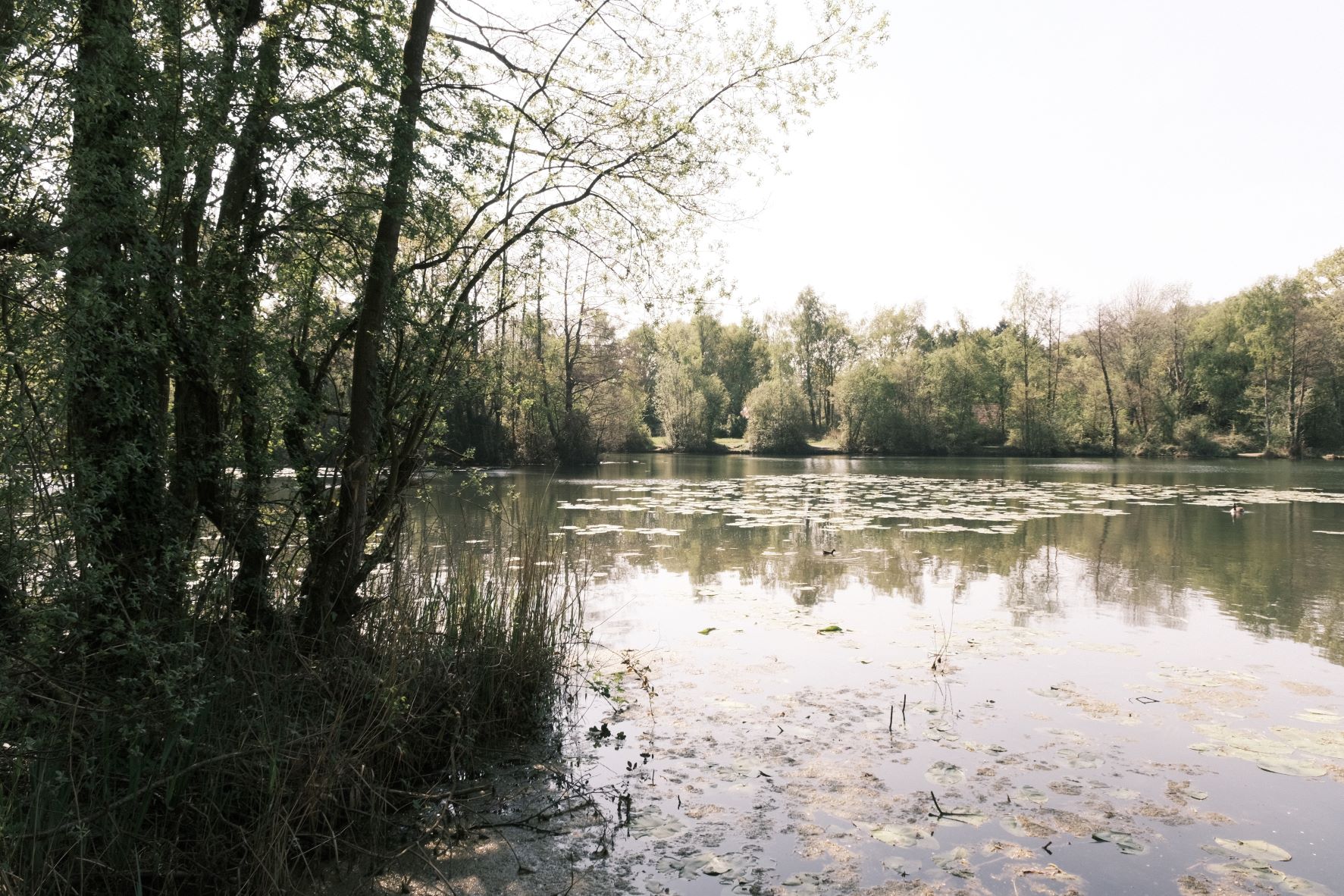
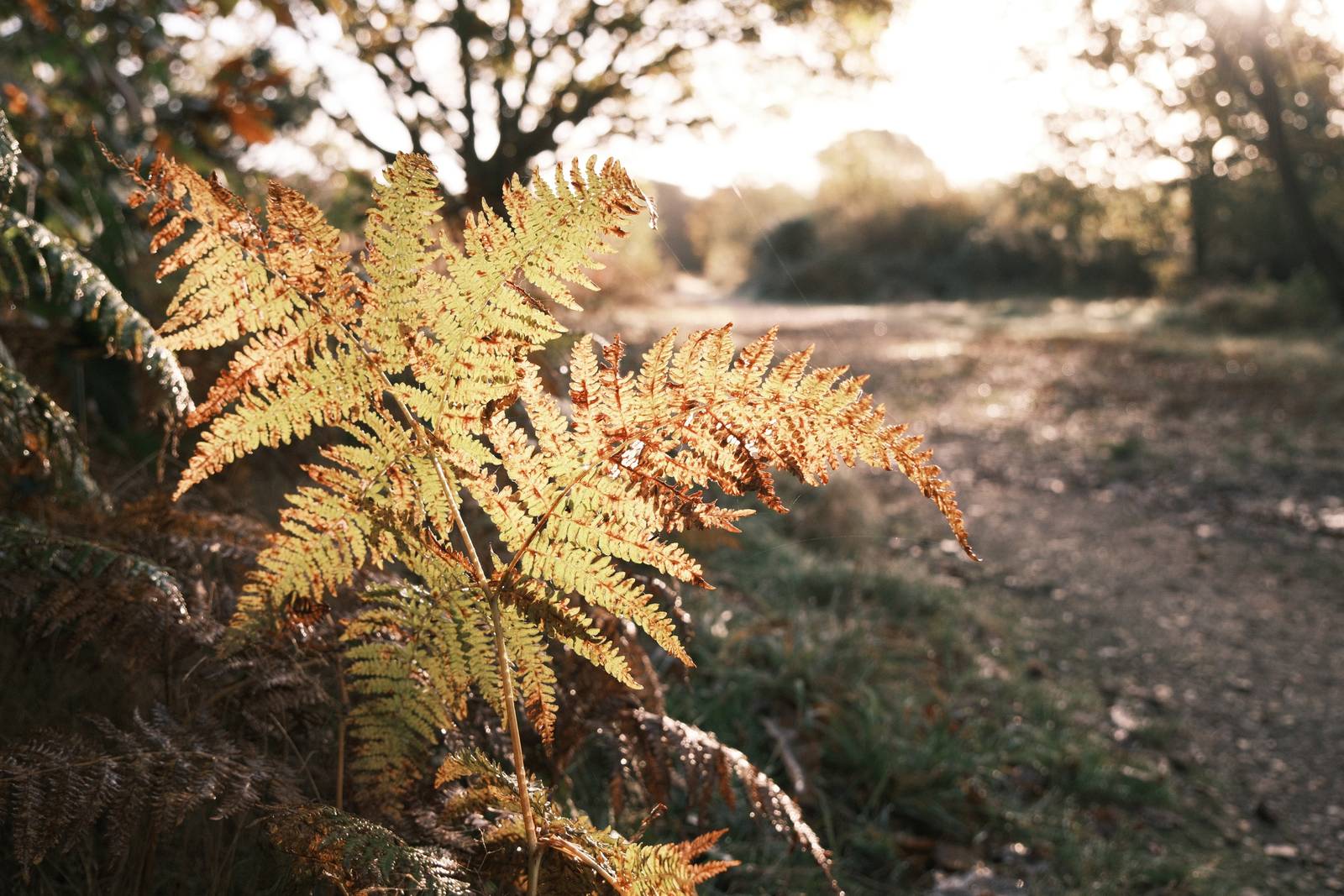
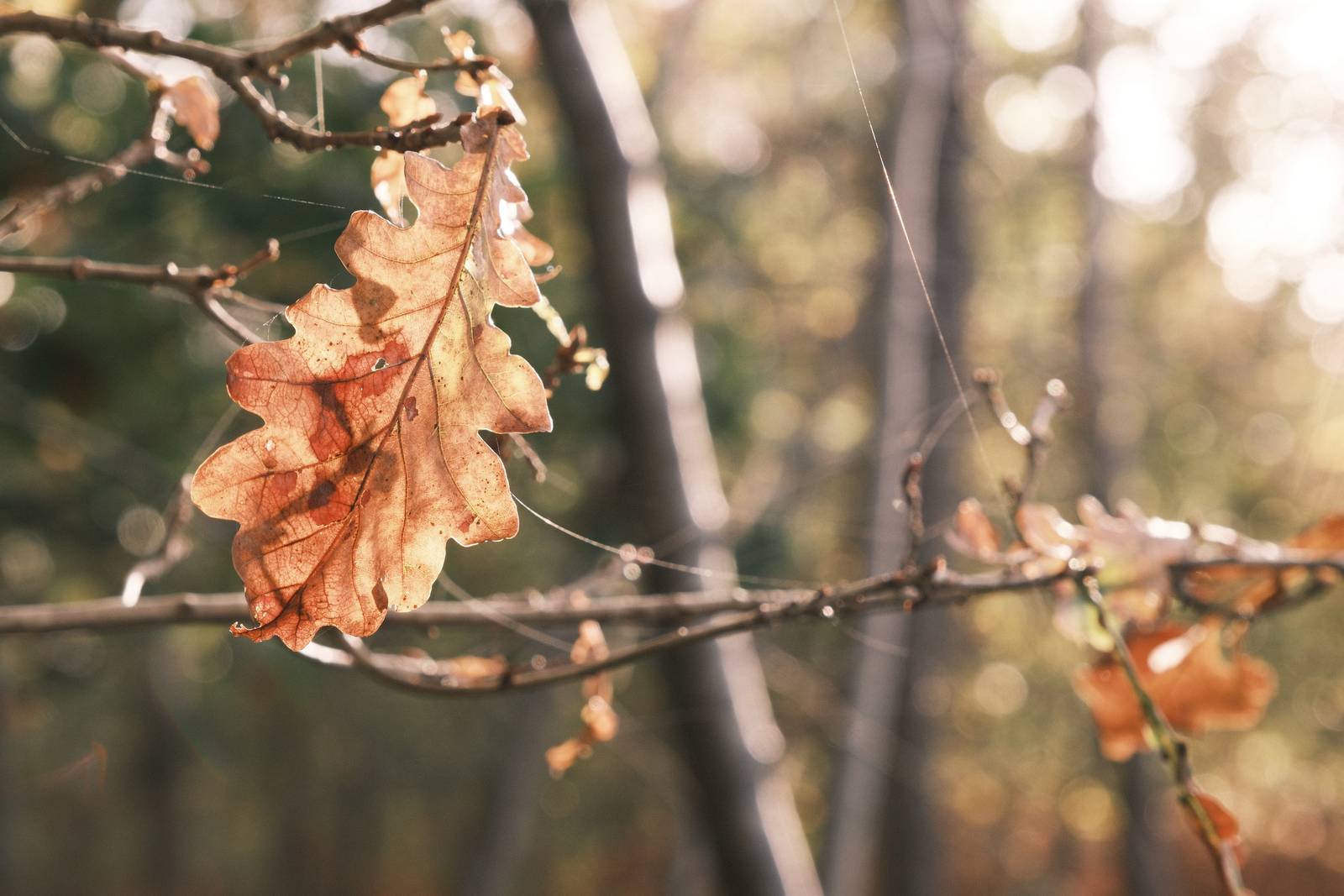
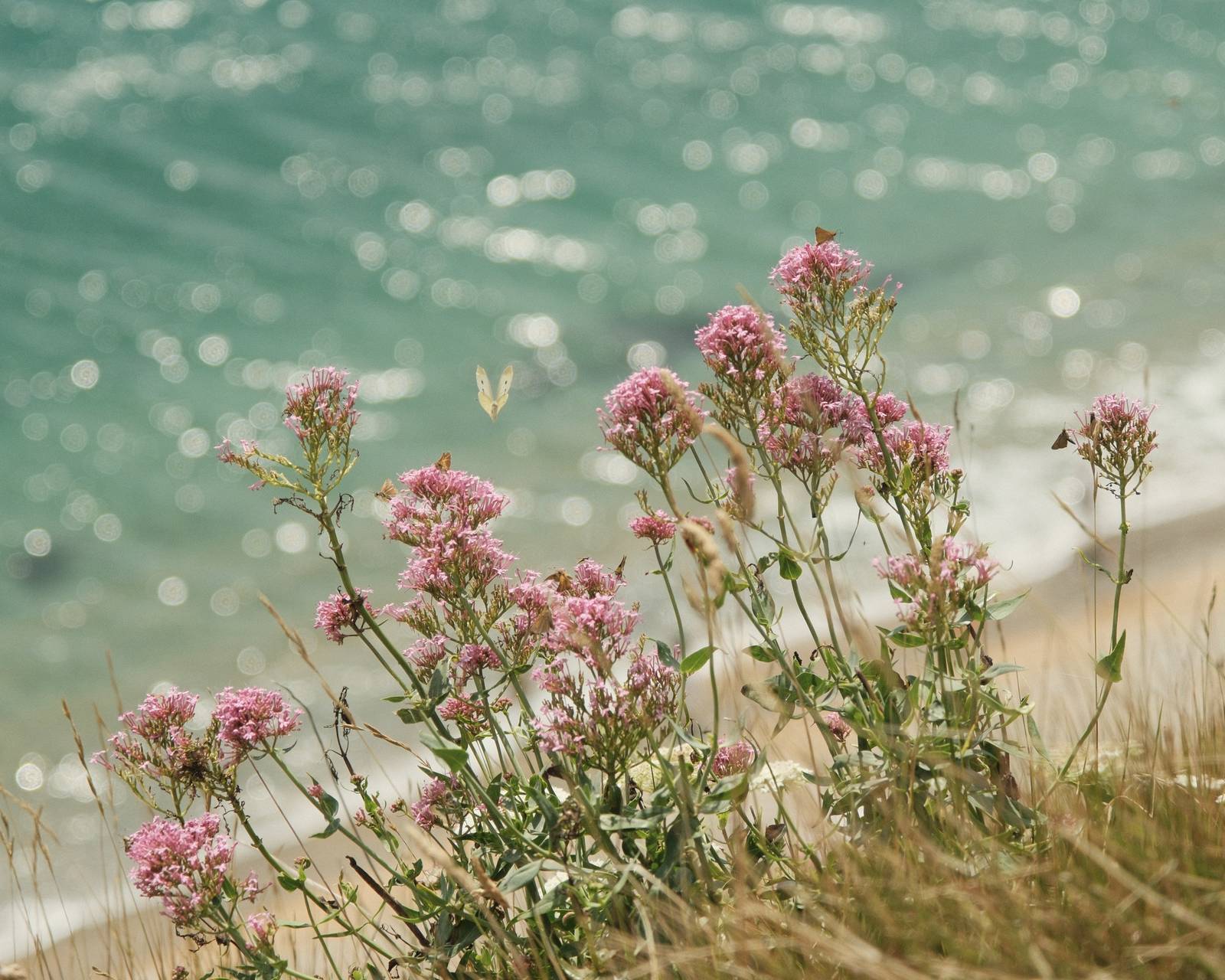
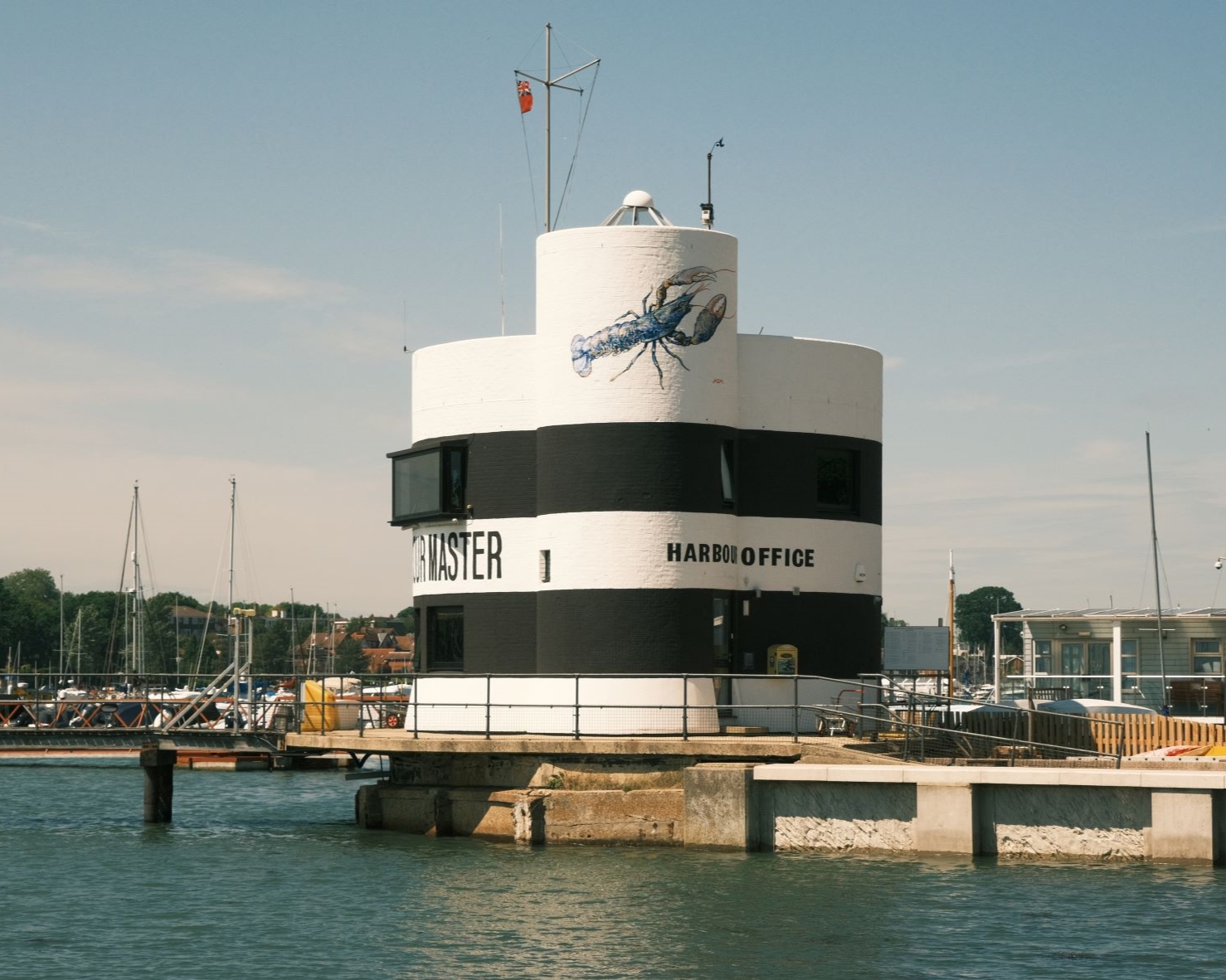
When you rediscover photos that have been stored away for a decade or more, they have a look with faded colours and a shift towards red. This retro pink tint look is what the Decade Print film recipe is all about. Something to give images an aged look, like a found image that’s beginning to lose it’s colour.
The recipe is based upon Classic Negative and uses a +5, -3 colour shift to add the tint. Colour is reduced to the minimum possible to add the fade to the look.
If you enjoy this retro style, also try Aerocolor Lomo for an expired film look, and Expired Film 66, for a faded expired film style.
Decade Print Film Recipe Settings
| Film Simulation | Classic Negative |
| Grain Effect | Weak, Small |
| Col. Chr. Effect | Off |
| Col. Chr. Blue | Weak |
| White Balance | Auto, +5 Red, ‑3 Blue |
| Dynamic Range | DR200 |
| Highlights | 0 |
| Shadows | ‑1 |
| Colour | ‑4 |
| Sharpness | ‑2 |
| ISO N.R. | ‑4 |
| Clarity | 0 |
| EV Comp. | +1/3 |
Similar Recipes

More similar recipes, and hundreds more exclusive looks, are available in the Film Recipes App.

Get the Film Recipes App
App-exclusive recipes you won’t find anywhere else


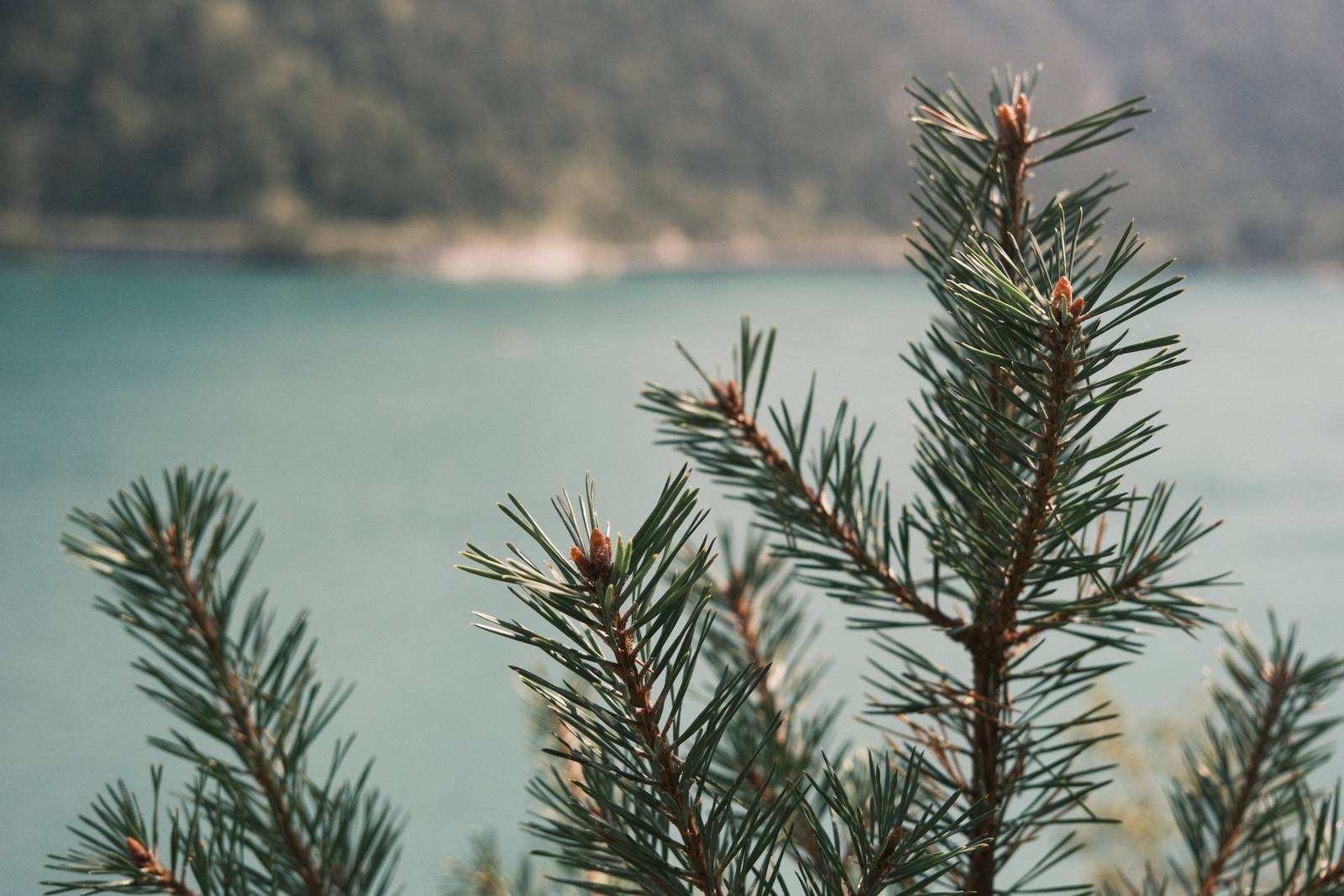
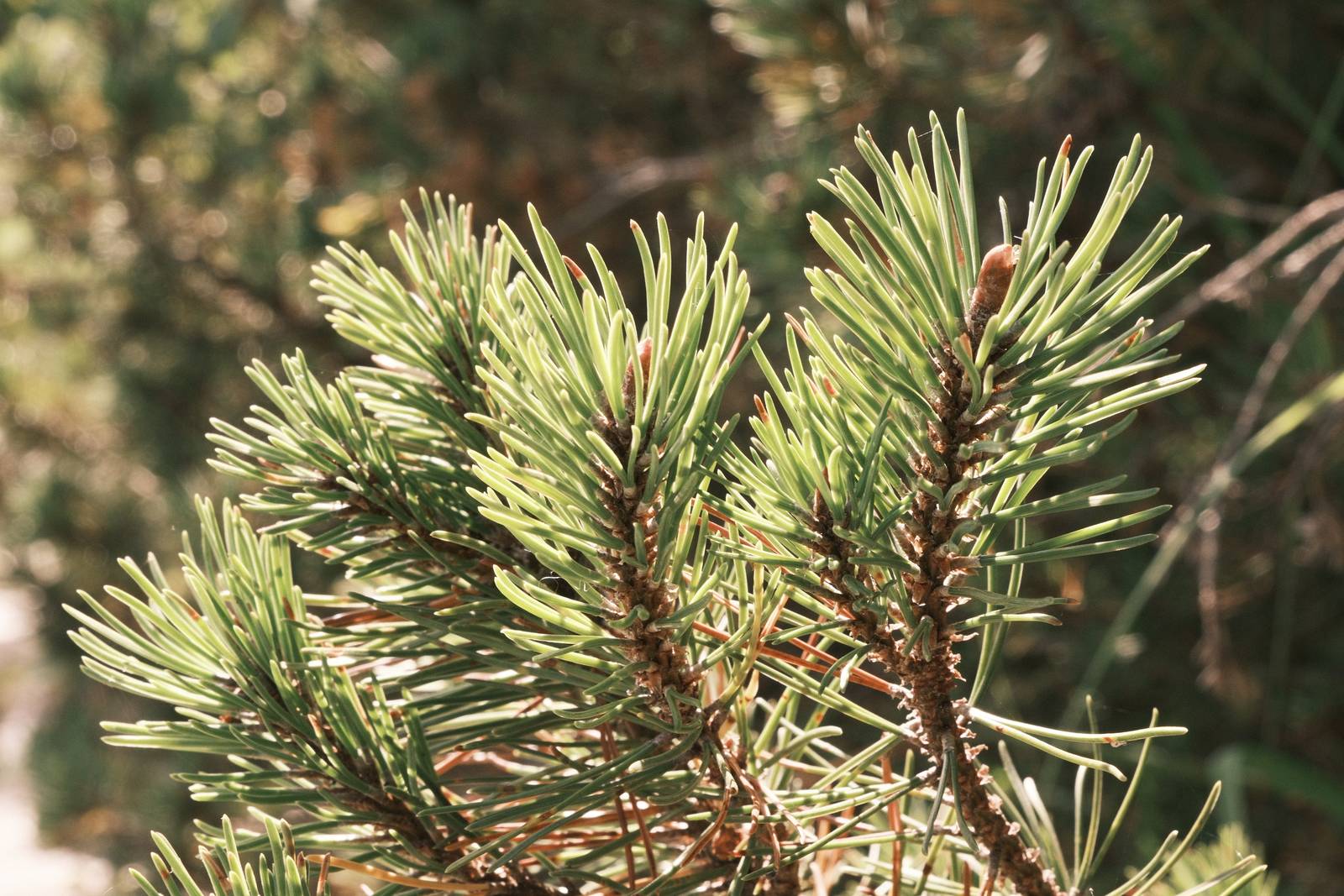
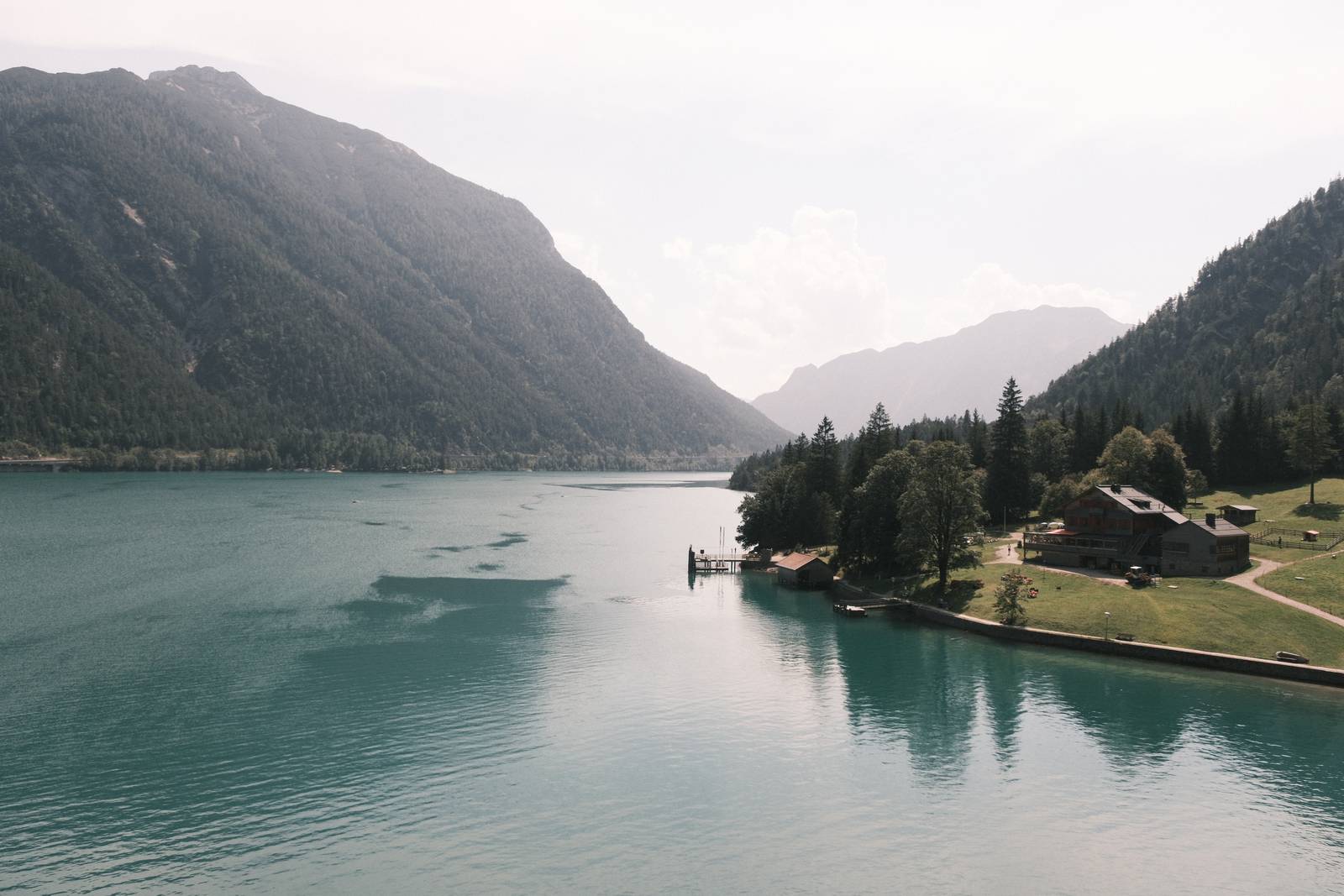
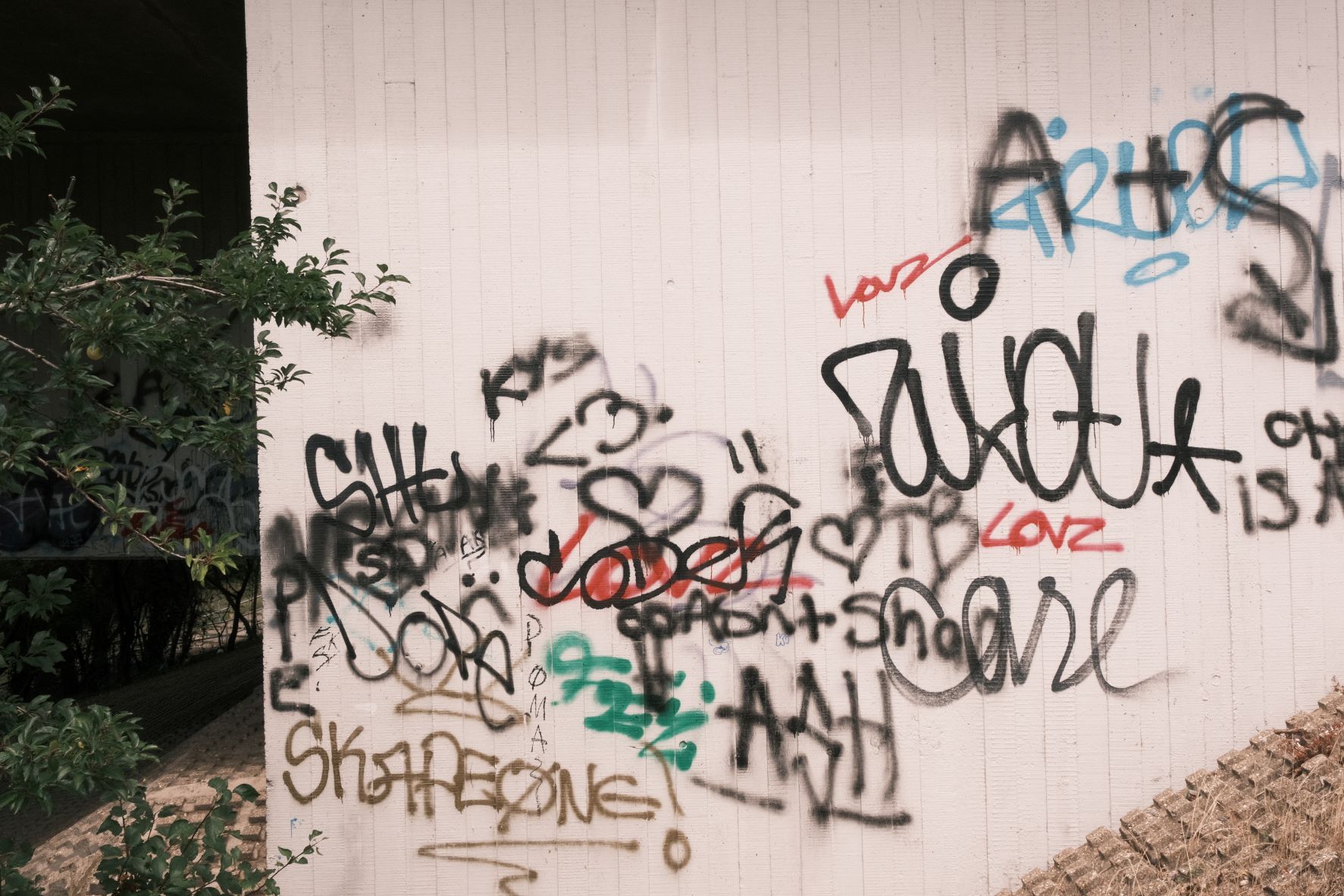
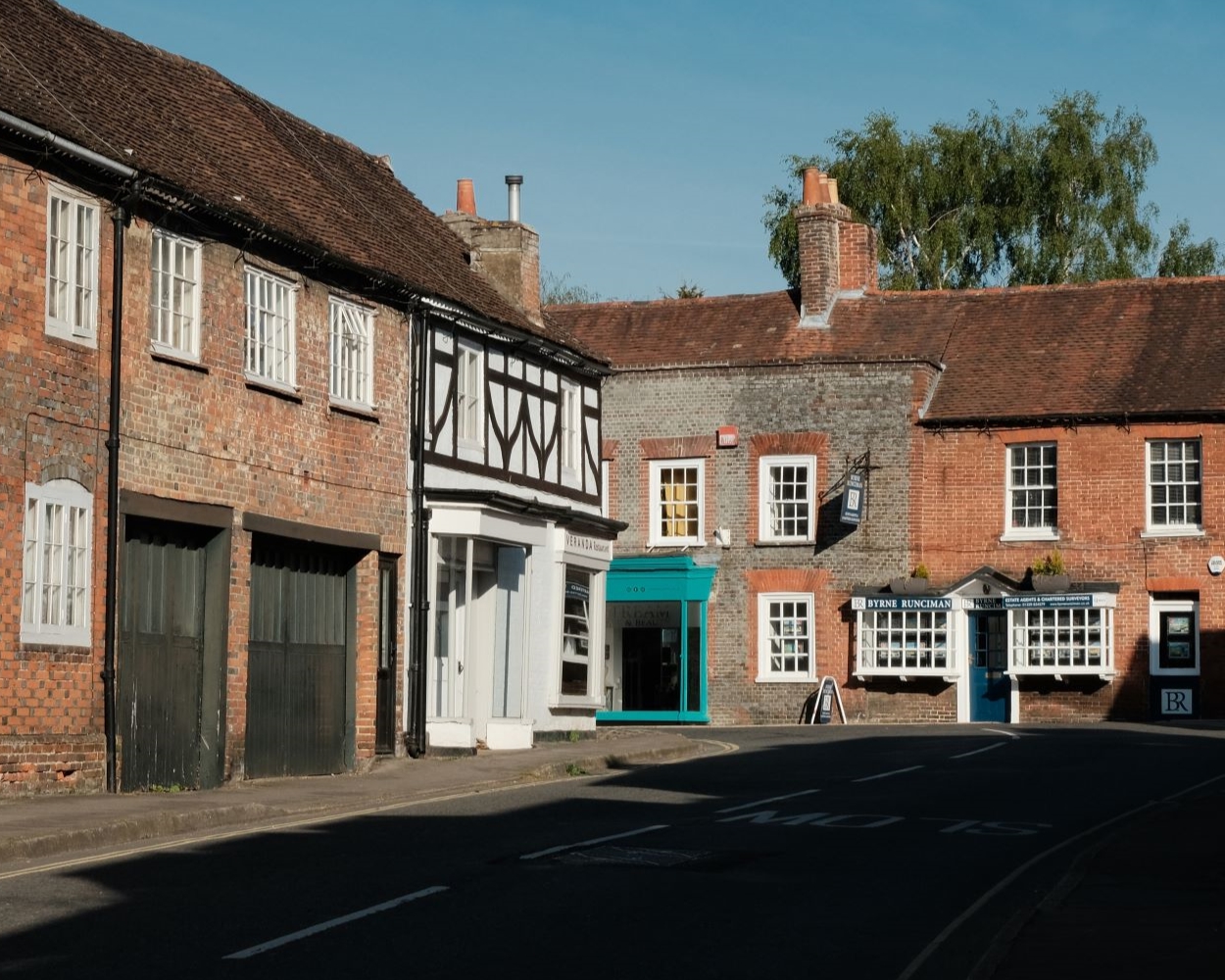
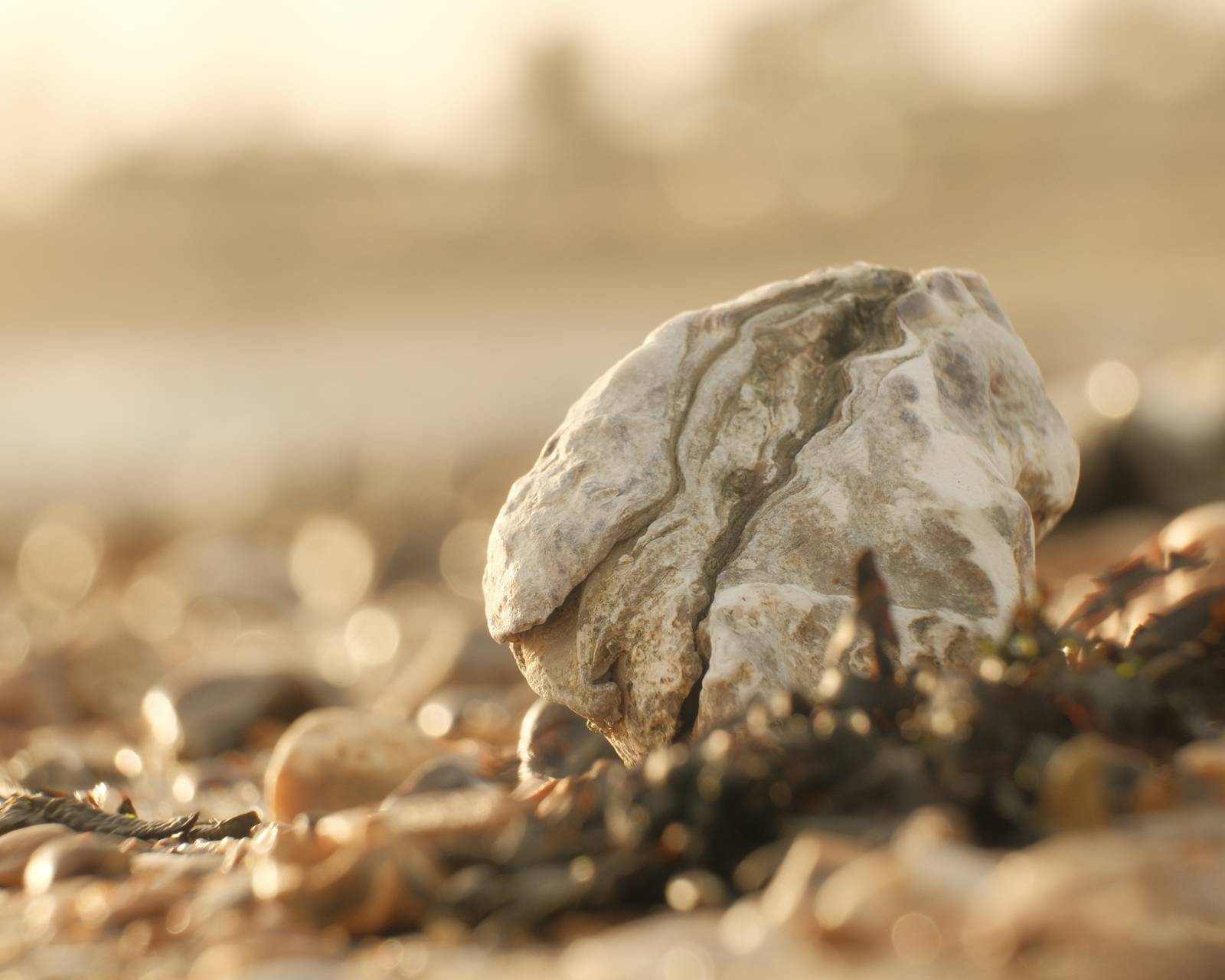
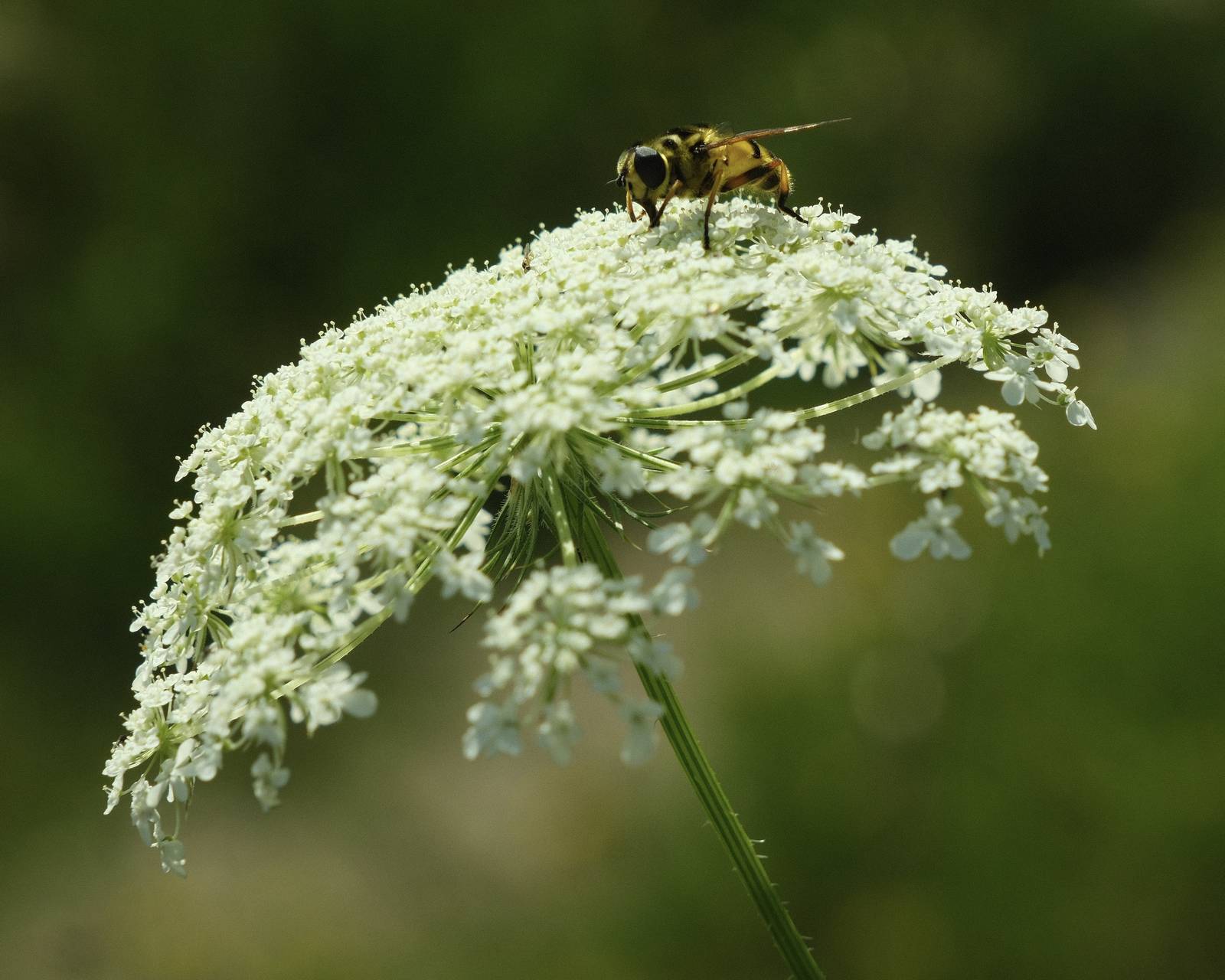
Decade Print Film Recipe: Sample Photos

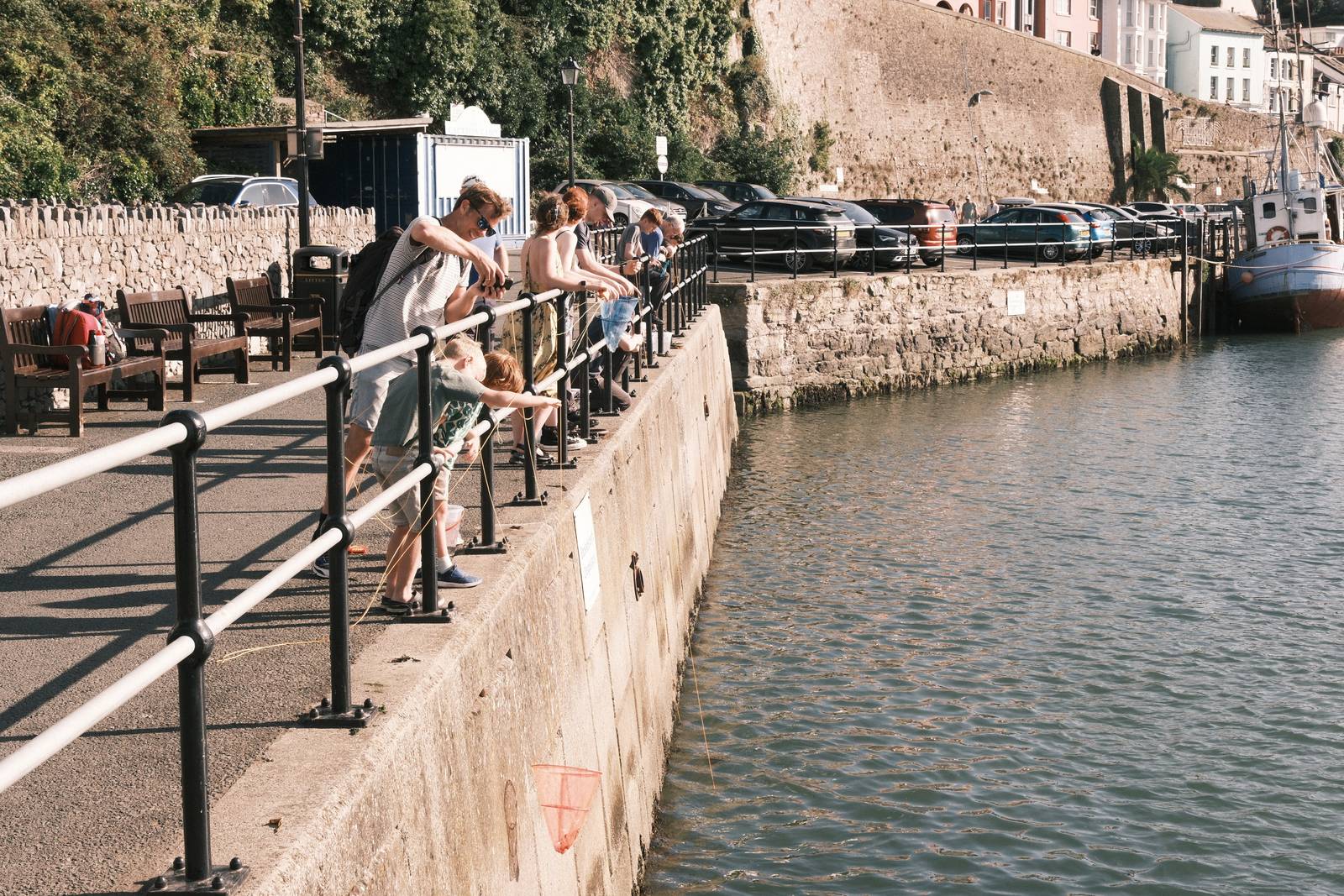


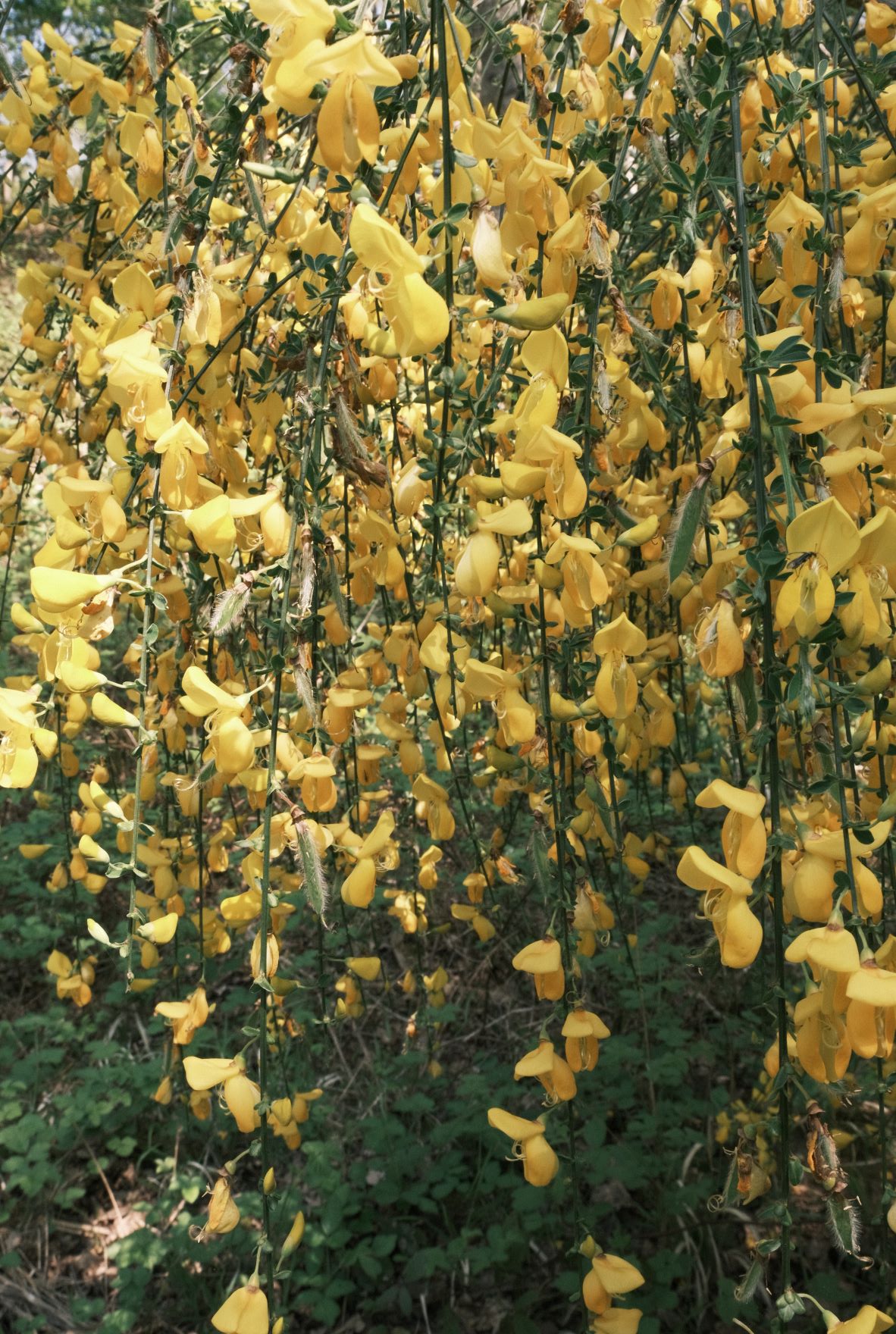
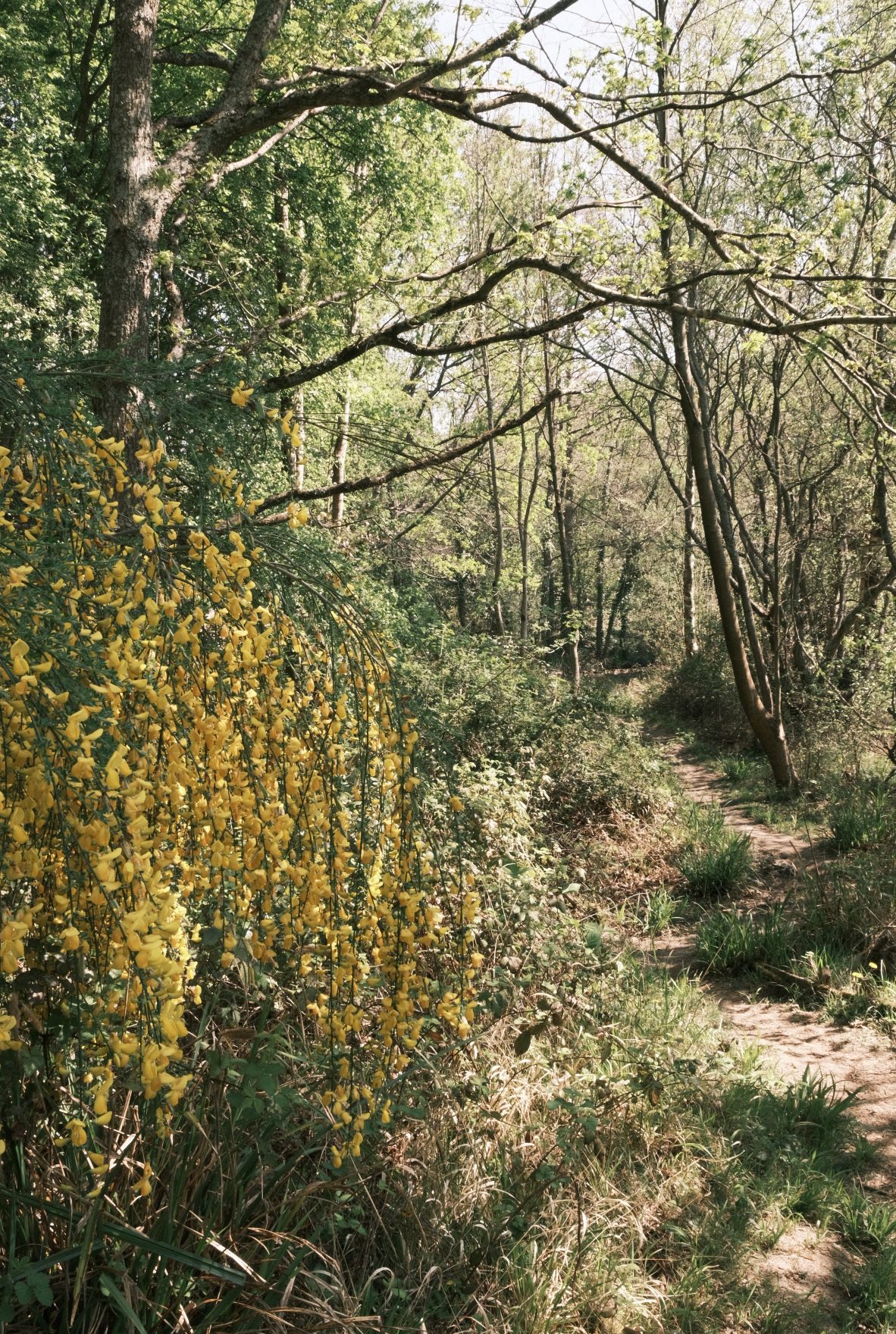
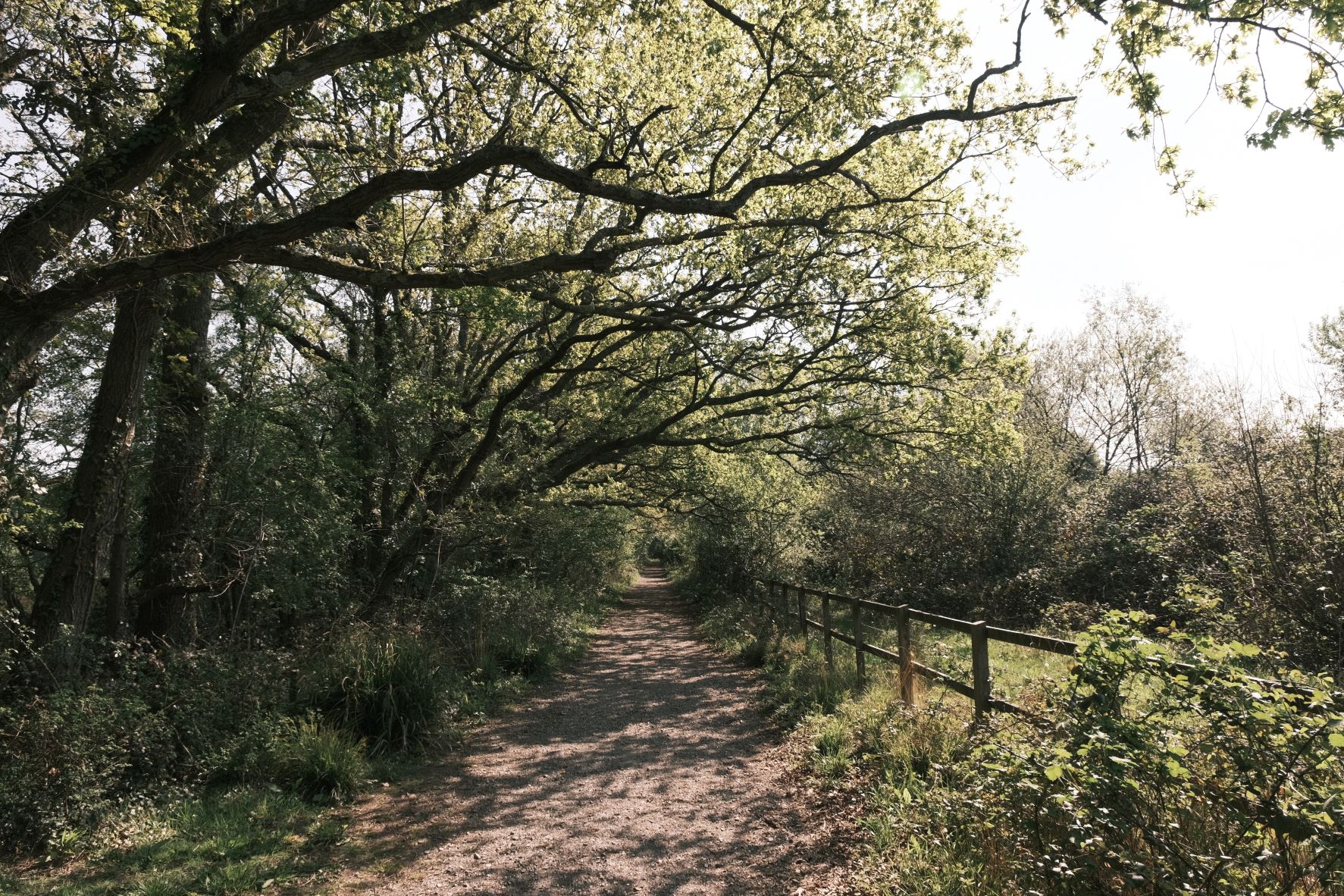


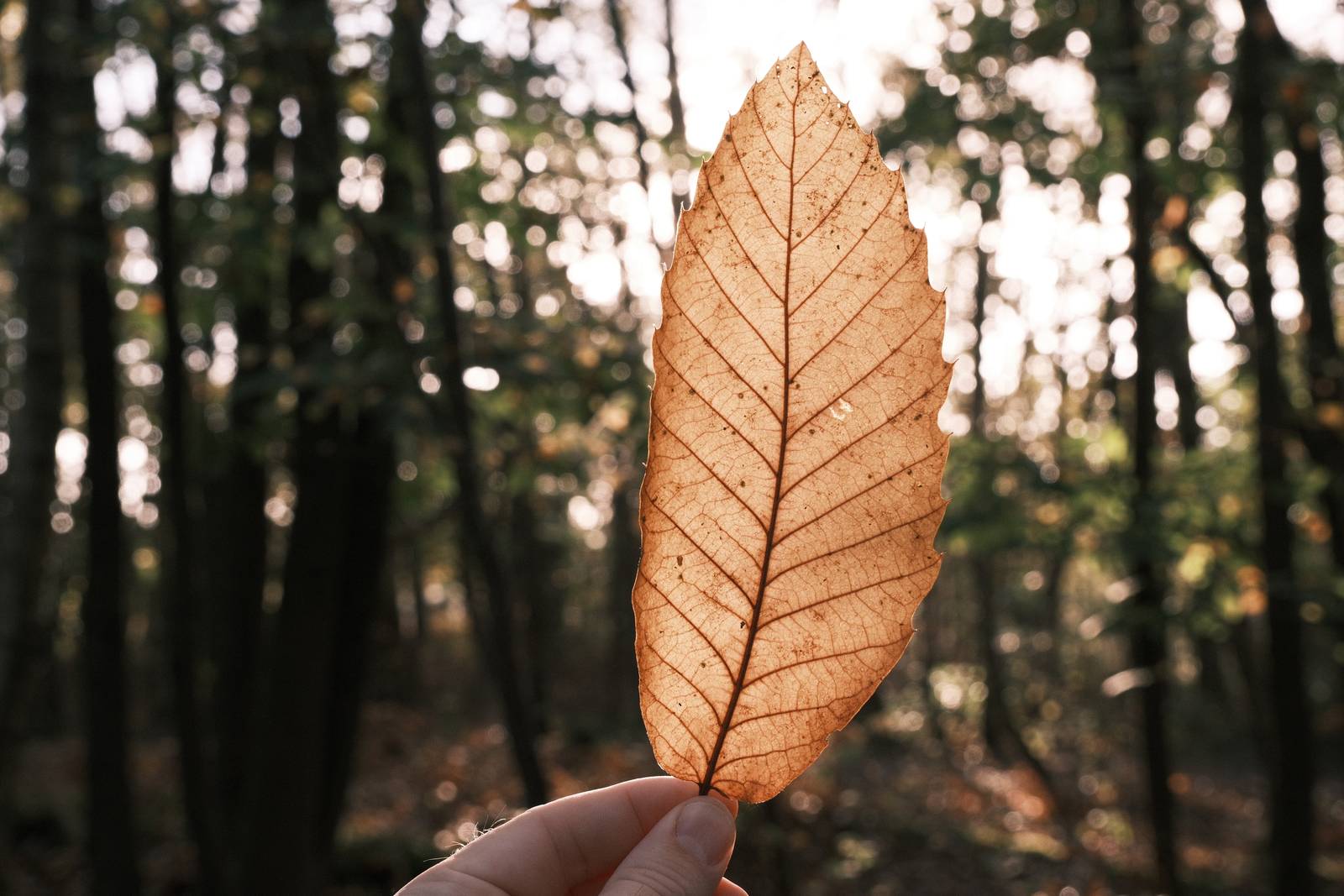
Using the Decade Print Film Recipe
Each film simulation recipe has its own character and style. These features mean recipes are more suited to certain situations, or when seeking a particular look. Here are the categories that Decade Print has been tagged with.





Leave a Reply