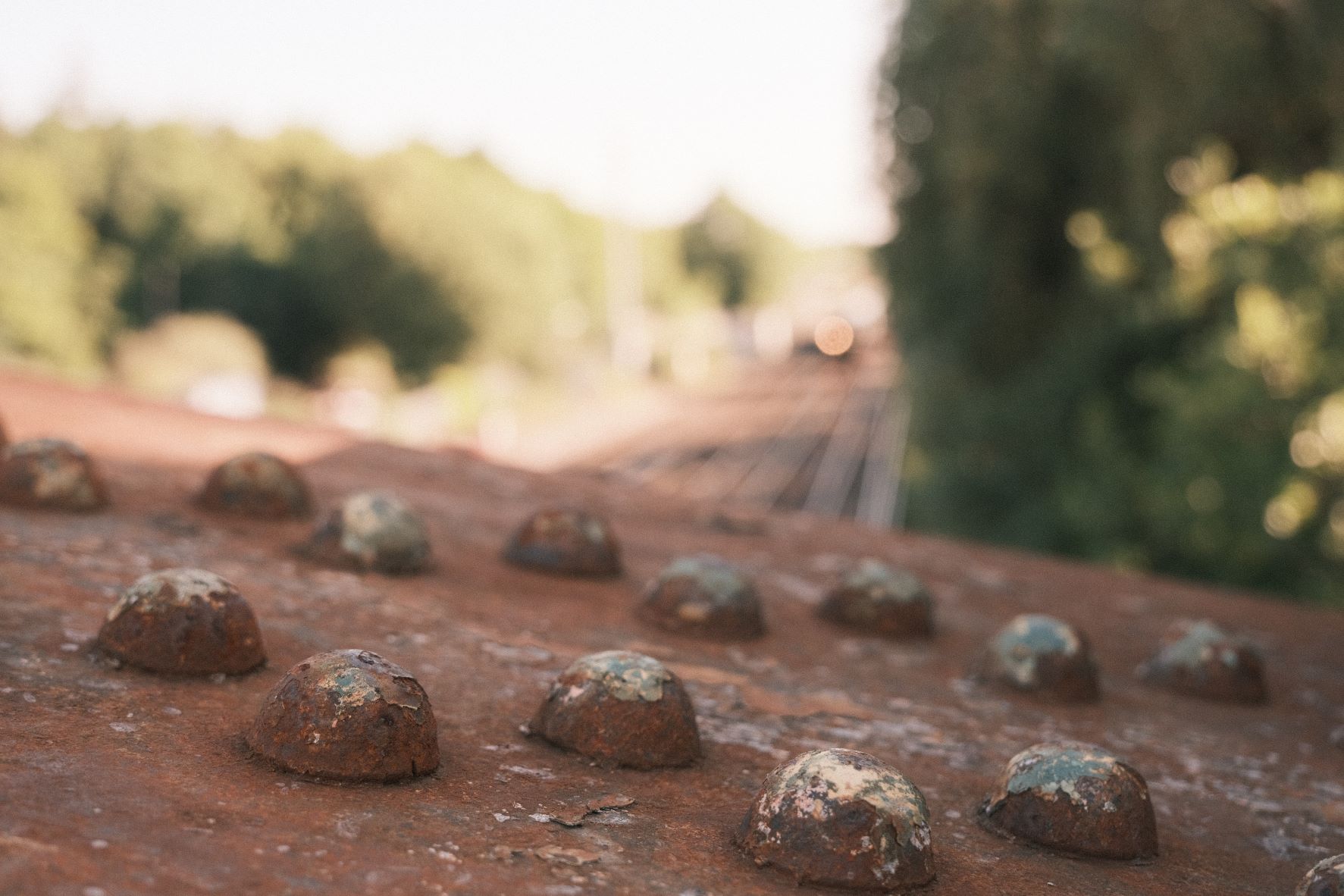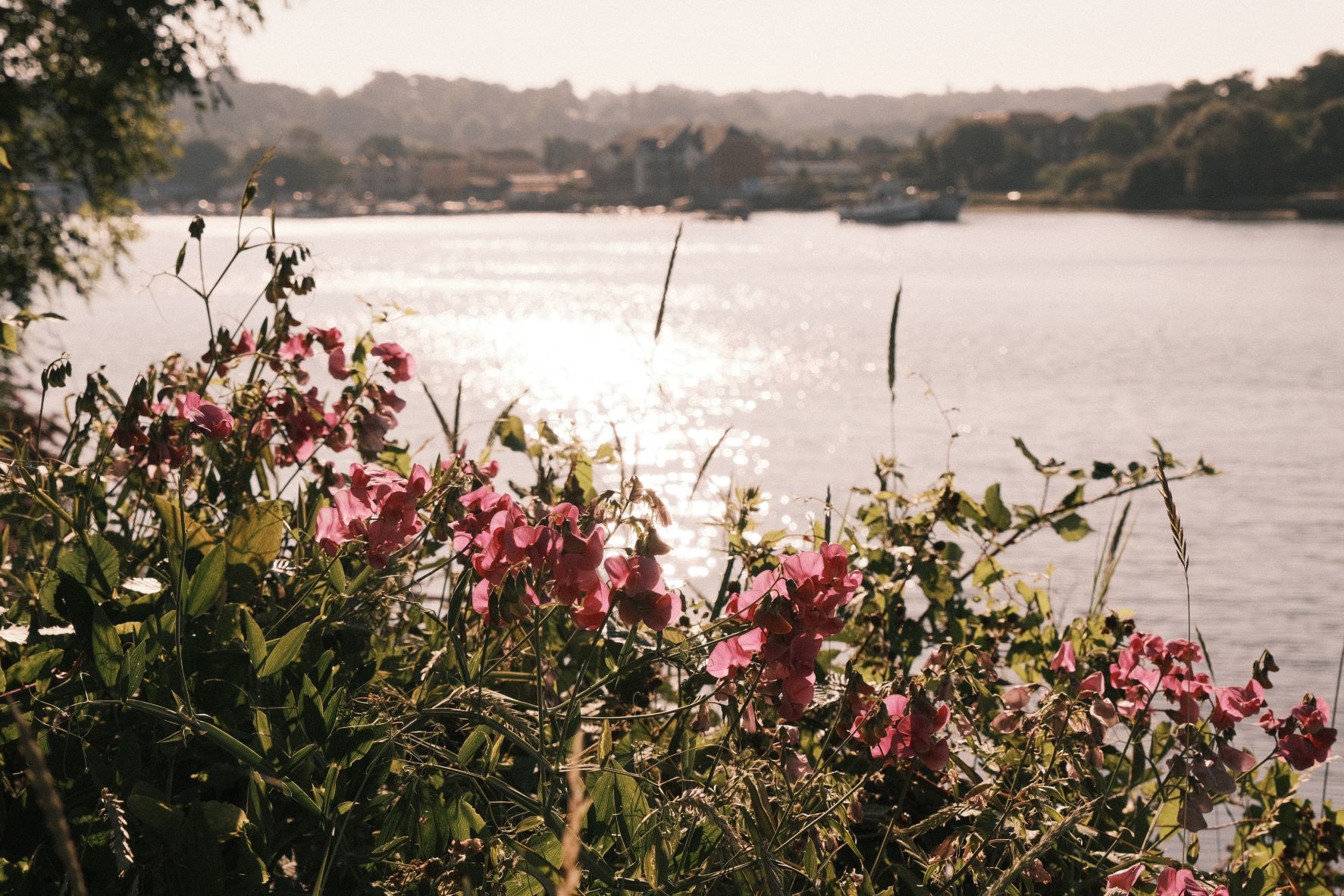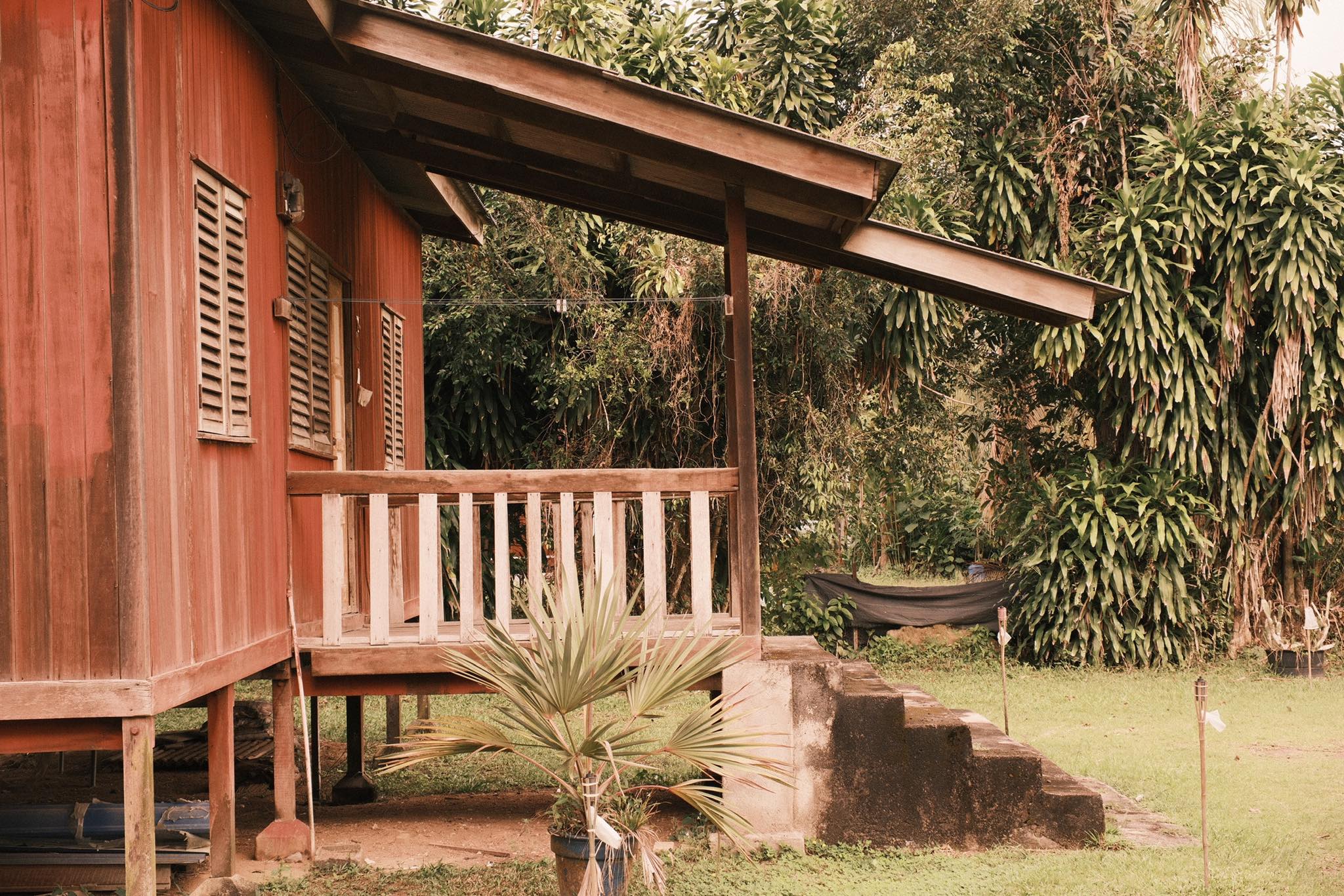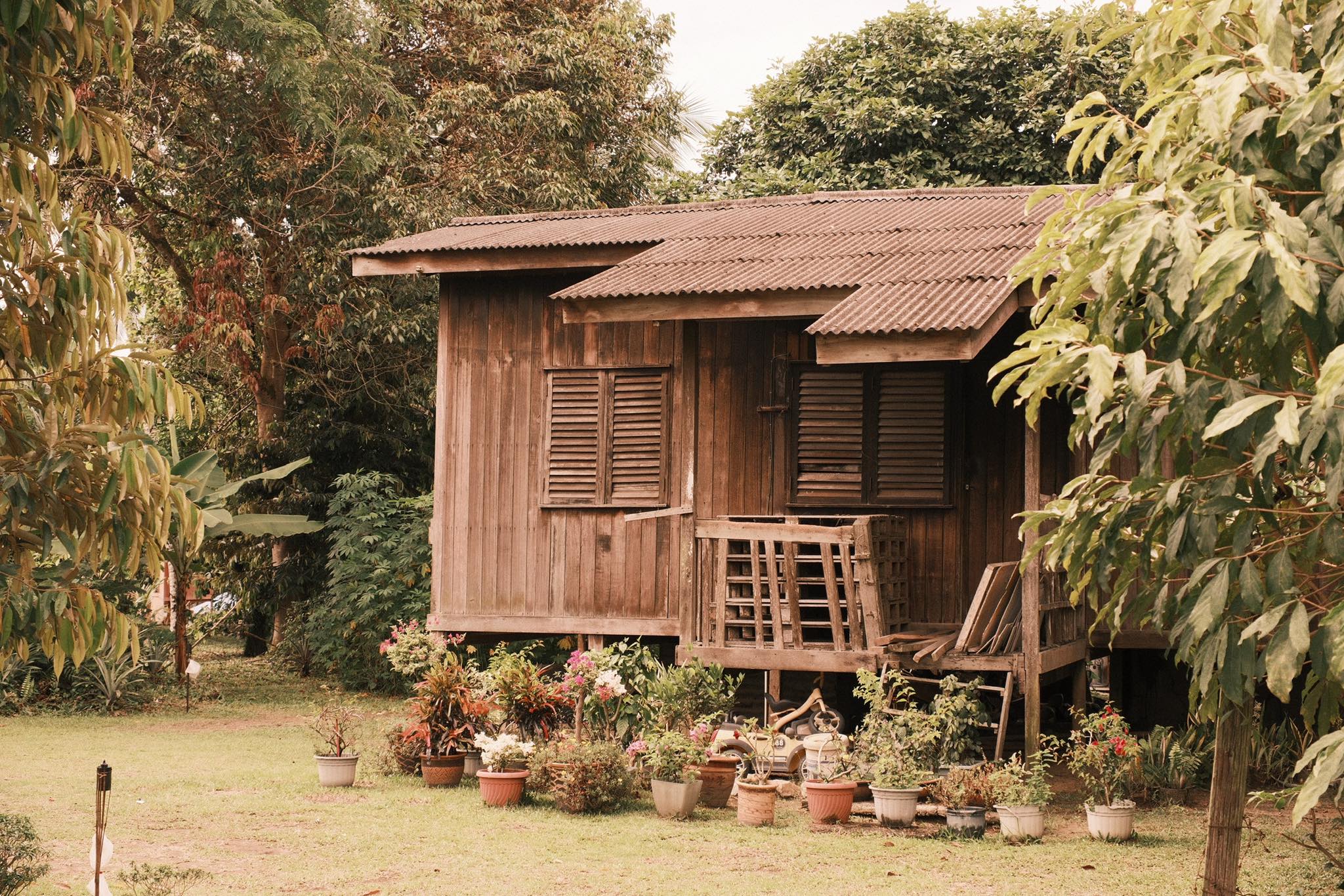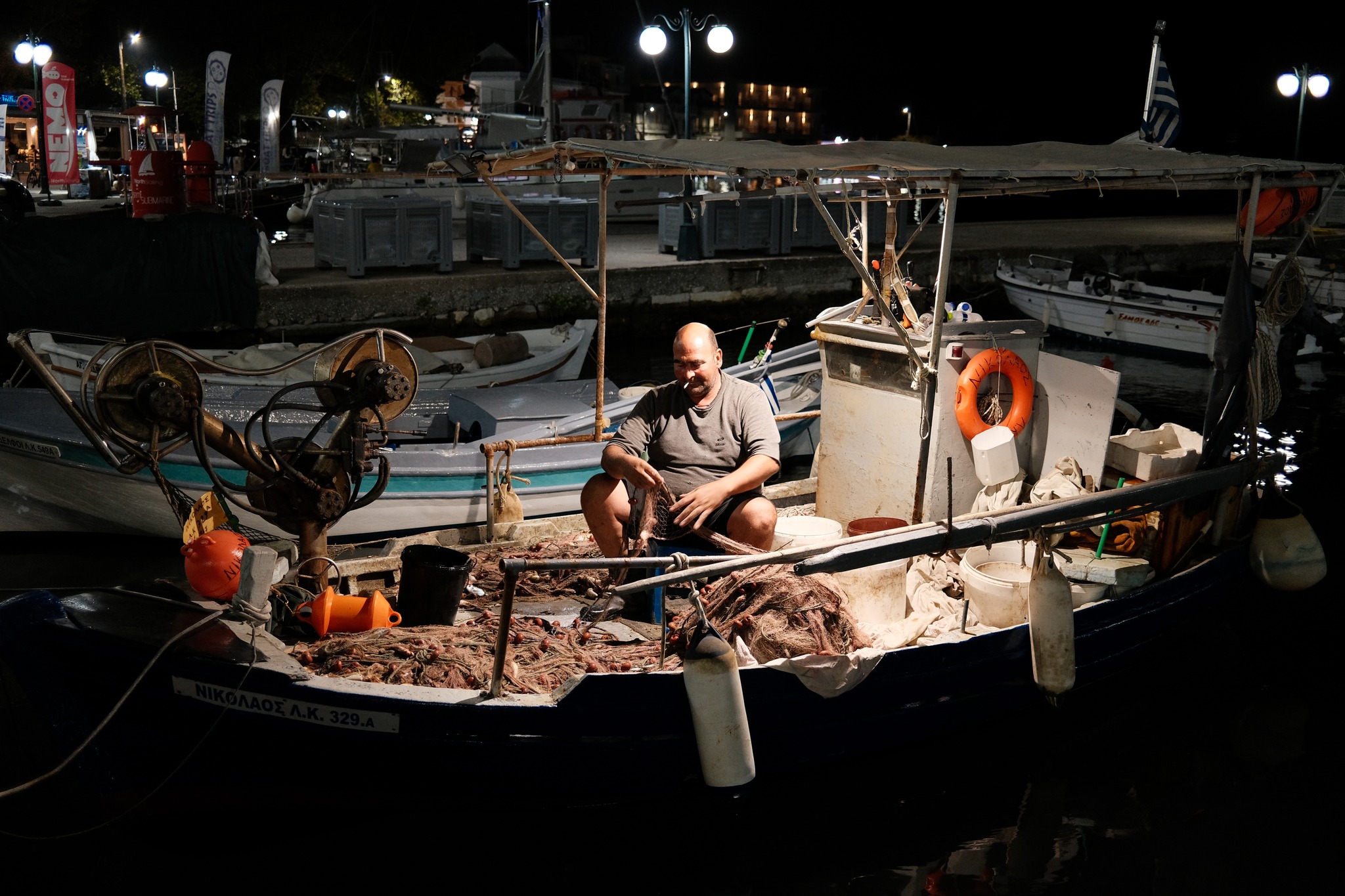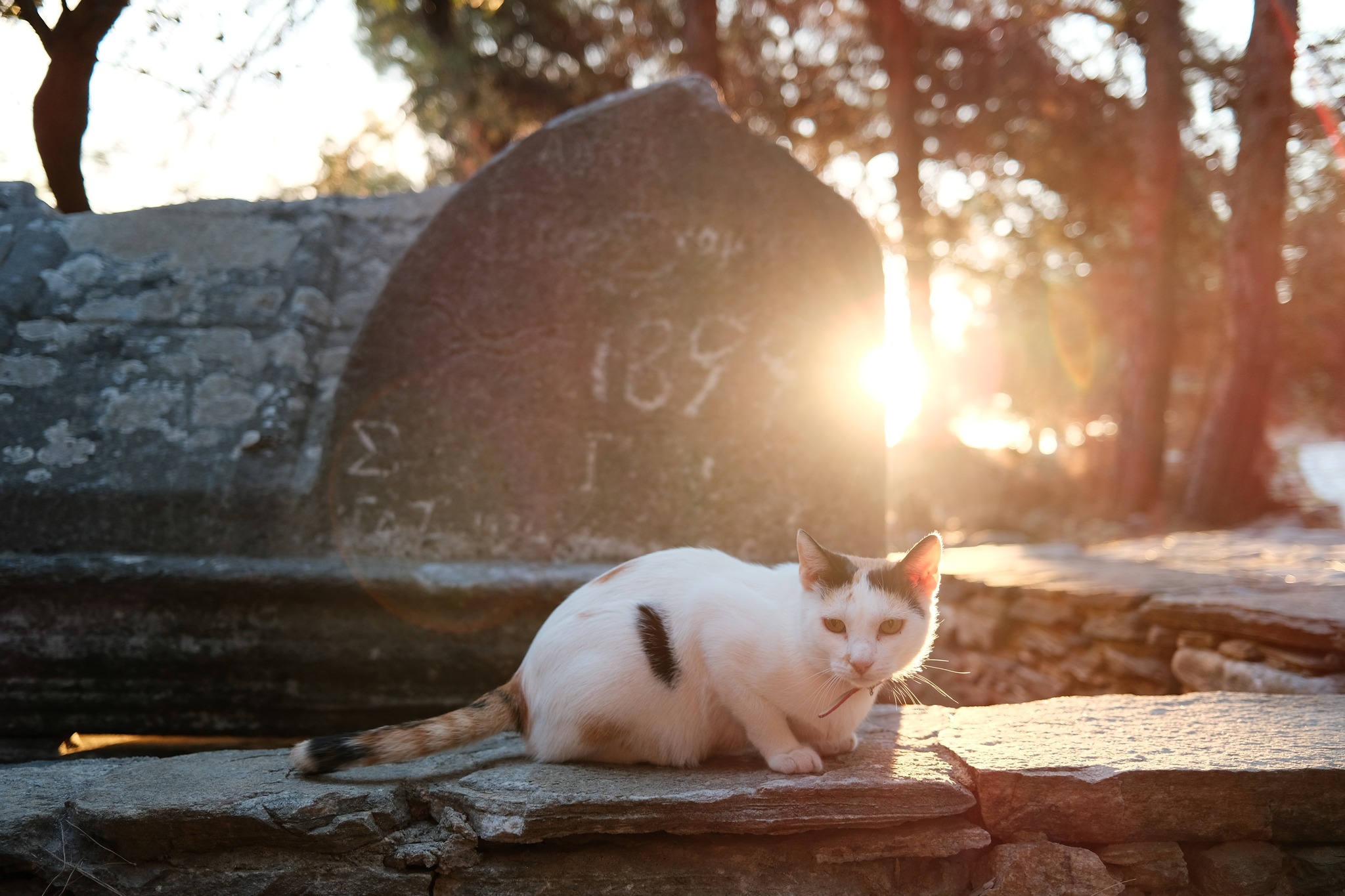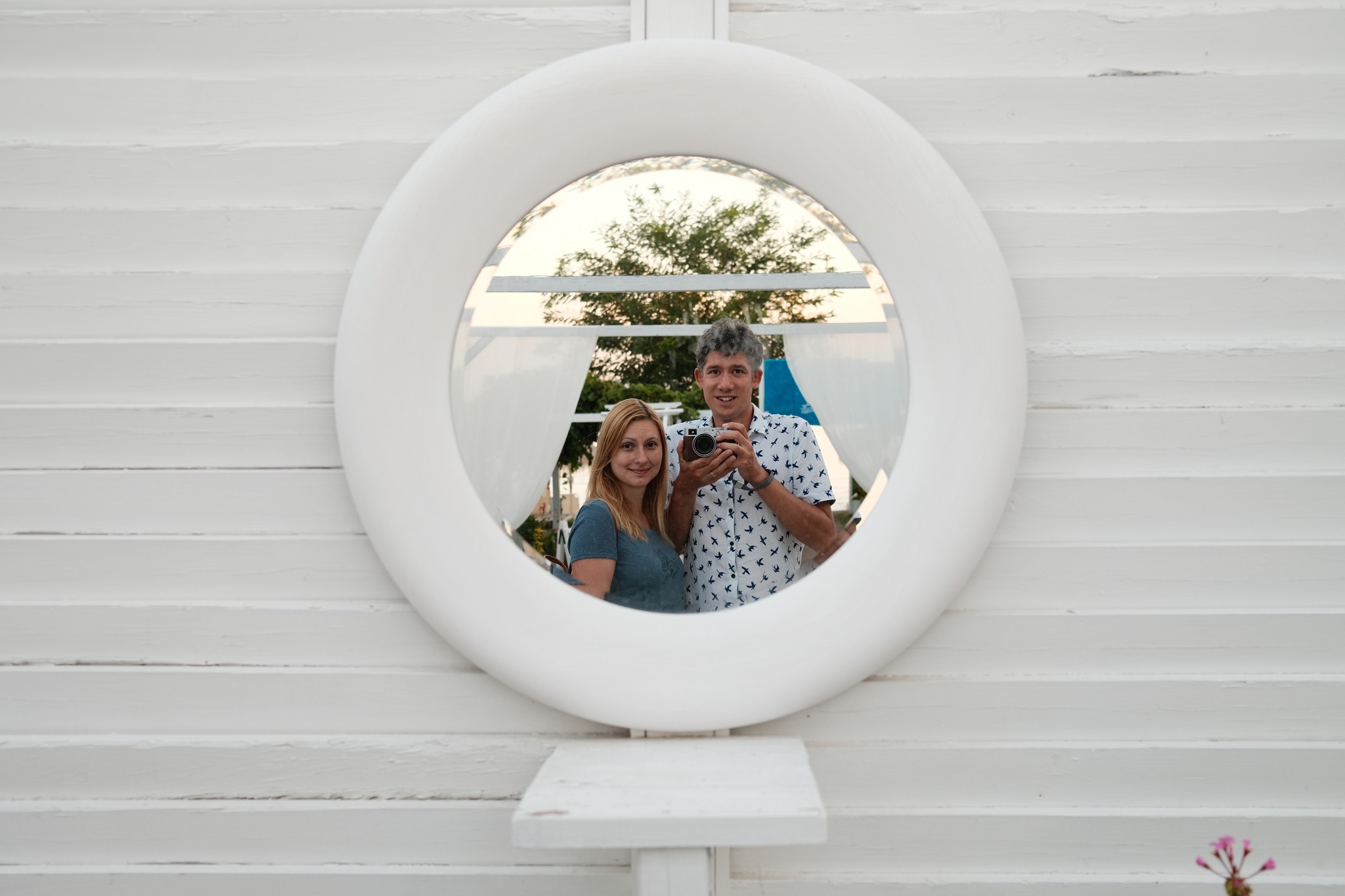
Classic Negative film simulation recipe with rich colour in golden hour

Dawnstar
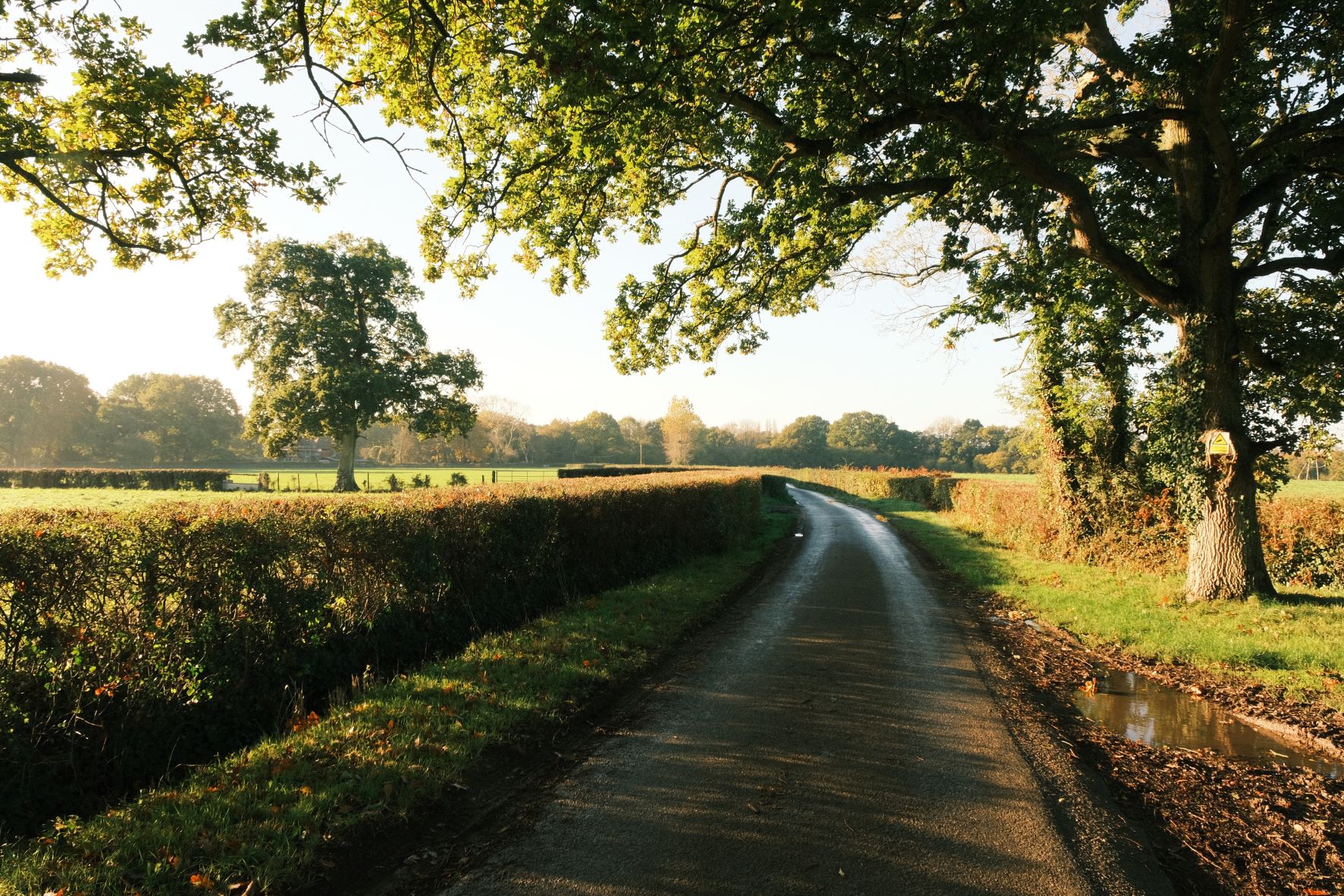
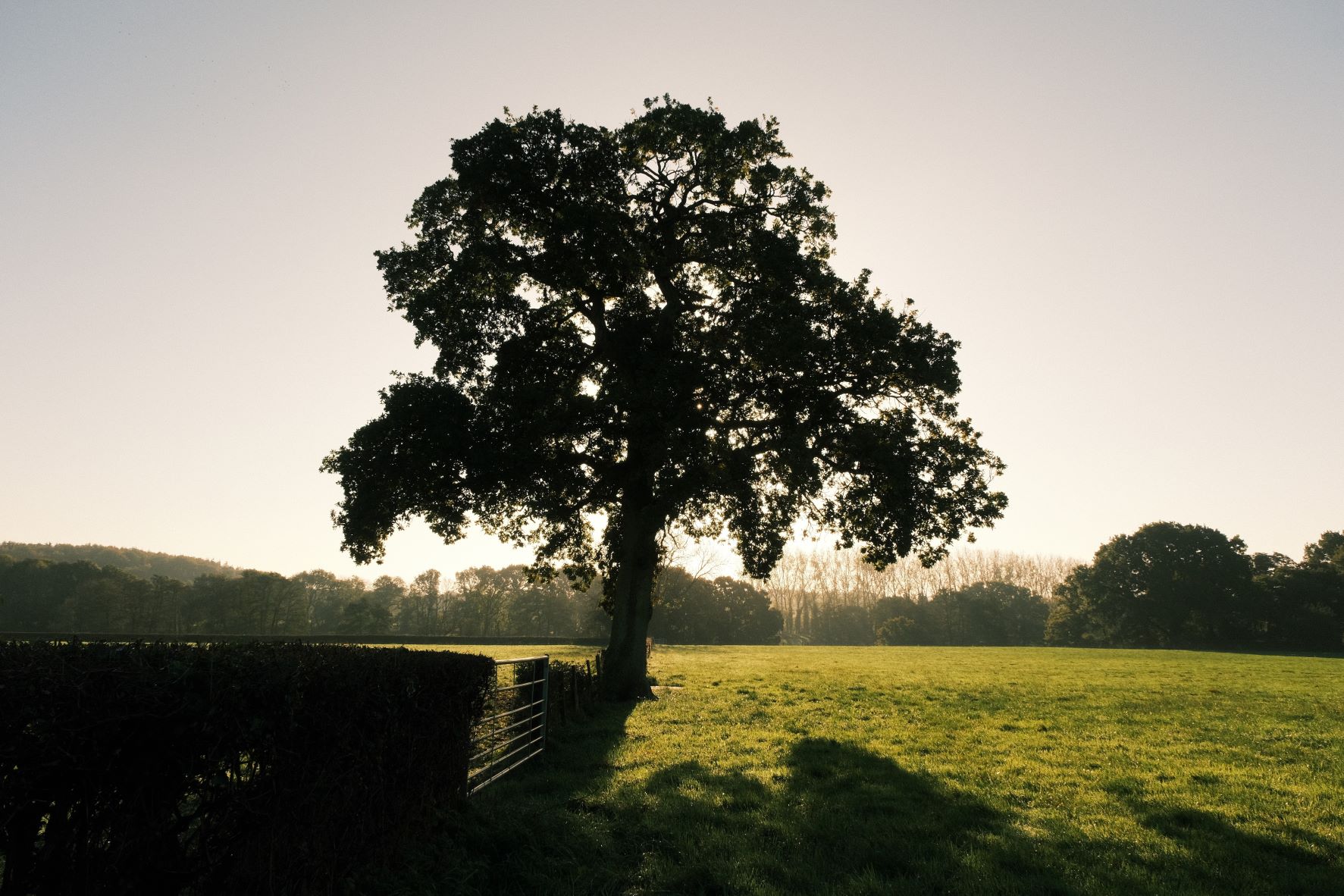
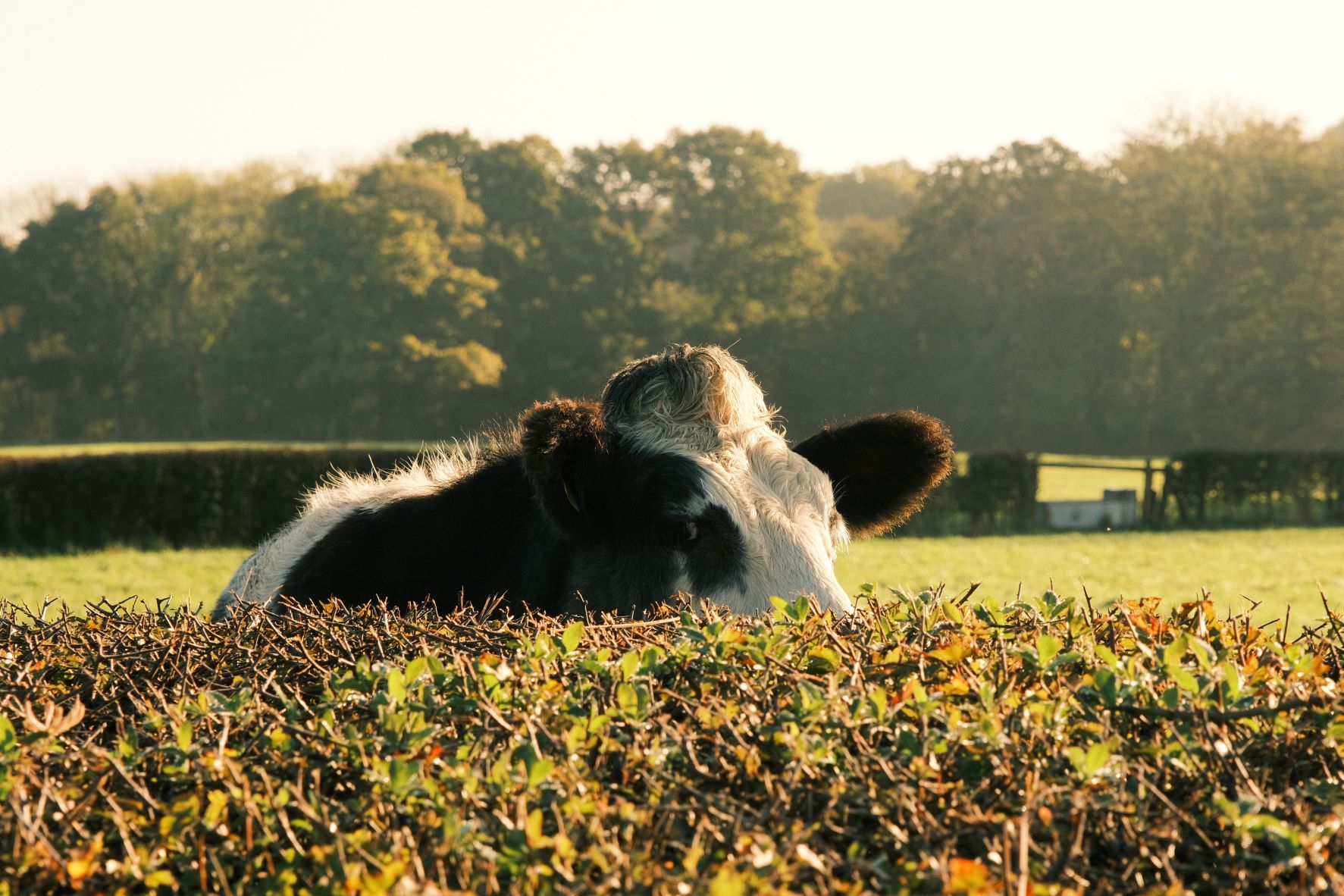
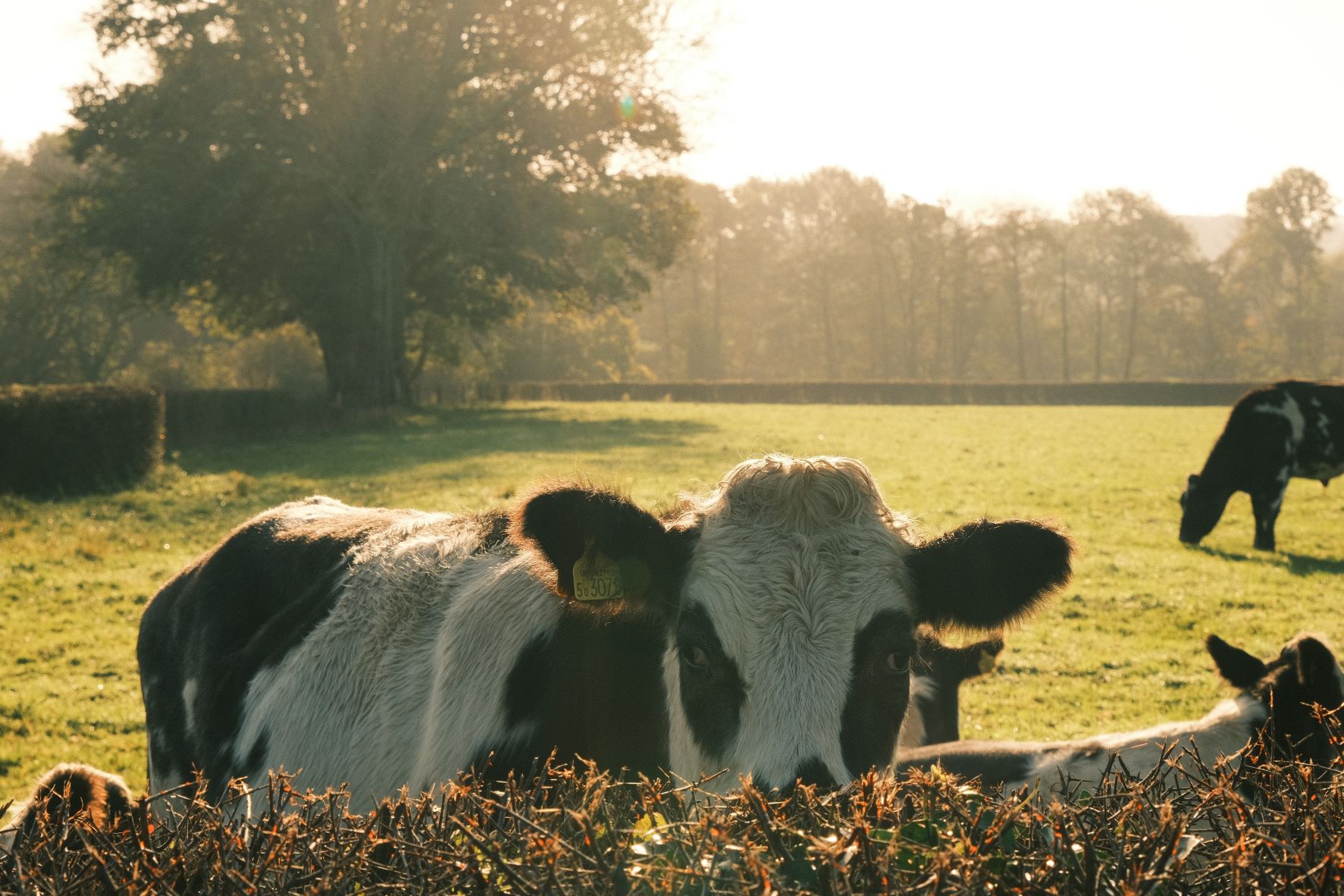
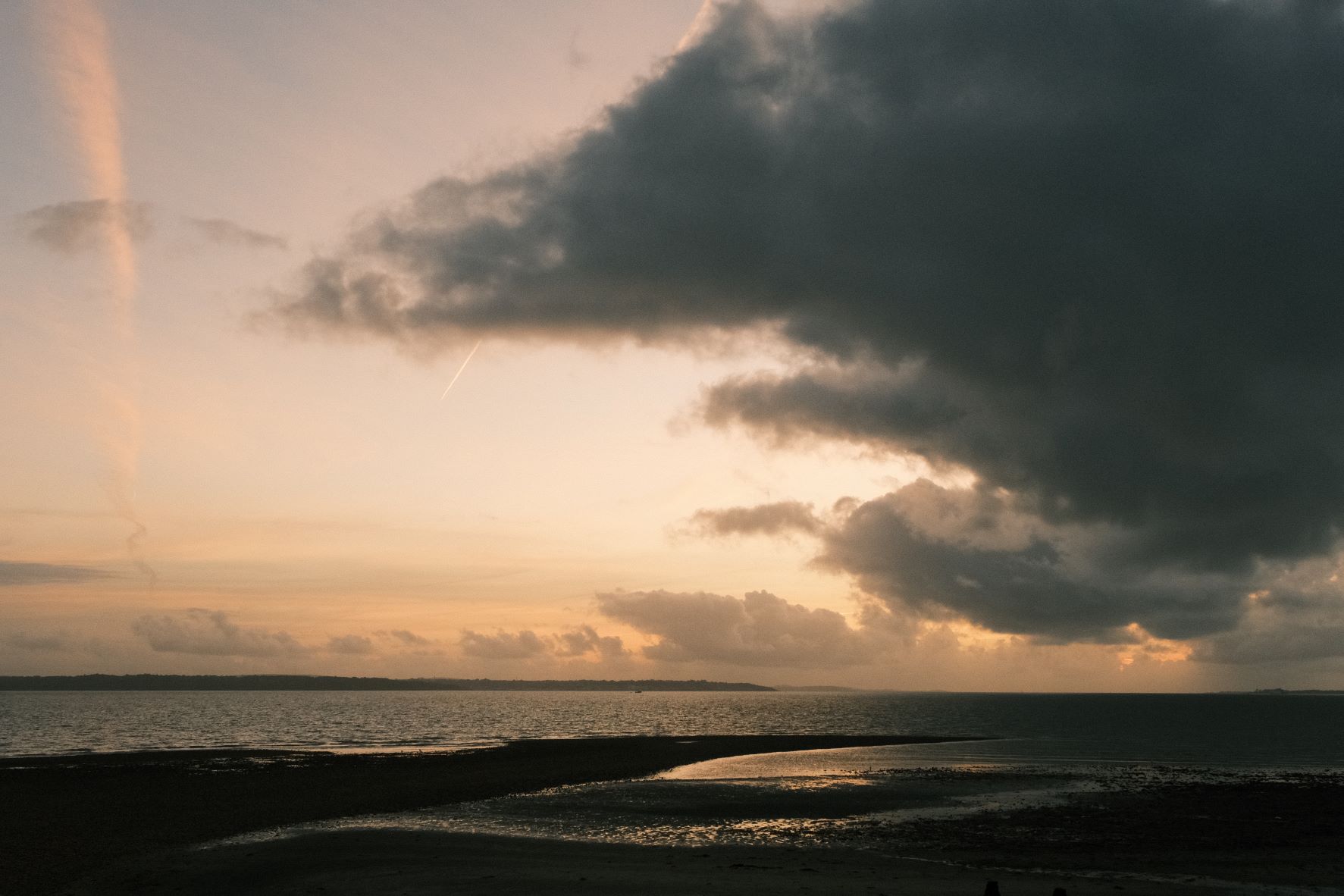
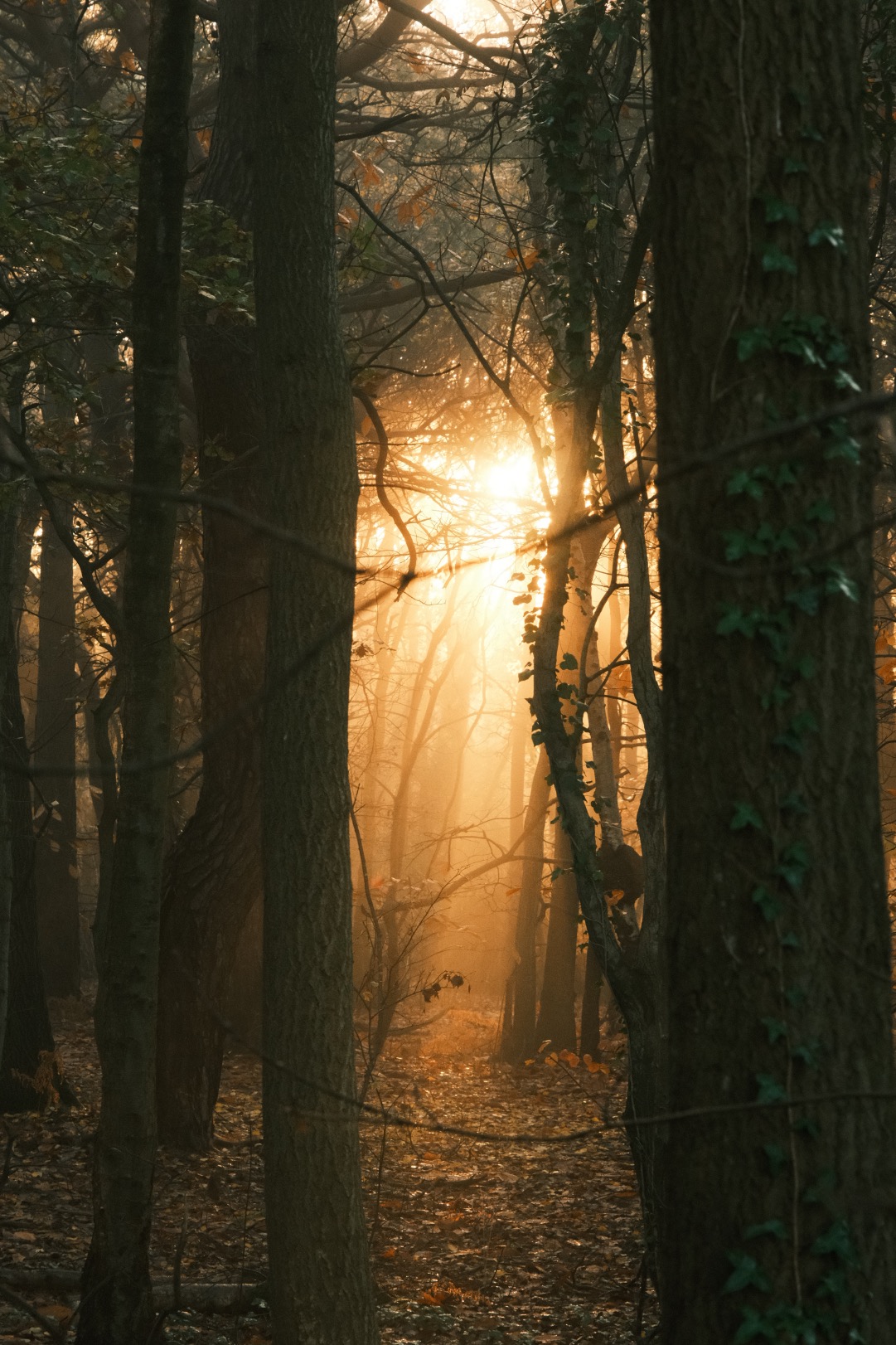
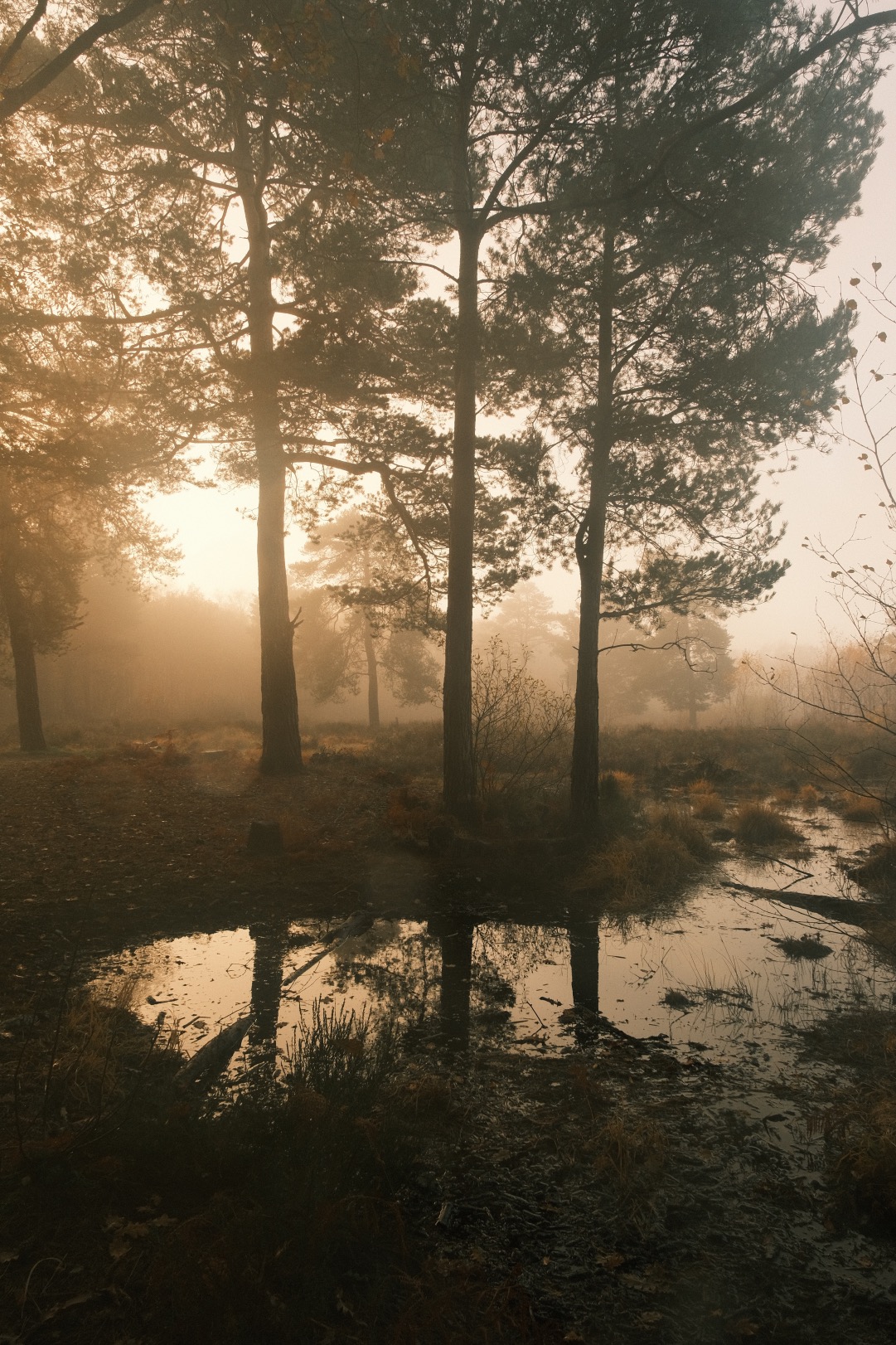
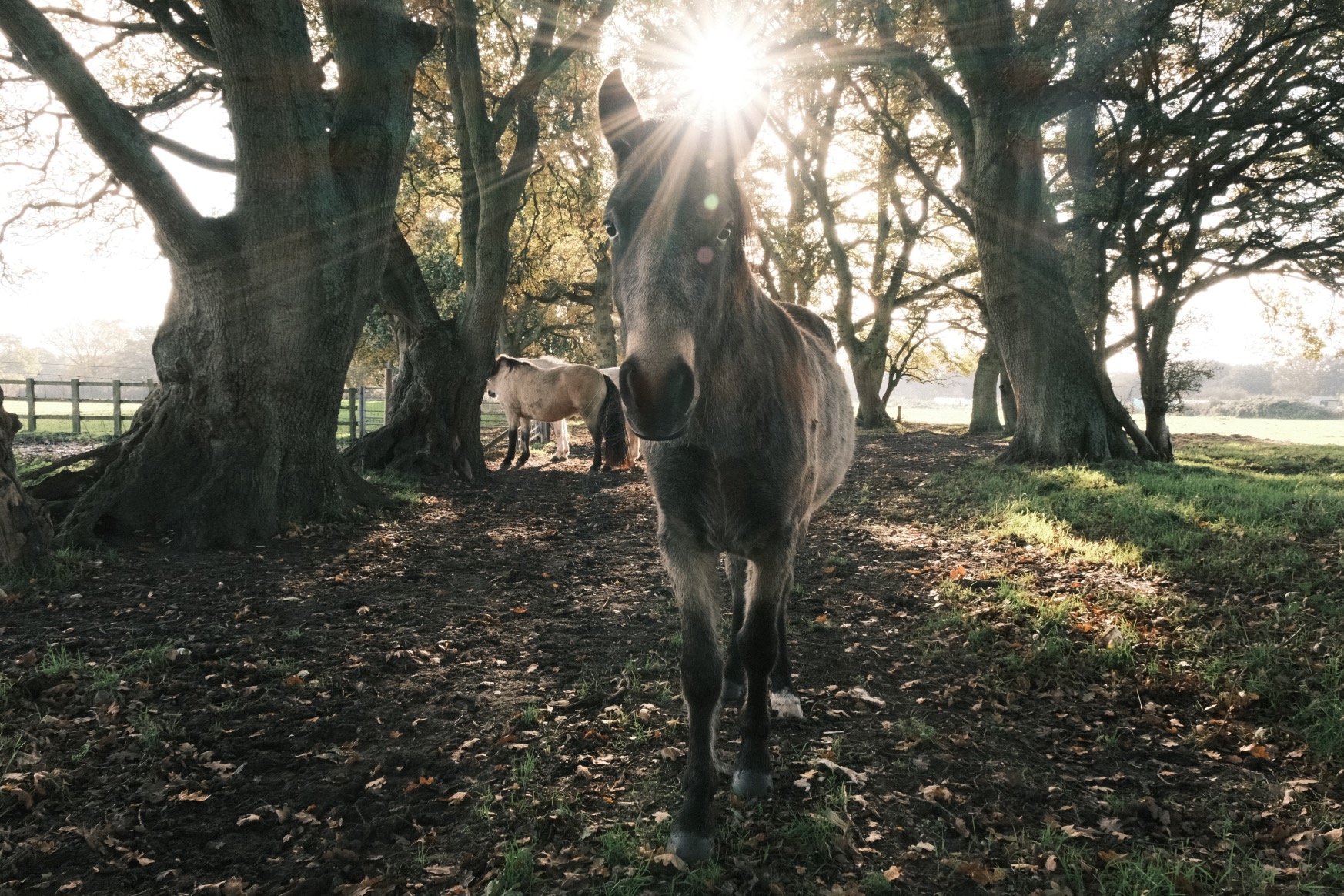
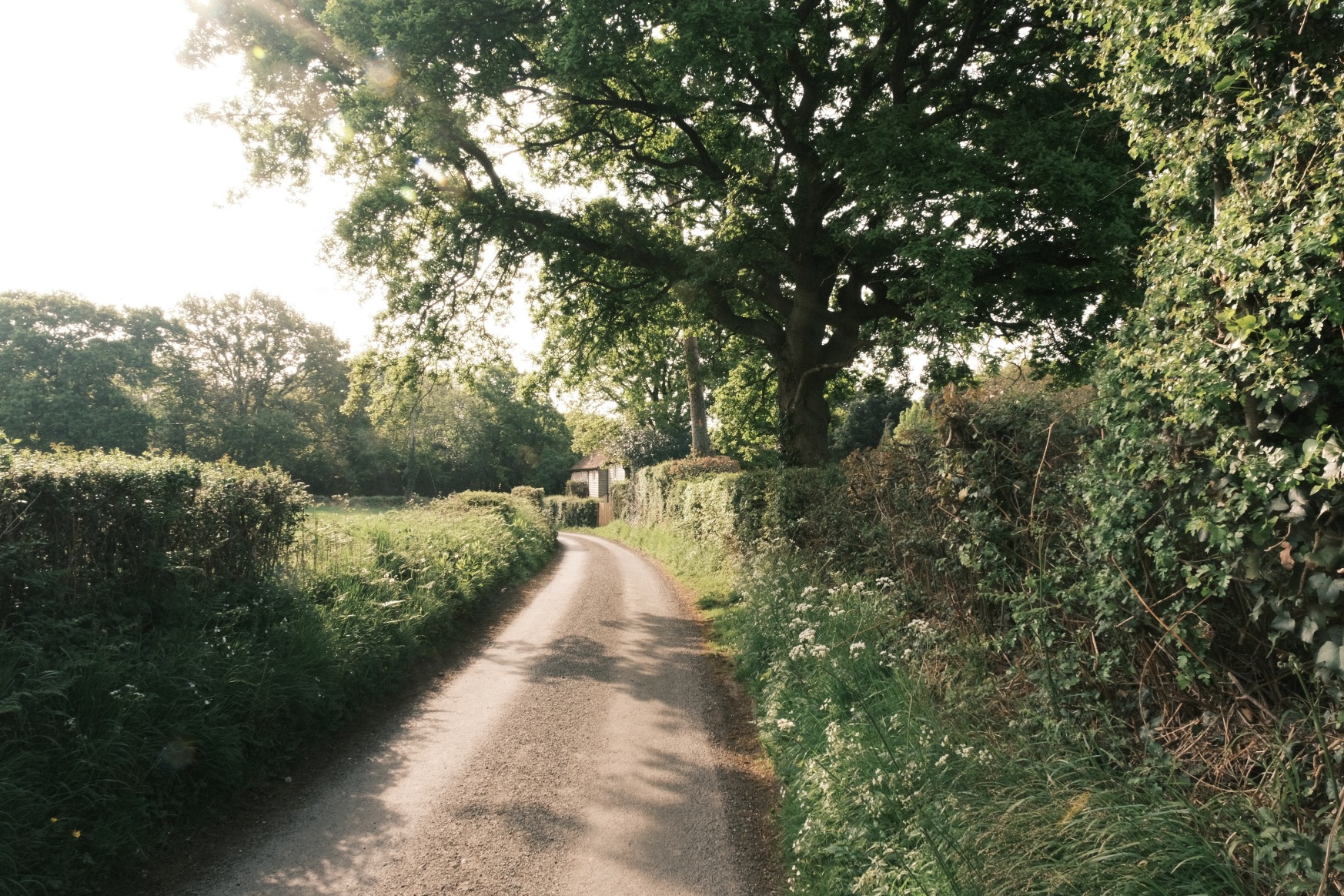
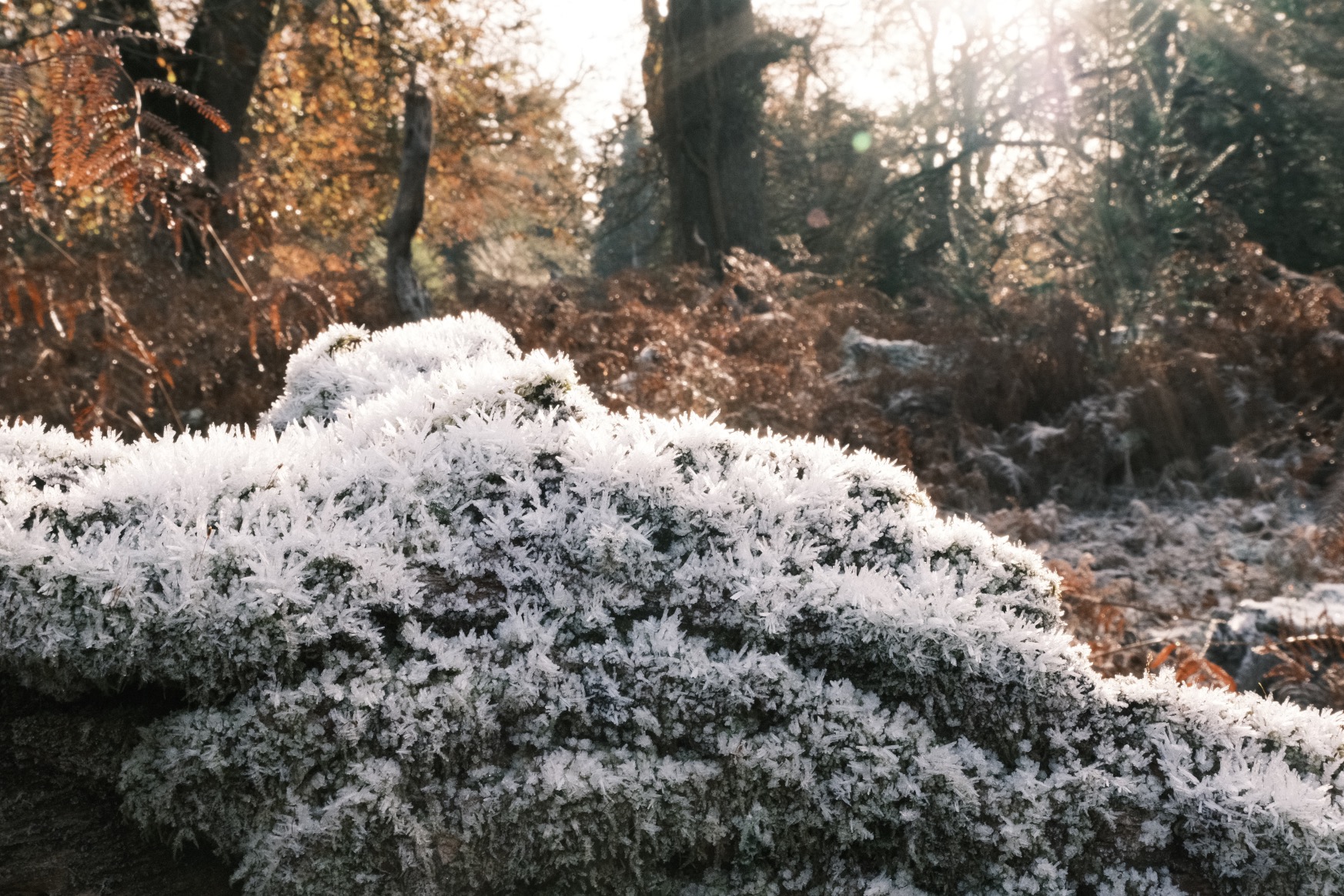
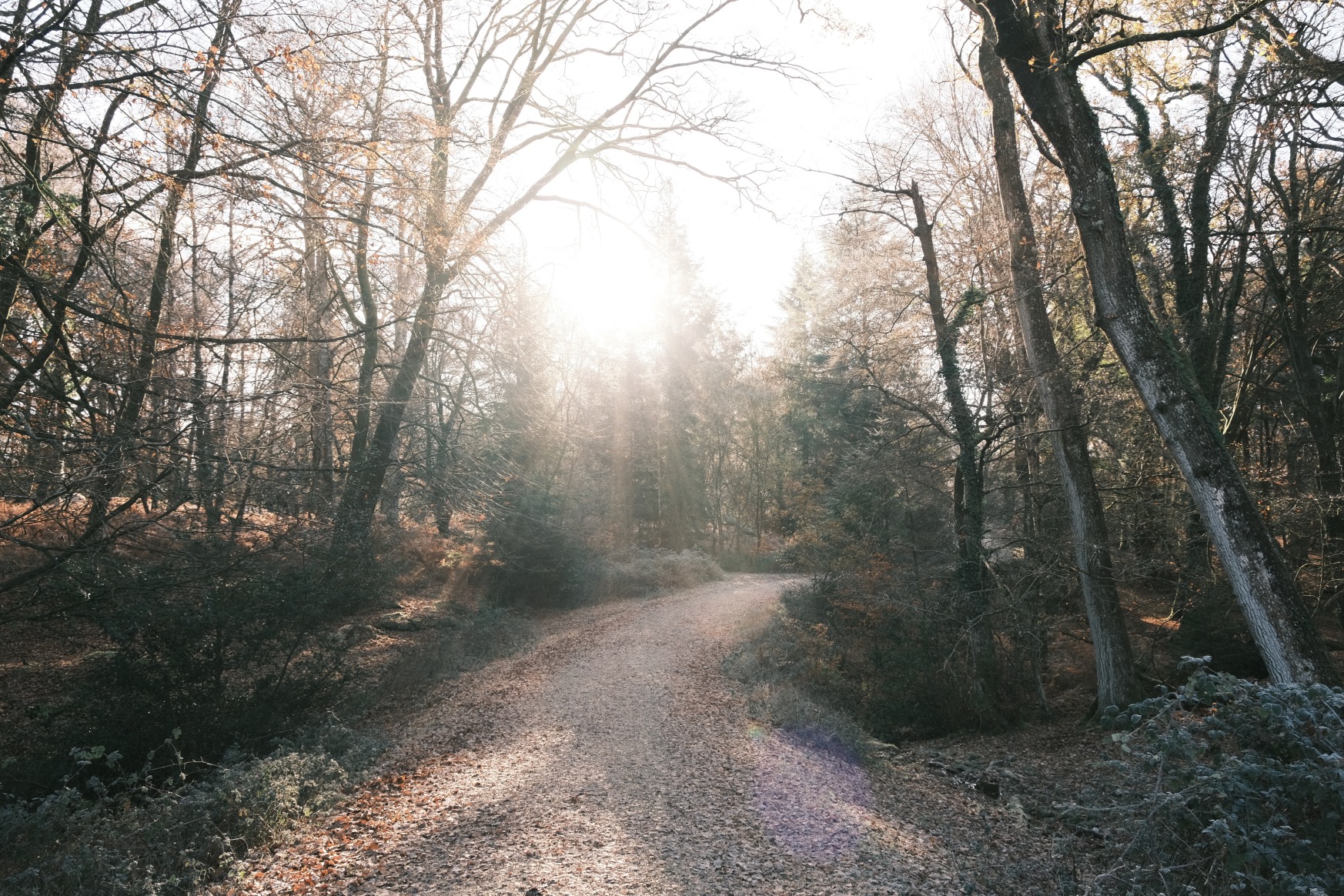
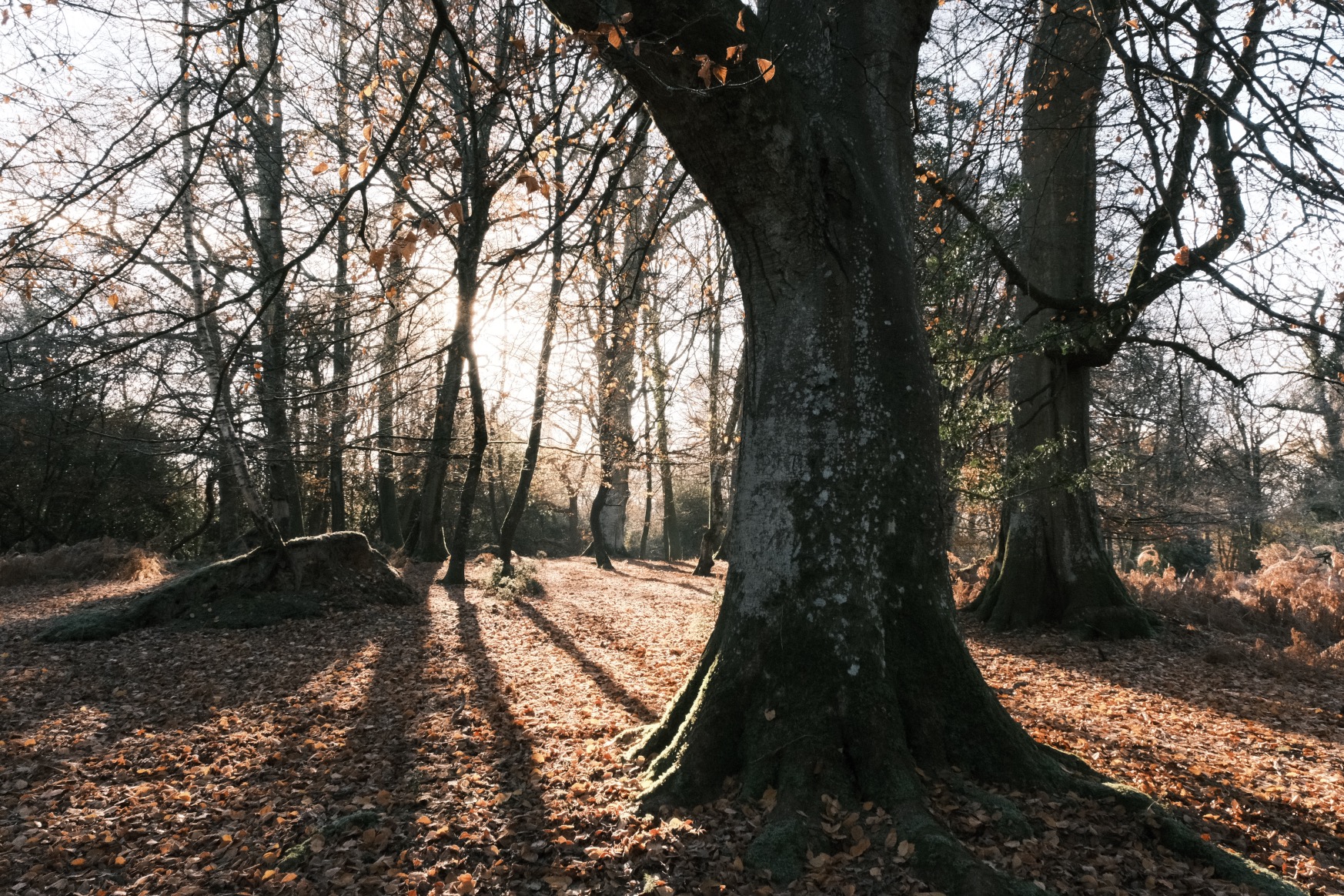
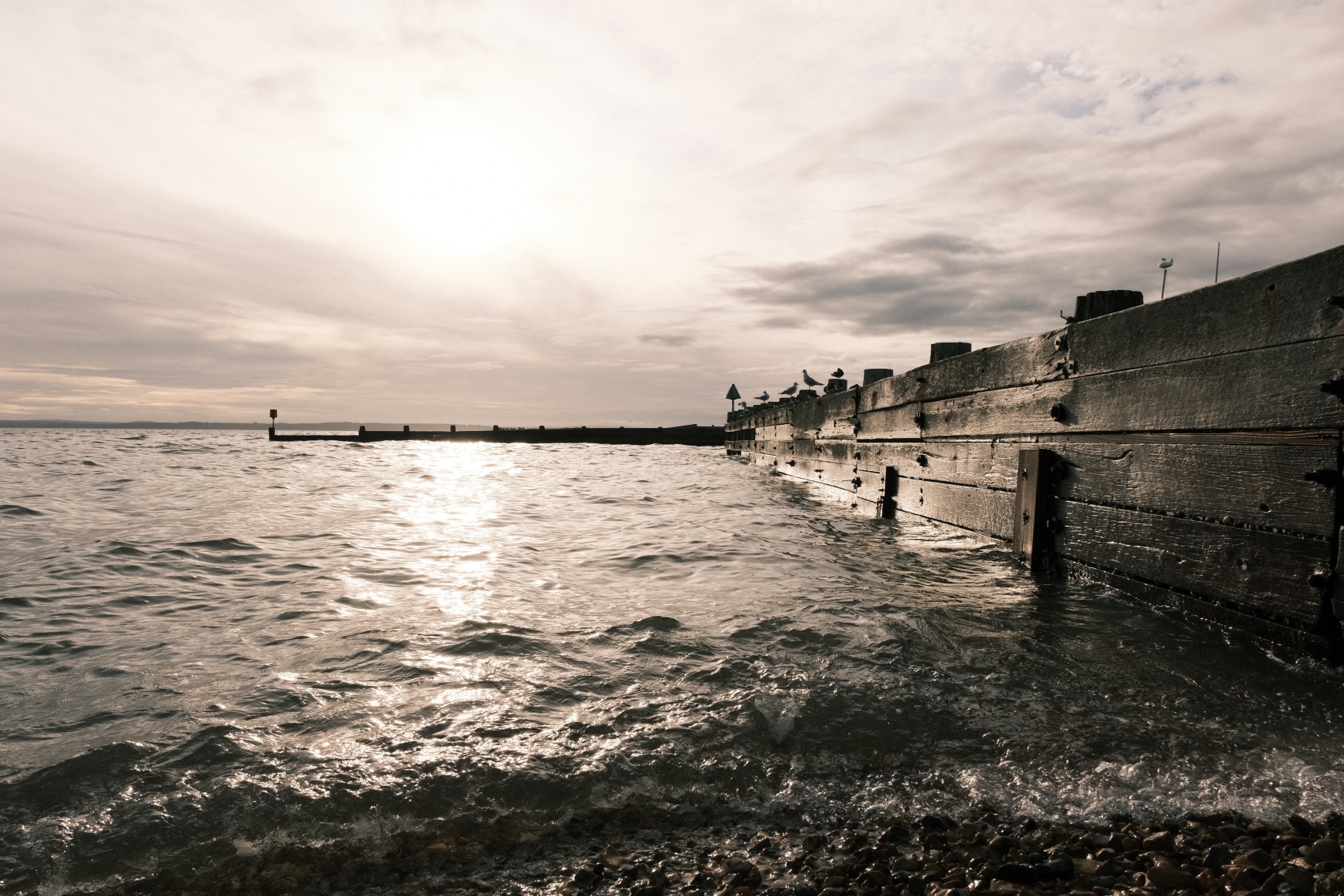
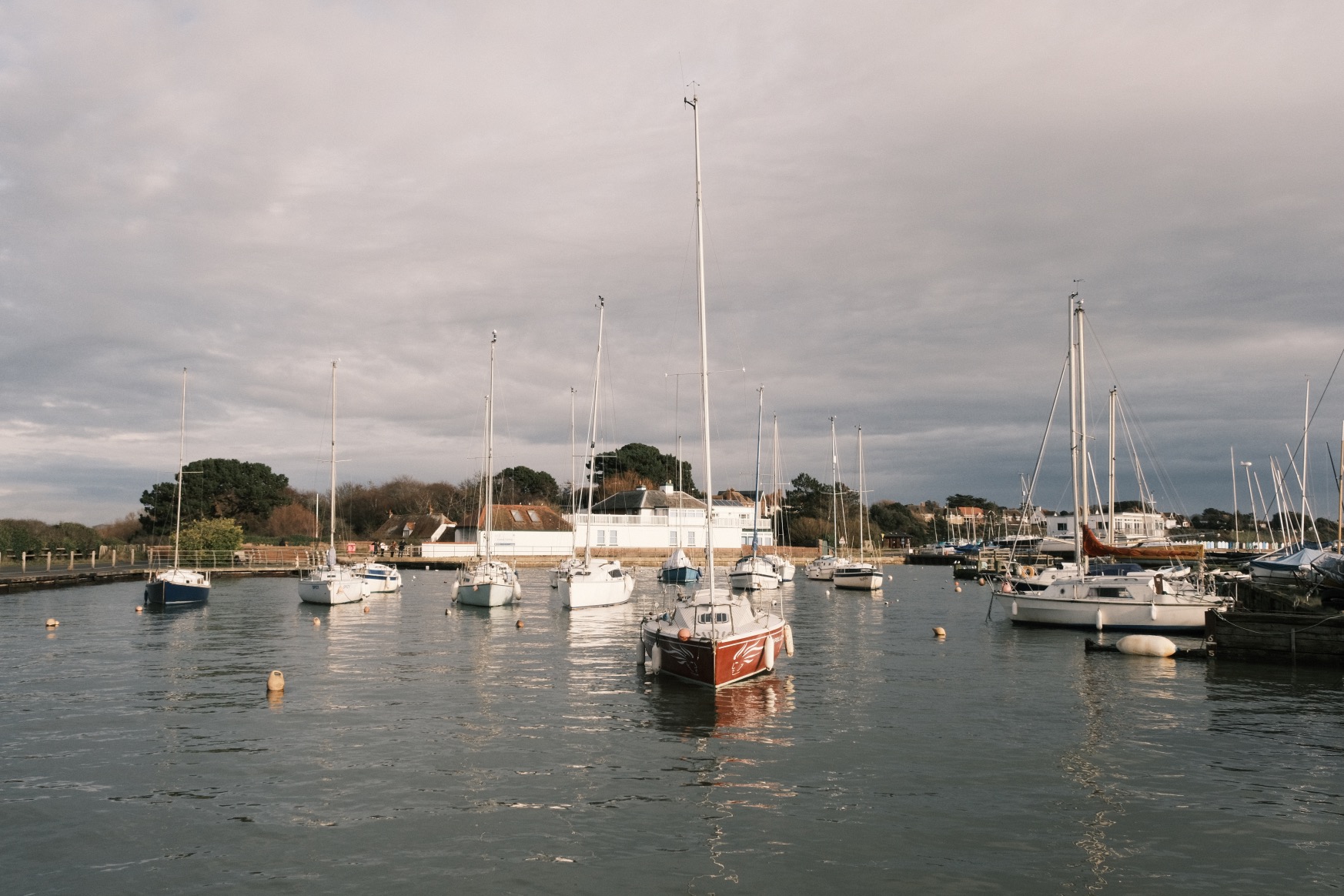
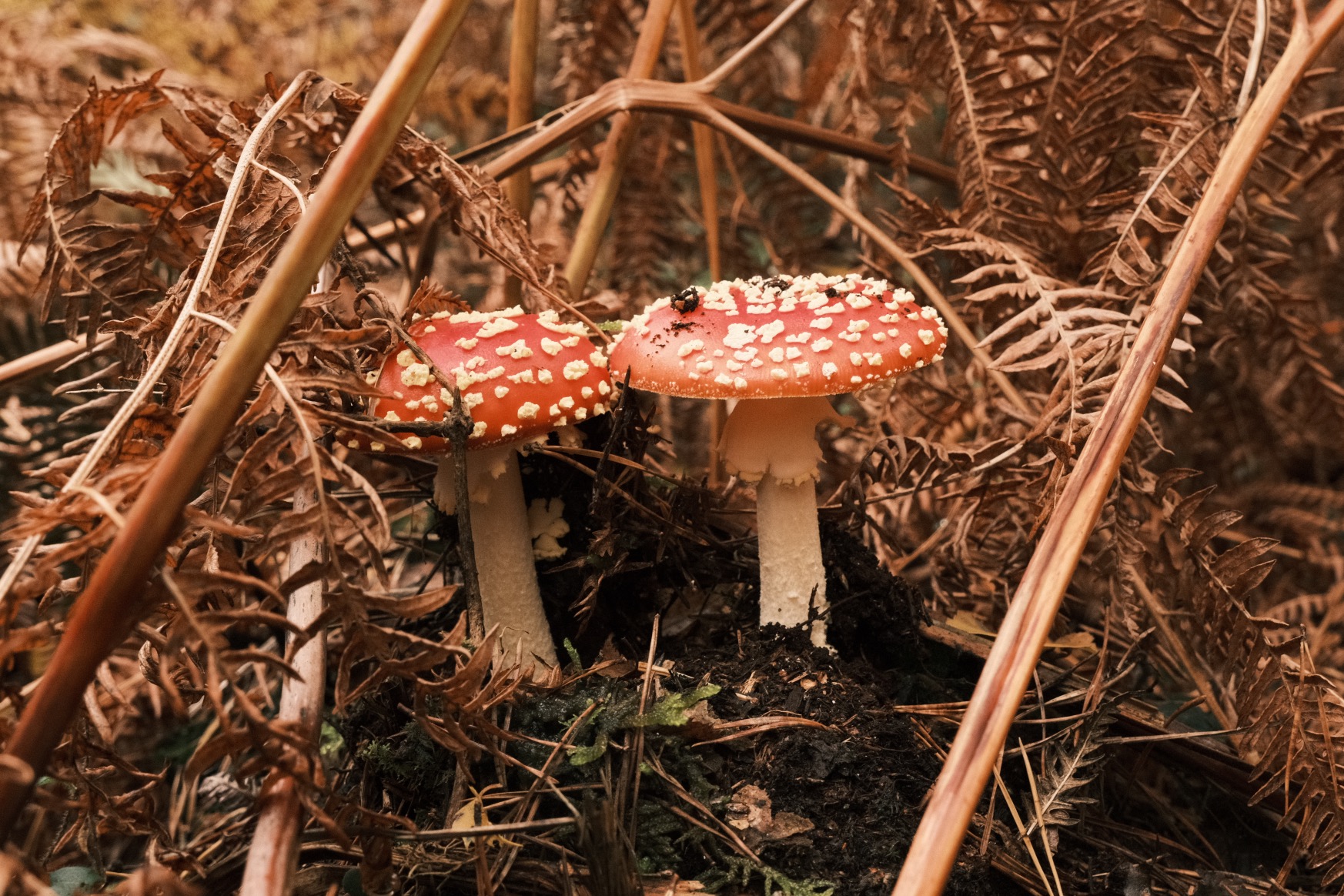
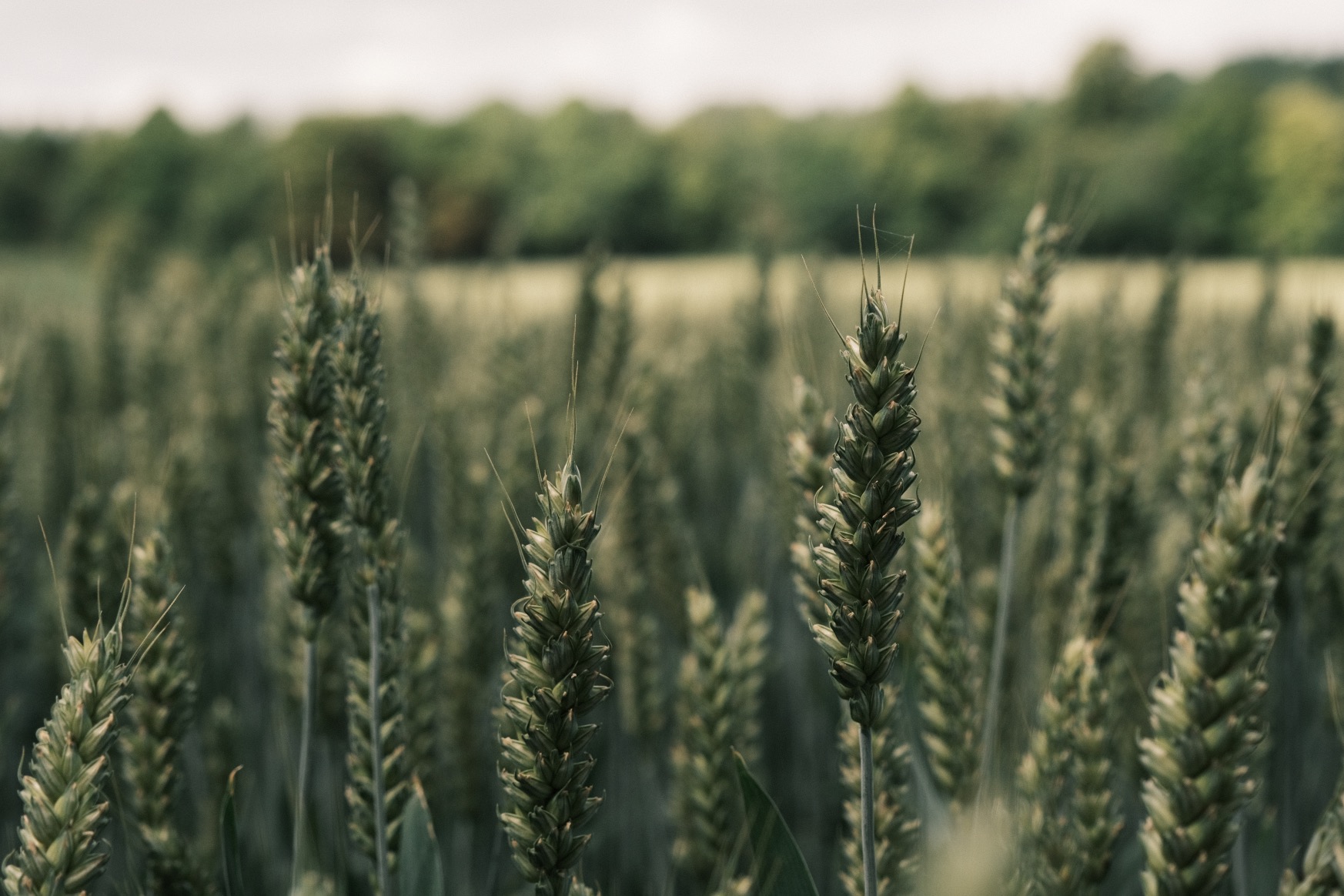
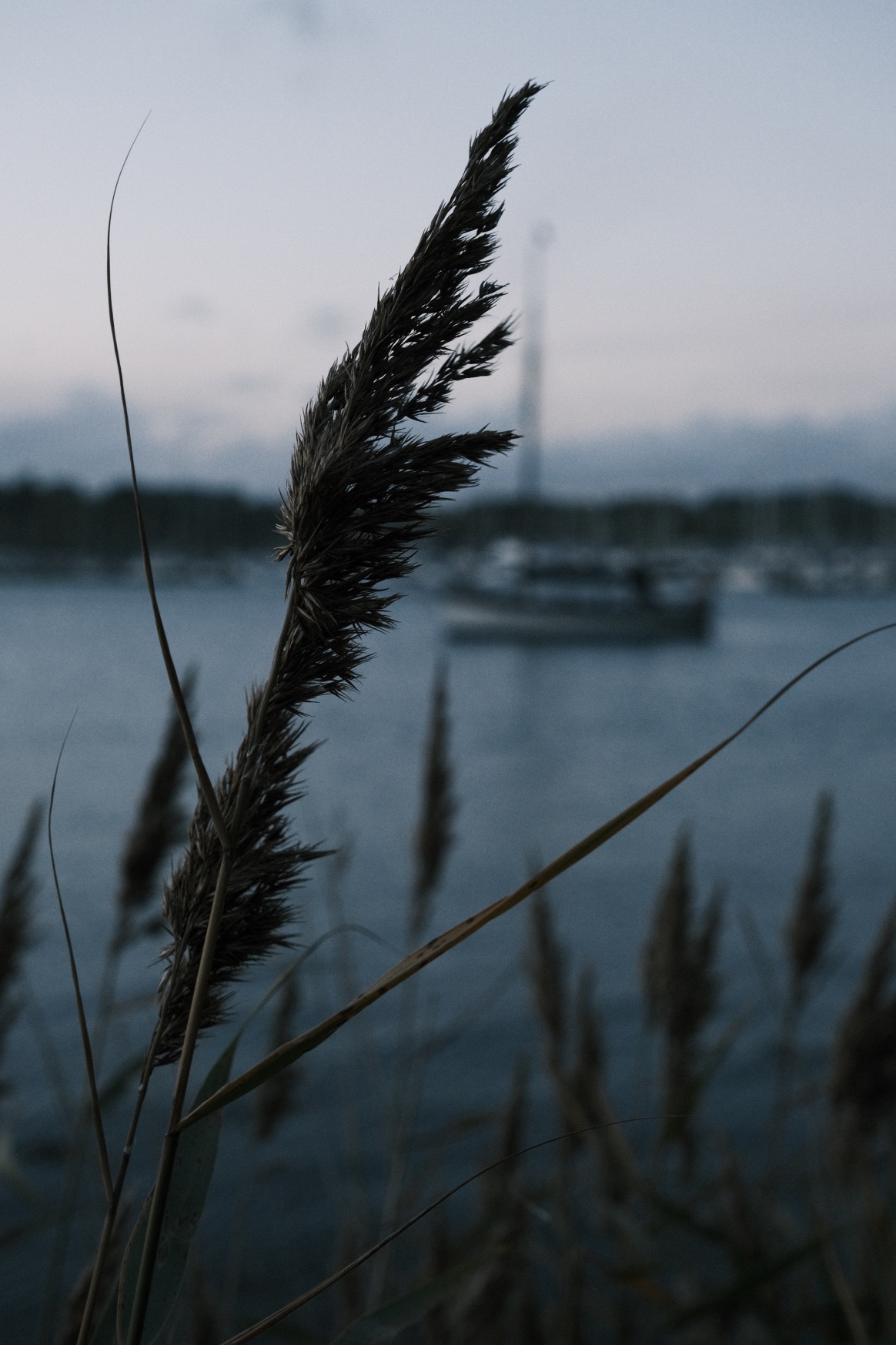
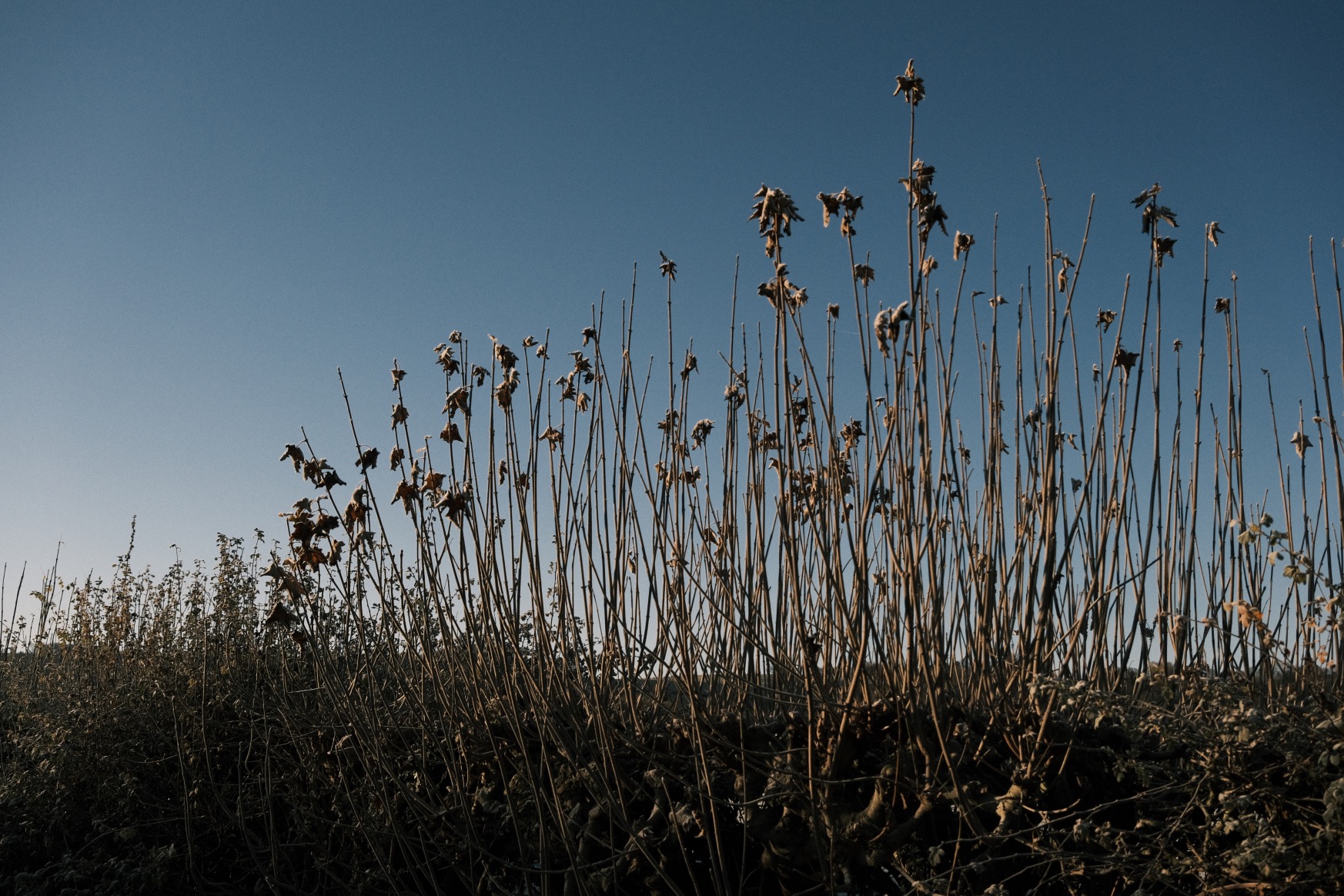
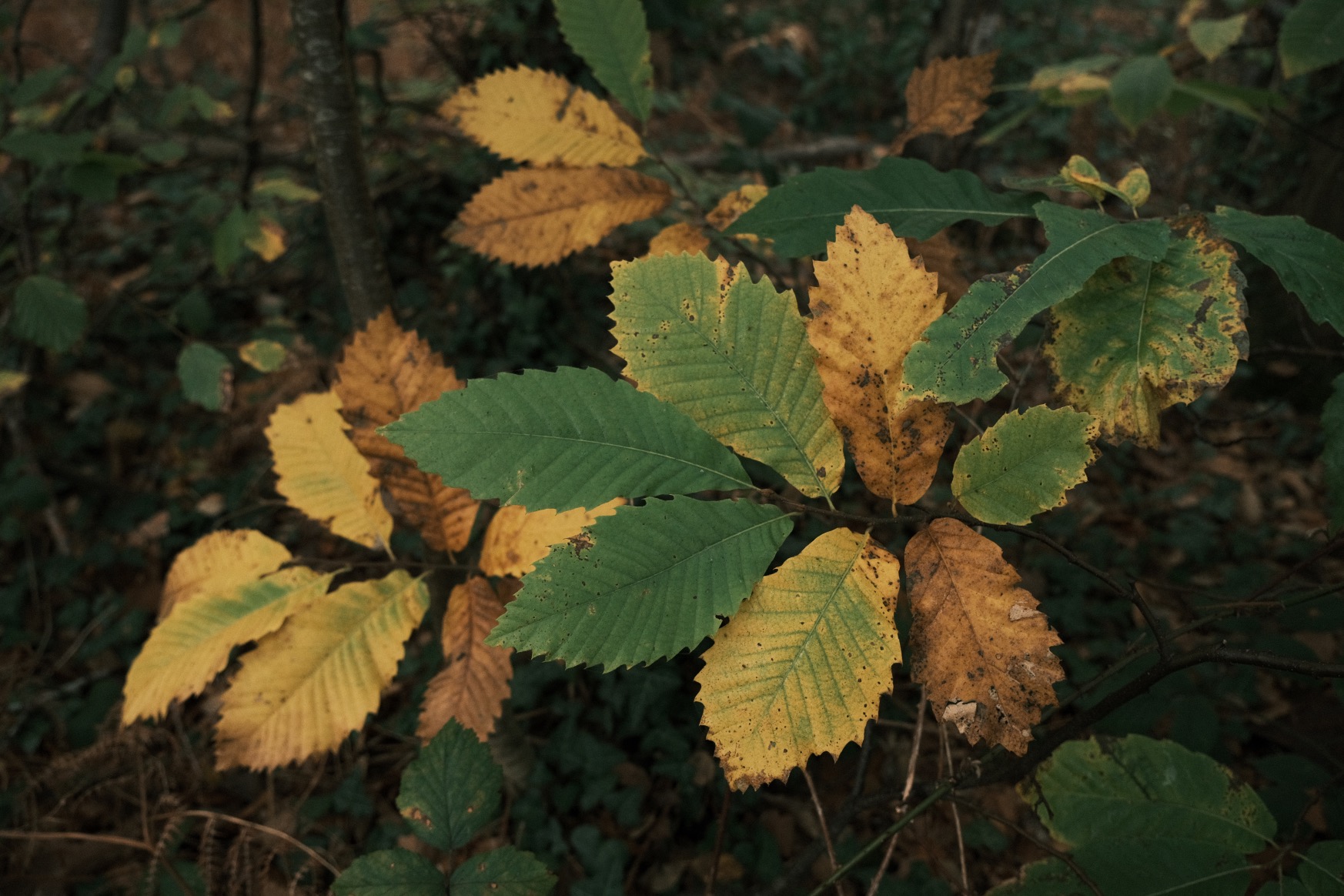
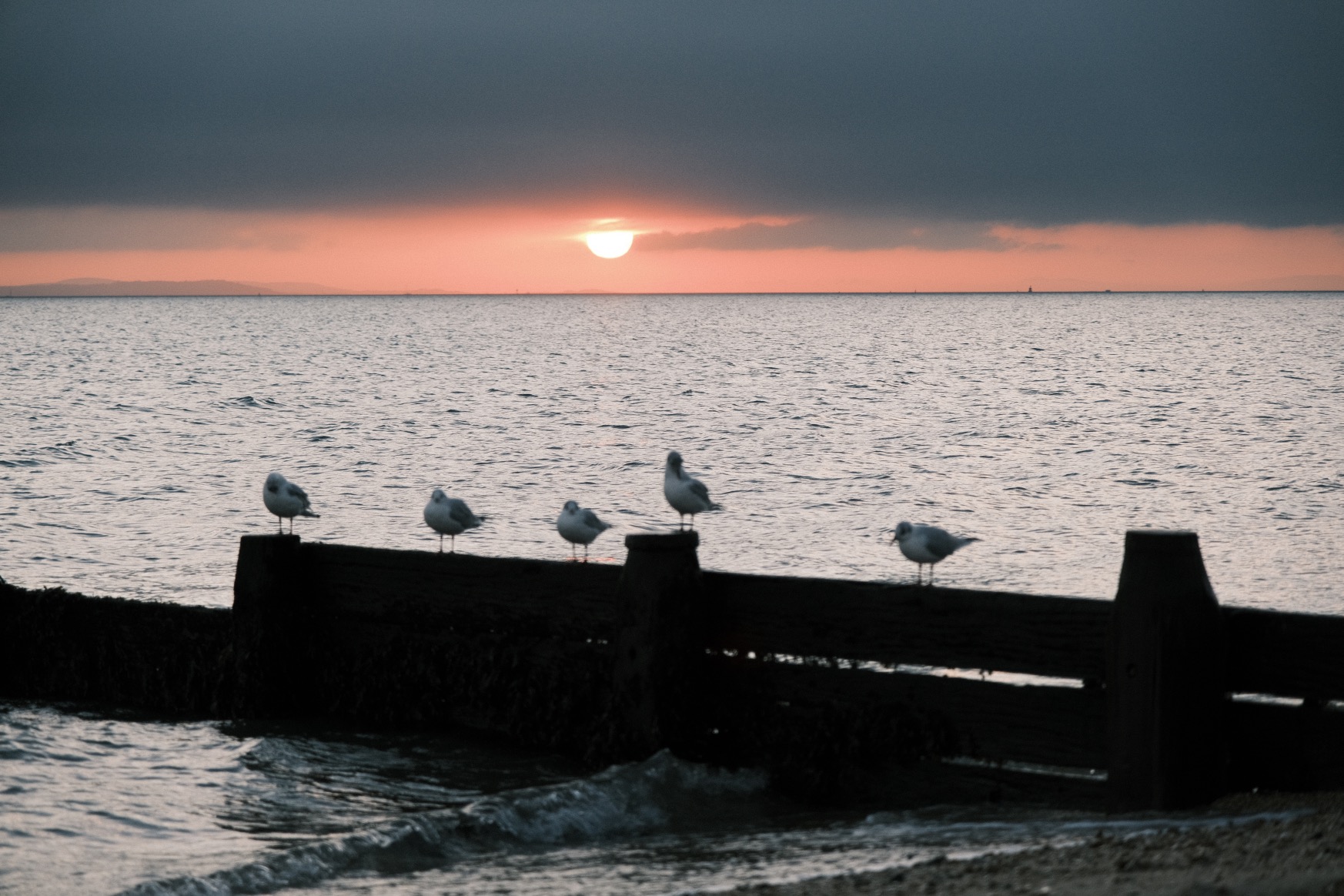
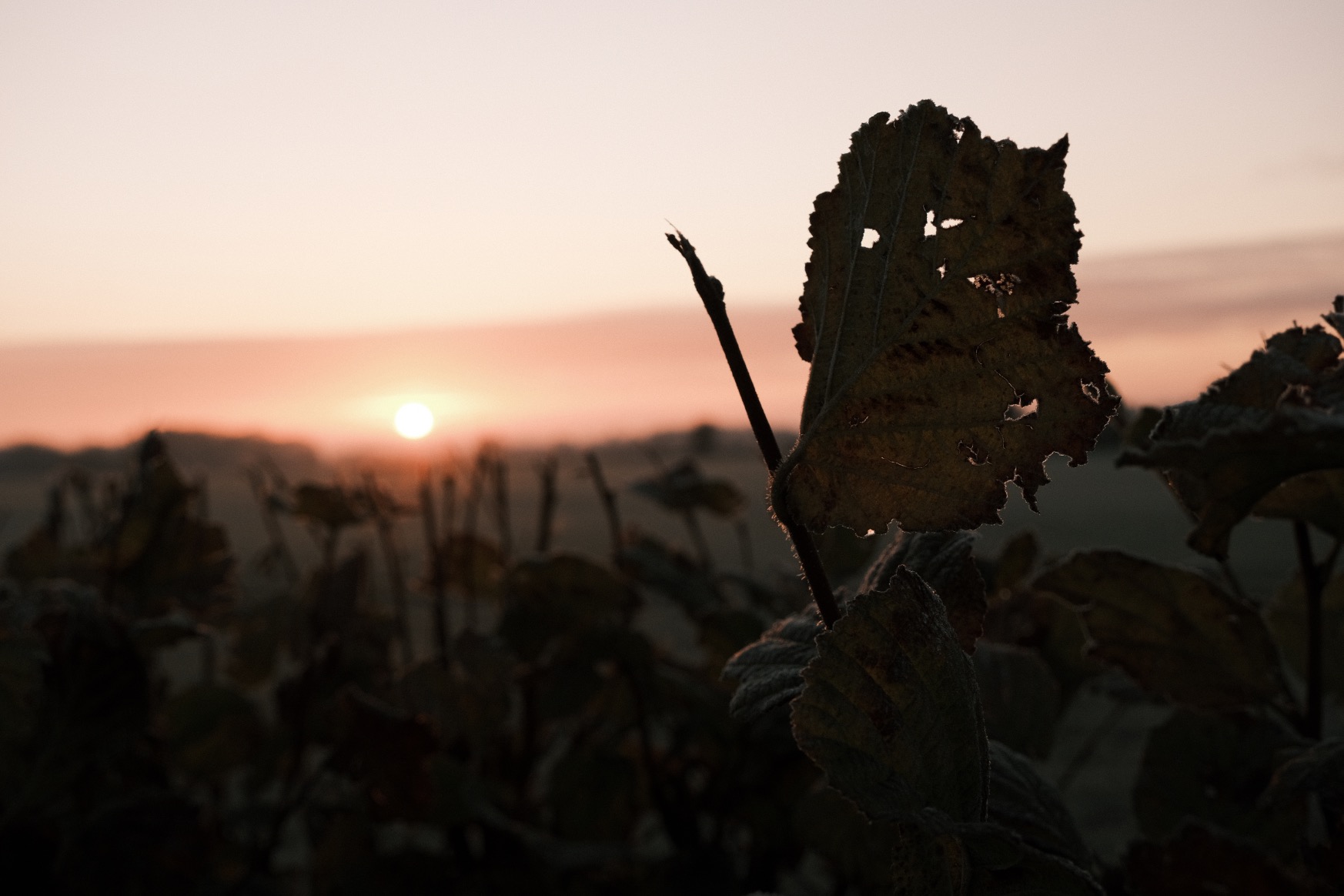
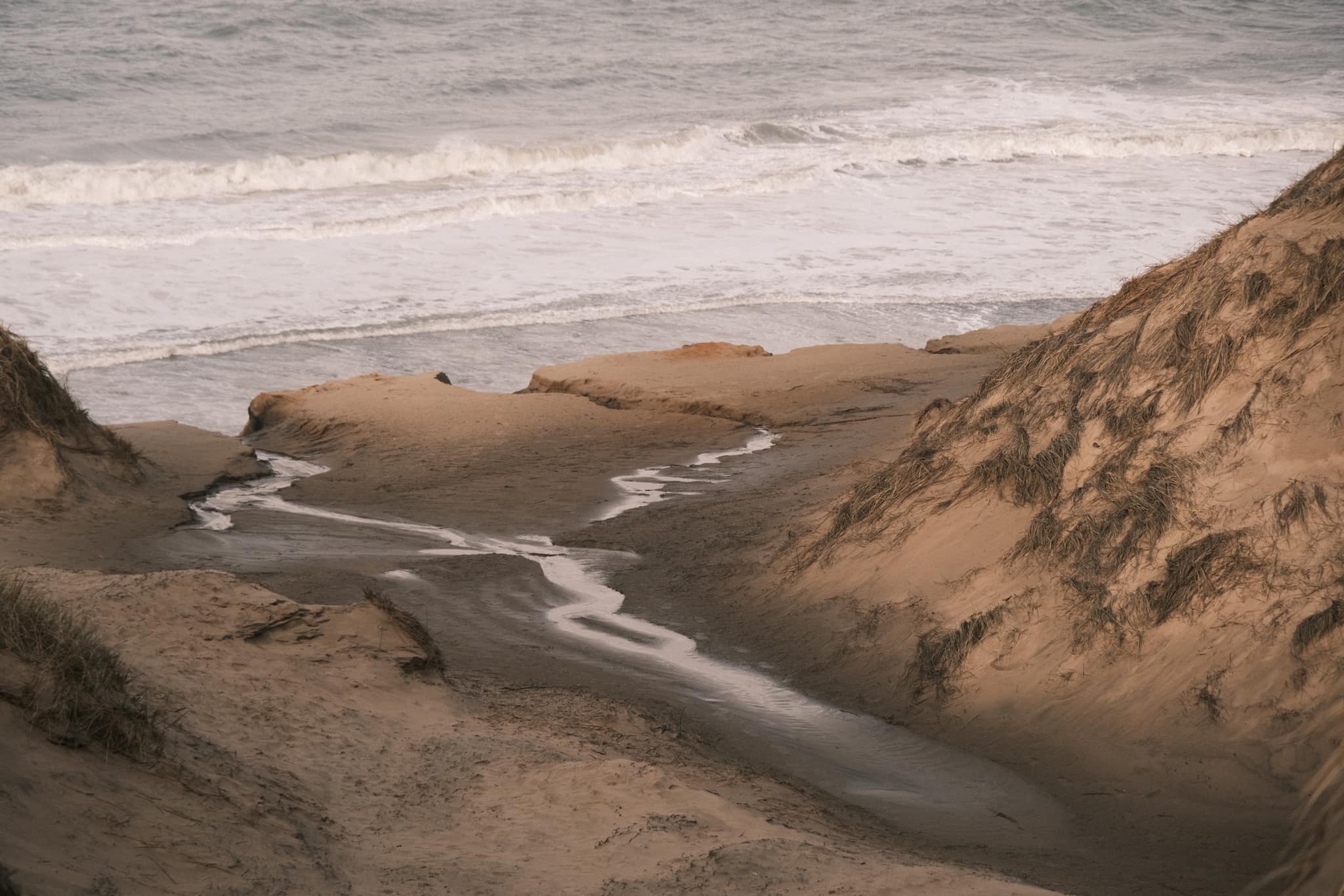
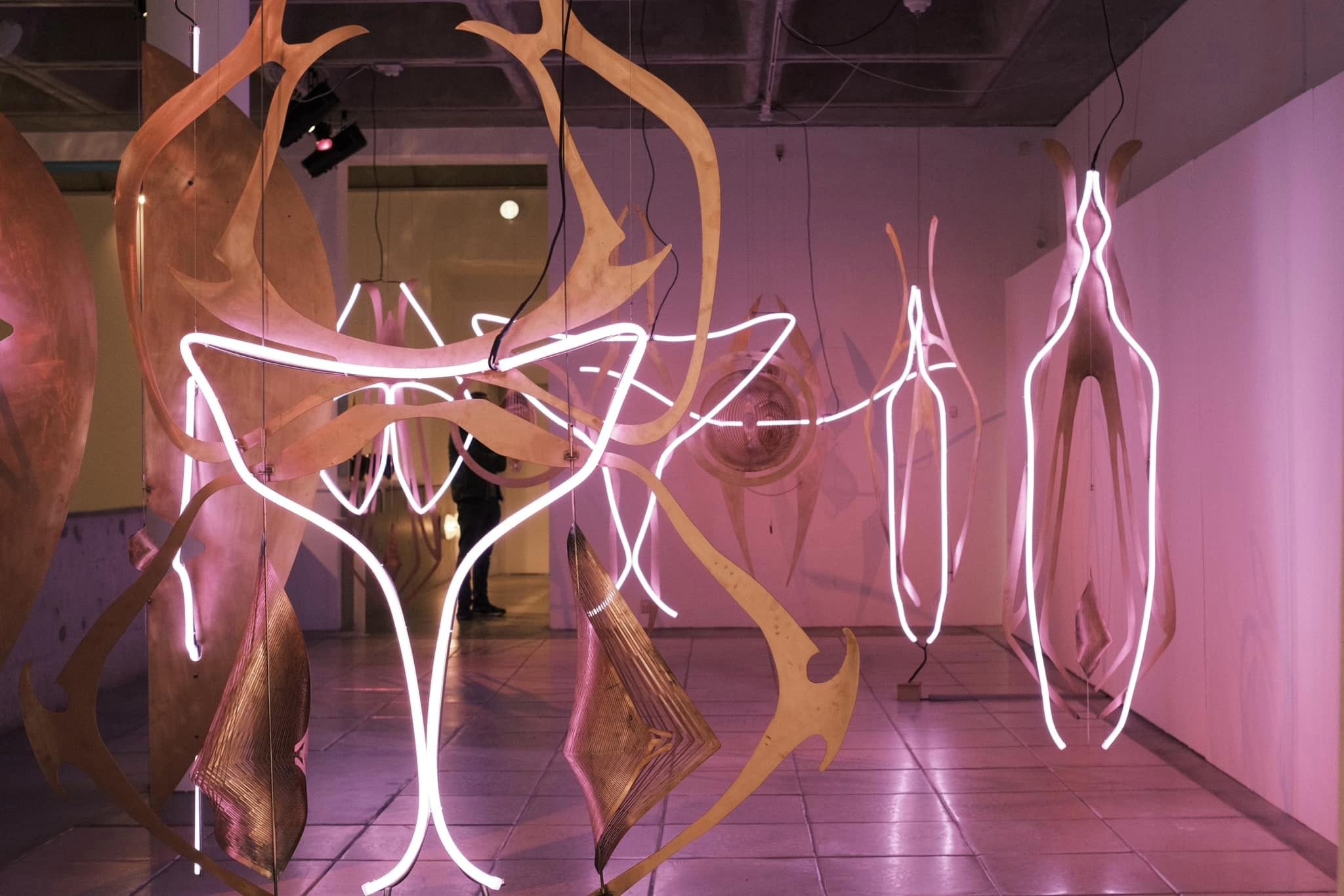
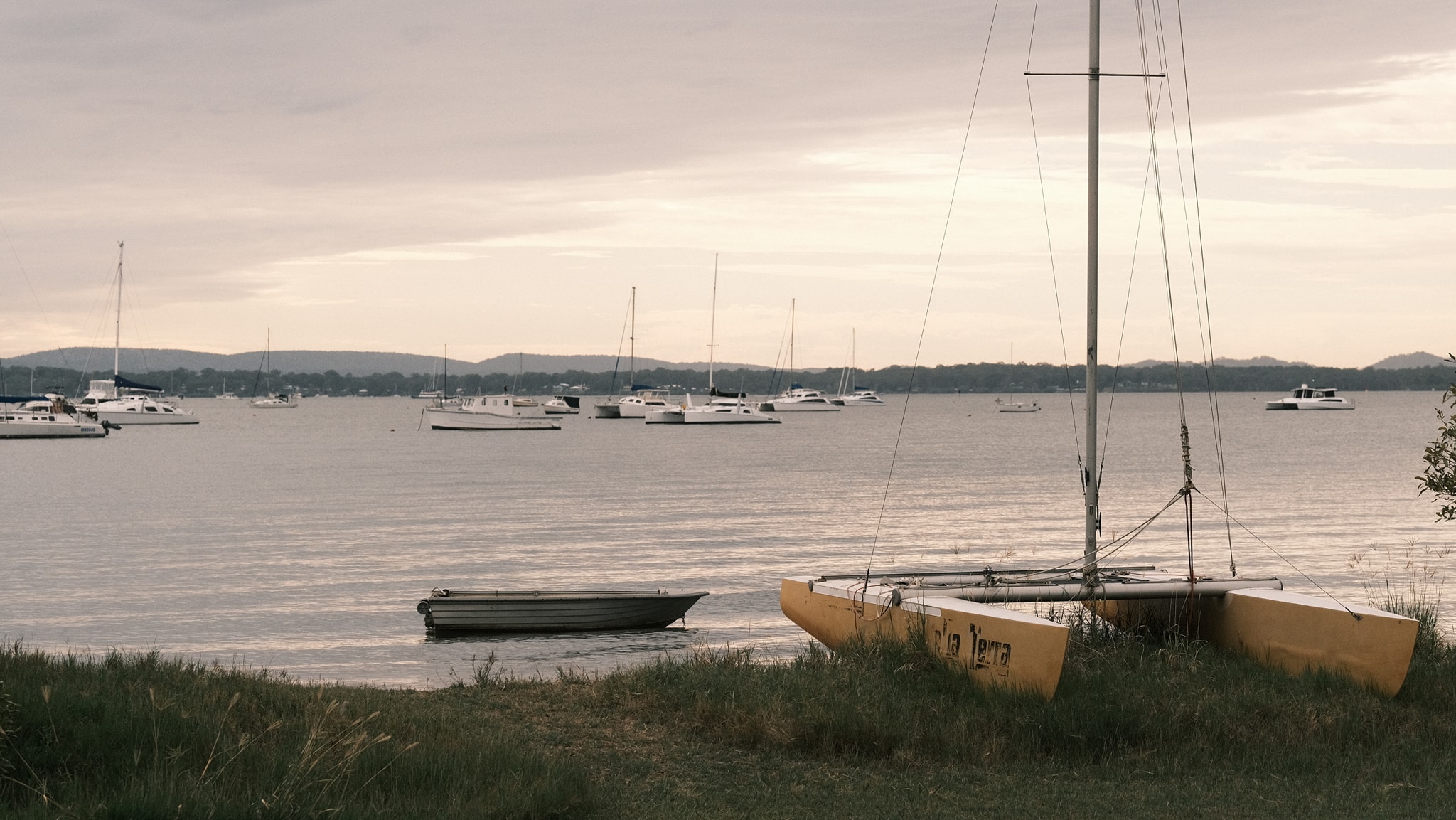
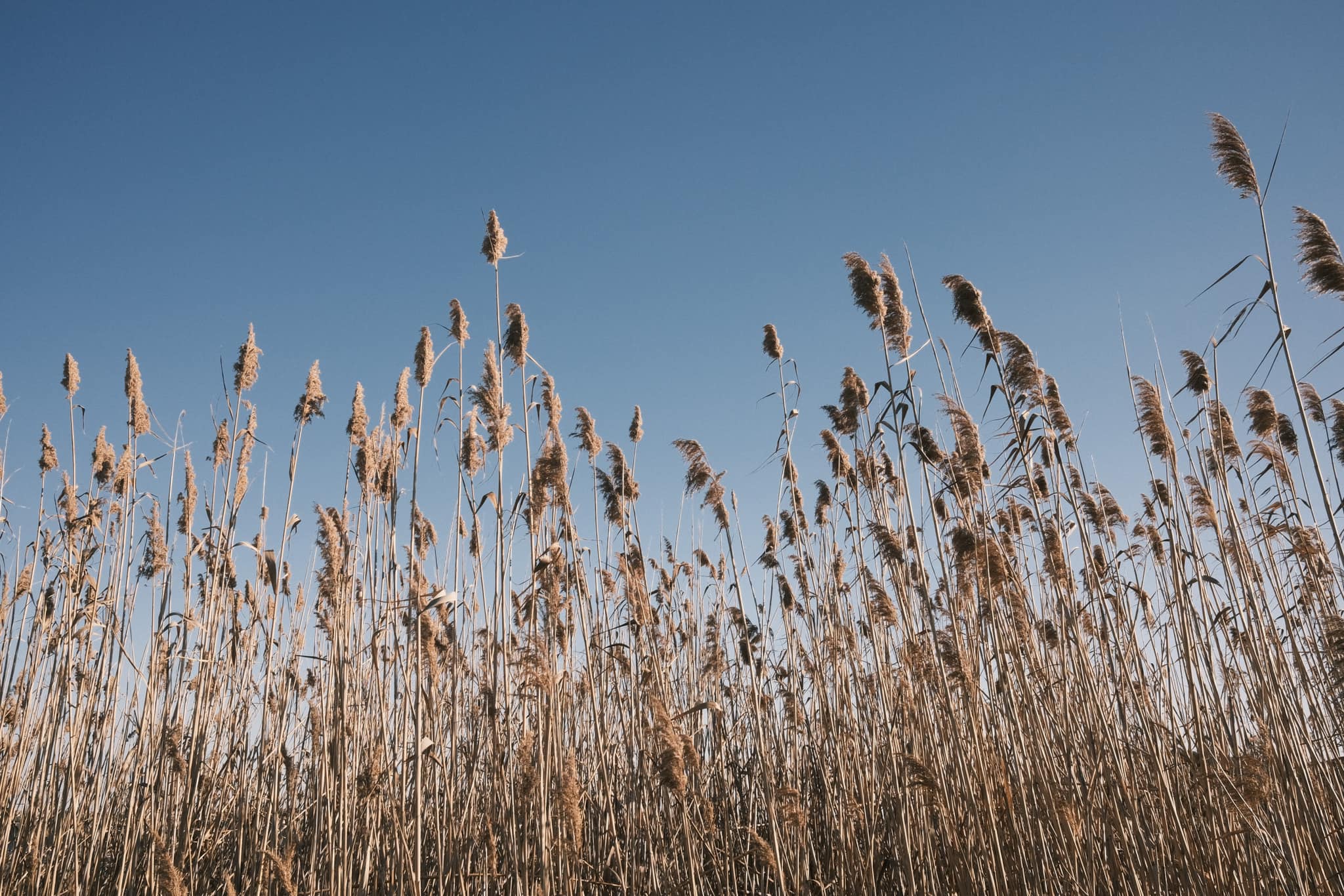
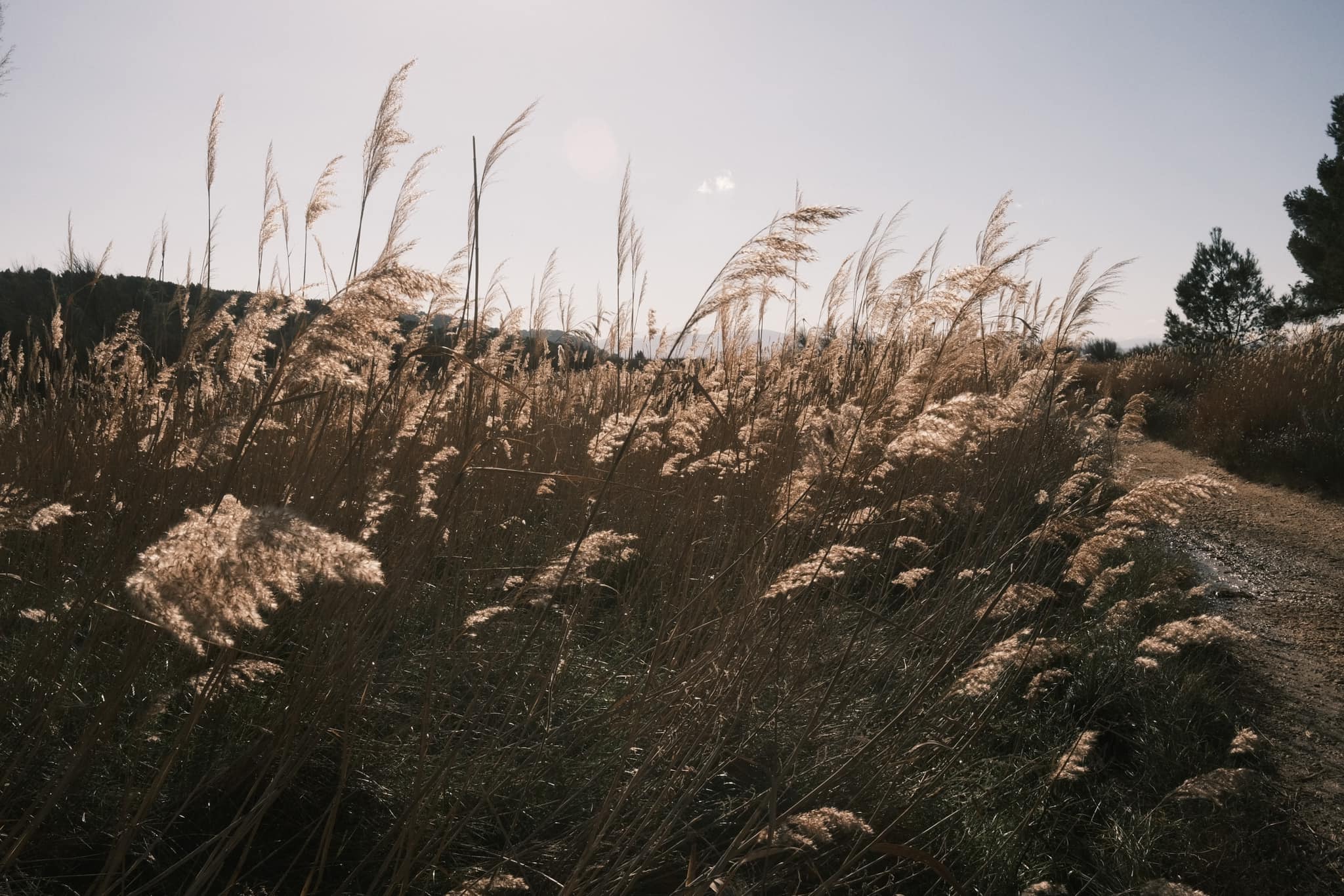
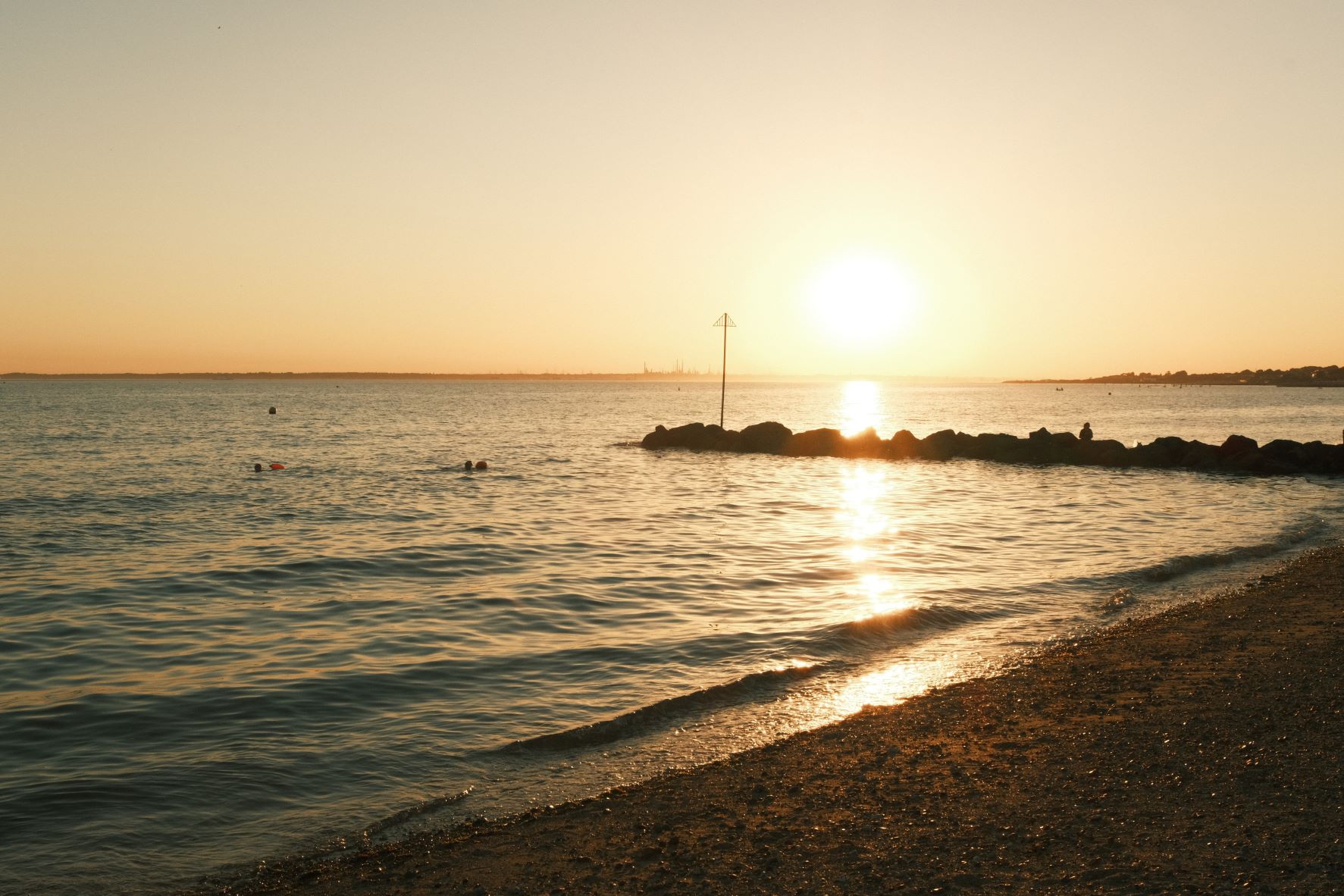
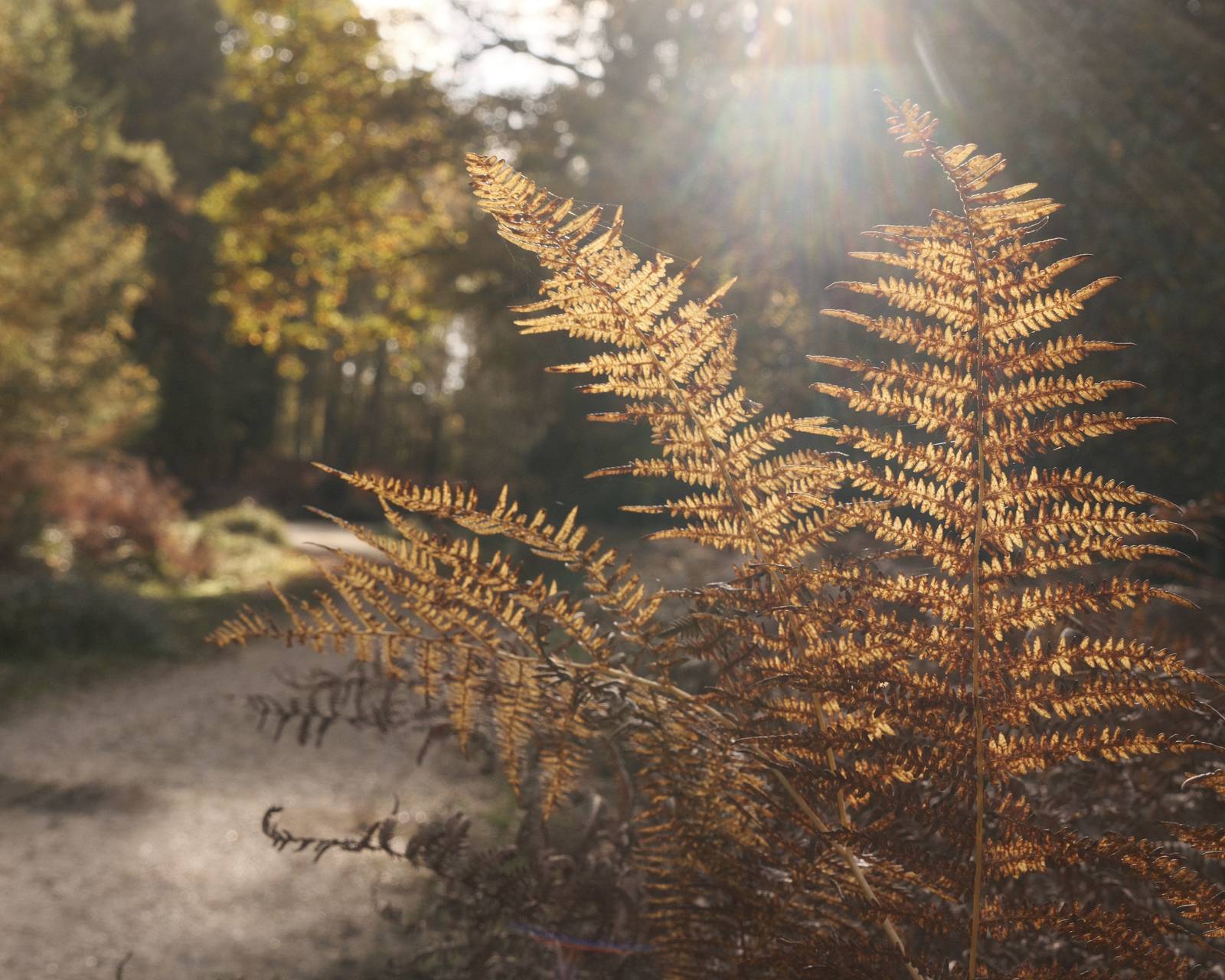
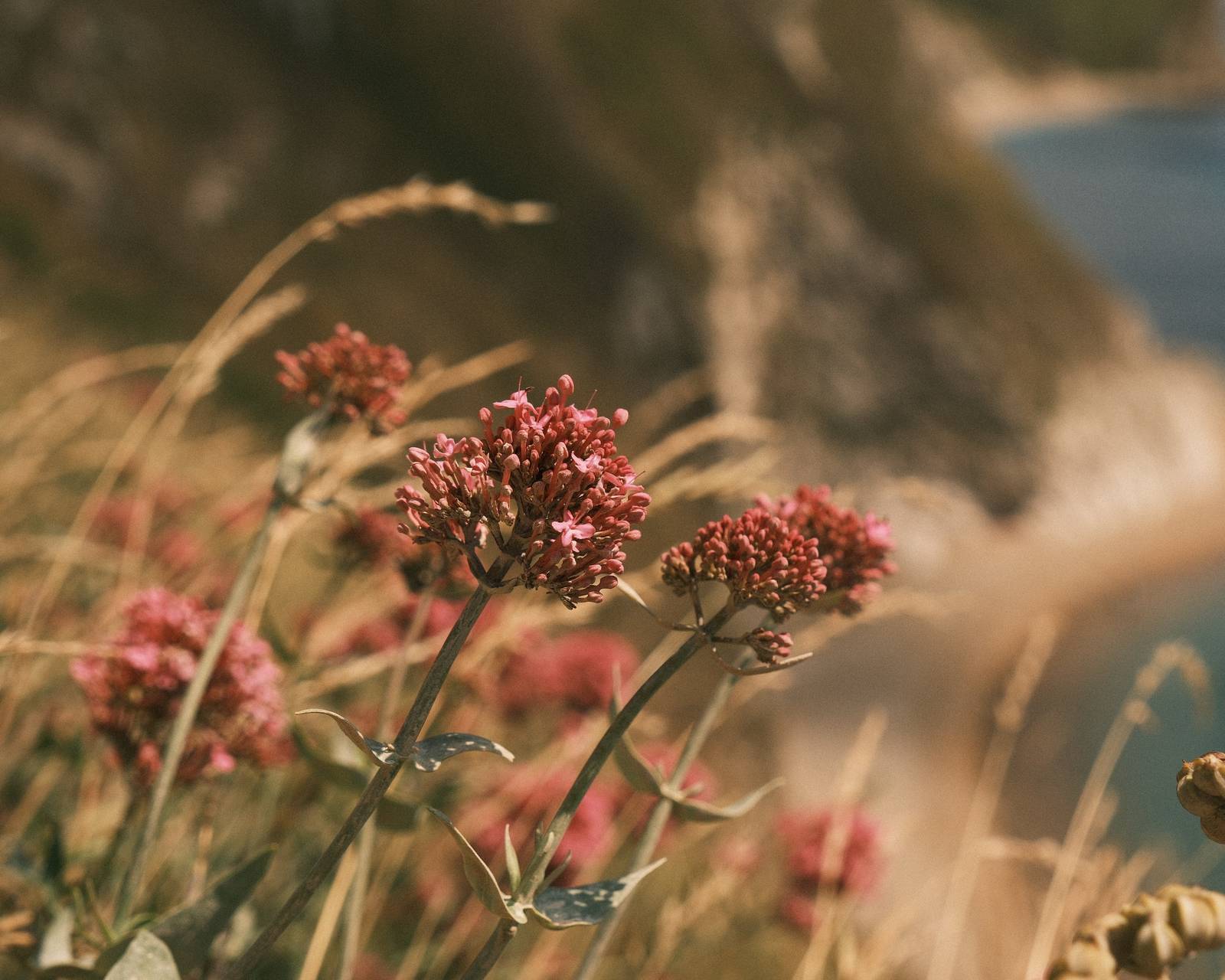
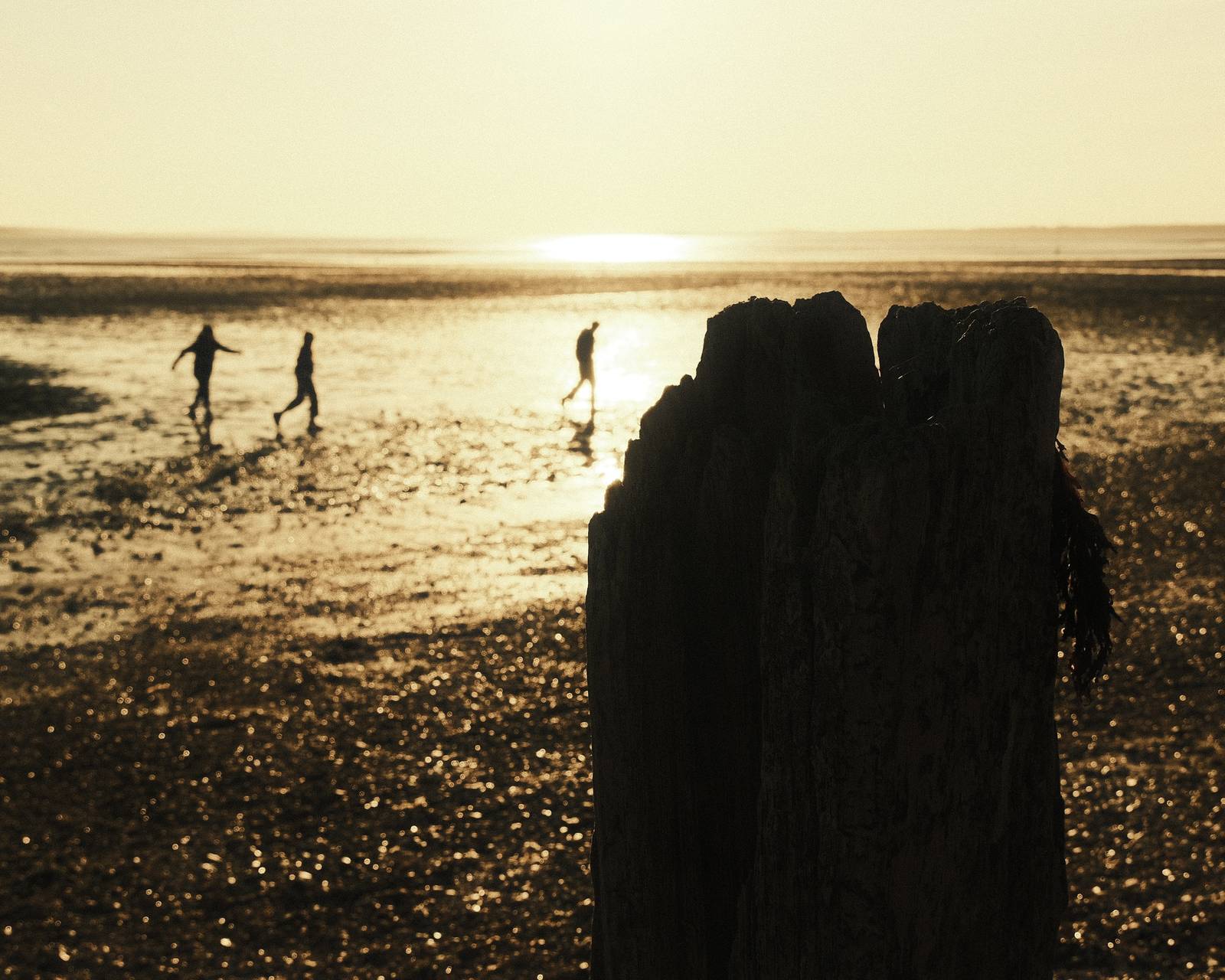
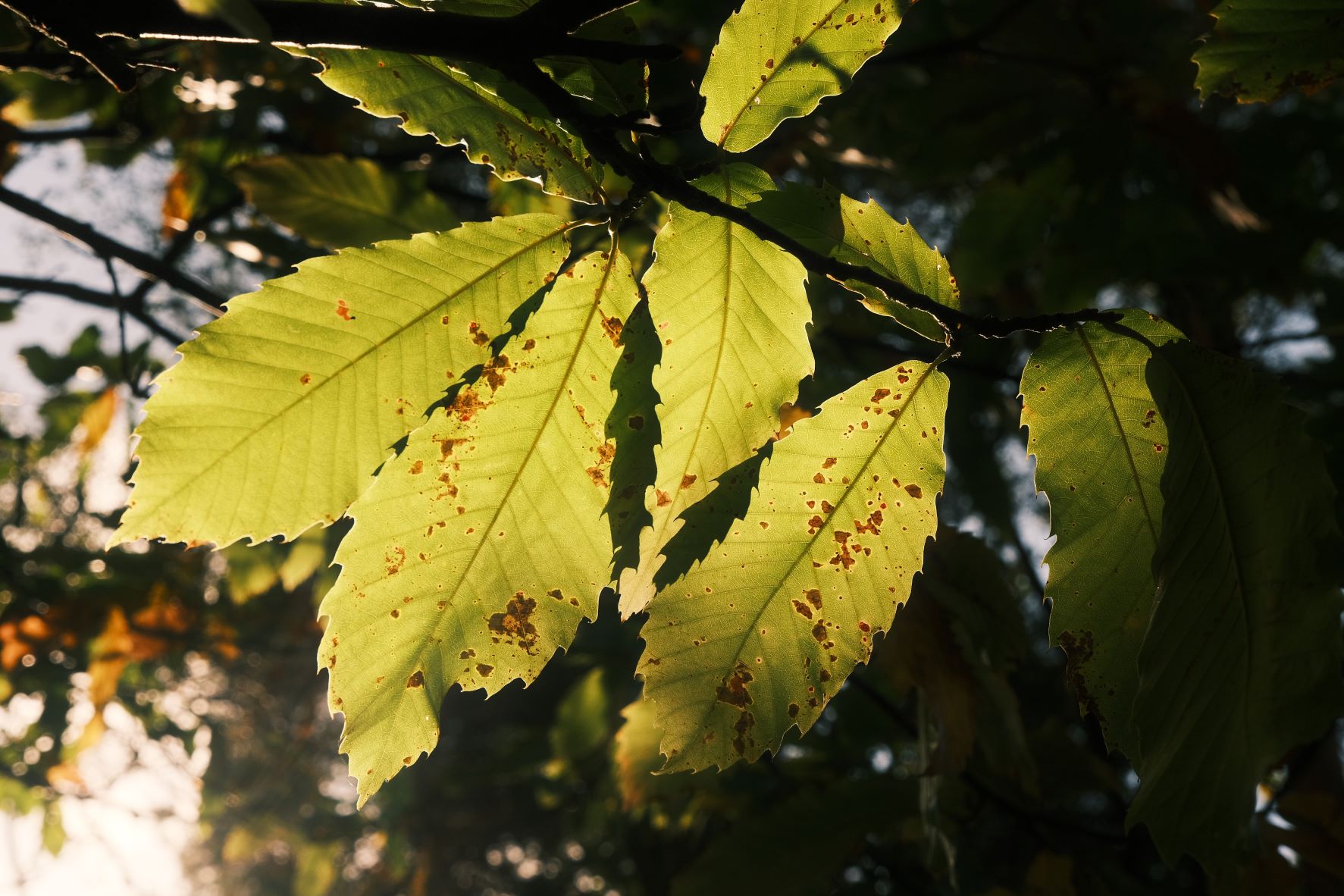
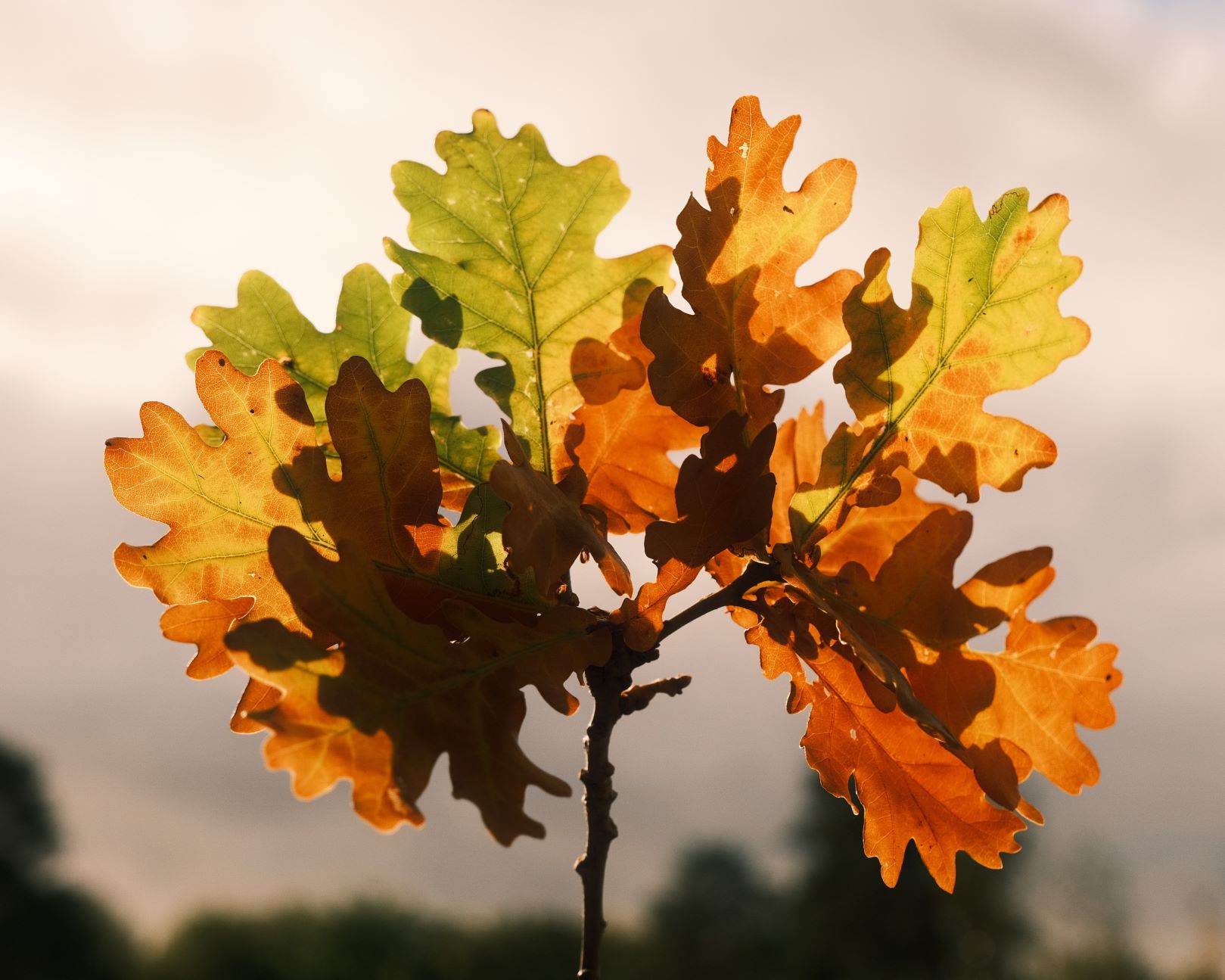
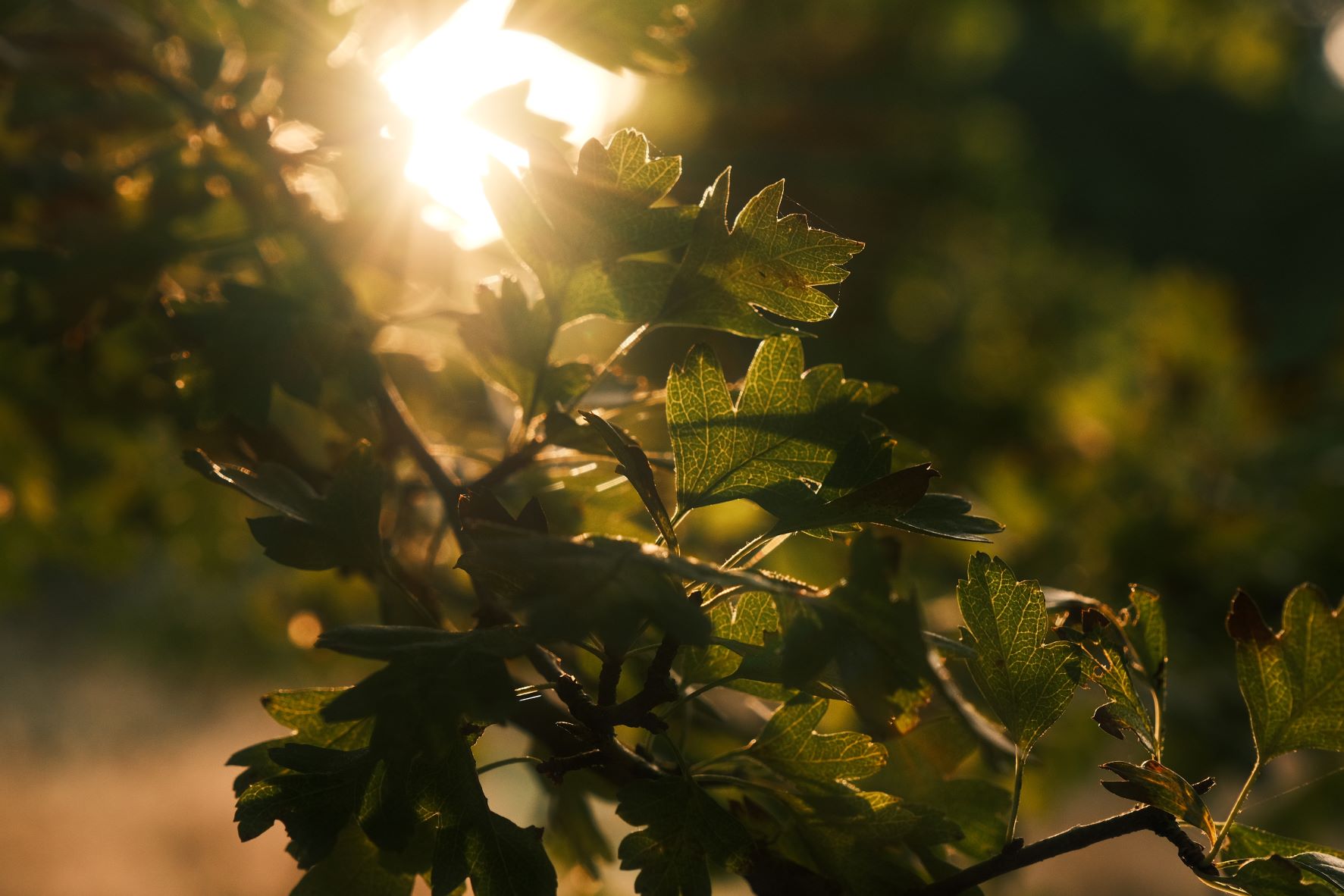
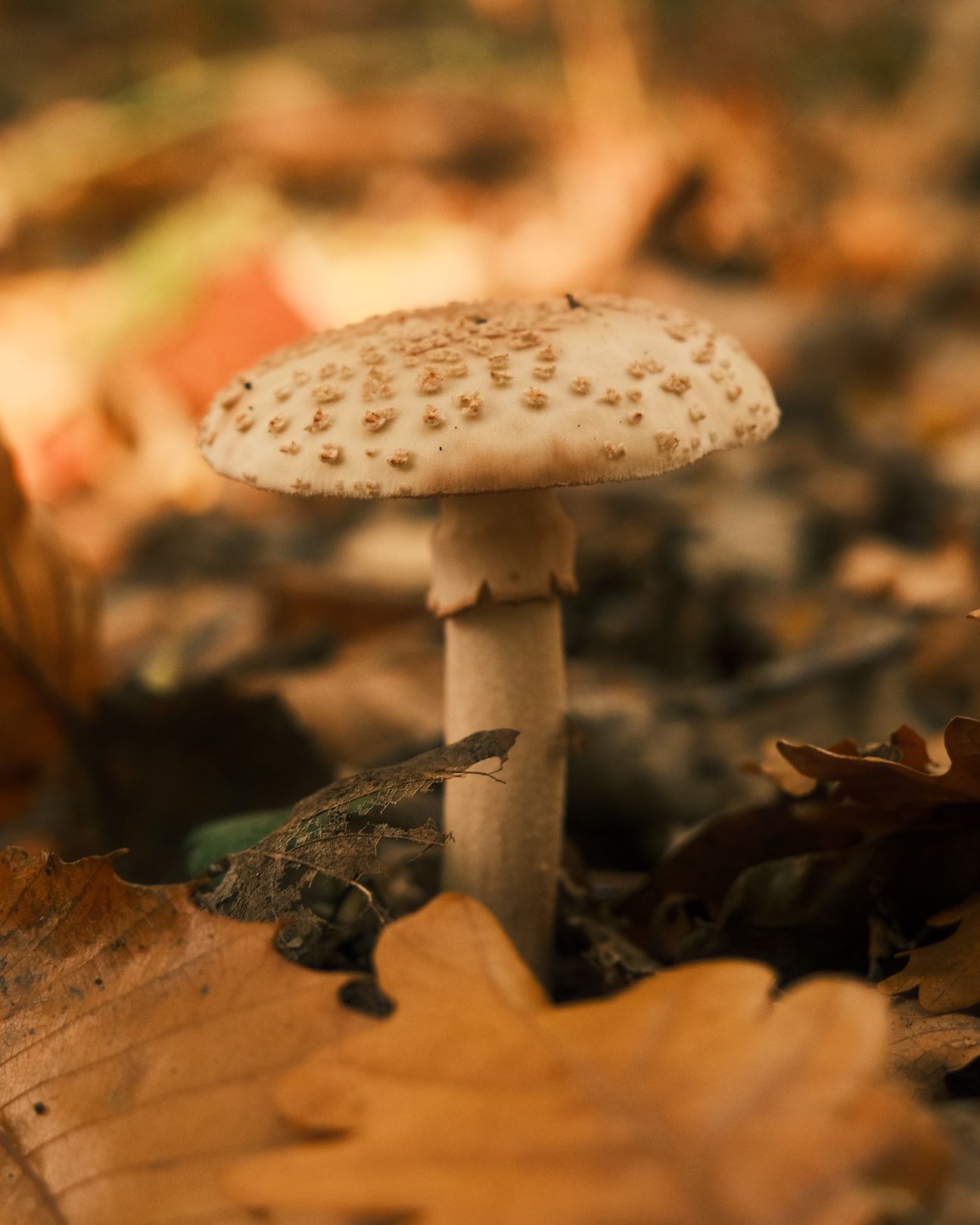
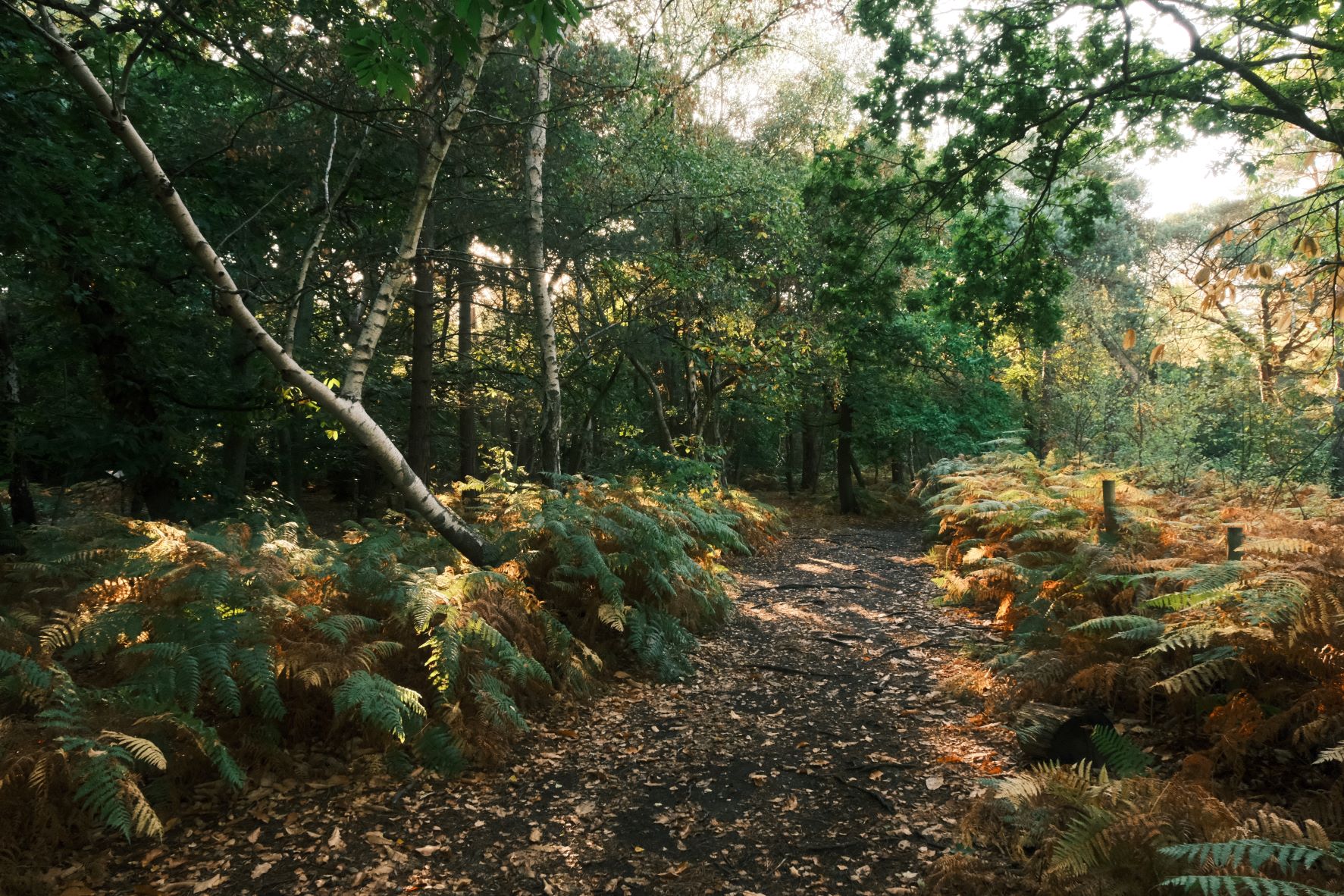
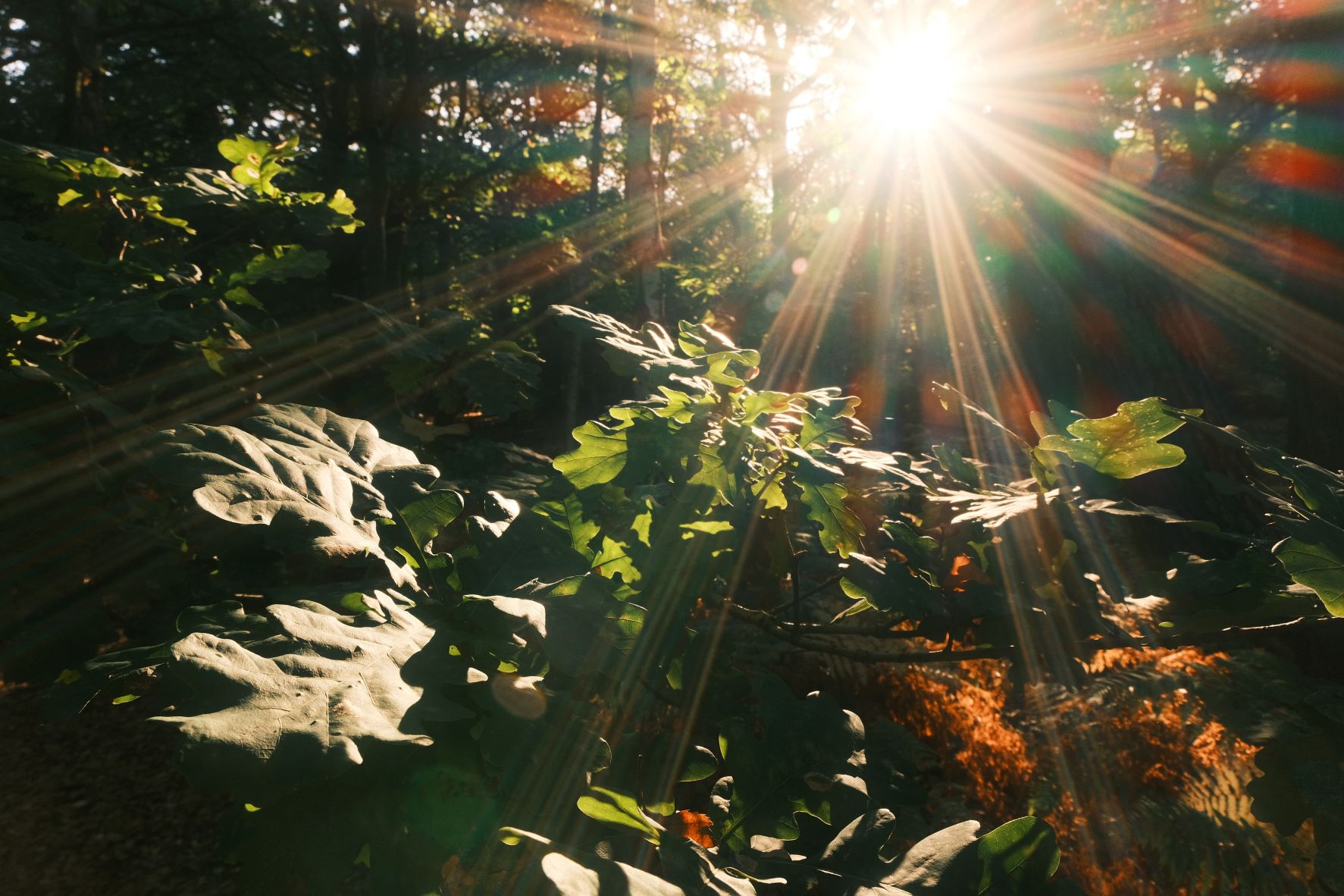
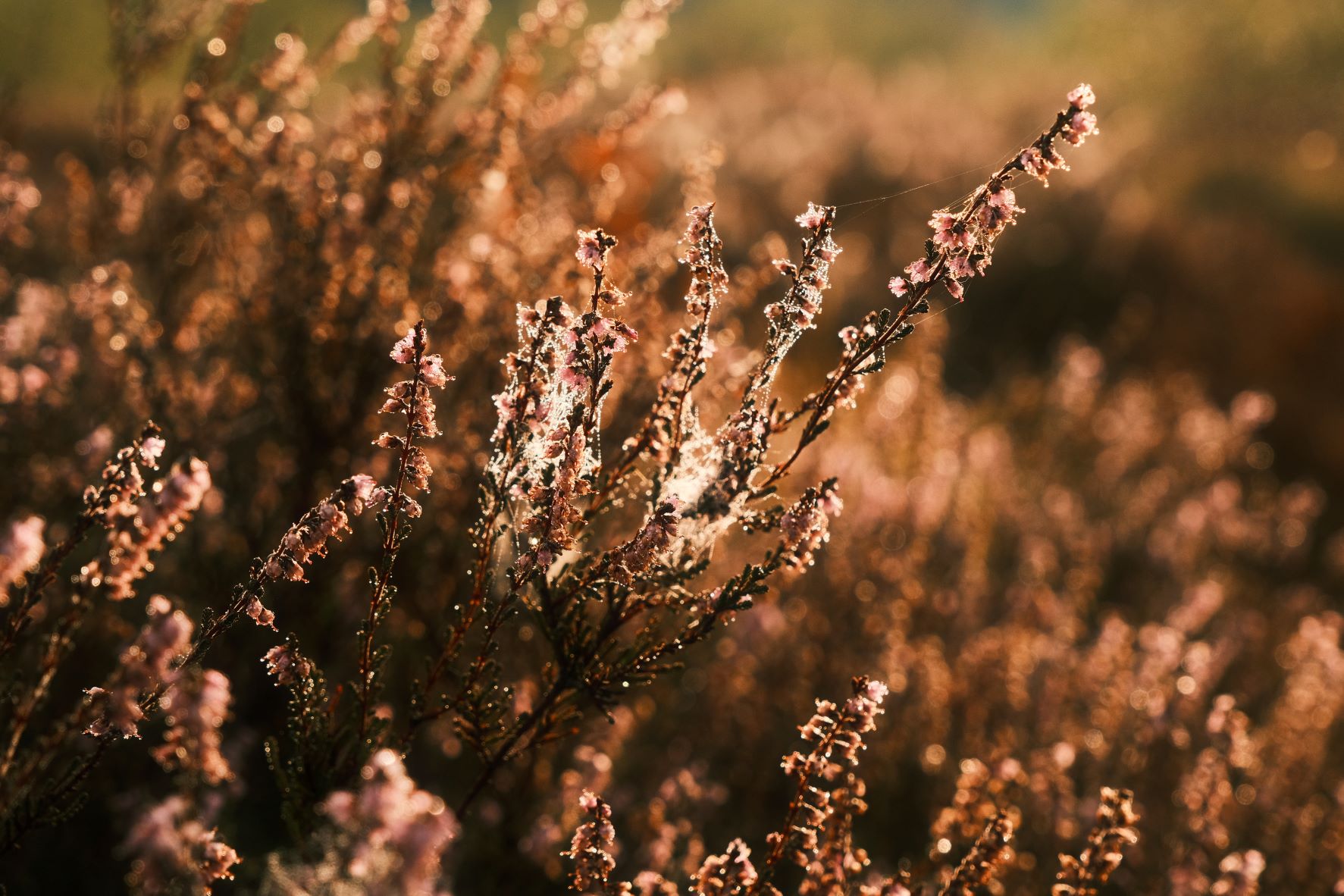
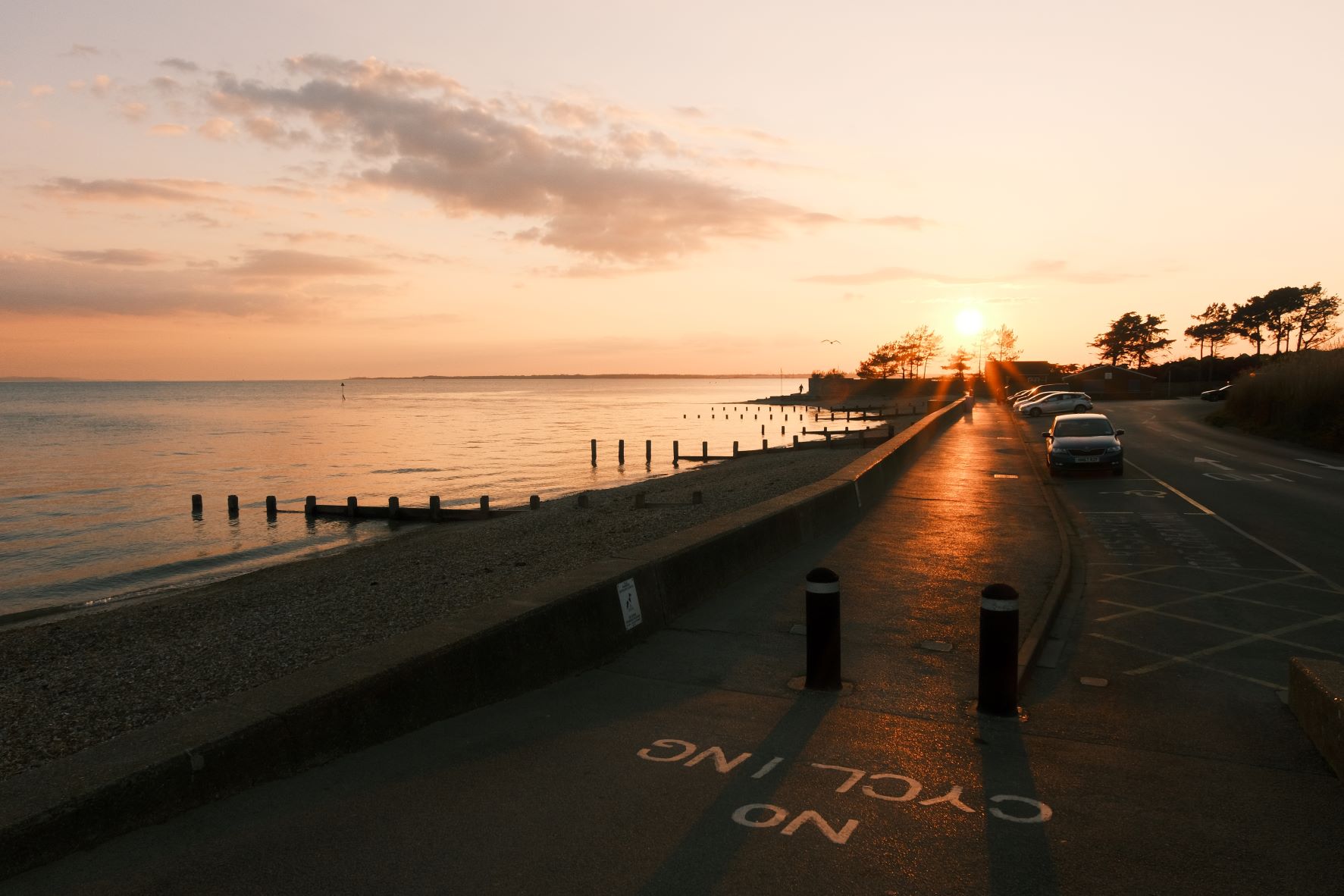
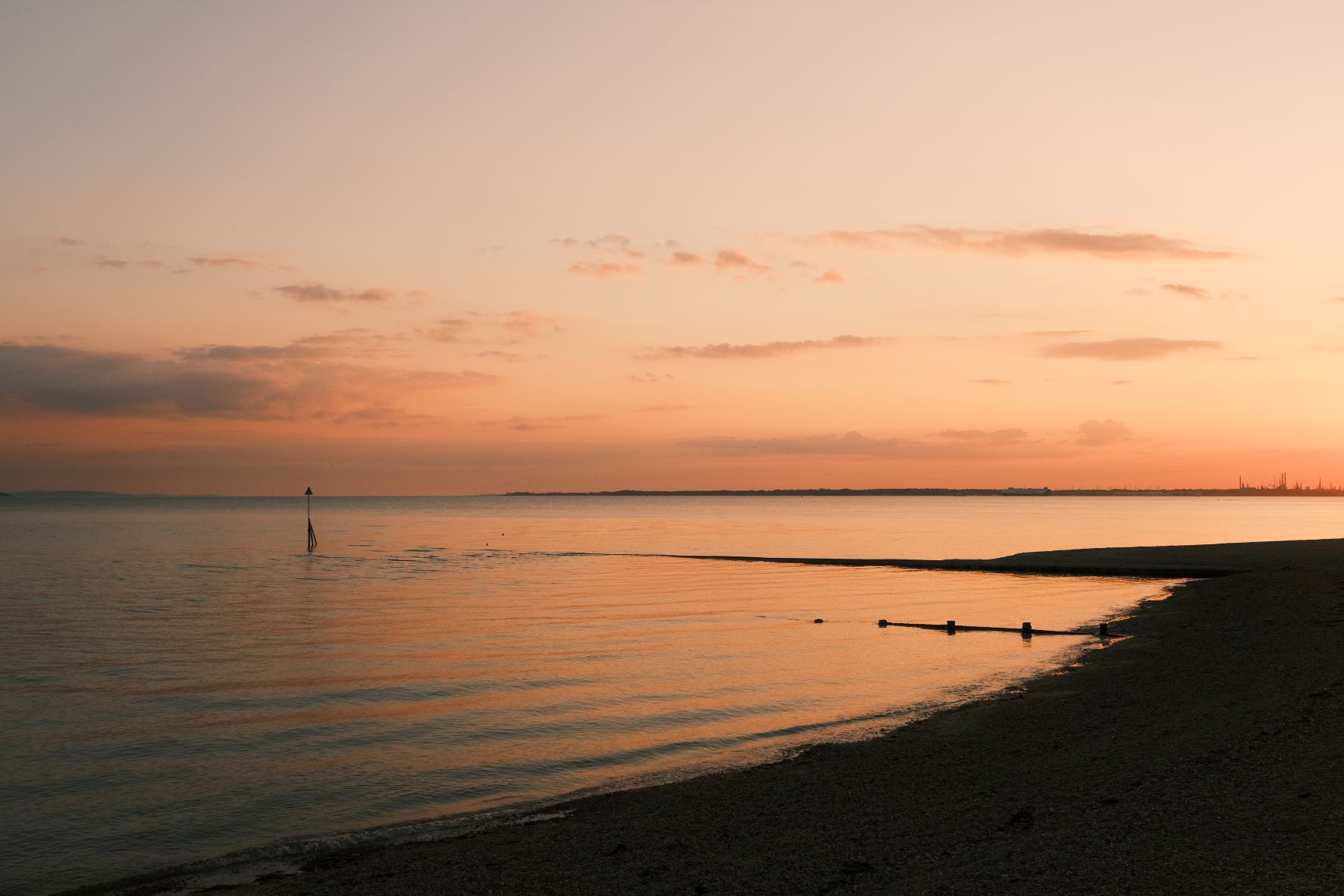
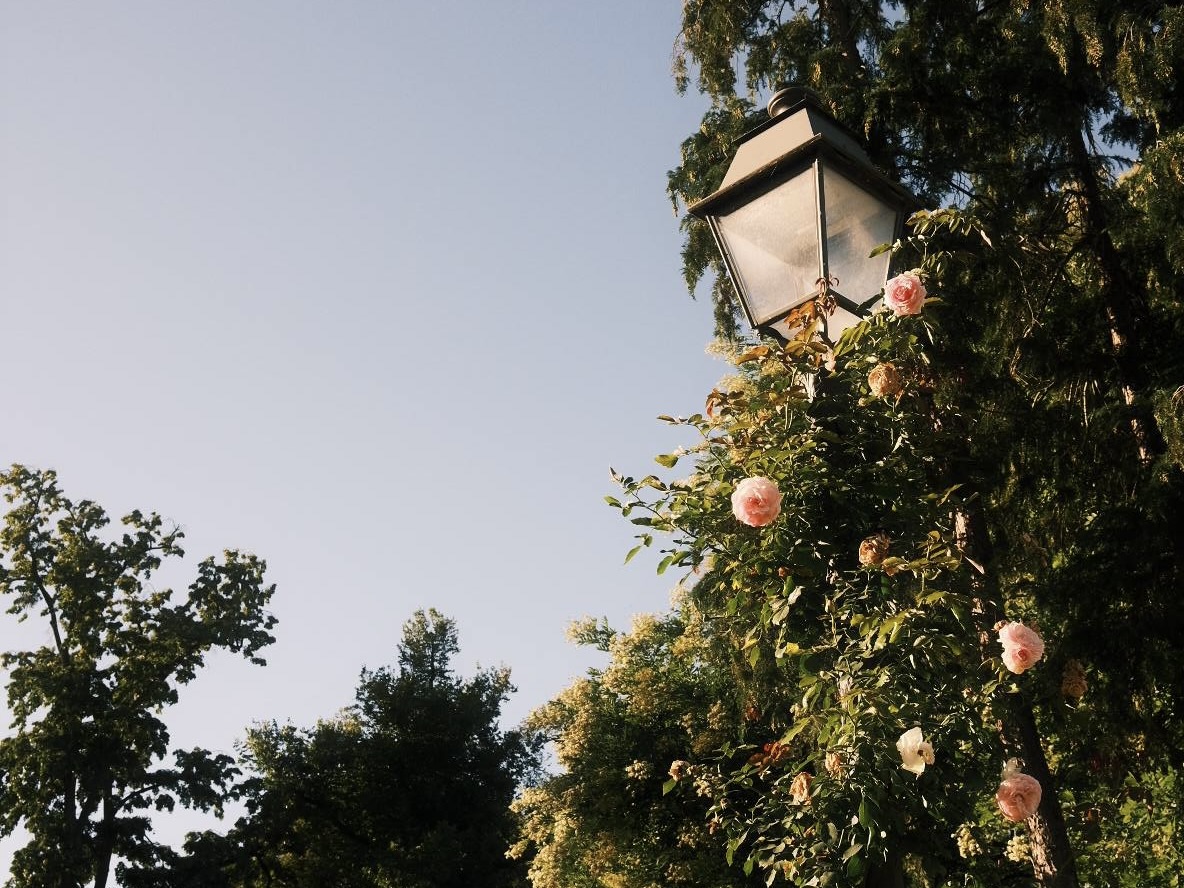
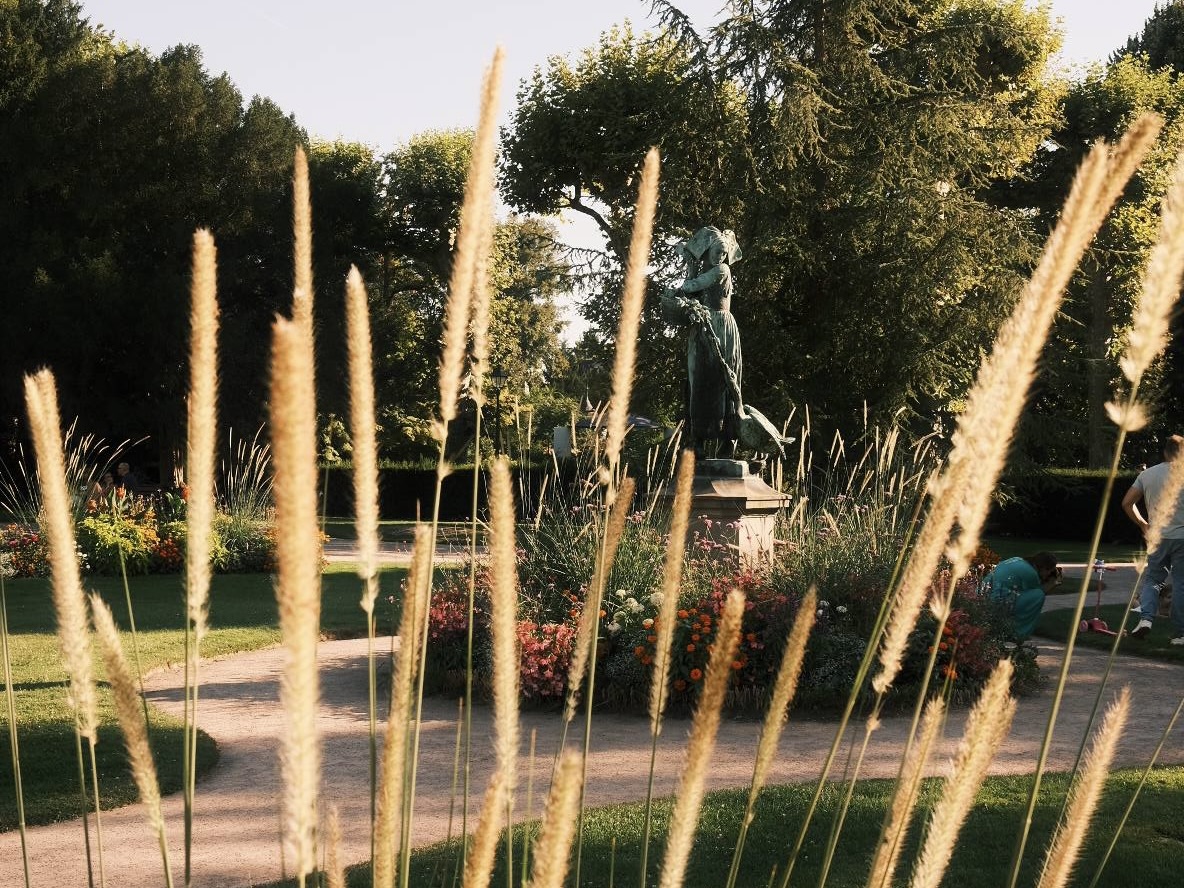
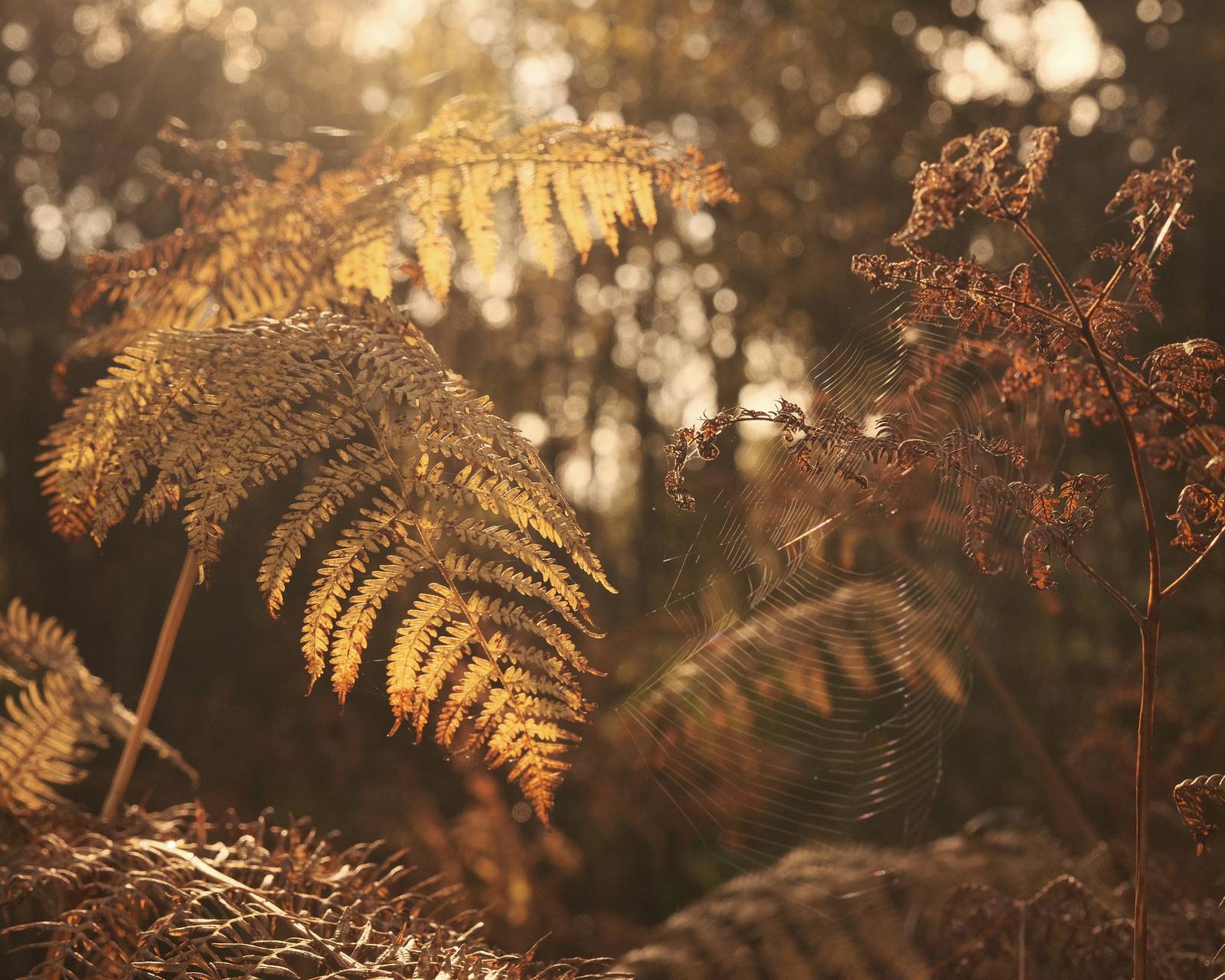
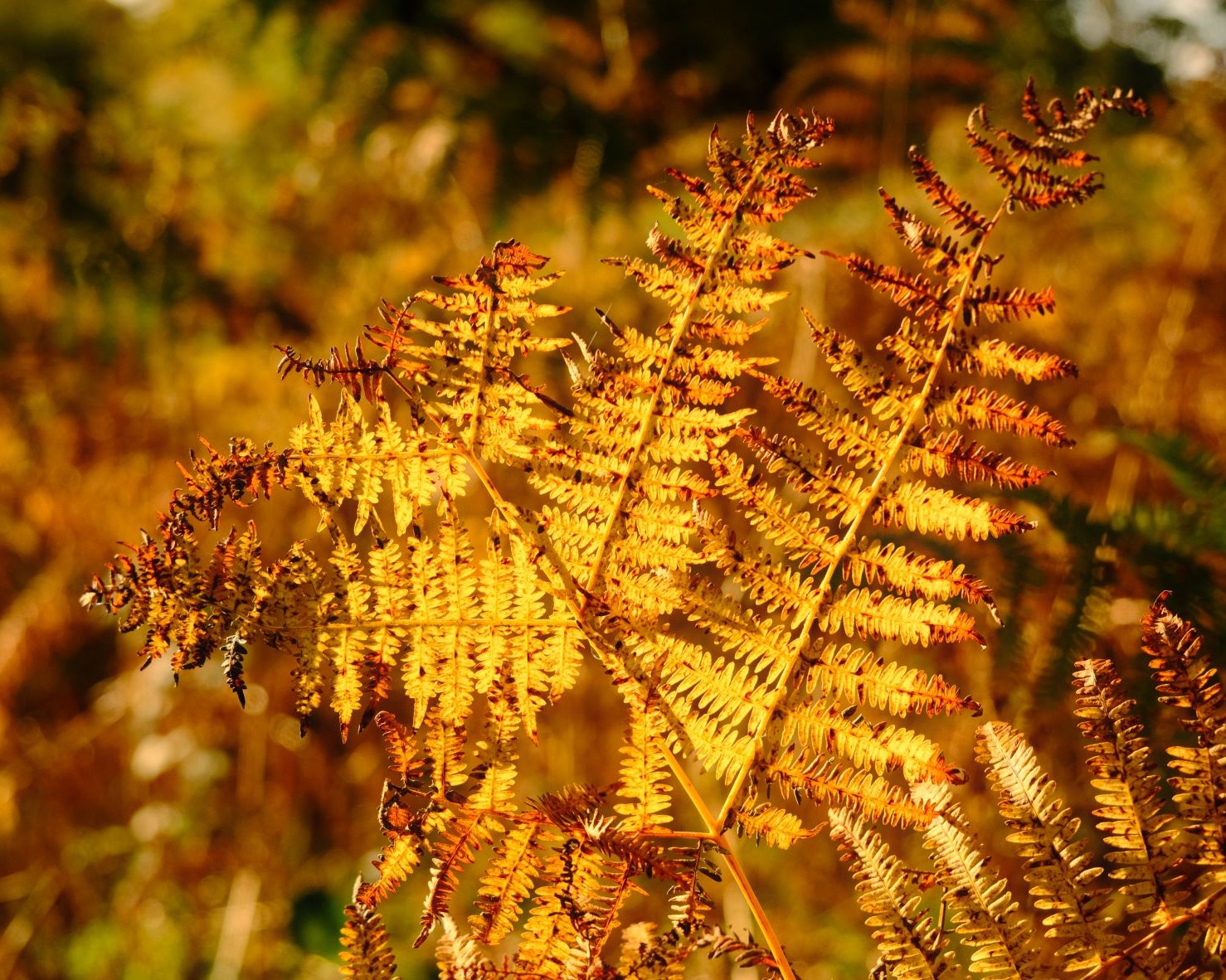
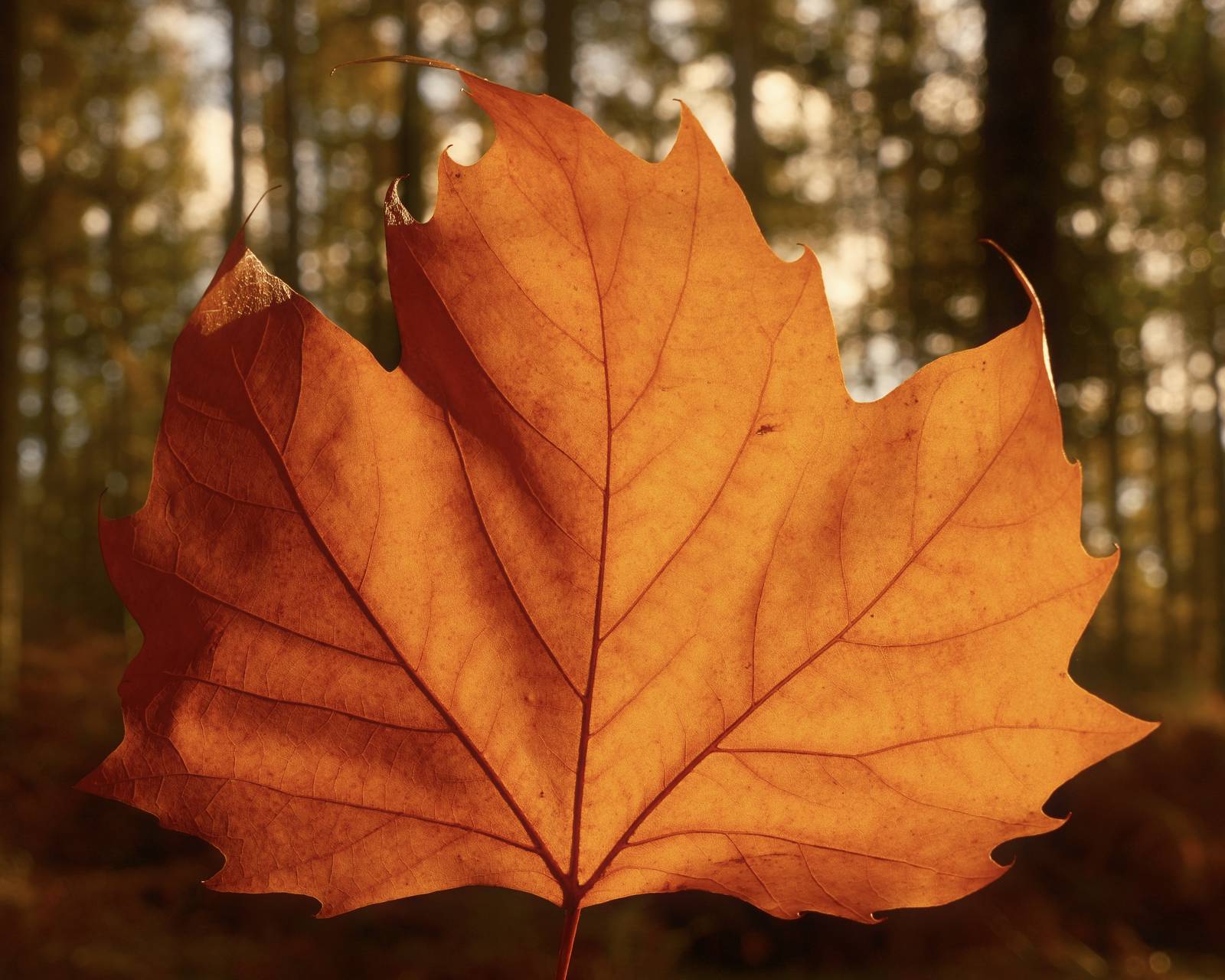
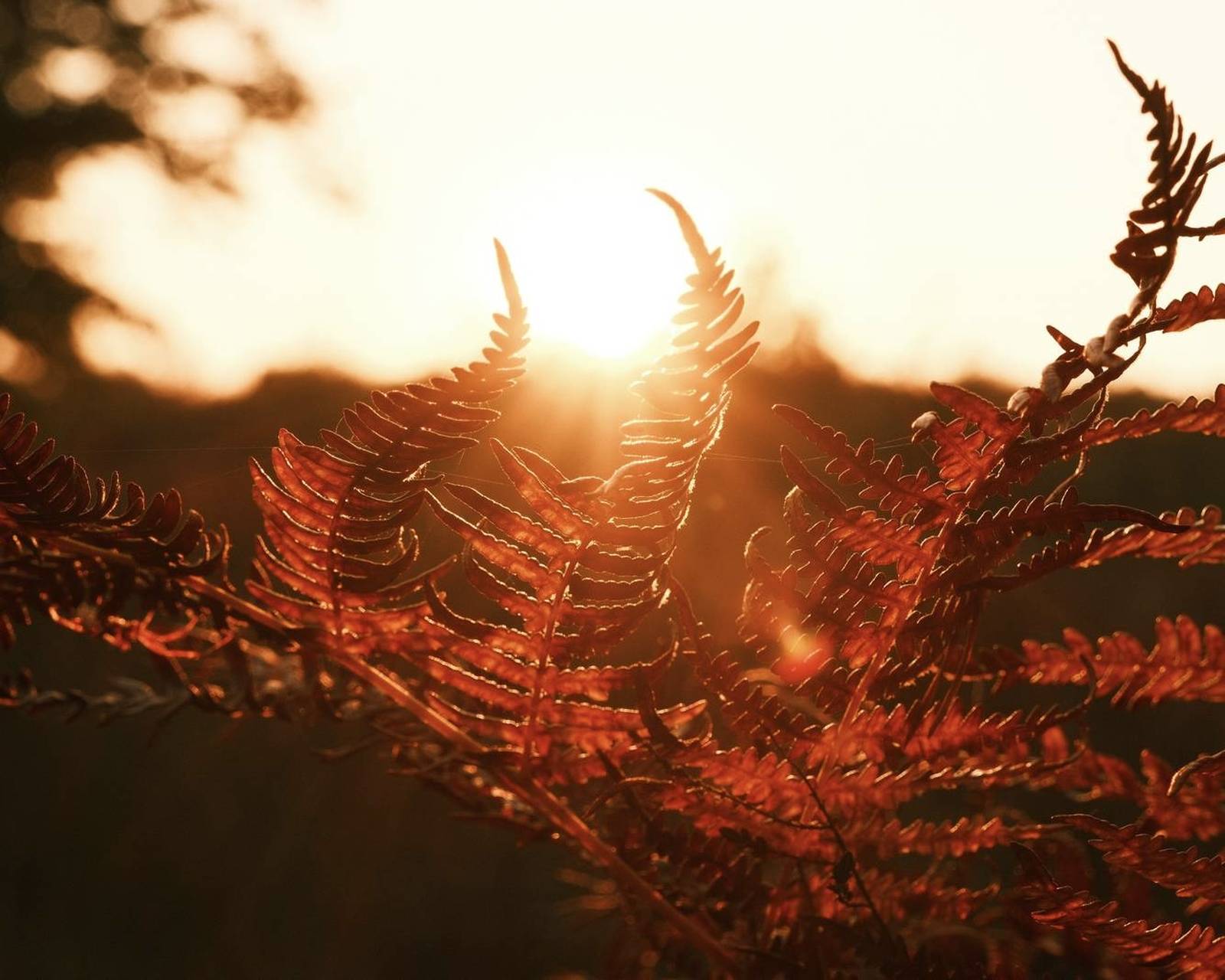
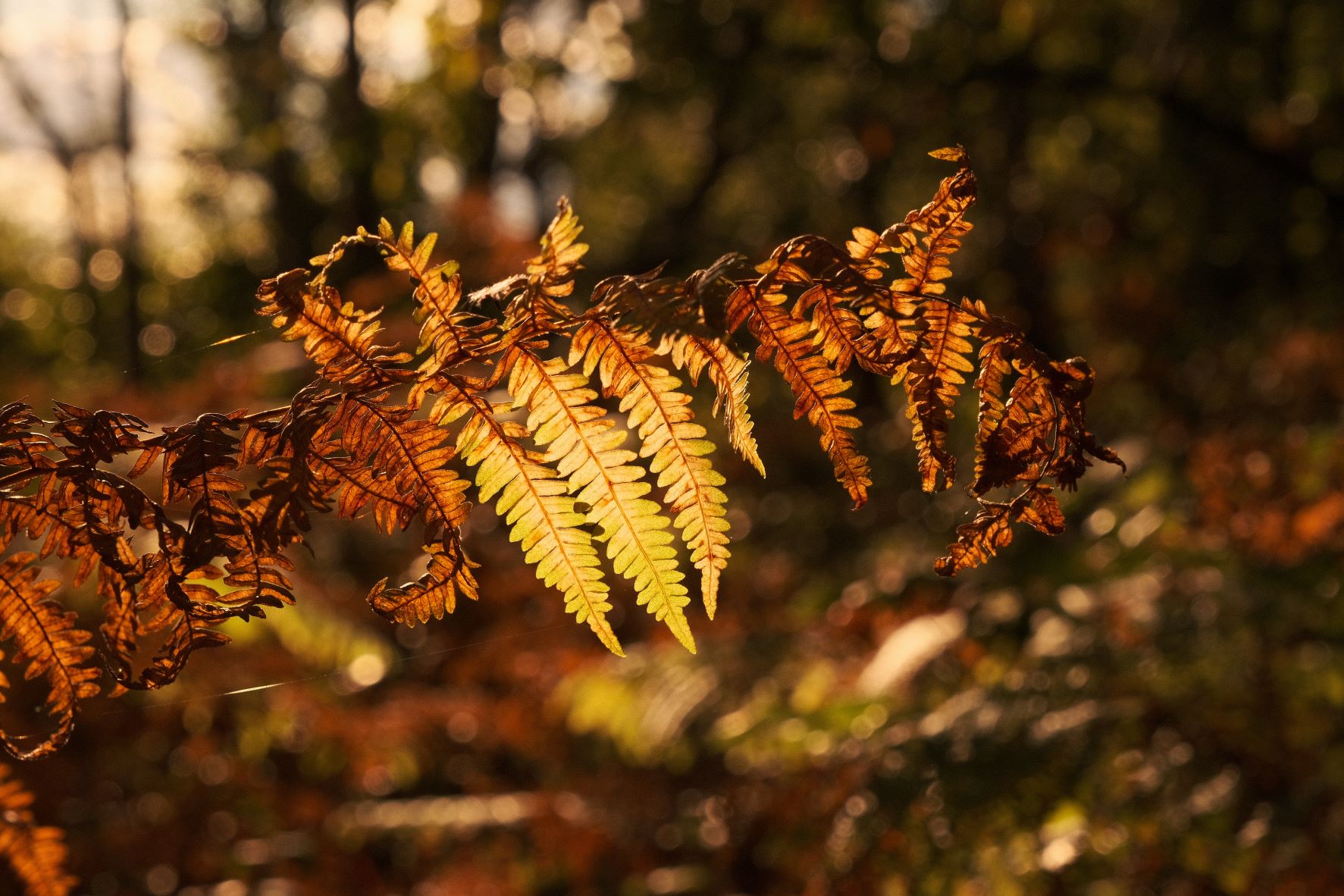
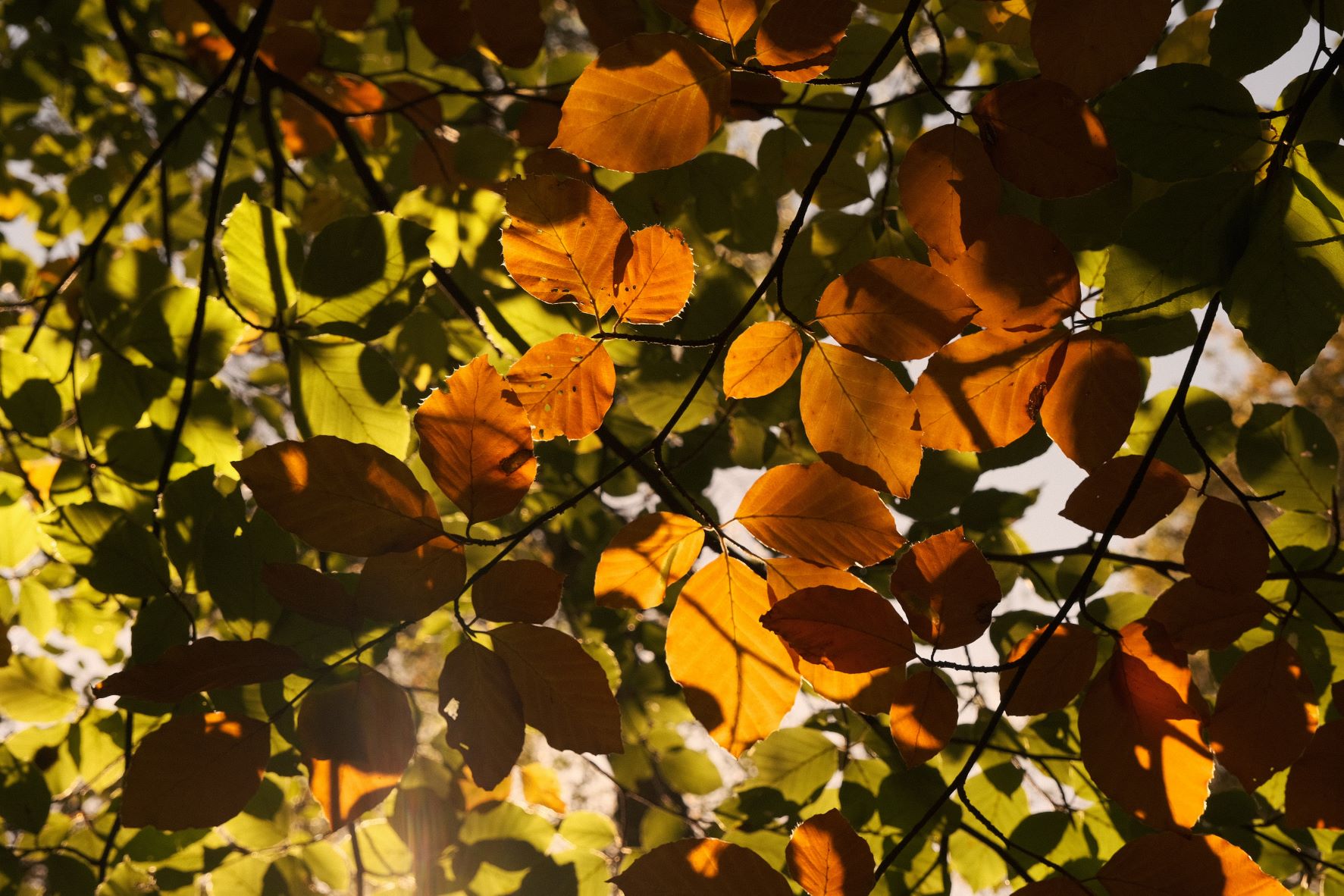
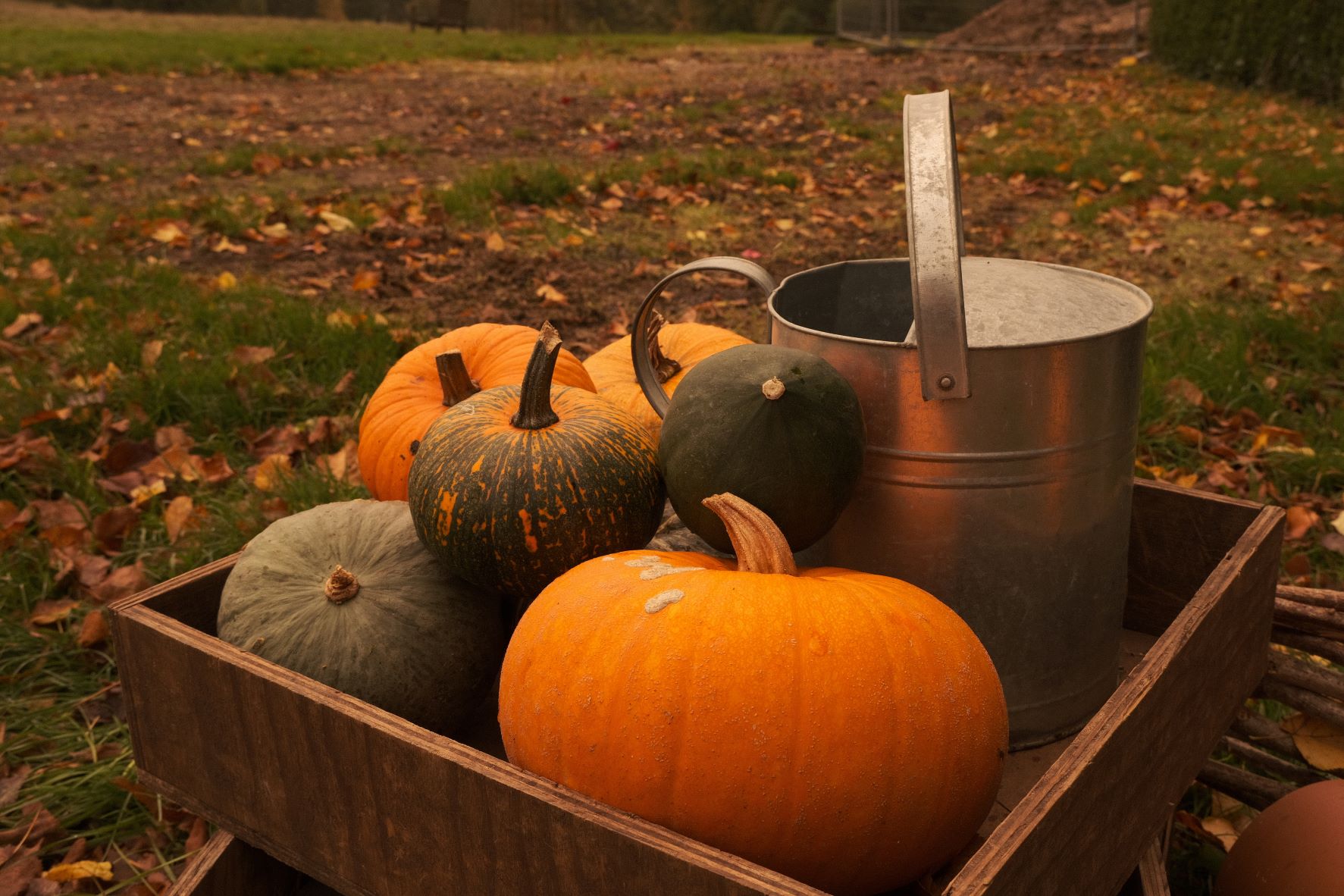
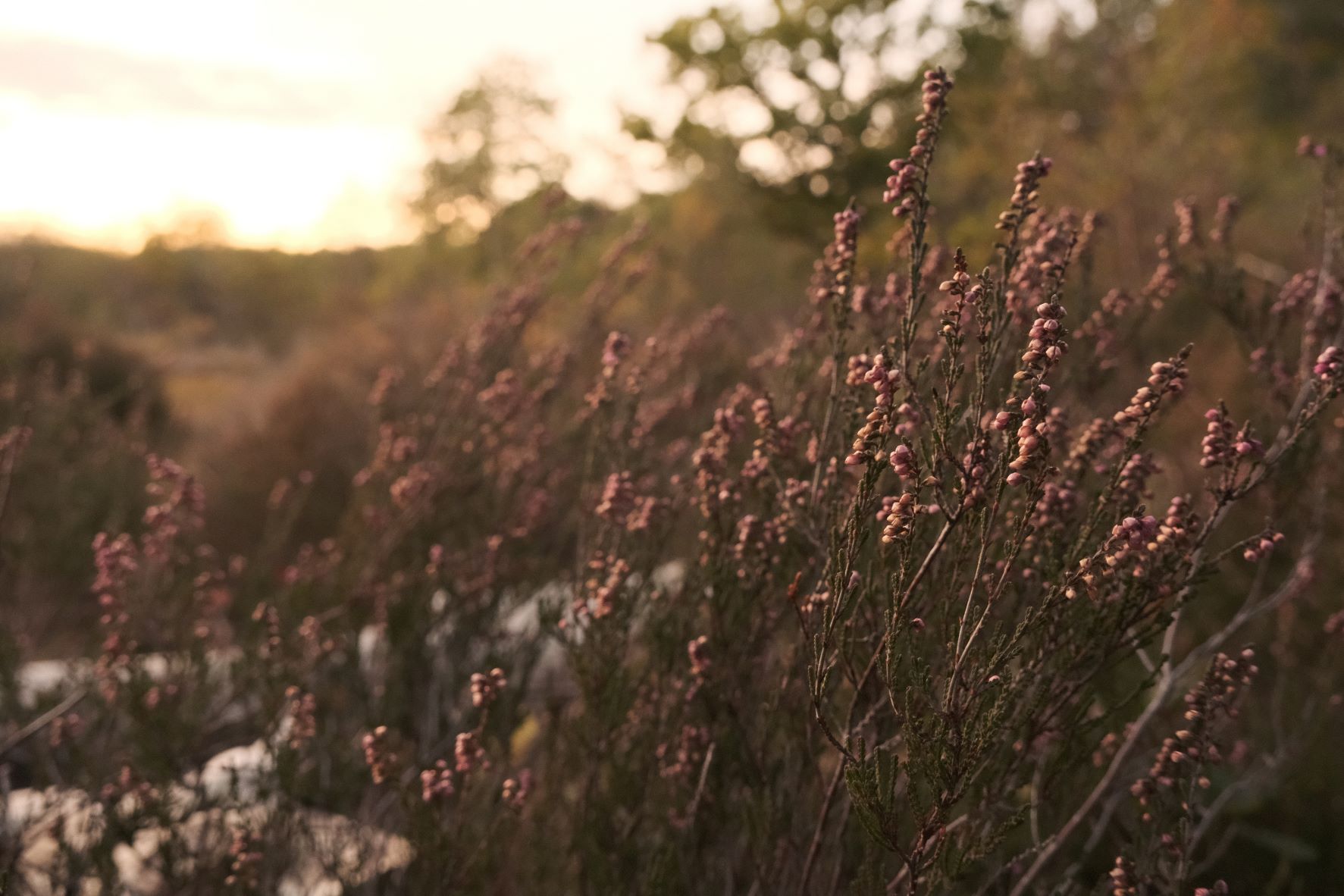
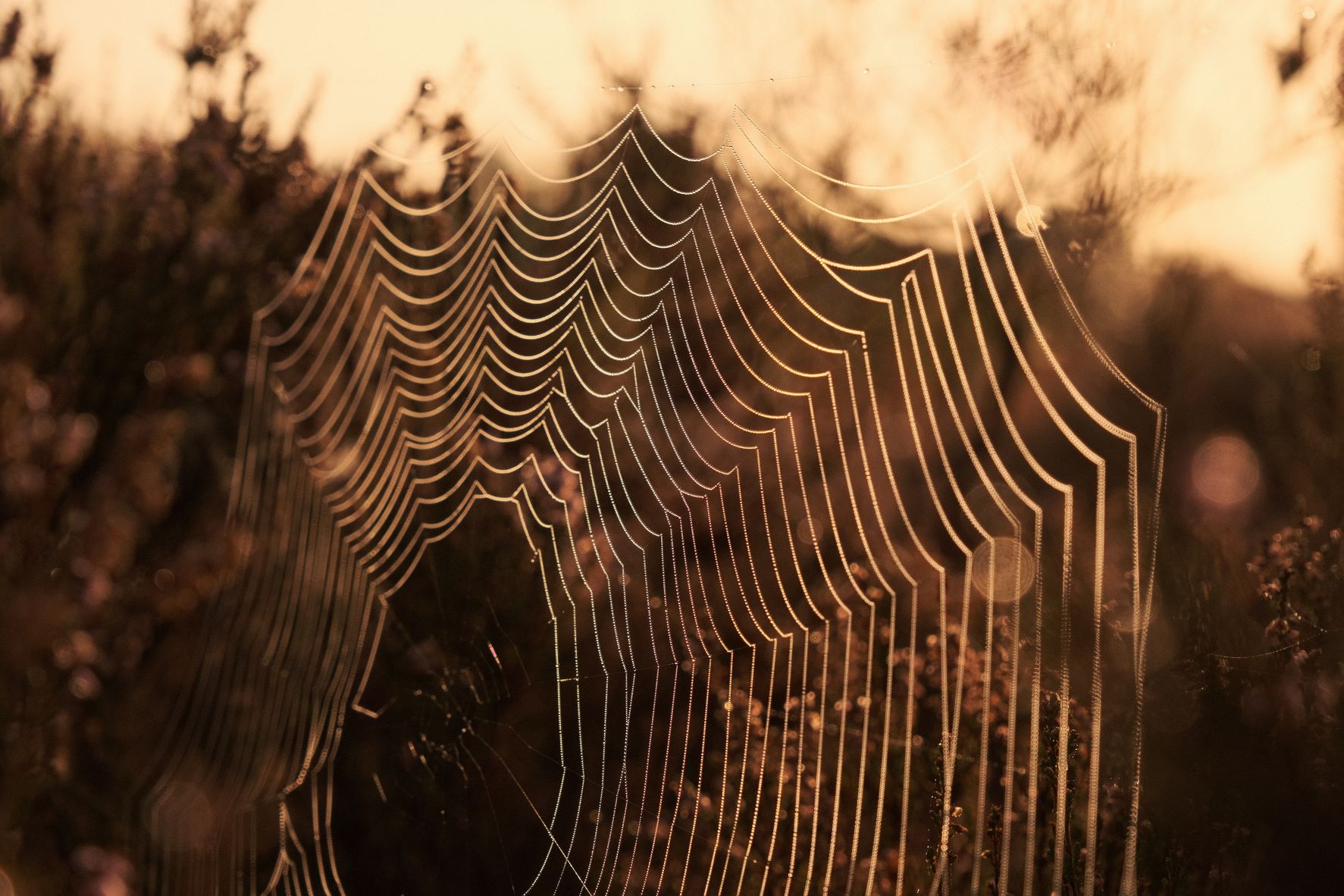
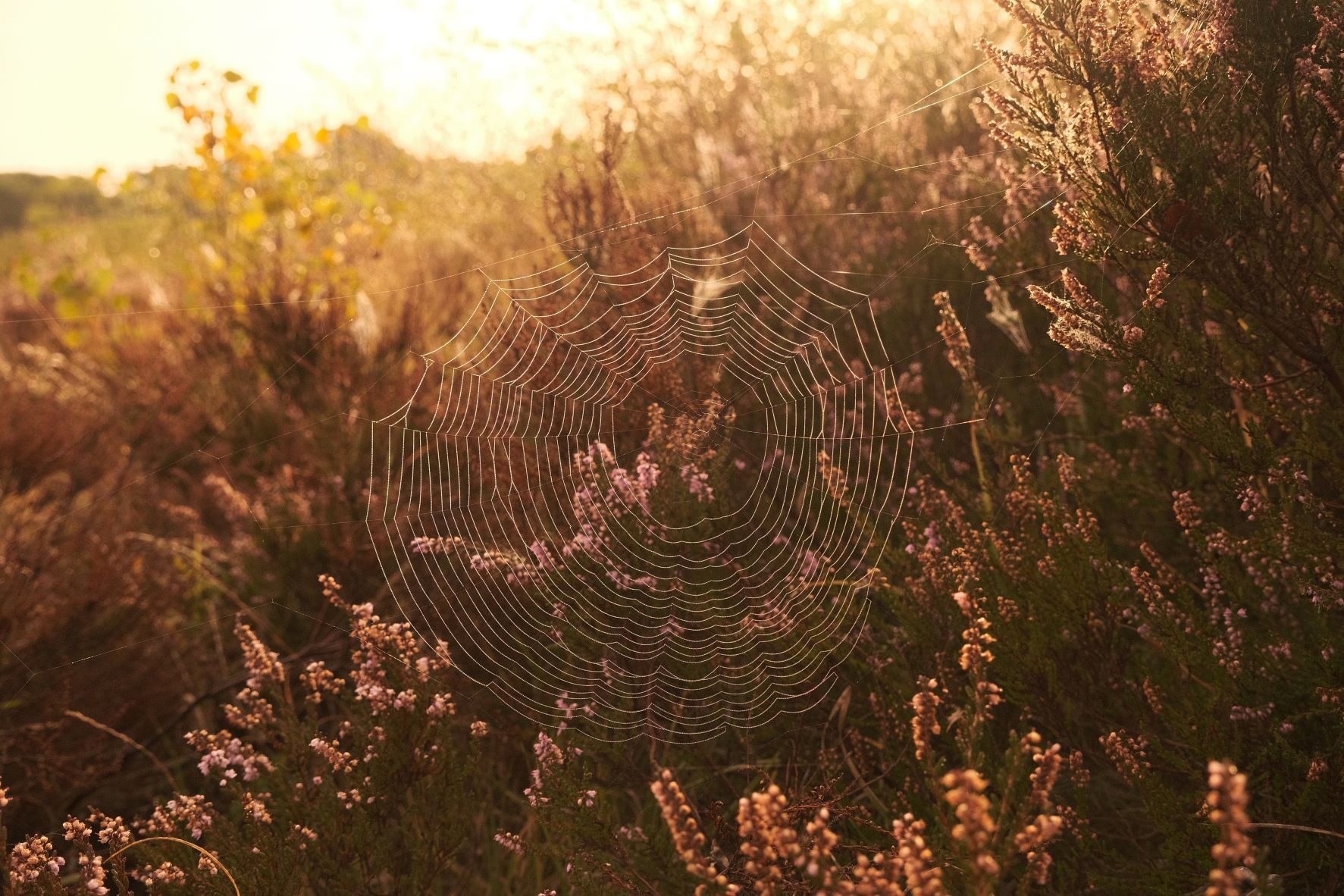
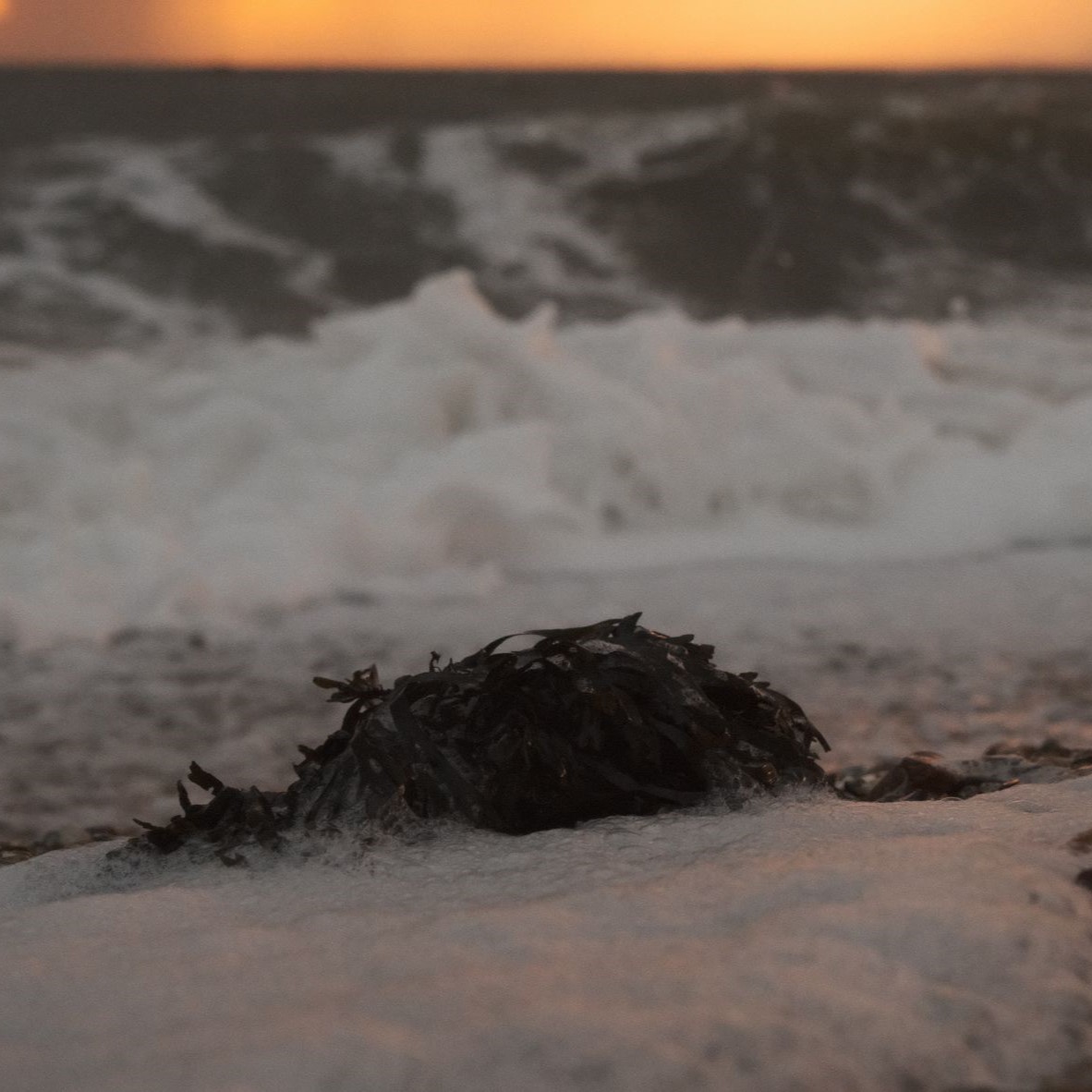
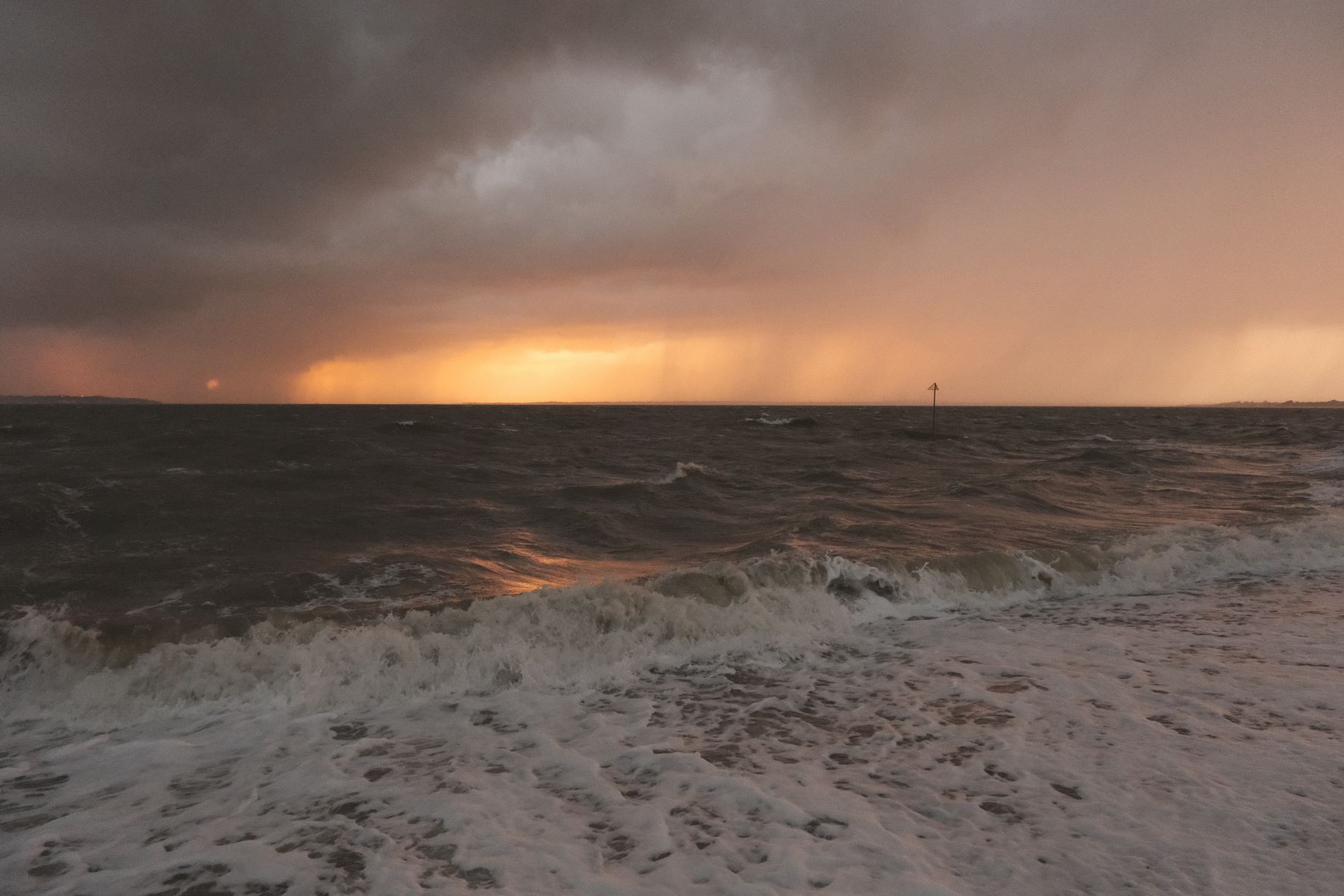
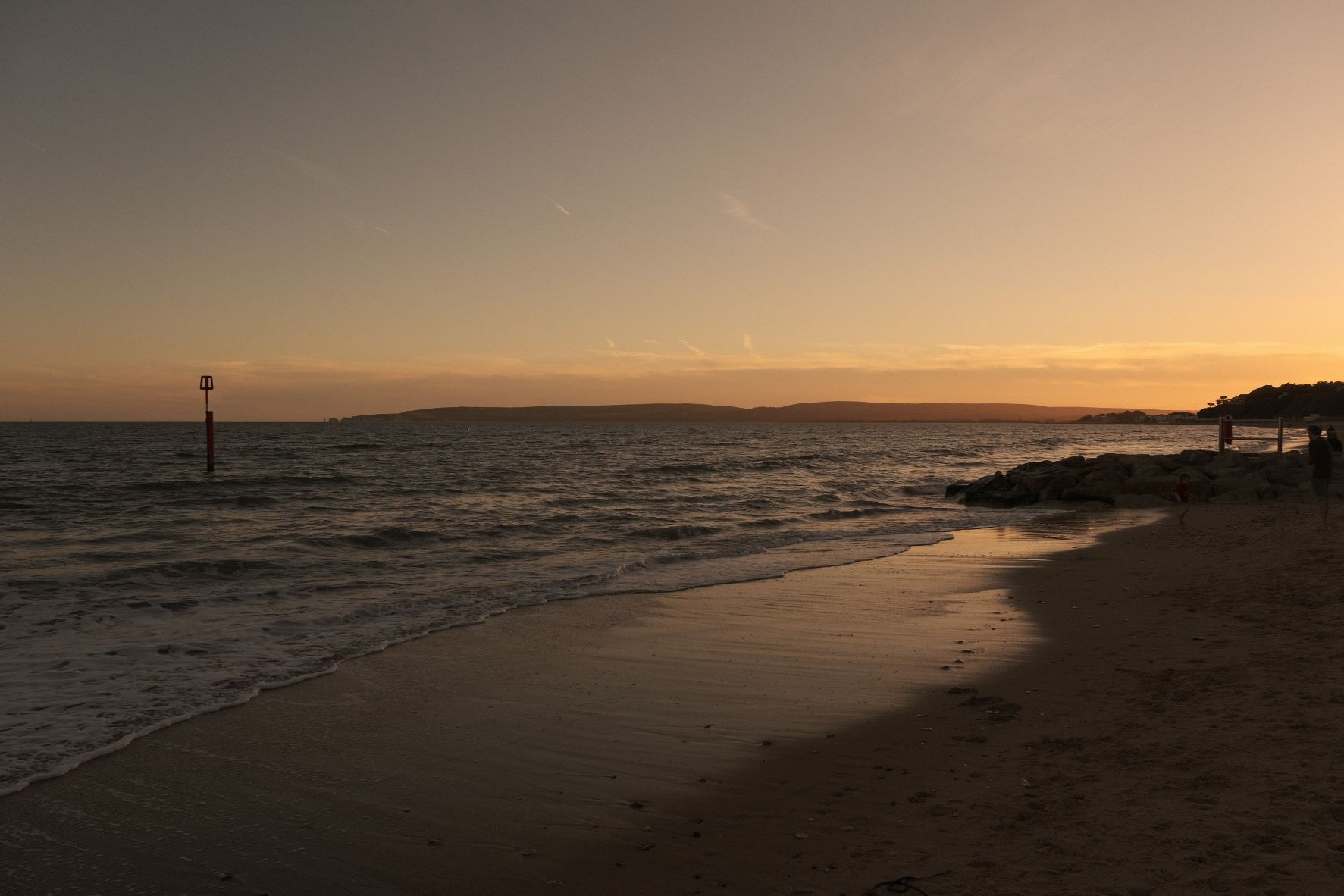
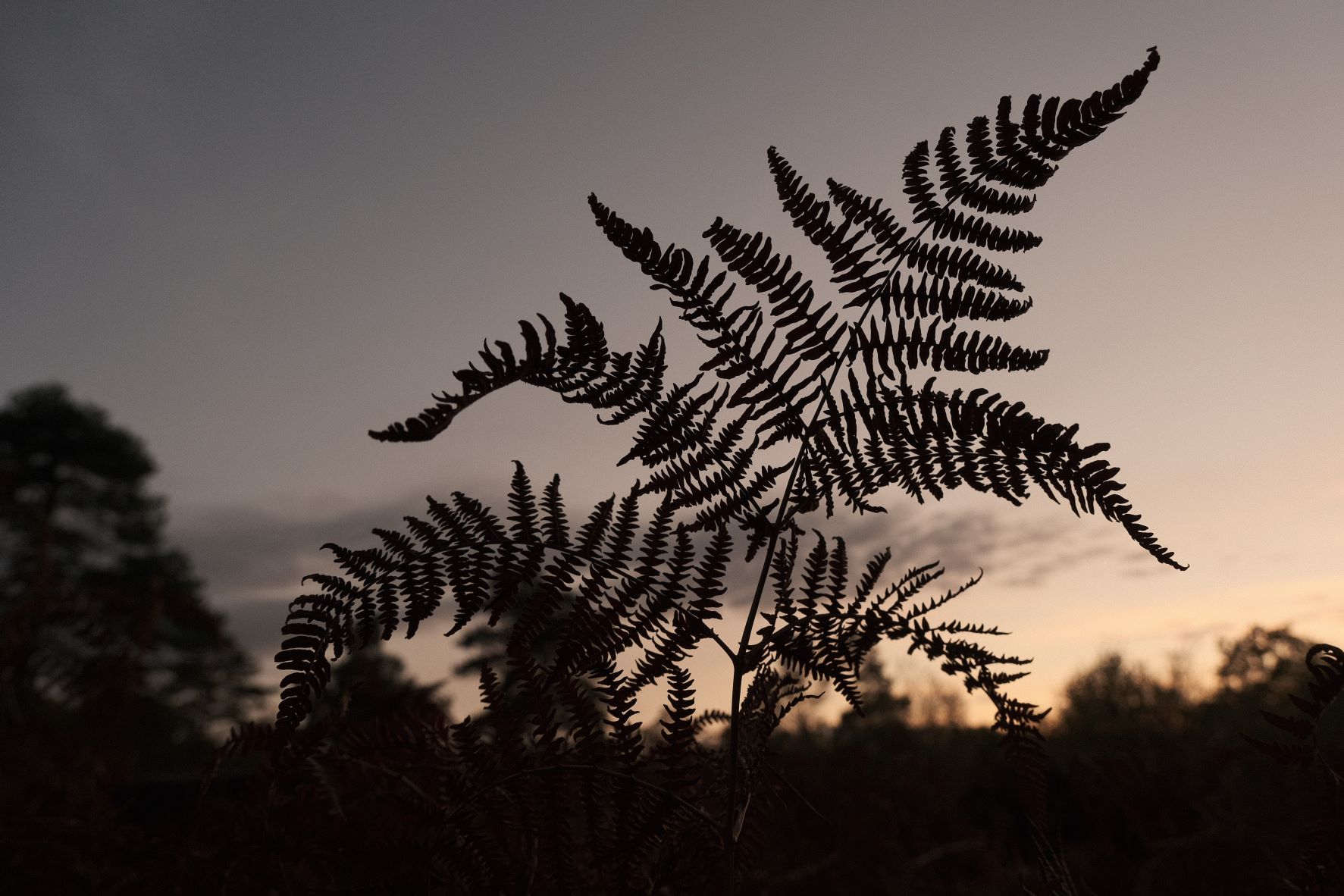
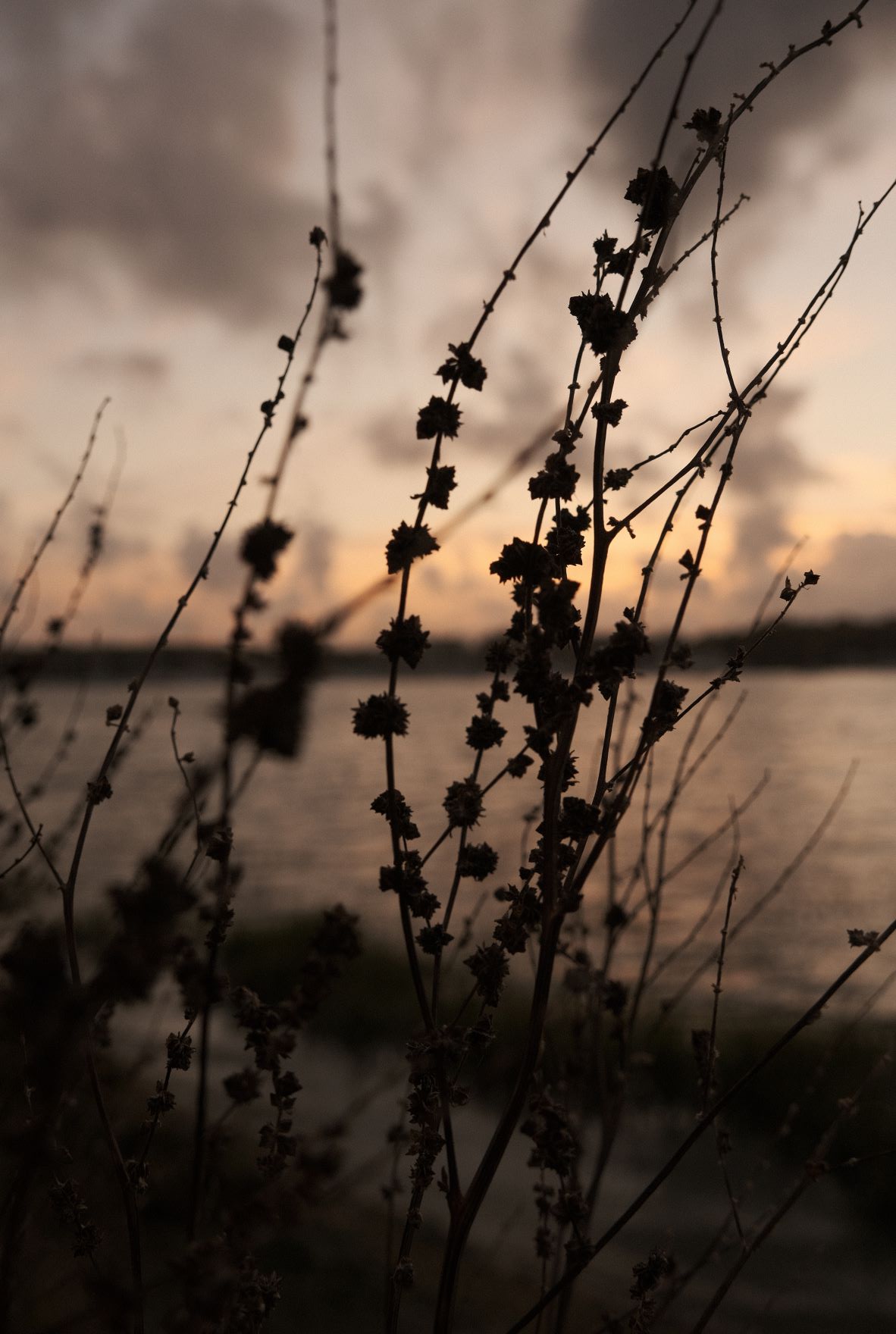
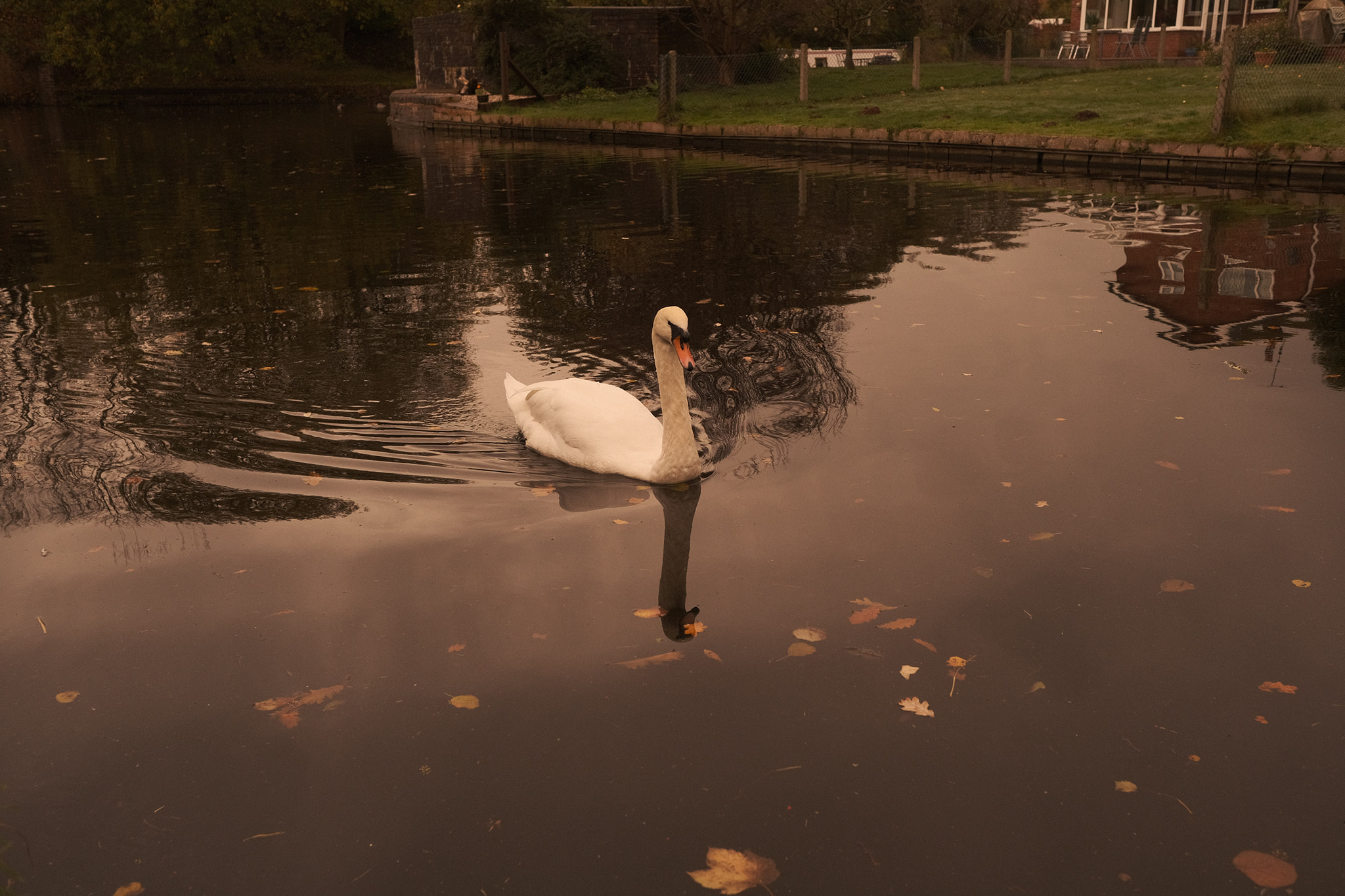
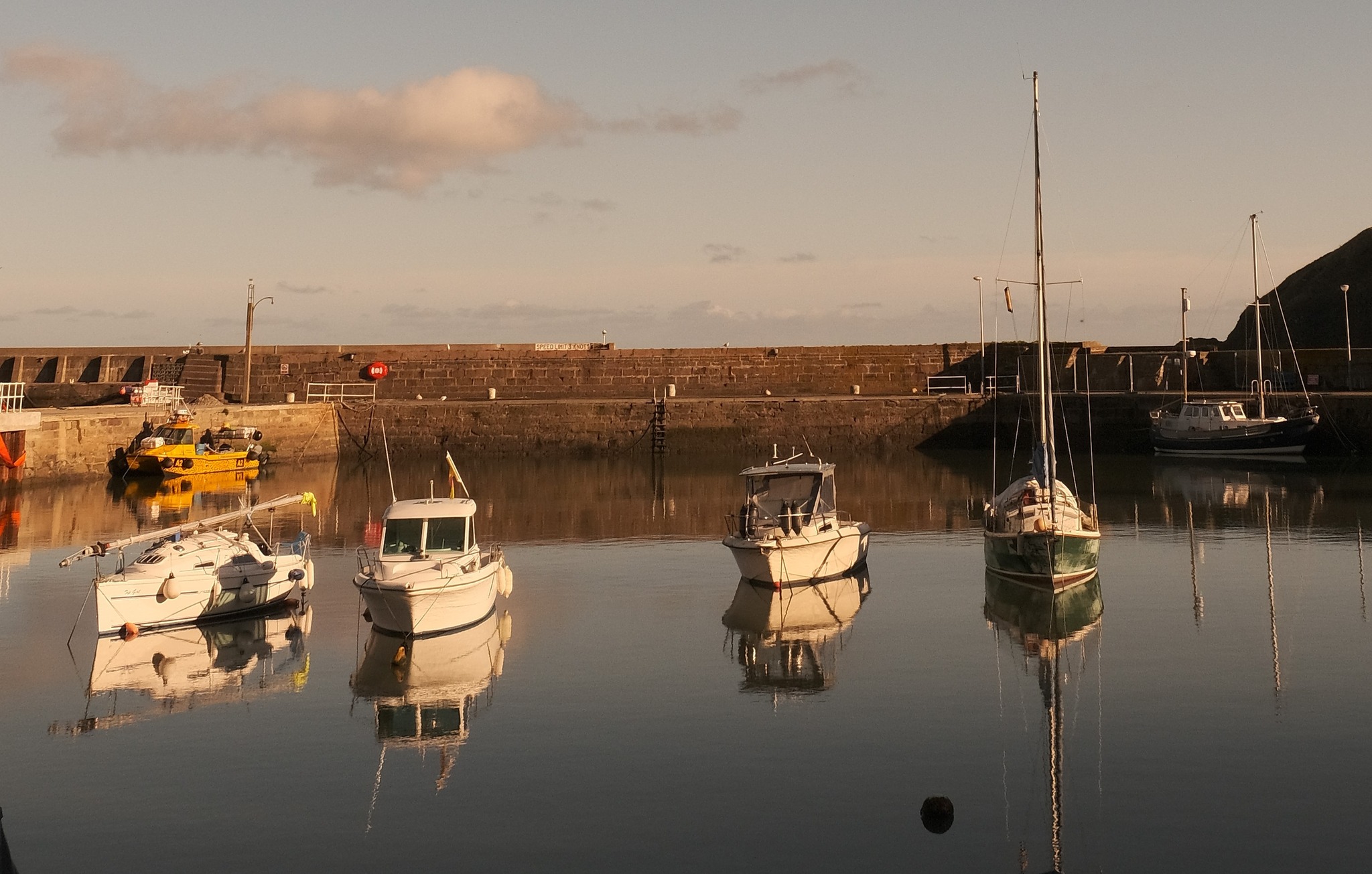
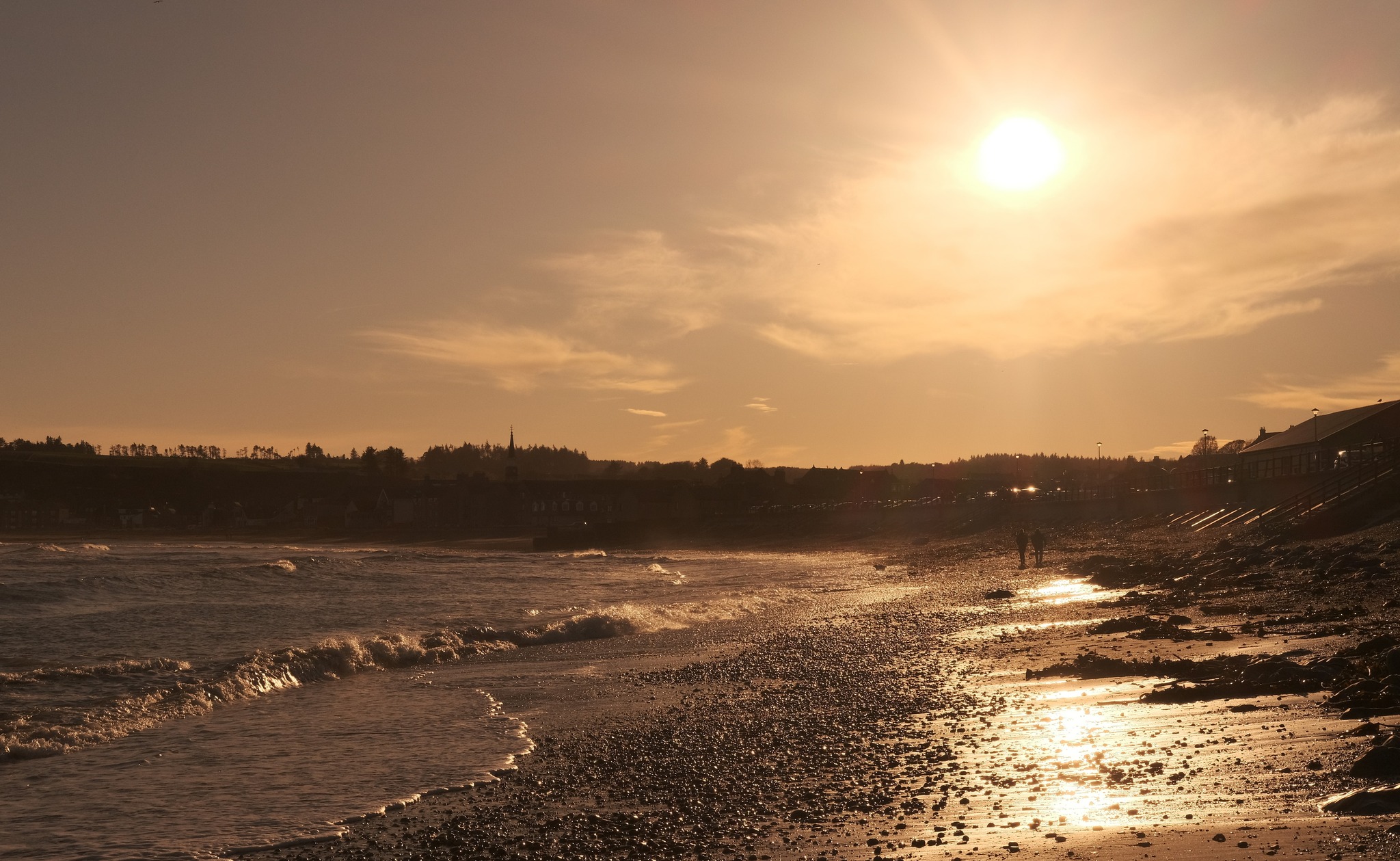
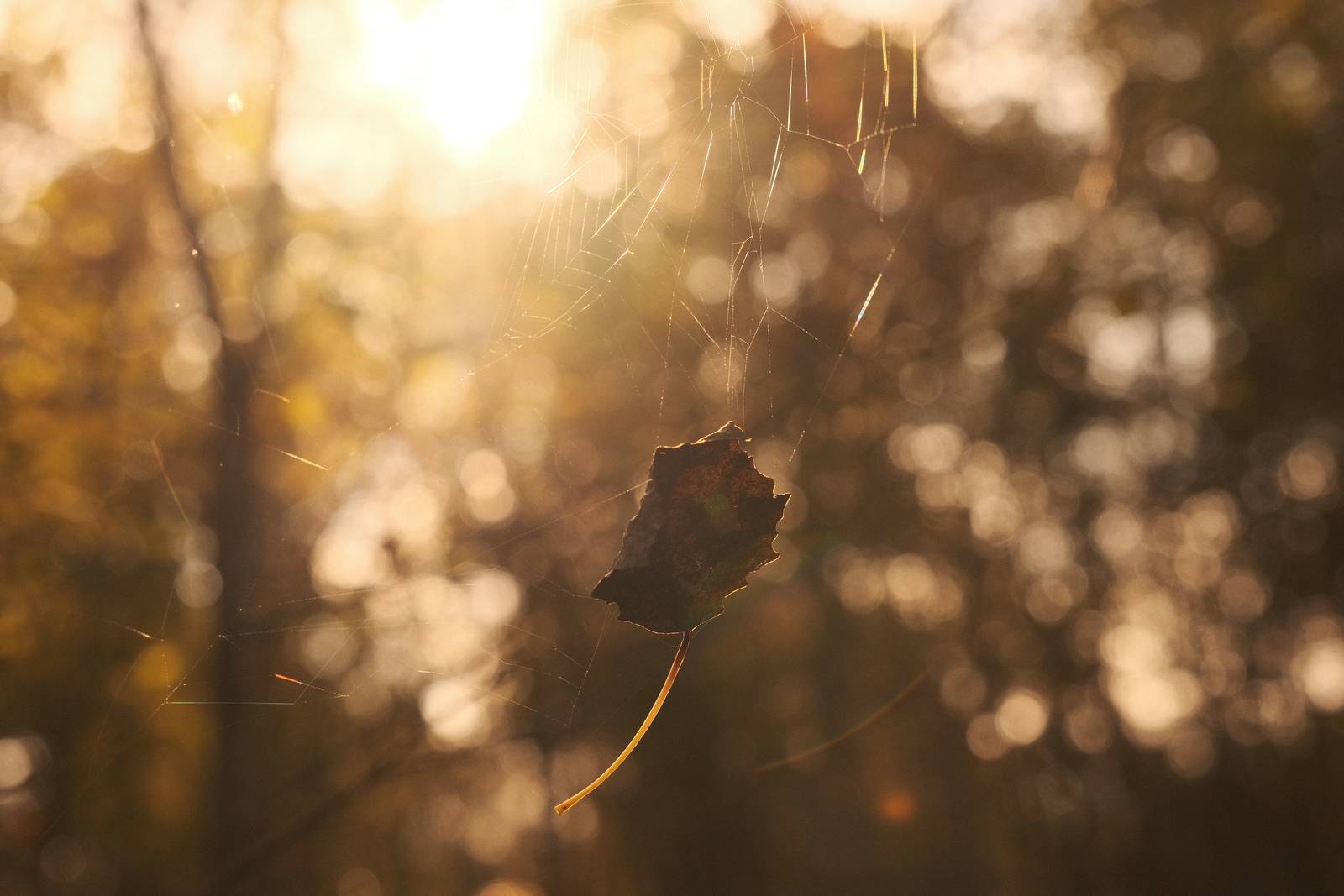
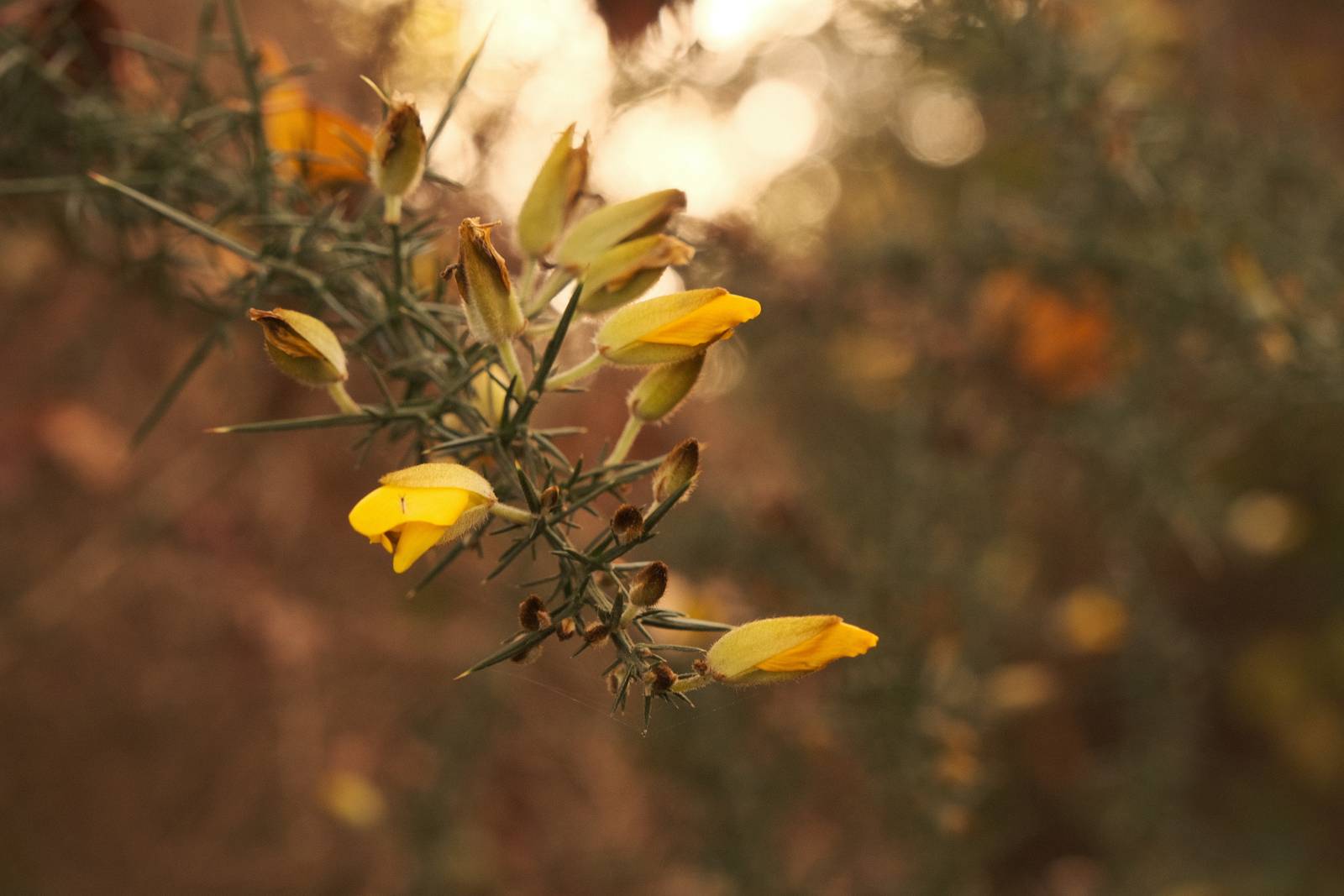
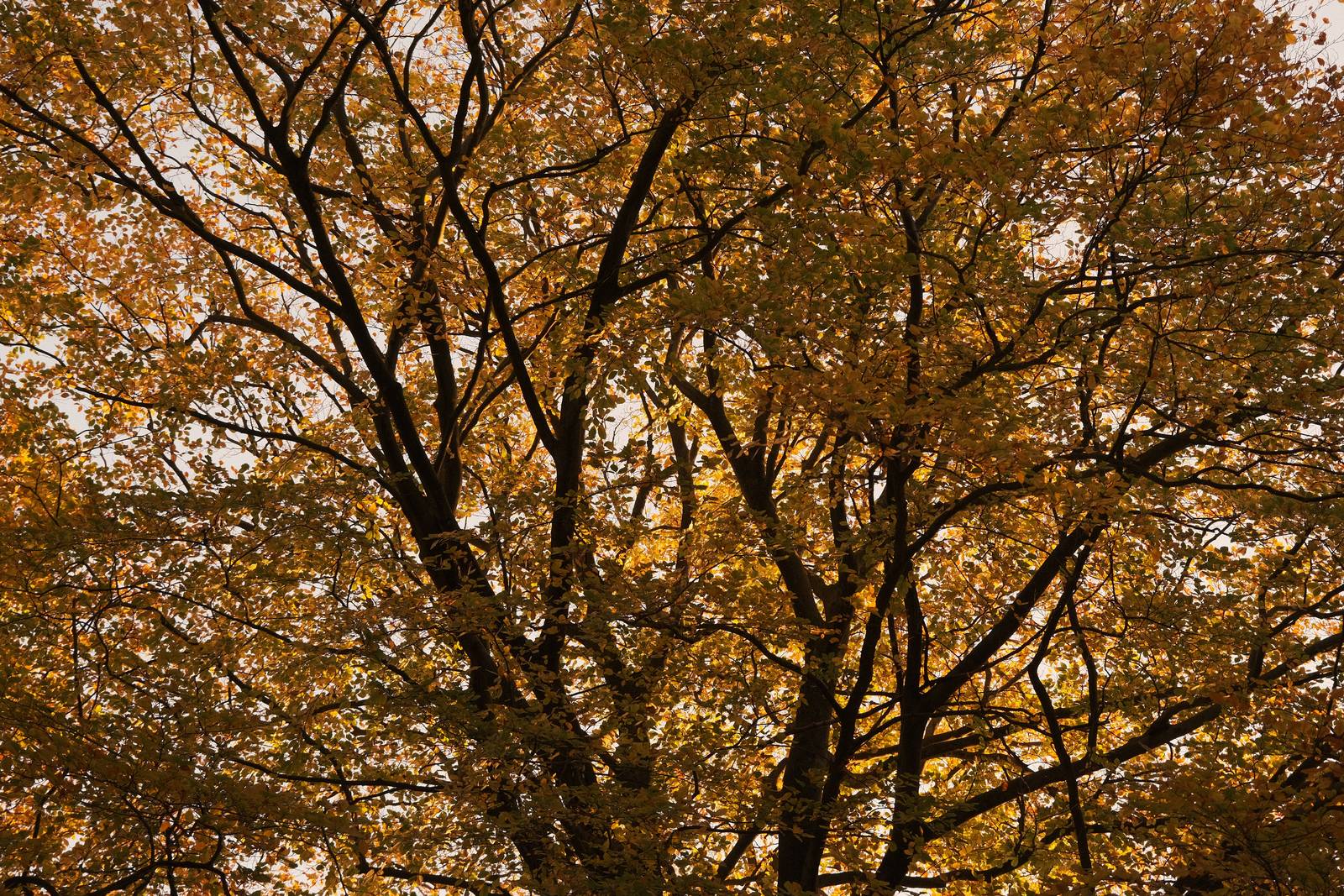
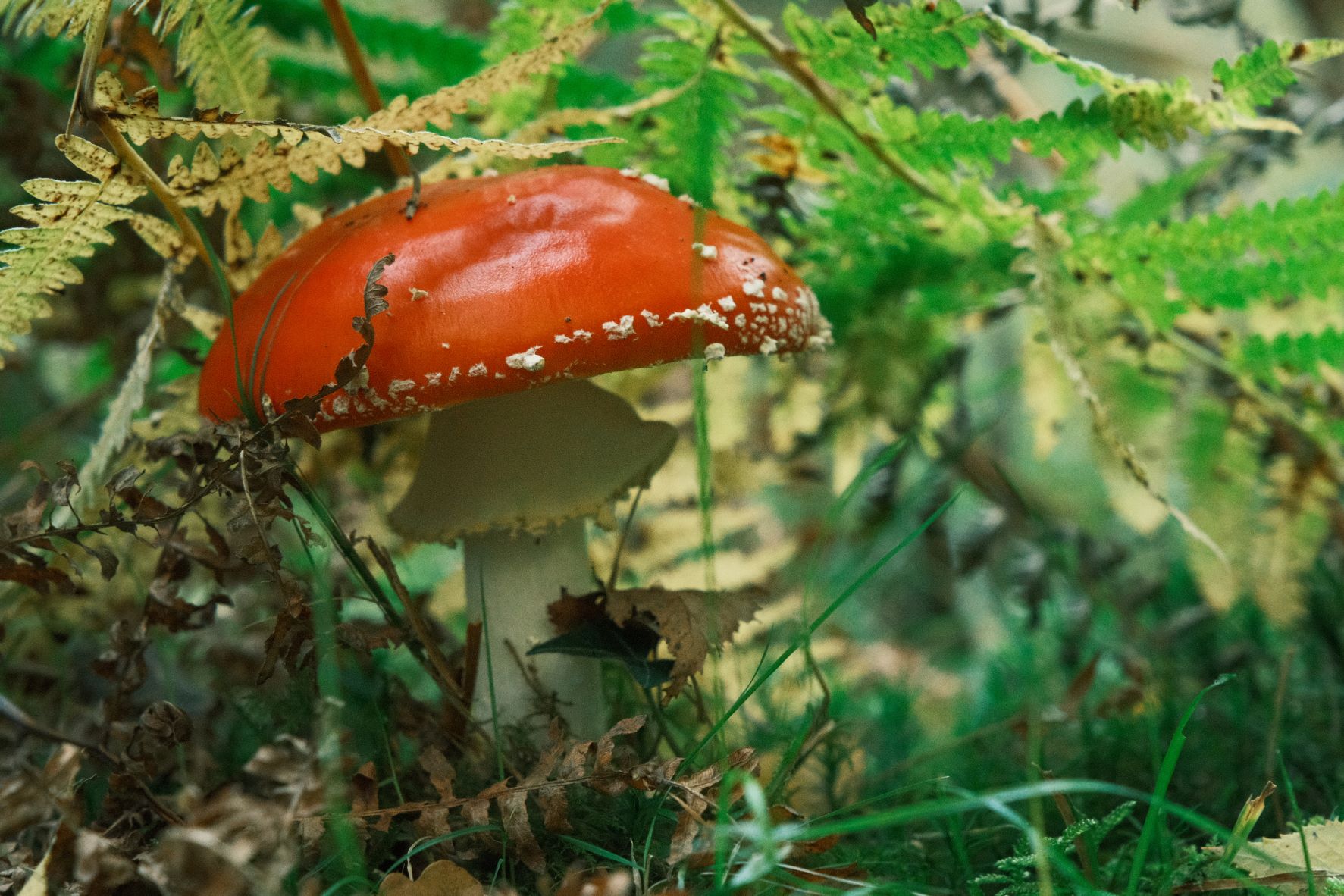
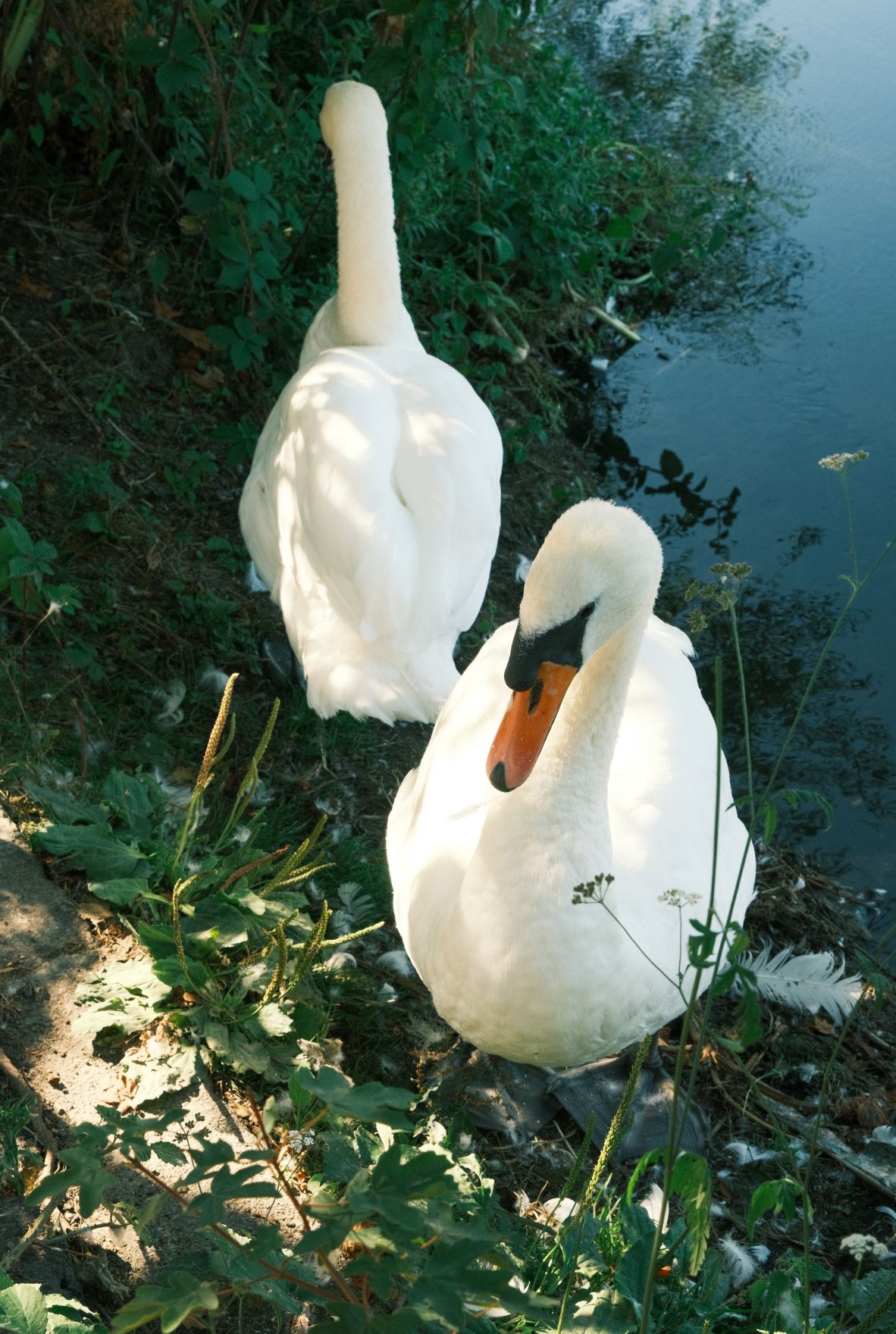
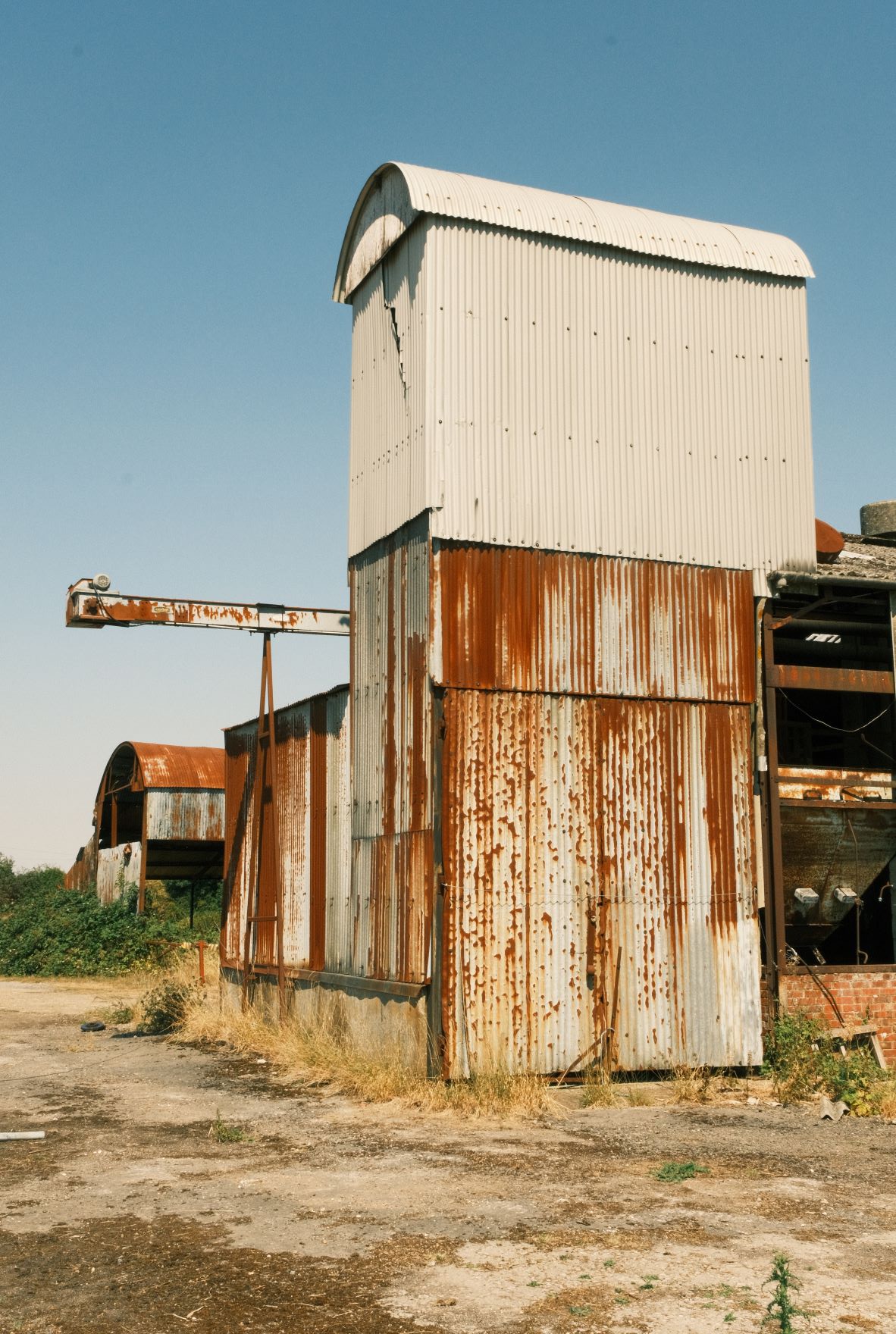
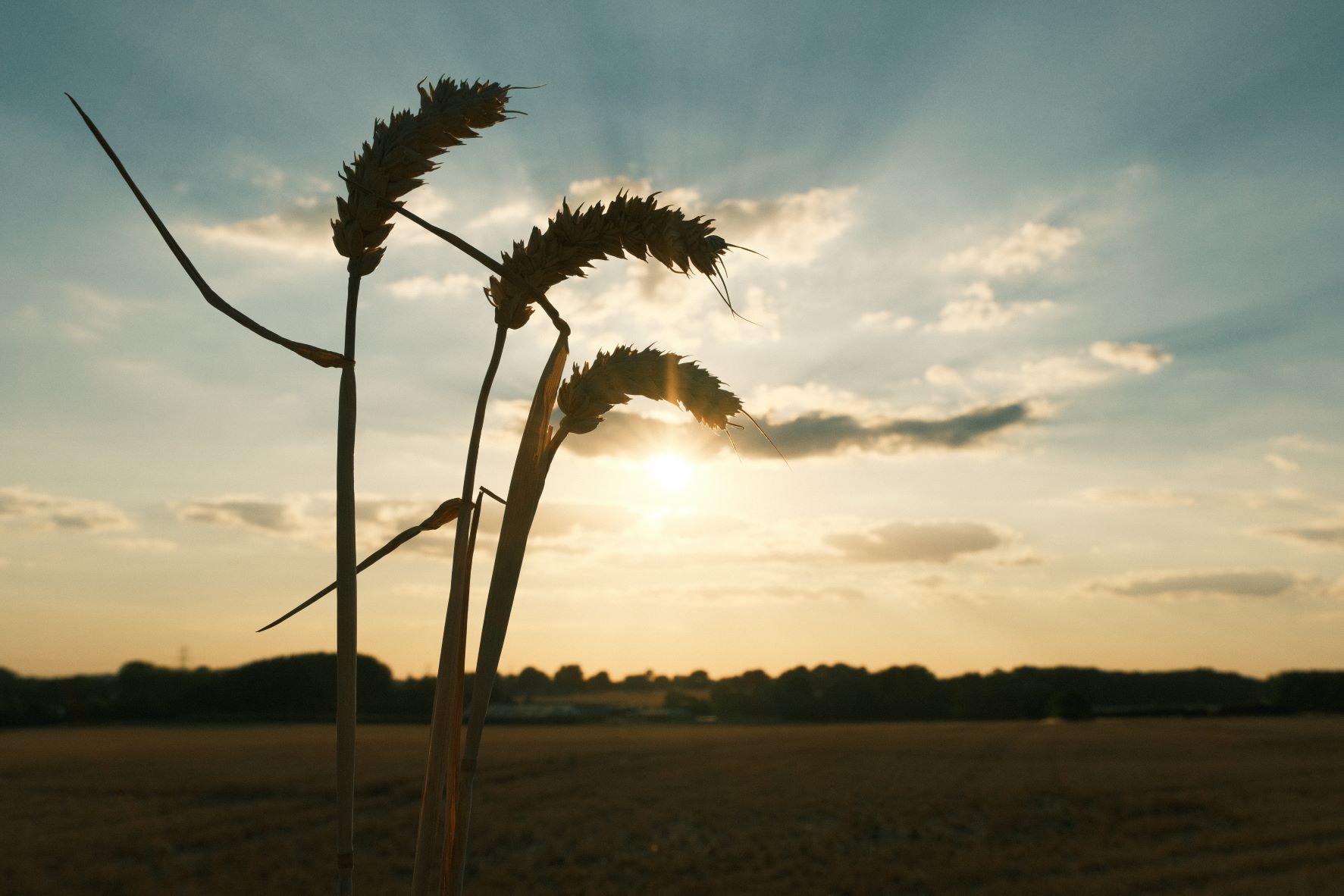
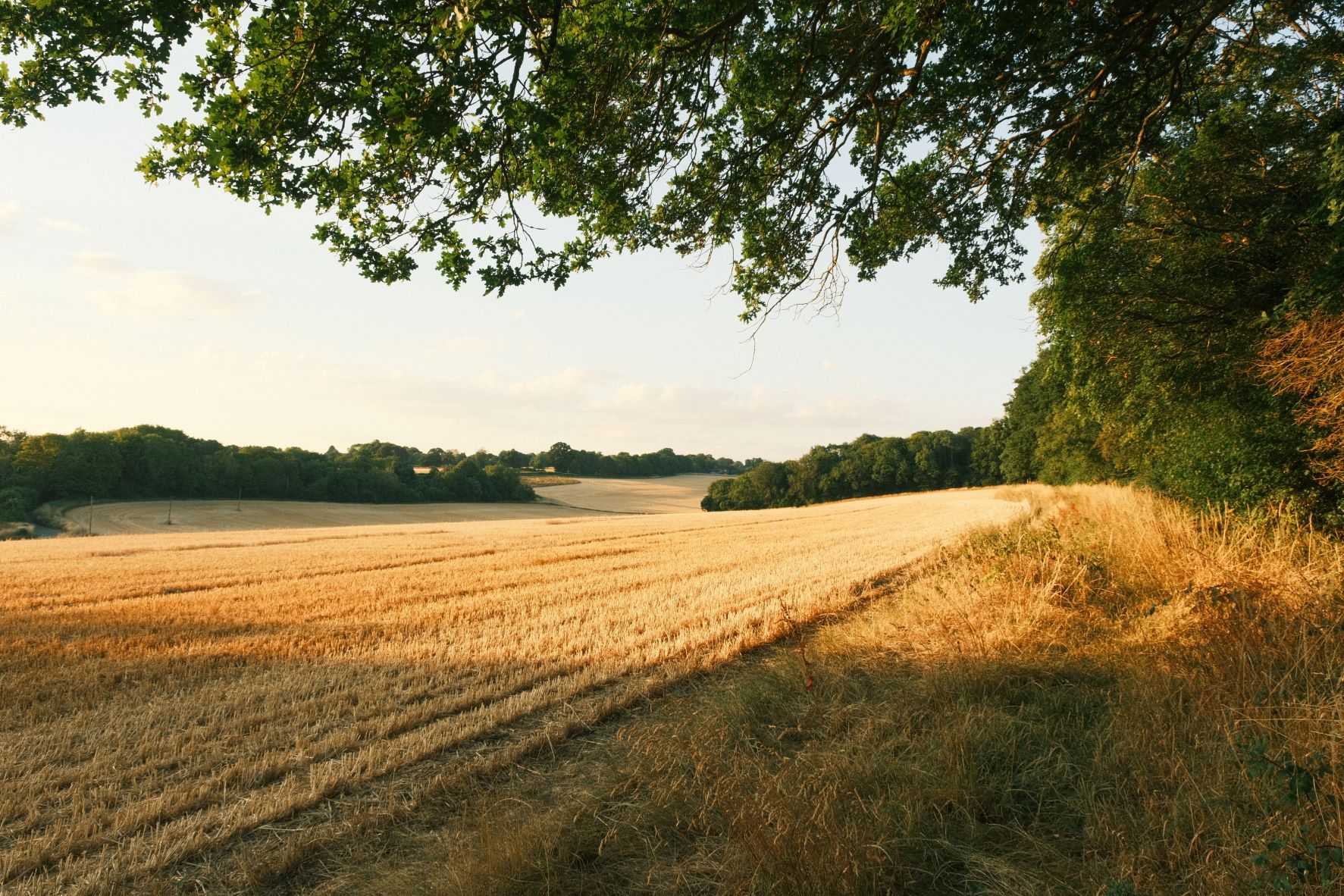
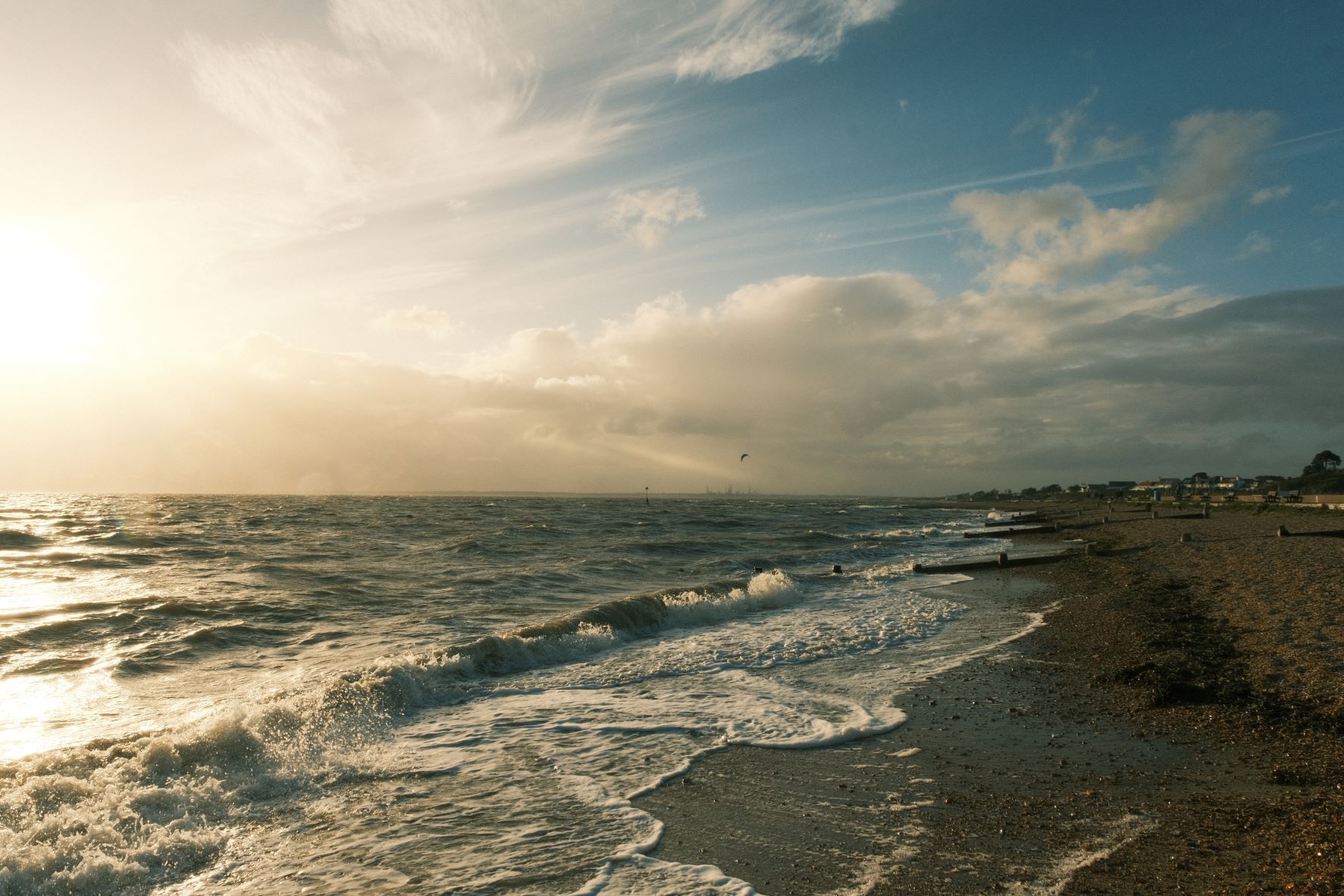
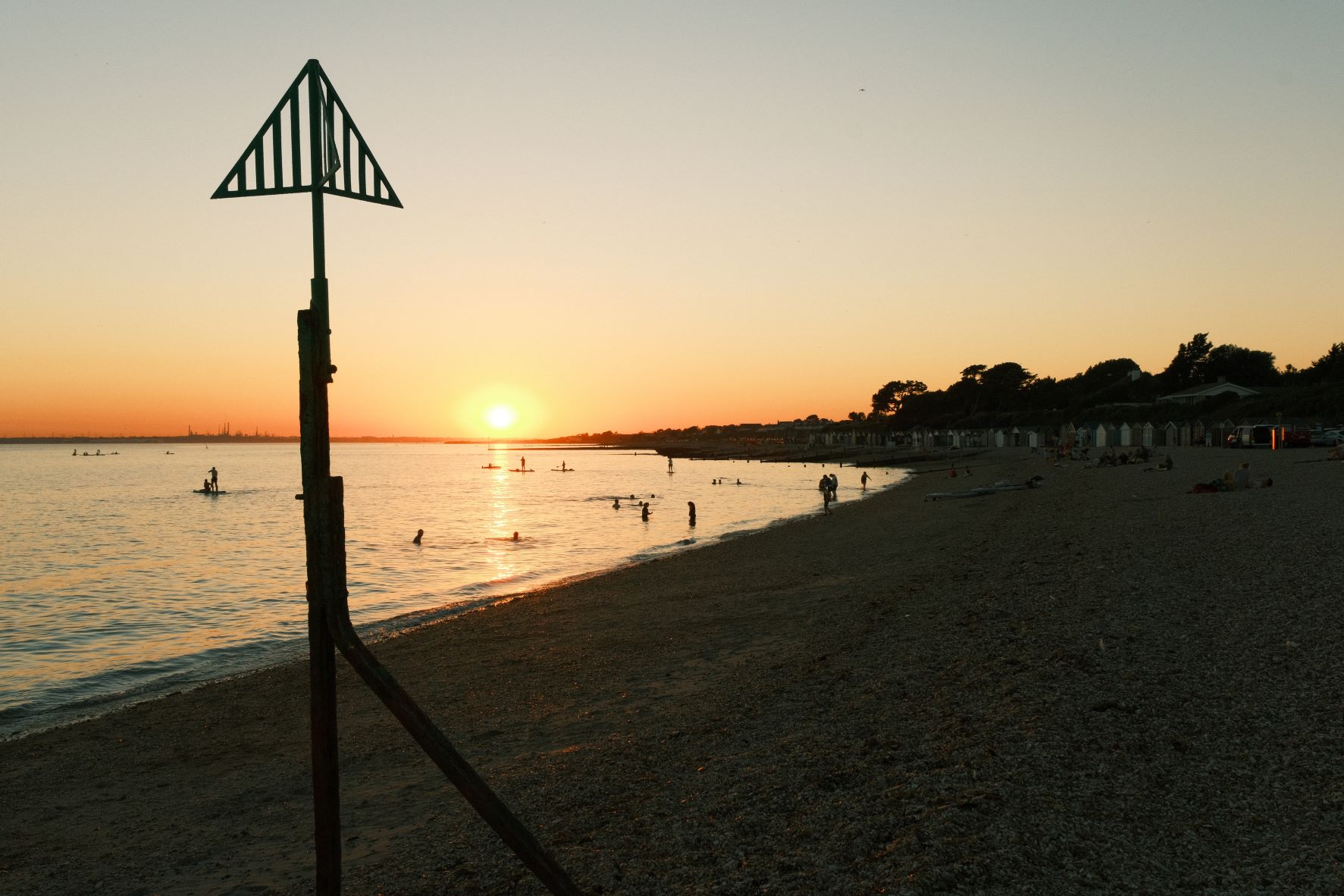
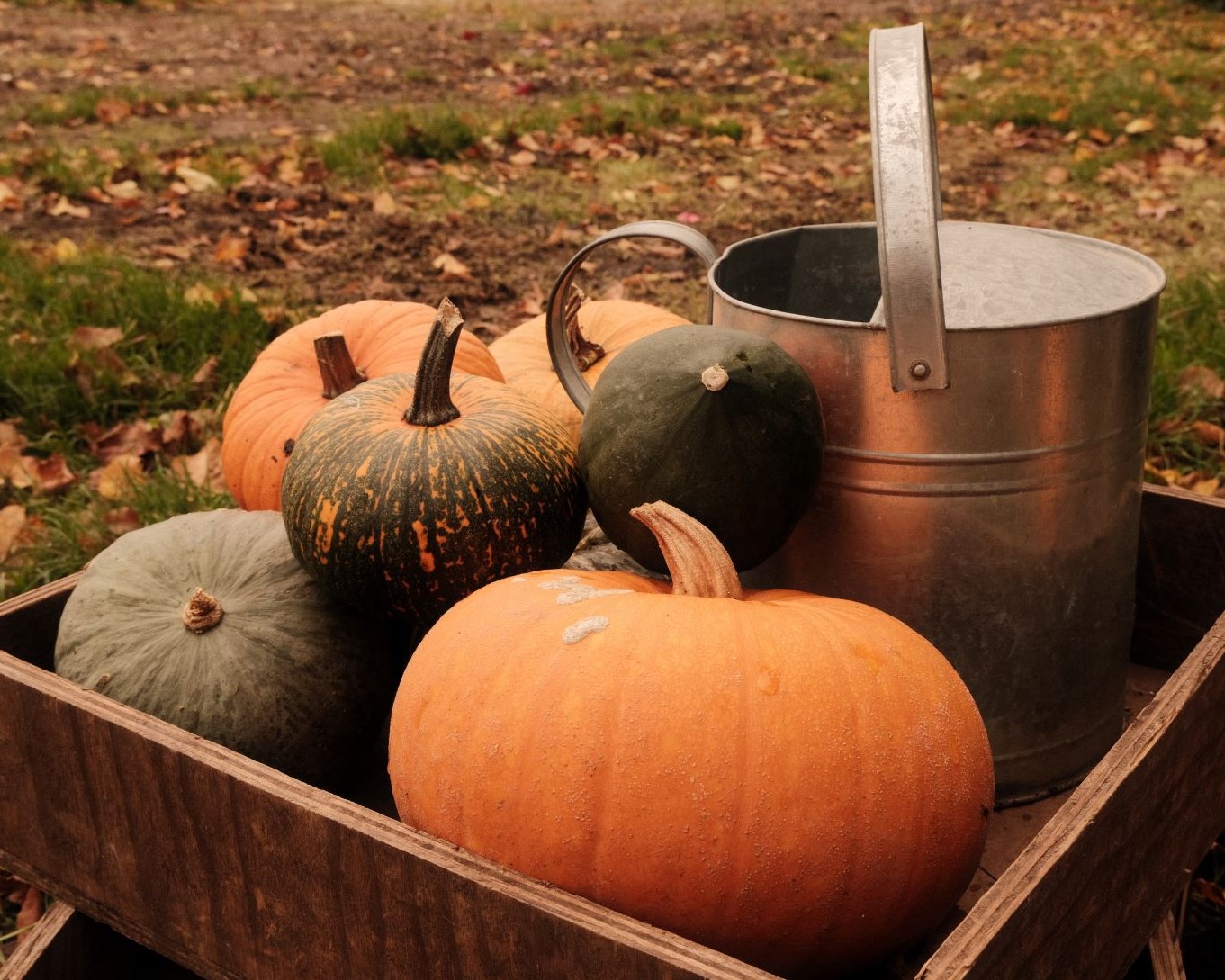
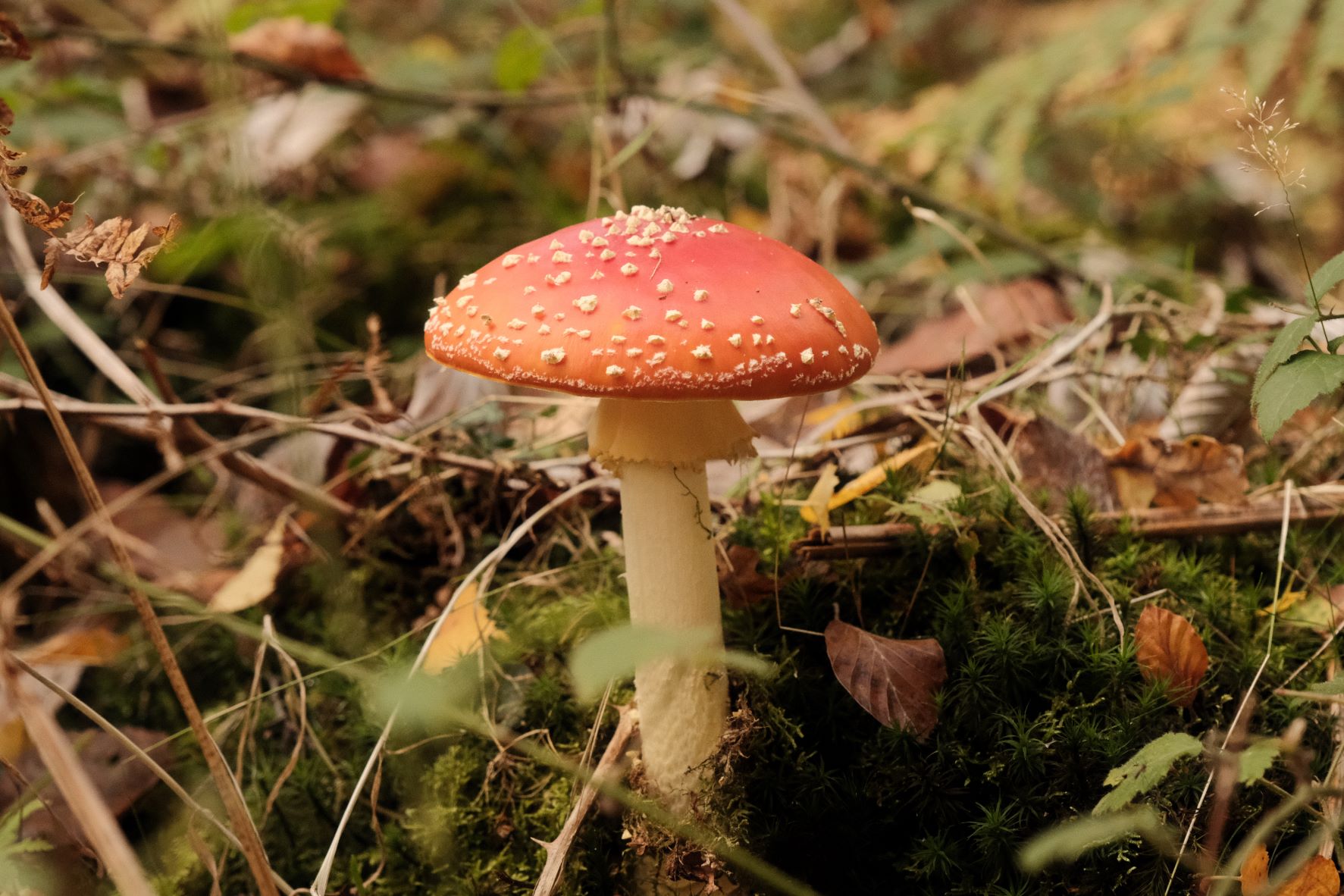
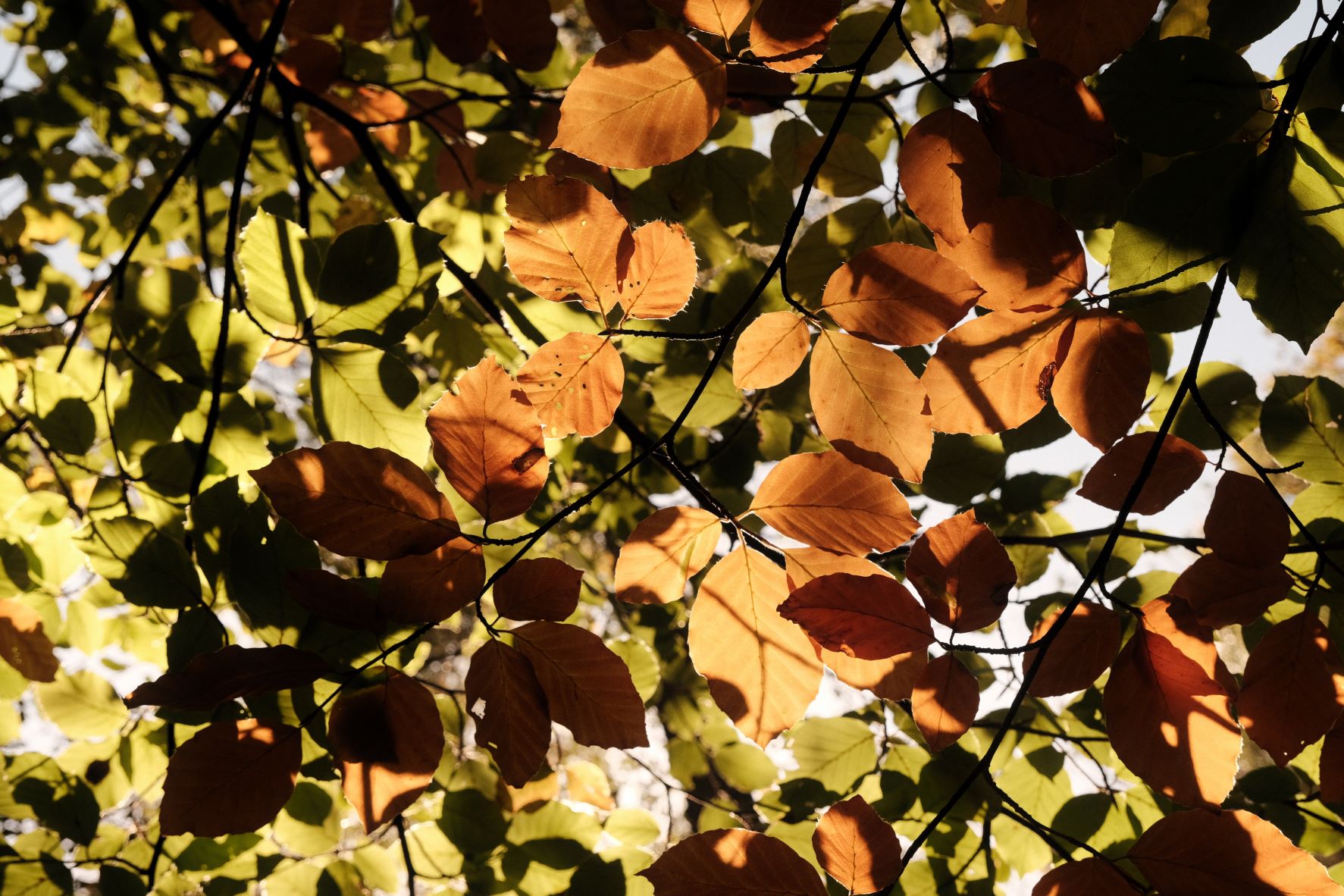
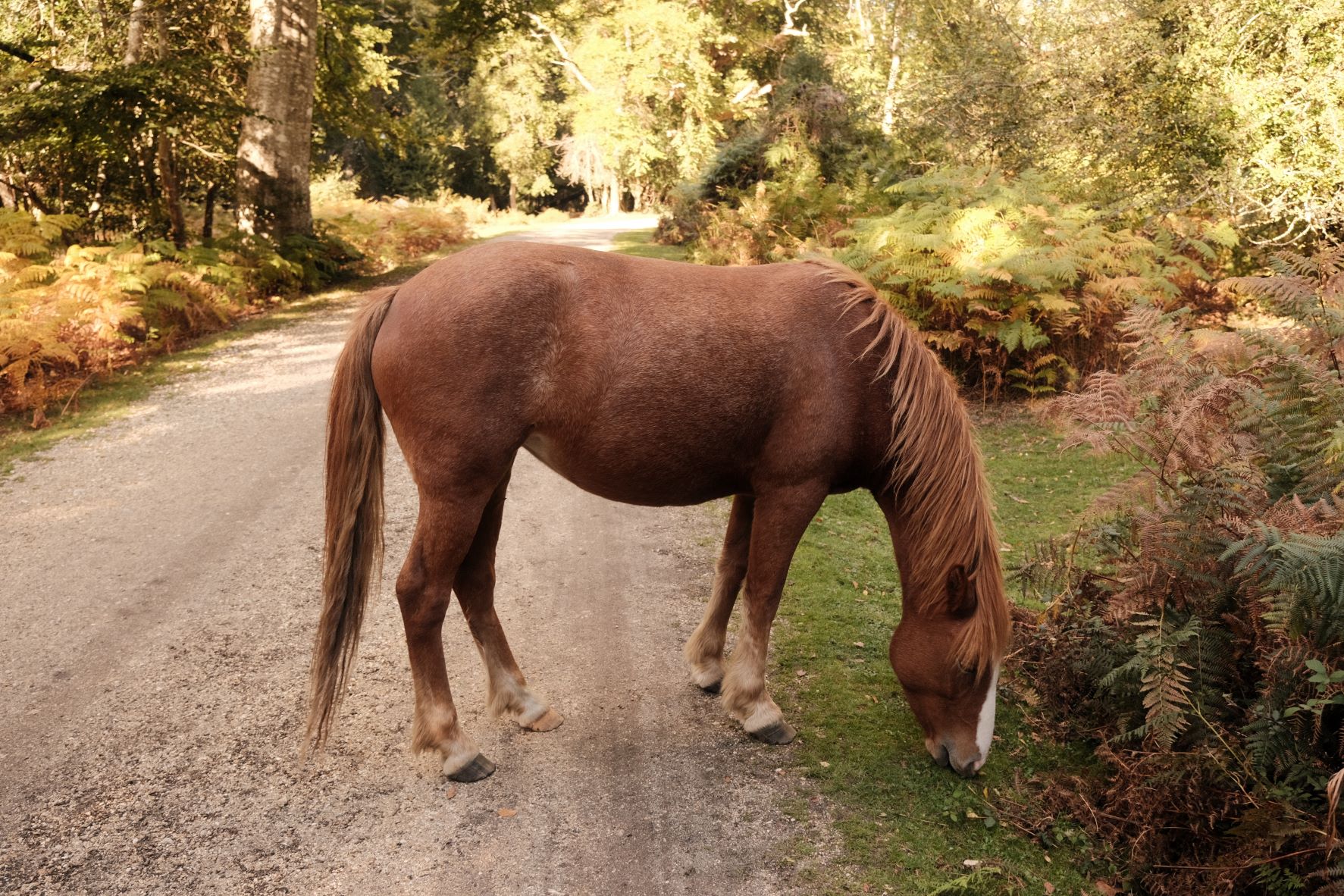
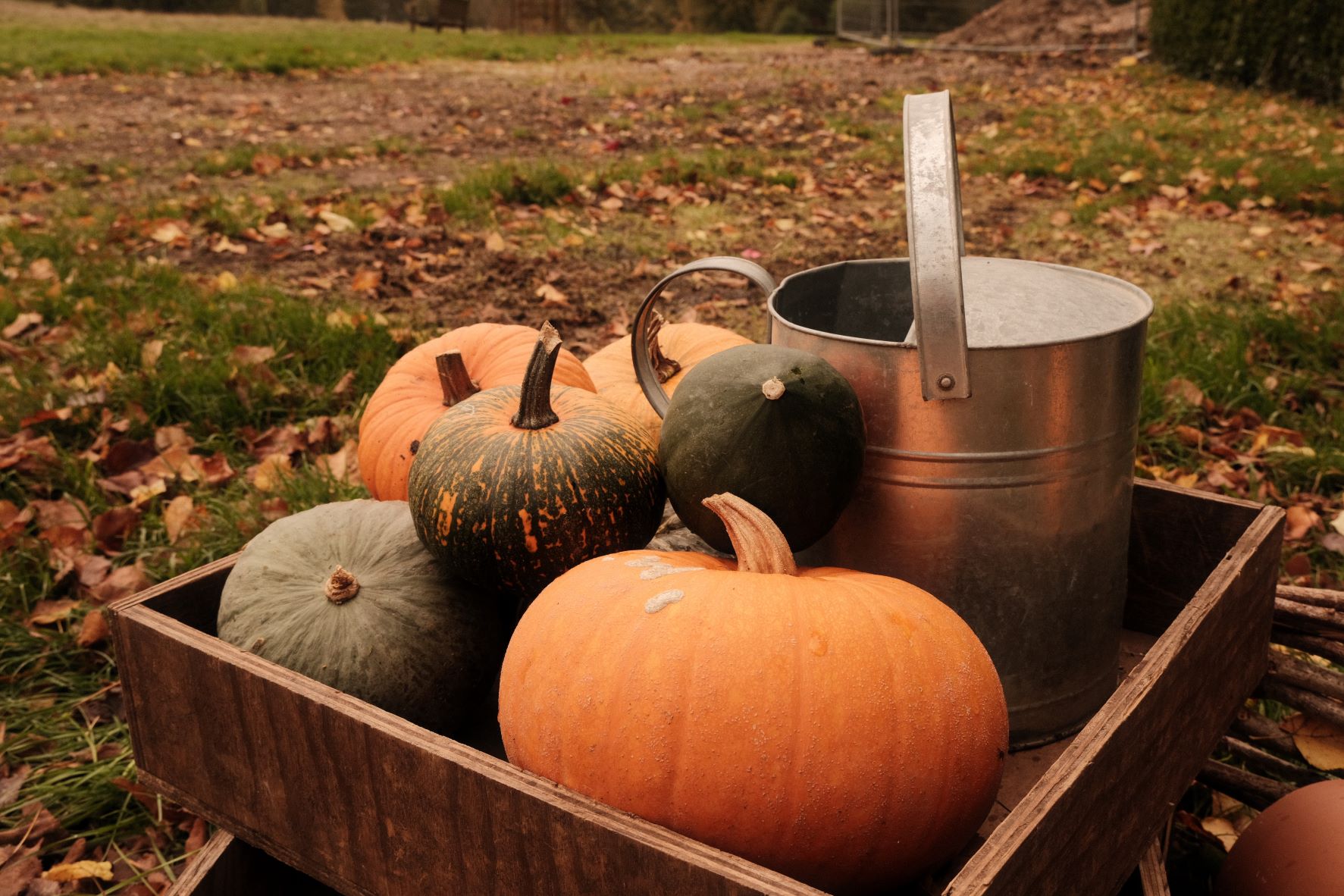
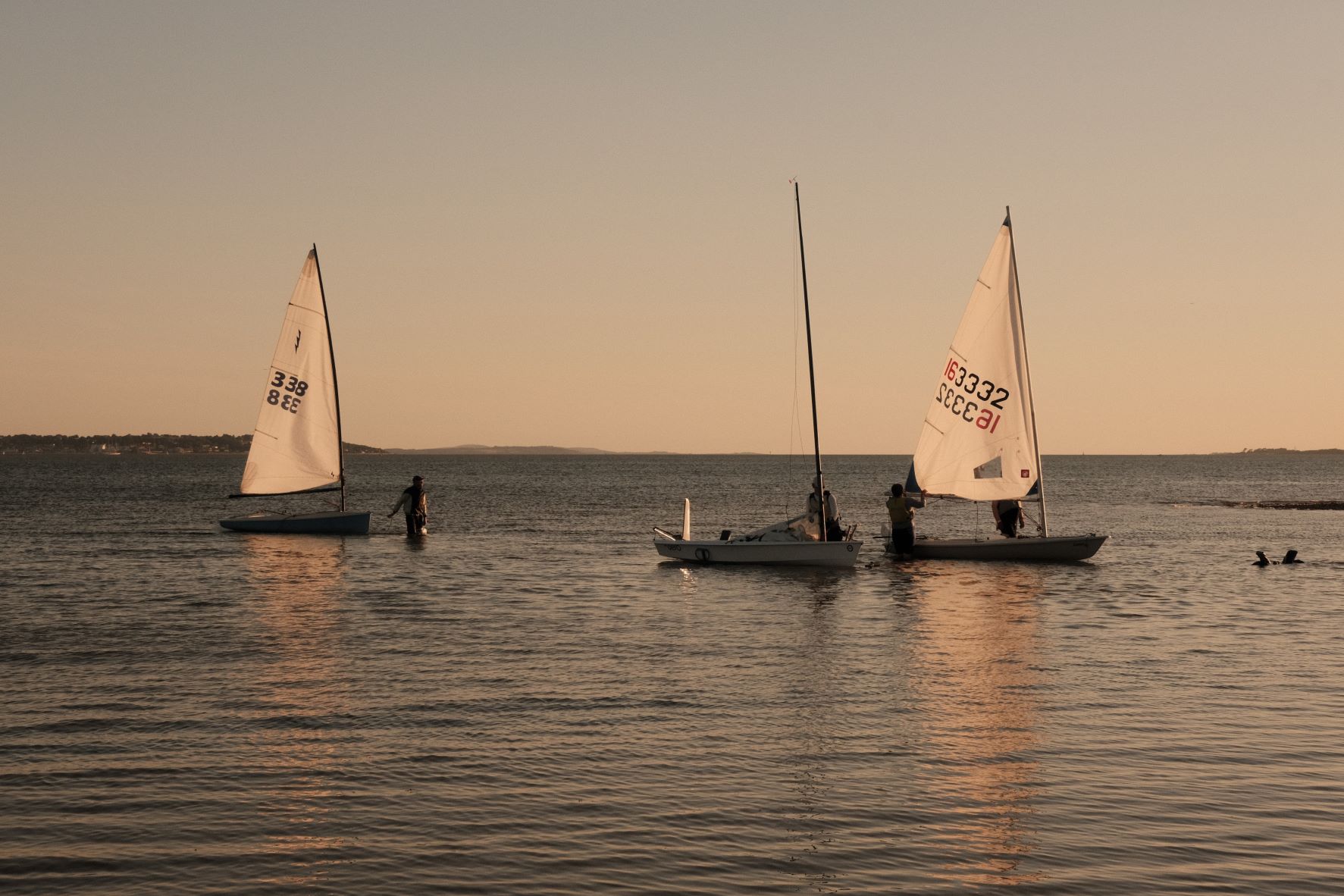
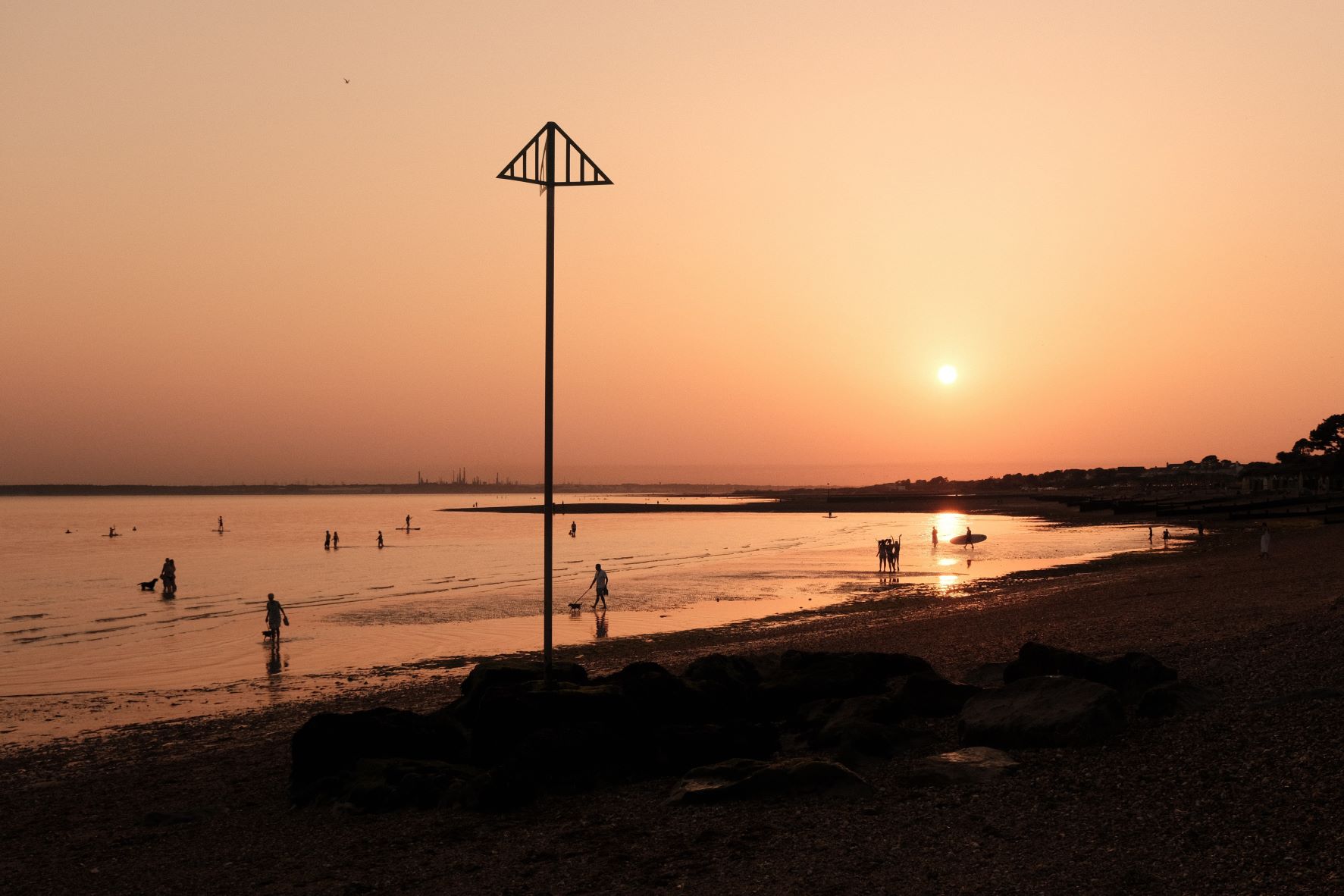
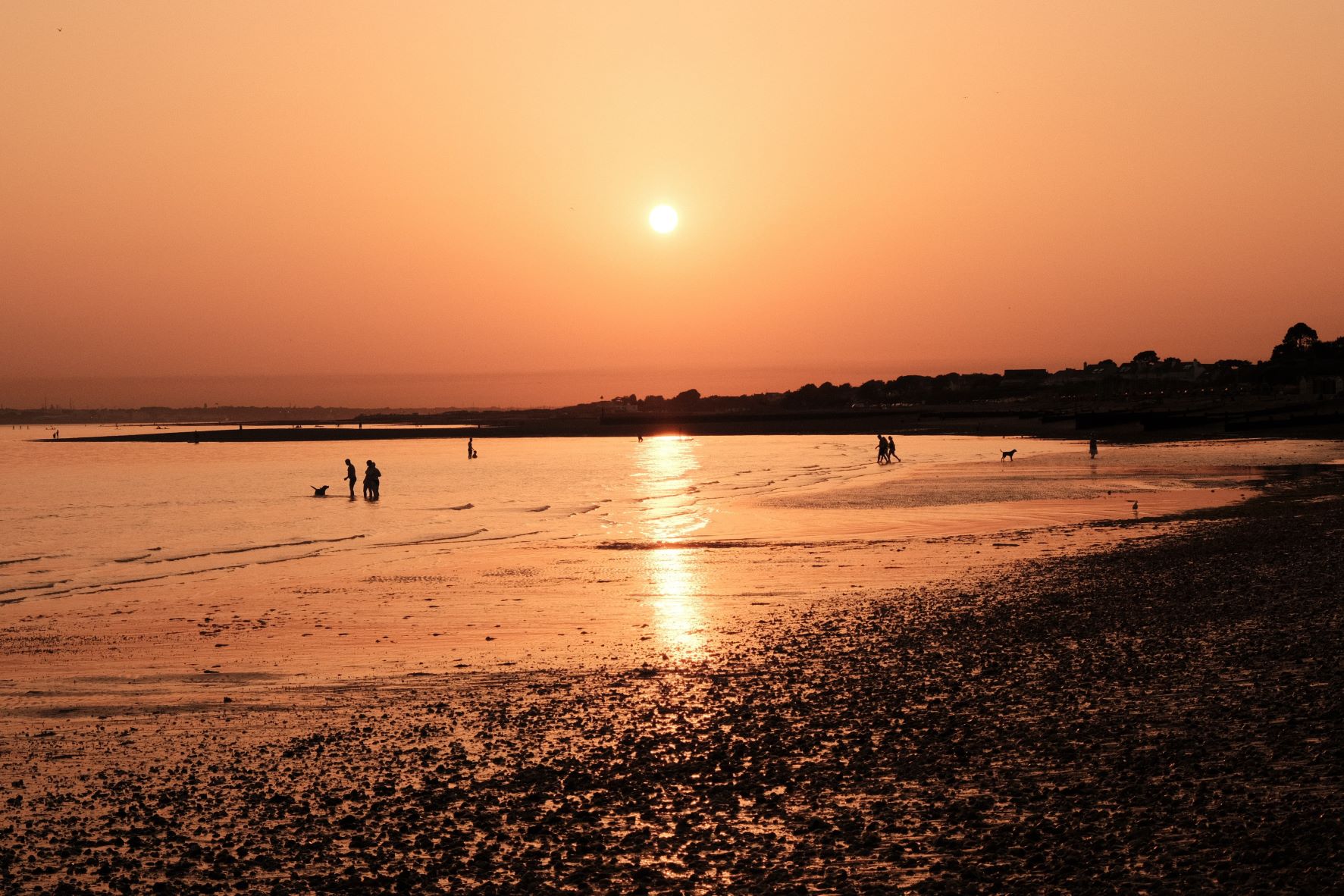
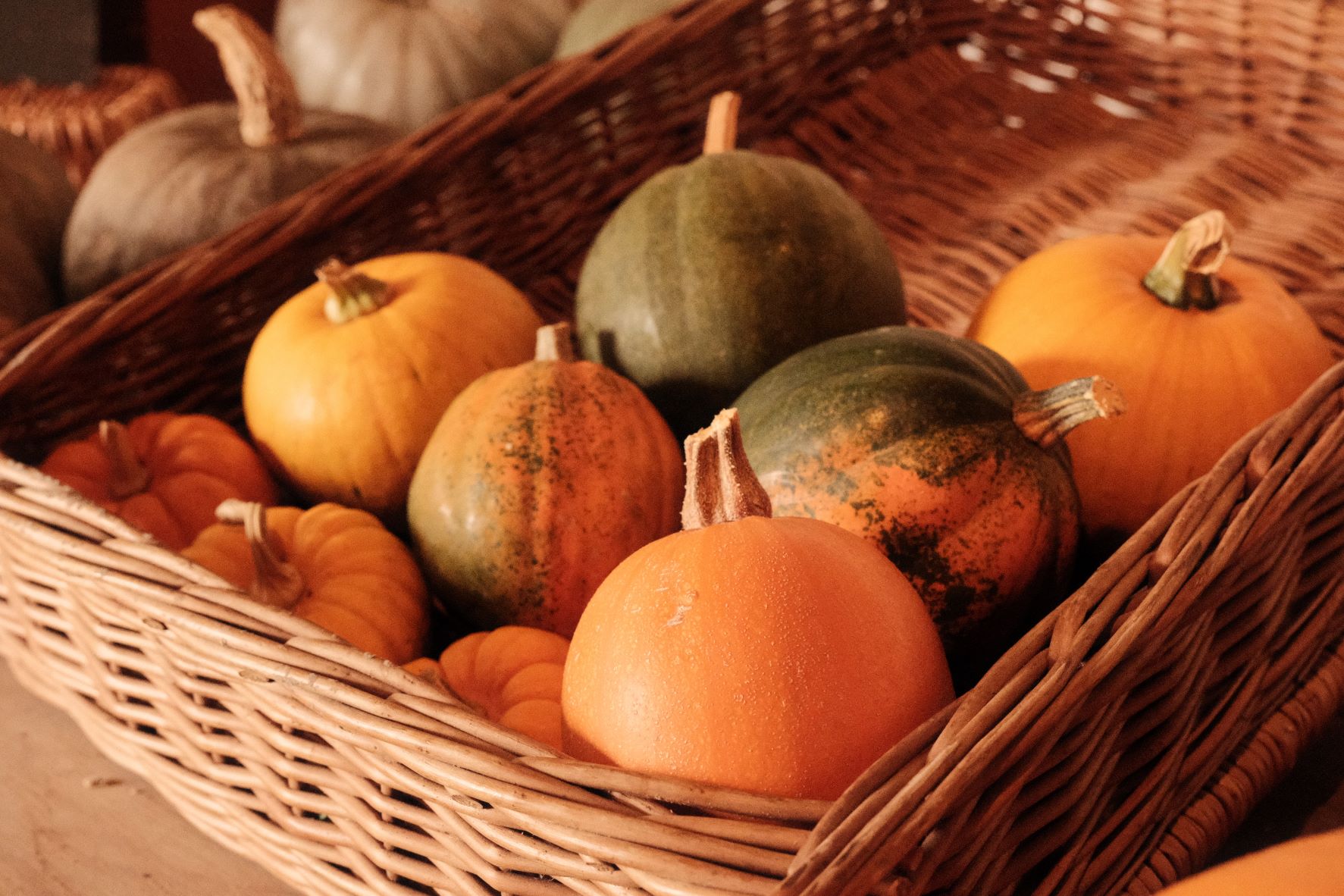
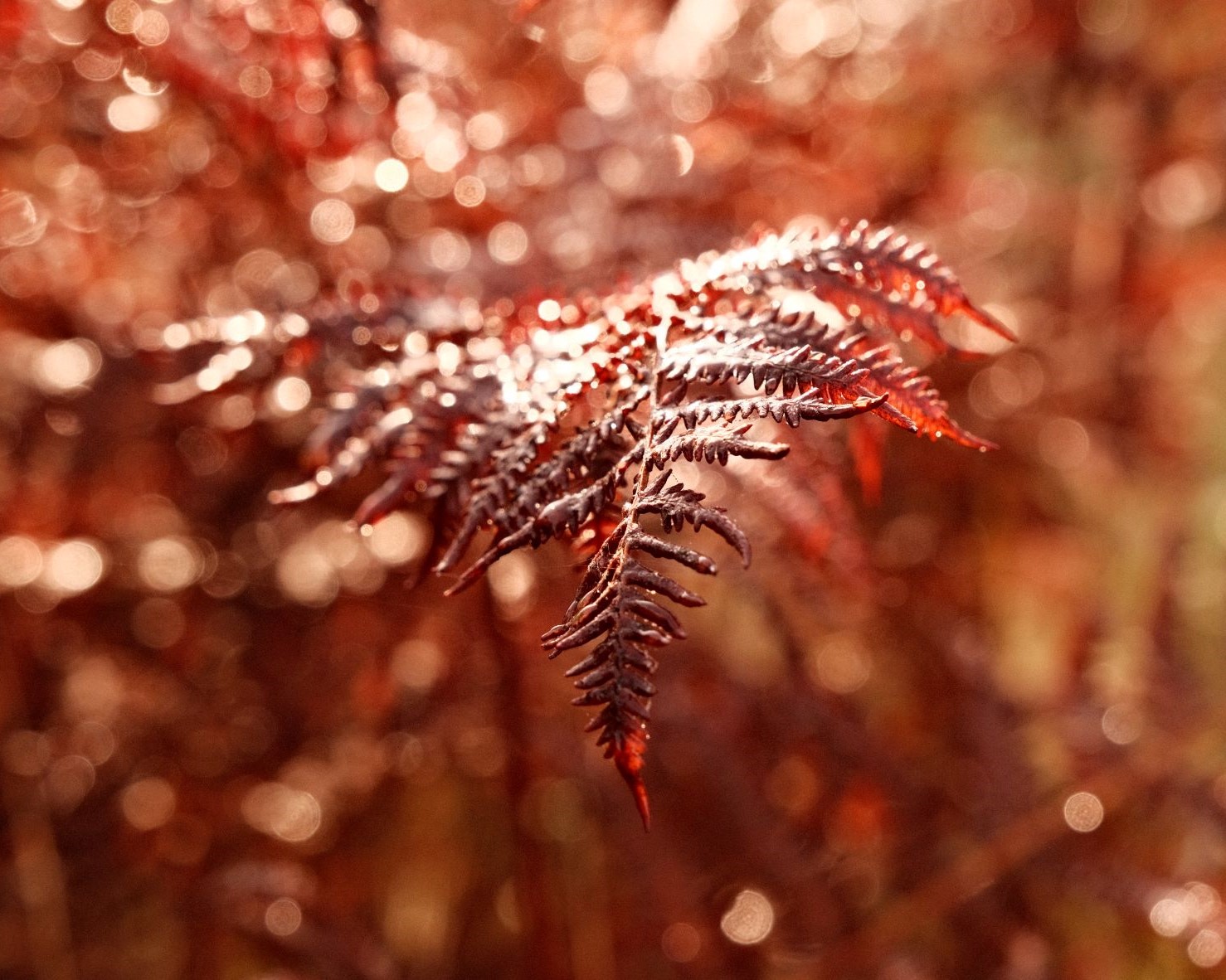
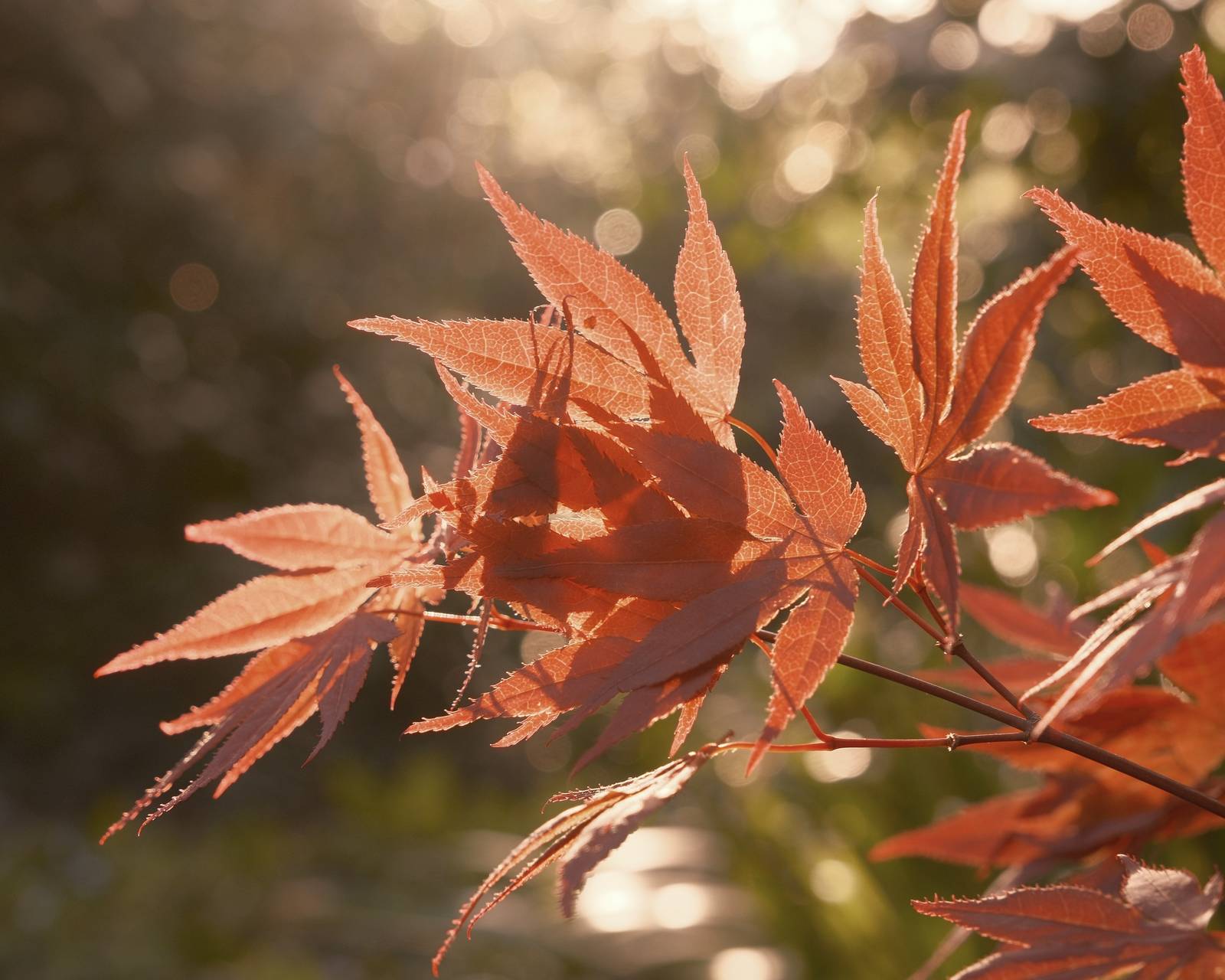
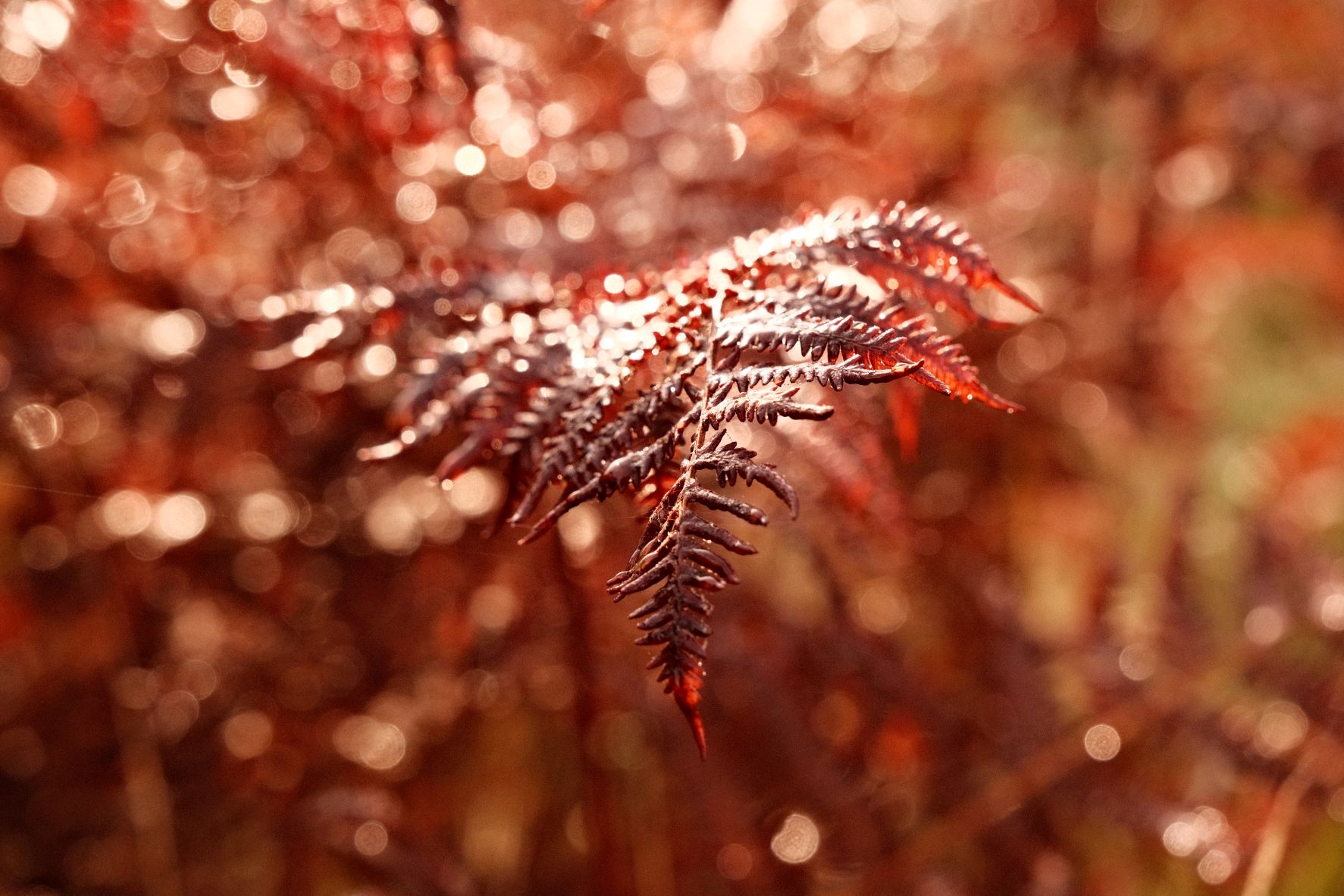
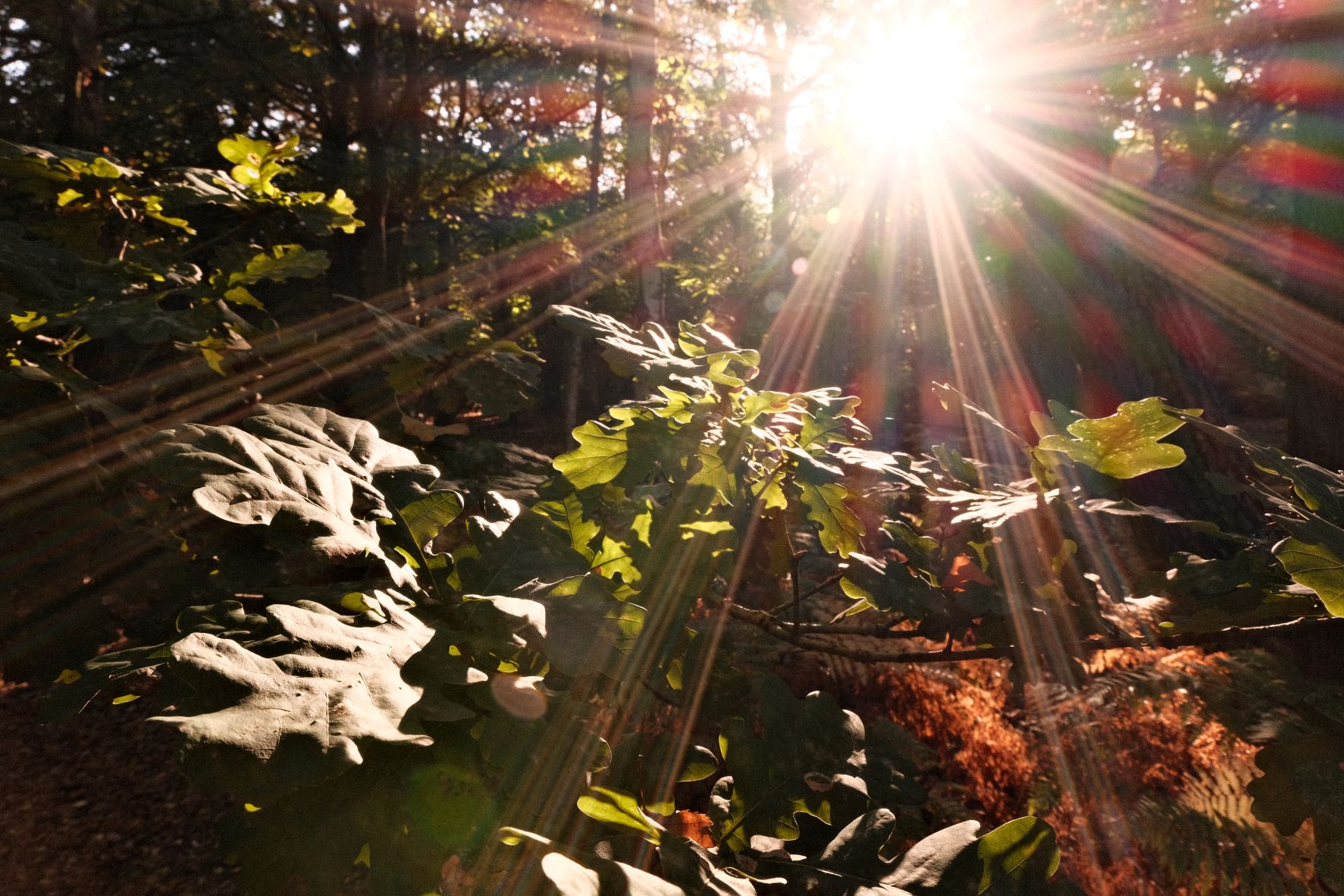
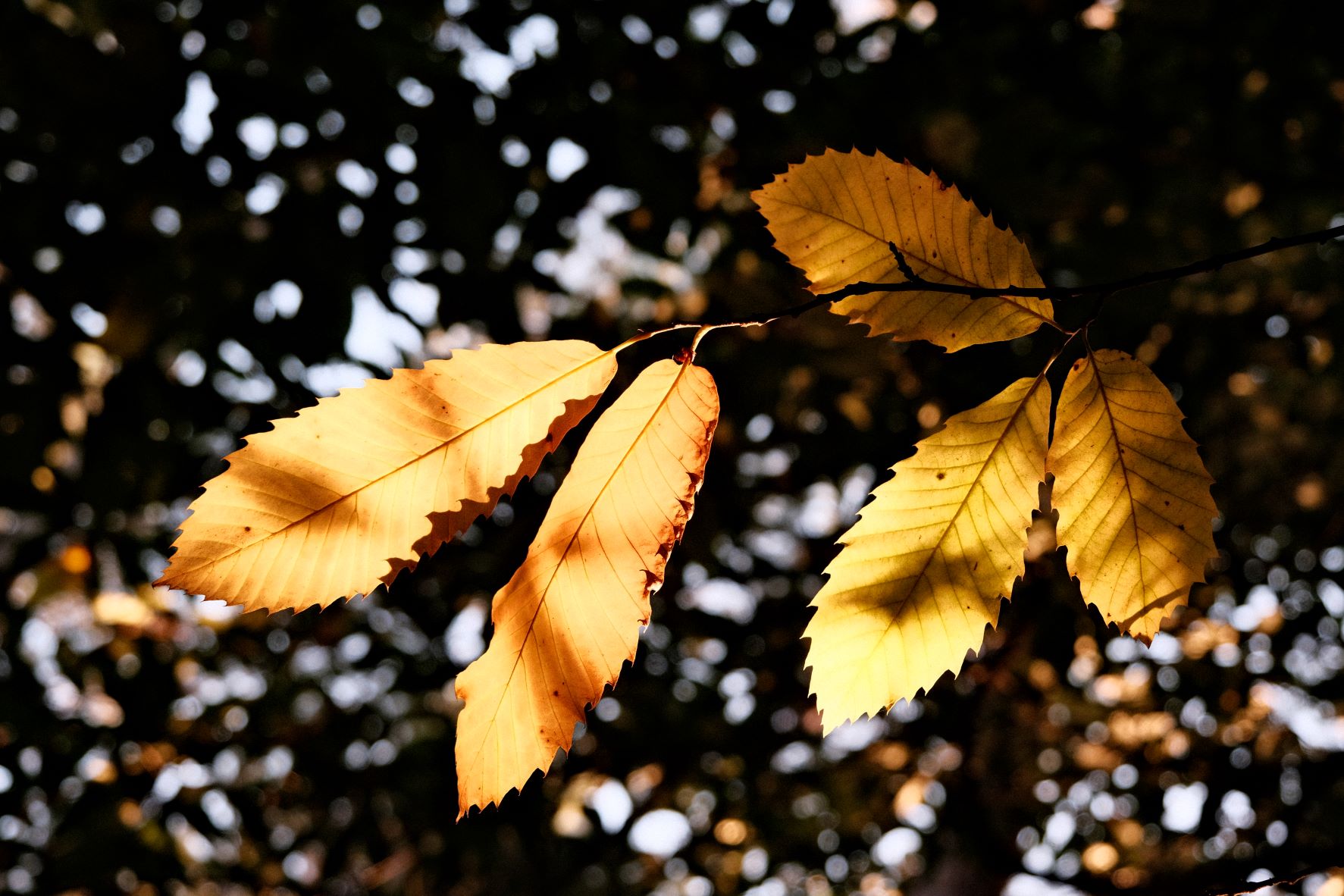
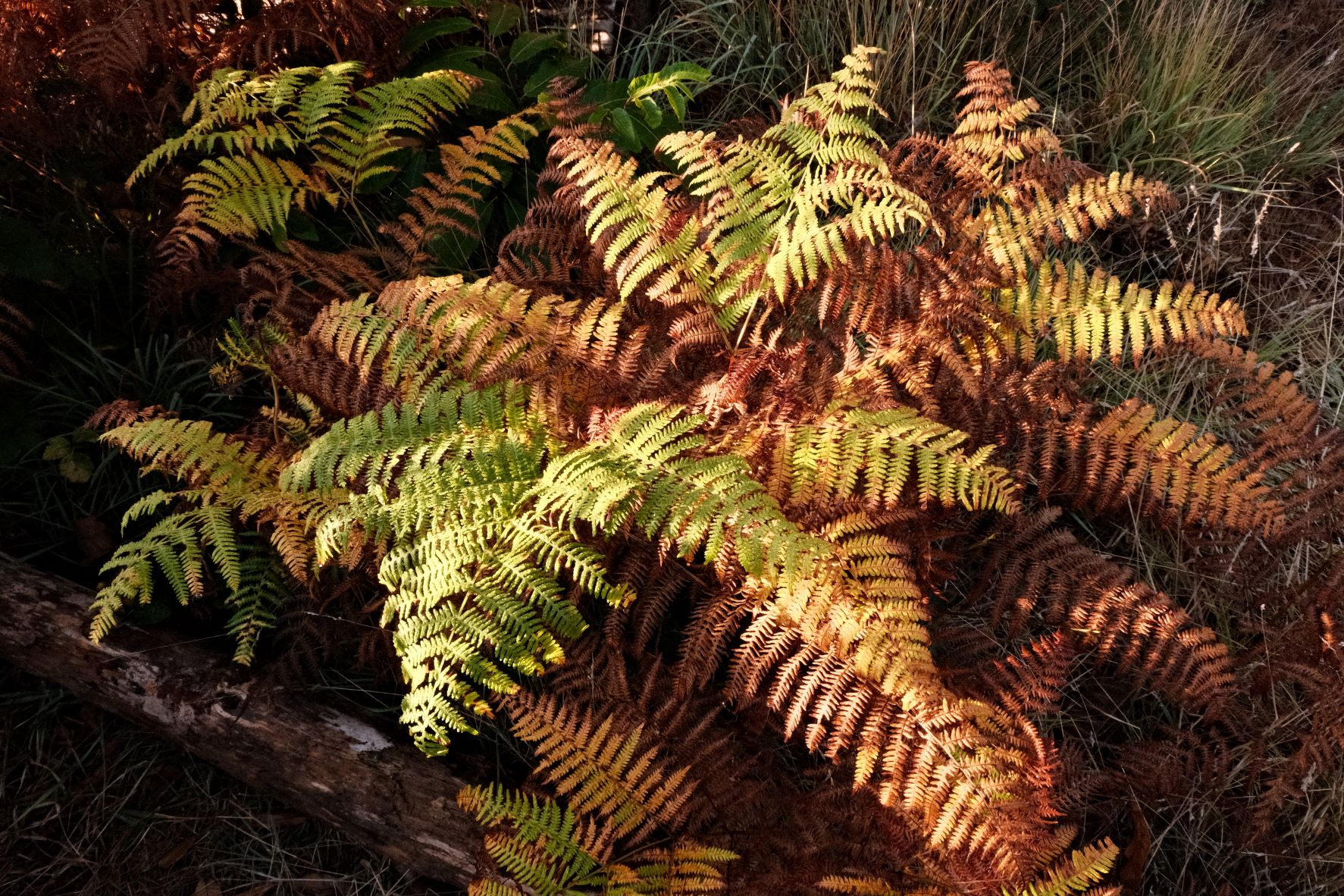
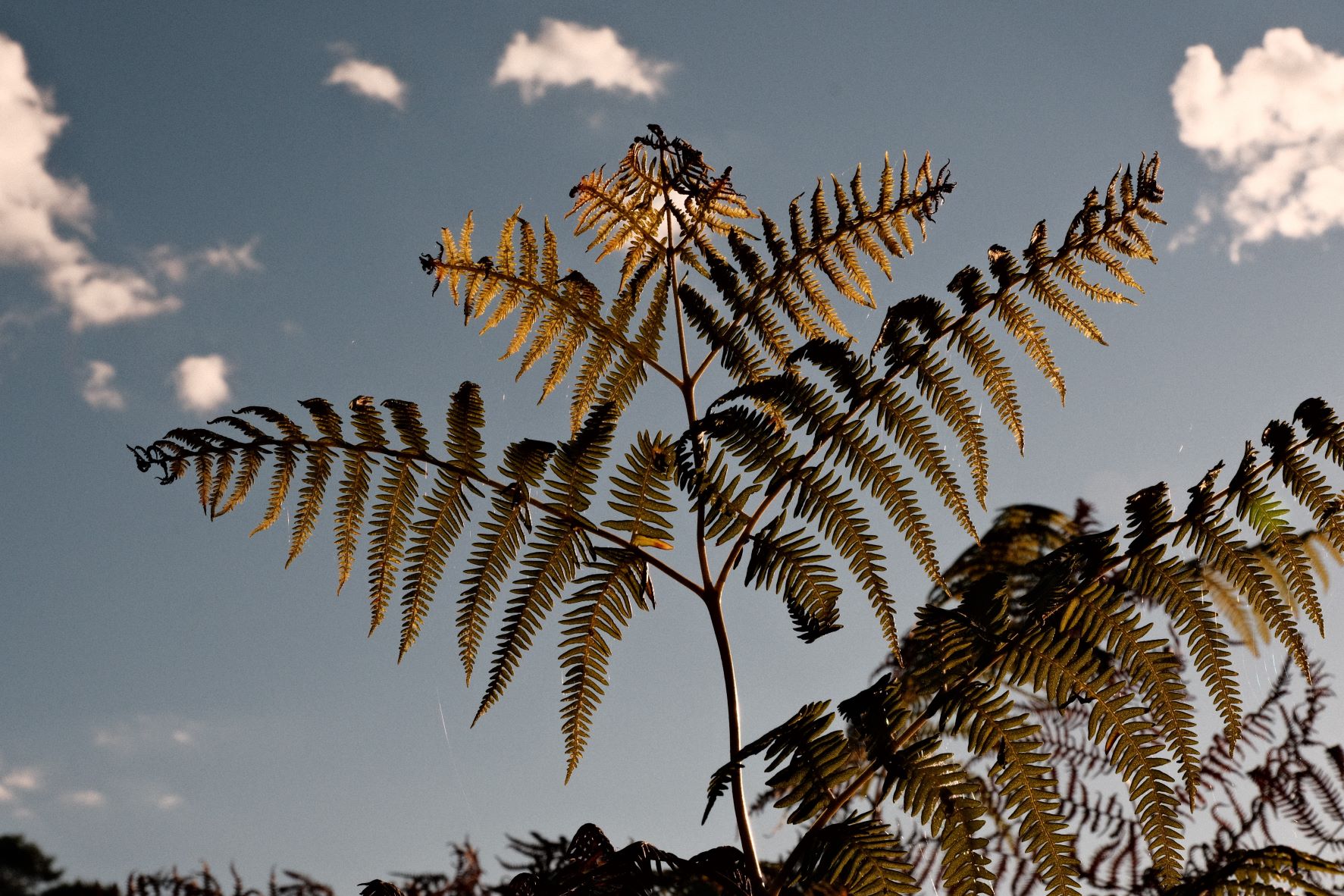
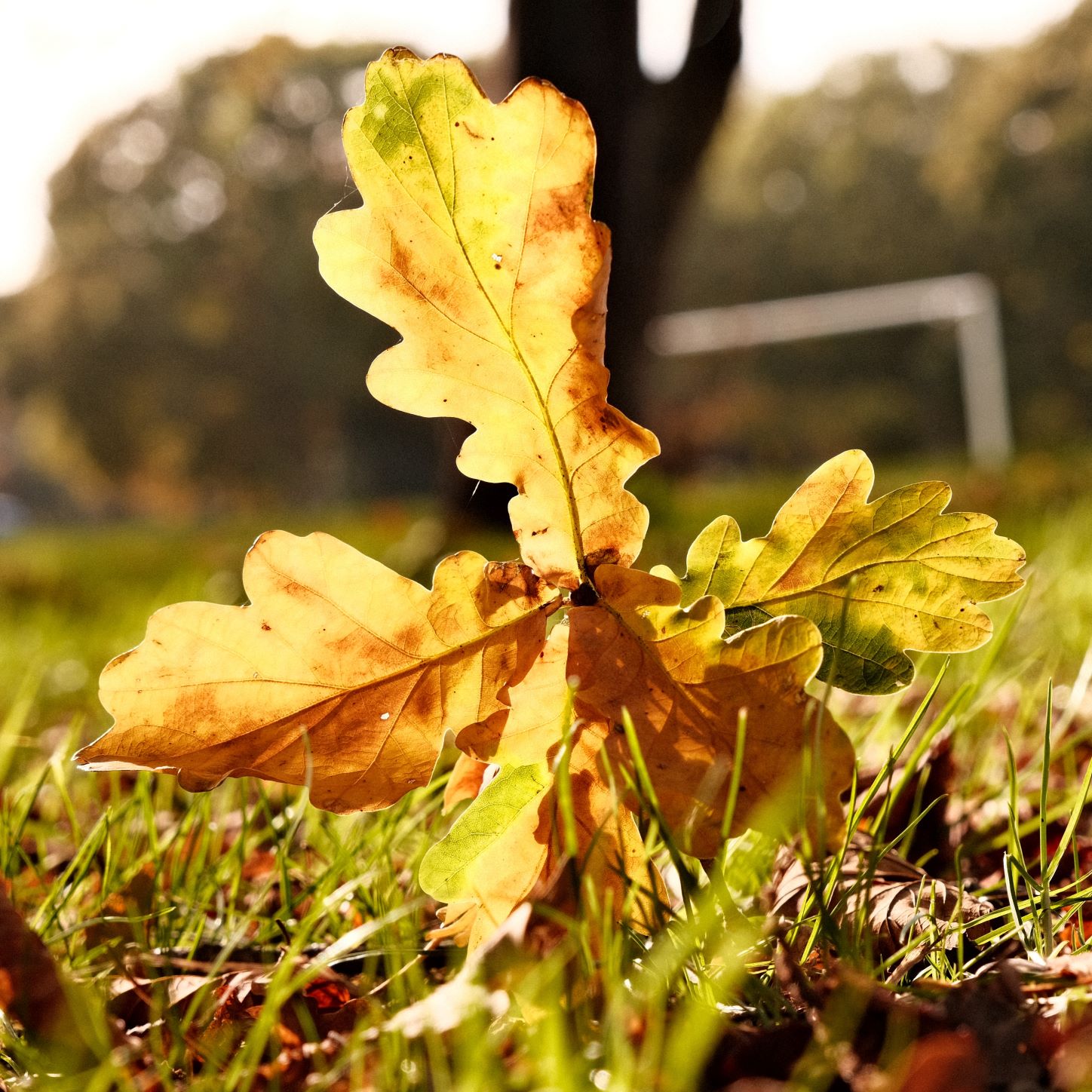
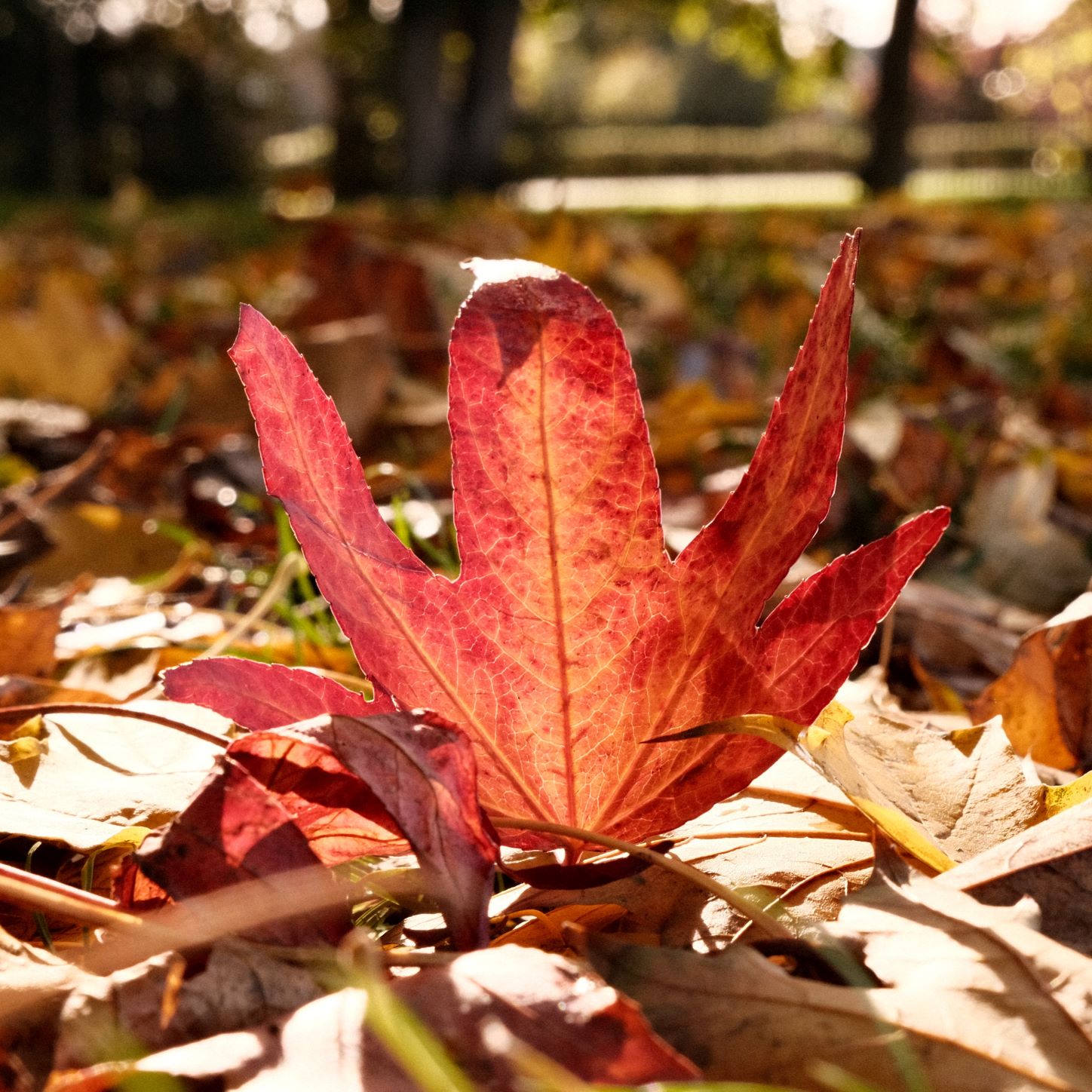
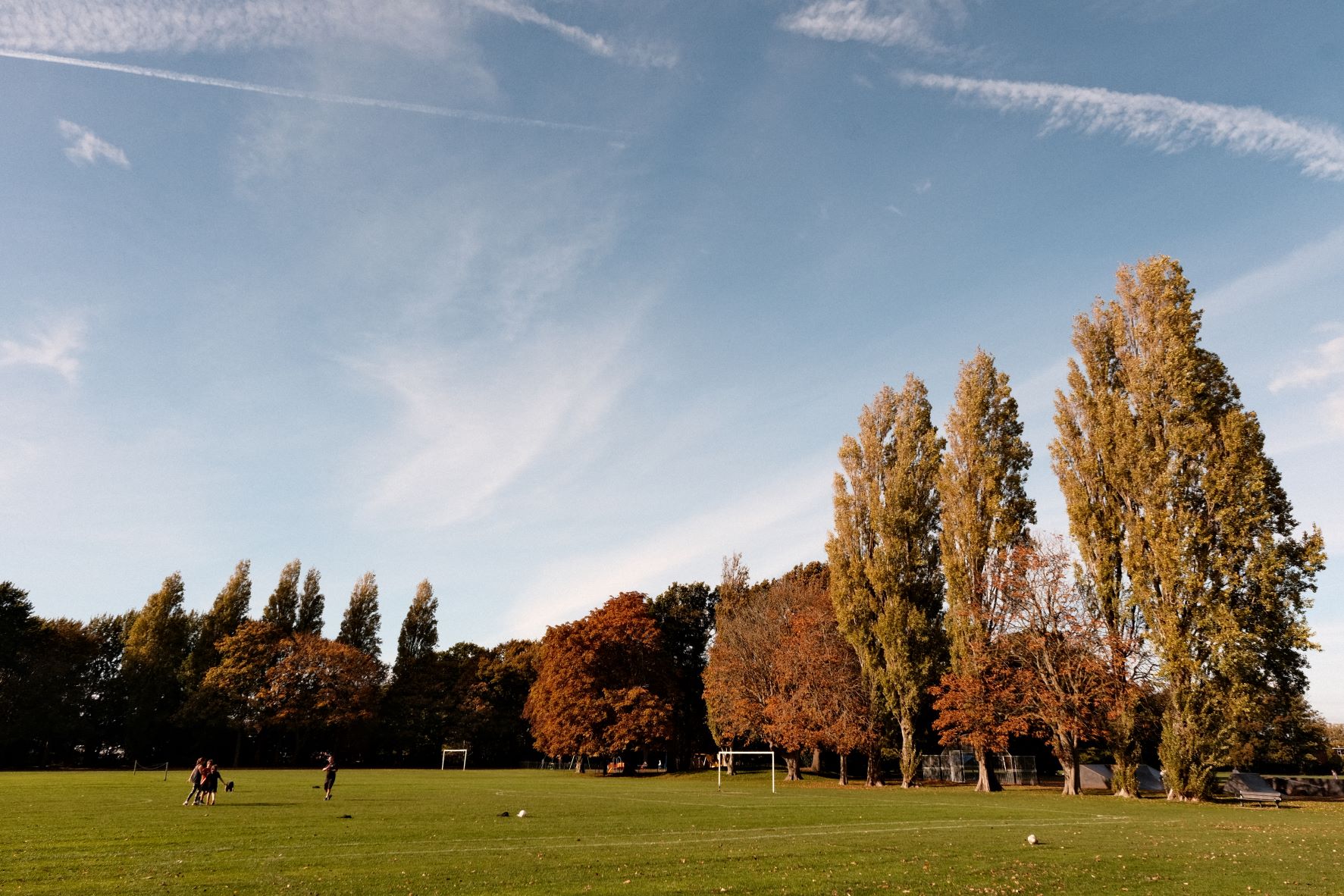
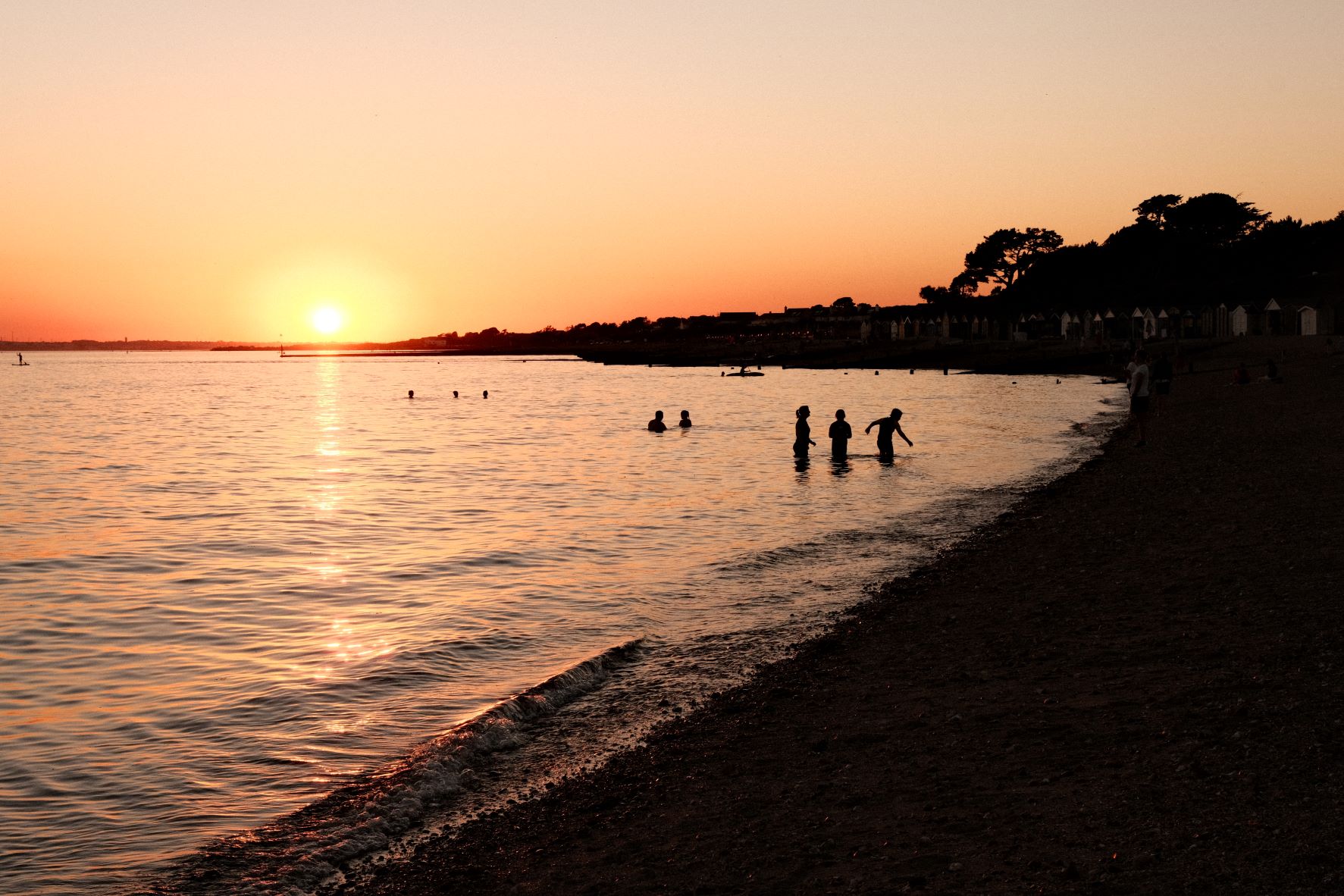
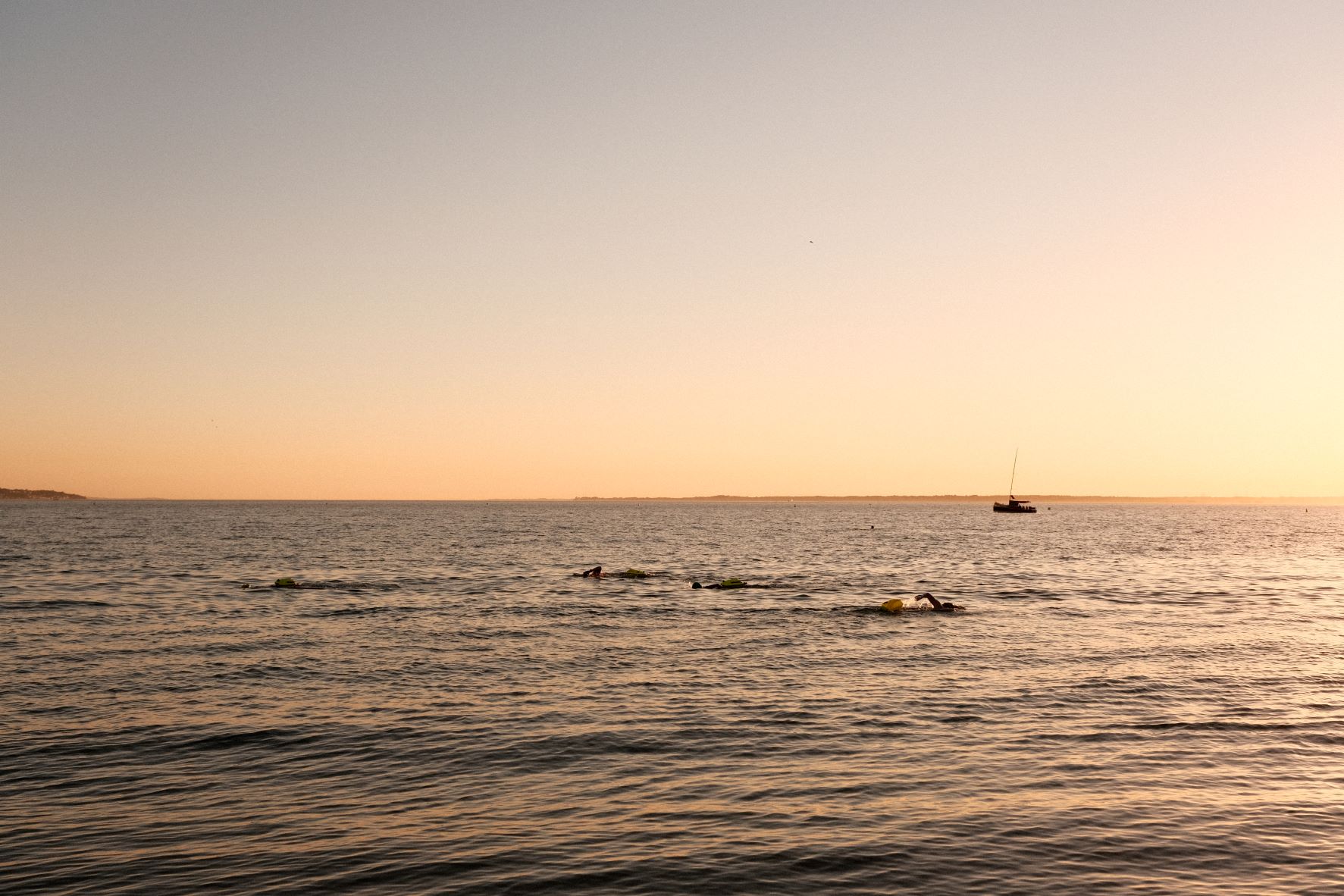
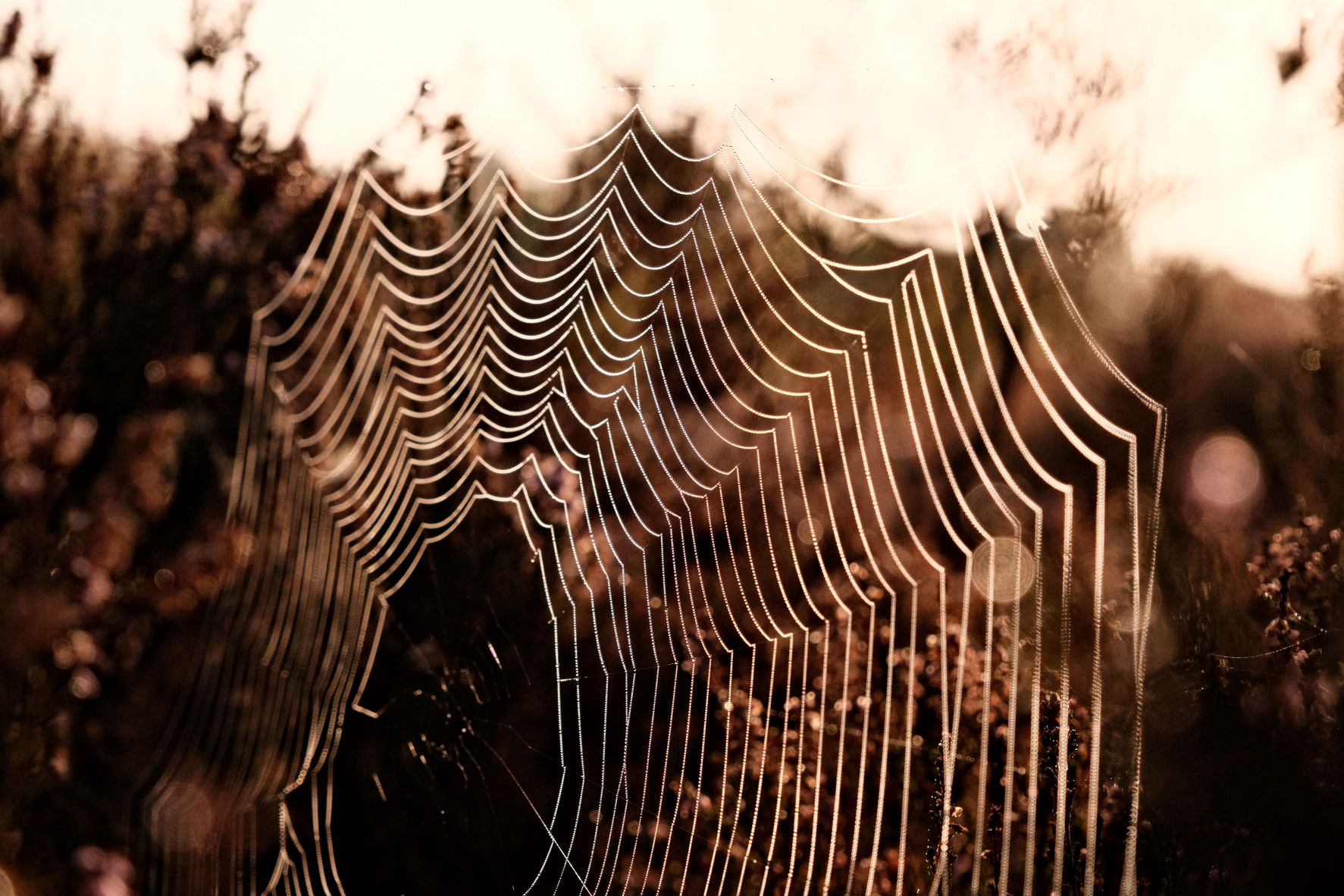
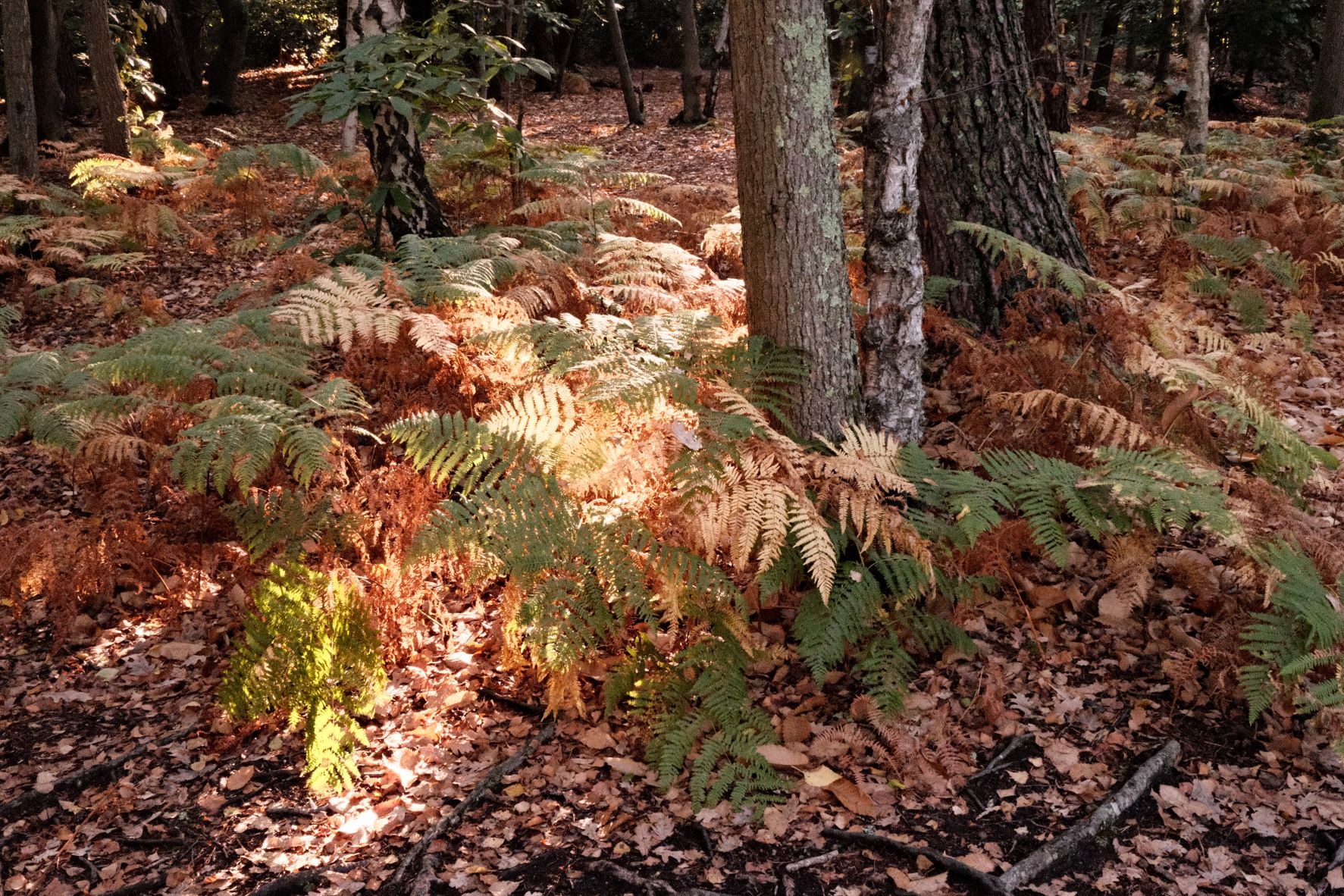
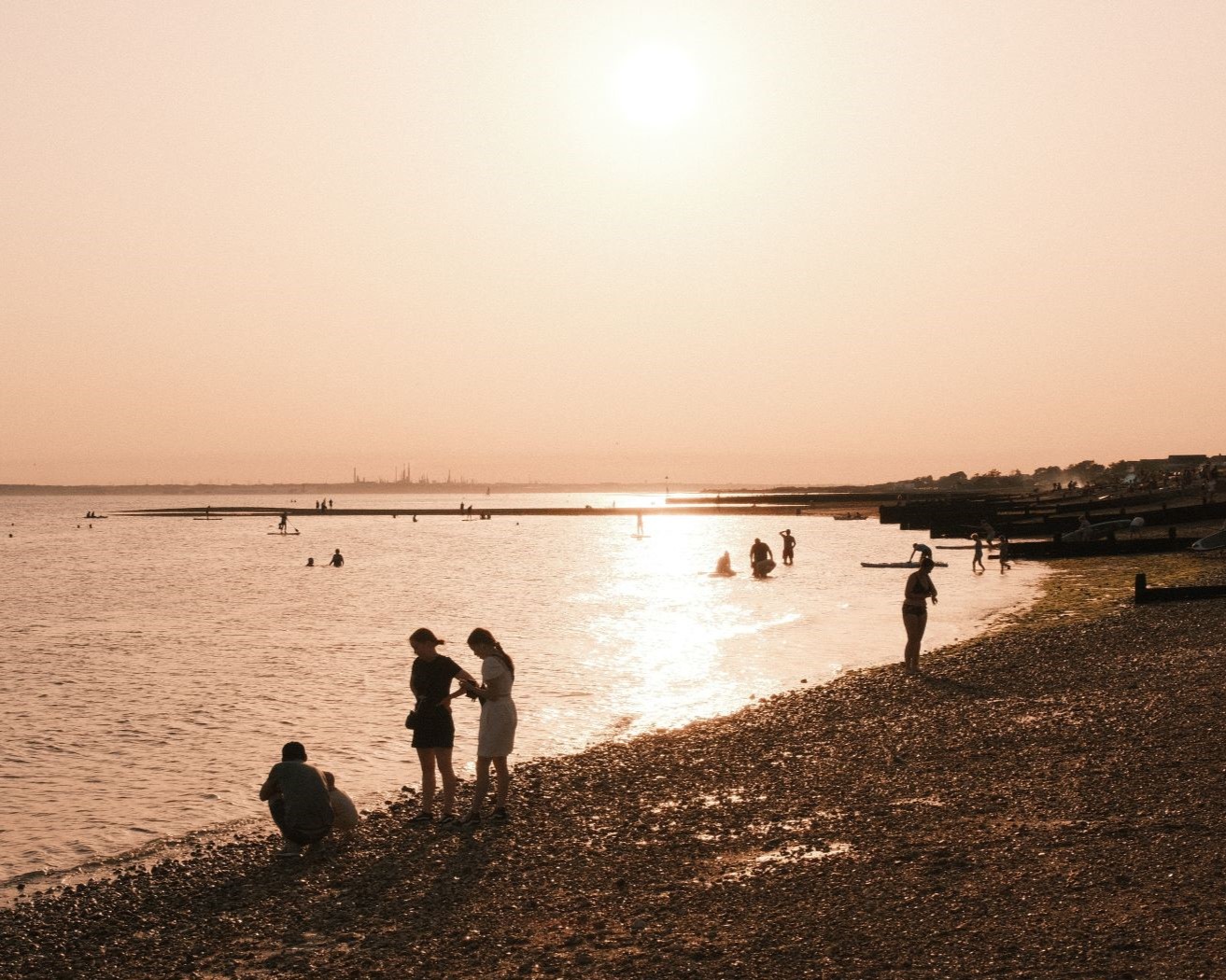
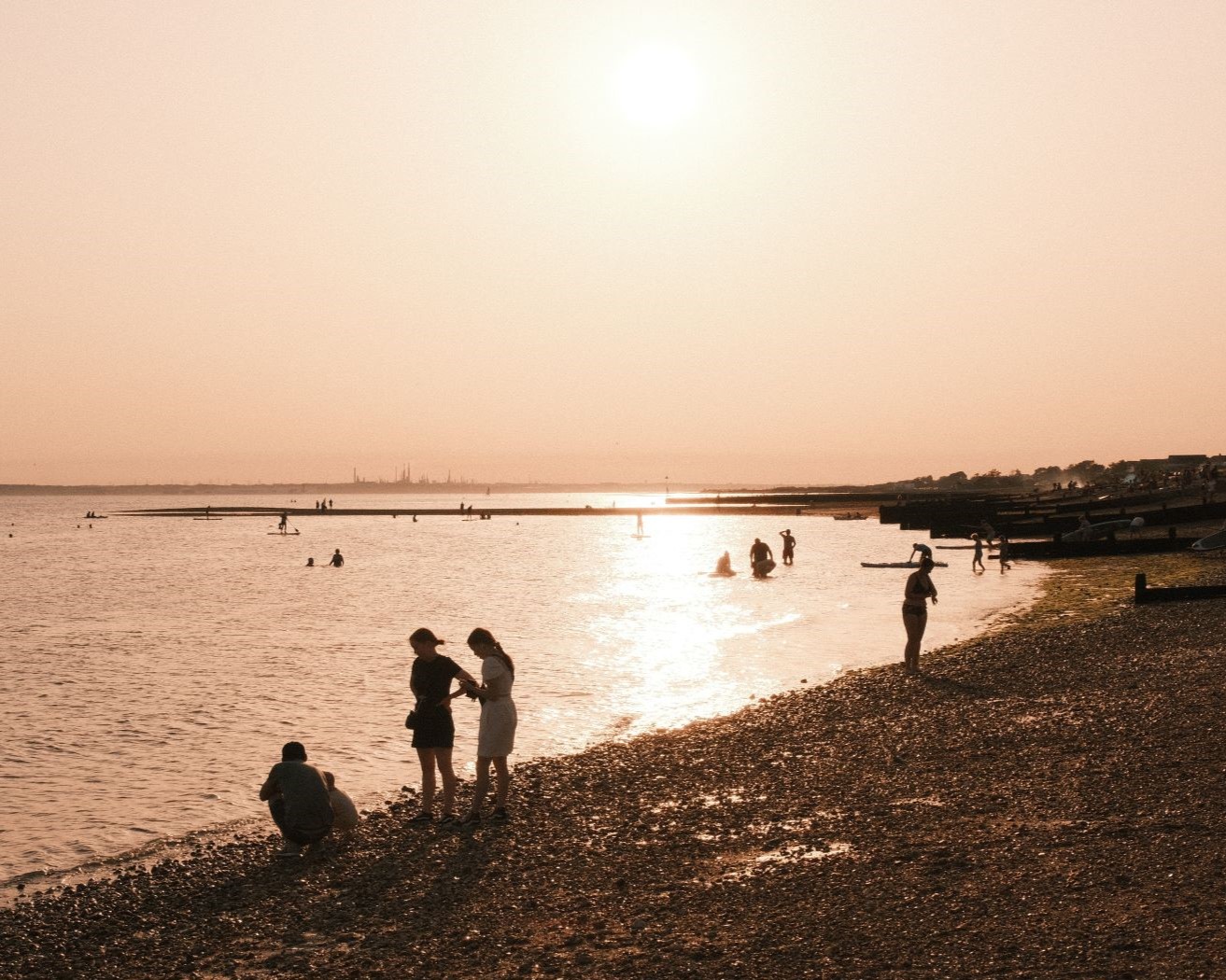
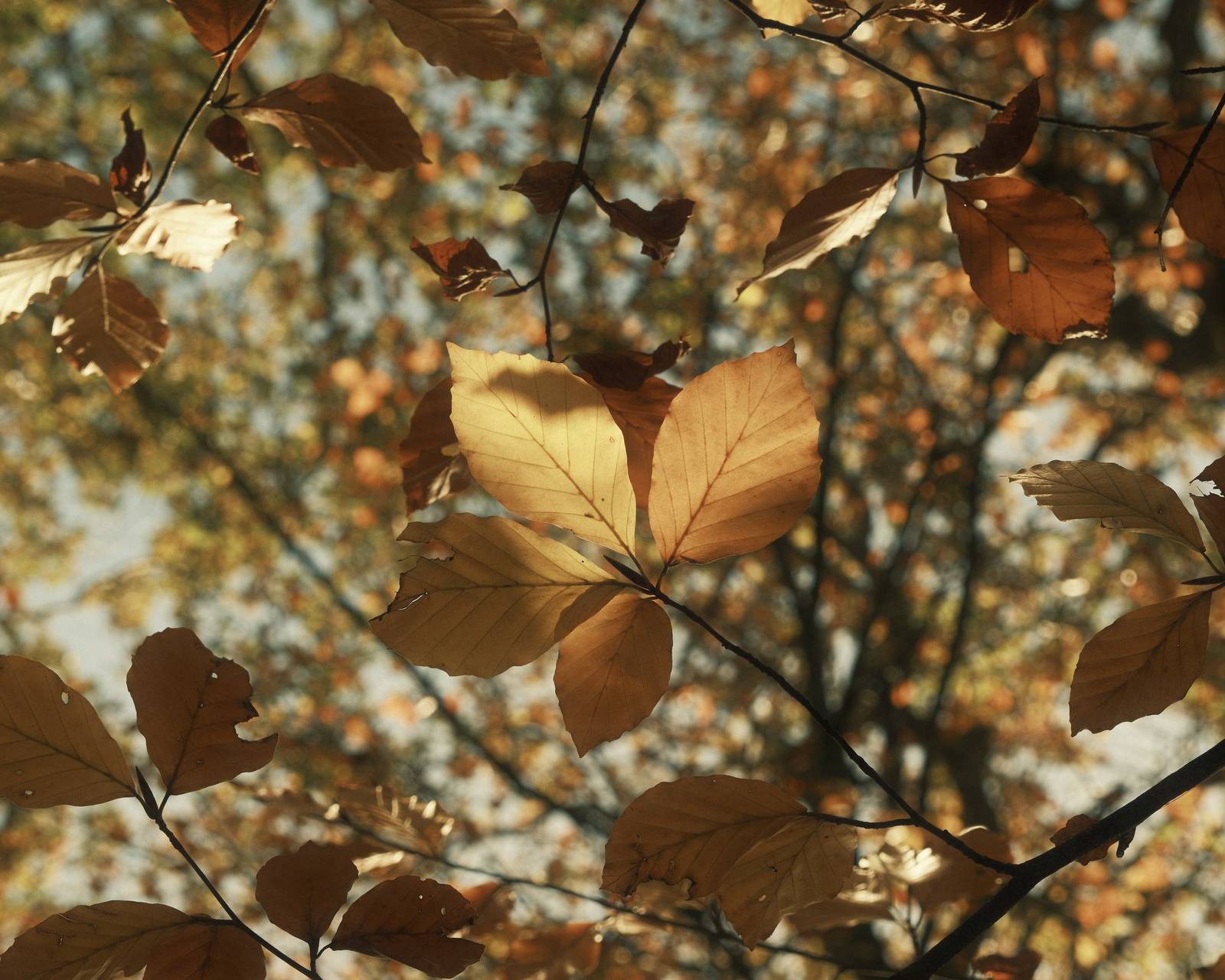
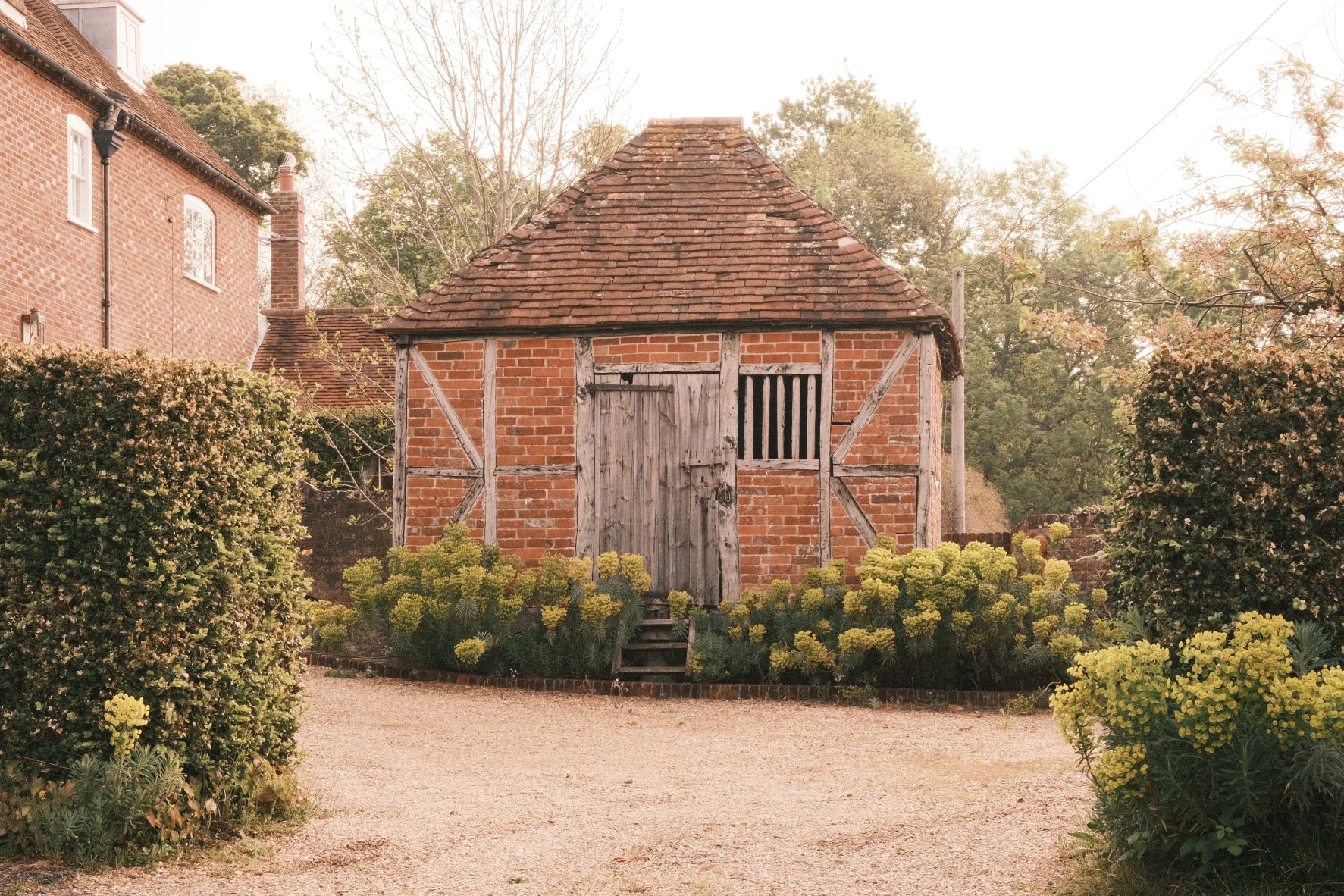
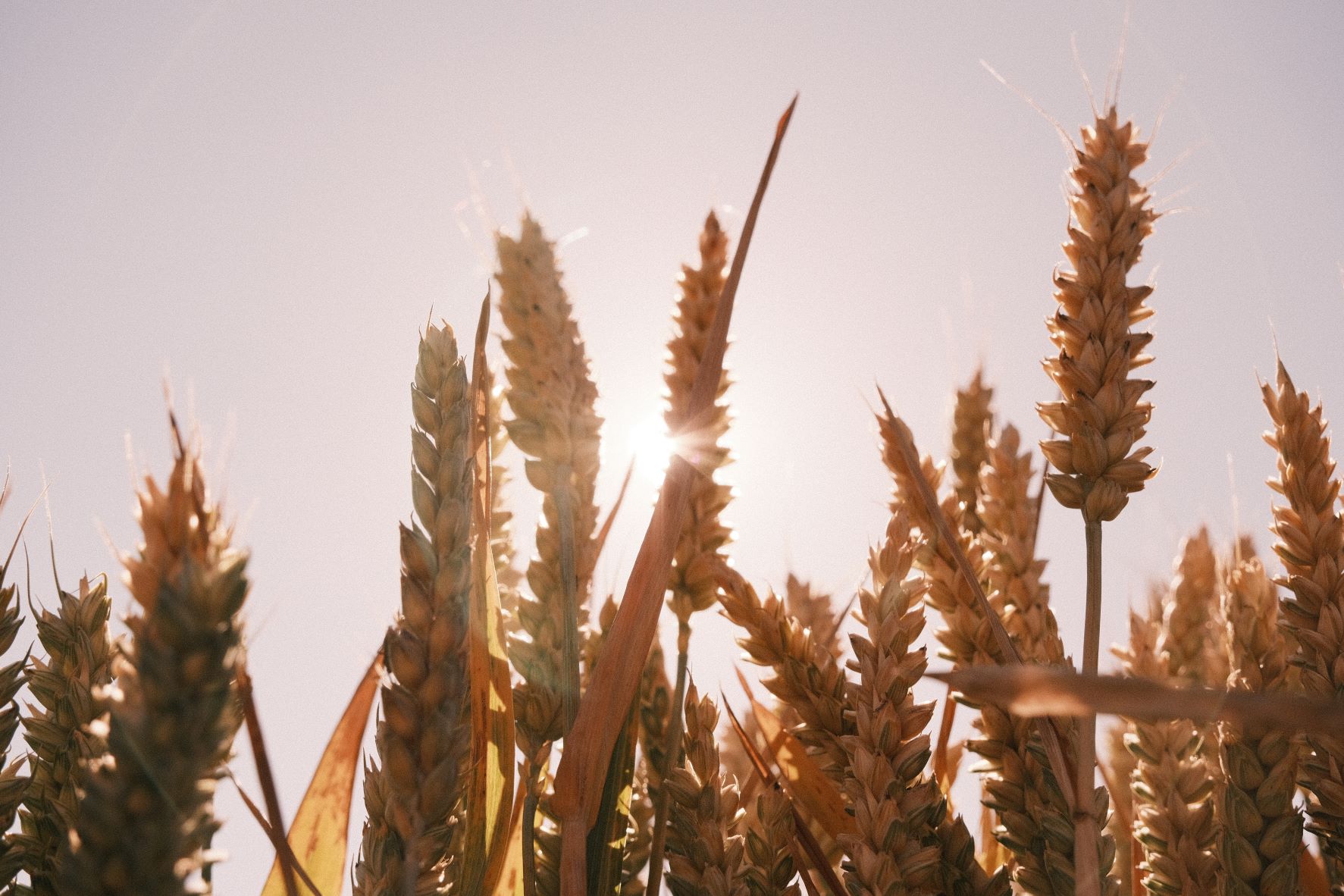
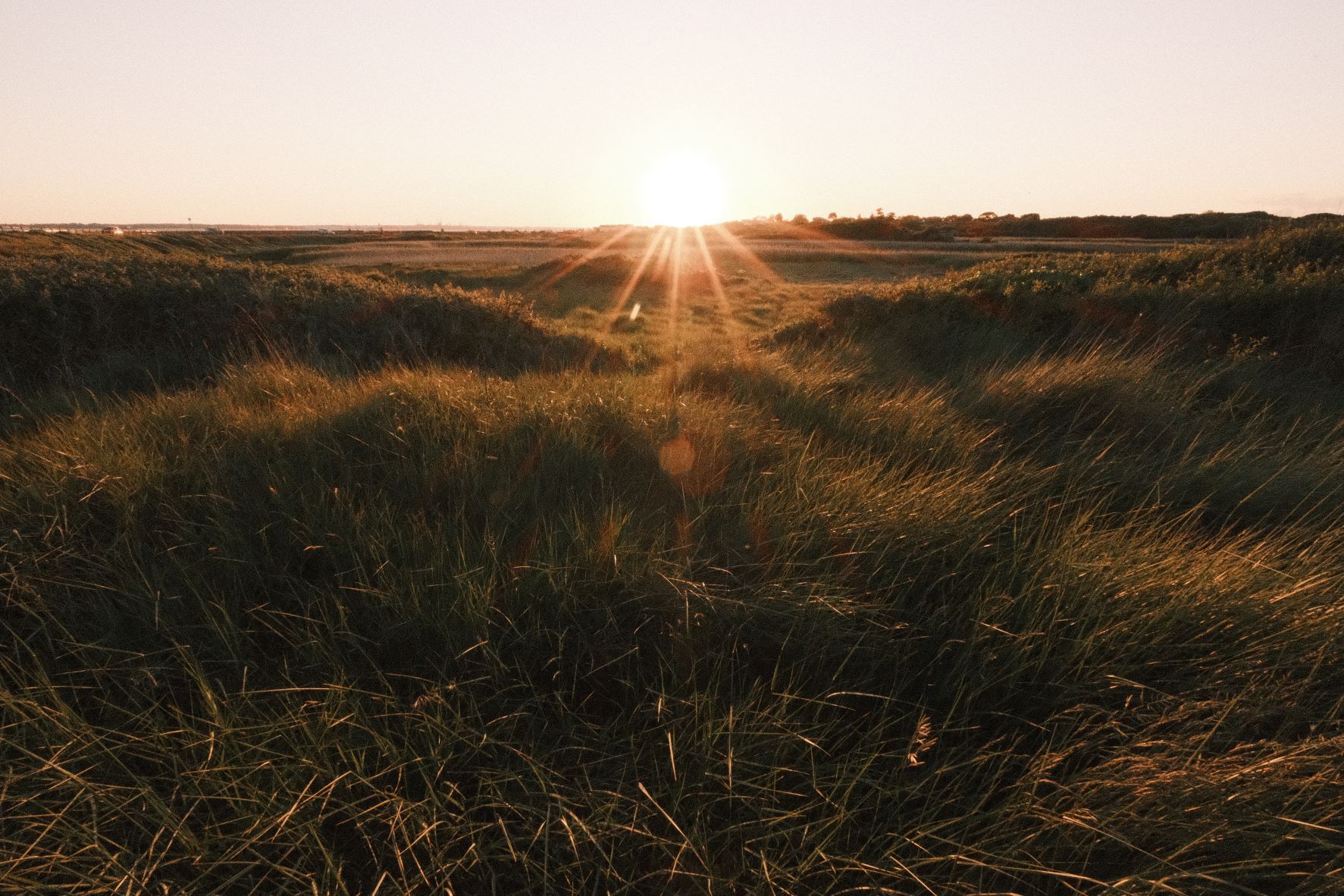
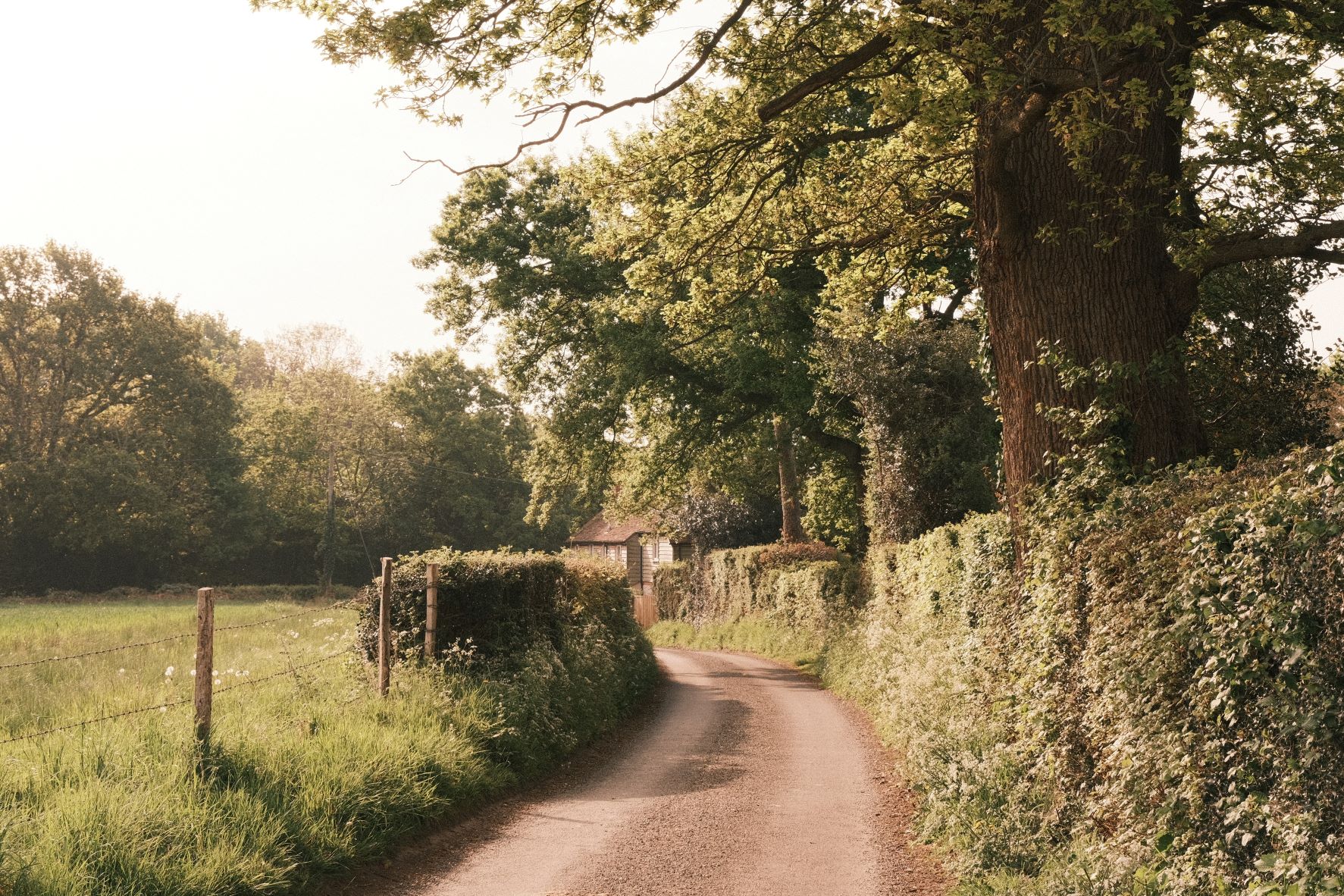
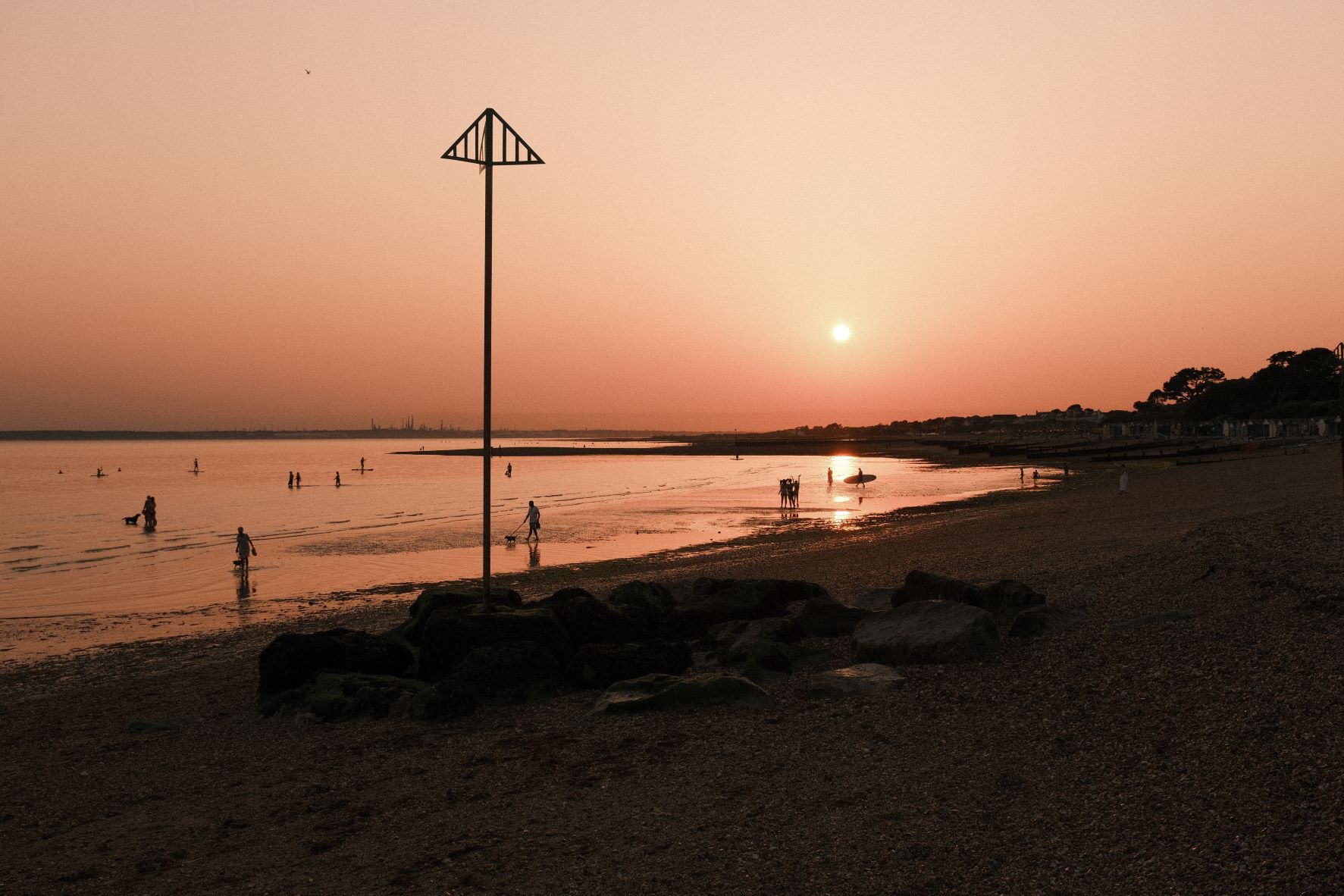
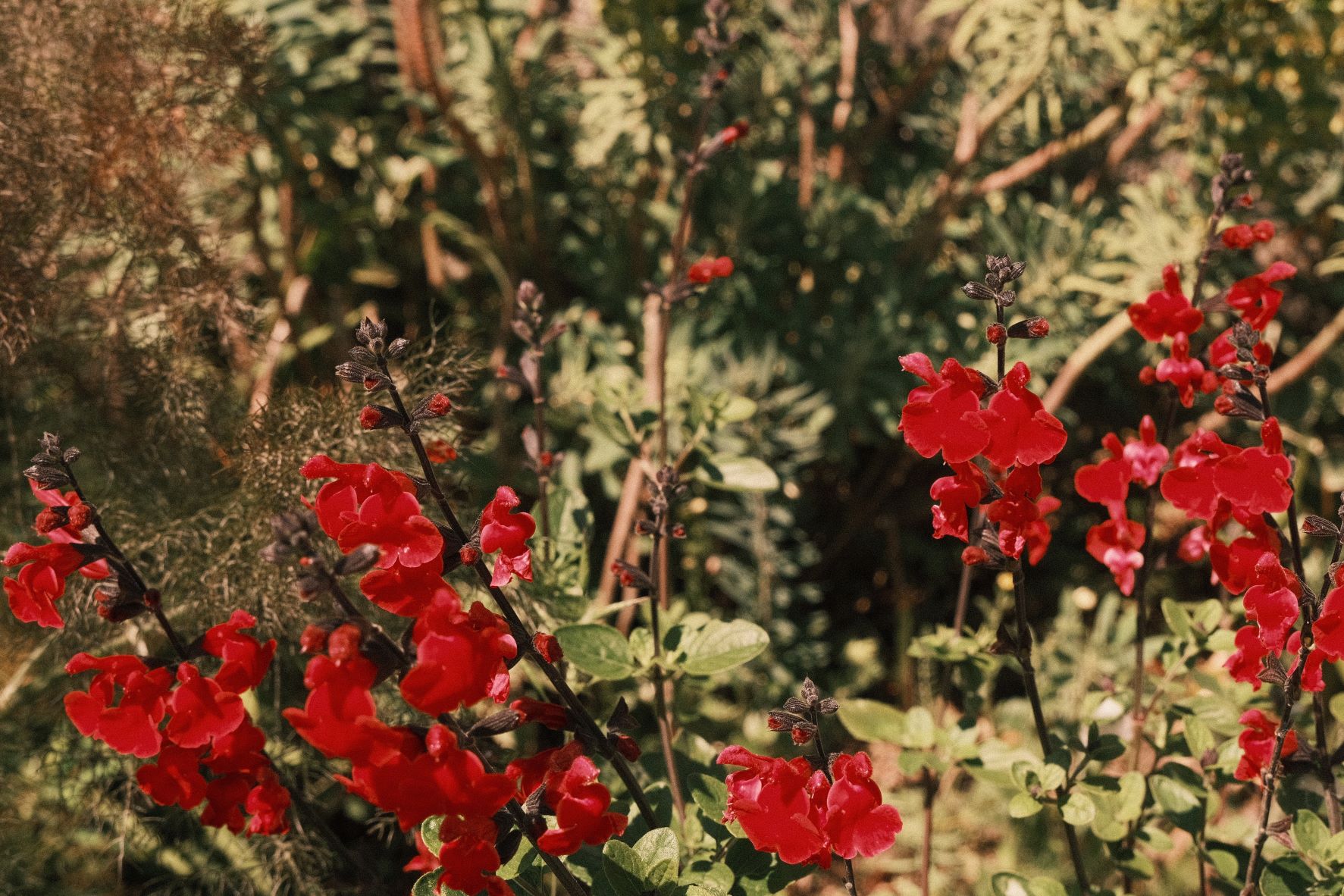
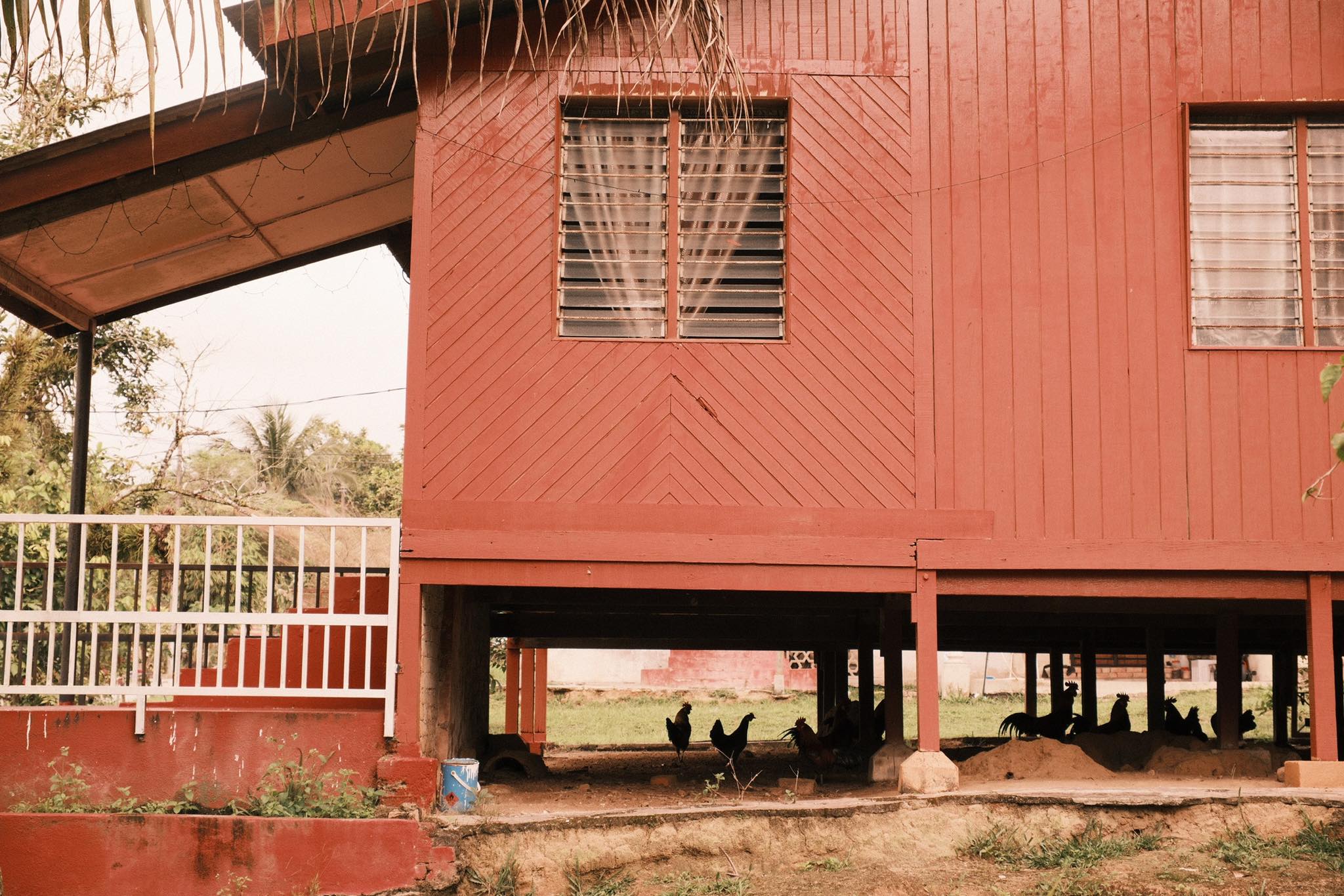
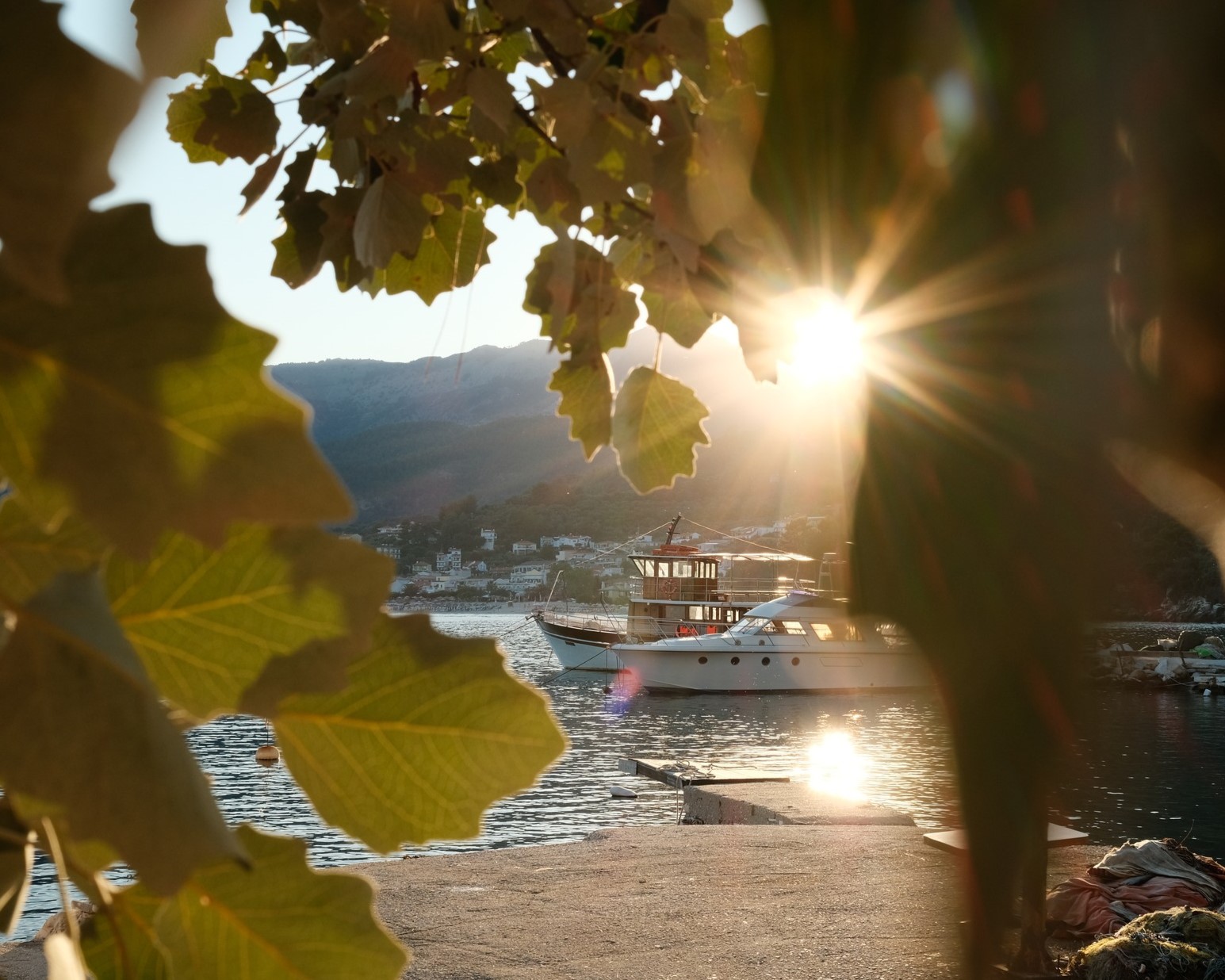
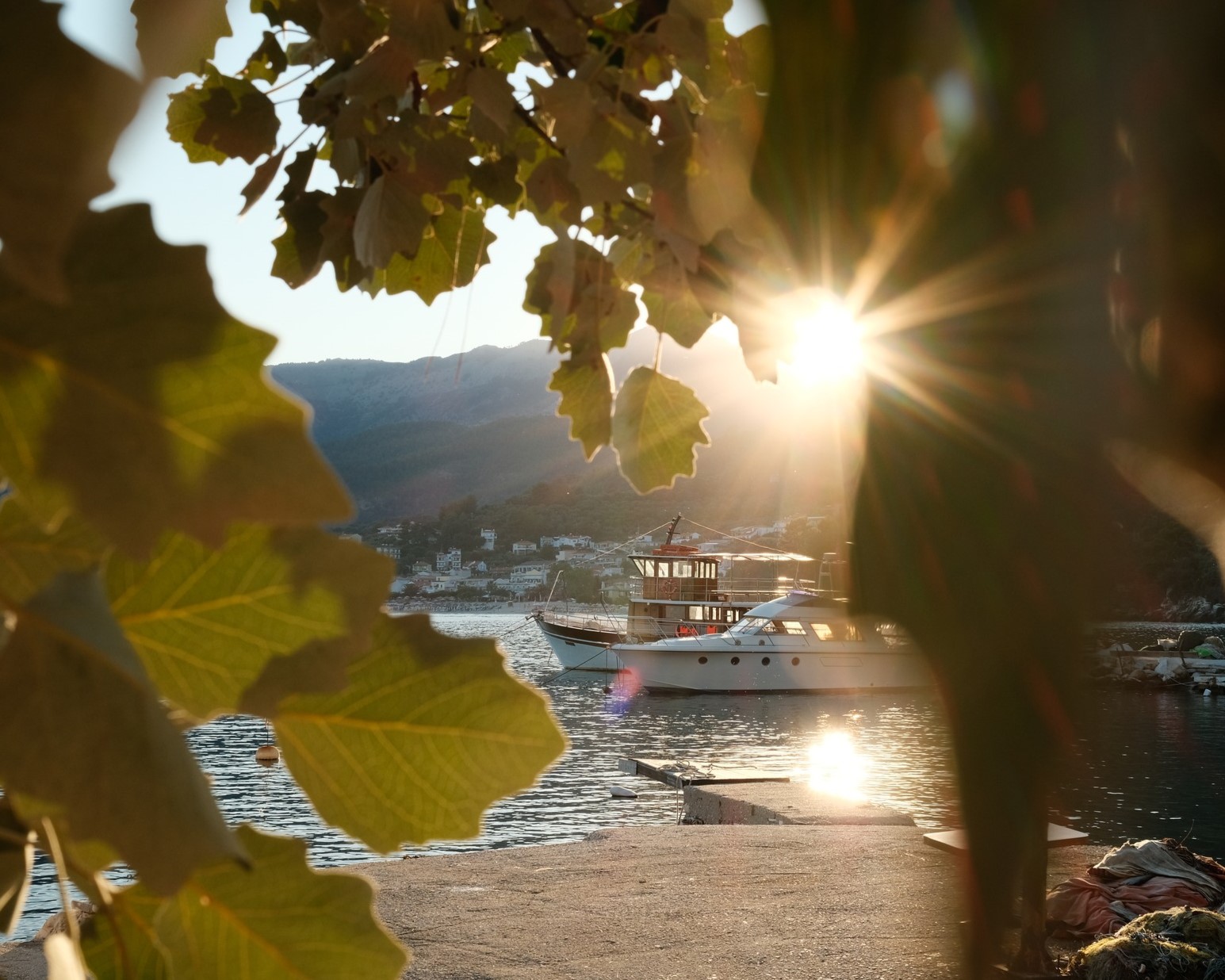
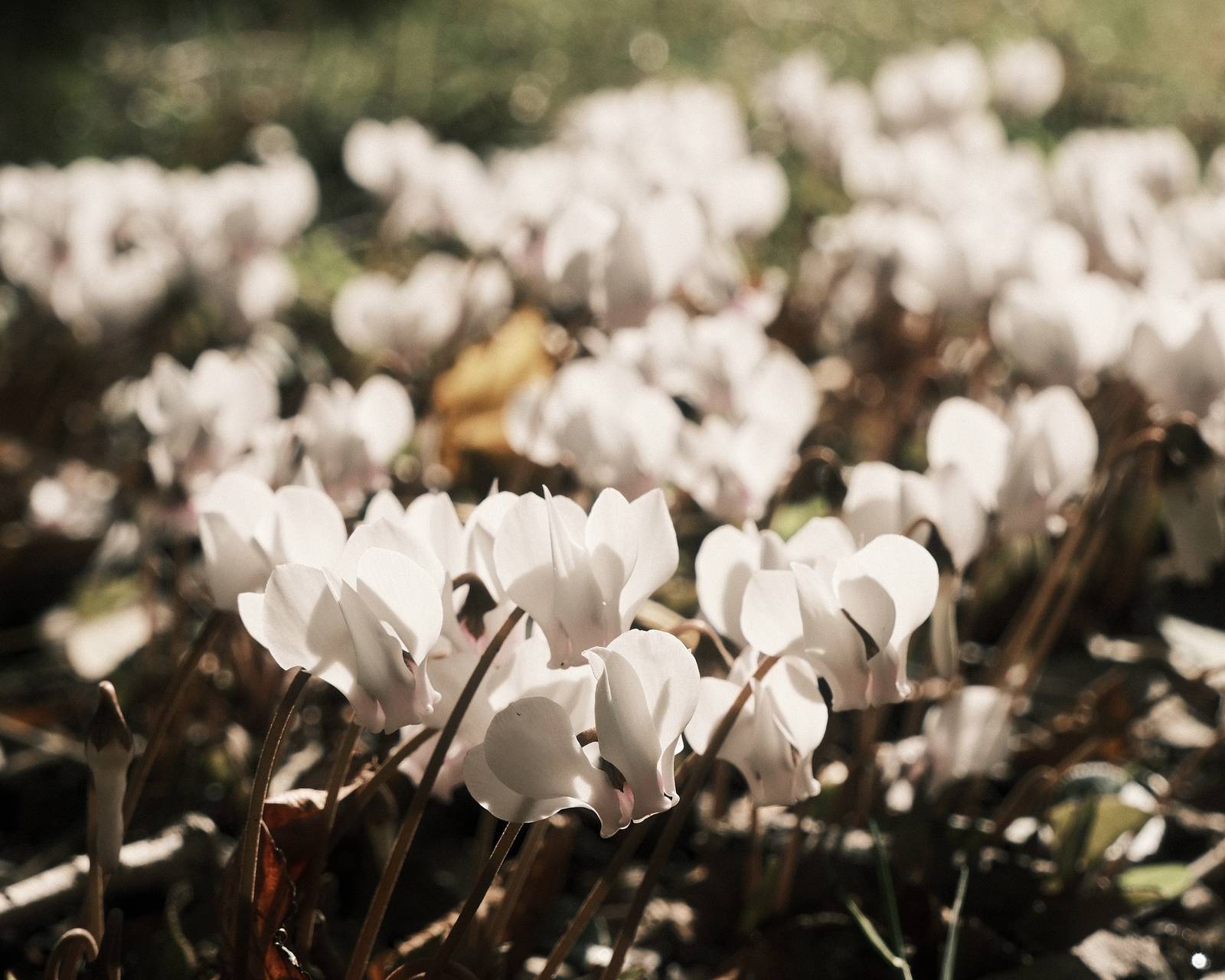
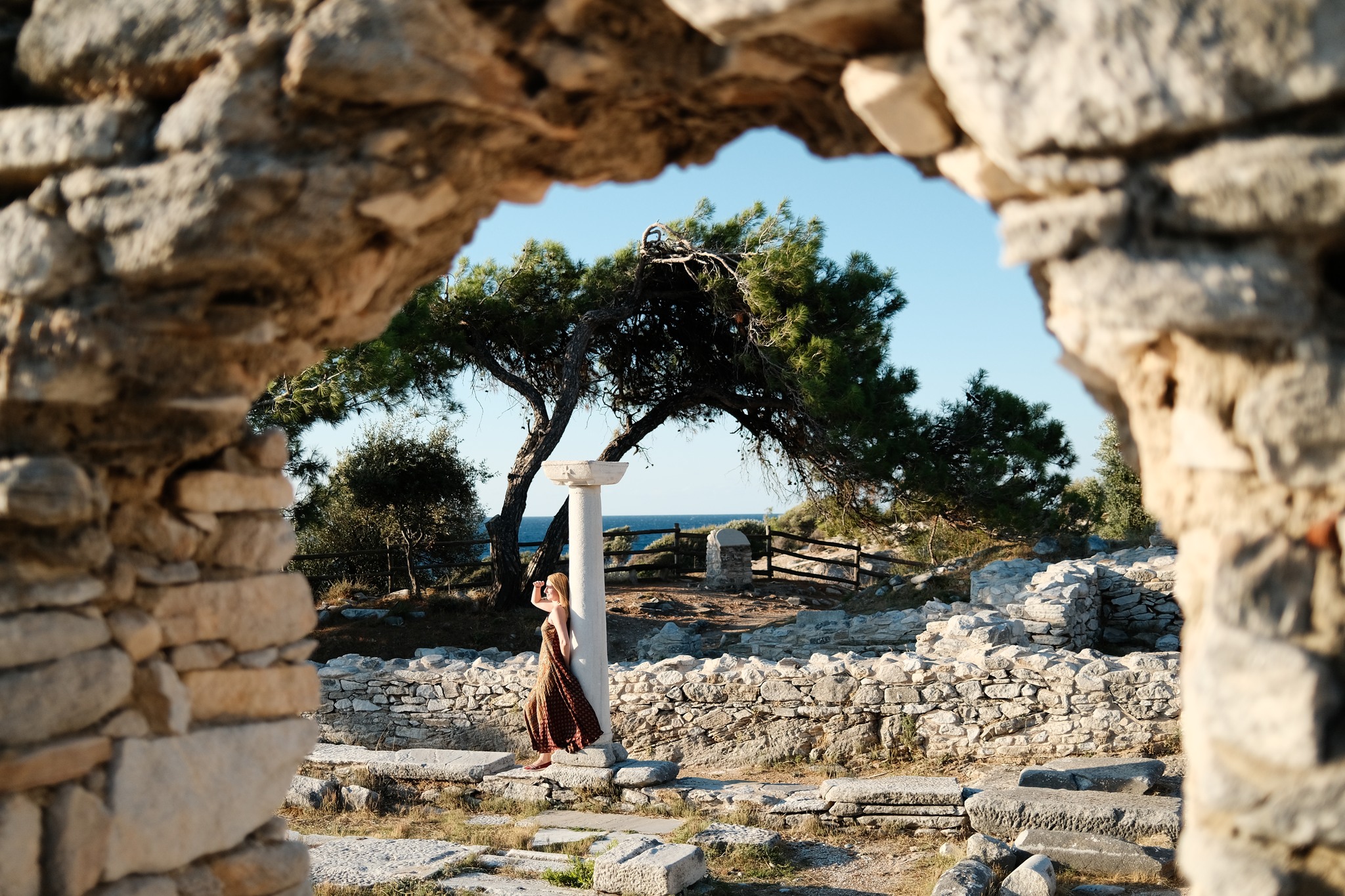
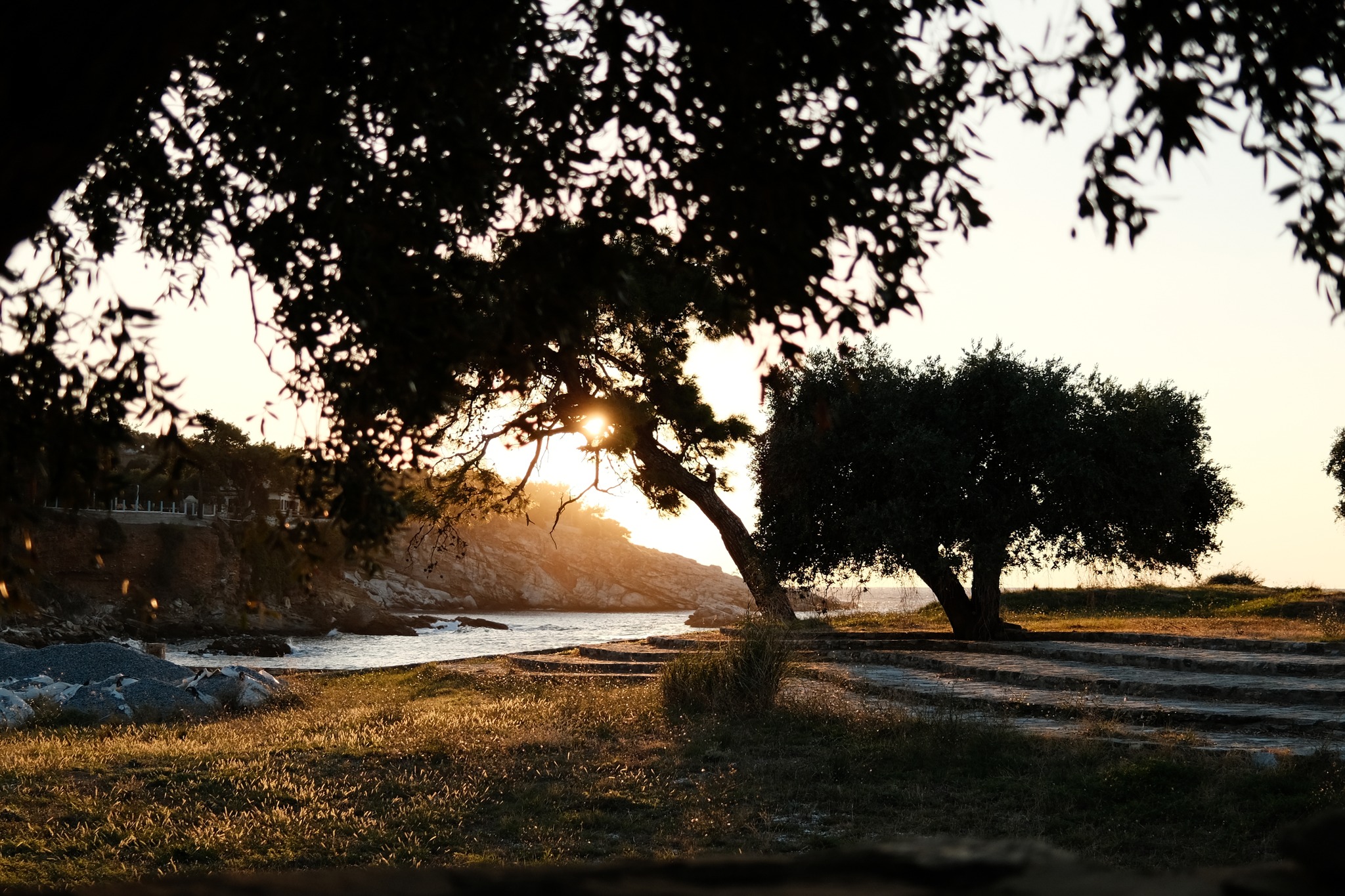
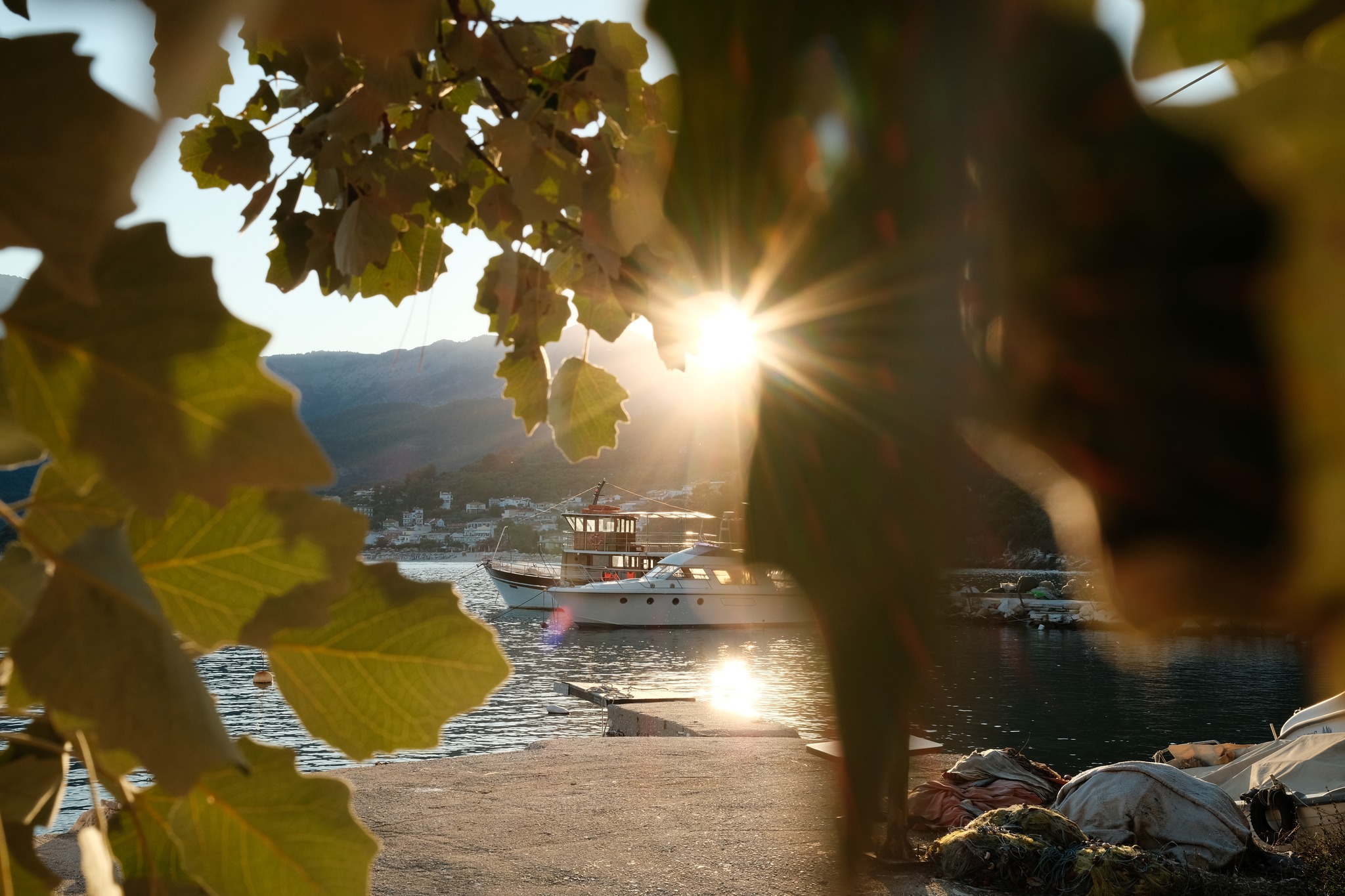
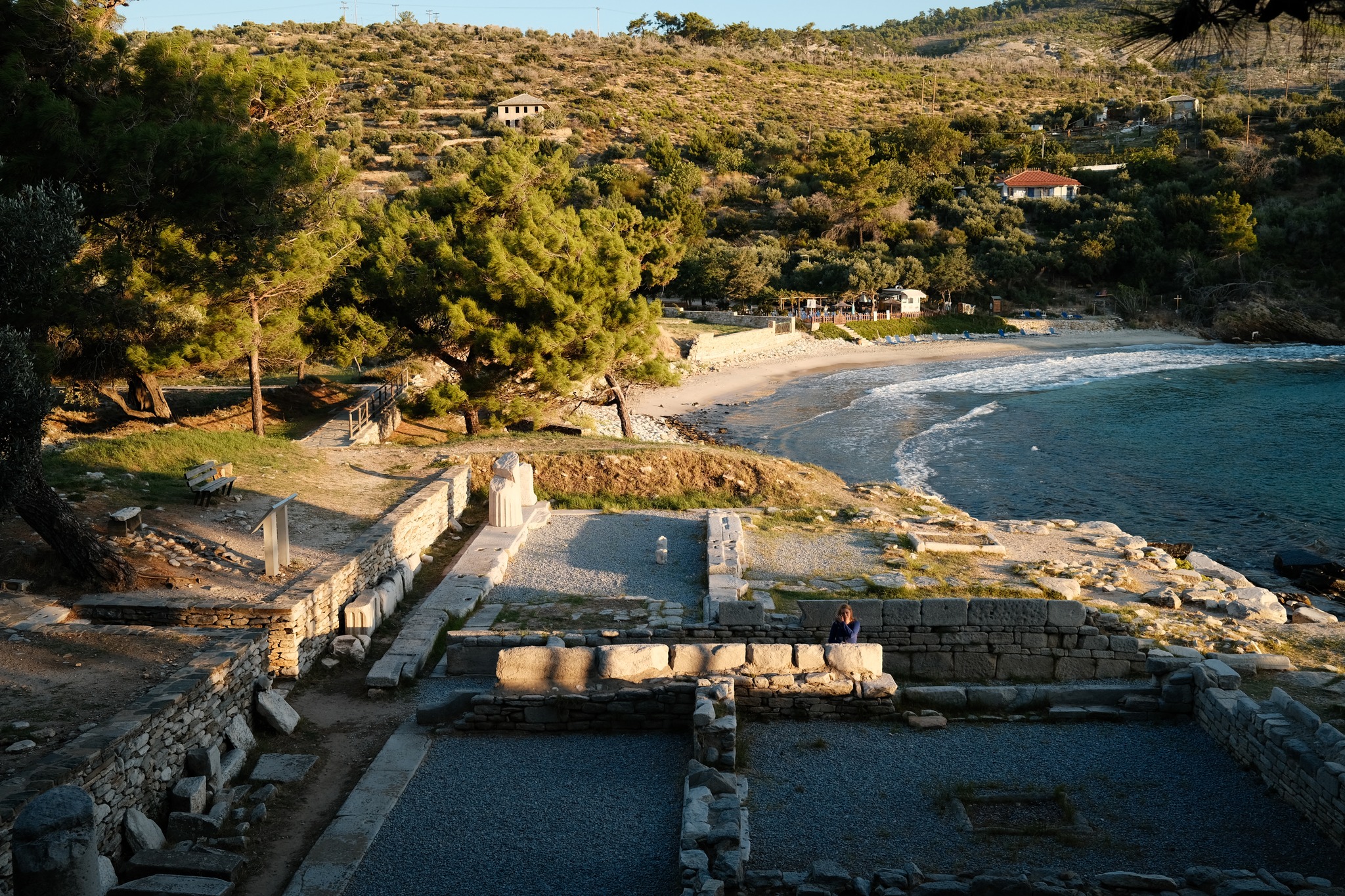
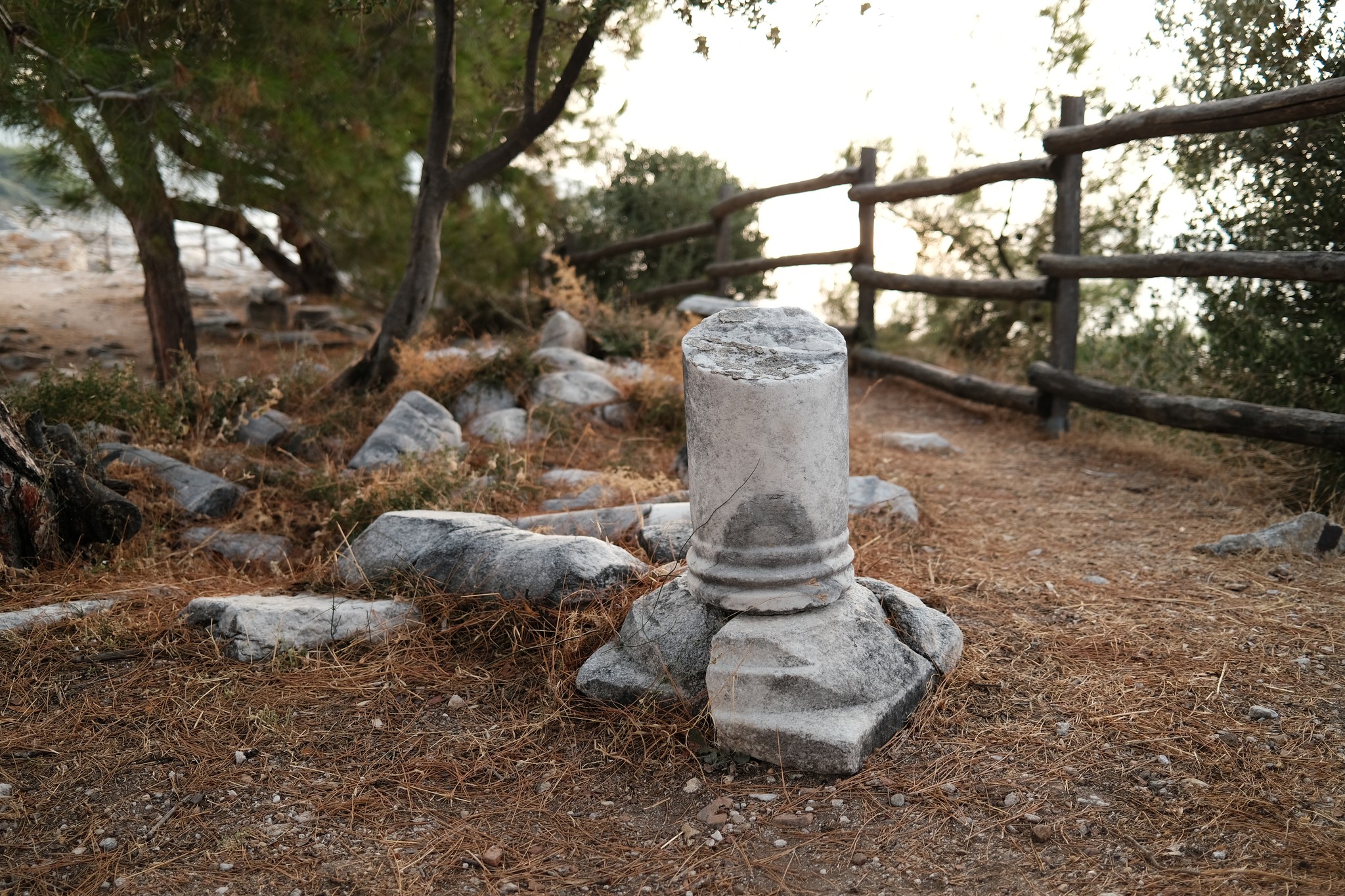
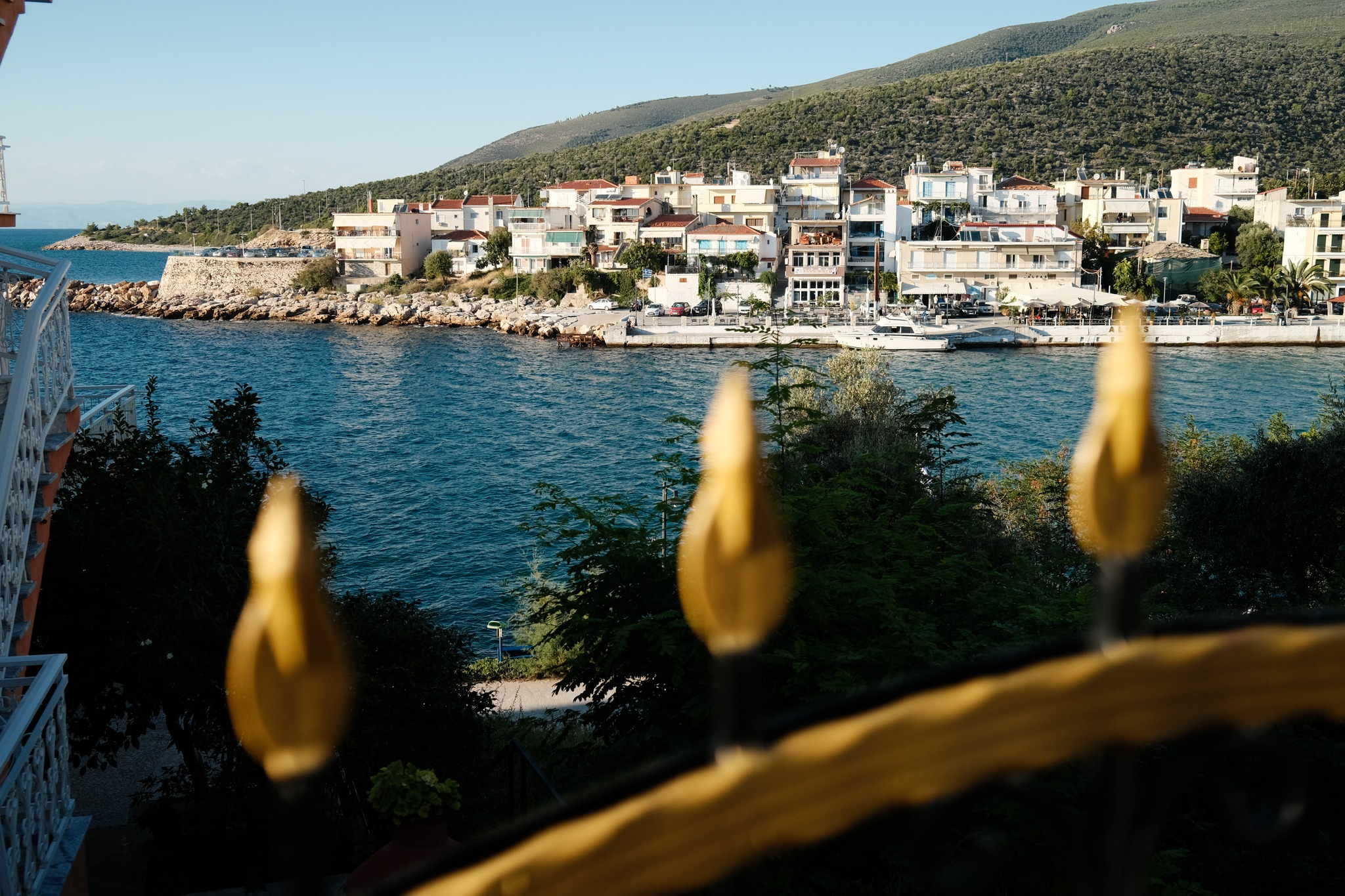
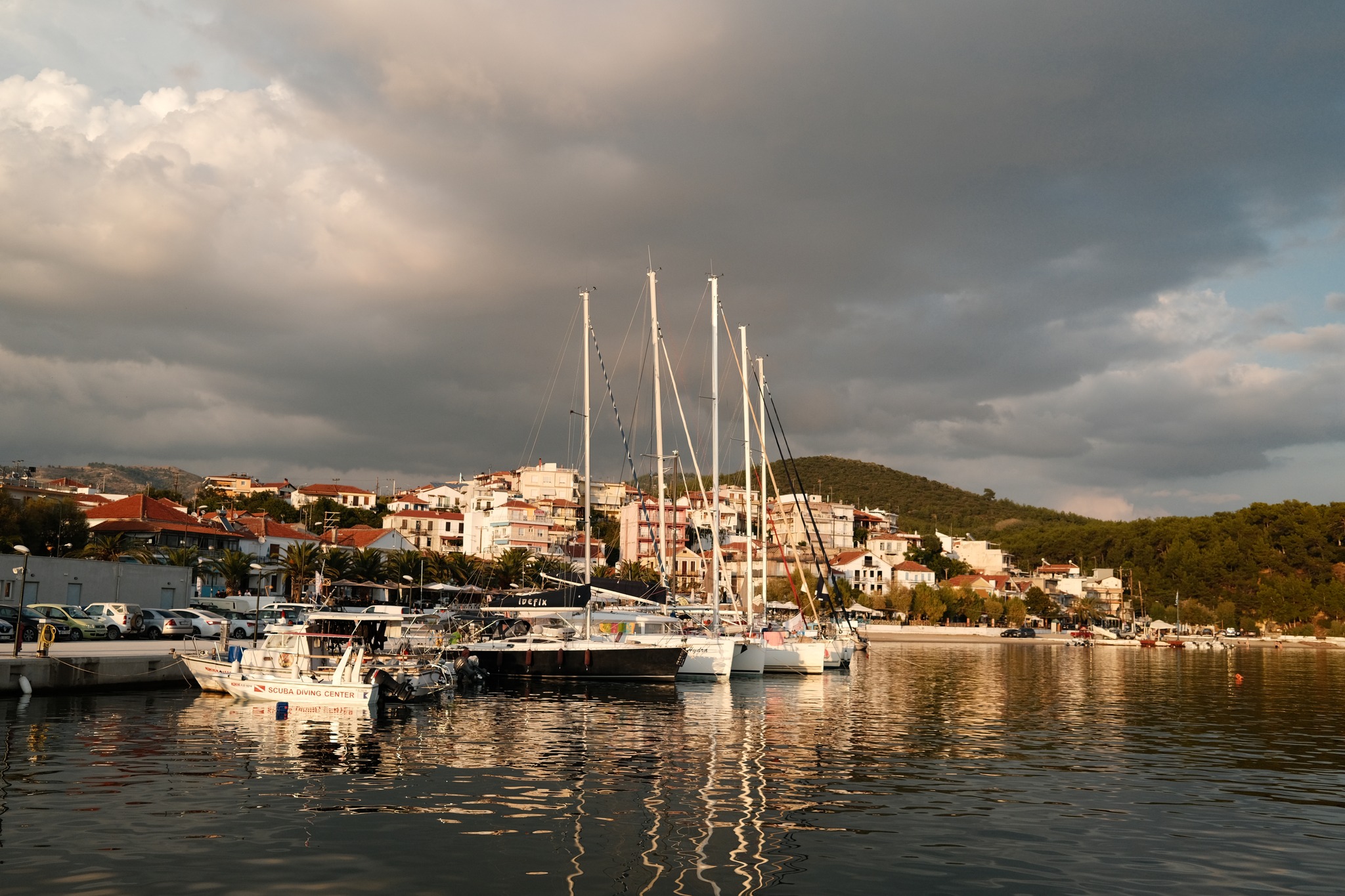
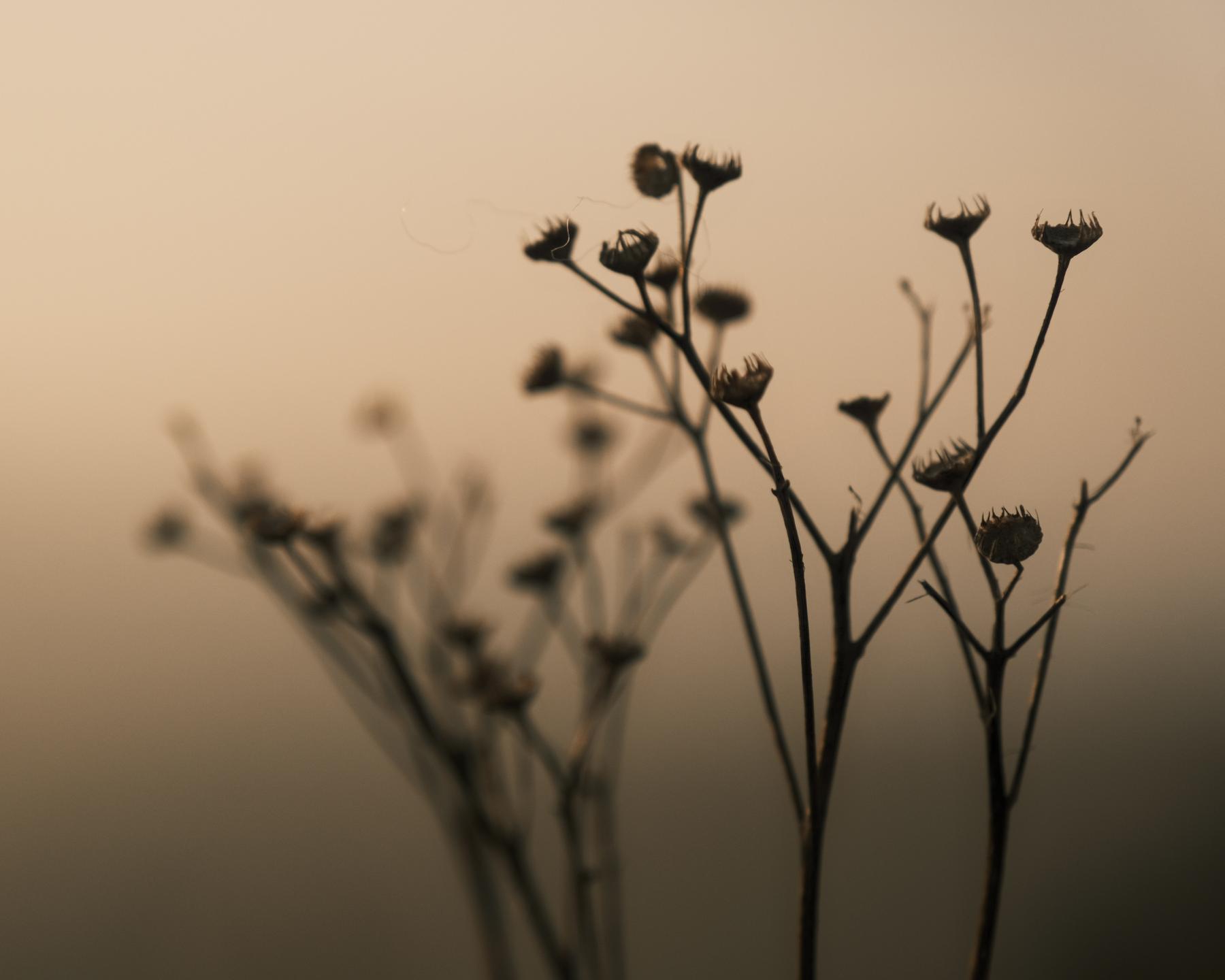
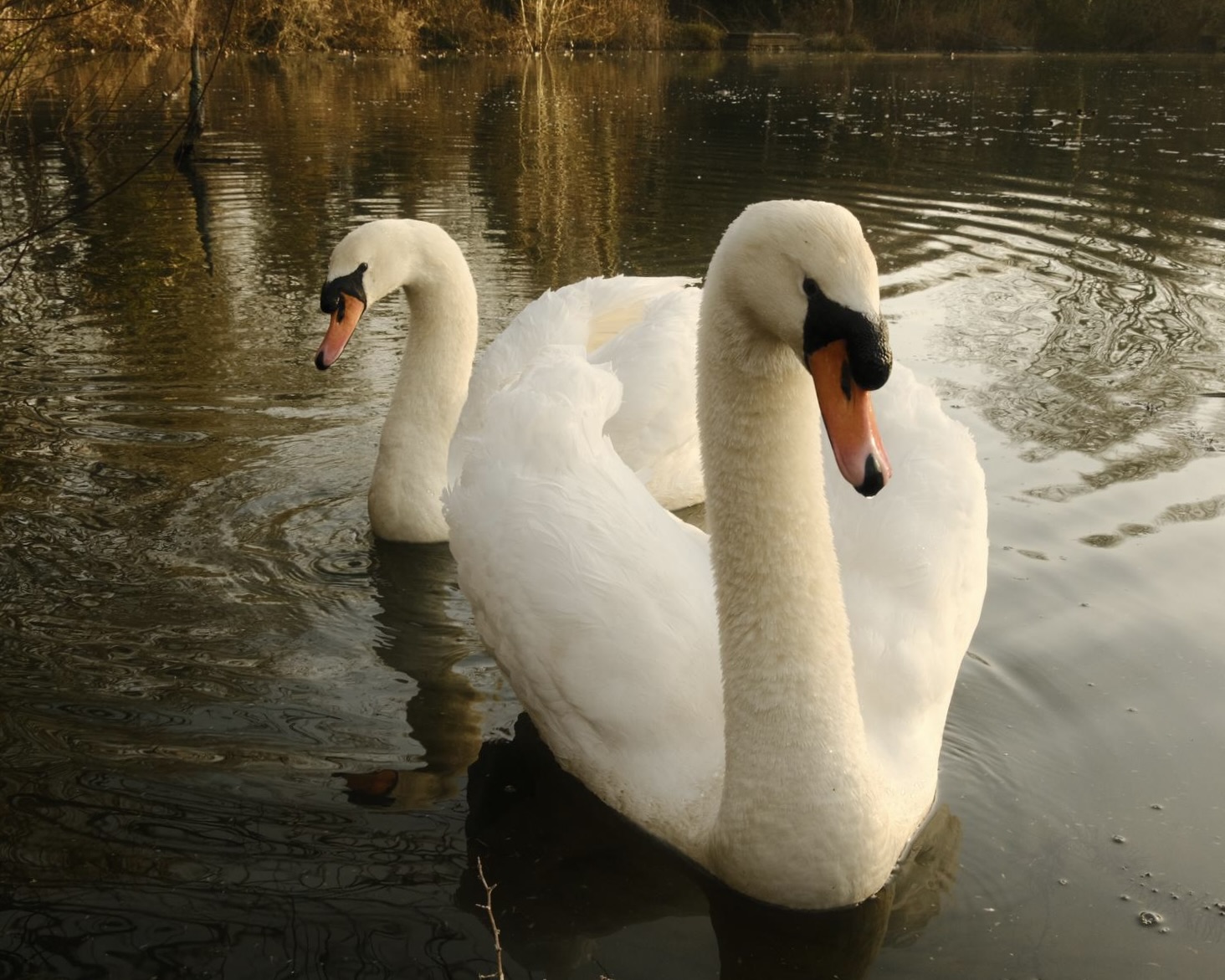
Here’s a warm and cosy film simulation recipe to bring extra colour to golden hour. Sunrises and sunsets are made more orange, and golden hour is extended with warm rich tone that especially likes any cream, red or brown in an image.
As for the name, ‘Dawnstar’ is a location in the game Skyrim, and although the Jorrvaskr film recipe was directly inspired by the graphic style of the game, this one takes just the name.
I wanted to take the idea of a recipe for this time of day, and maximise the effects possible from our Fujifilm X-Series cameras. The base simulation is Classic Negative, so on older cameras you can try with Provia or use Velvia with colour at +1 rather than +4.
Dawnstar Film Recipe Settings
| Film Simulation | Classic Negative |
| Grain Effect | Weak, Small |
| Colour Chrome Effect | Off |
| Colour Chrome Blue | Off |
| White Balance | 6000K, +4 Red, ‑5 Blue |
| Dynamic Range | DR200 |
| Highlights | ‑2 |
| Shadows | 0 |
| Colour | +4 |
| Sharpness | 0 |
| ISO Noise Reduction | ‑4 |
| Clarity | ‑1 |
| EV Compensation | 0 |
Similar Recipes

More similar recipes, and hundreds more exclusive looks, are available in the Film Recipes App.

Get the Film Recipes App
Rolling activity feed — see what’s trending in the app


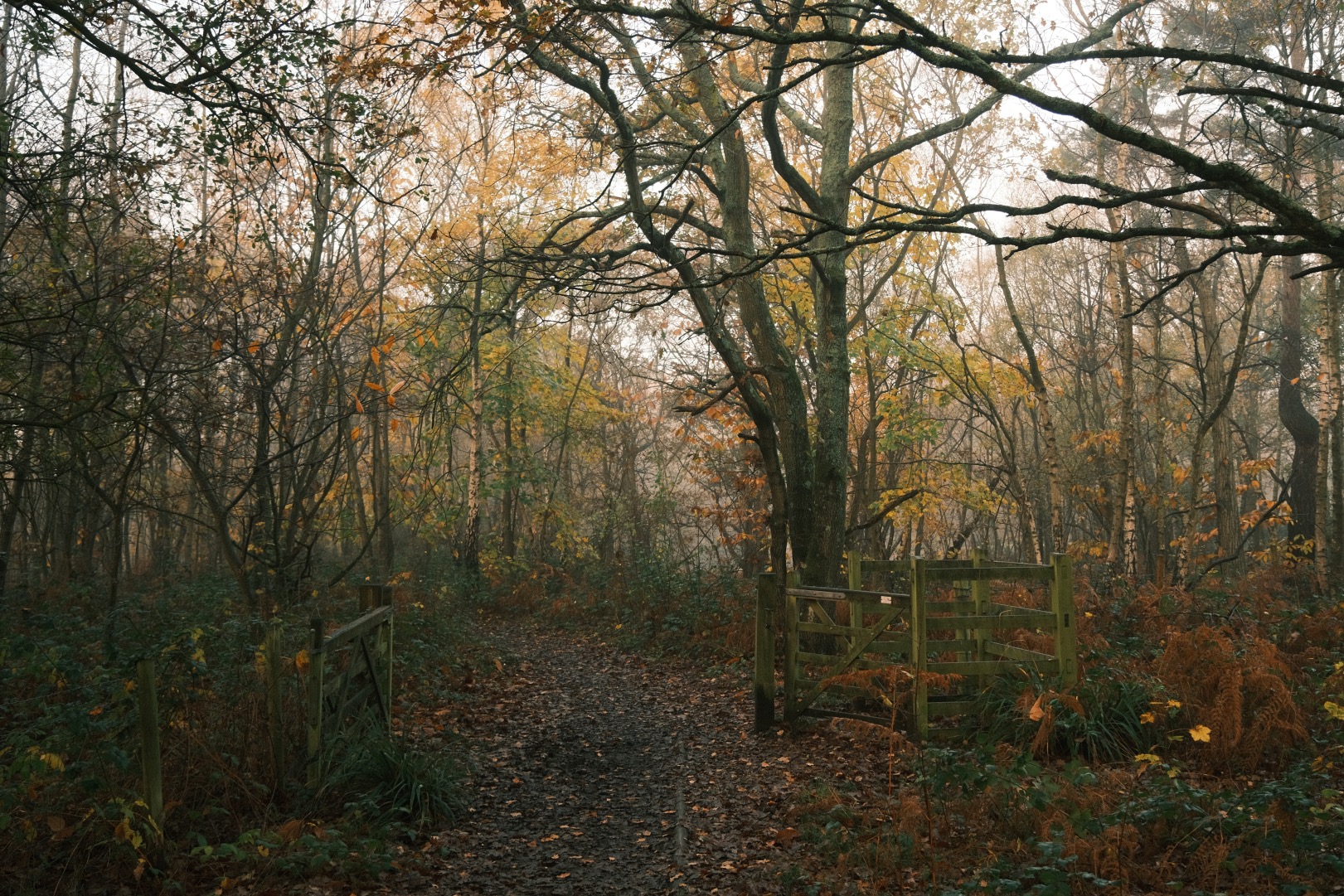
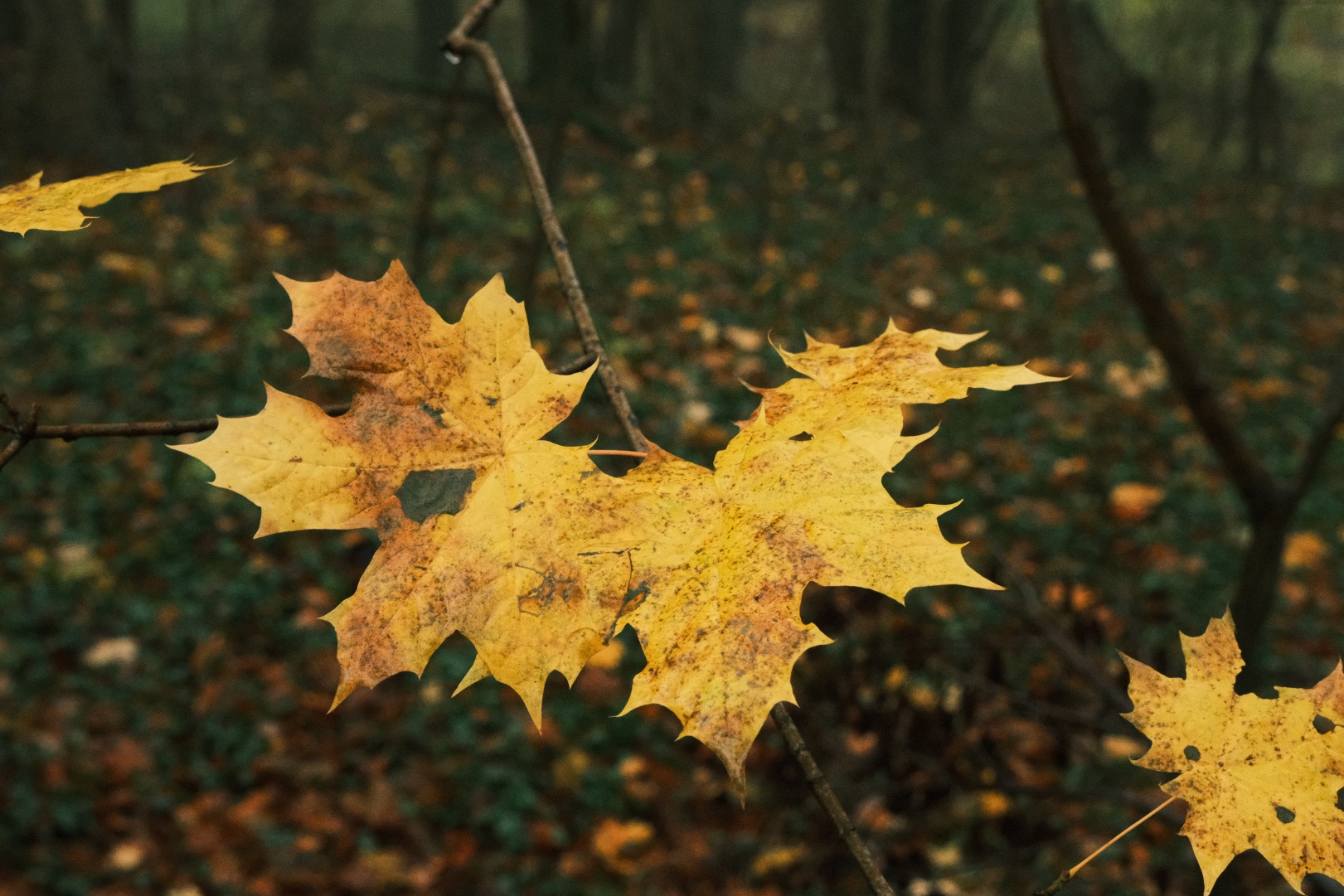
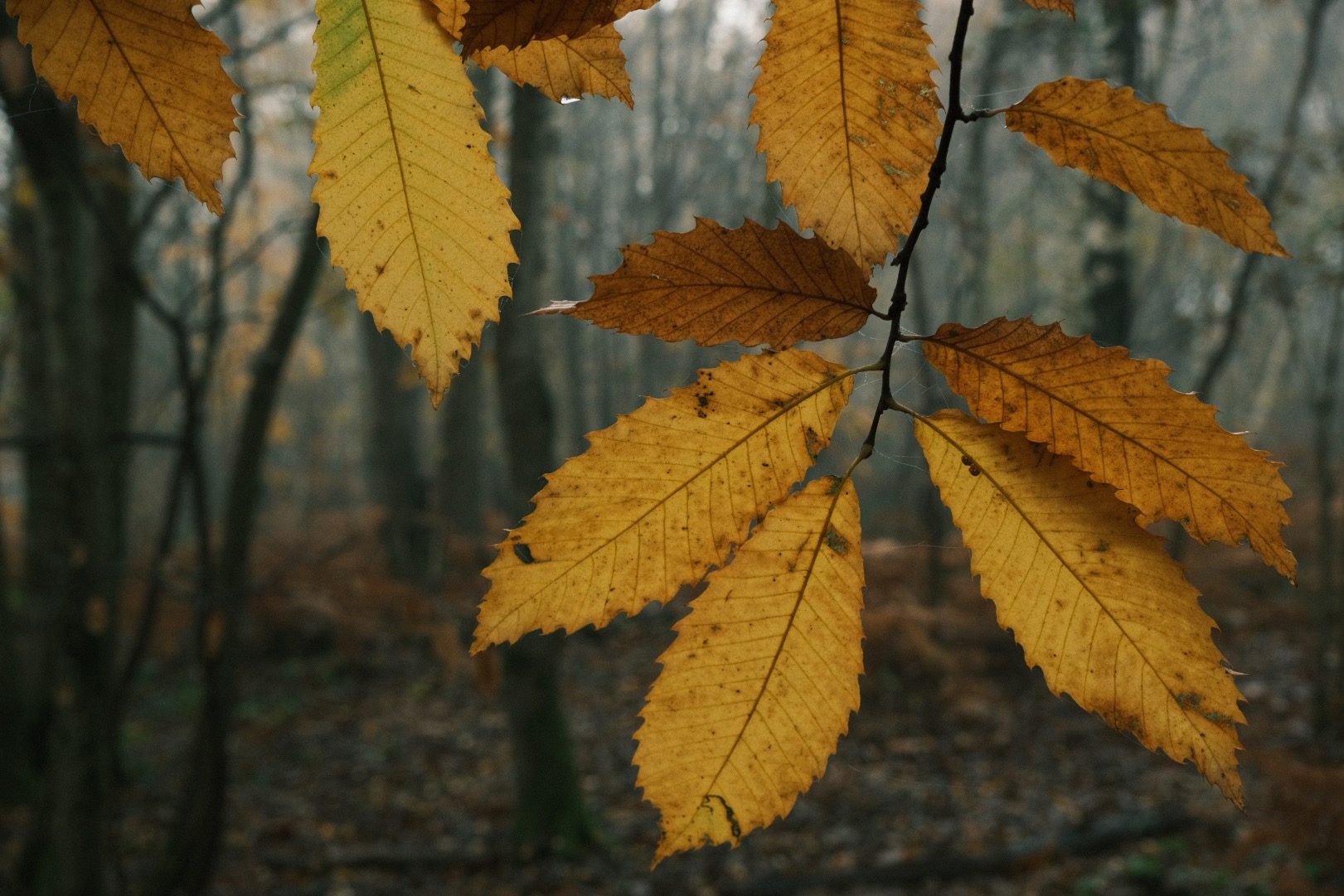
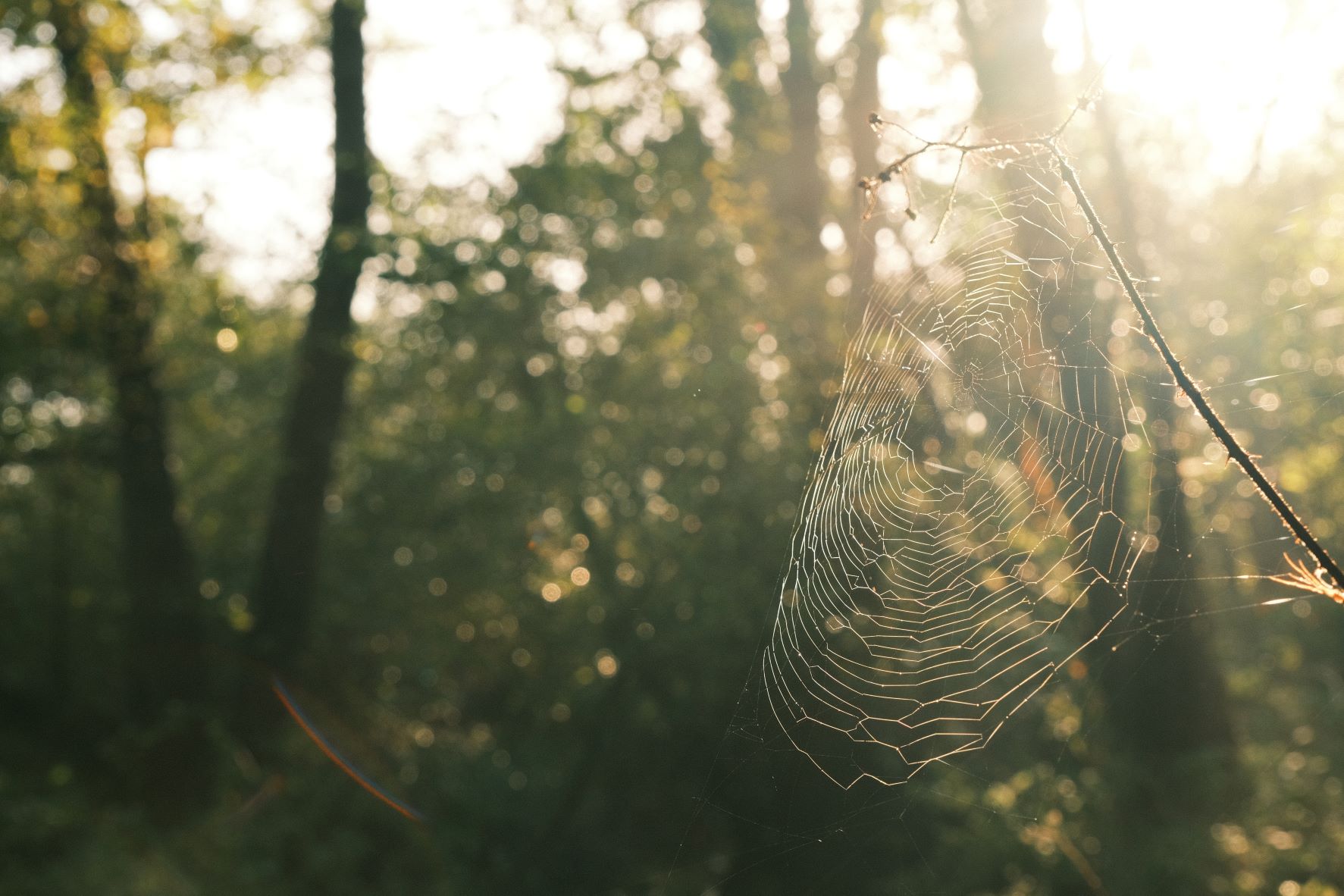
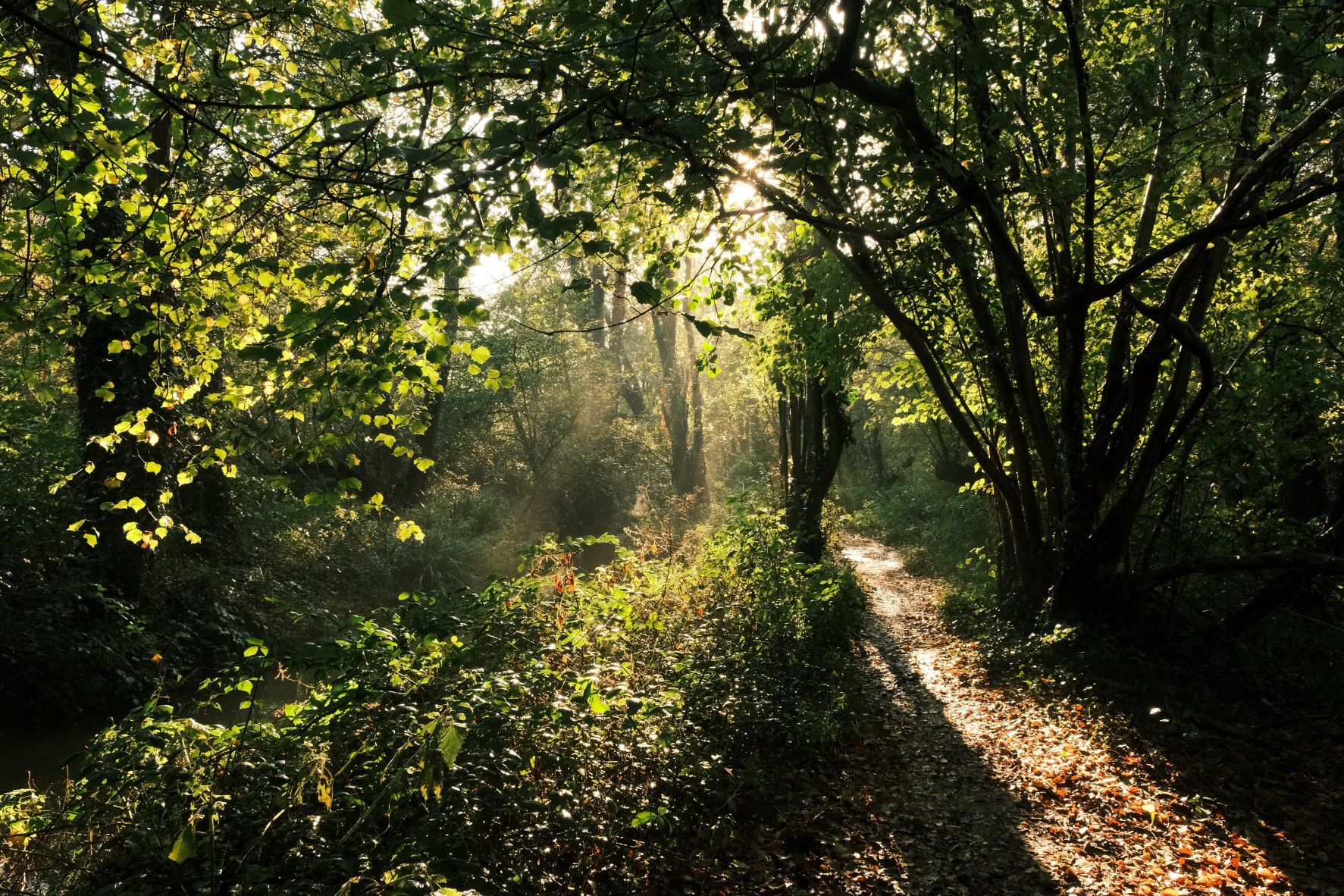
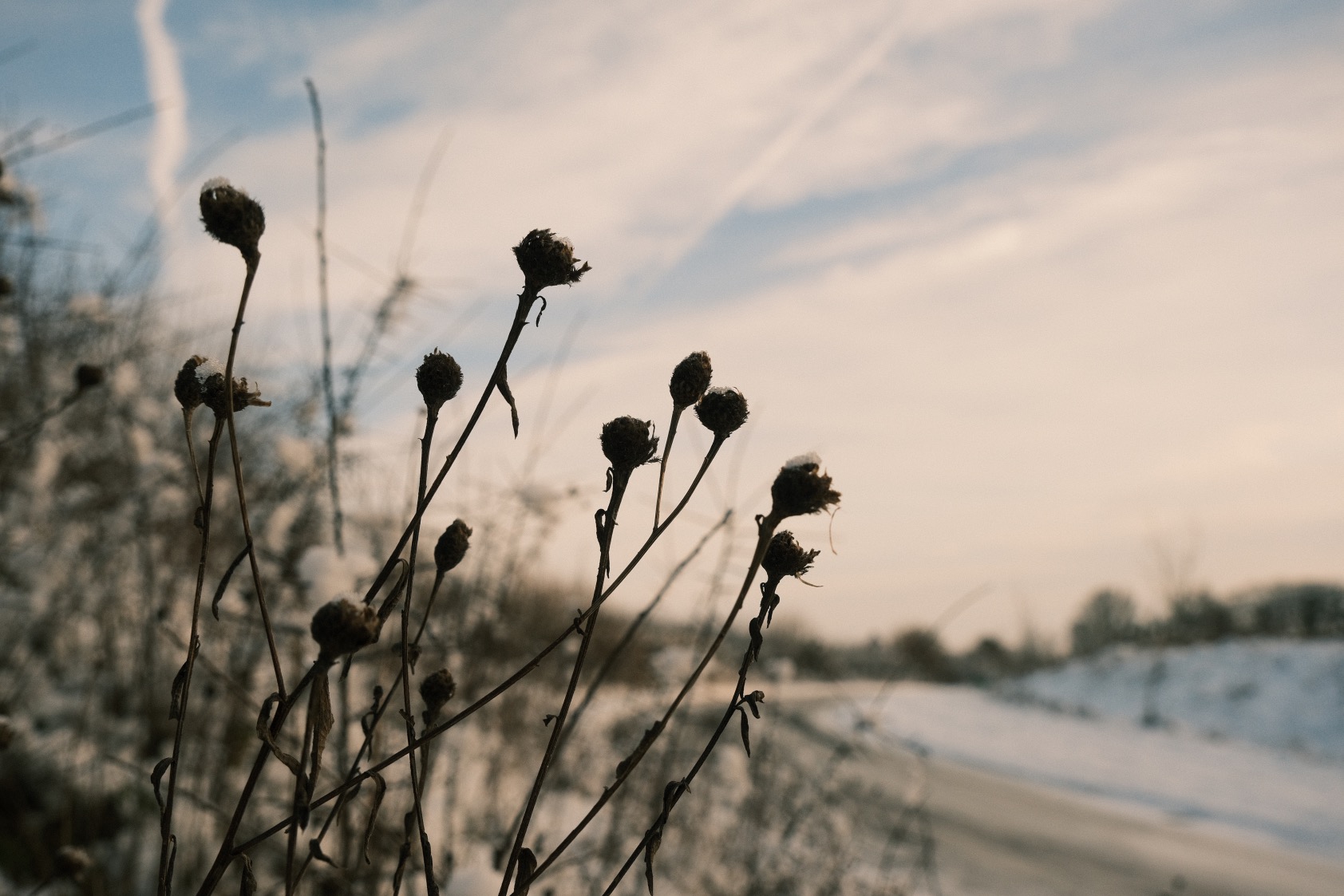
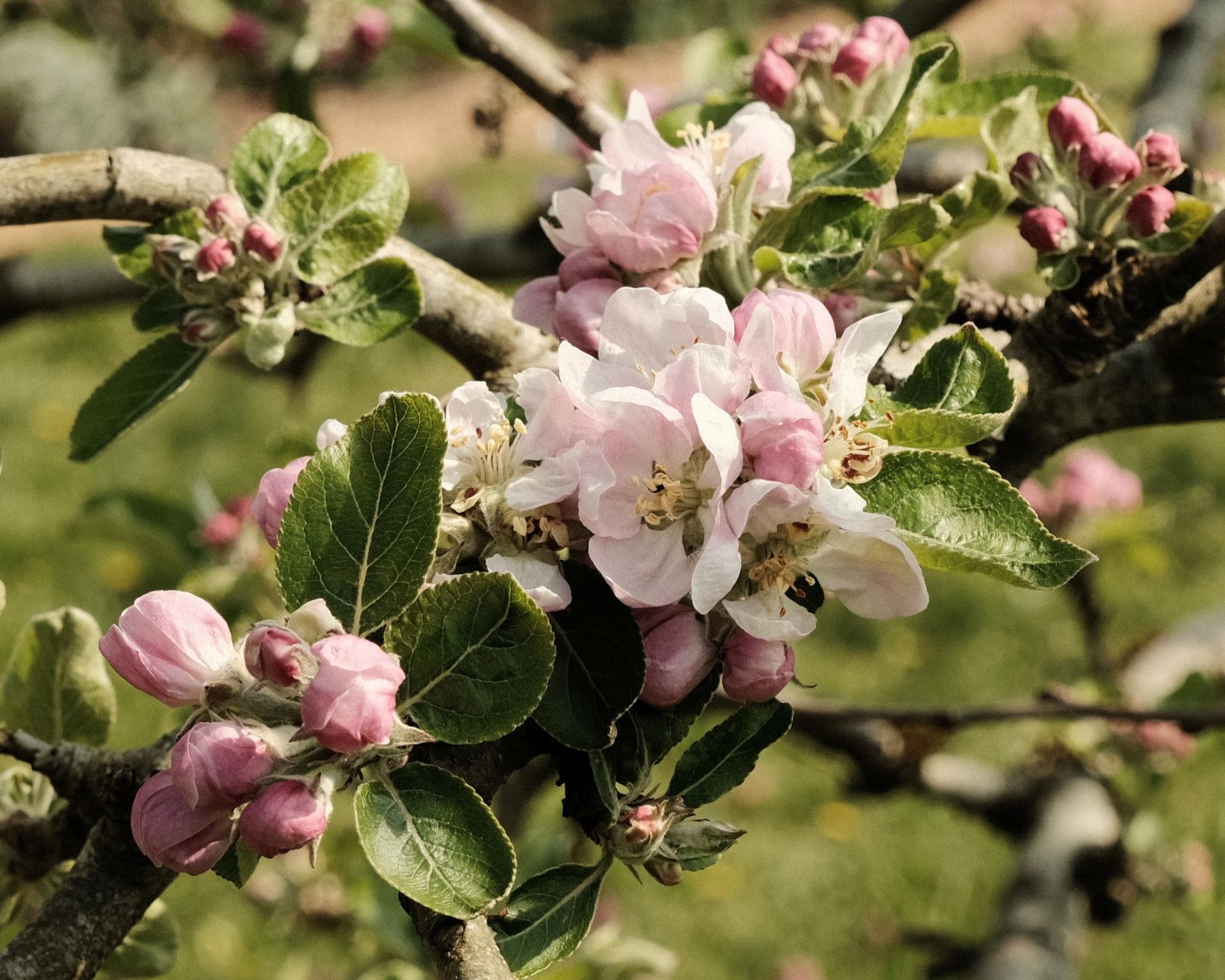
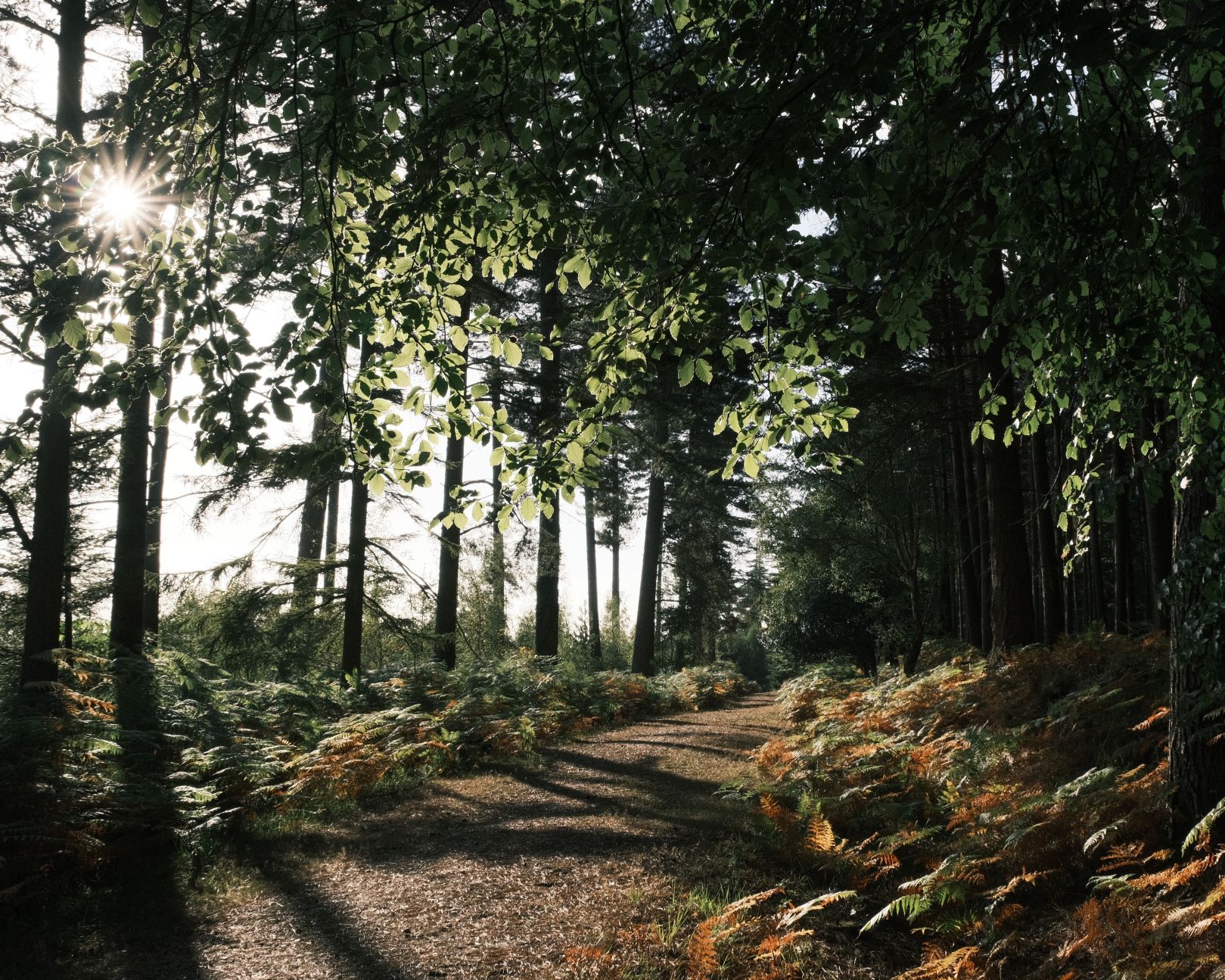
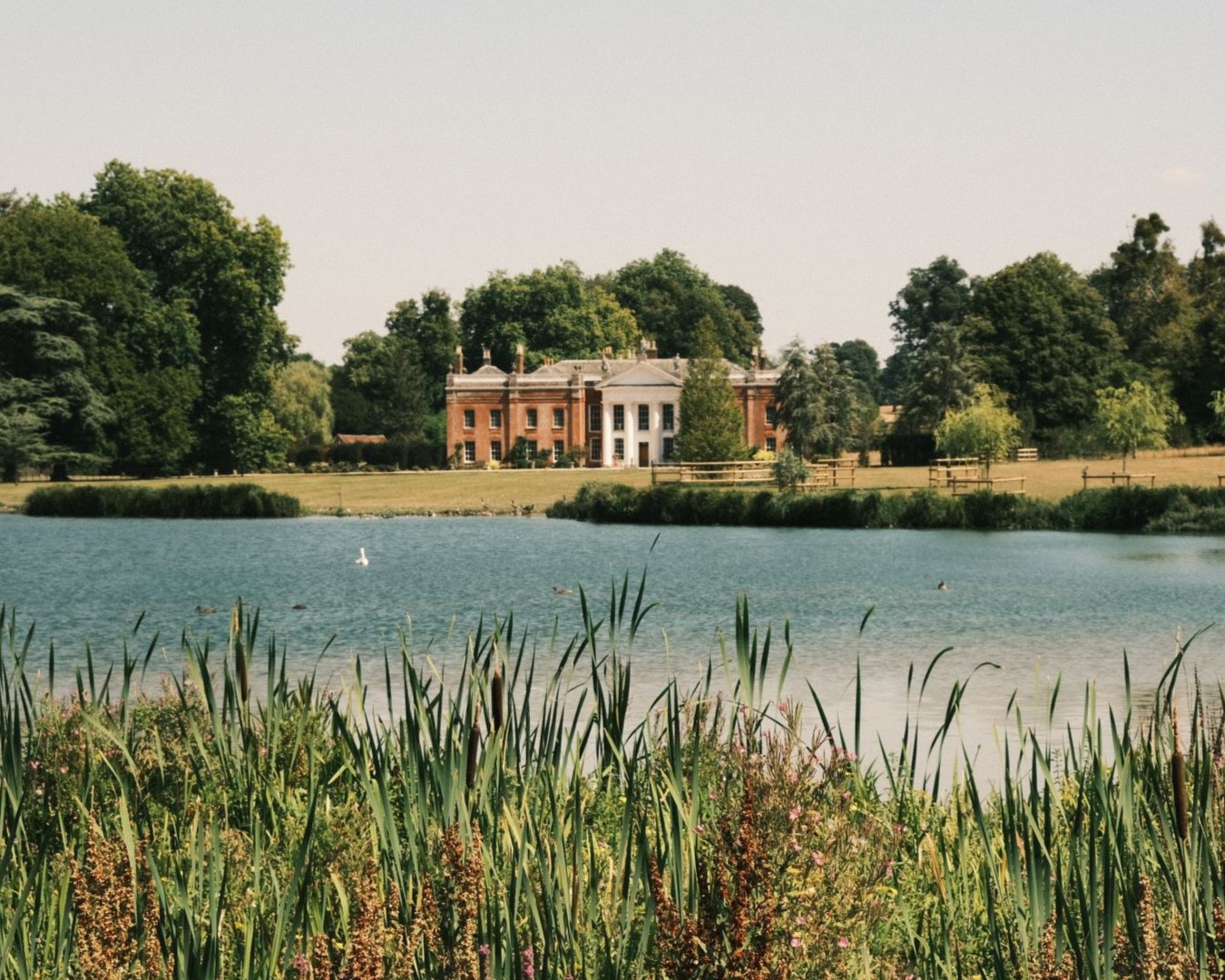
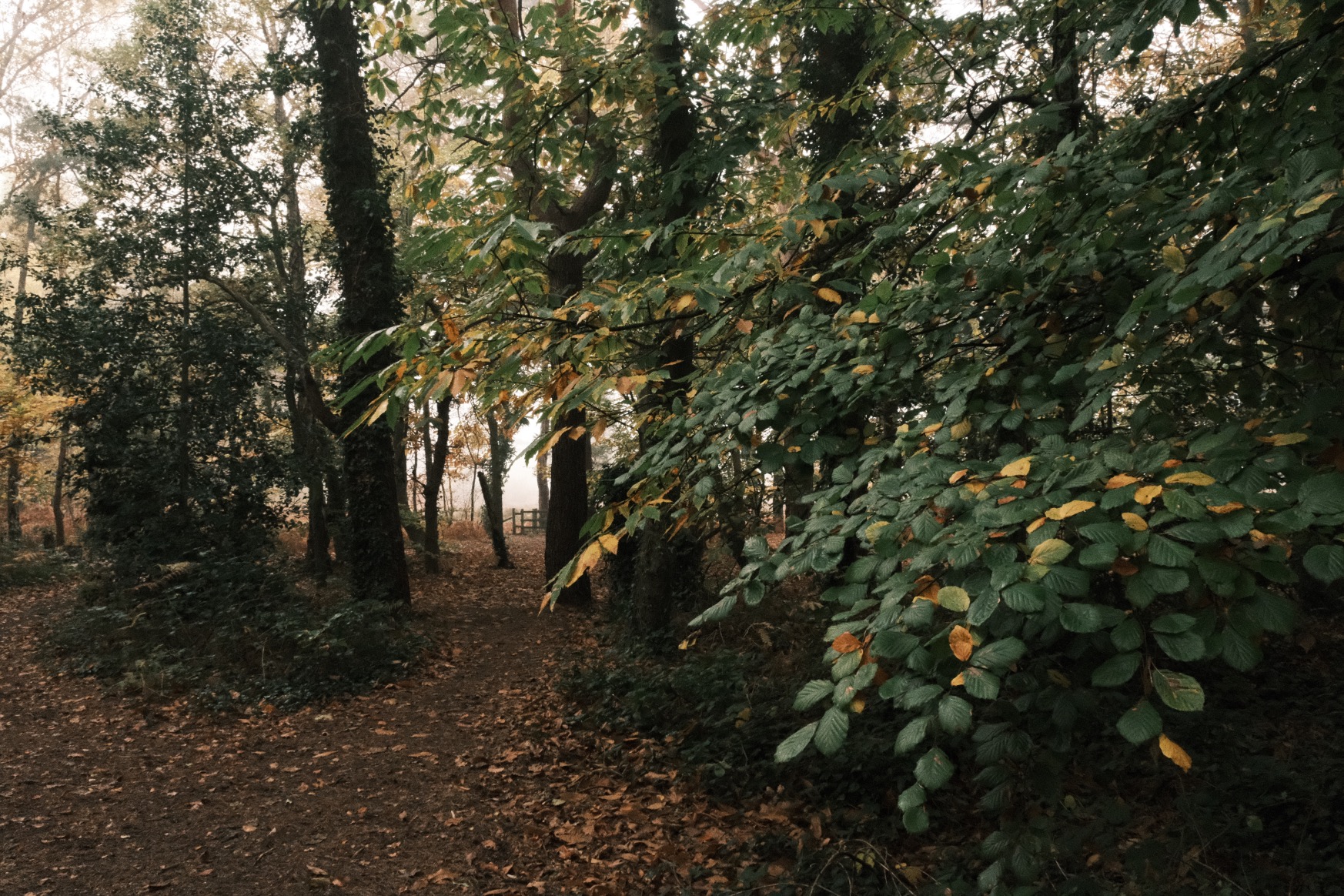
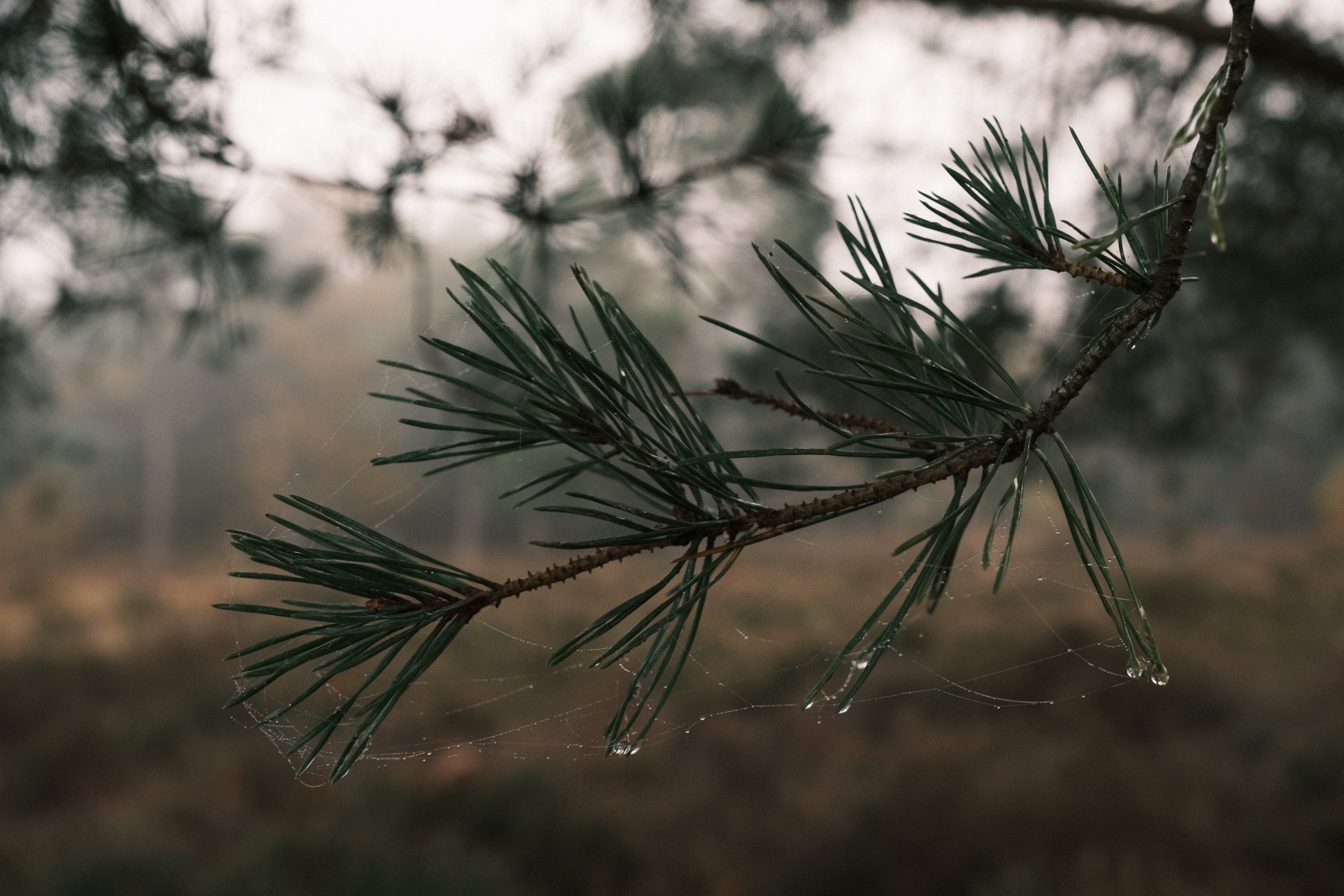
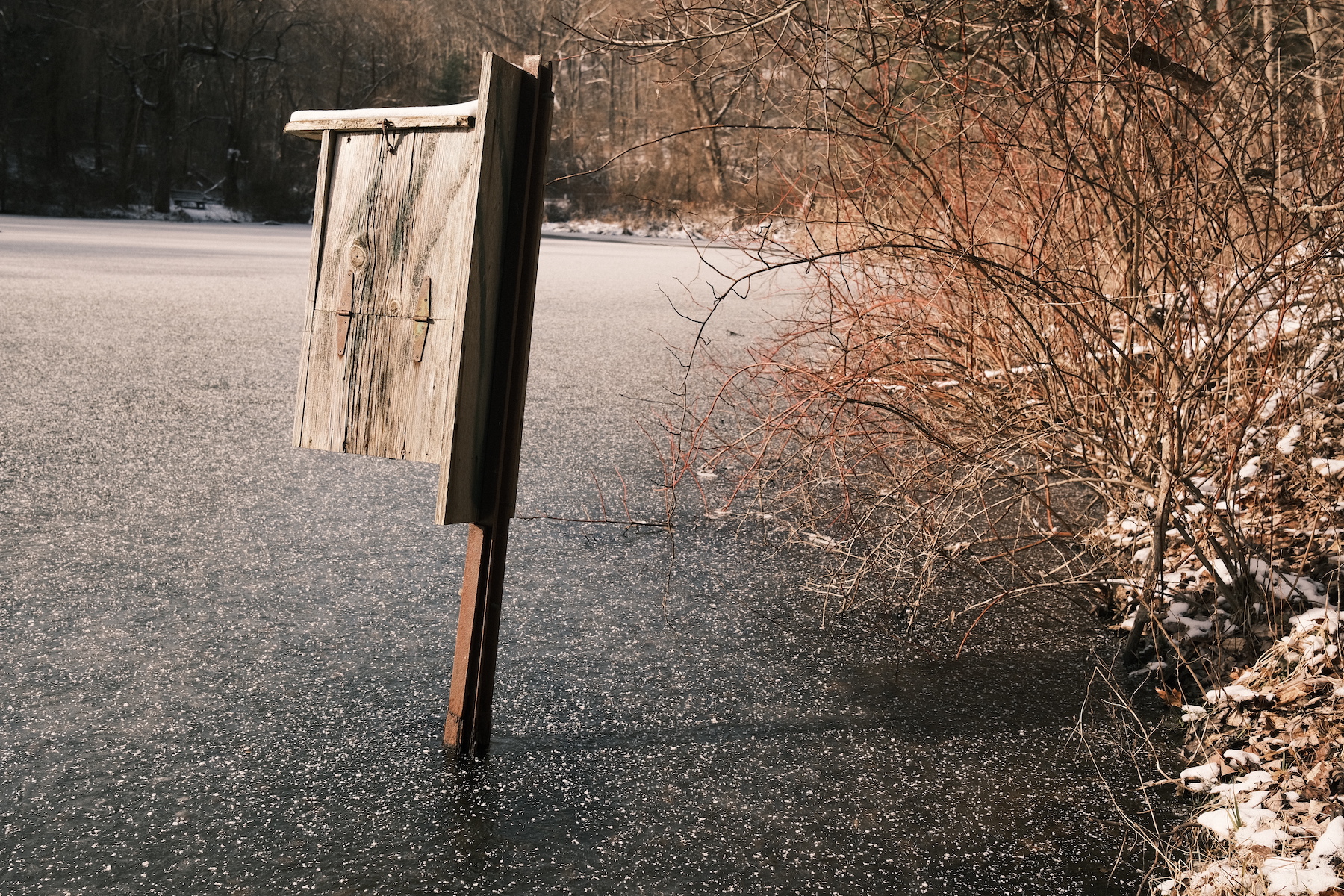
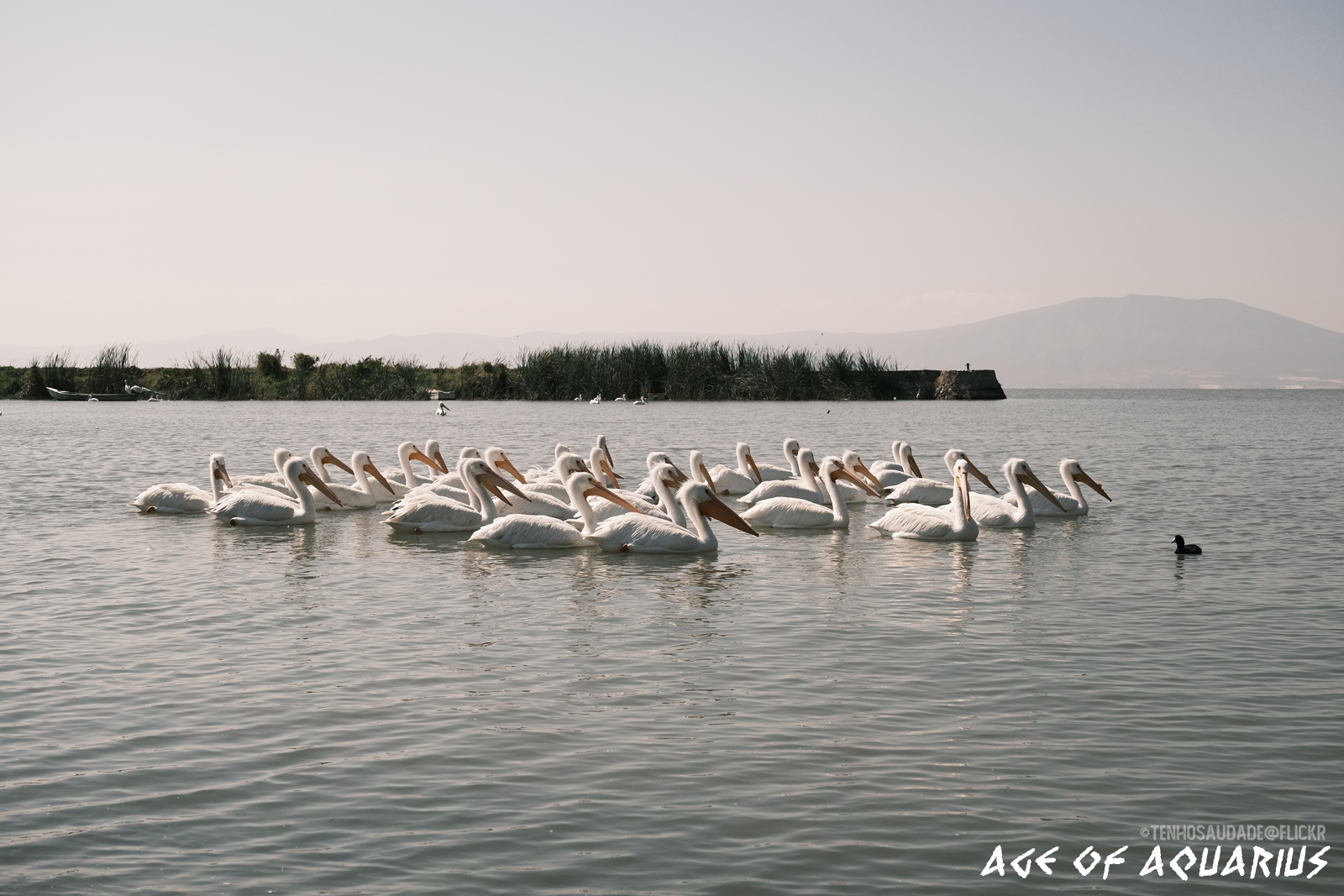
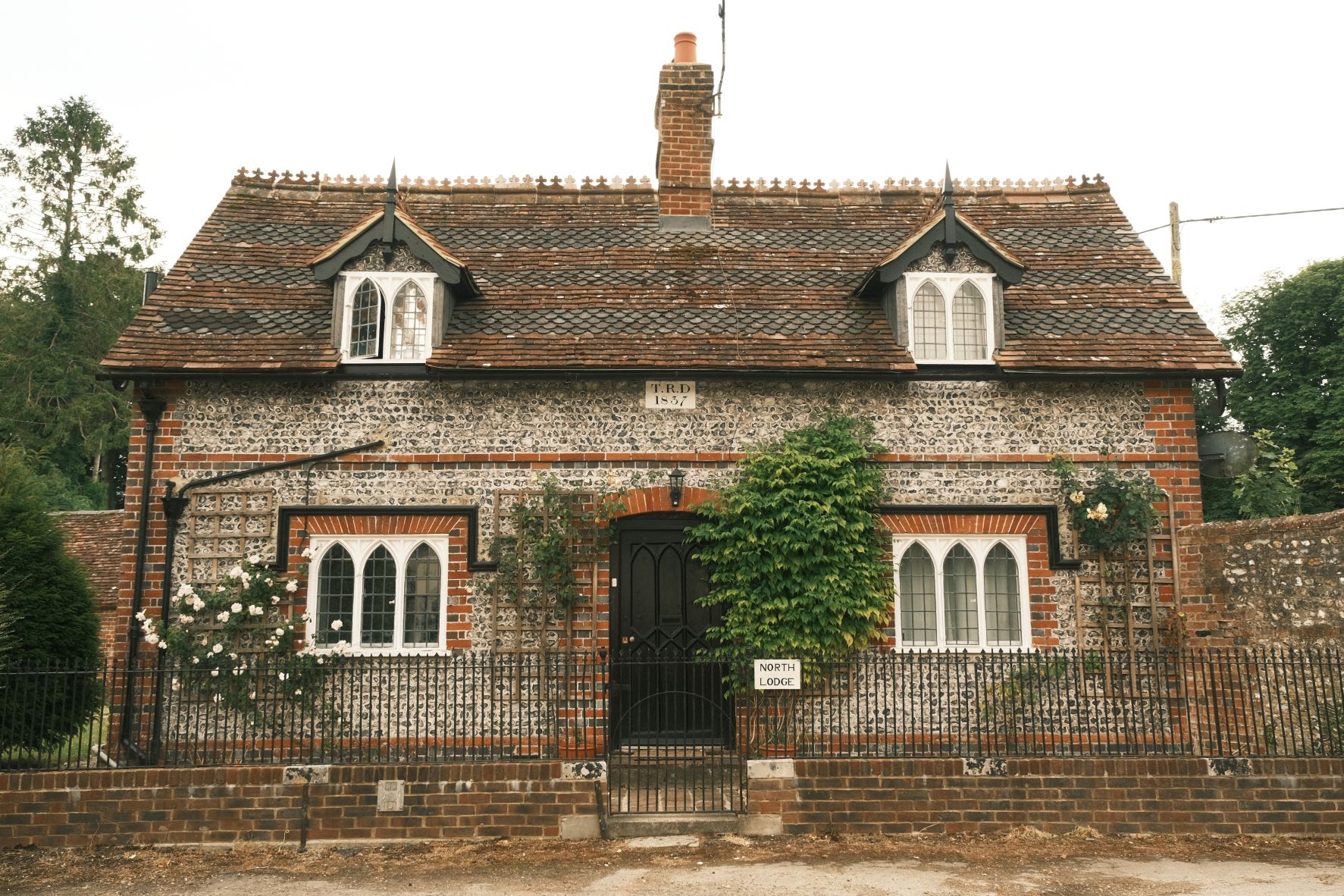
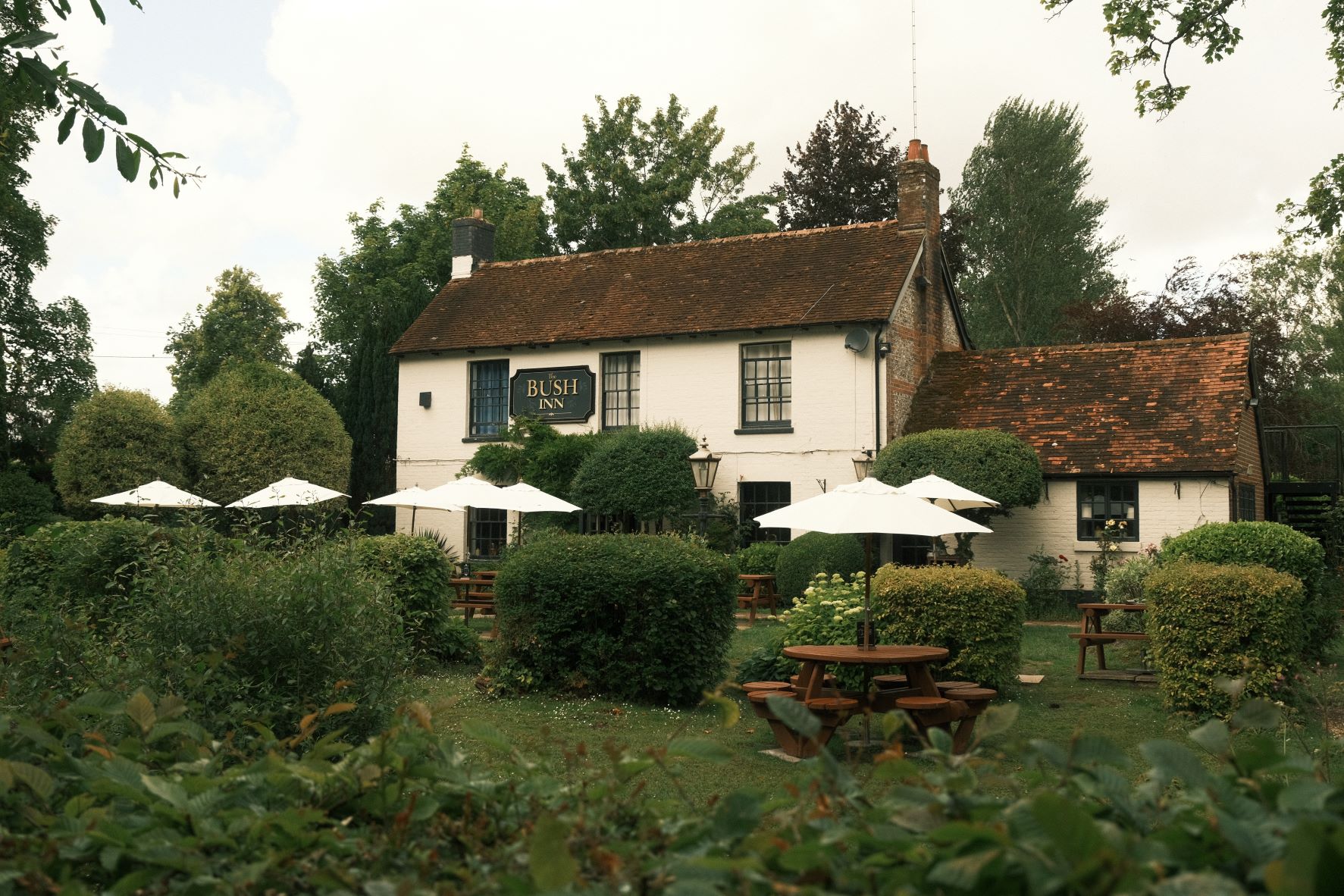
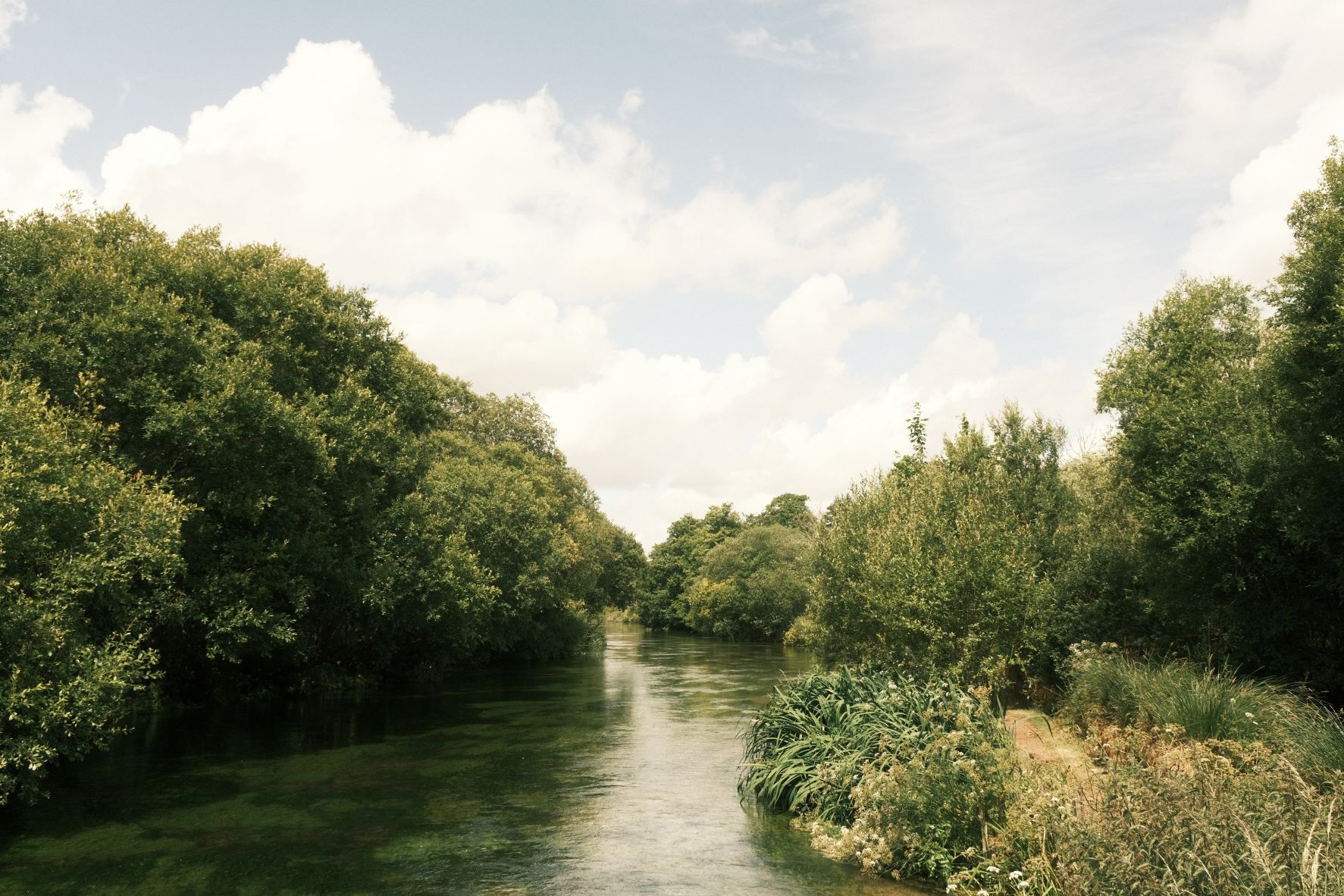
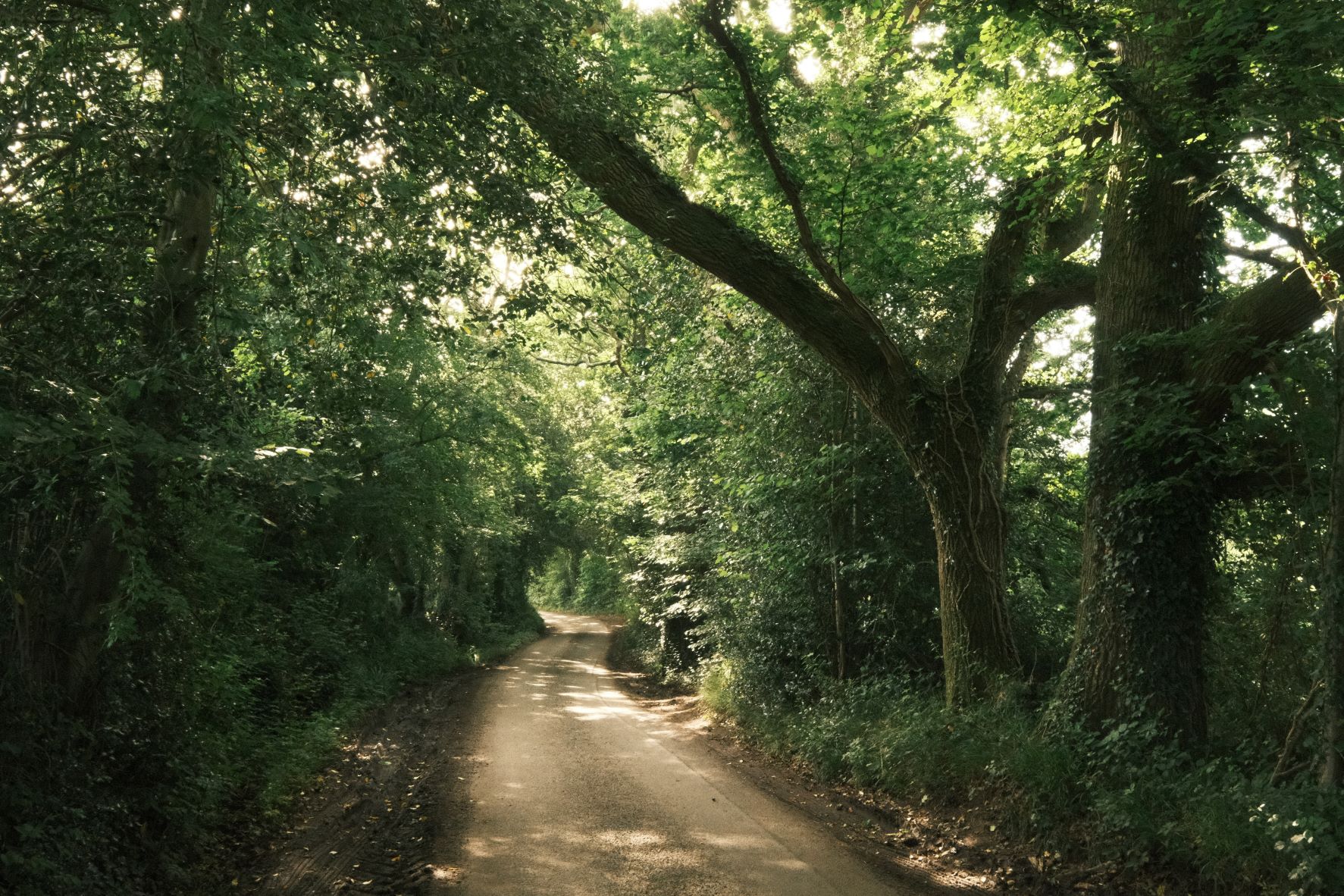
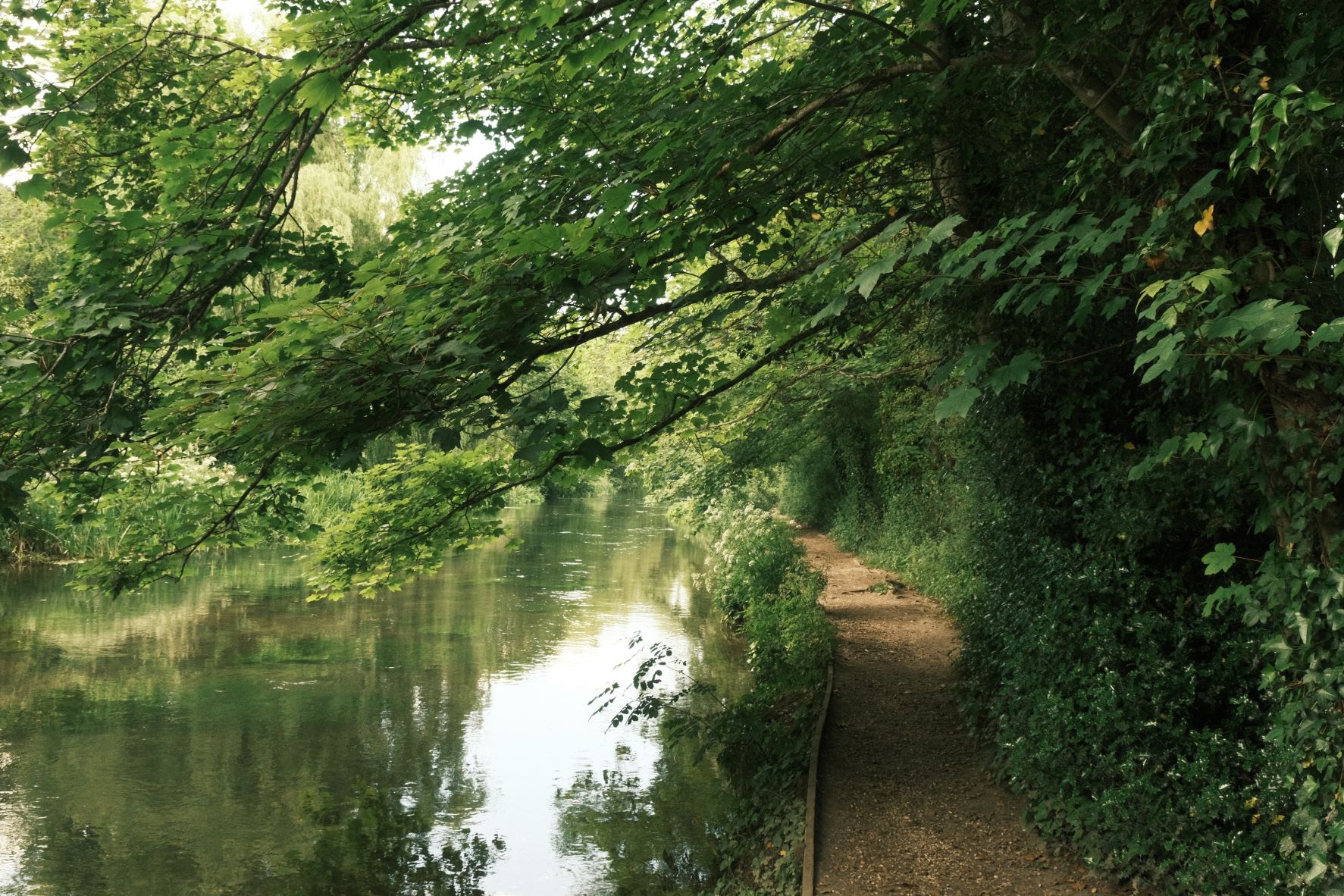
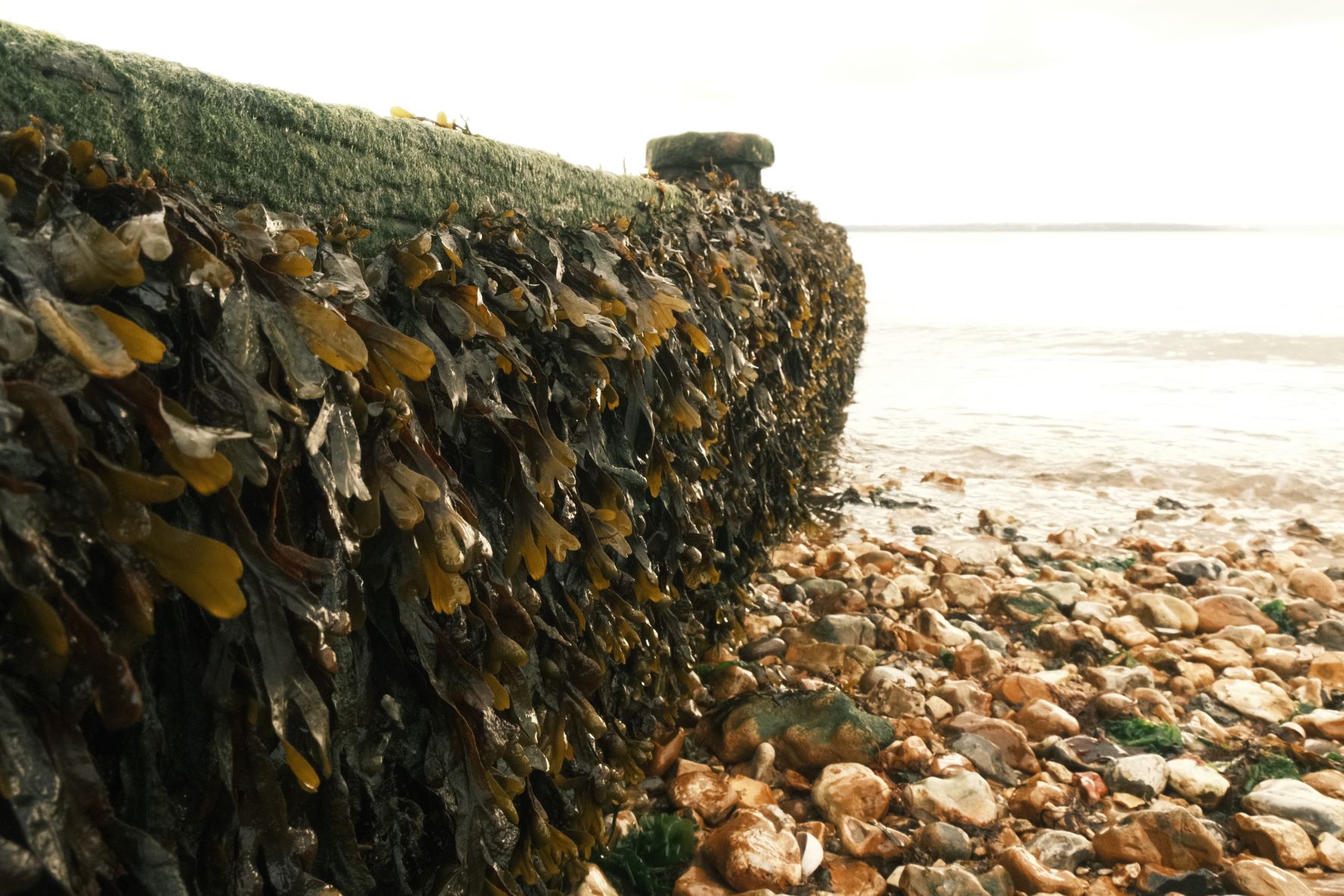
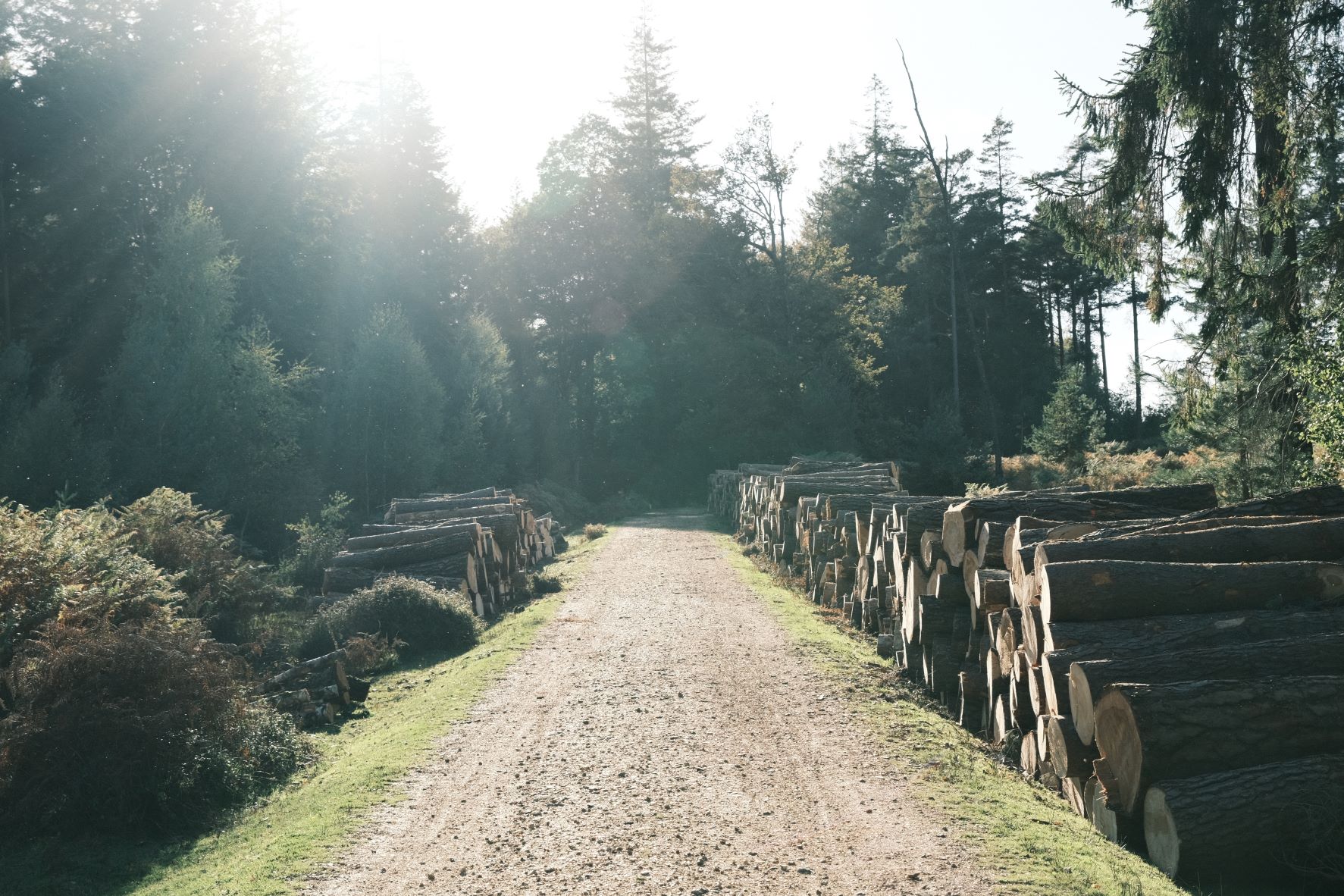
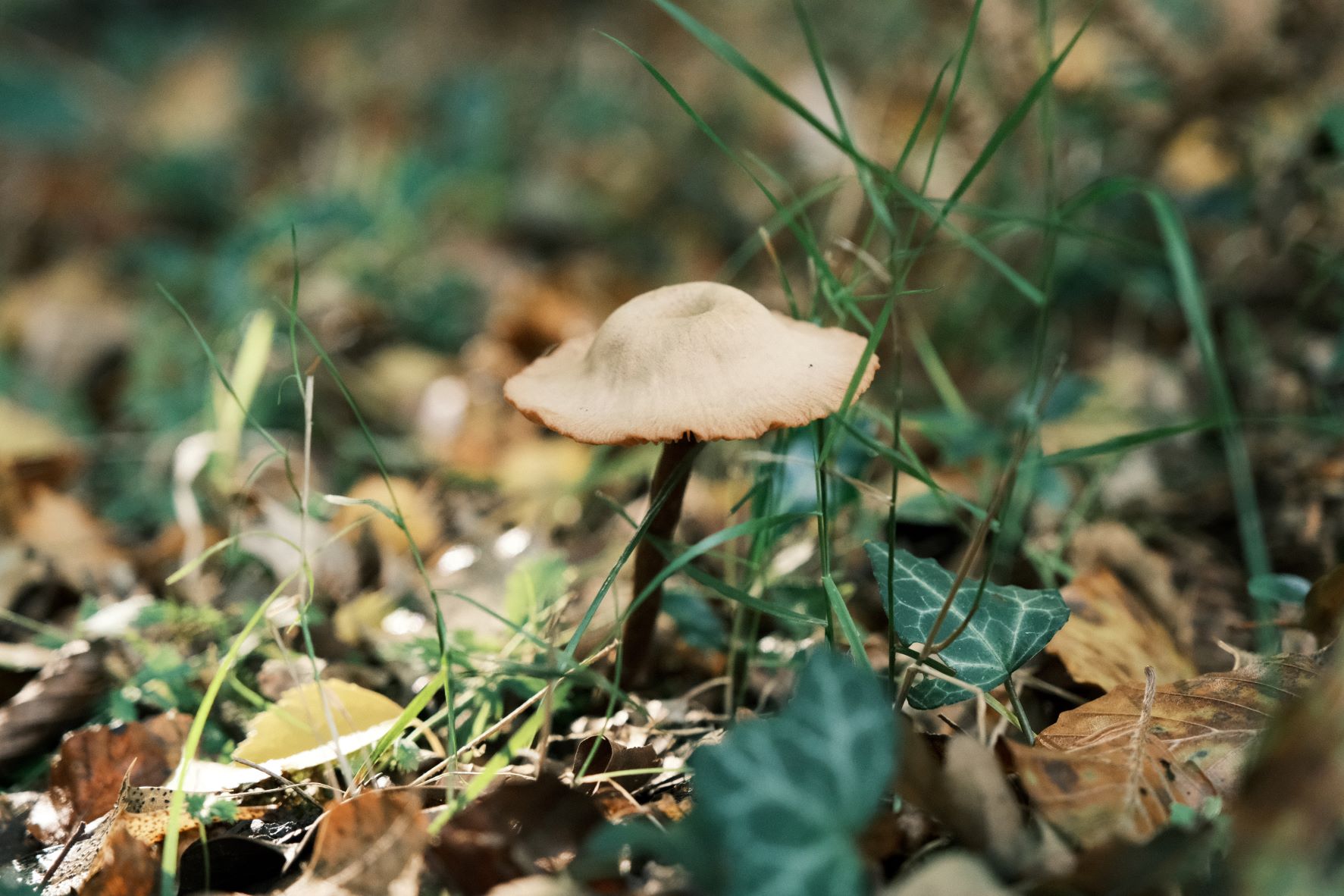
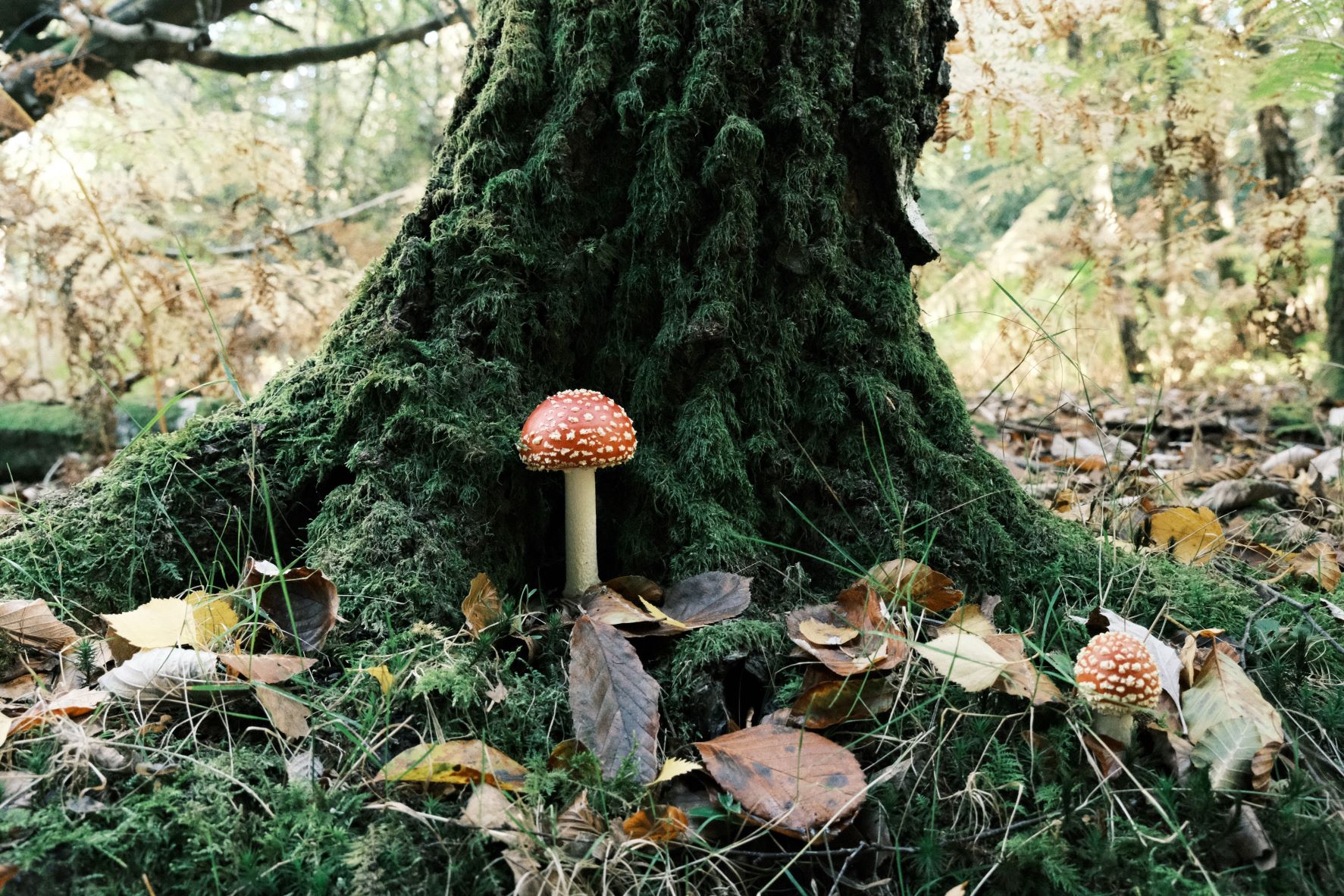
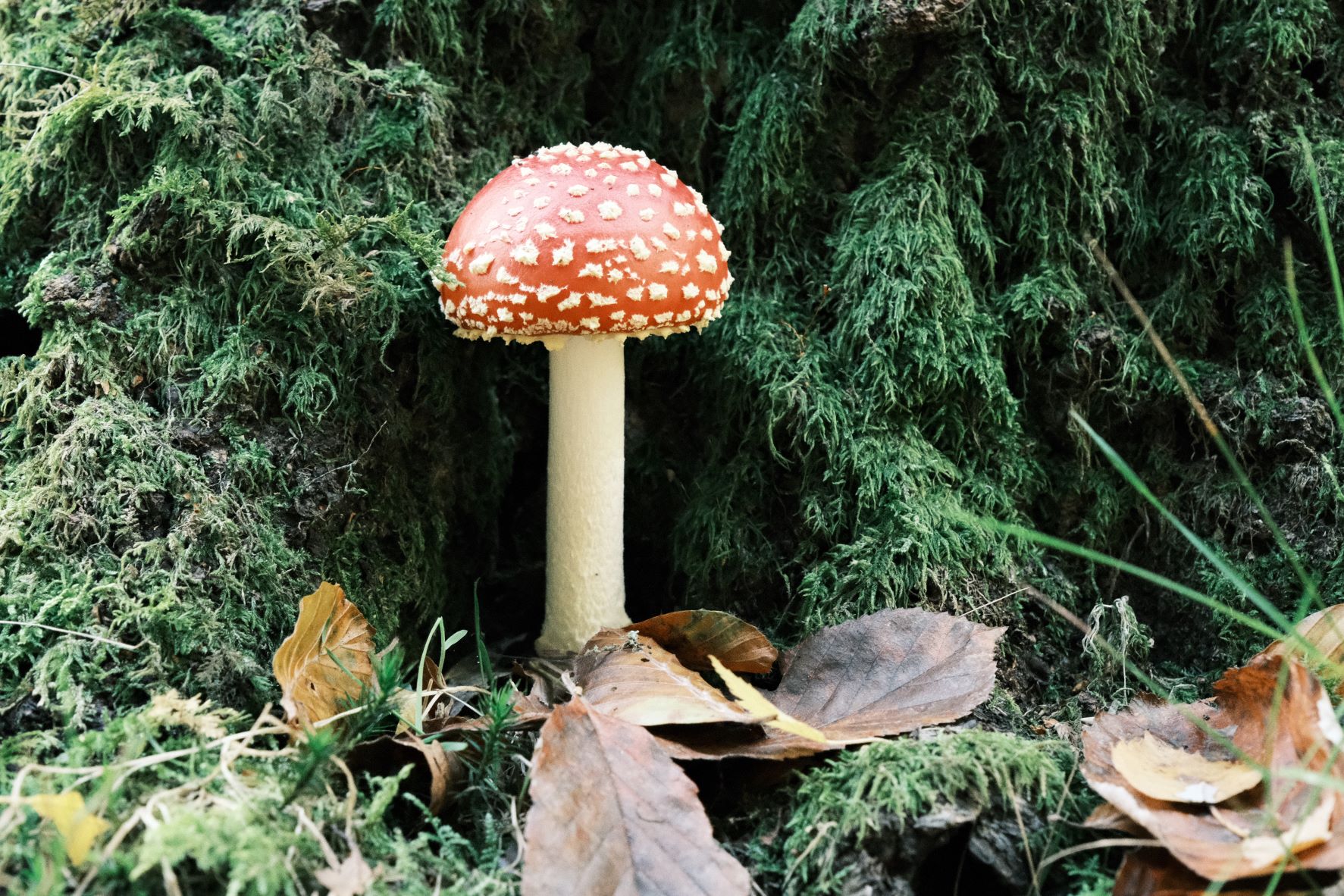
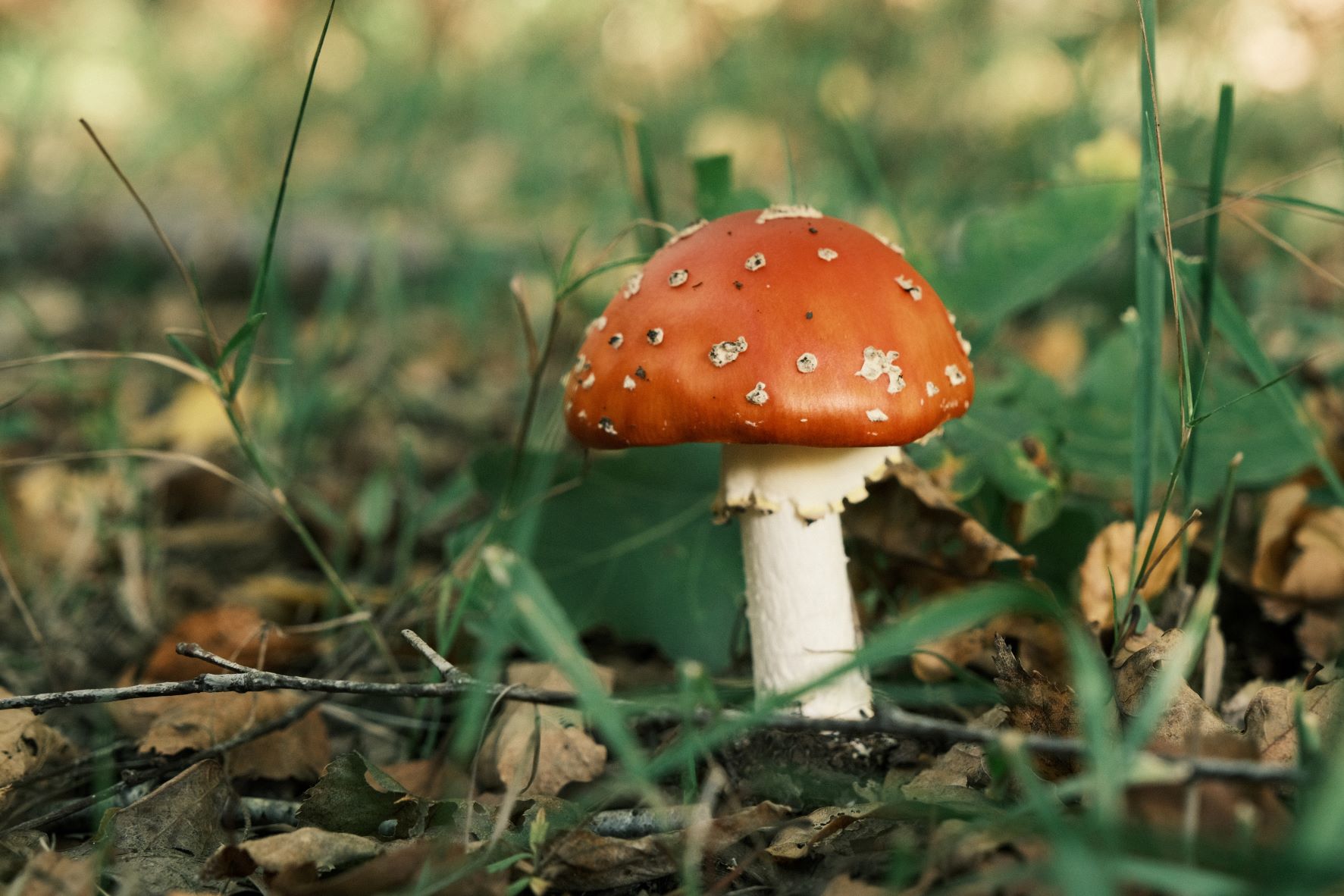
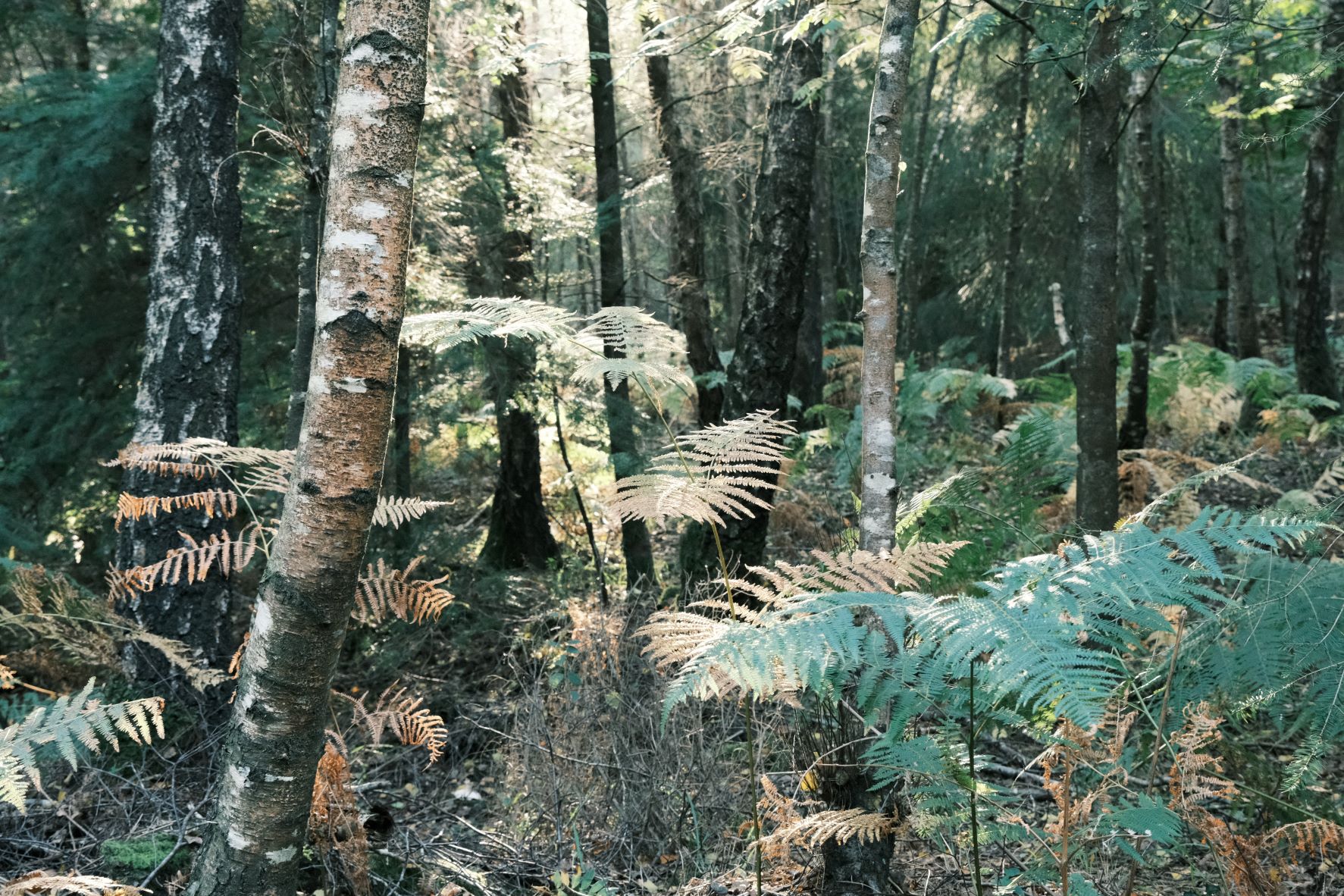
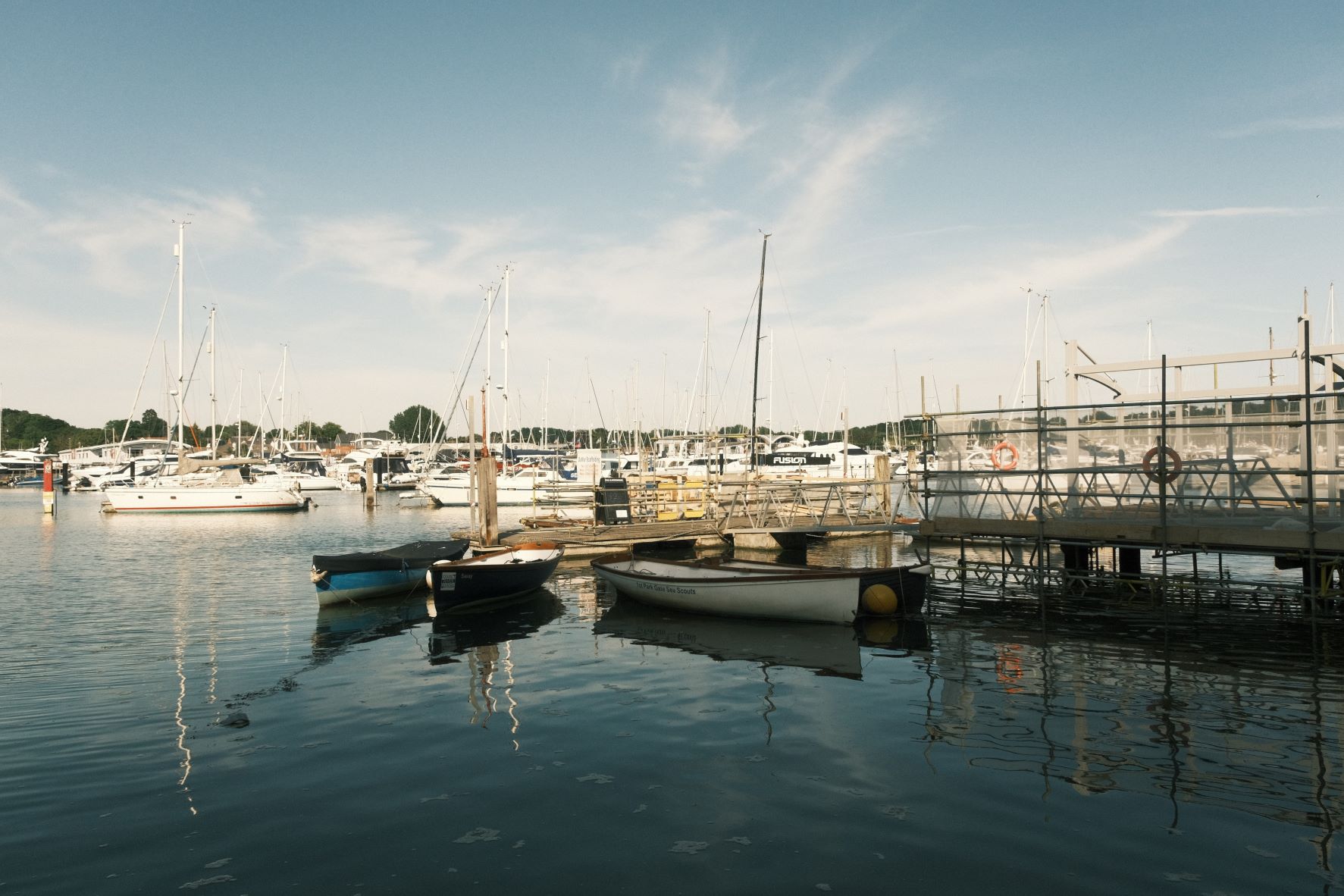
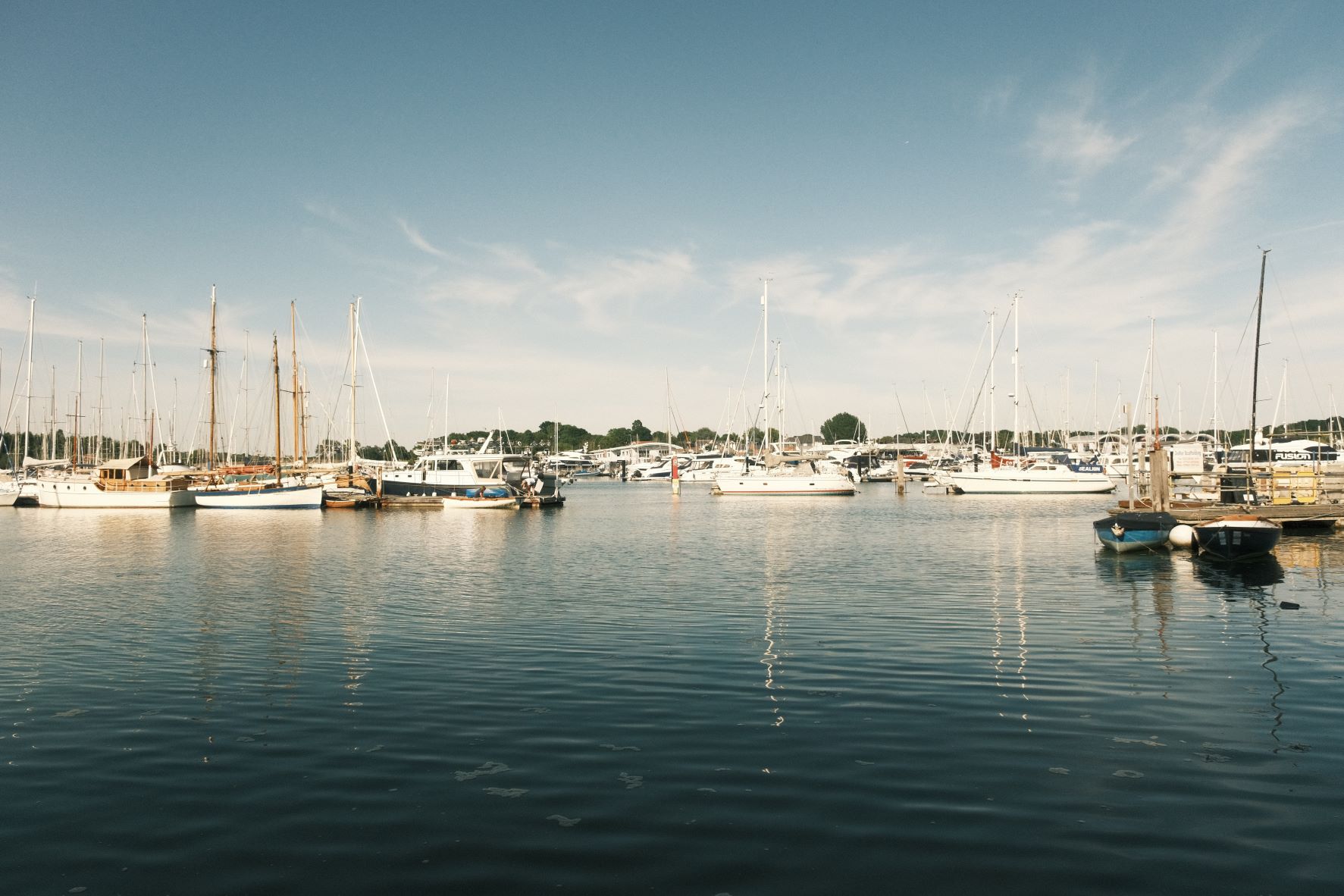
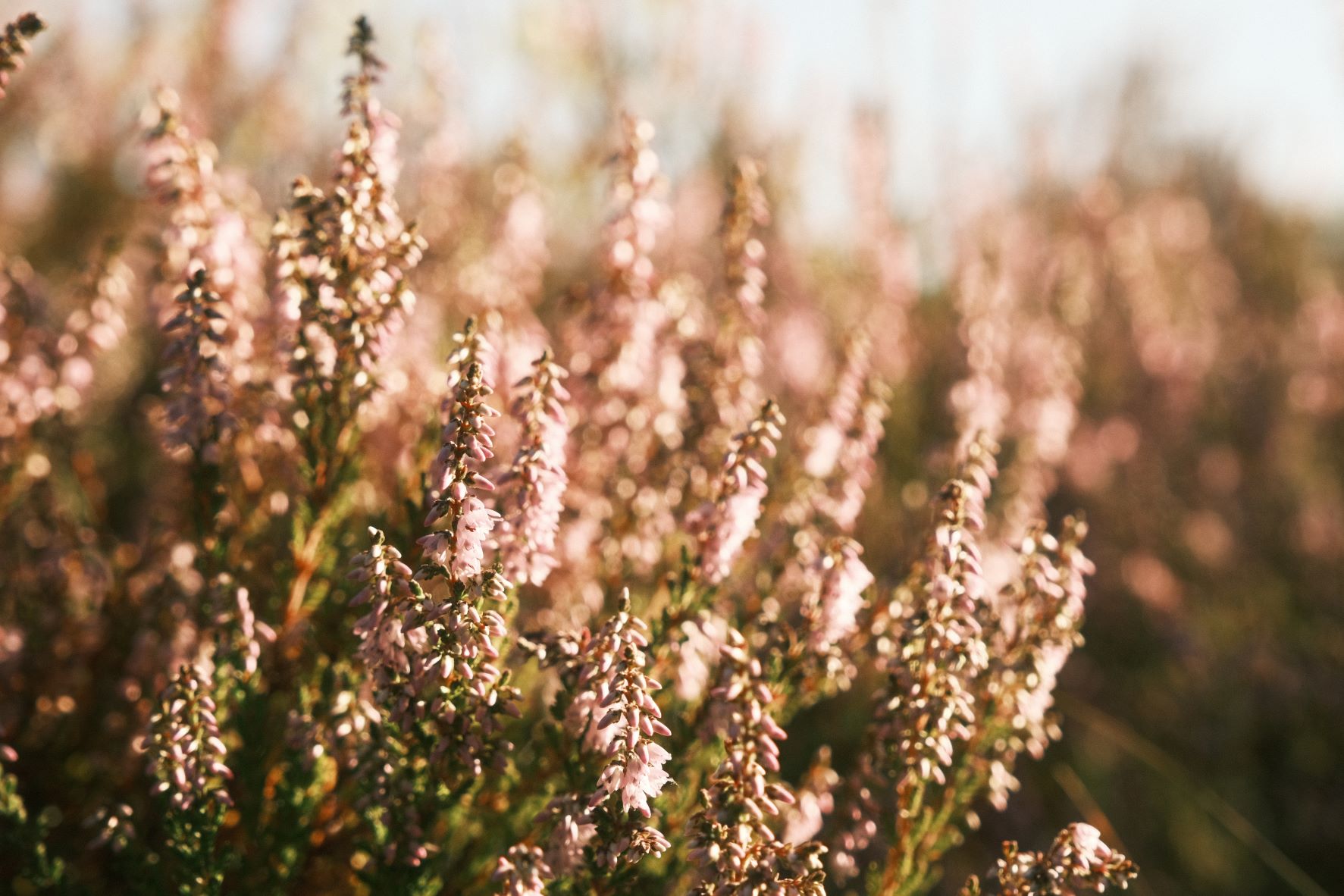
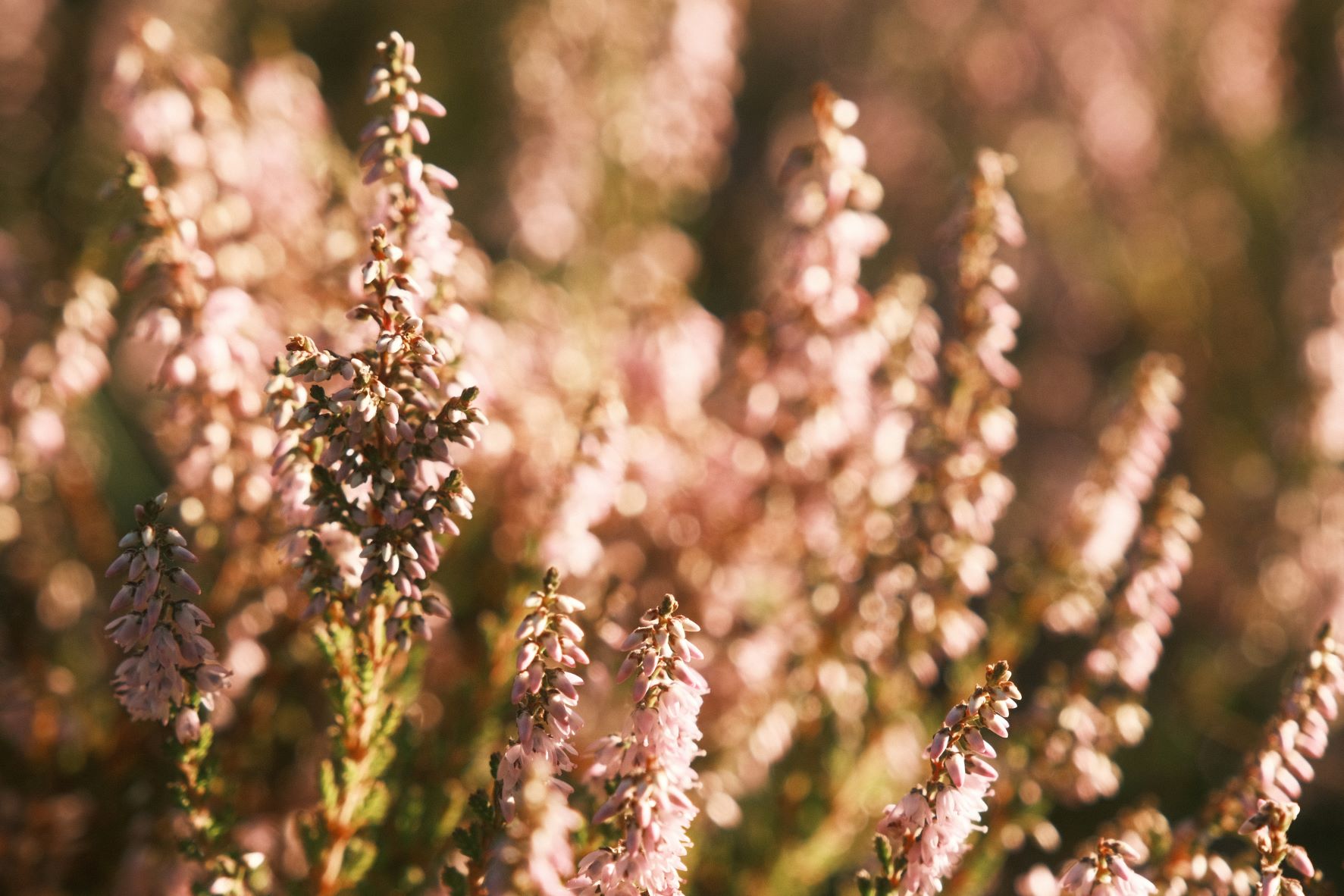
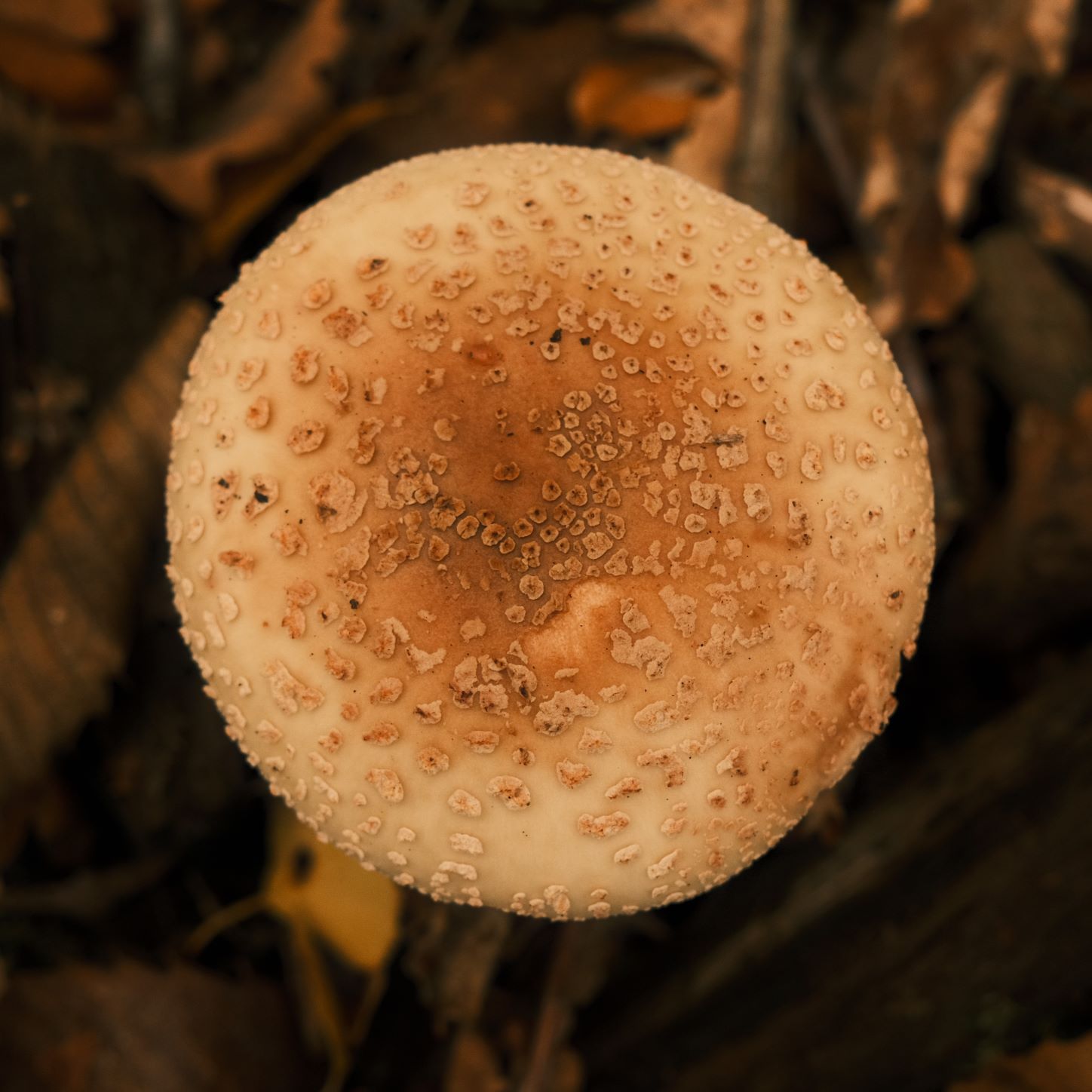
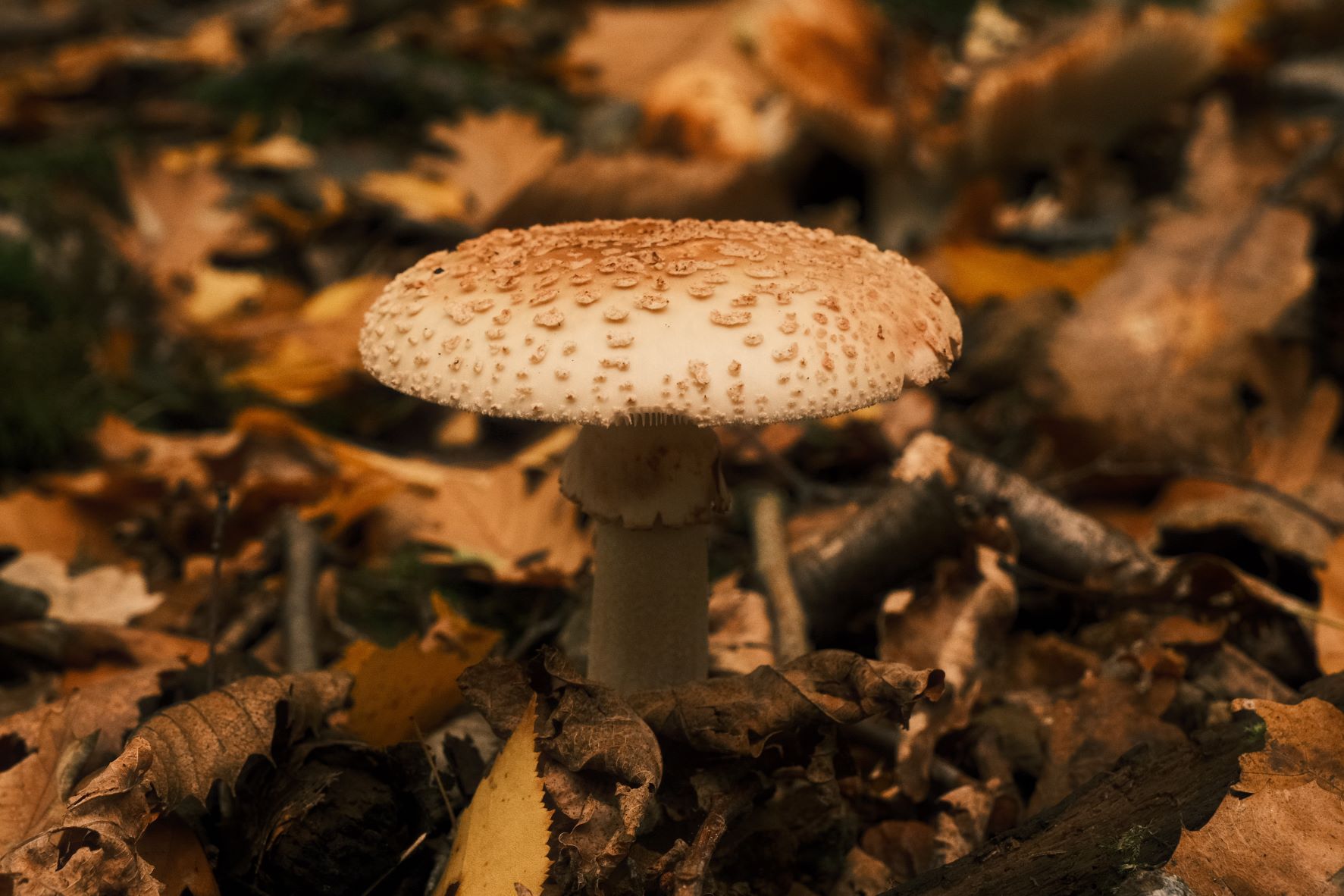
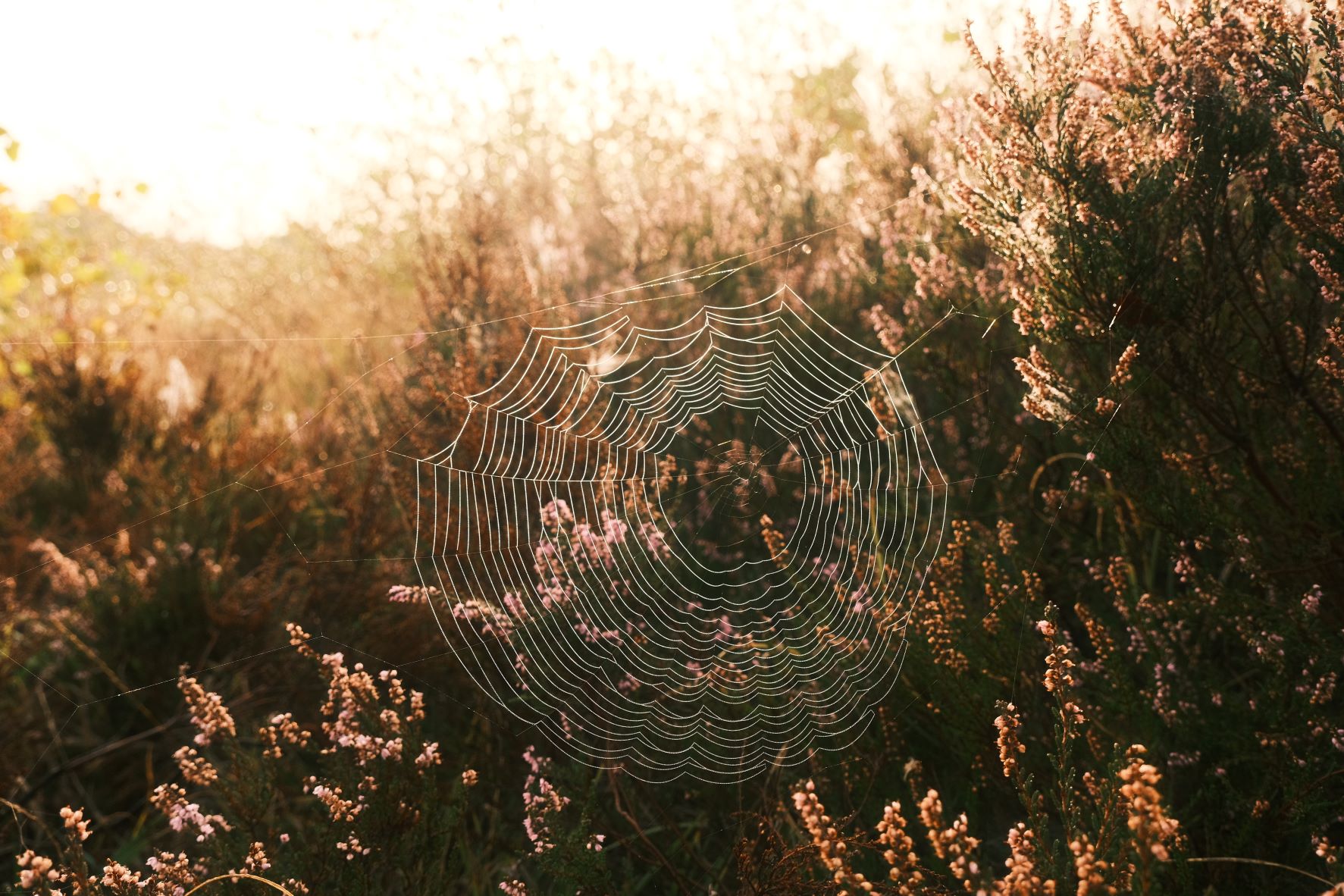
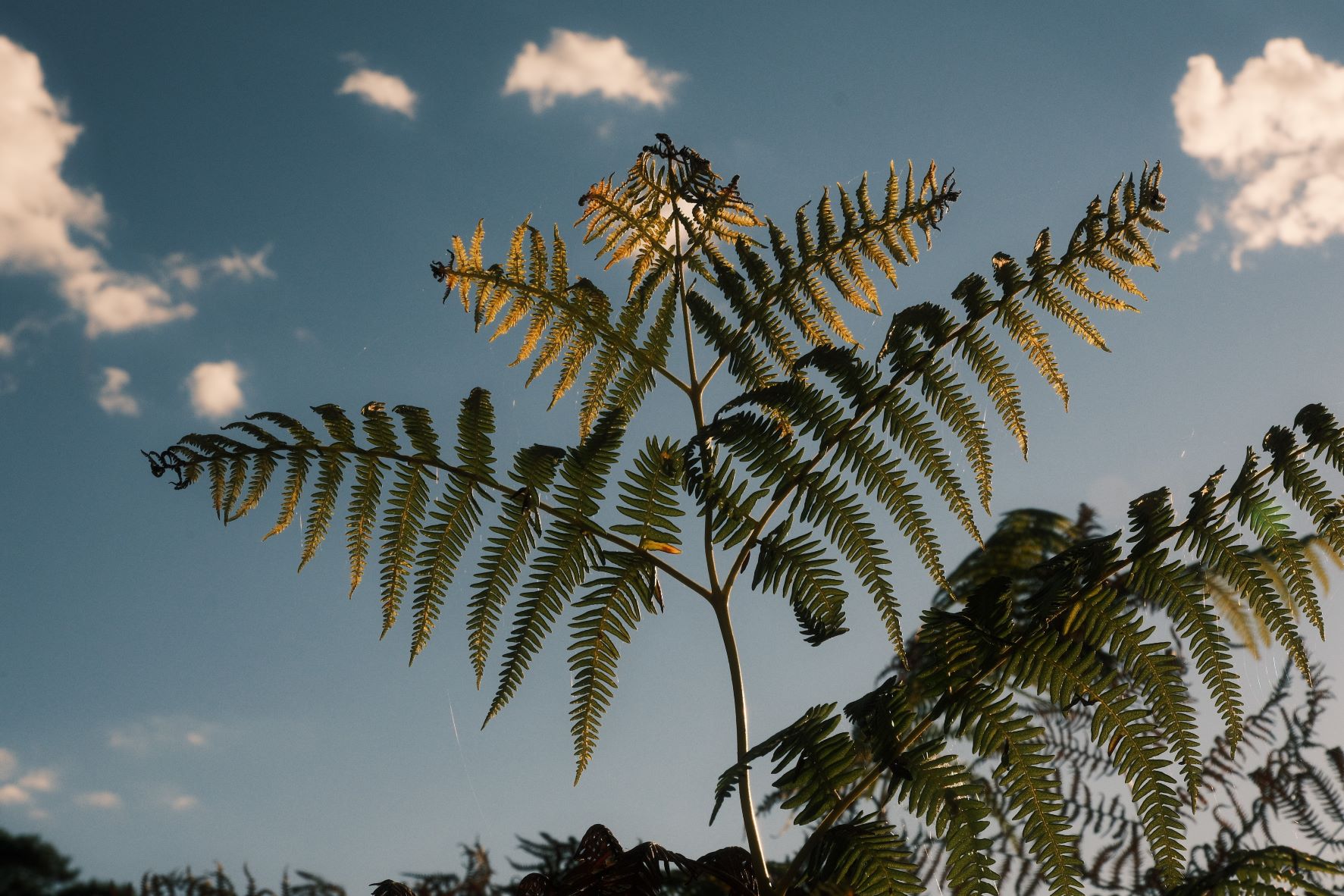
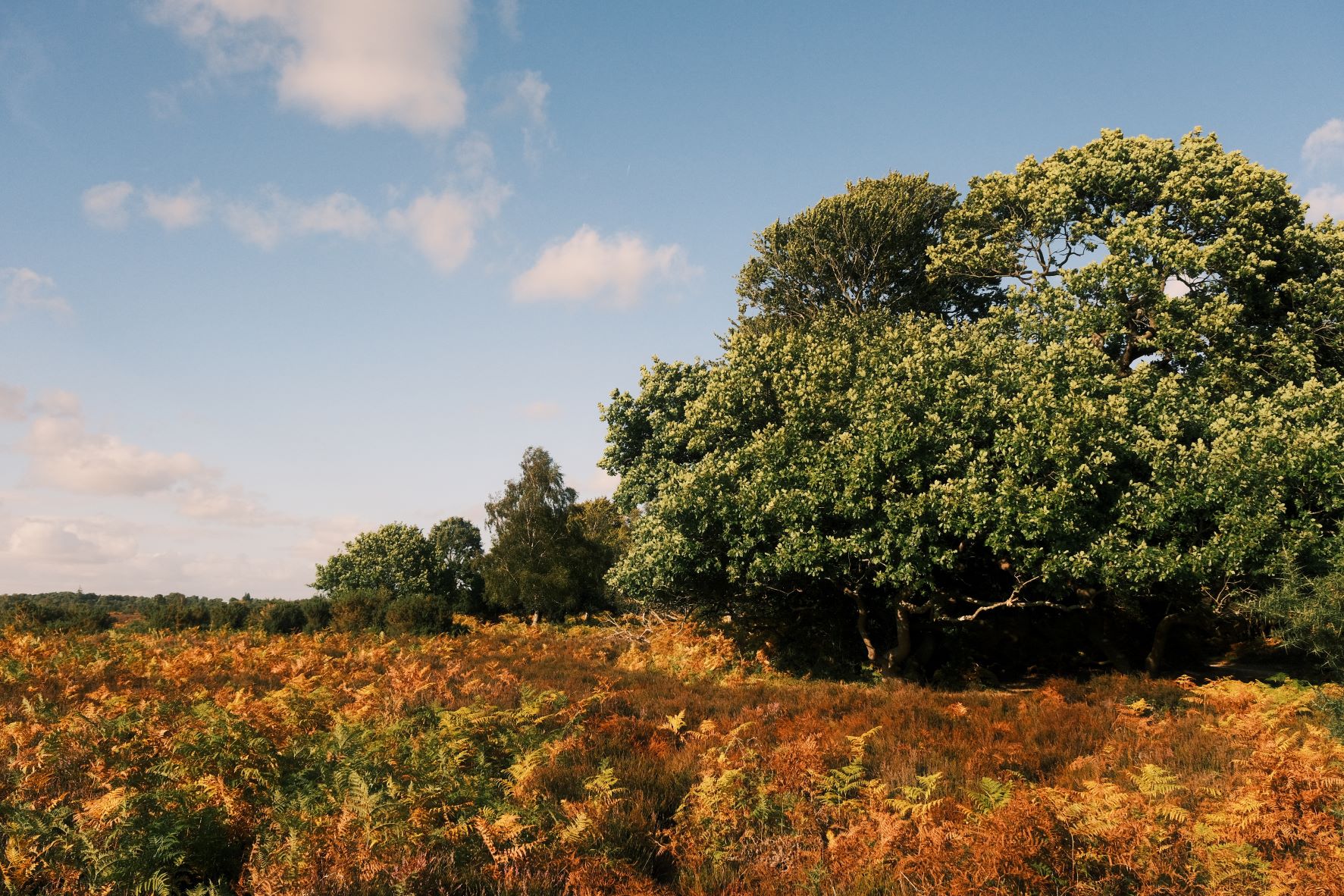
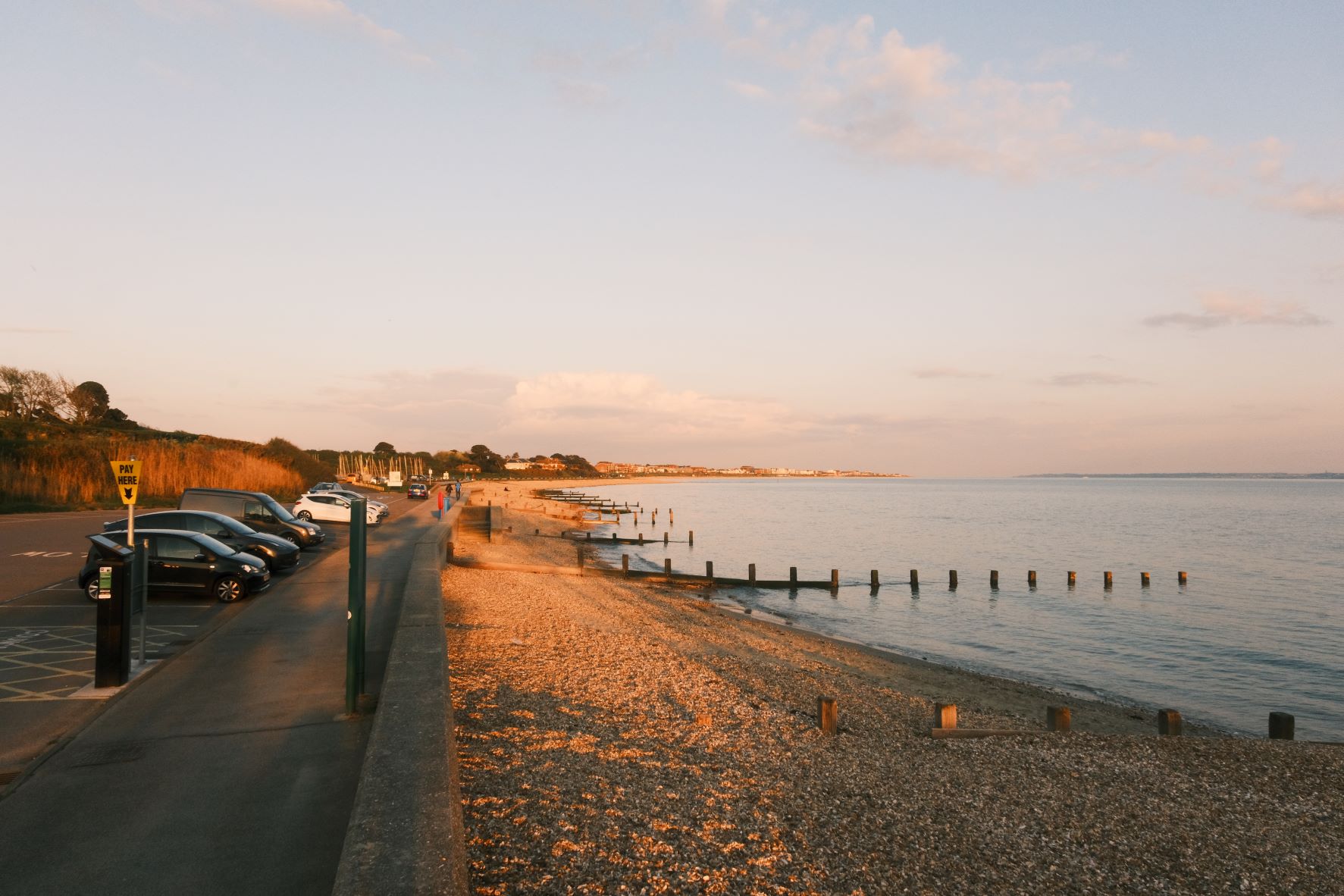
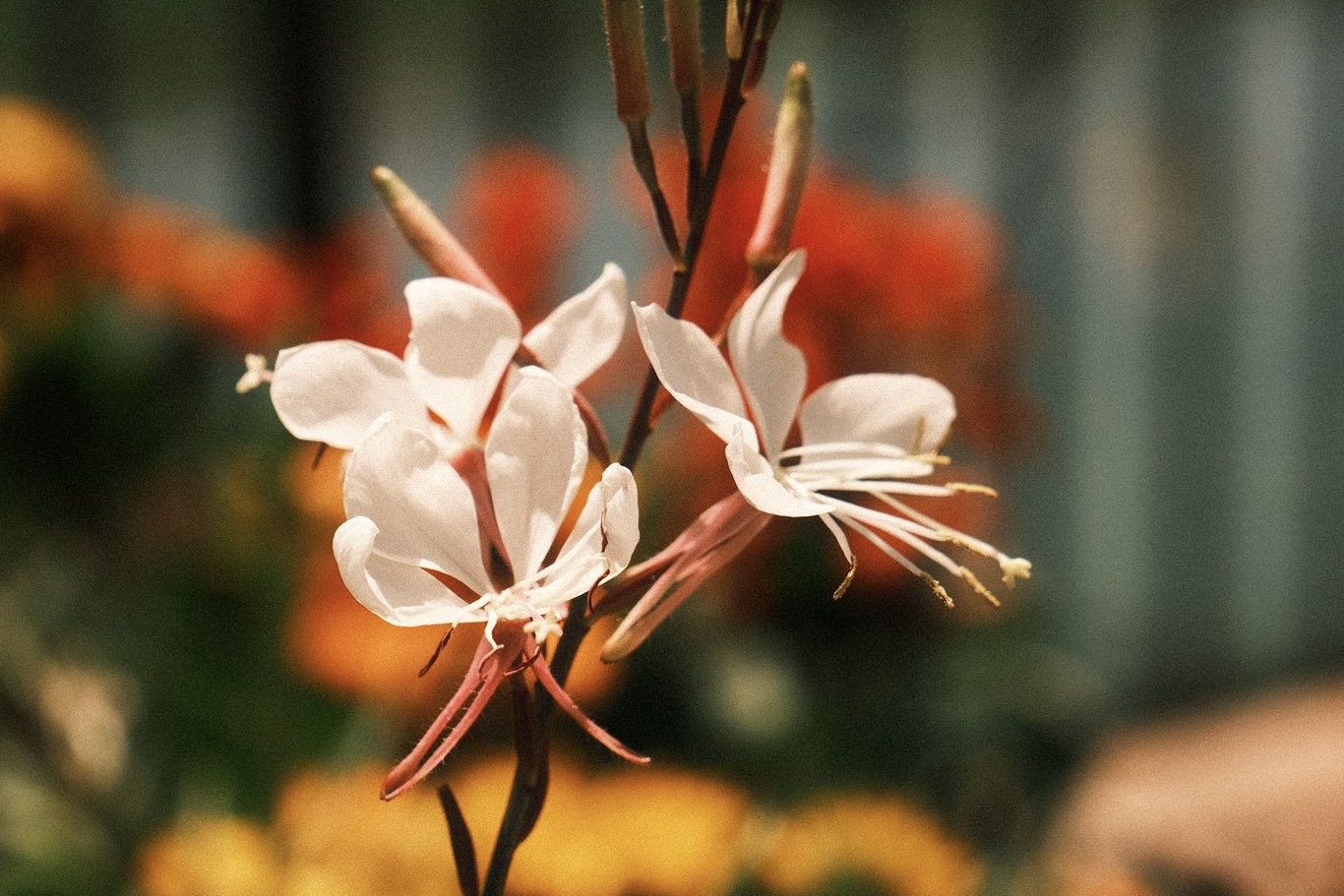
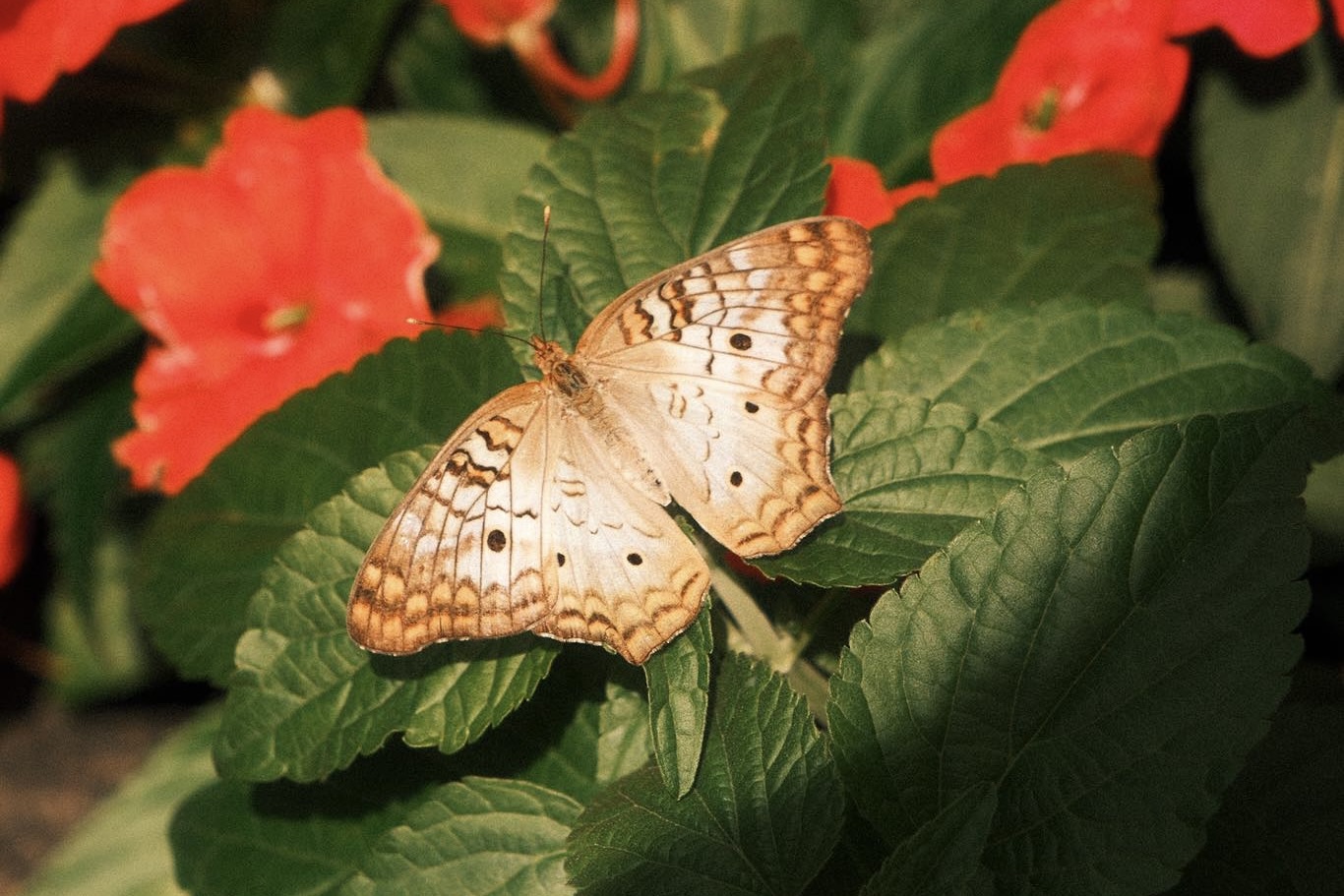
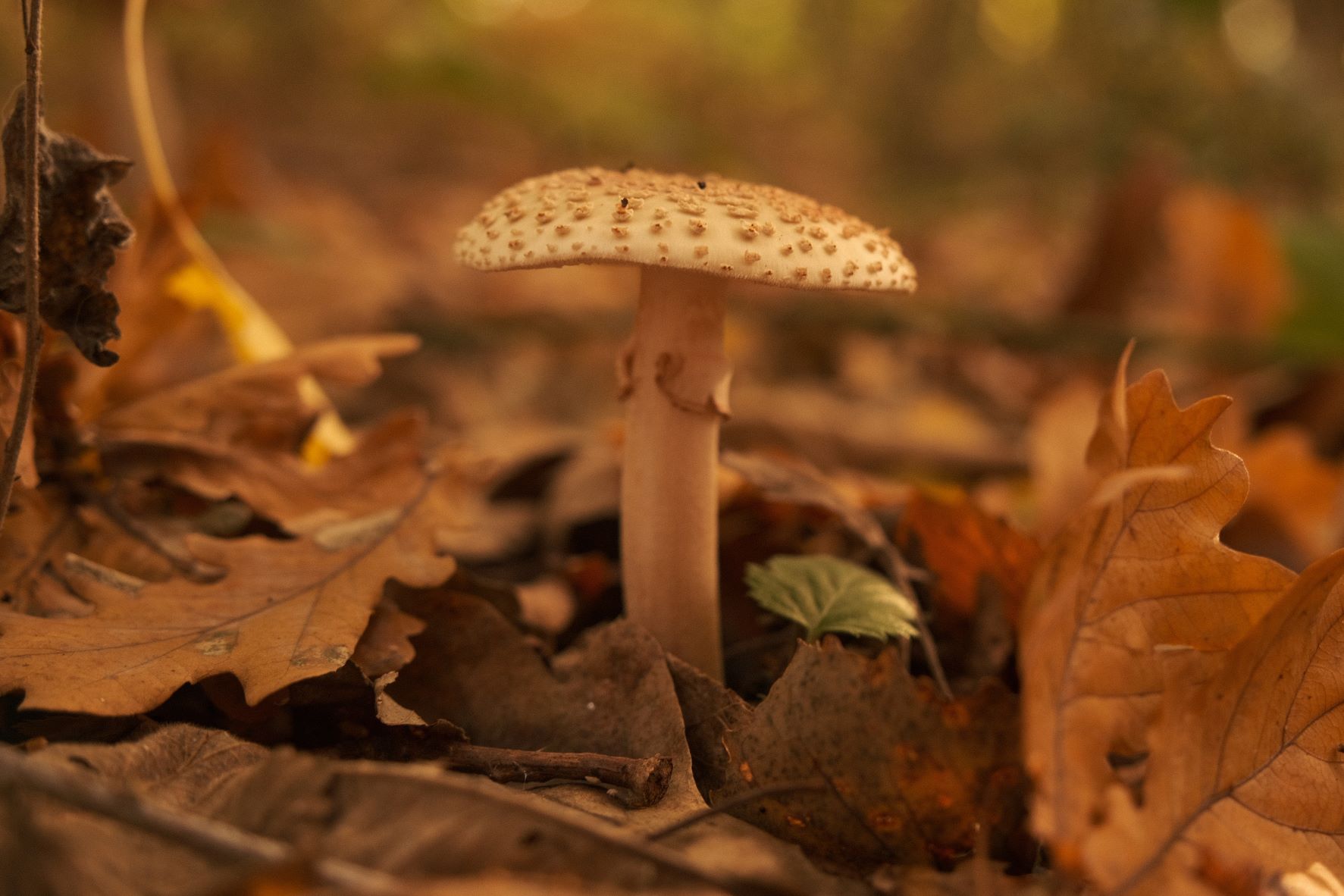
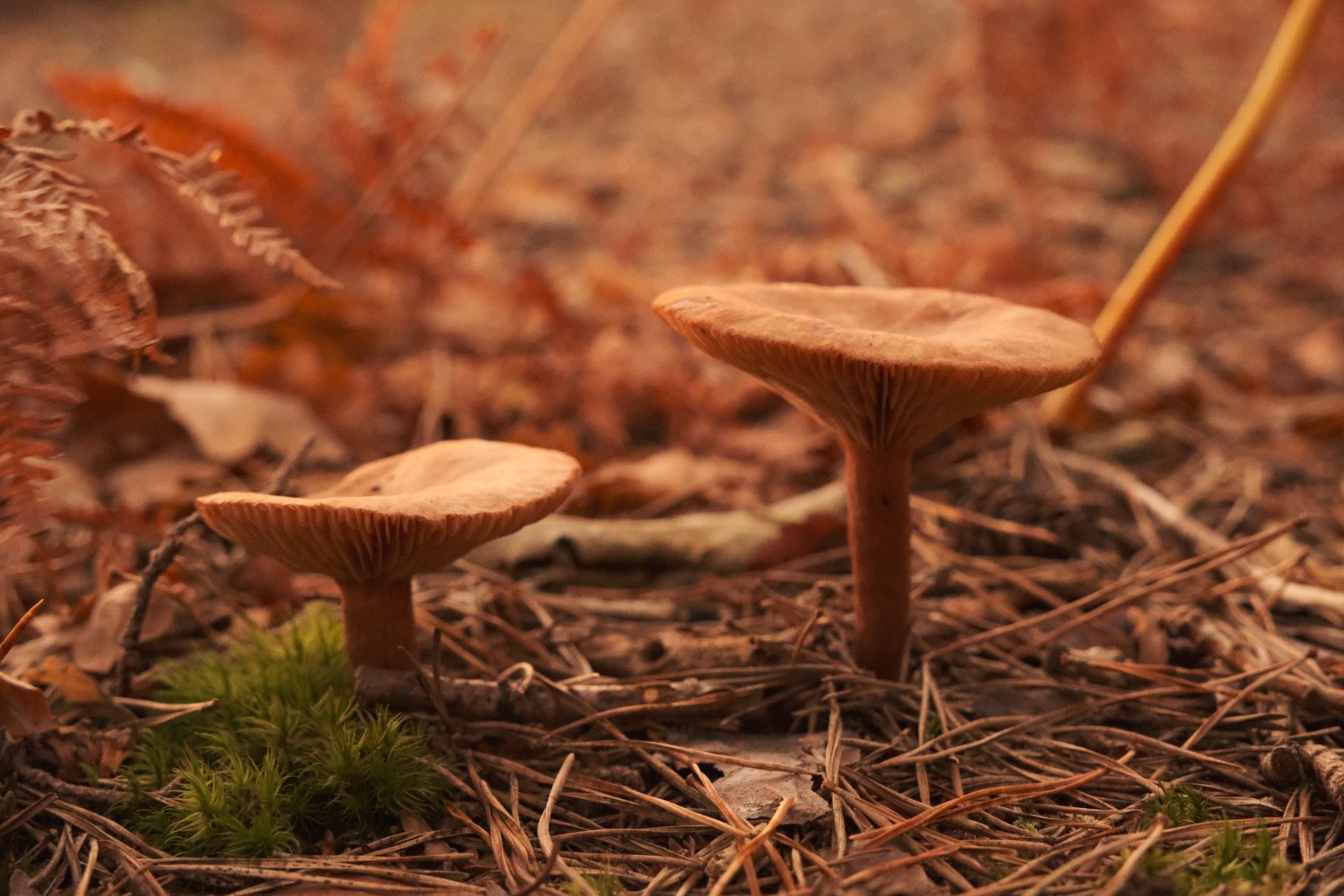
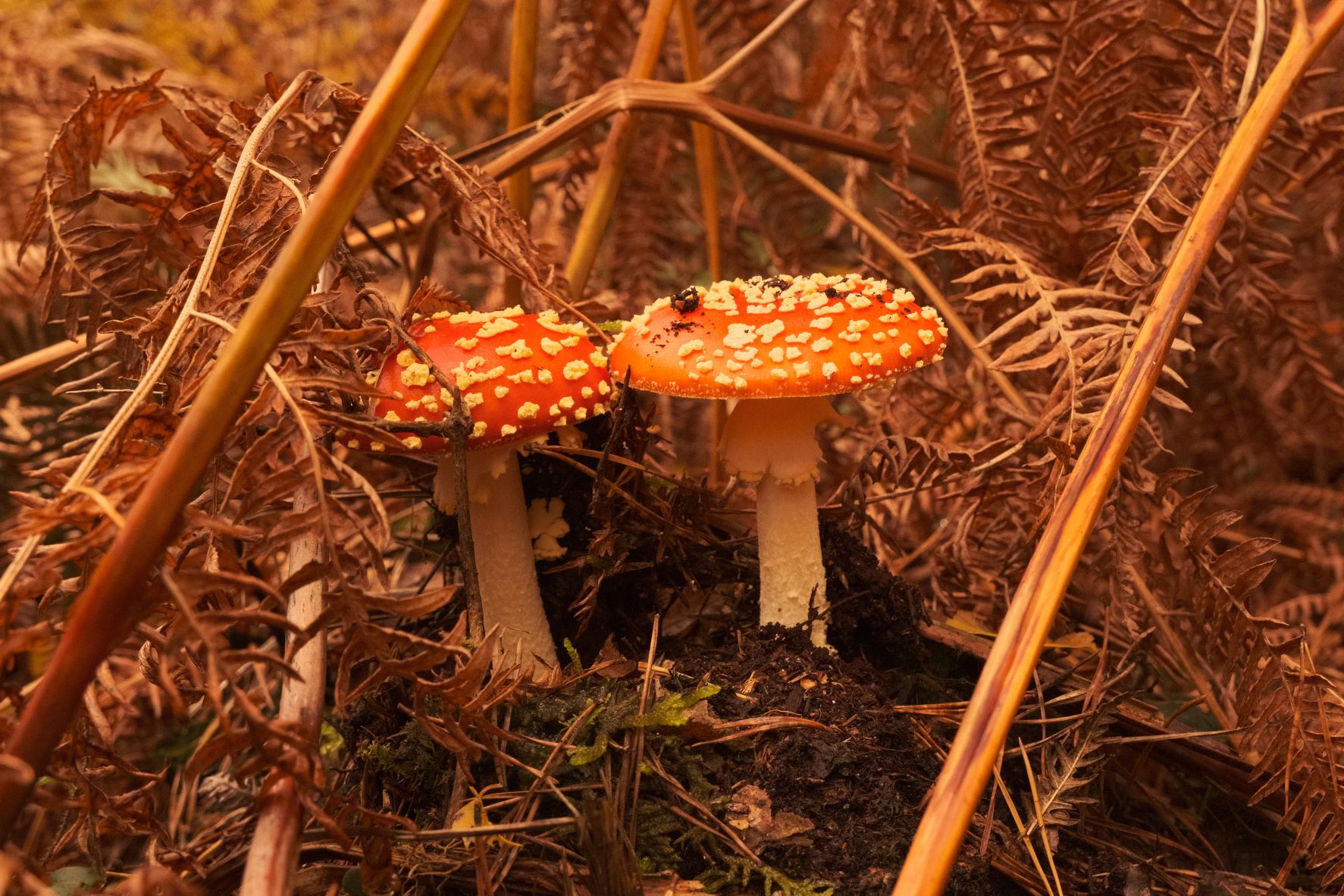
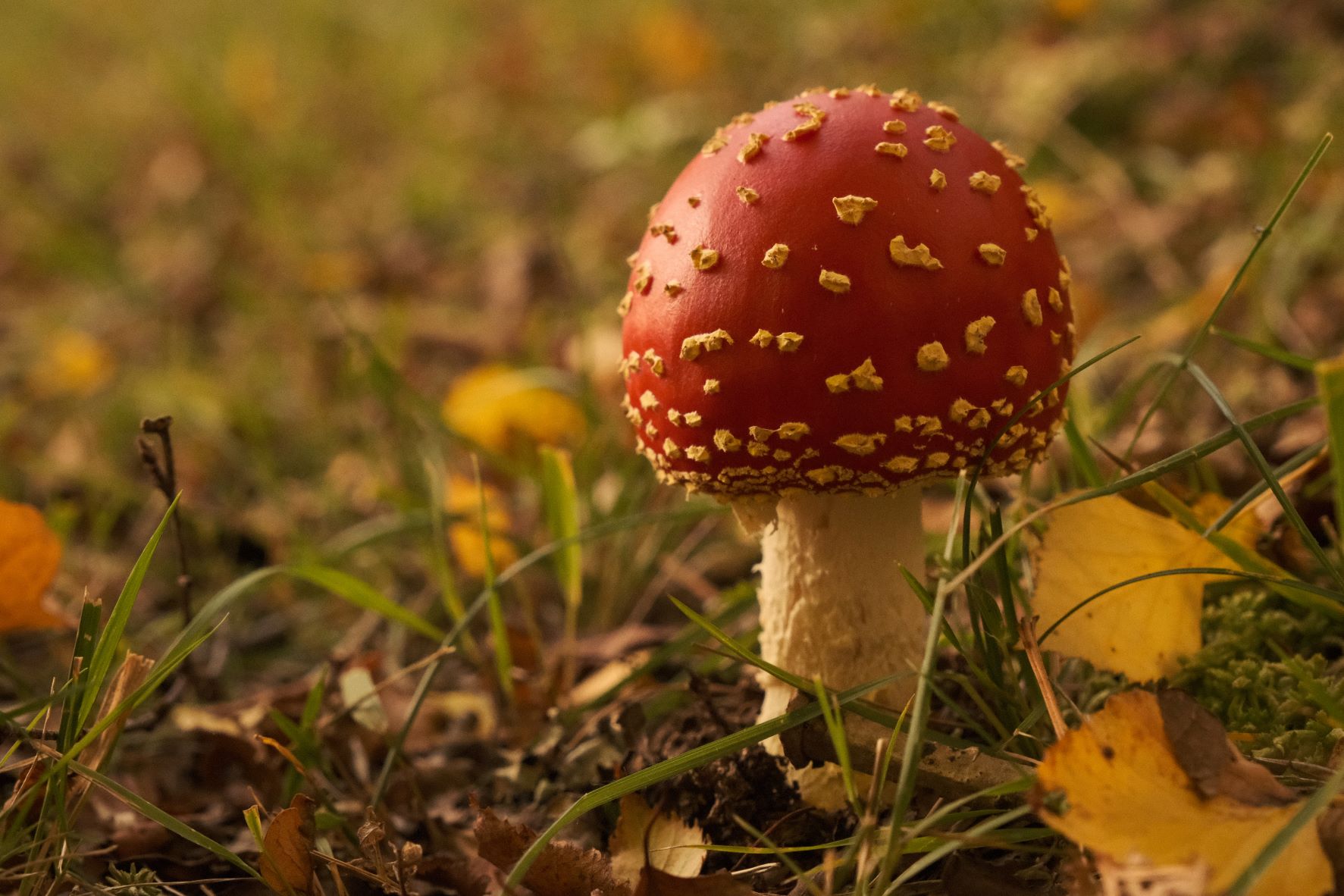
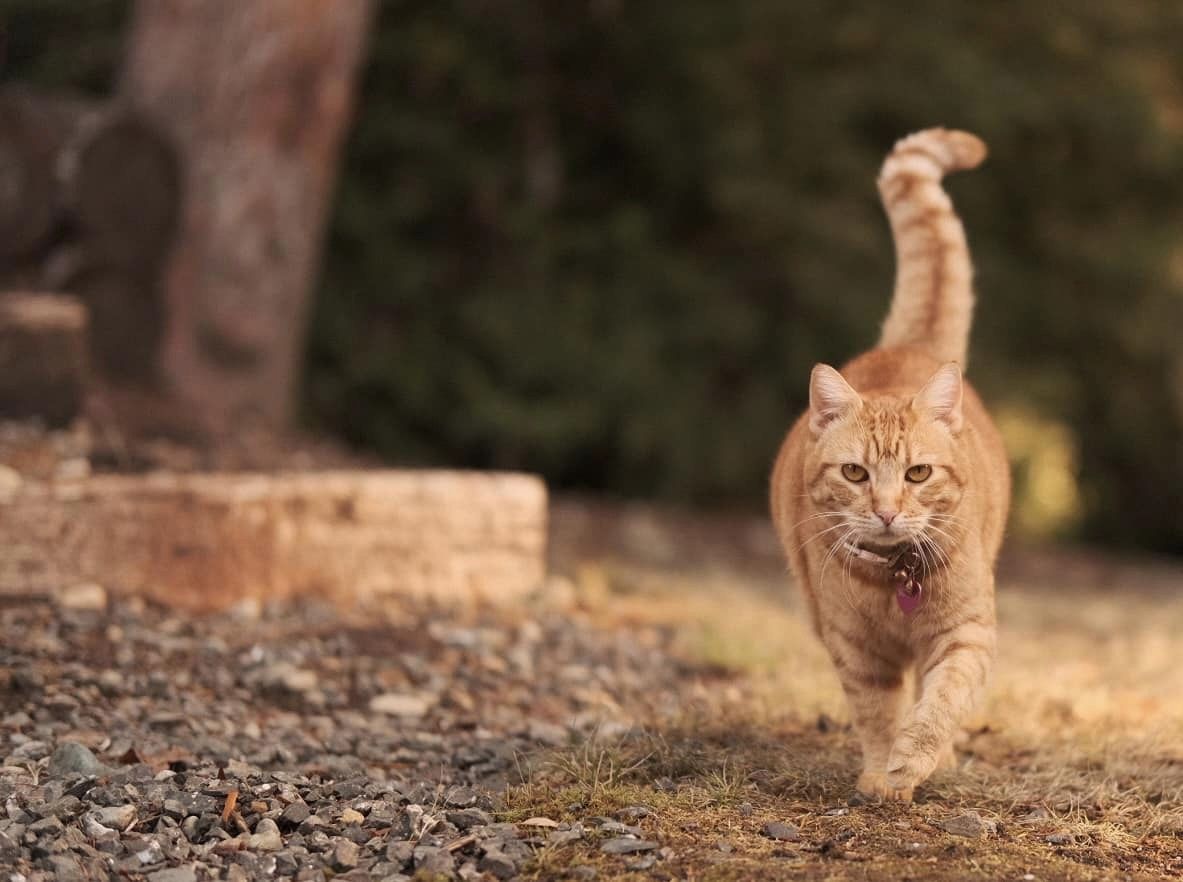
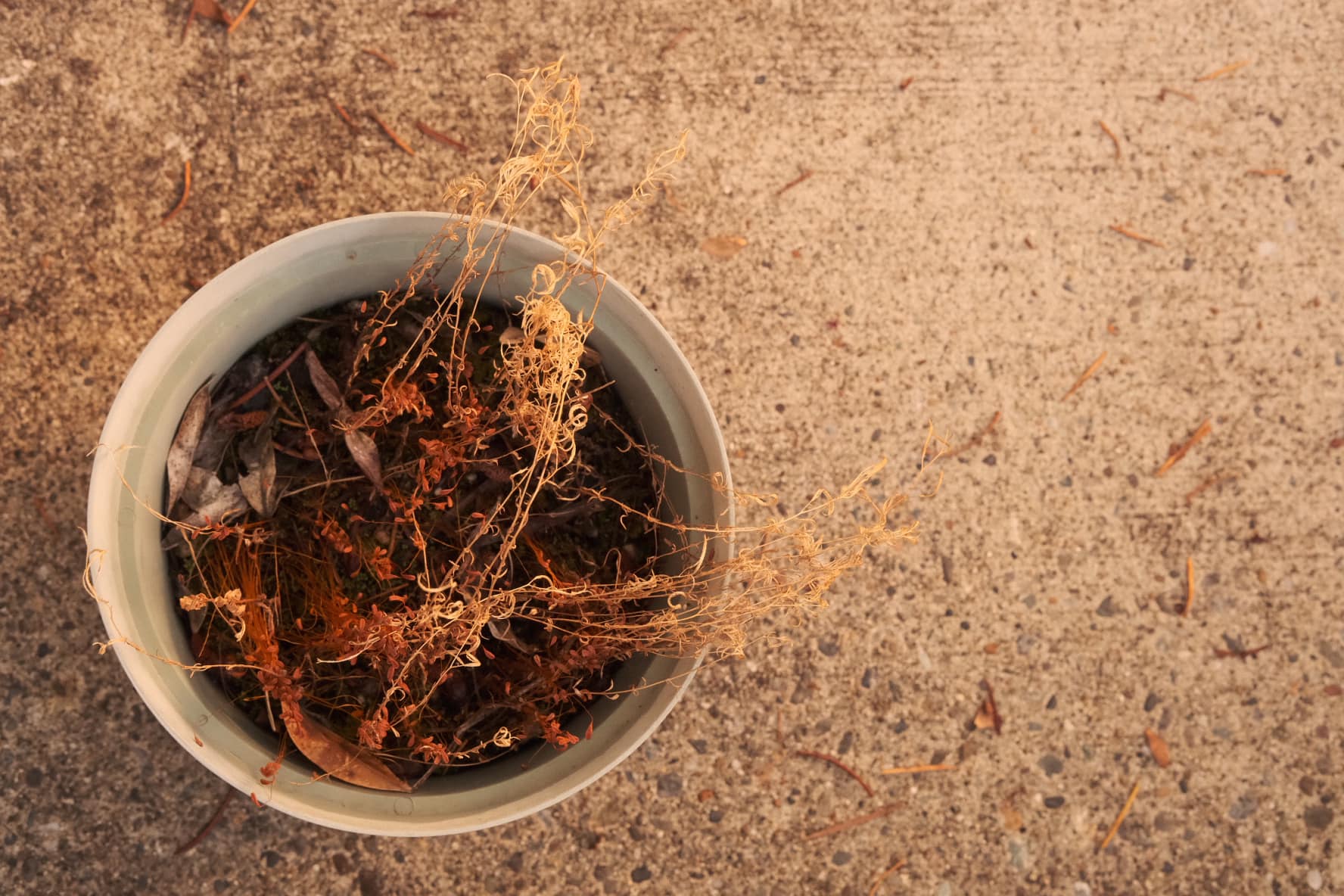
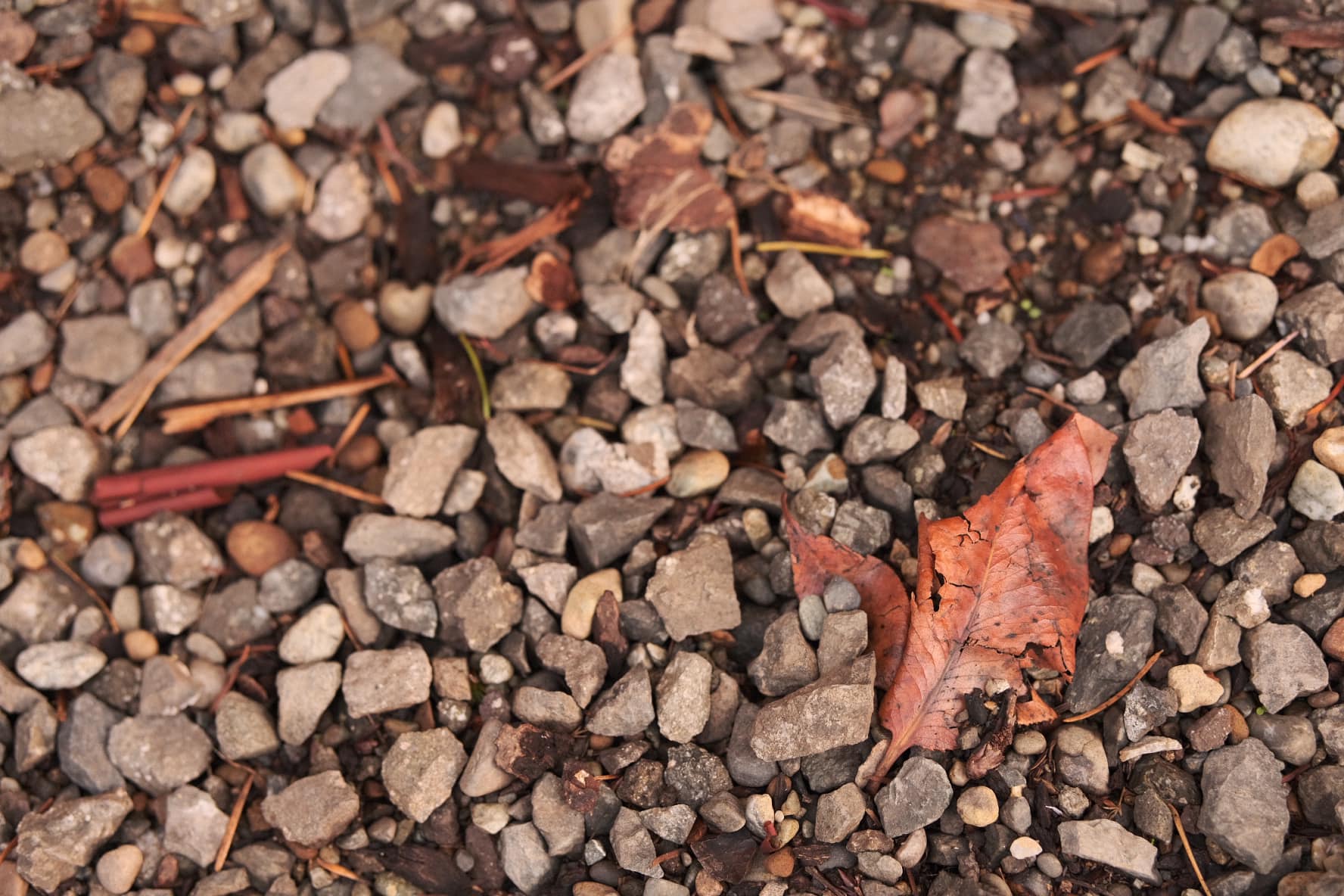
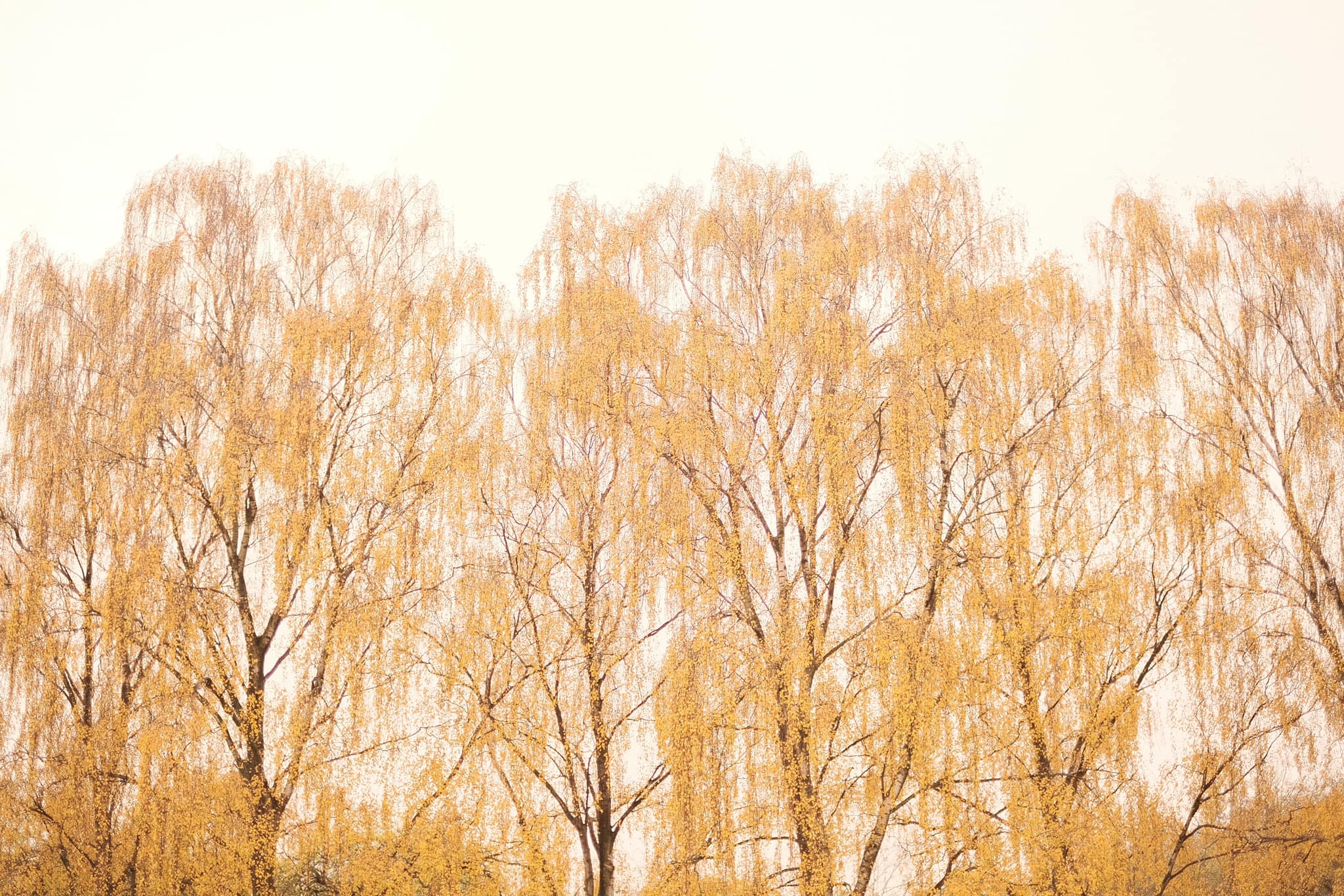
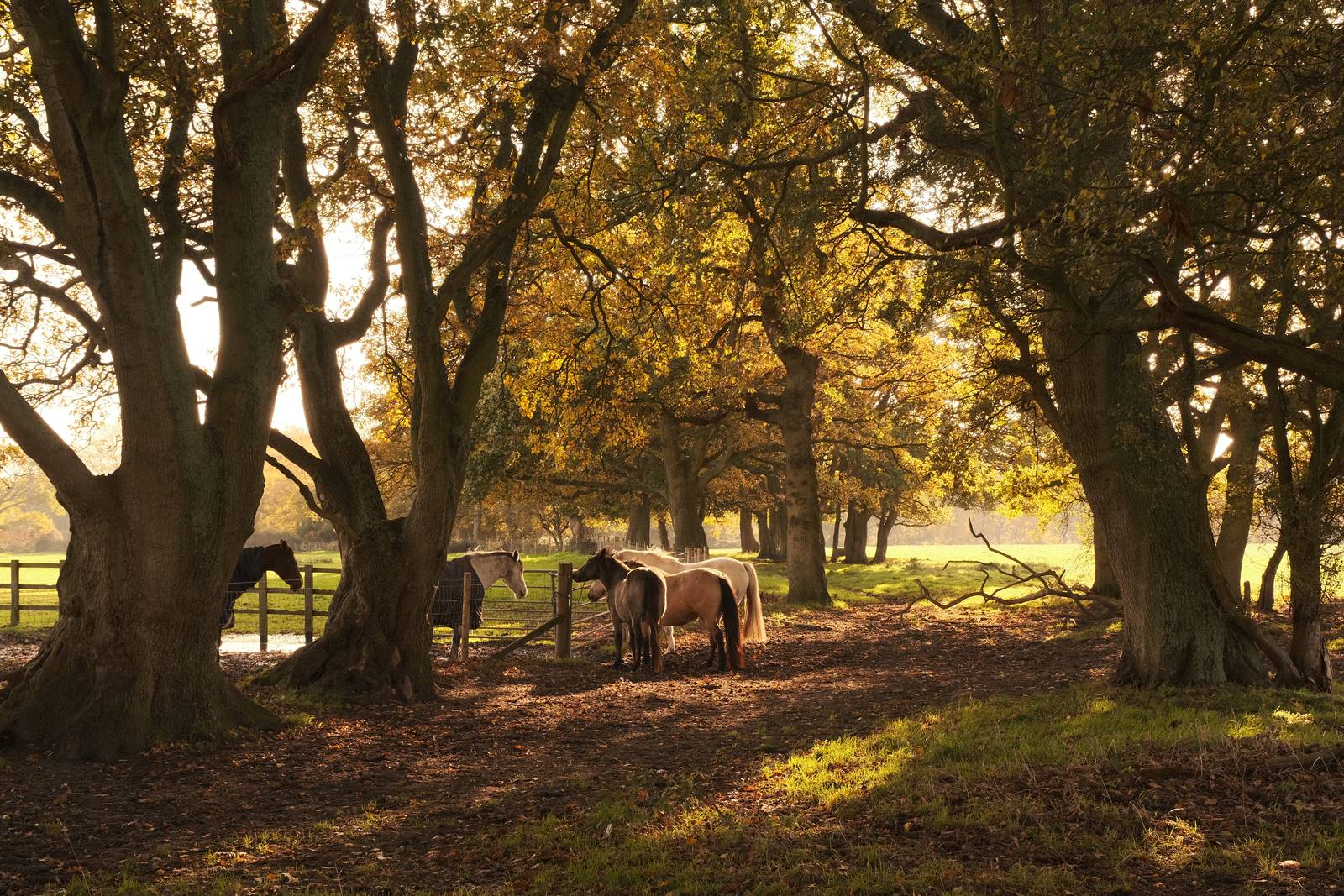
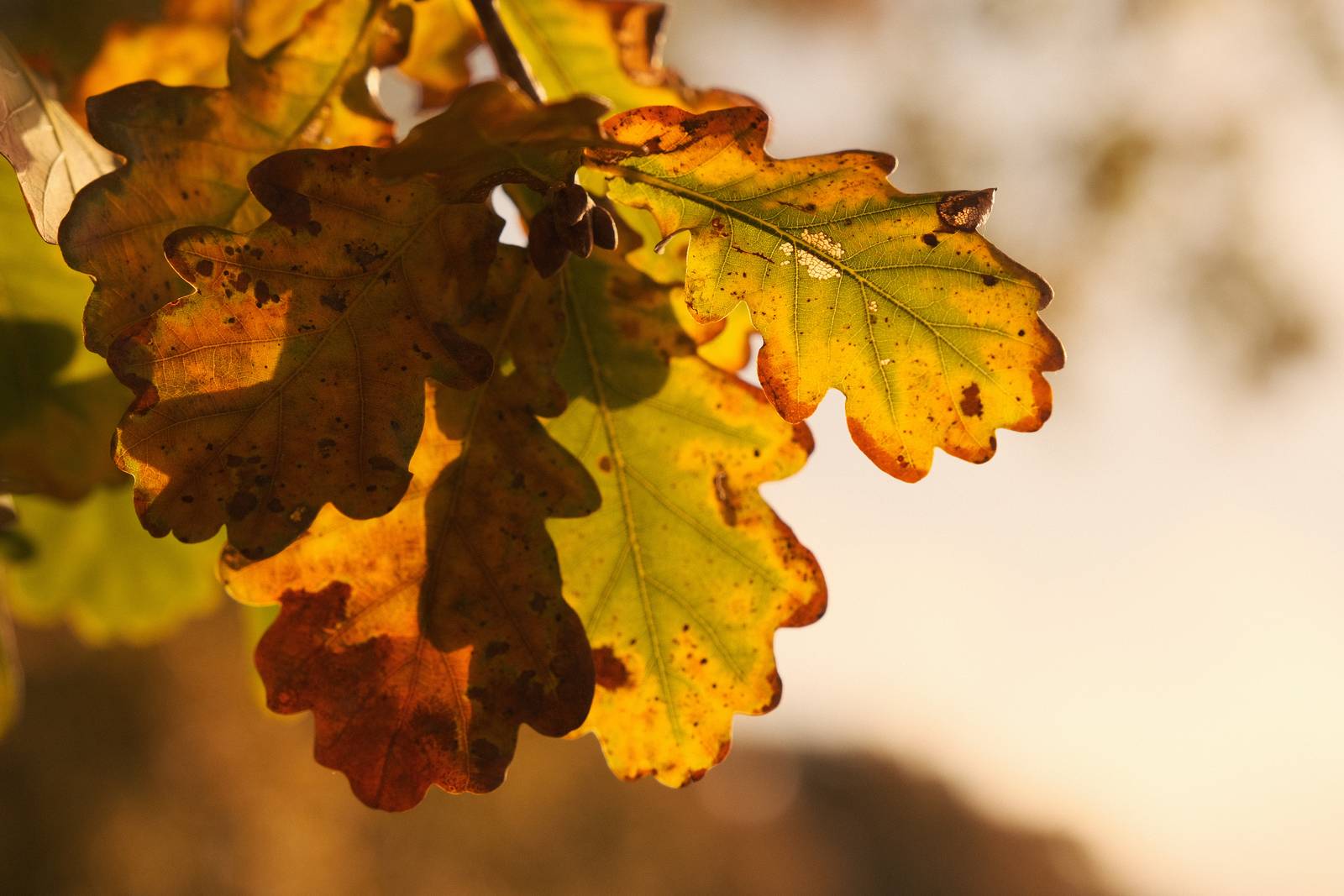
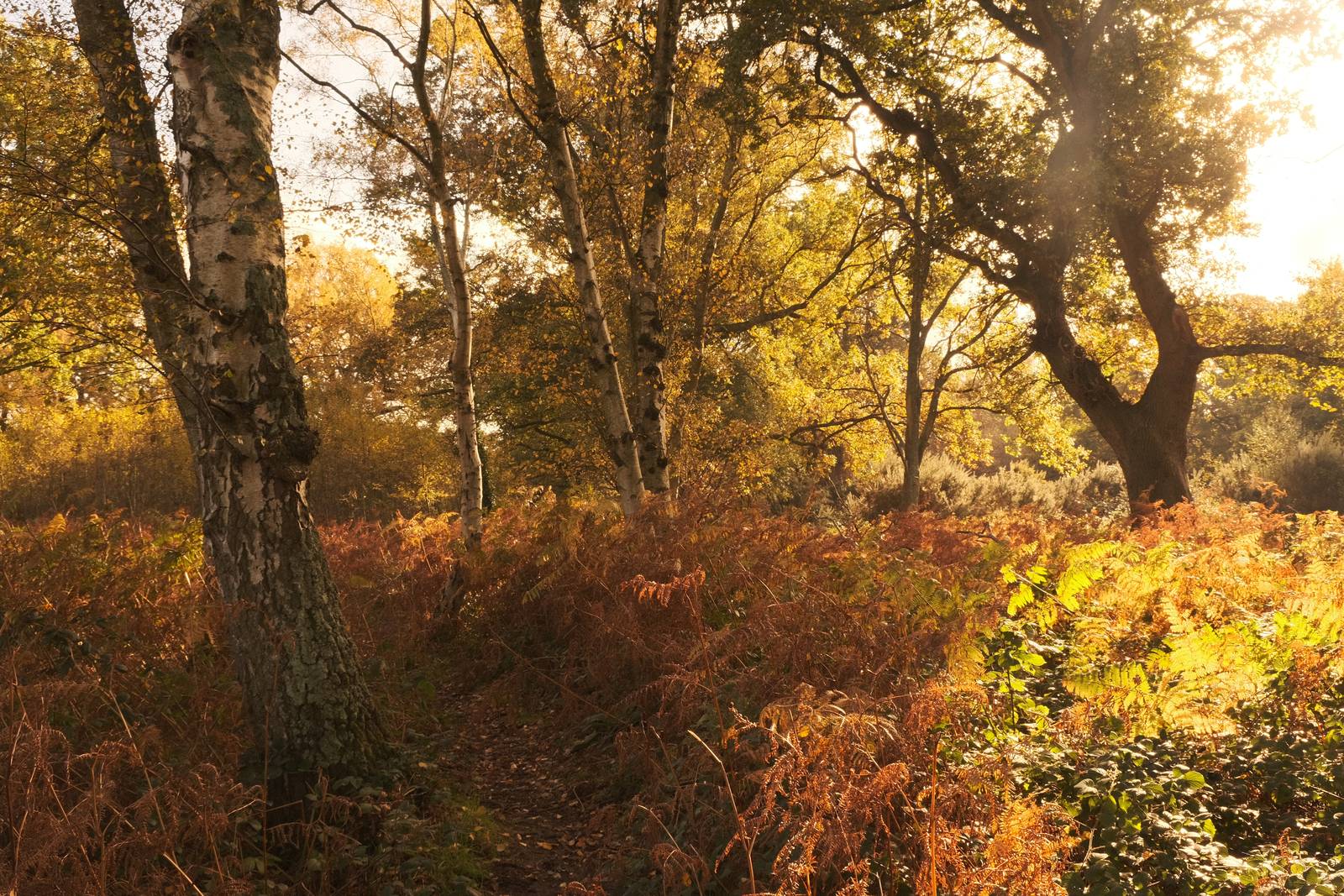
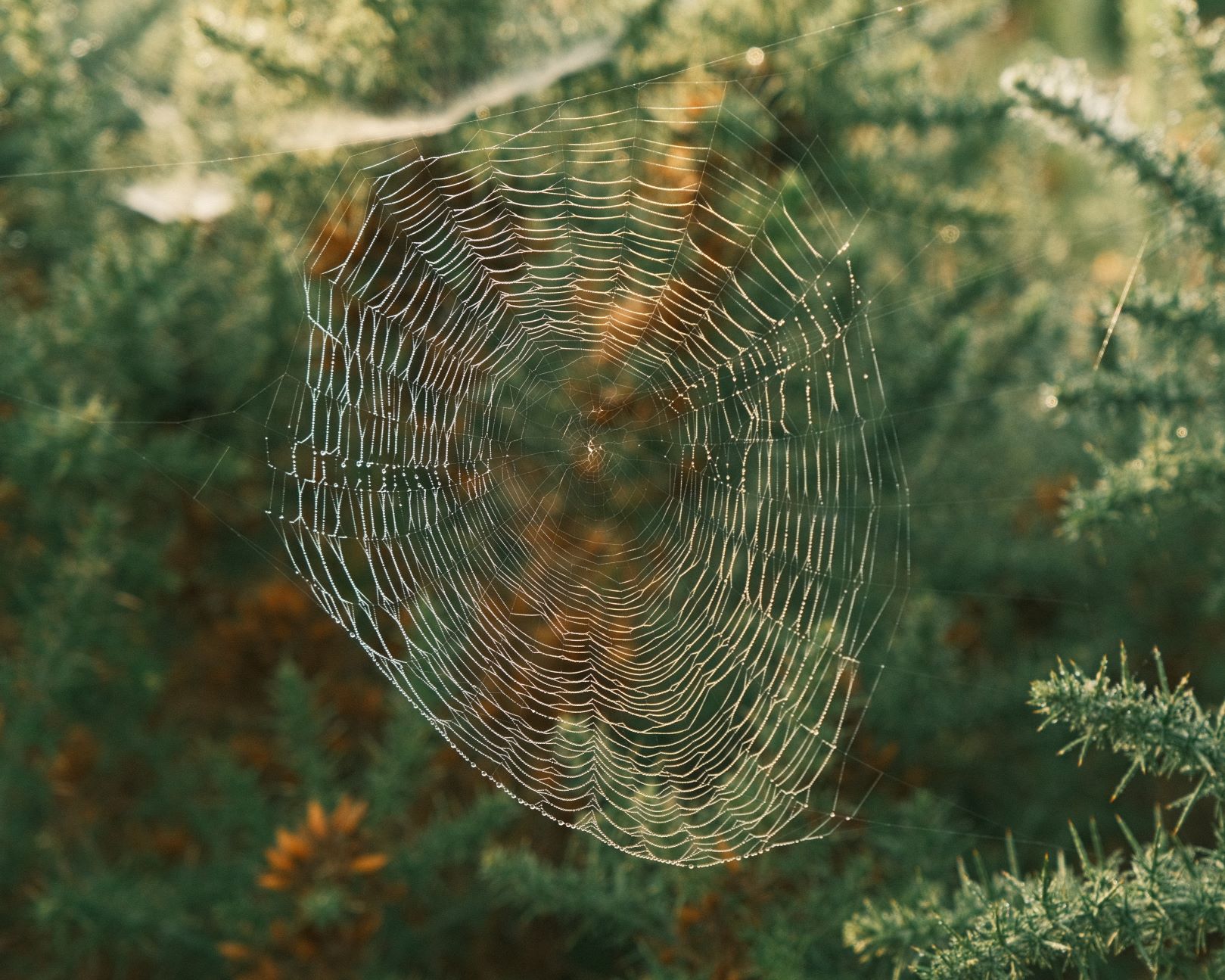
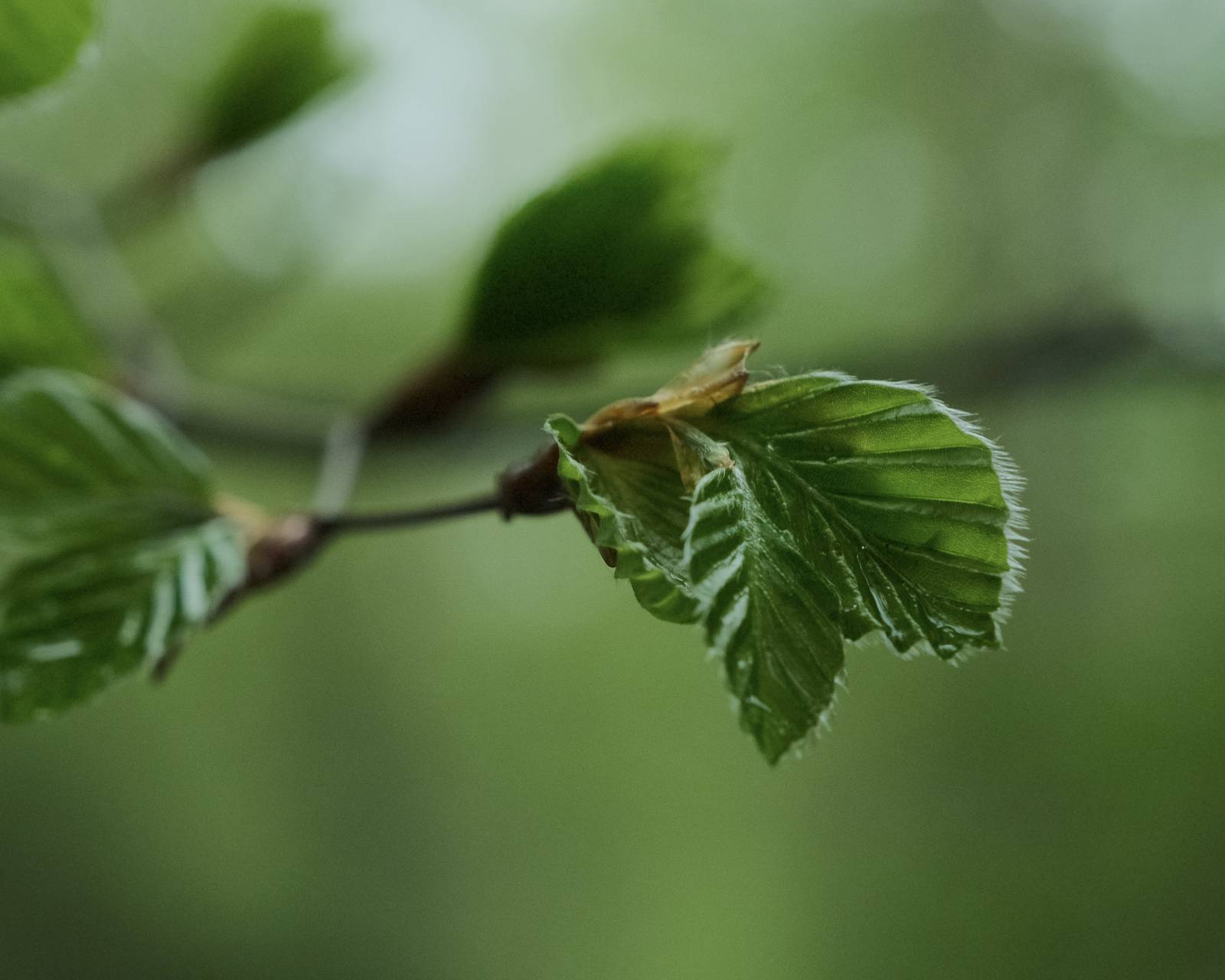
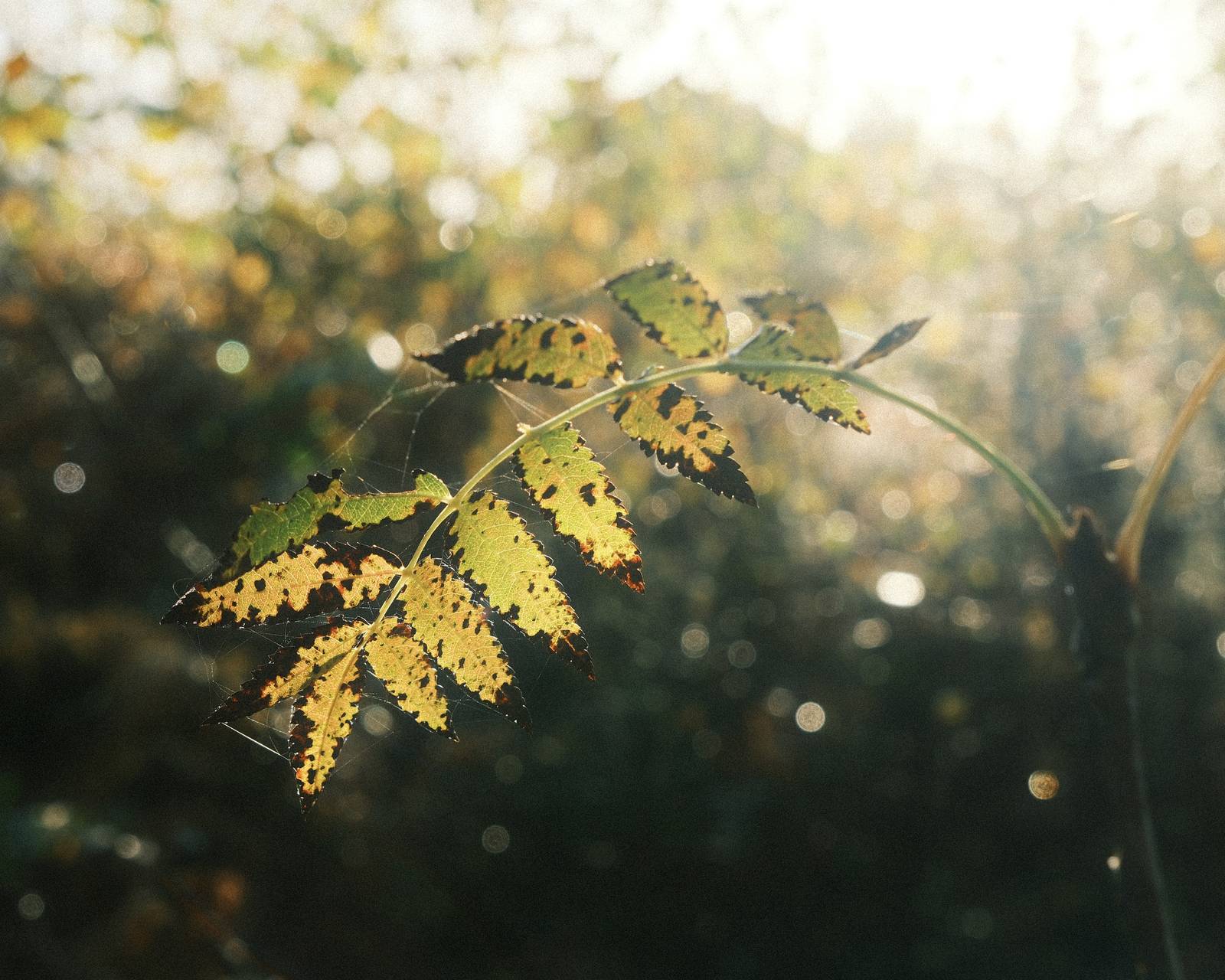
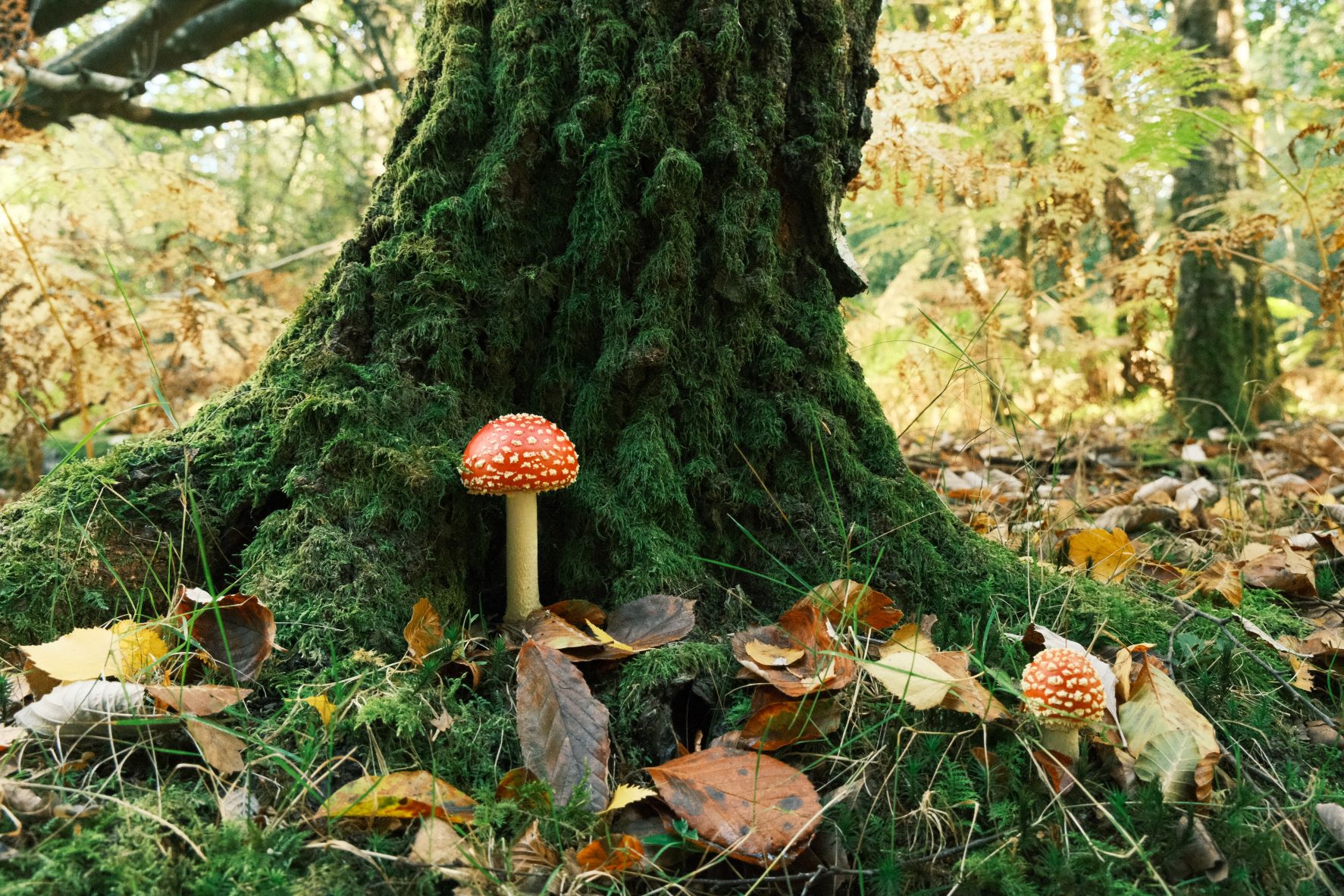
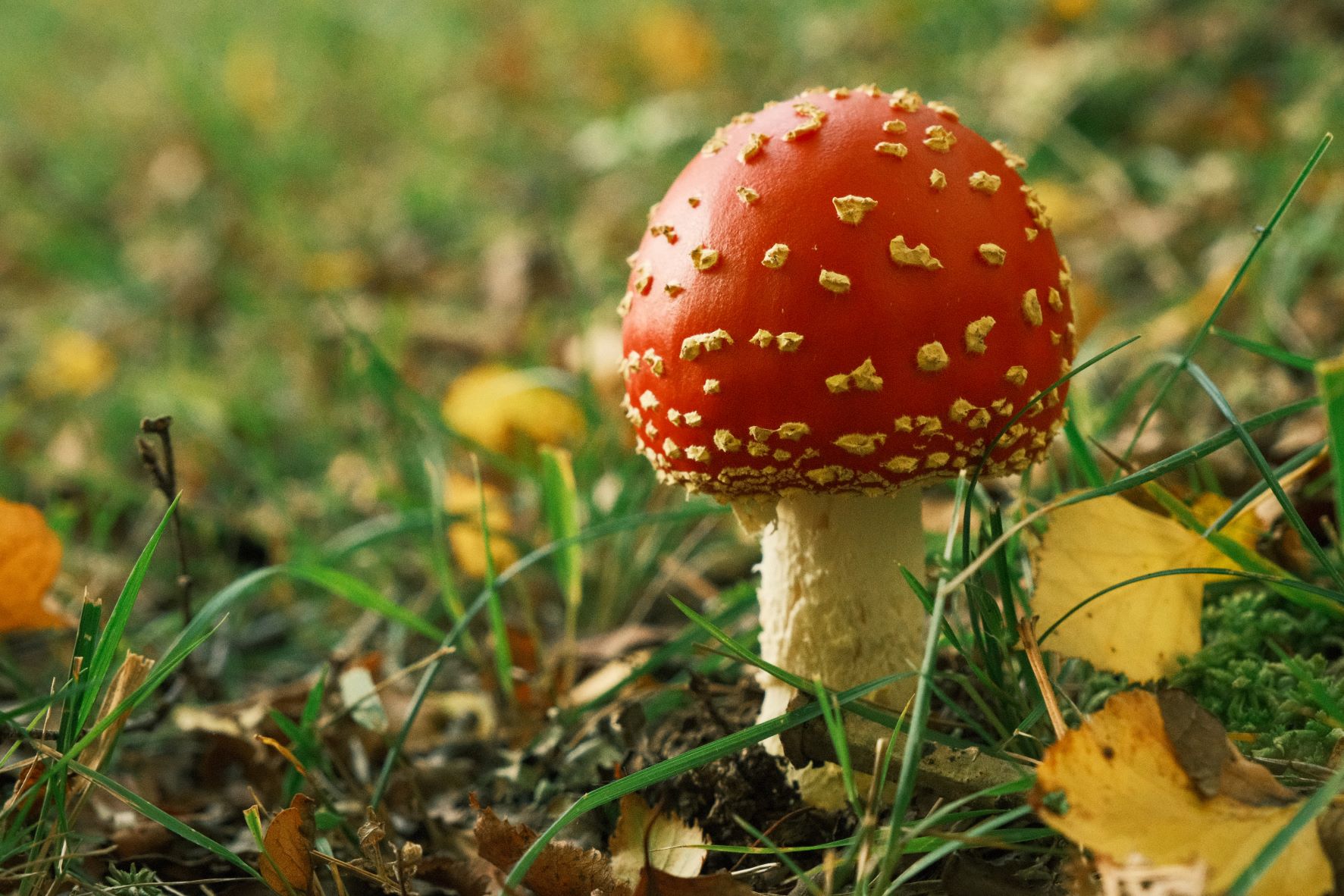
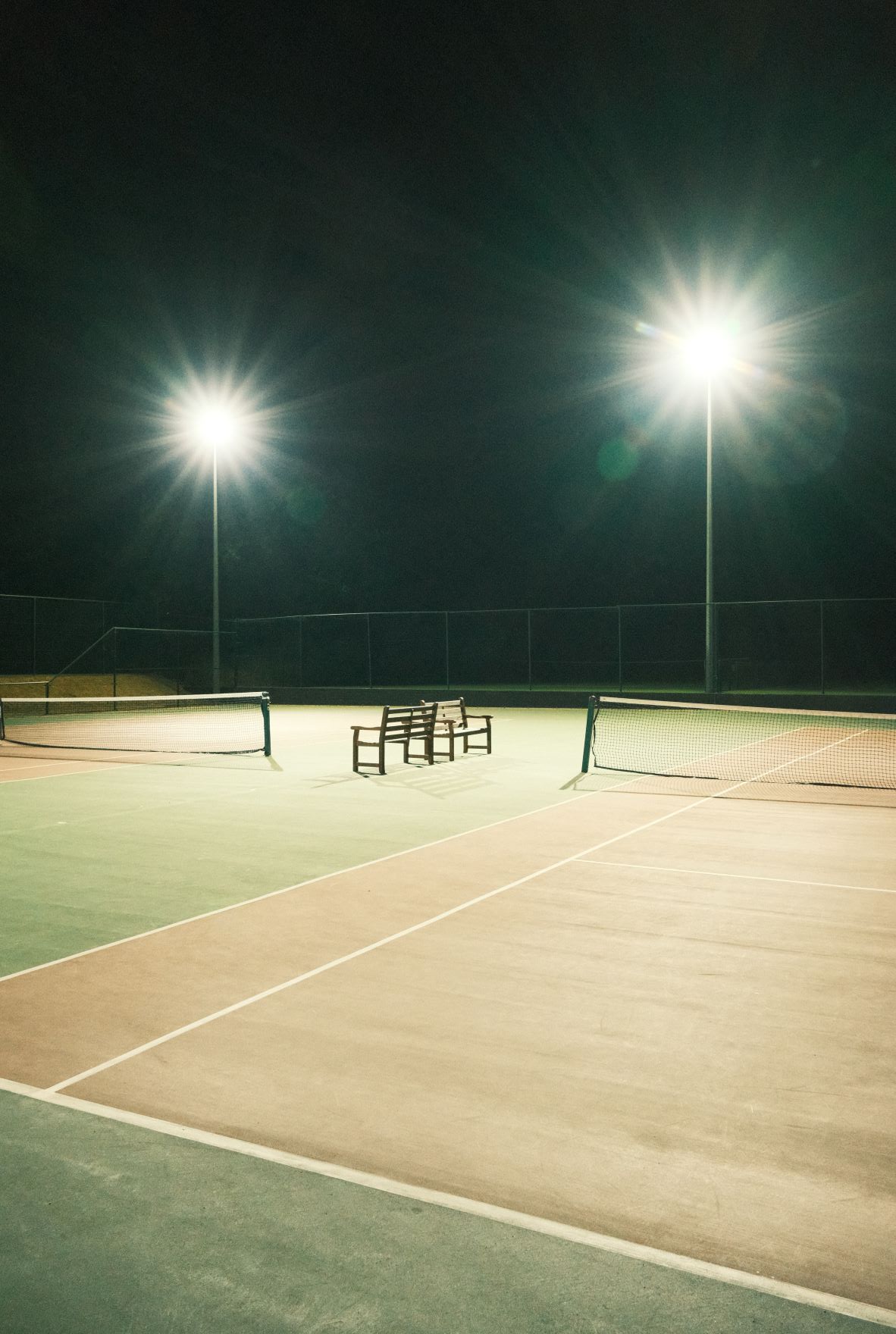
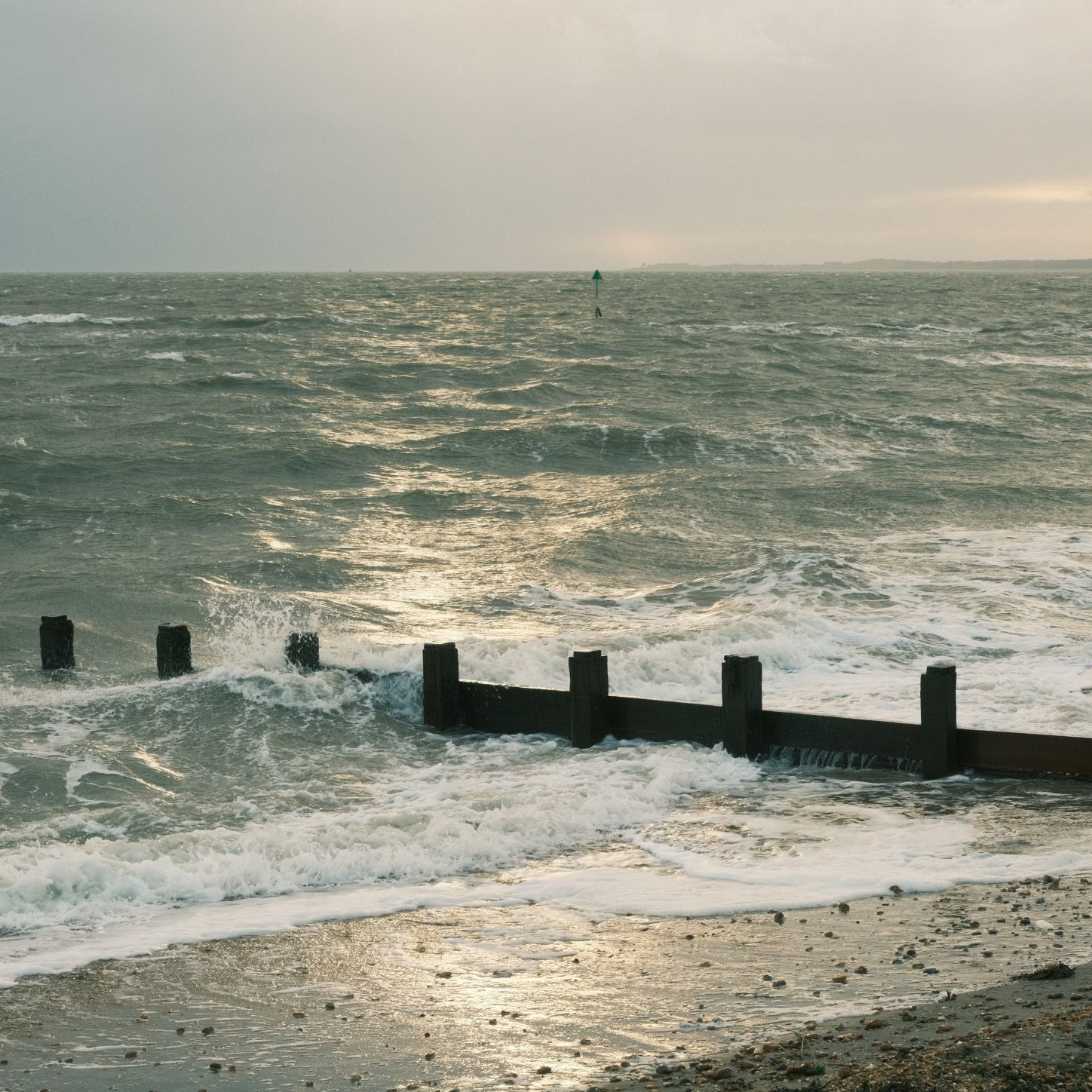
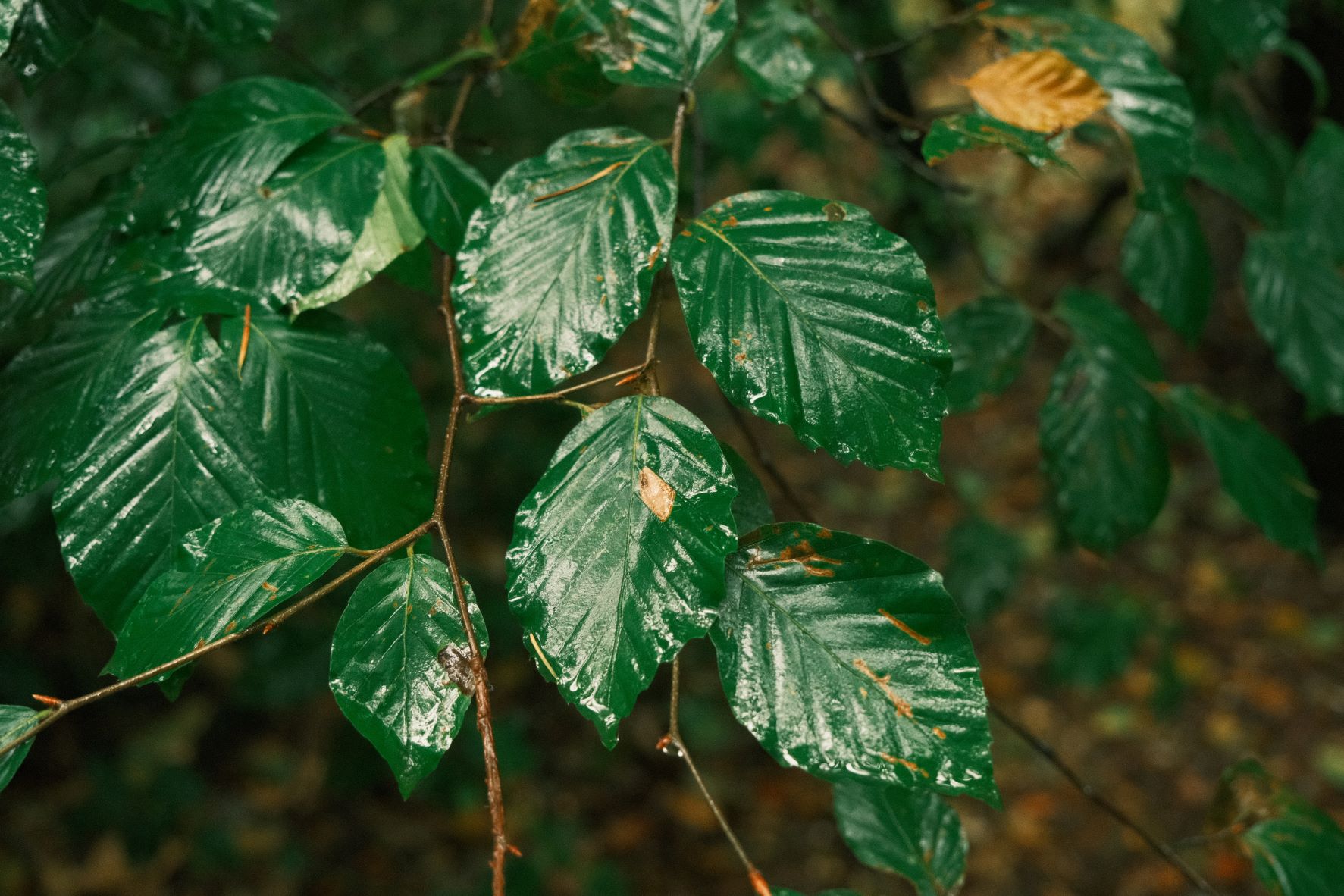
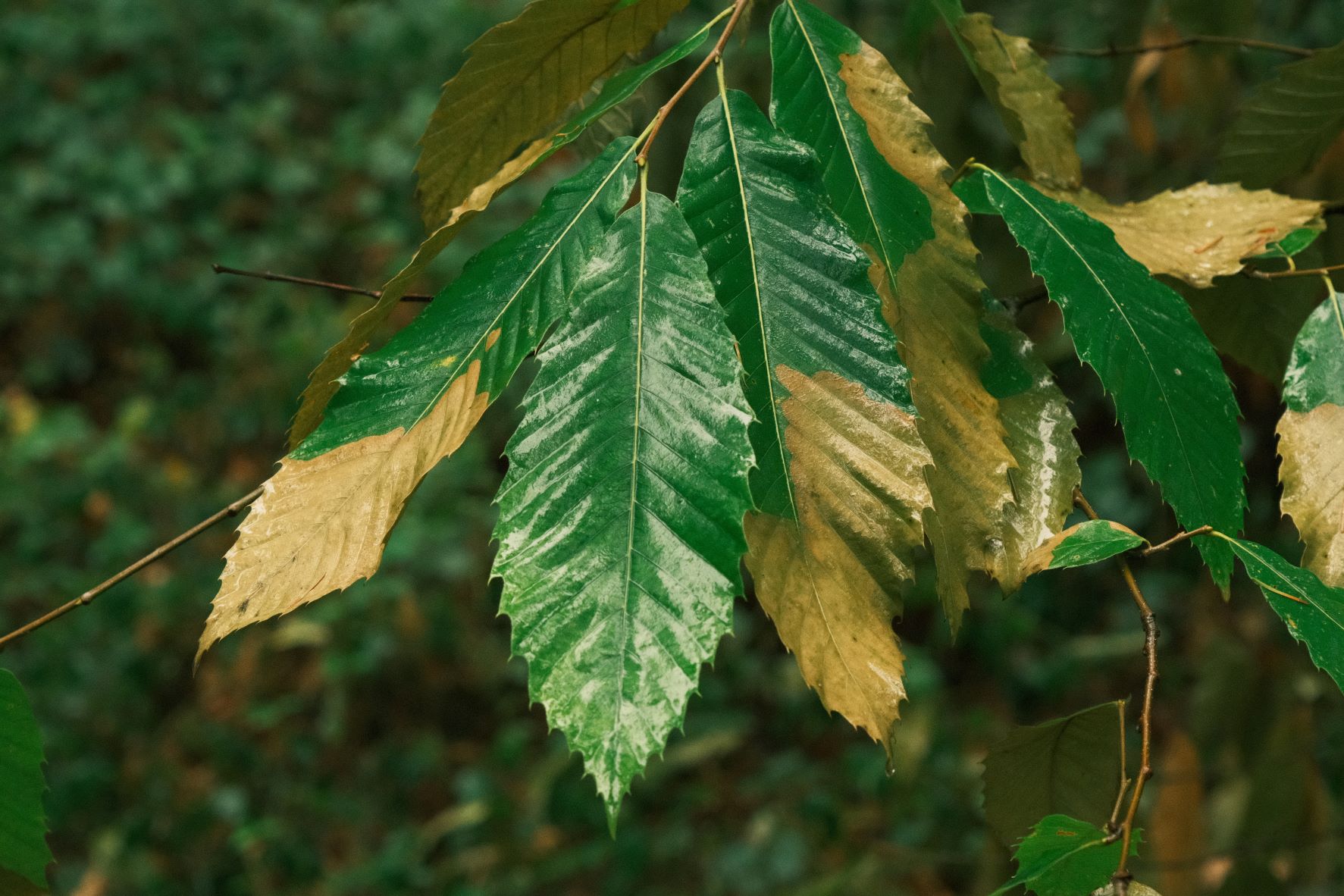
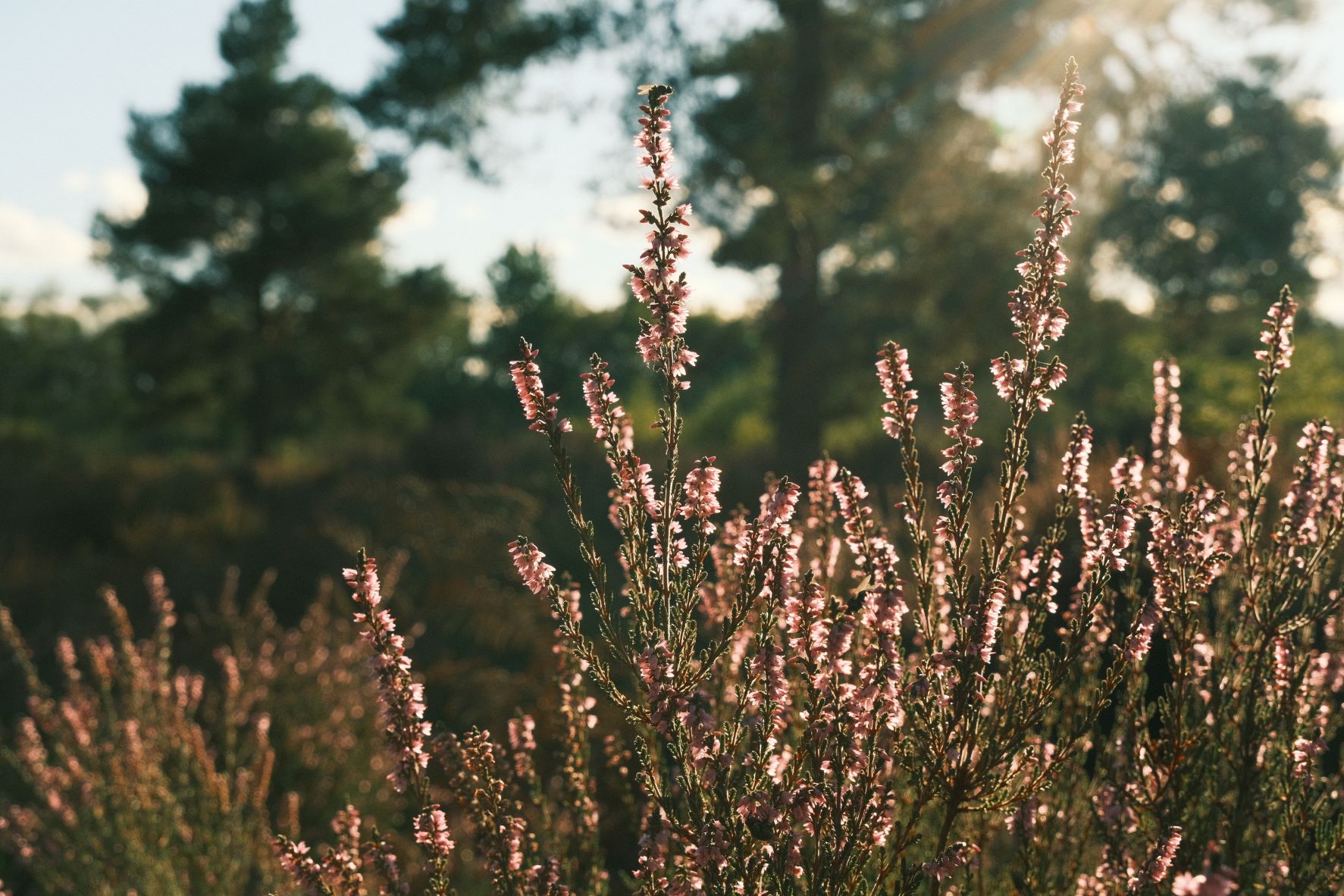
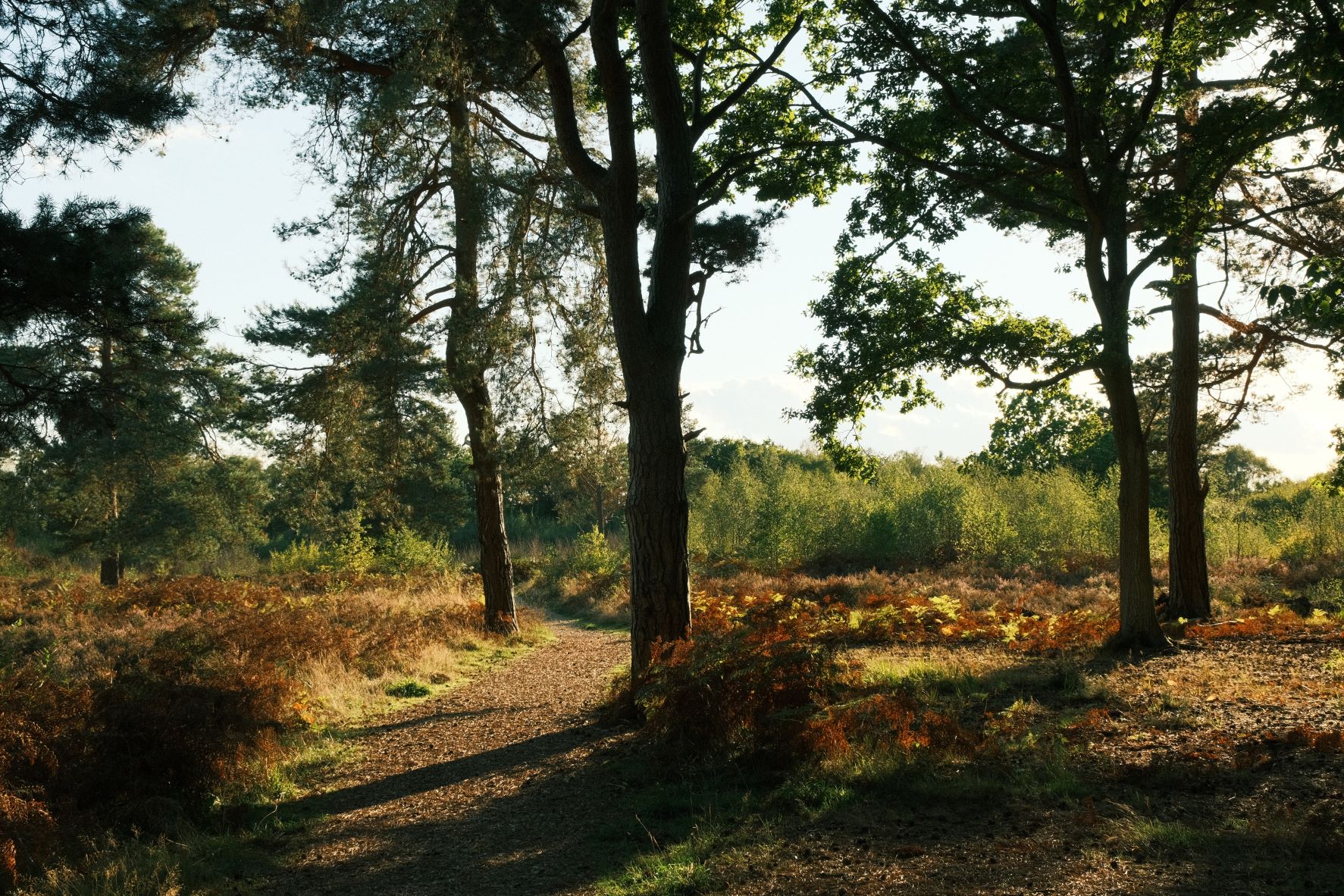
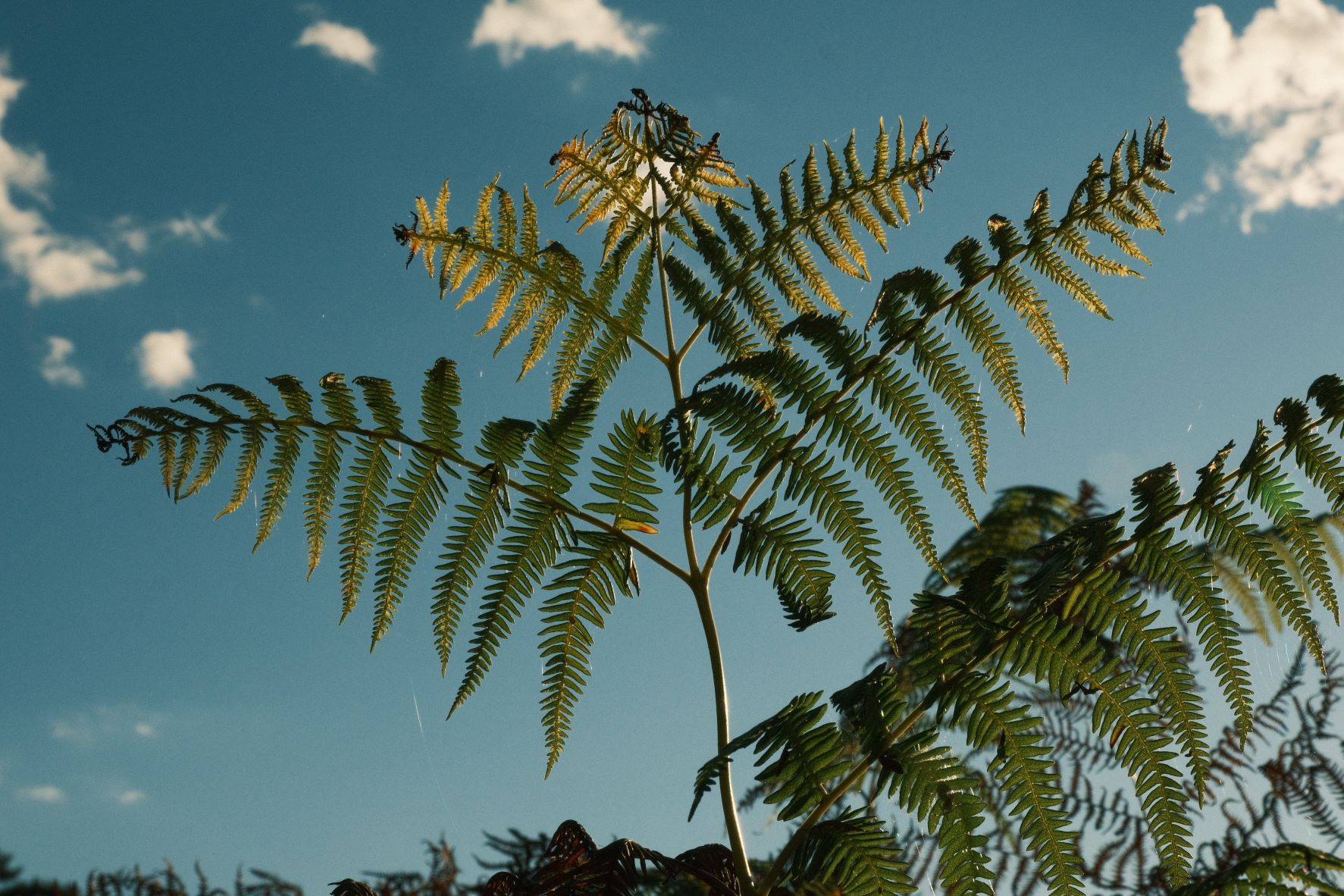
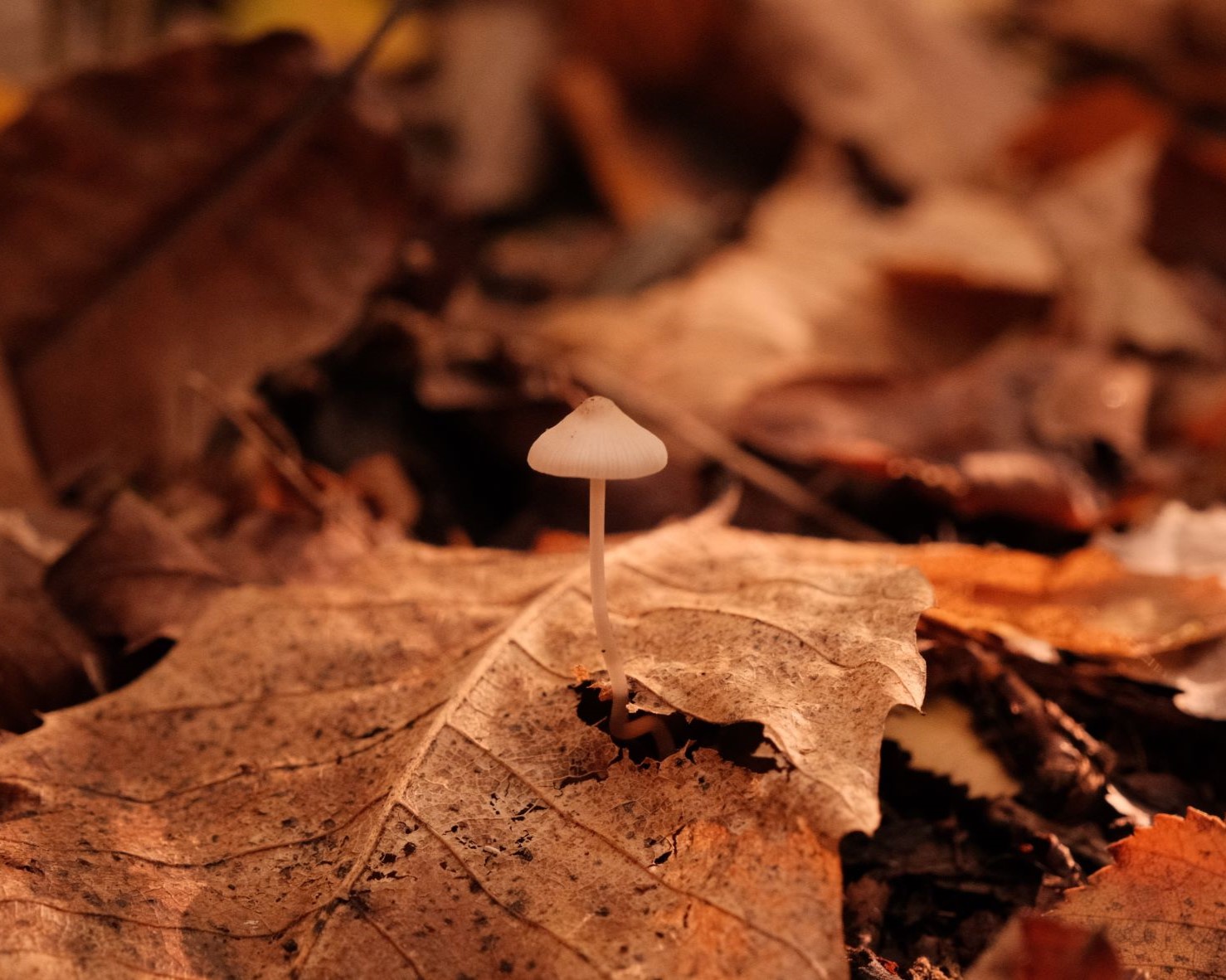
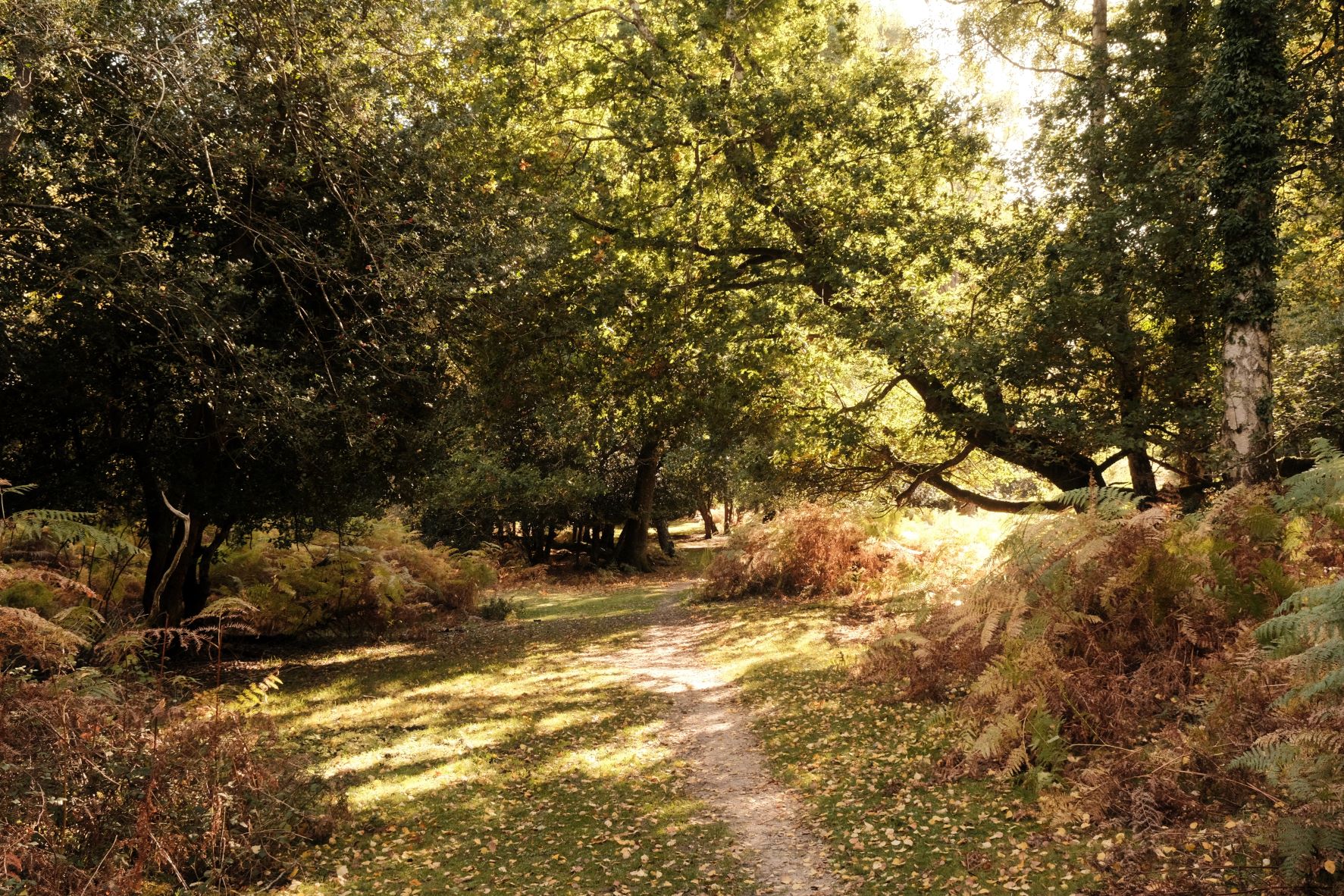
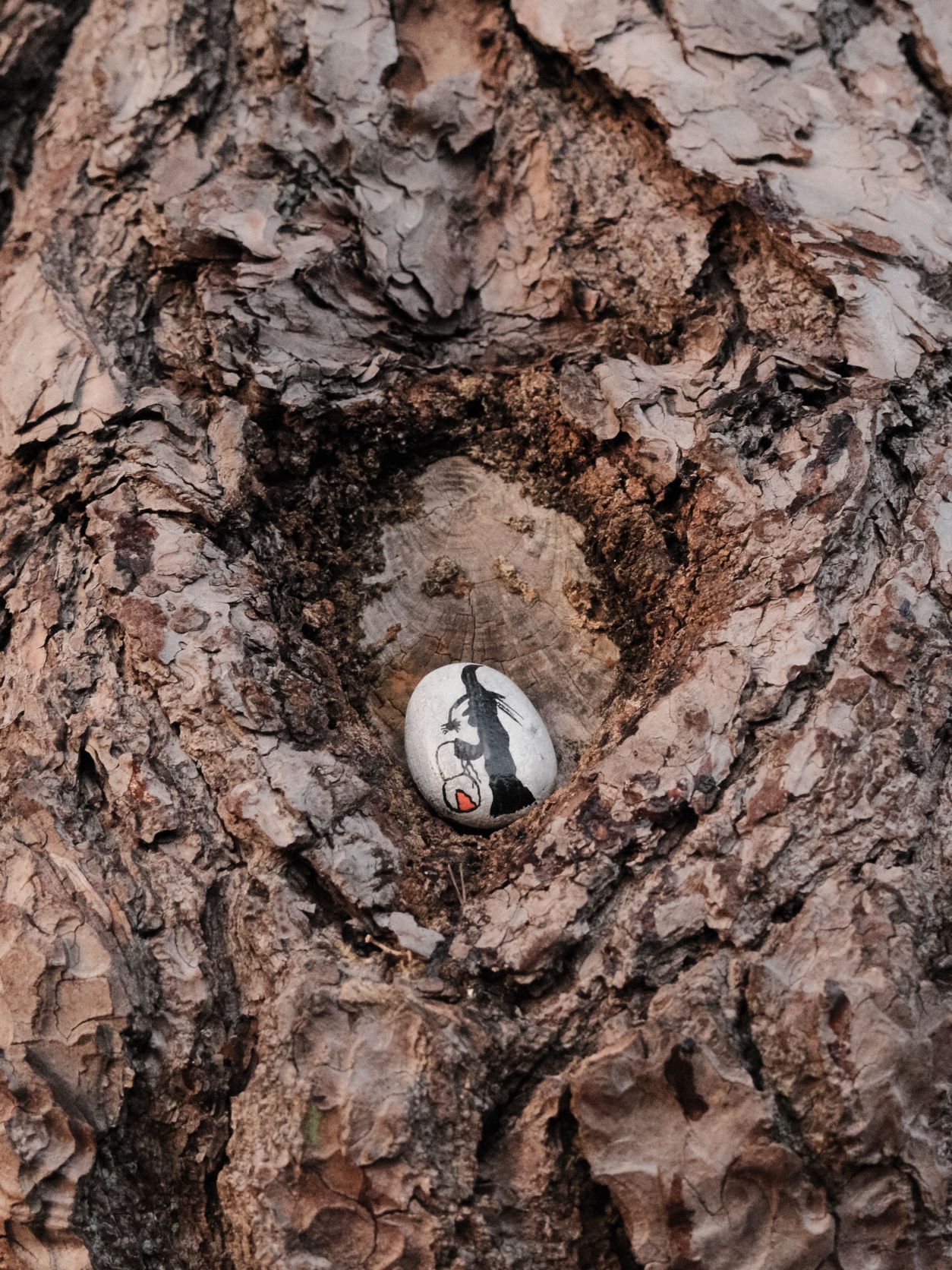
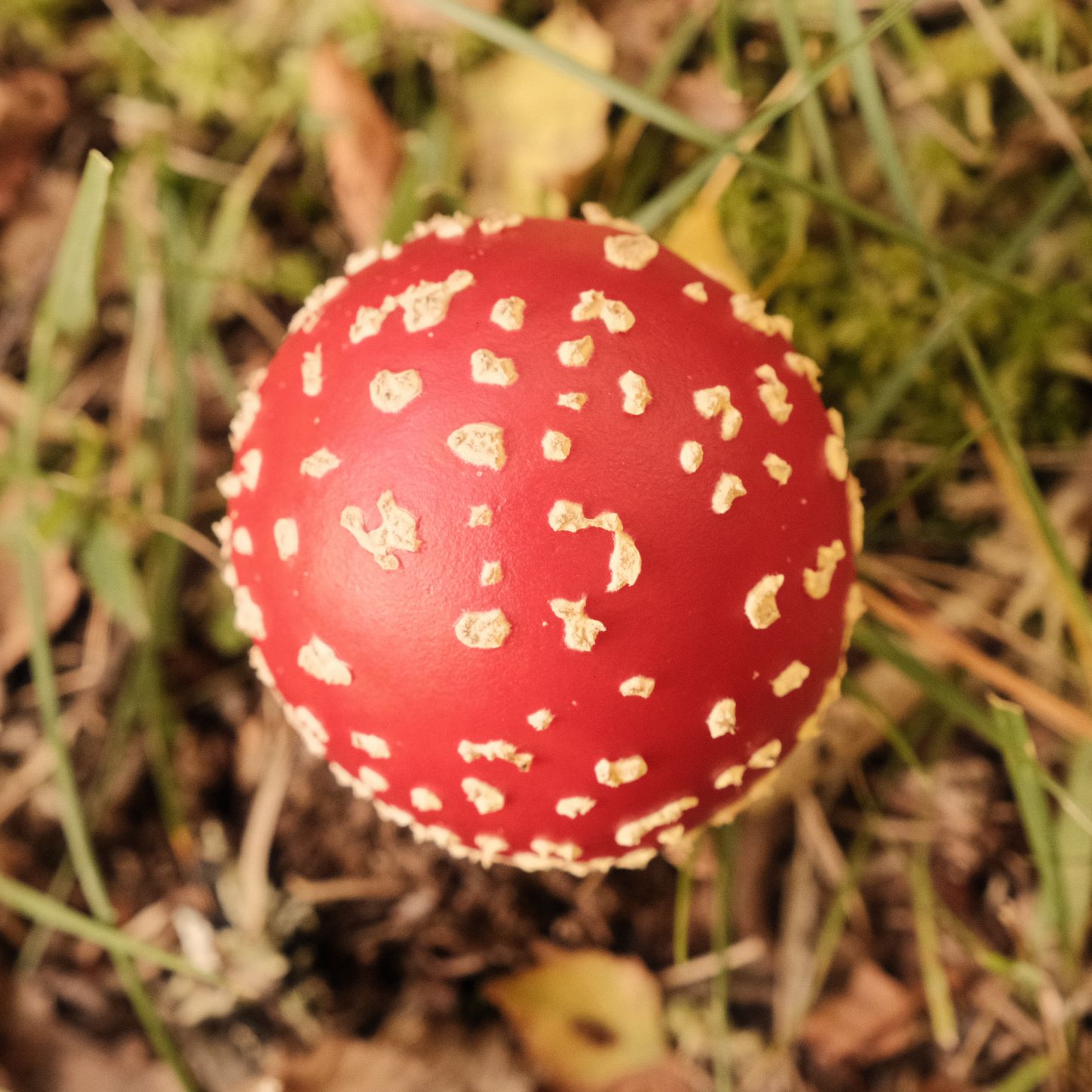
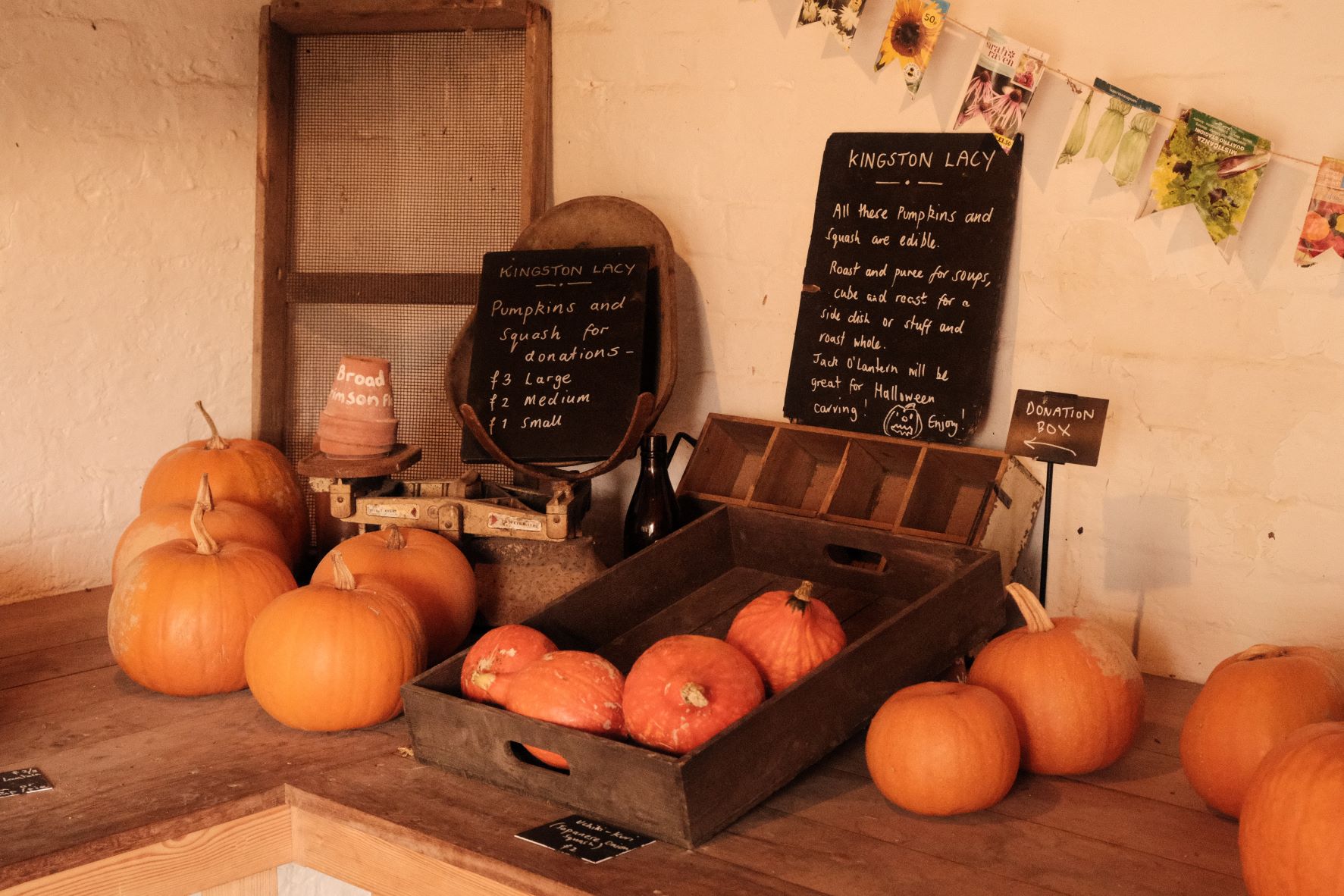
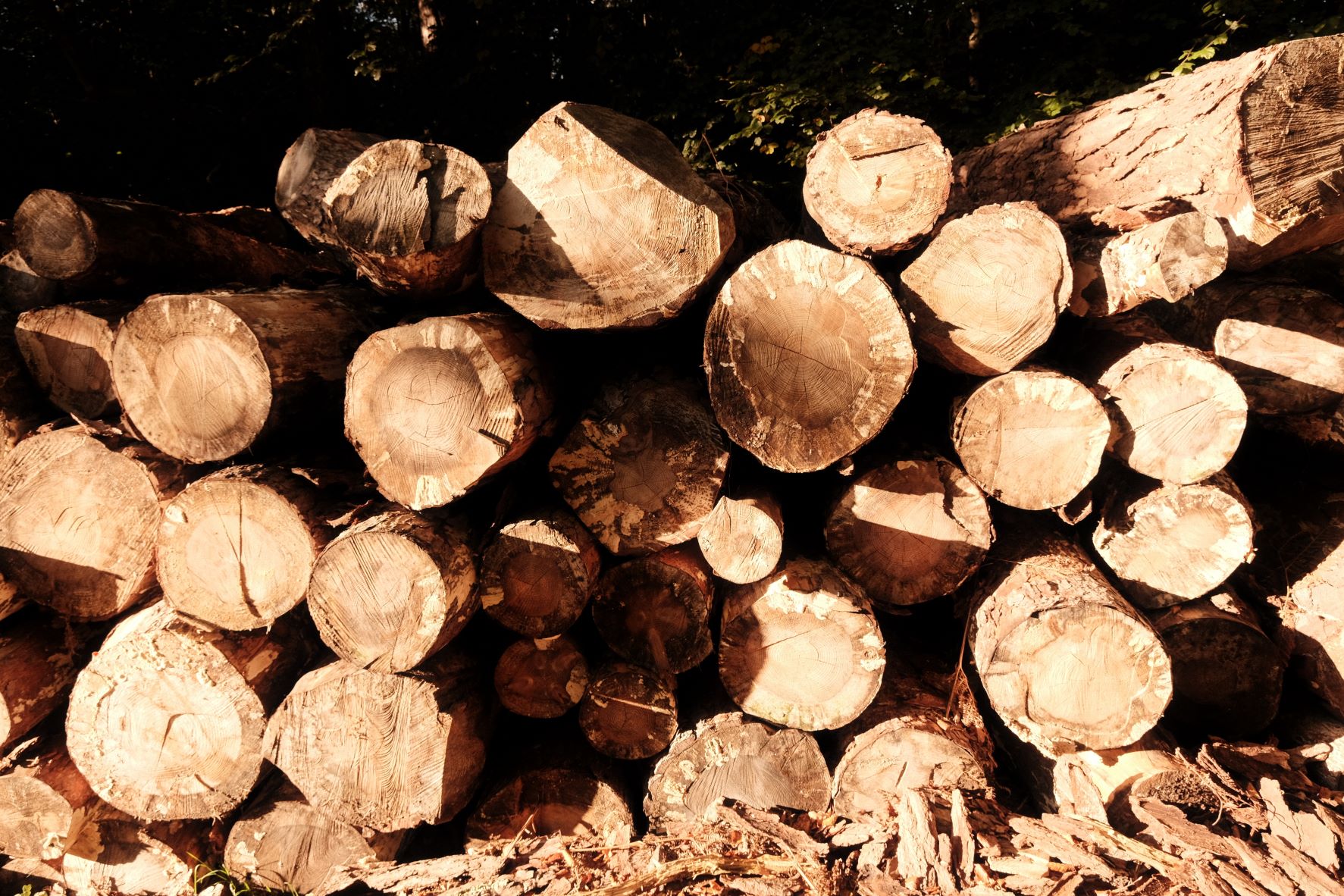
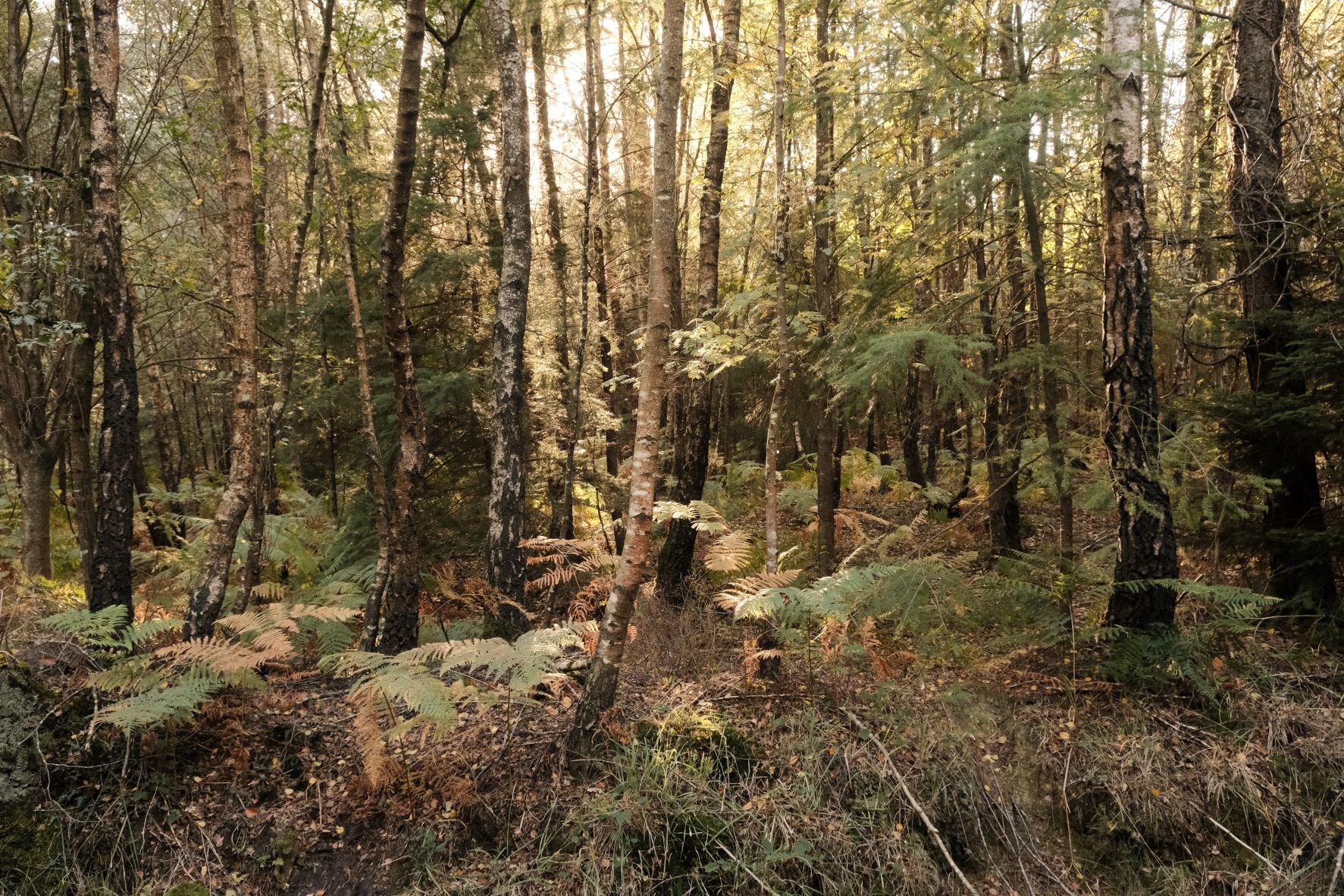
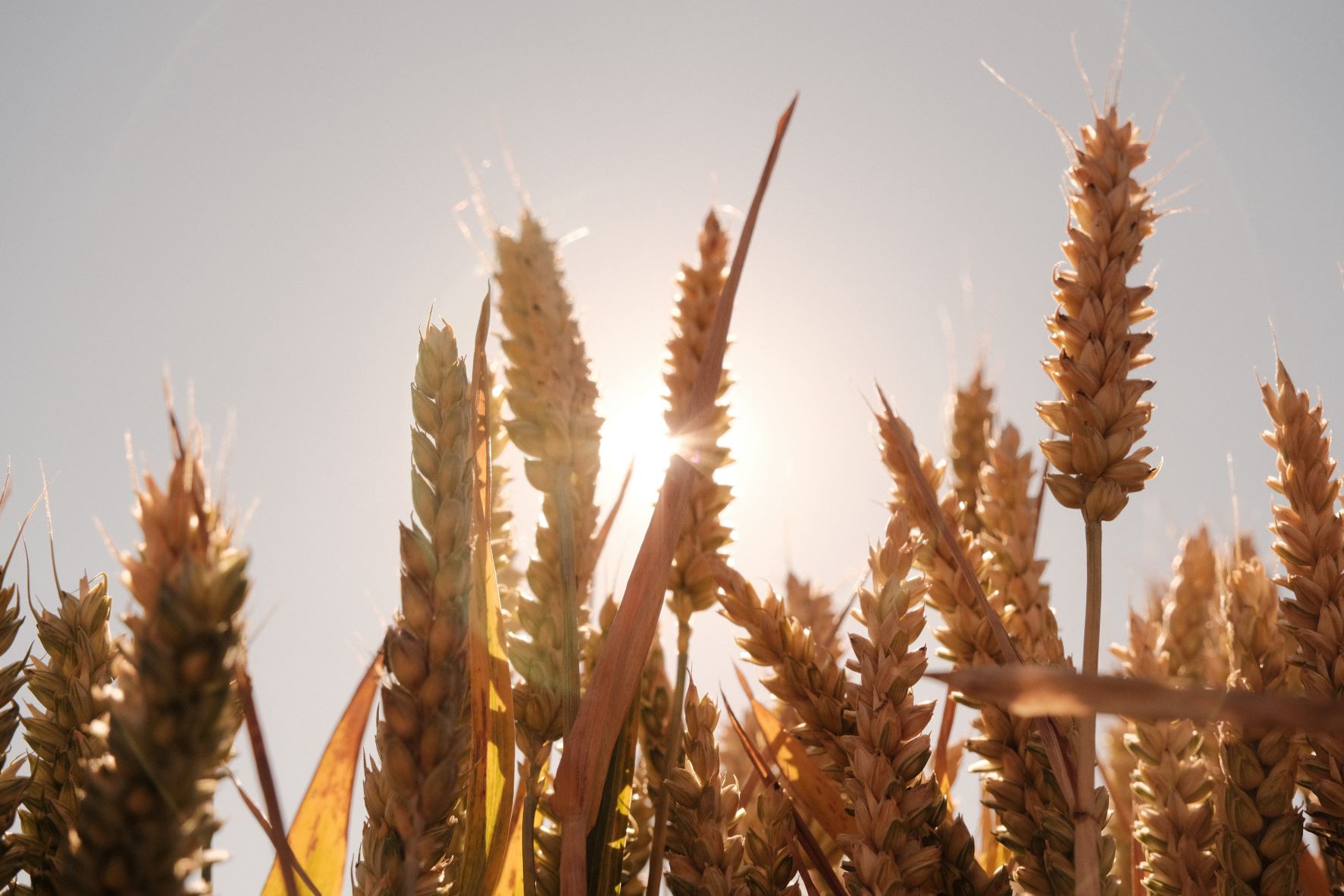
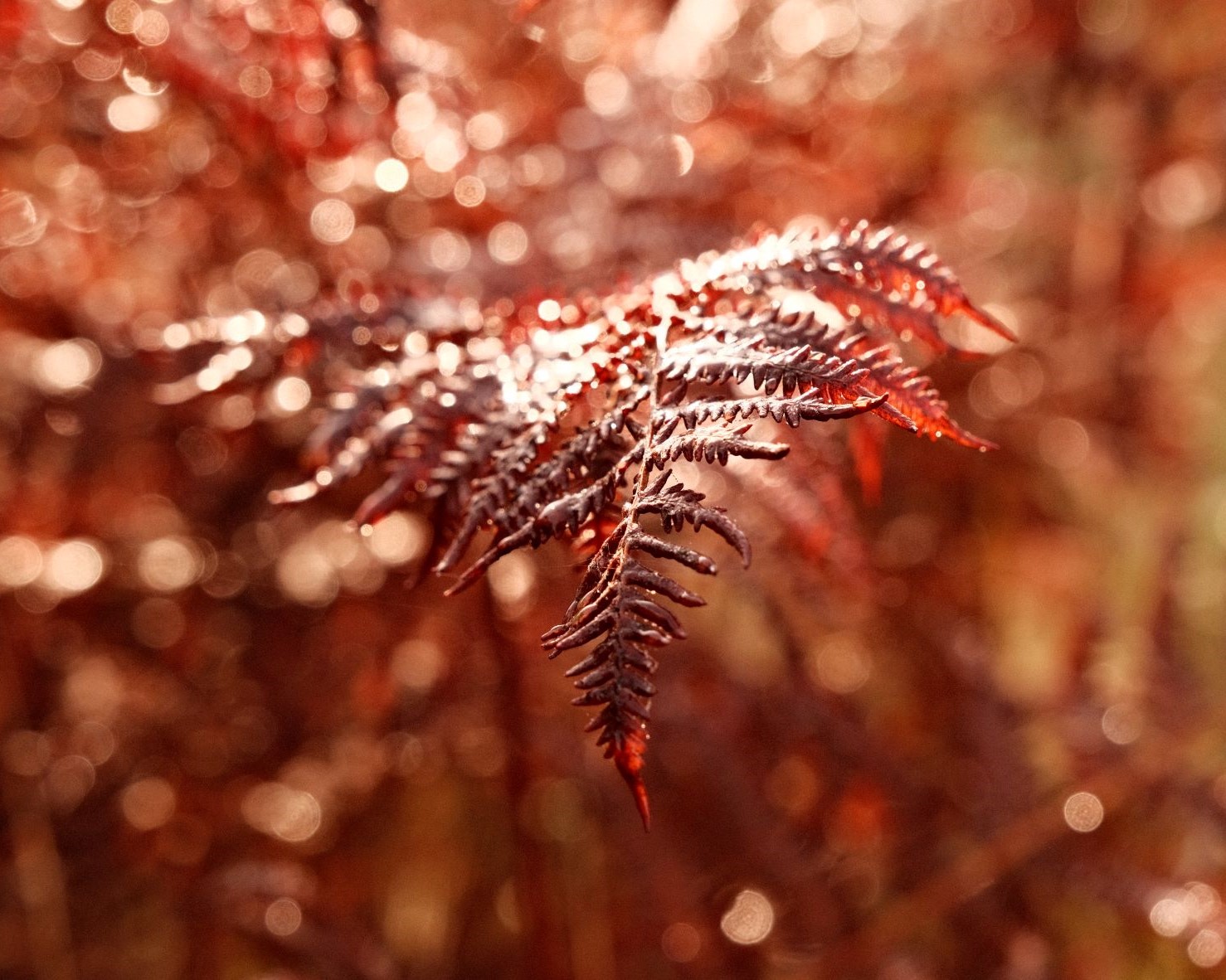
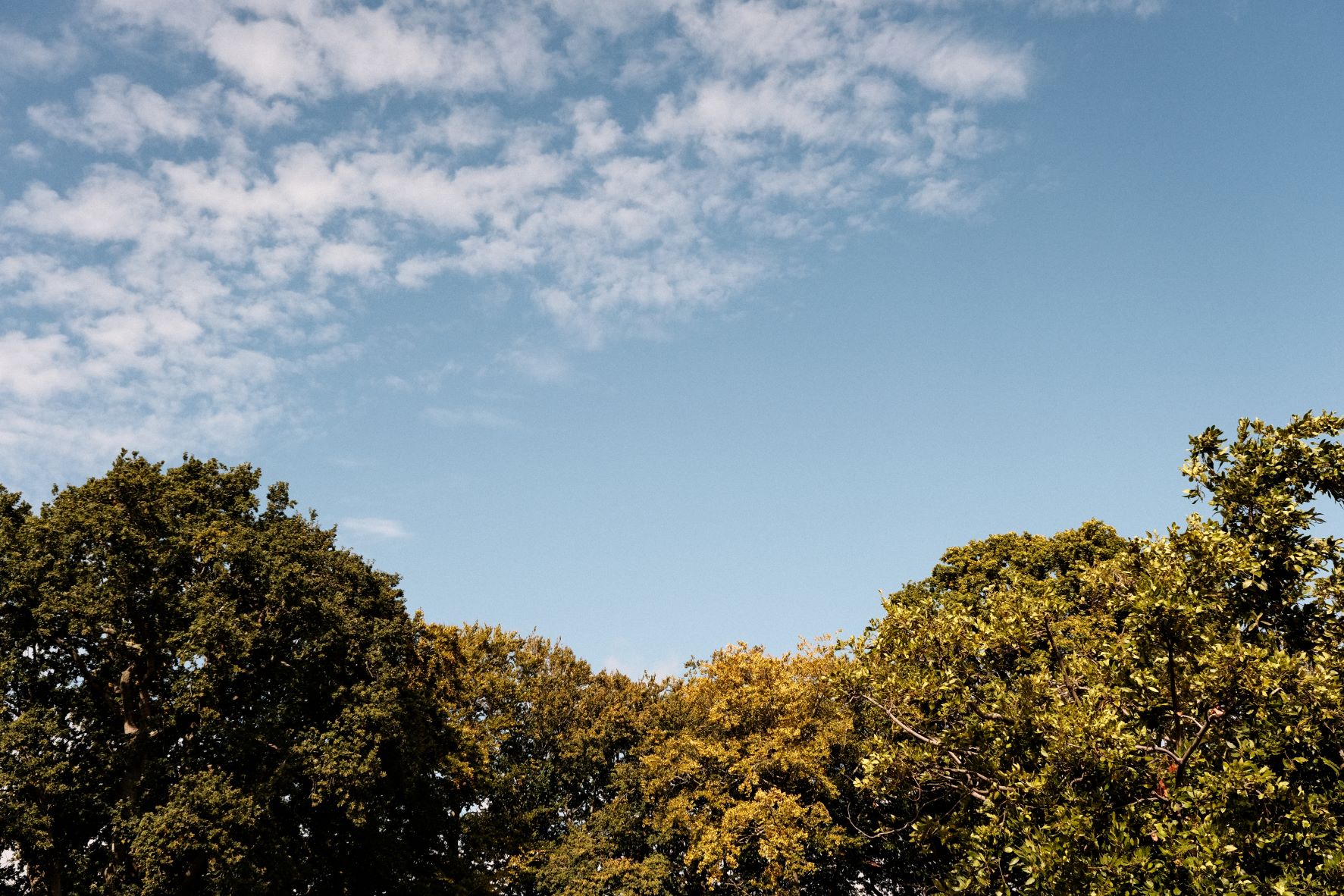
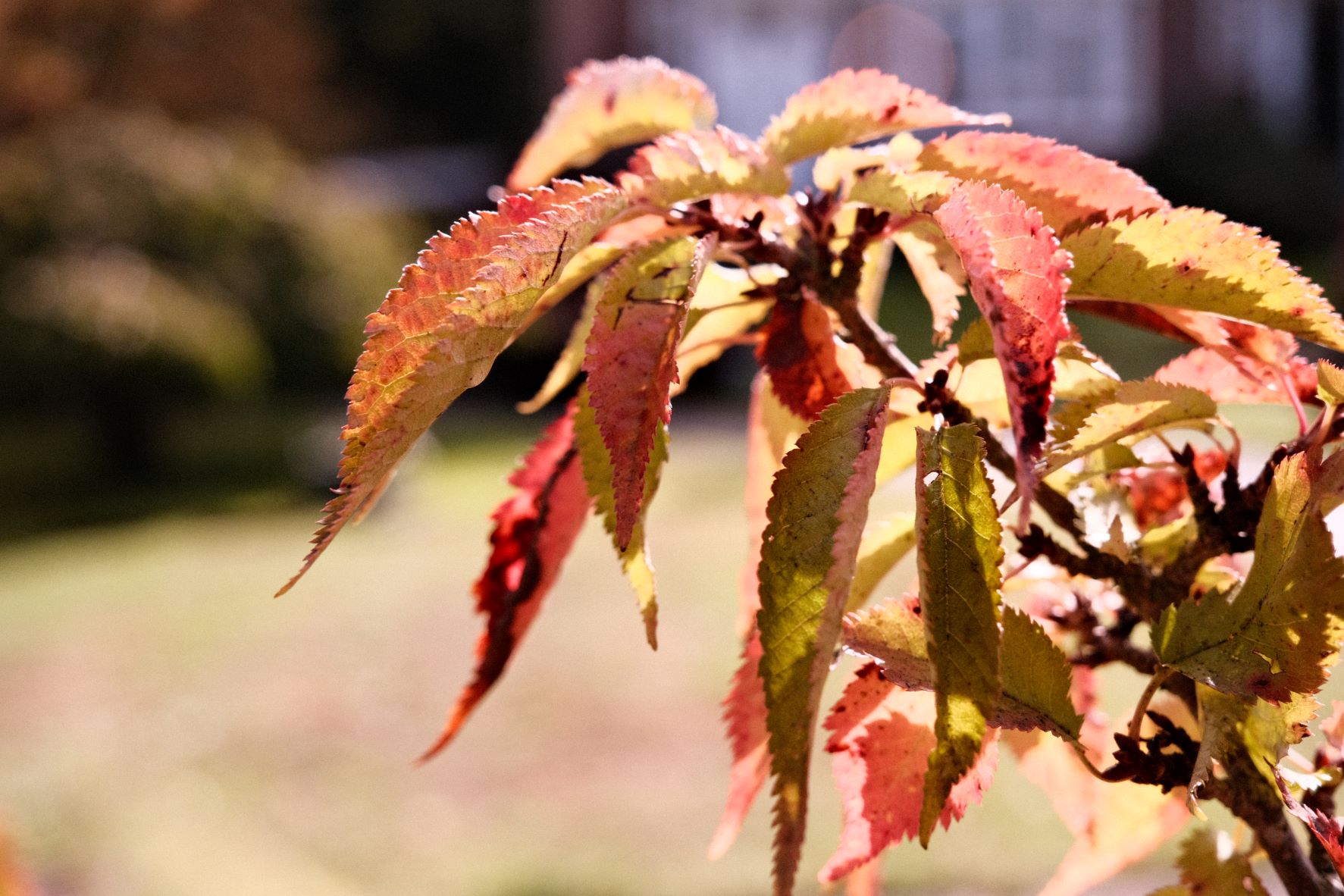
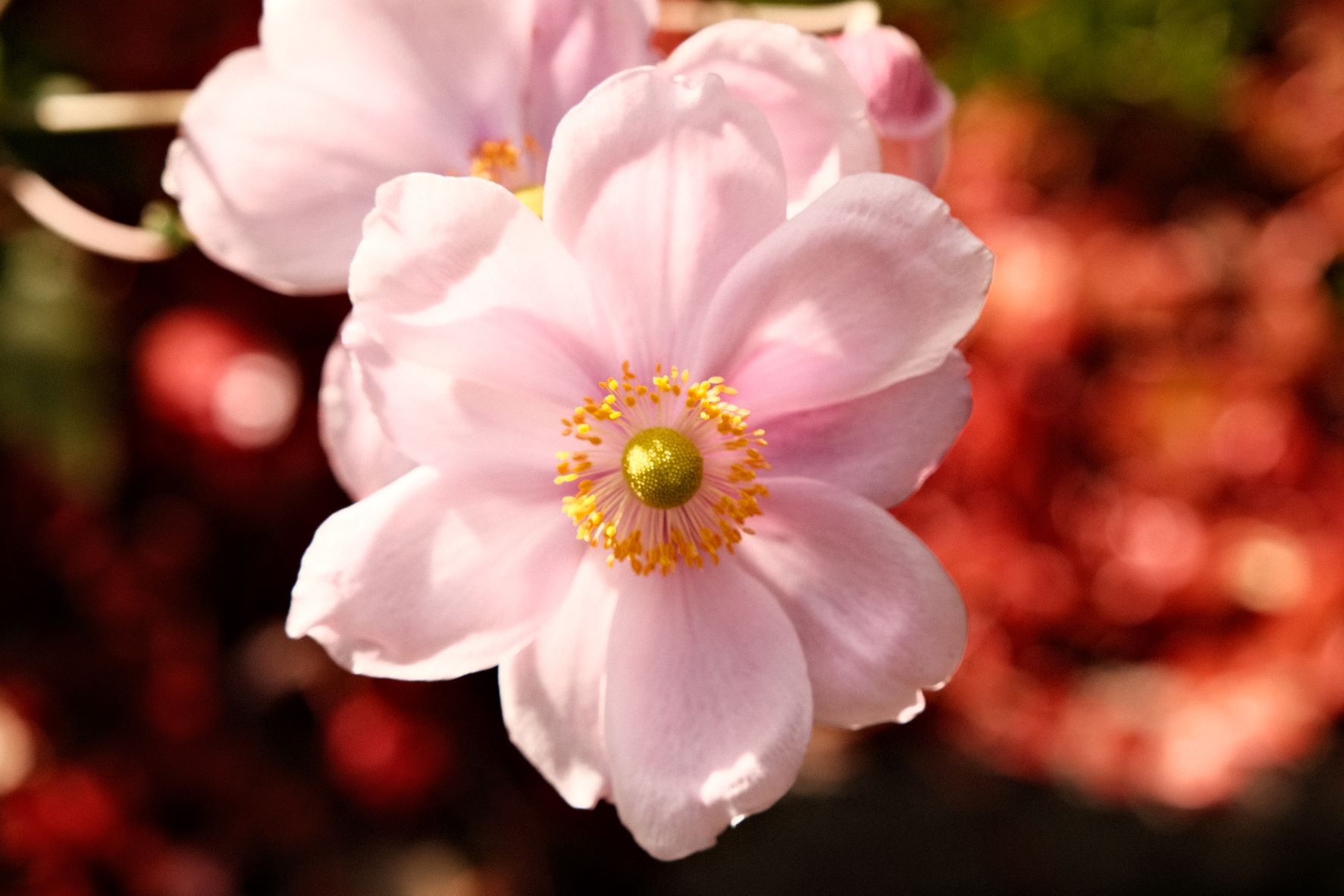
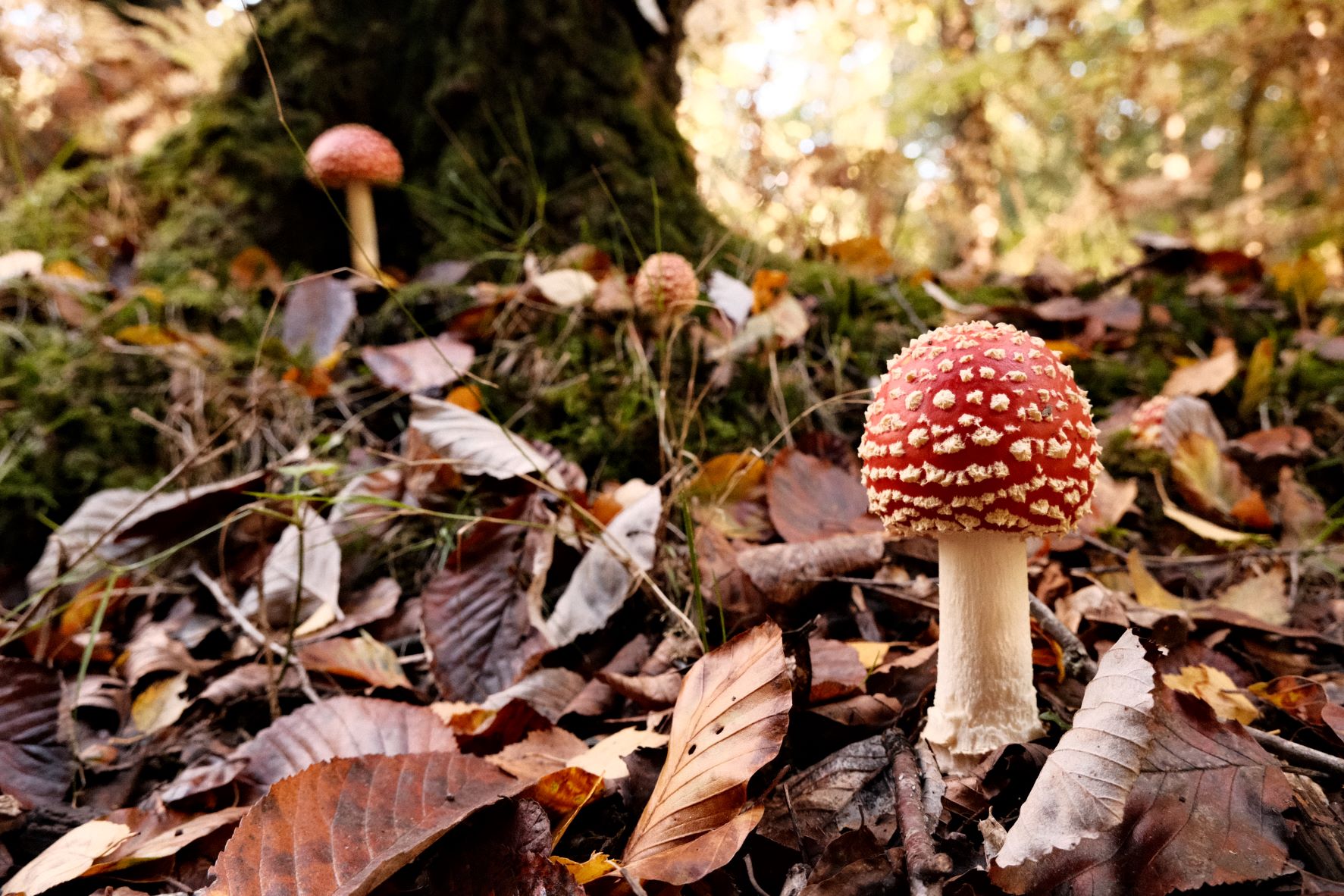
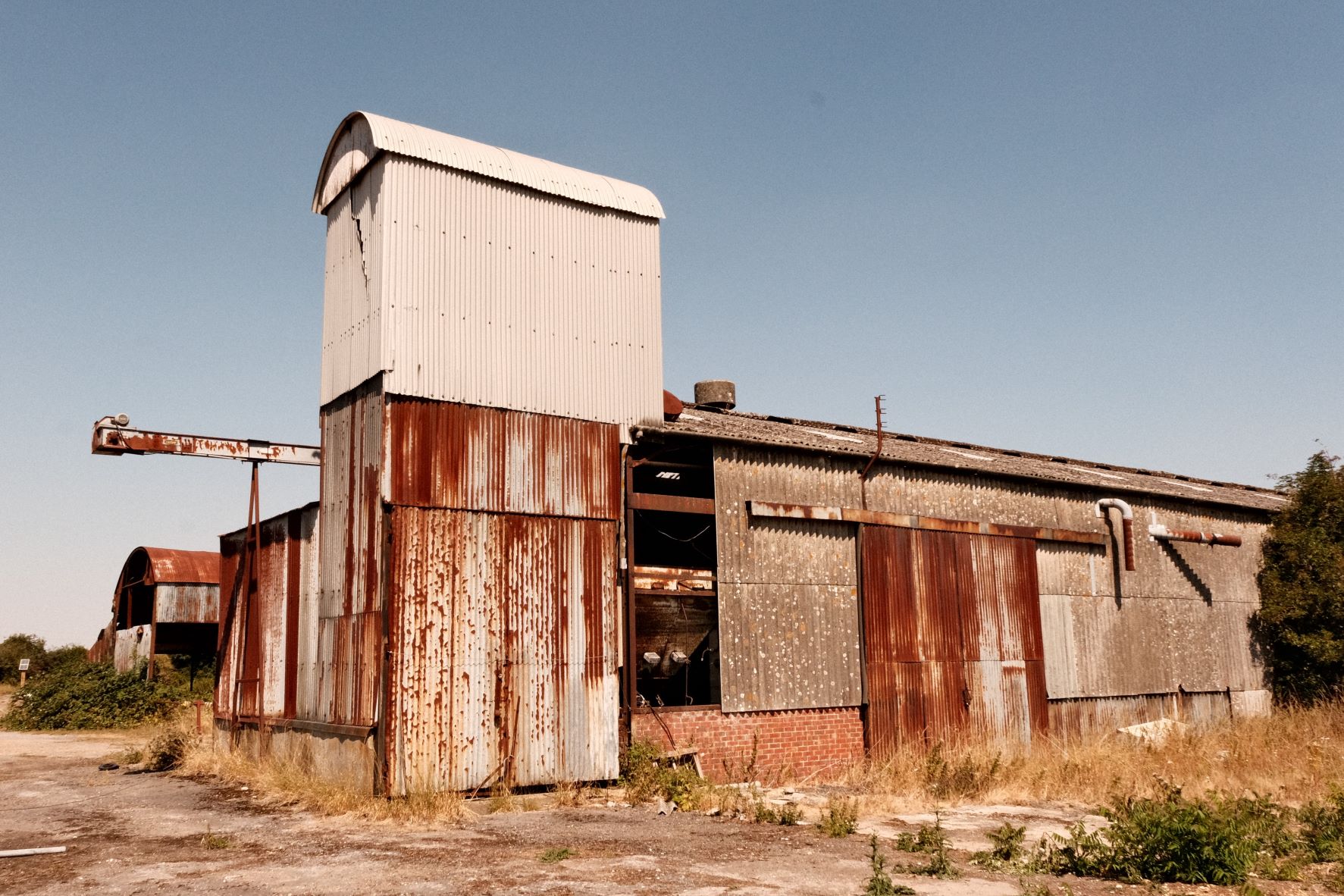
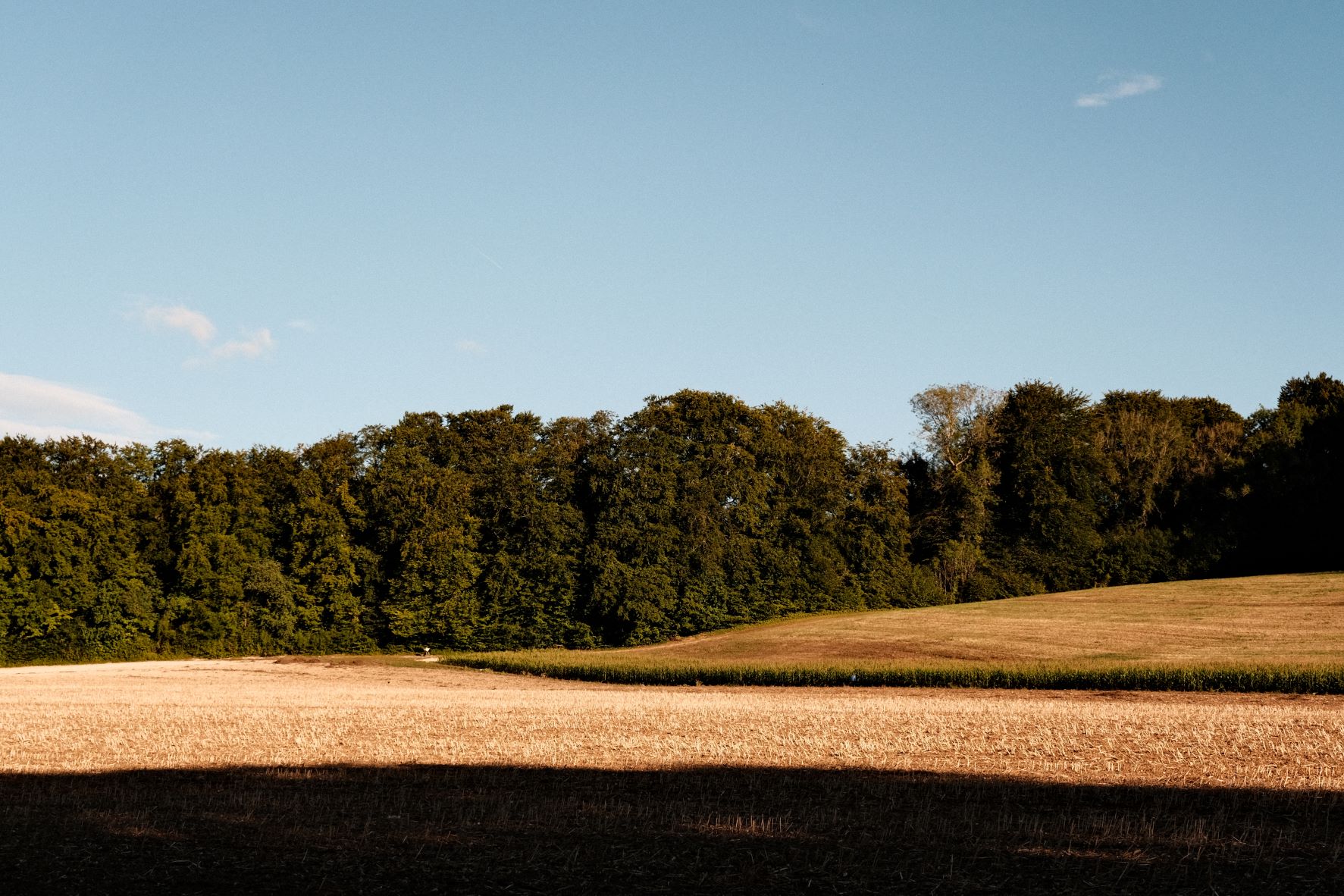
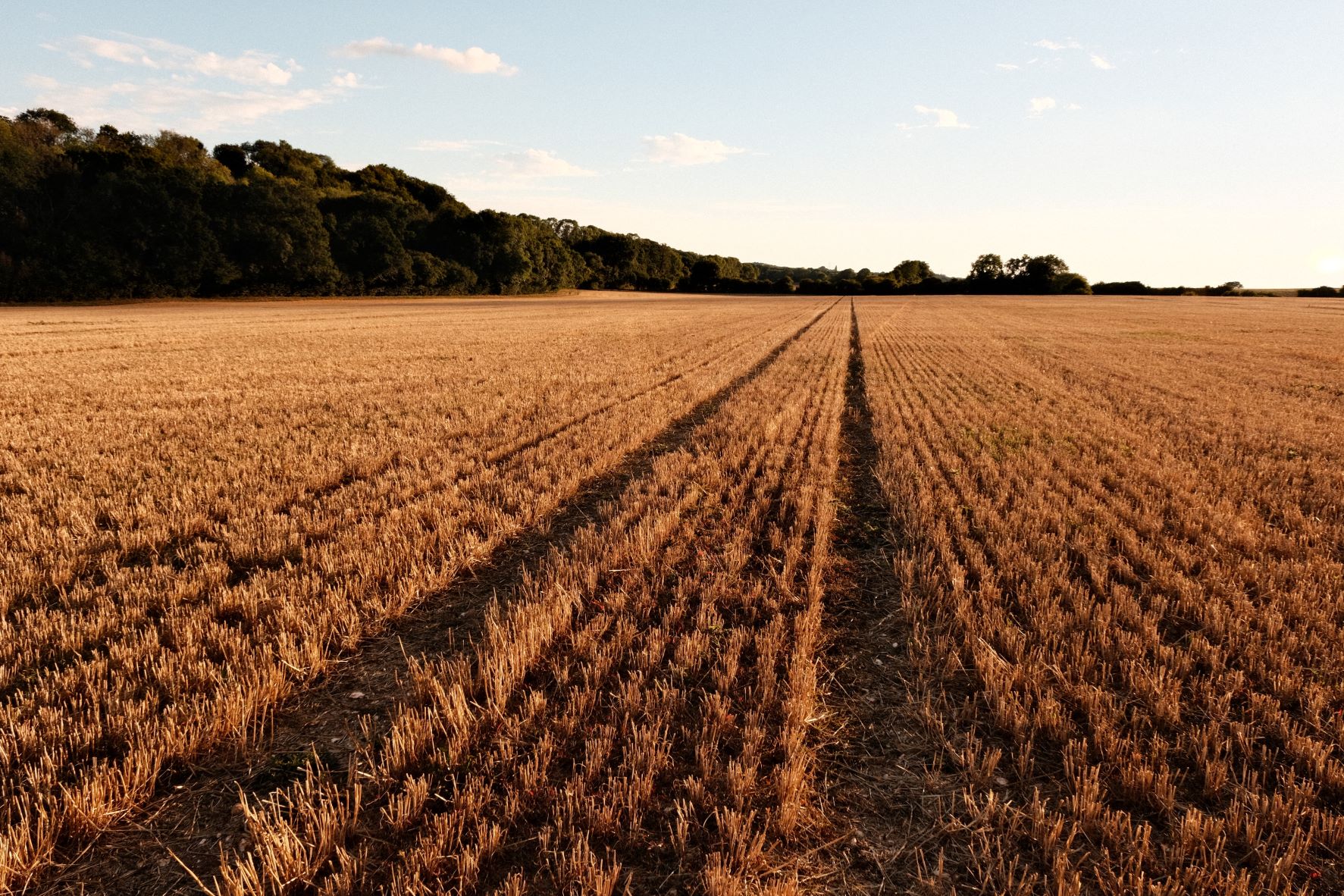
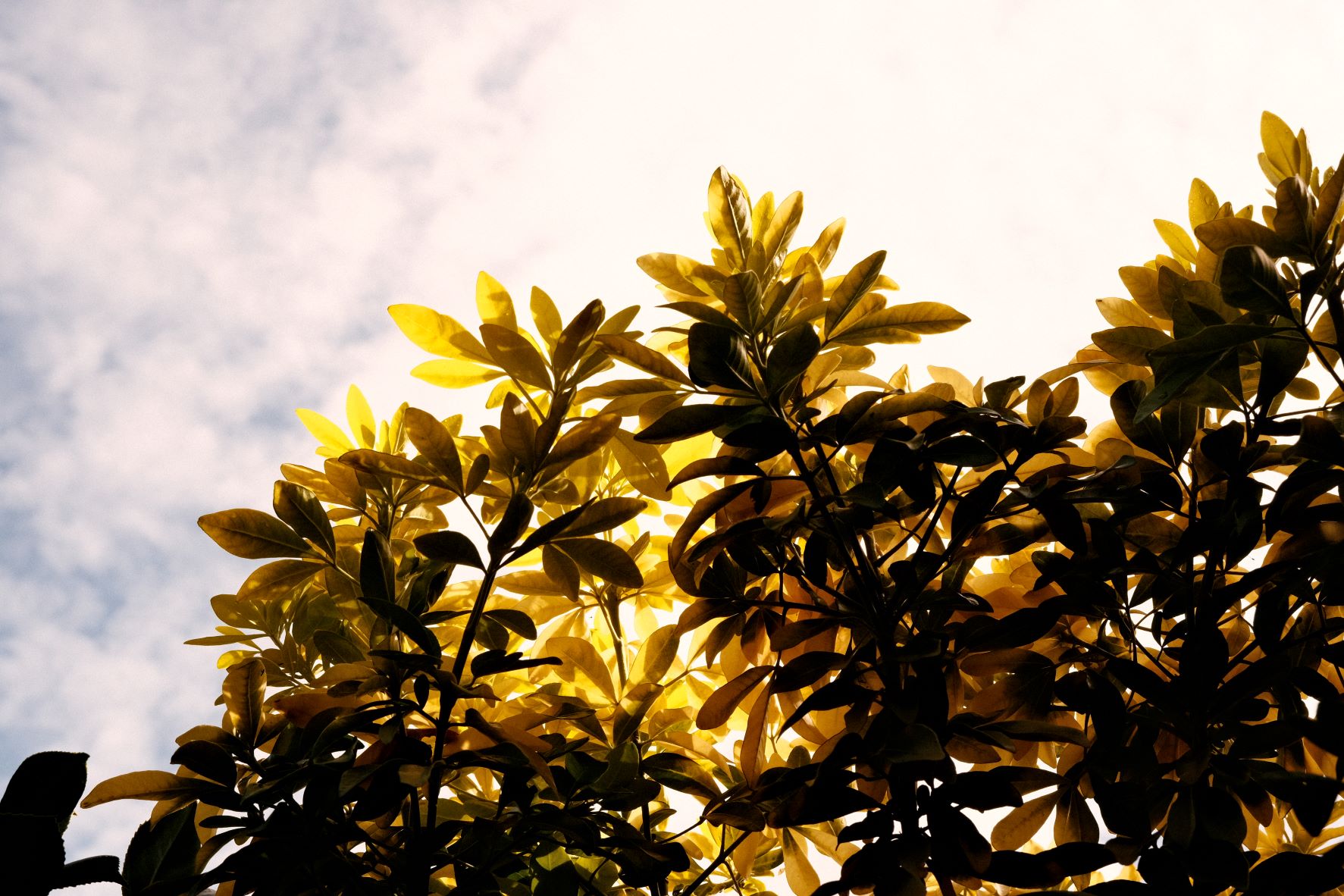
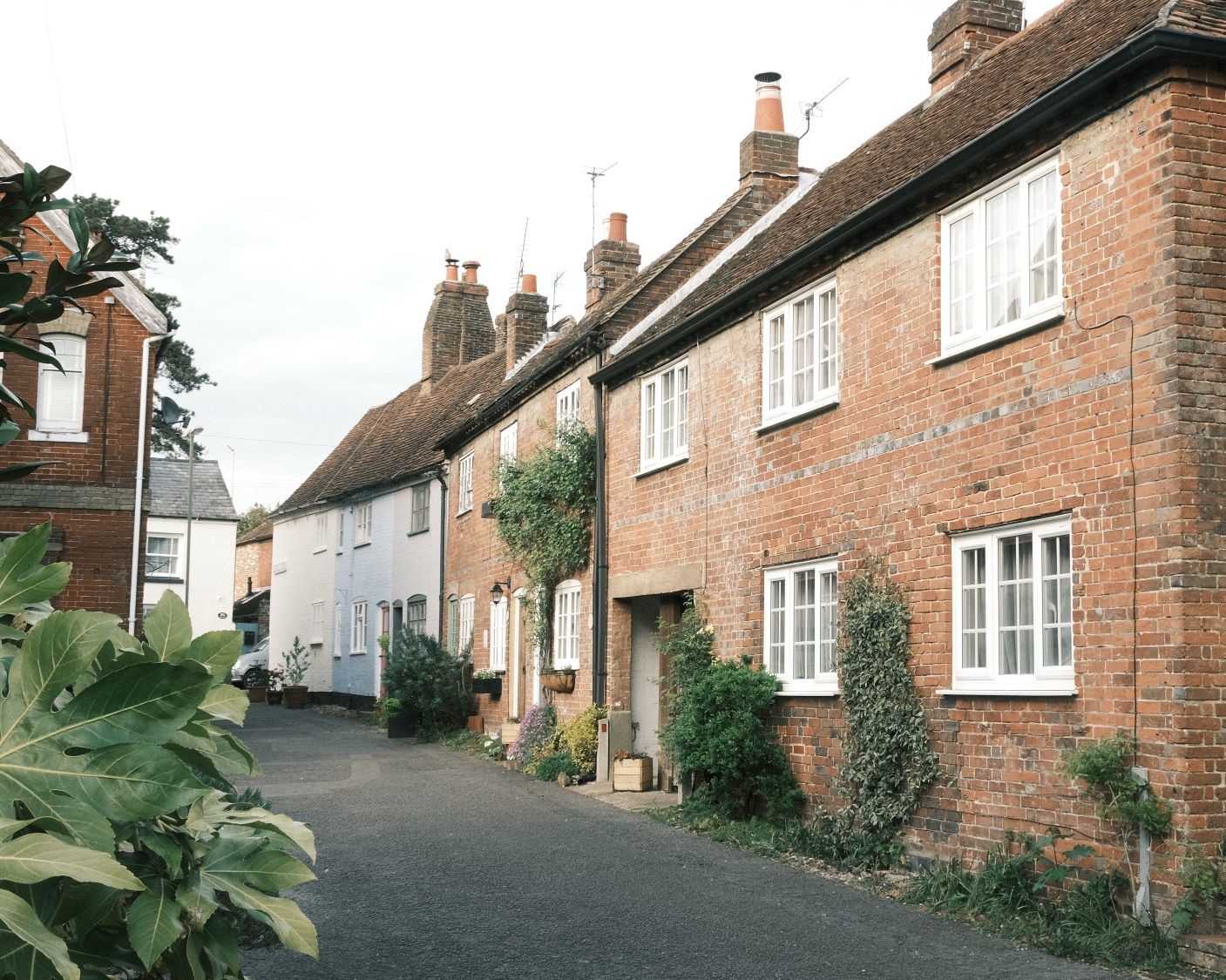
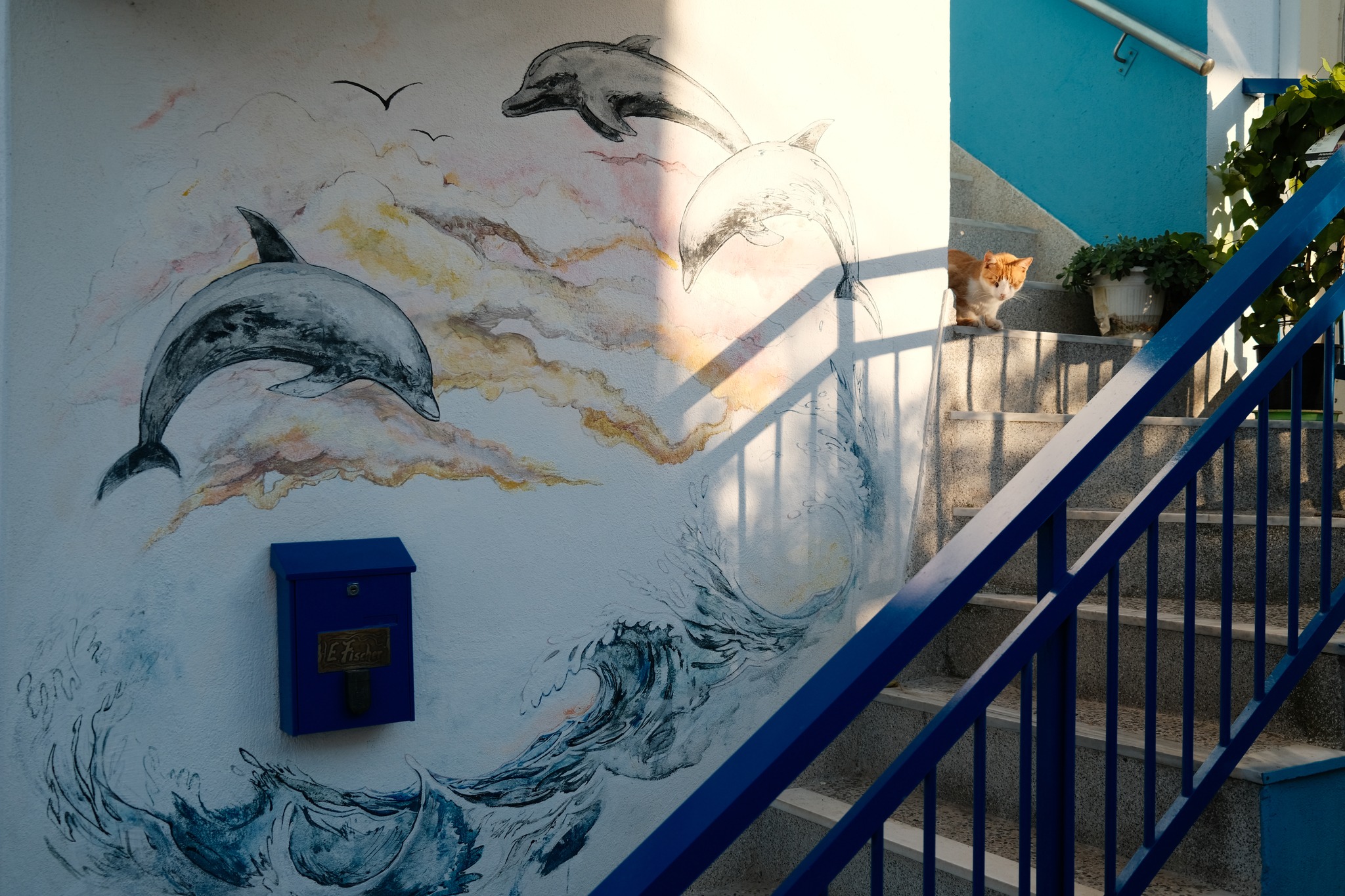
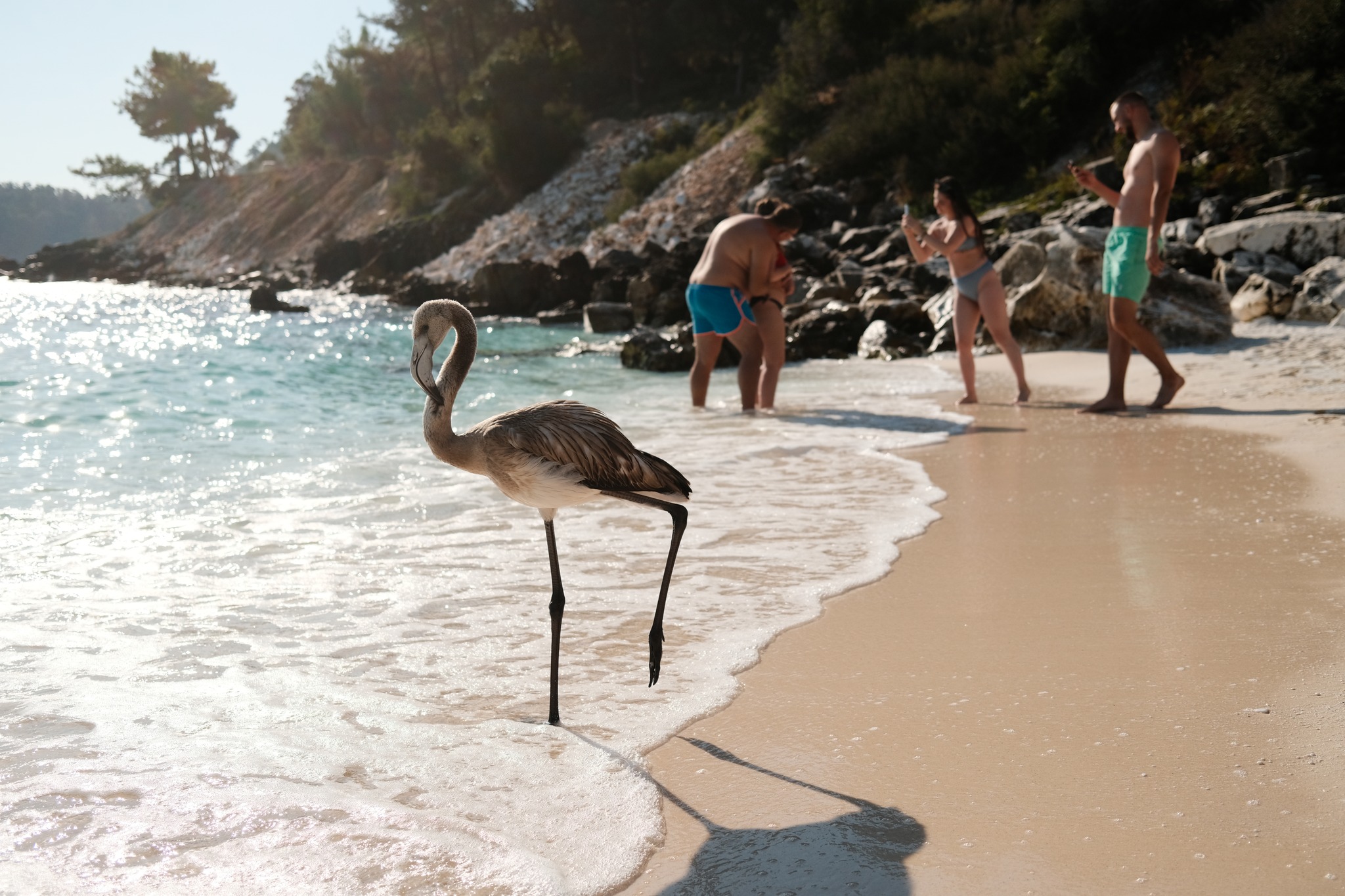
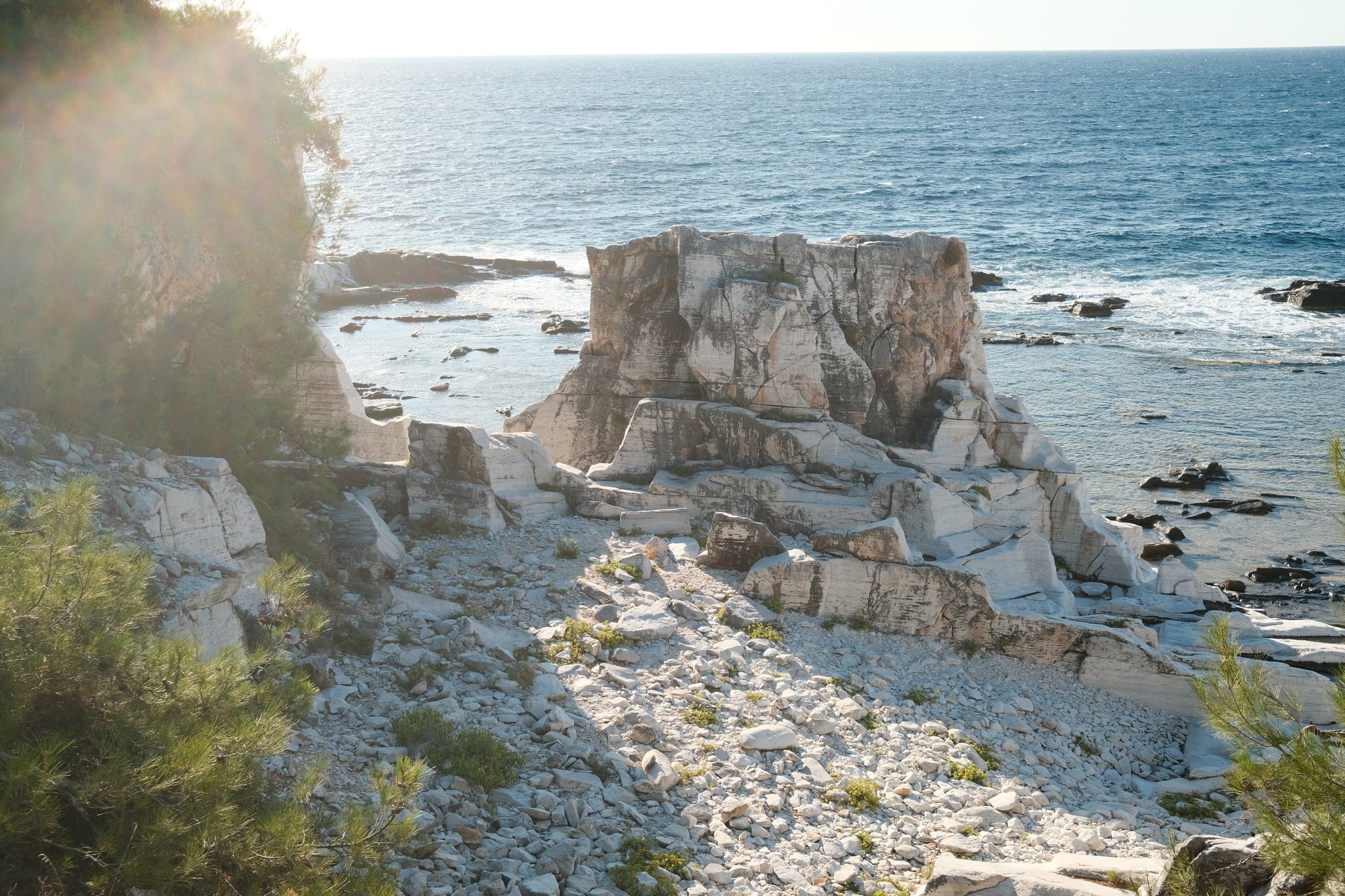
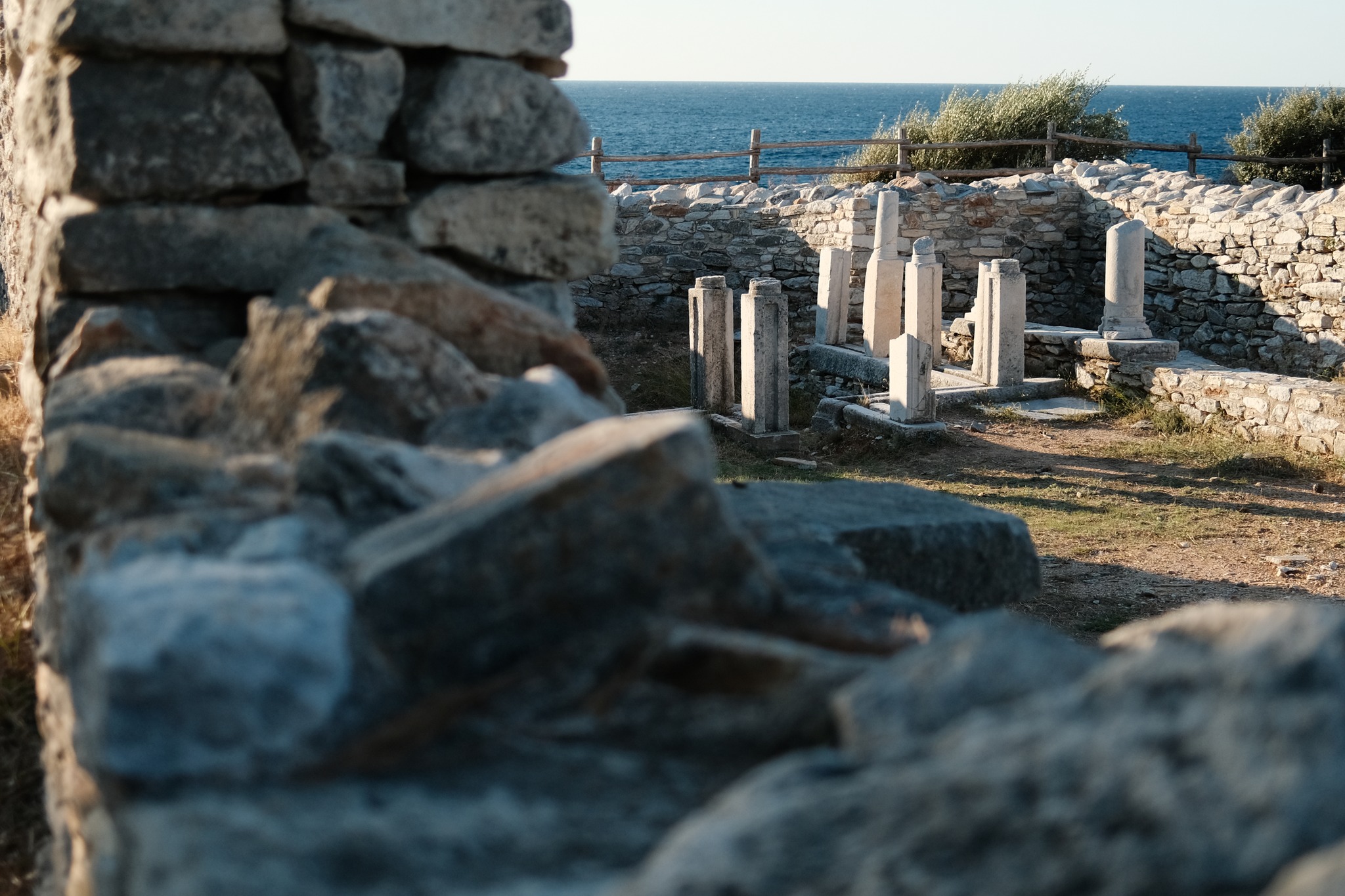
Dawnstar Film Recipe: Sample Photos