


Grizzly Bear
Grizzly Bear, a Recipe with Big Presence
Punchy colours and strong grain in this classic negative film recipe
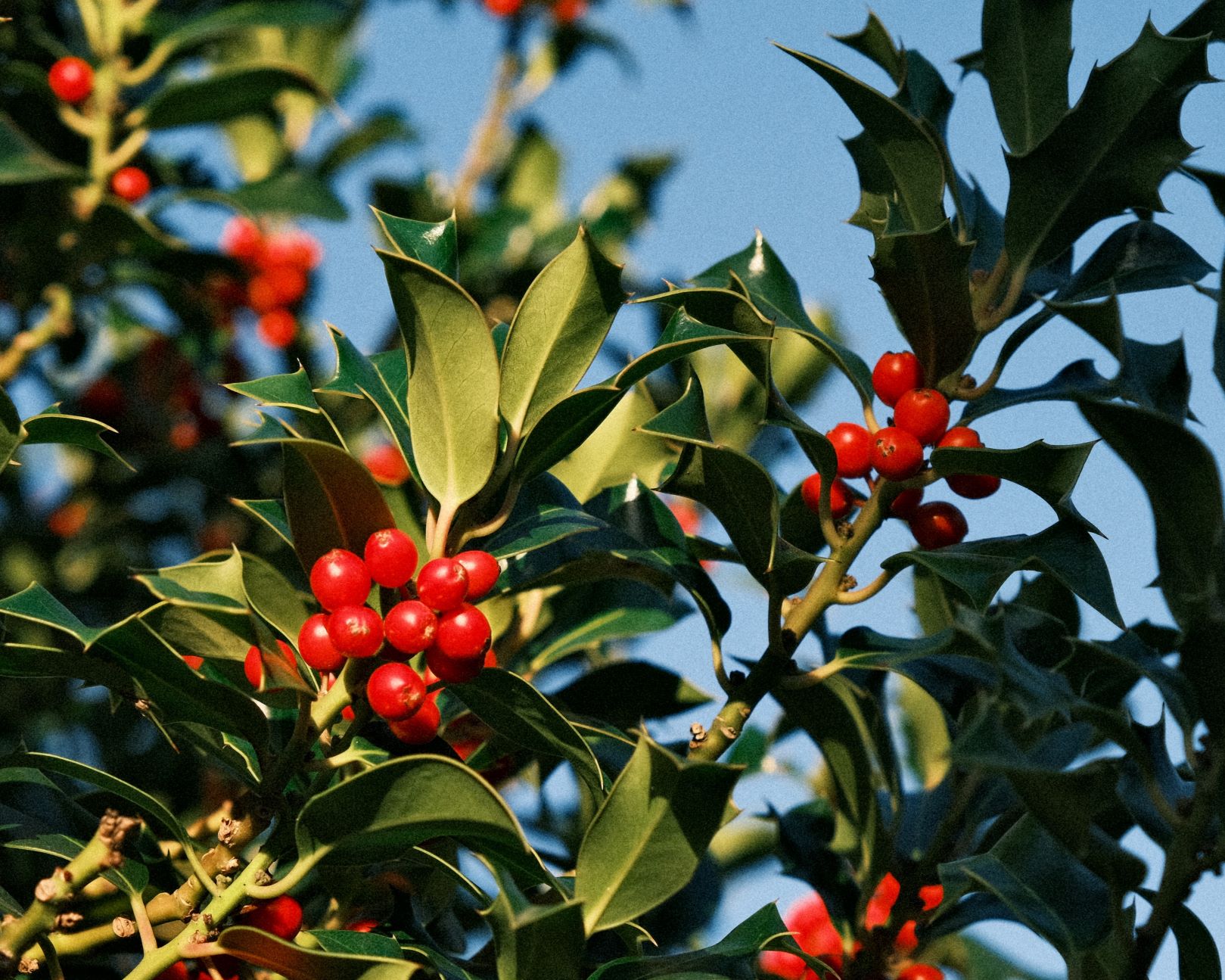
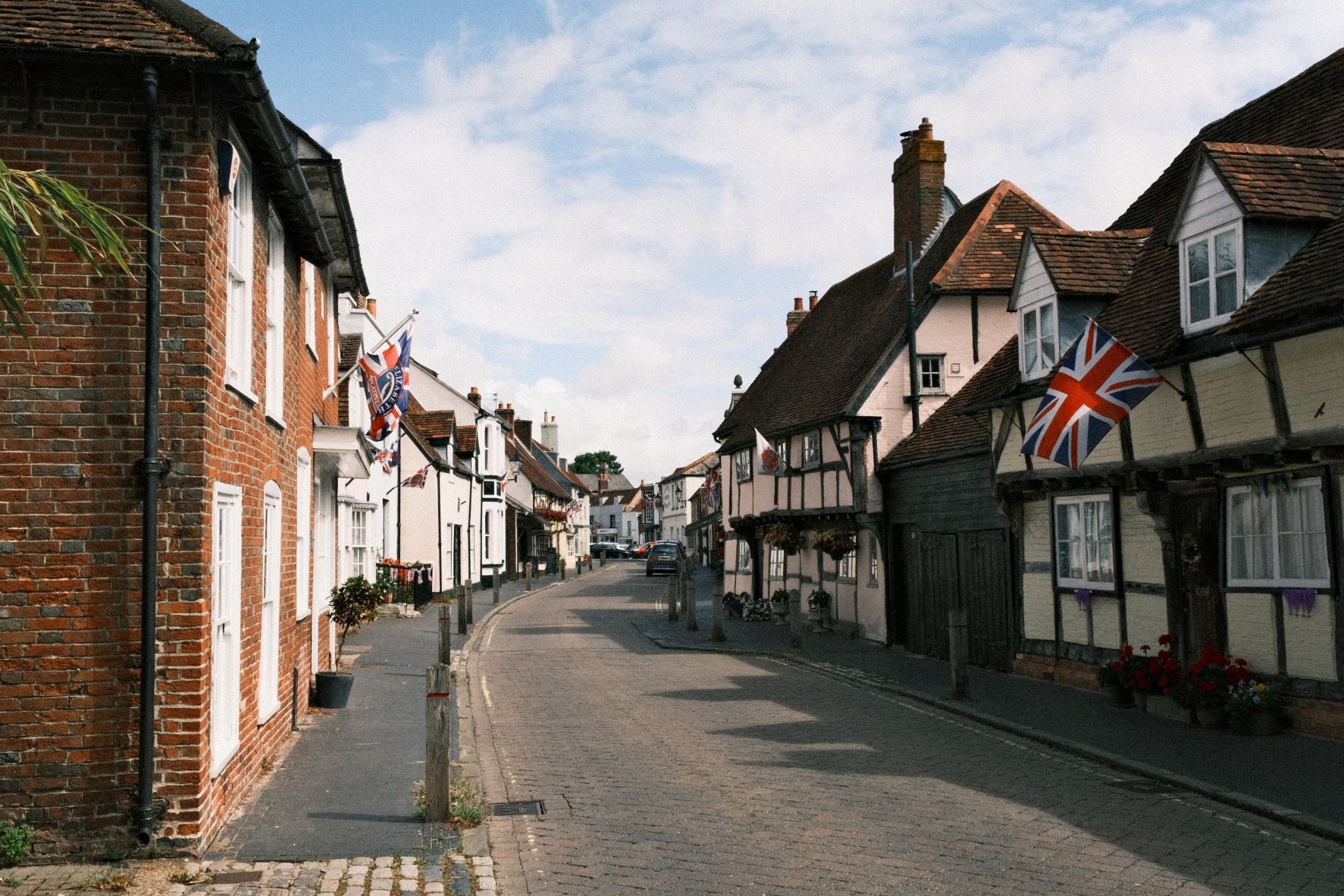
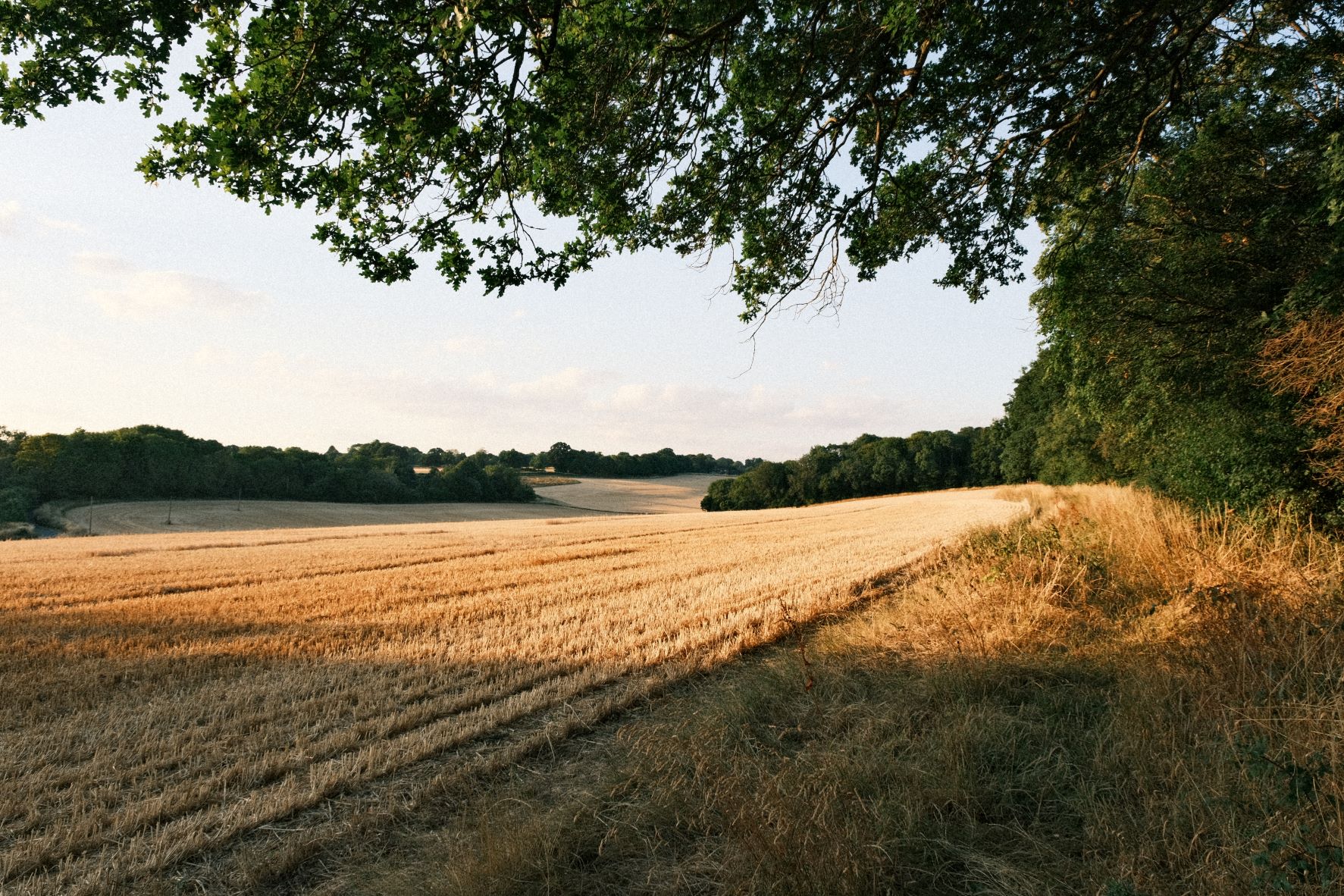
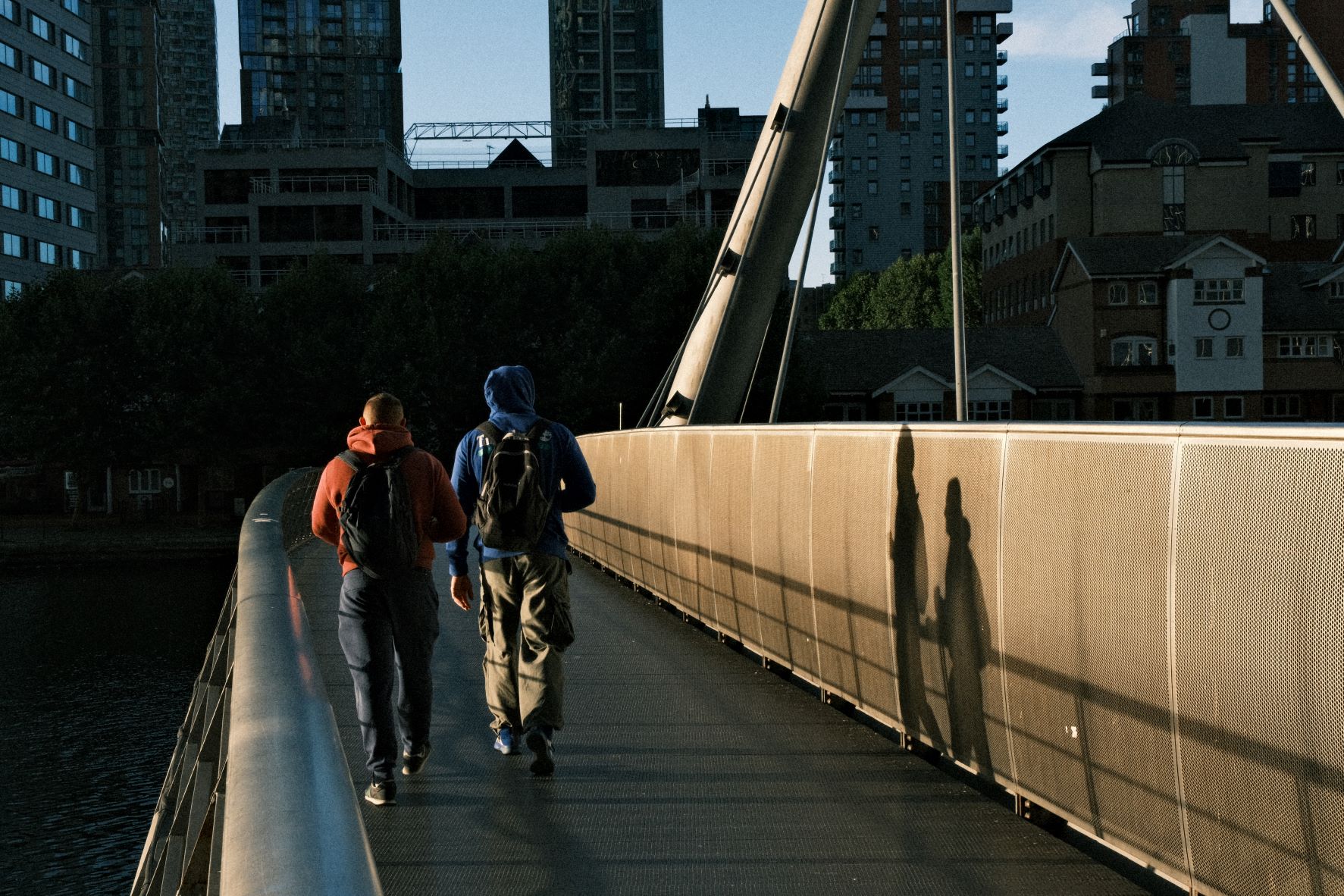
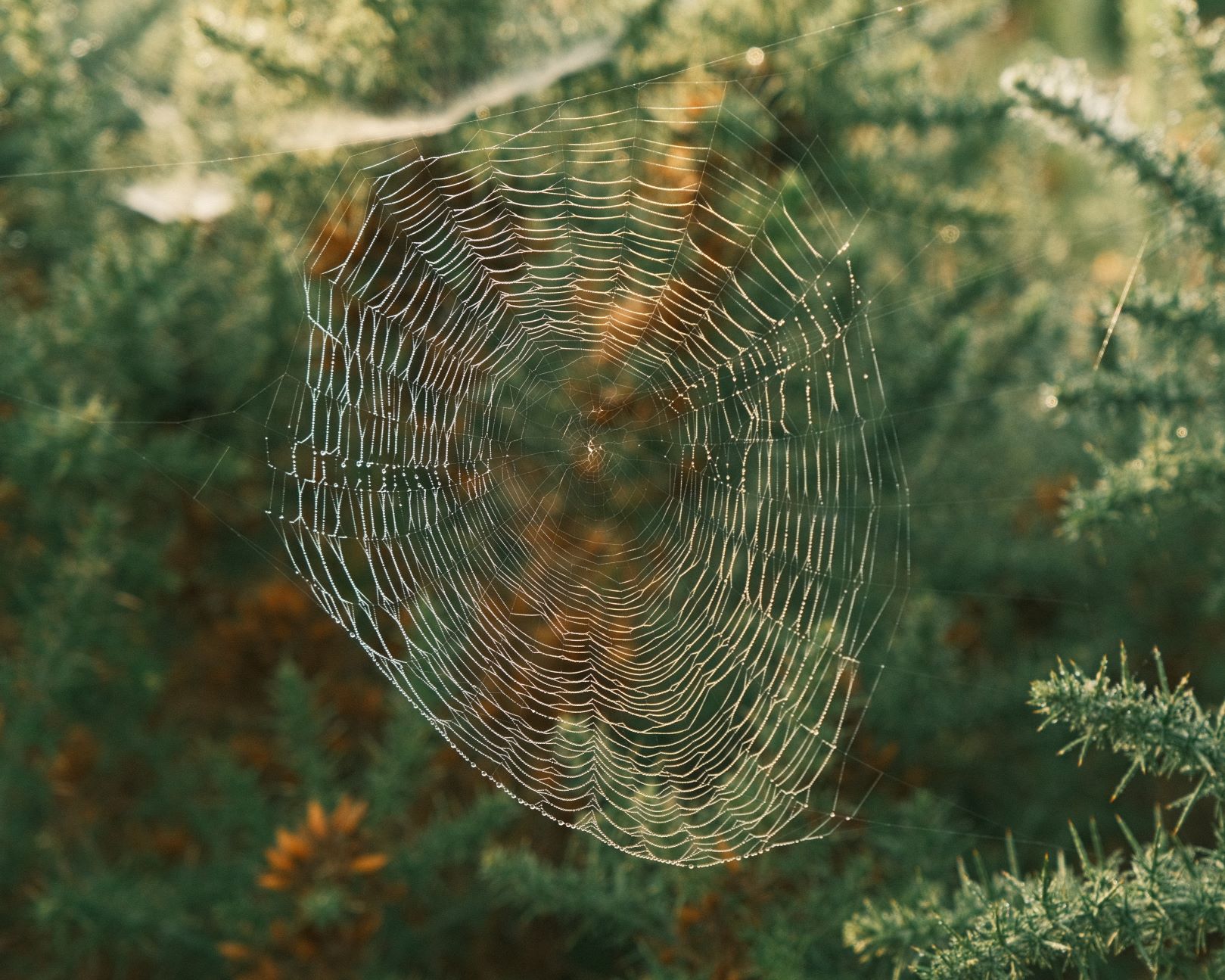
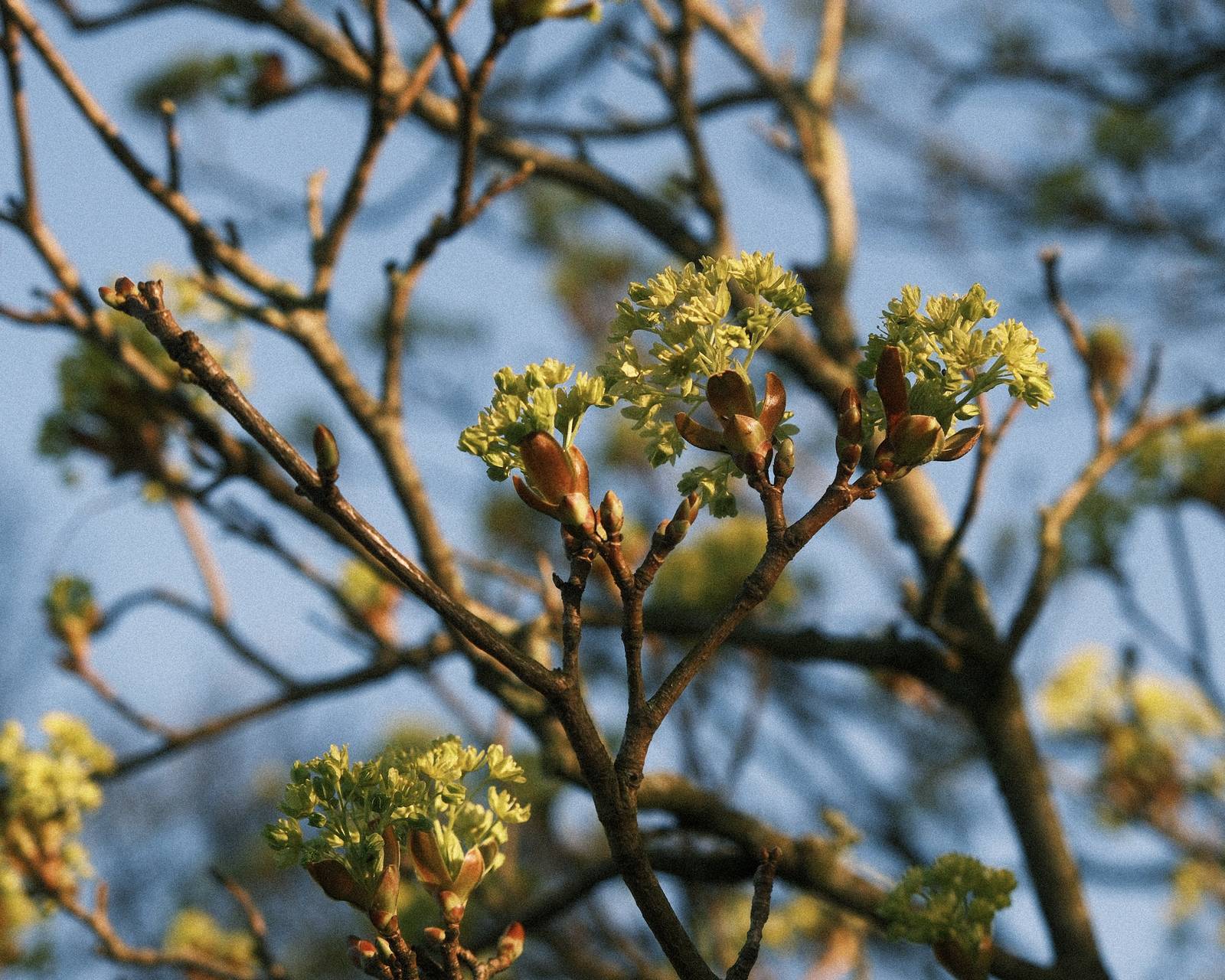
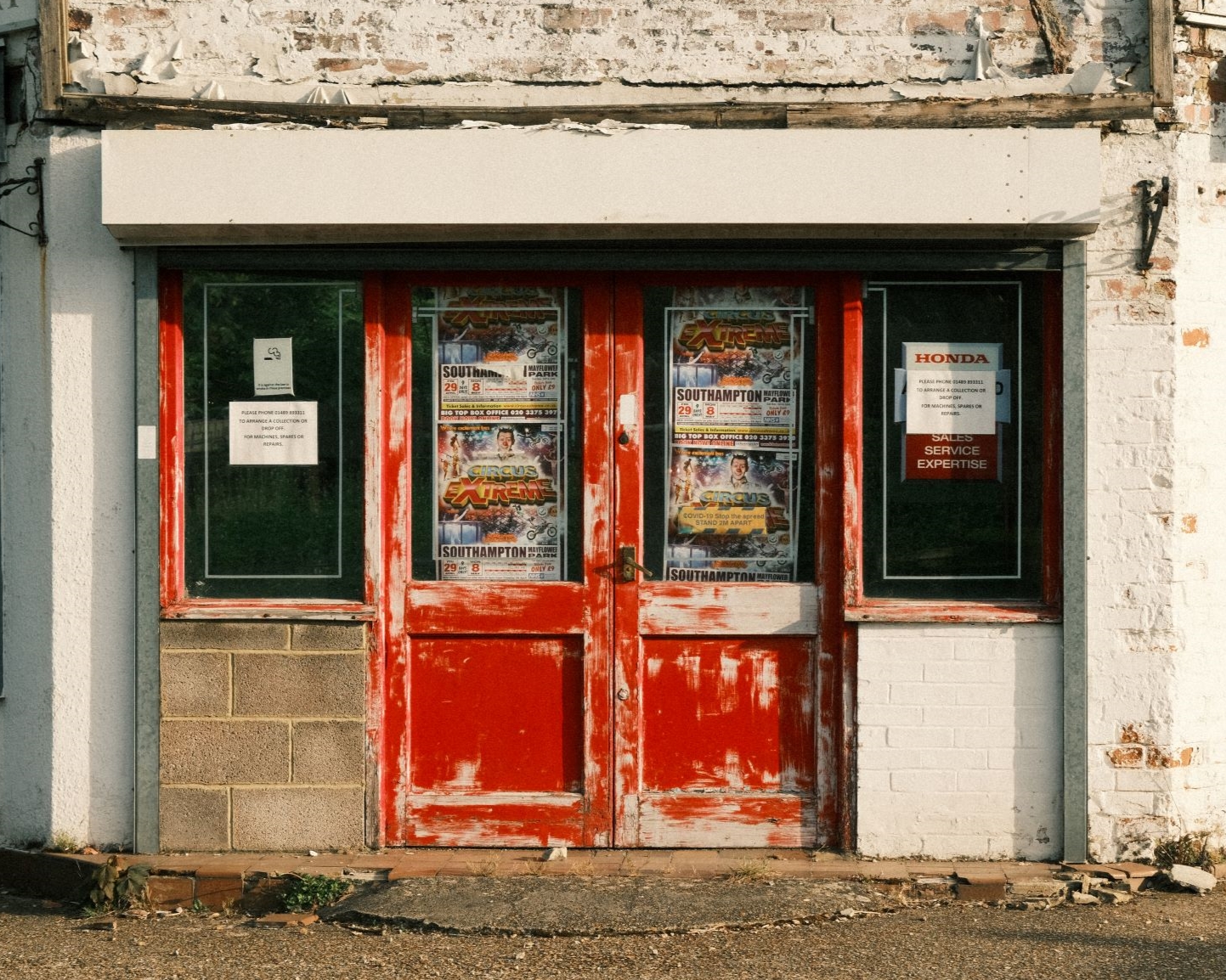
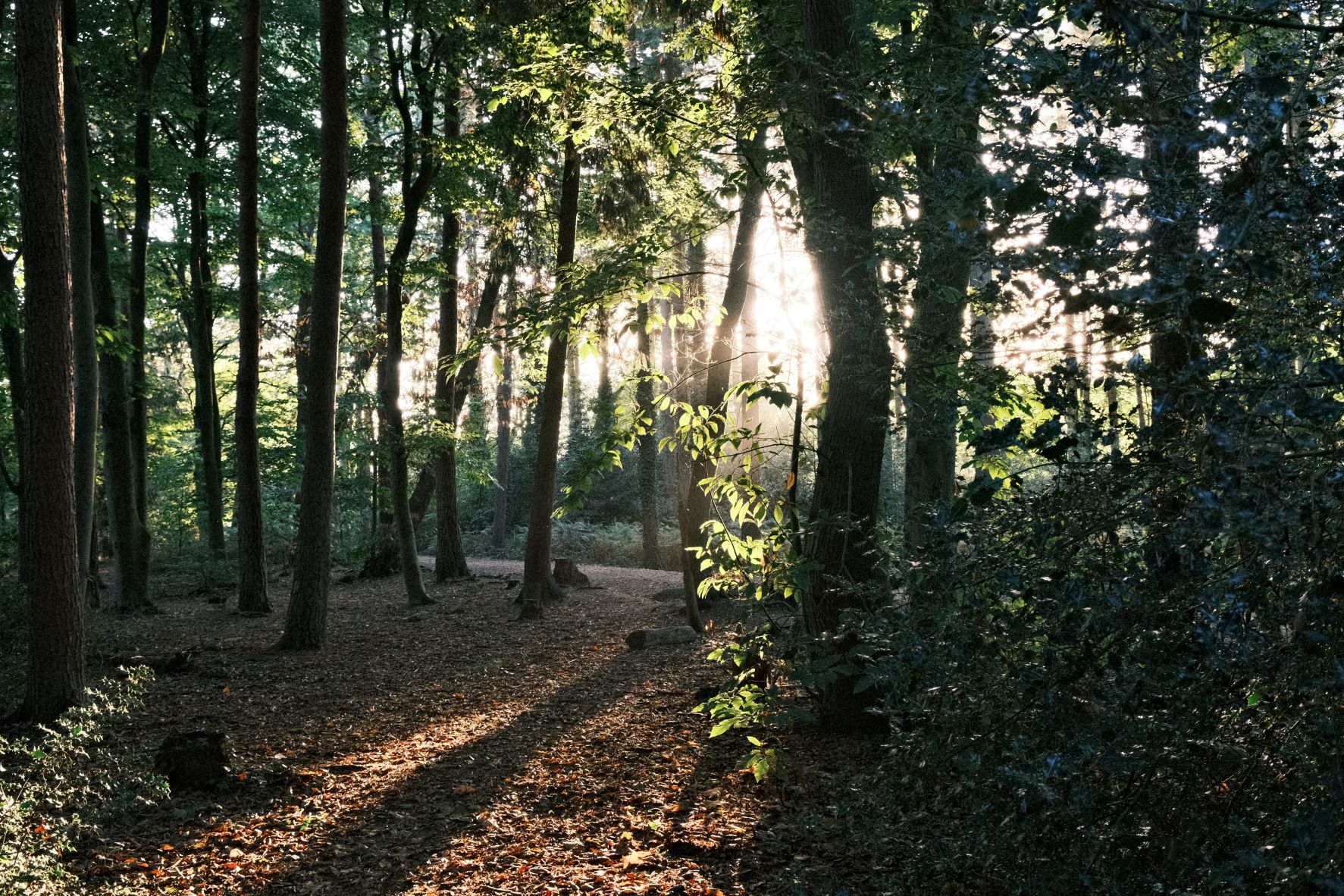
Sometimes, you want your photos to have impact, with punchy colours, deep shadows and character from grain. This recipe has been designed around those three features, and with such a big personality, is called Grizzly Bear.
The base film simulation is Classic Negative, with a strong grain and a positve clarity setting. This adds to the dramatic feel of the images, but does mean it may be a little slower to render and save the images. It’s all part of the look however, so that when you want a punchy slide-like result, you can ‘bring out the bear’!
Grizzly Bear Film Recipe Settings
| Film Simulation | Classic Negative |
| Grain Effect | Strong, Large |
| Col. Chr. Effect | Weak |
| Col. Chr. Blue | Off |
| White Balance | Auto, +1 Red, ‑3 Blue |
| Dynamic Range | DR400 |
| Highlights | 0.5 |
| Shadows | ‑1.5 |
| Colour | 2 |
| Sharpness | ‑2 |
| ISO N.R. | ‑4 |
| Clarity | 4 |
| EV Comp. | 0 |
Similar Recipes
More similar recipes, and hundreds more exclusive looks, are available in the Film Recipes App.

Get the Film Recipes App
Rolling activity feed — see what’s trending in the app


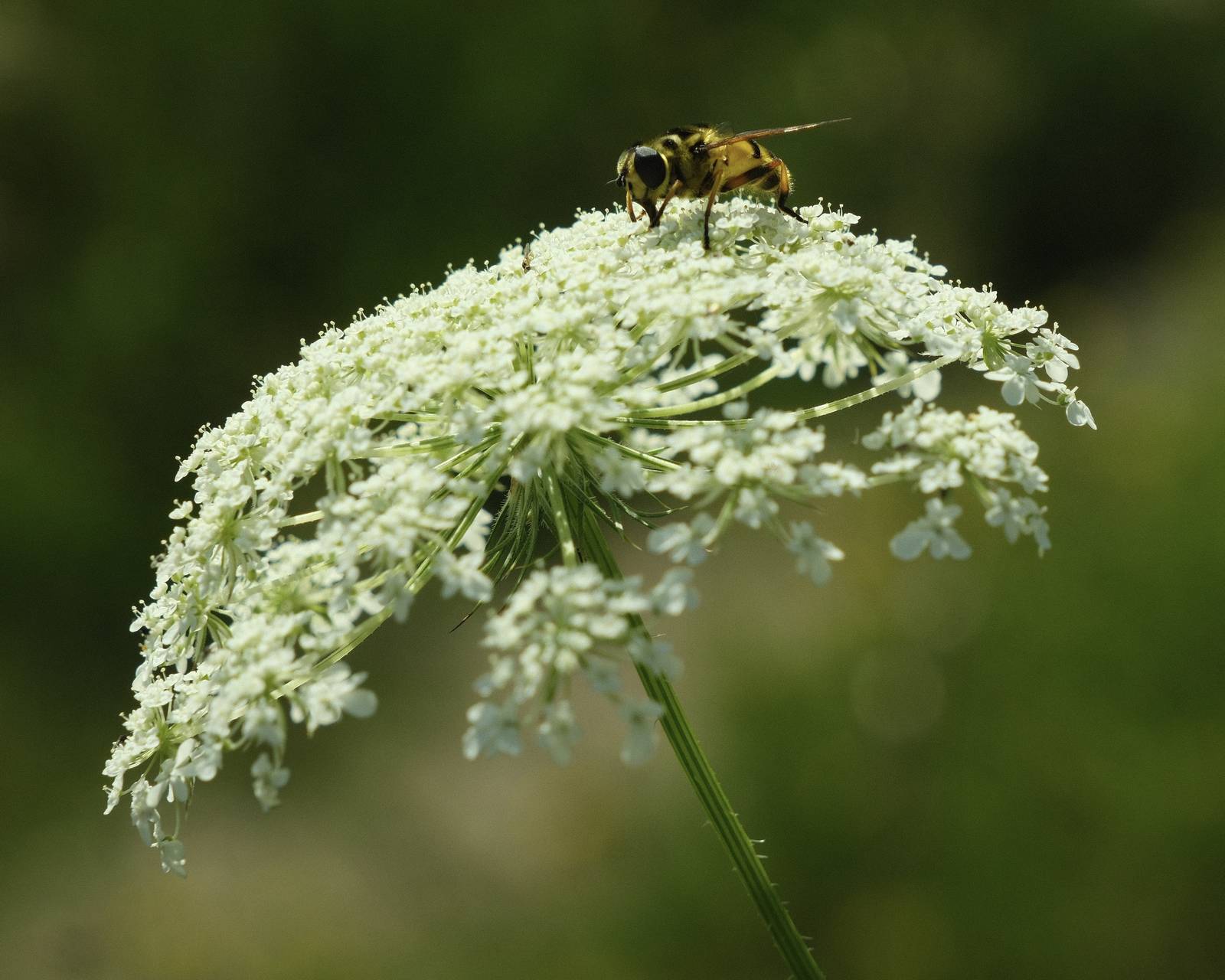
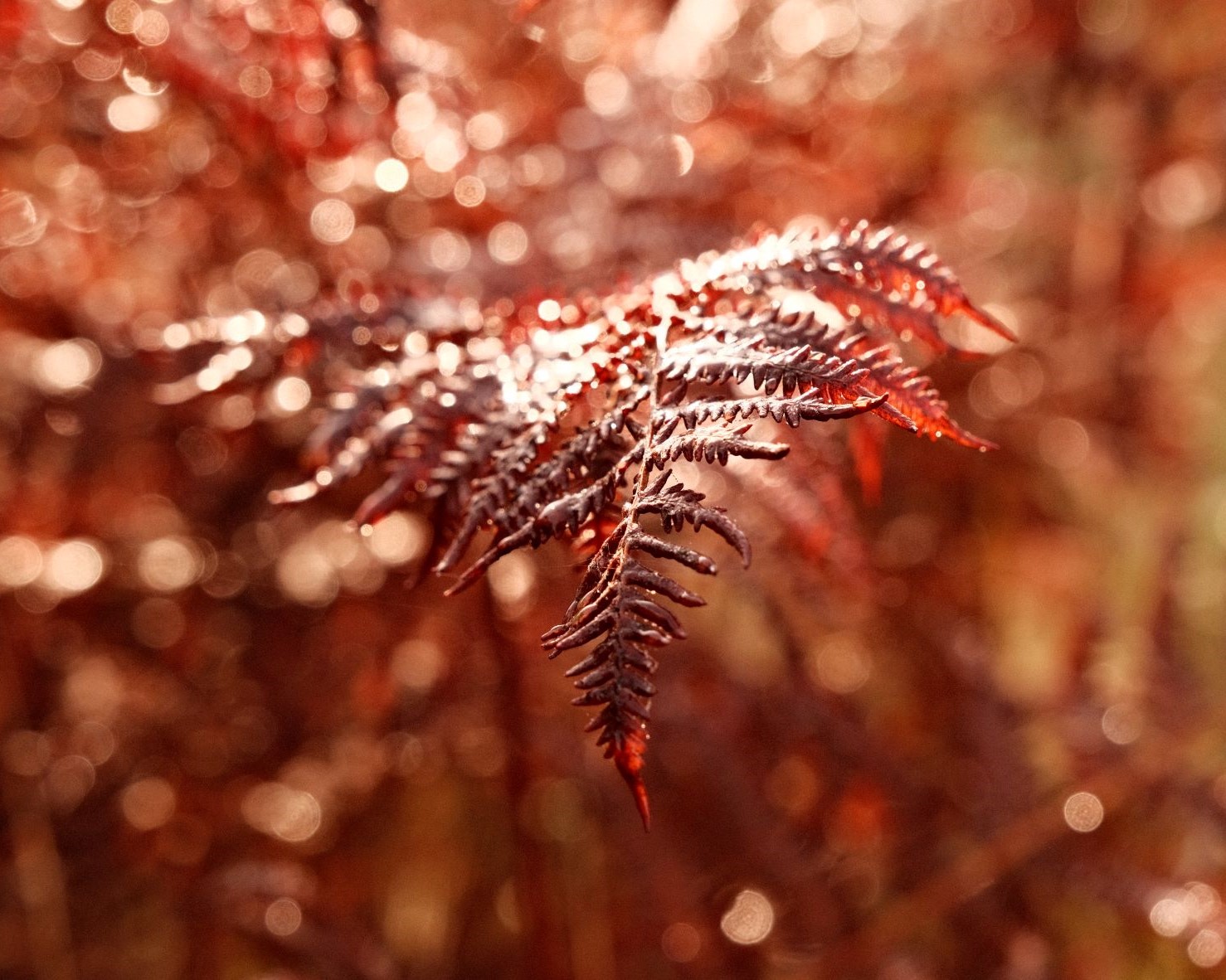
Grizzly Bear Film Recipe: Sample Photos

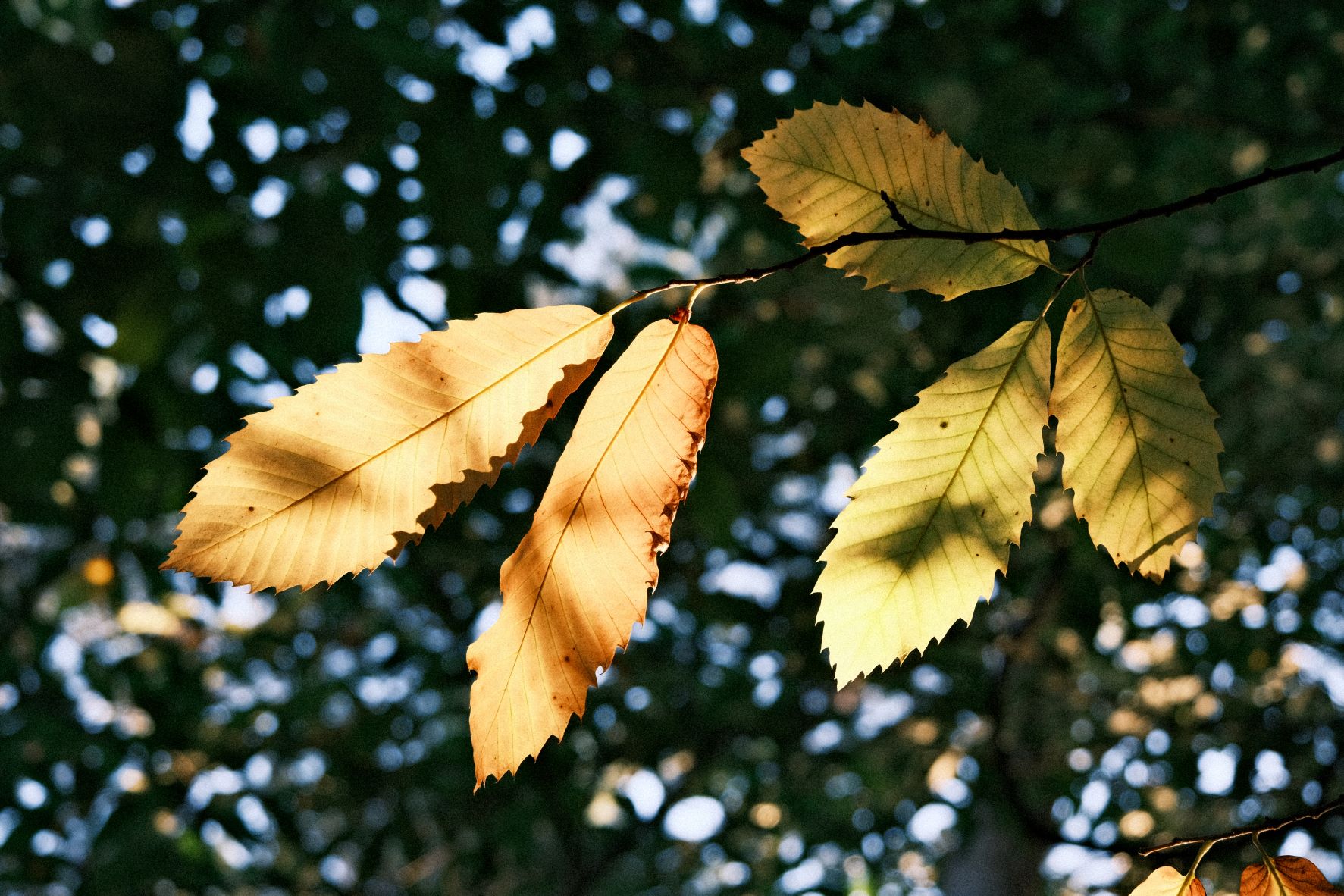
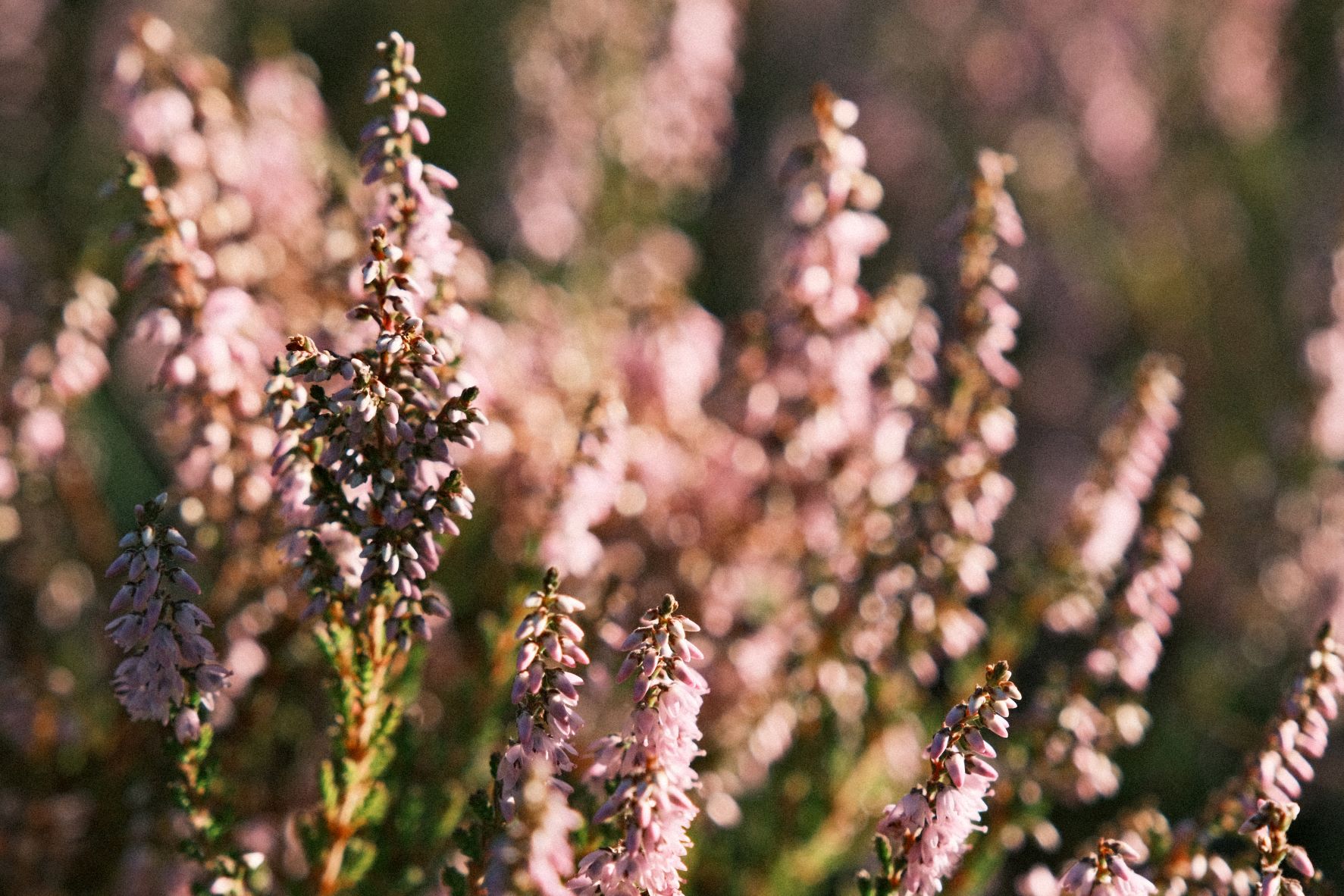
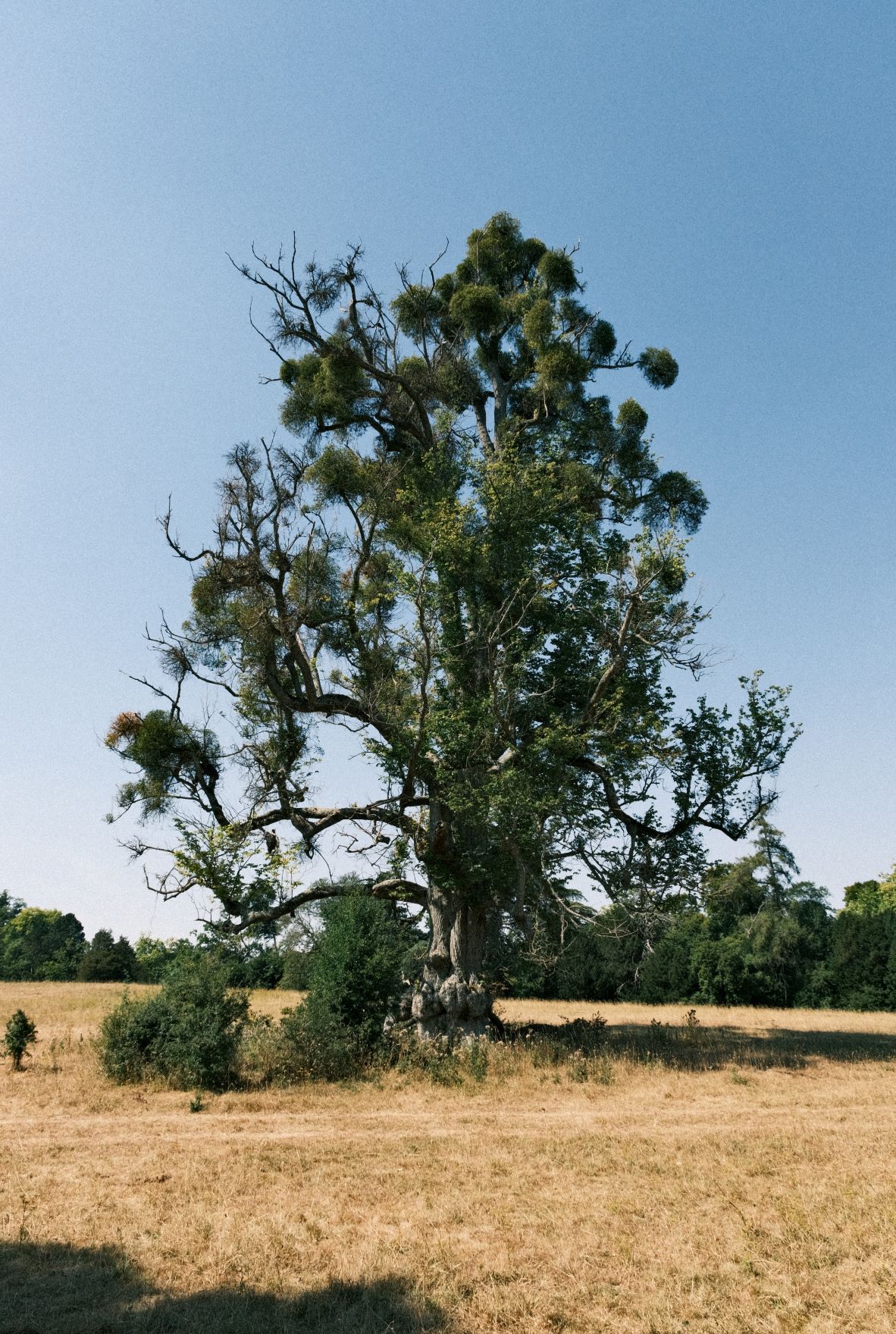
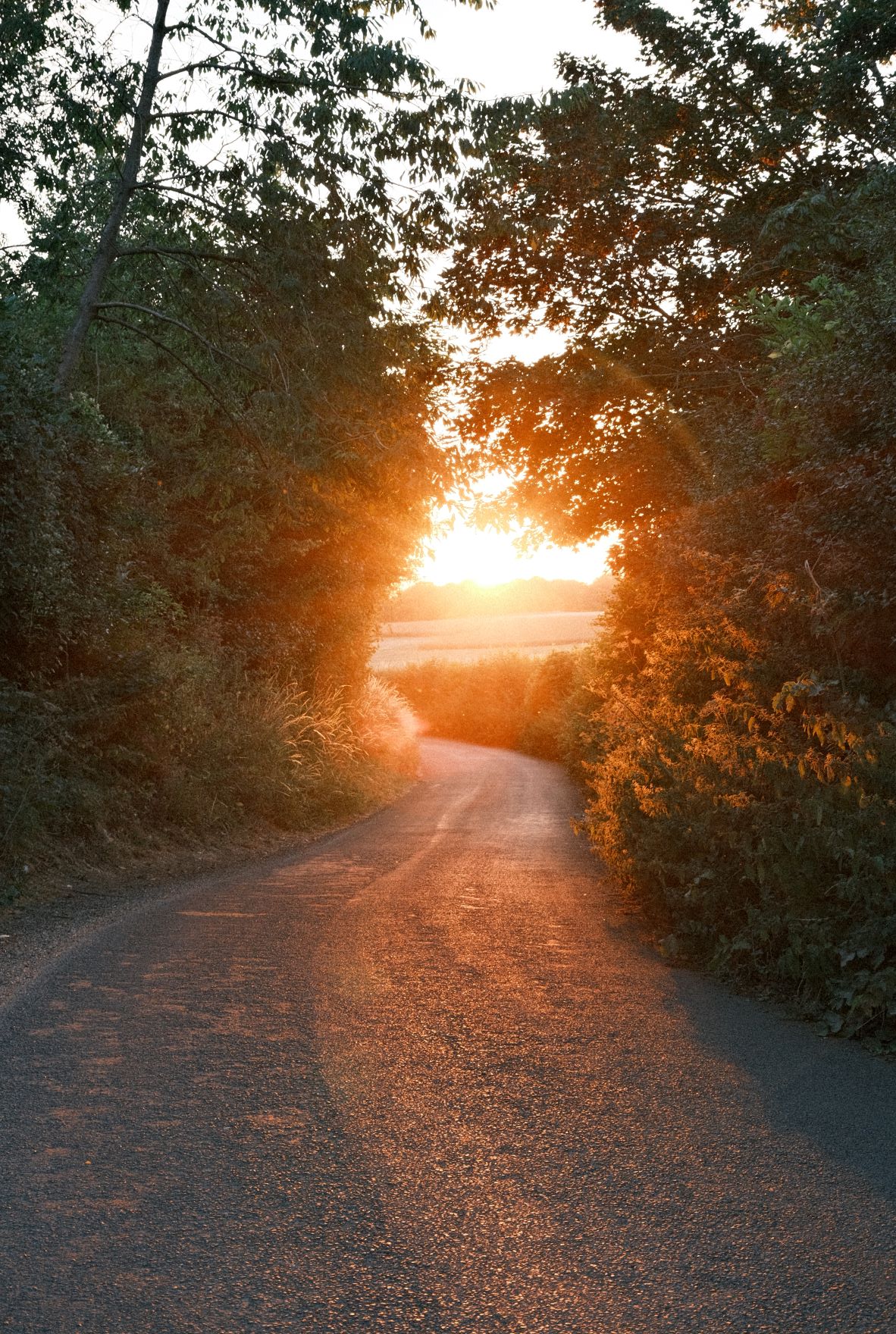
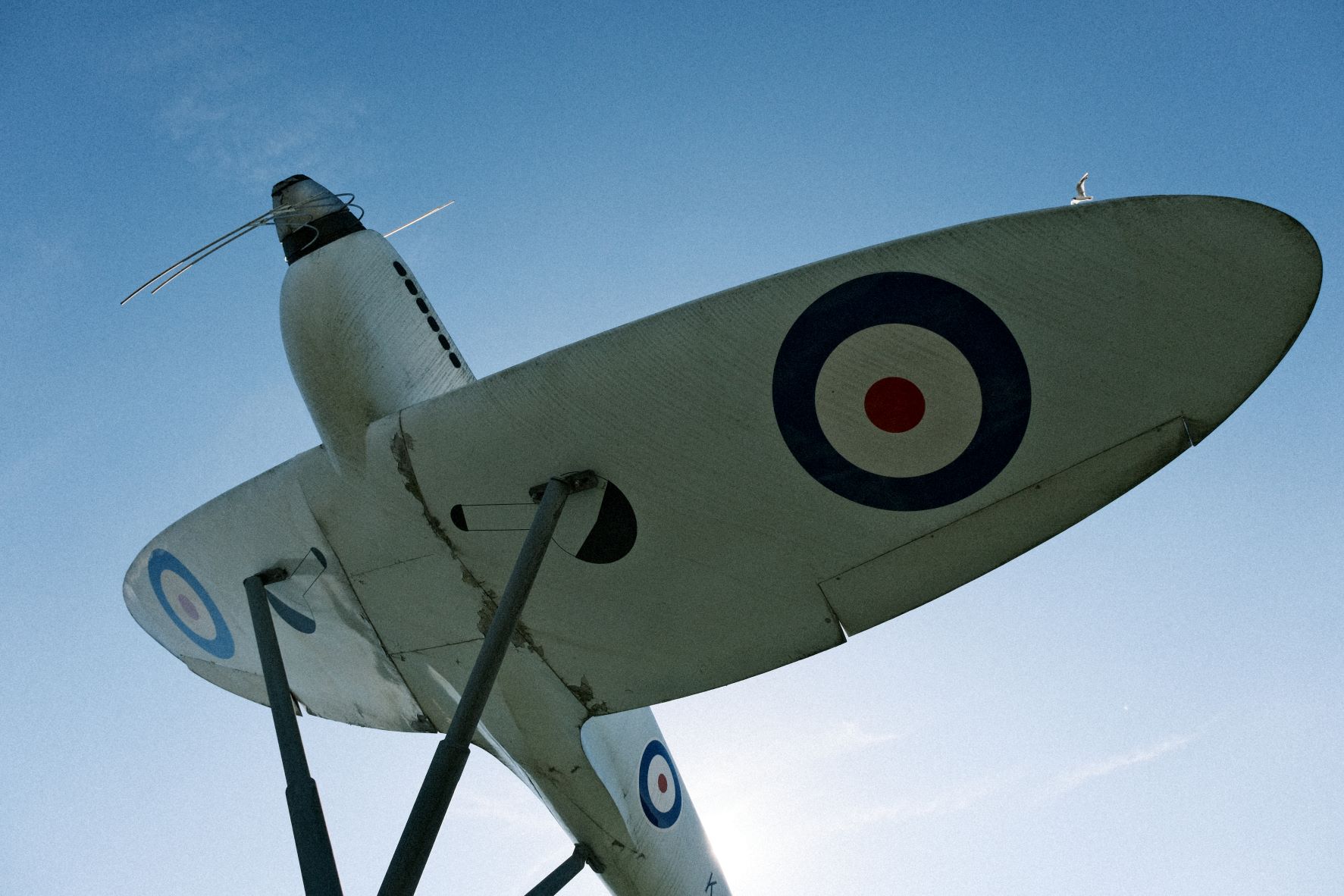
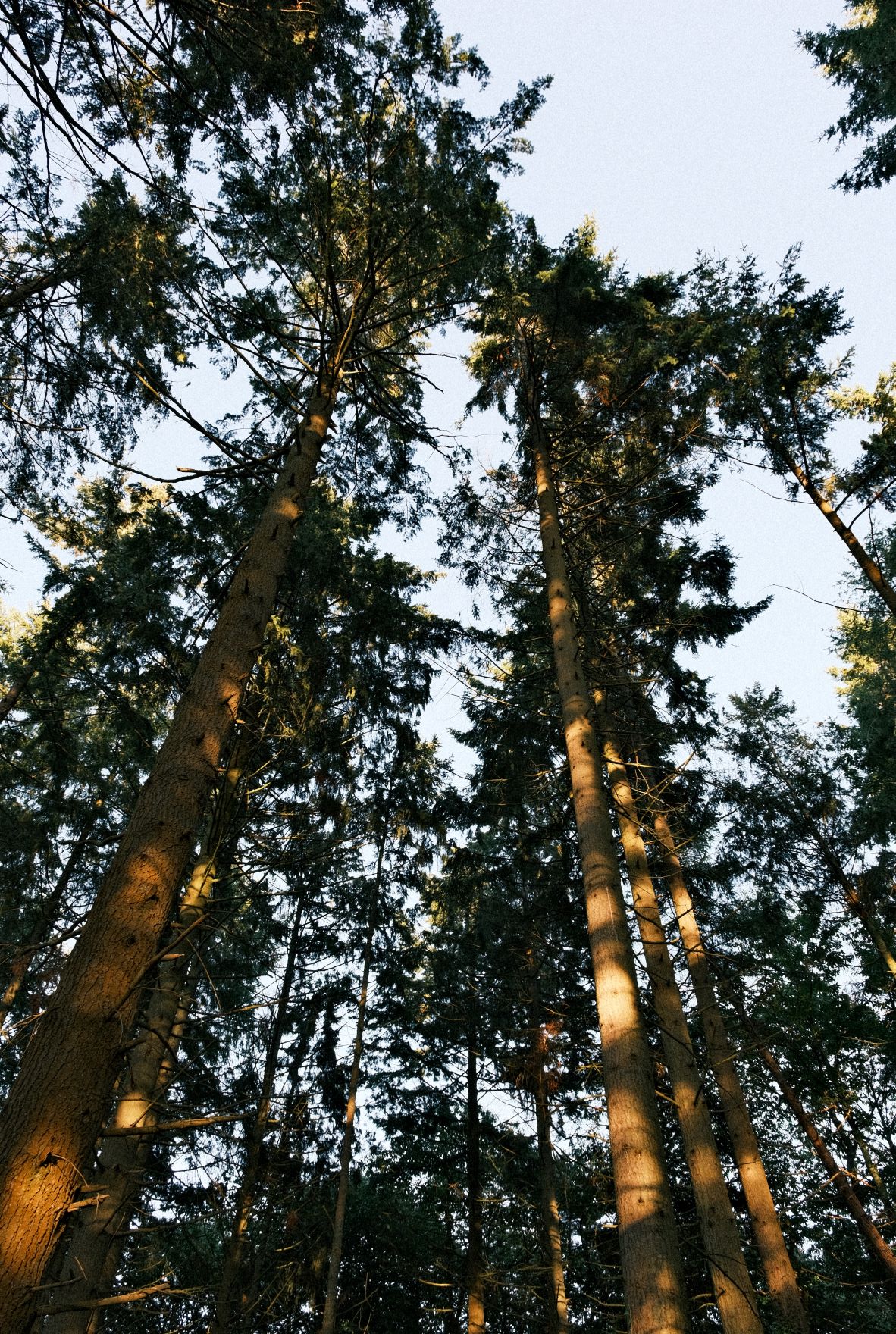
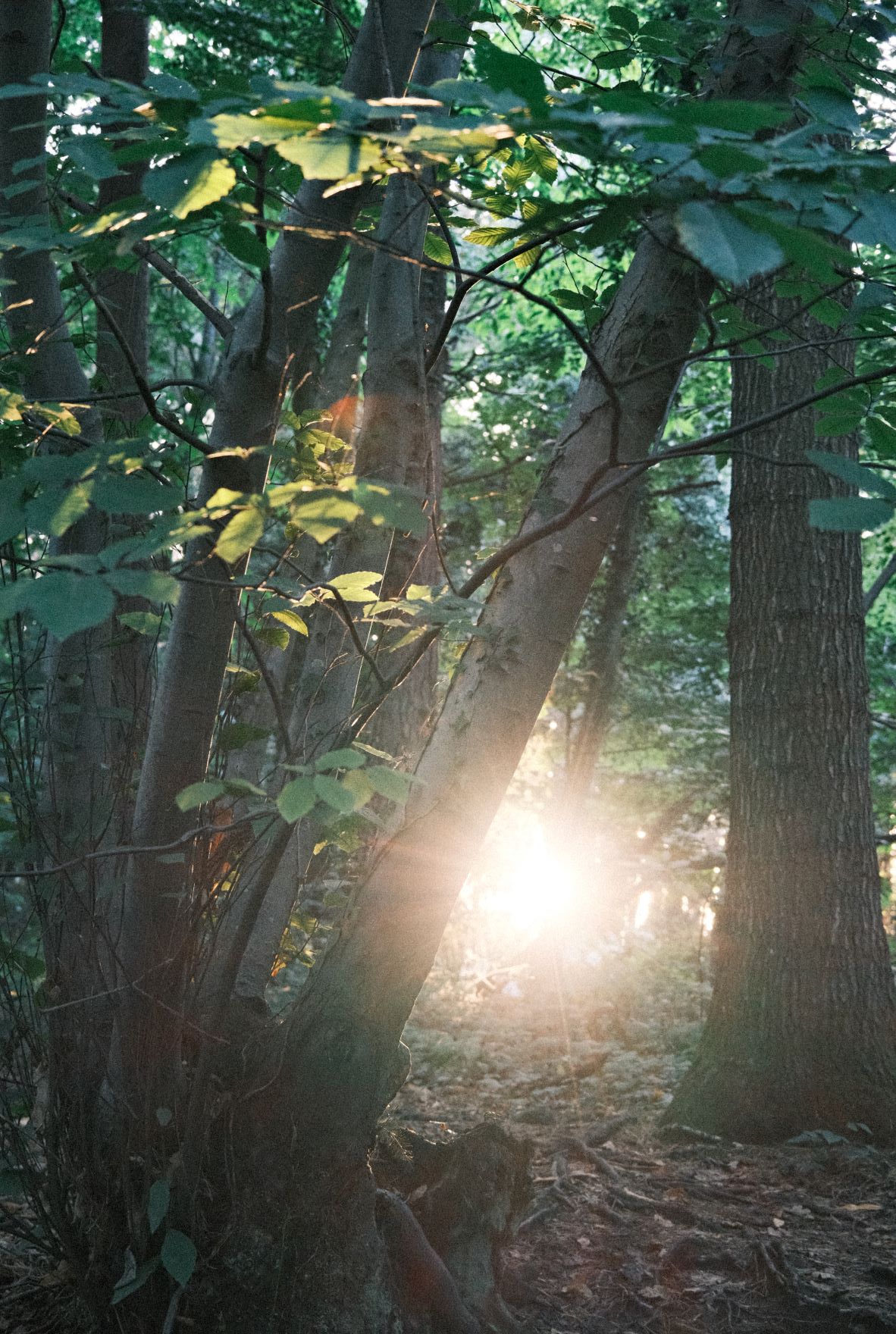
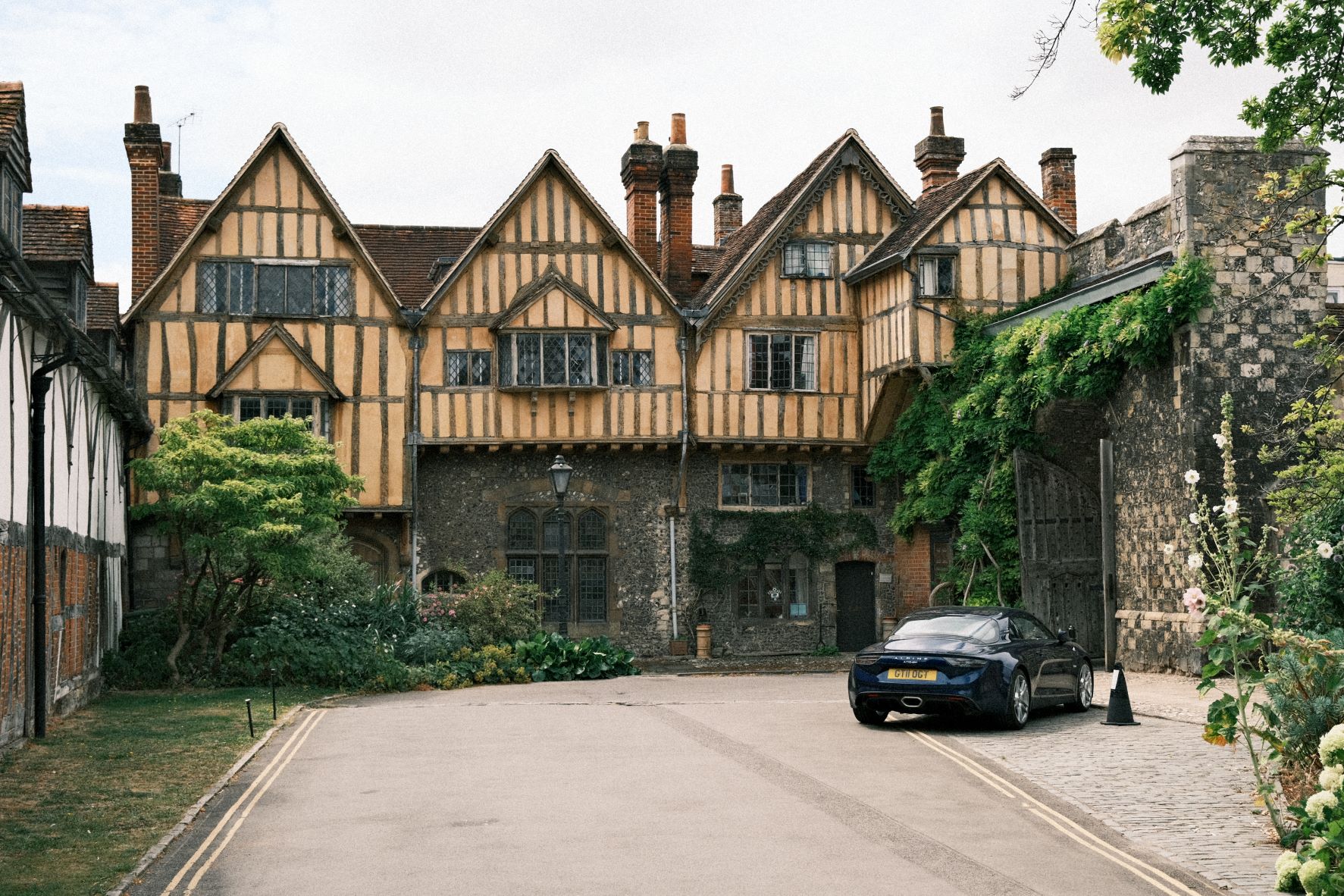
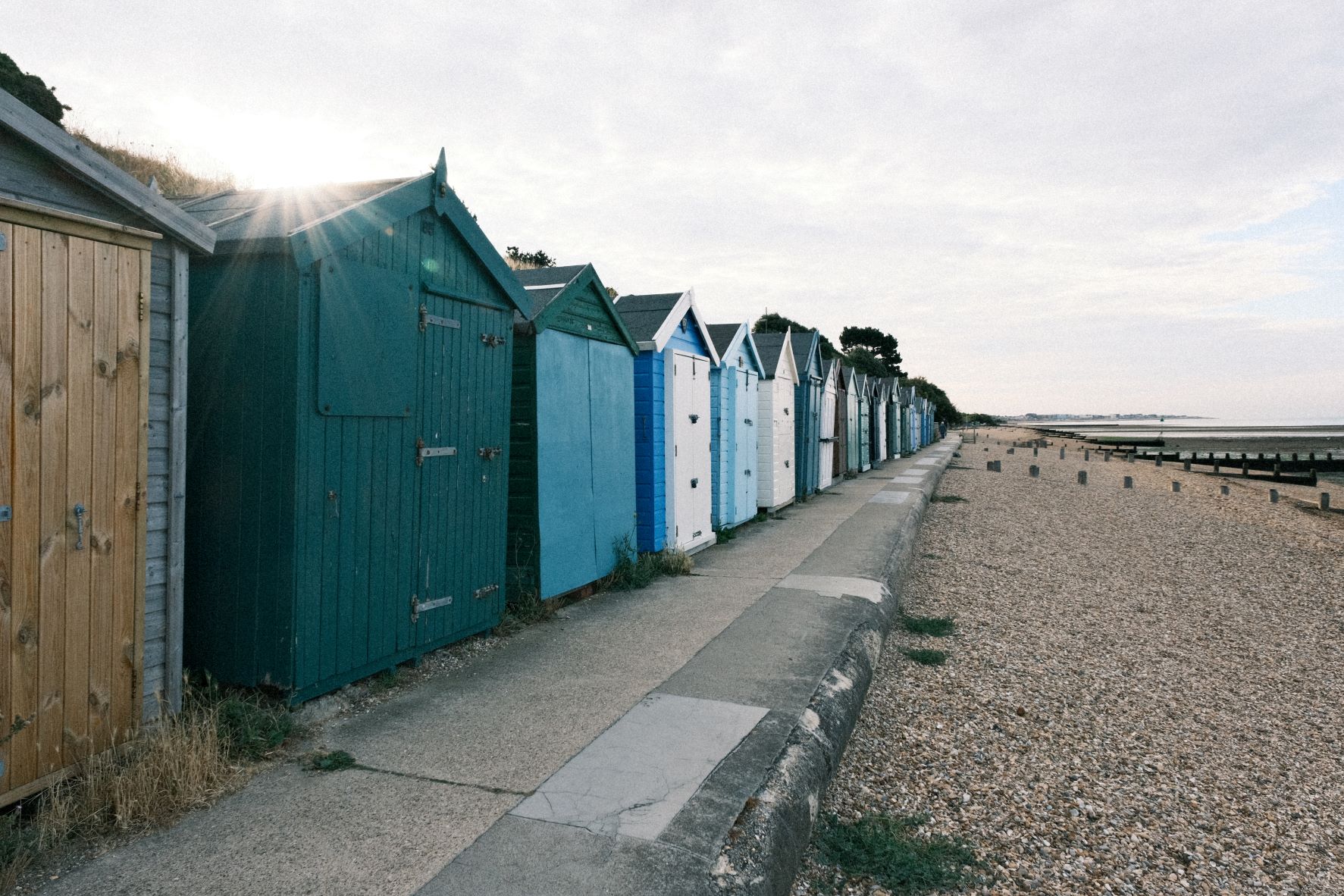
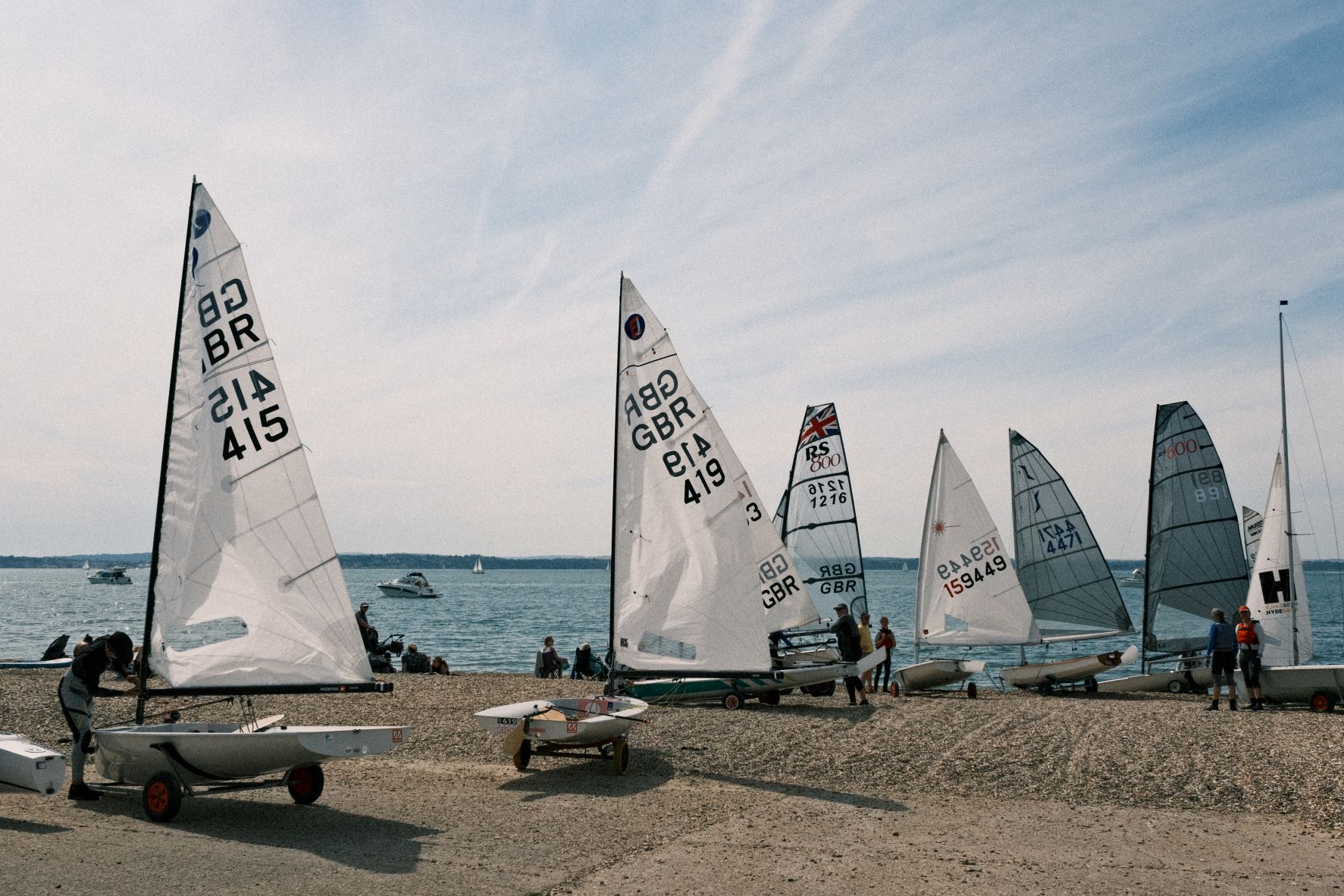


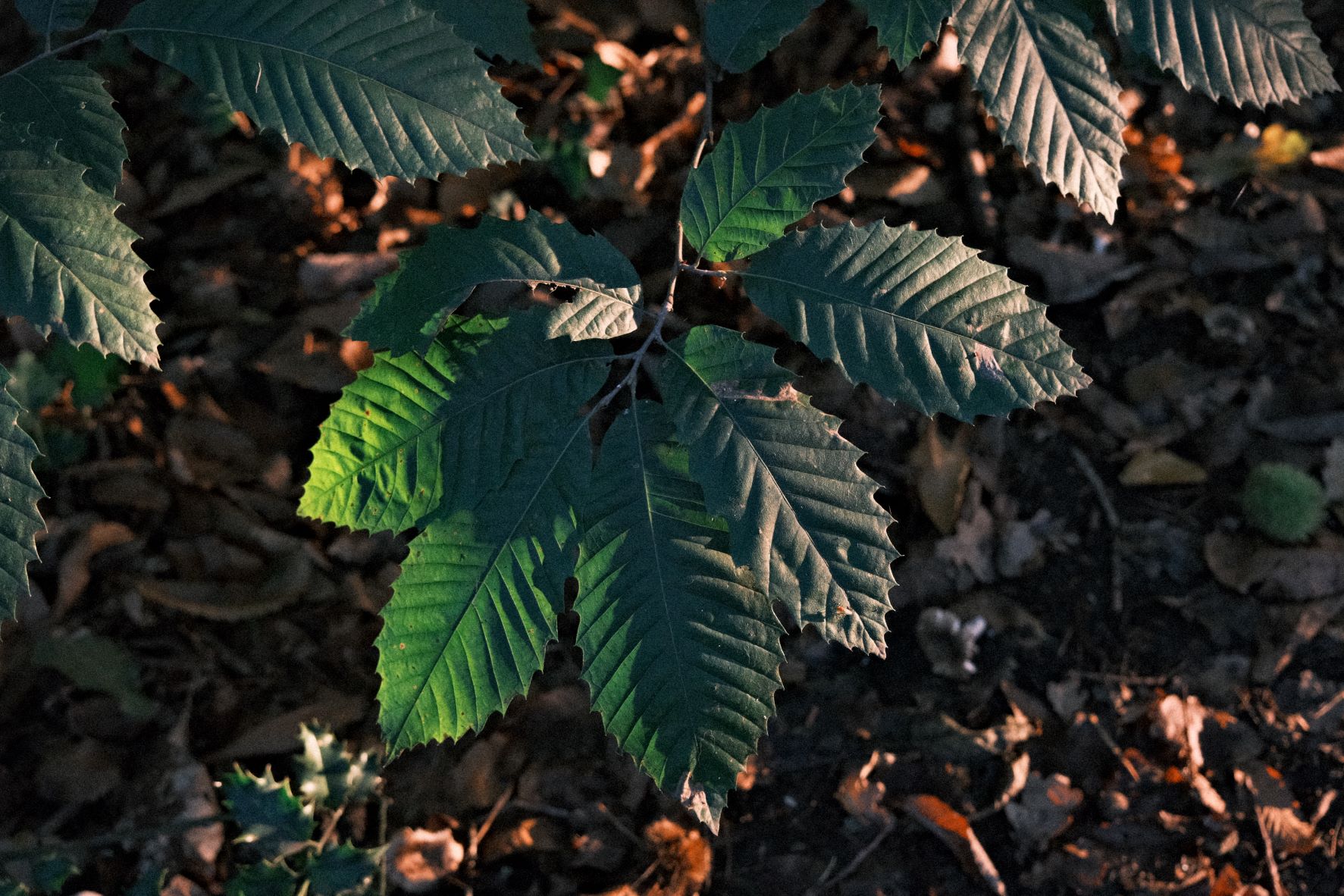
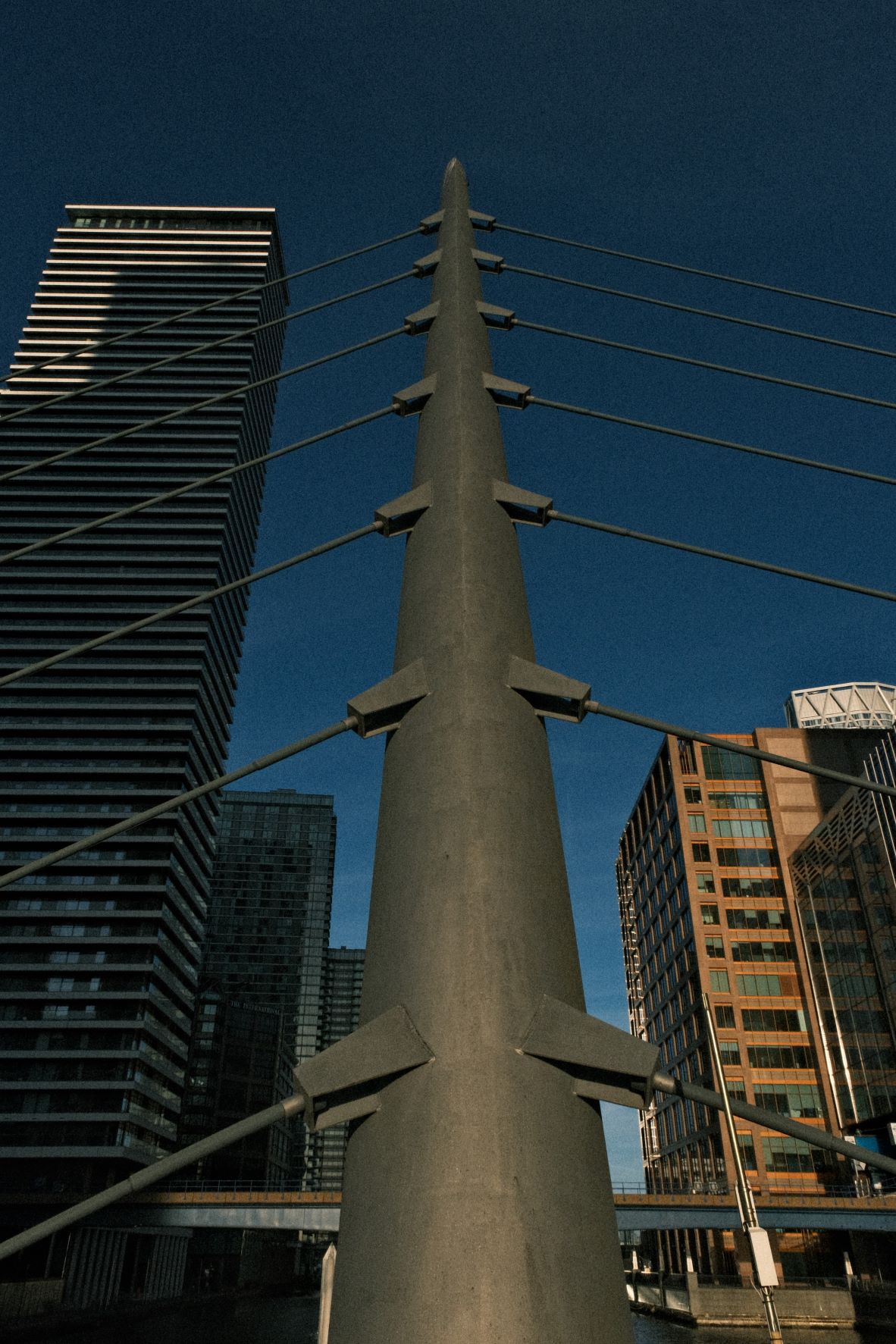
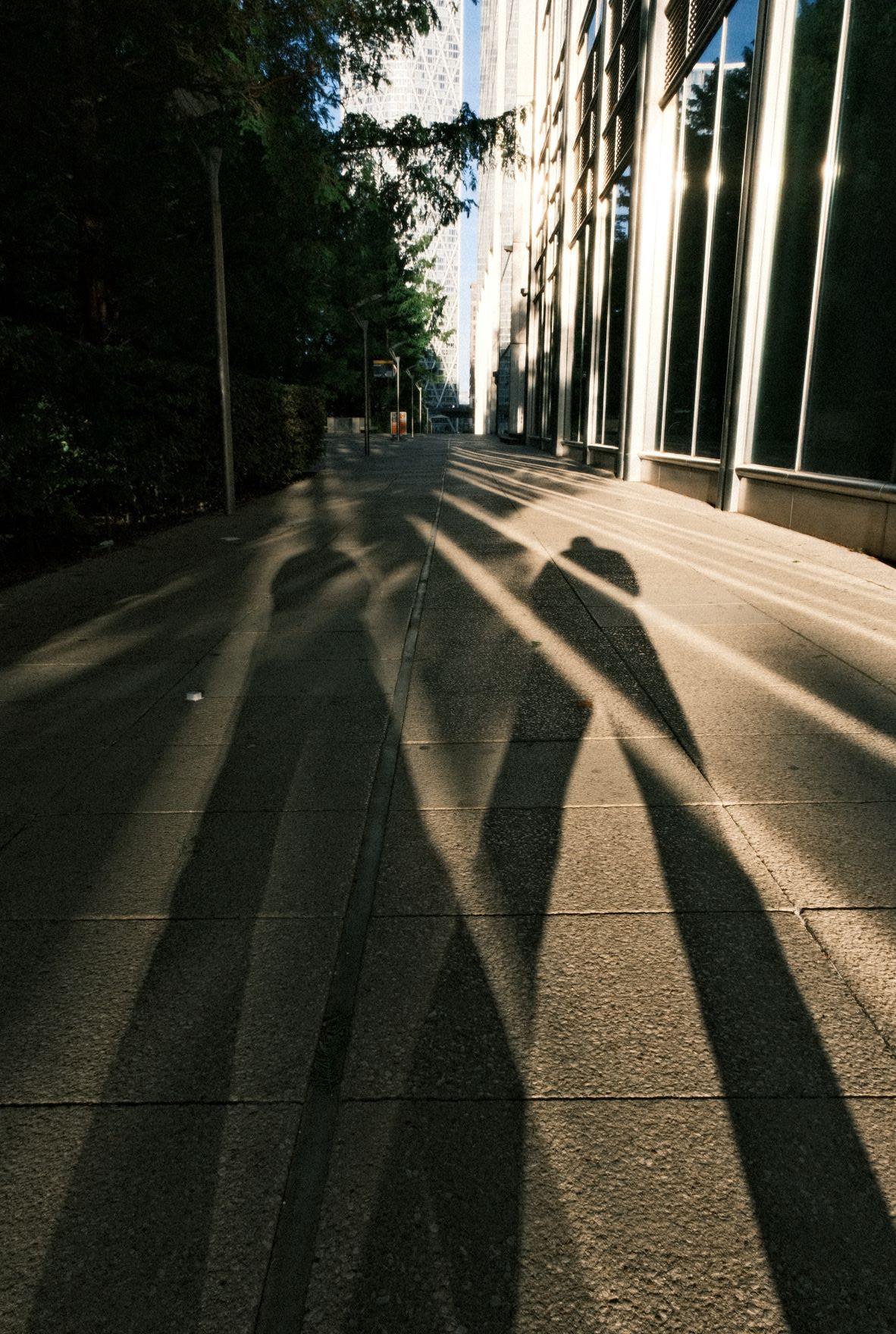
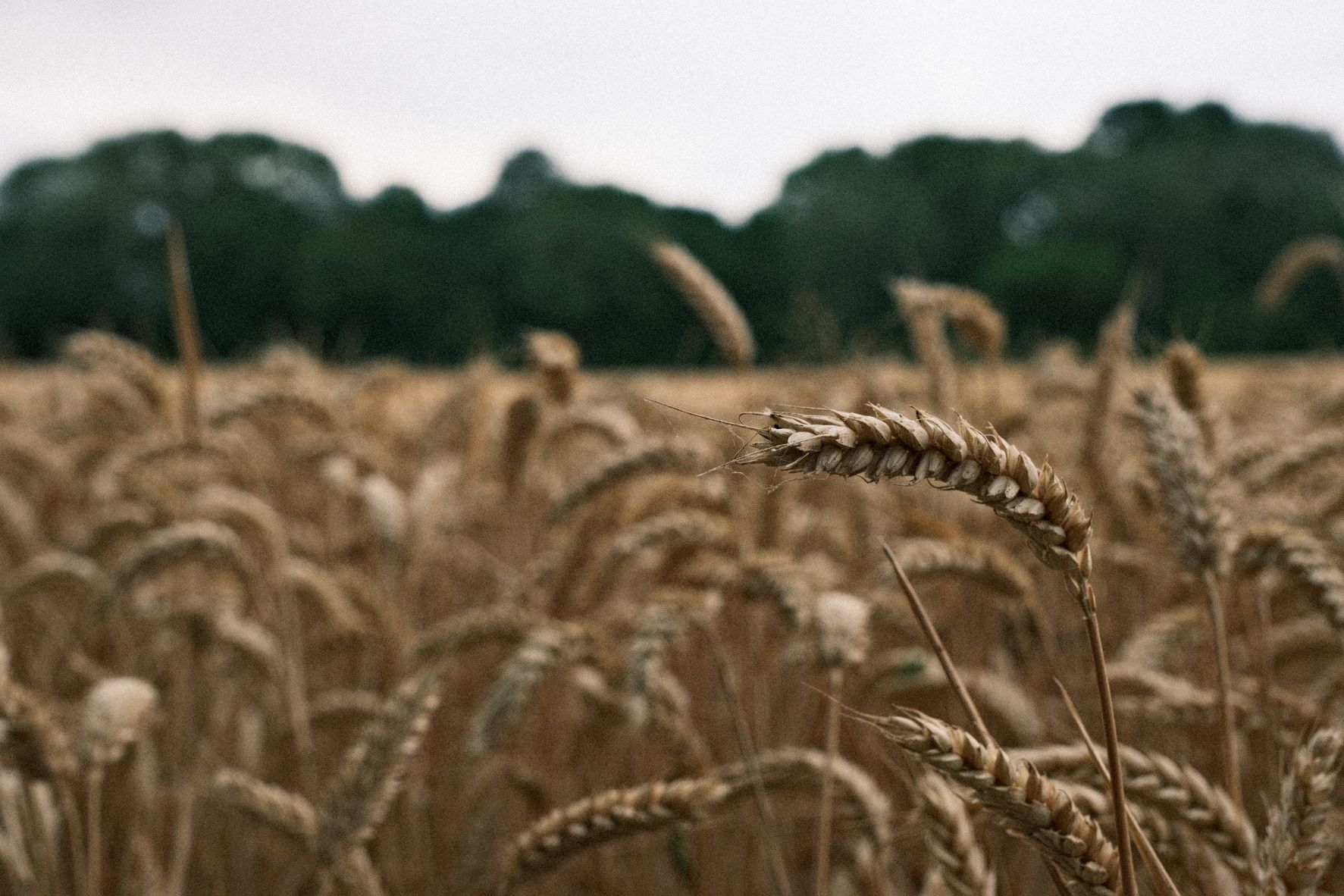
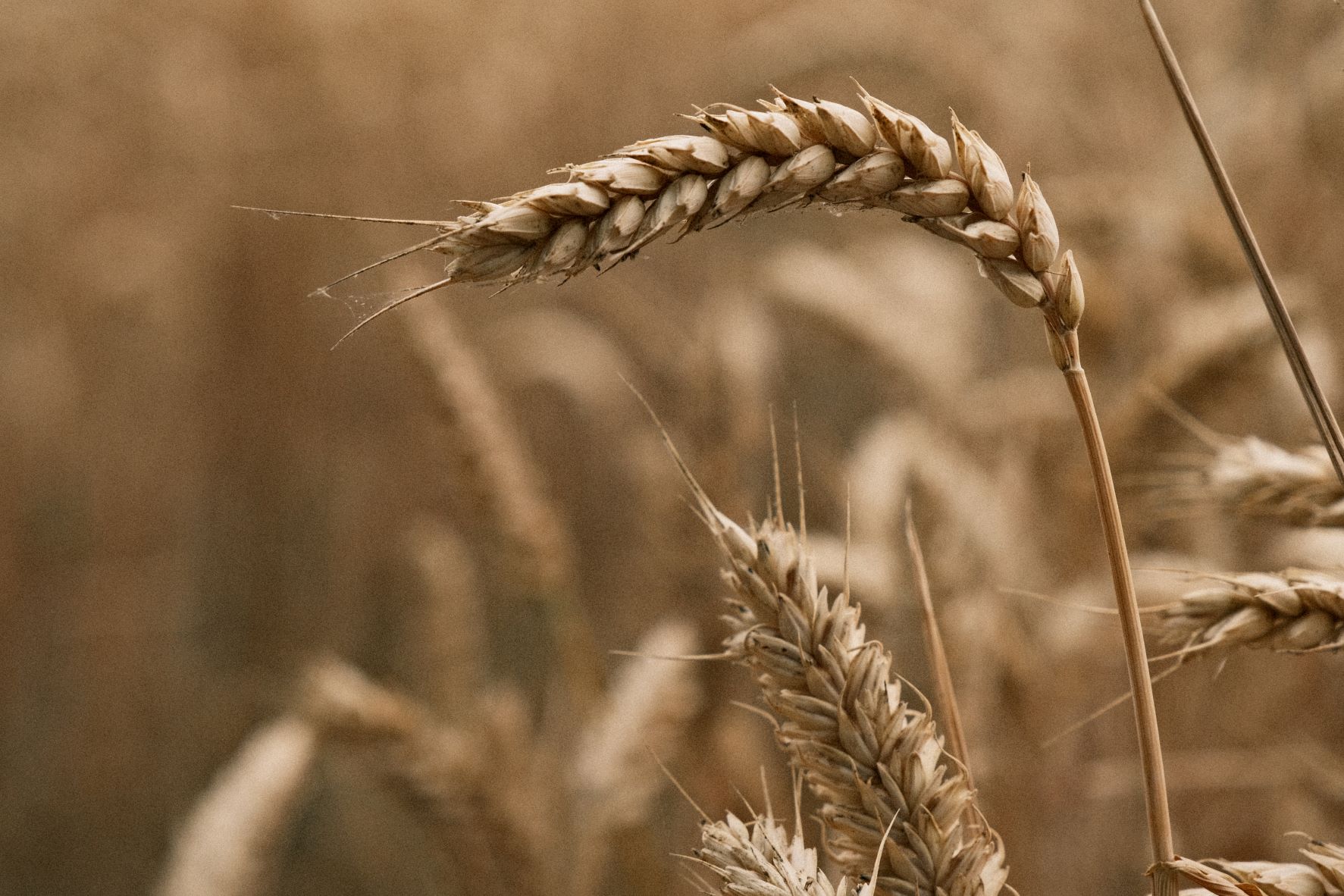

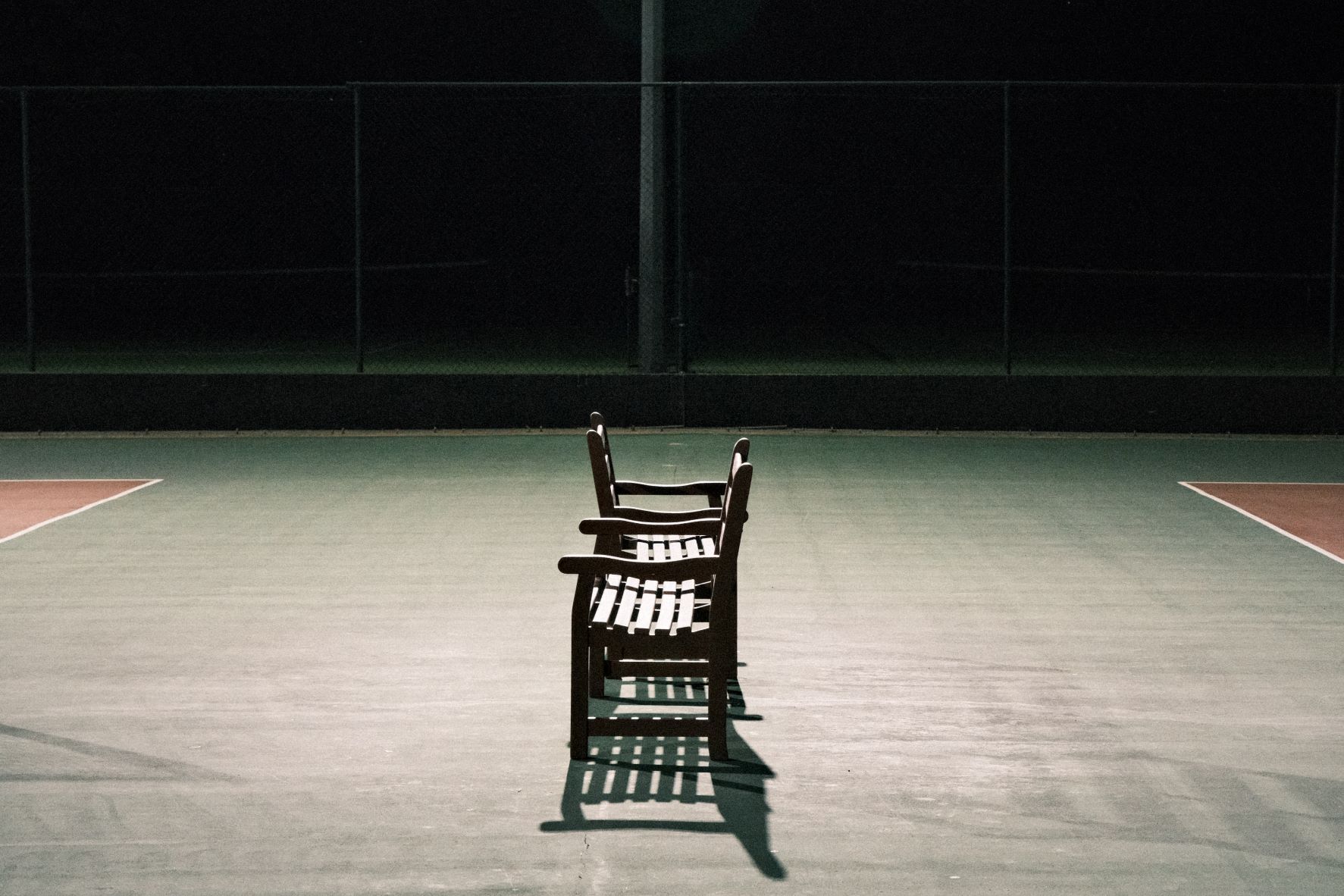
Using the Grizzly Bear Film Recipe
Each film simulation recipe has its own character and style. These features mean recipes are more suited to certain situations, or when seeking a particular look. Here are the categories that Grizzly Bear has been tagged with.



Leave a Reply