






Titanium
Titanium, Muted with a Metallic Tone
Eterna Bleach Bypass film recipe with minimised saturation for a metal tone look
One of the great things about the Eterna Bleach Bypass fim simulation is the muted low saturation tone. This adds a drama to images, and with adjustments to the colour balance, can be tuned to give a wide variety of moods.
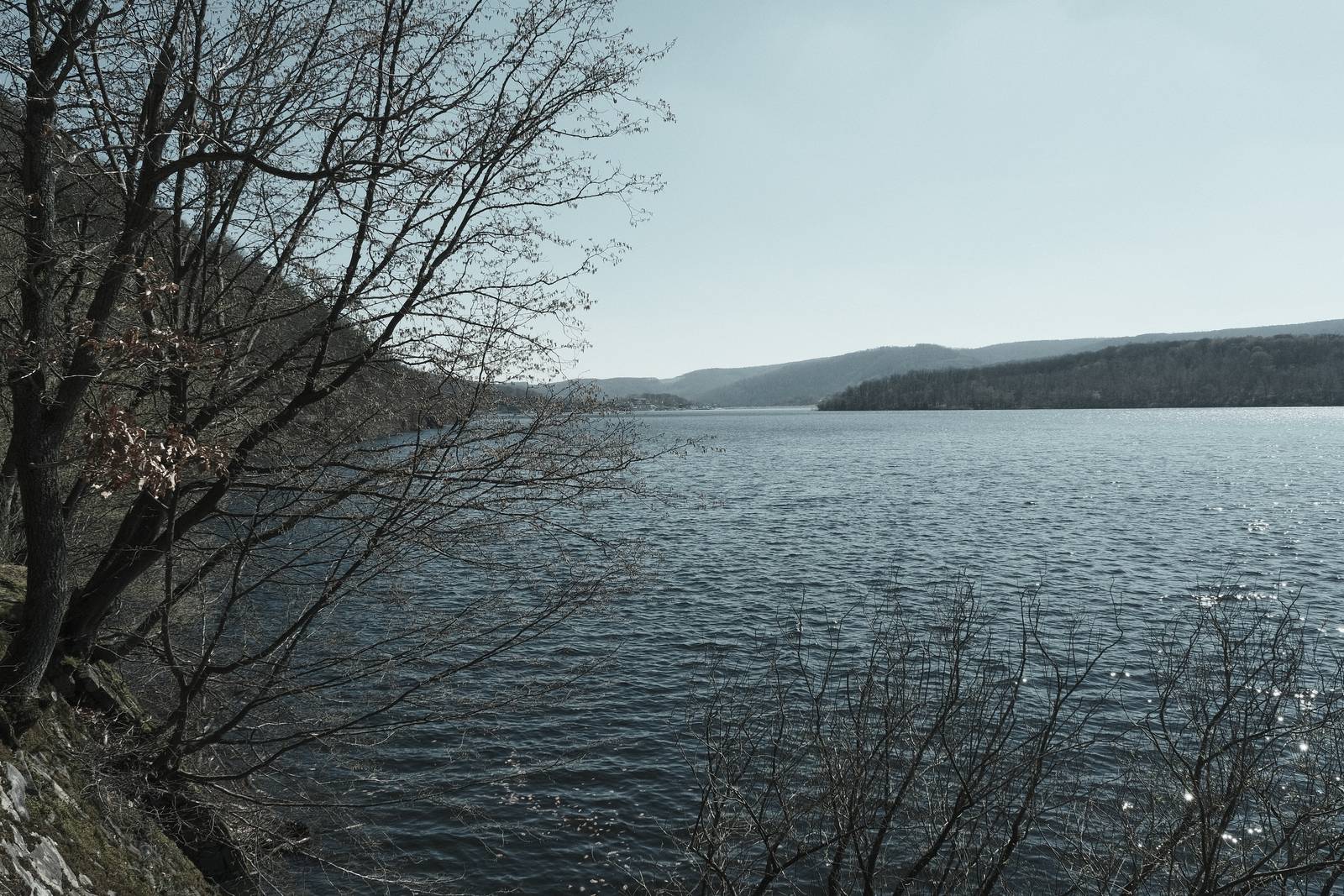
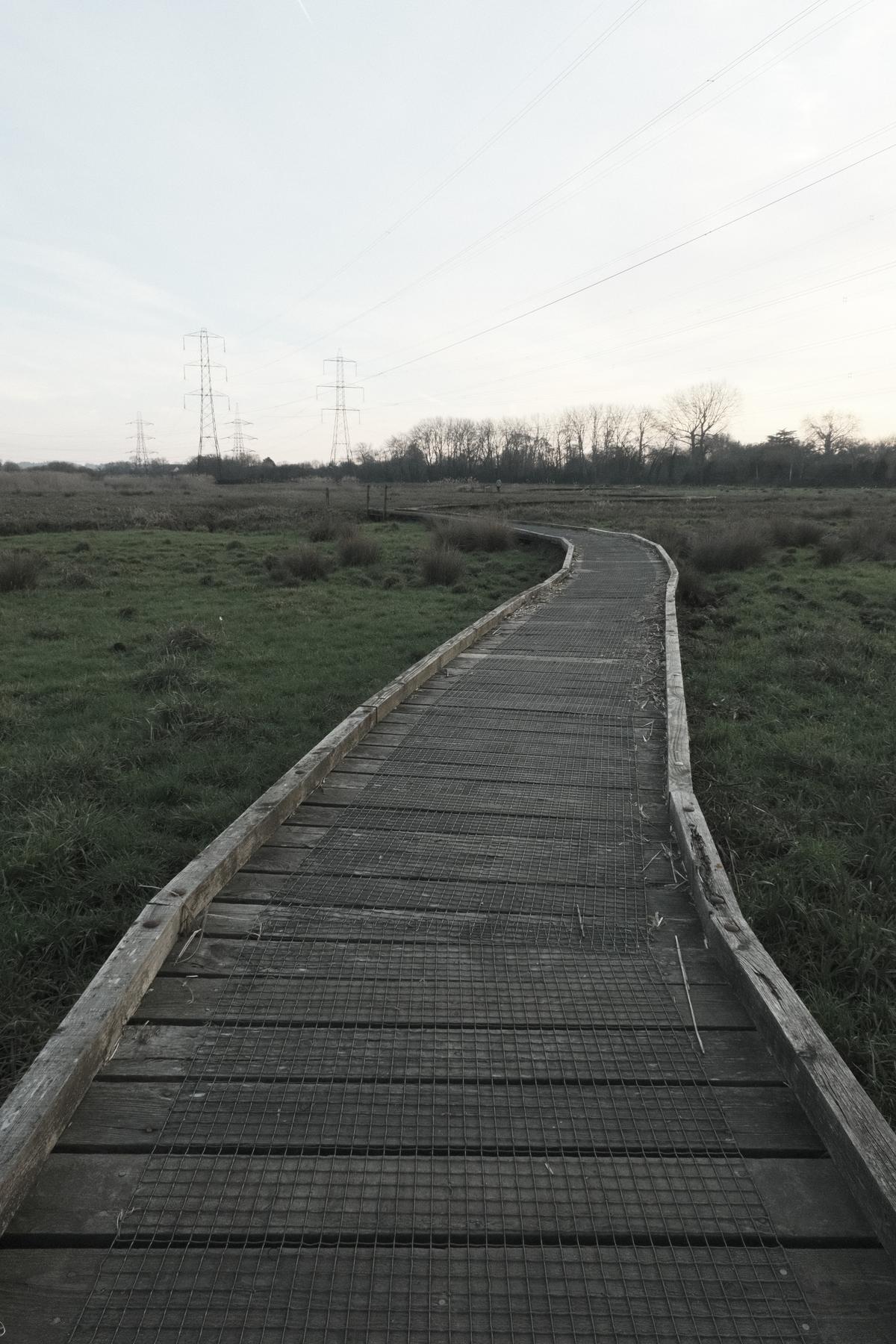
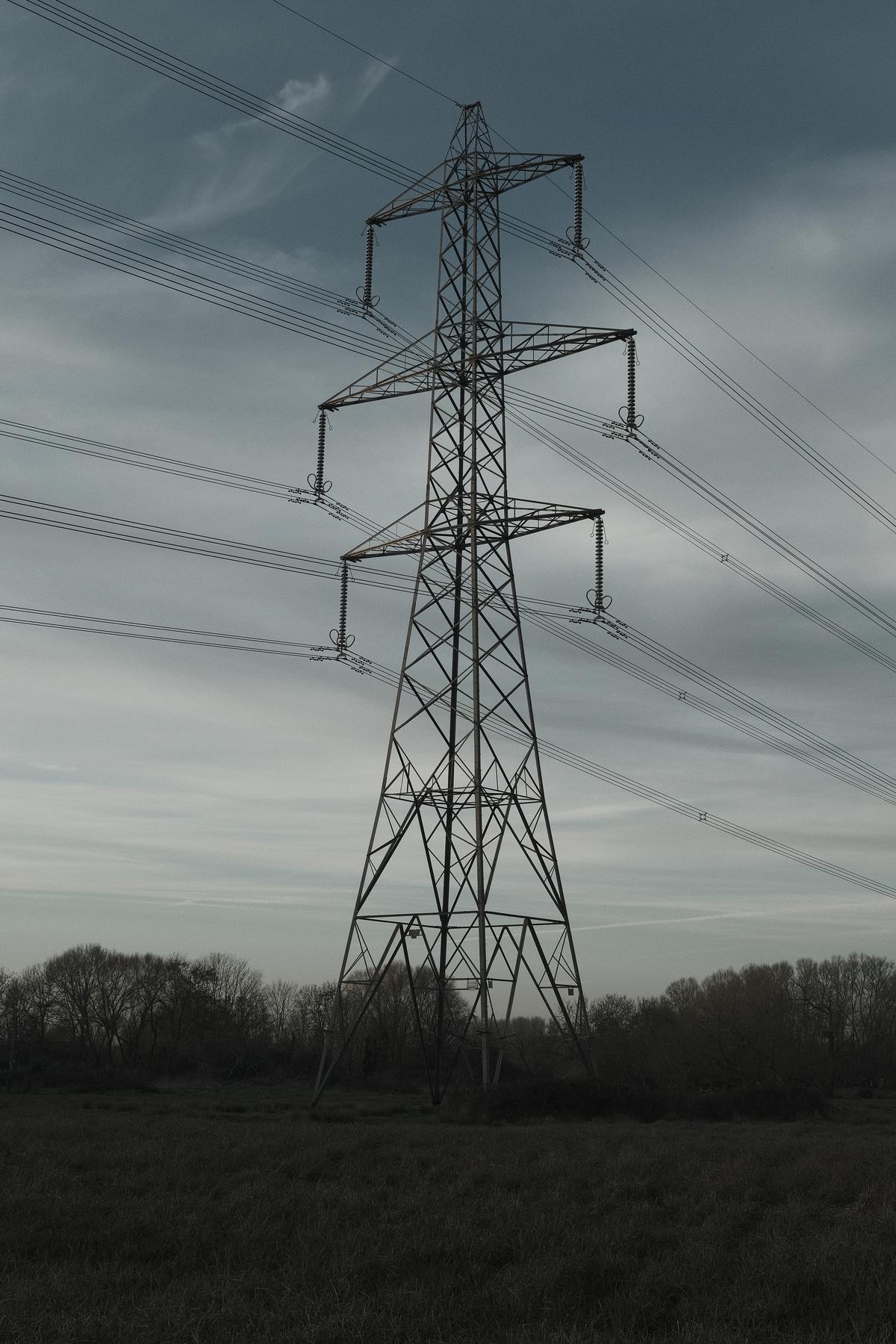
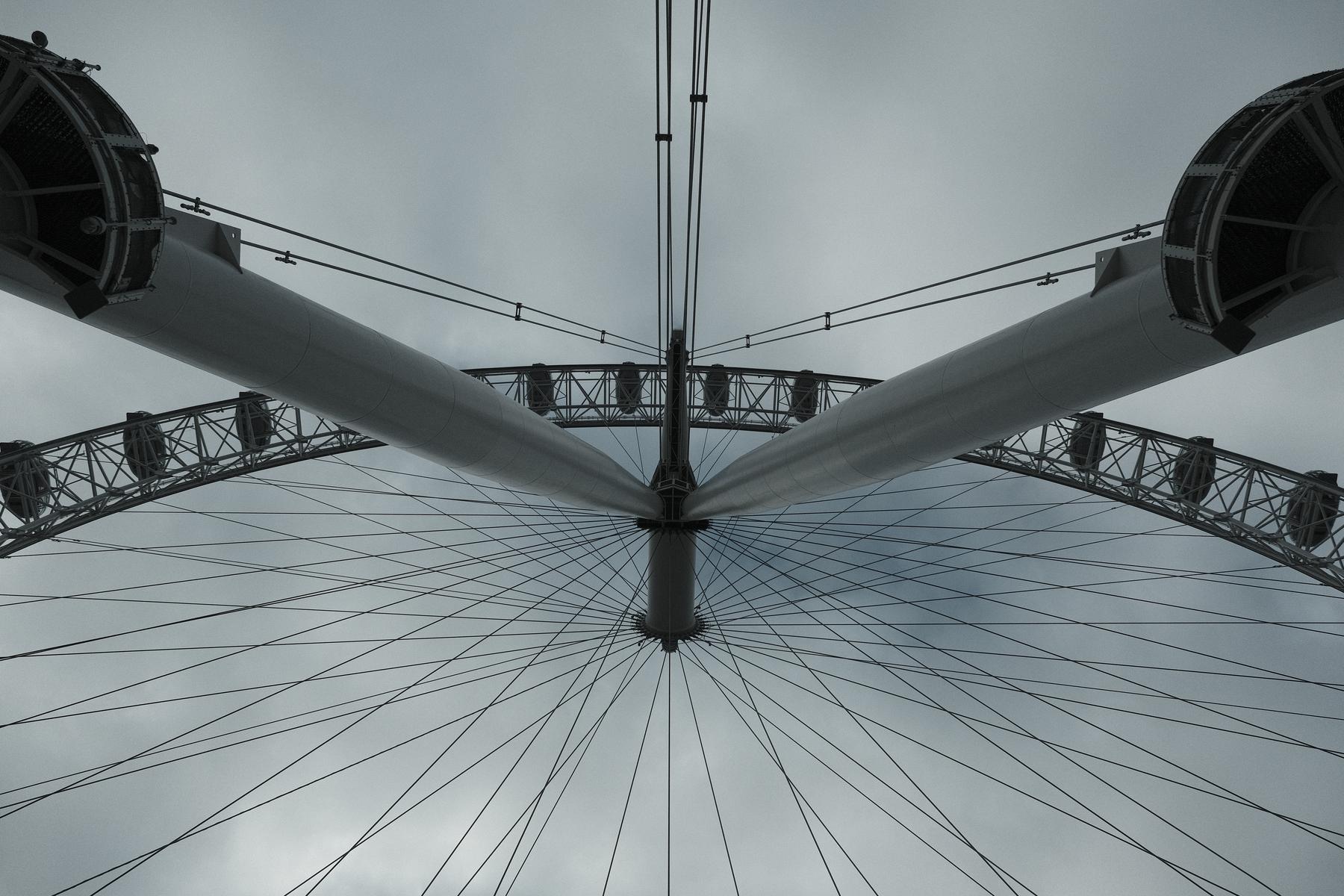
In this recipe, the mood is a cool blue one, with a metallic tone that is almost grey in some situations, and a faded blue in others. The effect is an extreme one, changing the original scene dramatically, but it’s a powerful effect and makes for a really interesting image style.
I find it works best with bright light, or with light on the subject. It tames even the most extreme full sunlight, and has a metallic tone that removes almost all warm tones for that titanium look.
Titanium Film Recipe Settings
| Film Simulation | Eterna Bleach Bypass |
| Grain Effect | Weak, Small |
| Col. Chr. Effect | Off |
| Col. Chr. Blue | Weak |
| White Balance | Shade, ‑3 Red, +3 Blue |
| Dynamic Range | DR400 |
| Highlights | ‑0.5 |
| Shadows | ‑1.5 |
| Colour | ‑4 |
| Sharpness | 1 |
| ISO N.R. | ‑4 |
| Clarity | 0 |
| EV Comp. | -1/3 |
Similar Recipes



More similar recipes, and hundreds more exclusive looks, are available in the Film Recipes App.

Get the Film Recipes App
Save your favourites and build your personal shortlist


Titanium Film Recipe: Sample Photos
















Using the Titanium Film Recipe
Each film simulation recipe has its own character and style. These features mean recipes are more suited to certain situations, or when seeking a particular look. Here are the categories that Titanium has been tagged with.







Leave a Reply