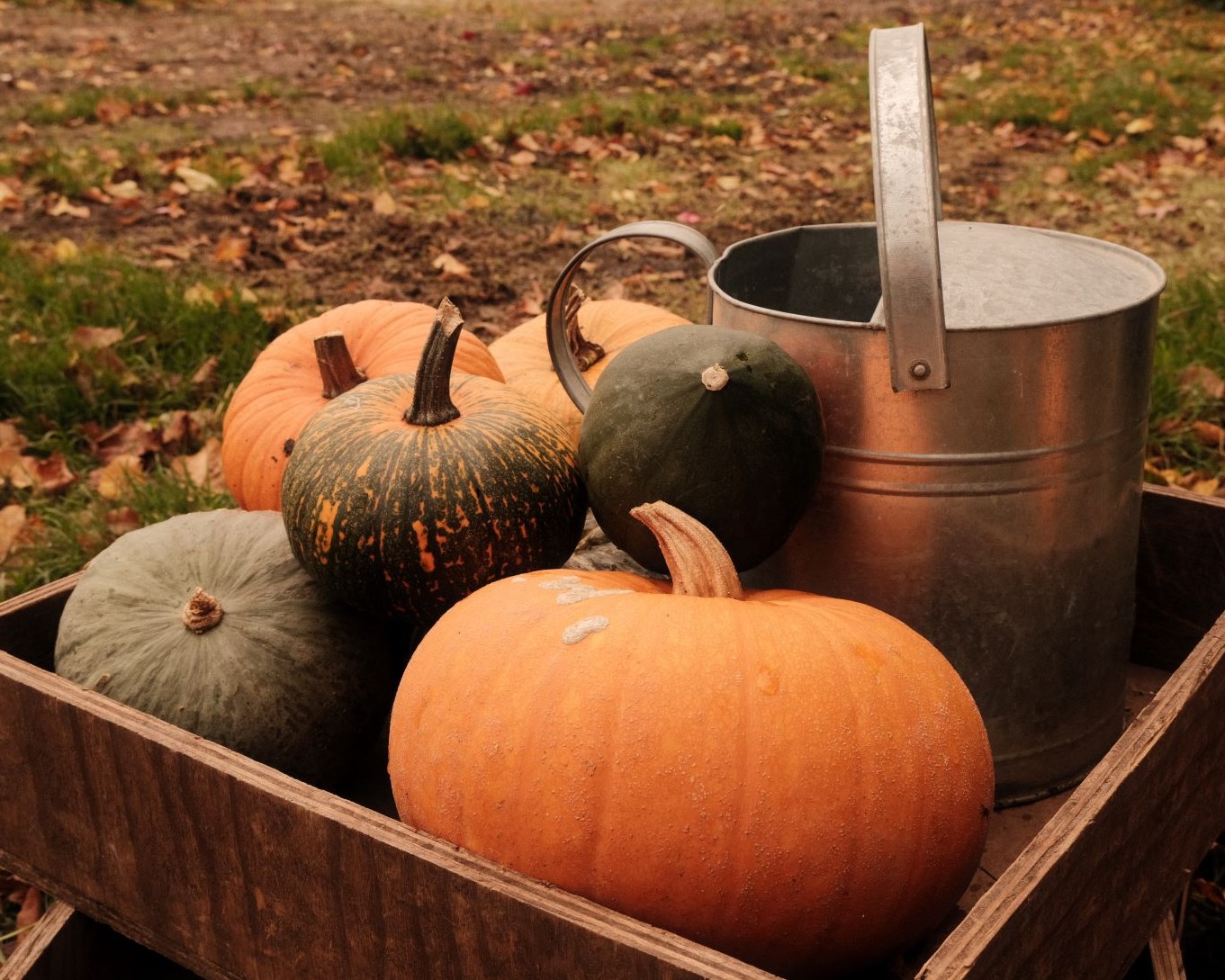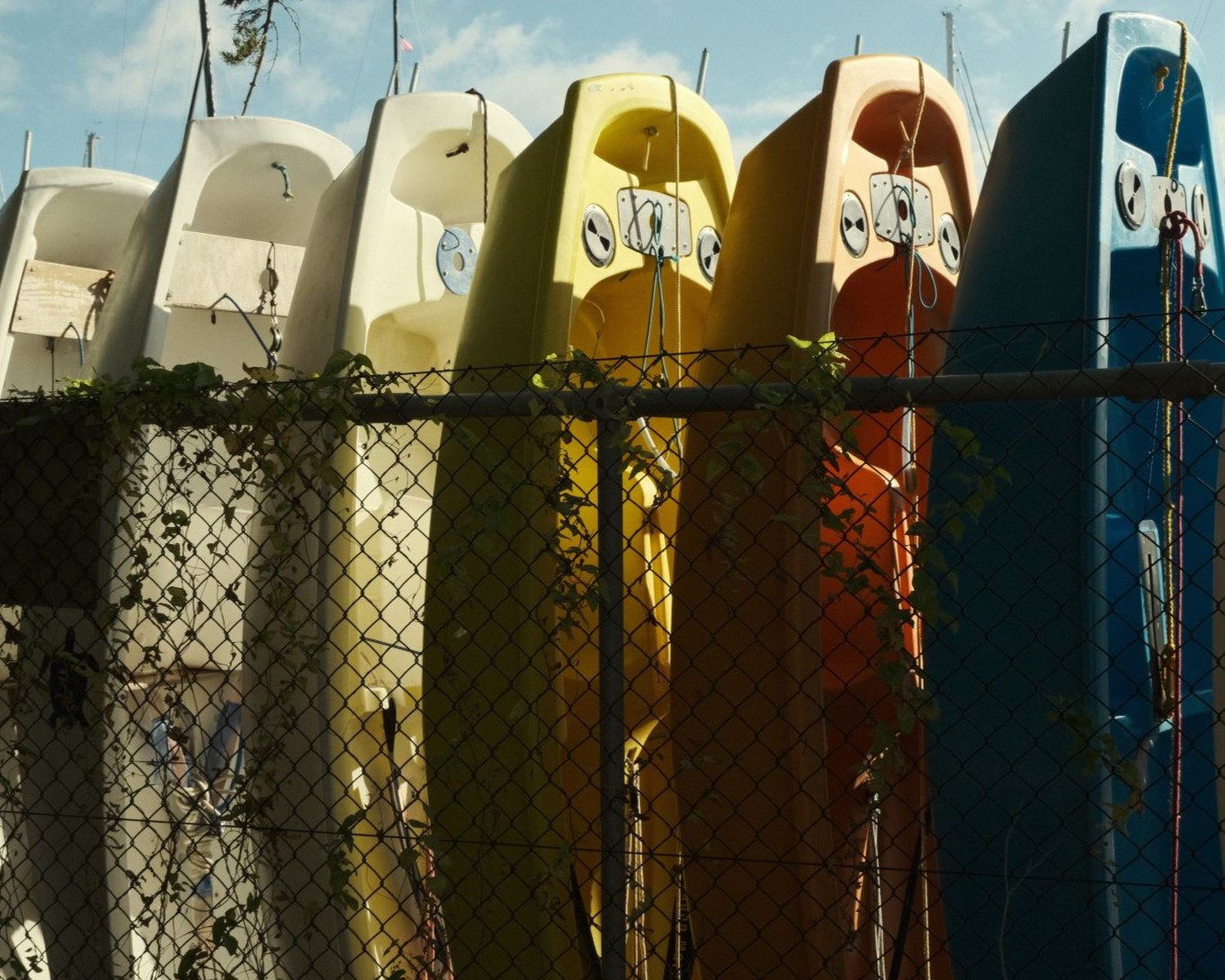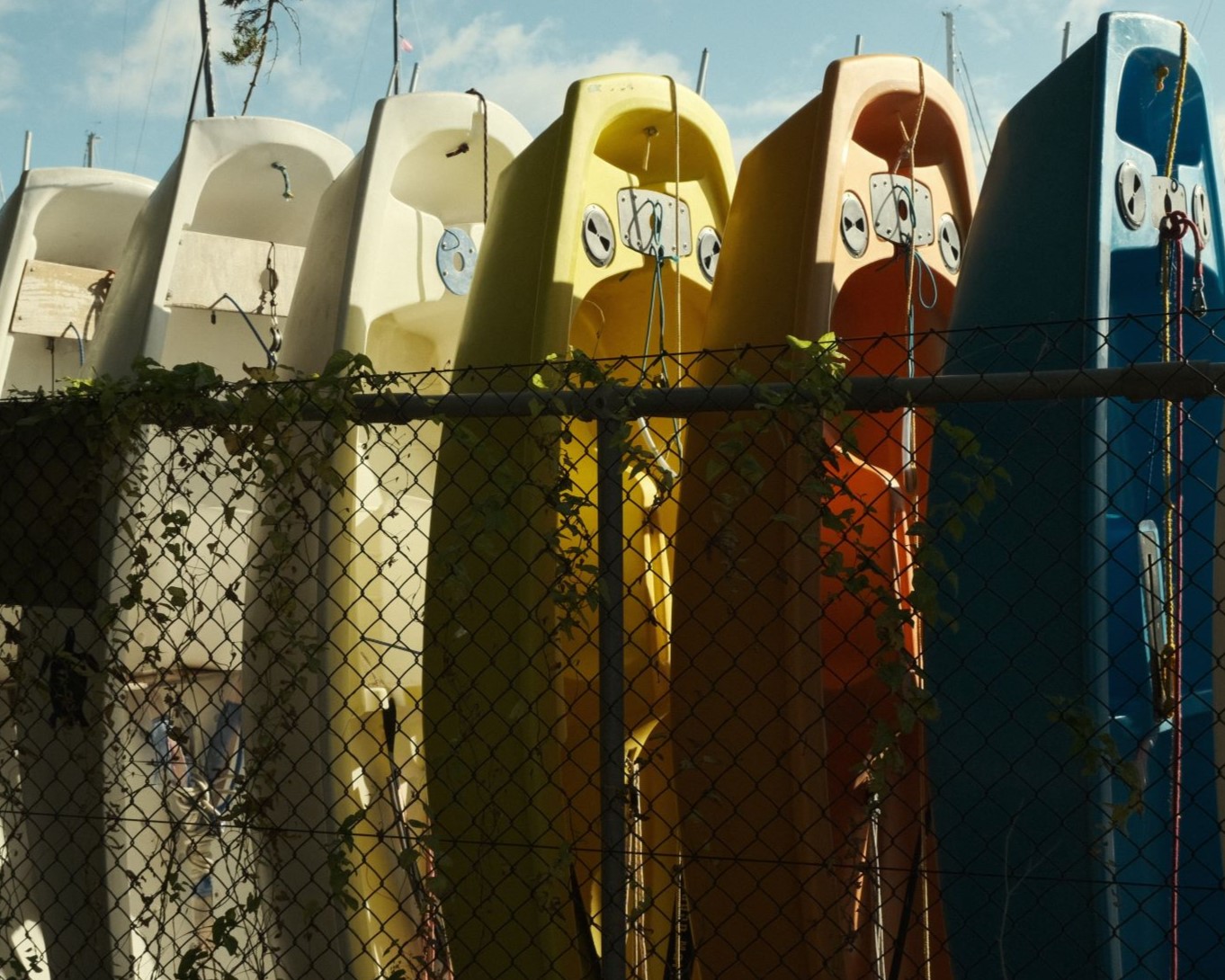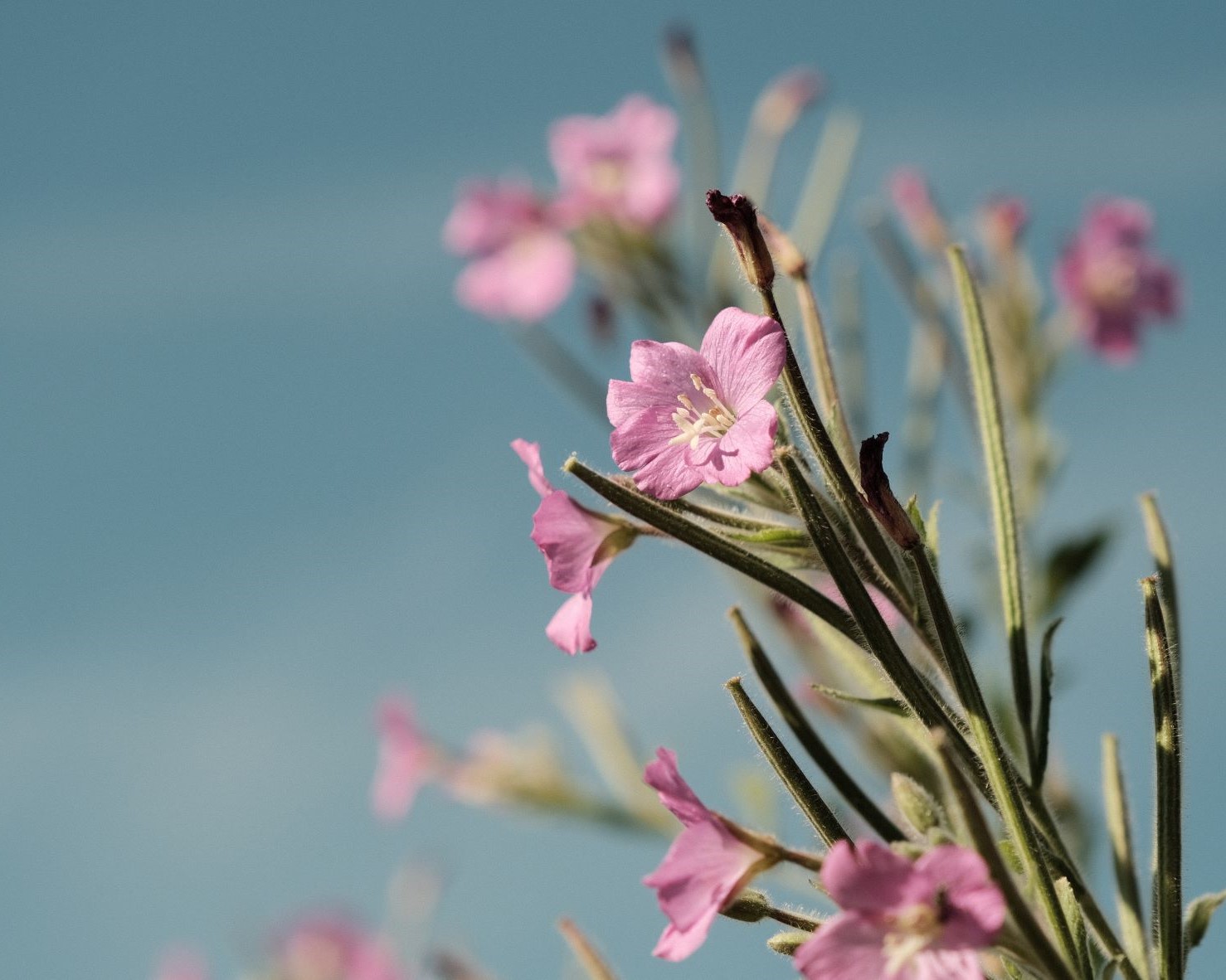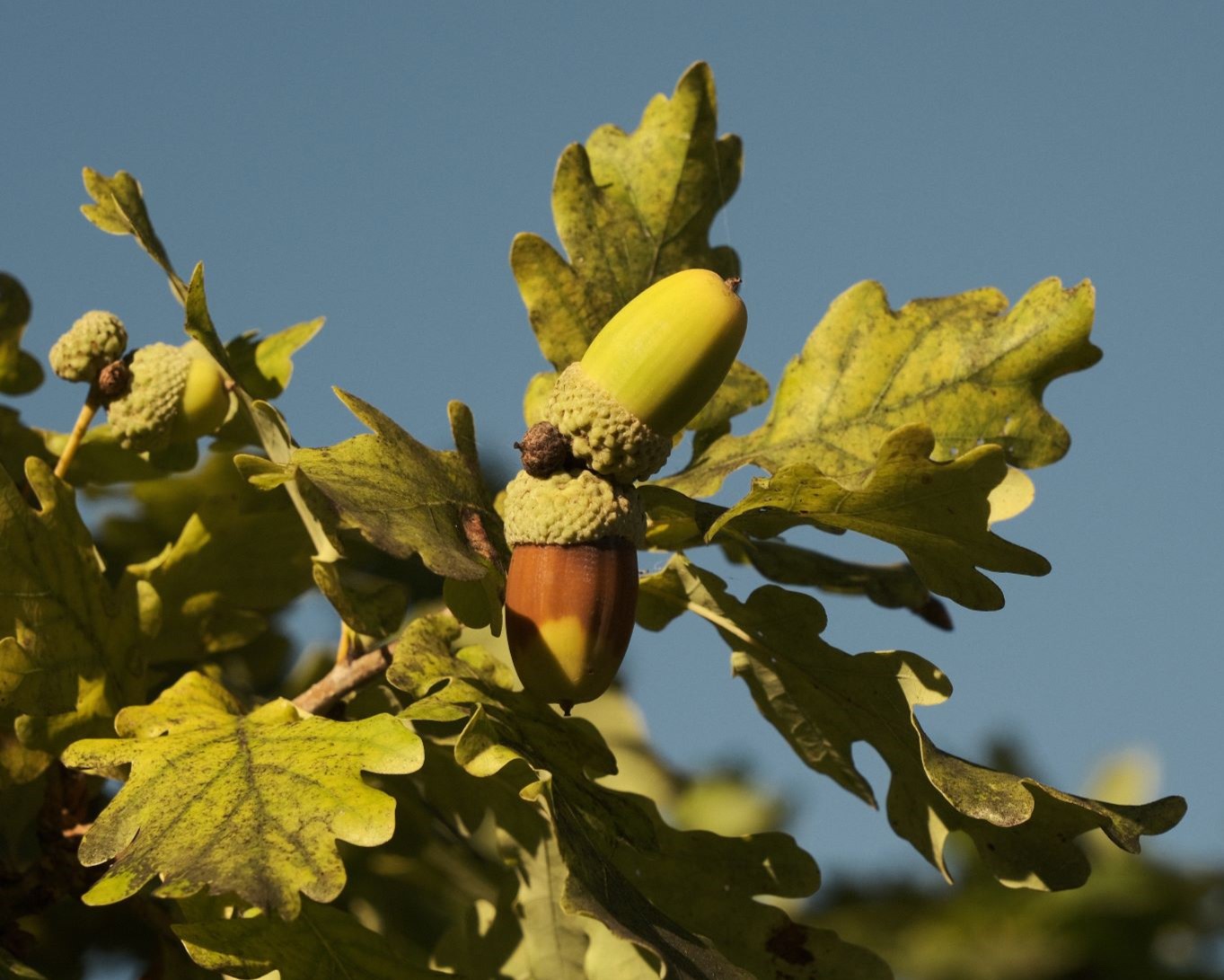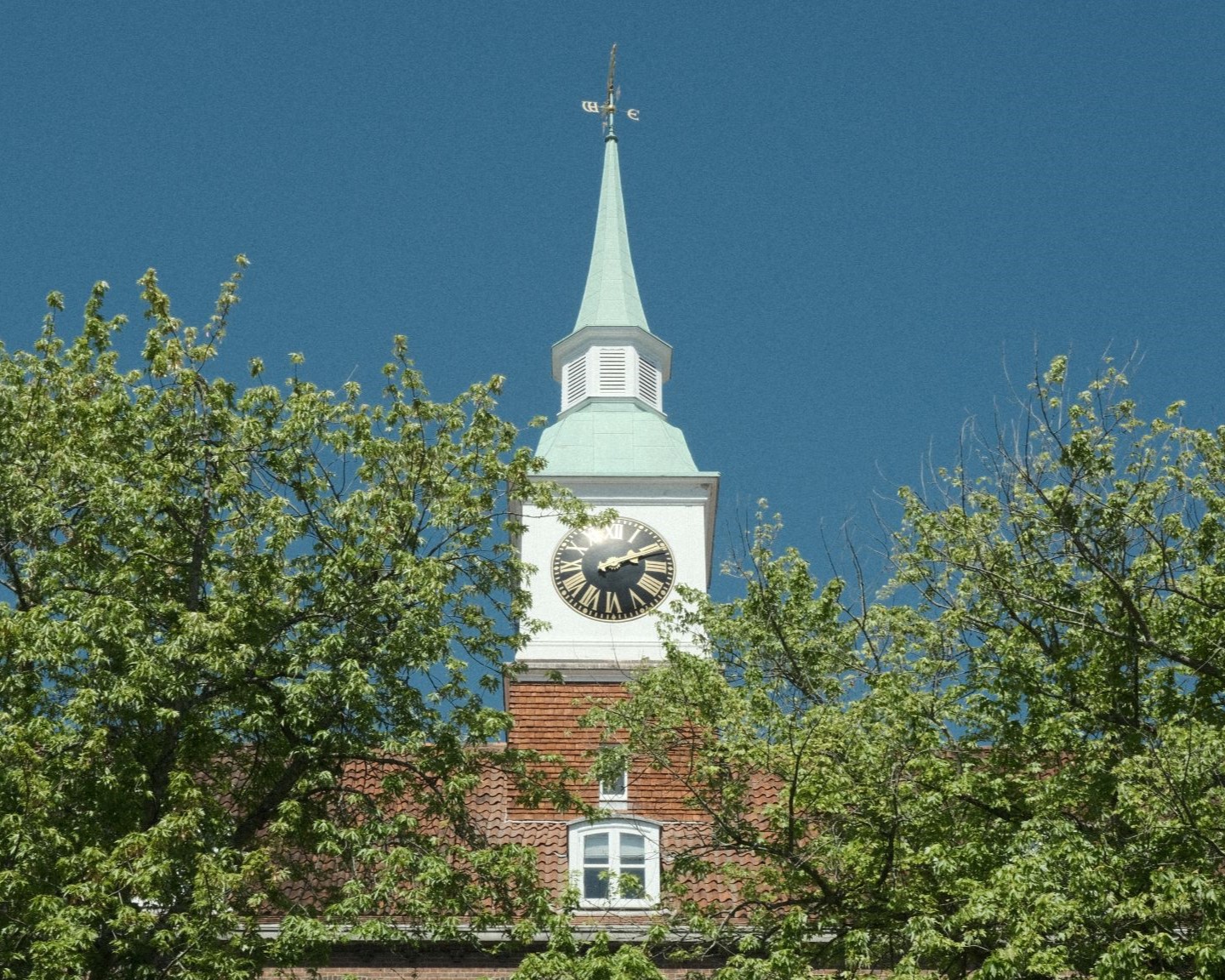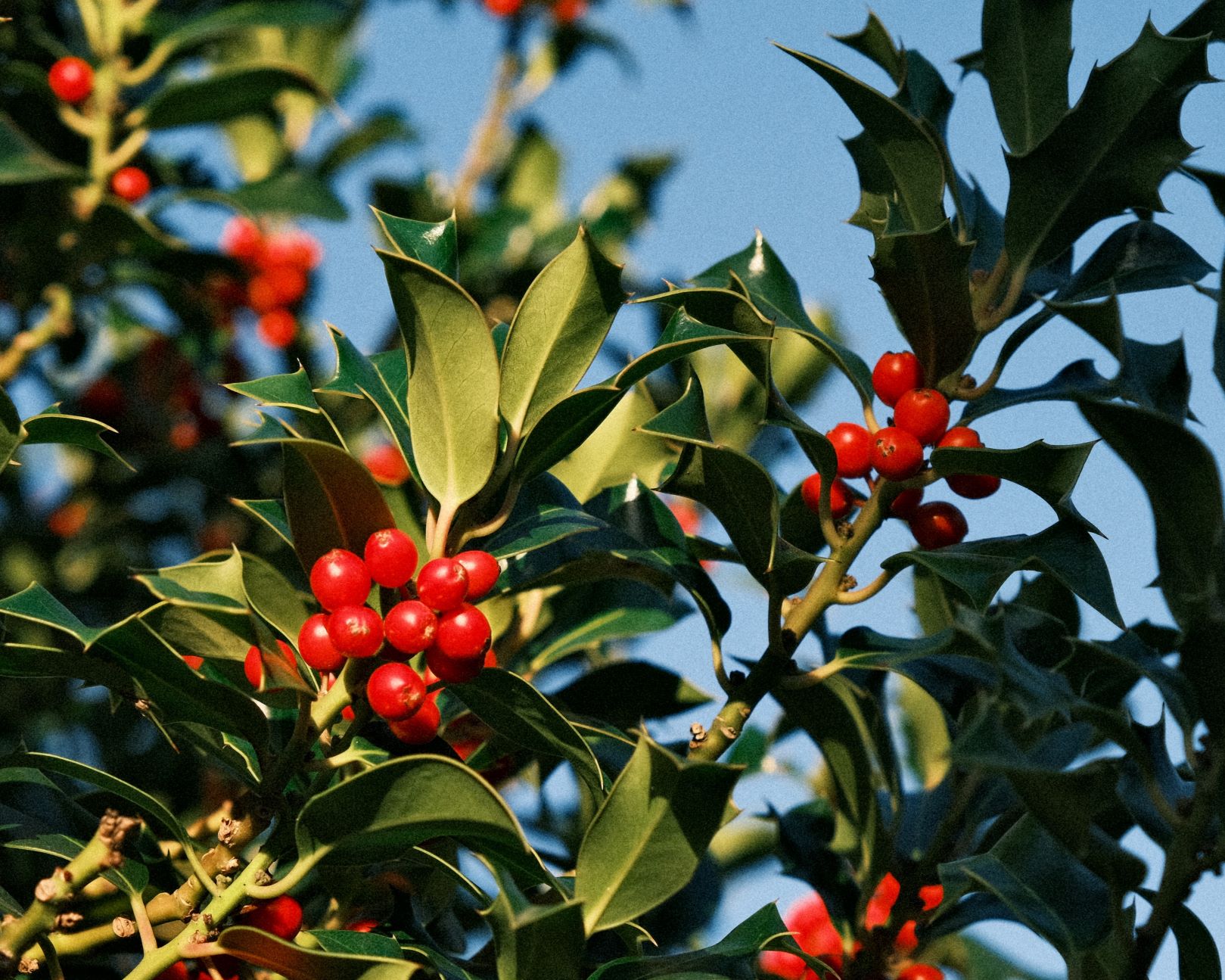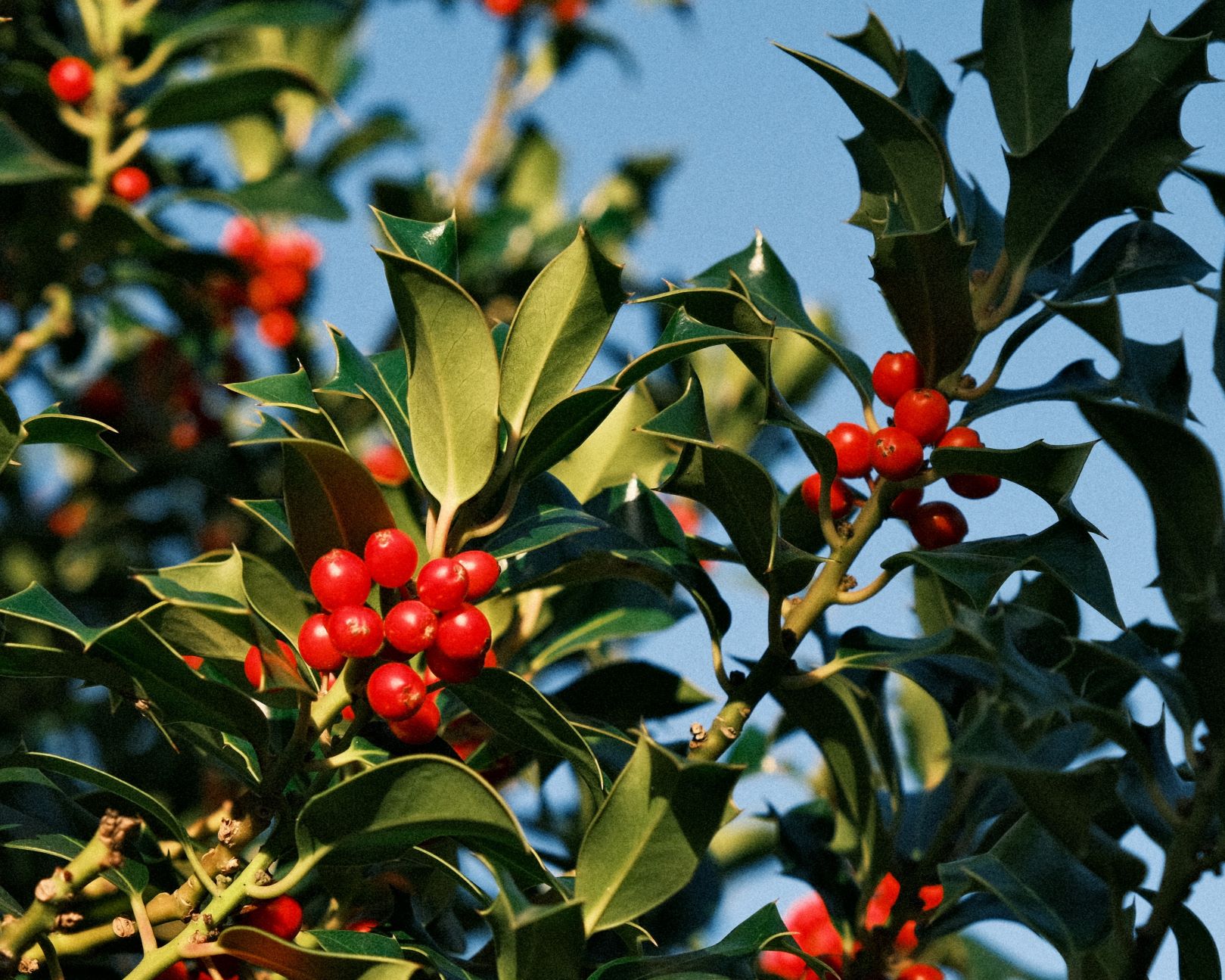
Film Recipes for Fujifilm Cameras

Blog

  • Tropicana, a Vibrant and Zesty Classic Neg

    Tropicana, a Vibrant and Zesty Classic Neg

    Bright, cheerful film recipe with punchy colour from Classic Negative
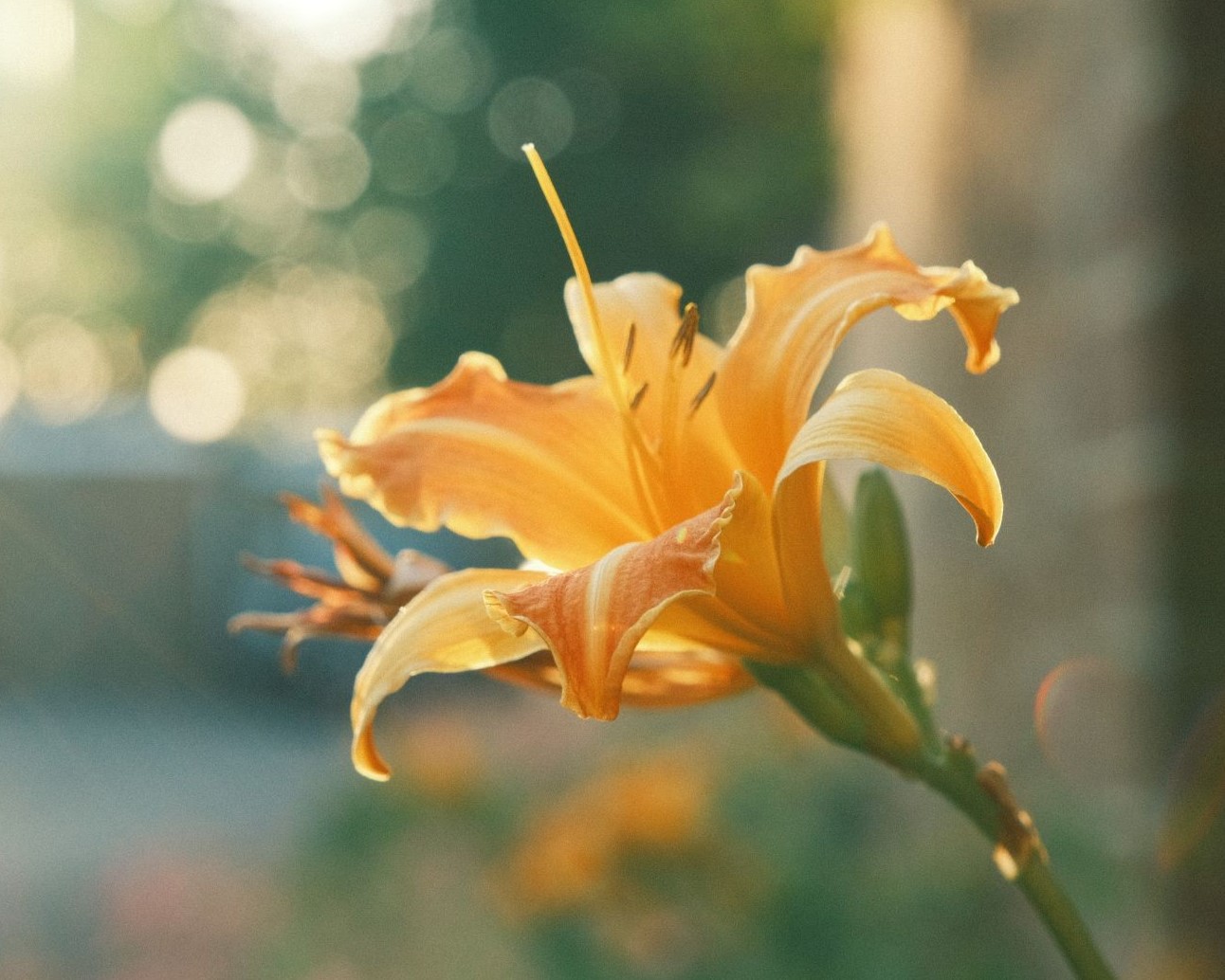
    Tropicana Film Recipe

    Tropicana

    Tropicana is different things to different people. For some, it’s a fruit juice, whilst others remember the pop song by Wham! or a rather tasty Welsh beer. In my early childhood, it was an open air lido swimming pool where I learned to swim. That place was left empty for many years, before hosting art installations like Dismaland and more recently the See Monster.

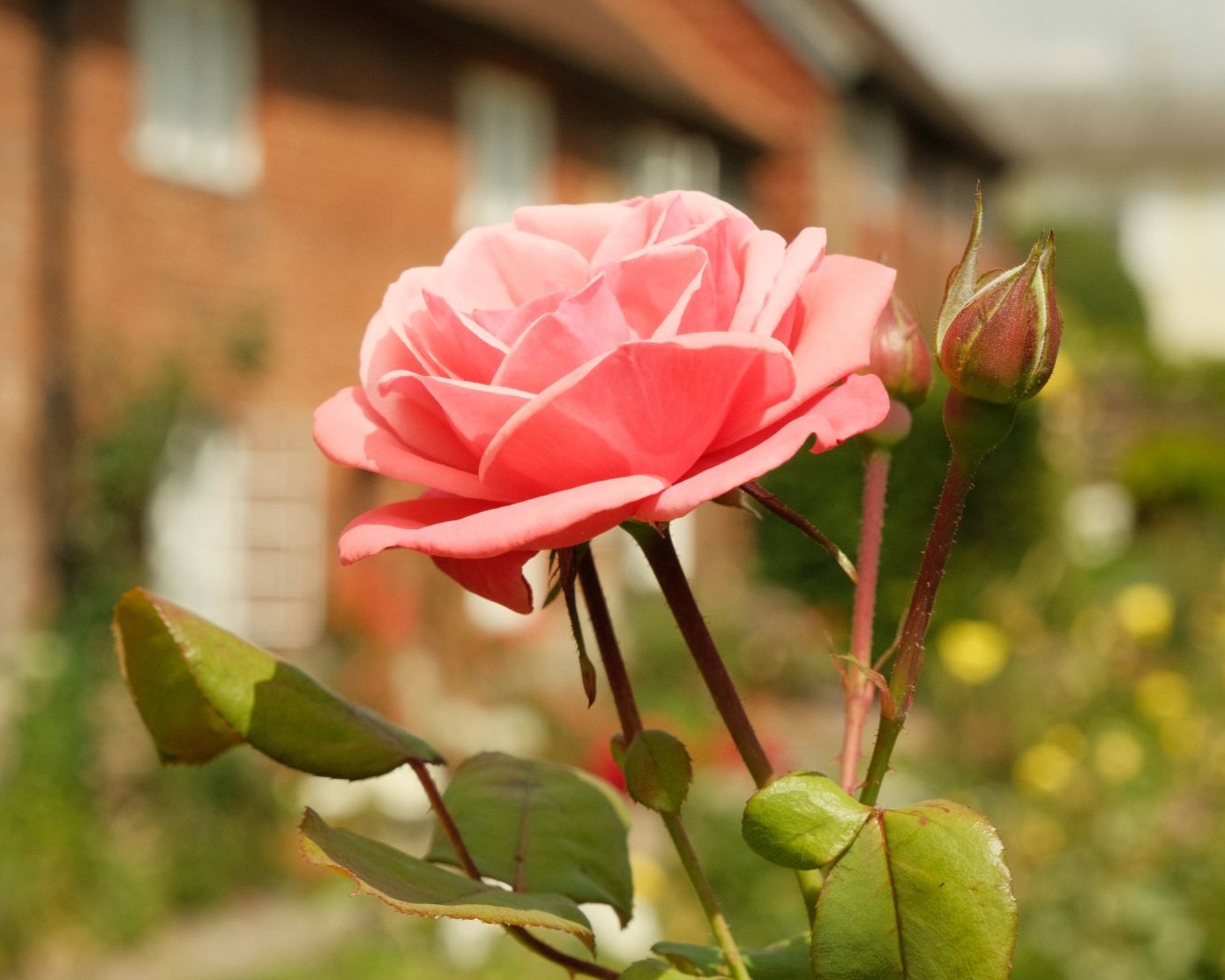
    But now, and obviously most excitingly, it’s a bright, cheery film recipe to bring bouncy colour to your photography. This recipe will be a good friend when you want to give a rich and colourful look to a scene, but without using overly obvious boosts to colour. The Classic Negative simulation provides the base style, with a +2 color, +1 shadow paired with 2 stops of over exposure delivering punch to your pictures. I hope you’ll enjoy it.

    Tropicana Film Recipe Settings

    Film SimulationClassic Negative
    Grain EffectStrong, Small
    Colour Chrome EffectWeak
    Colour Chrome BlueOff
    White BalanceAuto, +1 Red, ‑6 Blue
    Dynamic RangeDR200
    Highlights‑2
    Shadows+1
    Colour+2
    Sharpness‑2
    ISO Noise Reduction‑4
    Clarity‑1
    EV Compensation+2/3

    Similar Recipes

    More similar recipes, and hundreds more exclusive looks, are available in the Film Recipes App.

    Film Recipes

    Get the Film Recipes App

    Settings laid out clearly, with sample photos and similar recipes

    Download on the App Store
    Get it on Google Play

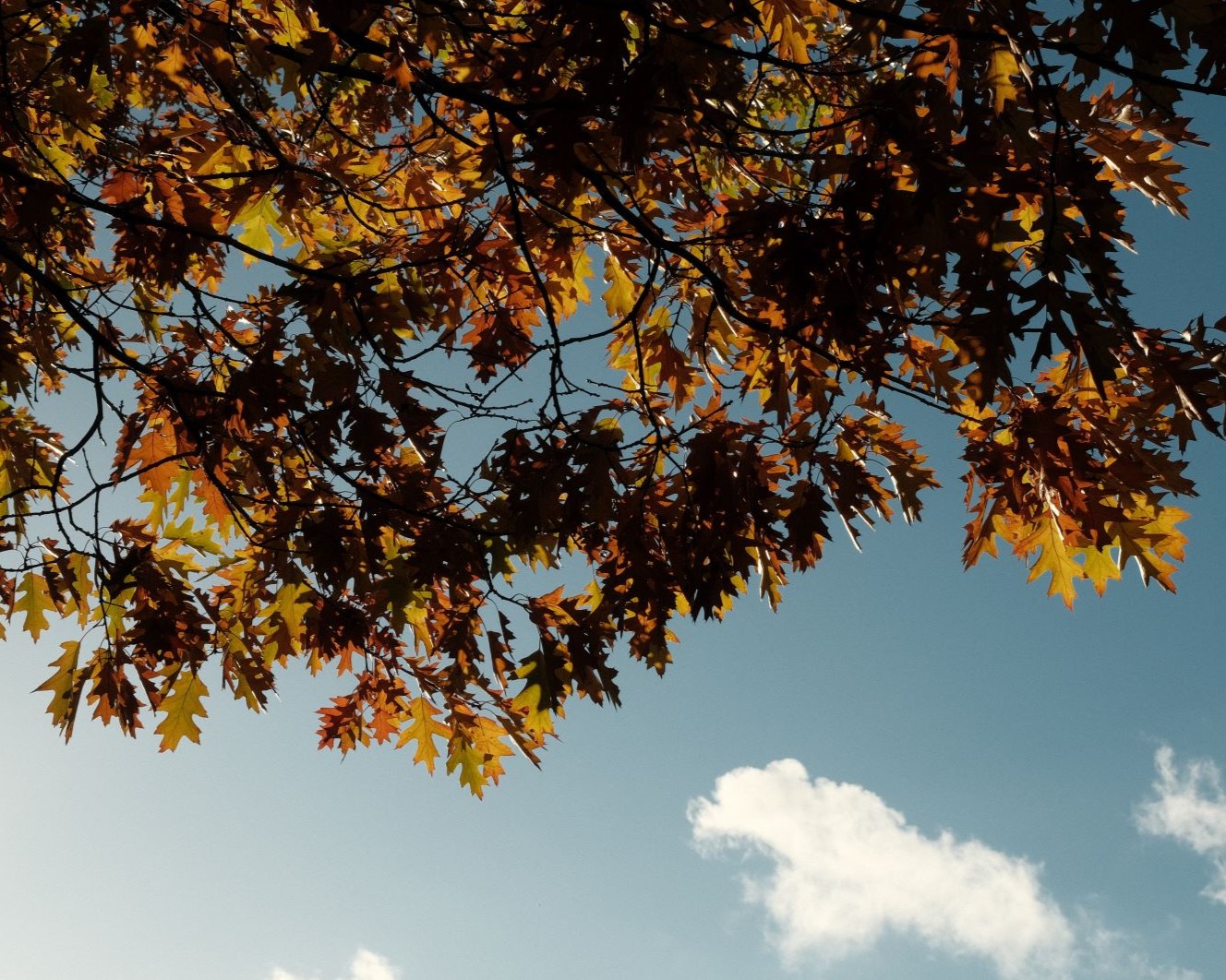
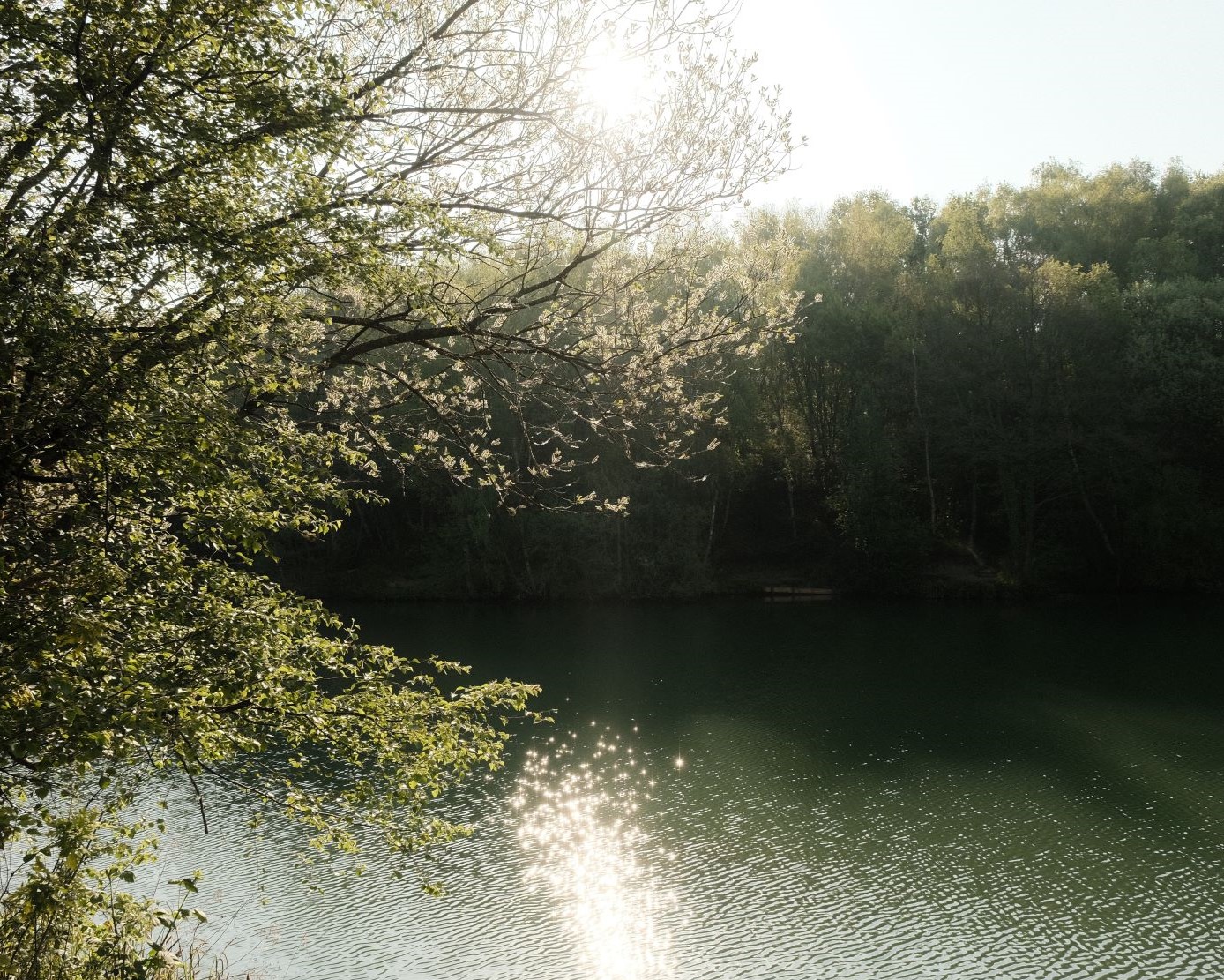
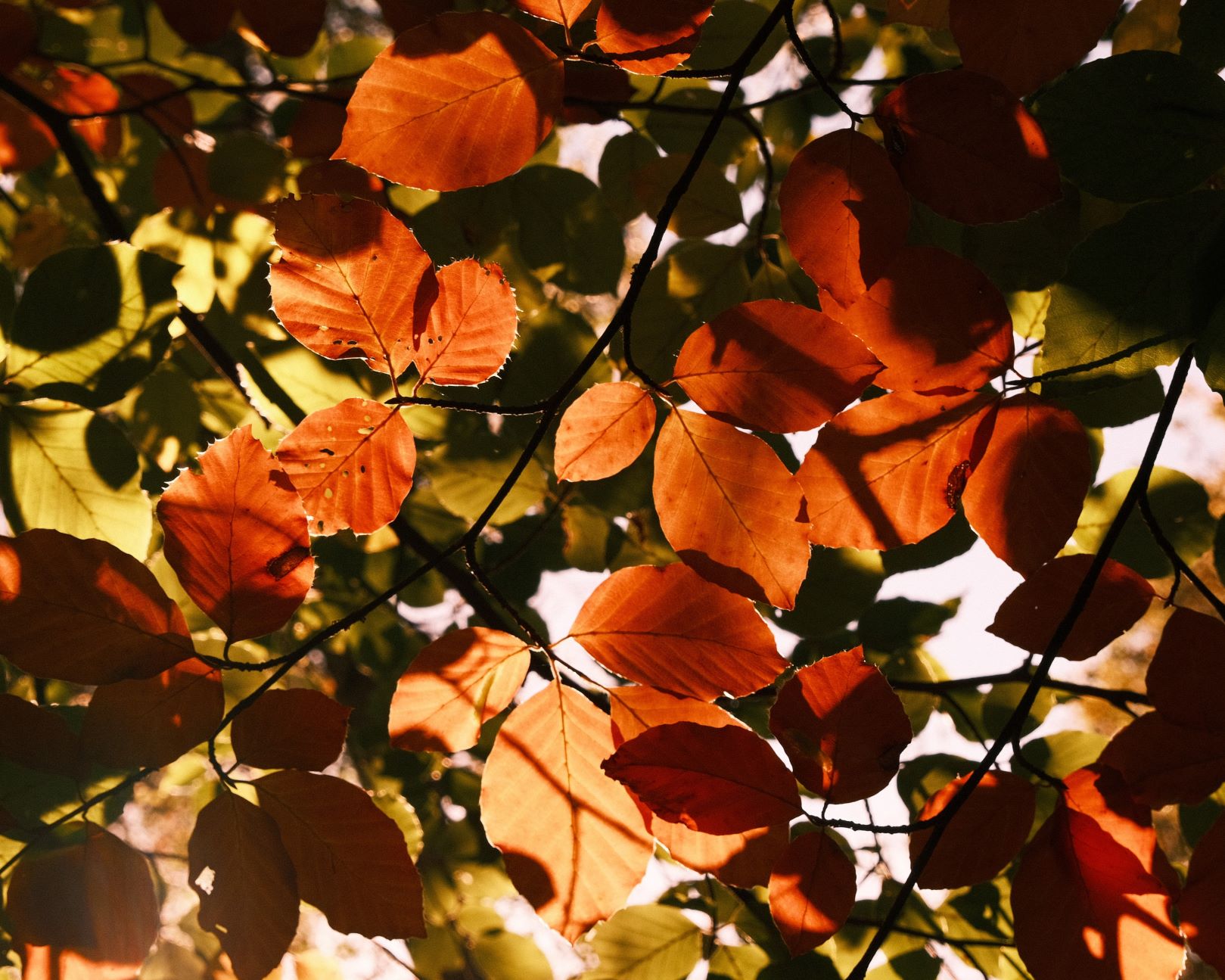
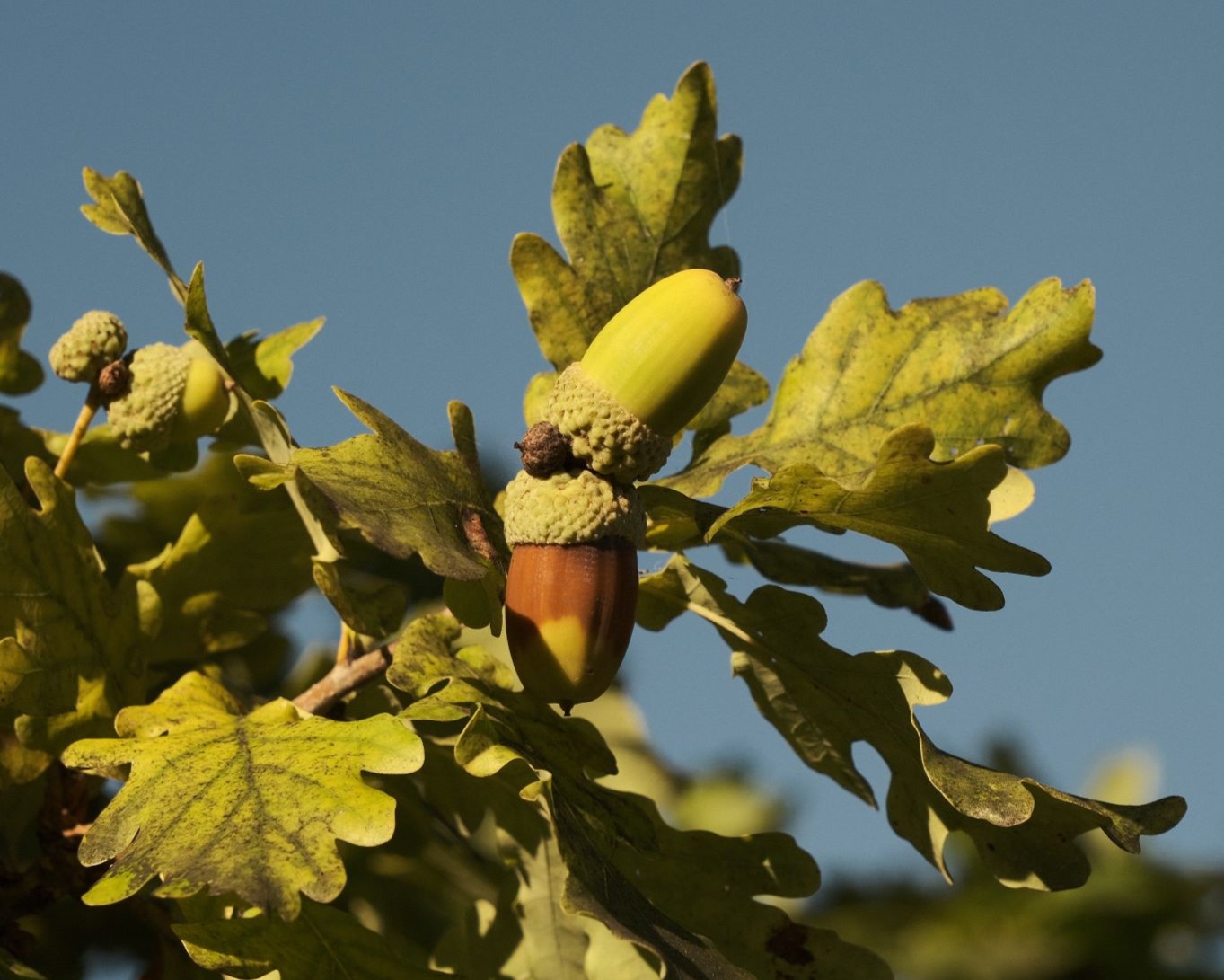
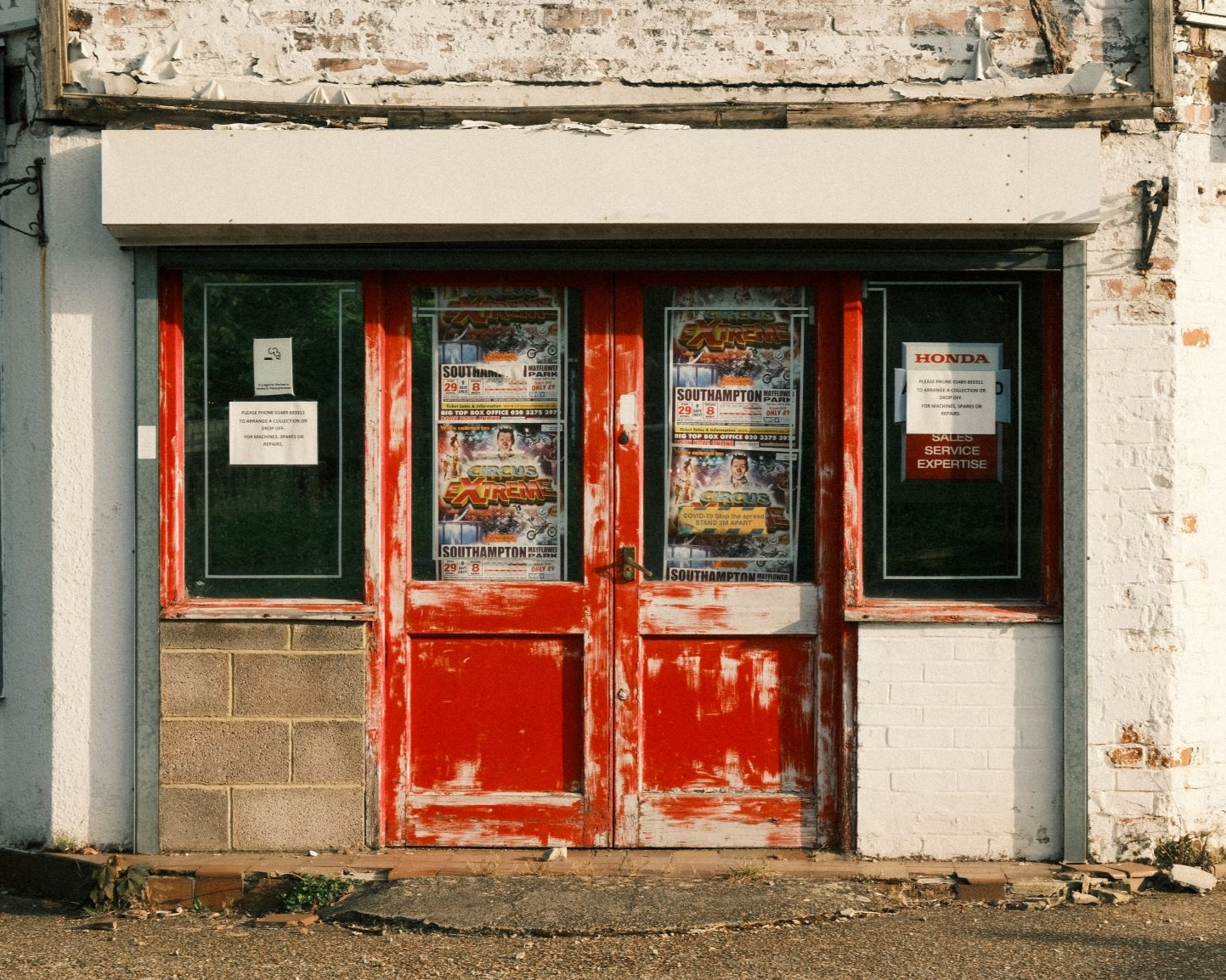
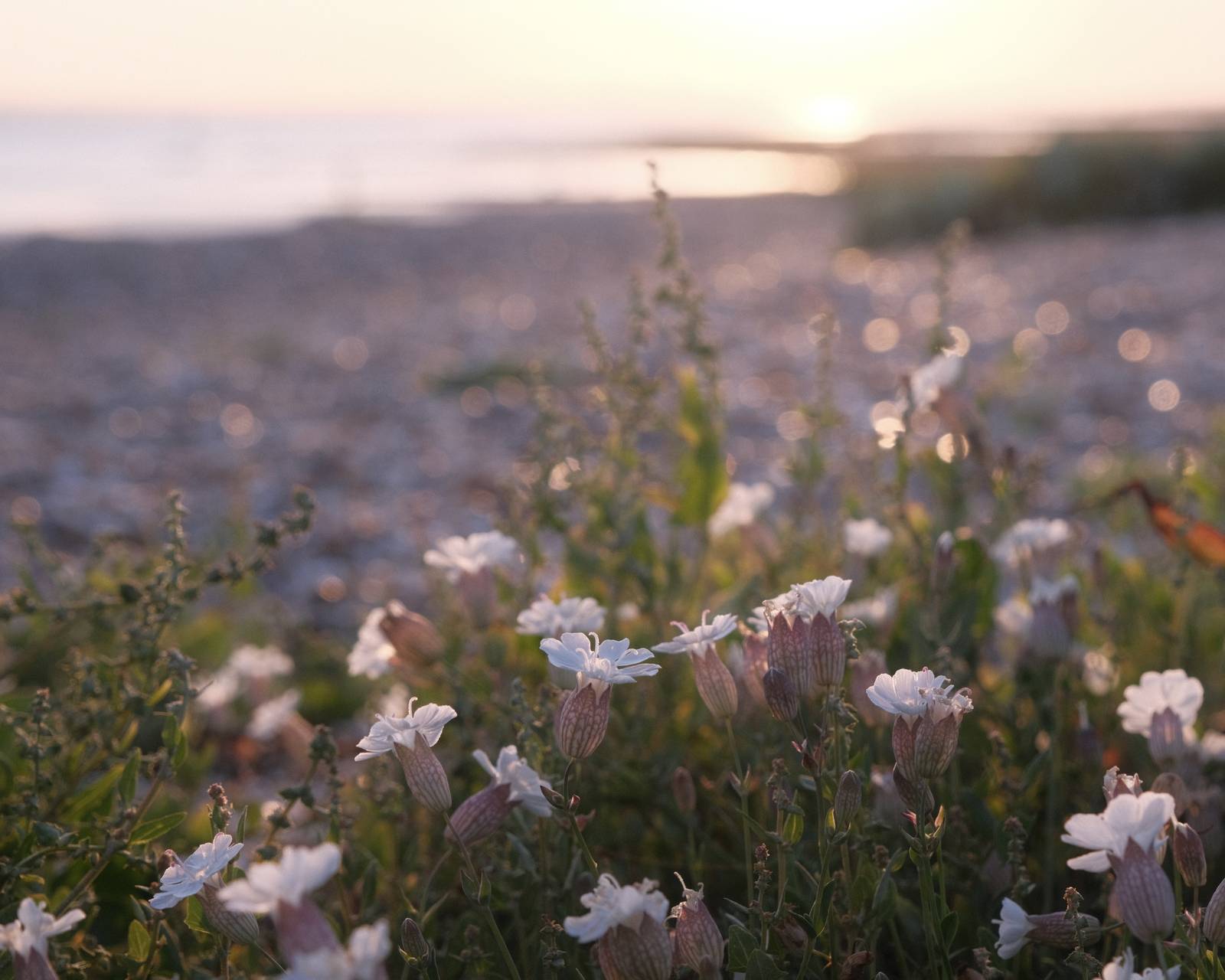
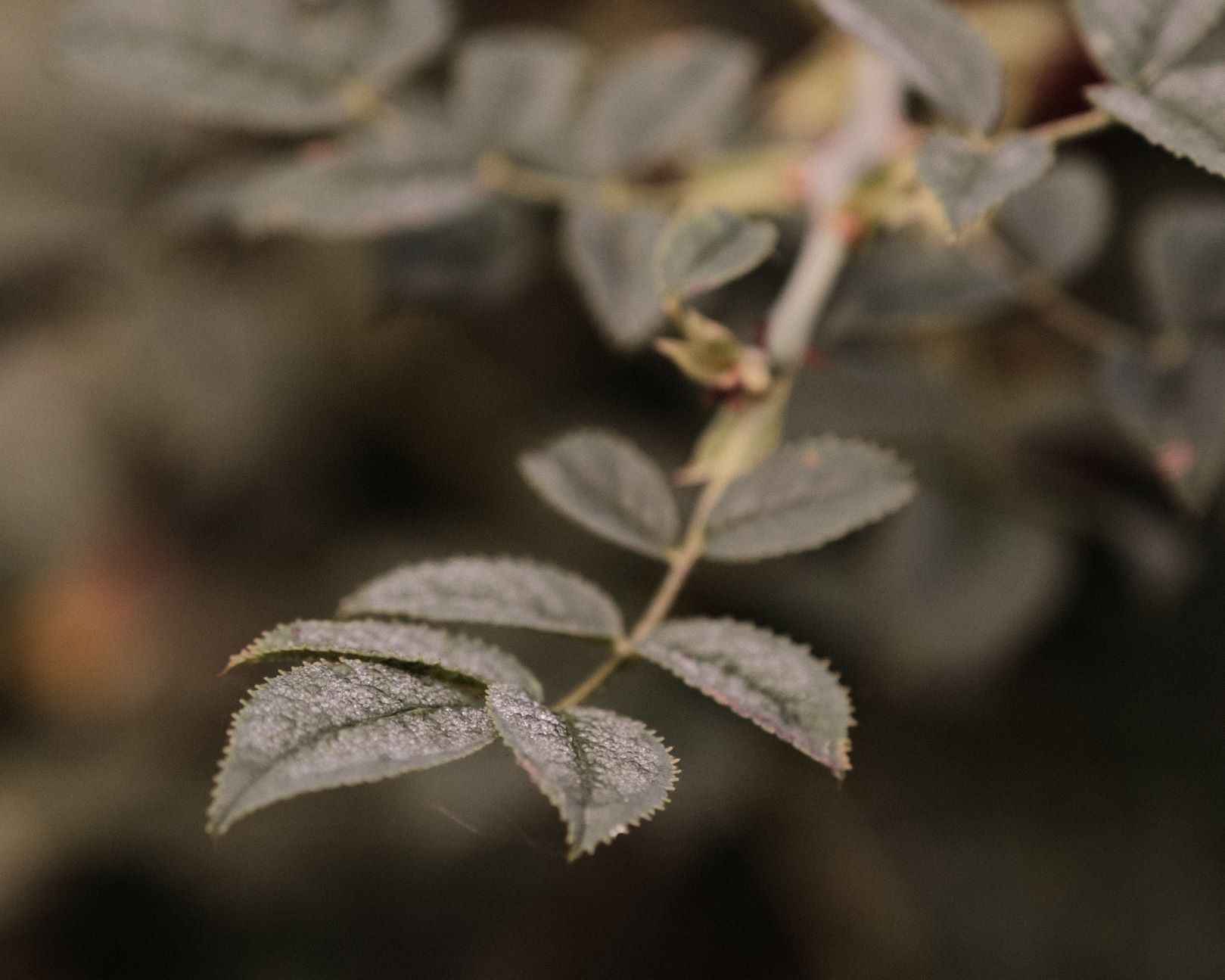
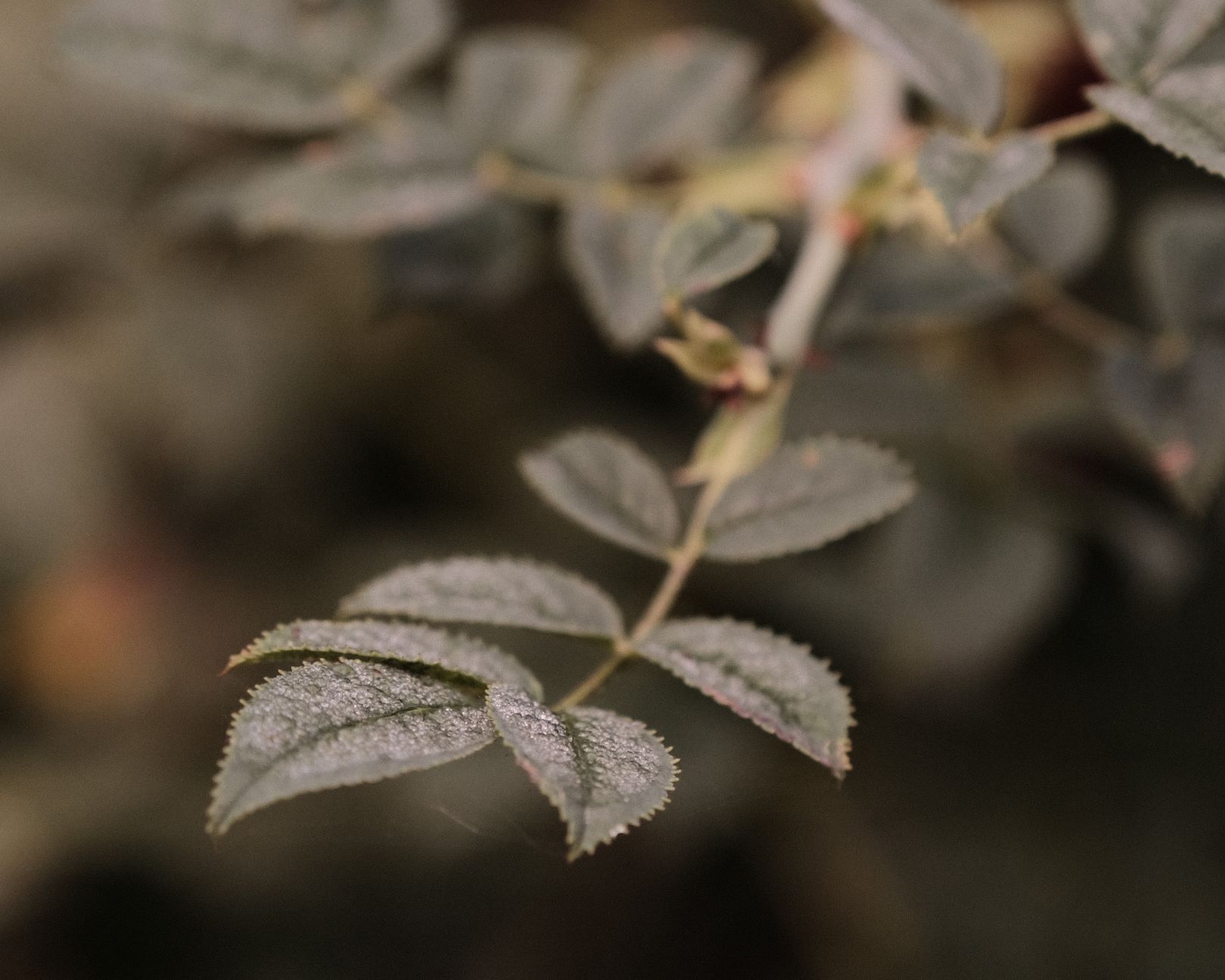
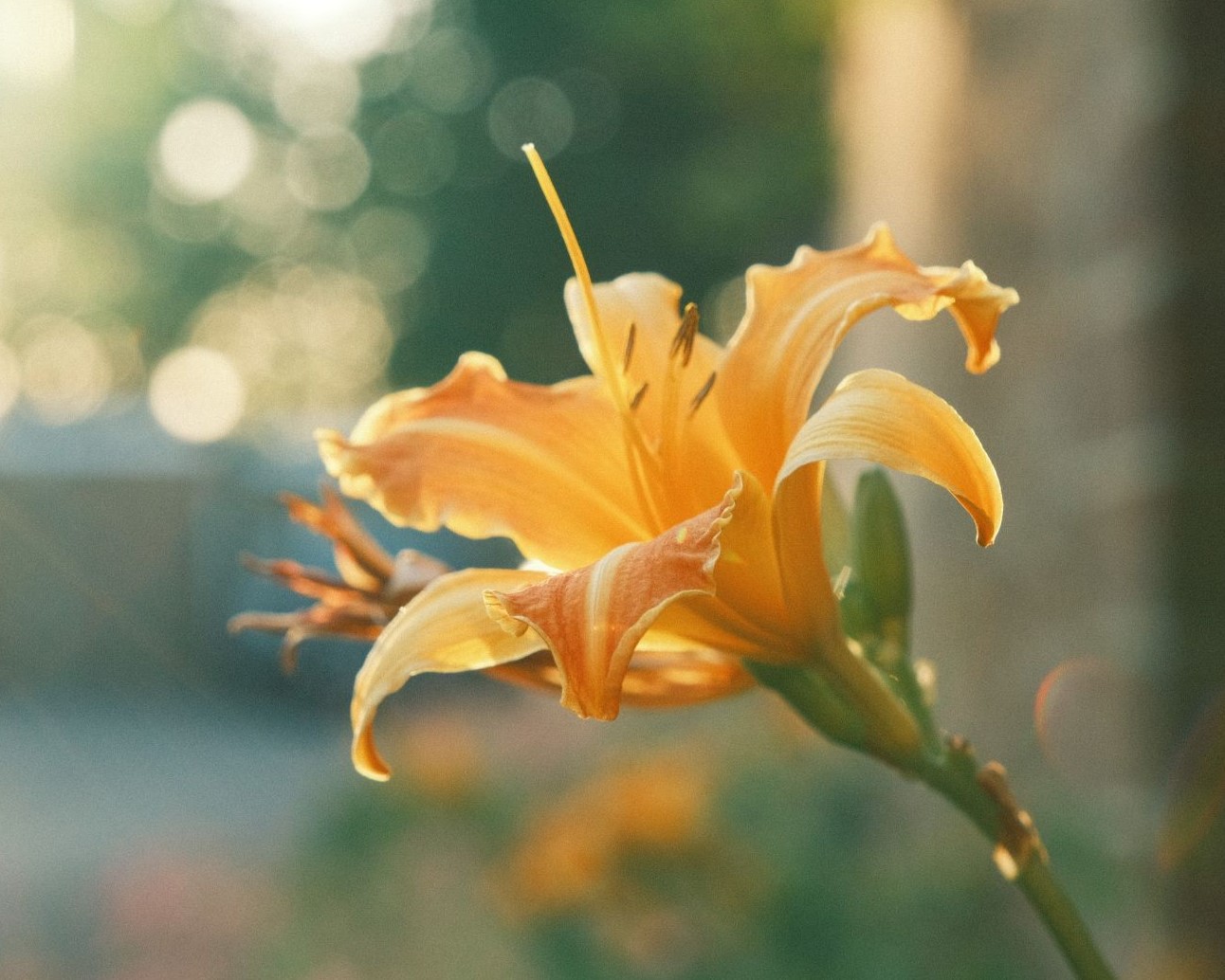
    Tropicana Film Recipe: Sample Photos

    Tropicana film recipe sample photo
    Tropicana film recipe sample photo
    Tropicana film recipe sample photo
    Tropicana film recipe sample photo
  • Shinrin Yoku, Forest Mindfulness Recipe

    Shinrin Yoku, Forest Mindfulness Recipe

    Classic chrome film simulation recipe for forest photography

    Shinrin Yoku Film Recipe

    Shinrin Yoku

    Shinrin yoku, or forest bathing, is a mindful wellness exercise that first became popular in Japan, and then around the world. You embrace the calmness of nature and enjoy a relaxing time being in a forest or amongst nature, taking time to observe and enjoy what you see. If you haven’t heard about it, here’s a quick guide to forest bathing.

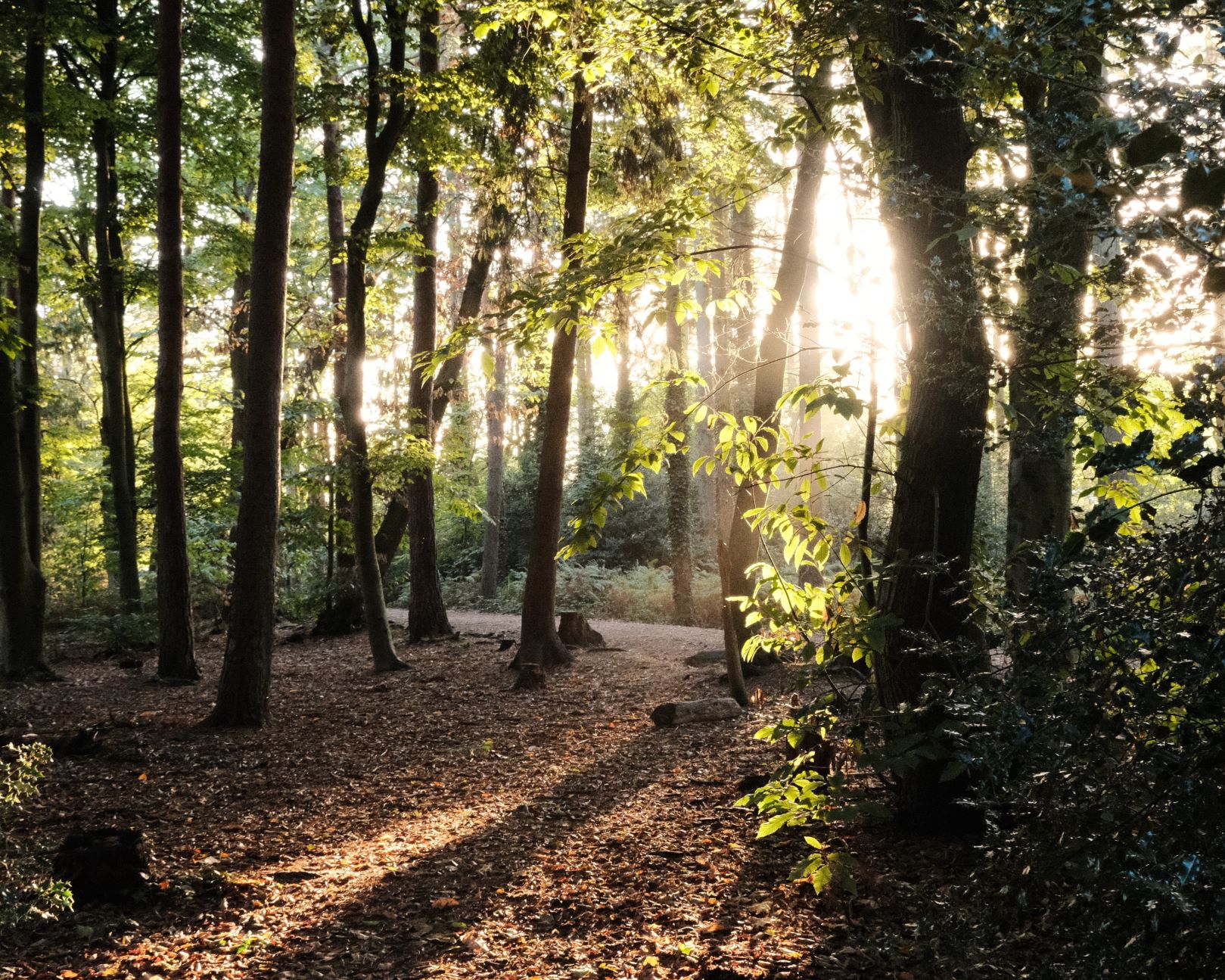
    Extending your shinrin yoku experience with photography is a wonderful way to keep a record of what you see and can enhance the mindfulness and observation elements of forest bathing. As a partner to this, I’ve developed a forest friendly film recipe that works well in a wide range of wooded environments.

    Shinrin Yoku Film Recipe Settings

    Film SimulationClassic Chrome
    Grain EffectWeak, Small
    Colour Chrome EffectOff
    Colour Chrome BlueOff
    White BalanceFluorescent 2, +3 Red, ‑5 Blue
    Dynamic RangeDR200
    Highlights‑1
    Shadows+1
    Colour+3
    Sharpness+1
    ISO Noise Reduction‑4
    Clarity0
    EV Compensation+1/3

    Similar Recipes

    More similar recipes, and hundreds more exclusive looks, are available in the Film Recipes App.

    Film Recipes

    Get the Film Recipes App

    Monthly challenges to push your photography further

    Download on the App Store
    Get it on Google Play

    Shinrin Yoku Film Recipe: Sample Photos

    Shinrin Yoku film recipe sample photo
    Shinrin Yoku film recipe sample photo
    Shinrin Yoku film recipe sample photo
    Shinrin Yoku film recipe sample photo
    Shinrin Yoku film recipe sample photo
    Shinrin Yoku film recipe sample photo
    Shinrin Yoku film recipe sample photo
    Shinrin Yoku film recipe sample photo
    Shinrin Yoku film recipe sample photo
    Shinrin Yoku film recipe sample photo
    Shinrin Yoku film recipe sample photo
    Shinrin Yoku film recipe sample photo
    Shinrin Yoku film recipe sample photo
  • Pumpkin Patch, Warm & Hazy in Spooky Season

    Pumpkin Patch, Warm & Hazy in Spooky Season

    Seasonal film recipe with pumpkin orange colour and a mellow autumn tone

    Pumpkin Patch Film Recipe

    Pumpkin Patch

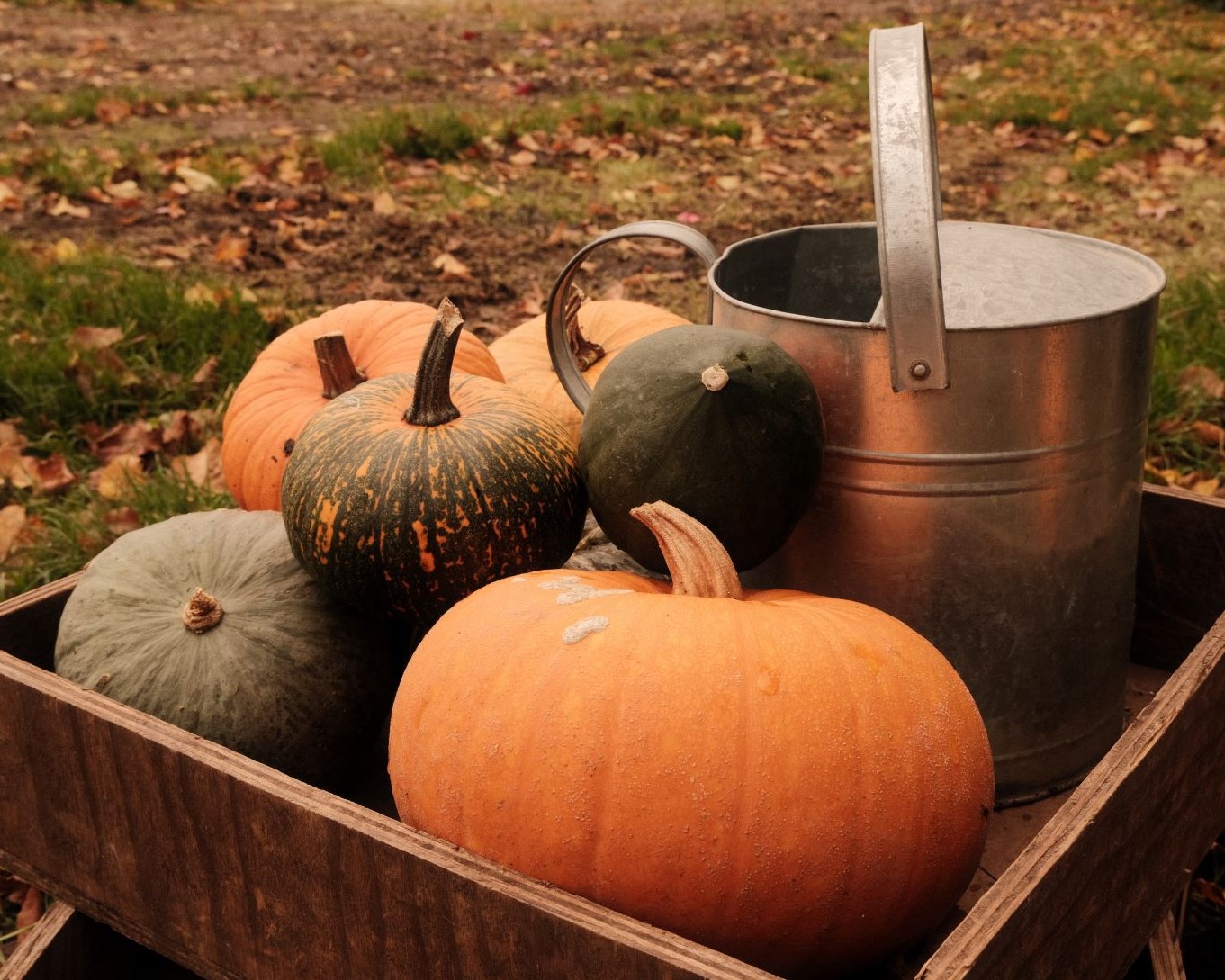
    Here’s a fun recipe to play with in the Autumn, Fall and Hallowe’en season. It has a pumpkin orange colour balance, which makes is a happy partner to seasonal photos of leaves, jack o’lanterns and warm and cosy scenes. It also creates a peachy pumpkin sunset or sunrise, and adds a gorgeous warmth to sunflares and sun haze if shooting in the golden hour is your thing.

    In addition to the pumpkin spice colour tones, this recipe includes tamed highlights and a softness from negative clarity and negative sharpening. This all helps give a nostalgic and slightly hazy tone to images where you shoot into the sunlight, or with it just out of shot. Overall the feel is mellow, warm and cosy with a seasonal orange cast.

    Pumpkin Patch Film Recipe Settings

    Film SimulationClassic Chrome
    Grain EffectWeak, Small
    Colour Chrome EffectWeak
    Colour Chrome BlueOff
    White Balance6750K, +6 Red, ‑4 Blue
    Dynamic RangeDR200
    Highlights‑1.5
    Shadows+0.5
    Colour‑2
    Sharpness‑2
    ISO Noise Reduction‑4
    Clarity‑2
    EV Compensation+1/3

    Similar Recipes

    More similar recipes, and hundreds more exclusive looks, are available in the Film Recipes App.

    Film Recipes

    Get the Film Recipes App

    Filter by film simulation, mood, shooting condition and more

    Download on the App Store
    Get it on Google Play

    Pumpkin Patch Film Recipe: Sample Photos

    Pumpkin Patch film recipe sample photo
    Pumpkin Patch film recipe sample photo
    Pumpkin Patch film recipe sample photo
    Pumpkin Patch film recipe sample photo
    Pumpkin Patch film recipe sample photo
  • Wanderlust, for Travel and Exploration

    Wanderlust, for Travel and Exploration

    Eterna film simulation recipe for X100V and other Fujifilm X-Series cameras

    Wanderlust Film Recipe

    Wanderlust

    My project aim with Wanderlust, was to create a film recipe to take on your travels. Something with a distinctive Fujifilm look, but useful for a wide range of subjects that you might encounter on your explorations.

    I decided to use the Eterna simulation as a base for Wanderlust, prefering the tones it captures when shifted warm with boosted shadow. The look is retro in tone and warm and welcoming too. I enjoyed creating it, and loved taking photos with it as I took walks around different parts of my home region.

    Wanderlust Film Recipe Settings

    Film SimulationEterna/Cinema
    Grain EffectWeak, Small
    Colour Chrome EffectWeak
    Colour Chrome BlueWeak
    White BalanceAuto, +4 Red, ‑7 Blue
    Dynamic RangeDR400
    Highlights0
    Shadows+2
    Colour+2
    Sharpness‑2
    ISO Noise Reduction‑4
    Clarity0
    EV Compensation+1/3

    Similar Recipes

    More similar recipes, and hundreds more exclusive looks, are available in the Film Recipes App.

    Film Recipes

    Get the Film Recipes App

    New recipes added frequently — be the first to try the latest looks

    Download on the App Store
    Get it on Google Play

    Wanderlust Film Recipe: Sample Photos

    Wanderlust film recipe sample photo
    Wanderlust film recipe sample photo
    Wanderlust film recipe sample photo
    Wanderlust film recipe sample photo
  • Kodak, Like it’s 1975, for Retro Memories

    Kodak, Like it’s 1975, for Retro Memories

    Classic Chrome film simulation recipe with warm colour balance and muted color

    Kodak Like its 1975 Film Recipe

    Kodak Like its 1975

    One thing that really defines Fujifilm photos is the Classic Chrome film recipe, producing retro styled images, like classic film of the 70s. This film recipe runs with the theme, pushing the retro look hard with lashings of added warmth and an aged image fade to the colour.

    In my mind when designing this were the fading memories of 1970’s summers and the nostalgic feel of old print photos from that time. The result is a simple film recipe in many ways, but for that retro 70s look, I feel that it works well and is a fun partner to carry around in my camera.

    Kodak Like its 1975 Film Recipe Settings

    Film SimulationClassic Chrome
    Grain EffectWeak, Small
    Colour Chrome EffectOff
    Colour Chrome BlueOff
    White BalanceAuto, +5 Red, ‑7 Blue
    Dynamic RangeDR200
    Highlights‑0.5
    Shadows+0.5
    Colour‑3
    Sharpness0
    ISO Noise Reduction‑4
    Clarity0
    EV Compensation+1/3

    Similar Recipes

    More similar recipes, and hundreds more exclusive looks, are available in the Film Recipes App.

    Film Recipes

    Get the Film Recipes App

    Settings laid out clearly, with sample photos and similar recipes

    Download on the App Store
    Get it on Google Play

    Kodak Like its 1975 Film Recipe: Sample Photos

    Kodak Like its 1975 film recipe sample photo
    Kodak Like its 1975 film recipe sample photo
    Kodak Like its 1975 film recipe sample photo
    Kodak Like its 1975 film recipe sample photo
    Kodak Like its 1975 film recipe sample photo
    Kodak Like its 1975 film recipe sample photo
    Kodak Like its 1975 film recipe sample photo

    Community Photos

    Photos taken with the Kodak Like its 1975 film recipe by members of the Film Recipes community.

    Photos by David Forsdike

    Kodak Like its 1975 film recipe photo by David Forsdike

    Photos by Sabrina Magnusson

    Kodak Like its 1975 film recipe photo by Sabrina Magnusson
    Kodak Like its 1975 film recipe photo by Sabrina Magnusson
  • Fall Colormax, to Bring the Autumn Fire

    Fall Colormax, to Bring the Autumn Fire

    Rich and strong fall color film simulation recipe with Classic Negative

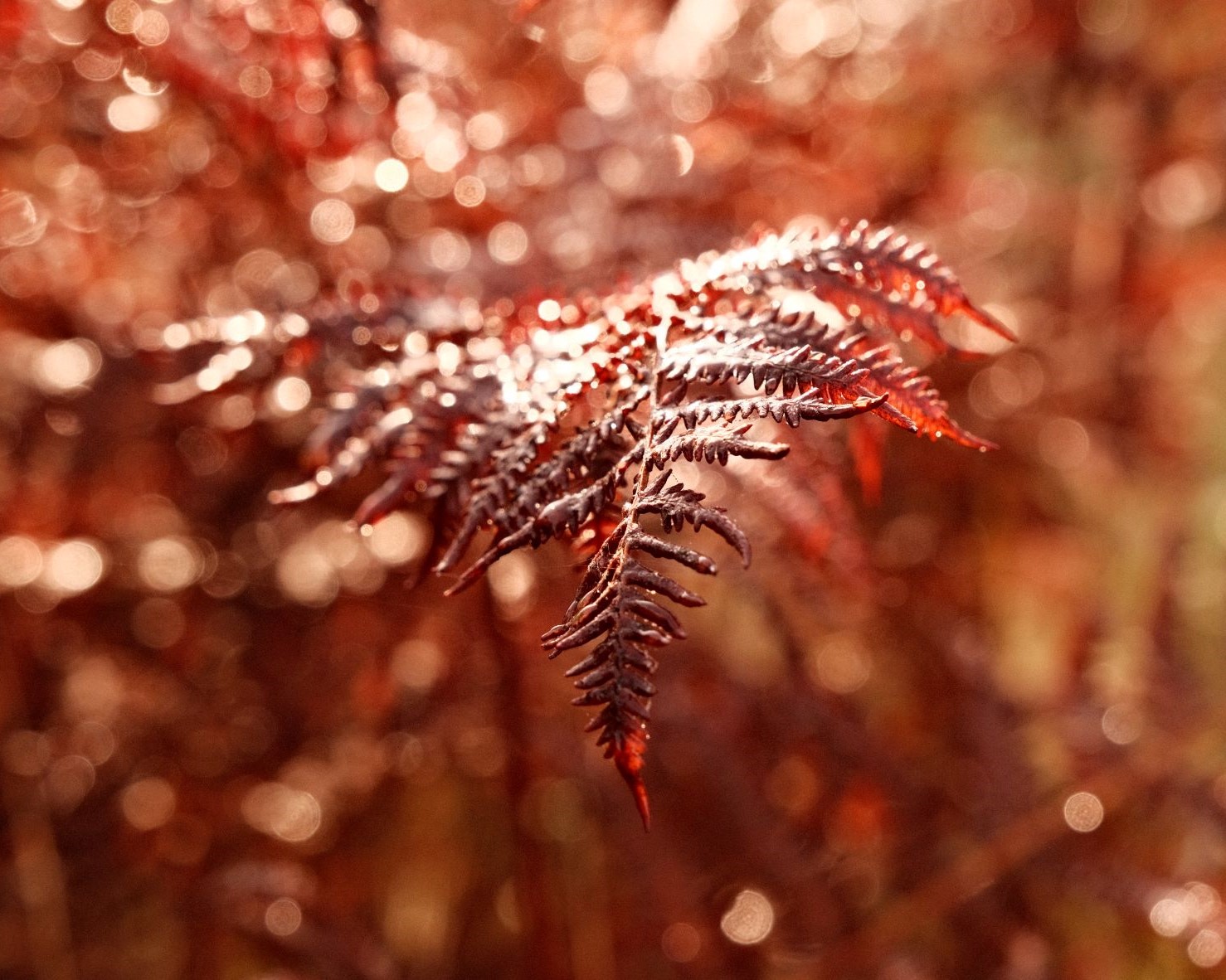
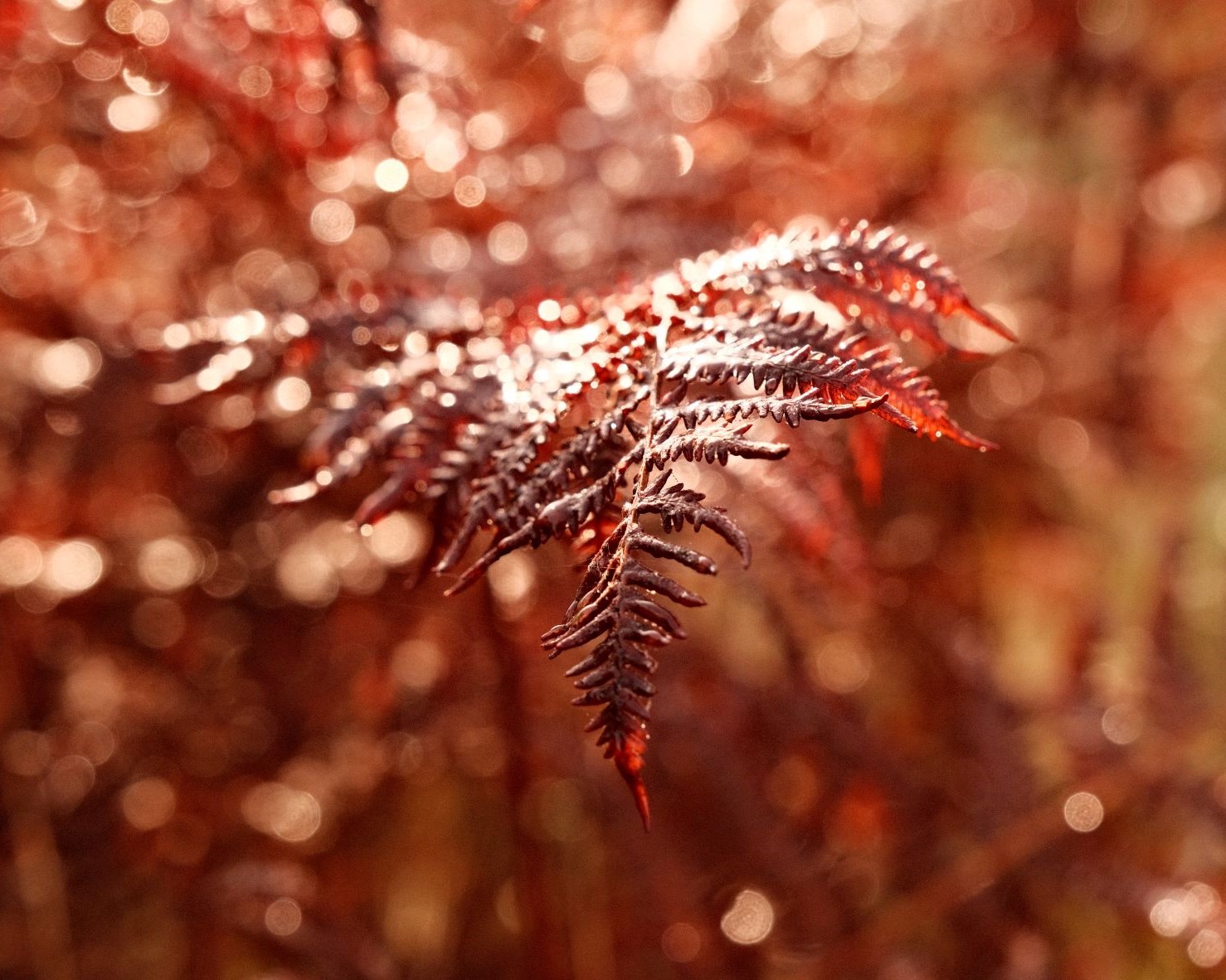
    At the time of writing, Autumn is beginning to show, so I’ve been turning my attention to recipes for Autumn and Fall Color. Some of these feature soft golden tones and faded warmth, but we also need something with a bit of pop. If you want to max out the red and orange tones, then Fall Colormax is the recipe to use. It’s an extreme recipe, but it really does go big on fall color.

    Turning leaves made rich and autumnal, with Fall Colormax

    Fall Colormax Film Recipe

    • Simulation: Classic Negative
    • Grain Effect: Weak, Small
    • Colour Chrome Effect: Strong
    • Colour Chrome Blue: Weak (IV) / Off (V)
    • White Balance: Shade
    • WB Shift: +8 Red, -4 Blue
    • Dynamic Range: DR200
    • Highlights: 0.0
    • Shadows: -1.0
    • Color: +3
    • Sharpness: -1
    • ISO Noise Reduction: -4
    • Clarity: 0
    • EV compensation: 0
    It’s an Autumnal inferno, with Fall Colormax film recipe.
    Rich and warm colour, with Fall Colormax film recipe
    Early autumn ferns, captured by the Fall Colormax film recipe
    Log piles with a strong pine scent, Fall Colormax film recipe
    Fly agaric in the deep forest, with Fall Colormax film recipe
    An October visitor in the forest, taken with Fall Colormax film recipe
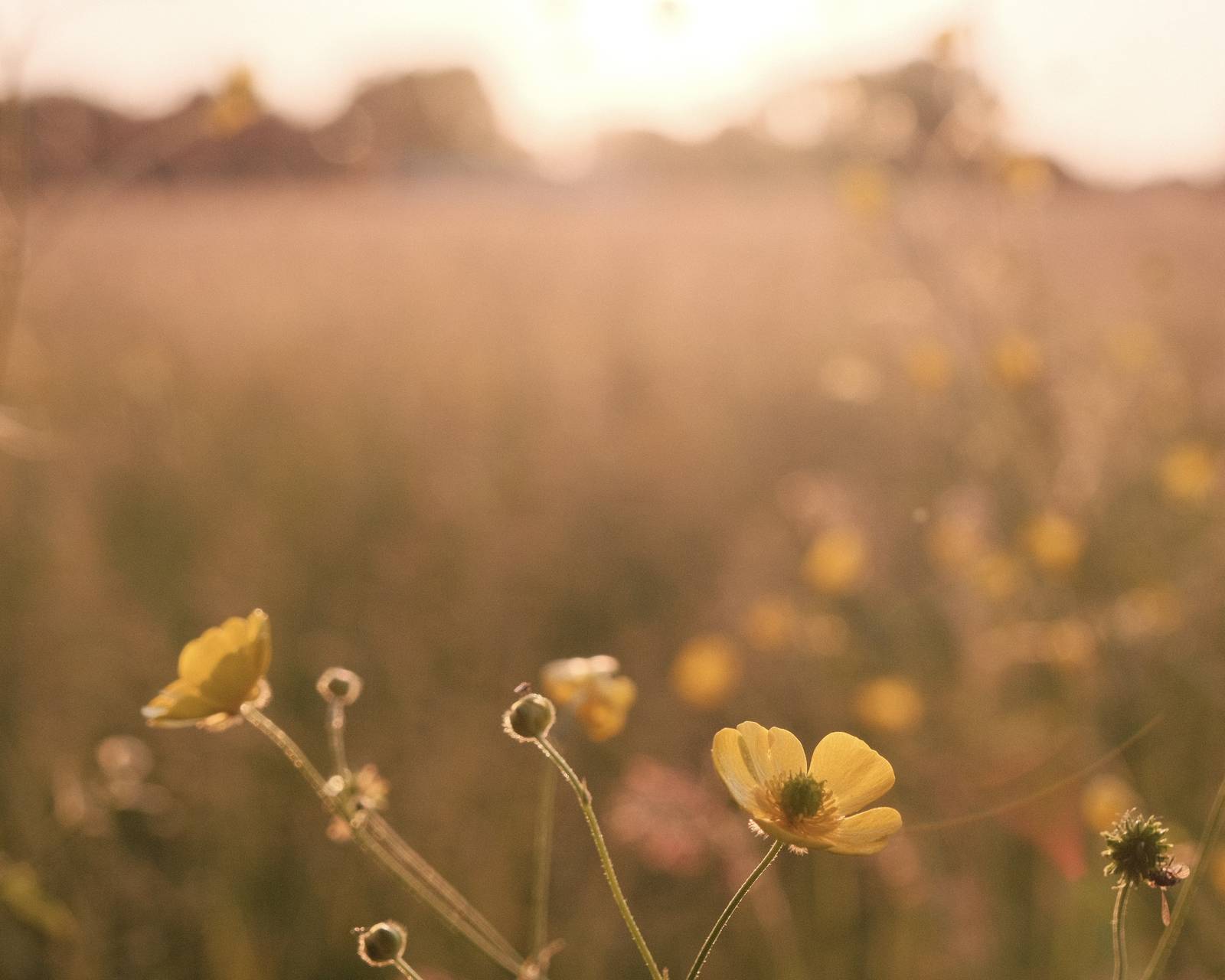
    Morning golden hour in the heather, with Fall Colormax film recipe
    The tone is a rich, peachy orange, with Fall Colormax film recipe
    Brown mushrooms on the forest floor, with Fall Colormax film recipe
    Rich autumn tones, using Fall Colormax film recipe
    A pale sunset comes to life, when using Fall Colormax film recipe
    Bracken silhouette, taken with Fall Colormax film recipe
    Purple skies, usng the Fall Colormax film recipe
    Tangerine dreams, with the Fall Colormax film recipe
    Golden wheat, using Fall Colormax film recipe
    Shady forest road, captured with Fall Colormax film recipe
    The intense colour shifts of Fall Colormax film recipe

    This receipe is, as you may guess, my most extreme Autumn style. There are plenty of other recipes that work well with fall colours, so if you want something a bit less vibrant, visit the Fall & Autumn recipes page.

  • Aerocolor, based on Rare Kodak Film

    Aerocolor, based on Rare Kodak Film

    Eterna film simulation recipe to mimic the look of Kodak Aerocolor 125.

    Kodak Aerocolor Film Recipe

    Kodak Aerocolor

    One of my first recipes based on photo samples from real film was the aged look of expired Kodak Aerocolor. I called it Aerocolor Lomo, and although I love the green tones it produces, it’s something of a specialist recipe.

    Revisiting the little known Kodak Aerocolor samples again, I was able to find a handful from non-expired stock that helped me shape this recipe. The most important step with this exercise is choosing the base simulation, and for Aerocolor, I found that Eterna gave the best match.

    Other settings include deeper shadows, a small lift to color and a fixed point white balance for a warm, but still natural look. Whilst there is no clarity in use, Chrome Blue is set, so for older cameras, that would need to be skipped.

    Kodak Aerocolor Film Recipe Settings

    Film SimulationEterna/Cinema
    Grain EffectWeak, Small
    Colour Chrome EffectOff
    Colour Chrome BlueWeak
    White Balance6450K, +4 Red, ‑2 Blue
    Dynamic RangeDR200
    Highlights+1.0
    Shadows+3.0
    Colour+1
    Sharpness+1
    ISO Noise Reduction‑4
    Clarity0
    EV Compensation+1/3

    Similar Recipes

    More similar recipes, and hundreds more exclusive looks, are available in the Film Recipes App.

    Kodak Aerocolor Film Recipe: Sample Photos

    Kodak Aerocolor film recipe sample photo

    Kodak Aerocolor film recipe sample photo

    Kodak Aerocolor film recipe sample photo

    Kodak Aerocolor film recipe sample photo

    Kodak Aerocolor film recipe sample photo

  • Grizzly Bear, a Recipe with Big Presence

    Grizzly Bear, a Recipe with Big Presence

    Punchy colours and strong grain in this classic negative film recipe

    Grizzly Bear Film Recipe

    Grizzly Bear

    Sometimes, you want your photos to have impact, with punchy colours, deep shadows and character from grain. This recipe has been designed around those three features, and with such a big personality, is called Grizzly Bear.

    The base film simulation is Classic Negative, with a strong grain and a positve clarity setting. This adds to the dramatic feel of the images, but does mean it may be a little slower to render and save the images. It’s all part of the look however, so that when you want a punchy slide-like result, you can ‘bring out the bear’!

    Grizzly Bear Film Recipe Settings

    Film SimulationClassic Negative
    Grain EffectStrong, Large
    Colour Chrome EffectWeak
    Colour Chrome BlueOff
    White BalanceAuto, +1 Red, ‑3 Blue
    Dynamic RangeDR400
    Highlights+0.5
    Shadows‑1.5
    Colour+2
    Sharpness‑2
    ISO Noise Reduction‑4
    Clarity+4
    EV Compensation0

    Similar Recipes

    More similar recipes, and hundreds more exclusive looks, are available in the Film Recipes App.

    Film Recipes

    Get the Film Recipes App

    Rolling activity feed — see what’s trending in the app

    Download on the App Store
    Get it on Google Play

    Grizzly Bear Film Recipe: Sample Photos

    Grizzly Bear film recipe sample photo
    Grizzly Bear film recipe sample photo
    Grizzly Bear film recipe sample photo
    Grizzly Bear film recipe sample photo
    Grizzly Bear film recipe sample photo
    Grizzly Bear film recipe sample photo
    Grizzly Bear film recipe sample photo
    Grizzly Bear film recipe sample photo
    Grizzly Bear film recipe sample photo
  • Ruby Tuesday, a Rusty Chrome Recipe

    Ruby Tuesday, a Rusty Chrome Recipe

    Classic chrome with boosted color for a rich autumnal look on X-Trans IV

    Ruby Tuesday Film Recipe

    Ruby Tuesday

    The Classic Chrome film simulation is an excellent base for images featuring cream, brown or blue tones. Photos are muted and stylish with default settings and, with a boost to color and warmth, can add richness to the colour for a striking result.

    These tones make this recipe particularly suited to Autumn / Fall, working with any golden tones, like the turning leaves. Orange and brown leaves take on a ruby tone, with a red richness like a vibrant rusting in images.

    In addition to the warm colour tone and the boosted saturation, a weak grain and positive sharpening add a gentle grittiness to the result. I enjoy how this looks in images, but as with all of my recipes, these are recommendations, and if you prefer to shoot without clarity or grain, that’s ok 🙂

    And the name? Ruby Tuesday reflects the tone of course, and is a nod to the Rolling Stones hit of 1967 as well.

    Ruby Tuesday Film Recipe Settings

    Film SimulationClassic Chrome
    Grain EffectWeak, Large
    Colour Chrome EffectStrong
    Colour Chrome BlueOff
    White BalanceAuto, +7 Red, ‑6 Blue
    Dynamic RangeDR200
    Highlights+2
    Shadows0
    Colour+3
    Sharpness‑1
    ISO Noise Reduction‑4
    Clarity+3
    EV Compensation+1/3

    Similar Recipes

    More similar recipes, and hundreds more exclusive looks, are available in the Film Recipes App.

    Film Recipes

    Get the Film Recipes App

    Browse, filter and search the full recipe library in seconds

    Download on the App Store
    Get it on Google Play

    Ruby Tuesday Film Recipe: Sample Photos

    Ruby Tuesday film recipe sample photo
    Ruby Tuesday film recipe sample photo
    Ruby Tuesday film recipe sample photo
    Ruby Tuesday film recipe sample photo
    Ruby Tuesday film recipe sample photo
    Ruby Tuesday film recipe sample photo
    Ruby Tuesday film recipe sample photo
    Ruby Tuesday film recipe sample photo
    Ruby Tuesday film recipe sample photo
    Ruby Tuesday film recipe sample photo
  • Deep Forest, a Mellow Woodland Look

    Deep Forest, a Mellow Woodland Look

    Classic Chrome film simulation recipe

    Deep Forest Film Recipe

    Deep Forest

    Classic Chrome film simulation recipe for deep and mellow woodland moods

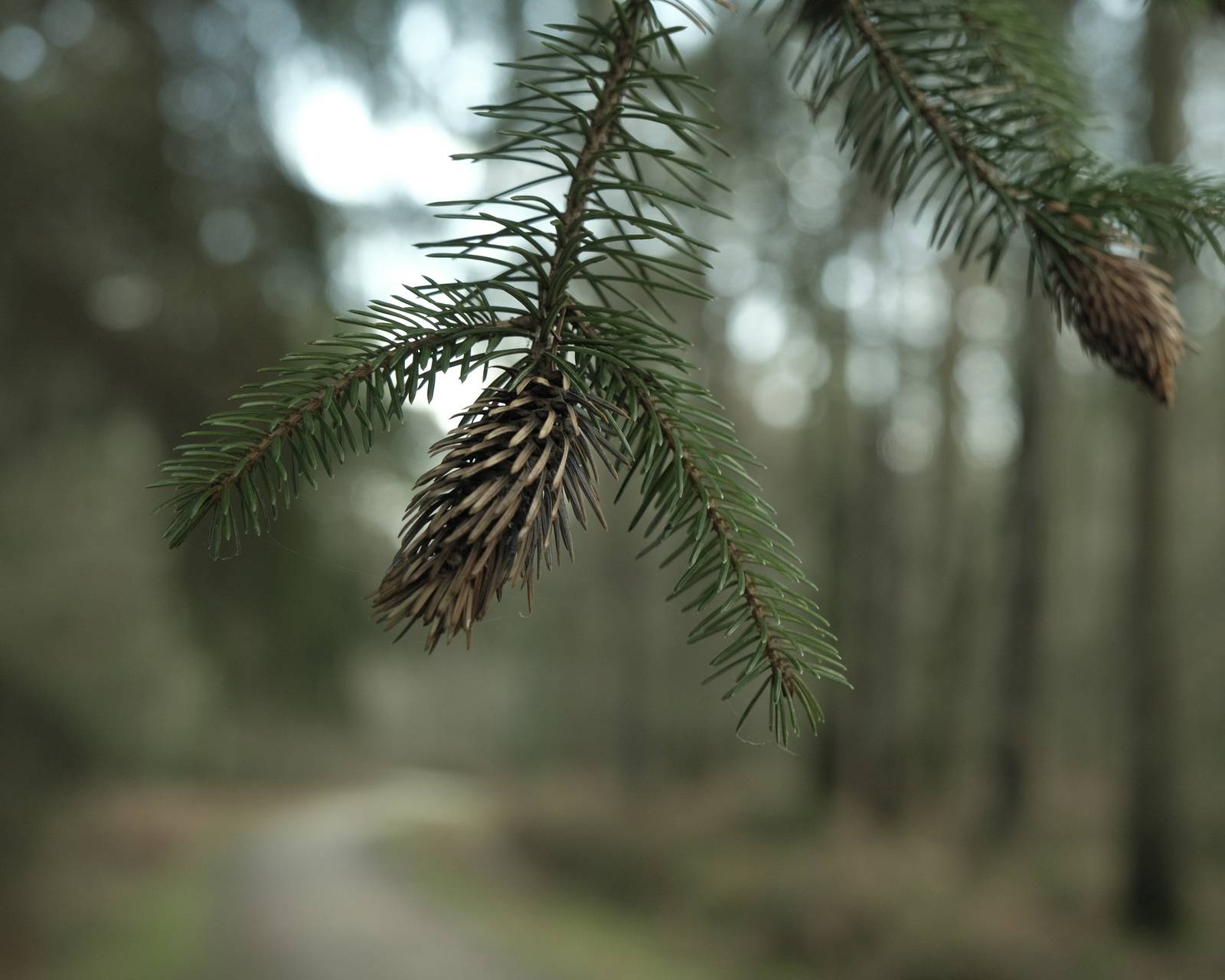
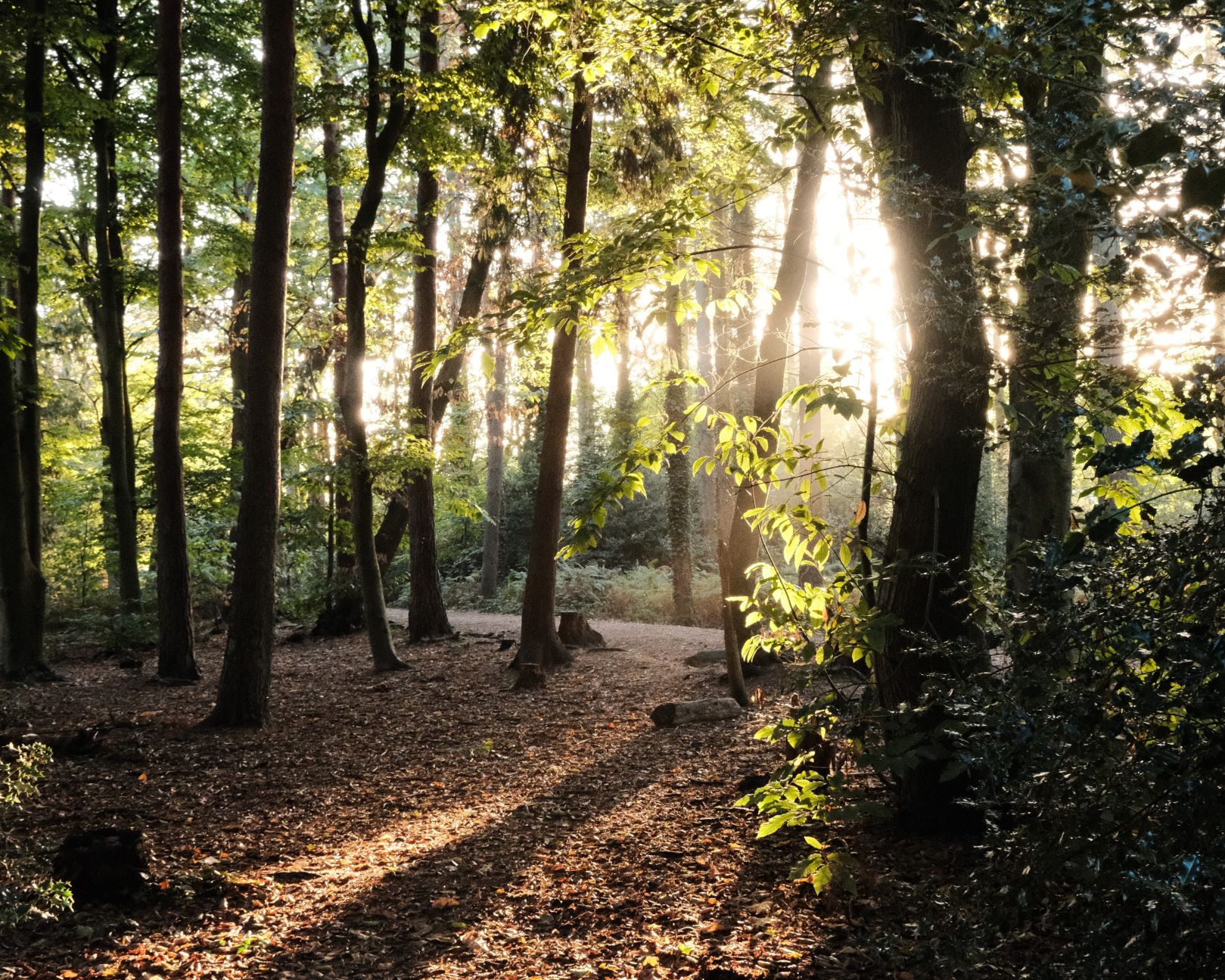
    Autumn is known as the season of mists and mellow fruitfulness (John Keats), and this is a film recipe that captures that aesthetic. Images are deep toned with a mellow colour palette that’s perfect for capturing moody woodland details.

    The base film simulation is Classic Chrome, but the combination of chrome effects, strong white balance shift and a +1.5 shadow setting, give it a look all its own. For extra deepness (depth?), you can underexpose as well.

    If you use this on a sunny day, you may get best results with that bit of underexposure. On dull or rainy days, it should deliver reliably moody images as exposed. All in all, it’s just right for Autumn when the mist and murk become more common, and through the Winter months or when weather is gloomy.

    Deep Forest Film Recipe Settings

    Film SimulationClassic Chrome
    Grain EffectWeak, Small
    Colour Chrome EffectWeak
    Colour Chrome BlueWeak
    White BalanceAuto, +7 Red, ‑5 Blue
    Dynamic RangeDR400
    Highlights‑0.5
    Shadows+1.5
    Colour‑4
    Sharpness‑2
    ISO Noise Reduction‑4
    Clarity0
    EV Compensation0

    Similar Recipes

    More similar recipes, and hundreds more exclusive looks, are available in the Film Recipes App.

    Film Recipes

    Get the Film Recipes App

    New recipes added frequently — be the first to try the latest looks

    Download on the App Store
    Get it on Google Play

    Deep Forest Film Recipe: Sample Photos
    Deep Forest film recipe sample photo
    Deep Forest film recipe sample photo
    Deep Forest film recipe sample photo
    Deep Forest film recipe sample photo
    Deep Forest film recipe sample photo
    Deep Forest film recipe sample photo