
Acheive a cinematic look and feeel with Classic Chrome on X100V
Achieving a cinematic look with a Fujifilm camera is made much easier by the presence of the built in Eterna Cinema simulation. But, what if you’re not into Eterna, and prefer Classic Chrome? Can a cinematic look be created with this simulation too?
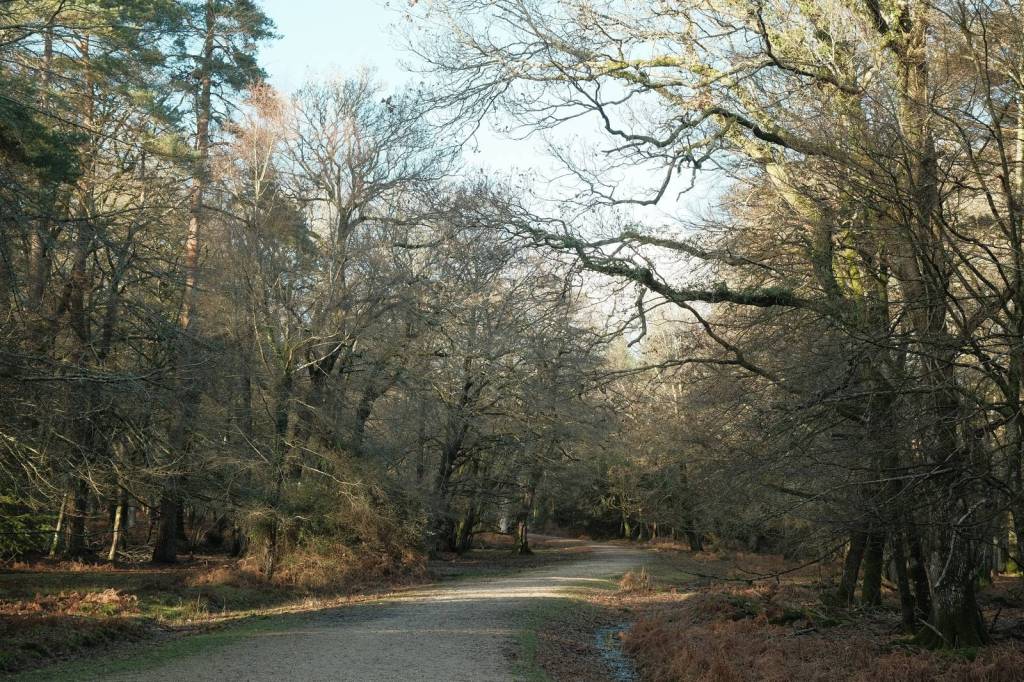
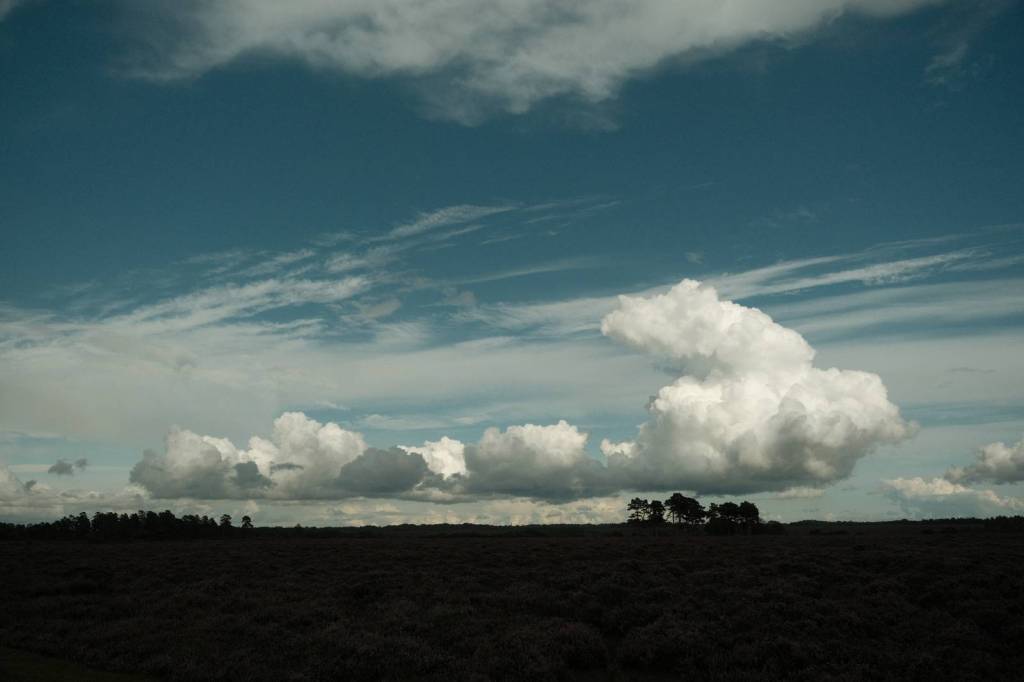
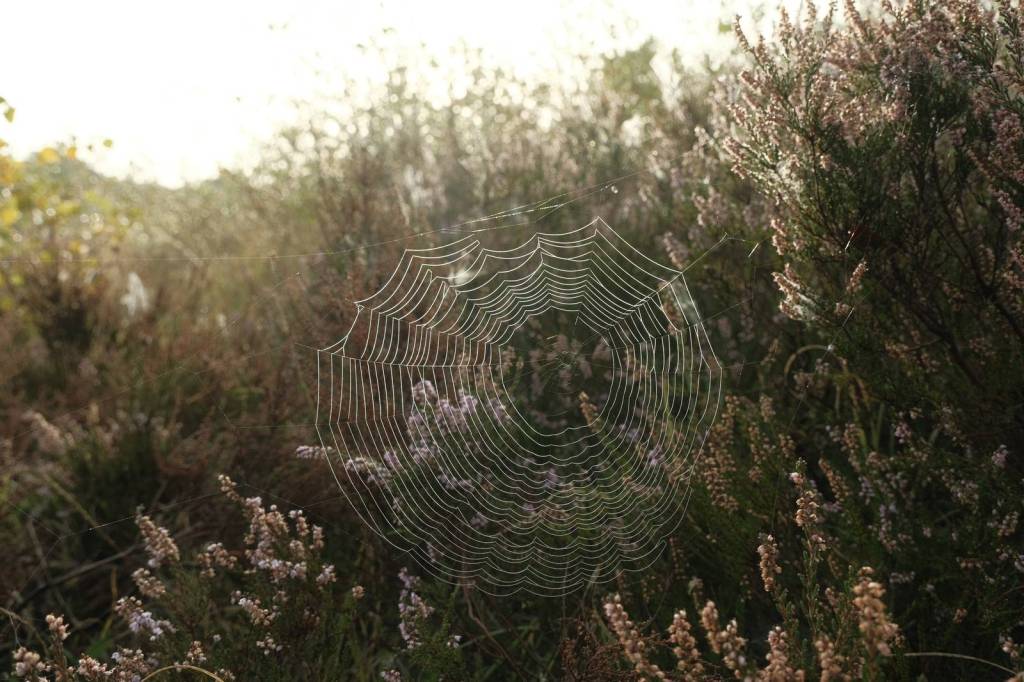
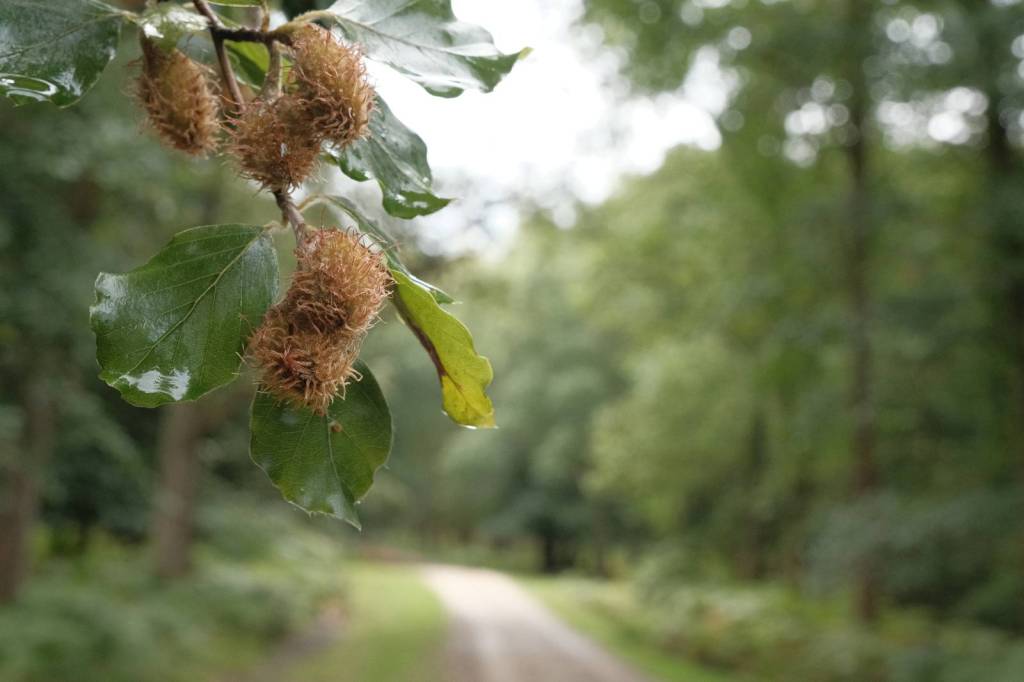
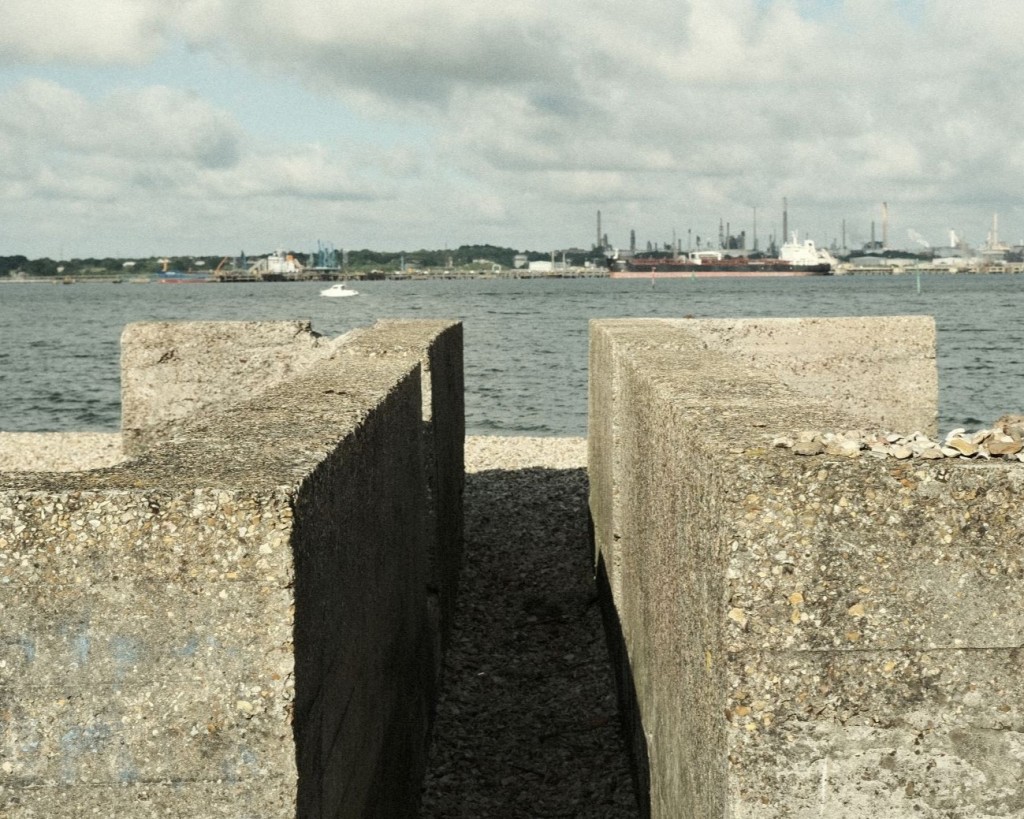
That’s the challenge I’ve been tackling in this film simulation recipe. I wanted to achieve a tone that was evocative of moody and intelligent cinema, perhaps in a movie that takes it’s time to set a scene with some atmospheric shots of scenery before bringing you into a scene.
With Classic Chrome and some adjustments to the tone cure and colour balance shift, I found that I could capture this feeling in a ready to go film recipe, that give a cine feel, straight out of camera. I hope you enjoy the result.

Cinematic Chrome Film Recipe
- Simulation: Classic Chrome
- Grain Effect: Weak, Small
- Colour Chrome Effect: Weak
- Colour Chrome Blue: Strong (IV) / Weak (V)
- White Balance: Auto
- WB Shift: +2 Red, -6 Blue
- Dynamic Range: DR200
- Highlights: 0.0
- Shadows: -2.0
- Color: -2
- Sharpness: 0
- ISO Noise Reduction: -4
- Clarity: -2
- EV compensation: -1/3

























More Cinematic Film Recipes
A cinematic look gives a low contrast image, often with muted tones and a mellow colour balance shift. This captured a feel much like the mood setting panoramic landscape shots in a road movie, or arty scene setting before the characters come on screen. Here are a few more cinematic film recipes from this site…







 Film Recipes for Fujifilm Cameras