






Cinematic Chrome
Cinematic Chrome, Movie Mood Film Recipe
Acheive a cinematic look and feeel with Classic Chrome on X100V
Achieving a cinematic look with a Fujifilm camera is made much easier by the presence of the built in Eterna Cinema simulation. But, what if you’re not into Eterna, and prefer Classic Chrome? Can a cinematic look be created with this simulation too?
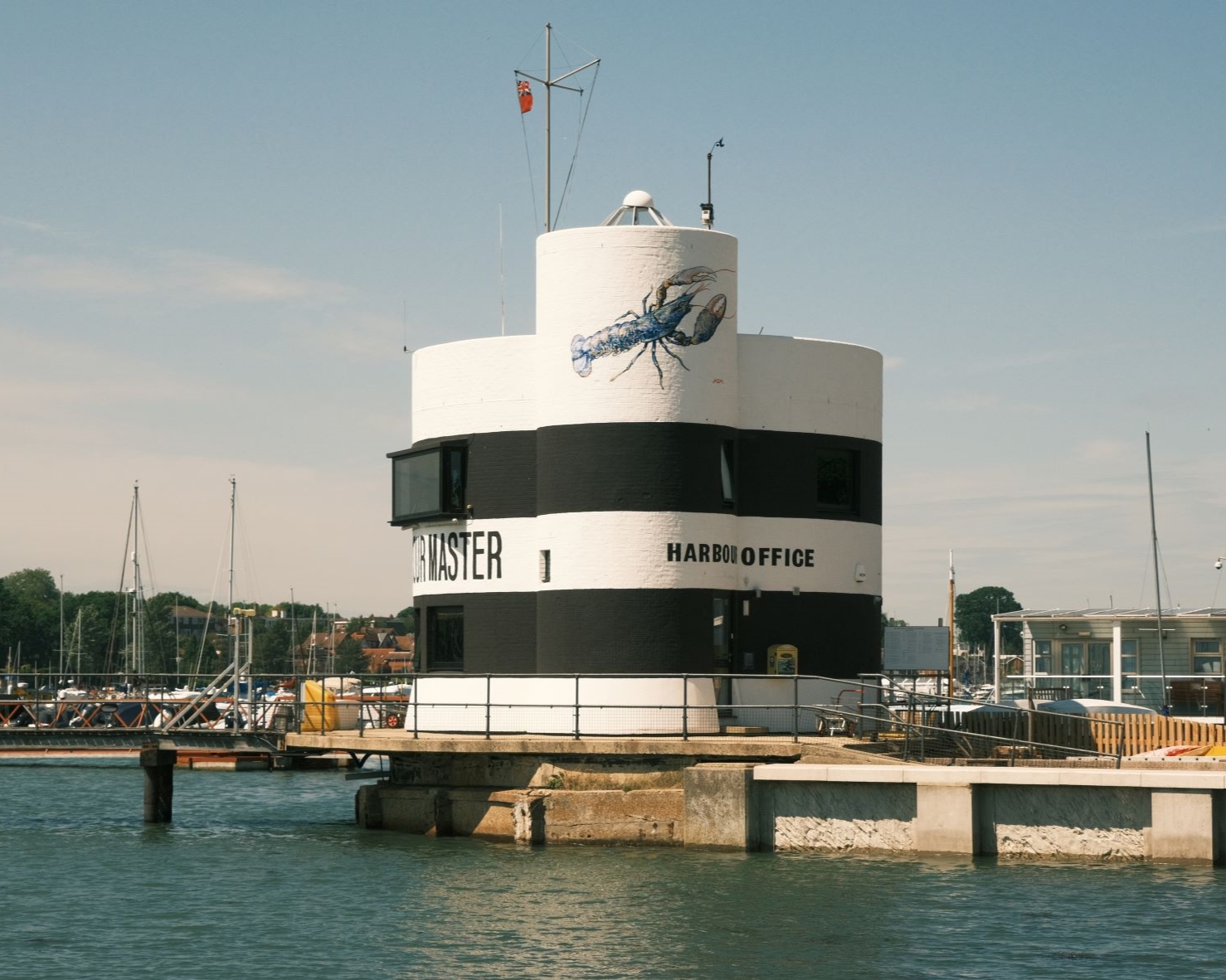
That’s the challenge I’ve been tackling in this film simulation recipe. I wanted to achieve a tone that was evocative of moody and intelligent cinema, perhaps in a movie that takes it’s time to set a scene with some atmospheric shots of scenery before bringing you into a scene.
With Classic Chrome and some adjustments to the tone cure and colour balance shift, I found that I could capture this feeling in a ready to go film recipe, that give a cine feel, straight out of camera. I hope you enjoy the result.
Cinematic Chrome Film Recipe Settings
| Film Simulation | Classic Chrome |
| Grain Effect | Weak, Small |
| Col. Chr. Effect | Weak |
| Col. Chr. Blue | Weak |
| White Balance | Auto, +2 Red, ‑6 Blue |
| Dynamic Range | DR200 |
| Highlights | 0 |
| Shadows | ‑2 |
| Colour | ‑2 |
| Sharpness | 0 |
| ISO N.R. | ‑4 |
| Clarity | ‑2 |
| EV Comp. | -1/3 |
Similar Recipes



More similar recipes, and hundreds more exclusive looks, are available in the Film Recipes App.

Get the Film Recipes App
Settings laid out clearly, with sample photos and similar recipes


Cinematic Chrome Film Recipe: Sample Photos





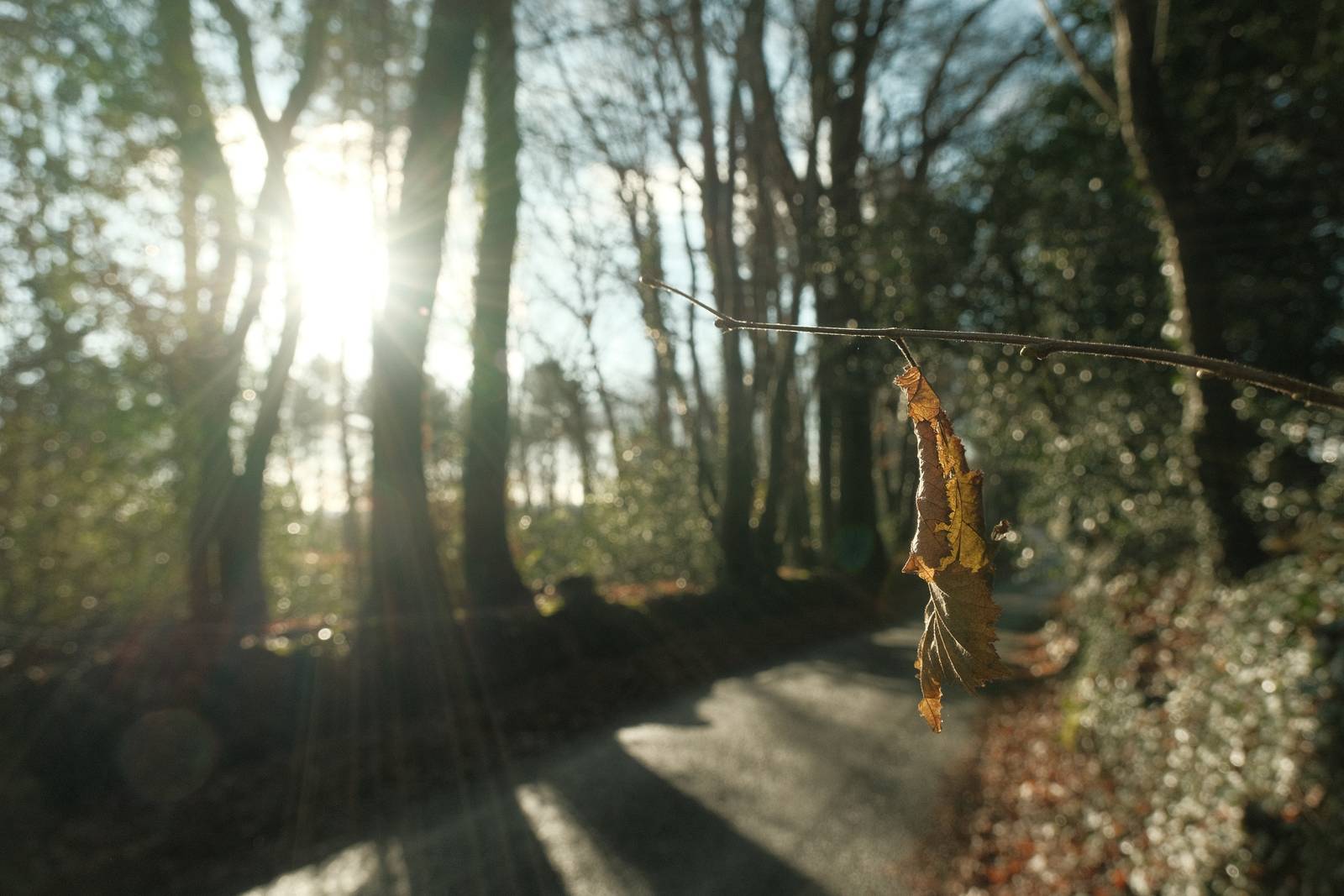






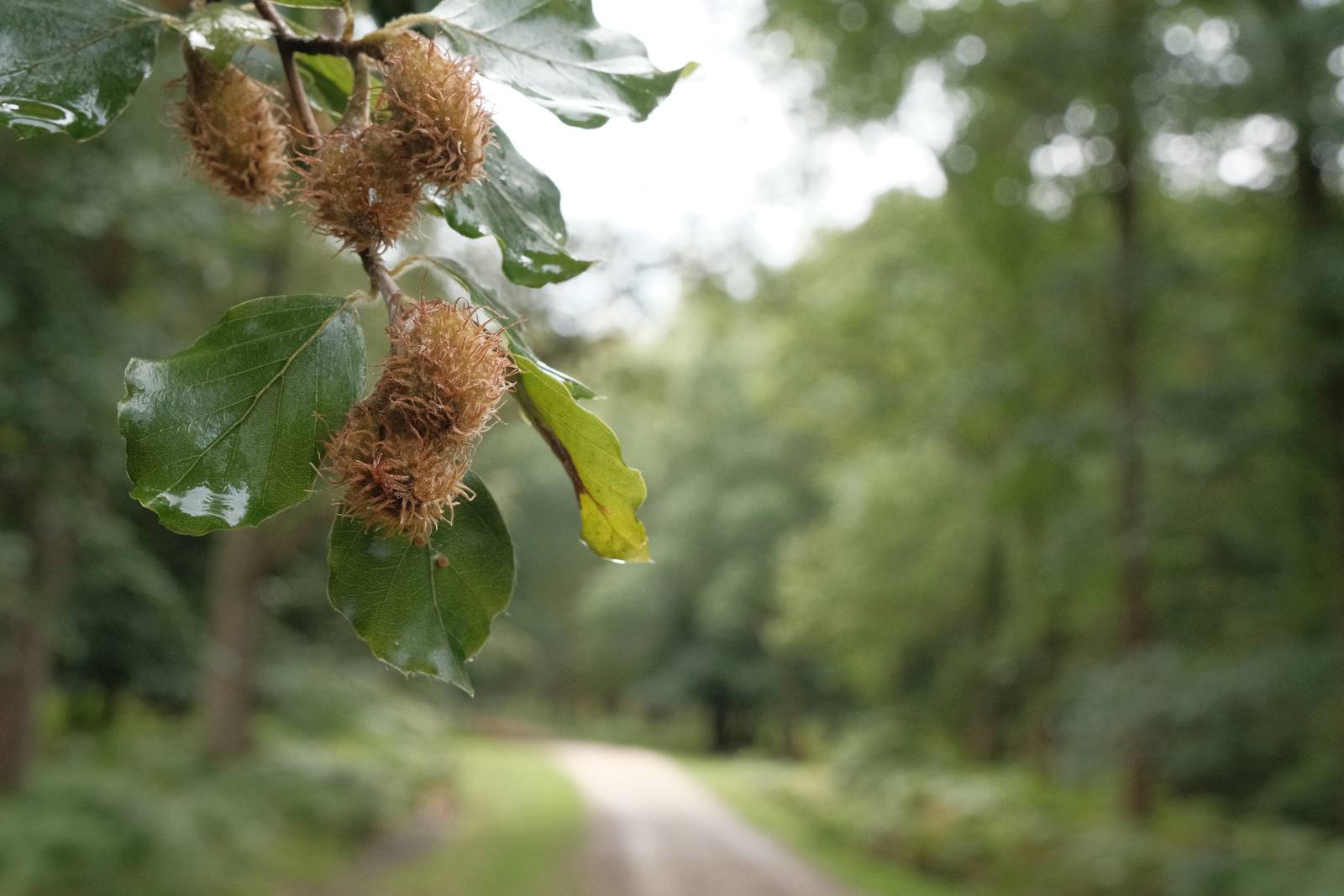
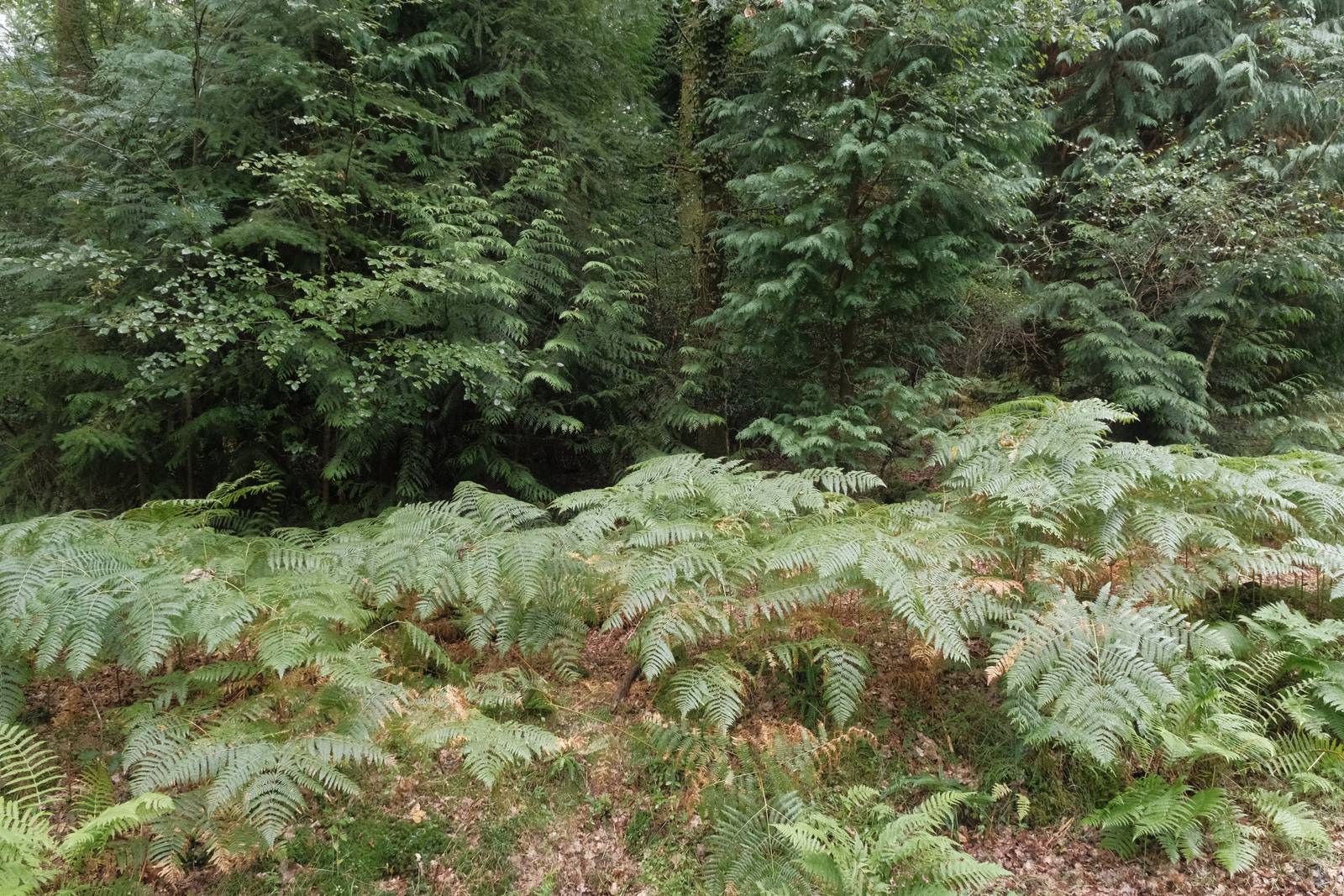
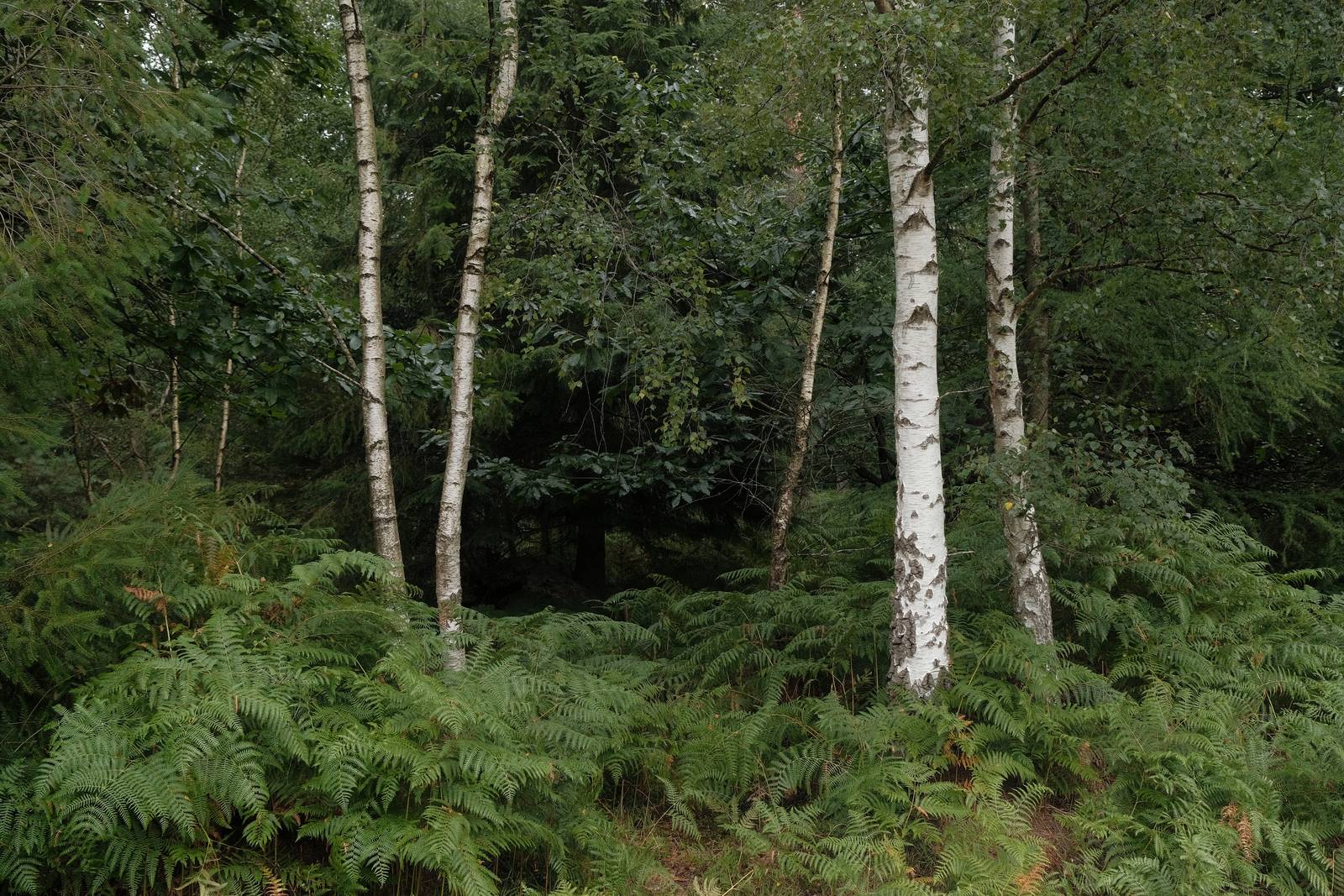







Using the Cinematic Chrome Film Recipe
Each film simulation recipe has its own character and style. These features mean recipes are more suited to certain situations, or when seeking a particular look. Here are the categories that Cinematic Chrome has been tagged with.














Leave a Reply