
Hipstamatic Ray Mk II
Hipsta Ray Mark II in a Creamy Retro Style
A Hipstamatic inspired Fujifilm recipe for X-Trans IV with Eterna Bleach Bypass
For several years, I was an avid user of Hipstamatic on iPhone. In the boom years, the arrival of new ‘paks’ was a moment of collective excitement. Learning how to use the retro inspired options to produce different styles was a community effort, and there were thousands of people sharing the results and bouncing ideas off of eachother.
The app is still going strong around a decade later, with a dedicated user base and mind boggling number of paks and features. For me though, those early days were the best.
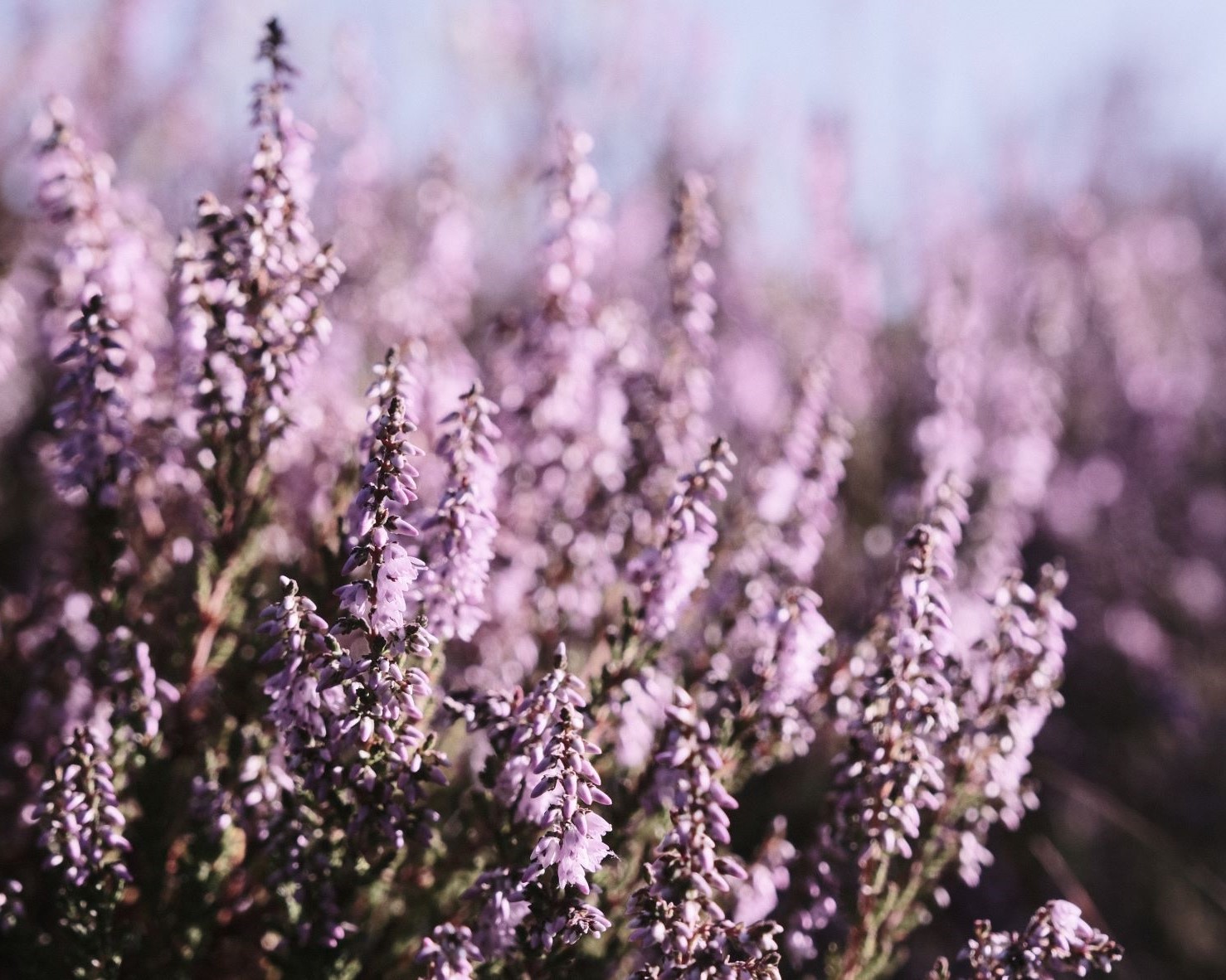
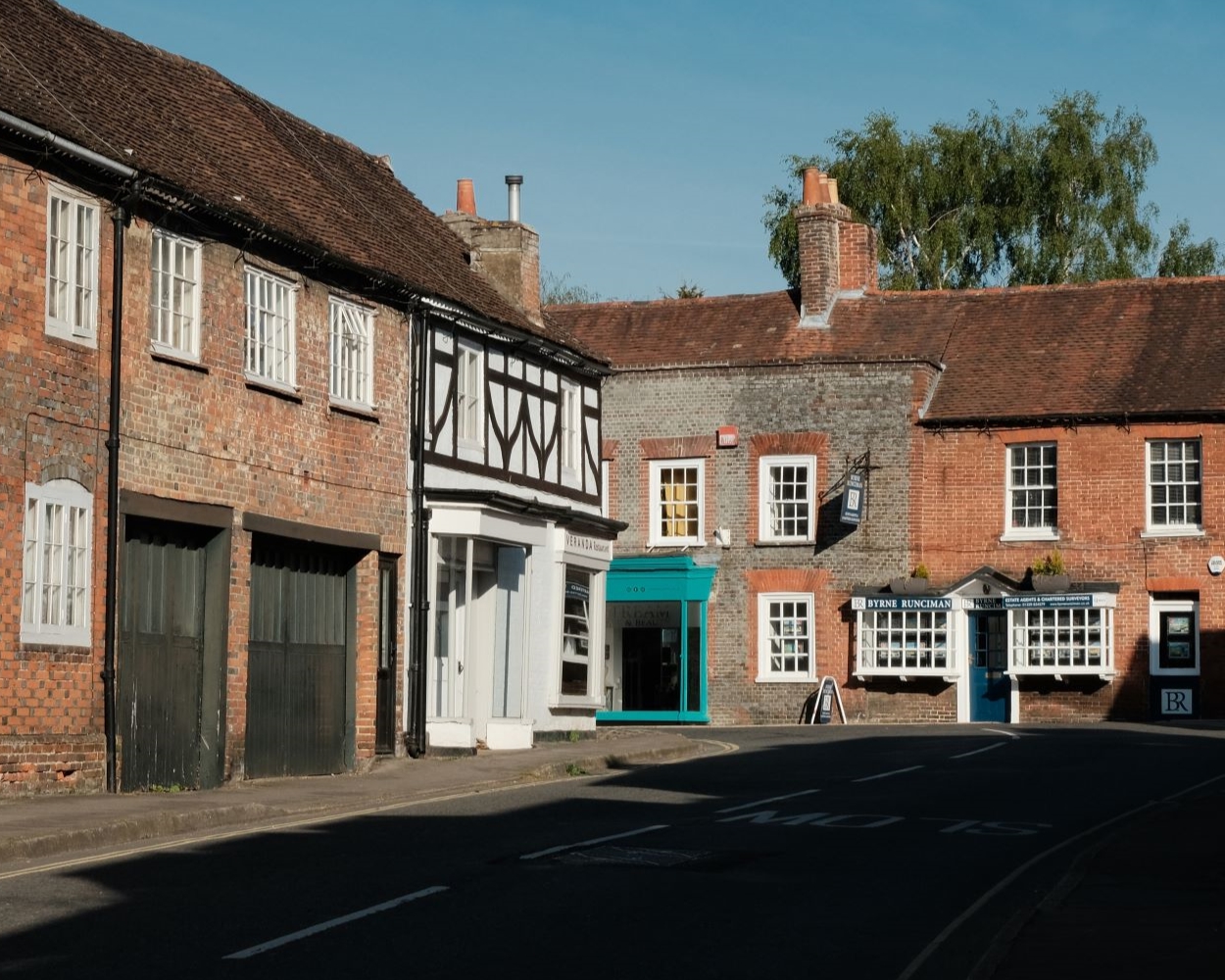
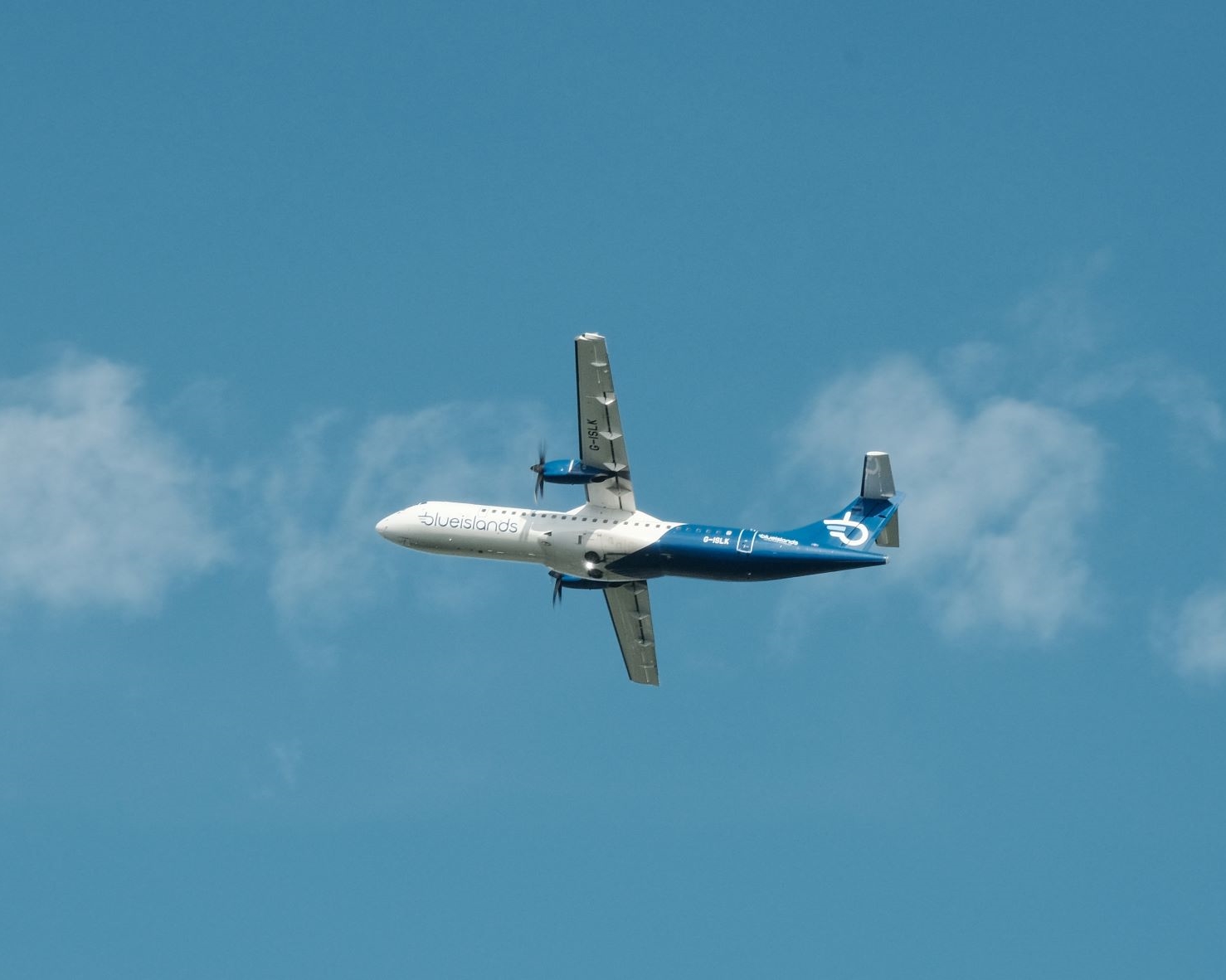
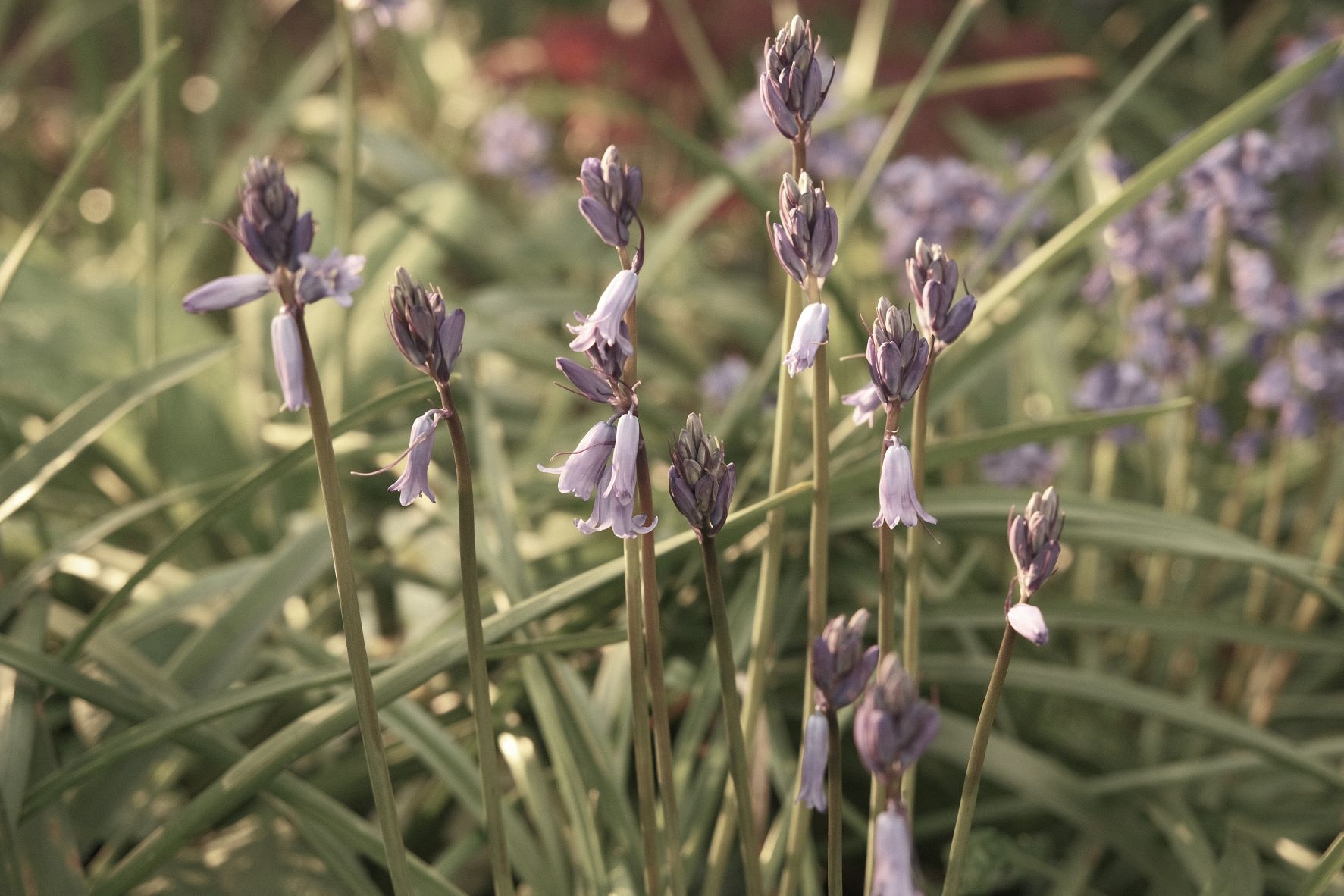
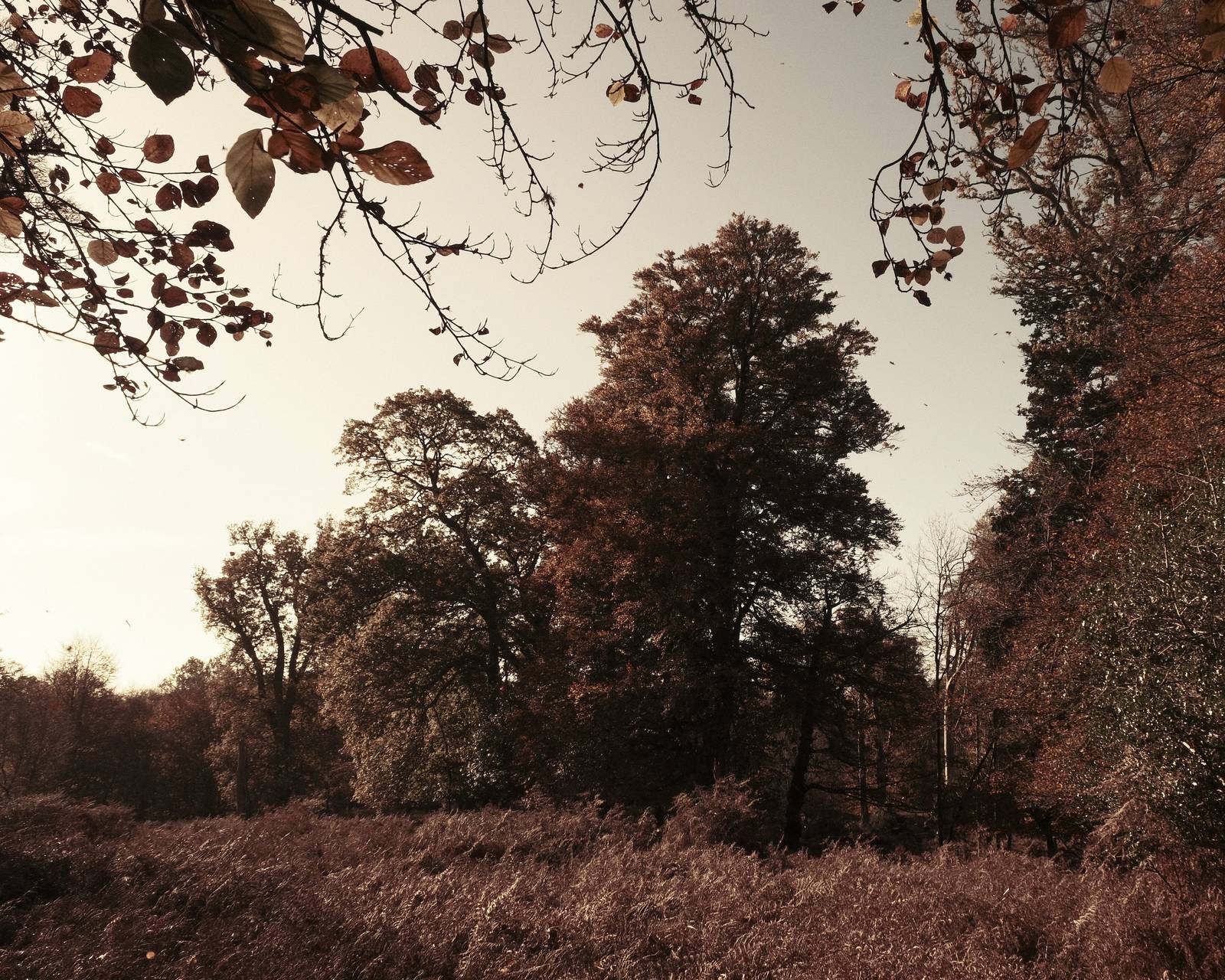
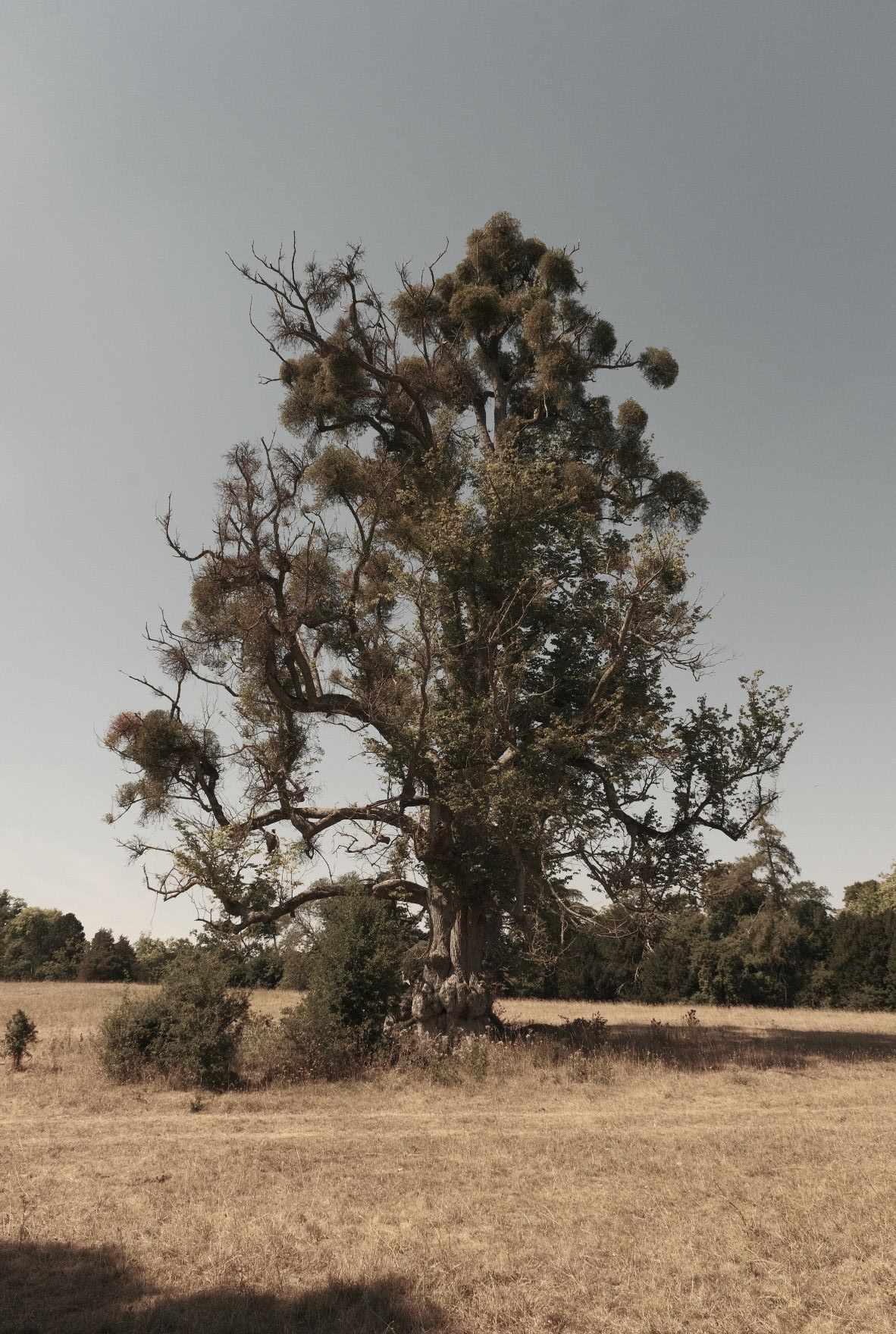
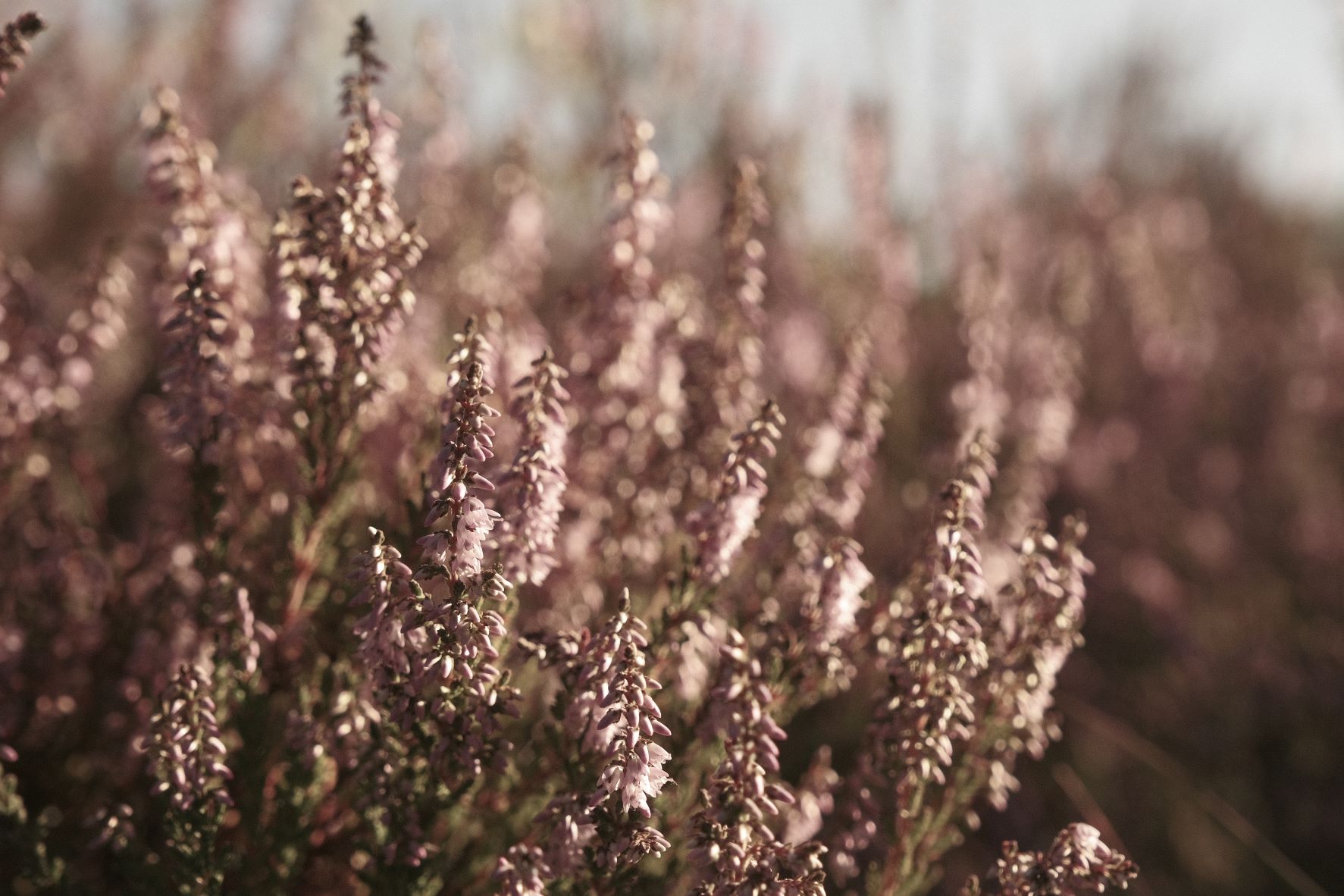
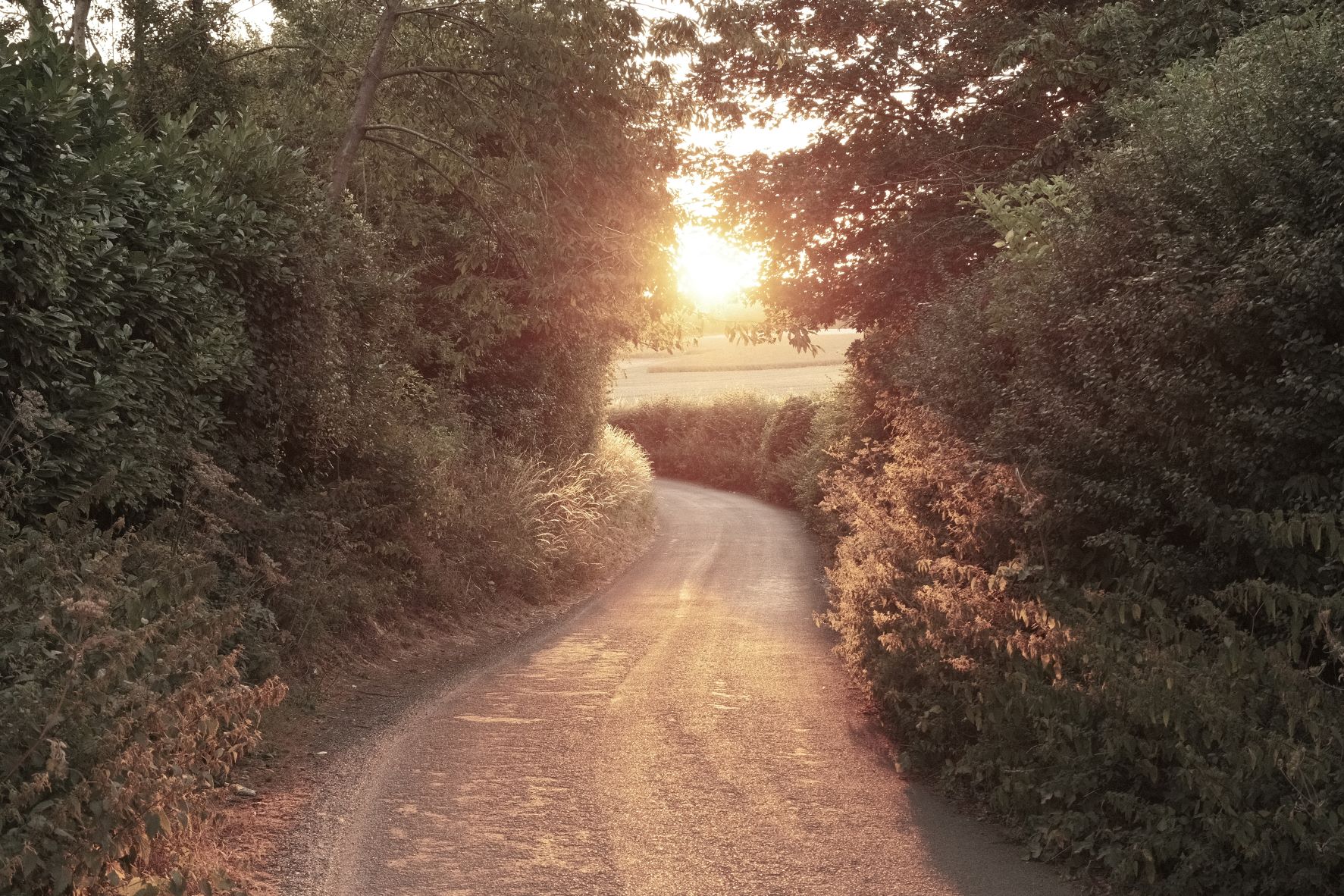
I gave some thought to which of those Hipstamatic looks I might be able to reproduce in a film recipe. Most are impossible, but one that can be approximated is Ray Mark II with it’s warm, almost sepia tones and desaturated look. Here is my take on it.
Hipstamatic Ray Mk II Film Recipe Settings
| Film Simulation | Eterna Bleach Bypass |
| Grain Effect | Weak, Small |
| Col. Chr. Effect | Off |
| Col. Chr. Blue | Weak |
| White Balance | Shade, +7 Red, ‑6 Blue |
| Dynamic Range | DR100 |
| Highlights | ‑2 |
| Shadows | ‑2 |
| Colour | ‑3 |
| Sharpness | 1 |
| ISO N.R. | ‑4 |
| Clarity | 0 |
| EV Comp. | +1/3 |
Similar Recipes


More similar recipes, and hundreds more exclusive looks, are available in the Film Recipes App.

Get the Film Recipes App
Monthly challenges to push your photography further


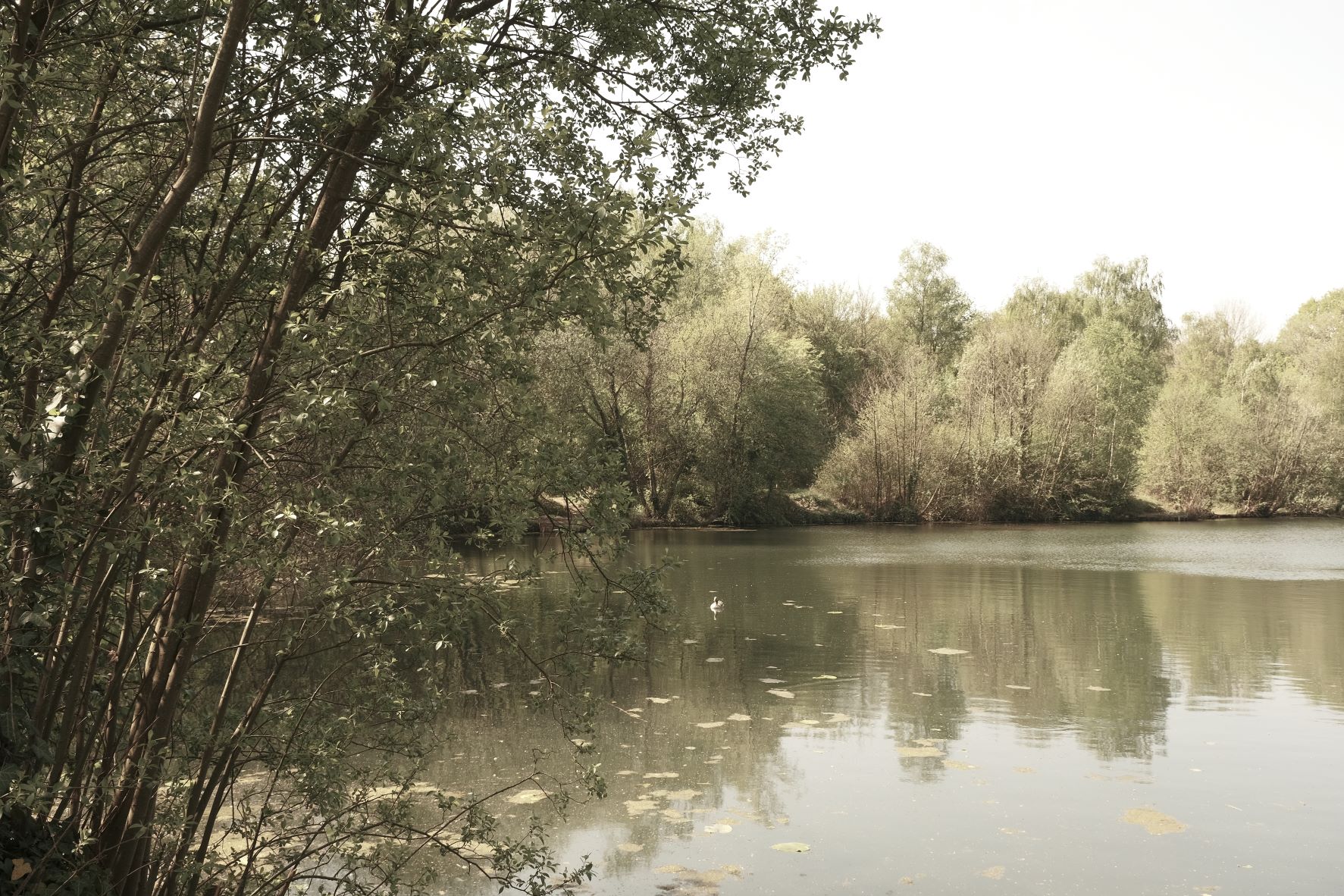
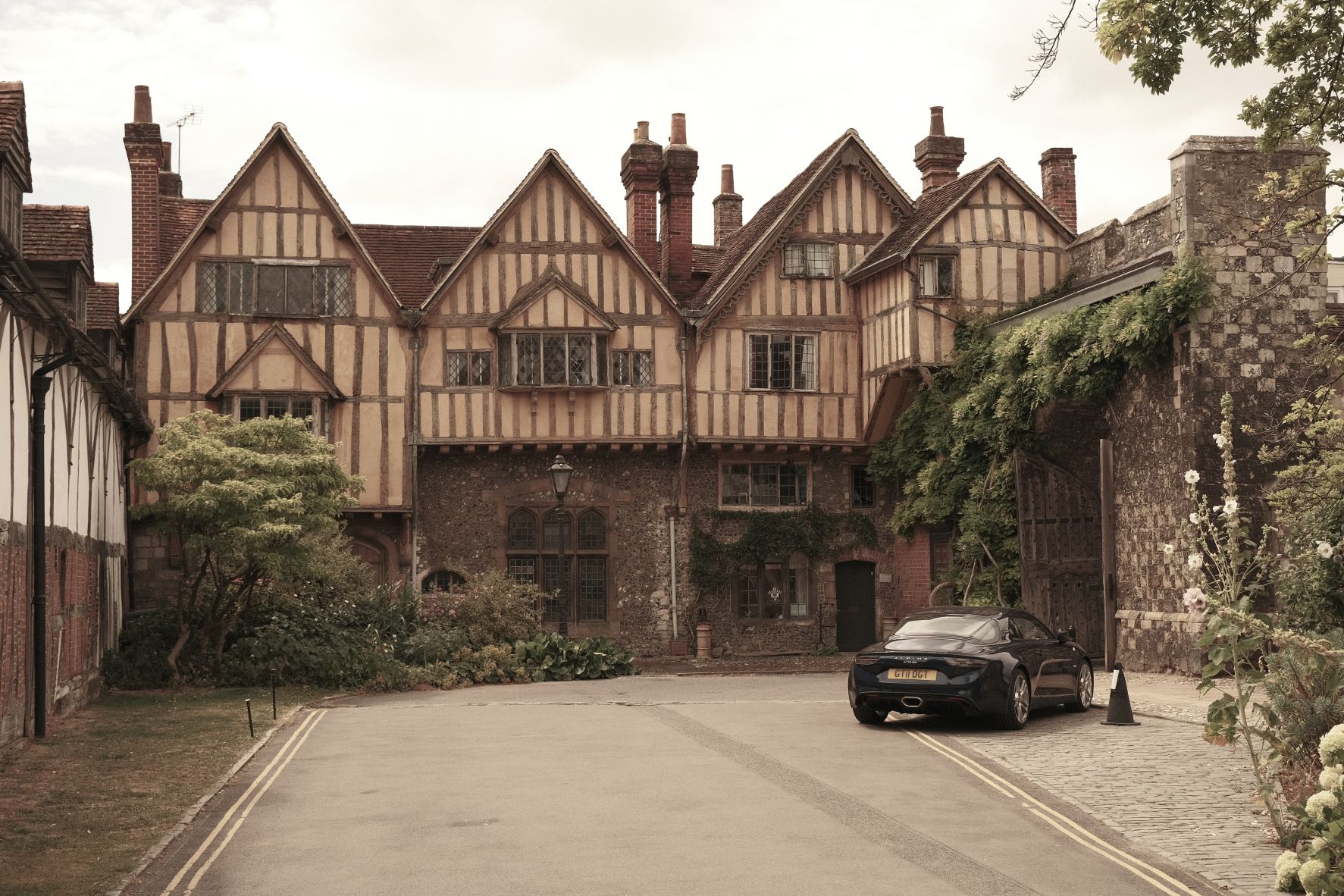
Hipstamatic Ray Mk II Film Recipe: Sample Photos










Using the Hipstamatic Ray Mk II Film Recipe
Each film simulation recipe has its own character and style. These features mean recipes are more suited to certain situations, or when seeking a particular look. Here are the categories that Hipstamatic Ray Mk II has been tagged with.