
Eterna Bleach Bypass film simulation recipe for creamy tone winter photos

Driftwood
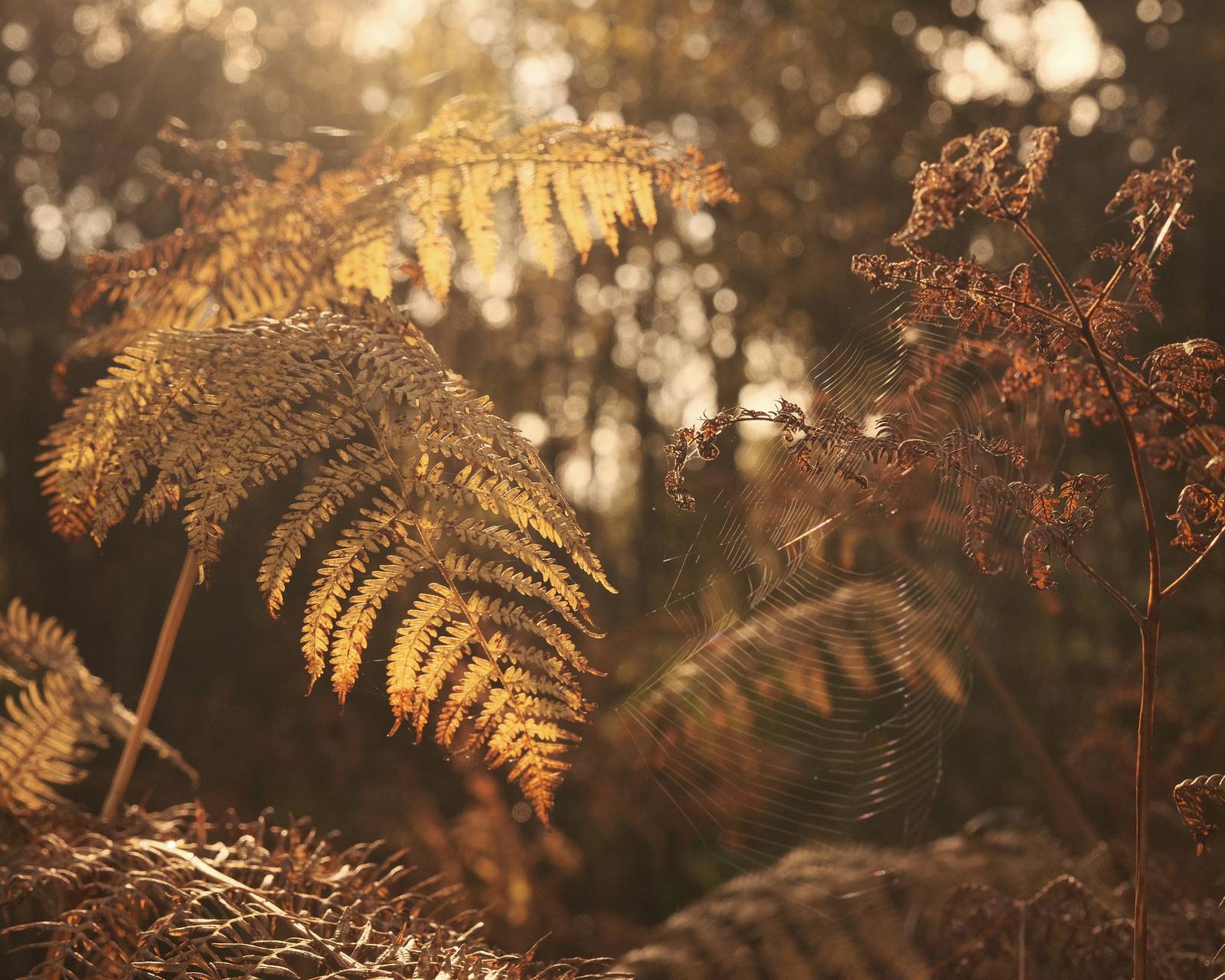
Here’s a recipe for creative shooting with a muted tones style which emphasises the browns and creams in your images. This makes it a great choice for beaches, winter woodlands and capturing old buildings or wooden subjects. I’ve named it Driftwood because, for me, it shares a palette with the bleached wooden pieces you find washed up on the shore.
Shooting with a recipe like this gives a unique look and feel that generates a stylised image with muted tones and deep contrast. For single images, the style is dramatic and interesting, and for a series, it generates a compelling tone across a set.
Note that this recipe uses Eterna Bleach Bypass as the base simulation, which makes it compatible with the newer Fujifilm cameras only.
Driftwood Film Recipe Settings
| Film Simulation | Eterna Bleach Bypass |
| Grain Effect | Off |
| Col. Chr. Effect | Off |
| Col. Chr. Blue | Off |
| White Balance | 6600K, +4 Red, ‑1 Blue |
| Dynamic Range | DR400 |
| Highlights | ‑2 |
| Shadows | 0 |
| Colour | 0 |
| Sharpness | ‑4 |
| ISO N.R. | ‑4 |
| Clarity | 0 |
| EV Comp. | 0 |
Similar Recipes


More similar recipes, and hundreds more exclusive looks, are available in the Film Recipes App.

Get the Film Recipes App
Monthly challenges to push your photography further


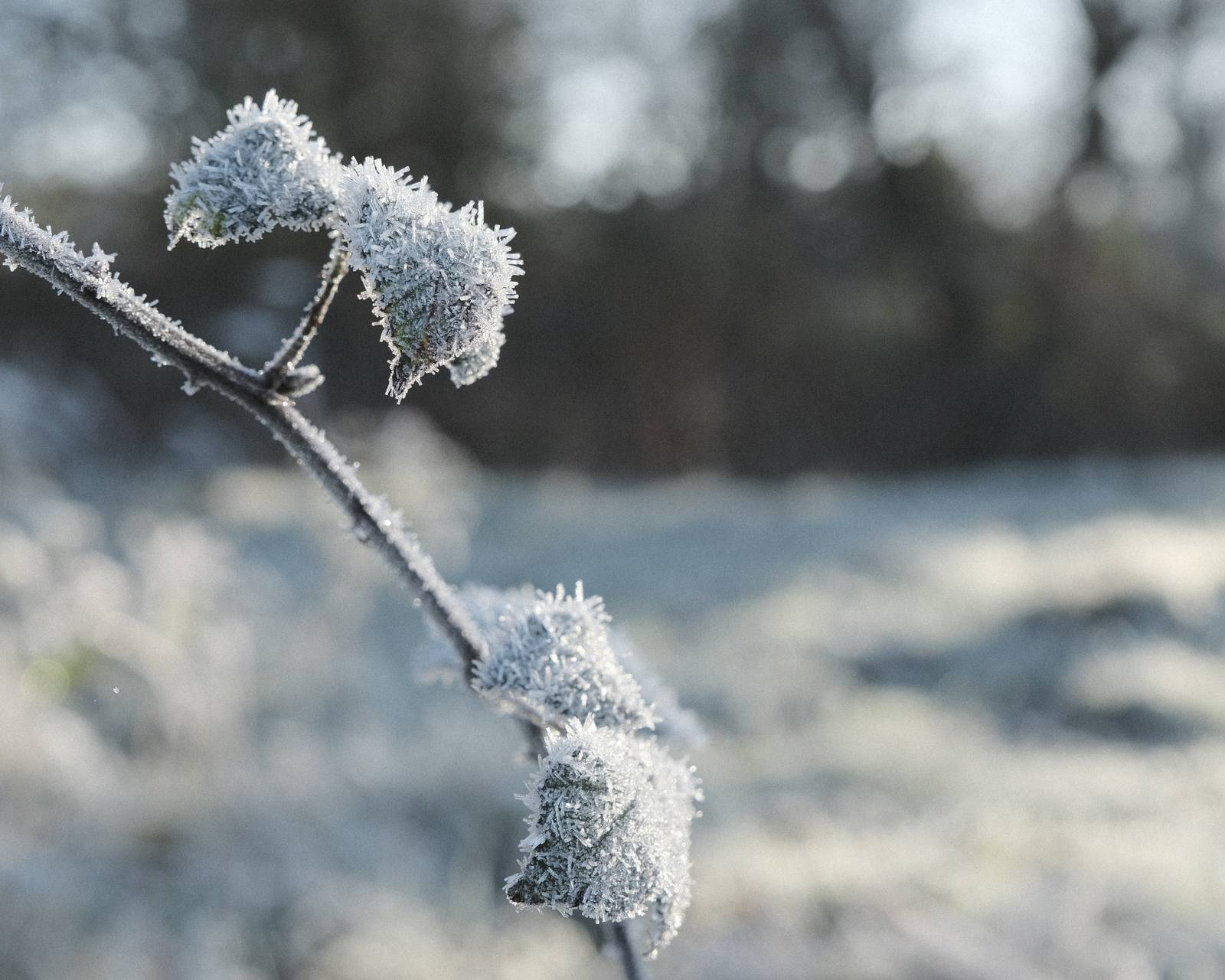
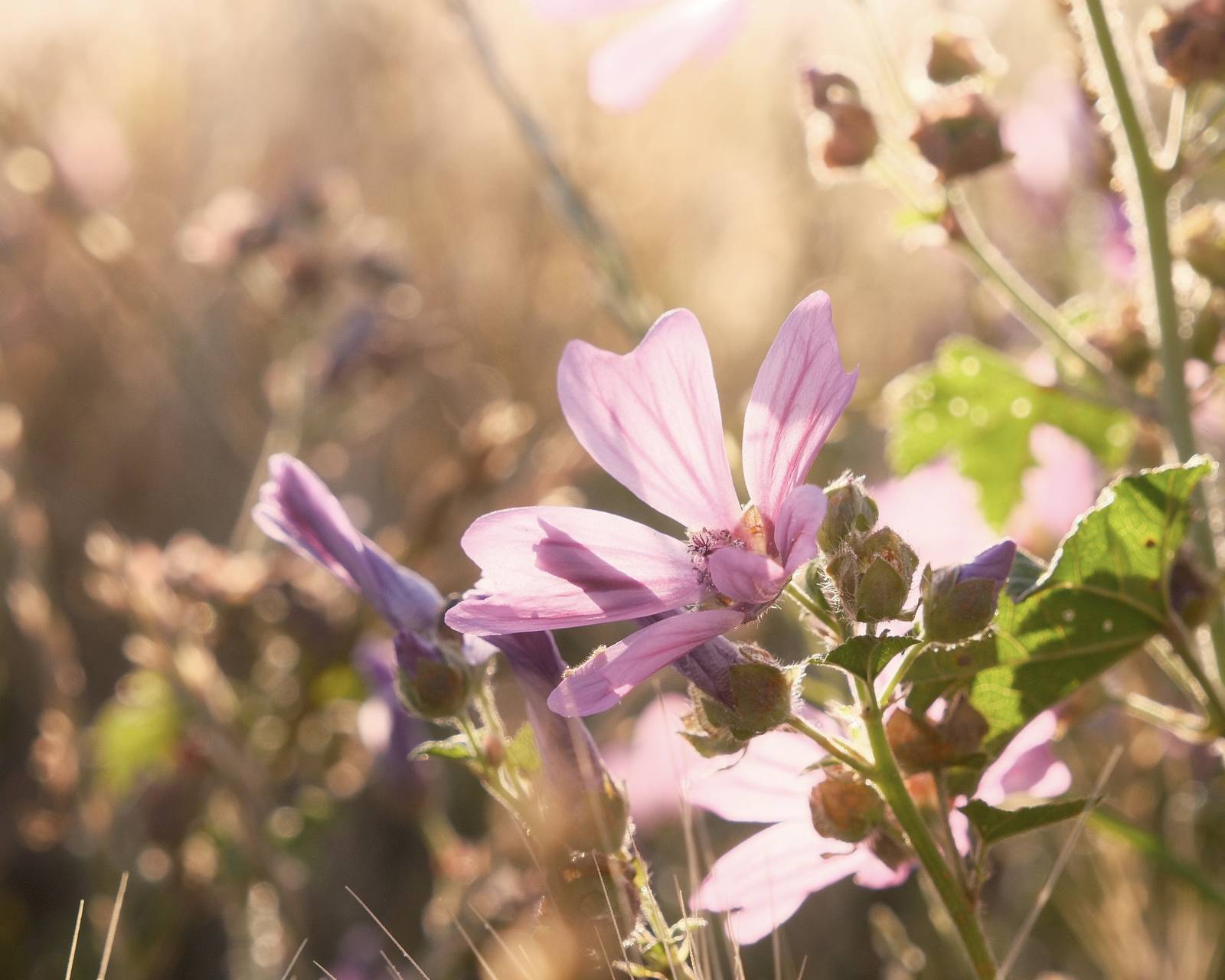
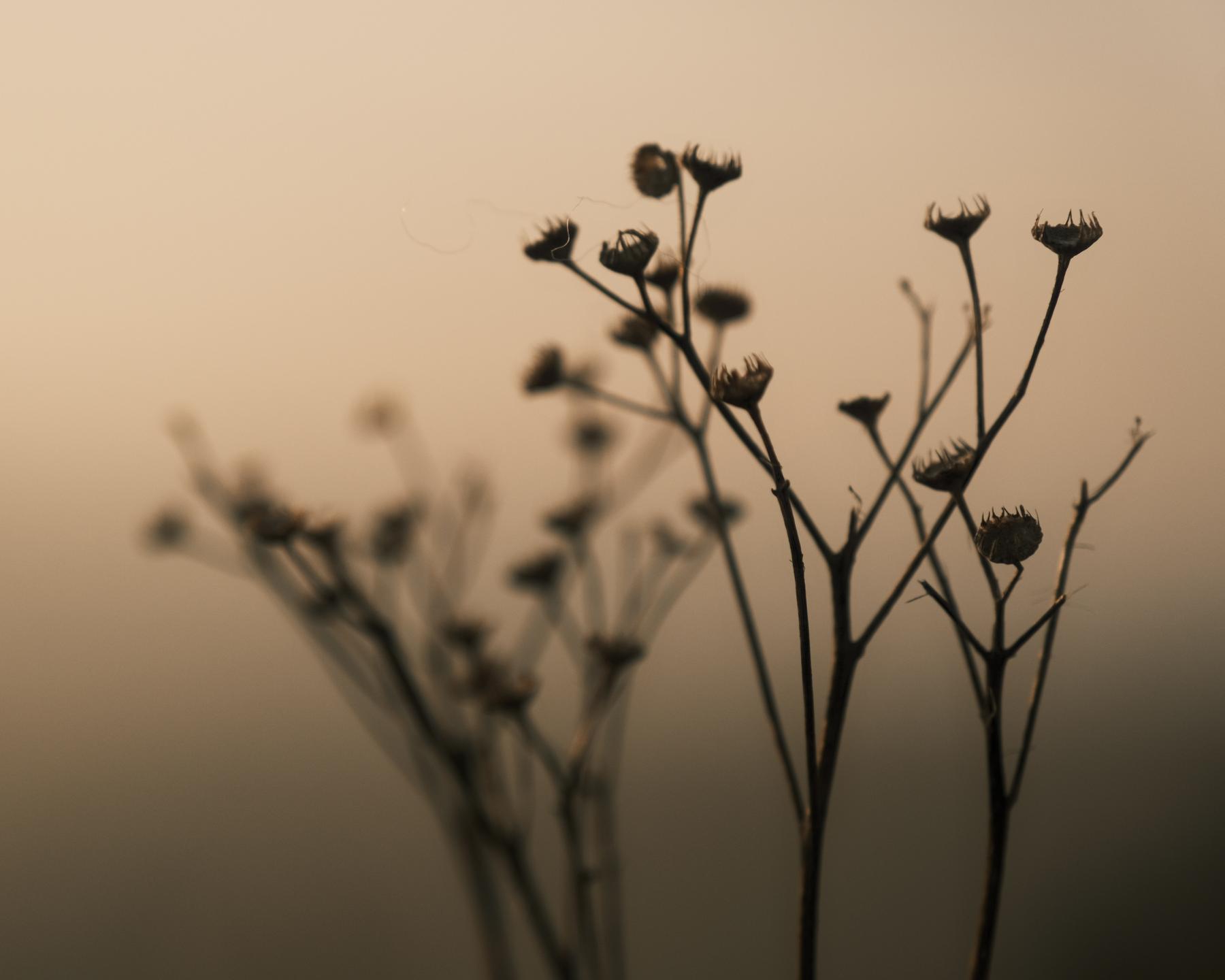
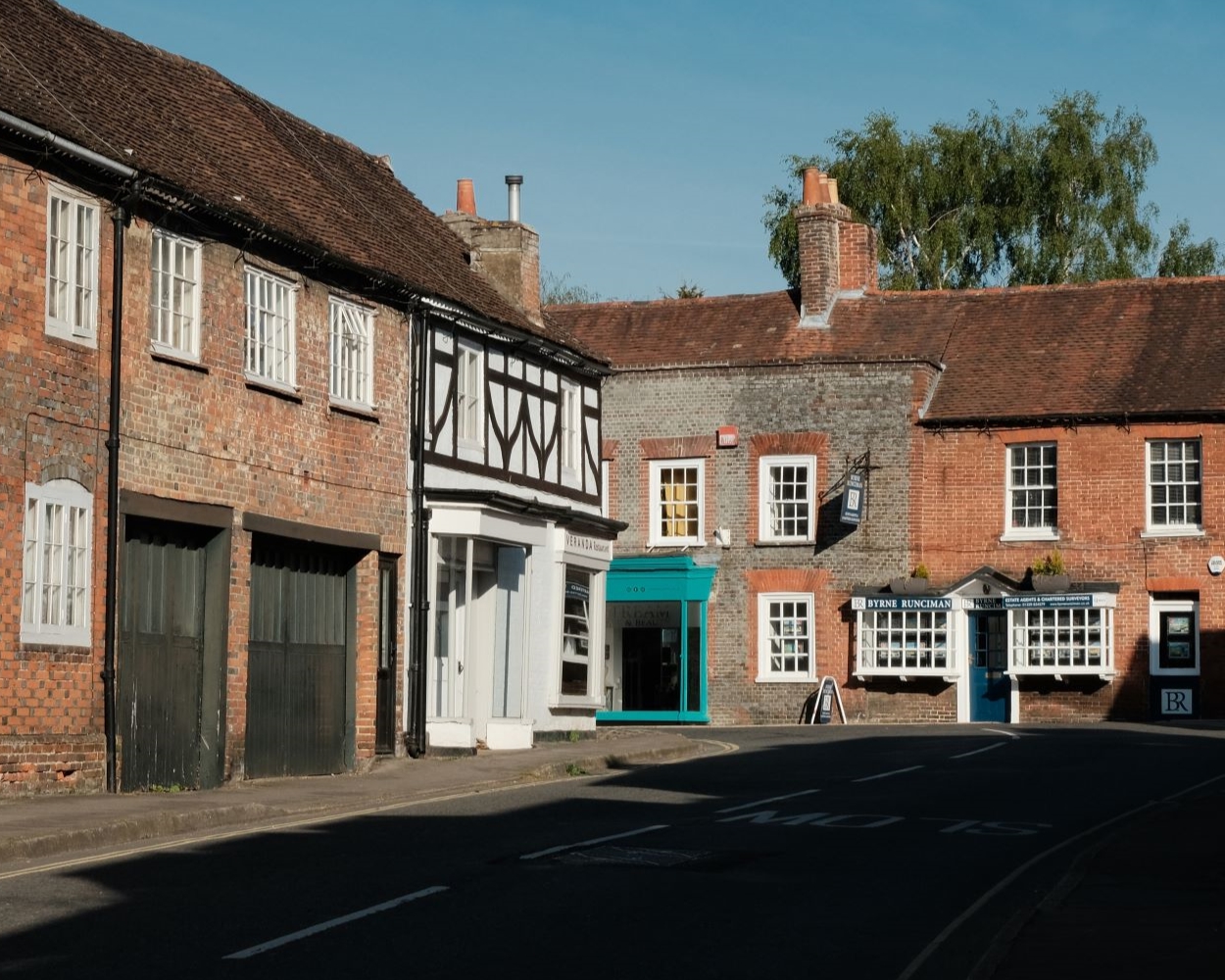
Driftwood Film Recipe: Sample Photos


Using the Driftwood Film Recipe
Each film simulation recipe has its own character and style. These features mean recipes are more suited to certain situations, or when seeking a particular look. Here are the categories that Driftwood has been tagged with.



Leave a Reply