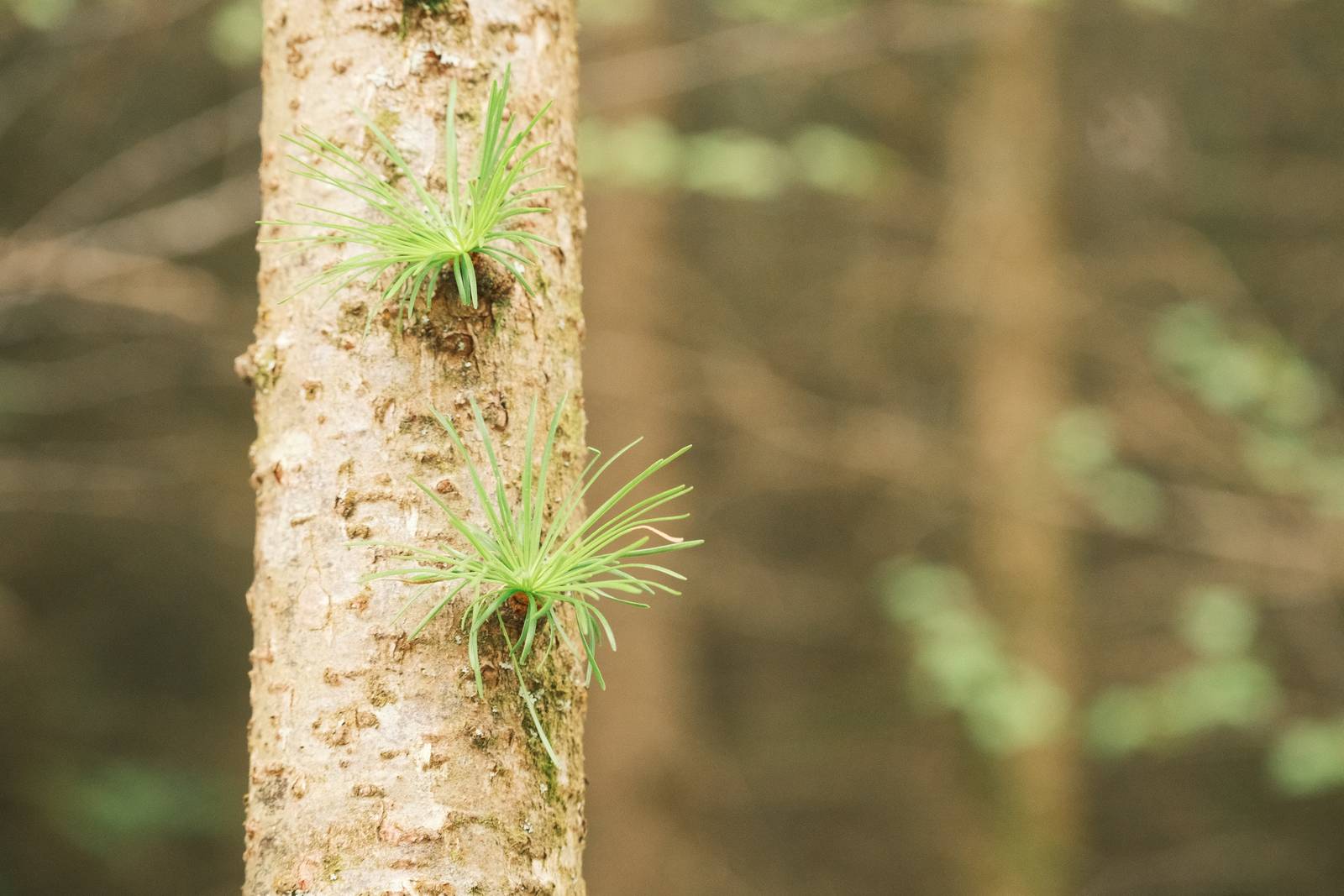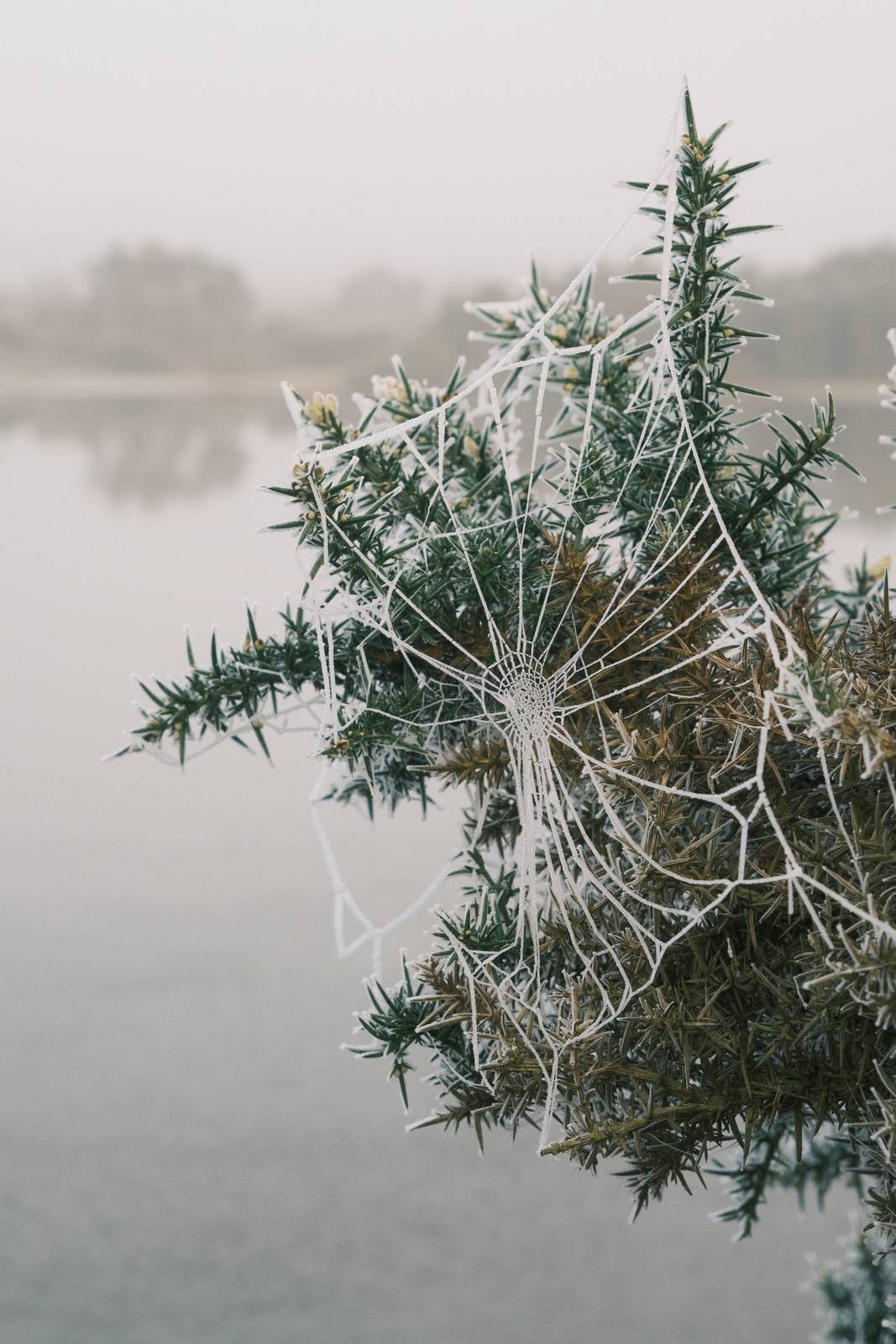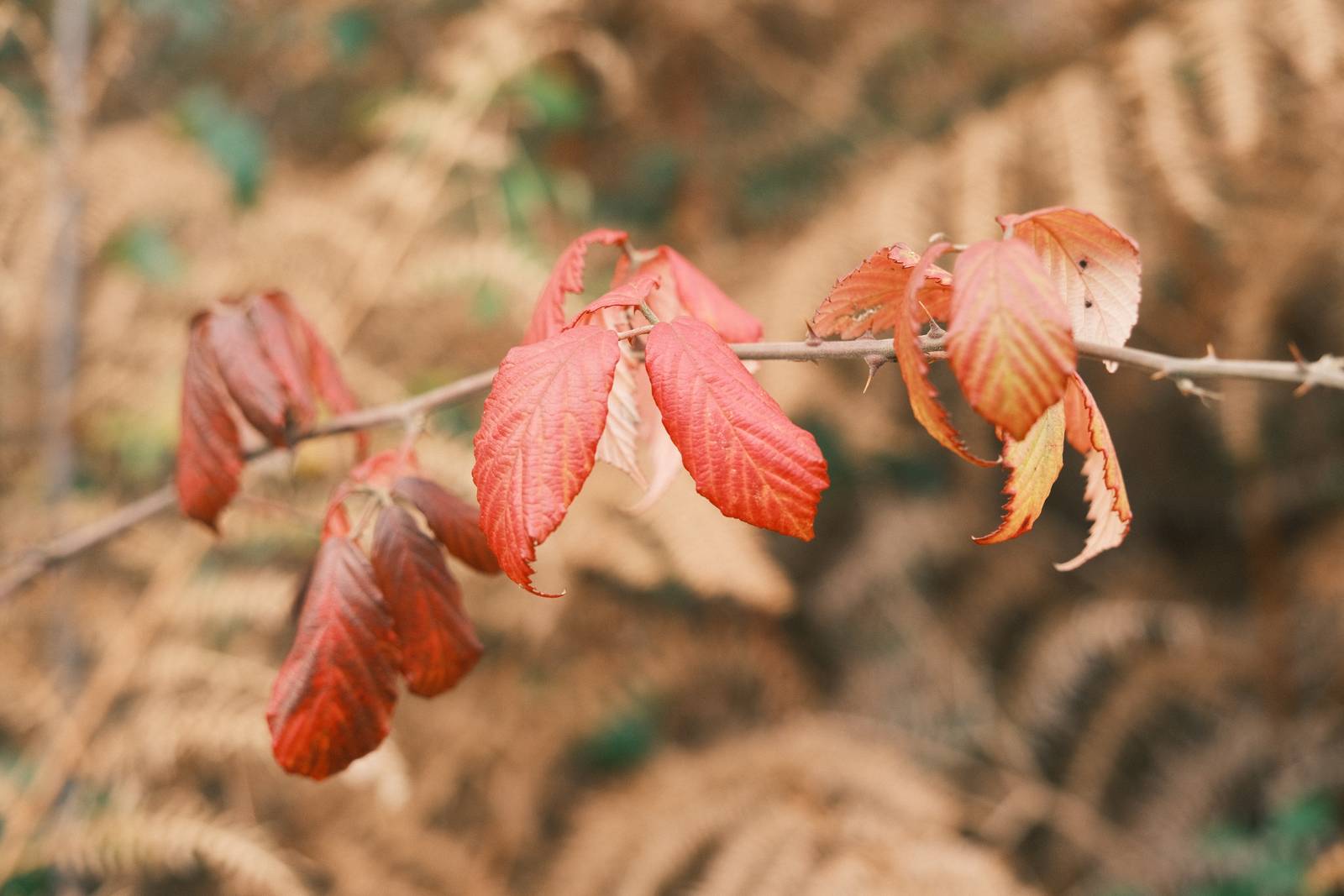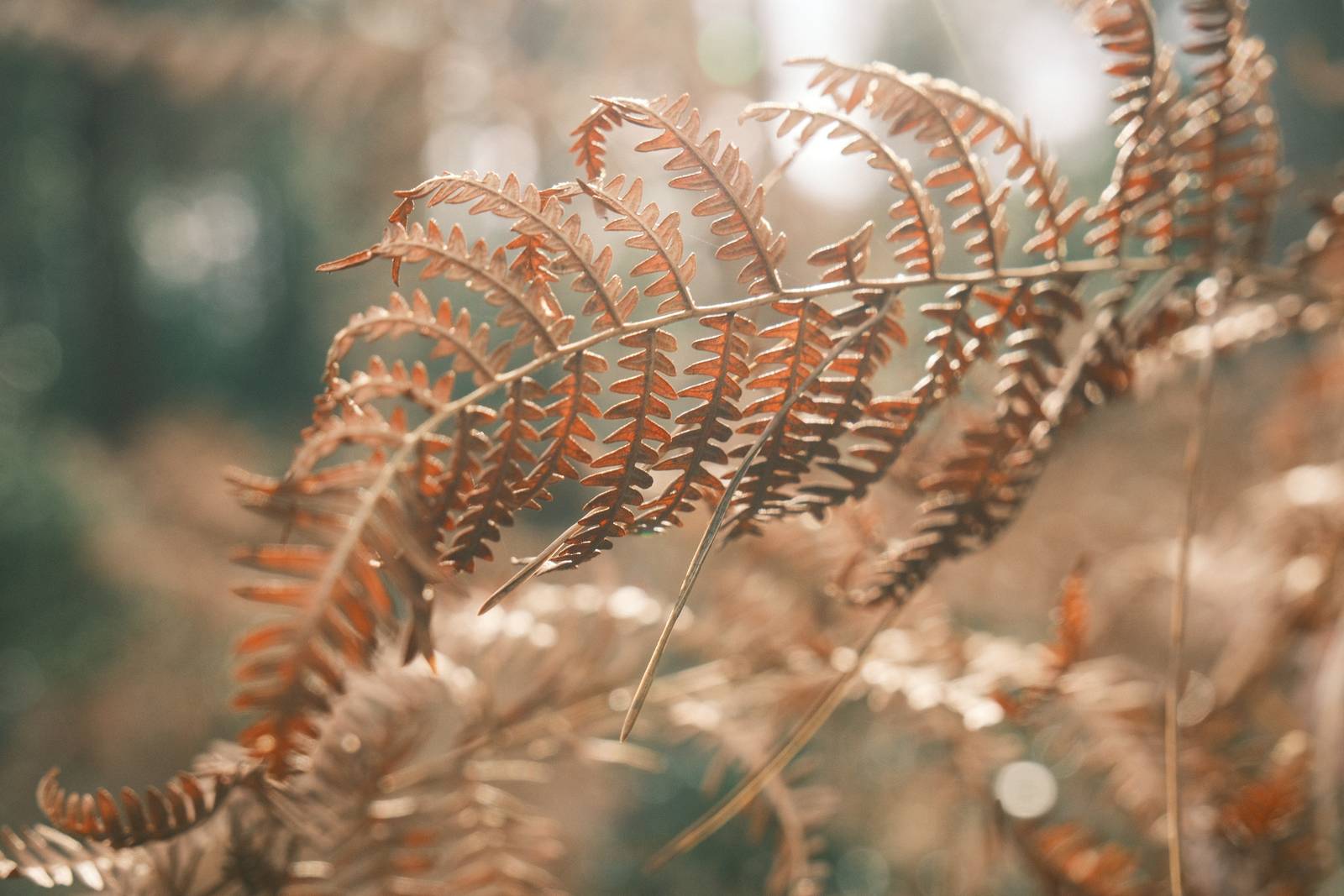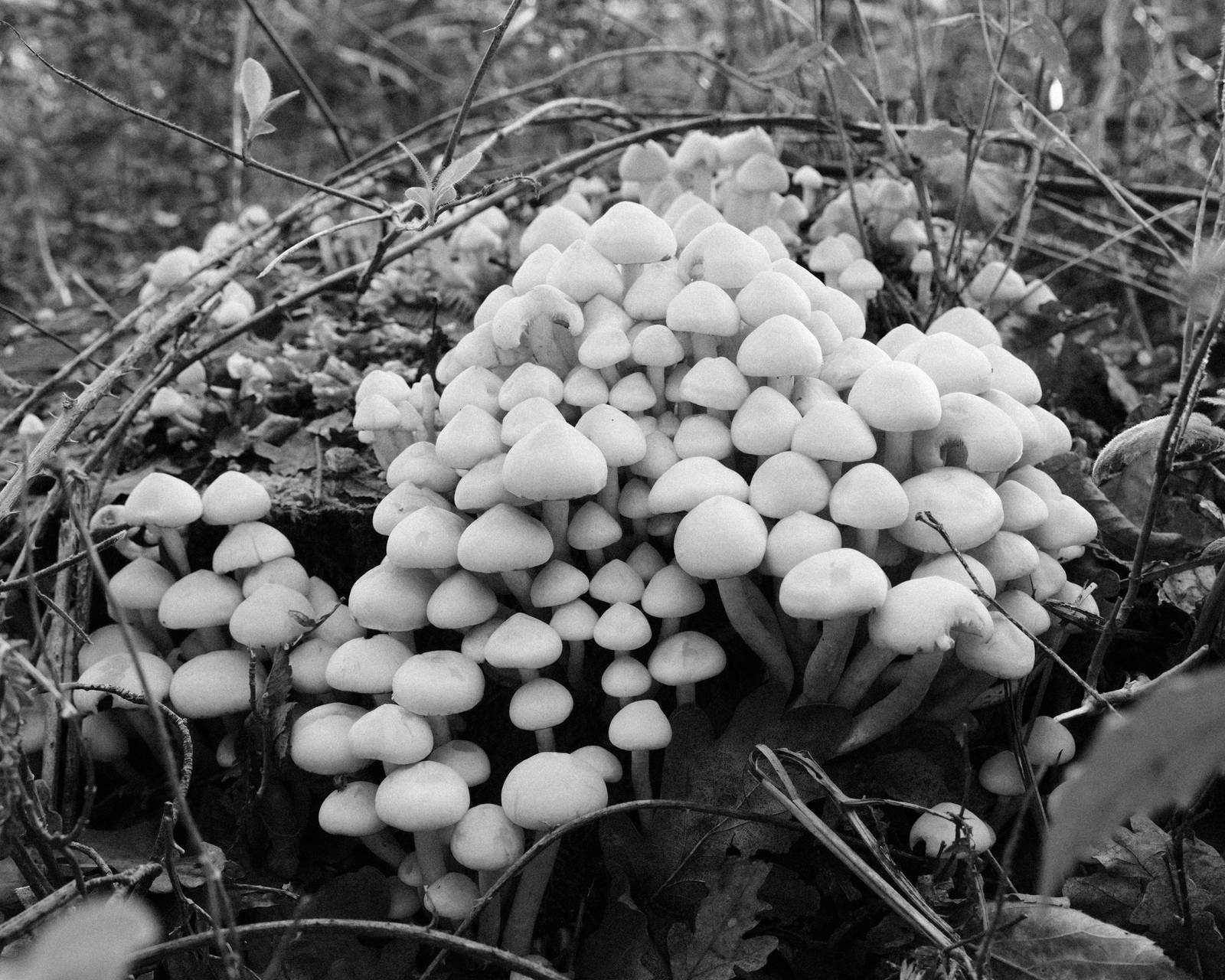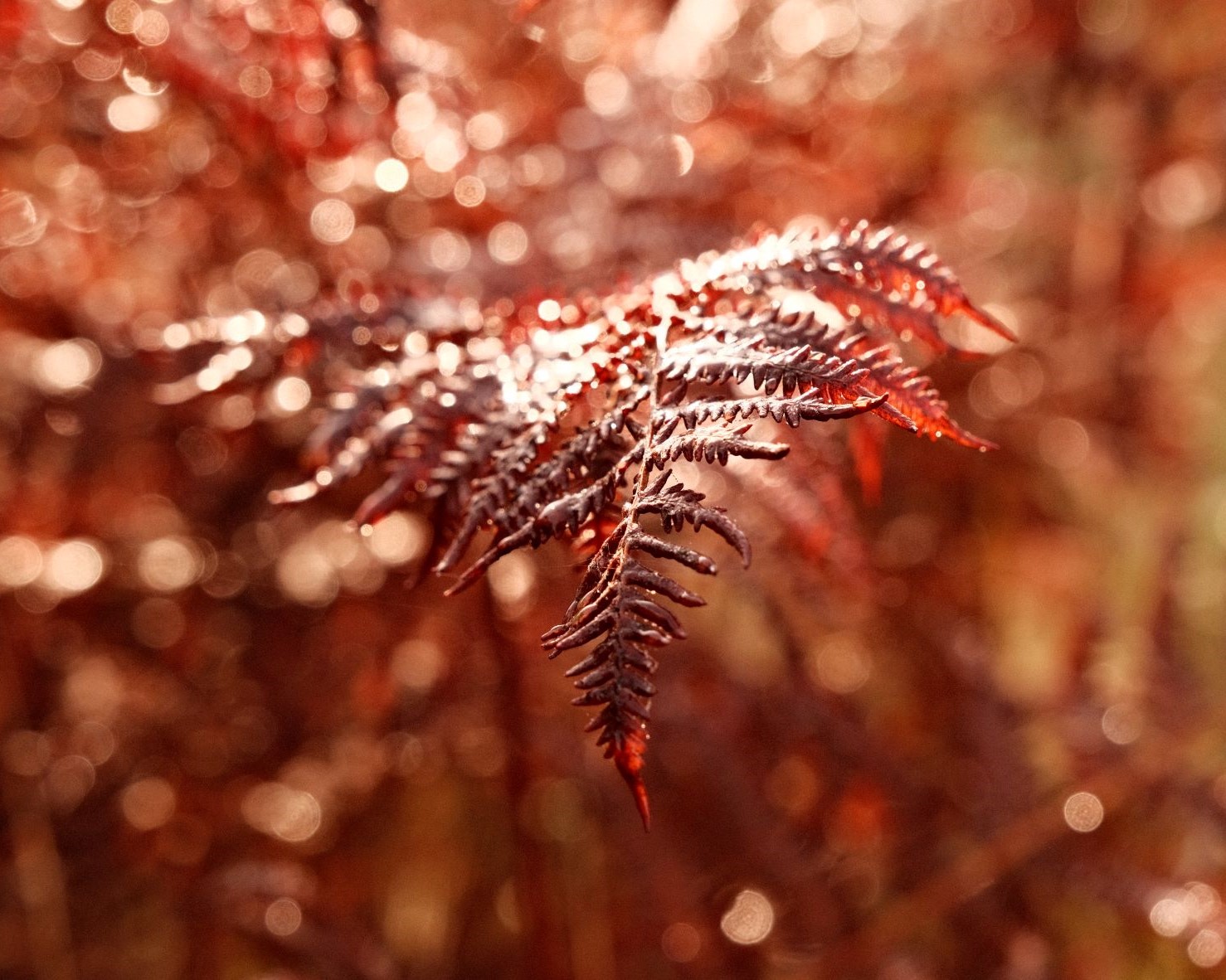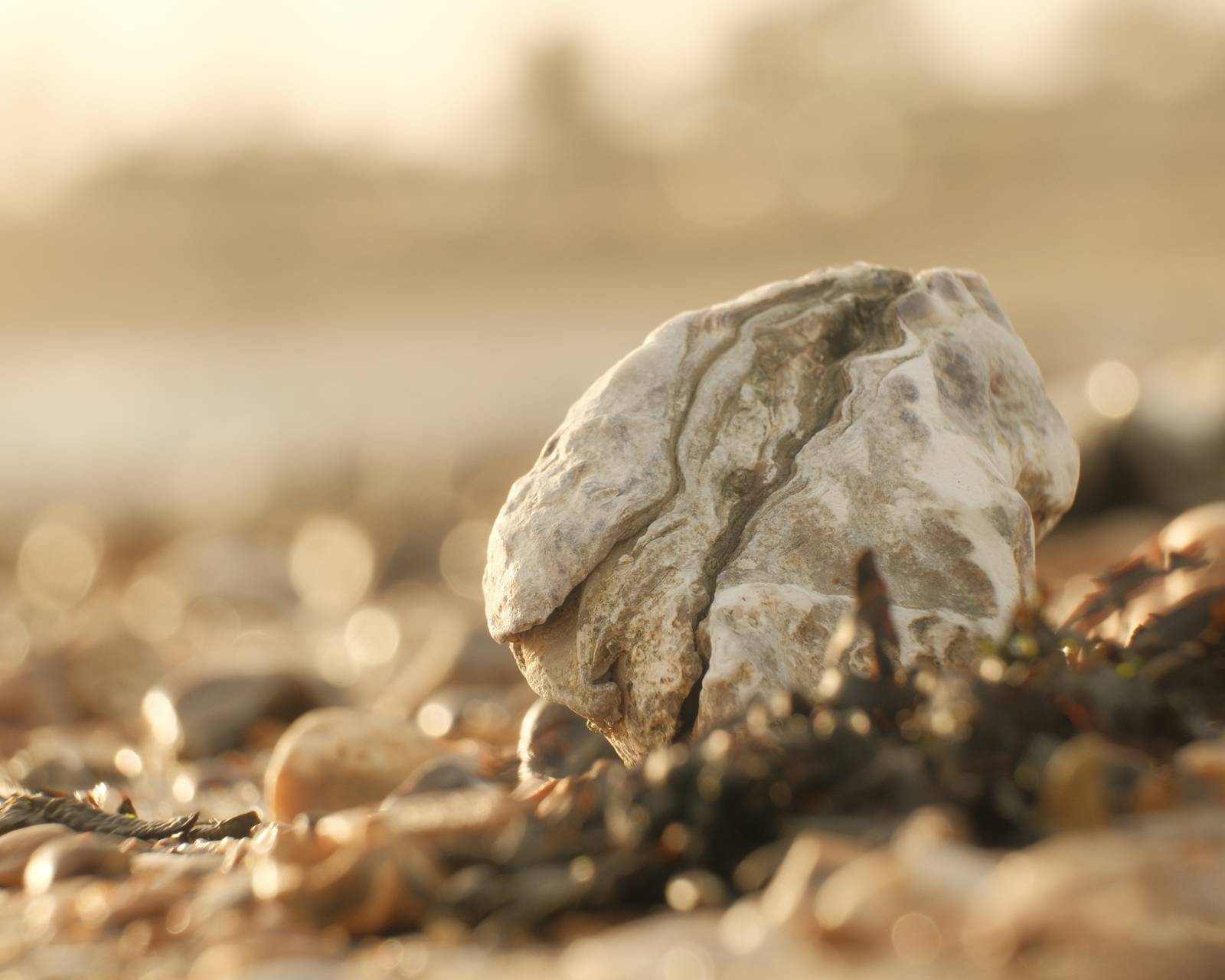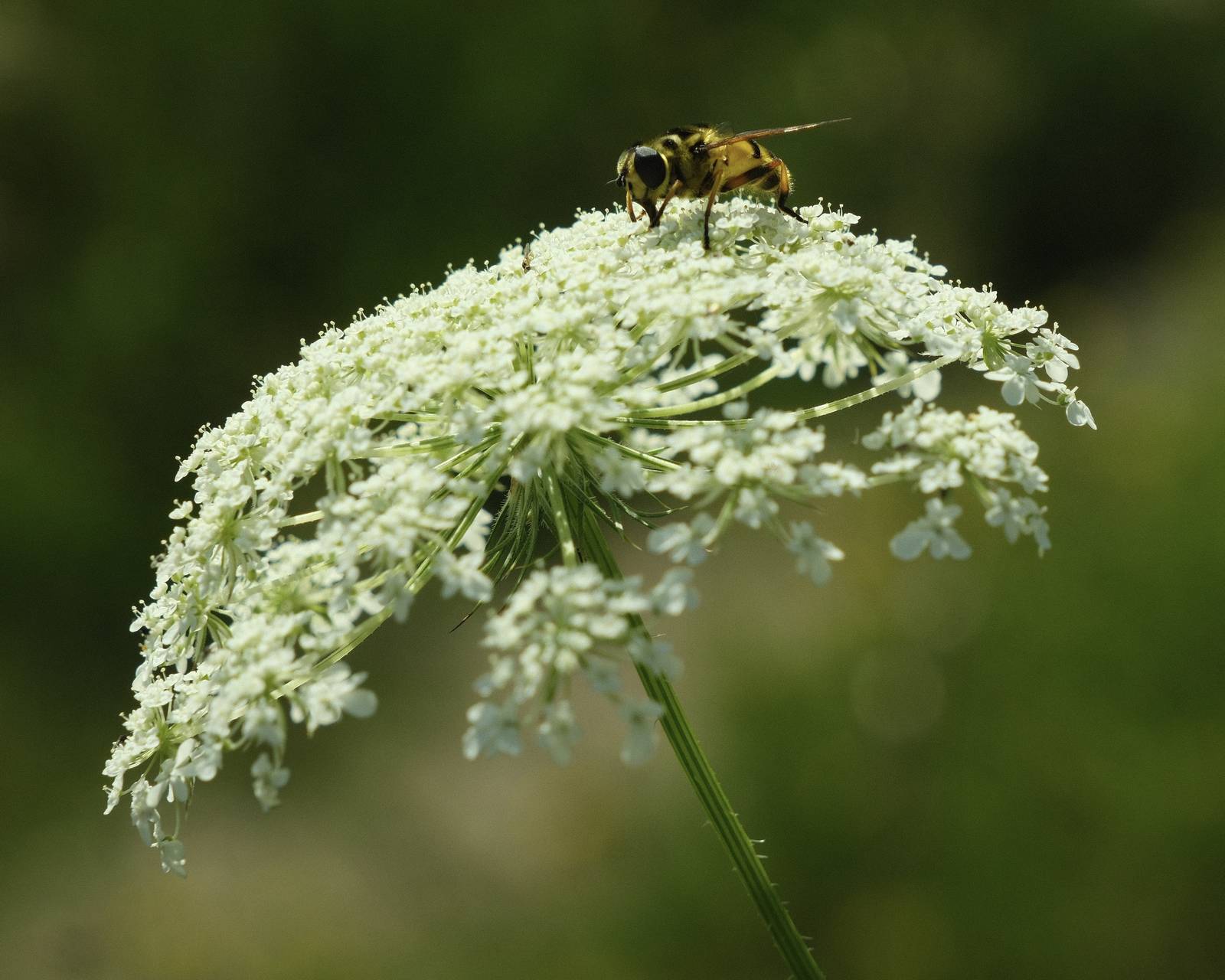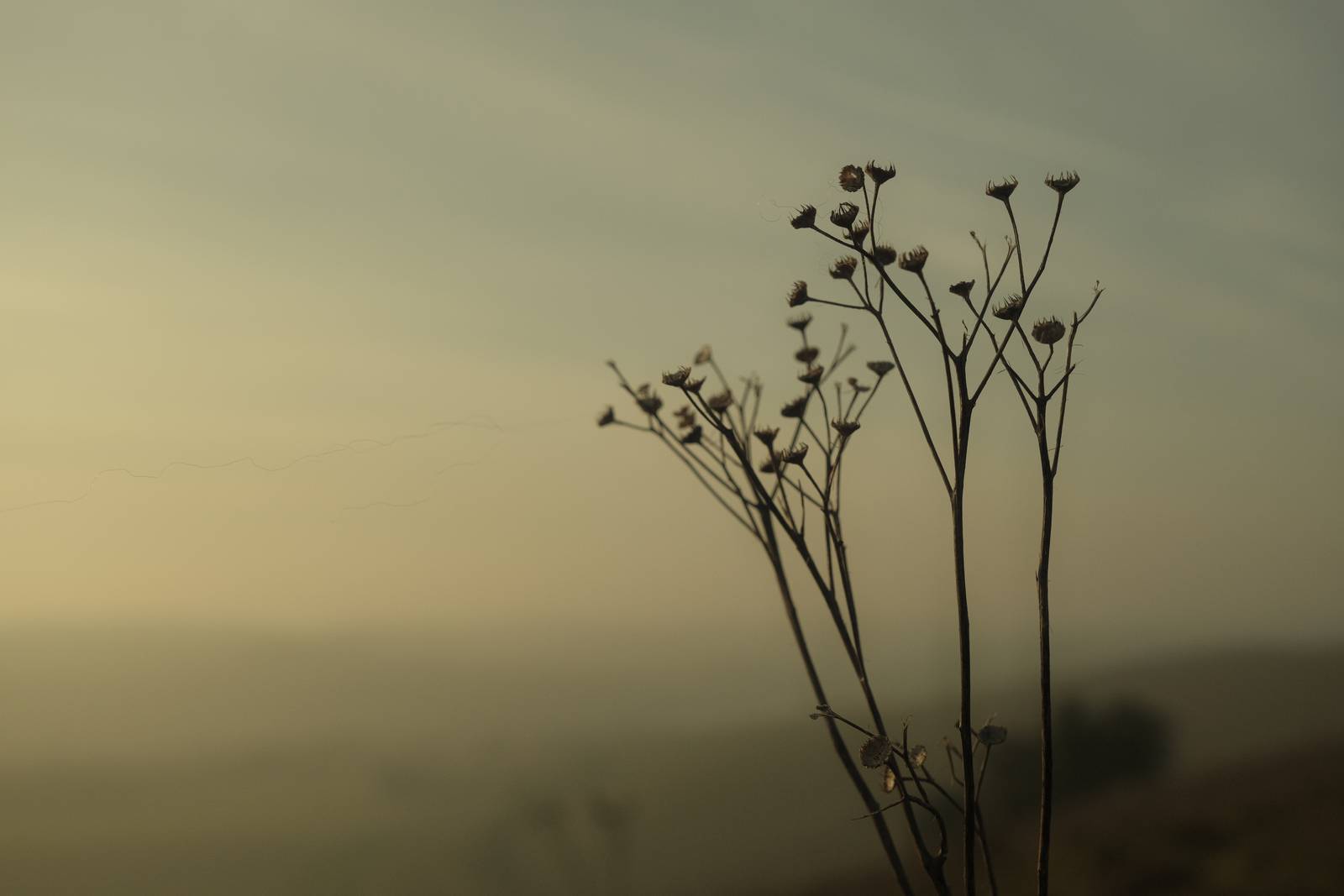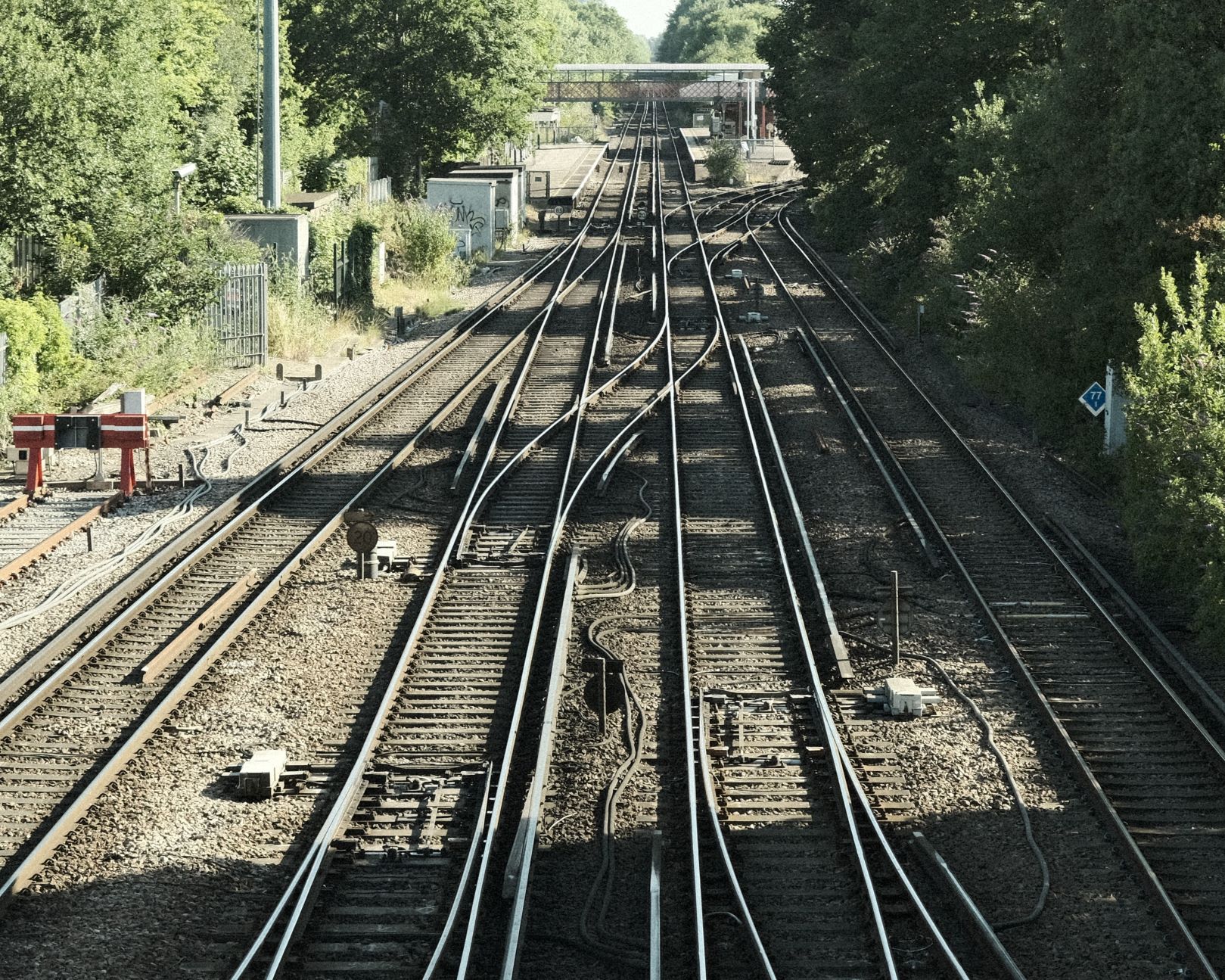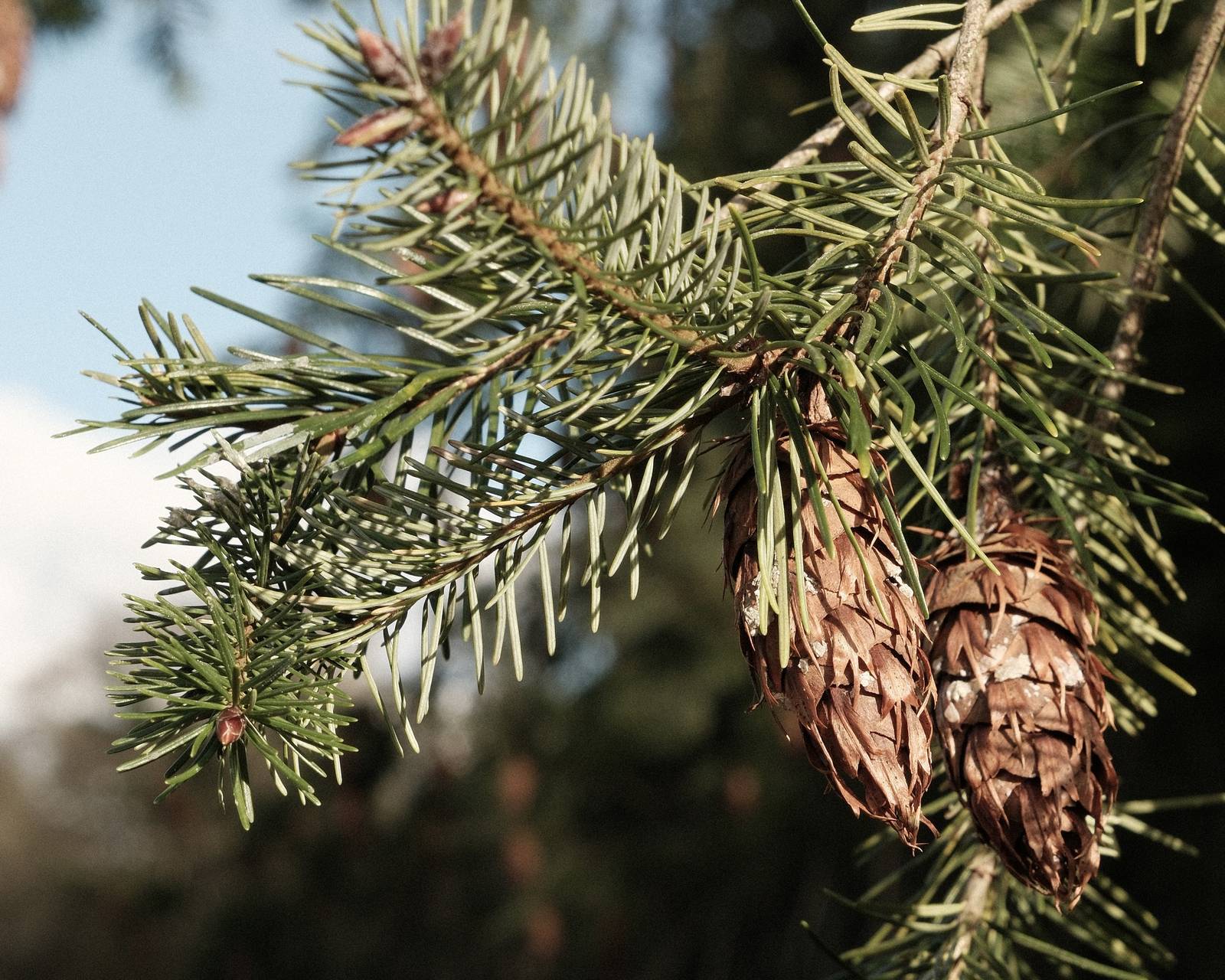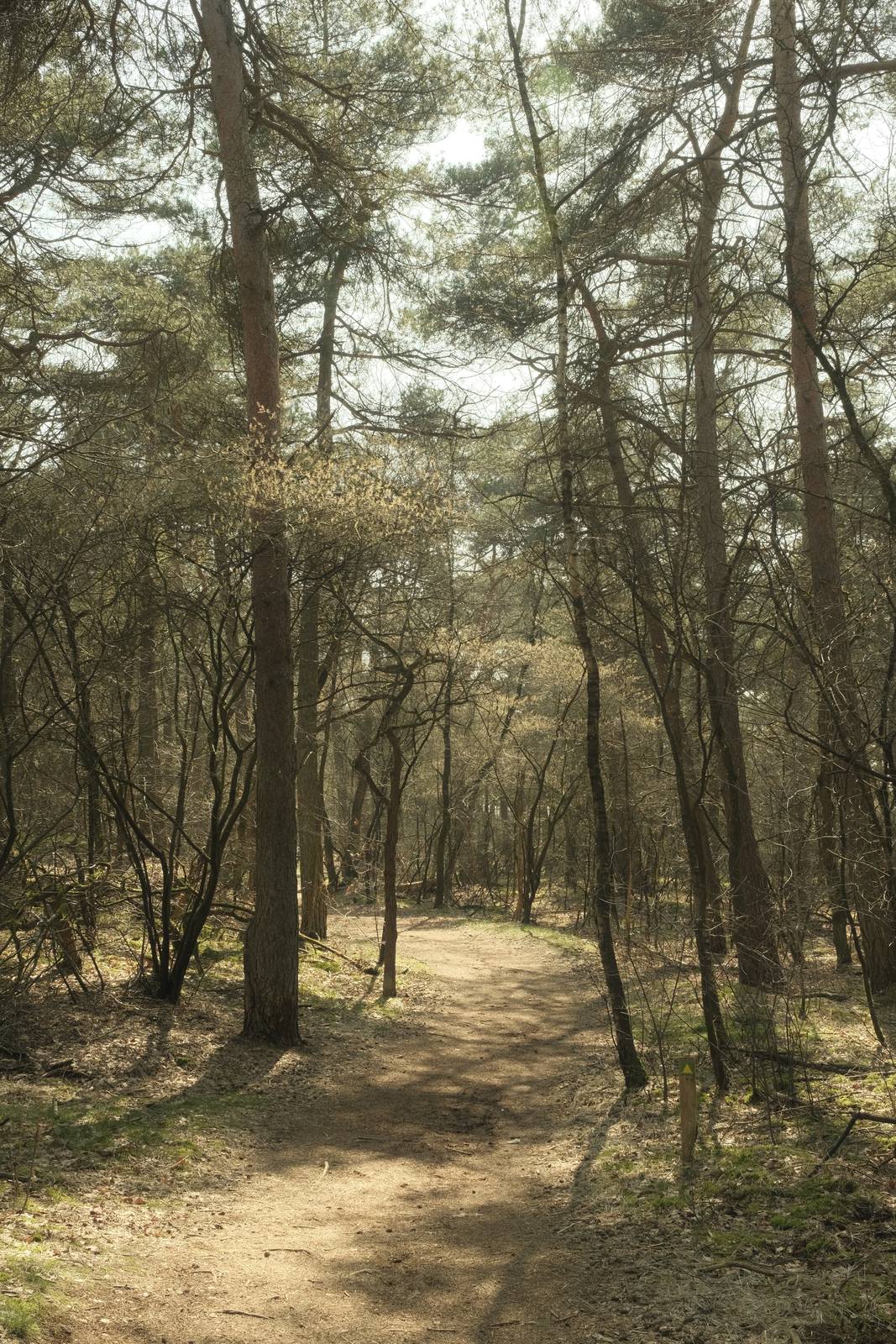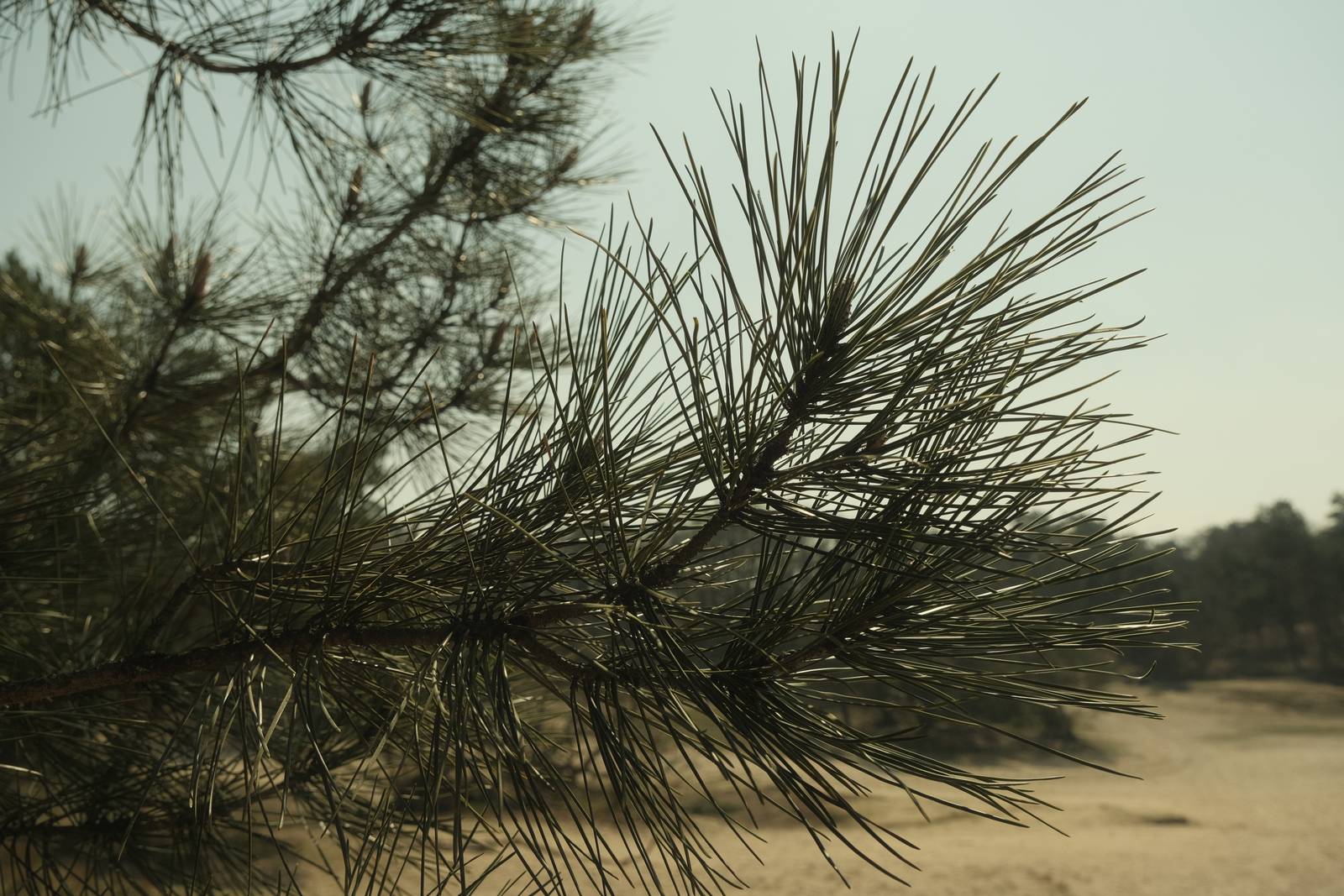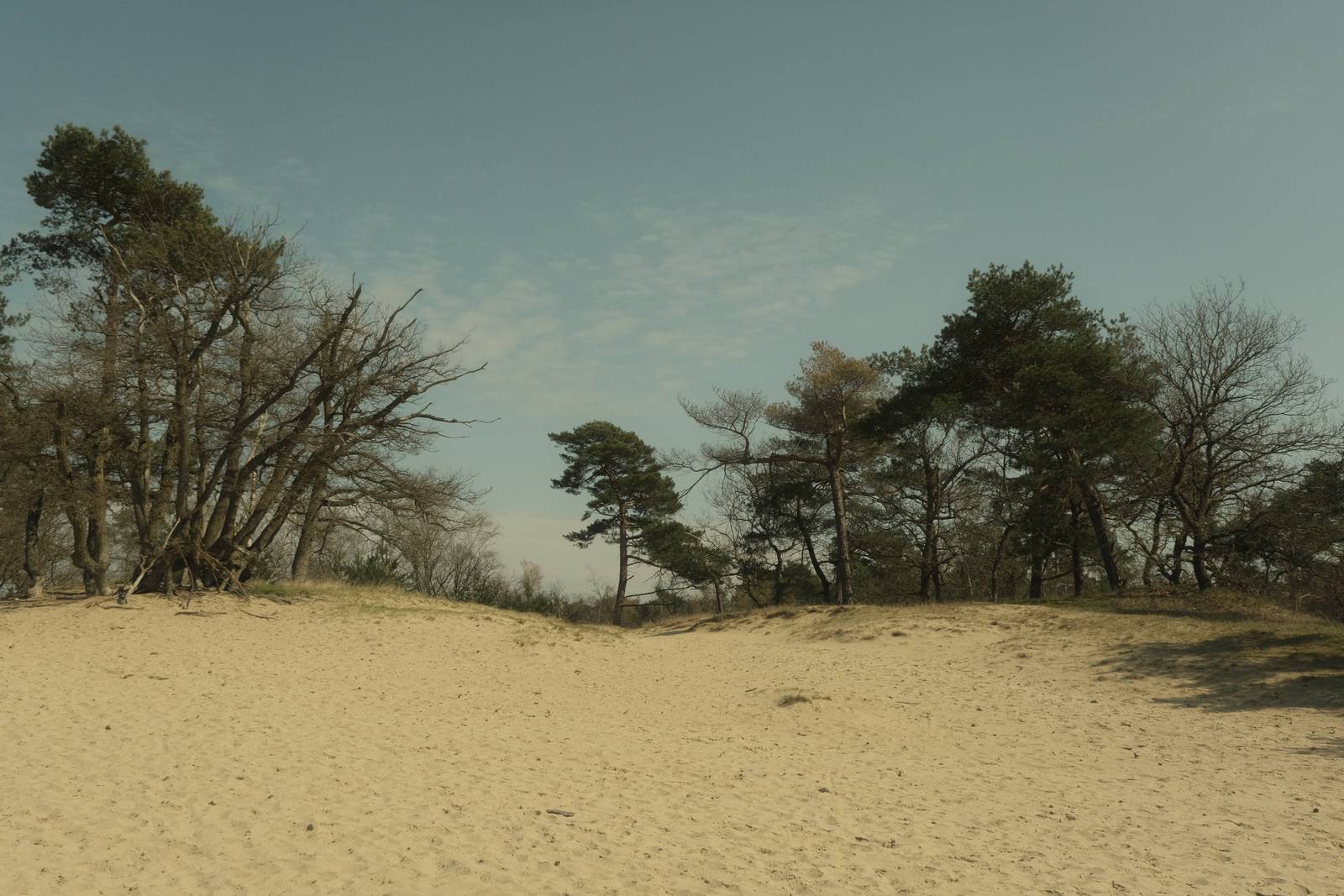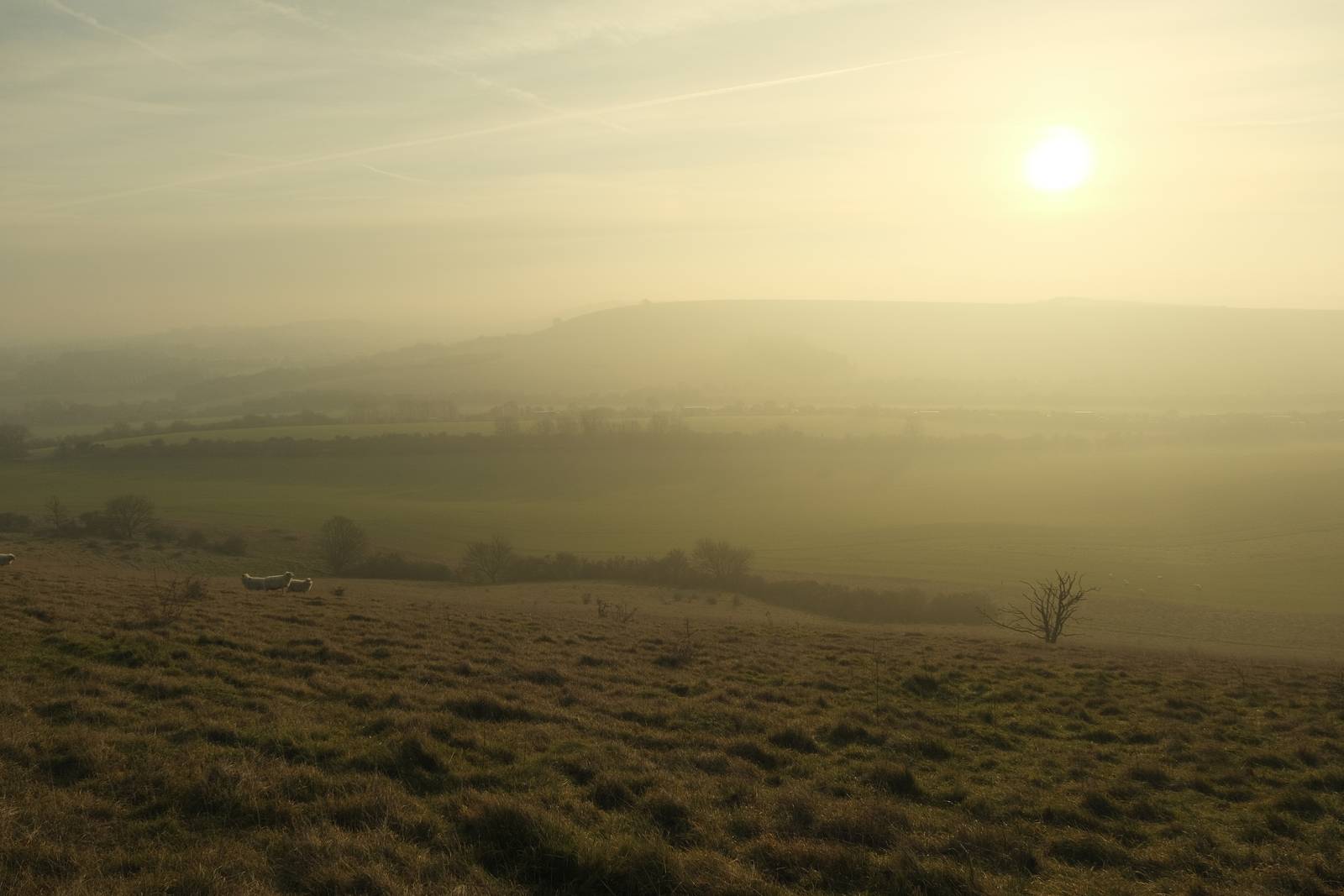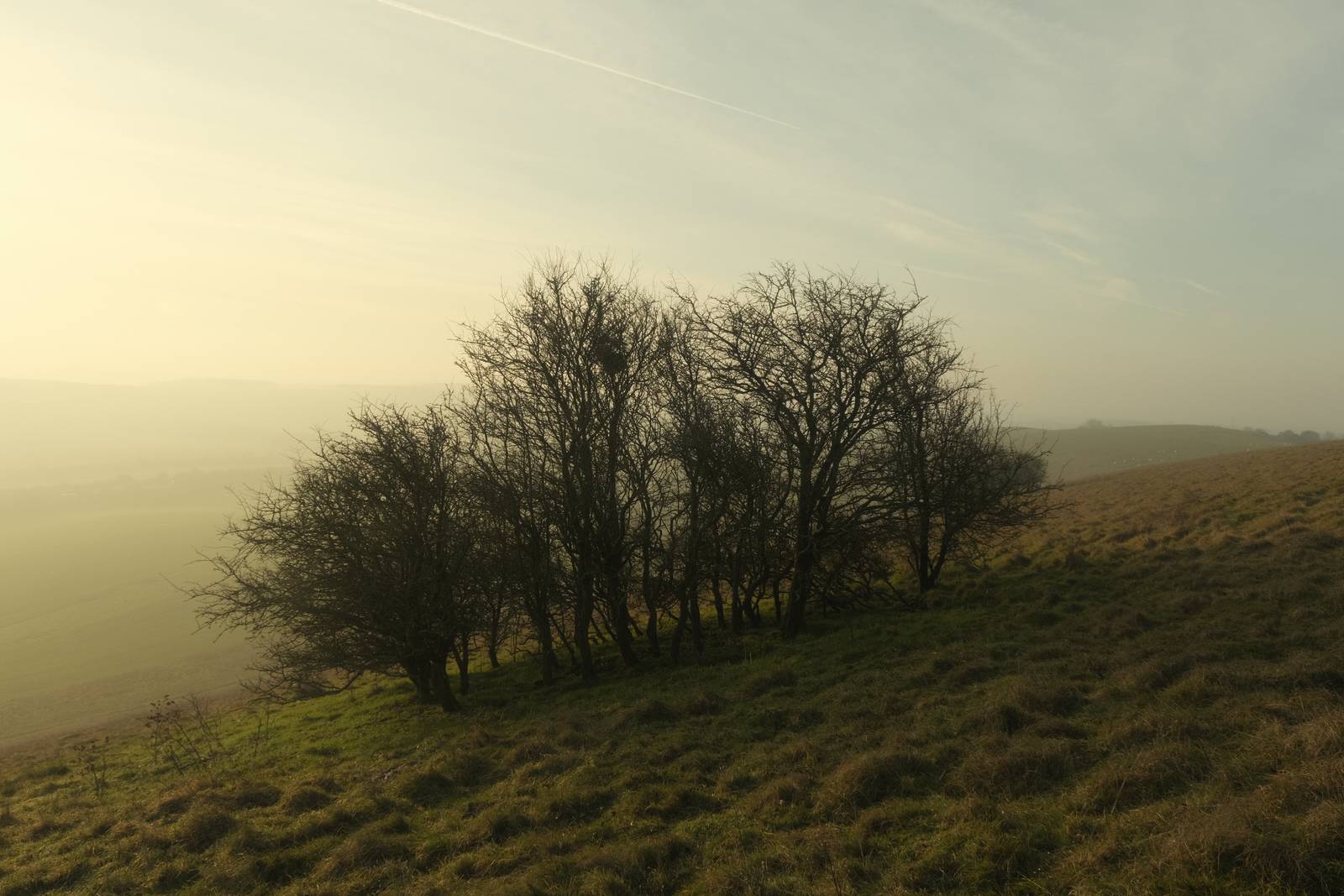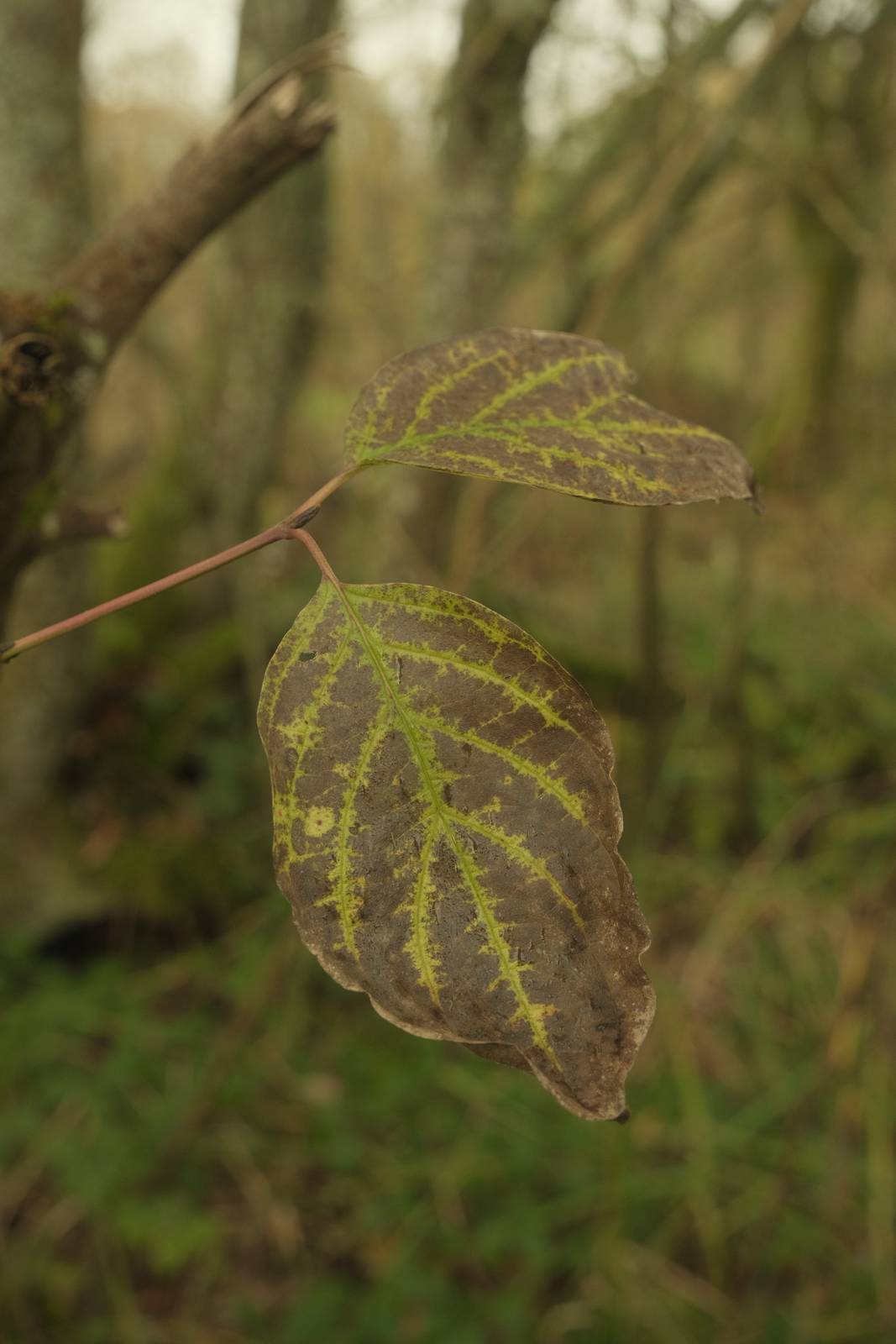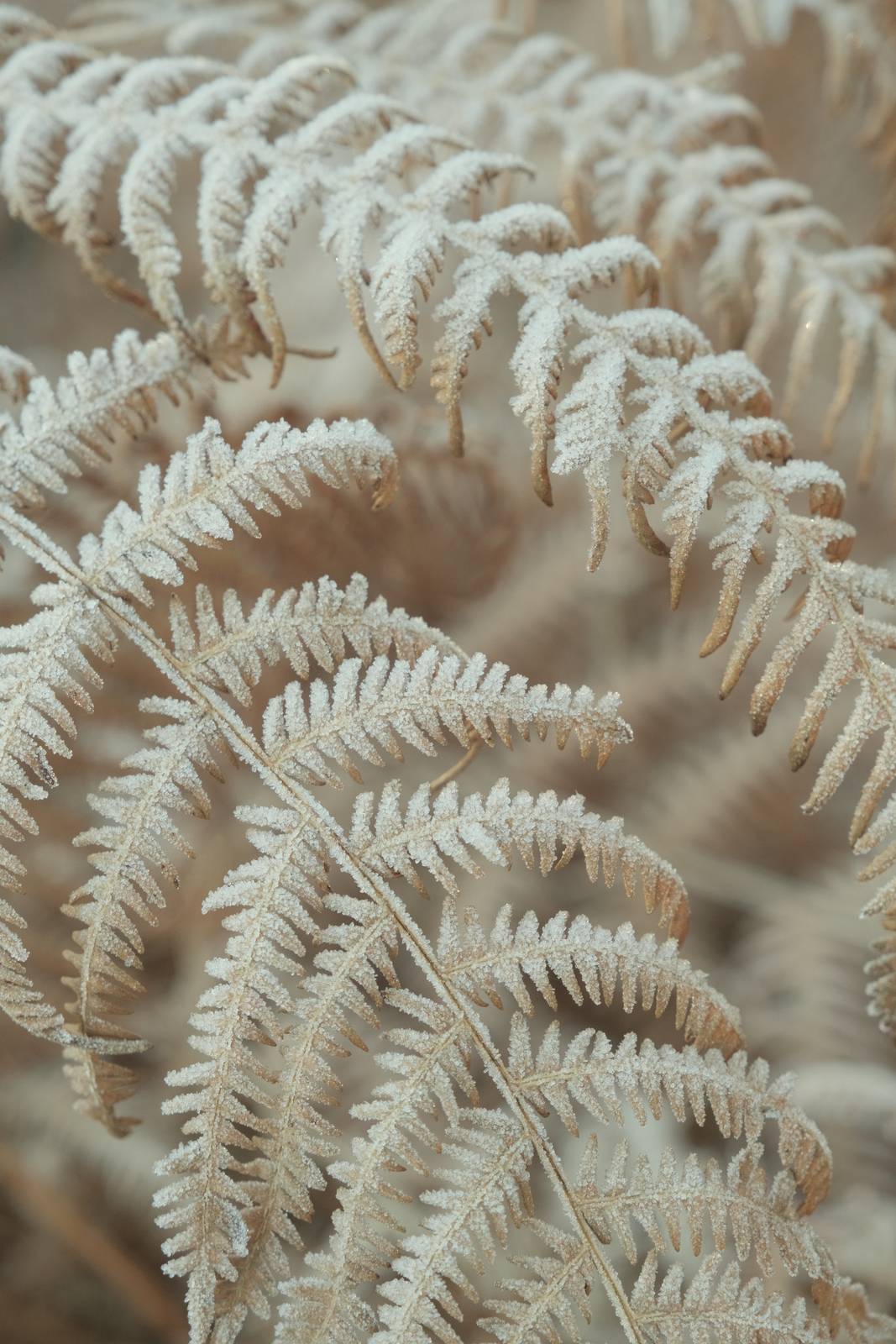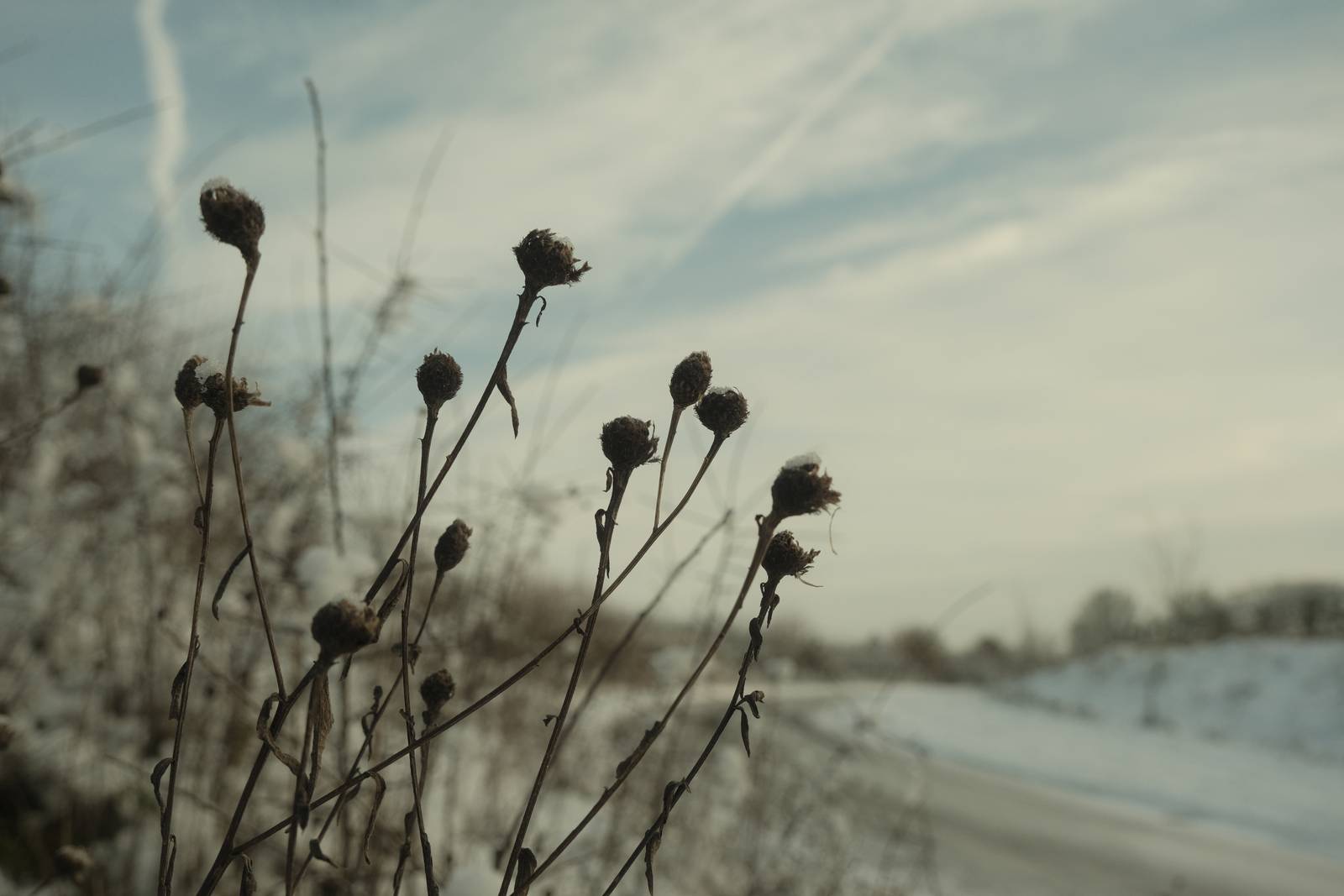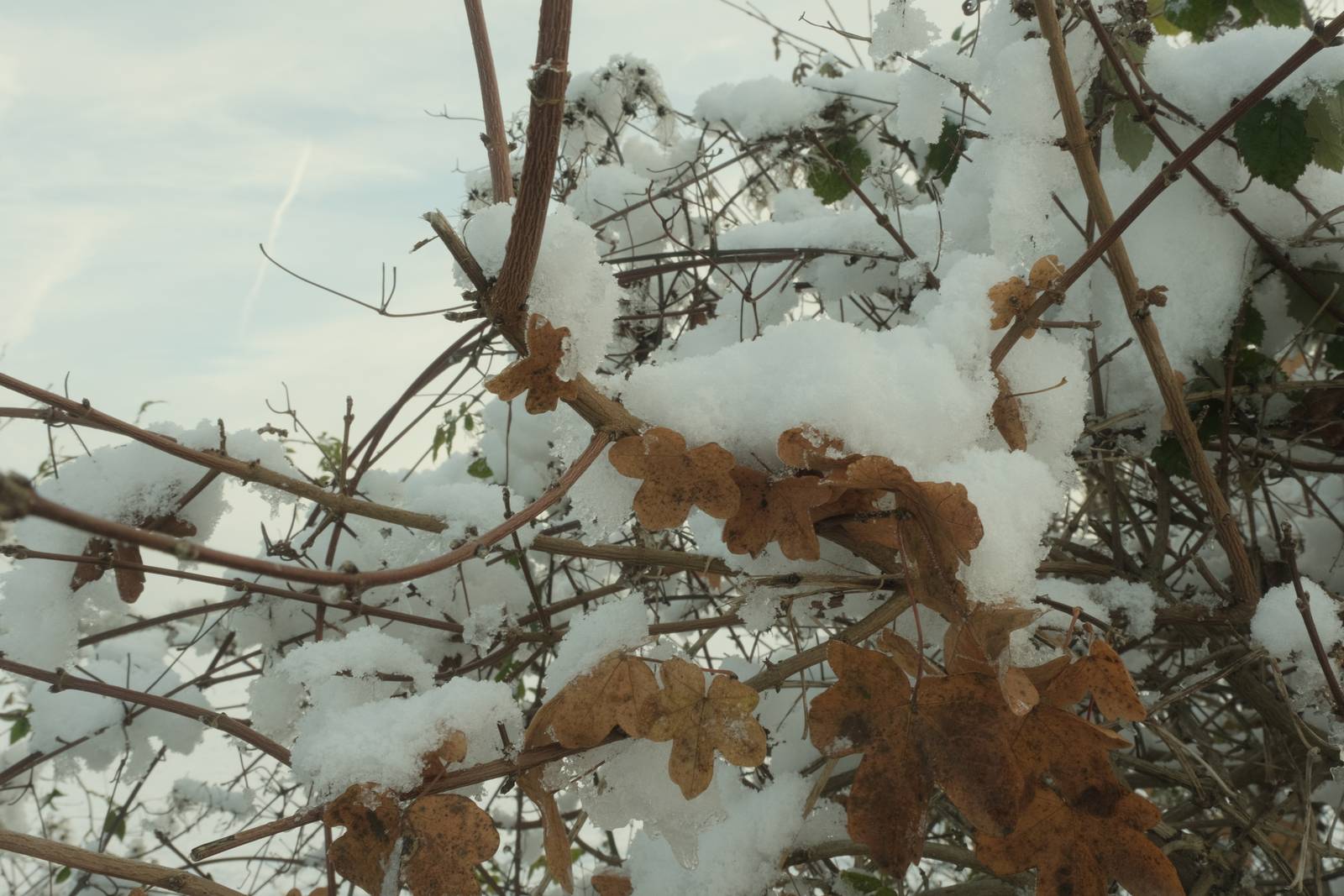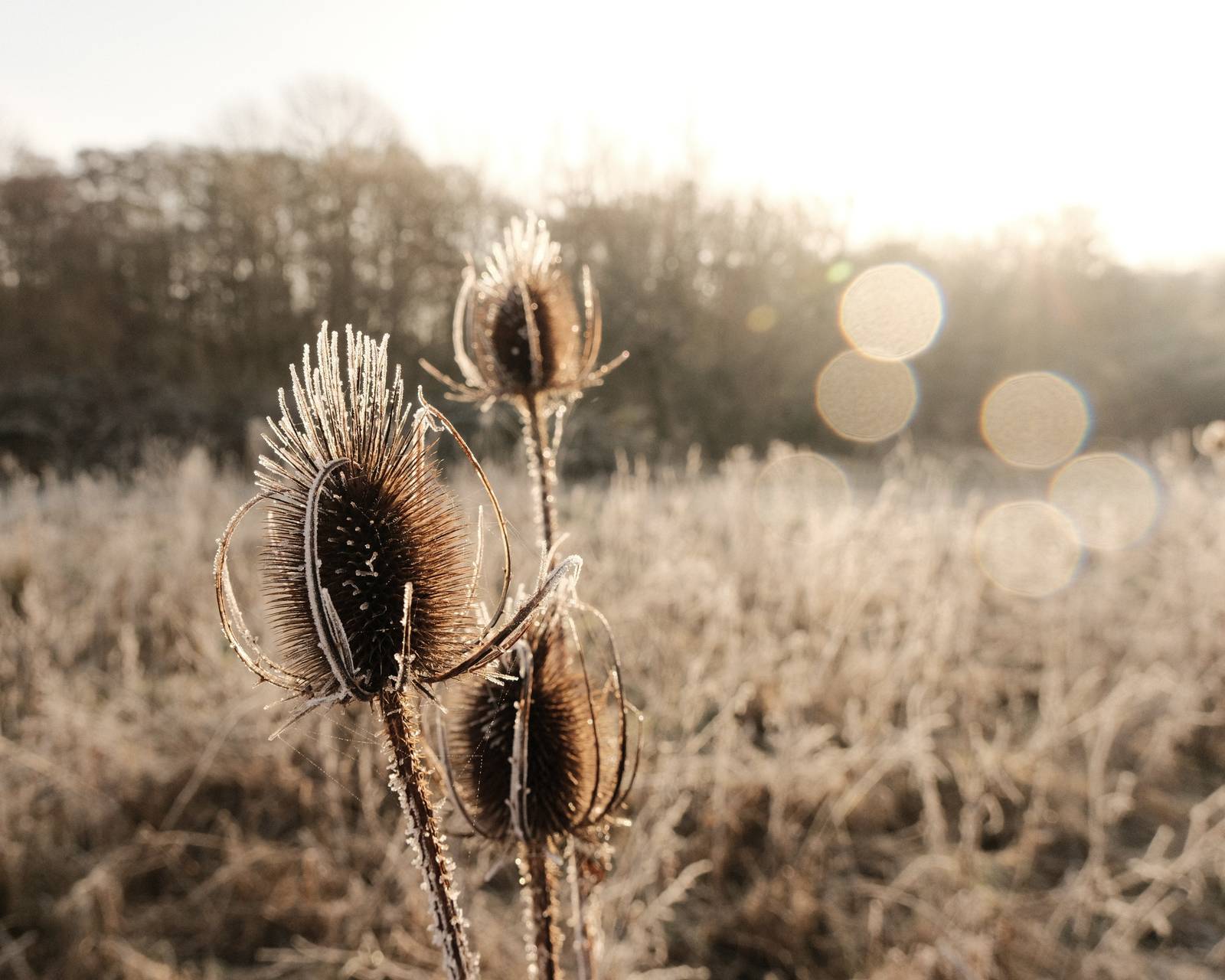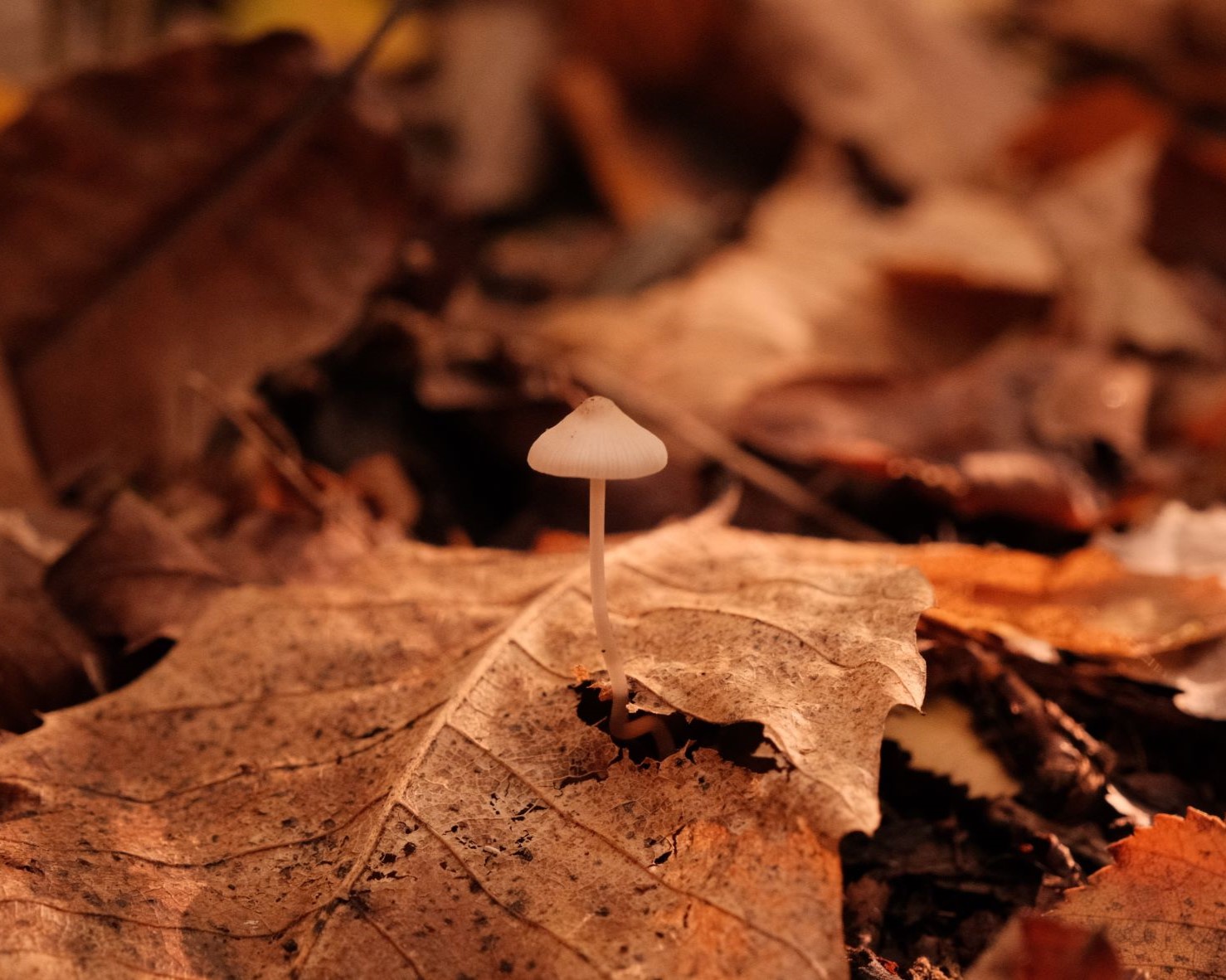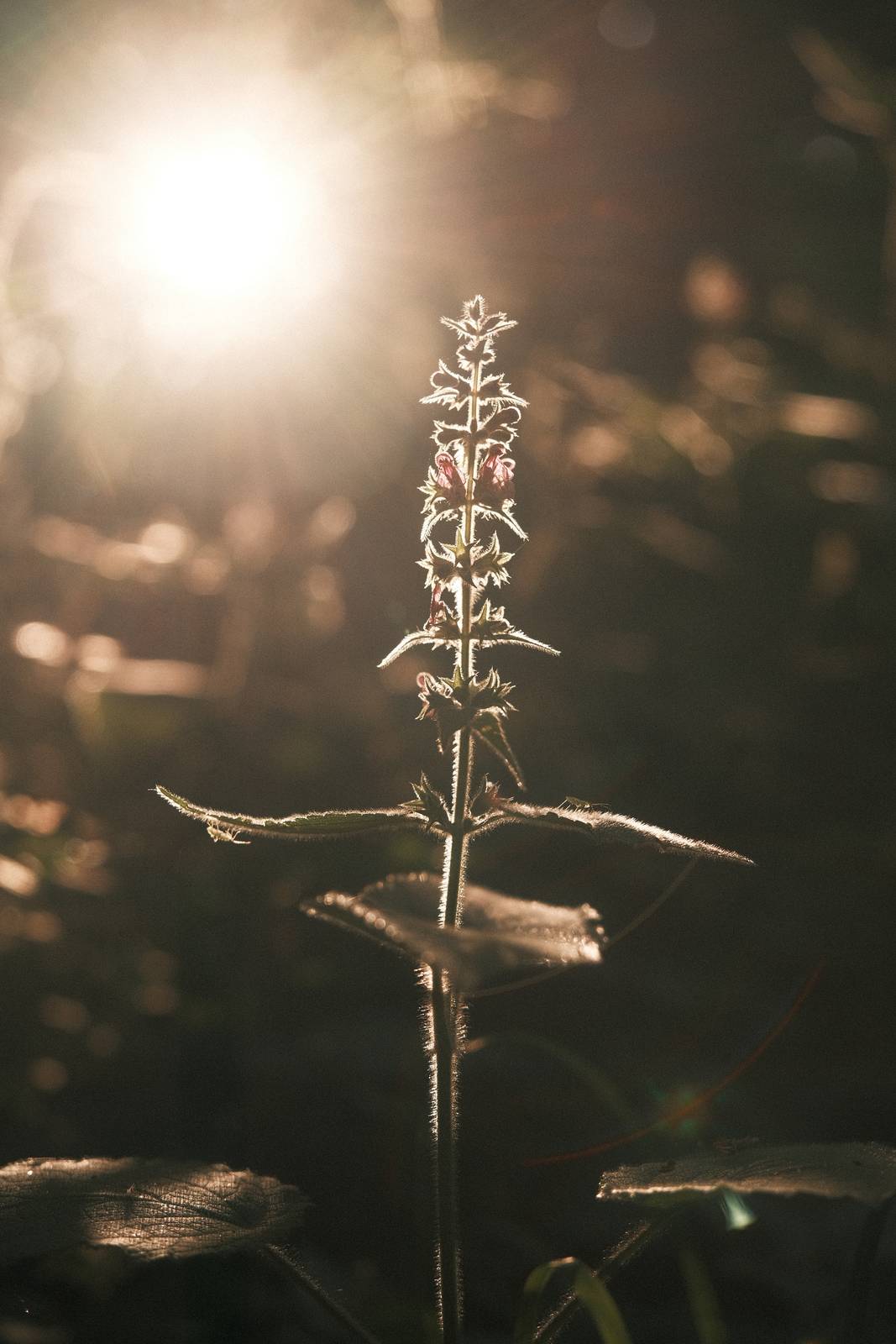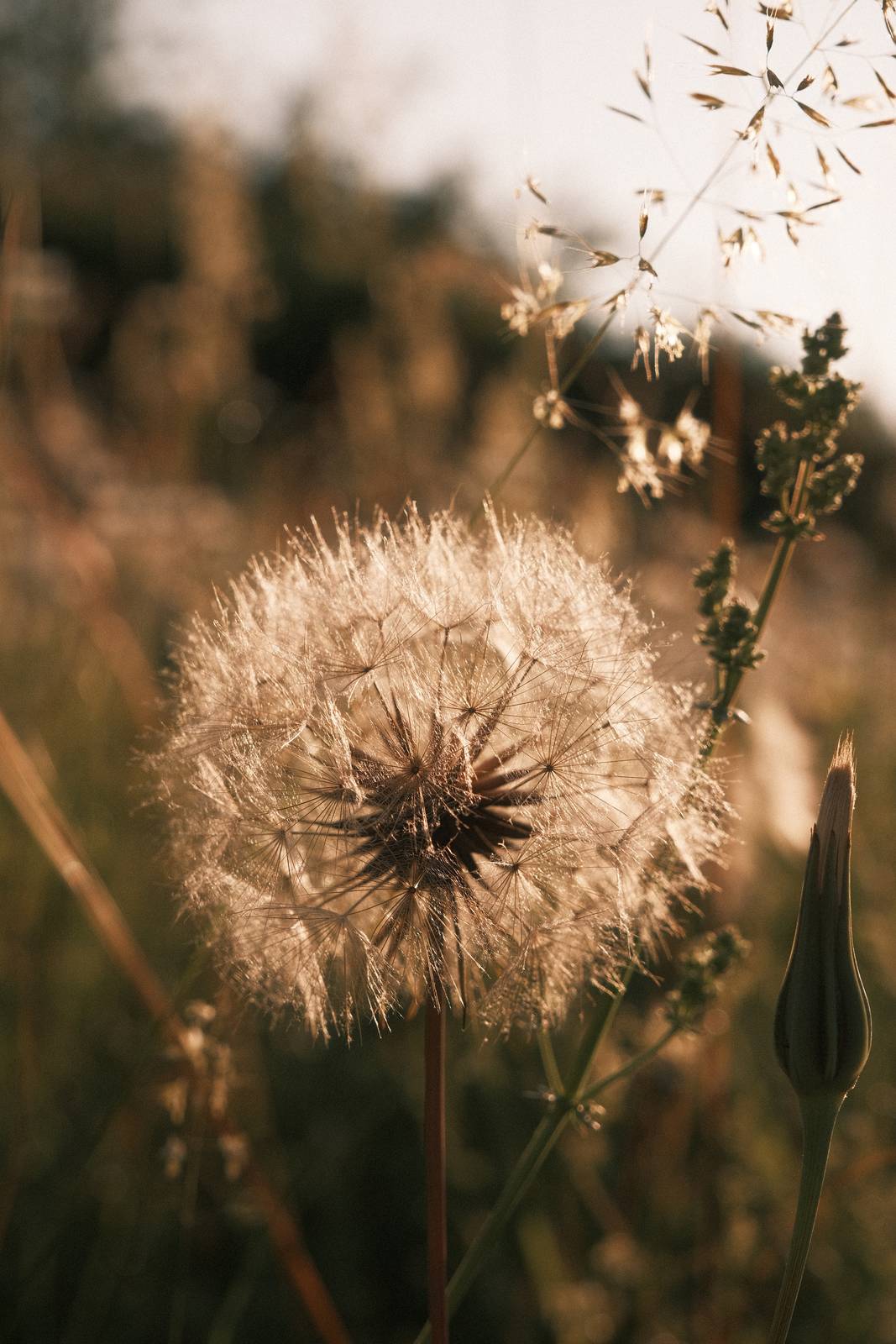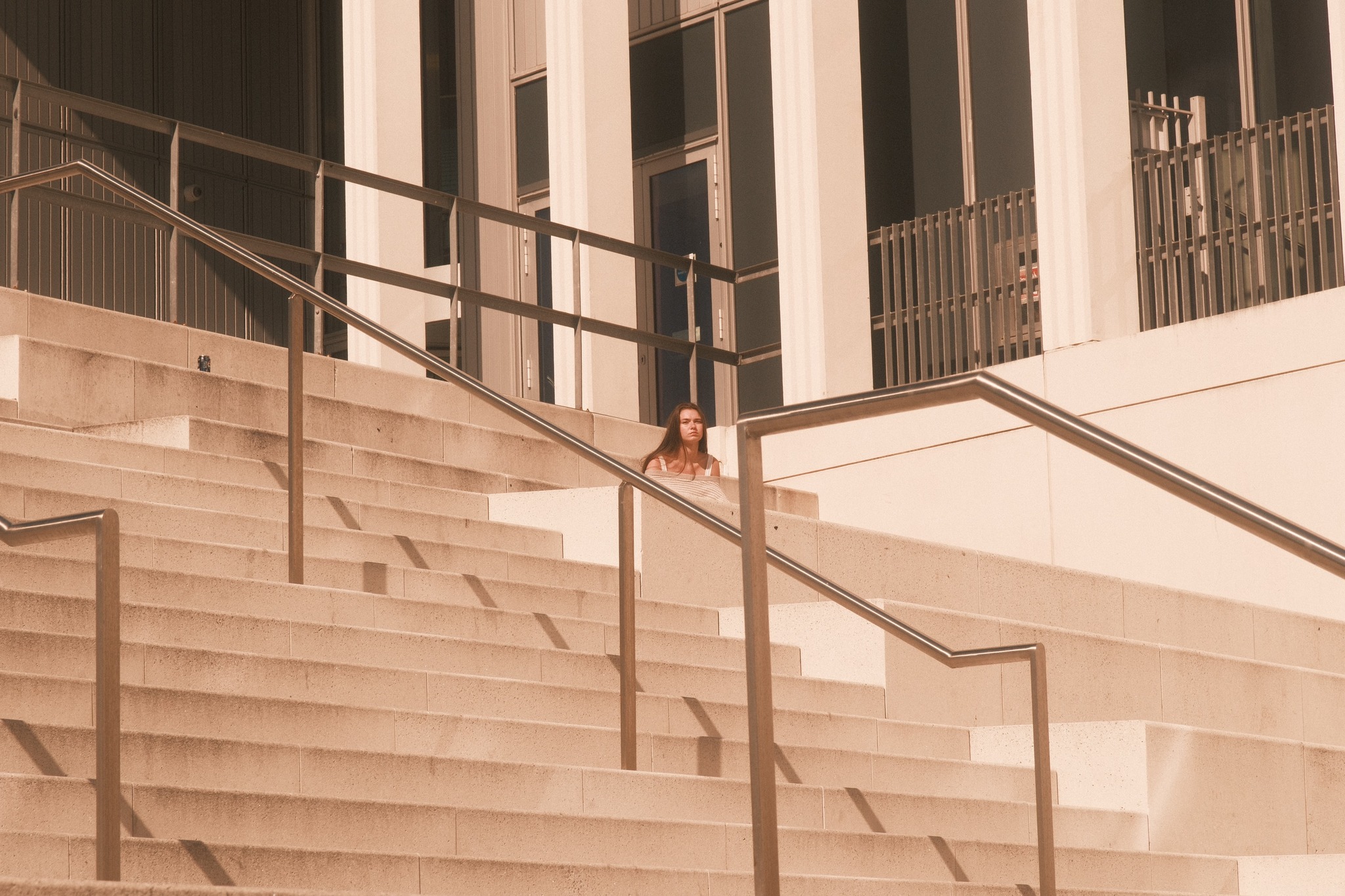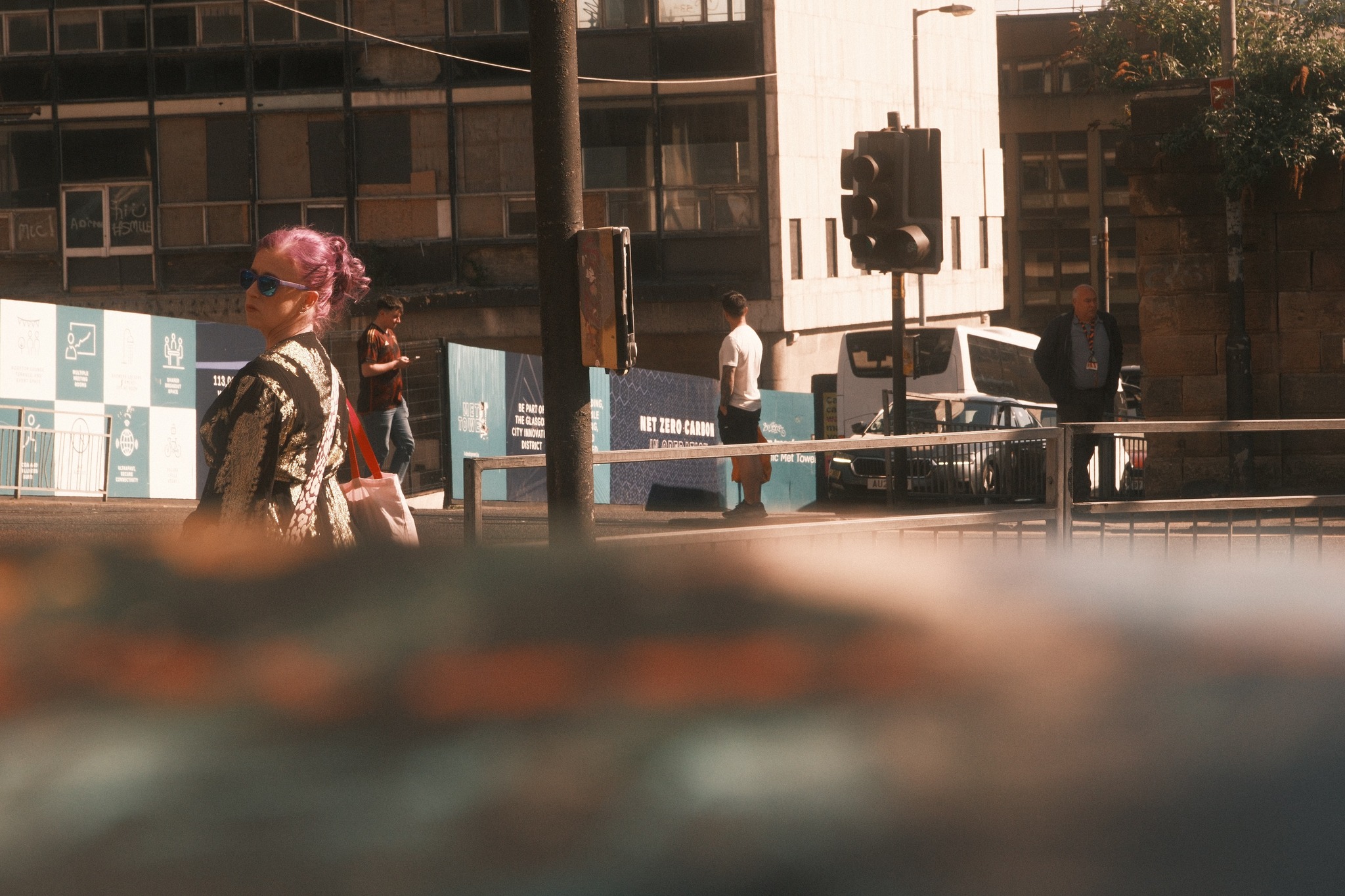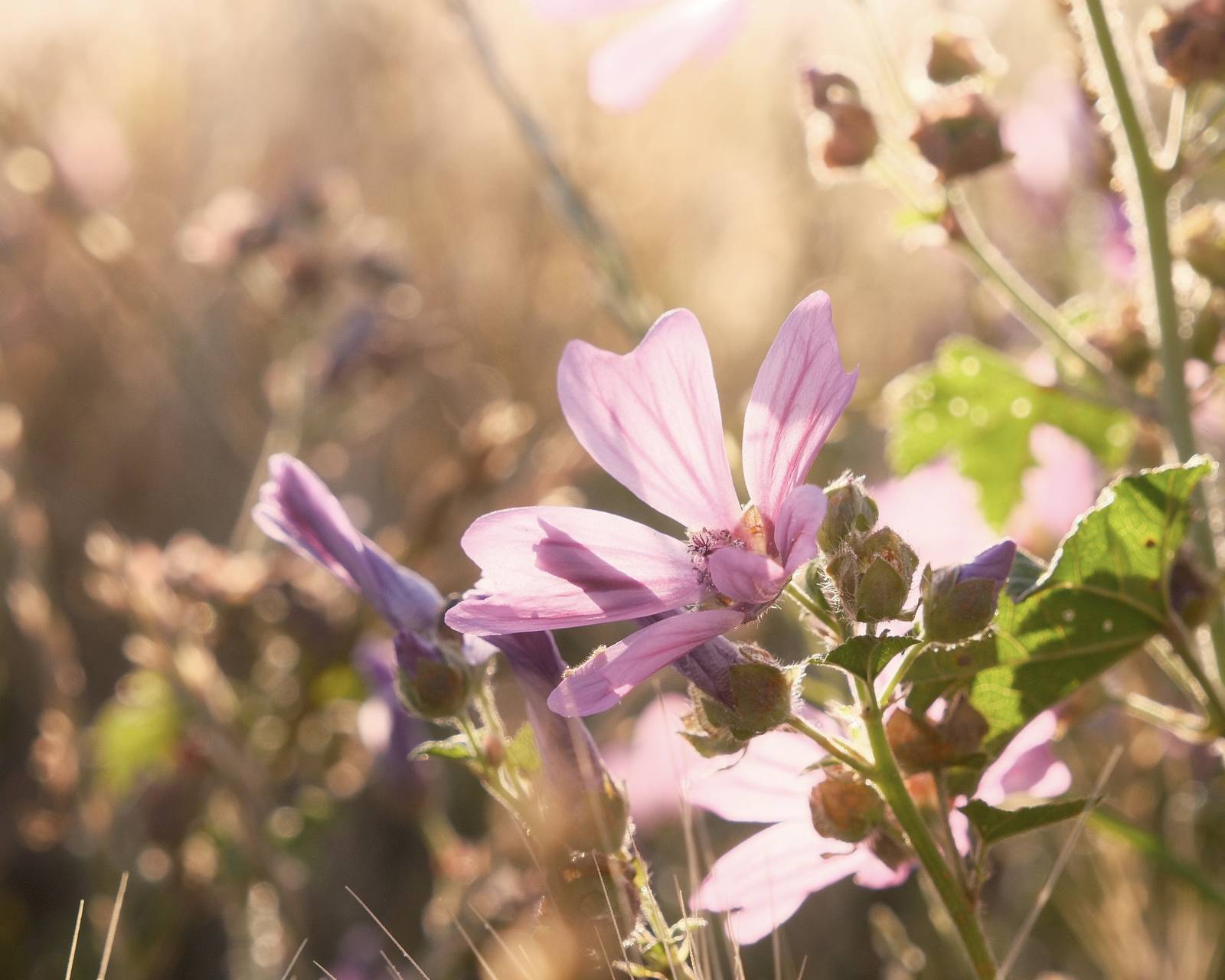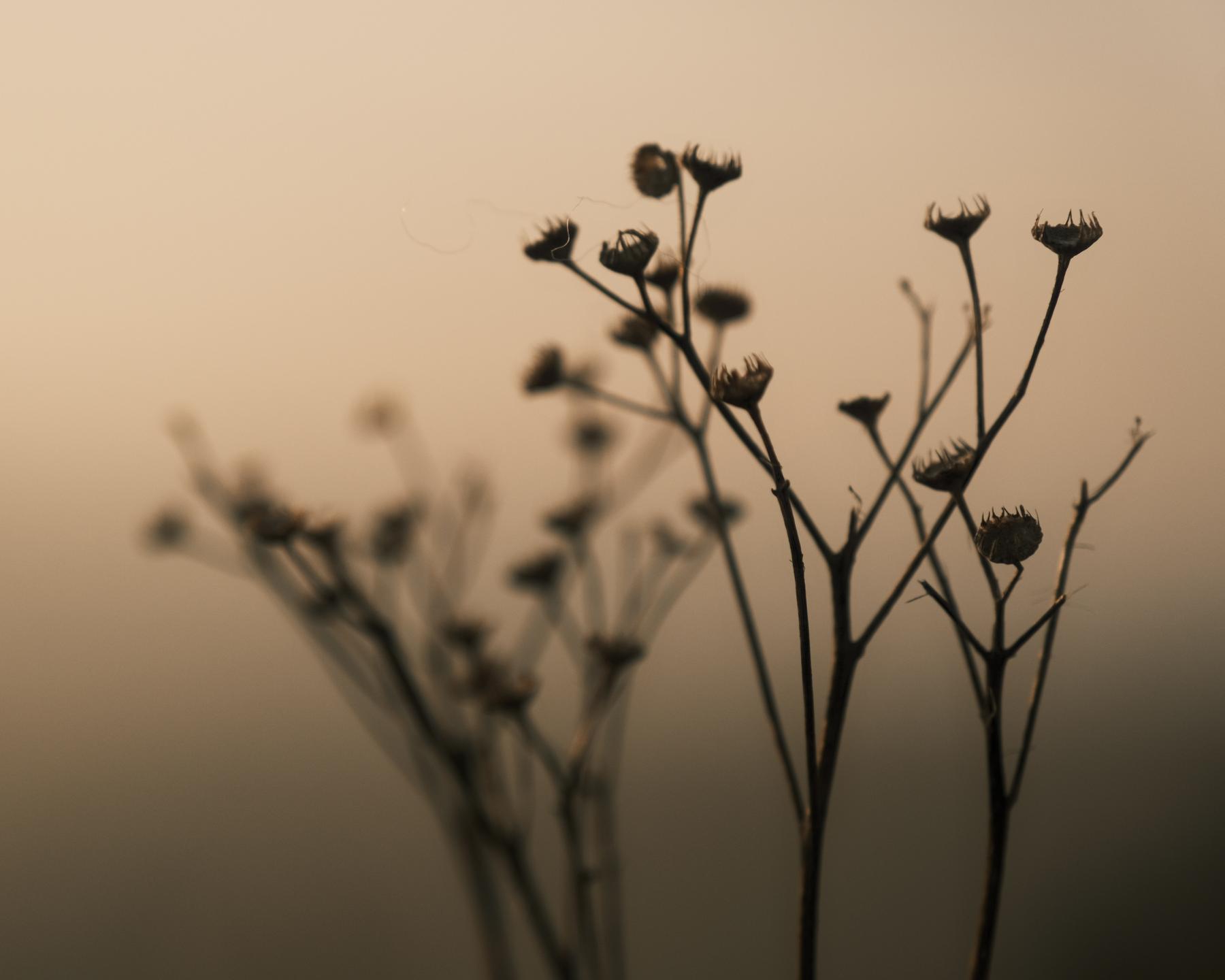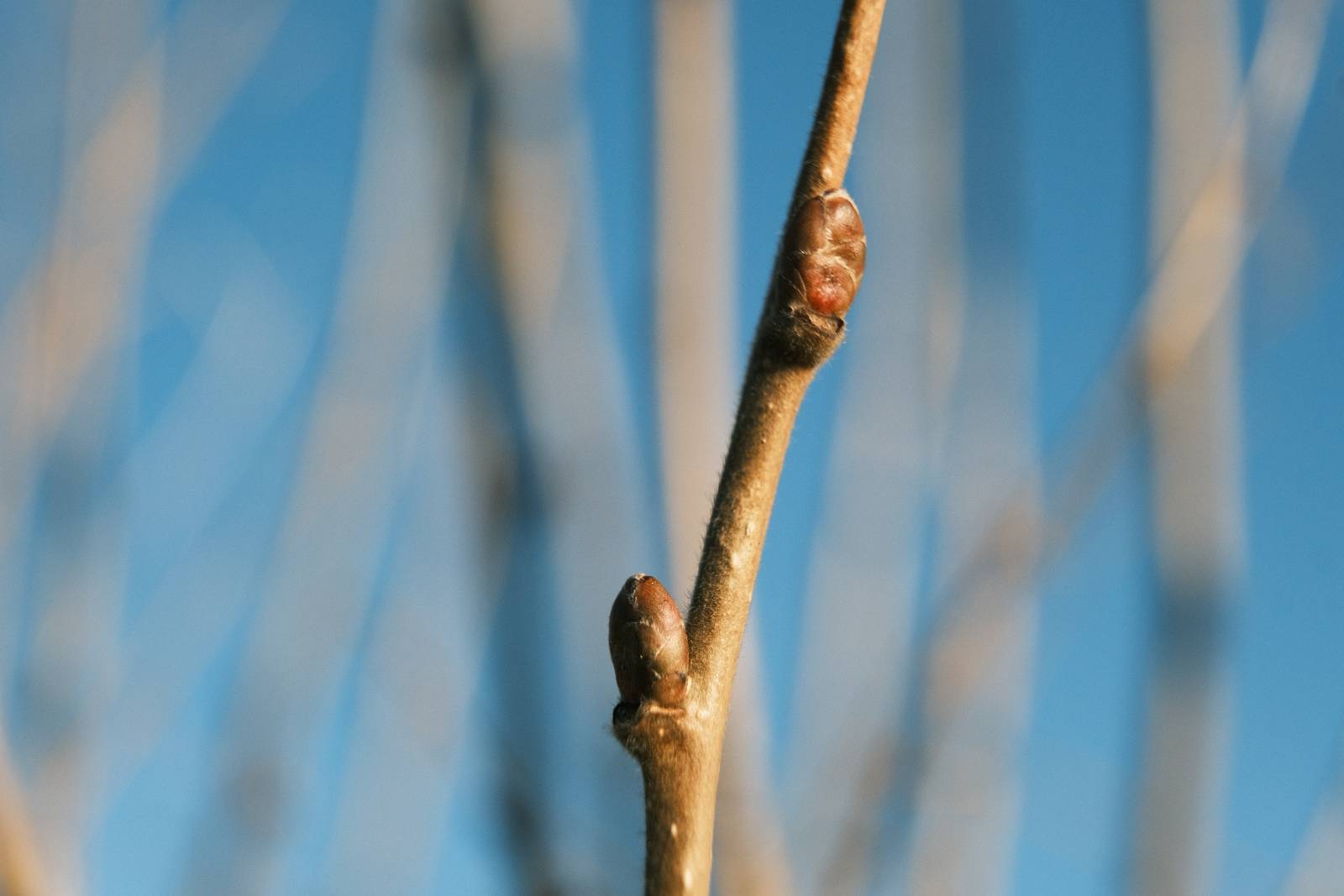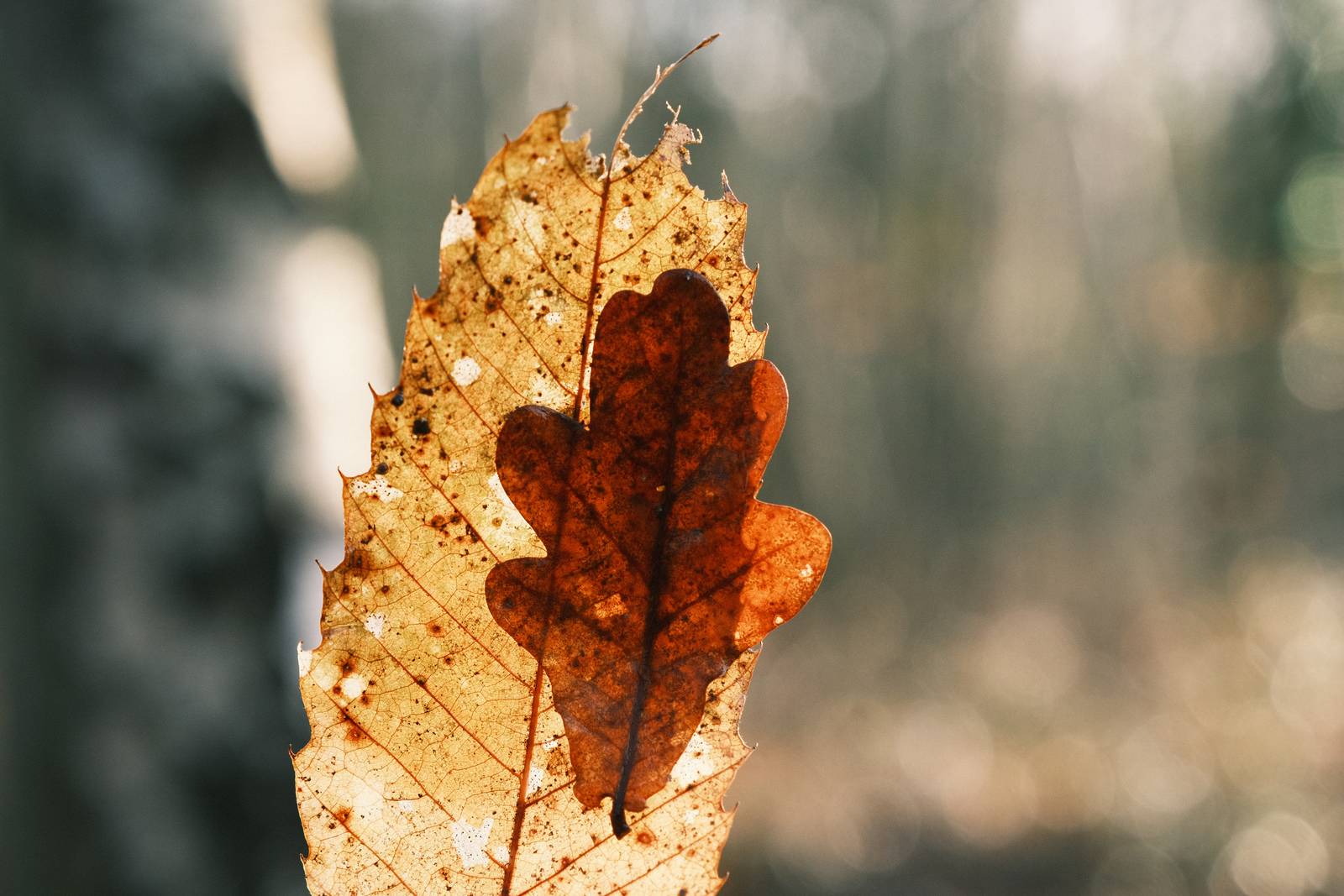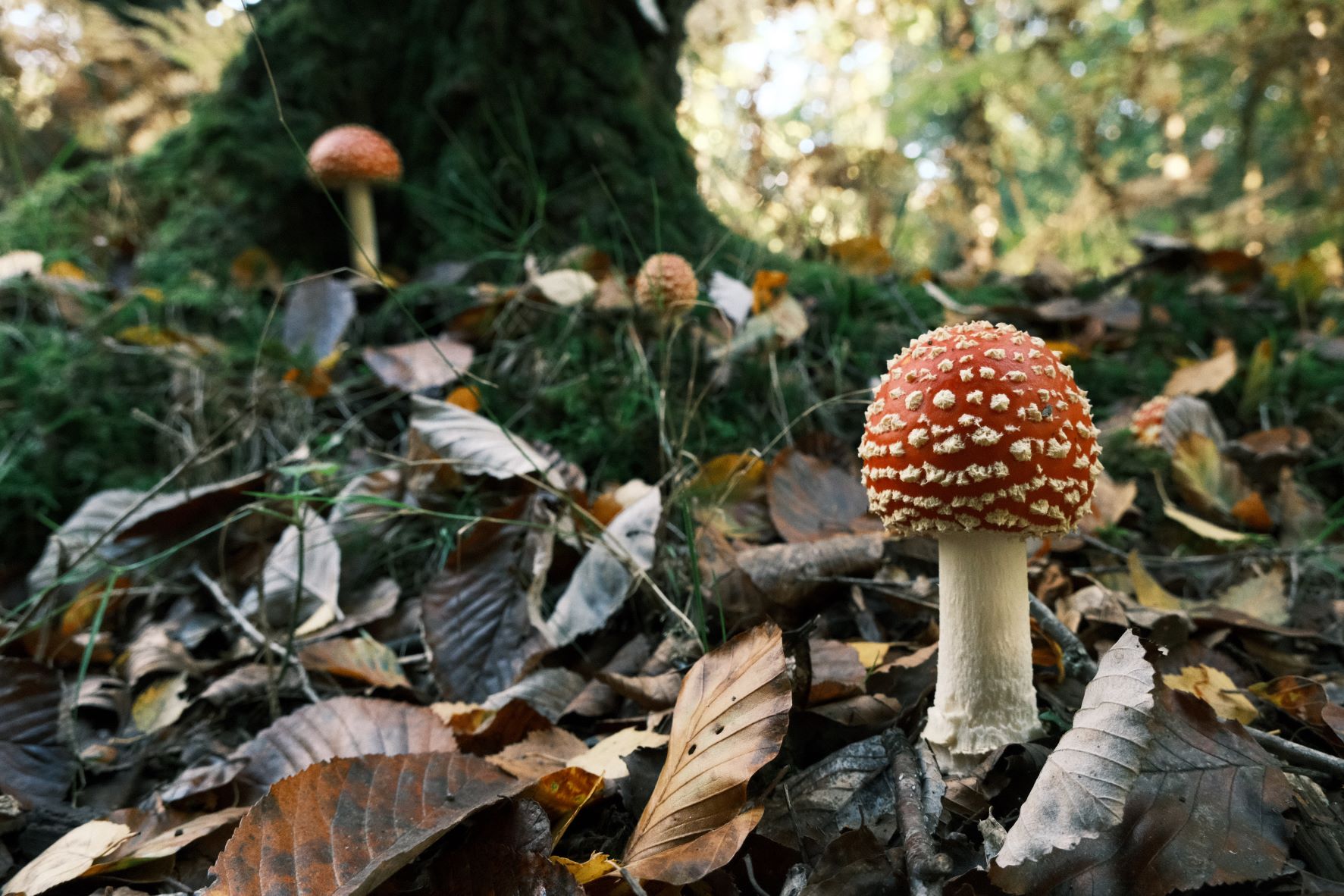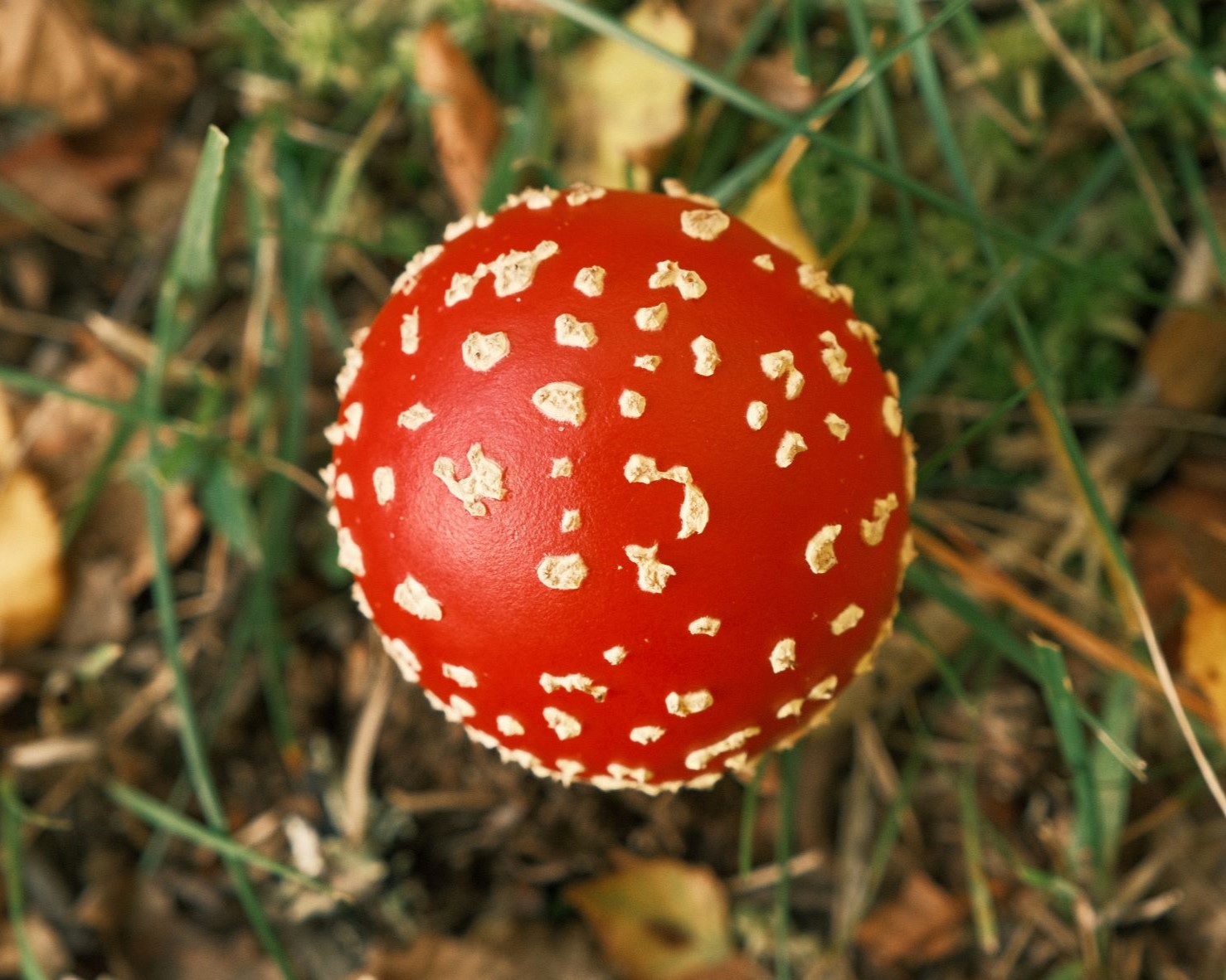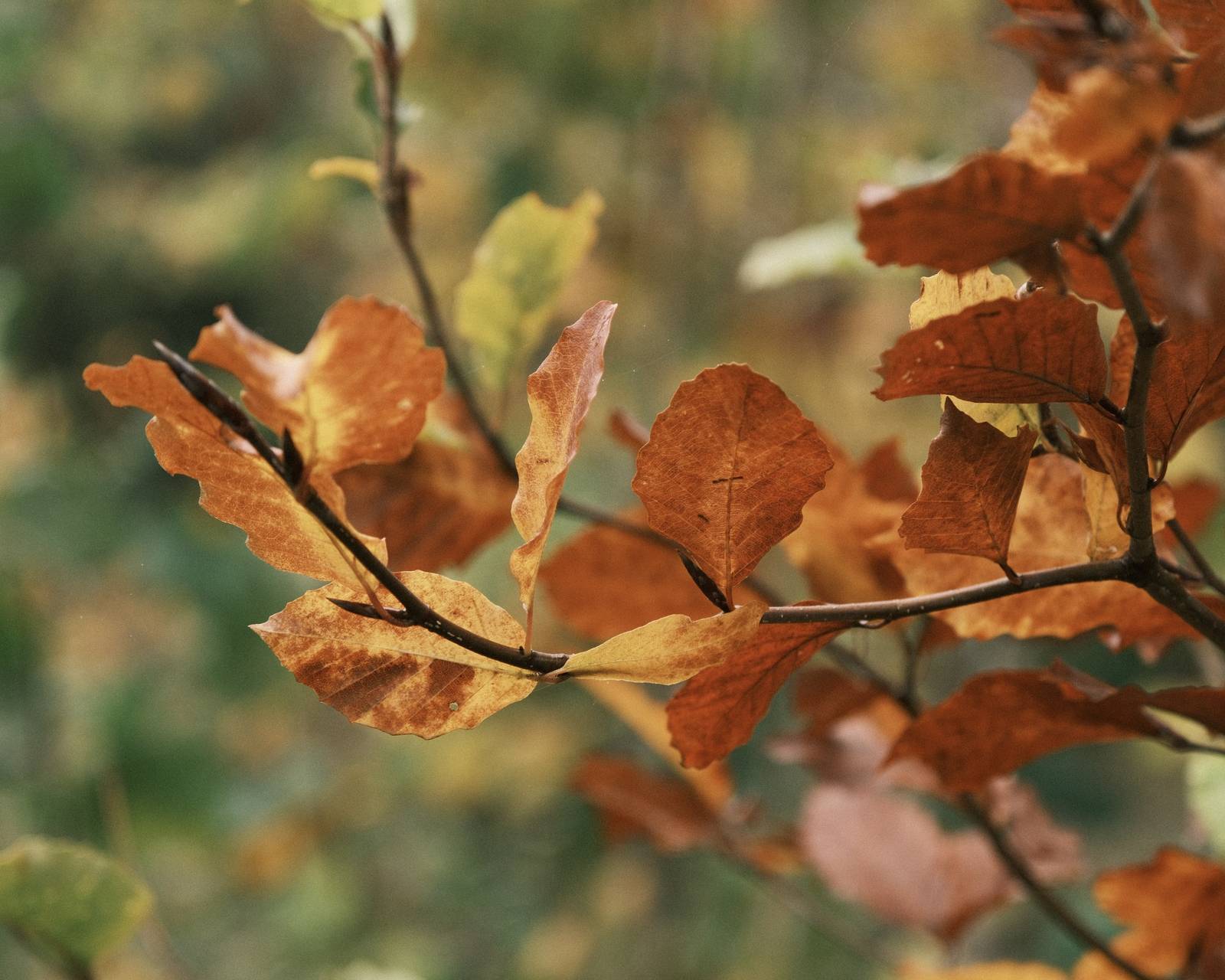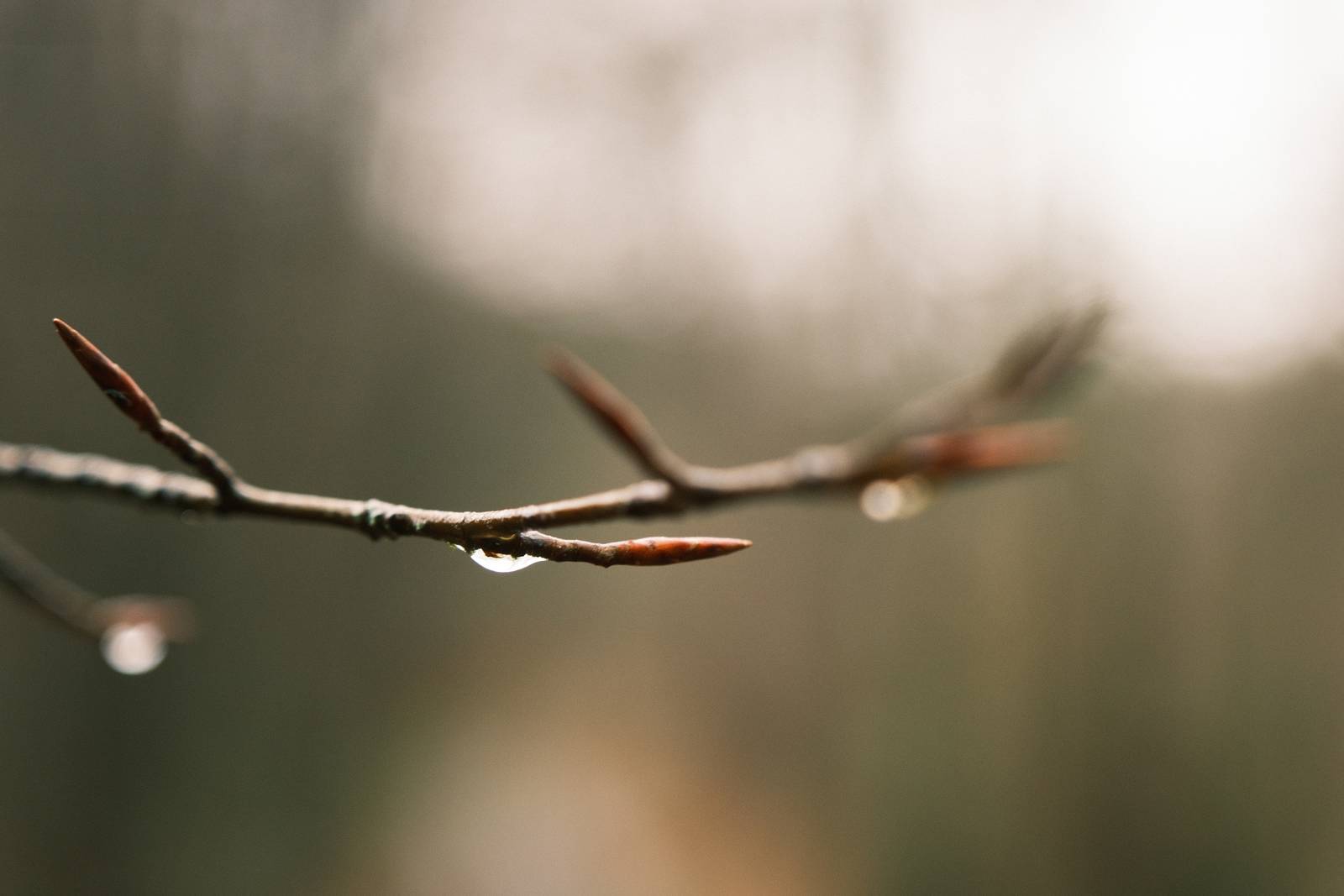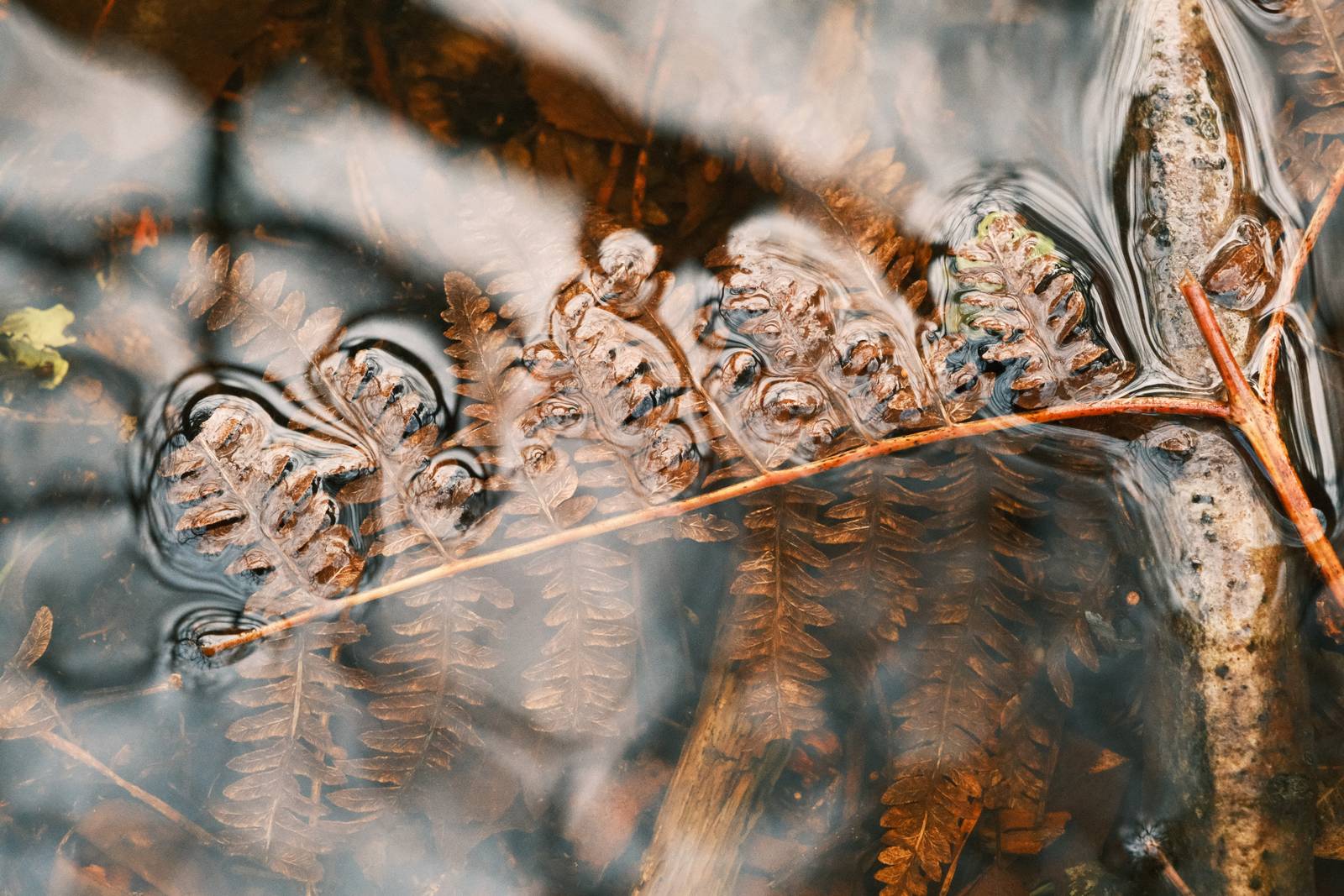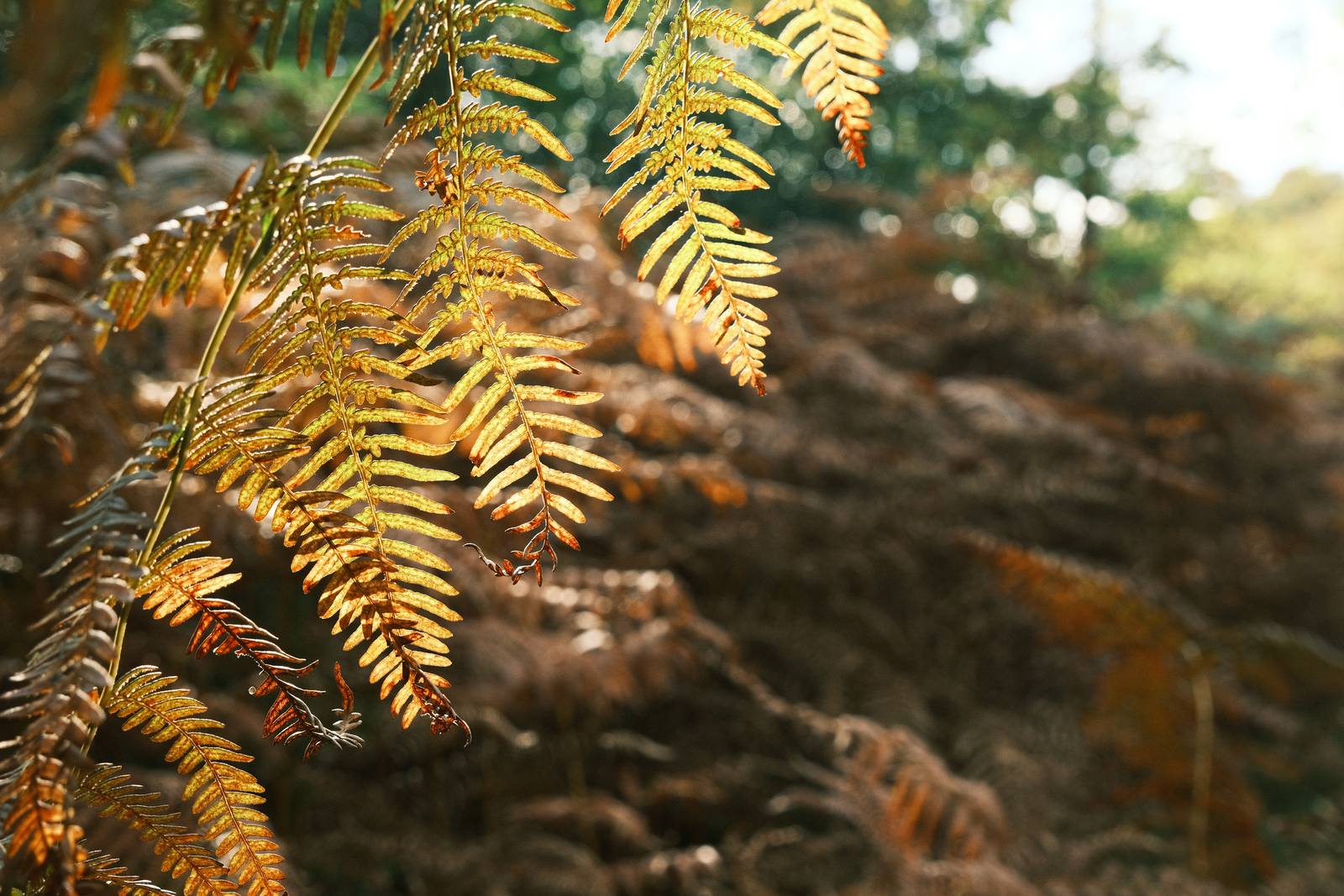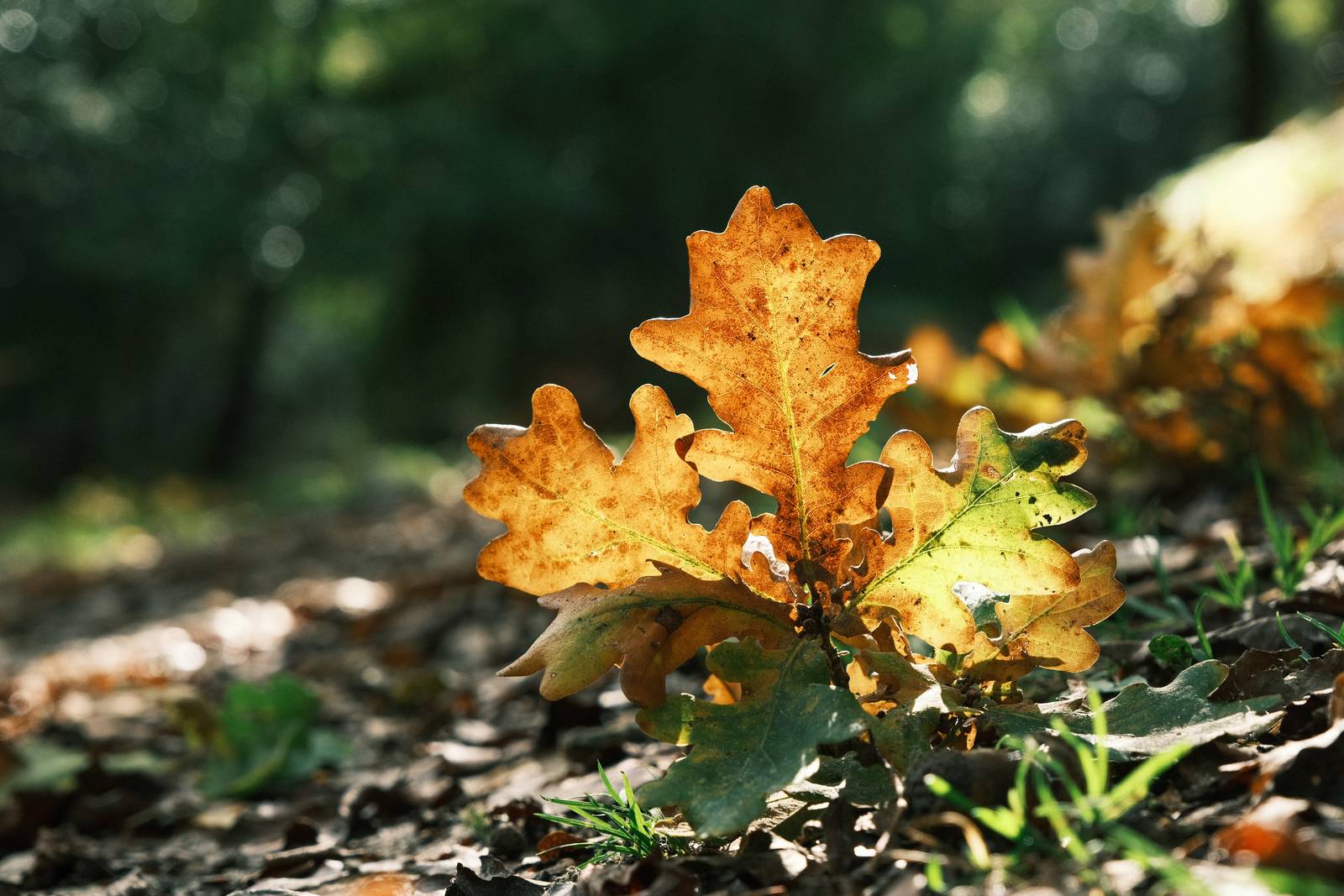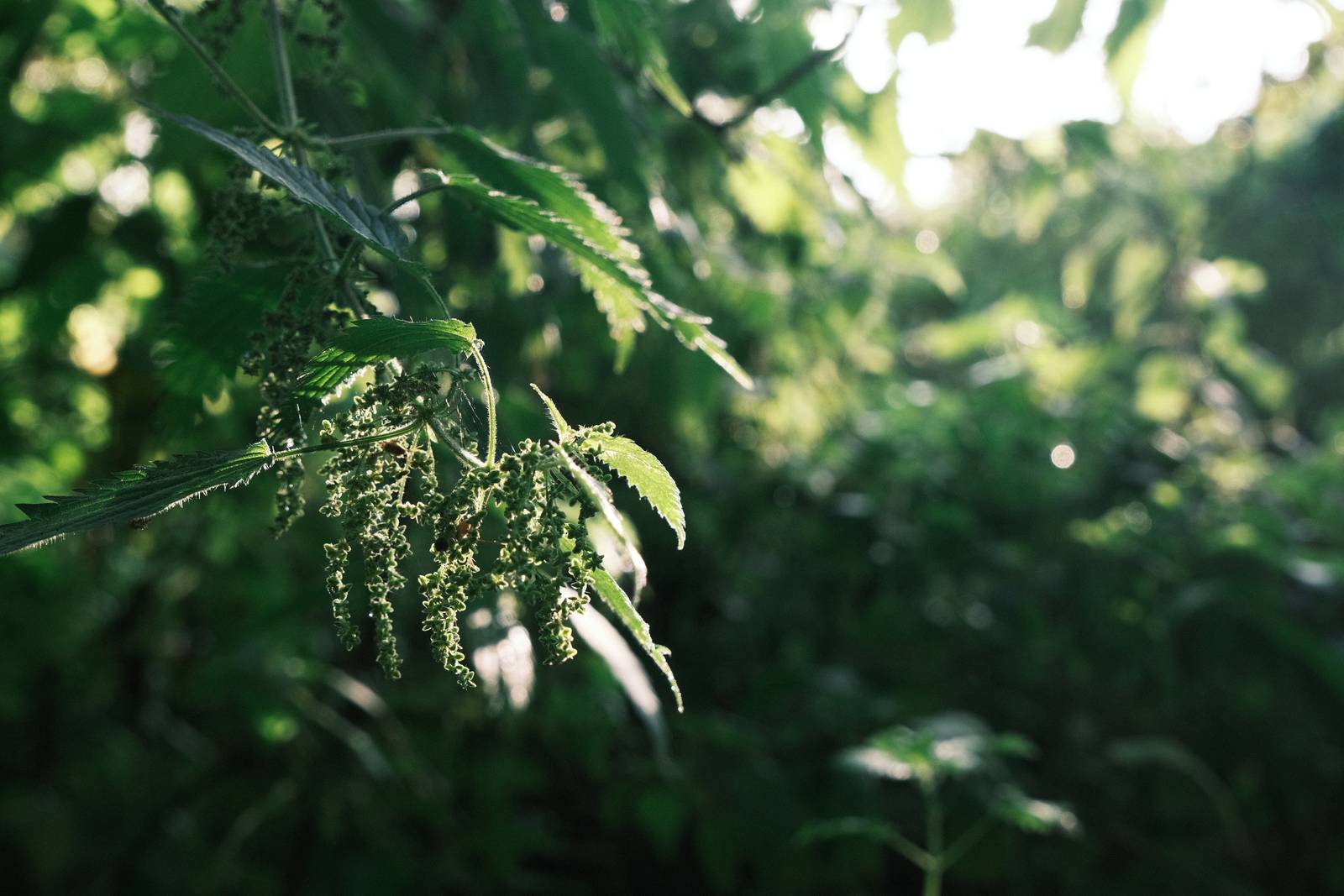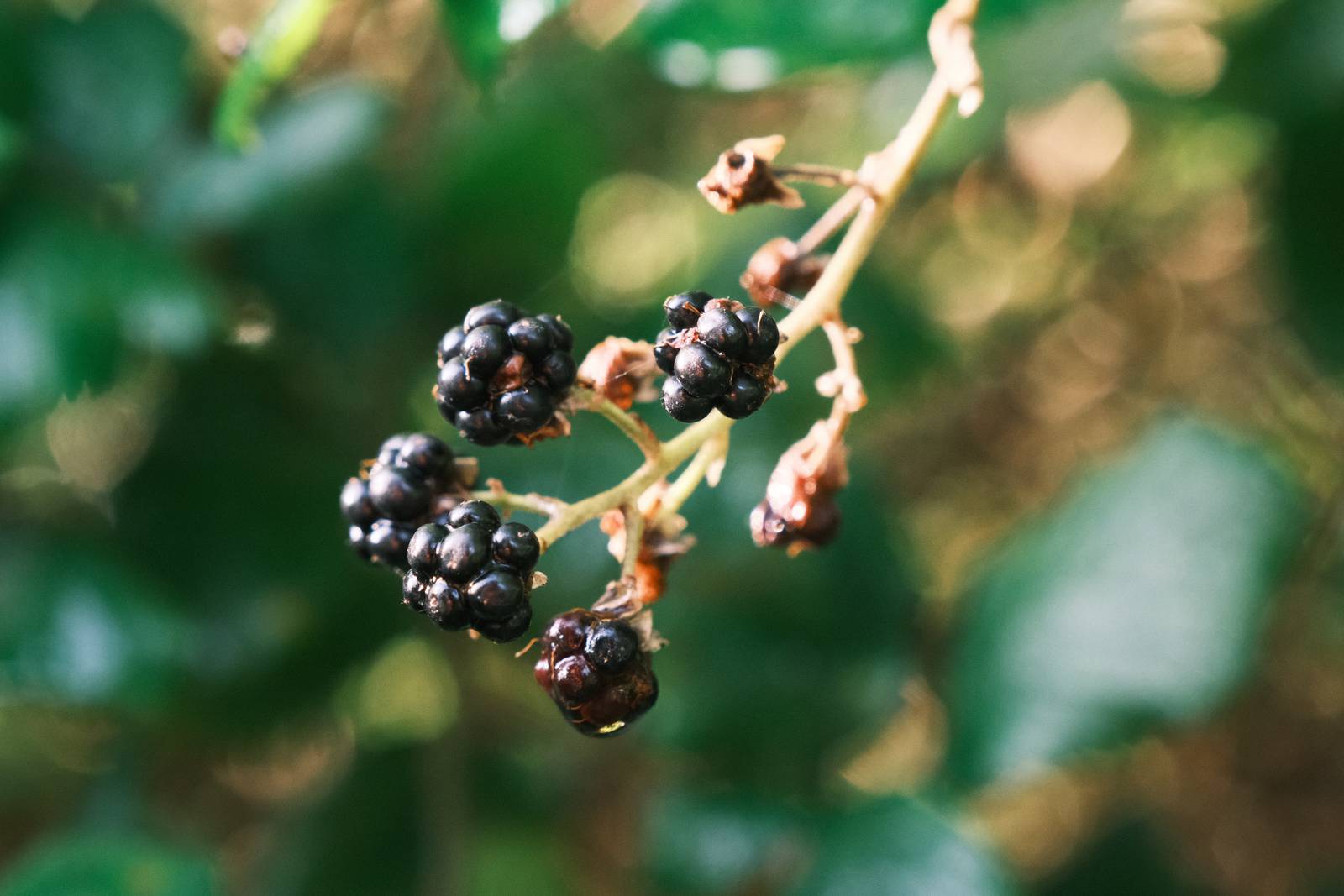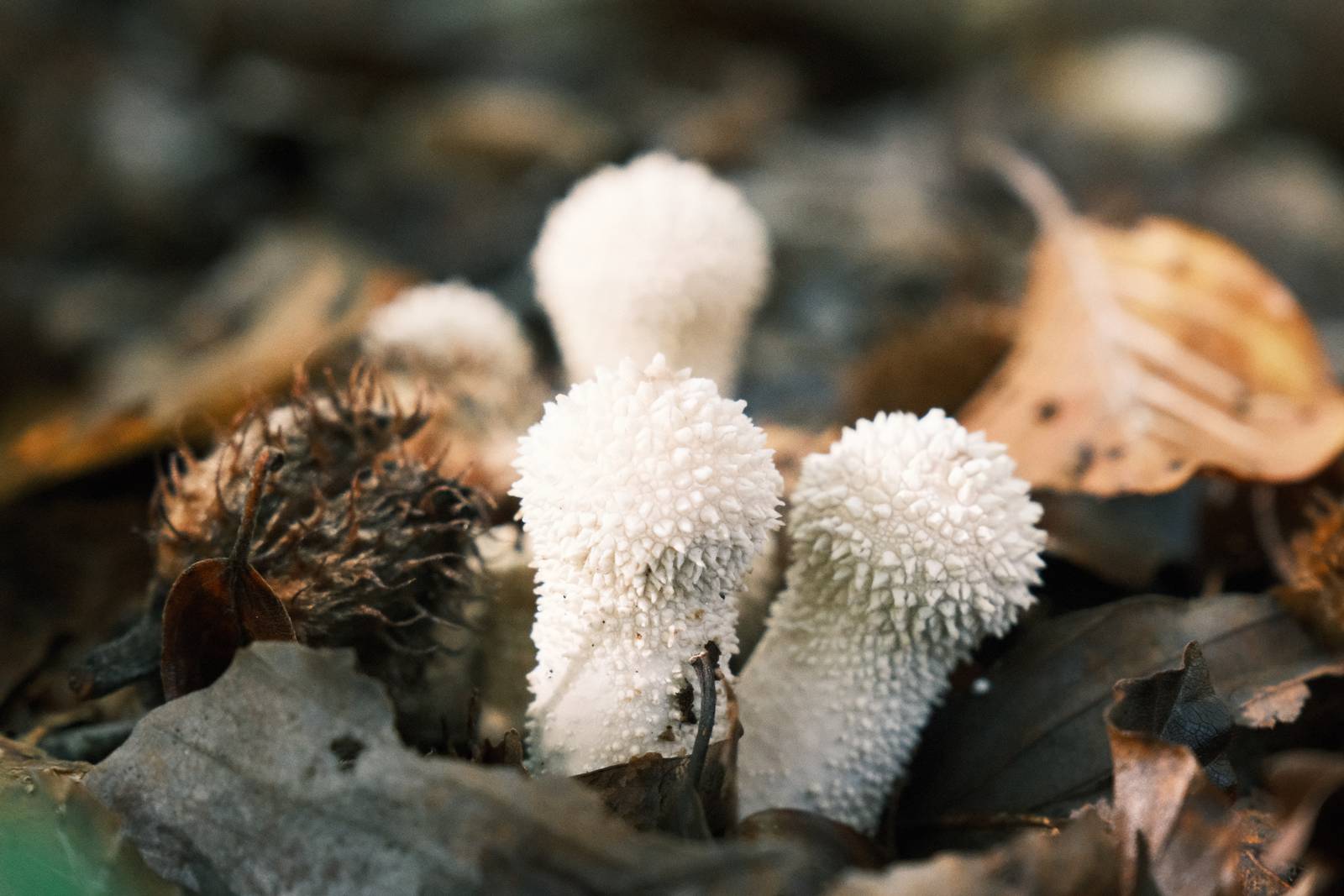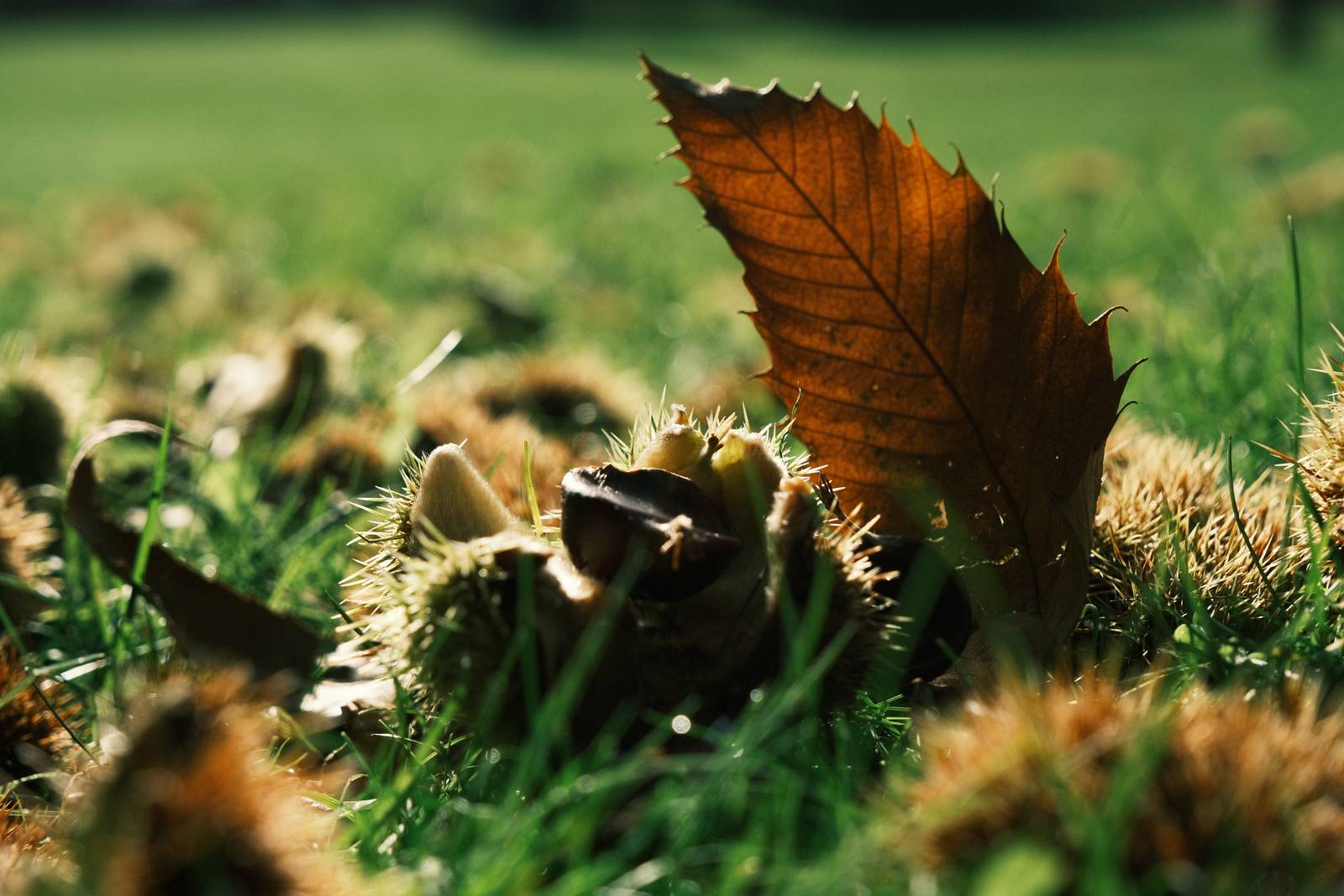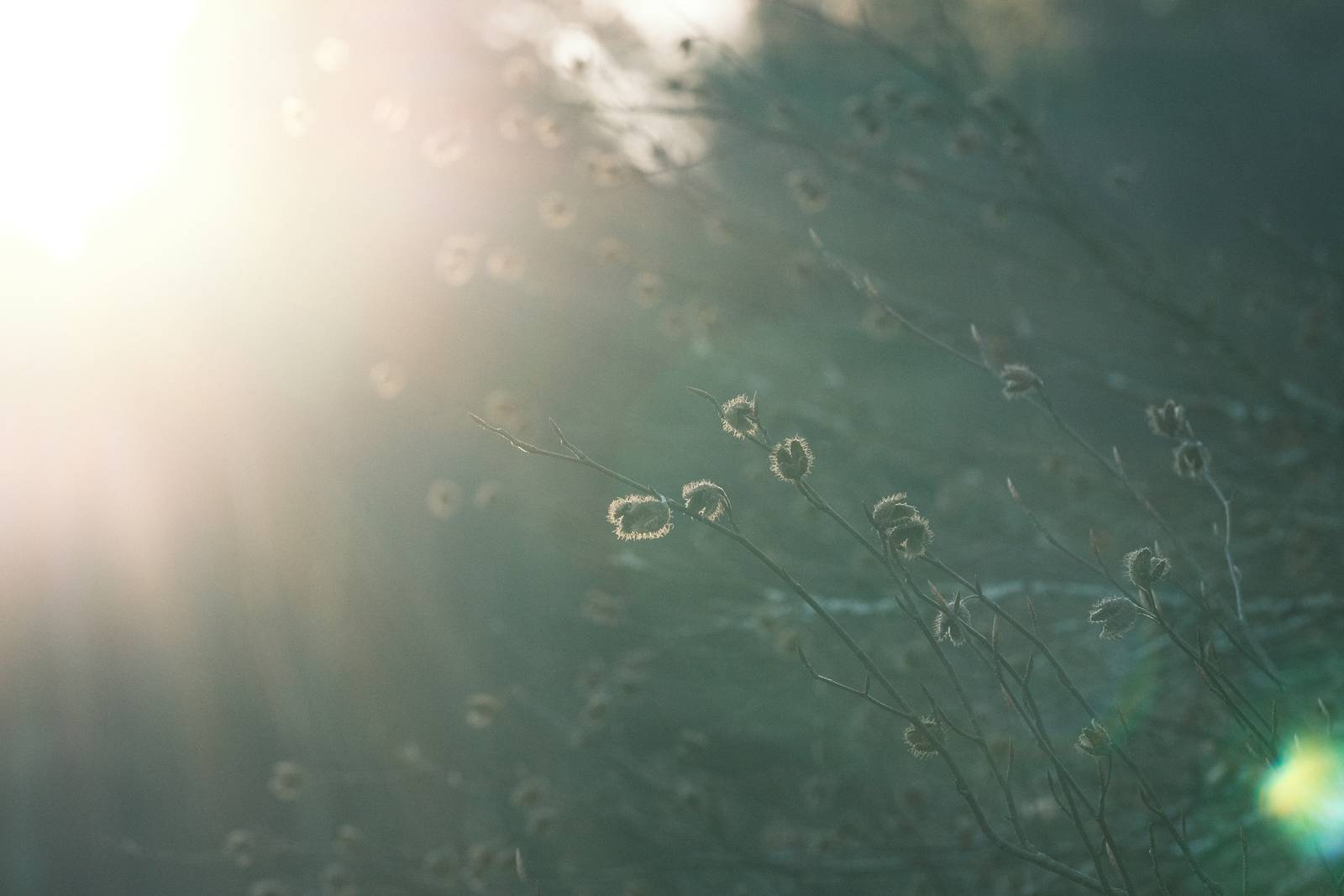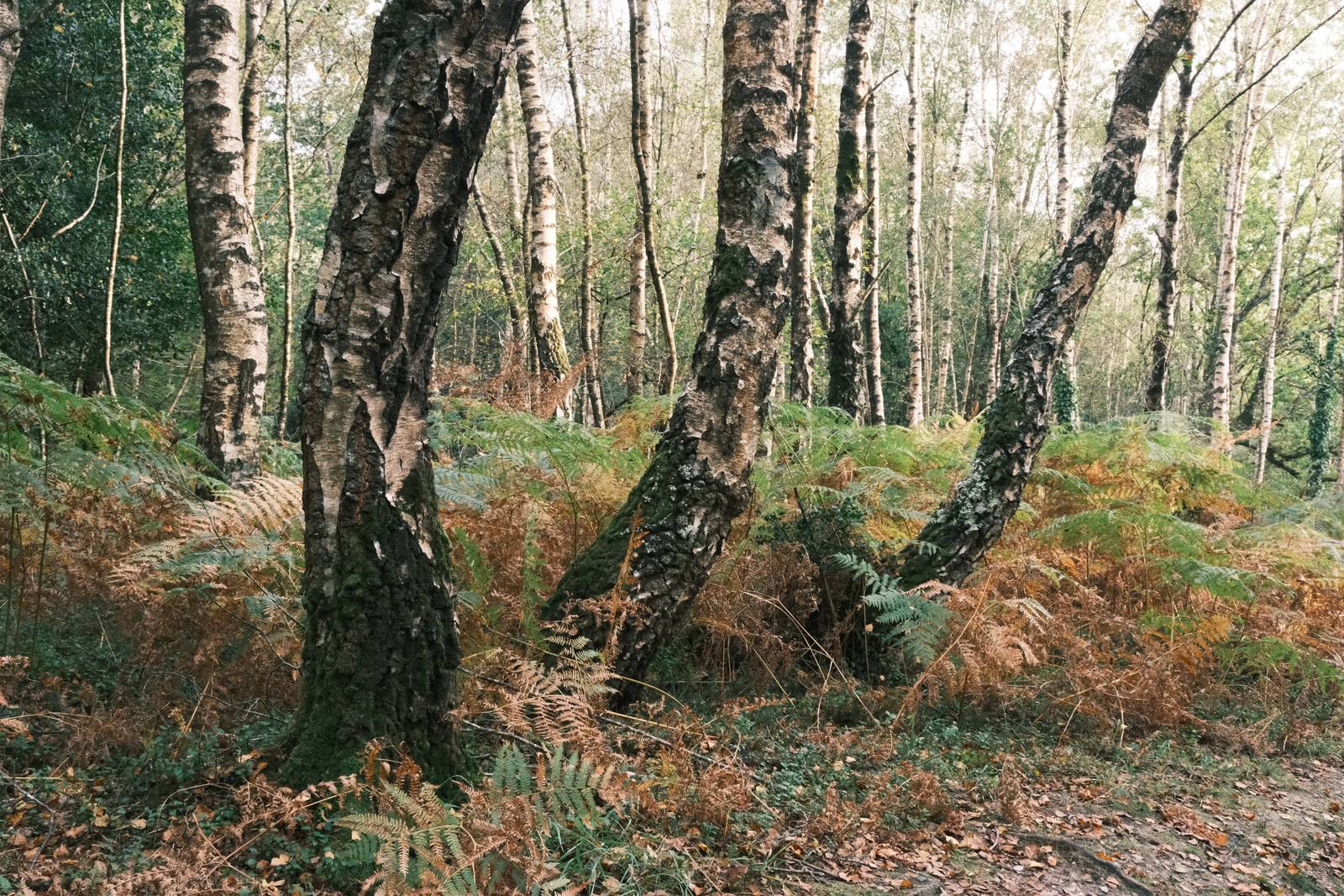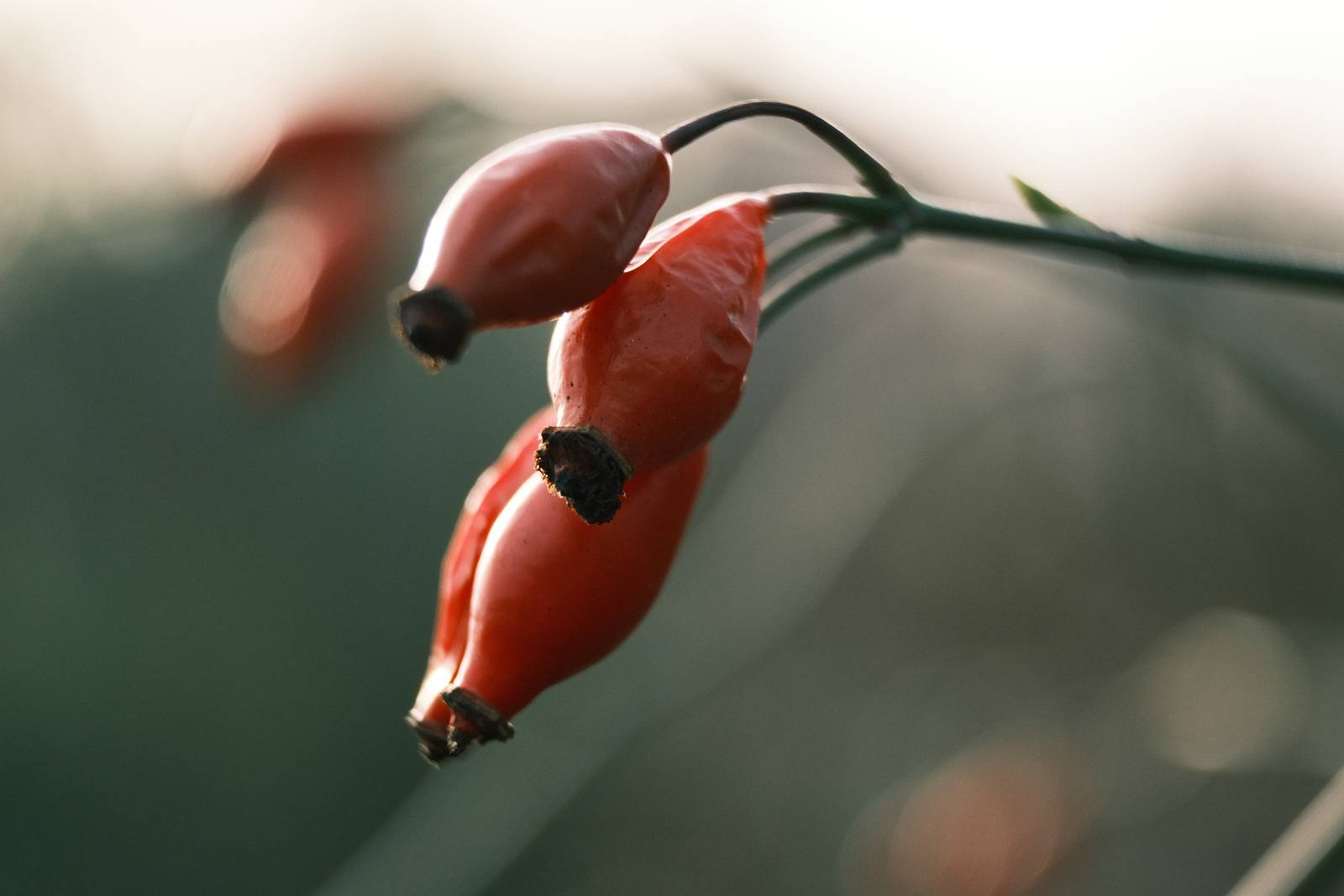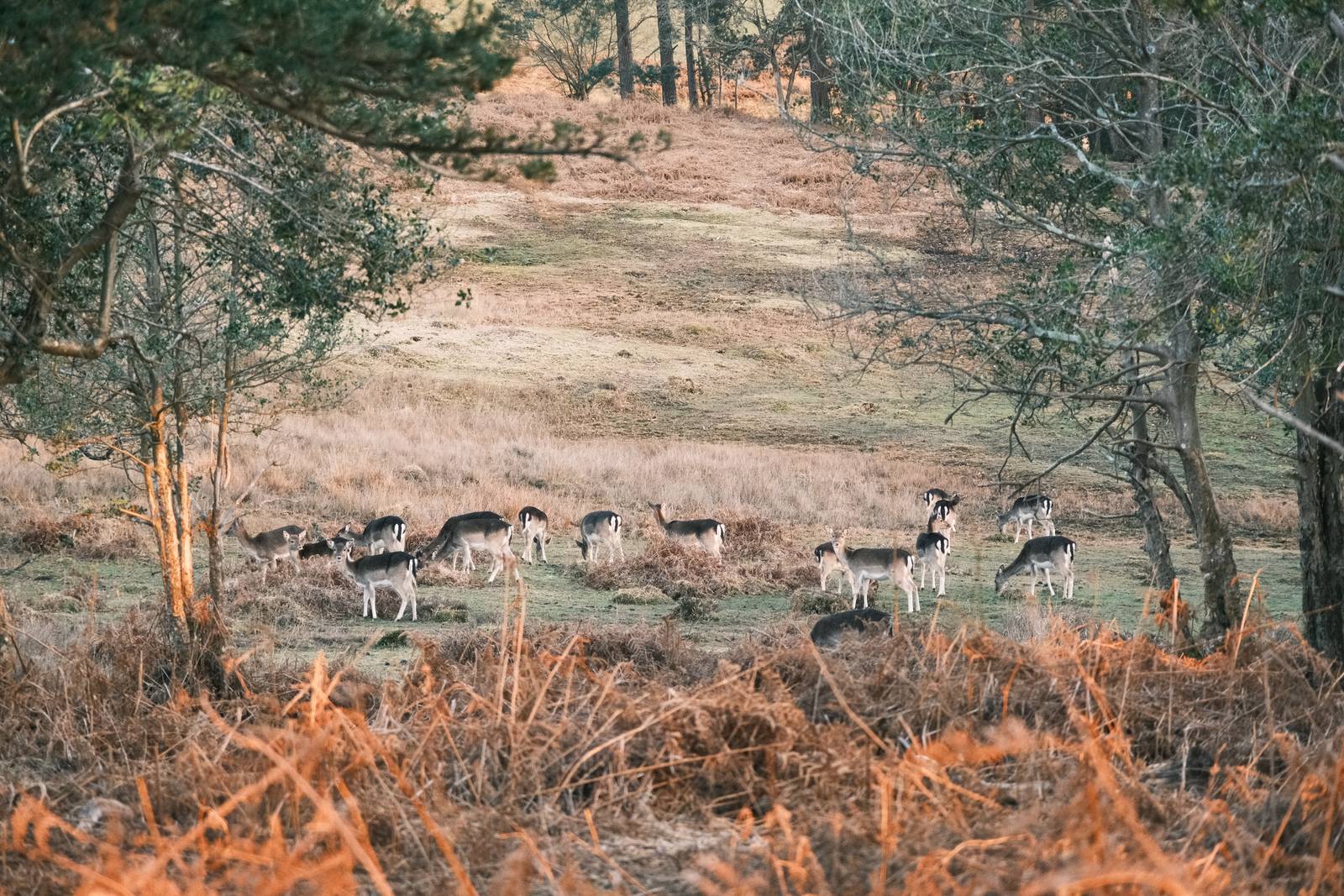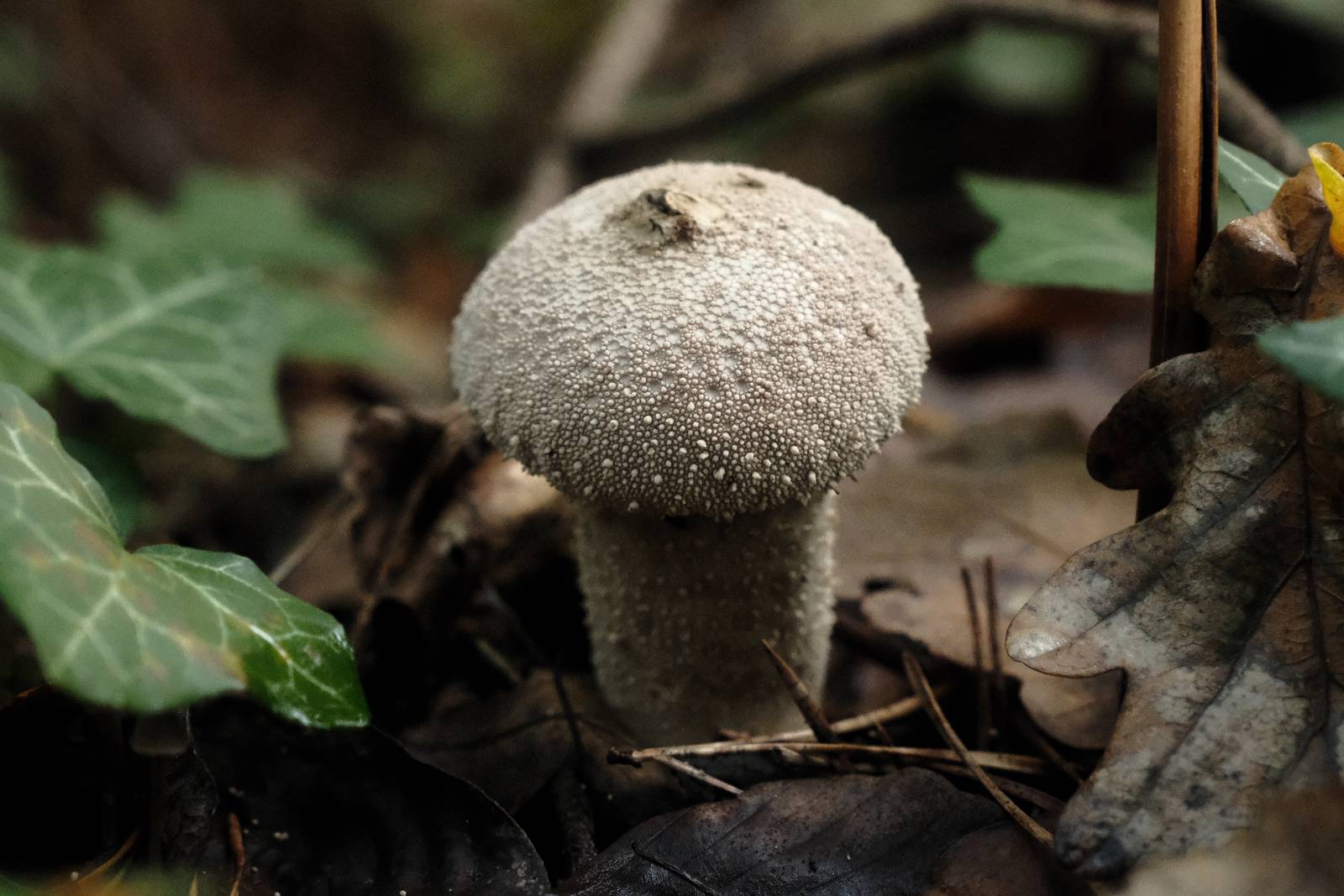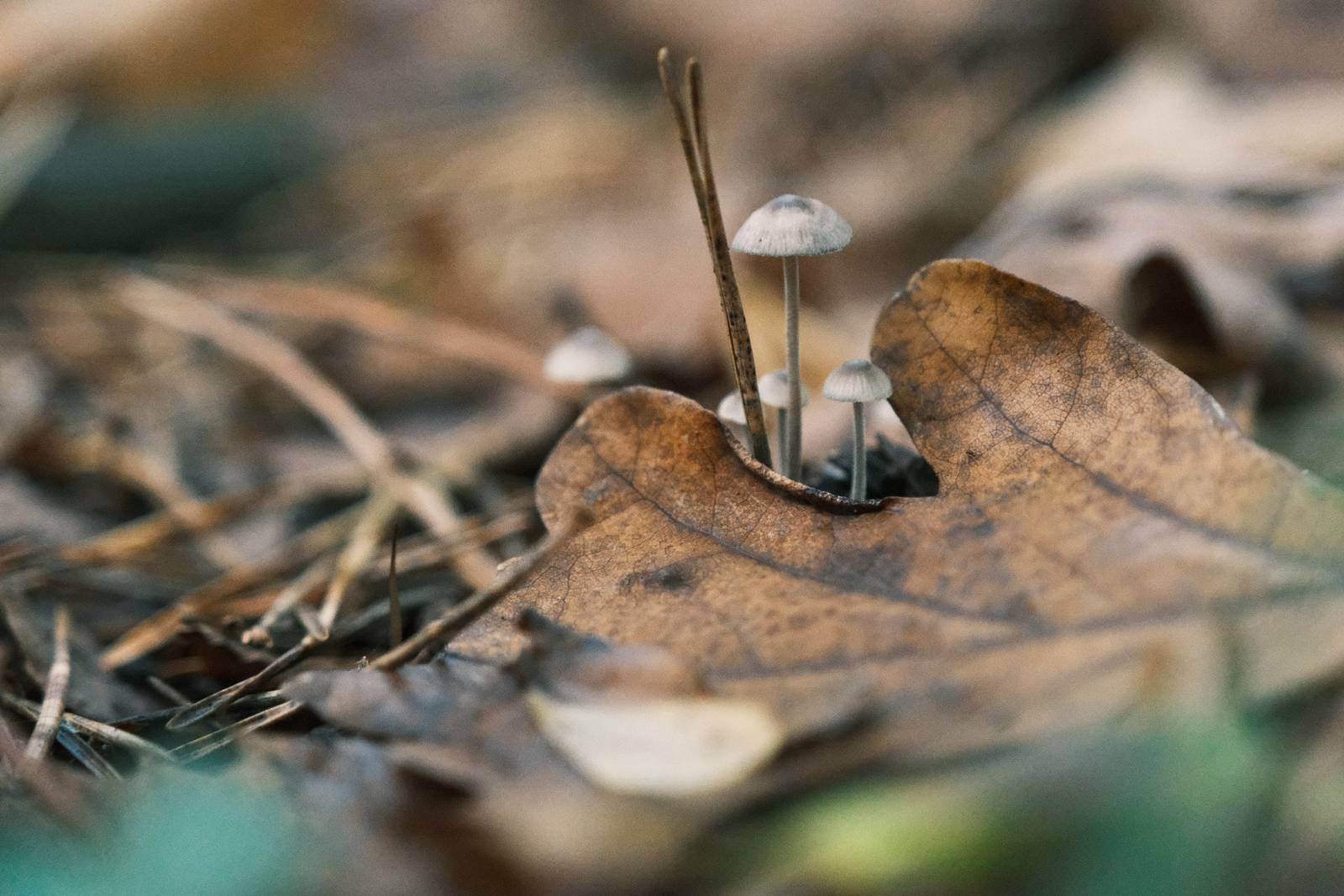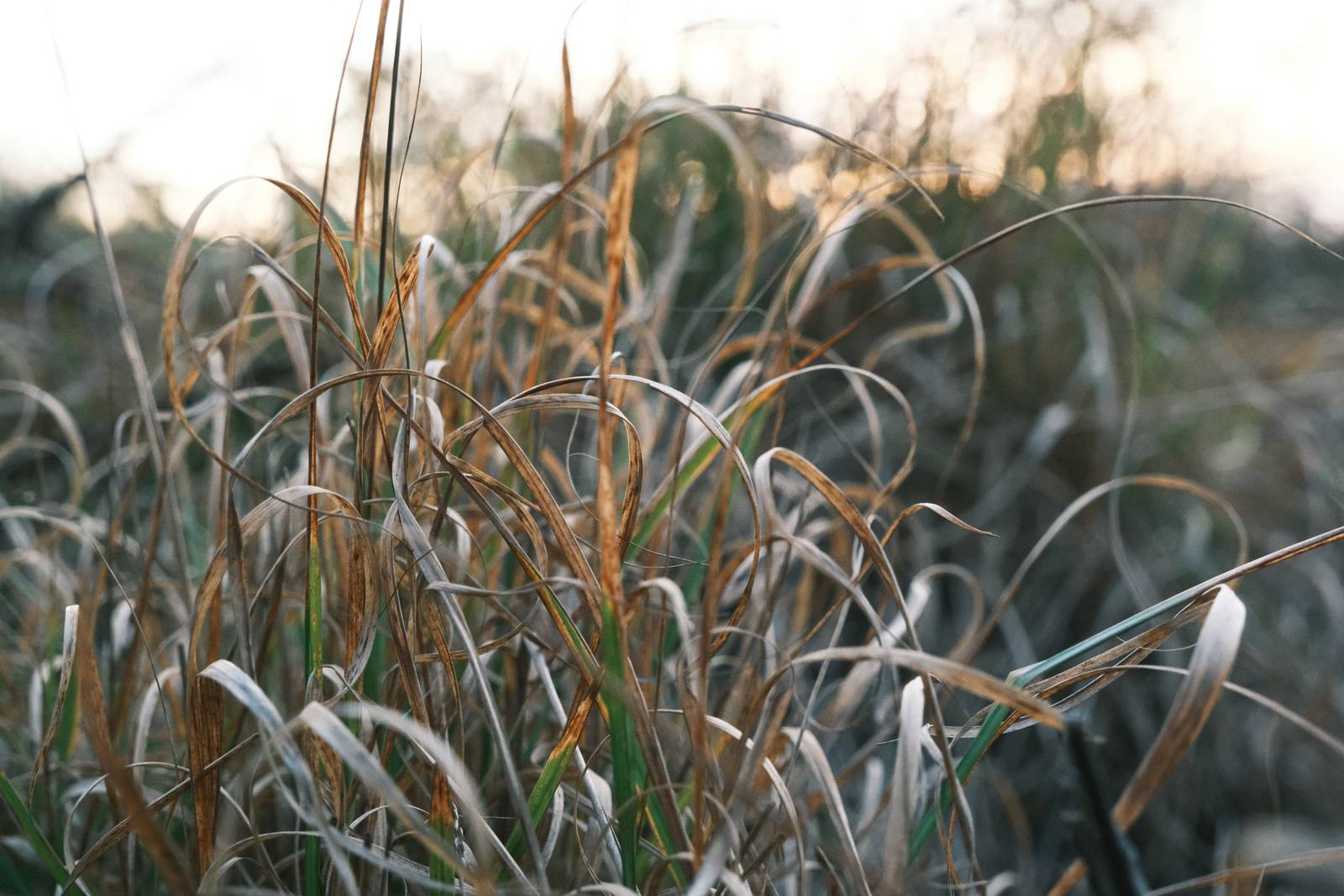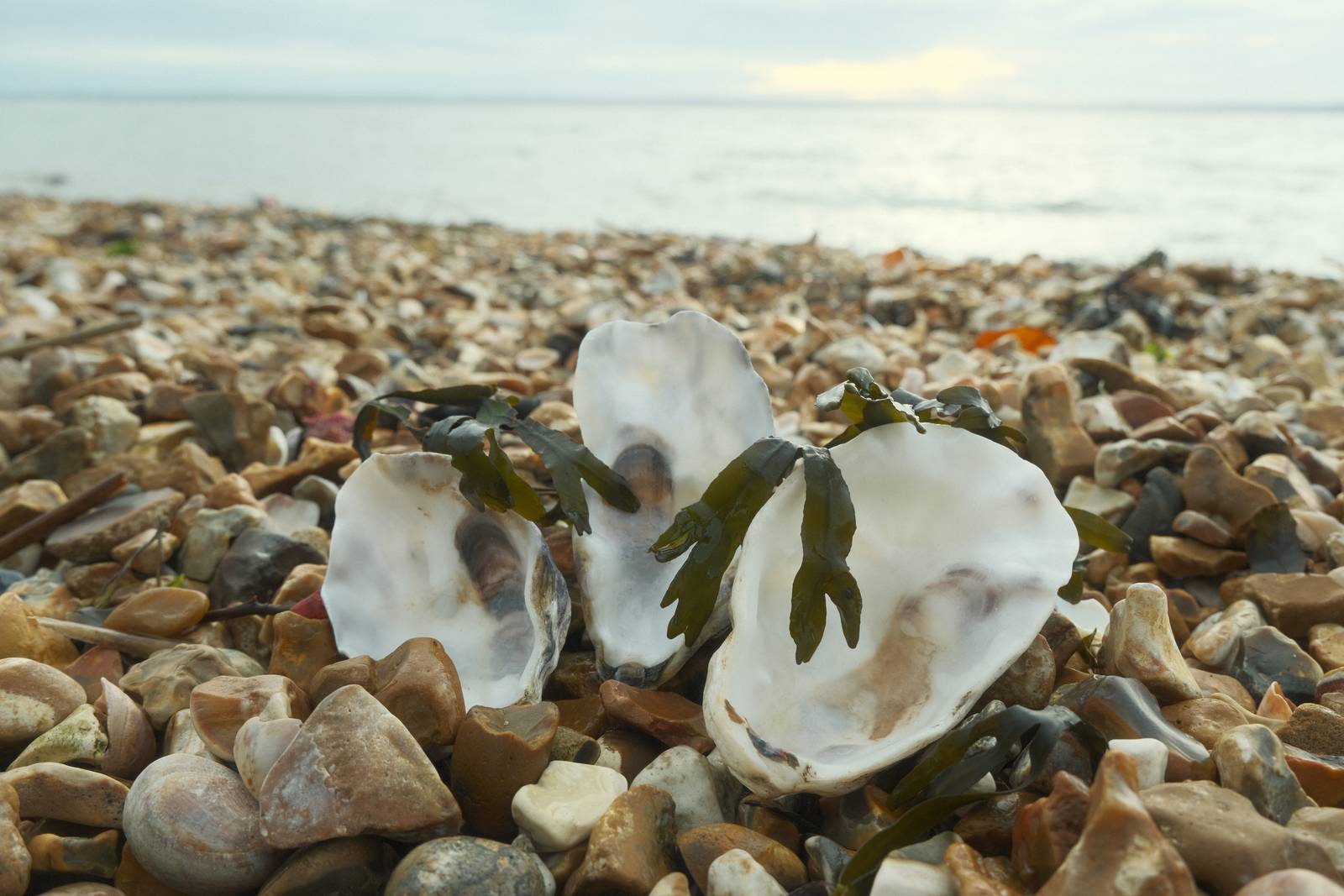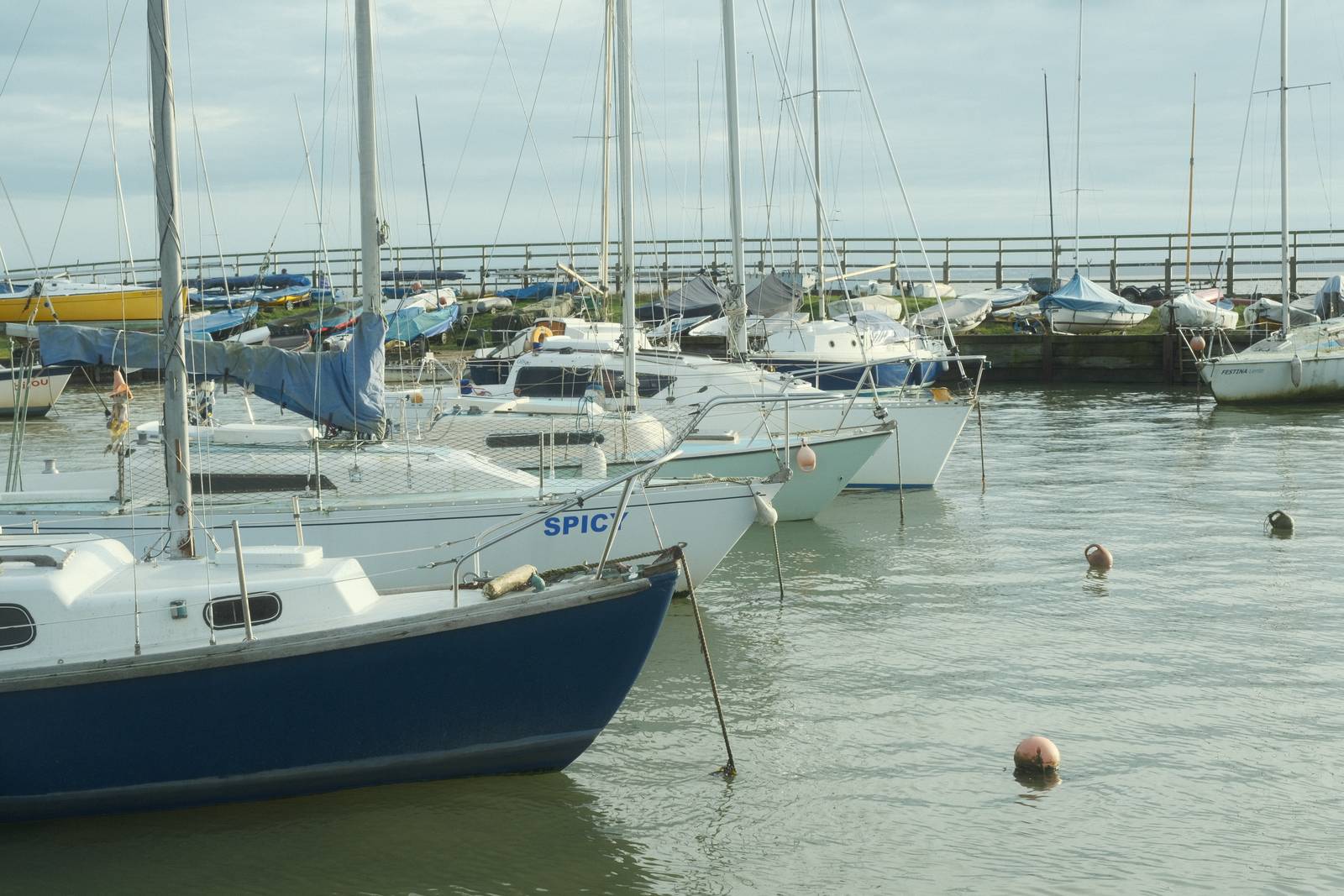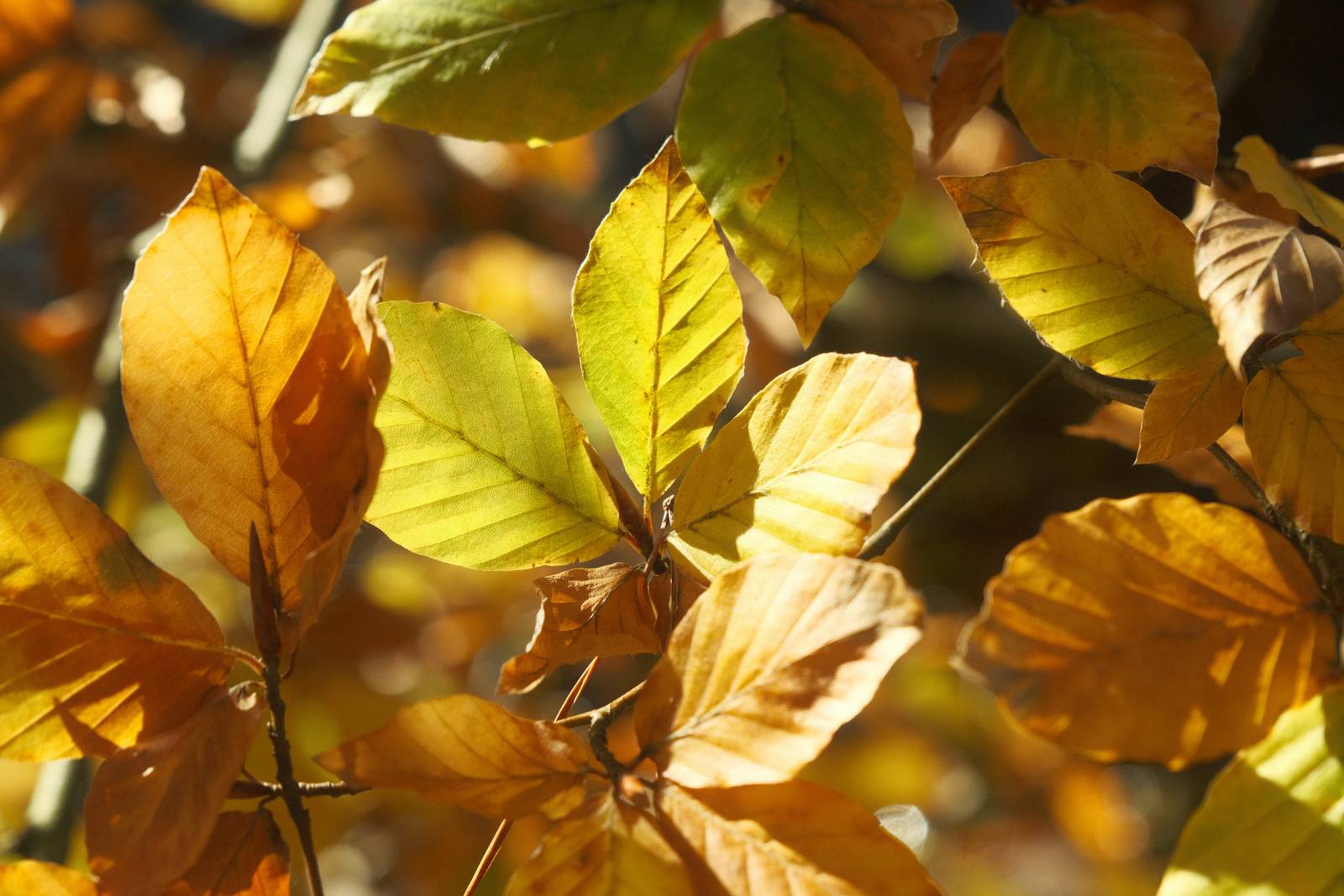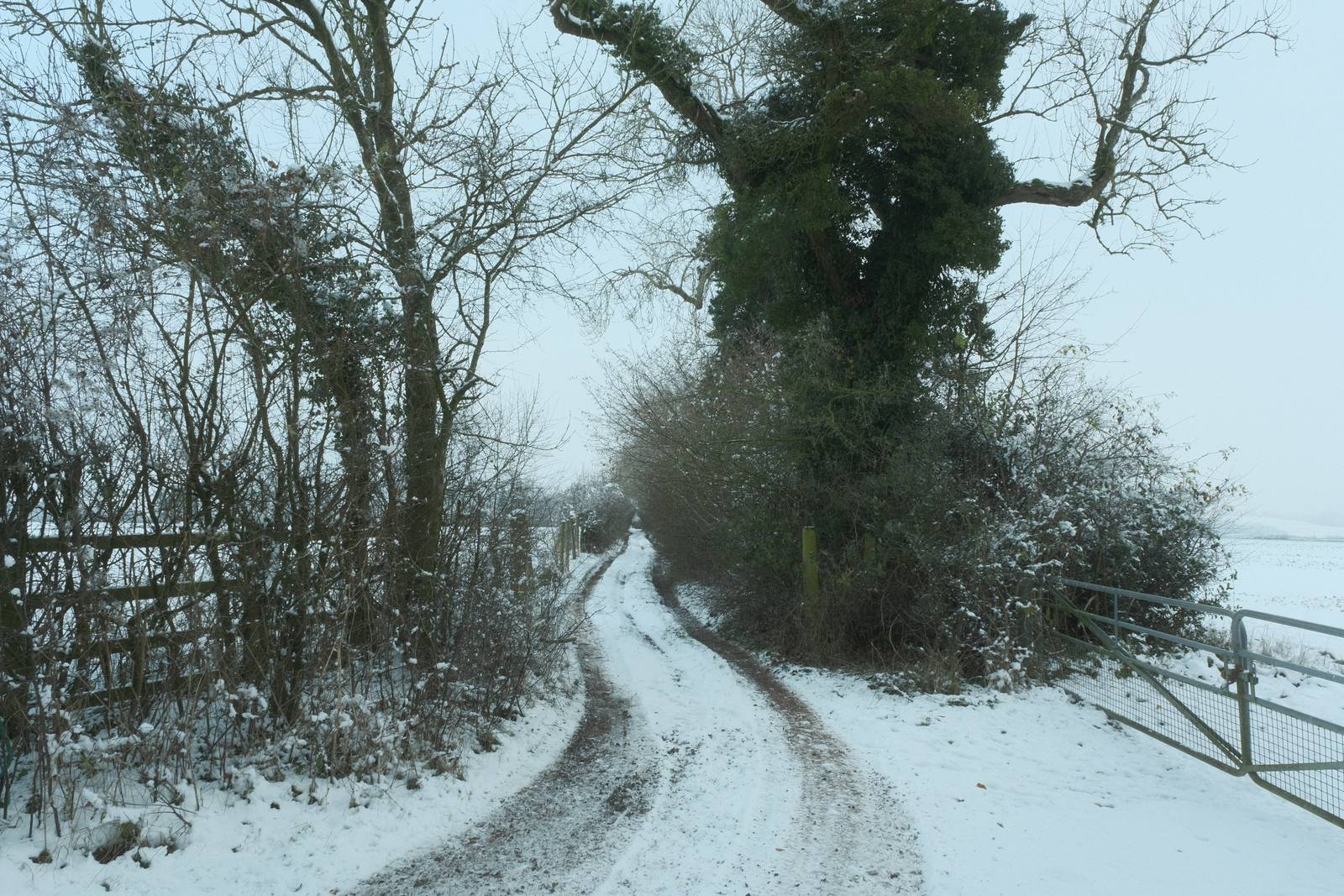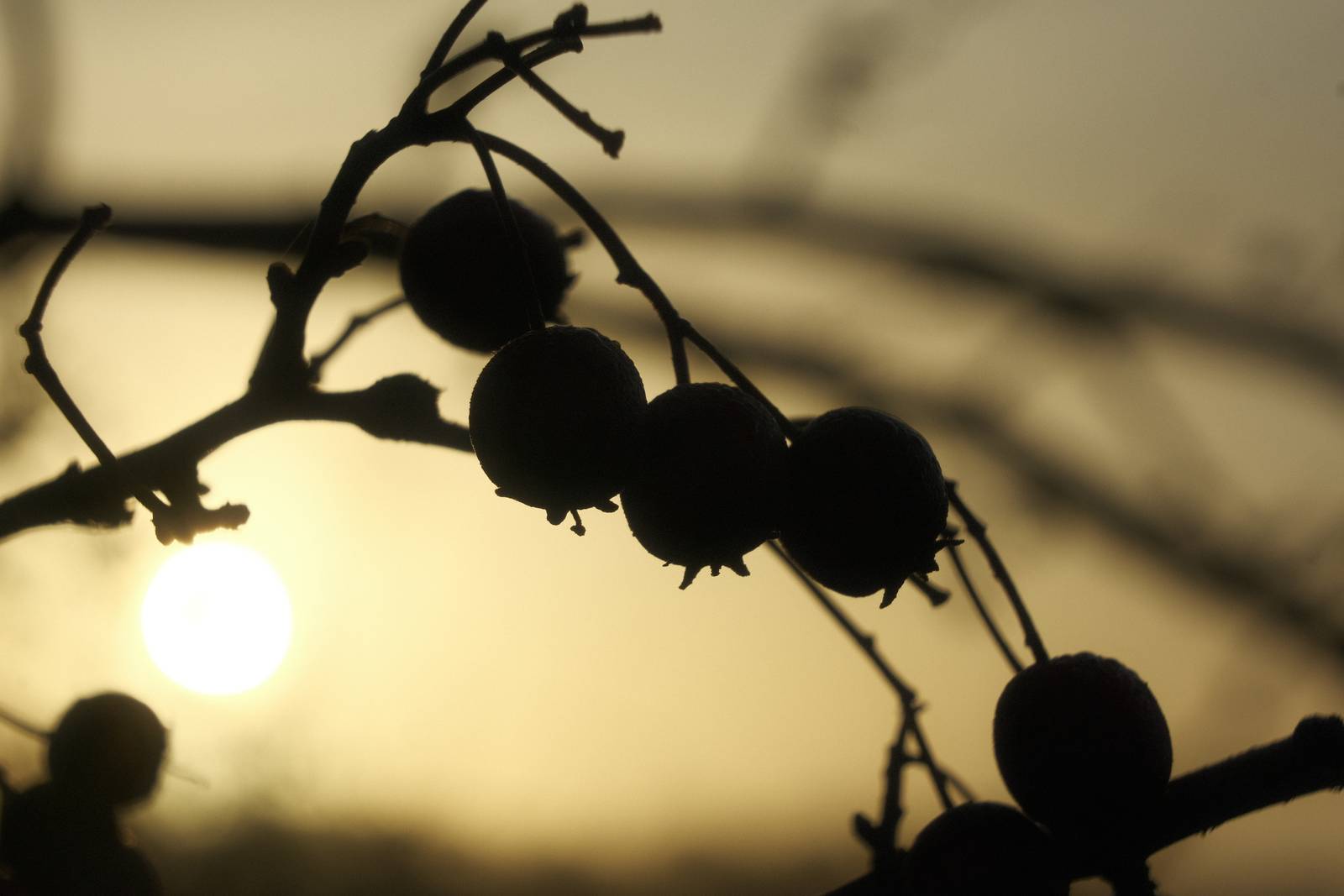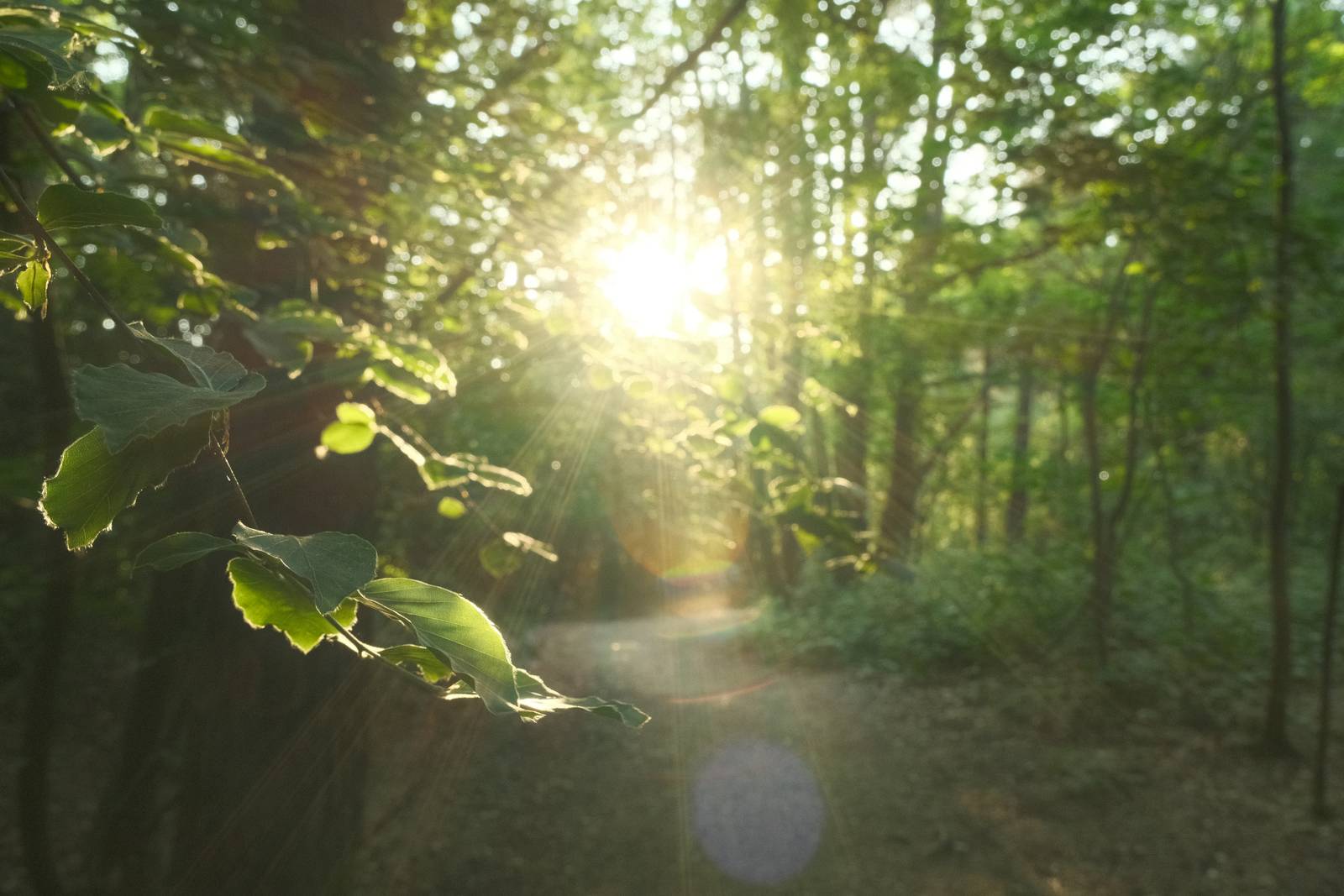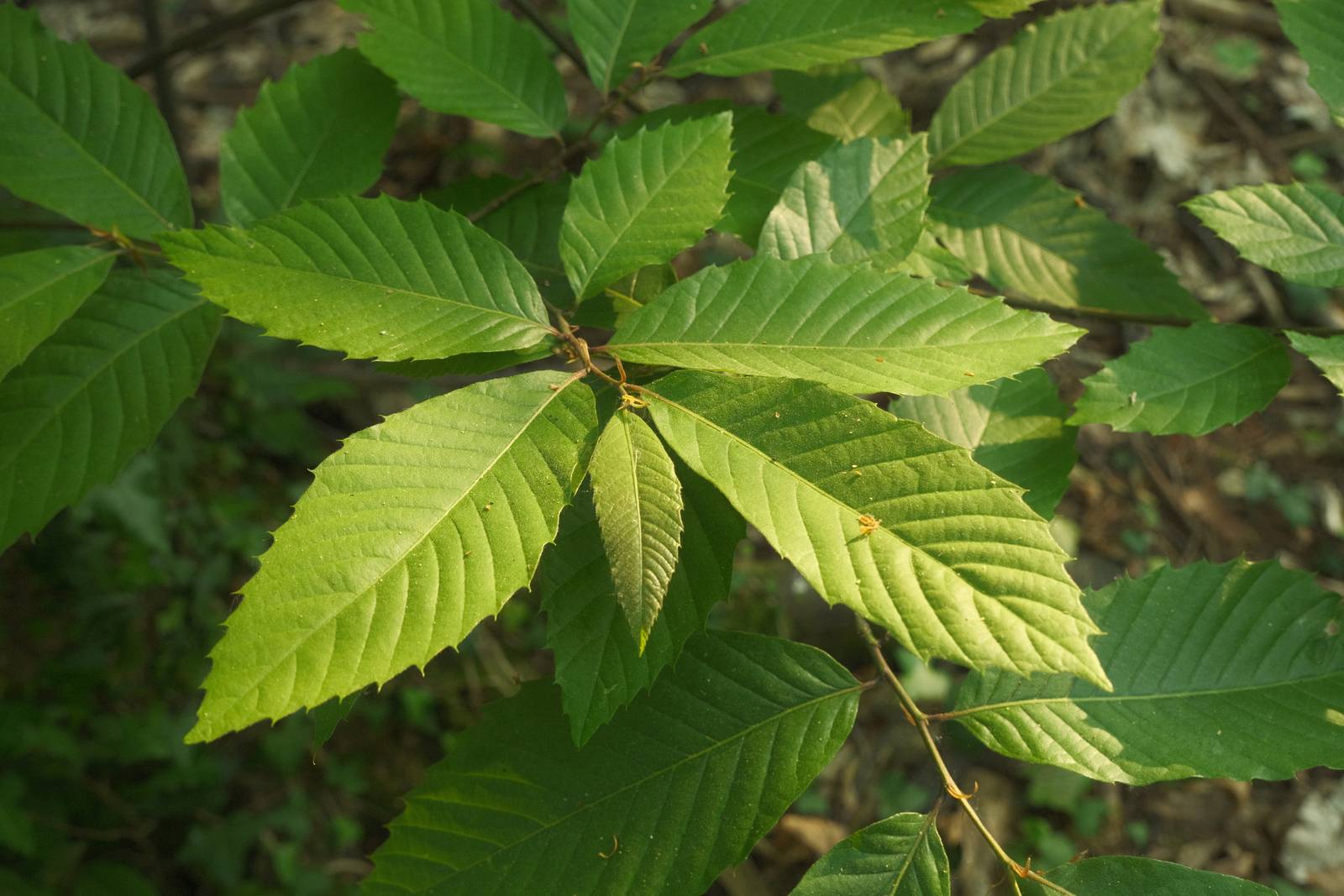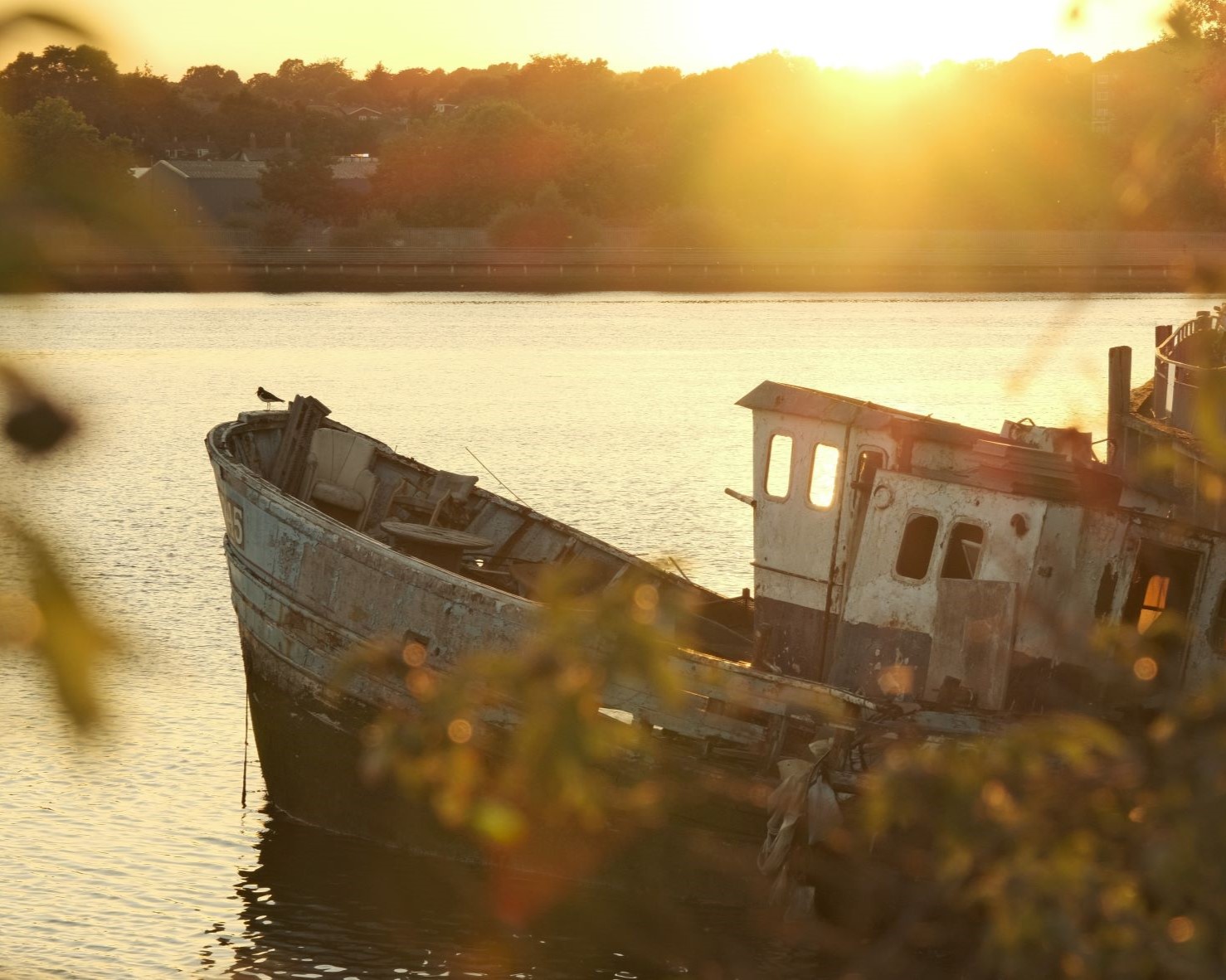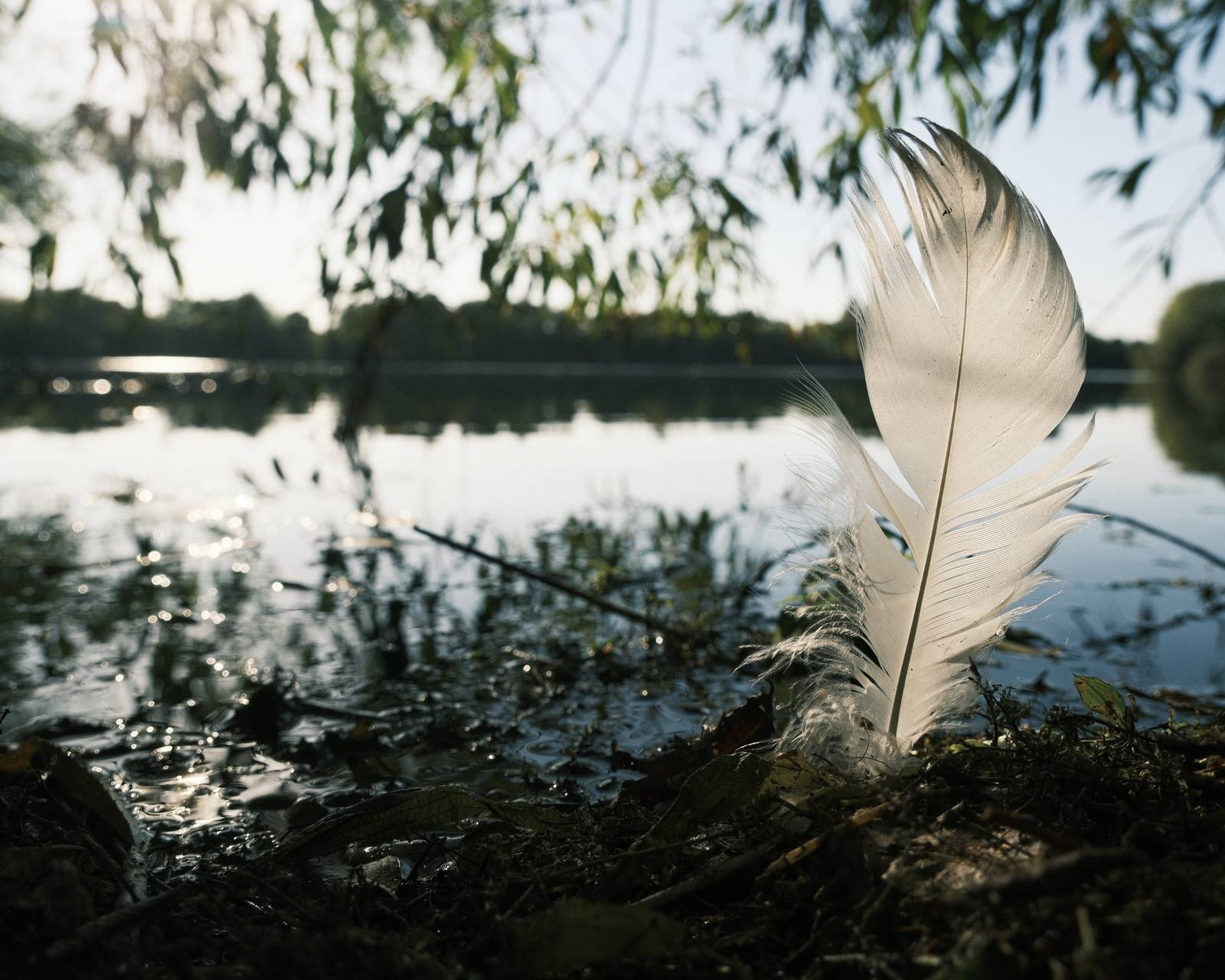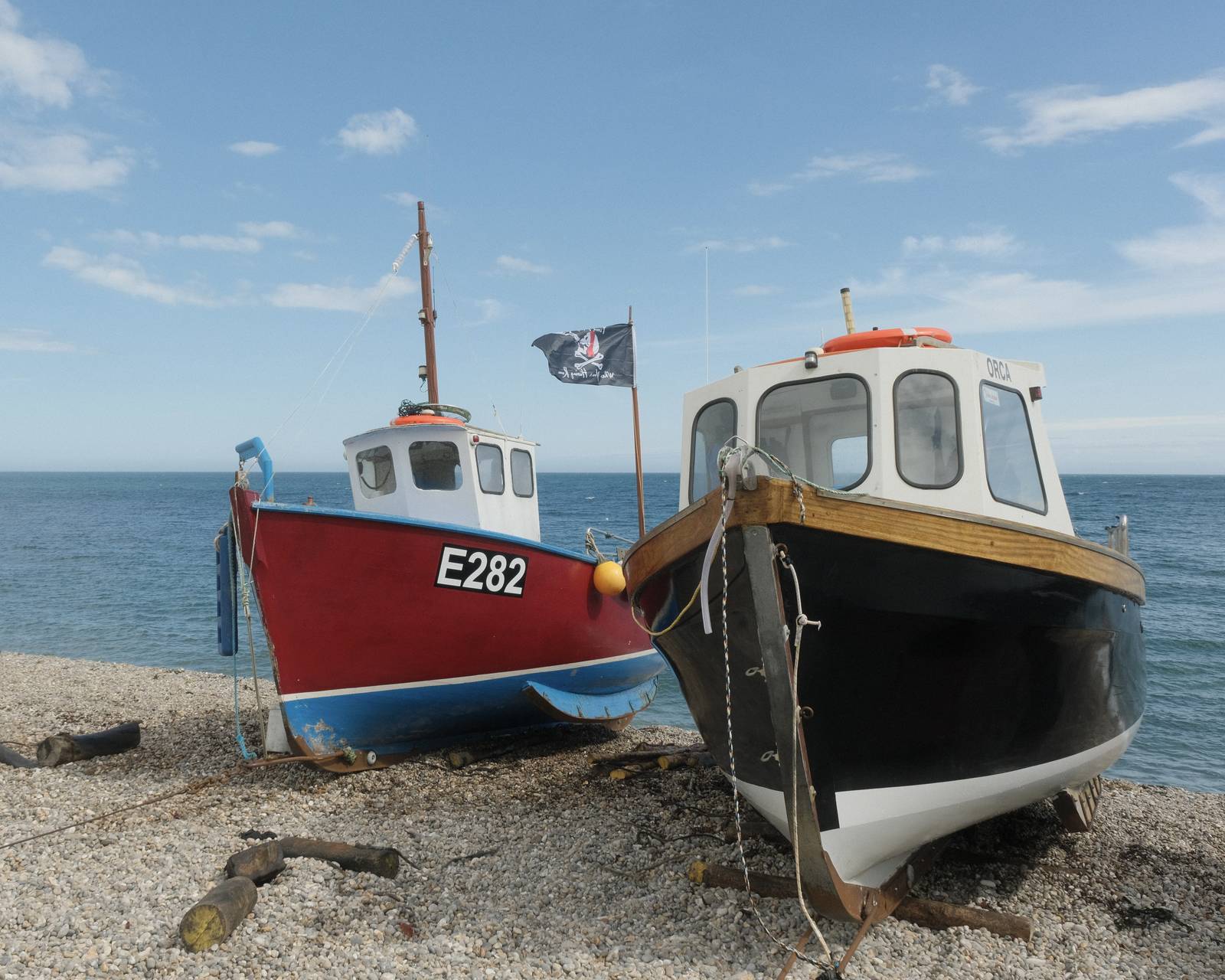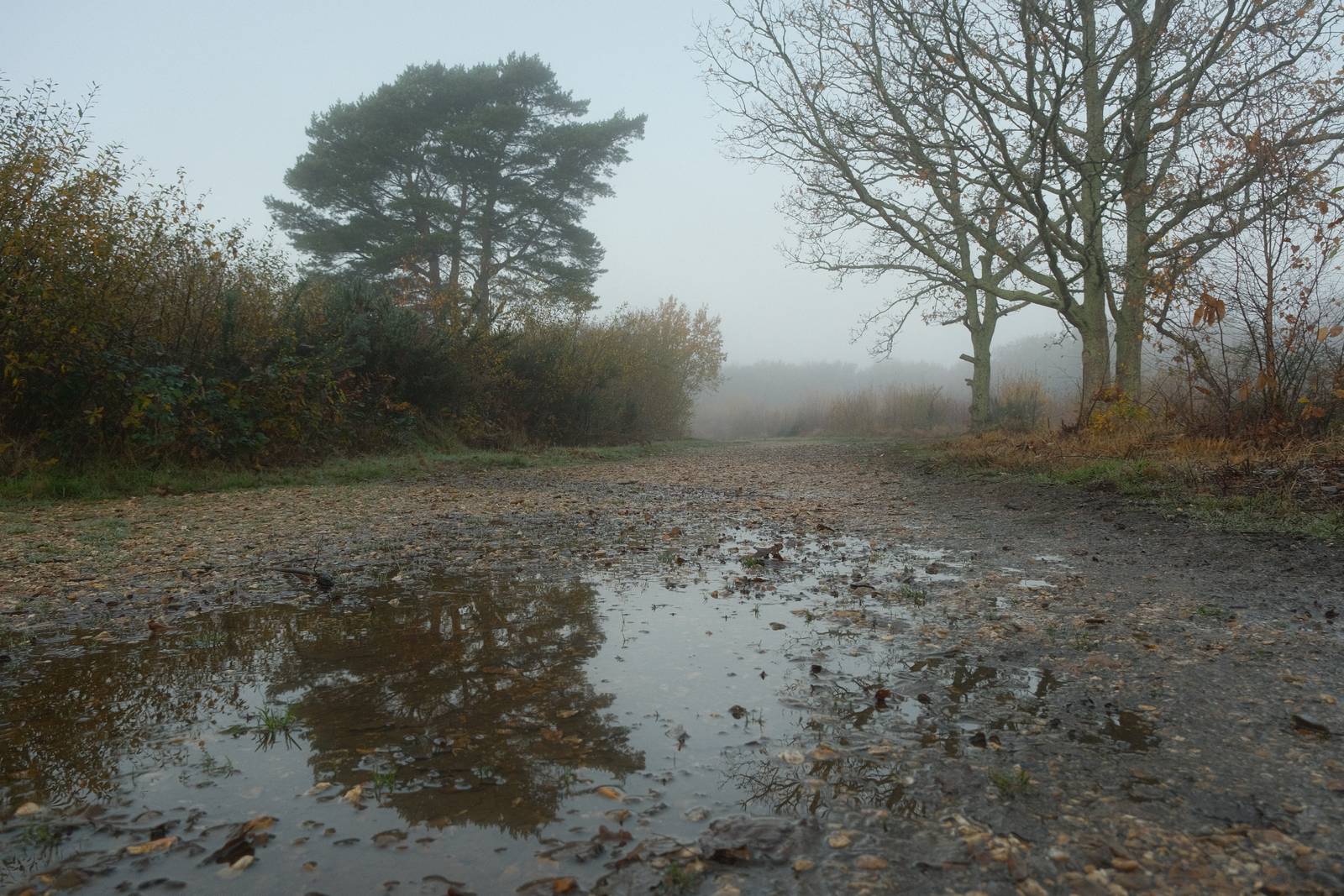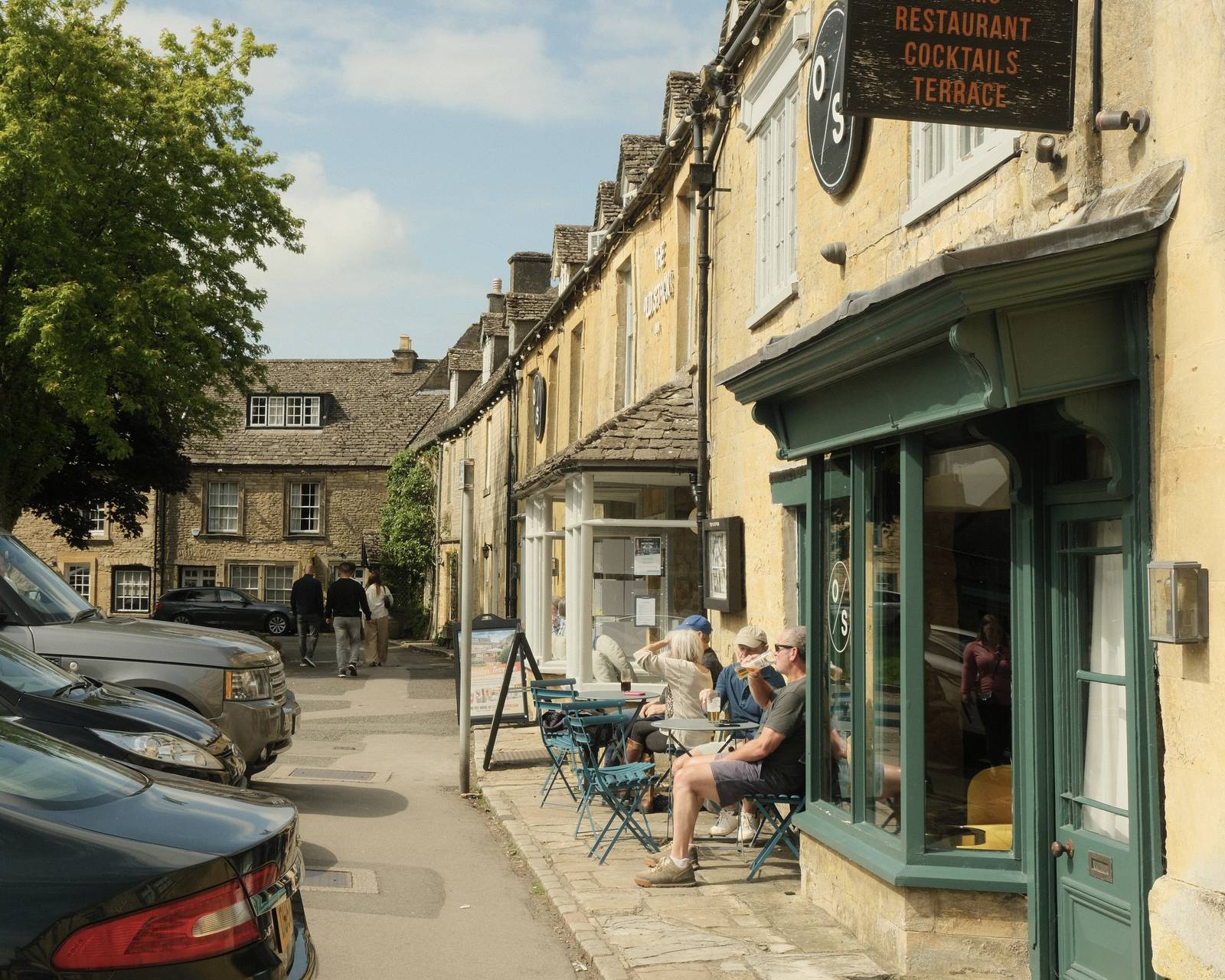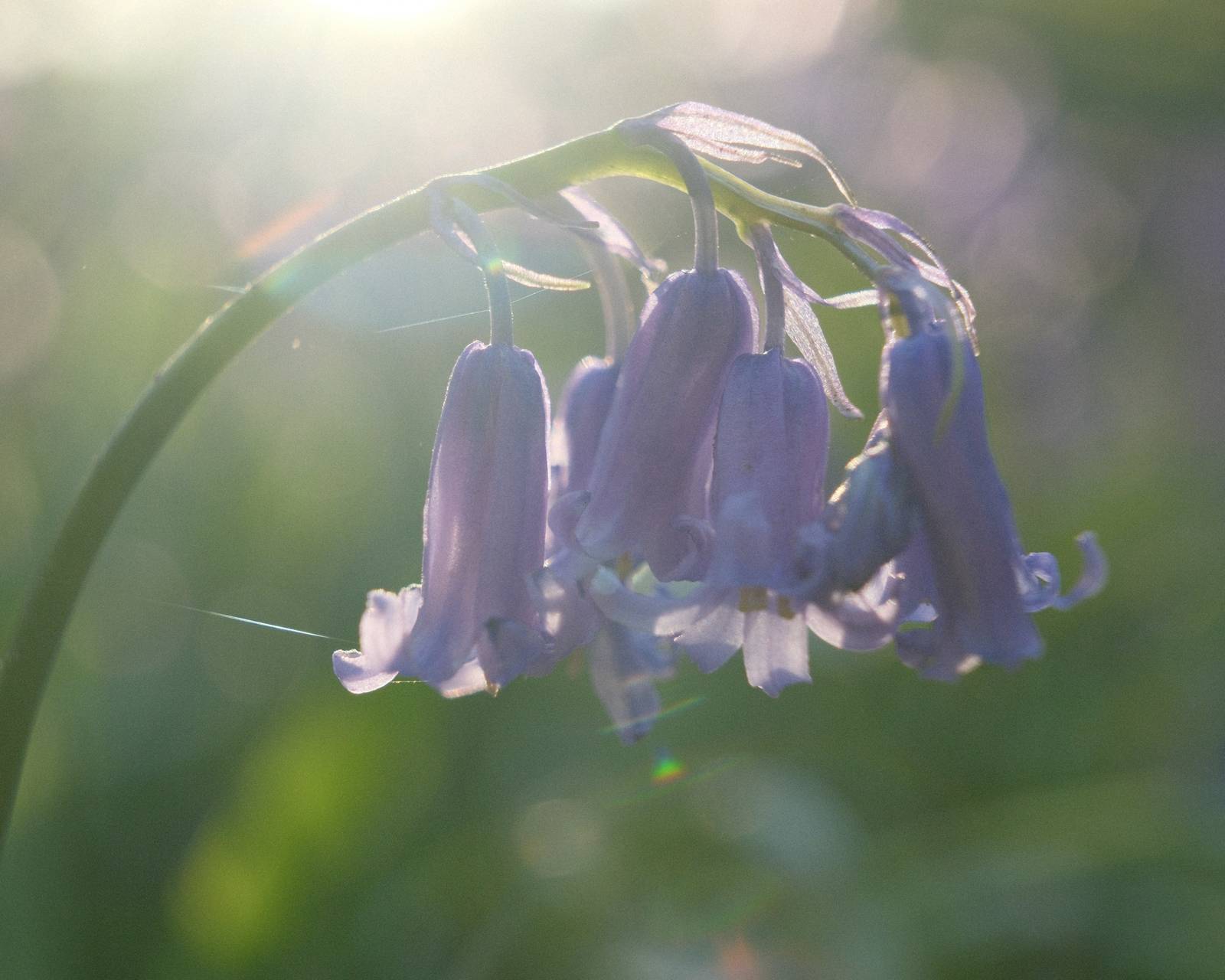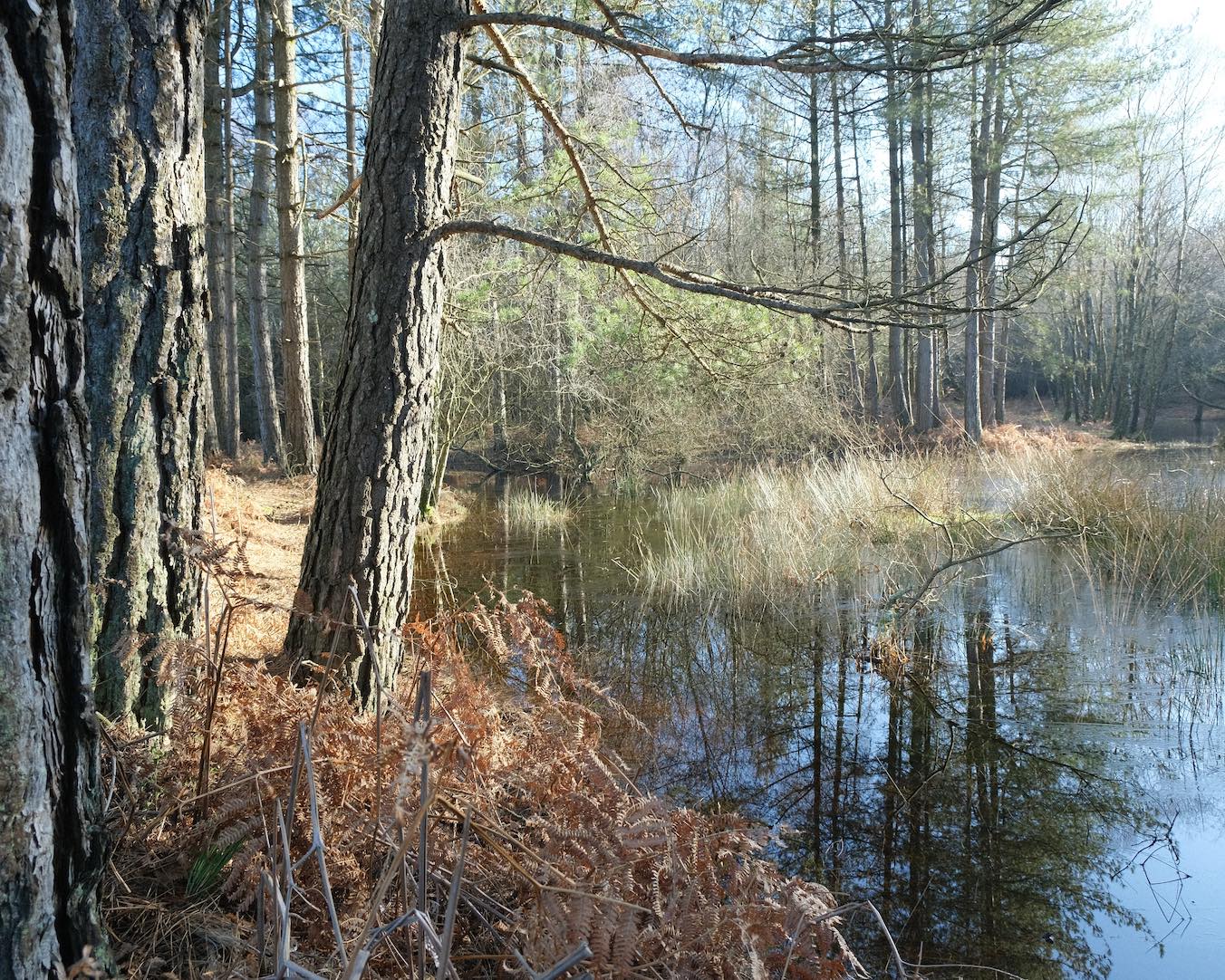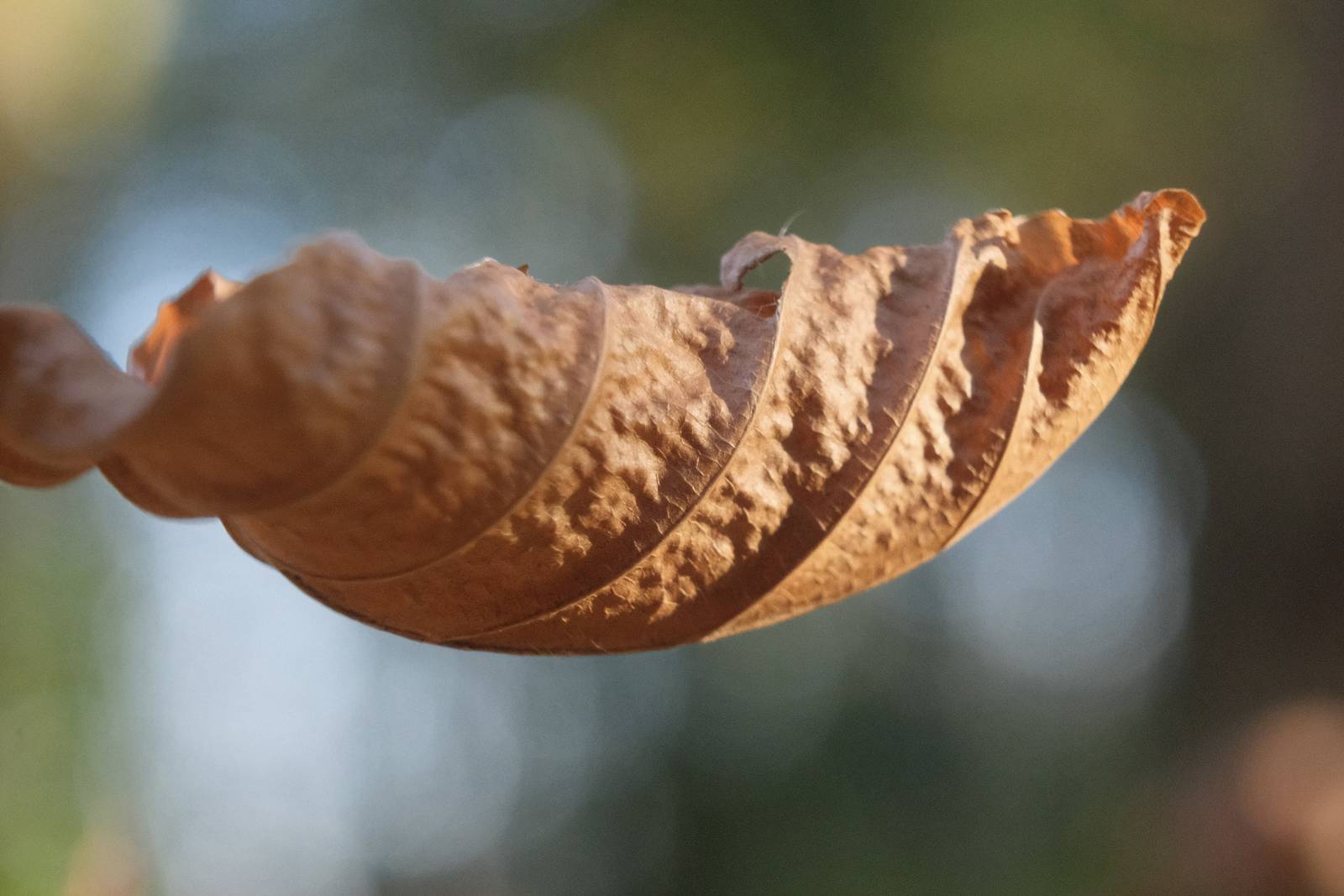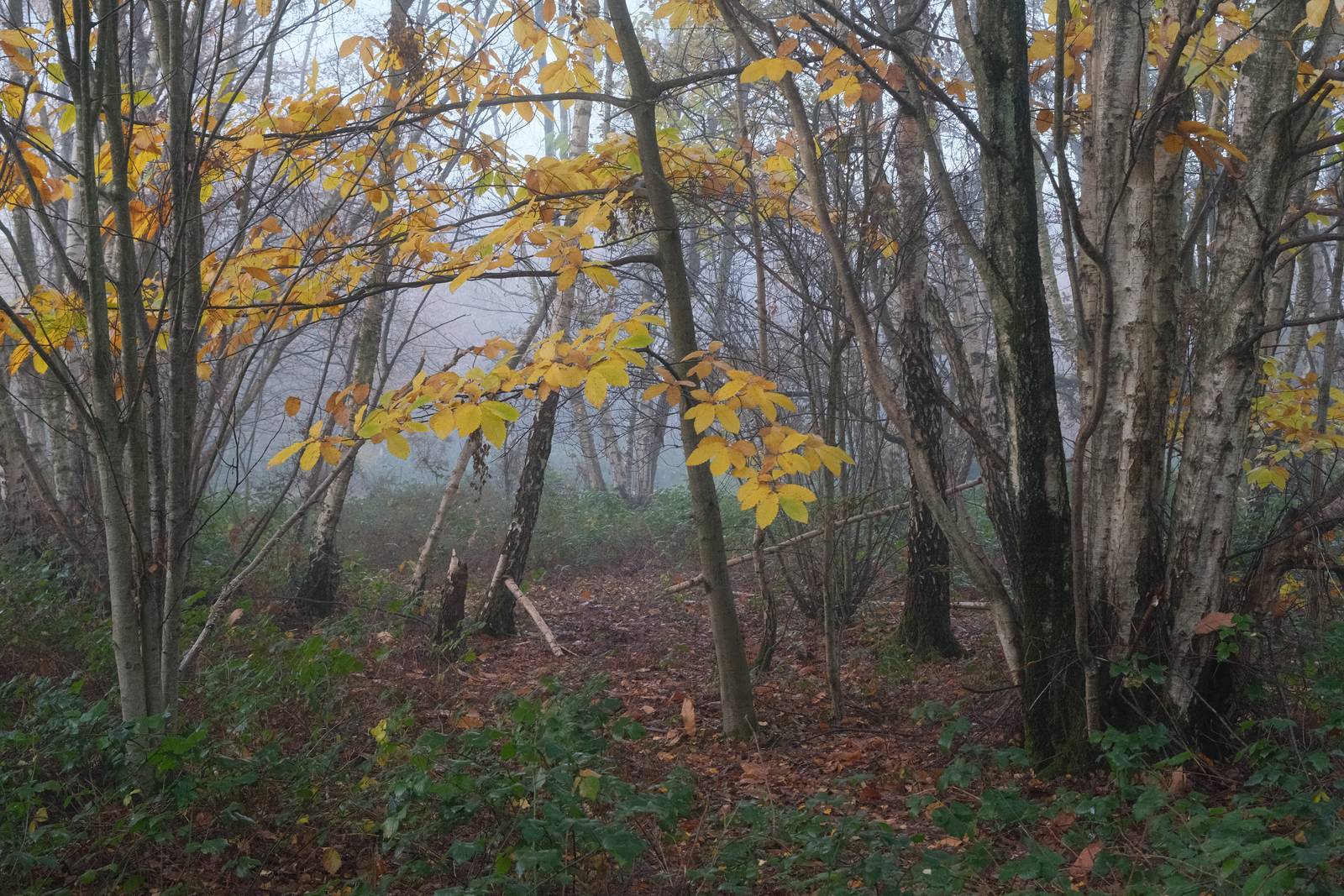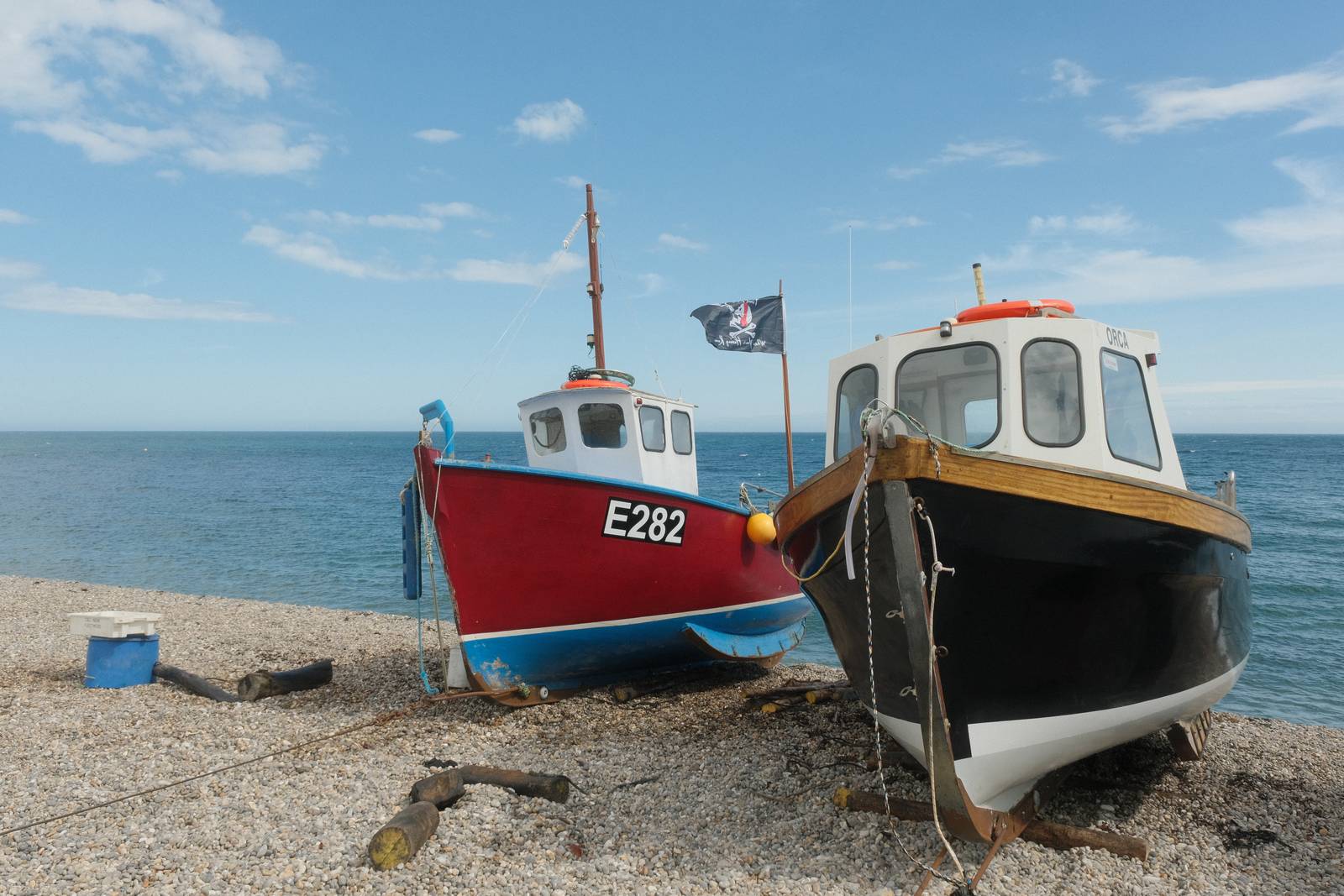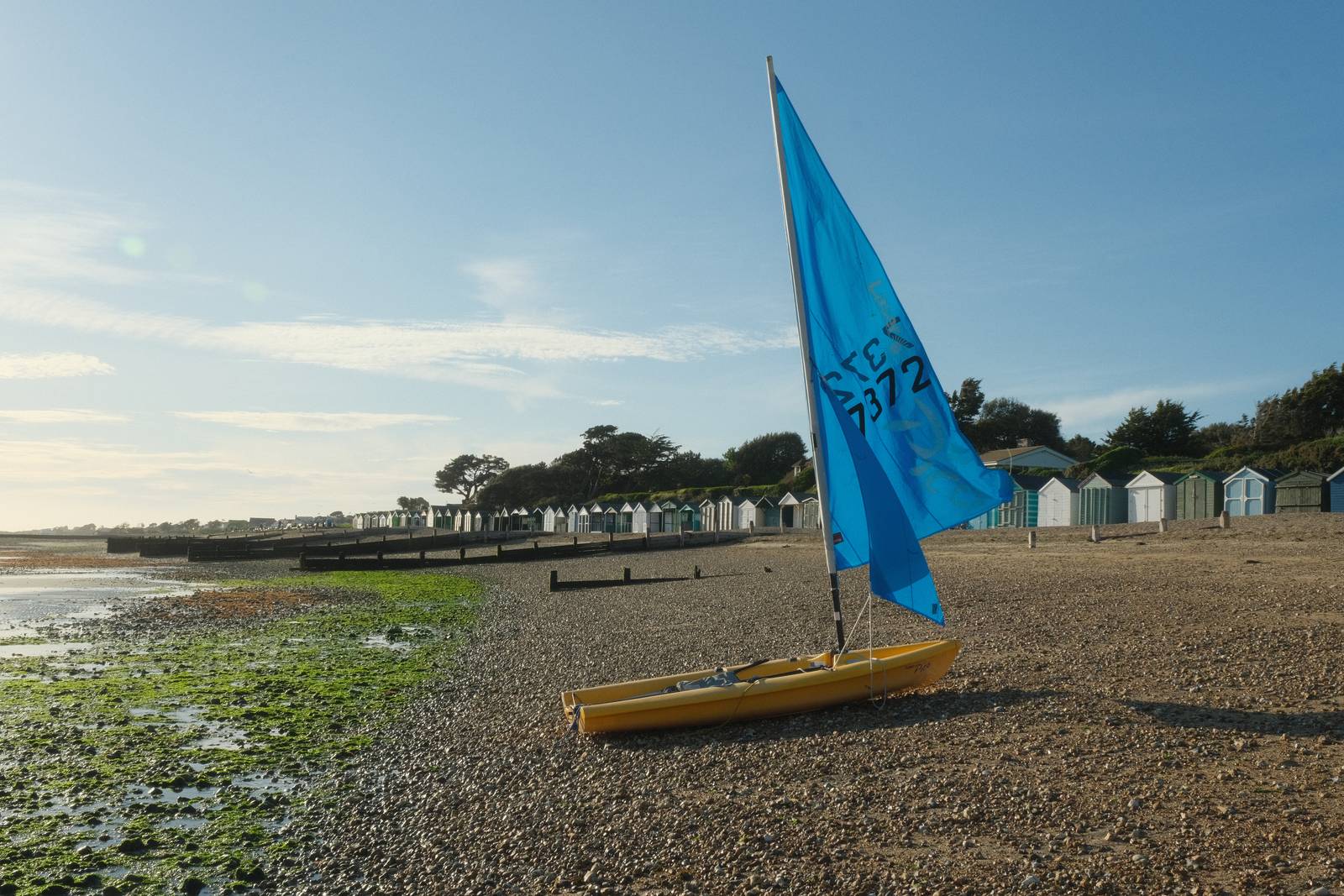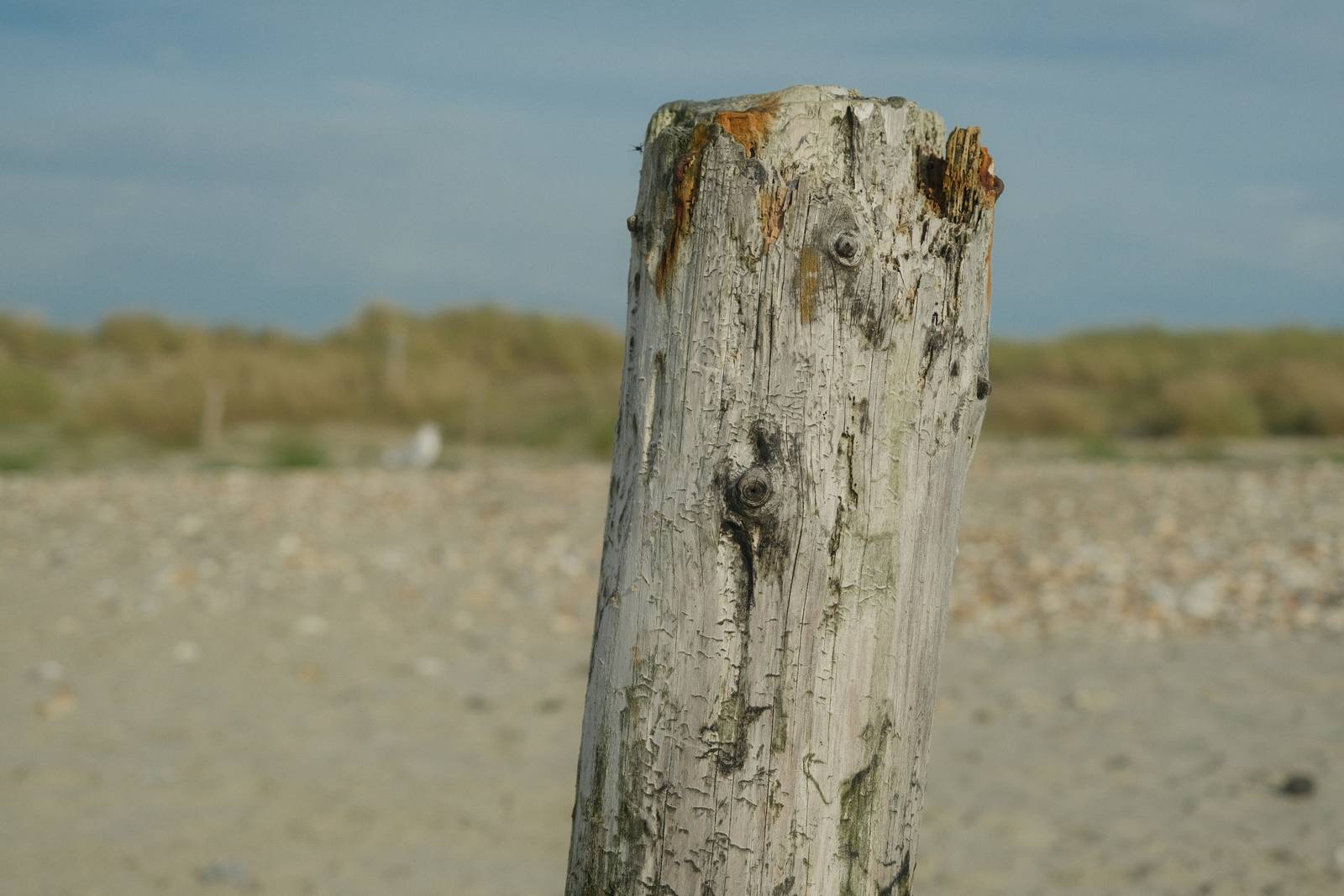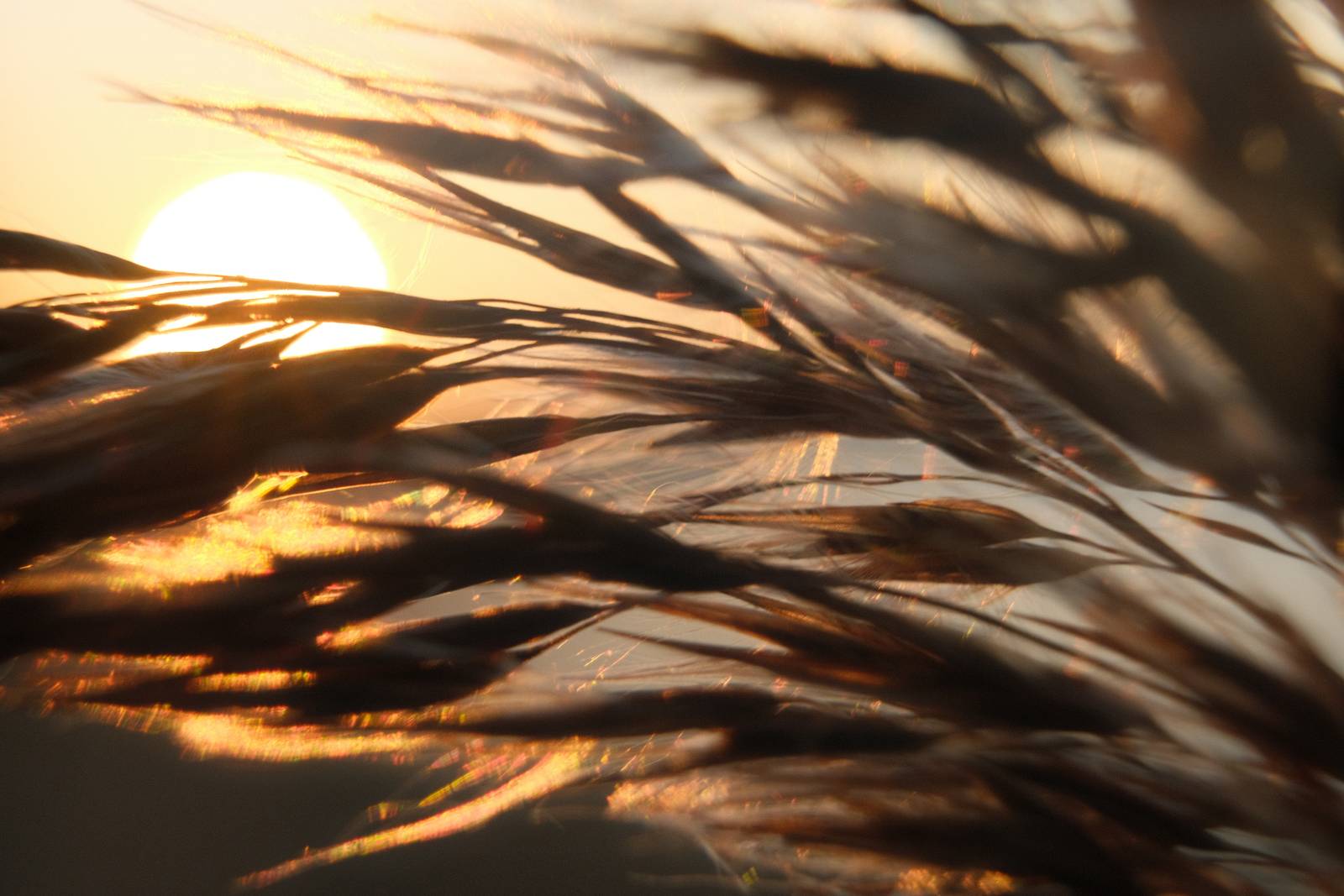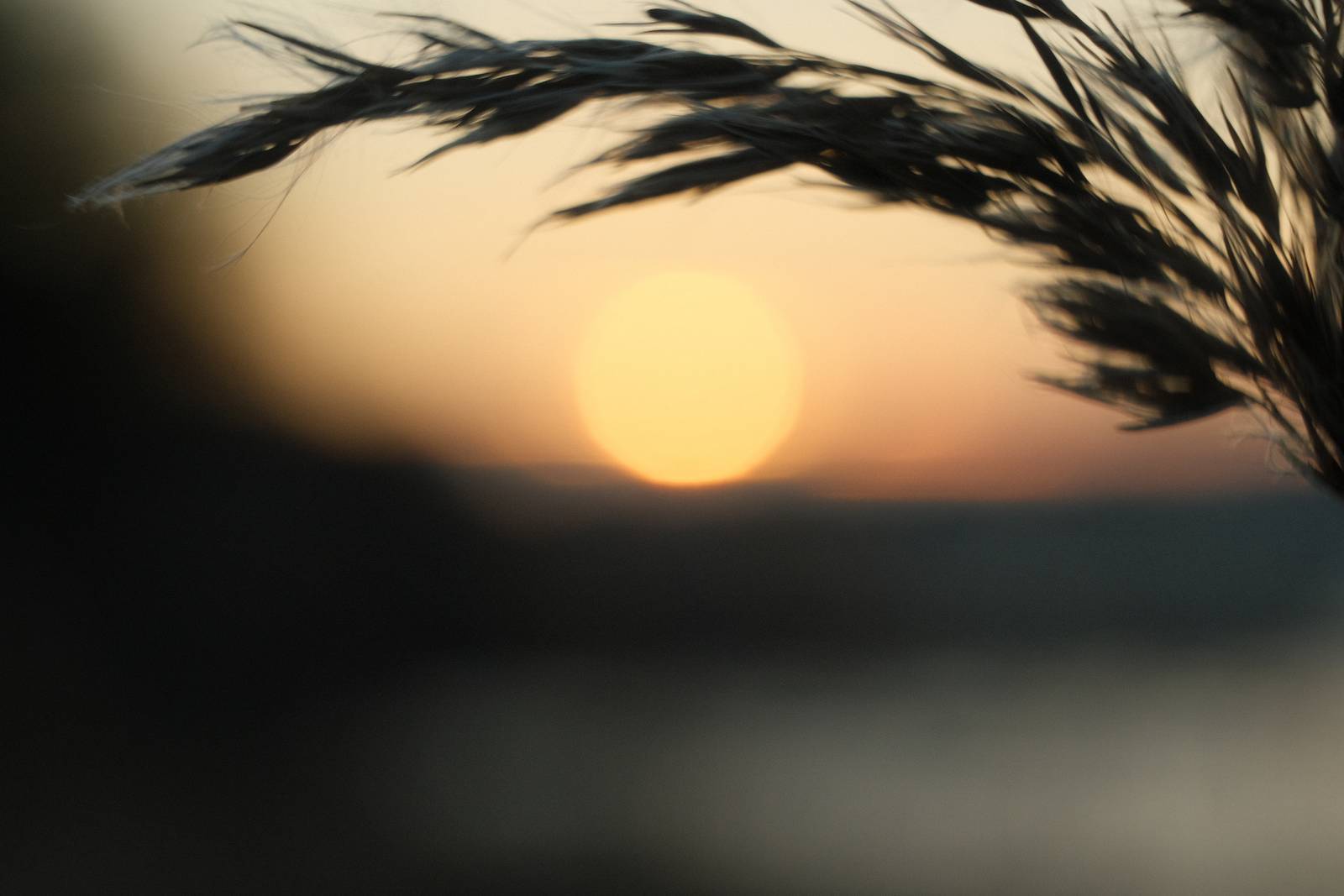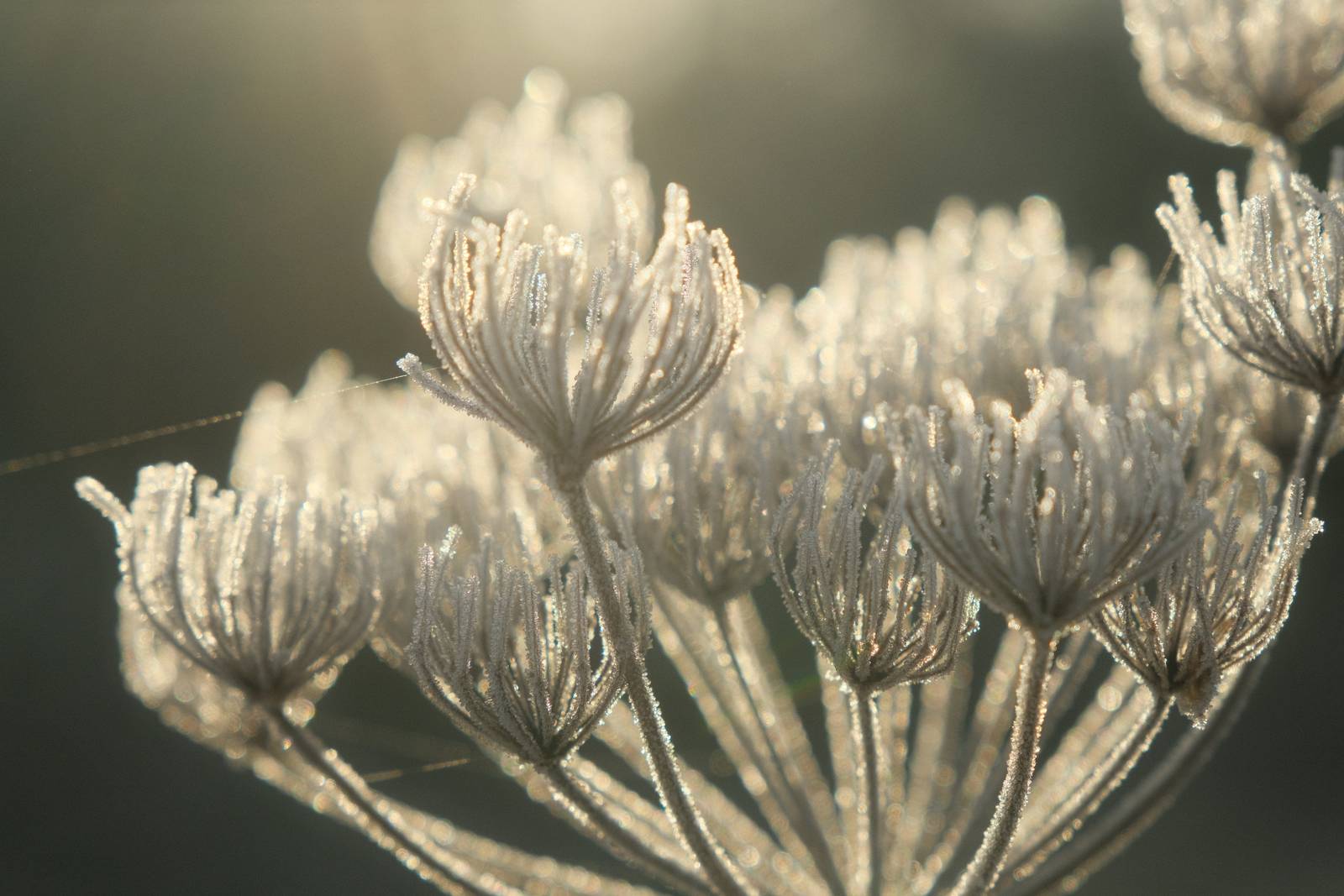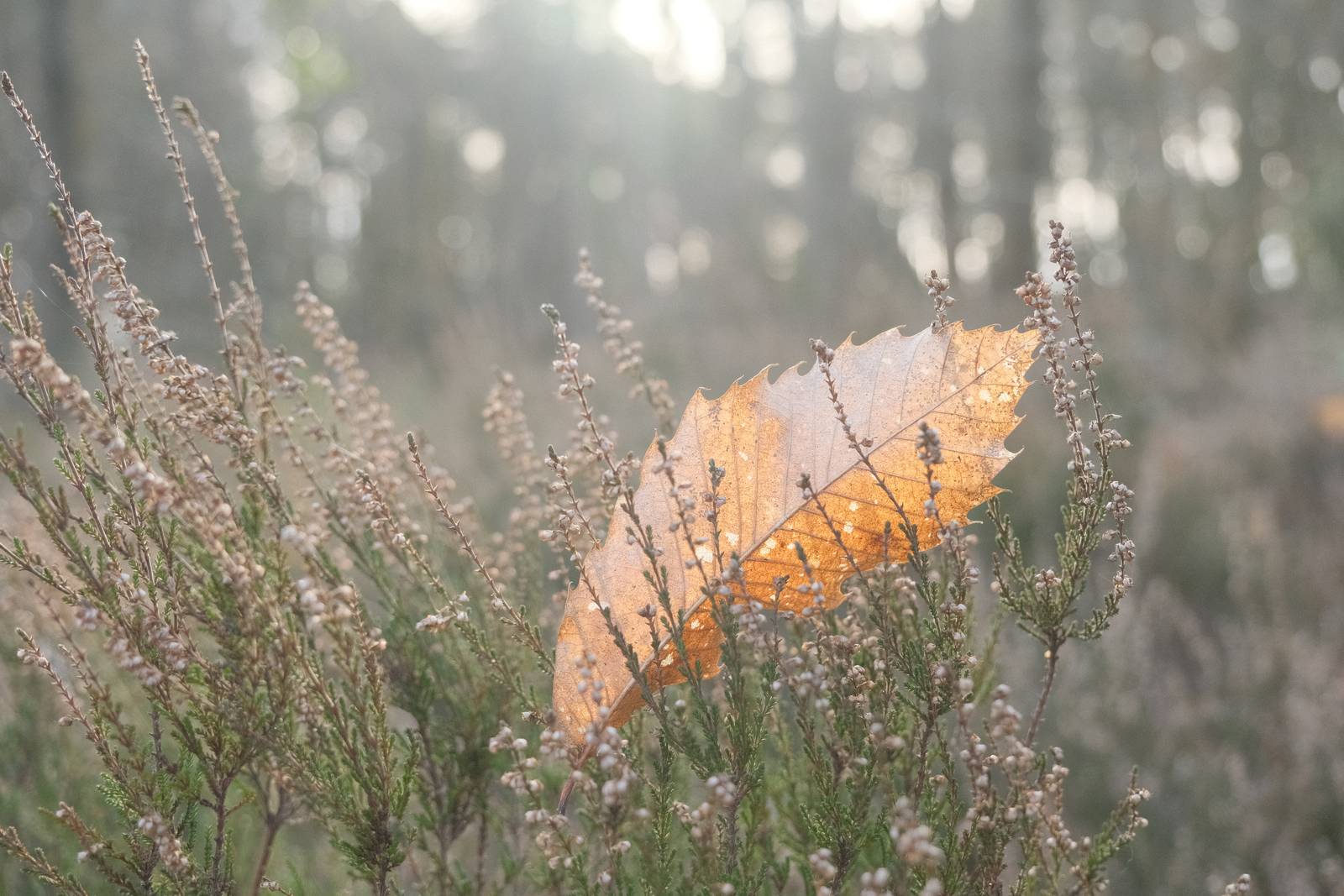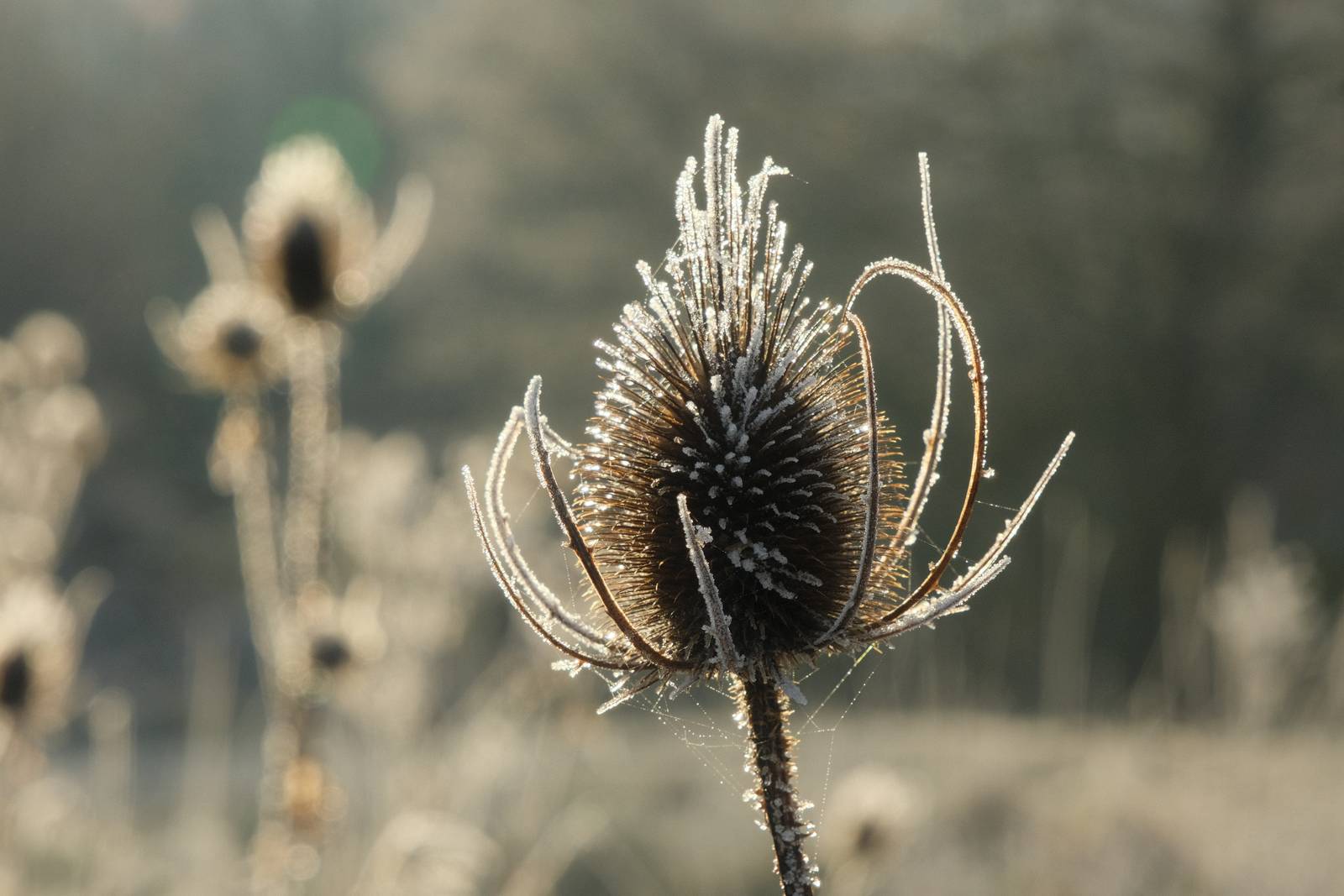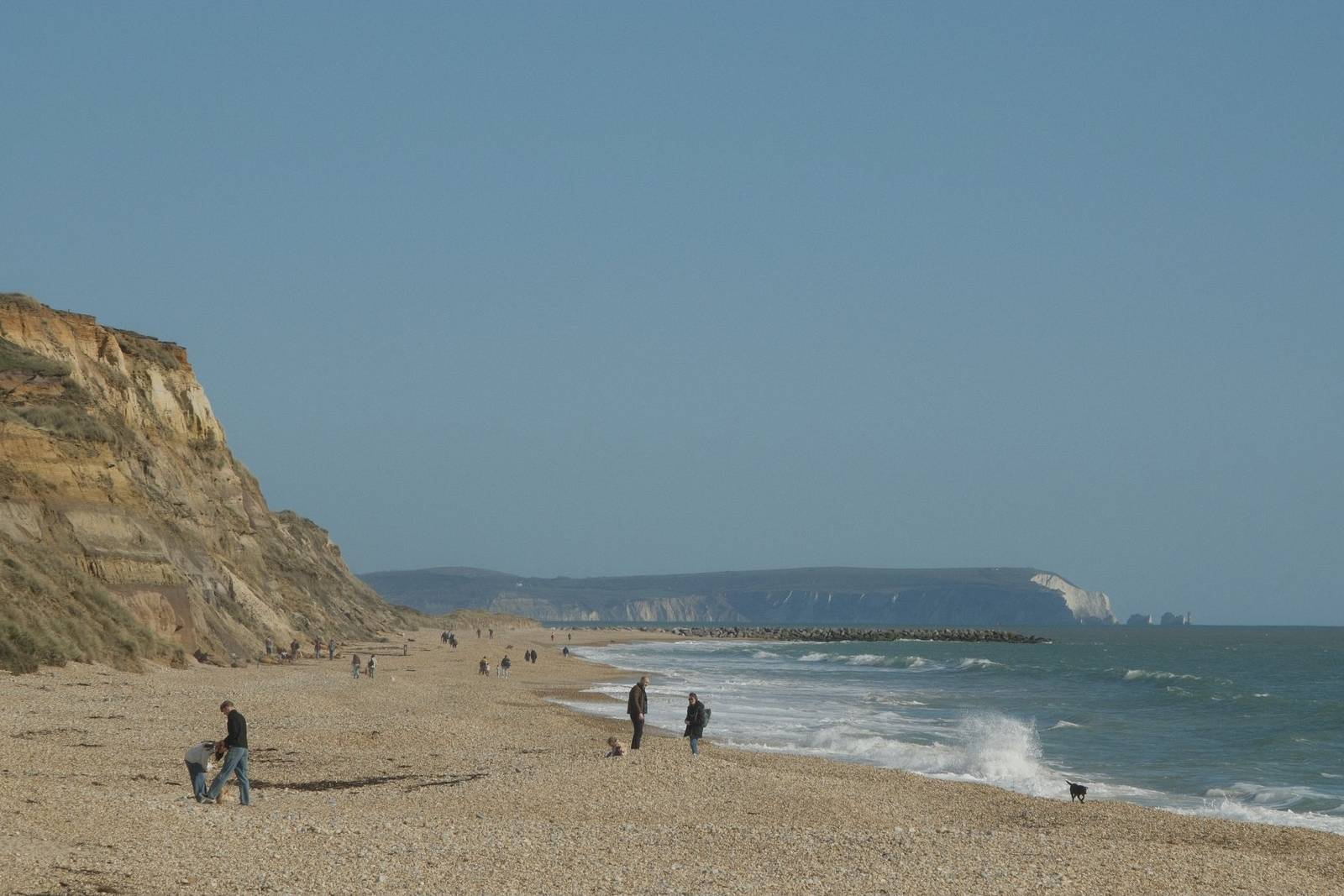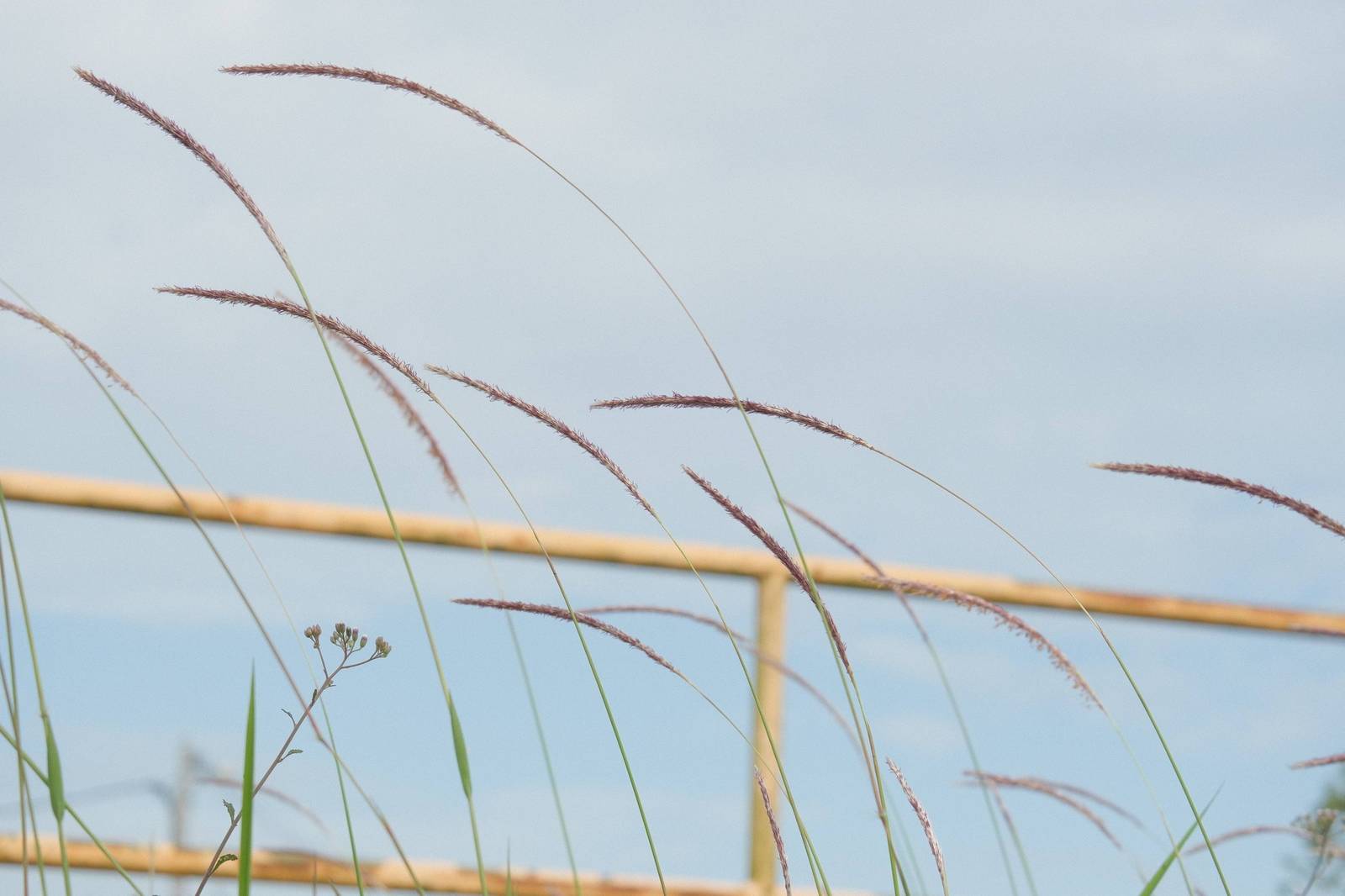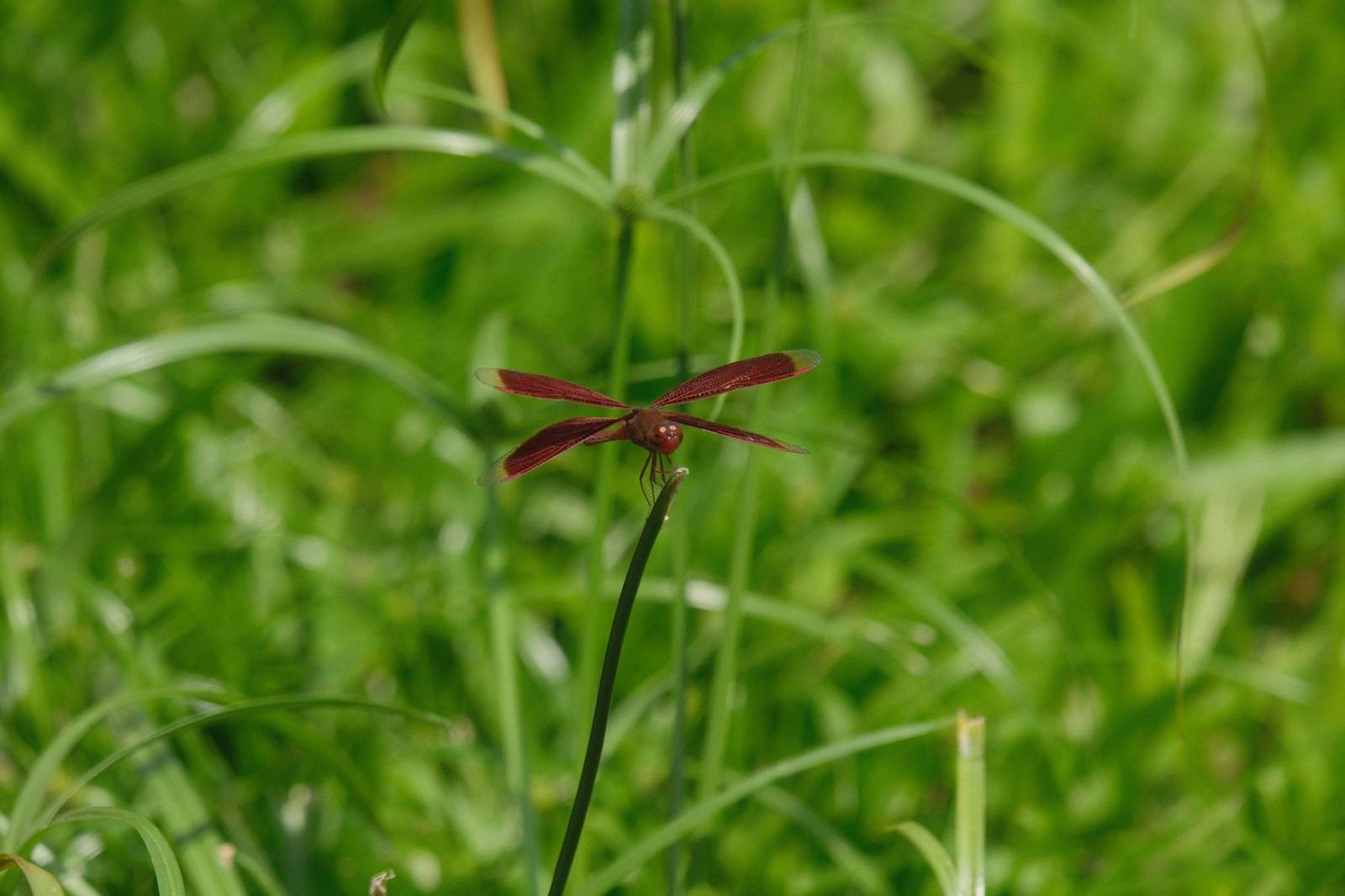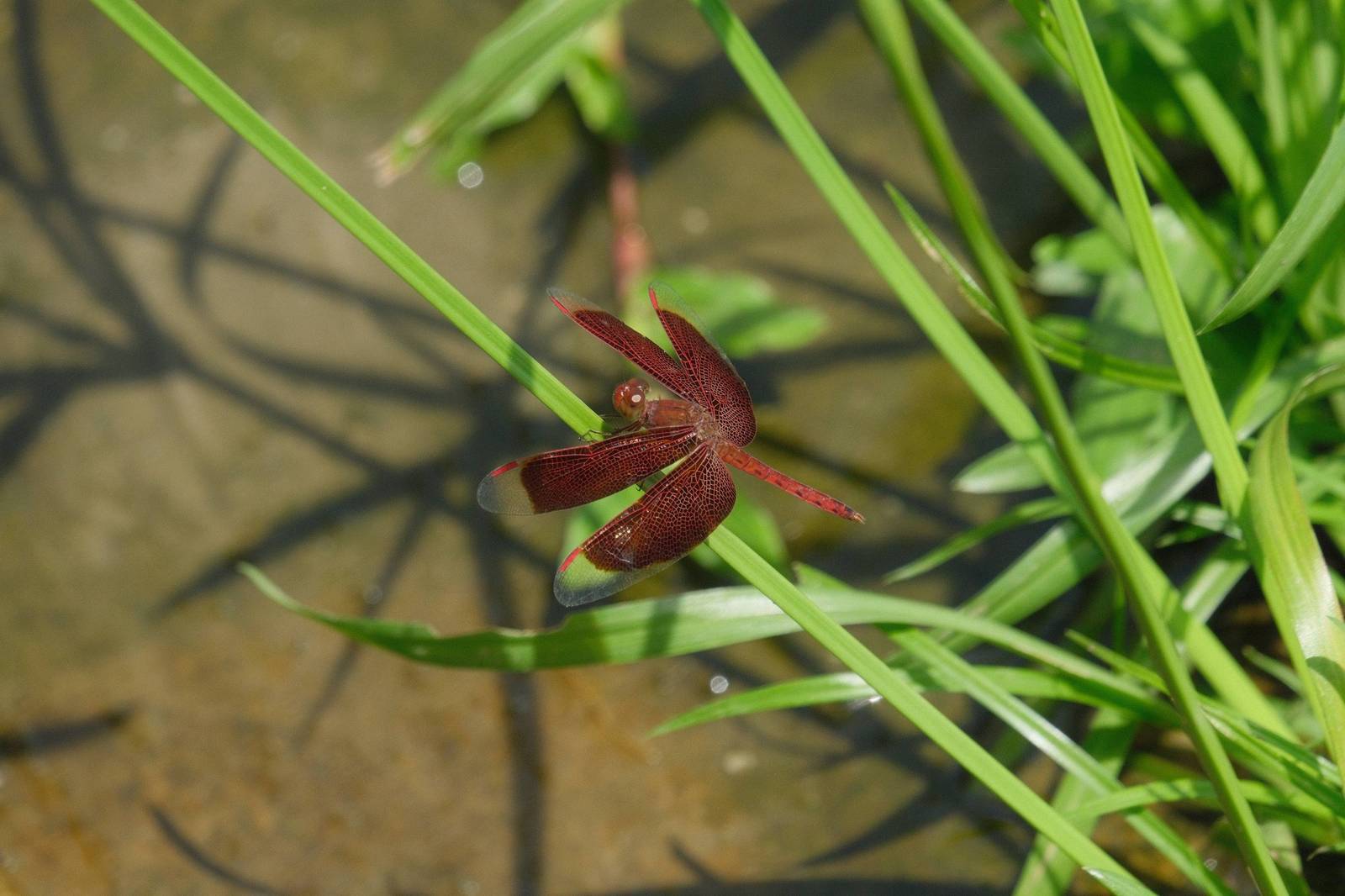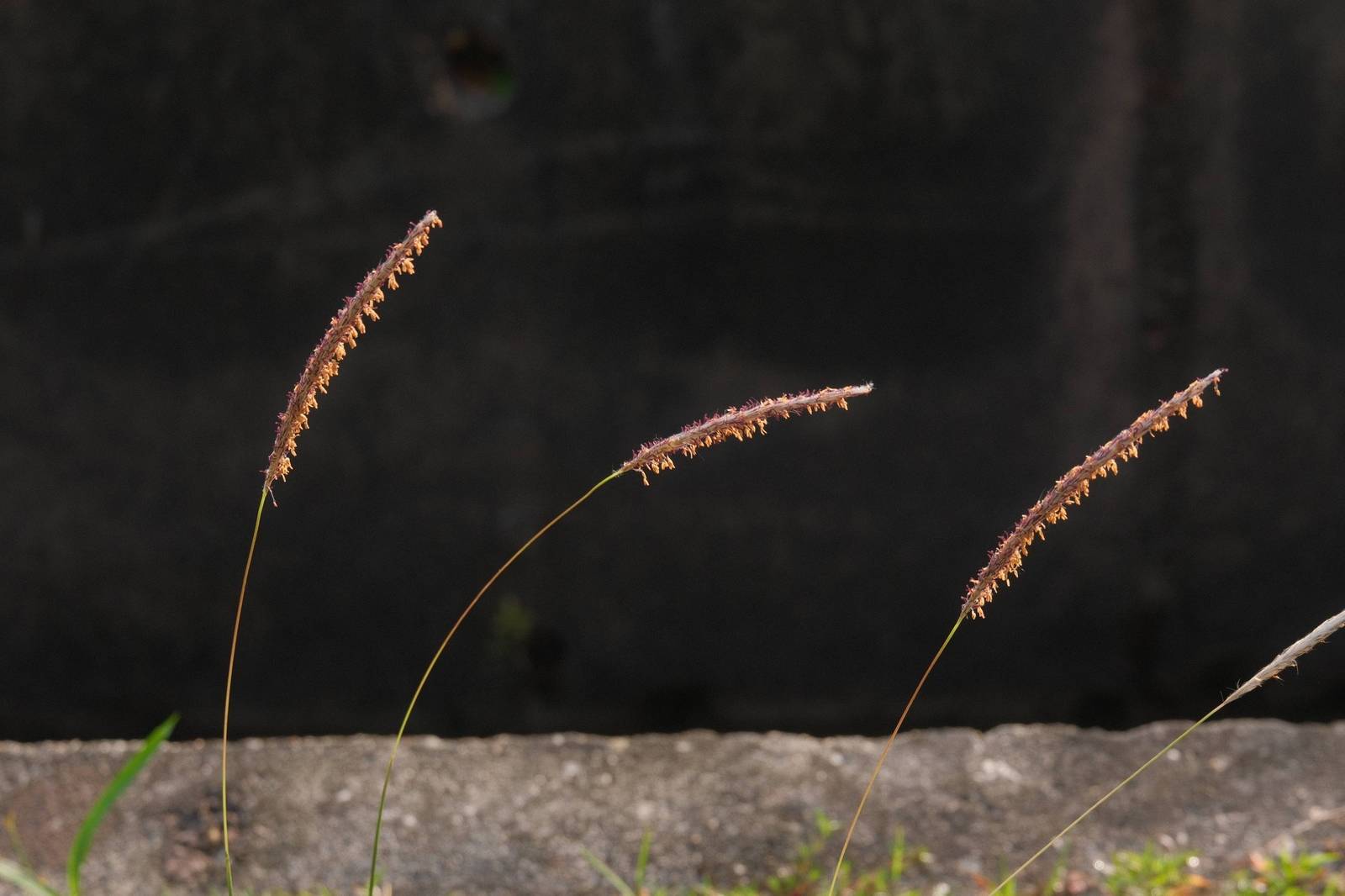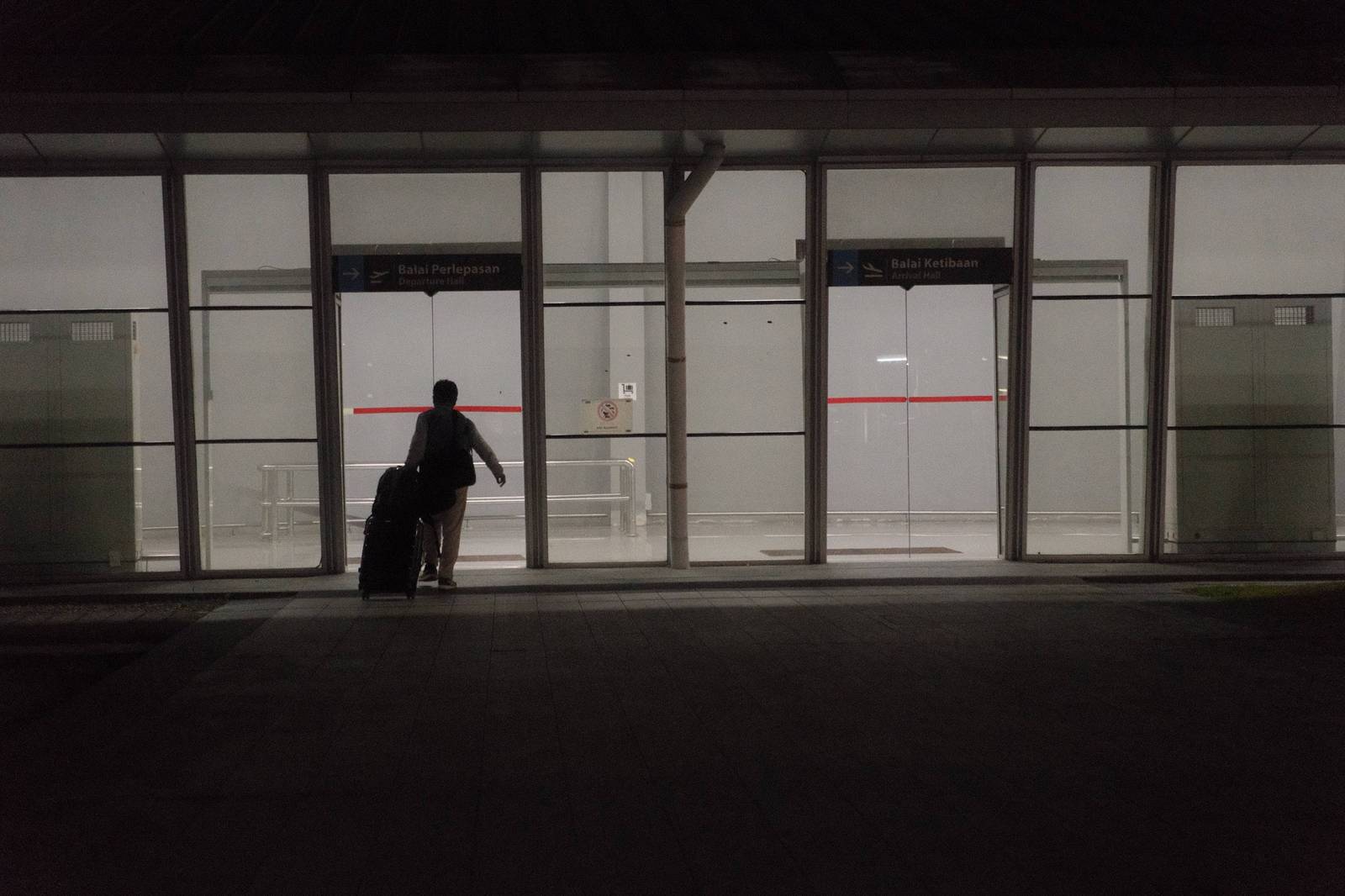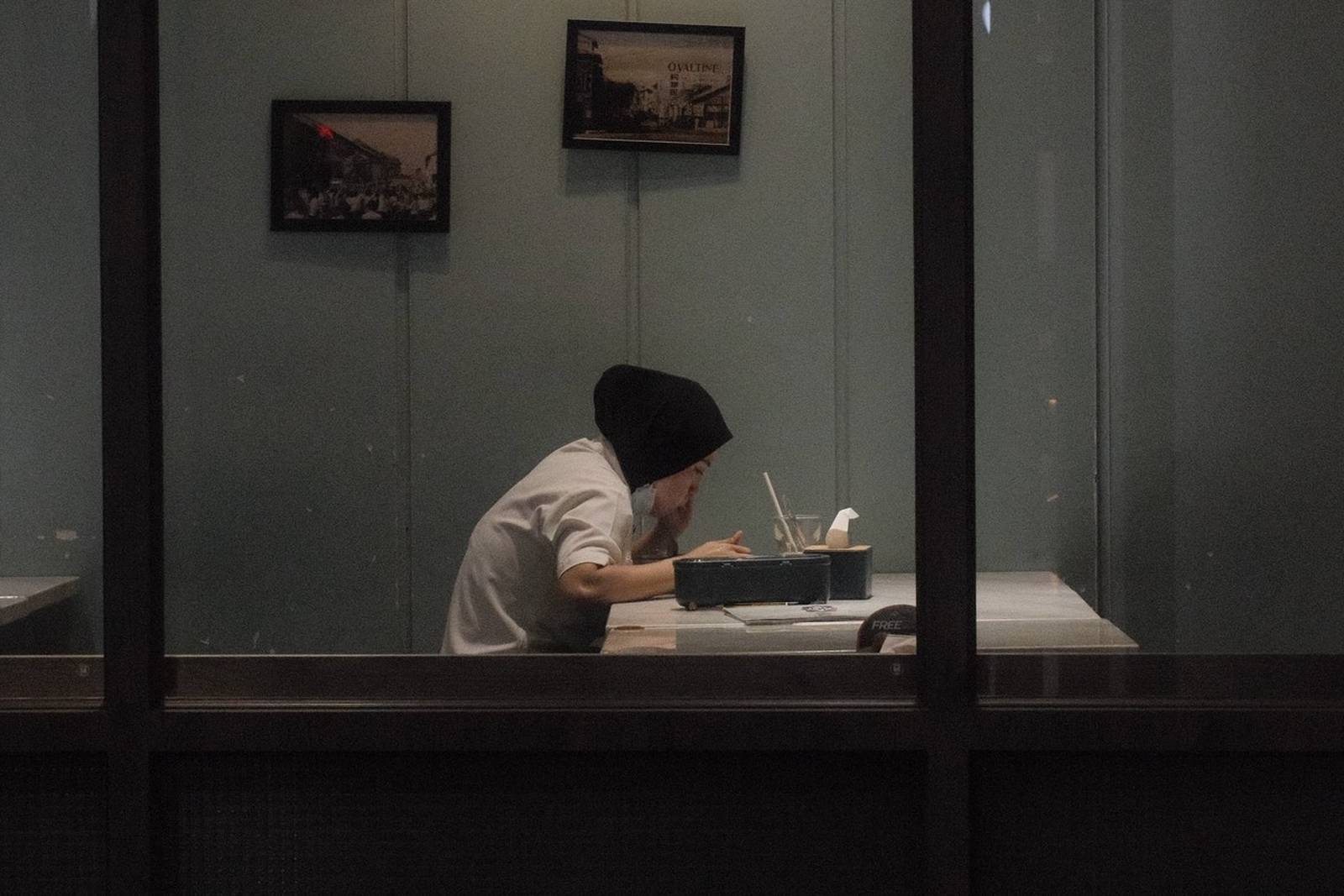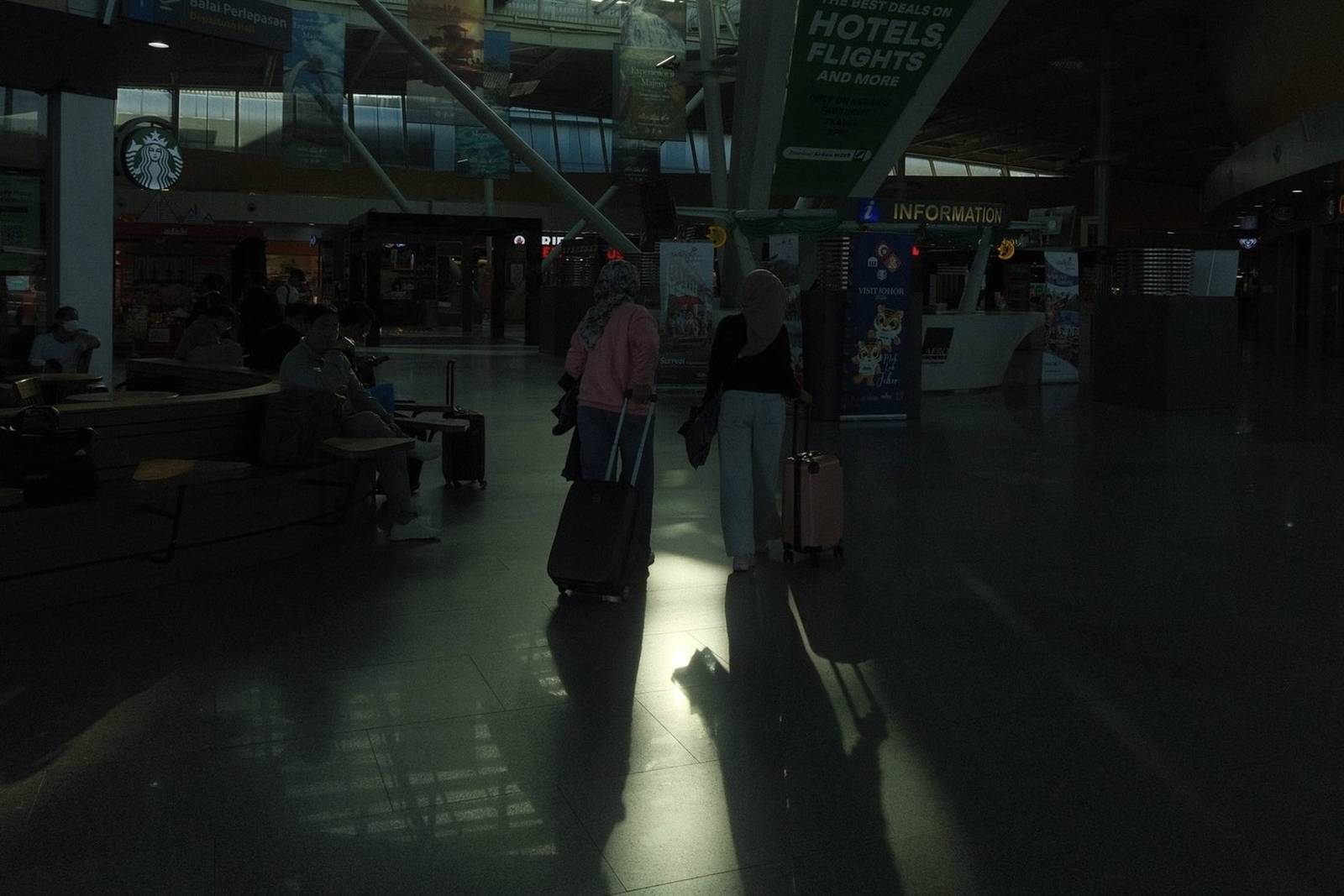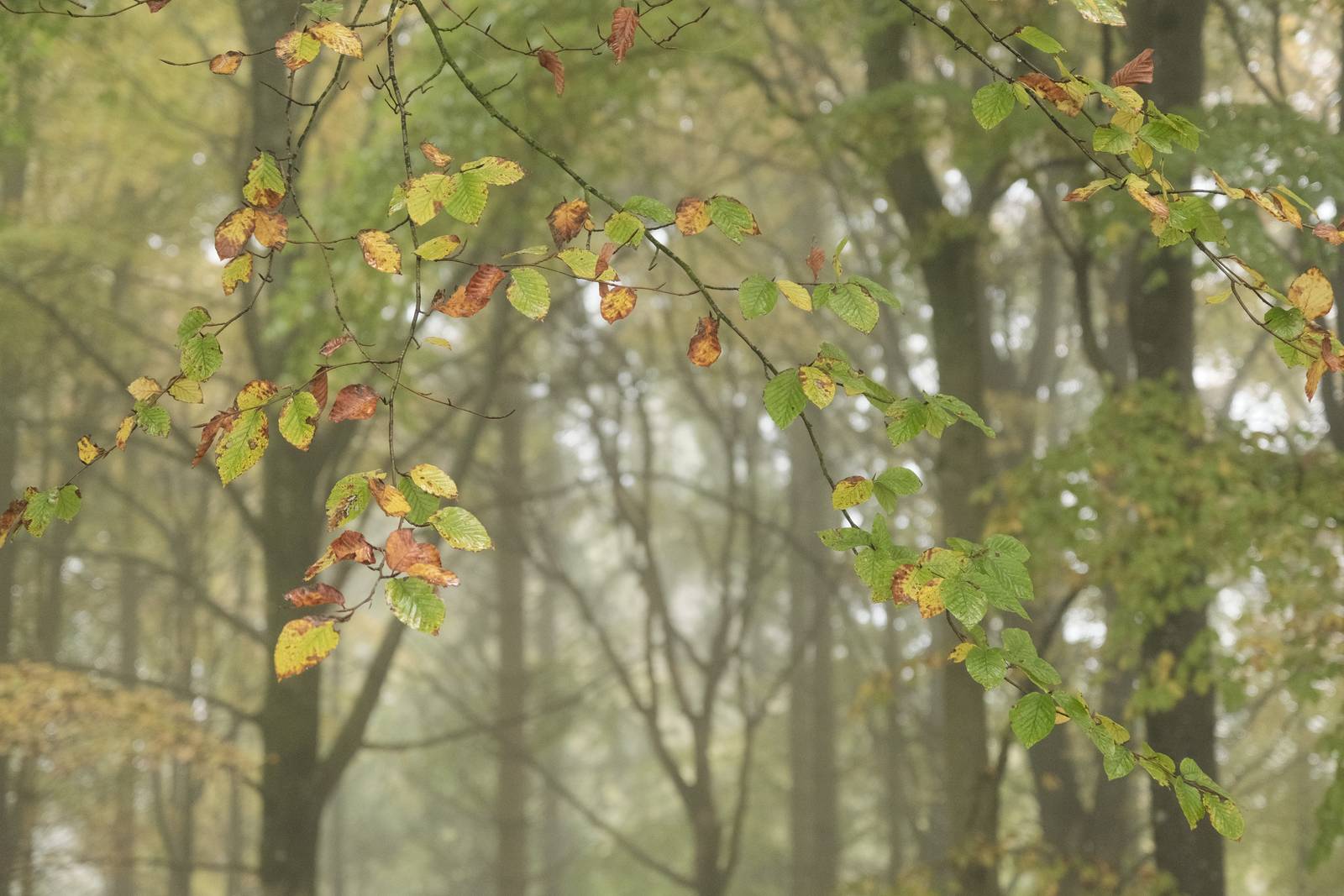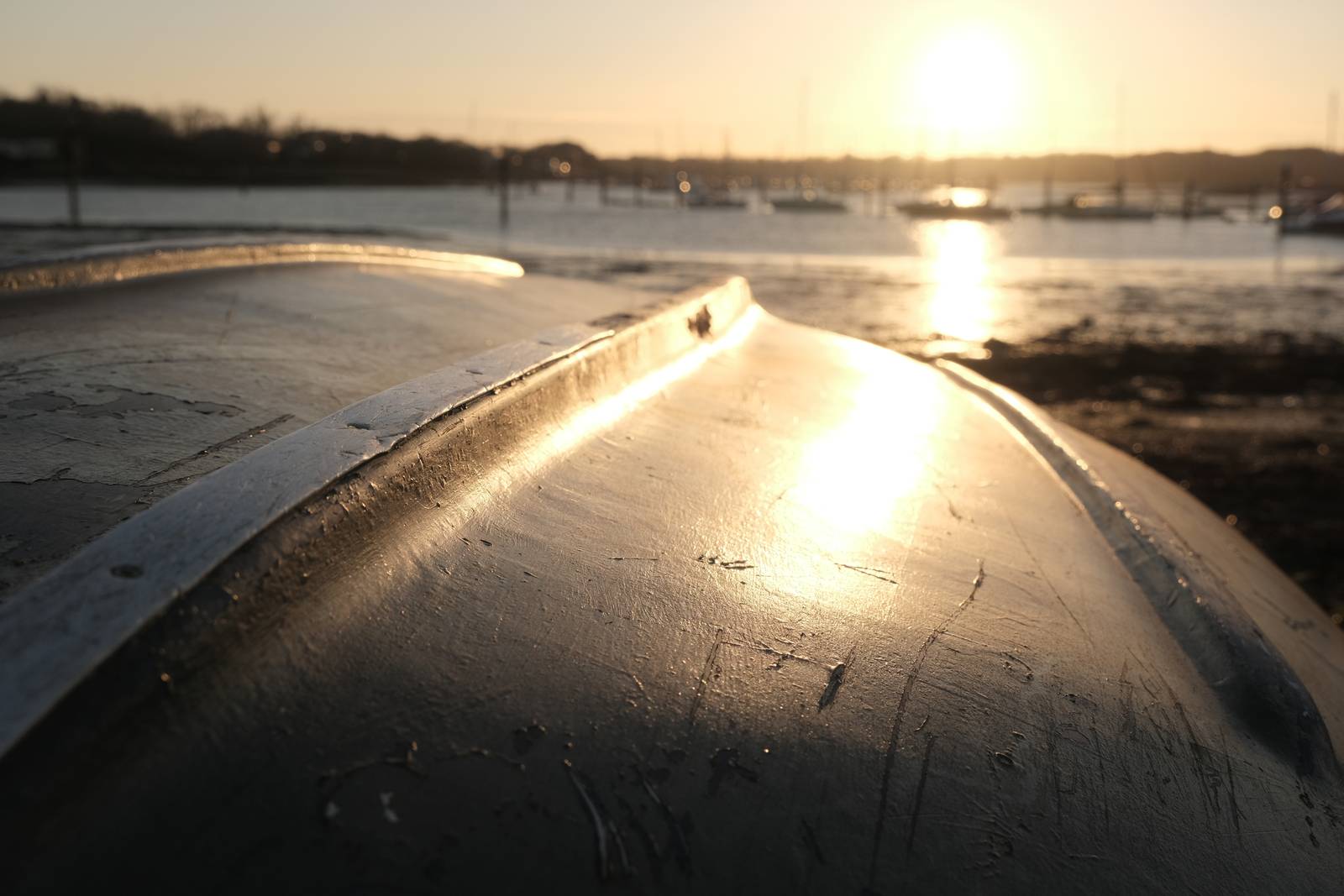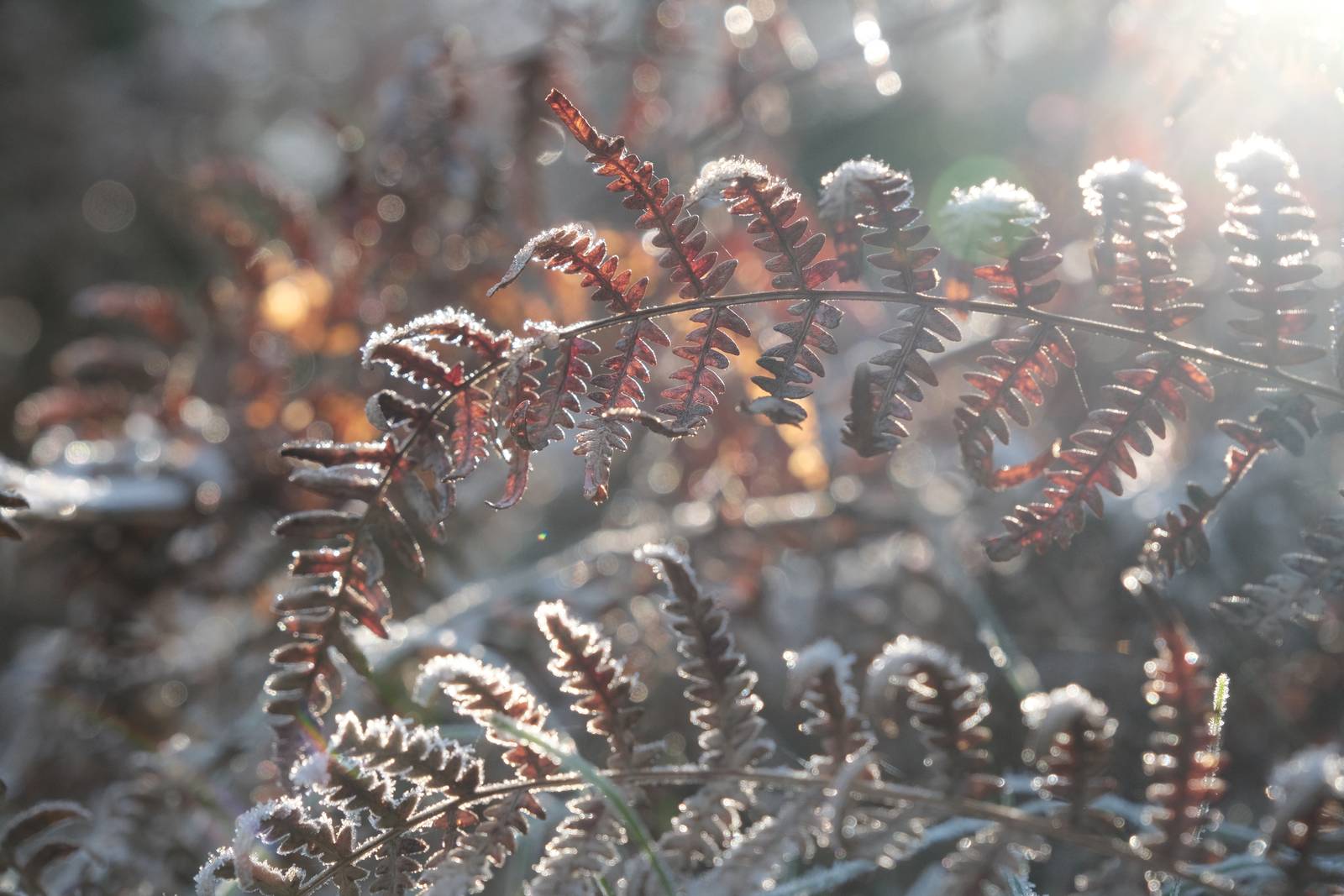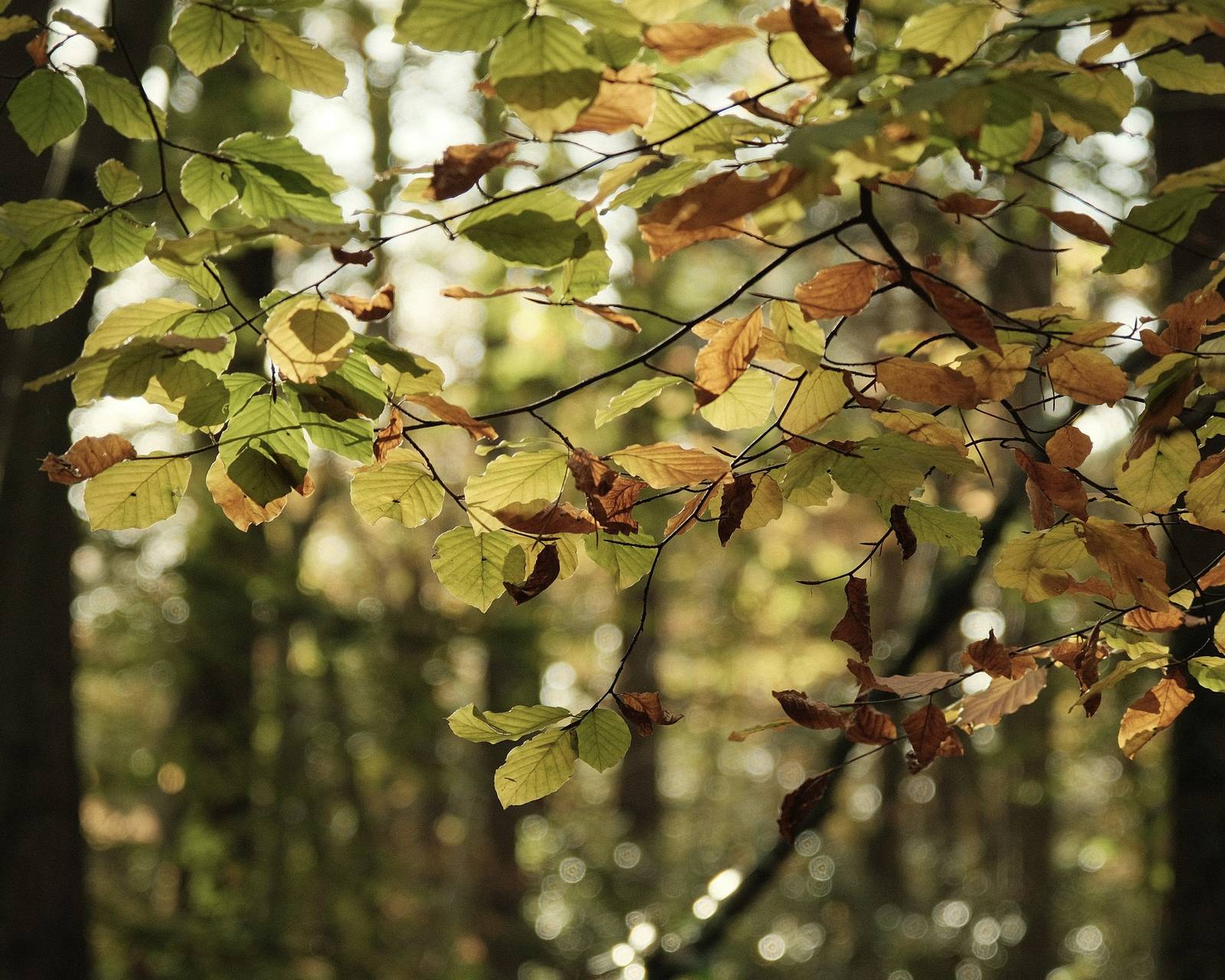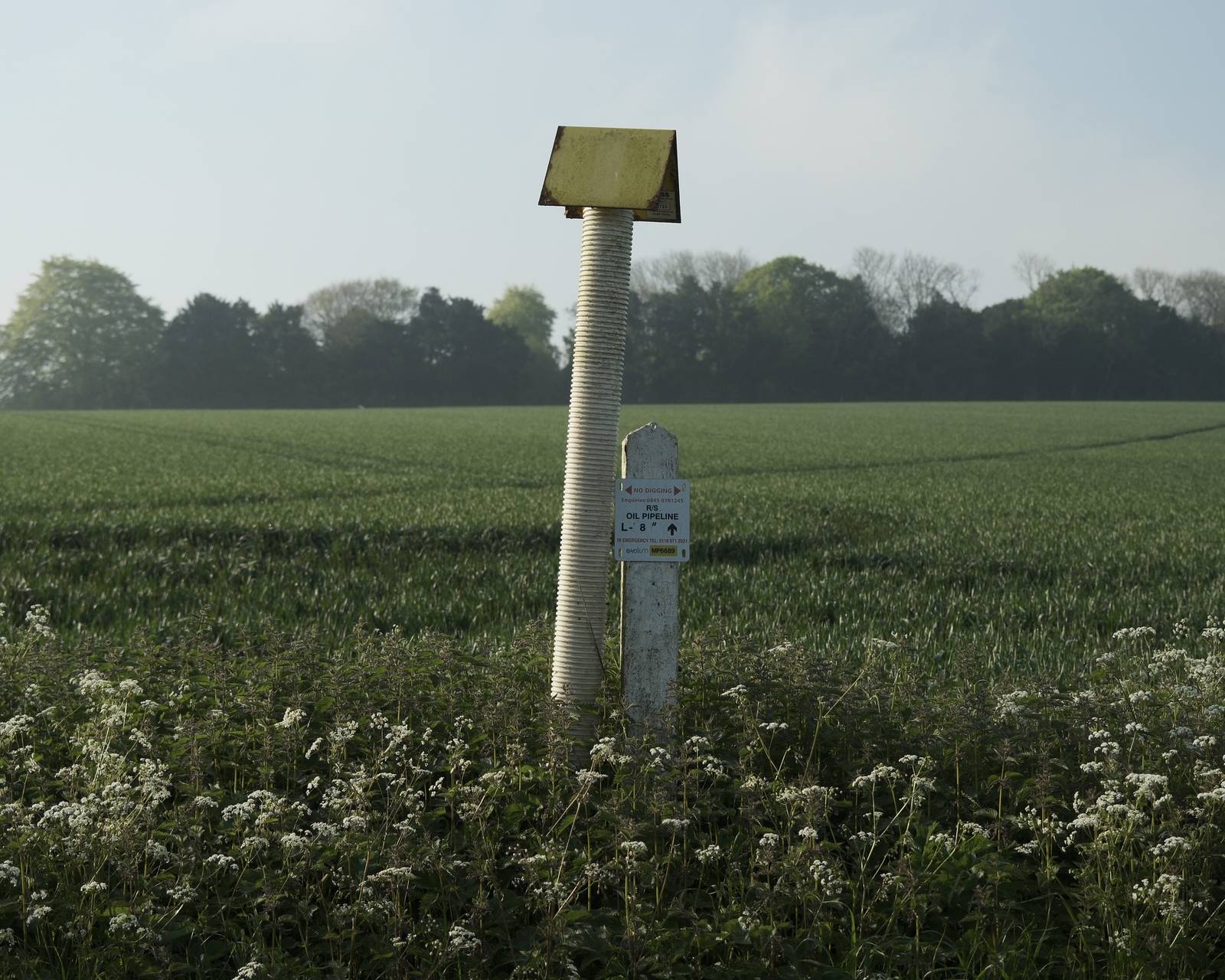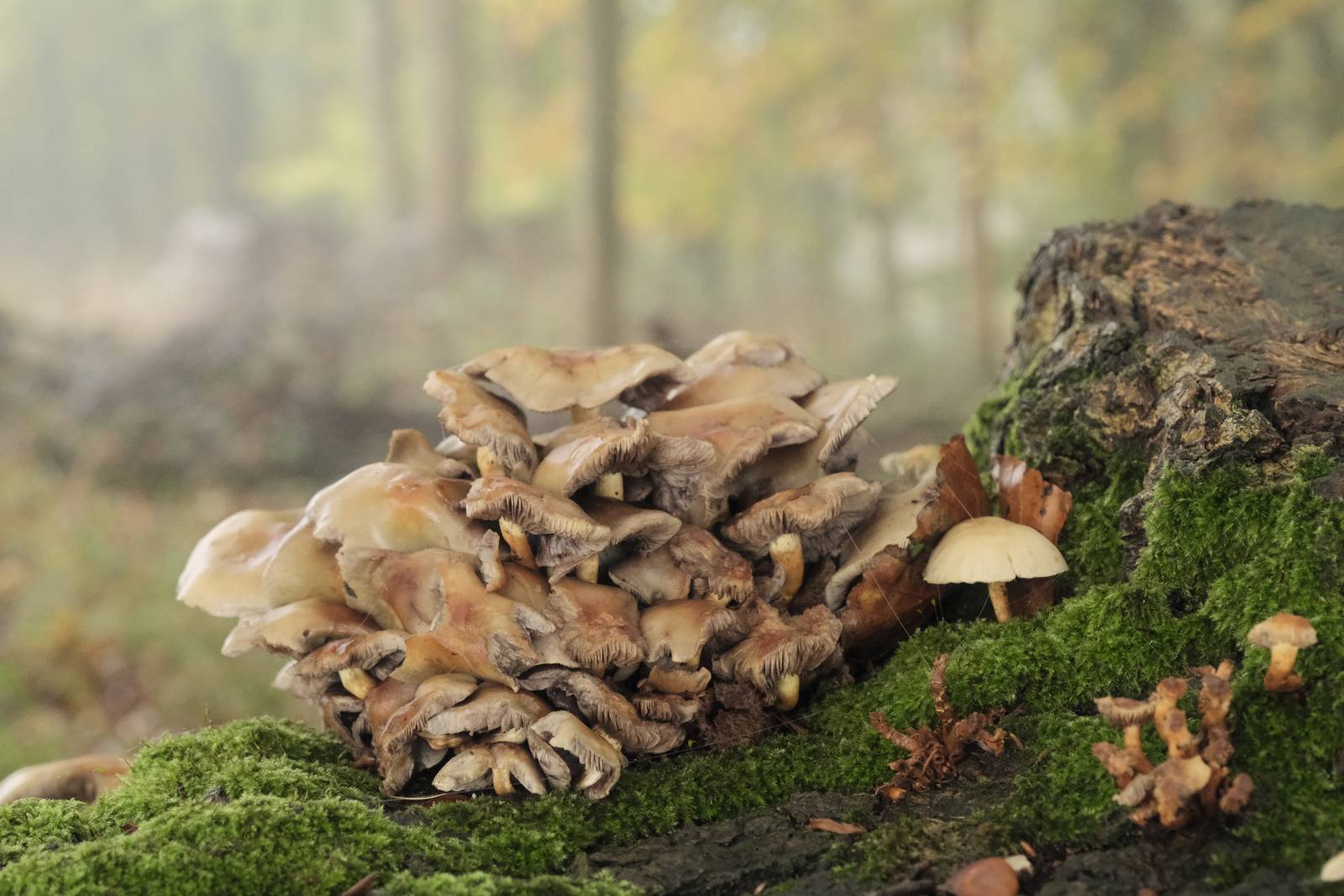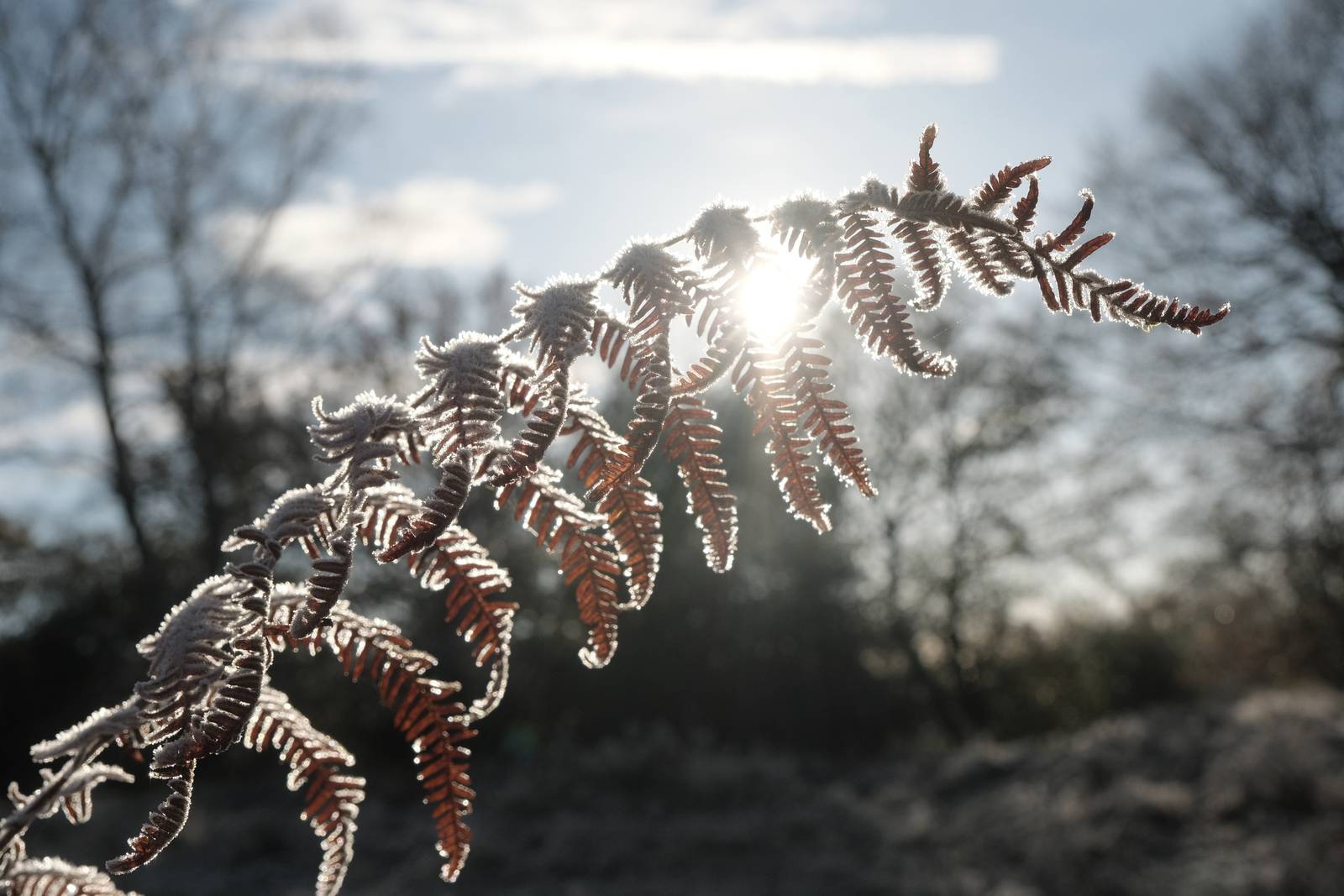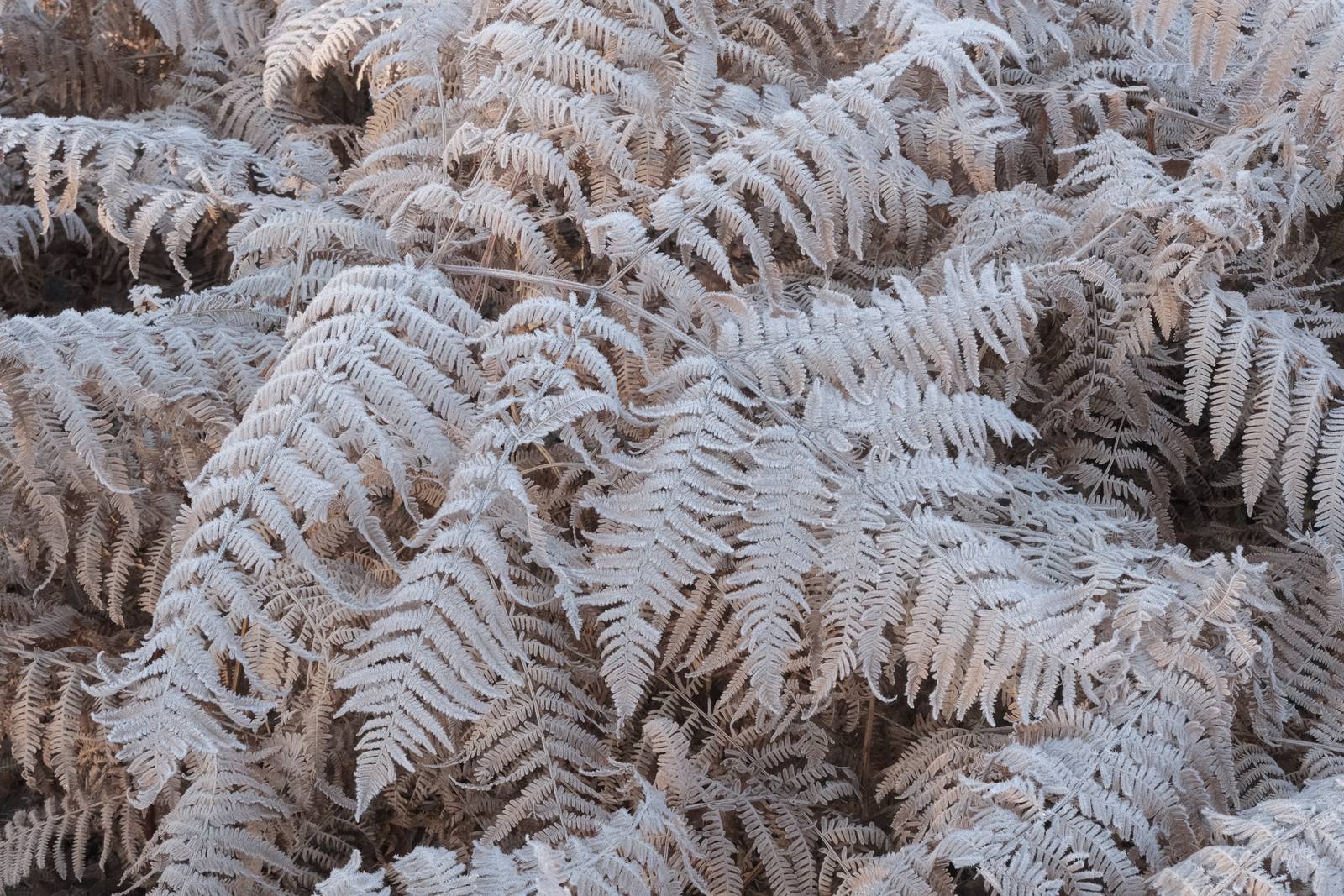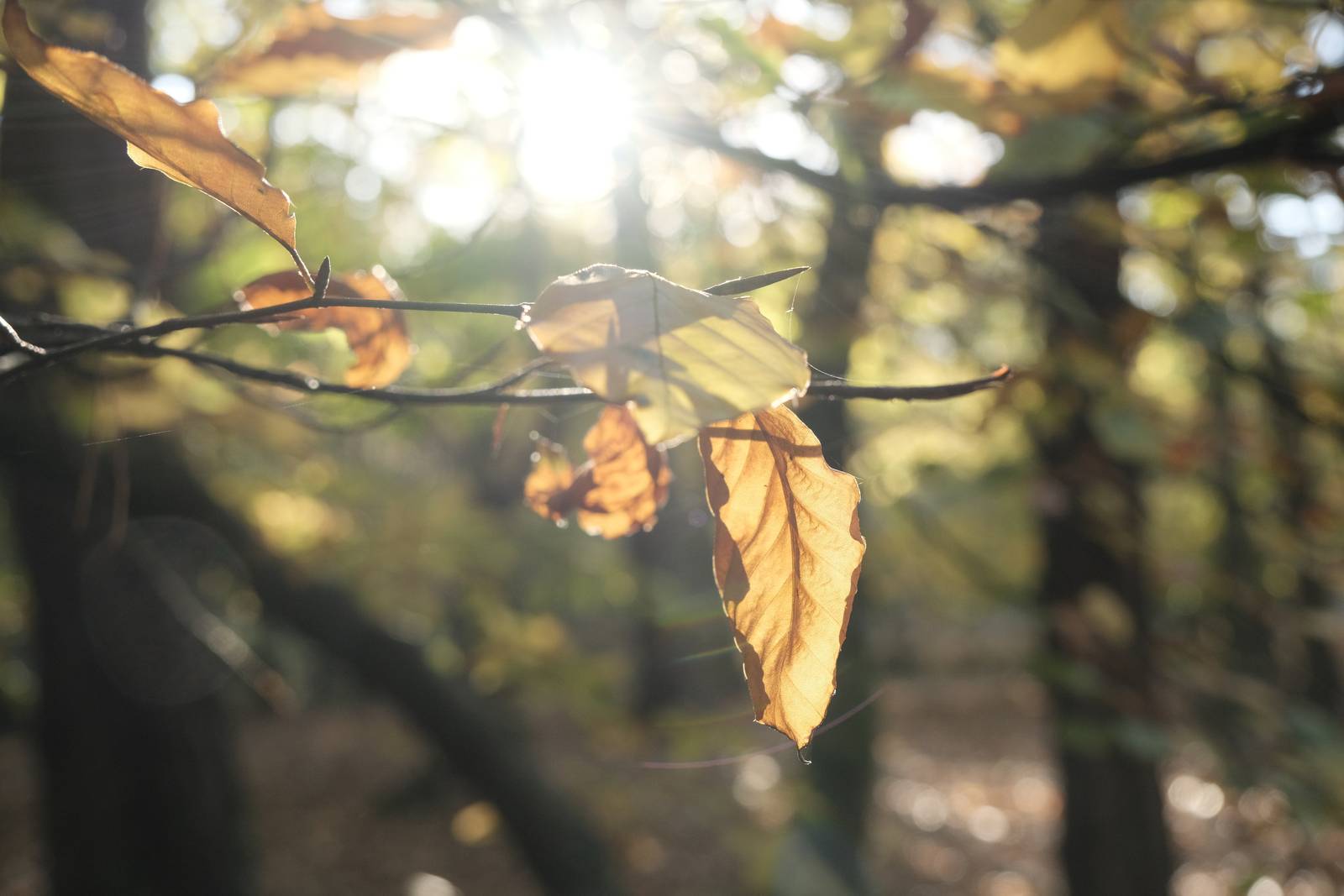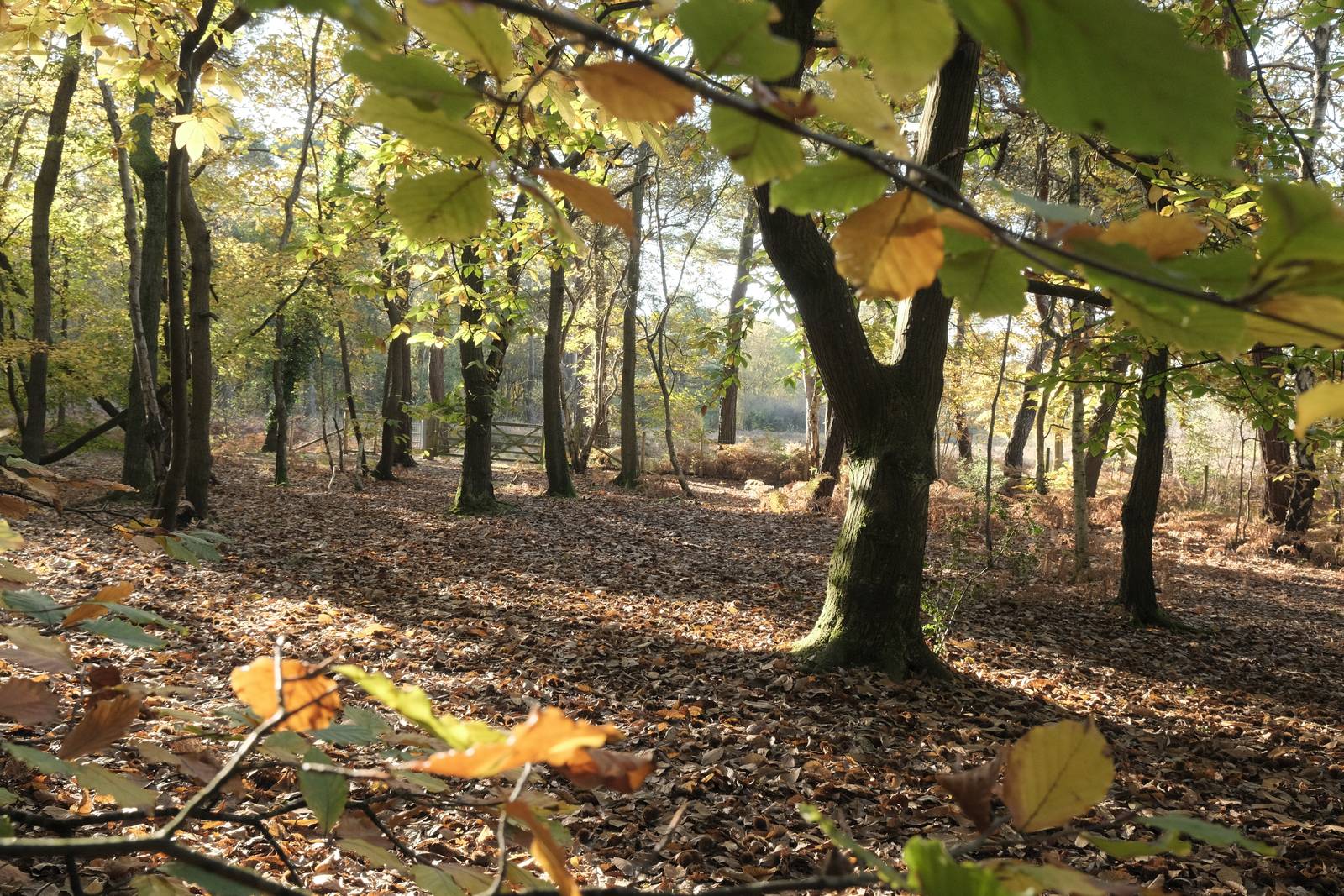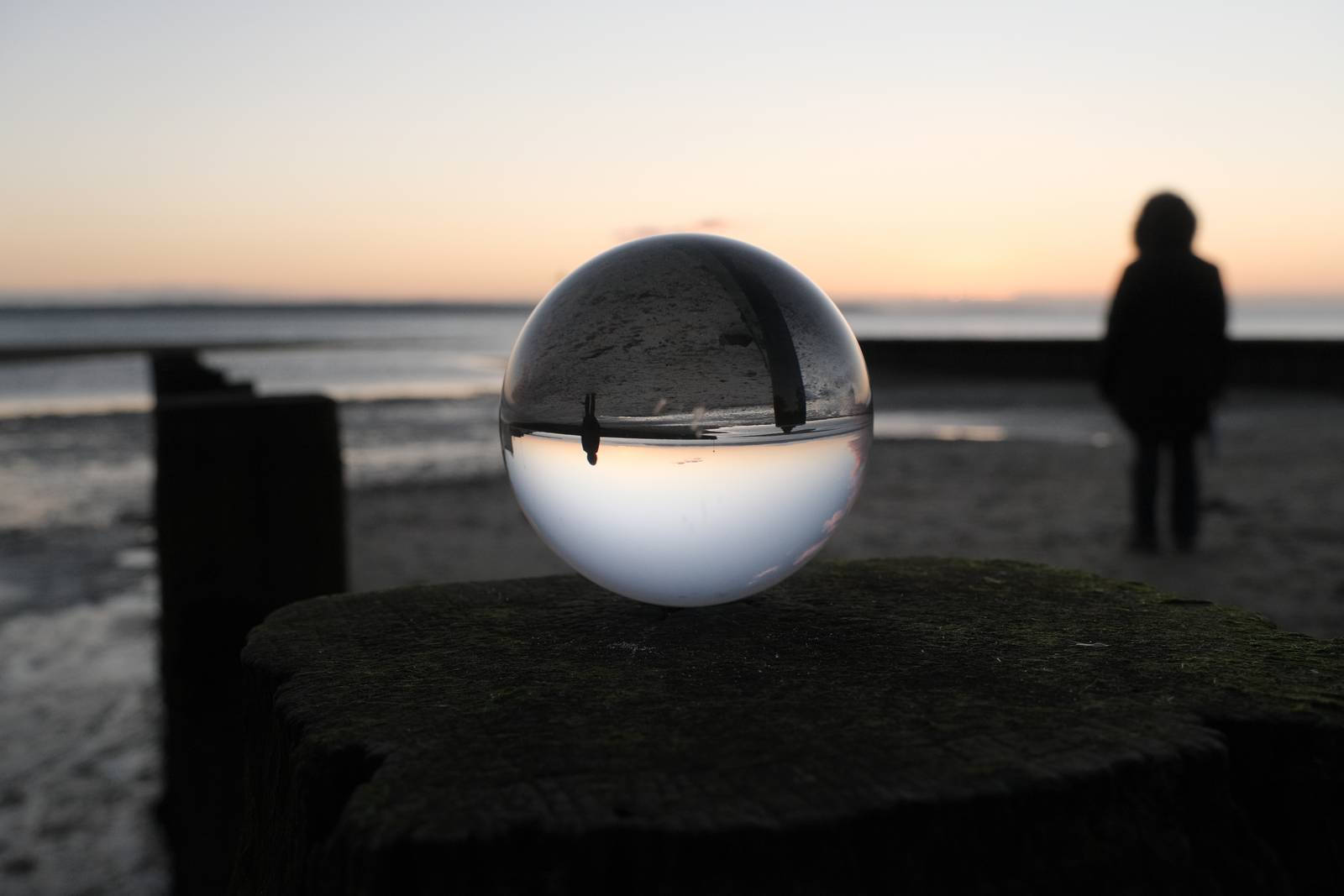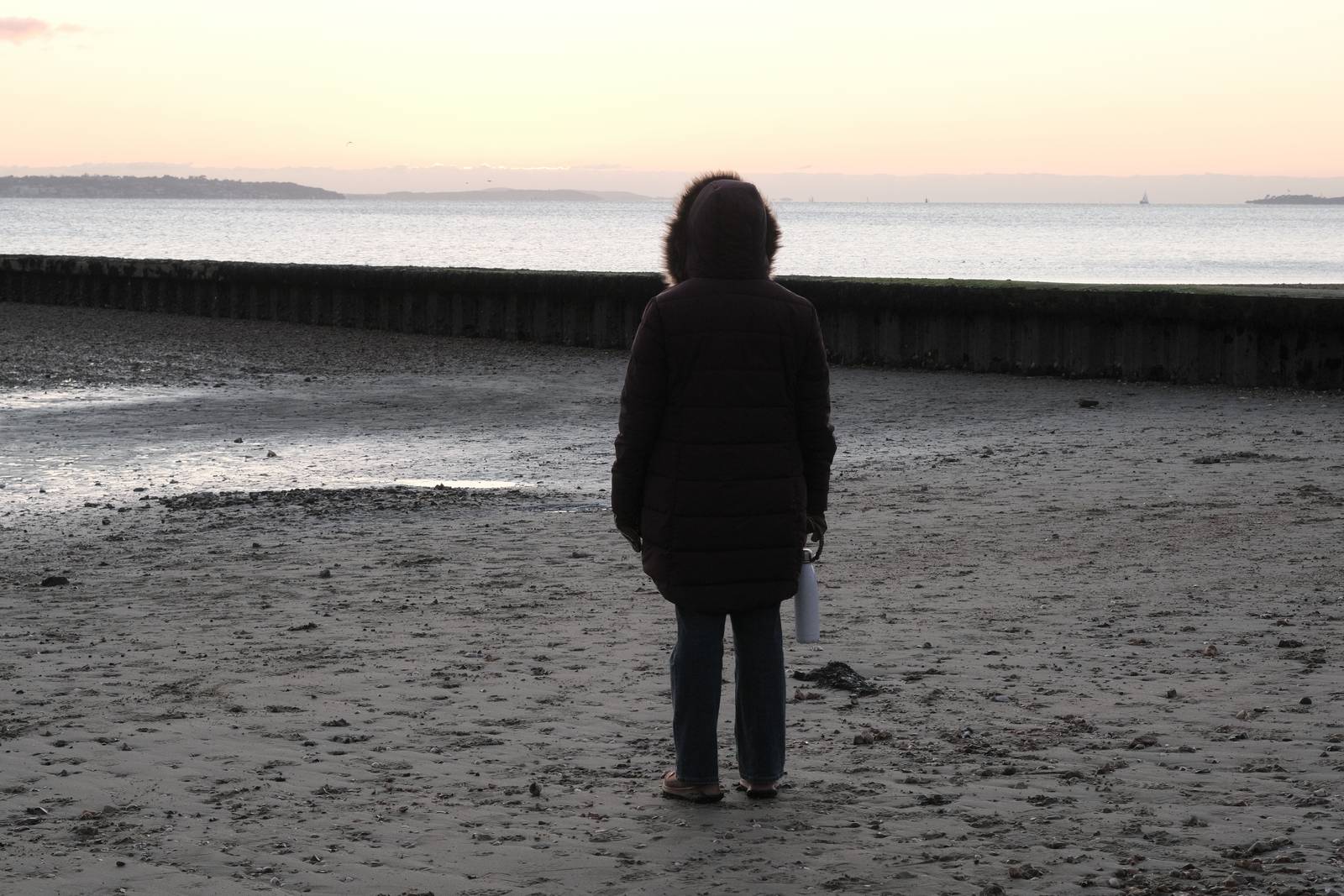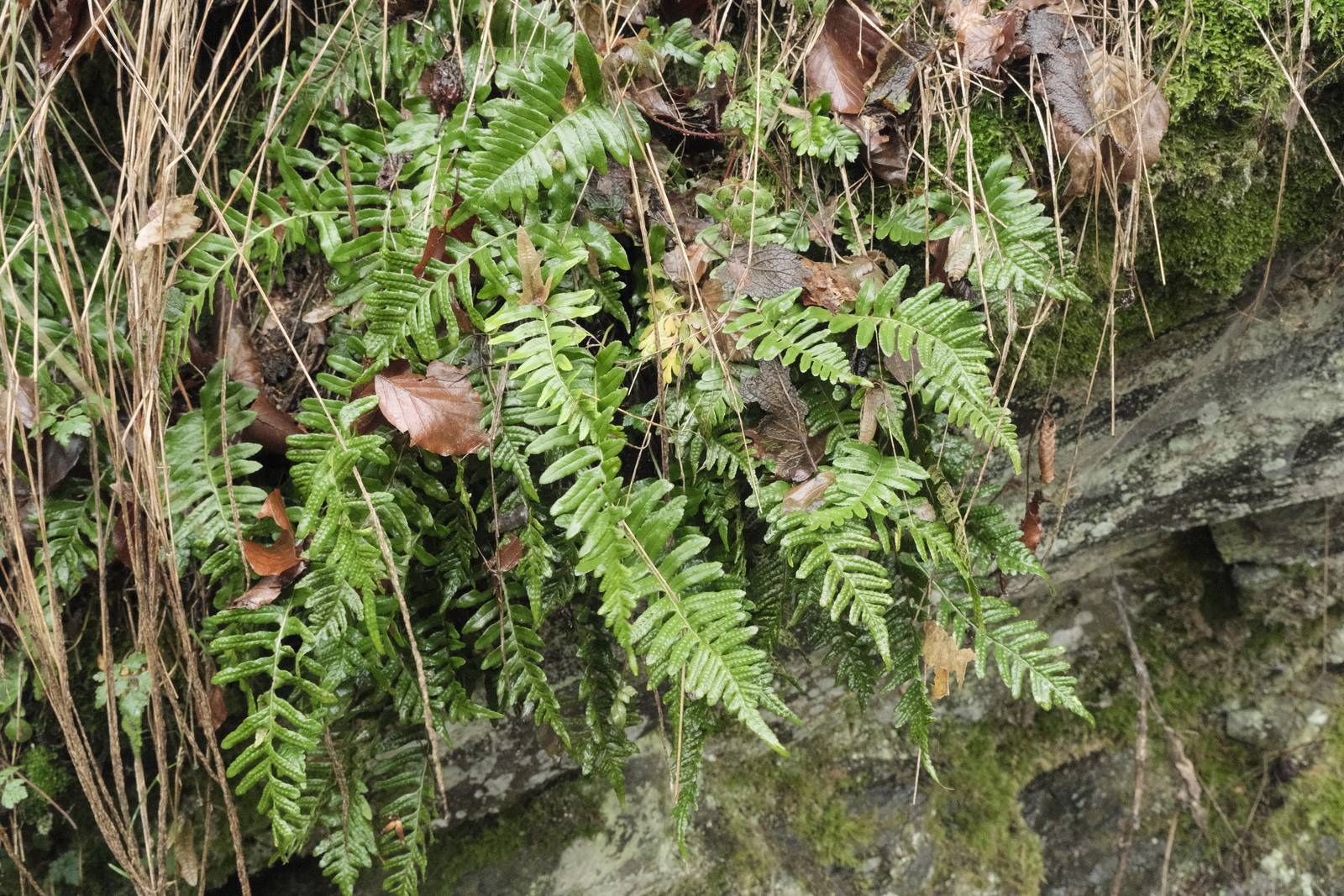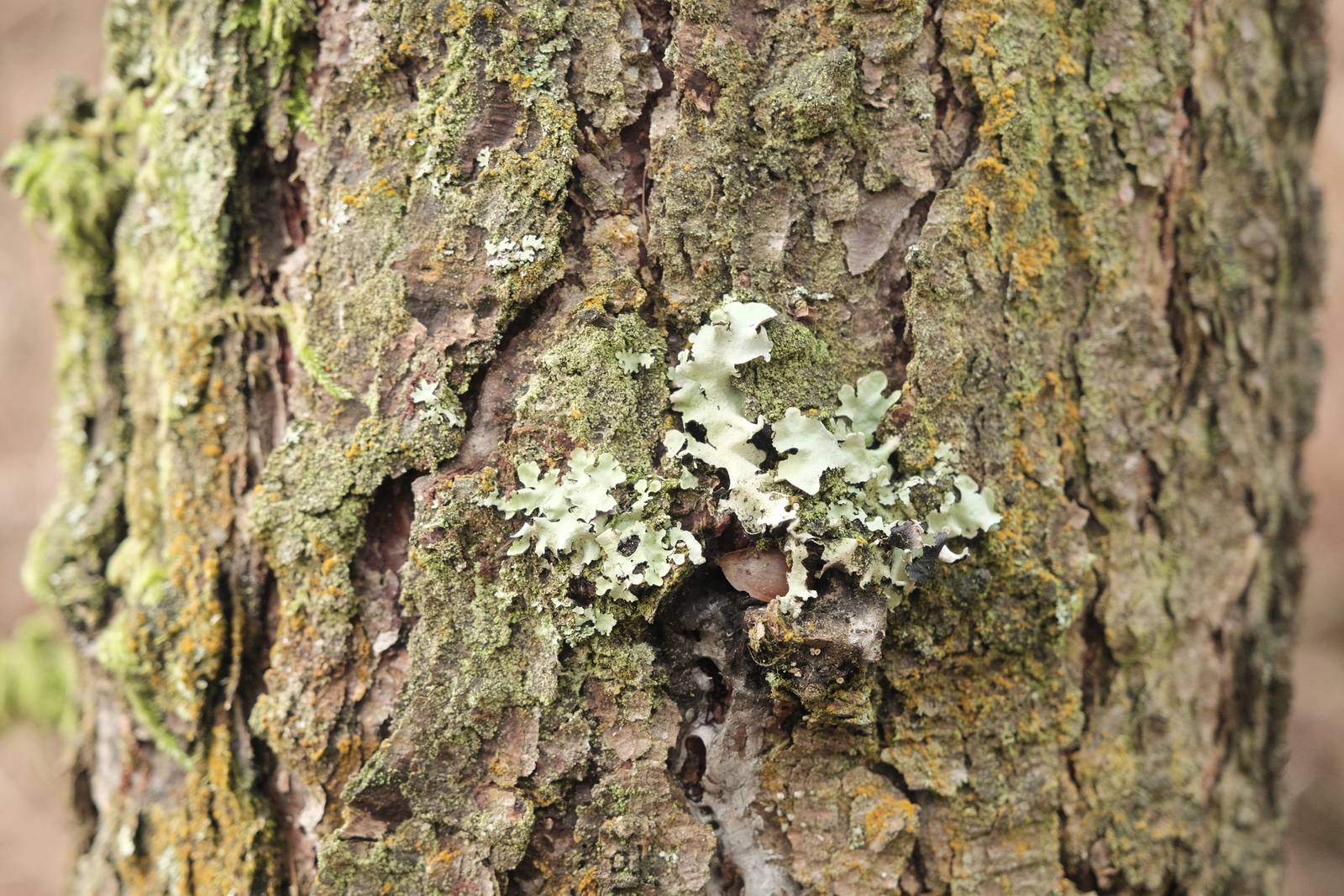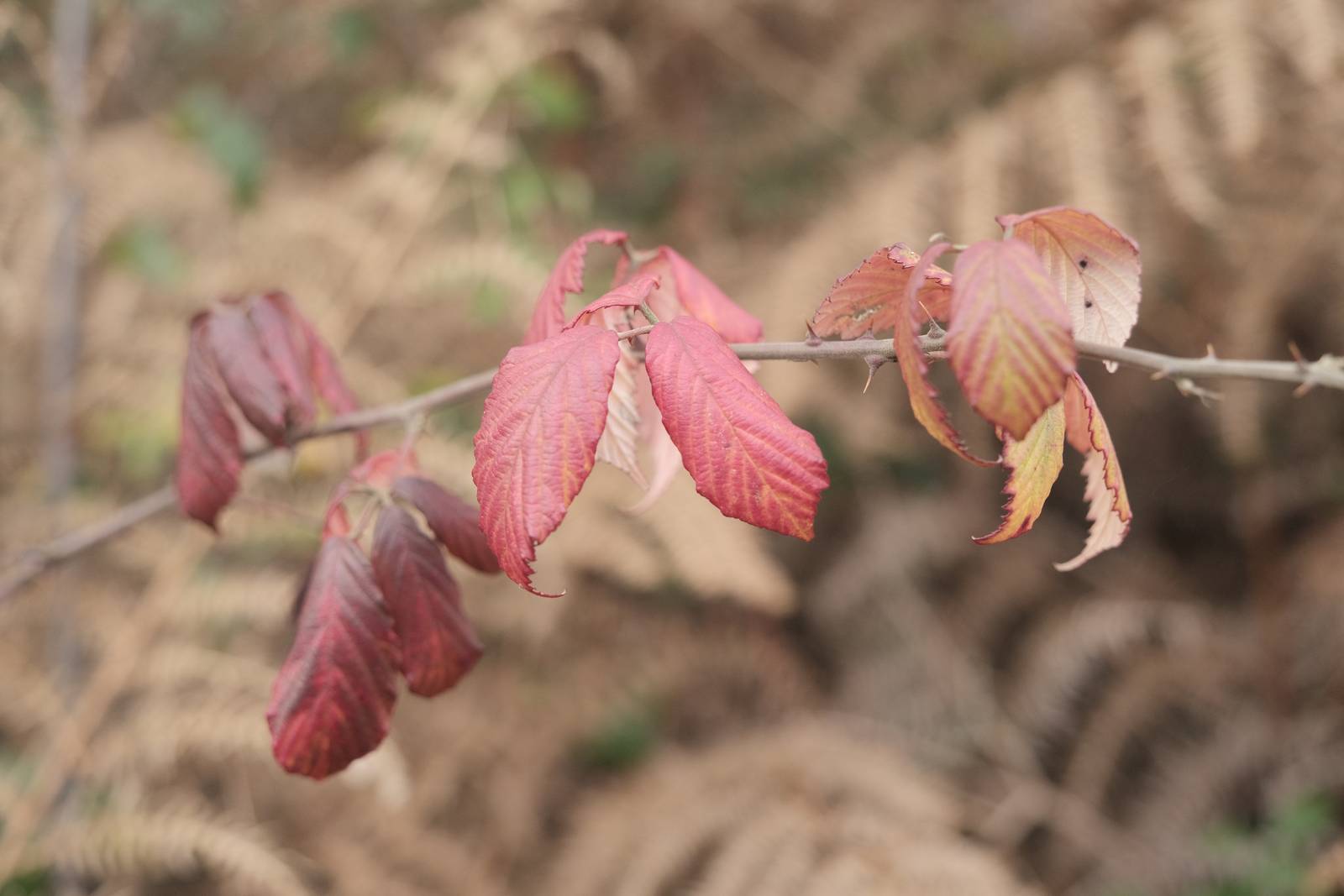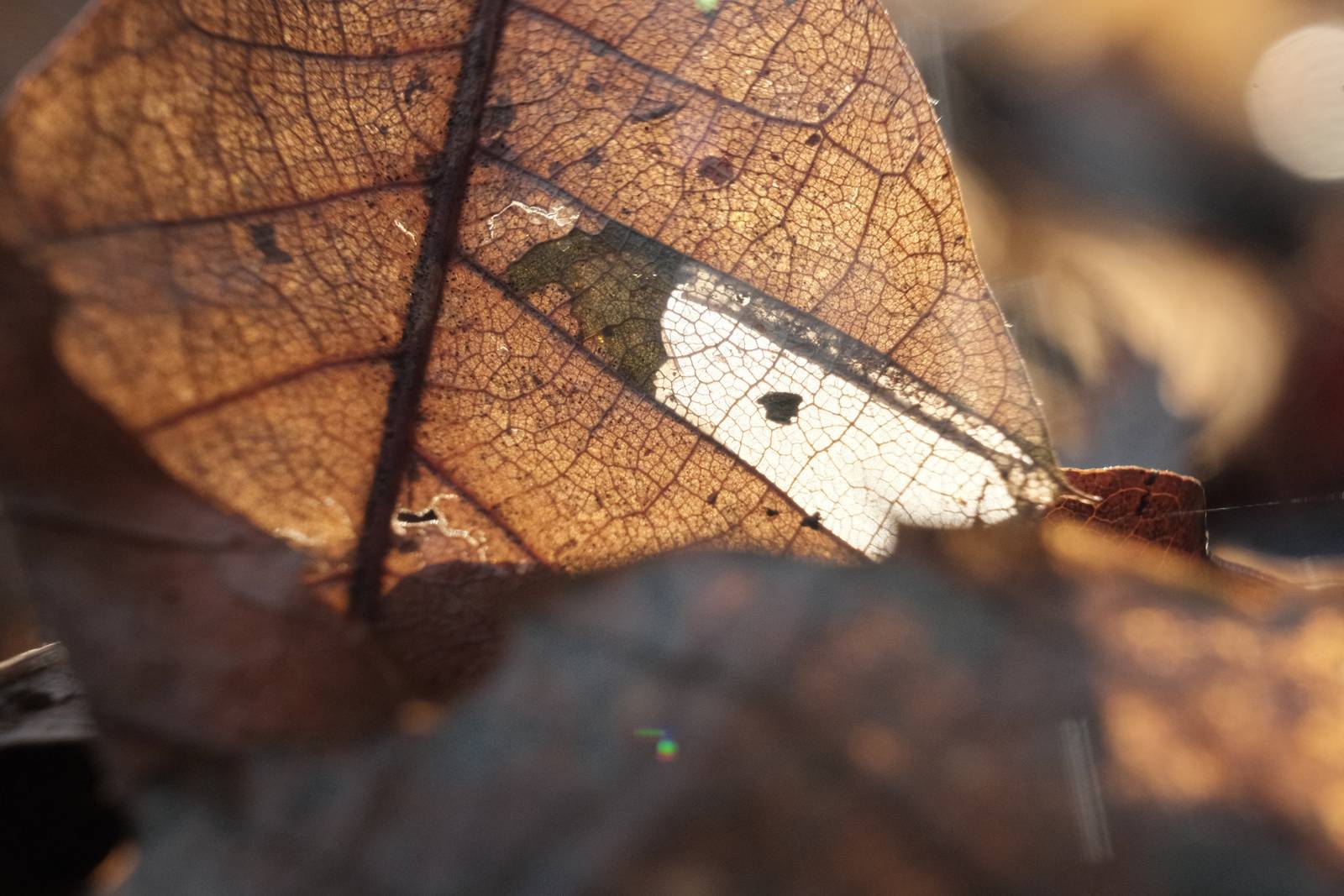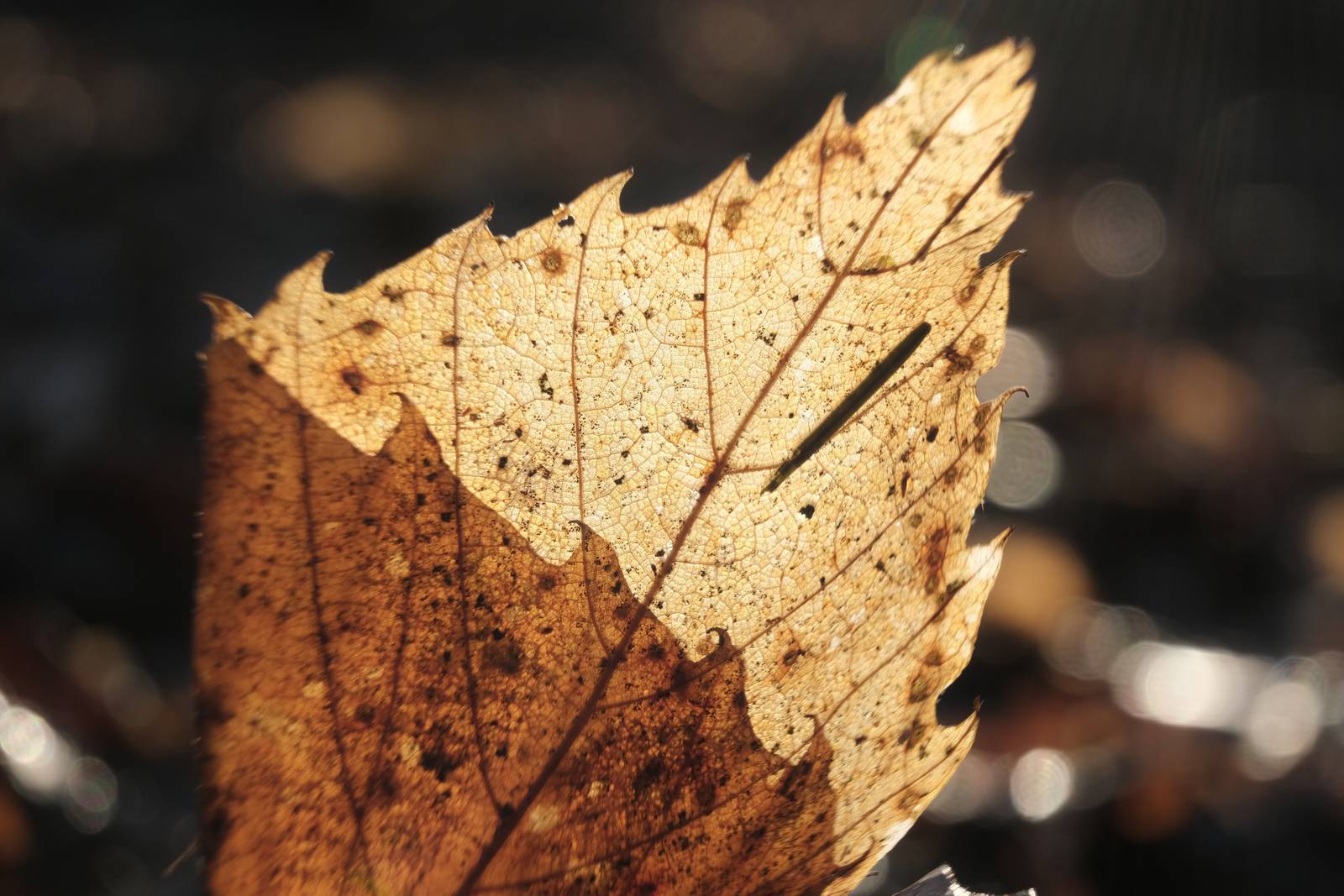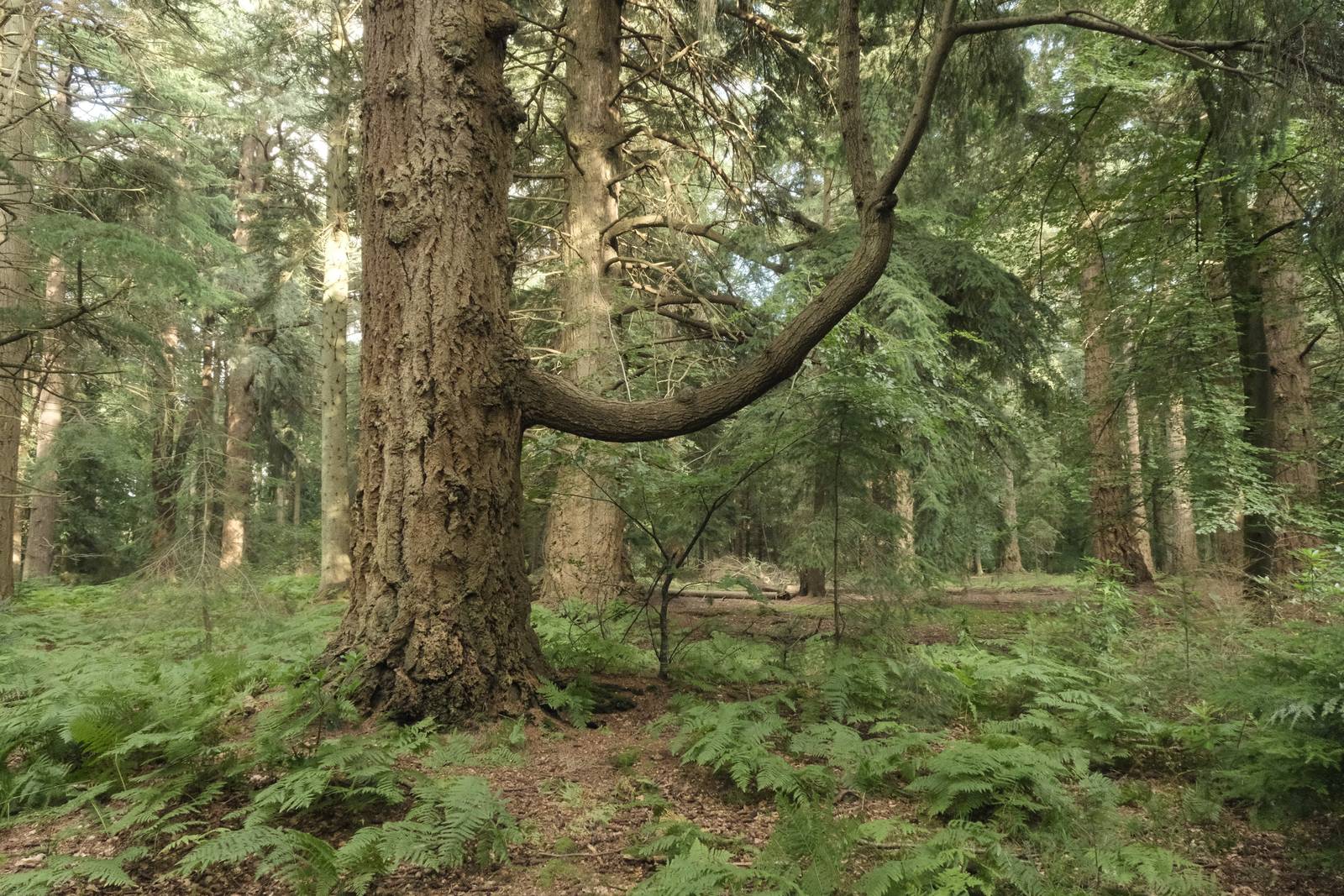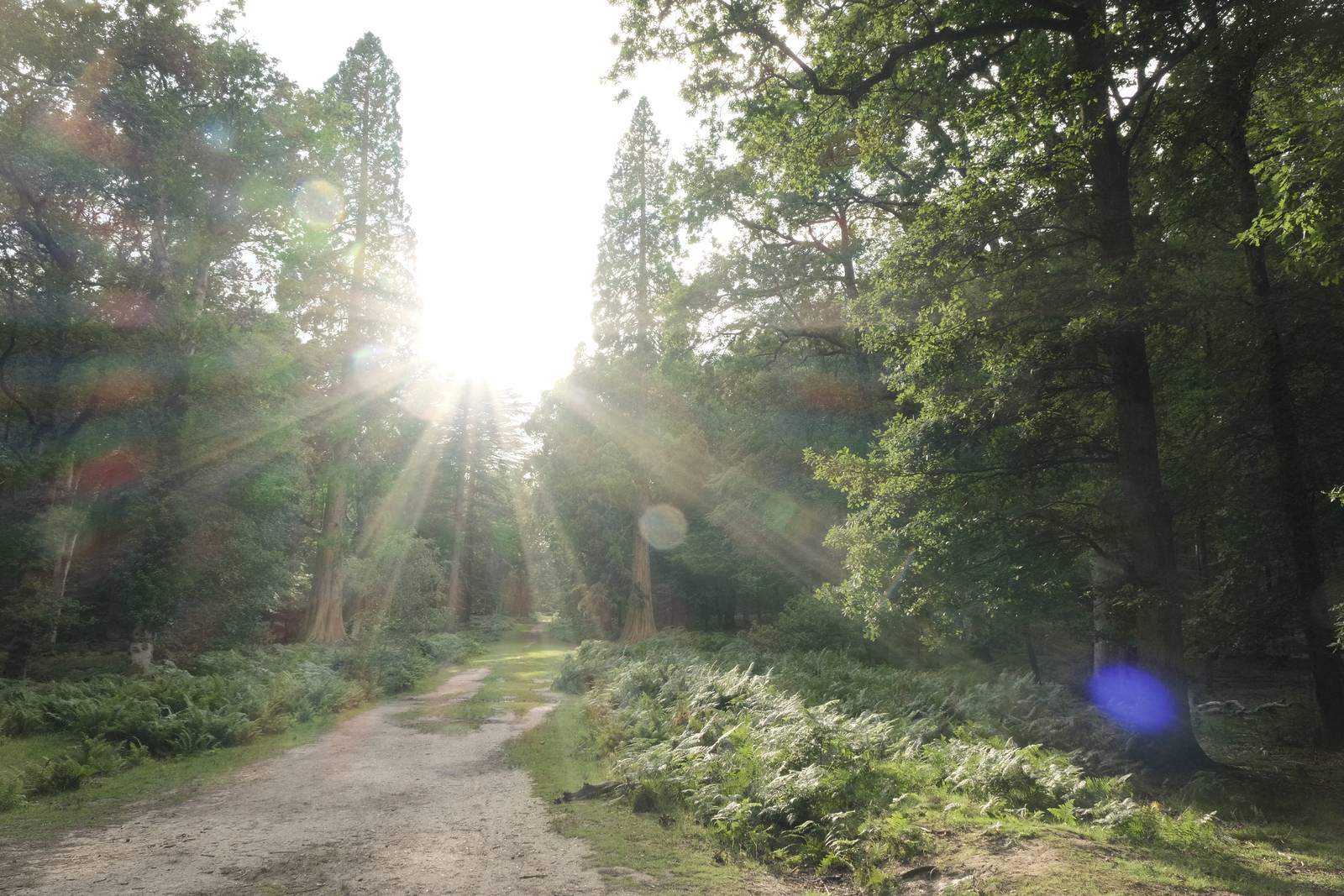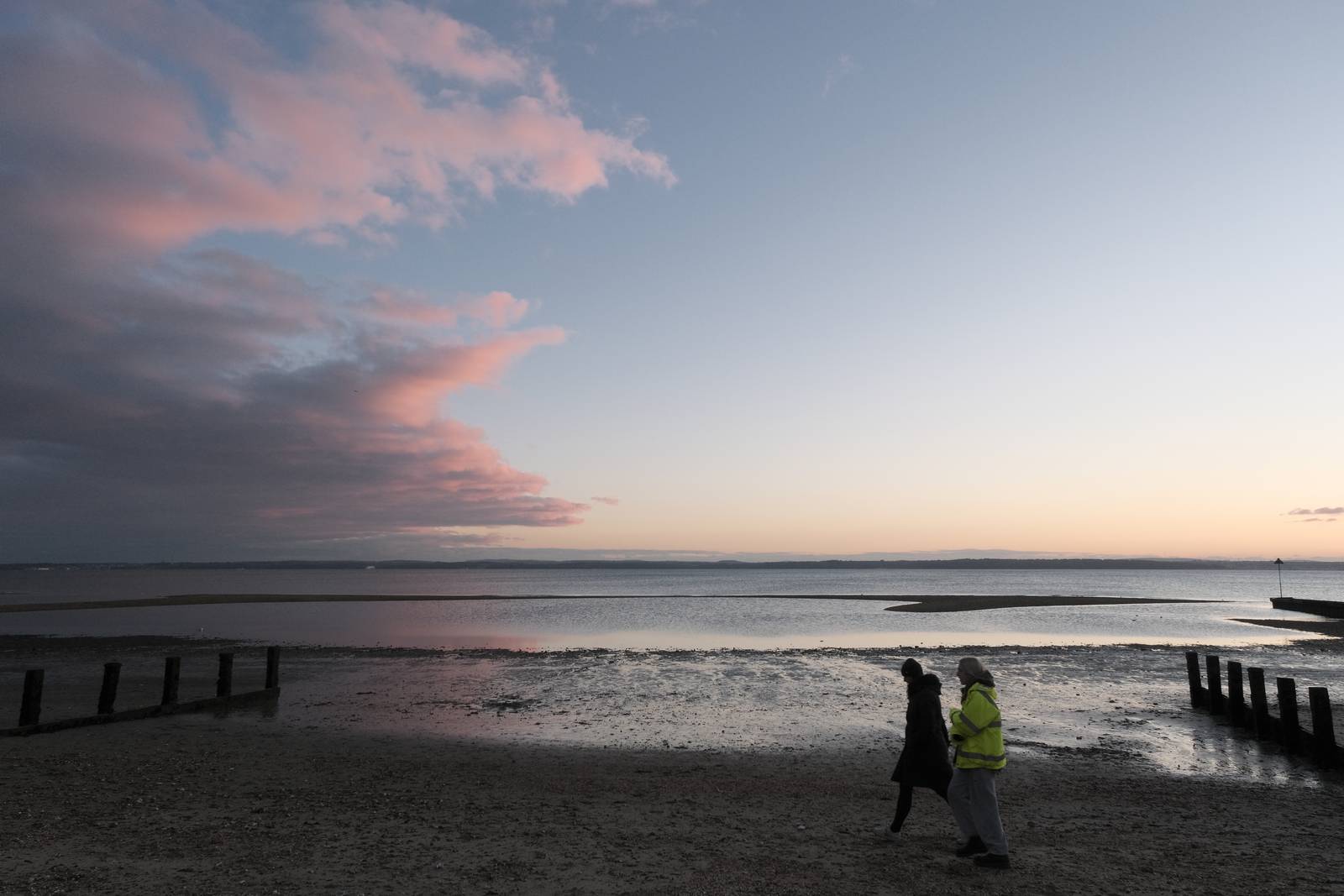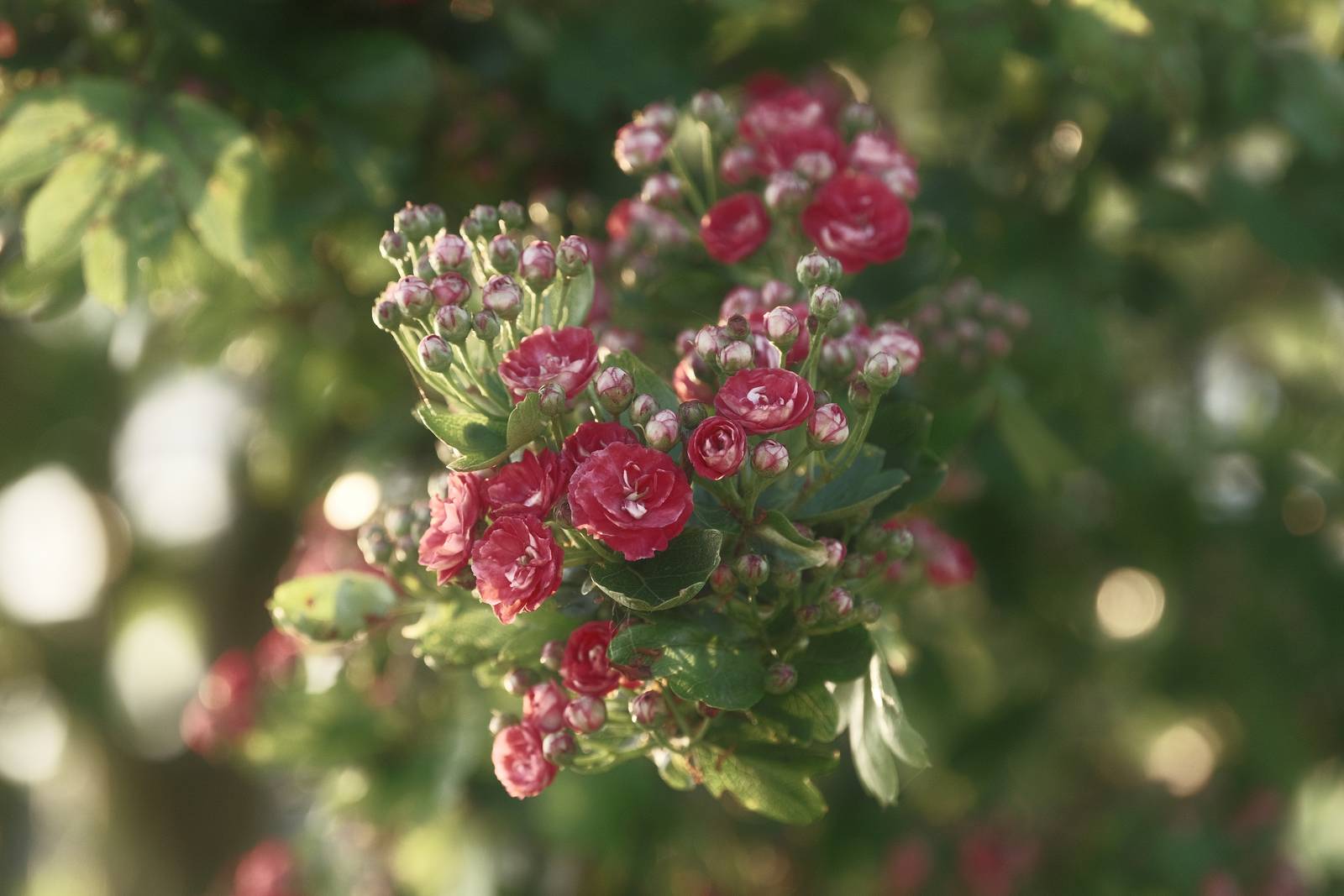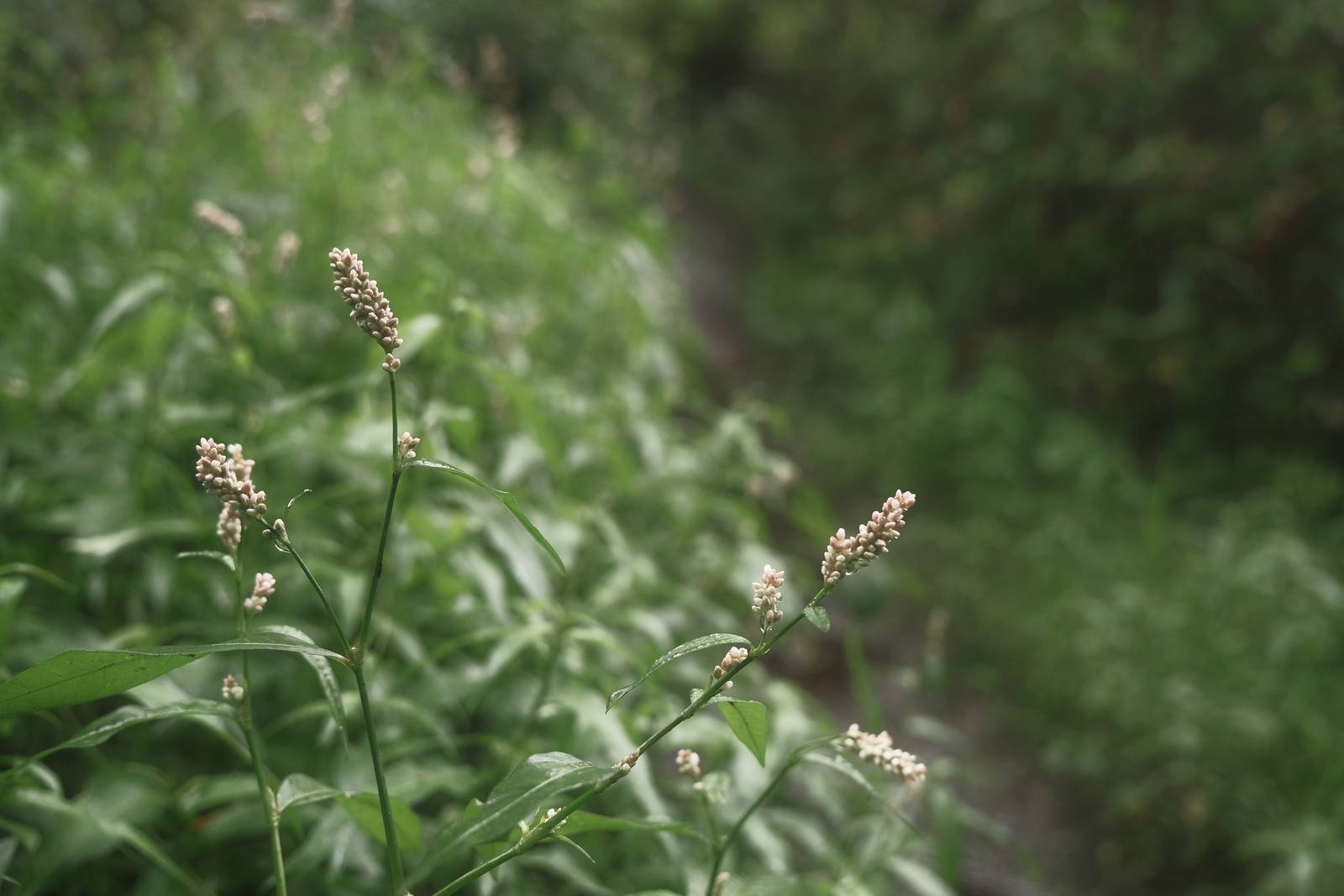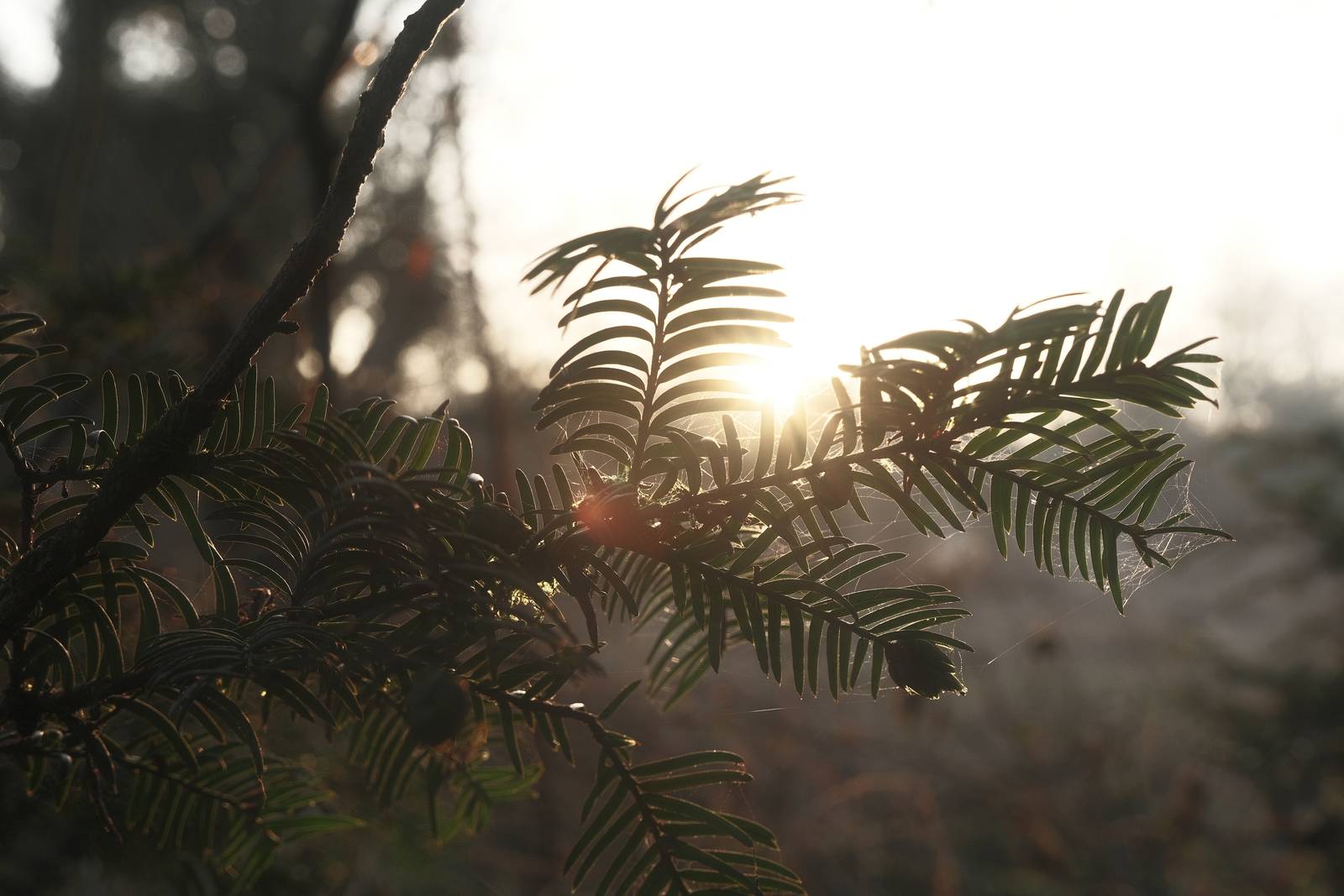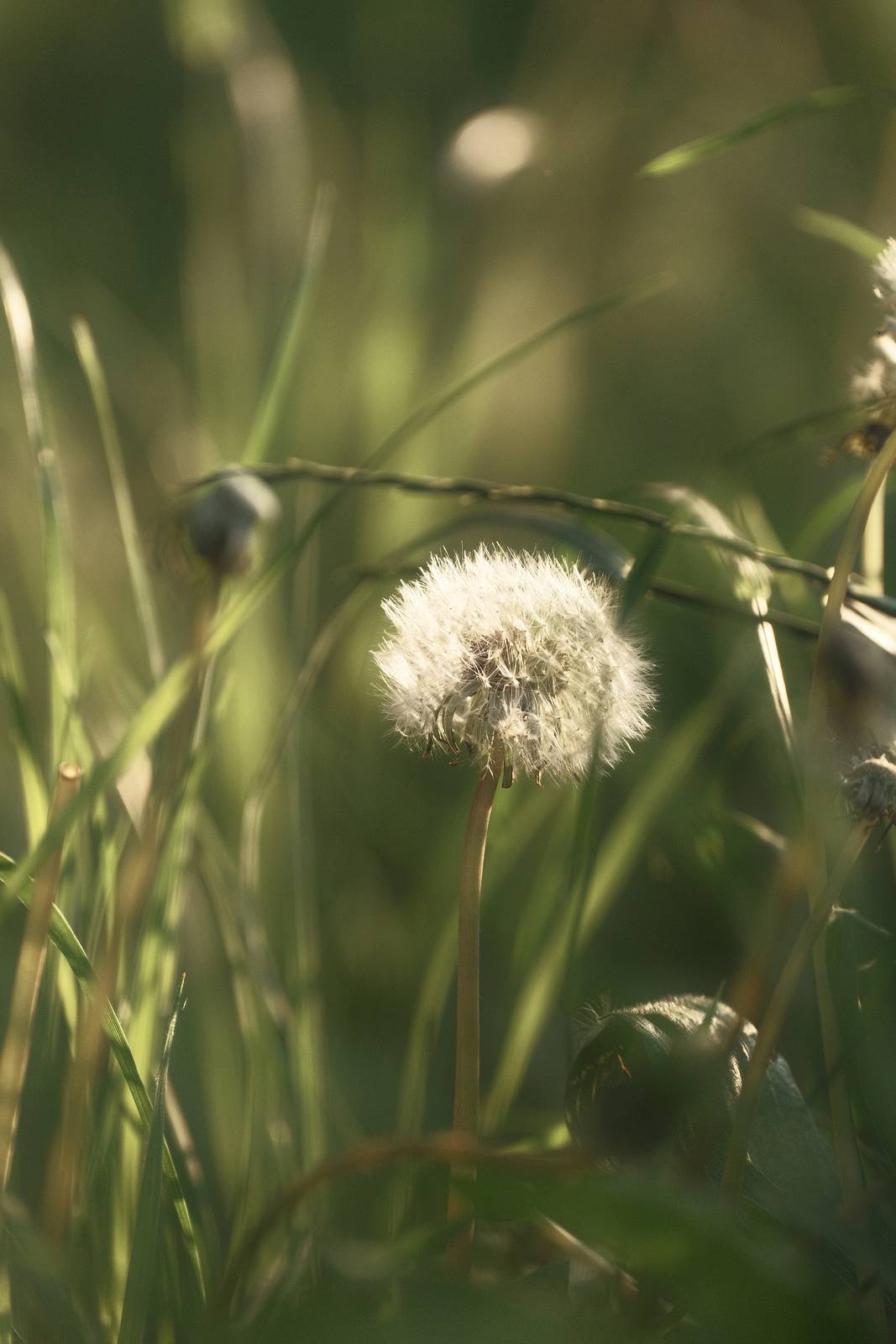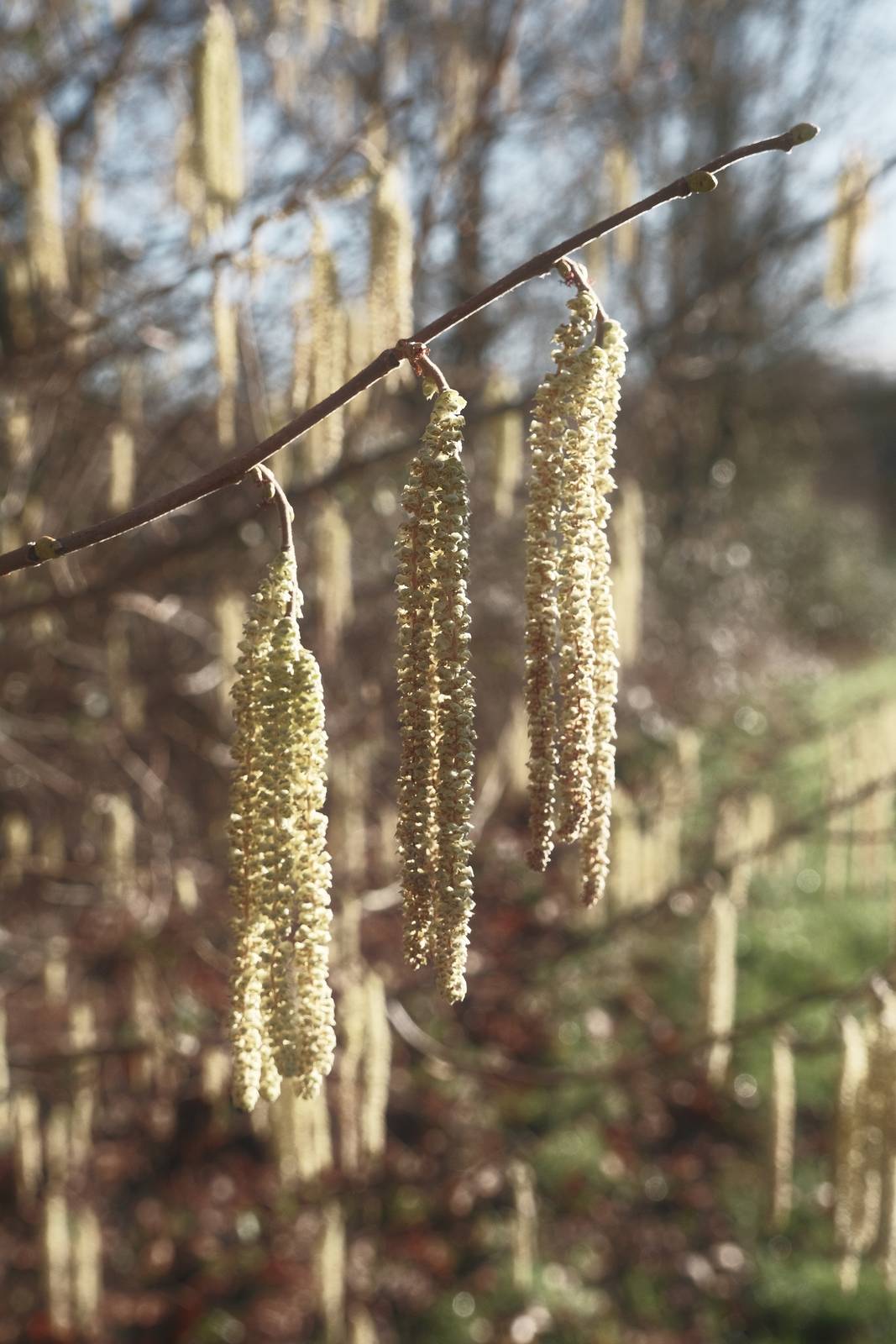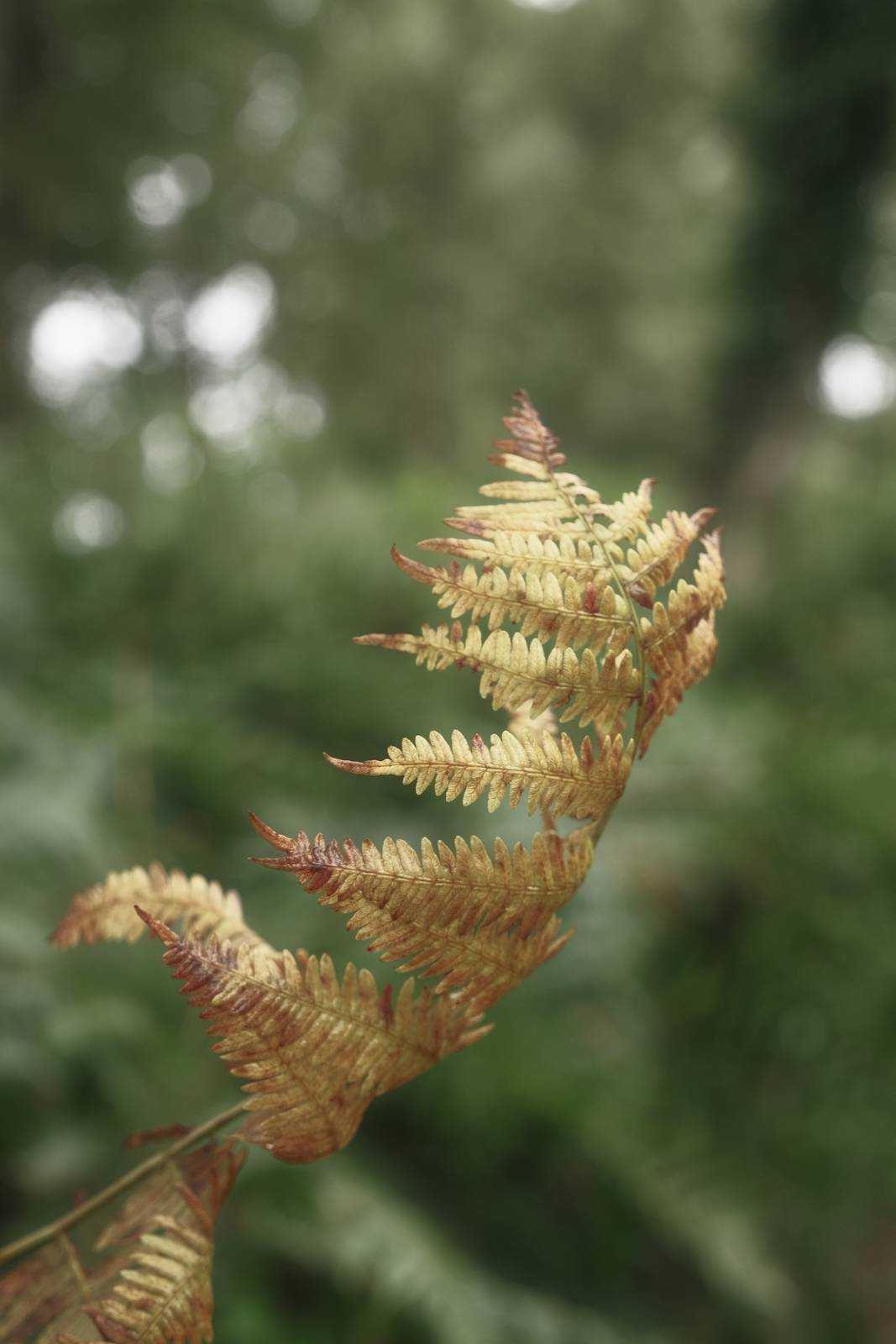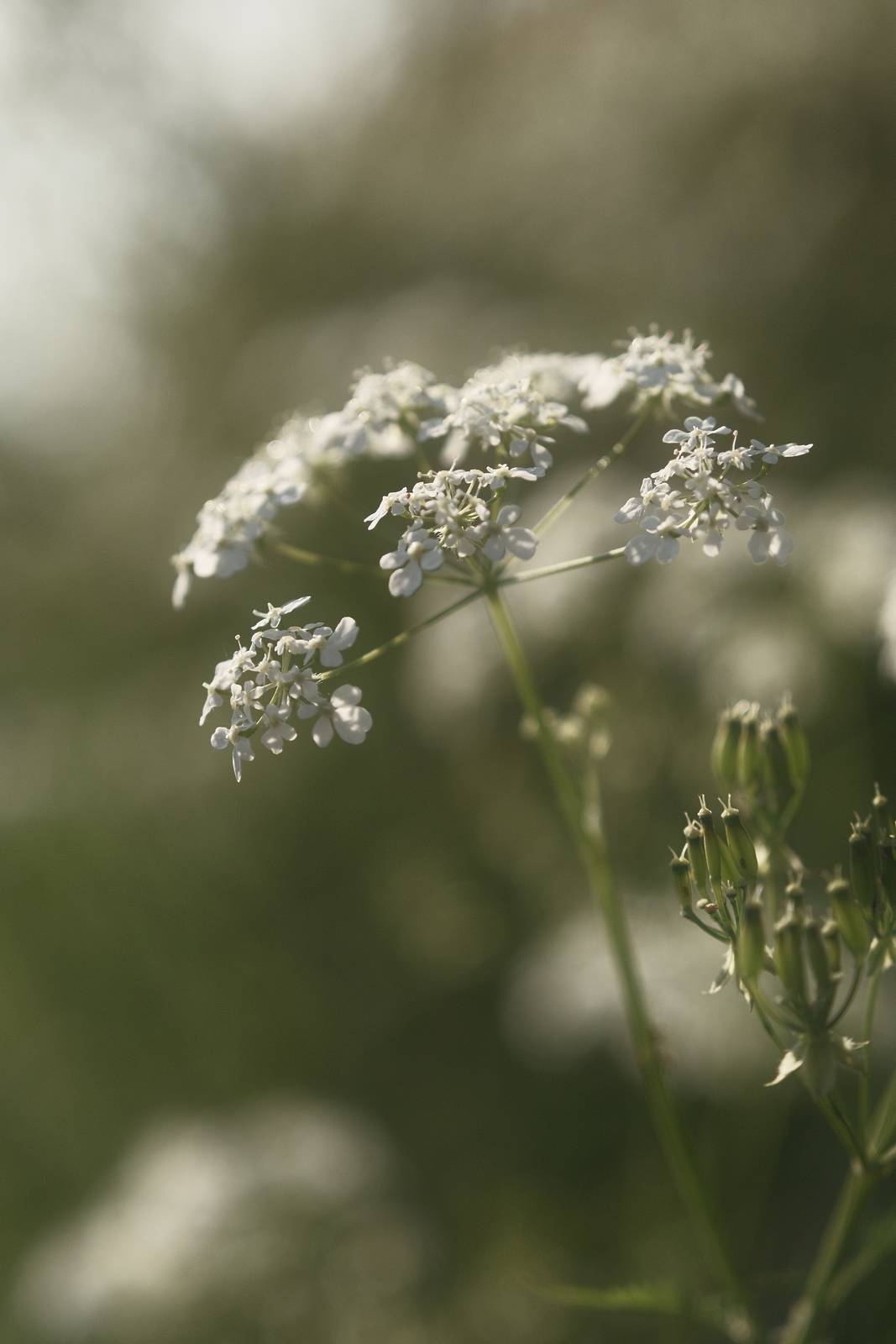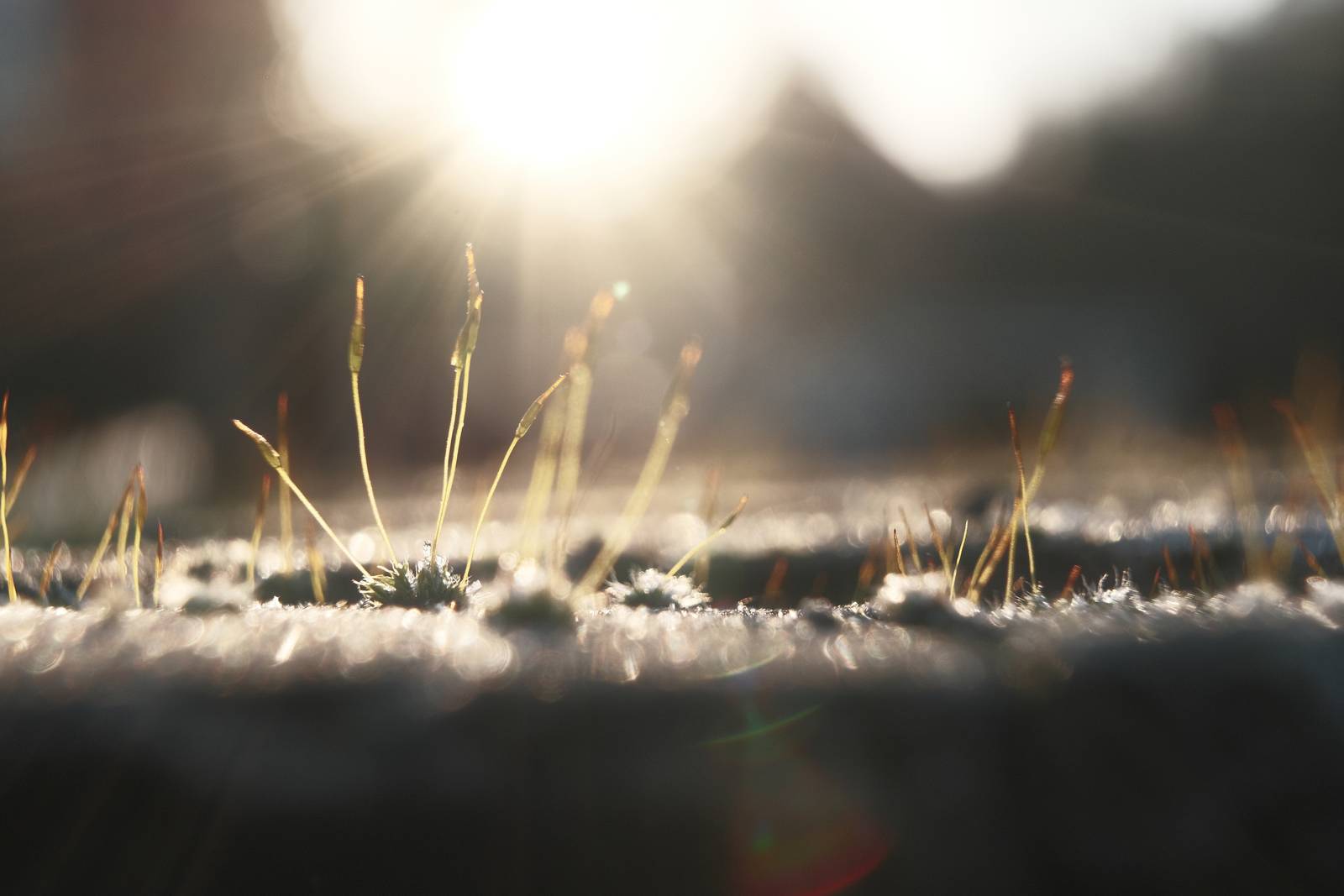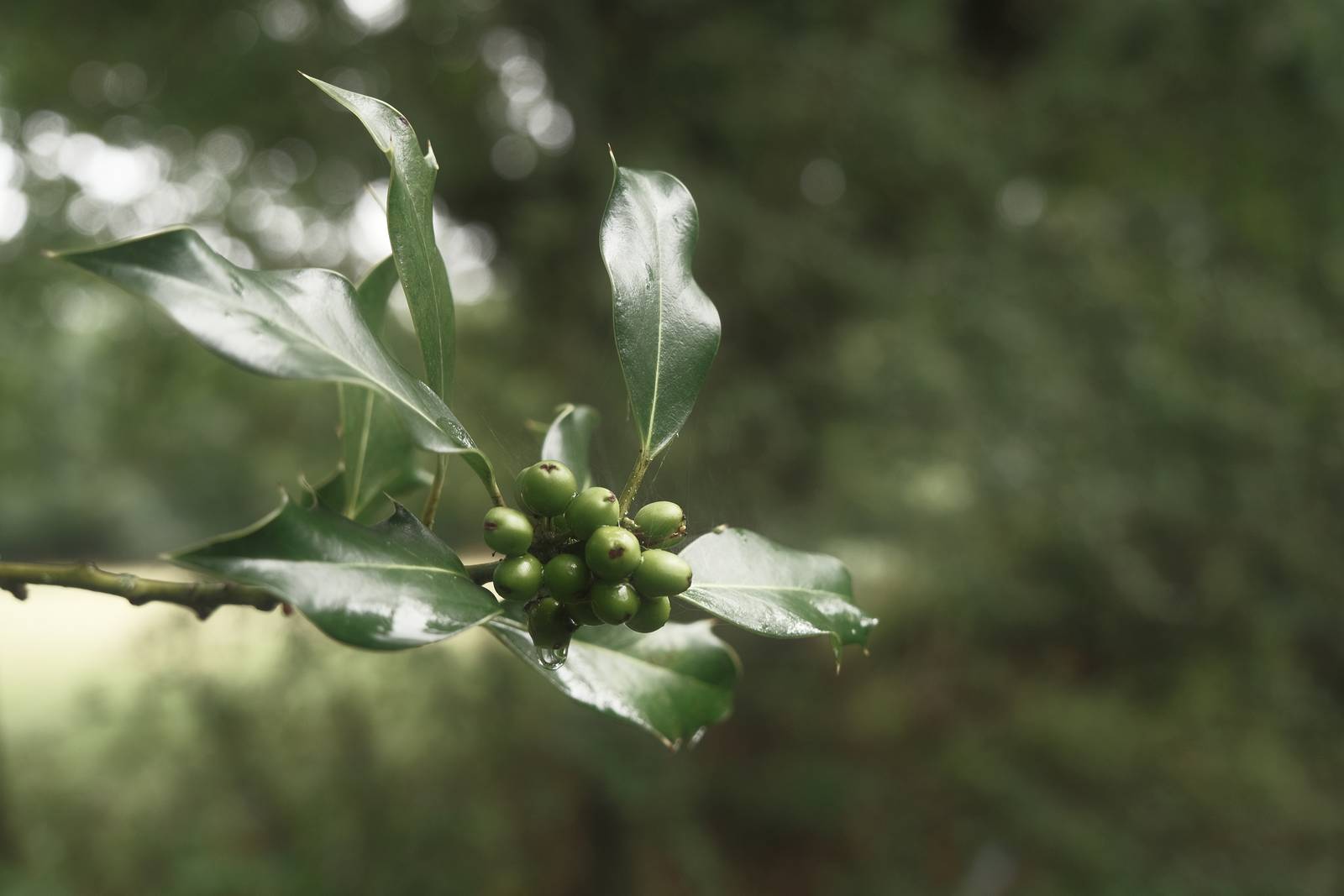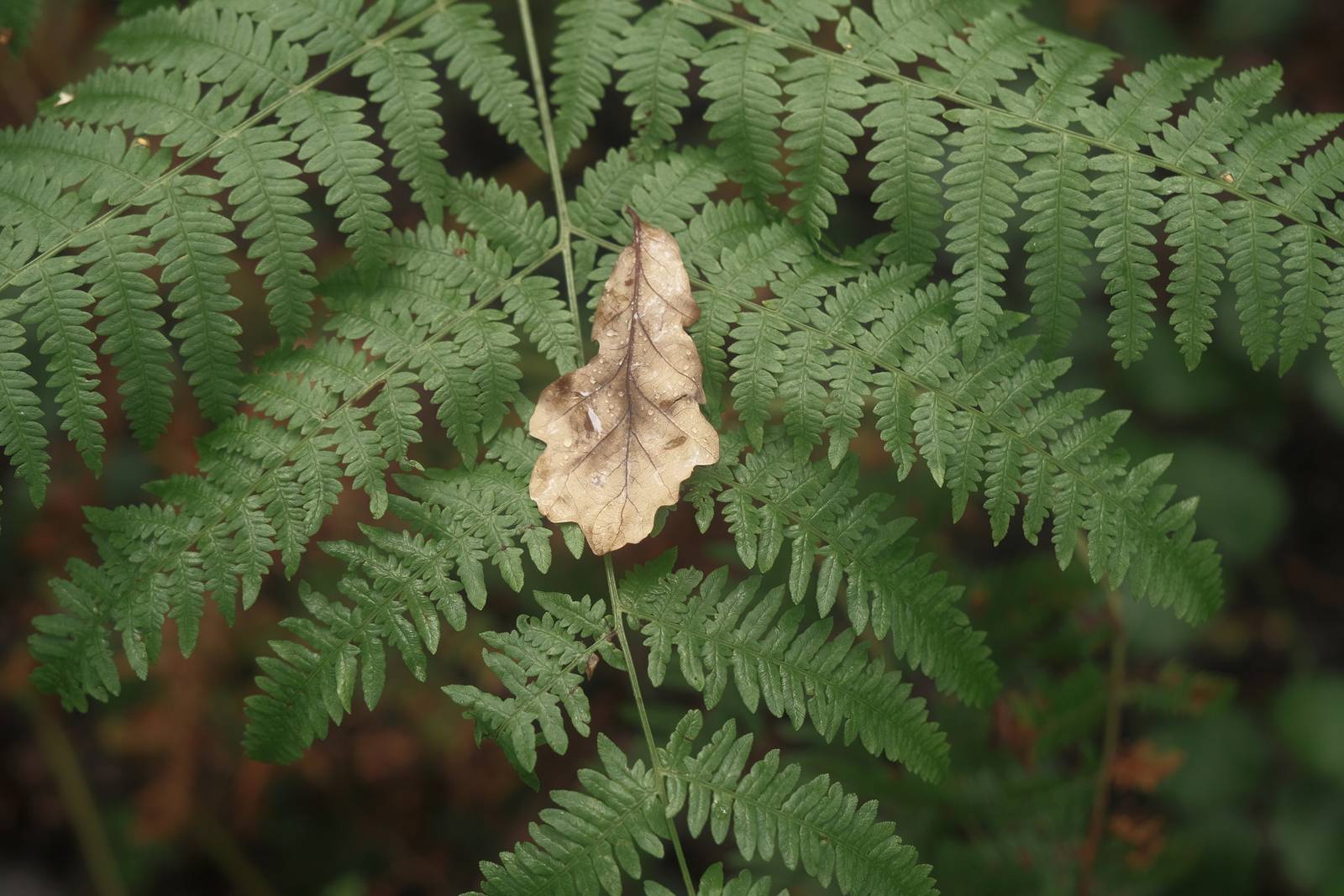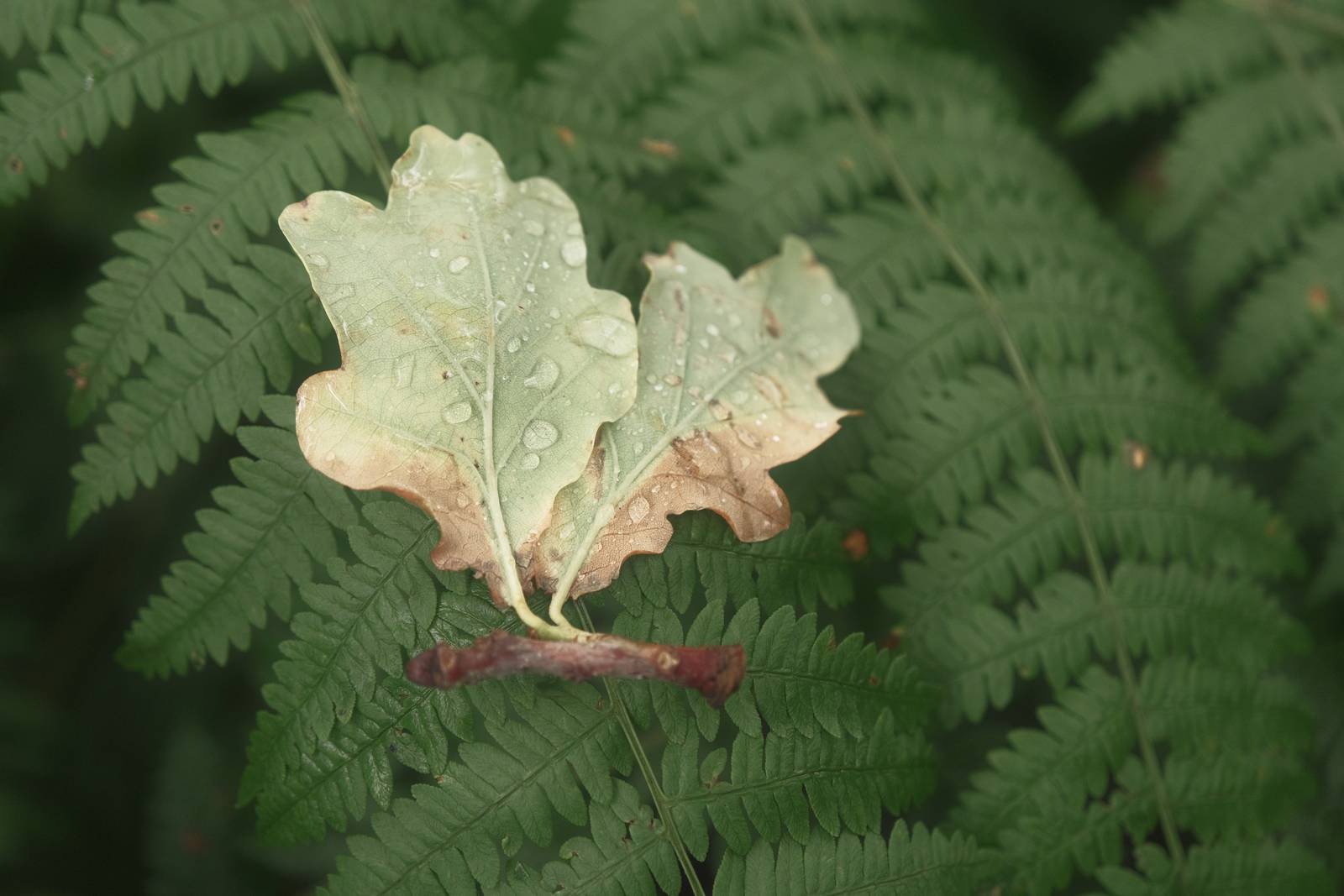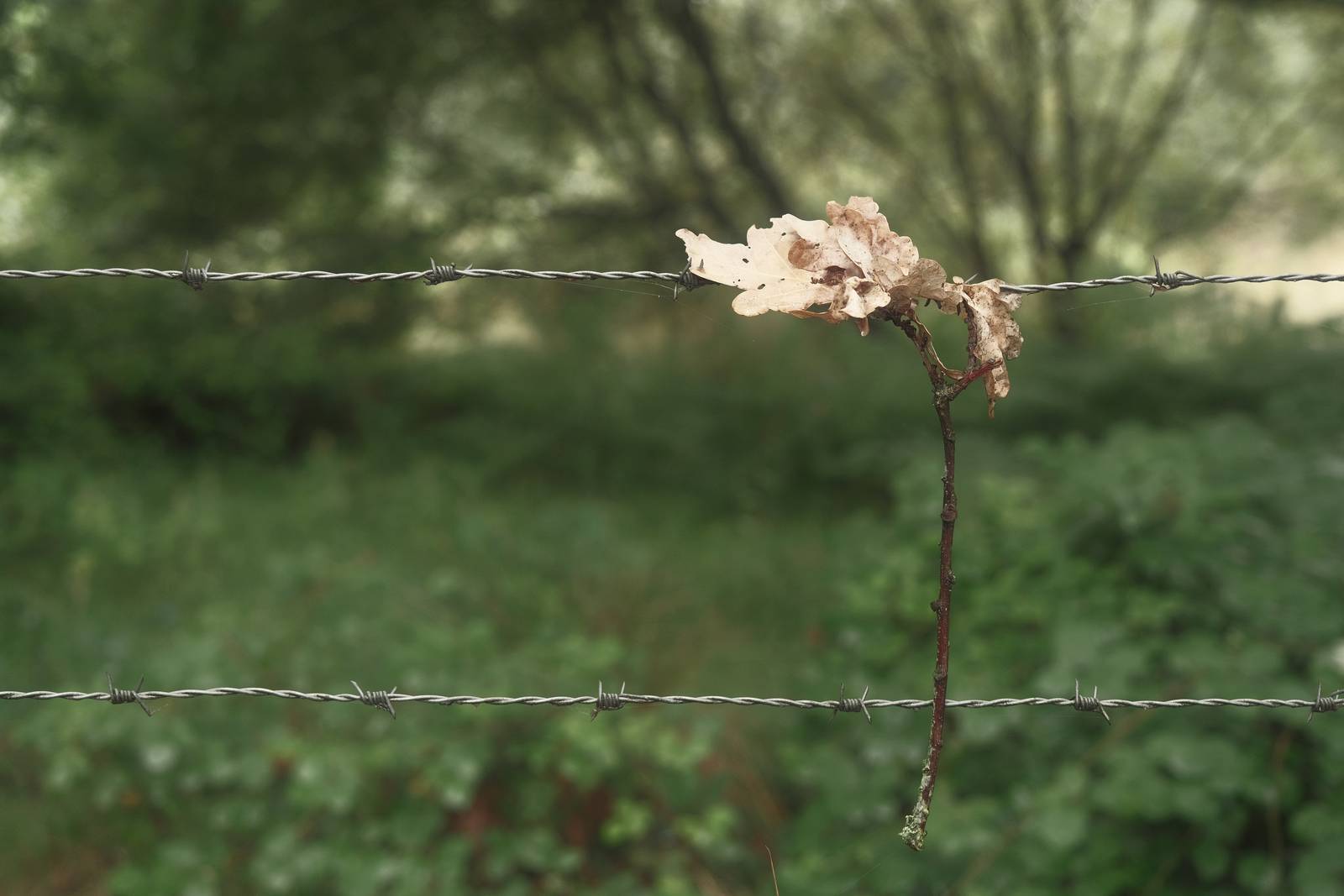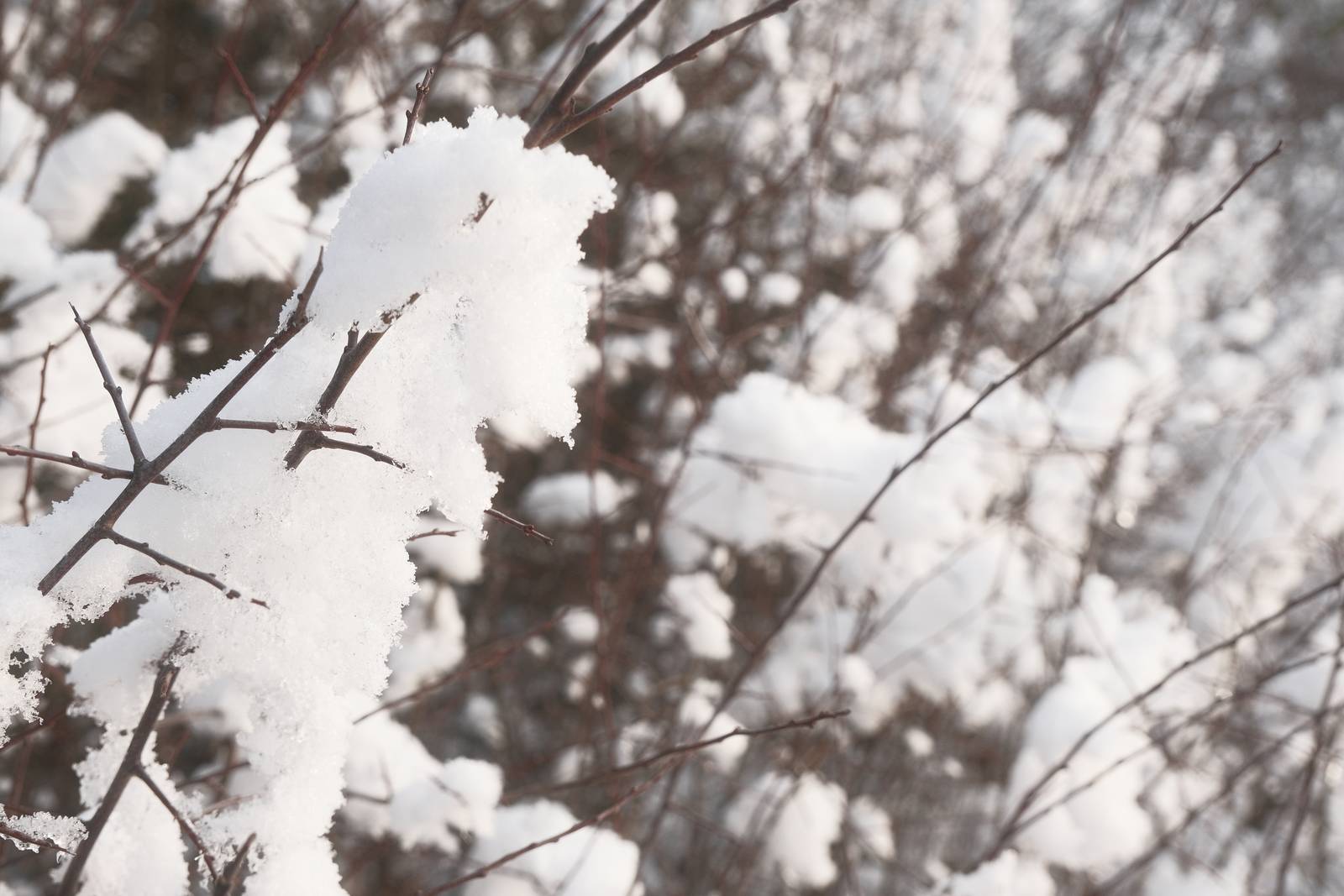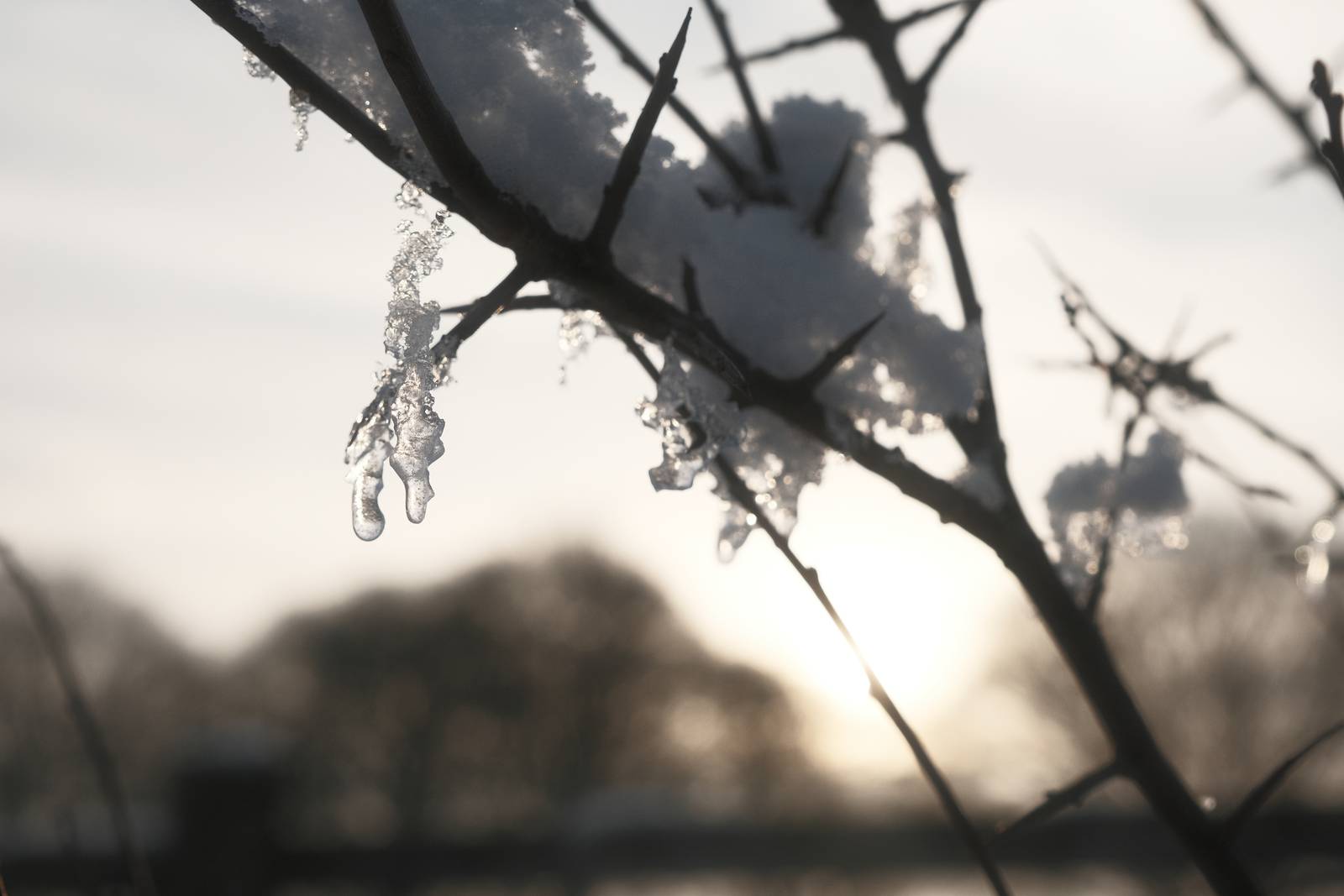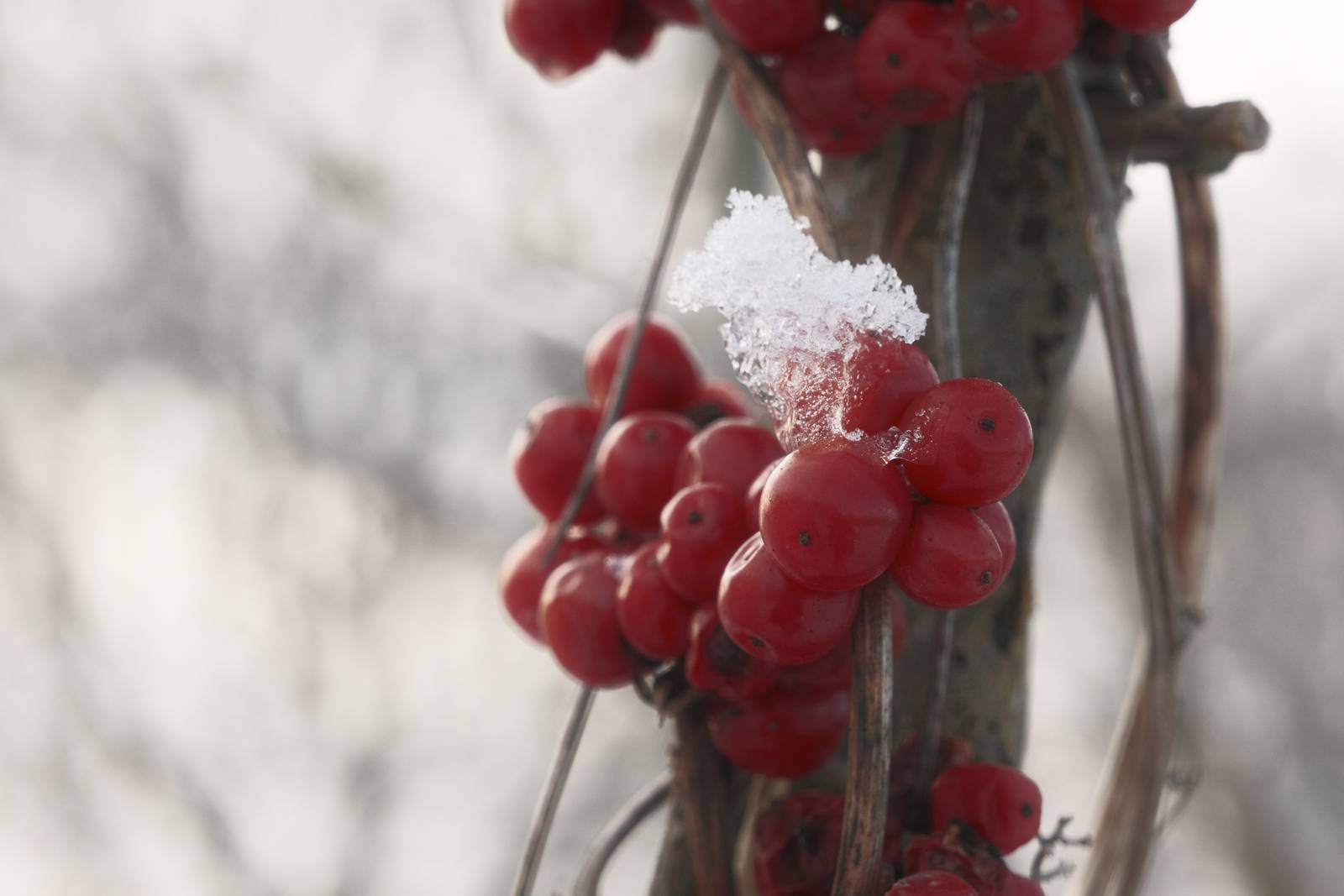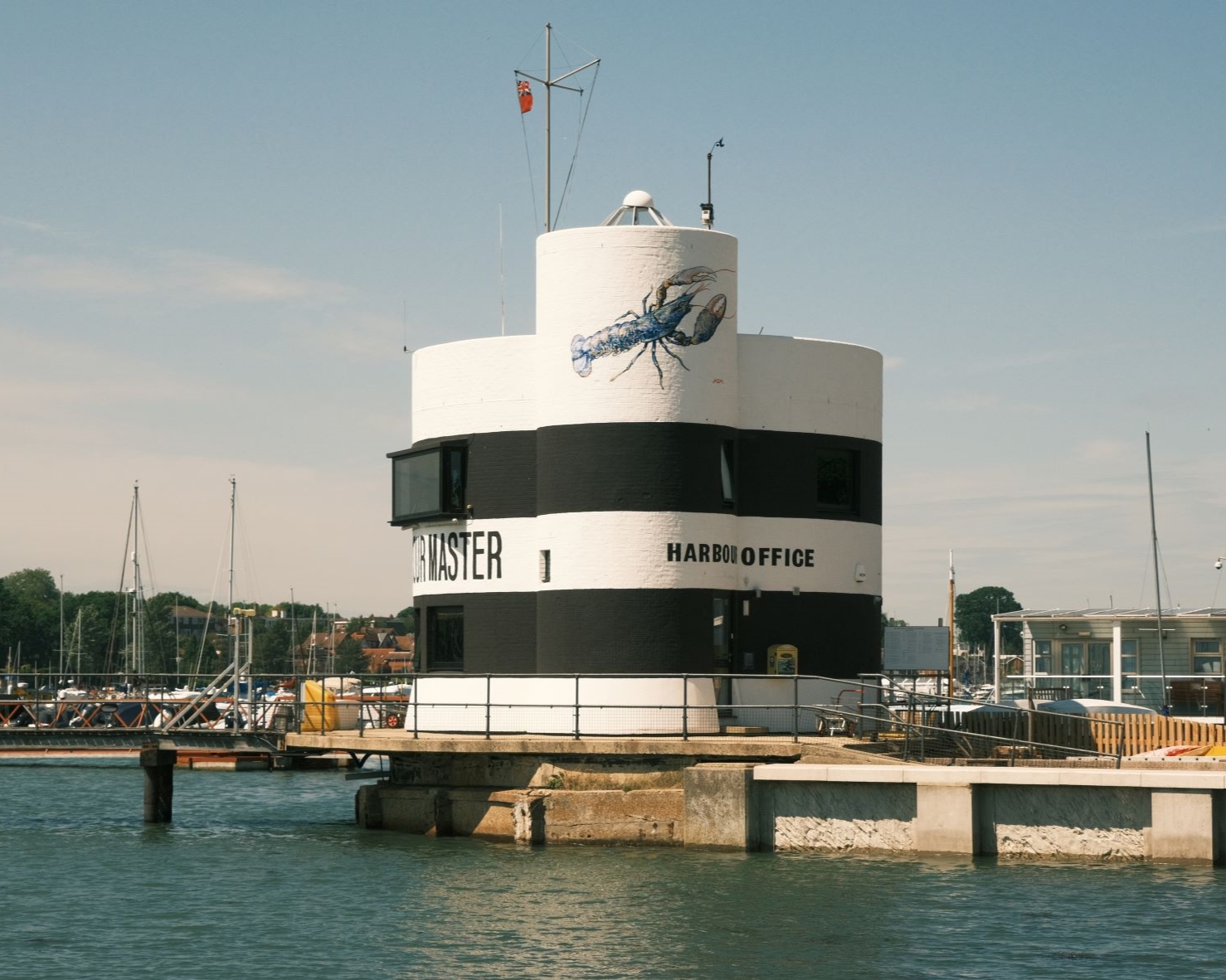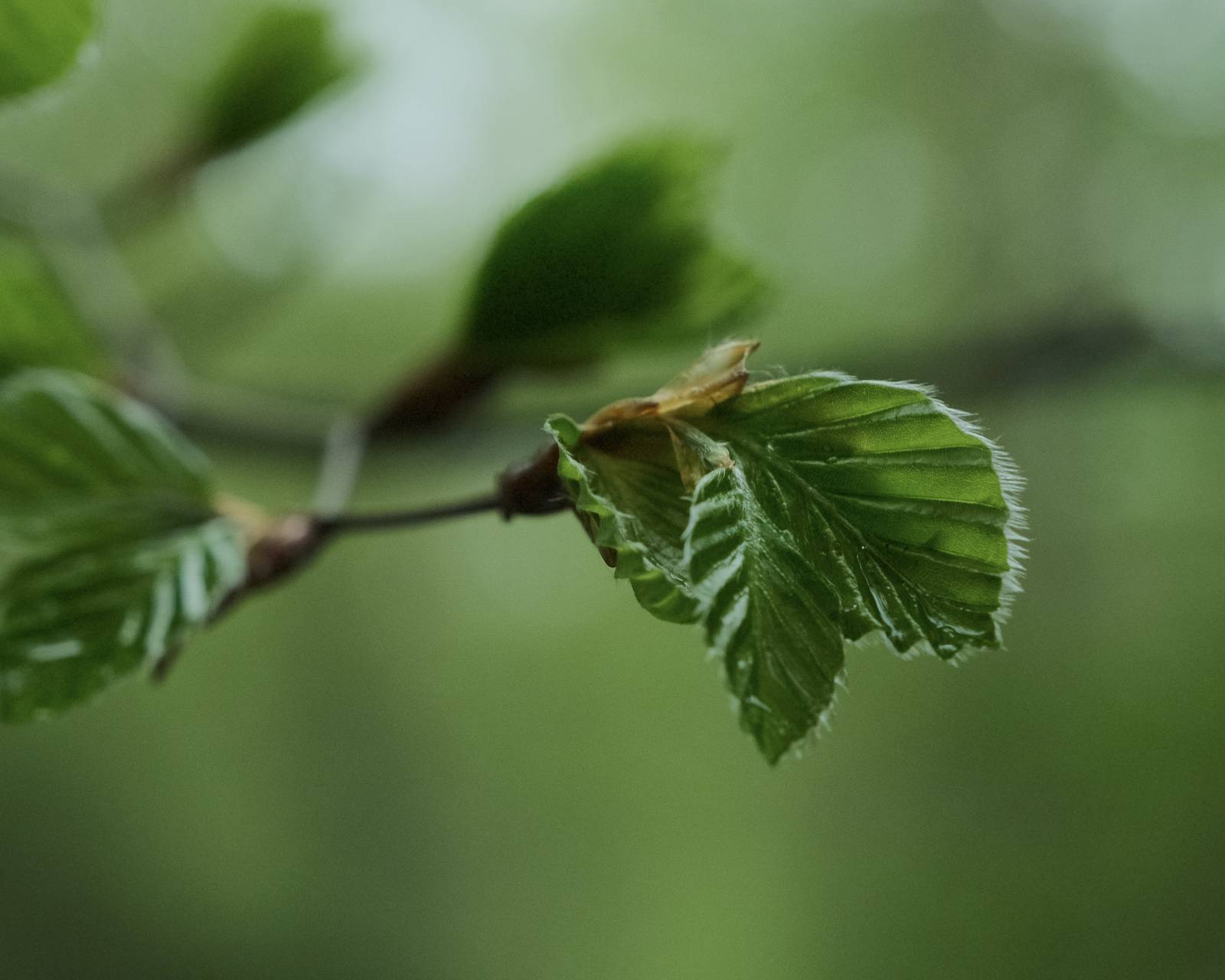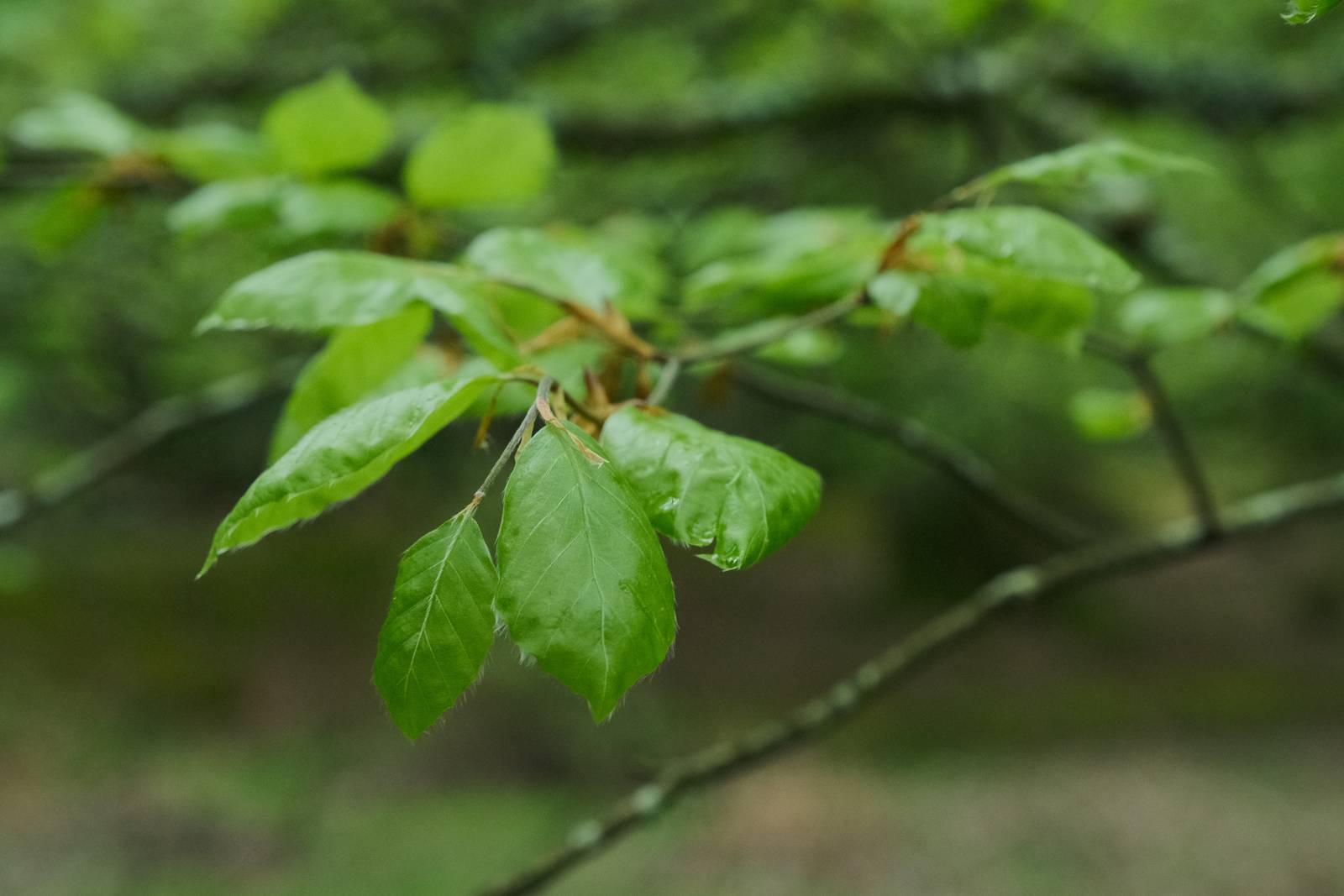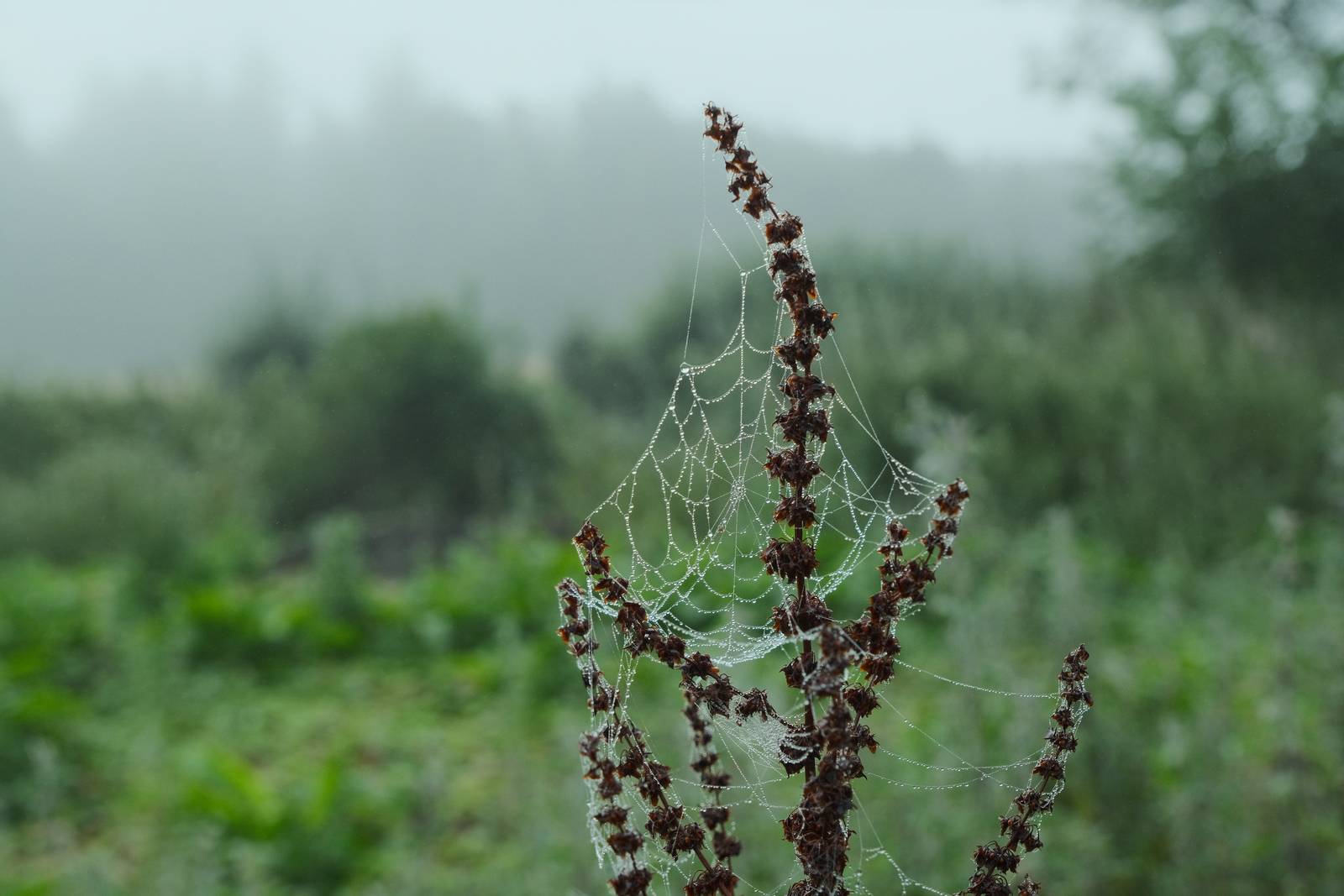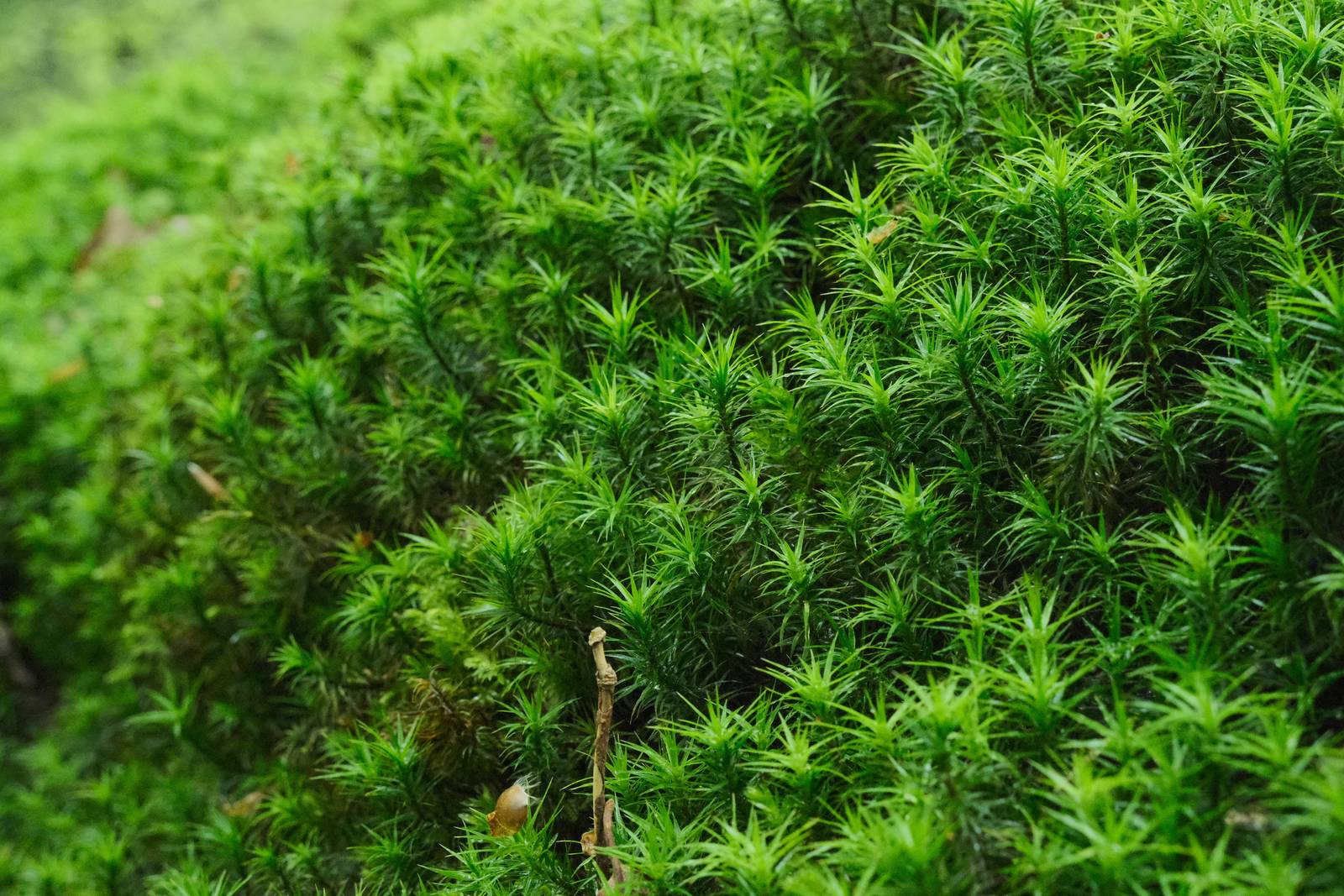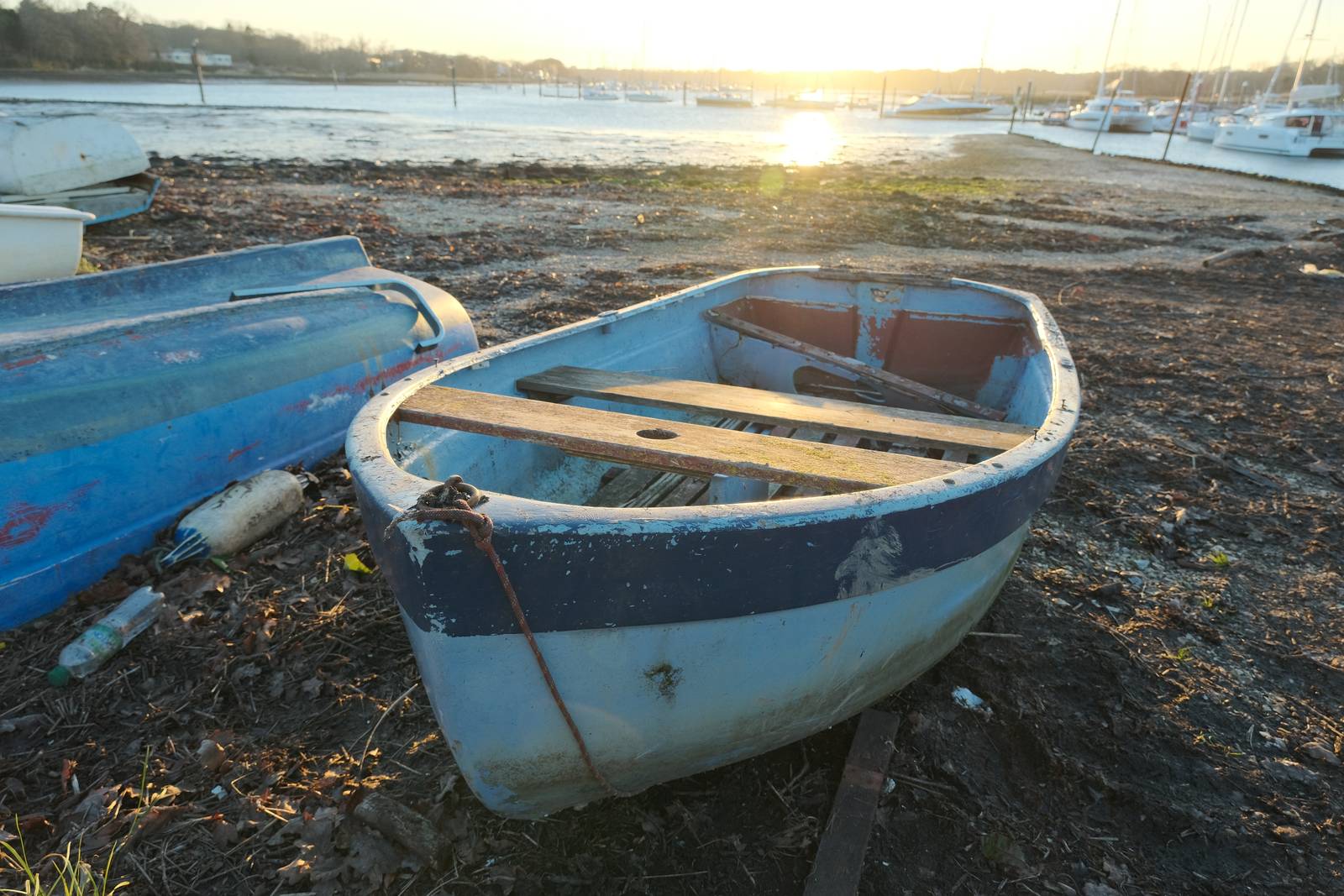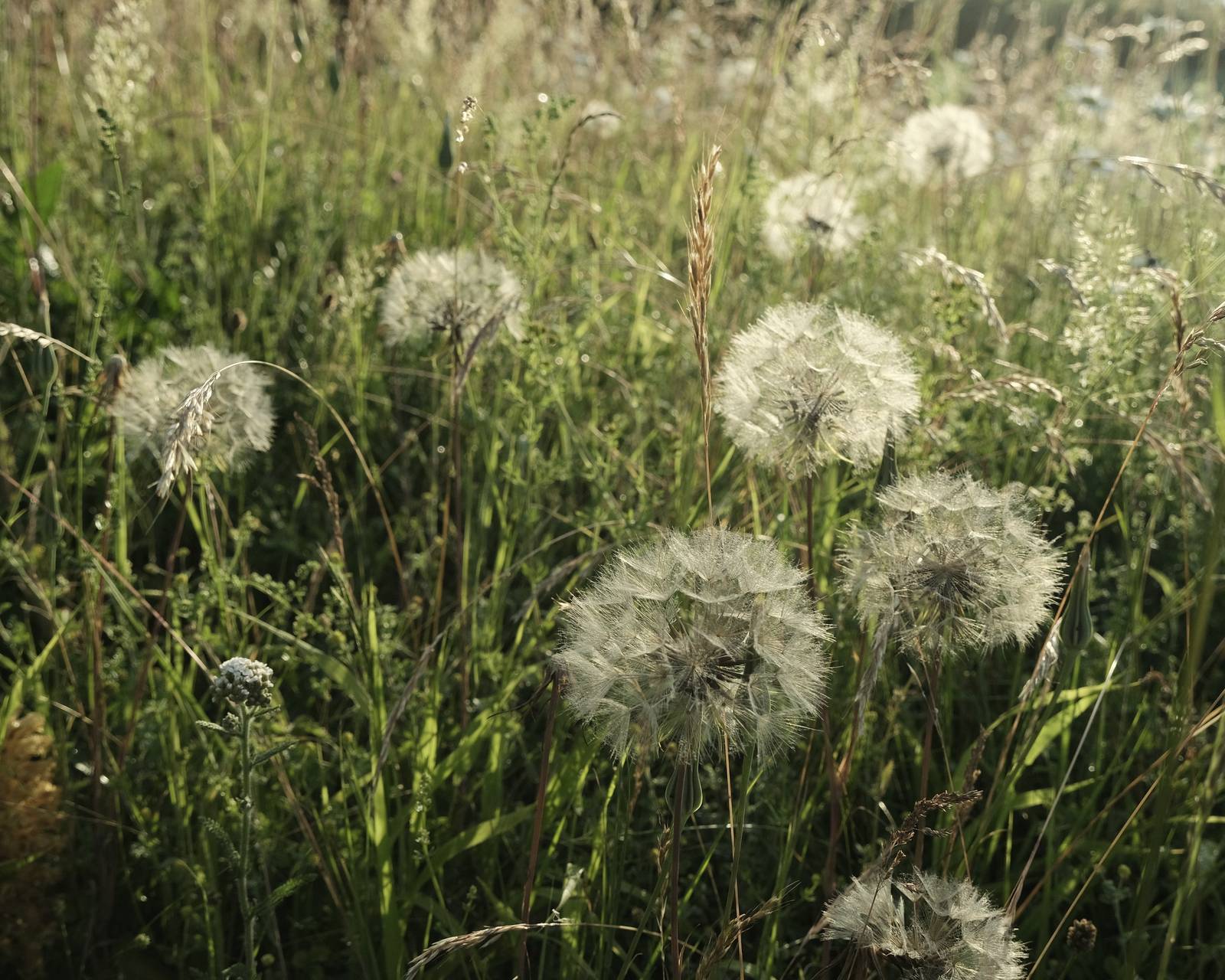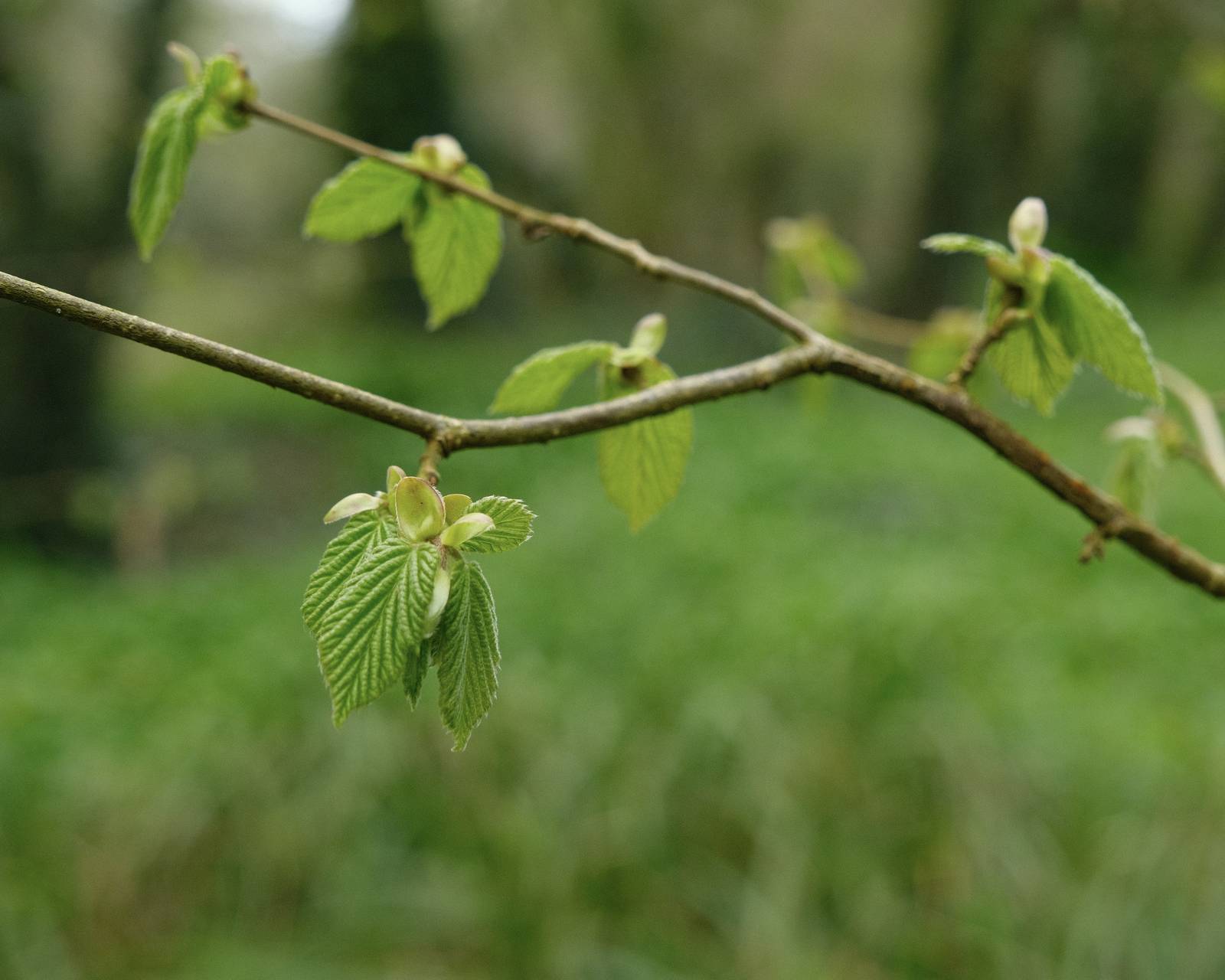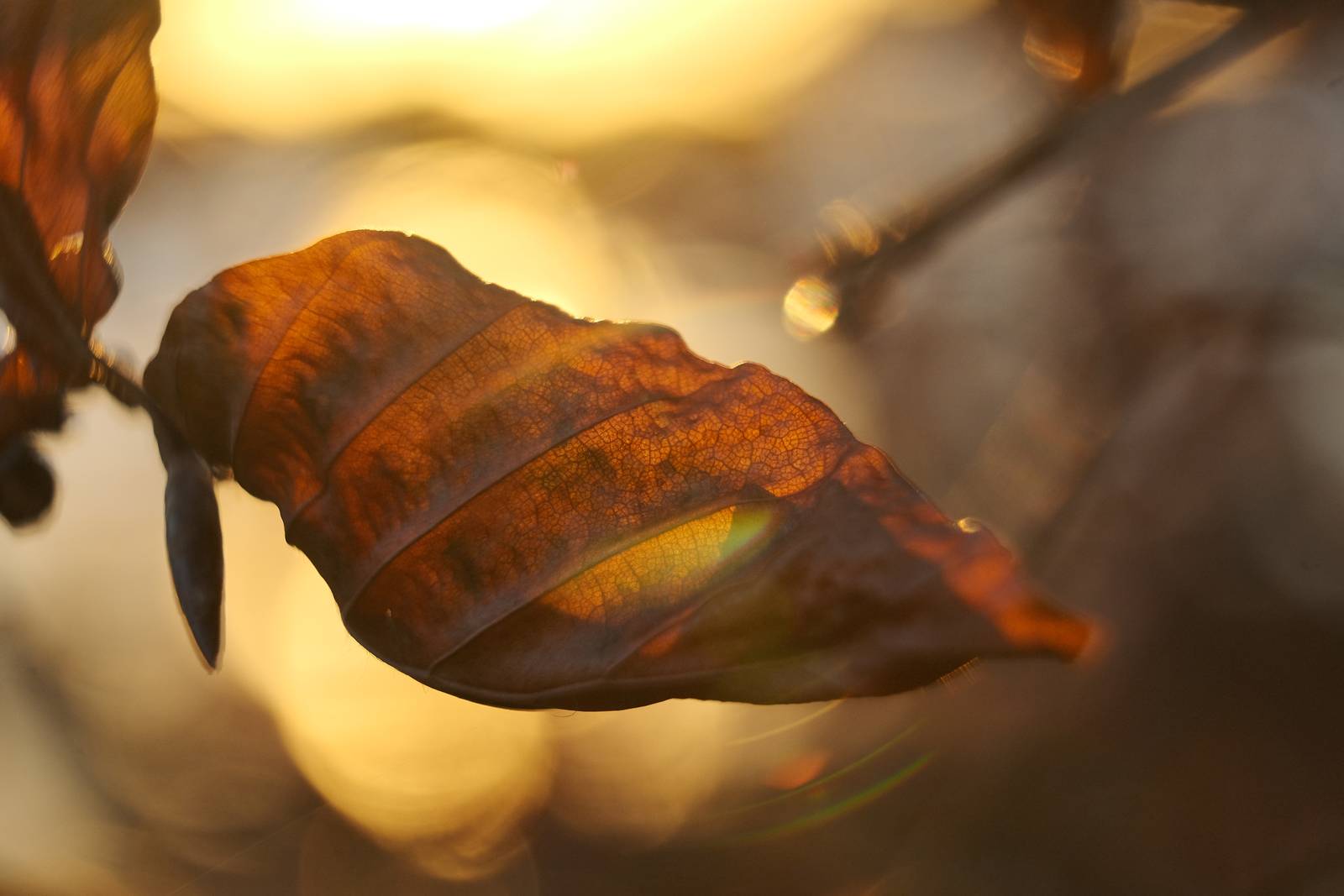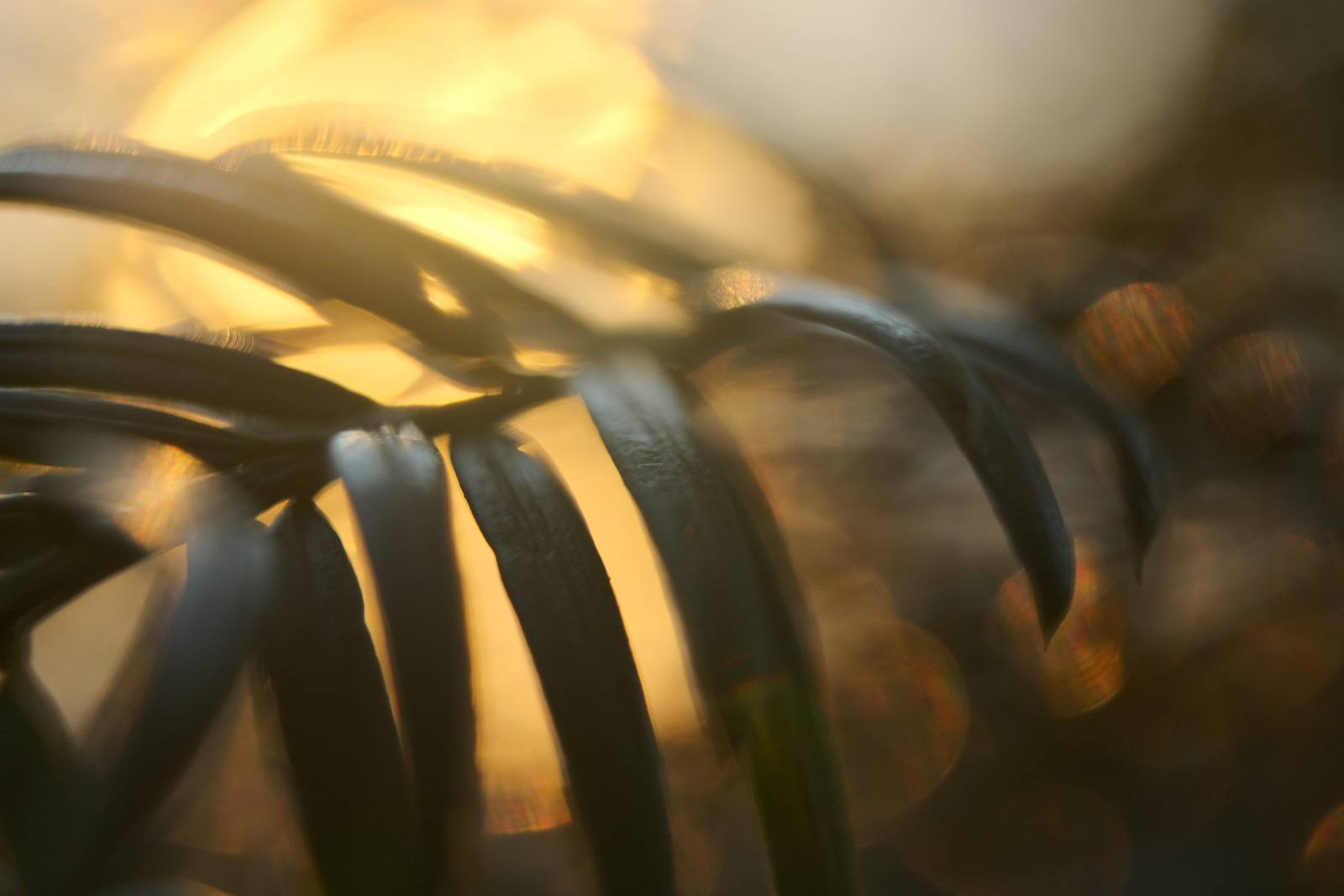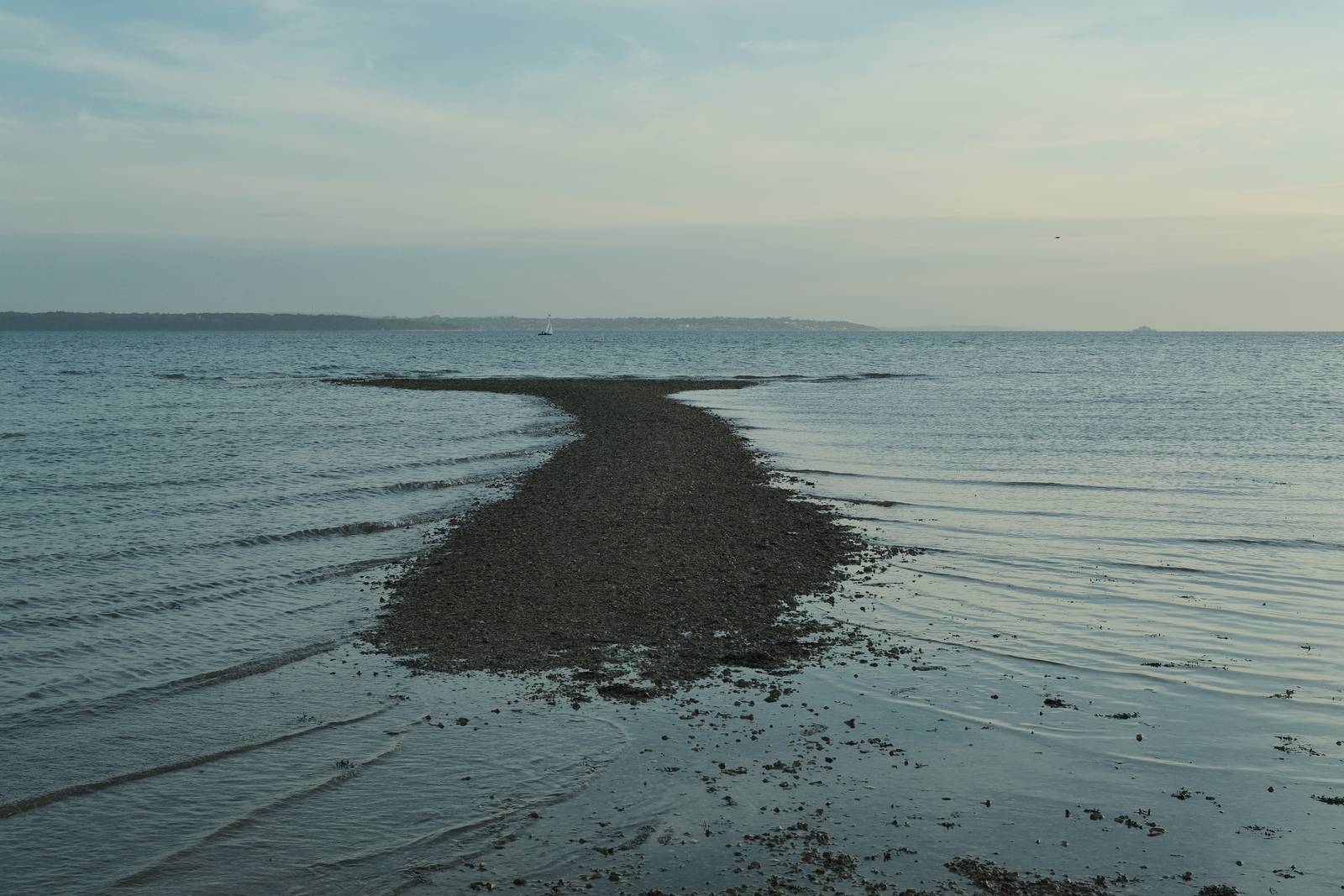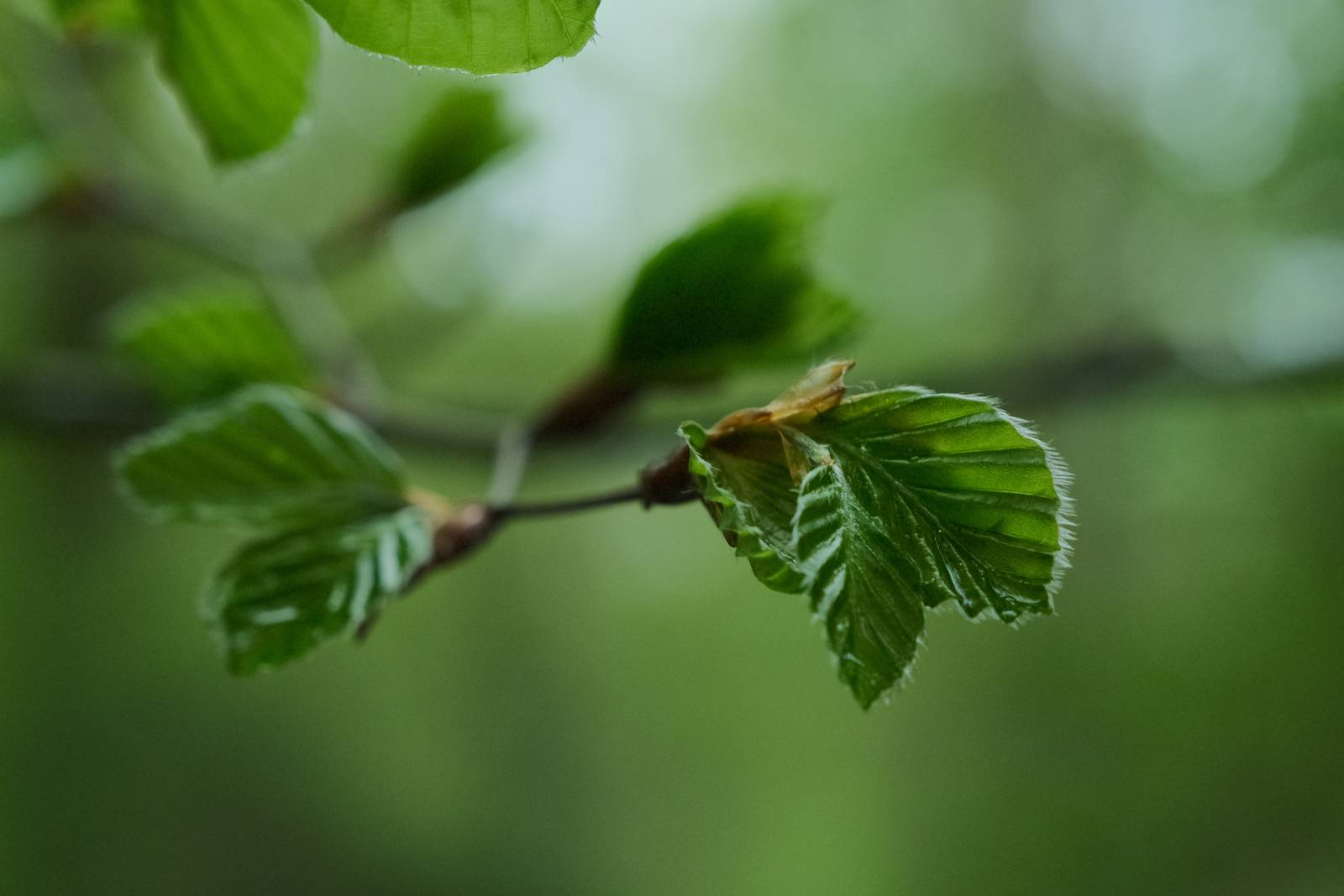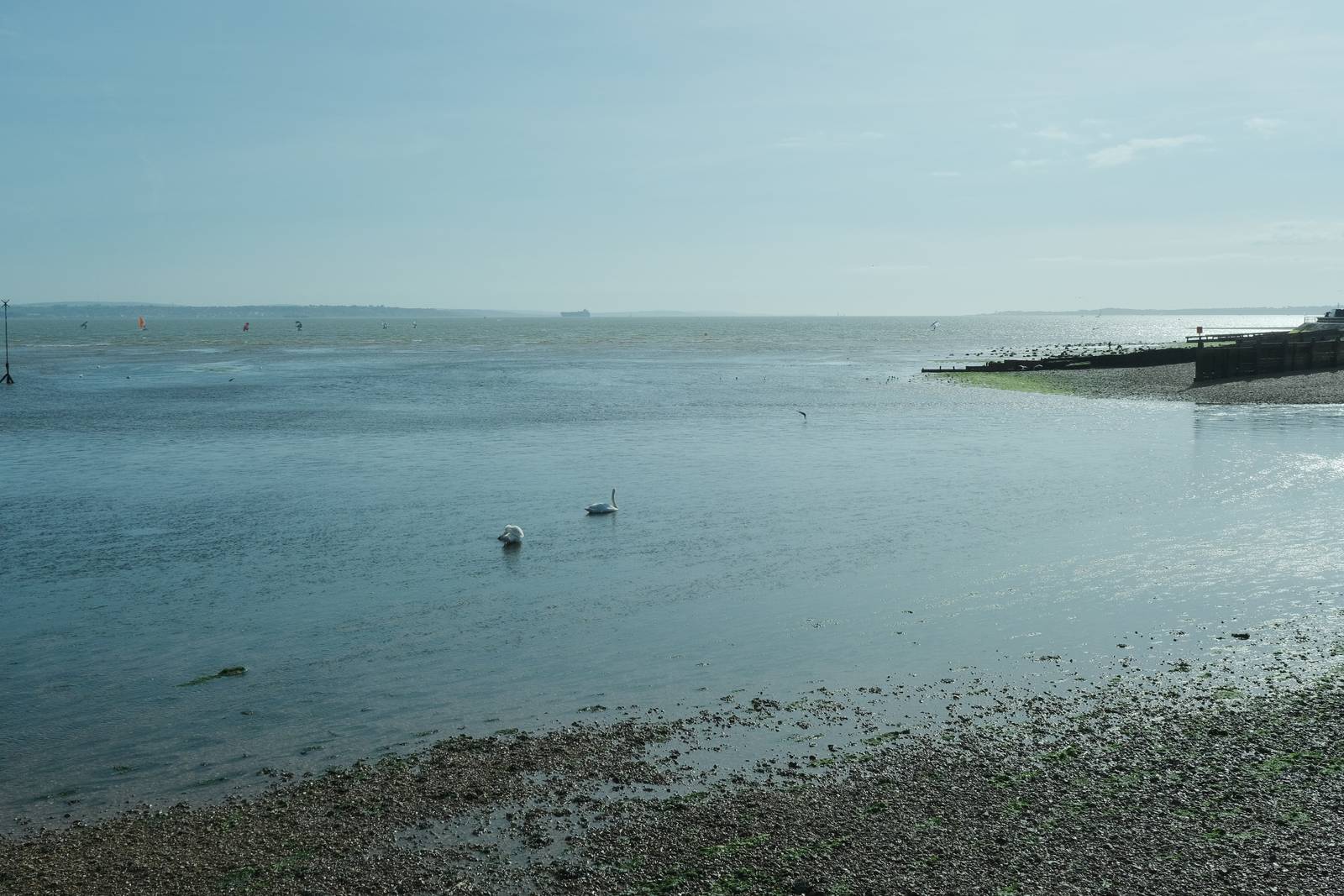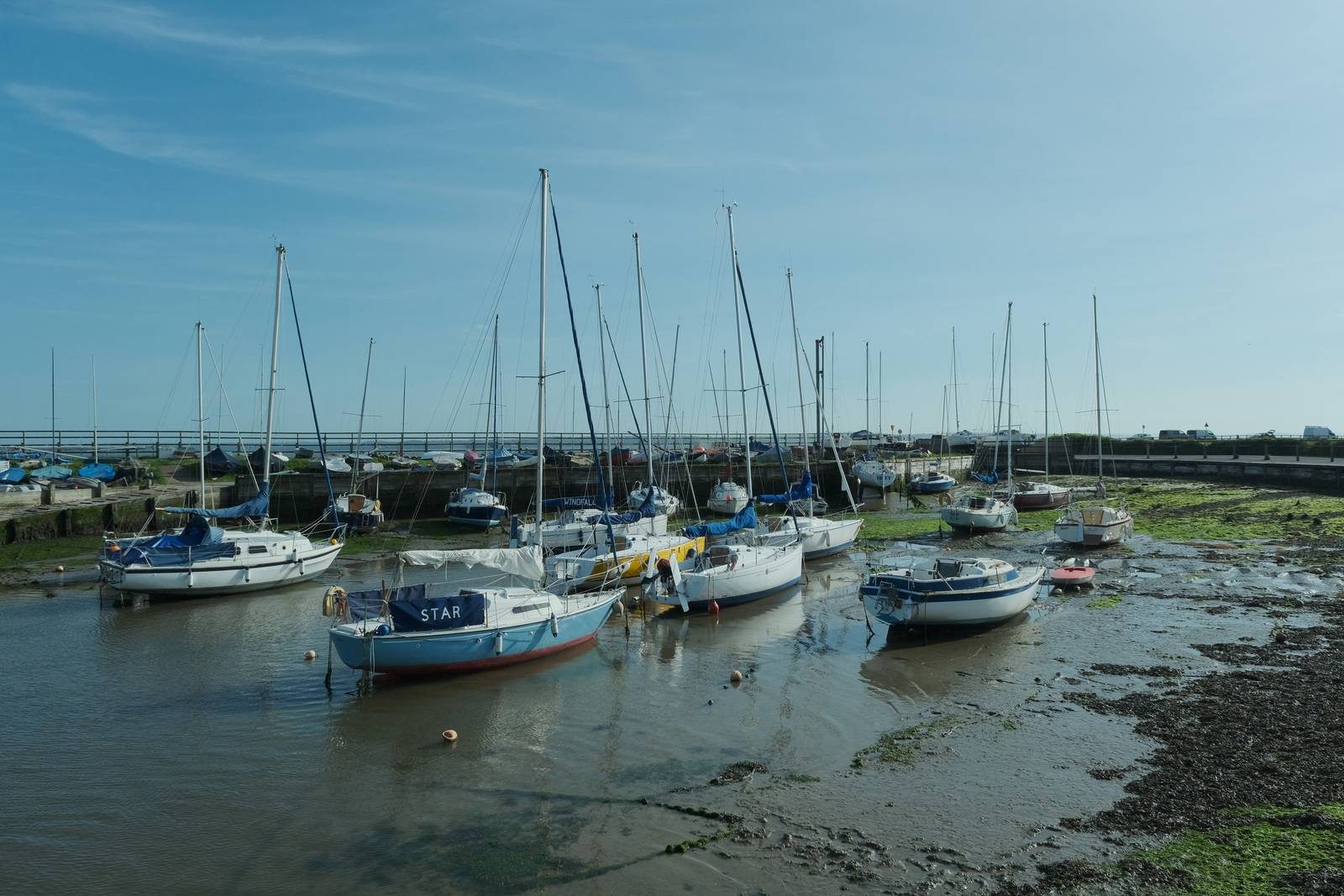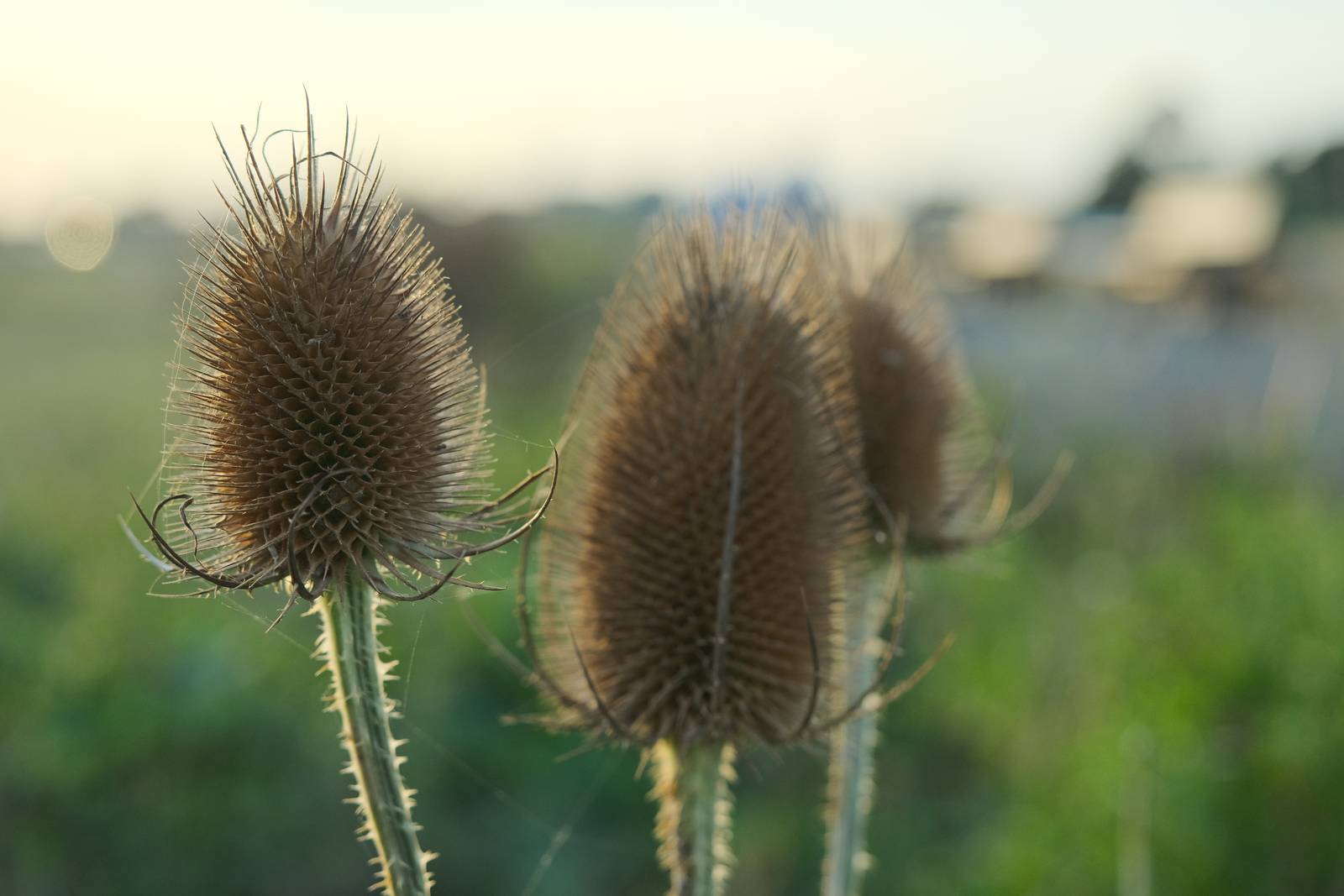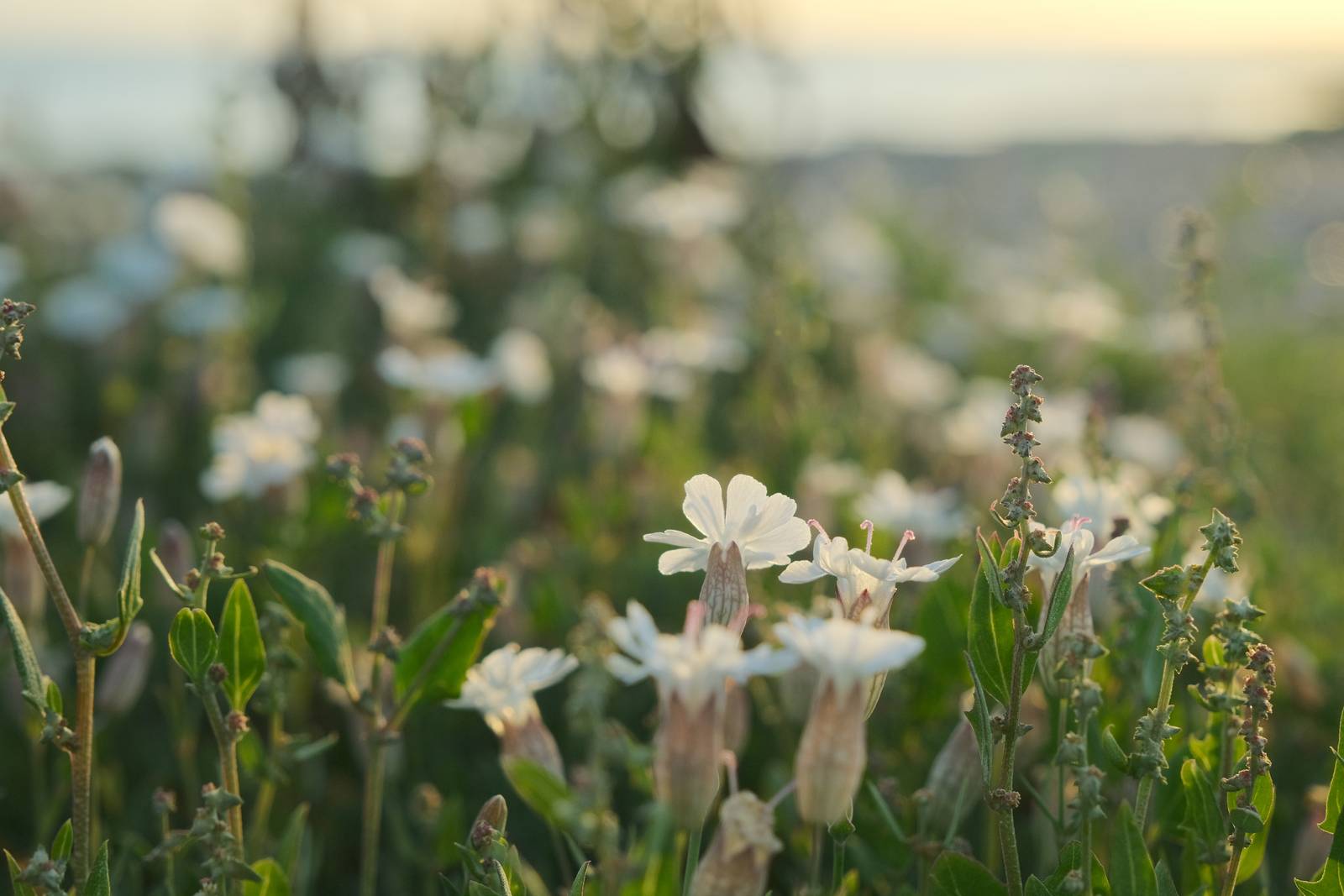
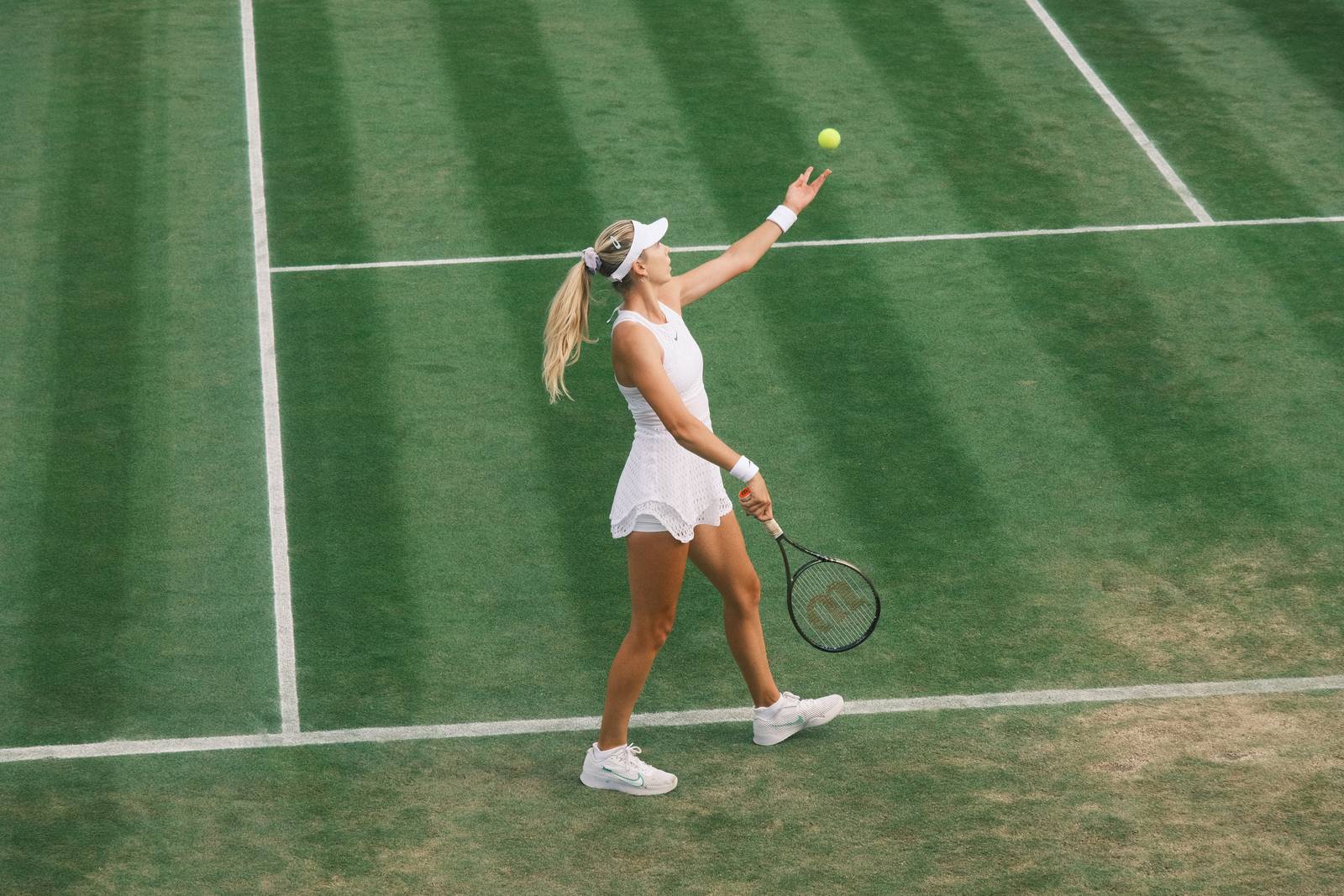
An easy to use, go everywhere film simulation recipe for casual shooting
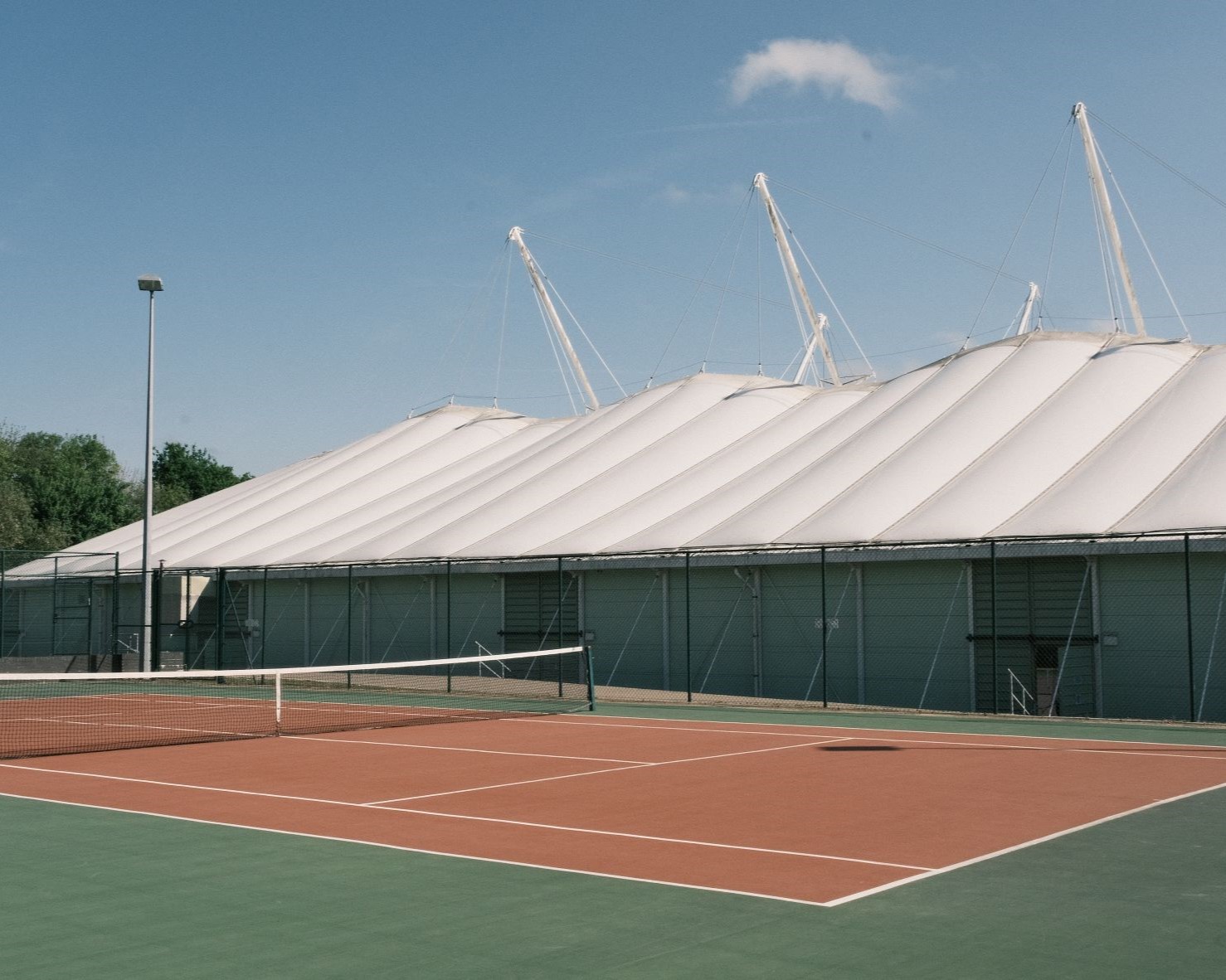
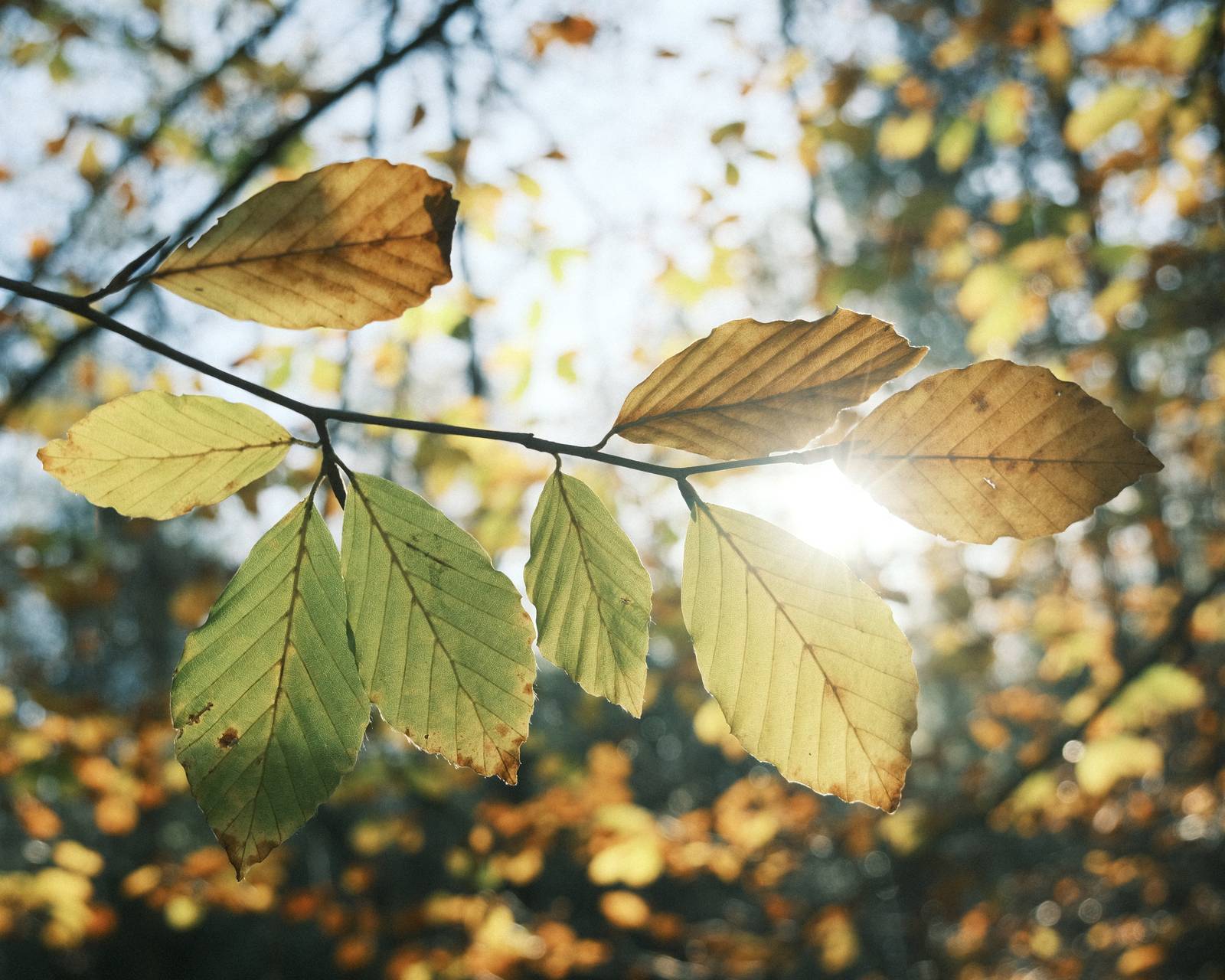
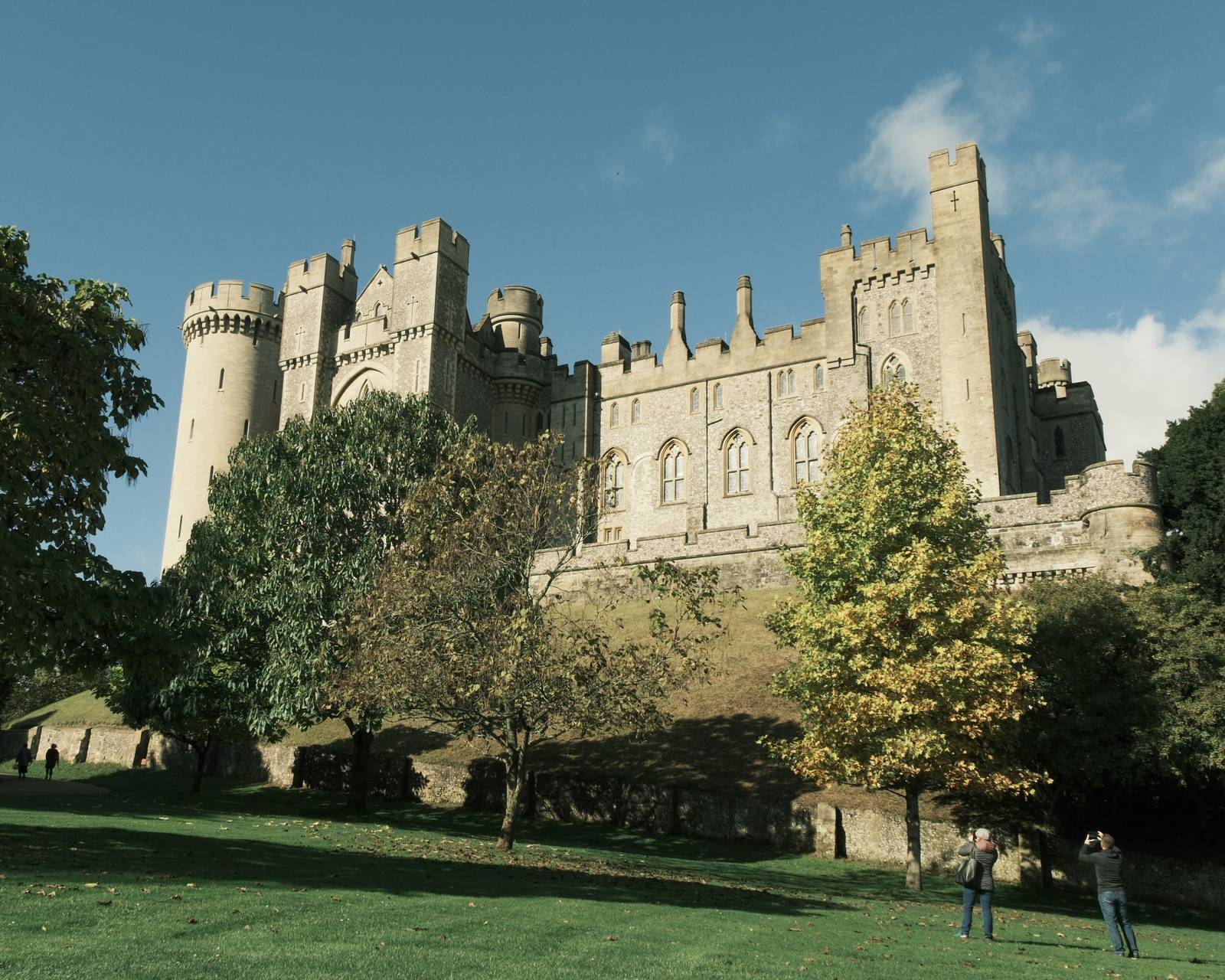
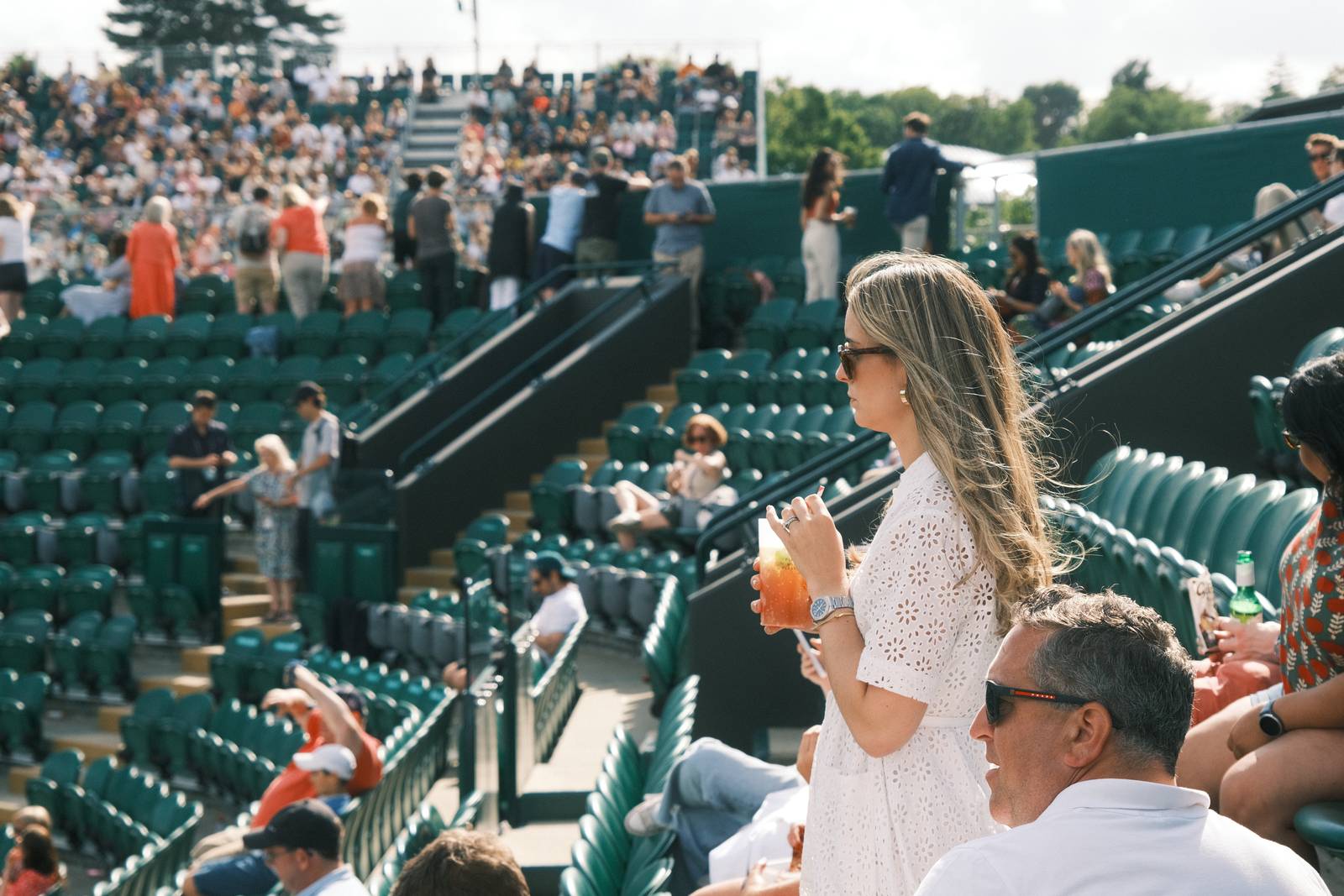
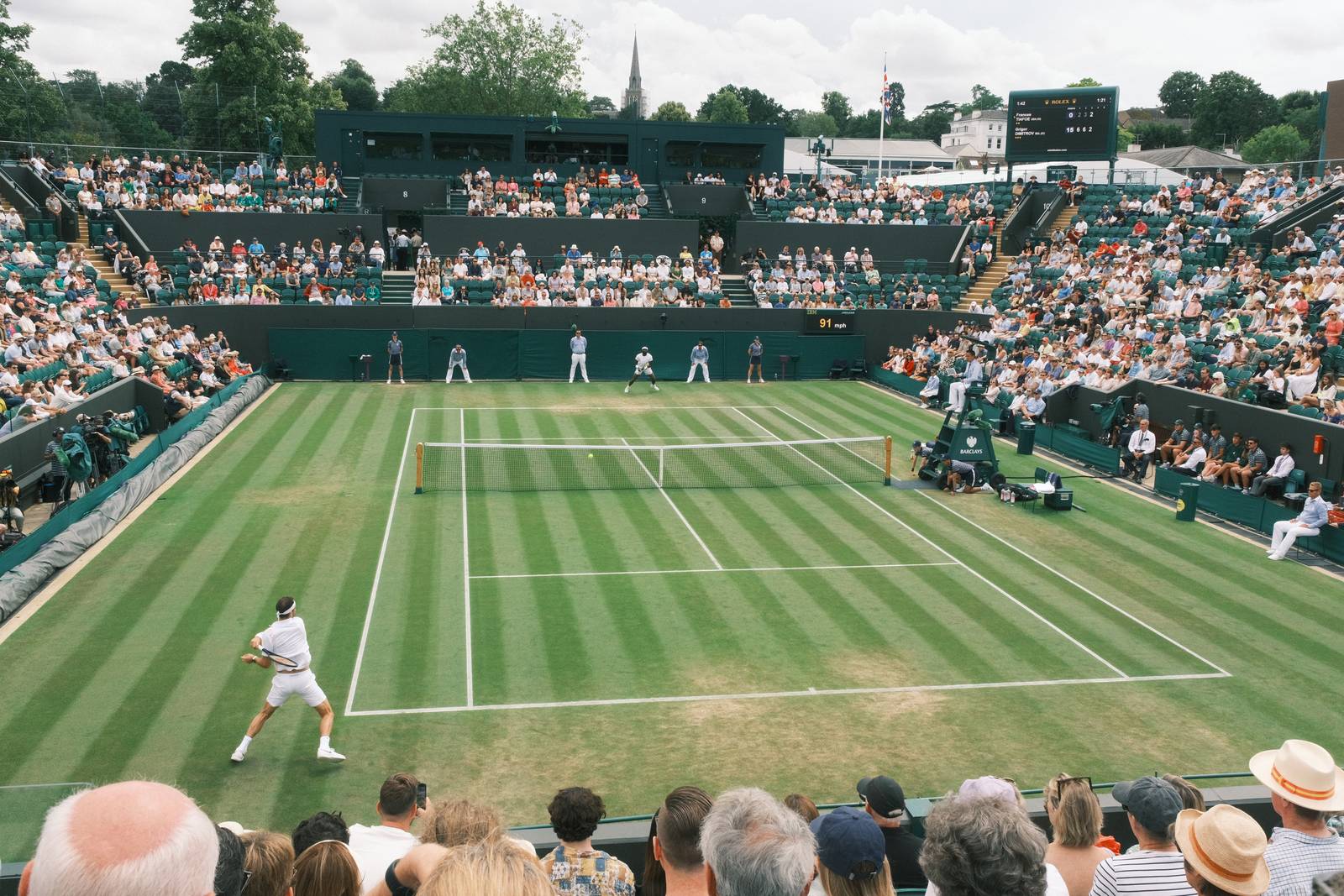
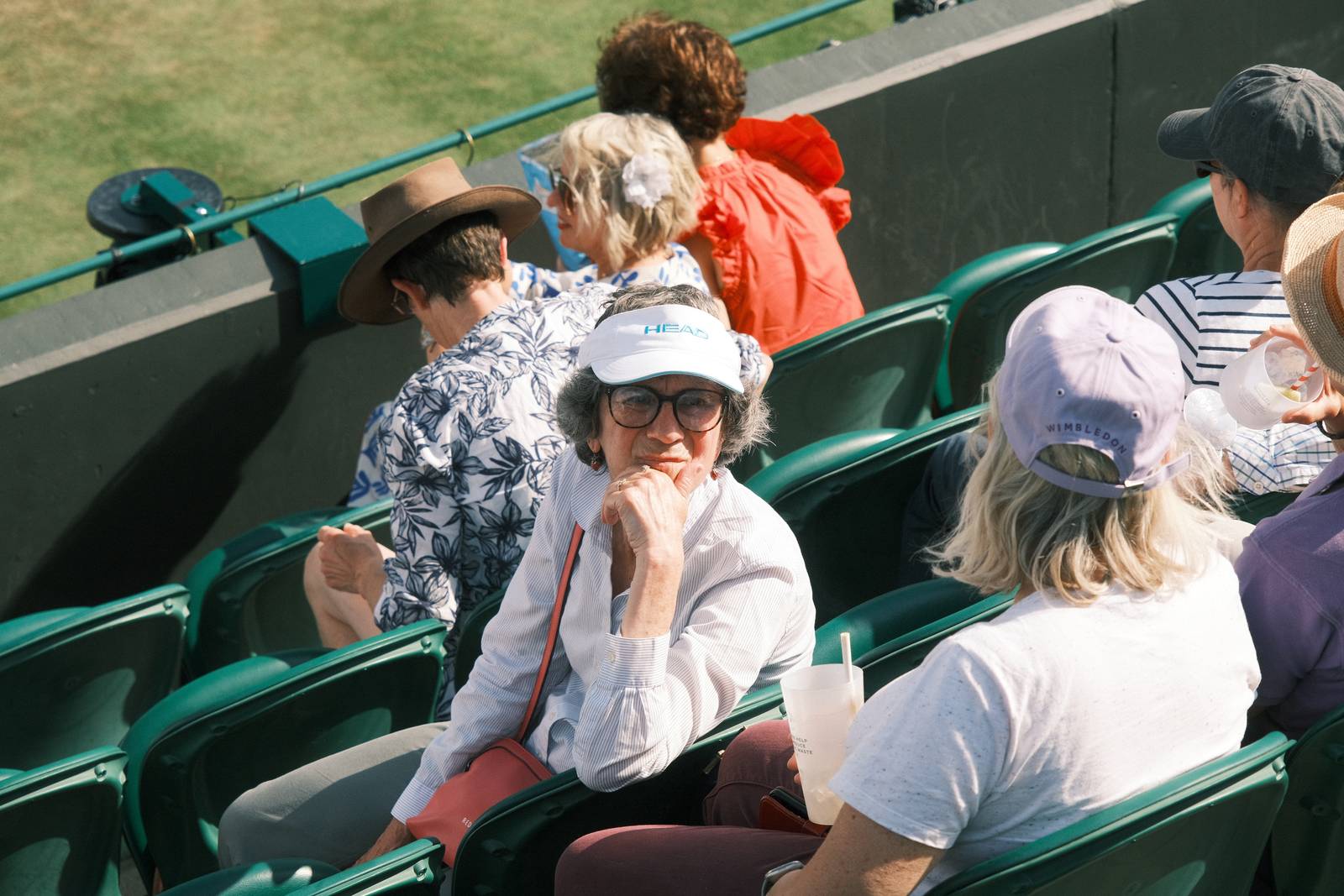
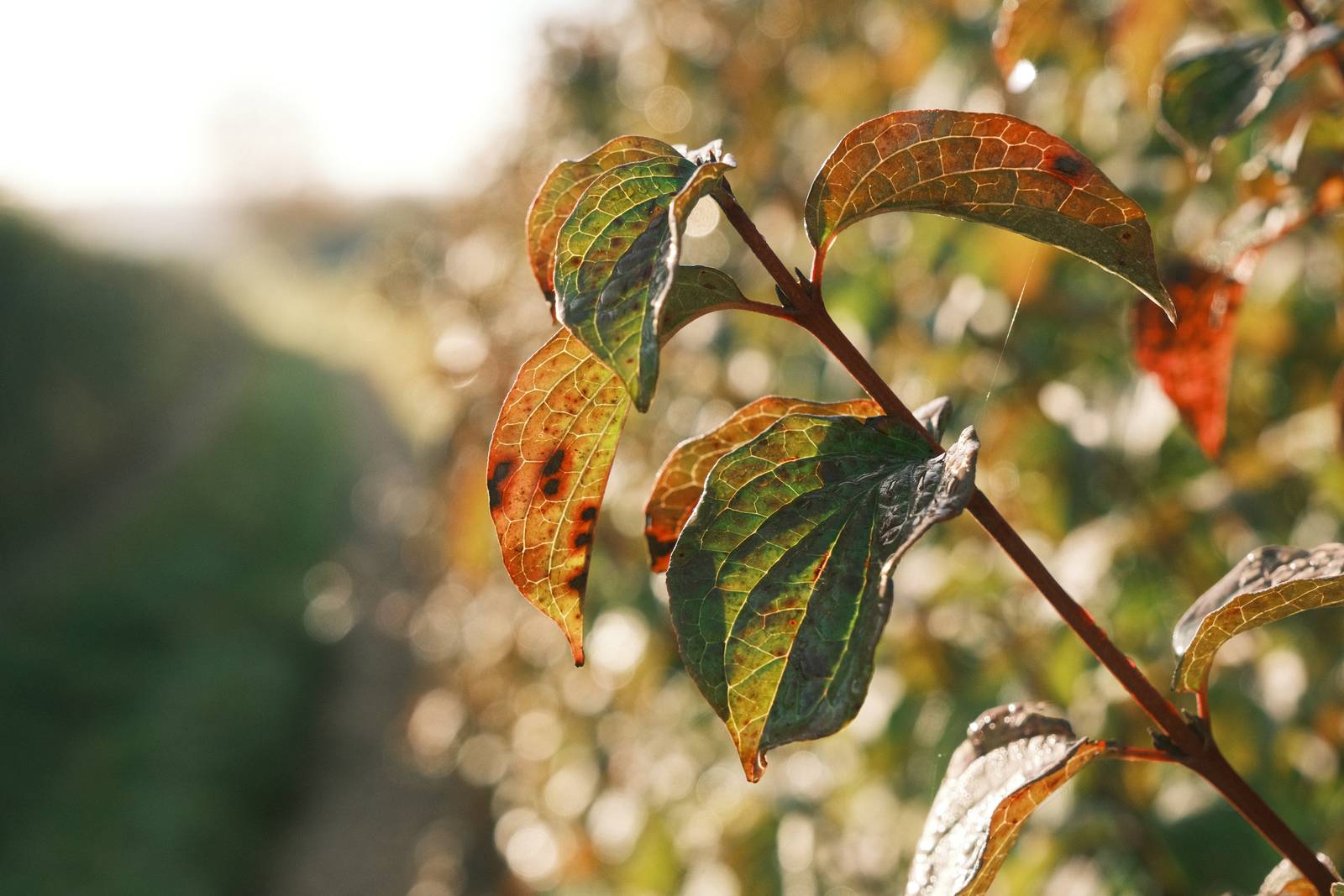
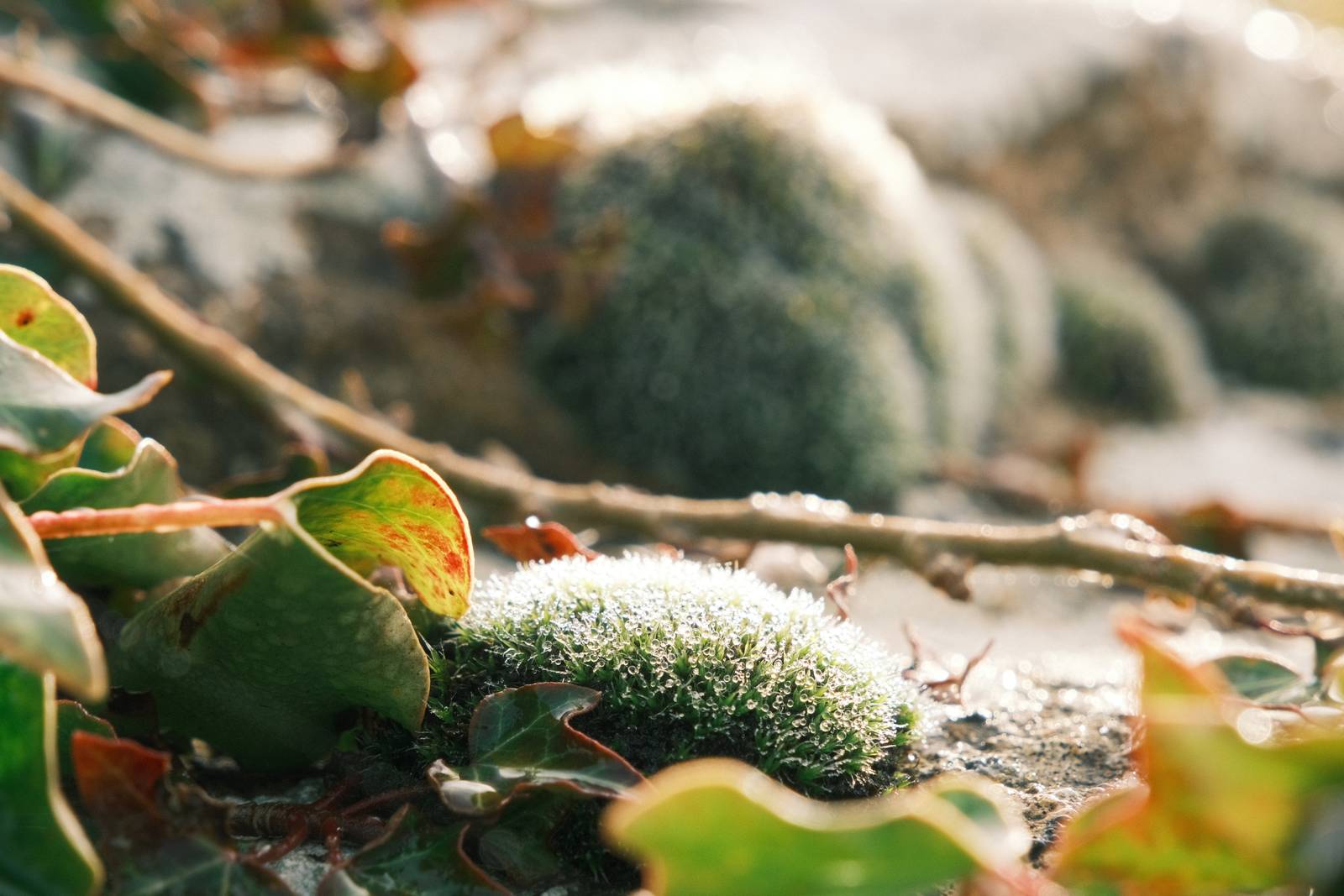
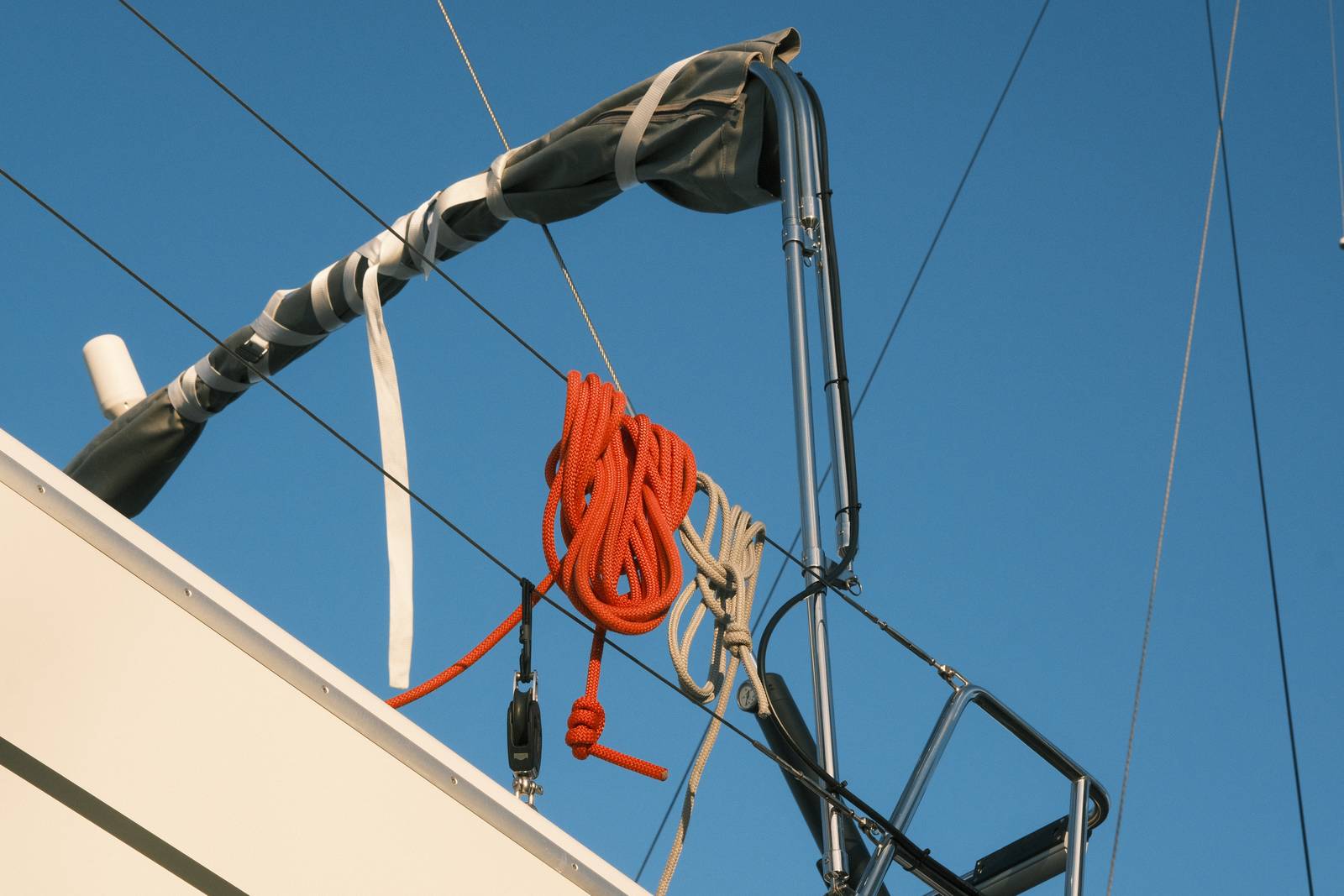
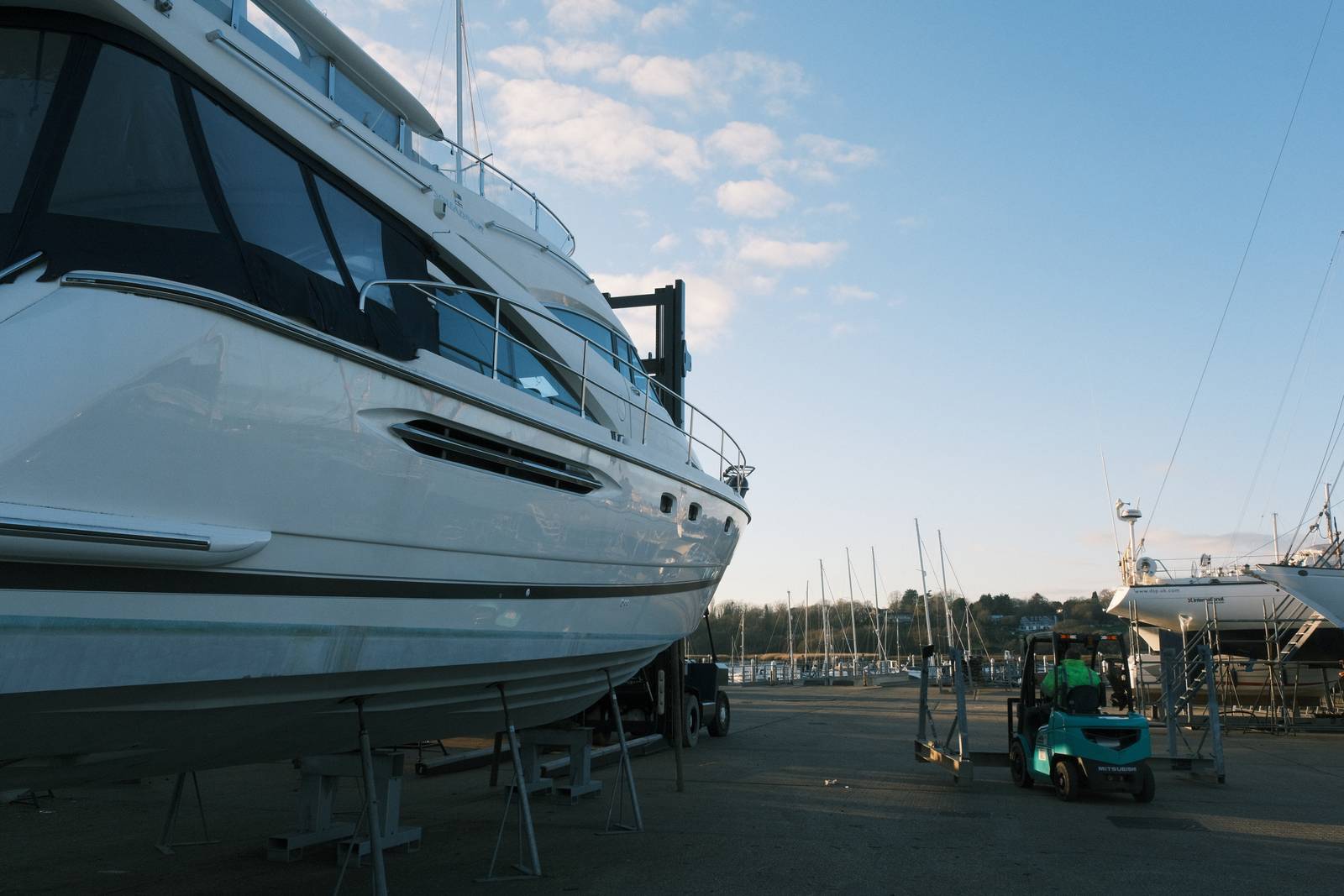
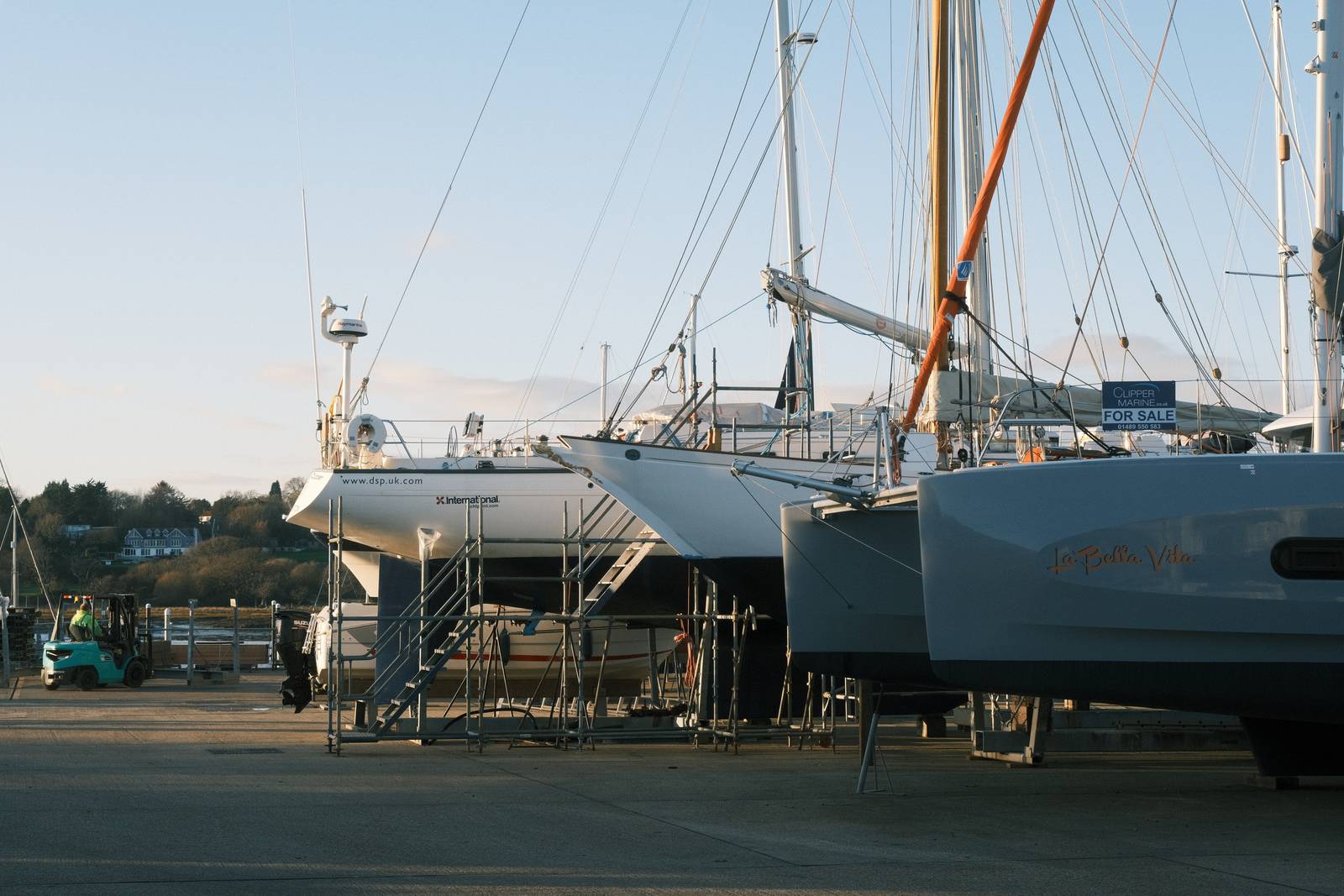
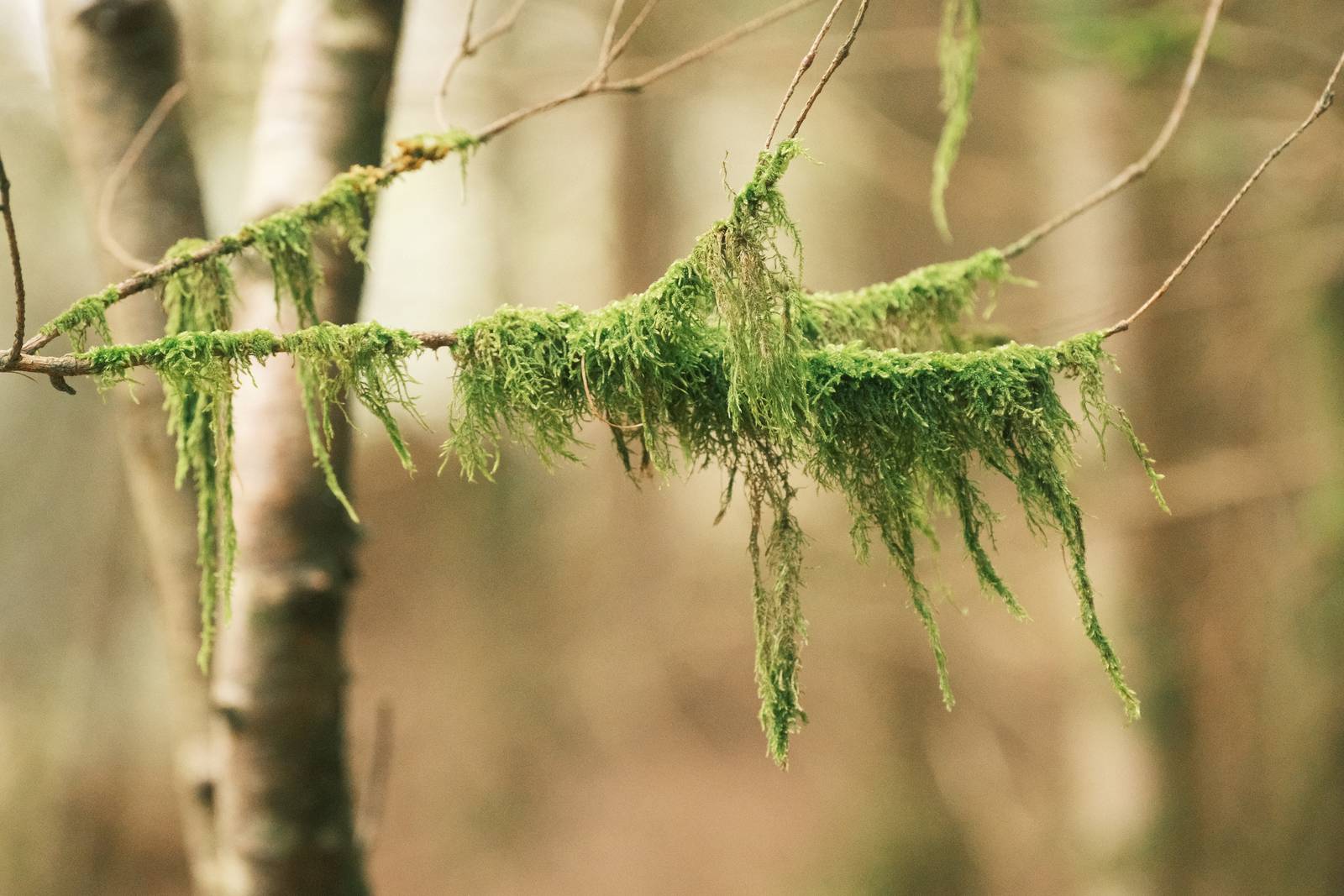
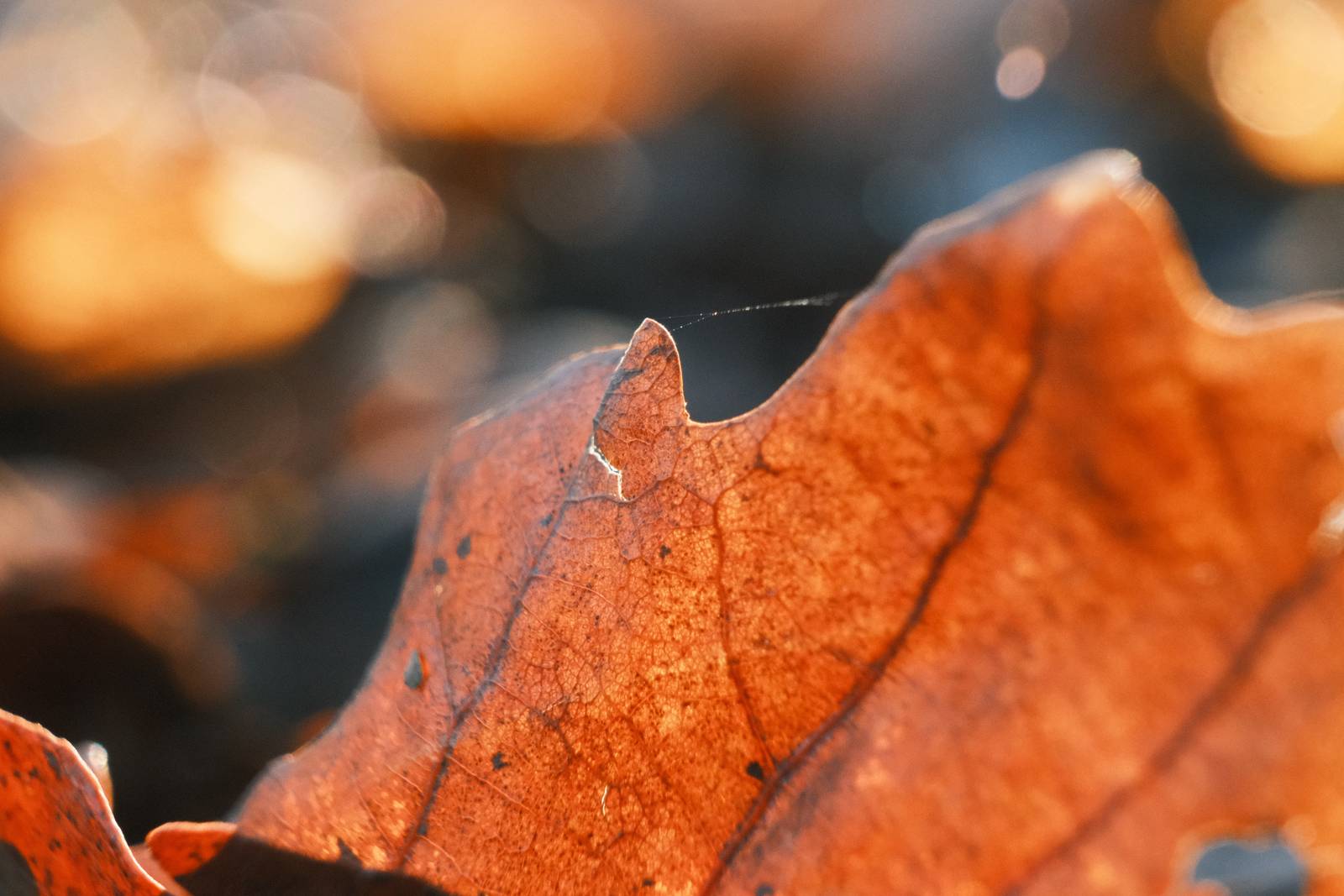
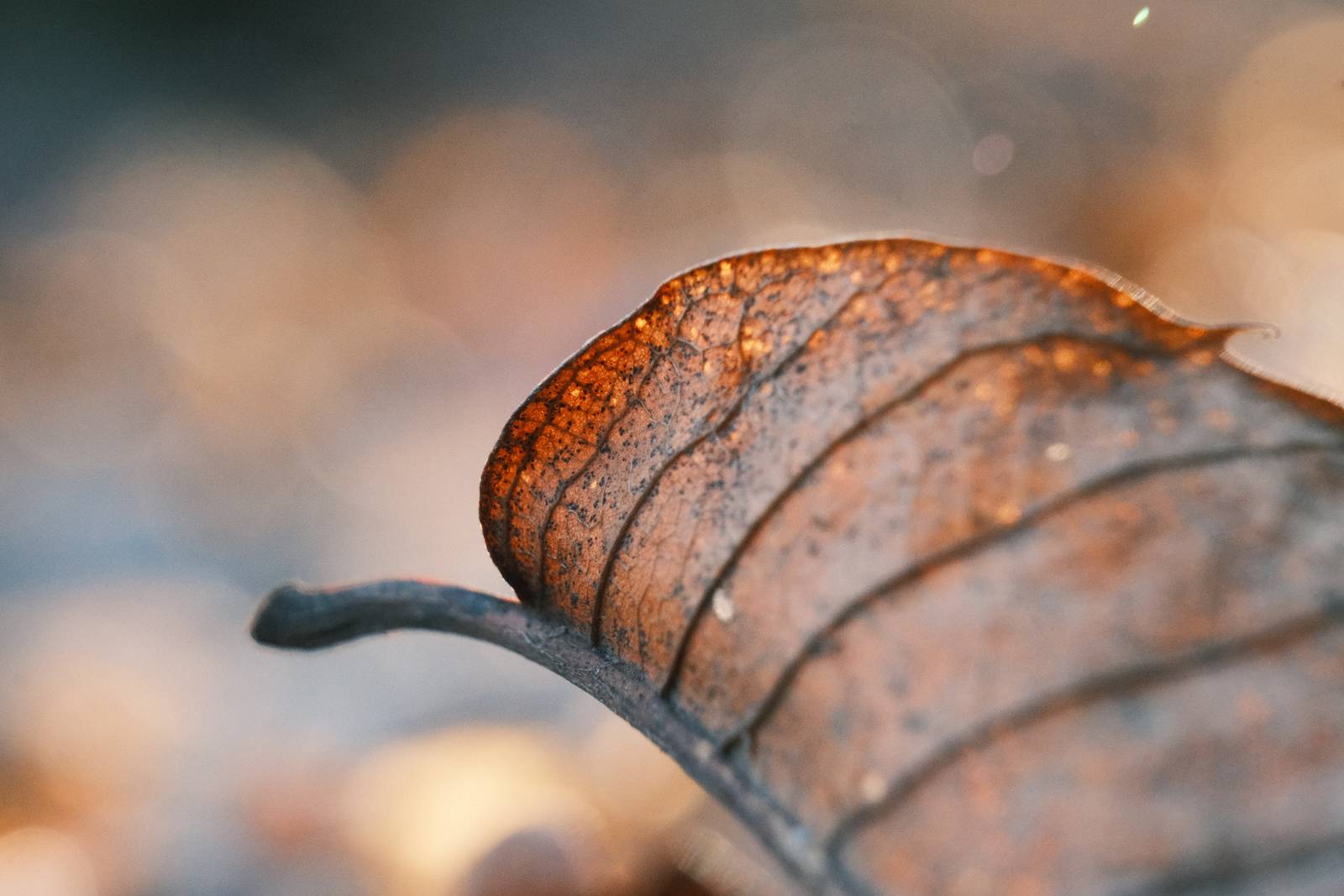
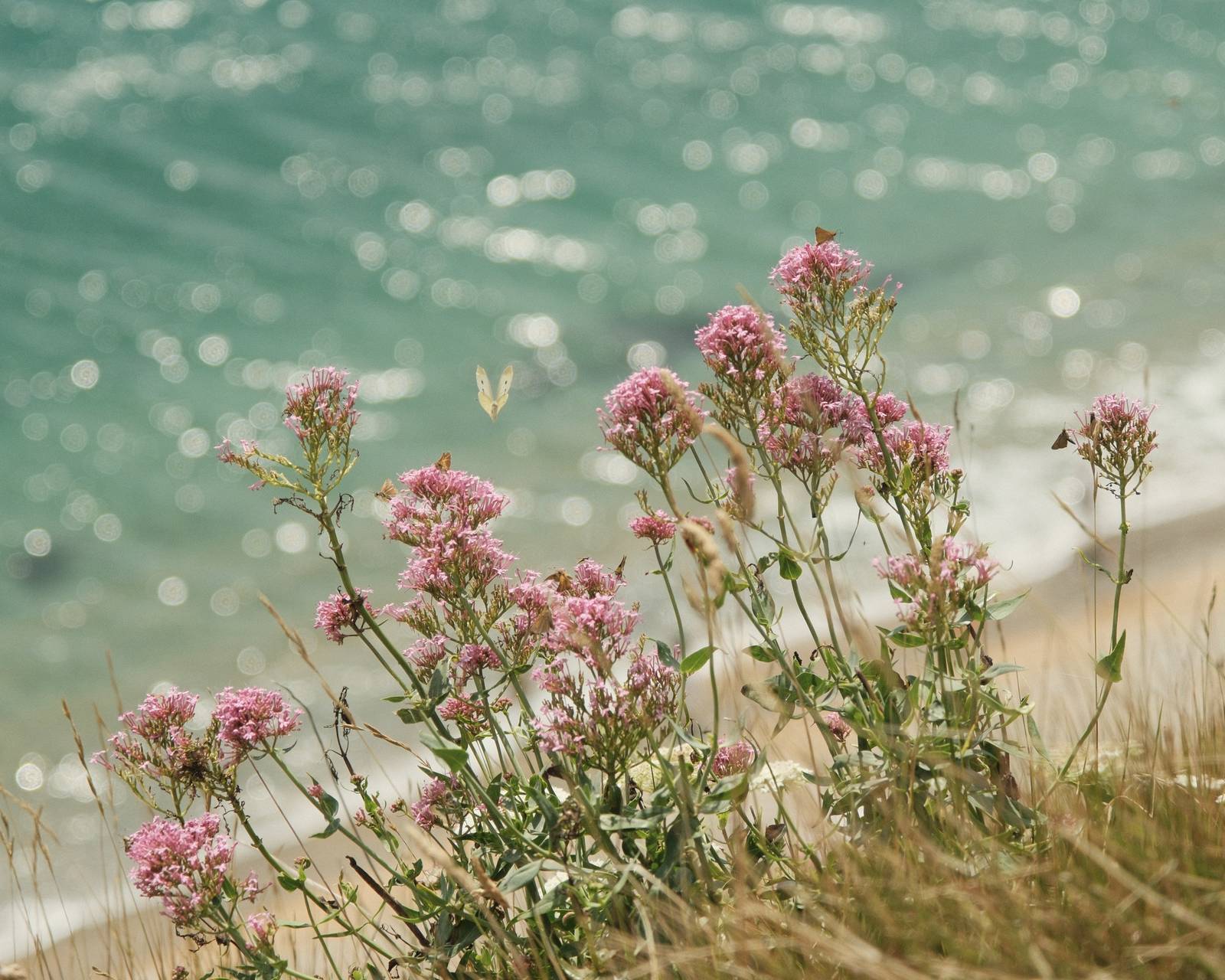
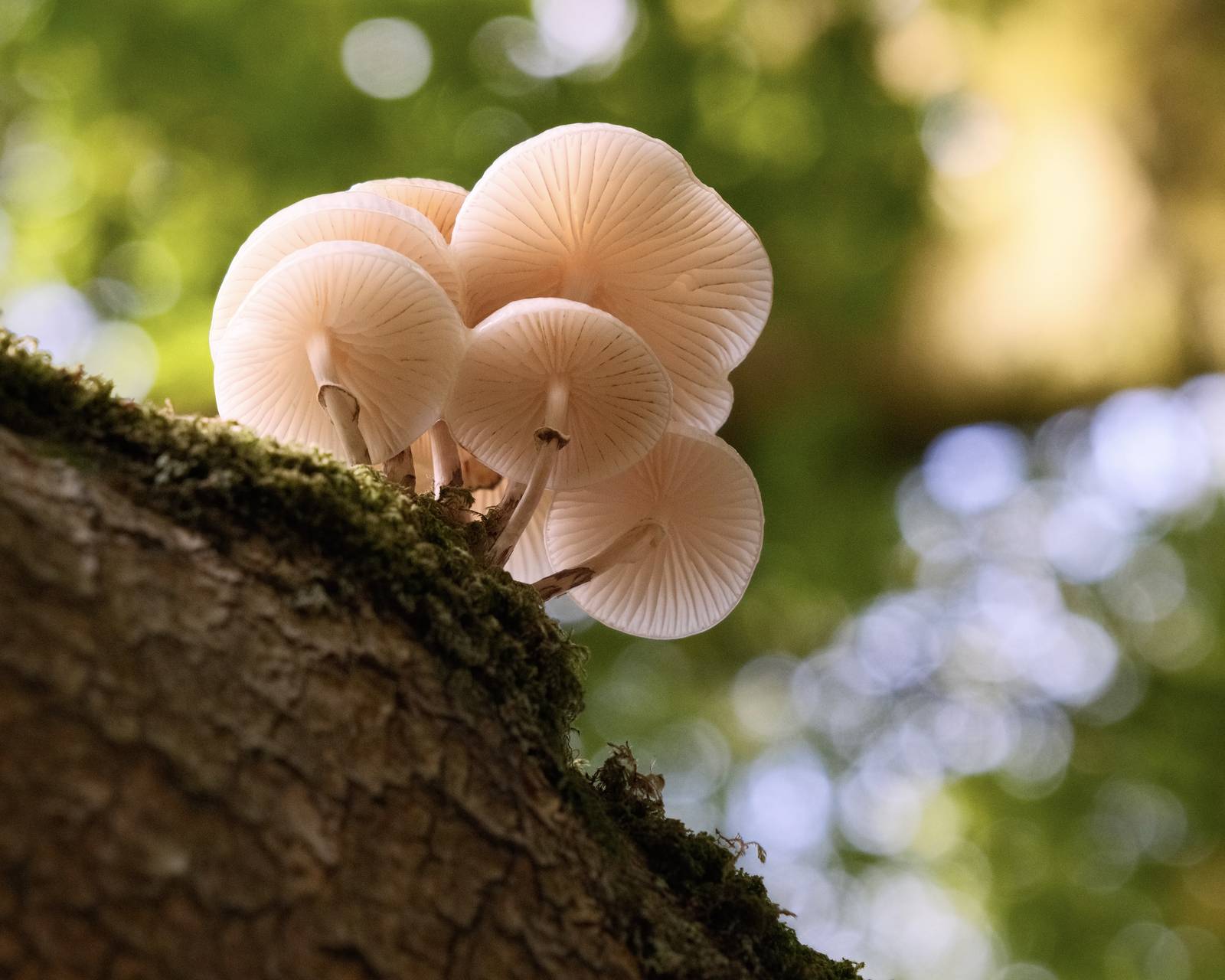
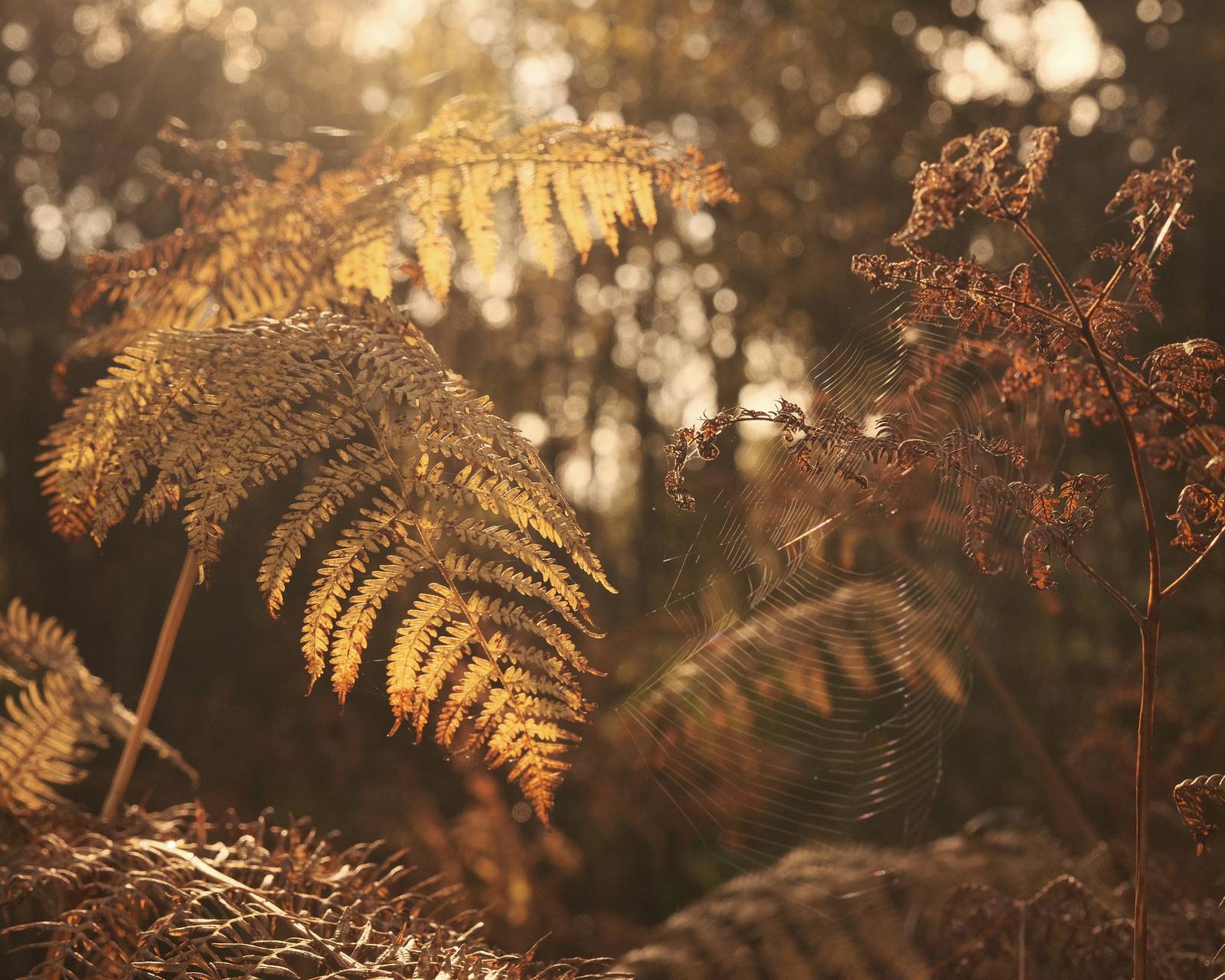
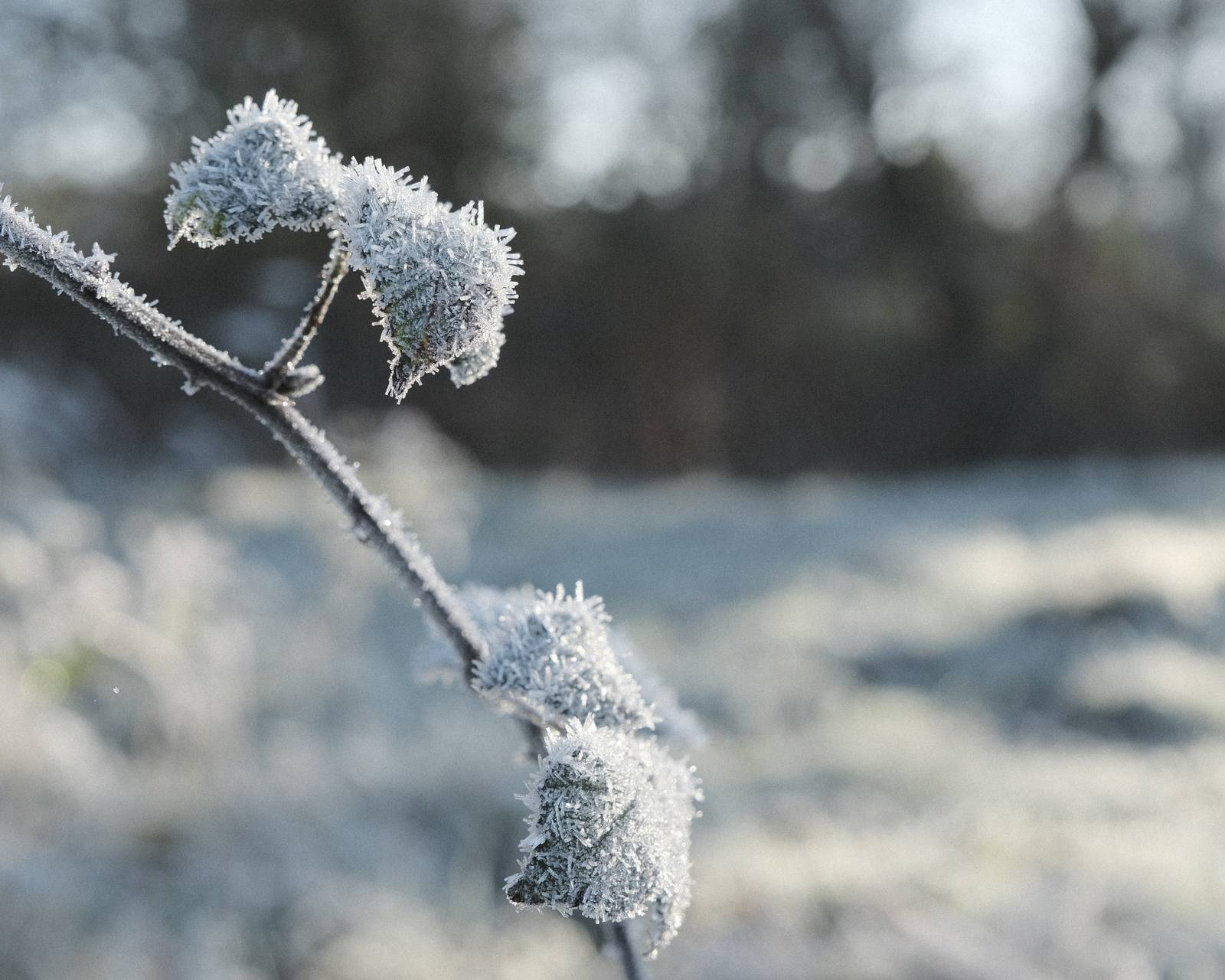
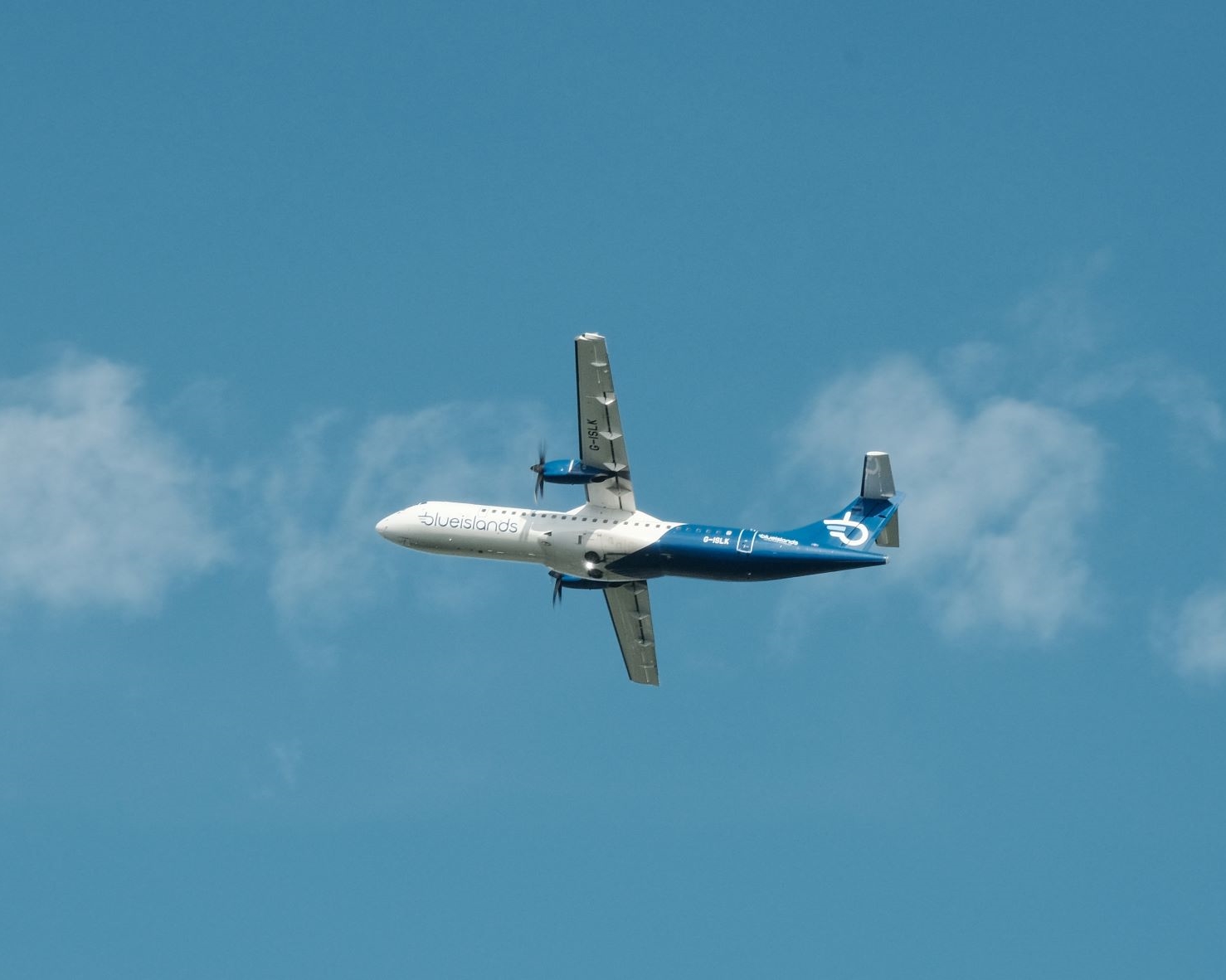
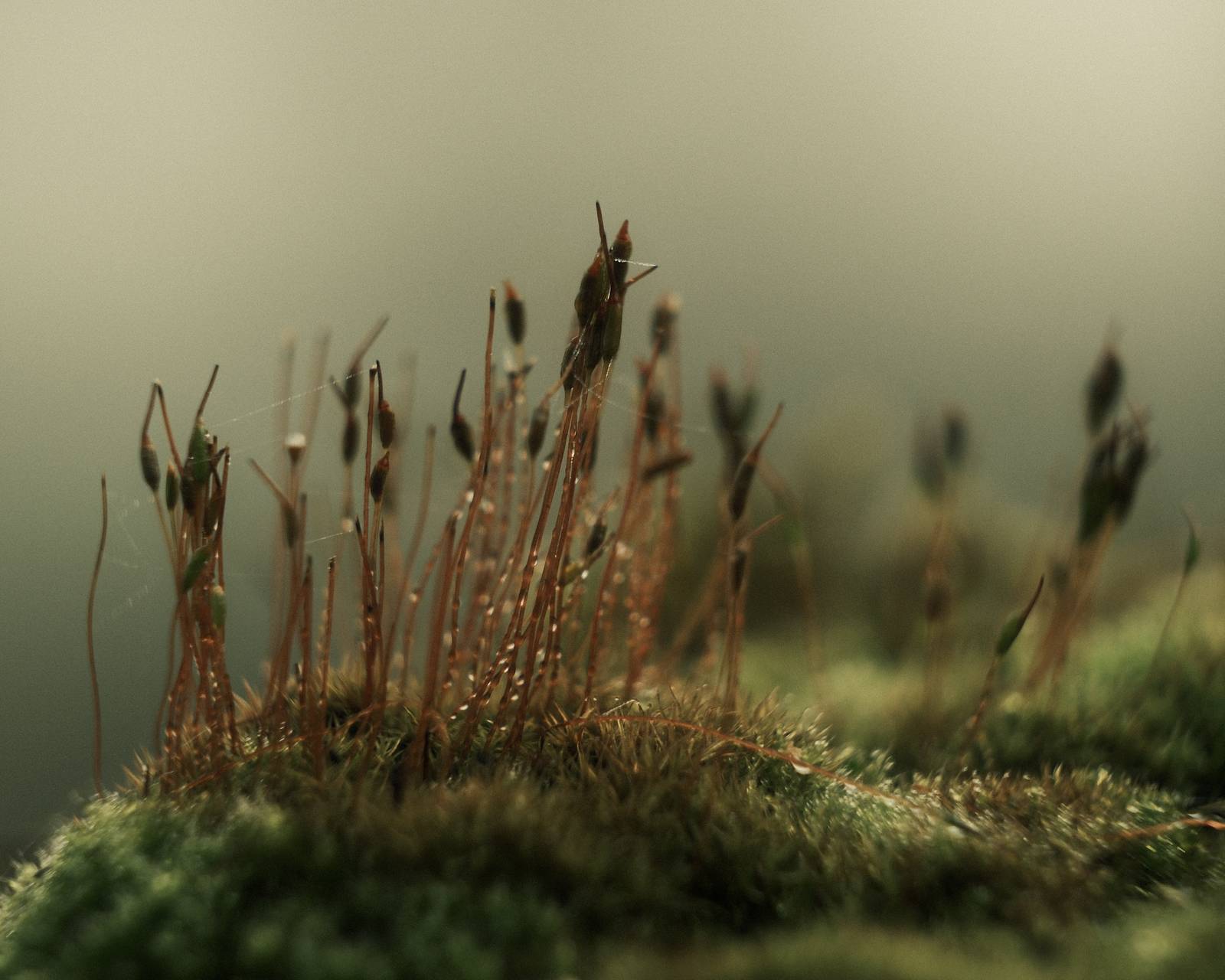
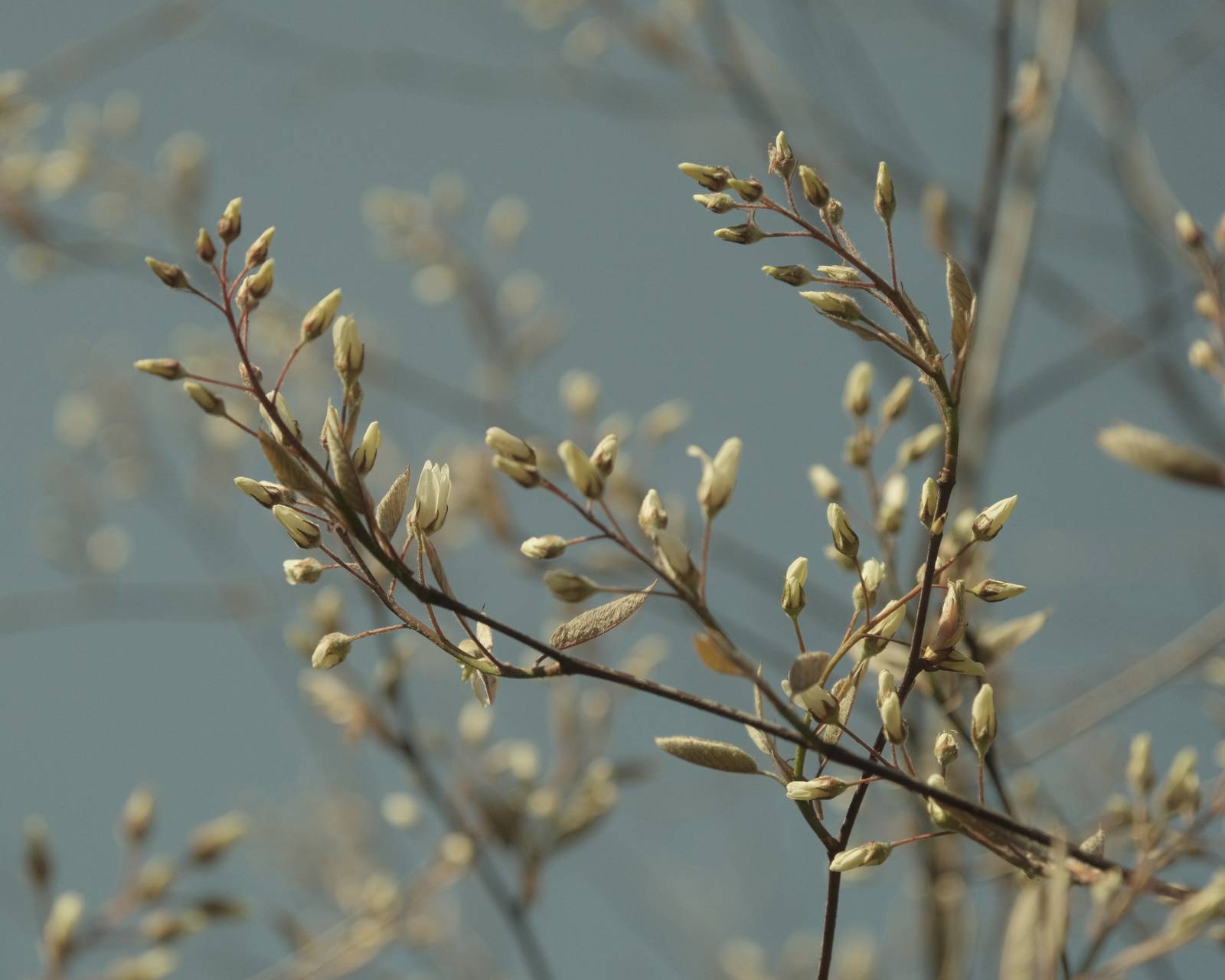
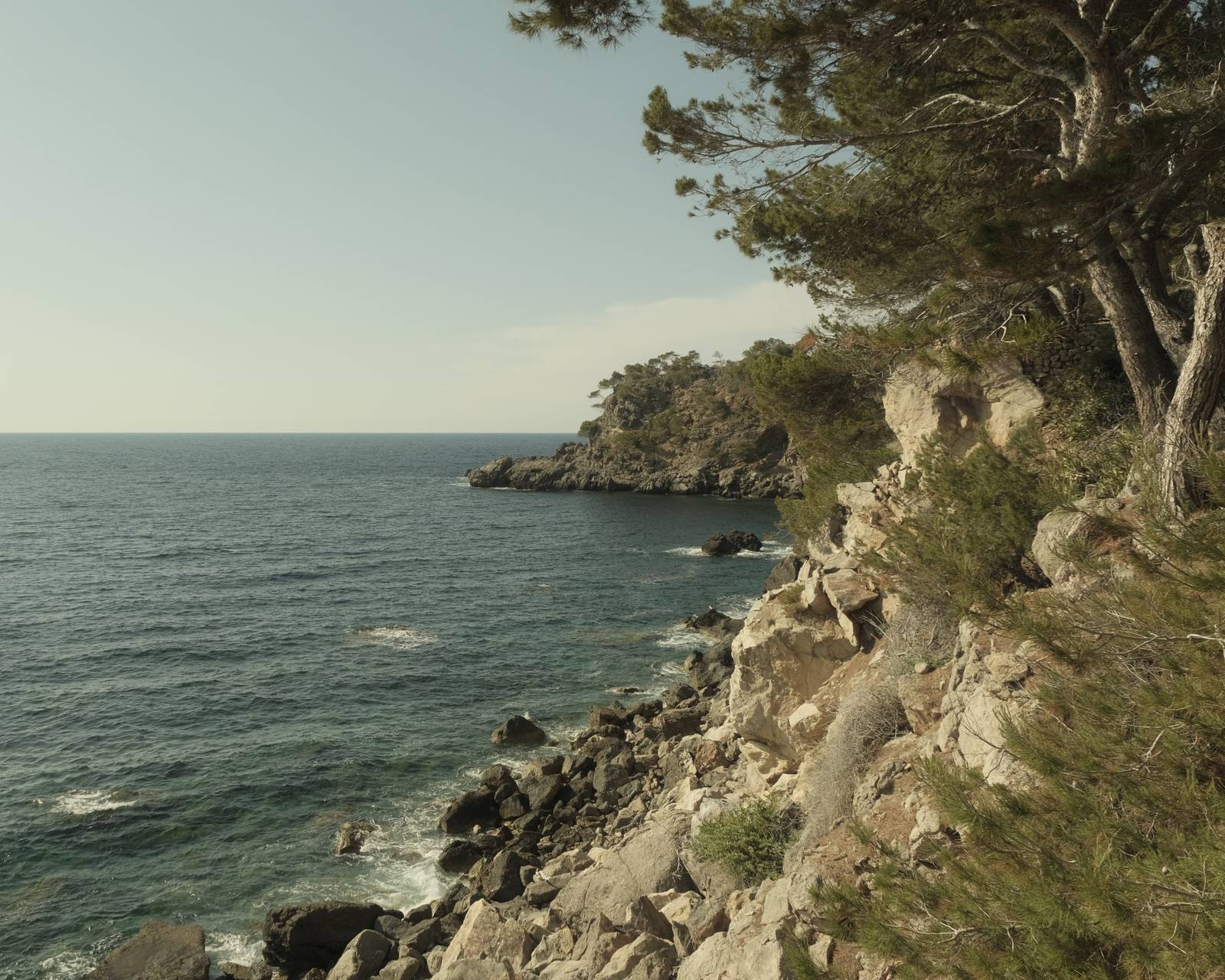
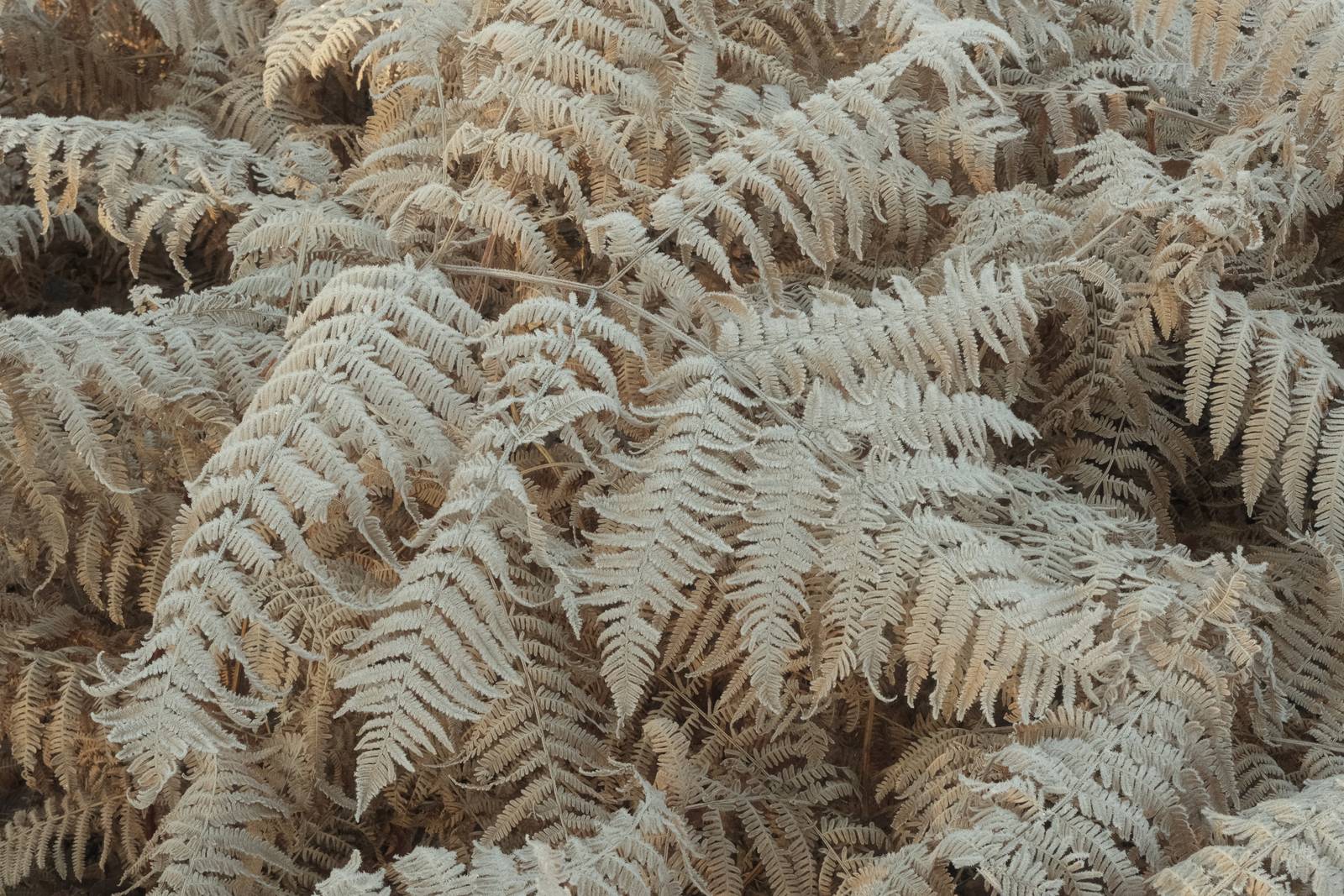
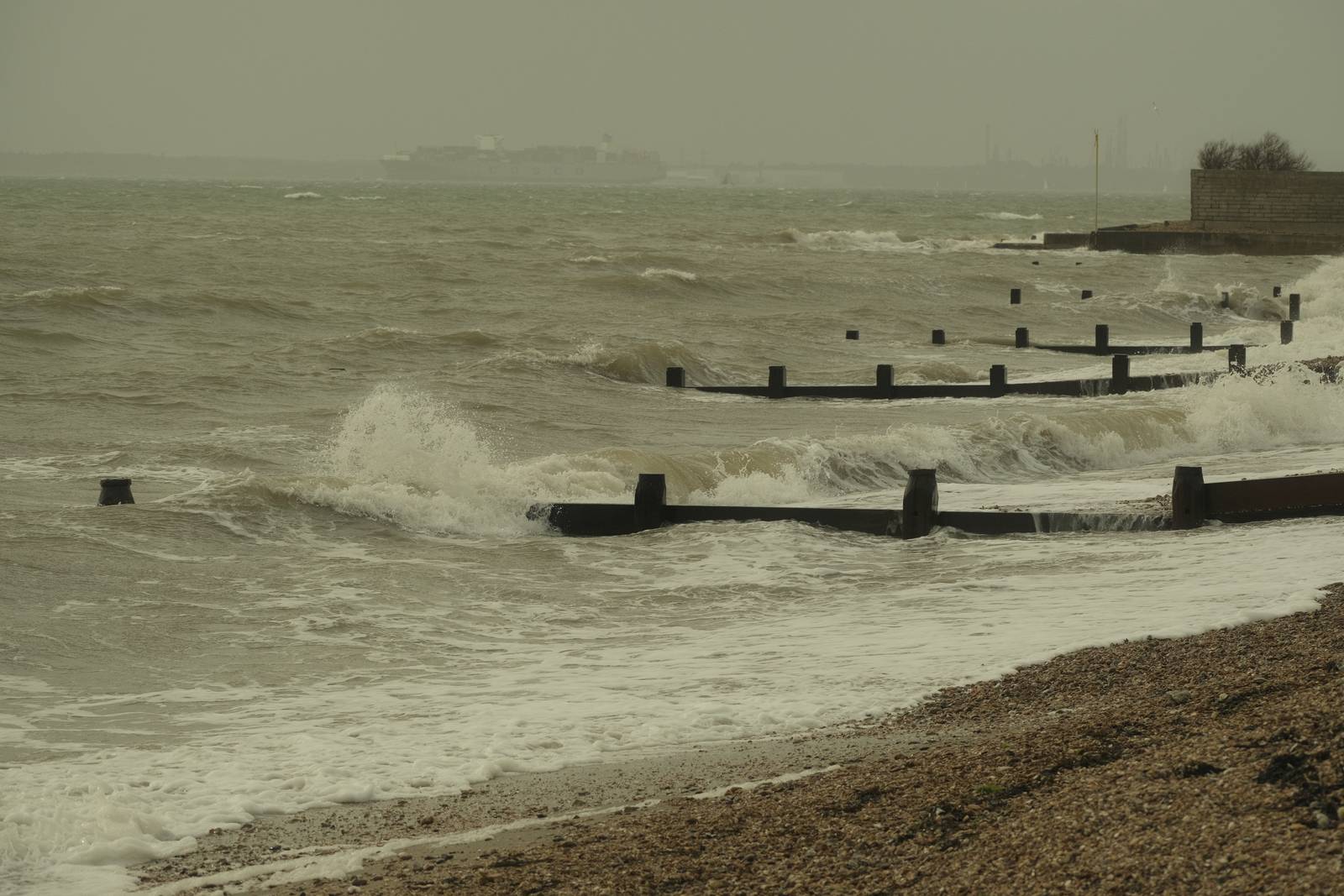
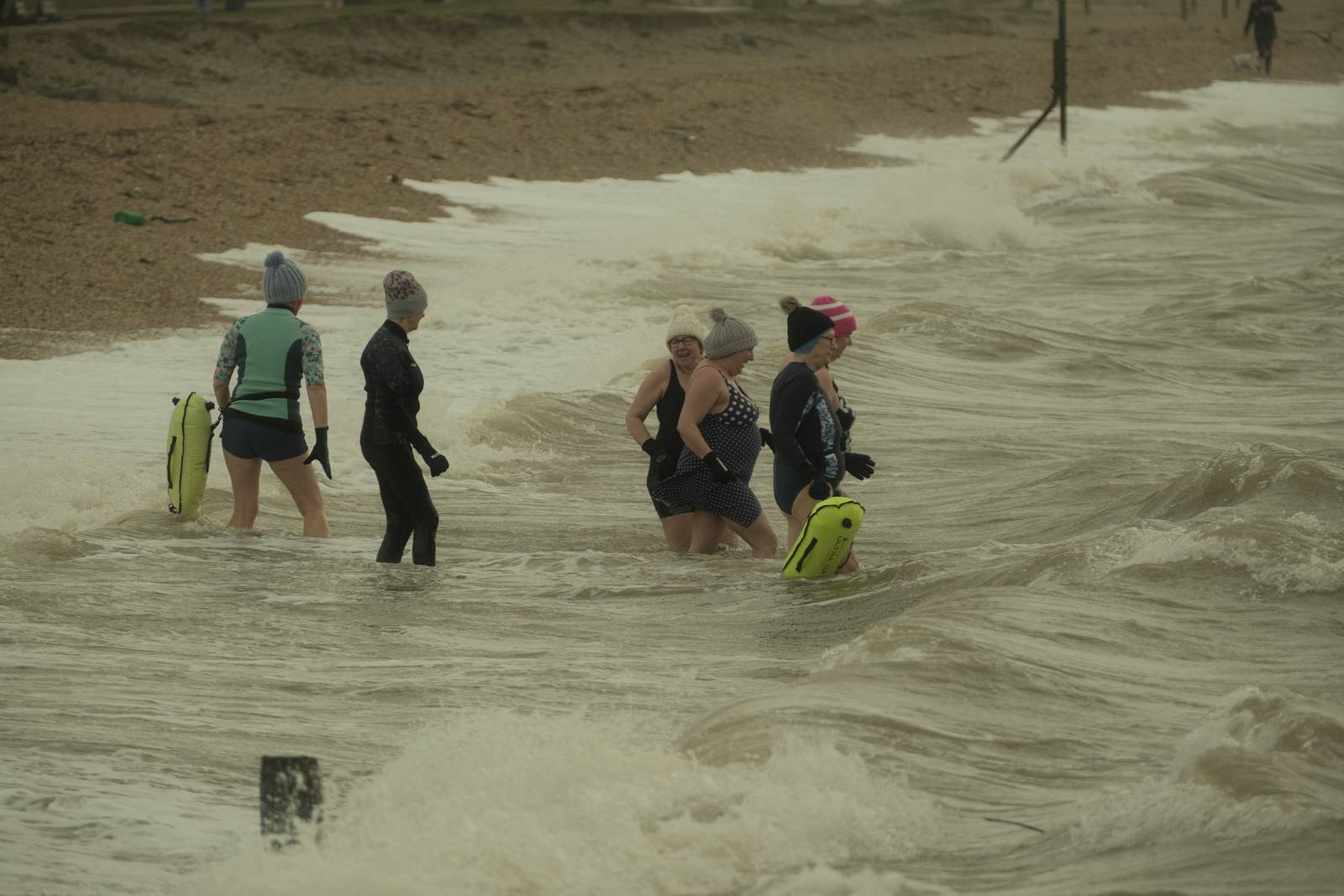
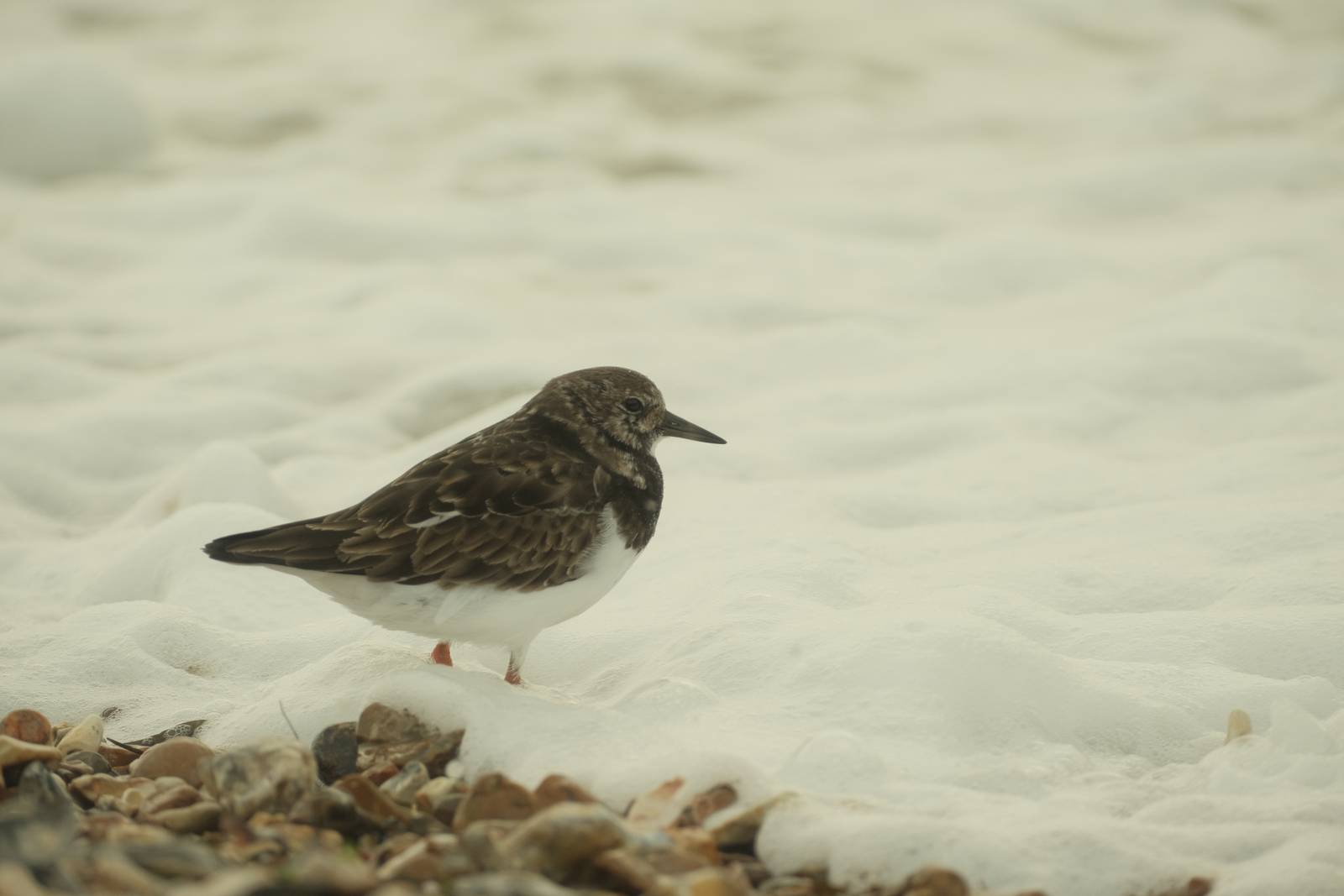
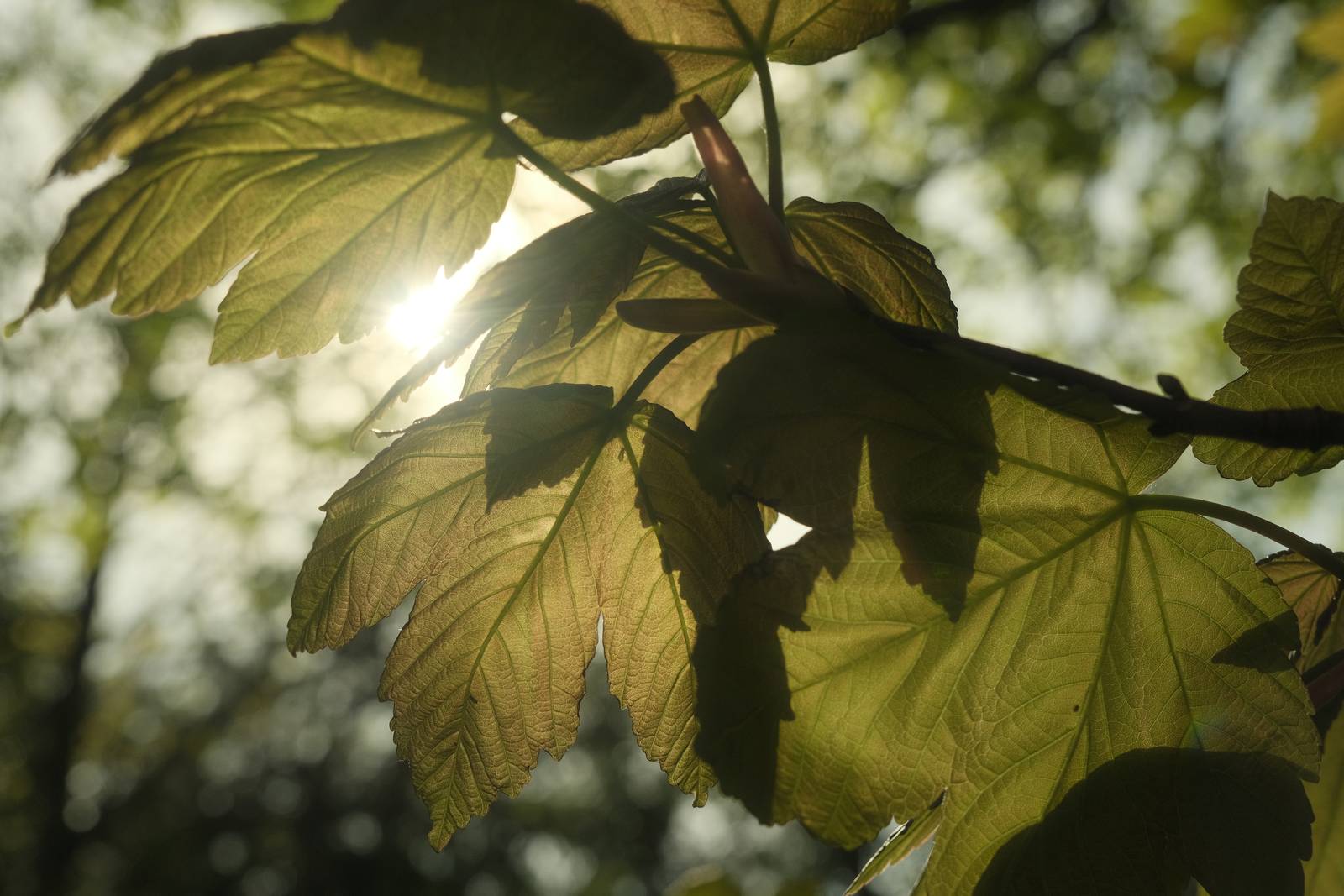
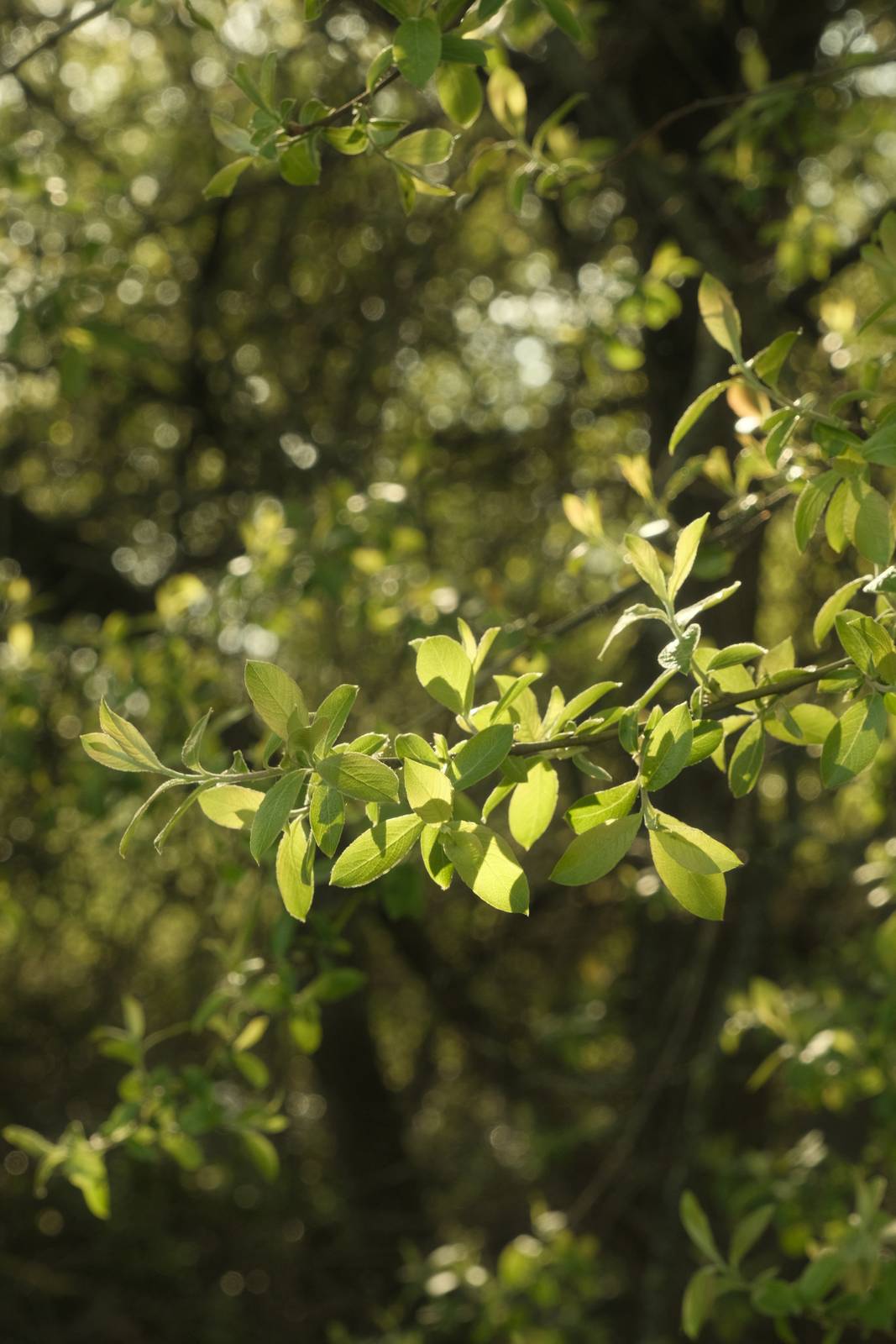
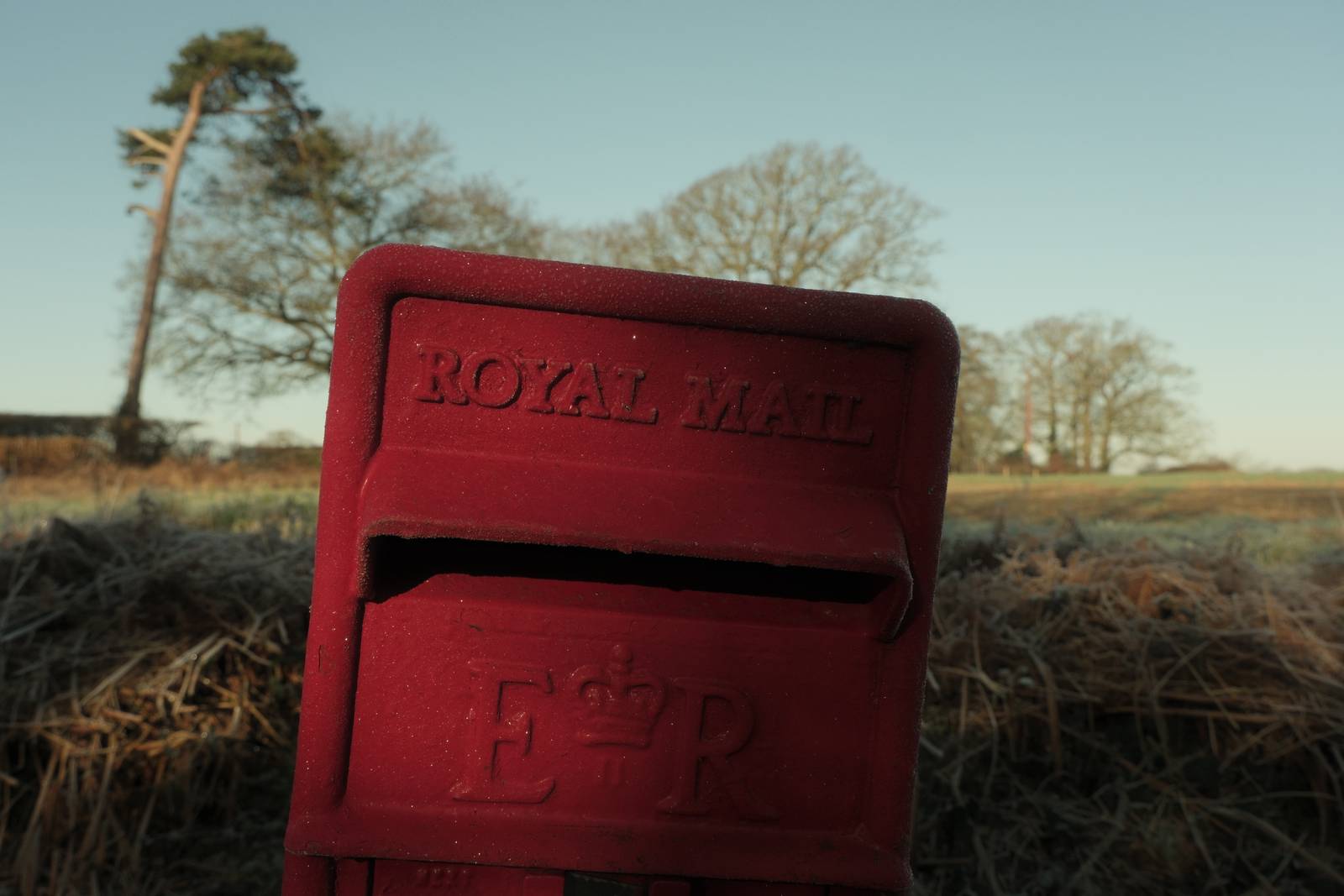
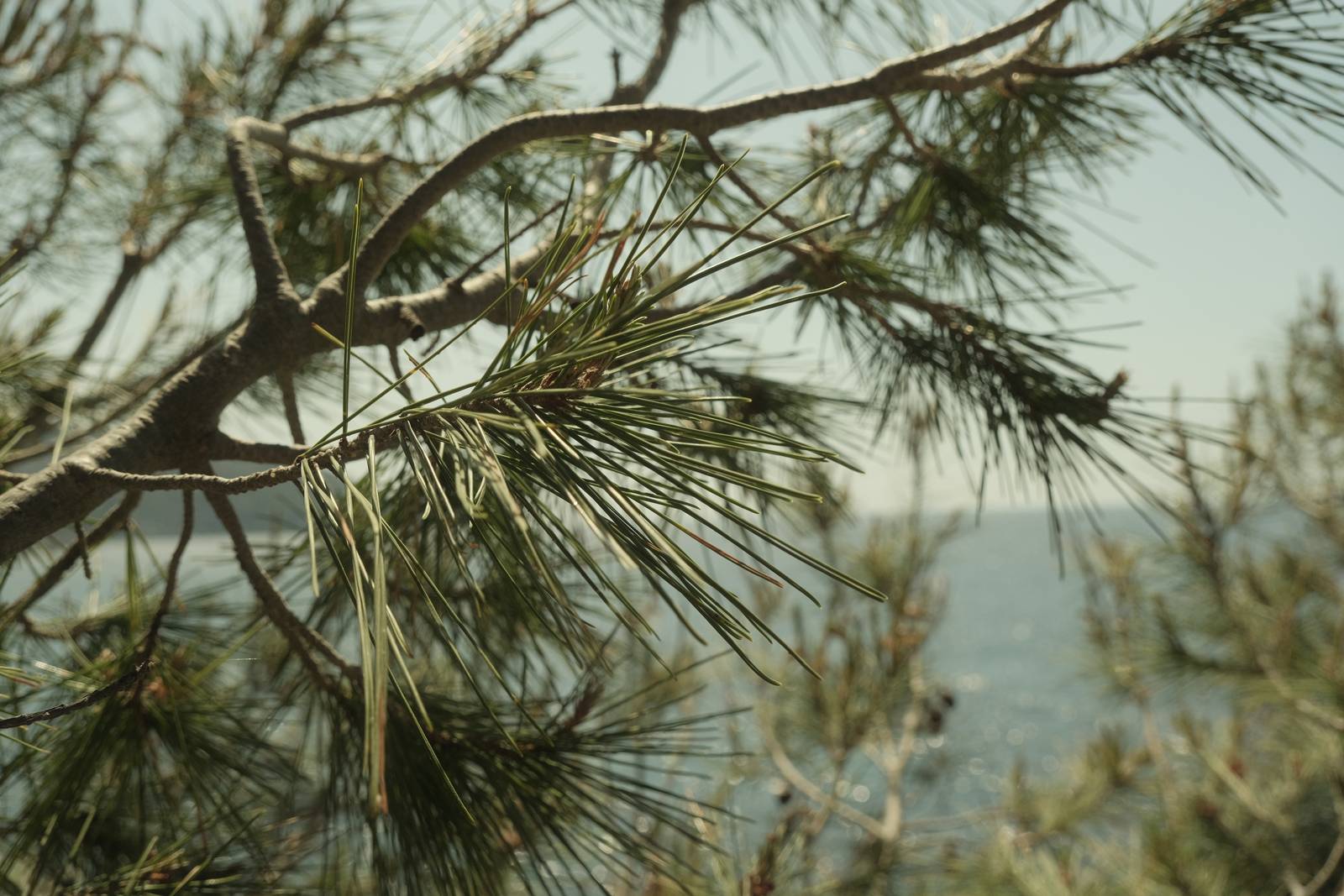
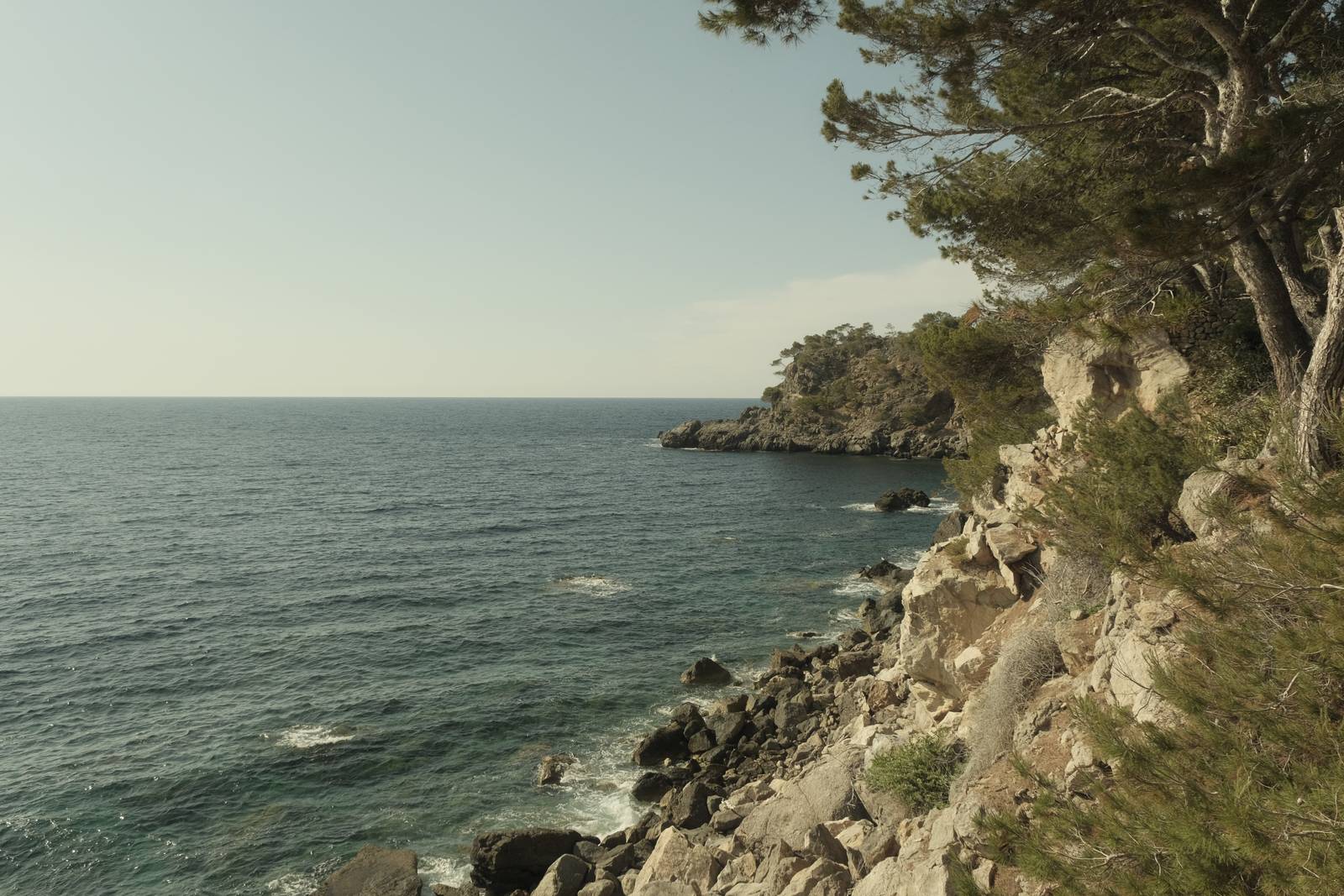
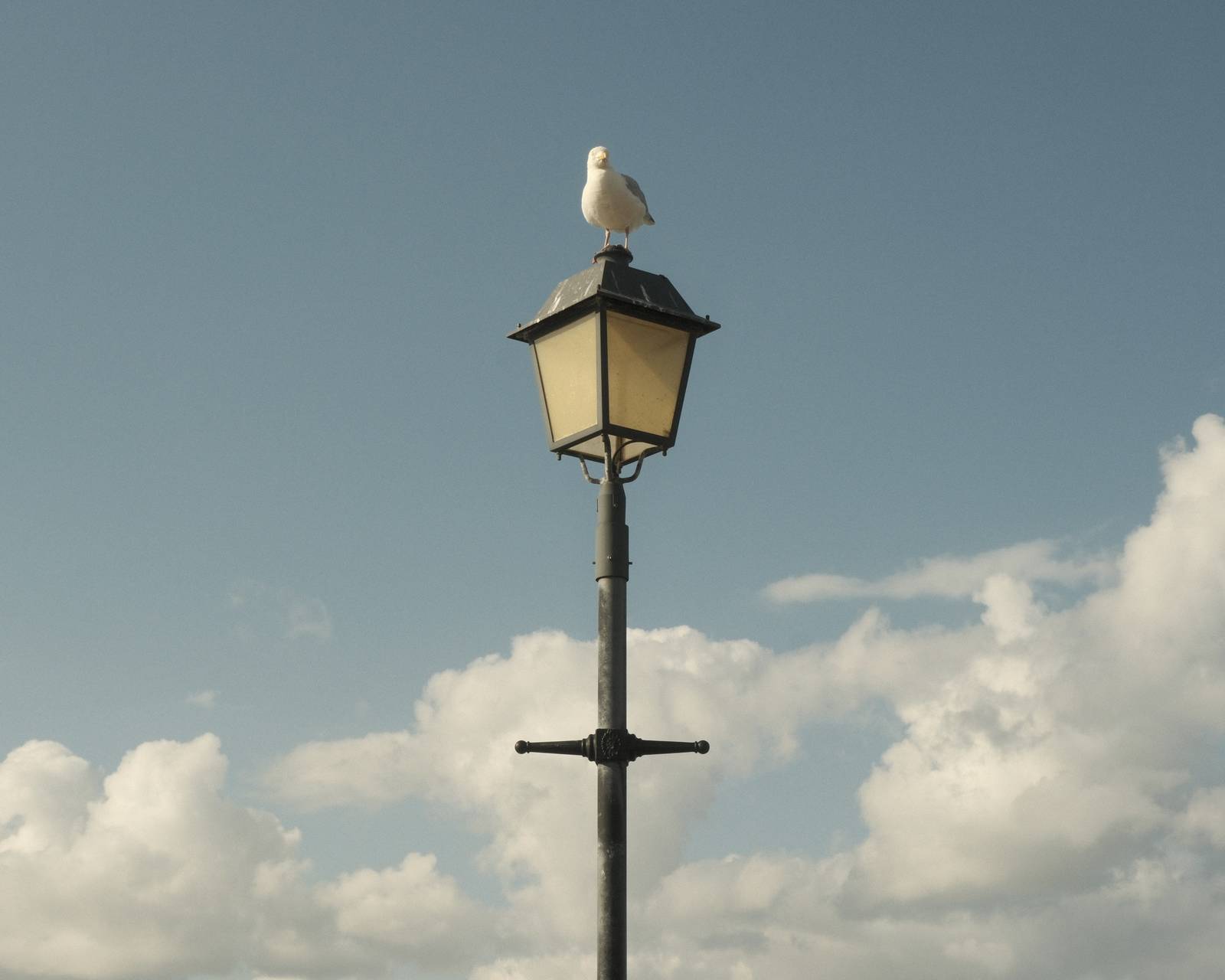
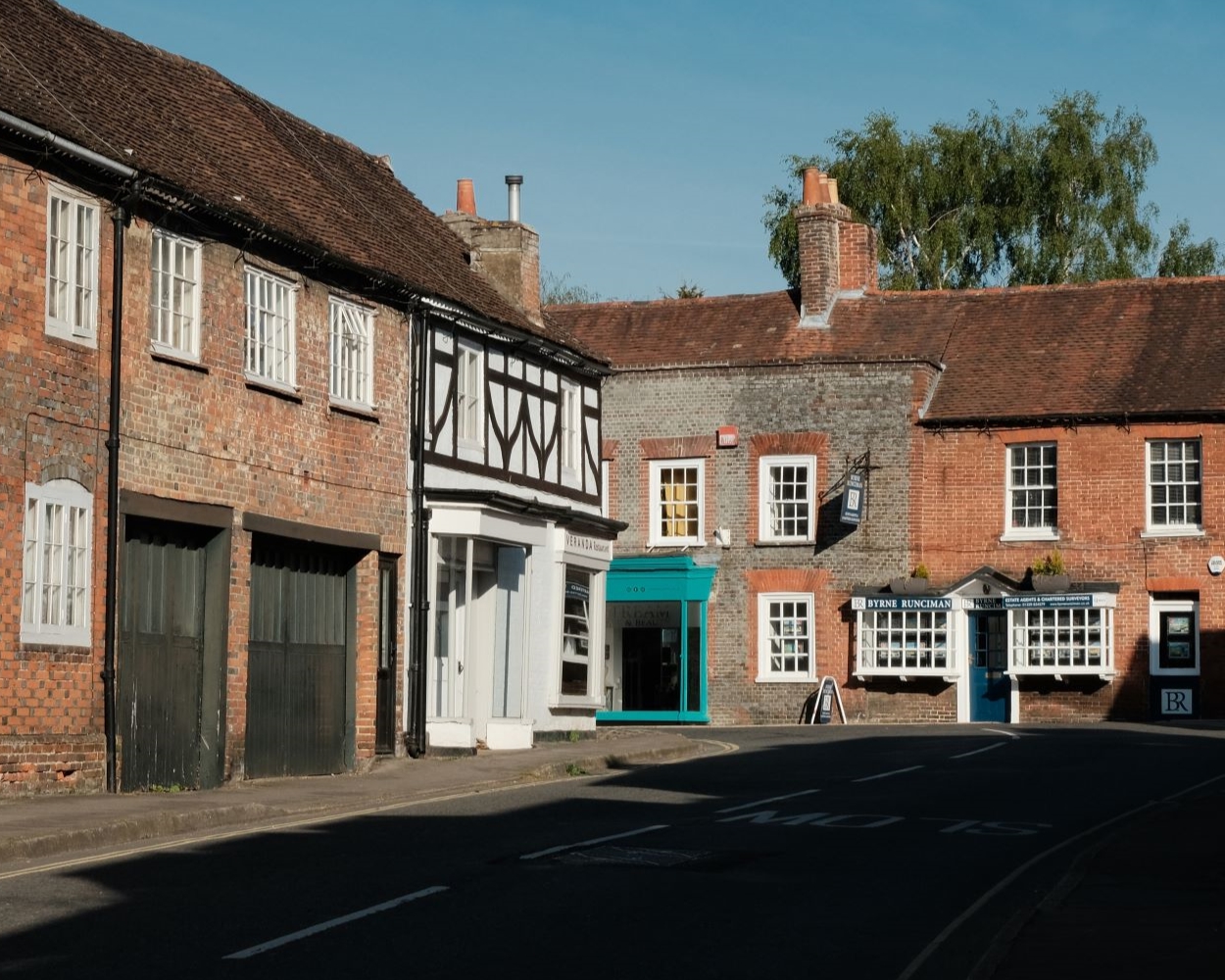
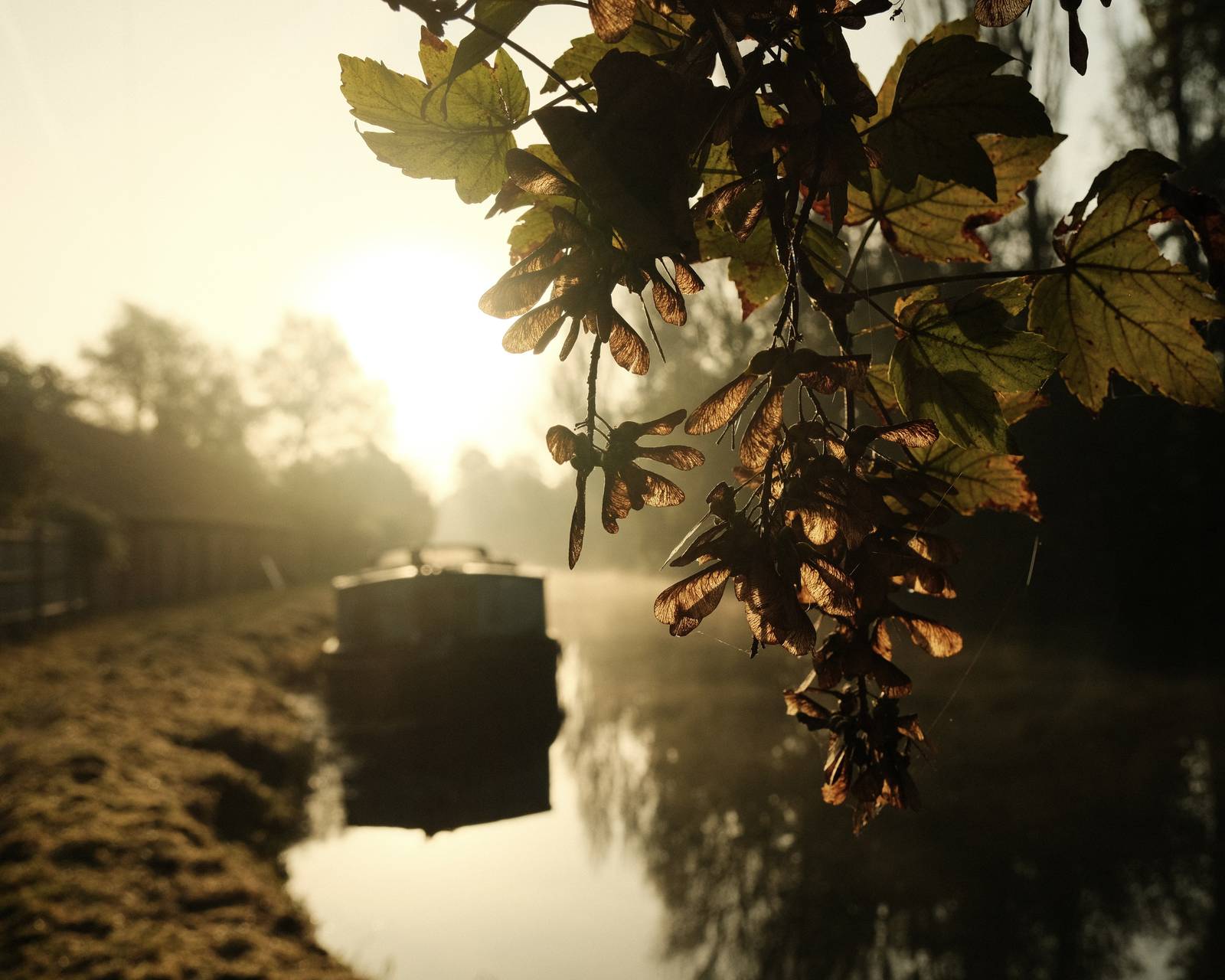
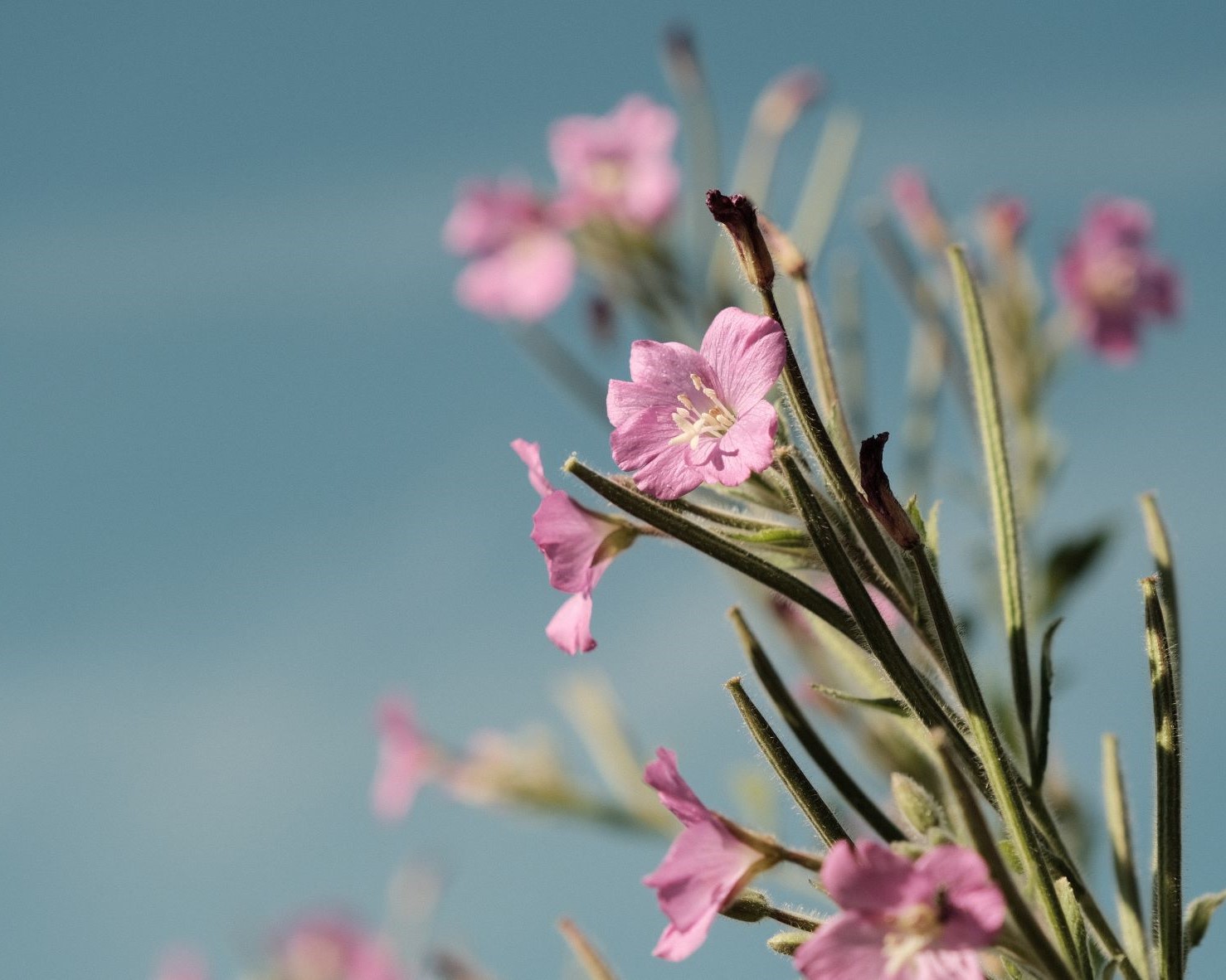
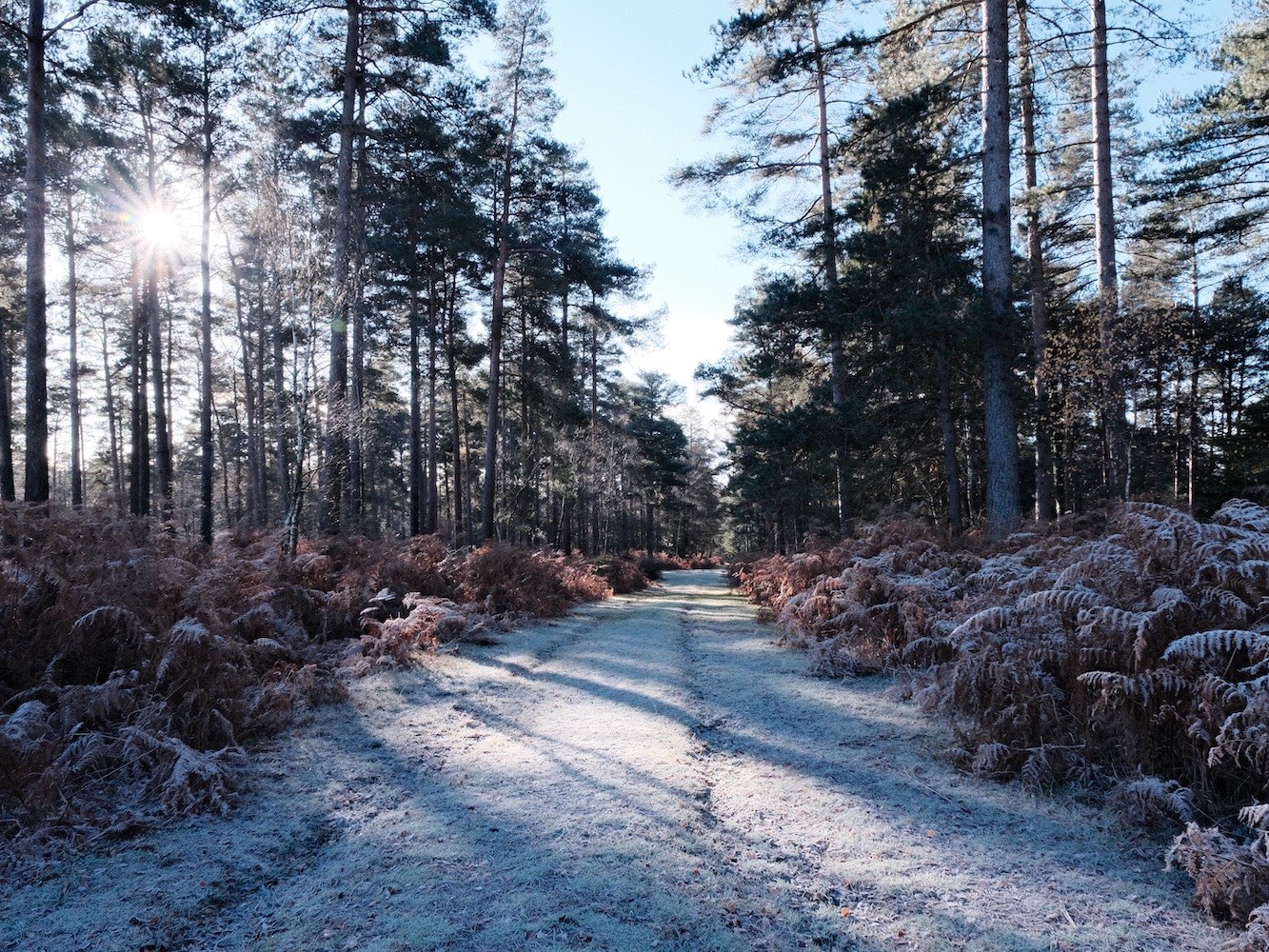
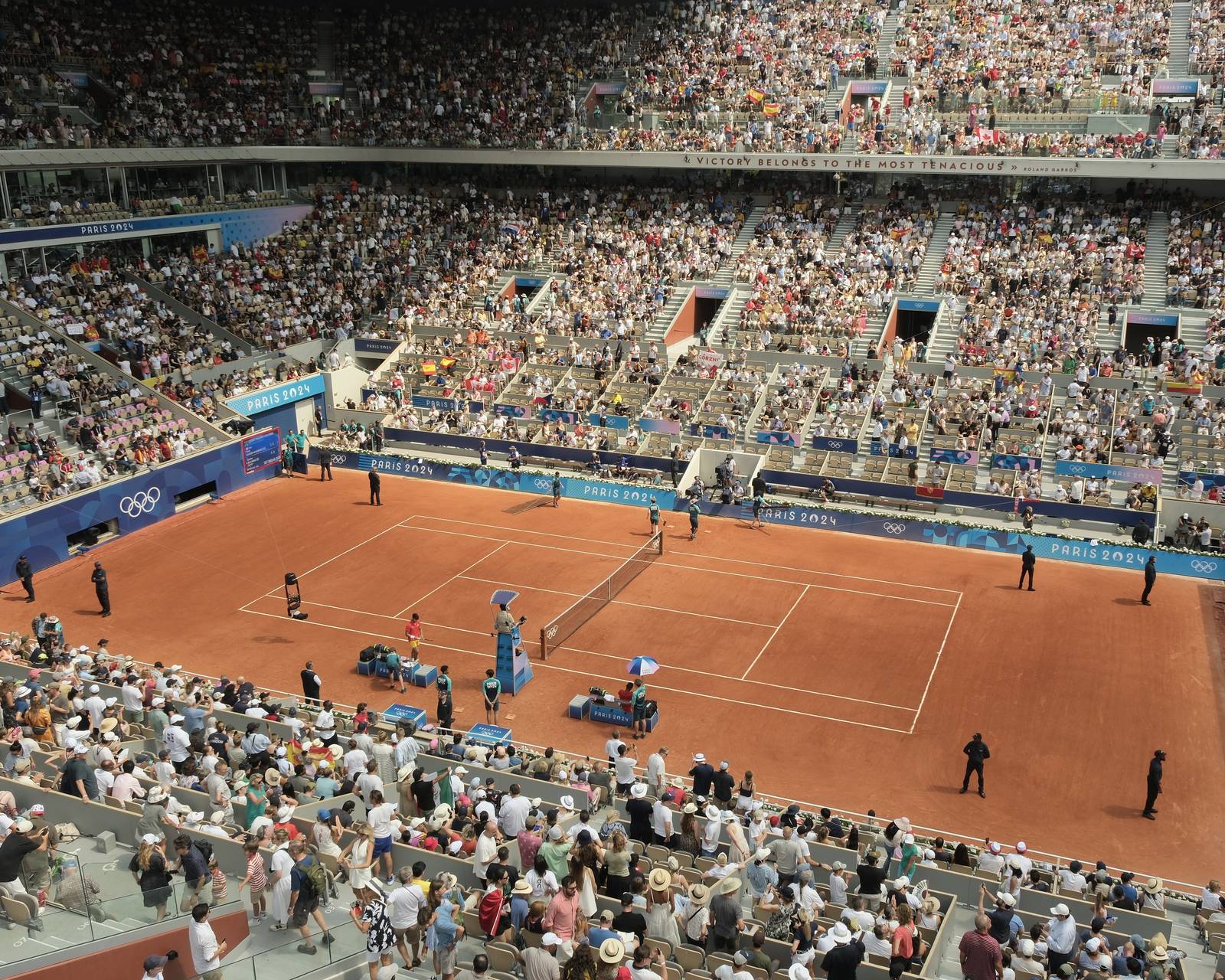
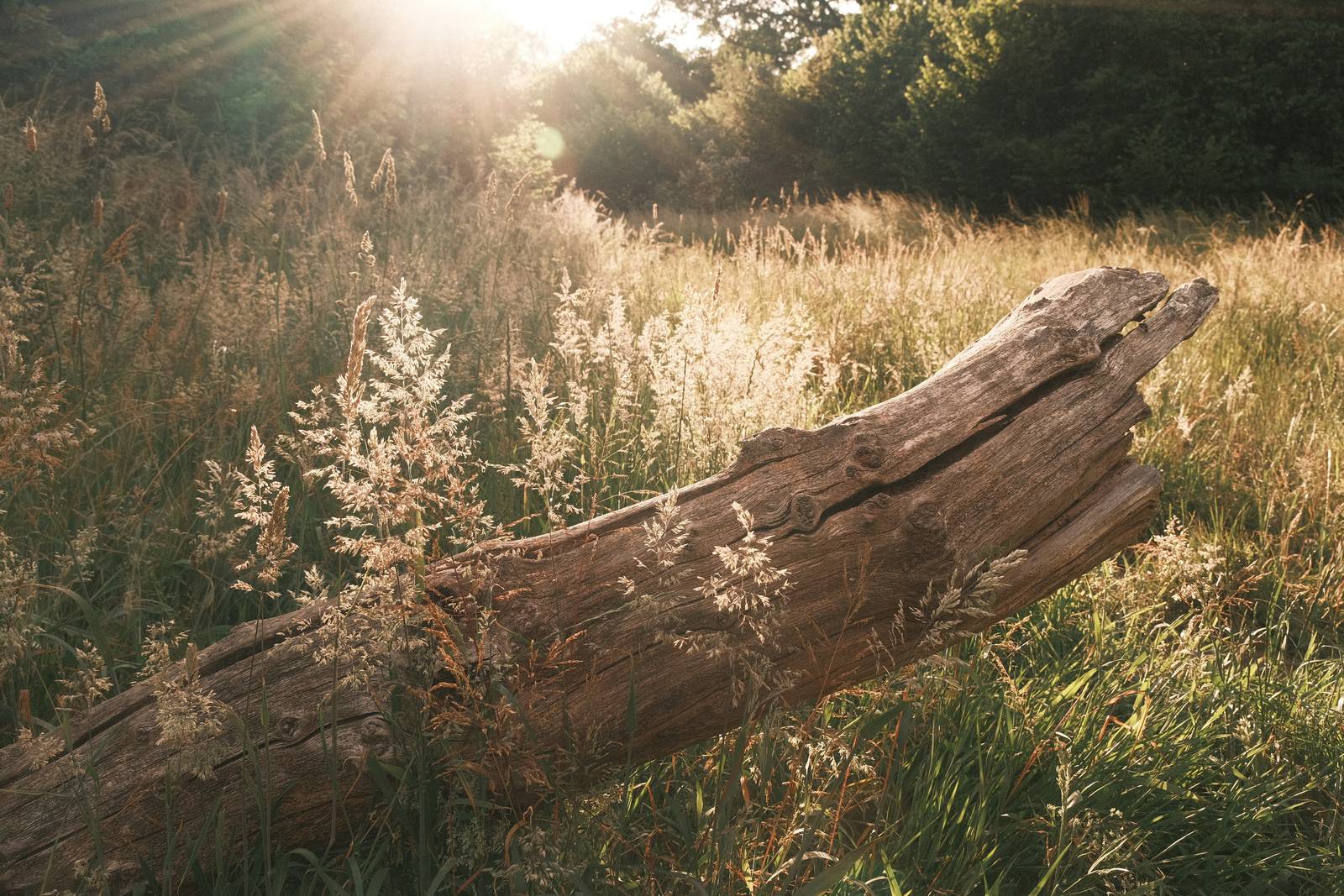
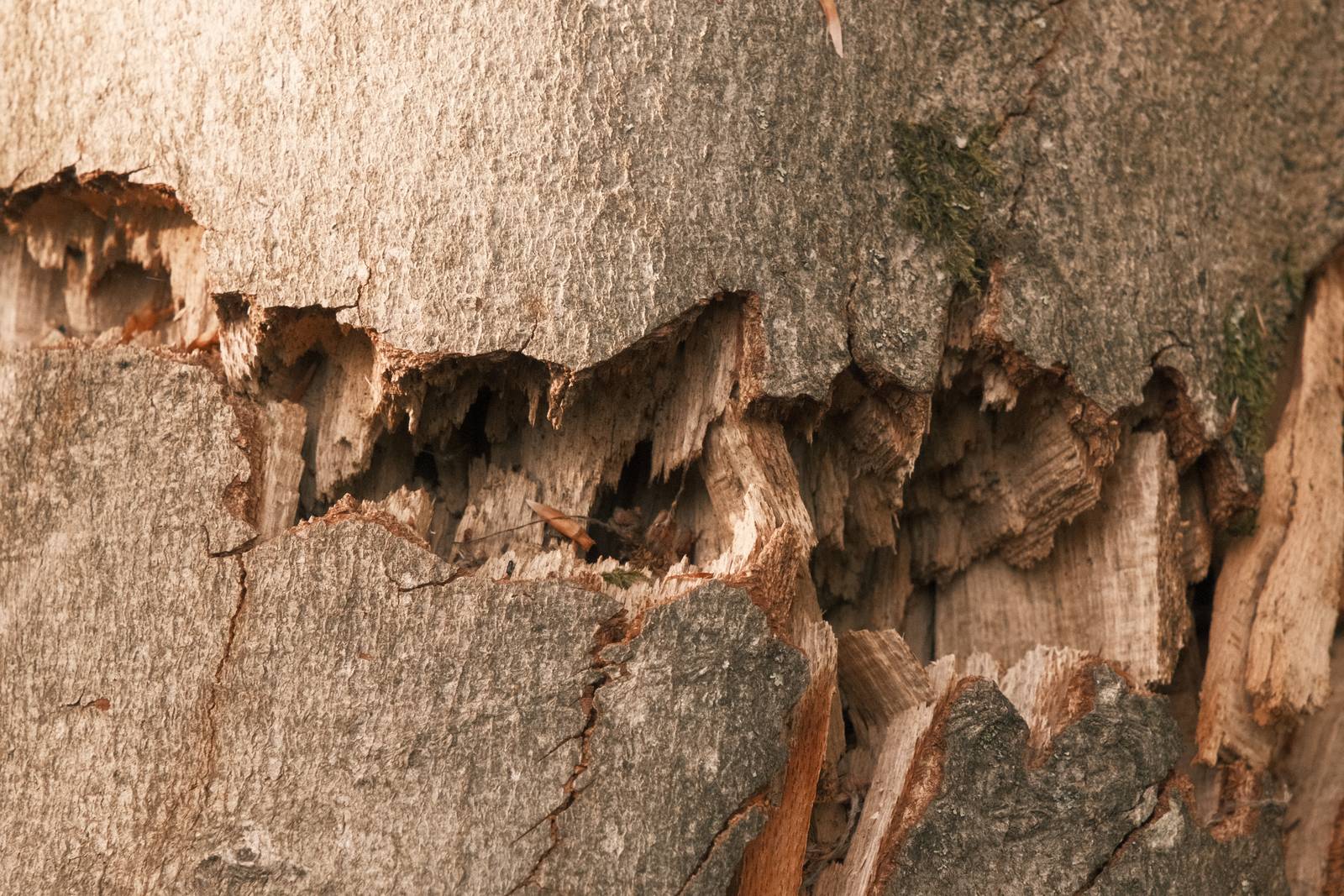
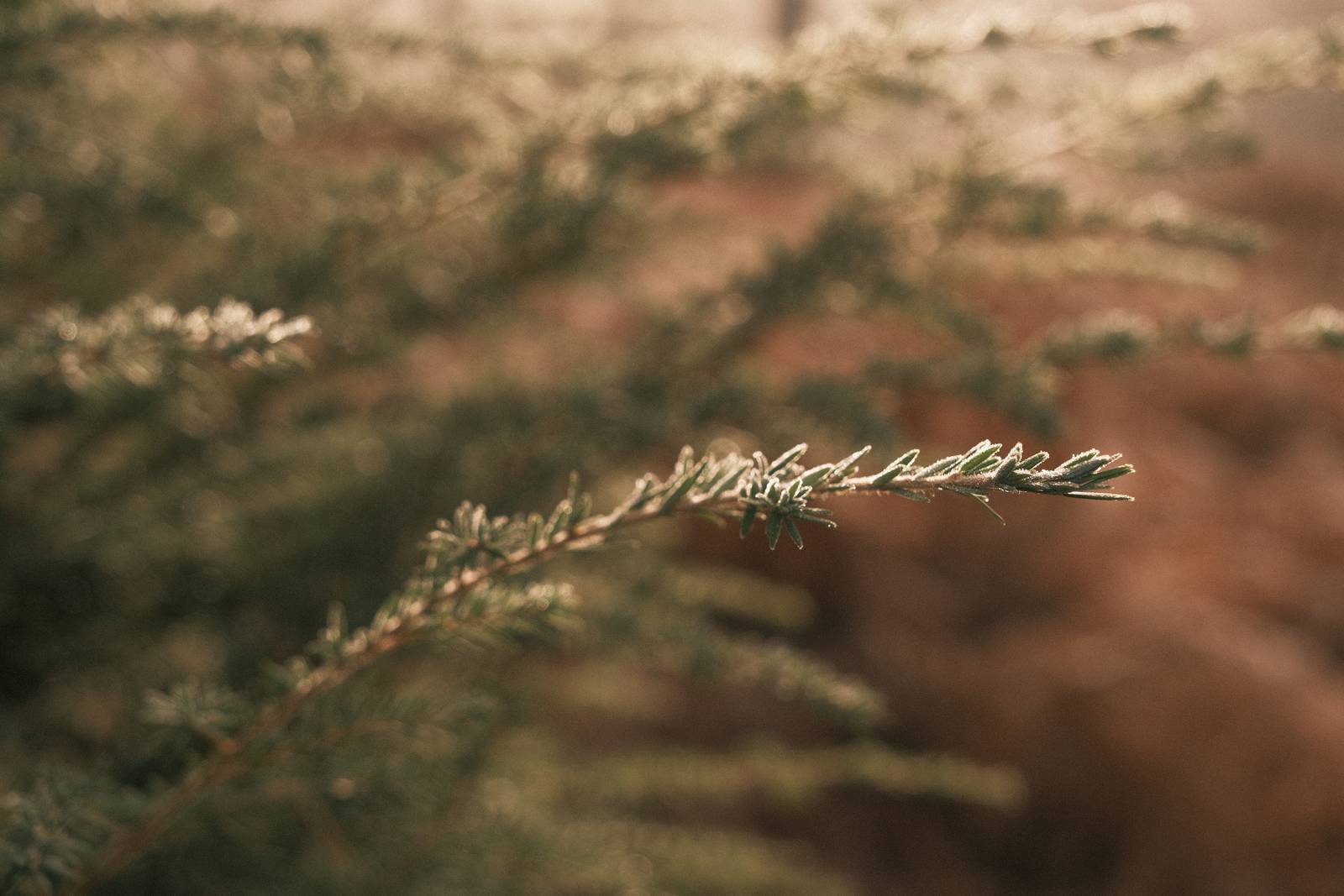
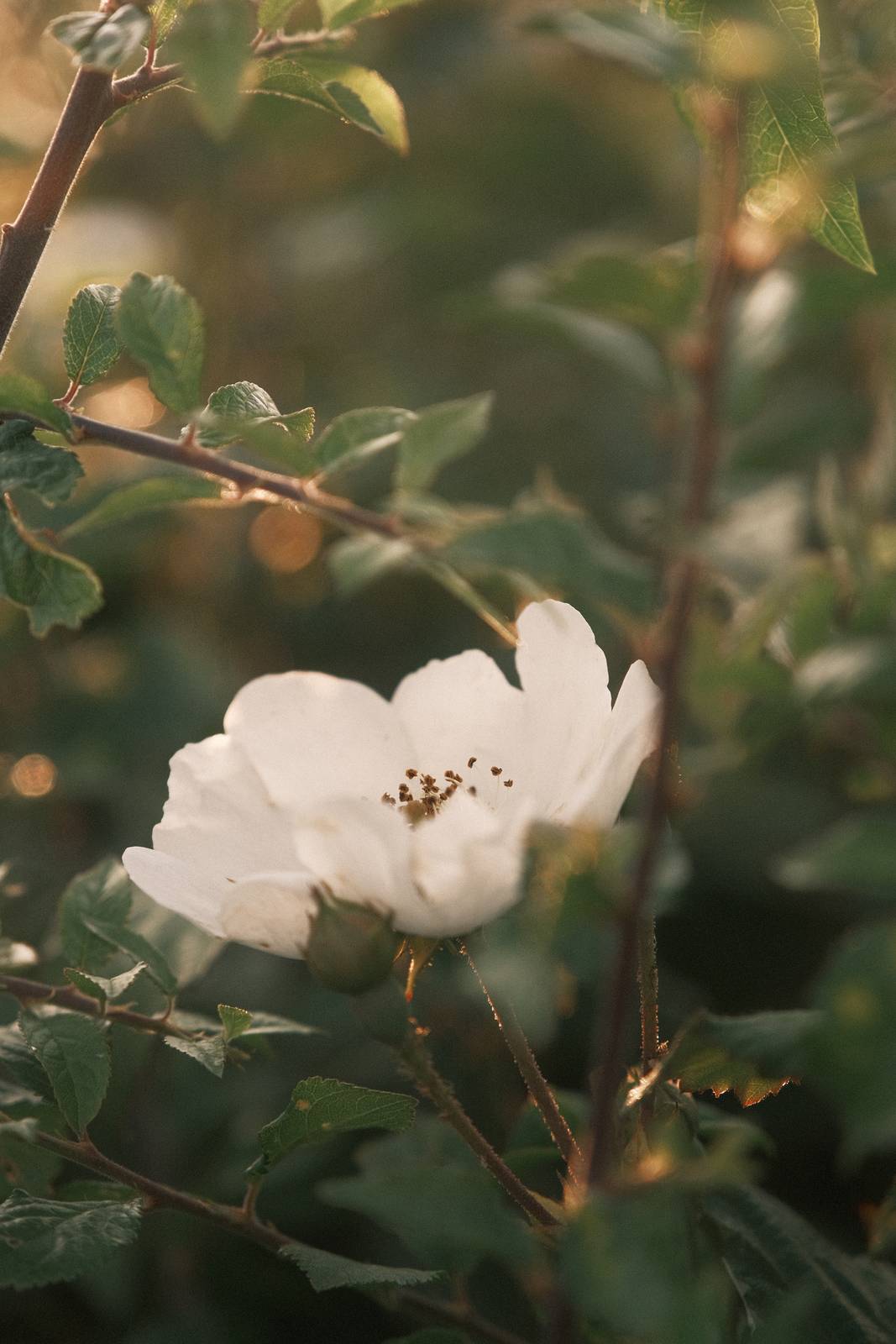
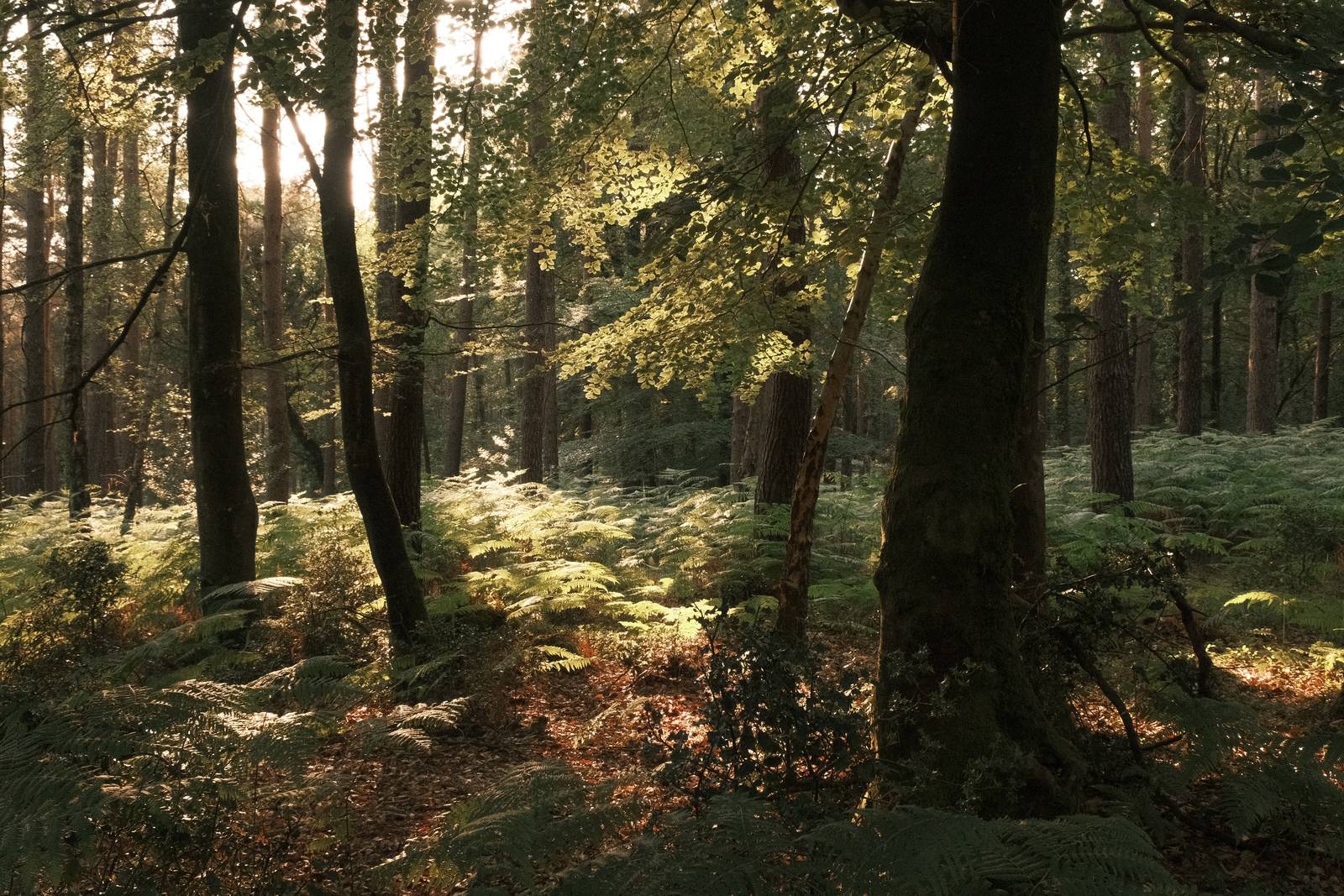
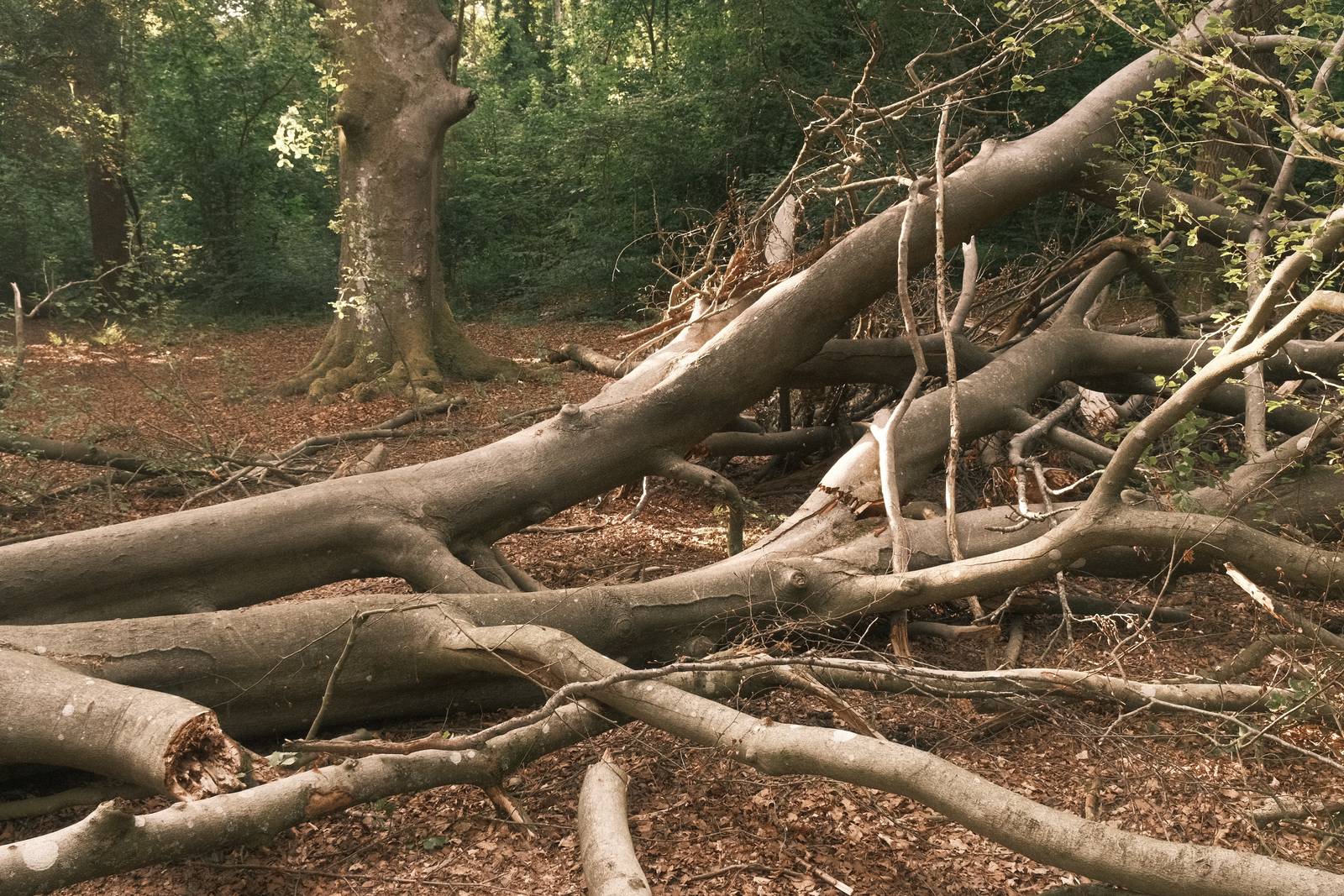
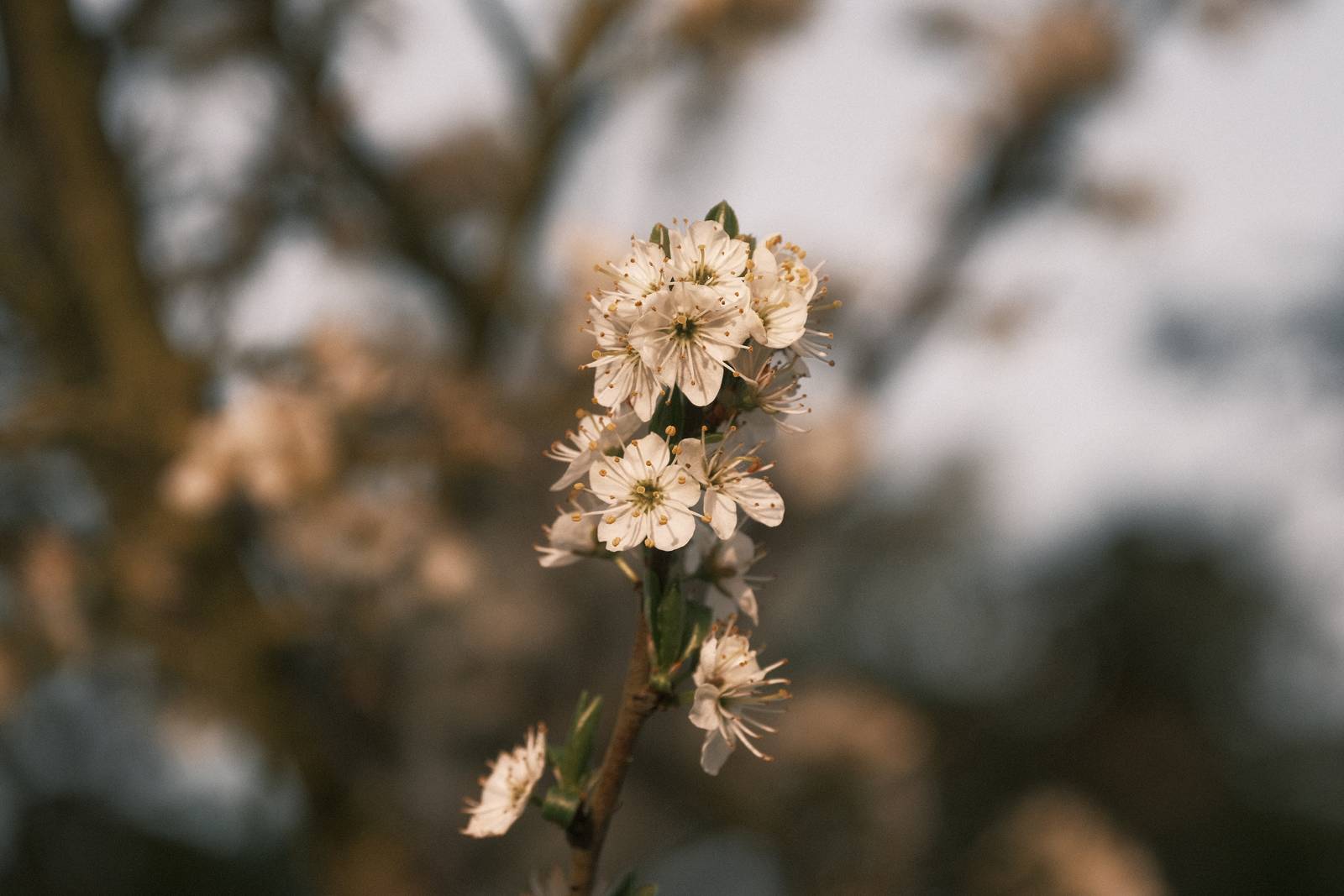
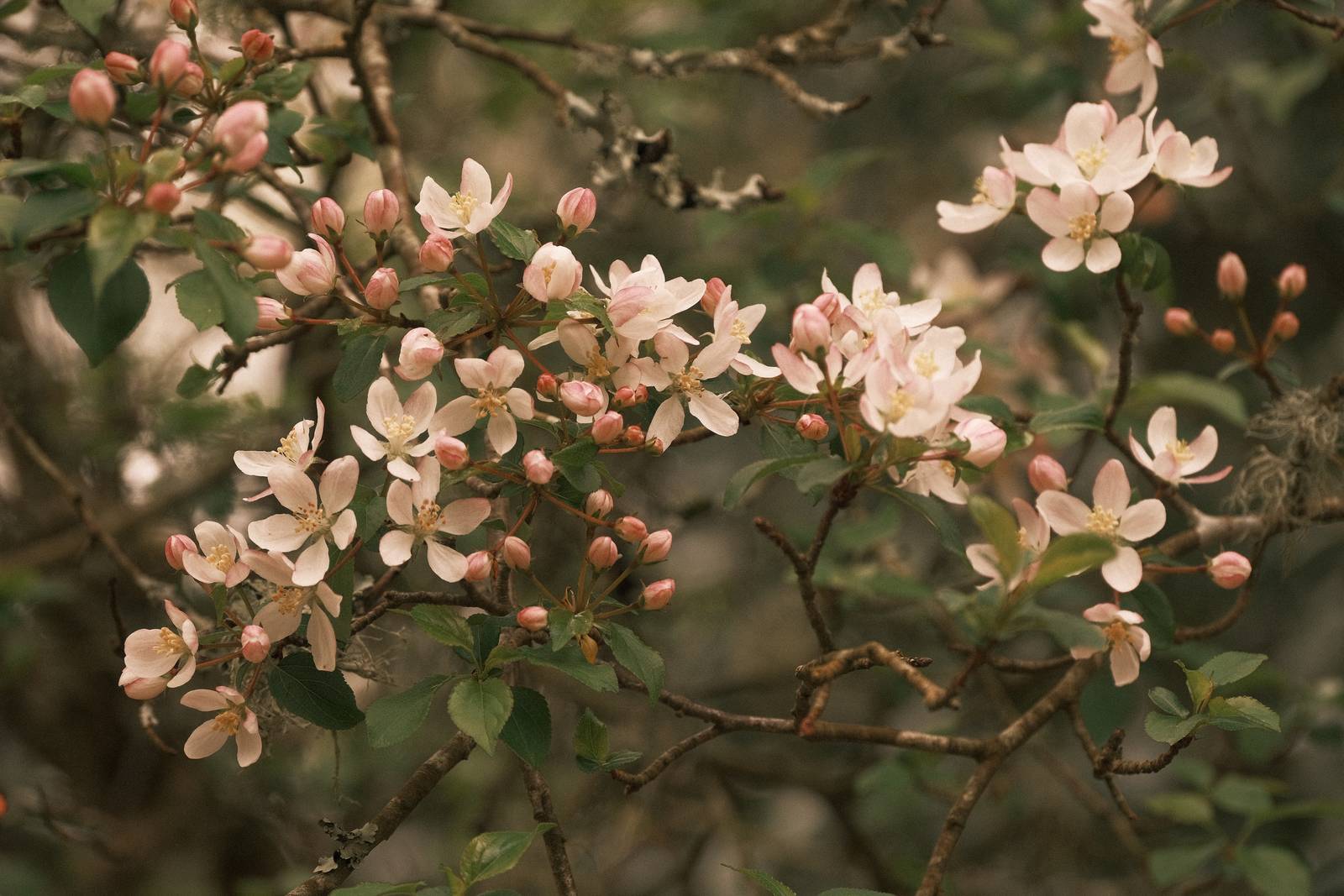
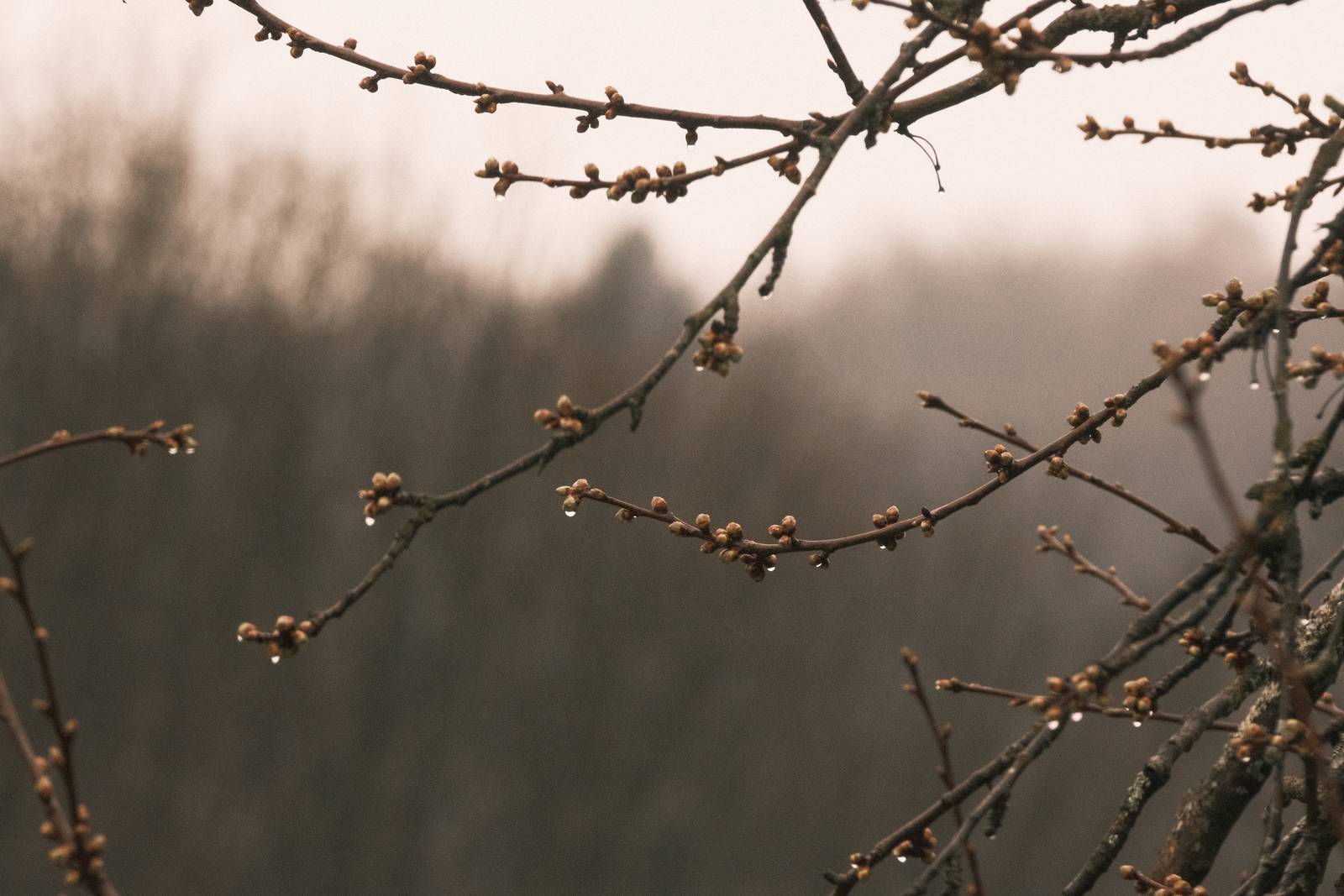
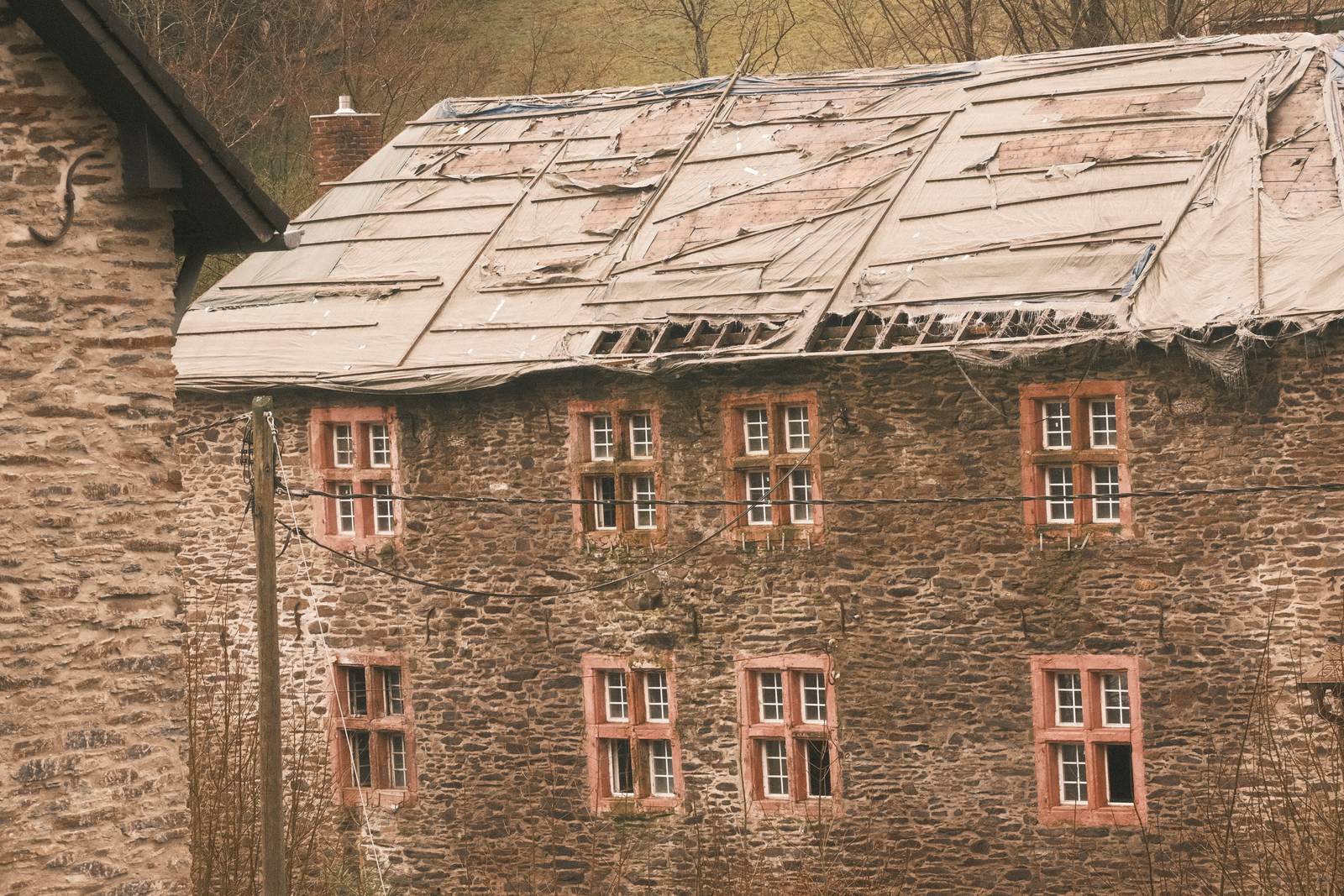
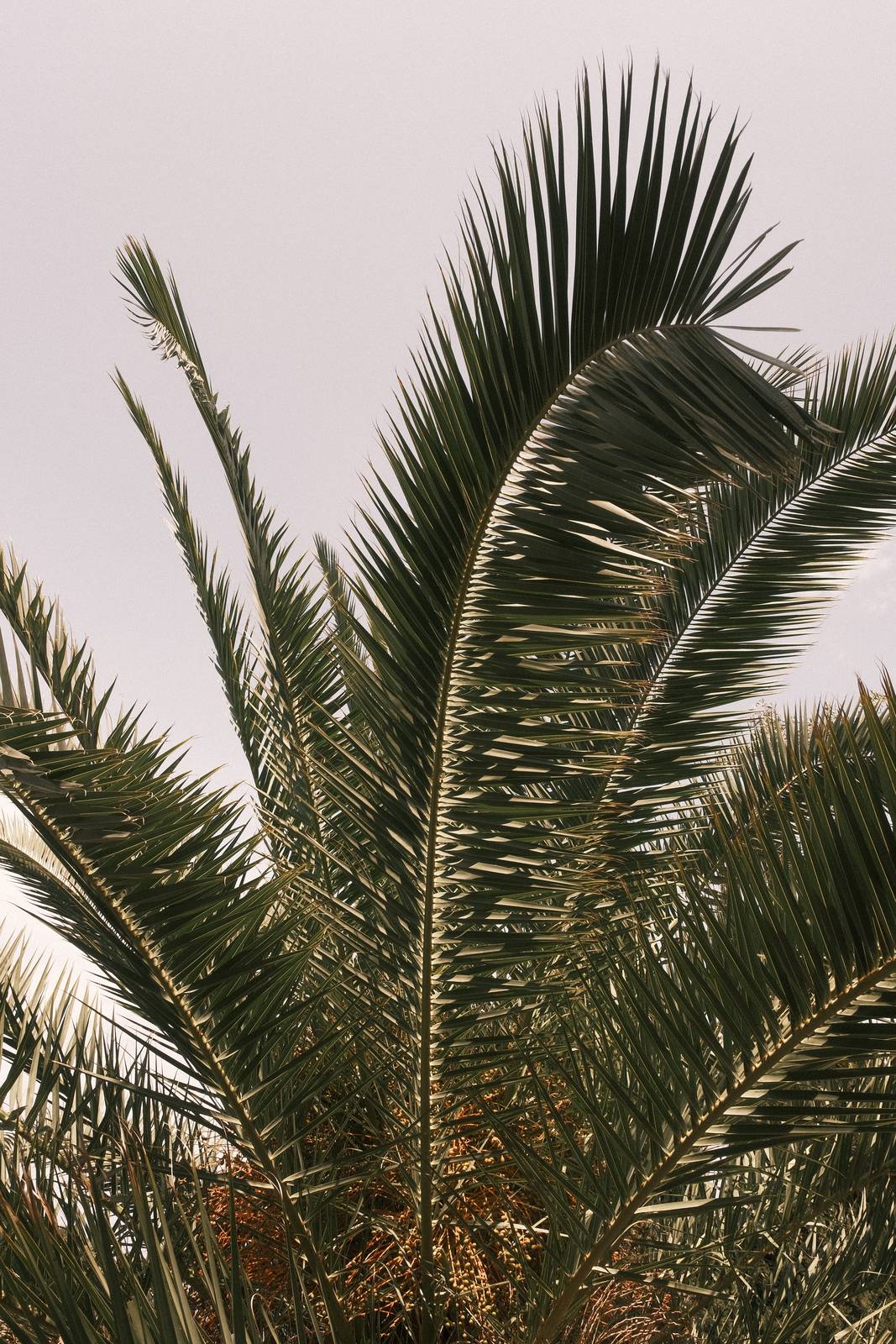
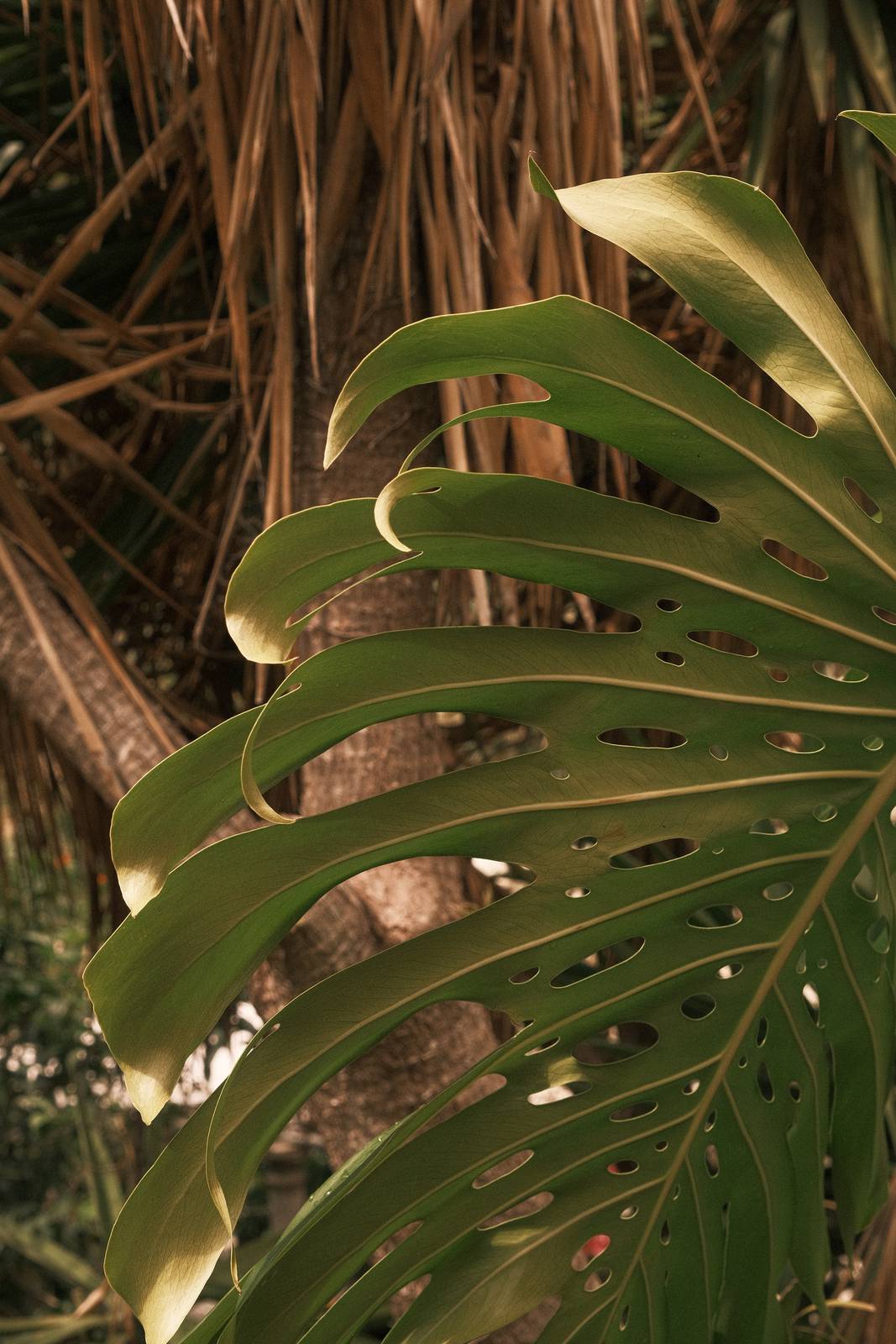
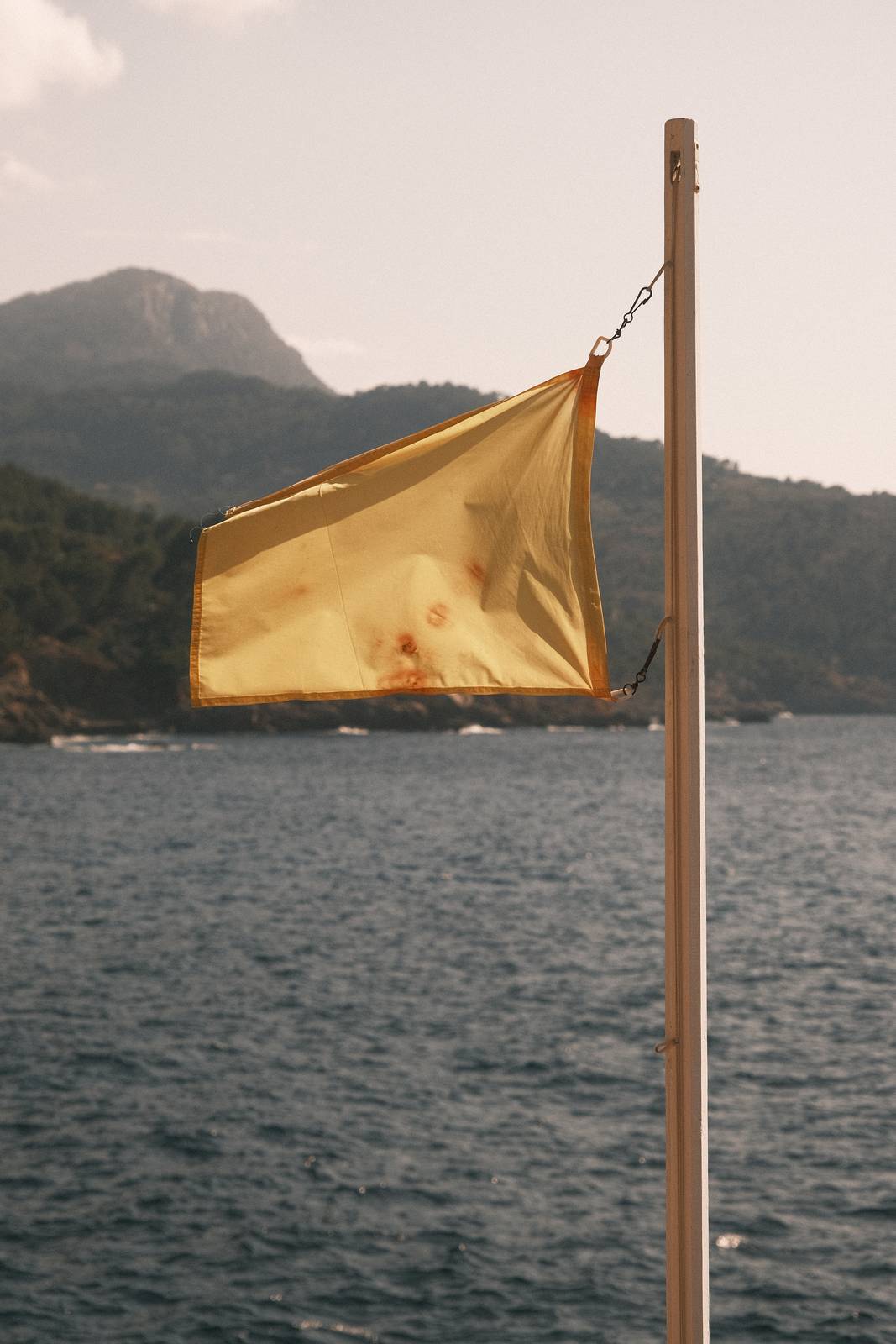
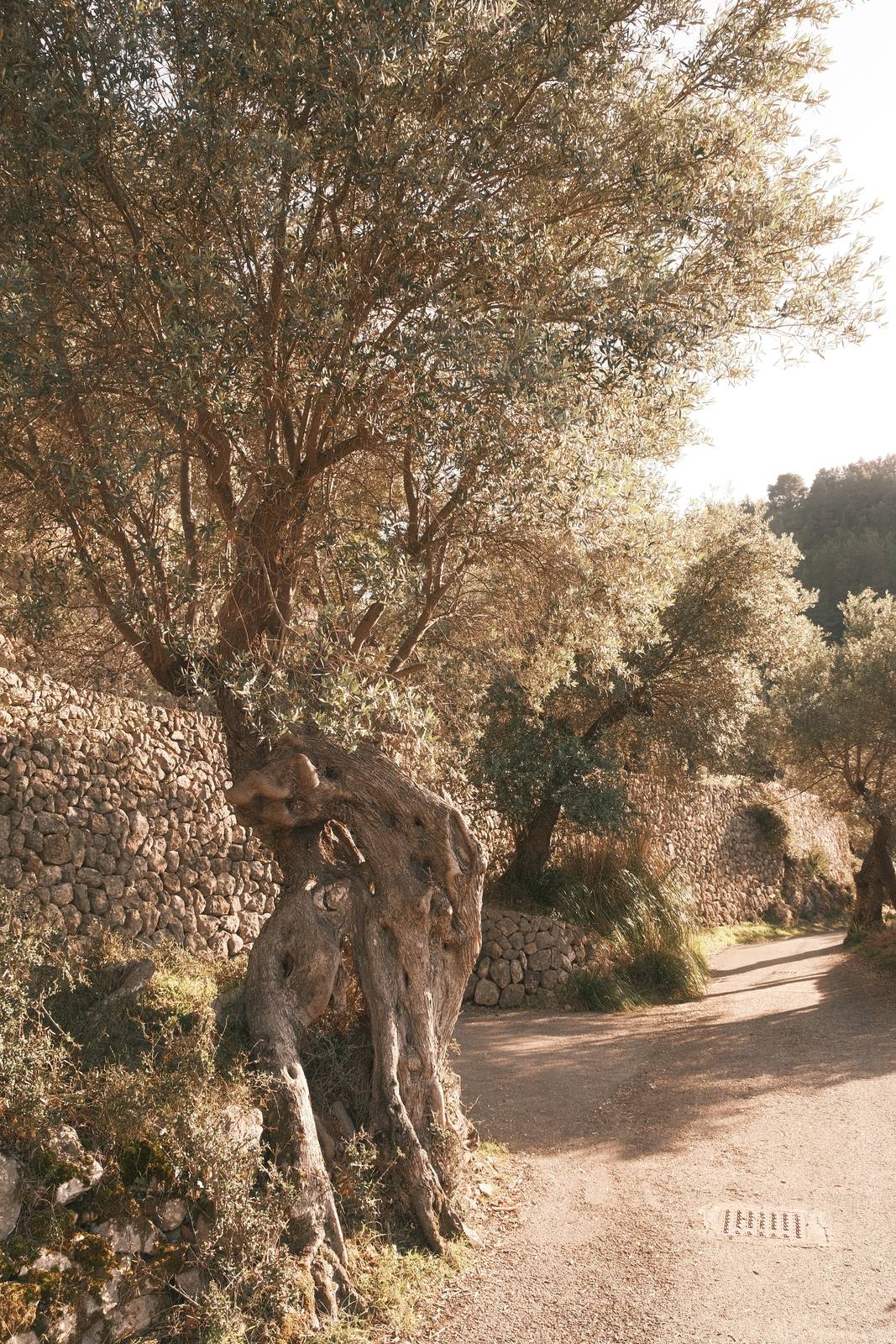
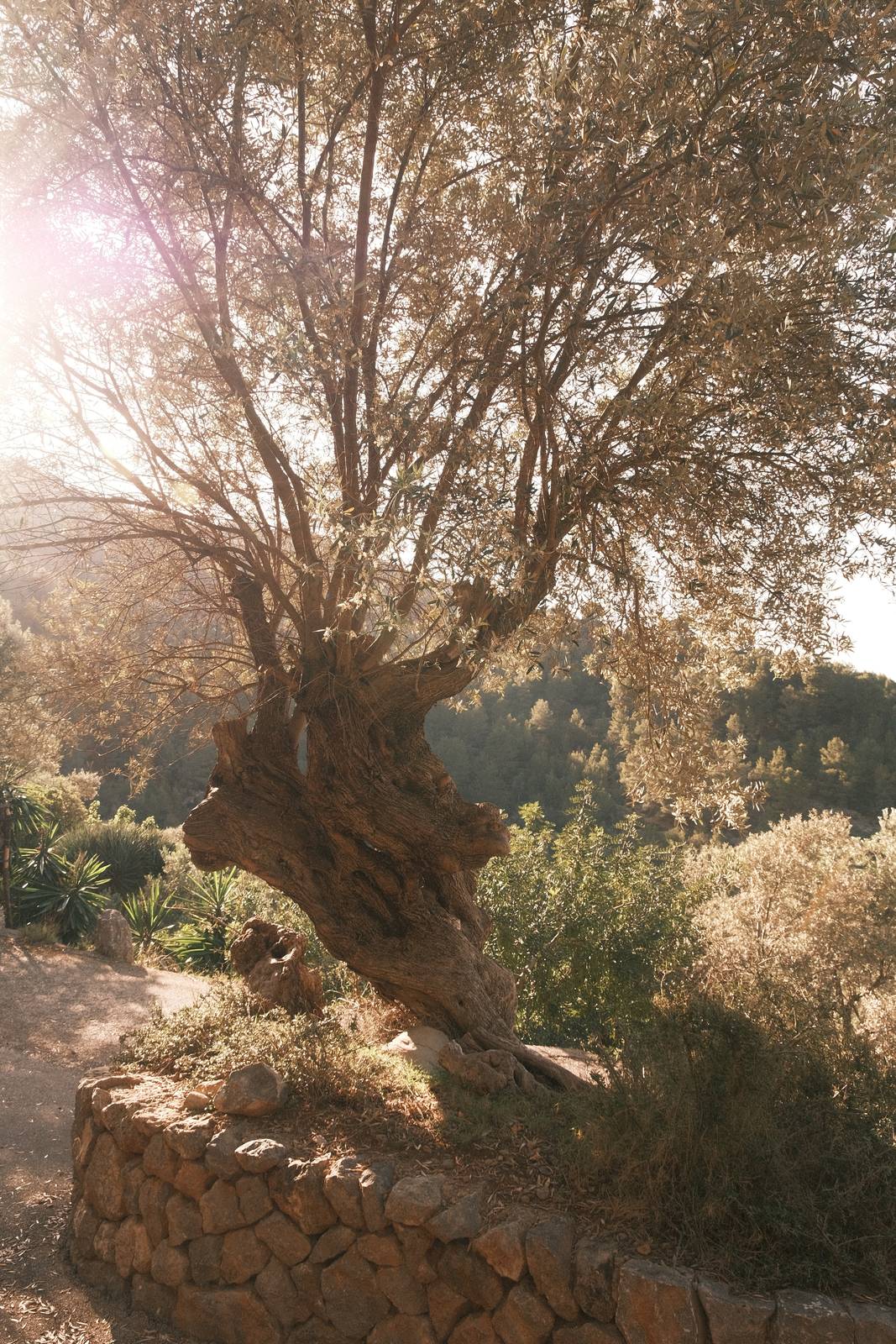
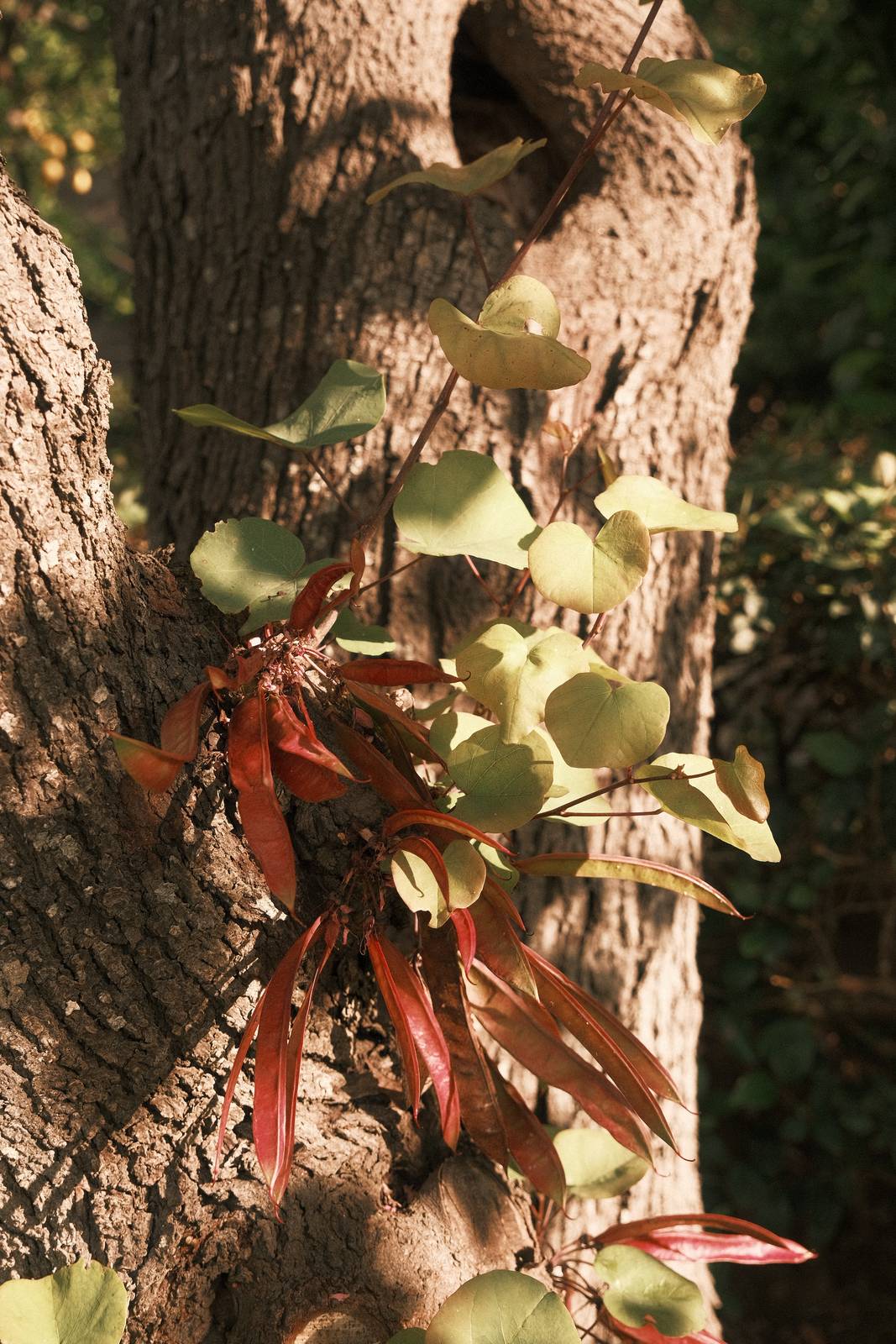
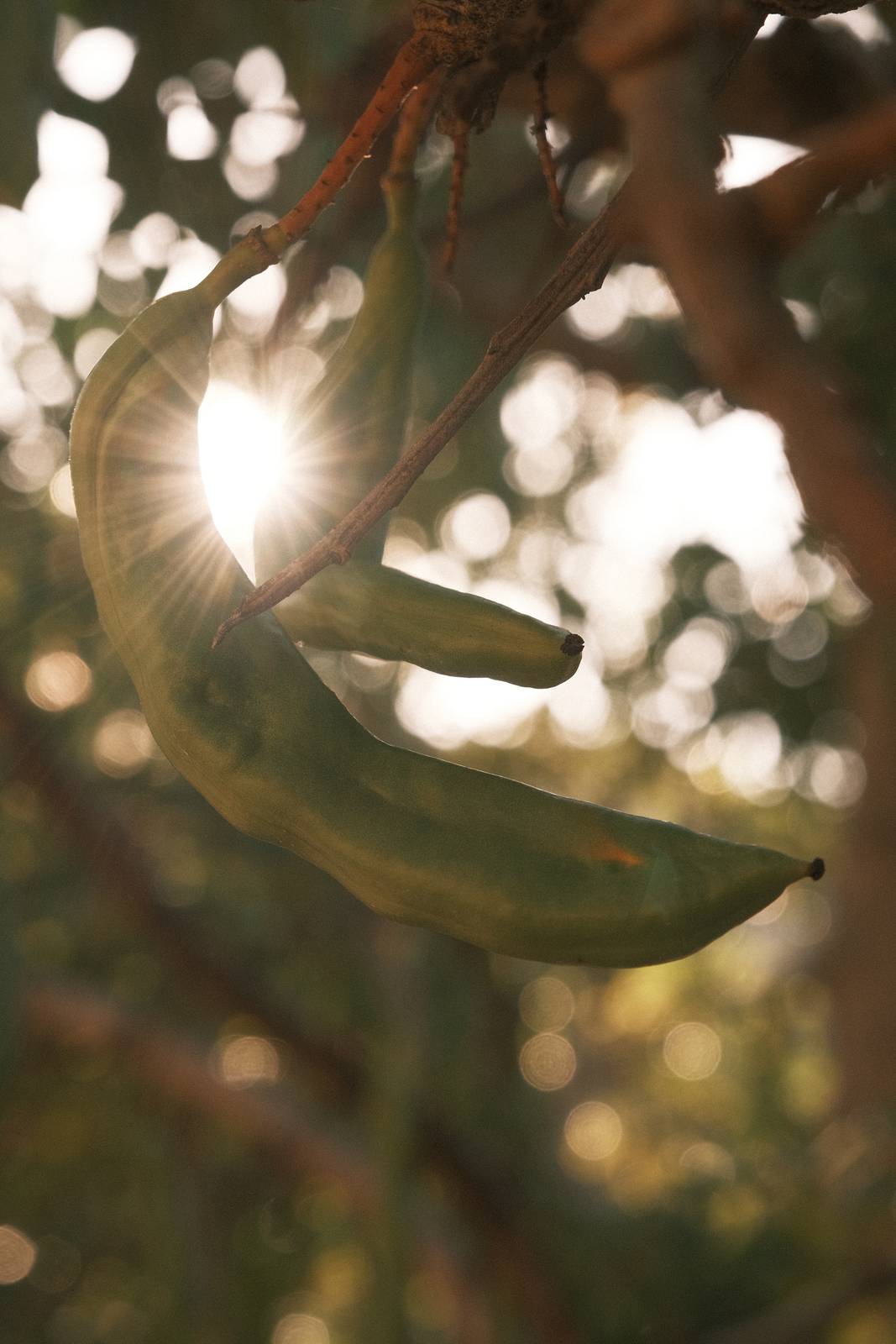
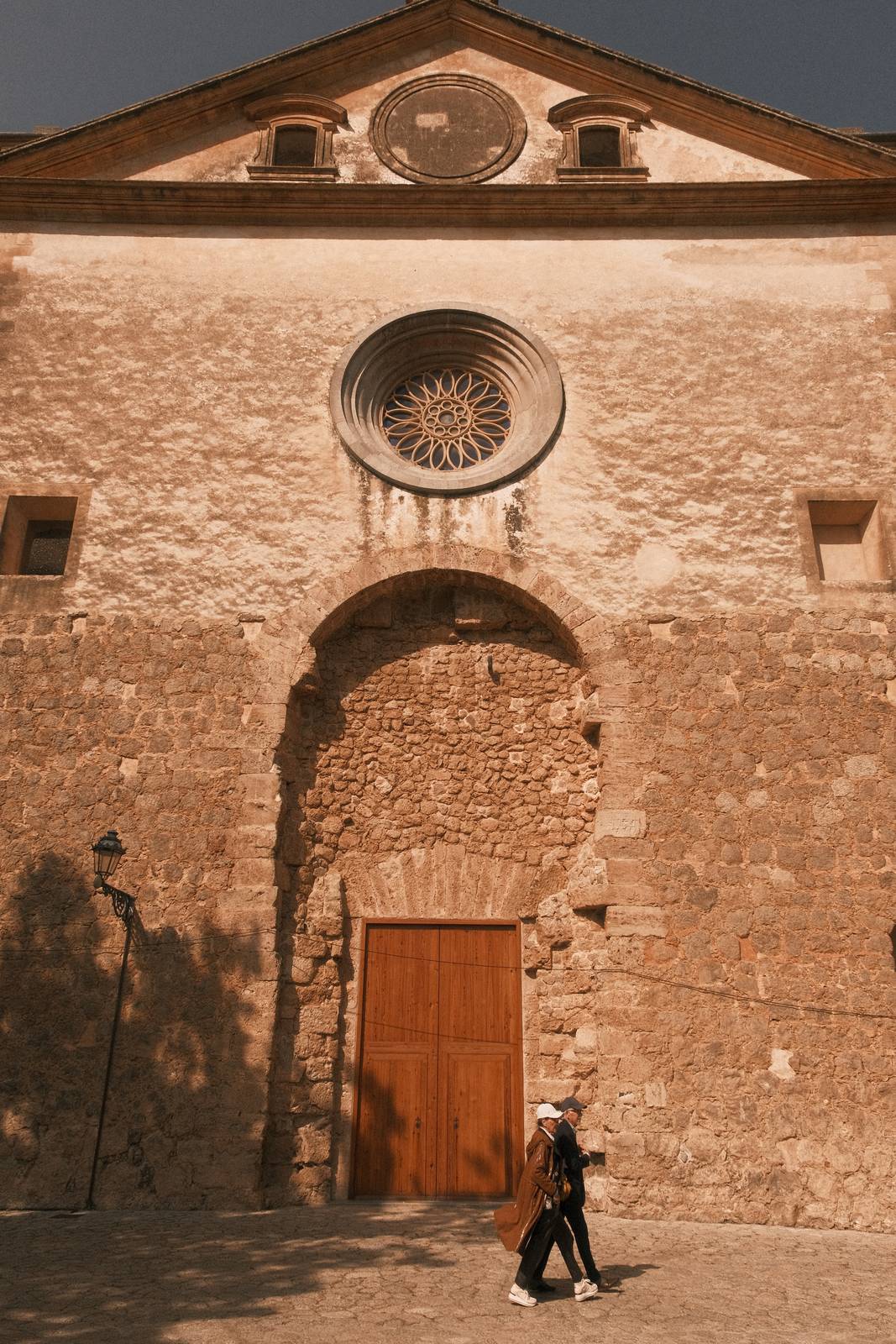
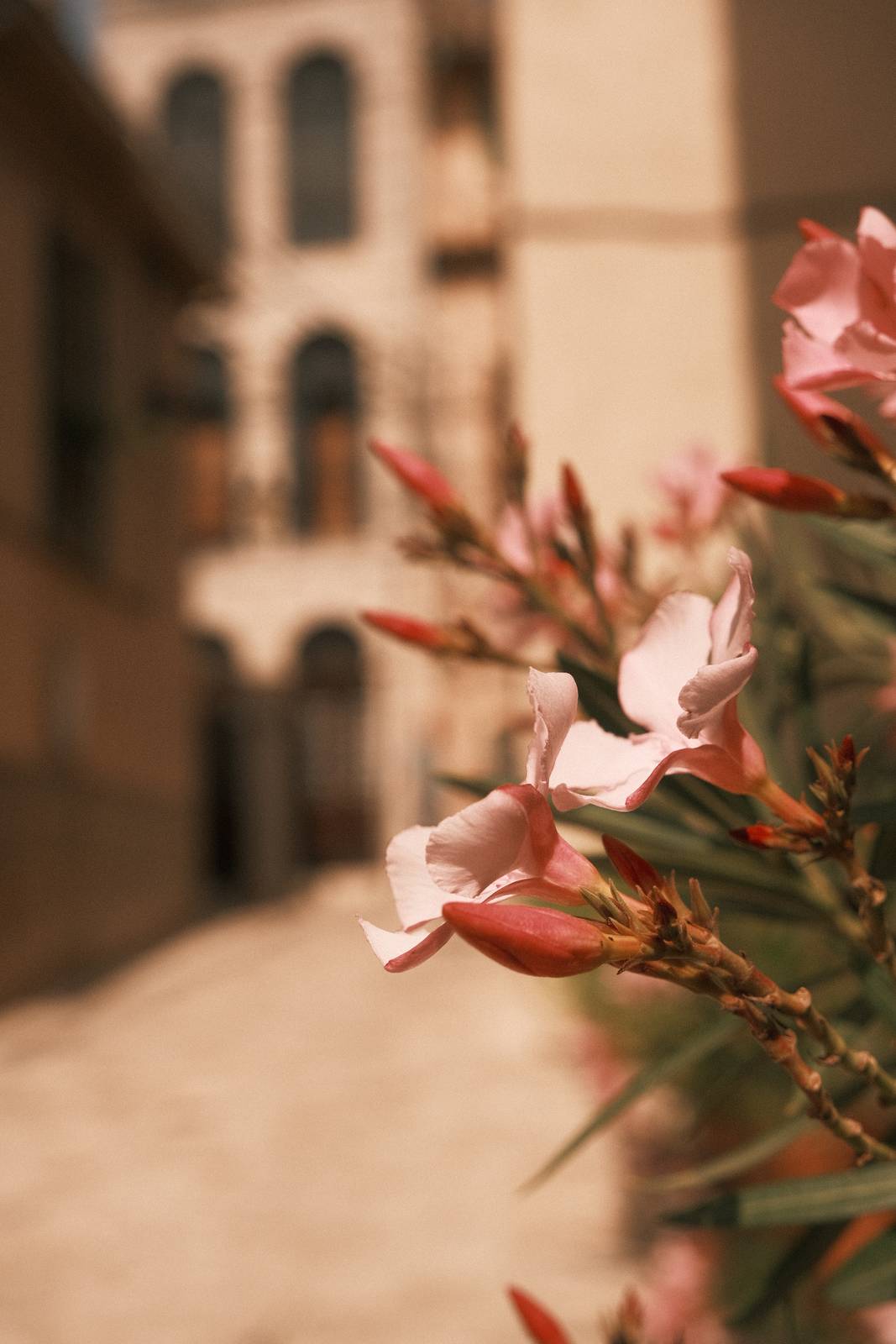
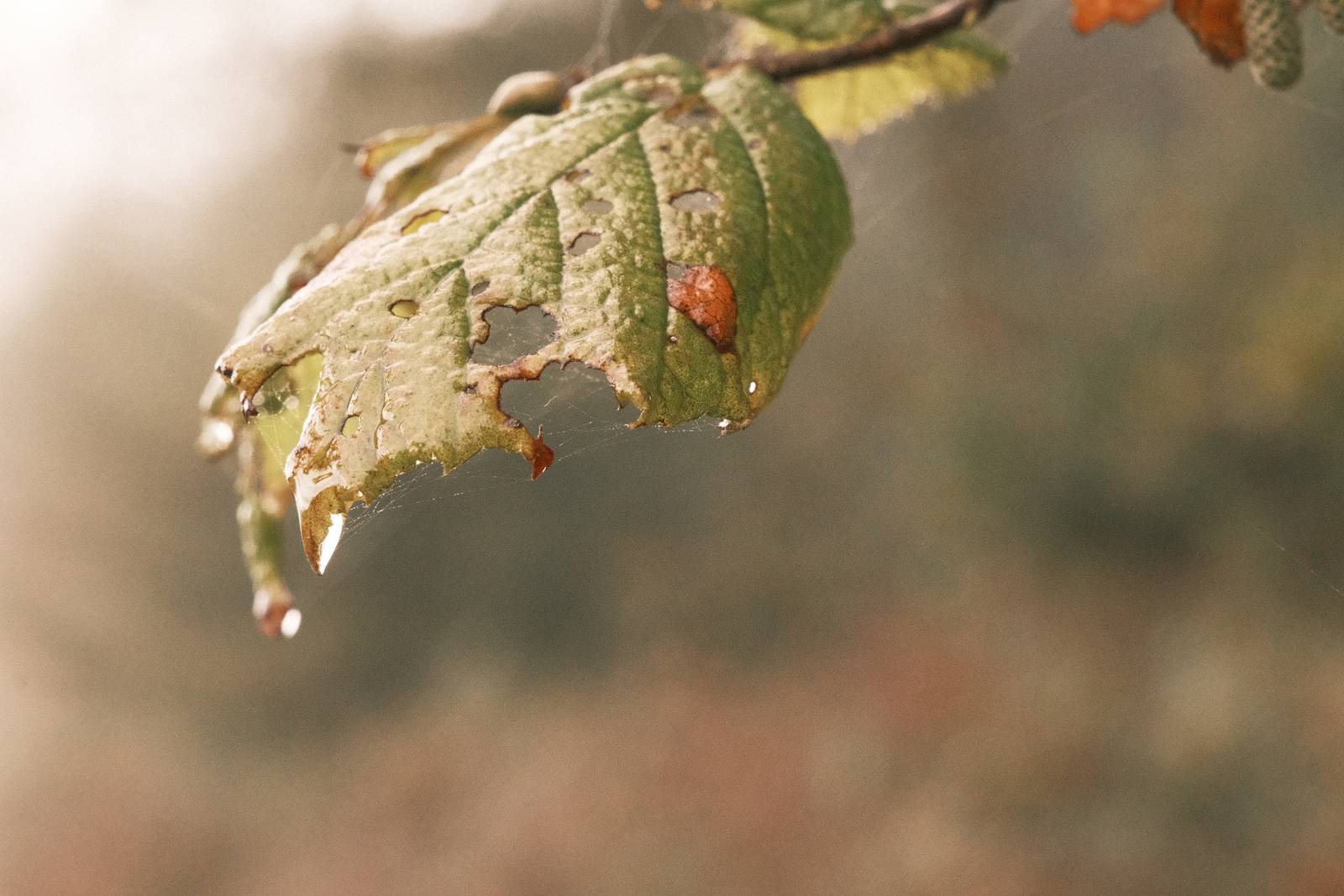
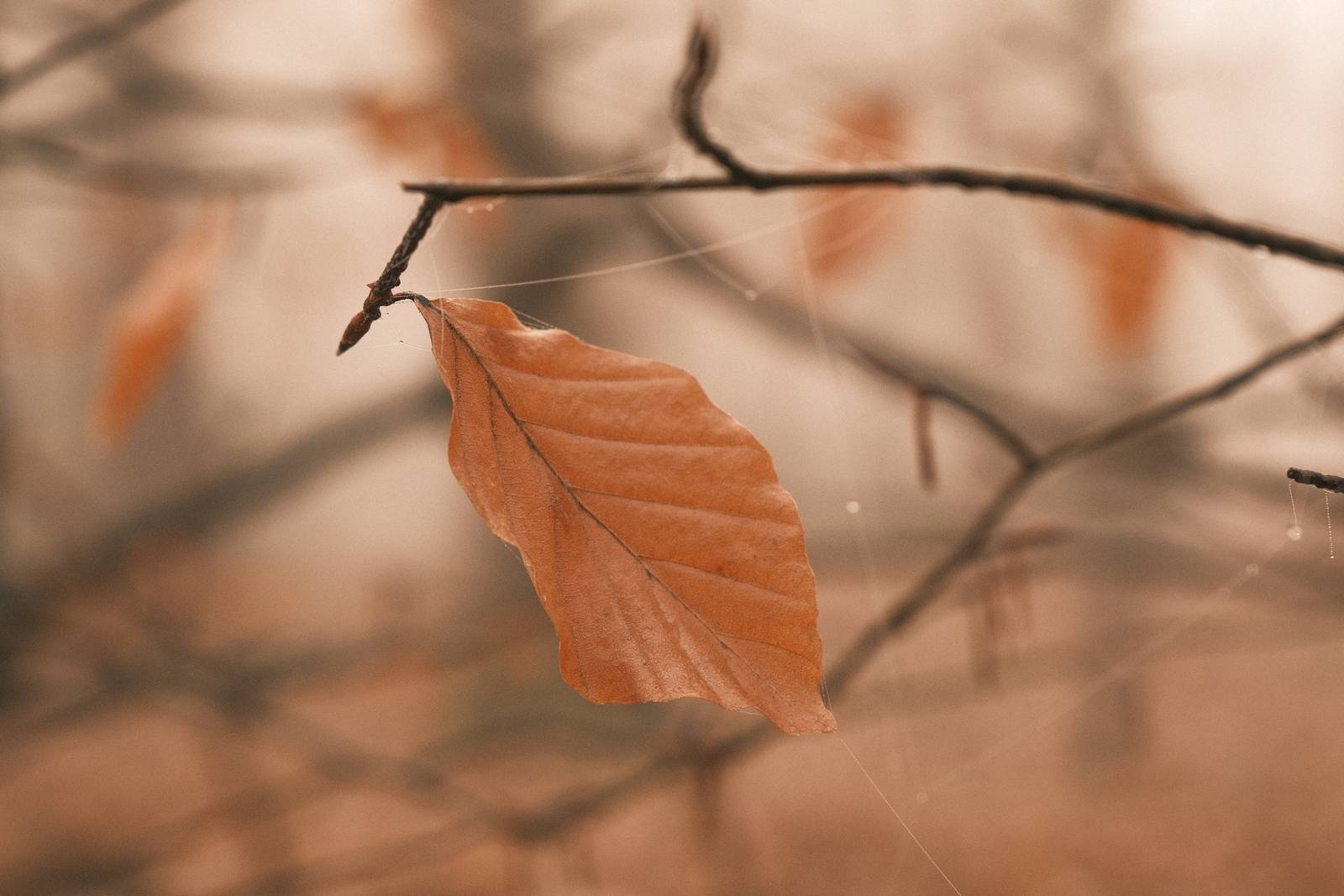
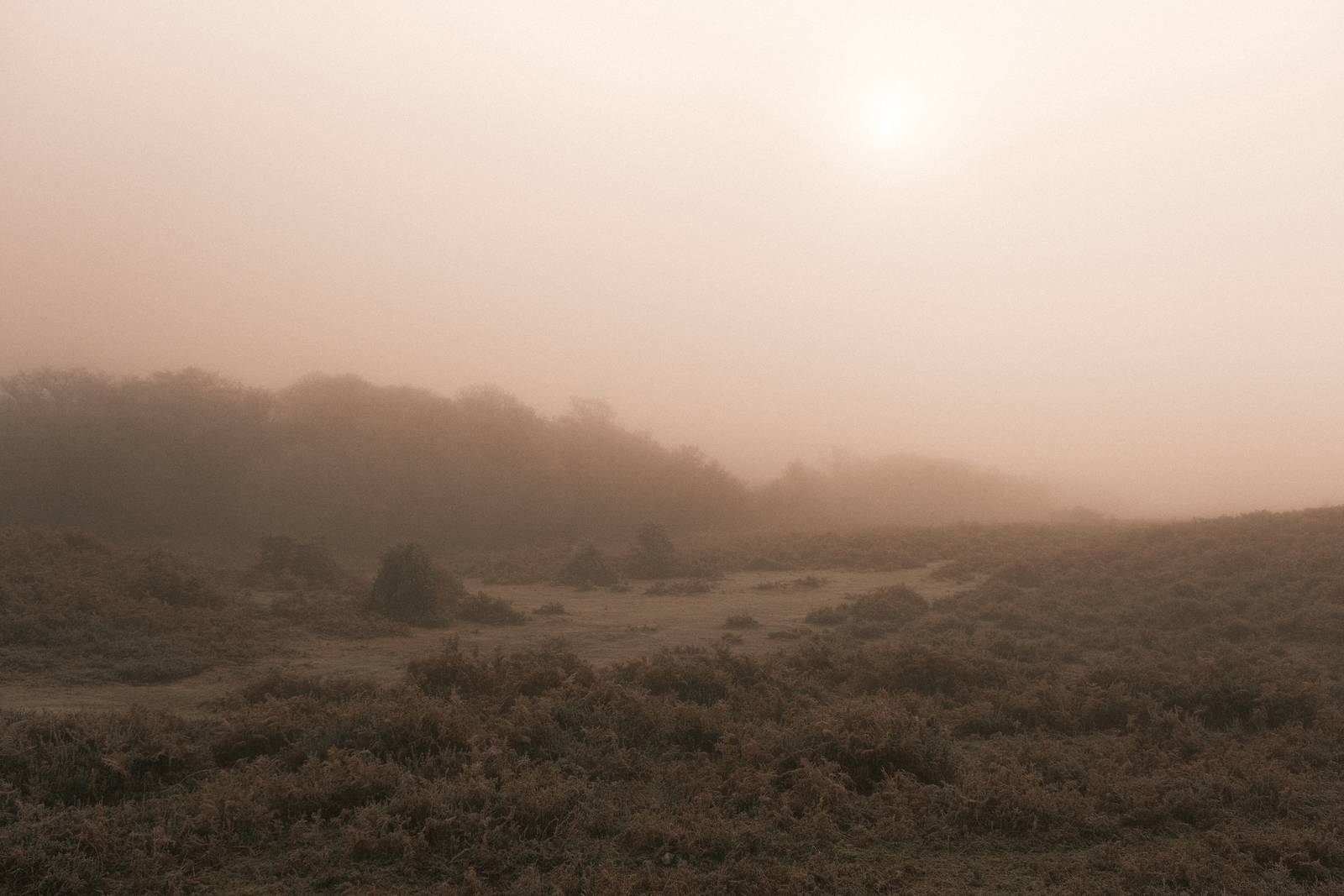
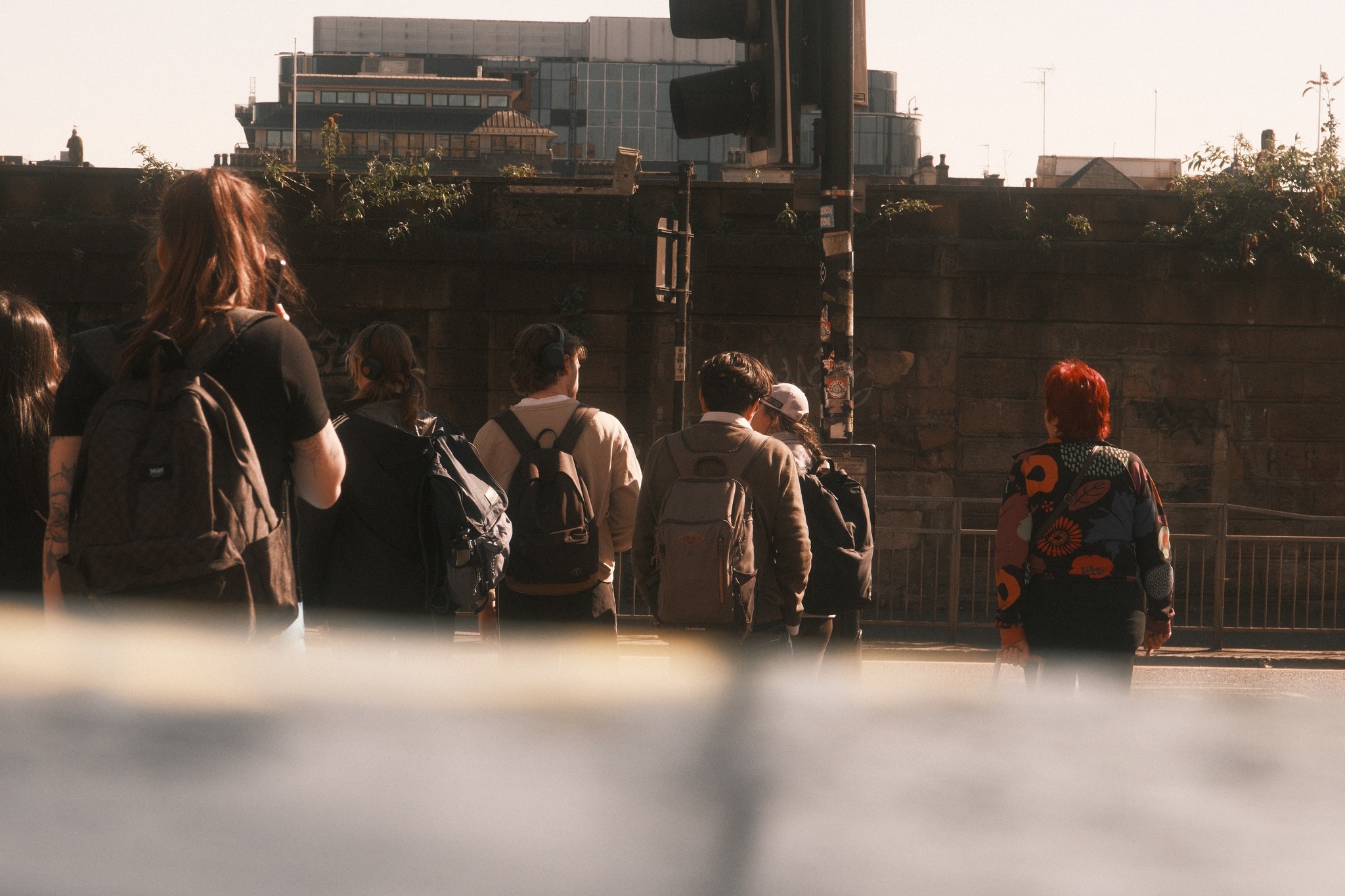
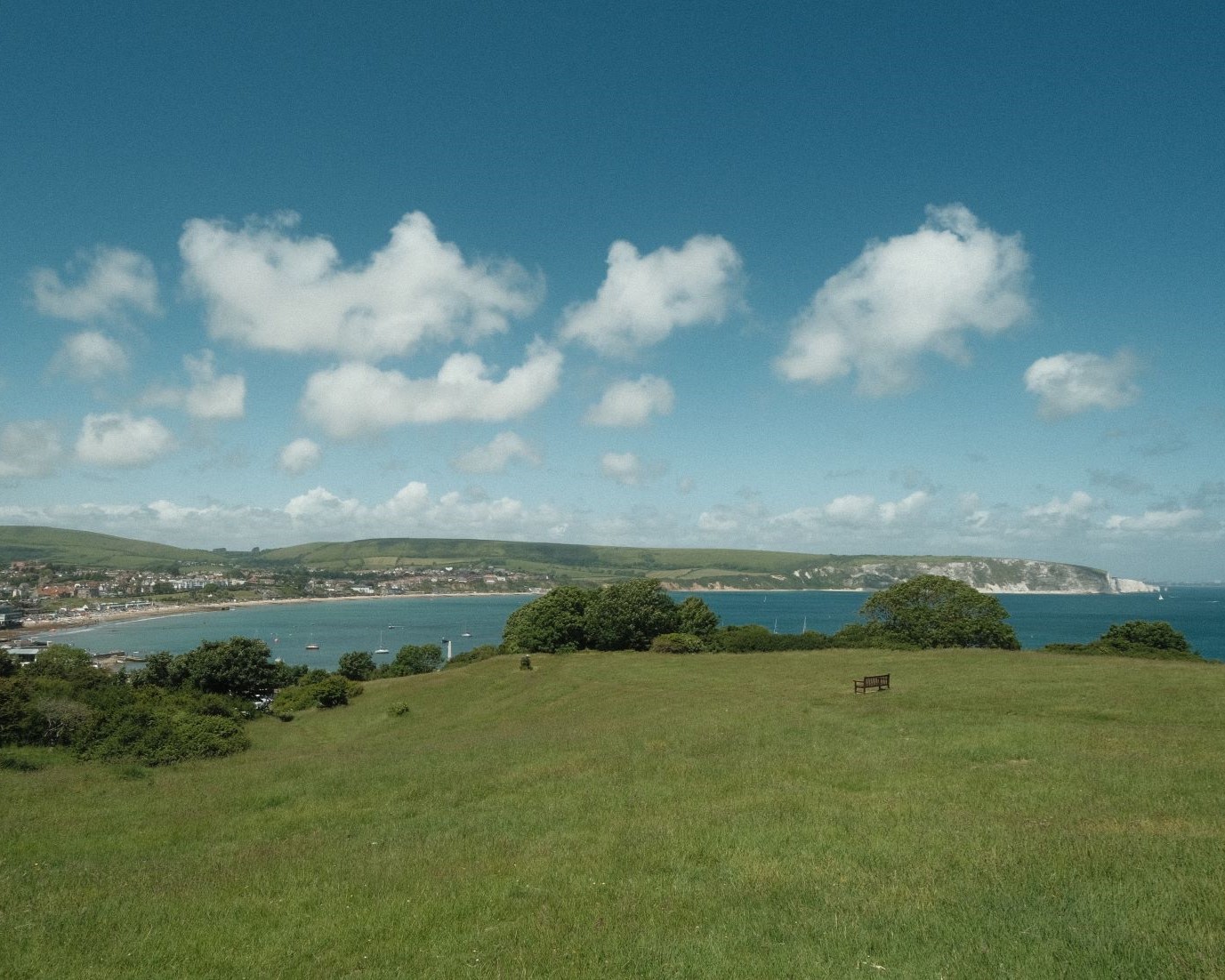
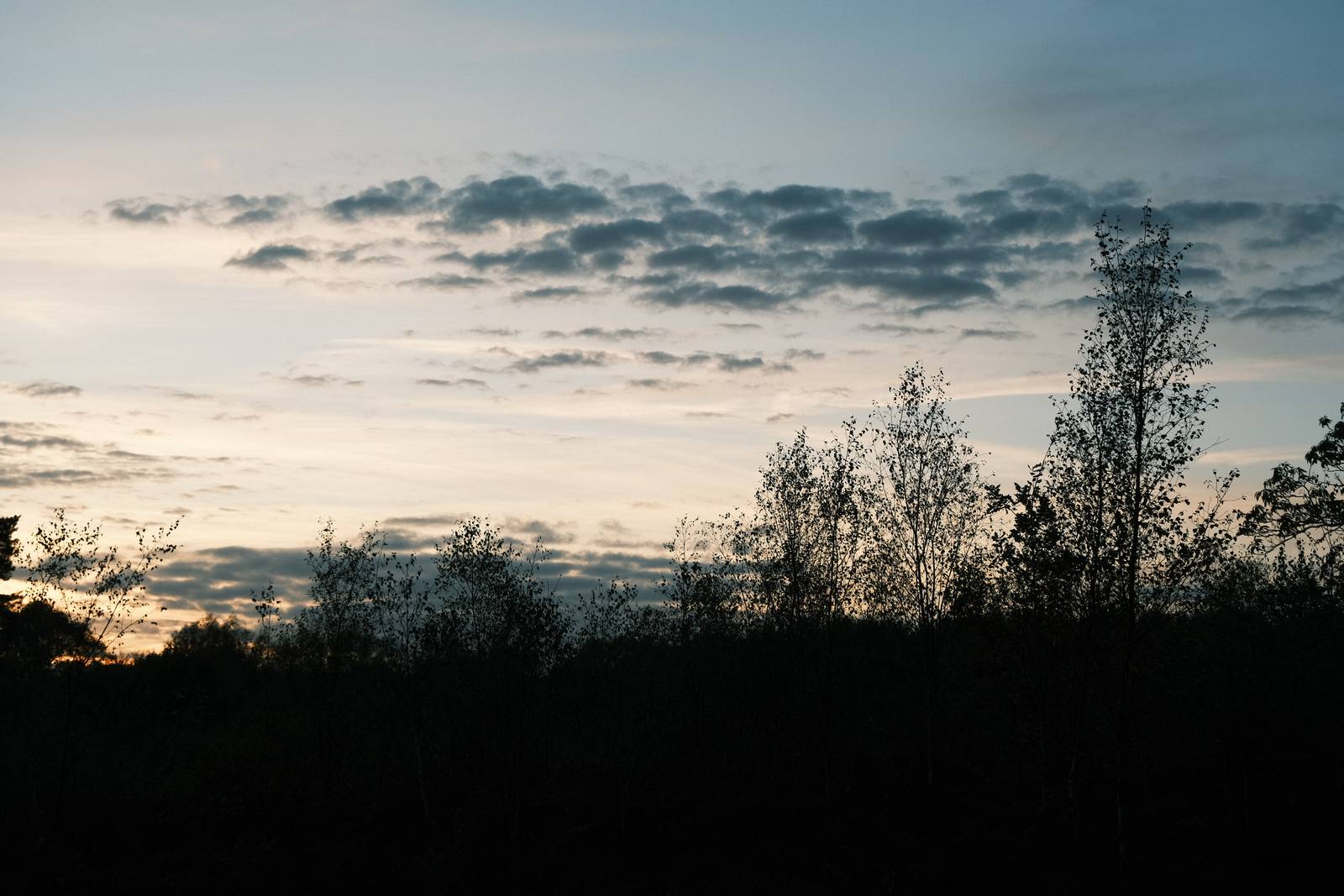
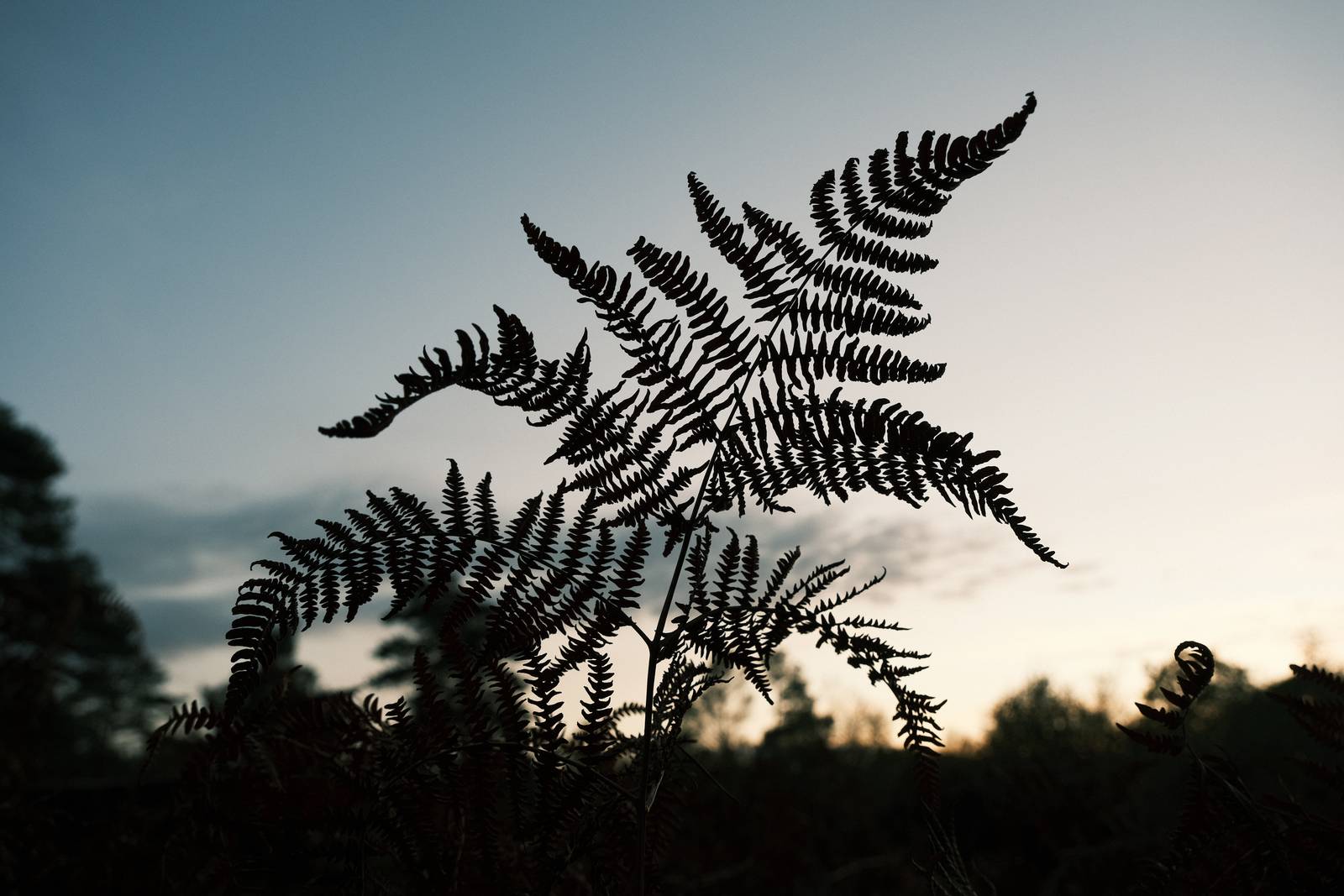
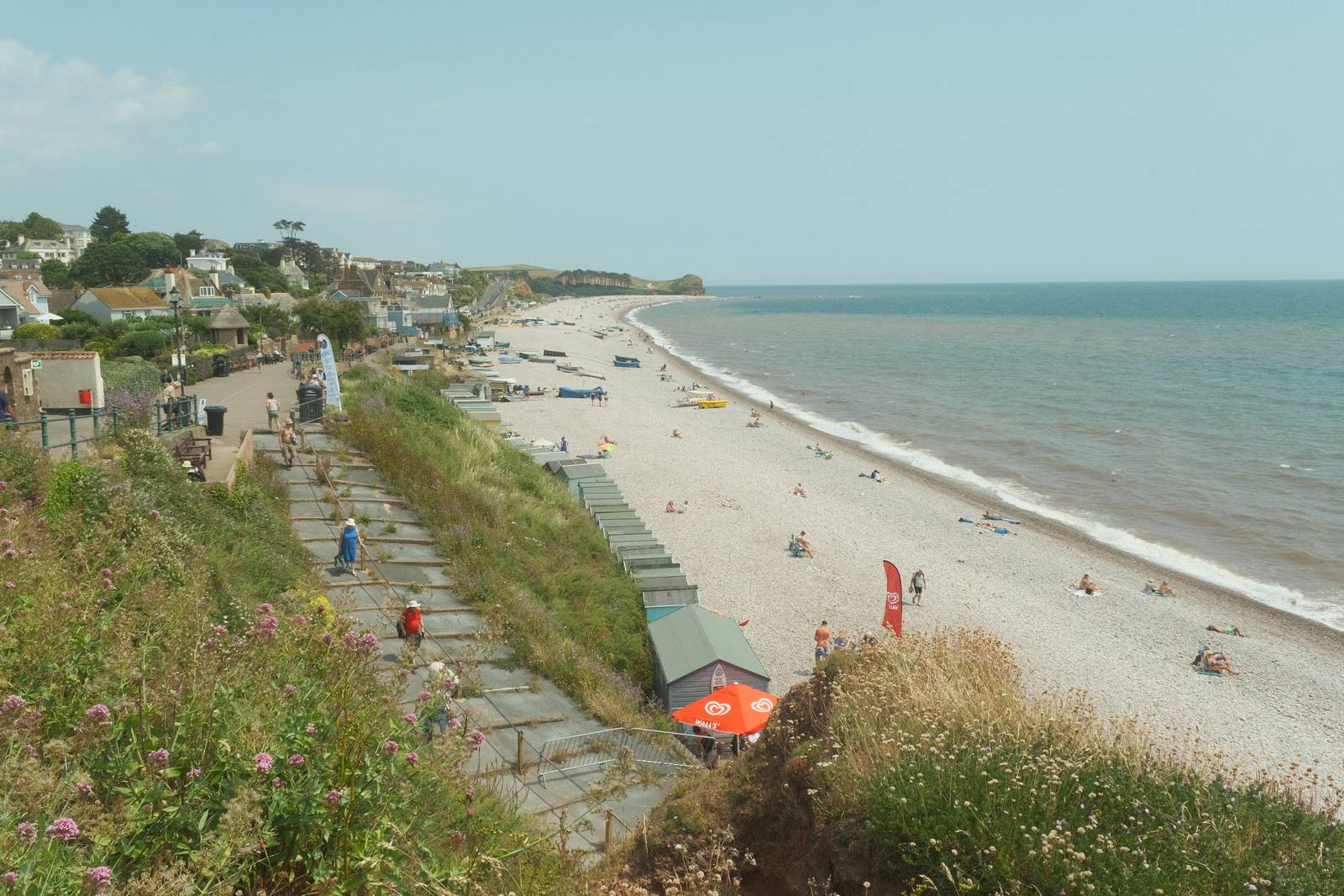
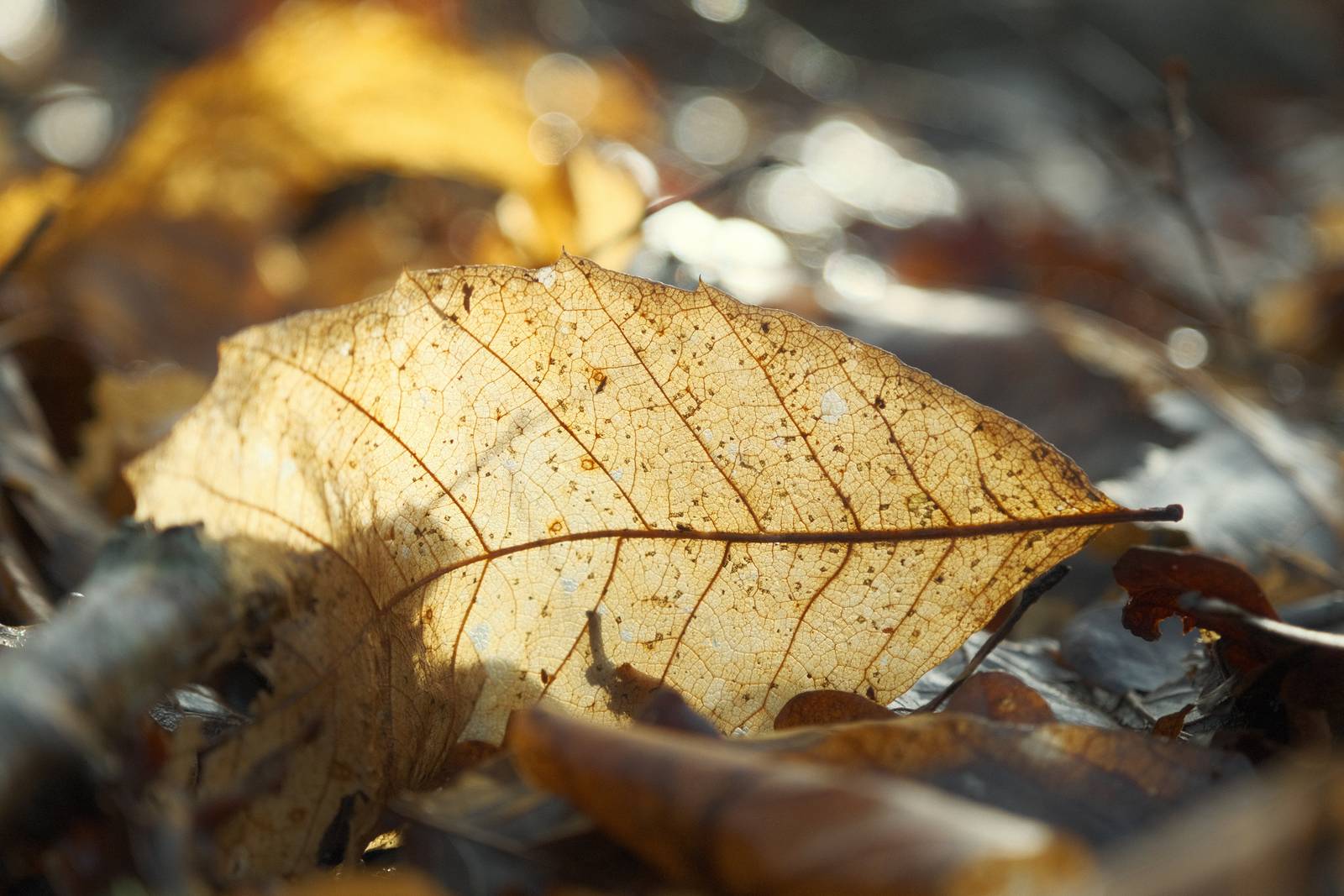
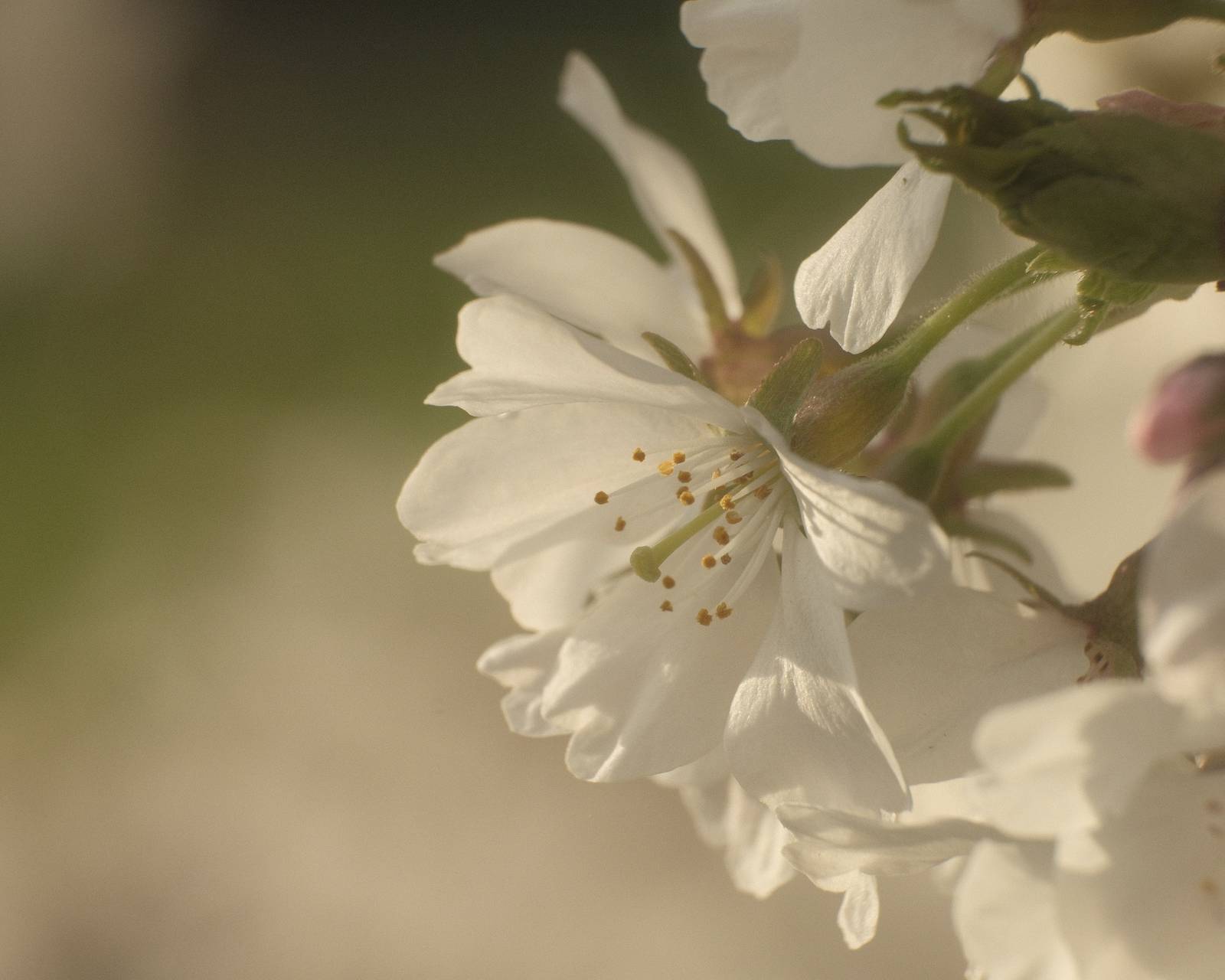
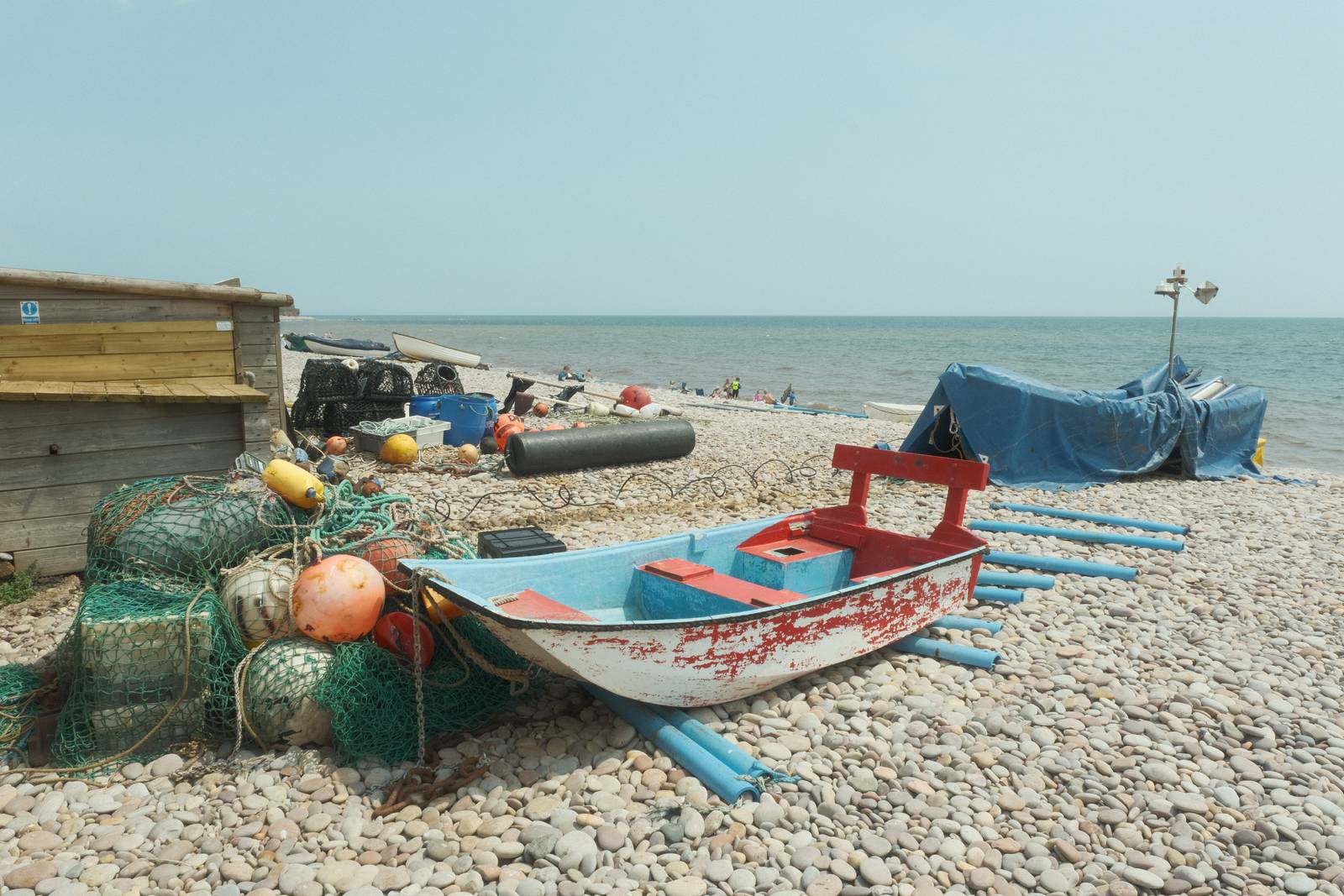
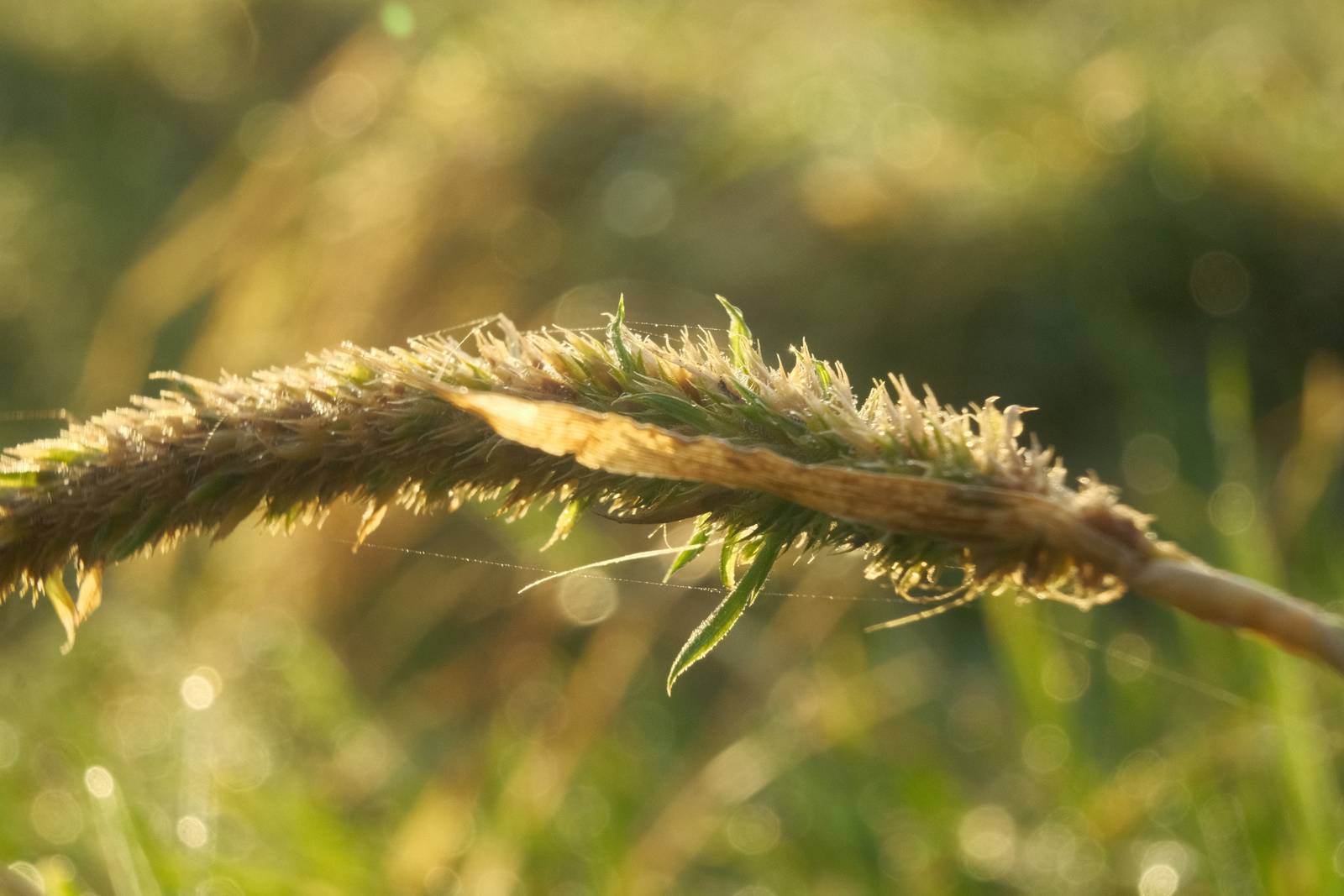
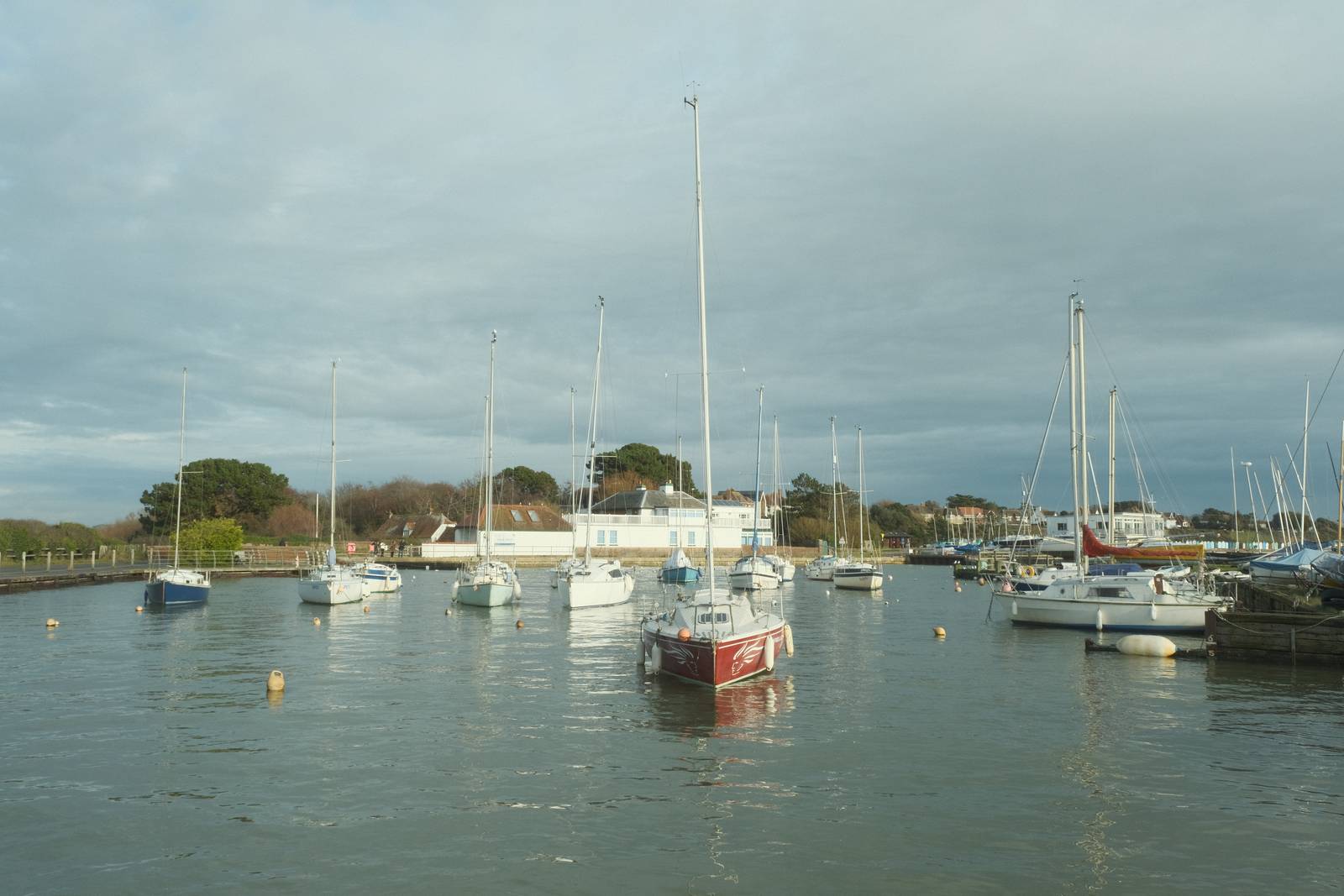
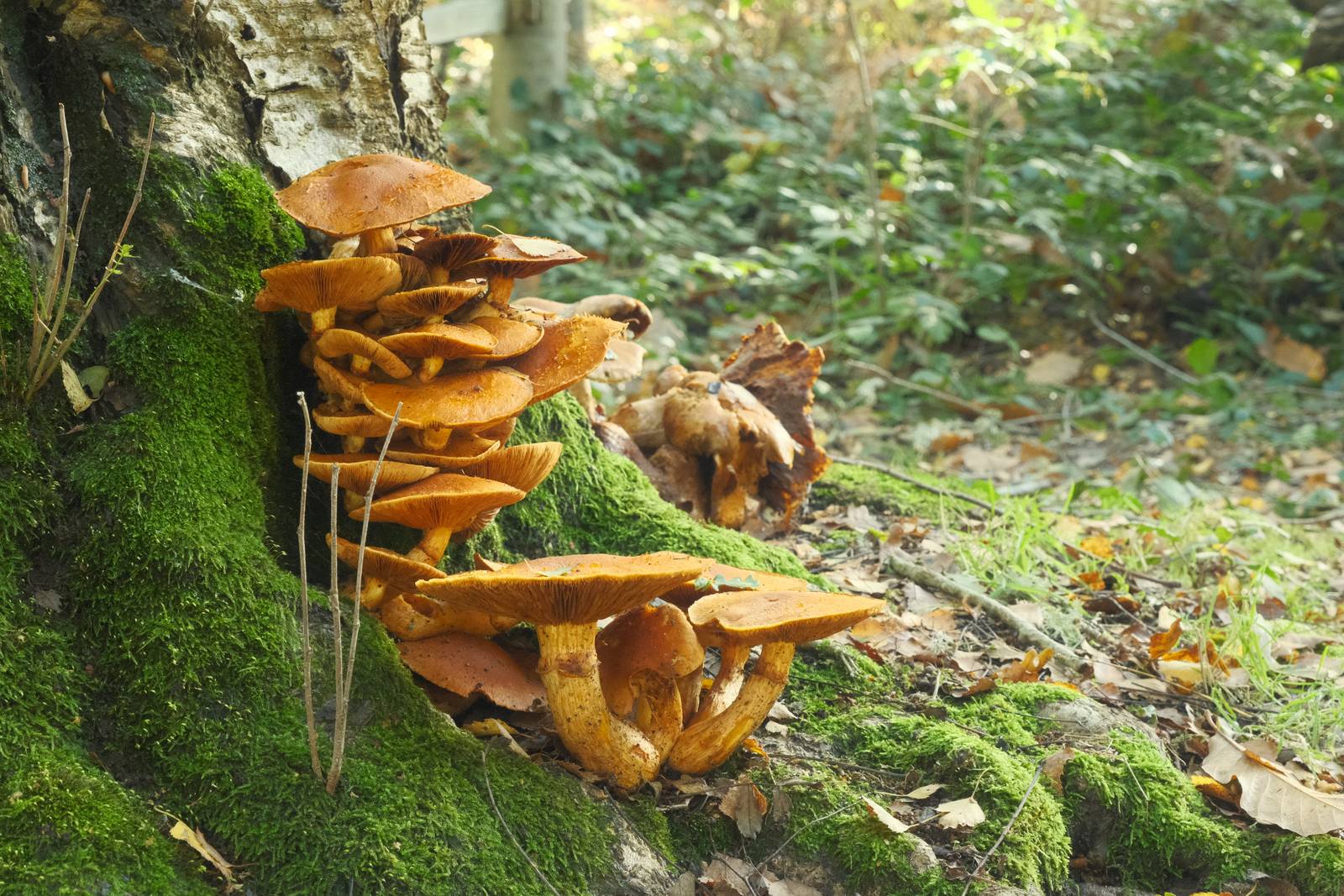
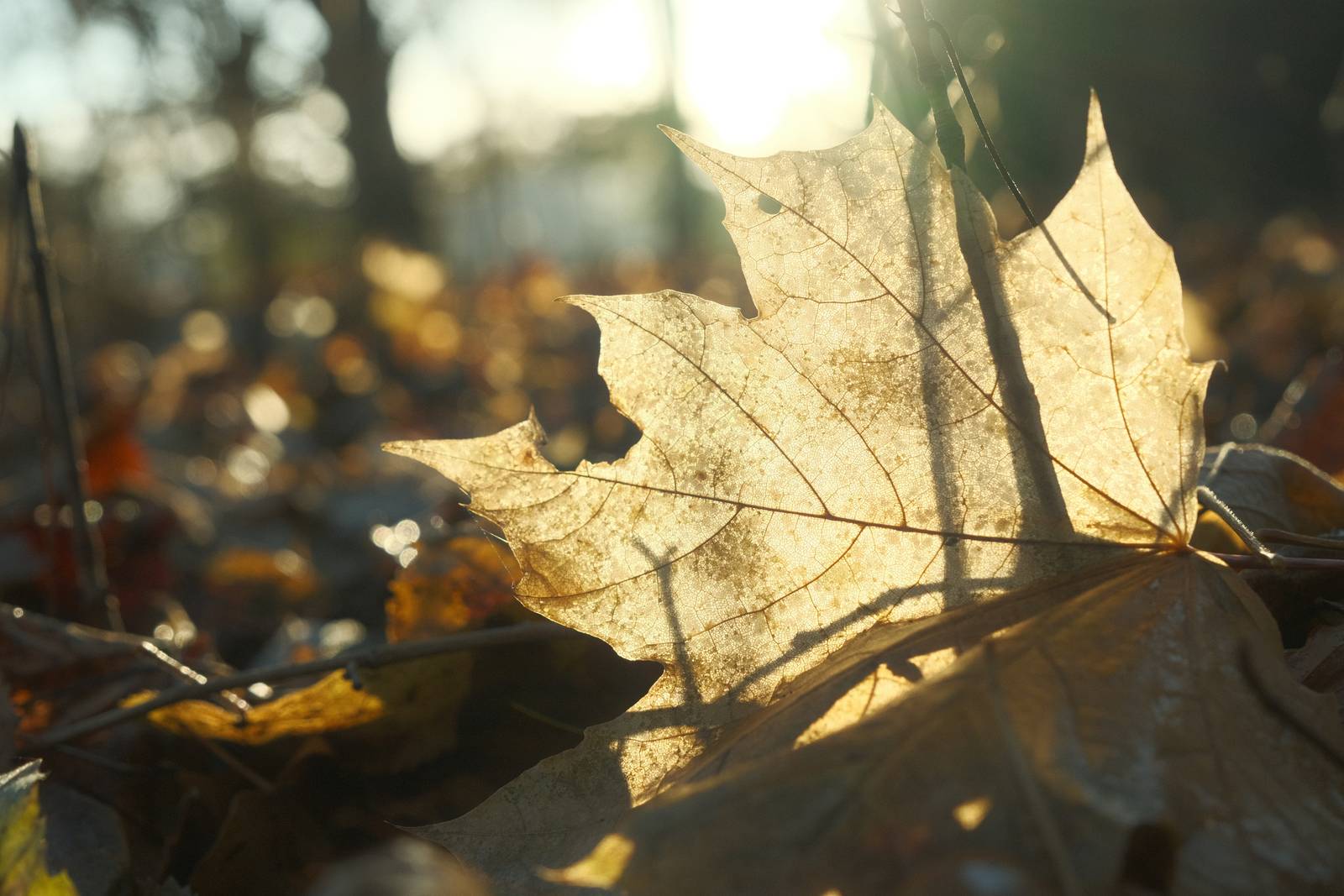
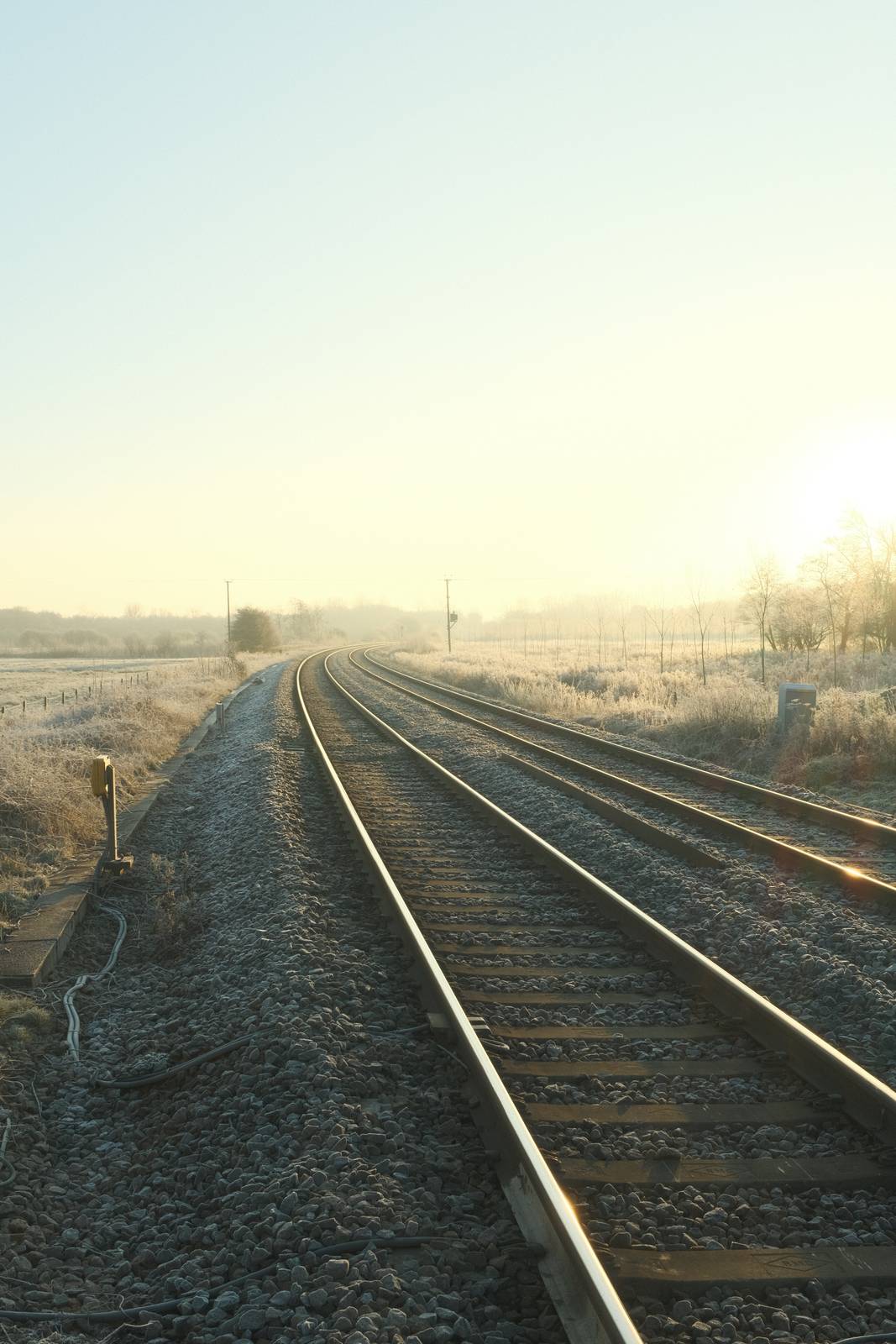
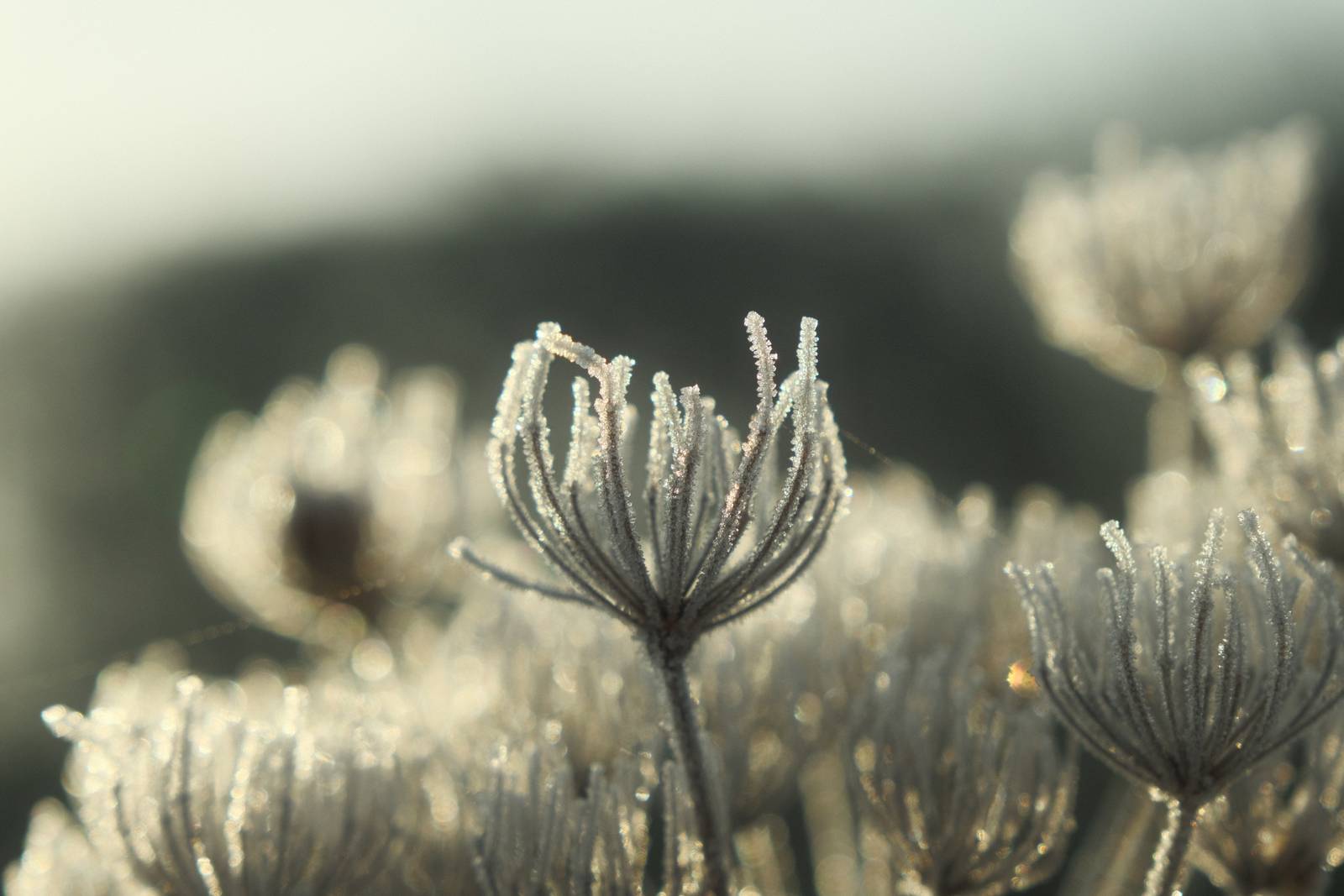
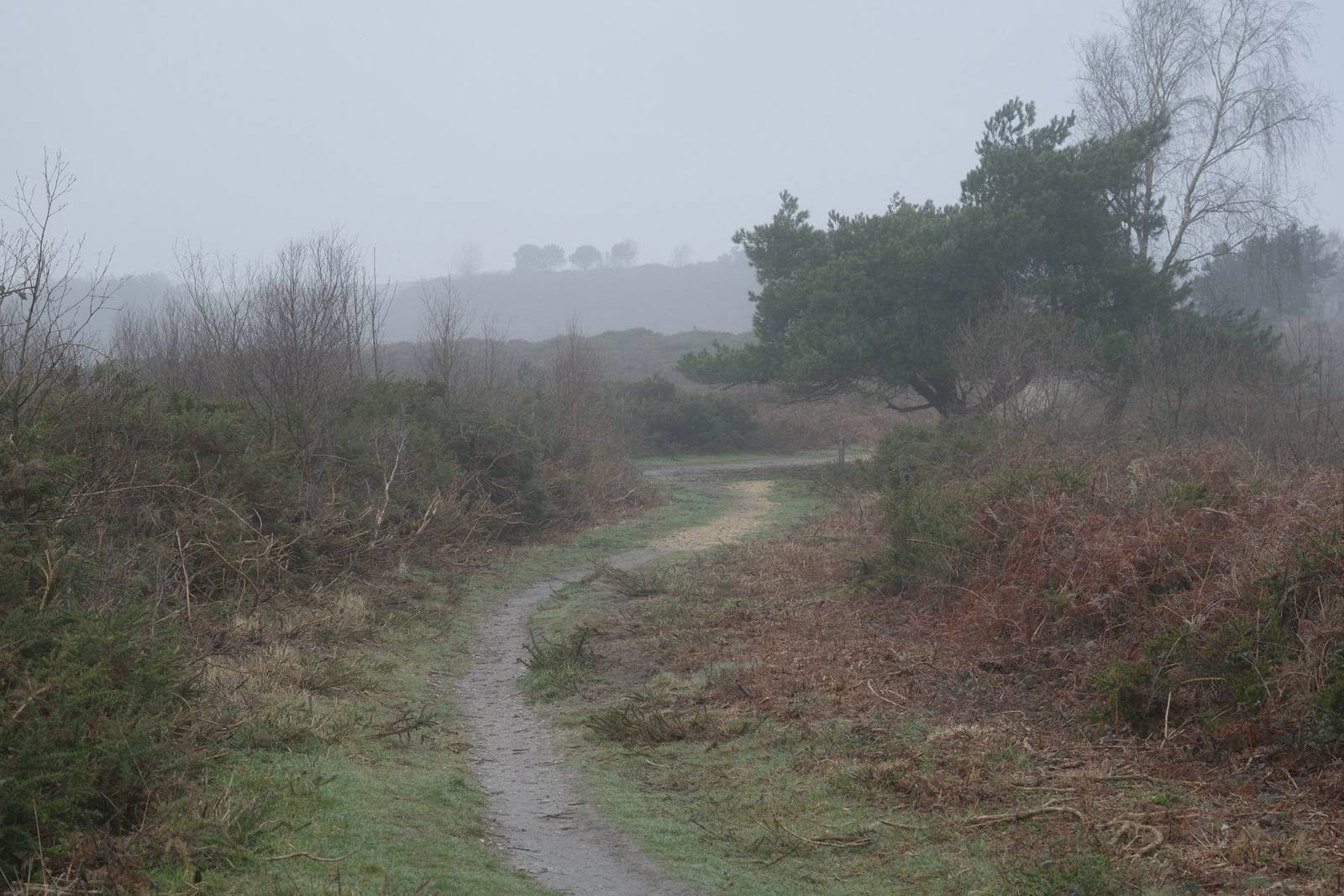
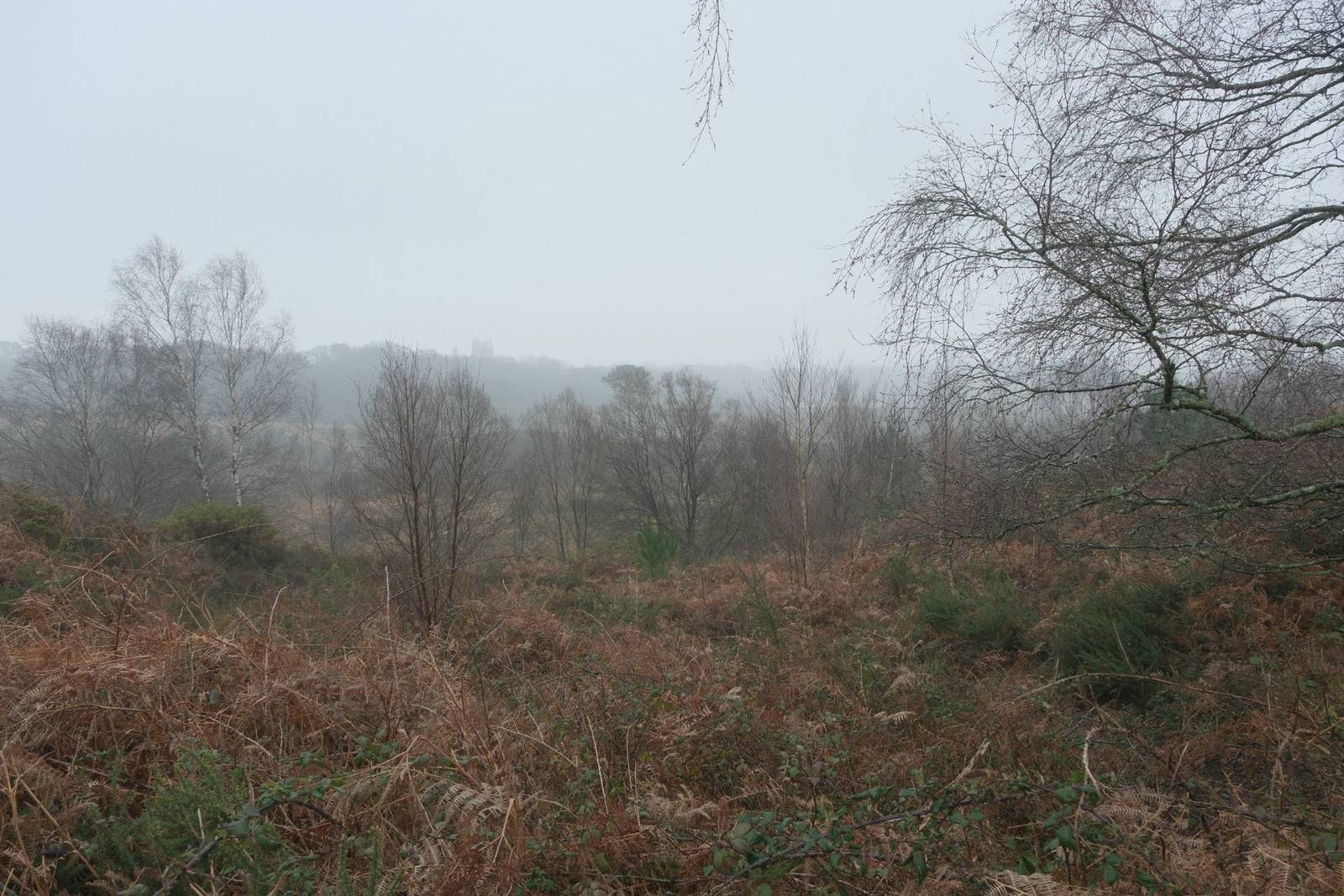
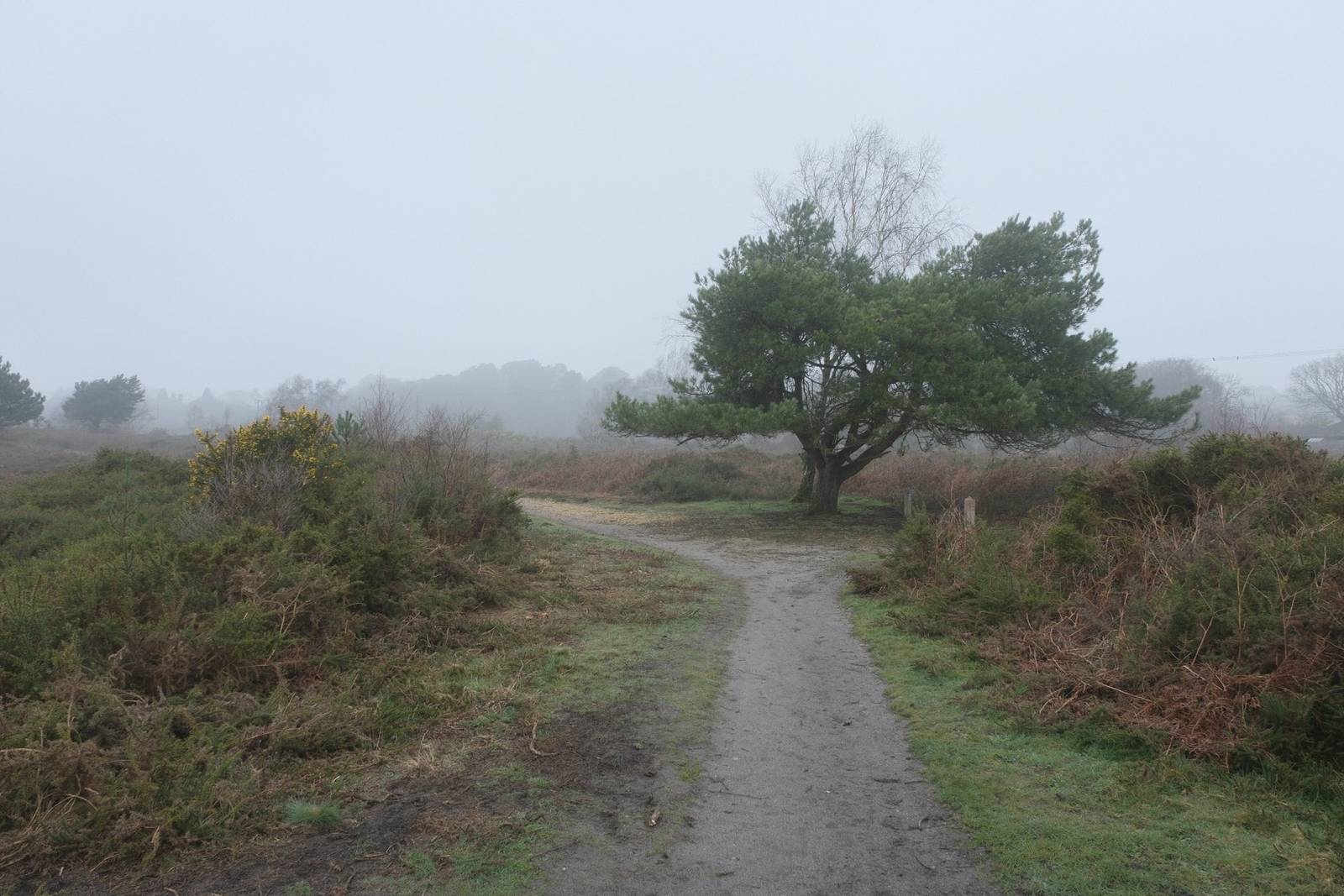
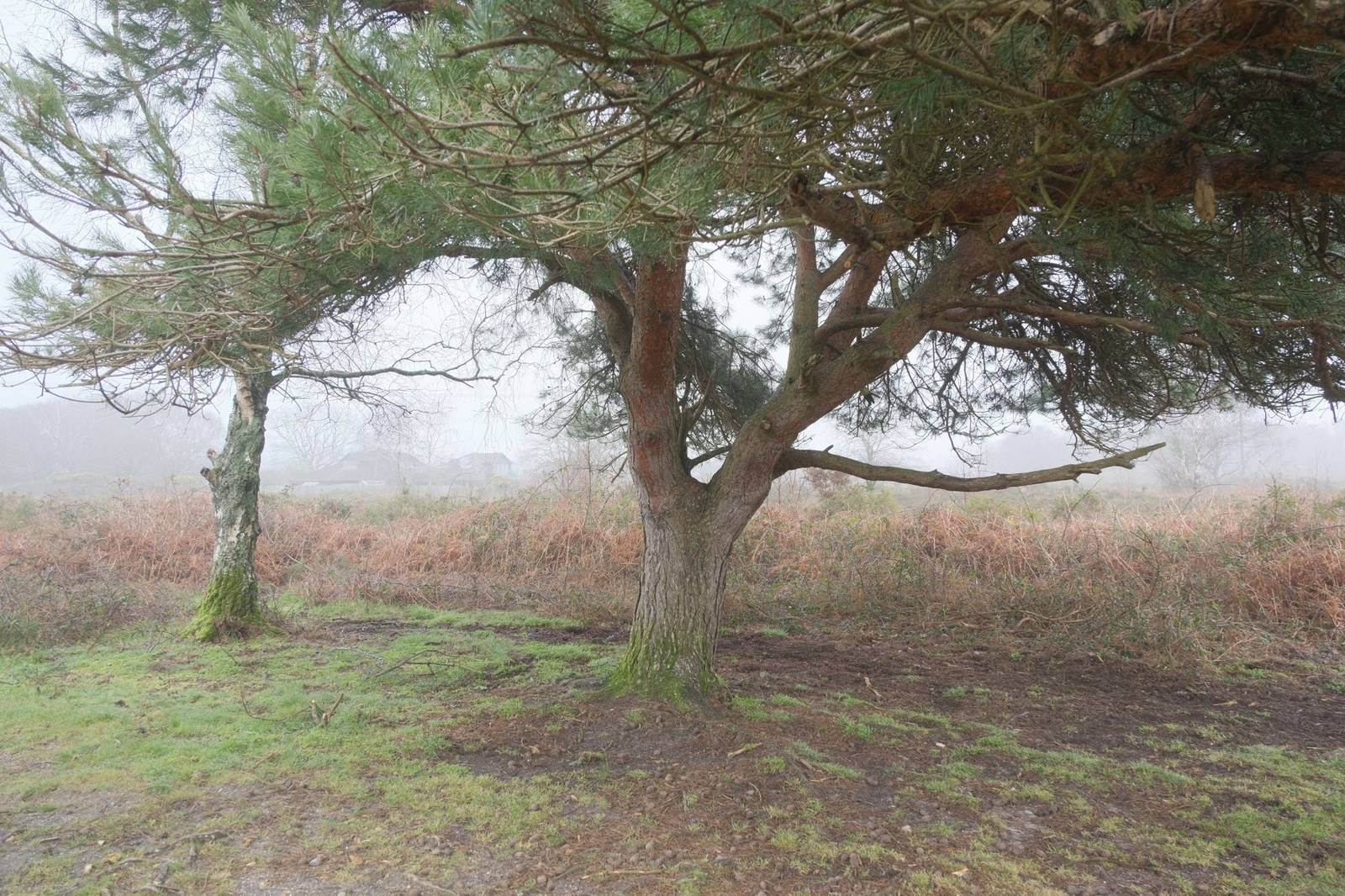
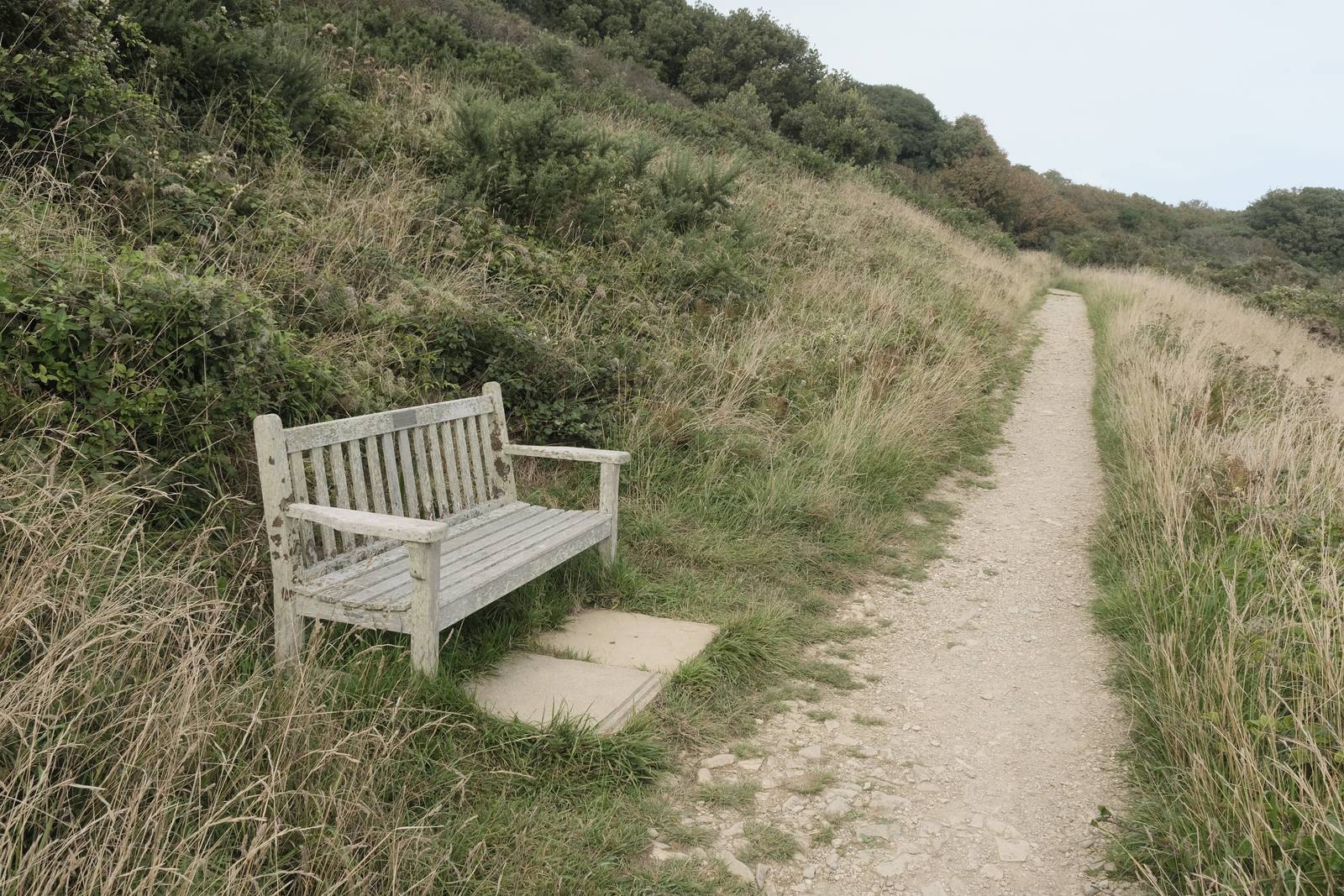
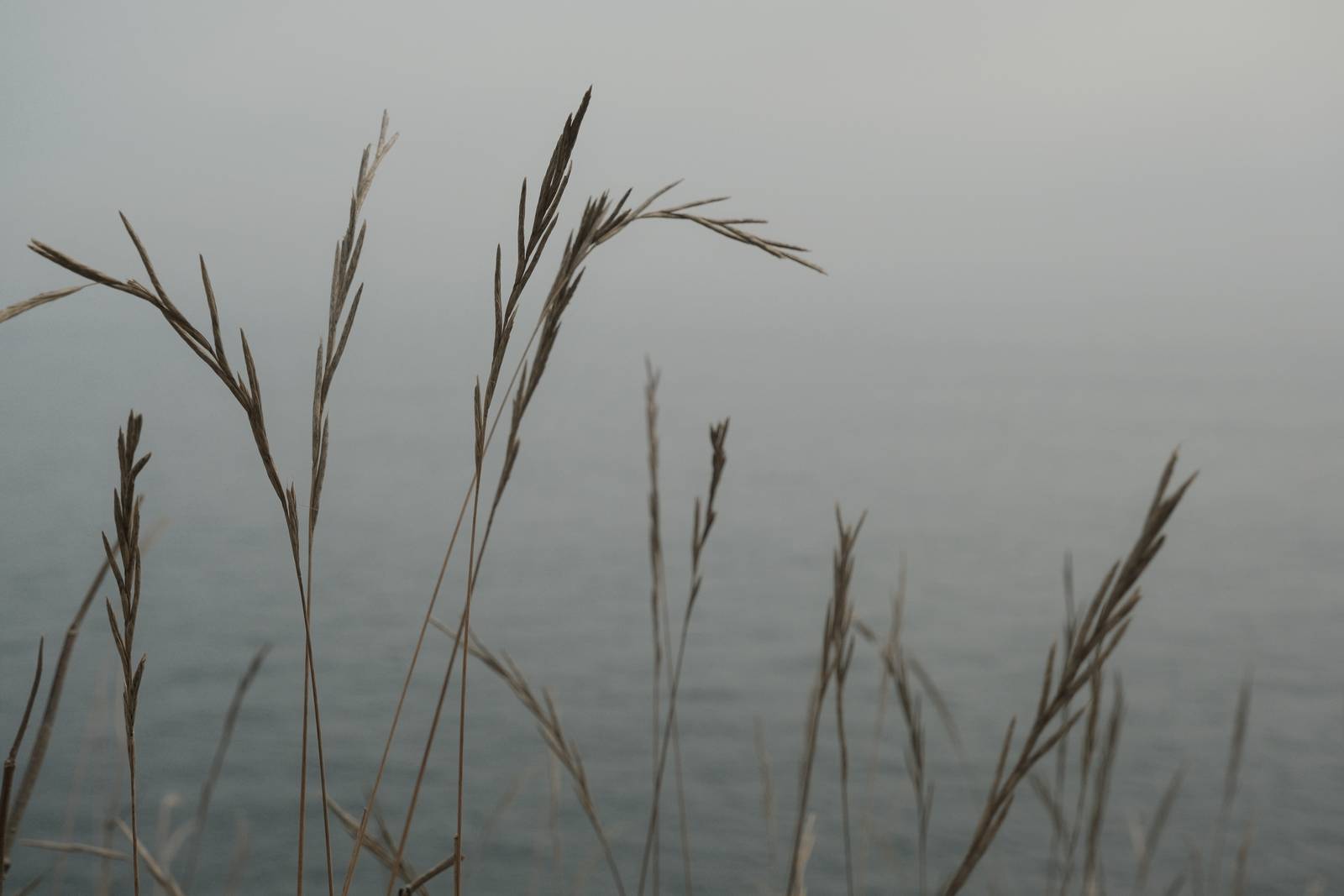
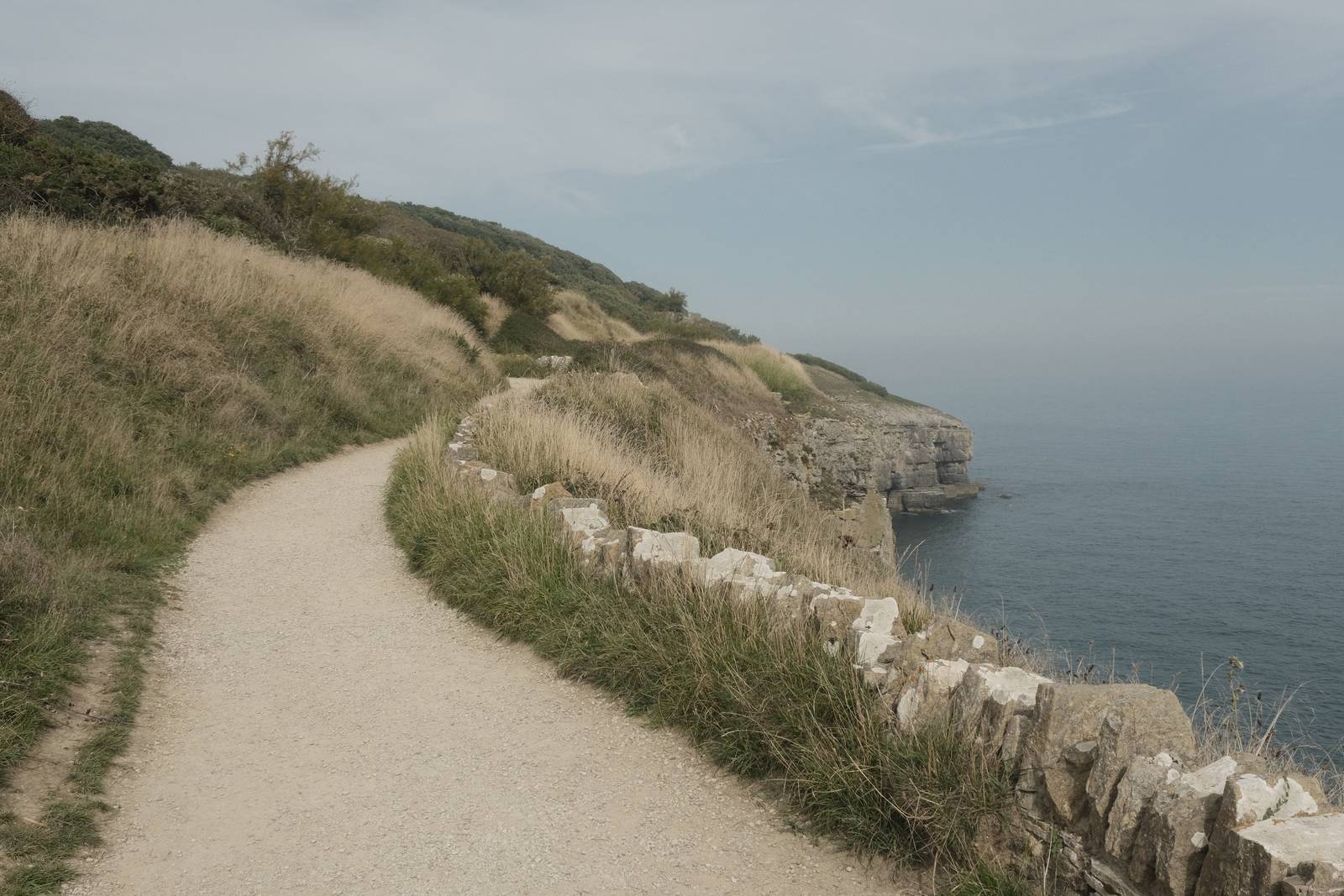
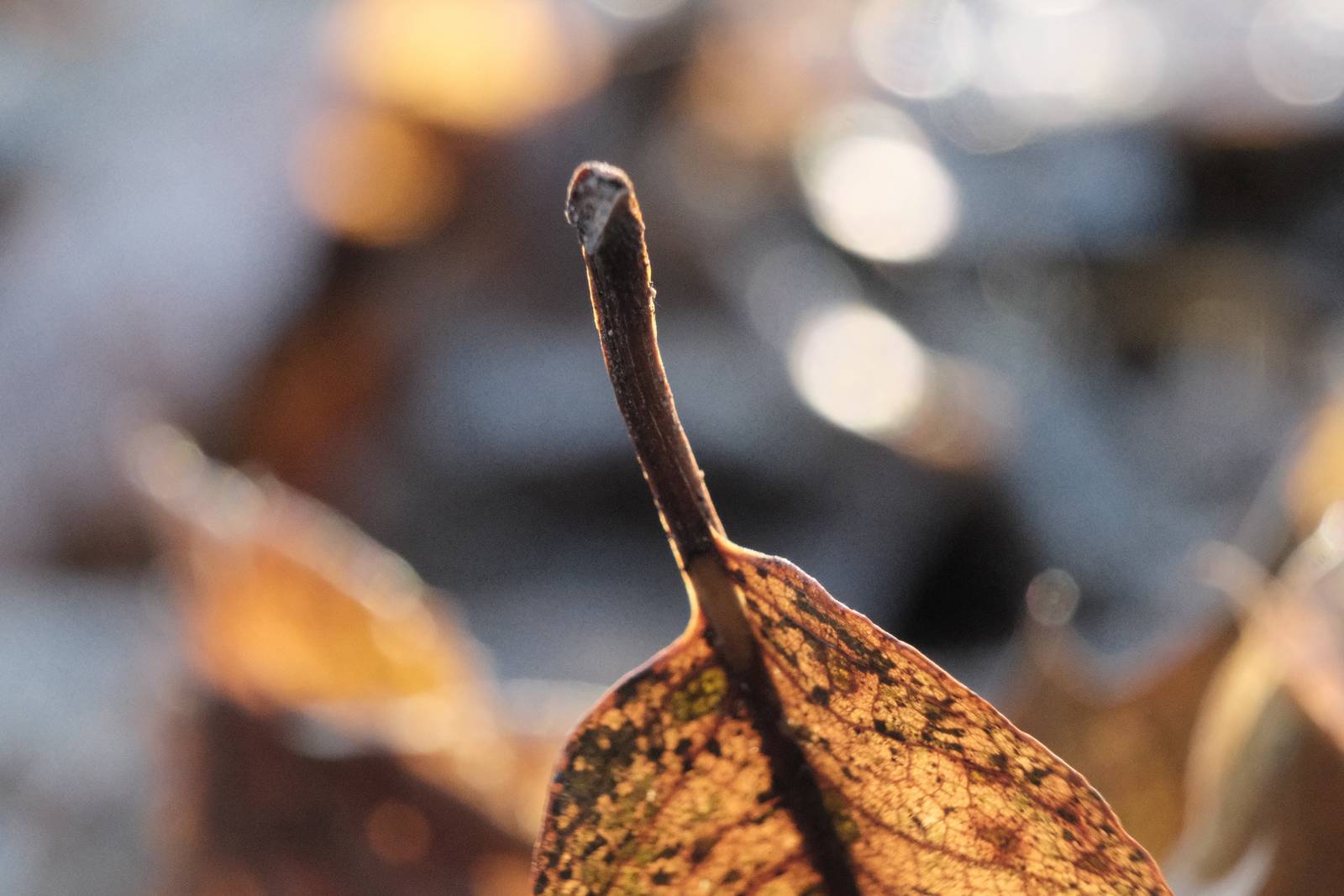
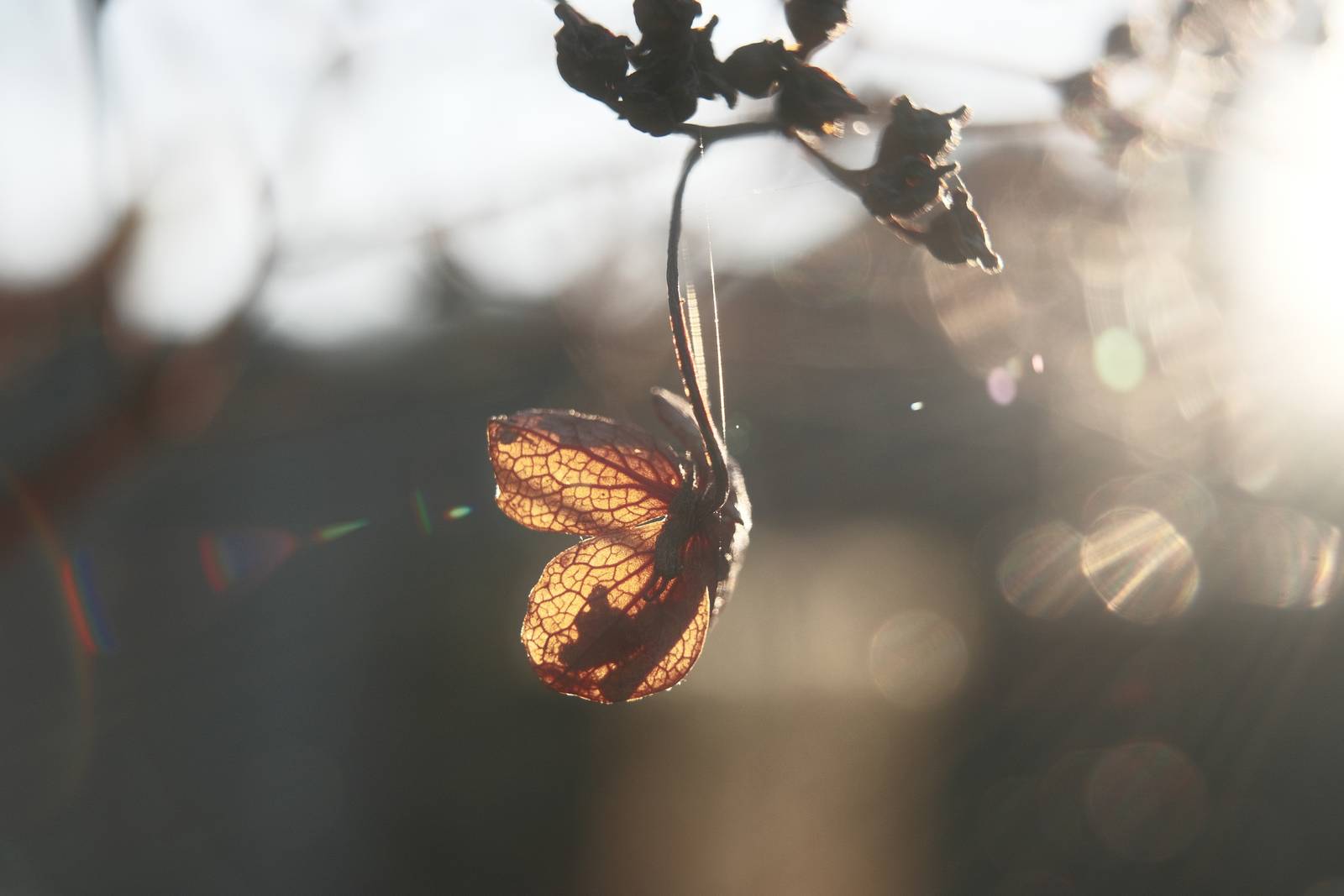
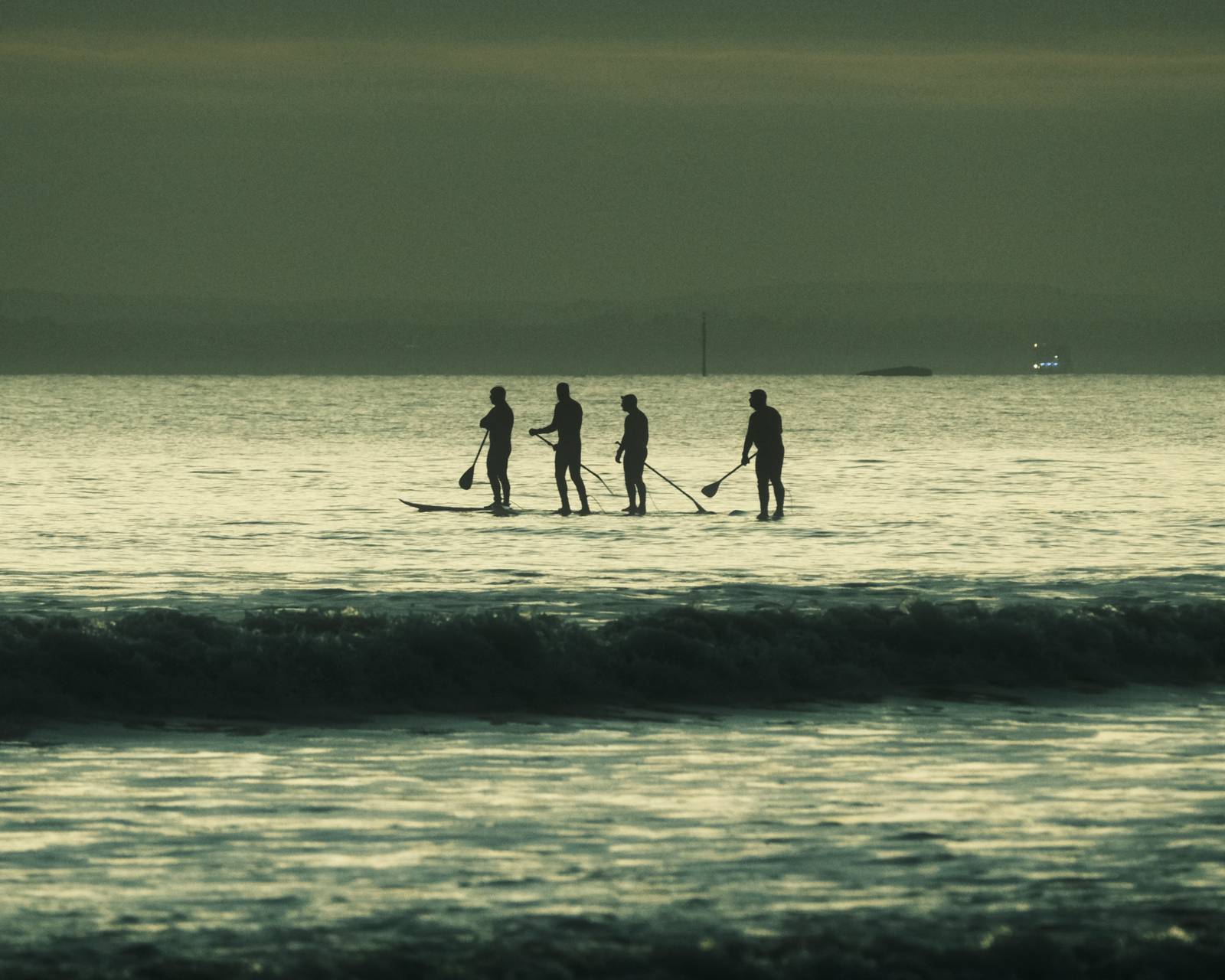
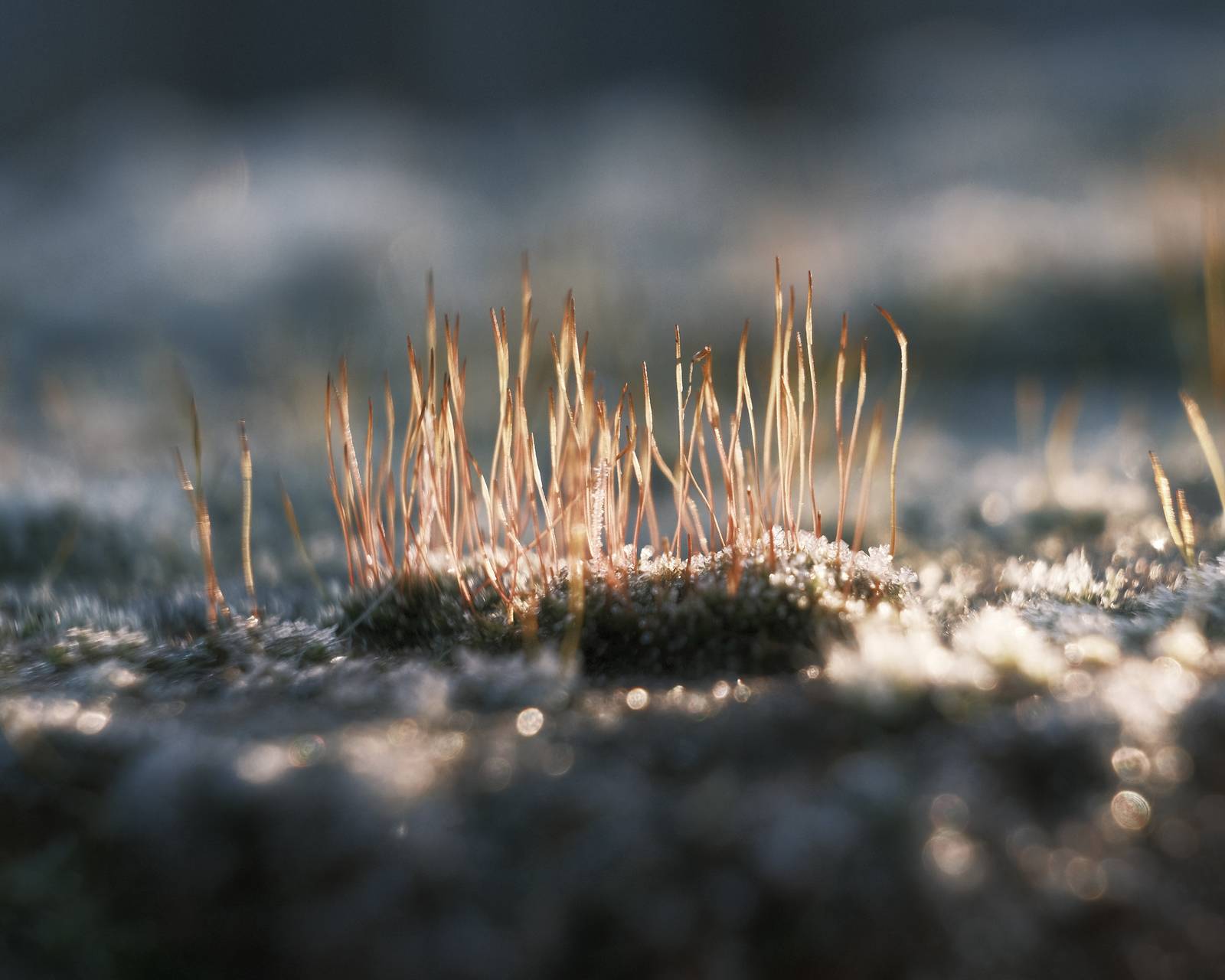
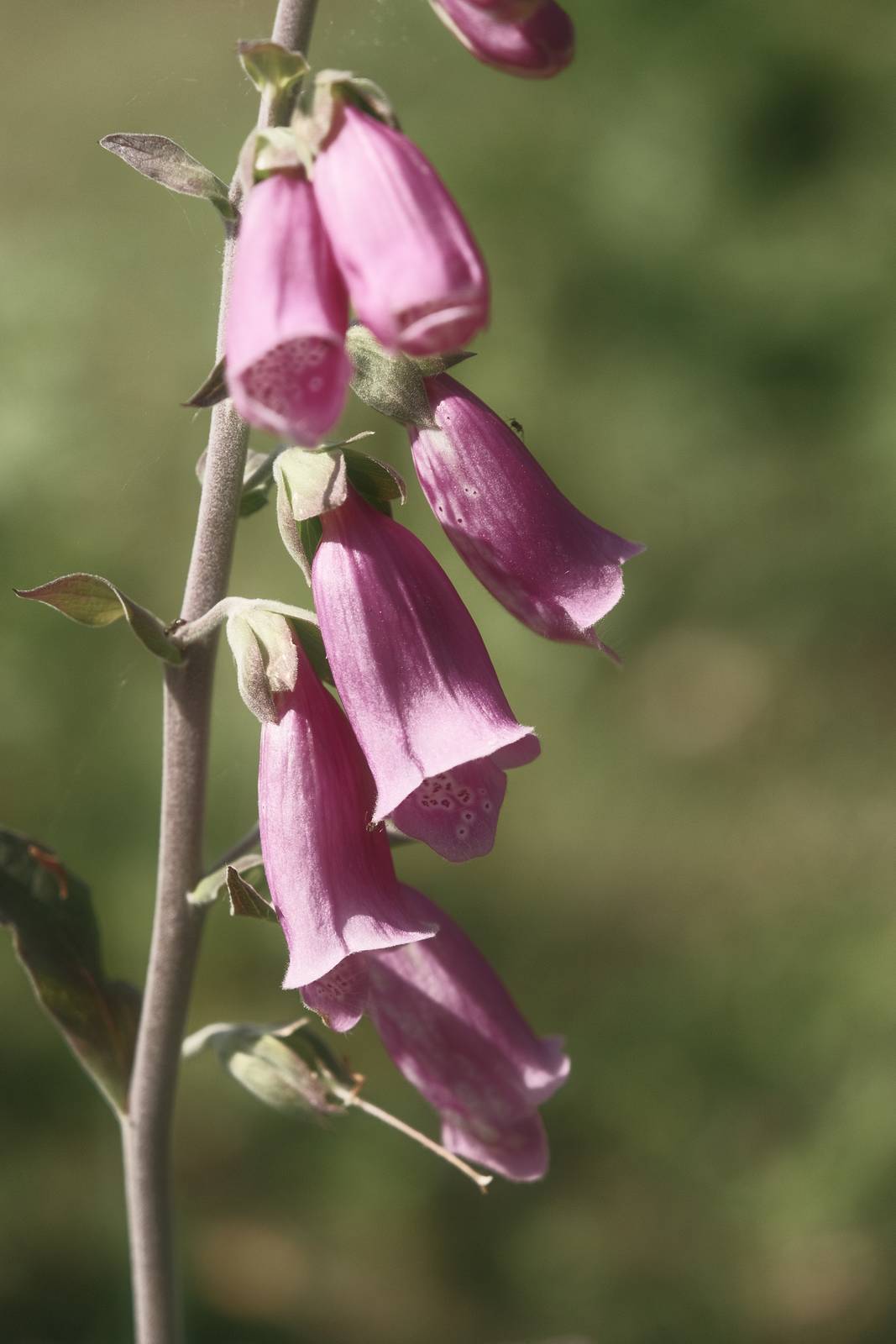
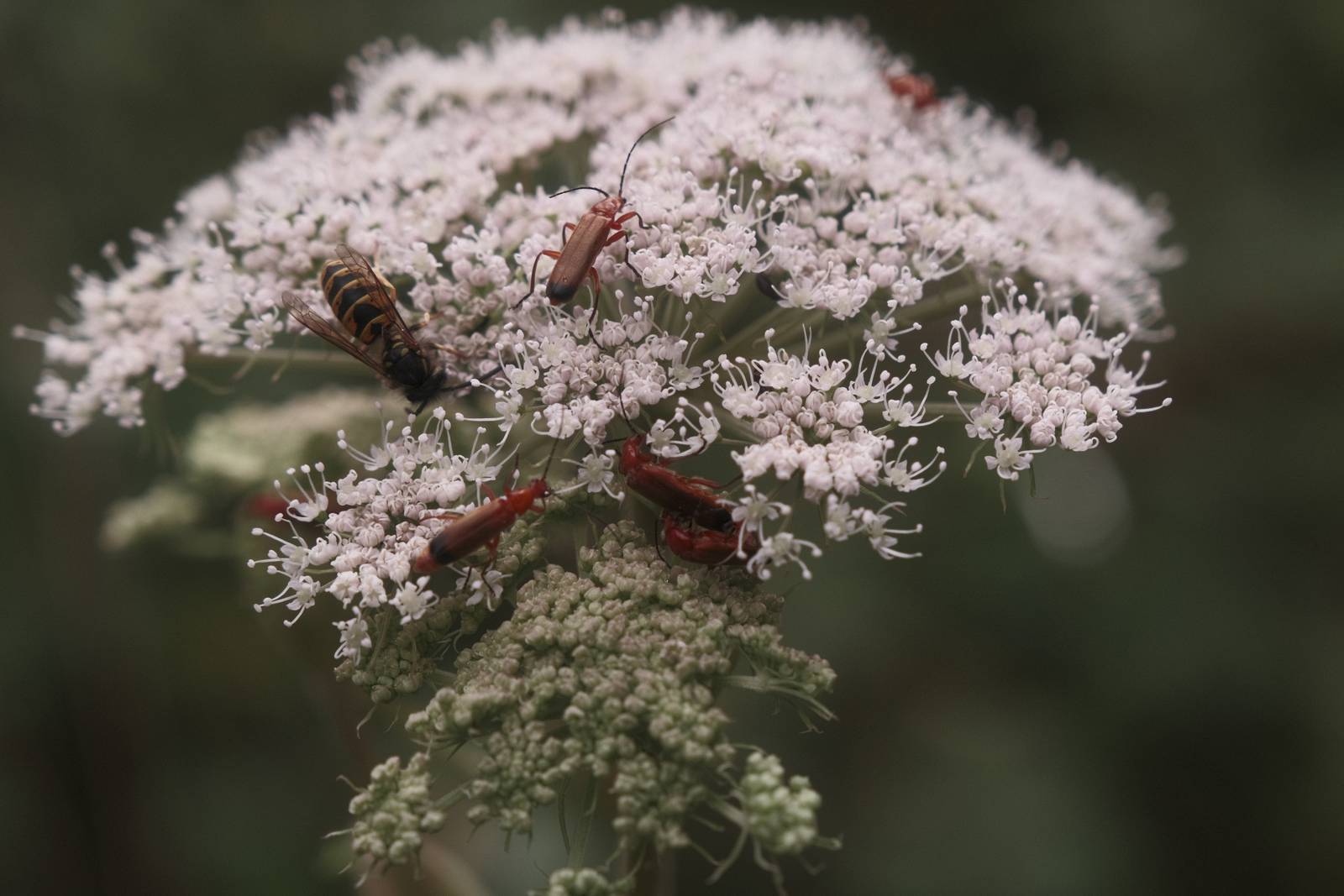
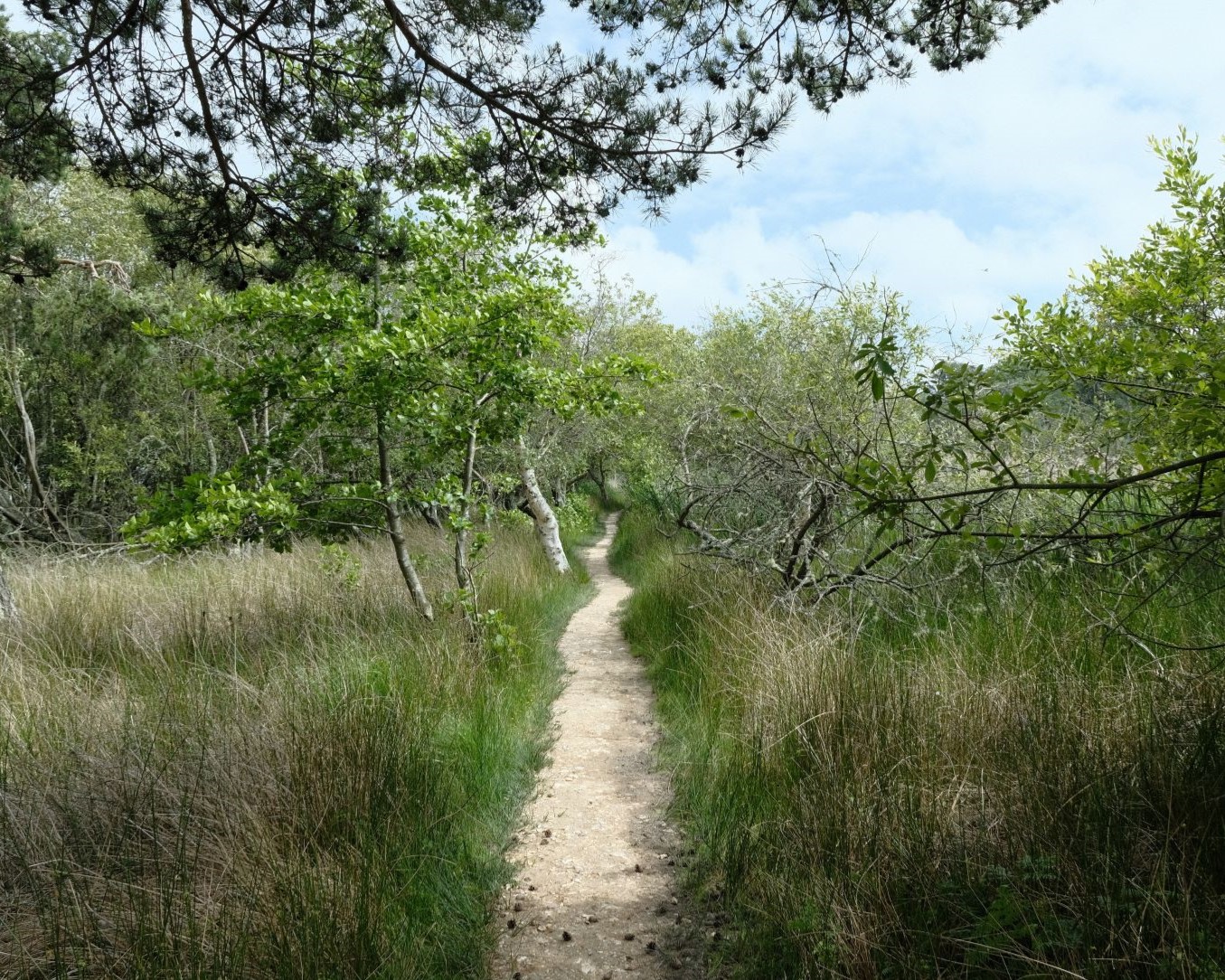
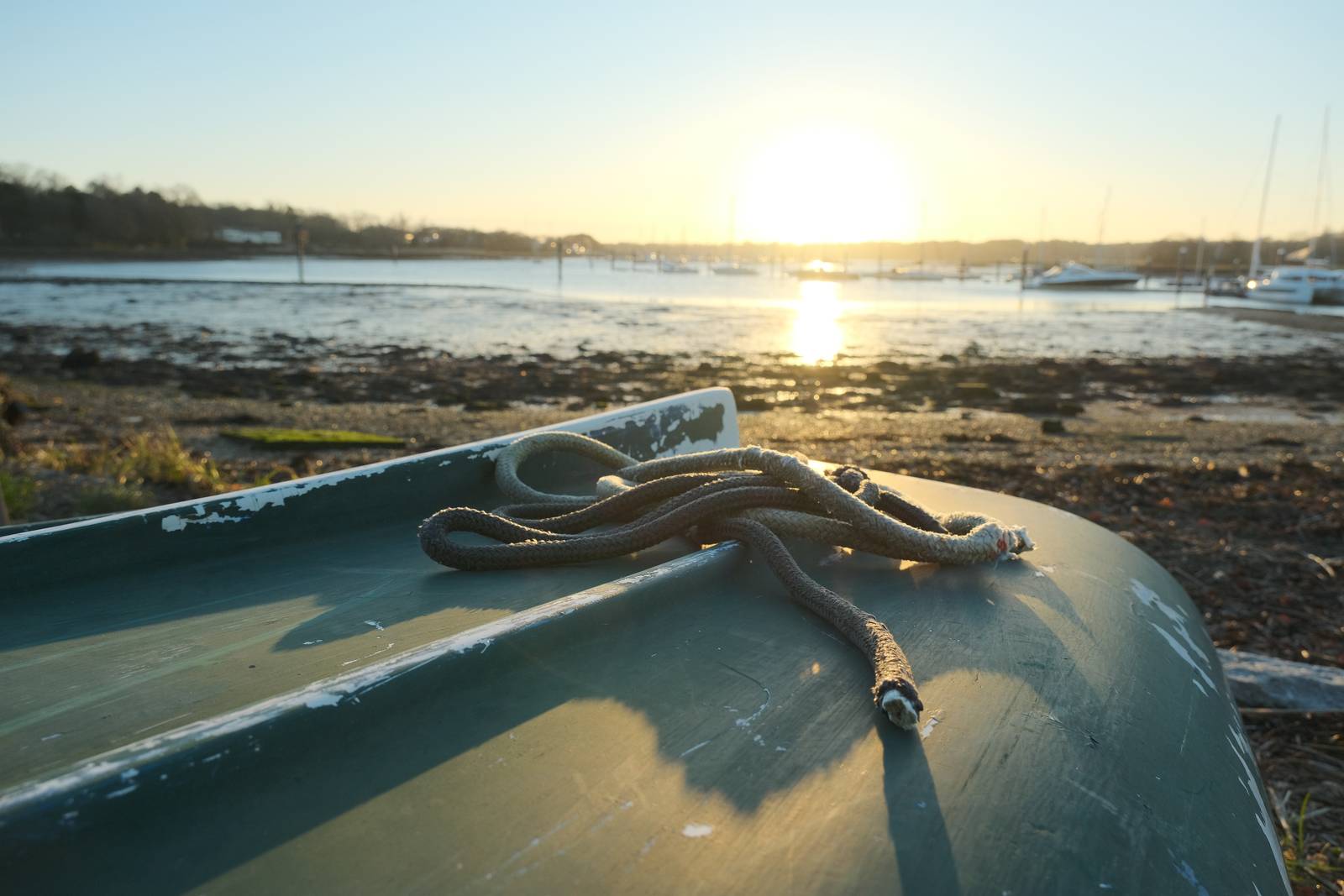
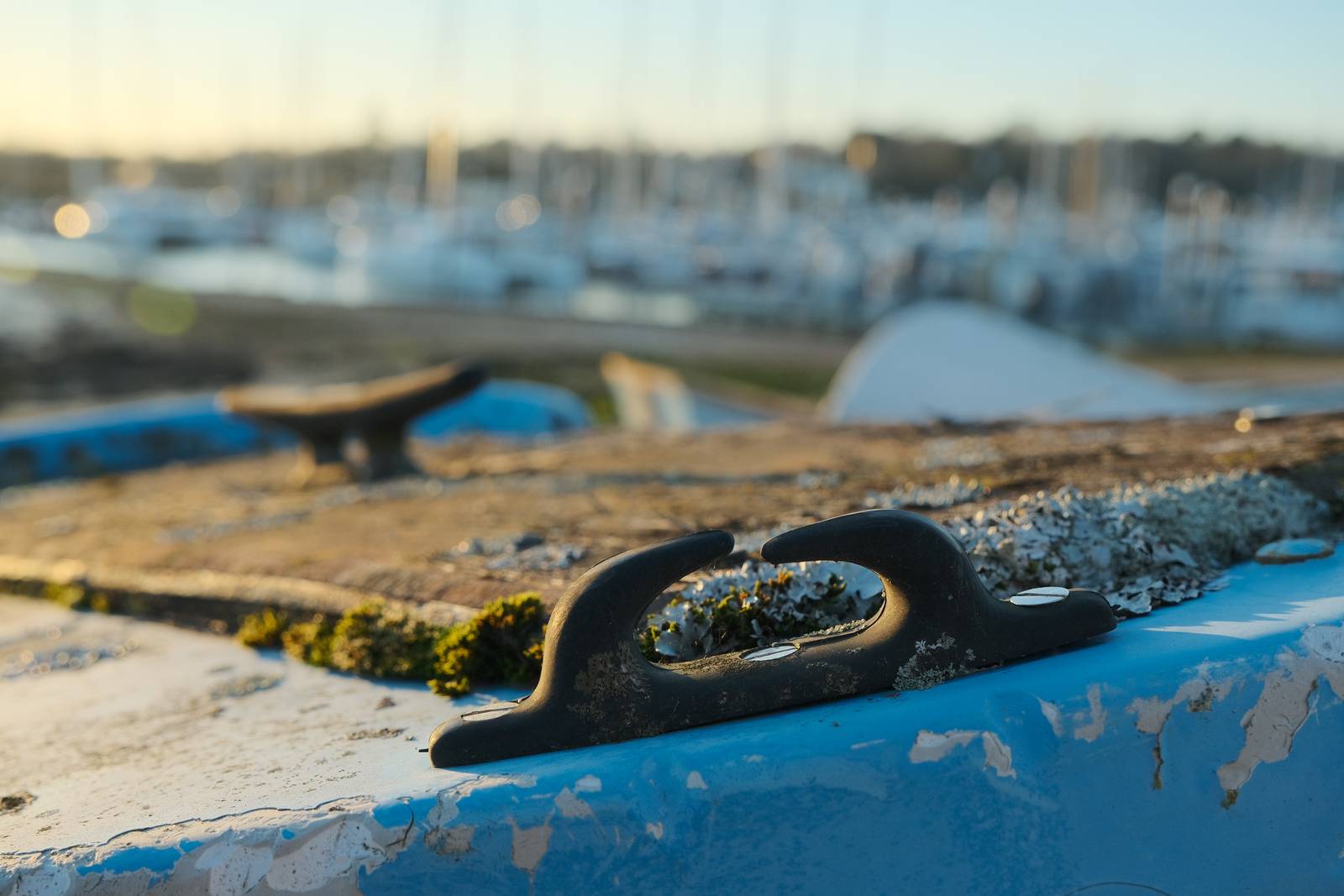
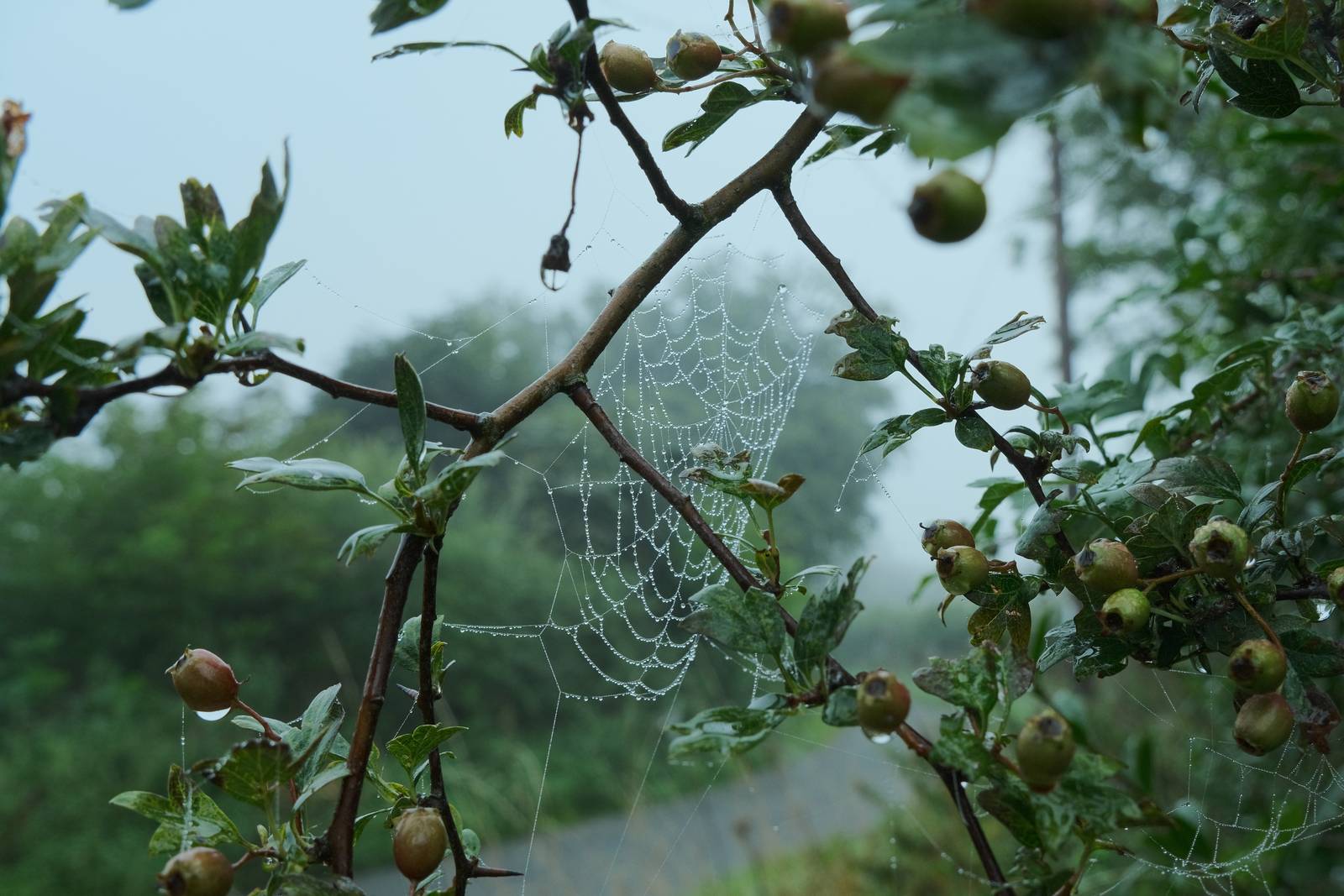
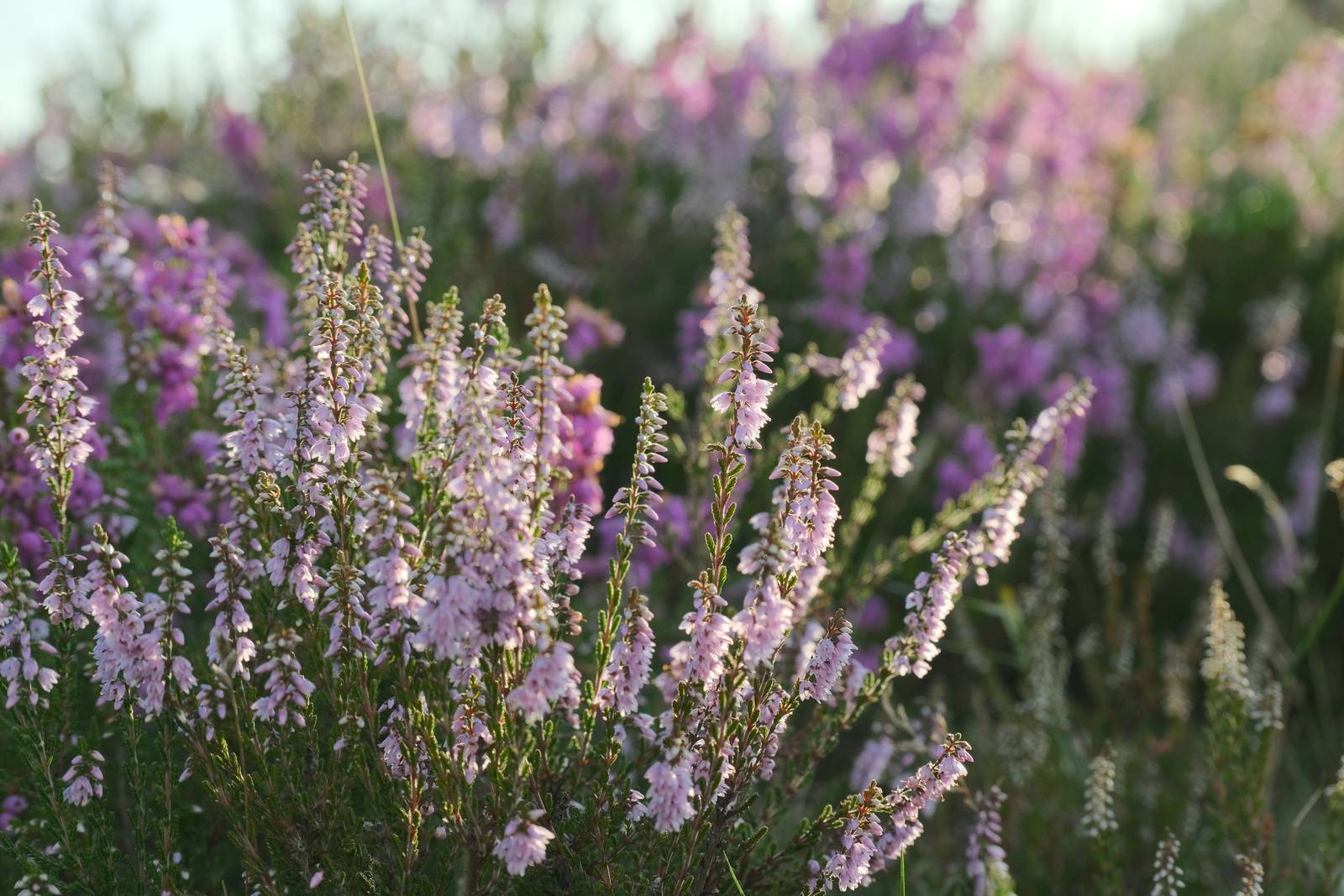
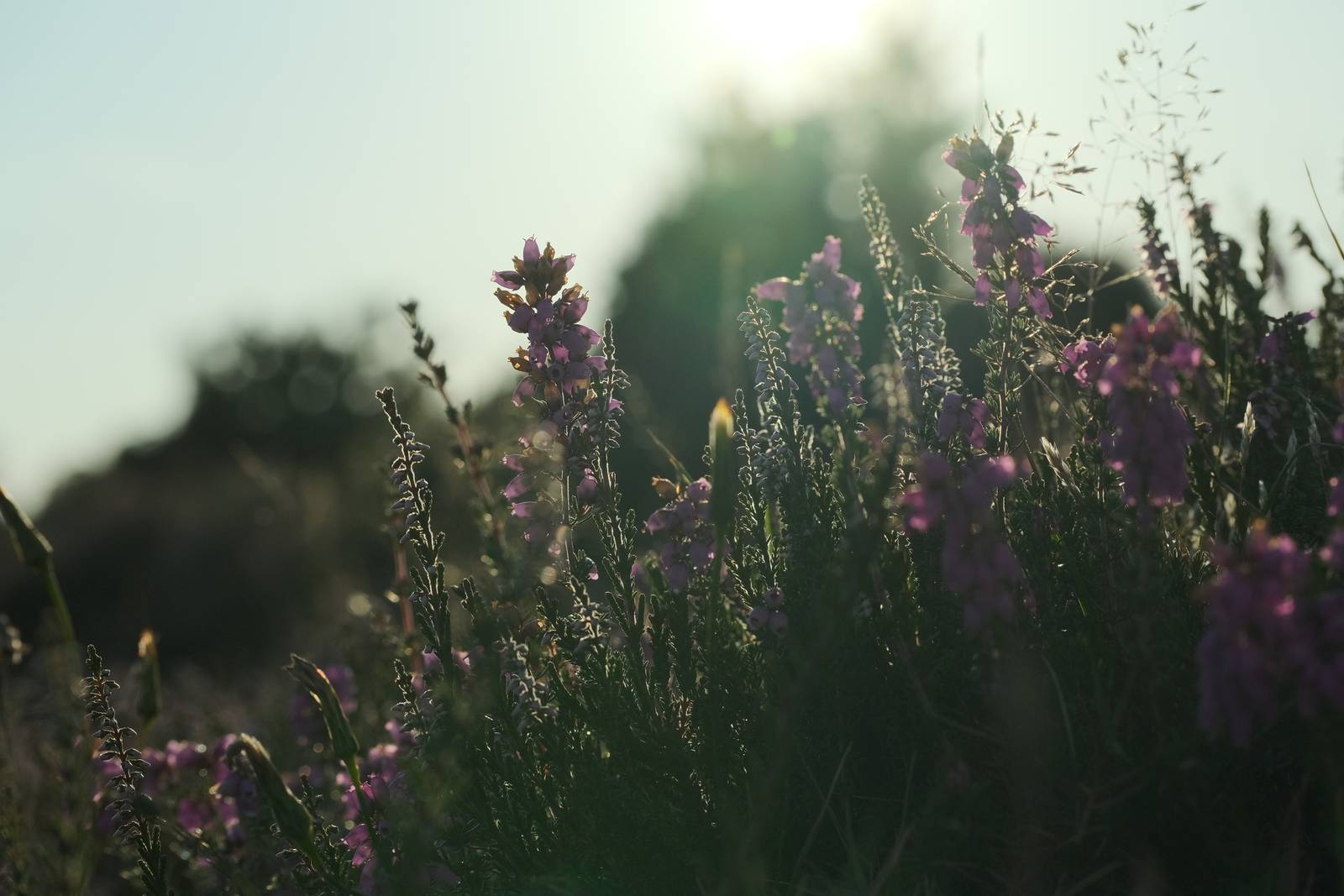
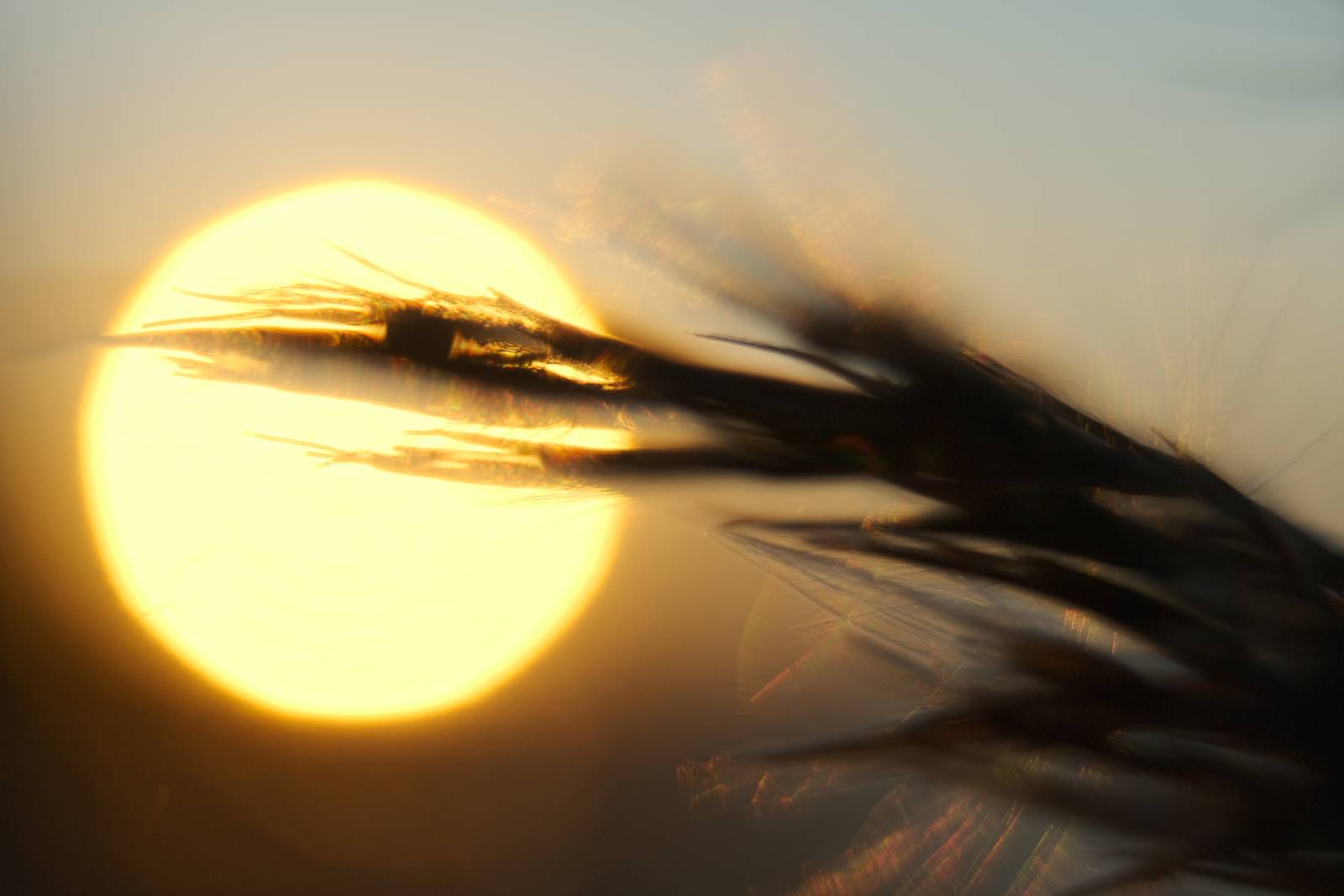
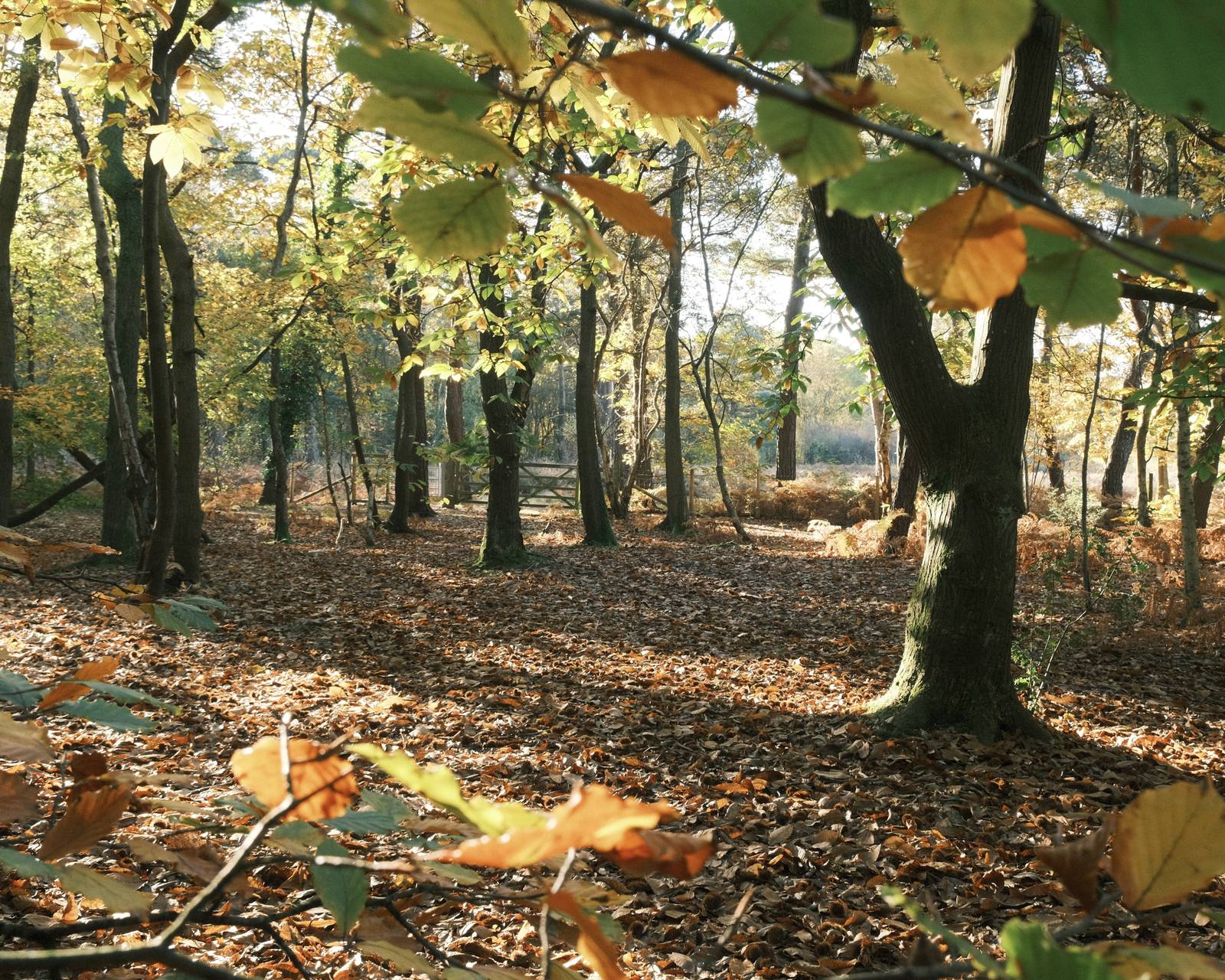
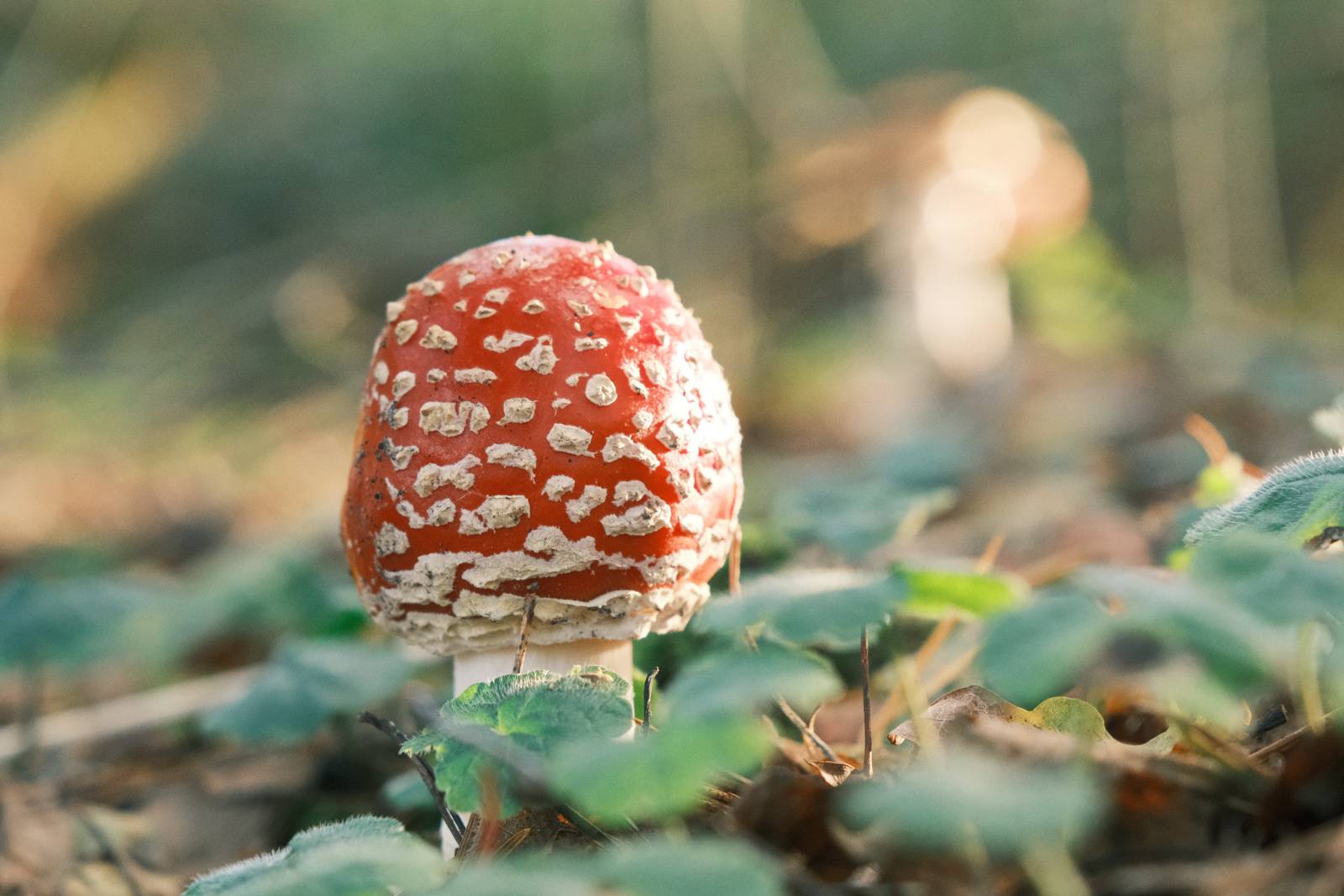
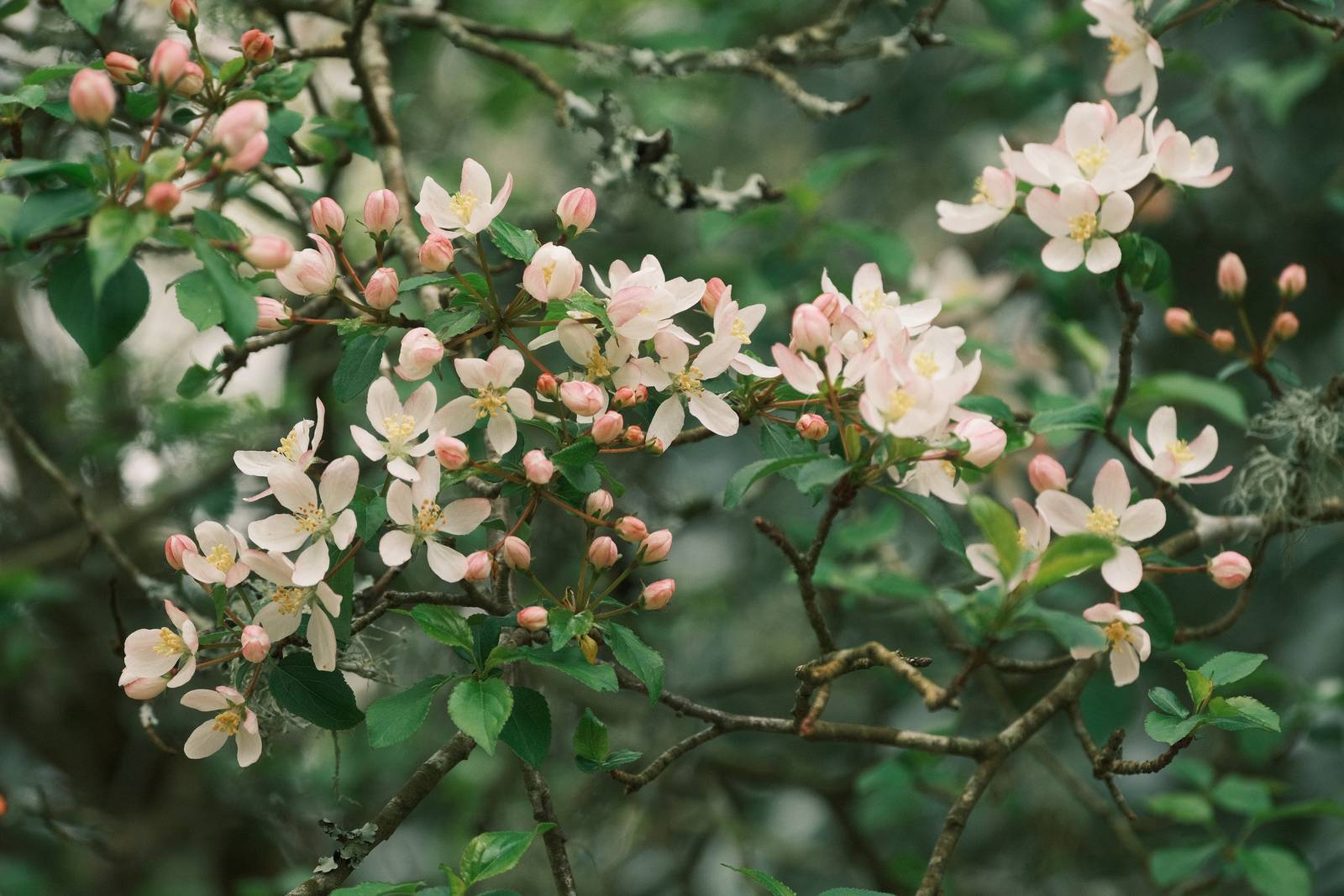
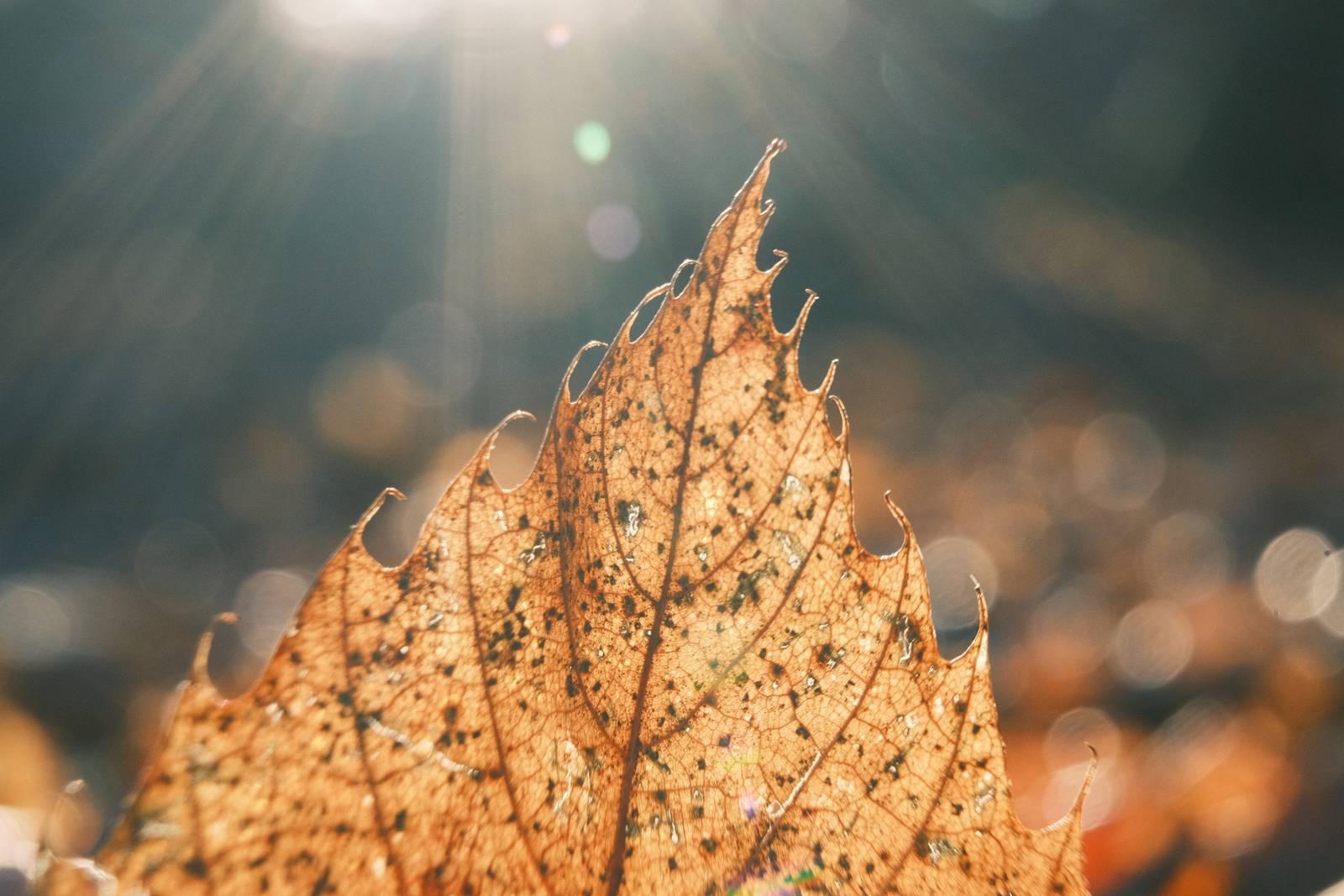
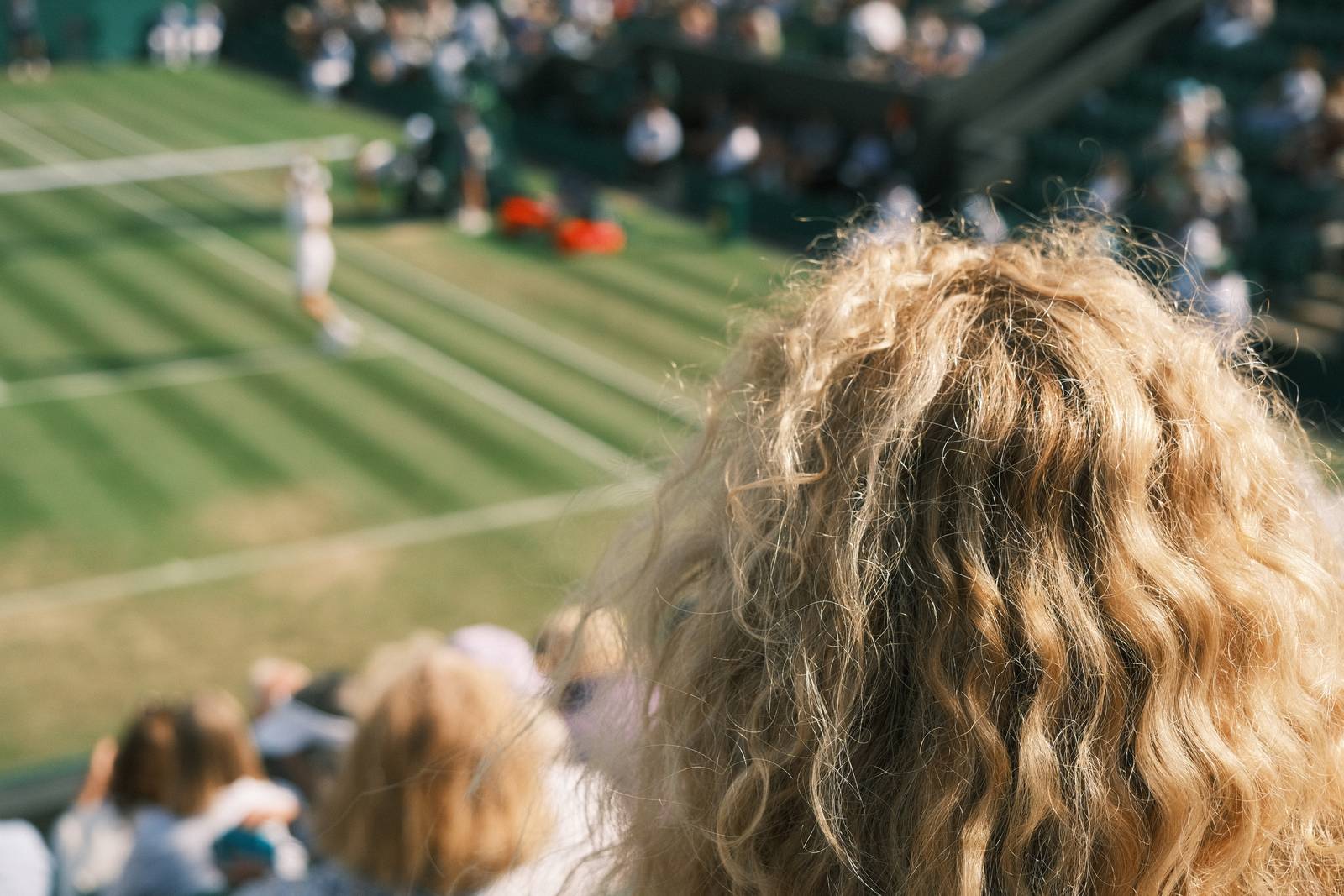
Sometimes you just want to take photos. You don’t want to worry too much about the technical or the rules, and you just want to capture quick snaps as you go about your day. This Point and Shoot film recipe is designed for just this sort of casual shooting.
The recipe is based on the idea that a simple 35mm pocket camera, loaded with a roll of 200 film was all you needed. There weren’t many settings to consider, but you got some lovely colourful prints and could relive the memories each time you opened up the album.
So, take it easy. Don’t overthink it. Just enjoy taking pictures and relax knowing your images will have a wonderfully film like look with bouncy colour and happy tones.
More similar recipes, and hundreds more exclusive looks, are available in the Film Recipes App.
Get the Film Recipes App
Monthly challenges to push your photography further
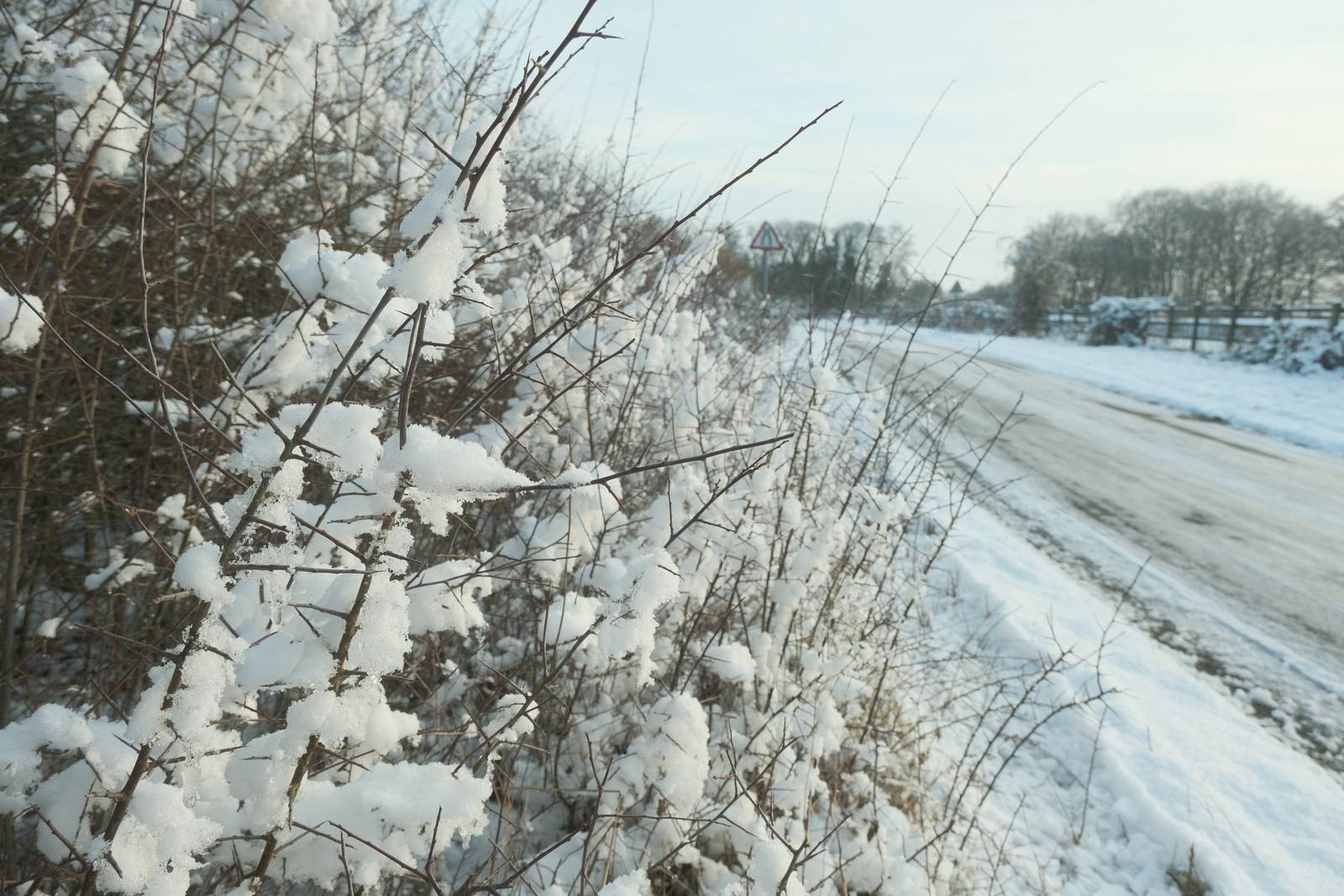
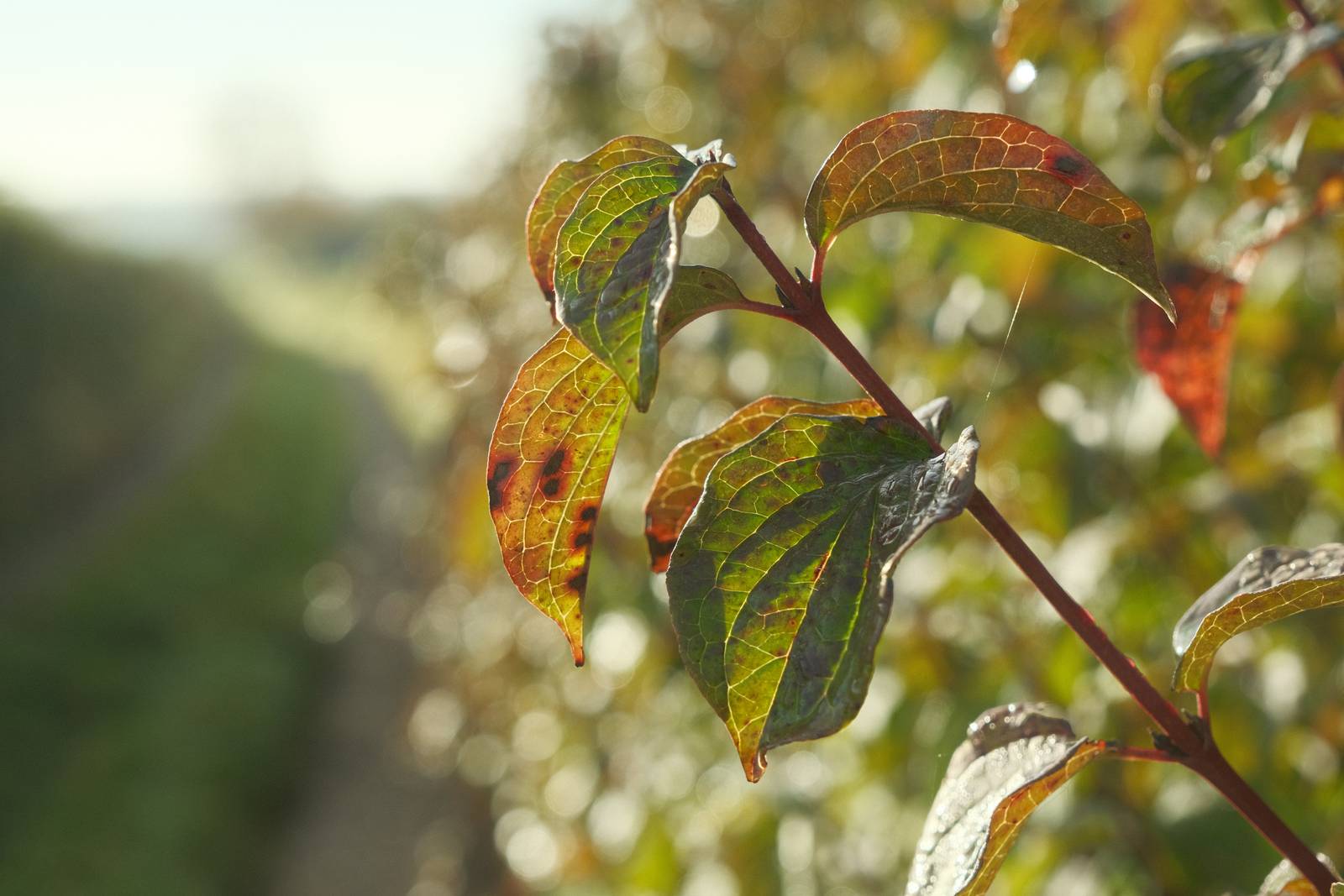
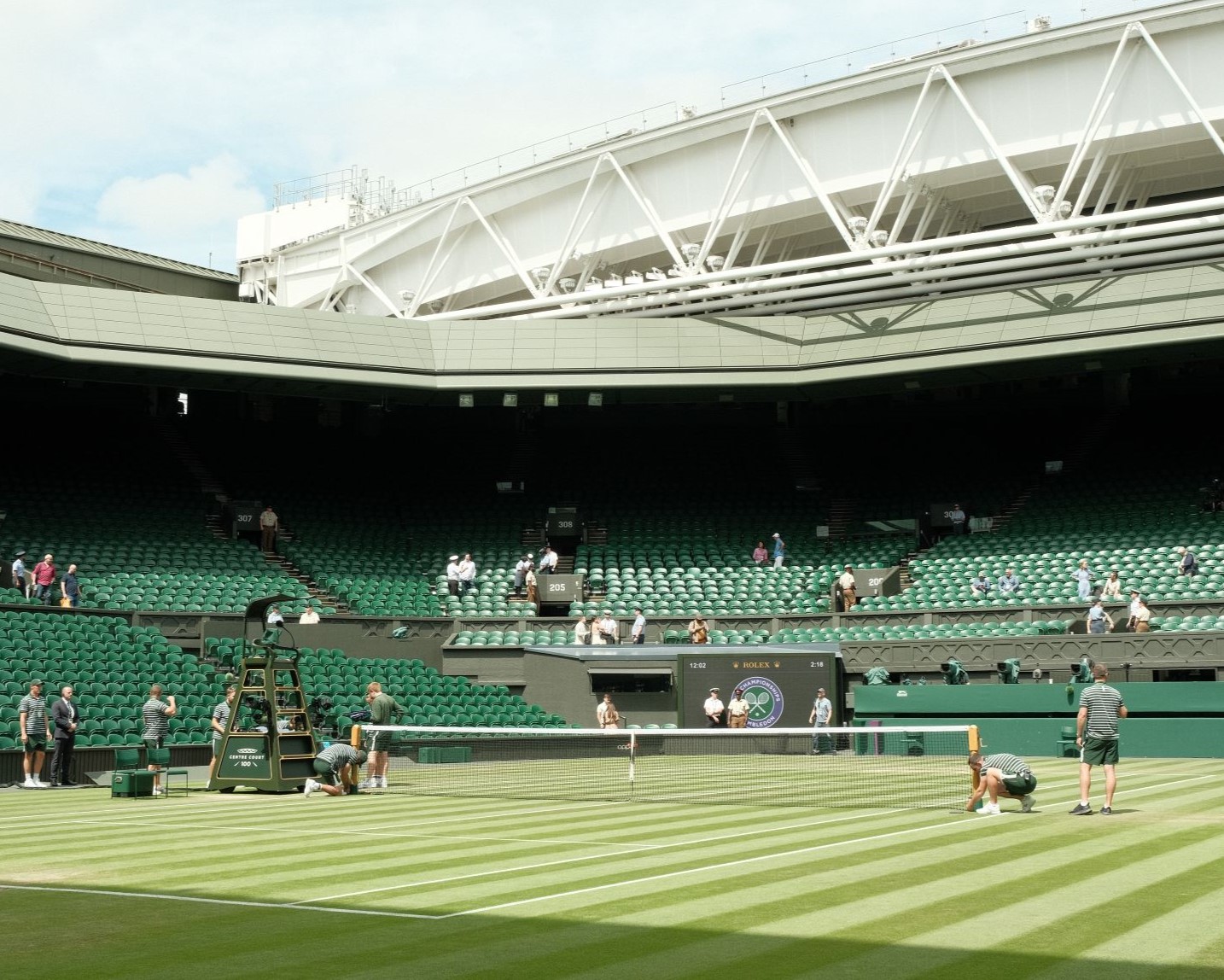
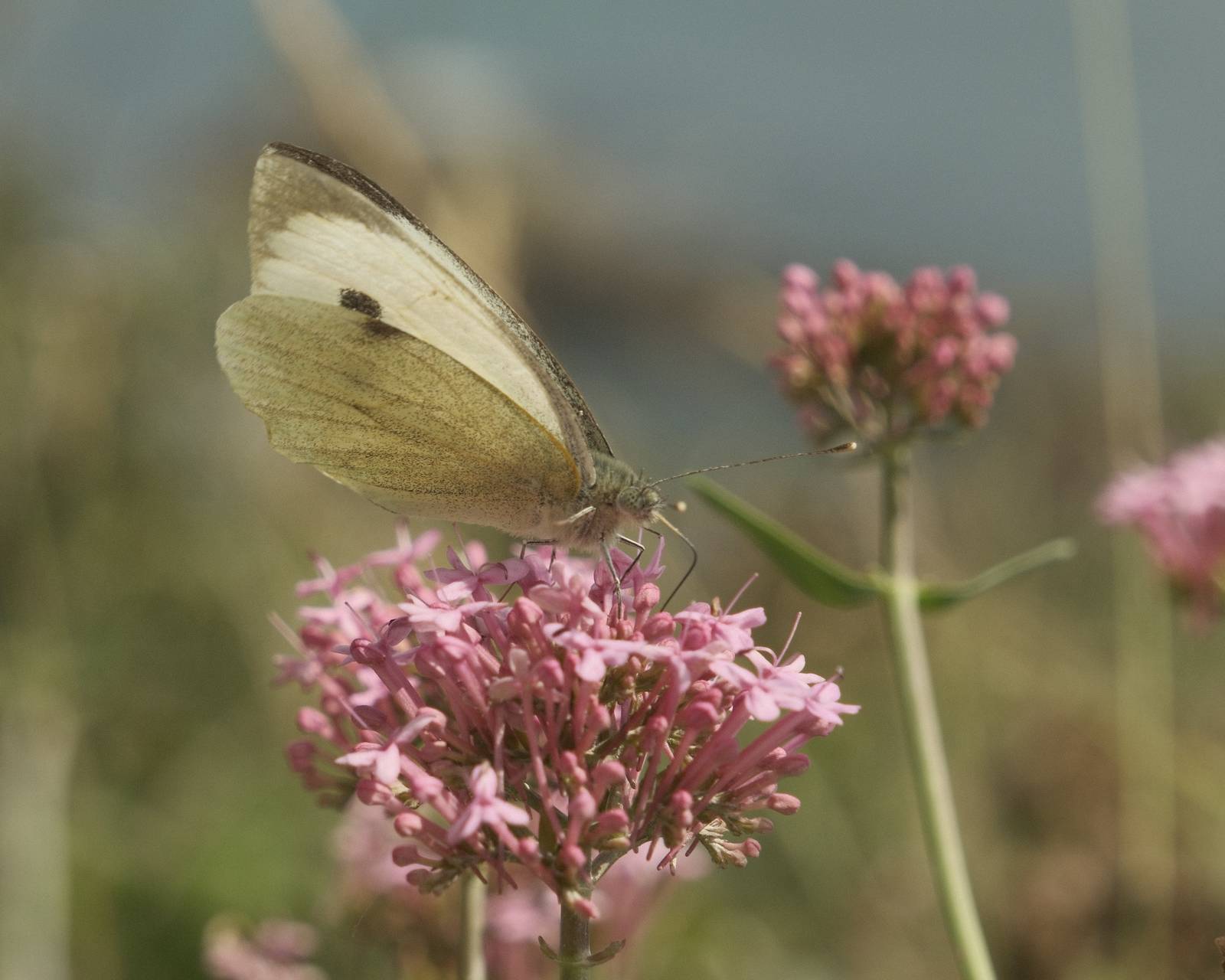
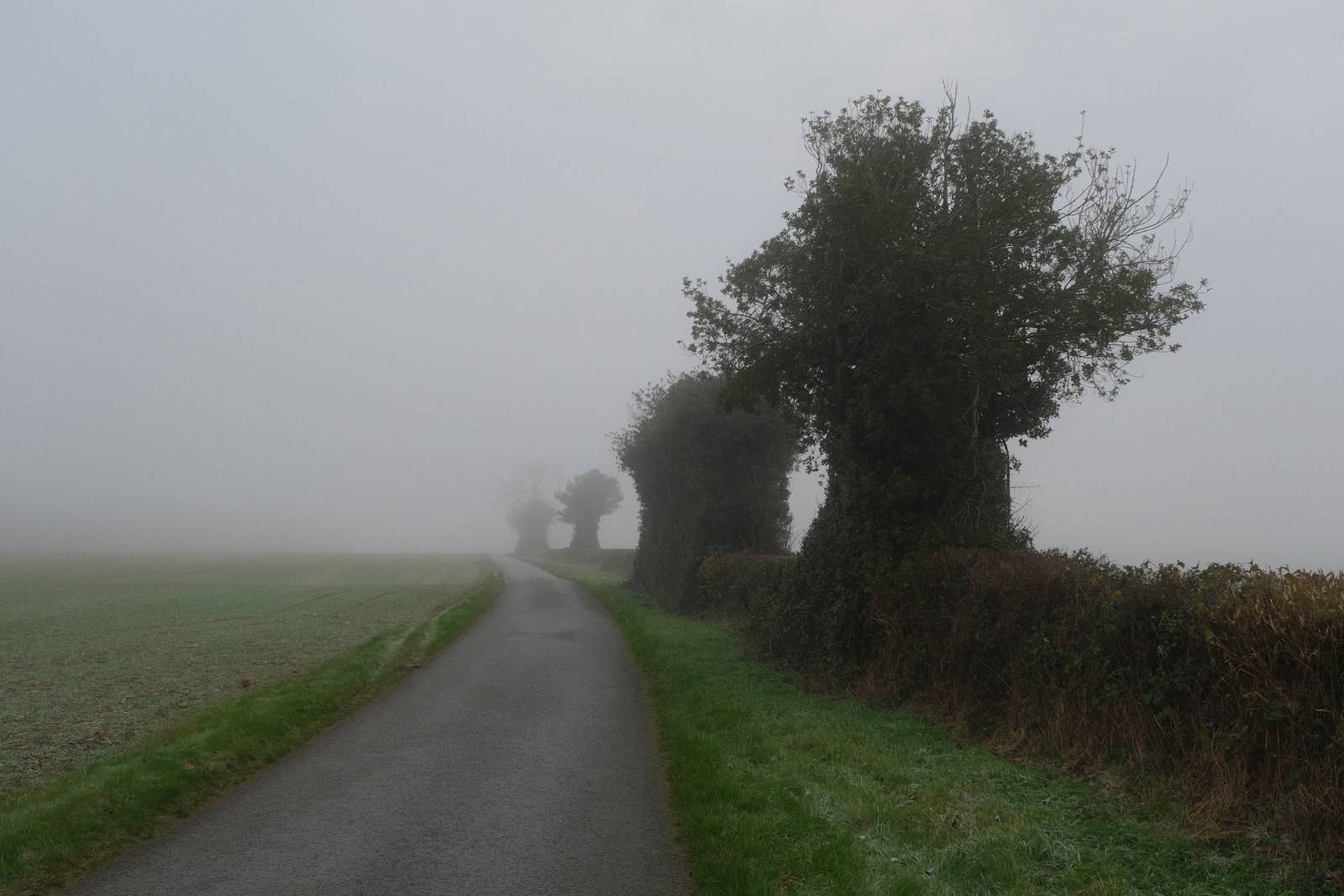
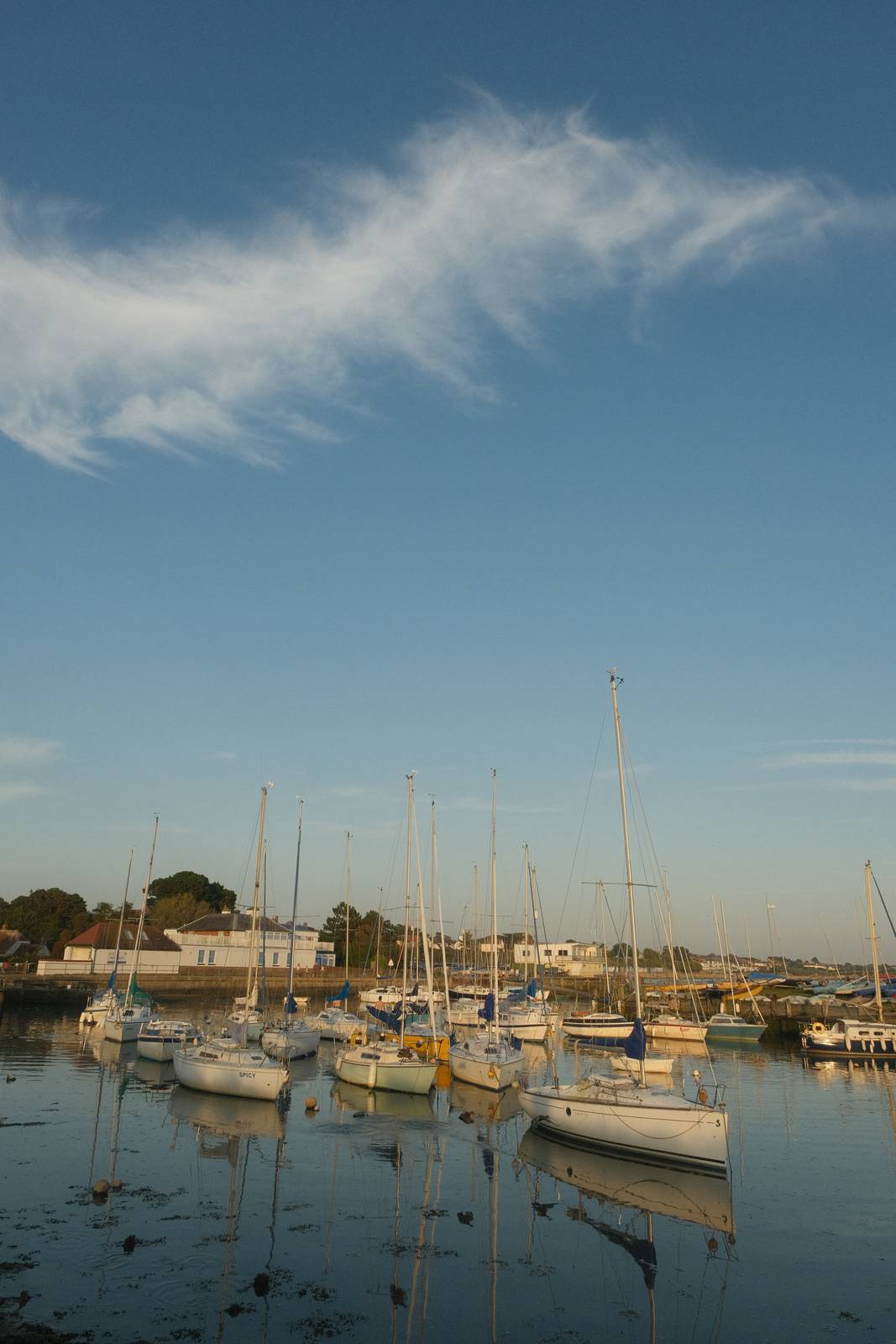
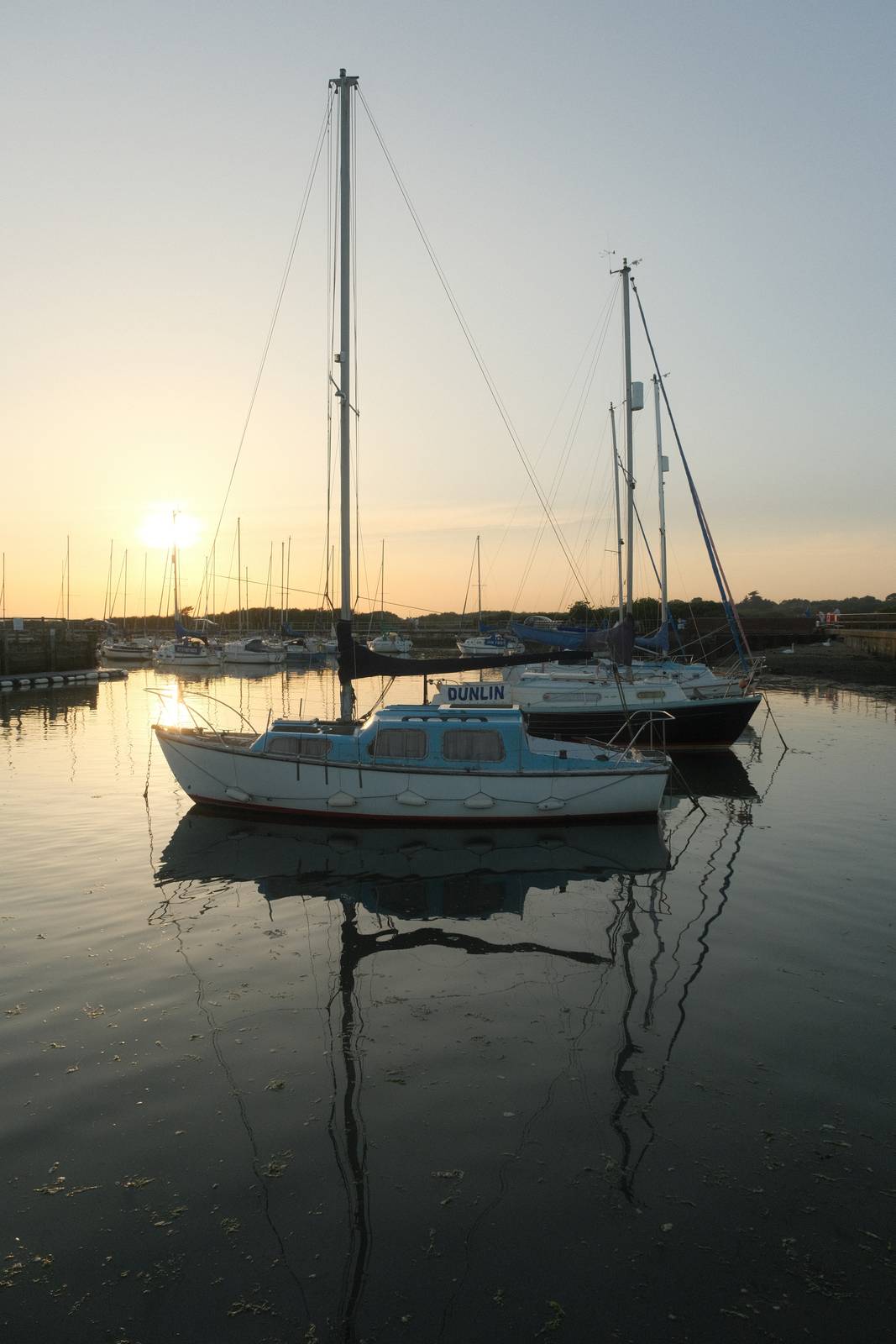
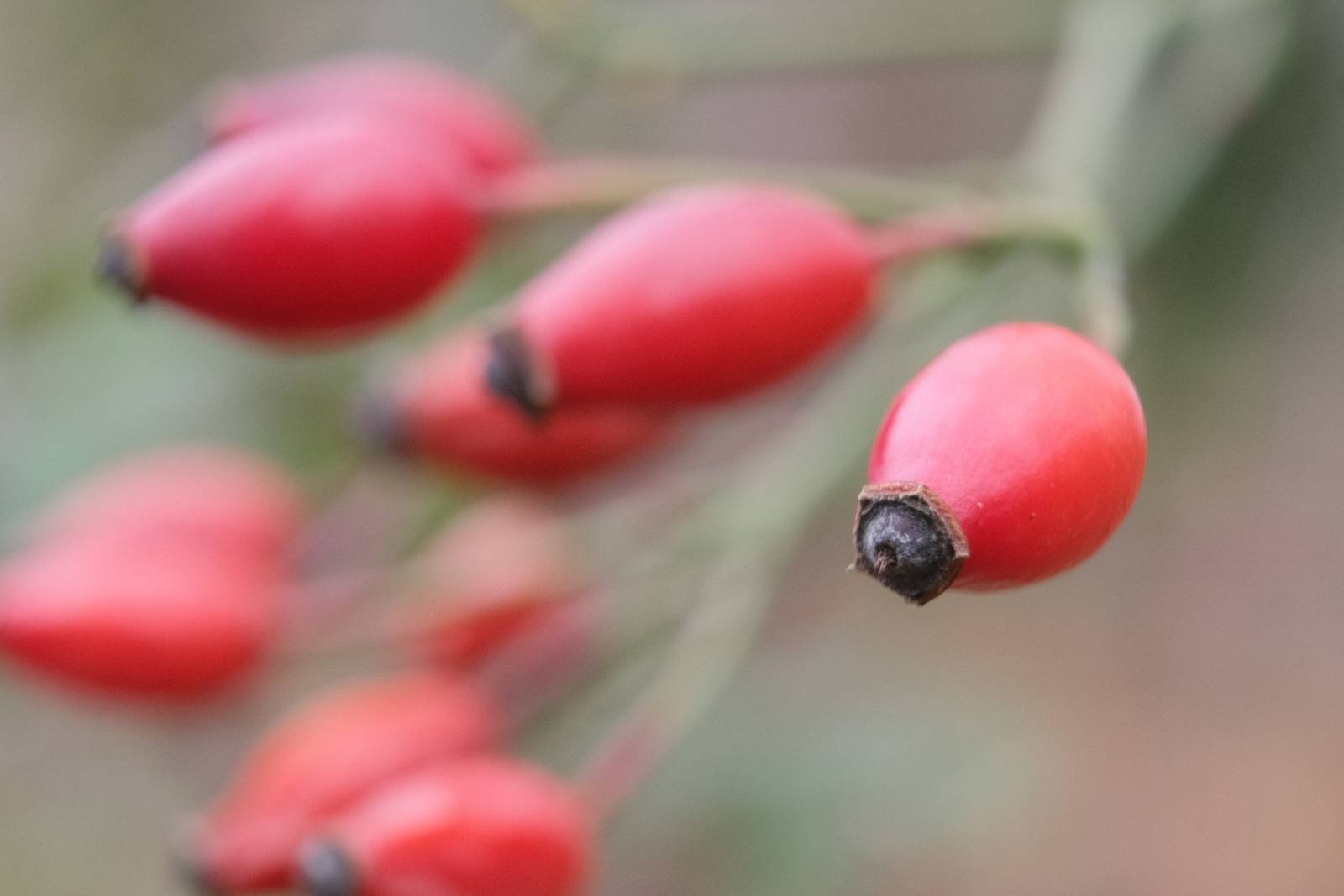
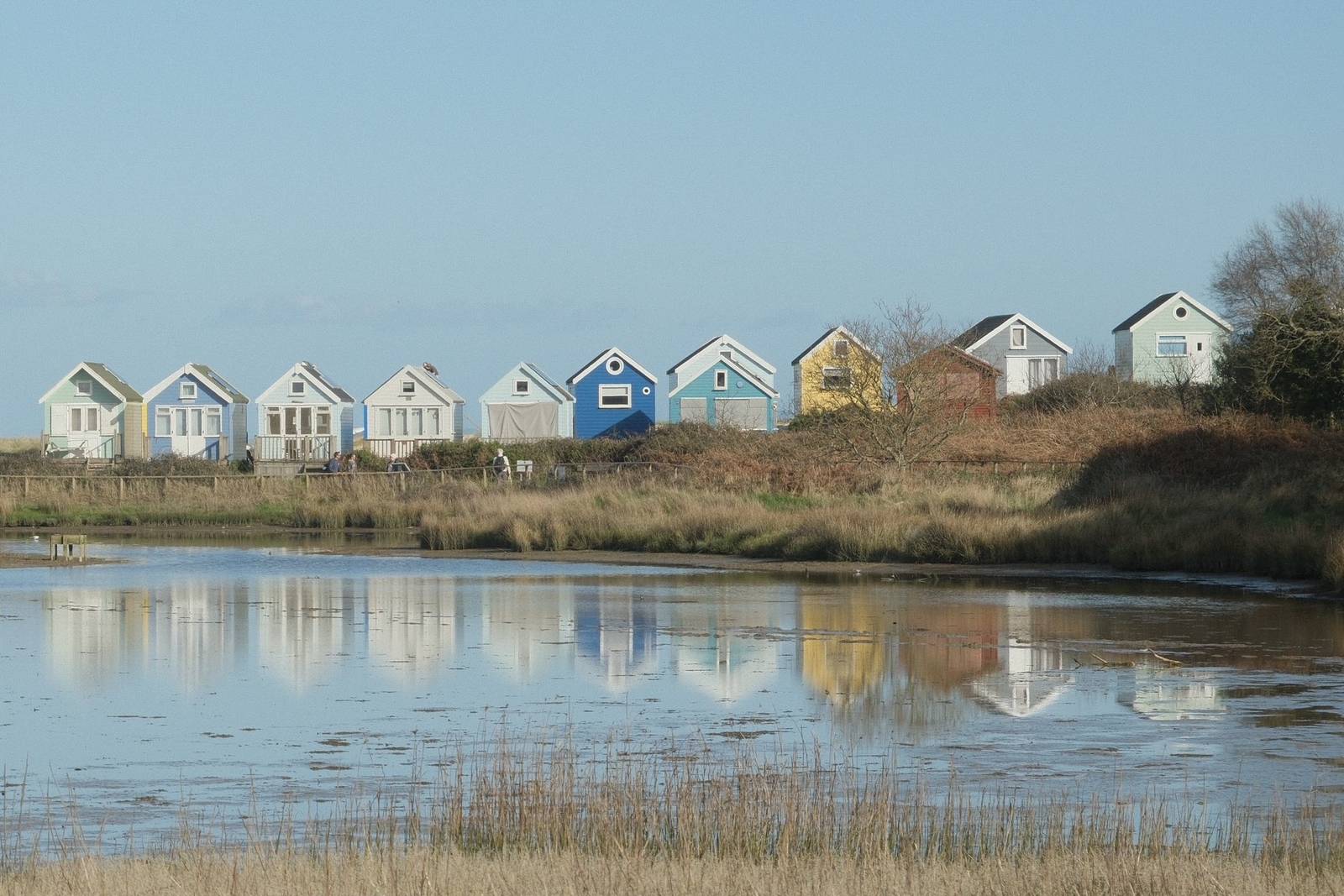
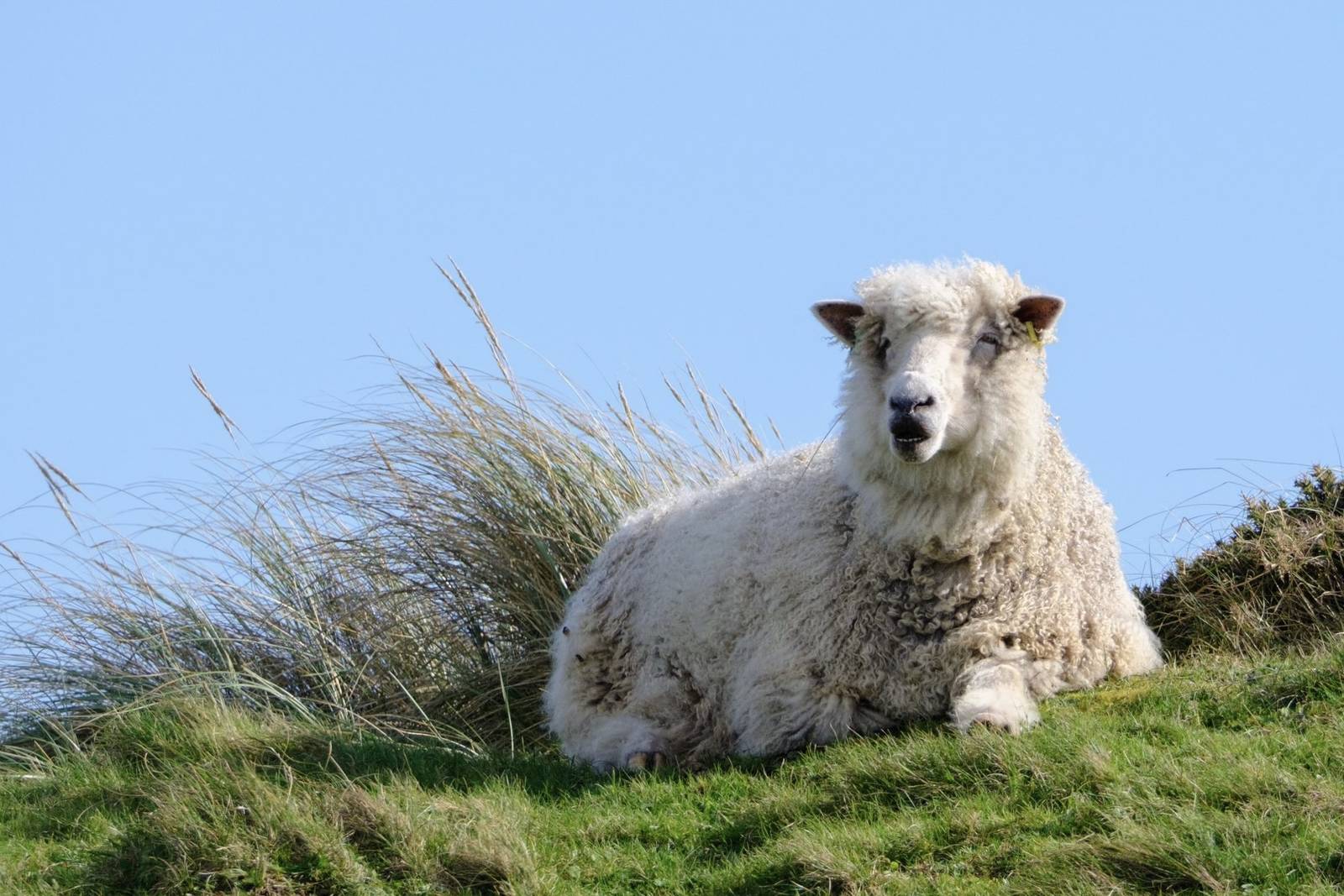
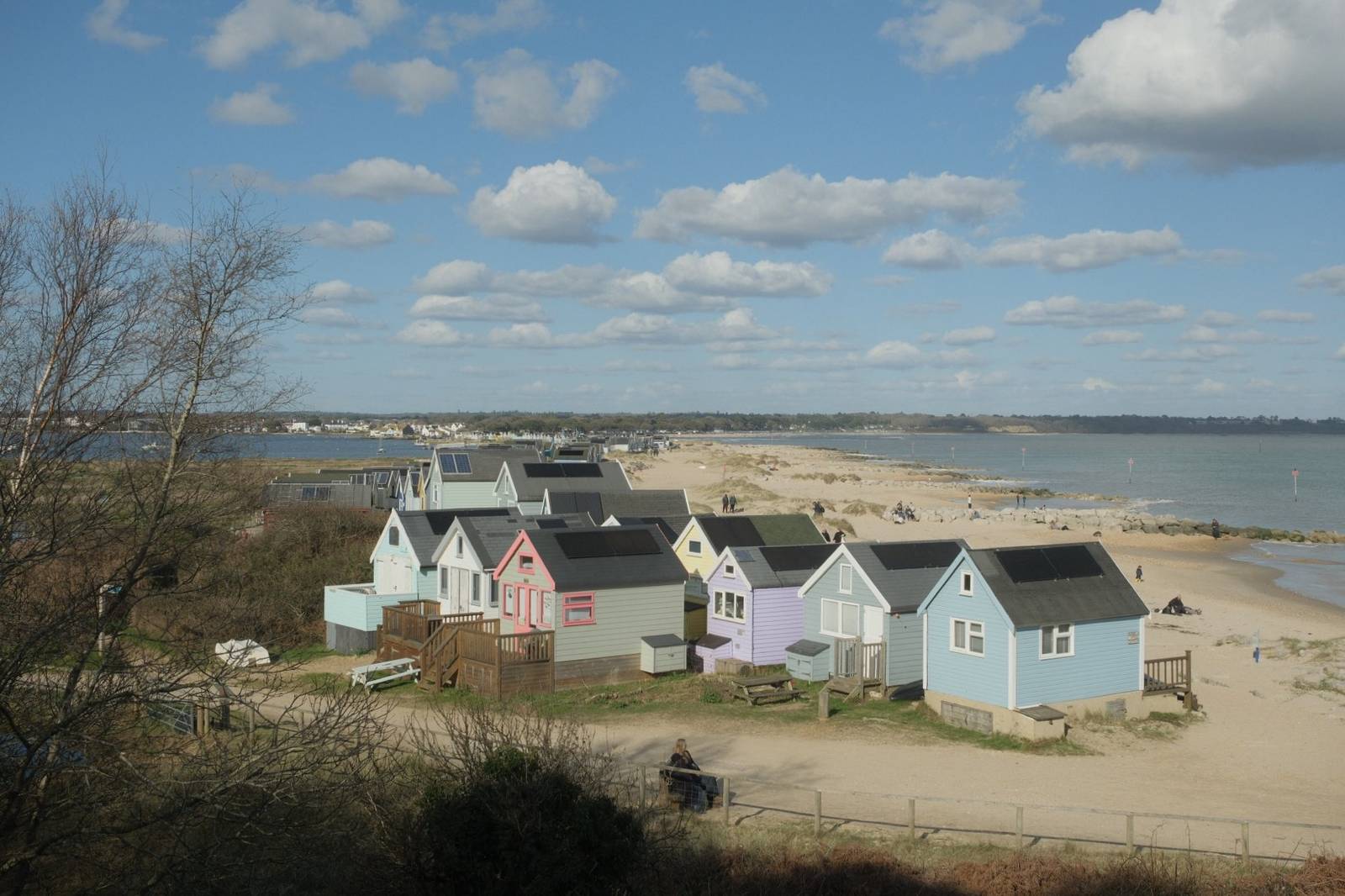
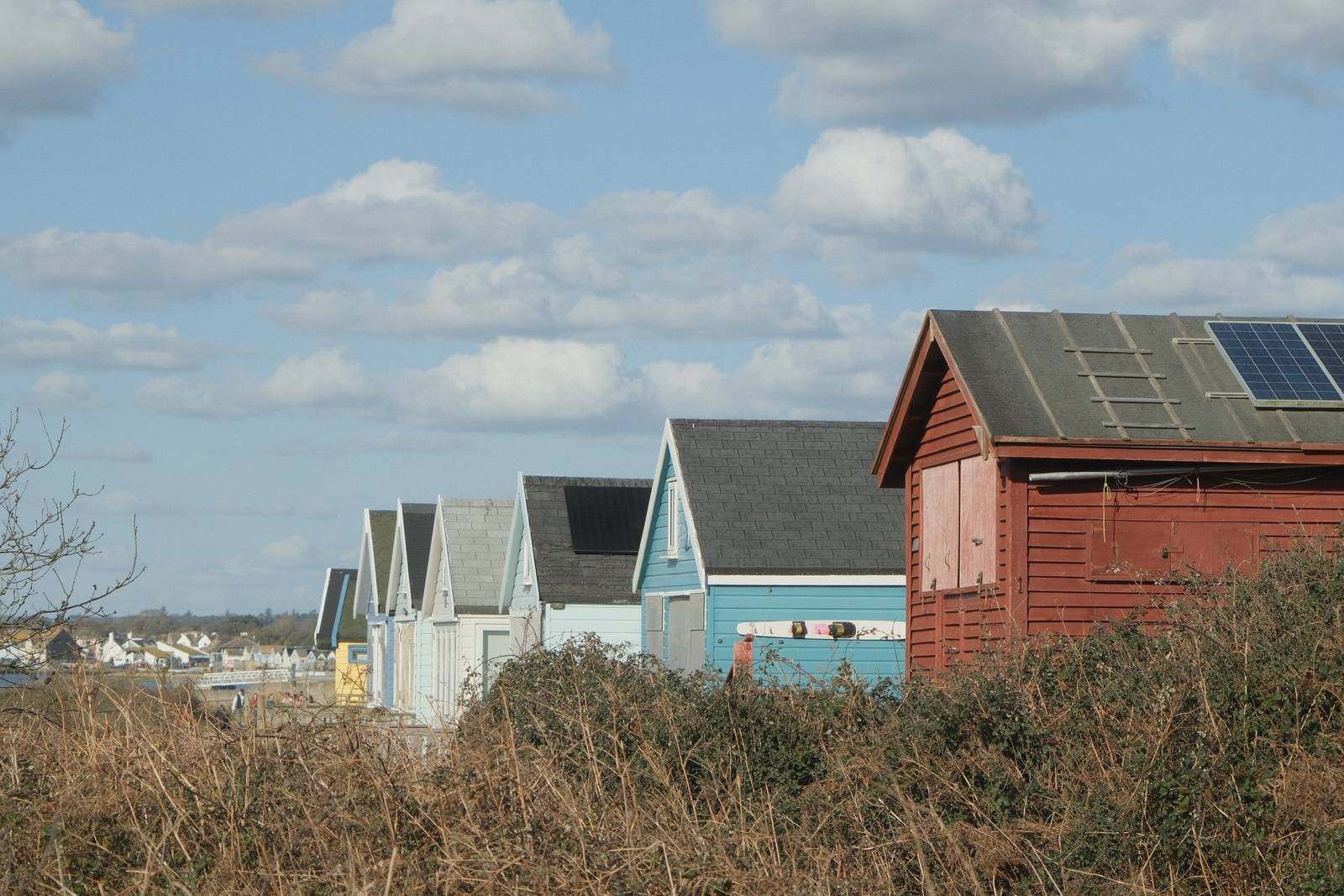
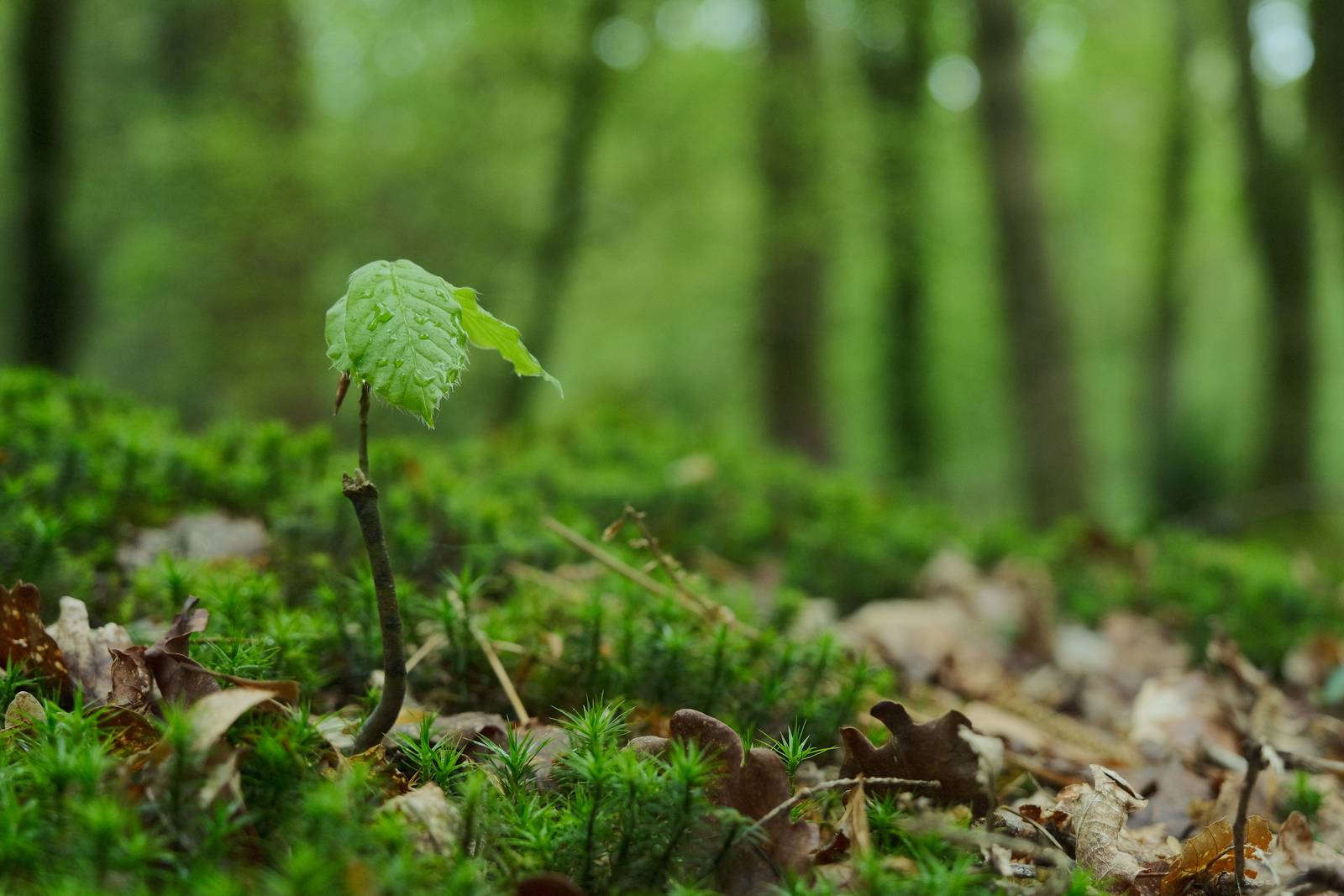
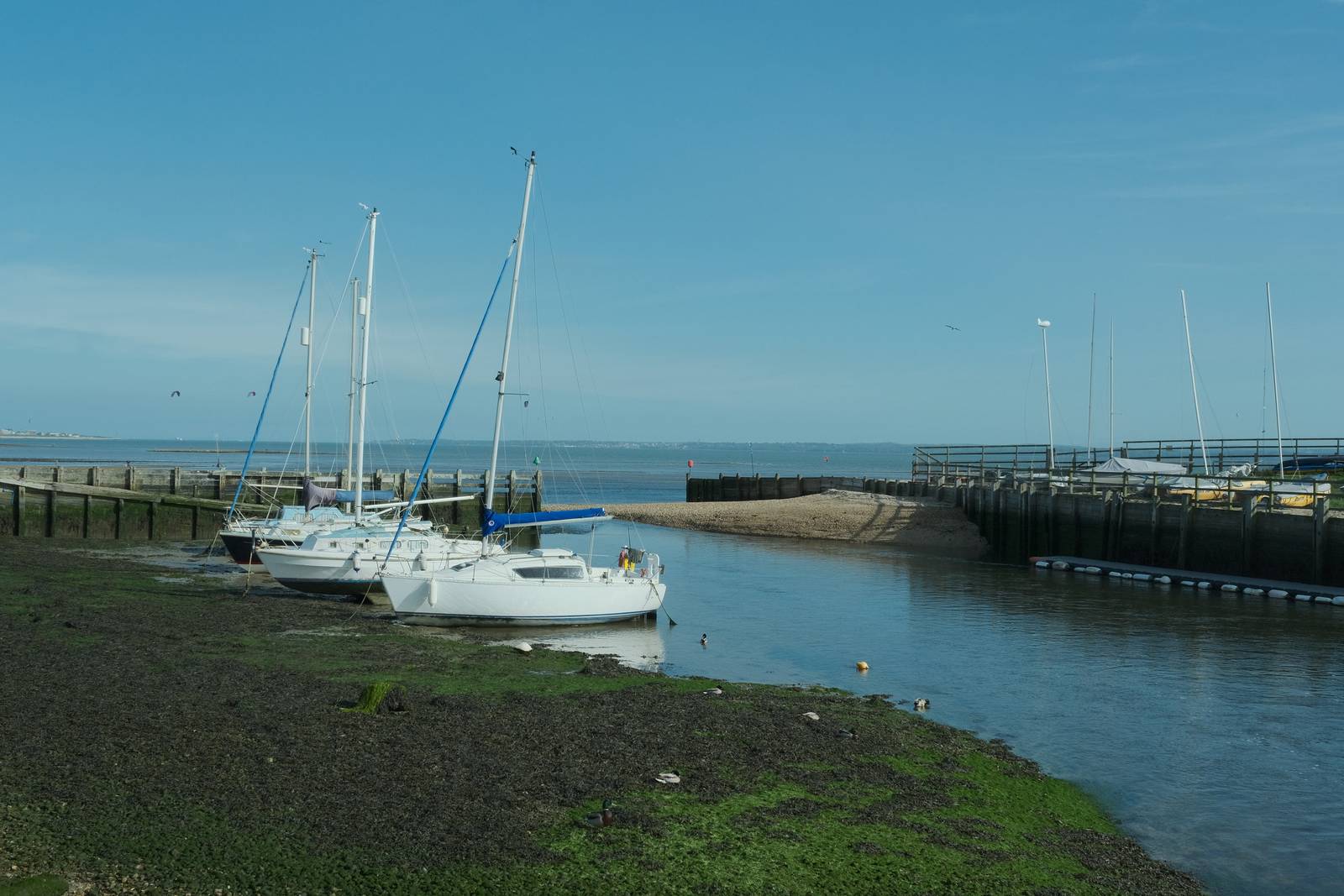
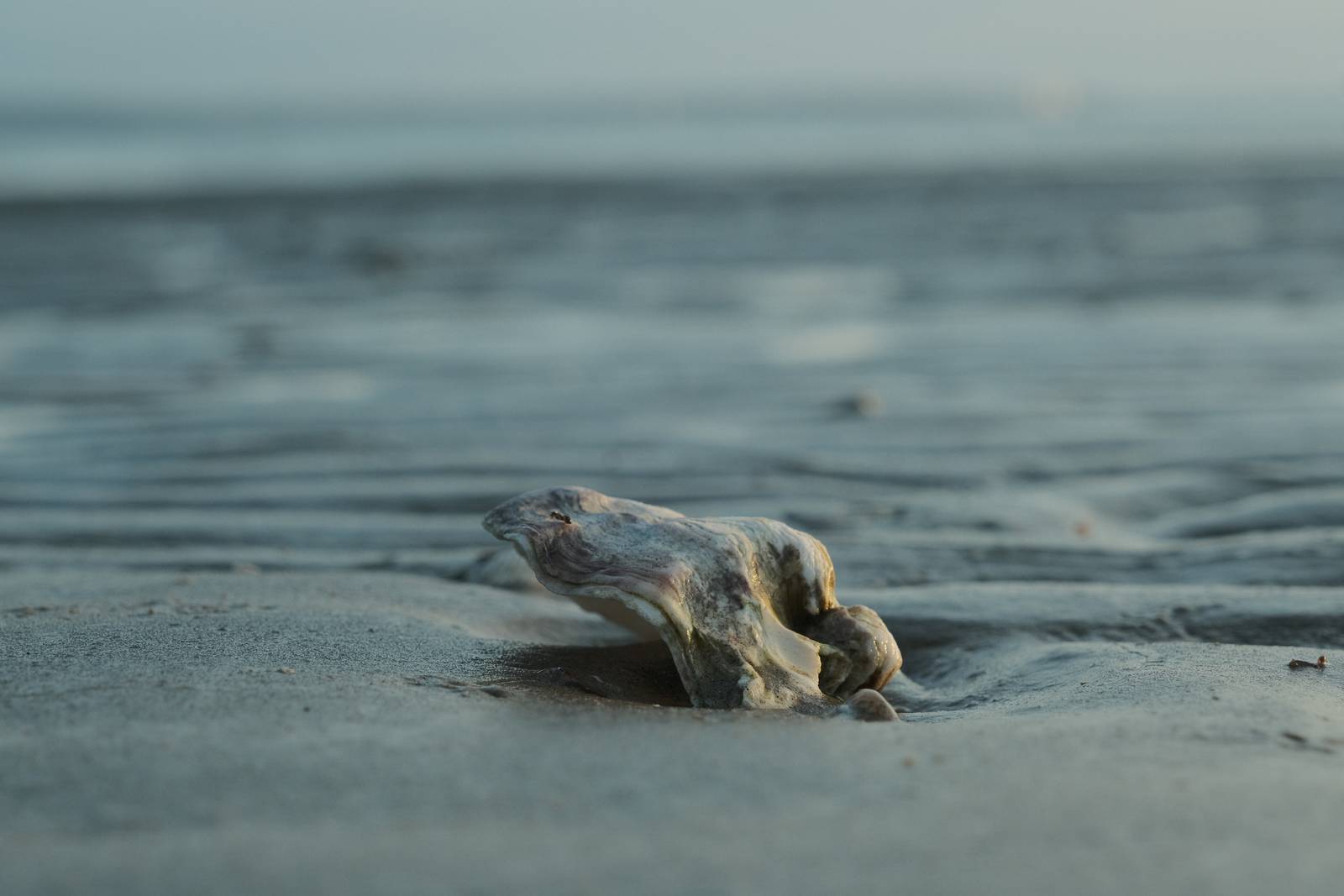
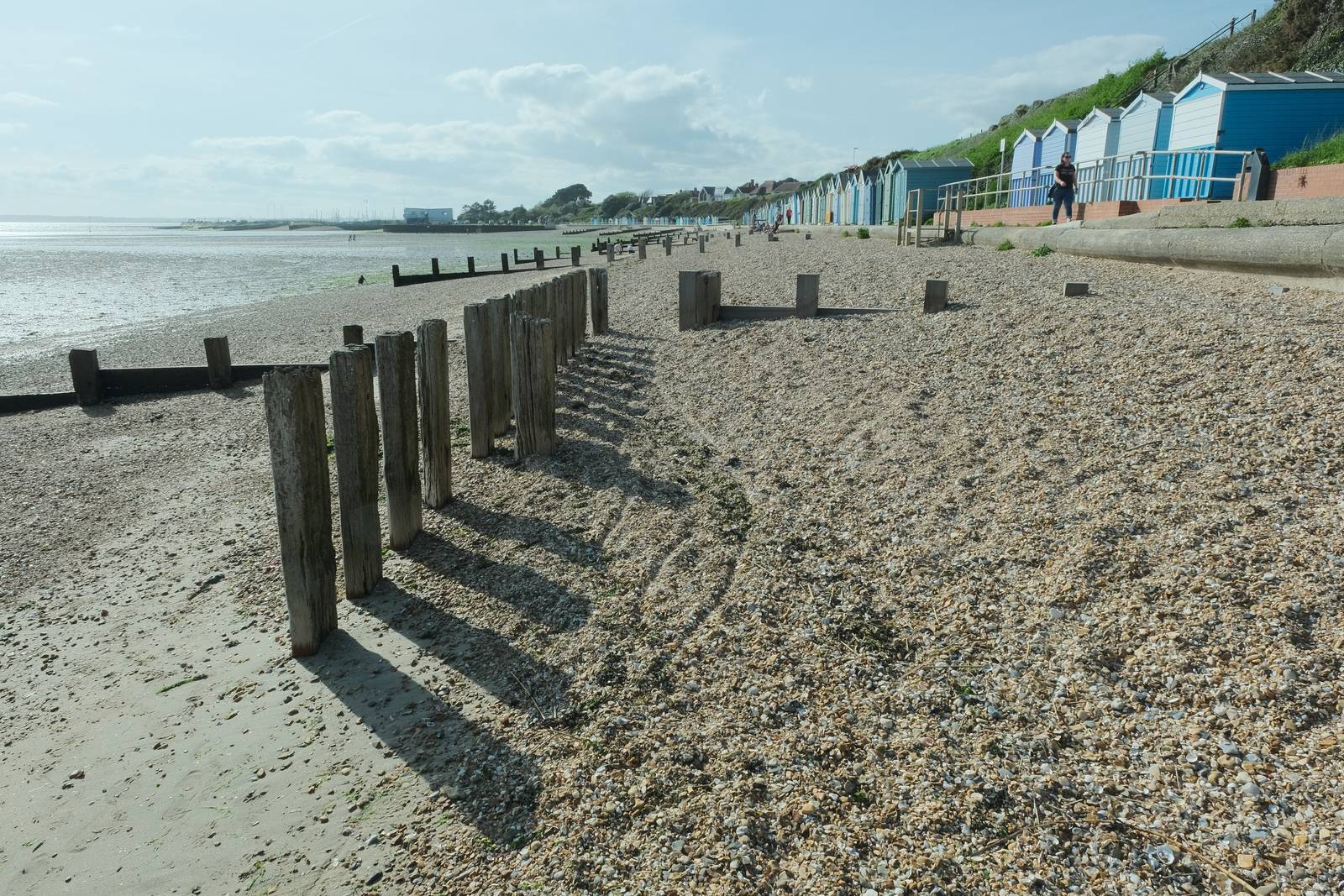
Point and Shoot 200 Film Recipe: Sample Photos
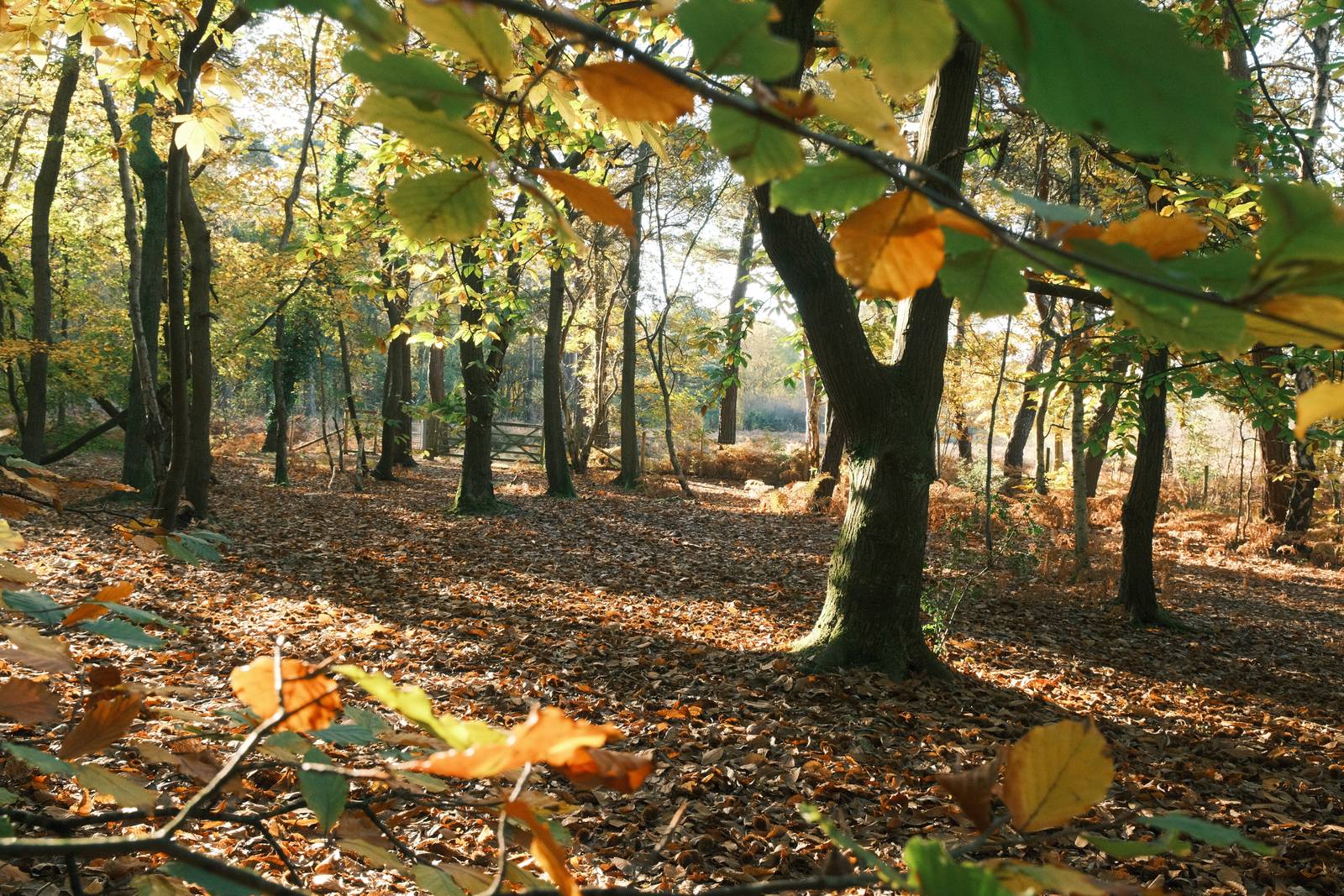
Using the Point and Shoot 200 Film Recipe
Each film simulation recipe has its own character and style. These features mean recipes are more suited to certain situations, or when seeking a particular look. Here are the categories that Point and Shoot 200 has been tagged with.
Cinematic tones film simulation recipe, using Pro Neg Standard and negative clarity
One of the things I love about shooting with Fujifilm is how you can achieve a wonderfully cinematic style, straigt out of camera with no fussing about. I find that these cinematic film recipes bring a film like, analog feel to images, and are an antidote to the high contrast high saturation digital bluntness that I see so often from other cameras.
For this new take on the theme, I’ve started with the softer of the Pro Neg film simulations and then used DR400 for an even smoother gradient around highlights. This is complimented with a cinematic colour balance that is calming and slightly green/teal toned. It has a feel somewhere between Eterna and Nostalgic Negative, but is also something all its own.
Photos taken with this recipe has a sophisticated softness and are most definitely a huge step up in character from phone photos. They have a nostalgic feel and a sense of control what makes them suitable in a wide range of conditions. Golden hour looks great, but you can use this in all sorts of light, and despite the fixed color temperature, it’ll provide wonderful results.
More similar recipes, and hundreds more exclusive looks, are available in the Film Recipes App.
Get the Film Recipes App
Save your favourites and build your personal shortlist
Cine Pro Film Recipe: Sample Photos
Using the Cine Pro Film Recipe
Each film simulation recipe has its own character and style. These features mean recipes are more suited to certain situations, or when seeking a particular look. Here are the categories that Cine Pro has been tagged with.
Classic Negative film recipe with a bronze colour tone
I’ve created well over 200 film recipes now, and it’s understandable that some are visually similar to others. There are after all only a modest number of film simulations, and a reasonably narrow range of white balance and colour shift combinations that produce usable results. Every now and again though, I manage to come up with a recipe with a look that is all its own.
Bronze Age is such a recipe, with a noticably bronze tone colour shift that both warms and adds character to images. The look is nostalgic I suppose, but isn’t really vintage. I think it suits golden hour especially well, and generally bright conditions. It’s a strong effect, but still retains enough natural tone to be useful across a wide range of subjects.
So, Bronze Age is something different, something to try when you lack inspiration, or when you want to give a fresh look to your images that you haven’t tried before. Here are the recipe details, and as always, a range of my sample images to show you how I used the recipe.
More similar recipes, and hundreds more exclusive looks, are available in the Film Recipes App.
Get the Film Recipes App
App-exclusive recipes you won’t find anywhere else
Bronze Age Film Recipe: Sample Photos
Community Photos
Photos taken with the Bronze Age film recipe by members of the Film Recipes community.
Photos by Fraser Reid
Using the Bronze Age Film Recipe
Each film simulation recipe has its own character and style. These features mean recipes are more suited to certain situations, or when seeking a particular look. Here are the categories that Bronze Age has been tagged with.
A Classic Chrome film recipe designed for outdoor shooting and natural colour
From time to time, I get asked whether I might be able to make a film simulation recipe for certain situations, or to macth the work of a photographer or social gallery. I do enjoy these challenges, although it’s not always possible to acheive the look in question with jsut a film recipe.
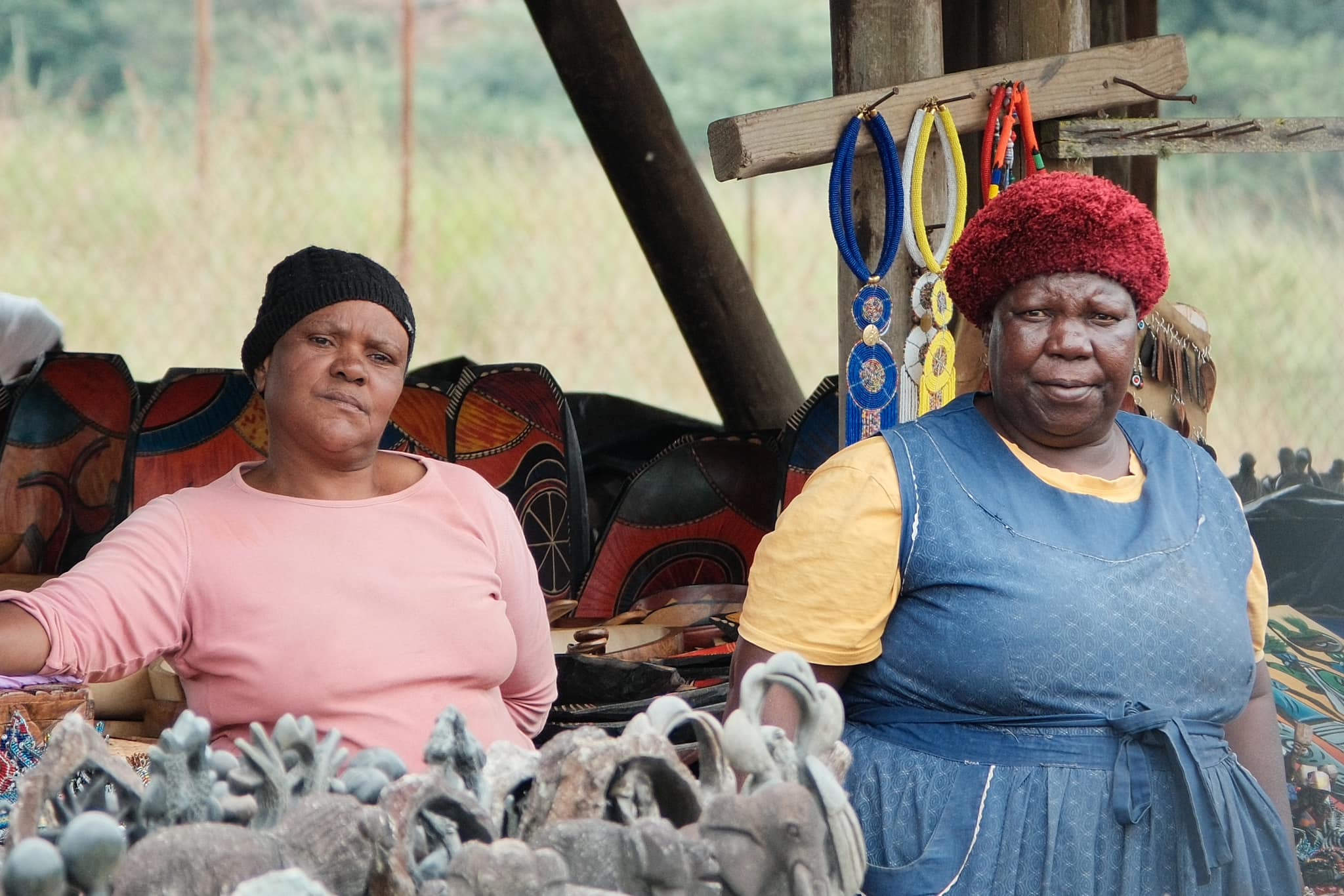
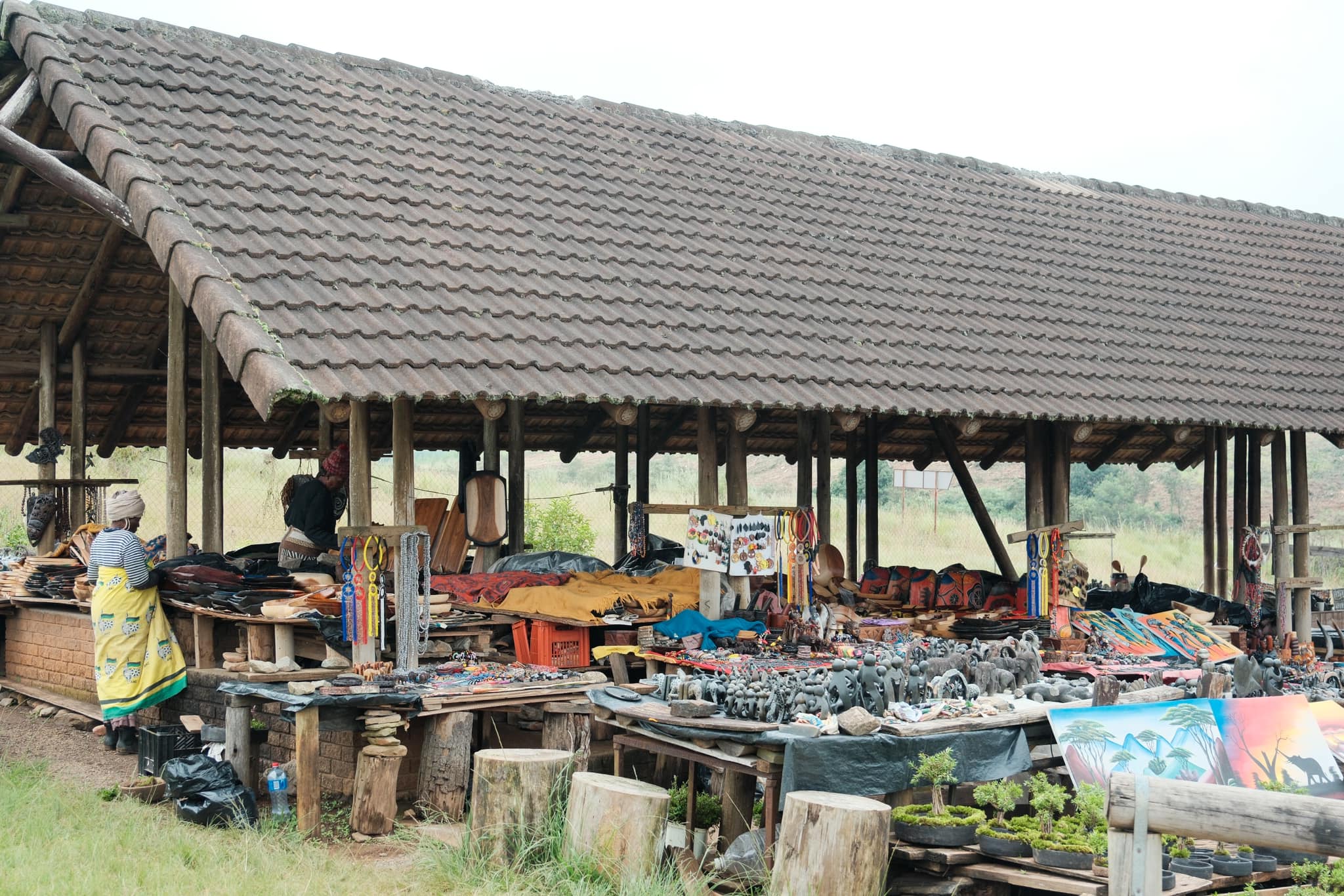
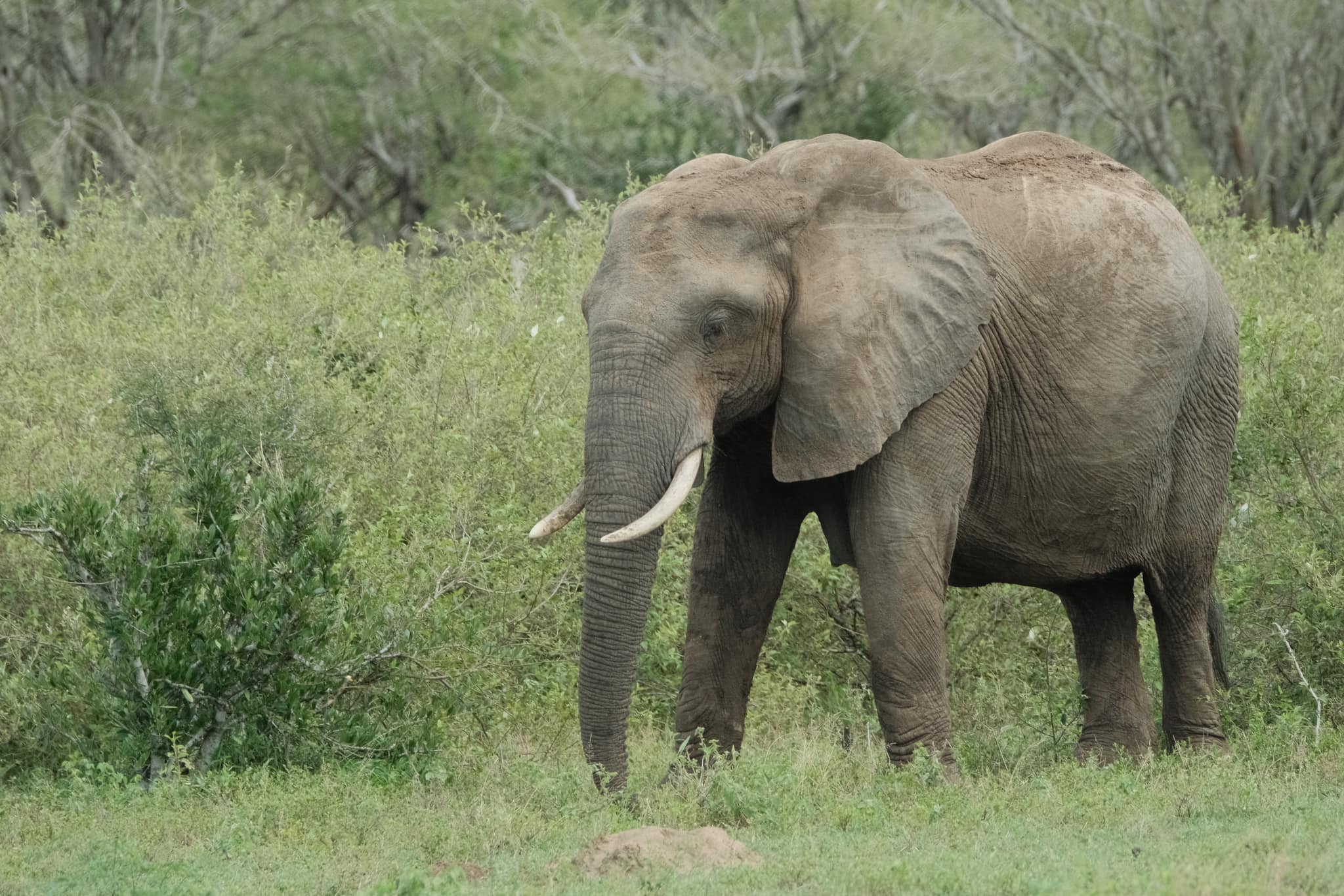
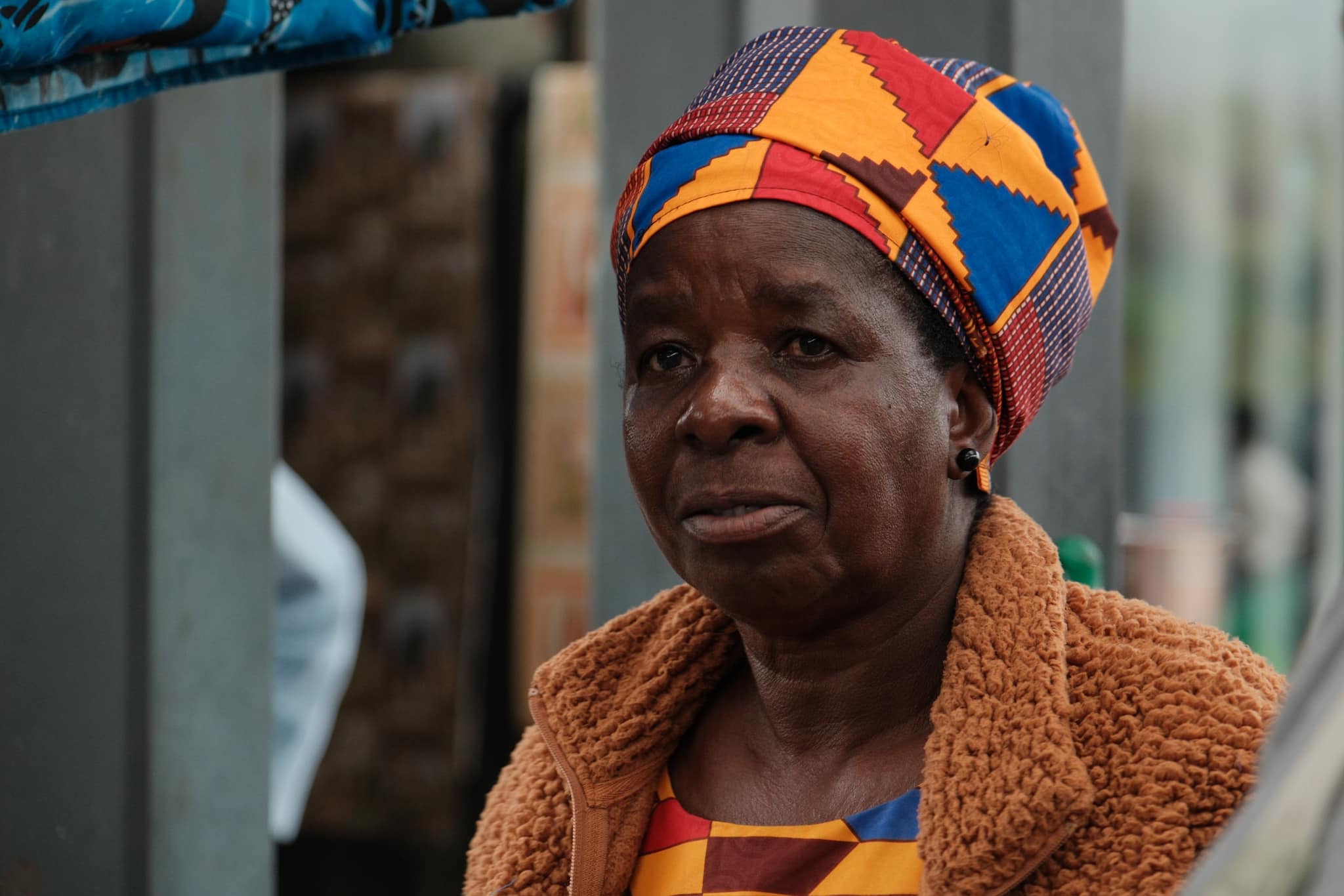
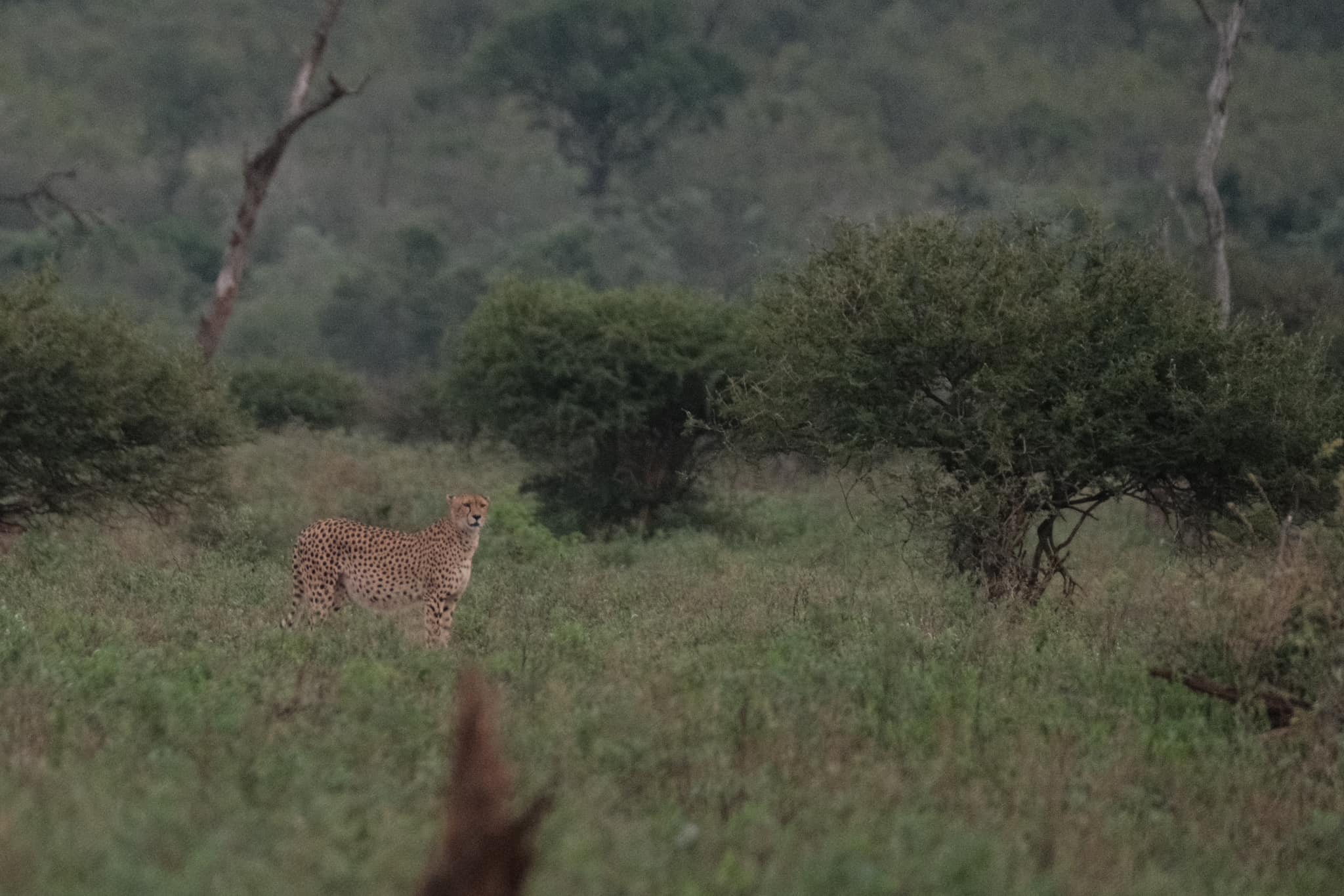
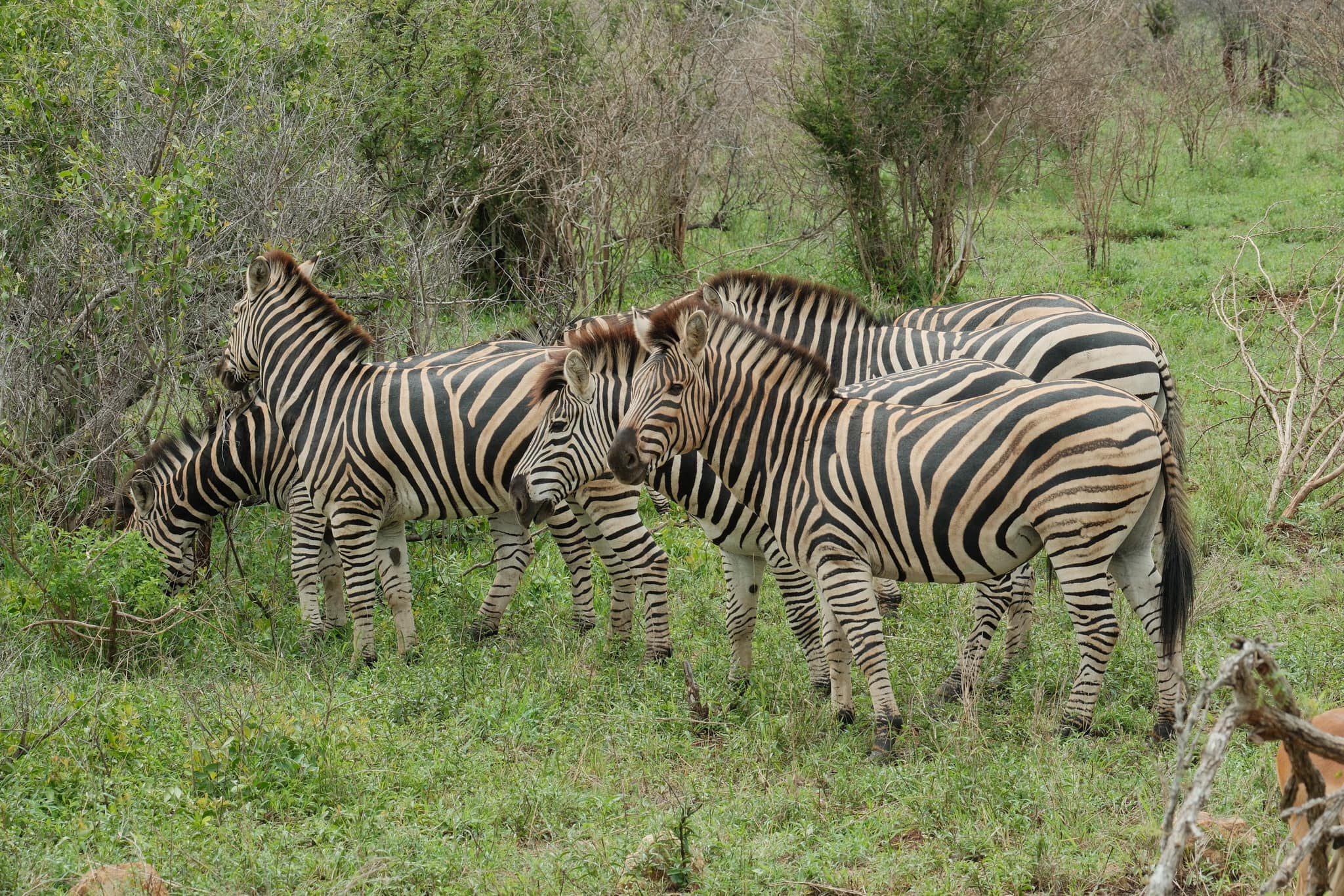
A similar challenge came my way when I was discussing an upcoming safari trip with our of our Facebook club members. David Forsdike was due to travel to South Africa, and wanted some ideas for a recipe to use for wildlife phtoography. He has X-Trans V cameras and had bagged a new zoom lens for the trip.
My thoughts on this were two fold. Firstly, I was new to X-Trans V, having only recently upgraded to an X-S20, which uses a hybrid of the series IV sensor and series V processing and simulations. I didn’t yet have many RAW files to experiment on, or full confidence in how X-Trans V recipes might look. Secondly, I’ve not visited South Africa, so it was hard to be sure what conditions David might find there. I’ve seen episodes of Wild Earth on YouTube, which was a clue that we’d be dealing with dawn or dusk, but also possibly some hard sunlight too.
So, I decided a new recipe would be best, developed on my X-S20 and in X RAW Studio. I wanted something that didn’t make strong changes to the images, because the star should be the wild animals, rather than the tone or mood form the recipe. This was also important so that they remained true colour, so we avoid any orange leopards or pink elephants that might otherwise look odd.
I picked Classic Chrome as the base simulation and I chose to add a little film like tone with a -3 shift for Blue. Classic Chrome is naturally desaturated, so I boost colour by 2 steps to bring back some of the vibrancy. For the lower light flexibility and protection in harsh conditions, I paired DR400 with -1 highlights and shadows. This should give a bit more shadow detail and soften the harsh light.
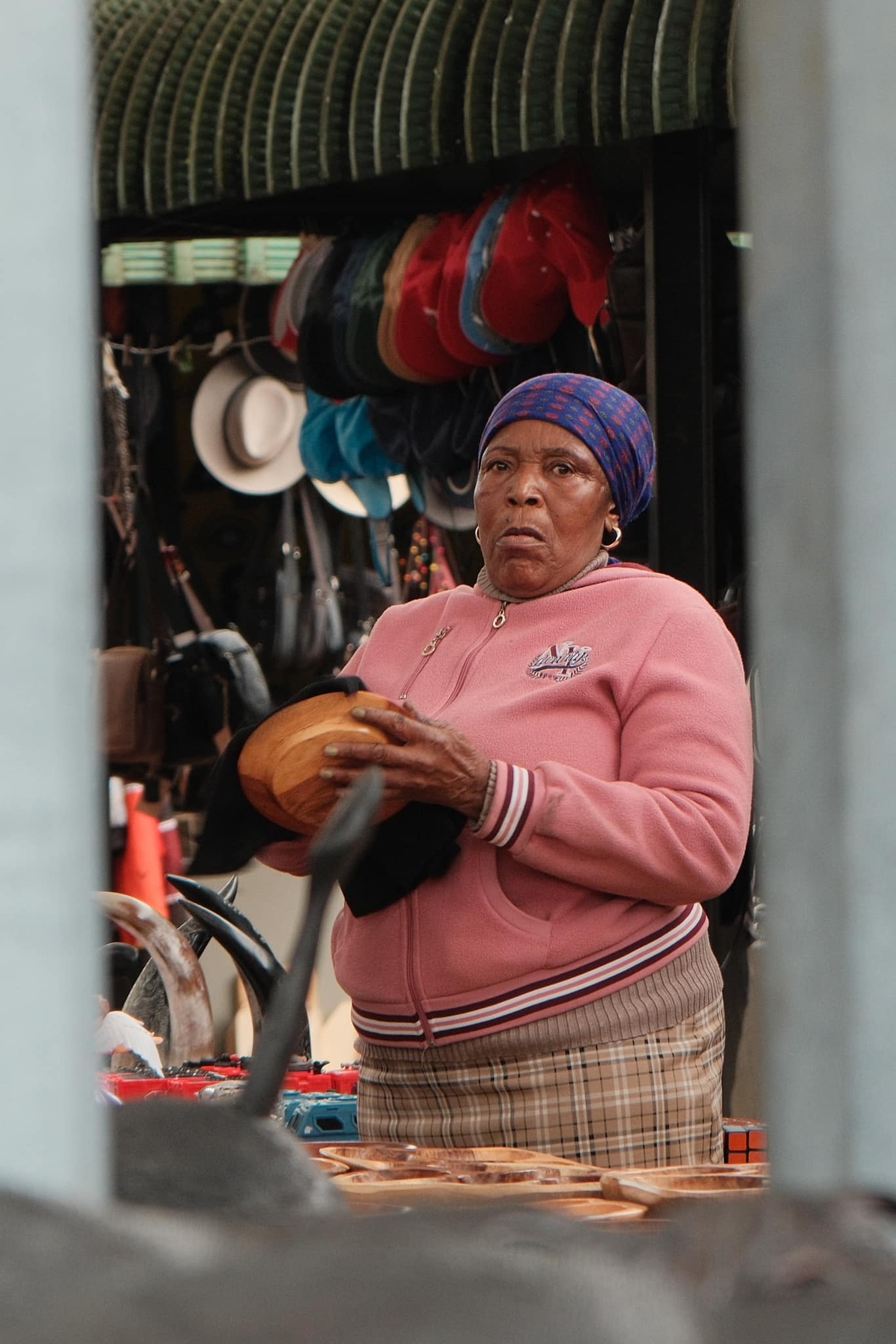
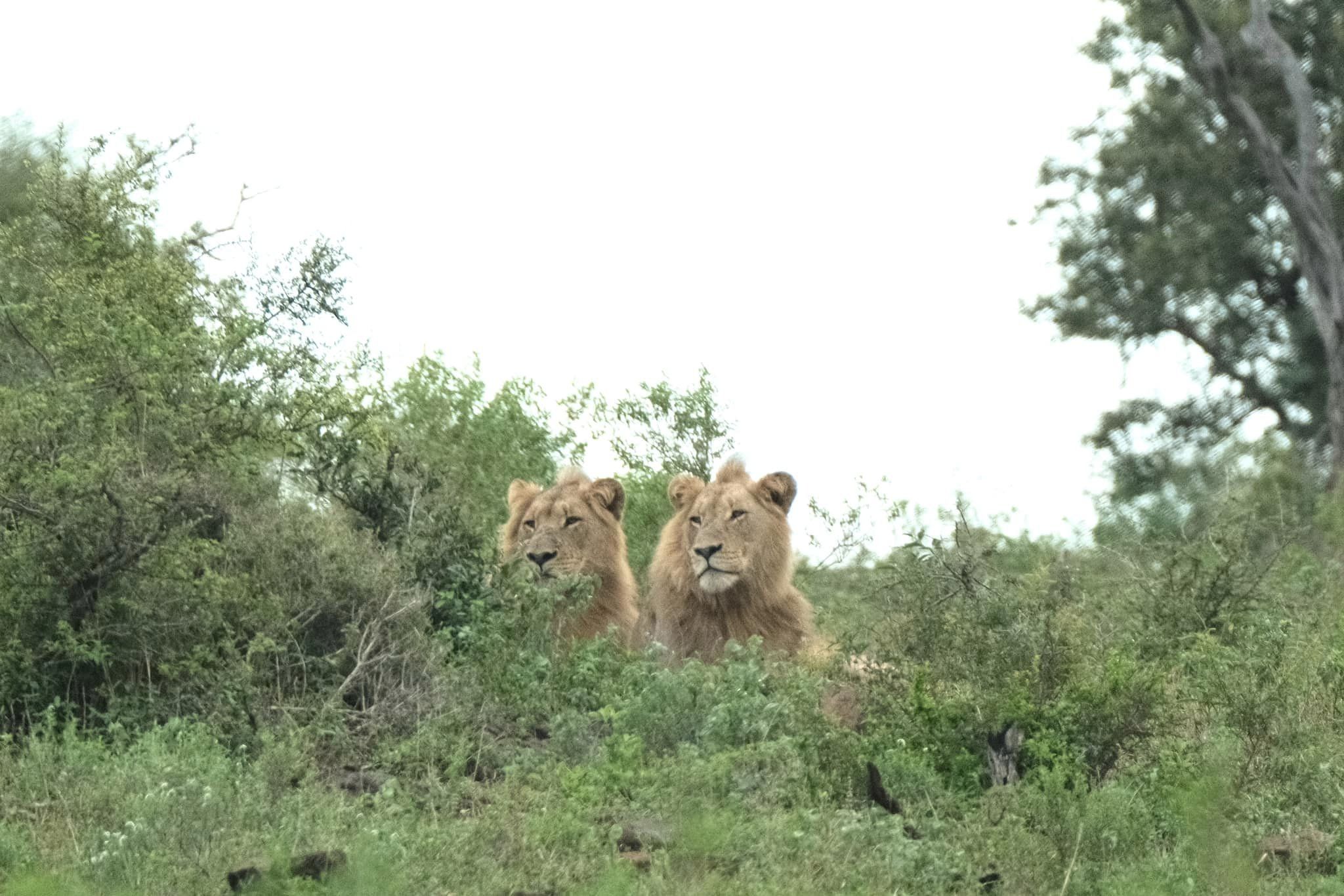
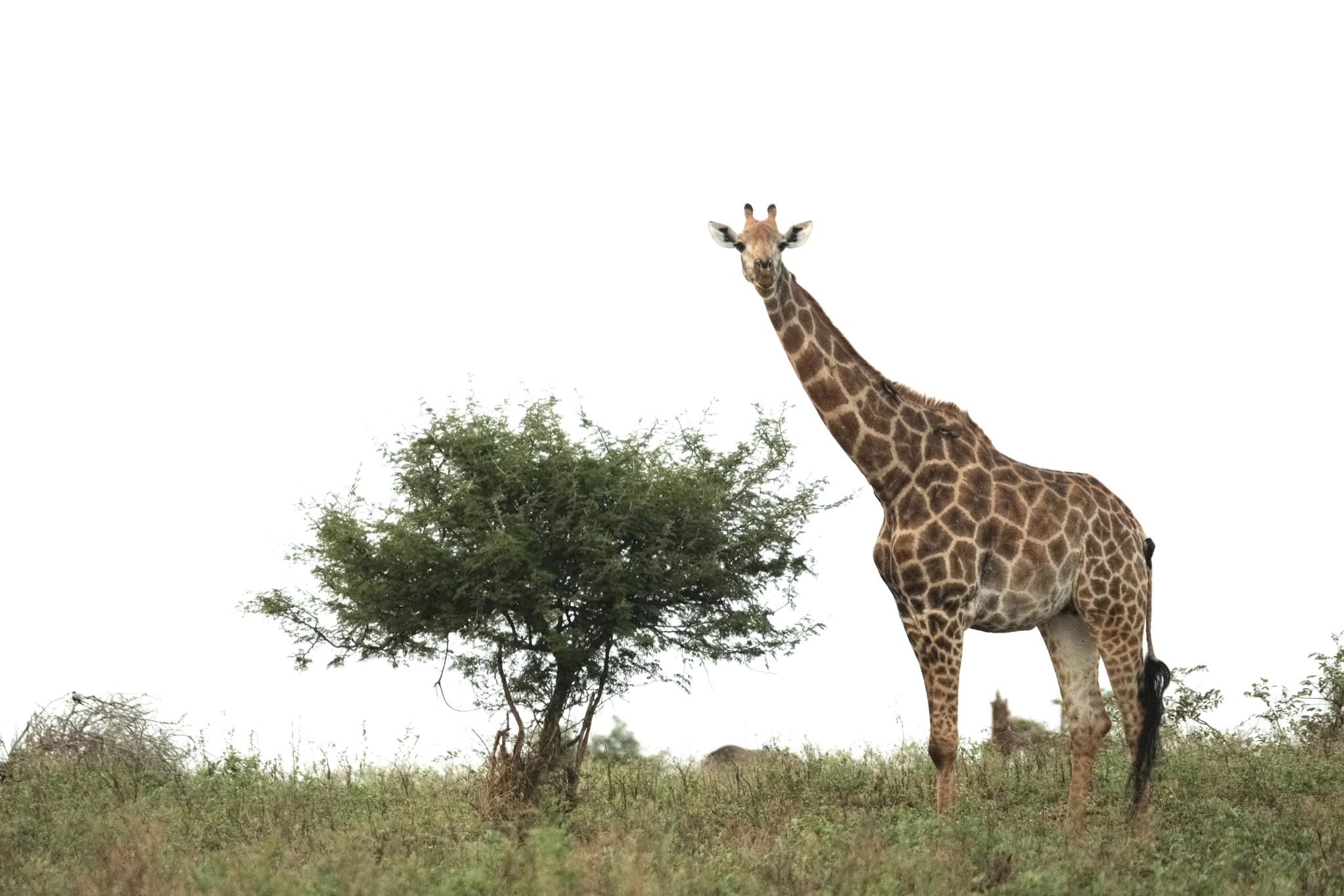
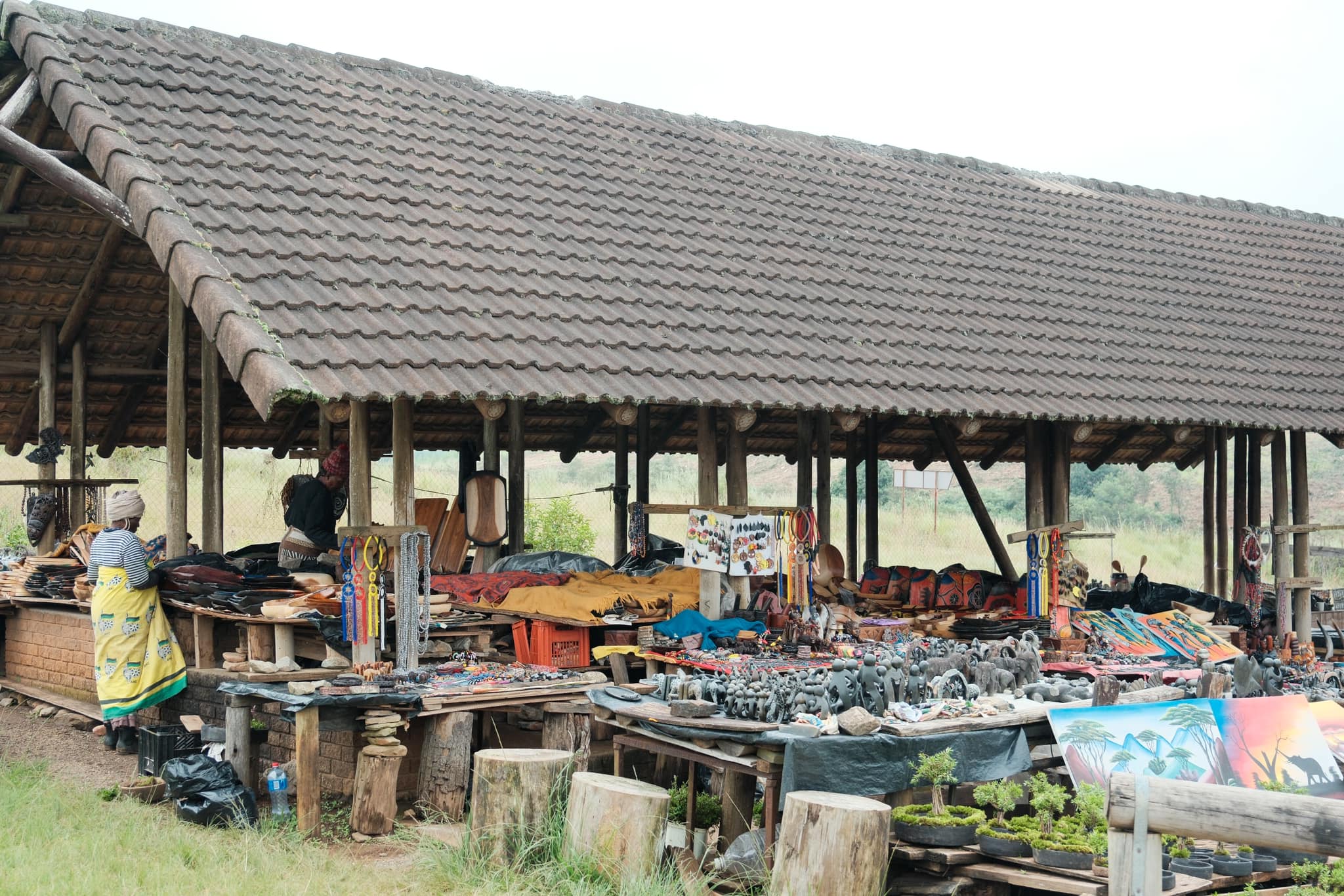
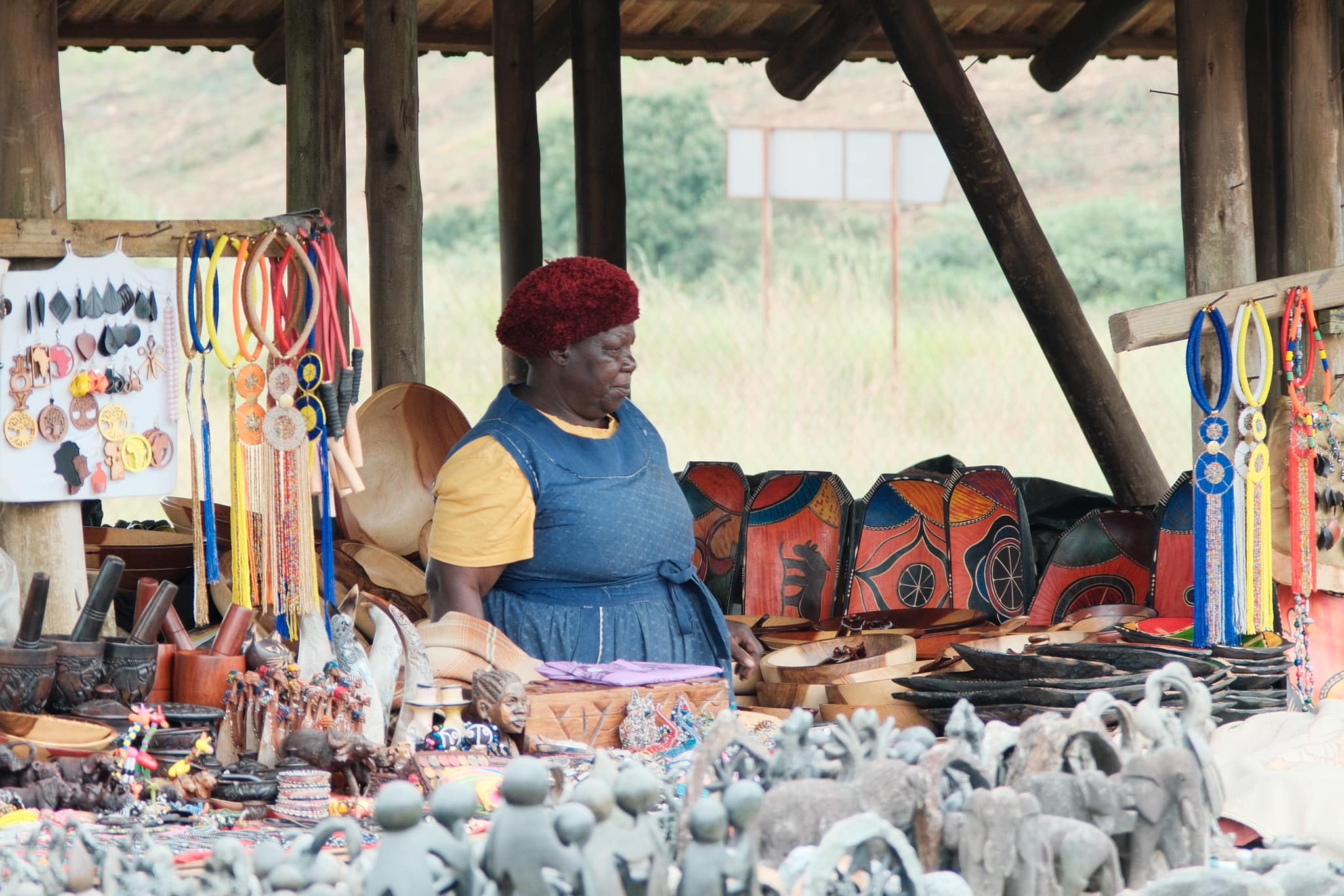
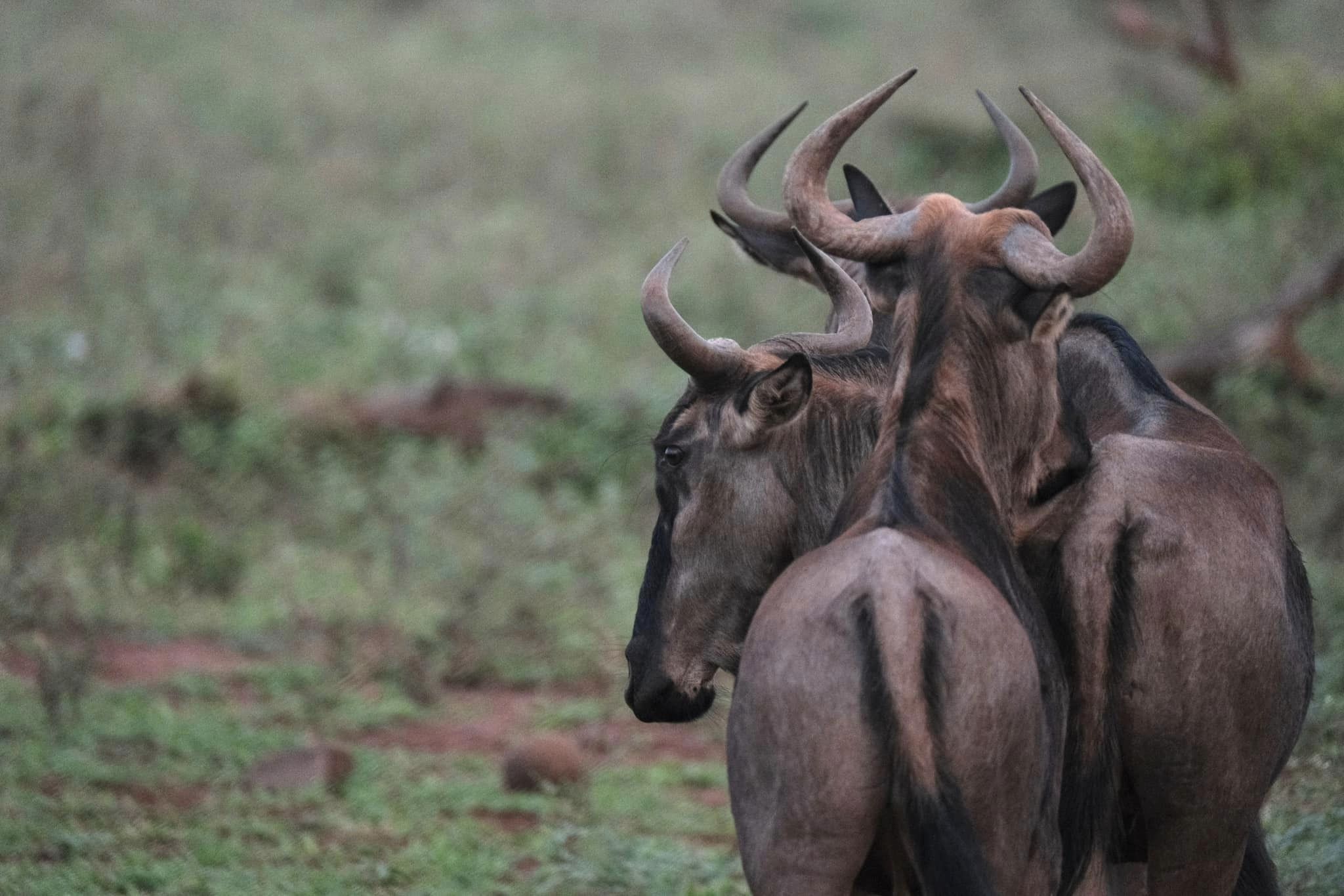
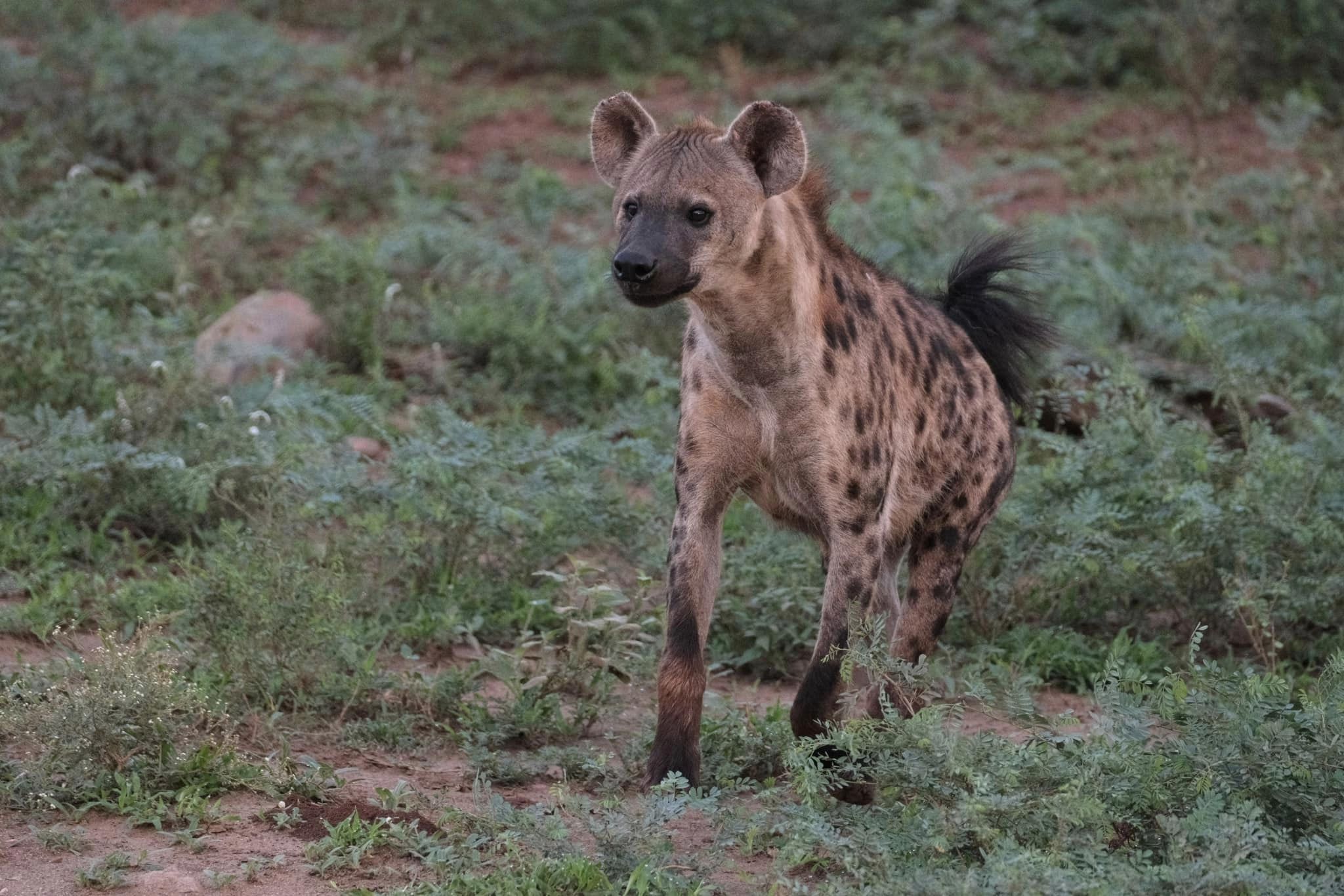
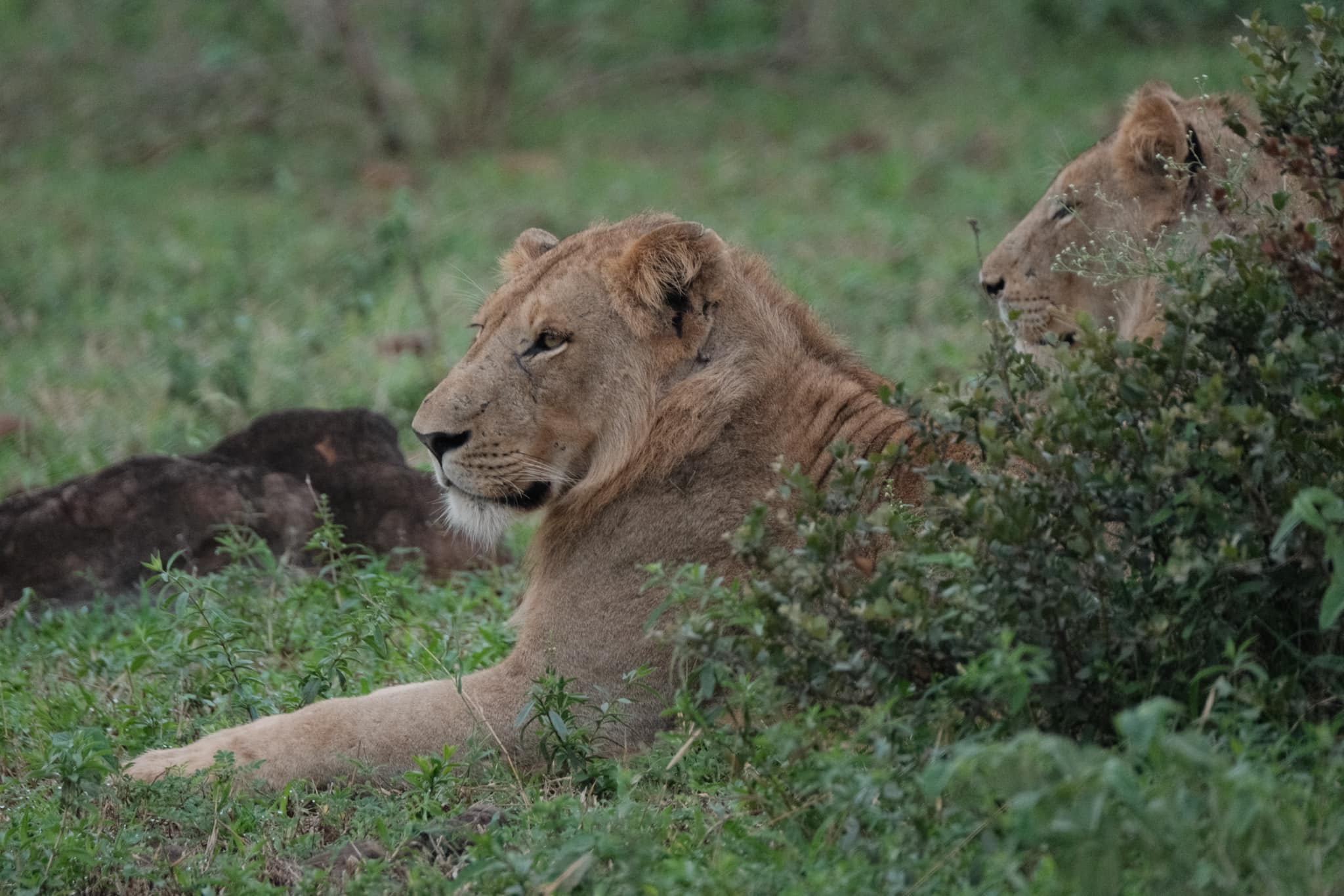
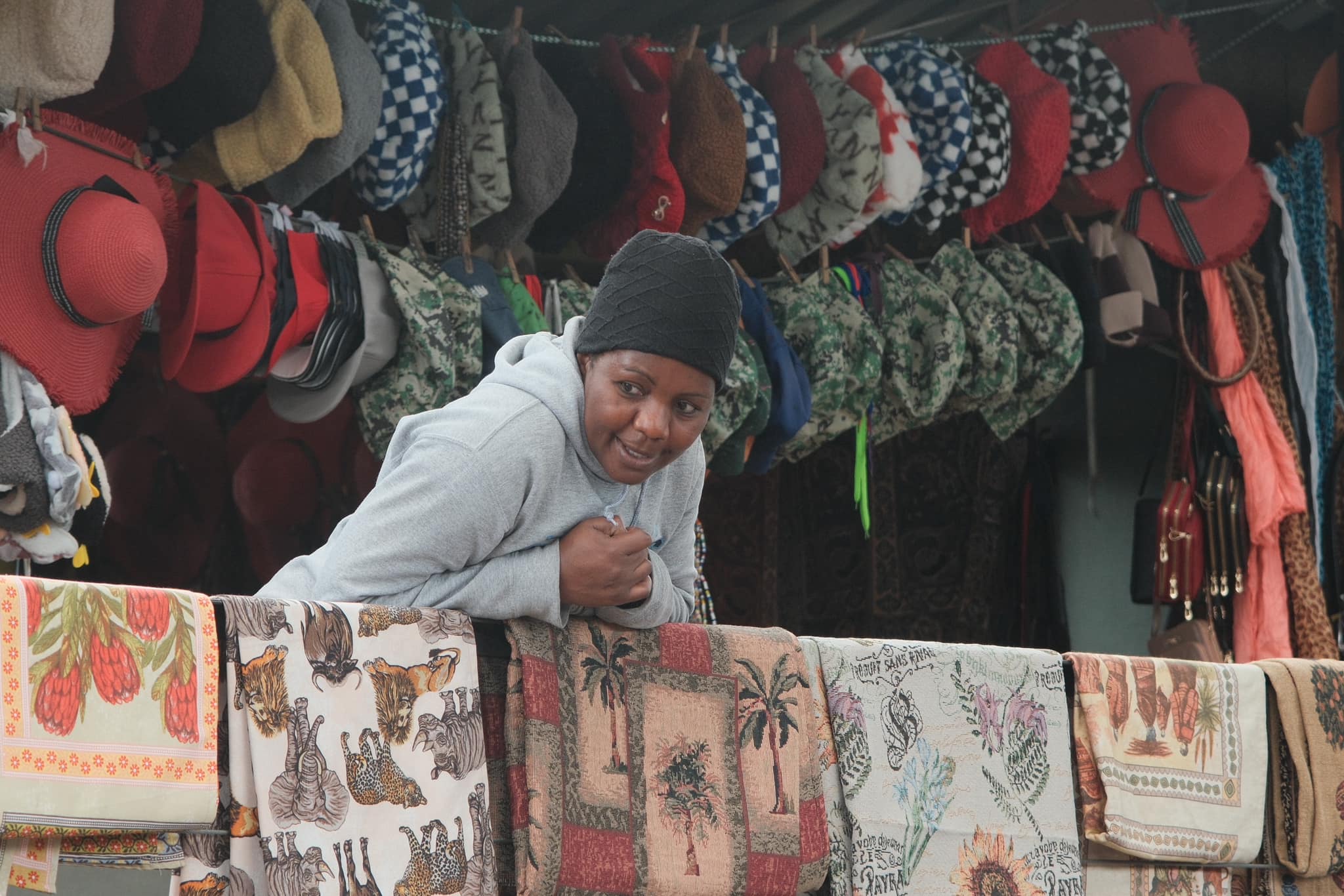
Below is my Safari Chrome recipe, which David took to South Africa. As you’ll see, he was lucky and saw a wide variety of impressive wildlife, and also captured some compelling scenes in a local market. My guess of hard sunlight, didn’t come to pass on the game drives, but the natural colour and soft shoadows approach for the recipe, produced a natural result and I think his images look great!
Safari Chrome Film Recipe Settings
Film Simulation
Classic Chrome
Grain Effect
Off
Col. Chr. Effect
Weak
Col. Chr. Blue
Weak
White Balance
Auto, 0 Red, ‑3 Blue
Dynamic Range
DR400
Highlights
‑1
Shadows
‑1
Colour
2
Sharpness
0
ISO N.R.
‑4
Clarity
0
EV Comp.
+1/3
Get the Film Recipes App
800+ recipes — more than twice as many as the free site
Safari Chrome Film Recipe: Sample Photos
Using the Safari Chrome Film Recipe
Each film simulation recipe has its own character and style. These features mean recipes are more suited to certain situations, or when seeking a particular look. Here are the categories that Safari Chrome has been tagged with.
A Classic Negative film simulation recipe for photo walks in woodlands, forests and the great outdoors
I’ve been distracted these past couple of weeks by the arrival of my X-S20 camera. Whilst many in the Fujifilm world have been enjoying their new X100VI cameras, I’ve been having just as much fun, with this upgrade from my trusty X-S10.
The reason for explaining this, is that whilst I’ve been testing Nostalgic Negative a lot, I’ve also been revisiting the Classic Negative simulation. In comparing the two, I’ve been finding a new appreciation for the wonderful green tones and characterful colour when using Classic Negative in a natural and woodland setting. Reds also look great, and the richer colour is especially strong in gloomy or wet conditions.
In the standard Classic Negative, there is a blue tone to green areas of your photos, which is strongly reminiscent of prints from Fujicolor film, but for this look, a strong -5 blue setting steers this back towards a more natural and contemporary look. As you’ll see below, this new look is great in nature and the green spaces of a forest or woodland. If you like in a part of the world where greens are in season, then I think you’ll enjoy trying out Woodland Negative film recipe.
More similar recipes, and hundreds more exclusive looks, are available in the Film Recipes App.
Get the Film Recipes App
Rolling activity feed — see what’s trending in the app
Woodland Negative Film Recipe: Sample Photos
Community Photos
Photos taken with the Woodland Negative film recipe by members of the Film Recipes community.
Photos by Justin Gould
Using the Woodland Negative Film Recipe
Each film simulation recipe has its own character and style. These features mean recipes are more suited to certain situations, or when seeking a particular look. Here are the categories that Woodland Negative has been tagged with.
Recreating the classic Kodak film look with Fujifilm X-Trans IV
I’ve been spending time on Threads recently, and enjoying the posts of some film photographers. I like to see how different film stocks render and think about capturing the vibe in a film recipe.
The various Kodak Portra films are very popular, and I see 400 and 800 a lot. A little less often, I come across images with Portra 160, and these inspired me to have a fresh try at captuing this classic Kodak look.
I personally feel that you can creatie a Kodak Portra style with several of the film simulations in our cameras. I’ve used Classic Chrome a few times, Classic Negative and even Pro Neg too (see bottom of the page), but for this soft film style, my starting point was Eterna.
Some Portra recipes push the creamy tones aesthetic quite hard, but I don’t always see this in scans of actual Portra photos. So this recipe is another contribution to the growing list of Portra looks, but it’s one that I really enjoy, and feel captures the Kodak Portra look quite closely.
More similar recipes, and hundreds more exclusive looks, are available in the Film Recipes App.
Get the Film Recipes App
App-exclusive recipes you won’t find anywhere else
Kodak Portra 160 Film Recipe: Sample Photos
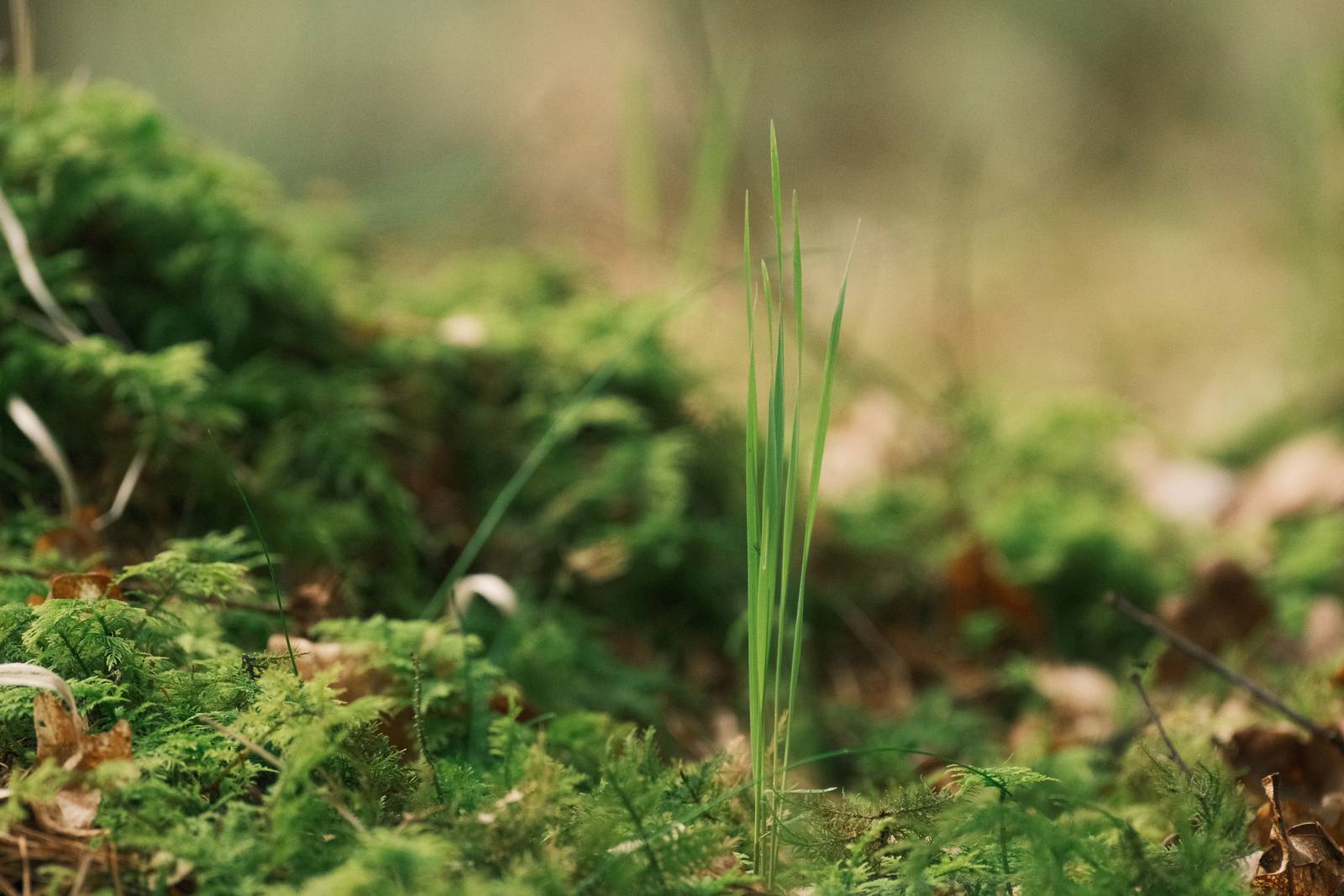
Using the Kodak Portra 160 Film Recipe
Each film simulation recipe has its own character and style. These features mean recipes are more suited to certain situations, or when seeking a particular look. Here are the categories that Kodak Portra 160 has been tagged with.
A versatile film recipe with the softness of Portra and magic of Provia
Here’s a film recipe that spans the divide between the film styles of Fujifilm and Kodak. It blends the all round versatility of Fujicolor Provia with it’s magical colours, and the softness and film like feel of Kodak Portra. It’s a mash-up of sorts.
I’ve already made a pair of perfectly serviceable recipes, Fujicolor Daily and Kodak Portra Daily, which present the two film house styles for everyday use. But recently, I’ve been experimenting with the Provia film simulation, and enjoying the results. It has a less pronounced style than other simulations, but still has something of the famous Fujifilm colours about it.
So, I was excited to see how a blend of the two styles might work out. I’ve applied the characteristic warm colour balance shift of Portra (although in a gentle way), the softness of DR400 and lifted shadows, plus a stop of over exposure, which you can push to 2 stops if you prefer.
So here we have it, Portrovia, an in betweener hybrid of the Fujicolor and Kodak styles, with a look that is versatile and flexible for all round shooting.
More similar recipes, and hundreds more exclusive looks, are available in the Film Recipes App.
Get the Film Recipes App
Filter by film simulation, mood, shooting condition and more
Portrovia Film Recipe: Sample Photos
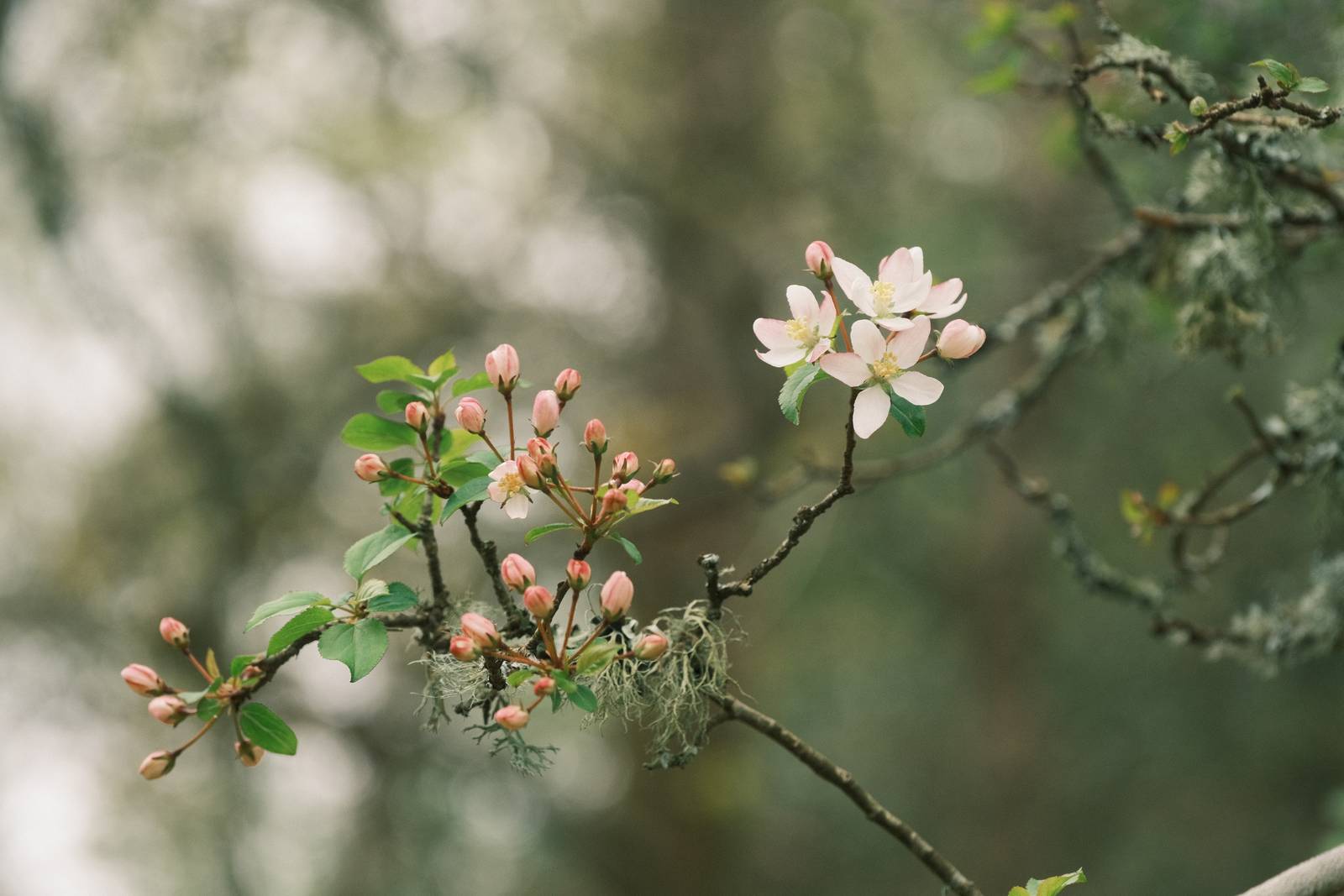
Community Photos
Photos taken with the Portrovia film recipe by members of the Film Recipes community.
Photos by David Forsdike
More Photos by David Forsdike
Photos by Nizam Sutimin
Photos by David Covarrubias
Using the Portrovia Film Recipe
Each film simulation recipe has its own character and style. These features mean recipes are more suited to certain situations, or when seeking a particular look. Here are the categories that Portrovia has been tagged with.
Muted tones Pro Neg Standard film simulation recipe for outdoor photography
Here’s a hard working film recipe that is flexible and natural, responding well in bright, shady and golden hour conditions. It has a soft muted tone character, which produces a sophisticated image with a film like feel.
The base for this film recipe is the Pro Neg Standard film simulation, which despite its portrait origins, is a versatile choice for a softer look in natural settings. I’ve used it a lot in outdoor themed film recipes, and with this look, I’ve found another new way to present it.
The contrast is soft with similarities to Eterna, but there is a different character to the greens and creams with this recipe. I found the colours felt similar to those you might find in English country fashions, such as you might come across at a county show or horse riding meet-up. Or, perhaps, think of agricultural greens, like you’d find on an old style Land Rover, rather than the shiny new ones.
Regardless of all that, this recipe is right at home in the countryside, in woodlands and all manner of outdoor settings. It’s a cousin to other nature friendly film recipes such as Aged Kodak Portra, Wigan Pier, Explorer’s Cinematic, or Natural Standard.
More similar recipes, and hundreds more exclusive looks, are available in the Film Recipes App.
Get the Film Recipes App
Filter by film simulation, mood, shooting condition and more
Land Rover Film Recipe: Sample Photos
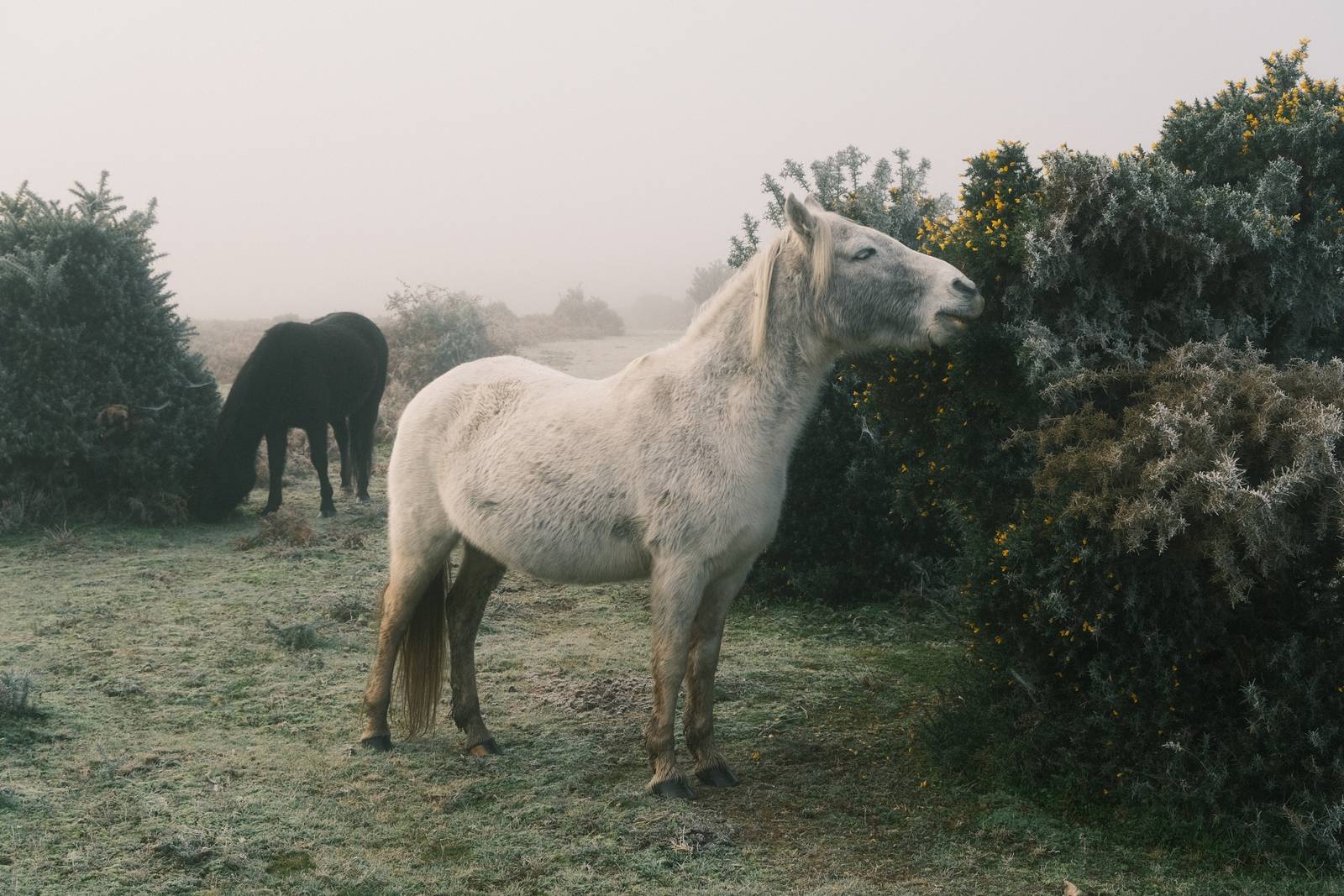
Using the Land Rover Film Recipe
Each film simulation recipe has its own character and style. These features mean recipes are more suited to certain situations, or when seeking a particular look. Here are the categories that Land Rover has been tagged with.
Soft and muted film recipe with an antique look inspired by pioneering early print development
Here’s a film recipe concept that is inspired the the pioneering photographers of the past. It looks to repreduce colours and softness seen in some of the first experiemental colour photography. It doesn’t precisely mimic any specific process, but is reminiscent of early colour through the collodion process.
To achieve the look, two divisive settings are in use. Firstly, this recipe uses a -5 clarity setting, which softens out of focus areas dramatically, but does also slow down photo saving. Secondly, the film simulation used is Eterna Bleach Bypass, which many popular Fujifillm cameras do not have, notably the X100V. If you’re in that group, you can try the alternative Collodion Negative film recipe.
On to the results, which have something of a vintage and highly analog feel to them. The saturation is low and has a shift to a warm, brownish tone, but without any sickly orange. Personally, I love how distinctive this looks, and happily use it for a wide range of images. It’s a bit like a trip back to the early days of photography, which also being modern and fun.
More similar recipes, and hundreds more exclusive looks, are available in the Film Recipes App.
Get the Film Recipes App
App-exclusive recipes you won’t find anywhere else
Collodion Color Film Recipe: Sample Photos
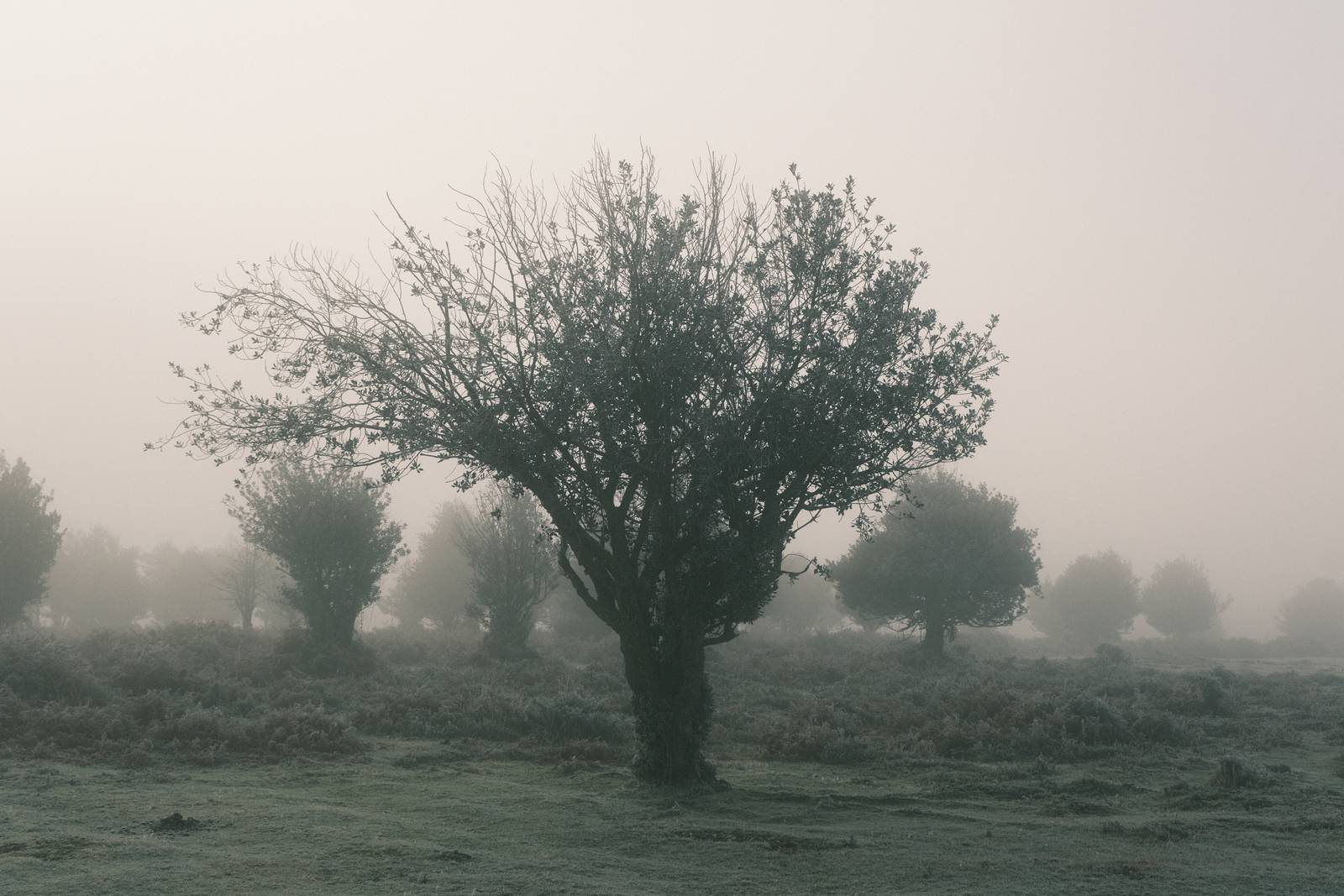
Using the Collodion Color Film Recipe
Each film simulation recipe has its own character and style. These features mean recipes are more suited to certain situations, or when seeking a particular look. Here are the categories that Collodion Color has been tagged with.
Natural colour film simulation recipe with rich colour and smooth tone
The Eterna Cinema film simulation is possibly my favourite, giving a soft low contrast and cinematic feel. I love the smoothness of the tones it produces, and I’ve used it make a number of cinematic film recipes.
I often pair this with muted colours and warm colour shifts, but in this recipe, I’ve taken a different approach. I’ve chosen a natural colour balance that works well in a wide range of outdoor situations. This makes it versatile thoughout the day including golden hour, bright daylight and moody weather, such as fog or rain.
The second break with tradition is to boost the saturation, pushing this all the way to +4. The result delivers some wonderful results, with some of the nicest greens of any recipe and beautiful blues as well.
As for the name, I felt that this recipe would be a perfect parter for a trip to Norway, capturing both the moody forests and pretty red houses that dot the stunning coastline. I’ve not been of course, but for an inspirational theme, it felt like a good fit.
More similar recipes, and hundreds more exclusive looks, are available in the Film Recipes App.
Get the Film Recipes App
Works offline — no signal needed out in the field
Nordic Soft Film Recipe: Sample Photos
Using the Nordic Soft Film Recipe
Each film simulation recipe has its own character and style. These features mean recipes are more suited to certain situations, or when seeking a particular look. Here are the categories that Nordic Soft has been tagged with.