
Fujifilm film simulation recipe for night street photography and city lights with a cyber teal tone
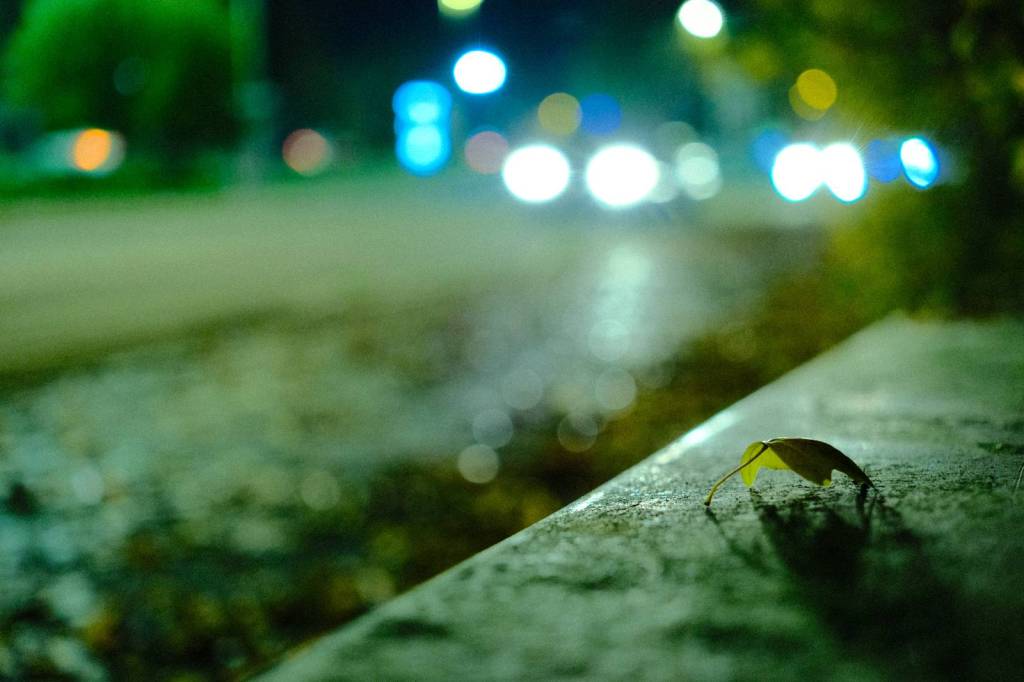
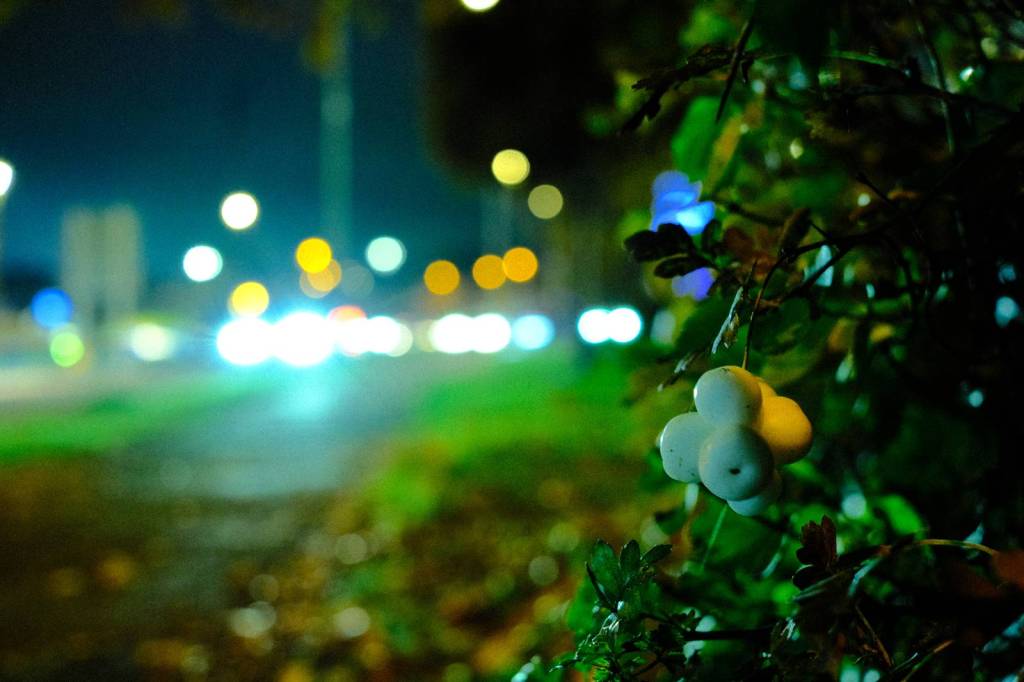
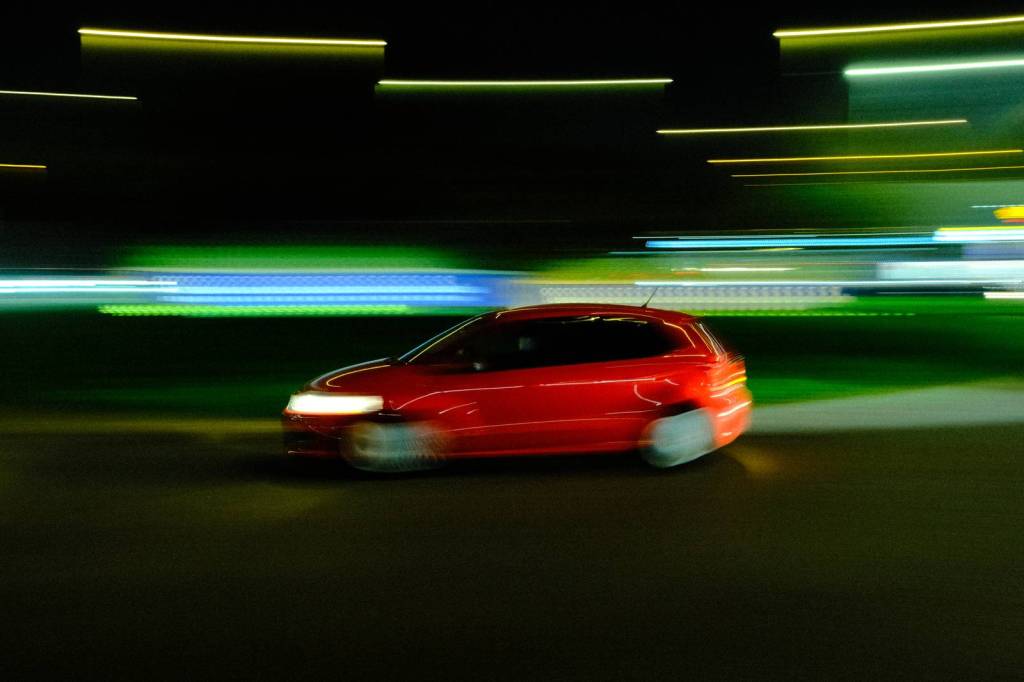
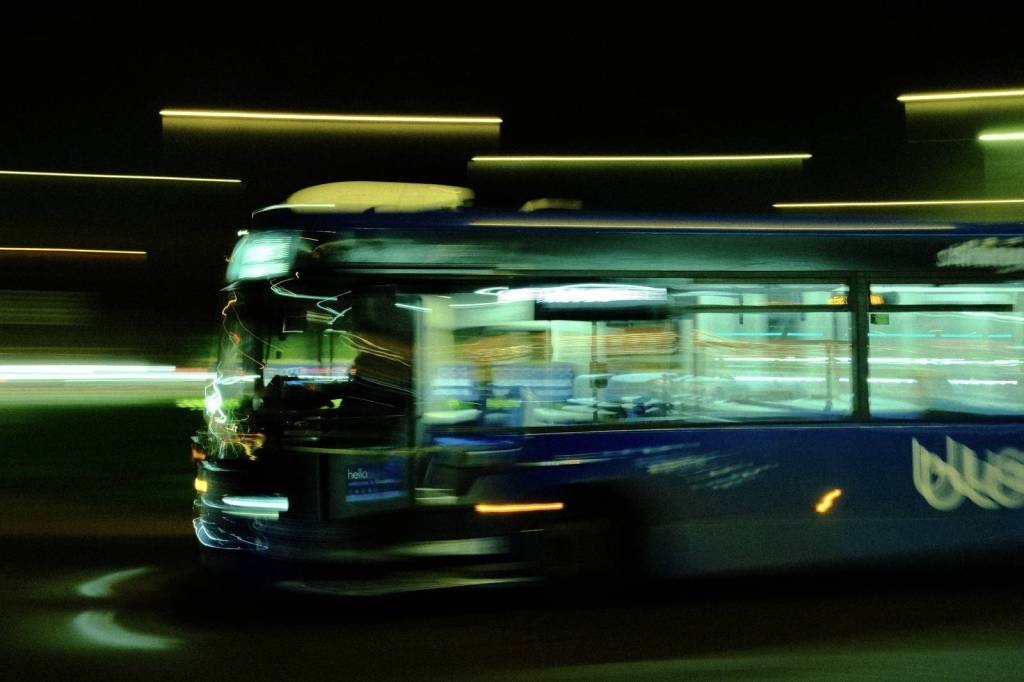
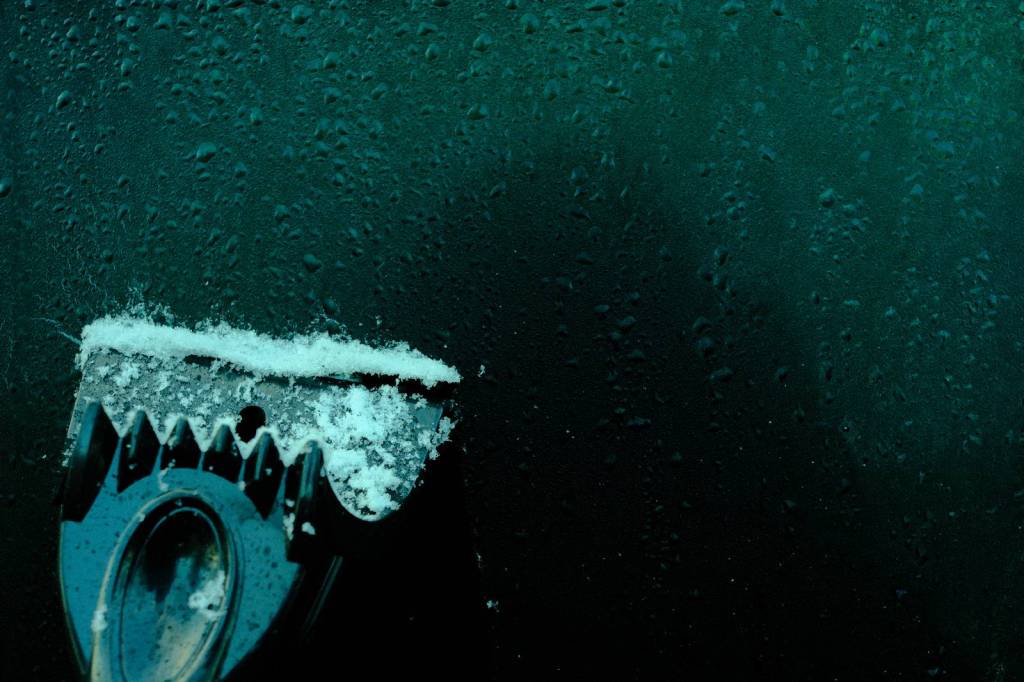
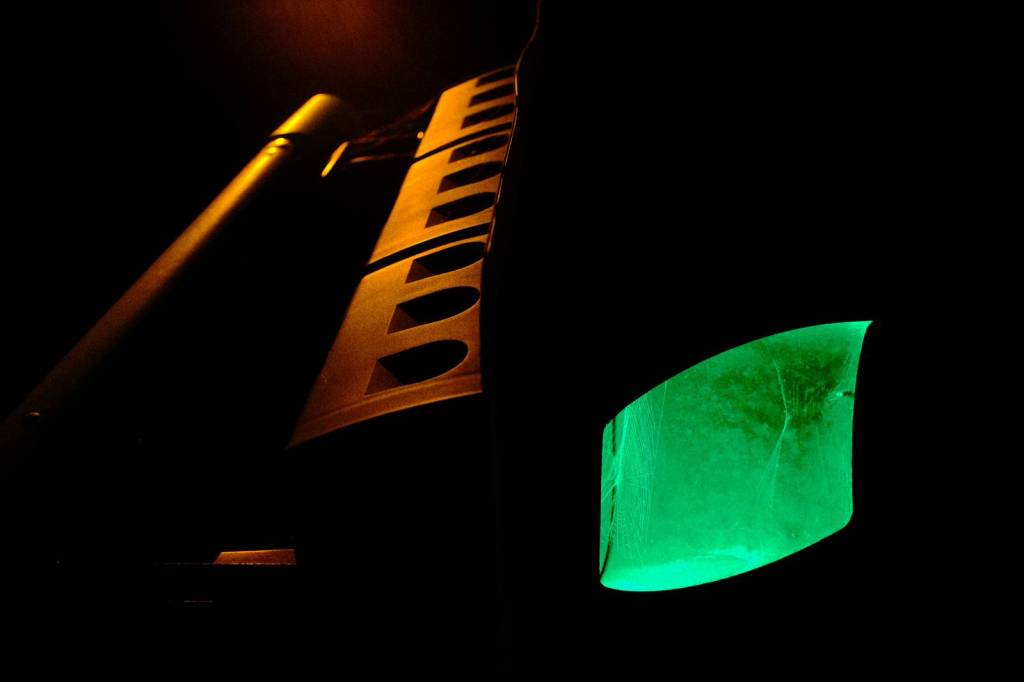
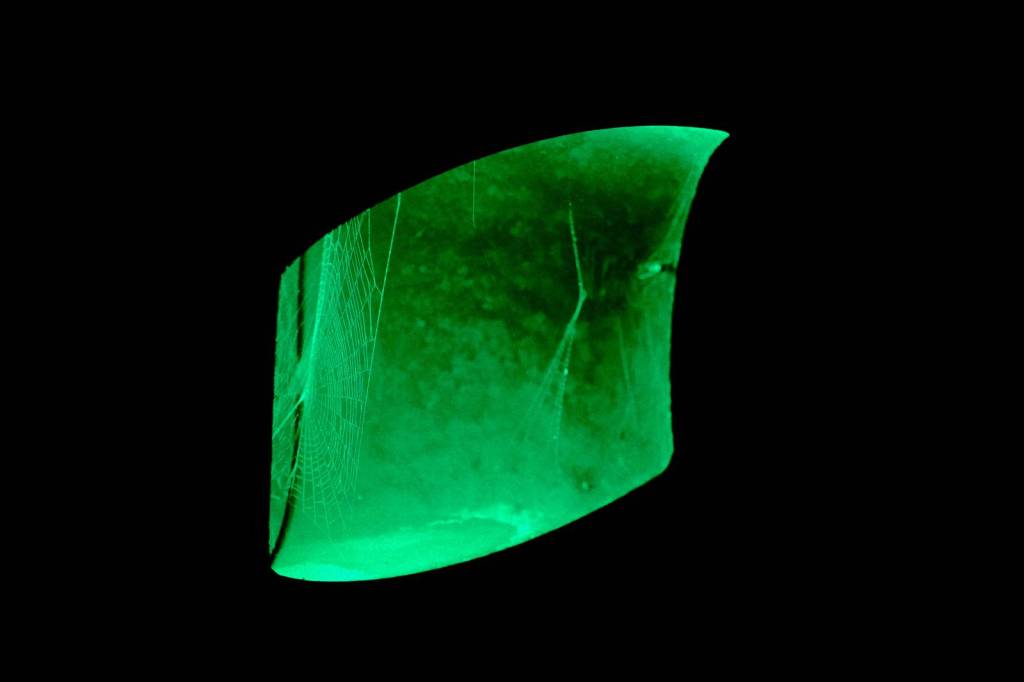
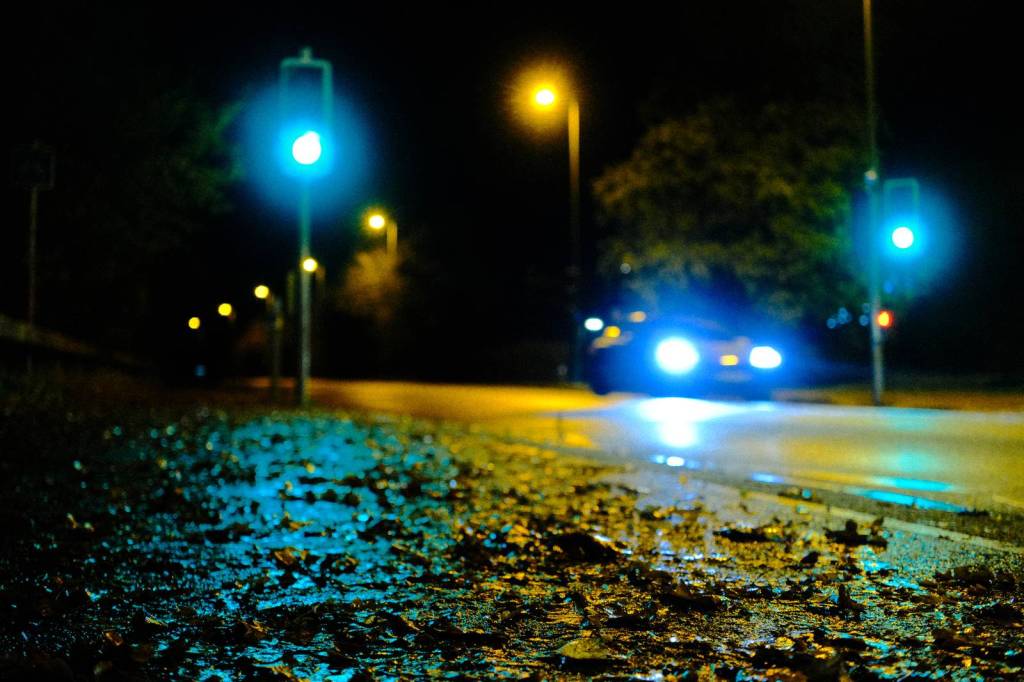
With earlier dark nights in Winter, I’ve been experimenting with more street photography under the streetlights and lights from passing traffic. In the UK, it’s dark by around 5pm around now, meaning that there’s no need to go out late. And, with a few rainy evenings recently, I was able to try out some new film recipes ideas for street with the extra bonus of wet surfaces and reflections.
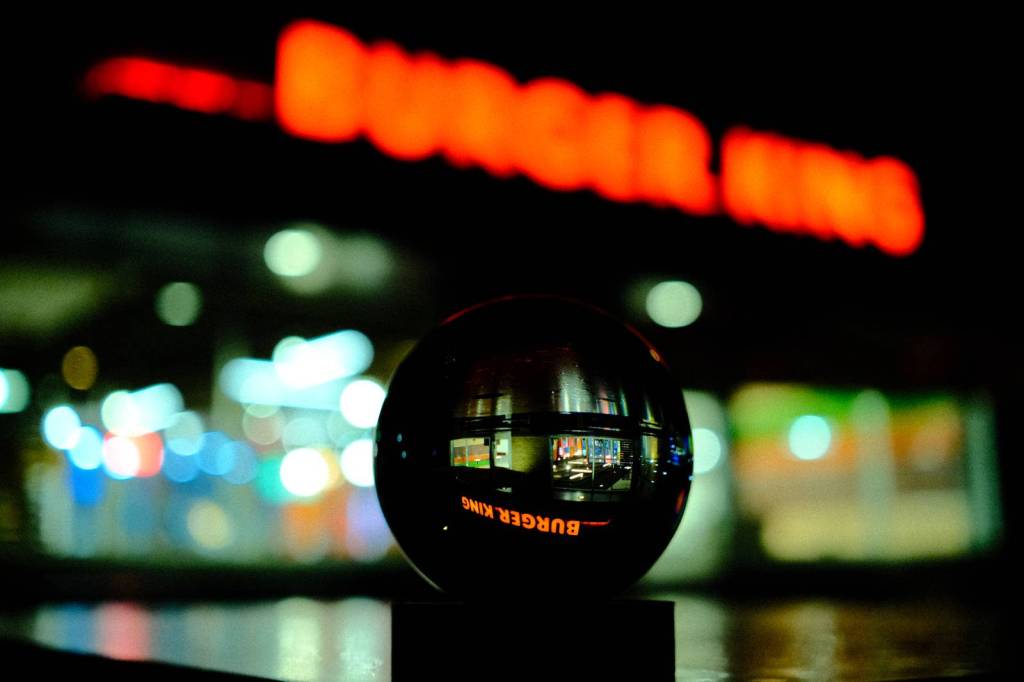
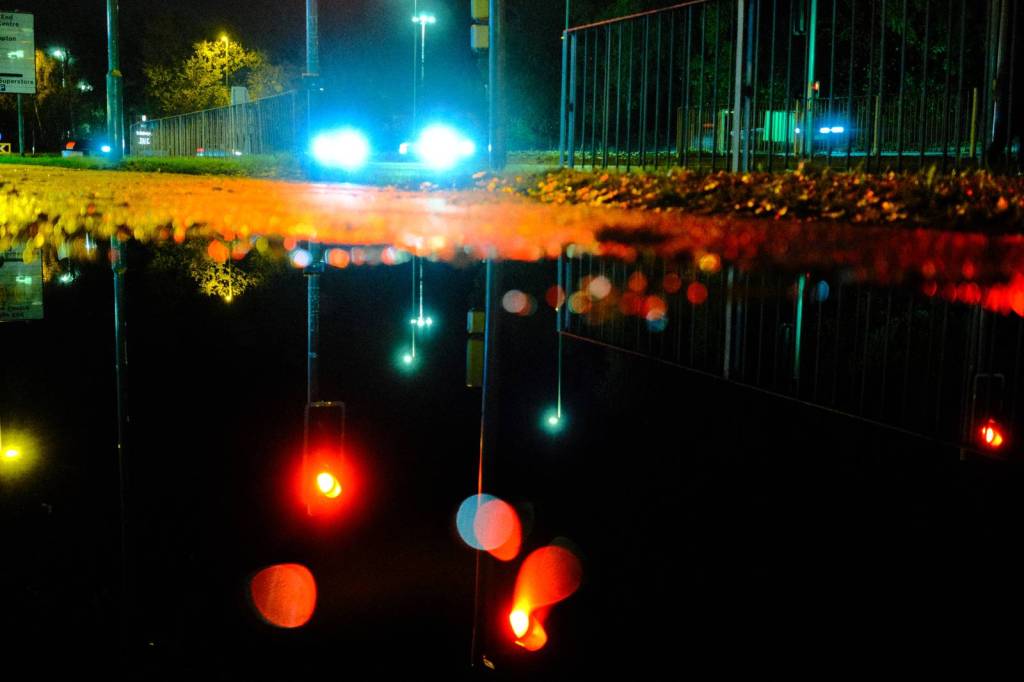
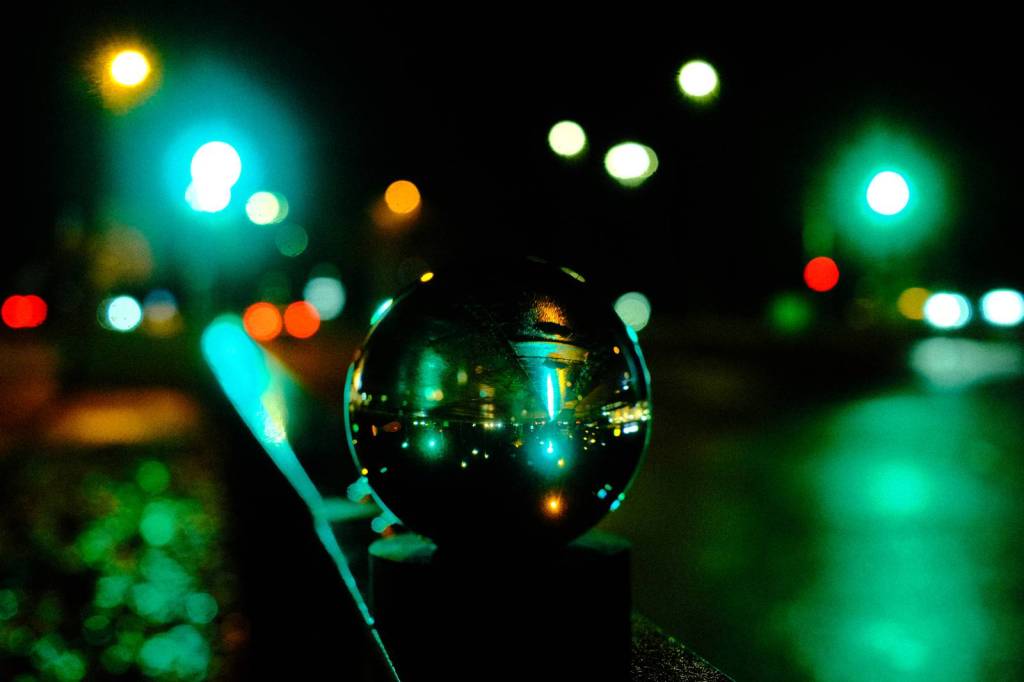
The addition of recent rain to night photos is transformational, adding lots of bounceback lighting and refections to all sorts of surfaces. In particular floors, streets and pavements become mirrors, doubling up the number of light points for the images. It’s also a fun time to try accessories such as mirrors and lensballs, adding again to the number of light points for more creative images.
For this film recipe, I wanted to pull out lots of the light volume and colour, so the base here is Velvia with some optional overexposure. This helps bring colour into more of the image in the darker conditions, but the choice of exposure is very much a personal one.
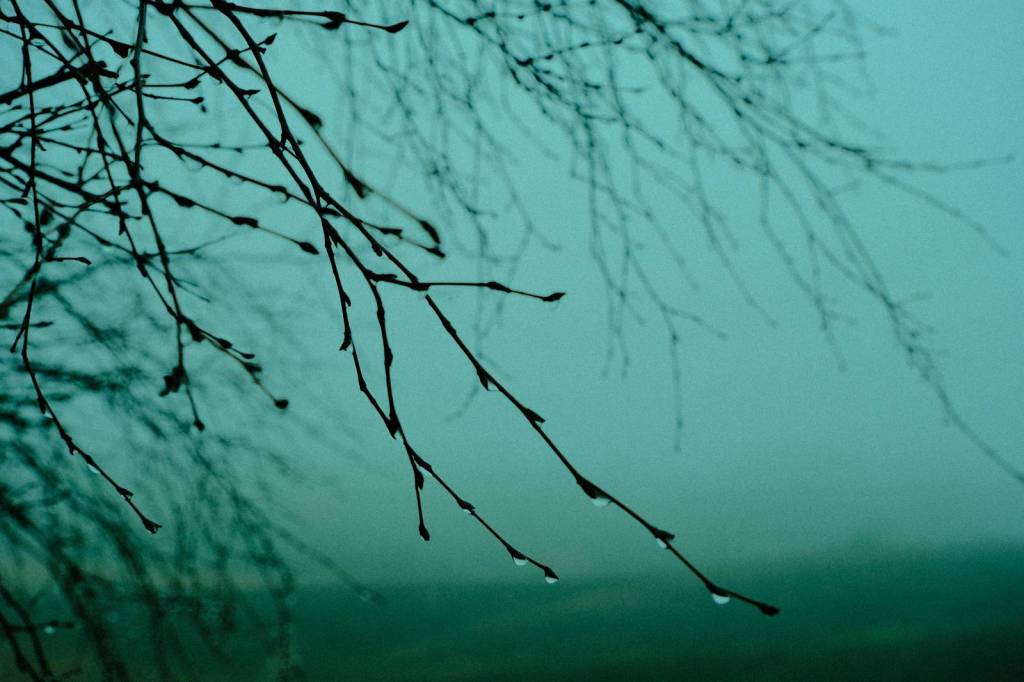
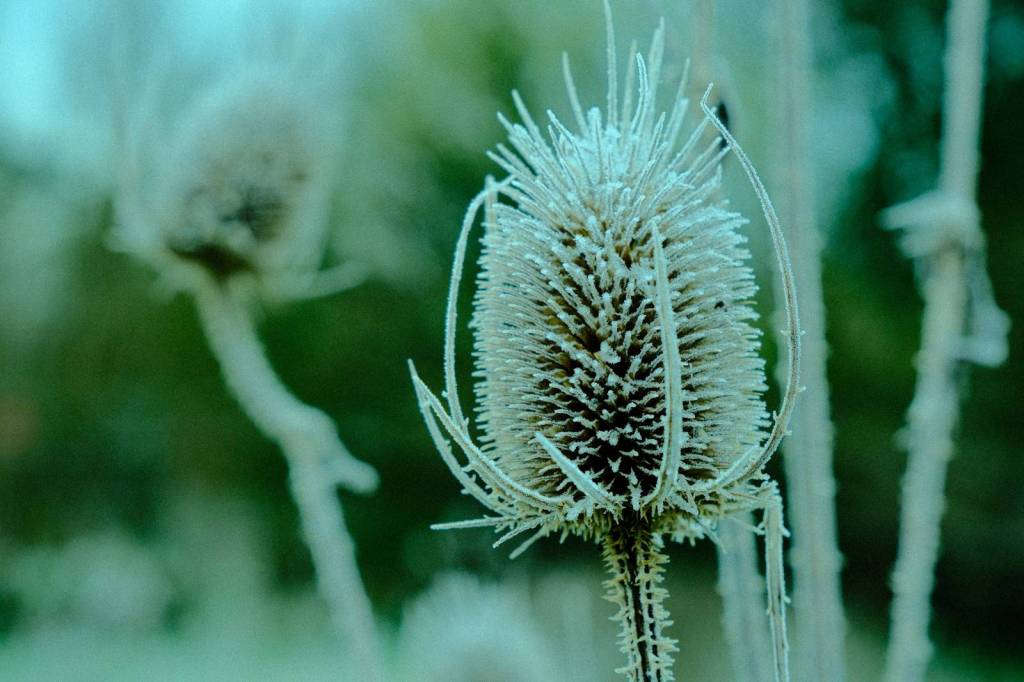
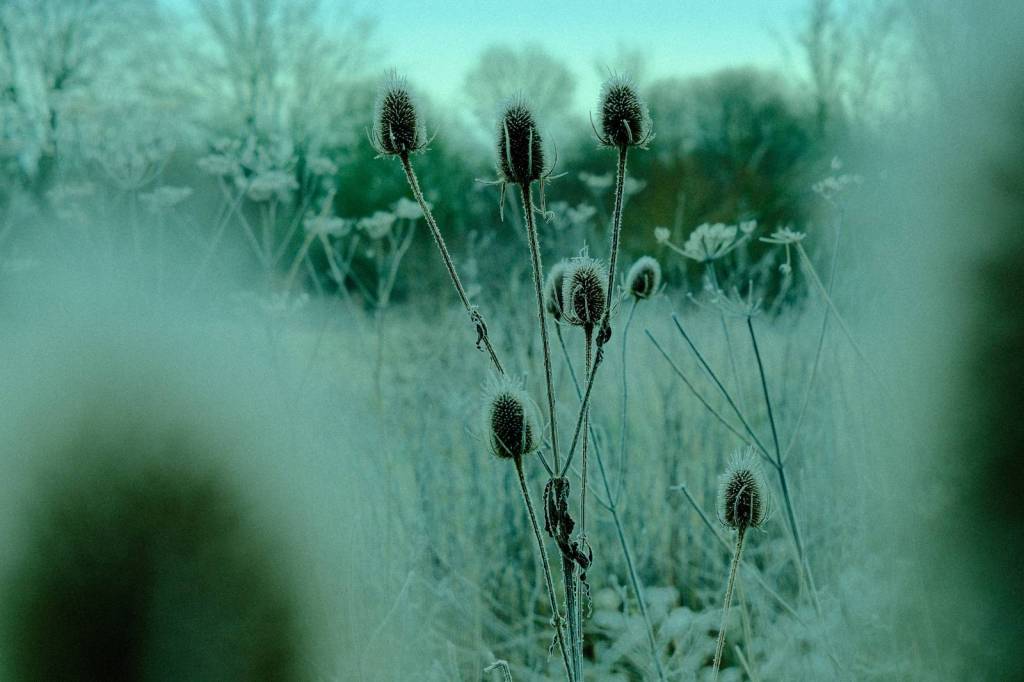
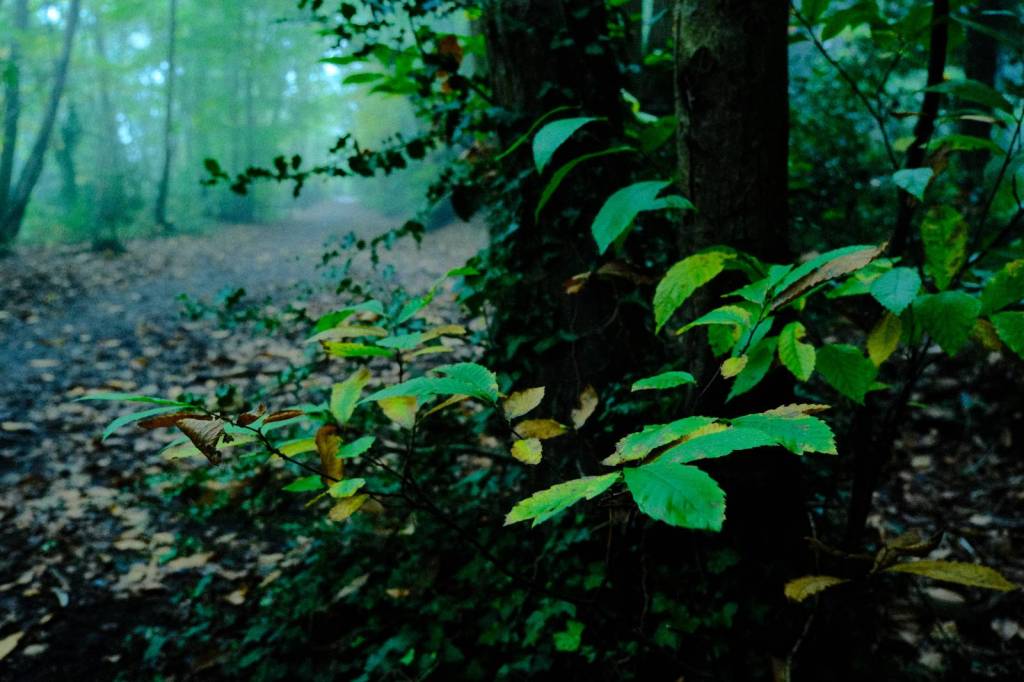
The other big element in this recipe is the colour balance shifting which leans hard into teal and blue. This adds something of a Cyber / Bladerunner vibe, adding atmosphere to artificial lights, and giving a striking turquoise look if using with any residual daylight.
So, here we go with the recipe details, and samples taken over two recent evenings.
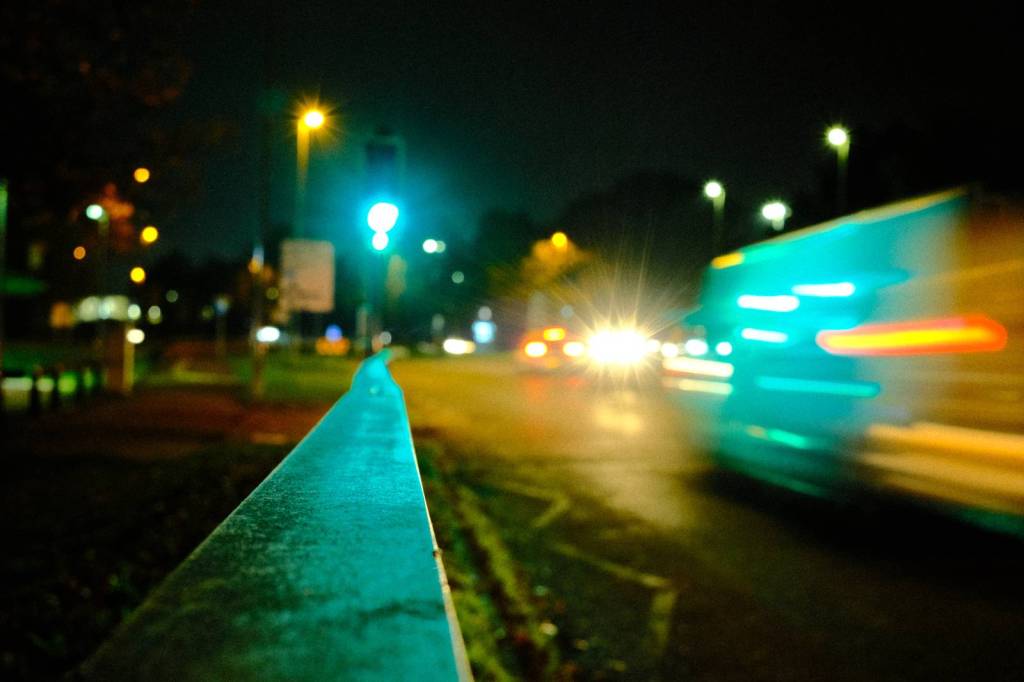
Nightwalker Film Recipe
- Simulation: Velvia/Vivid
- Grain Effect: Strong, Large
- Colour Chrome Effect: Weak
- Colour Chrome Blue: Strong (IV) / Weak (V)
- White Balance: Auto
- WB Shift: -7 Red, -3 Blue
- Dynamic Range: DR200
- Highlights: -2.0
- Shadows: +2.0
- Color: +4
- Sharpness: -2
- ISO Noise Reduction: -4
- Clarity: 0
- EV compensation: up to +2/3
There’s more in the app …
The film.recipes app contains over 750 film recipes, including these similar to Nightwalker …

Neon Nights

Reala Night

Cyberdyne
The app is available for iOS and Android, and your purchase supports this project and the creation of more film recipes for you to try.


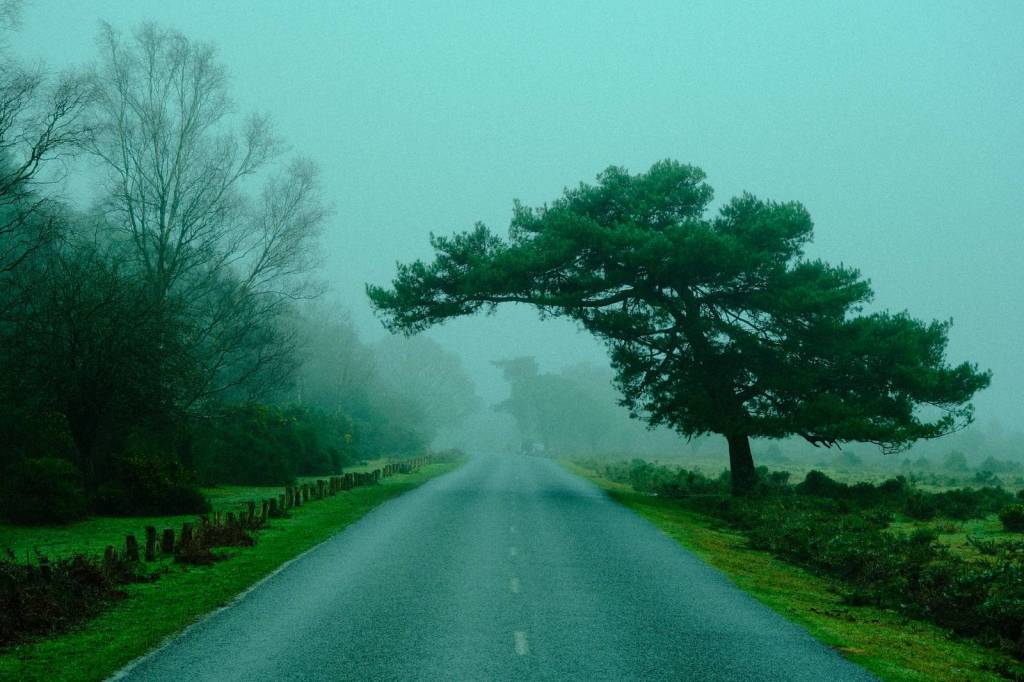
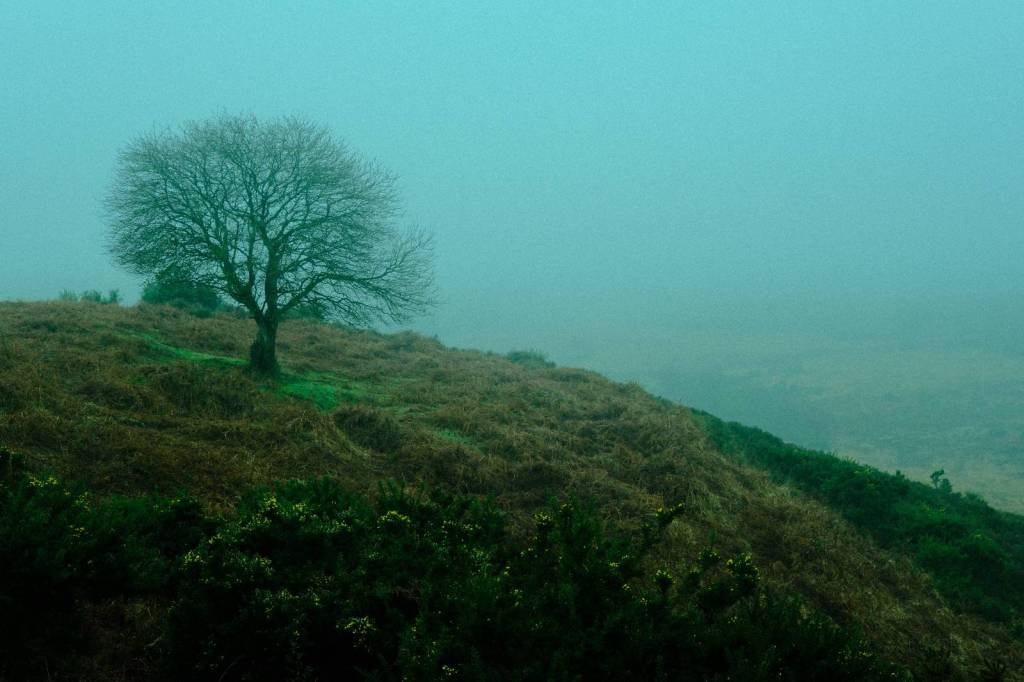
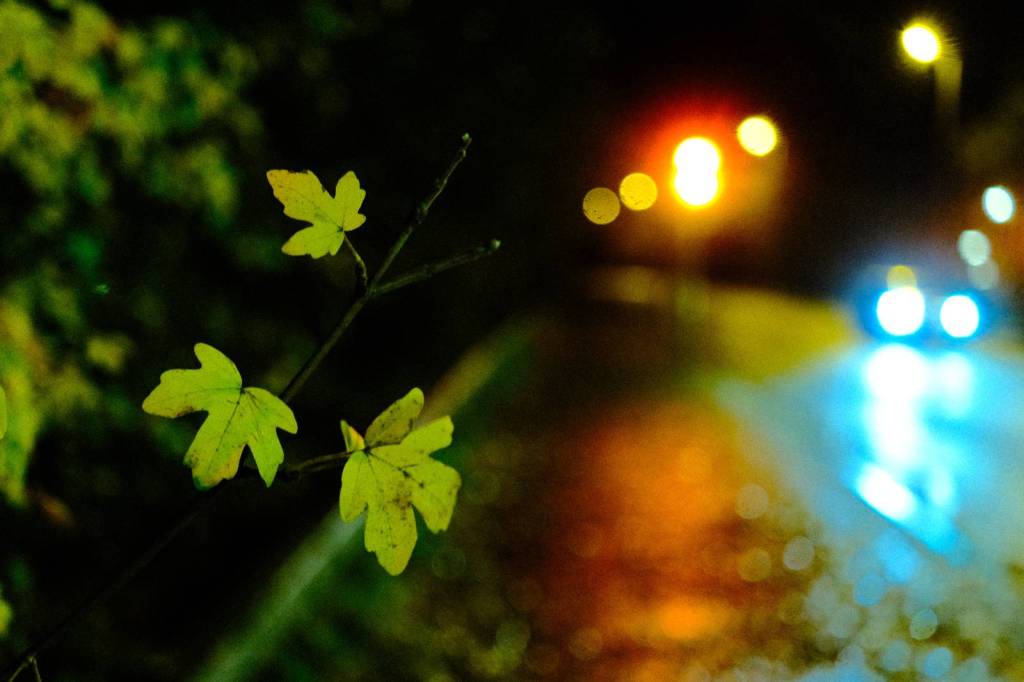
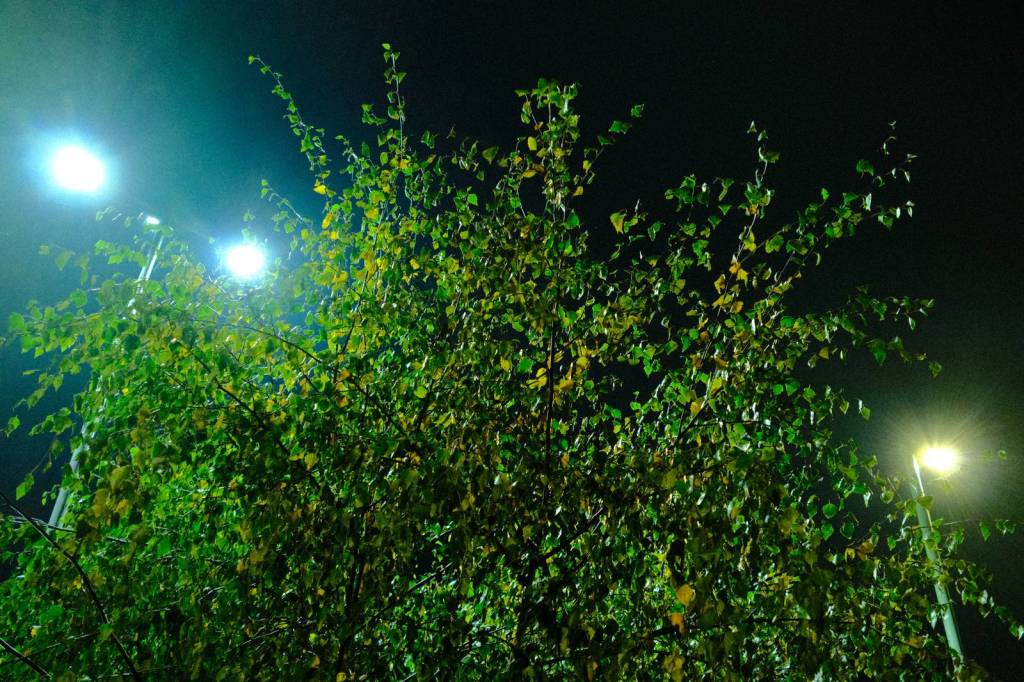





 Film Recipes for Fujifilm Cameras
4 responses to “Nightwalker, Street Film Recipe for Night Lights”
Awesome.
How do you make such bloom effect? Is it lens or filter?
LikeLike
Hi Sergei. I wasn’t using a filter or the clarity function. The night was rainy, and on some shots you can tell that I had water on the lens, but this is a goodf question for the other shots. My lens was the 27mm f2.8 pancake, which is not usually one with a lot of bloom, but I think maybe that I shoot towards the lights and overexpose a bit make the effect stronger? Also, the bloom lights are in the out of focus area of the images when I was shooting a f4, so that will probably be part of it as well.
LikeLike
Wow. It seems due to an overexposure. Tried to push exposure up using your recipe on my photos without my black mist filter and it did the trick. Thank you!
LikeLiked by 1 person
Great to hear, thanks
LikeLike