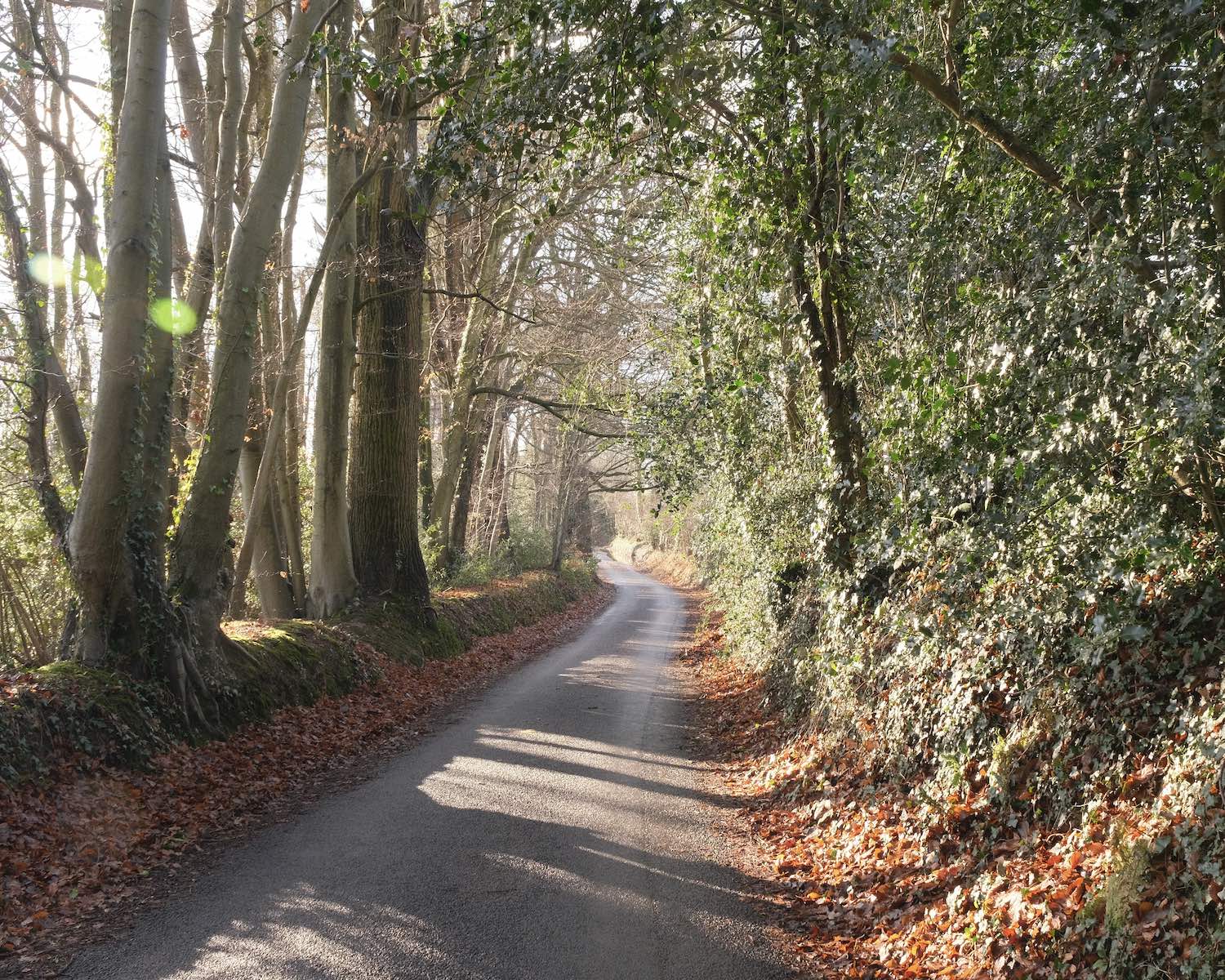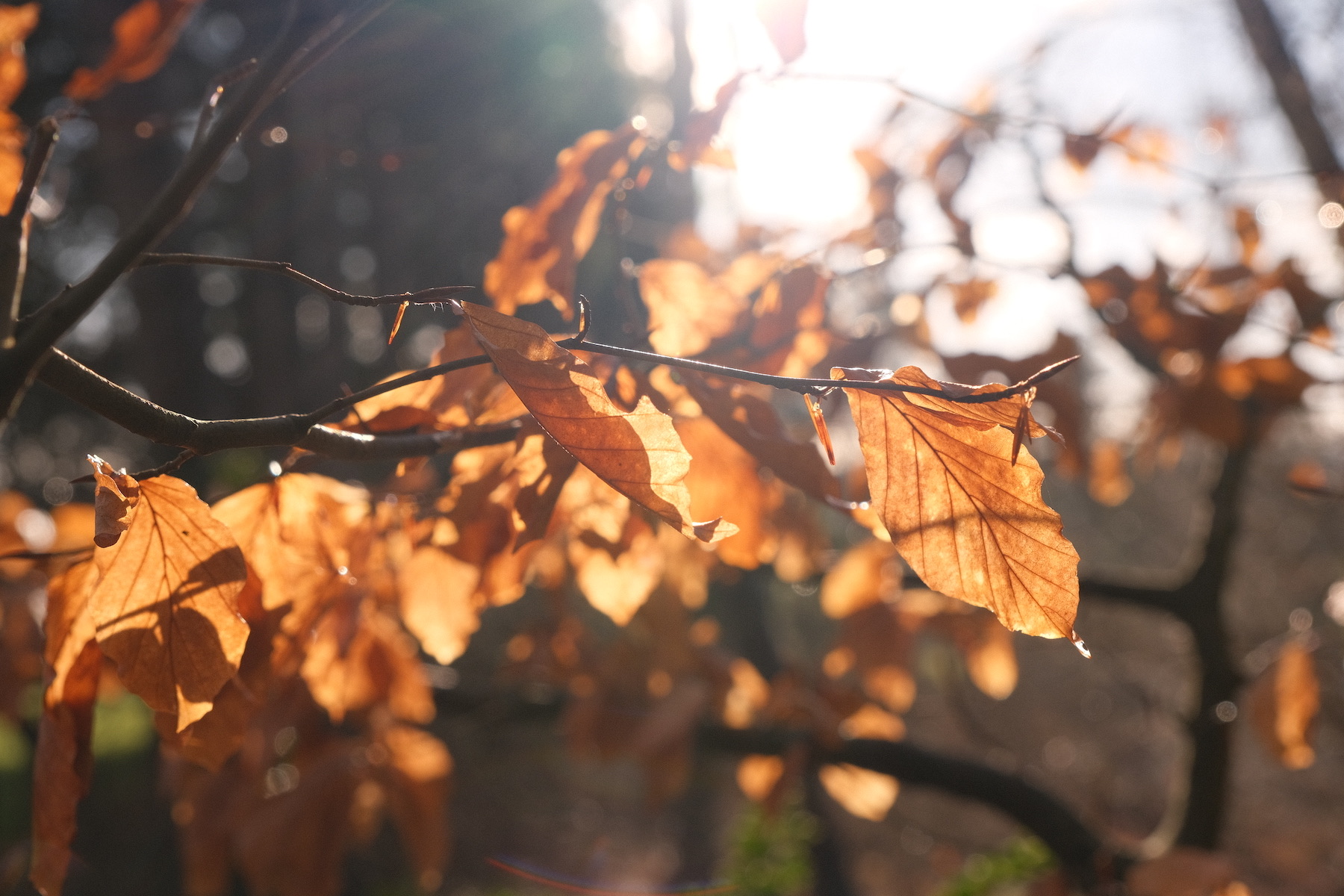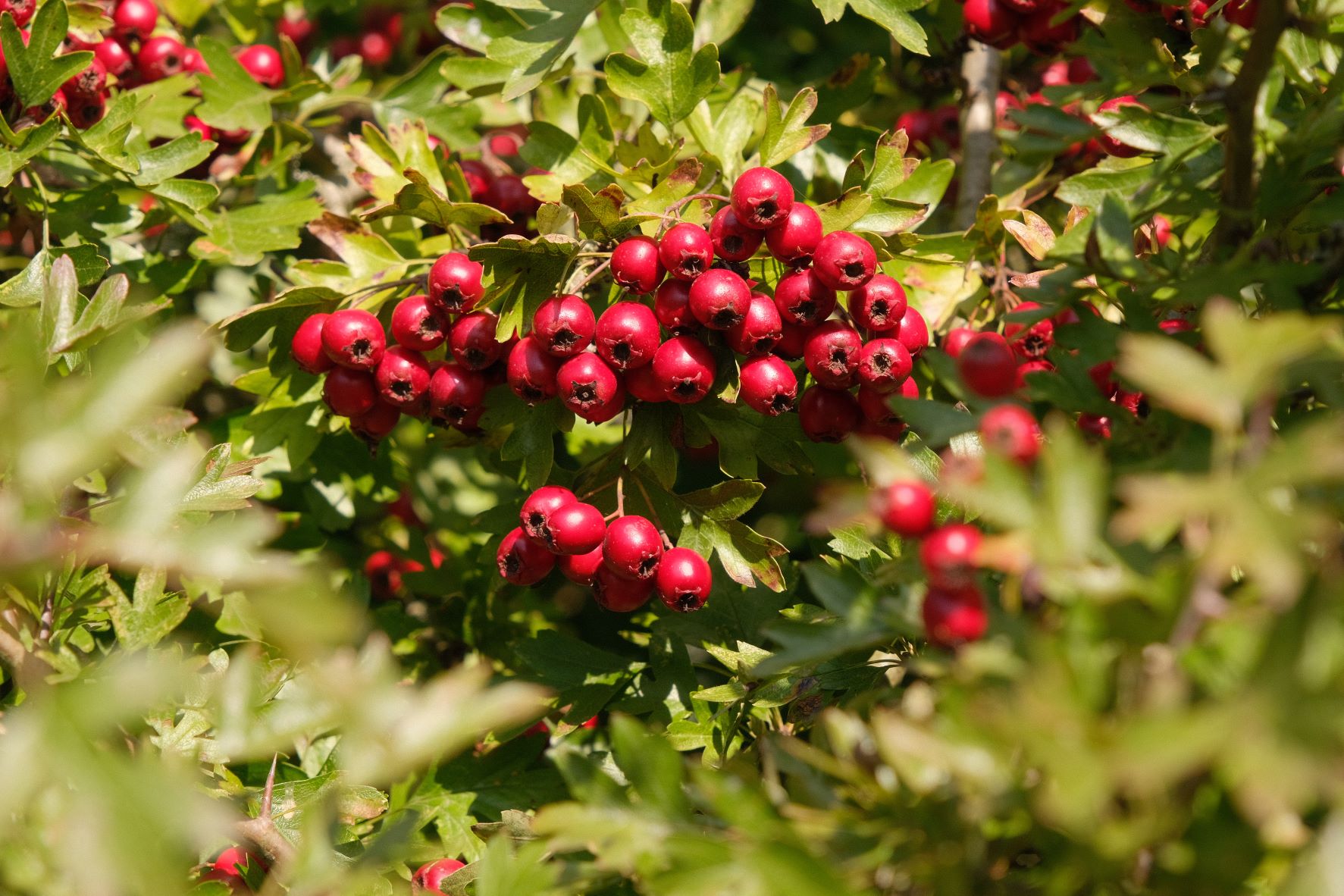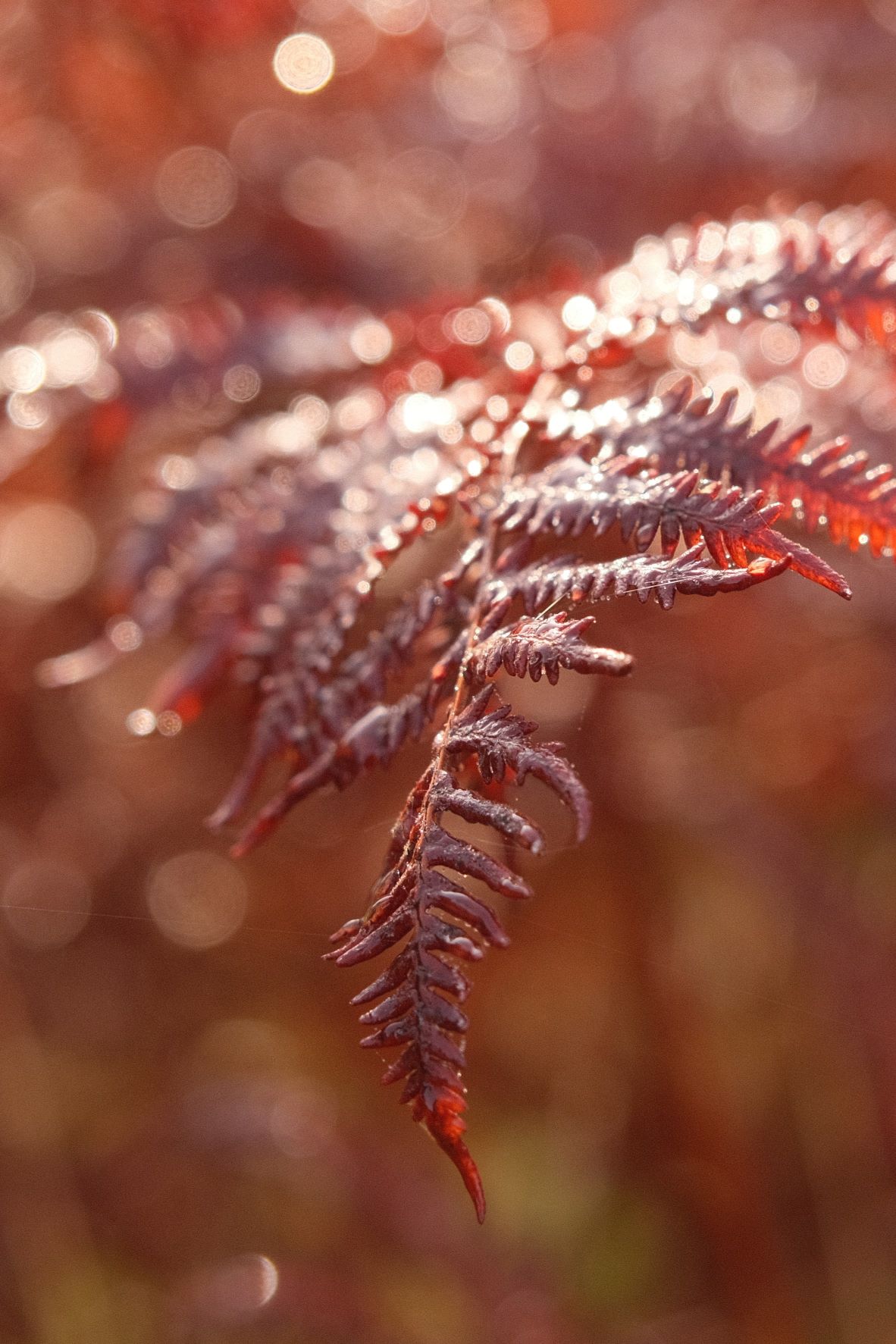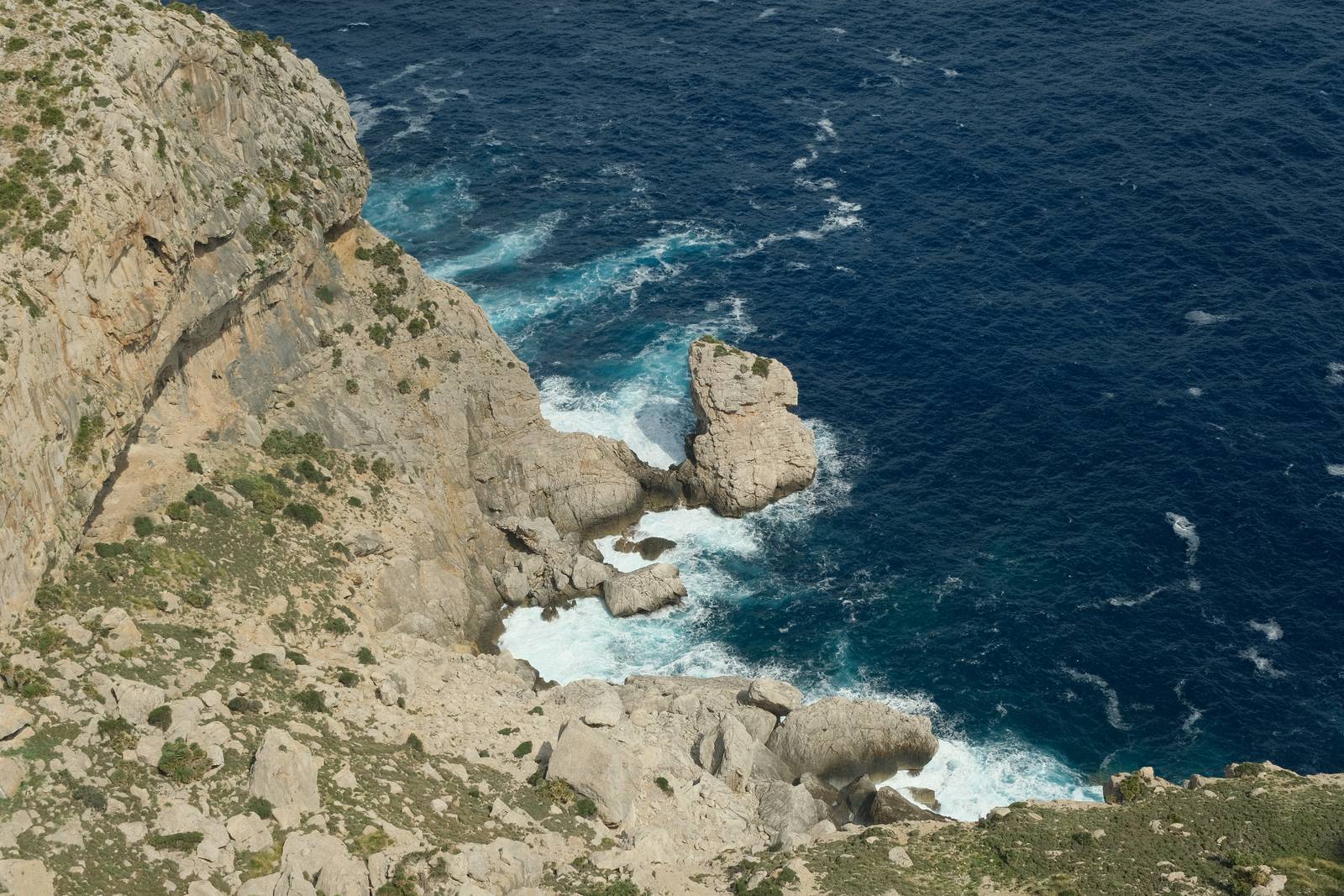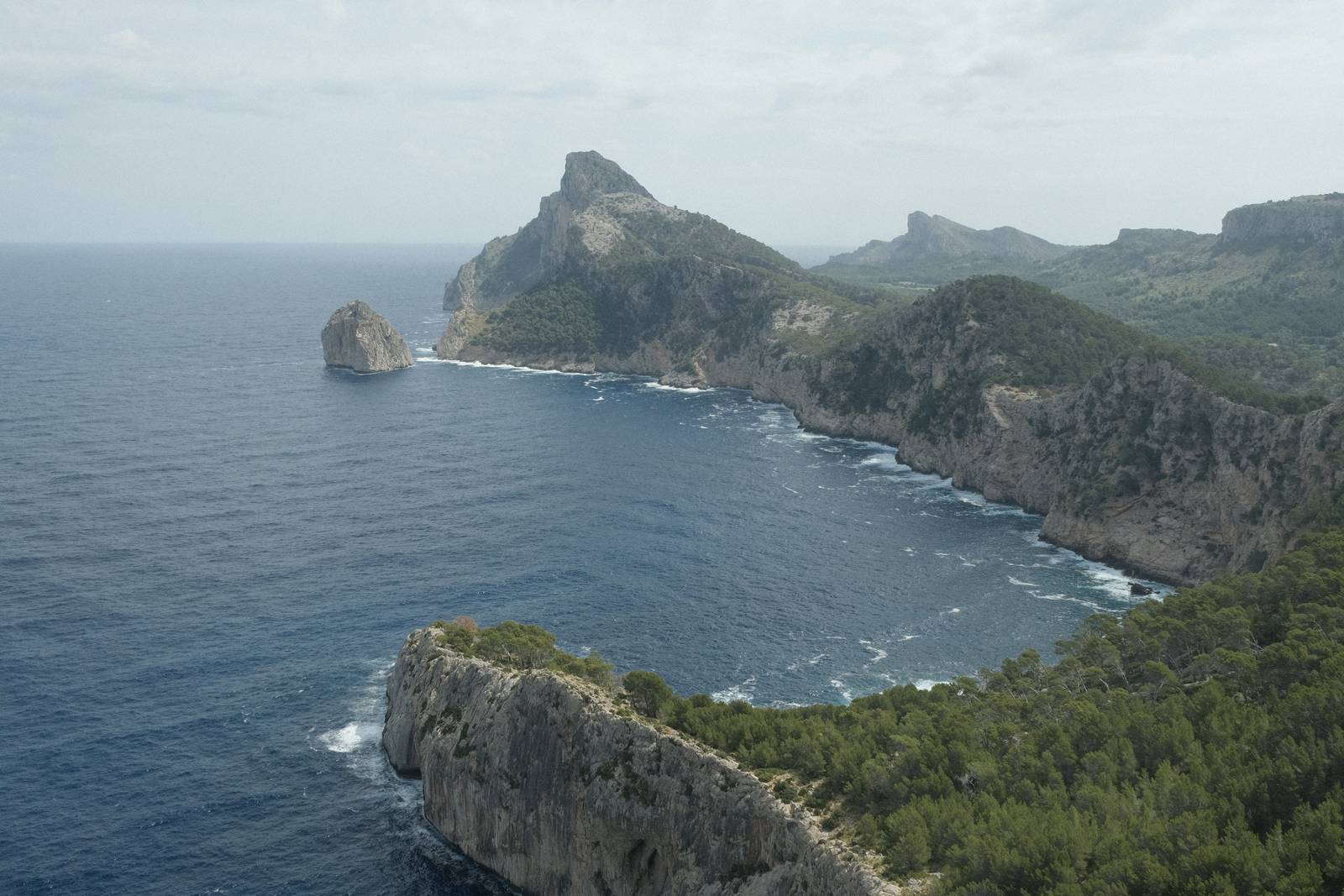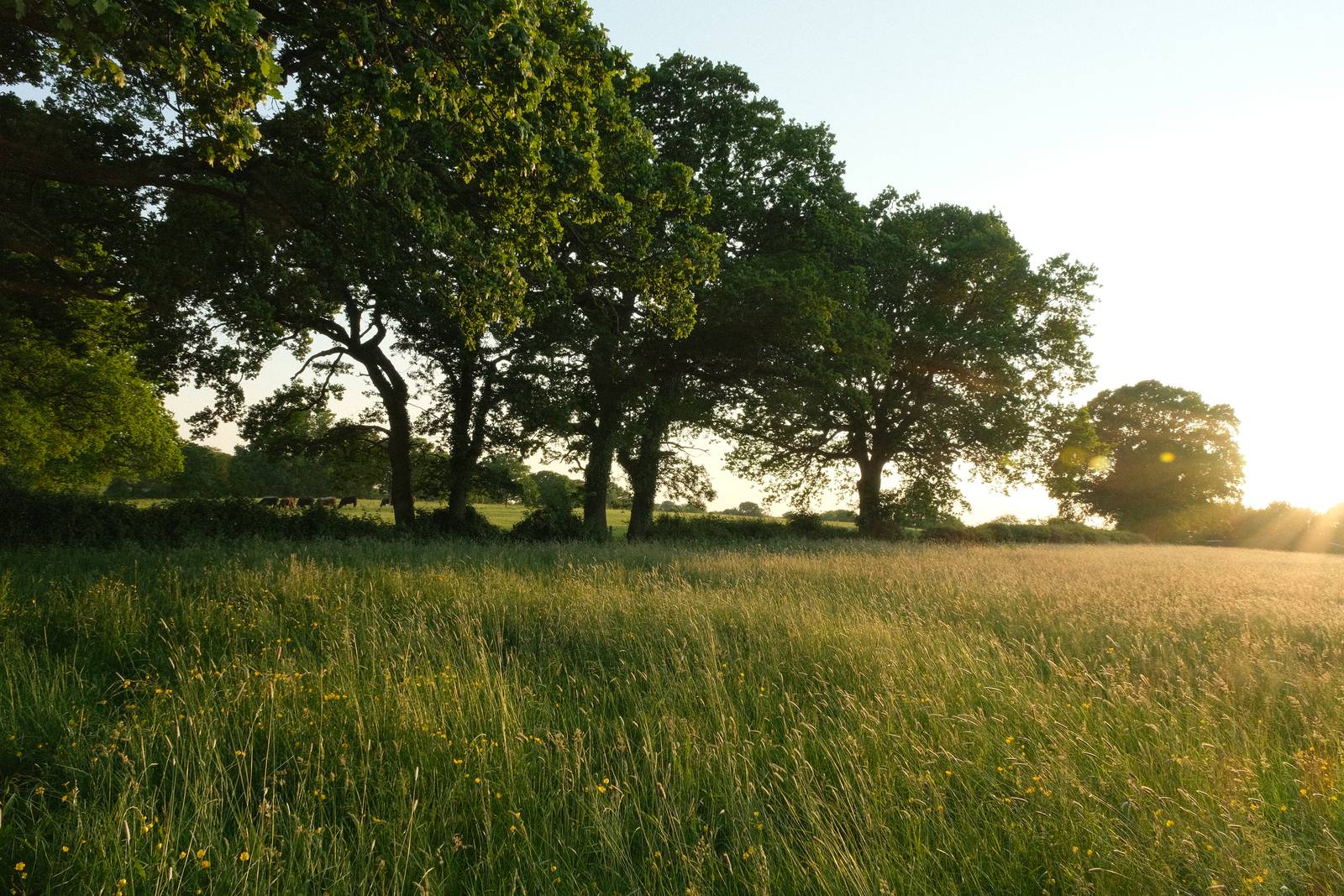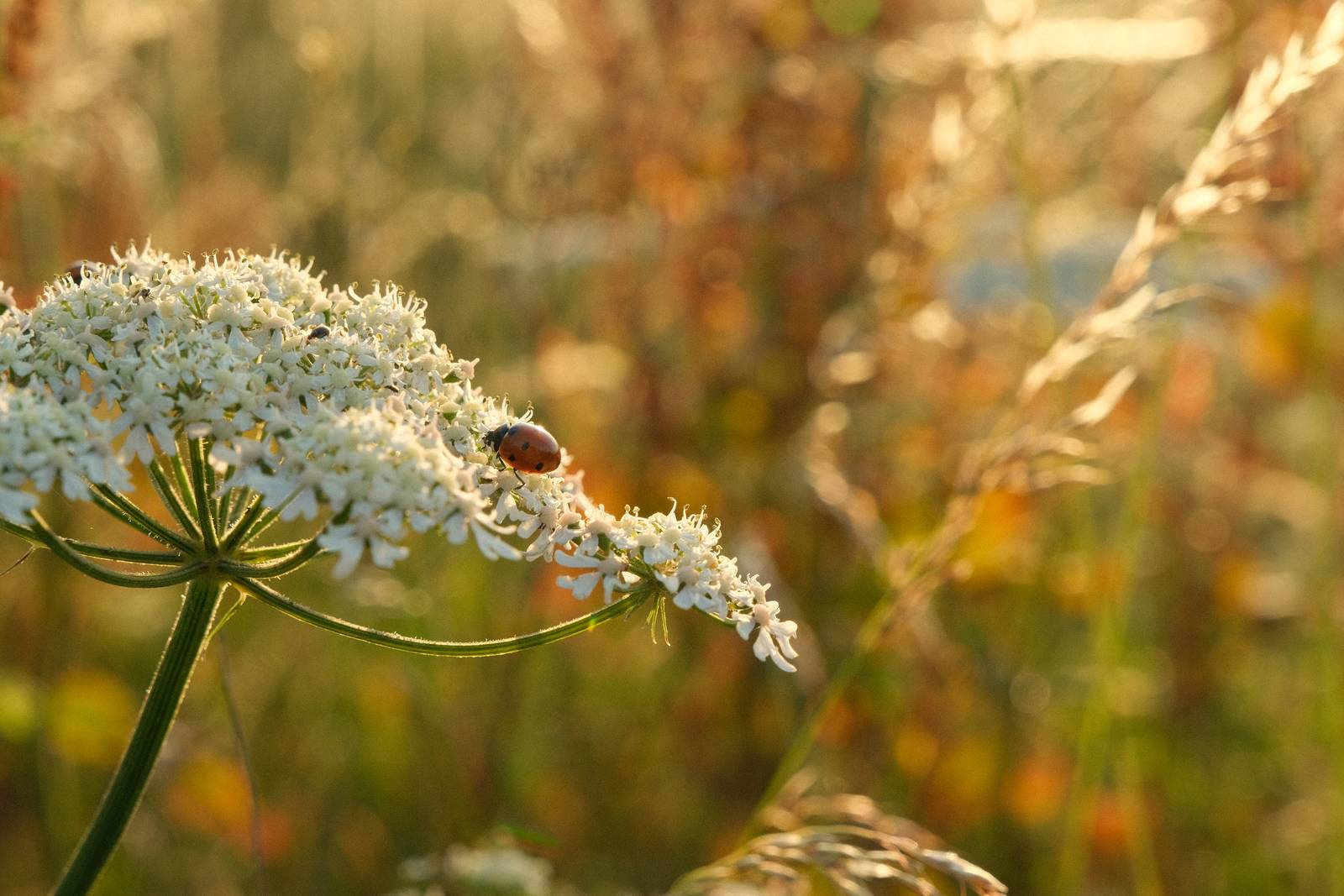
Film Recipes for Fujifilm Cameras

Category: Provia Recipes

  • Portrovia, Fuji Provia meets Kodak Portra

    Portrovia, Fuji Provia meets Kodak Portra

    A versatile film recipe with the softness of Portra and magic of Provia

    Portrovia Film Recipe

    Portrovia

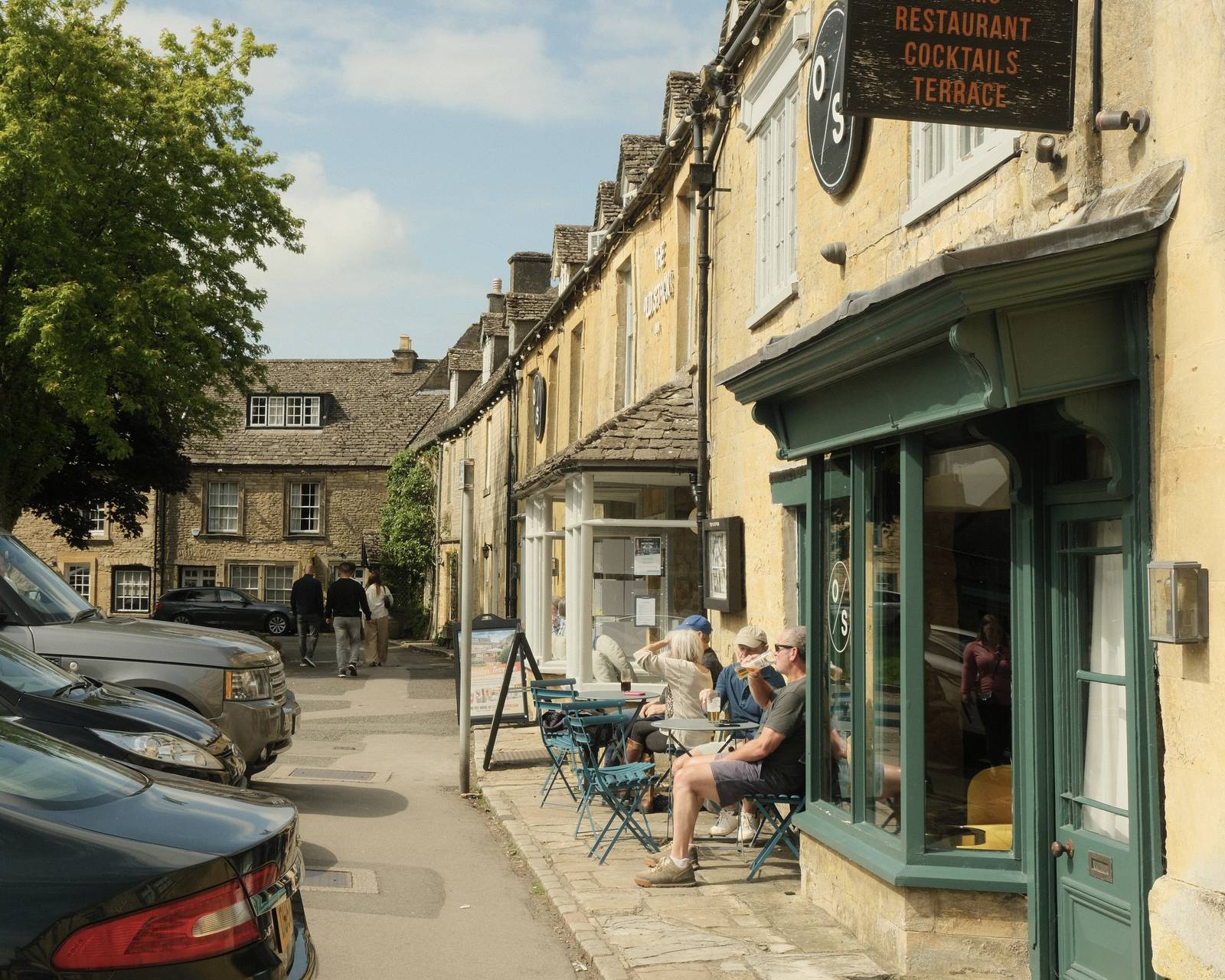
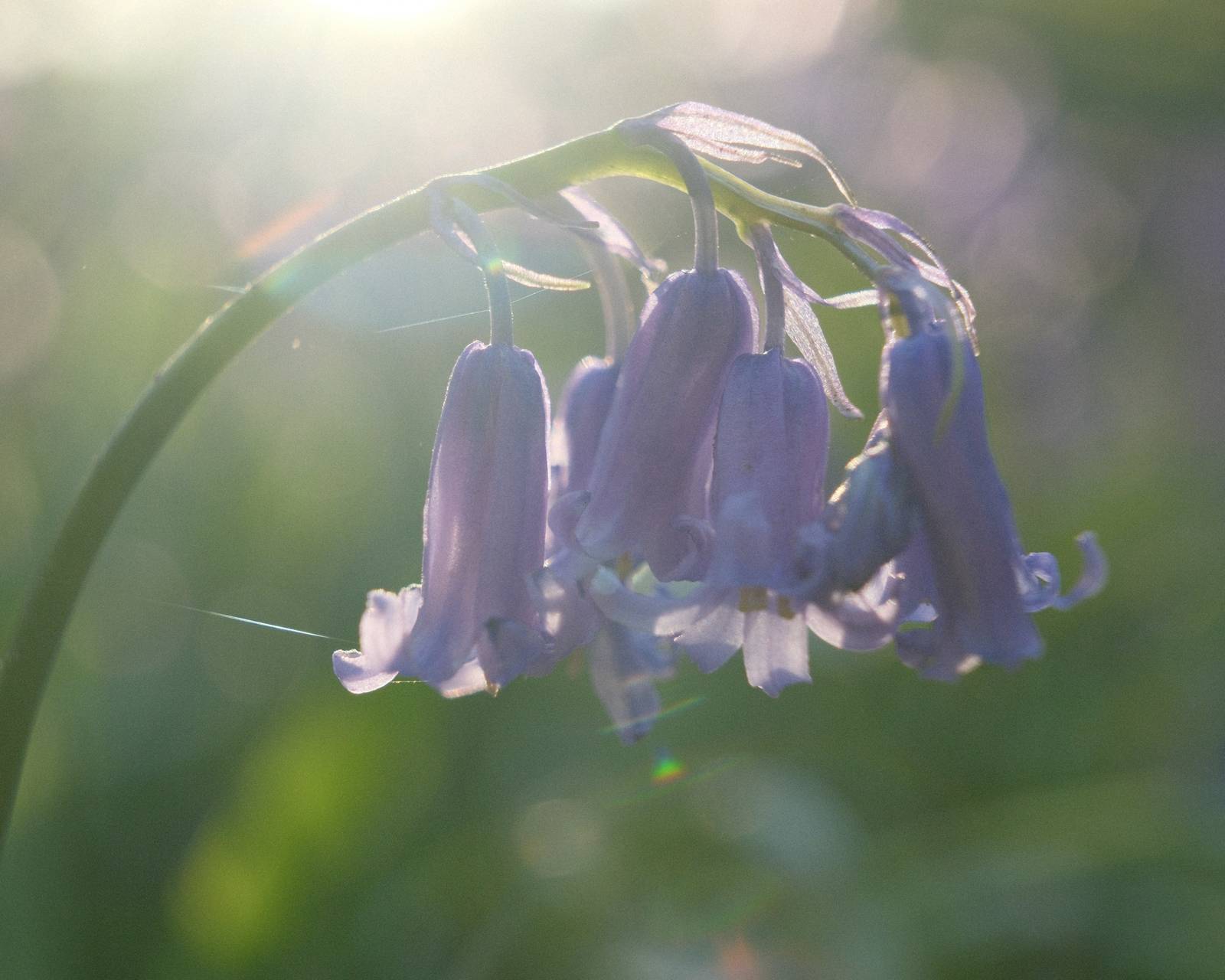
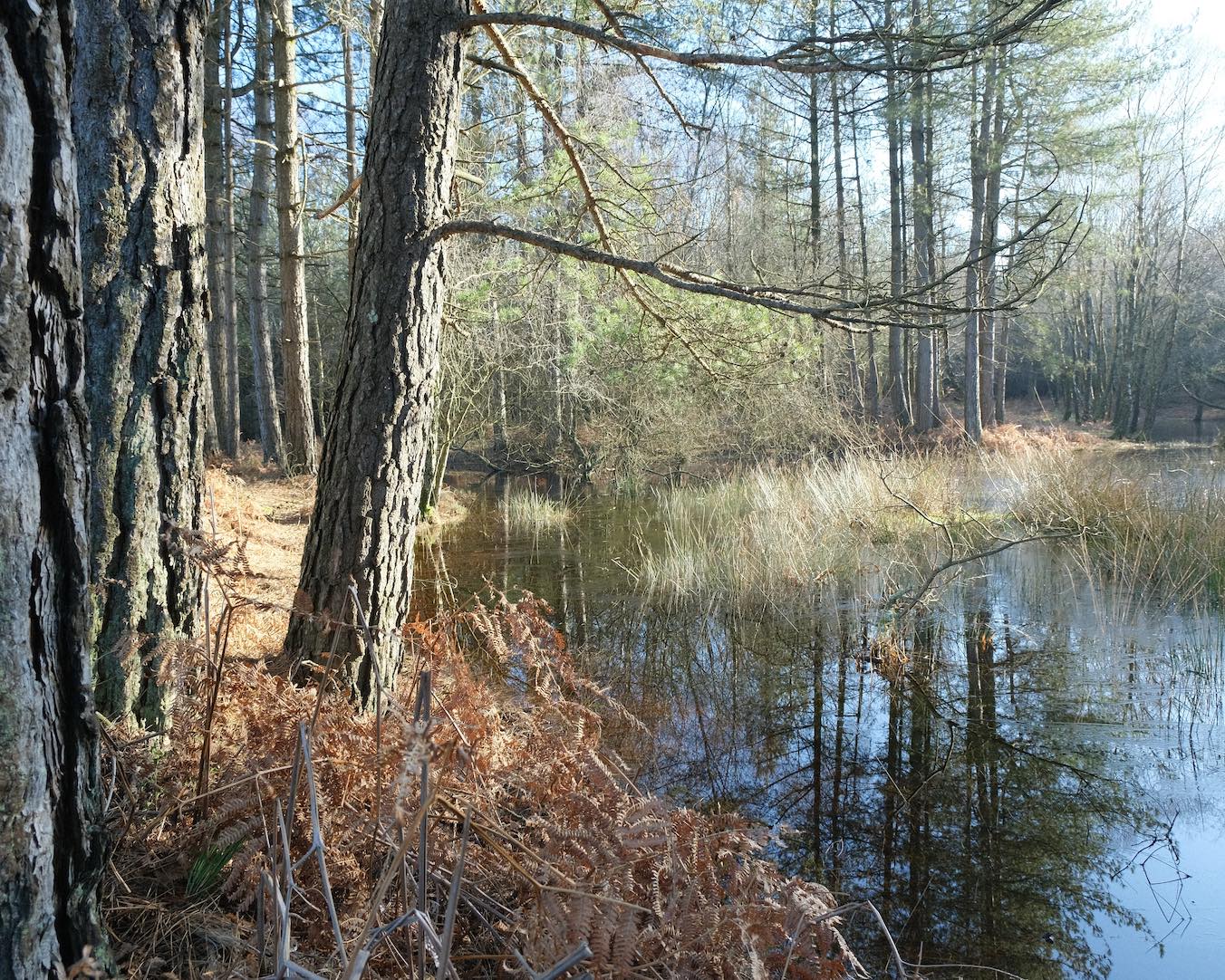
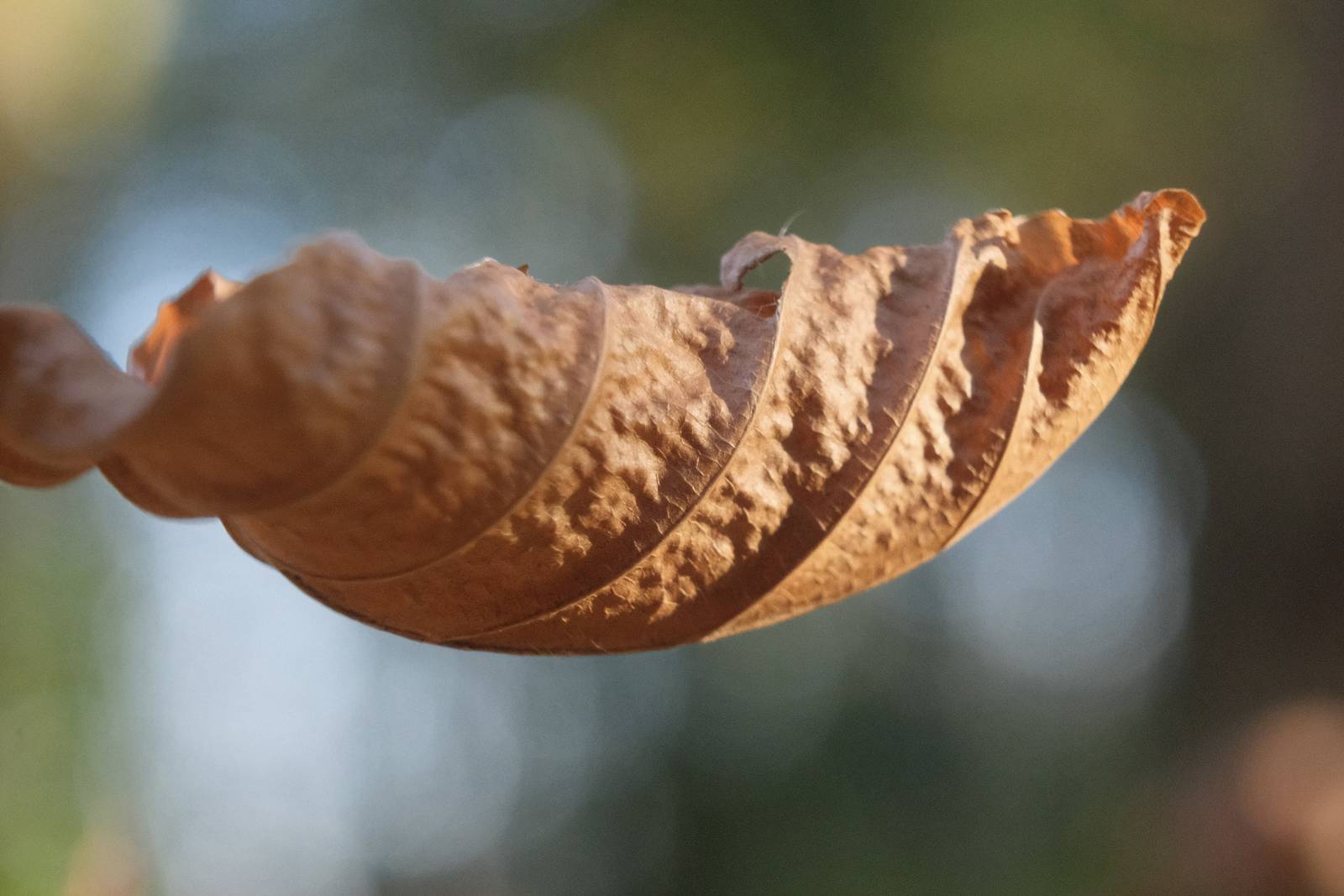
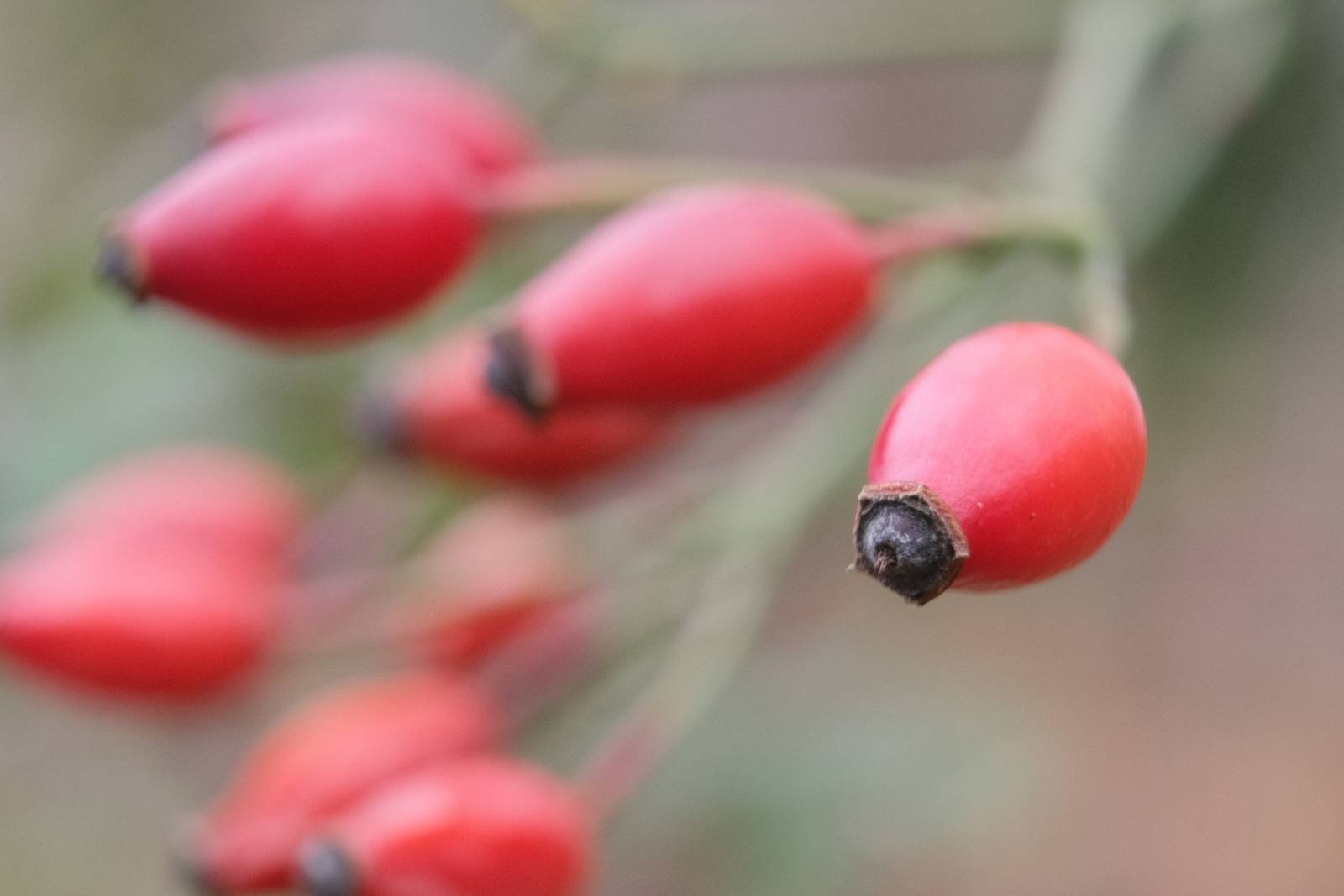
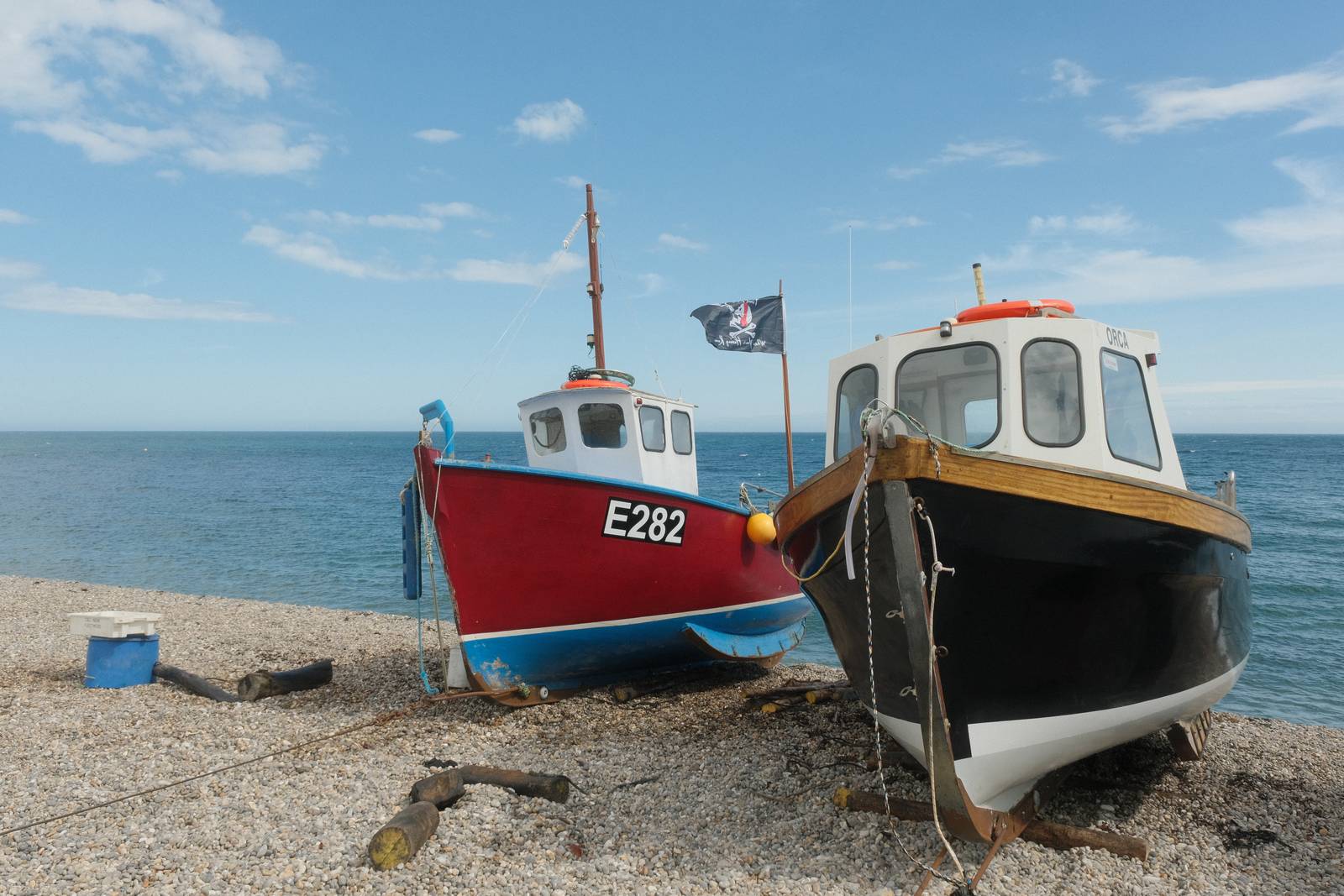
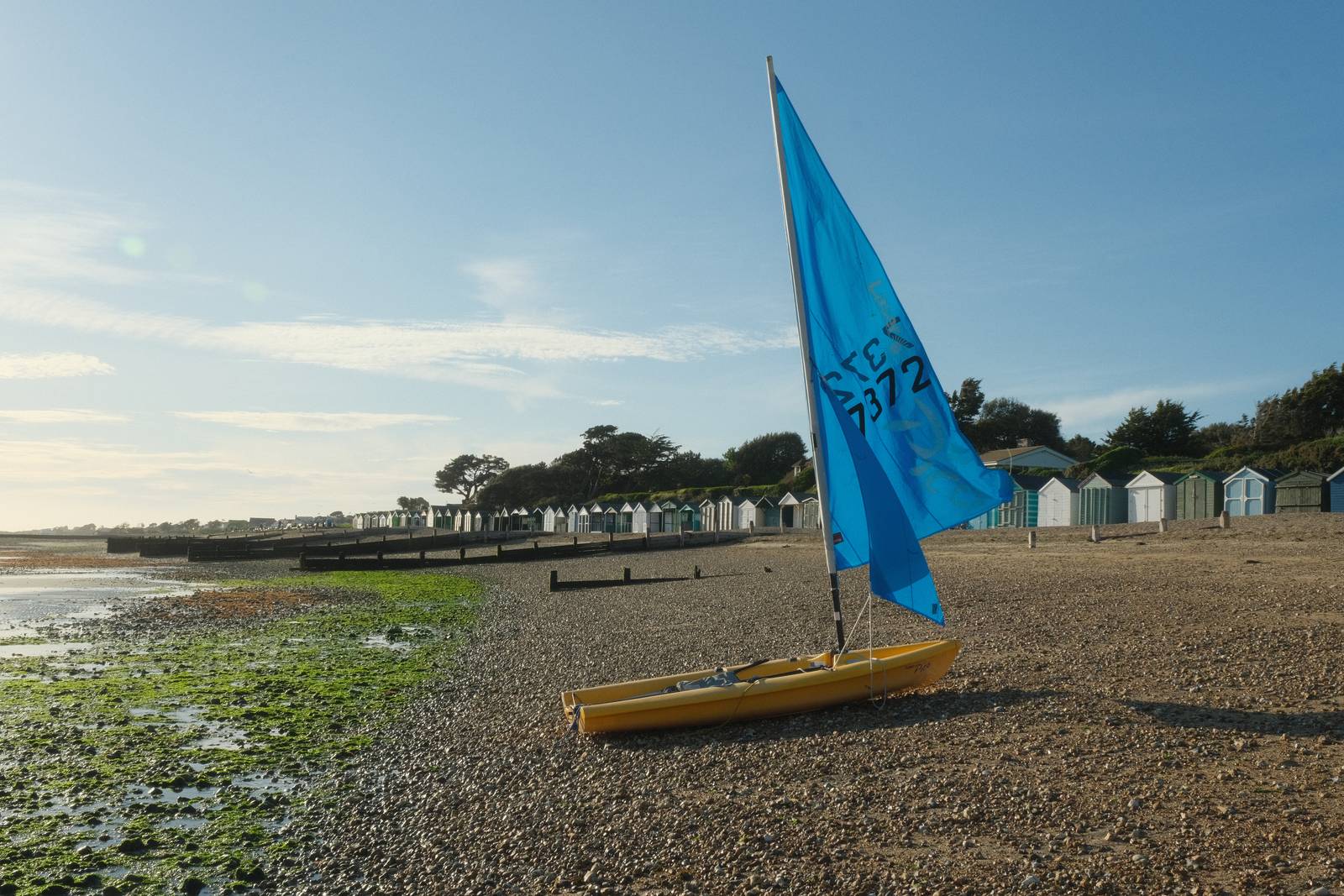
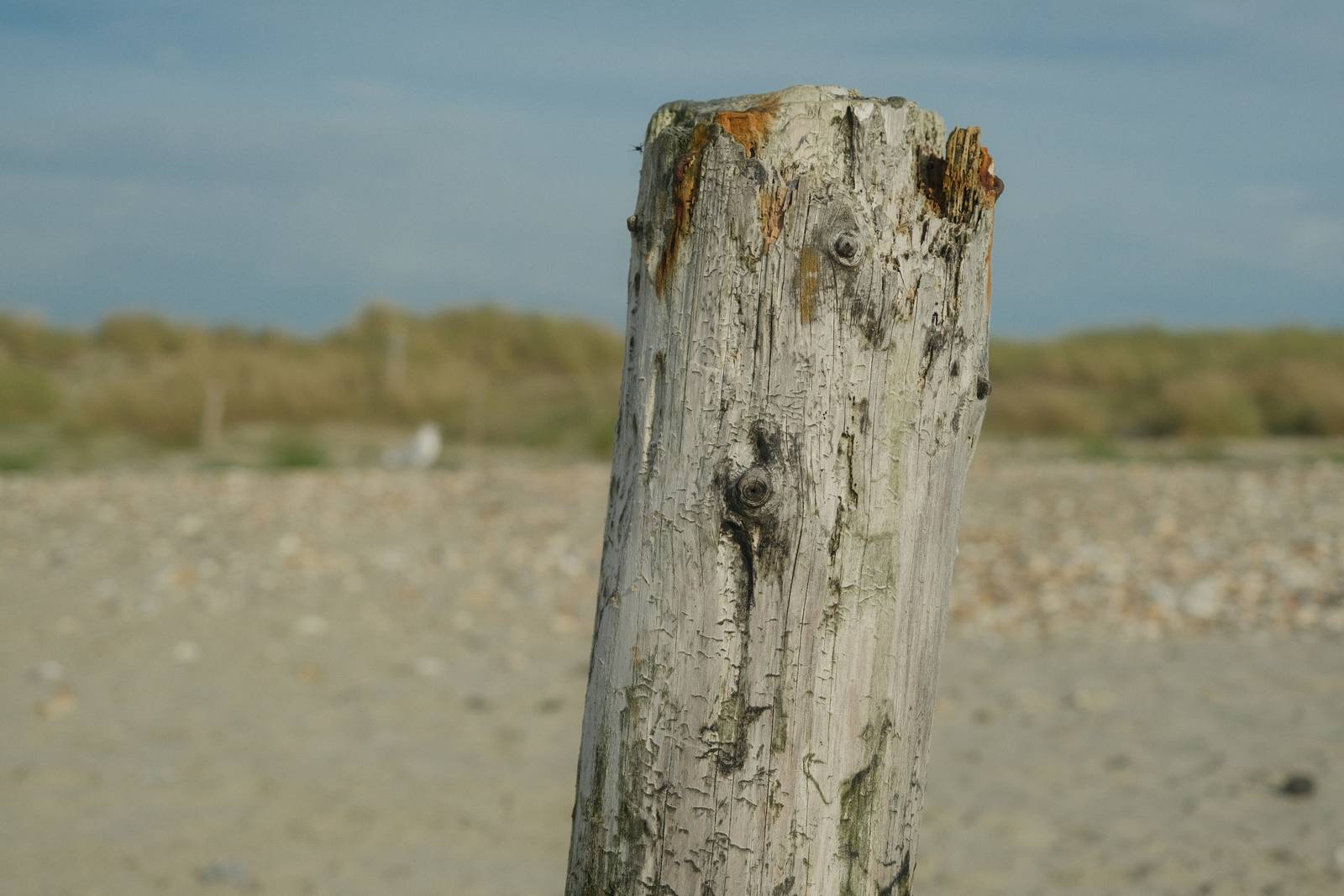
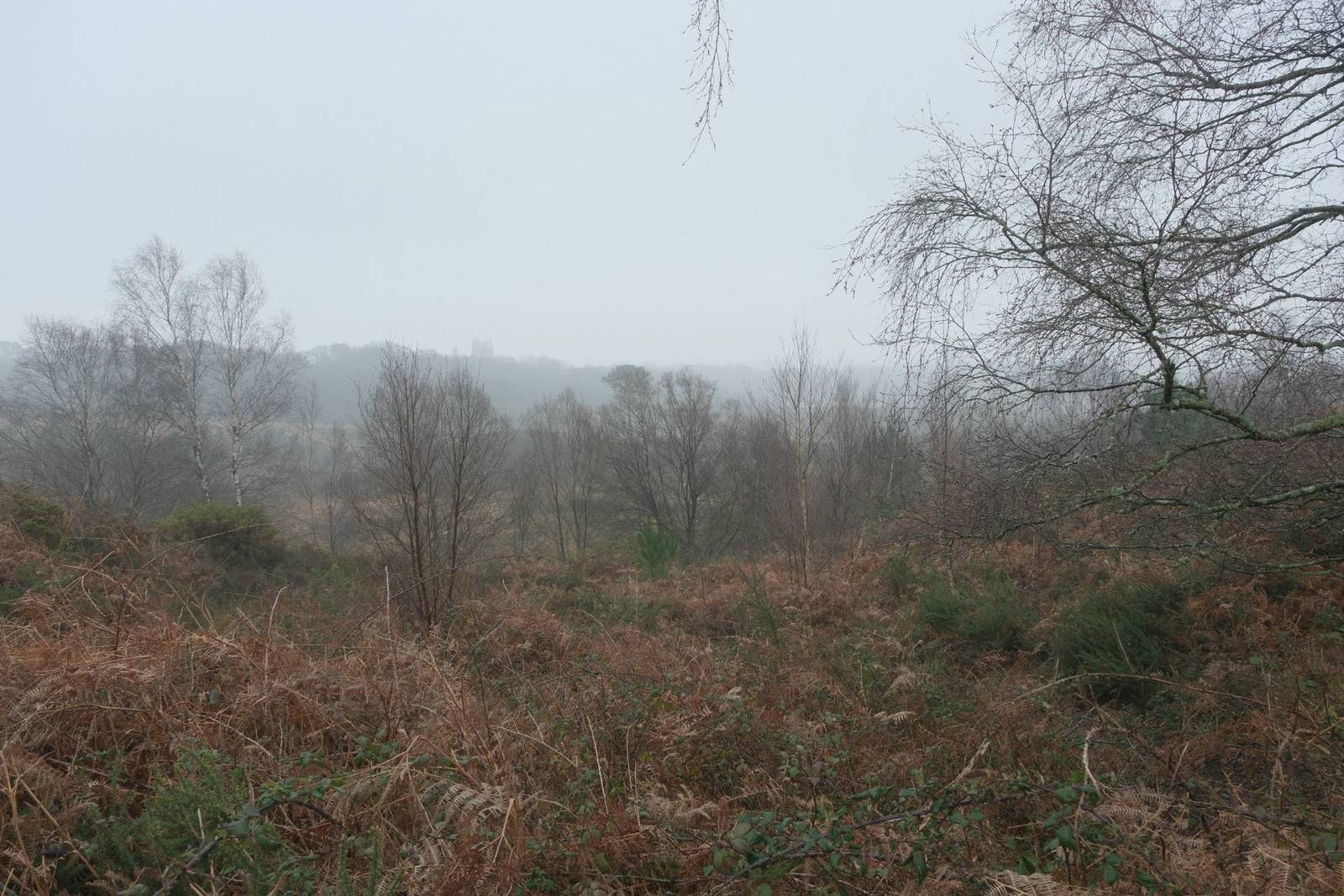
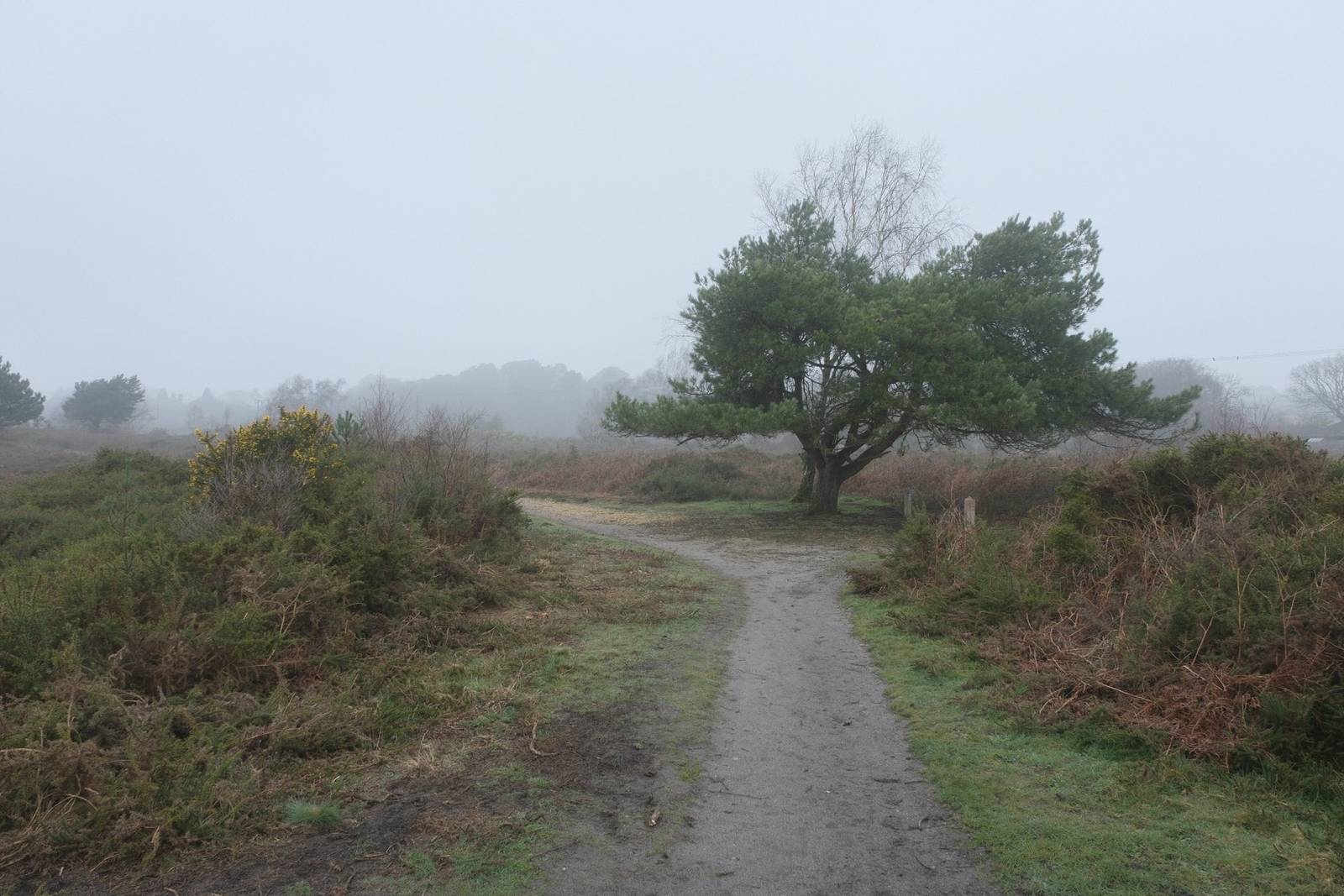
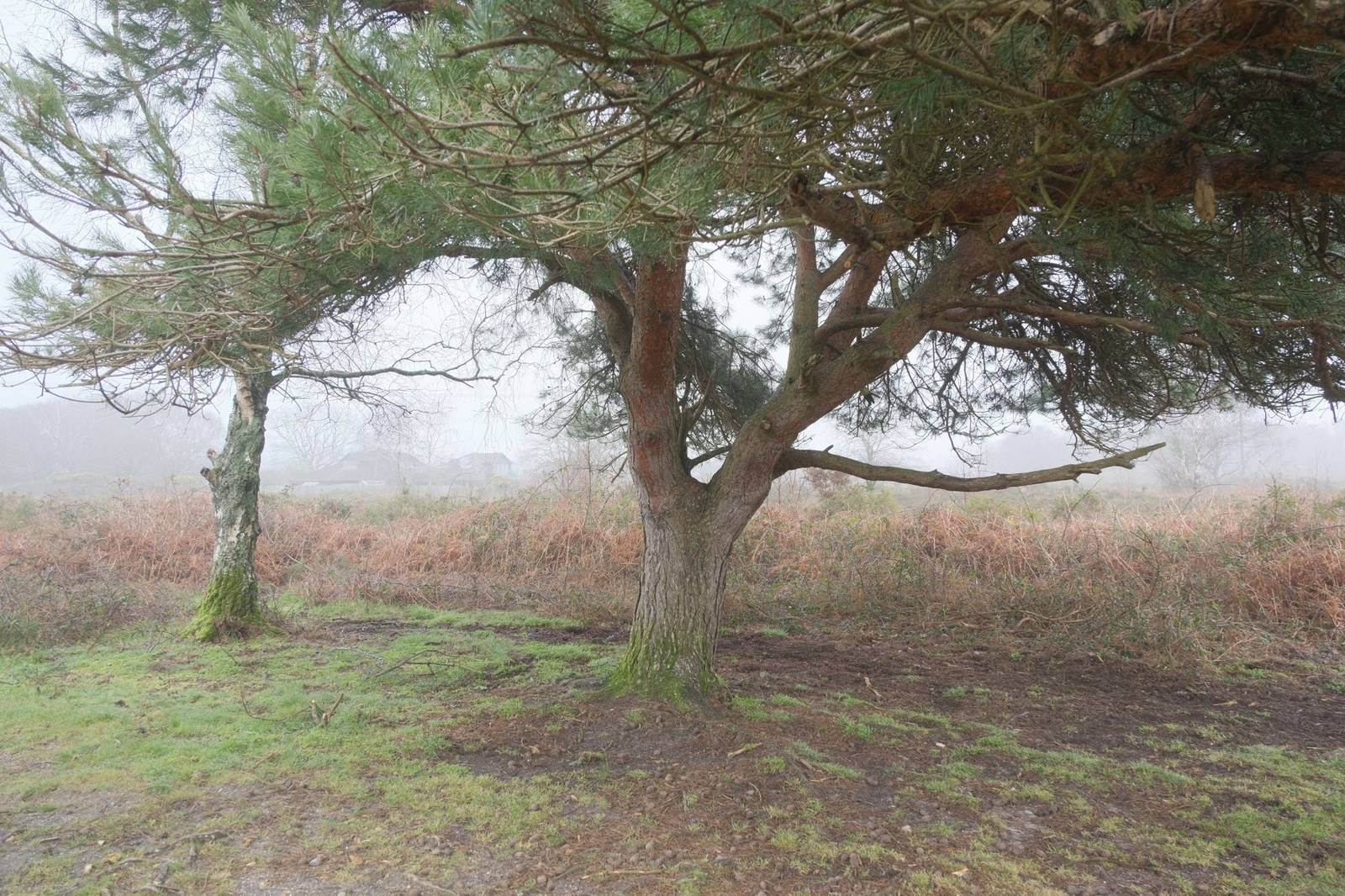
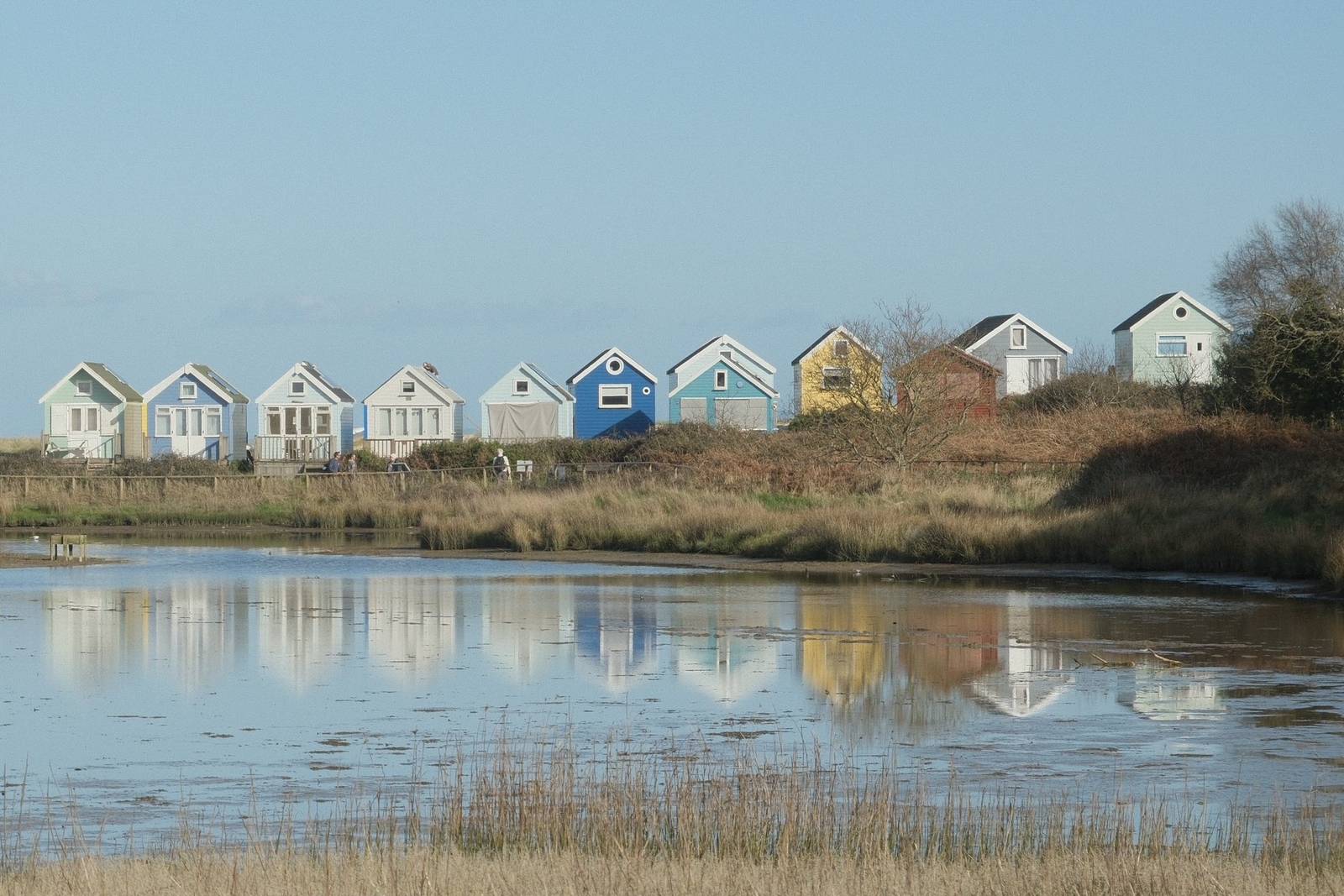
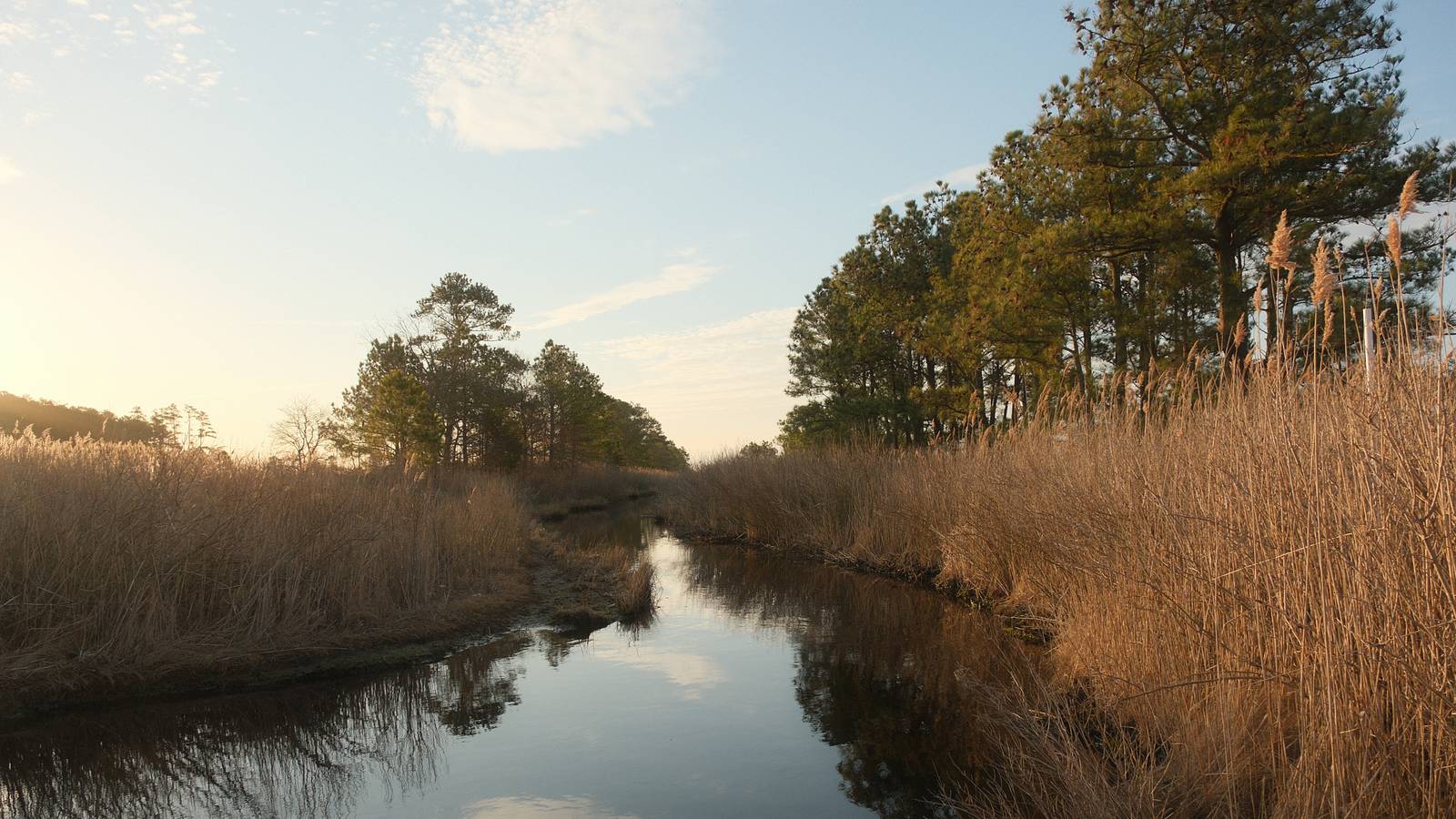
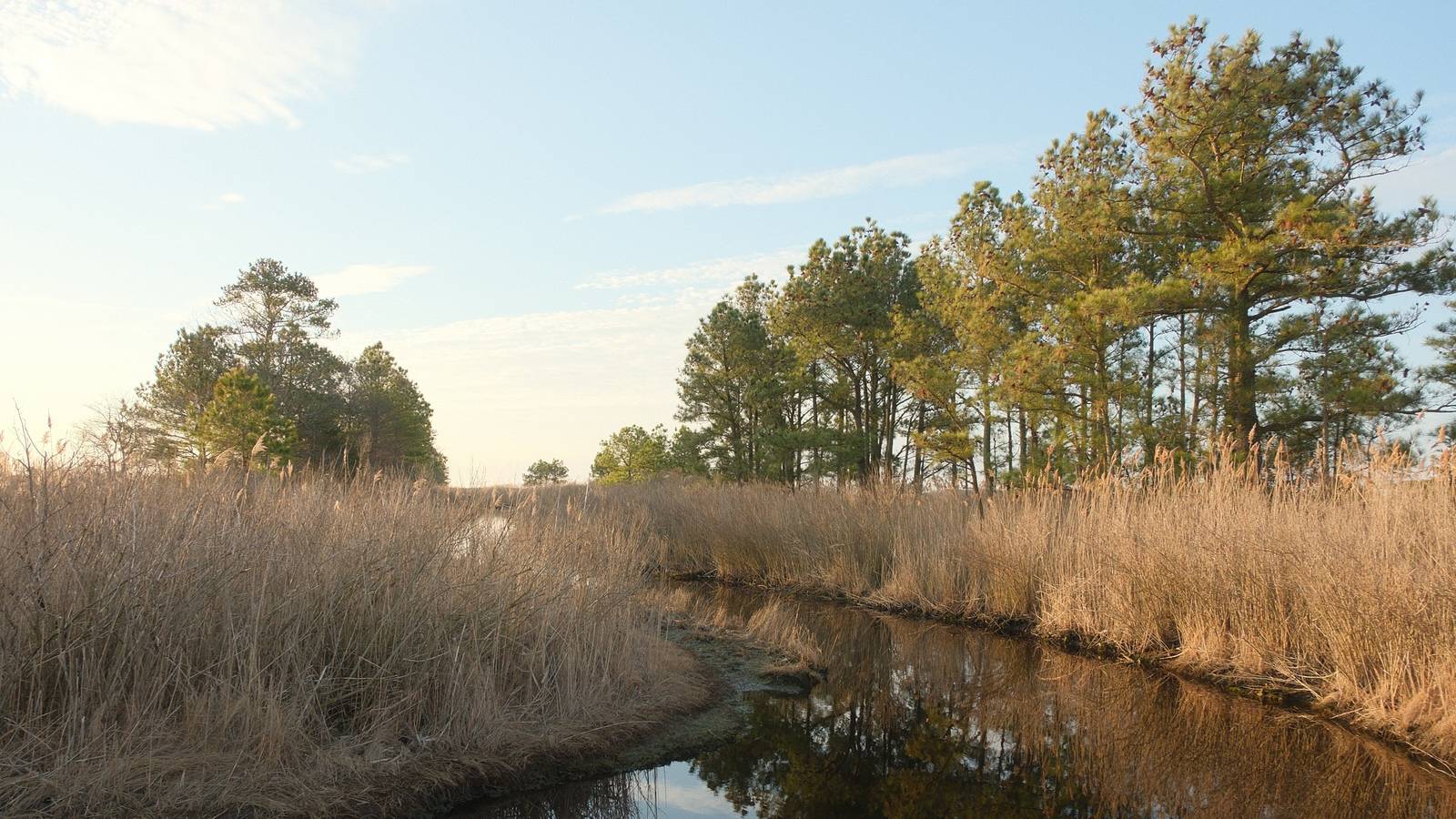
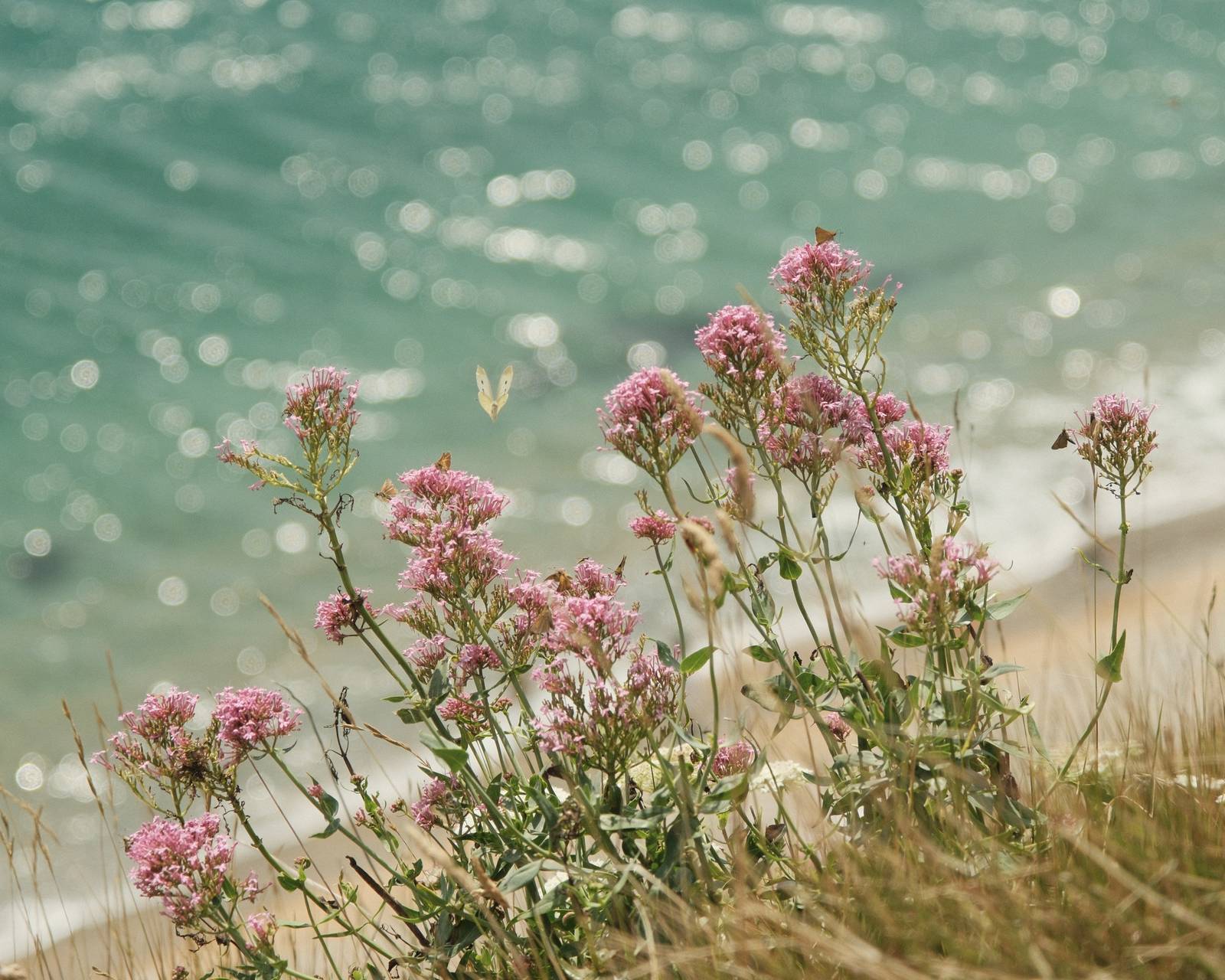
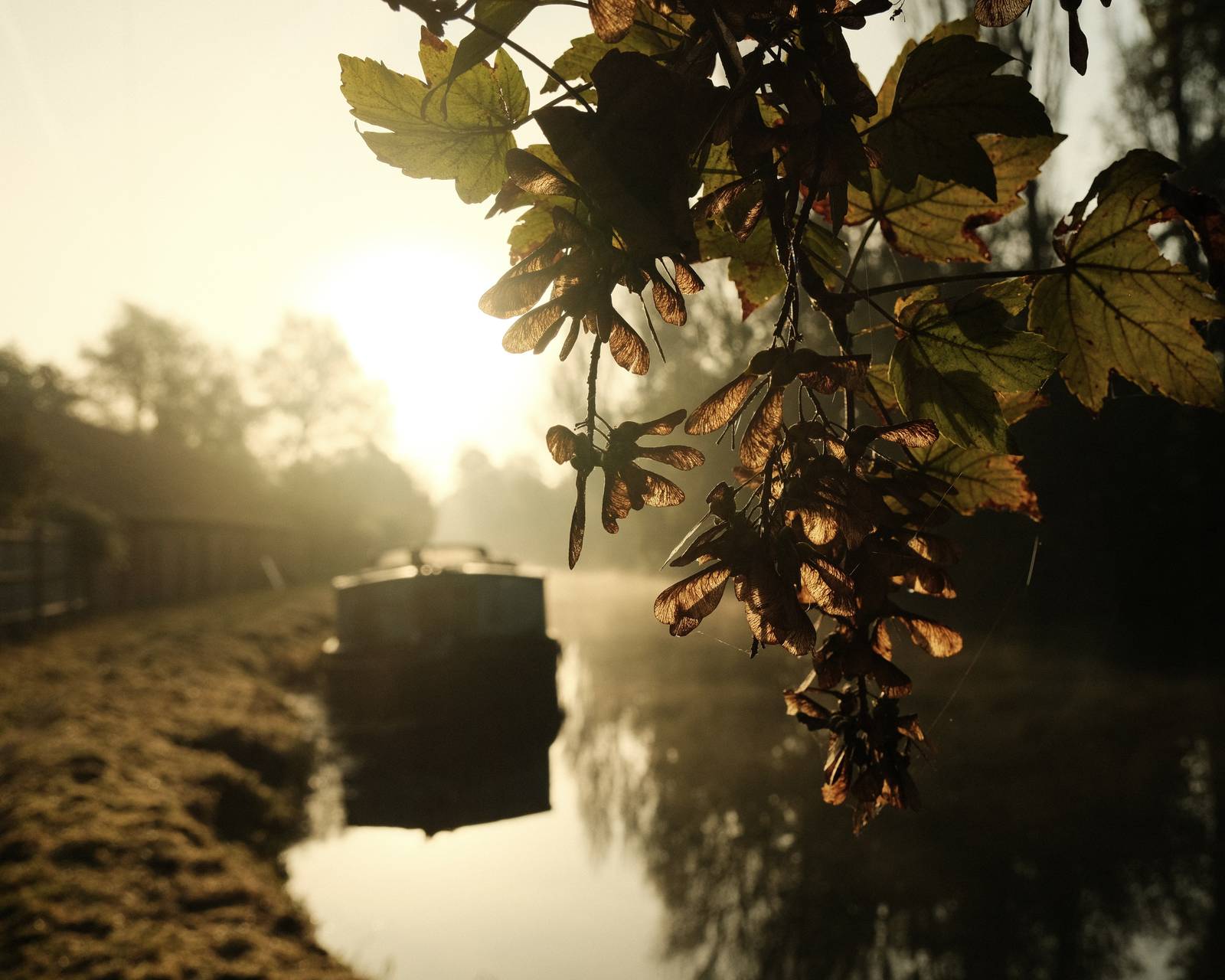
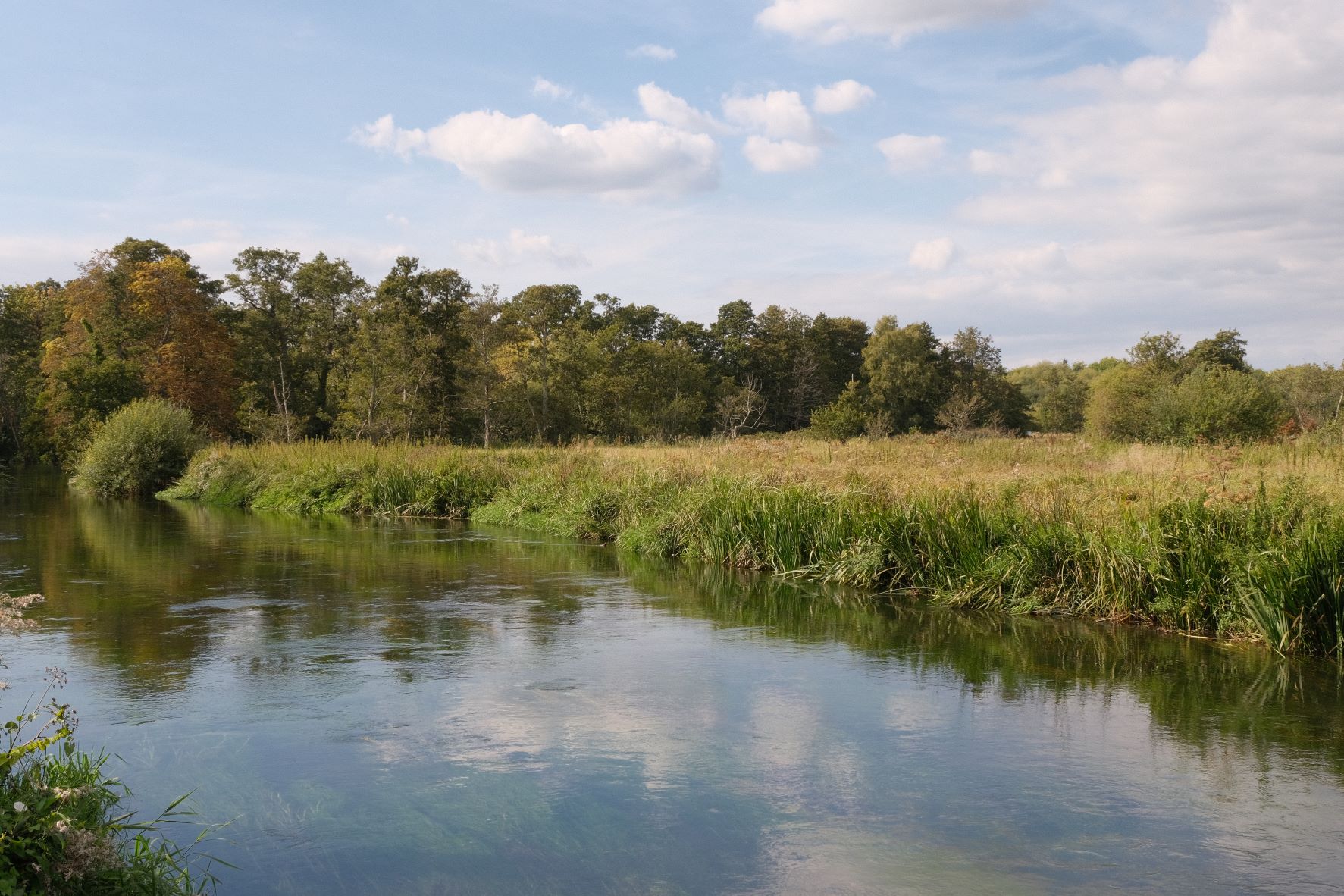
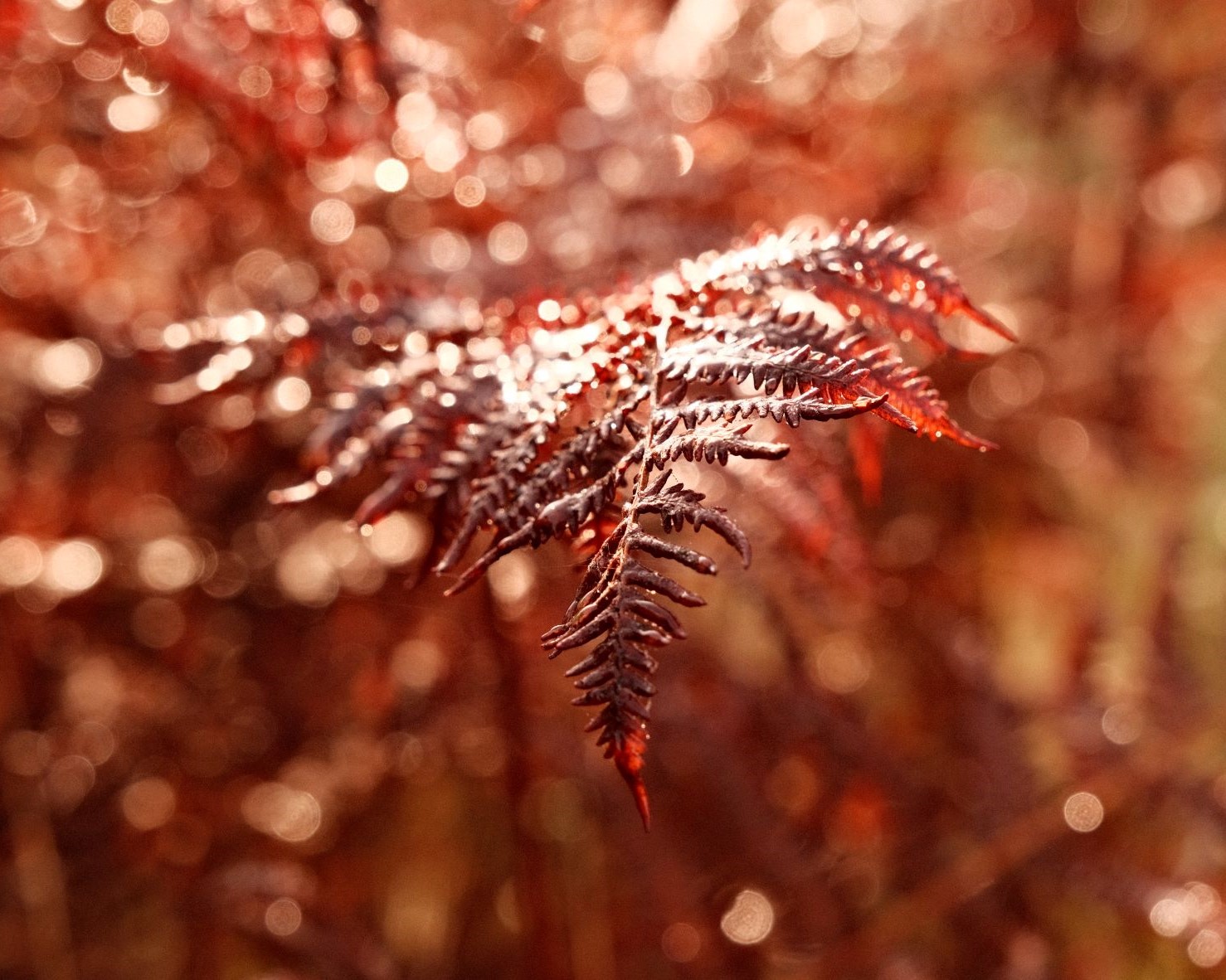
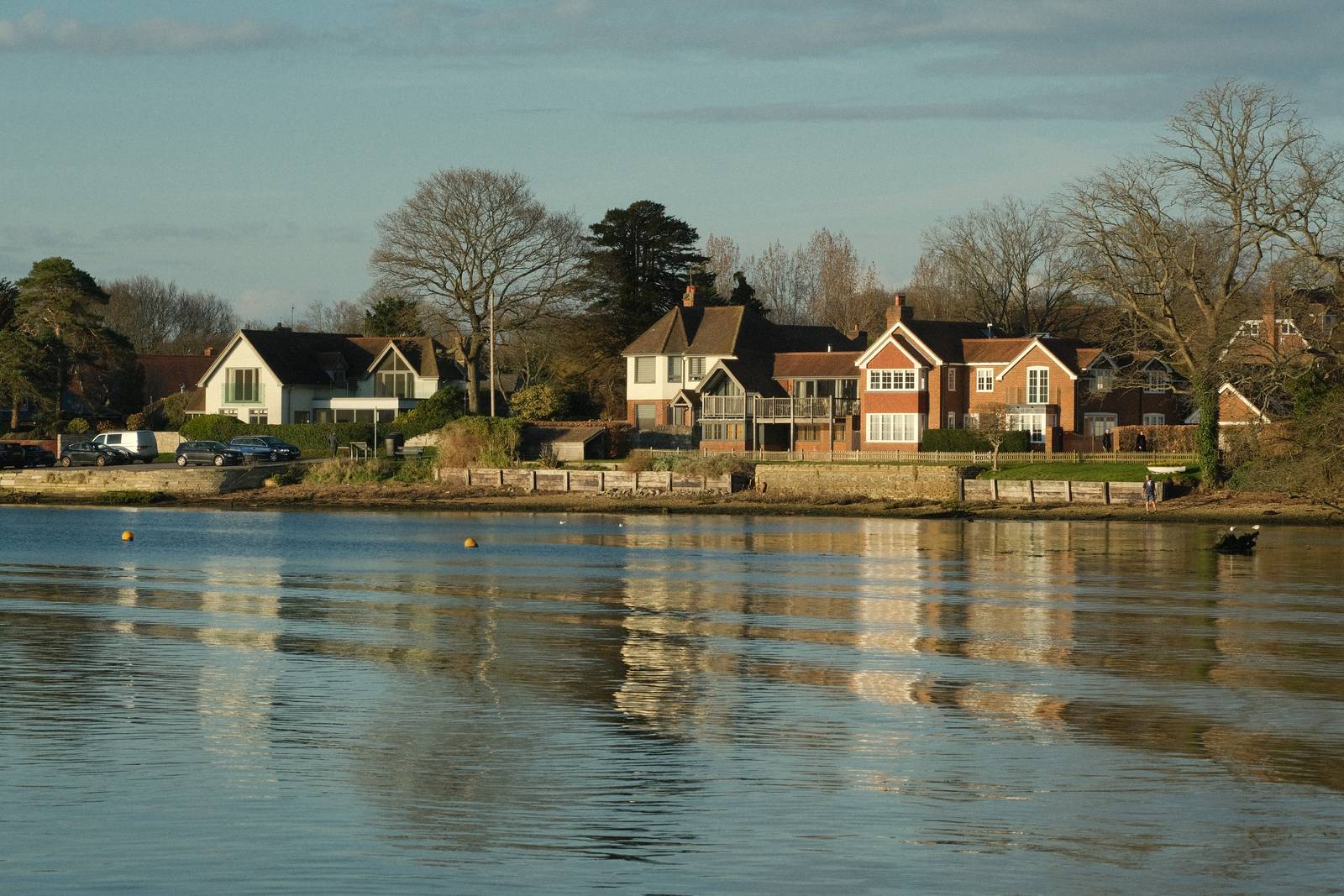
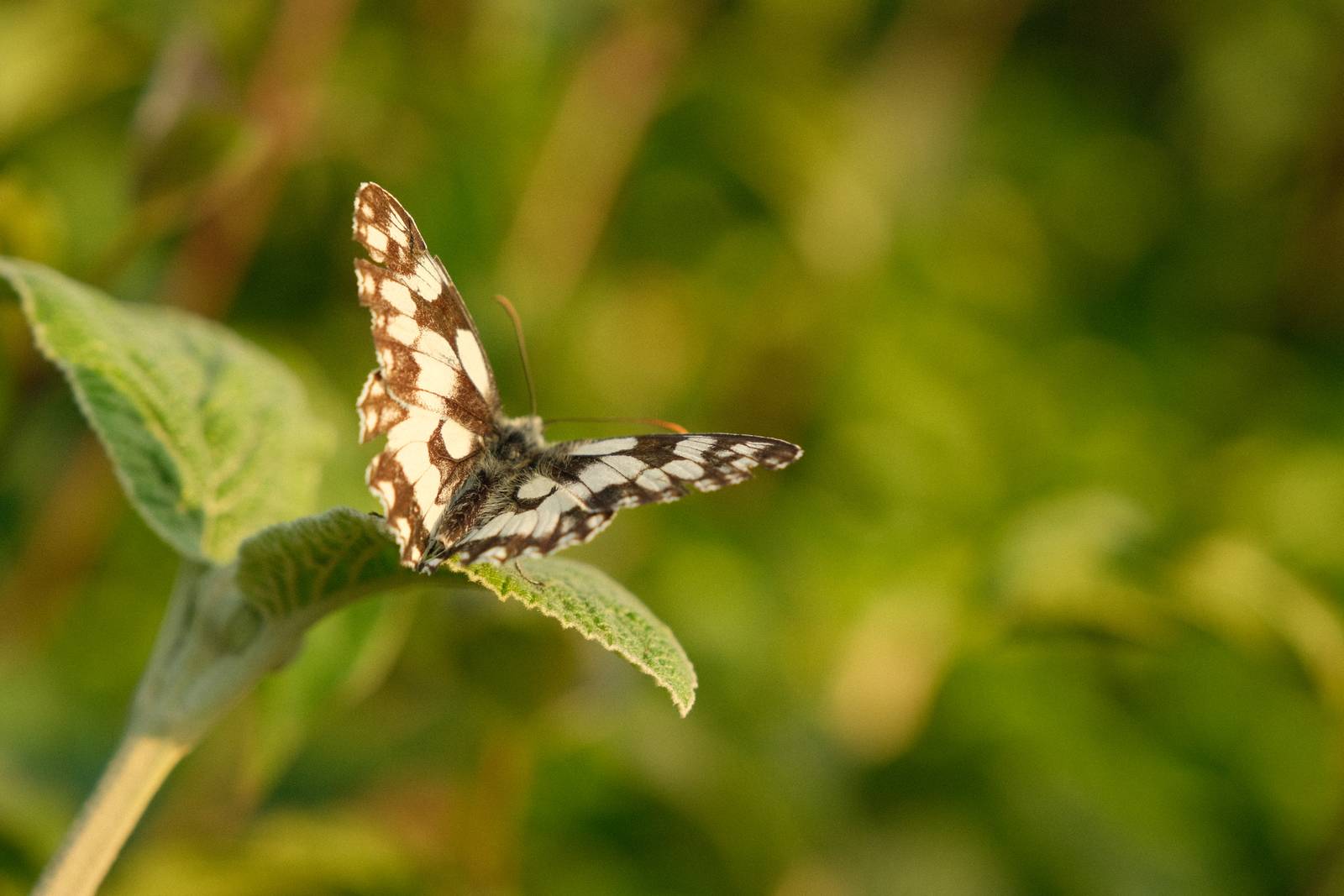
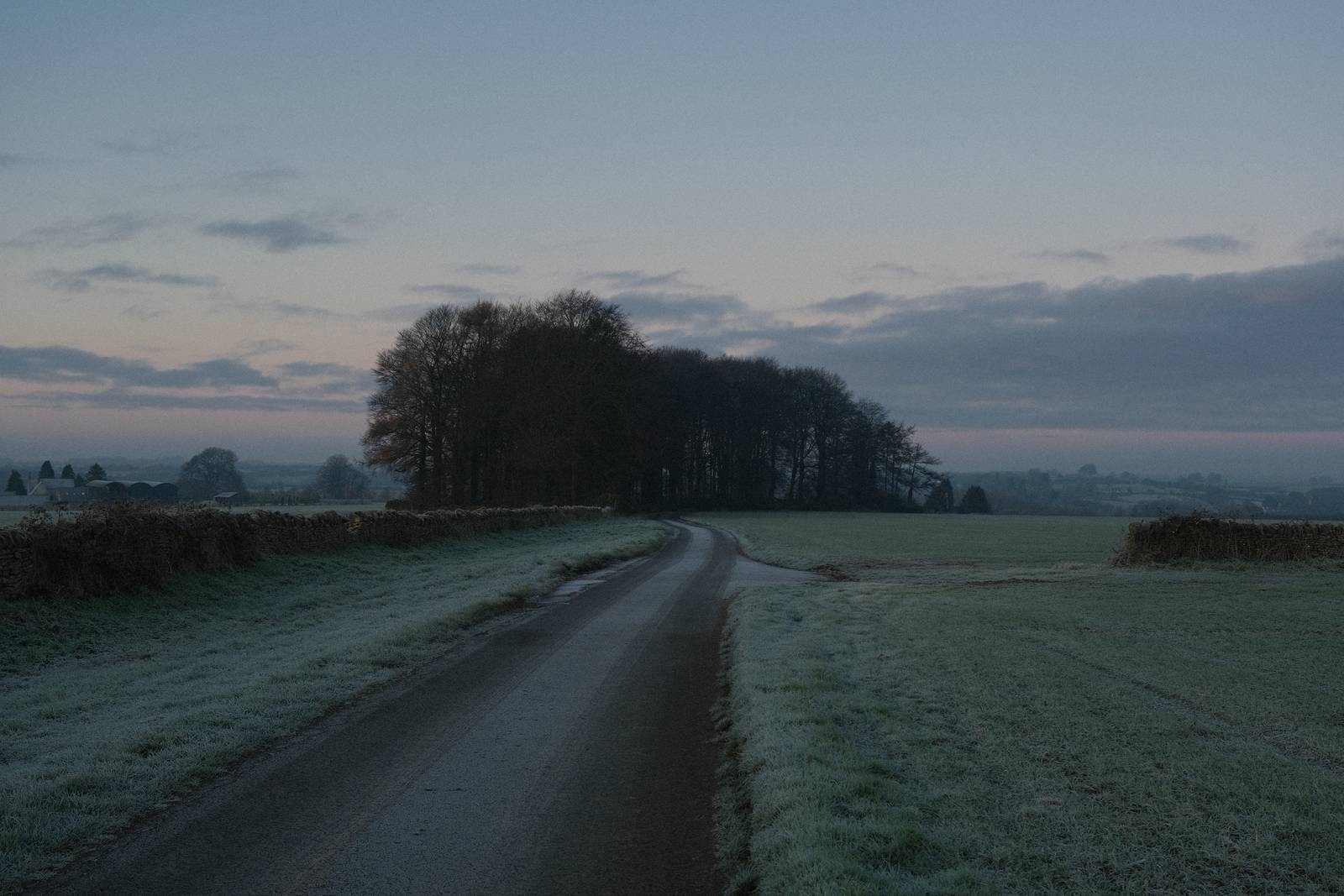
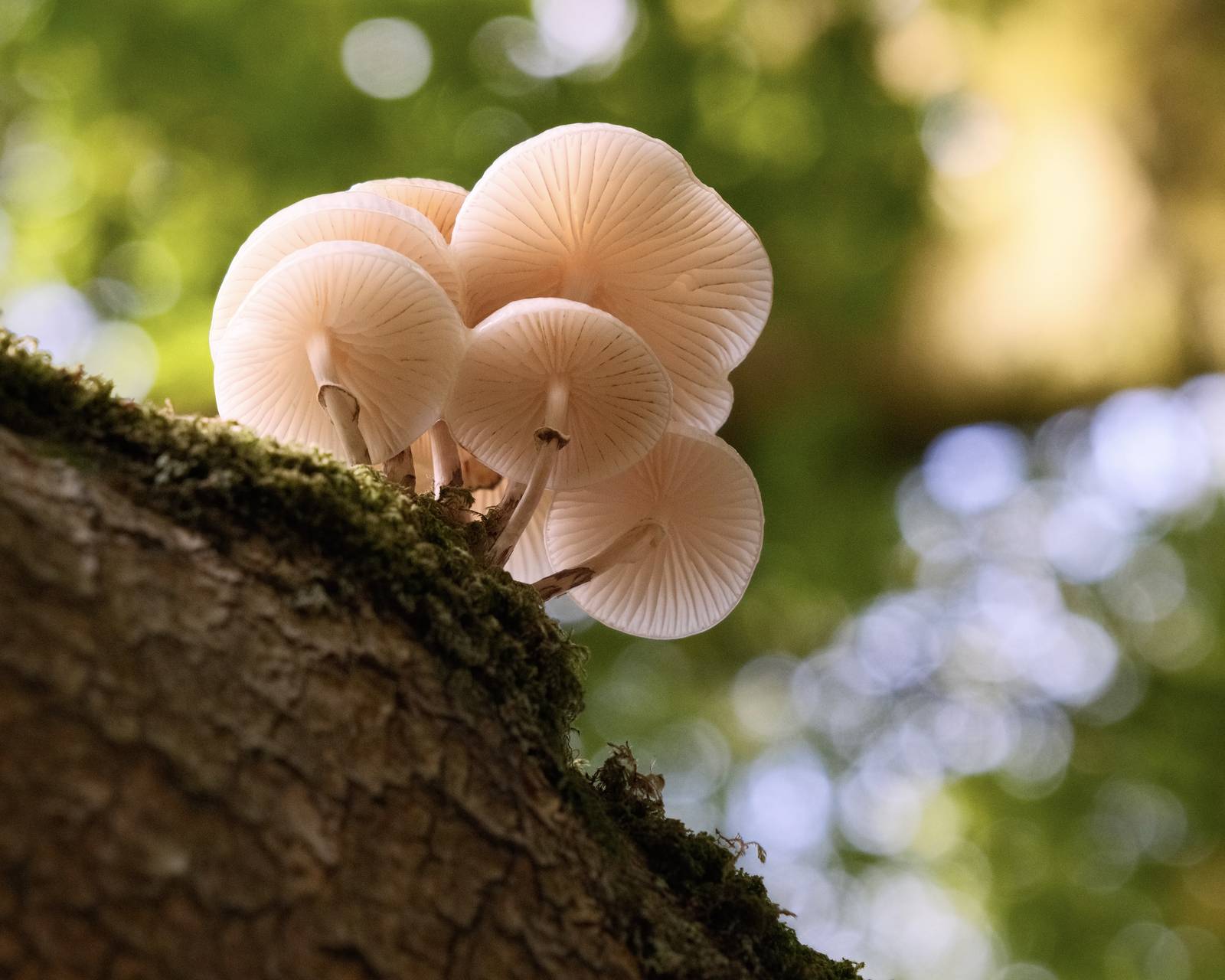
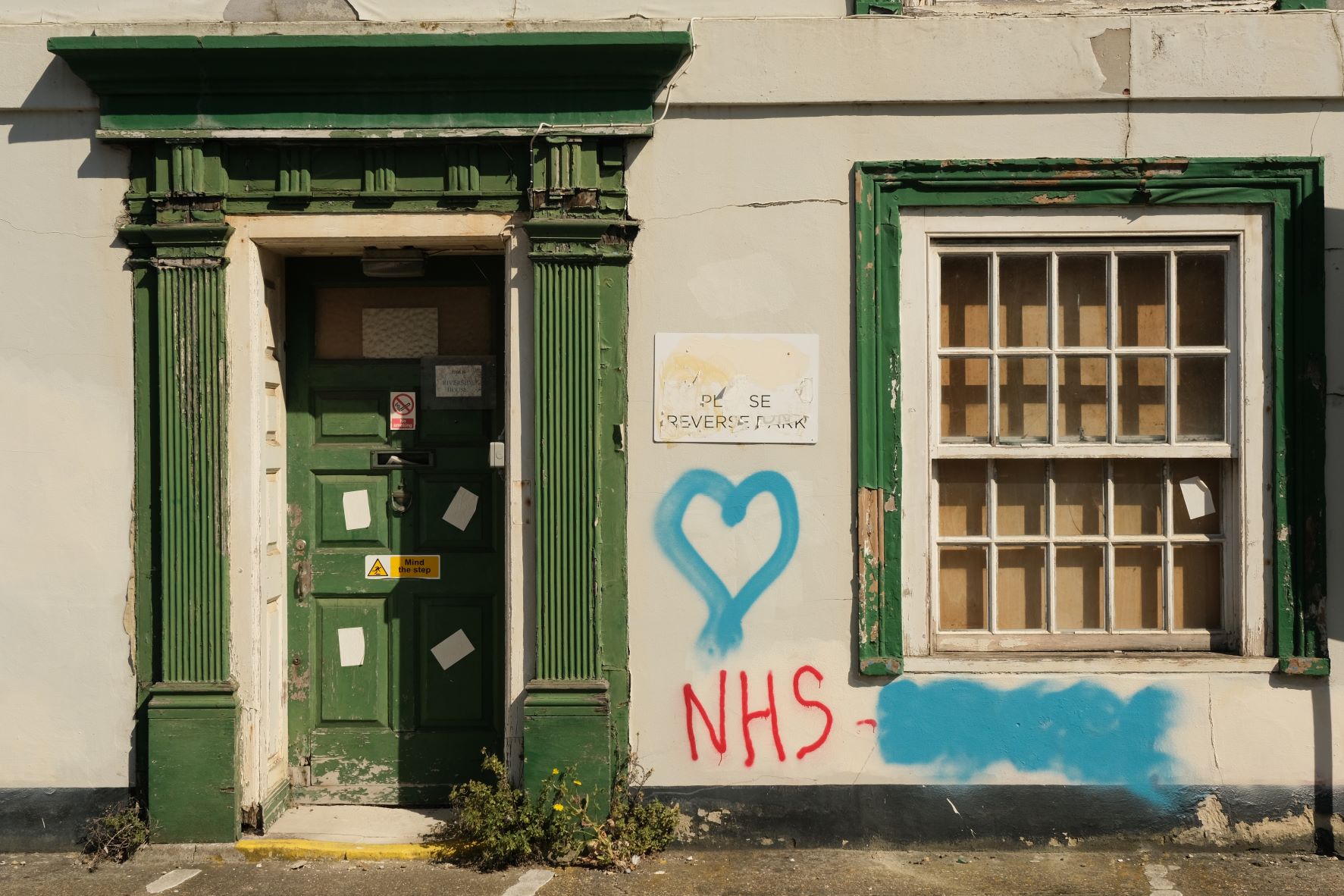
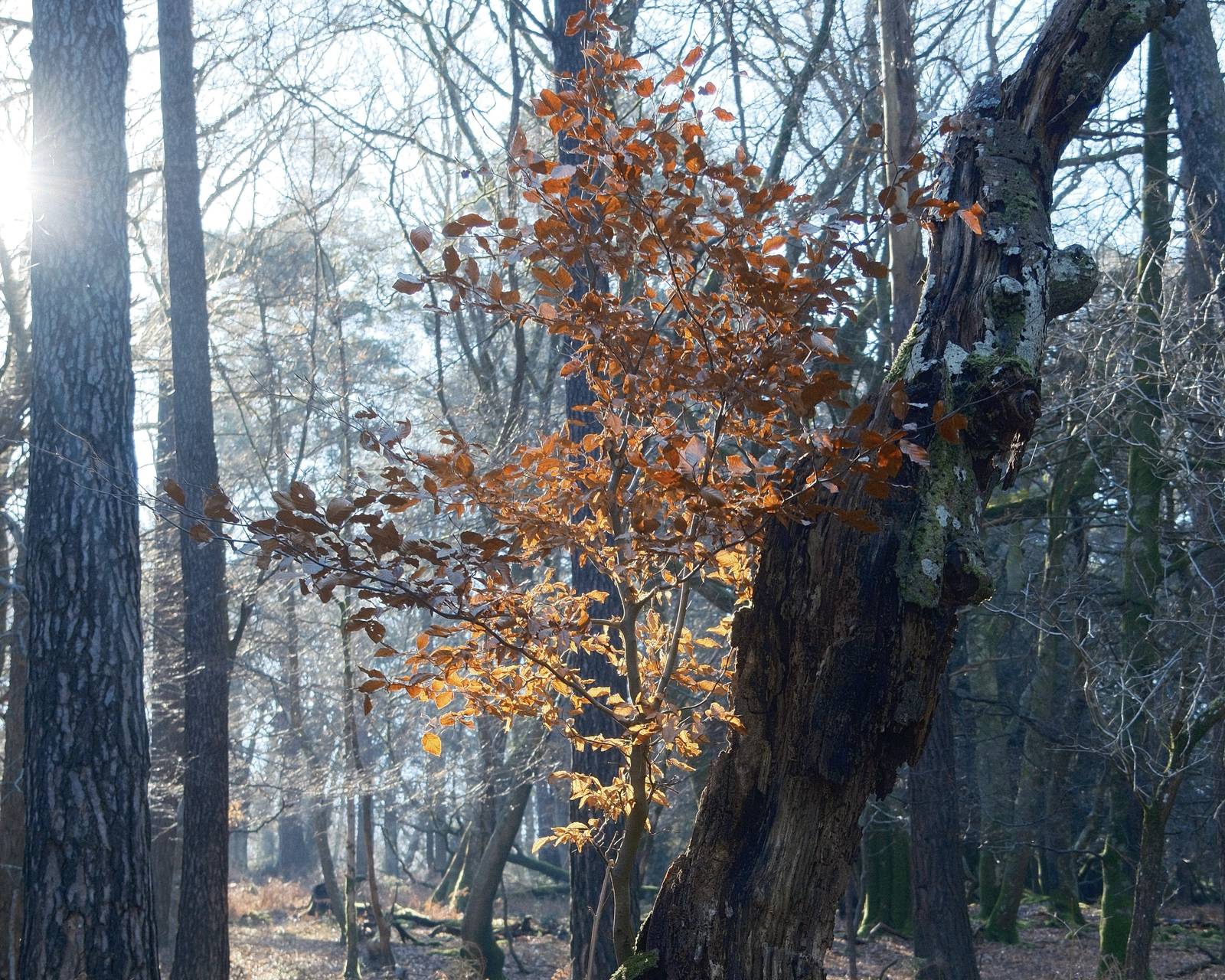
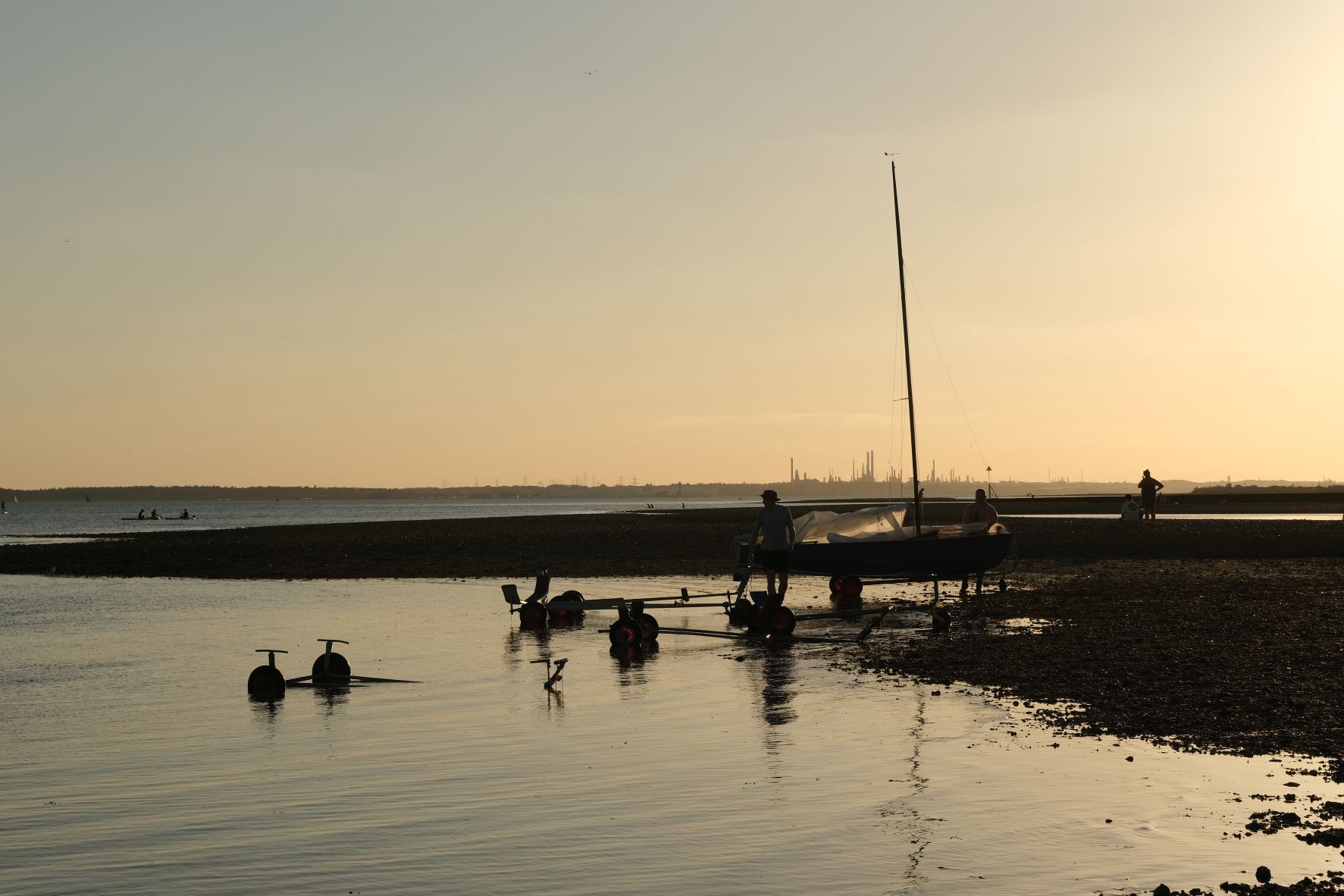
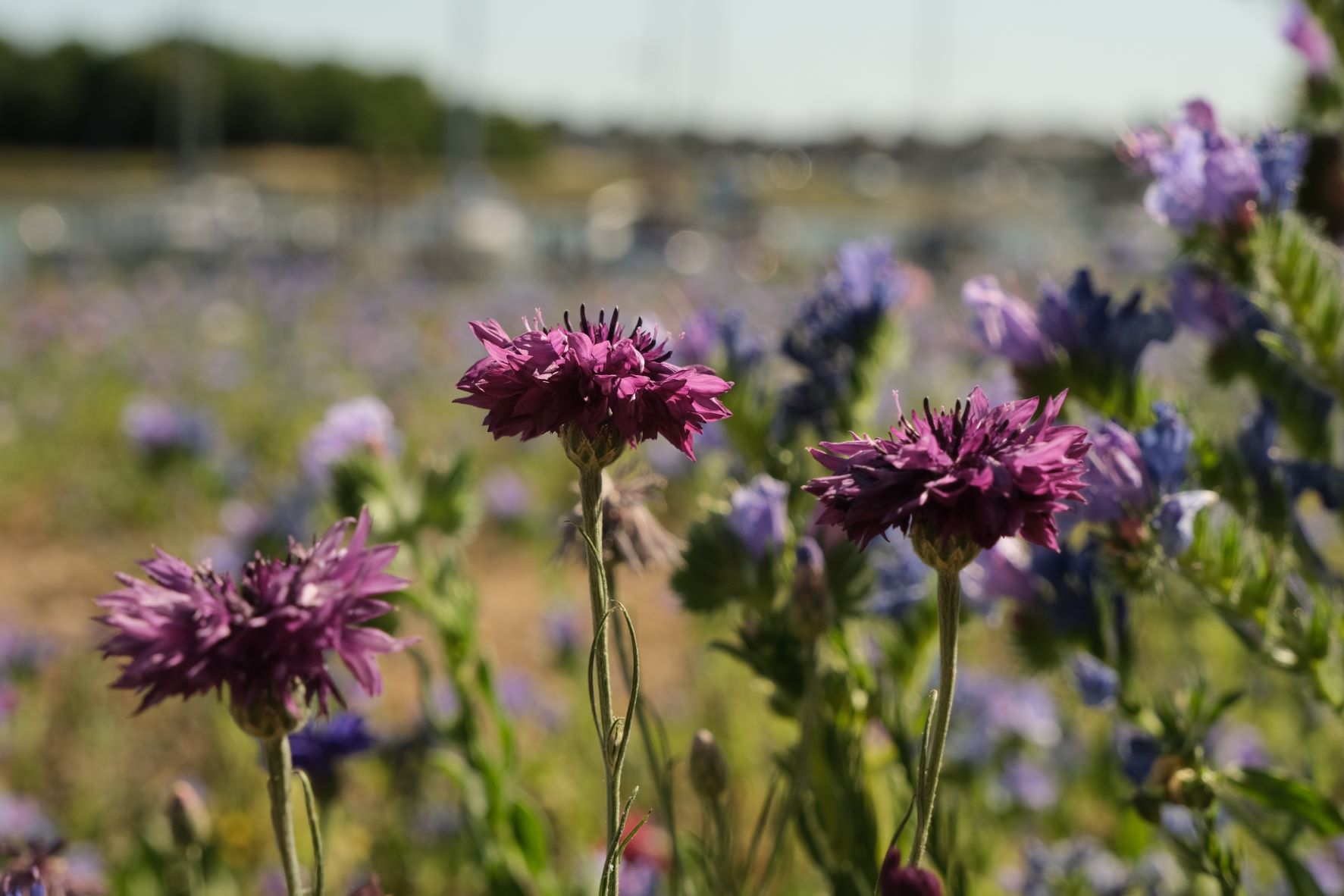
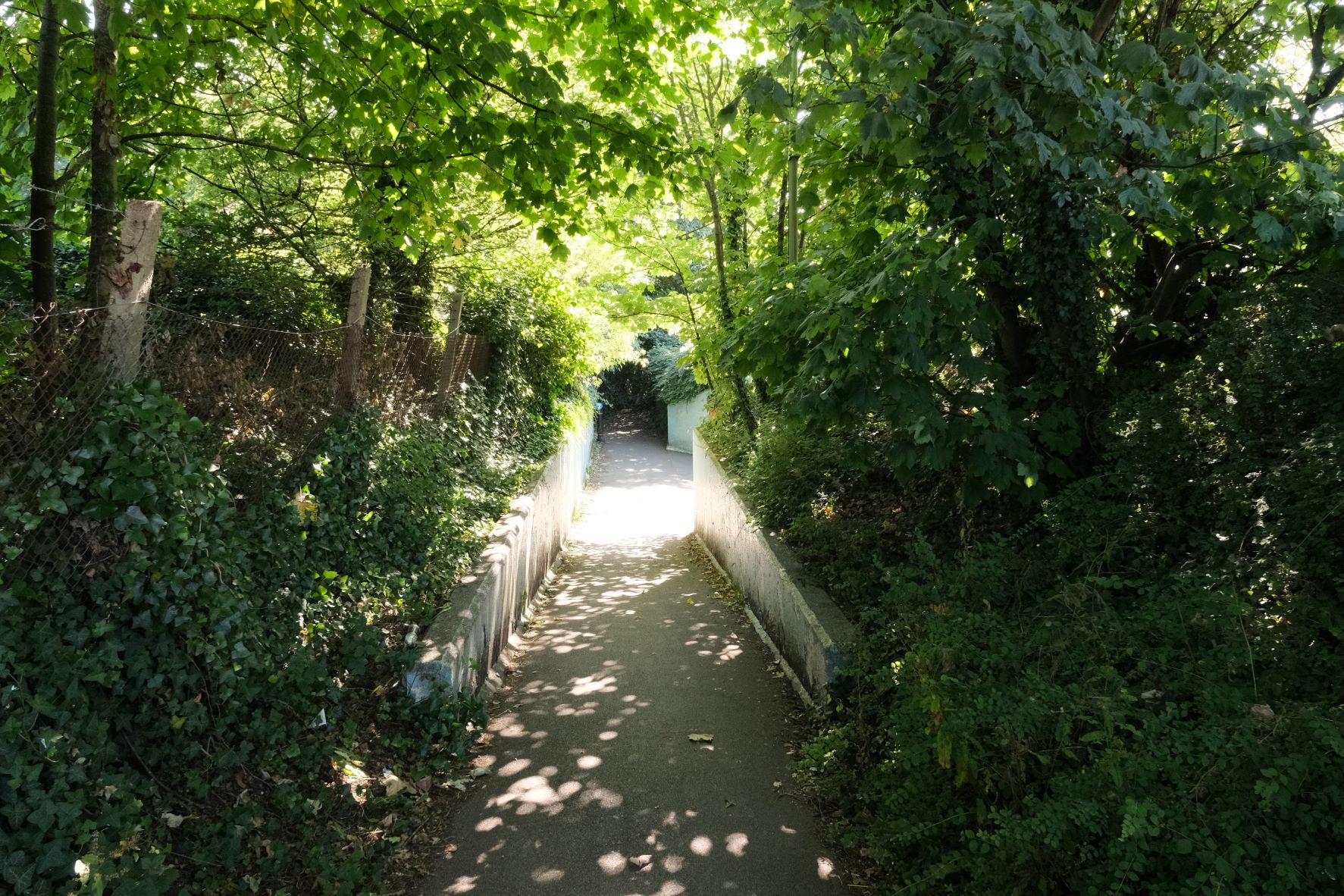
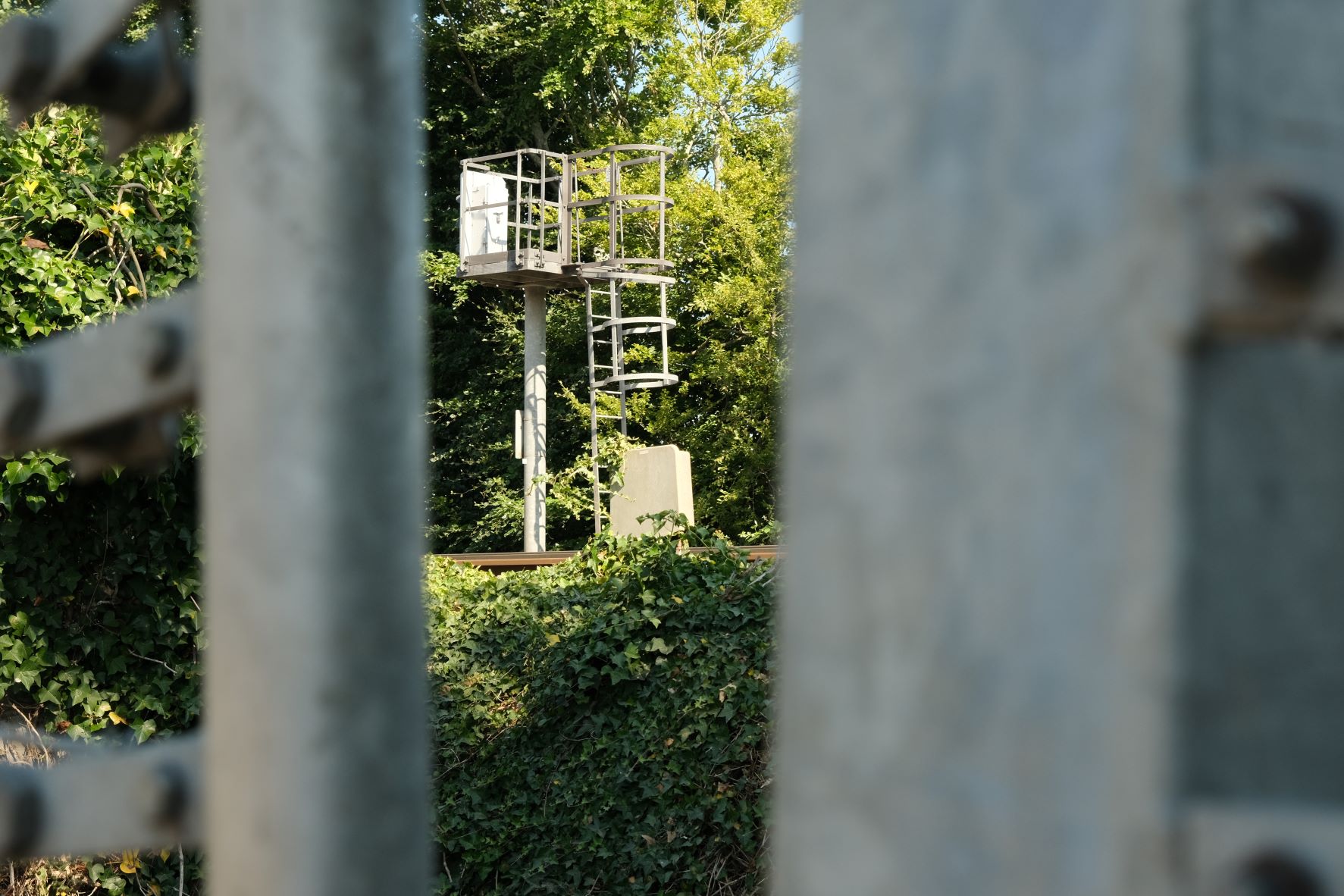
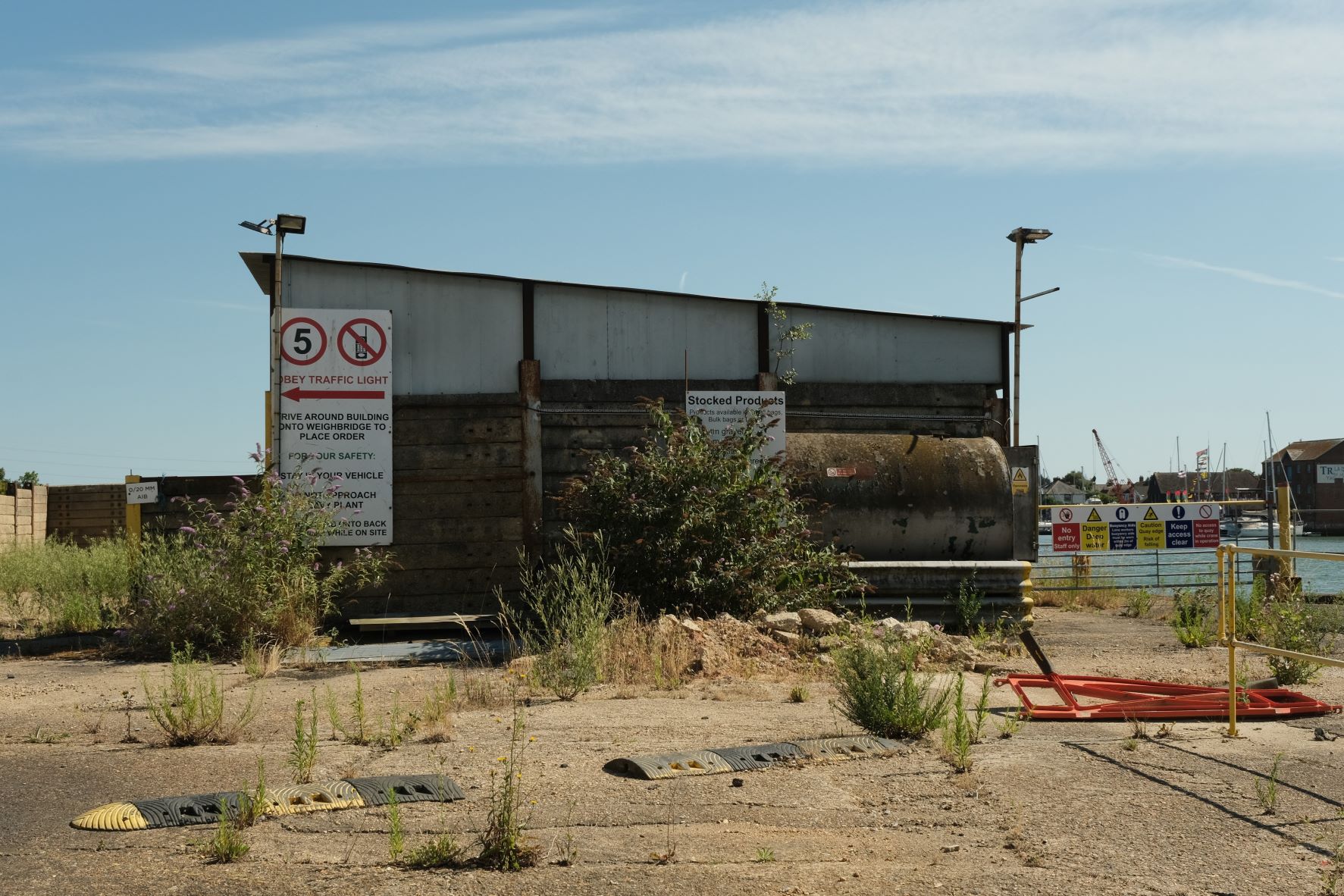
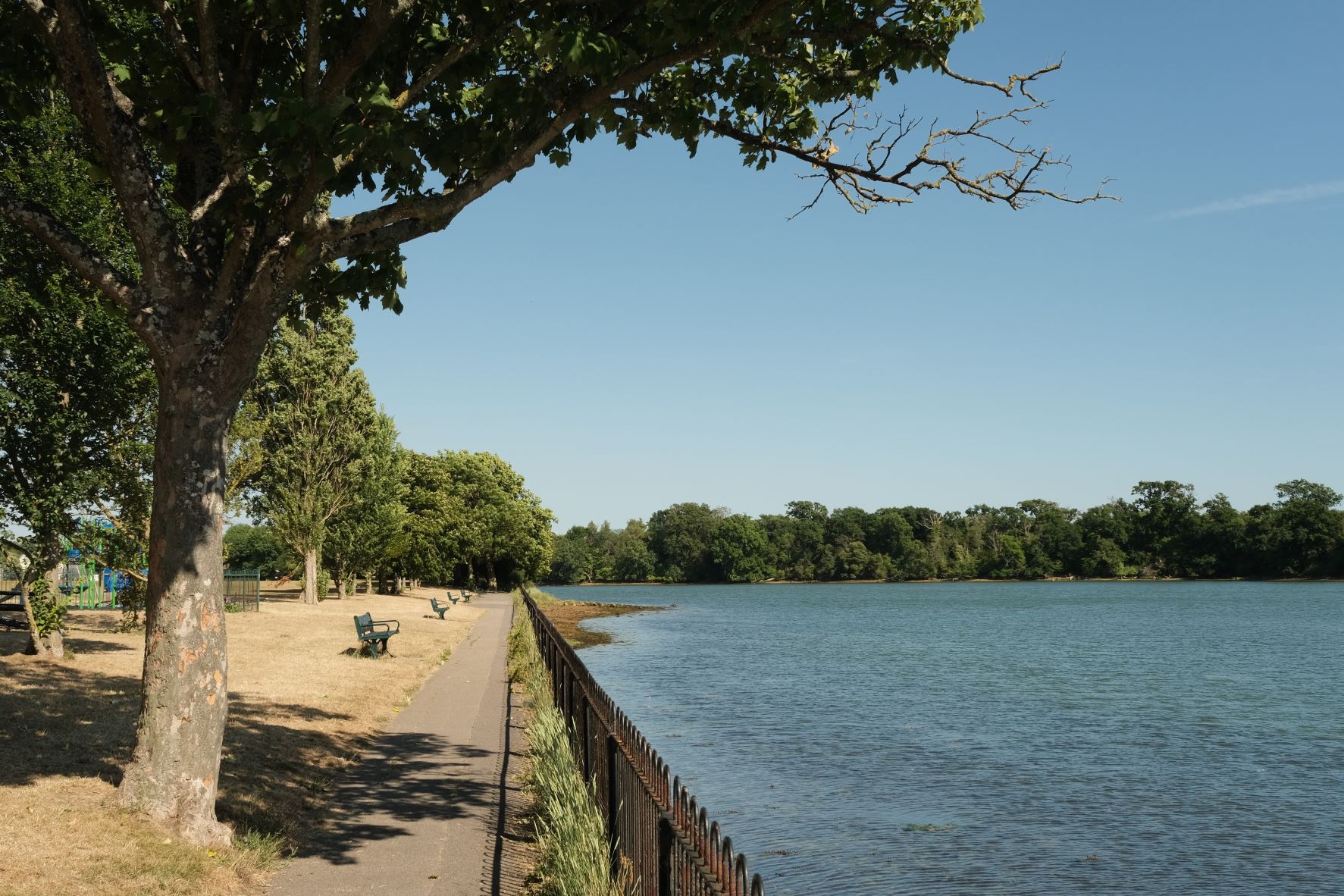
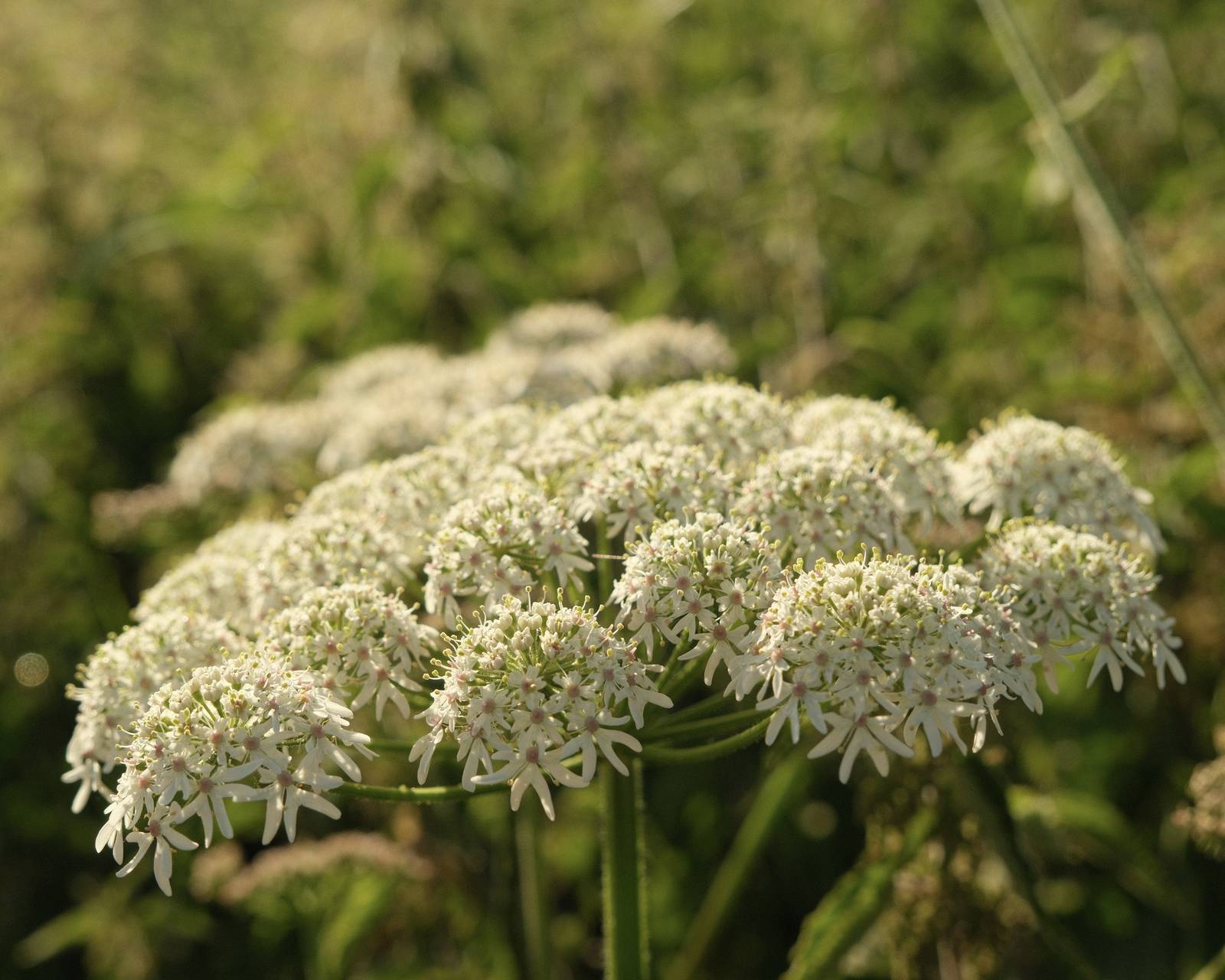
    Here’s a film recipe that spans the divide between the film styles of Fujifilm and Kodak. It blends the all round versatility of Fujicolor Provia with it’s magical colours, and the softness and film like feel of Kodak Portra. It’s a mash-up of sorts.

    I’ve already made a pair of perfectly serviceable recipes, Fujicolor Daily and Kodak Portra Daily, which present the two film house styles for everyday use. But recently, I’ve been experimenting with the Provia film simulation, and enjoying the results. It has a less pronounced style than other simulations, but still has something of the famous Fujifilm colours about it.

    So, I was excited to see how a blend of the two styles might work out. I’ve applied the characteristic warm colour balance shift of Portra (although in a gentle way), the softness of DR400 and lifted shadows, plus a stop of over exposure, which you can push to 2 stops if you prefer.

    So here we have it, Portrovia, an in betweener hybrid of the Fujicolor and Kodak styles, with a look that is versatile and flexible for all round shooting.

    Portrovia Film Recipe Settings

    Film SimulationProvia/Standard
    Grain EffectWeak, Small
    Col. Chr. EffectWeak
    Col. Chr. BlueWeak
    White BalanceAuto, +2 Red, ‑4 Blue
    Dynamic RangeDR400
    Highlights‑1
    Shadows‑1
    Colour‑2
    Sharpness‑1
    ISO N.R.‑4
    Clarity‑3
    EV Comp.+1/3

    Similar Recipes

    More similar recipes, and hundreds more exclusive looks, are available in the Film Recipes App.

    Film Recipes

    Get the Film Recipes App

    Filter by film simulation, mood, shooting condition and more

    Download on the App Store
    Get it on Google Play

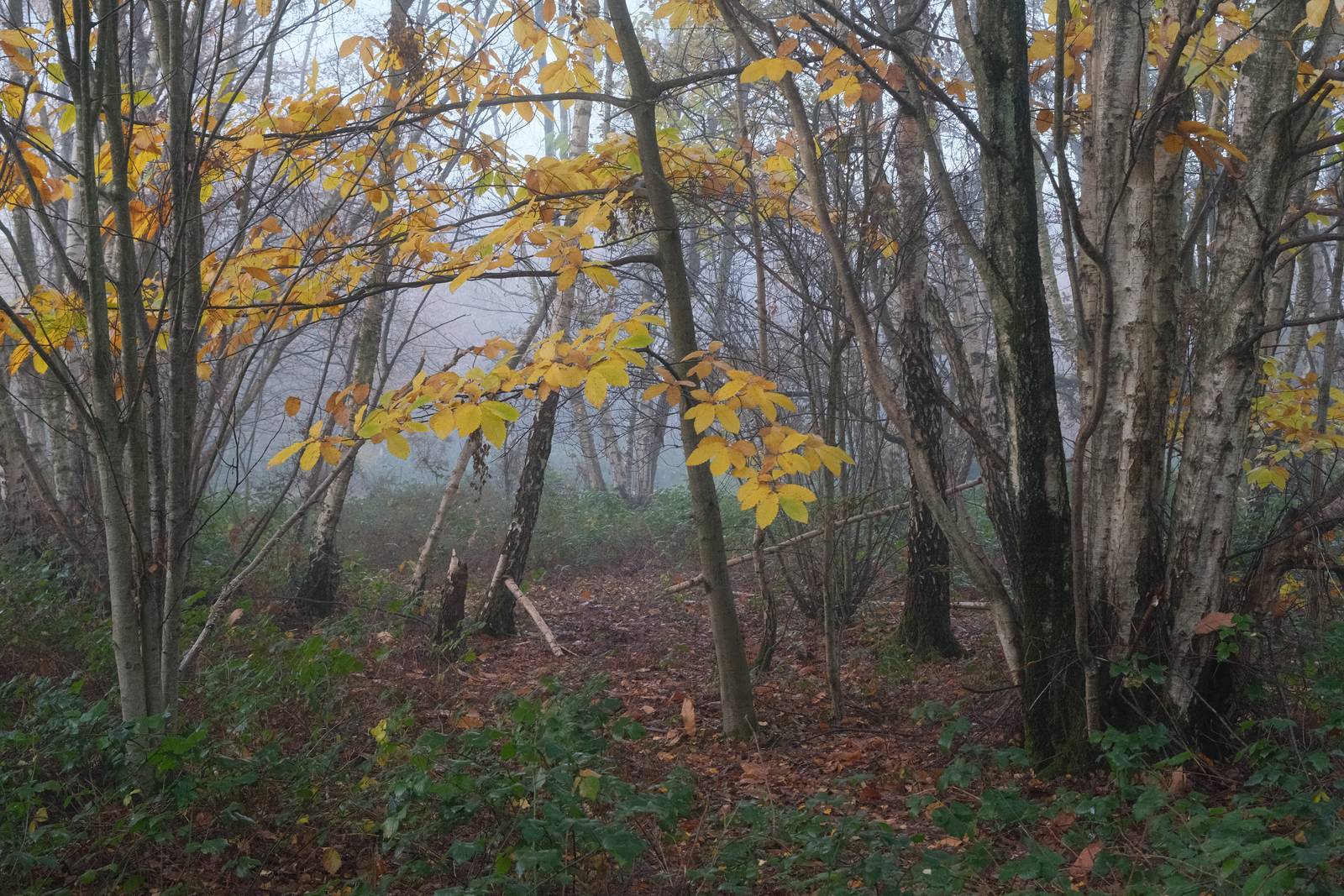
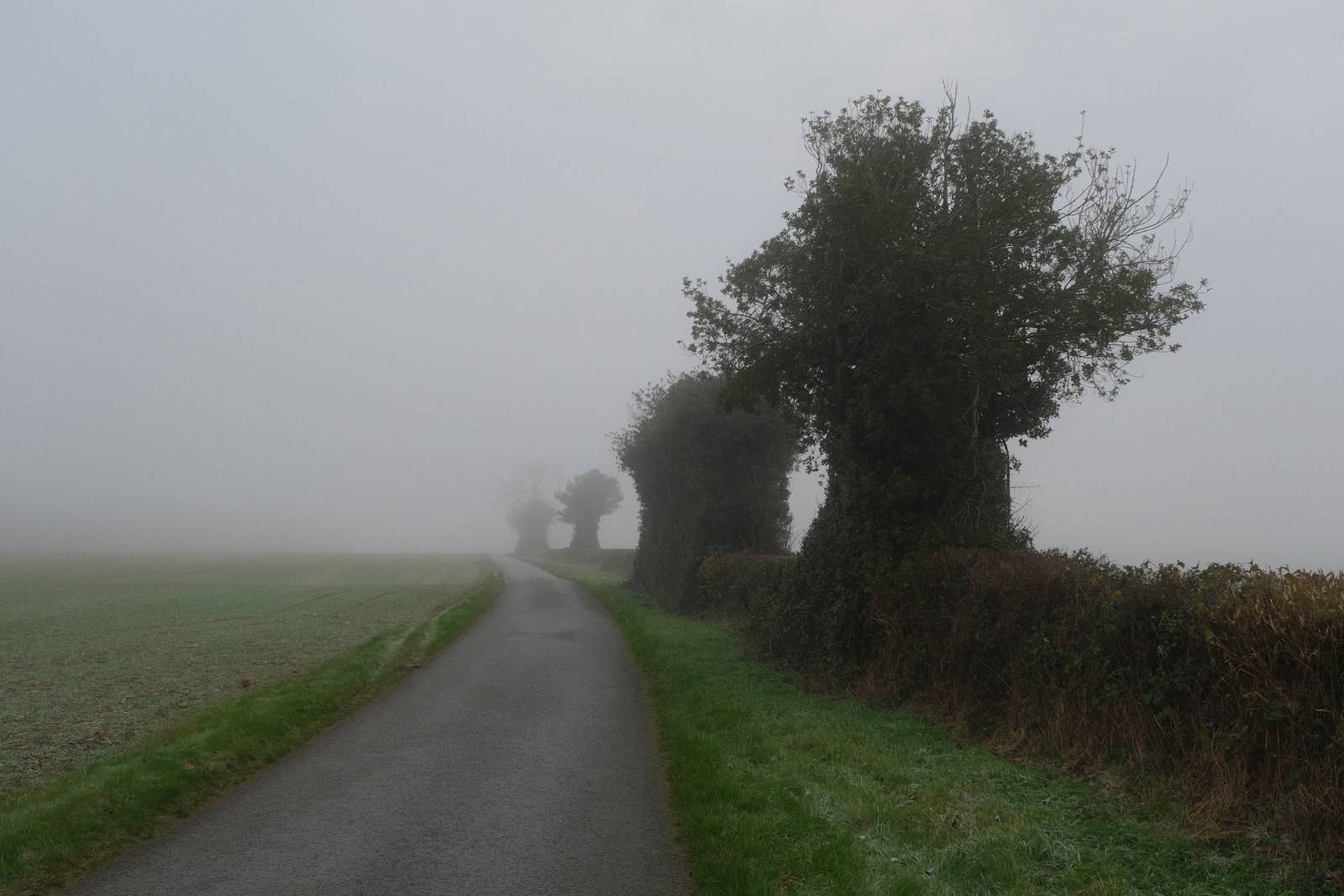
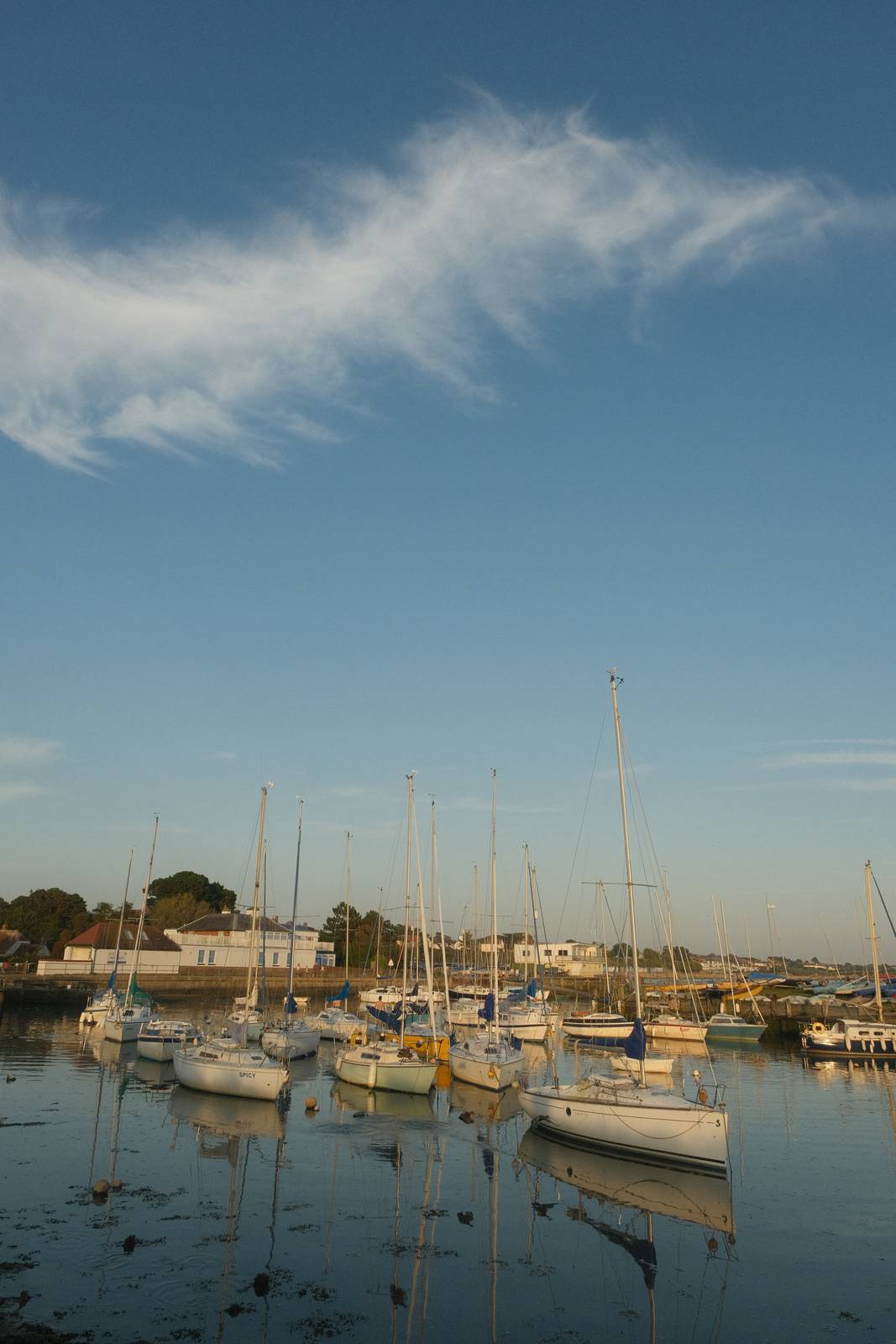
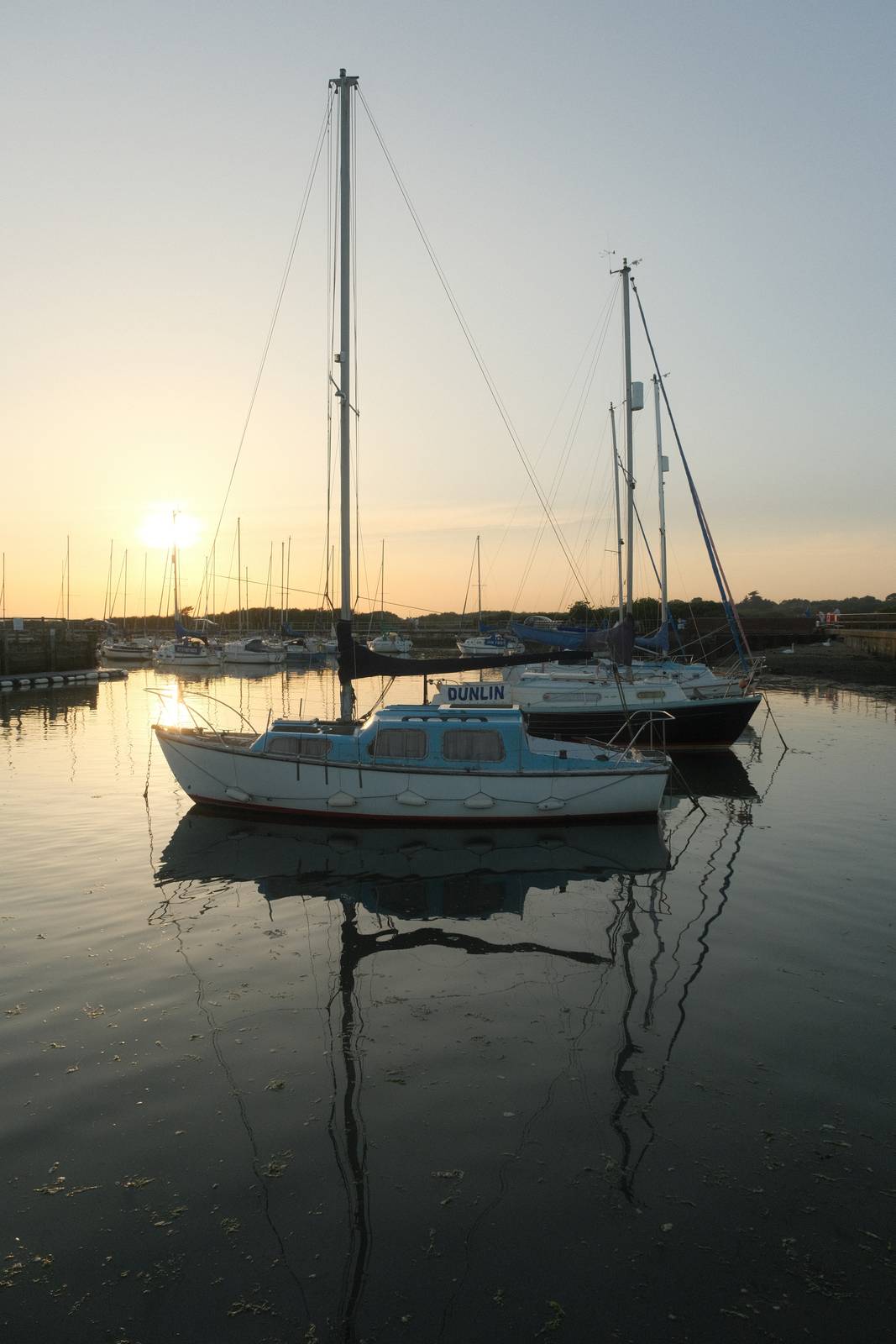
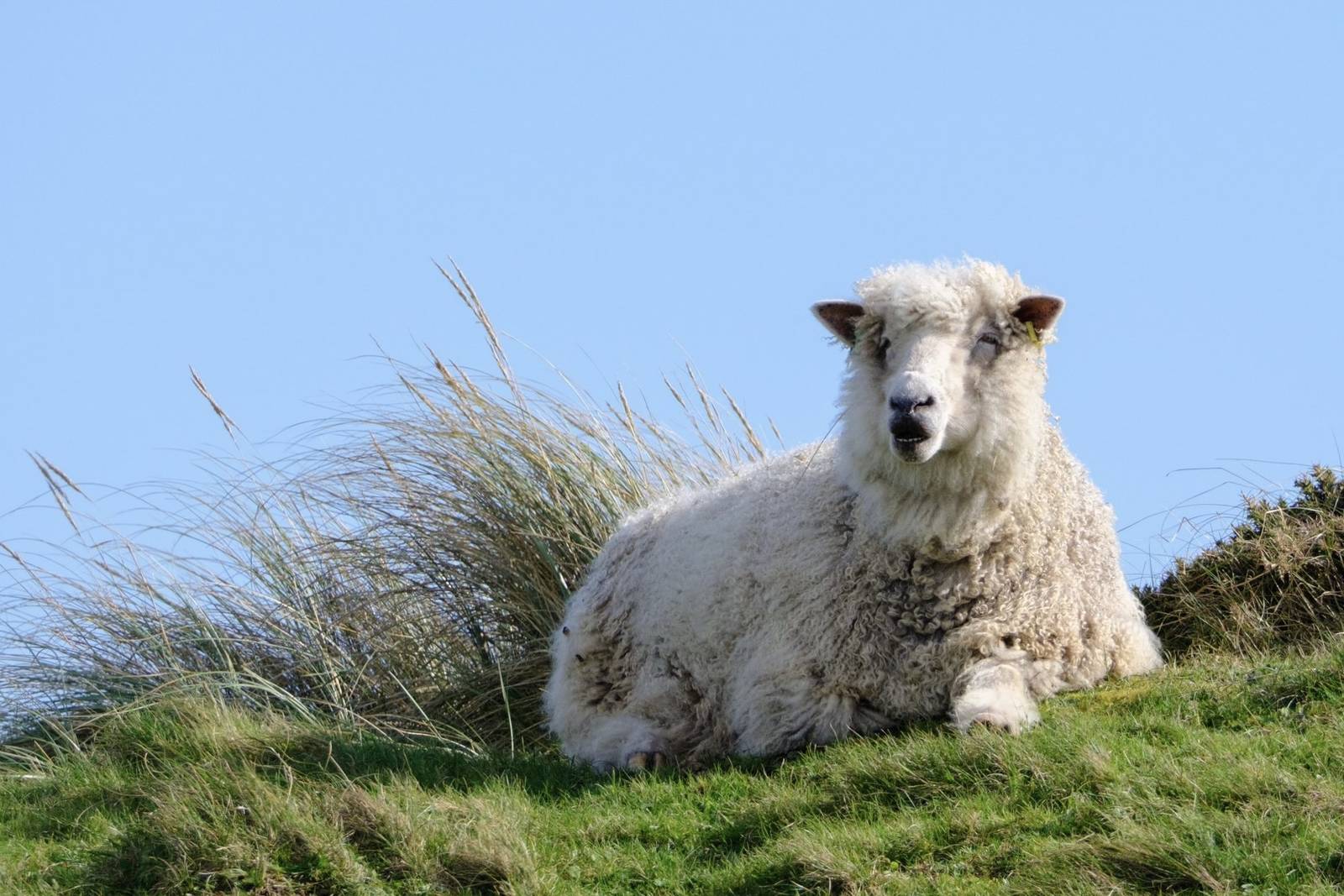
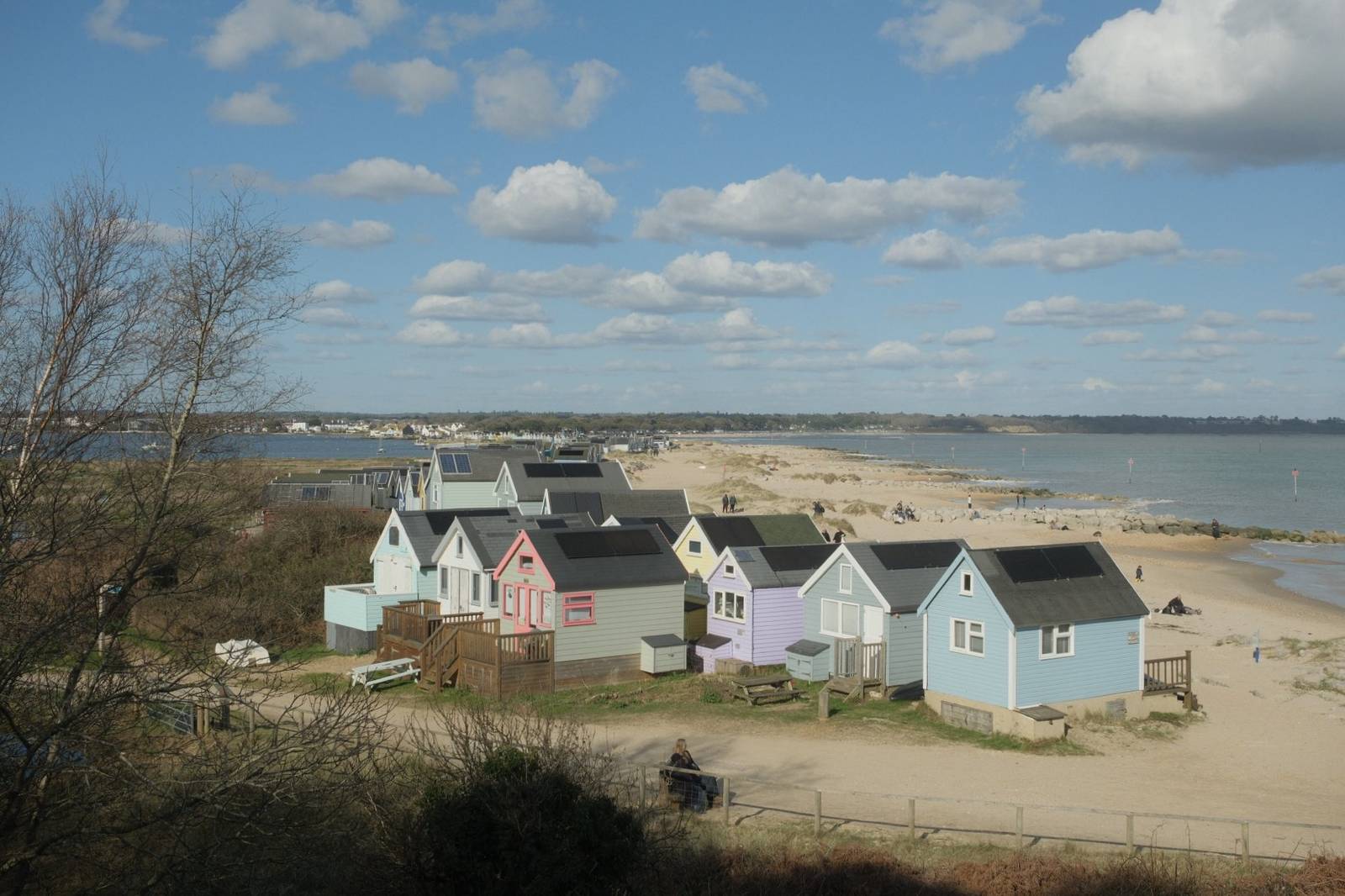
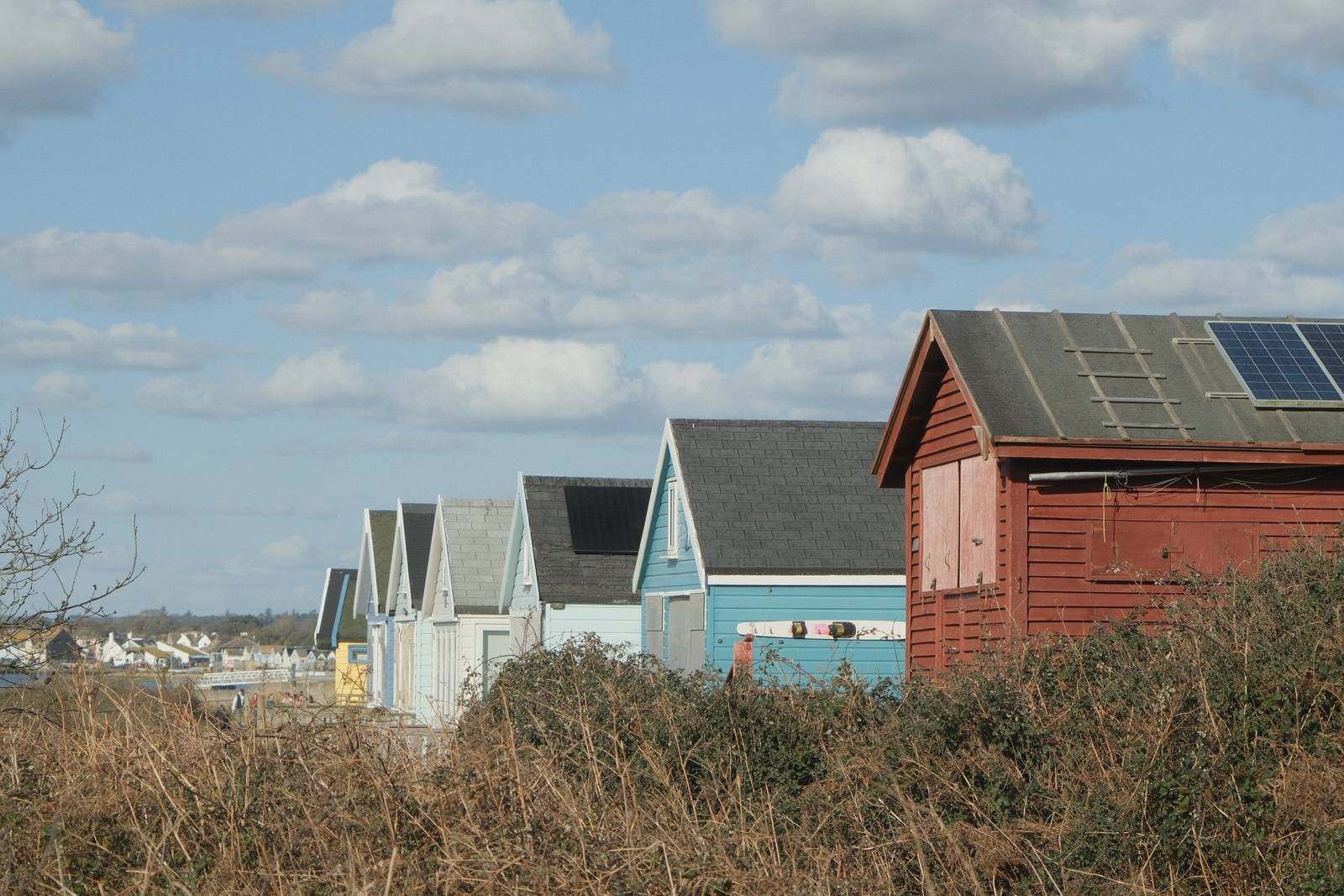
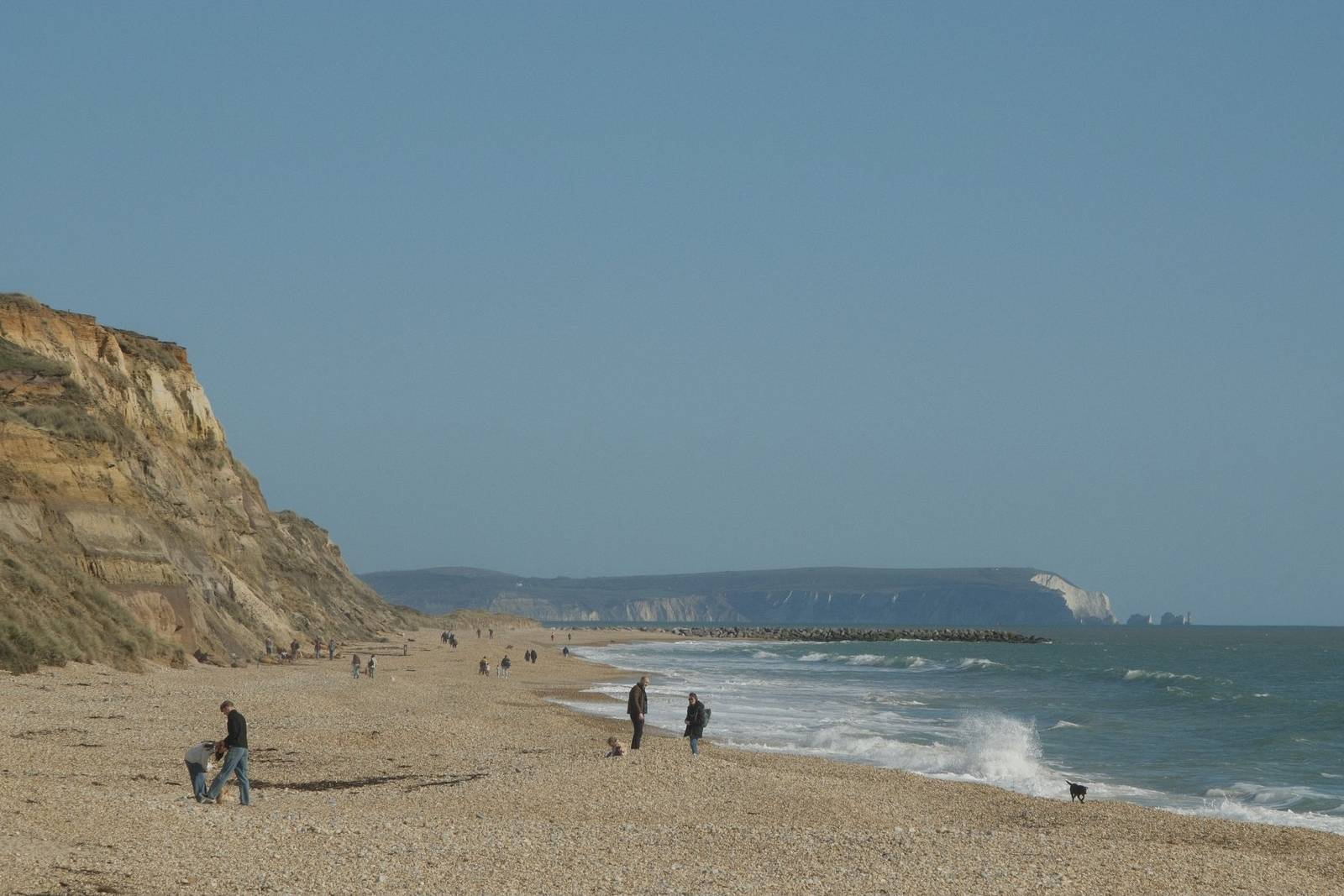
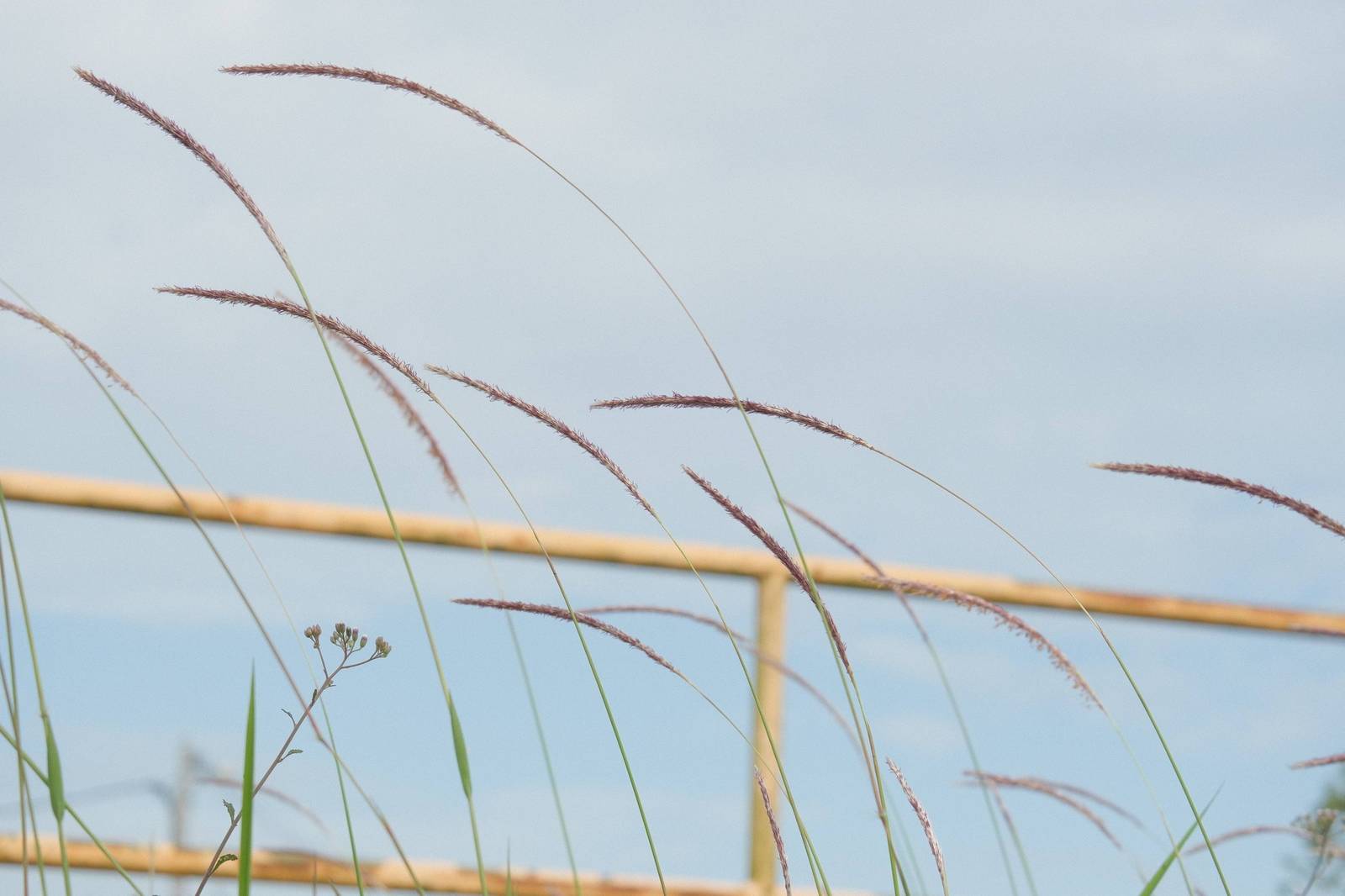
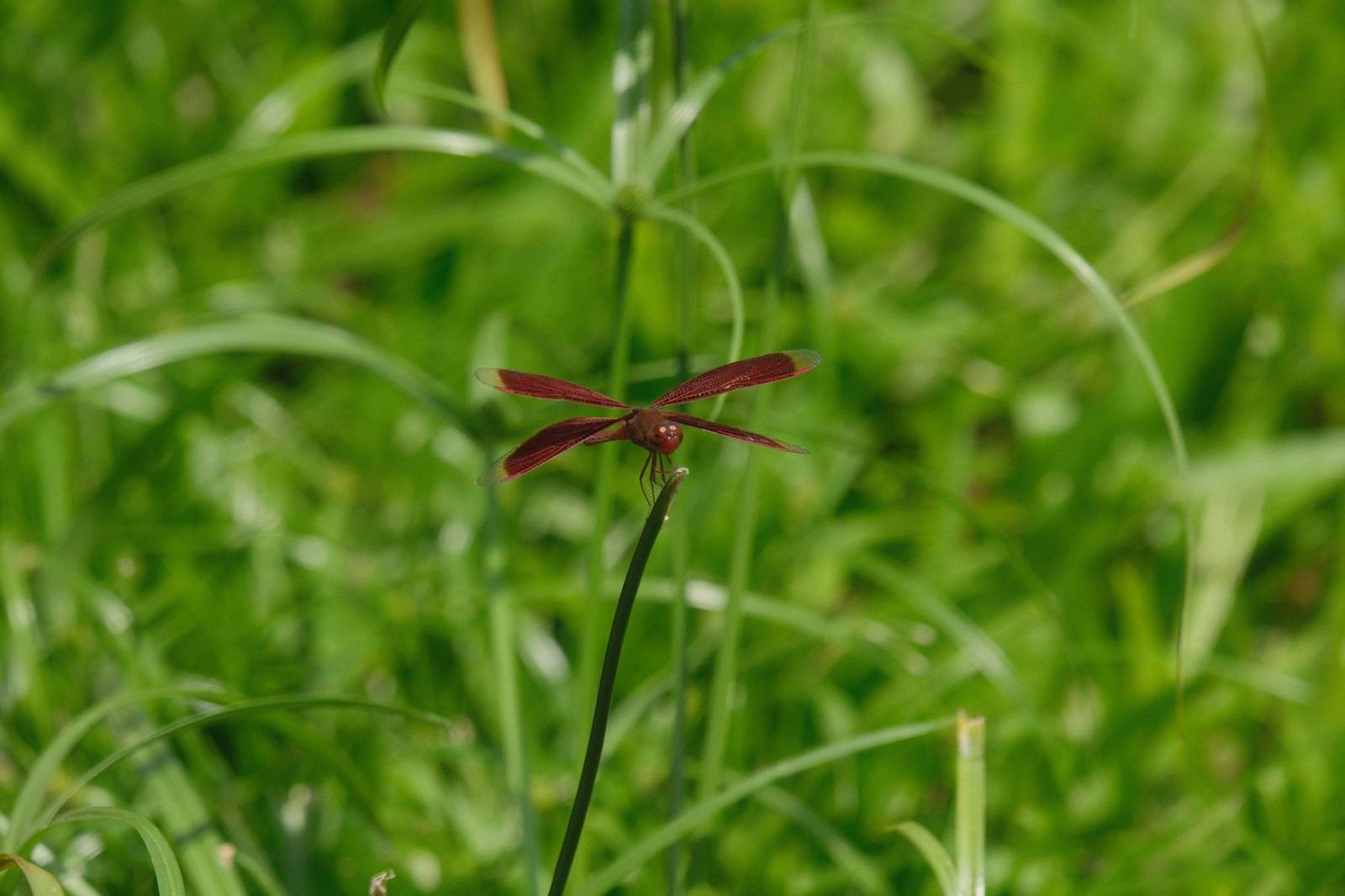
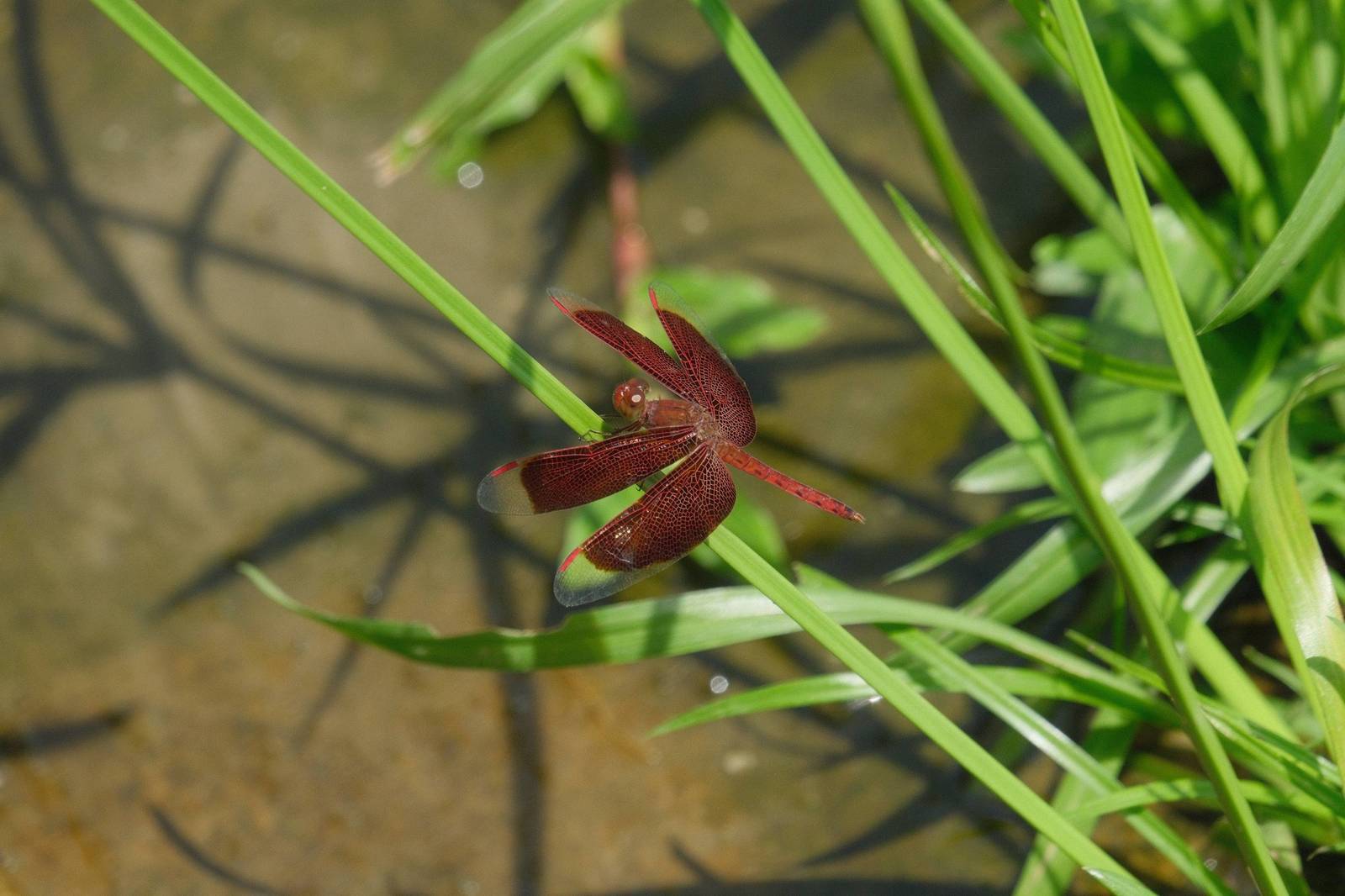
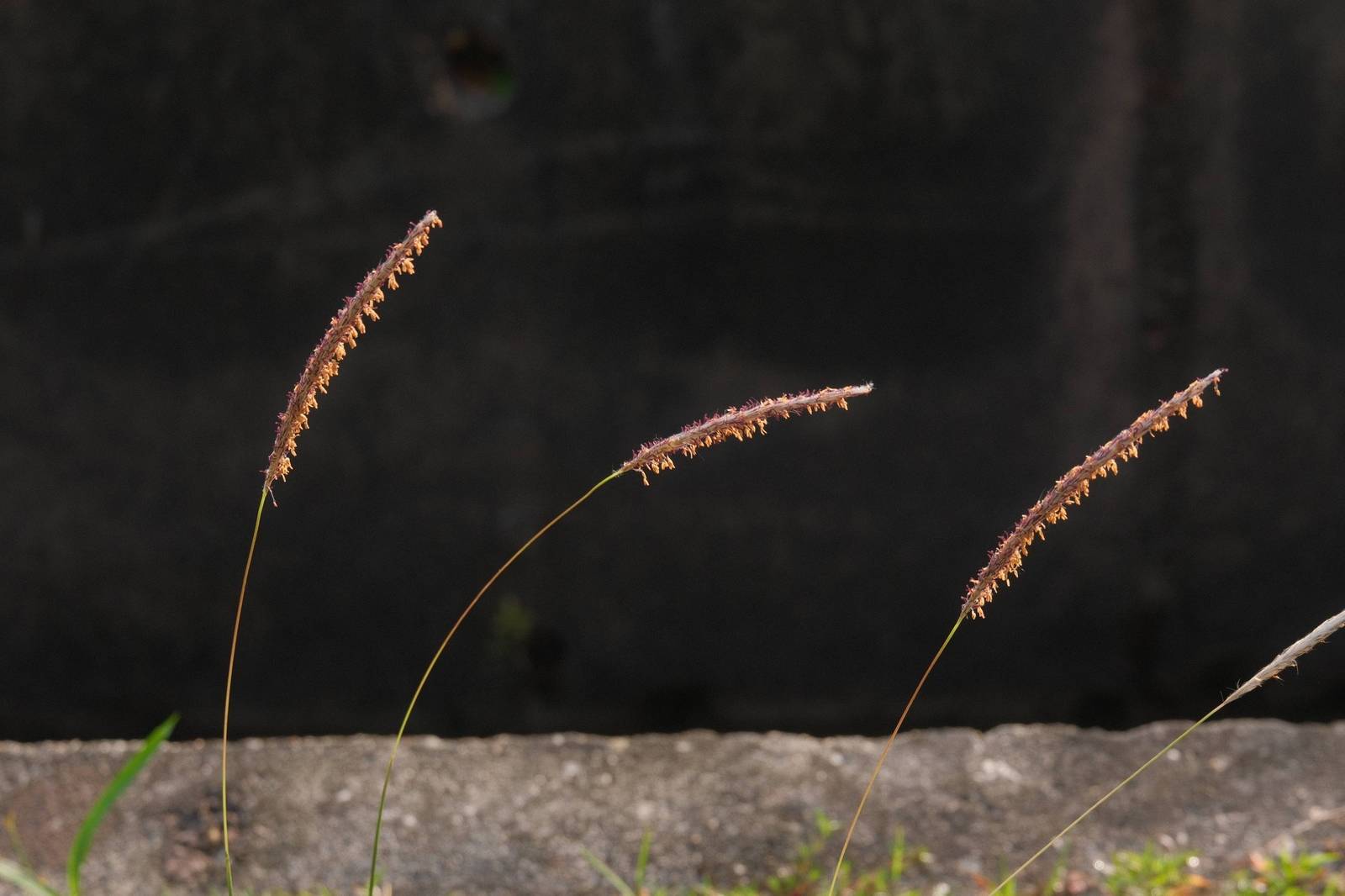
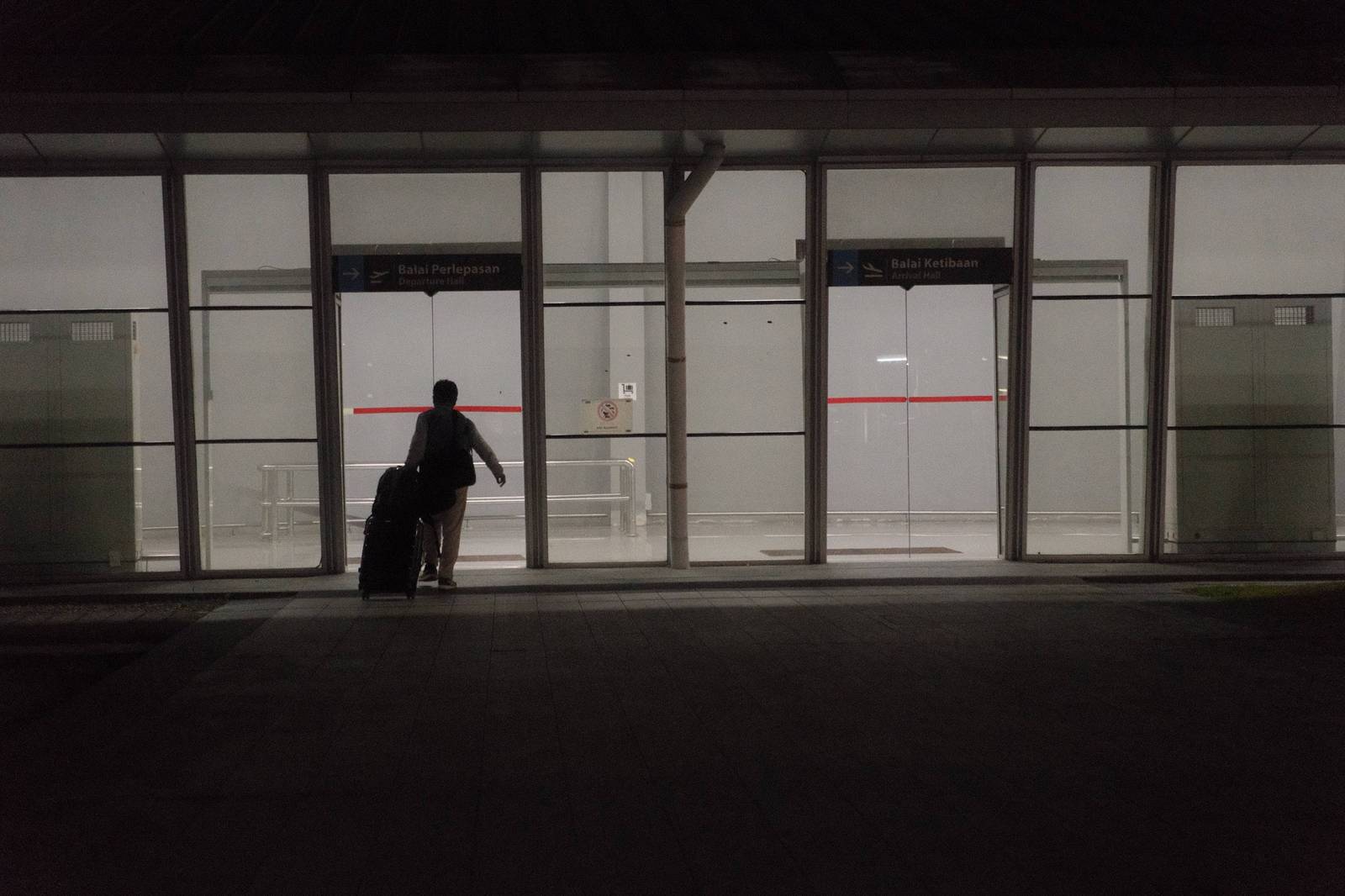
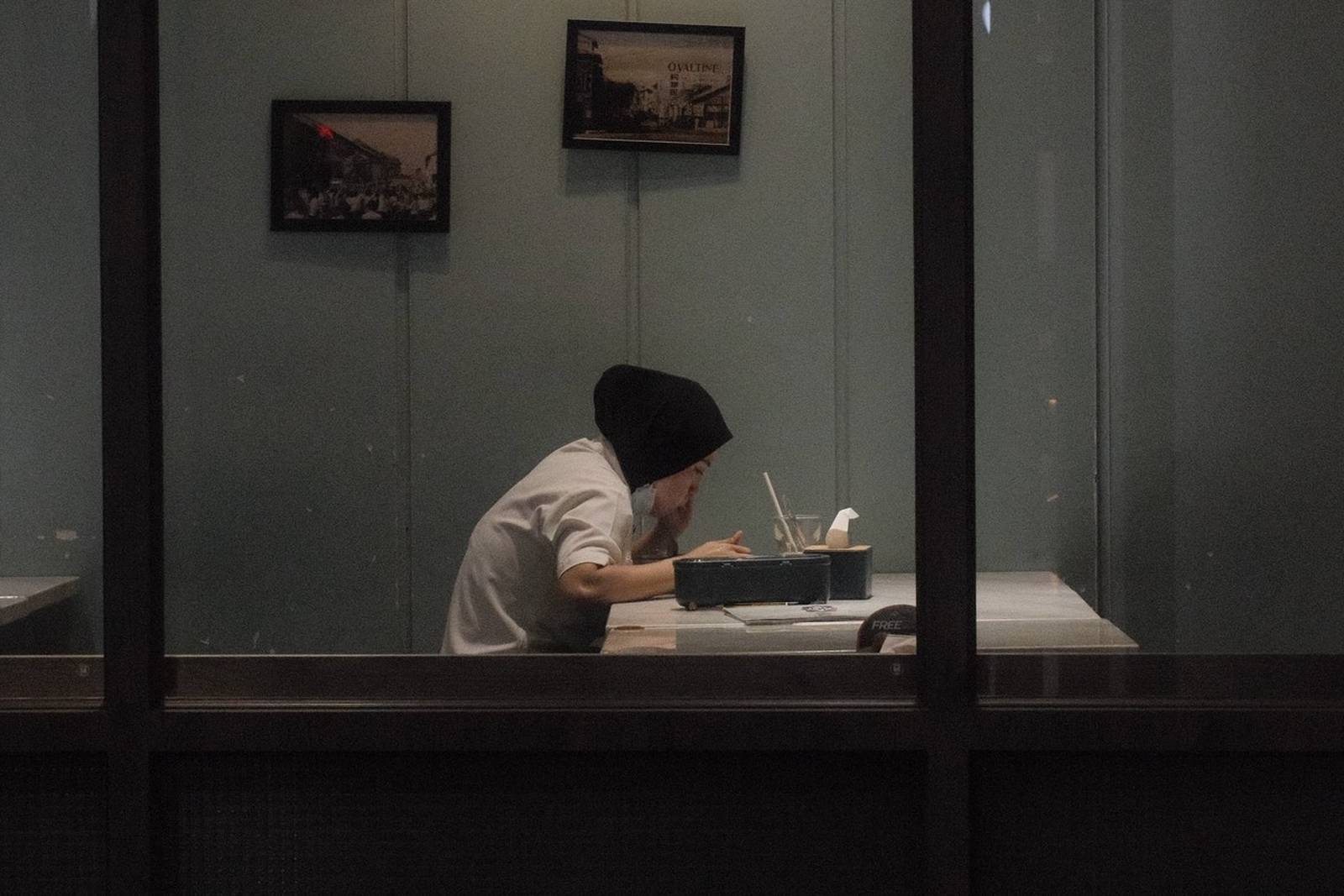
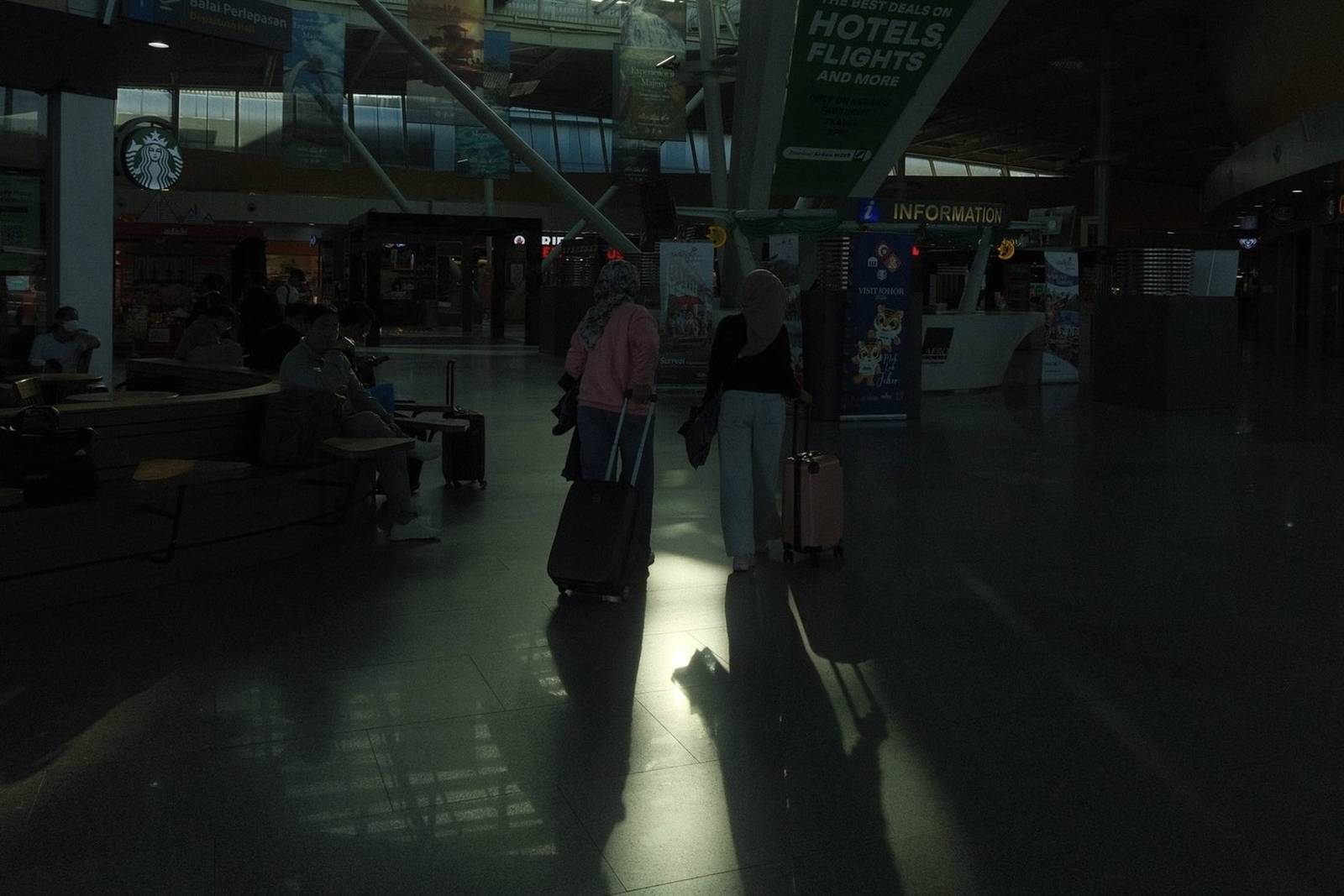
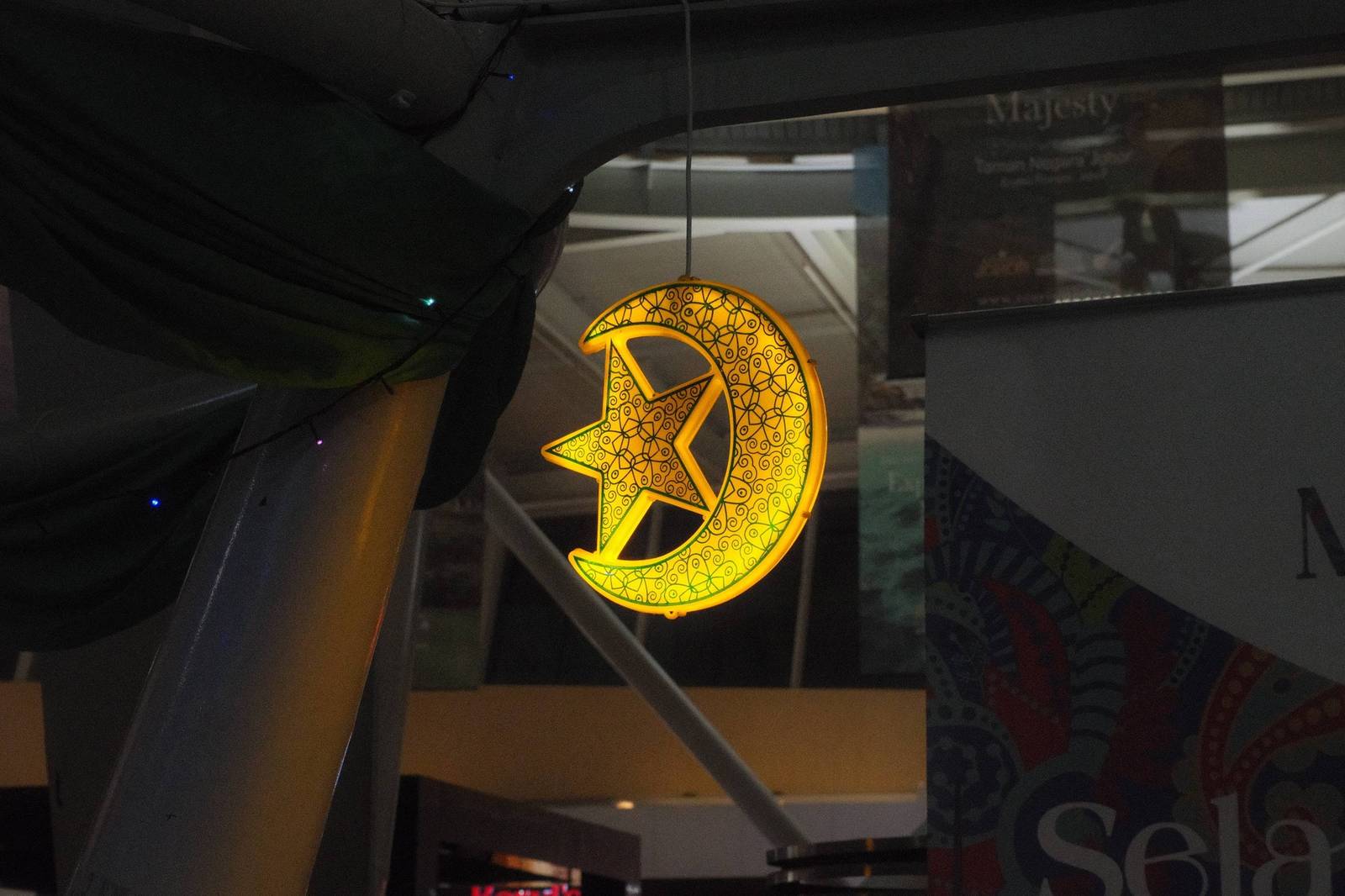
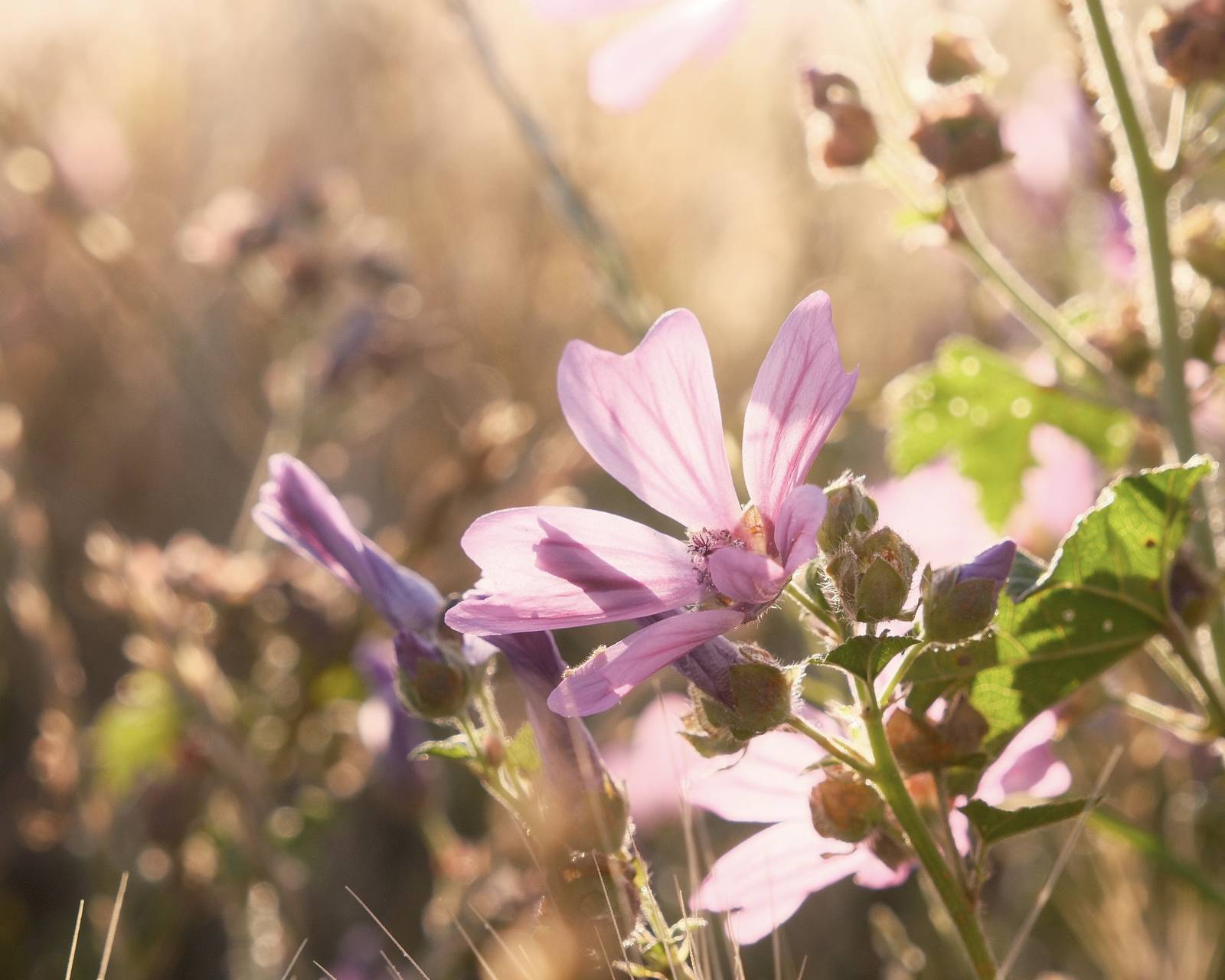
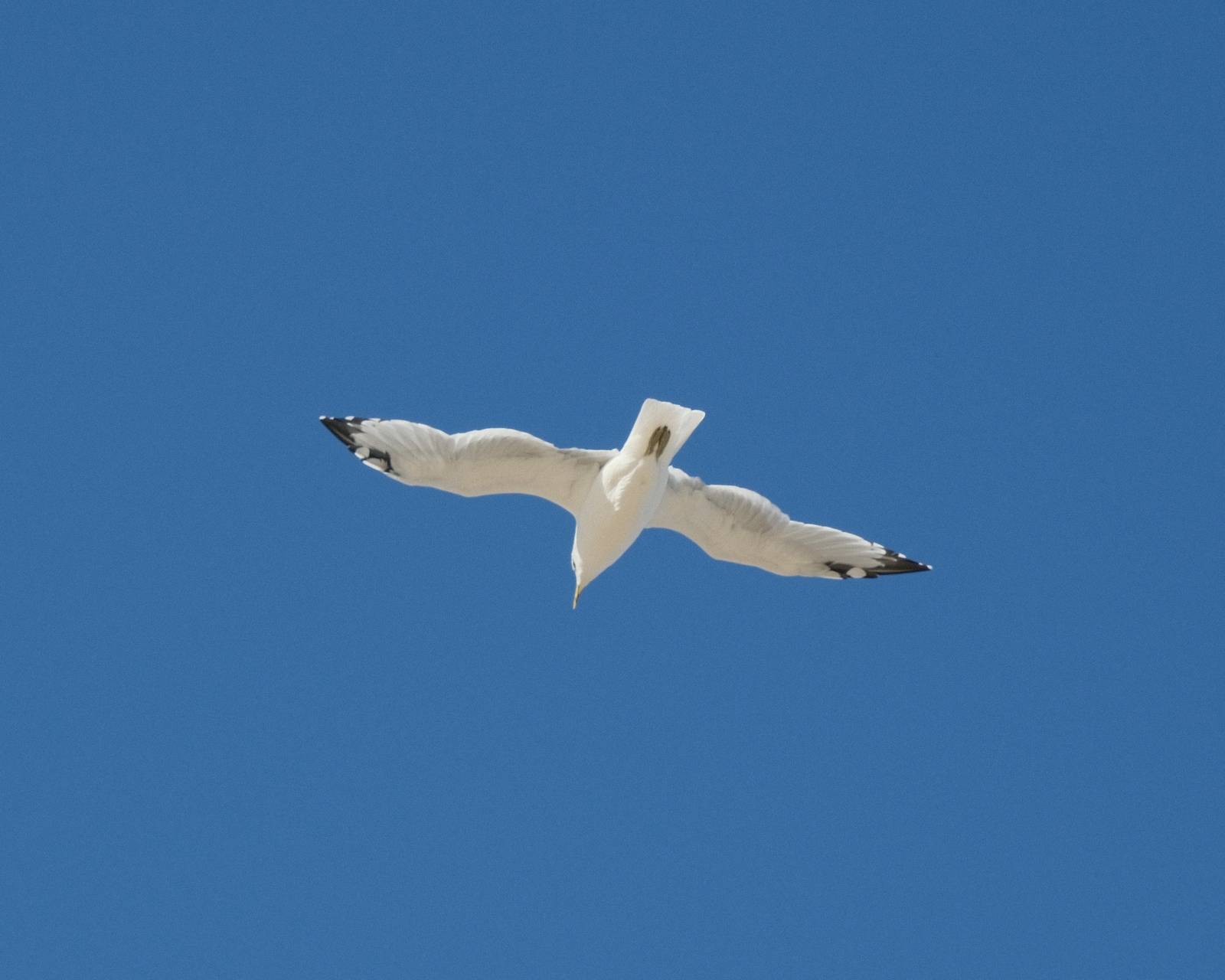
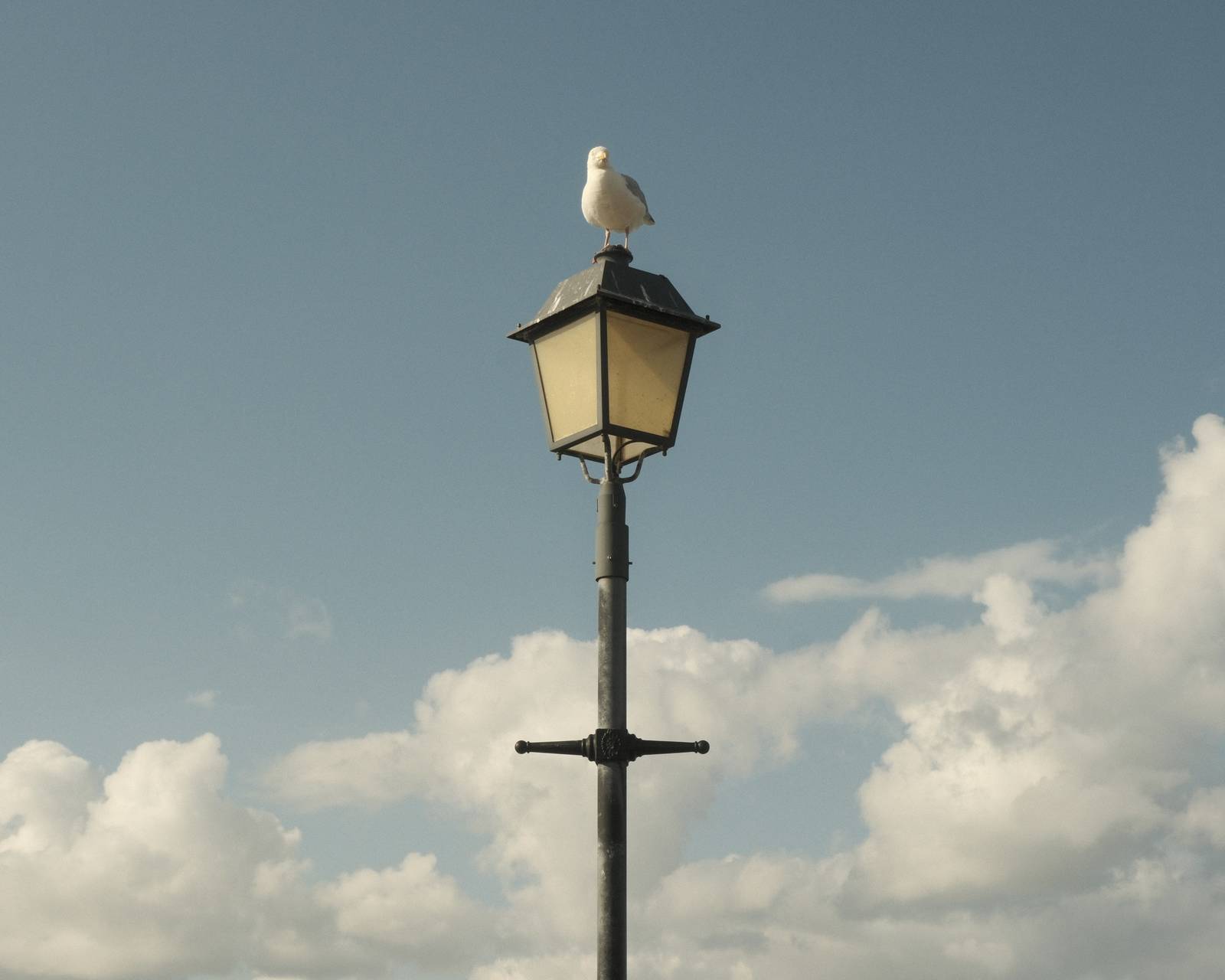
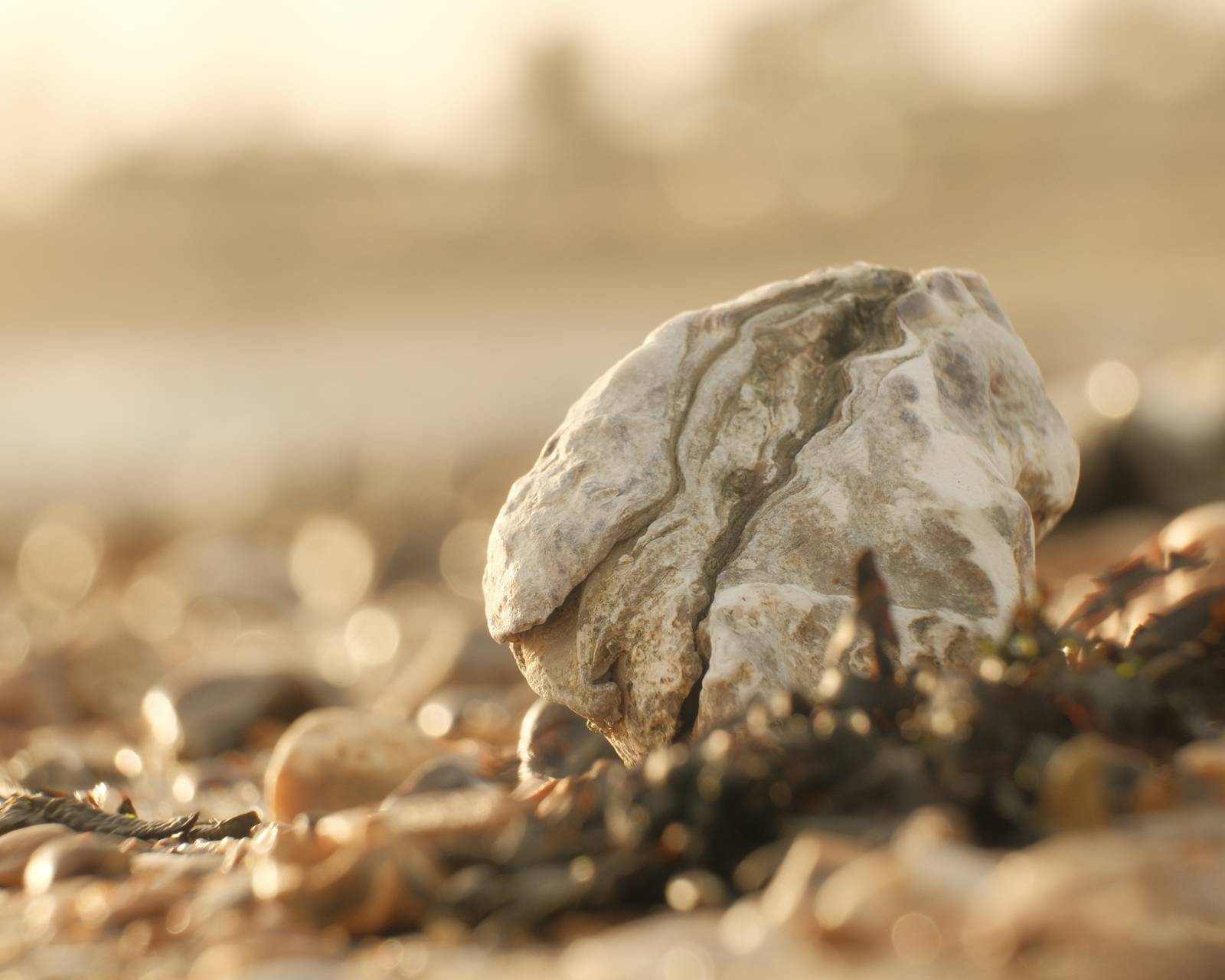
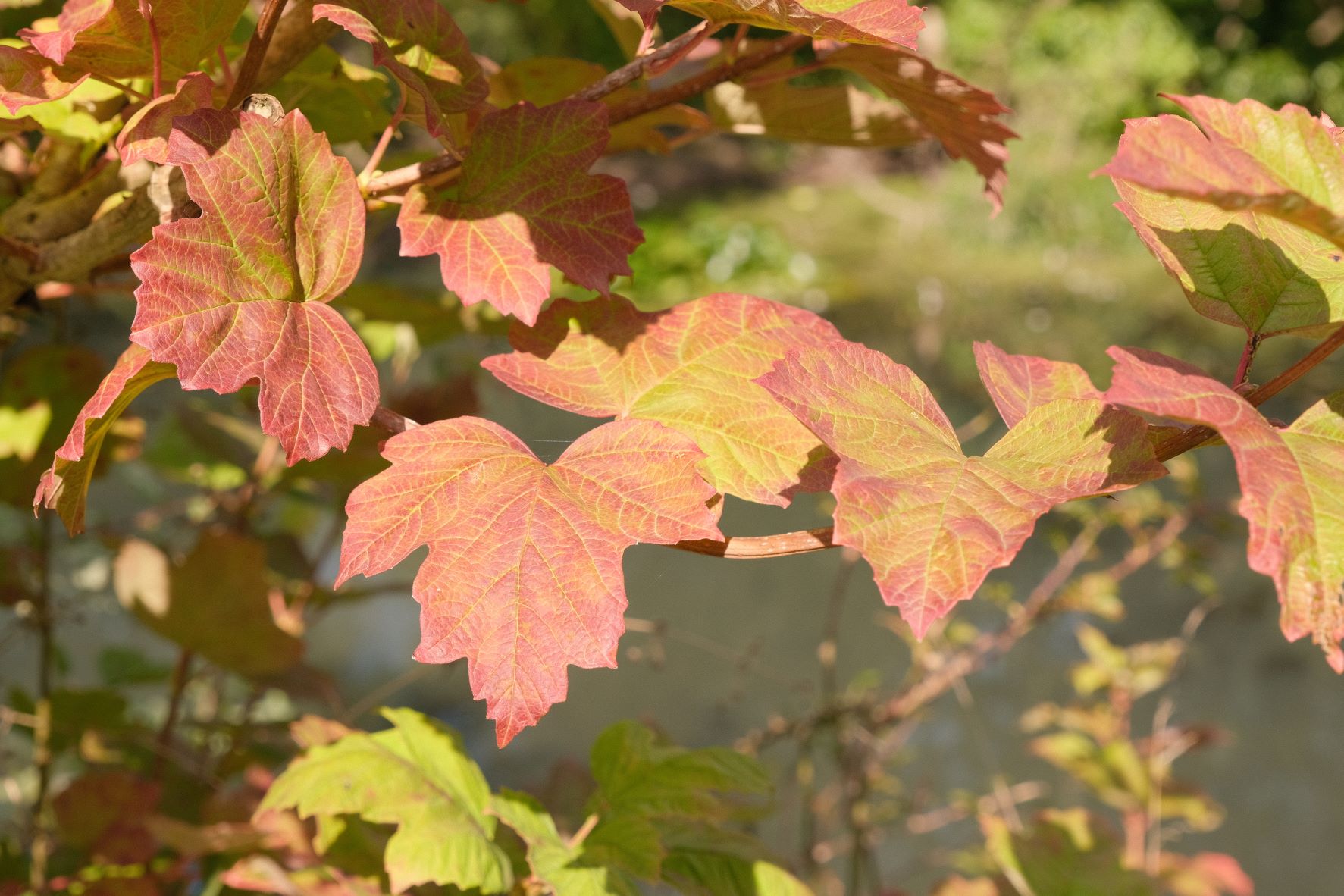
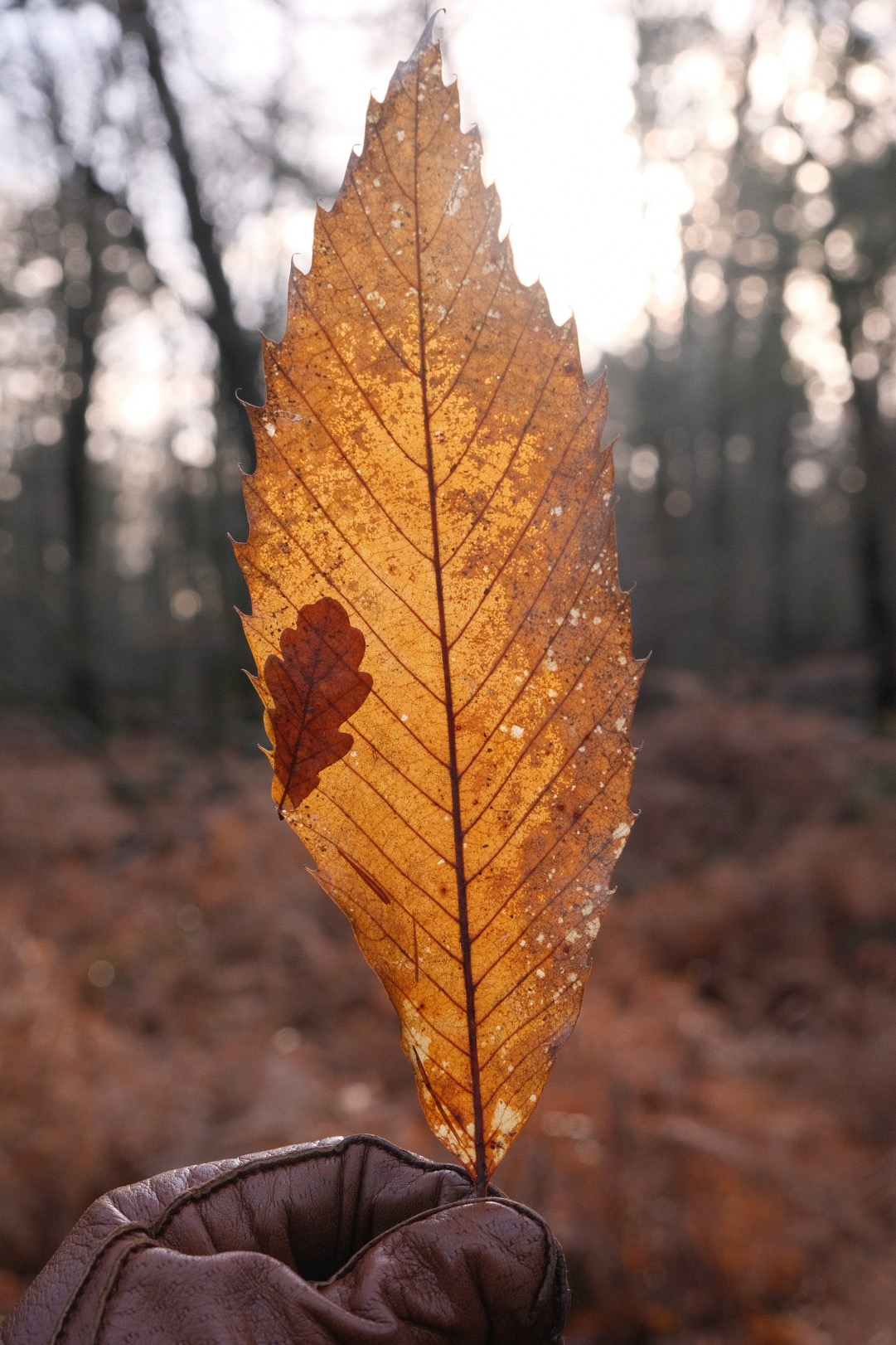
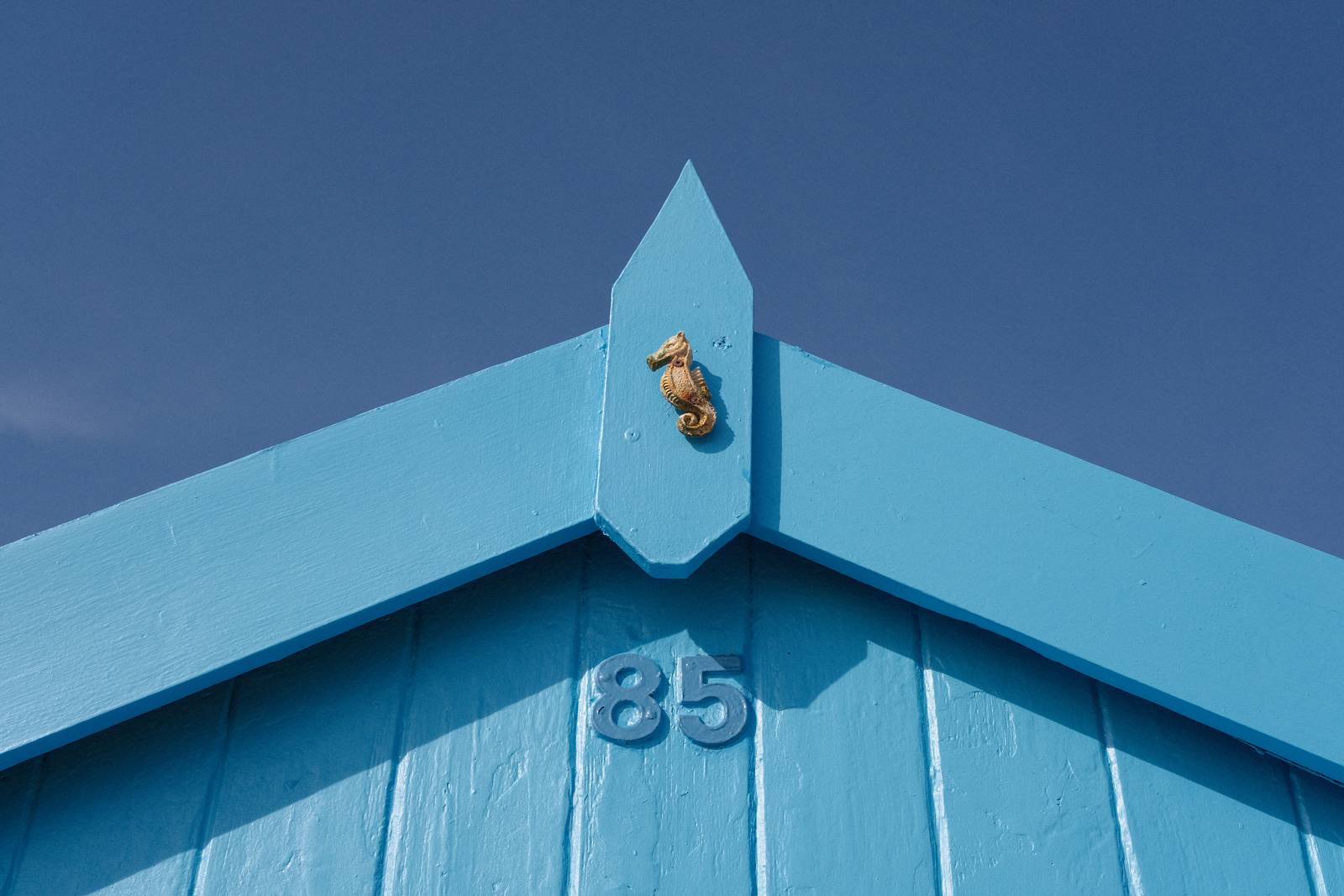
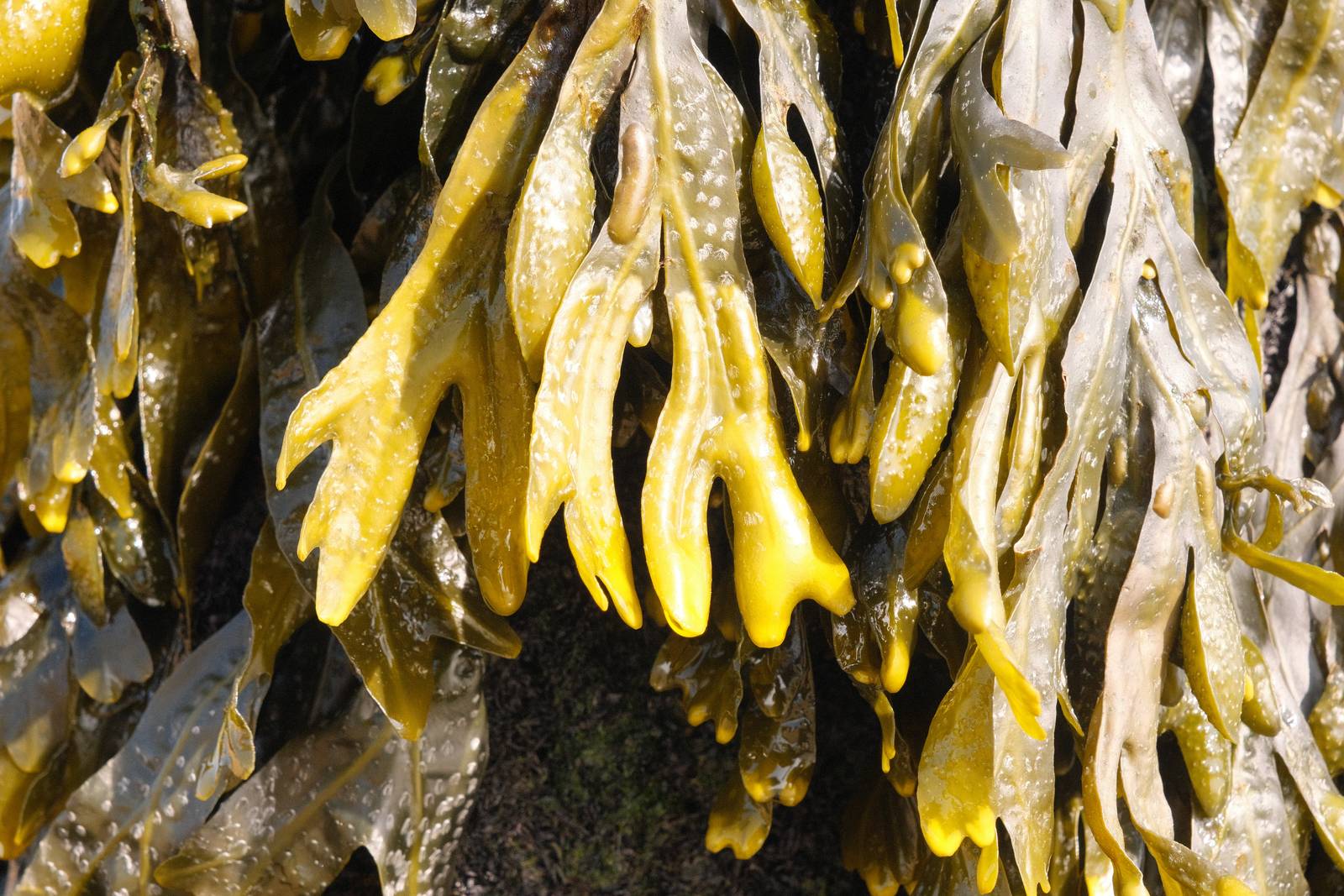
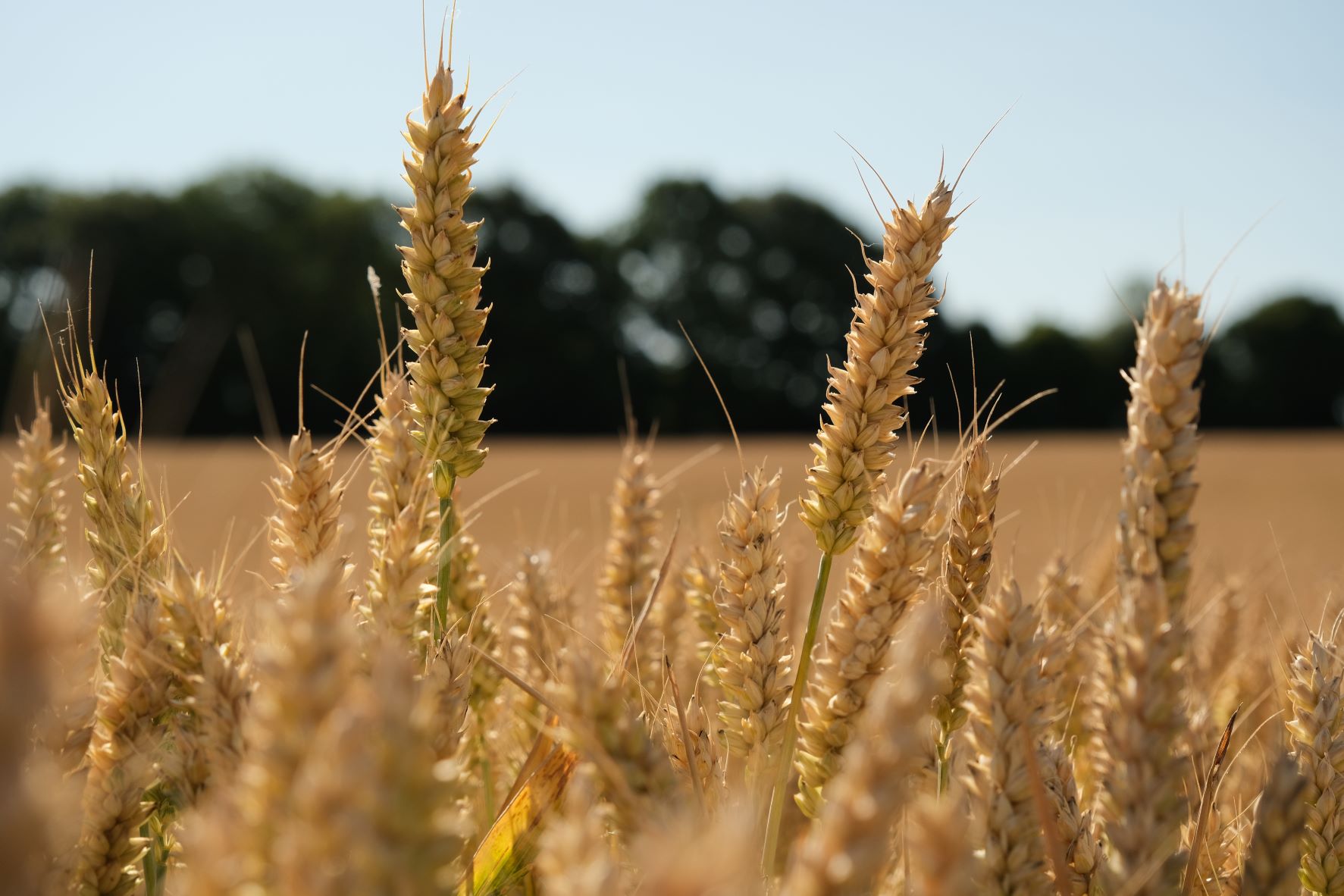
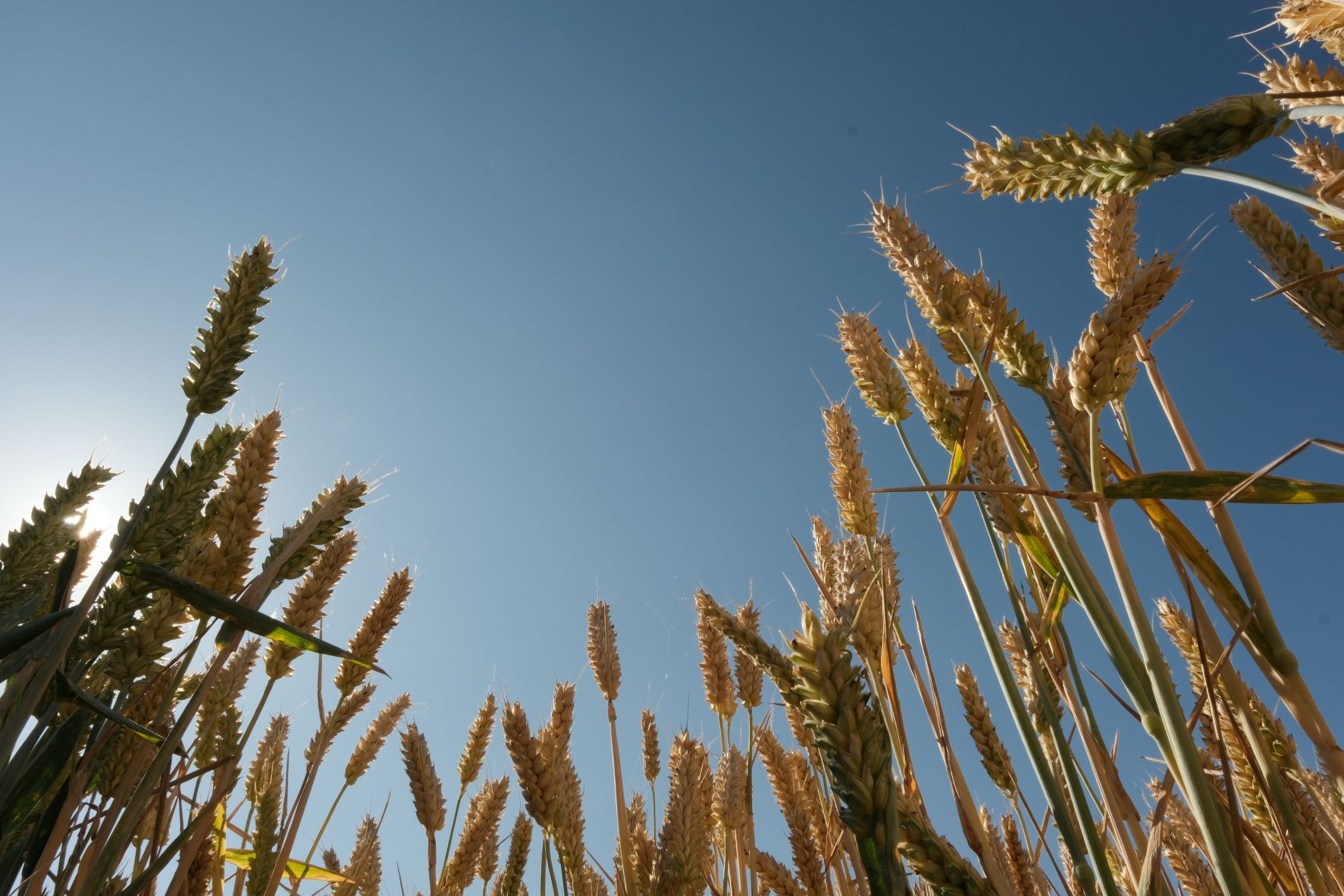
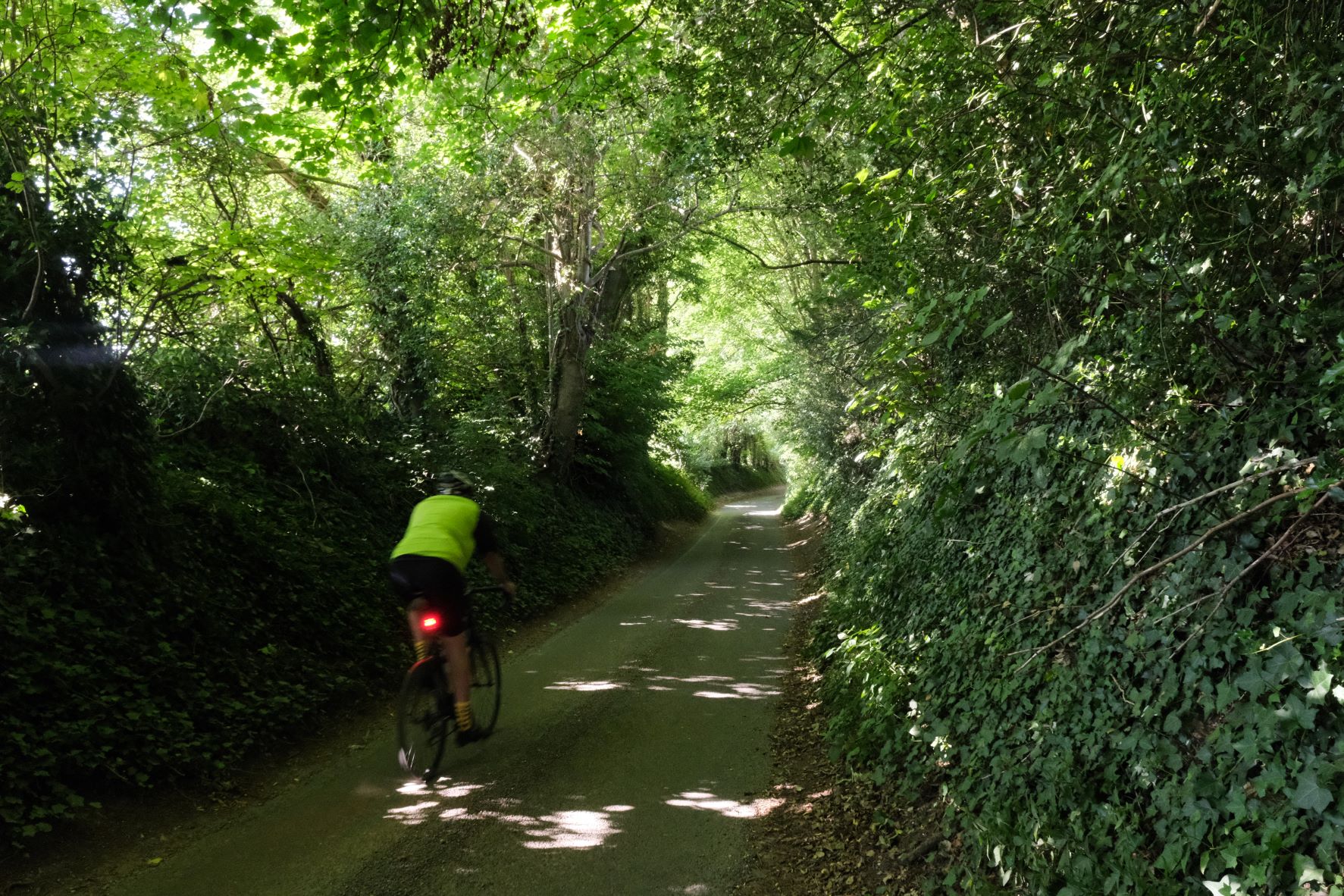
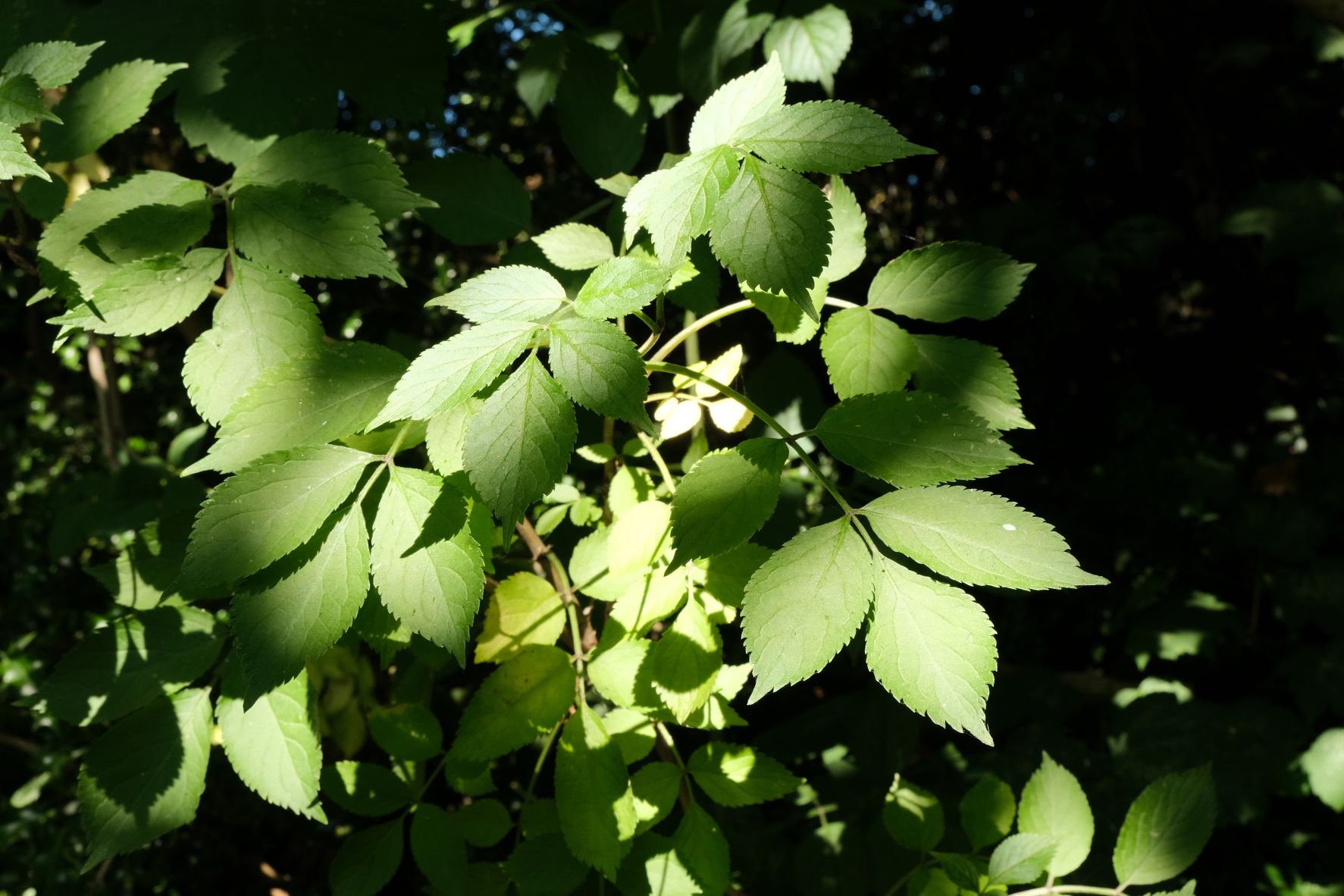
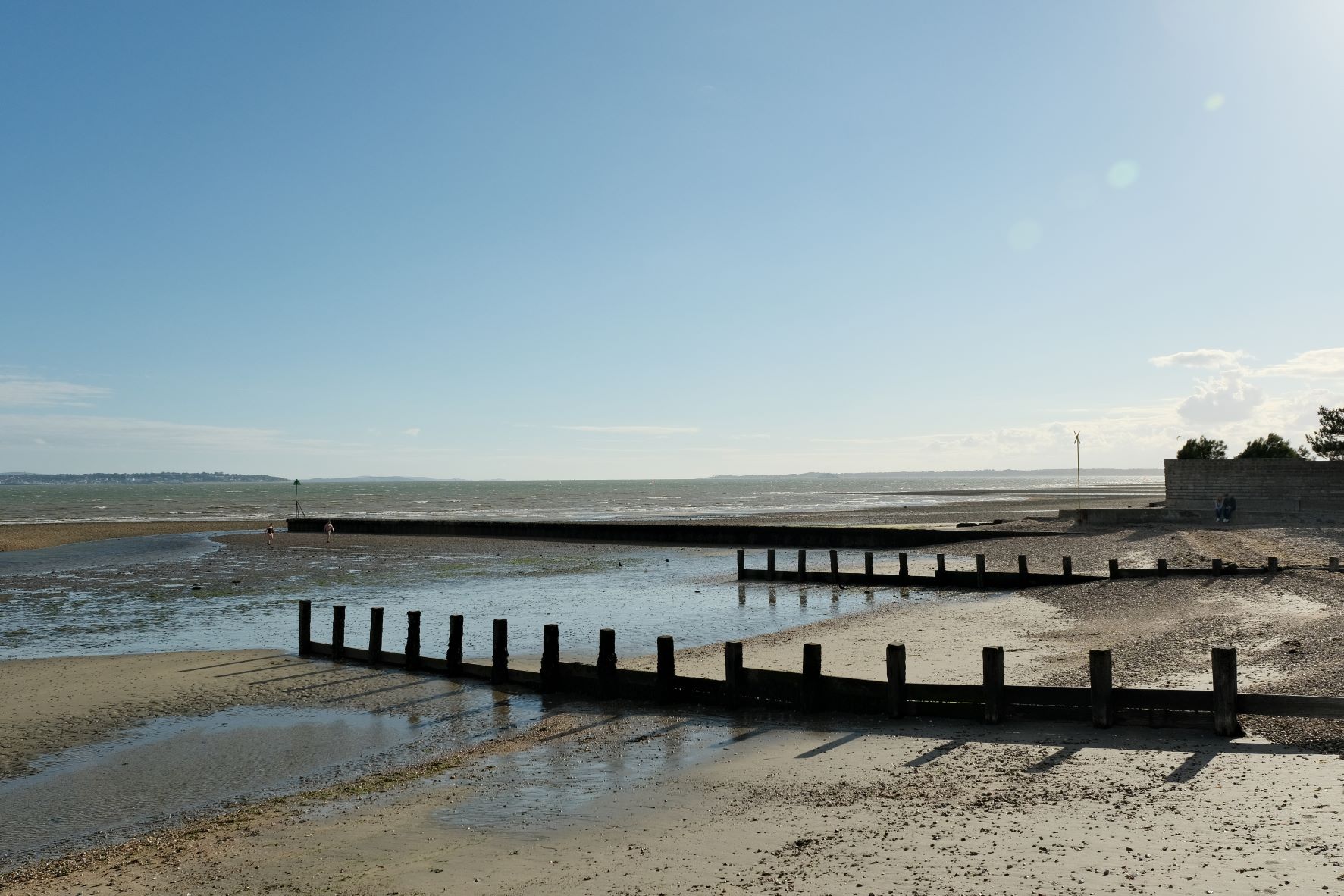
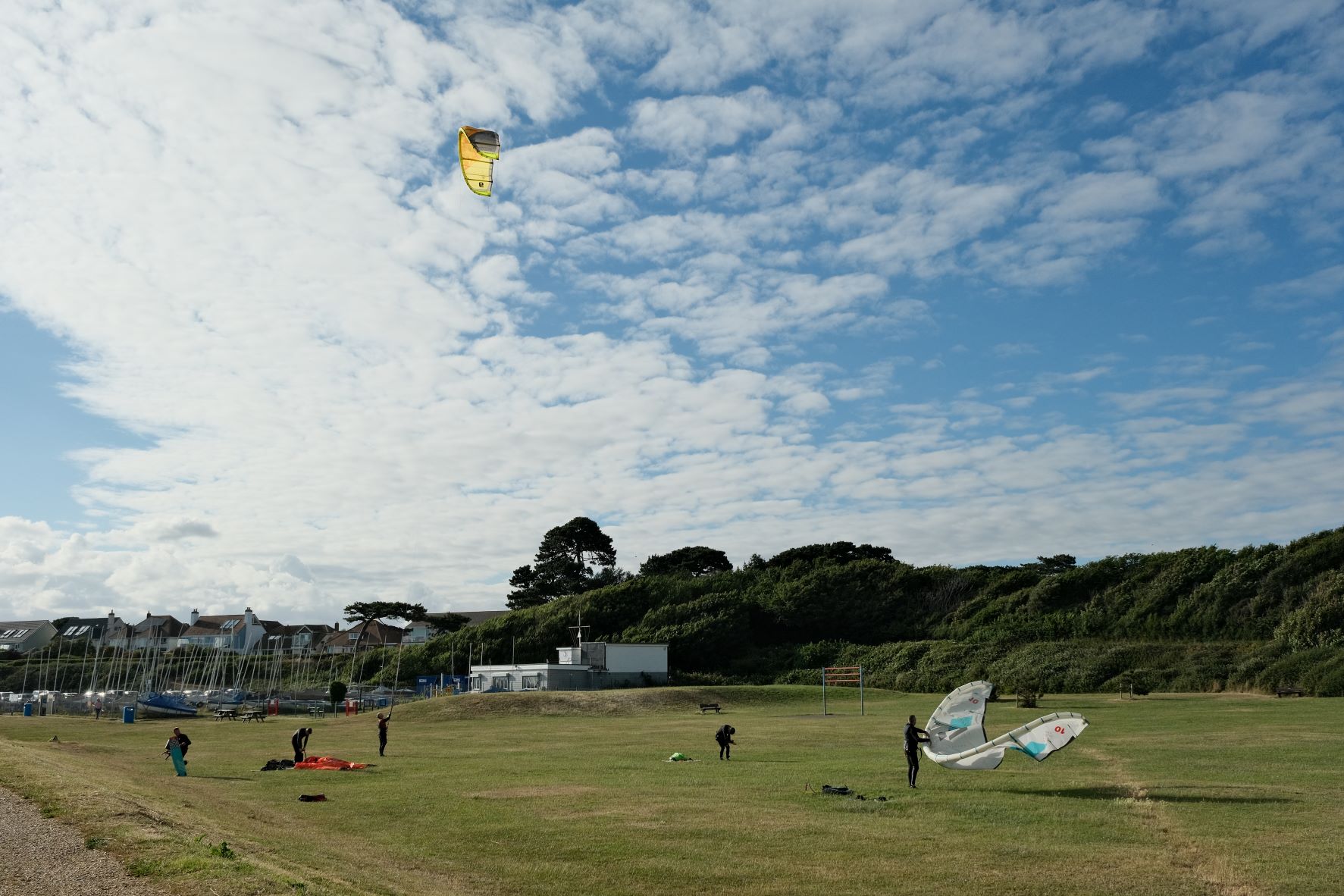
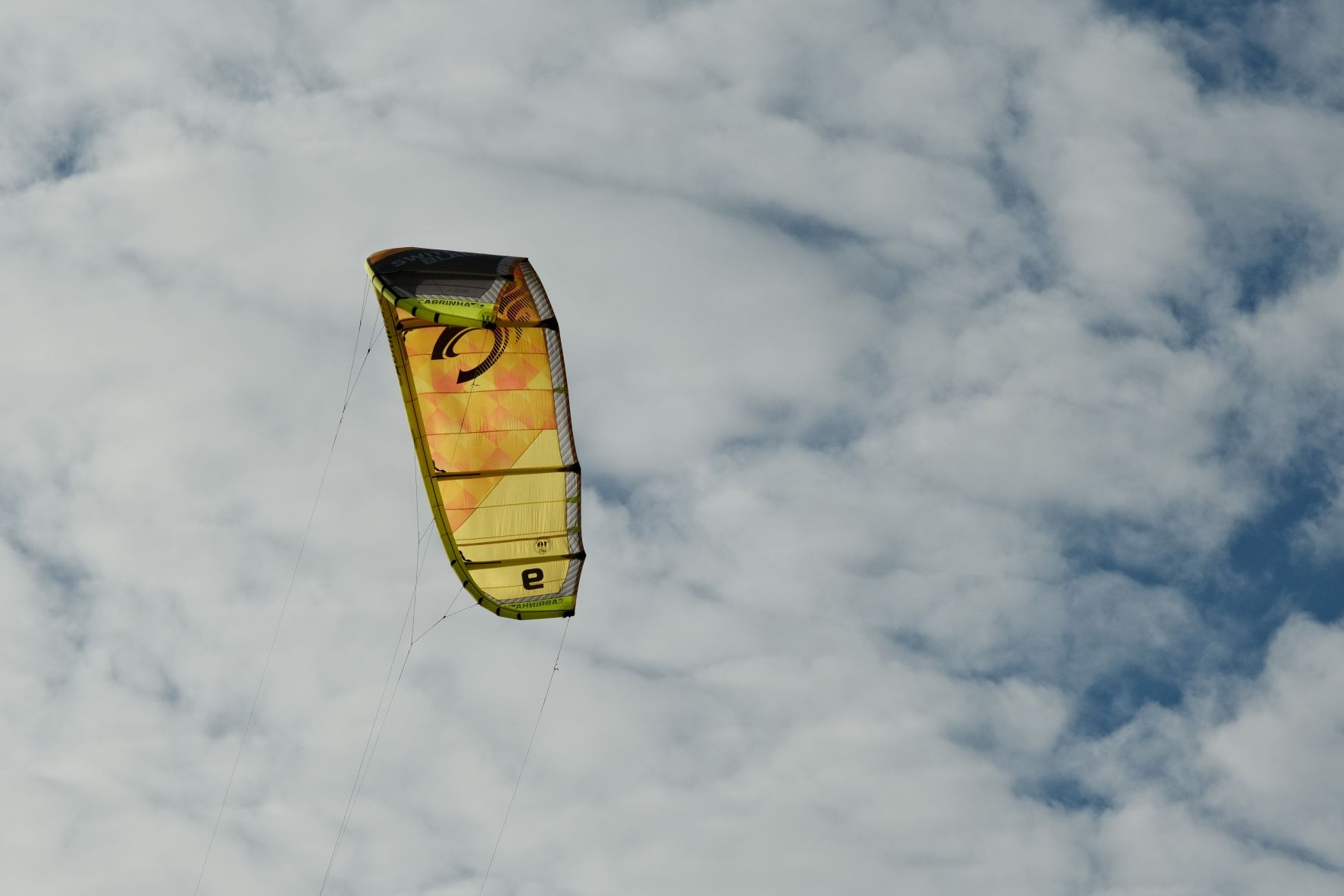
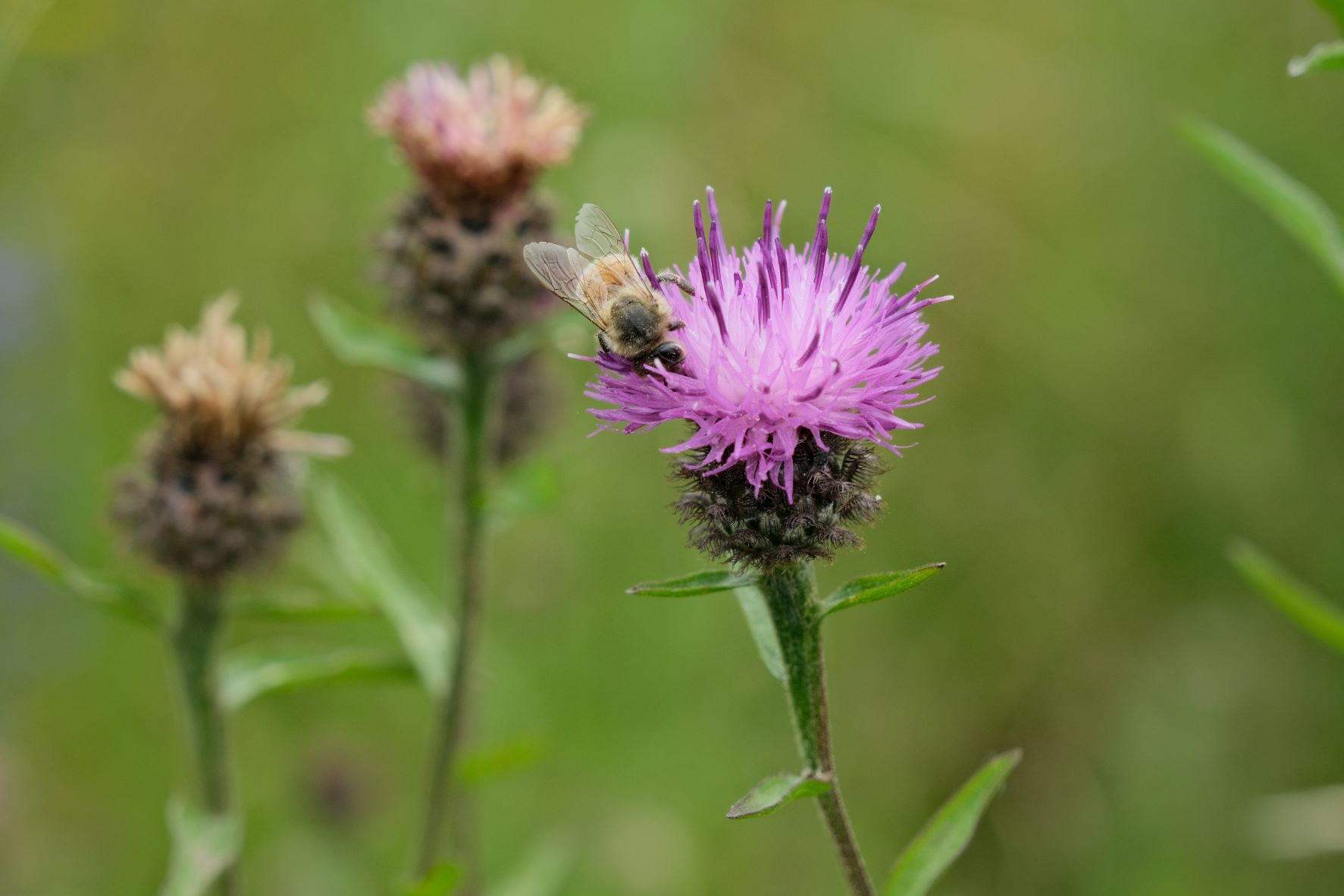
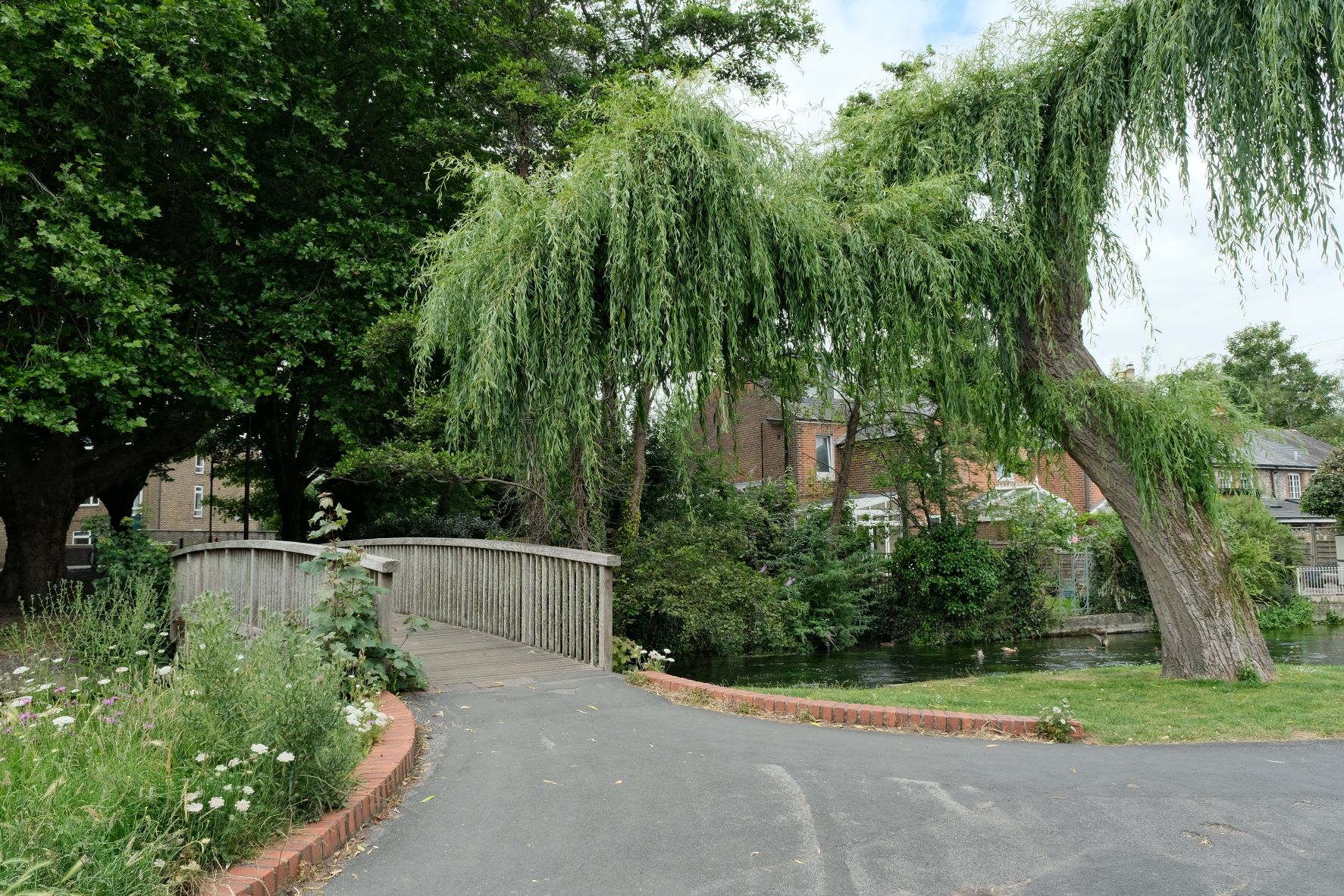
    Portrovia Film Recipe: Sample Photos

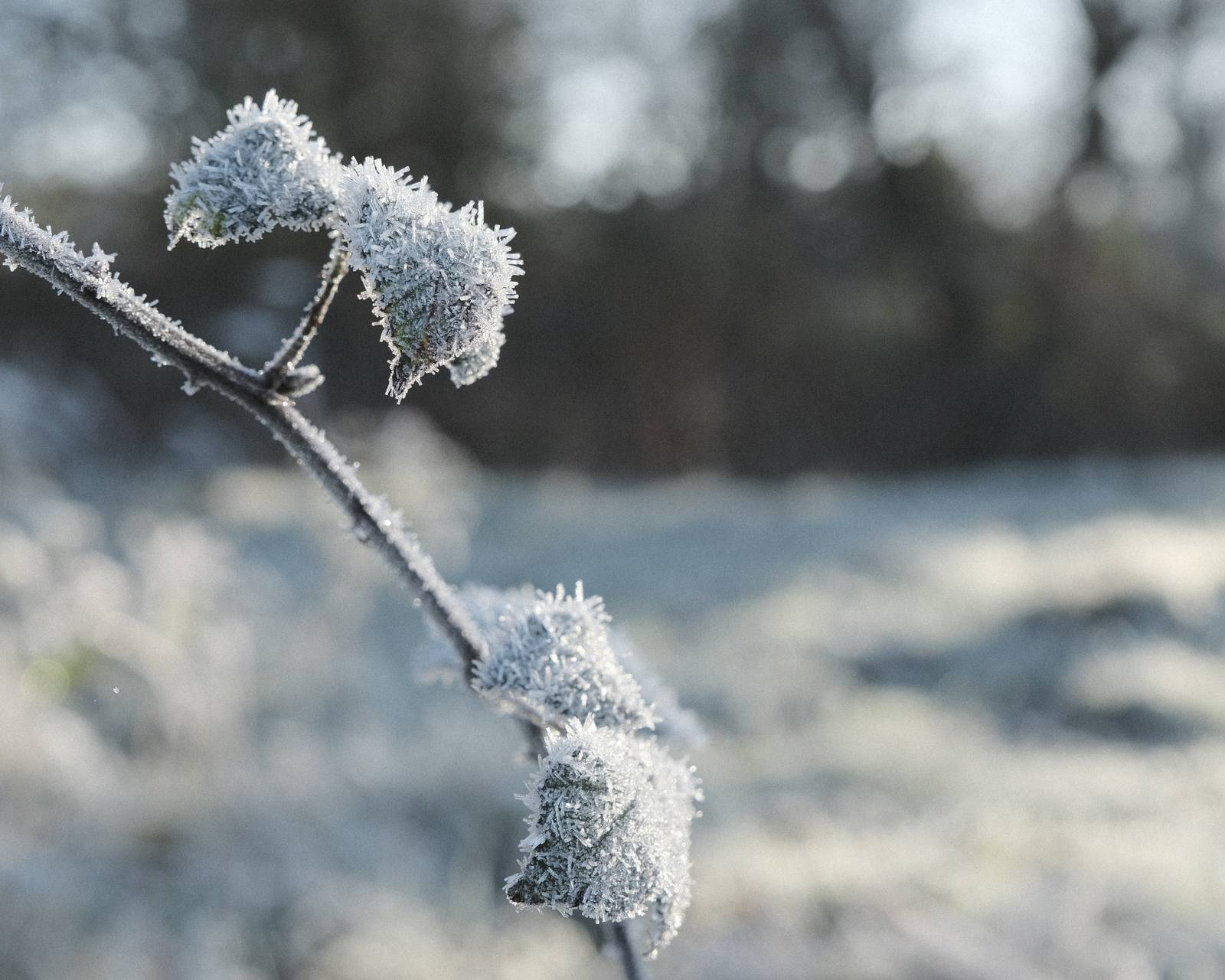
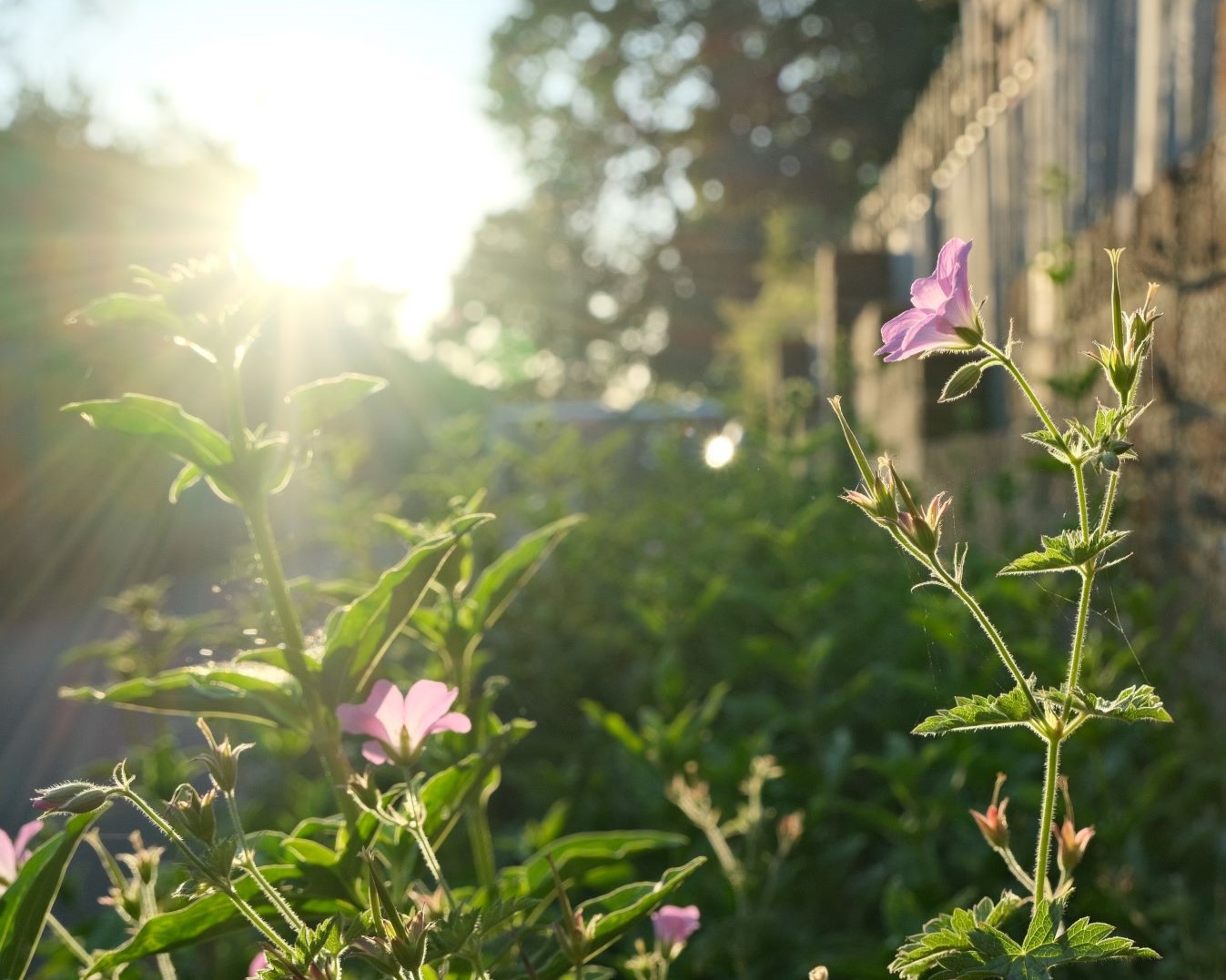
    Portrovia film recipe sample photo
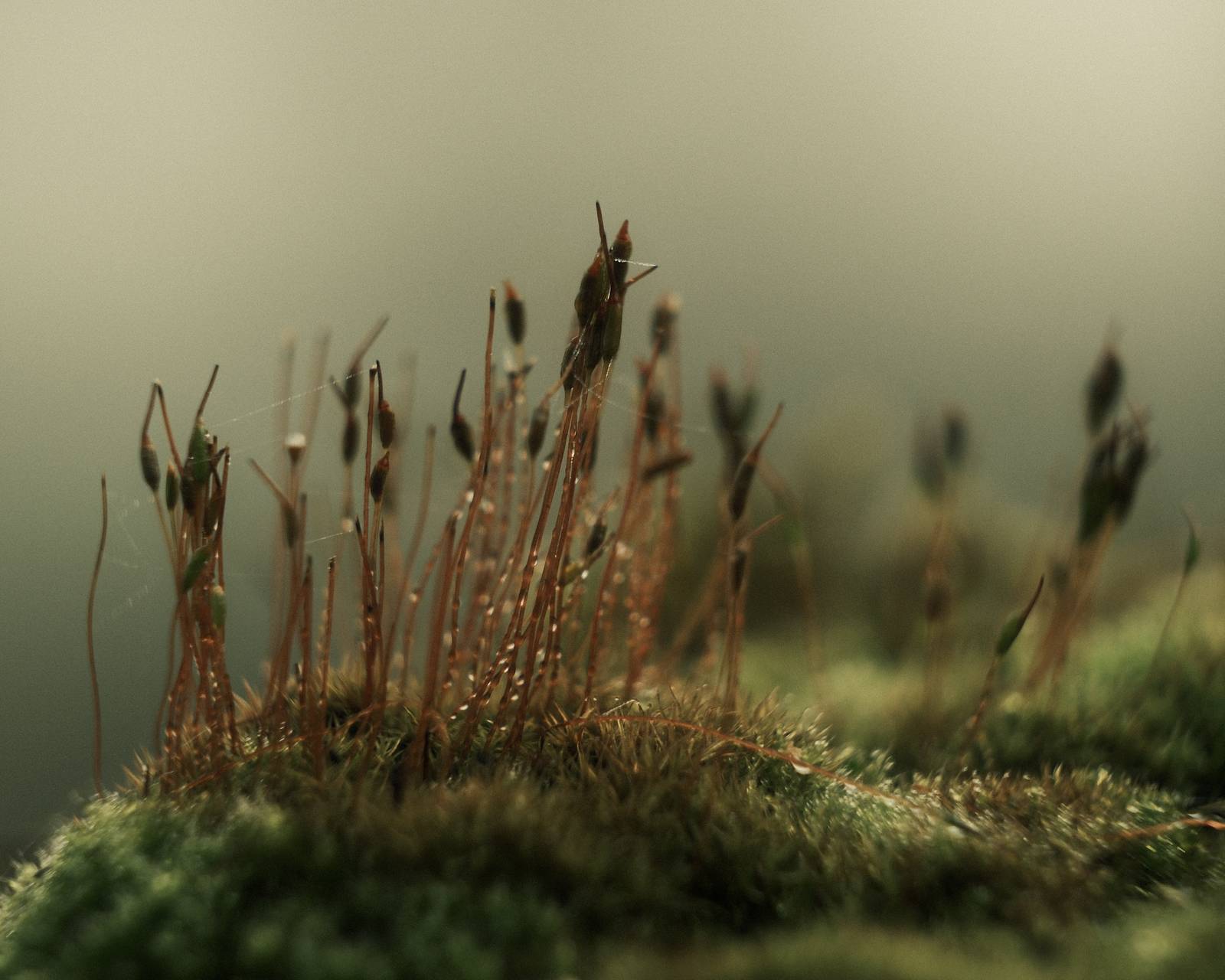
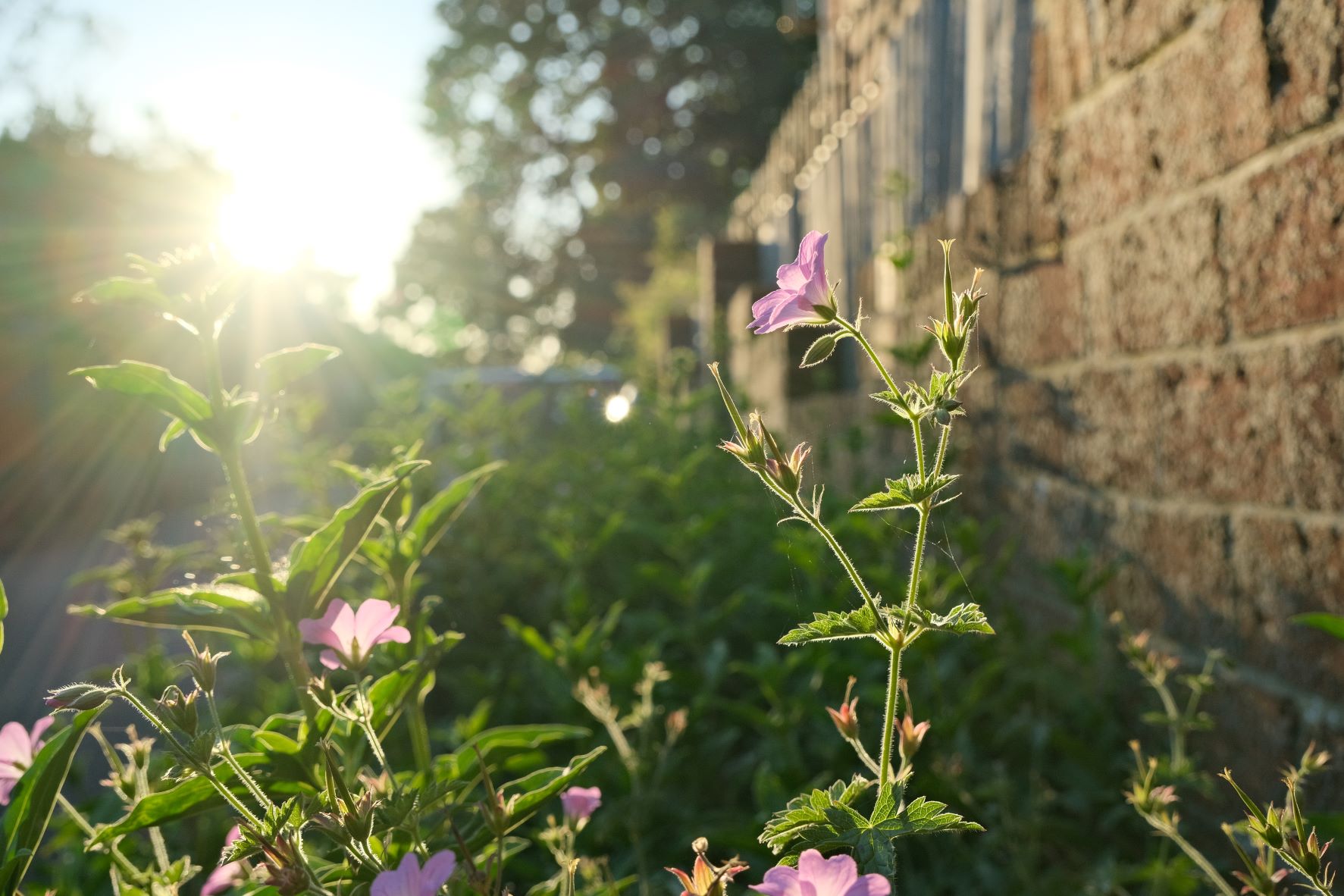
    Portrovia film recipe sample photo
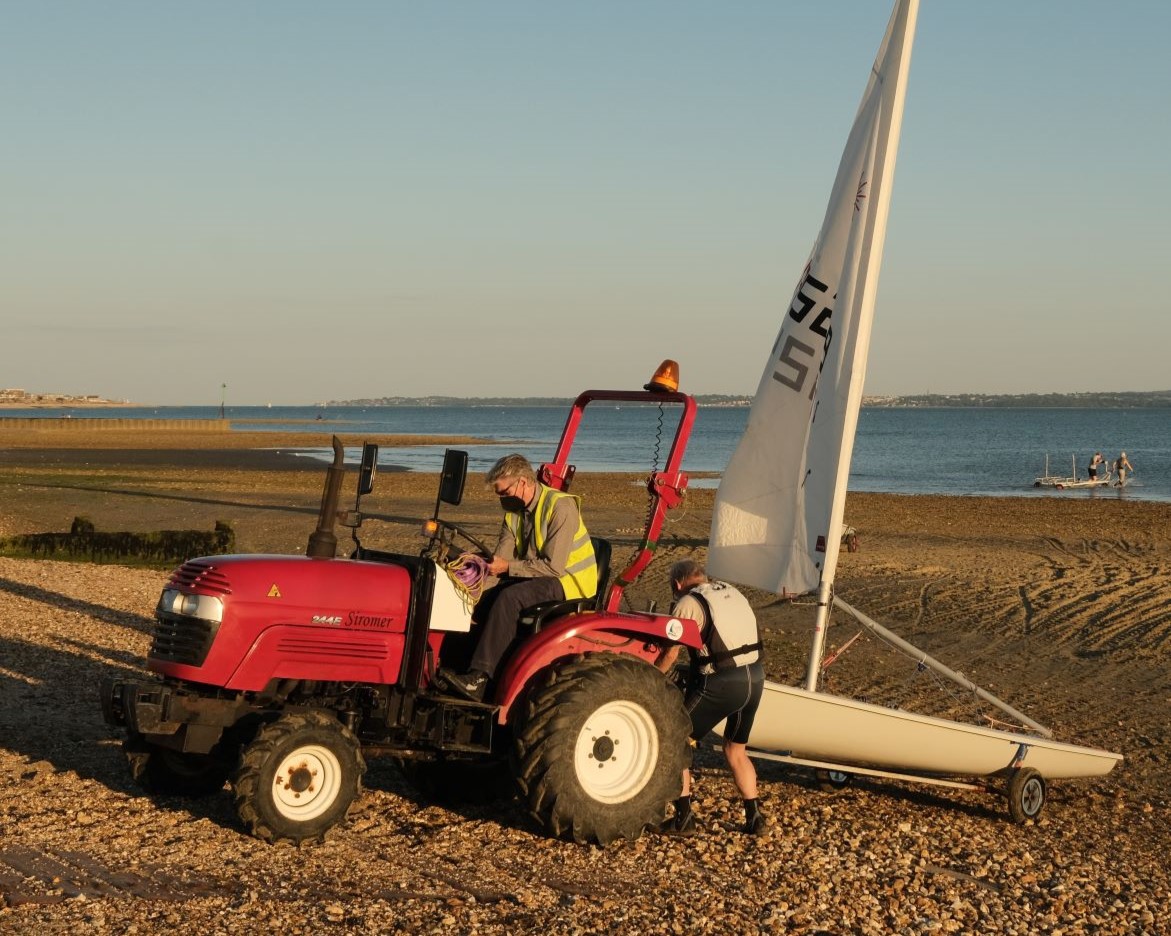
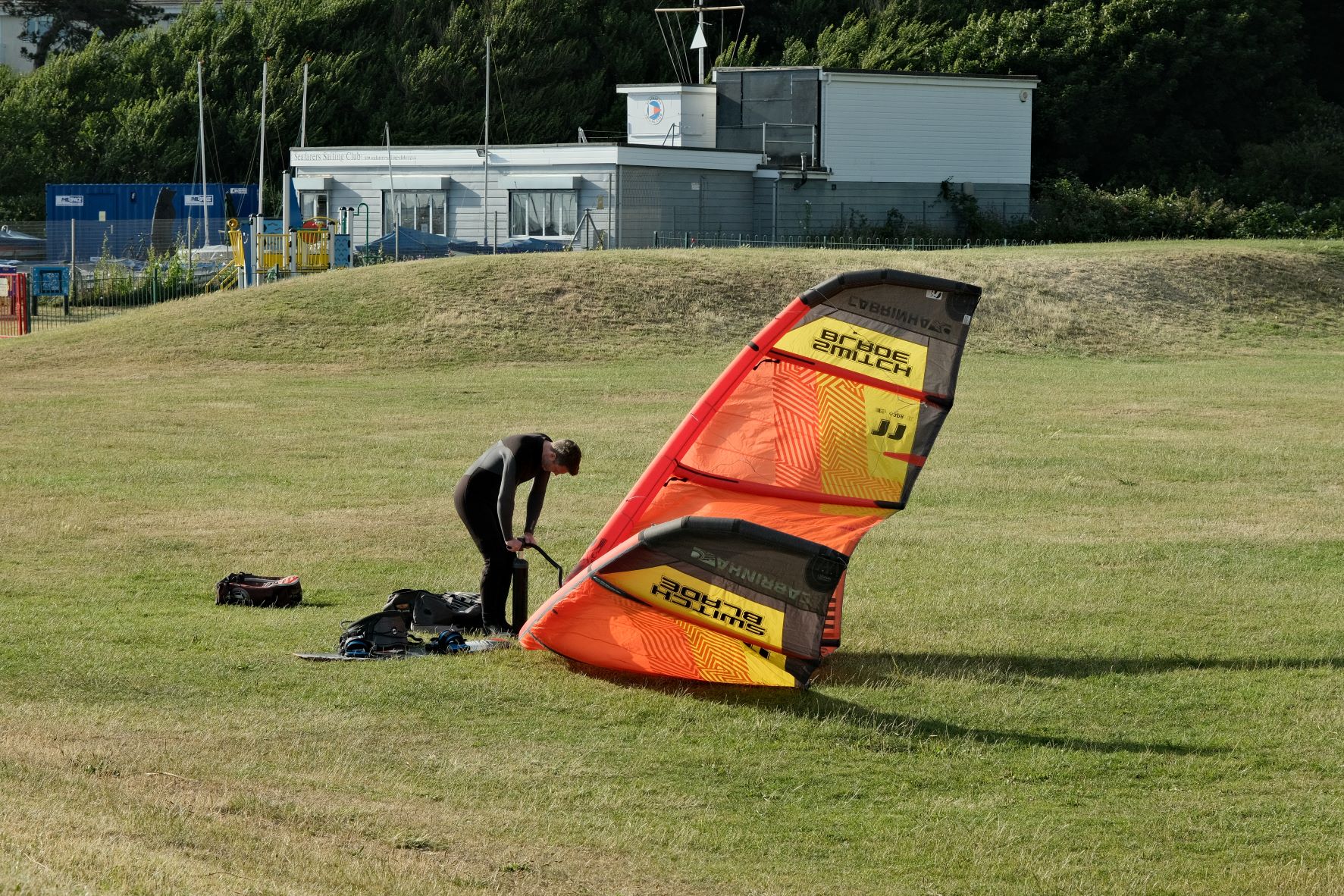
    Portrovia film recipe sample photo
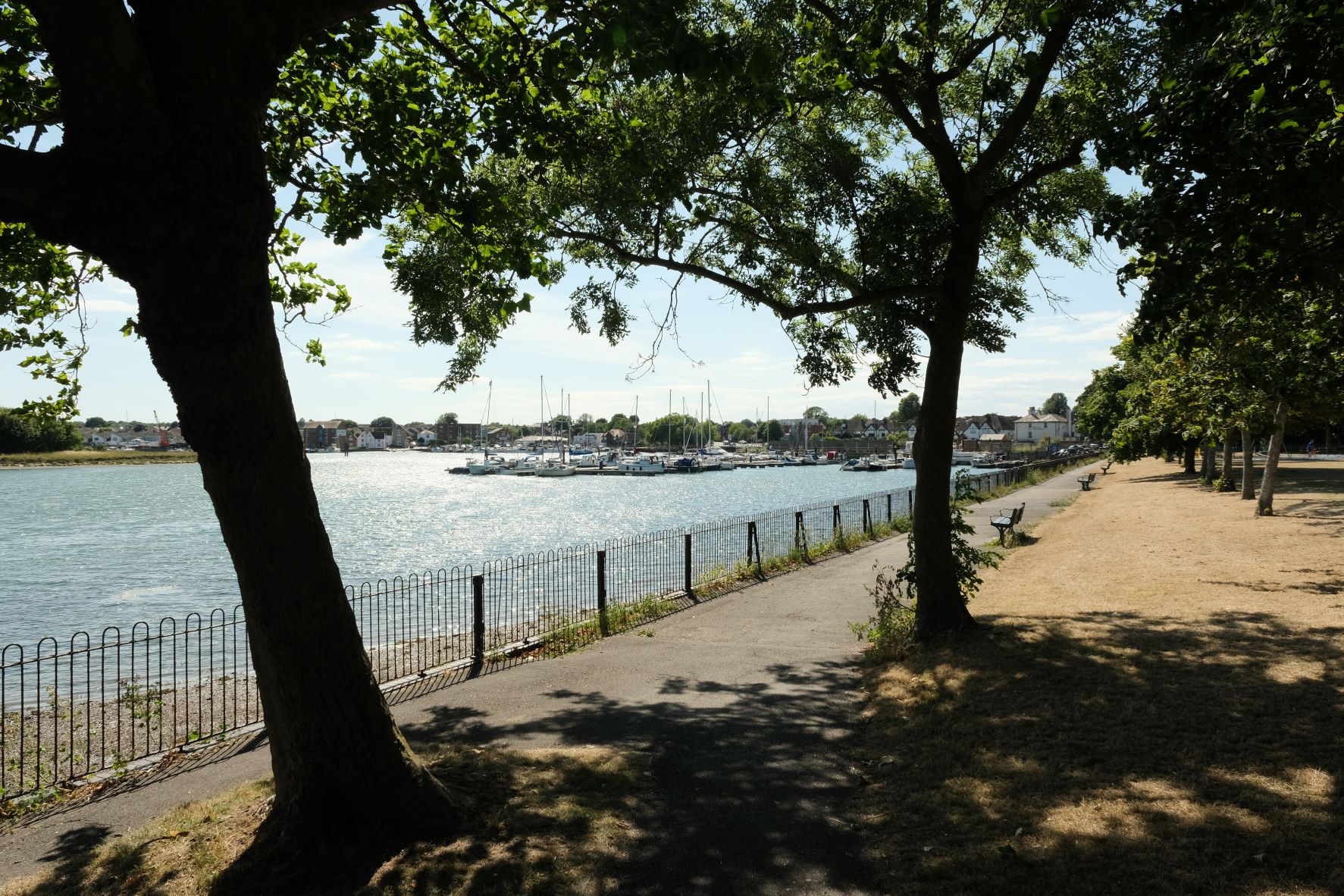
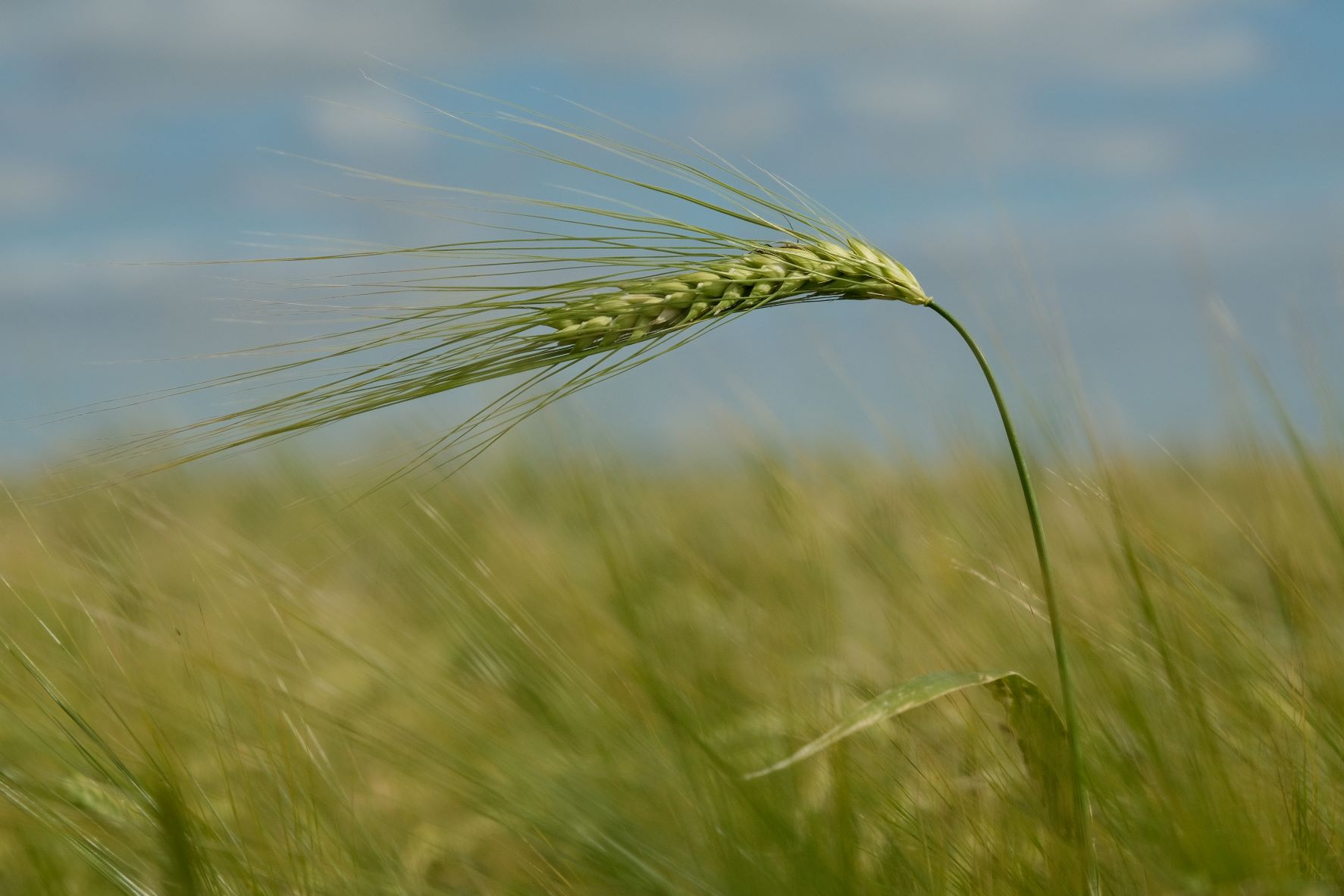
    Portrovia film recipe sample photo
    Portrovia film recipe sample photo
    Portrovia film recipe sample photo
    Portrovia film recipe sample photo
    Portrovia film recipe sample photo
    Portrovia film recipe sample photo
    Portrovia film recipe sample photo
    Portrovia film recipe sample photo

    Community Photos

    Photos taken with the Portrovia film recipe by members of the Film Recipes community.

    Photos by David Forsdike

    Portrovia film recipe photo by David Forsdike

    More Photos by David Forsdike

    Portrovia film recipe photo by David Forsdike
    Portrovia film recipe photo by David Forsdike

    Photos by Nizam Sutimin

    Portrovia film recipe photo by Nizam Sutimin
    Portrovia film recipe photo by Nizam Sutimin

    Photos by David Covarrubias

    Portrovia film recipe photo by David Covarrubias
    Portrovia film recipe photo by David Covarrubias

    Using the Portrovia Film Recipe

    Each film simulation recipe has its own character and style. These features mean recipes are more suited to certain situations, or when seeking a particular look. Here are the categories that Portrovia has been tagged with.

  • Heartland, Nostalgic Provia Recipe

    Heartland, Nostalgic Provia Recipe

    Nostalgic Provia film recipe with a natural colour tone for everyday photography

    Heartland Film Recipe

    Heartland

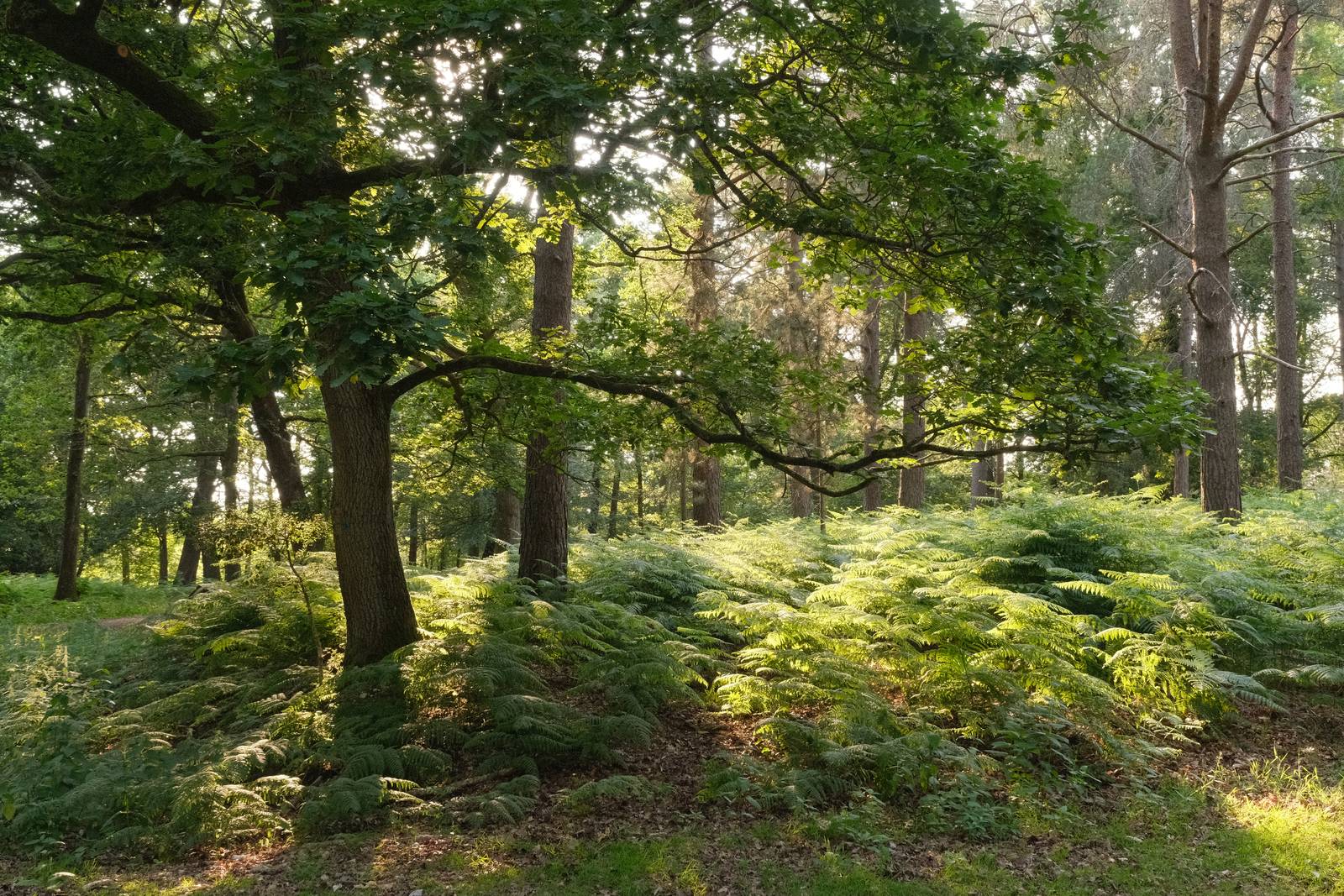
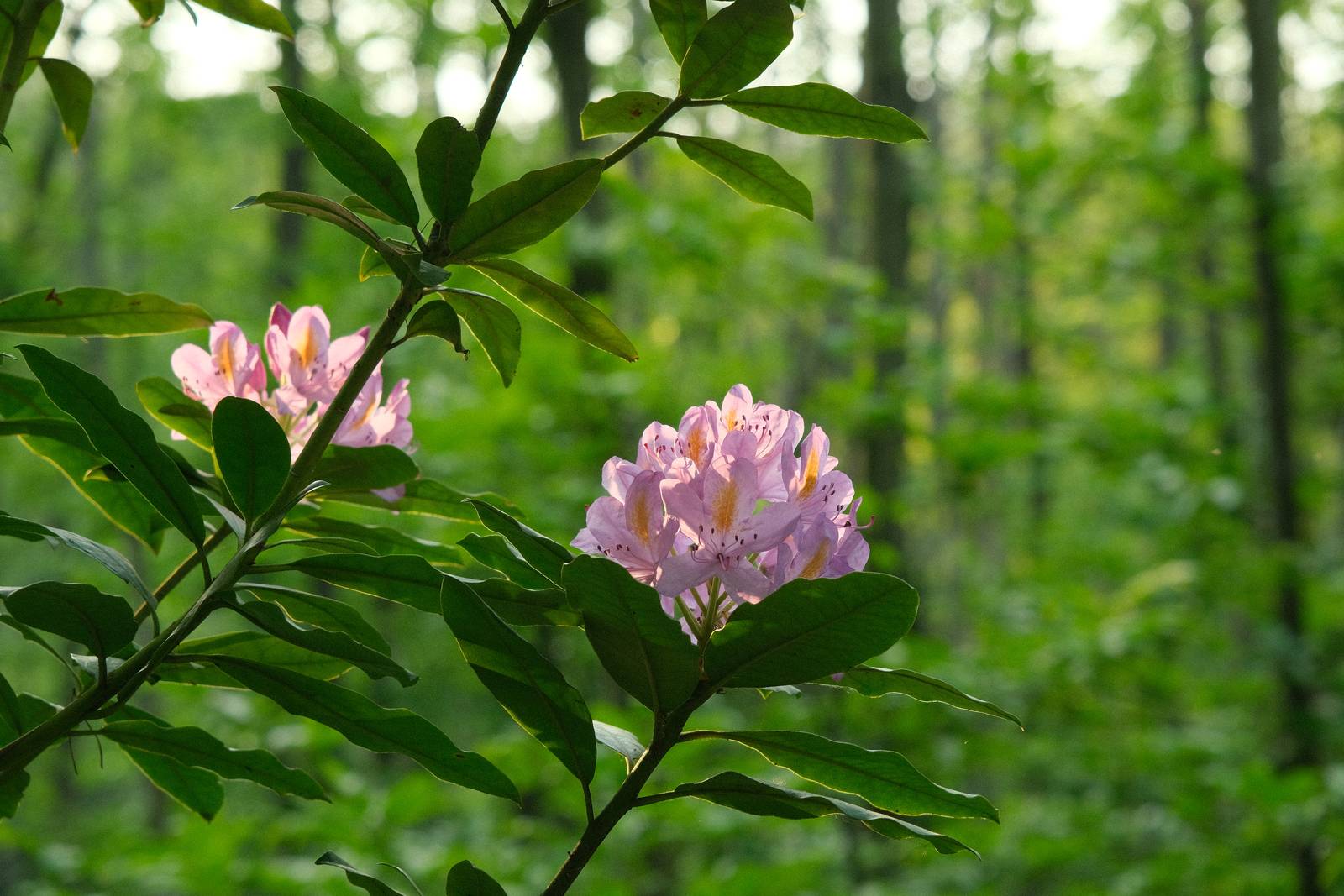
    Here’s an interesting film recipe, based on the natural and neutral Provia simulation, but with a unique look which is nostalgic and characterful. It could almost pass a a more colourful Pro Neg, and it’s natural enough to be used in a wide range of conditions.

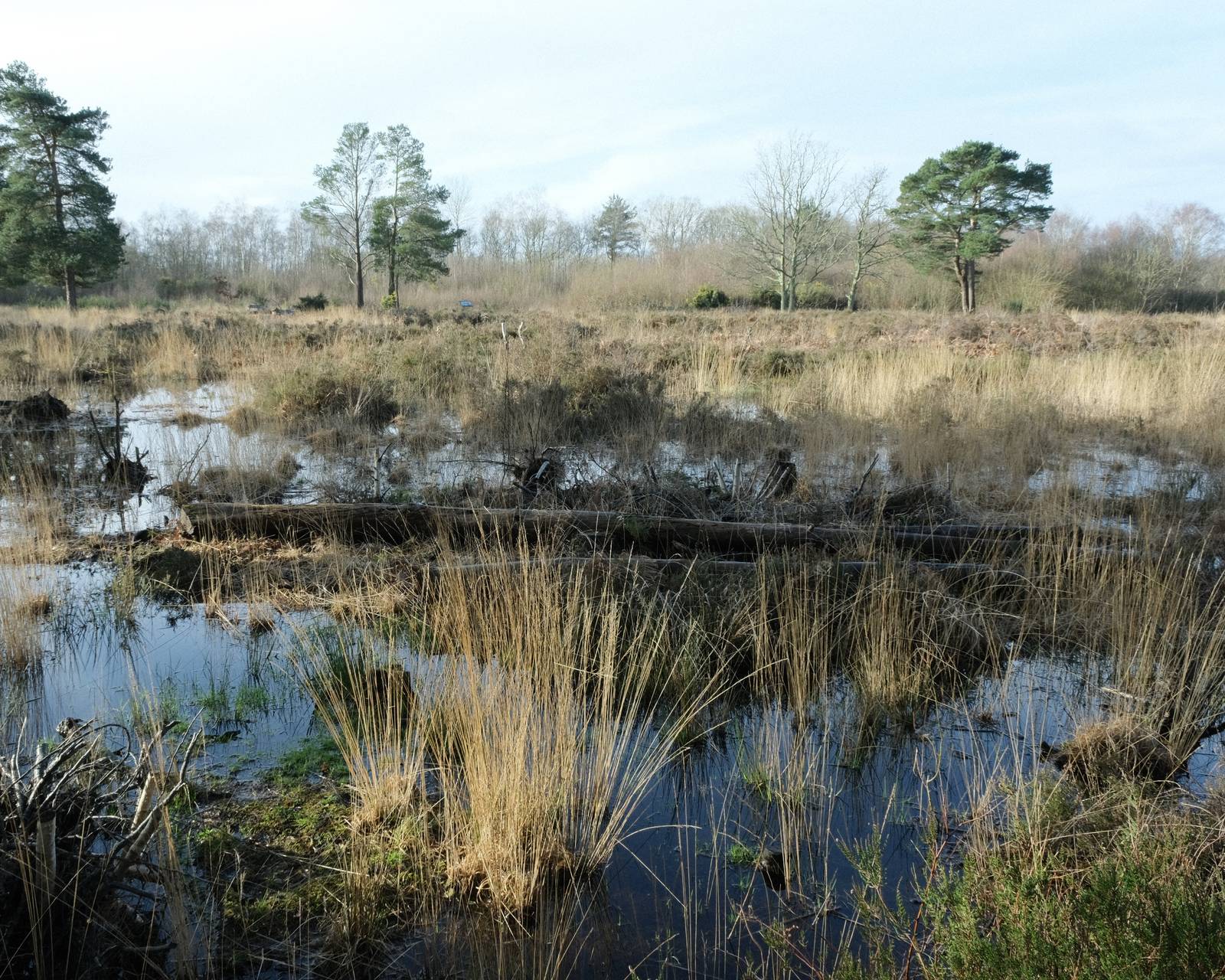
    Much of this gently retro character comes from the use of the Fluorescent 2 colour balance option. This compensates for artificial lighting, which in turn is ‘reset’ to a more natural balance with a colour shift of +4 red and -5 blue. These in combination give a look that has a hint of warmth and red in the balance, but is still natural in appearance in daylight conditions.

    The hint of red makes this vaguely reminiscent of some Kodachrome photos from the 1960s and 1970s, but it is subtle, and to me is just a welcome dose of extra character, in a way that our Fujifilm cameras do so well.

    Heartland Film Recipe Settings

    Film SimulationProvia/Standard
    Grain EffectWeak, Small
    Col. Chr. EffectWeak
    Col. Chr. BlueStrong
    White BalanceFluorescent 2, +4 Red, ‑5 Blue
    Dynamic RangeDR200
    Highlights‑1
    Shadows‑1
    Colour‑1
    Sharpness0
    ISO N.R.‑4
    Clarity‑1
    EV Comp.+1/3

    Similar Recipes

    More similar recipes, and hundreds more exclusive looks, are available in the Film Recipes App.

    Film Recipes

    Get the Film Recipes App

    Settings laid out clearly, with sample photos and similar recipes

    Download on the App Store
    Get it on Google Play

    Heartland Film Recipe: Sample Photos

    Heartland film recipe sample photo
    Heartland film recipe sample photo
    Heartland film recipe sample photo
    Heartland film recipe sample photo
    Heartland film recipe sample photo
    Heartland film recipe sample photo
    Heartland film recipe sample photo
    Heartland film recipe sample photo
    Heartland film recipe sample photo
    Heartland film recipe sample photo
    Heartland film recipe sample photo
    Heartland film recipe sample photo

    Using the Heartland Film Recipe

    Each film simulation recipe has its own character and style. These features mean recipes are more suited to certain situations, or when seeking a particular look. Here are the categories that Heartland has been tagged with.

  • Provia Natura, a Versatile Natural Look

    Provia Natura, a Versatile Natural Look

    A go anywhere, do everything film recipe using Provia film simulation

    Provia Natura Film Recipe

    Provia Natura

    Fujifilm X-series cameras are well known for their film simulations which bring film like looks with nostalgic tone to your photography. Sometimes forgotten is the wonderful image quality associated with the default simulation, Provia.

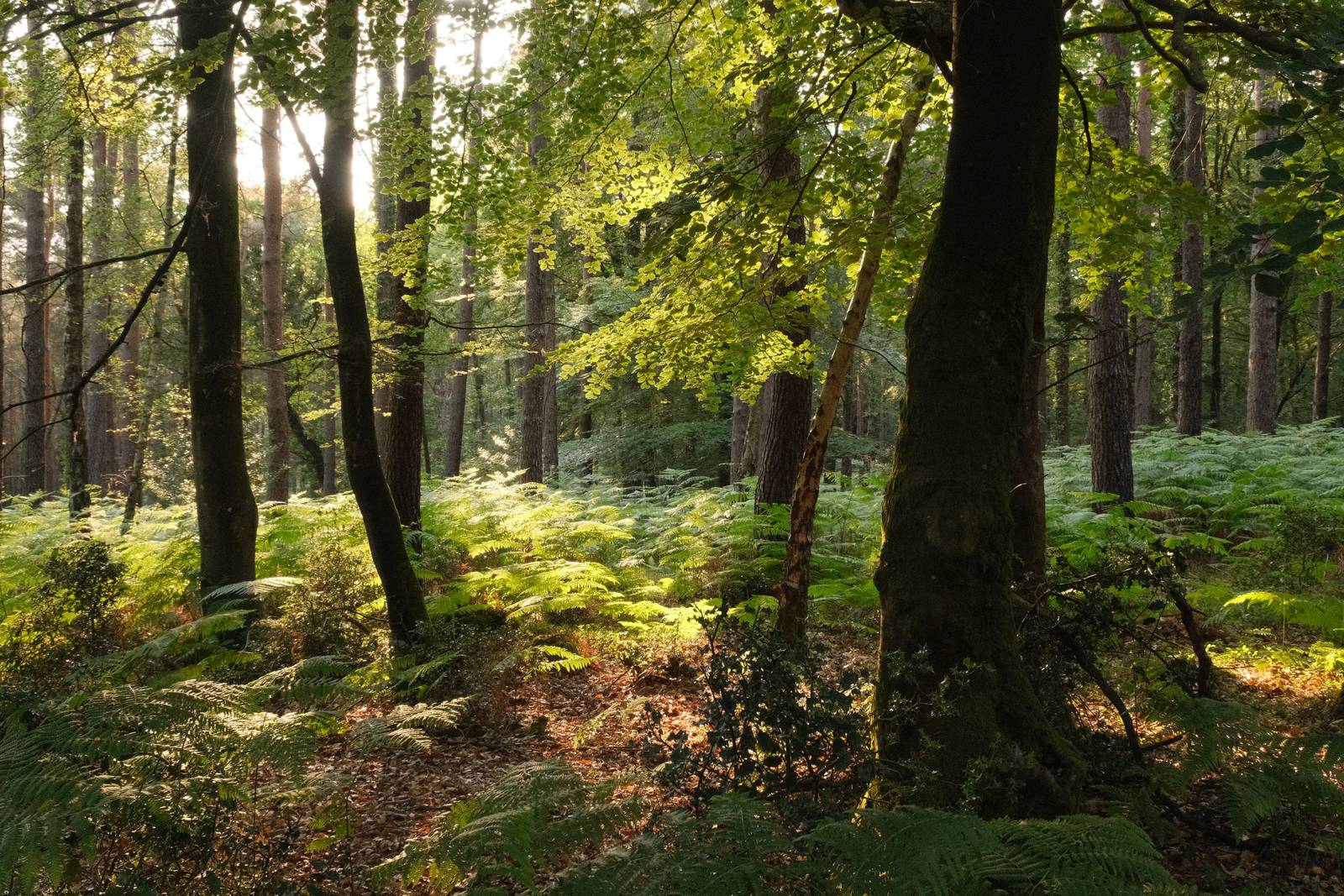
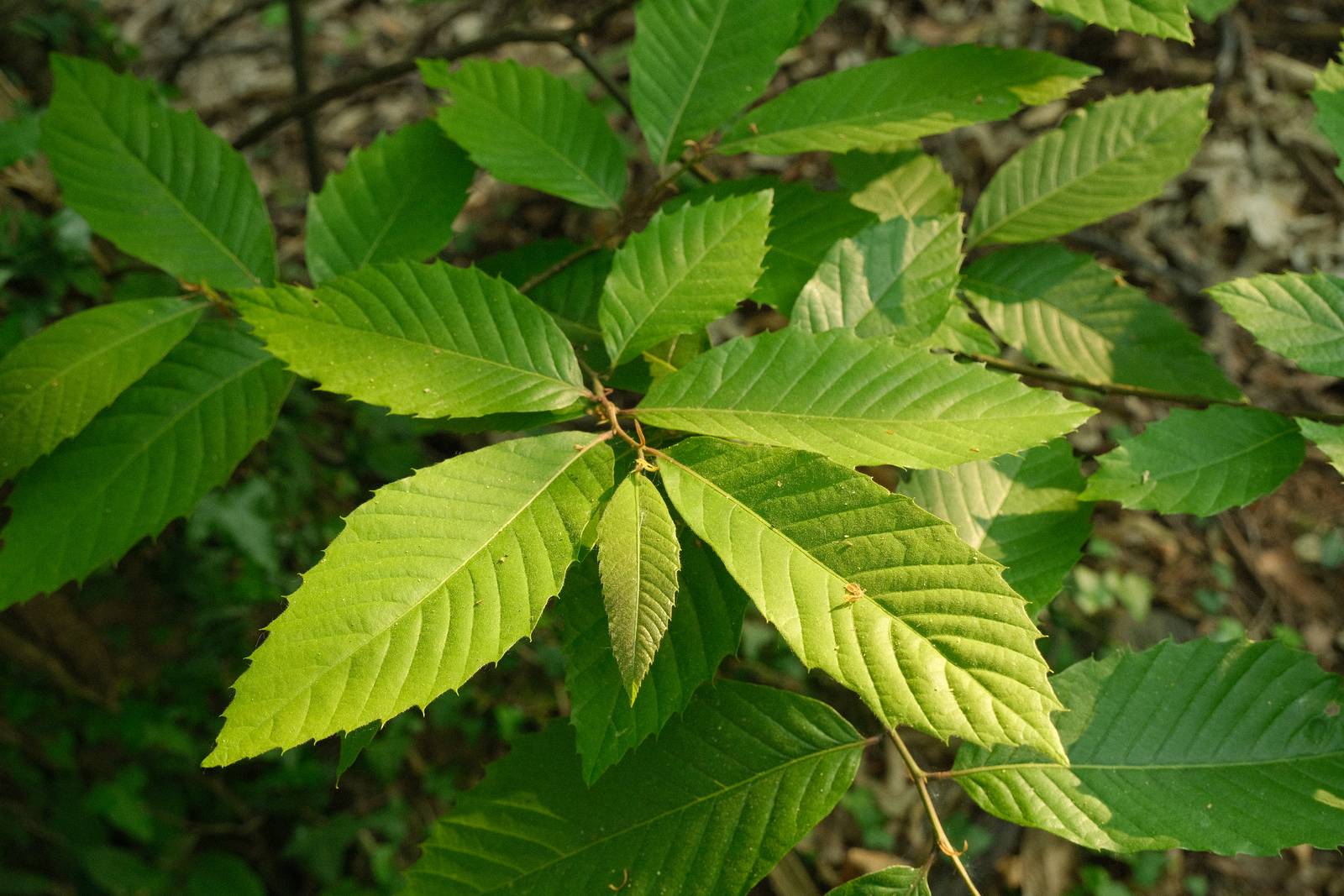
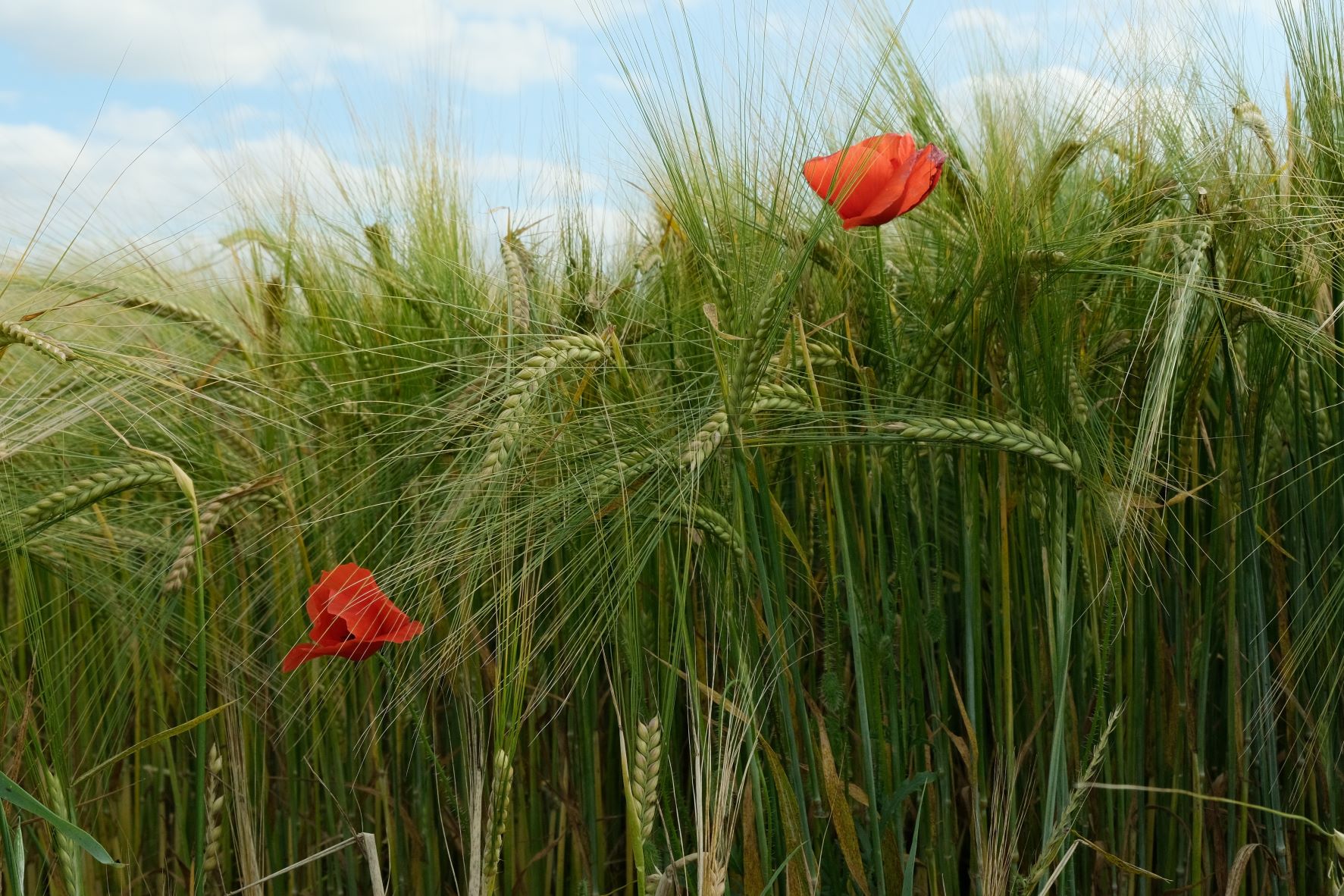
    Provia was designed to be as useful as possible across the widest range of situations, and as such, it produces wonderfully natural images which aren’t styled in a nostalgic fashion, but are still identifiably Fujifilm in appearance.

    In this recipe, there are subtle changes from the base simulation in terms of tone and saturation, and a subtle but unique colour pallete from the use of a fluorescent compensating white balance. This, along with the color chrome effects produce a new feel, but whilst retaining a natural color balance and the flexibility and all round usefulness of Provia.

    Provia Natura Film Recipe Settings

    Film SimulationProvia/Standard
    Grain EffectWeak, Large
    Col. Chr. EffectWeak
    Col. Chr. BlueStrong
    White BalanceFluorescent 1, ‑5 Red, 0 Blue
    Dynamic RangeDR200
    Highlights‑1
    Shadows‑1
    Colour‑2
    Sharpness0
    ISO N.R.‑4
    Clarity0
    EV Comp.0

    Similar Recipes

    More similar recipes, and hundreds more exclusive looks, are available in the Film Recipes App.

    Film Recipes

    Get the Film Recipes App

    Rolling activity feed — see what’s trending in the app

    Download on the App Store
    Get it on Google Play

    Provia Natura Film Recipe: Sample Photos

    Provia Natura film recipe sample photo
    Provia Natura film recipe sample photo
    Provia Natura film recipe sample photo
    Provia Natura film recipe sample photo
    Provia Natura film recipe sample photo
    Provia Natura film recipe sample photo
    Provia Natura film recipe sample photo
    Provia Natura film recipe sample photo

    Using the Provia Natura Film Recipe

    Each film simulation recipe has its own character and style. These features mean recipes are more suited to certain situations, or when seeking a particular look. Here are the categories that Provia Natura has been tagged with.

  • P45, Warm Tones Provia Simulation

    P45, Warm Tones Provia Simulation

    Provia based film recipe with warm tones and natural contrast.

    P45 Film Recipe

    P45

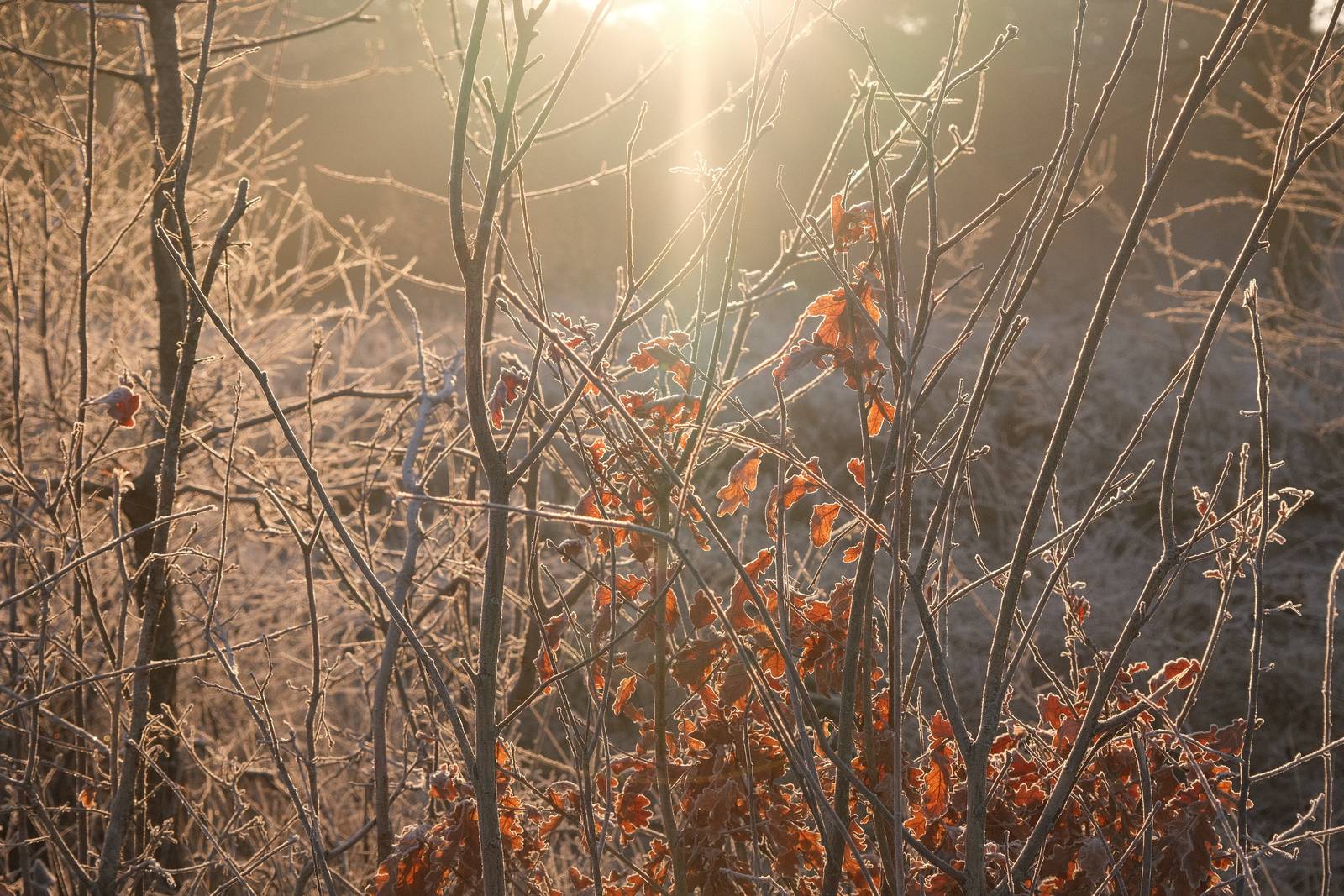
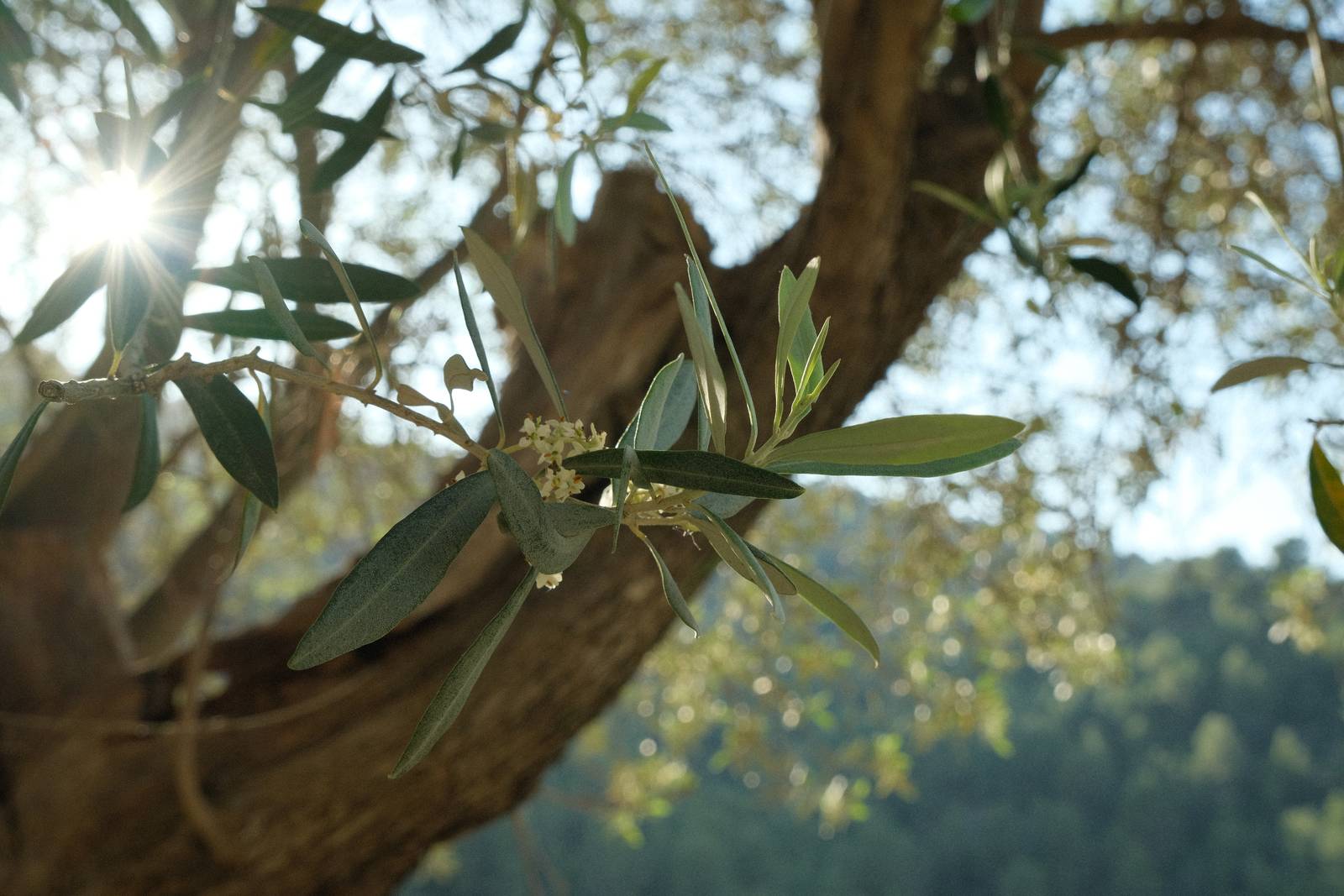
    The Provia simulation is the most neutral of the film simulations on a Fujifilm camera, with natural colour and contrast. This film recipe works with this neutrality, adding just a few extra elements. This is a recipe for working with the conditions, rather than trying to transform them into something else.

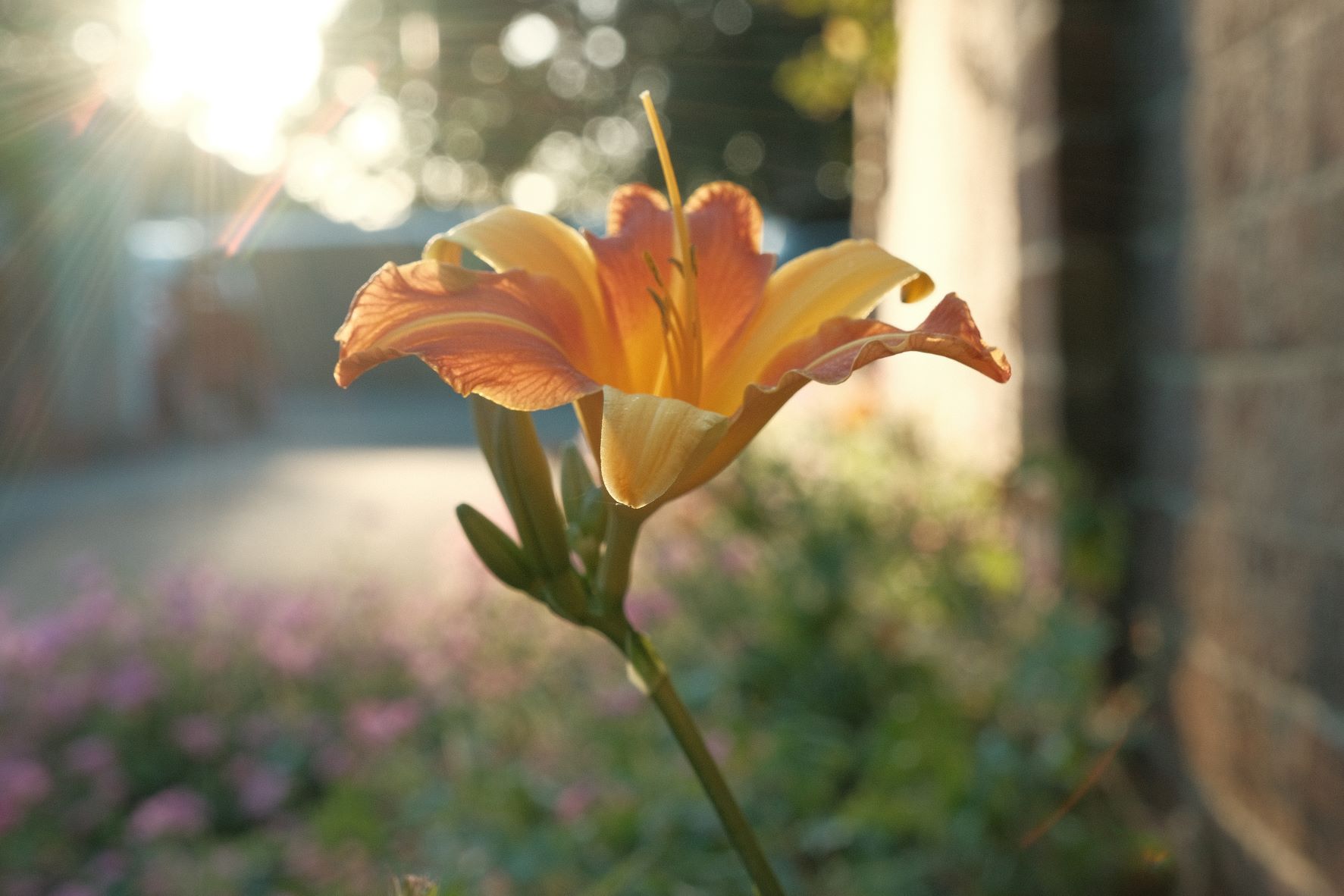
    The main change is to warm up the colour balance, with a +4, -5 shift, giving the 45 in the recipe name. Otherwise, colour is gently softened with a -2 colour setting, and all other changes are small tweaks. This leaves the recipe very usable in a wide range of conditions, but still bringing a little soft tone warmth to your photos.

    The only setting in the recipe that isn’t compatible with older cameras is a weak amount of color chrome blue, which you can skip on older sensors for almost the same look.

    P45 Film Recipe Settings

    Film SimulationProvia/Standard
    Grain EffectOff
    Col. Chr. EffectOff
    Col. Chr. BlueWeak
    White BalanceAuto, +4 Red, ‑5 Blue
    Dynamic RangeDR200
    Highlights‑0.5
    Shadows0.5
    Colour‑2
    Sharpness0
    ISO N.R.‑4
    Clarity0
    EV Comp.0

    Similar Recipes

    More similar recipes, and hundreds more exclusive looks, are available in the Film Recipes App.

    Film Recipes

    Get the Film Recipes App

    Filter by film simulation, mood, shooting condition and more

    Download on the App Store
    Get it on Google Play

    P45 Film Recipe: Sample Photos
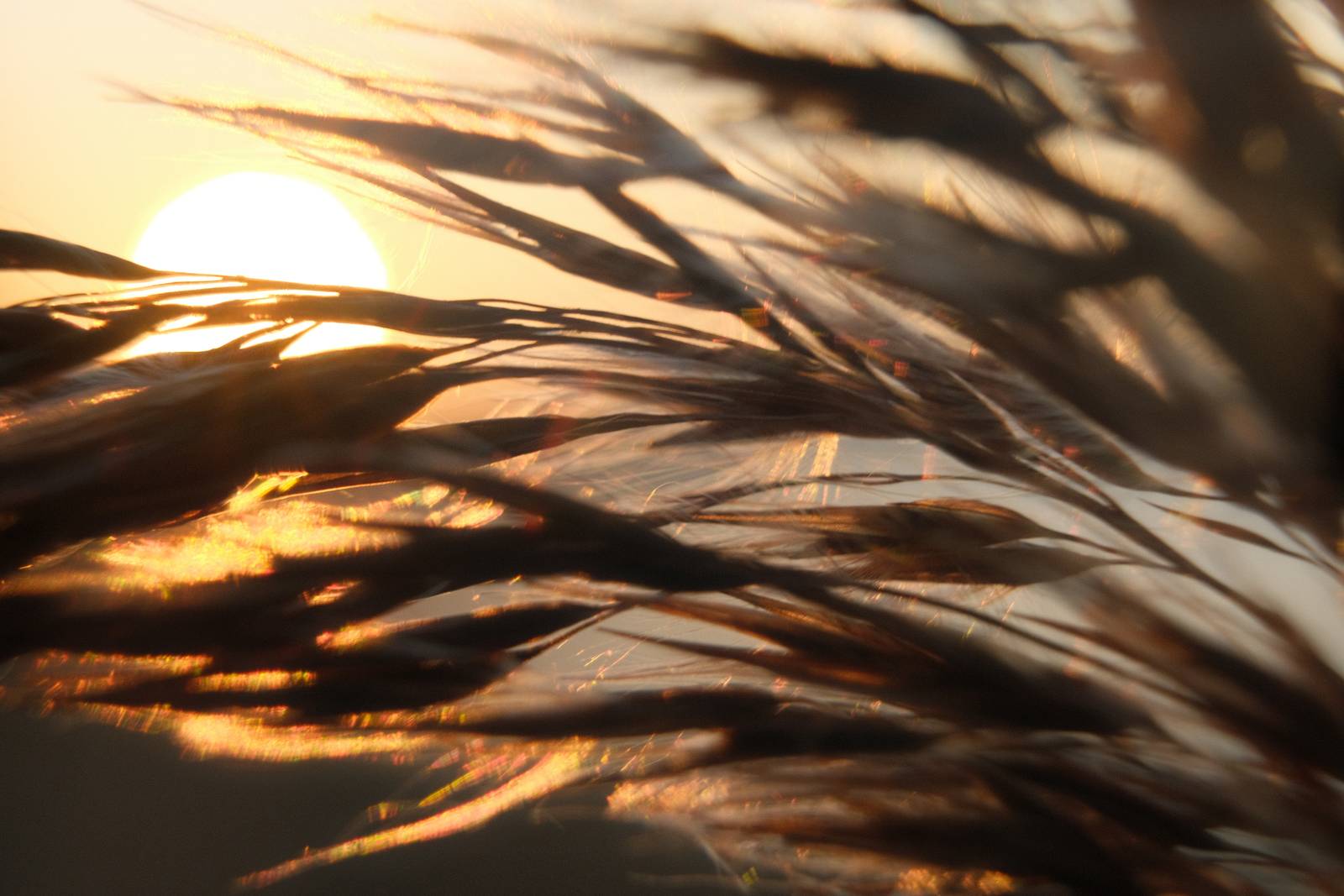
    P45 film recipe sample photo
    P45 film recipe sample photo
    P45 film recipe sample photo

    Using the P45 Film Recipe

    Each film simulation recipe has its own character and style. These features mean recipes are more suited to certain situations, or when seeking a particular look. Here are the categories that P45 has been tagged with.

  • Lucky 13, Clean and Crisp Provia Recipe

    Lucky 13, Clean and Crisp Provia Recipe

    Provia film simulation recipe for a clean crisp look

    Lucky 13 Film Recipe

    Lucky 13

    With all the fuss and hype that surrounds the nostalgic simulations, like Classic Chrome and Classic Negative, poor old Provia doesn’t get much love. Let’s change that now with a simple recipe that makes just a few adjustments to this reliable workhorse film simulation.

    In developing this recipe, I wanted to keep the neutral clean colour of Provia, but make small nods toward my soft tones style. So, we have gently softened highlights and shadows, a little less saturation, and for a crisp finish, some positive clarity. You can leave this off however, if you prefer to keep shooting uninterrupted by the processing delay.

    Lucky 13 Film Recipe Settings

    Film SimulationProvia/Standard
    Grain EffectOff
    Col. Chr. EffectWeak
    Col. Chr. BlueWeak
    White BalanceAuto, +1 Red, ‑3 Blue
    Dynamic RangeDR400
    Highlights‑0.5
    Shadows‑0.5
    Colour‑2
    Sharpness1
    ISO N.R.‑4
    Clarity3
    EV Comp.+1/3

    Similar Recipes

    More similar recipes, and hundreds more exclusive looks, are available in the Film Recipes App.

    Film Recipes

    Get the Film Recipes App

    App-exclusive recipes you won’t find anywhere else

    Download on the App Store
    Get it on Google Play

    Lucky 13 Film Recipe: Sample Photos

    Lucky 13 film recipe sample photo
    Lucky 13 film recipe sample photo
    Lucky 13 film recipe sample photo
    Lucky 13 film recipe sample photo

    Community Photos

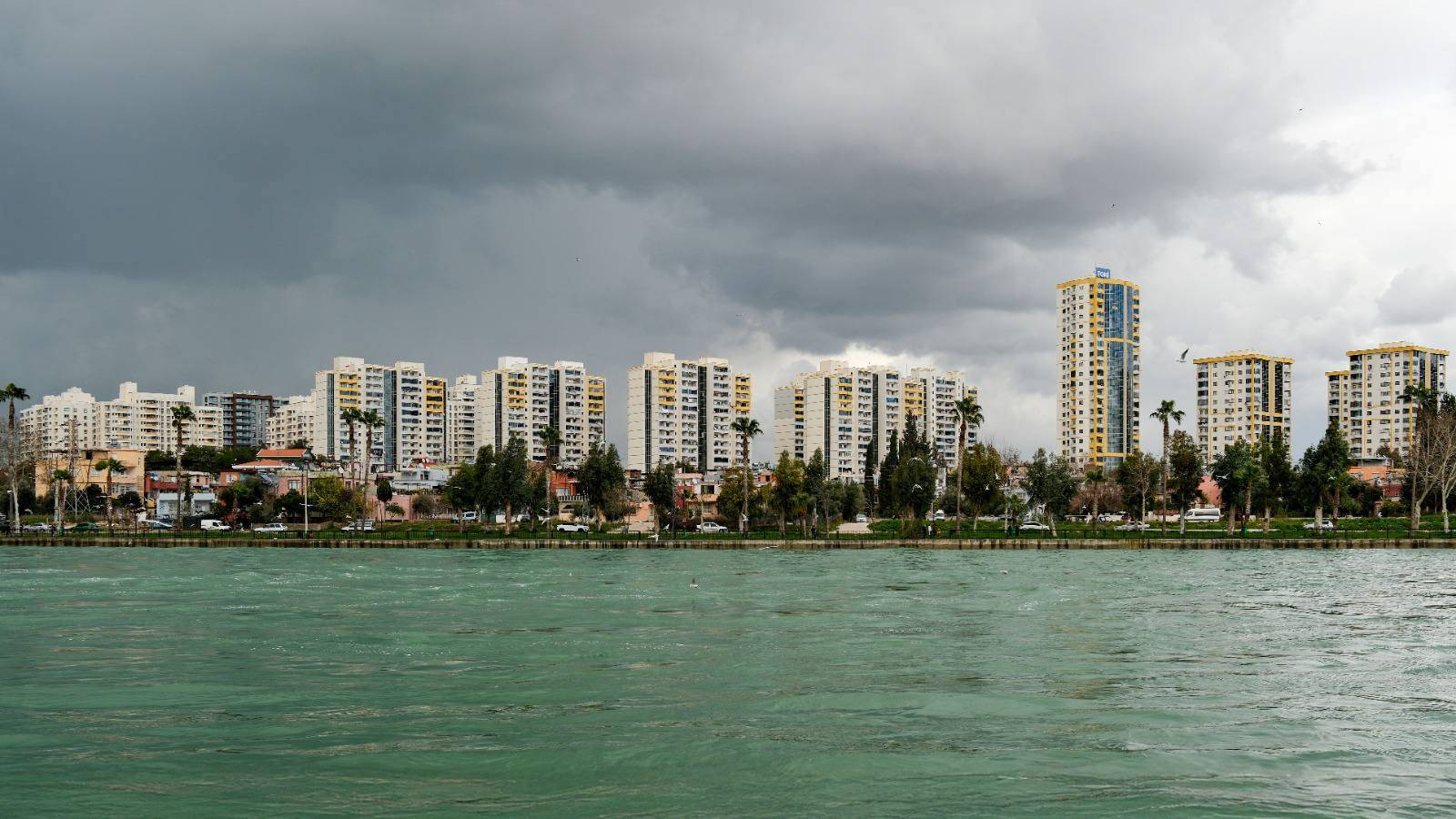
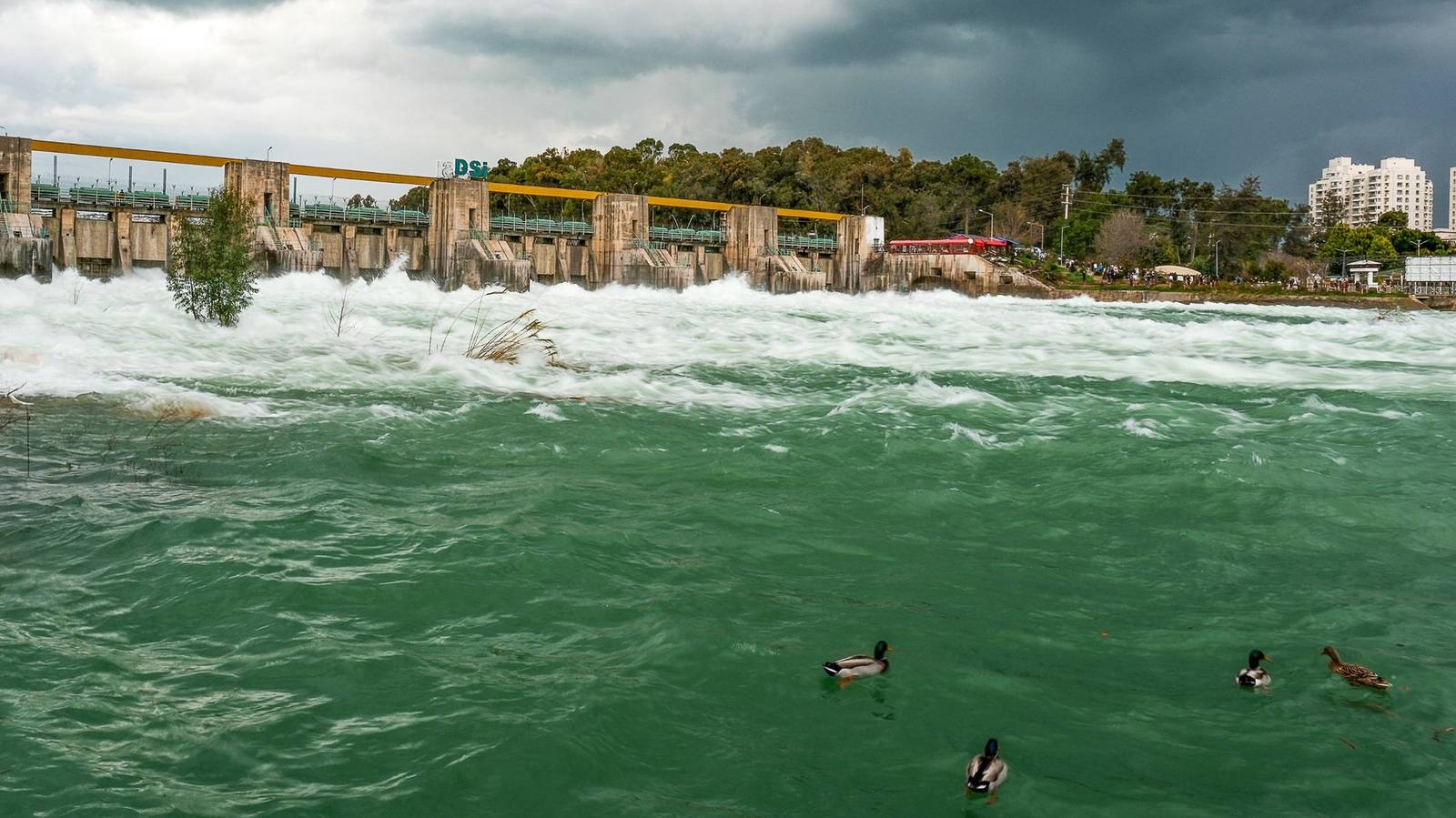
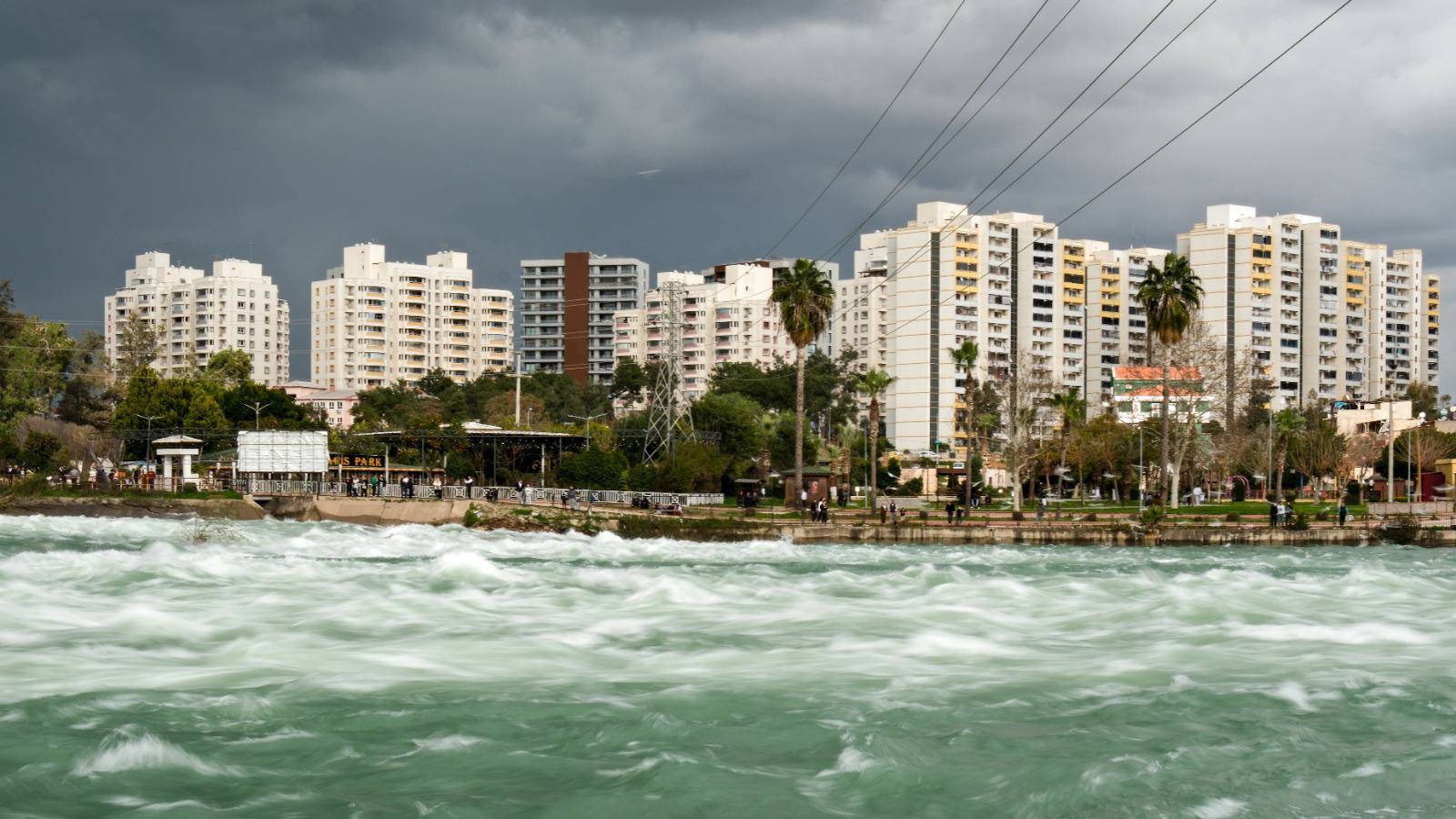
    Photos taken with the Lucky 13 film recipe by members of the Film Recipes community.

    Photos by C Hakan Çuhadar

    Lucky 13 film recipe photo by C Hakan Çuhadar

    Using the Lucky 13 Film Recipe

    Each film simulation recipe has its own character and style. These features mean recipes are more suited to certain situations, or when seeking a particular look. Here are the categories that Lucky 13 has been tagged with.