






Retro Standard
Retro Standard, a Nostalgic Aged Pro Neg
Film simulation recipe for X-Trans 4 Fujifilm cameras with a mellow retro feel
Here’s a cosy and warm recipe that gives a softened retro feel using Pro Neg Standard as the base film simulation. It works well in a wide range of light conditions, but gives the best effect in soft or hazy light and around the golden hour.
The sims for Classic Chrome & Classic Negative get a lot of attention from recipe makers, but I’m coming to love Pro Neg Standard more and more. And, because it’s present on older cameras, people with X-Trans 2 and 3 may be able to capture the essence of this recipe by skipping the settings they don’t have.
Retro Standard Film Recipe Settings
| Film Simulation | PRO Neg. Std |
| Grain Effect | Strong, Small |
| Col. Chr. Effect | Strong |
| Col. Chr. Blue | Weak |
| White Balance | Auto, +5 Red, ‑7 Blue |
| Dynamic Range | DR200 |
| Highlights | ‑1 |
| Shadows | 1 |
| Colour | ‑2 |
| Sharpness | ‑2 |
| ISO N.R. | ‑4 |
| Clarity | ‑2 |
| EV Comp. | +1/3 |
Similar Recipes



More similar recipes, and hundreds more exclusive looks, are available in the Film Recipes App.

Get the Film Recipes App
App-exclusive recipes you won’t find anywhere else


Retro Standard Film Recipe: Sample Photos











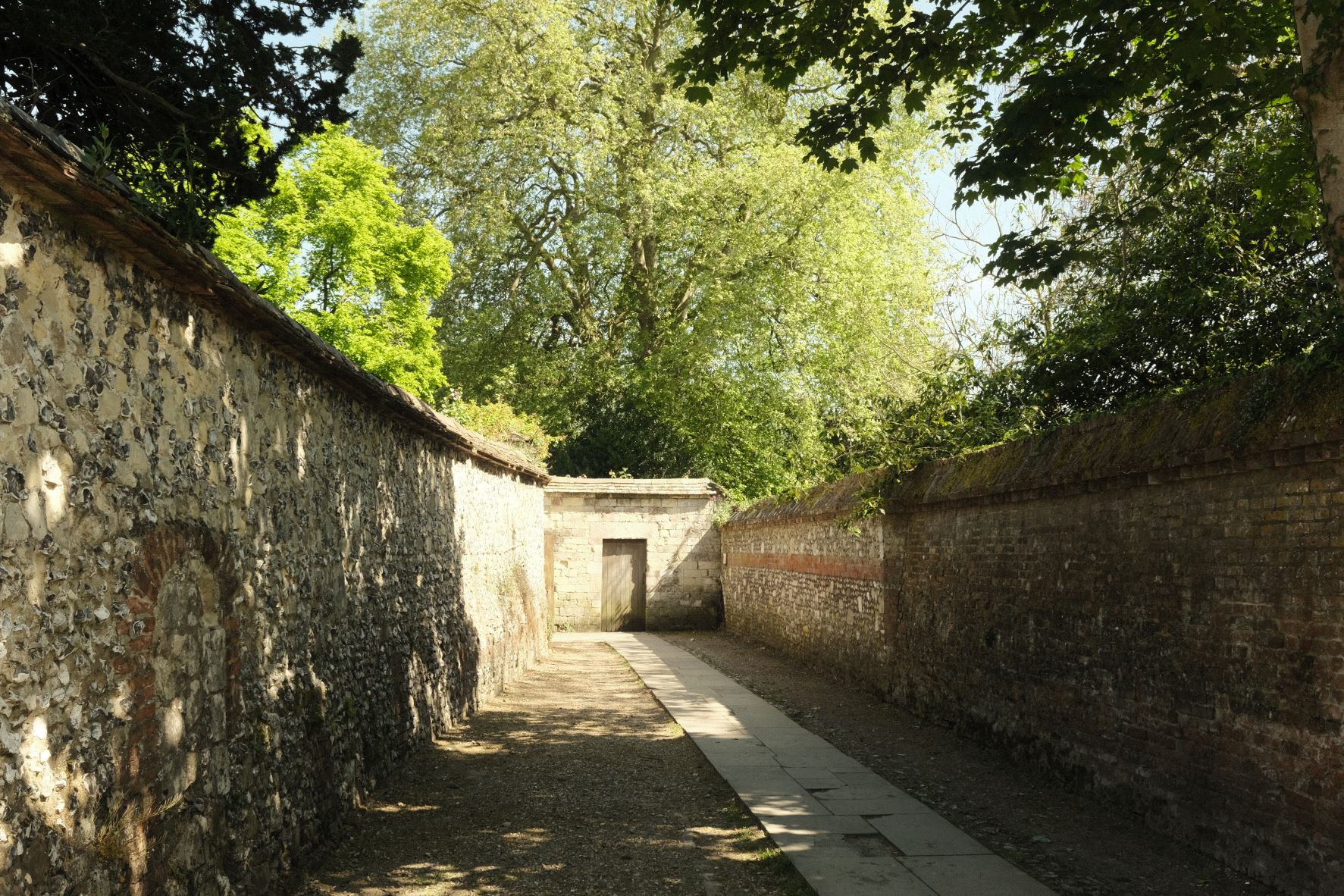





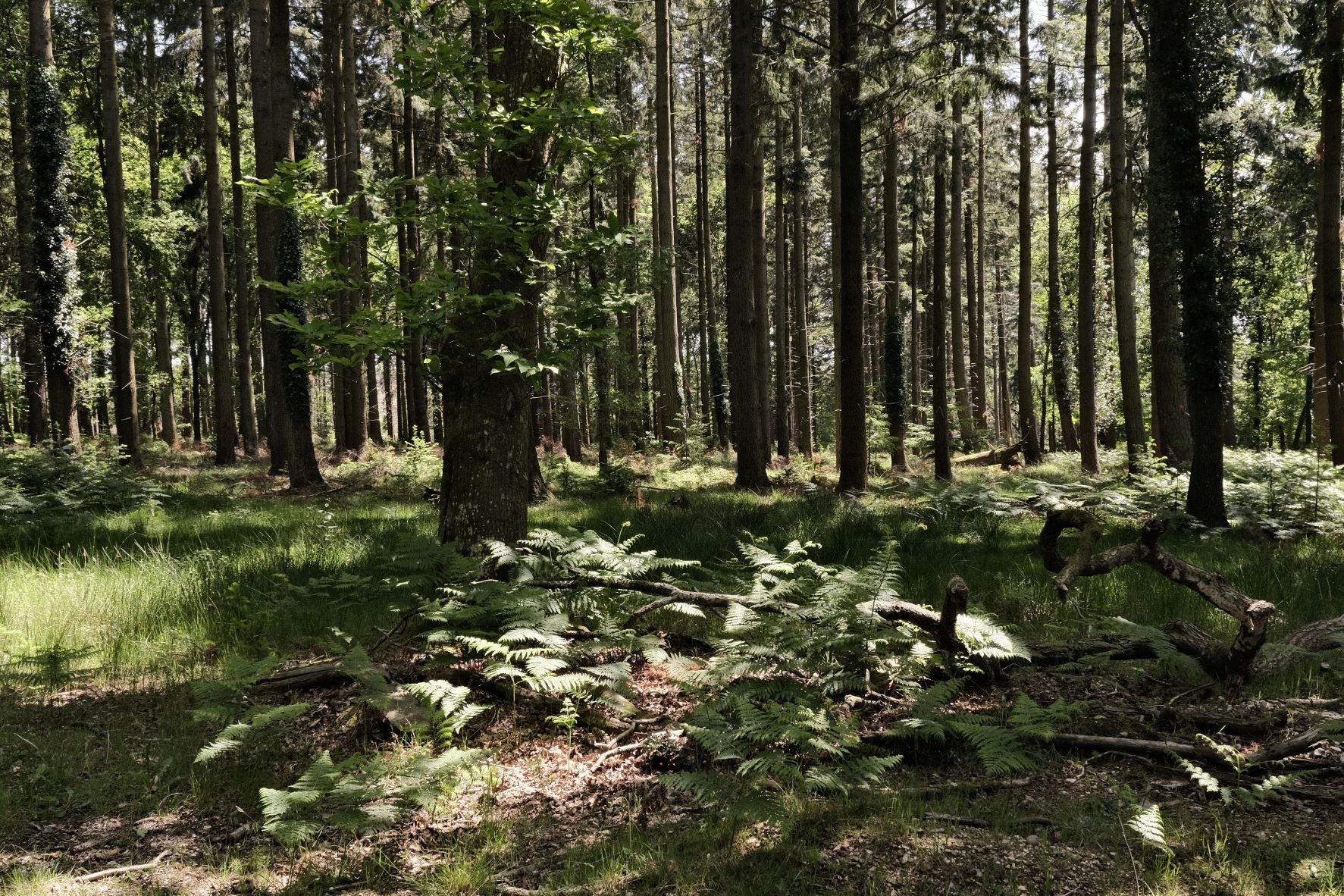

Using the Retro Standard Film Recipe
Each film simulation recipe has its own character and style. These features mean recipes are more suited to certain situations, or when seeking a particular look. Here are the categories that Retro Standard has been tagged with.










Leave a Reply