

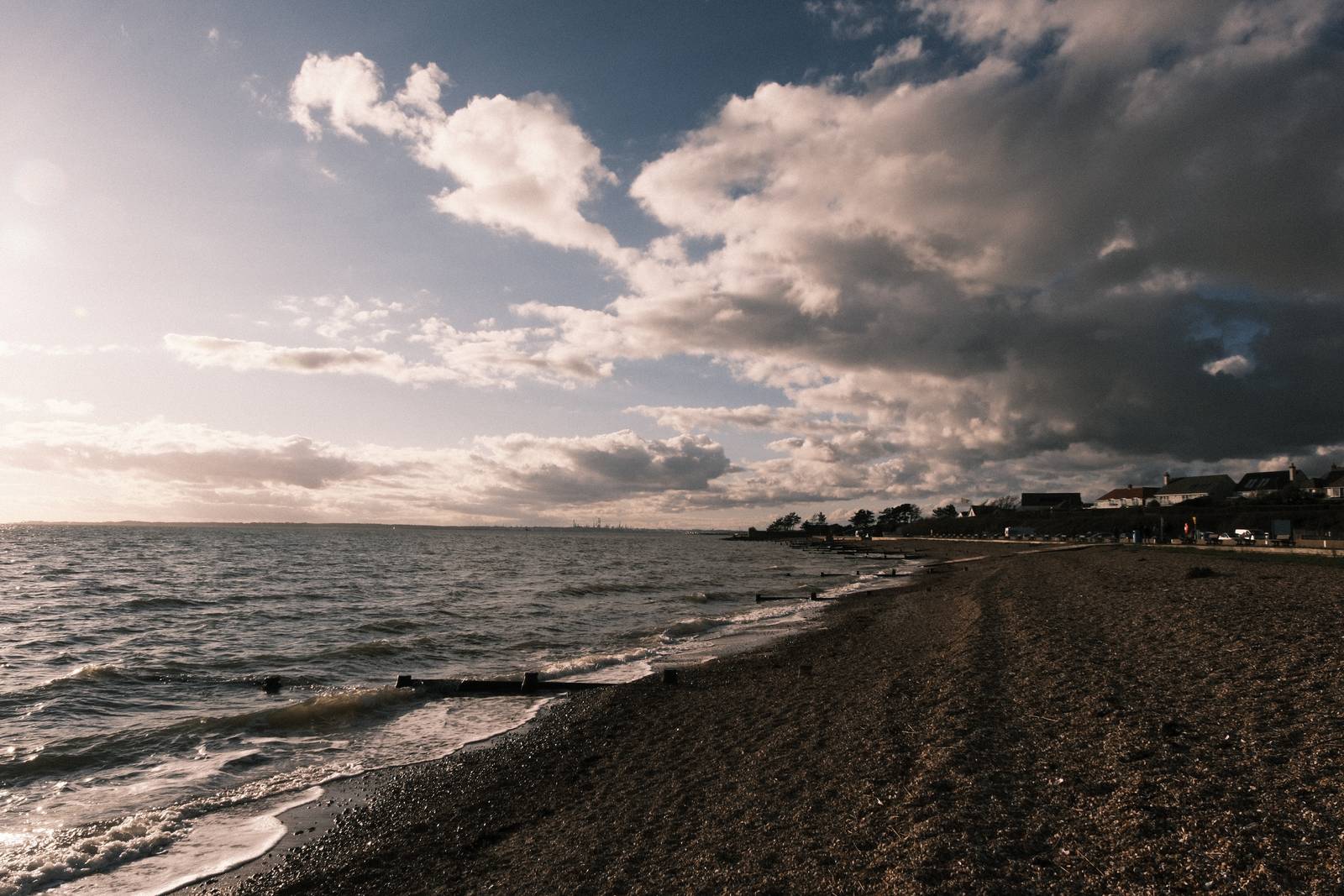
Lomochrome 92
Lomochrome 92, Deep Contrast Muted Color
Lomochrome Color 92 film recreated with Classic Negative for Fujifilm cameras
In the Film Recipes Facebook Group, we often discuss how to recreate a particular look seen elsewhere, whether that be the style of a photographer or a film from a particular manufacturer. One of our members asked recently about the unique look of Lomochrome Color 92 film, with its deep shadows and speciifc colour appearance.
When I saw the sameple images (I’ve included one here), I was compelled to try and reproduce at least a similar look for our Fujifilm cameras.
The key elements were the color tone and low saturation, the deep shadows, creamy neutrals and heavy grain. To me, this all seemed possible by working with Classic Negative as a starting point.
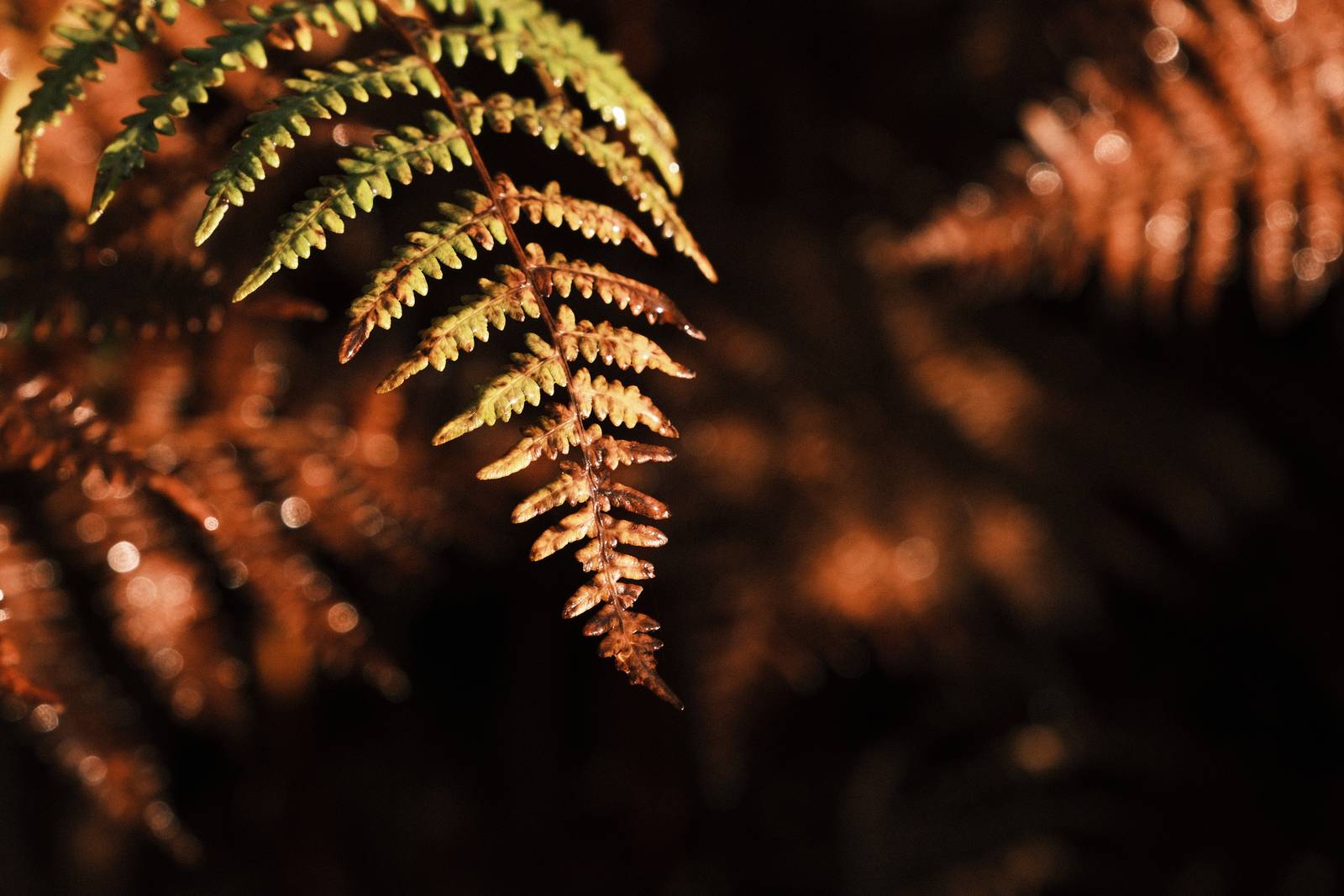
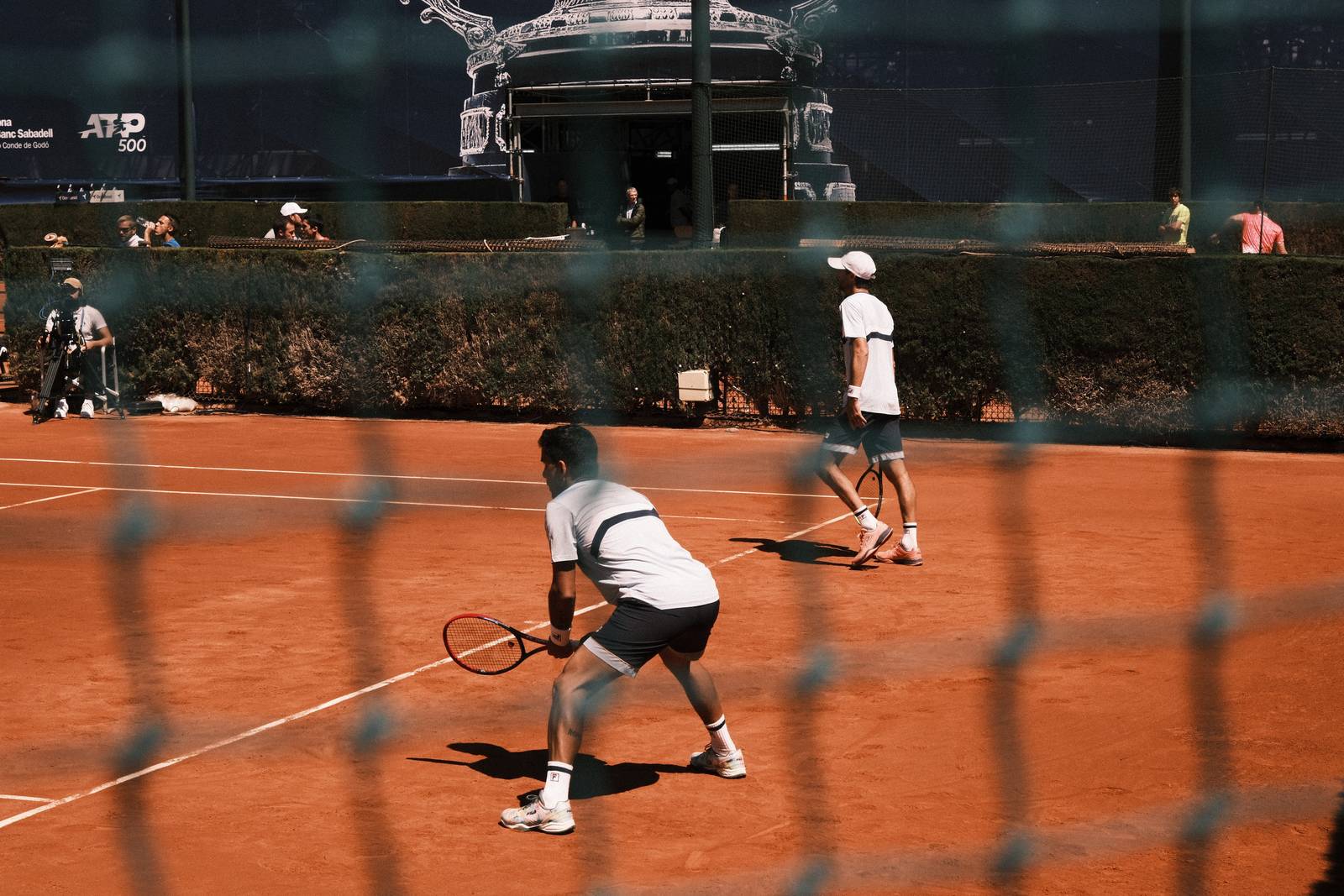
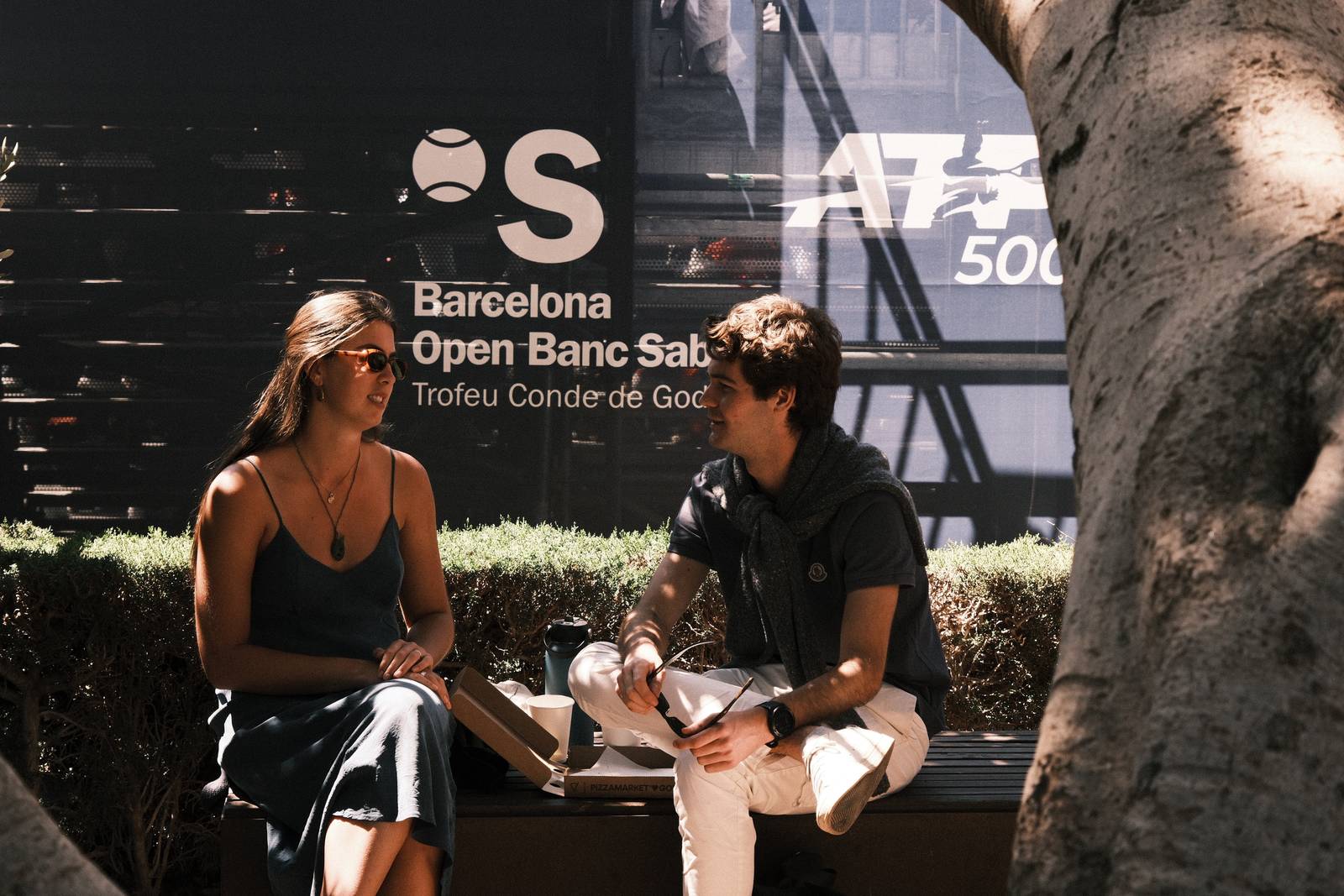
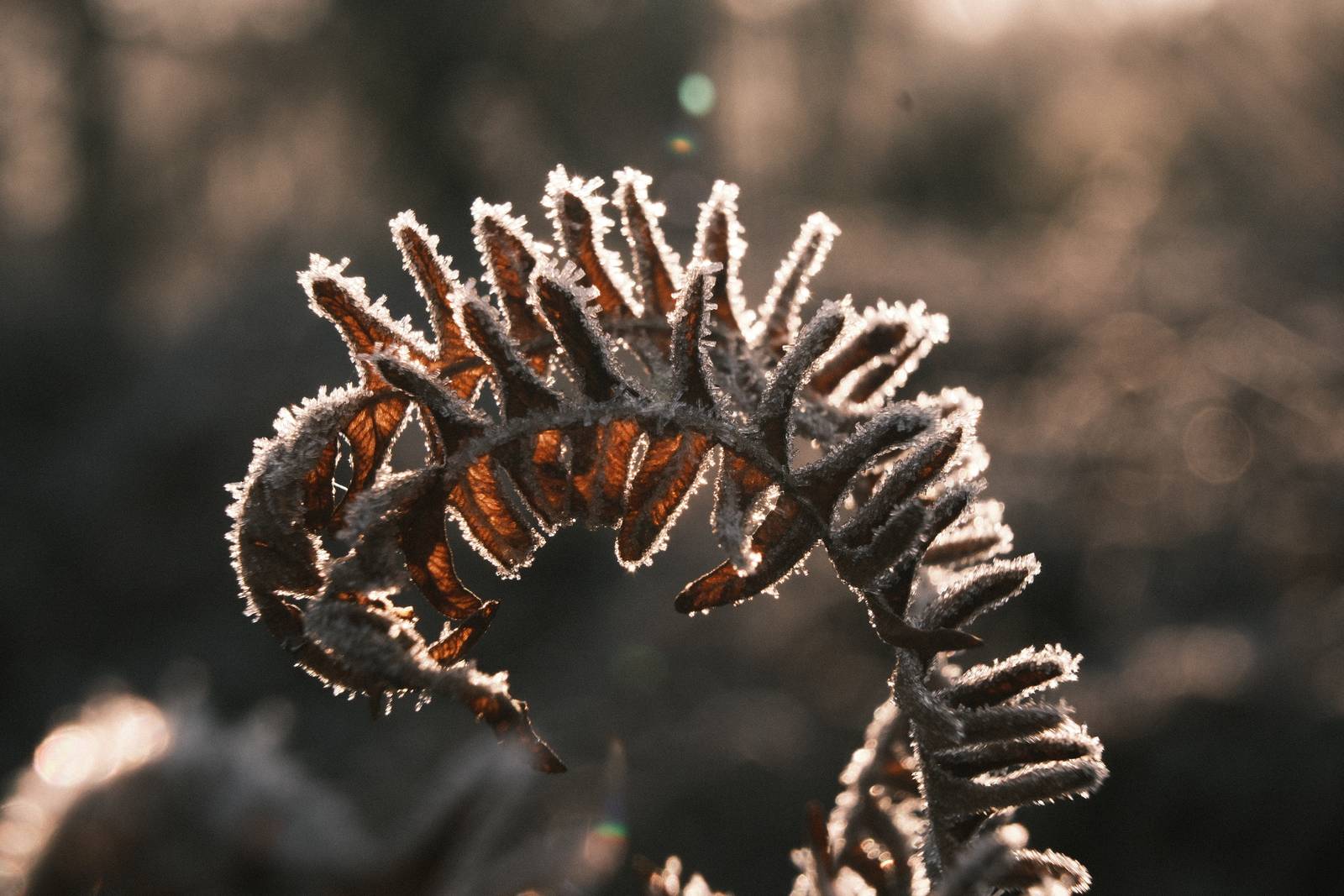
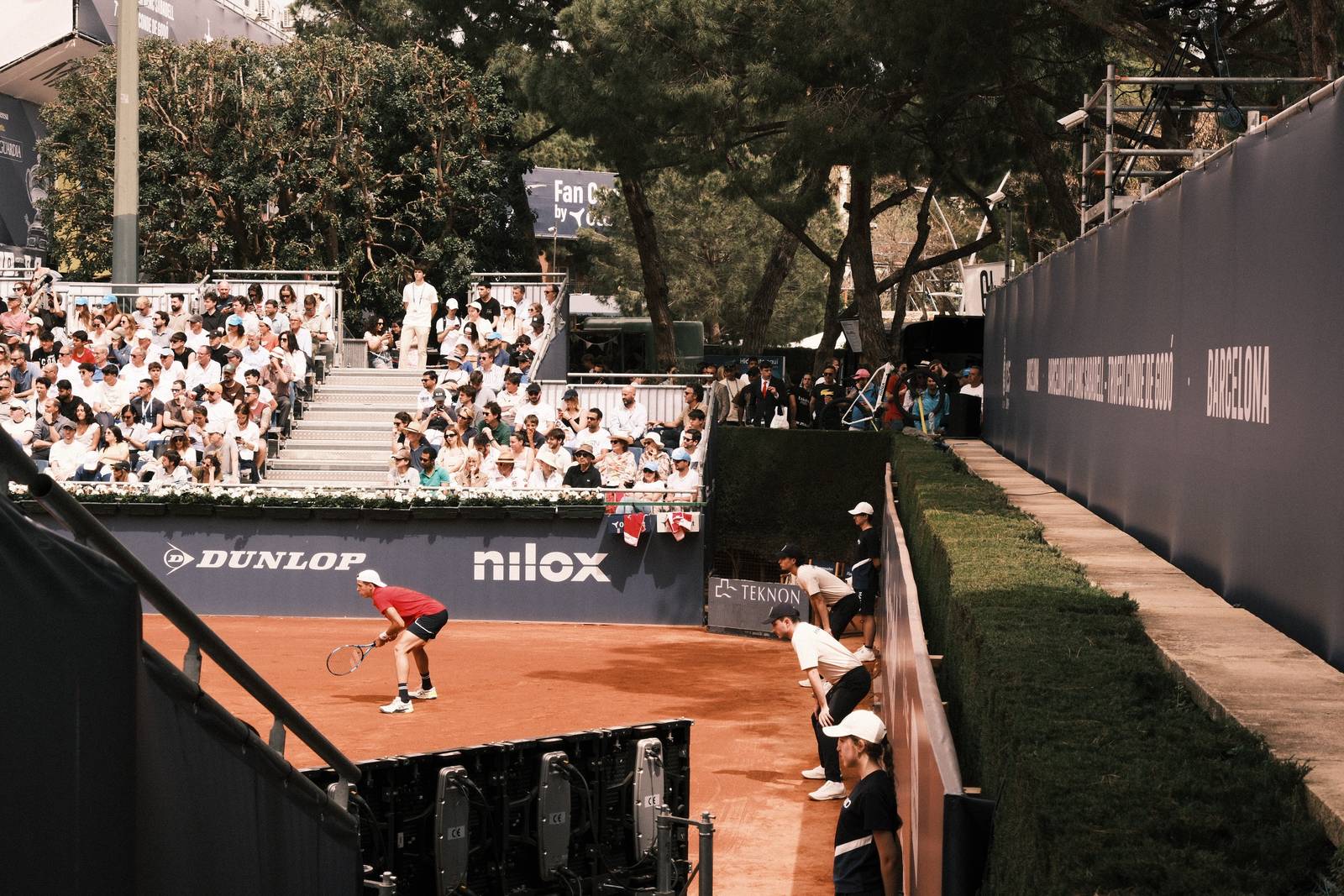
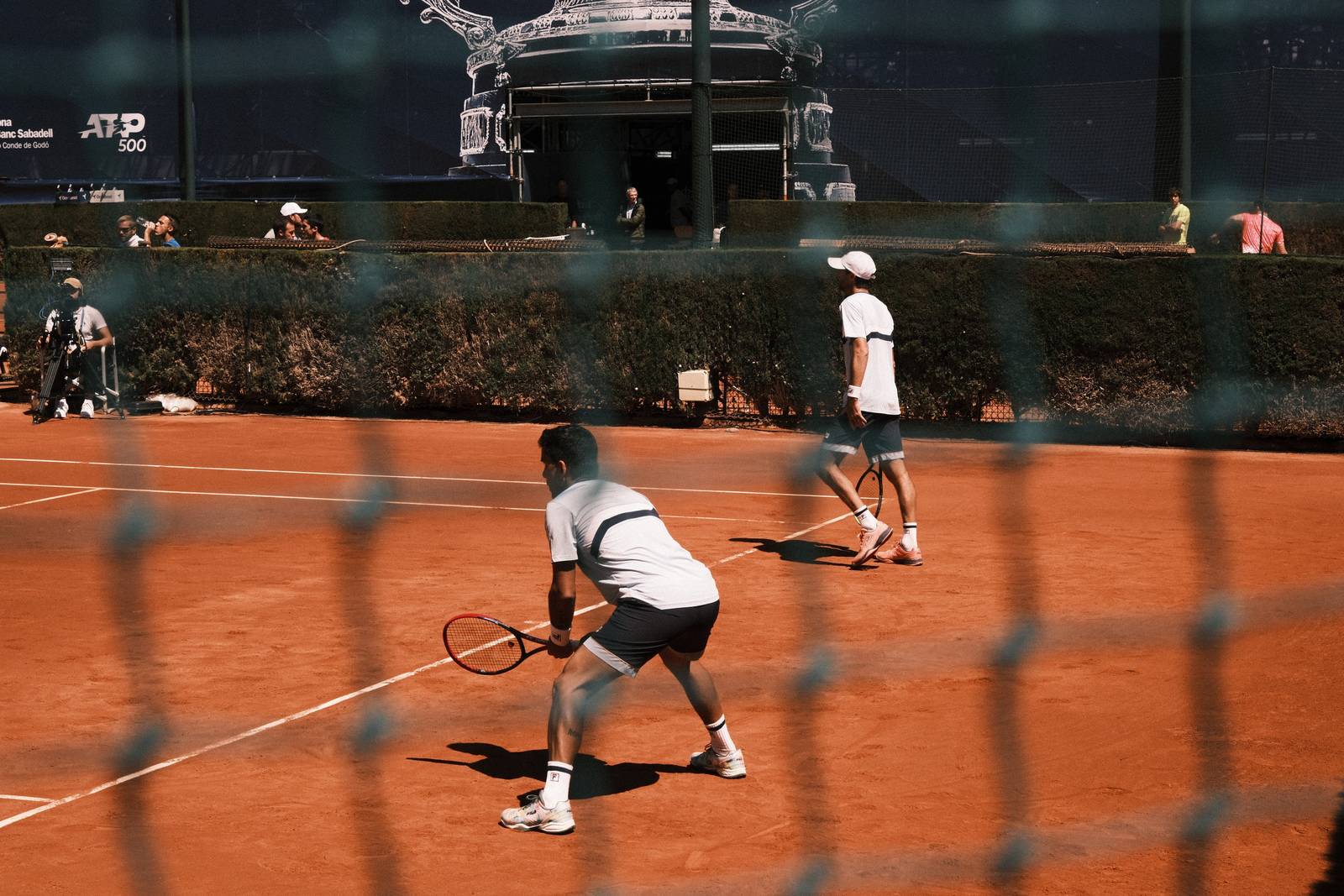
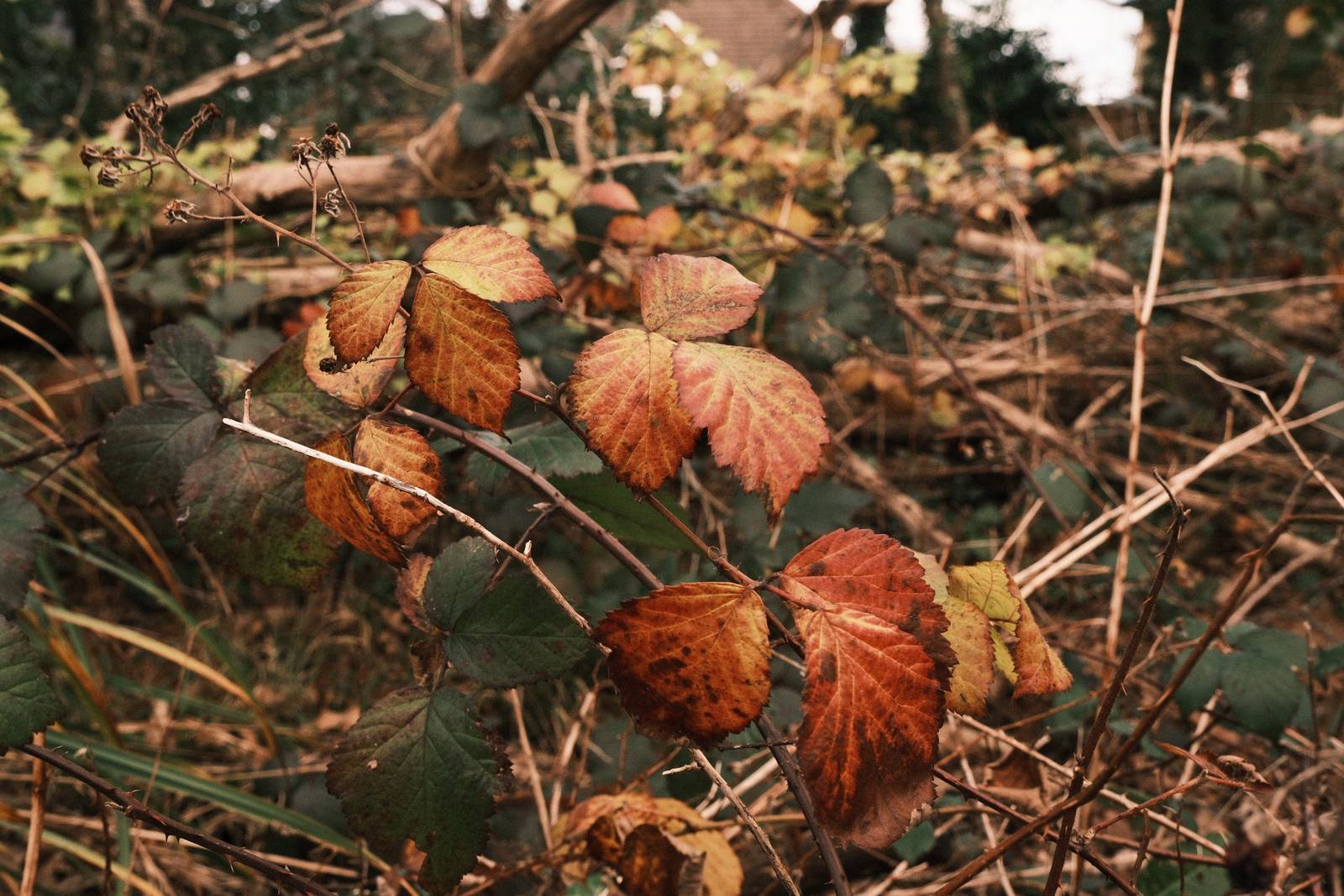
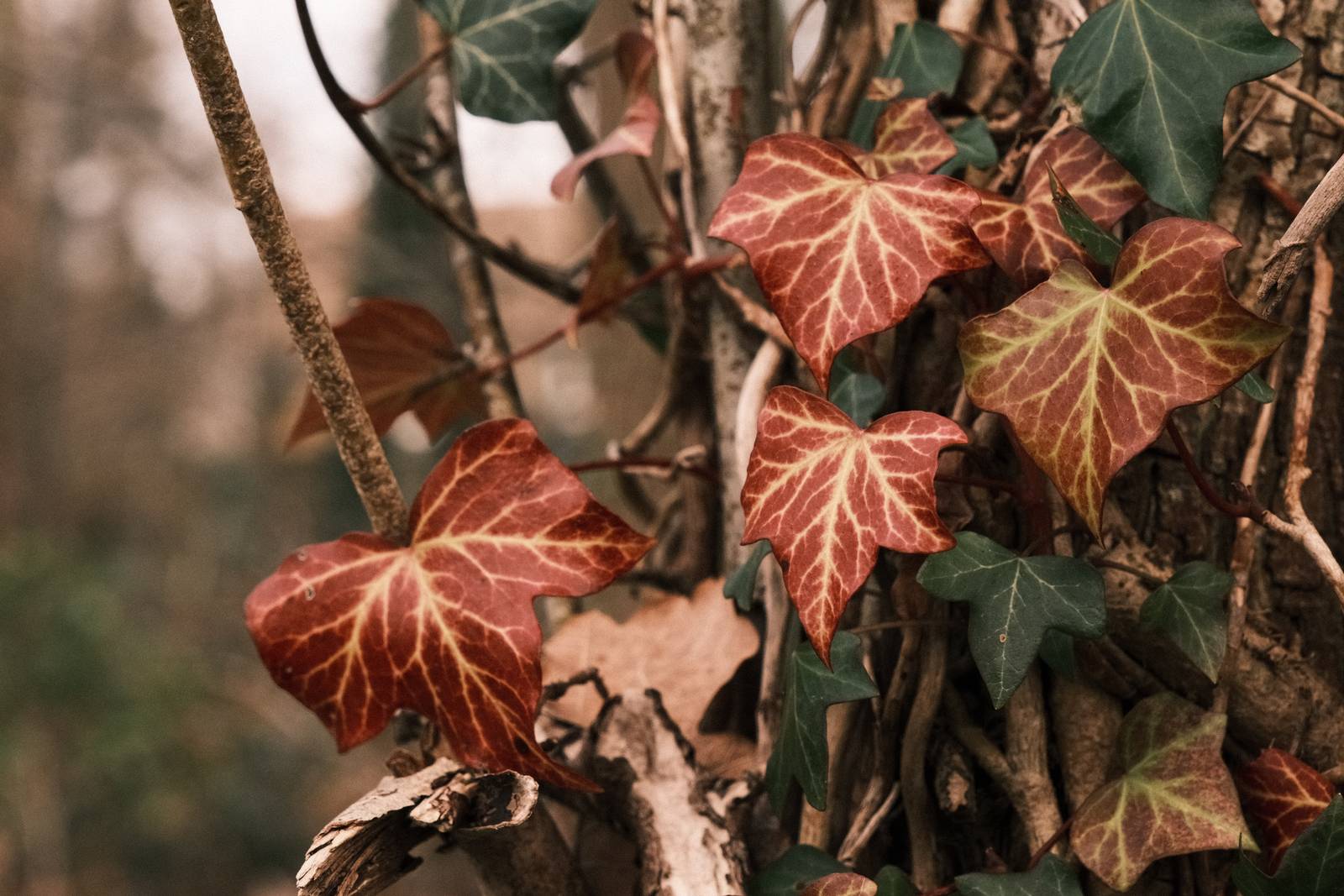
My process involved a lot of fiddling with settings in X RAW Studio, working with RAW files from visits to forests, beaches and, to include some people, a tennis tournament from earlier in the year. Here is my resulting film recipe, which I have been enjoying testing out in the wild, and am pleased to share here with you now.
This recipe has been available as an early releast in the Film Recipes app for the past few weeks. The app is always the best place to find all of my recipes, including many more that aren’t available anywhere else.
Lomochrome 92 Film Recipe Settings
| Film Simulation | Classic Negative |
| Grain Effect | Strong, Small |
| Col. Chr. Effect | Weak |
| Col. Chr. Blue | Weak |
| White Balance | Shade, +4 Red, +1 Blue |
| Dynamic Range | DR200 |
| Highlights | 1 |
| Shadows | 1 |
| Colour | ‑3 |
| Sharpness | ‑2 |
| ISO N.R. | ‑4 |
| Clarity | 0 |
| EV Comp. | -1/3 |
Similar Recipes
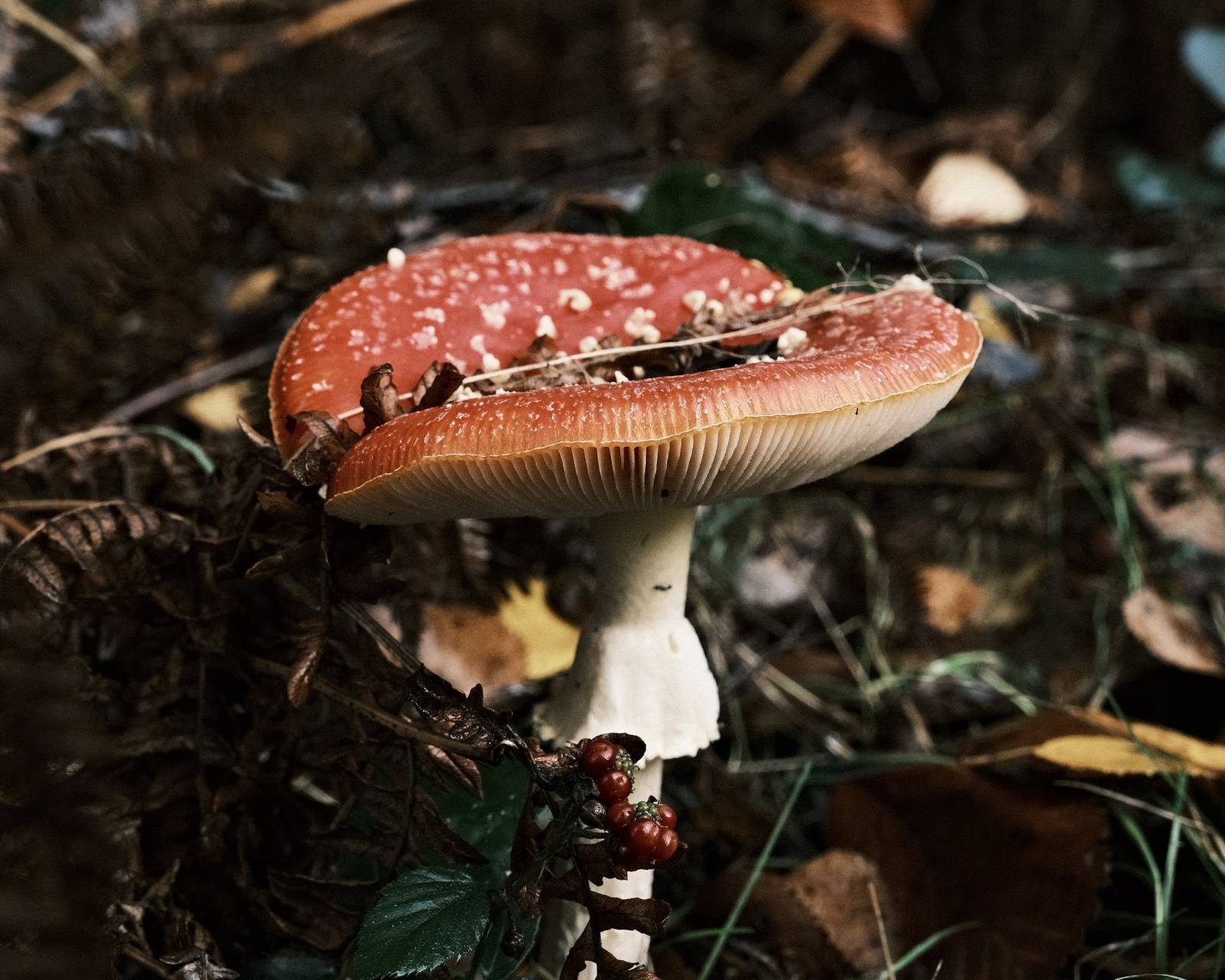
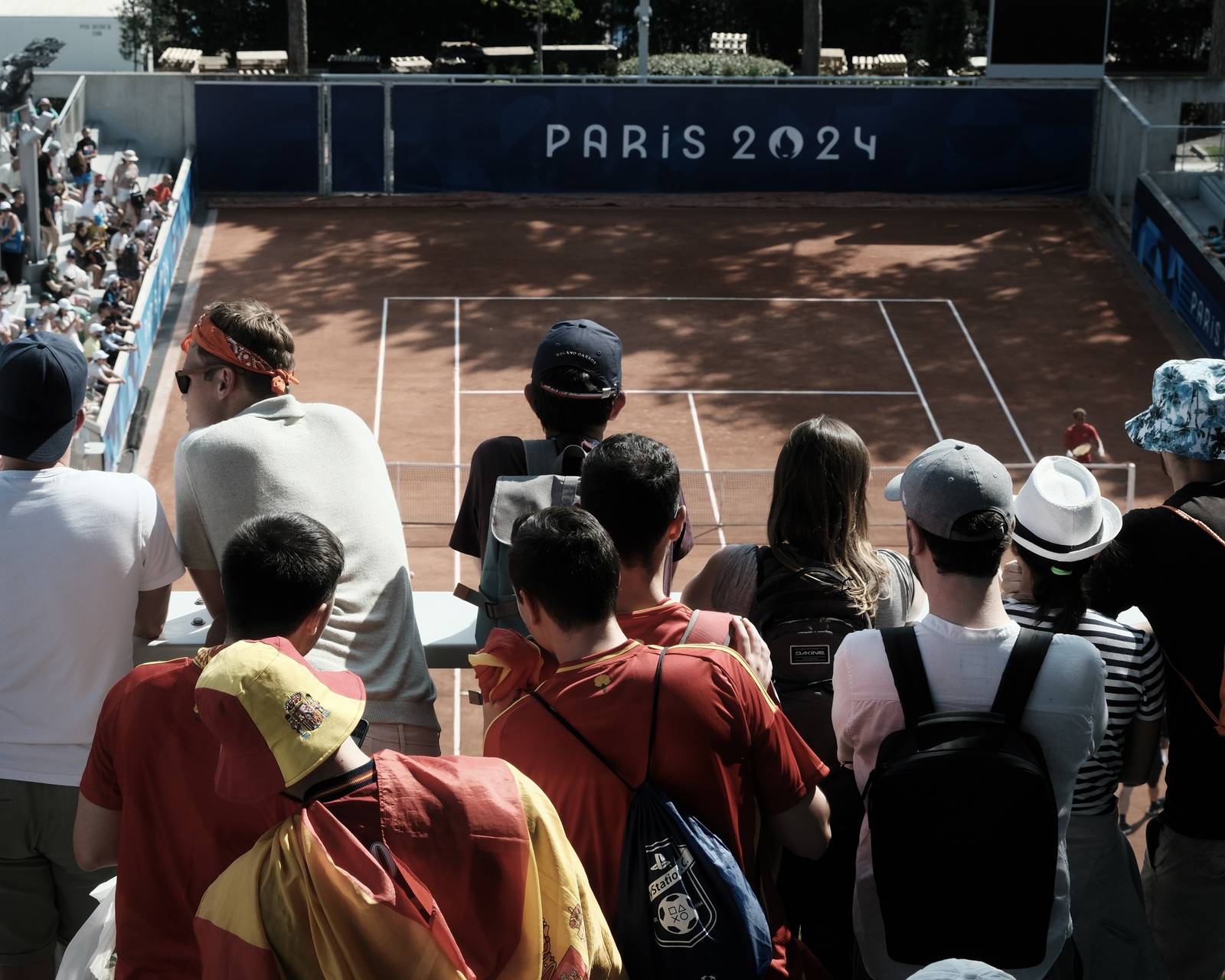
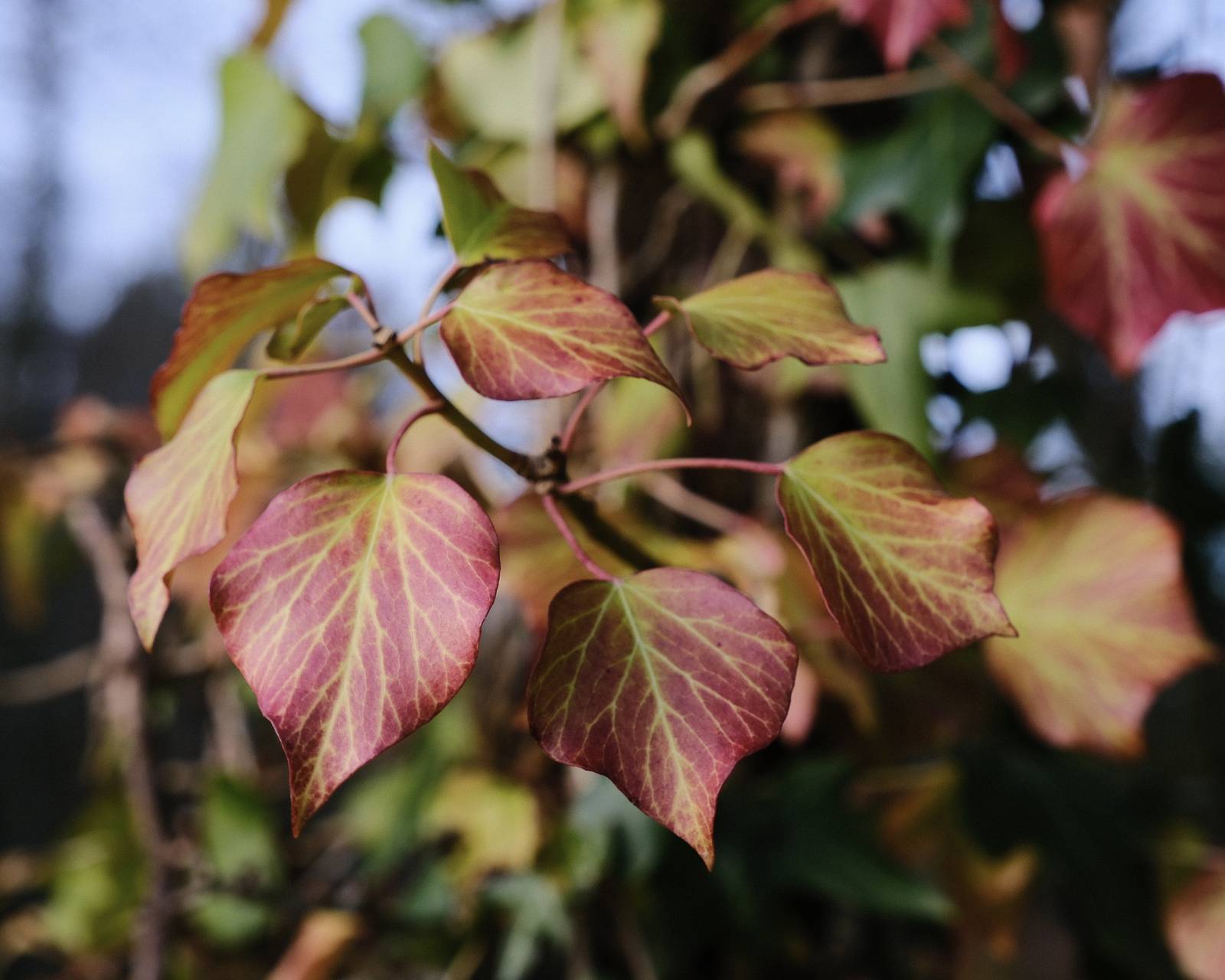
More similar recipes, and hundreds more exclusive looks, are available in the Film Recipes App.

Get the Film Recipes App
App-exclusive recipes you won’t find anywhere else


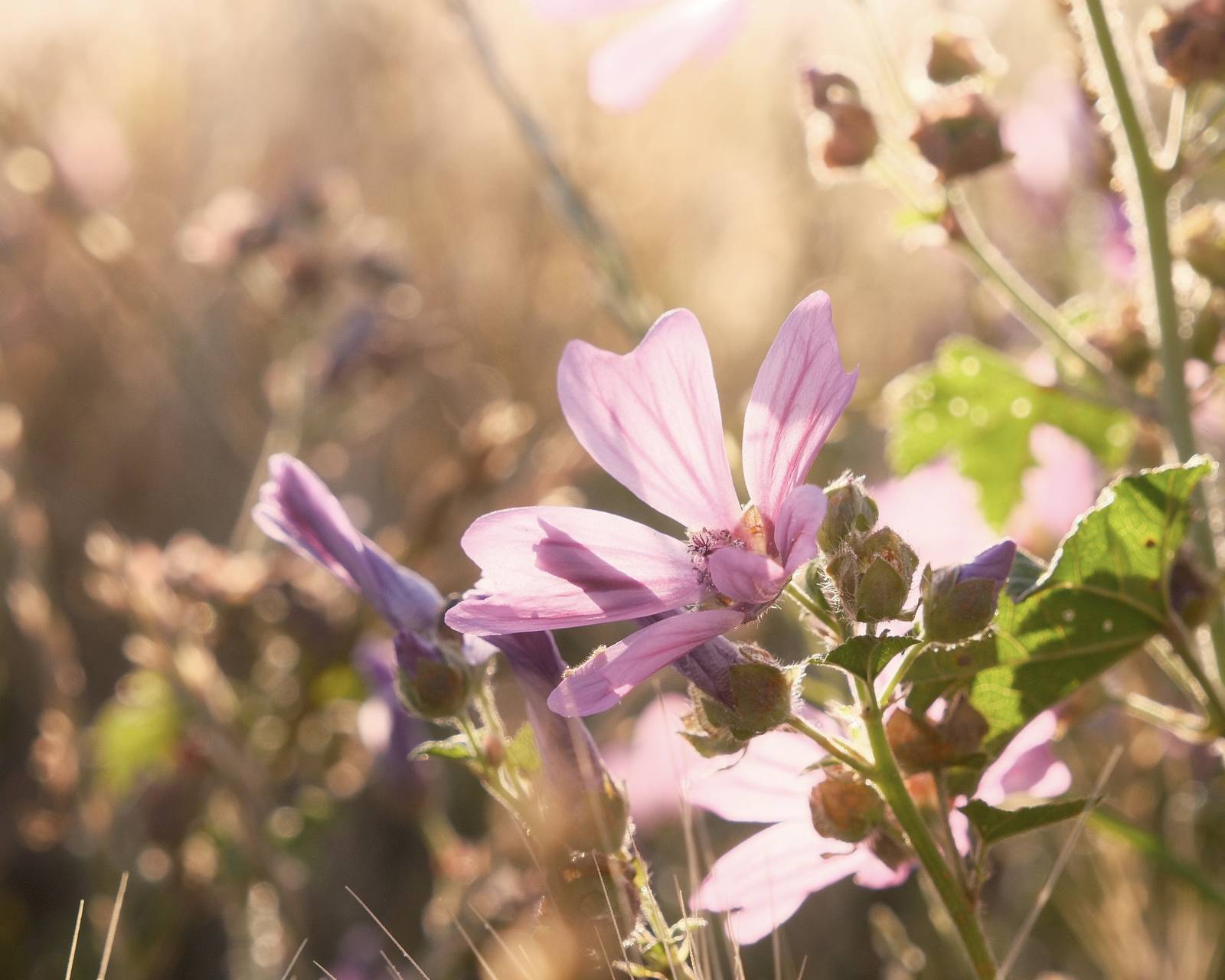
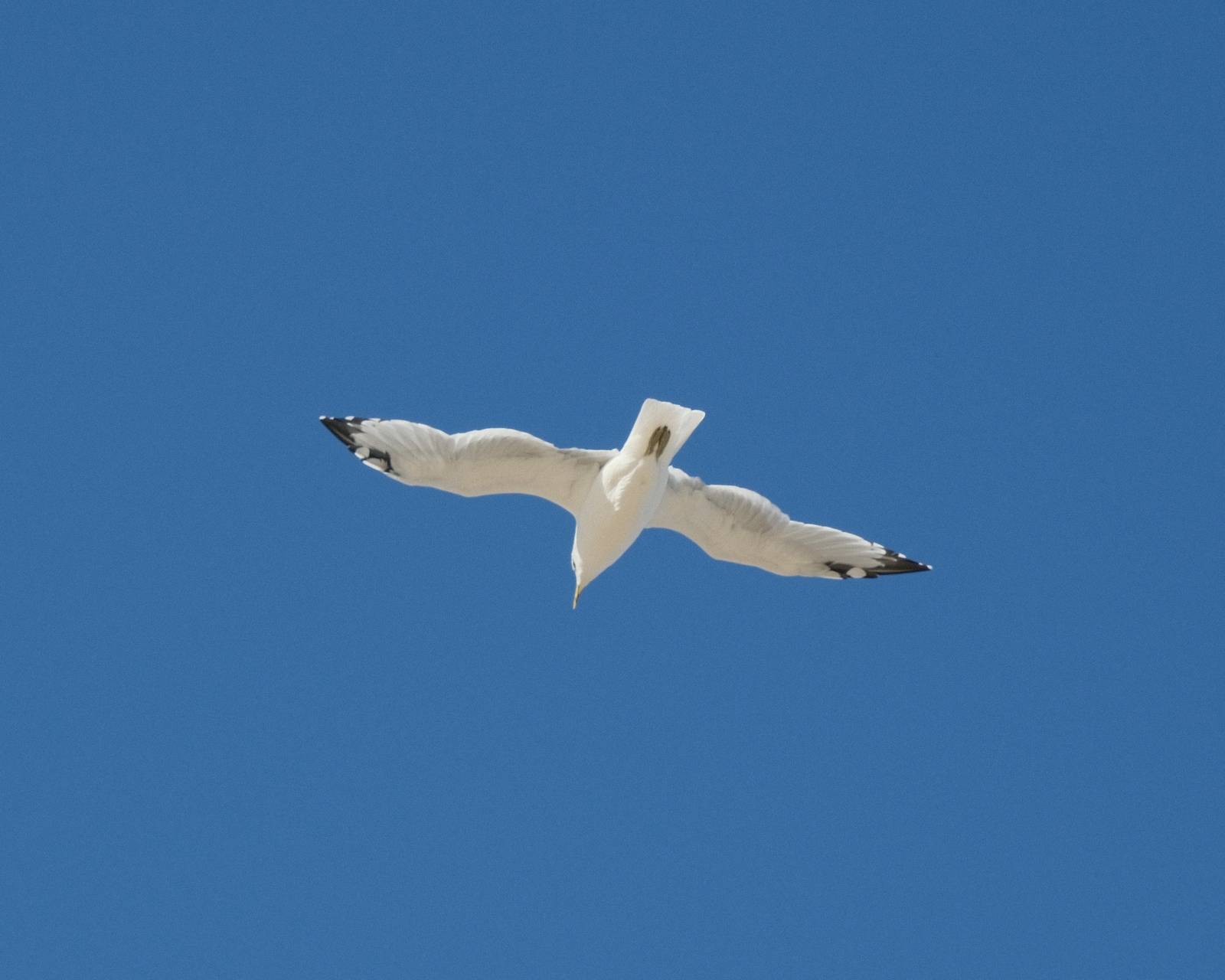
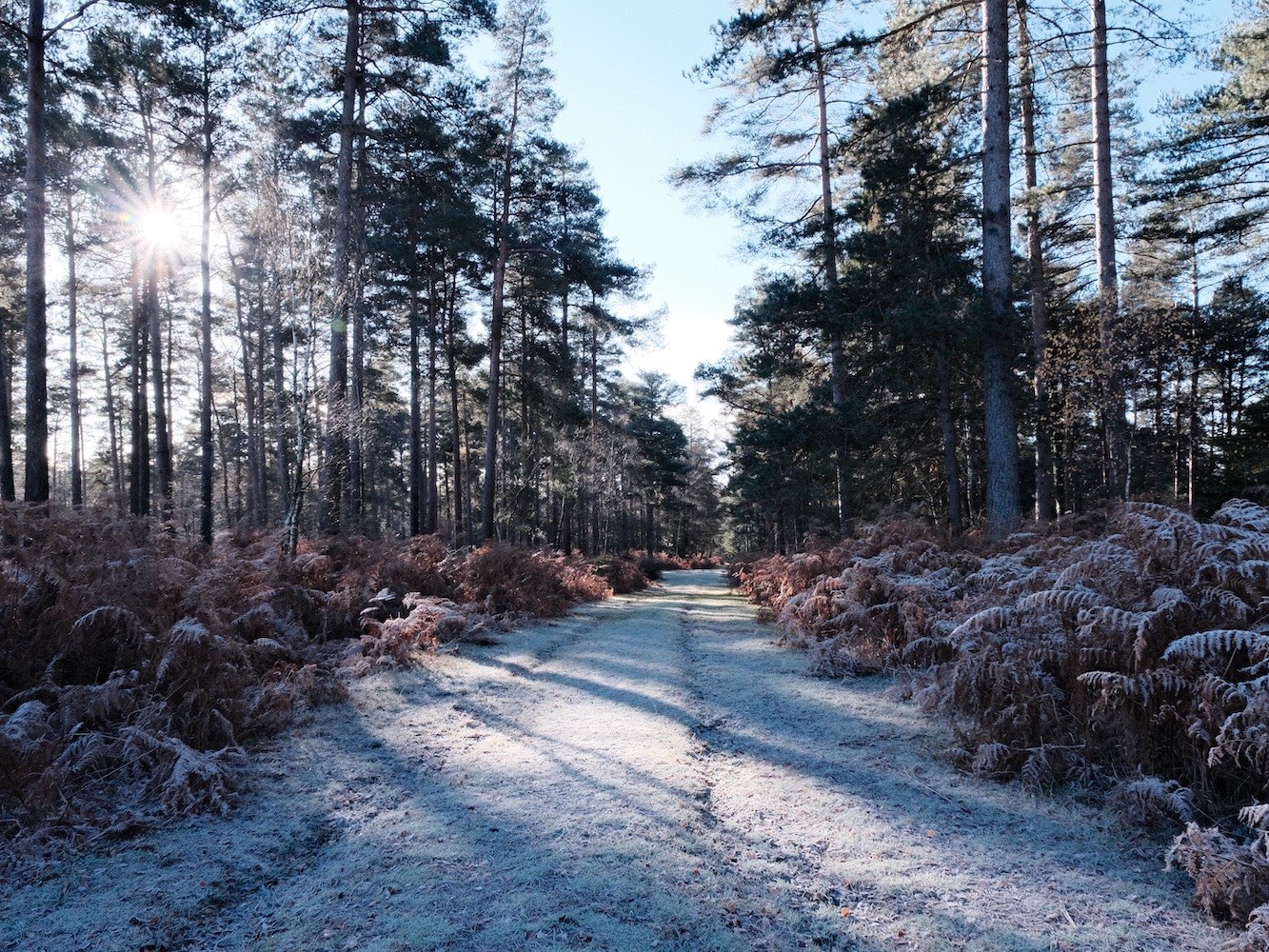
Lomochrome 92 Film Recipe: Sample Photos


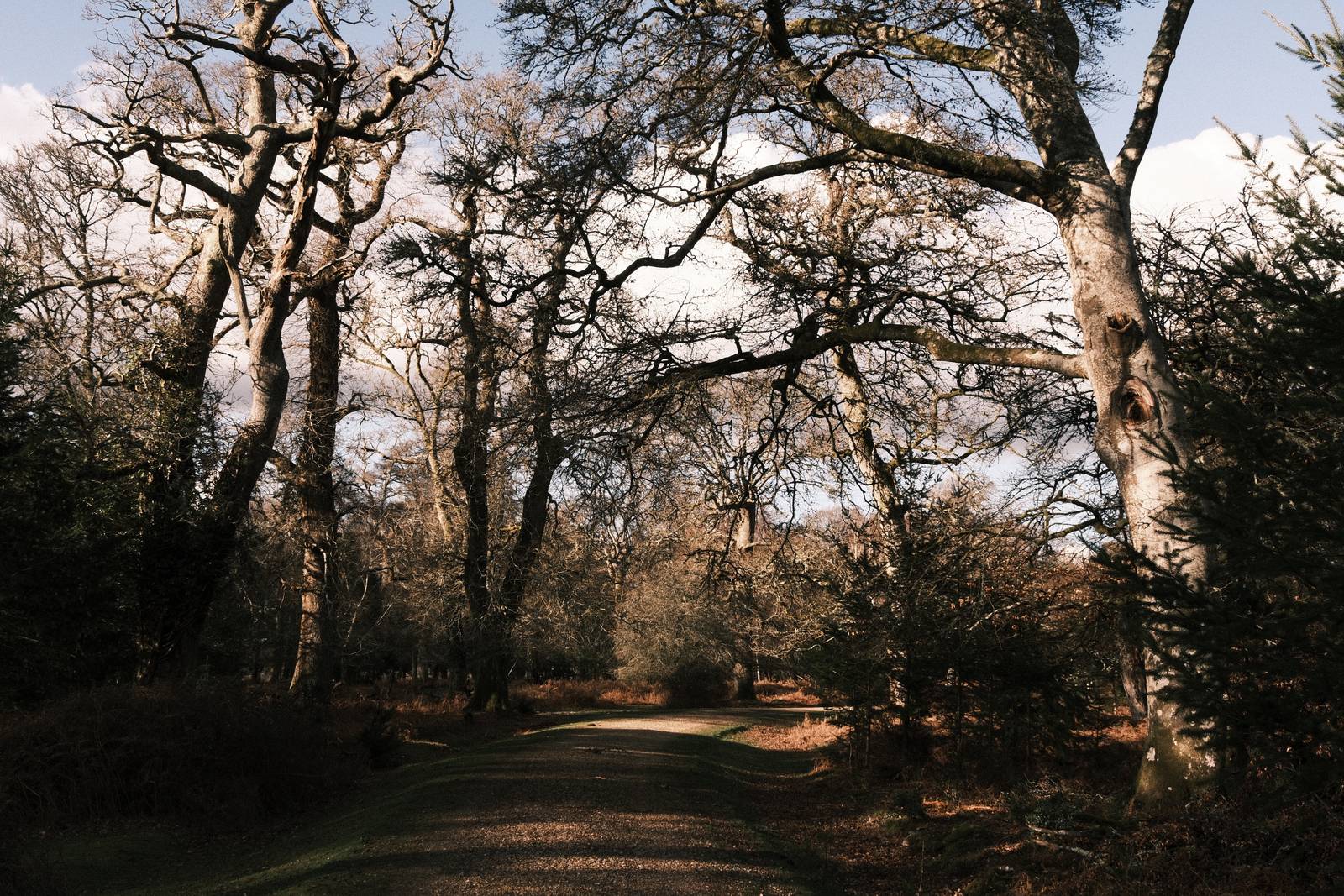


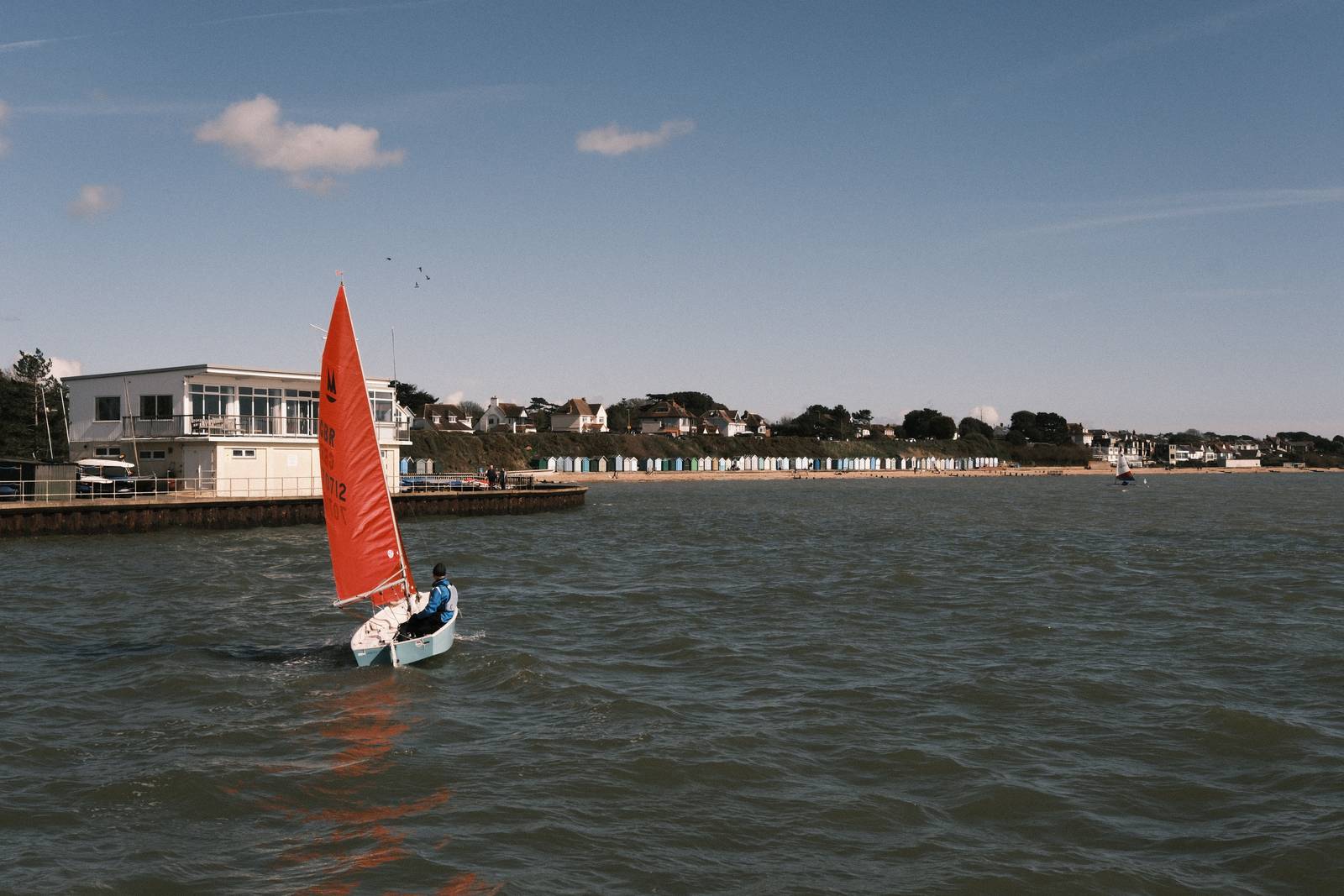

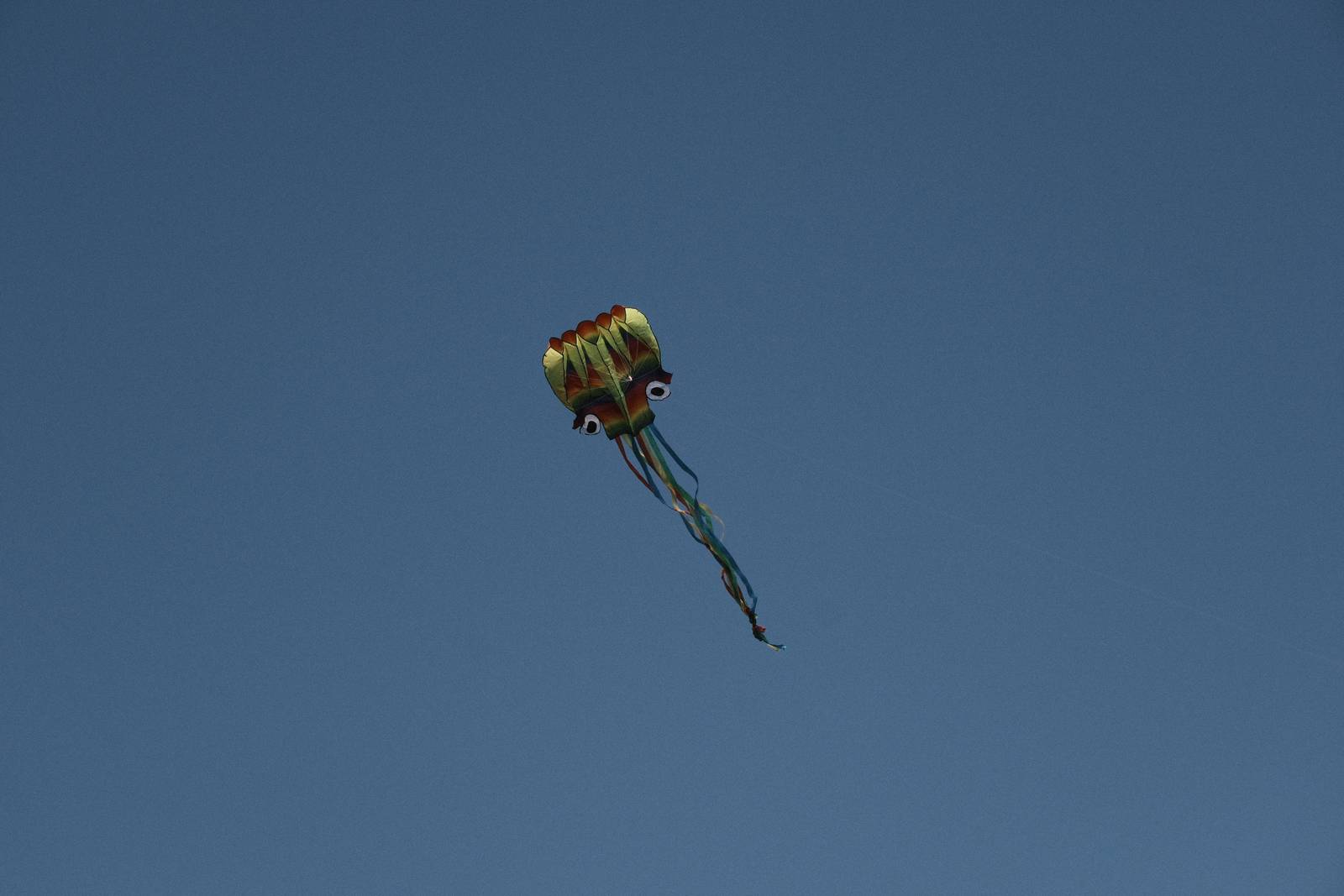
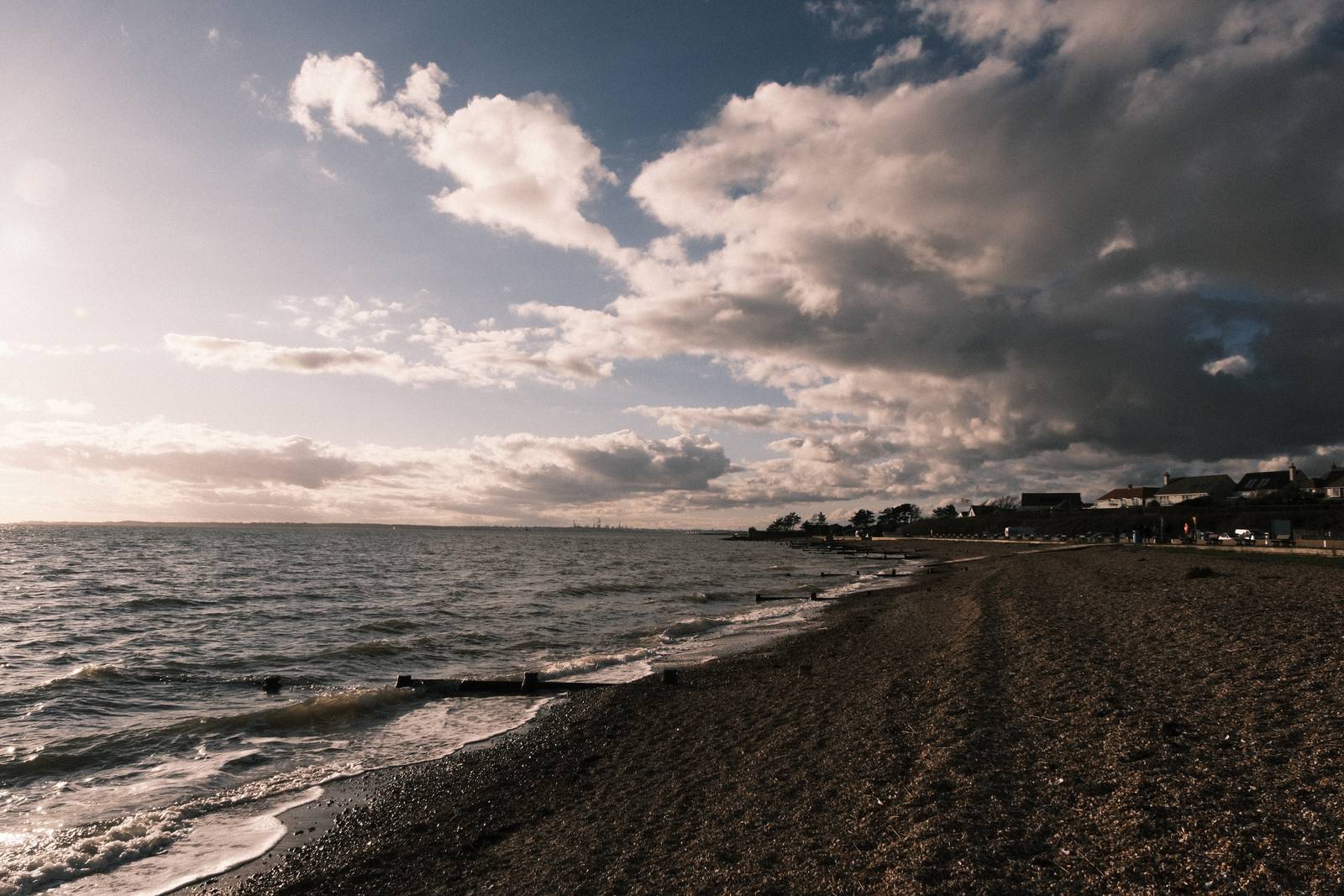
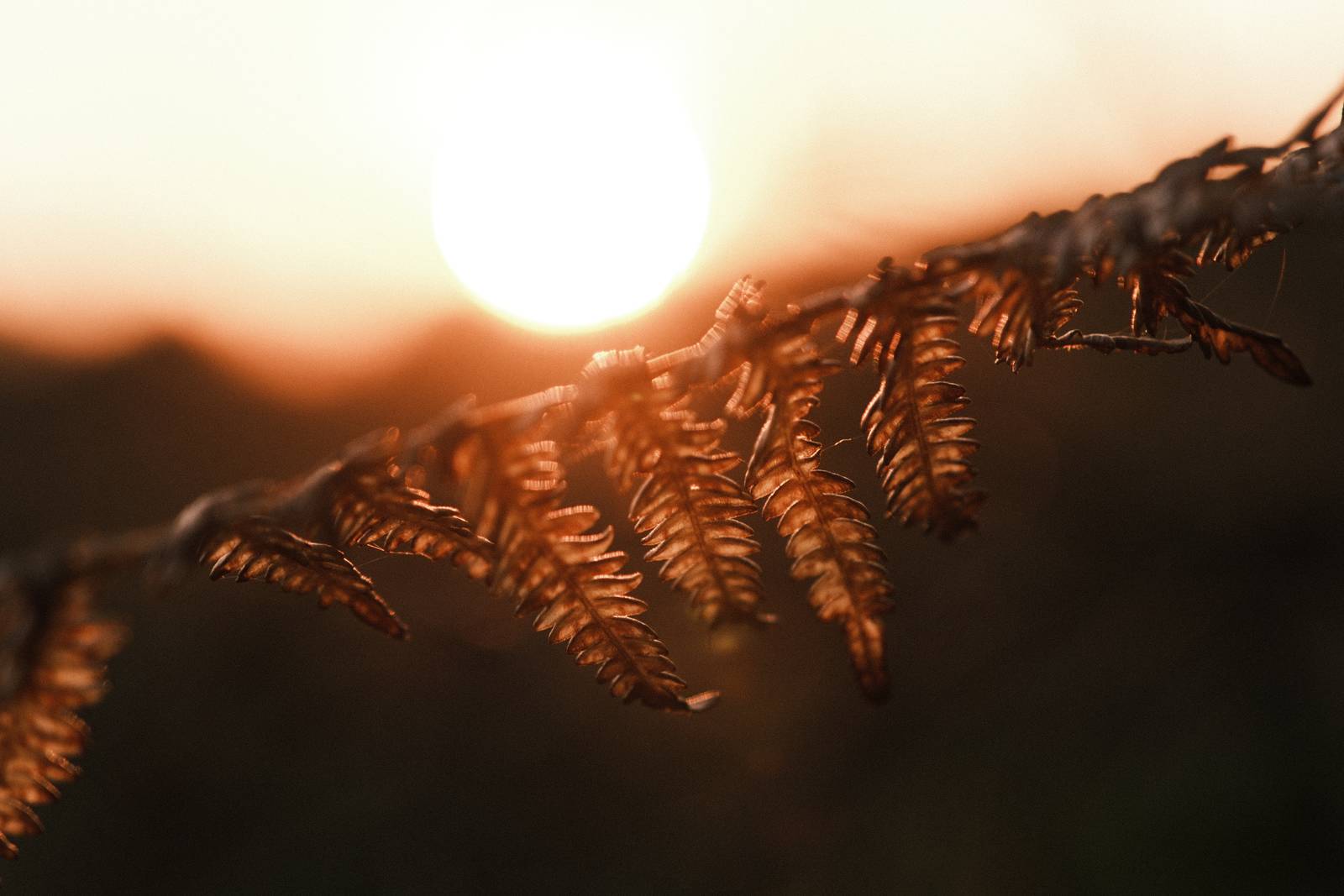
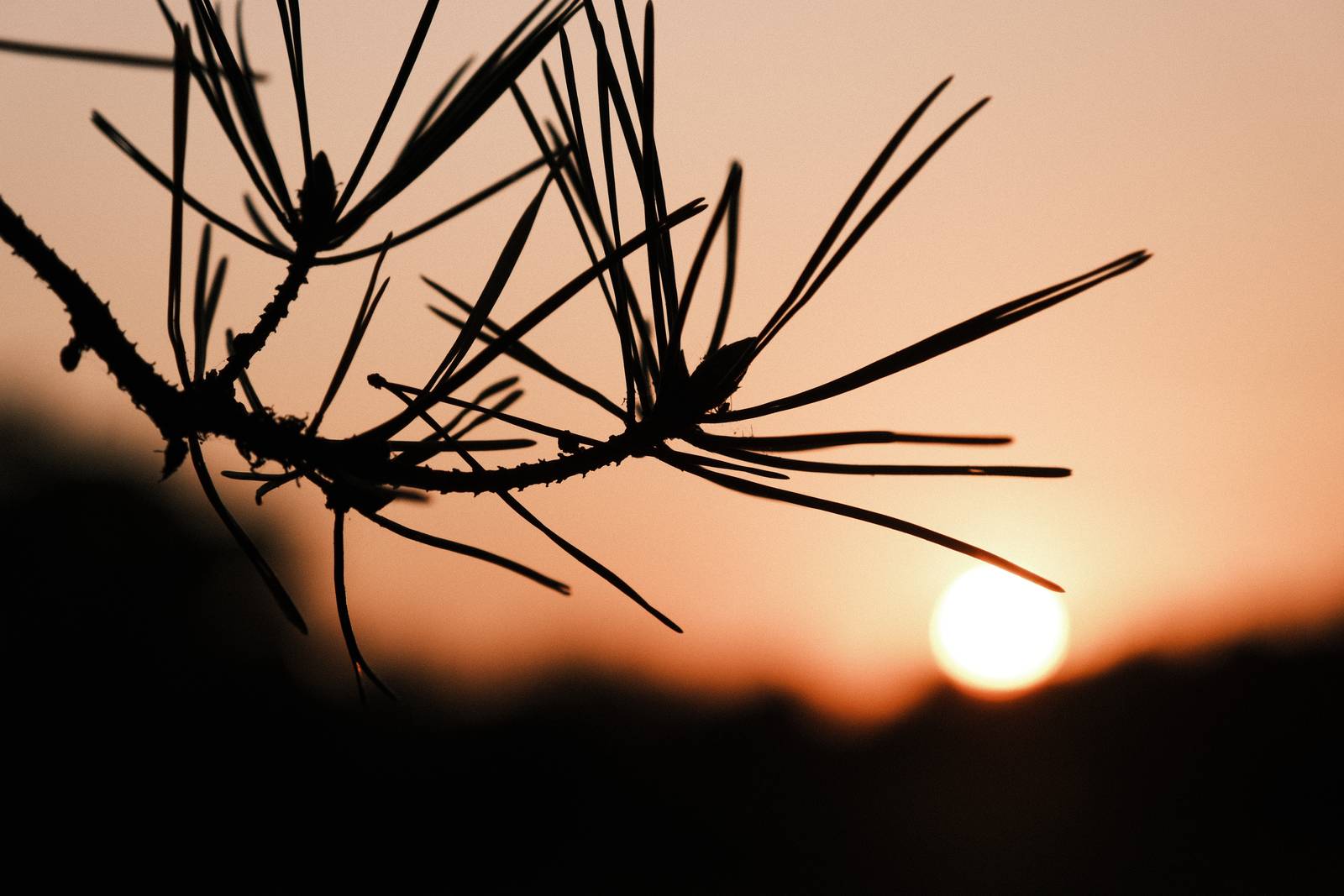

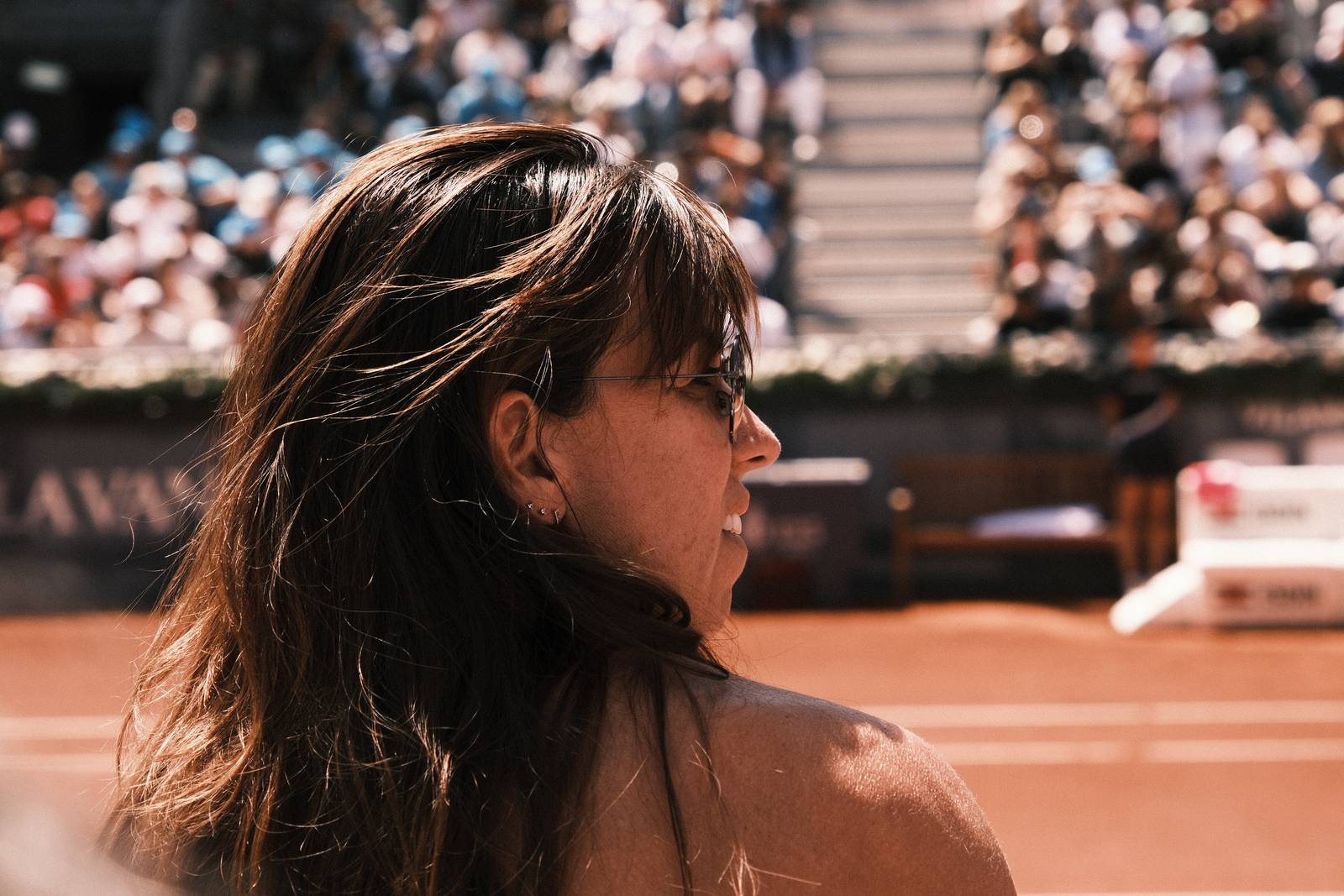

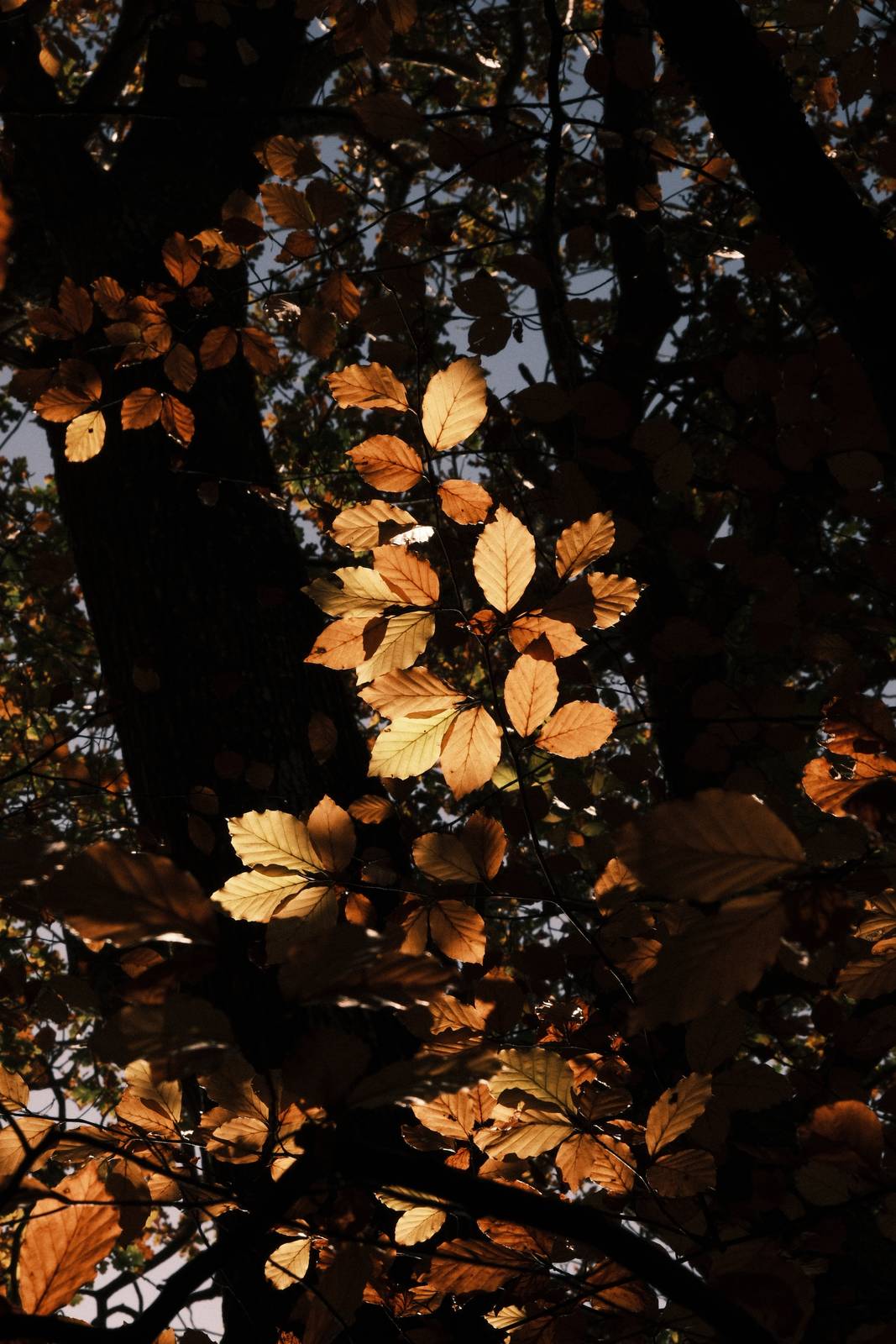


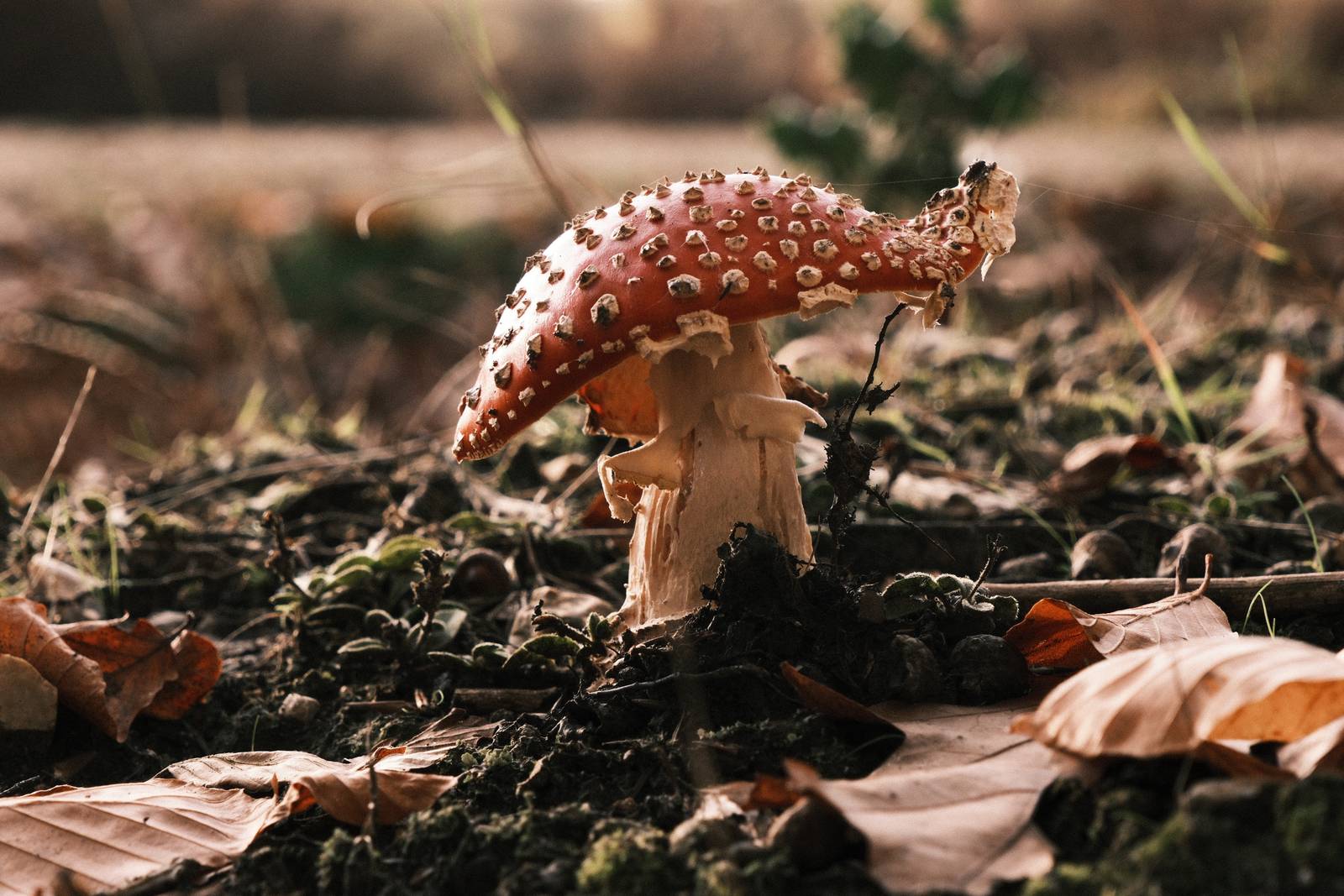
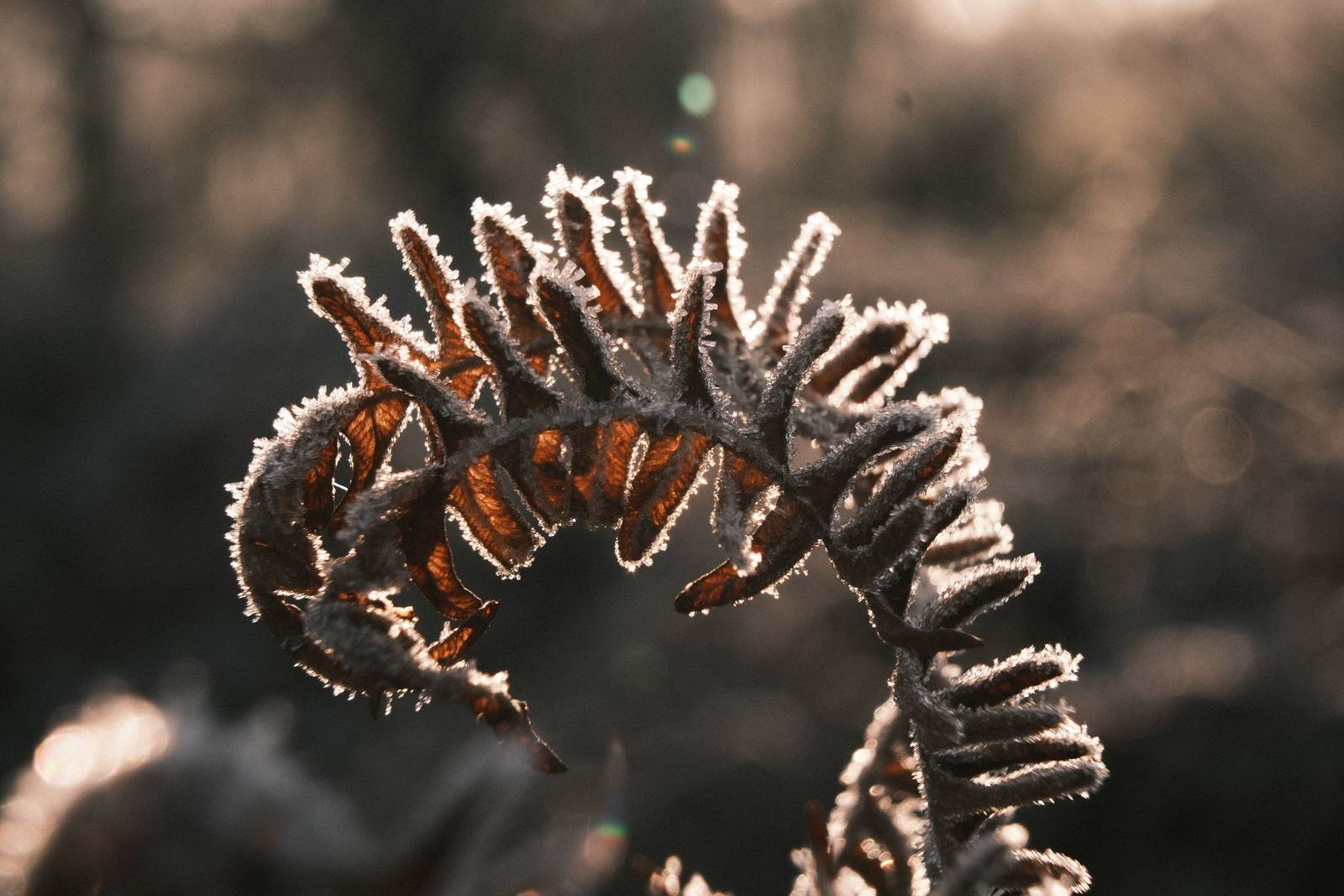


Community Photos
Photos taken with the Lomochrome 92 film recipe by members of the Film Recipes community.
Photos by Fray Zer
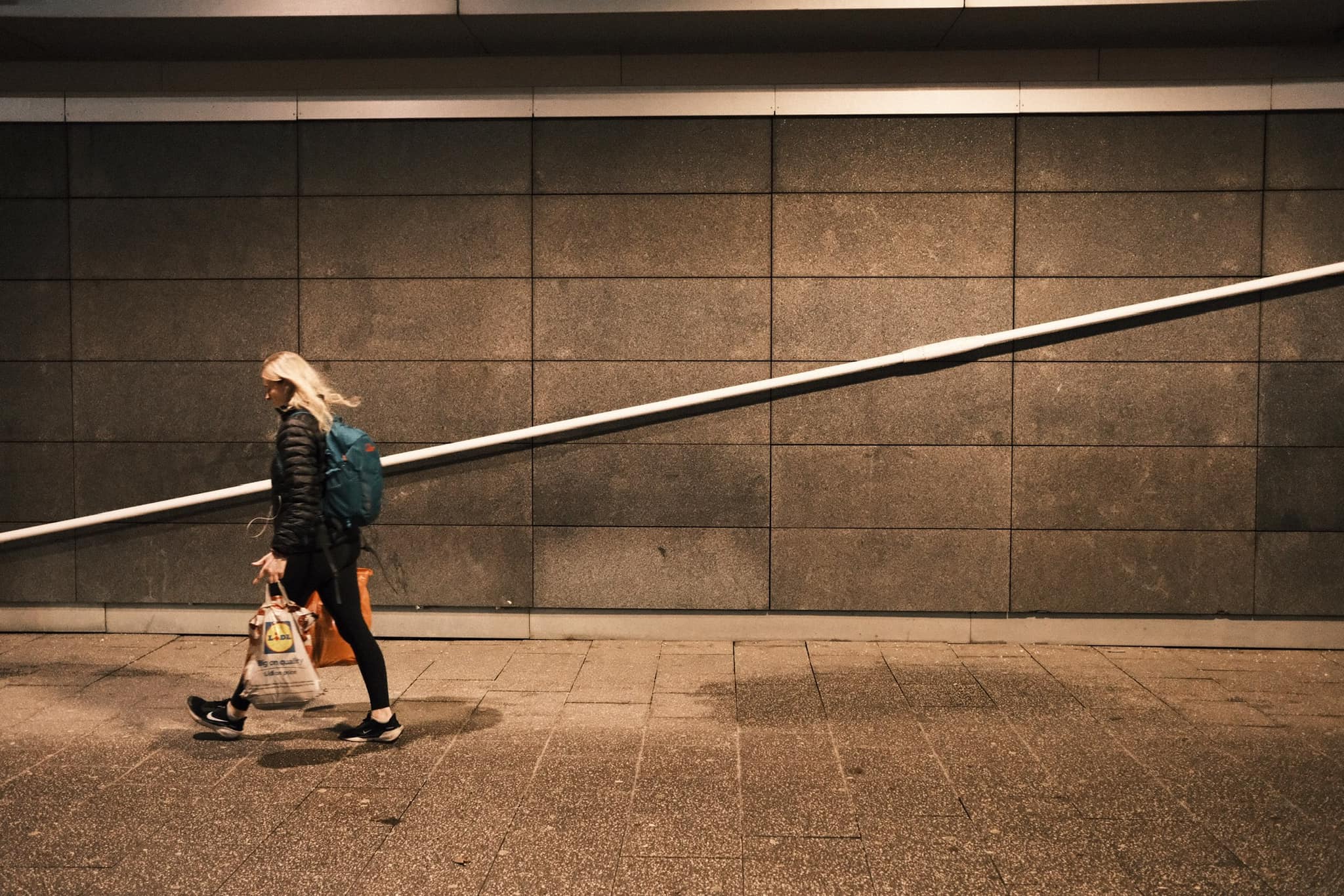
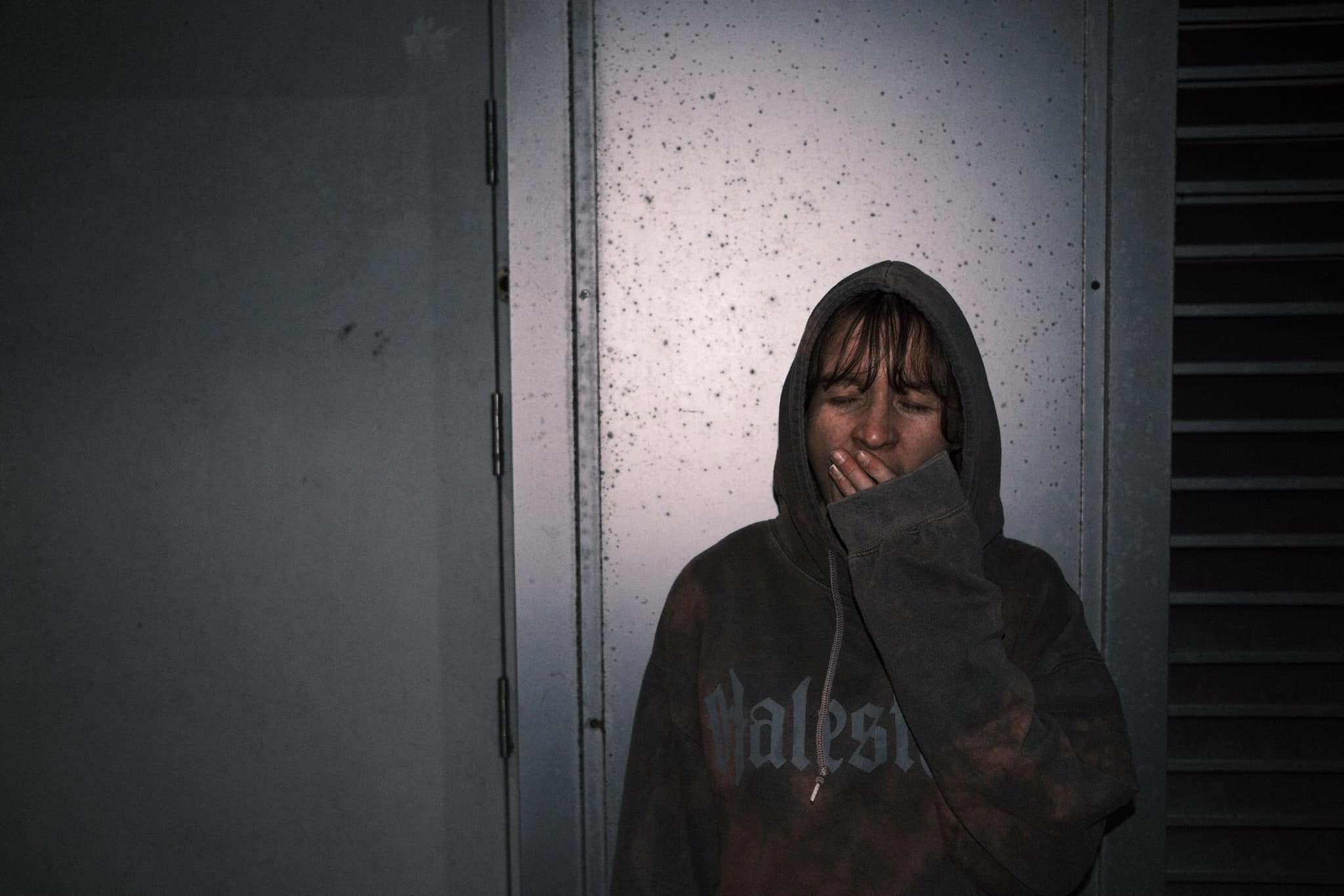
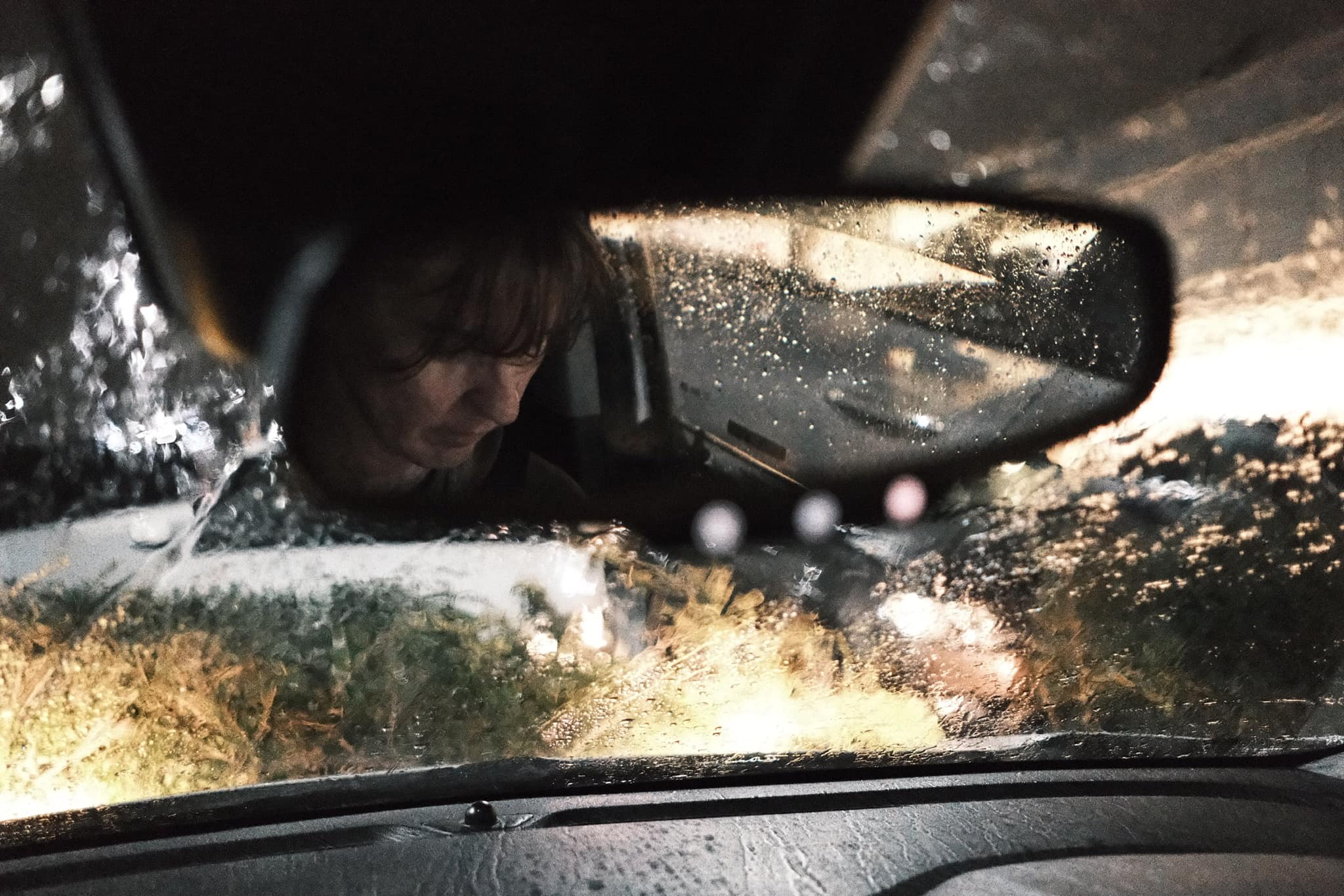
Photos by Rudhi Ritzmann Yuen



Using the Lomochrome 92 Film Recipe
Each film simulation recipe has its own character and style. These features mean recipes are more suited to certain situations, or when seeking a particular look. Here are the categories that Lomochrome 92 has been tagged with.







Leave a Reply