



Silverton Sharp
Silverton Sharp, Metallic Mono with a Crisp Finish
Acros film simulation recipe for X100V and X100VI cameras
It’s been a little while since I published a new mono recipe, so I wanted to set that straight with a new look for black and white photographers to try. It’s something a little different, but I hope that you’ll enjoy it.
The original thought goes back some time to a film recipe that I added as no. 99 on this site, called Silvertone 99. I received a comment about this recipe, a challenge almost, and that was to see if this recipe could be made even more silver?
I thought about this for a while and eventually had a moment of inspiration in X RAW Studio which led to this new interpretation of a silvery look.
In this film recipe, the tone is less contrasty than Silvertone 99, and has a different take on a metallic silver tone. I also found that a little crispness added further interest, so this recipe has a positive clarity setting. This does cause a short saving delay, which if you find annoying, you can remove with clarity at zero. Instead, increase sharpness to +2 as an alternative.
Silverton Sharp Film Recipe Settings
| Film Simulation | Acros Yellow Filter |
| Grain Effect | Off |
| White Balance | Auto, +2 Red, ‑4 Blue |
| Dynamic Range | DR200 |
| Highlights | 0 |
| Shadows | ‑1 |
| Sharpness | 0 |
| ISO N.R. | ‑4 |
| Clarity | 4 |
| EV Comp. | +1/3 |
| Mono Colour | WC -1, MG +0 |
Similar Recipes

More similar recipes, and hundreds more exclusive looks, are available in the Film Recipes App.

Get the Film Recipes App
800+ recipes — more than twice as many as the free site


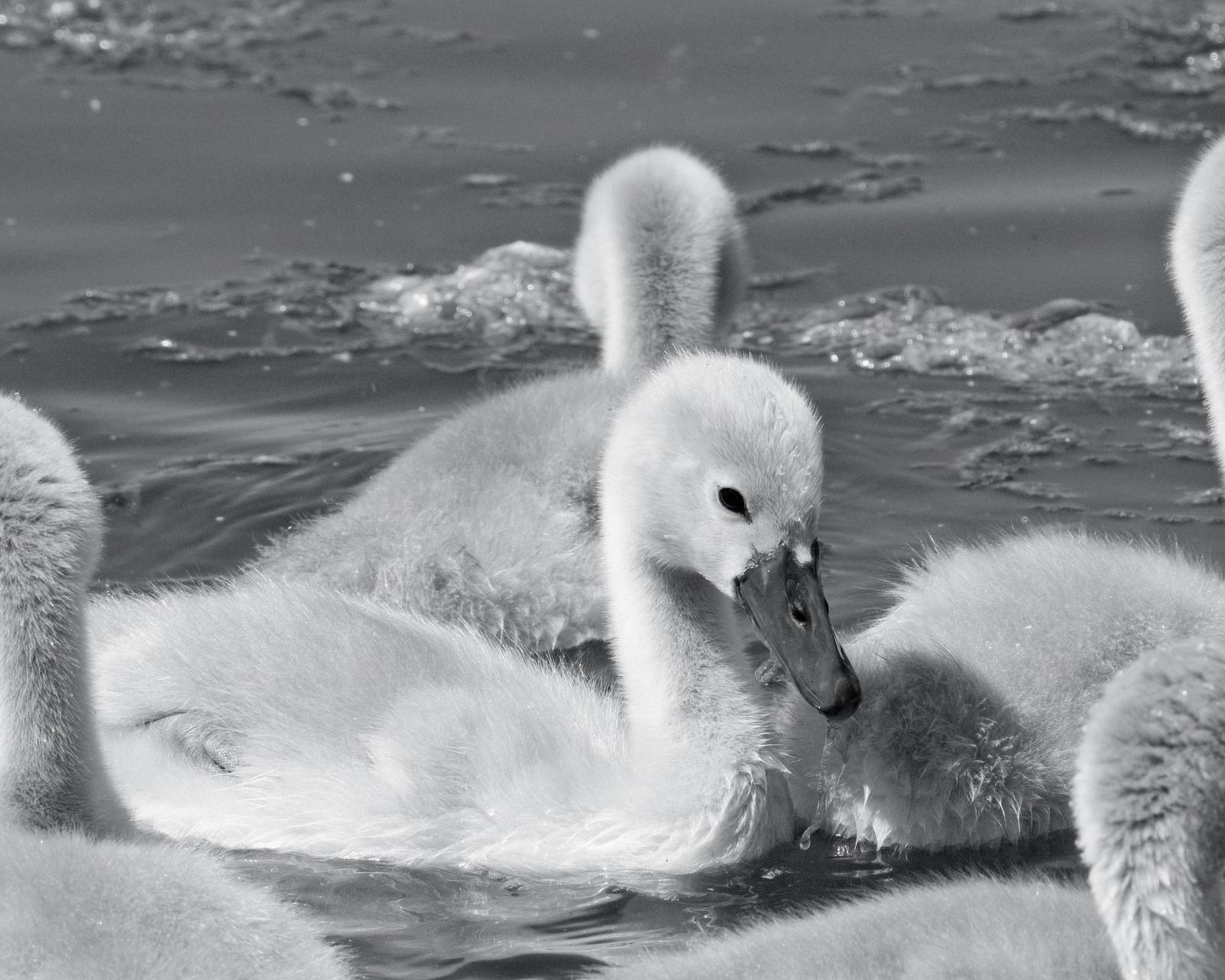
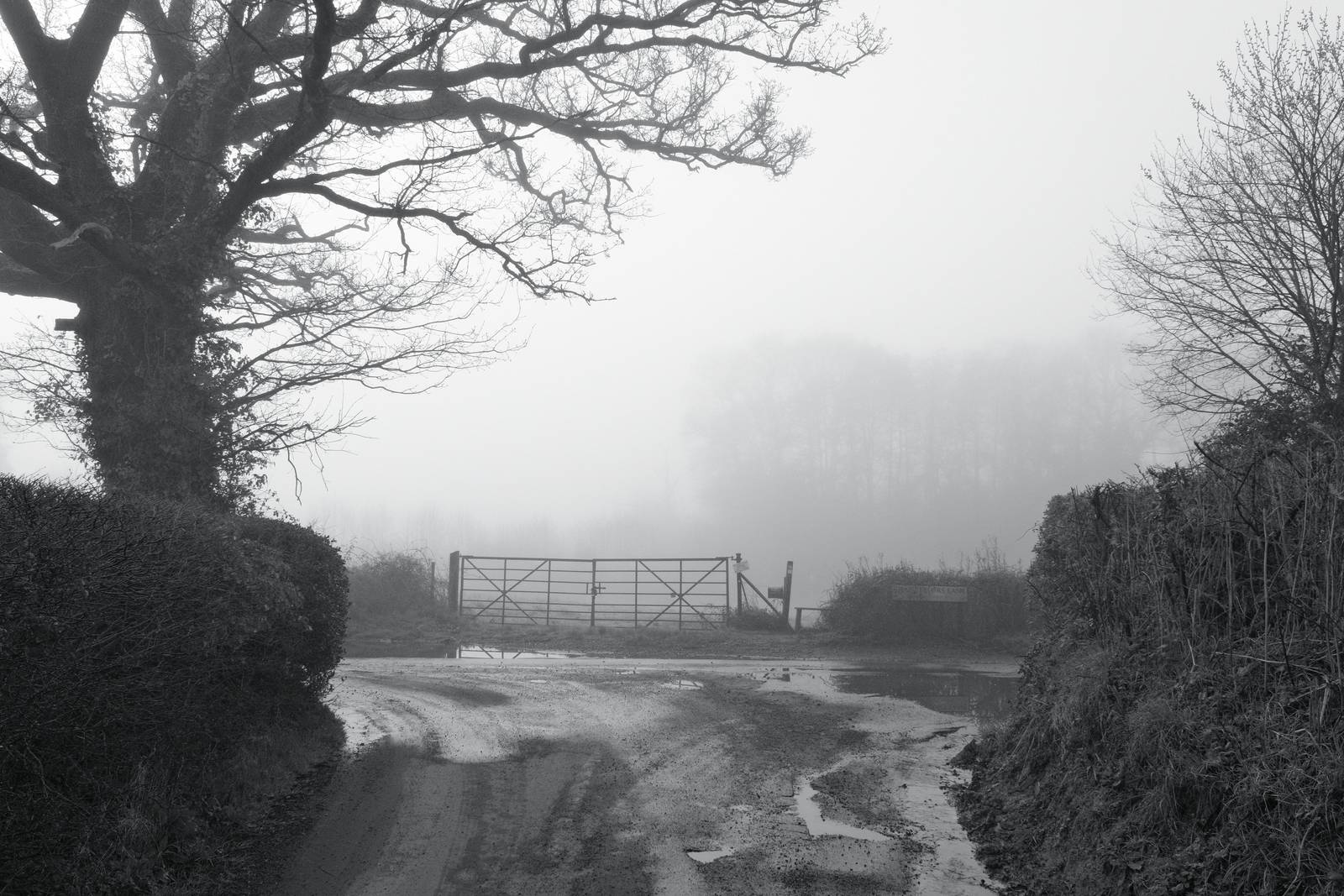
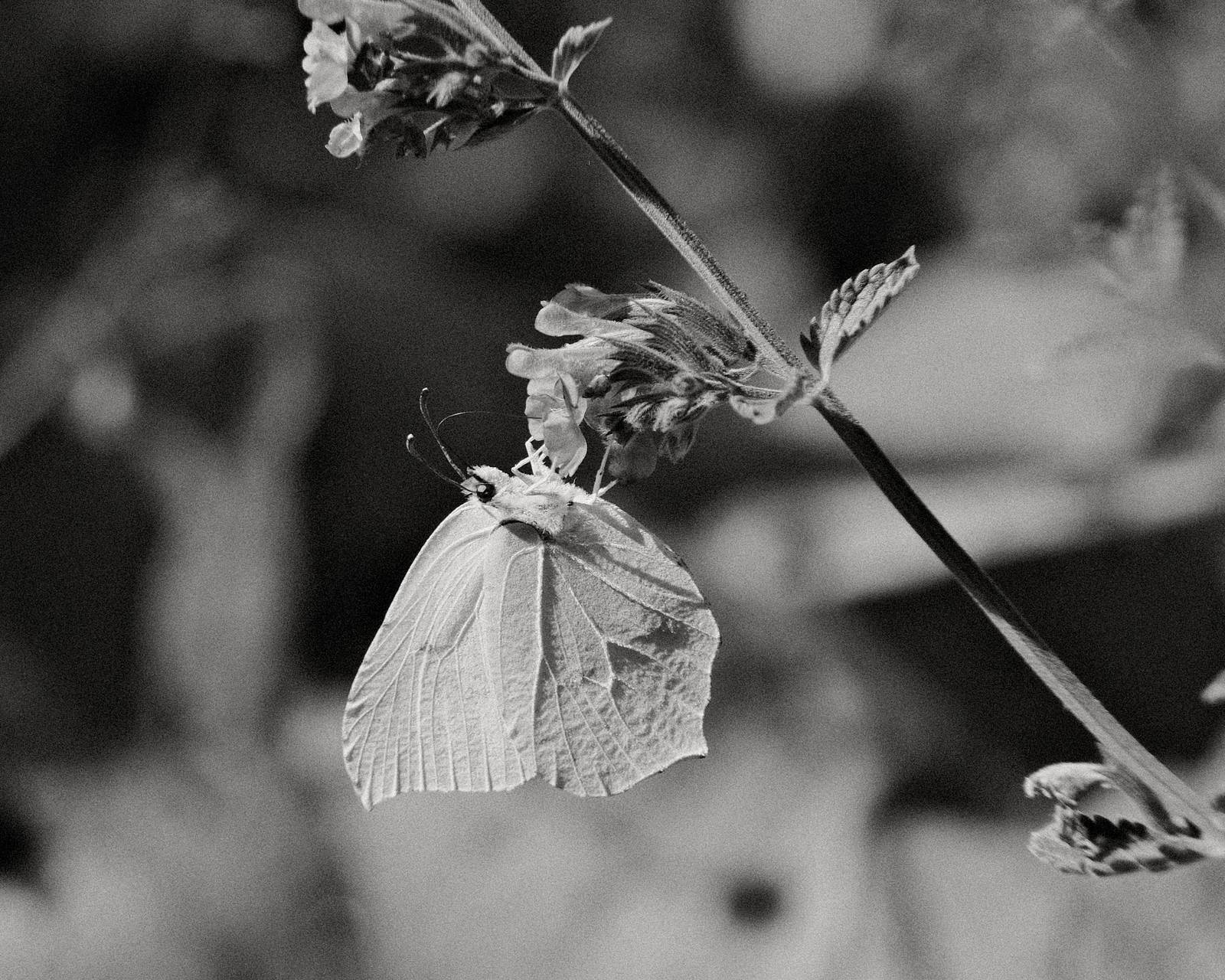
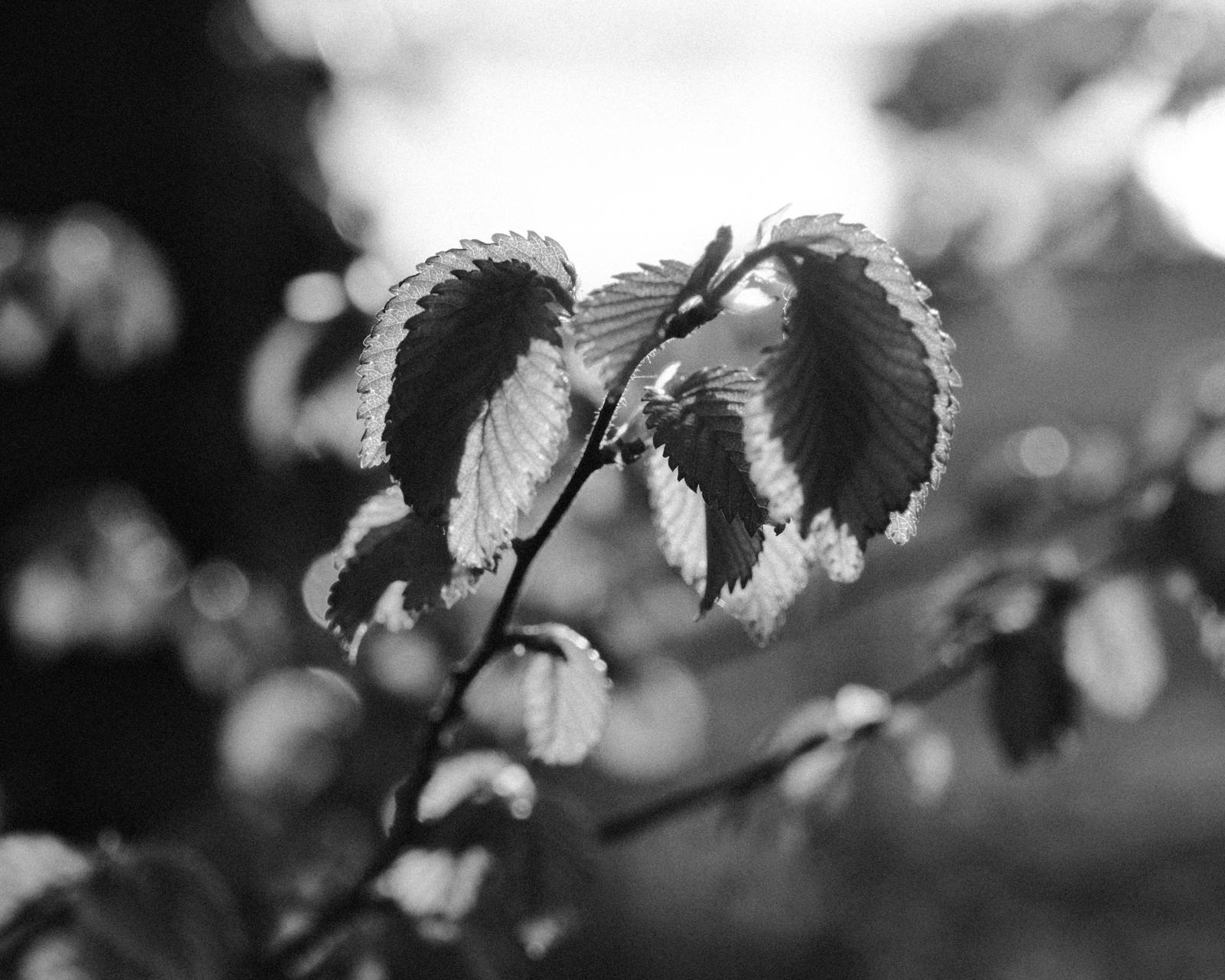
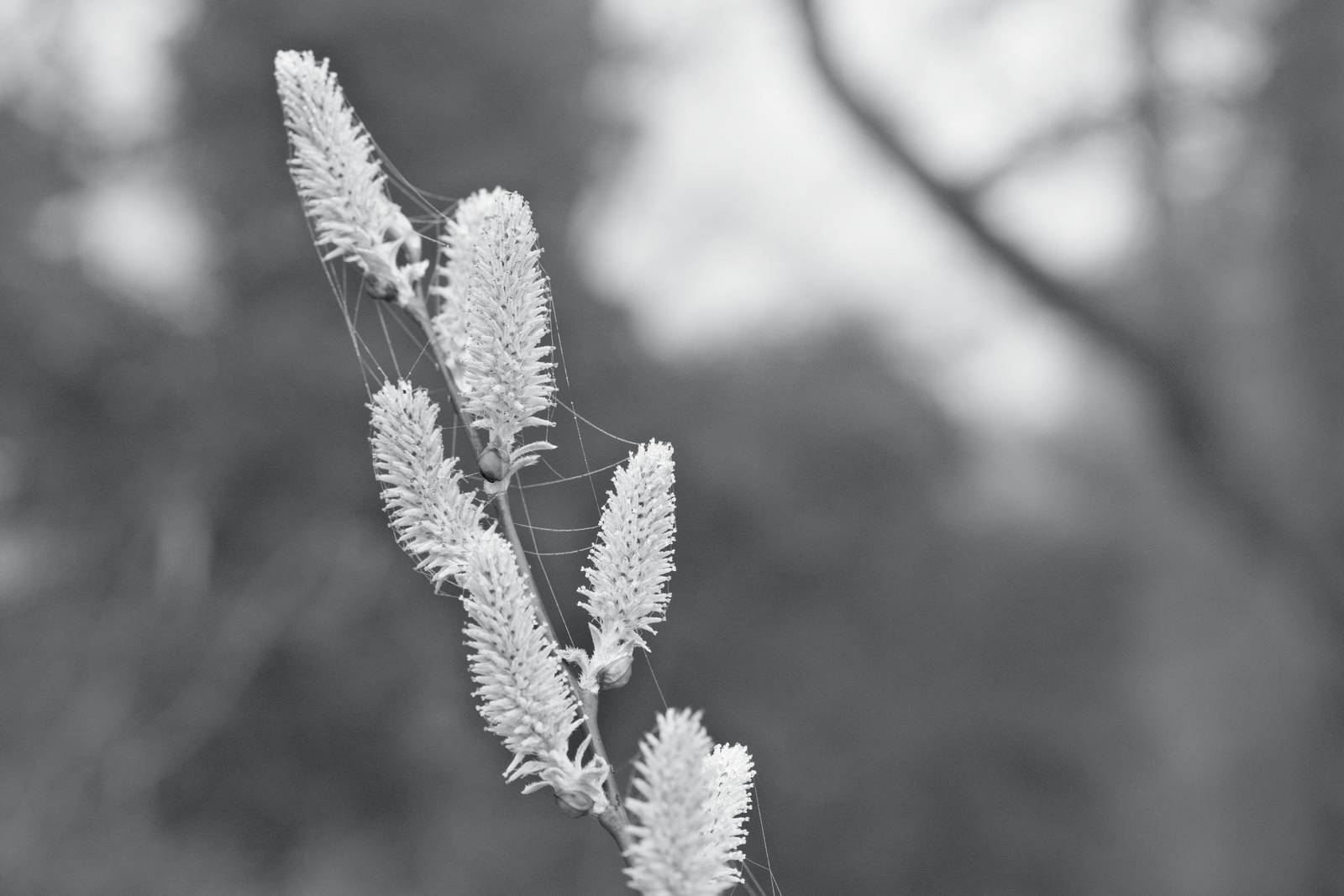
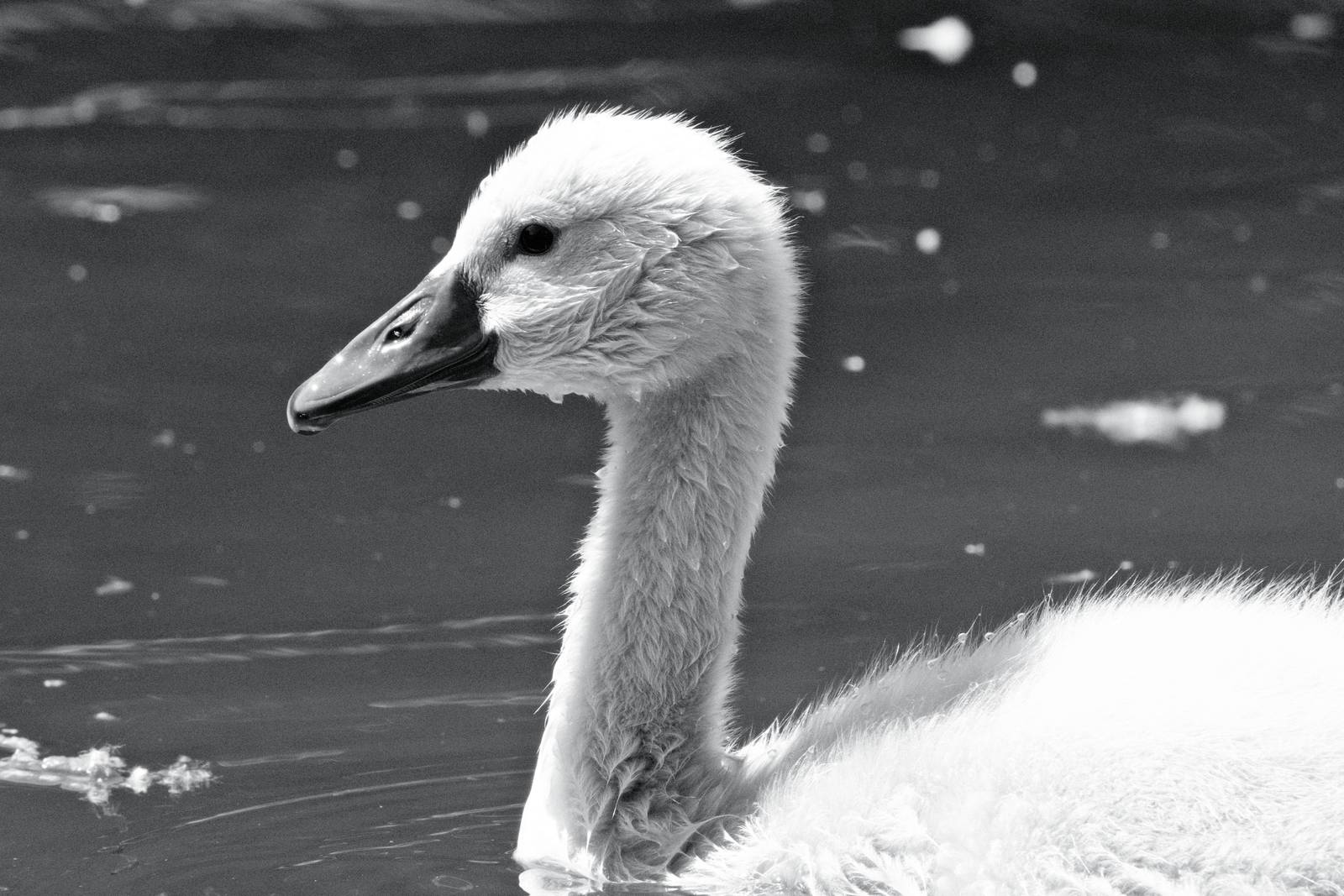
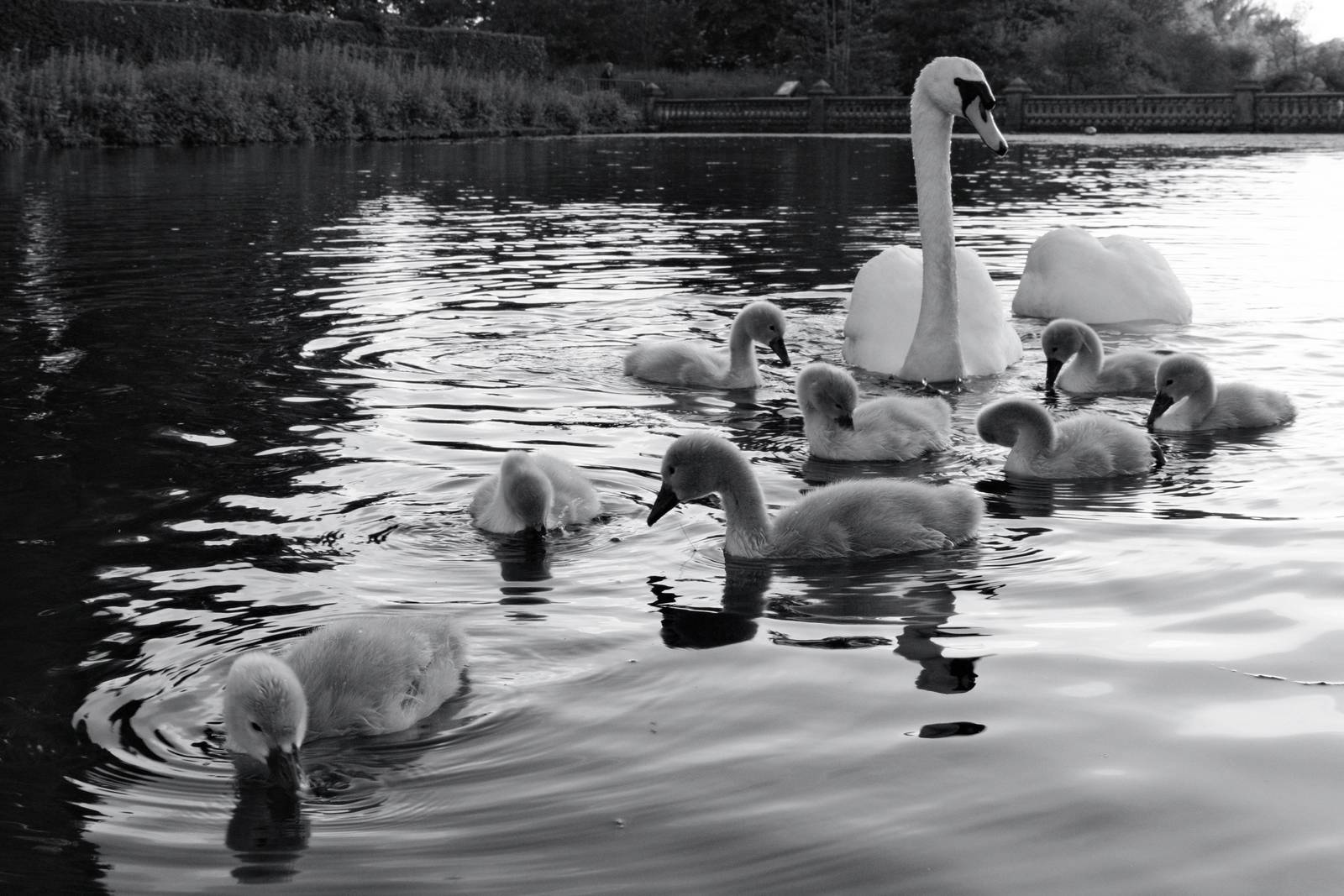
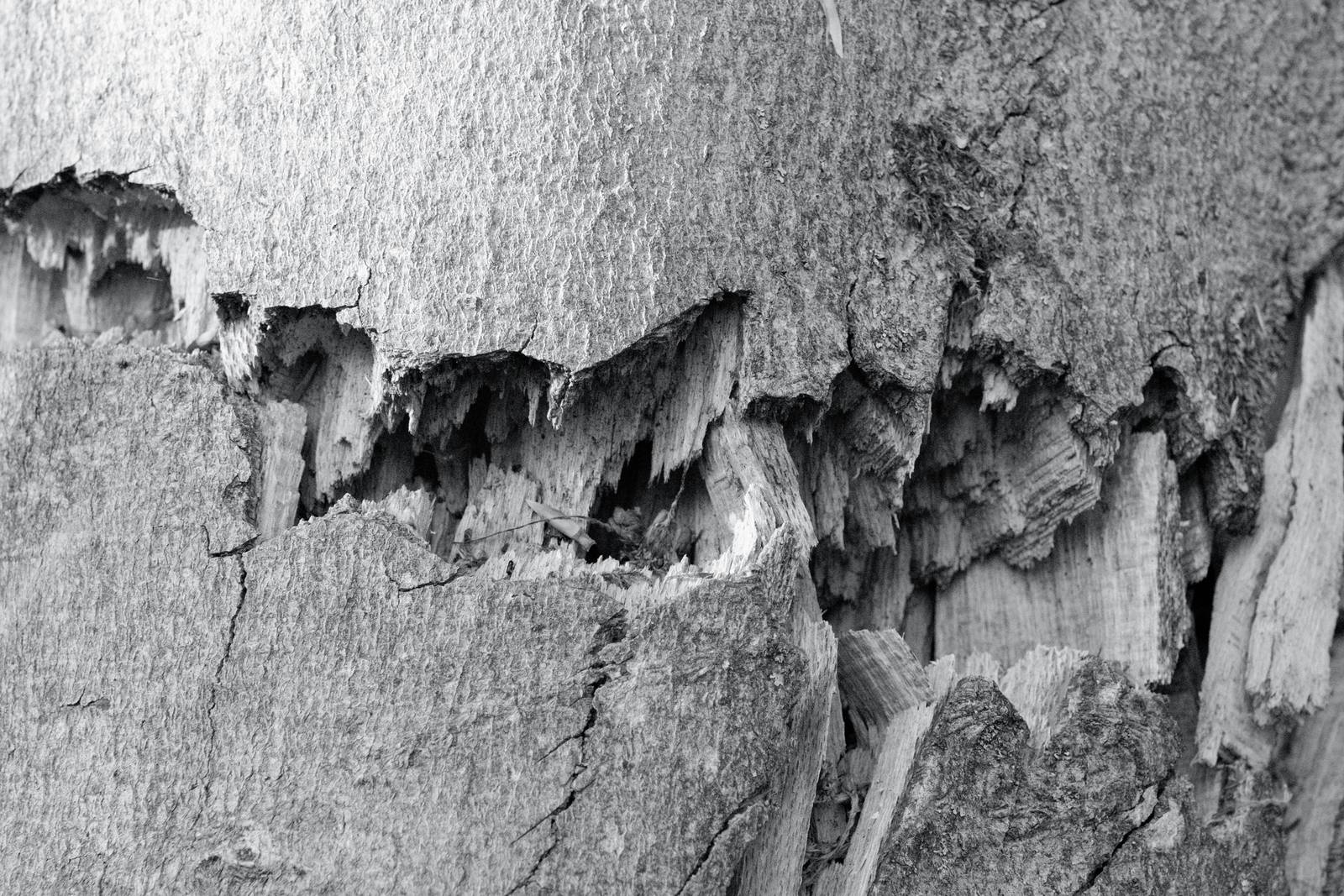
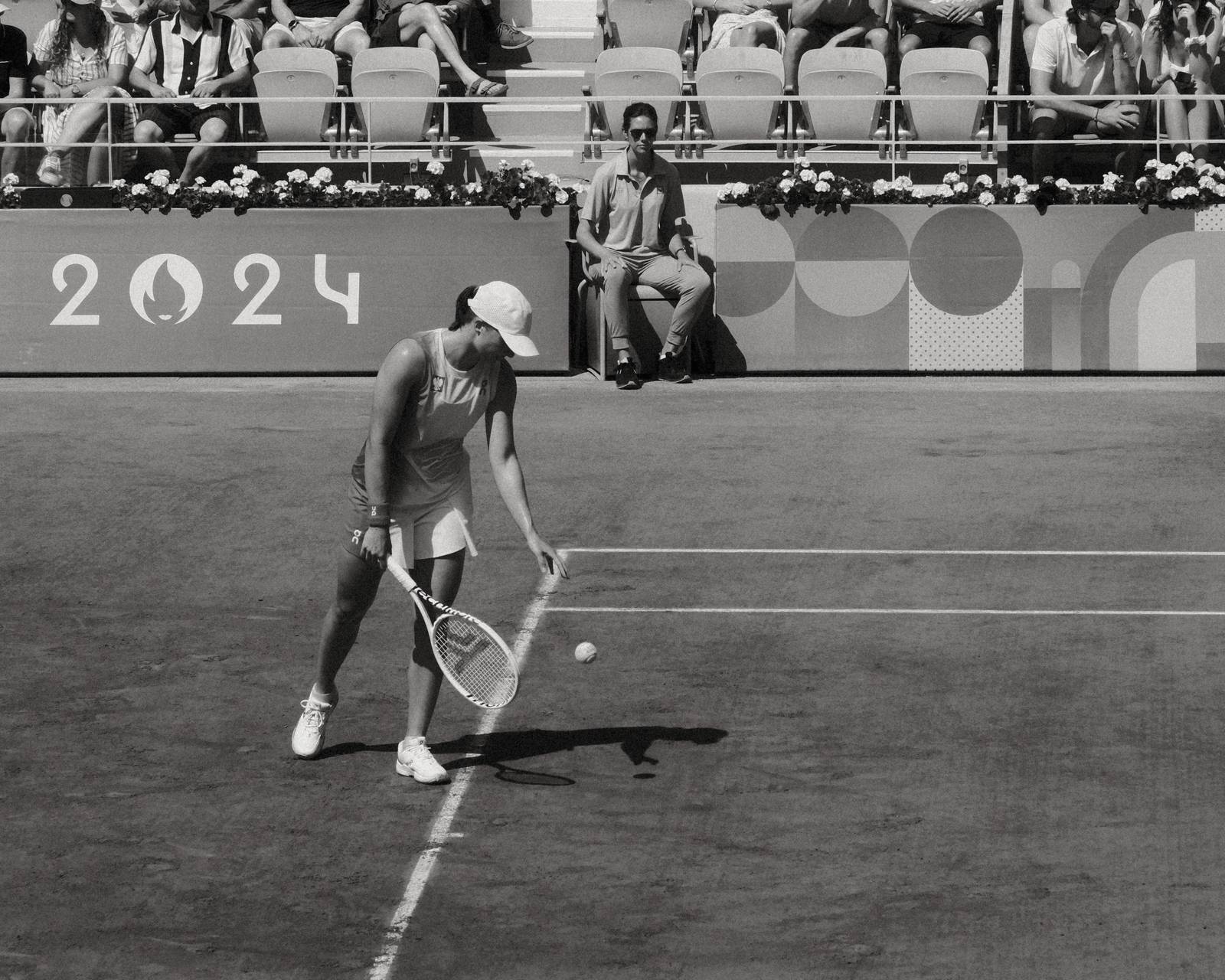
Silverton Sharp Film Recipe: Sample Photos




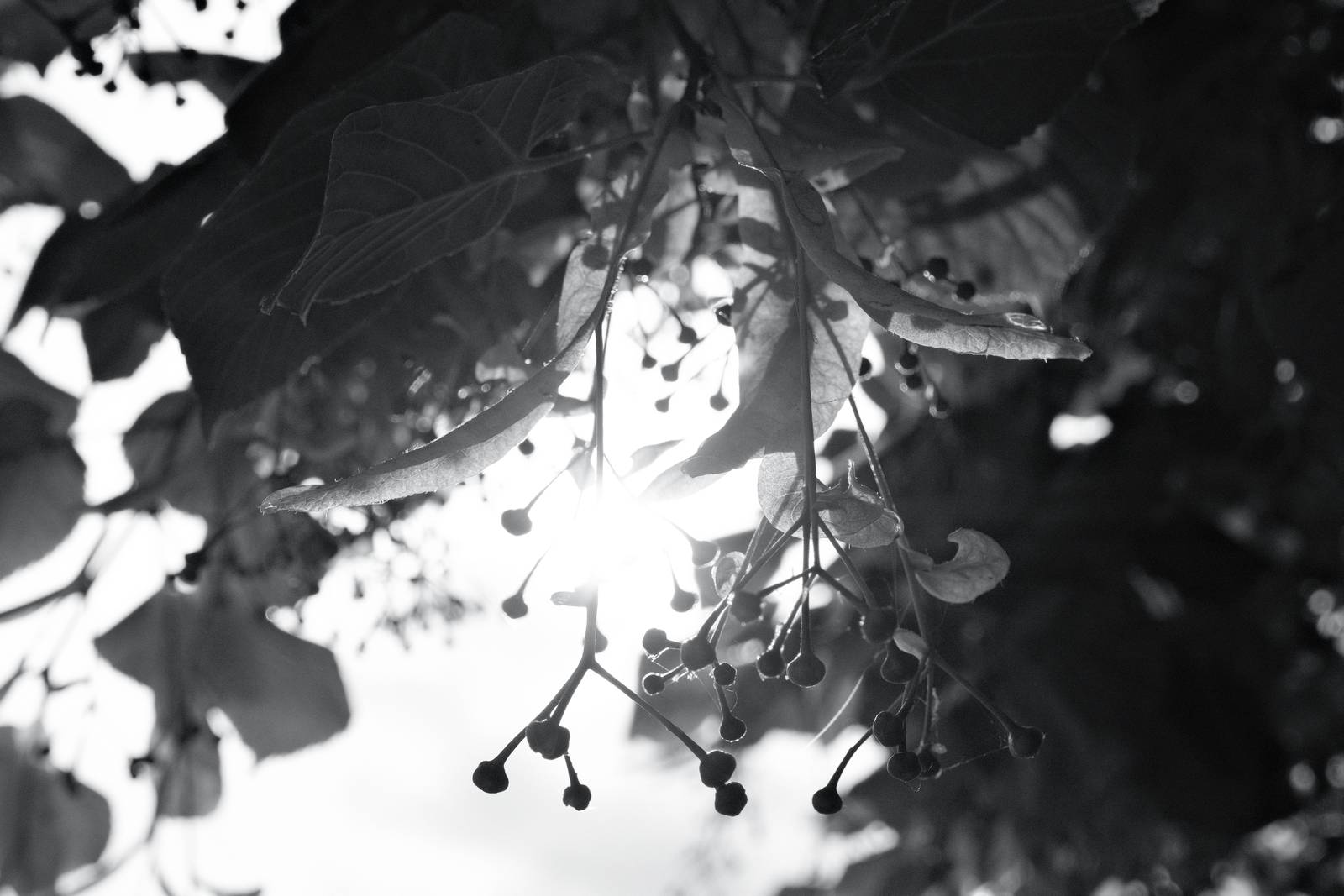


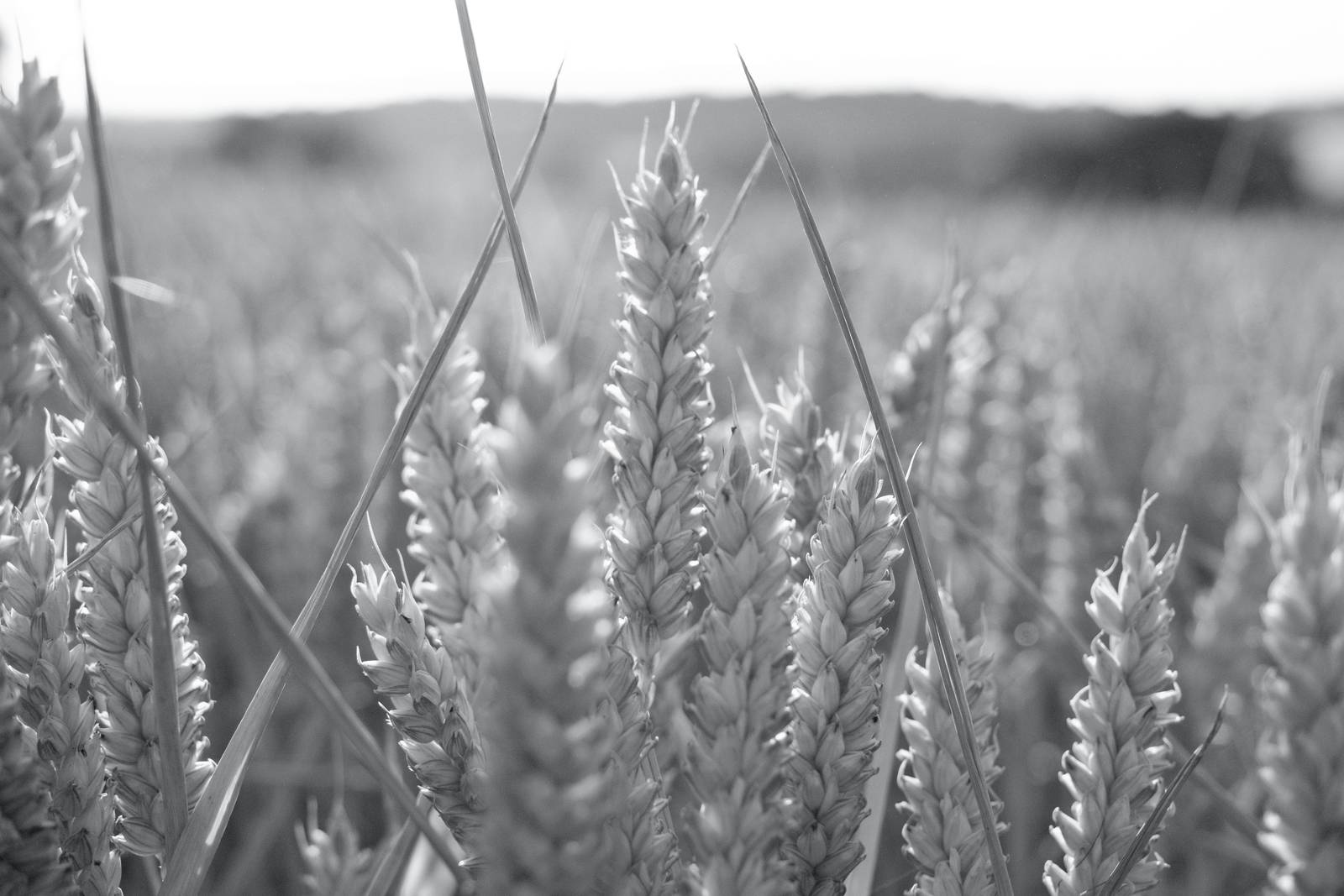


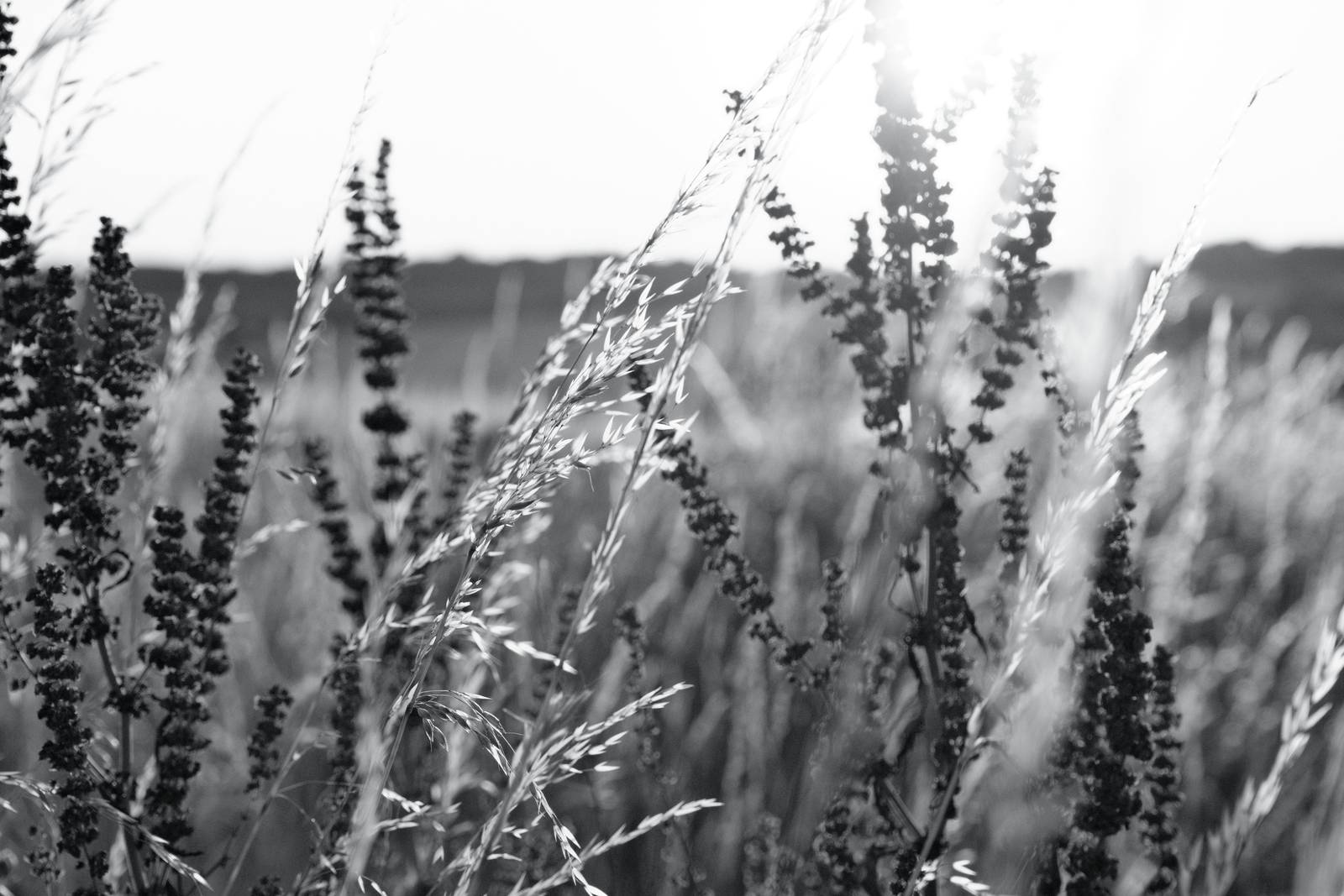
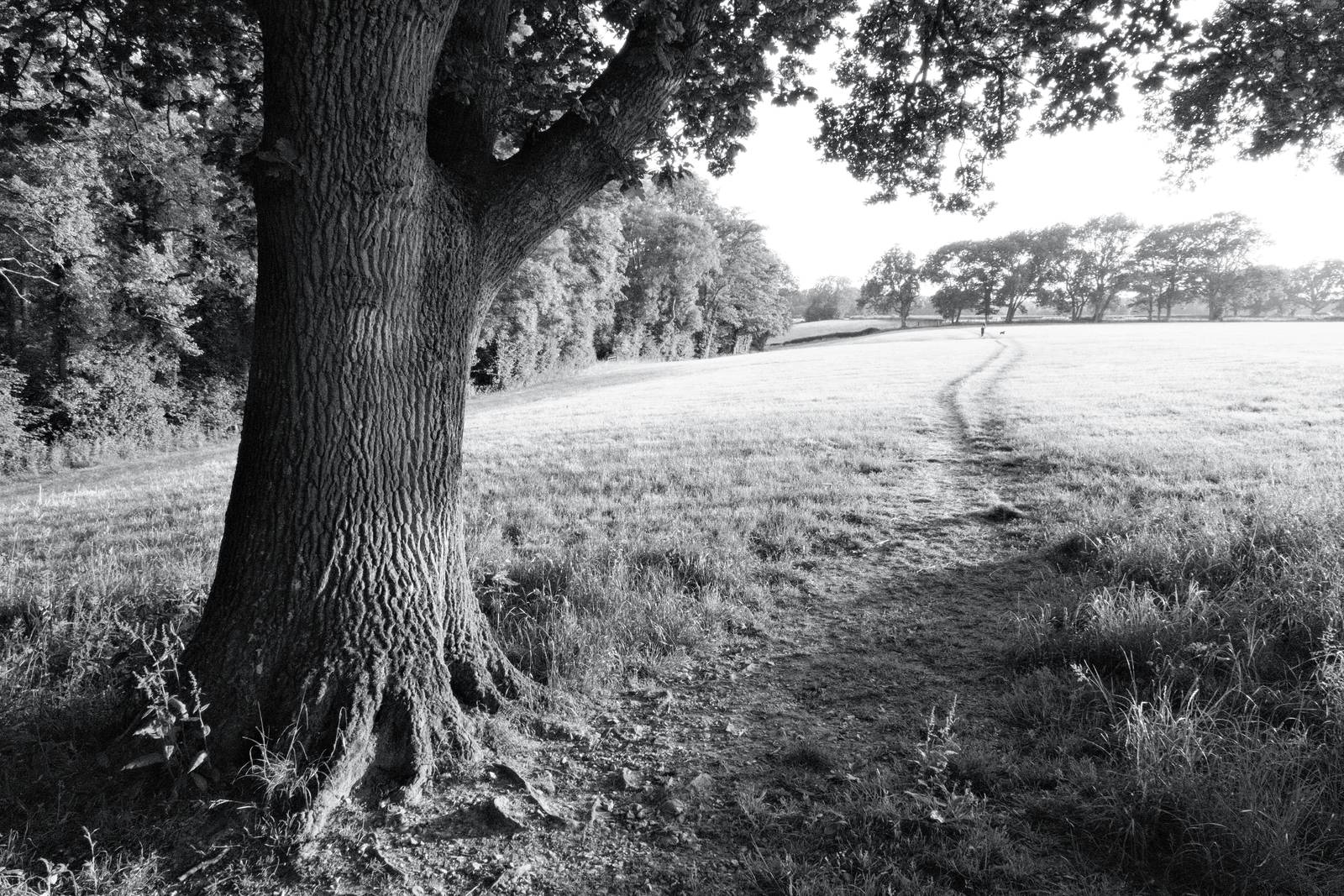






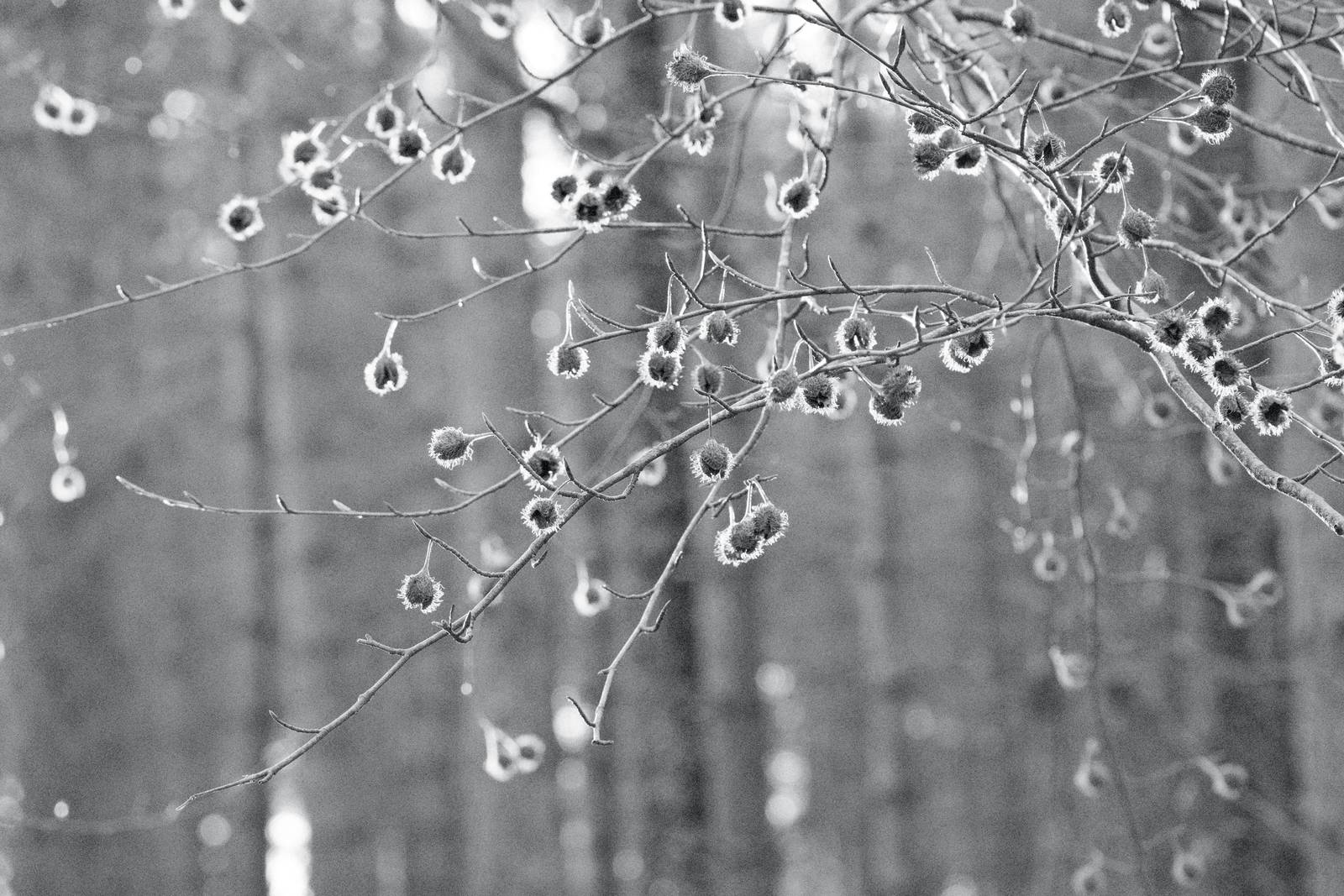
Using the Silverton Sharp Film Recipe
Each film simulation recipe has its own character and style. These features mean recipes are more suited to certain situations, or when seeking a particular look. Here are the categories that Silverton Sharp has been tagged with.






Leave a Reply