
Fujifilm simulation Fujicolor Superia film recipe for X-Trans IV cameras
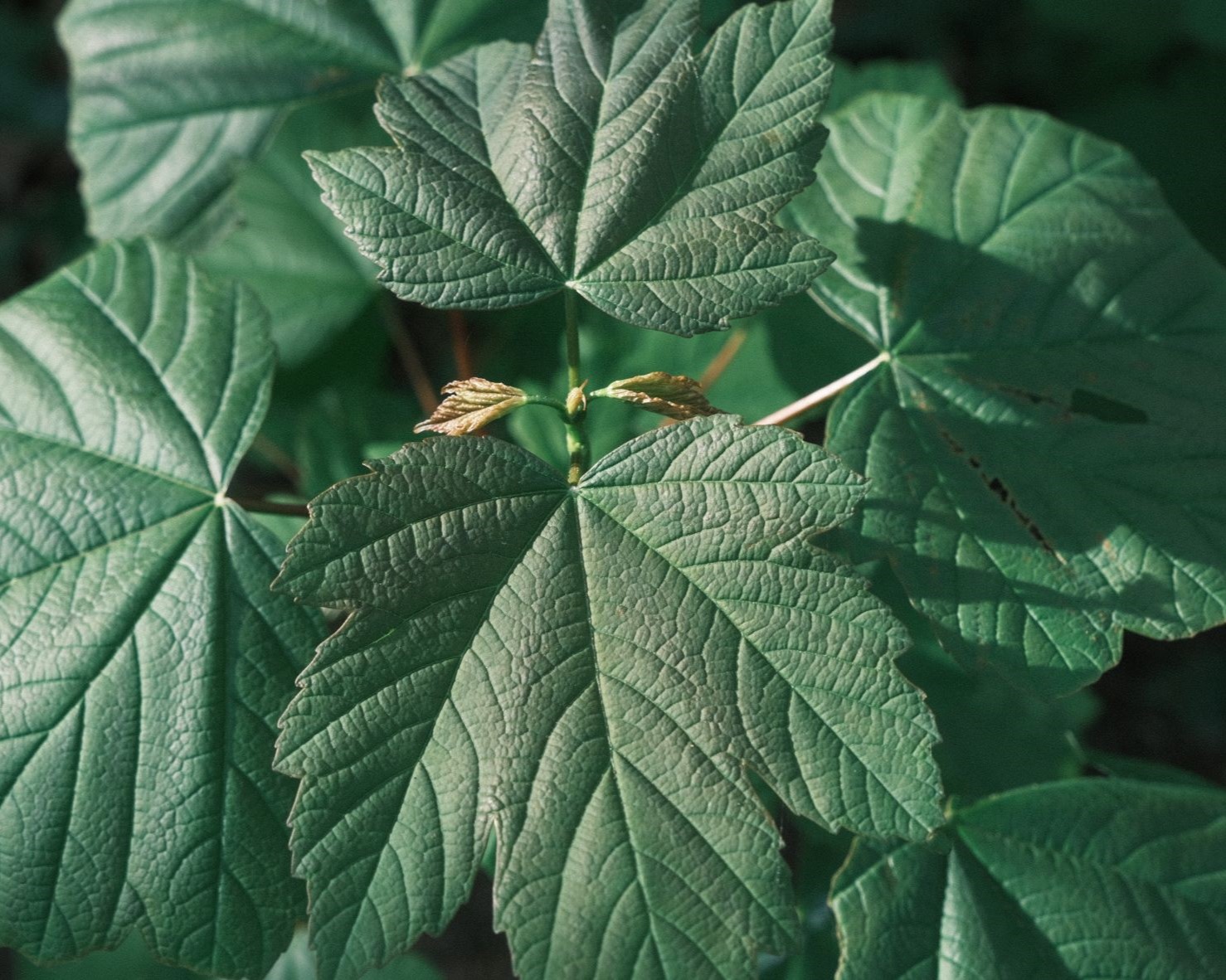
Fujicolor Superia
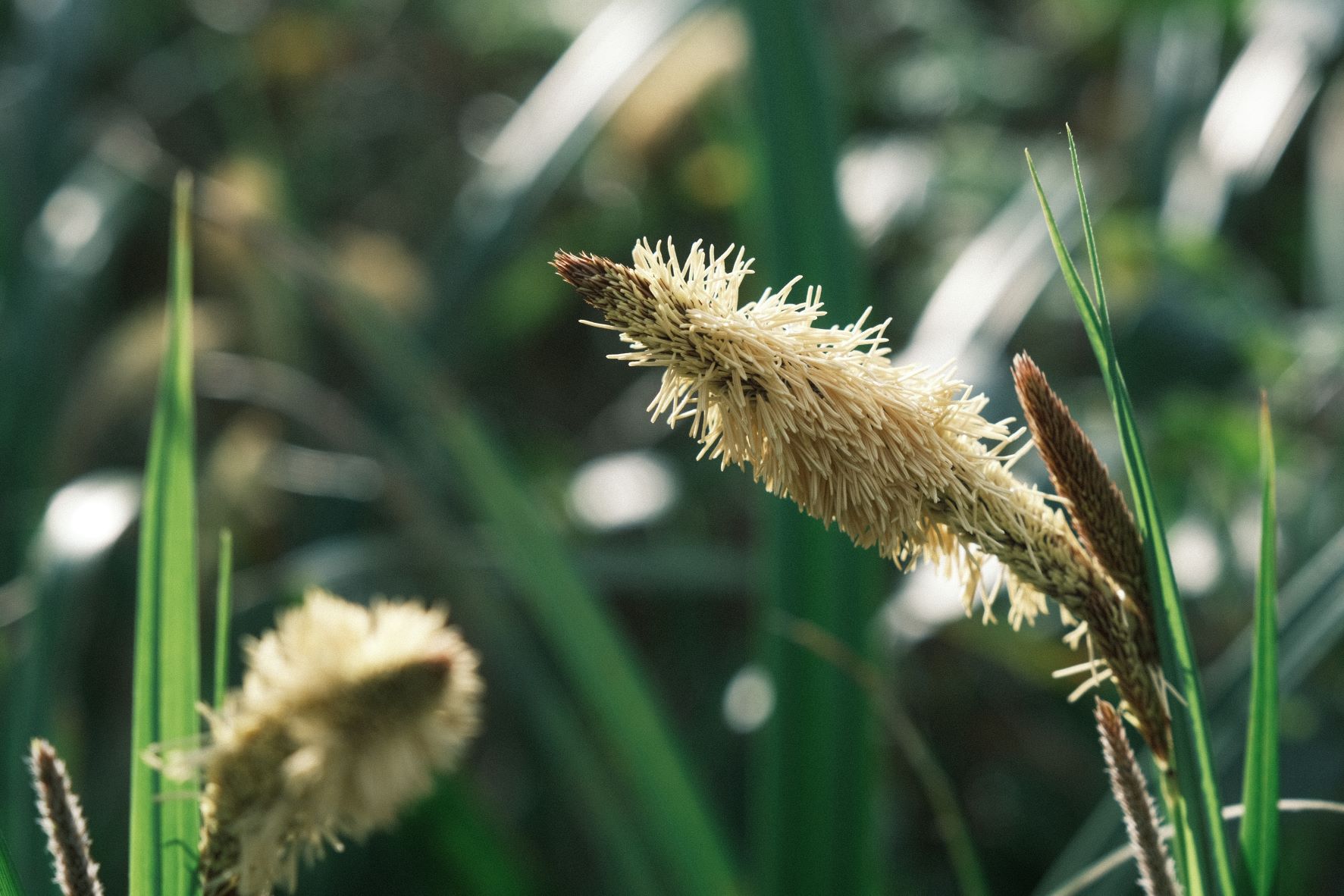
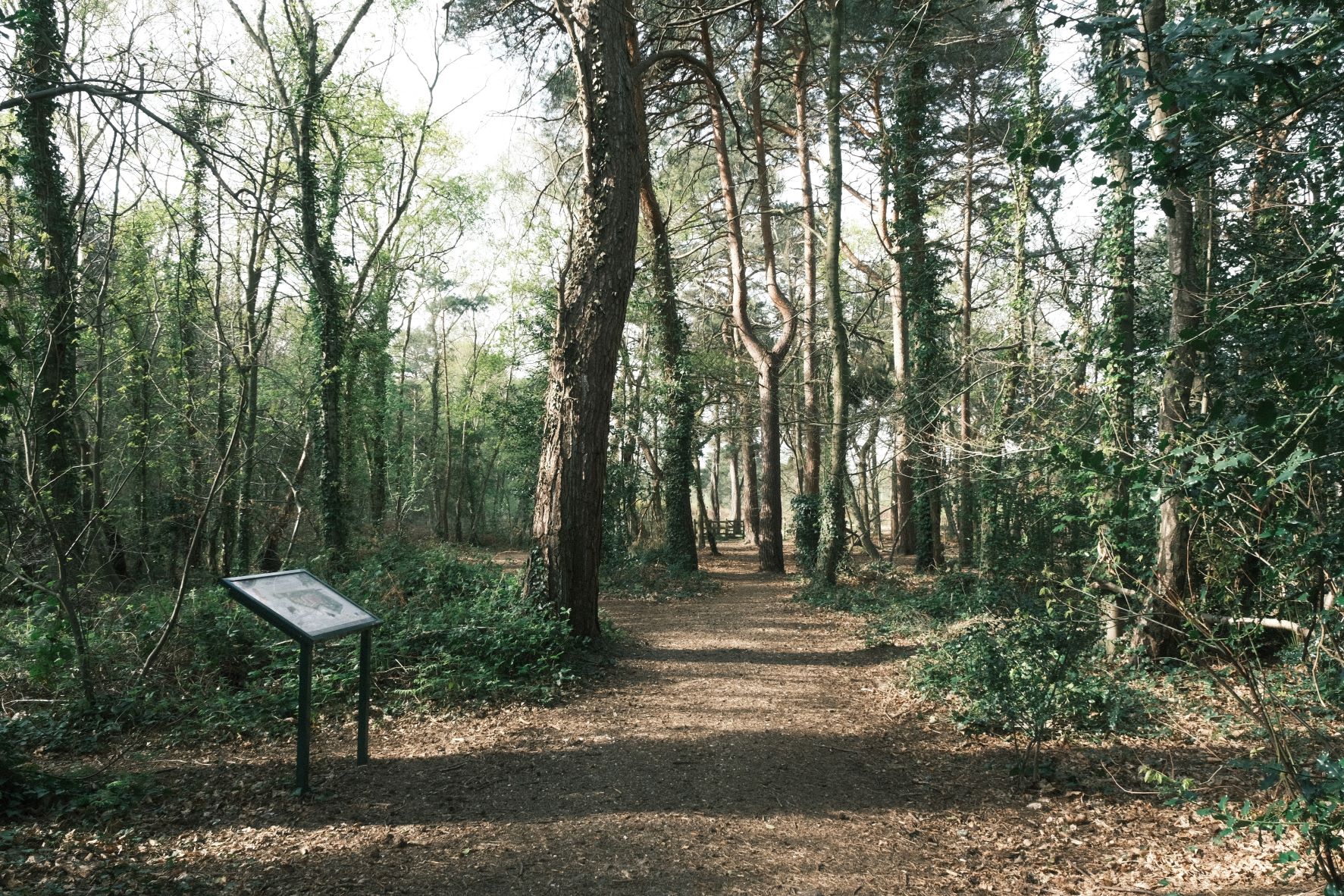
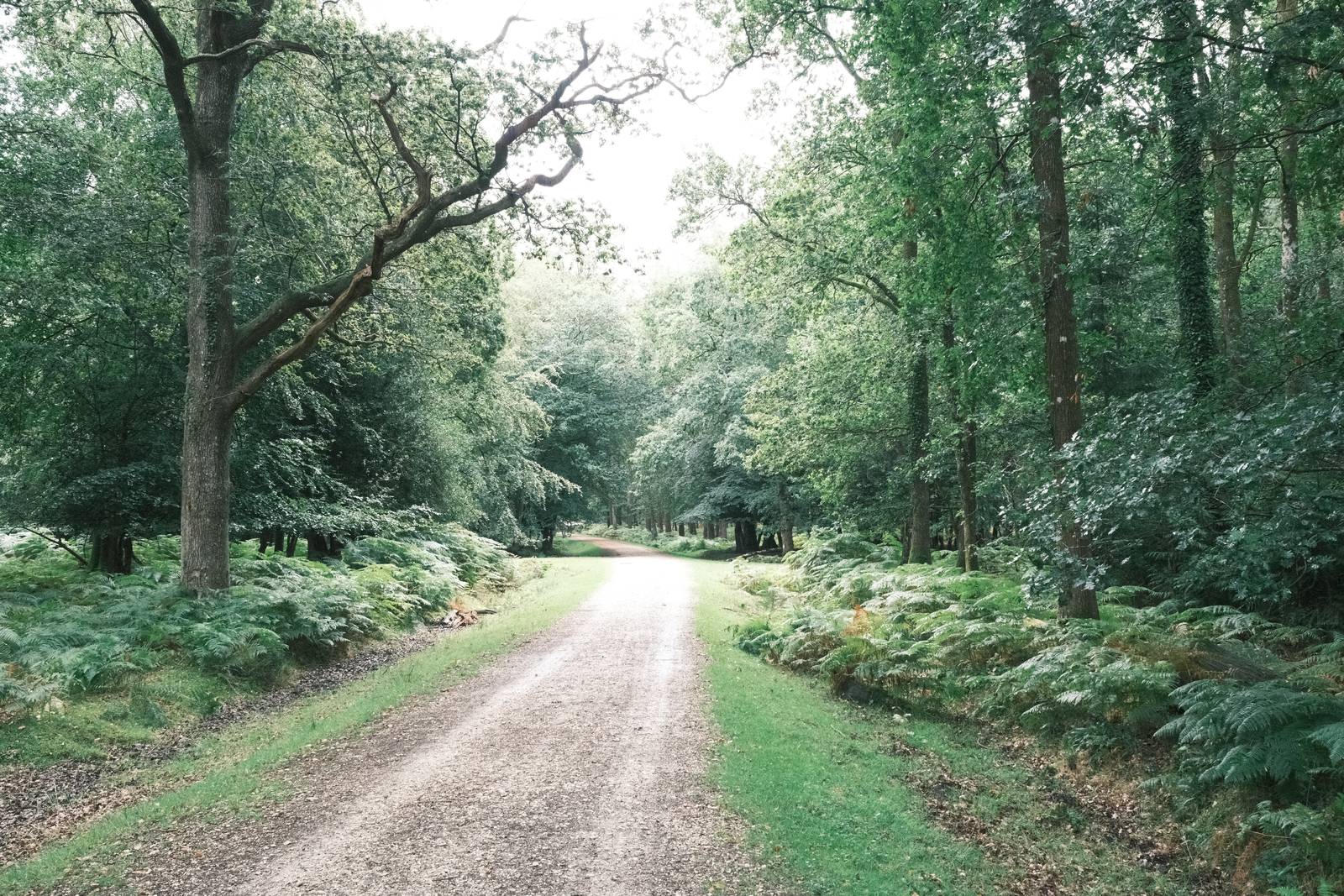
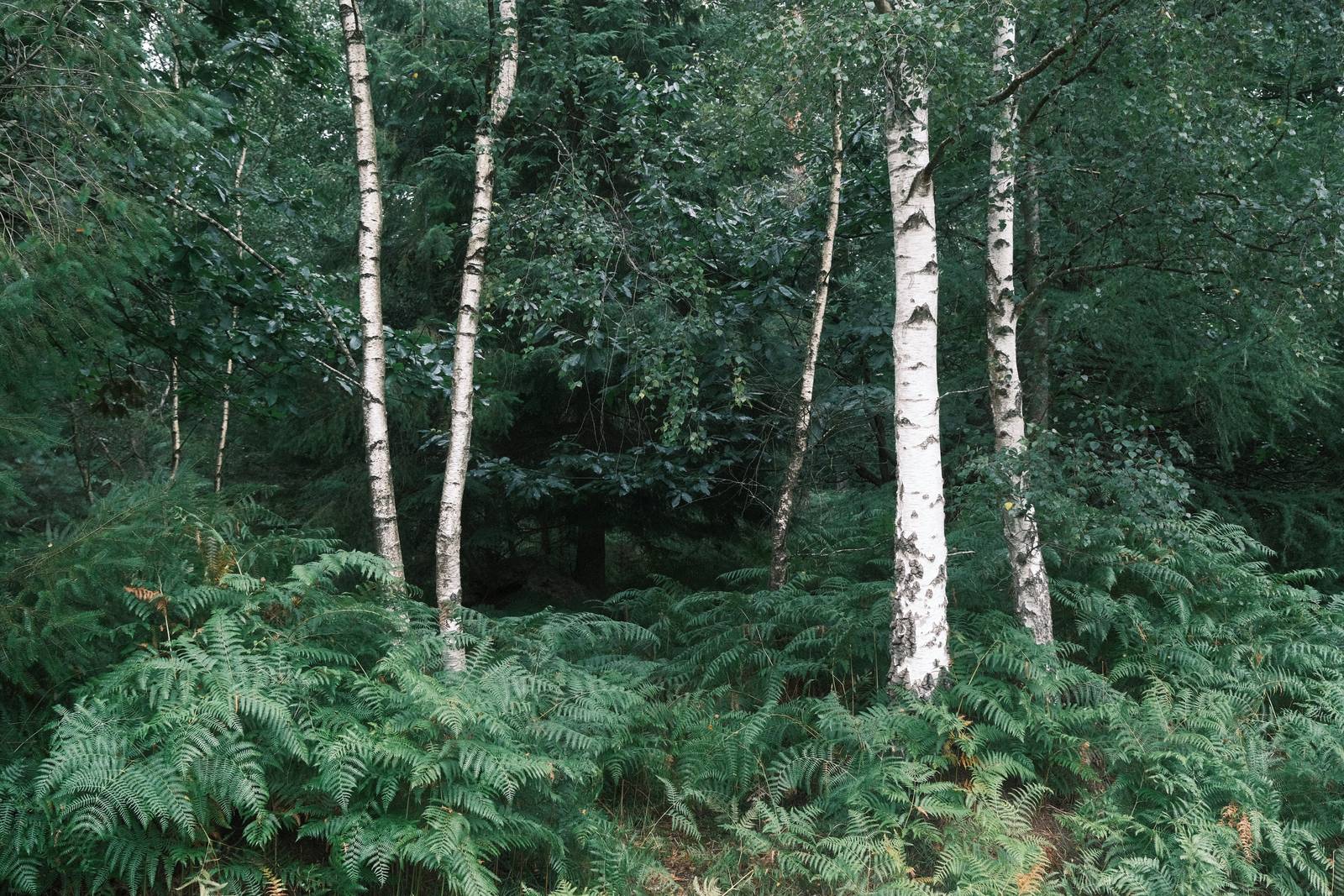
Fujifilm’s Fujicolor Superia negative film was a mainstay of analogue 35mm photography for many years. Looking back at prints from that time, we find a look that includes a very typical tone to the greens, present in grass, trees and other plants. The Classic Negative film simulation captures the essence of this really well, and with a few extra tweaks, brings the spirit of Superia to life.
As with other recipes based upon real films, there are a number of other sources with tried and tested Fujicolor recipes, and as usual, Fuji X Weekly has the most comprehensive set, with Superia 100 and Scanned Superia being two that I really like.
This recipe isn’t based directly on those, but instead looks to work as an enhancement to Classic Negative, with a slight nudge toward blue green in the colour balance, and as is my preference, softer shadows and reduced saturation.
Also see, Mother Superia, a Fujicolor Superia recipe with soft tones.
Fujicolor Superia Film Recipe Settings
| Film Simulation | Classic Negative |
| Grain Effect | Strong, Small |
| Col. Chr. Effect | Weak |
| Col. Chr. Blue | Off |
| White Balance | Auto, ‑1 Red, ‑3 Blue |
| Dynamic Range | DR100 |
| Highlights | 0 |
| Shadows | ‑1 |
| Colour | ‑2 |
| Sharpness | ‑2 |
| ISO N.R. | ‑4 |
| Clarity | ‑2 |
| EV Comp. | +1/3 |
Similar Recipes

More similar recipes, and hundreds more exclusive looks, are available in the Film Recipes App.

Get the Film Recipes App
App-exclusive recipes you won’t find anywhere else


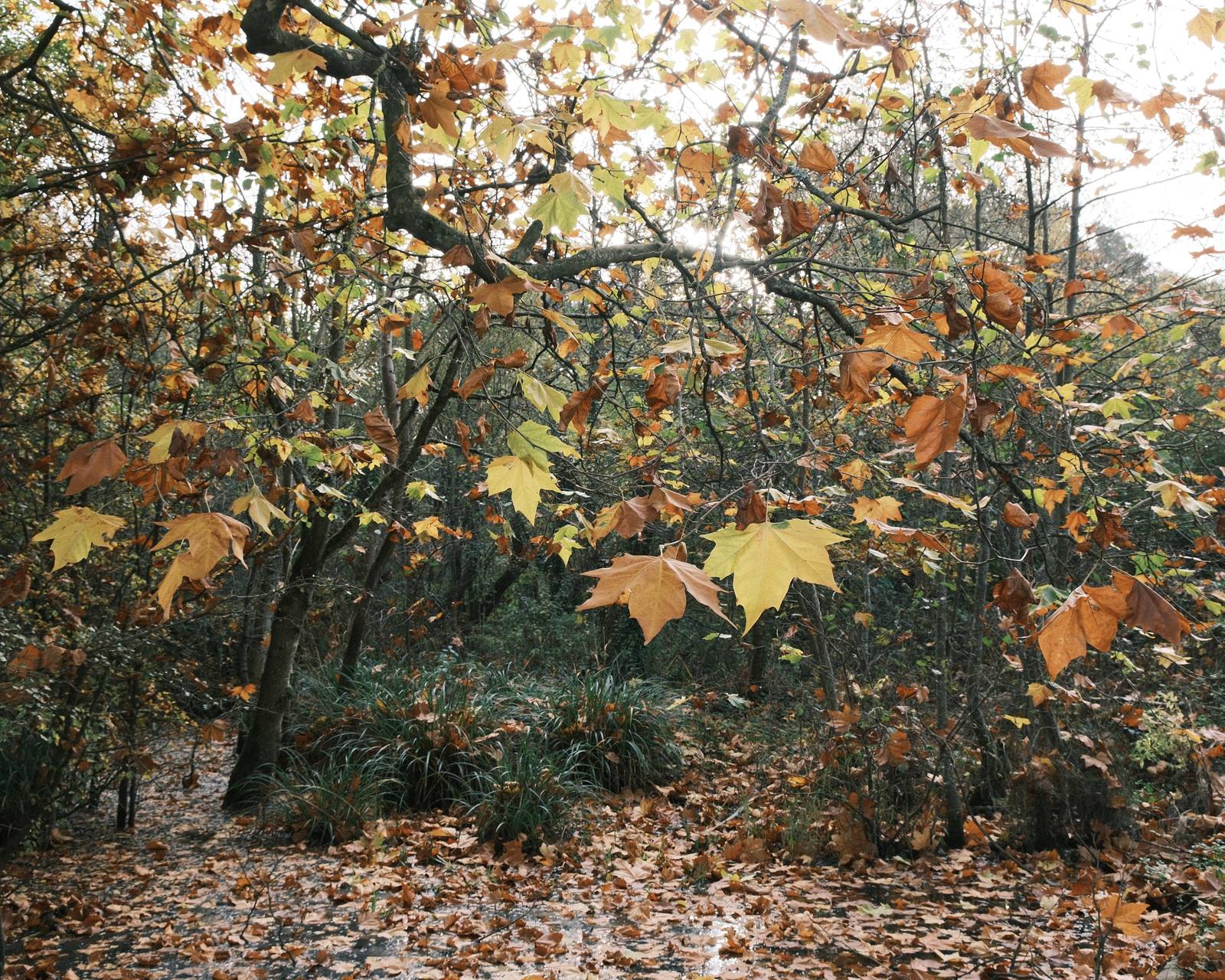
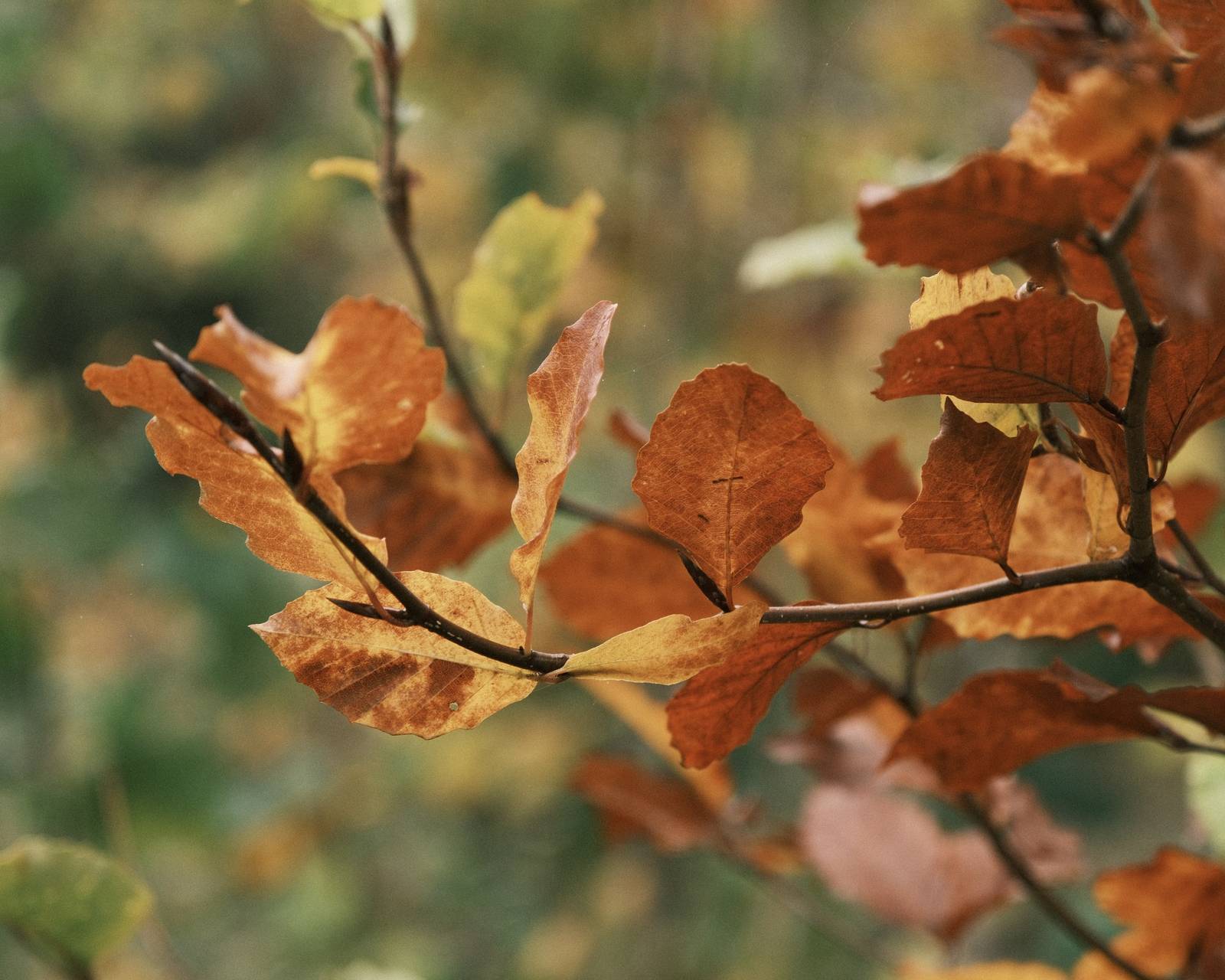
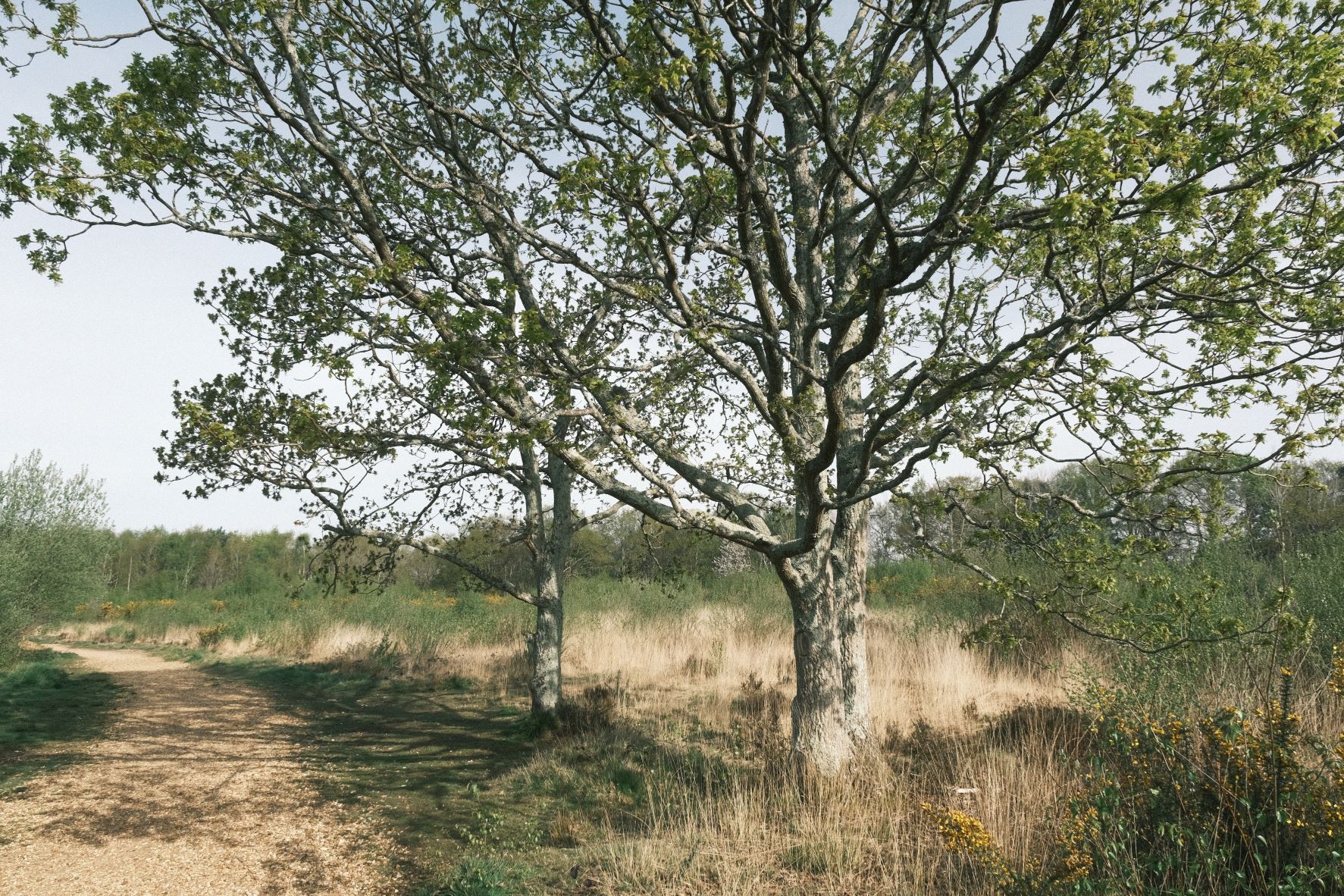
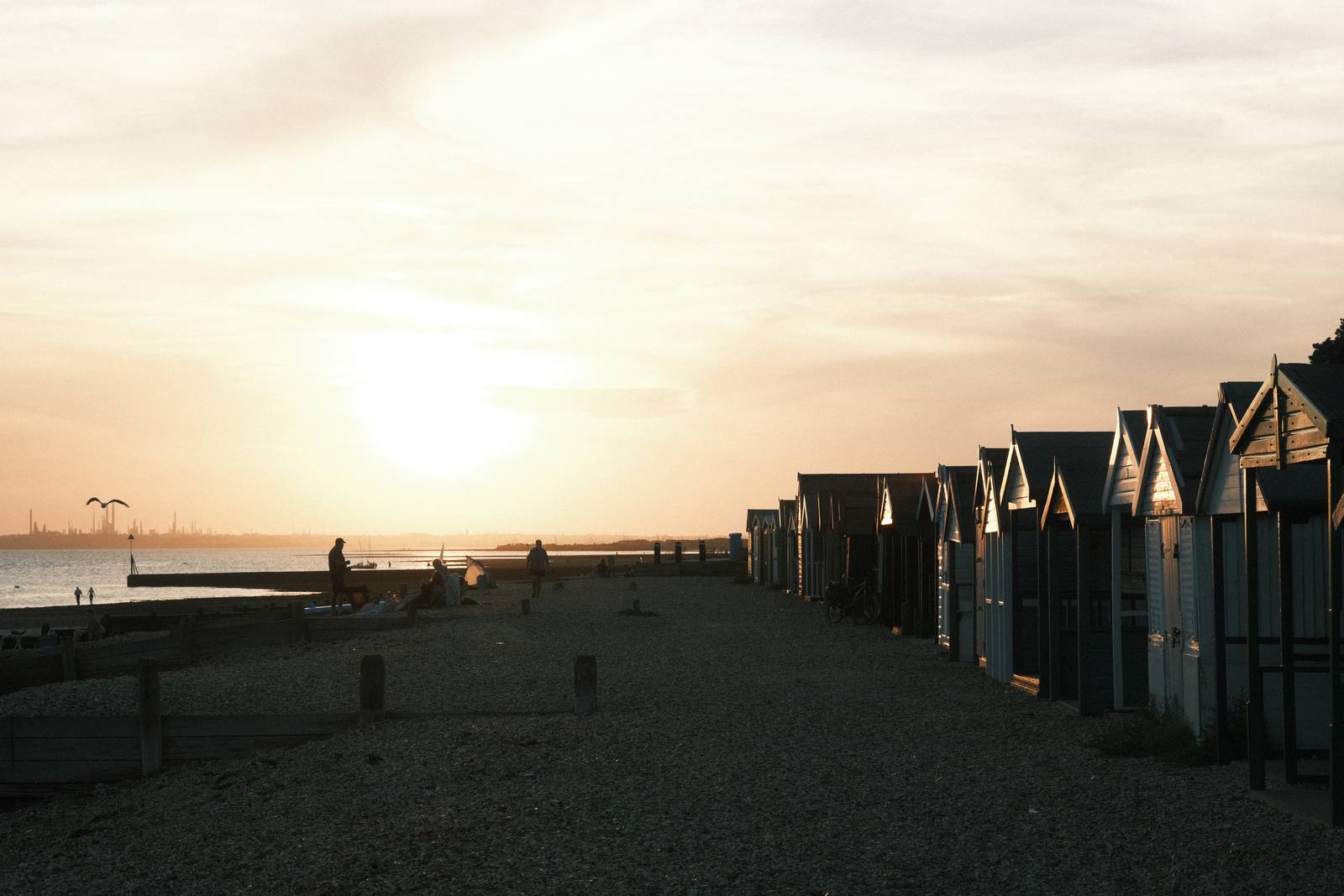
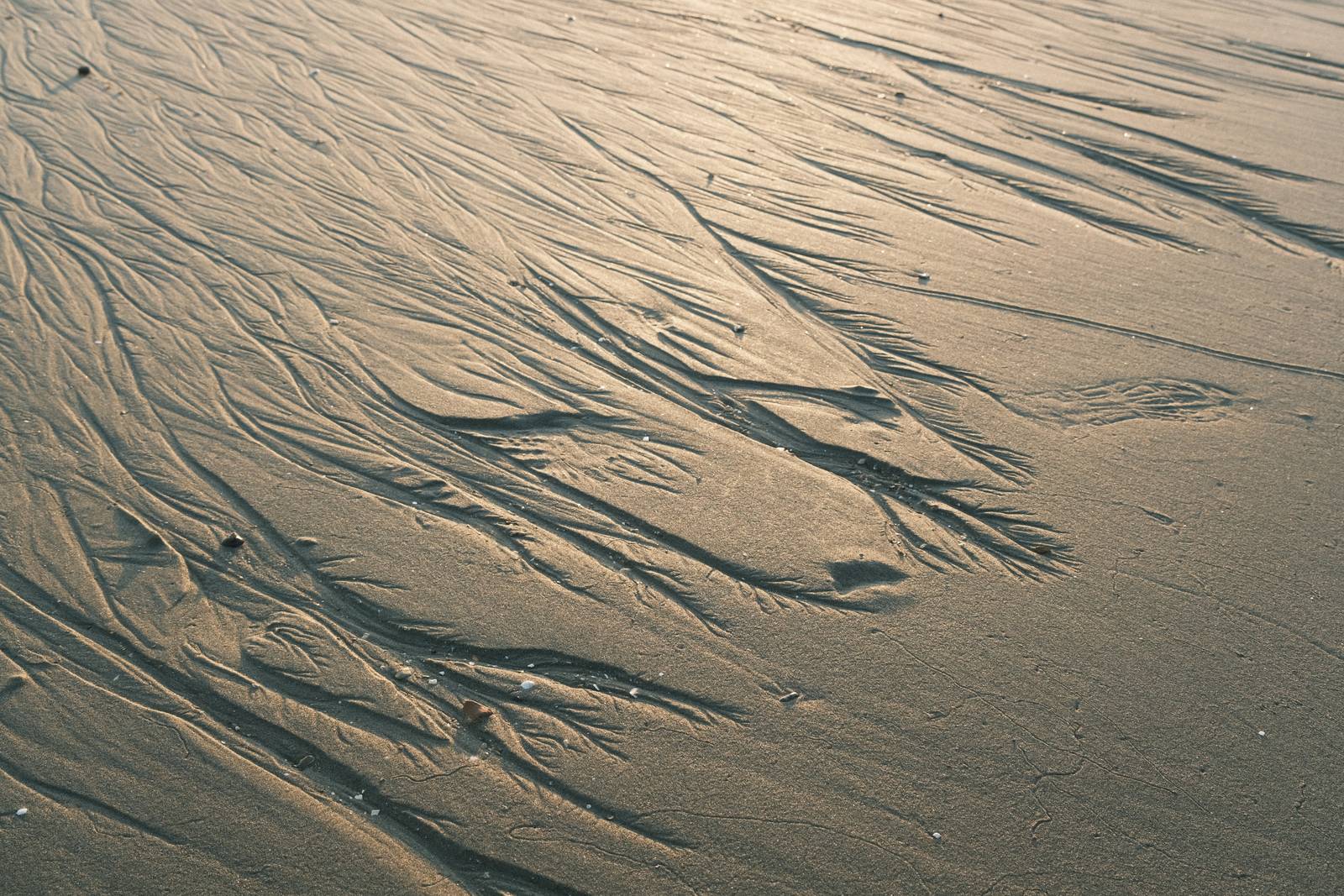
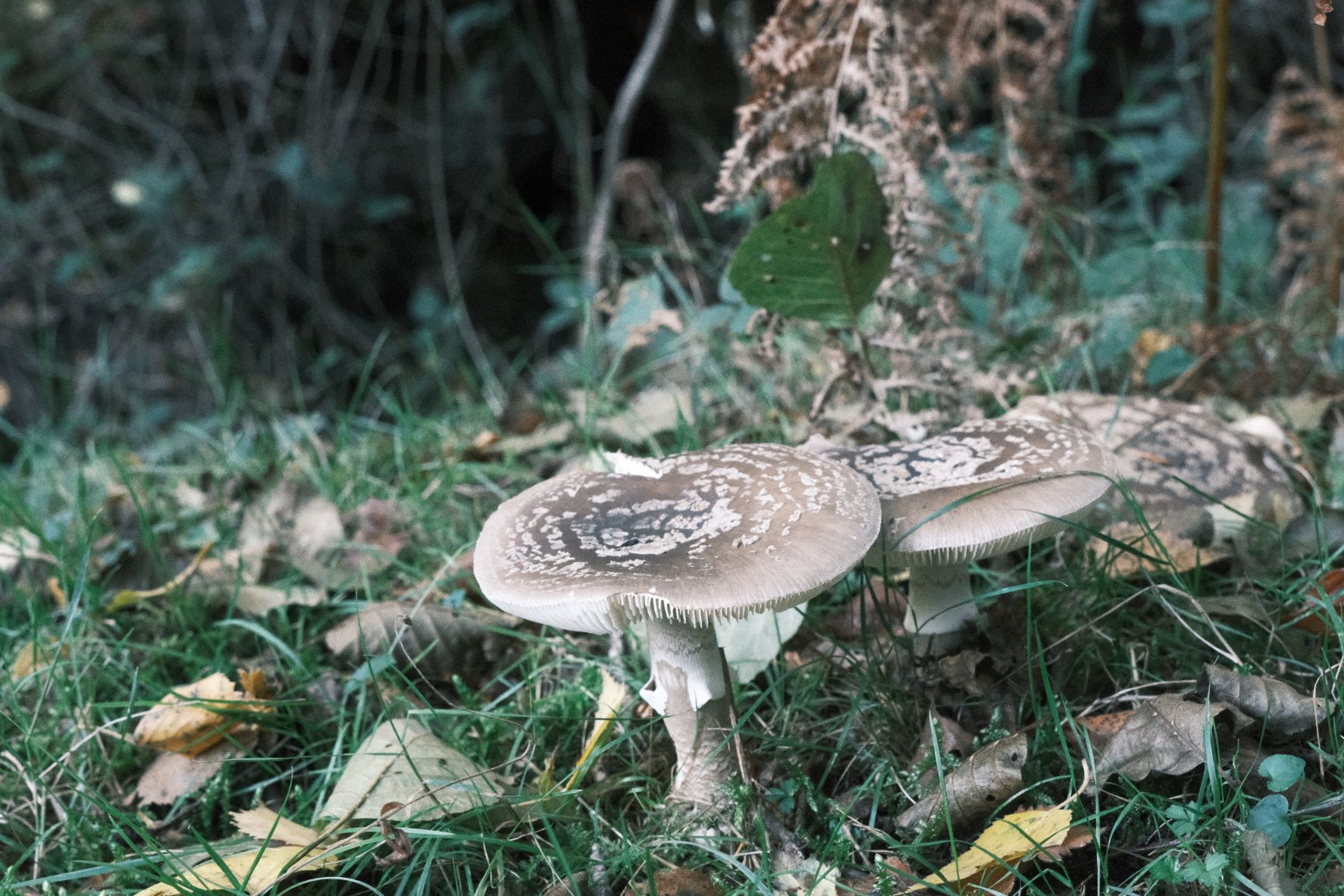
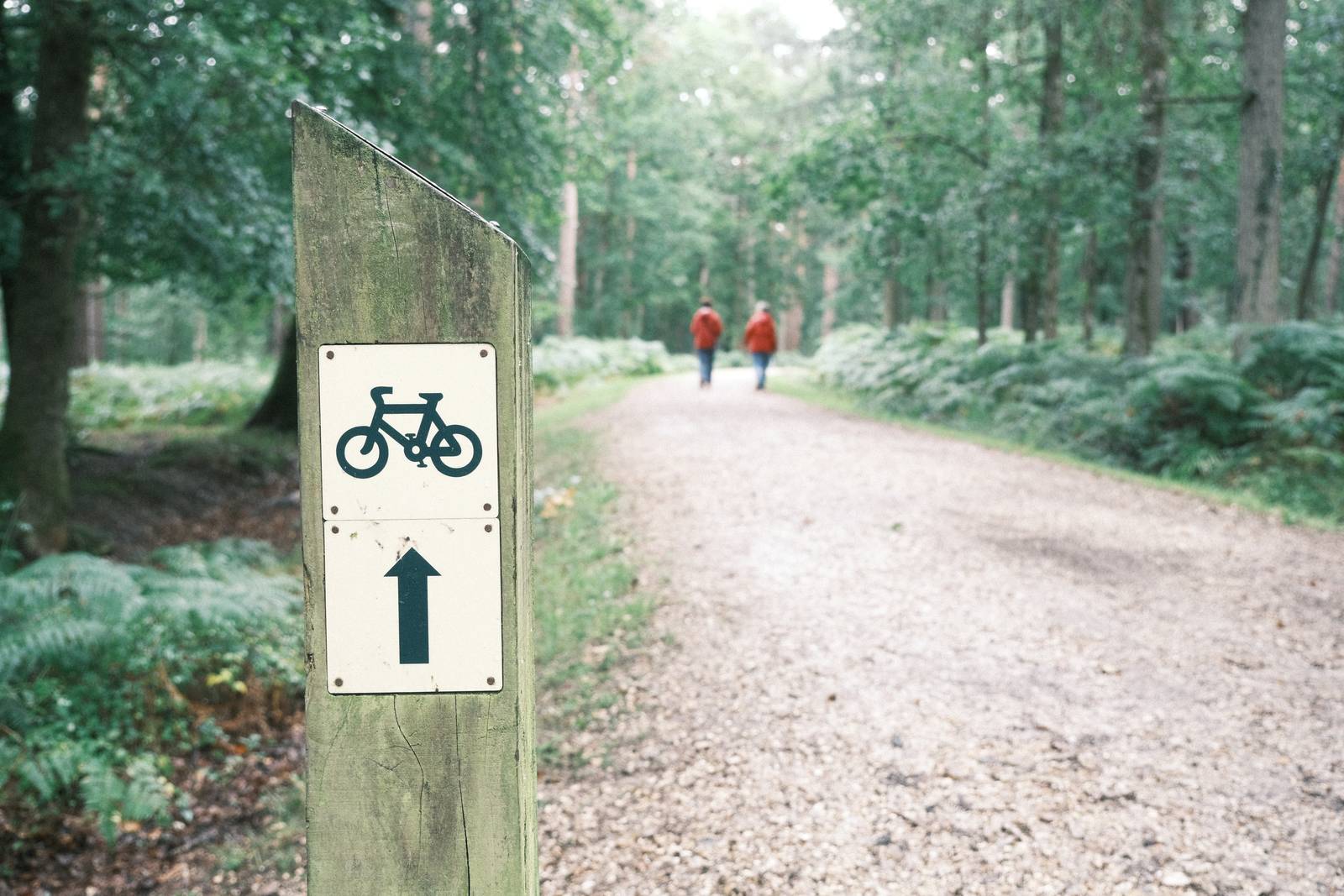
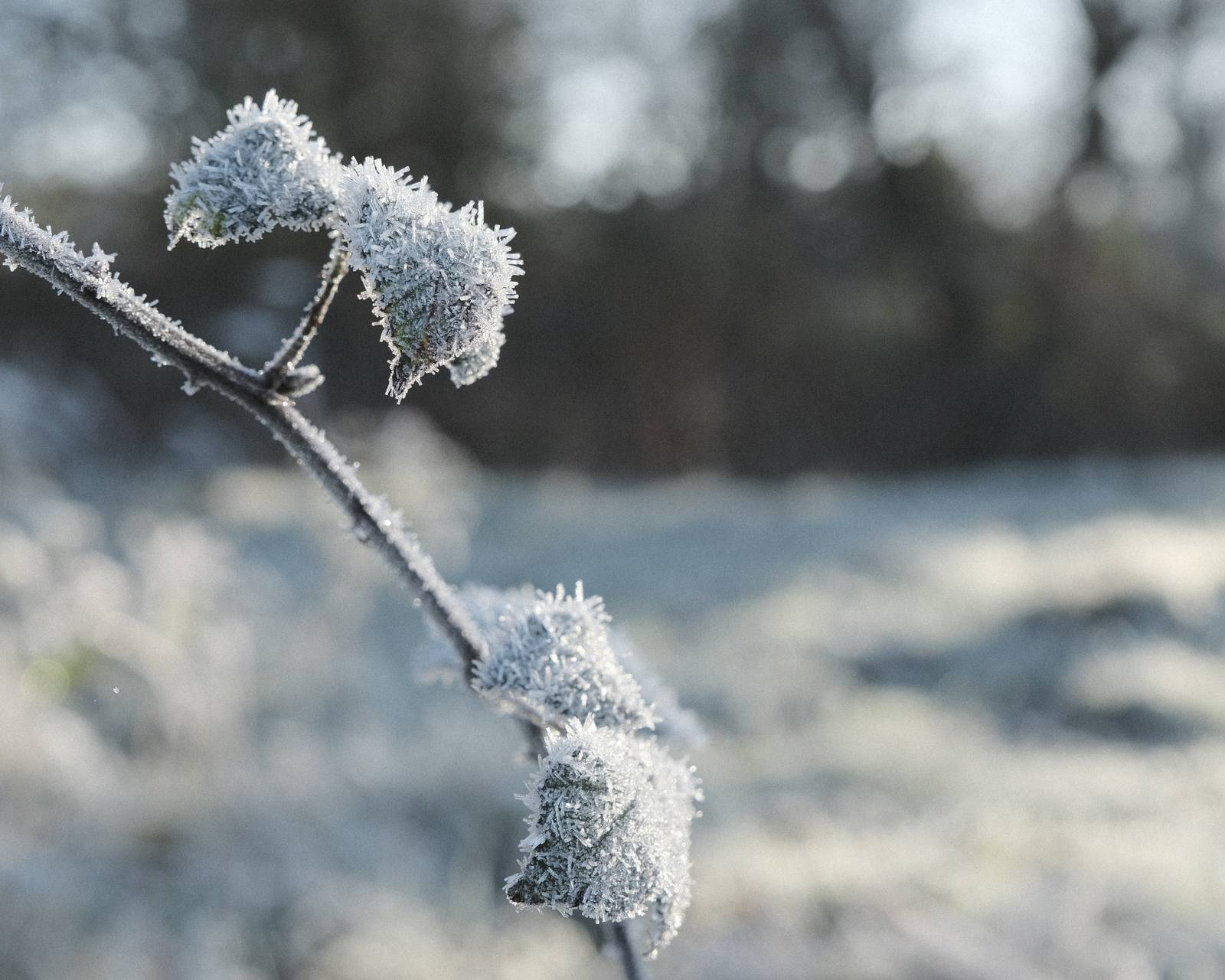
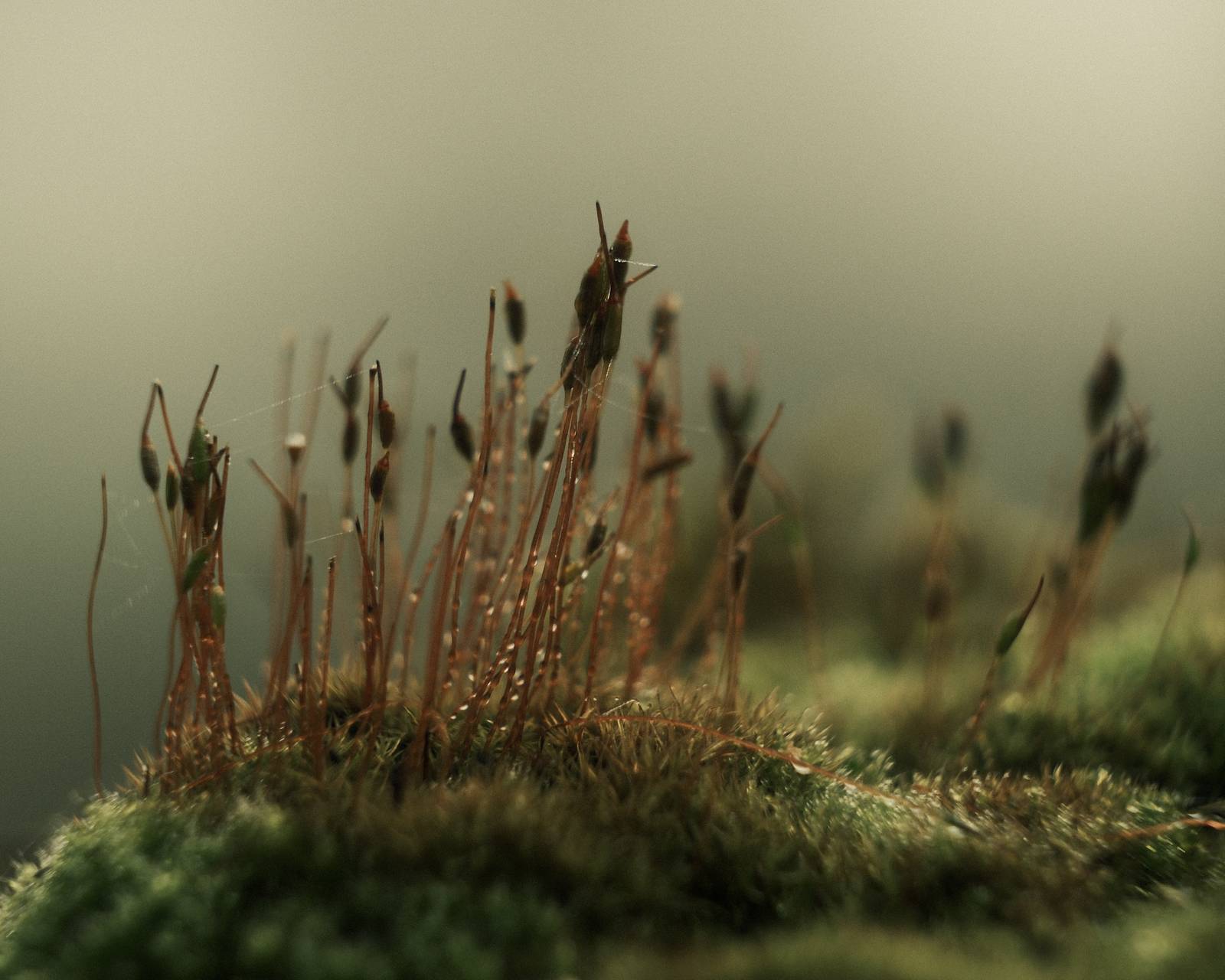
Fujicolor Superia Film Recipe: Sample Photos

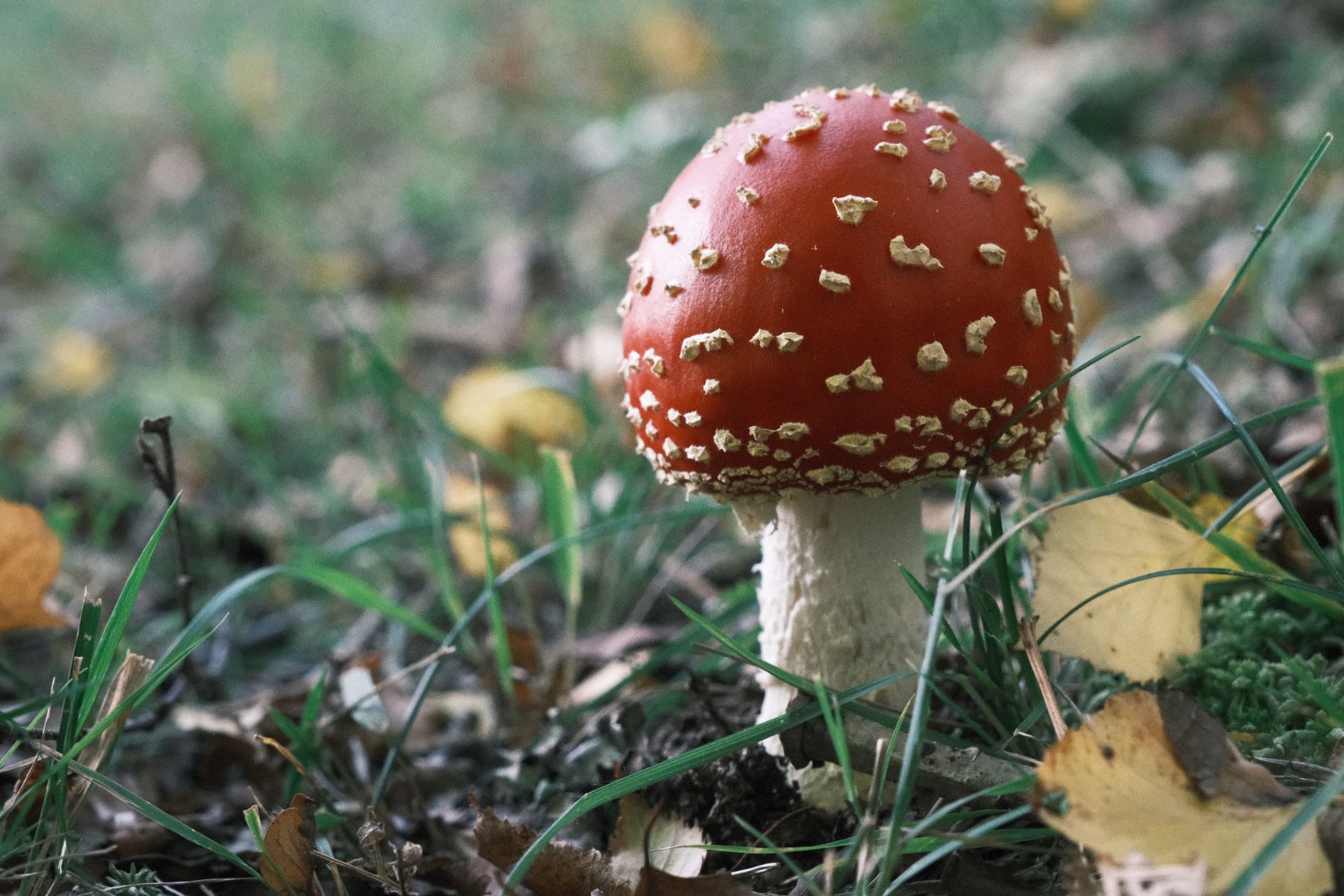
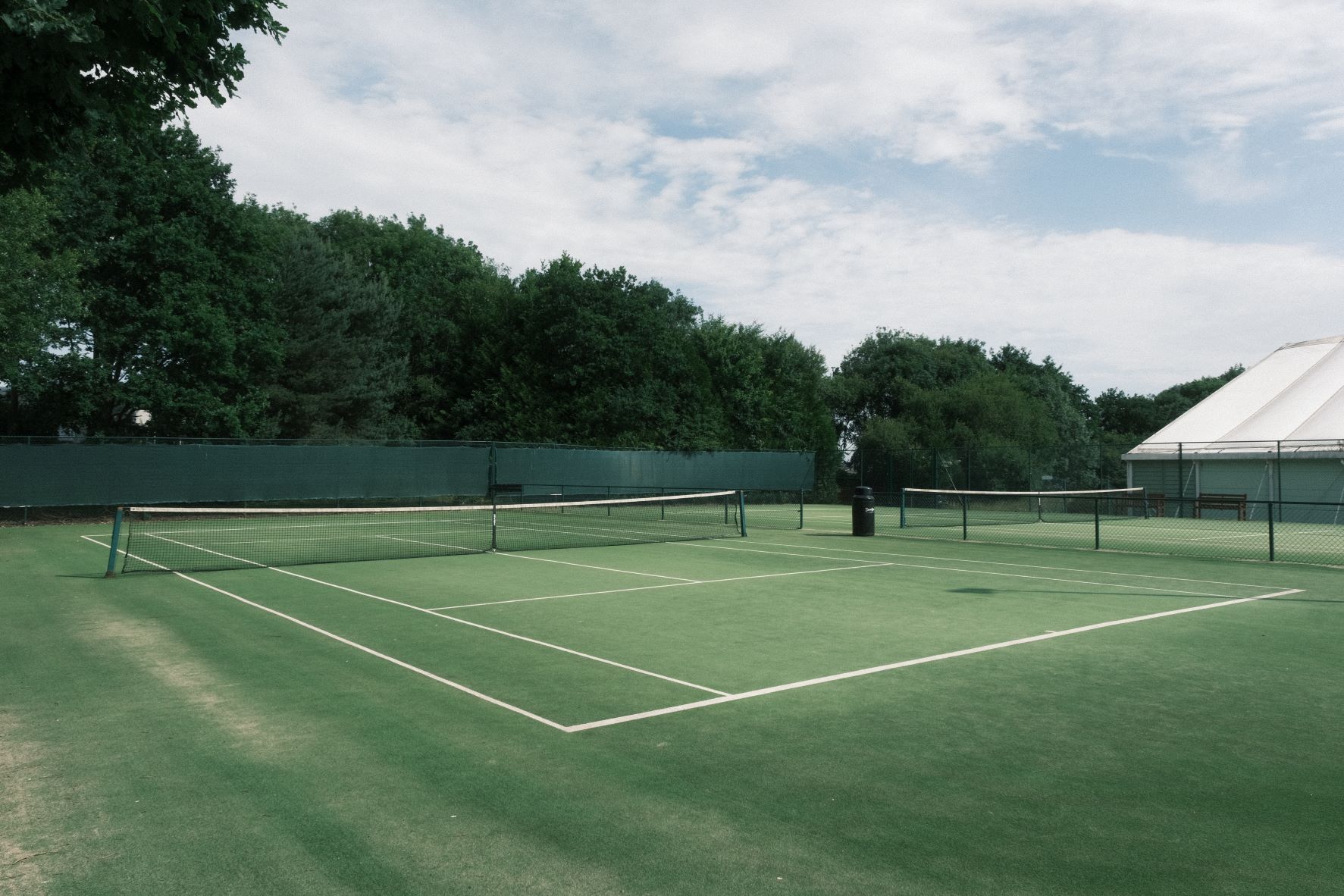

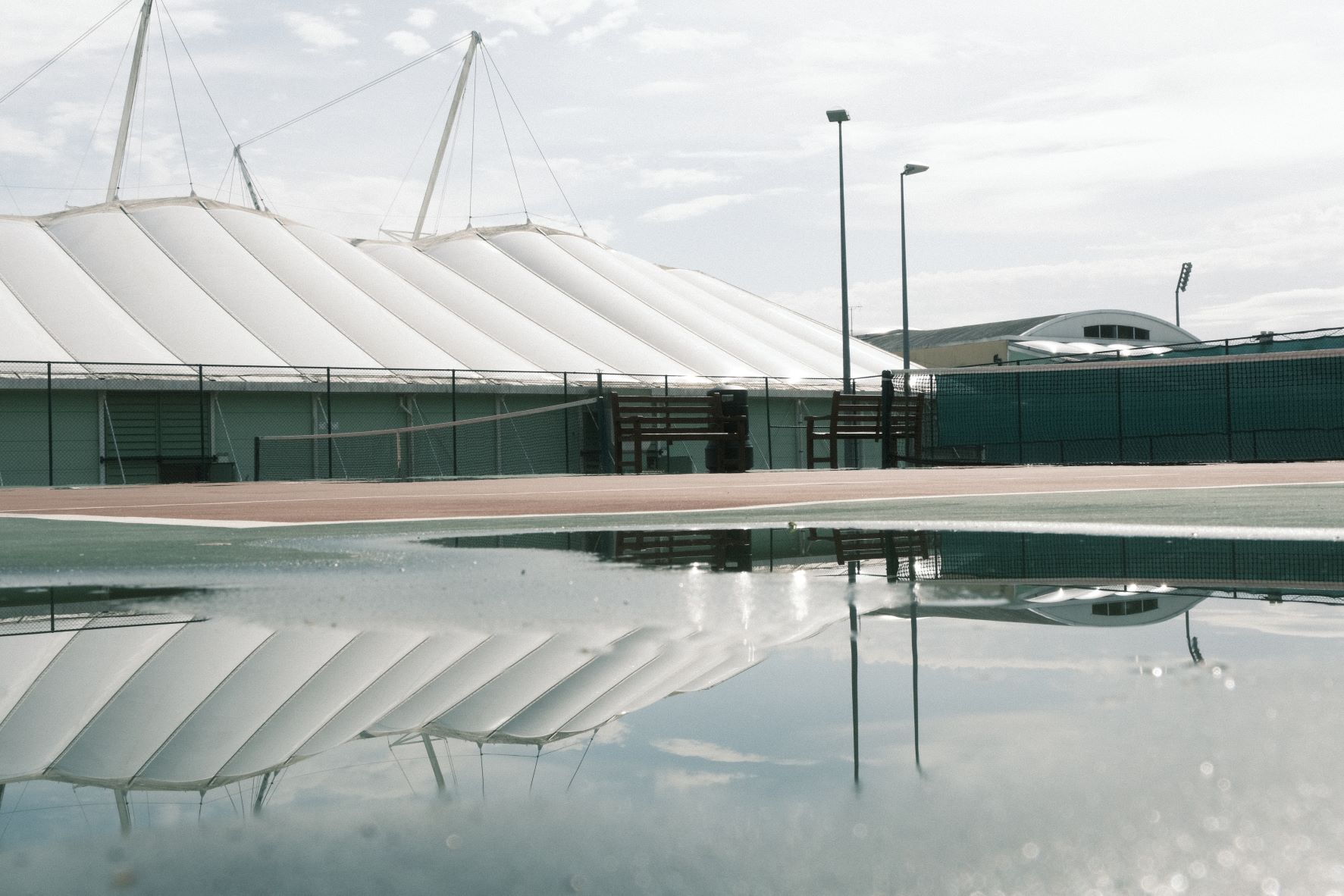


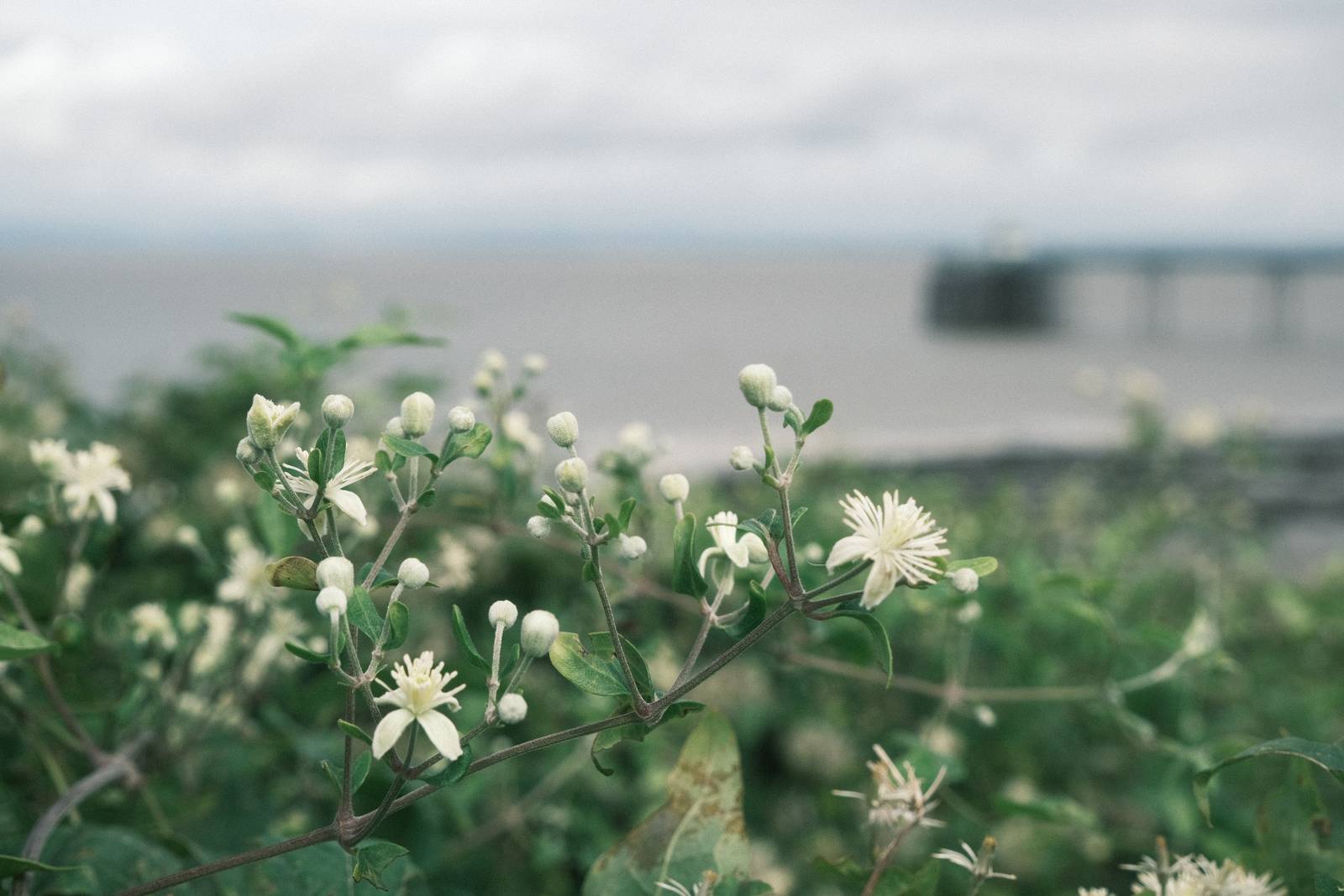
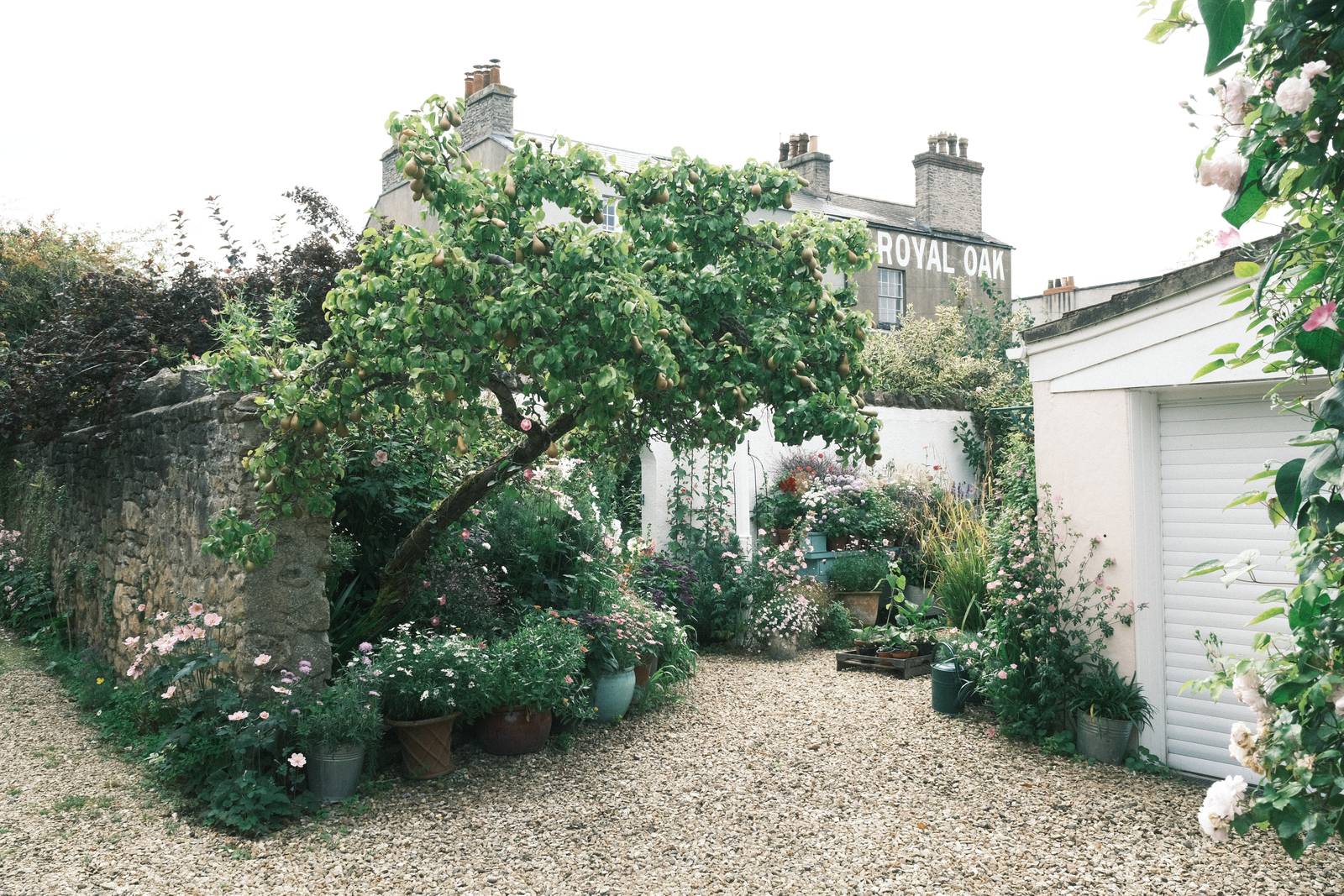
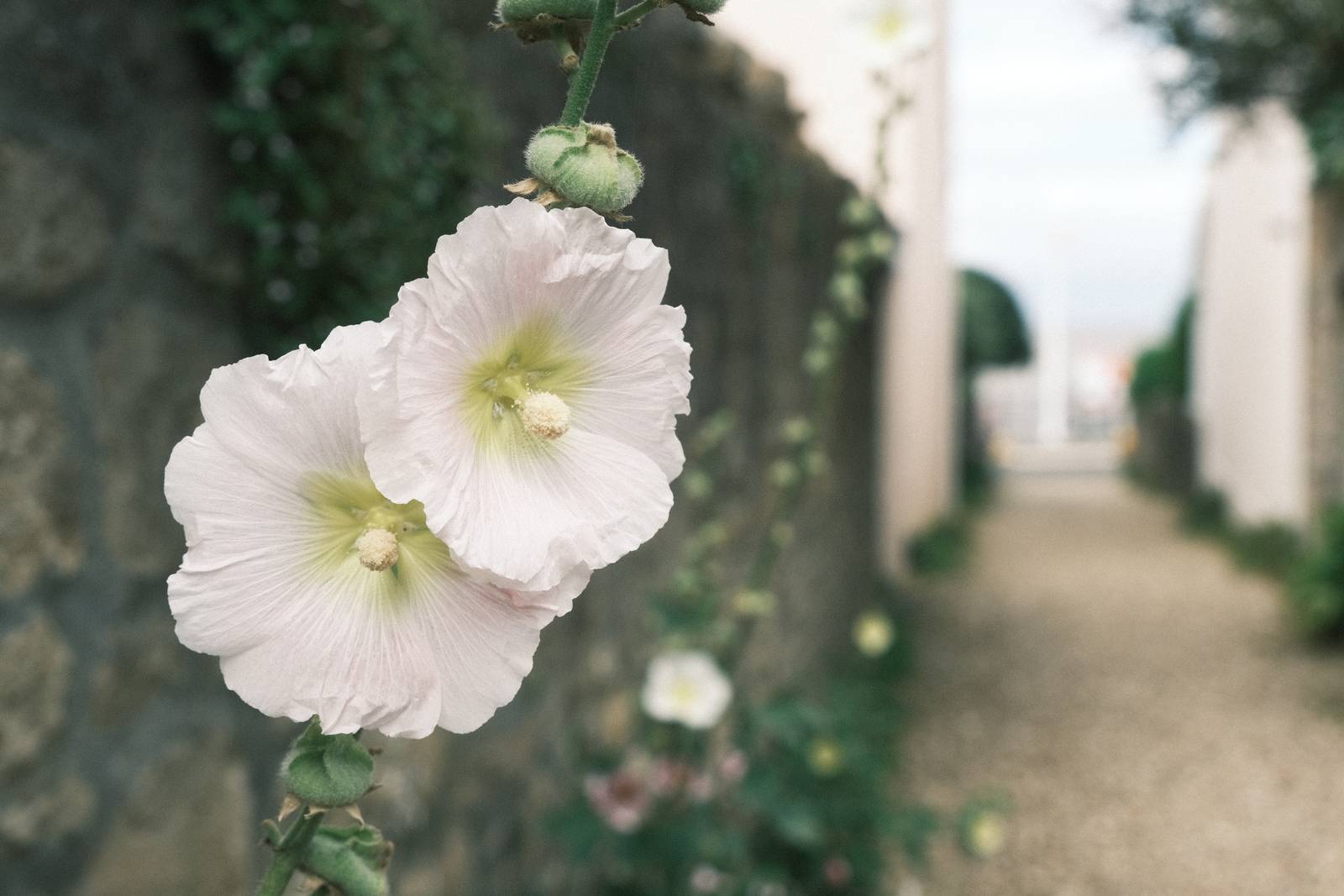
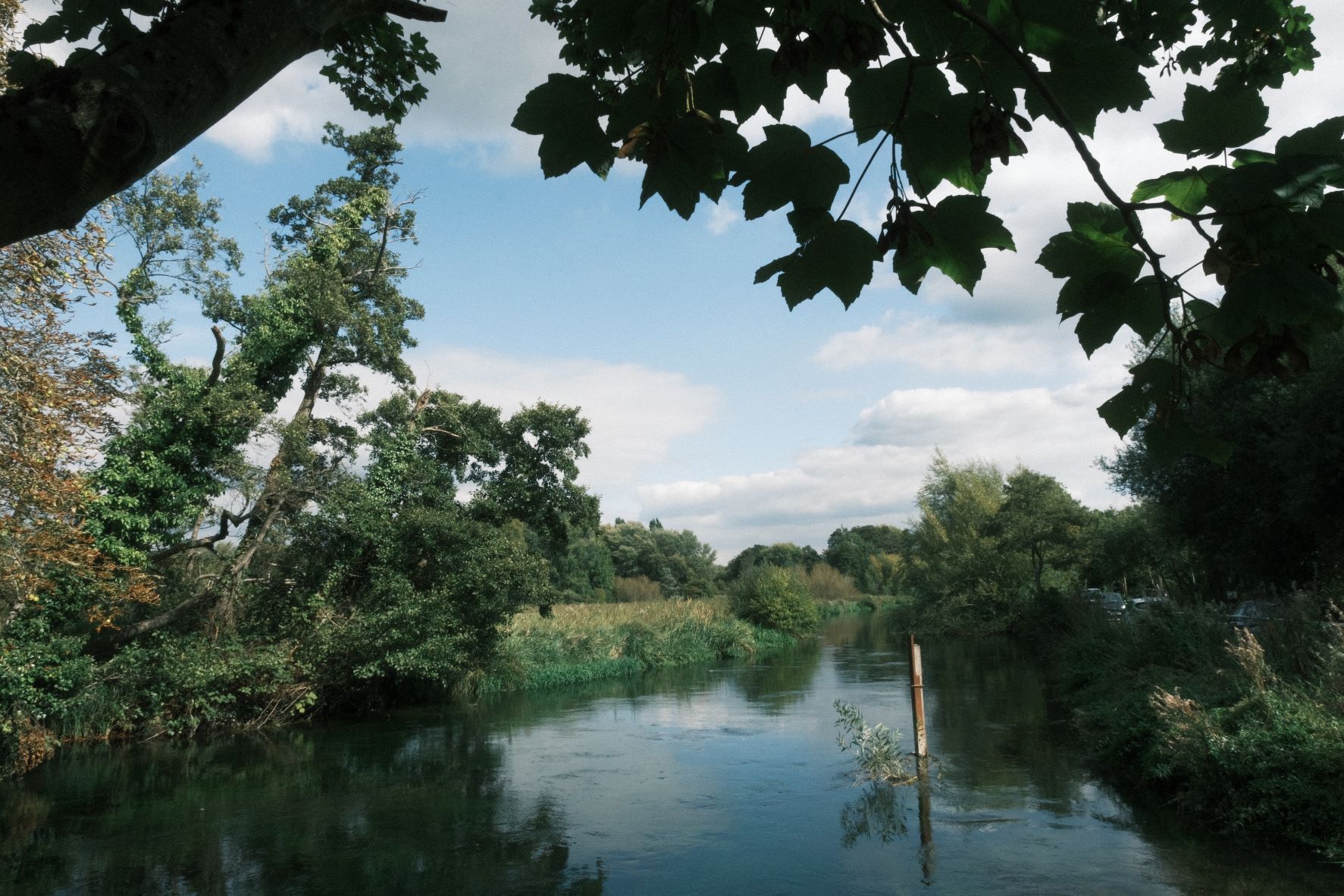
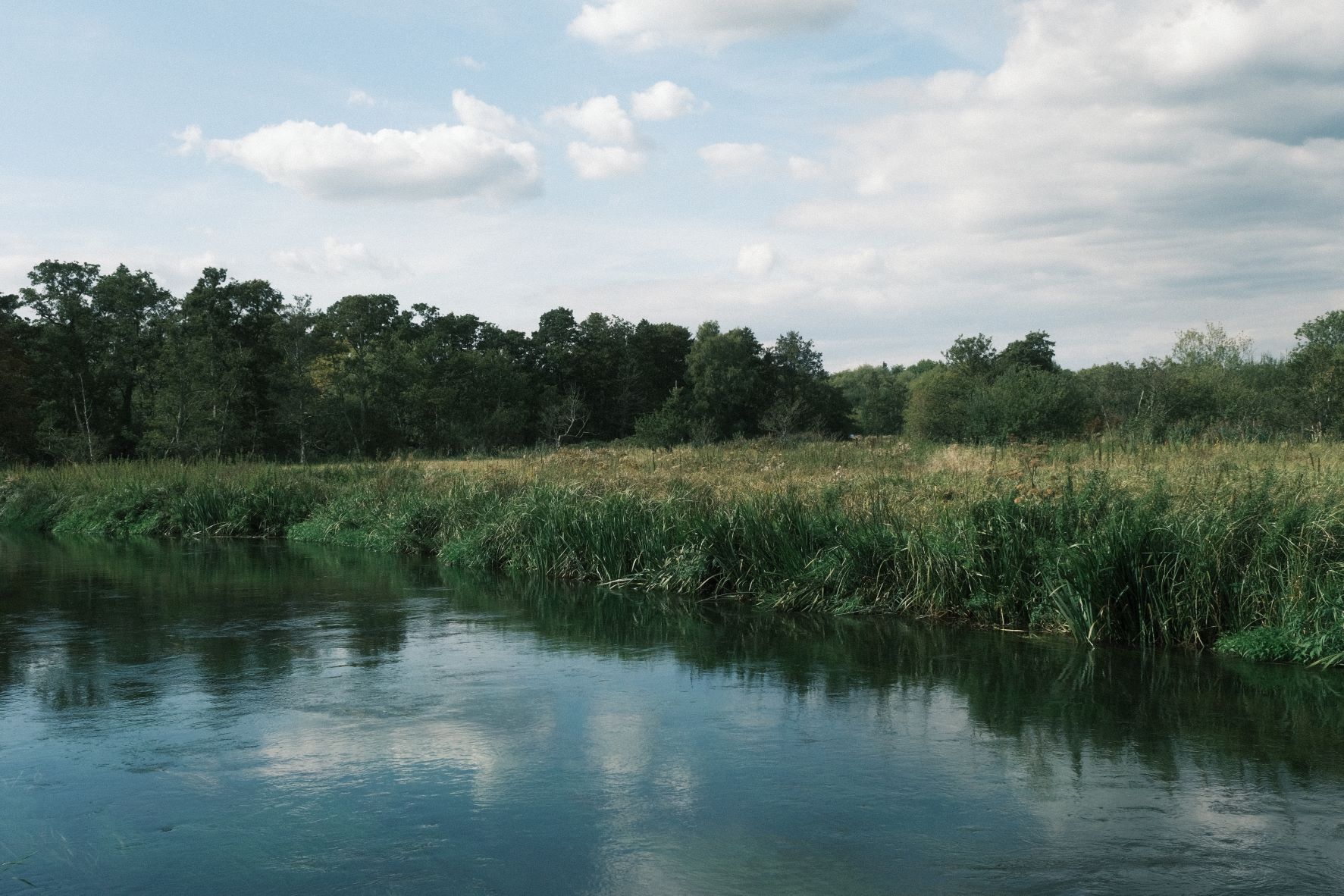
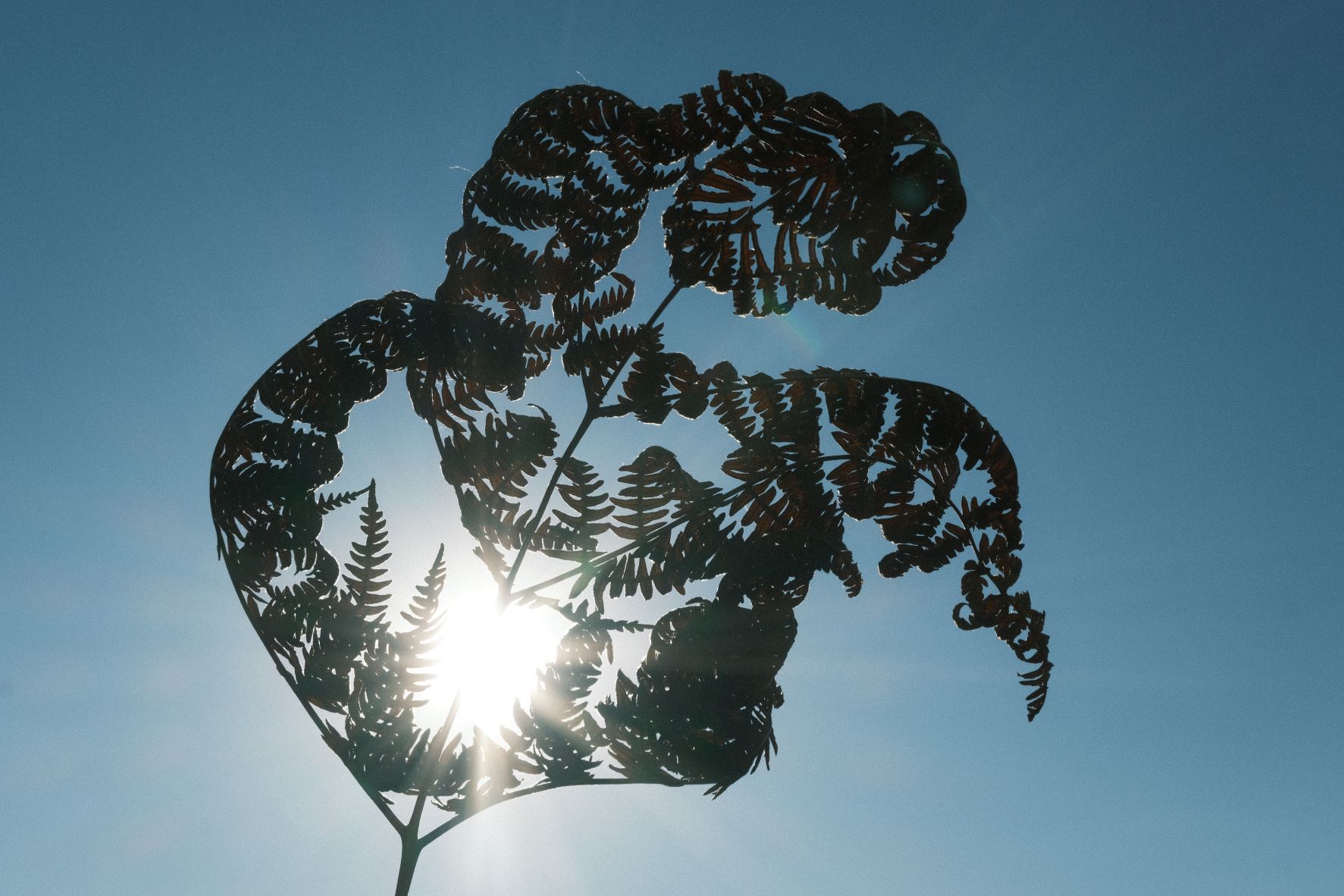
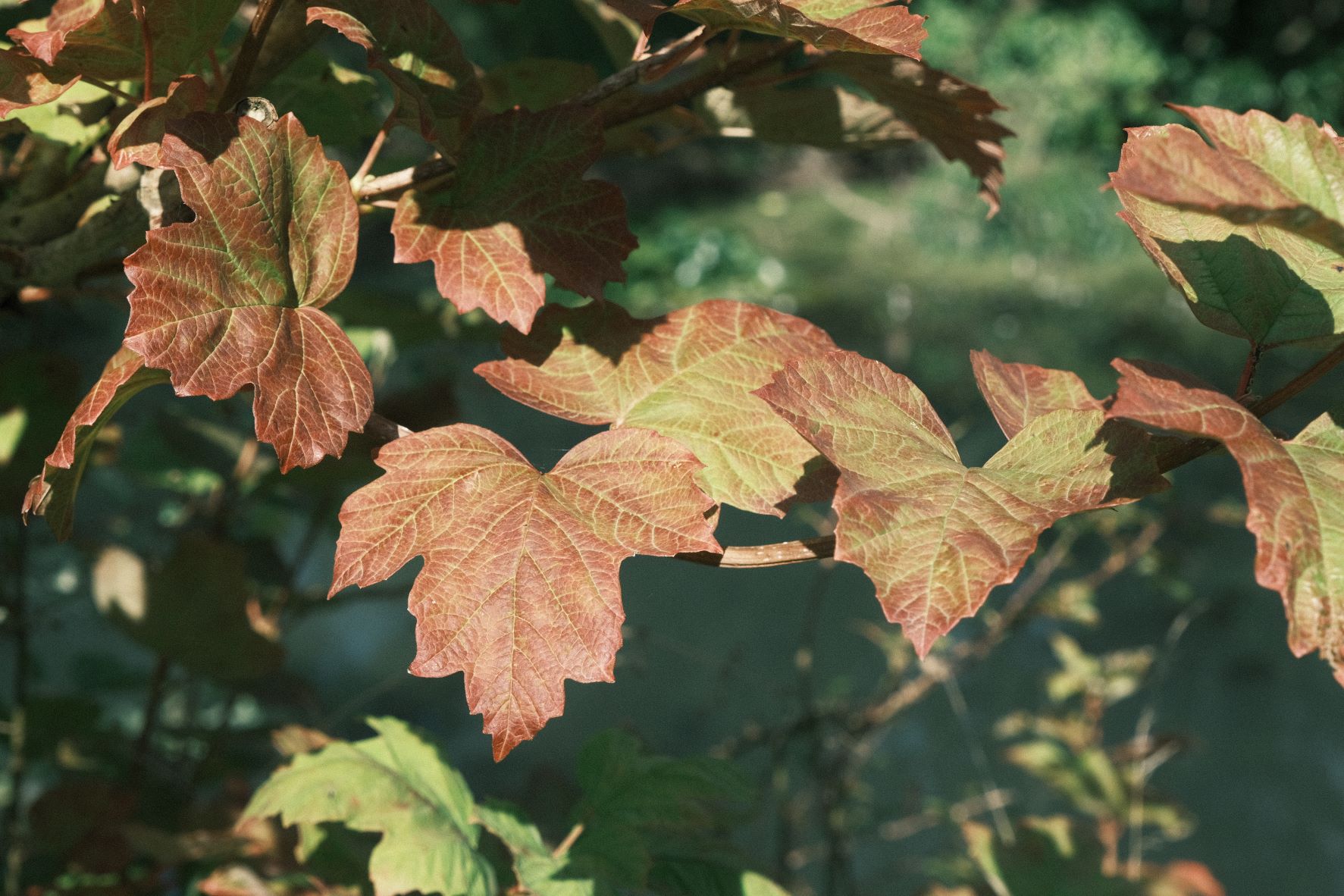
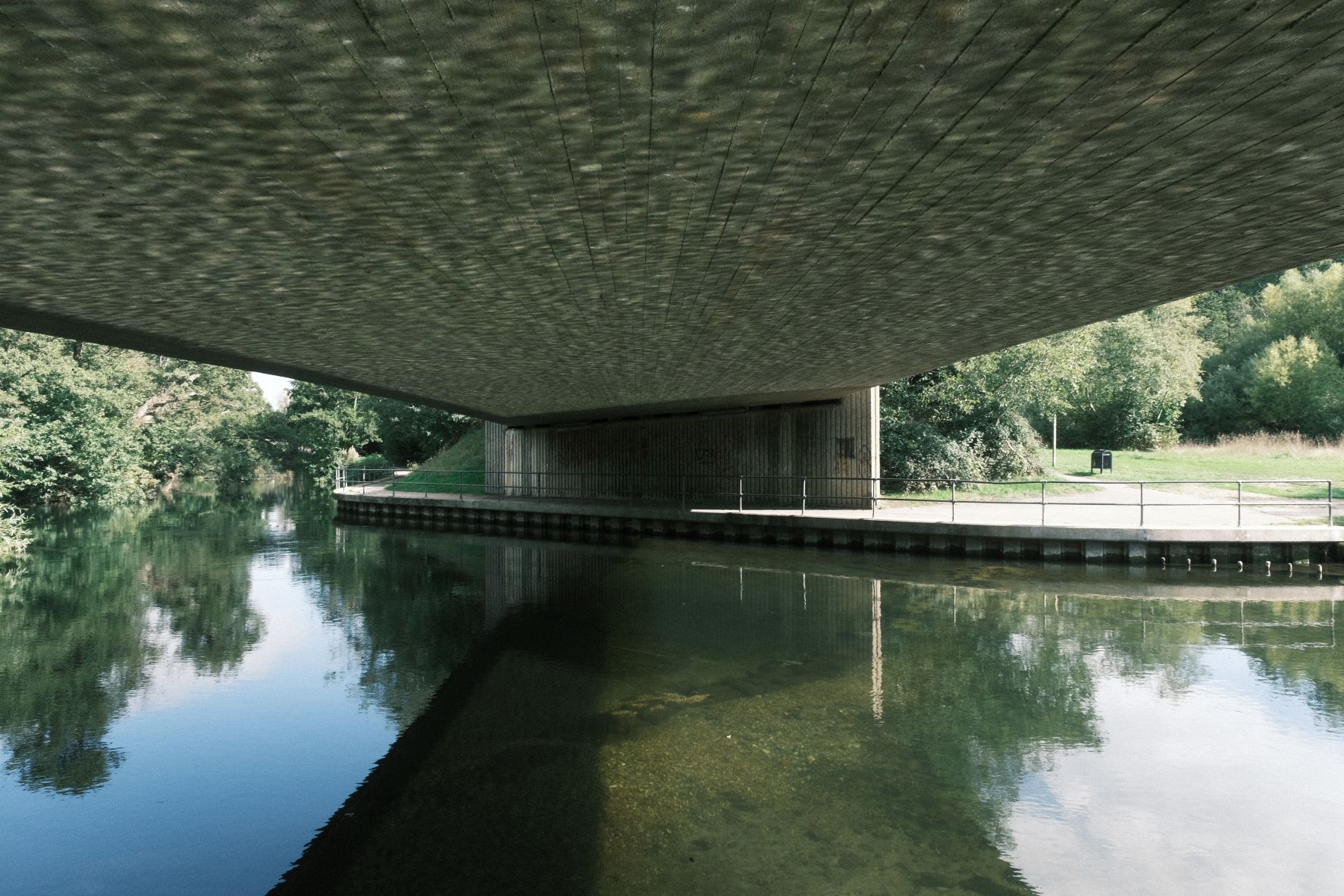
Using the Fujicolor Superia Film Recipe
Each film simulation recipe has its own character and style. These features mean recipes are more suited to certain situations, or when seeking a particular look. Here are the categories that Fujicolor Superia has been tagged with.




Leave a Reply